




© ROOT-NATION.com - Use of content is permitted with a backlink.
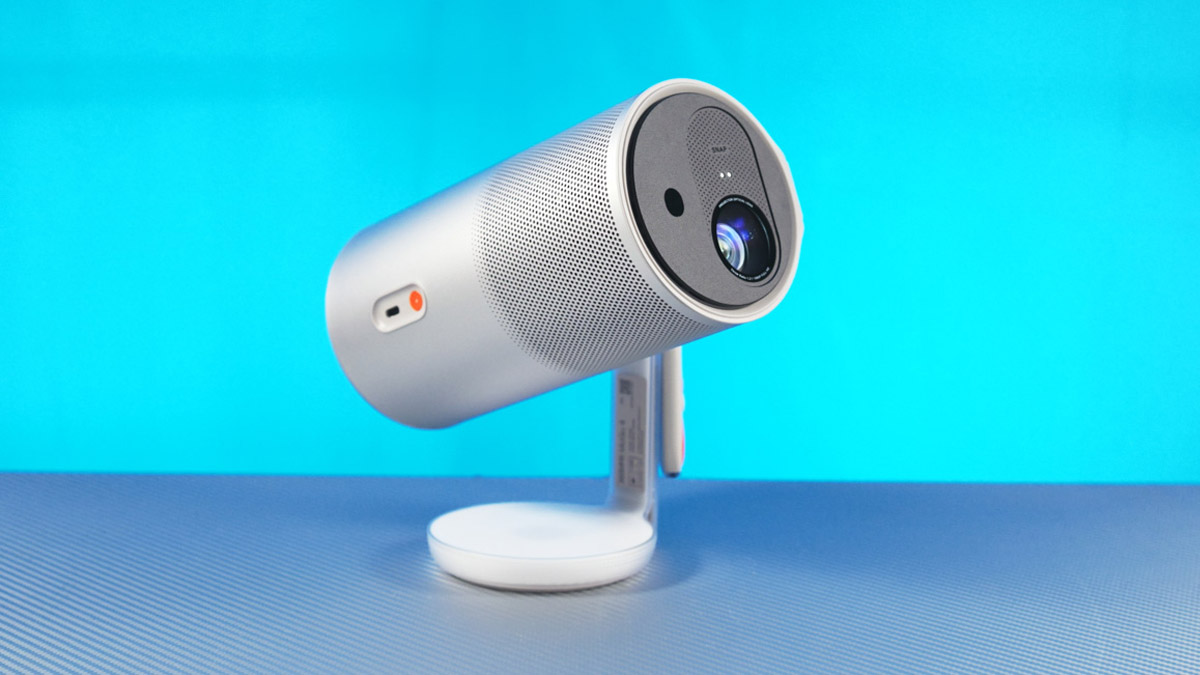
Ever since I first became familiar with the compact battery-powered projector format featuring a built-in stand, I’ve really wanted to own one. And since the XGIMI MoGo 4 arrived in a special configuration – clearly tailored for reviewers or streamers – that desire has only grown stronger.

That said, I can’t claim the projector is entirely without flaws. Interestingly, though, most of its shortcomings are not within the device itself, but rather around it.
TABLE OF CONTENTS:
XGIMI MoGo 4 (Exclusive Creative Set) video review
Technical specifications
- Colour brightness: 450 Lm
- Physical resolution: 1920×1080
- Screen diagonal: 40-200″ m
- Light source: LED
- Lamp type: 0.23″ DMD
- Interfaces and video signals: USB Type-C, PD3.0 support), HDMI (ARC support)
- USB Type-A
- Wireless capabilities: Bluetooth 5.1, Wi-Fi 5
- Operating system: Google TV
- Noise level: up to 28 dBA at 1 m
- Dimensions: 207.6×96.5×96.5 mm
- Weight: 1.31 kg
- Warranty: 12 months
Price and package contents
One drawback worth mentioning is the price – nearly $900 in official stores. However, there are two important points to note. First, the MoGo 4 is arguably one of the most advanced battery-powered projectors currently available. Second, that price applies specifically to the XGIMI MoGo 4 Exclusive Creative Set.
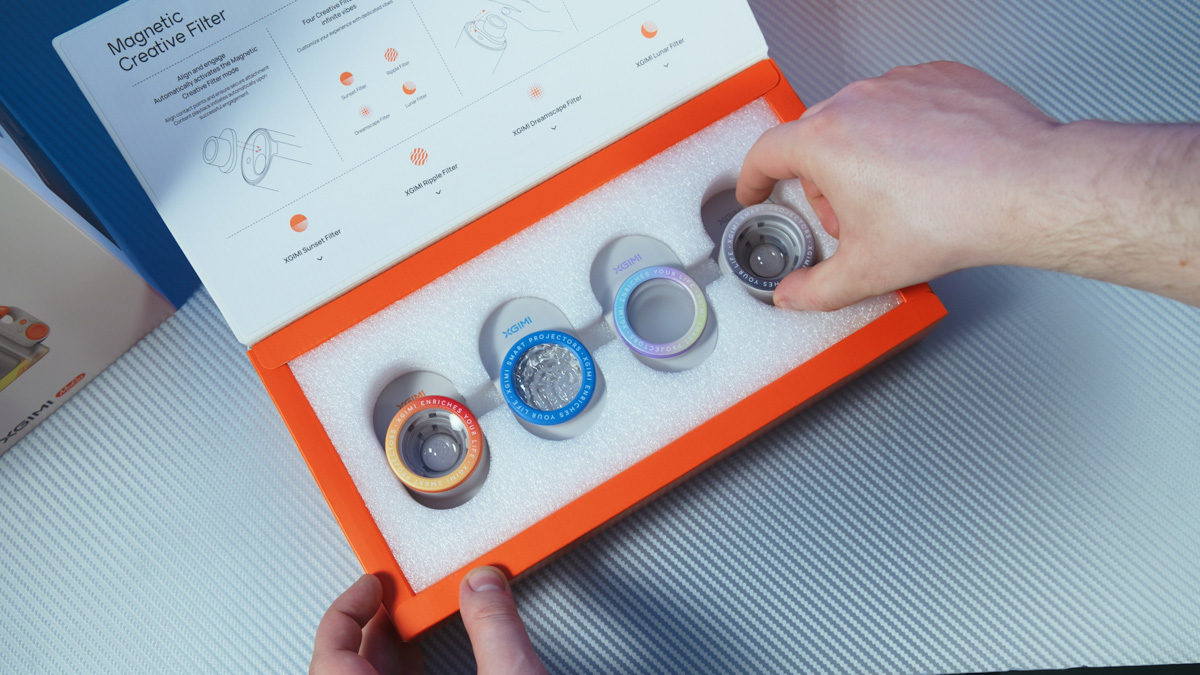
What’s included in the set? In addition to the projector and its standard accessories, the package comes with four magnetic filters: Sunset, Waves, Moonlight, and Dreamy Landscape.
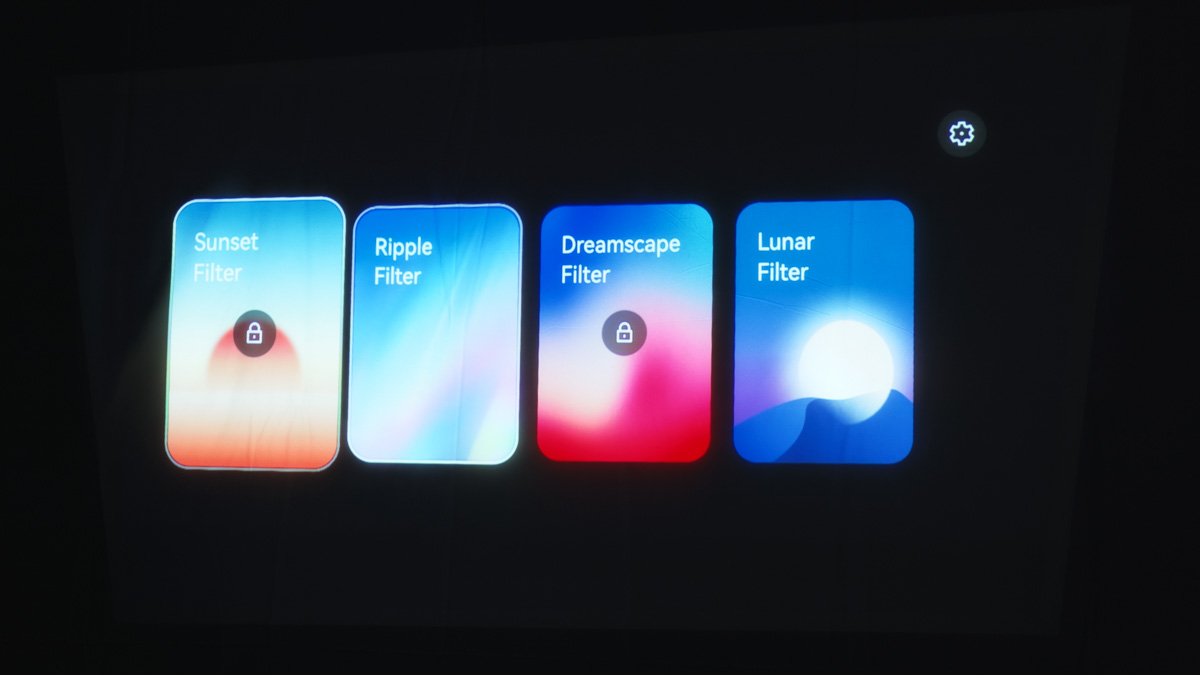
They attach magnetically to the lens, turning the MoGo 4 into an animated, creative ambient light source. The effects can be switched with a hand gesture in front of the lens, and the device also features an Ambient Light mode as well as lighting that syncs with music.
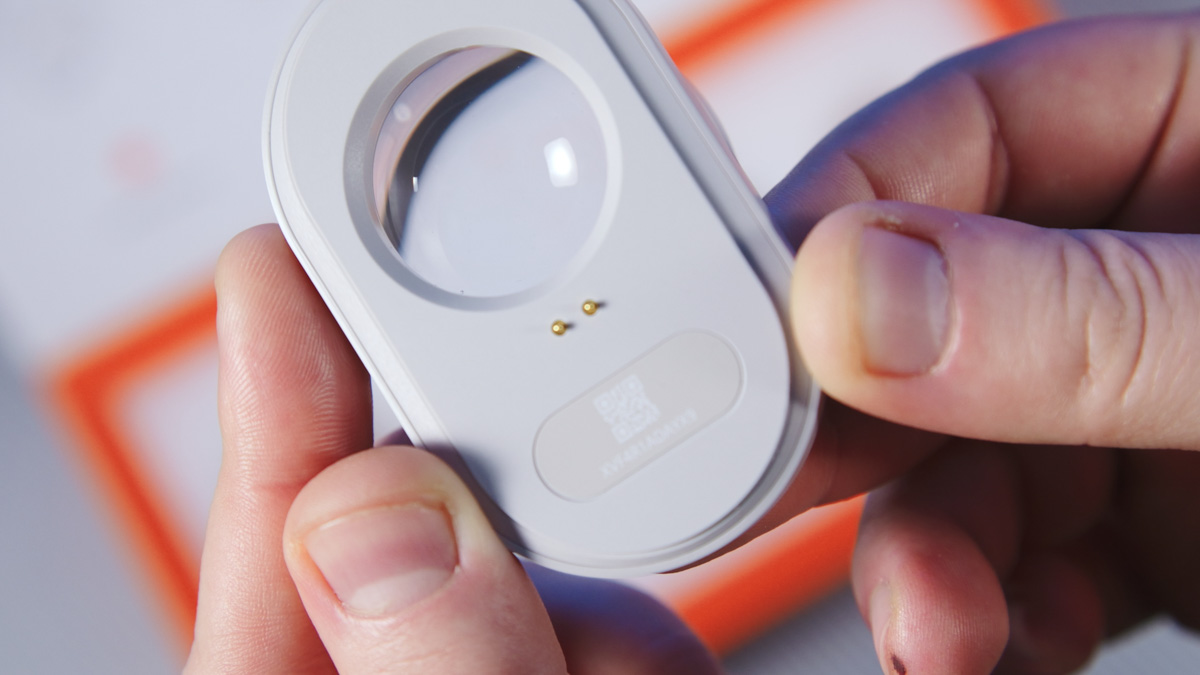
Honestly, this feature could warrant a separate review – and we might actually do that. I’ve never seen anything like it before, and it significantly expands the projector’s versatility. I’ve also never encountered a bundled remote control with backlighting.
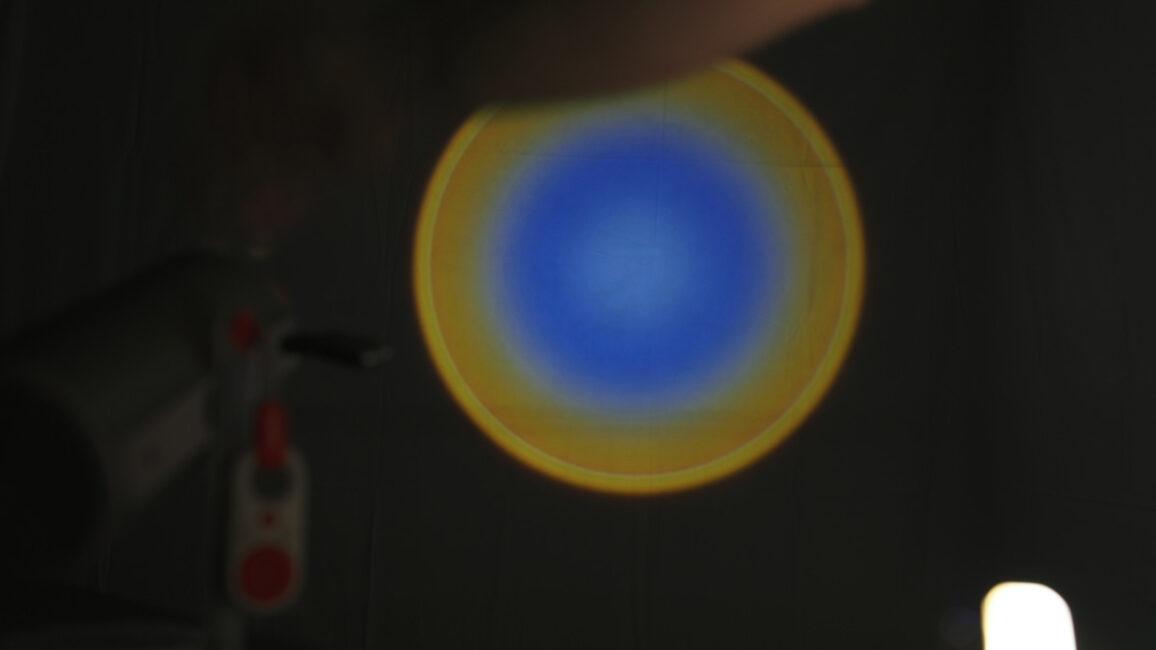
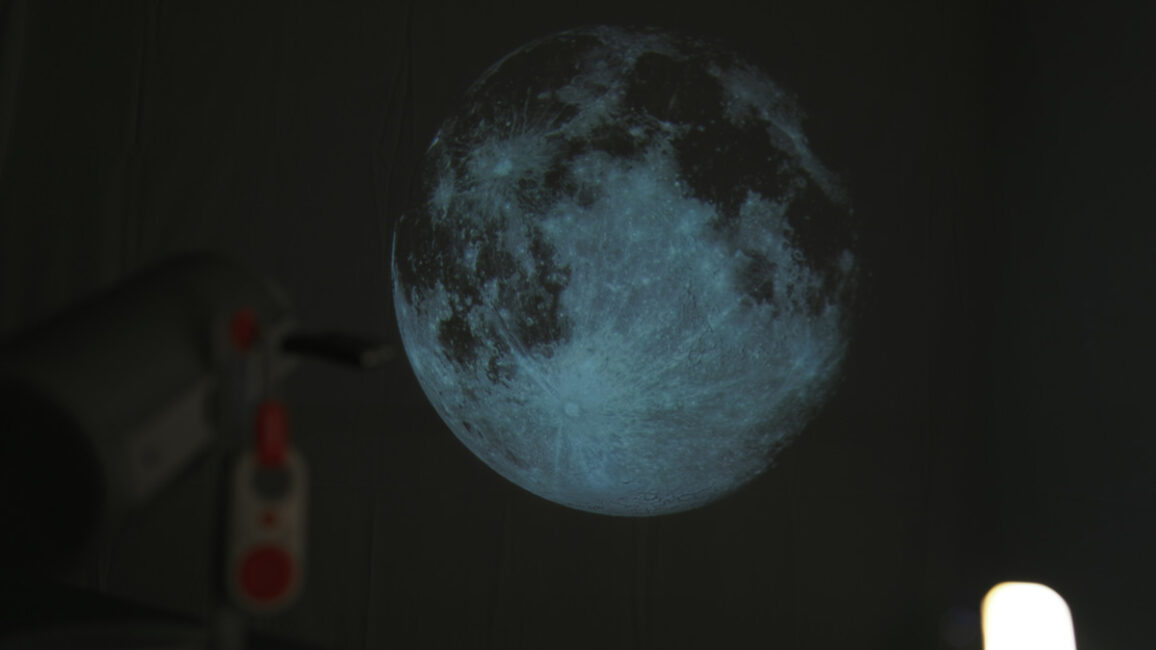
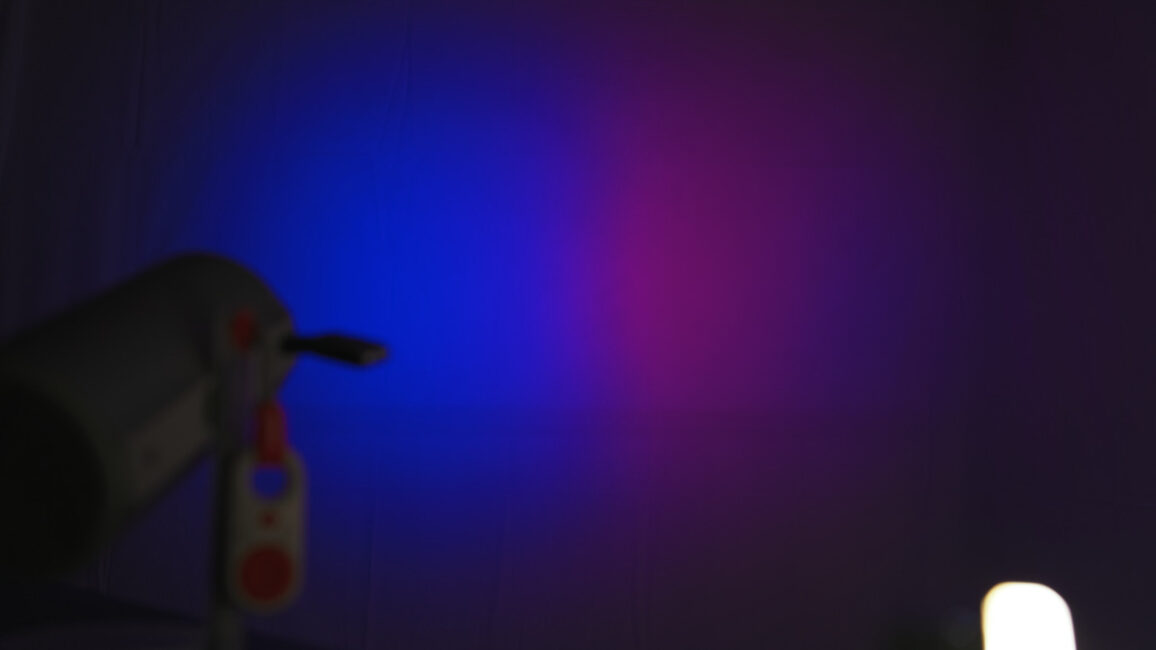
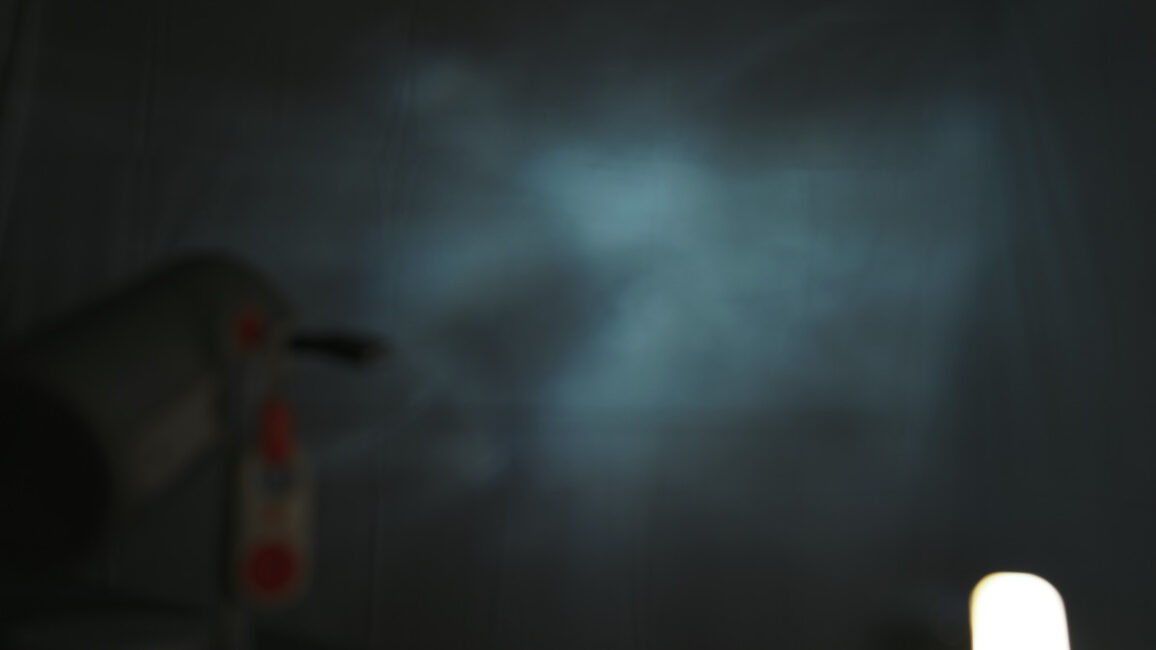
And here it is, activated by a gyroscope!
XGIMI MoGo 4 design
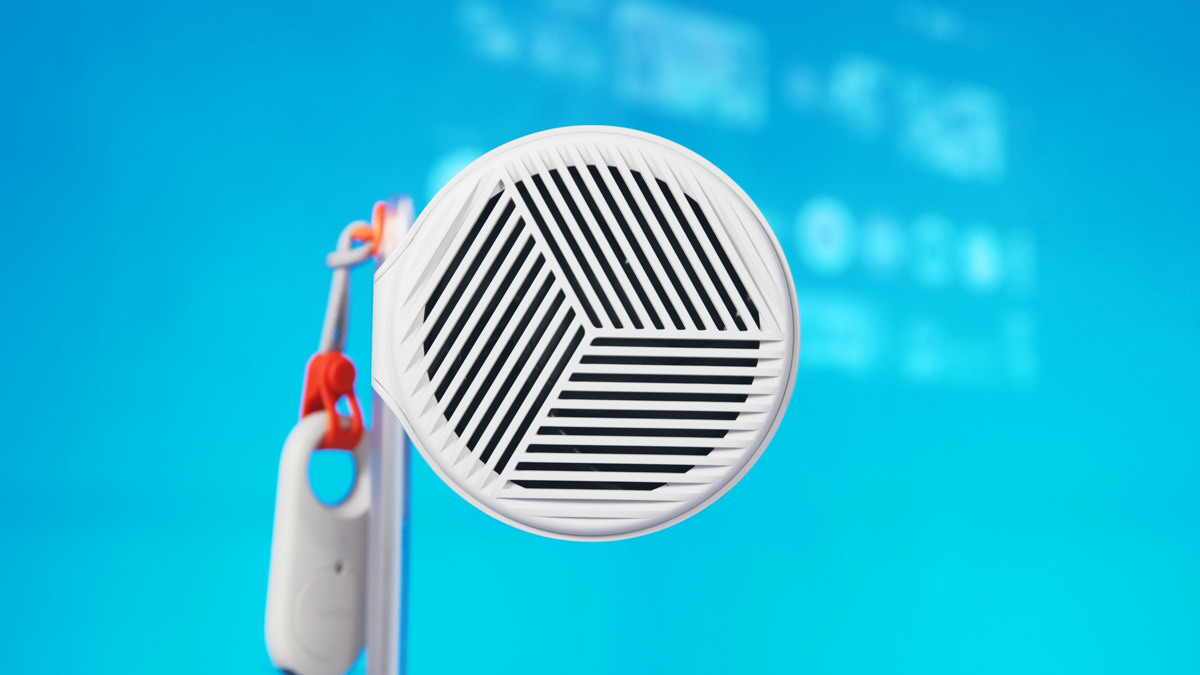
Furthermore, the design of the XGIMI MoGo 4 is so refined and complete that it is not surprising that the manufacturer wants to make the projector an interior element of a modern apartment. The fan grille is interesting, and the shapes are soft. In fact, the projector received the IFA 2025 award for its design.

Yes, there’s a slight play in the elevation mechanism, but given that not all parts are metal, that’s actually more of an advantage – a heavier construction would make it less portable. The MoGo 4 is designed specifically as a portable device, measuring 207×97×97 mm and weighing 1.3 kg. When folded, it remains compact, with most of its sensitive components well protected.
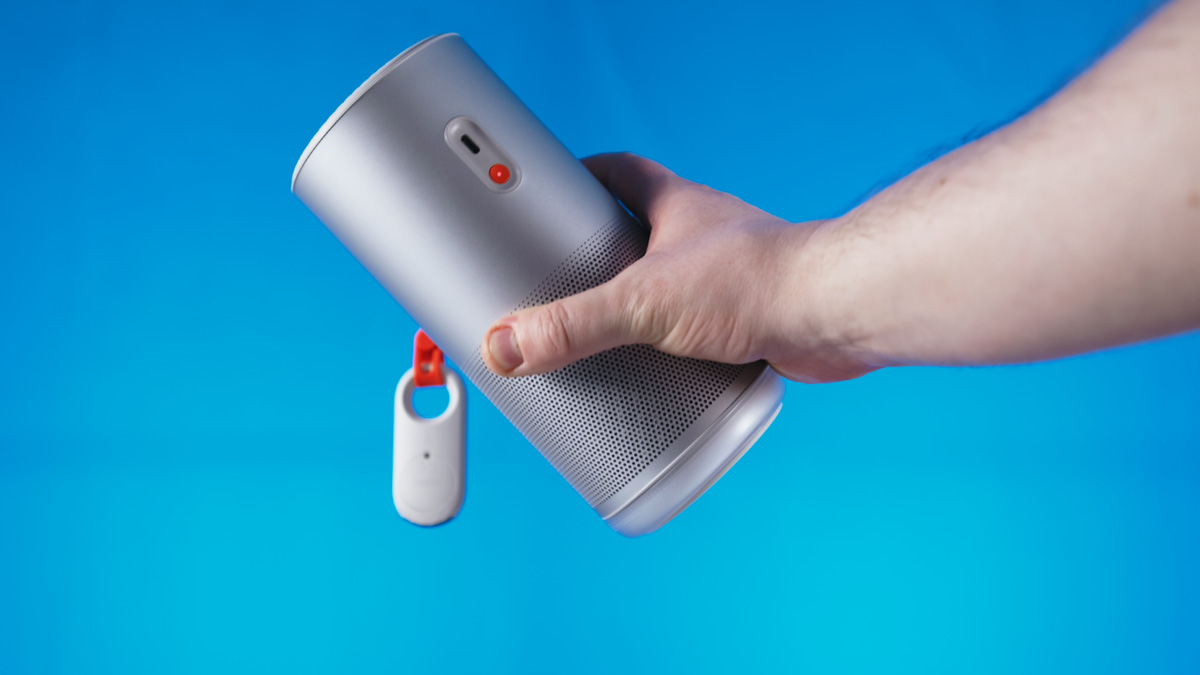
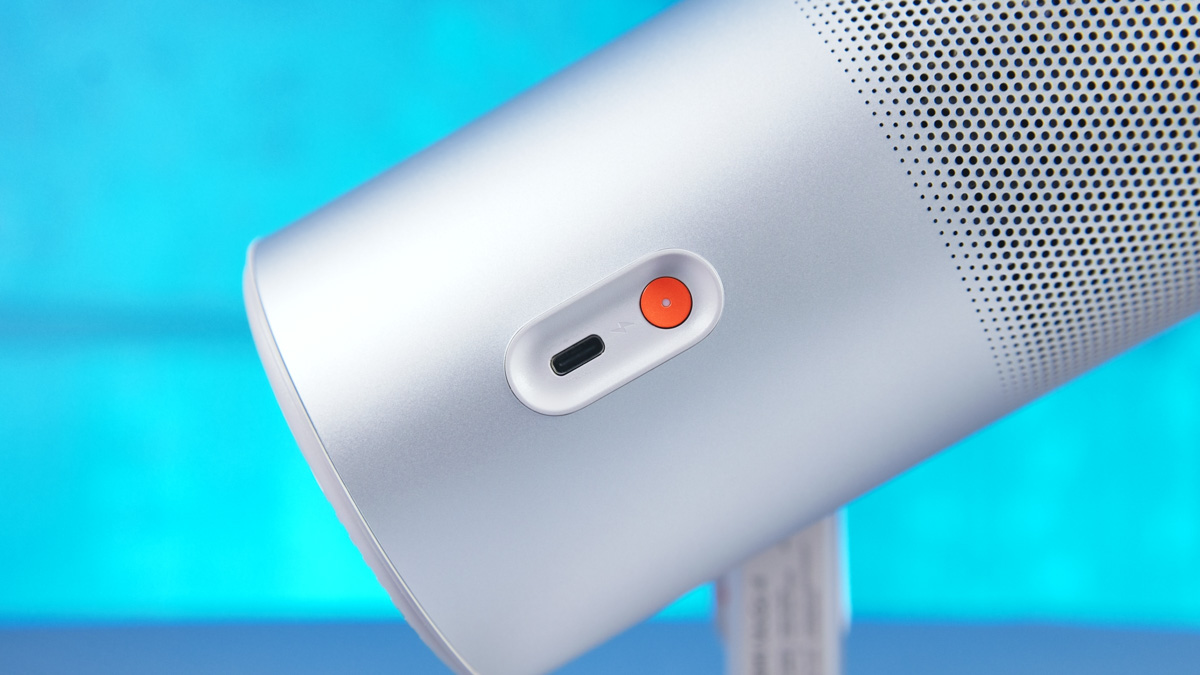
And I don’t mean just the glass on the front of the projection module – the HDMI and USB Type-A ports on the side are also covered. The only uncovered one is the Type-C port, but it’s slightly recessed into the body and located next to the power button.
But that’s not all! Don’t overlook the side strap – it holds an additional remote control. While it doesn’t fully replace the main one, its design matches the MoGo 4 much better, and it’s always attached to the projector.
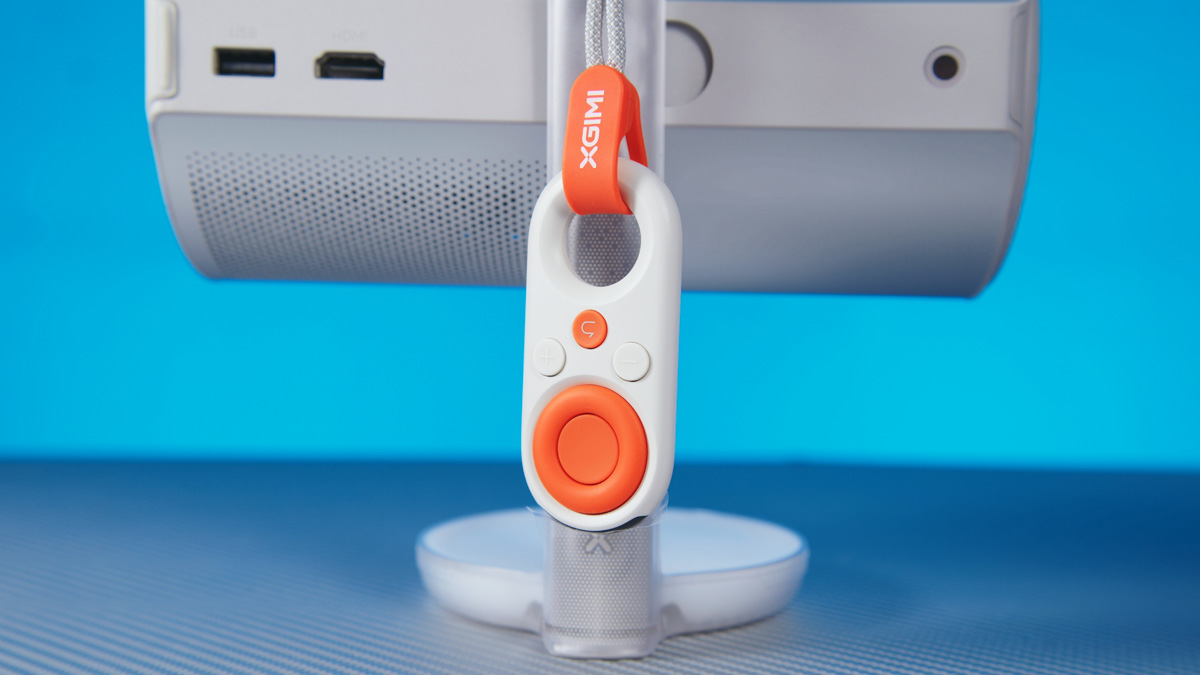
On top of that, the main remote itself looks great and is fully functional. It even includes a dedicated button for custom settings, located next to the Netflix, YouTube, and Prime Video shortcuts.

But that’s not all! The projector’s built-in stand also features RGB lighting, which can be used as a nightlight or to sync dynamically with music. It’s controlled separately, comes with eight standard colors, and through the XGIMI Creative Filter app, you can add your own custom palette.
Specifications
In terms of specifications, the projector uses a 0.23‑inch Digital Micromirror Device (DMD) chip. The illumination is LED‑based, with a rated lifespan of 25,000 hours – roughly four hours a day over 17 years. Projection size ranges from 40 to 200 inches diagonally, with Full HD resolution and brightness up to 450 lumens, supporting HDR10. Connectivity includes Bluetooth 5.1 and Wi‑Fi 5. The manufacturer provides a 12‑month warranty.
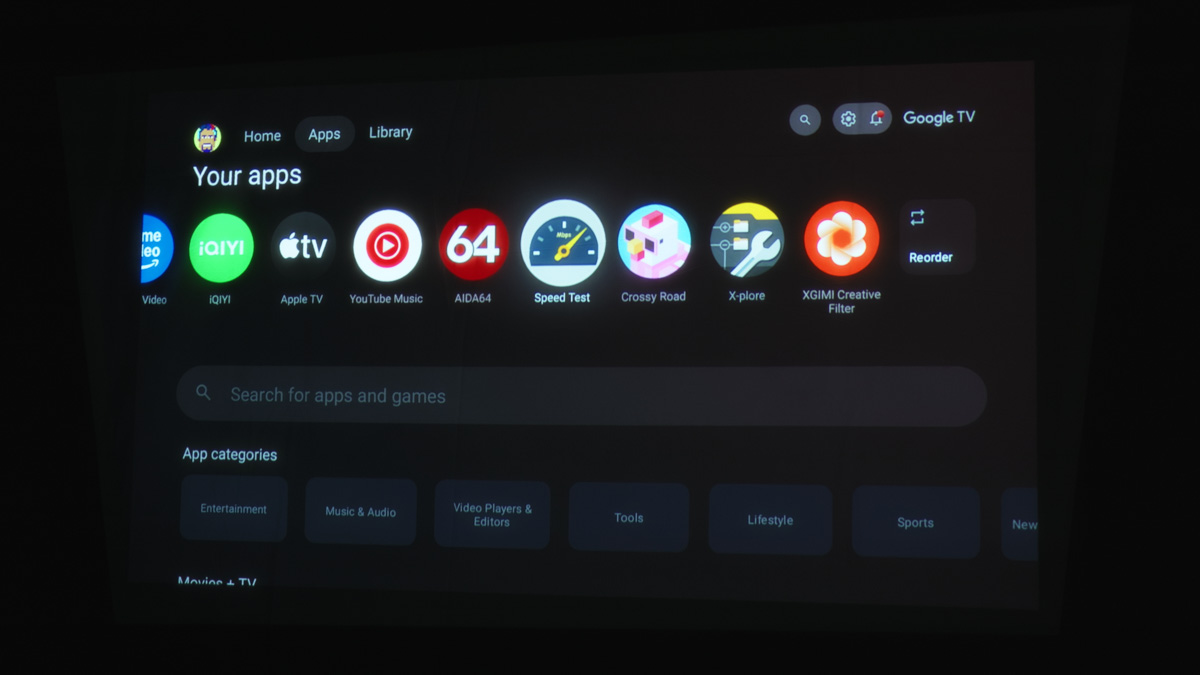
To check other features, I needed to perform the projector’s initial setup. The interface here is Google TV rather than Android TV, offering a more polished and functional experience. Keep in mind, though, that it’s still a TV-oriented interface – you’ll be asked whether to set up the MoGo 4 as a standard TV or as a Google TV. This is expected and works as intended.
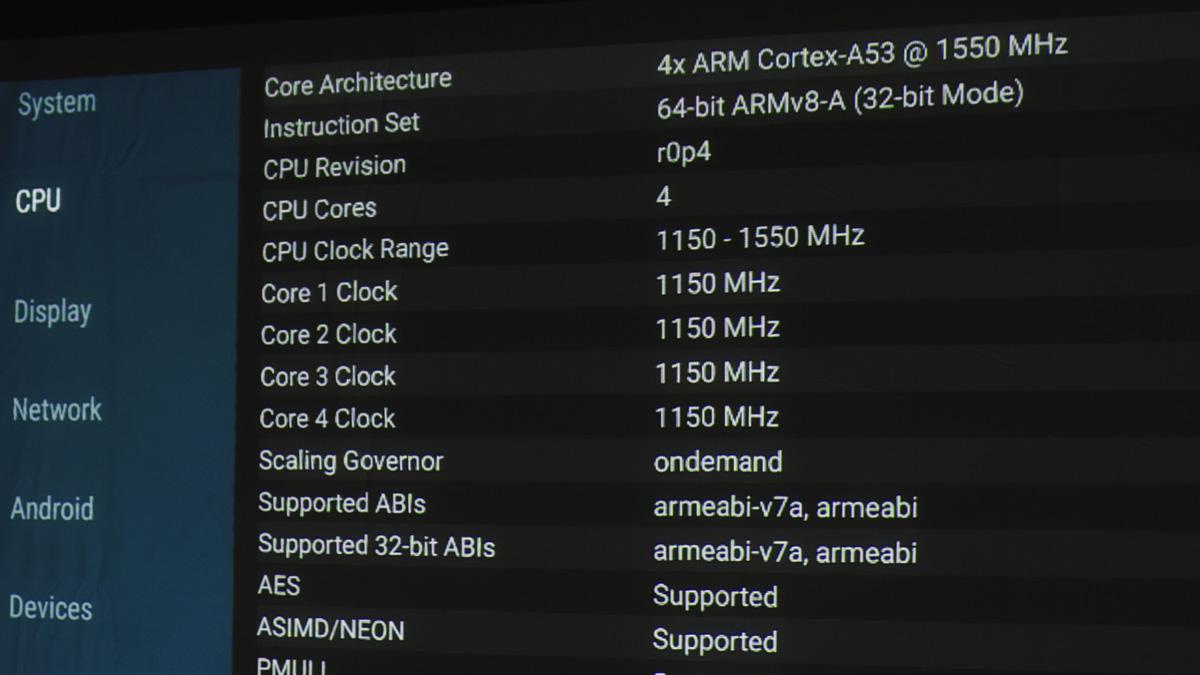
Next, after setup and installing AIDA64, we can see the SoC details. It is not the MediaTek M7332. Theoretically, unofficial sources suggest it could be a MediaTek MT9630, but this isn’t confirmed. The manufacturer specifies only the key parameters: a quad-core Cortex‑A53 CPU running at 1.15 GHz.
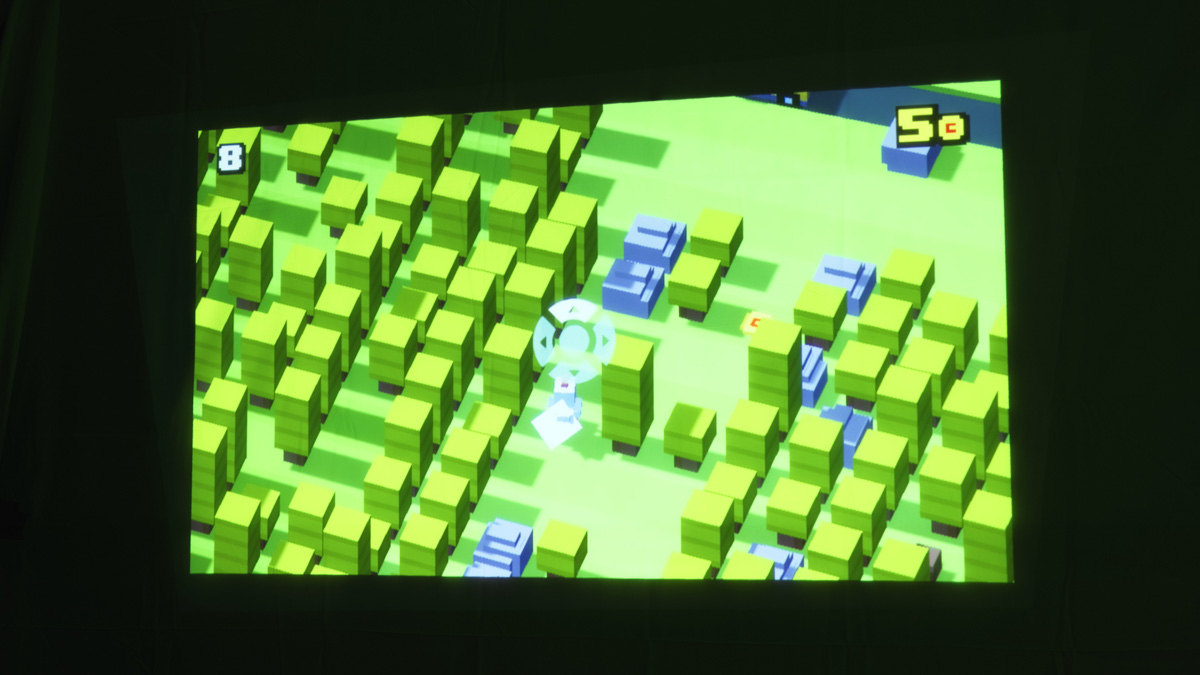
If it is indeed the MT9630, the GPU would be a Mali‑G52. The projector has 2 GB of RAM and 32 GB of internal storage. Given this hardware, only casual games are realistically supported, and the projector doesn’t allow playing even those without a gamepad.
The MT9630 is actually a capable SoC, supporting 4K playback – including downscaling – and all modern video codecs up to AV1, which makes it well-suited for the projector. Additionally, HDMI and Miracast are supported, so you can connect a PlayStation, Switch, or PC. The projector also features a low-latency Game Mode, reducing input lag to around 22 ms compared to the typical 56 ms.
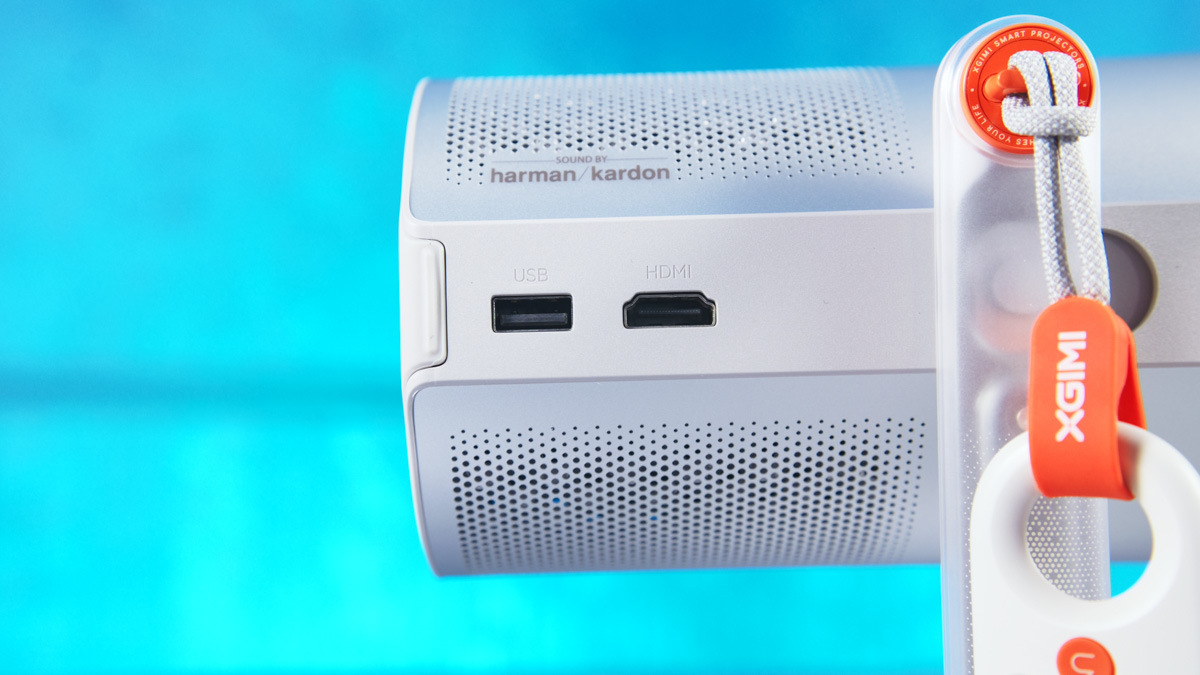
And don’t forget about USB Type-A either, as the MoGo 4 can play movies from storage devices without any problems. You can also mount it on a tripod if necessary, as there is a 1/4-inch thread on the bottom.
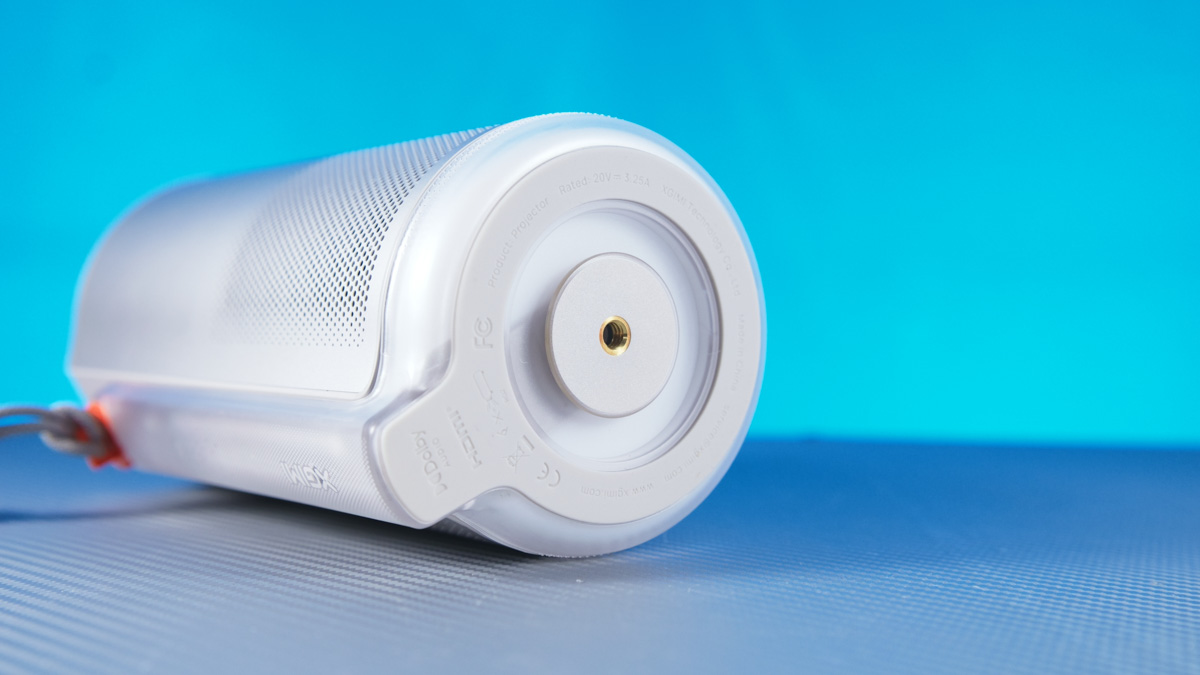
You can also use the separate official PowerBase Stand: a 20,000 mAh magnetic battery base that functions as a stand or tripod and adds roughly 2.5 hours of playback (or 5 hours when combined with the built-in battery). A bundle including this stand will be available soon. The price hasn’t been announced yet, and while the stand is optional, it is convenient.
Experience using the XGIMI MoGo 4
It’s also worth noting that this projector supports not only keystone correction, eye-protection mode, and autofocus, but also image zoom.
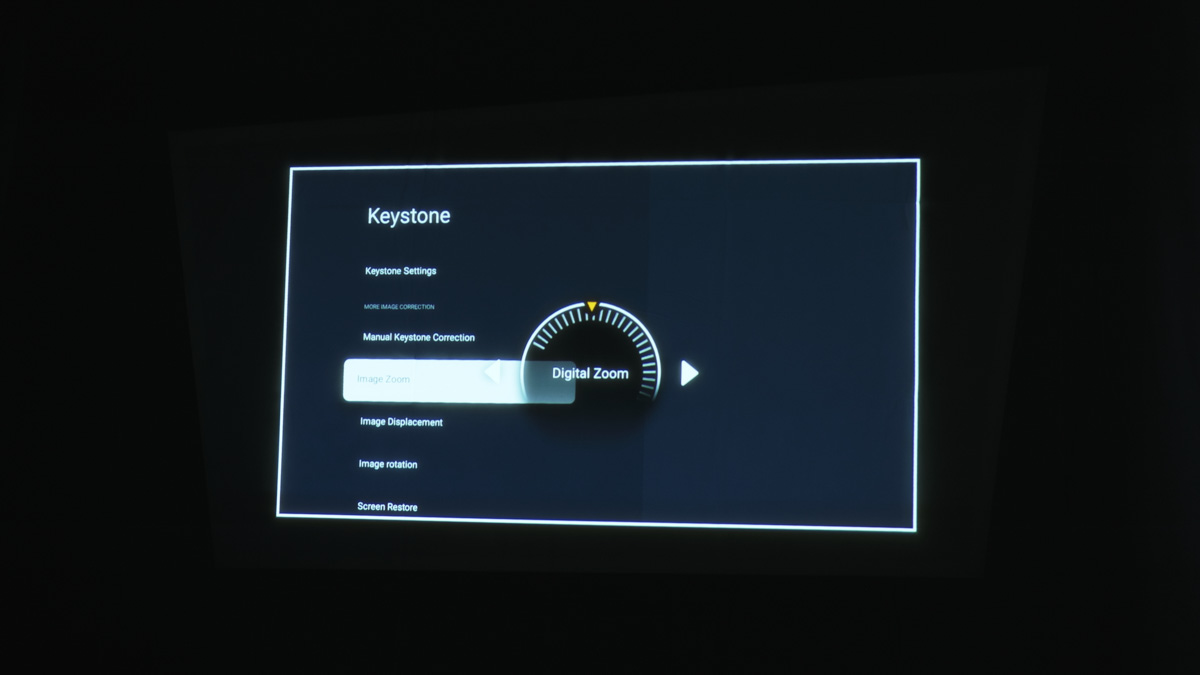
Regarding battery life, the manufacturer claims up to 2.5 hours of video playback with sound – and you’ll definitely want to keep the sound on, as the Harman Kardon audio here is genuinely good.
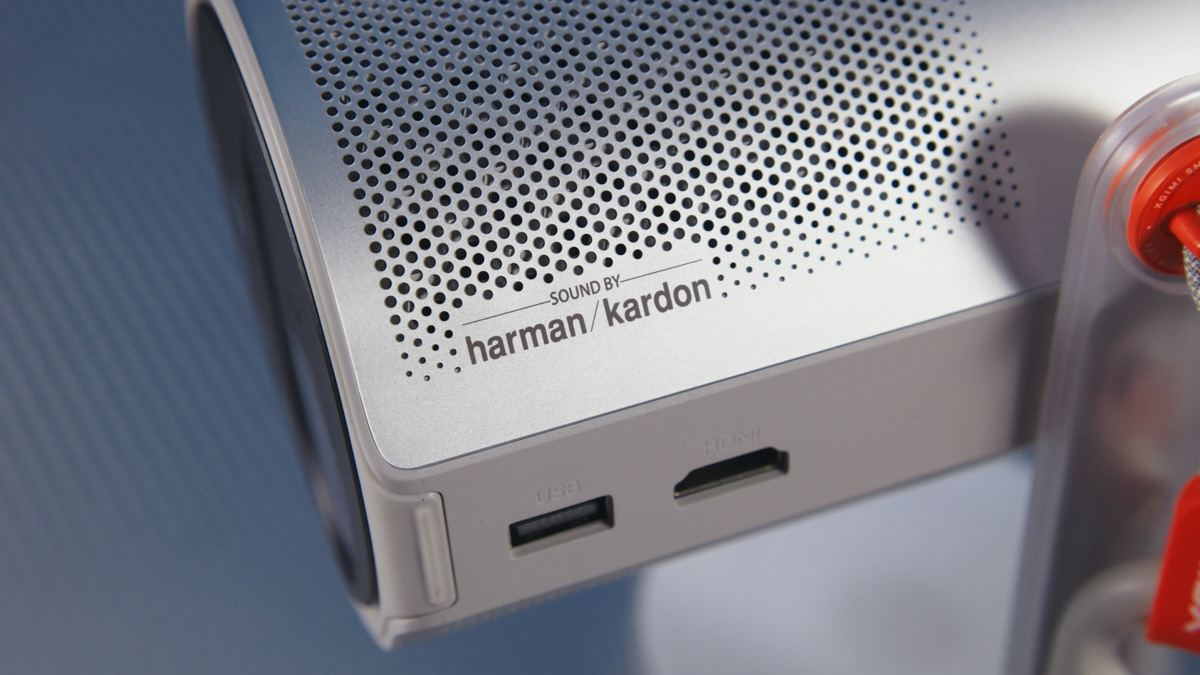
The volume, I should add, is so high that even at half-level I had to adjust the microphone – something I’ve never experienced before. And yes, the XGIMI MoGo 4 can be used as a wireless speaker; connecting it to a smartphone via Bluetooth works without any issues.
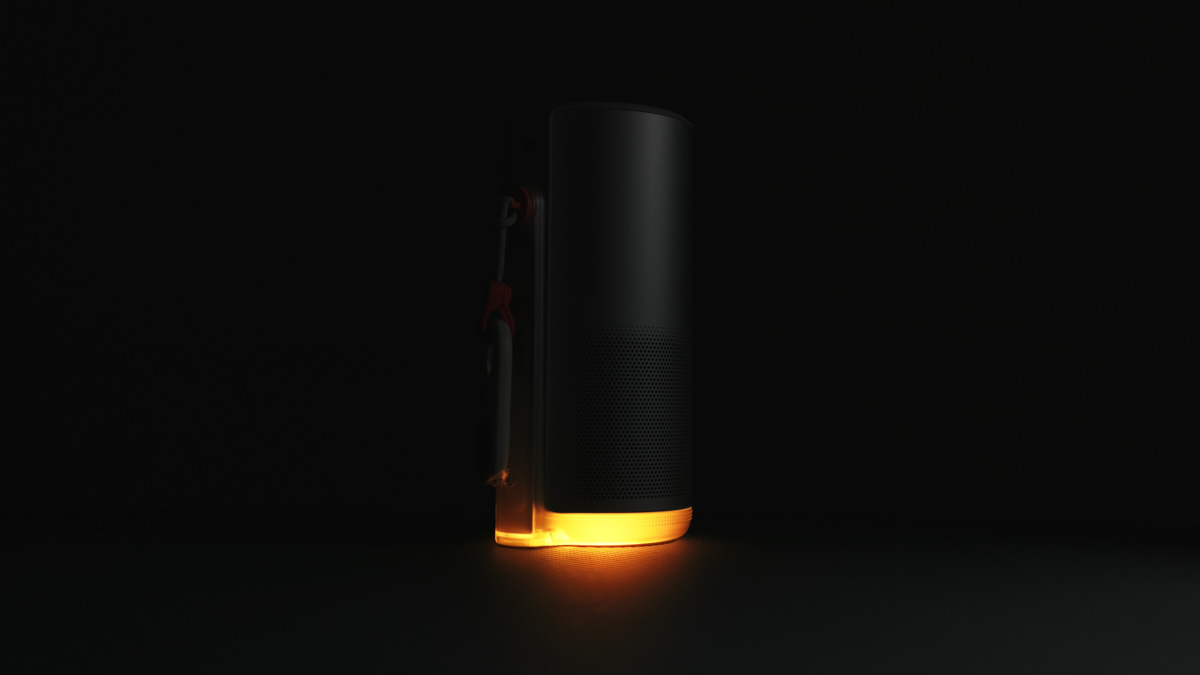
The icing on the cake is that the projector can be powered via USB while in use, drawing no more than 40 W. This means most mid-range power banks can easily extend the runtime of the built-in 71 Wh battery without any issues.
Drawbacks
The standard charger is quite large – 65 W, roughly the size of a 120 W unit – and the cable is permanently attached. In practice, you hardly need to use it at all, since the projector can charge from any Type‑C source. By the way, we have reviews of the latest chargers; links are provided here.

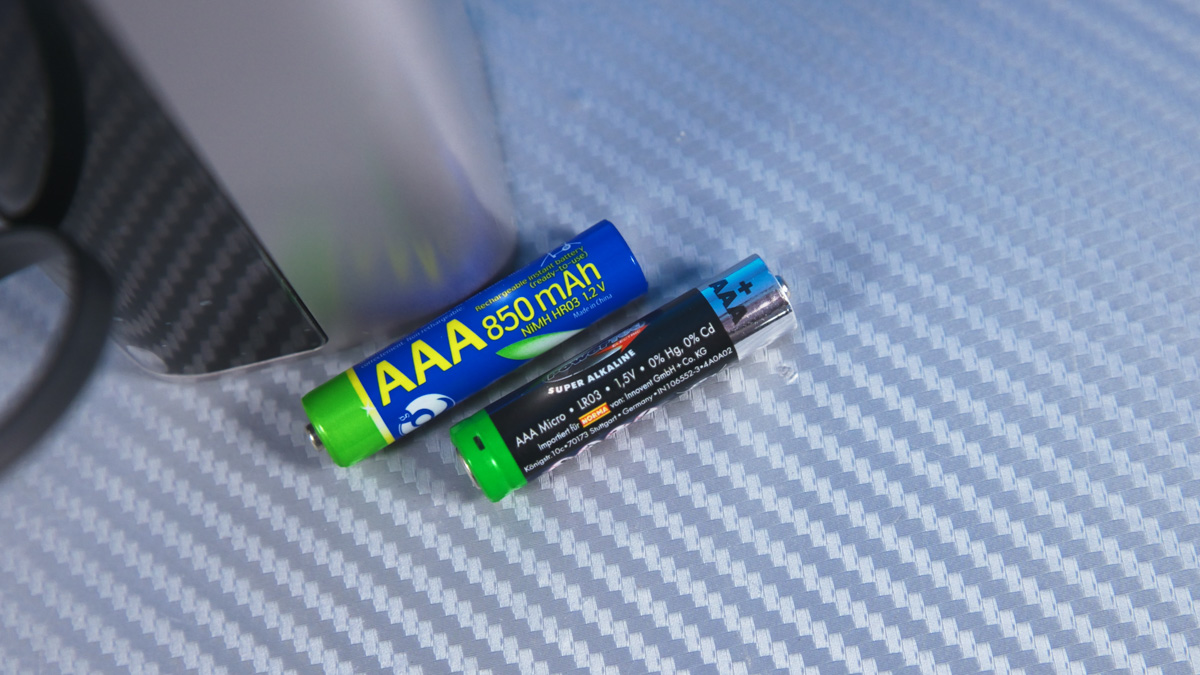
Next – more of a nuance than a flaw. The remote accepts only 1.5 V AAA batteries (included in the package). Most rechargeable AAA cells provide just 1.2 V, even premium options like Panasonic Eneloop. True 1.5 V rechargeable AAAs are relatively rare, and many of them now come with Type‑C charging built into the cell itself.
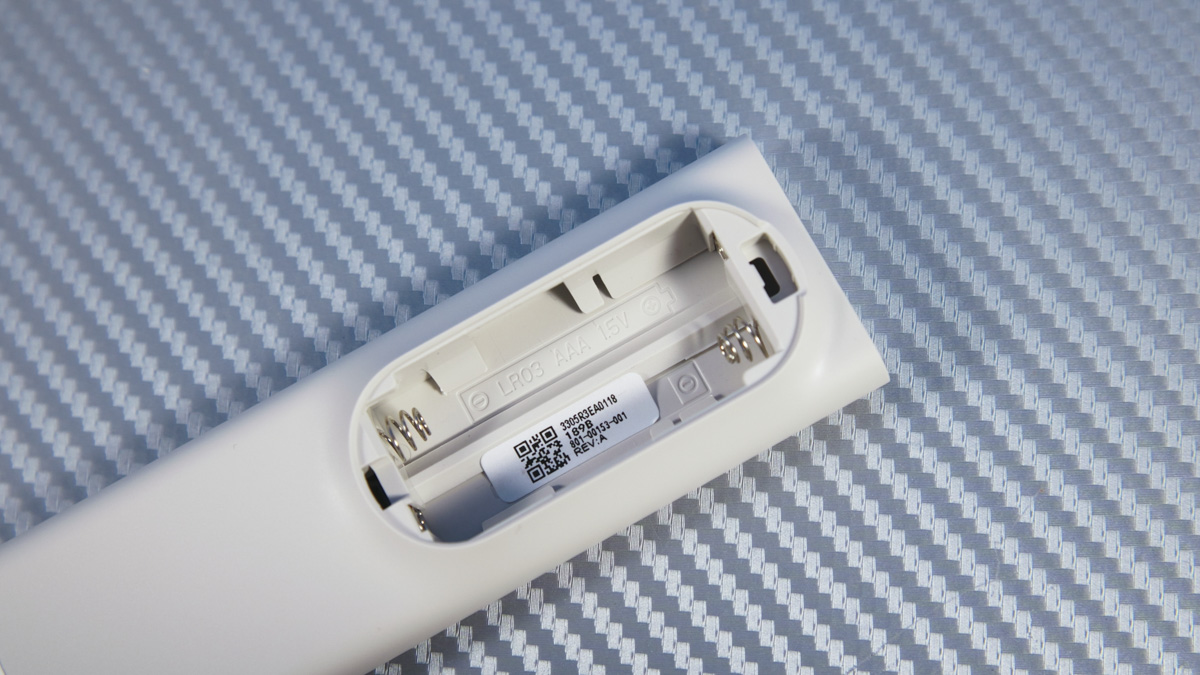
This is really an issue with battery manufacturers, since many remotes require 1.5 V cells. Just keep it in mind. Personally, I’m strongly against single-use batteries, preferring convenience and environmental friendliness, so I have plenty of rechargeables. It was just surprising to see that none of them matched the voltage needed for the remote.
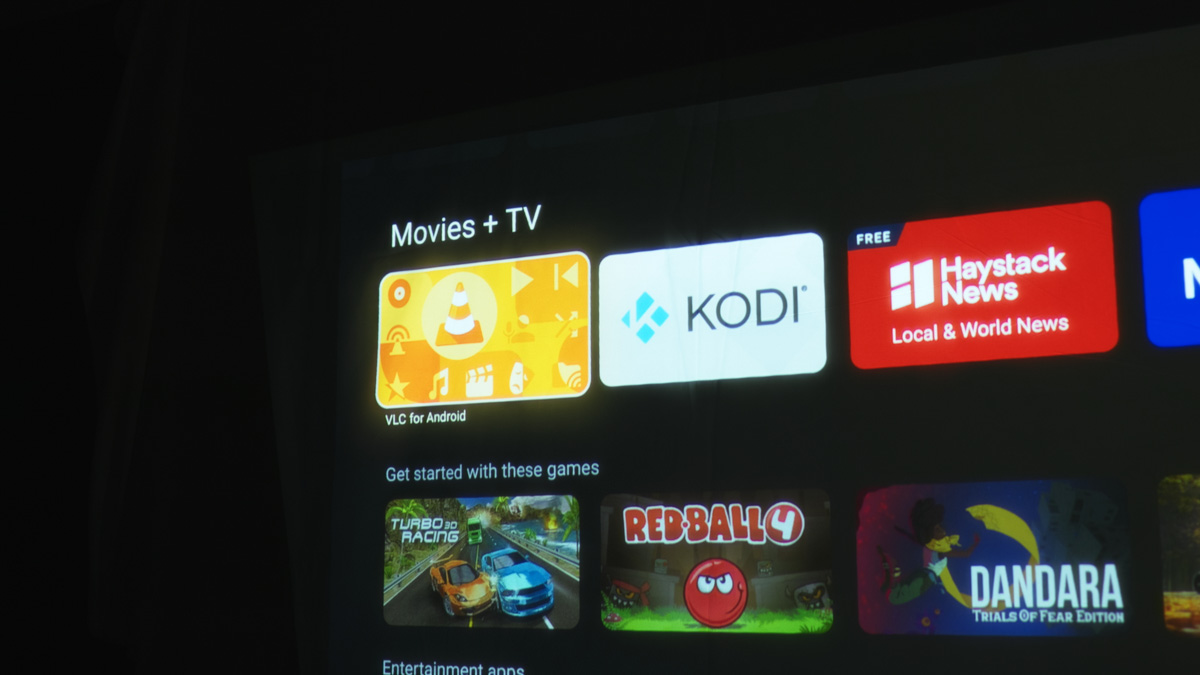
Moving on: the projector is Full HD, but it can play 4K and 2K videos via downscaling. However, this only works through certain players, such as VLC, Kodi, or Plex, which need to be installed directly from the Play Store.
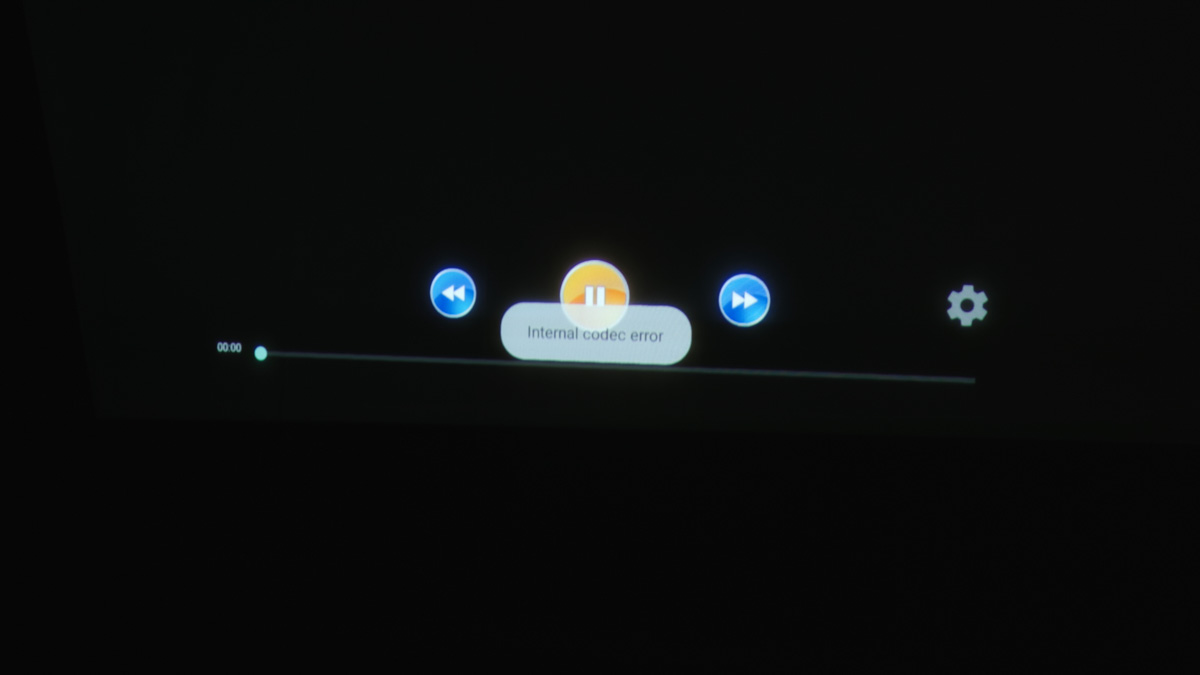
I ran into a situation where a 4K file on a USB drive wouldn’t play because it wasn’t recognized. The same file in FHD with identical encoding worked fine. So if you encounter this issue, it can usually be fixed simply by using a compatible media player.
Finally, when using HDMI, HDR10 doesn’t work. This is likely due to the older standard. For FHD at 60 Hz, the latest HDMI version isn’t strictly necessary, but more modern versions – starting from 2.0a – do support HDR10.
Conclusions
In summary, there are no real complaints about the XGIMI MoGo 4 – it’s one of the best battery-powered projectors on the market. The bundle may seem a bit unusual, but it’s actually quite comprehensive, especially in the creator-oriented version – which suits me perfectly. The interface is well-designed, the peripherals are convenient, and the battery life is excellent. If I had to choose a projector for myself, I would pick the MoGo 4 without hesitation. Clearly, it comes recommended.
Read also:
- What You Need to Know Before Buying a Multimedia Projector
- XGIMI MoGo 3 Pro Review: Portable Projector on Android TV 11
- XGIMI Horizon Ultra Review: Cool Projector for Your Home Theater
- XGIMI Elfin Flip Review: Portable Projector with Unusual Form Factor

