





© ROOT-NATION.com - Use of content is permitted with a backlink.
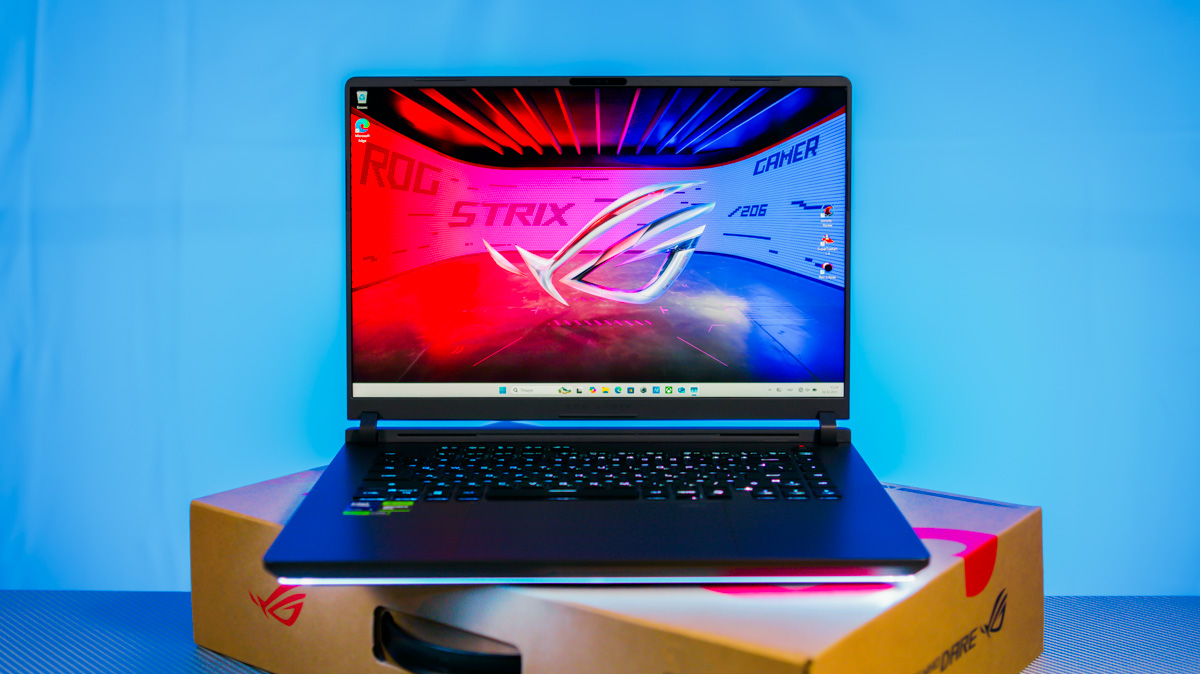
Over the past several months, I have repeatedly explained why laptops equipped with NVIDIA GeForce RTX graphics, particularly the Blackwell generation, are suitable not only for gaming but also for video and 3D content creation, as well as AI development. In other reviews, I have discussed why I favor ASUS laptops in particular. As the year comes to a close, it is useful to summarize these points using the ASUS ROG Strix G16 as a representative example.
Read also: All ASUS laptop reviews
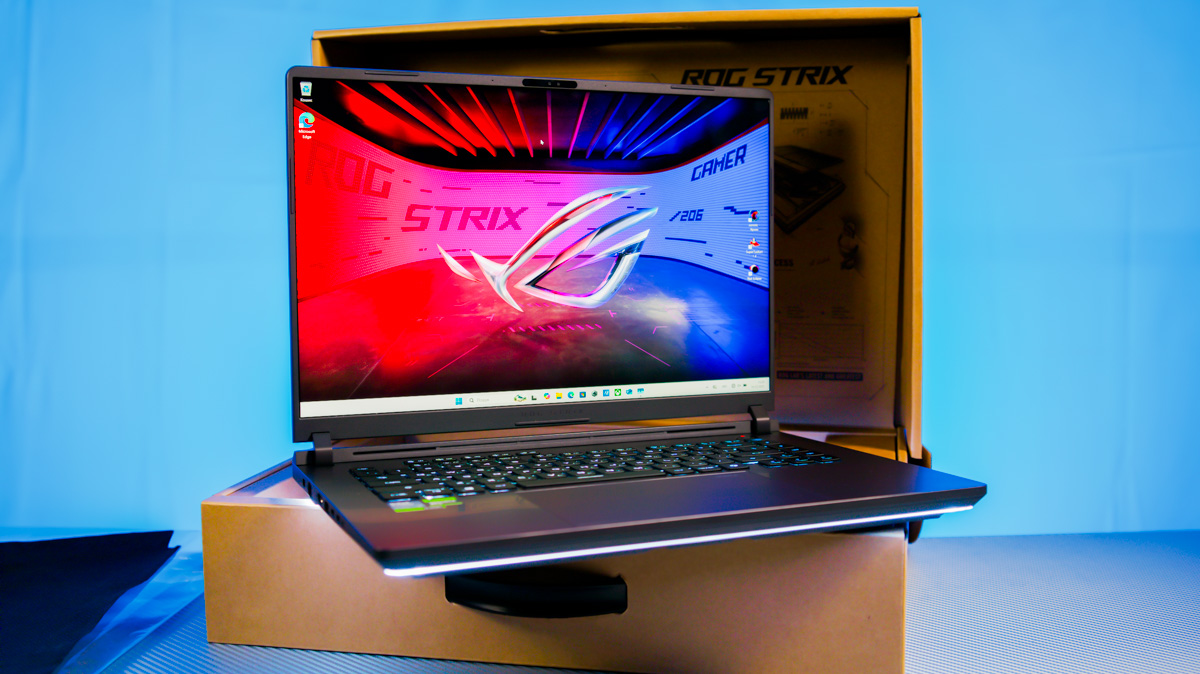
At the end of the article, I will also provide an overview of seasonal offers, including pricing and available configurations of ASUS laptops equipped with GeForce RTX 50 series graphics.
TABLE OF CONTENTS:
Classification
Let’s start with the obvious question: should you pay attention to laptops with NVIDIA GeForce RTX Blackwell-series graphics? Forgive the bluntness, but the answer is straightforward… Some models are simply good, while others are truly exceptional. The ones that genuinely stand out are arguably among the most significant releases in recent years.
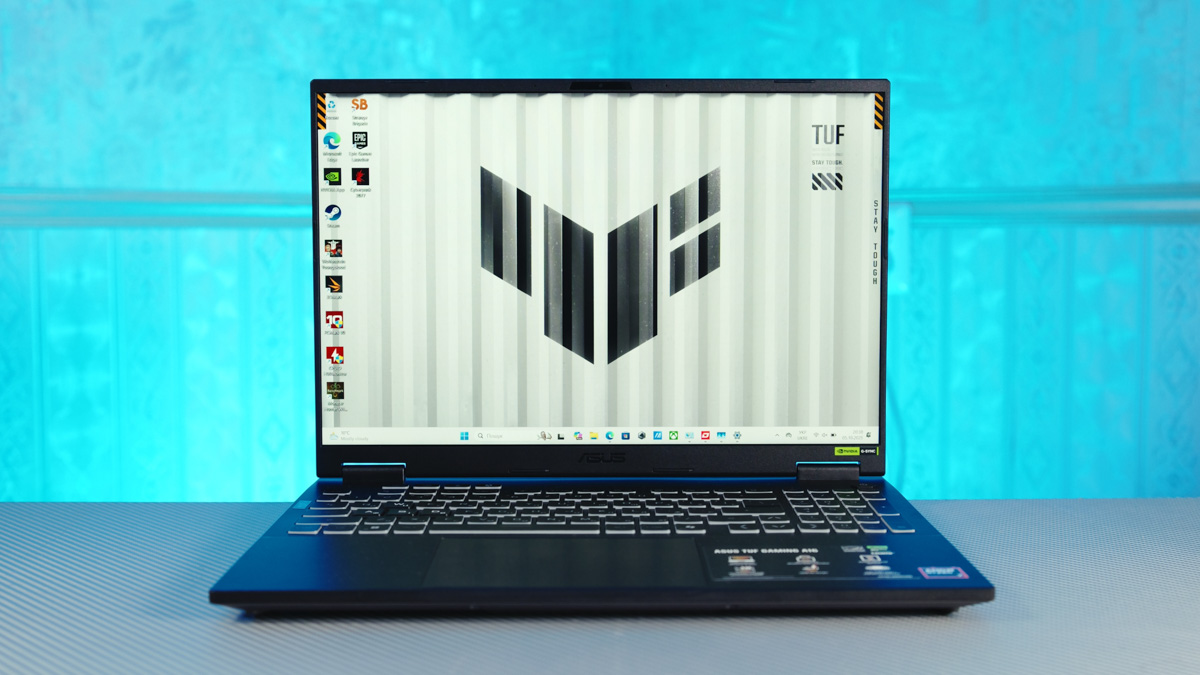
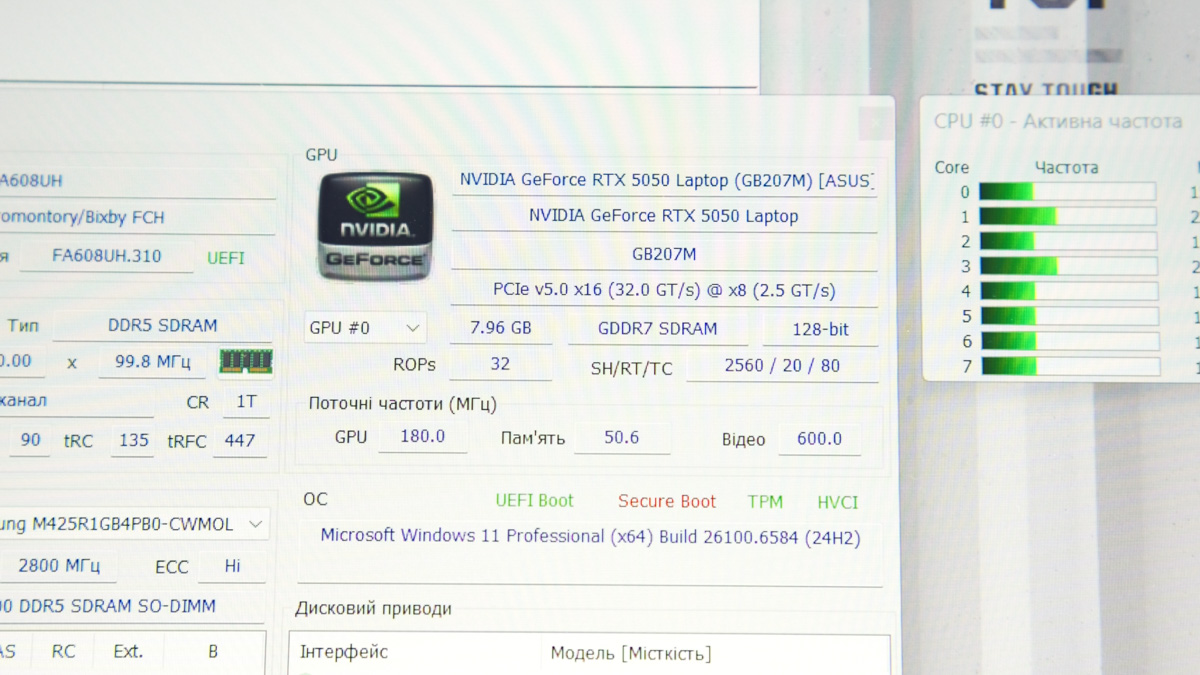
The first category of laptops includes budget models with the RTX 5050. I discussed this GPU in the ASUS TUF A16 review, but in short: the mobile version, when supplied with sufficient power, can outperform the desktop RTX 5050 thanks to faster memory. Combined with a capable processor and a quality display, this makes budget ASUS models surprisingly strong for their price point.
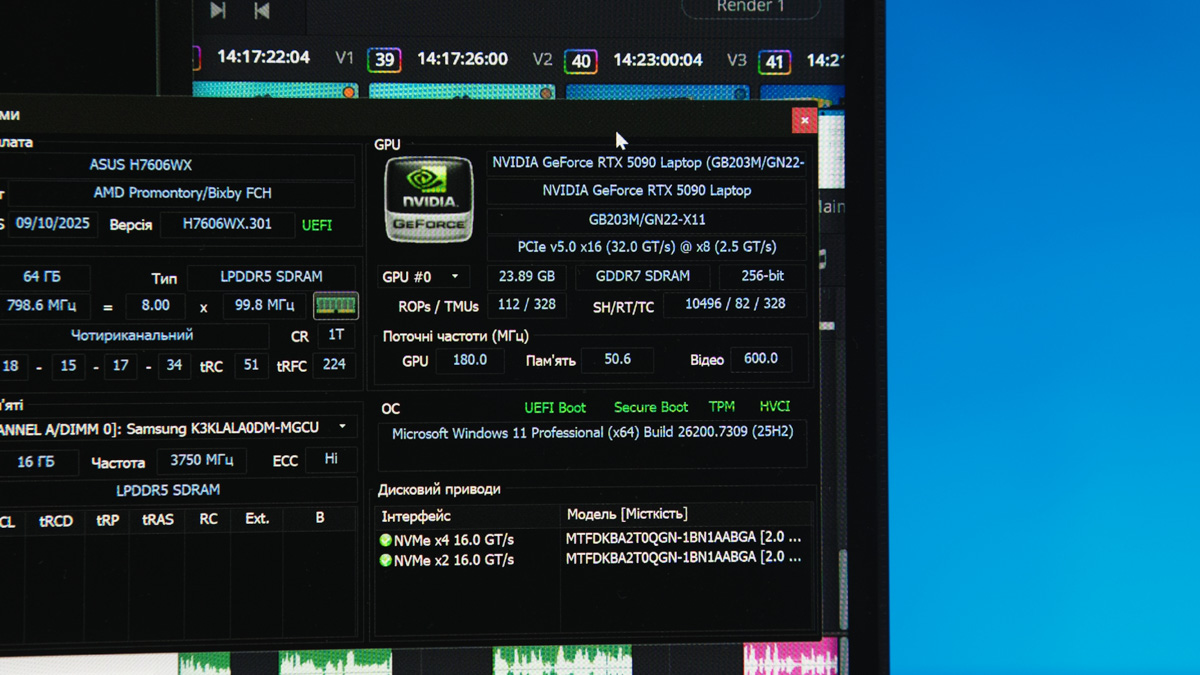
Next are models equipped with the RTX 5090. Here, power consumption is less of a concern, because buyers aren’t paying for frame rates in games – they’re paying for 24 GB of ultra-fast GDDR7 memory. This is something that has never been available in consumer laptops before.

This means that, for the first time, a laptop can be used for serious professional video editing, handling massive 3D models, or training AI models that previously required desktop-class GPUs. ASUS addresses these needs with the ProArt, Scar, and even Zephyrus series. However, the price for these flagship models exceeds $4,700.
That’s why I was personally drawn to the “middle ground”: the ROG Strix G16 (2025) in the G615LW-S5131W configuration. It features an NVIDIA GeForce RTX 5080 with 16 GB of VRAM, which I consider the most balanced option within the entire Blackwell mobile GPU lineup.
Read also: Review of the ASUS ROG Zephyrus G16 2024 Gaming Laptop with AMD Ryzen AI 9 HX 370
Advantages of ASUS
Even as a near-flagship model, the ASUS Strix G16 delivers high-end performance. It features a 16-inch 2.5K display with a 240 Hz refresh rate, ideal for gaming while being easier on the eyes thanks to a balanced IPS panel. Unlike OLED, which can cause extra strain on the optic nerve due to sudden brightness spikes, this IPS screen provides a more comfortable viewing experience. Personally, I adapted quickly and without issues, but individual experiences may vary.
Next, the peripheral support is better than I expected. My current laptop also uses a Core Ultra 9 275HX, but it doesn’t have two Thunderbolt 5 ports with power delivery, DisplayPort support, and speeds up to 120 Gb/s. In fact, it only has Thunderbolt 4. This highlights that even ASUS near-flagship models come with top-tier connectivity options.
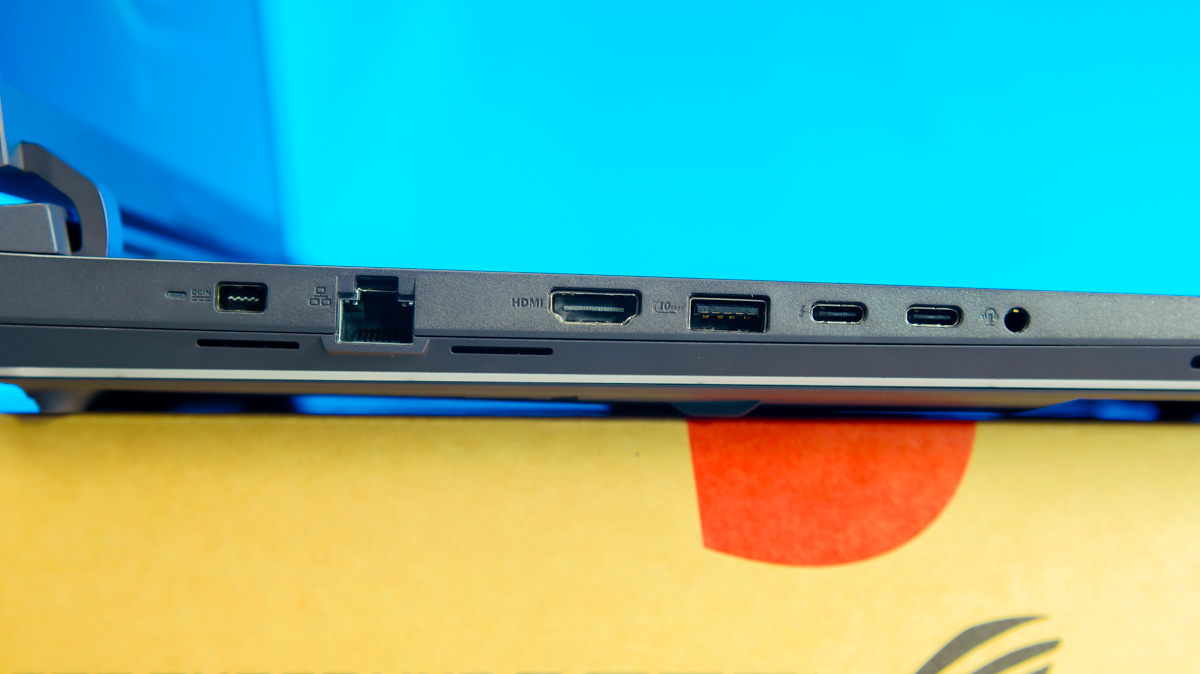
And that’s not even mentioning the three 10 Gb/s USB Type-A ports, the 2.5 Gb/s LAN, Wi-Fi 7 and Bluetooth 5.4 support, or the 100 W charging capability across both Type-C ports.
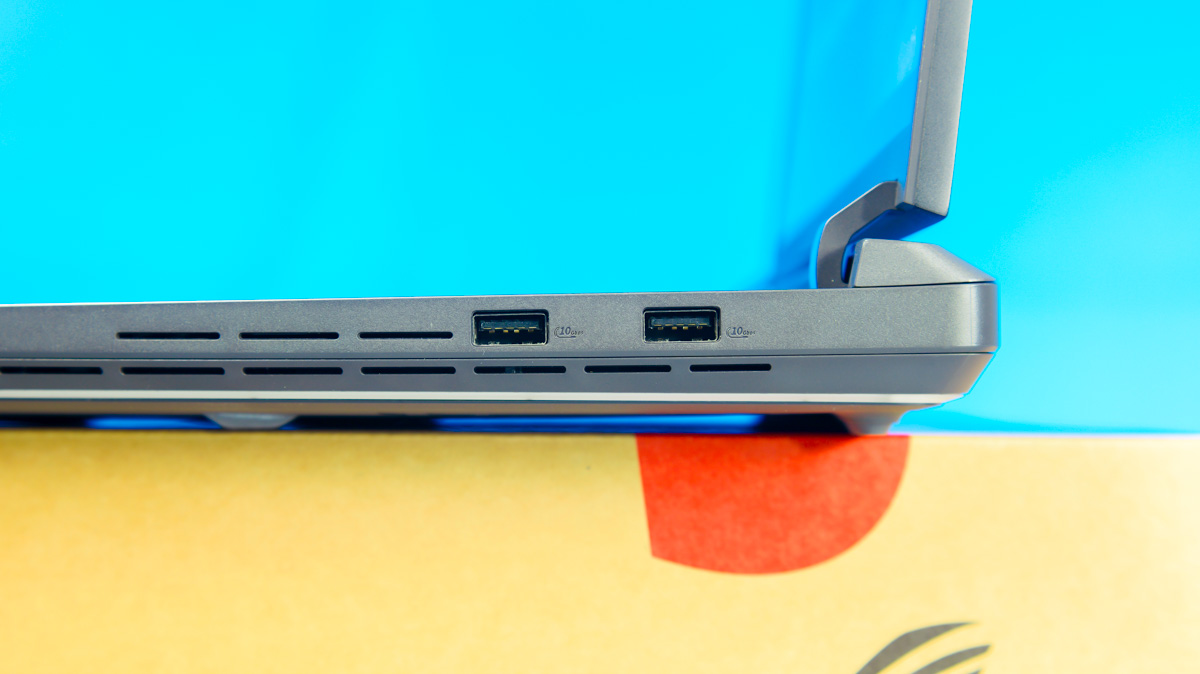
By the way, the 100 W charging adapter is included in the package, along with the standard 380 W rectangular barrel charger and a carrying backpack. In other words, the ASUS ROG Strix G16 G615LW comes with two power adapters – something Apple doesn’t include with iPhones.
What other features does ASUS offer? The keyboard integrates a digital NumPad. The webcam is FHD and supports Windows Hello. Beyond the Armoury Crate software, the laptop also supports the G-Helper utility. G-Helper is currently one of the best companion applications for laptops, supporting not only gaming models but also the ProArt series. It allows fine-tuning of CPU and GPU performance as well as fan control.
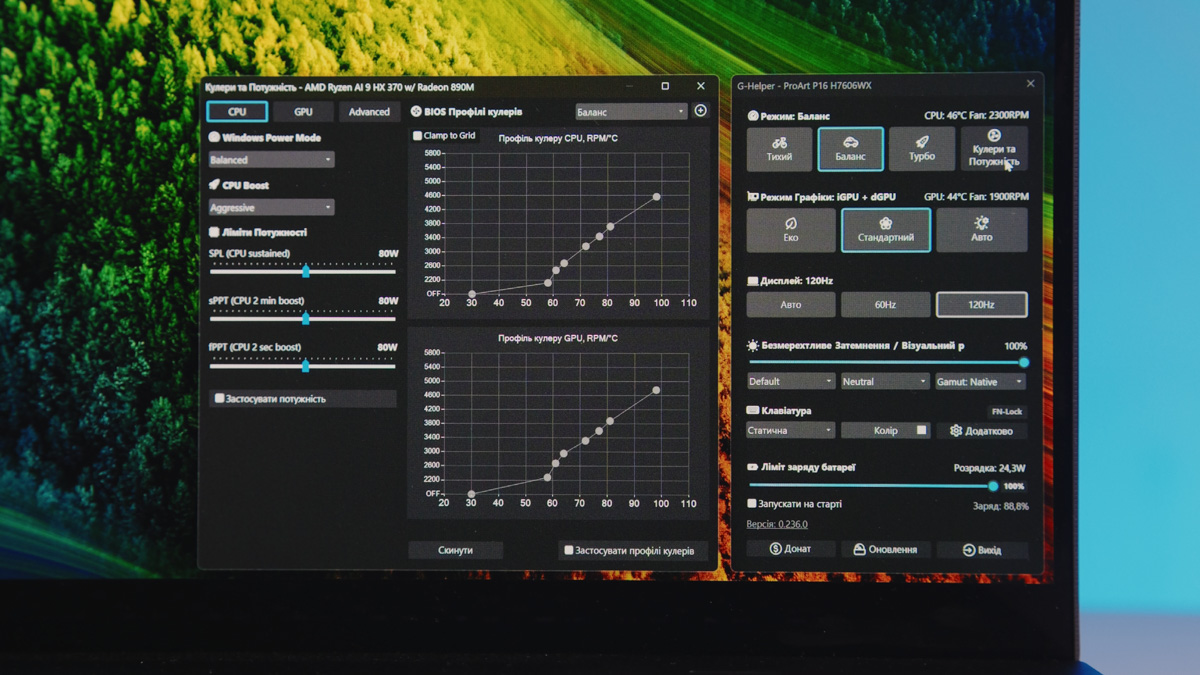
Of course, a professional overclocker can use it to push the CPU or GPU beyond standard limits, but my personal recommendation is to use G-Helper for power optimization.
Instead of the typical 8–9 hours of battery life, you can achieve 30% to even 50% more. This applies to office work and video playback, but it still translates to roughly half a day of use – a remarkable improvement for a near-flagship gaming laptop like the ROG Strix G16.
Read also: Review of ASUS Zenbook Duo (2025) UX8406CA: Two Screens Are Definitely Not Overkill
NVIDIA Signature Features
Next, let’s highlight the three most important features of the GeForce RTX 5080. And no, I won’t focus on the 16 GB of GDDR7 memory – which is not only fast and energy-efficient, but also large enough to avoid buffer overflows in games for at least the next 3–4 years. Considering how quickly VRAM requirements are increasing in new titles, this is a significant achievement.
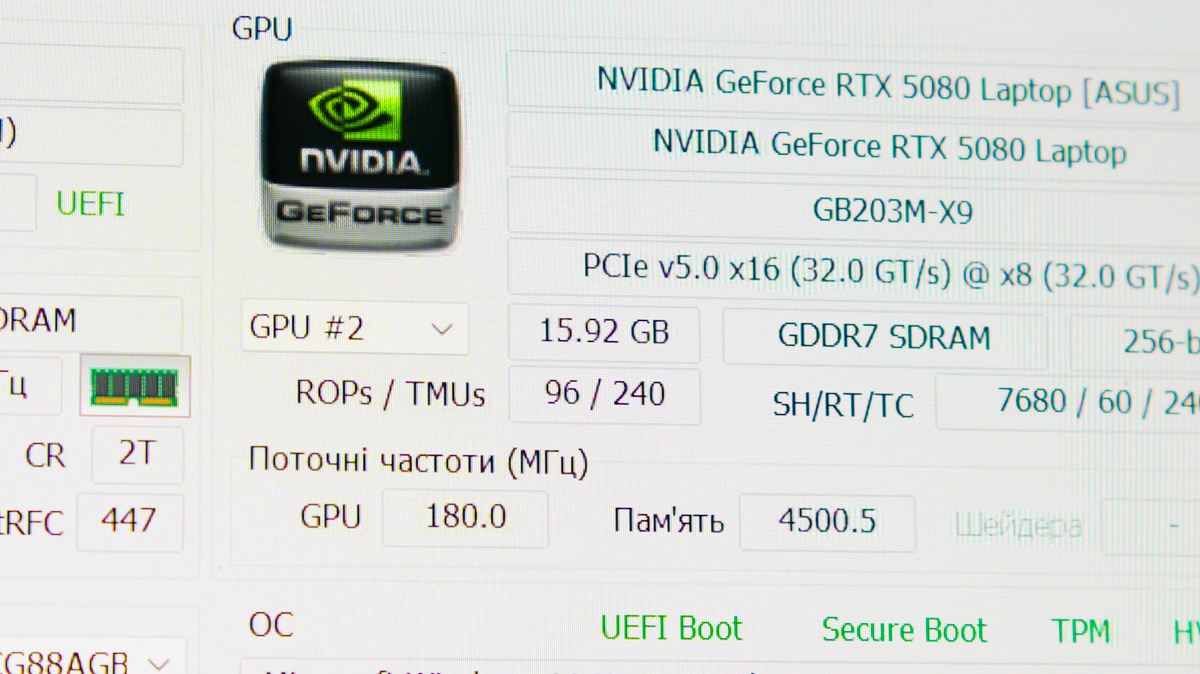
But if you think that 16 GB of VRAM is useful only for gamers, that’s not the case. For AI training, for example, an approximate formula can be applied: (model size in context × quantization bit depth / 8) × 1.2. Using this, running a Llama model with 4-bit quantization and 13 billion parameters (Llama Q4 13B) requires about 15 GB of VRAM.
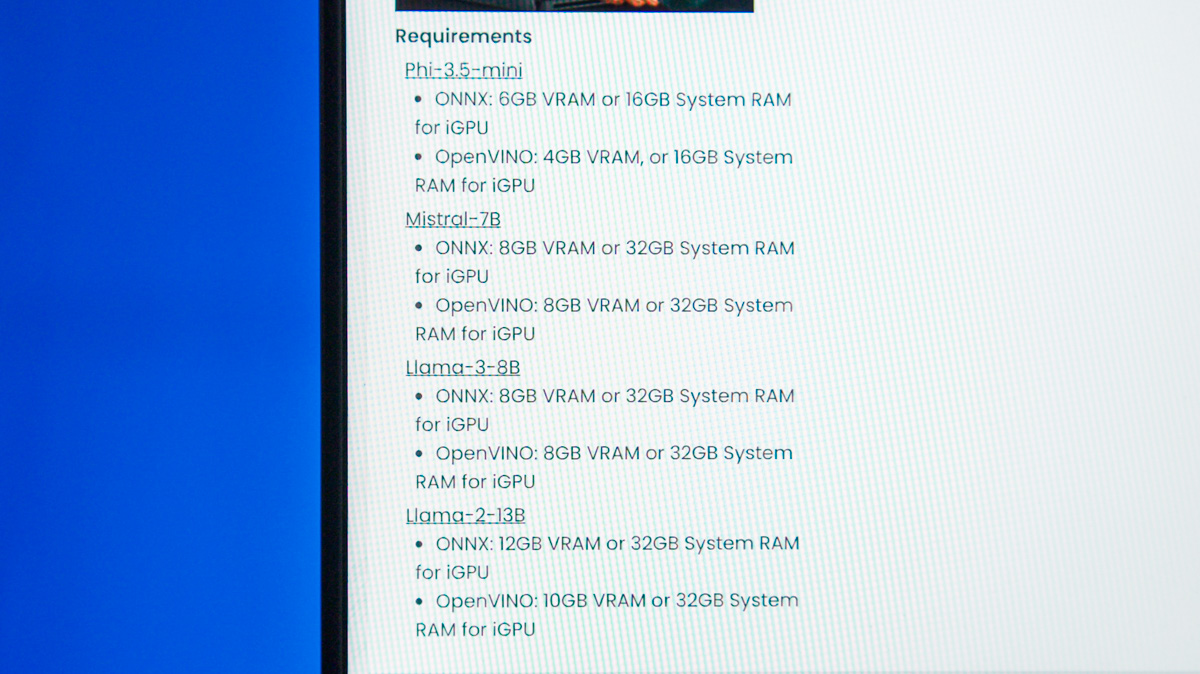
Add to that the outstanding NVIDIA Blackwell AI optimization: with 240 tensor cores and 7,680 CUDA cores, the GPU achieves a peak performance of 1,334 TOPS. Combined with two 9th-generation NVENC encoders and two 6th-generation NVDEC decoders, this creates a true performance powerhouse – significantly surpassing the capabilities of, for example, the RTX 3080 16 GB, which I personally used for years for video production.
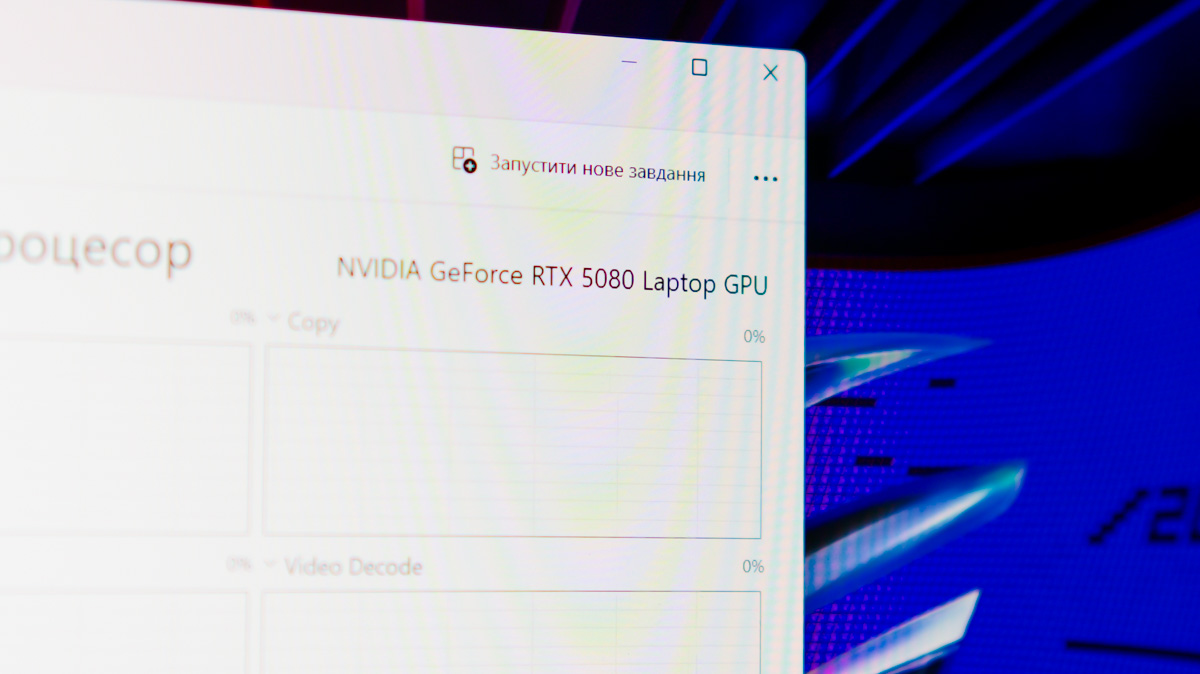
Describing NVIDIA Blackwell’s dominance in gaming is straightforward. I won’t dive into the number of rendering units or the generation of RT cores – let’s just focus on DLSS 4 Multi Frame Generation (MFG). If your game supports MFG, your GPU is a Blackwell model, and your baseline FPS is around 60, enabling MFG – even at 4× – can push performance to over 200 frames per second.
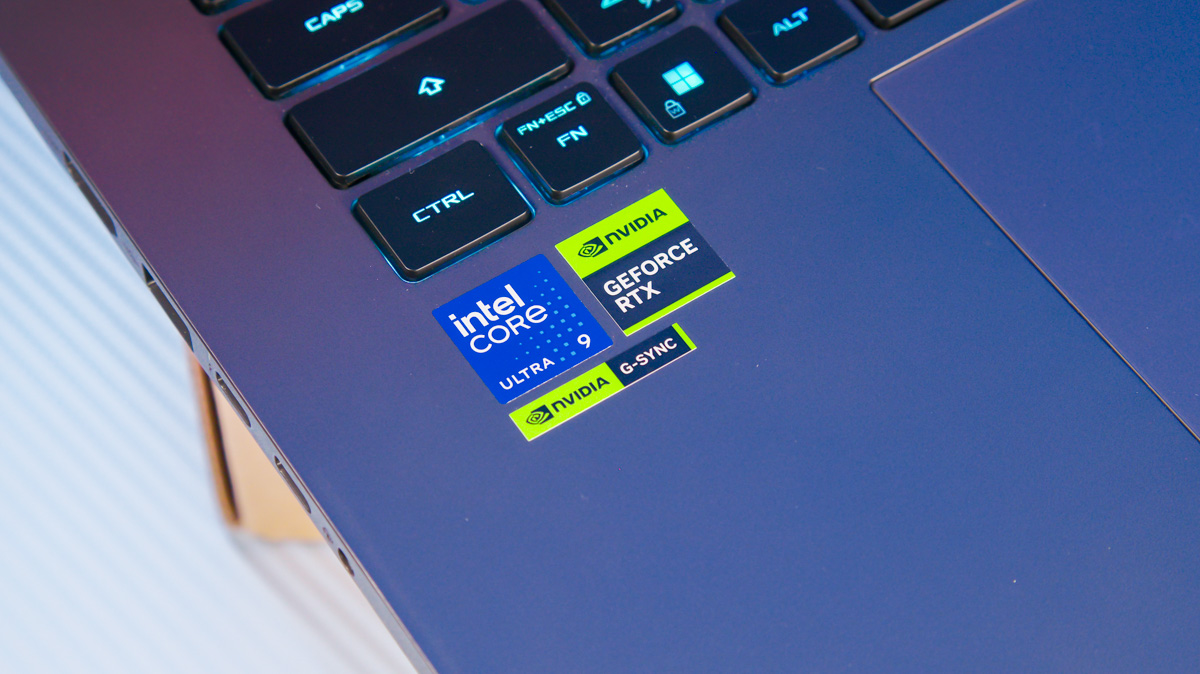
With NVIDIA Reflex, you can also expect minimized input latency. It’s important to note that Reflex support depends on the game, not the laptop itself – it’s a software feature. However, models like the ASUS ROG Strix G16 are particularly advantageous here, as Reflex is supported even in single-player titles such as S.T.A.L.K.E.R. 2. This means that the latency introduced by using MFG 3× or 4× can be effectively mitigated.
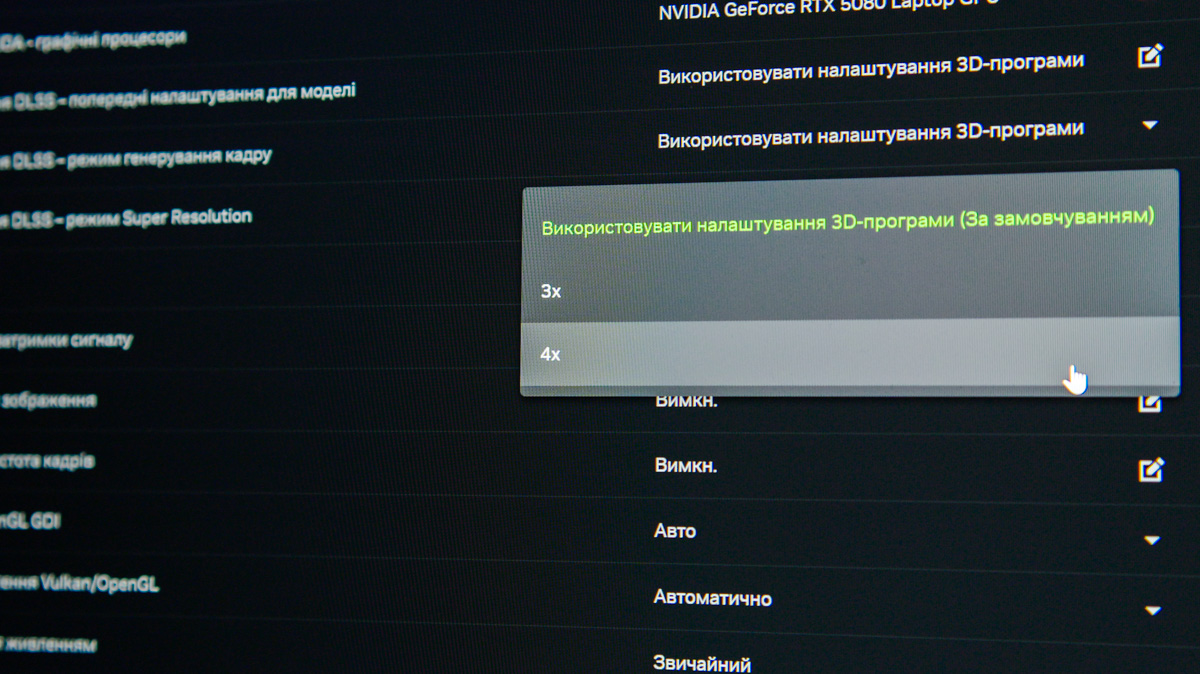
Regarding RTX feature support, here’s the key point: DLSS 4 with Multi Frame Generation (MFG) is not limited to high-profile flagship games like Battlefield 6, DOOM: The Dark Ages, or Grand Theft Auto V Enhanced. Many indie titles also support MFG, including S.T.A.L.K.E.R. 2, RuneScape: Dragonwilds, and even Titan Quest II.
As someone who has played S.T.A.L.K.E.R. 2 extensively, I can confirm that DLSS 4 MFG 4× feels exceptionally smooth when baseline FPS is above 50, and the visuals look impressively detailed across almost all areas. Compatibility and performance are only expected to improve further in the future.
Read also: ASUS ProArt P16 H7606WX Review: Ultrabook with RTX 5090 and 24 GB of VRAM
Summary: ASUS ROG Strix G16 and NVIDIA RTX 5080 Laptop
When people say that laptops with NVIDIA Blackwell GPUs are expensive, that’s true – but the cost is justified by the range of features and capabilities. I’ve demonstrated the full extent of these advantages using the ASUS ROG Strix G16 with an RTX 5080 as an example.
Do you need performance for video rendering or AI training? Do you want up to 4× higher FPS without added input latency? Do you want full control over your laptop through G-Helper and the ability to charge via the latest hubs thanks to two Thunderbolt 5 ports? The choice is yours.
As promised, here are some holiday offers – so notable that ASUS has dedicated a page for them! For example, the ASUS ROG Strix G18 (2025), model G815LW-S9072W, featuring an NVIDIA GeForce RTX 5080 and Intel Core Ultra 9 275HX, is available for $3800 – a $710 discount. This is the most accessible way to get a laptop with a ROG Nebula Display, RGB lighting, Thunderbolt 5, and 64 GB of RAM, which is highly relevant today.
Among the higher-end models is the ASUS ROG Strix SCAR 18 (2025) G835, model G835LX-SA162X, priced at $5,470. This laptop features an NVIDIA GeForce RTX 5090 running at full 175 W. In addition to 64 GB of RAM, it includes a 240 Hz display and up to 4 TB of NVMe PCIe 4.0 storage. Both the RAM and storage can be easily upgraded thanks to the quick-swap system, which includes the Q-Latch mechanism.
Read also:
- ASUS TUF Gaming A16 2025 FA608UH Review: RTX 5050 Holds Its Own
- ASUS ROG Strix G16 (2025) G615 Review: Almost a Flagship on Blackwell

