





© ROOT-NATION.com - Use of content is permitted with a backlink.
Ladies and gentlemen, hello – my name is Denys Zaichenko. This piece will be quite theoretical, but the topic is important, because it’s one of those “you want to, but shouldn’t” situations – somewhat like when Linus tested whether a CPU would work with thermal paste still in the socket. Spoiler: it does. Today, however, we’re talking about Goodram DDR5 memory, specifically the Goodram DDR5 32GB 5600MHz CL46 and Goodram DDR5 48GB 5600MHz CL46 modules.
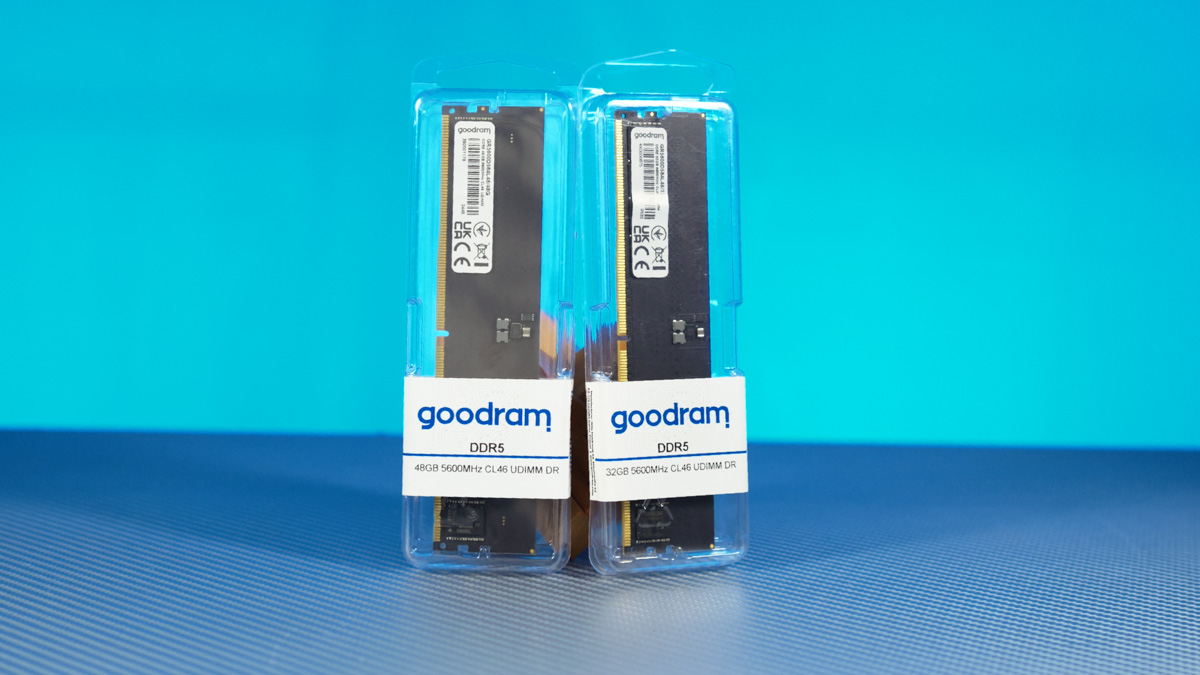
And no, these aren’t “kits” – they’re just… individual RAM sticks. That’s exactly what this material is about. What happens if you mix them? What might occur to your computer? What potential issues could arise, both theoretically and practically? For this reason, I won’t be providing RAM benchmarks or going into detailed performance tests.
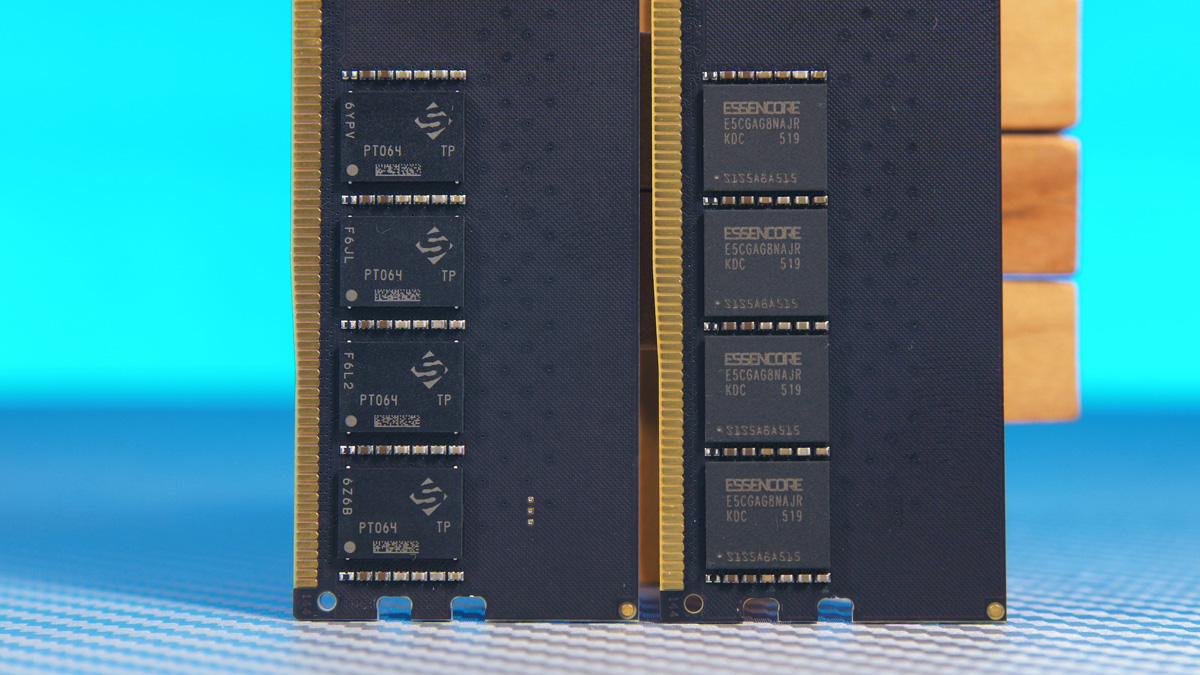
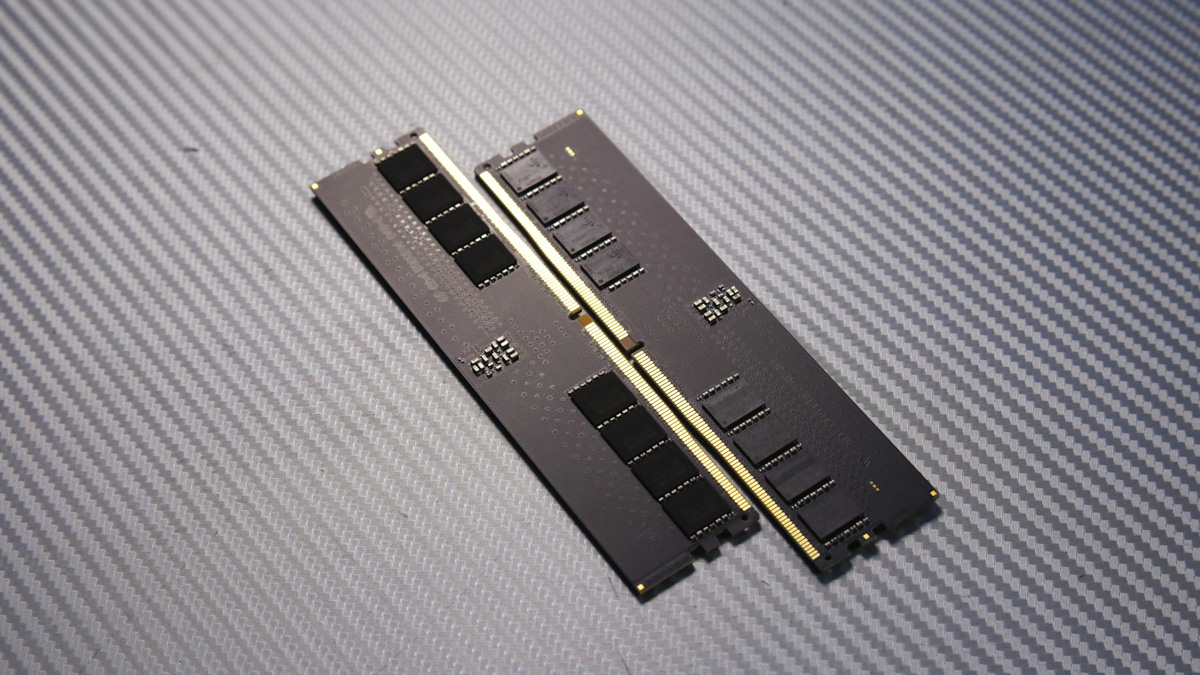
These are semi-professional modules without heatsinks, and in principle, they don’t need one – even under stress tests, temperatures remain manageable up to around 6000 MHz. This generally applies to all RAM models, as do the rules for mixing modules. That’s why this discussion will be broadly applicable.
TABLE OF CONTENTS:
Video about Goodram DDR5 48GB 5600MHz CL46
Stability
Obviously, 99% of specialists you ask about mixing different single-stick RAM modules will tell you that it’s almost always better to buy a kit of slightly lower capacity, but with two sticks that are almost guaranteed to work together seamlessly.
And generally, I agree with that advice. But there are nuances. For instance, early in my experience, I had a situation where mixed DDR4 sticks on one of my first PCs caused glitches up to BSODs. Conversely, I’ve also had two brand-new RAM sticks from the same kit fail to work properly together. So when I say that a kit of two or four sticks works almost perfectly – the emphasis on “almost” is intentional.
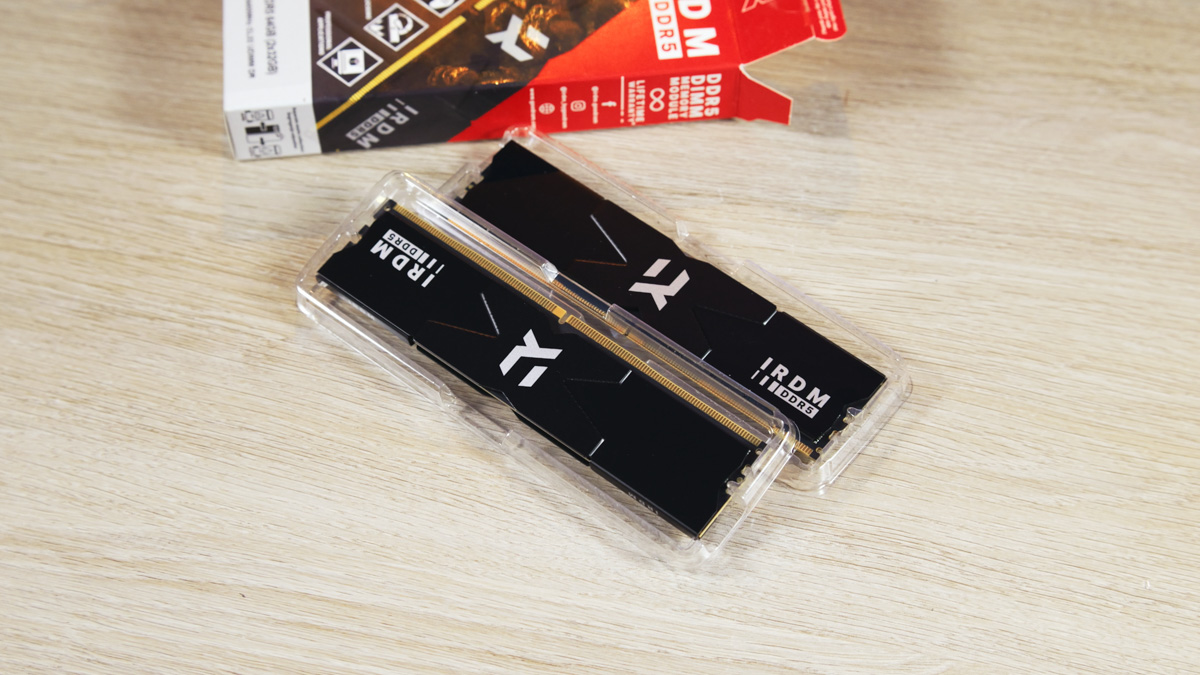
Plus – if you want, say, 64 GB of RAM on your PC and your motherboard already has two 32 GB sticks, you’re going to be mixing RAM anyway, adding more sticks. Right? Kits of 128 GB or more on four sticks are mostly bought by specialized professionals, like 3D modelers – and even then, not always. Those users rarely build PCs themselves; they usually order prebuilt systems.
The issue is also that large kits, like 128 GB, are much less common, and almost all of them are gaming-oriented. Do you really want to pay extra for heatsinks or RGB lighting if a simple black stick would suffice? Probably not everyone does.
Dual-Channel Operation
Next up is the question of dual-channel operation. With DDR5, there’s a particular point I haven’t fully resolved yet. By standard, each RAM stick has a single 64-bit data channel – meaning there’s only one communication channel between the stick and the CPU. If you add a second stick, the channel may still remain a single 64-bit lane, so data is transmitted over the same channel across both sticks.
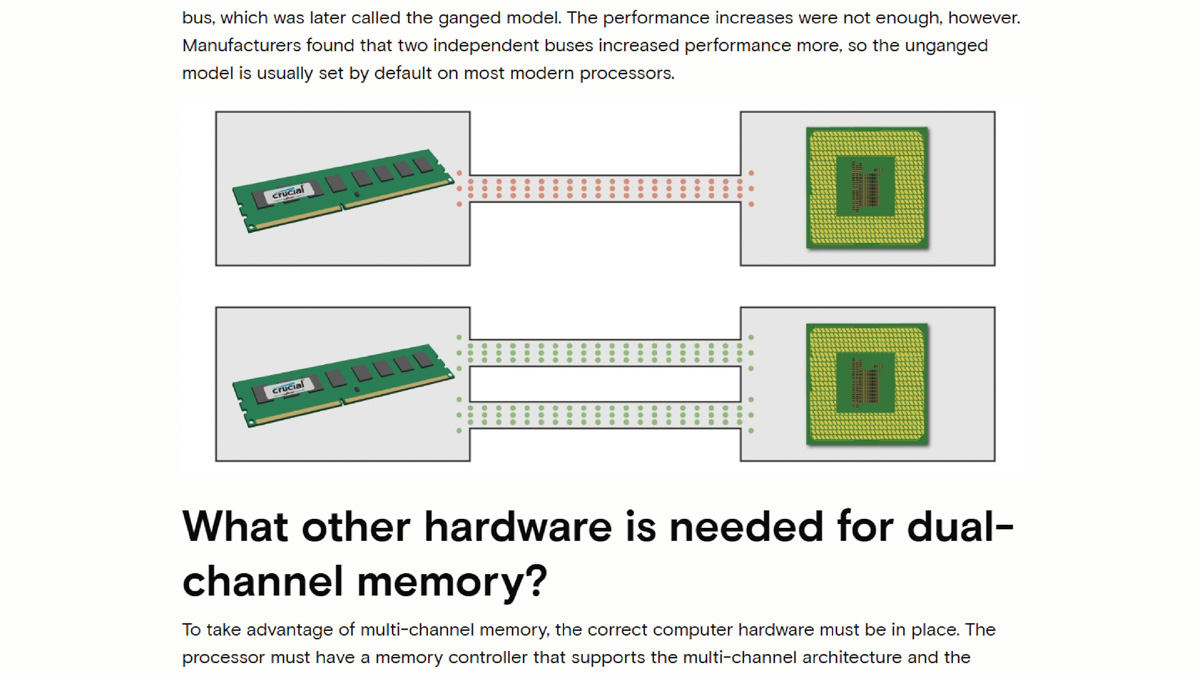
Or – if we enable true dual-channel mode, we get two 64-bit channels. That’s still not the same as a full 128-bit single channel, but it’s significantly better than just one 64-bit channel. And if your motherboard supports four channels, that’s a total of 256 bits, or slightly less, which is even more advantageous.
Here’s the catch – with DDR4, for example, if you mixed sticks of different capacities, say 8 GB and 16 GB, dual-channel mode would only work on the matching portions, equivalent to the smallest stick. The frequency and timings also had to match. So in this case, with an 8 GB stick and a 16 GB stick, only 8 GB of the larger stick would operate in dual-channel mode.
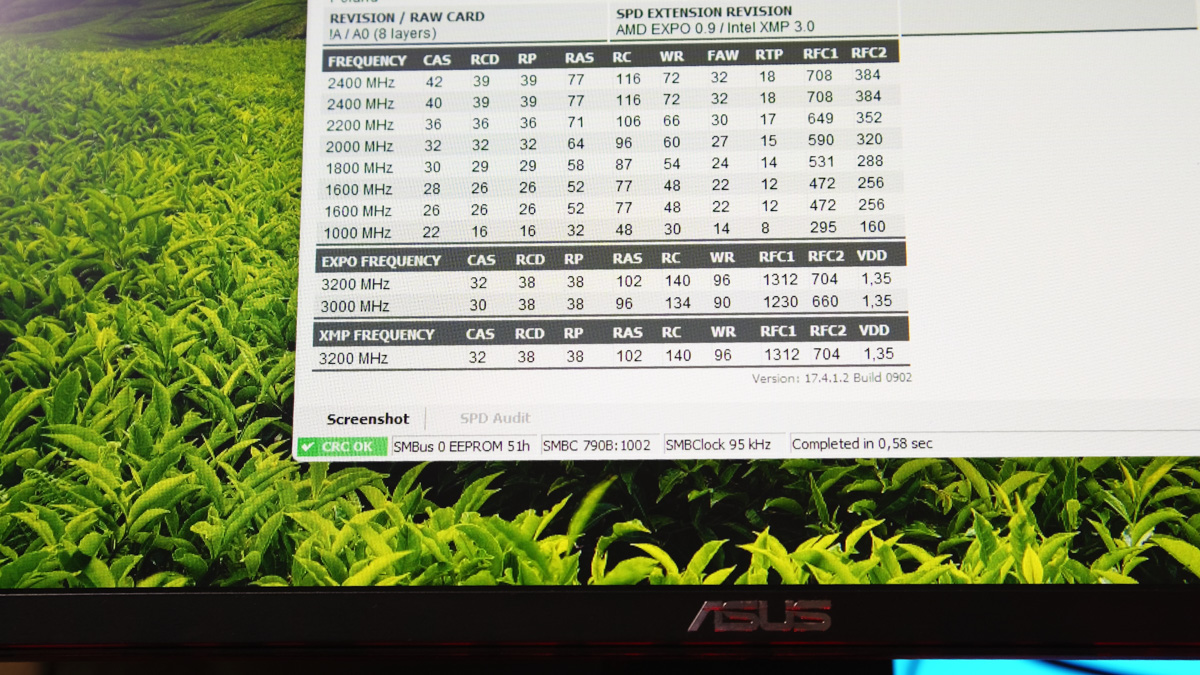
So in practice, with that setup, you’d have 24 GB of RAM, of which 16 GB runs in dual-channel mode. I can’t comment on the stability of such a system, because I’ve never experimented with it, and I haven’t found reliable information either.
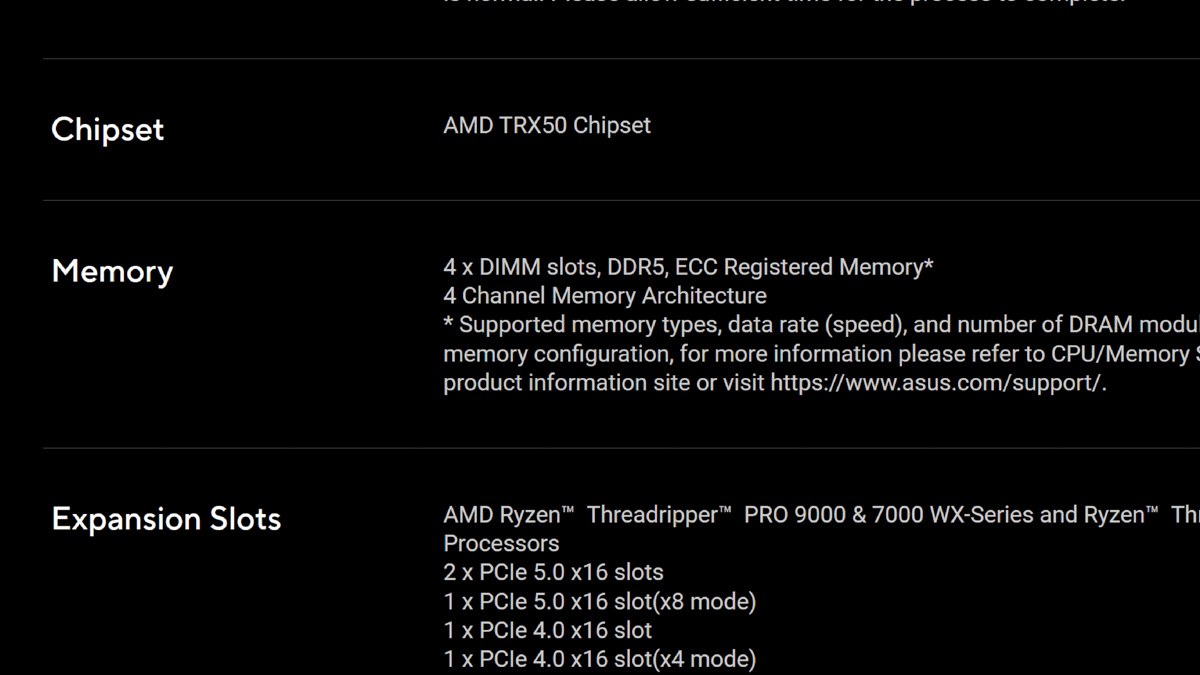
But here’s the point: with DDR5, each stick doesn’t have a single 64-bit channel – it has two 32-bit channels. This isn’t meant to increase speed per se, but it should provide greater stability.
Read also: IRDM Pro Slim 4TB Review: 4TB SSD Option
And how exactly this setup will affect the usual dual-channel operation with matching-capacity sticks is still unknown. There’s no practical way to test it reliably, because if an issue arises, no one can say for sure why it happened – whether it’s due to general incompatibility between the sticks, or specifically because of dual-channel operation. The simpler solution is just to swap the sticks, but we’ll come back to that point later.
Mixing RAM Becomes More Advantageous Over Time
Another common argument against mixing RAM is cost. The idea is, if you can’t afford matching DDR5 kits, just build a PC with DDR4 instead. But here’s the problem: DDR4 systems are actually more expensive now. Why? Because DDR4 itself has become pricier – not a joke. Production has declined as factories shift to newer standards, making DDR4 less available and more costly.
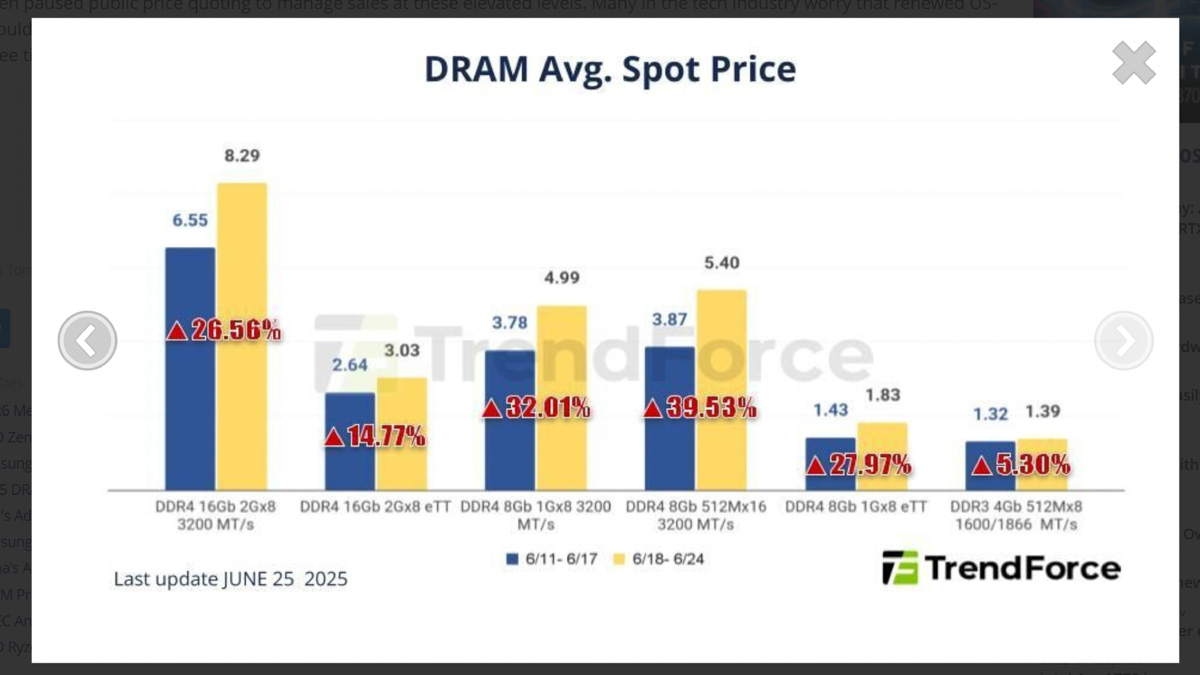
And yes, I know AMD is still releasing new AM4 CPUs – the Ryzen 5 5500X3D is a solid chip. But if you’re building a PC with a lot of inexpensive RAM, DDR5 is the more cost-effective choice. Either right now, at the time of writing, or very soon – and that trend is inevitable.
Fatalism
The question is: what happens if problems arise, and what kinds of problems might they be? Mostly, you’re looking at BSODs. RAM is a critical and sensitive component – all the information a PC processes passes through it. If there’s any bottleneck or improper interaction, a crash – the dreaded blue screen – is almost guaranteed.
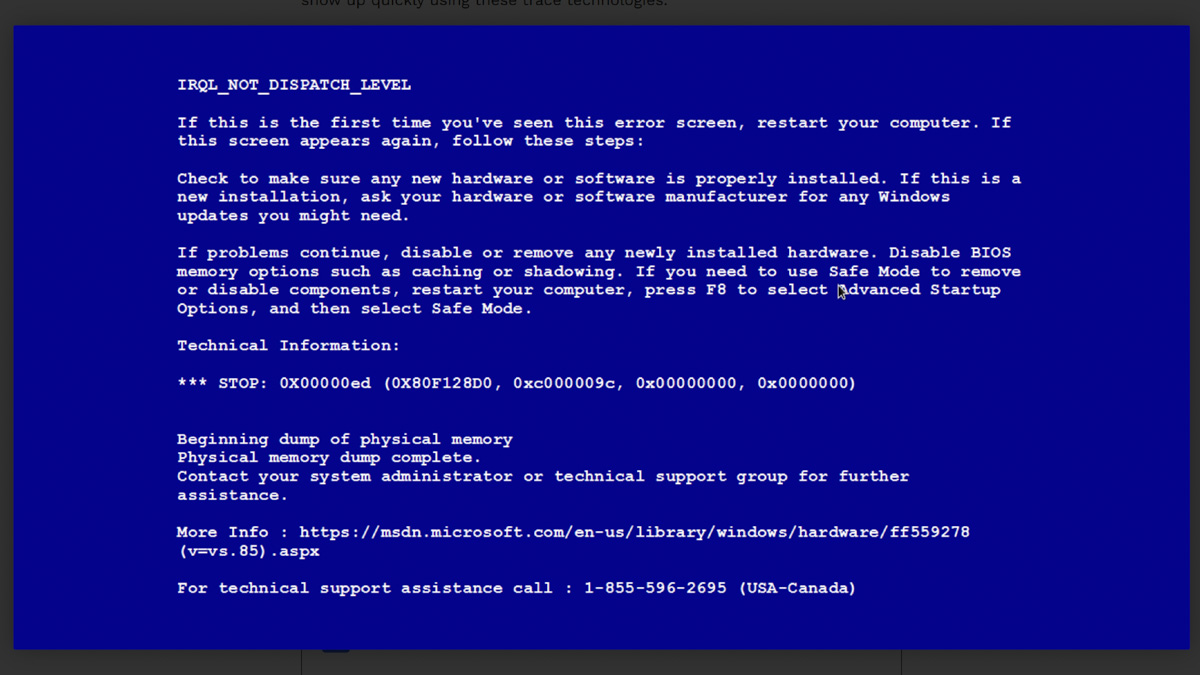
This is especially true for integrated graphics. For example, if you have an AMD Ryzen 7 8700G and are gaming without a discrete GPU, the games put heavy load on the RAM. In fact, my first experience with incompatibility between different modules happened under precisely these conditions – the games kept crashing.
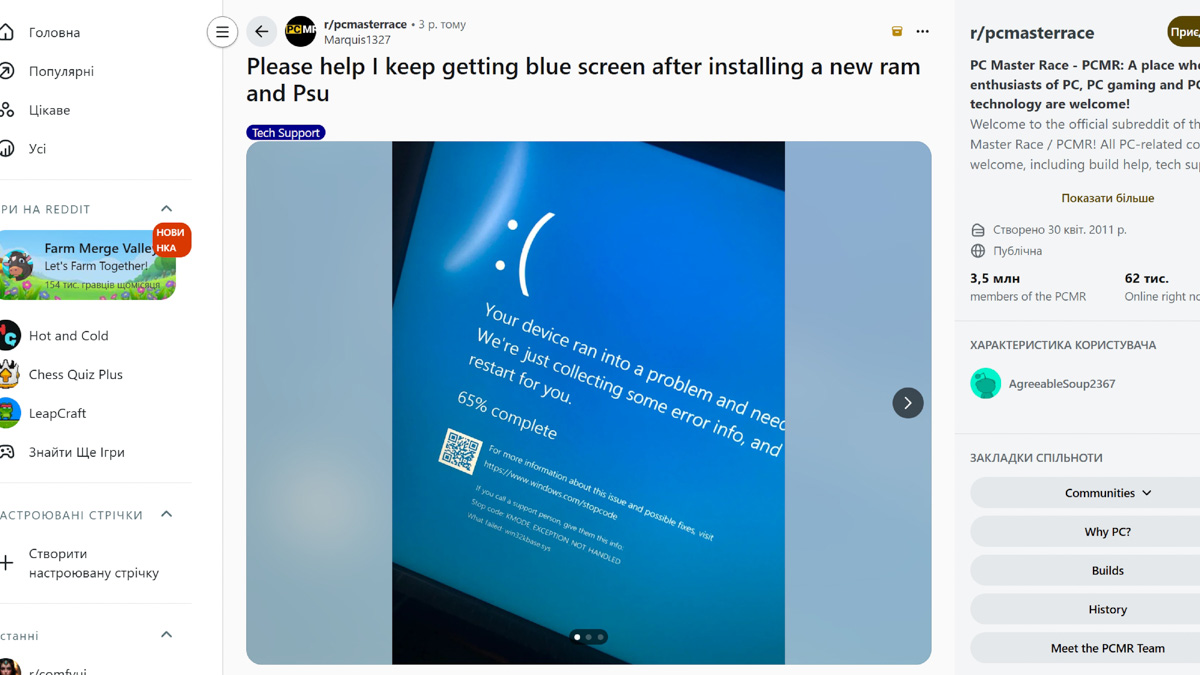
What can you do? Simply return the RAM under warranty. You can even ask about this directly before purchase. The warranty period also matters – with Goodram, the warranty is lifetime, and technical support is available. It’s stated right on their website; I’m just relaying the information.
Conclusions
Mixing RAM modules carries a certain risk. This applies whether you are combining Goodram DDR5 32GB 5600MHz CL46 with Goodram DDR5 48GB 5600MHz CL46, or any other modules, whether two or four sticks. It is generally more reliable to purchase a matched pair from the start. However, even then, compatibility is not guaranteed. Reputable manufacturers like Goodram do provide the option to replace a module if incompatibility occurs, which is why these specific modules were chosen.
Read also:
- Everything You Need to Know About NVIDIA DLSS 4.0 and Reflex 2: What They Offer and Why They Matter
- What are the best non-gaming uses for the GeForce RTX 5070 Ti OC?
- How useful the RTX 5070 Ti REALLY is?

