





© ROOT-NATION.com - Use of content is permitted with a backlink.
Dear diary, I need to vent. I’ve come to realize that we’re living in unexpectedly interesting times – so much so that anything relevant today can turn into nothing more than a pleasant memory amid technological overload. And right now, I’m angry at Microsoft.
It seems the company has experienced a rare moment of self-reflection. In an official document, Microsoft admitted what users have been complaining about for years: Windows is slowing itself down. Specifically, two features that Redmond proudly promotes as highlights of its systems – OneDrive and the flashy visual effects in Windows 10 and 11 – might be the main reasons your computer starts crawling like a turtle.
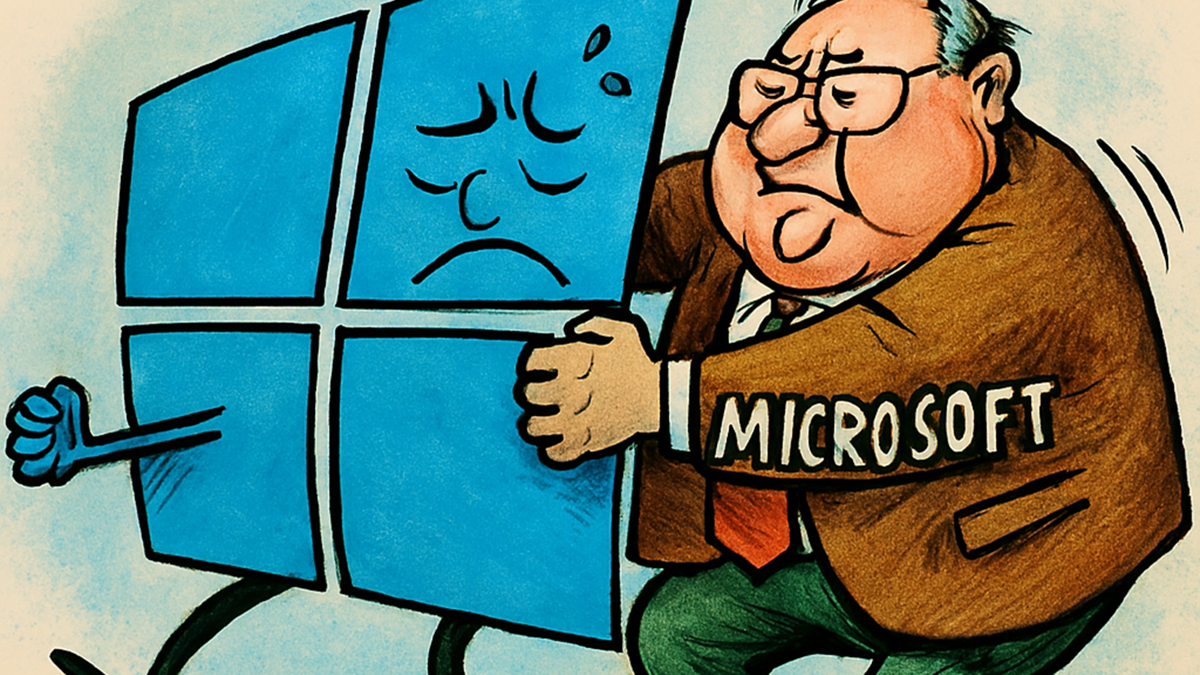
The irony is that these are the very features Microsoft has been pushing for years as an essential part of the “modern Windows experience.” In other words, the company first creates the problem – and then, with a straight face, documents it as if it were a new discovery.
Read also: Diary of a Grumpy Old Geek: Laughter, Frustration, and the Xiaomi 17 Pro Max
OneDrive – invisible background brake
OneDrive is that “helpful” file synchronization service Microsoft eagerly enables by default – just to make sure you never forget you have cloud storage. The idea sounds great: your files are always within reach, no matter the device, and the system automatically backs everything up. It would be a perfect story, if not for one thing – this convenience drains your computer’s performance as if it were powered by coal.
With a straight face, Microsoft insists in its documentation that OneDrive is a benefit. Yet between the lines, it quietly admits: yes, it can significantly slow down your system. The issue isn’t the service itself but a “minor detail” – the constant synchronization between your local drive and the cloud. It runs endlessly in the background, consuming resources, CPU time, and, eventually, the user’s patience. Things get especially entertaining after a reboot, when Windows decides that right now is the perfect time to re-check every file in your cloud storage.
The real highlight comes when you try to open a OneDrive-synced folder in File Explorer on Windows 11. That’s when WinUI – the new “cutting-edge” interface framework – joins forces with the cloud to turn a simple folder opening into a meditative waiting exercise.
In its generosity, Microsoft suggests “temporarily pausing OneDrive synchronization to see if it’s slowing down your PC.” A brilliant piece of advice – about as helpful as telling someone who’s drowning to “try not breathing underwater and see if that helps.”
Read also: Diary of Grumpy Old Geek: Do We Really Need AI-Generated Content?
Windows 11: when beauty requires sacrifices (of your processor)
The second culprit behind Windows slowdown is the so-called “visual revolution” of Windows 11. Microsoft proudly introduced an entire suite of Fluent Design effects – smooth animations, shadows, transparency, and those trendy rounded corners. It all looks nice enough, at least until you try to open several windows at once. That’s when you realize the revolution wasn’t in design, but in how quickly your desktop frame rate drops.
In a rare moment of honesty, Microsoft admits that these charming visual effects can consume a considerable amount of system resources – especially if your computer isn’t a high-end workstation but an ordinary office PC with 8 GB of RAM. In that case, even a simple window shadow can make the processor sweat and leave the user staring sadly at the screen.
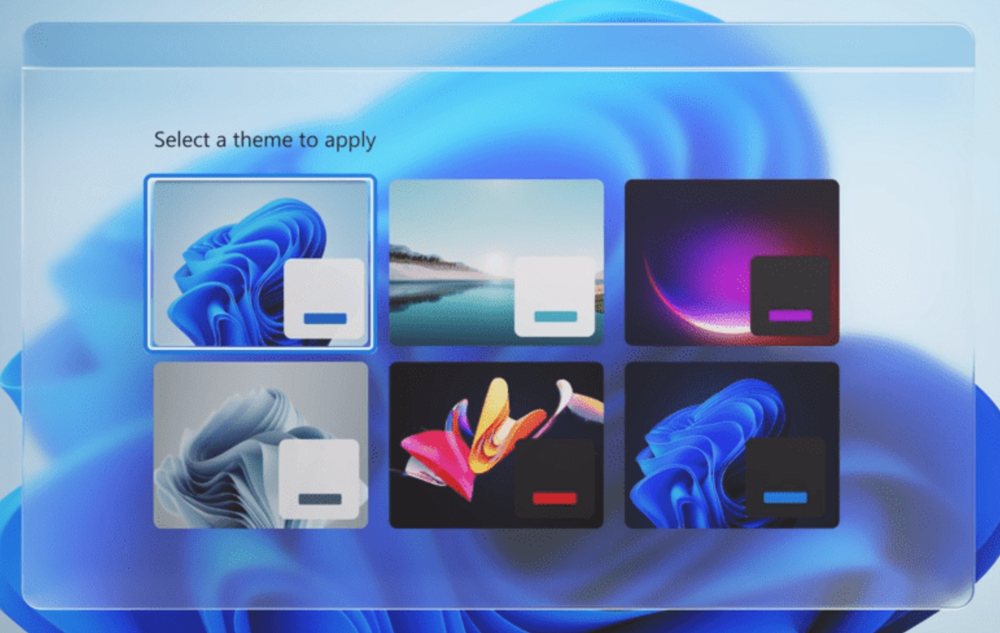
The WinUI visual platform that powers the Windows 11 interface certainly looks impressive – but it behaves accordingly. It doesn’t just render shadows; it seems to have a life of its own, giving the impression that your computer is pausing to contemplate the meaning of existence.
Naturally, Microsoft doesn’t leave users without advice. In the visual effects settings, it recommends enabling the Adjust for best performance mode. In other words: turn off everything that looks nice so your system can at least vaguely resemble the one you thought you paid for.
The irony is that for years Microsoft has been assuring everyone that OneDrive represents the future of file storage and that Windows 11 is the most advanced operating system with a “delightful interface.” Now it turns out that these two symbols of “progress” are the very things dragging the system down. It’s a perfect example of how the pursuit of innovation can turn a computer into little more than a decorative piece of furniture.

And even if you try to make your life easier by disabling OneDrive, don’t celebrate too soon – Windows 11 will promptly begin politely but persistently reminding you of the “incredible benefits of Microsoft’s cloud.” Pop-ups appear, banners reemerge, and the system seems genuinely puzzled as to why you wouldn’t want to re-enable the very thing that’s been annoying you.
So, the conclusion is simple: Windows 11 is an operating system where beauty, the cloud, and performance coexist peacefully – just never at the same time.
Read also:
- Strangest Deal of Year: TikTok to Lease Out Its Algorithm
- All About Windows ML: A Shift in Local AI Processing
- TV Show Enthusiast, a Mechanic Cinderella, and a Gosling Mother: A Selection of Notable Books Featuring Robots

