





© ROOT-NATION.com - Use of content is permitted with a backlink.
The K2 plan is expected to become the most extensive attempt to “reset” Windows 11 since its release – not through cosmetic changes, but through a structural overhaul of its core architecture.
Let’s be honest: how many of you have thought at least once over the past year, “Maybe I should switch to a Mac”? You are not alone. Microsoft appears to have noticed the same trend and has finally started to respond.

Read also: Instructions, Guides, How To for Windows
TABLE OF CONTENTS:
First, a bit of context
To understand why the “K2 plan” exists at all, we need to step back. Do you remember Windows 8? That was the moment when Microsoft decided that everyone would suddenly prefer tapping large tiles instead of using familiar buttons – on laptops, with a mouse. In hindsight, it became one of the most widely criticized UX decisions of the 2010s, largely due to a mismatch between interface design and how users actually interacted with their devices.
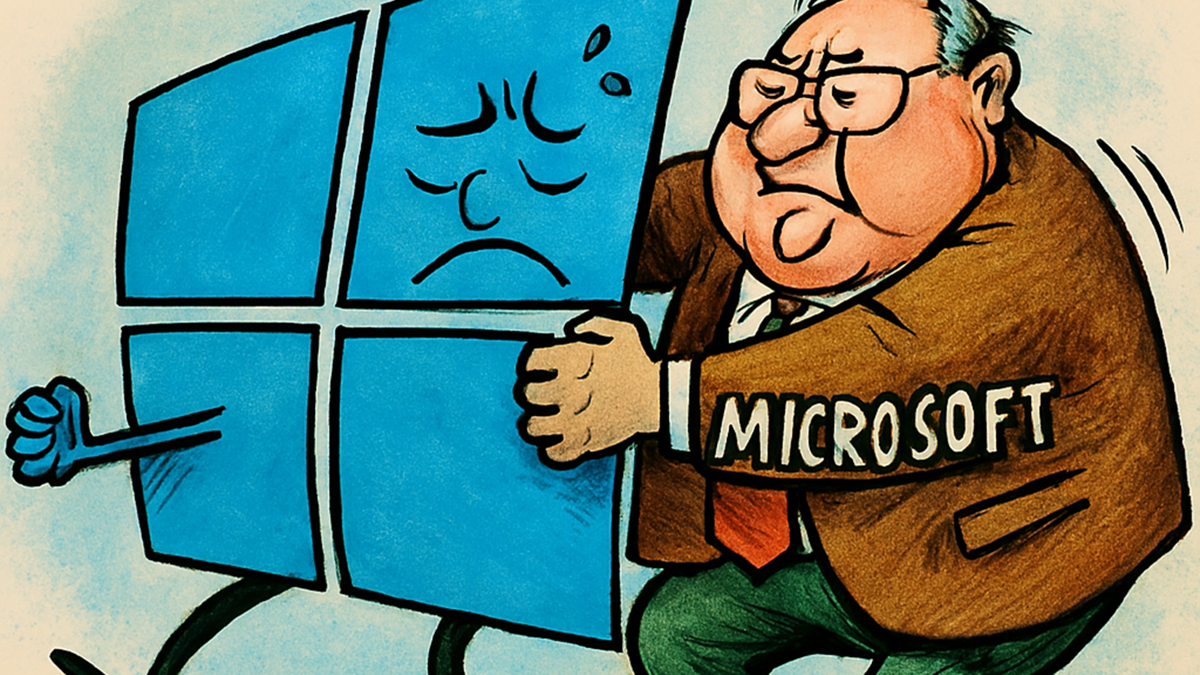
Then Windows 10 arrived, and things stabilized. The Start menu returned in a familiar form, the system became more consistent, and users generally responded positively. Microsoft also introduced Project Spartan – later known as Edge – which eventually evolved into a reasonably capable browser. At that point, it seemed that Microsoft had learned to listen to its users.
However, as is often the case, once Windows 10 became widely accepted, user feedback appeared to play a less central role in subsequent decisions. This eventually led to the release of Windows 11.
Read also: Five Mistakes to Avoid When Working with Windows 11
What’s wrong with Windows 11? Well, basically everything
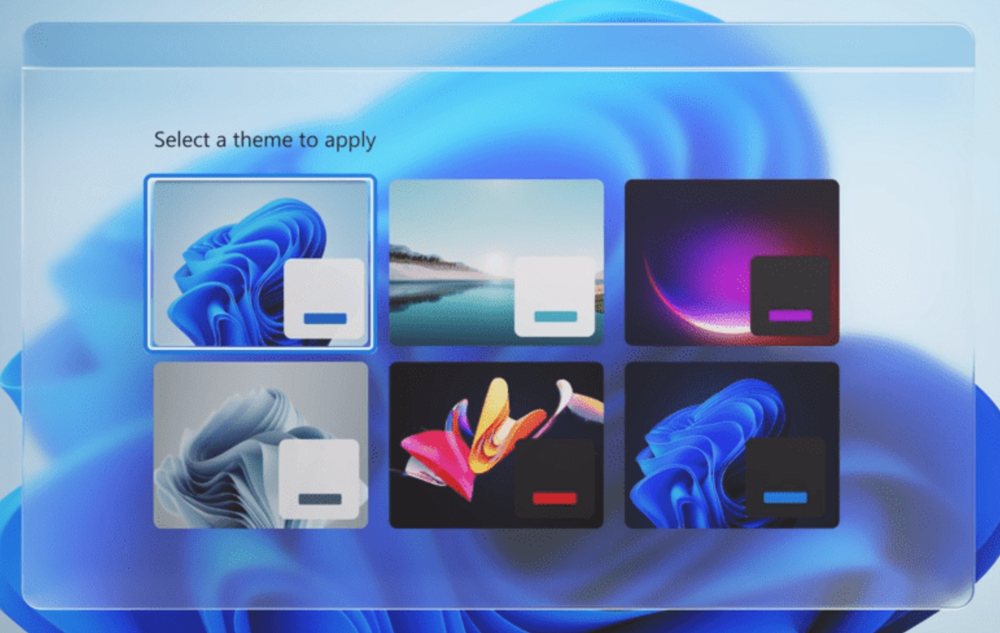
Imagine opening File Explorer and it flickers. Every day. You click the Start menu and wait. Just wait for it to appear. You open Settings and notice that some sections follow a modern design, while others still look like remnants of Windows 7 that were never fully updated.
That, in essence, is Windows 11. It is not a single major flaw, but rather a collection of small inconsistencies that, together, create the impression of an unfinished construction site – one that has been under active development for several years already.
In addition to these “perceptual” issues, there are also structural technical problems. Windows carries decades of legacy dependencies. This includes drivers, subsystems, and services written at a time when USB flash drives were still considered a new technology. Every time Microsoft attempts to “rewrite things properly,” it runs into this accumulated technical debt and typically has to scale back its plans.
There is also Copilot. Microsoft has integrated its AI assistant across many parts of the system. However, this integration has often been perceived by users as intrusive rather than helpful. As a result, “Copilot” has increasingly become associated with an interface element that interrupts workflows more than it improves them. A common criticism is that effort has been directed toward adding AI features, while core system issues remain unresolved.
Read also: Prospects for DDR SDRAM: Future Developments and Key Challenges
What is the ‘K2 Plan’?
The name is intentionally cryptic, almost like a Himalayan peak – except instead of snow-covered slopes, it represents layers of accumulated technical debt. According to Windows Central, Microsoft is preparing a large-scale recovery plan focused on three core areas: performance, consistency, and reliability.

It sounds almost trivial at first: “we will make the system faster and more stable.” But once you look at the details, the situation becomes more interesting.
Start Menu on WinUI 3
One of the first concrete changes is a redesigned Start menu implemented using WinUI 3. This is Microsoft’s modern framework for building user interfaces, intended to replace the current mix of legacy and newer UI technologies.
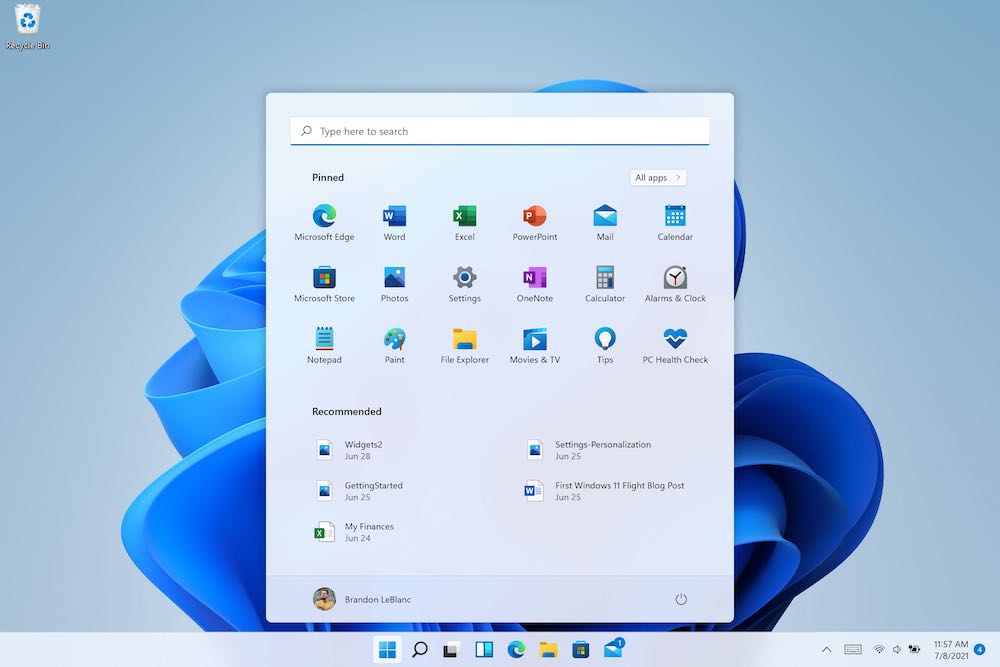
The expected outcome is a noticeable performance improvement: the Start menu may become up to 60% faster, along with expanded customization options. Users should be able to resize sections and hide elements that are not needed. This reflects a shift back toward a more user-controlled interface model, which was reduced in earlier iterations of Windows 11.
The “60%” figure should be treated cautiously, as such estimates are often based on specific test scenarios. However, even a smaller improvement – for example, on the order of 30% – would likely be perceptible in everyday use.
System Compositor
A less visible but more significant change concerns the system compositor. The System Compositor is responsible for how interface elements are rendered on screen. In practical terms, it directly affects issues such as occasional window flickering and the general responsiveness of the interface, which can sometimes feel inconsistent or sluggish.
Microsoft plans to rewrite this layer with the goal of reducing latency and memory usage. If successful, the changes would be noticeable in everyday interaction – not necessarily in benchmark results, but in how responsive and consistent the system feels during regular use.
File Explorer
Finally. File Explorer is almost a separate category of frustration. It remains caught between two eras, where modern UI attempts are layered on top of legacy logic. Dark mode can still flicker, and some operations are unexpectedly slow without a clear technical reason.
According to the K2 plan, File Explorer is also scheduled for updates. Details remain limited, but the fact that Microsoft is explicitly acknowledging the issue is itself a notable shift.
Copilot will be reduced, but not removed
An interesting detail is that Microsoft has indicated it will scale back the aggressive promotion of Copilot across its products. However, AI-related features themselves are not being removed.

They will simply no longer be as aggressively branded under the “Copilot” label. In other words, users will still interact with the underlying AI features, but without the constant Copilot branding layered on top. To be direct, this is a partial measure rather than a full redesign of the approach. However, it is still a step in a more restrained direction compared to the previous integration strategy.
Read also: Five Windows 11 Tools for Improving Productivity
Why Microsoft is acting now
There are two main factors here, and both are related to revenue and market pressure.

The first factor is that complaints have reached a critical mass. This is no longer limited to technical discussions or informal criticism. Enterprise customers – who represent the core of Microsoft’s revenue – are increasingly considering alternatives. When IT decision-makers at large organizations begin discussing a potential shift to macOS, it becomes a serious signal for Microsoft.
The second factor is competition from Apple Inc.. The introduction of the MacBook Neo is not simply an effort to reach budget-conscious users. It is a calculated move to target segments that previously remained within the Windows ecosystem primarily due to cost considerations. In this context, Apple is applying competitive pressure where Windows is most exposed.
As a result, Windows is currently in one of its most vulnerable positions in years, and Microsoft appears to be responding accordingly.
Read also: Computers in Space: Limitations as an Advantage
Will the plan work?
The most honest answer is: it is unclear. There are some positive signals. Concrete technical changes – such as updates to the system compositor and the move toward WinUI 3 – go beyond surface-level redesigns and suggest work at the architectural level rather than simple UI adjustments. Microsoft is also involving the Windows Insider community earlier in the development cycle than usual, which indicates a more iterative testing approach. Overall, there is a sense that the underlying issues are being treated more seriously than in previous cycles.

But there are also warning signs. First, this is not the first time Microsoft has made similar promises. The same narrative appeared after Windows 8.1 and again at the beginning of Windows 10: commitments to “listen to the community,” followed by a return to internally driven decisions once the platform stabilized. Second, breaking legacy technical dependencies is inherently slow and complex work. It requires careful refactoring across deeply entrenched system components, which cannot be changed quickly without risking instability. Third, timing matters. Even if improvements arrive later, users are already making purchasing decisions today, including moving to alternative platforms such as MacBook Pro devices.
If Microsoft executes the K2 plan steadily, without rushing, without shifting focus back to superficial additions like additional AI features, and without reverting to previous design patterns, then the chances of meaningful improvement are real. If, however, within a year the outcome is a “K2 plan completed” announcement accompanied mainly by new Copilot integrations rather than structural fixes, then the competitive pressure from alternatives like macOS will likely continue to increase.
Read also: What Happens to Astronauts’ Brains in Space?
What do you think?
It’s really interesting – how many of you have already bought a Mac or are seriously considering switching to one? Or perhaps some of you have, on the contrary, given Windows 11 a chance and are happy with it?

Please leave your comments below, as it is precisely these discussions that paint a true picture of where the market is heading. Microsoft looks at statistics. We look at real people.
P.S. The name ‘Plan K2’ is probably the most ambitious thing Microsoft has done in recent times. Mount K2 (Chogori) is the second highest mountain in the world, and one of the most dangerous to climb. We can only hope that Microsoft makes it back down alive.
Read also:
- Seven Annoying Windows 11 Features – and How to Fix Them
- How to Reduce RAM Usage in Windows 11
- How to Use Microsoft PowerToys

