




© ROOT-NATION.com - Use of content is permitted with a backlink.
Today, let’s take a look at the latest addition to Cubot’s popular KingKong series – the Cubot KingKong ES 3. This affordable rugged smartphone manages to stay relatively slim and neat despite packing a massive 10,000 mAh battery. It doesn’t try to impress with extra gimmicks like a secondary display, a full-scale flashlight, or a built-in projector. Instead, it’s primarily a basic, well-protected device with excellent endurance – a model that deliberately skips the bells and whistles to keep the price attractive.
That said, a few other simplifications are also present. So, let’s take a closer look at what the KingKong ES 3 offers and who it might be best suited for.
Read also:
- Reviews and tests of Rugged Smartphones
- Cubot KingKong 11 Review: Rugged Smartphone with Dual Displays
TABLE OF CONTENTS:
Cubot KingKong ES 3 Specifications
- Display: IPS, 6.75″, HD+ (1600×720), 260 ppi, refresh rate up to 120 Hz
- Processor: Unisoc Tiger T615, 8 cores (2×Cortex-A75 1.8 GHz + 6×Cortex-A55 1.6 GHz), 12 nm
- Graphics processor: ARM Mali-G57 MP1
- RAM: 6 GB (+ 10 GB virtual RAM)
- Storage: 256 GB
- microSD support: yes
- Wireless technologies: Wi-Fi 5, Bluetooth 5.2, NFC, GPS, GLONASS, Galileo
- Main camera: main module – 48 MP; auxiliary – 0.3 MP, macro – 2 MP
- Front camera: 16 MP
- Battery: 10,200 mAh, 33 W fast charging
- Operating system: Android 15
- Slot: combined (2 nanoSIM or 1 nanoSIM + microSD)
- Protection: IP68/IP69K, MIL-STD-810
- Dimensions: 177.4×83.7×15.3 mm
- Weight: 352 g
Price and positioning
The Cubot KingKong ES 3 occupies a place in the budget segment of rugged smartphones, offering solid battery life and compliance with the MIL-STD-810 standard. In Ukraine, the device is priced from around $170 or €145. However, on Cubot’s official AliExpress store, with discounts applied, the KingKong ES 3 can be purchased for approximately $130 or €110. This positions it as a typical budget device, and, as is often the case in this segment, compromises are unavoidable. Let’s examine what those compromises are in the KingKong ES 3.
Package contents
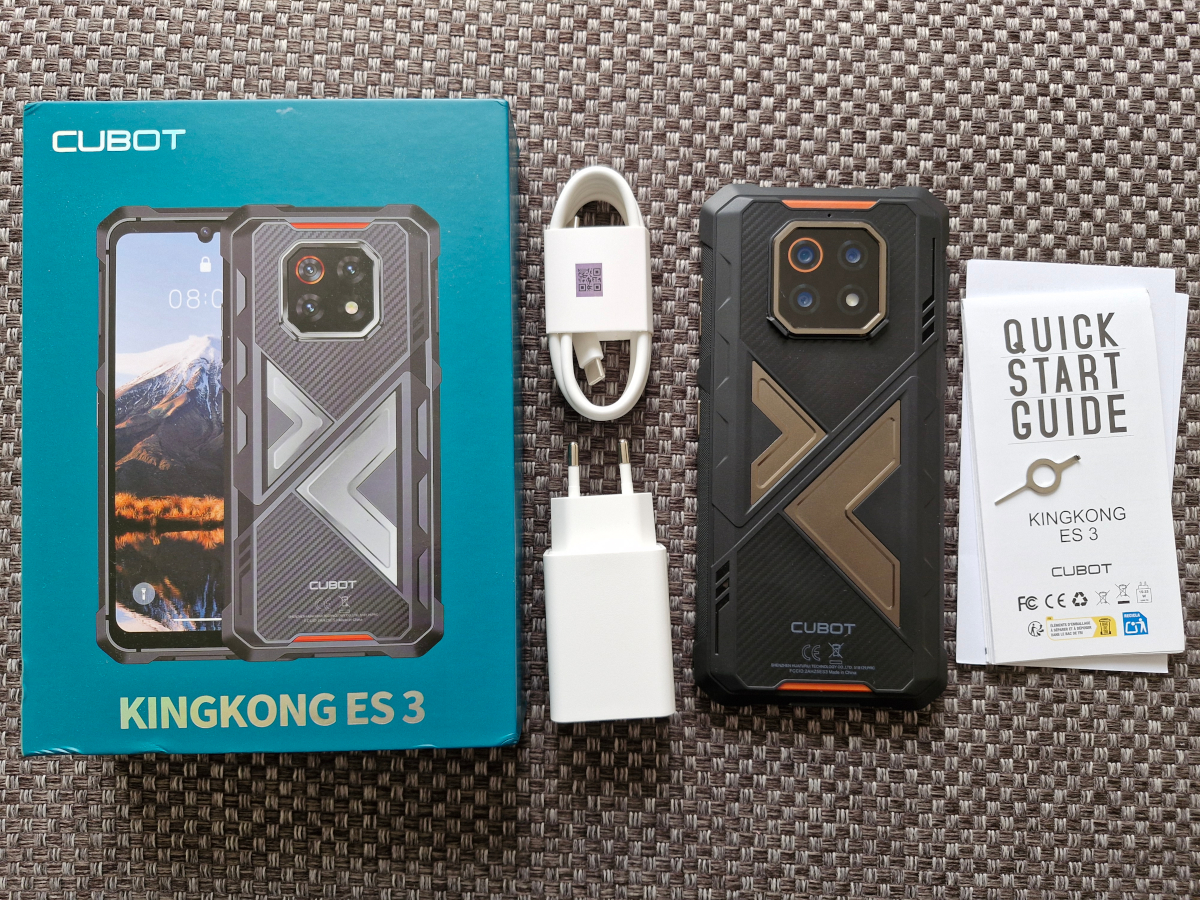
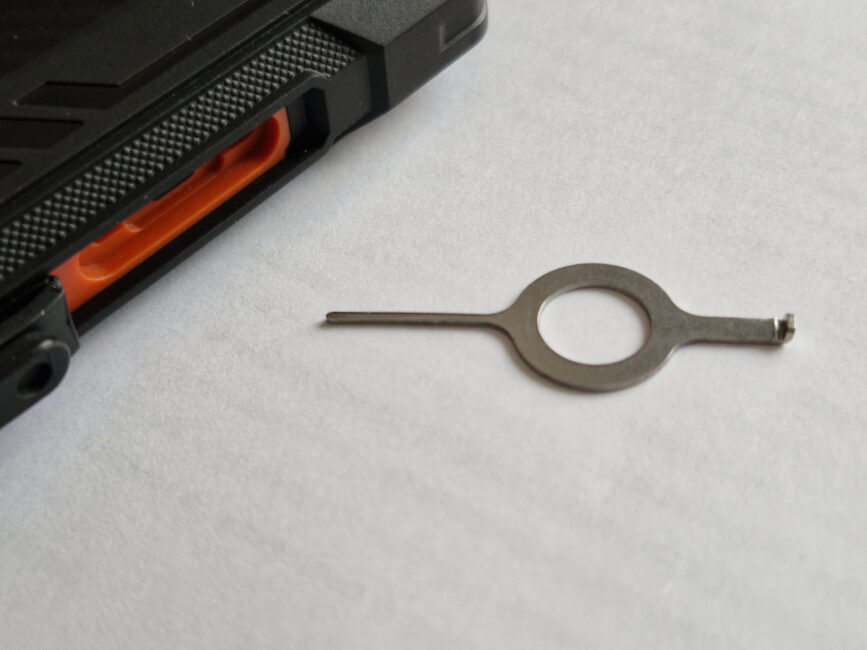
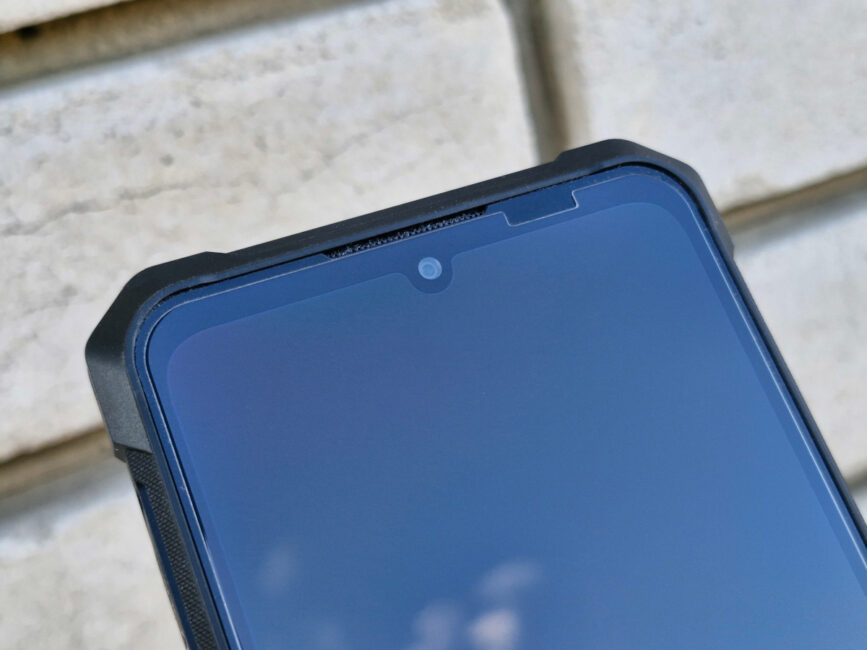
The Cubot KingKong ES 3 comes in a flat green box, which, as is typical, features an image of the device along with logos and other markings. Inside the package are the smartphone itself, a 33 W charger, a cable, documentation, and a SIM tray eject tool. The tool has an interesting design: one end resembles a pin, while the other resembles a hook, making it convenient for removing the protective covers over both the SIM tray and the charging port. A notable inclusion is the protective glass pre-applied to the screen, rather than just a film. This is a practical addition for users.
Read also:
- Cubot KingKong Power 5 Review: Rugged, Durable, and Budget-Friendly
- Unihertz 8849 Tank 4 Review: Rugged Smartphone with Built-In Projector and Flashlight
Design, materials, layout of elements
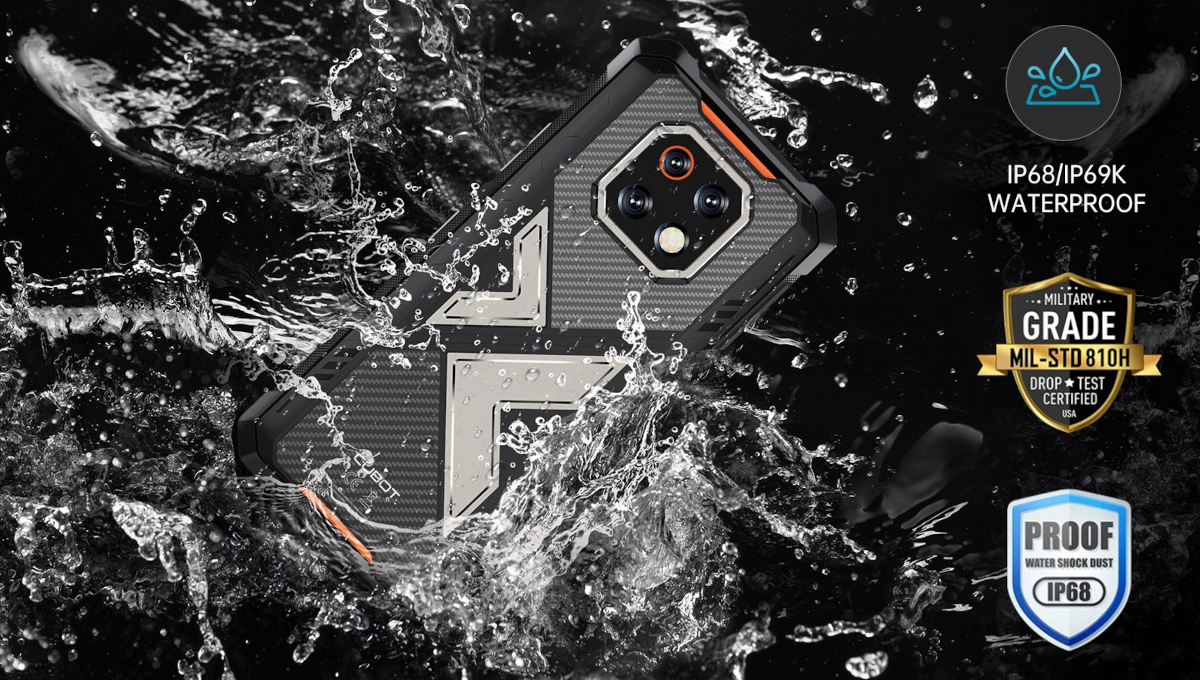
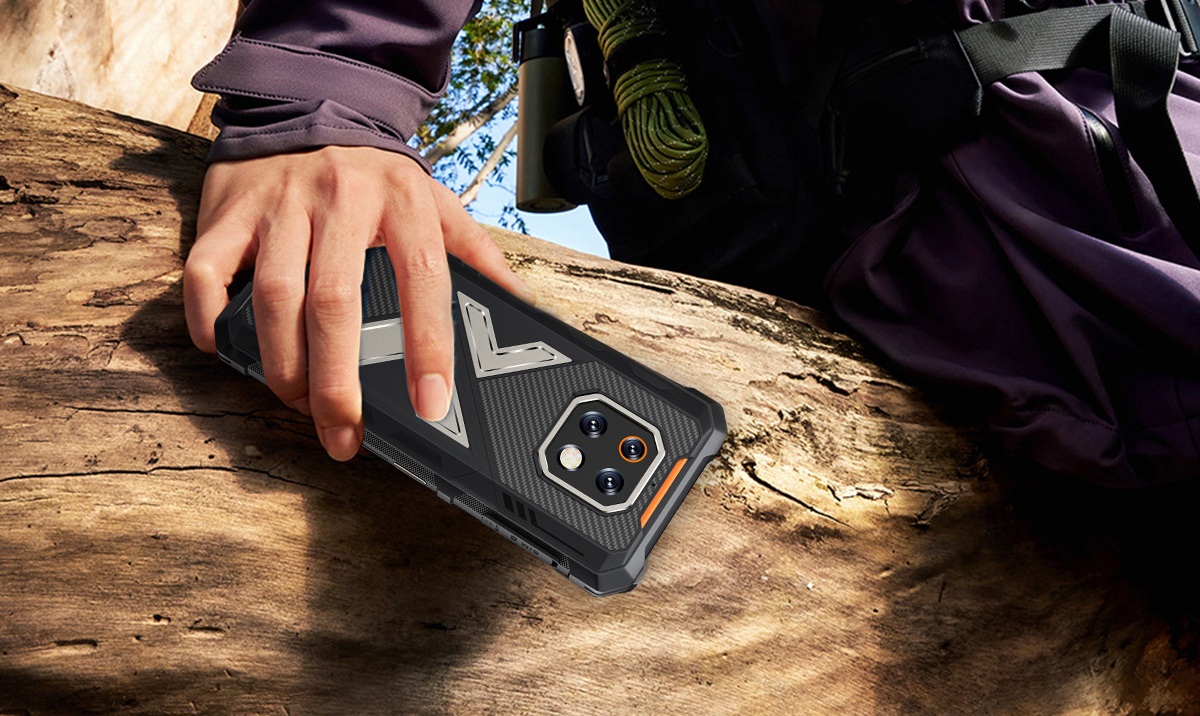
Being a rugged smartphone, the Cubot KingKong ES 3 has an exterior that matches its purpose – relatively bulky compared to standard models, with reinforced corners and a solid construction that conveys a sense of durability. Despite its protective design and a large battery (over 10,000 mAh), the device maintains a fairly streamlined profile, with a thickness just over 1.5 cm. This makes it roughly 1.5 times thicker than a typical smartphone while offering about twice the battery capacity.
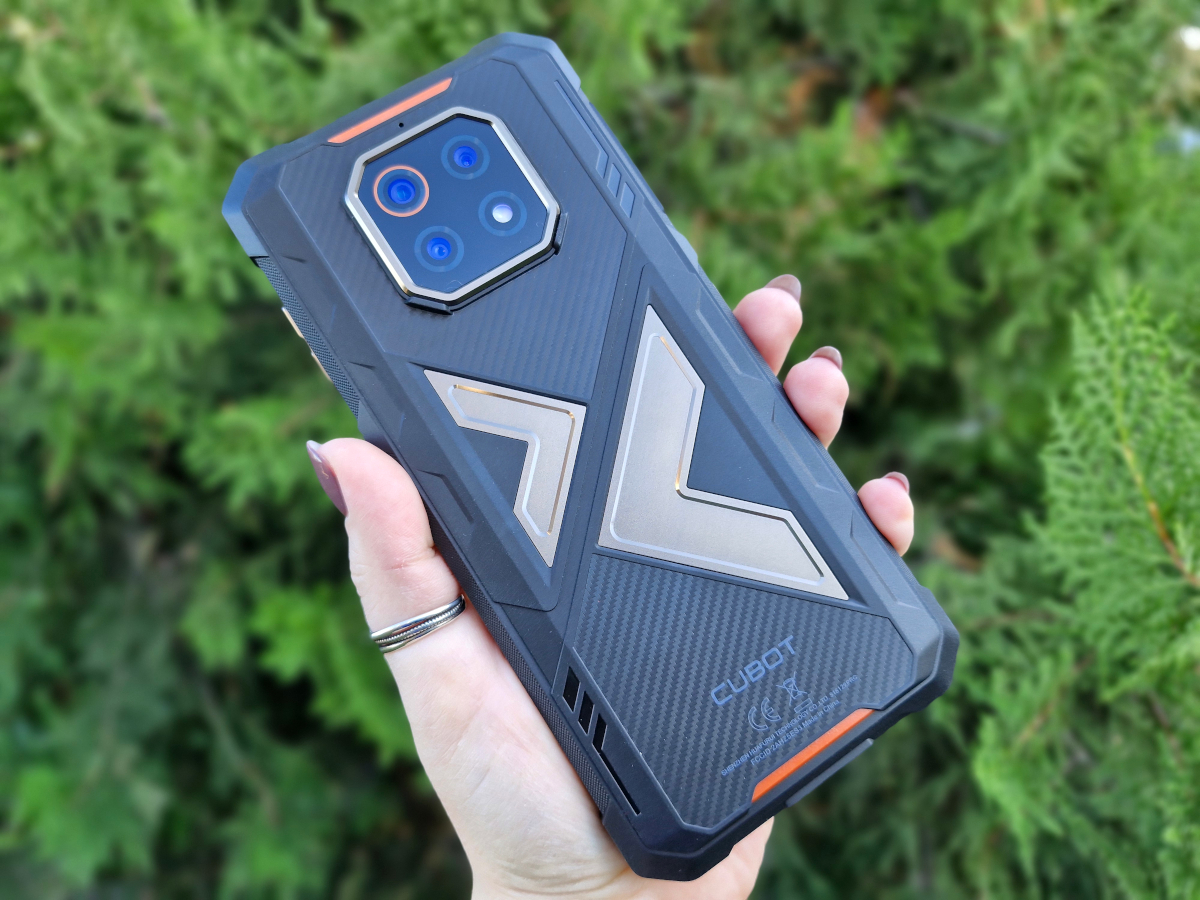
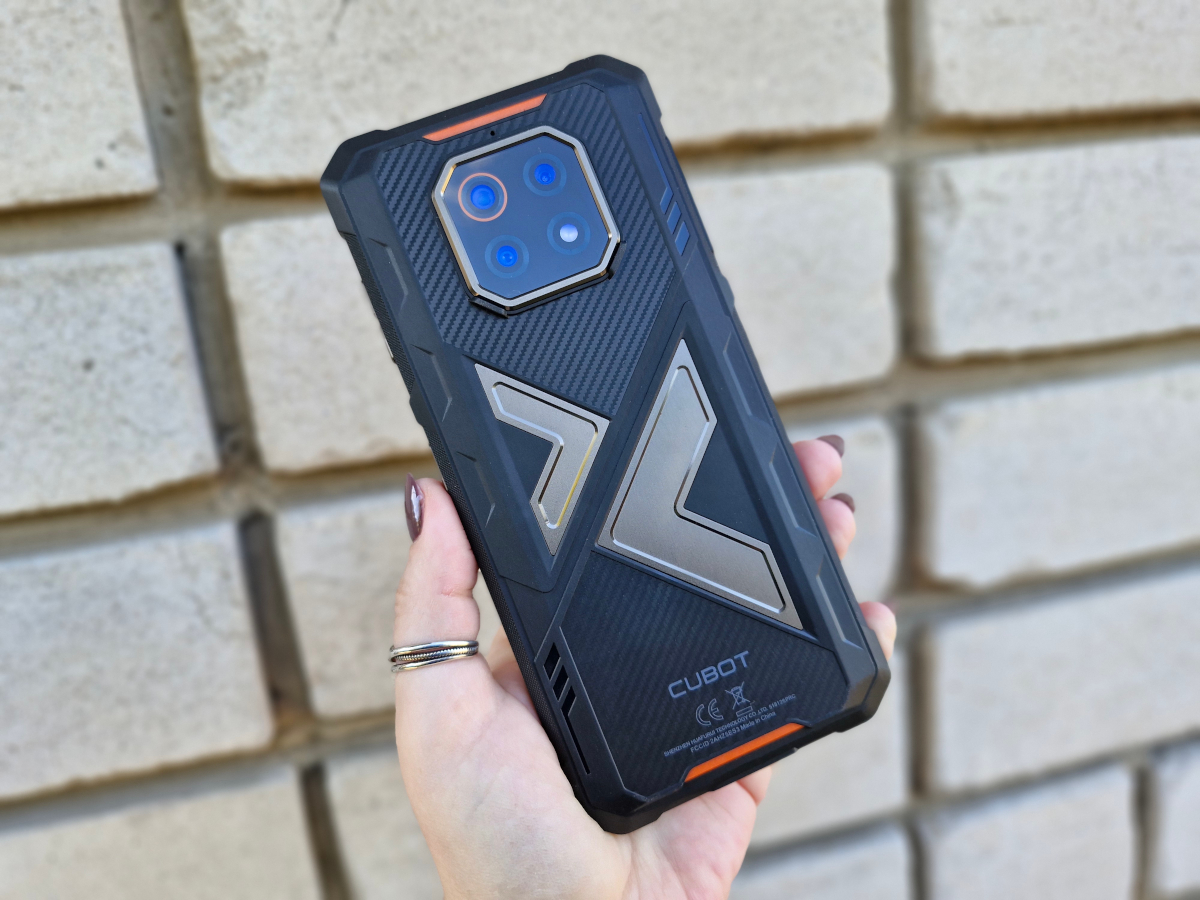
The body is made of high-quality plastic that differs from the usual rigid material, feeling slightly softer and somewhat rubberized. There are also metal elements: decorative accents on the back, as well as all mechanical buttons and the camera frame, which are made of metal.
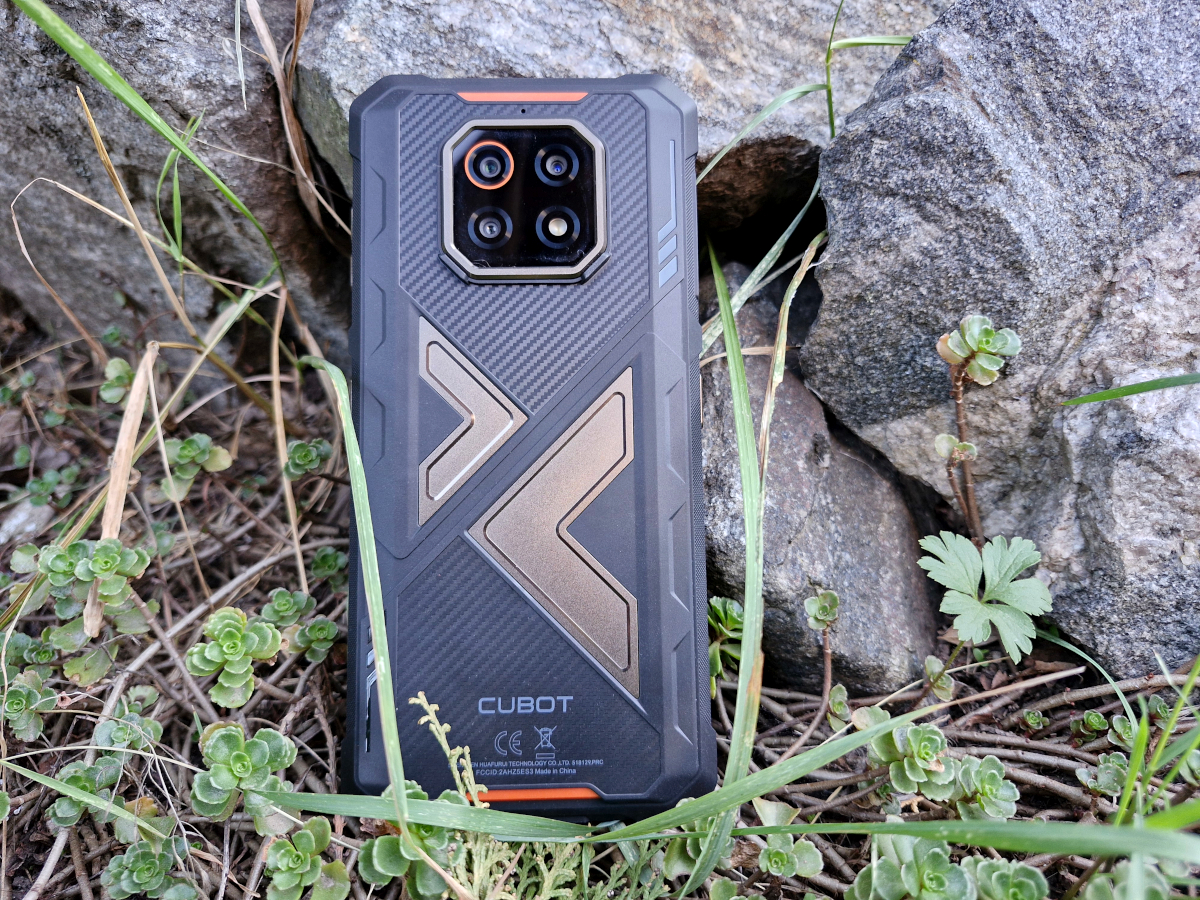
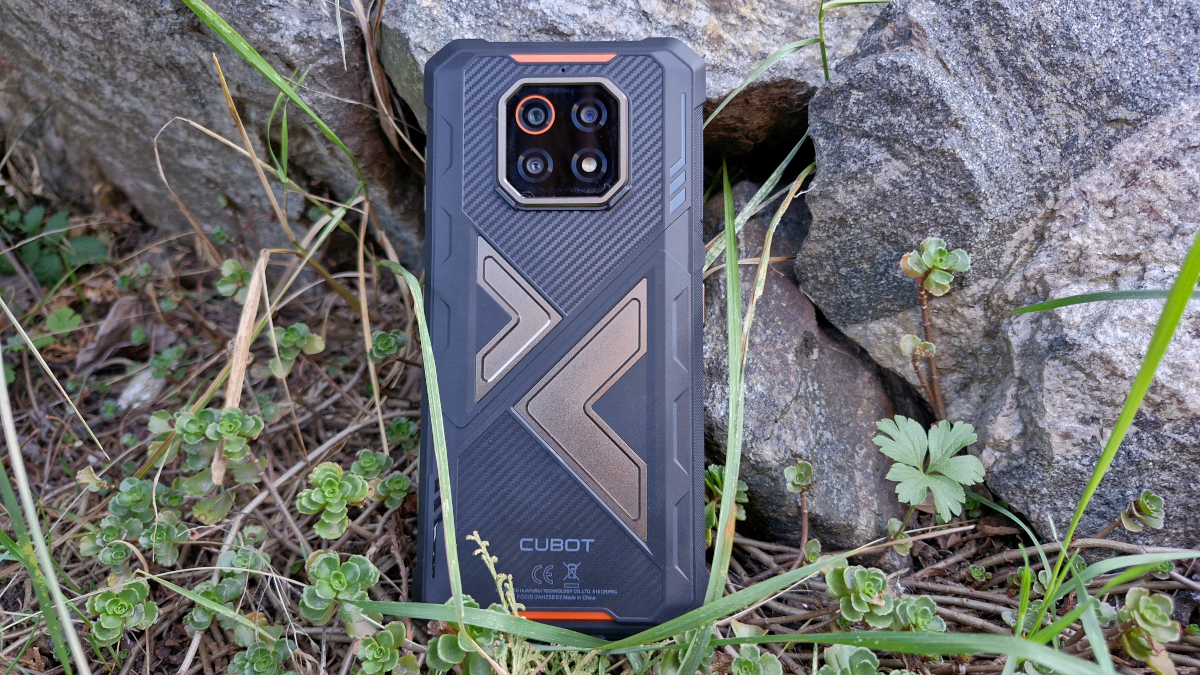
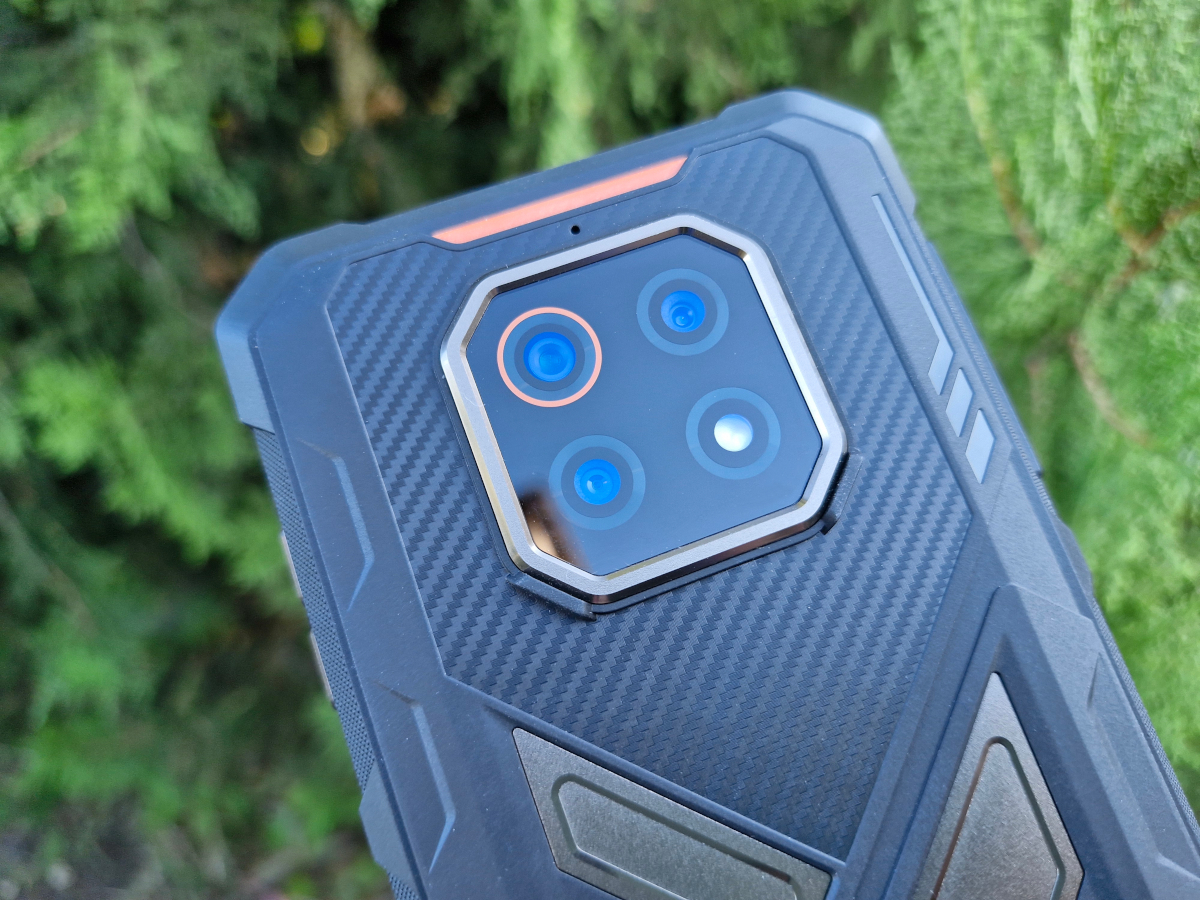
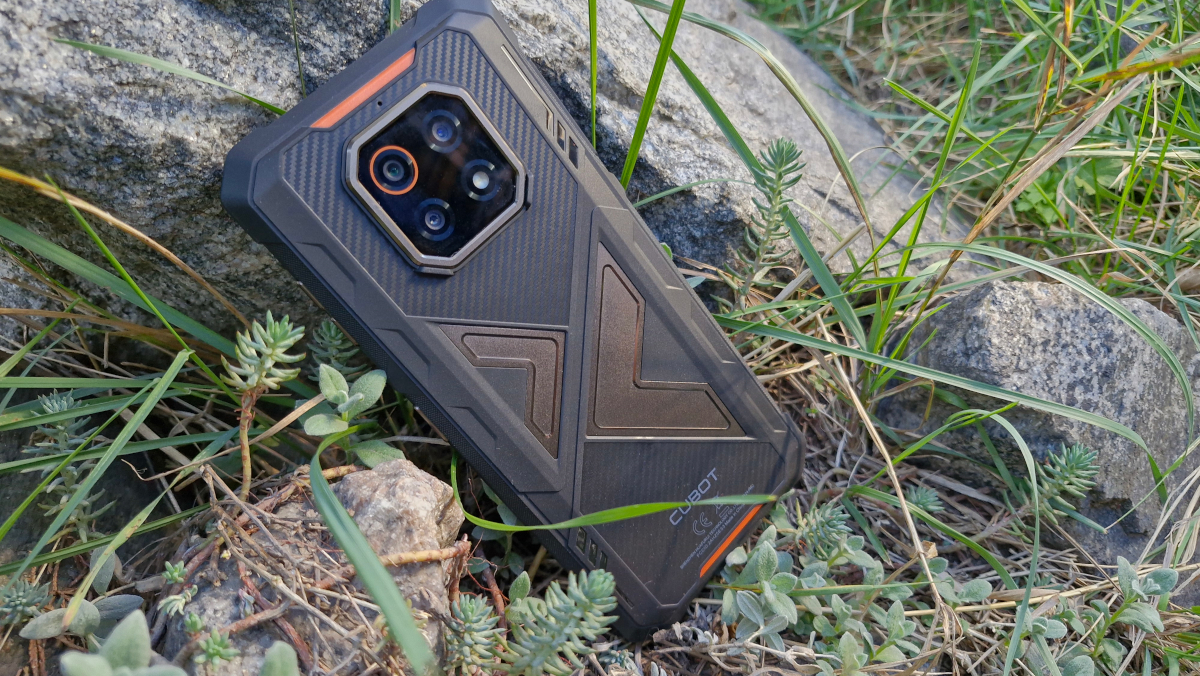
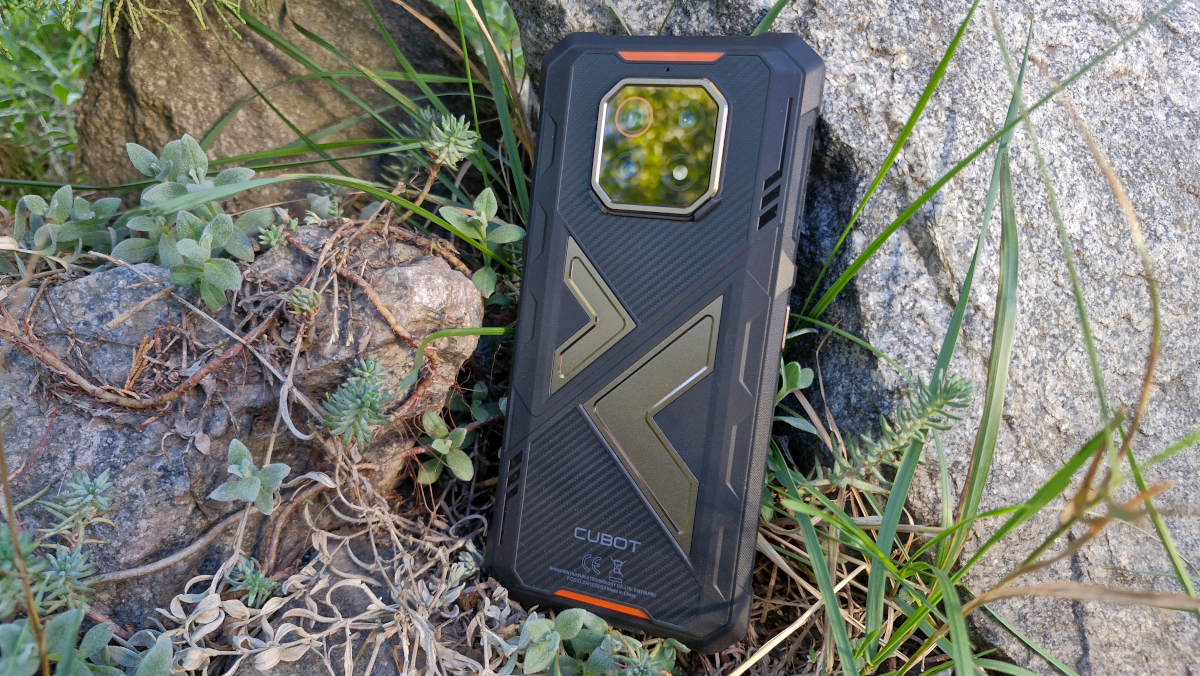
Looking more closely at the back, the octagonal main camera module is positioned near the top center. In addition to the metal frame, there are small “feet” located on the angled corners of the module, designed to protect the camera glass when the device is placed on a surface. Just above the module, a small opening for an auxiliary microphone is visible.
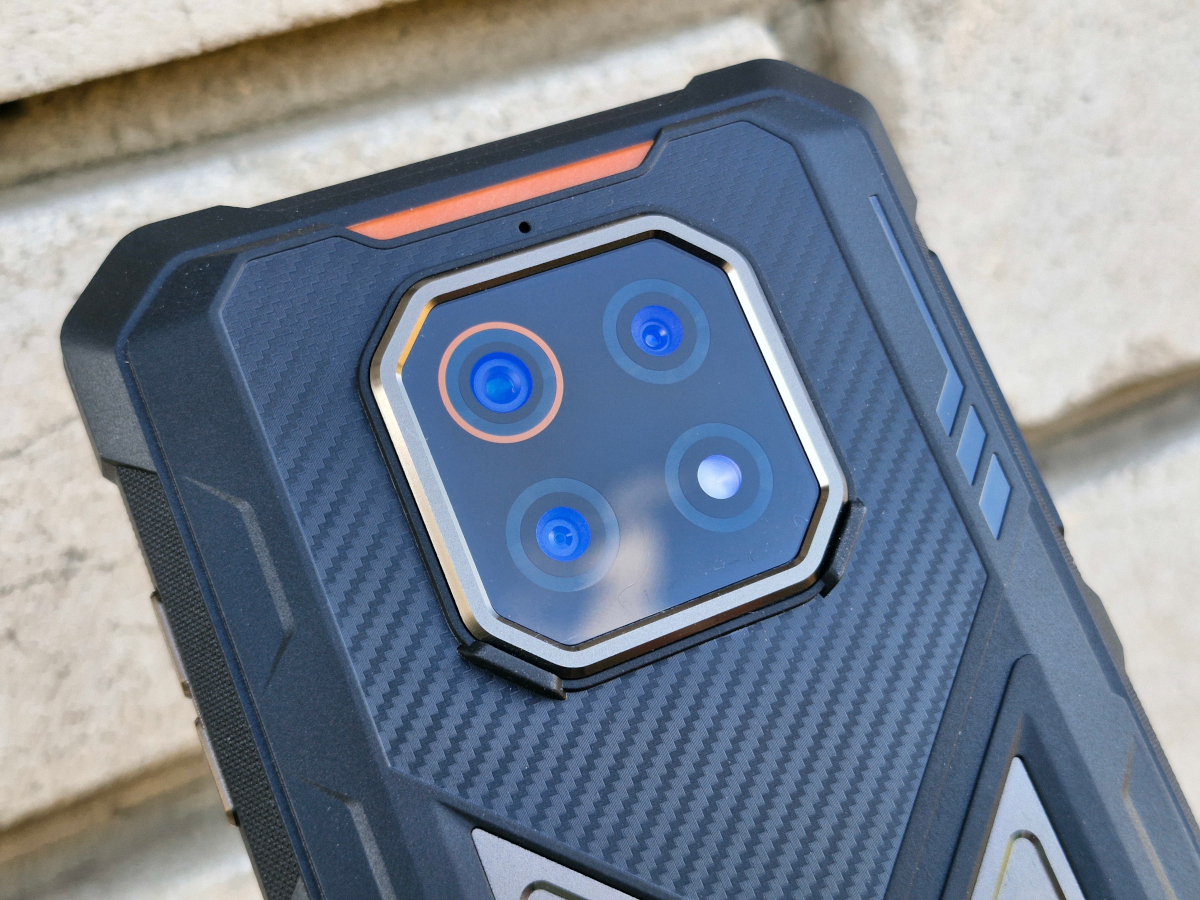
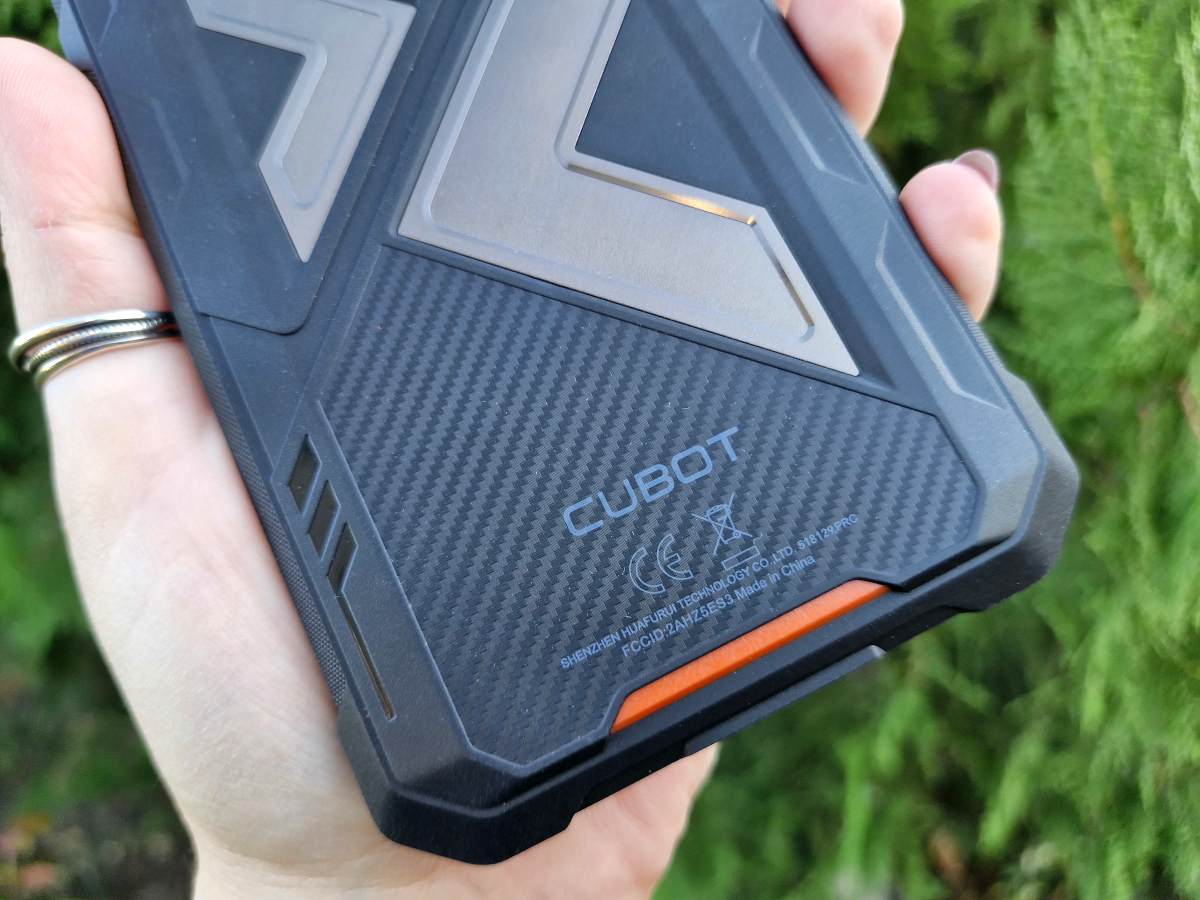
The KingKong ES 3 features various decorative elements, including textured inserts, metal plates, and orange accents at the top and bottom of the body, complemented by the trim around one of the camera modules. At the very bottom, the brand logo and technical markings are neatly placed.
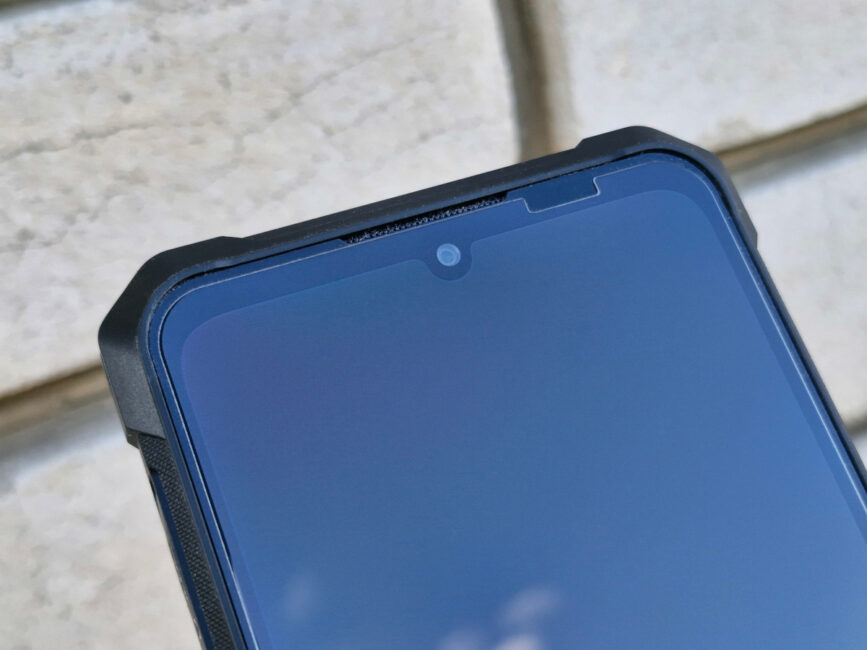
On the front, there is a large display surrounded by relatively thick bezels. As is often the case, the side edges are slimmer, while the top and bottom are more substantial. The front-facing camera is set within a small “island” cutout. At the junction of the top edge and the screen, a thin grille for the earpiece speaker is visible, along with a small window in the protective glass that allows the ambient light sensors to function properly.
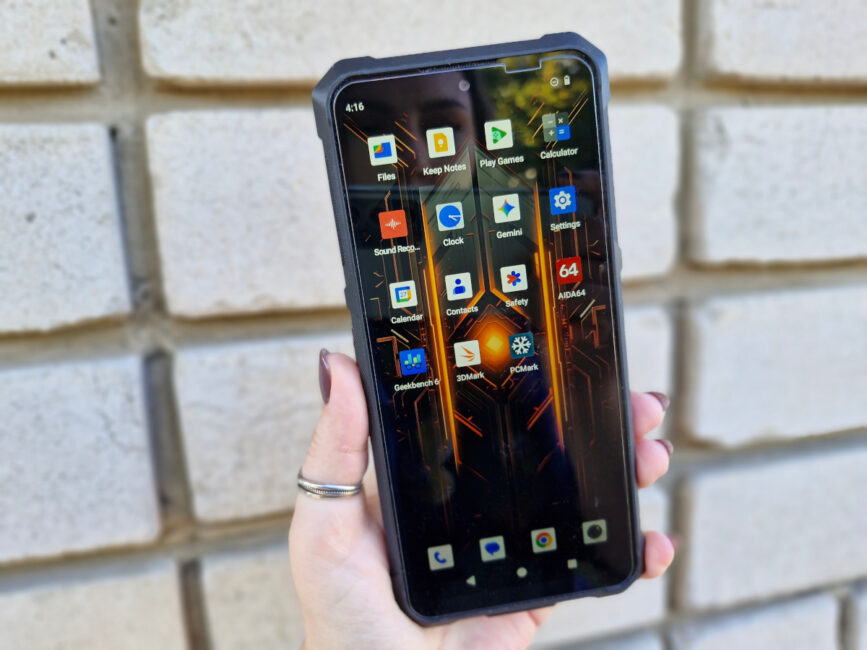
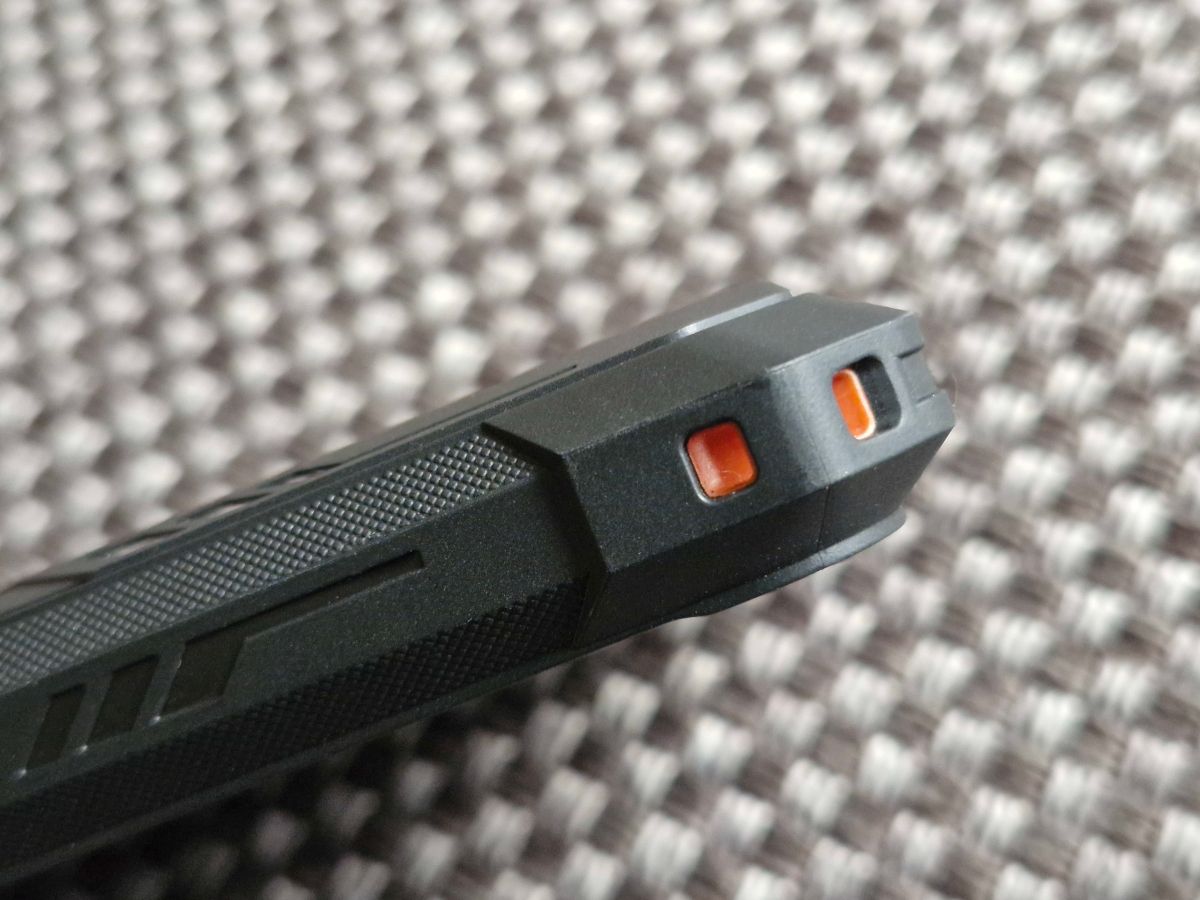
How are the main elements arranged on the body? Overall, the layout is fairly standard. On the left side, there is a slot for two nanoSIM cards (or one SIM and a microSD card), protected by a tight-fitting cover, as well as a multifunction button that supports several gestures – short, double, and long presses – and can be assigned to quickly launch apps or perform other actions. On the opposite side, the usual trio of buttons is present: power and volume controls.
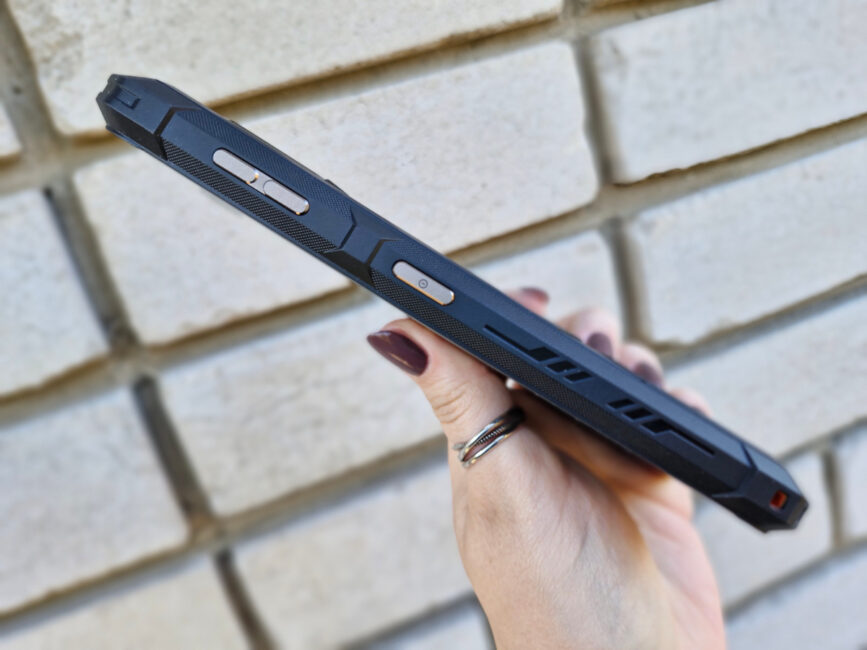
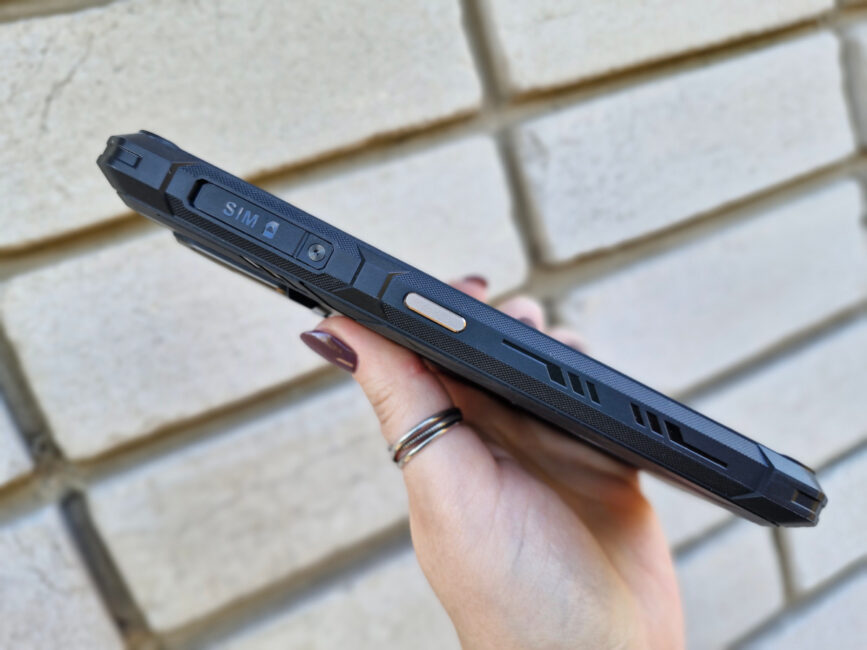
The top edge is empty, while the bottom houses a protected USB-C charging port, a speaker, and an opening for the microphone.
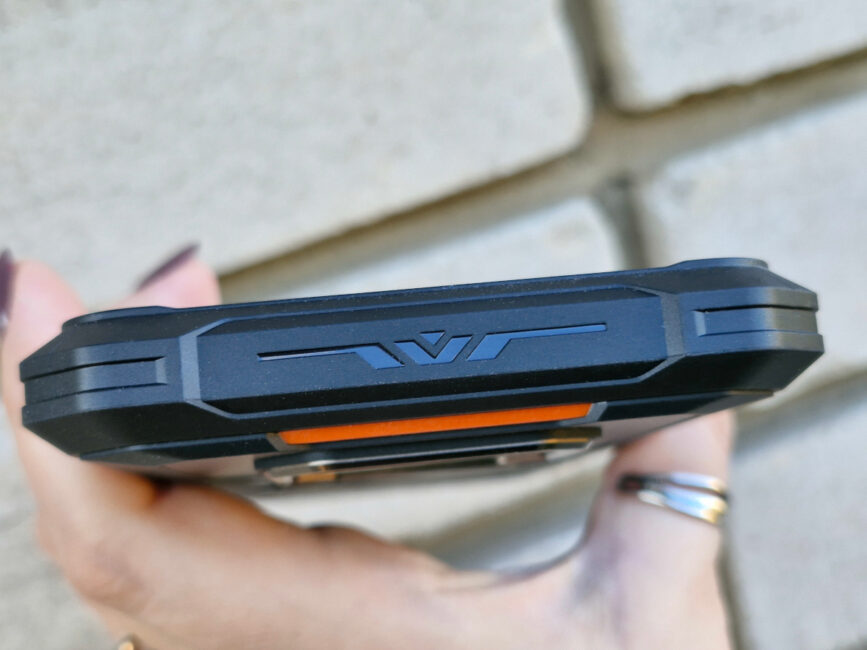
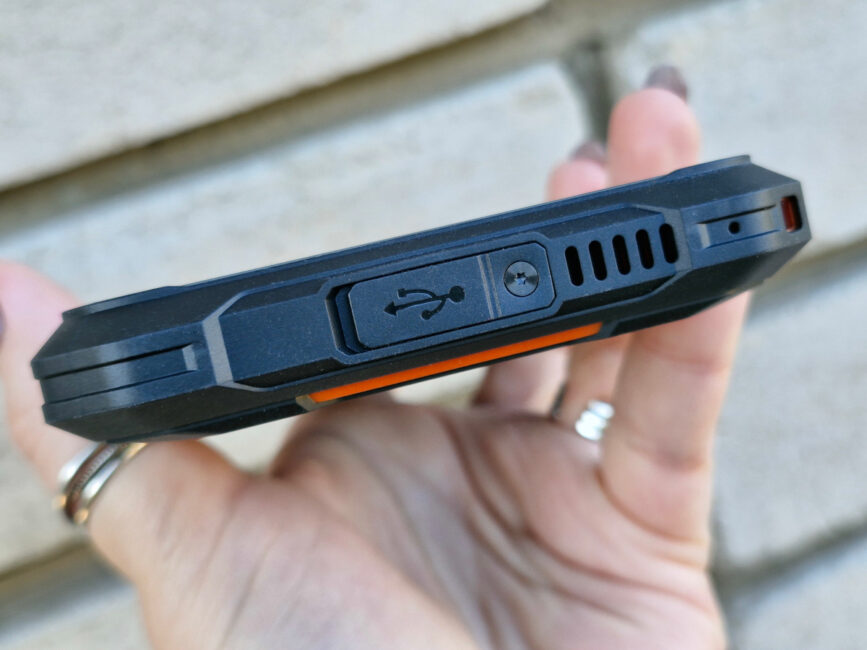
There is also an uncommon feature: a small hole for a carabiner located at the lower right corner of the device, likely intended for hanging the smartphone or attaching accessories.
Ergonomics
For a “rugged” smartphone with a large battery, the KingKong ES 3 appears relatively compact. Measuring 177.4 × 83.7 × 15.3 mm, it weighs 352 g. This makes it roughly one and a half times larger than a typical smartphone, which is explained by the features mentioned earlier. In everyday use, however, it is fairly comfortable – it sits well in the hand (and thanks to the shaped body, quite securely), and does not cause fatigue like heavier models such as the Unihertz 8849 Tank 4, which weighs nearly 540 g. Unlike that device, the KingKong ES 3 feels closer to standard smartphones in terms of handling.
Using the device with one hand is inconvenient, as is the case with most modern smartphones, whether rugged or standard. However, the power button is well-positioned, easily reachable when holding the phone in the right hand. Adding a fingerprint scanner there would have been ideal. Otherwise, the ergonomics are typical, so overall the KingKong ES 3 can be considered average in this regard.
Read also:
- CUBOT KINGKONG POWER 3 Rugged Smartphone Review
- Cubot KingKong Star 2 5G Smartphone Review: Stylish and Rugged
Cubot KingKong ES 3 Display
The KingKong ES 3 features a 6.75-inch IPS display with an HD+ resolution (1600 × 720, 260 ppi) and support for refresh rates of up to 120 Hz. The “up to” qualifier refers to the multiple display modes available: 60 Hz, 90 Hz, 120 Hz, and an adaptive mode, where the device automatically selects the most suitable refresh rate depending on the type of content.
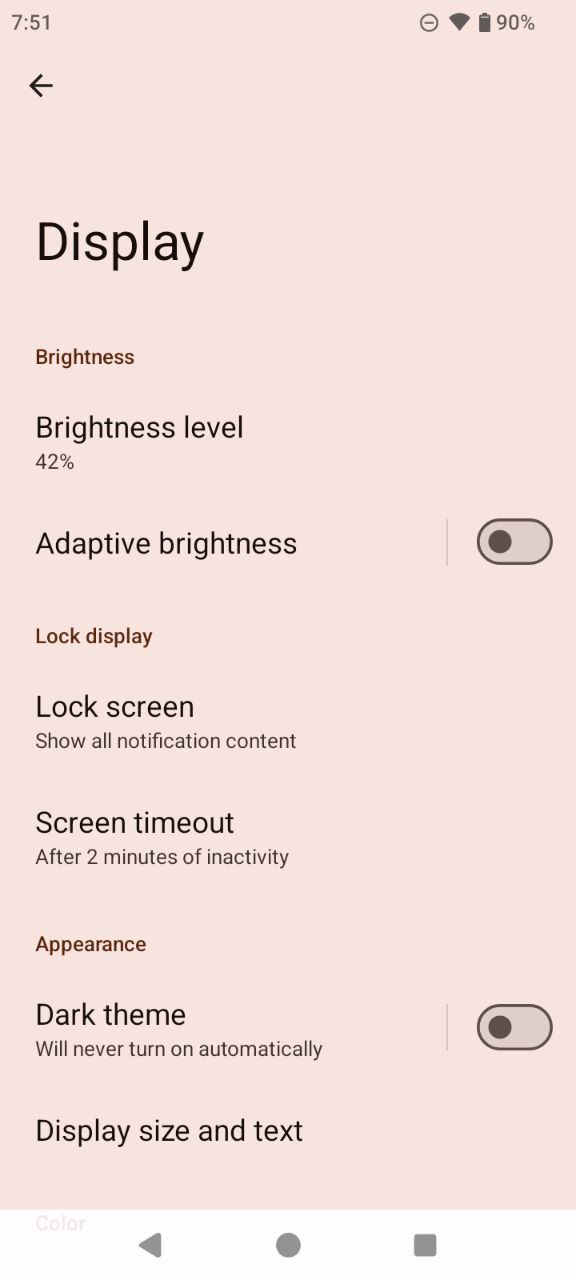
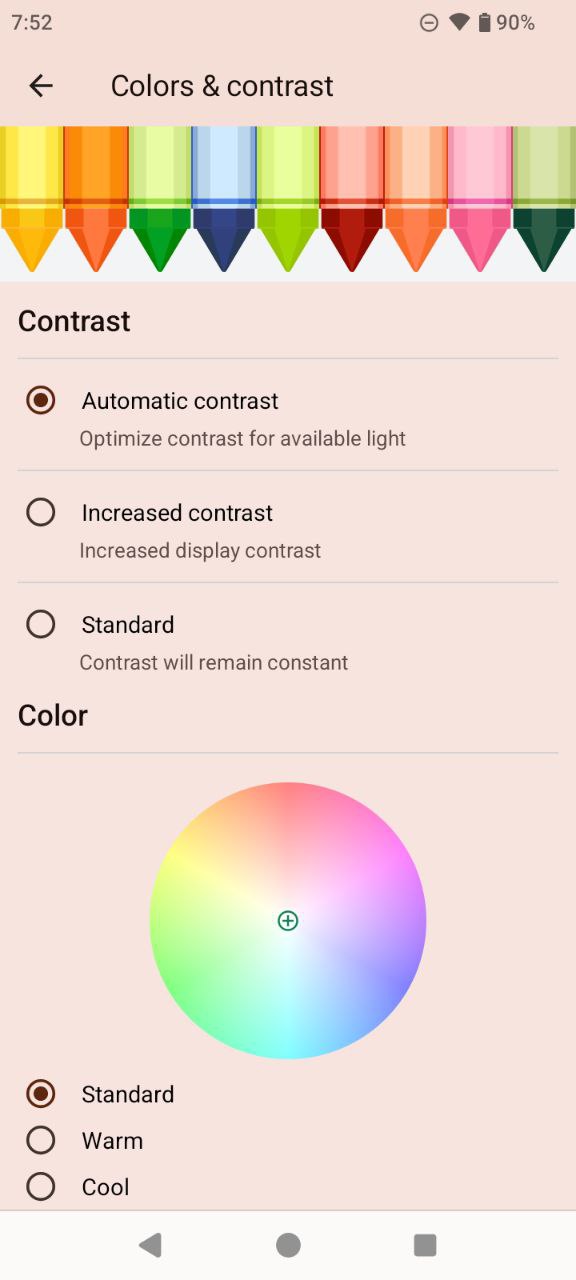
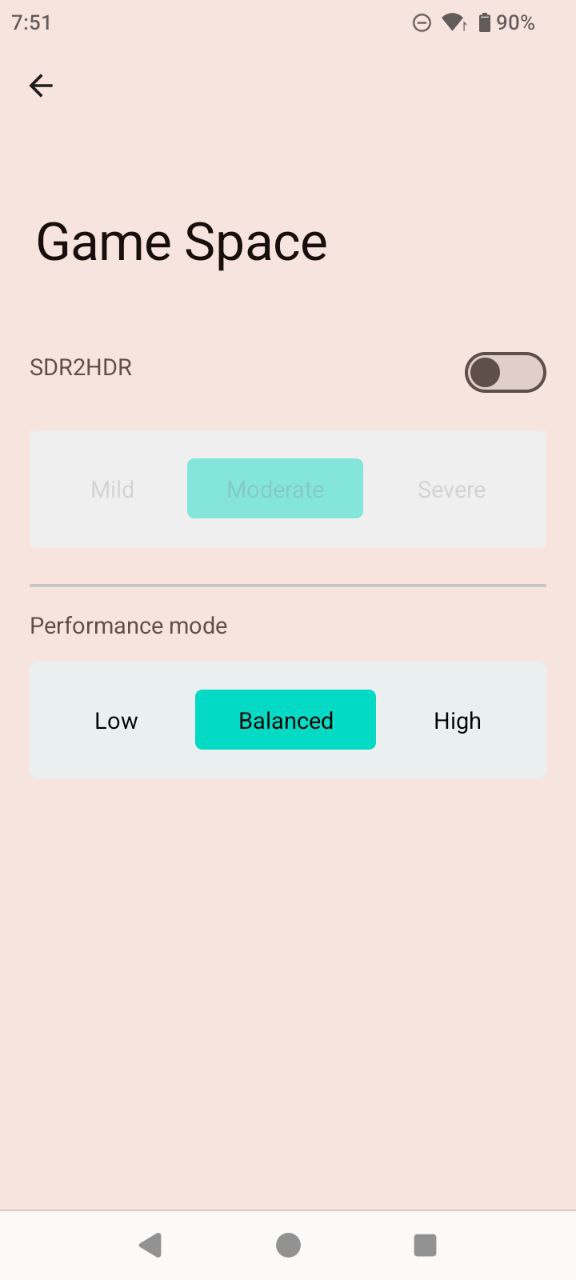
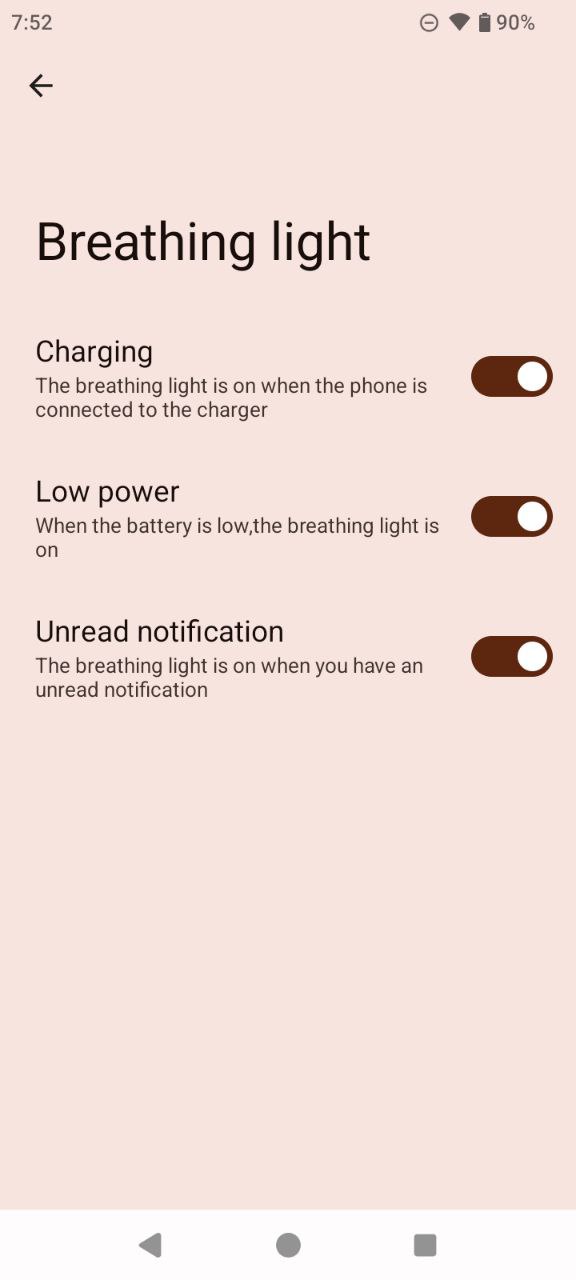
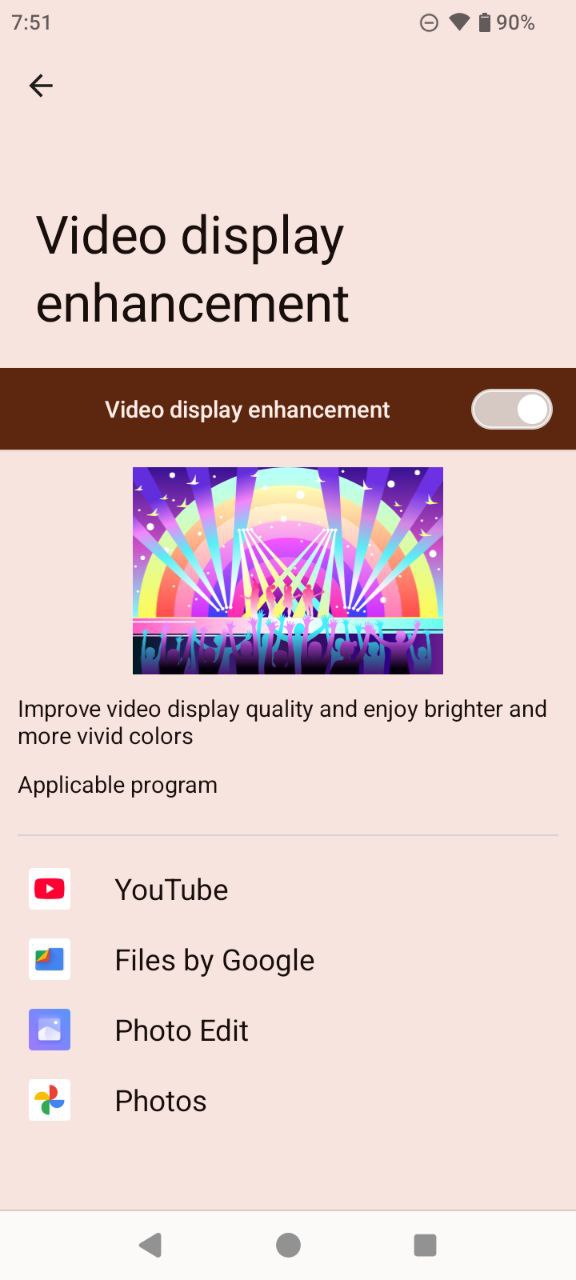
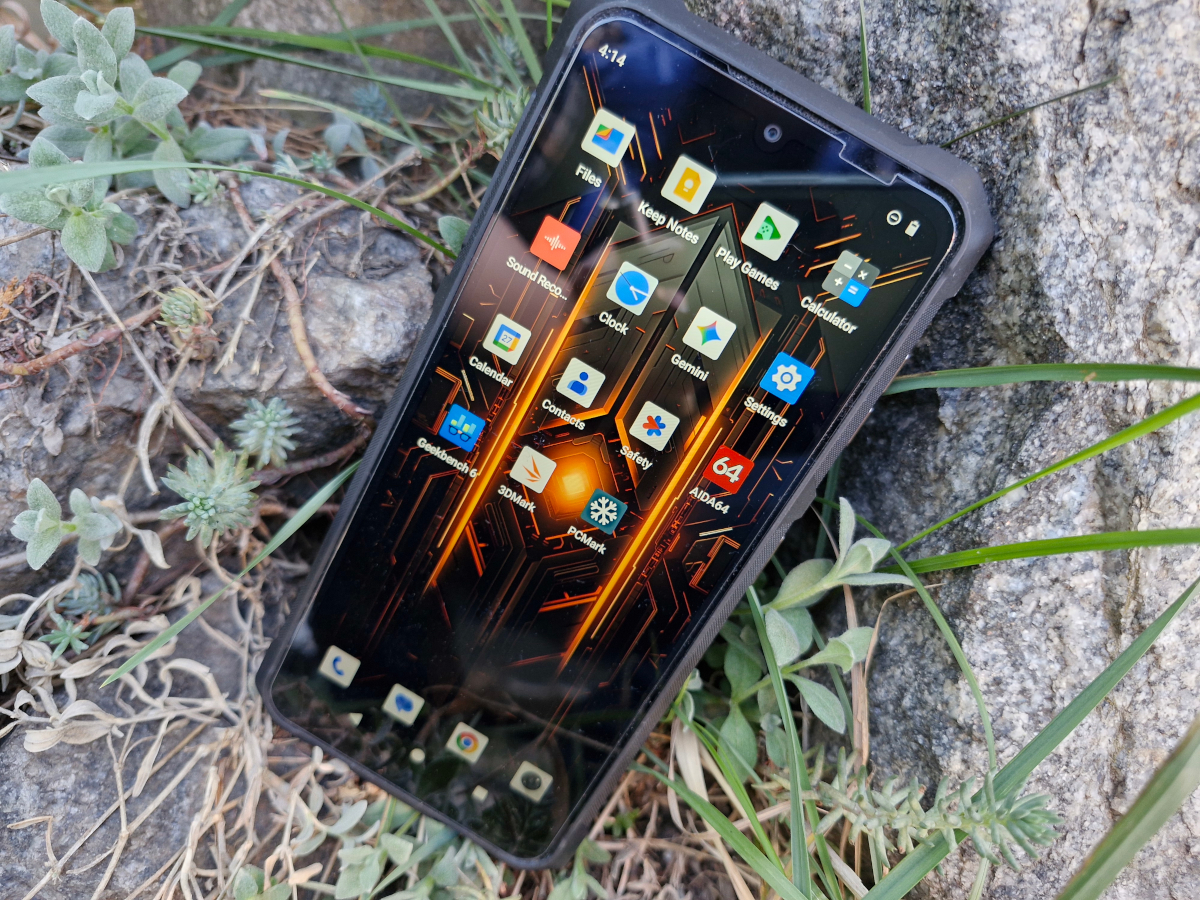
In the settings, beyond the standard options (dark mode, adaptive brightness, font size adjustments, and similar), users can adjust contrast and color temperature, enable a night screen mode, select a wallpaper, access the power-saving mode and the Game Center (somewhat unusually listed under the “Display” menu), and configure the indicator light (for charging, low battery, and notifications). Customization tools are also available but are located separately under “Themes and Style.”
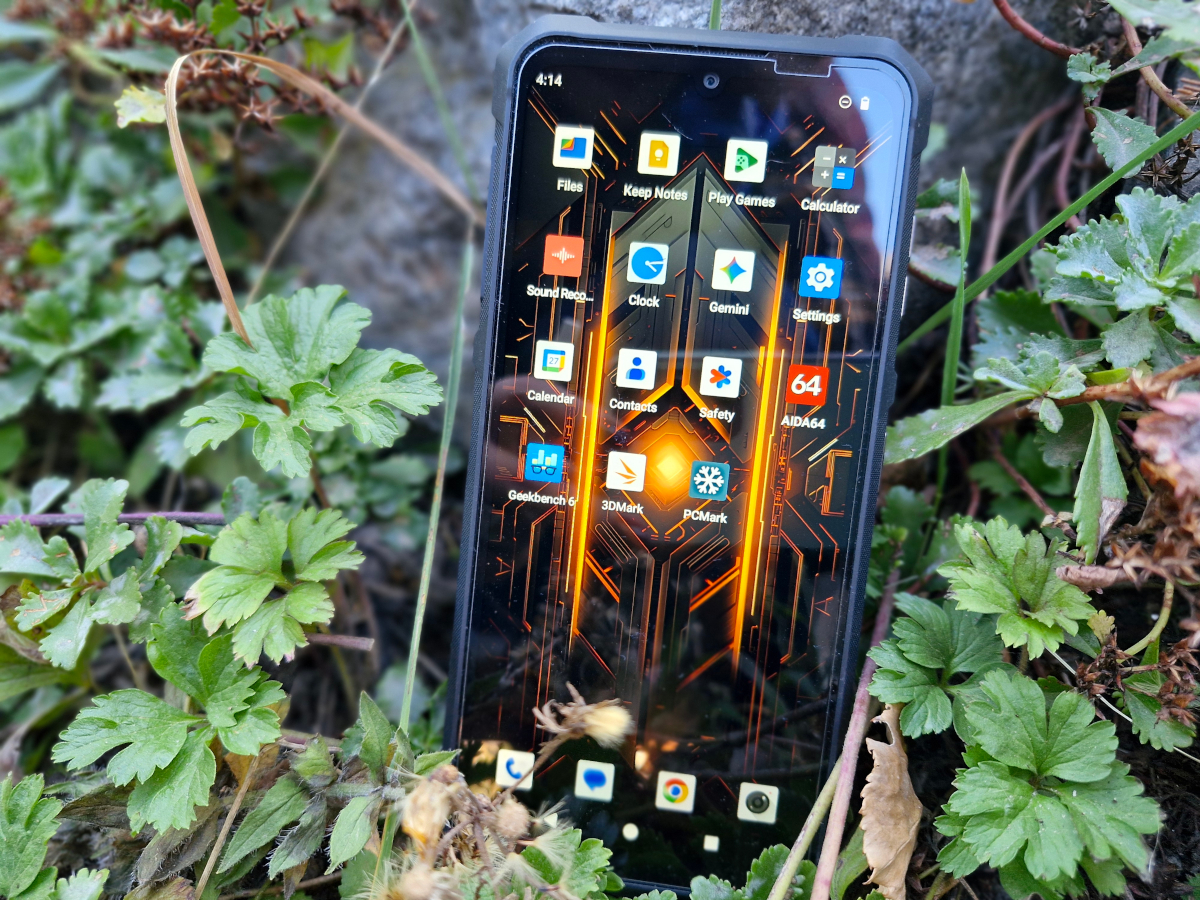
Overall, the display is quite decent, even considering that it is HD+ rather than Full HD. Text is easy to read, and multimedia content looks reasonably good. The adaptive refresh rate works particularly well for video, providing smooth and clear playback. However, the screen is not without its shortcomings.
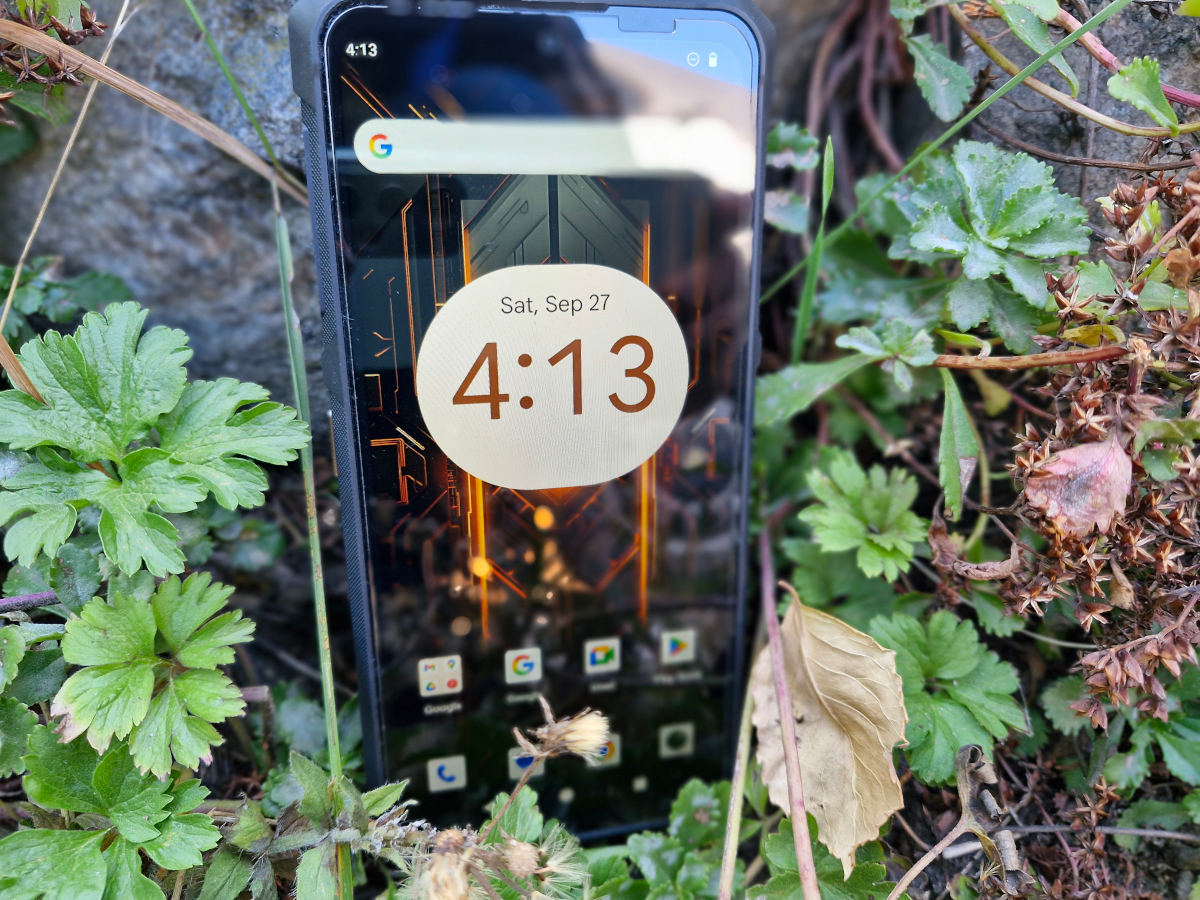
First, it is somewhat lacking in brightness. Indoor use is fine, but in bright sunlight, the display can appear dim. Second, the viewing angle decreases noticeably in daylight. While it is fairly wide under artificial lighting, the screen begins to “wash out” at small angles in direct sunlight. This effect is noticeable in some photos and Reels included earlier in the review. While it could offer some privacy protection in public transport, it may be inconvenient in daily use. It is likely that this optical effect is influenced by the protective glass.
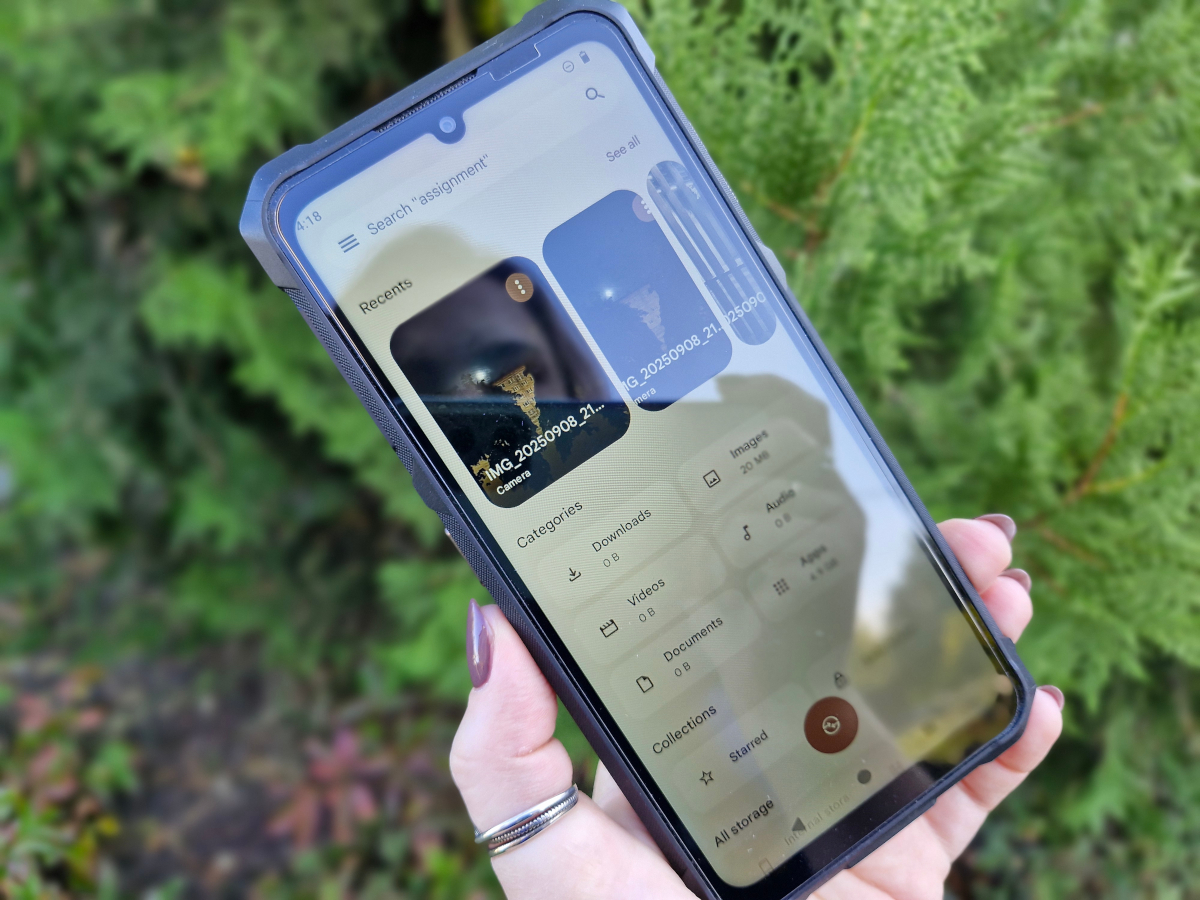
Third, the screen itself appears slightly shifted to the left. The impression is that the bezel slightly overlaps the clock in the upper-left corner, while the right corner (where the Wi-Fi, battery, and other icons are) has ample space. In other words, the bezels are symmetrical, but the display panel seems slightly misaligned. This is not noticeable on dark backgrounds but becomes apparent on light ones. Overall, it is not a major issue – the clock remains visible and readable – but it may bother users who prefer perfect alignment.
Performance and wireless connectivity
The Cubot KingKong ES 3 is powered by a Unisoc Tiger T615 processor, built on a 12 nm process. It features an octa-core CPU with 2 Cortex-A75 cores clocked up to 1.8 GHz and 6 Cortex-A55 cores up to 1.6 GHz. Graphics are handled by the ARM Mali-G57 MP1. The device comes with 6 GB of RAM, with an option to extend it by up to 10 GB using virtual RAM from the internal storage. Storage is 256 GB, expandable via microSD, although using a card requires sacrificing the second SIM slot, as the tray is hybrid. Wireless connectivity is comprehensive, including Wi-Fi 5, Bluetooth 5.2, NFC, and location services.
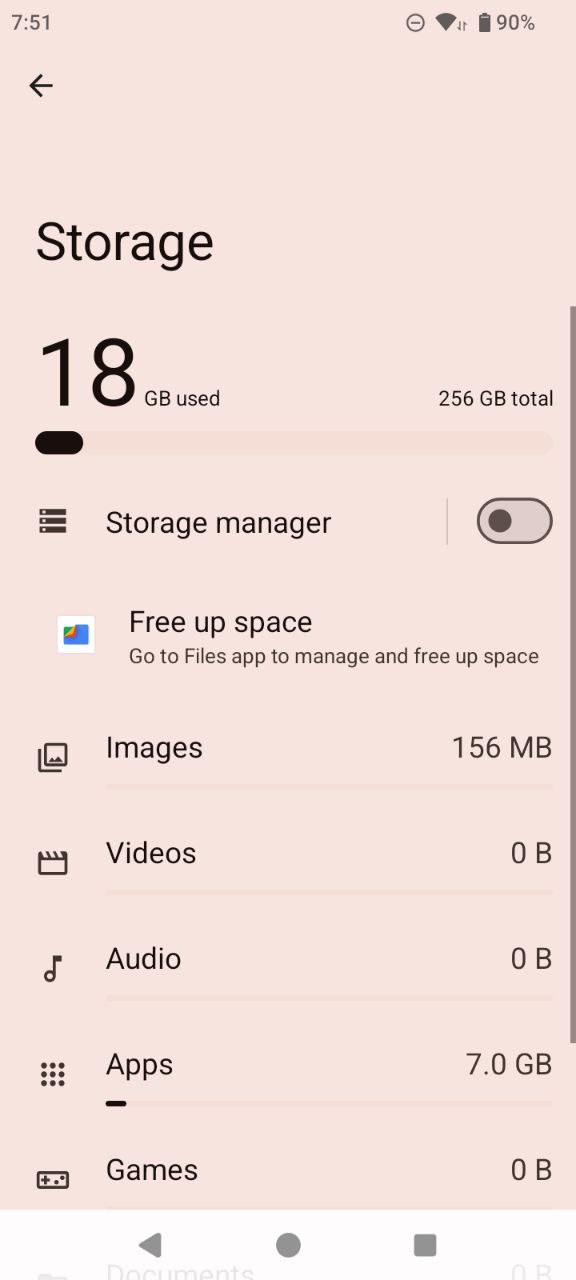
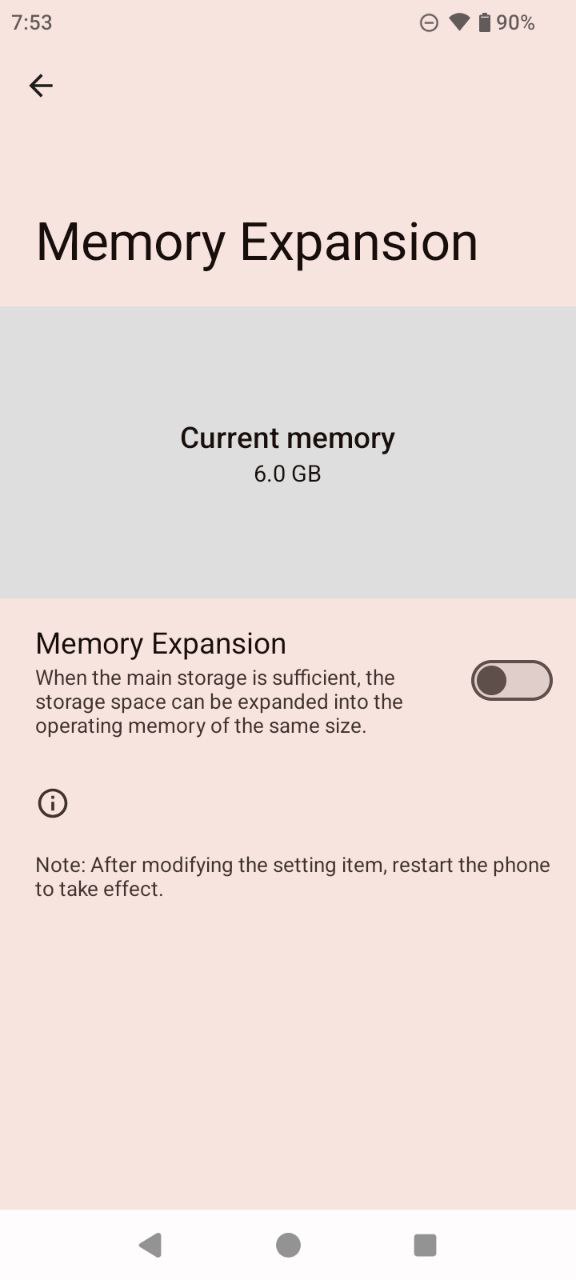
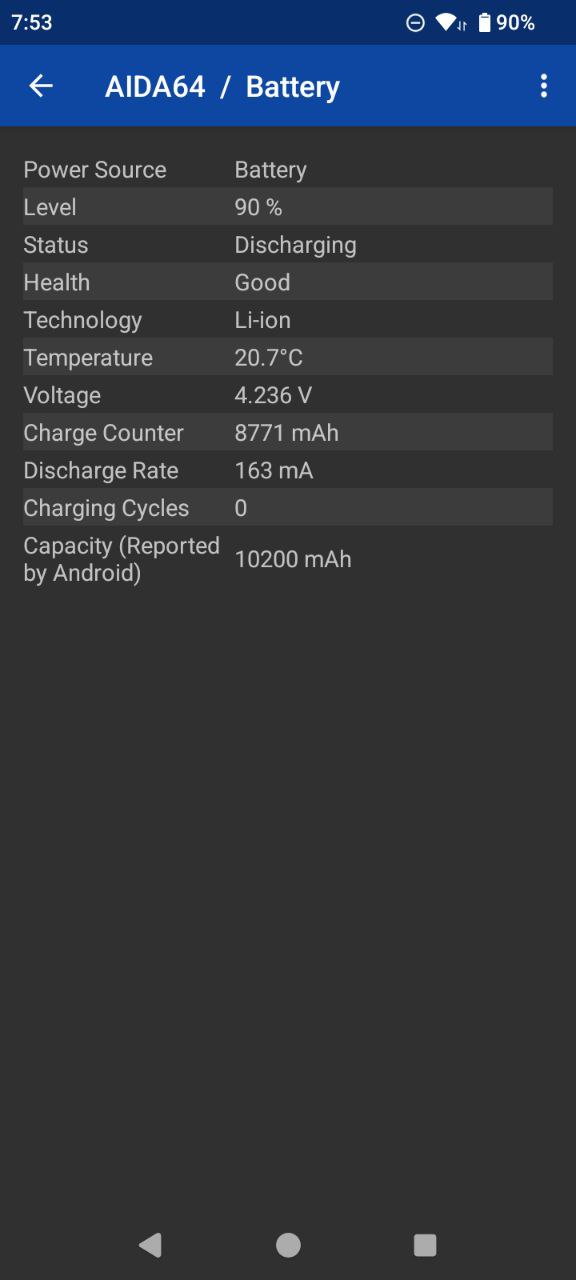
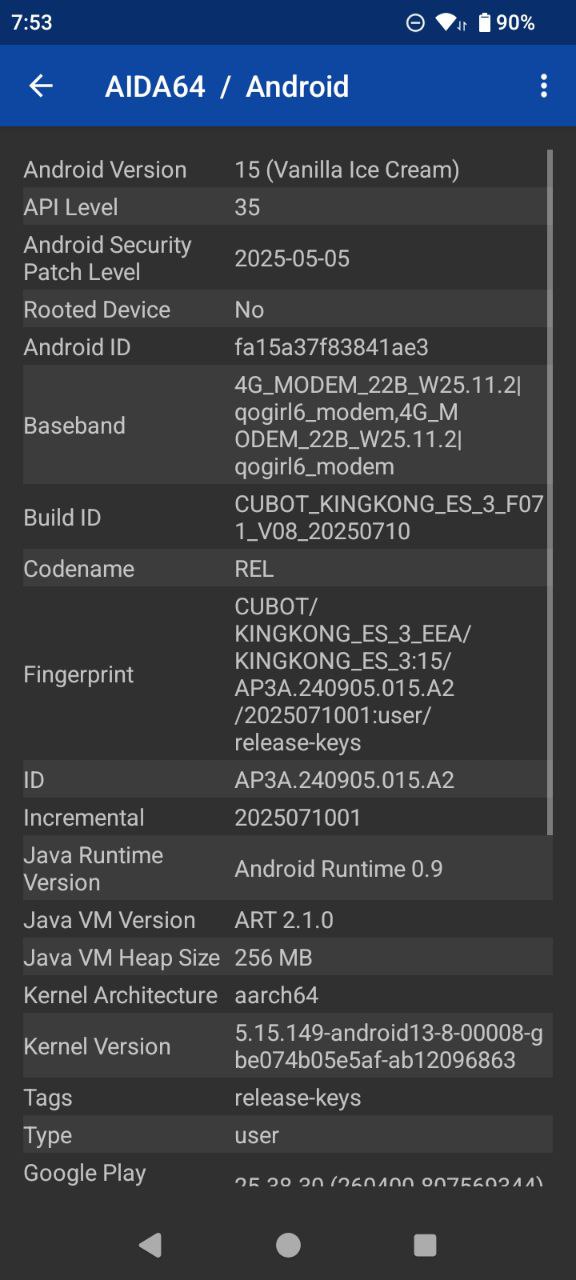
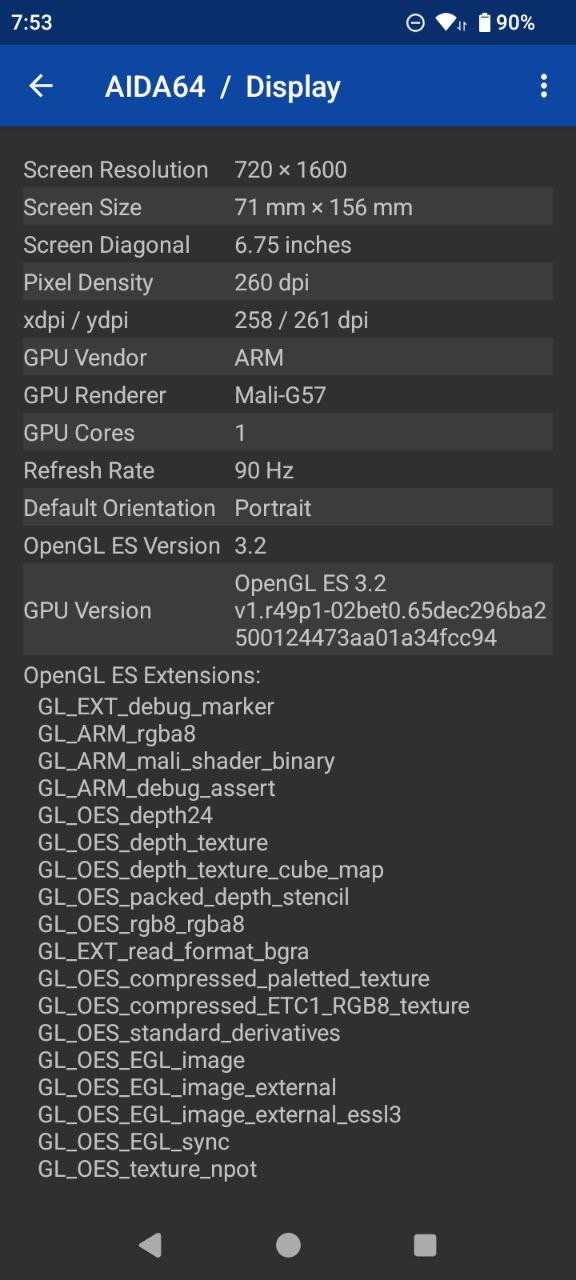
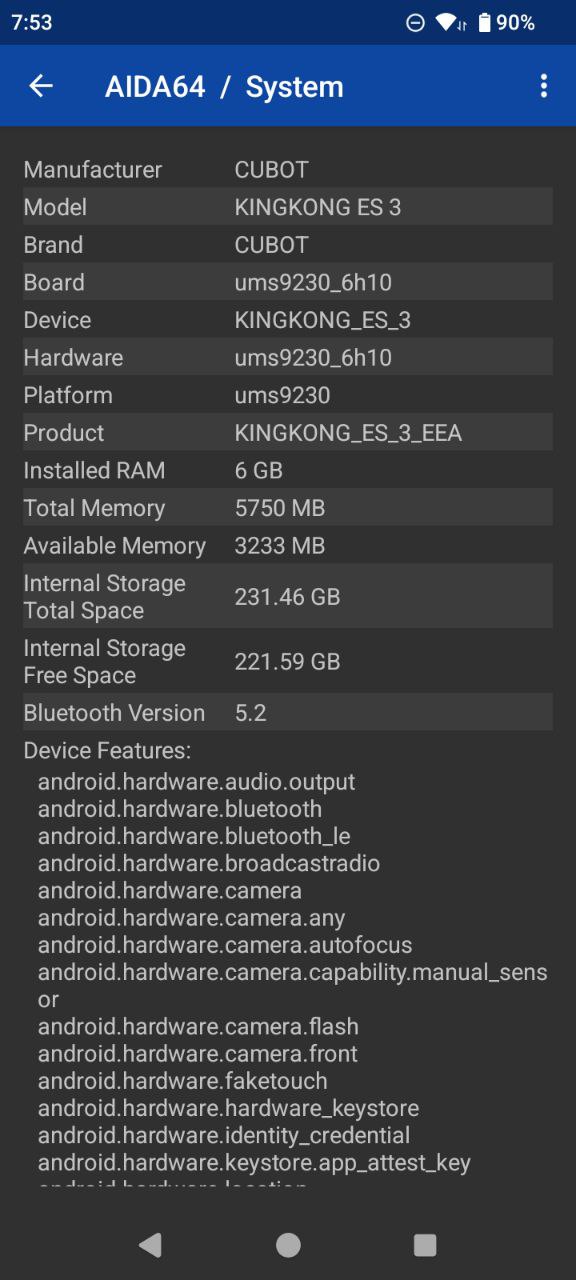
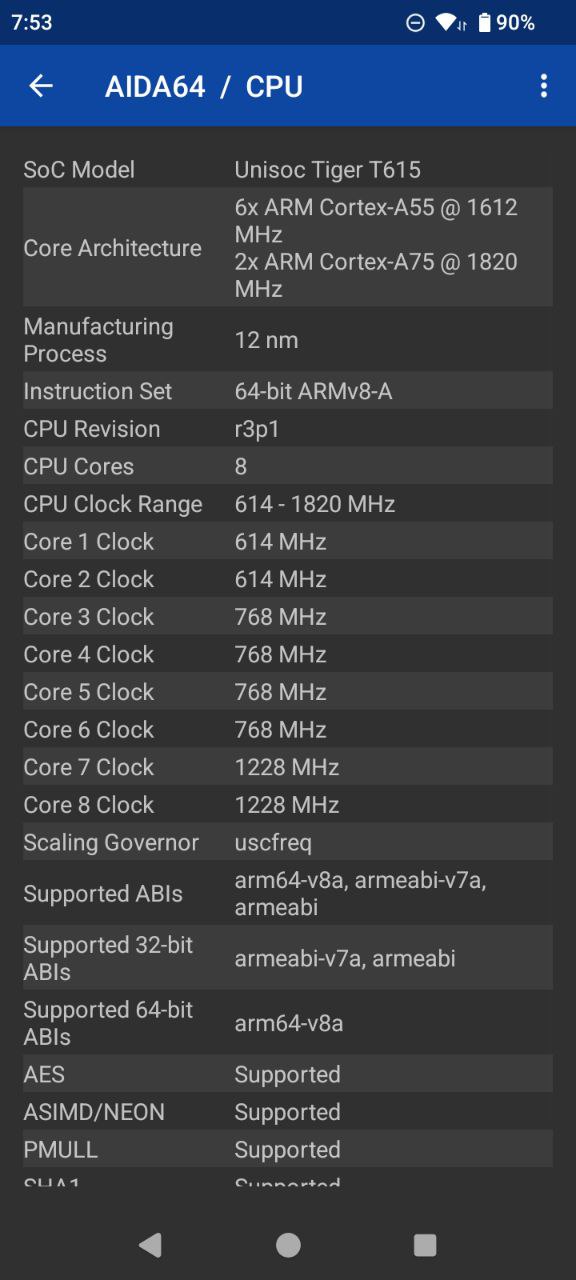
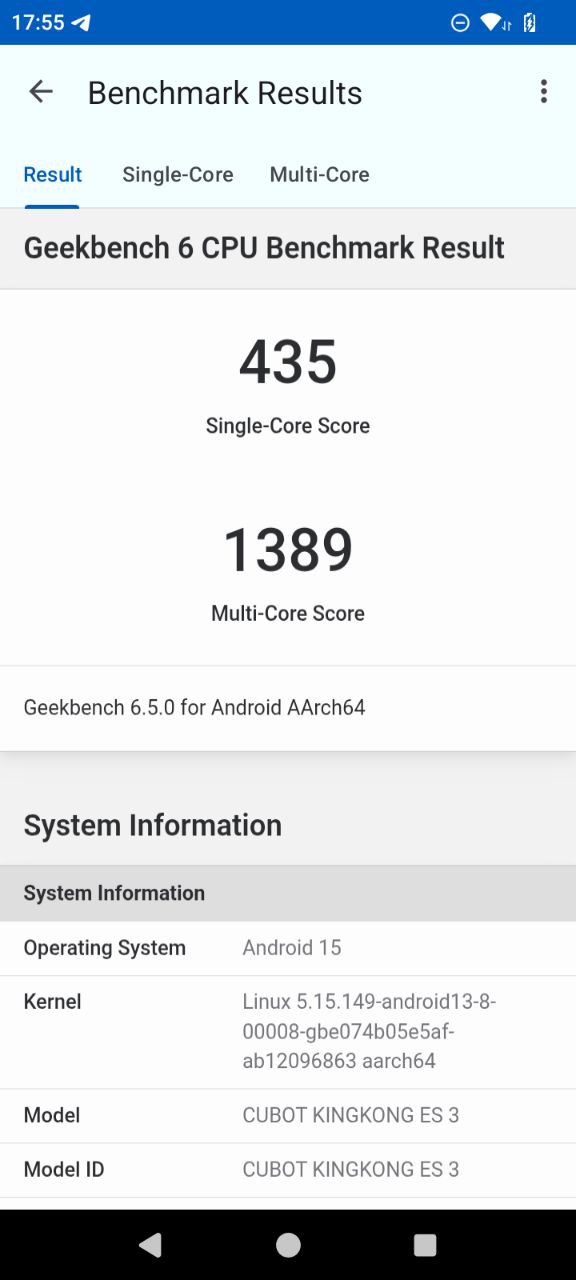
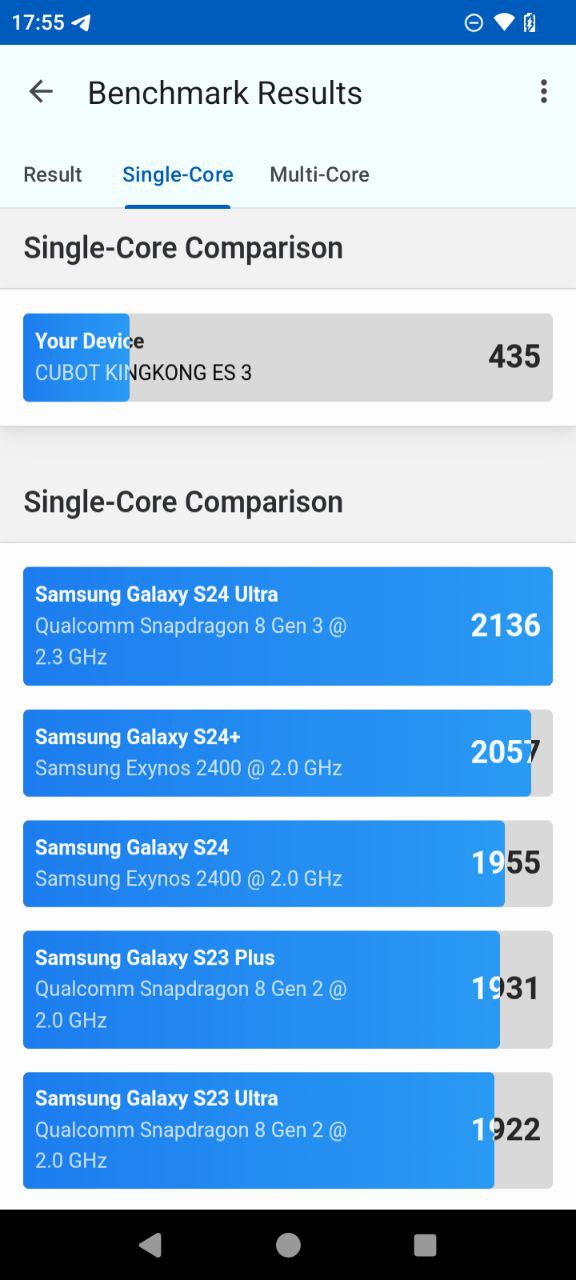
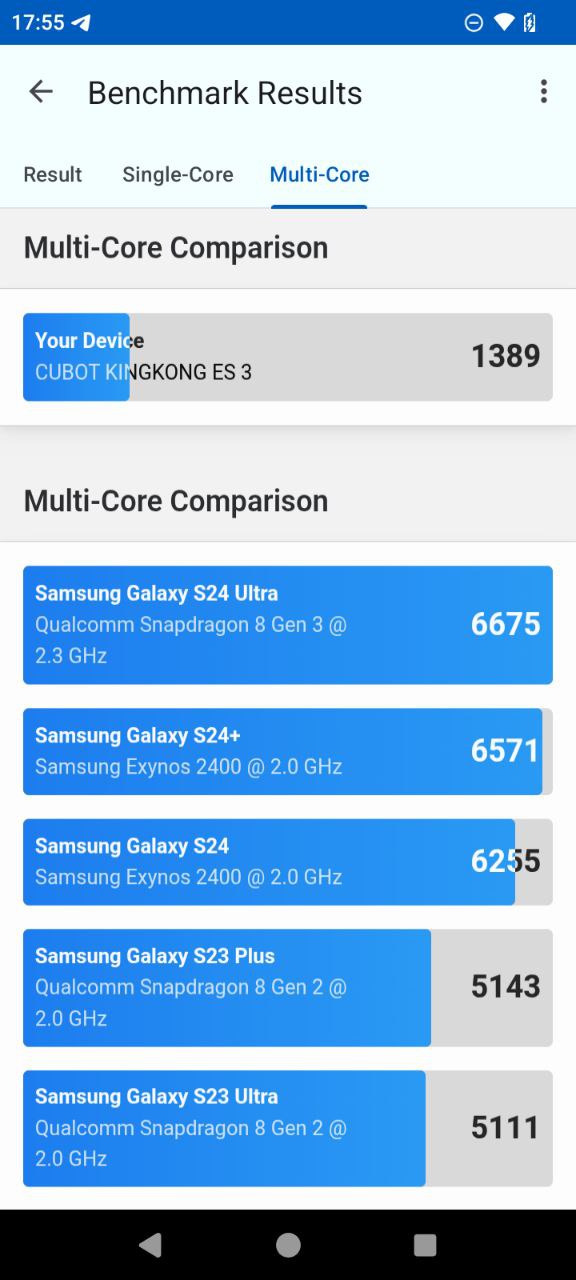
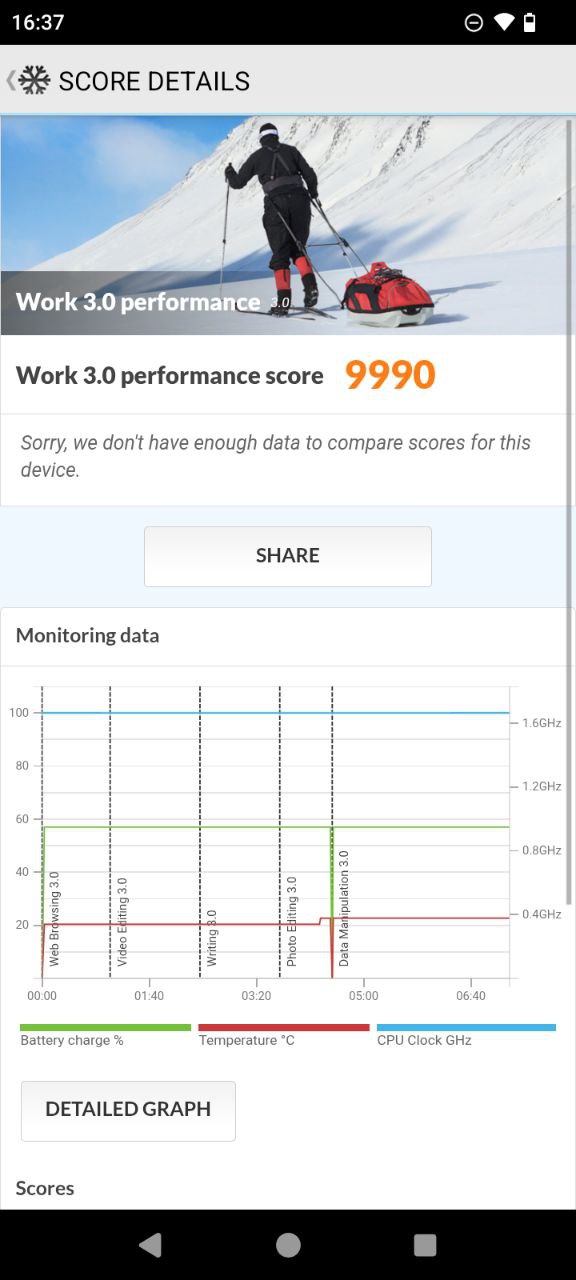
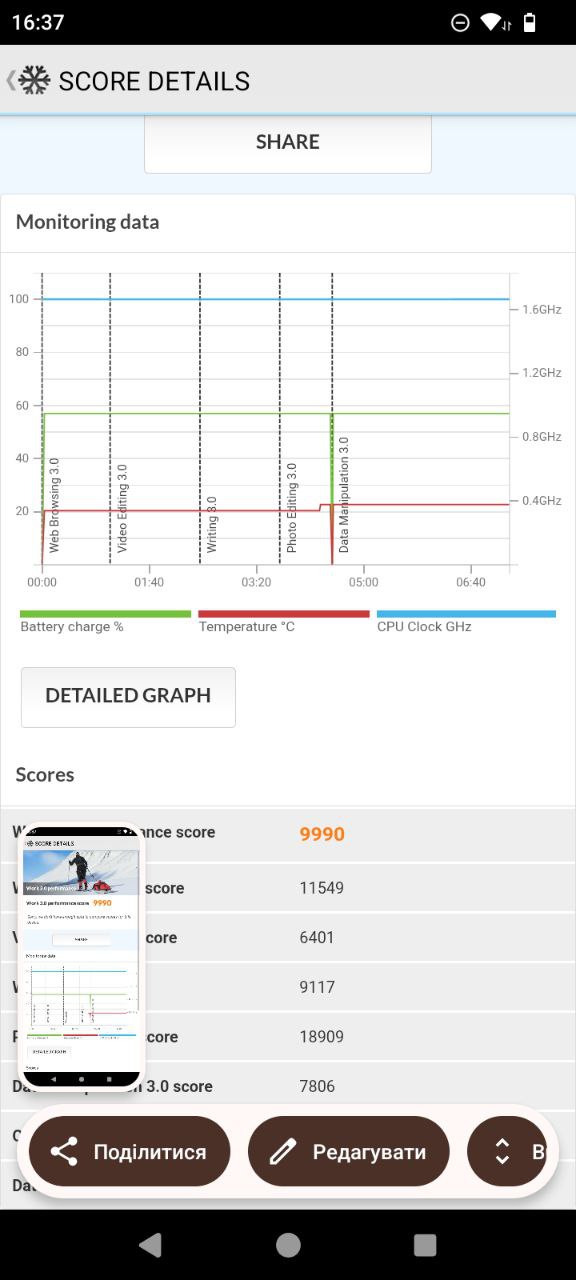
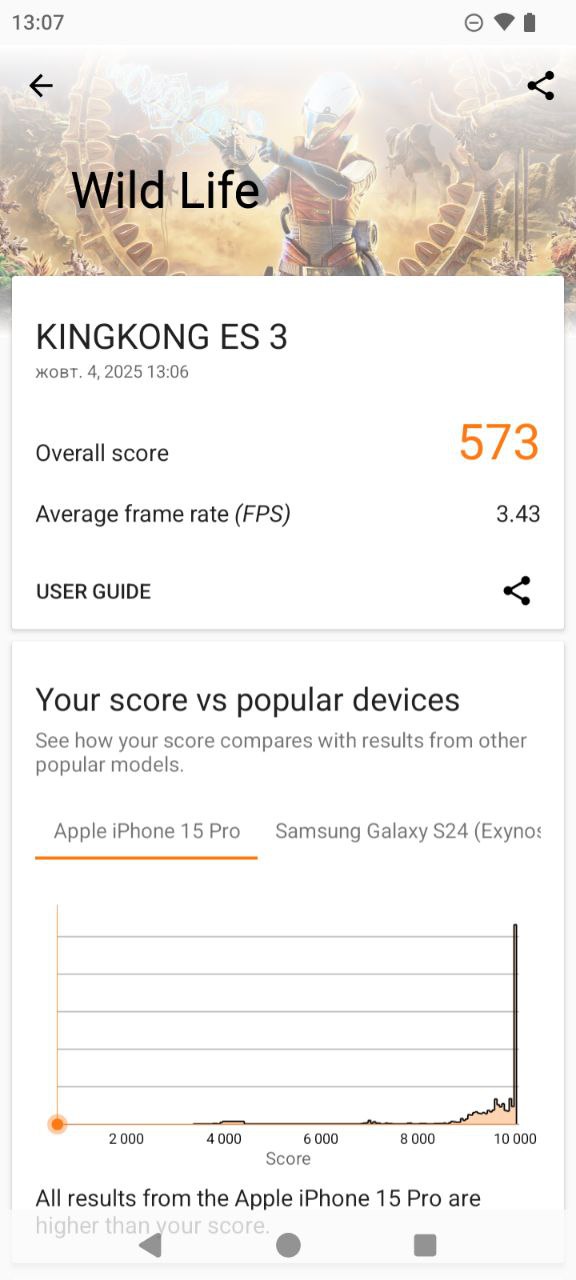
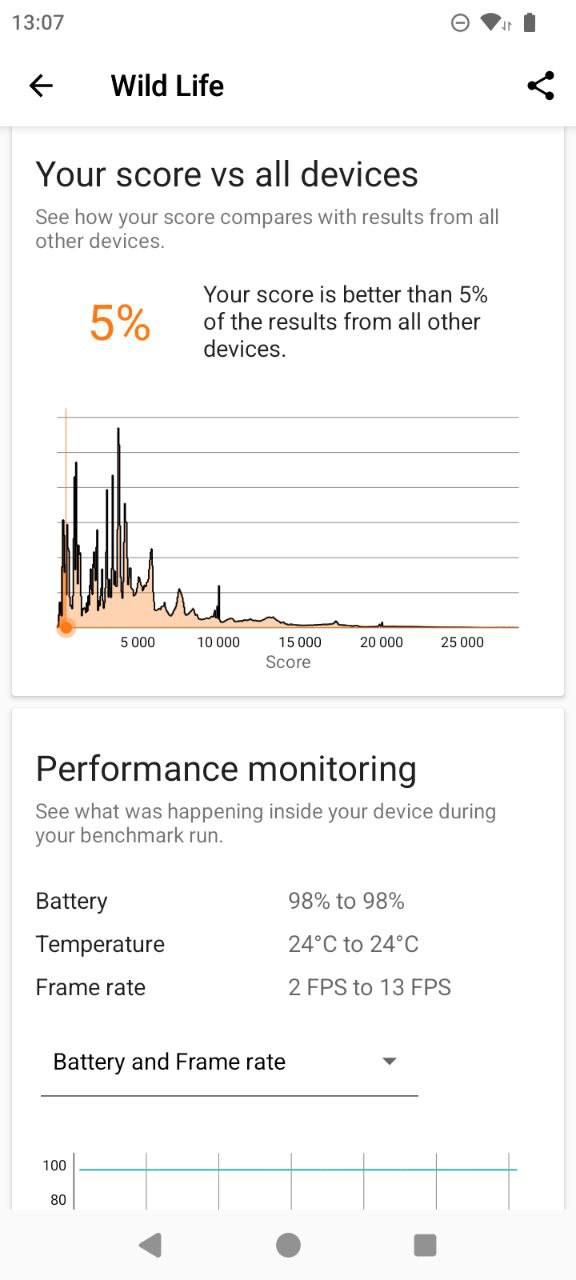
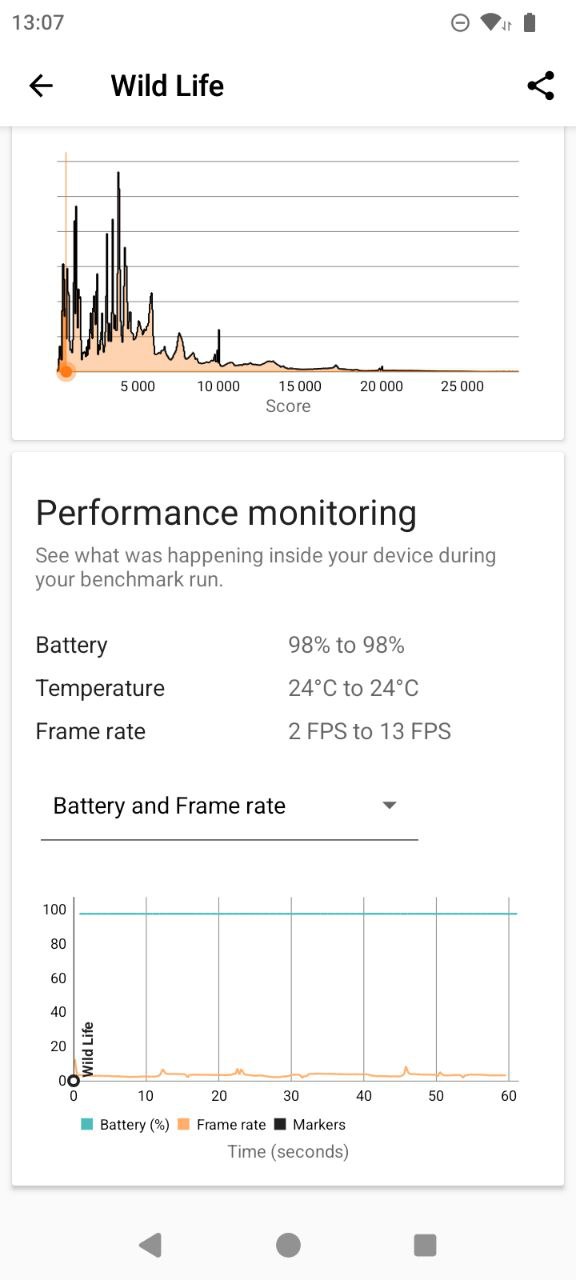
In terms of performance, the device is sufficient for everyday tasks. Multitasking, web browsing, using apps, messaging, and social media all run smoothly. Simple games are also manageable, but more demanding gaming titles are beyond its capabilities. Naturally, the hardware does not produce high scores in synthetic benchmarks, but it handles daily tasks reliably. For reference, some benchmark results are provided below.
Software
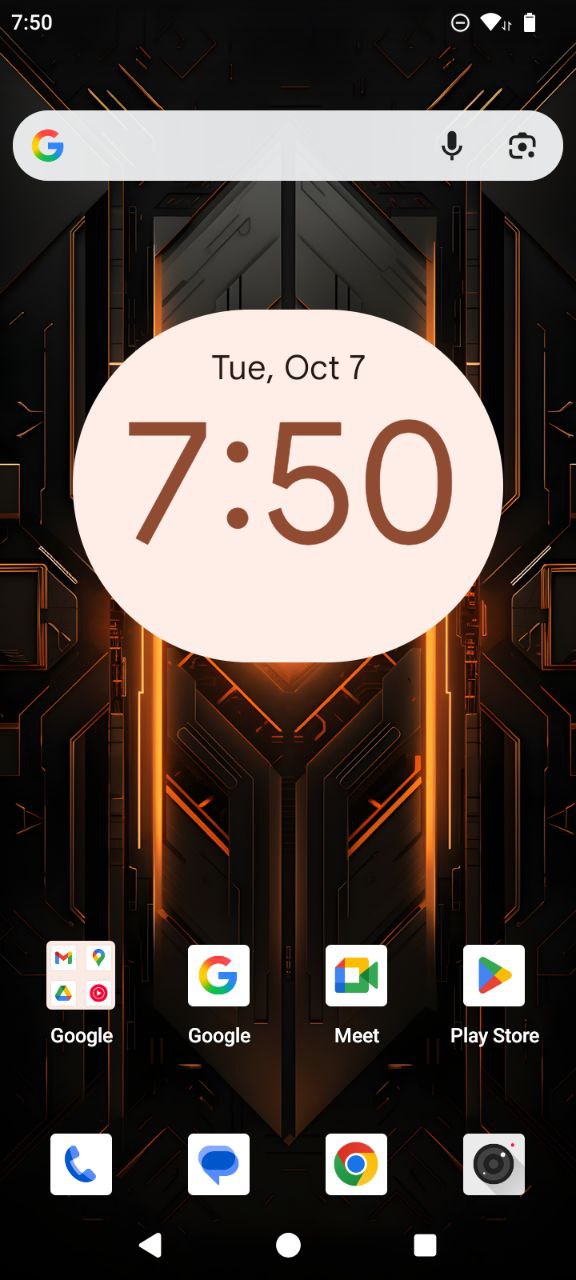
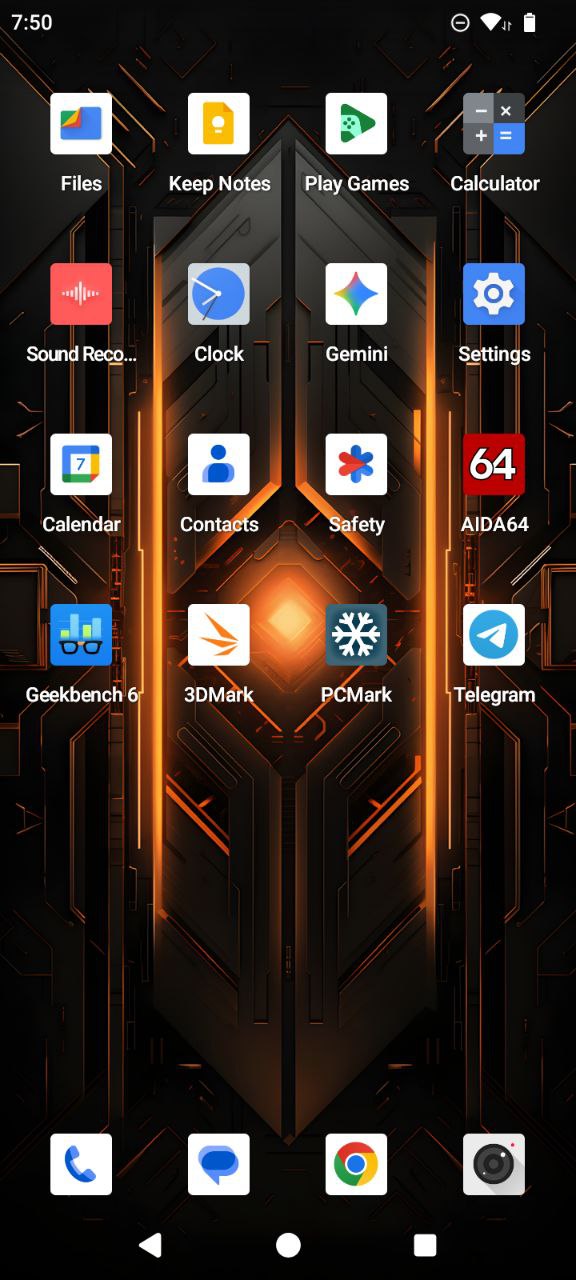
The software on the Cubot KingKong ES 3 is essentially stock Android 15. It provides a basic operating system experience, similar to the straightforward nature of the device itself. However, a few additions have been made – not in terms of preinstalled apps, but through extra options in the settings menu. One example is the Smart Key feature. The smartphone includes an additional button that can be programmed for three types of presses – single, double, or long – to perform actions or launch specific apps. This configuration is managed within the Smart Key menu.
There is also a Smart Control section, where gestures can be configured – for example, lifting the phone to answer a call, flipping it to mute an incoming call, or unlocking it when picked up. Apart from these additions, the KingKong ES 3 is largely the same as other devices running stock Android. It includes the usual interface customization tools, additional settings, options to increase virtual RAM, and similar features.
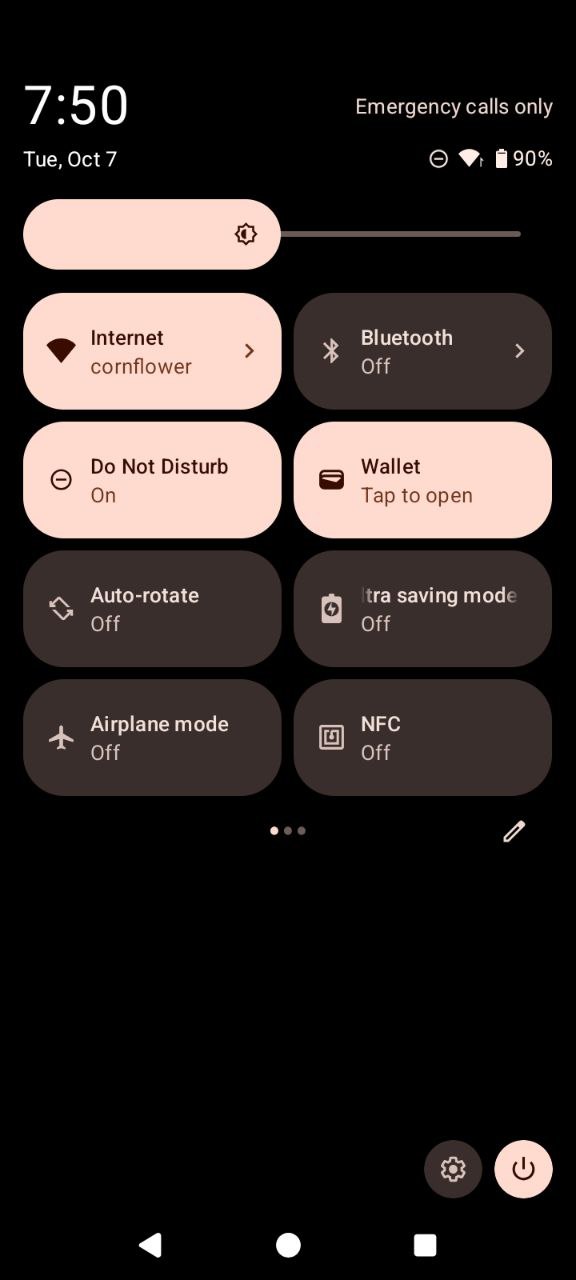
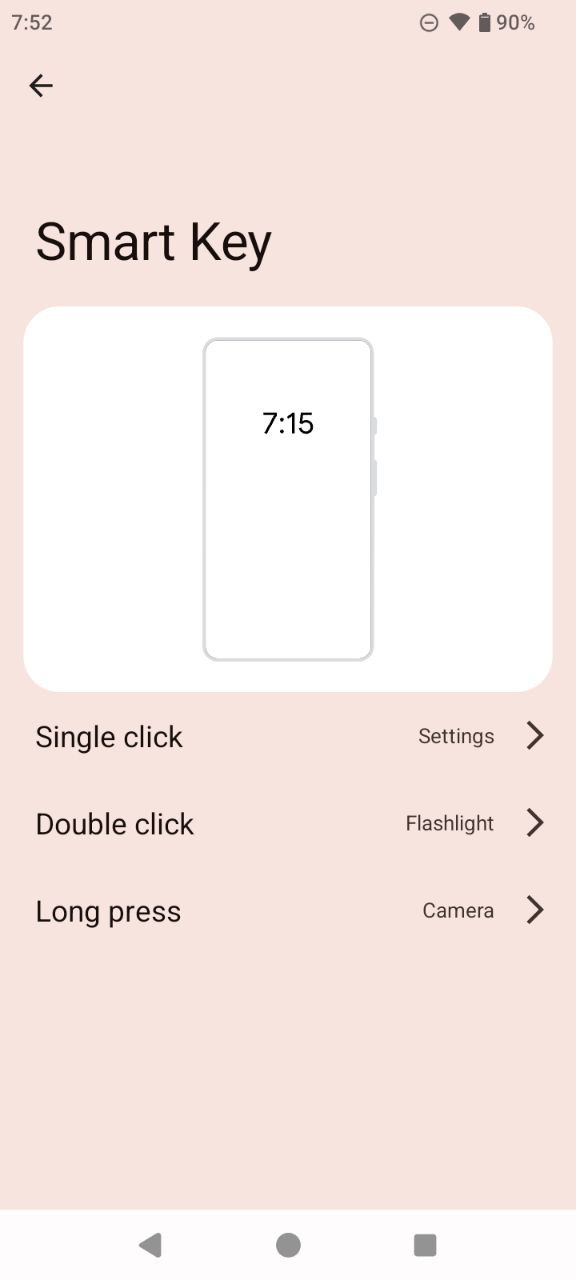
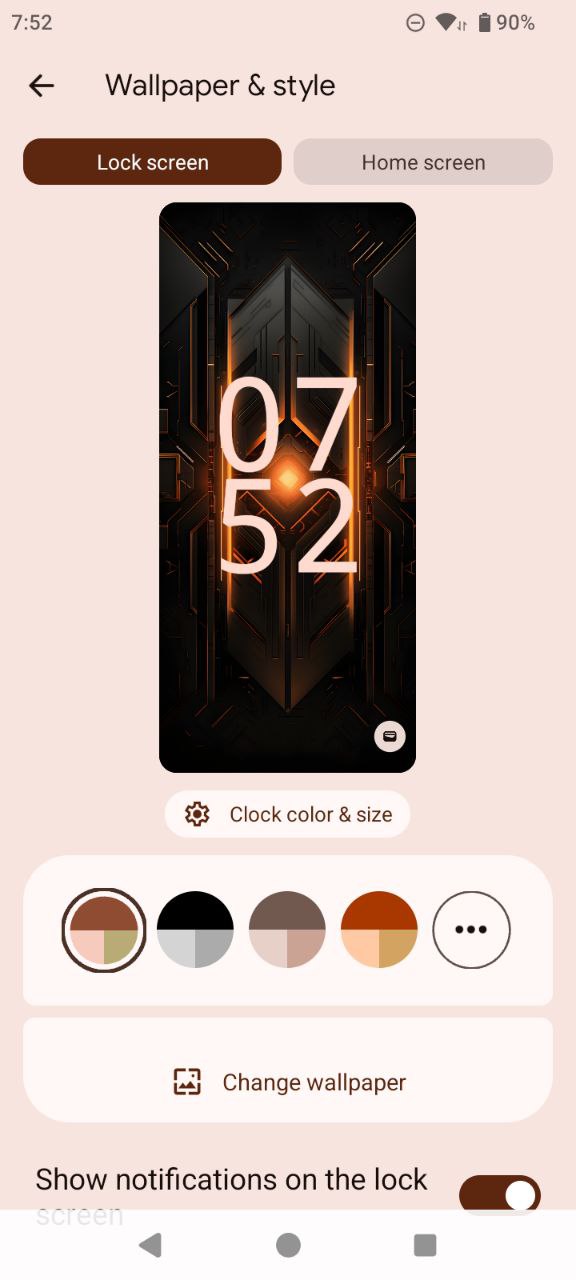
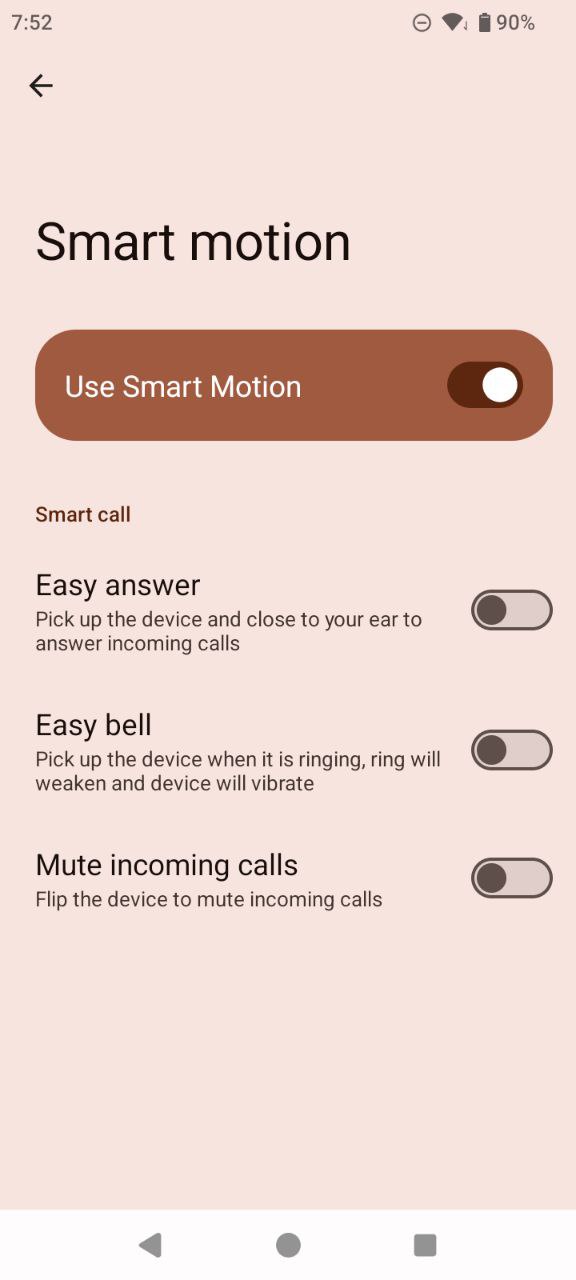
During testing, minor software issues were observed. For instance, after enabling the face scanner, the brightness would always reset to 19% after unlocking, regardless of the level before locking – so even if it had been at 100%, it dropped to 19% upon unlocking. A reboot resolved the issue. This is likely something that future software updates will fix, but for now, as the saying goes in tech support, a restart is often the simplest workaround.
Read also:
- Cubot KingKong ES Review: Rugged Budget Phone at Reasonable Price
- Fossibot F109 Review: Rugged Smartphone with Additional Touch Display
Ways to unlock
The unlocking options on the Cubot KingKong ES 3 are limited to the face scanner. It performs its task reasonably well but is highly sensitive to lighting conditions, even during registration. For example, it failed to register a face under dim artificial evening light, requiring additional illumination – such as a desk lamp – to complete the setup. After that, however, it worked without issues.
When there is sufficient light, the smartphone unlocks in a fraction of a second. In low-light conditions, recognition takes slightly longer but still works reliably. In complete darkness, especially with the screen brightness set to minimum, the device gradually increases the brightness and then lowers it again, providing enough illumination to recognize the user. Overall, the face scanner performs well and accurately, though it is advisable to register a face in good lighting or during the day.
Cubot KingKong ES 3 cameras
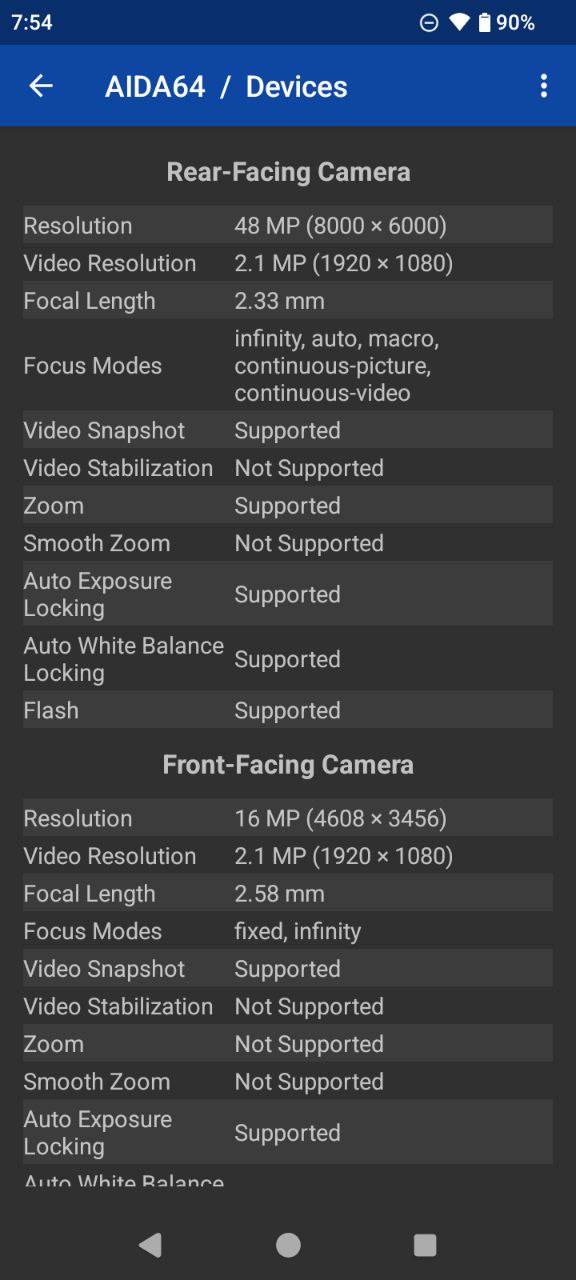
Essentially, the device has a single main camera module at 48 MP, assisted by a 0.3 MP depth sensor and a 2 MP macro module. Video recording is limited to Full HD at a maximum of 30 fps.
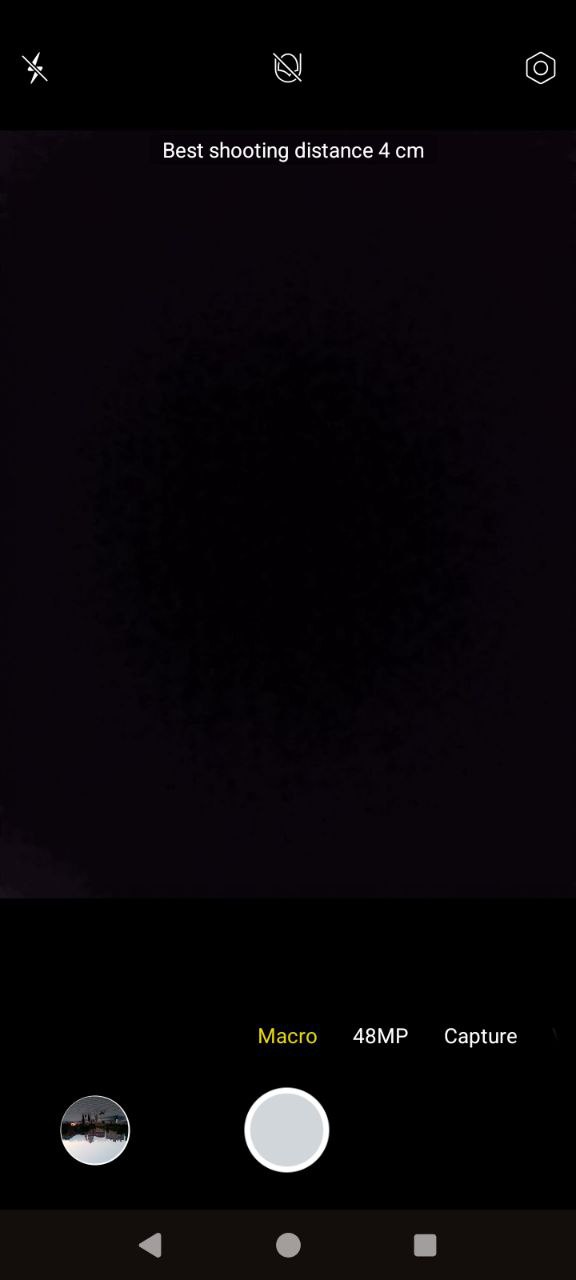
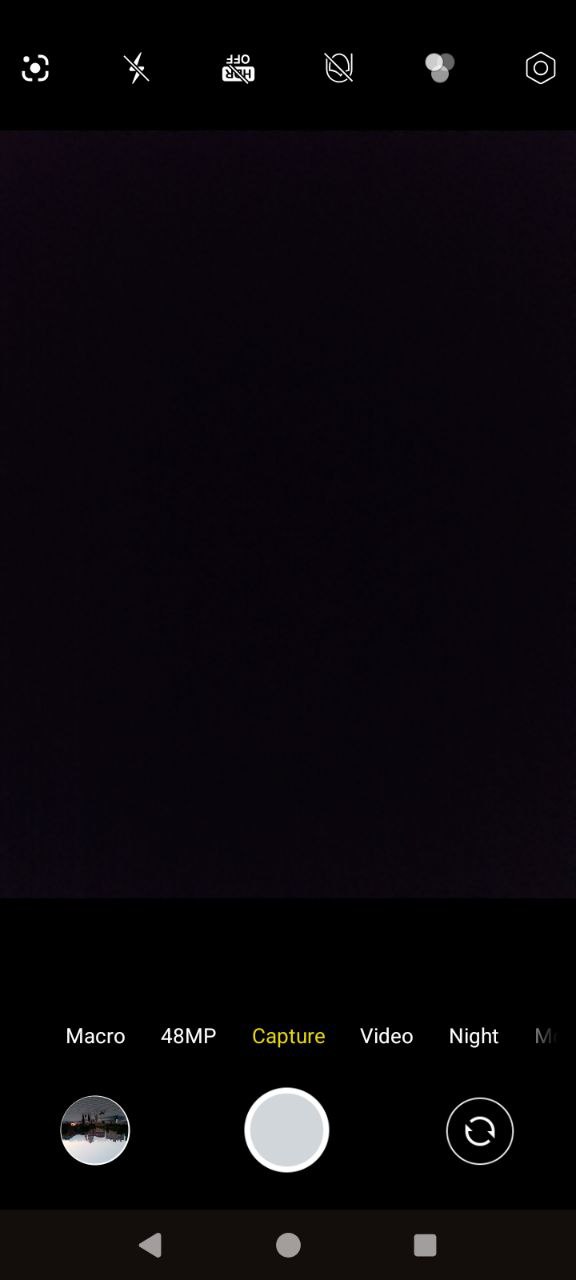
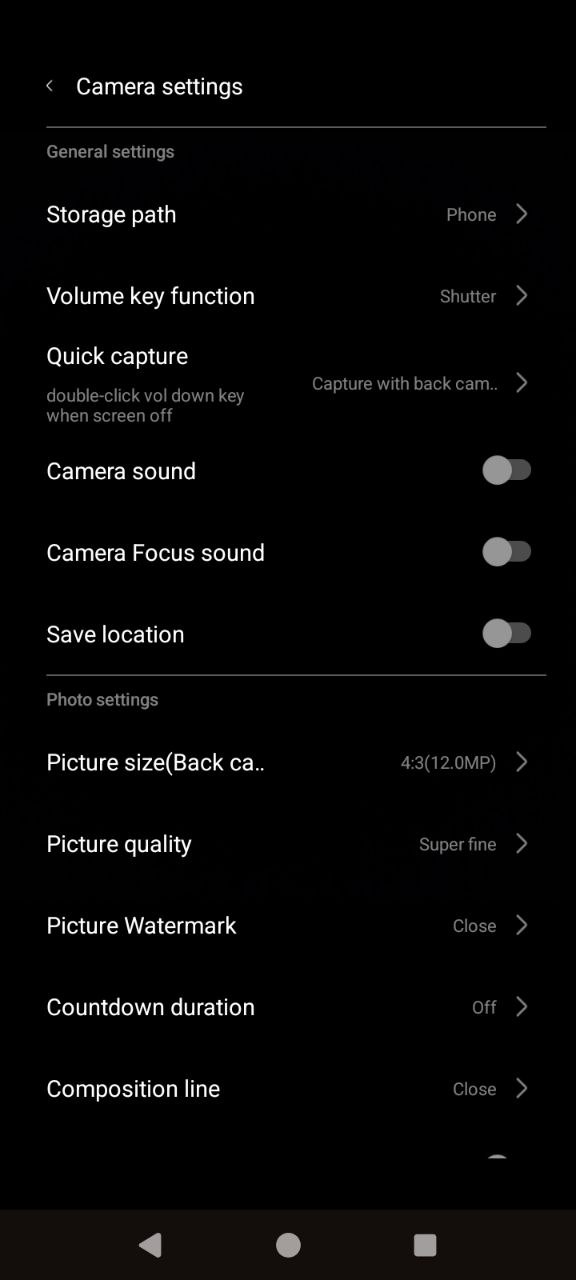
The camera app offers several photo modes: Standard, Maximum Resolution, Macro, Night, Panorama, Portrait, Manual, and Audio Photo, which captures an image along with up to 10 seconds of background audio. For video, there are only Standard and Timelapse modes. Additional features include beauty enhancements, filters, and a built-in QR code scanner.
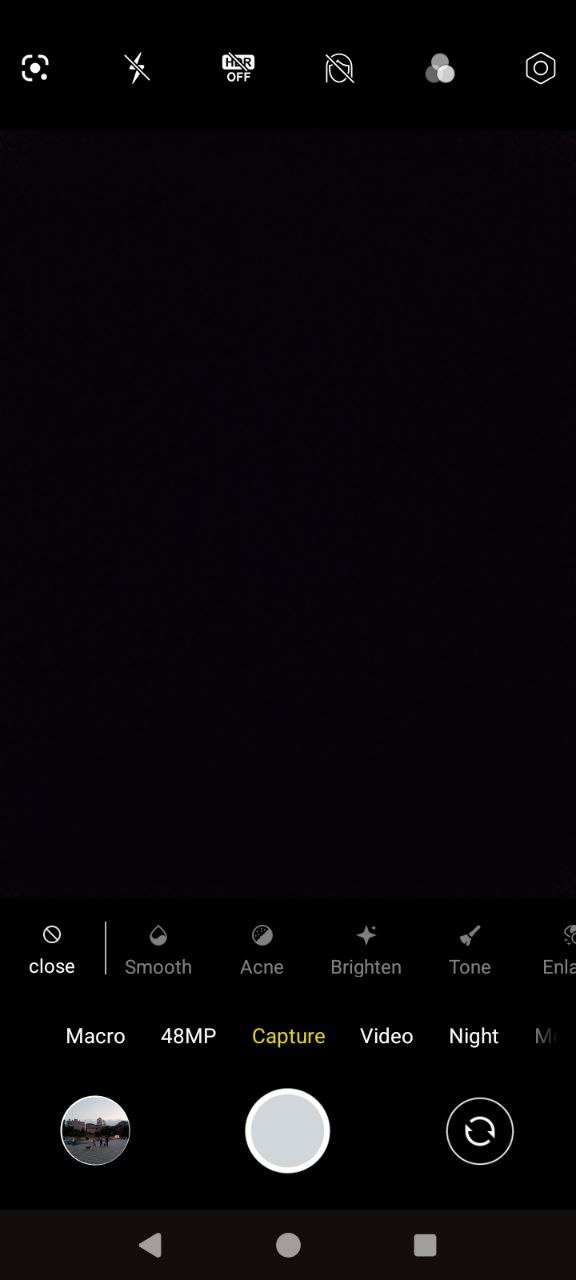
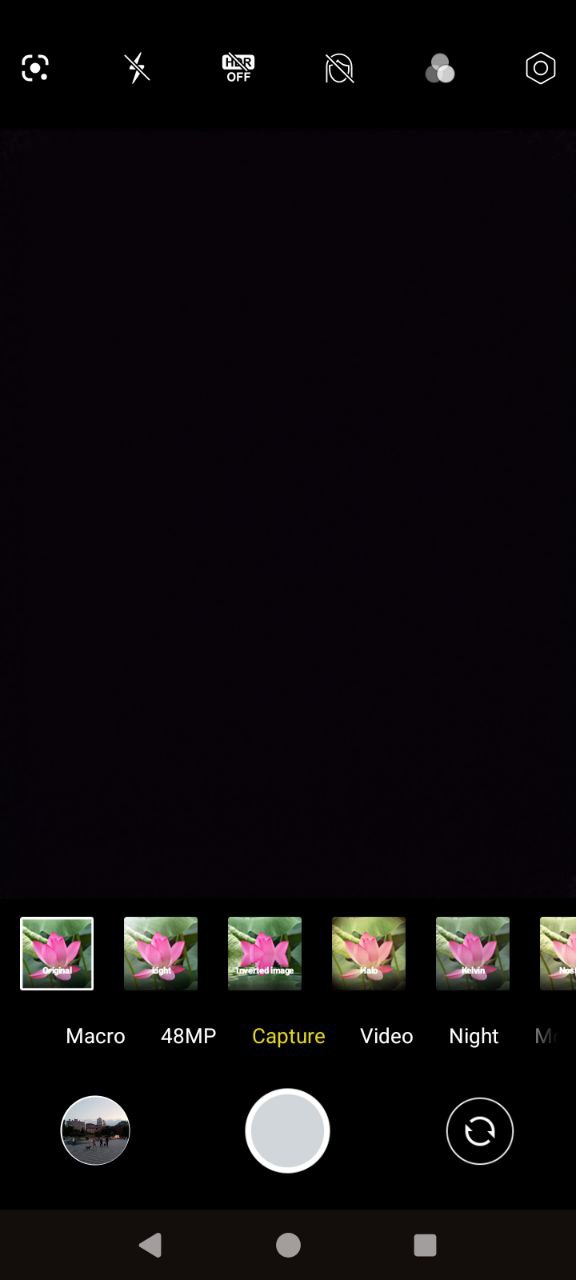
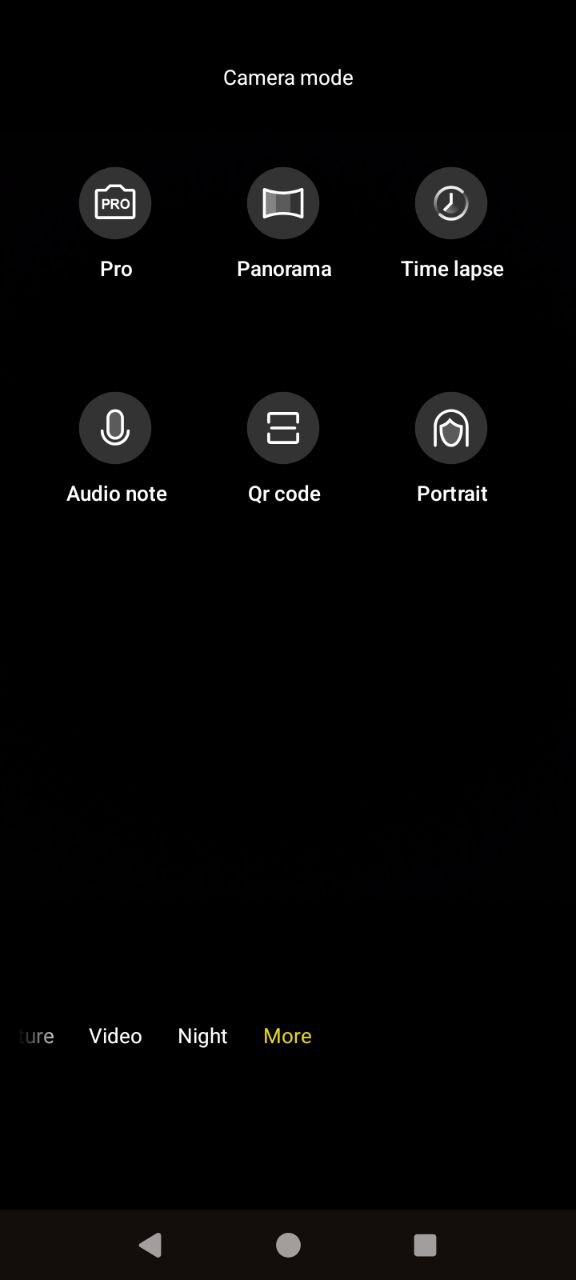
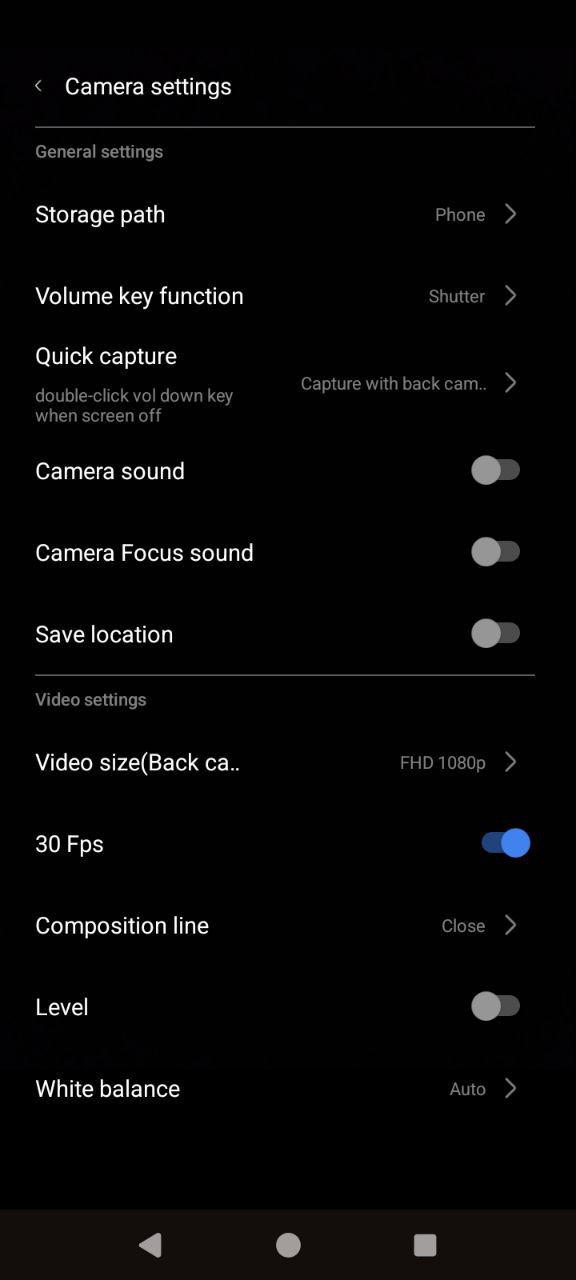
Regarding image quality, the Cubot KingKong ES 3’s camera is fairly basic. That said, it can produce reasonably pleasant photos. The camera is somewhat temperamental, sensitive to shaking, and takes time to focus on a subject, so patience is needed, and shooting in bursts is advisable. At times, the module may focus on the foreground in one shot and the background in another, even during daytime. Nevertheless, successful shots are relatively sharp and detailed. They tend to have moderate contrast, leaning toward natural color reproduction, and overall, the results are acceptable.
At night, the camera’s performance naturally declines. In Standard mode, images have minimal detail and appear somewhat “soft” or blurry. The Night mode helps by increasing the light in the frame and enhancing textures and details. While not perfect, it produces more interesting results than the default mode. For comparison: the left image shows Standard mode, the right image shows Night mode.




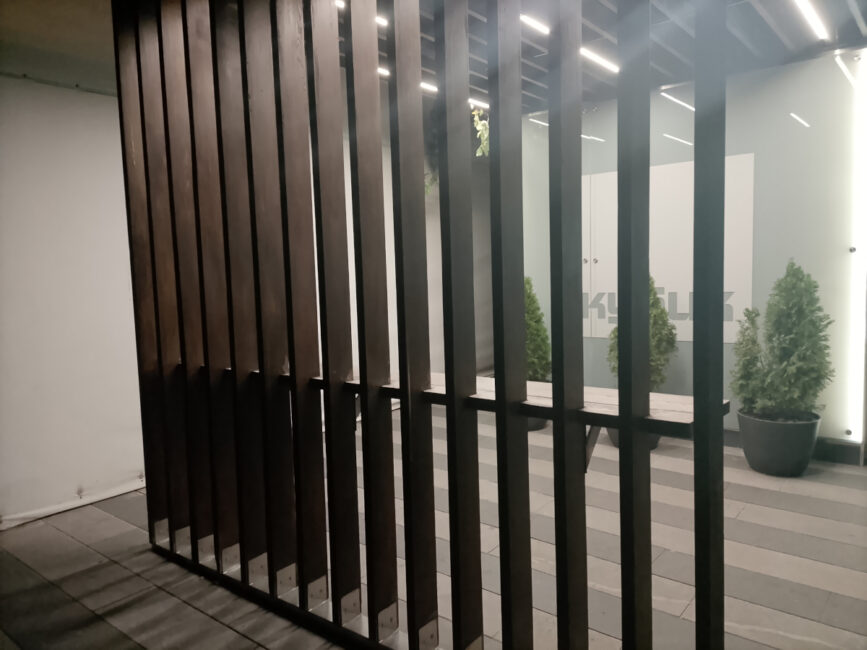
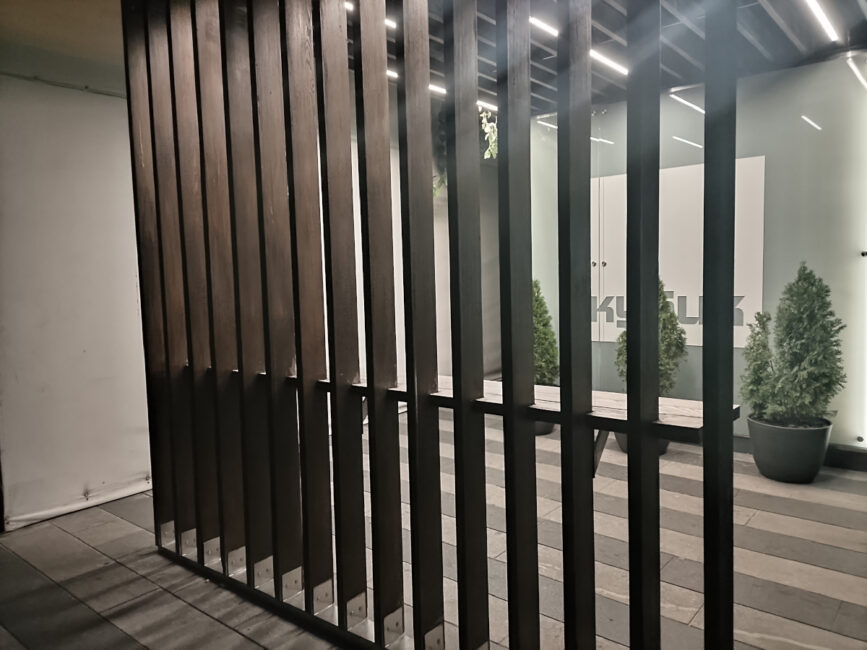


And a few more photos of the main module under different lighting conditions.









As for the macro camera, expectations should be low. If the main module struggles with movement, the macro is even more sensitive. Even in good daylight, it produces soft, blurry images with little detail.




The front-facing camera on the Cubot KingKong ES 3 is 16 MP and can also record Full HD video at 30 fps. Filters and beauty enhancements are available. However, like all smartphone cameras, it requires good lighting; otherwise, image sharpness decreases and photos become grainy. While it is not ideal for striking social media selfies, it performs well for video calls.
Sound
Audio output is handled by a single speaker located on the bottom edge. It performs reasonably well – loud, clear, and detailed. When holding the phone vertically, such as for short video playback, the sound is fairly clean and even feels somewhat immersive, giving the impression it comes from the device as a whole. In landscape orientation, the audio is naturally concentrated on the side where the speaker is located. While it is not ideal for high-quality music listening – headphones, either wired via USB-C or wireless, are recommended since there is no 3.5 mm jack – the speaker is adequate for everyday use.
Cubot KingKong ES 3 battery life
One of the KingKong ES 3’s strongest points is its battery. The device houses a 10,200 mAh cell, which can support around 12 hours of continuous mobile gaming, 16 hours of video playback, 55 hours of music, and, in standby mode, it can last for weeks. Under typical daily use without power-saving features, a single charge can last 2–3 days. With 33 W fast charging, the battery can be fully replenished in just under two hours.
Summary and competitors
Who might be interested in the Cubot KingKong ES 3? It is suited for users seeking a rugged, long-lasting, yet reasonably compact smartphone that does not resemble a heavy “brick” and remains affordable. Despite its modest resolution, the 120 Hz display performs well, and the device offers sufficient performance for everyday tasks. It will also appeal to fans of stock Android. While the KingKong ES 3 lacks a fingerprint scanner and higher-end cameras, expecting these features from an entry-level rugged phone would be unreasonable. Overall, for its price, the ES 3 represents a reasonable compromise.
Does the KingKong ES 3 have many competitors? Not really – most rugged smartphones tend to be more expensive. For example, the Doogee Blade 20 Ultra, priced from around $190, offers similar core specifications, plus an additional screen, 2 GB more RAM, and a fingerprint scanner. However, despite having a comparable battery, its charging power is only 18 W, resulting in longer charging times.
You can also check out the iiiF150 B3C. It costs from $140, has a fingerprint scanner and an additional screen, but it has less RAM (only 4 GB), an even simpler processor, no NFC and Android 14.
Read also:
Where to buy Cubot KingKong ES 3


