




© ROOT-NATION.com - Use of content is permitted with a backlink.
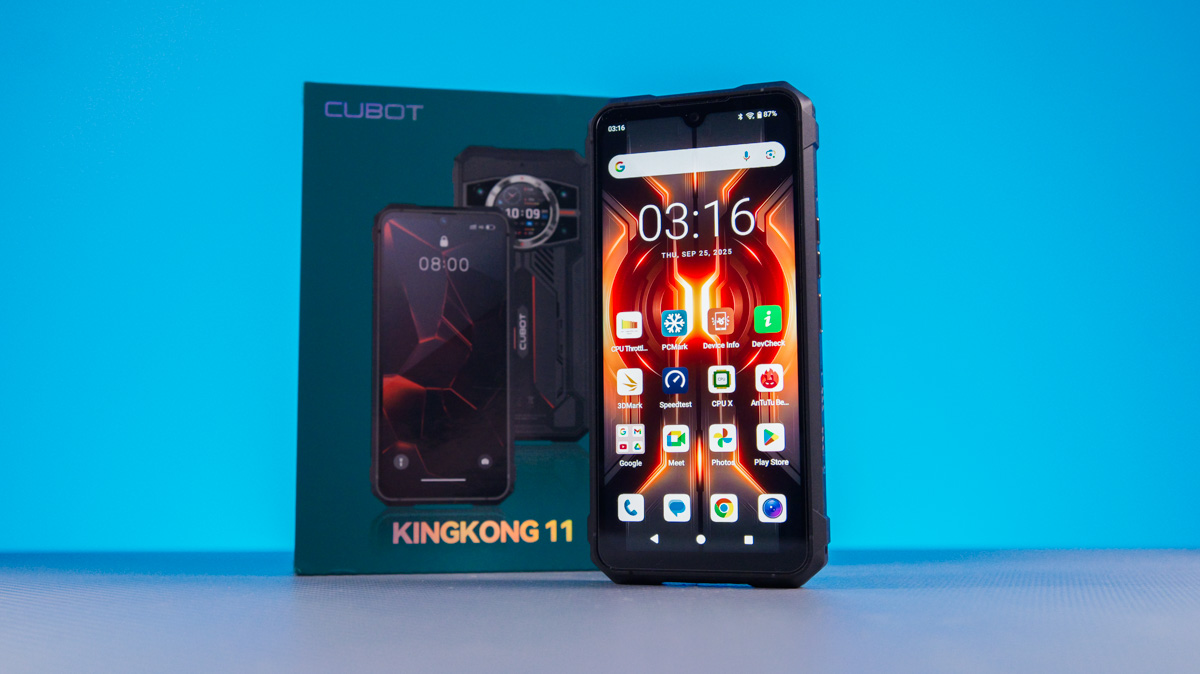
As a videographer, I once had my eye on the Xiaomi Mi 11 Ultra, mainly for its rear display that doubled as a camera viewfinder and an alternative to an always-on display. I expected that kind of feature to become common across smartphones. Instead, the idea has mostly filtered down to budget-friendly devices, including the rugged Cubot KingKong 11.

TABLE OF CONTENTS:
Cubot KingKong 11 specifications
- Housing protection: IP68/IP69K, MIL-STD-810
- Dimensions: 176×84×18.7 mm
- Weight: 419 g
- Display: IPS 6.72″, 2400×1080 (20:9). 120 Hz
- Additional display: 1.46″, IPS, 360×360
- Operating system: Android 15
- Processor model: MediaTek Dimensity 7025
- Graphics processor: PowerVR IMG BXM-8-256
- RAM: 16 GB
- Built-in memory: 256 GB
- Memory card slot: yes, combined, microSD
- Main camera: 108 MP + 8 MP + 24 MP IR
- Front camera: 32 MP
- Data transfer: Wi-Fi 5, Bluetooth 5.1, NFC, 5G
- Battery capacity: 10200 mAh
- Charging power: 33 W
Cubot KingKong 11 price
This manufacturer has released quite a few models with secondary displays on the back, including the Cubot X100, Cubot P90, and Cubot A20. In the rugged category, there was also the Cubot KingKong X Pro, and the KingKong series has featured such displays at least since the KingKong 9. The Cubot KingKong 11, however, isn’t defined by the rear screen alone – it also comes with a rugged build, a night vision camera, and a notably low price.
More specifically, the version with 16 GB of RAM and 256 GB of storage is priced at around $260 or €220 on AliExpress. I haven’t seen information about other memory configurations.
Package contents
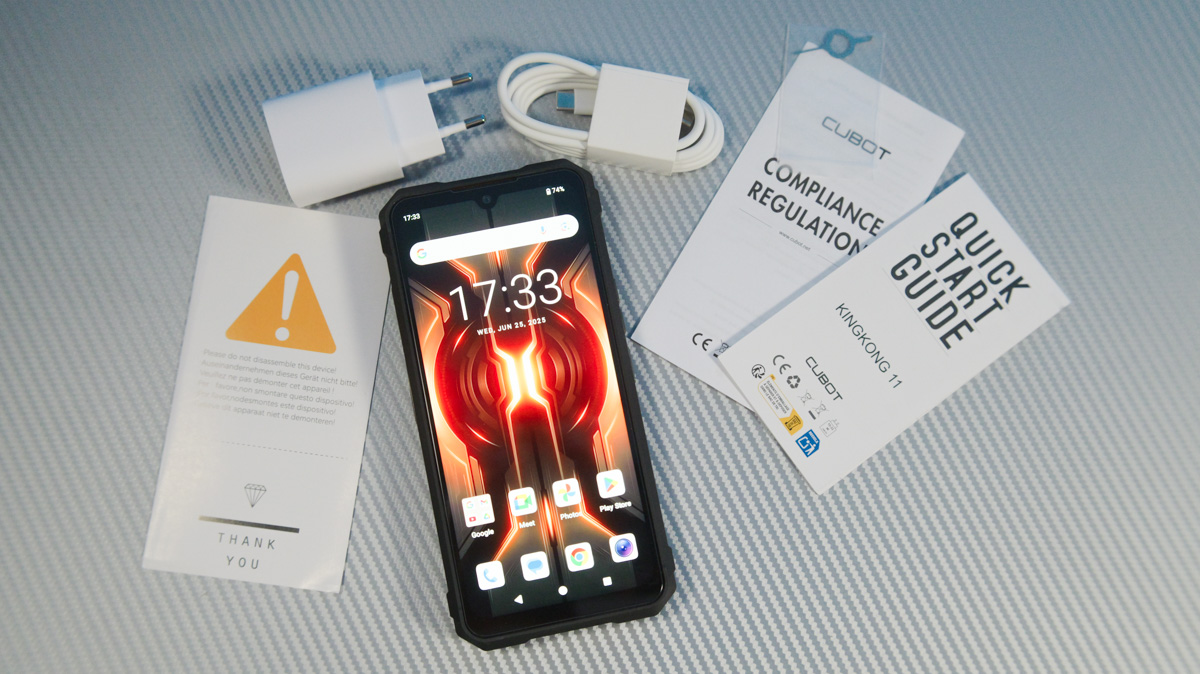
The package is fairly standard, including a 33W charger, a USB Type-C to Type-C cable, and a SIM eject tool.
Read also: Cubot A40 Review: Simple, Affordable Smartphone
External appearance
The design of the Cubot KingKong 11 stands out because, while it’s clearly a rugged device, it’s not as bulky as you might expect. The body combines rubberized surfaces with metal elements, and the phone carries an IP69K rating along with MIL-STD-810H certification. The differences between these protection standards are explained in the linked reference.
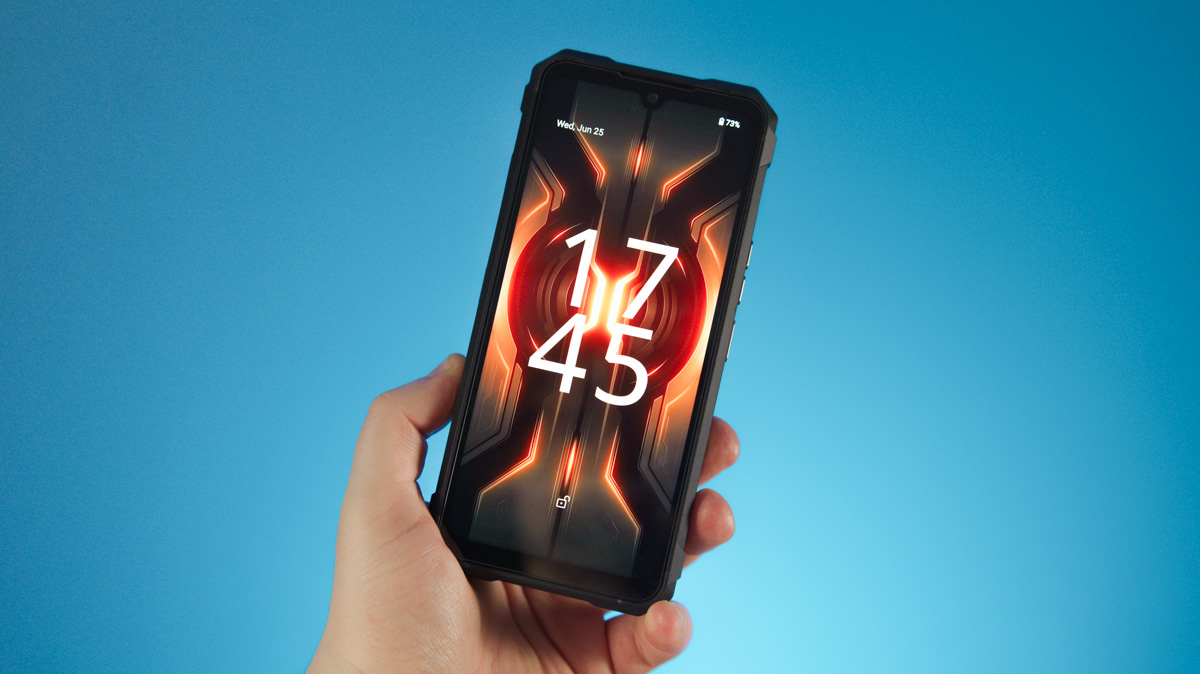
With rugged devices, I usually expect them to weigh over 500 g, since they often pack a large-capacity battery and sometimes extras like a thermal camera, flashlight, or even a projector. The KingKong 11, however, comes in lighter at 419 g, with dimensions of 176 × 84 × 18.7 mm. It’s certainly bulkier than a standard smartphone, but I’ve seen rugged models that are noticeably larger.
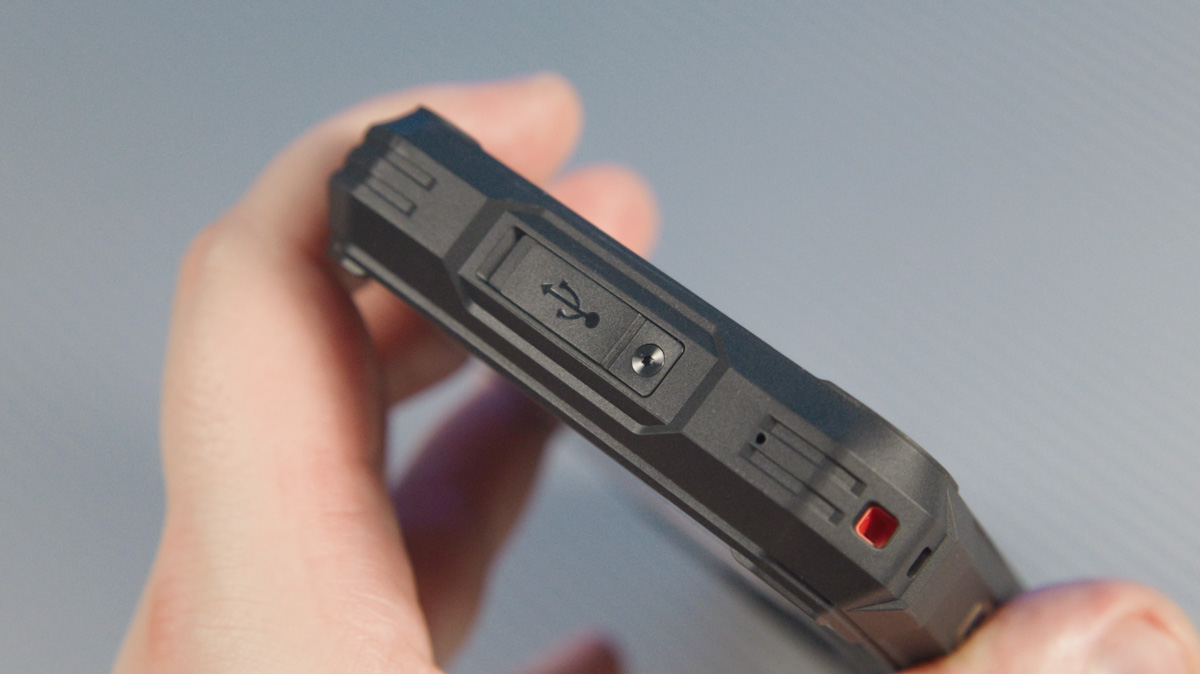
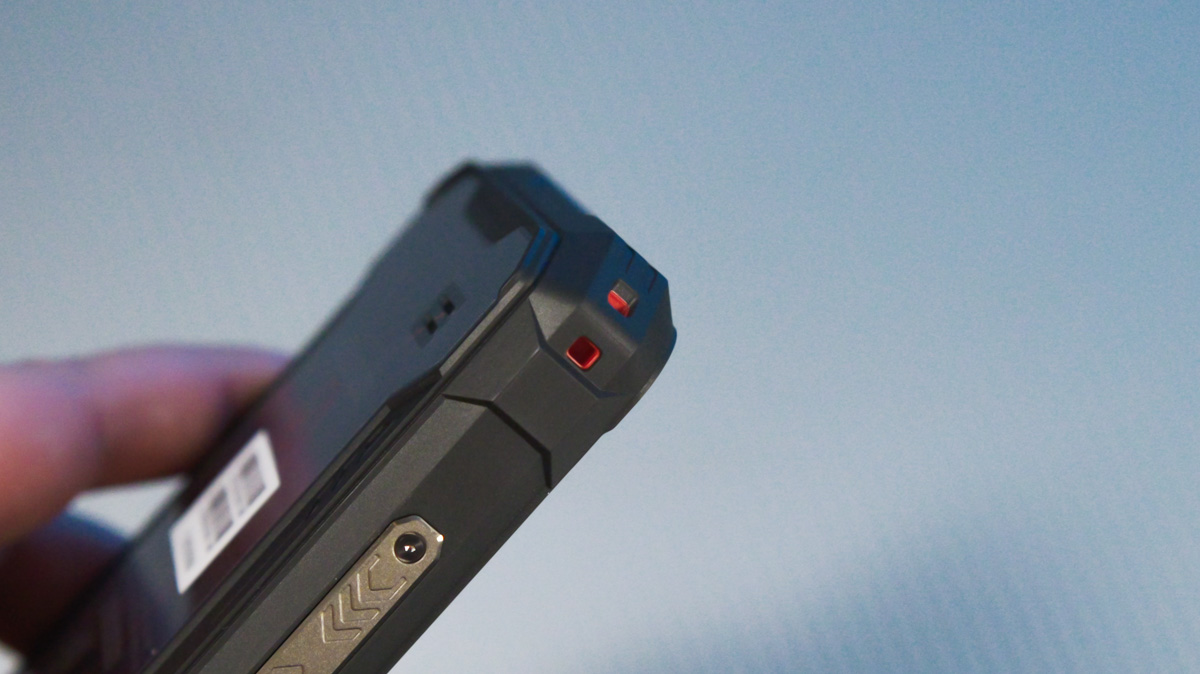
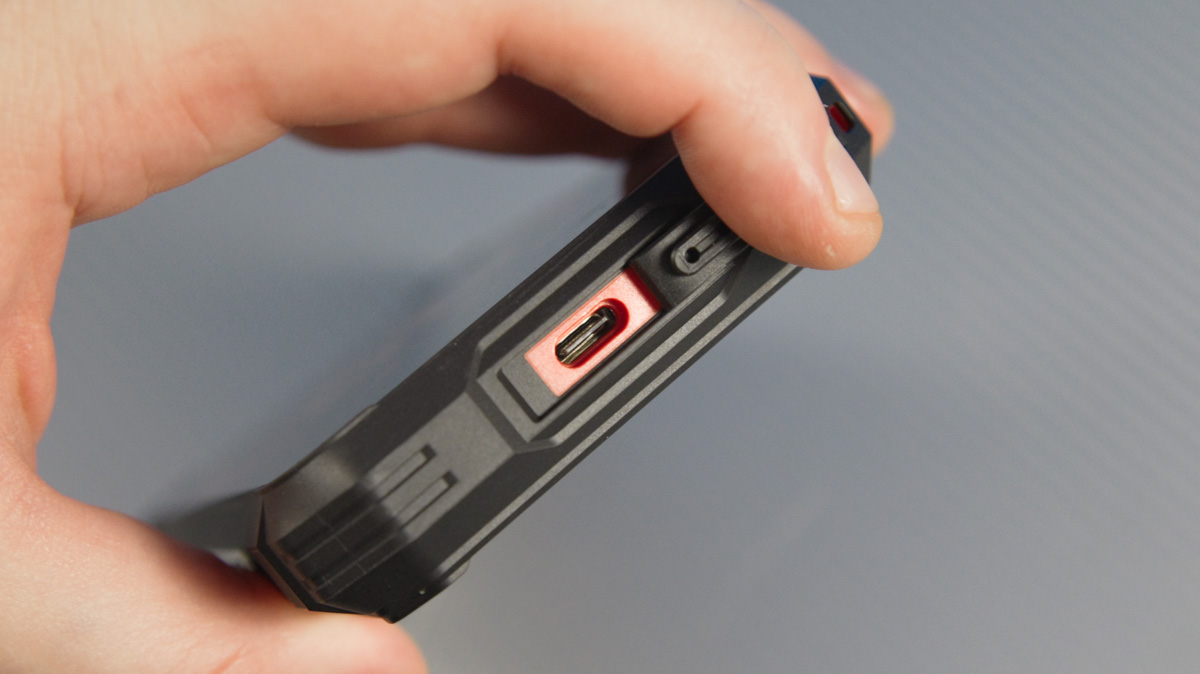
Cubot makes full use of the large body. The Type-C port on the bottom is covered by a flap that’s additionally secured with a screw. There’s also a strap hole in the corner – something I haven’t seen on a rugged phone in quite a while.
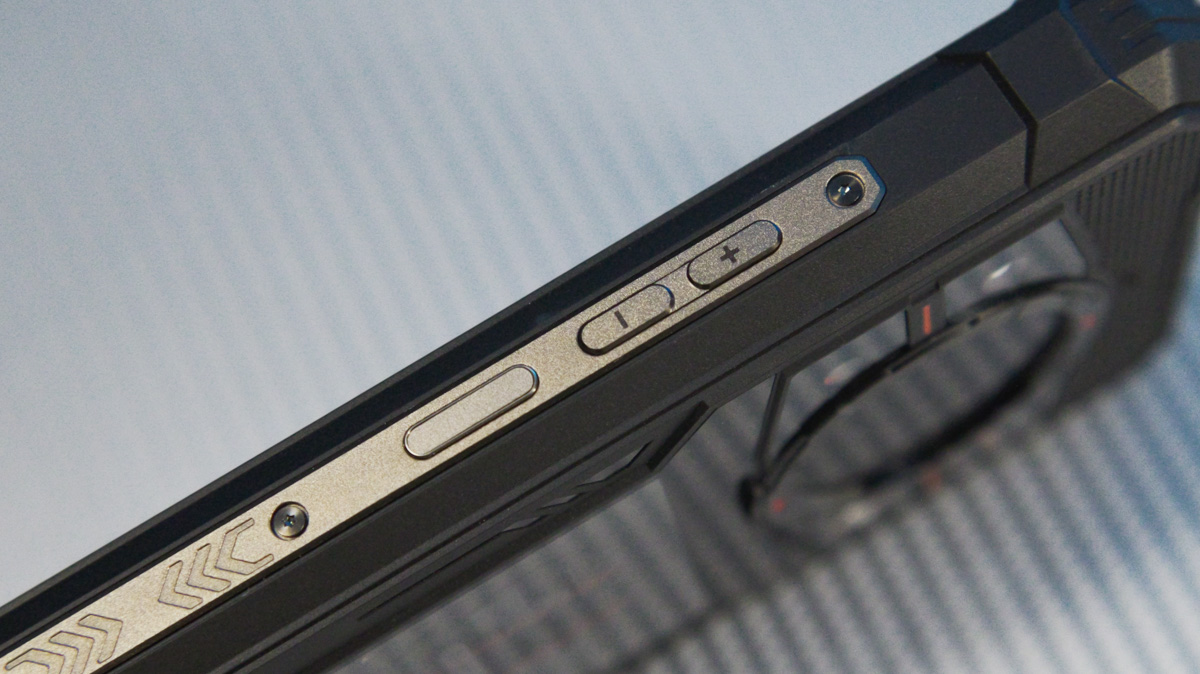
On the right edge, there are volume buttons and a power button that doubles as a fingerprint scanner – a feature I particularly appreciate.
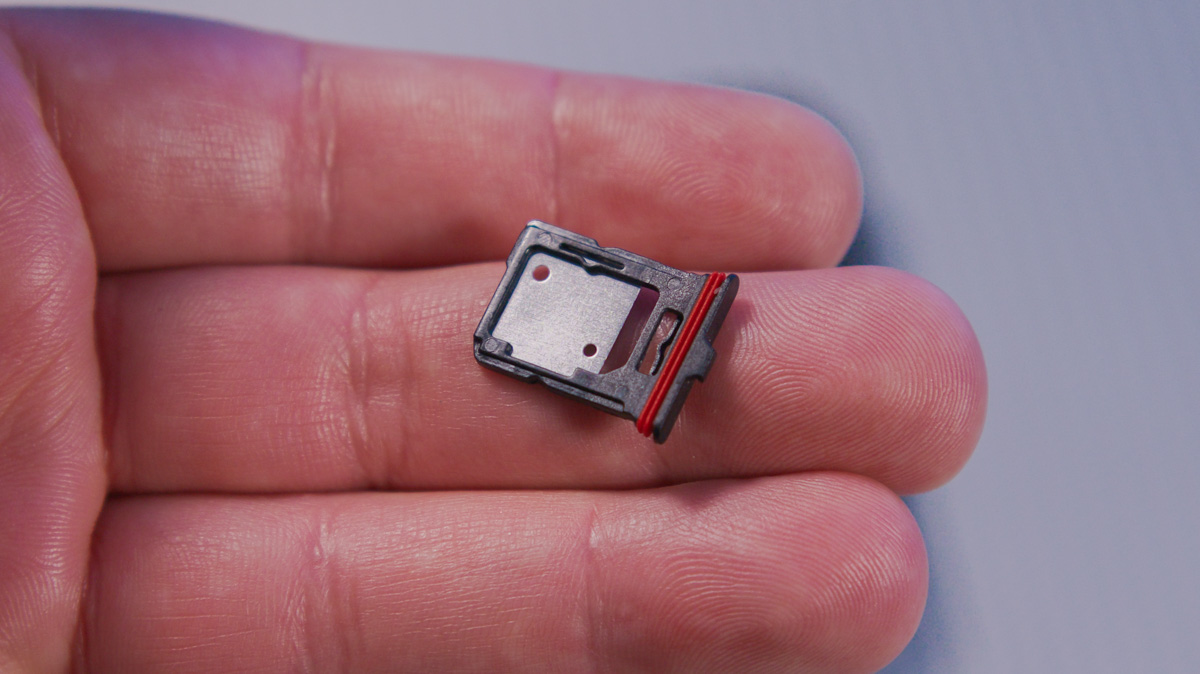
On the left edge, there’s a multifunction button and the SIM card slot. The slot is also covered by a flap, which I managed to open with my nails, though using the included tool would make it easier.
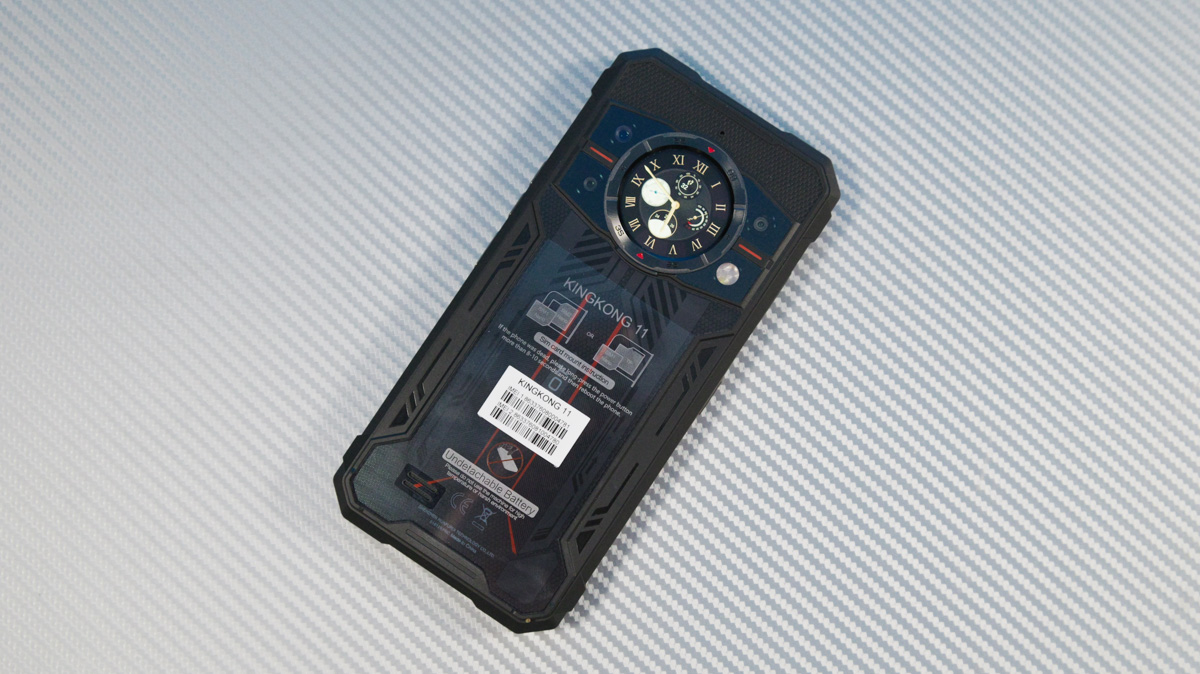
On the back, aside from some decorative elements, there are several camera modules along with a combined flash and IR light. These are arranged around a metal ring reminiscent of mechanical watch designs – or smartwatches styled like classic mechanical watches. Inside the ring sits a circular display.
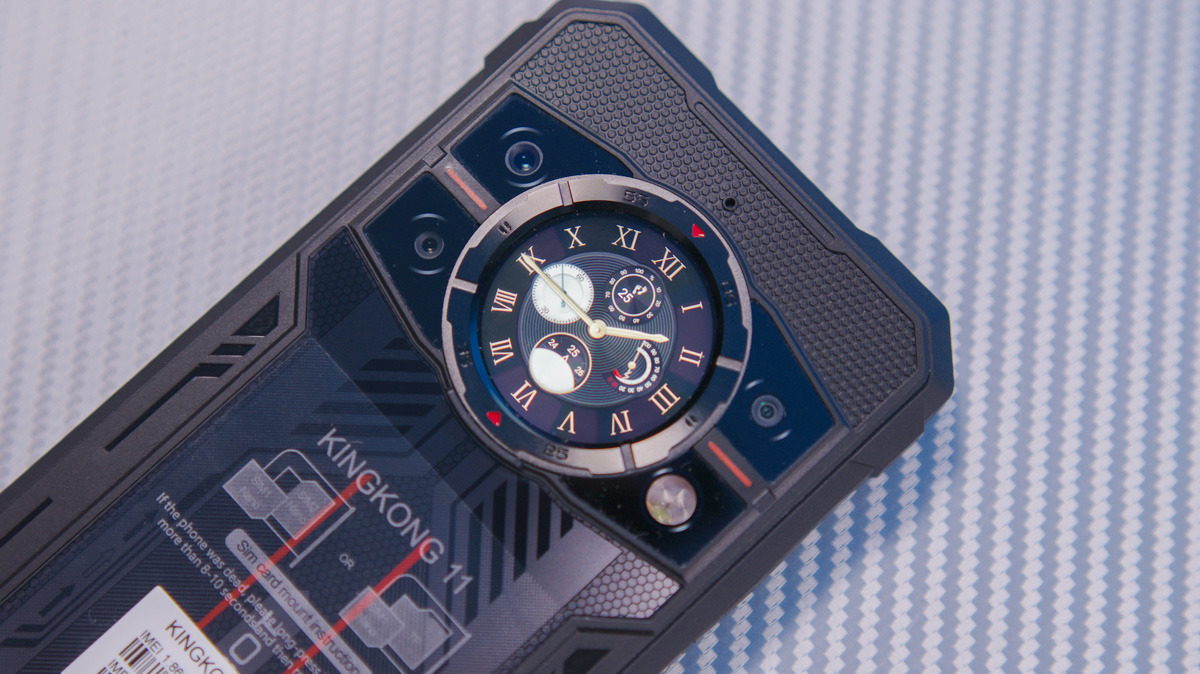
The back of the phone also has a sticker with three instructions. The first indicates that the SIM slot is hybrid, supporting either two SIM cards or a SIM and a microSD card. The second explains that if the device freezes, holding the power button for 10 seconds will force a restart. This is a fairly standard method that works on most Android phones, though not everyone is aware of it.
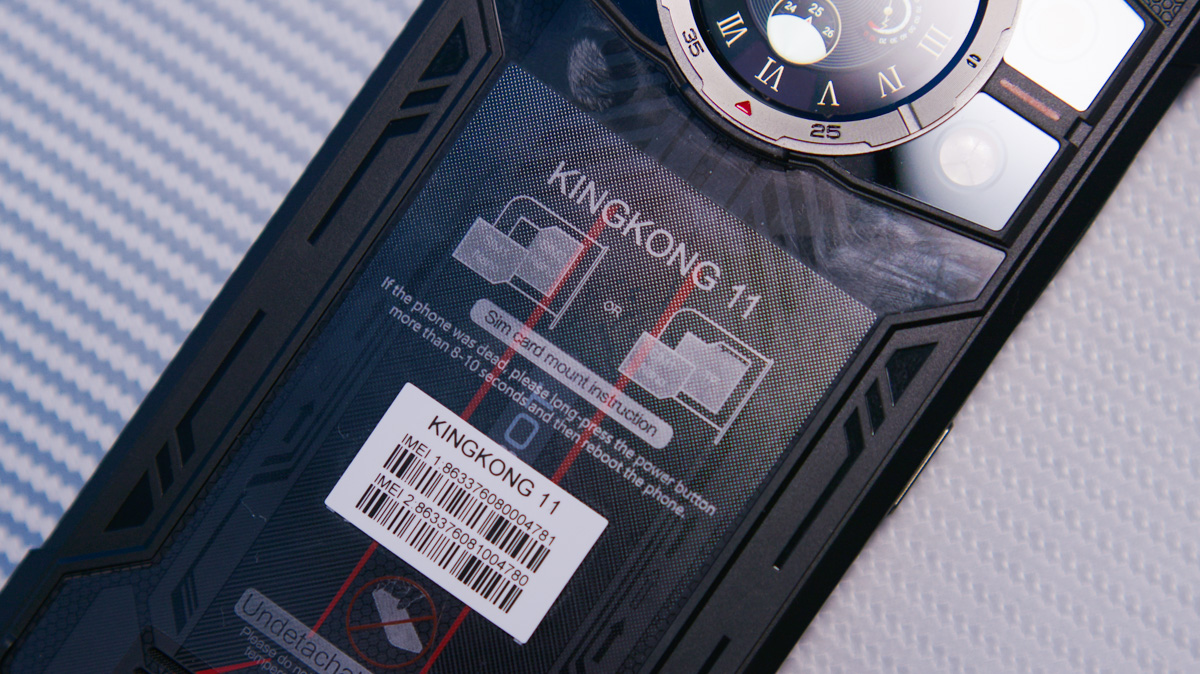
The third instruction is the most unusual, as it advises against using the phone in extreme temperatures or conditions. This is odd, considering the device carries both IP69K and MIL-STD-810H ratings.
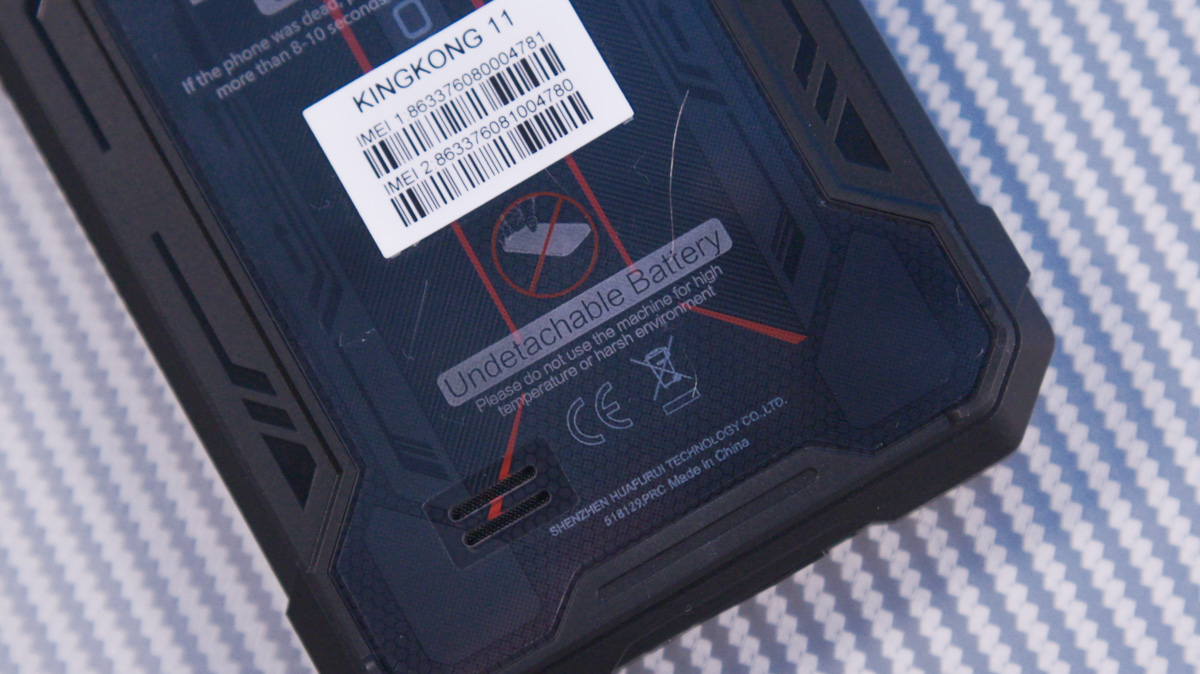
Personally, I suspect this warning refers to the battery – specifically, the replacement process – since the phone has a non-removable battery. In other words, it shouldn’t be swapped in harsh conditions, though that’s just my interpretation. Overall, the build quality is decent, but I did notice some play in the buttons, particularly the multifunction button on the left, which moves quite noticeably even when the phone is just shaken in the air.
Read also: CUBOT P90 Smartphone Review: Secondary Display, Stock Android, and 12GB RAM
Displays
Let’s separate this into sections for the main and secondary displays. The main screen measures 6.72 inches with a 2400×1080 resolution and a 20:9 aspect ratio. It uses an IPS panel rather than AMOLED, which means there’s no PWM flicker. The display supports a 120 Hz refresh rate, though it’s disabled by default, which is somewhat unusual. On the plus side, the screen comes with a factory-applied protective film.
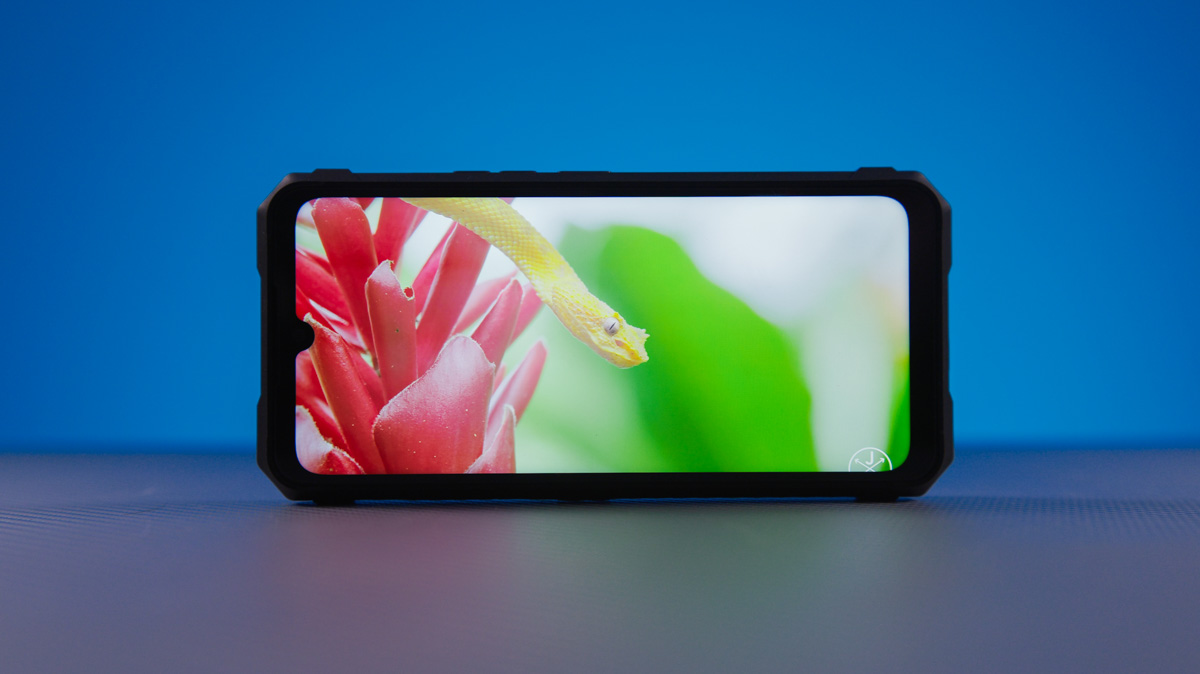
Overall, the display is vivid, sharp, and bright, though some reviewers note a slight bluish tint that can’t be adjusted through software settings. What surprised me most, however, was seeing Always On Display settings on an IPS screen. For context, IPS panels don’t natively support AOD in an “energy-efficient” way, since keeping information on the screen continuously consumes a lot of power due to the active backlight.
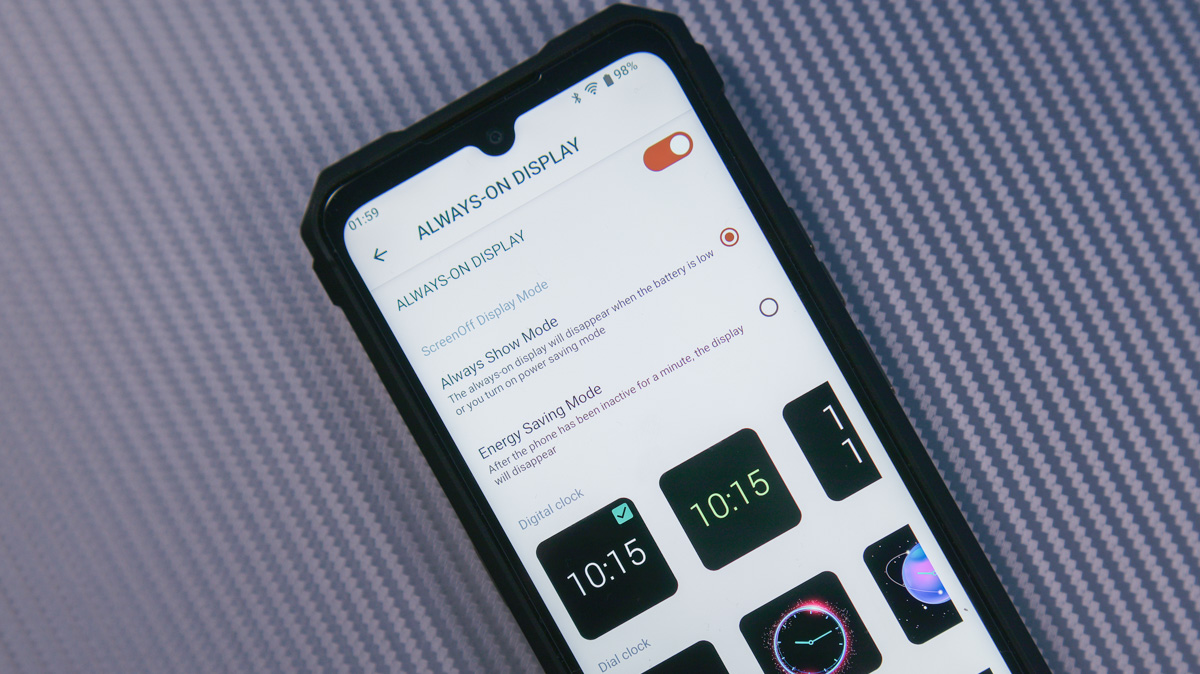
However, with a battery like the one in the Cubot KingKong 11, the extra power draw is manageable. It’s a bit ironic that my Motorola Edge 50 Ultra with an AMOLED screen doesn’t have a full-featured AOD, while a mid-range IPS device like this one does.
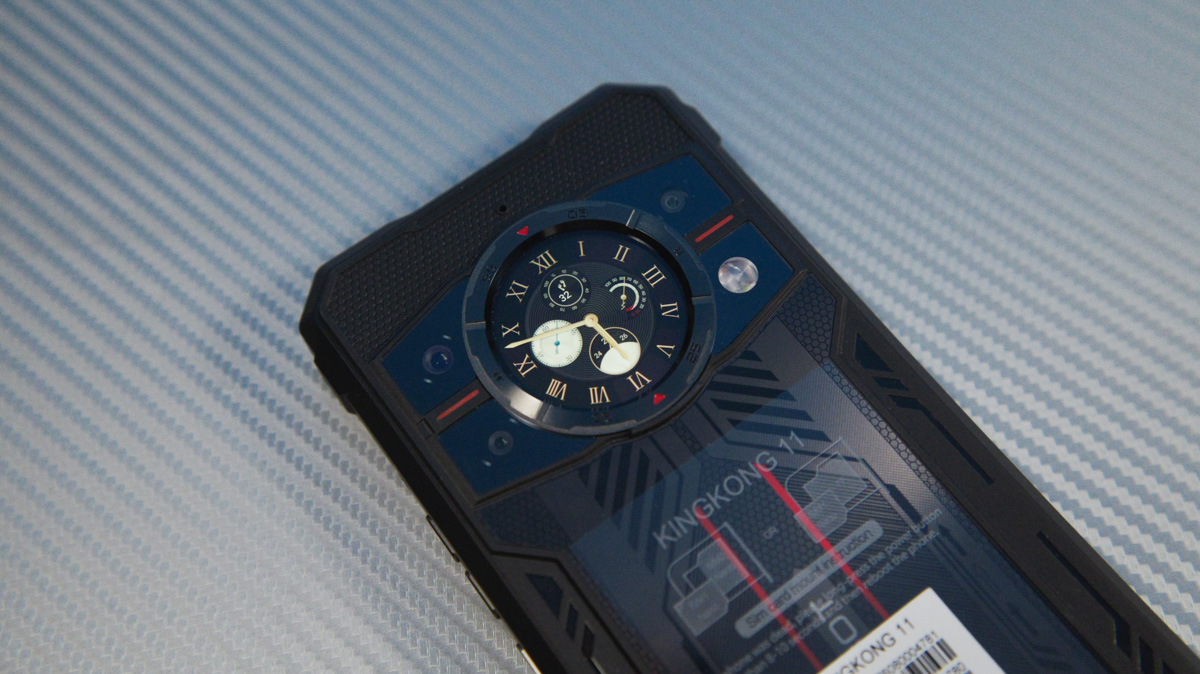
The story is simpler for the rear display. It’s a 1.46-inch IPS panel with a 320×320 resolution. In the English settings, it’s labeled either SubScreen or MiniScreen. The display is touch-sensitive, but its refresh rate ranges from 10–15 Hz down to less than 1 frame per second.
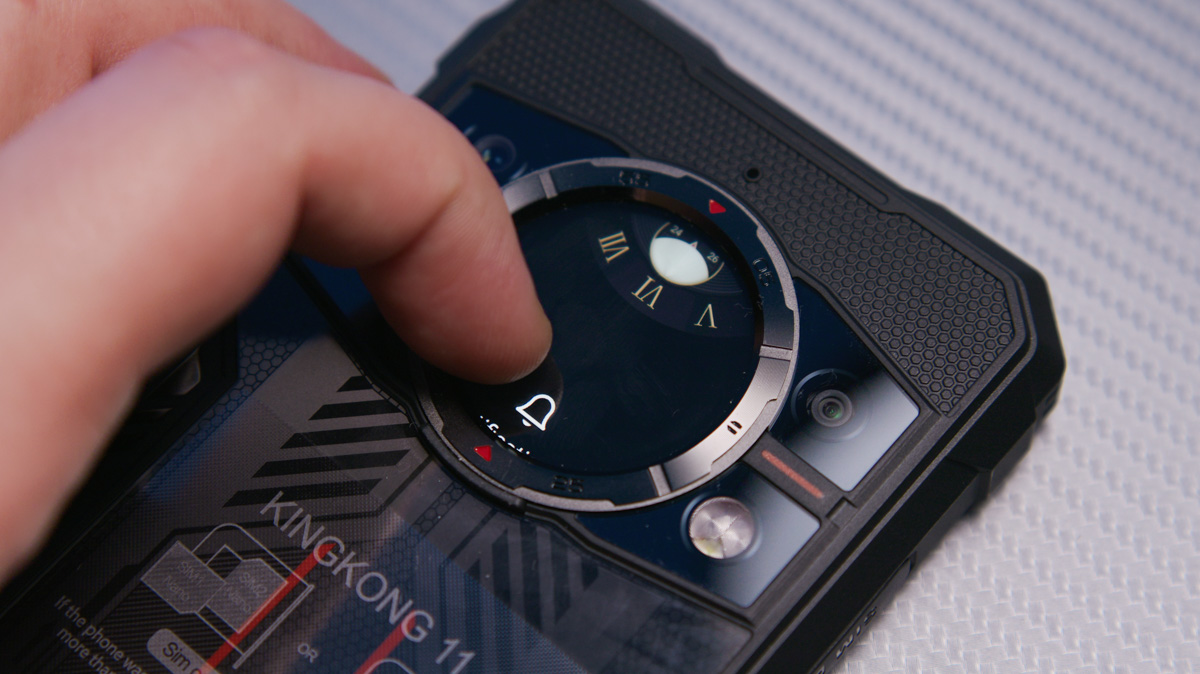
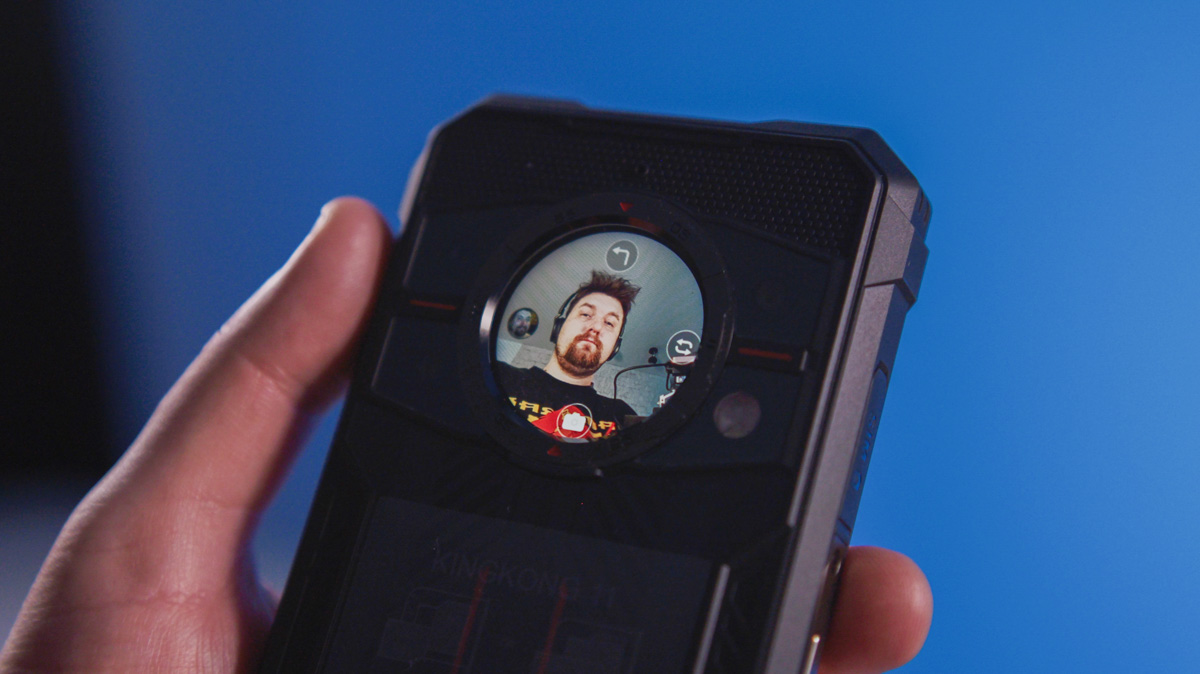
The secondary screen doesn’t just show the time – it can control the music player, display a compass, and even manage the camera. There’s a dedicated app for these functions that doesn’t interfere with normal phone use, meaning you can take photos while a game is running on the main display. I’ve never seen this before and wasn’t aware Android phones could handle this kind of multitasking.
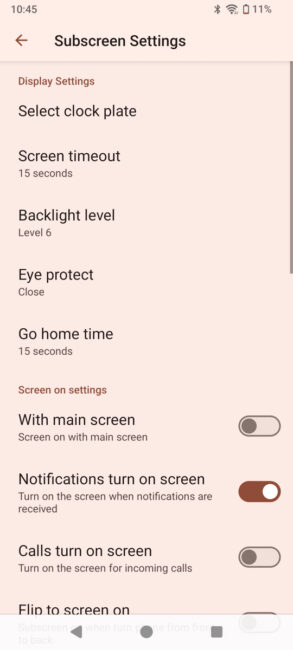
The small display offers a wide range of settings – from brightness and screen-off timing (it can even stay on permanently, which is convenient) to functionality and which apps can show notifications. Some options are a bit unusual, though; for example, the brightness levels are reversed, with the first level being the brightest and the last the dimmest.
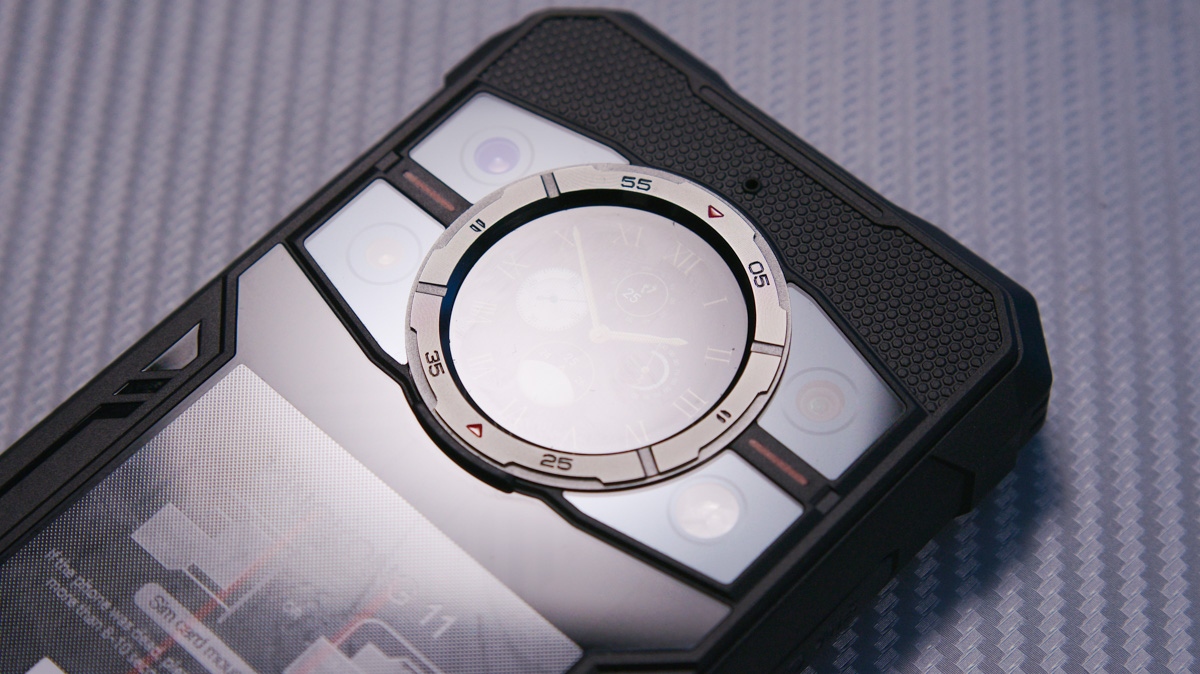
And yes, as you might have guessed, this small display seems to be taken from a generic Chinese smartwatch. Even the bezel hints at it. In my view, this isn’t a bad approach – after all, the Xiaomi Mi 11 Ultra also used a screen borrowed from a Mi Band.
Read also: Cubot KingKong Power 5 Review: Rugged, Durable, and Budget-Friendly
Cubot KingKong 11 performance
The Cubot KingKong 11 is powered by a MediaTek Dimensity 7025 chipset with a PowerVR BXM-8-256 GPU. The main processor has eight cores: two Cortex-A78 cores running up to 2.5 GHz, and six Cortex-A55 cores up to 2.0 GHz. It’s a 6nm chip and just a year old. However, the GPU is a weak point.
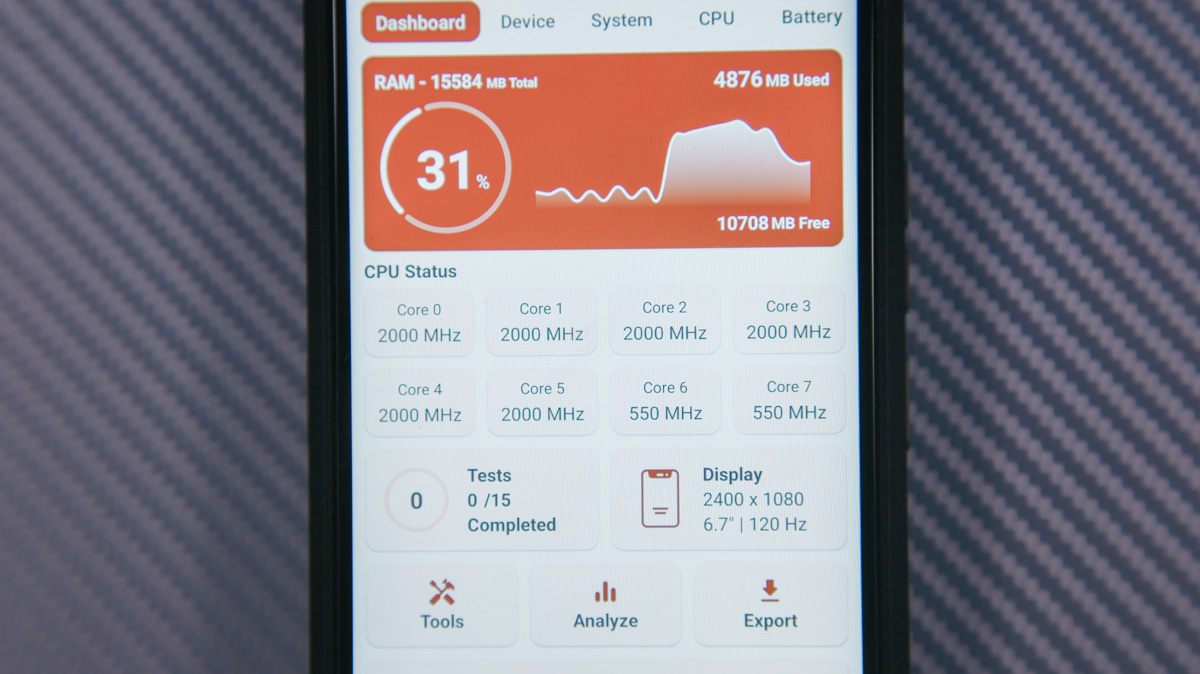
I’m honestly not sure what the PowerVR BXM-8-256 – or IMG BXM-8-256 – really is. The GPU reminds me of older integrated graphics in Intel CPUs, like HD Graphics. It’s fine for basic tasks like rendering the interface, playing videos, and debugging, but it lacks both performance and modern features for gaming.
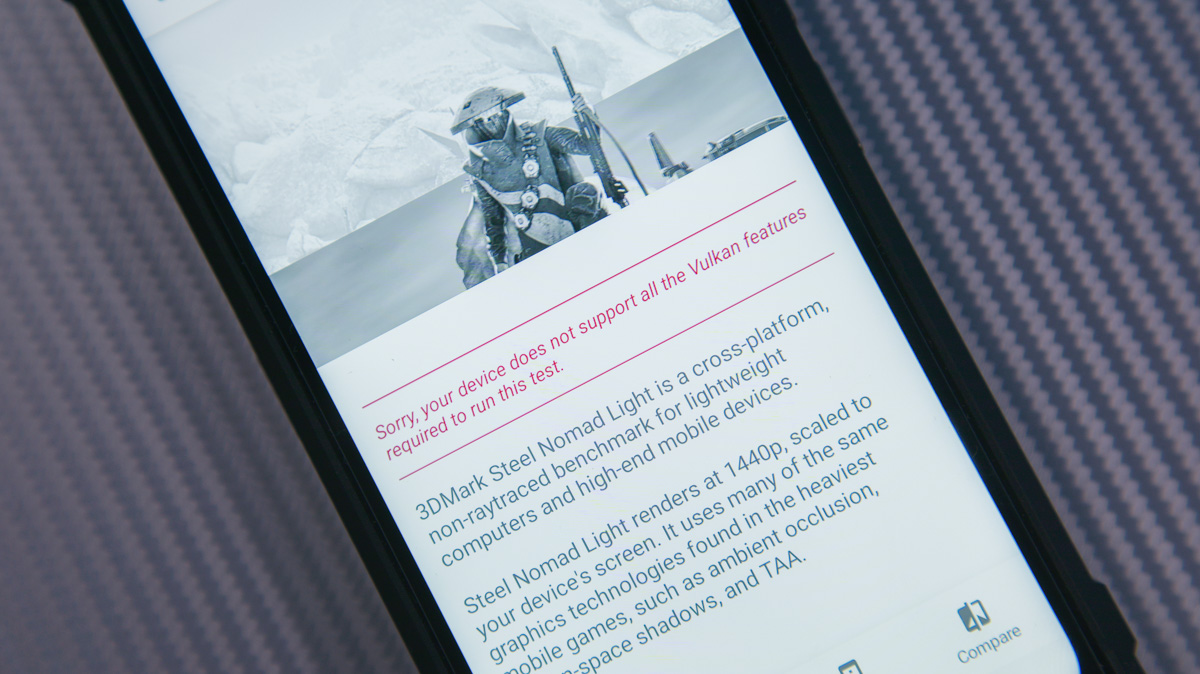
It’s a similar story here. In AnTuTu, the MediaTek Dimensity 7025 scored around 645,000 points, though it could have scored higher – the benchmark didn’t register any points for the GPU. The reason is that it doesn’t support Vulkan, only OpenGL ES 3.1.
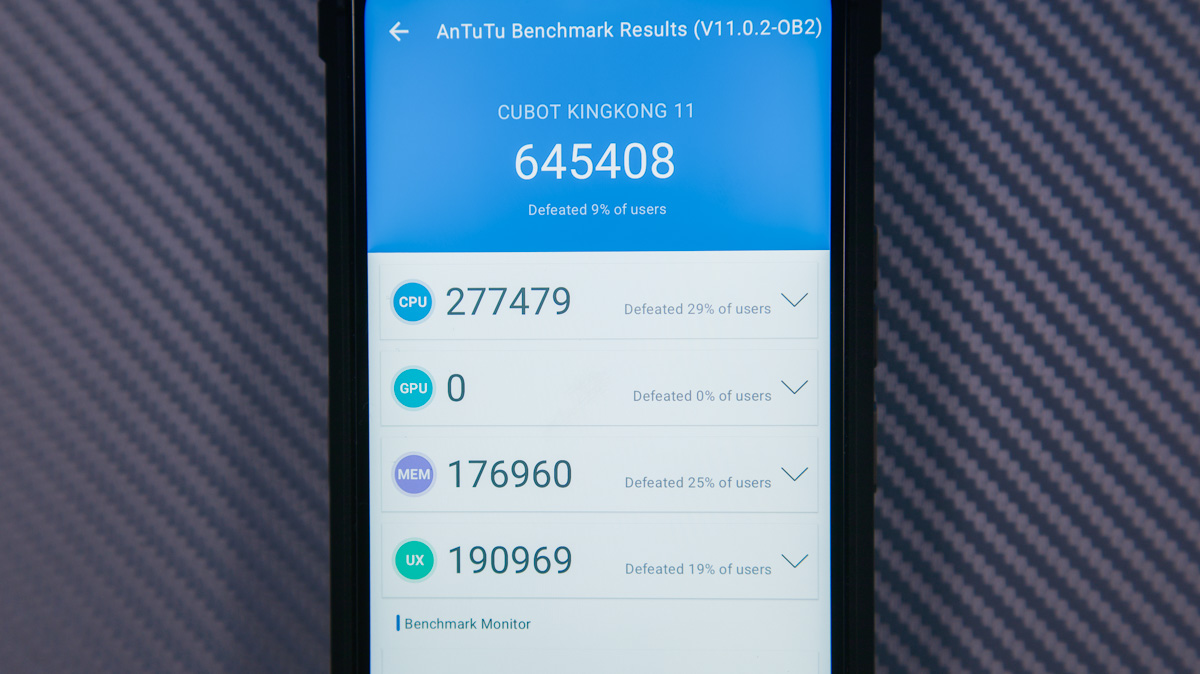
Even 3DMark tests were largely unavailable, except for Sling Shot, where it scored a modest 2,500 points. For comparison, the Xiaomi 14 scores around 12,000 in the same test. In short, the KingKong 11 isn’t suitable for gaming at all.
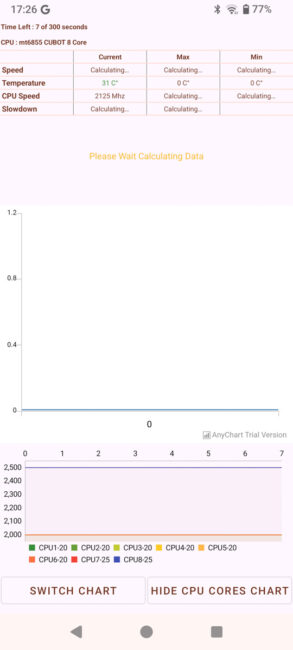
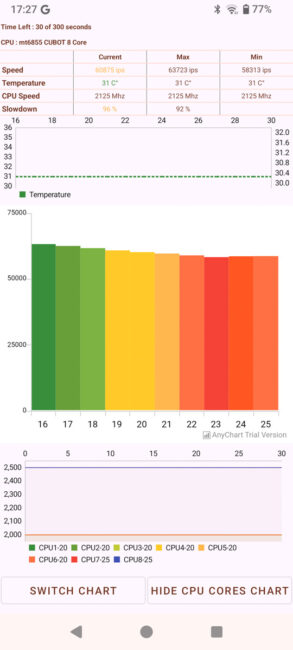
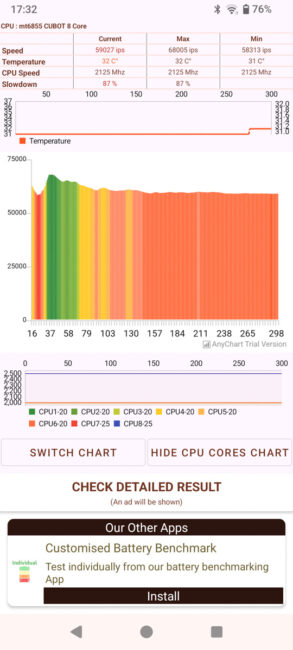
The processor does experience some overheating. In a 5-minute Throttling Test, performance dropped by about 20%, but unusually, it reached this level almost immediately and didn’t decrease further. The temperature remained around 35°C, suggesting this might be a software-imposed limit.
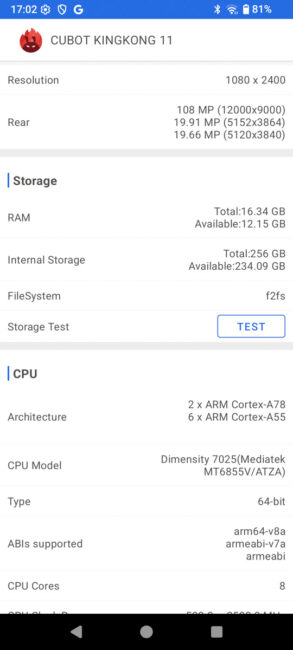
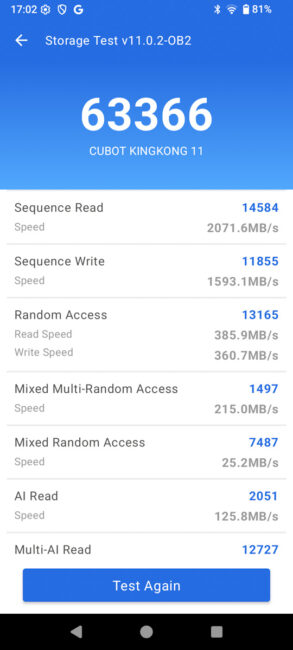
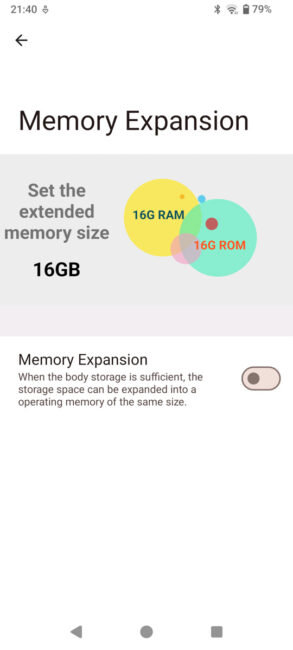
The phone comes with 16 GB of RAM in an unspecified format, along with a 256 GB UFS 3.1 storage drive offering roughly 2,000 MB/s read and 1,600 MB/s write speeds. There are few issues here. The storage can also be used for “virtual” RAM expansion, but the option is odd – you can either allocate the full 16 GB or none at all.
The relatively fast memory likely helps make the Cubot KingKong 11 feel responsive in nearly all tasks except gaming. The phone is quick and rarely lags. AnTuTu results hint at why: the CPU alone scores 277,000 points, which is higher than the Qualcomm Snapdragon 7 Gen 3 – just for the processor, I should note.
In terms of connectivity, the phone is unremarkable. It offers Wi-Fi 5 (without MIMO, which is a drawback), Bluetooth 5.1, NFC, 5G support, and positioning via GPS, GLONASS, Beidou, and Galileo. The USB port is 2.0, though OTG is supported. The phone has a single speaker located on the back, so there’s no stereo sound.
Read also: CUBOT KINGKONG POWER 3 Rugged Smartphone Review
Cubot KingKong 11 cameras
The Cubot KingKong 11 features a triple main camera setup. The primary sensor is 108 MP, f/1.89, 24 mm, using a Samsung S5KHM2 with 0.7 µm pixel size. It supports pixel binning to improve image quality, but there’s no optical stabilization. Video recording tops out at 2K at 30 fps. Some sources mention 4K at 30 fps, but I couldn’t find that option in the settings.
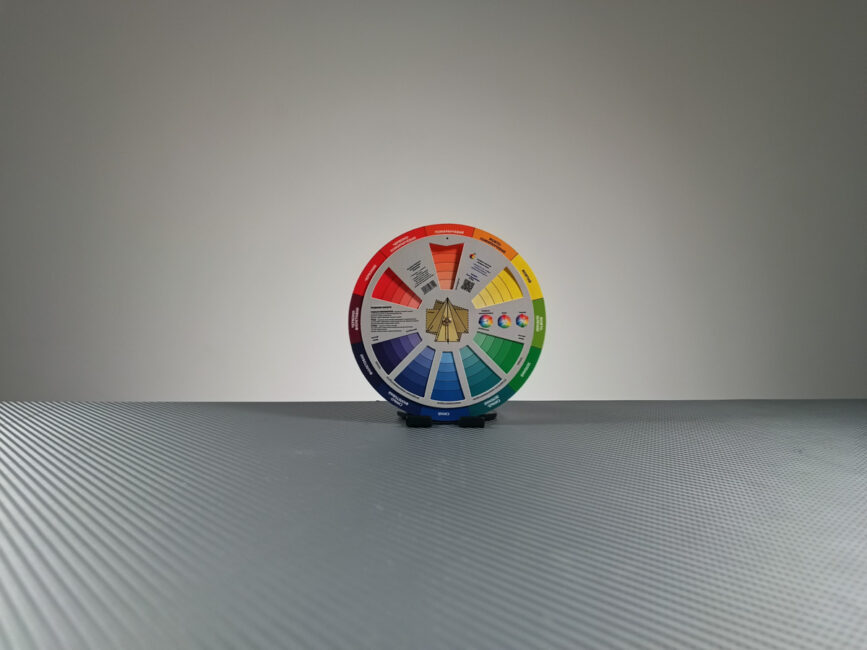
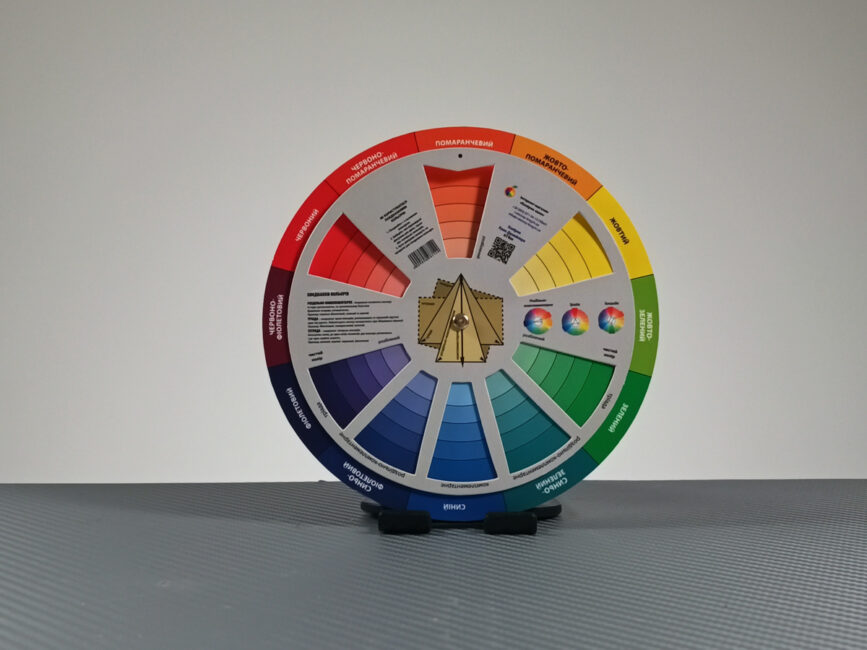




The ultrawide module is 8 MP, using a Sony IMX355 sensor, f/2.6. It’s fairly limited – it can’t record video, and low-light performance is poor.


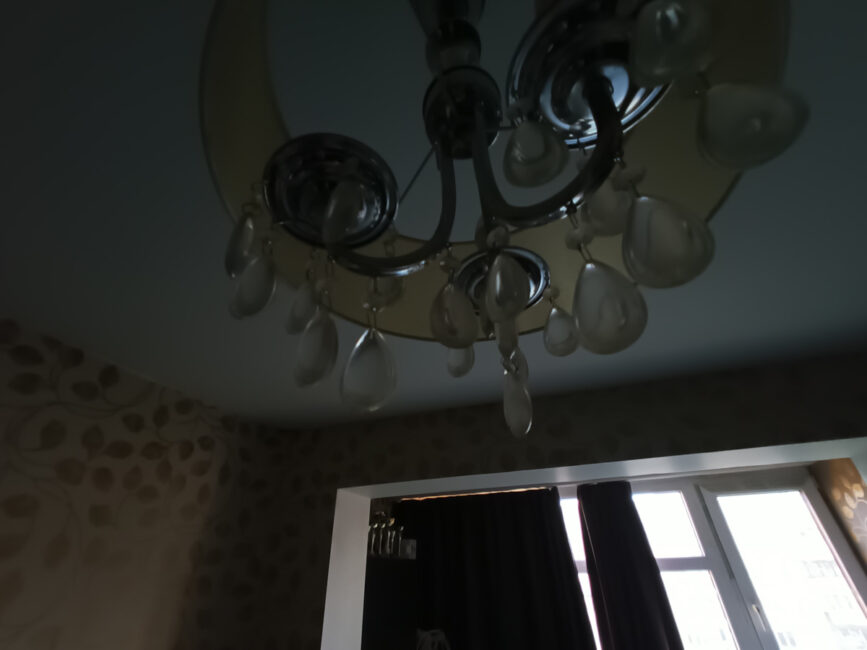

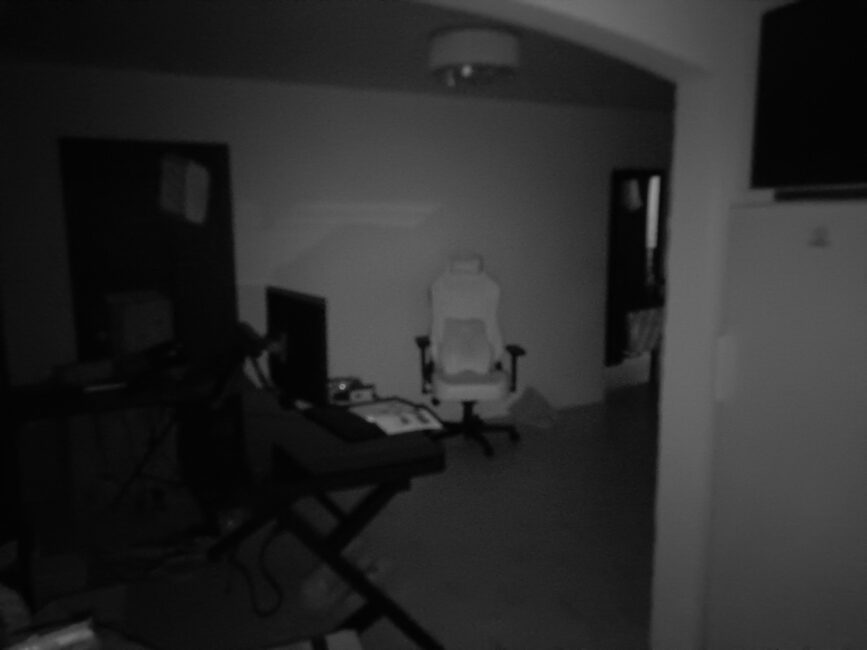
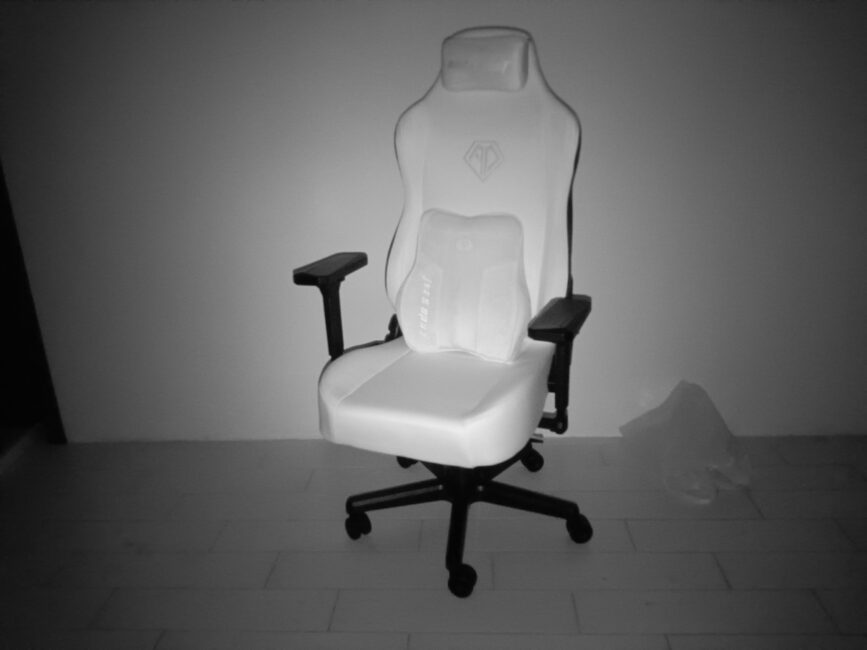
Unlike the third module, the night vision camera uses a 20 MP Sony IMX350 sensor. It has 1 µm pixels, f/2.6, and works with infrared illumination up to nearly 10 meters. It can’t record video, and naturally, it only captures black-and-white photos.
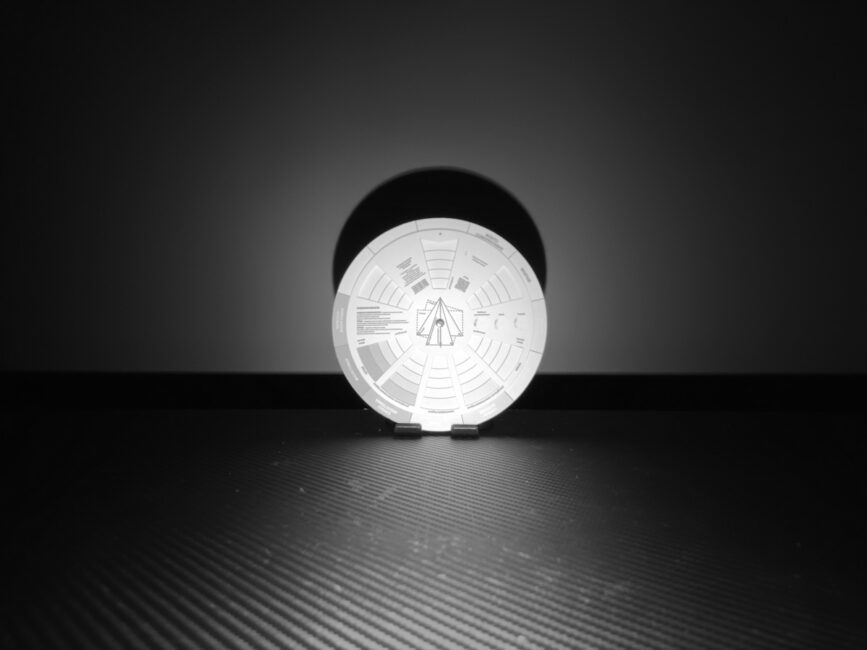

The front camera is a 32 MP Samsung S5KGD1, f/2.0, without autofocus, but it can record FHD video at 30 fps. Image quality is mediocre, struggling with highlights. Given the functionality of the rear display, it’s mostly unnecessary – except perhaps for video calls.


The proprietary camera app offers a range of modes, including a professional photo mode (but not for video), a QR code scanner, portrait mode, beautification, panorama, timelapse, and quick GIF creation.
PHOTOS AND VIDEOS IN FULL RESOLUTION – FOLLOW THE LINK
Overall, it’s hard to complain much about the cameras. Of the four modules, one is quite decent for its price (the 108 MP main sensor), one is unique at this price point (the night vision module), the selfie camera is acceptable, and the ultrawide is poor – but that’s what you get.
Read also: CUBOT KINGKONG X PRO Rugged Smartphone Review
Software
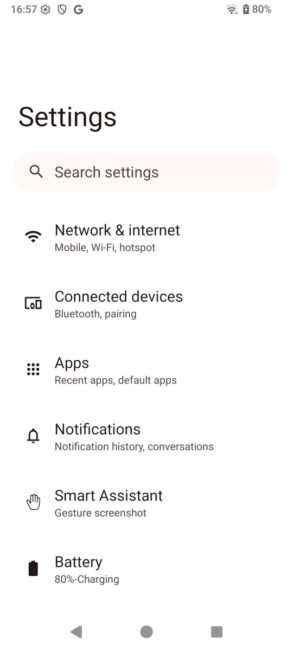
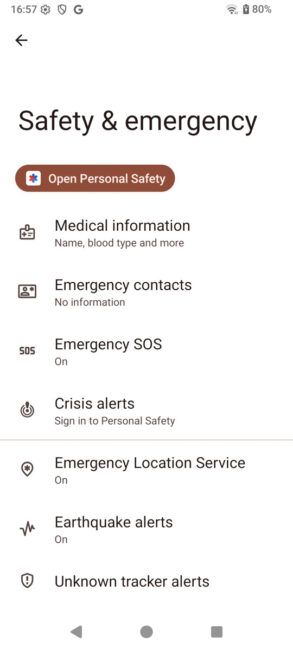
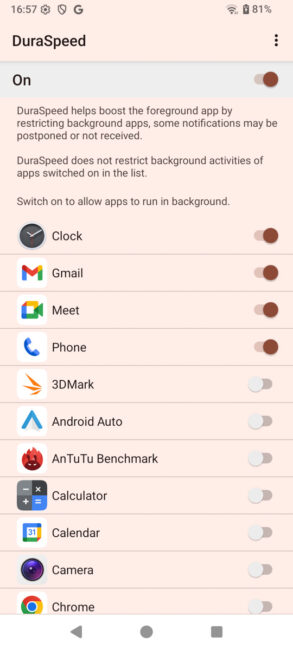
This is another weak point for the Cubot KingKong 11. On paper, it should be impressive, running Android 15, but the interface looks like Android 13. Why the UI has been so heavily downgraded is unclear. There are also occasional translation errors in English, such as the name of the mini screen. Additionally, there’s no information about system updates or how long security patches will be provided.
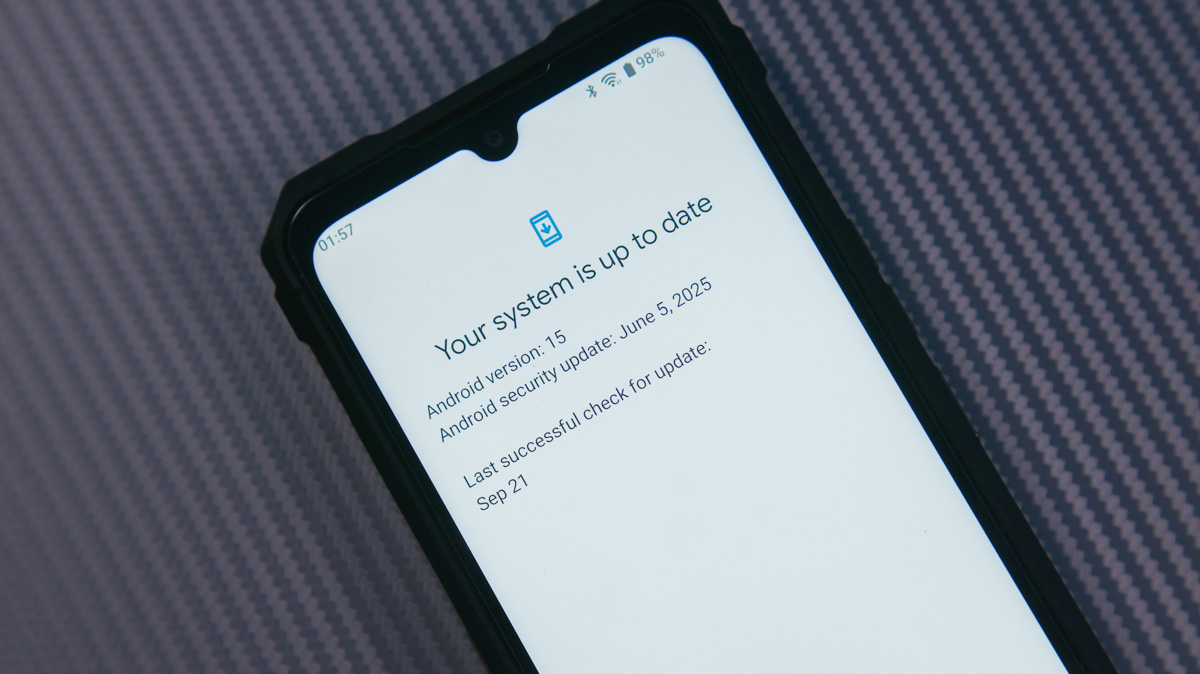
At the same time, the skin offers plenty of actual features. You get RAM expansion, the ability to reassign the side button (single, double, and long press), customizable navigation, and scheduled restarts. It’s a bit odd to see all this on an outdated interface, but the notification and quick settings panels have a modern look.
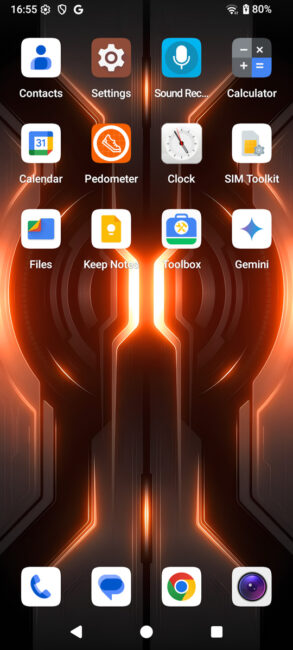
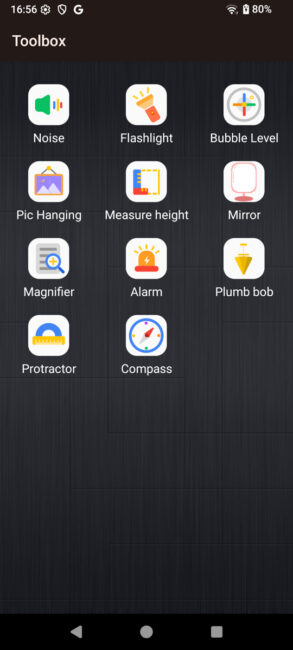
Among the preinstalled apps, the traditional Cubot Toolbox stands out. It’s a set of tools aimed at rugged smartphones, including a height meter, bubble level, compass, noise meter, and similar utilities.
Cubot KingKong 11 battery life
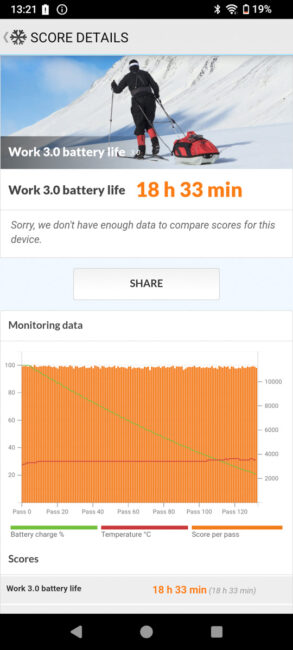
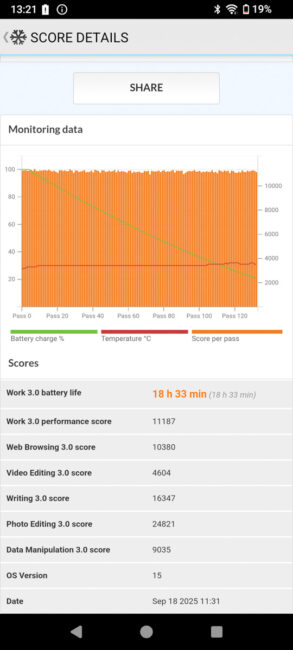
The Cubot KingKong 11 has a 10,200 mAh battery, which lasted nearly 20 hours in the PCMark Battery 3.0 test. The test was conducted at 50% brightness with auto refresh enabled. Charging speed is also satisfactory – thanks to effective heat dissipation, the phone can receive power without slowdowns.
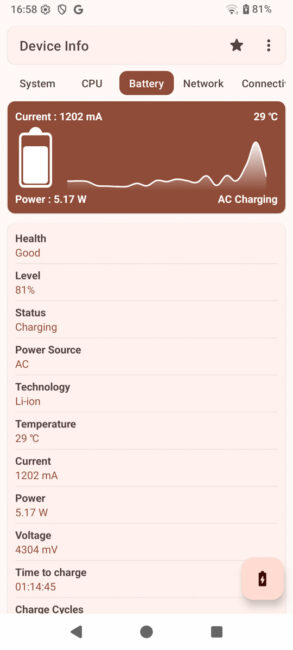
Using the included charger, the phone went from 10% to 20% in 7 minutes, reached 60% in 29 minutes, and 96% in 72 minutes. Keep in mind, the battery capacity here is 2.5 times larger than that of some flagship phones.
Conclusions
When considering the Cubot KingKong 11, it’s important to remember that it costs around $250. For that price, you get a fully rugged device with genuine night vision, a massive battery, a capable processor, and even a versatile secondary display.
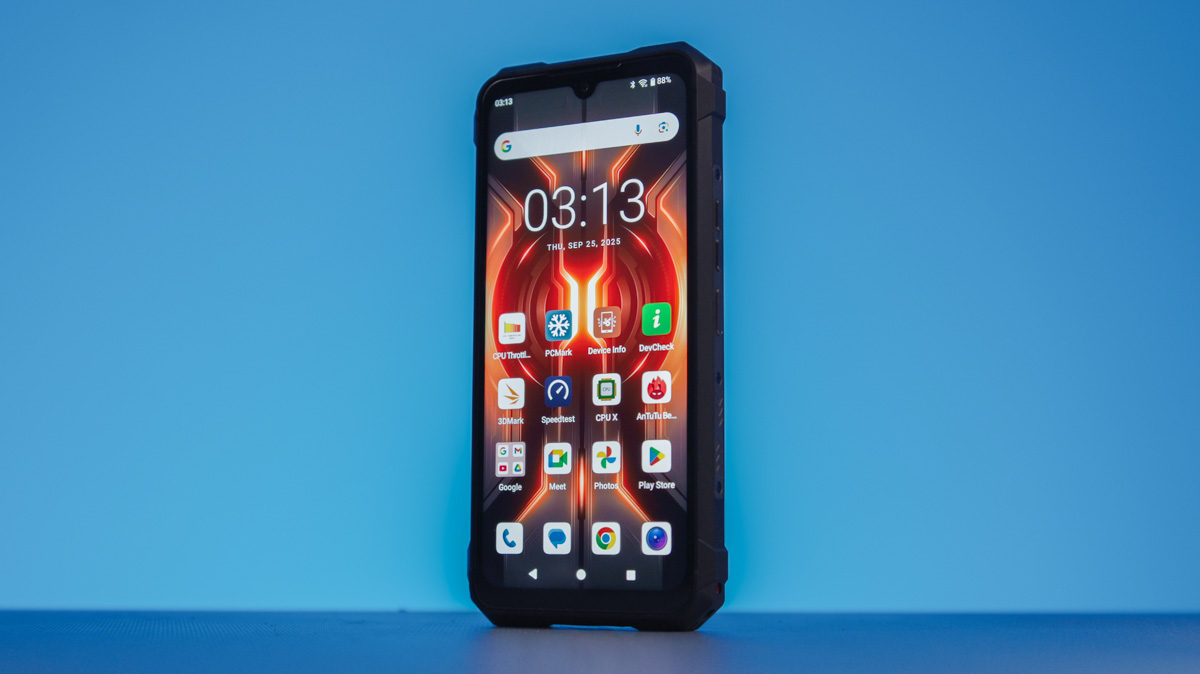
Of course, there are some drawbacks worth noting – particularly the very weak GPU, which I haven’t seen before, and software that can be described as odd in several areas. Are these issues significant for the typical Cubot KingKong 11 user? Probably not. Overall, I can recommend this phone for purchase.
Where to buy Cubot KingKong 11



Pozdrav!Kupio sam taj mobitel na preporuku prodavača , zbog posla kojim se bavim.Mobitel je pao sa metar visine i pukao je ekran Mobitel je pod garancijom,ali to garancija ne pokriva.Toliko o robusnosti i kvaliteti LP
Nažalost, nijedan proizvođač ne daje jamstvo protiv mehaničkih oštećenja. Da, takvi pametni telefoni su izdržljiviji i otporniji na padove od običnih modela, ali ako pametni telefon padne licem prema dolje na neravnu površinu, najvjerojatnije će se slomiti :(
Provjerite snimanje zvuka pri snimanju videa, ako je jedan glas onda je zvuk čist, ako je više zvukova, ili nedaj bože glazba, reproducirani zvuk je jednak snimanju sa peglom… Užasan zvuk bačve…, barem je tako na King Kong X
Pokušat ćemo to provjeriti danas.