




© ROOT-NATION.com - Use of content is permitted with a backlink.
I’ve always been interested in the evolution of foldable phones. Samsung’s early Fold models were quite niche, mainly appealing to tech enthusiasts and early adopters. Modern iterations, however, are now practical enough for everyday users. The Samsung Galaxy Fold7, compared to its predecessor, is more user-friendly and structurally stronger. Its reduced thickness makes it difficult to distinguish from a conventional smartphone at a glance. So, is it finally time to consider switching to a foldable phone?
Read also: Foldable smartphone reviews
Read also: Choosing a Foldable Smartphone: Samsung Galaxy Fold vs. Flip – Which Type Is Better?
TABLE OF CONTENTS:
Price and positioning of the Samsung Galaxy Fold7
The Fold7 is Samsung’s flagship smartphone, showcasing the company’s latest technologies and innovations. Its price reflects that, starting at around $2,000 for the 12GB/256GB model and reaching approximately $2,500 for the 16GB/1TB version.
A few years ago, you could excuse the high cost by saying, “Well, they have a point – no one else is doing anything similar.” By 2025, however, competition in the foldable smartphone segment has grown noticeably.
The market now includes foldable smartphones from OnePlus, Huawei/Honor, Xiaomi, Vivo, and Google, each improving with every generation. Their latest models are largely free of major flaws and can compete effectively for the average consumer’s attention.
Given this landscape, the Samsung Galaxy Fold7 faces serious competition and needs distinguishing features to stand out. Fortunately, it has plenty to offer in that regard.
Specifications
- Operating system: Android 16 + One UI 8
- Chipset: Qualcomm SM8750-AC Snapdragon 8 Elite, 8 cores (2×4.47 GHz Oryon V2 Phoenix L + 6×3.53 GHz Oryon V2 Phoenix M)
- Graphics card: Adreno 830
- Displays:
- 8 inches, 1968×2184 (368 ppi) Foldable Dynamic LTPO AMOLED 2X, 120 Hz
- 6.5 inches, 1080×2520 (422 ppi), Dynamic LTPO AMOLED 2X, 120 Hz
- Memory versions: 12/256, 12/512, 16 GB/1 TB, UFS 4.0
- Memory card slot: None
- Cameras:
- Main camera – 200 MP, f/1.7, 24 mm, 1/1.3″, 0.6 µm
- Telephoto camera – 10 MP, f/2.4, 67 mm, 1.0 µm, 3x optical zoom
- Ultra-wide camera – 12 MP, f/2.2, 120˚, 1.4µm
- Front camera (internal) – 10 MP, f/2.2, 1.12µm
- External front camera – 10 MP, f/2.2, 24 mm (wide), 1.12 µm
- Video recording – 8K@30fps, 4K@60fps, 1080p@60/120/240fps (gyro-EIS), 720p@960fps (gyro-EIS), 10-bit HDR, HDR10+
- Wireless technologies: Wi-Fi 7 (802.11 be); Bluetooth 5.4 (A2DP, LE, aptX HD); GPS, GALILEO, GLONASS, BDS, QZSS; NFC
- SIM cards: 2× Nano-SIM + eSIM
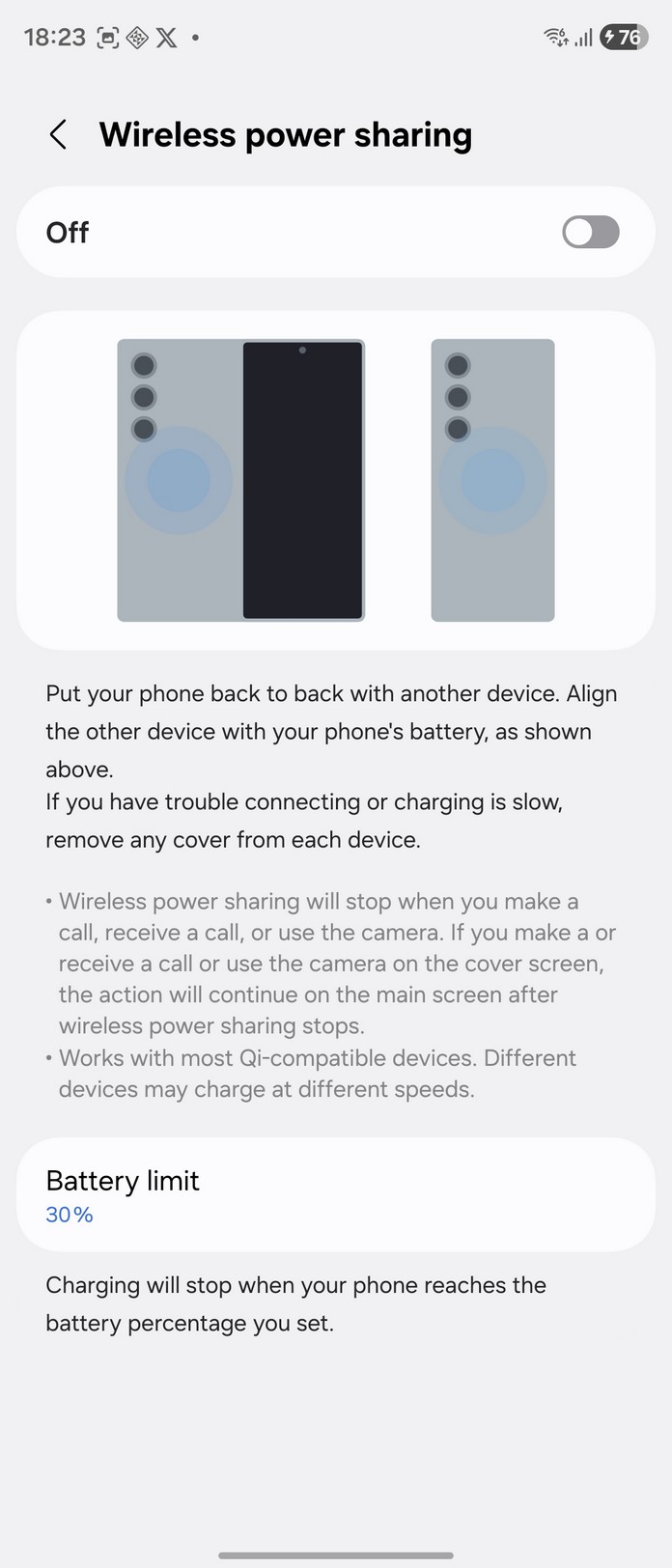
- Battery: Li-Po 4400 mAh, 25 W wired charging, 15 W wireless charging, 4.5 W wireless reverse charging
- Dimensions and weight:
- Unfolded: 158.4 × 143.2 × 4.2 mm
- Folded: 158.4 × 72.8 × 8.9 mm
- Weight: 215 g
- Protection: IP48
What’s in the package?
The smartphone comes with fairly basic package contents:
- Type C to Type C cable
- SIM card tray clip
- documentation
Considering the price of the Galaxy Fold7, it would have been reasonable to include a fast-charging adapter and some form of protective case in the package.
Appearance, ergonomics Samsung Galaxy Fold7
The smartphone is available in four colors: gray (Silver Shadow), black (Jet Black), blue (Blue Shadow), and mint (Mint).
The new Samsung flagship has a premium and distinctive appearance. The frame is made entirely of aluminum, while the back panel features matte-textured Gorilla Glass Victus 2.
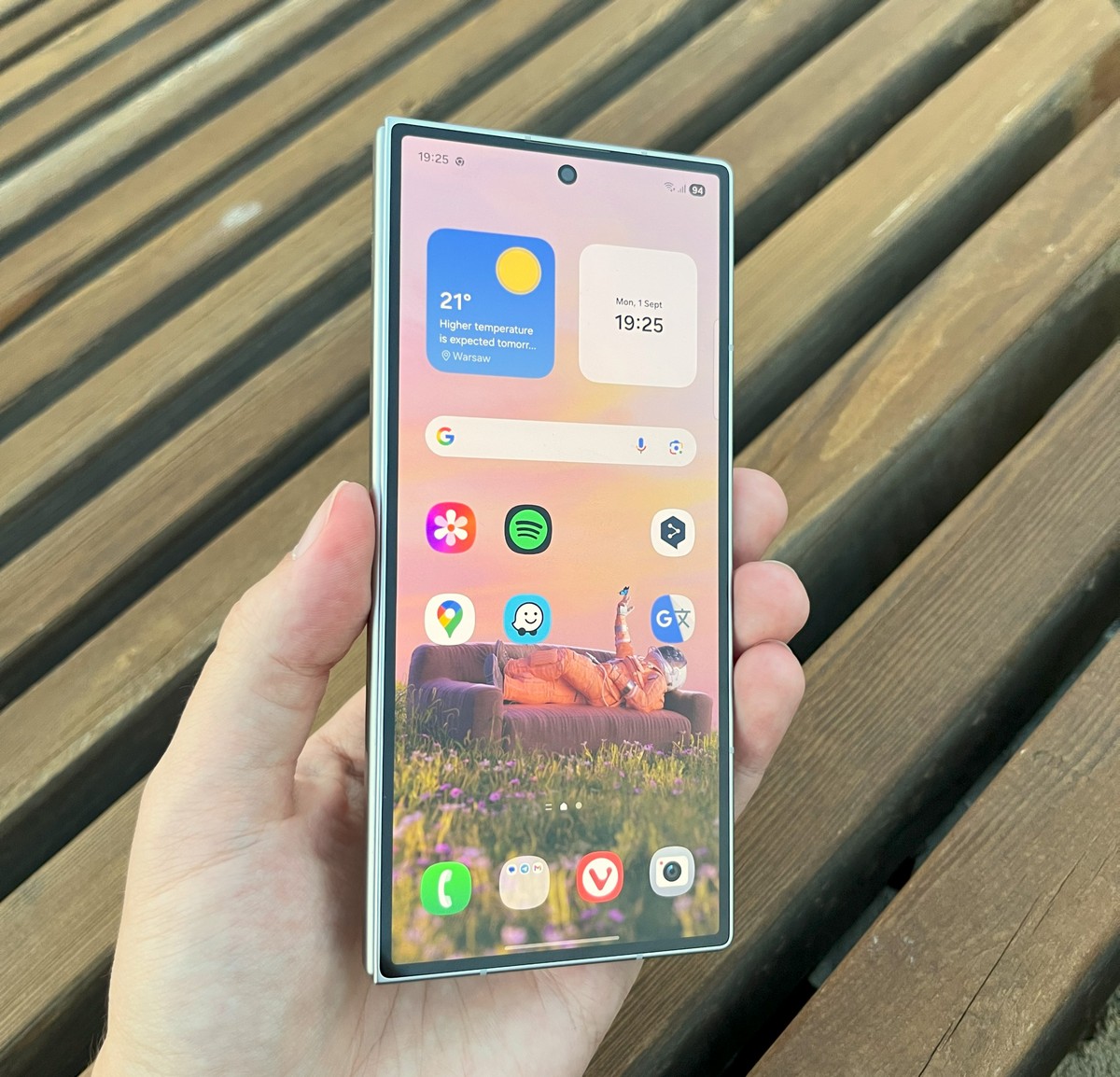
On the right side of the smartphone, you’ll find the volume controls and the power button, which houses the fingerprint sensor. Overall, the sensor is responsive and activates instantly after an initial adaptation period.
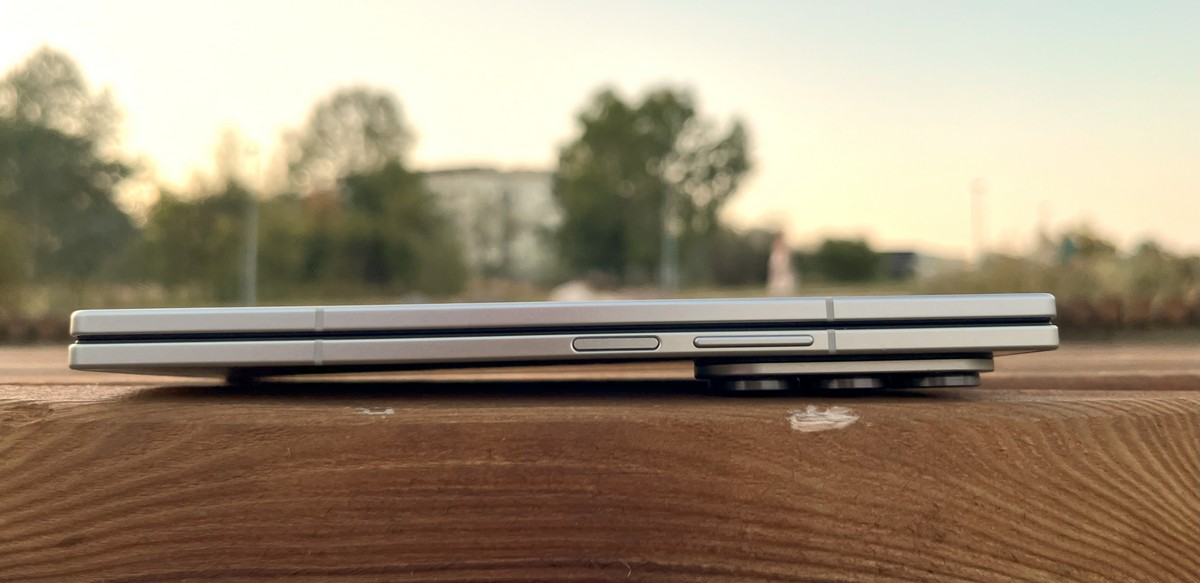
The left side of the smartphone has no controls. It’s worth noting that the upper and lower left corners are relatively sharp, which can make holding and using the device with the left hand in the folded position somewhat uncomfortable.
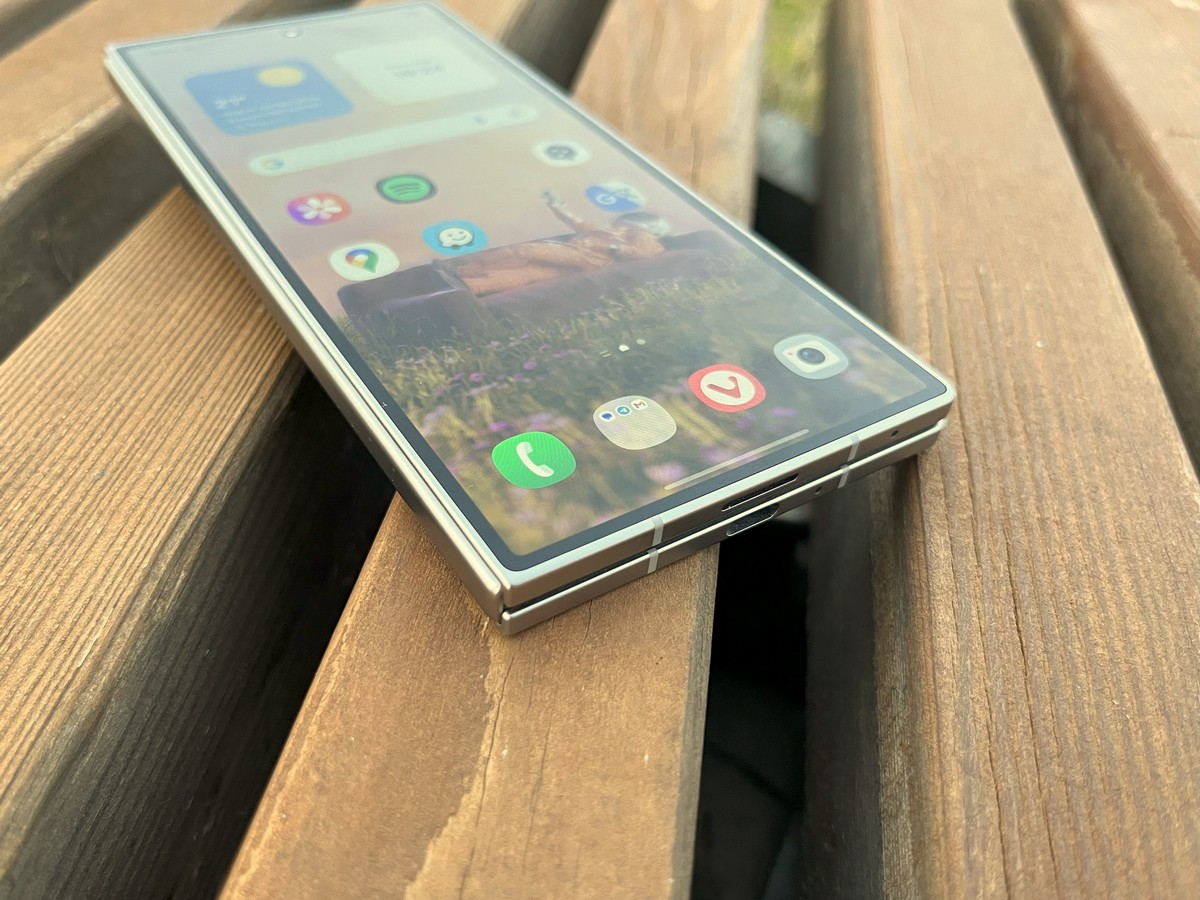
The top edge houses one of the speakers, the microphones, and the SIM card slot.
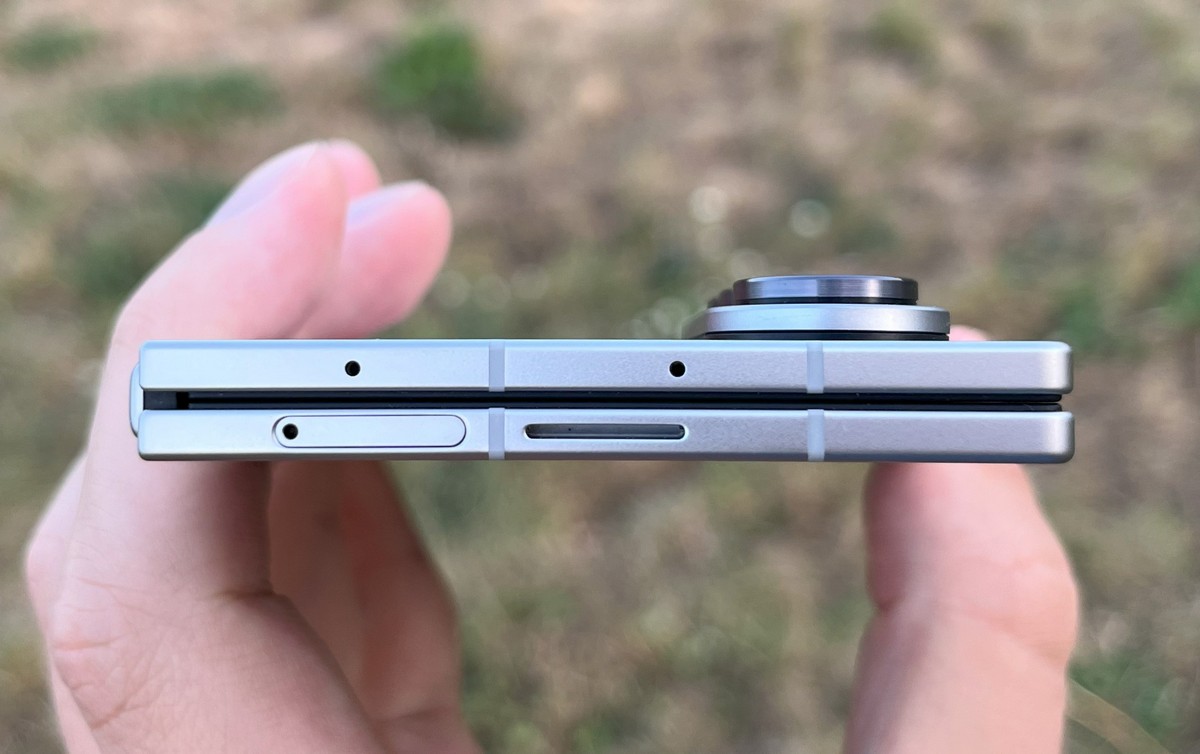
The bottom edge also features a speaker and microphones, along with a USB Type-C port.
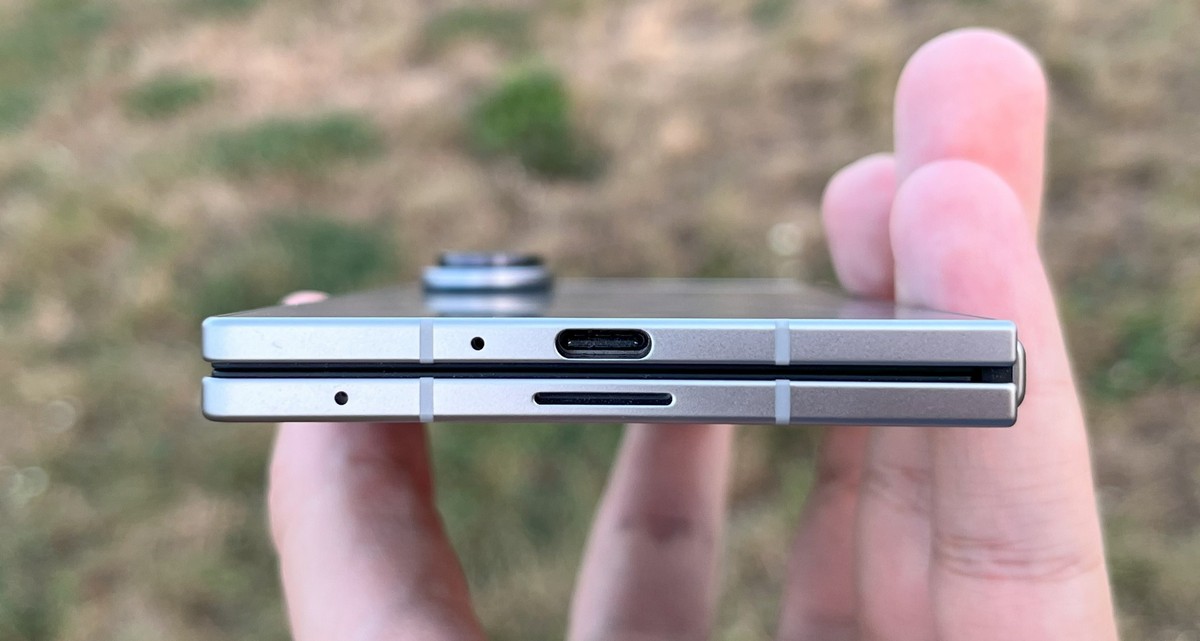
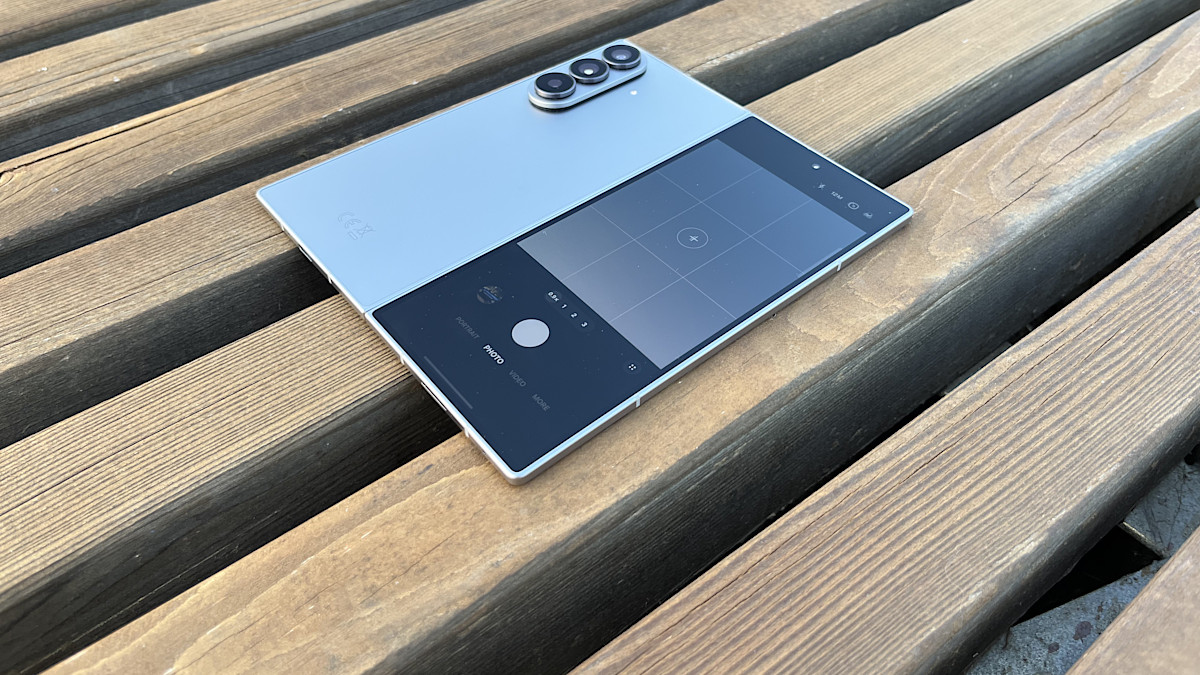
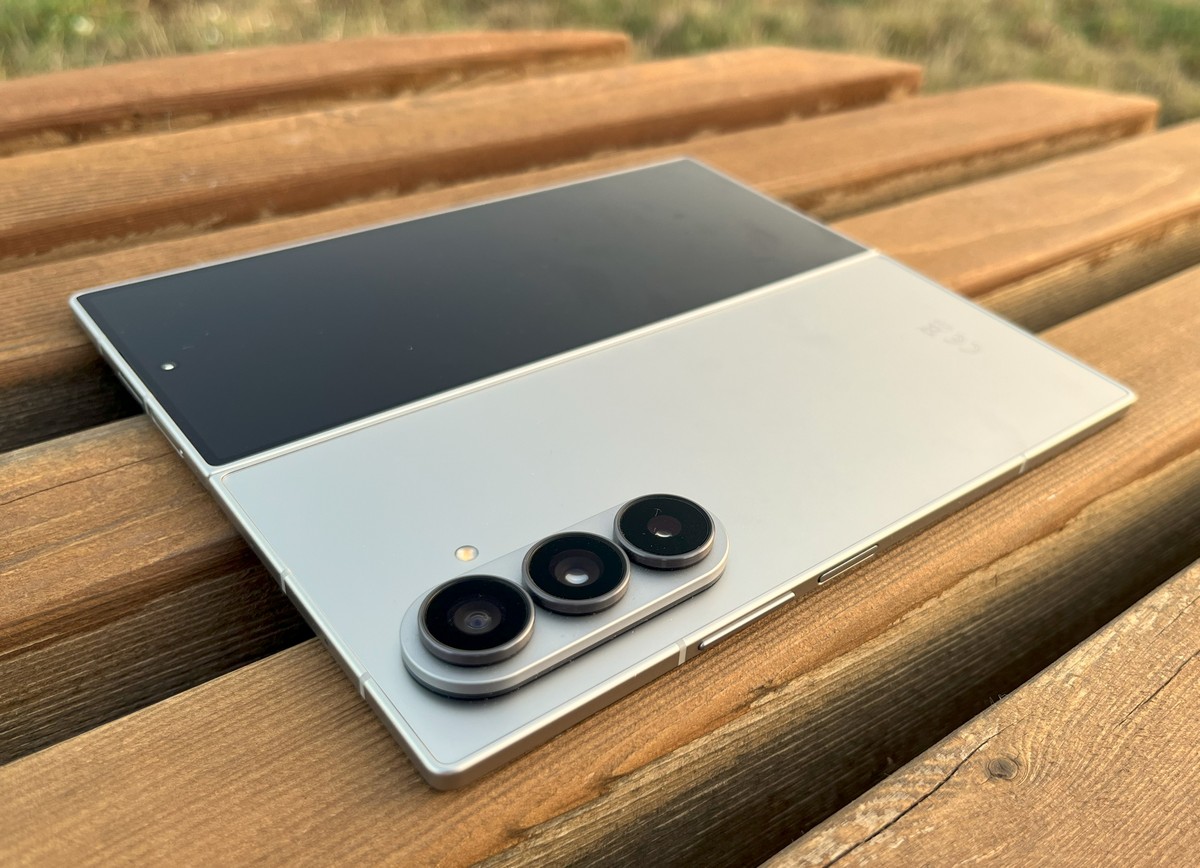
The back of the smartphone houses the camera module.

The camera module protrudes noticeably from the body, making it awkward to use the smartphone on a flat surface. The device tends to wobble significantly in both folded and unfolded positions – a point that has been frequently discussed by tech reviewers.
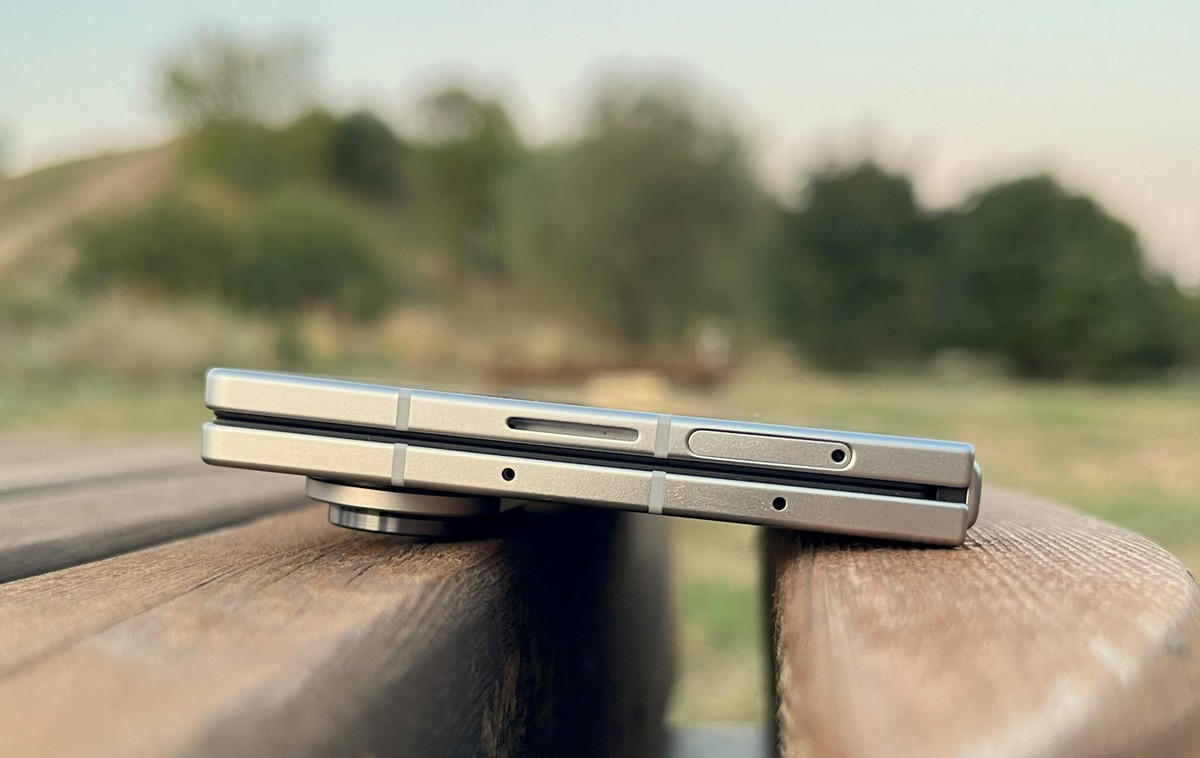
Some cases may partially address this issue, but in my view, the Fold7 looks better without one and better showcases its main advantage – a slim and compact design.
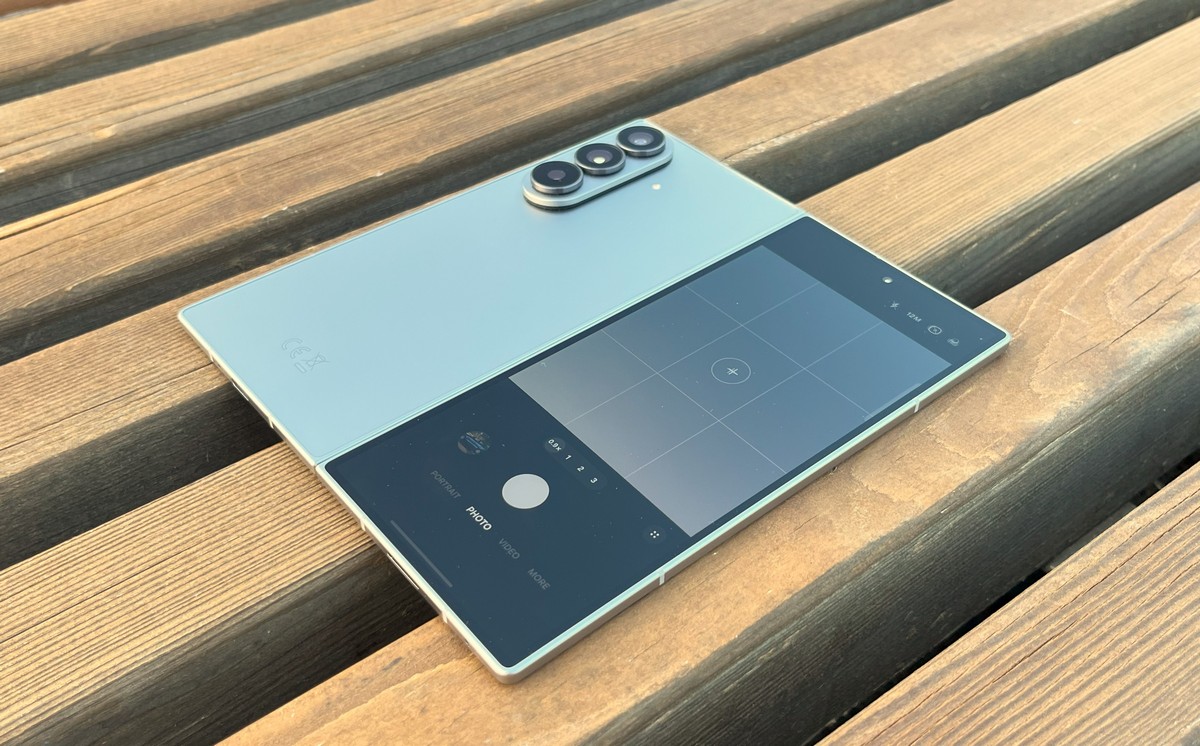
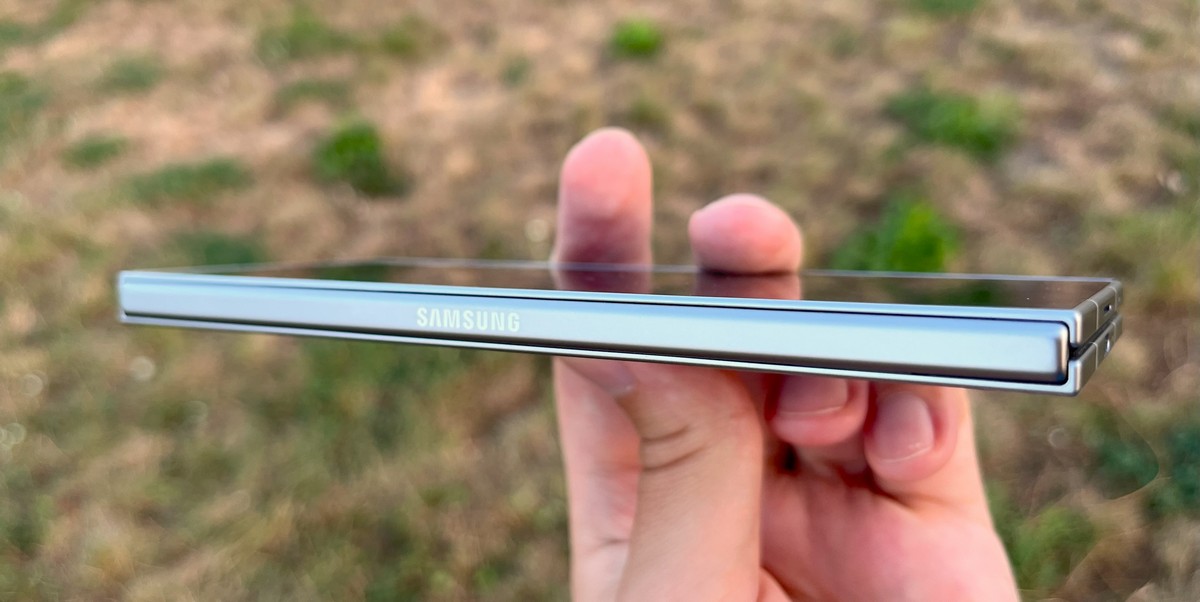
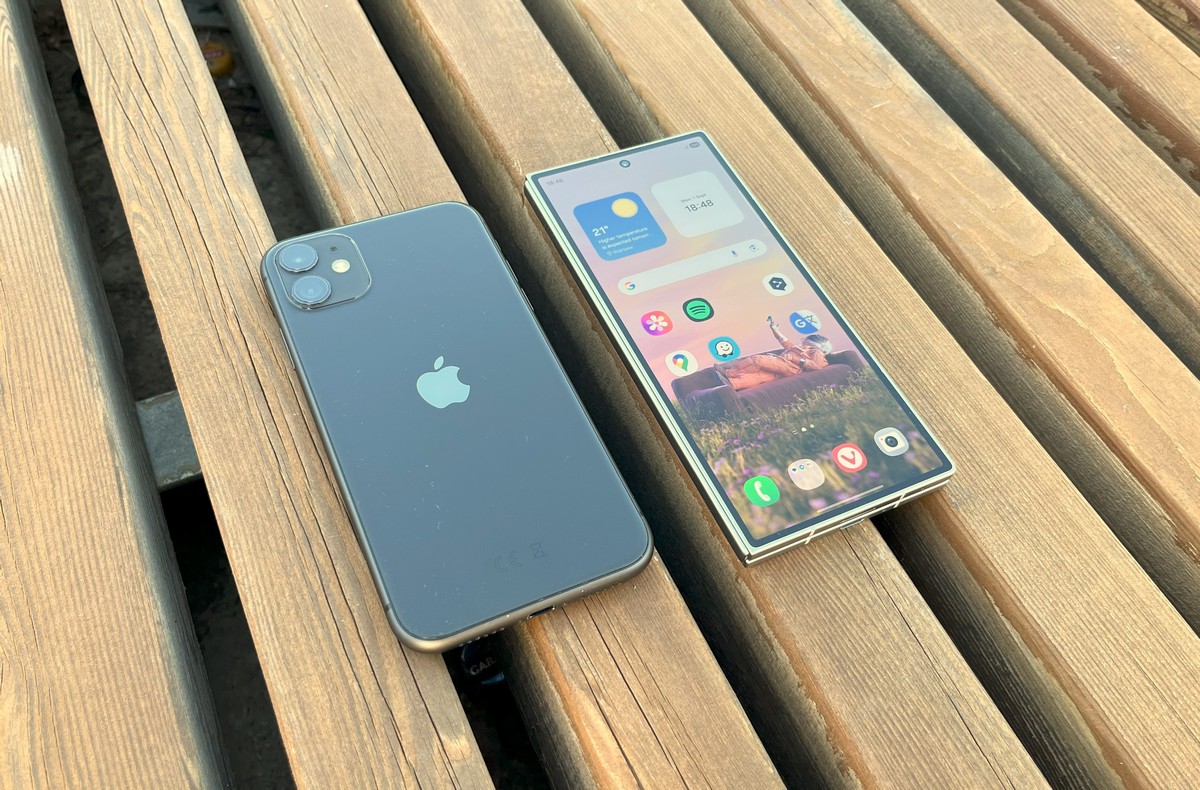
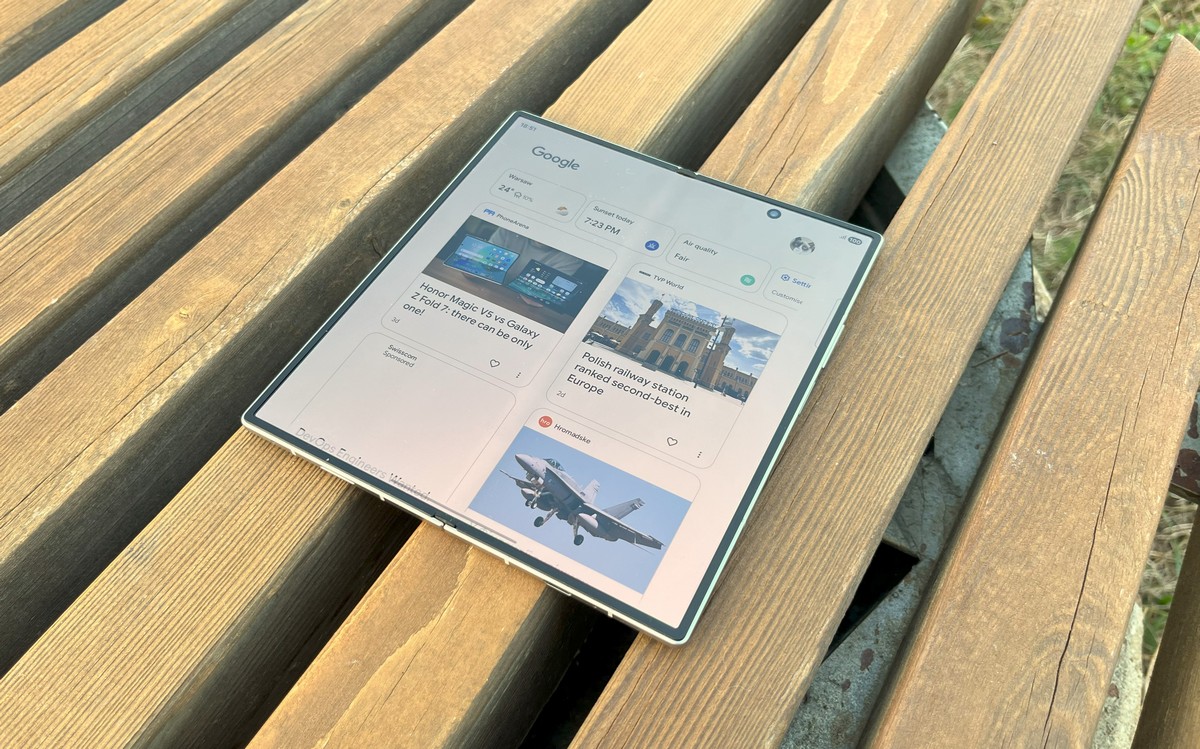
Compared to other foldable smartphones, and especially previous Fold models, this difference is striking. When folded, the Samsung Galaxy Fold7 is only slightly thicker than an average iPhone, and when unfolded, its size is surprisingly manageable.
The hinge that allows the smartphone to unfold is fairly stiff, which has both advantages and drawbacks. On the plus side, it allows precise control over the opening angle, making it easy to use different positions for watching videos, typing in a “laptop” mode, or taking photos.
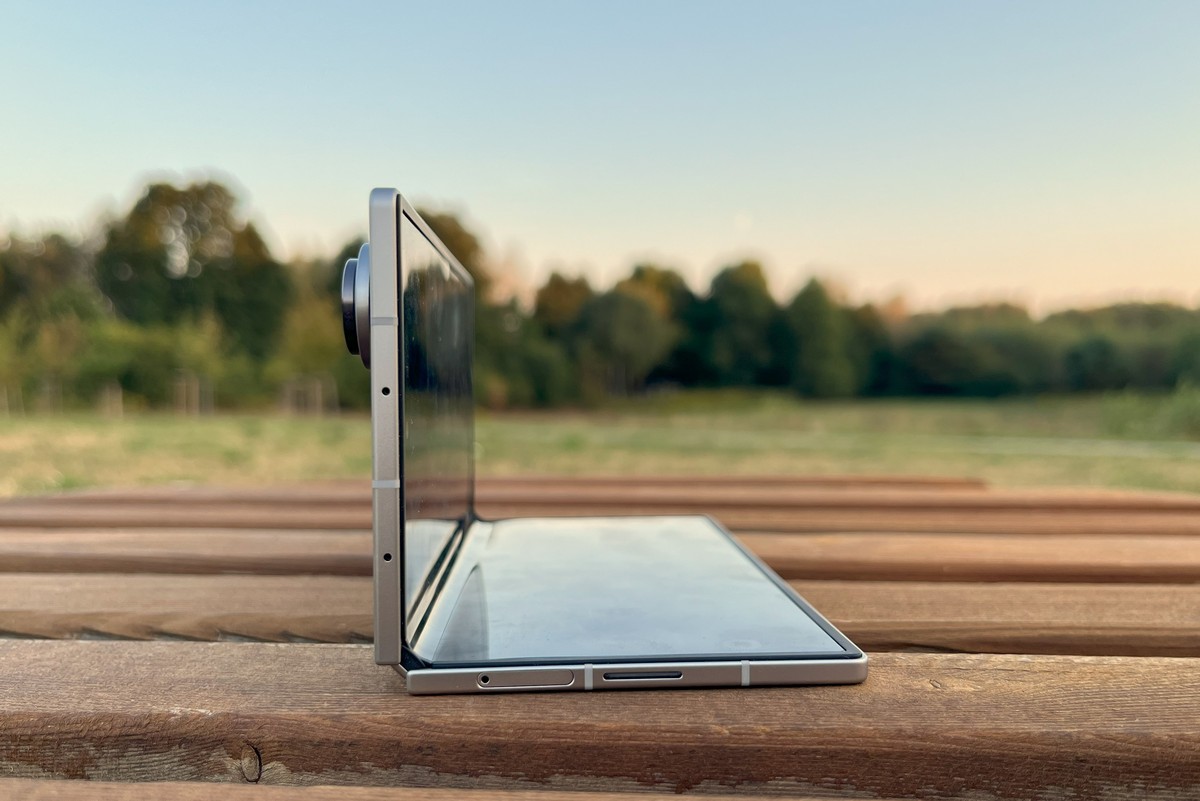
The downside is that unfolding the smartphone requires a noticeable amount of effort to lift one half. It would be helpful if future Fold models included a small lip or edge to make opening easier, similar to the design Apple uses on its MacBooks.
In the pocket, the Fold7 feels like a “regular” phone, weighing just 215 grams. For comparison, the iPhone 16 Pro Max weighs 227 grams.
Overall, the design earns a solid four out of five. On the positive side, the phone features premium materials and clear improvements over previous models. On the downside, the sharp corners and the protruding camera module make using the device on a flat surface less comfortable. Shifting to a larger, centrally positioned camera block – similar to the Honor Magic V5 – could be a worthwhile approach for future Samsung Fold generations.
Samsung Galaxy Fold7 Displays
As is typical for foldable smartphones, the Samsung Galaxy Fold7 features two displays.
The external screen measures 6.5 inches with a 120 Hz refresh rate and is protected by Corning Gorilla Glass Ceramic 2. Unlike early Fold models, where the outer display was largely secondary, the Fold7’s external screen is fully functional and suitable for everyday tasks.
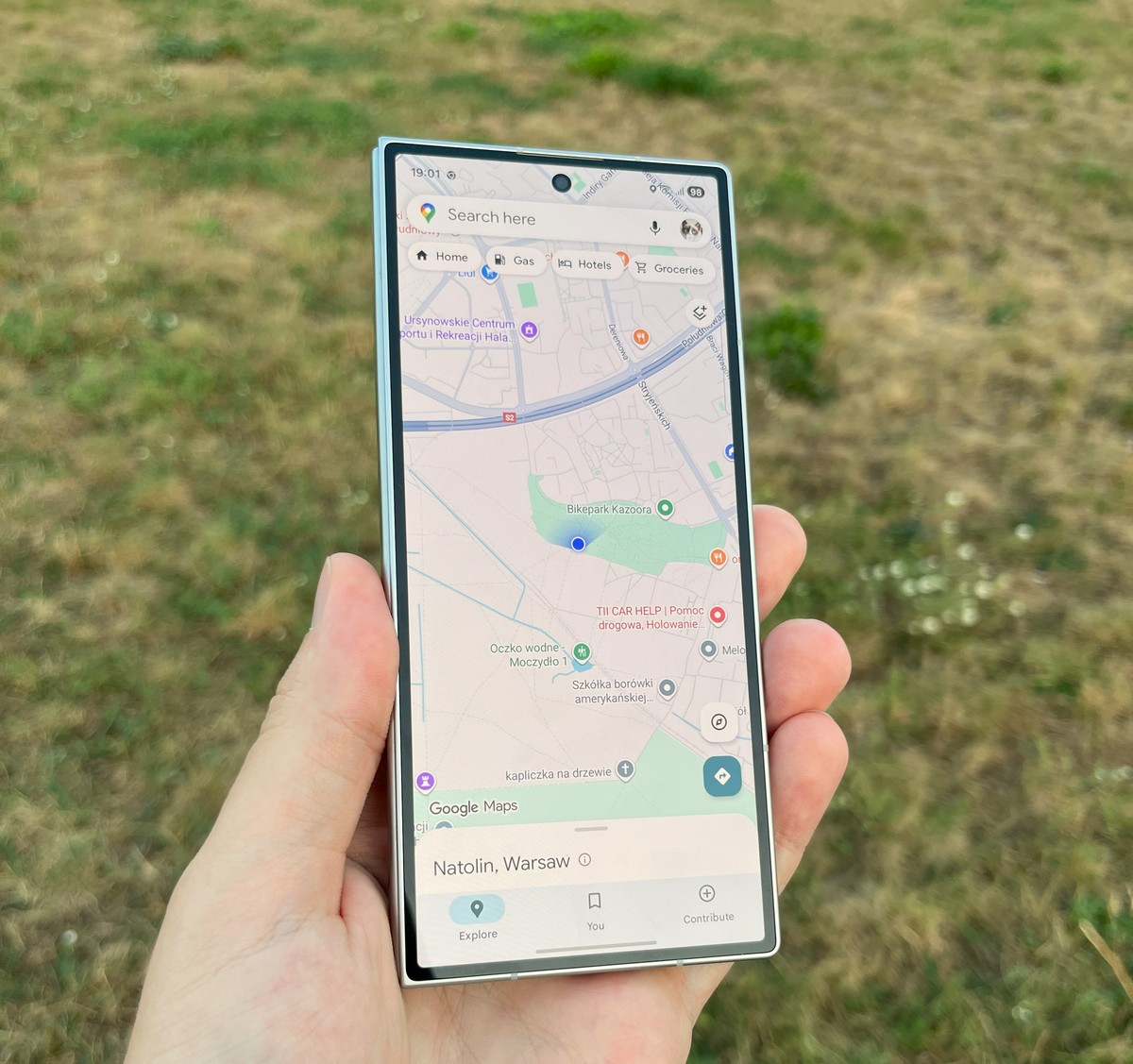
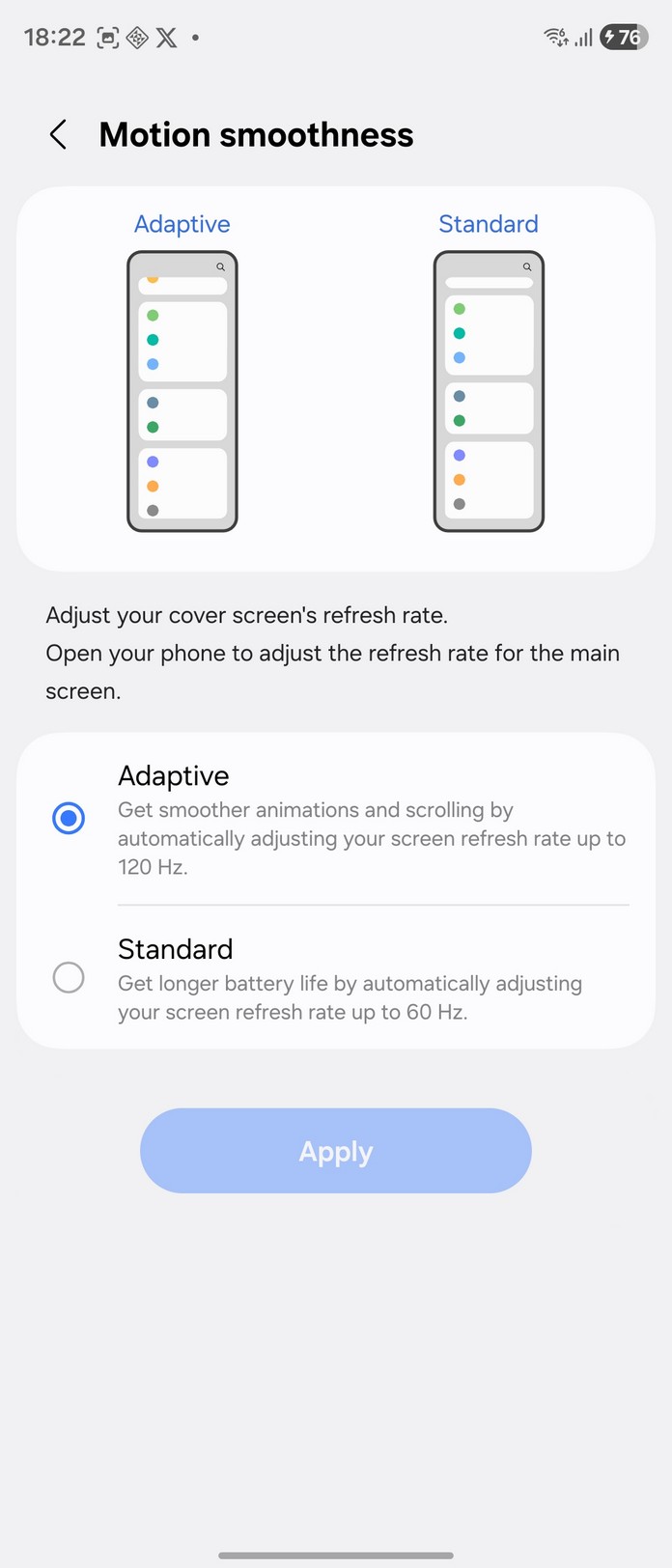
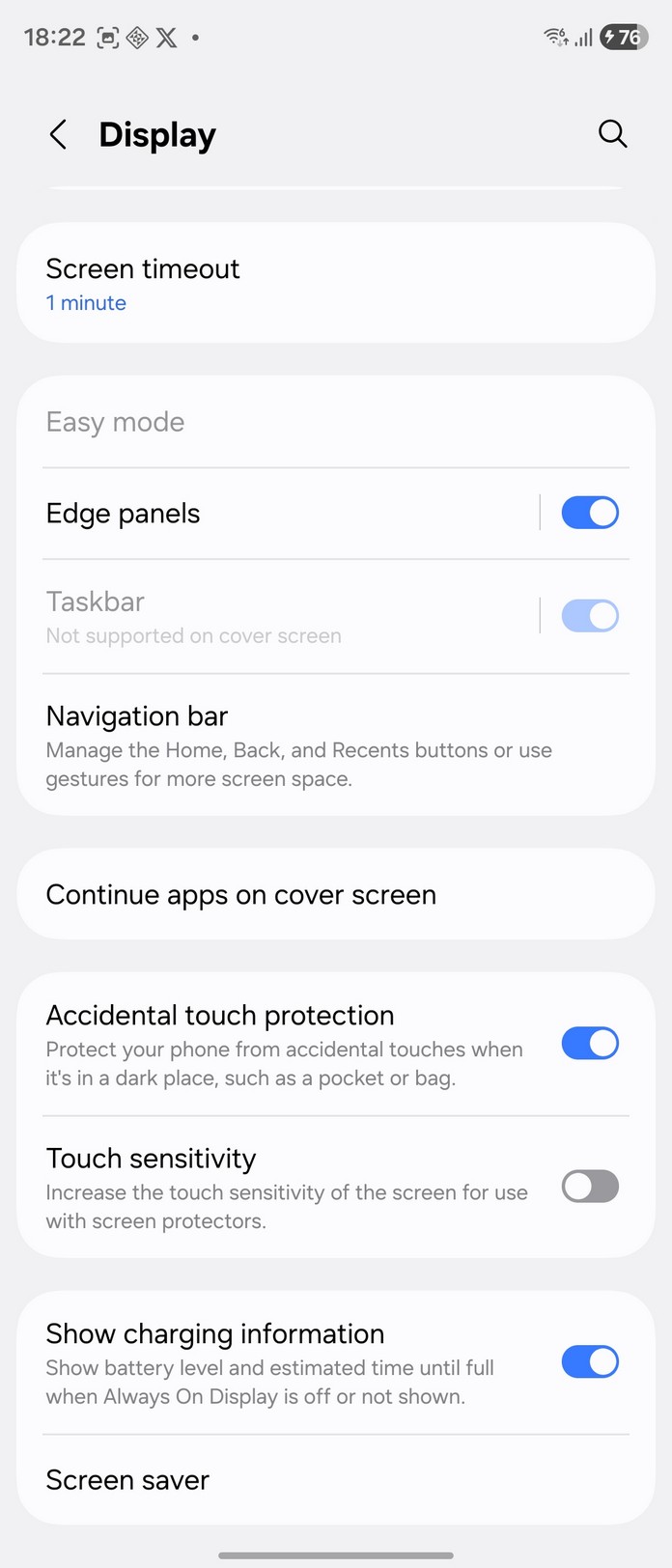
In the display settings, you can choose the refresh rate, but only two options are available: lock it at 60 Hz to save battery, or enable “dynamic” mode, where the phone automatically selects the optimal refresh rate. More flexibility in these settings would be useful. It would also be nice to see an option to reduce PWM flicker, which is quite noticeable on this device.
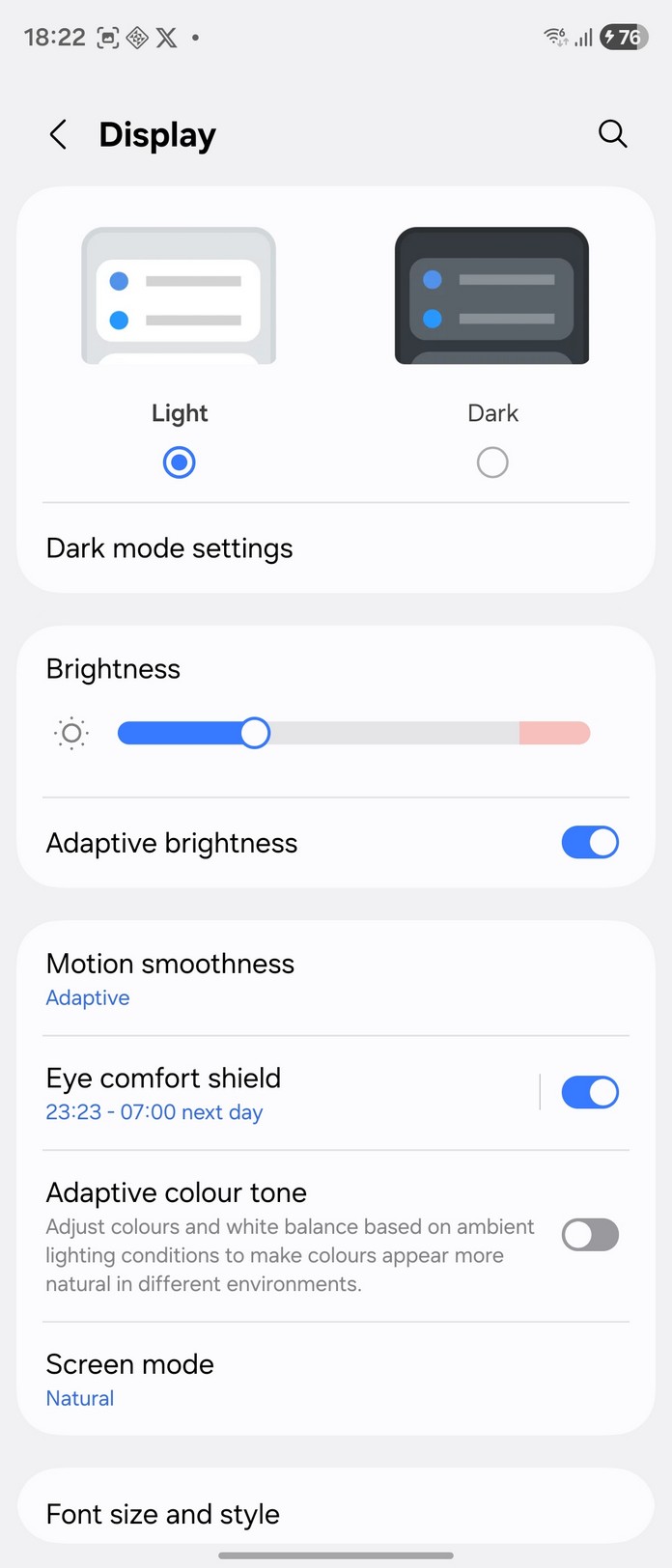
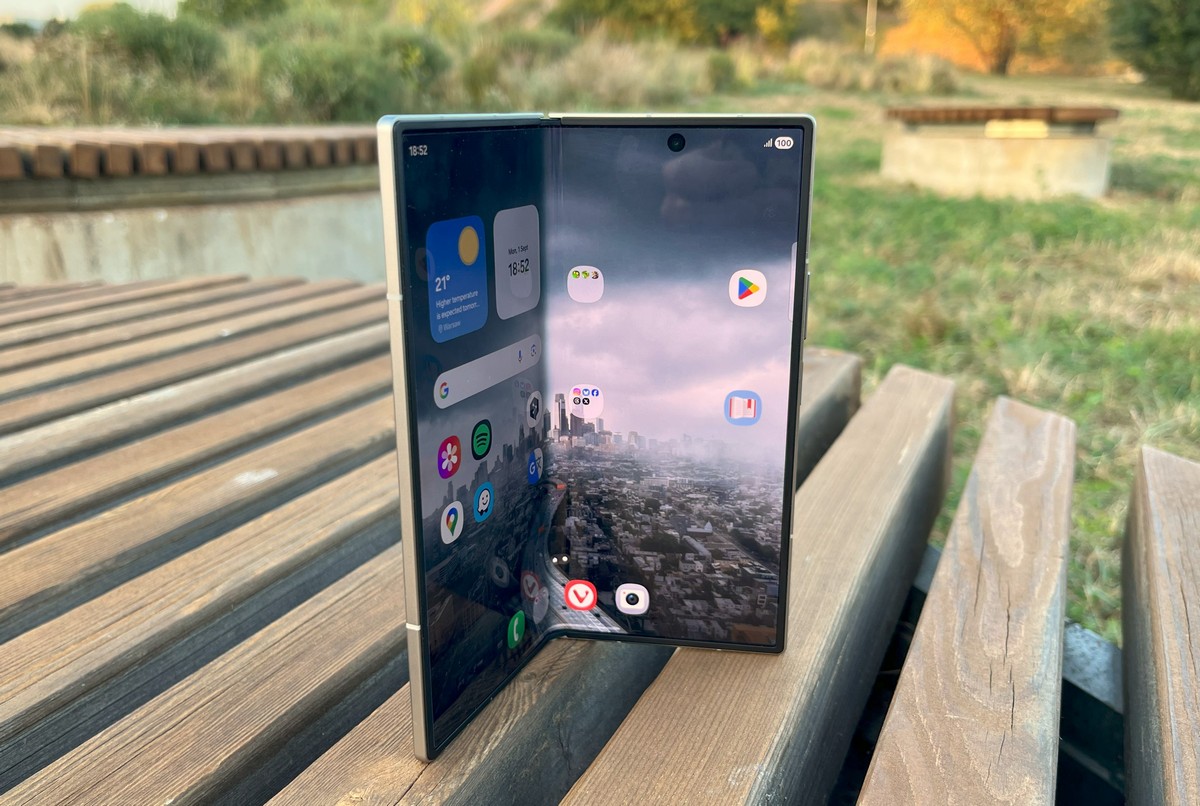
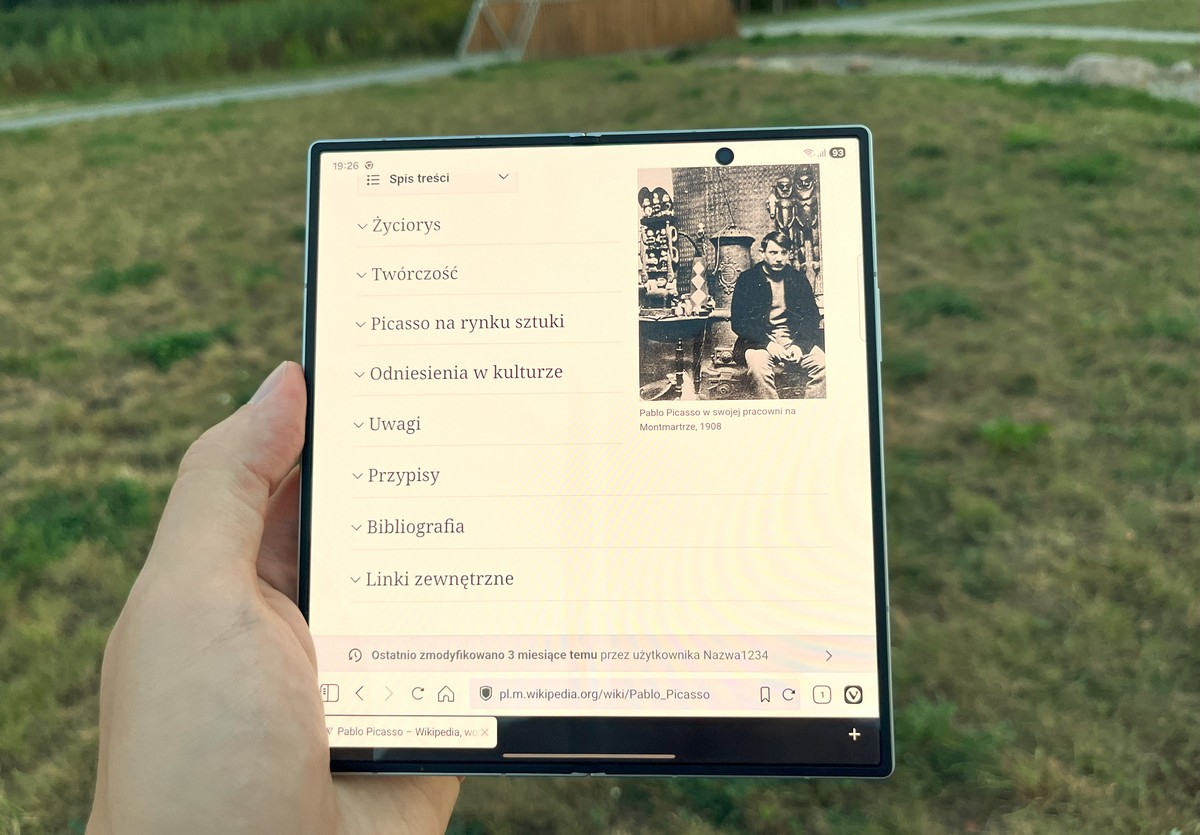
The Fold7’s internal display measures 8 inches and supports the same 120 Hz refresh rate. Overall, it leaves a positive impression: colors are vivid and saturated, and the brightness is sufficient for use in various lighting conditions.
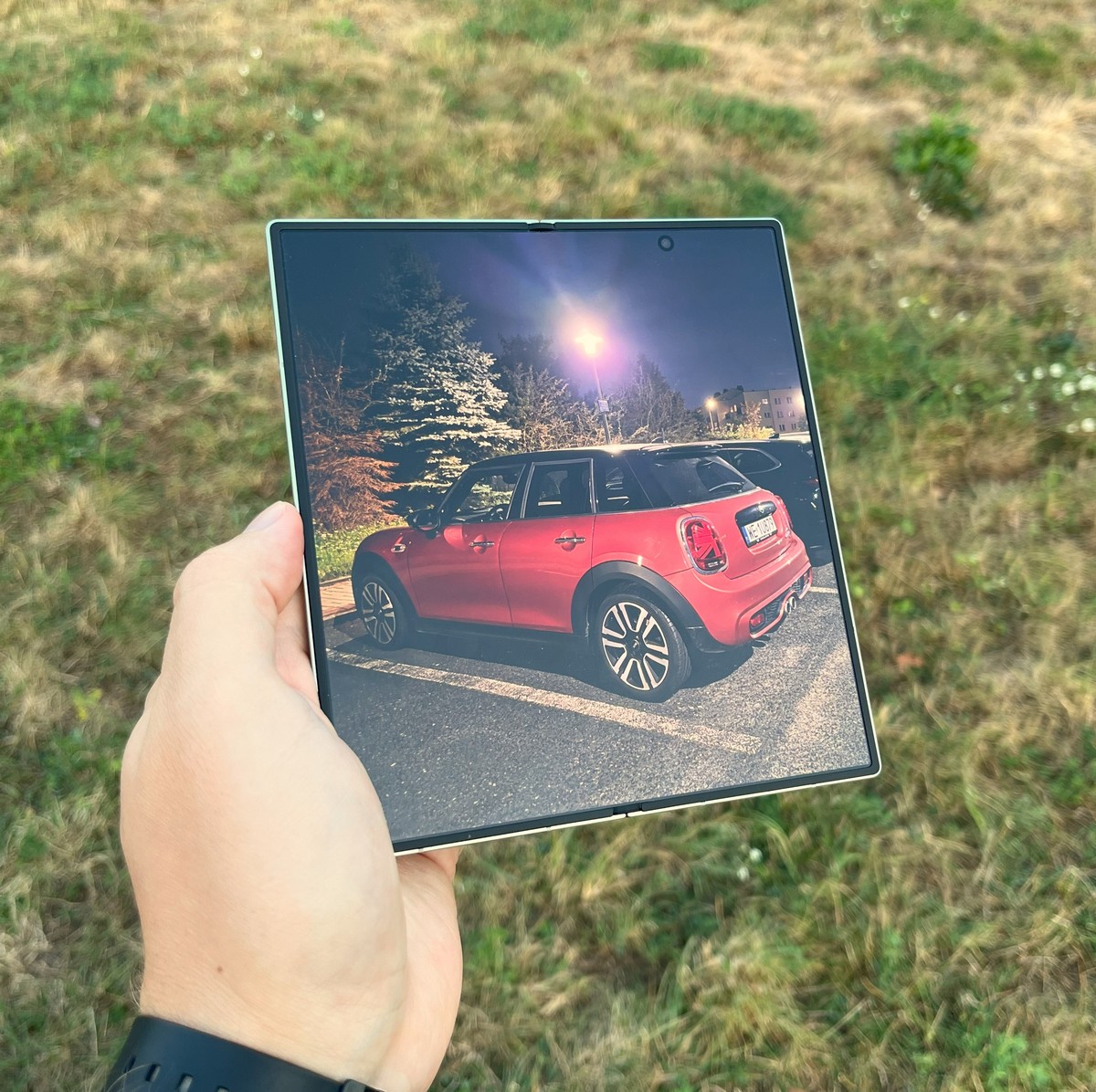
The seam between the left and right halves of the internal display is almost invisible during everyday use, only noticeable when running a finger across the screen. Interestingly, PWM flicker was much less noticeable on the internal display, making extended use comfortable.
Some reviewers have criticized the camera cutout on the right half of the screen. While it can obscure content in certain apps, Samsung includes a setting that allows you to add a black bar at the camera level and shift app content slightly downward. This makes the issue largely manageable and somewhat overstated.
Cameras and image quality
When it comes to photography, the Samsung Galaxy Fold7 is likely to satisfy even demanding users. Its main camera can capture highly detailed 200-megapixel photos and record 8K video at 30 frames per second. By default, it produces 12-megapixel images, which process faster and take up less storage. Digital zoom is available up to 30x, while optical zoom reaches 3x on the telephoto lens.
The camera app offers a wide range of settings, allowing for detailed control over the final image.
Most of the time, I shot in “Auto” mode to see how well the phone recognizes different scenes. The Fold7 handles this successfully about eight times out of ten. For instance, when photographing flowers up close, it activates the appropriate preset and blurs the background, producing very pleasing results. Occasionally, however, parts of the flower that should remain in focus also get blurred. As is typical for Samsung phones, colors in the images tend to be more saturated than in real life.


The portrait mode stands out, producing a natural sense of depth and effectively blurring the background around the subject.


I only used the 200-megapixel mode a few times, and the phone handled it well. Images could be cropped or zoomed in without losing quality, and fine details were well preserved.
Night photography is also on par with current flagship standards. The foldable design makes it easy to place the phone steadily on a surface, which is helpful for long-exposure shots.
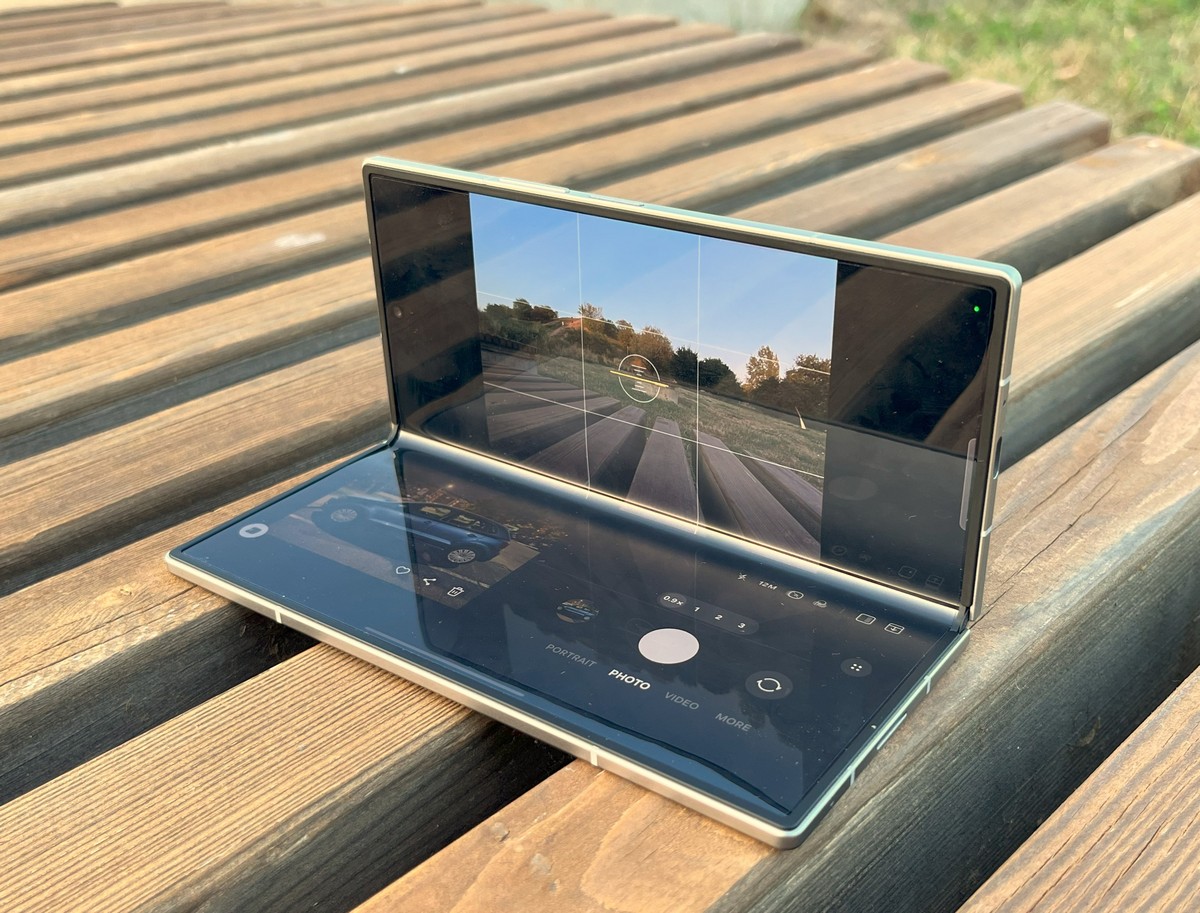
There’s little need to dwell on the front-facing cameras – they perform well and fulfill their purpose. For group selfies, you can unfold the phone and use the main camera instead, using the external display for a preview.
Additional photo samples:

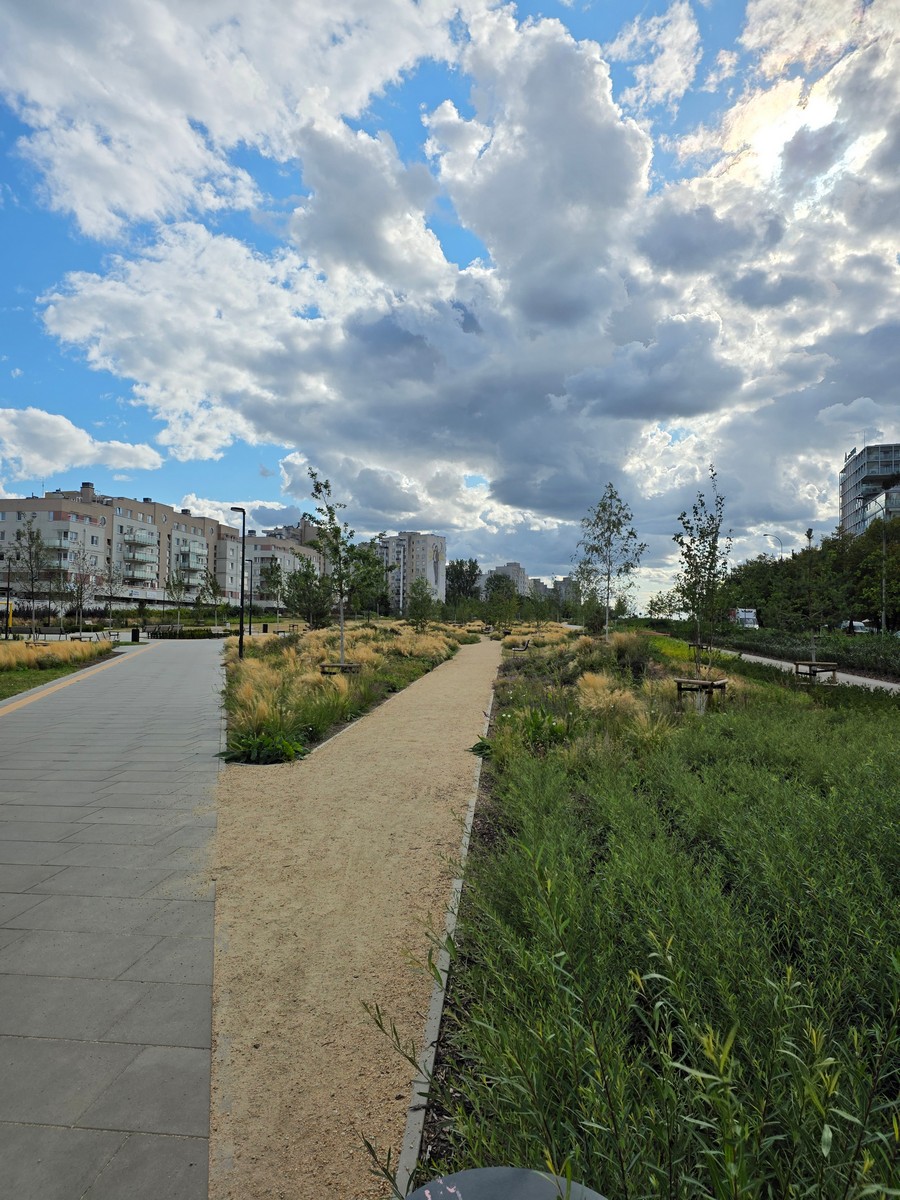

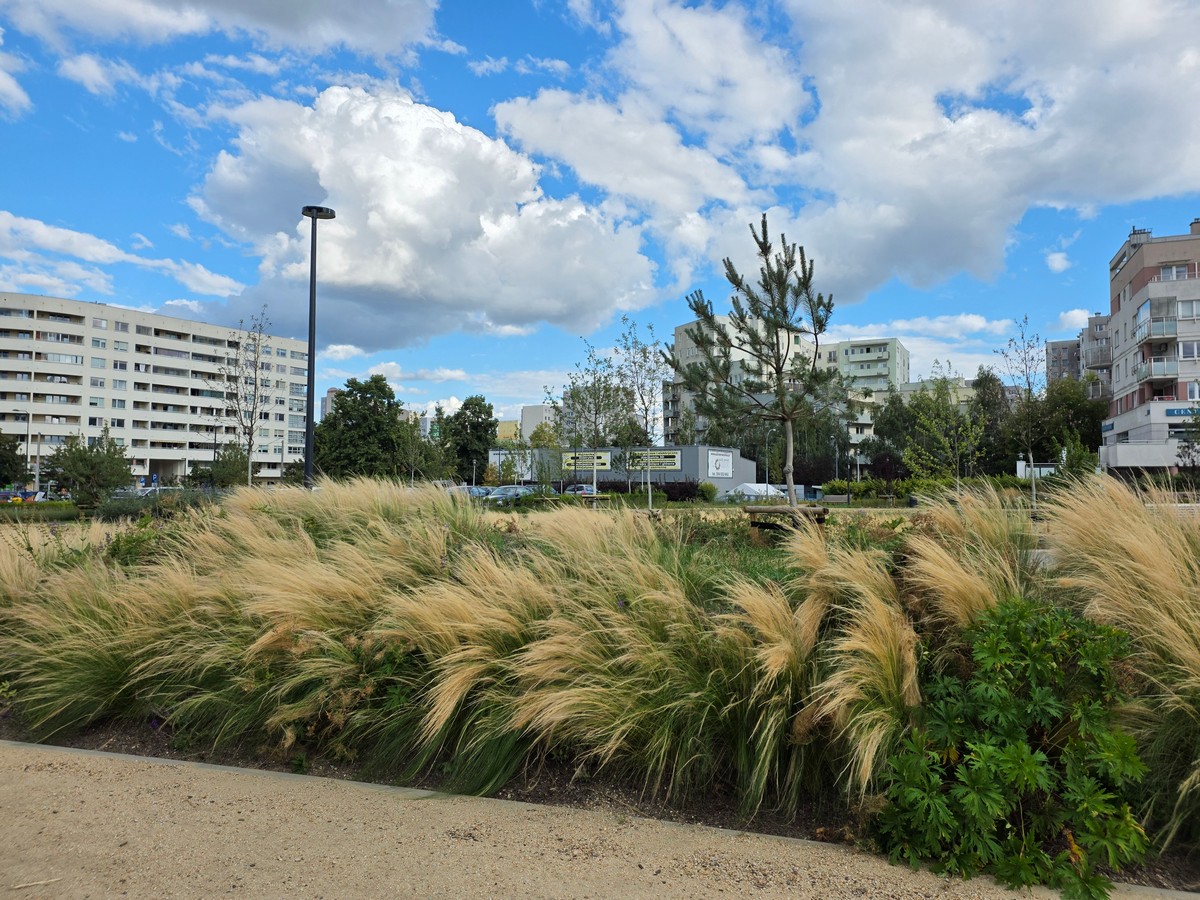
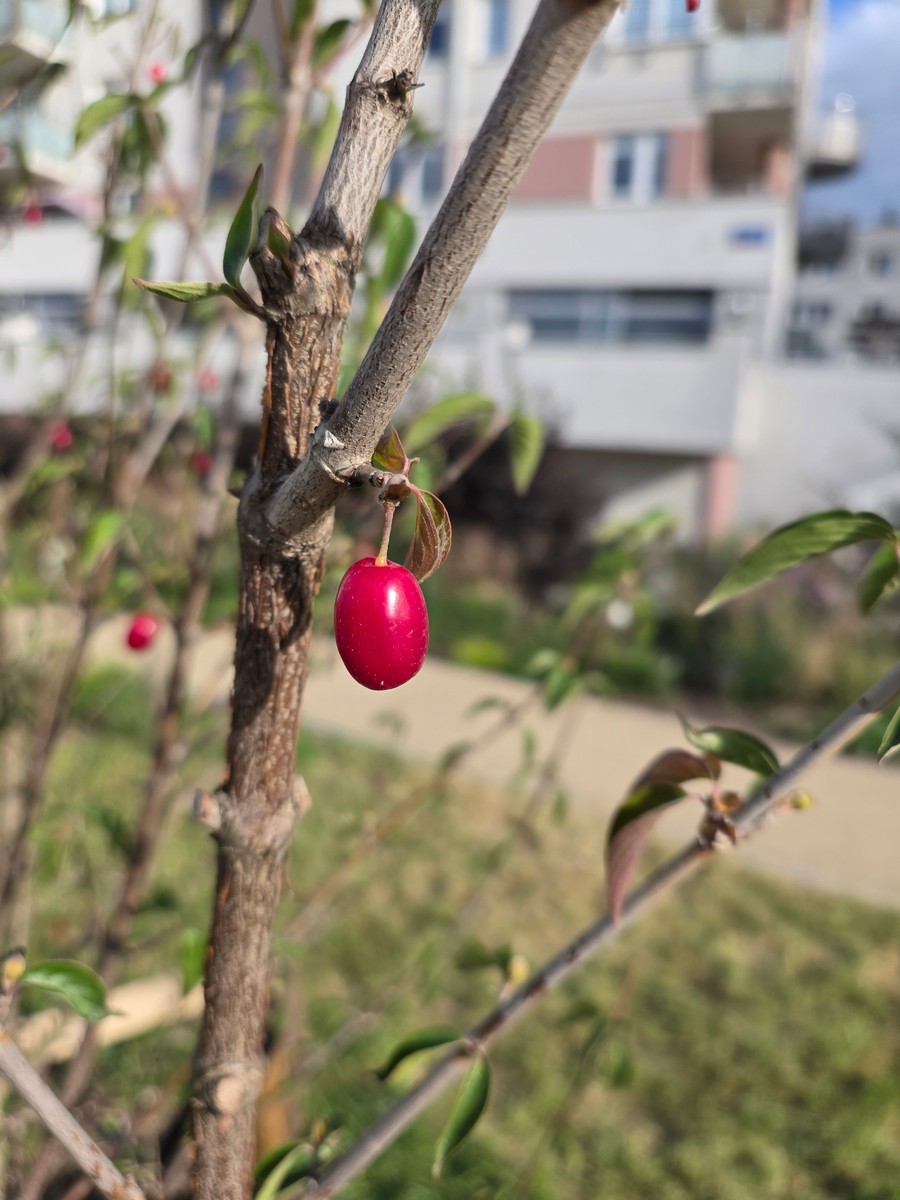

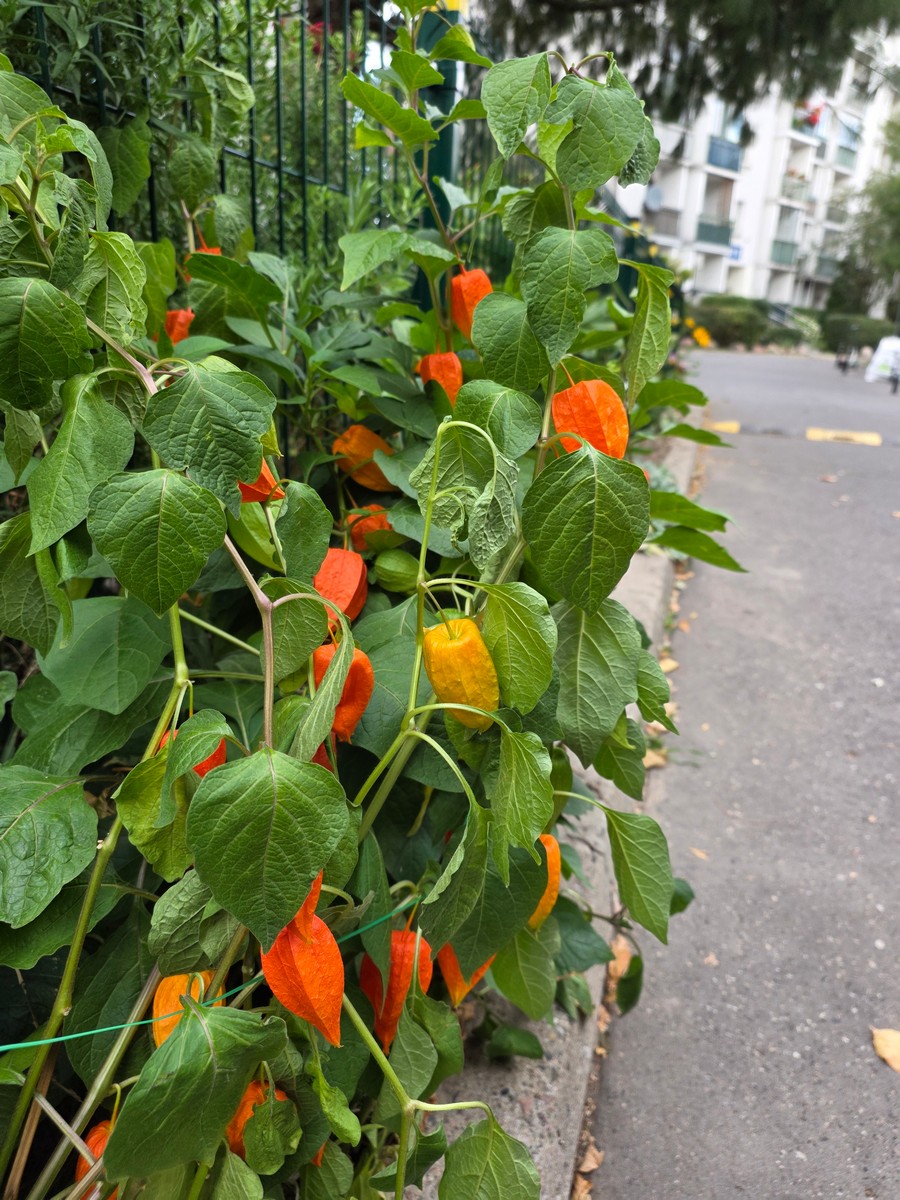
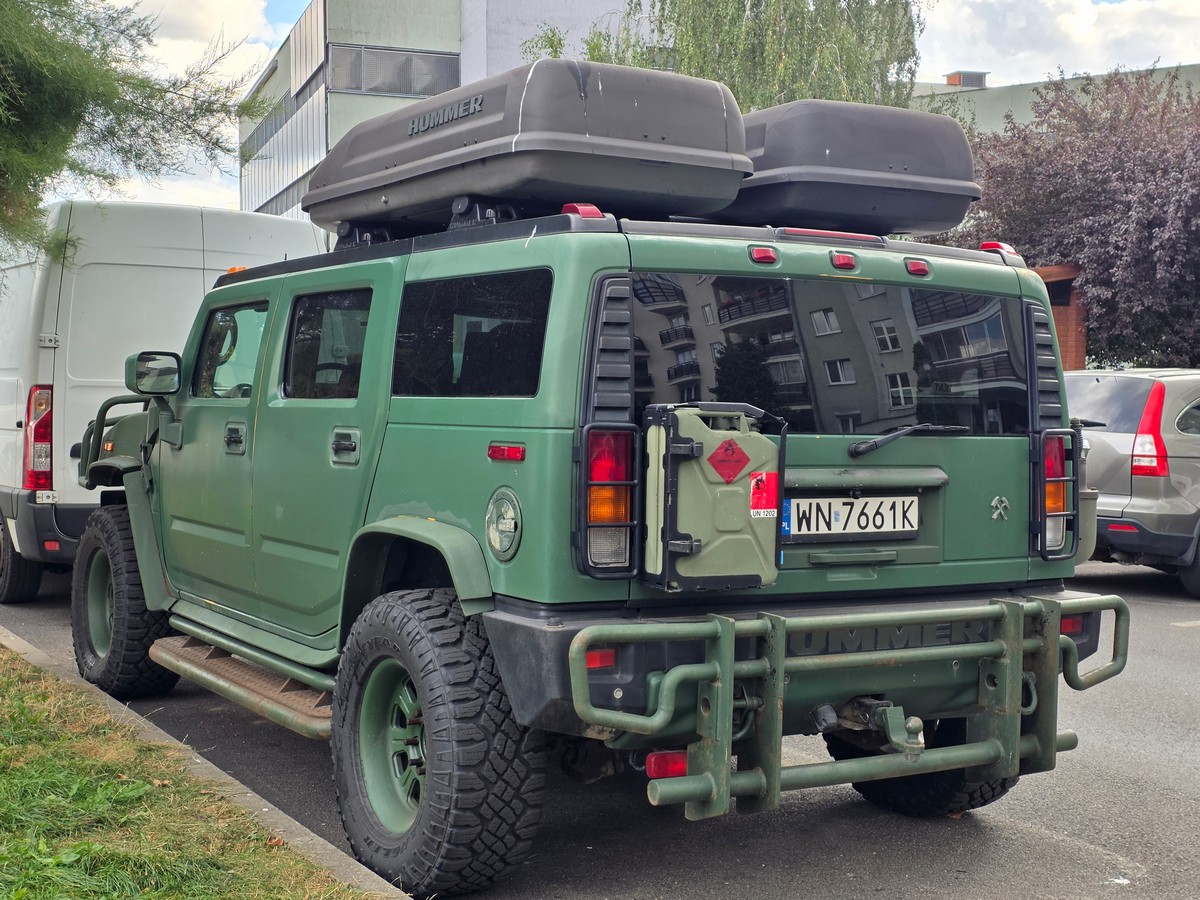
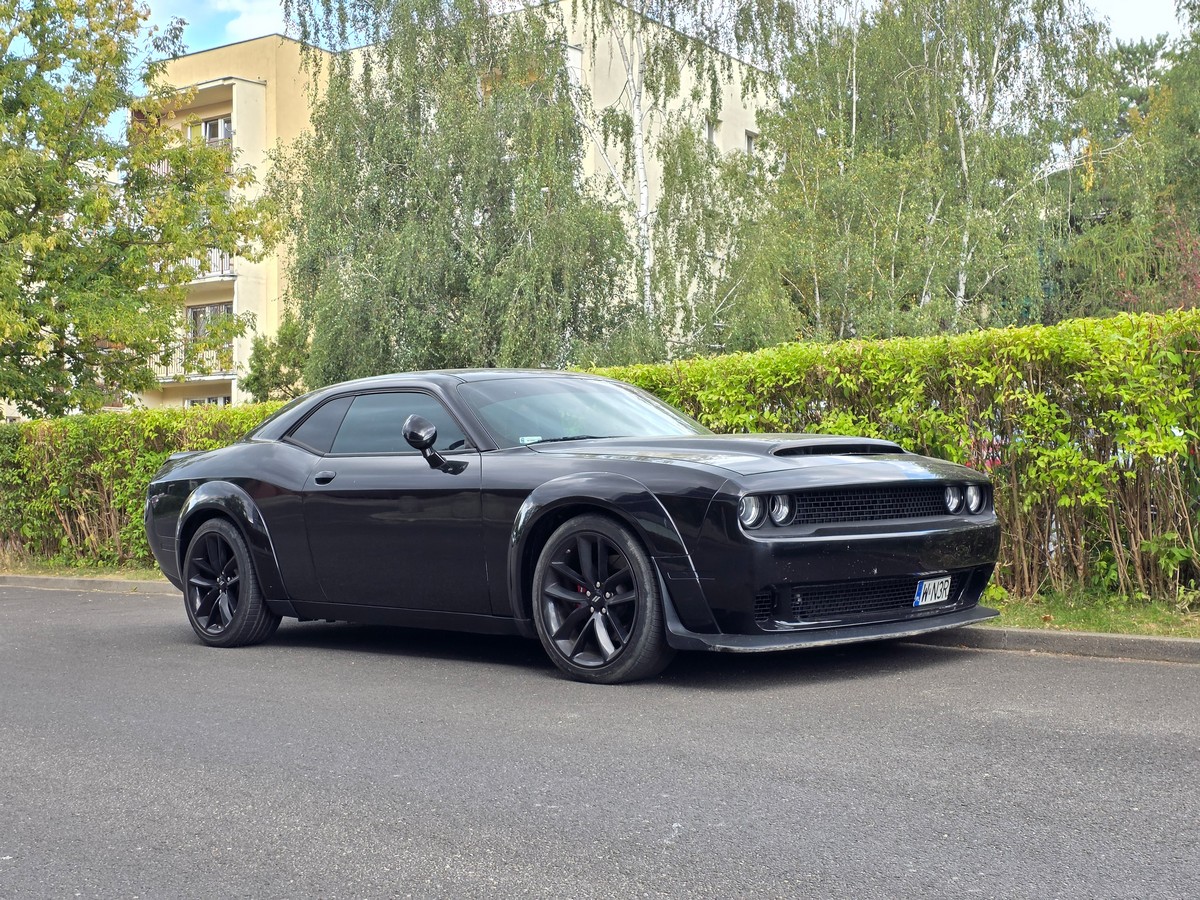
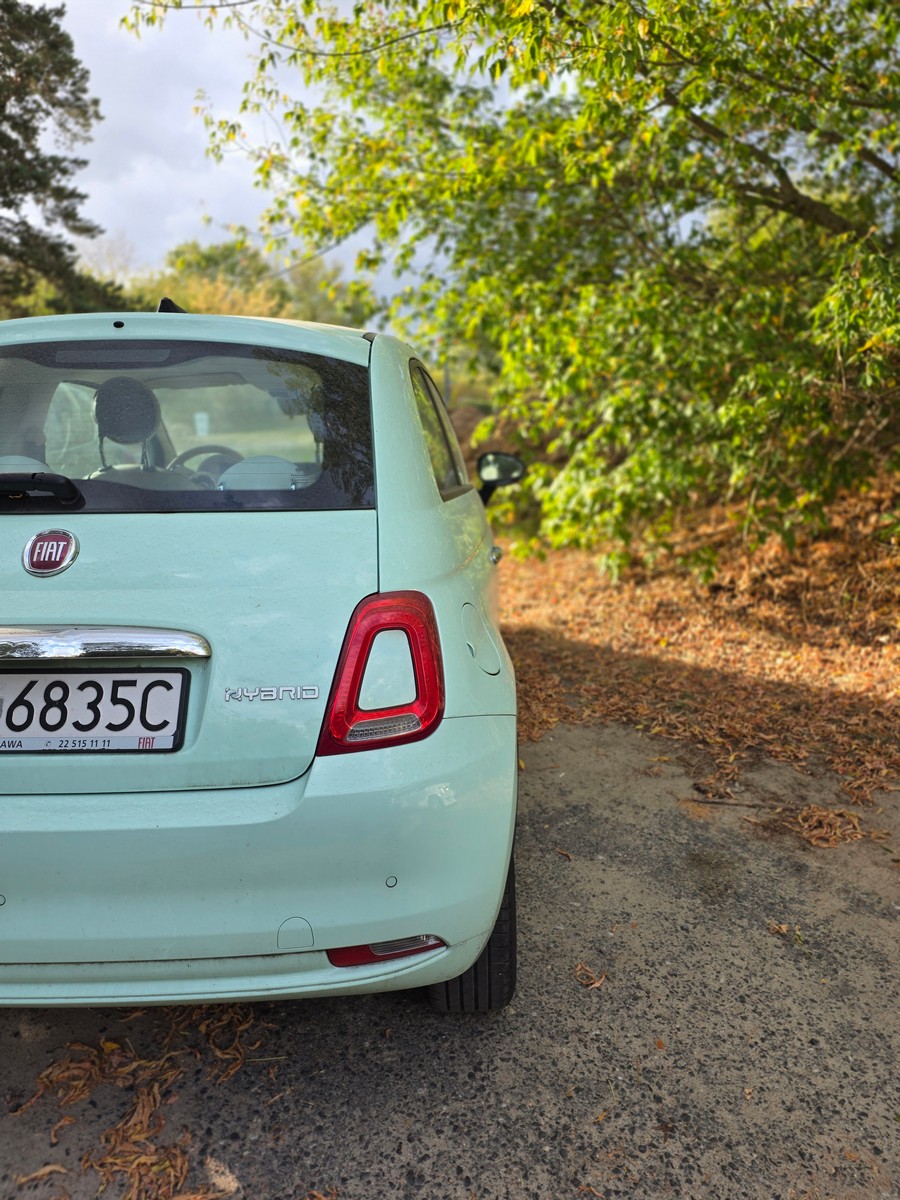



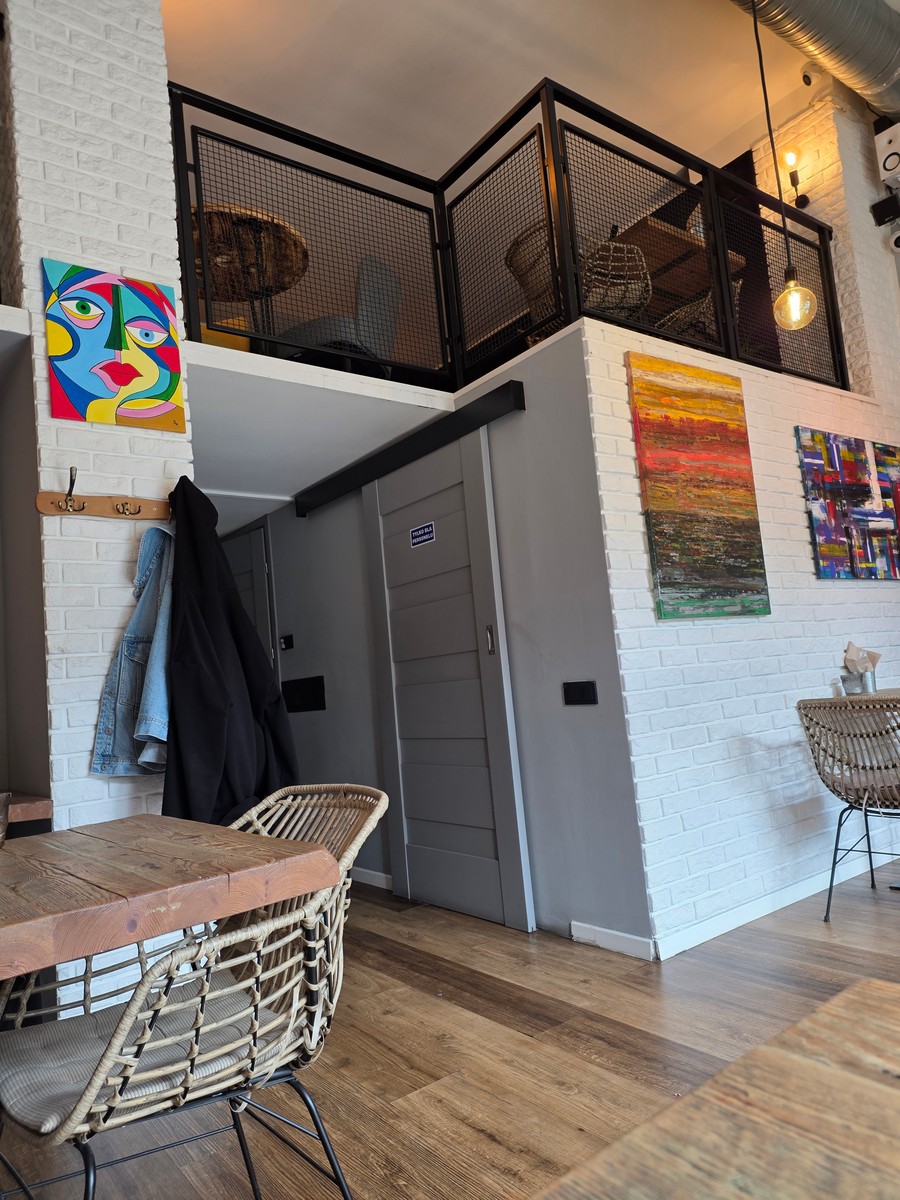

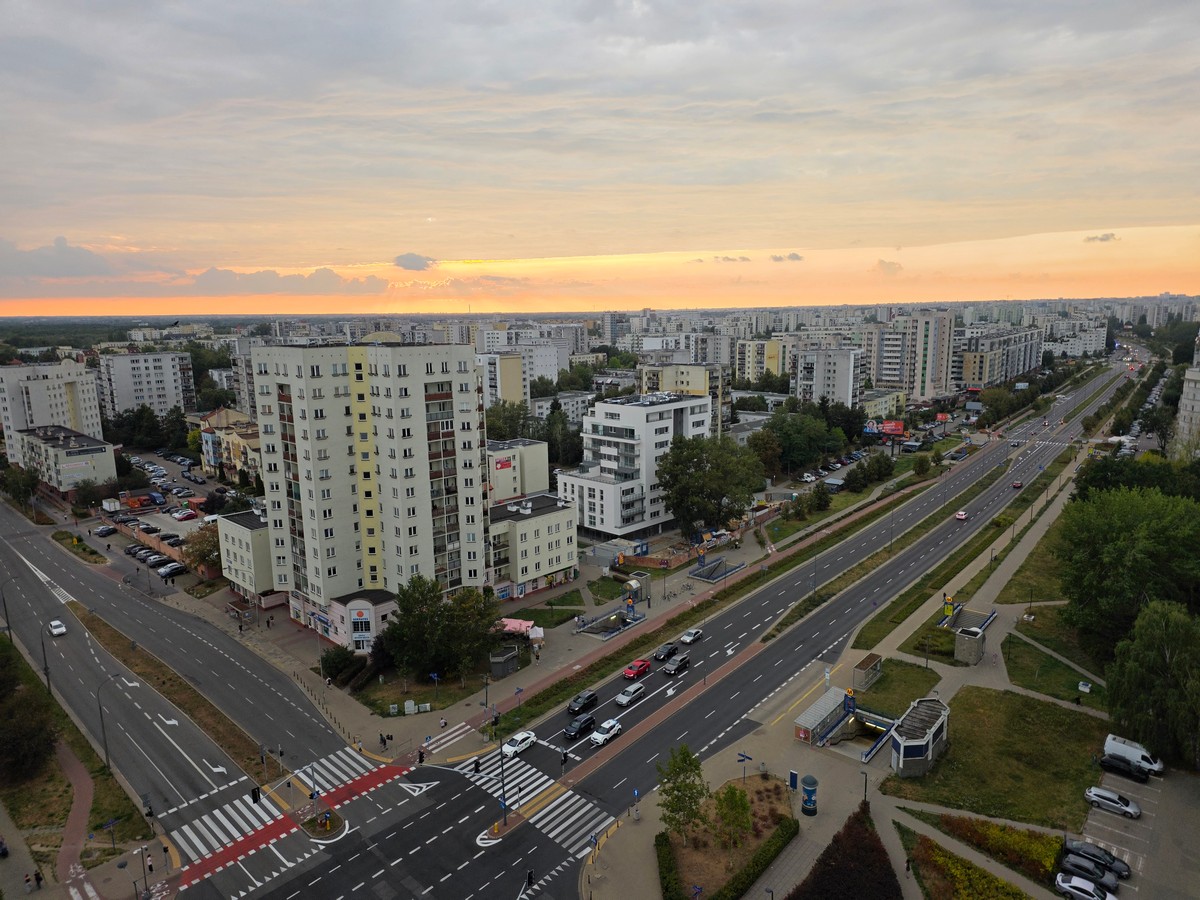
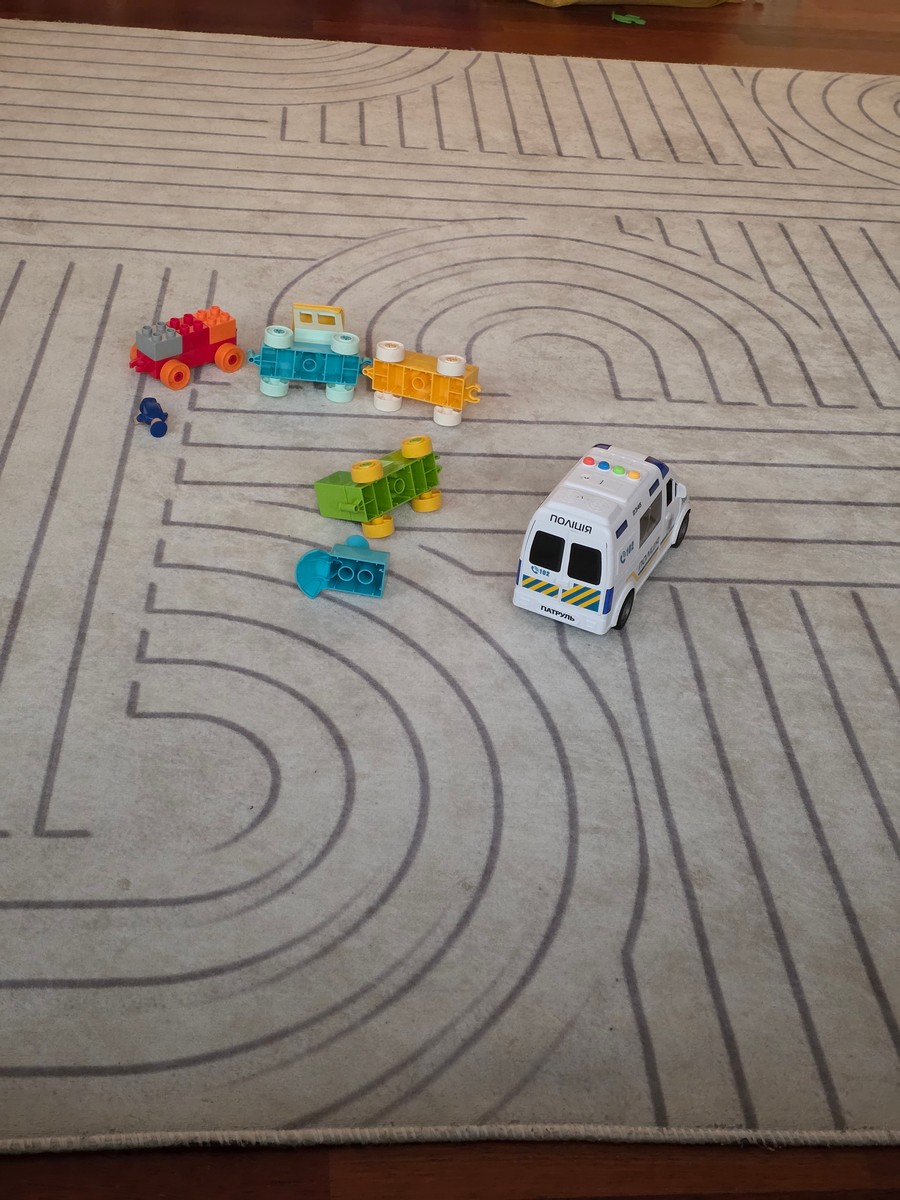
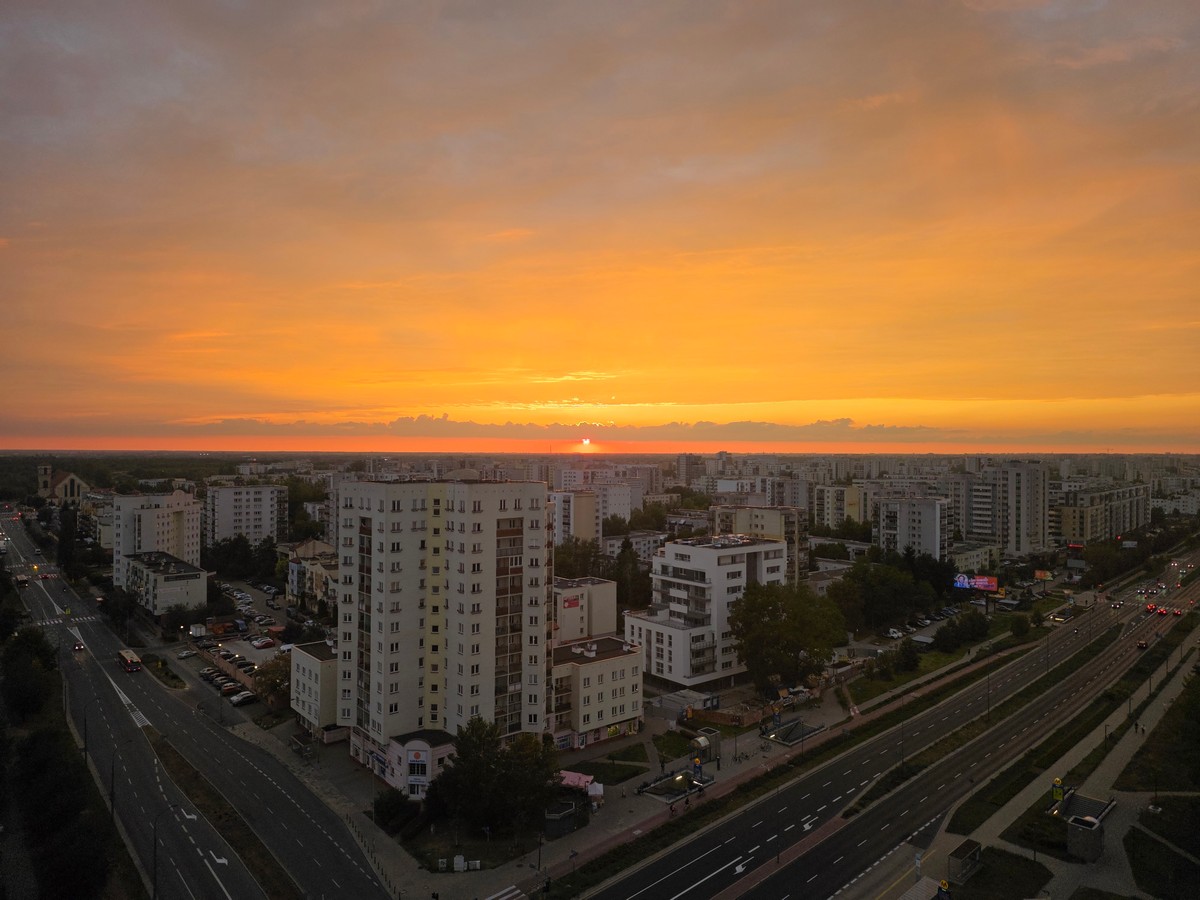


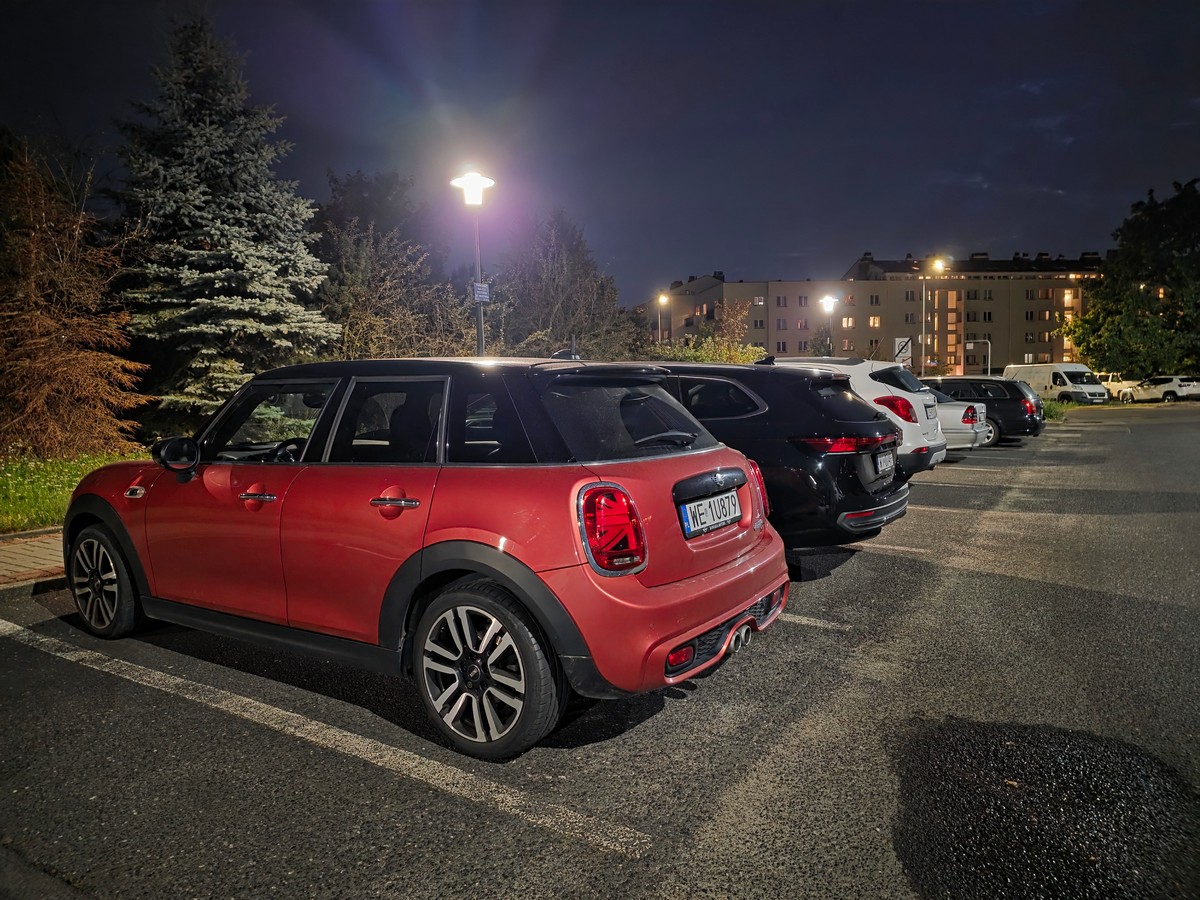
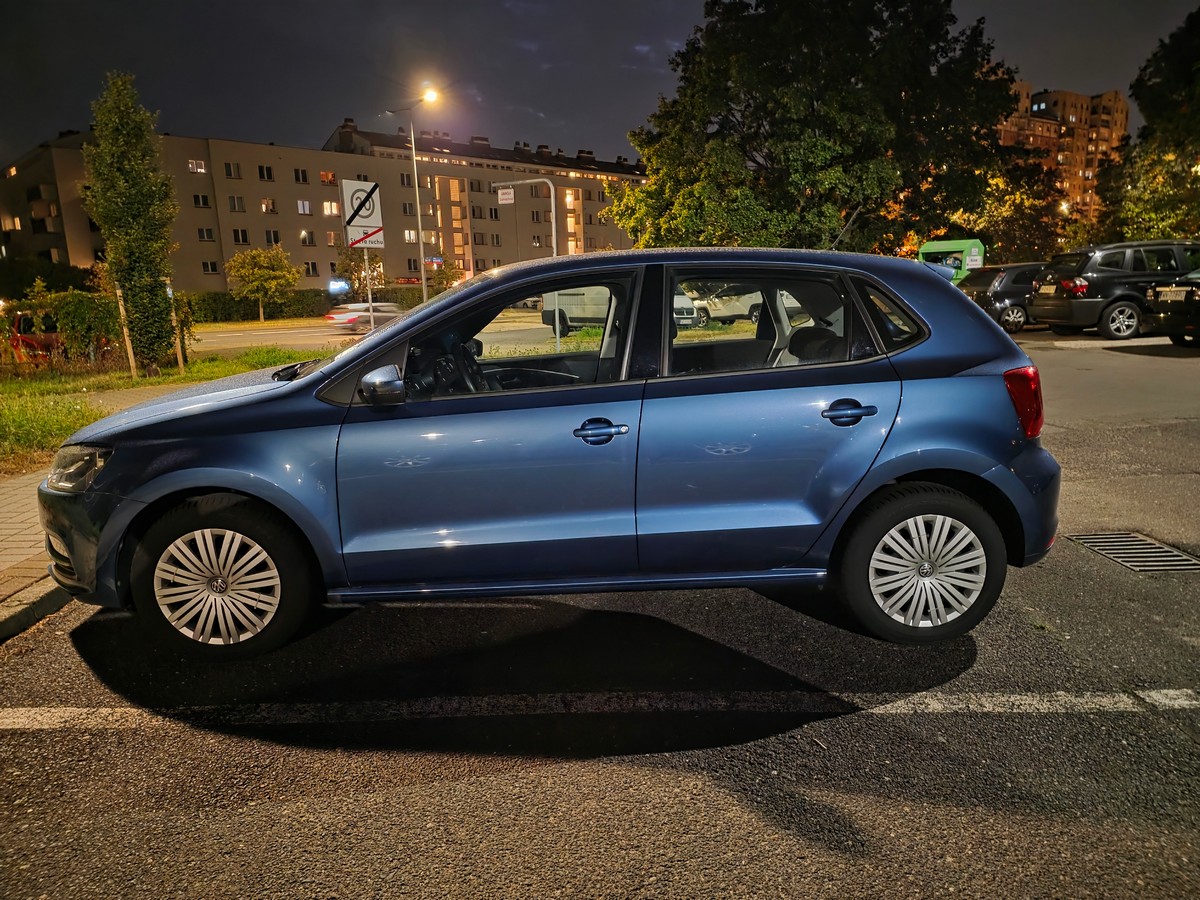

Photos from Samsung Galaxy Fold7 in original quality
Experience using the Samsung Galaxy Fold7
Since recent foldable smartphones have mostly been reviewed by other editors, the Fold7 gave me a good opportunity to get hands-on experience with this relatively new format and understand in practice the situations where it can be useful.
Primarily, I think devices like this are purchased less for practical reasons and more as an emotional or status accessory. Taking out a phone like this in public often draws genuine curiosity and questions from onlookers. Foldable smartphones haven’t become mainstream yet, which works in favor of Galaxy Fold7 owners.
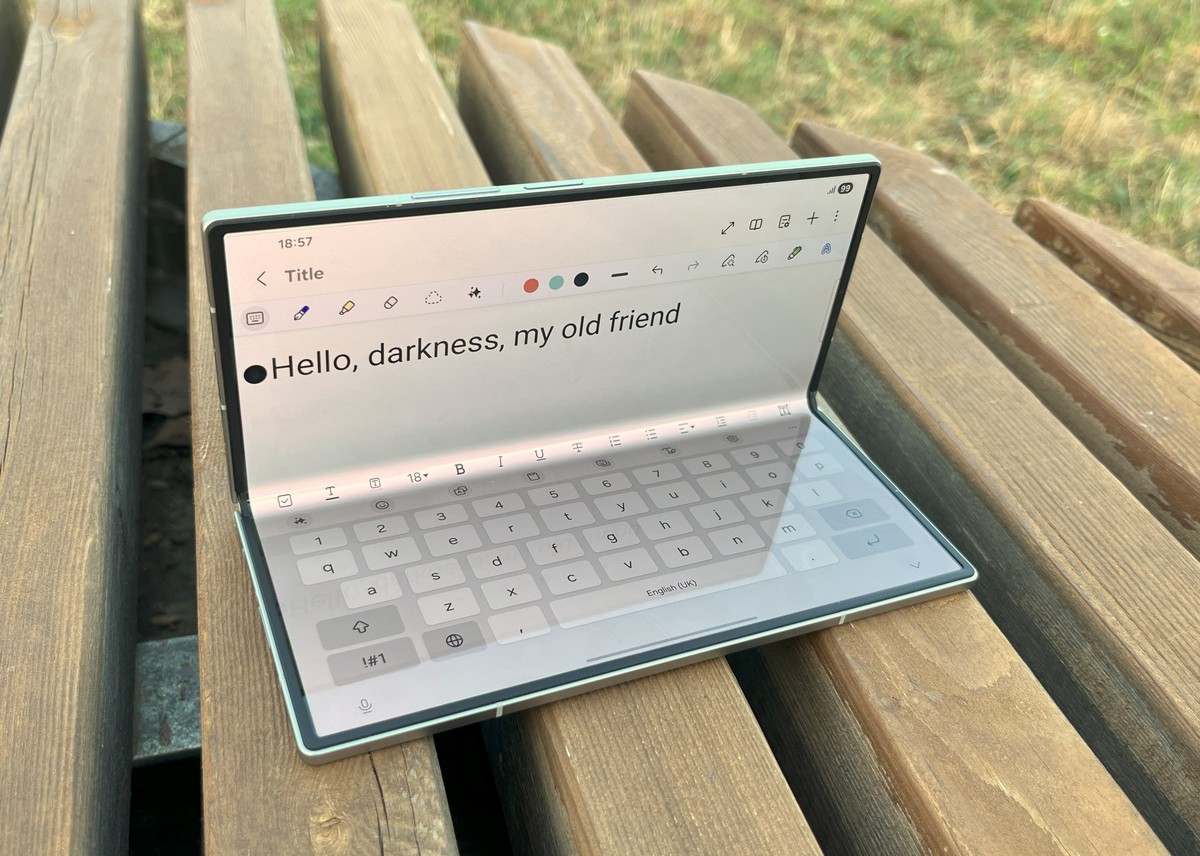
Looking at the practical side, the internal display offers a range of potential uses.
First, I really enjoyed working with content on the large screen: inspecting photos in fine detail, reading books, planning routes in Google Maps, and editing spreadsheets and documents.
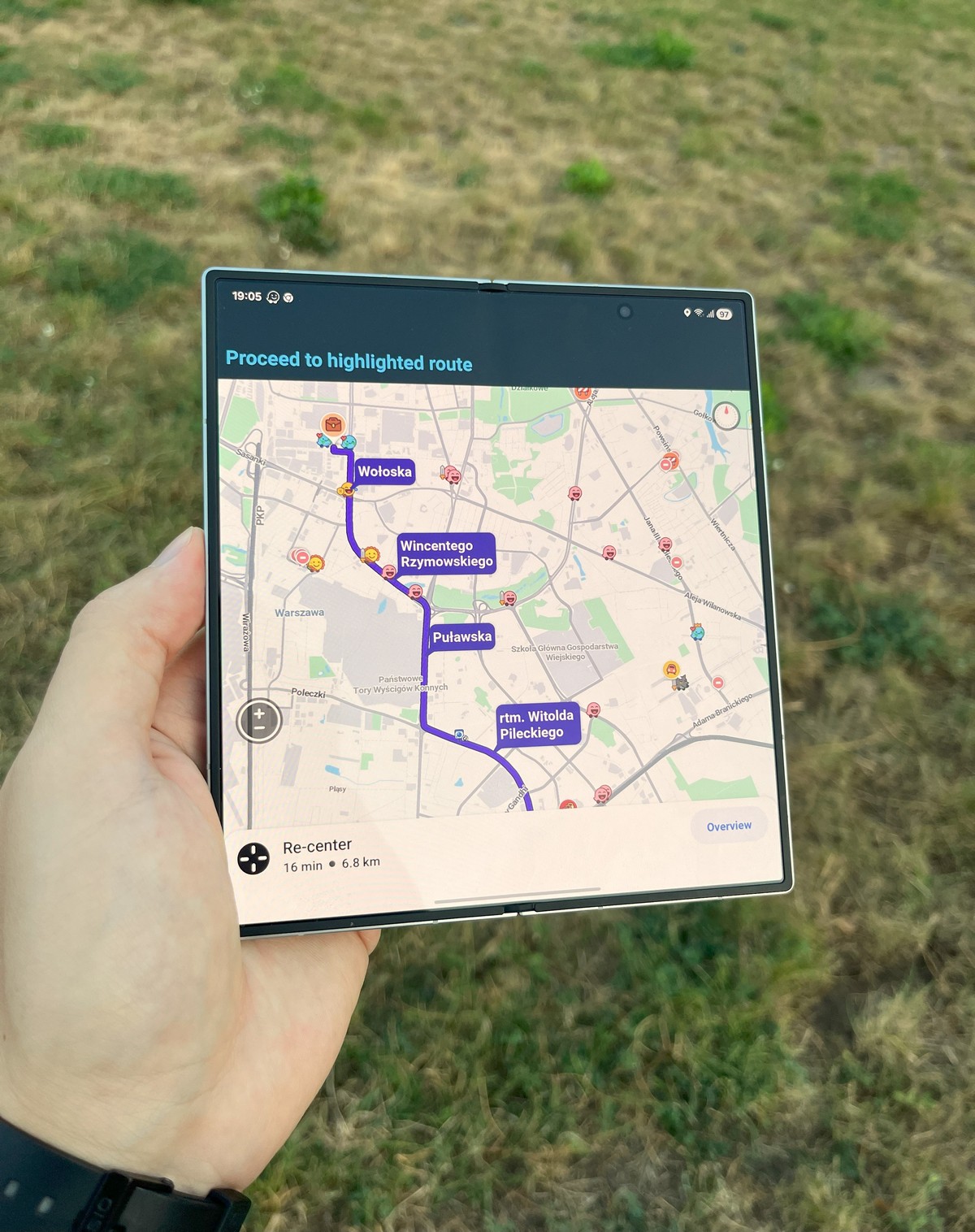
I’m confident that more creative users could take advantage of the 8-inch display for editing video or audio tracks on the go.
Unfortunately, drawing on the Fold7 isn’t an option. To achieve such a slim profile, Samsung had to forgo S-Pen support.
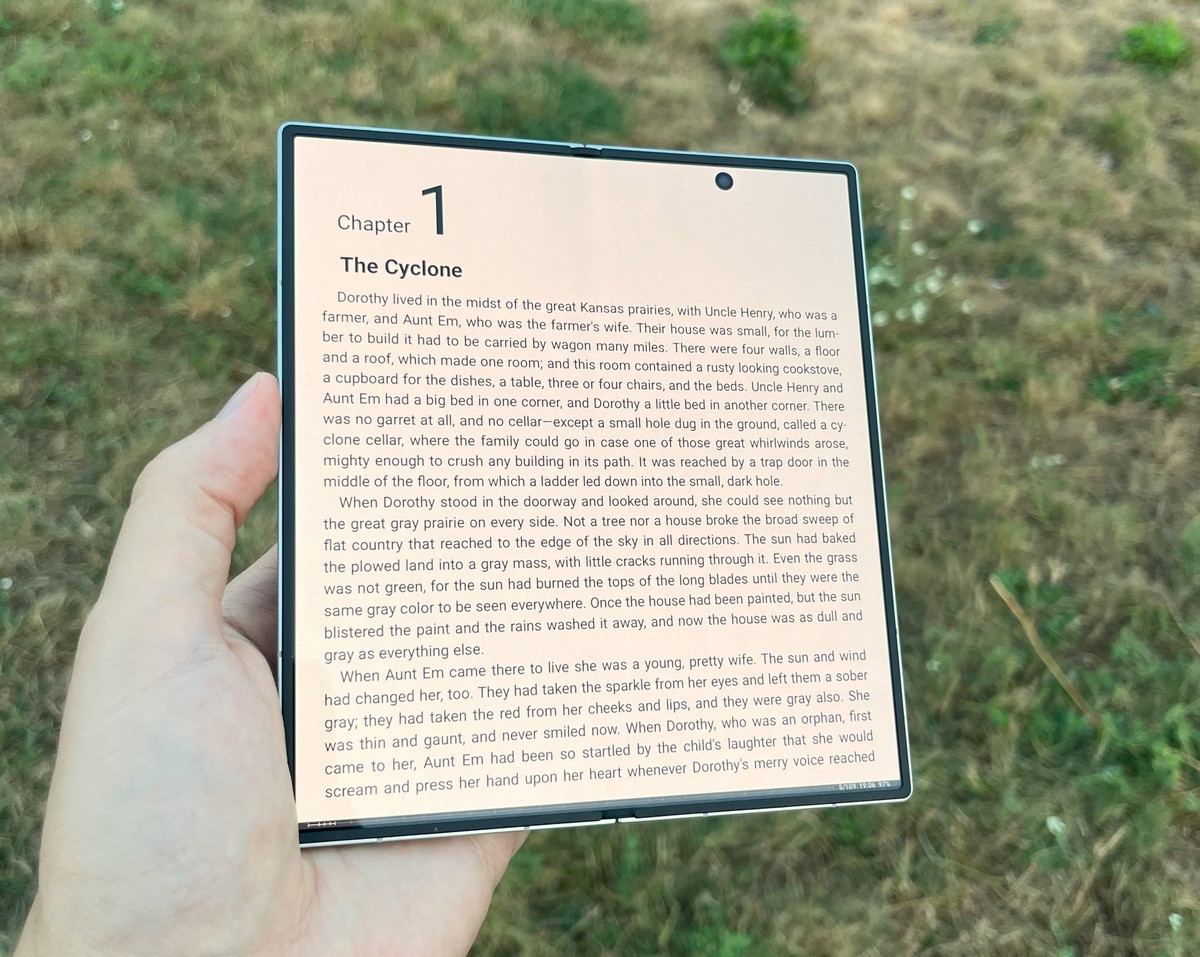
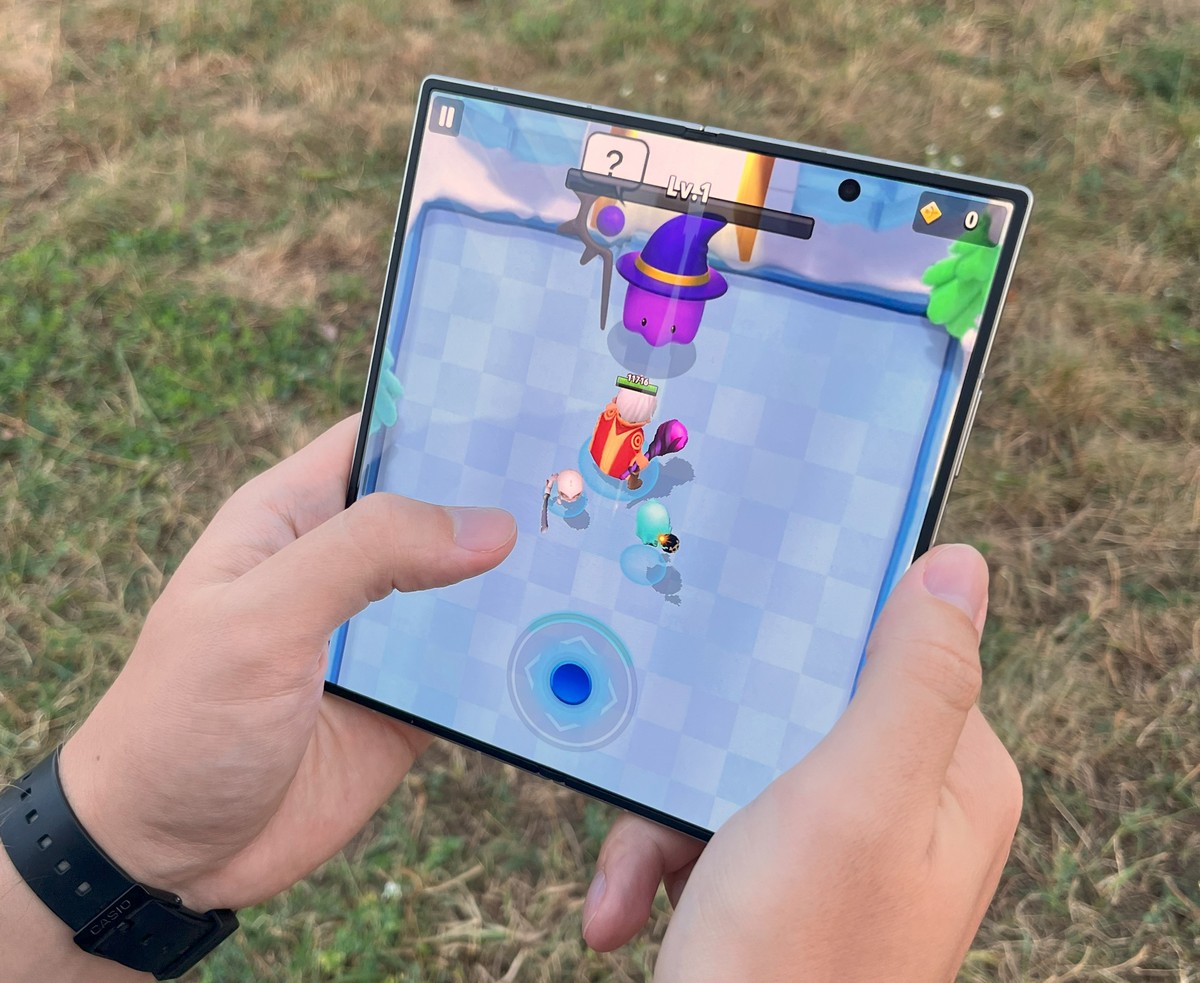
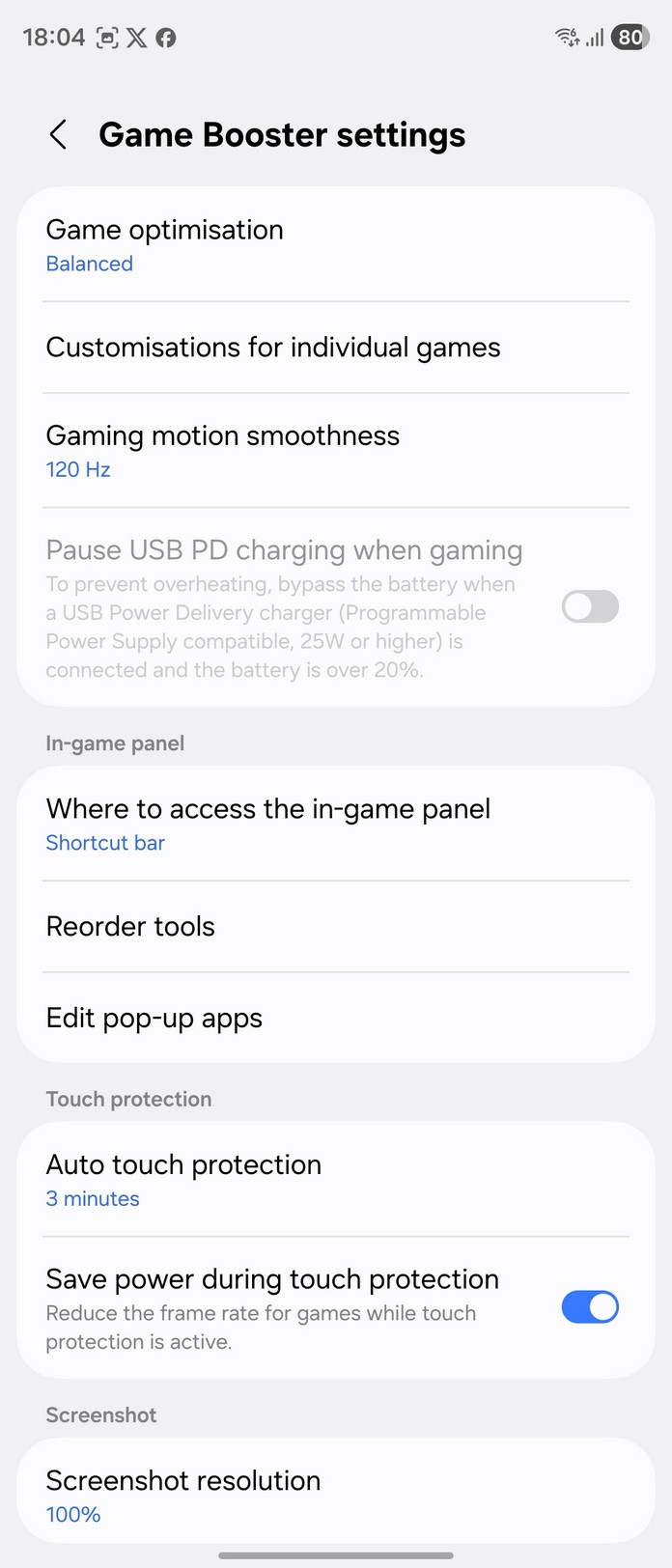
Second, the Samsung flagship surprisingly proves to be an excellent gaming platform. Playing on the large screen is highly enjoyable, and I found myself spending a few hours each night on Archero before bed.
Third, I appreciated the “laptop” mode, which makes typing and watching videos particularly convenient.
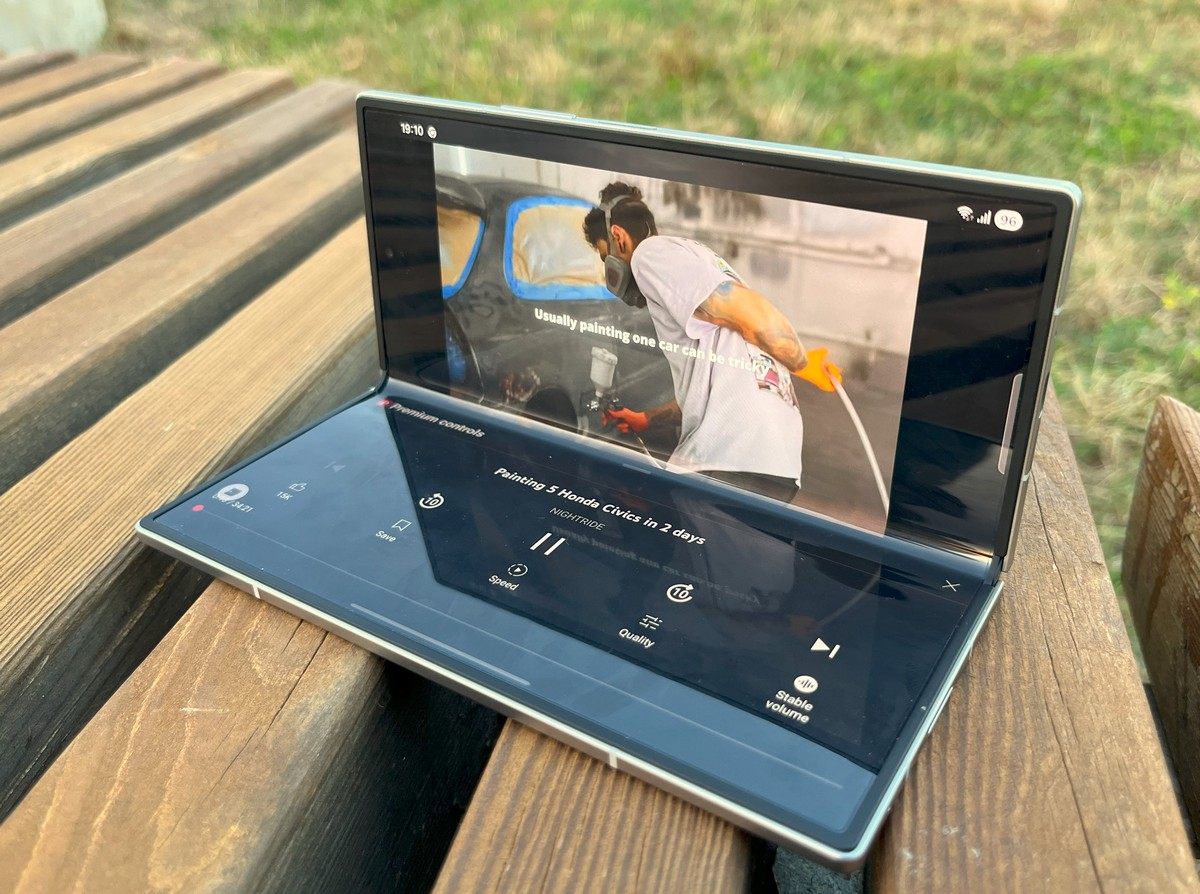
This form factor also makes it easy to stabilize the phone on a surface for long-exposure photos. Samsung also suggests a useful scenario: using the smartphone as a real-time translator, with translated text displayed on the external screen for the other person to see.
Fourth, the Samsung Galaxy Fold7 handles multitasking exceptionally well. It’s easy to get used to, as managing multiple windows is both intuitive and convenient, opening up many possibilities – some practical, others less so.
For example, you can read an article in a foreign language while keeping a translator open alongside it, or easily copy text from a browser into an email client.
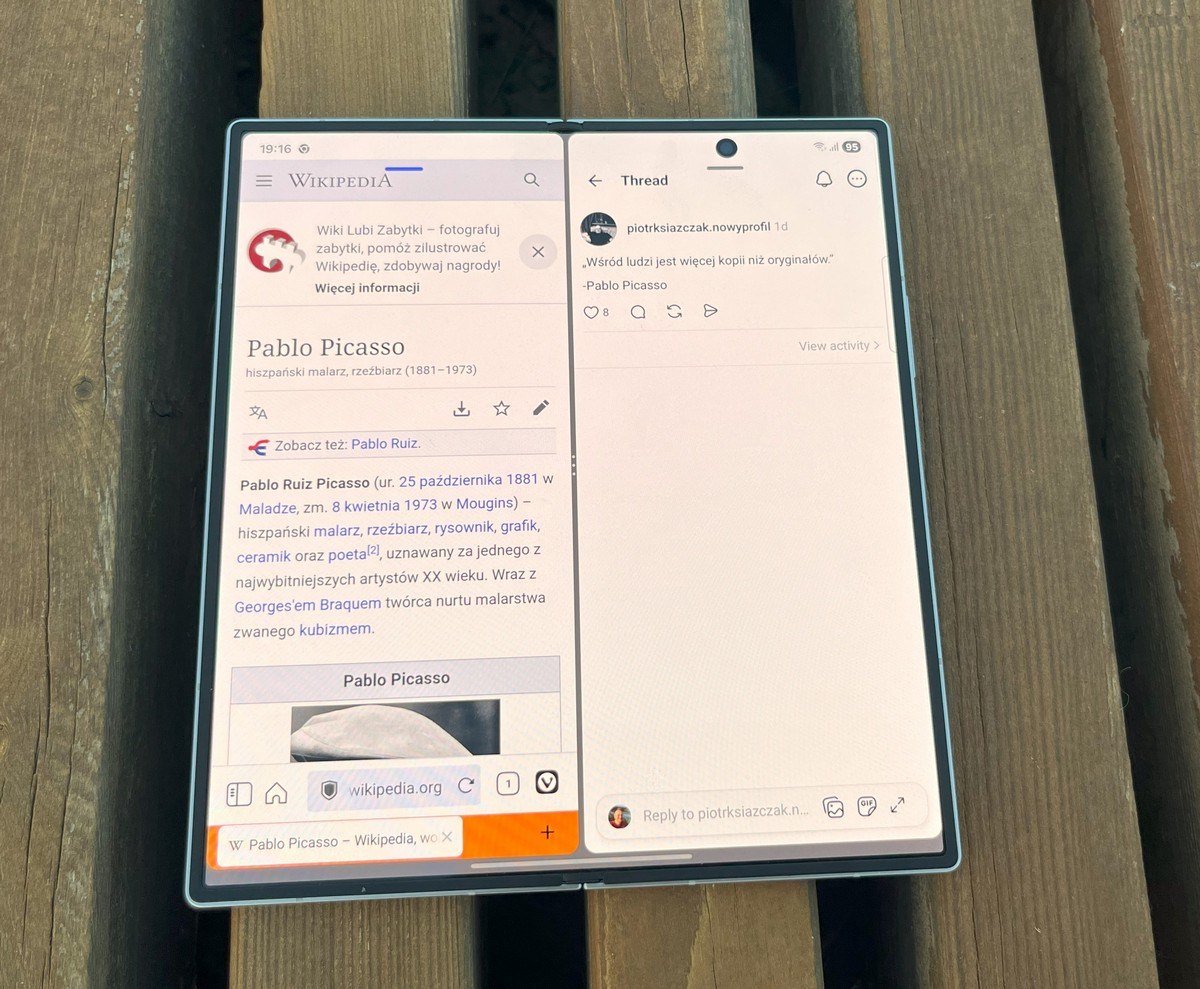
You can watch a lecture while taking notes at the same time. Windows can be arranged vertically or horizontally on the screen, and you can also set certain apps as “floating” windows on top of others.
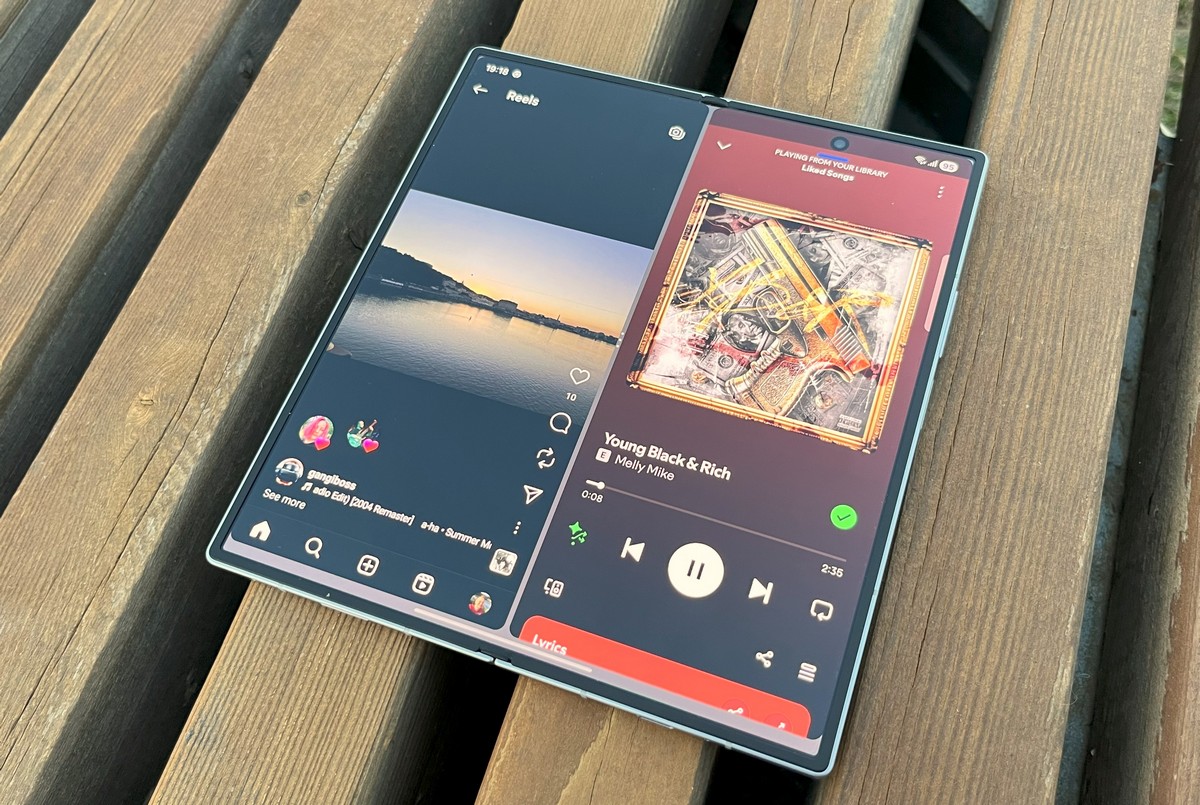
On the downside, there are two main issues I want to highlight.
First, the phone still feels fragile in a certain sense. Samsung has made several improvements, including reinforced hinges, IP48 protection, and upgraded protective glass on both the internal and external screens. Despite this, I couldn’t shake the worry that a single drop could result in an expensive repair for the internal display.
Second, no matter how much Samsung improves its software, some issues are beyond its control – specifically, poor optimization of many apps for tablet mode. For example, the first part of Archero scales correctly across the full 8-inch display, while the second part does not. Instagram is particularly frustrating, as sometimes not even a single photo fits properly on the large screen.

On Twitter and Threads, there’s also a frequent desire to adjust interface scaling so that more content fits on the screen.
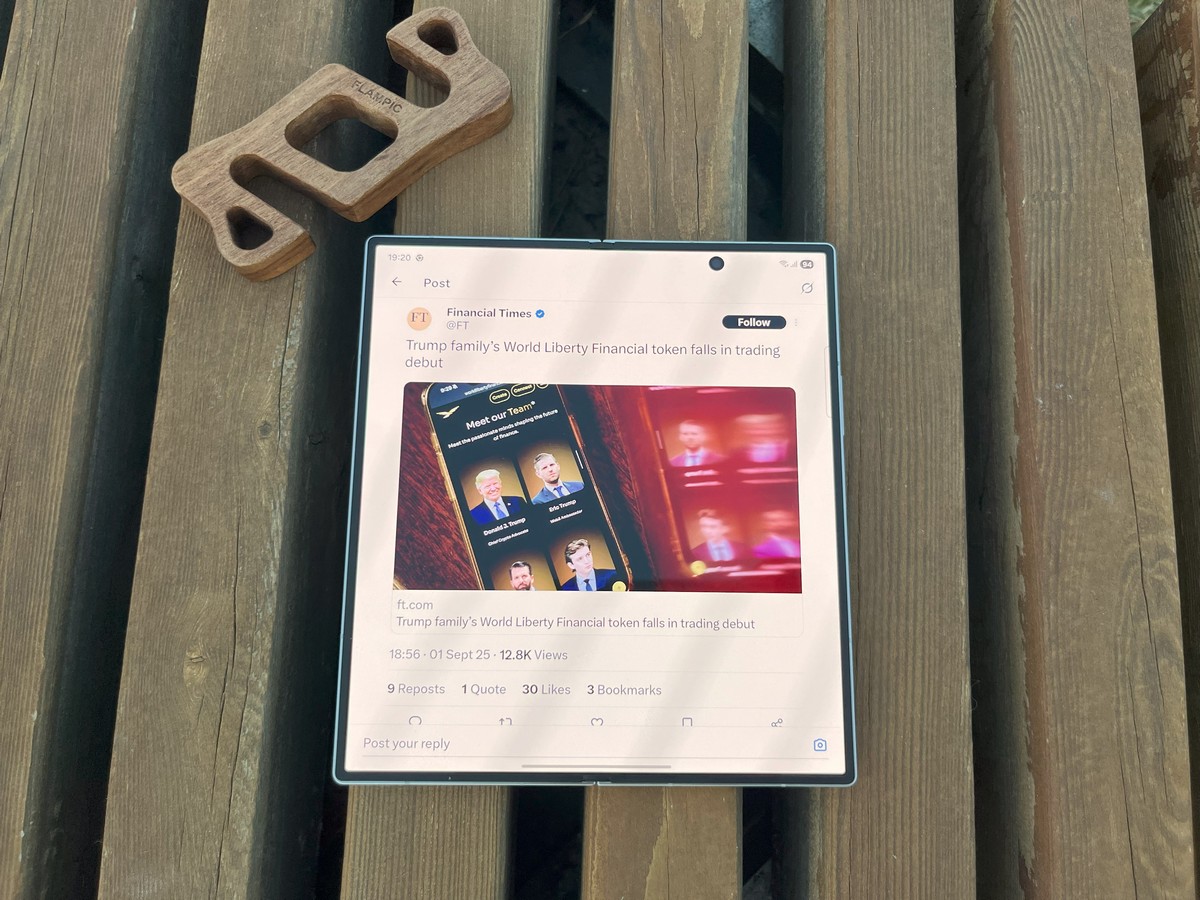
This consistent neglect by Android app developers toward tablet and foldable phone users is understandably frustrating. Hopefully, the situation will improve in the coming years.
Hardware and benchmarks
Writing this section almost feels funny, as smartphones have long passed the point where extra processor cores or gigabytes of RAM make a noticeable difference – especially in flagships.
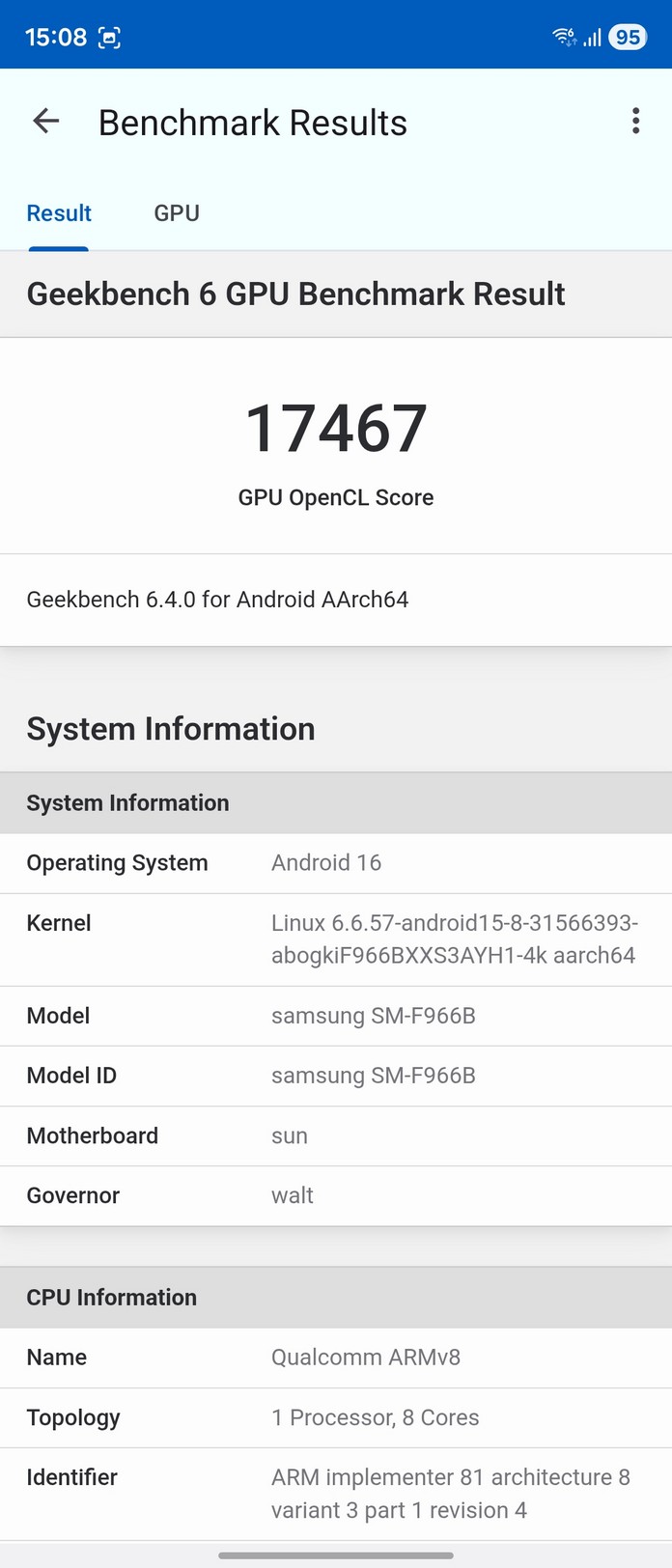
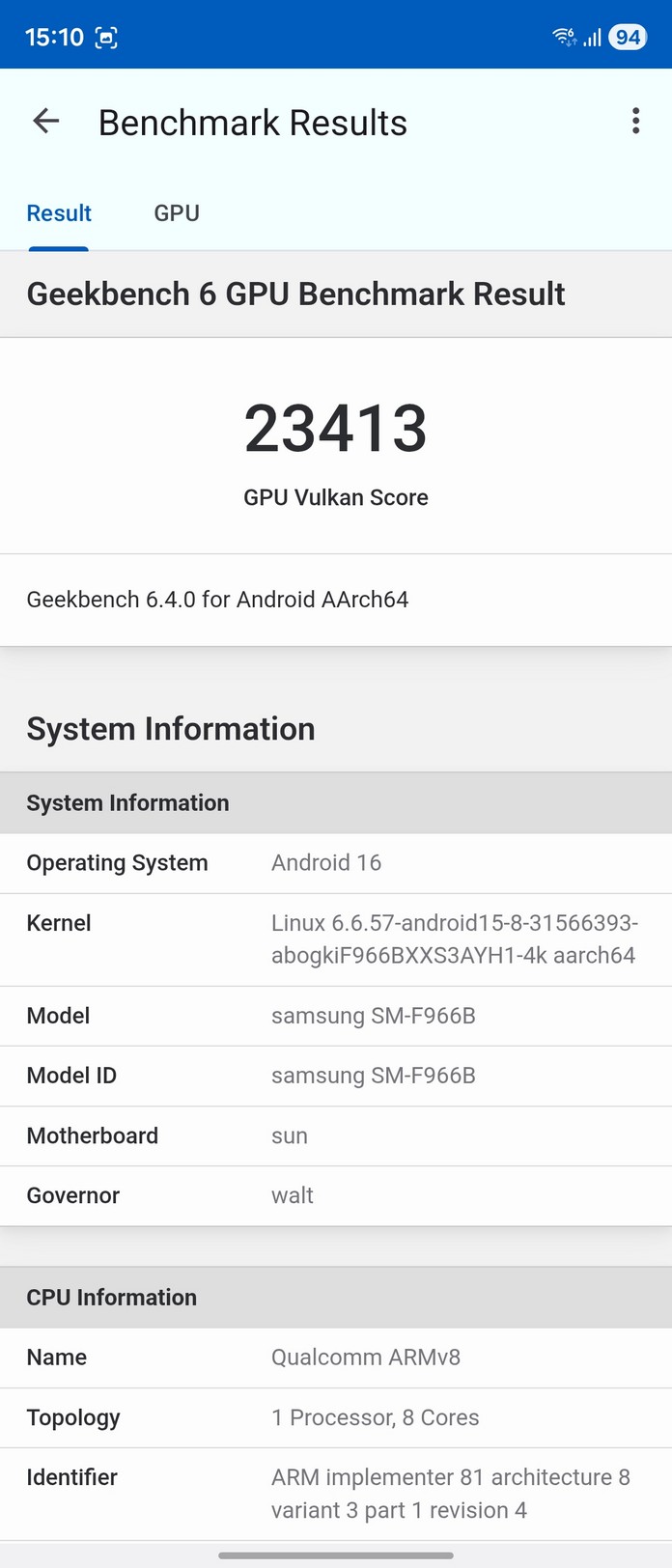
So it’s hardly surprising that the Snapdragon 8 Elite in the Fold7, paired with 12 GB of RAM and the Adreno 830 GPU, delivers fast performance and instant responsiveness across all tasks. In benchmarks, the Samsung Galaxy Fold7 clearly ranks at the top.
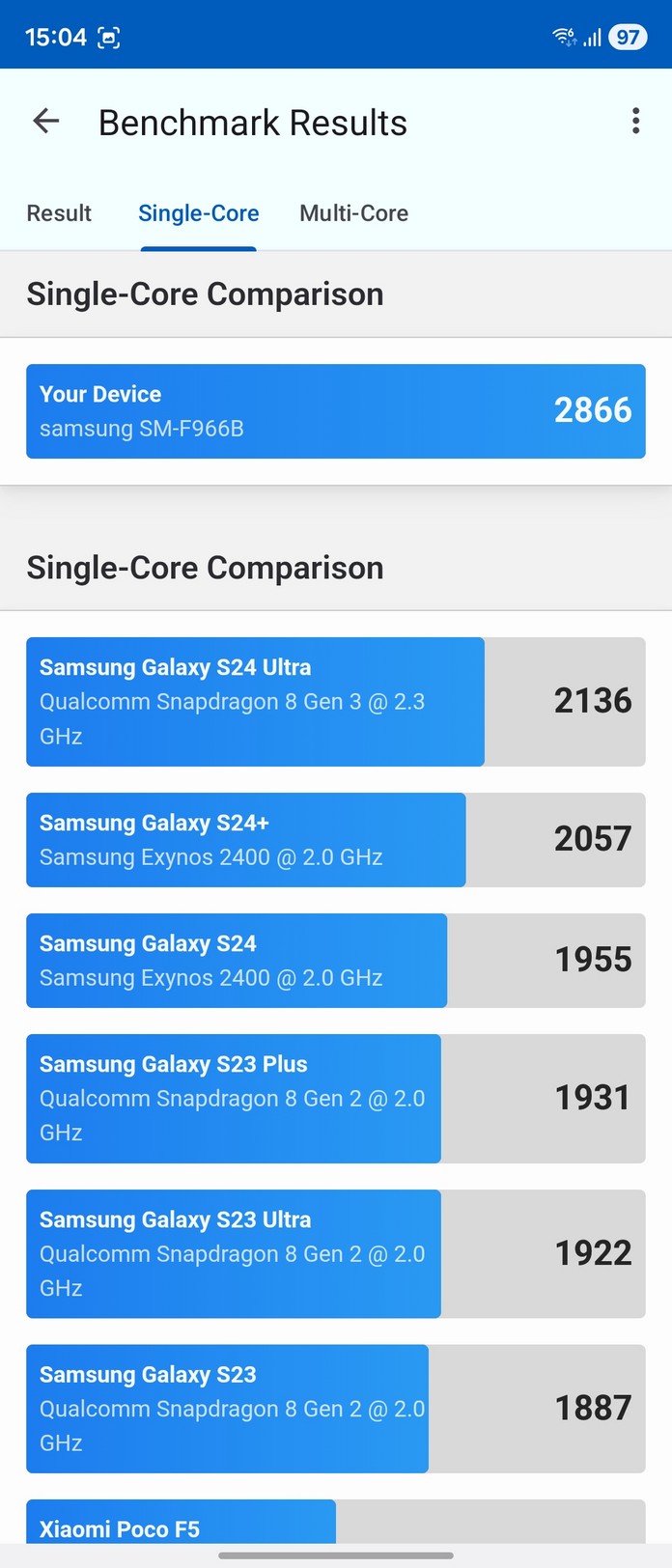
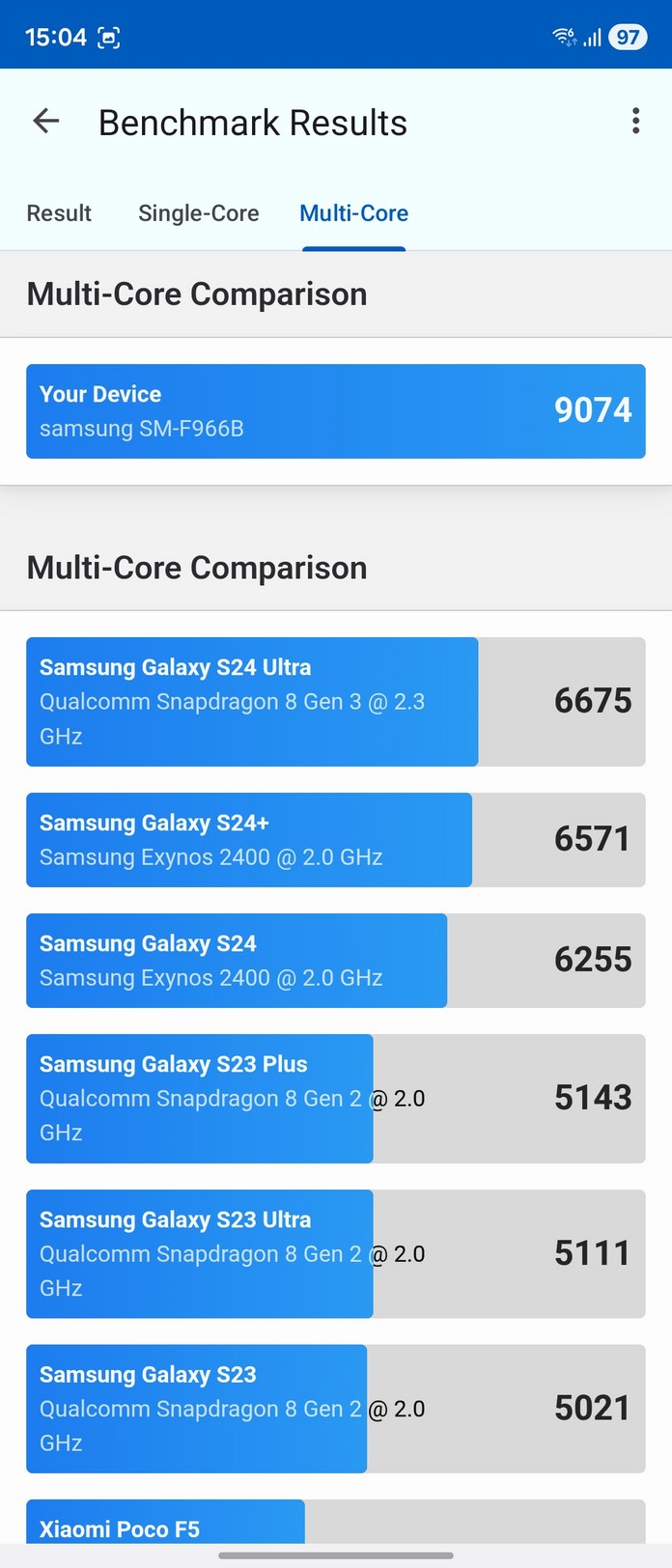
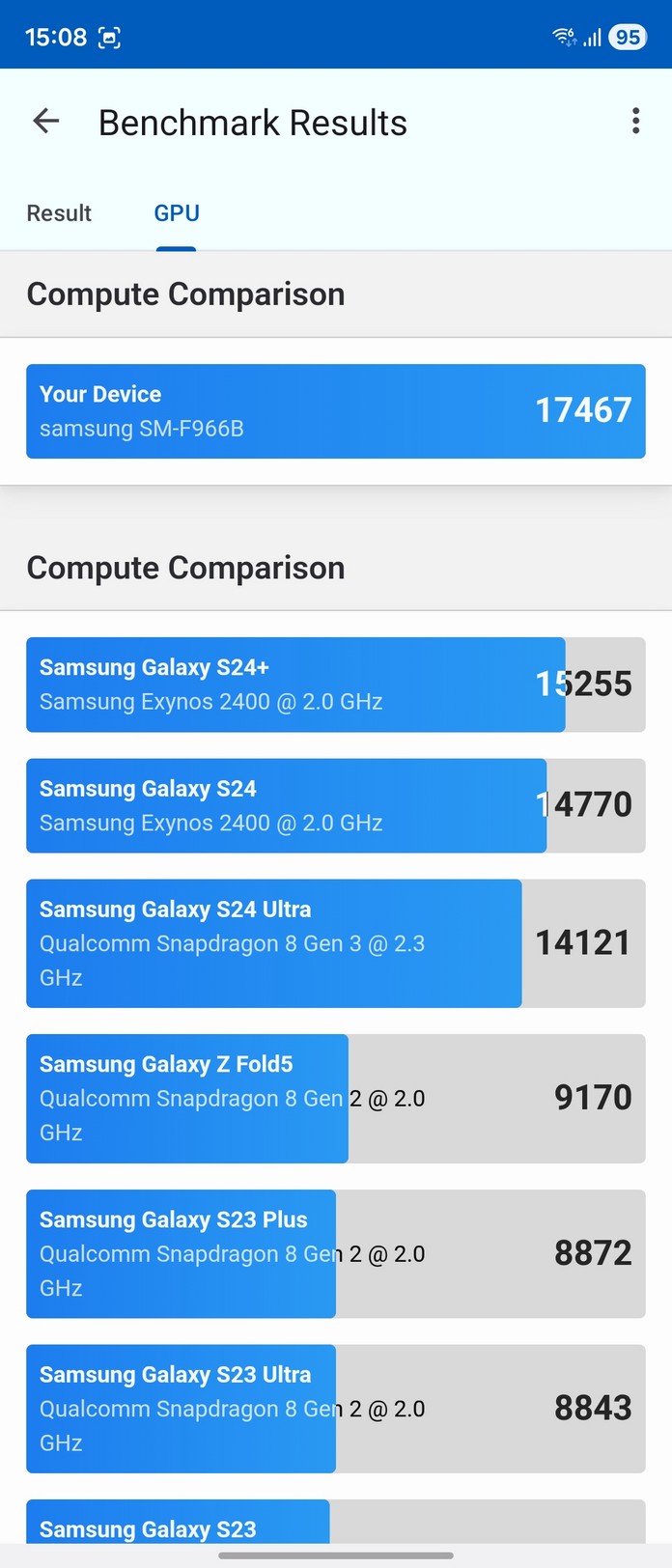
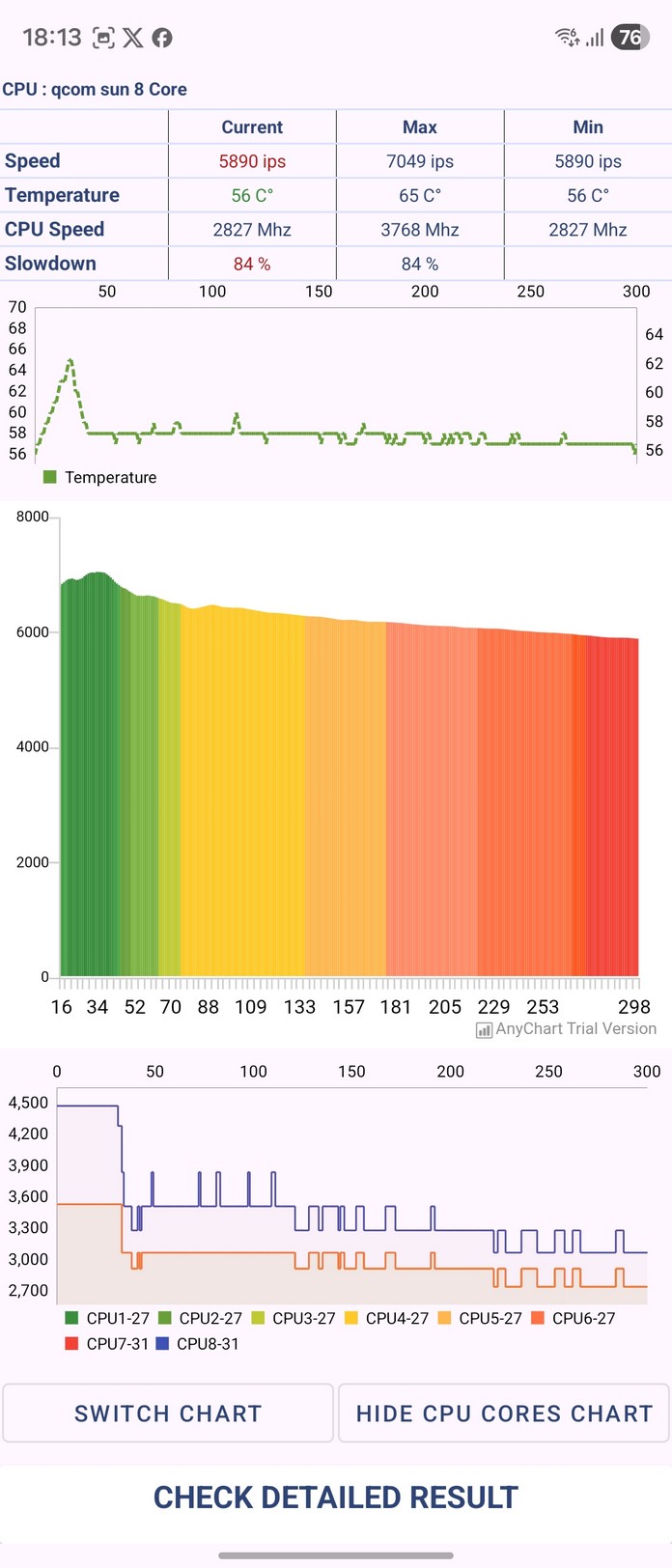
The situation gets a bit more interesting when it comes to heat. Under stress tests, the phone begins throttling the processor by roughly 15–20% within five minutes to prevent overheating. In real-world use, heating mostly appears during heavy gaming. The good news is that playing on the large screen doesn’t make this noticeable, as the main heat zone is located near the camera module – well out of reach of your palms during a normal grip.
Samsung Galaxy Fold7 software shell
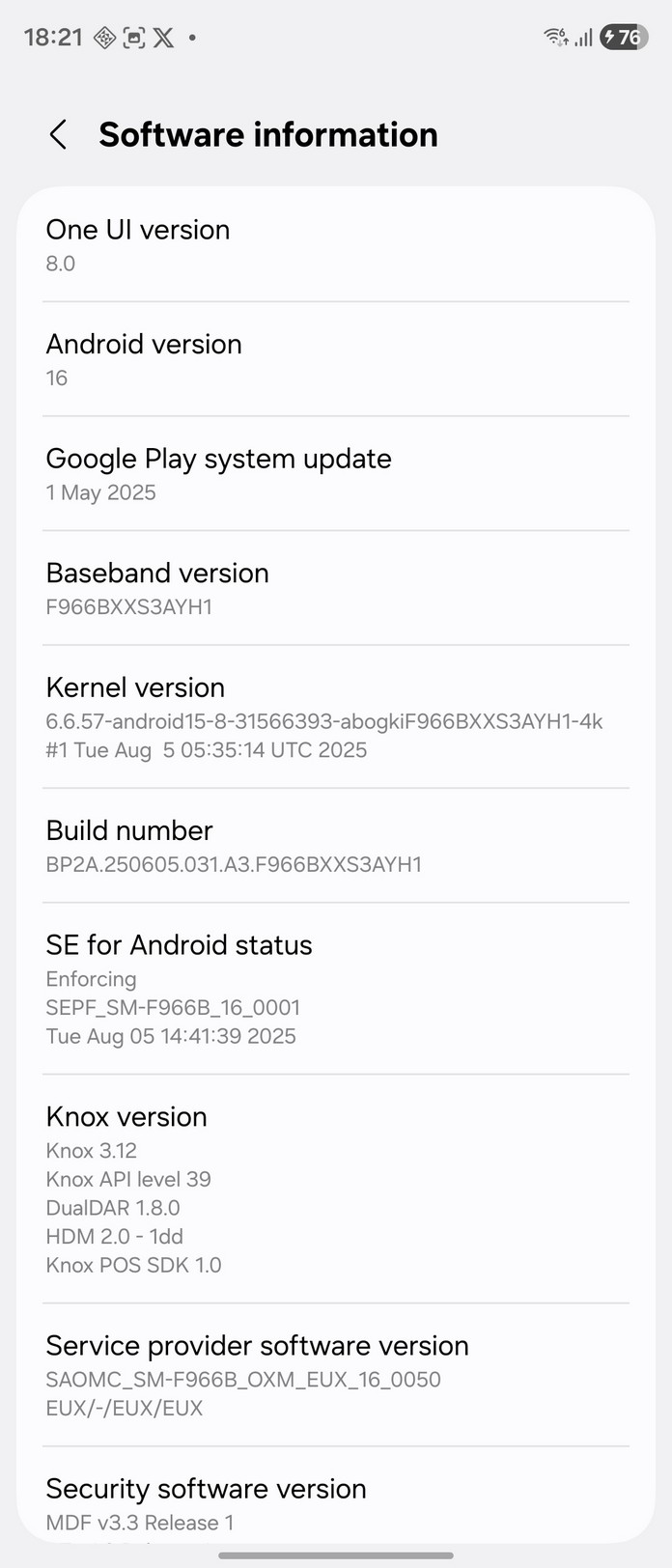
As befits a flagship, the Fold7 runs the latest software: Android 16 with One UI 8. I’ve read multiple reports that One UI 8 can still be somewhat unstable, but during two weeks of testing, I didn’t encounter any issues.
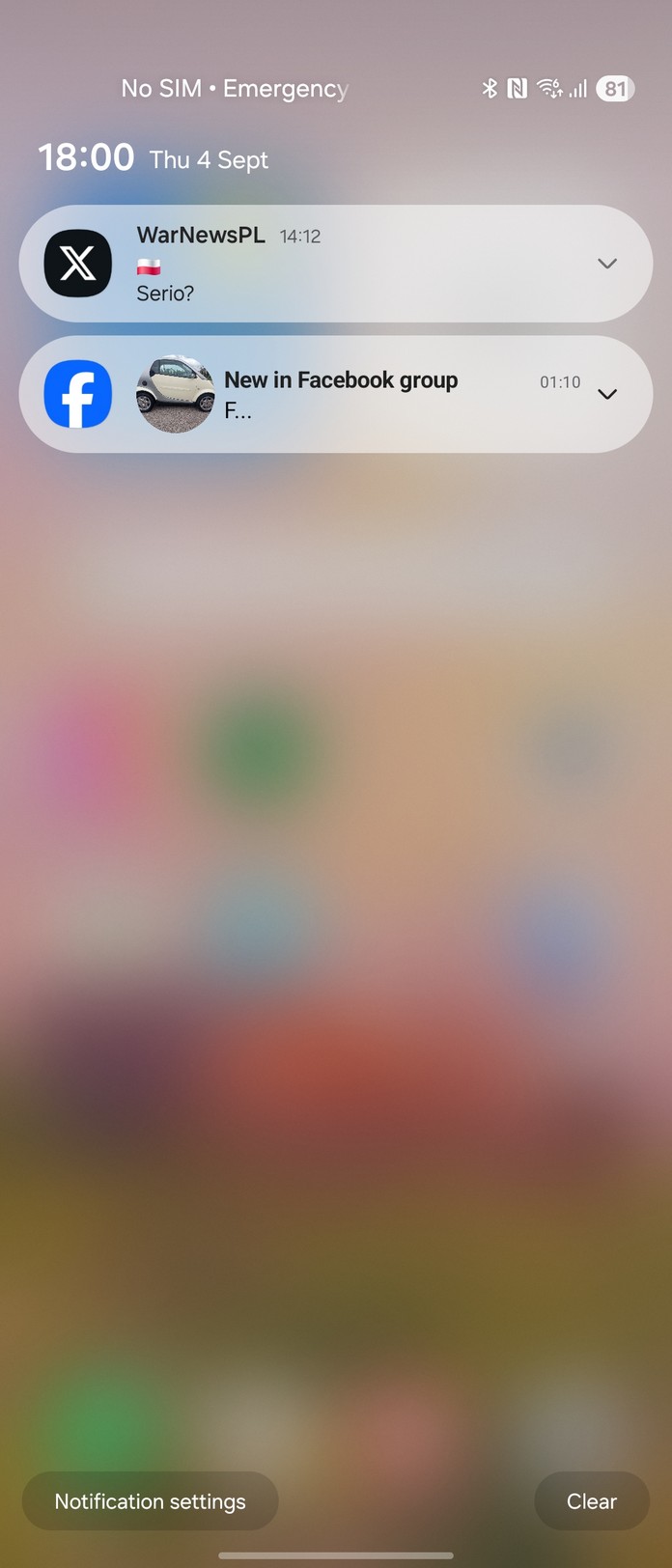
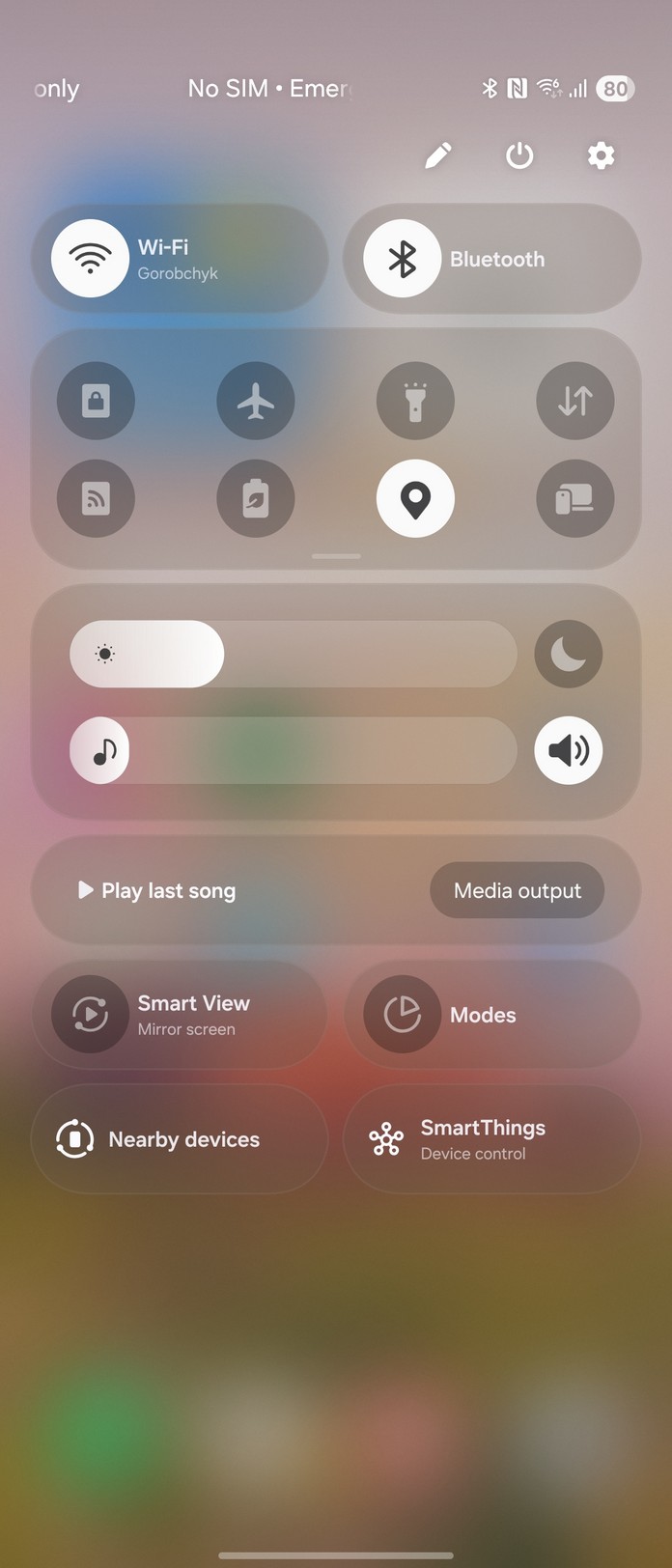
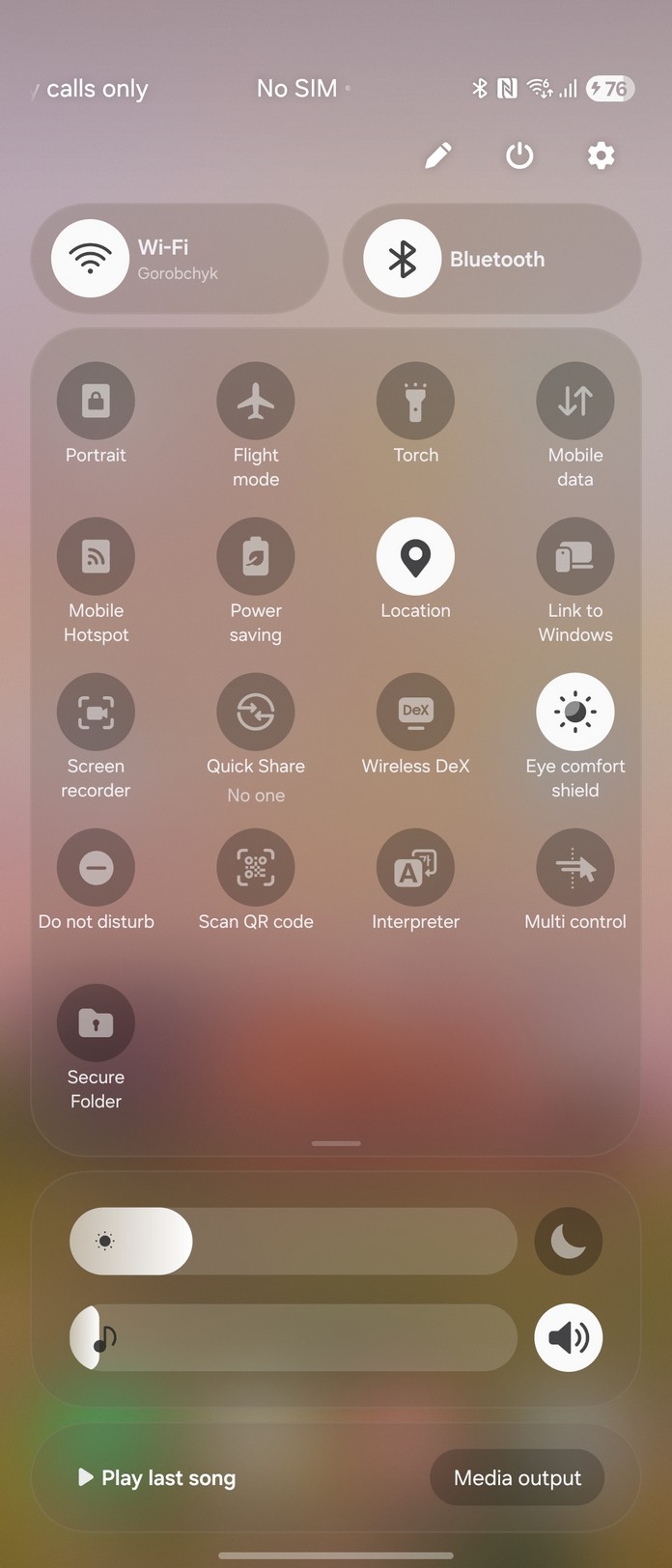
A somewhat controversial choice is Samsung borrowing an iOS-style notification panel layout. By default, notifications appear on the left and quick toggles on the right. Personally, I preferred the traditional combined panel.
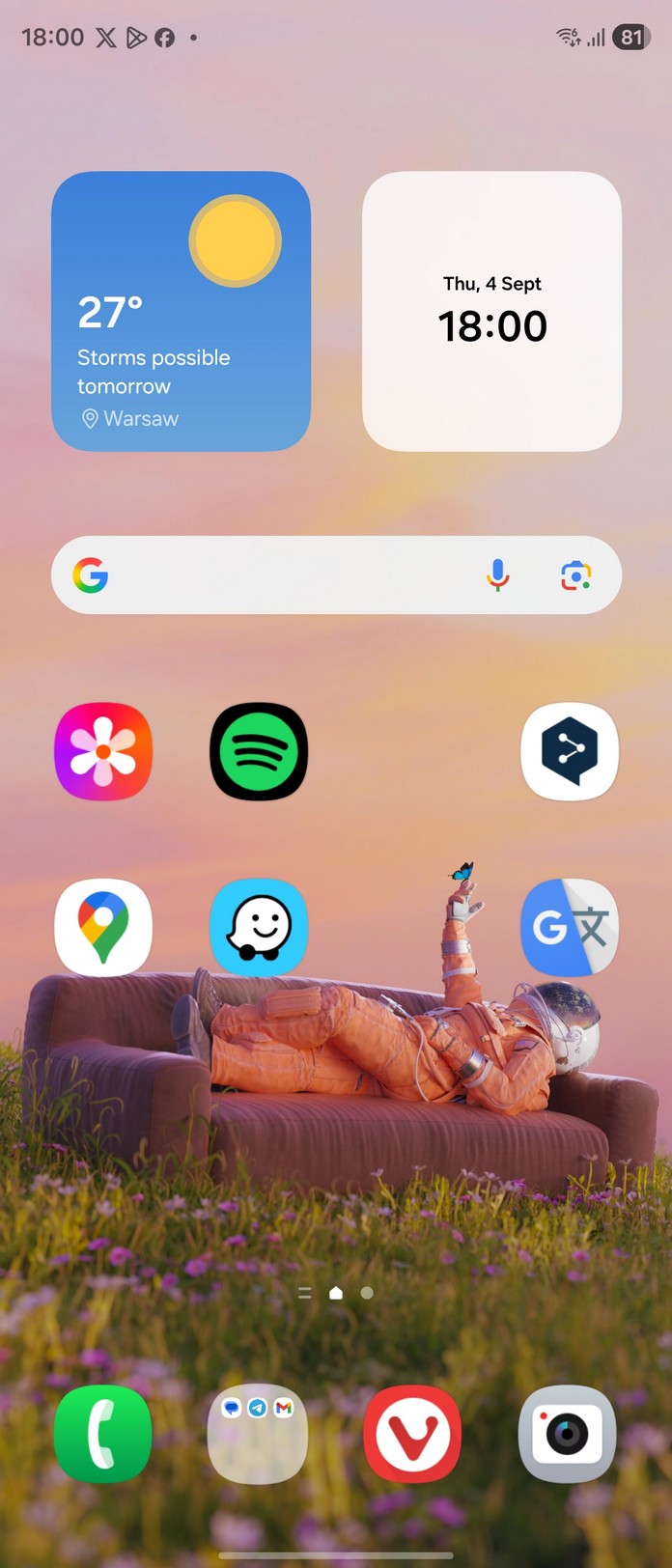
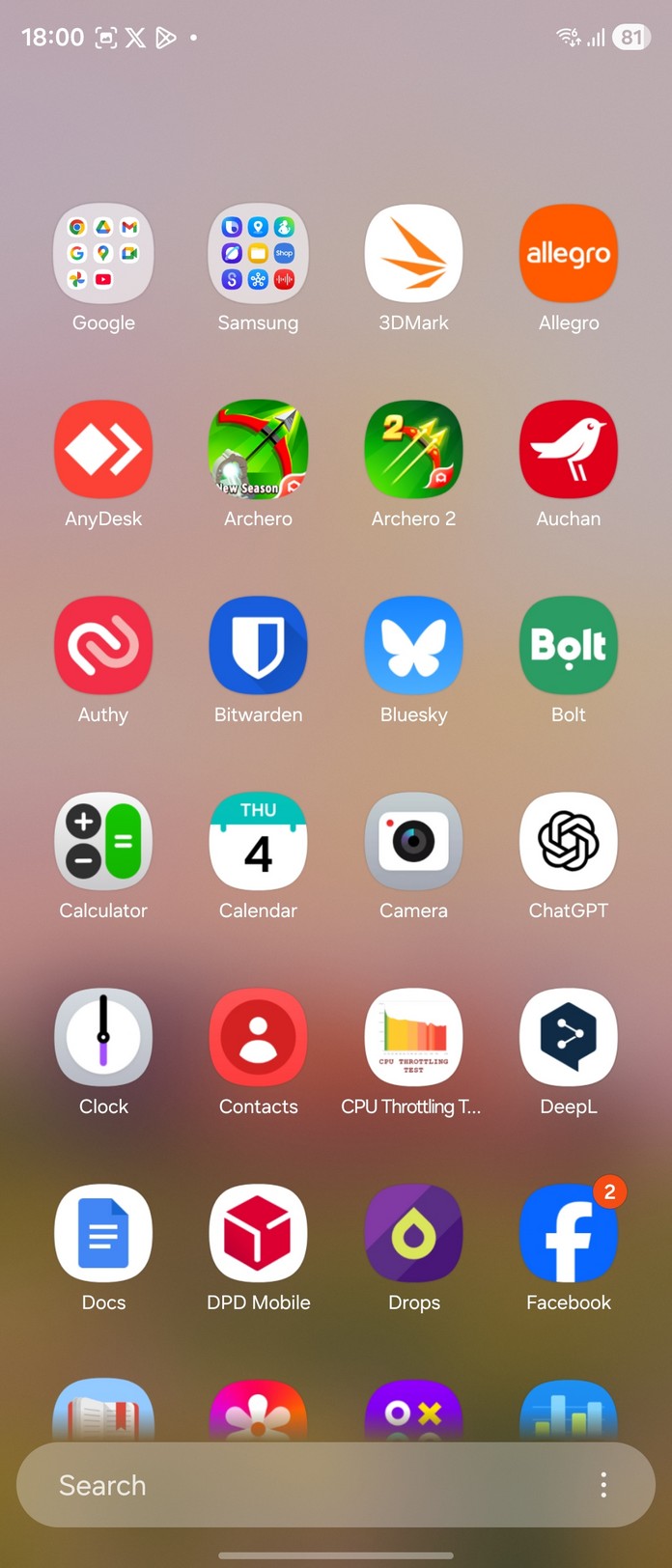
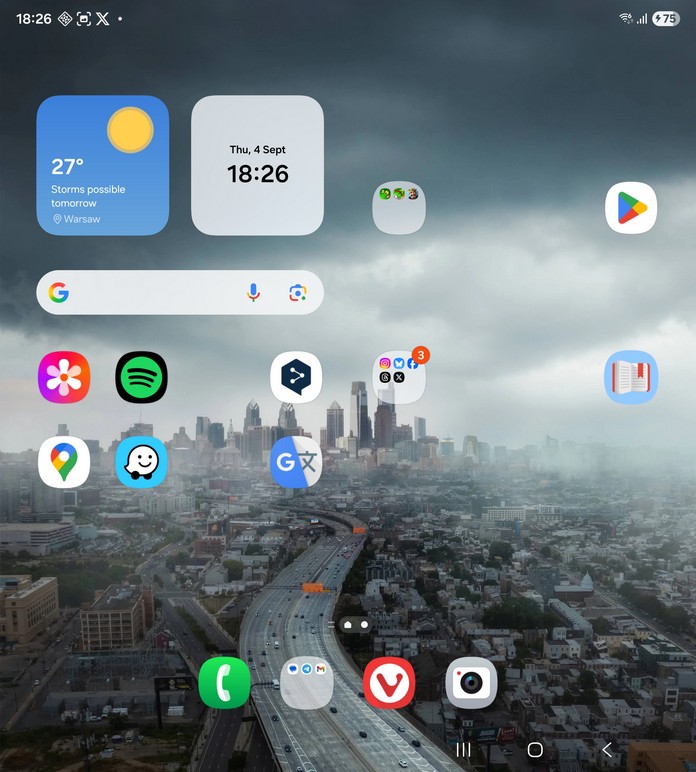
I liked that the launcher offers extensive options for icon grid layouts and appearances, and that the home screens on the external and internal displays can be set up completely independently if desired.
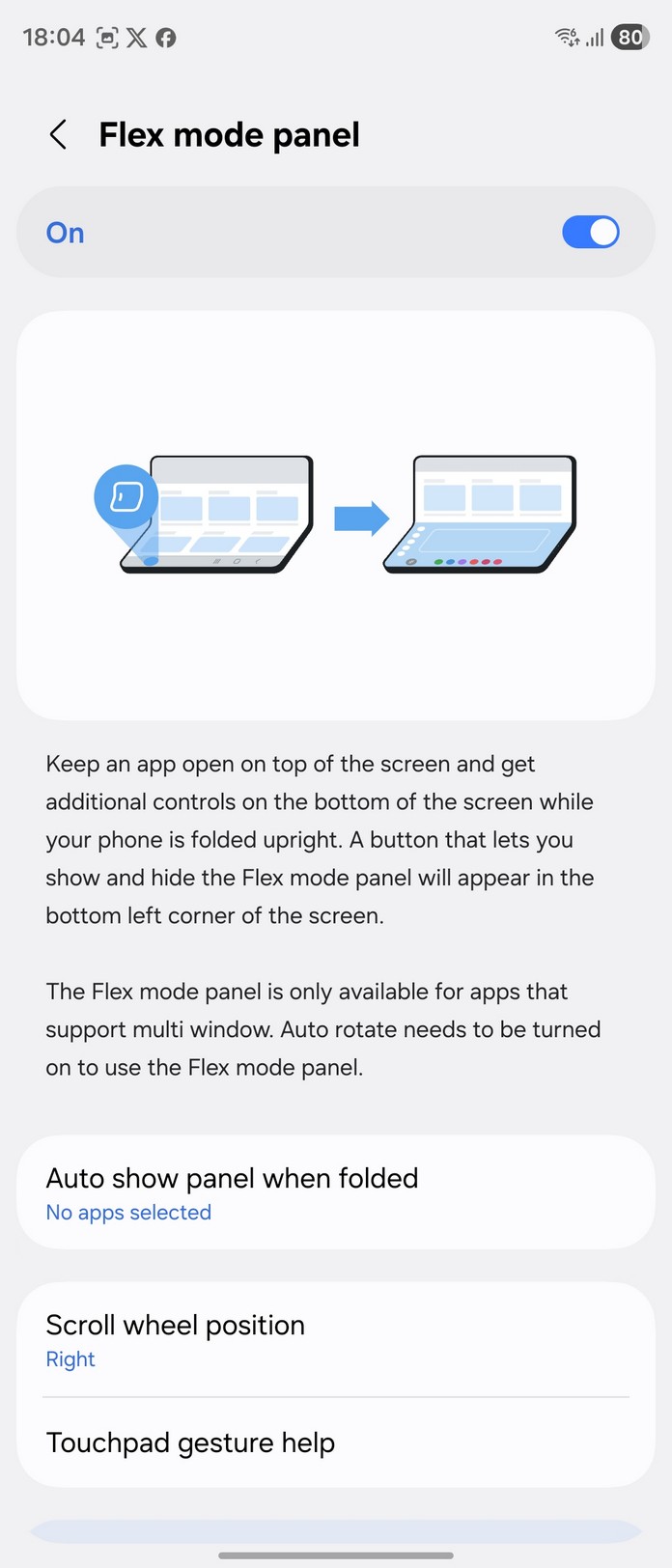
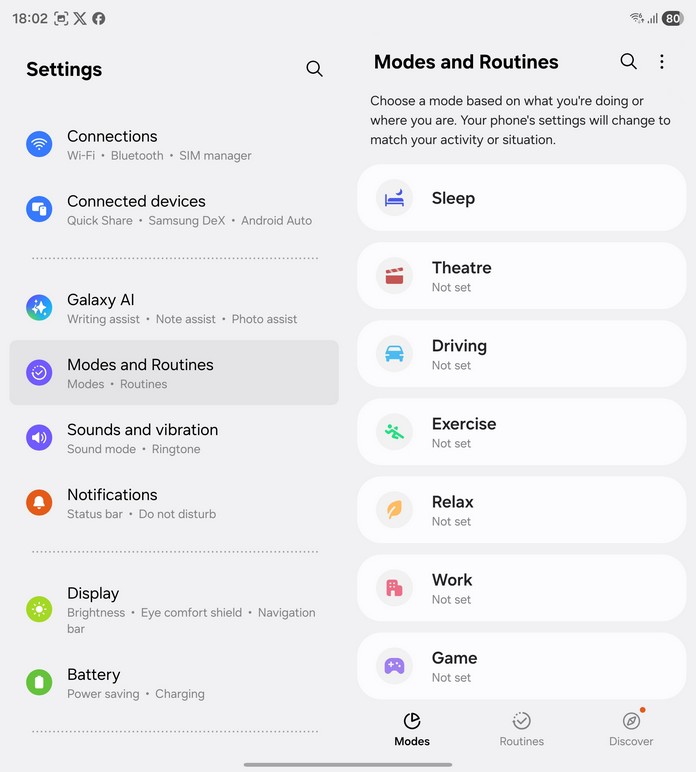
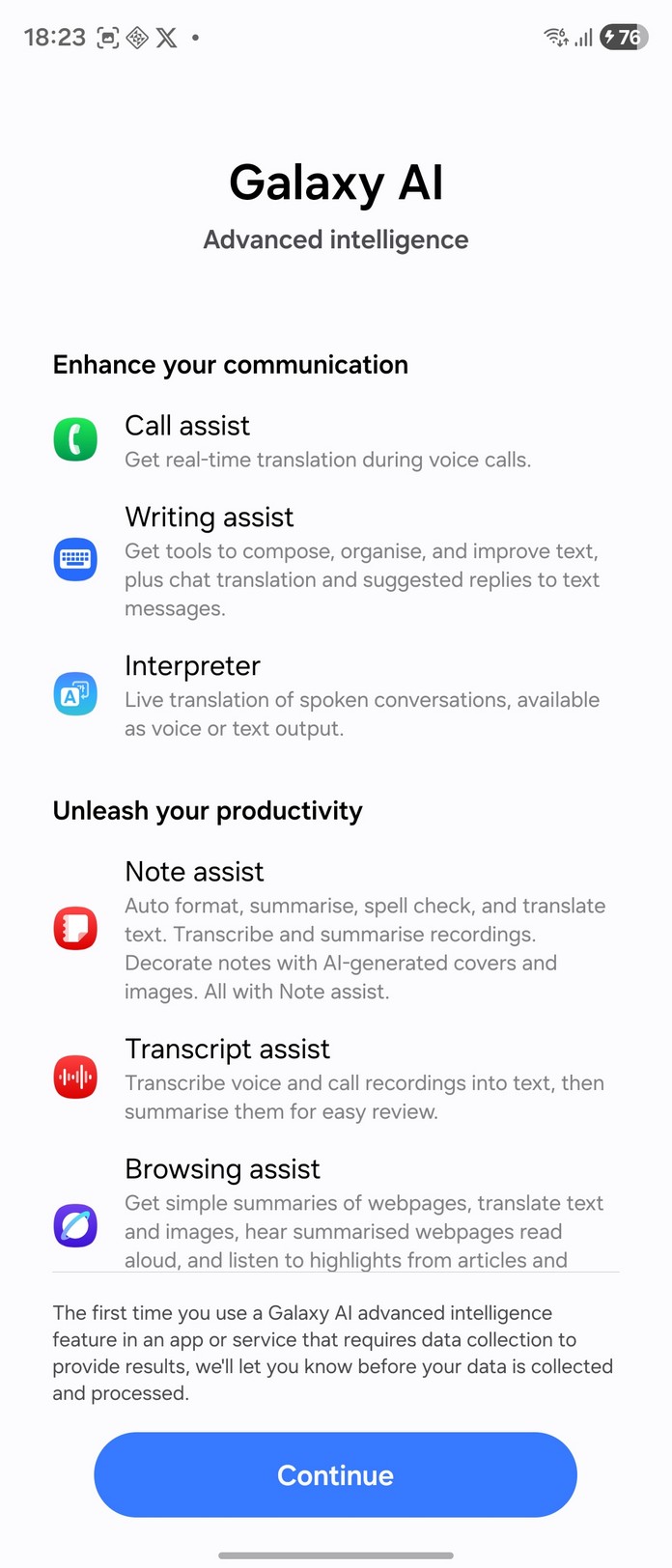
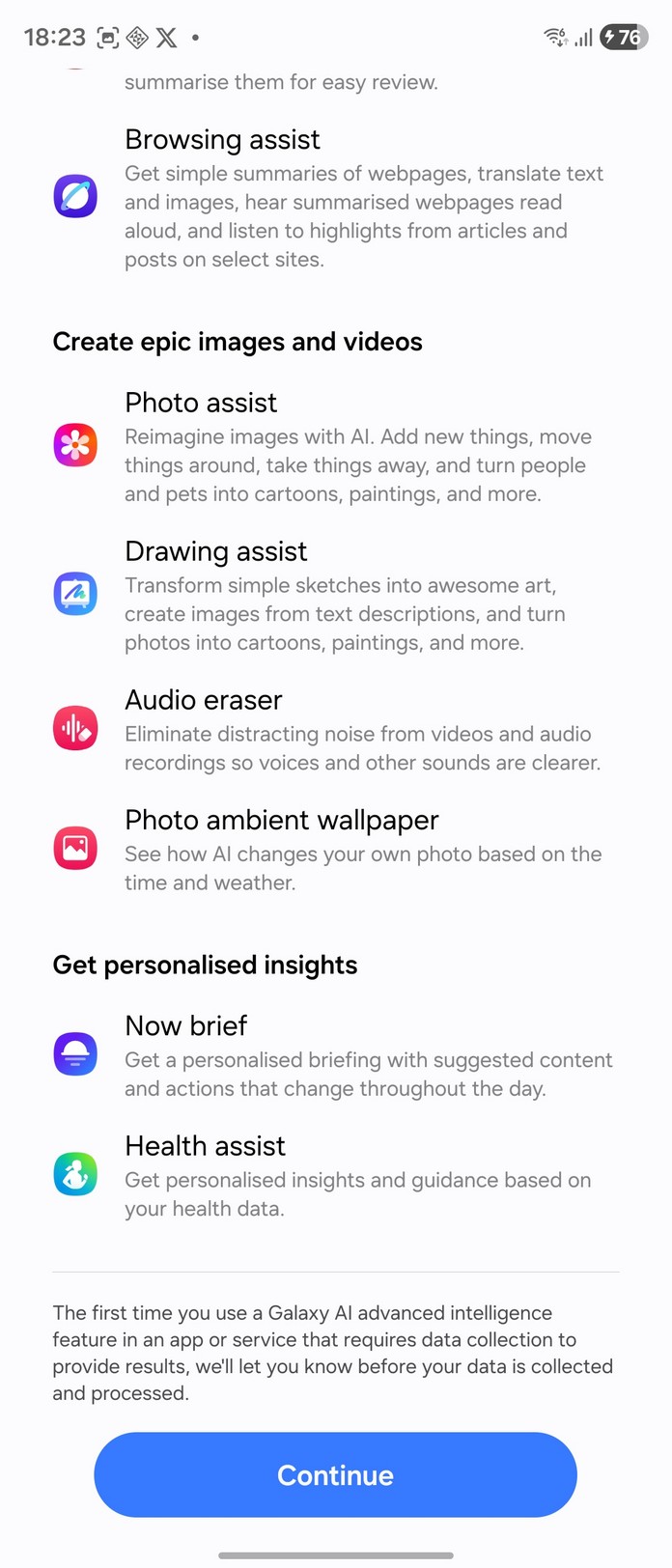
The new software, combined with flagship hardware, also introduces a wide range of useful AI features, offering something of interest for every user.
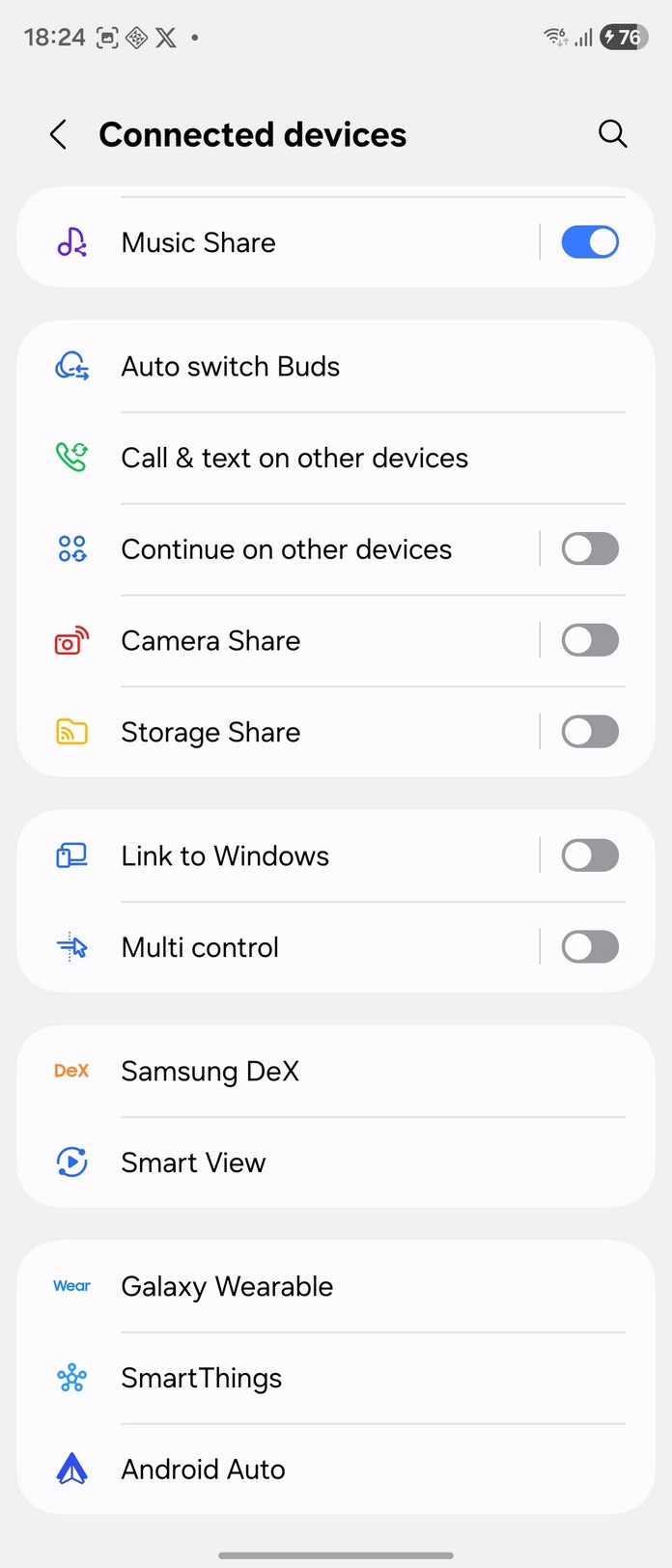
It’s also worth noting that the Samsung Galaxy Fold7 still supports Dex, allowing it to function almost like a full computer when connected to a monitor and keyboard. In this mode, the phone’s screen can serve as a touchpad.
Samsung Galaxy Fold7 Battery life
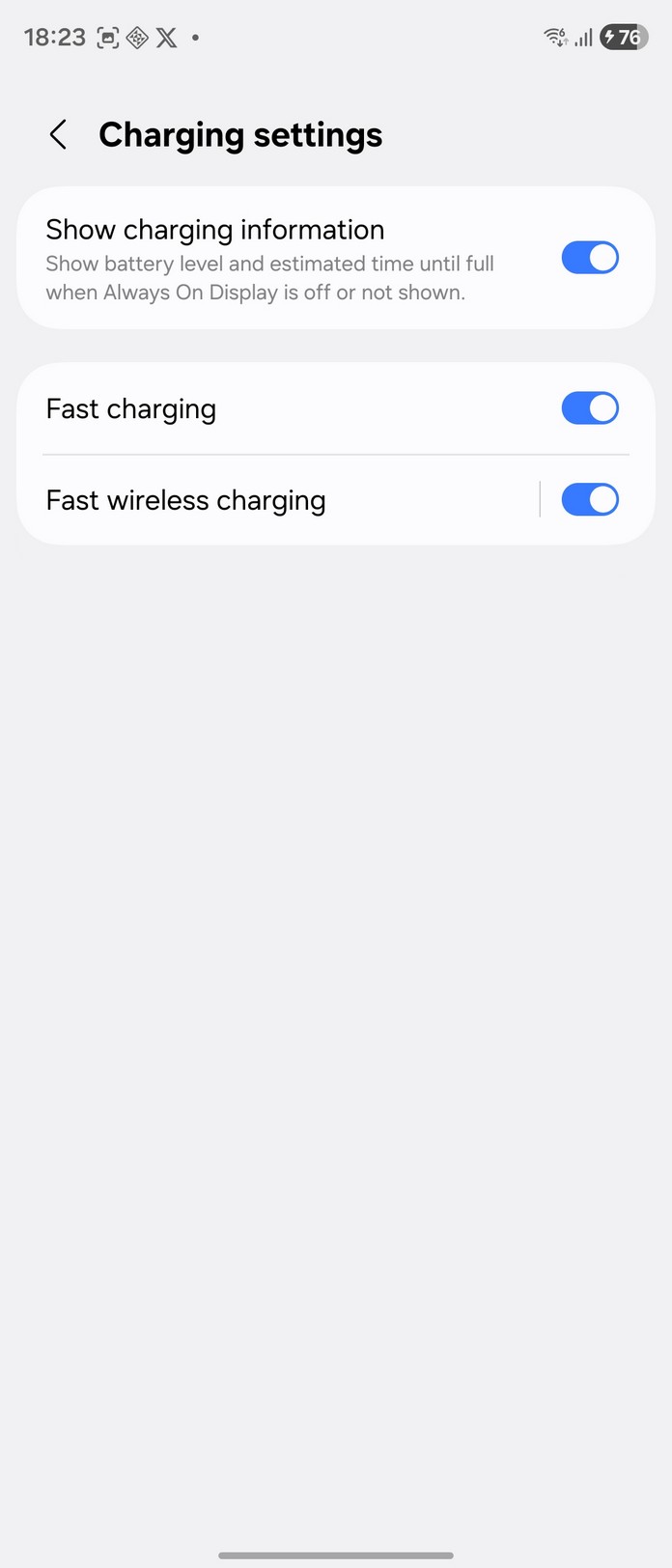
The flagship comes with a 4,400 mAh battery, which isn’t particularly impressive by today’s standards. Its relatively modest capacity is offset by fast charging – 25 W wired or 15 W wireless.
In theory, Samsung could have used a larger battery, but that would have required sacrificing the phone’s slim profile.
In real-world use, battery life will vary significantly depending on the scenario. Gaming, navigation, and heavy content consumption on the large screen can drain the battery by midday, with roughly five hours of active screen time. Photography also consumes power noticeably – taking just a few high-resolution shots can reduce the charge by around 1% per pair of photos.
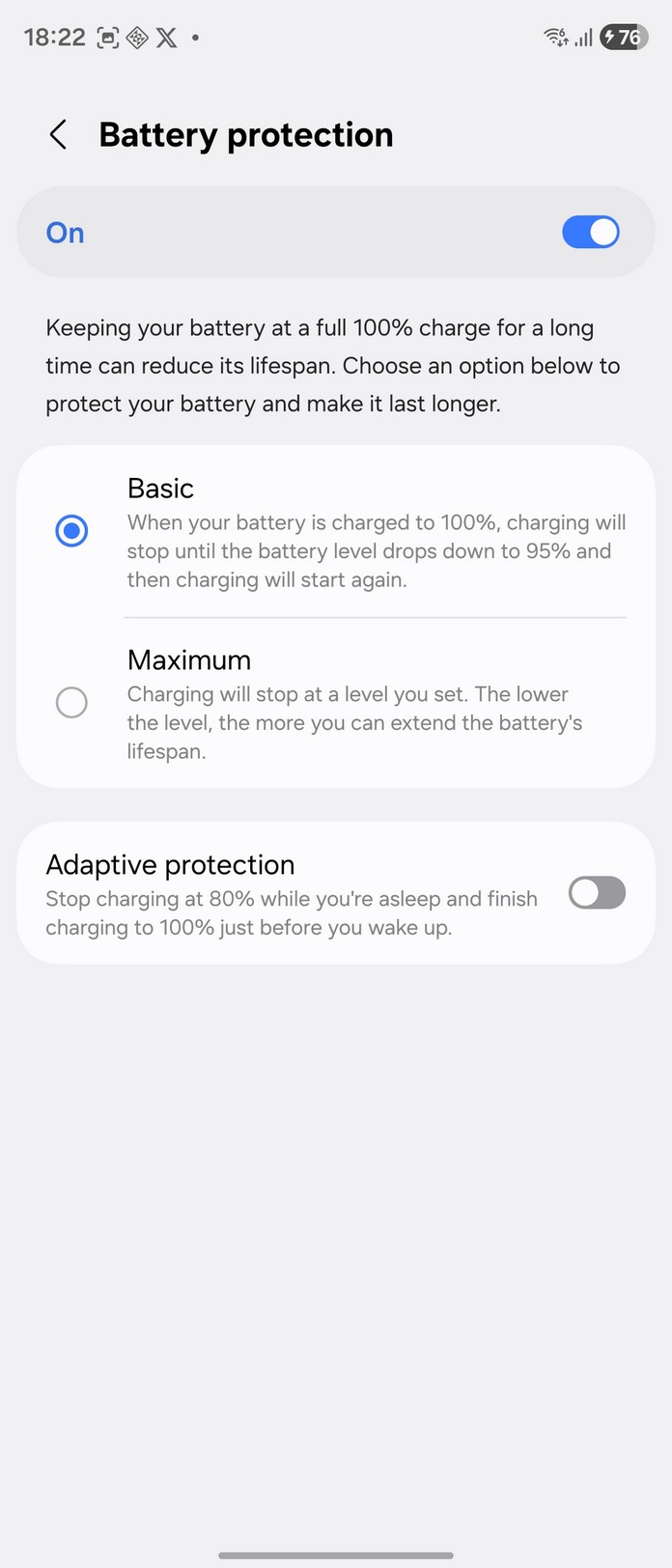
If used primarily in the folded state, the phone can easily last until the evening.
Conclusions
The year 2025 has brought many interesting developments in smartphones, and the Galaxy Fold7 seems to be one of Samsung’s most significant releases this year. For Samsung, it represents a strong refinement over previous generations. For the market, it stands as a serious competitor to other foldable smartphones, such as the Honor Magic V5 and Google Pixel 10 Pro Fold.
Advantages of the Samsung Galaxy Fold7
- Thin and light body for this form factor
- High-quality internal display with a barely noticeable transition between the ‘halves’
- One of the most powerful processors on the market
- Android 16 and software shell with a large number of customisations
- Well-implemented window management on the internal screen
- High-quality photos in most outdoor conditions
- Latest versions of wireless interfaces
- Reverse wireless charging support
Disadvantages of the Samsung Galaxy Fold7
- Costs as much as two ‘normal’ flagship smartphones.
- No charger or case included.
- Wobbles when placed on a flat surface, has sharp corners on the left edge.
- The battery can run out in half a day with active use.
- S-Pen support, which was available in previous generations, is gone.
Features you should know about
- Opening the smartphone requires considerable effort
- The smartphone needs attention and care; any drop can result in costly repairs
- Not all Android apps scale properly on an 8-inch screen
Returning to the question posed at the start: “Is it time to switch to a foldable smartphone?” If you’ve been using traditional smartphones and hesitated to try one, the answer is yes.
The Samsung Galaxy Fold7 offers additional functionality in its unfolded state without compromising on performance or size – aside from battery life. It isn’t larger, heavier, or less powerful than a standard flagship. Meanwhile, the extra display and flexible design can revive the sense of engaging interaction with a smartphone and deliver a fresh user experience.

