
© ROOT-NATION.com - Use of content is permitted with a backlink.
In April of this year, Motorola introduced a new smartphone – the Edge 60 Fusion. As the name suggests, it’s a completely new model within the existing Edge 60 lineup. The device features a clean design, up-to-date performance hardware, capable cameras, AI-based smart functions through moto ai, fast charging support, and protection that meets IP68/IP69 and MIL-STD 810H standards. All of these features make the Edge 60 Fusion appealing not only to loyal fans of the brand but also to other users. The smartphone is expected to hit the market any day now. I had the chance to get an early look at the device. In this review, I’ll cover what makes this new model interesting, its standout features, performance level, battery life, camera capabilities, and, importantly, its price. I’ll go into detail on all of this and more.
The Edge 60 Fusion offers features that could attract not only dedicated fans of the brand but also a wider audience. The phone is expected to become available for purchase very soon. I had the opportunity to review it ahead of the official release. In this review, I’ll discuss what sets this new model apart, its key features, performance levels, battery life, camera capabilities, and, importantly, the price. I’ll cover all this and more in detail.
TABLE OF CONTENTS:
Versions and specifications
To start, it’s worth noting that there are two main versions of the Edge 60 Fusion: a global version and one for the Indian market. These two differ quite significantly. The Indian version features a slightly more powerful processor (MediaTek Dimensity 7400 instead of the Dimensity 7300), a larger battery (5500 mAh versus 5200 mAh), but it lacks an NFC module for contactless payments.
The version that will be sold here is the global one, which is also the model I received for review. For that reason, I’ll focus on the technical specifications of the global version below.
- Model: Motorola Edge 60 Fusion (global version)
- Display: pOLED; 6.67″; Super HD (2712×1220); 20:9; 446 PPI; 120 Hz; 4500 nits; HDR10+; 100% DCI-P3; 10 bits; screen-to-body ratio 96.32%; touch sampling frequency up to 300 Hz; Water Touch water resistance technology; rounded edges (waterfall screen); Corning Gorilla Glass 7i
- Display certification: HDR10+, Amazon HD streaming, SGS Low Blue Light, SGS Low Motion Blur, Pantone Validated, Pantone Skintone Validated
- Processor: MediaTek Dimensity 7300; 8 cores (4×Cortex-A78 2.5 GHz + 4×Cortex-A55 2 GHz); 4 nm process; ARM Mali-G615 MC2 graphics
- RAM: 8 GB LPDDR4X
- Storage: 256 GB UFS 2.2
- Memory card support: microSD up to 1024 GB
- Rear camera: 3 modules (main, ultra-wide, auxiliary). Main lens: 50 megapixels; f/1.88; Sony LYTIA 700C; 1/1.56’; 1.0 µm; Multi-directional PDAF; optical image stabilisation (OIS). Ultra-wide lens: 13 megapixels; f/2.2; 120°; 1/3.0’; 1.12 µm; AF autofocus; 12 mm focal length; macro camera function. Video recording: 4K@30FPS, 1080P@30/60FPS
- Front camera: island (in the display); wide-angle; 32 megapixels; f/2.2; 1/3.14’; 0.7µm; HDR; video recording 4K@30FPS, 1080P@30FPS; electronic stabilisation gyro-EIS
- Audio: stereo speakers, support for Dolby Atmos and Hi-Res Audio
- Battery: 5200 mAh
- Charging: Motorola TurboPower 68W
- Operating system: Android 15
- Shell: Hello UI
- Communication standards: 2G, 3G, 4G, 5G
- SIM card: 1×nano-SIM + eSIM
- Wireless technologies: Wi-Fi 6 (802.11ax), Bluetooth 5.4, NFC
- Geolocation services: GPS, AGPS, LTEPP, SUPL, GLONASS, Galileo
- Sensors and sensors: presence sensor, ambient light sensor, accelerometer, gyroscope, Sar sensor, microcontroller for processing data from various sensors, magnetometer (electronic compass)
- Security: on-screen fingerprint scanner, face control, ThinkShield
- Connectors and ports: Type-C (USB 2.0)
- Protection: IP68/IP69 waterproof, MIL-STD-810H shockproof
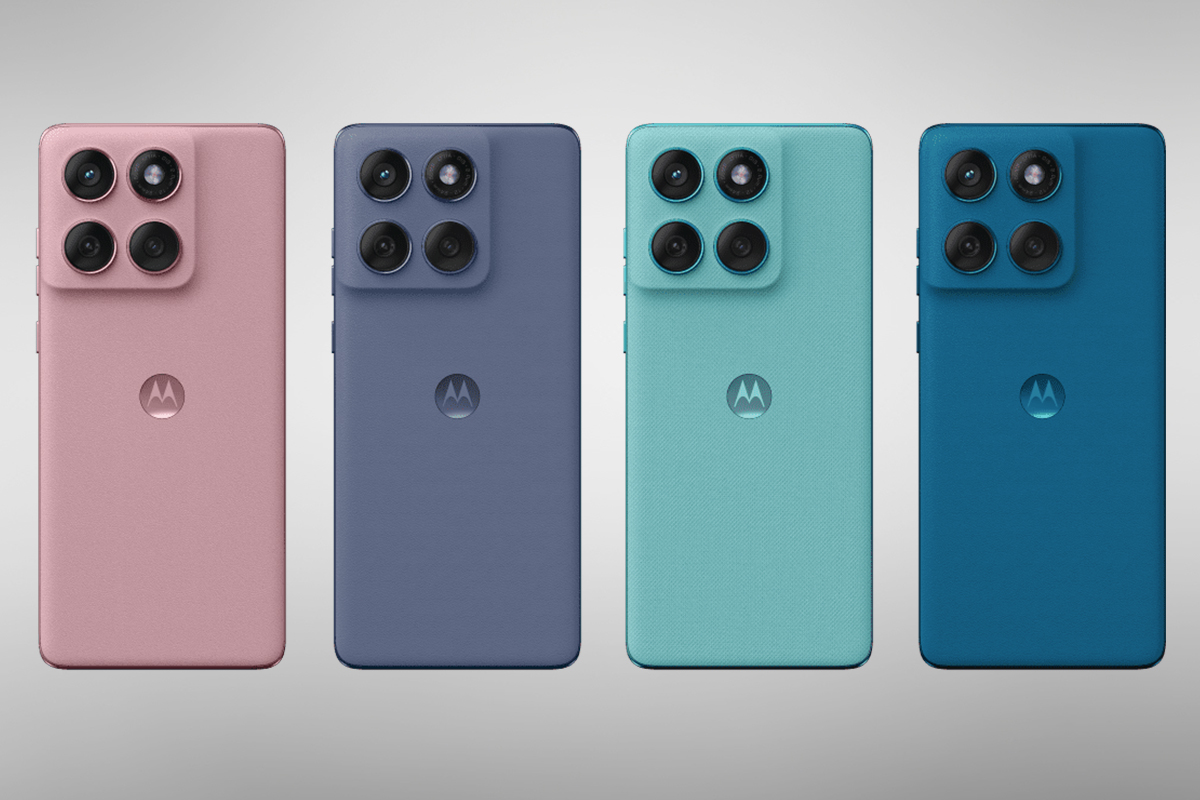
- Available colours: PANTONE Zephyr, PANTONE Slipstream, PANTONE Mykonos Blue, PANTONE Amazonite
- Dimensions: 161.0 x 73.0 x 7.95 mm
- Weight: 178 g
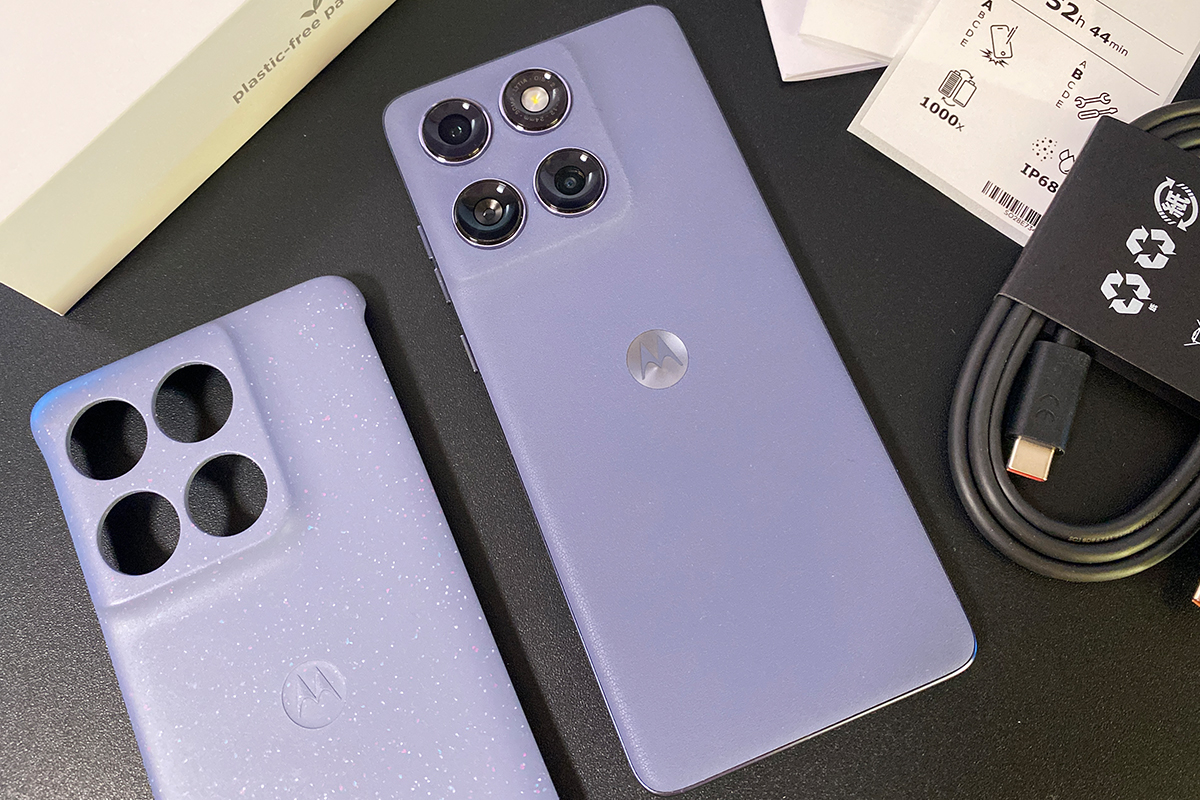
- Package contents: smartphone, branded case, USB-C to USB-C cable, SIM eject tool, user manual, warranty documentation, branded flavoured plastic-free packaging
Positioning and price
The Motorola Edge 60 Fusion can be described as a near-flagship mid-range smartphone. It’s primarily aimed at users who want some of the feel and features of a flagship device but at a more accessible price point. The phone strikes a reasonable balance between specs, design, and tactile experience, while maintaining a relatively affordable price. These factors contribute to making the model appealing to a broad range of users, as I mentioned at the beginning of this review.
The smartphone went on sale at the very moment I was writing this review. The price of Motorola Edge 60 Fusion is currently $337 / €295. What can I say, it’s a competitive and very attractive price for a device of this level. A future TOP for your money?
Package contents
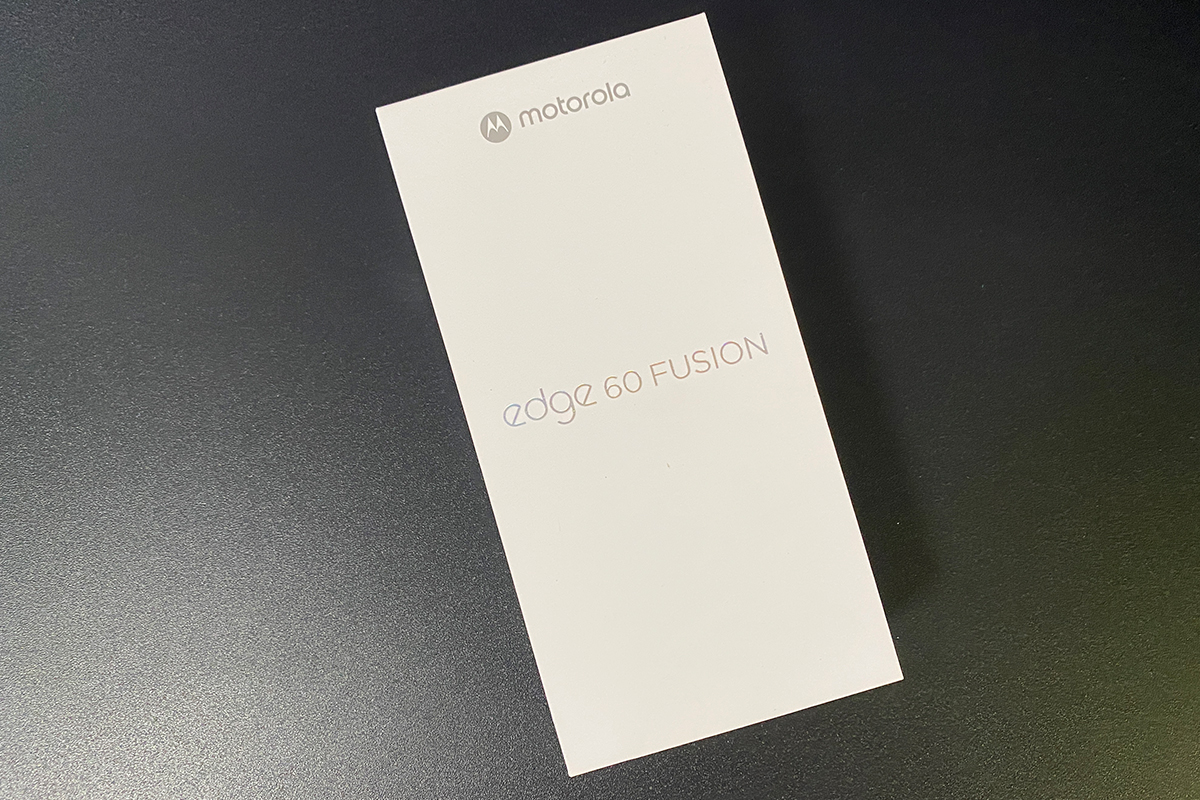
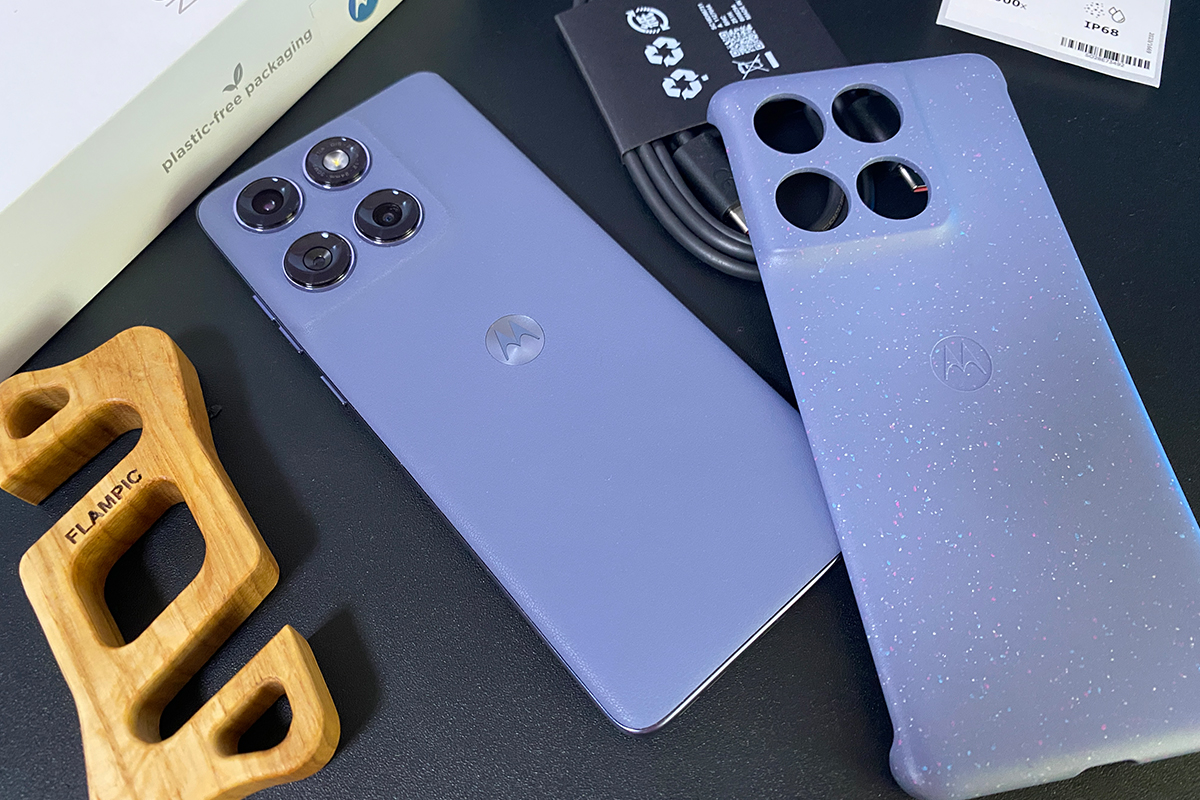
The smartphone comes in a branded perfumed plastic-free packaging. Thus, in Edge 60 Fusion, Motorola has retained its signature ‘smelling’ packaging to create a wow effect when unpacking and emotionally enhance the first acquaintance with the device.
The content of the kit itself is basic:
- smartphone
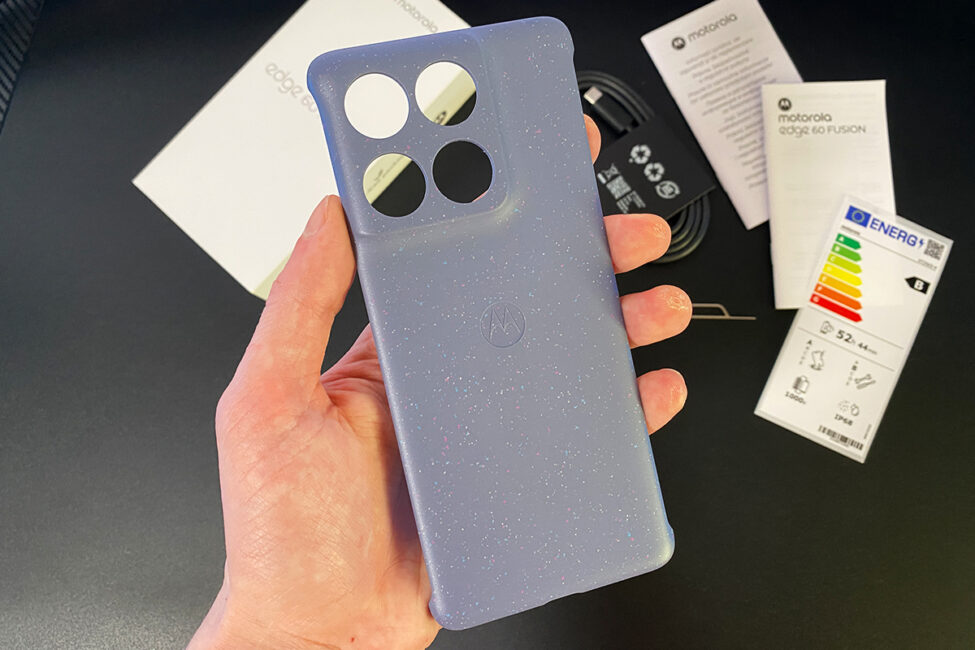
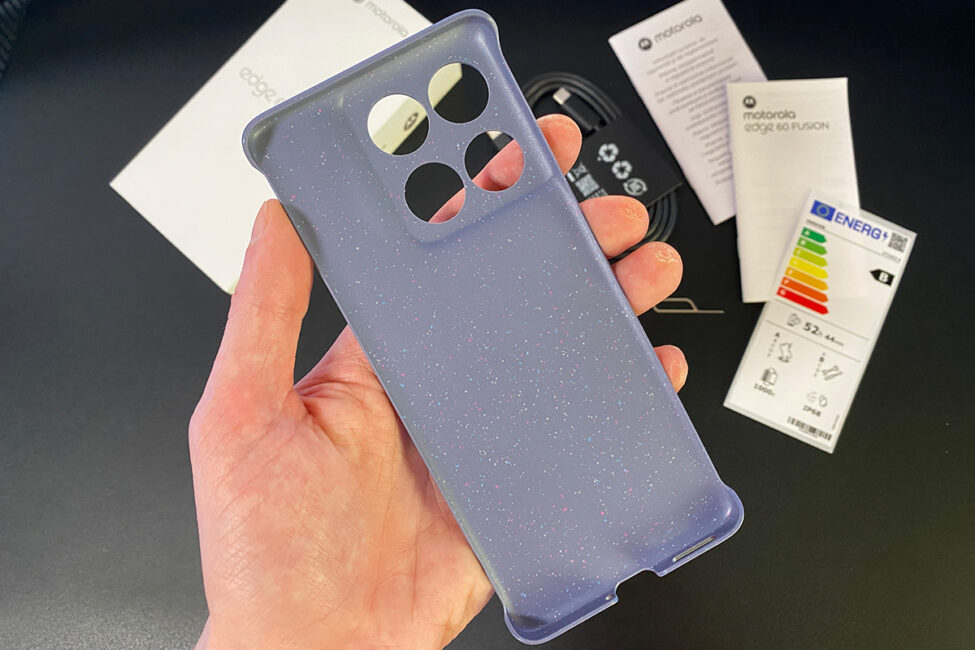
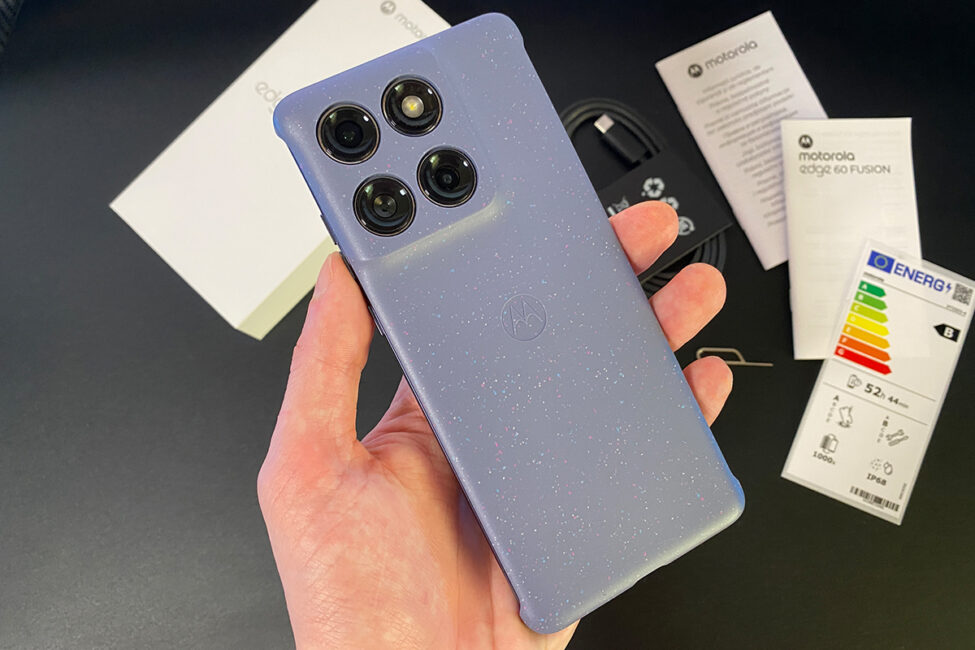
- branded case
- USB-C to USB-C cable
- tool for removing the SIM tray
- user manual
- warranty documentation
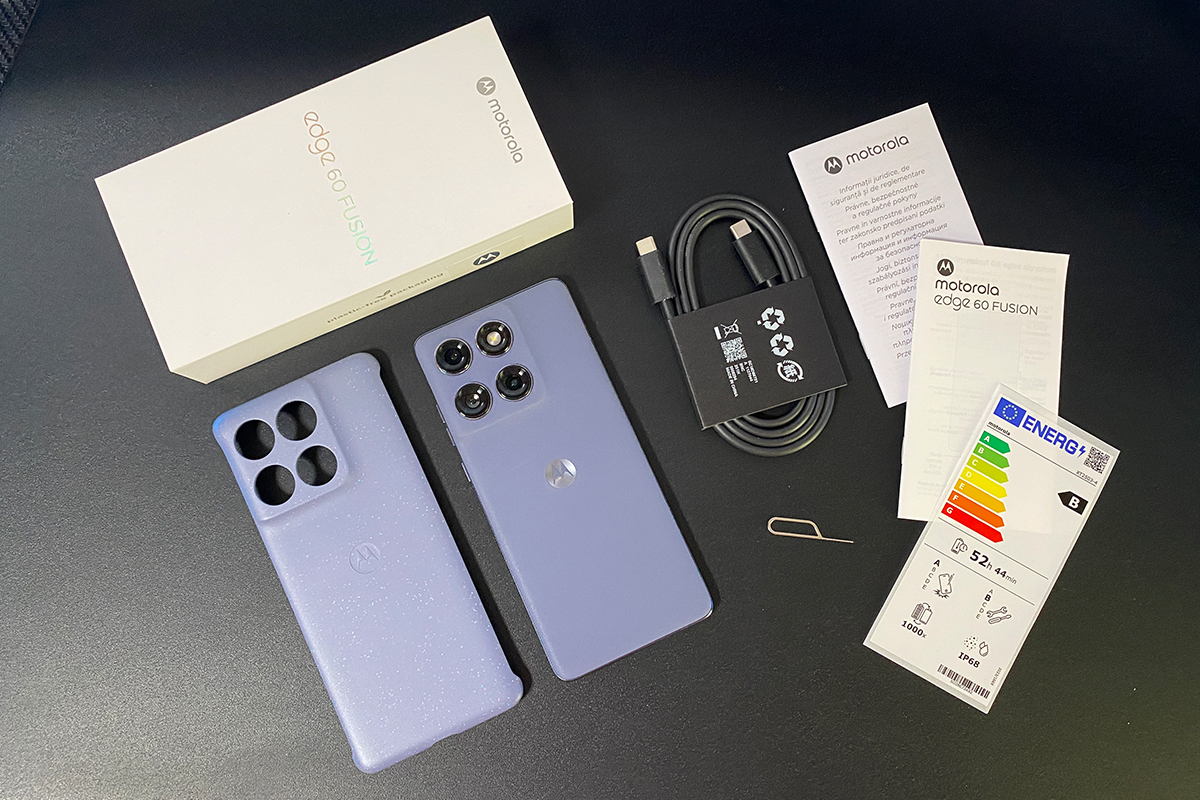
The charger is not included. One could highlight this point as a disadvantage, but these are modern trends to which, I think, most people have long been accustomed. Actually, that’s why we won’t nitpick too much about the Edge 60 Fusion’s equipment.
Read also: Nubia V70 vs. Nubia V70 Max: Budget Phones for the Detail-Oriented Buyer
Design, ergonomics, build quality
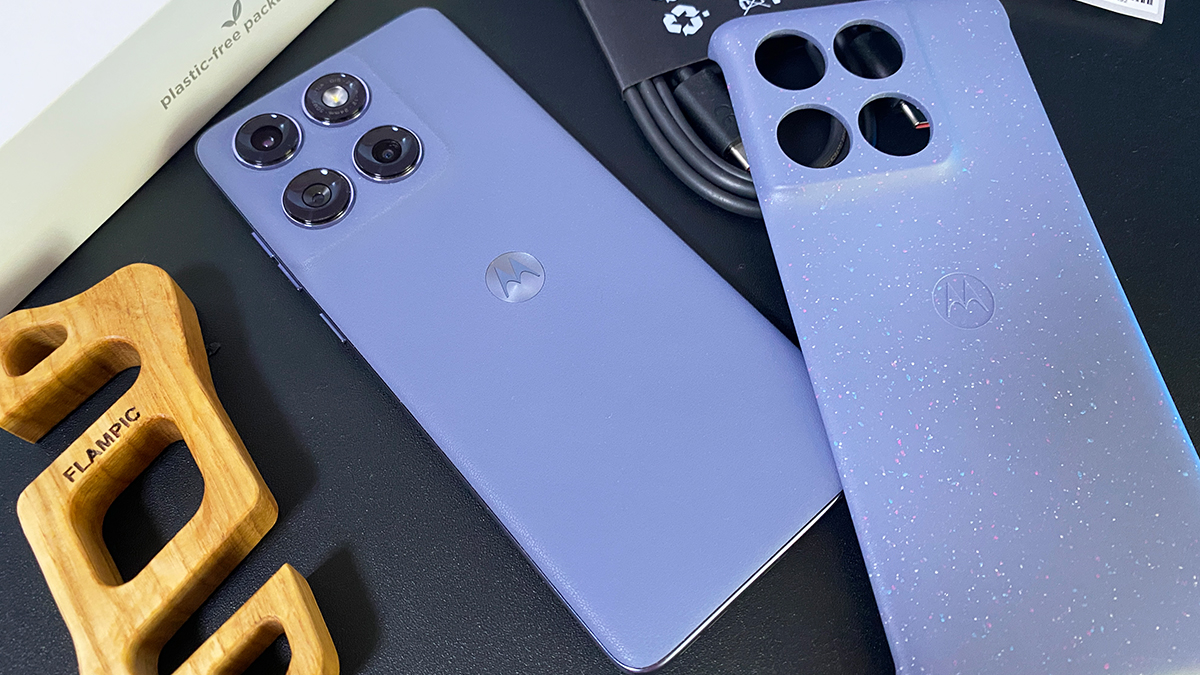
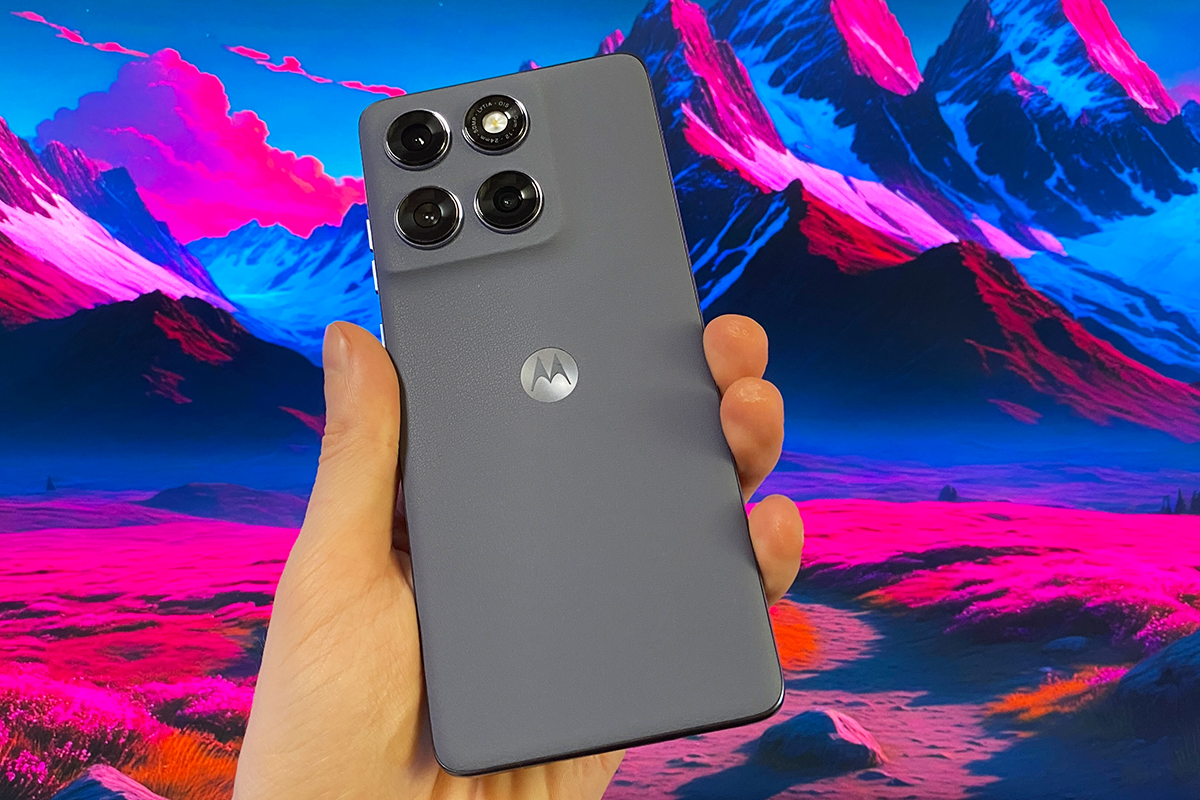
The design of the new model largely continues the recognisable style of the Edge series: a square camera unit with rounded edges, a waterfall display curved on four sides, an eco-leather back panel, a thin and light body, and of course, PANTONE colours.
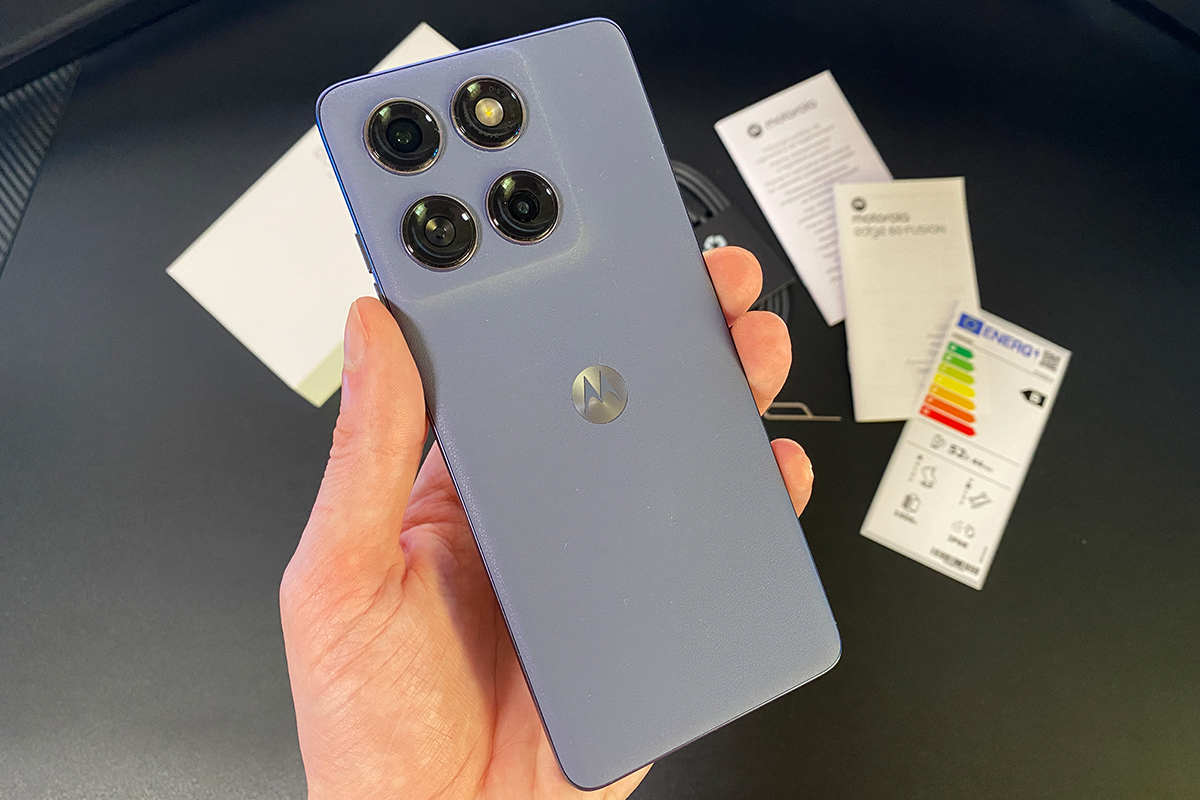
Continuing its cooperation with PANTONE, Motorola has offered four colours for the new model: Zephyr, Slipstream, Mykonos Blue and Amazonite. By the way, the Slipstream version came to me for review, so it’s the one I’ll be showing in the photos below.
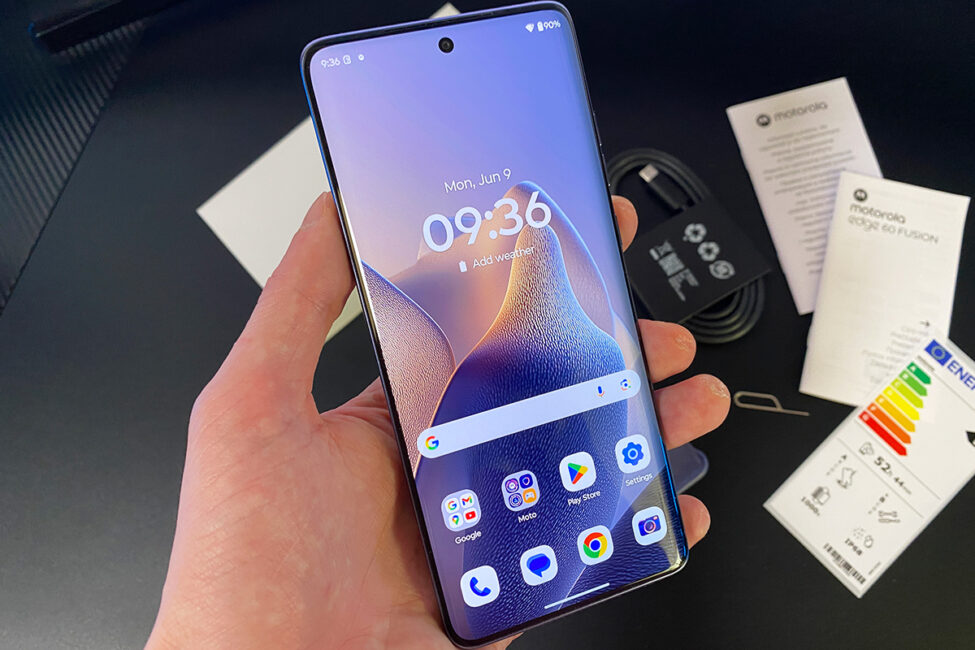
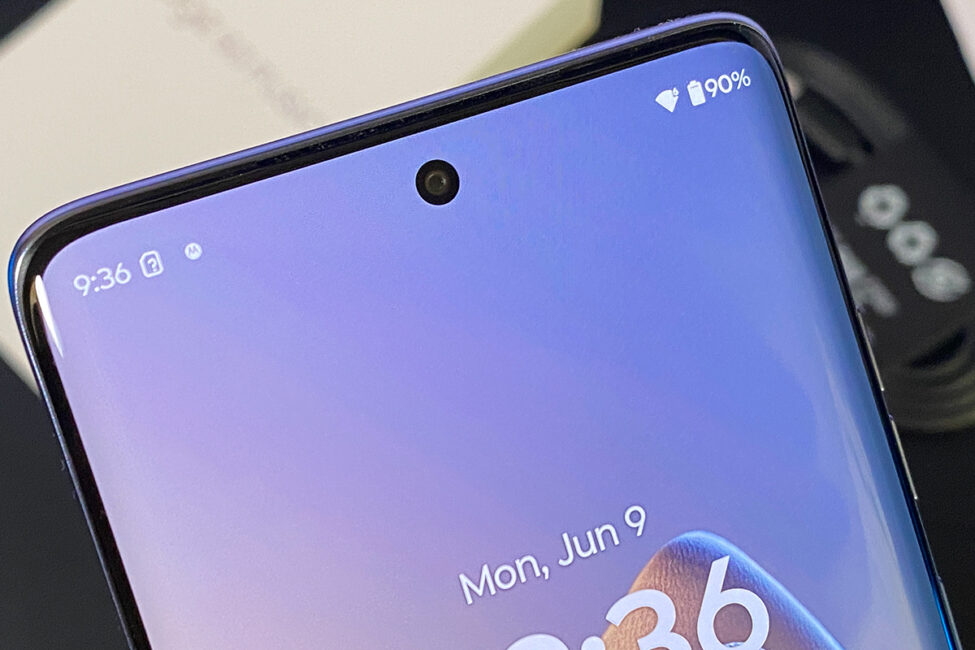
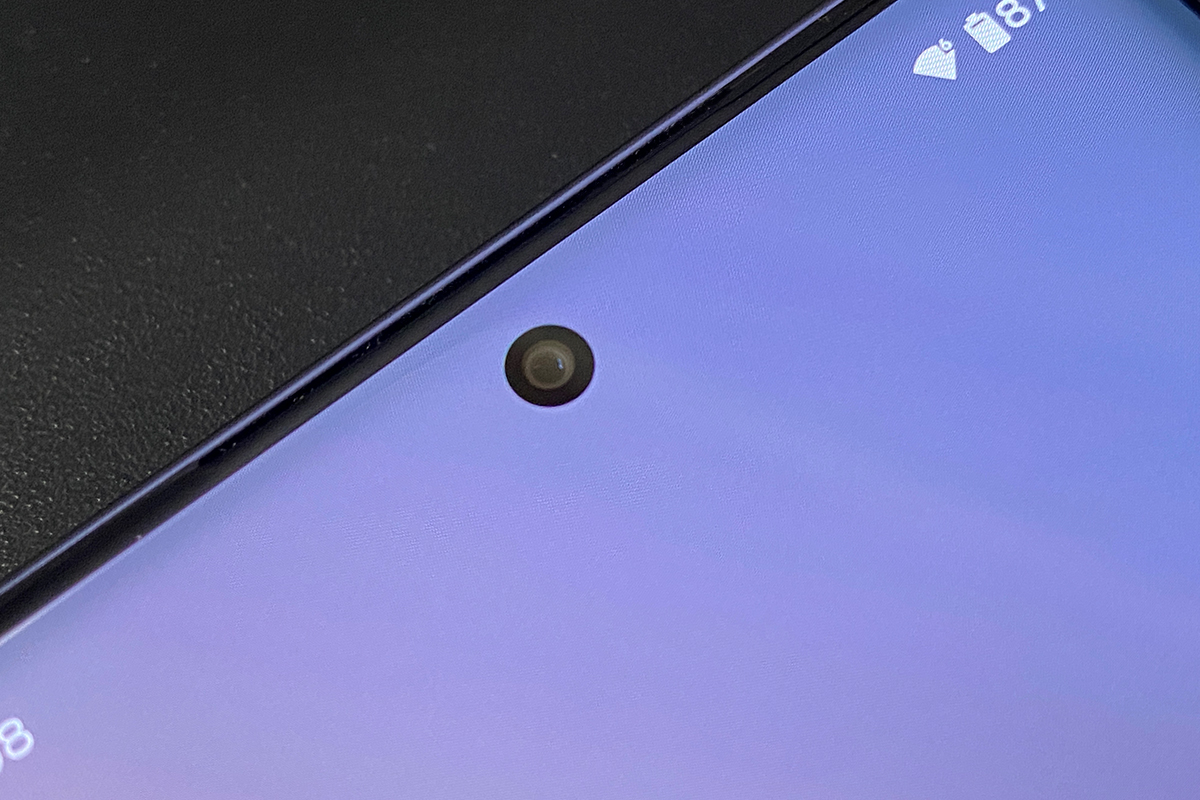
In front, the entire space is occupied by a 6.67-inch pOLED display with rounded edges and very thin bezels at the top and bottom. The front camera is an island-type camera, made in the form of a dot at the top of the screen. The screen itself is protected by Corning Gorilla Glass 7i.
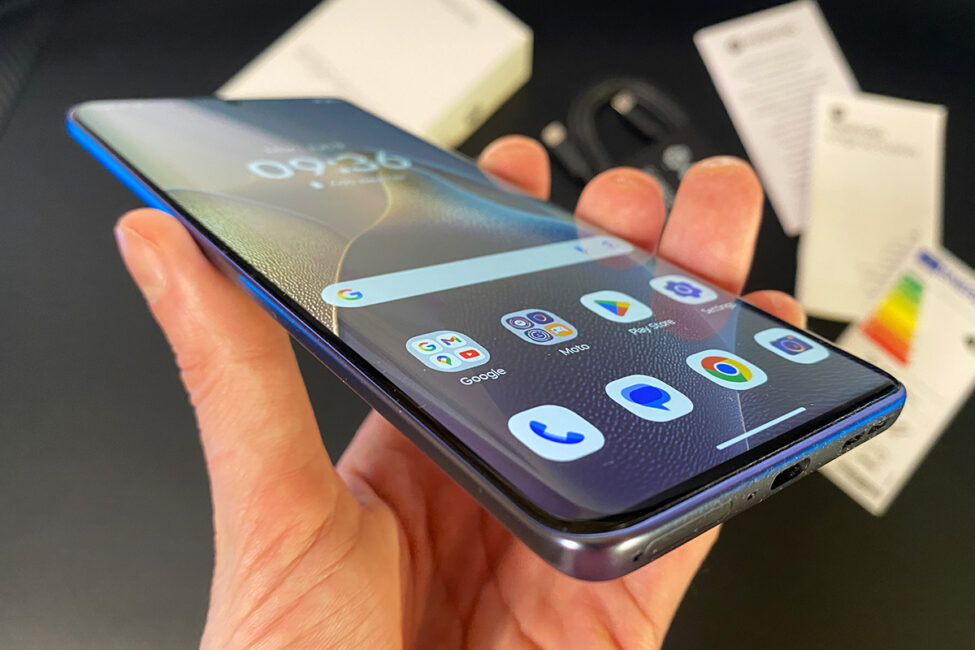
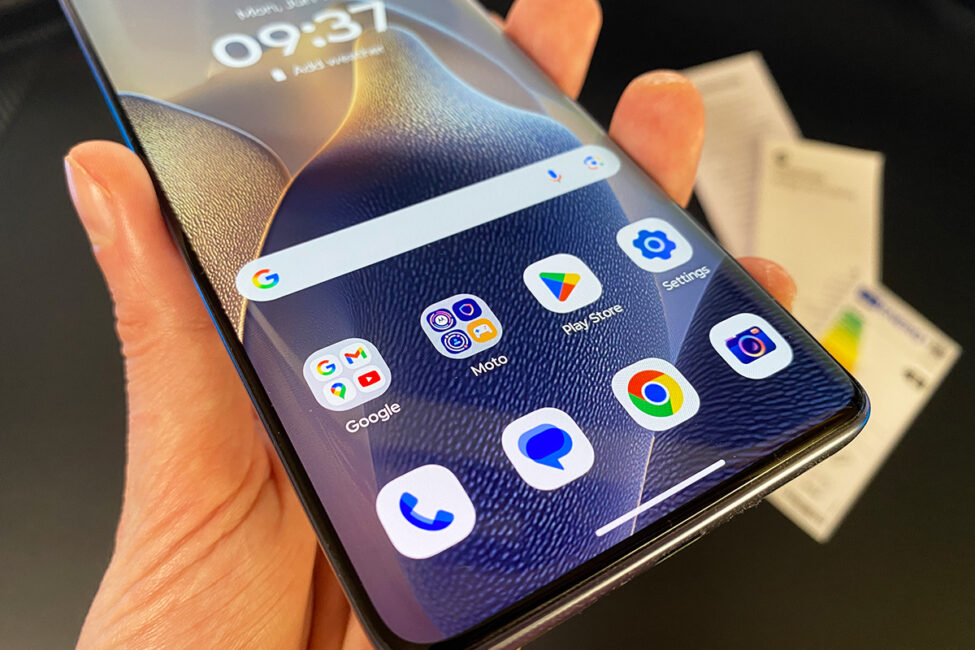
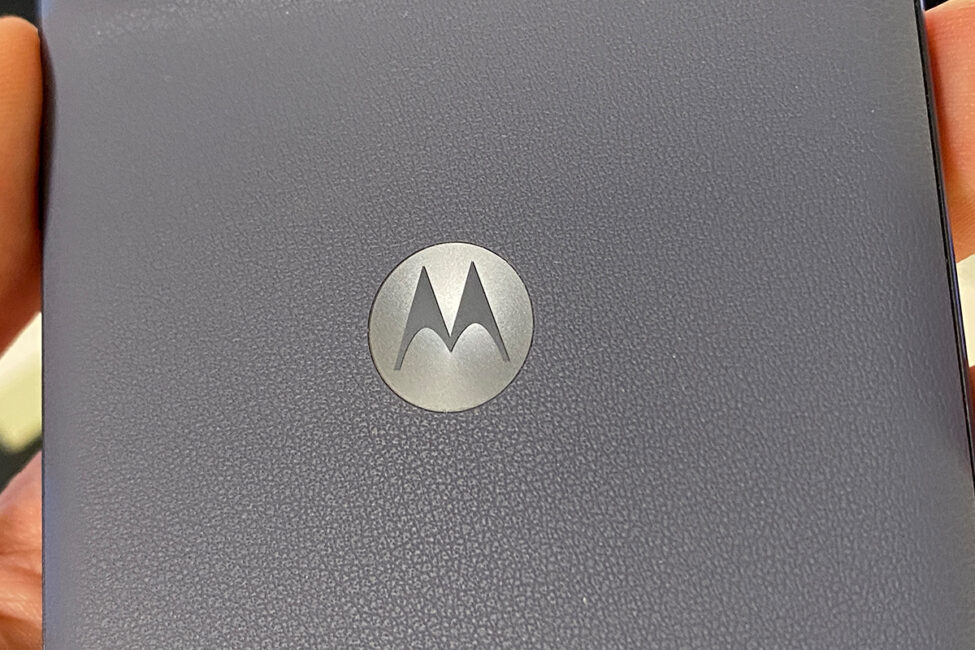
The back panel of the smartphone, in the best Motorola traditions, is made in eco-leather. Thanks to this coating, the smartphone is very pleasant to the touch and fits well in the hand.
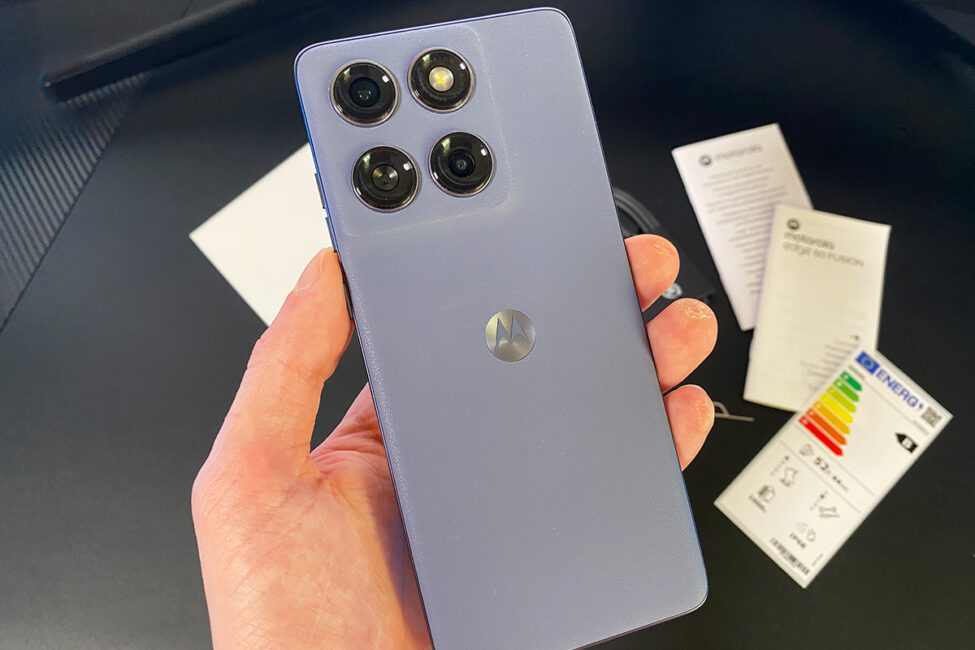
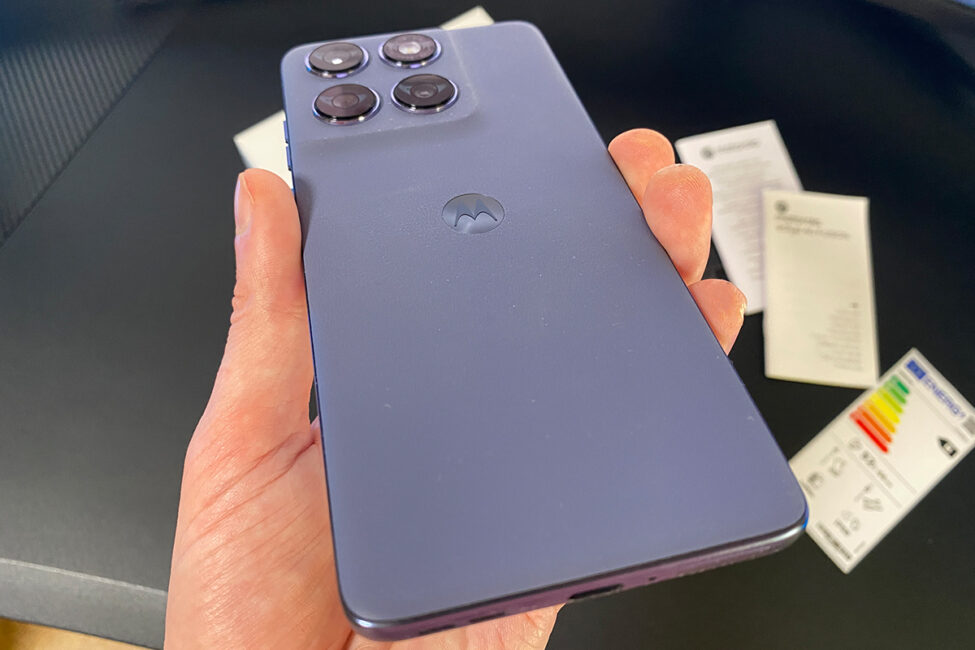
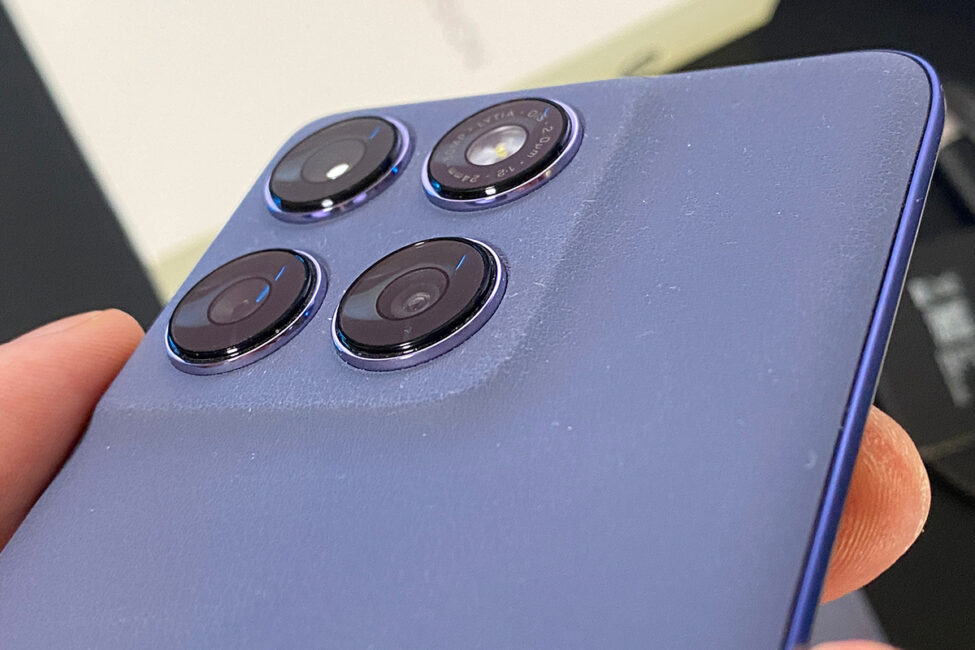
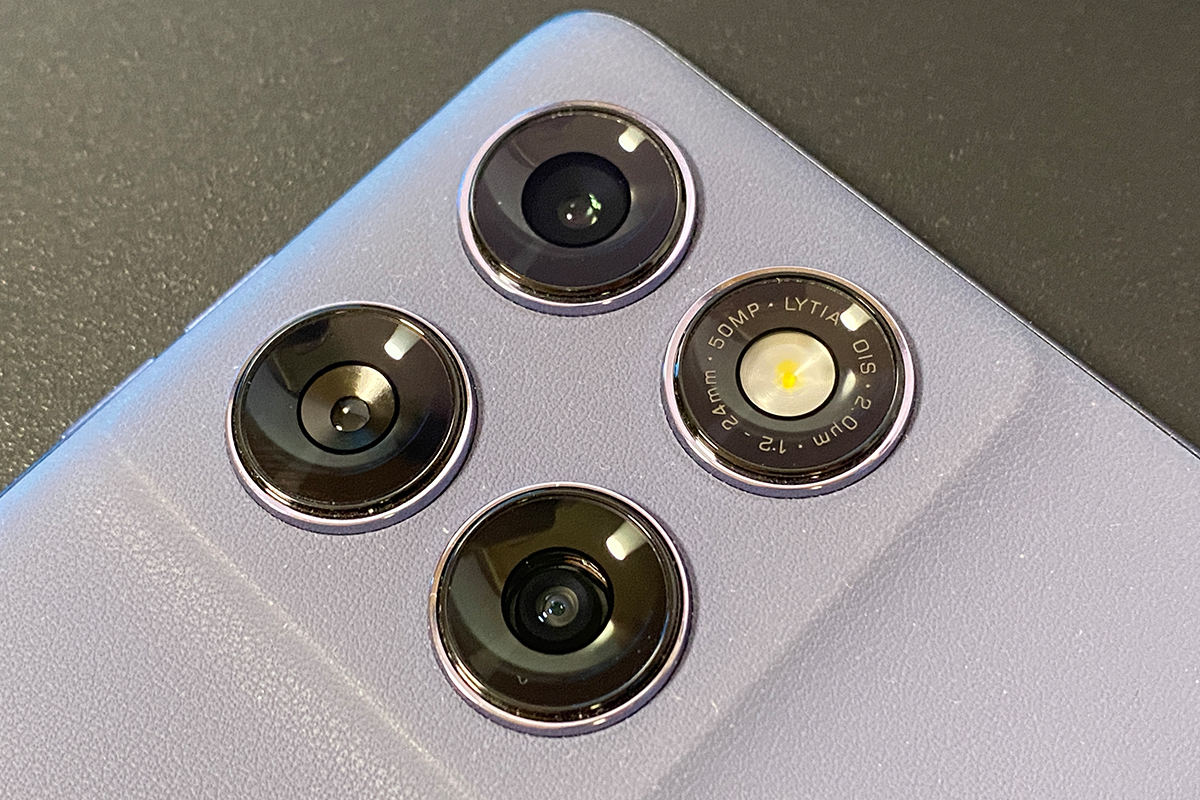
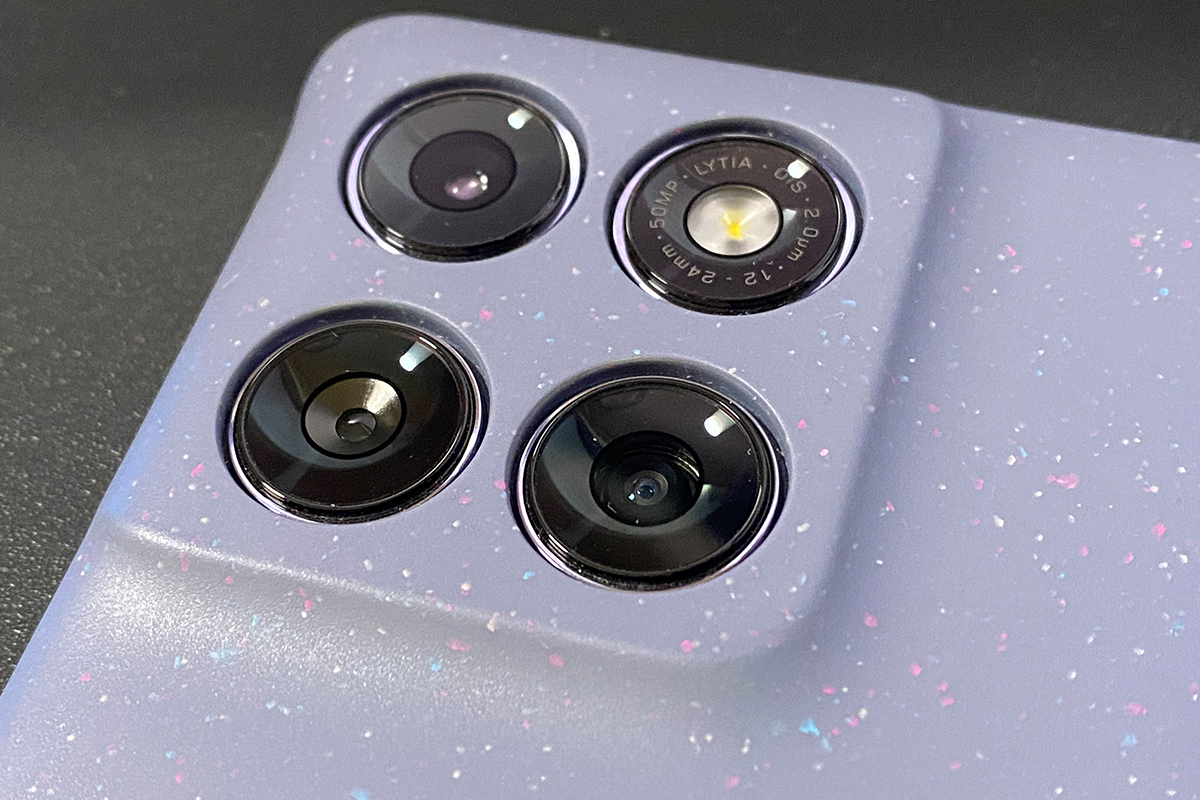
The camera unit is symmetrical, square and also has rounded edges at the corners. On one of the cameras, you can see small, neat inscriptions that immediately give you an idea of what kind of sensor it is and what its characteristics are.
The side frame is plastic. But in general, we can say that it looks very similar to metal. The edges are perfectly smooth, the corners are rounded. The smartphone itself is quite thin (7.95 mm) and light (178 g).
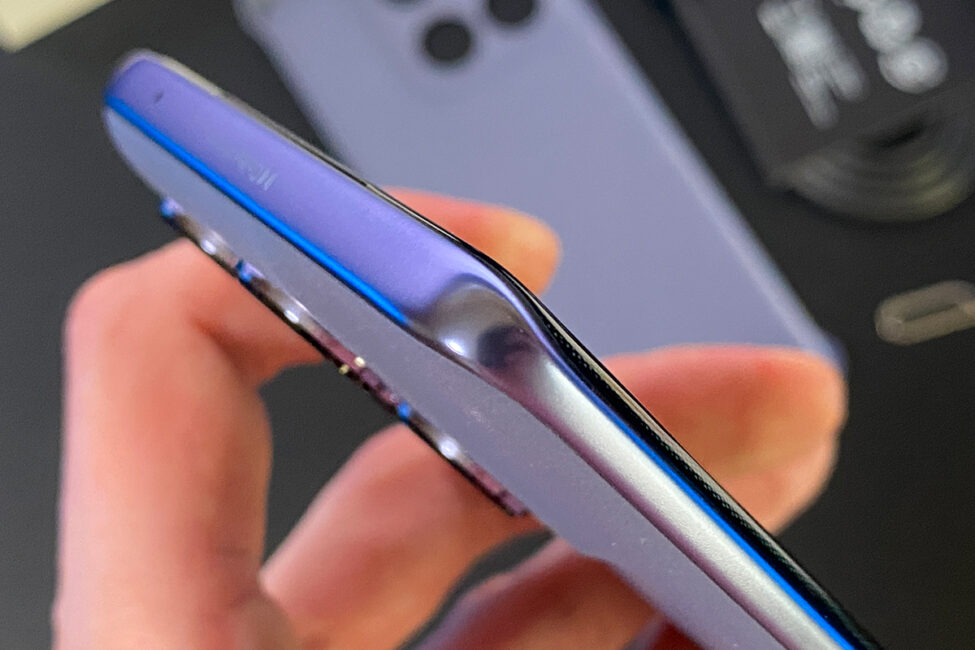
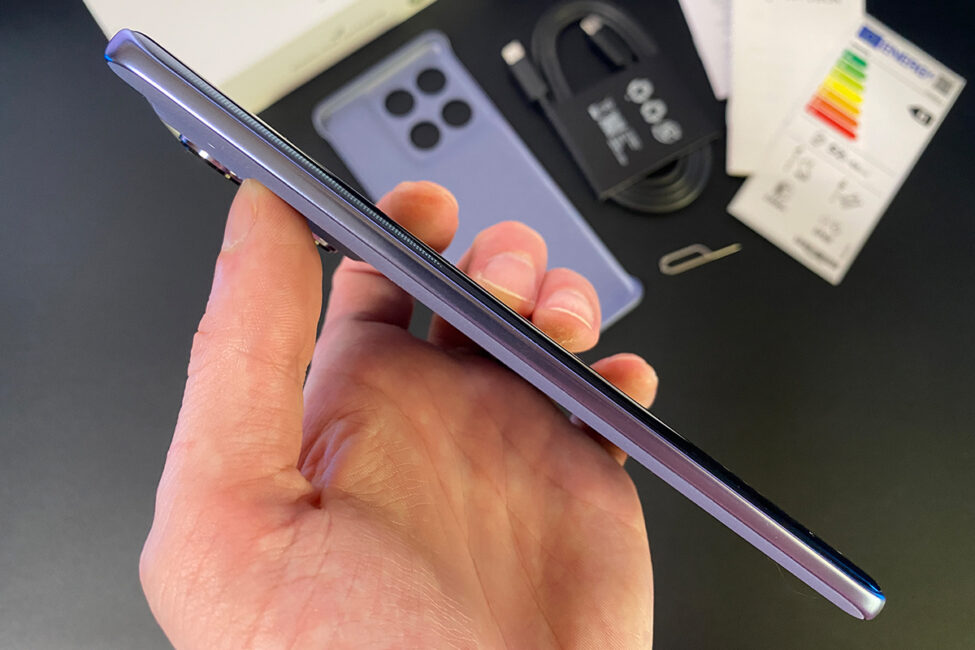
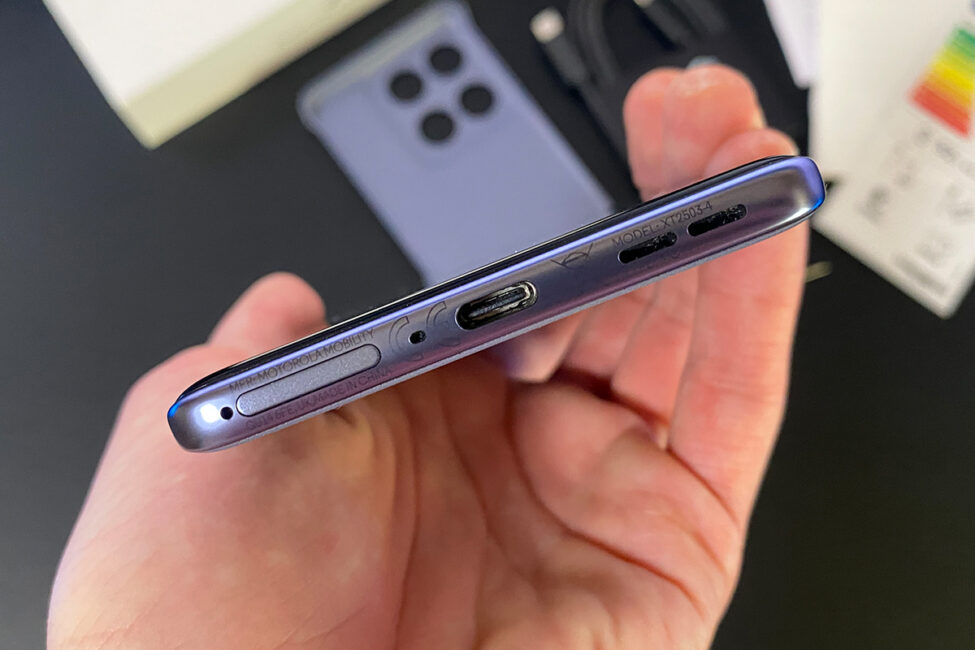
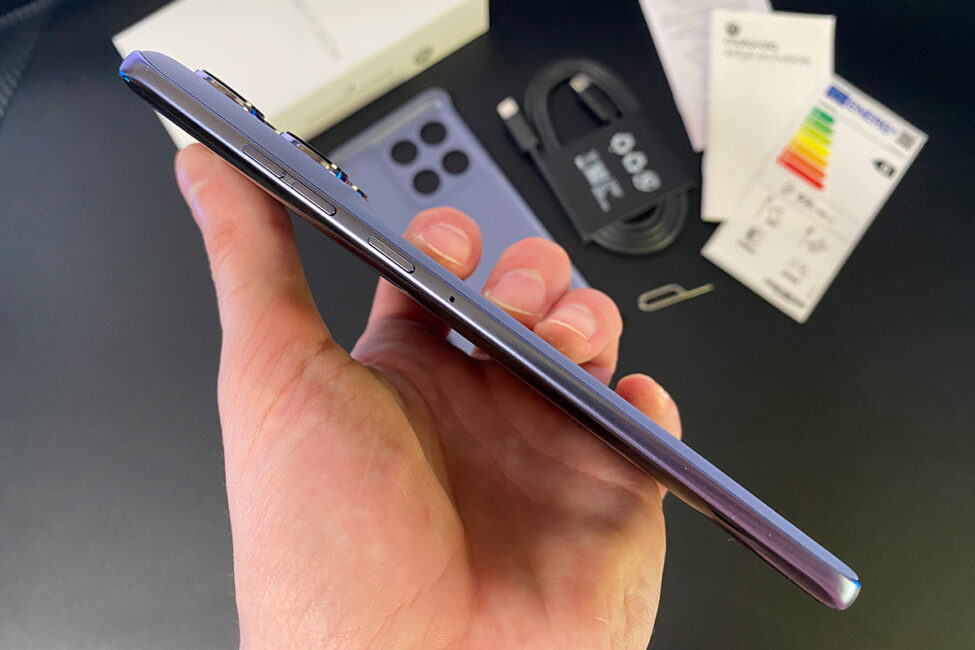
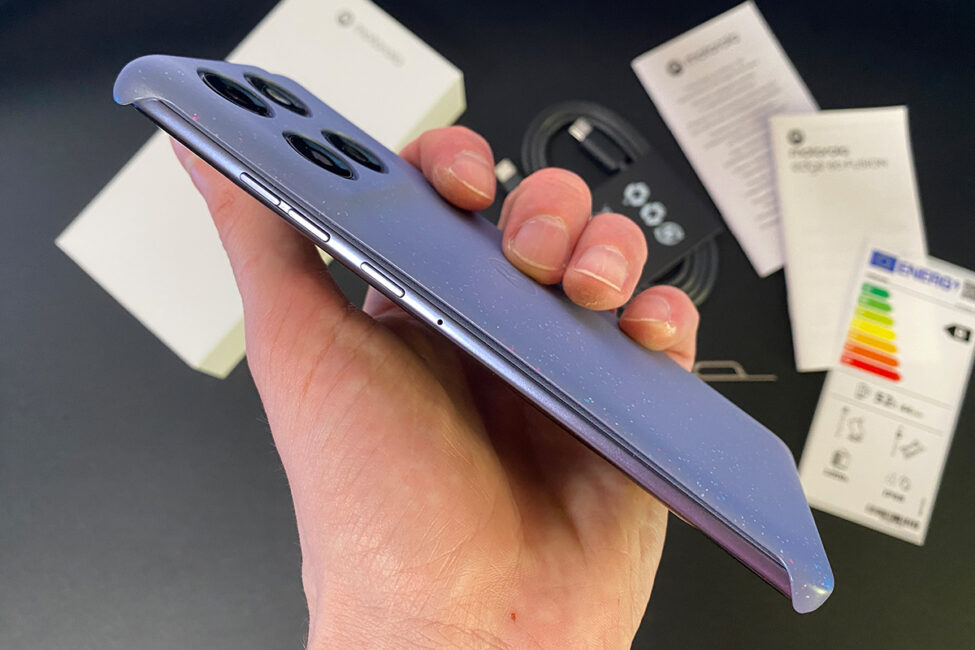
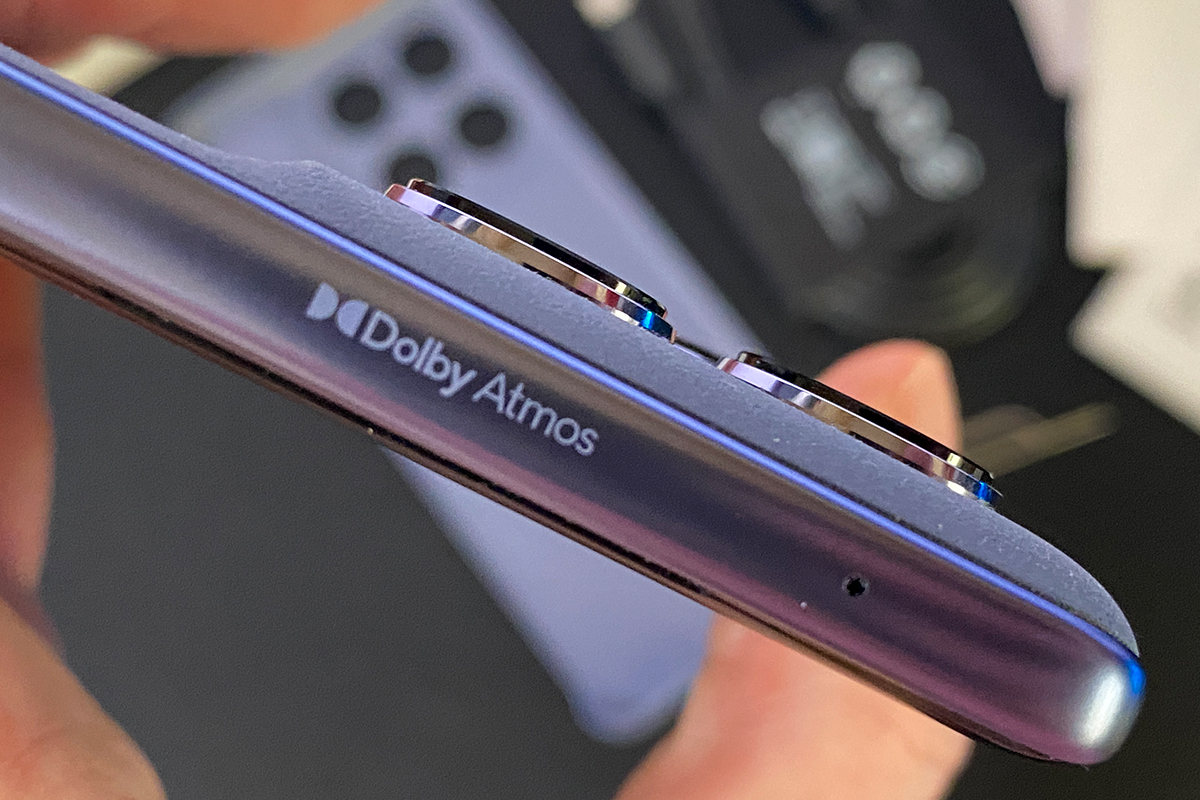
The arrangement of jacks and controls is standard. On the right side are two volume buttons and a lock button. Below is a Type-C 2.0 connector and a SIM card tray. There is nothing on the left side. But on the top you can see the Dolby Atmos logo, which indicates that the smartphone supports this surround sound technology.

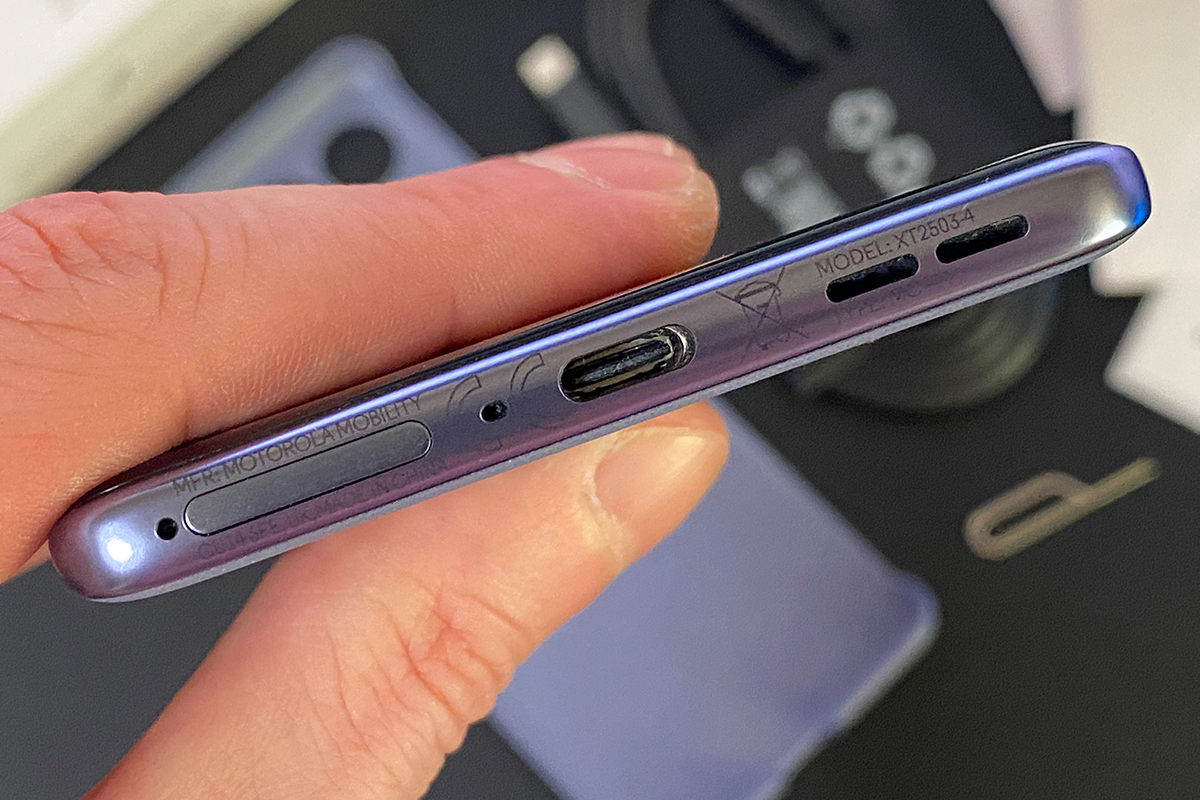
The SIM card tray is two-sided. On the one hand, you can install a single nano-SIM card, on the other hand, you can install a microSD card with a capacity of up to 1024 GB.
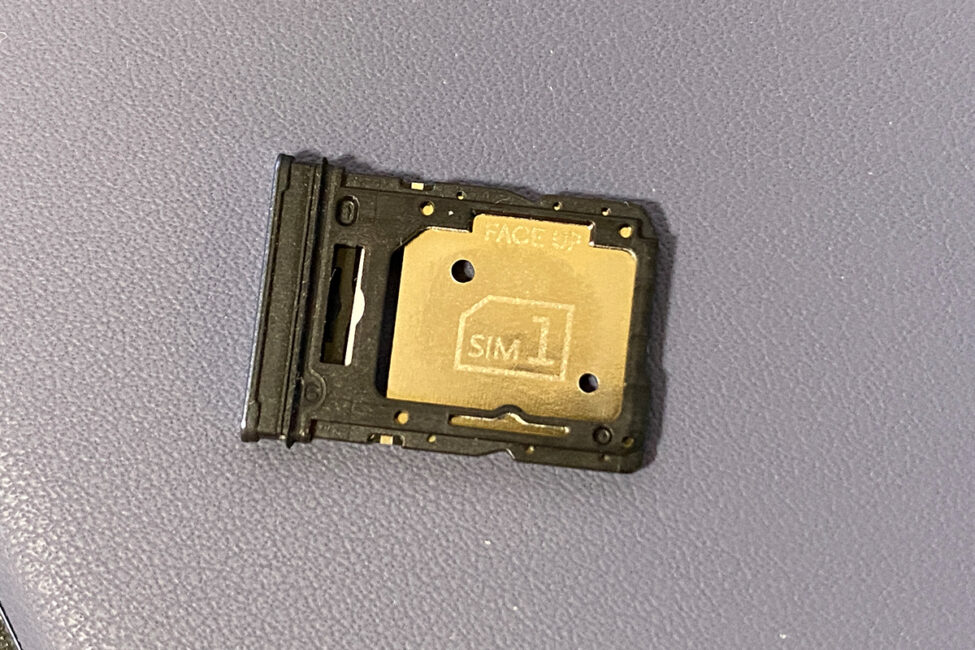
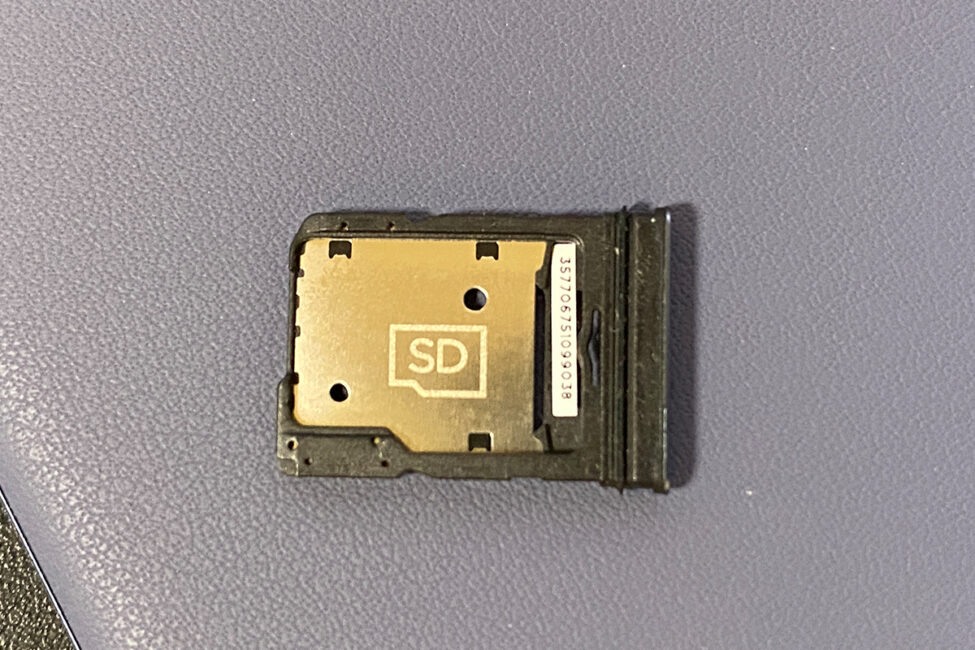
Smartphone dimensions: 161.0 × 73.0 × 7.95 mm. And, as already mentioned, the device weighs only 178 g. Despite its thin body, the new model has a high level of protection. The smartphone is protected against water, moisture and dust according to IP68 and IP69 standards. The smartphone is protected from shocks, falls, and extreme temperatures according to the MIL-STD-810H military standard.
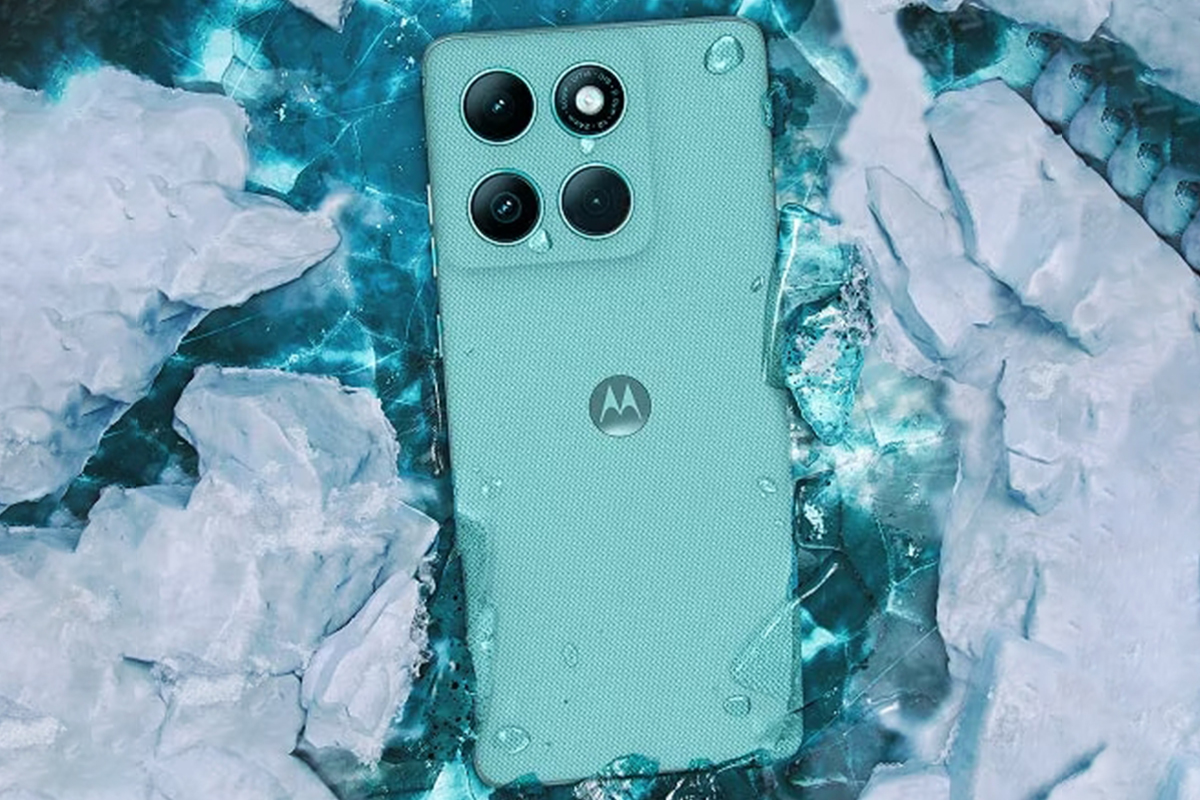
The build quality is excellent. The body of the smartphone feels sturdy, monolithic and fits very well in the hand. As I have already noted, the device is very pleasant to the touch. There are no complaints in terms of ergonomics either. The smartphone is not only pleasant, but also convenient to use.
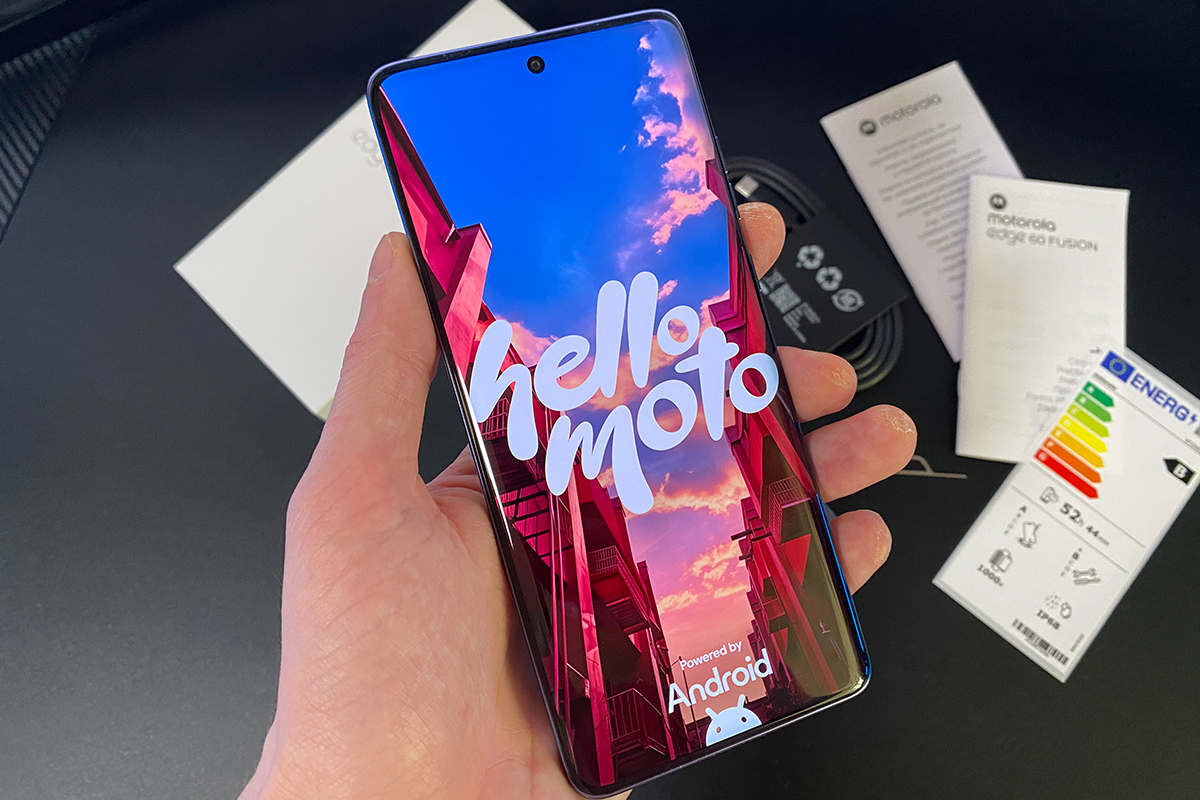
Motorola Edge 60 Fusion display
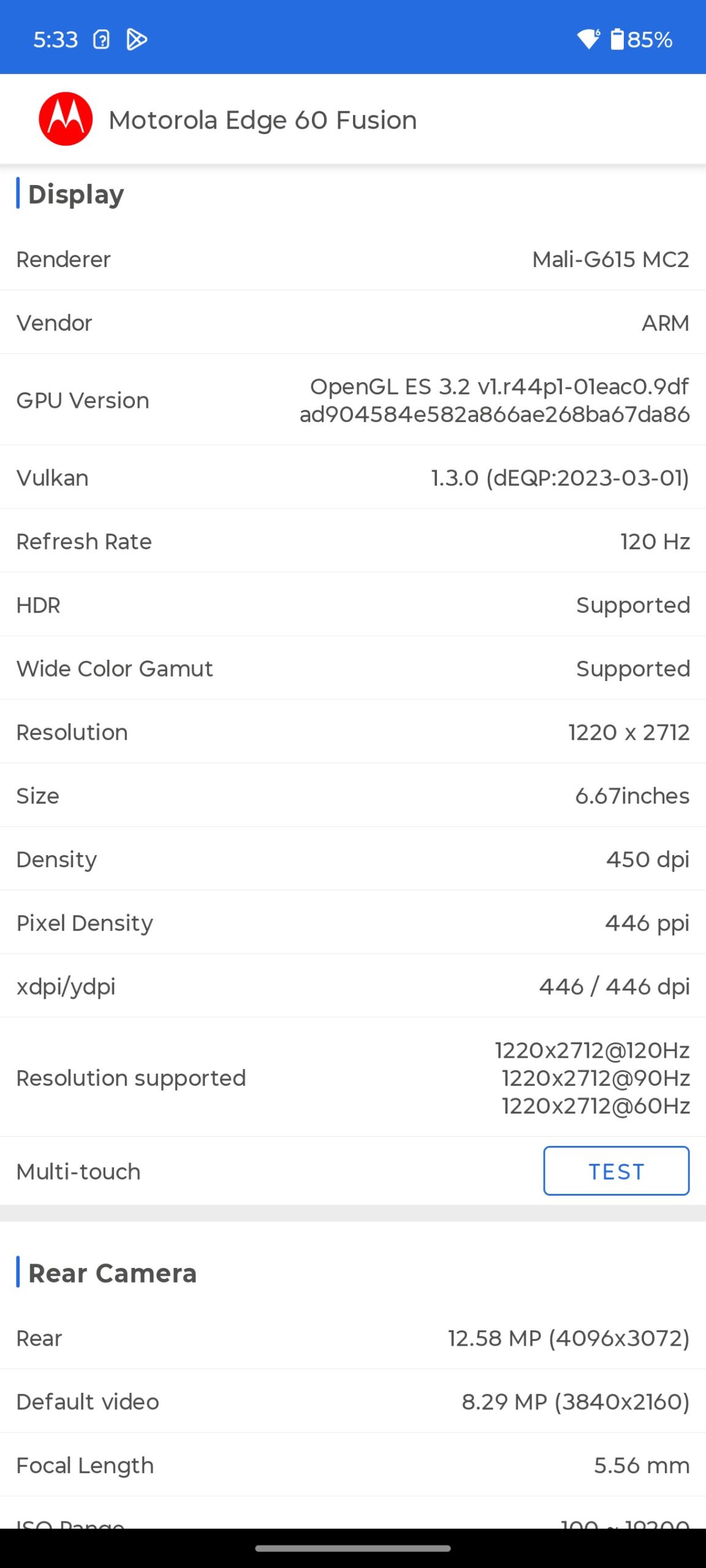
The smartphone is equipped with a 6.67-inch 10-bit POLED display with a resolution of 2712×1220 (Super HD) and a maximum refresh rate of 120 Hz. The aspect ratio is 20:9. The screen to body ratio is 96.32%. Pixel density is 446 PPI. The declared maximum brightness is 4500 nits. Colour space coverage is 100% DCI-P3. There is support for HDR. The declared frequency of touch discrimination is up to 300 Hz. And as a cherry on top, there’s Water Touch technology, which allows the touchscreen to work correctly even when your fingers are wet or damp. Certification is also a complete set here: HDR10+, Amazon HD streaming, SGS Low Blue Light, SGS Low Motion Blur, Pantone Validated, Pantone Skintone Validated.
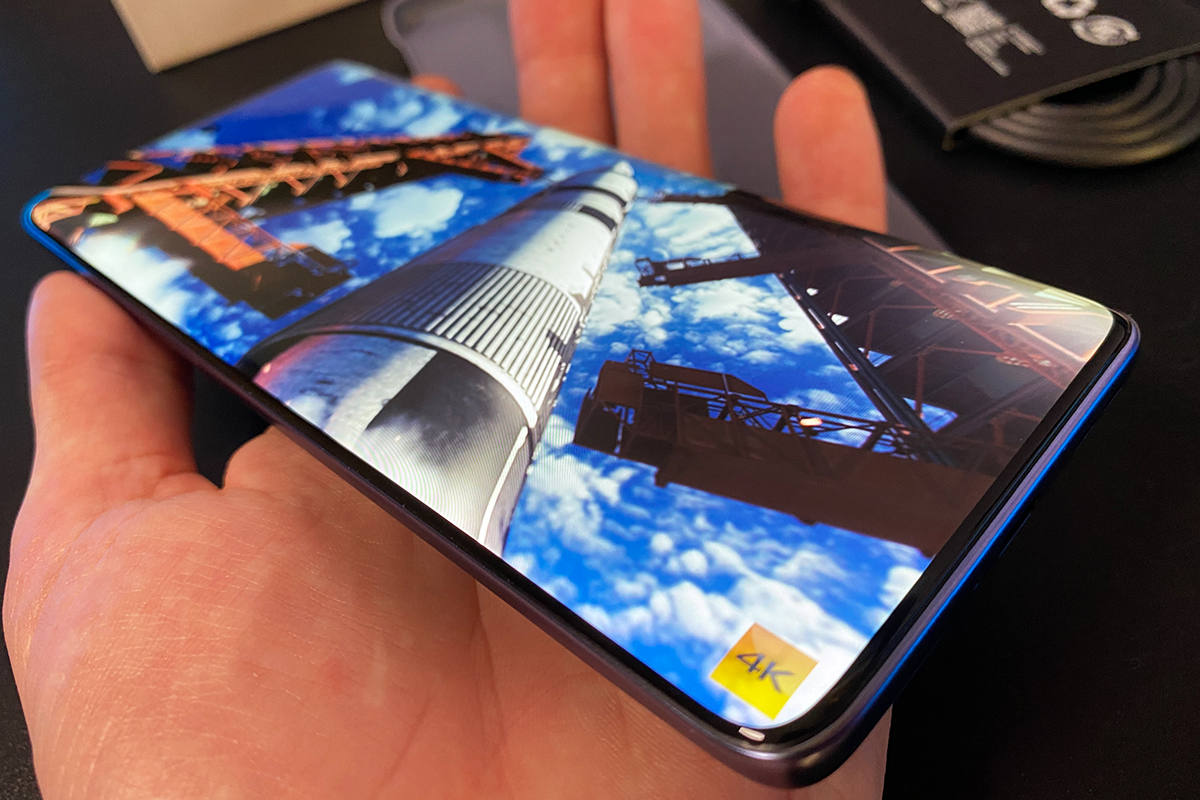
As you may have guessed, the display of Motorola Edge 60 Fusion is one of the strongest points of the smartphone. The screen shows bright, vivid and rich colours. Gorgeous black colour. And all this is combined with a very clear image in high resolution. In short, it’s a pleasure to consume content, including video, on Edge 60 Fusion.
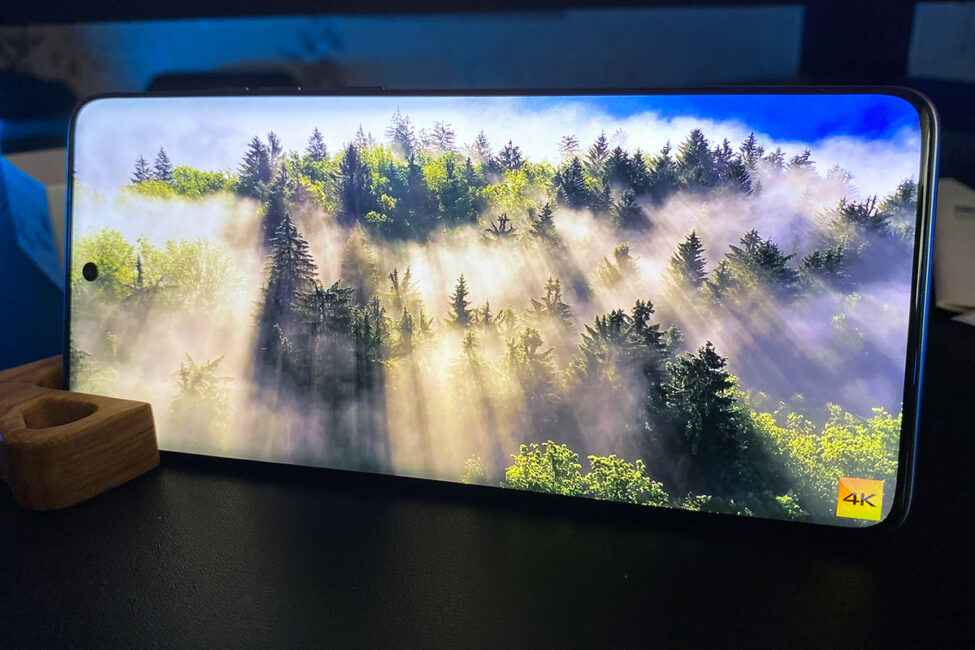
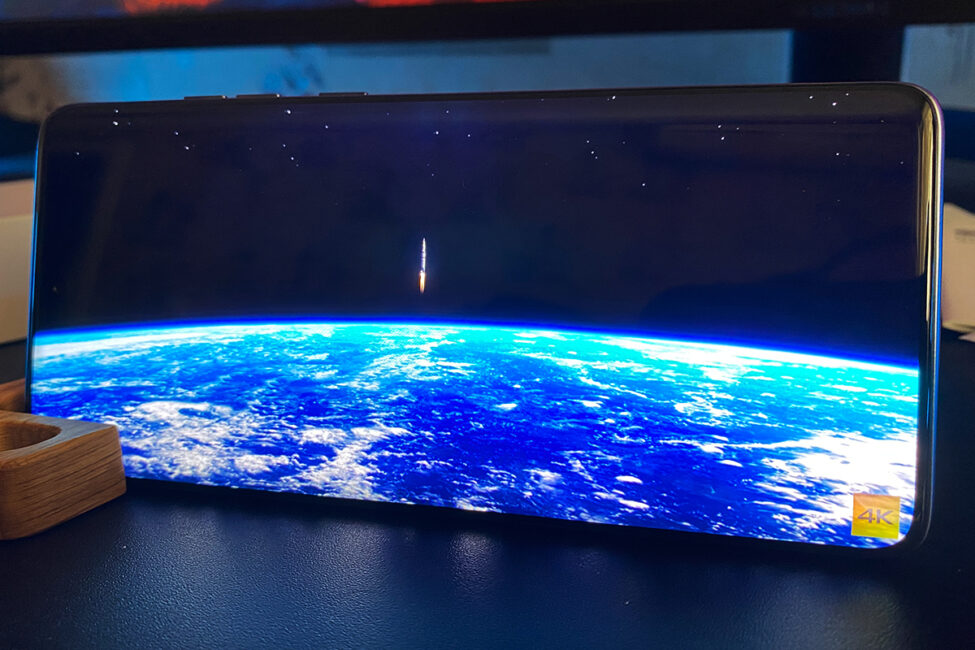
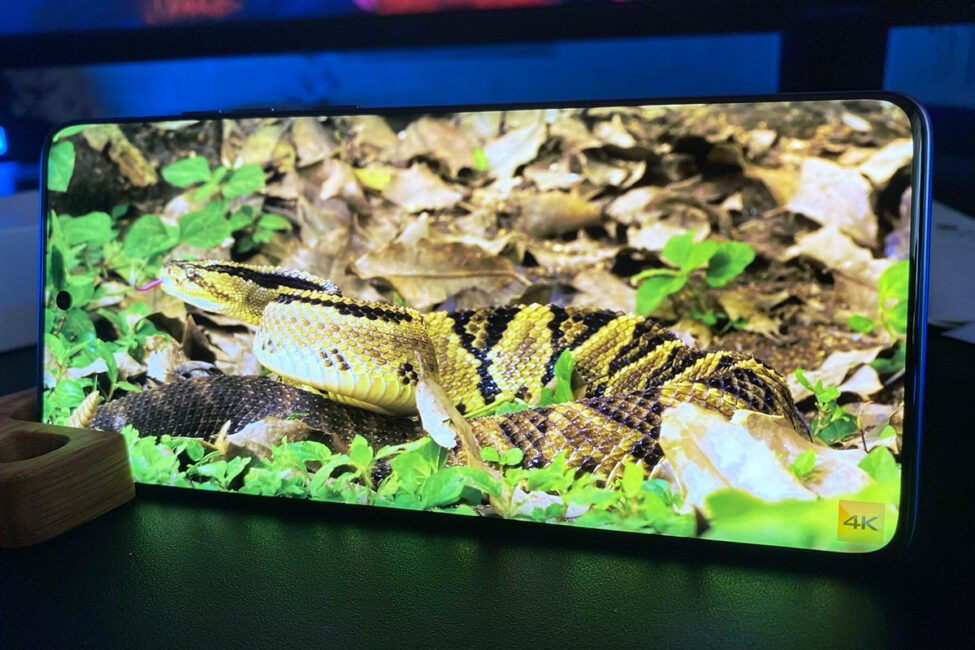
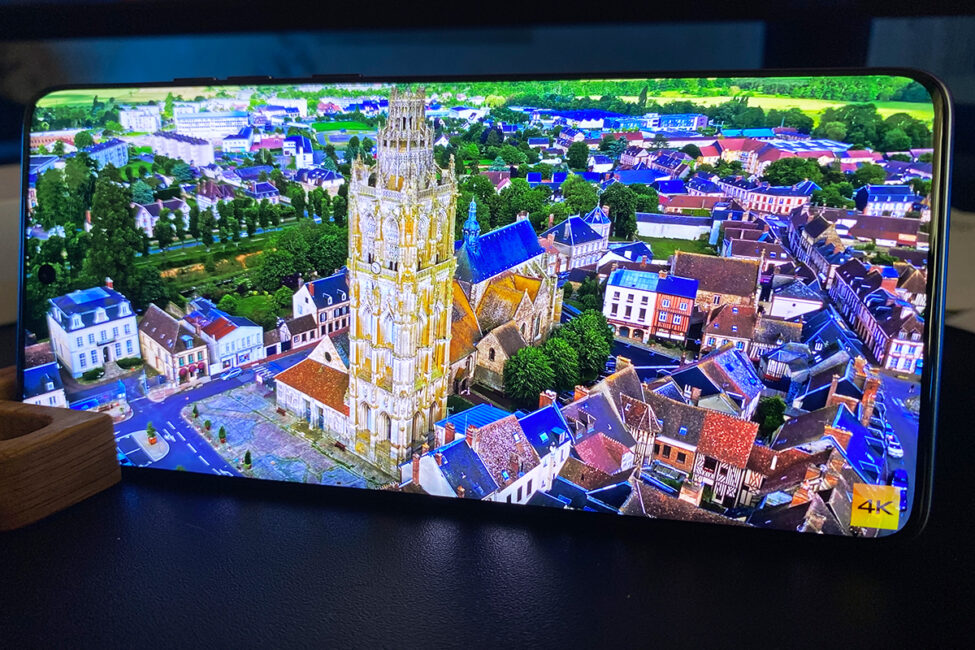
The brightness margin is good. Thanks to this, the smartphone can be used comfortably outdoors even in direct sunlight. There are no problems with viewing angles. From any angle, the picture on the display is perfectly readable without any changes in brightness, contrast, colour.
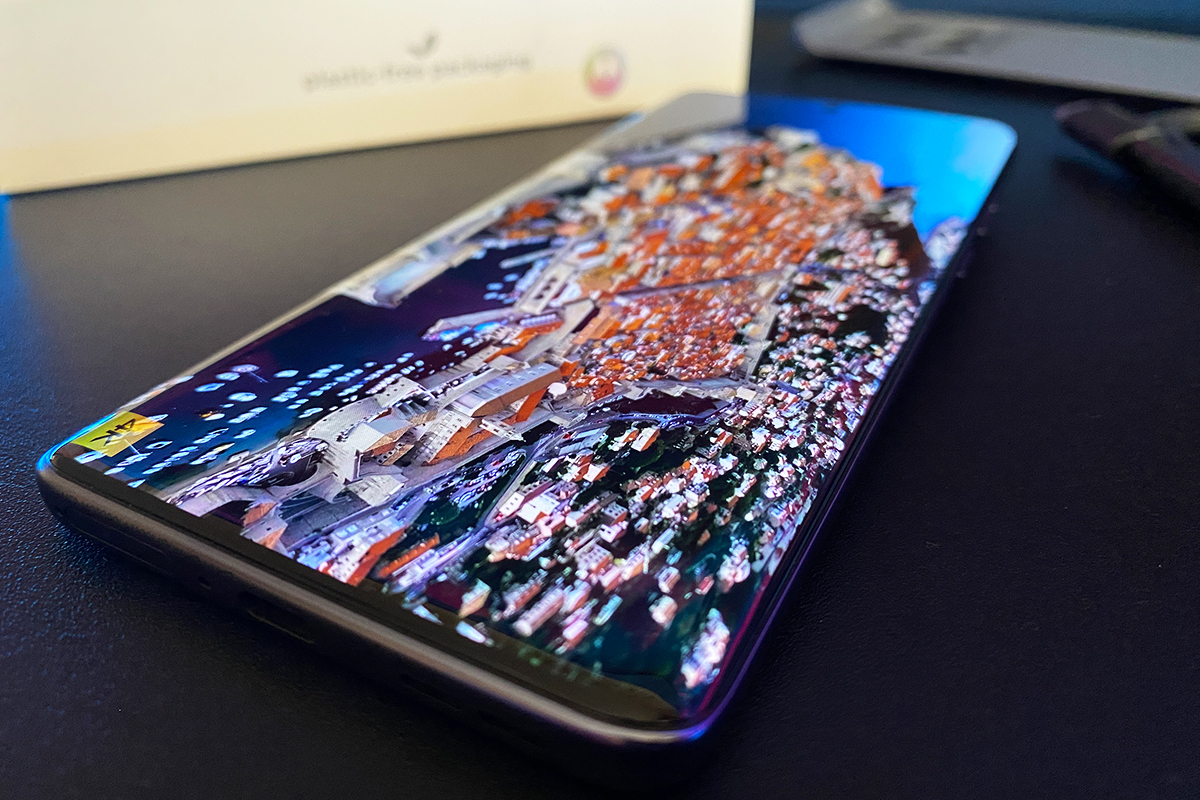
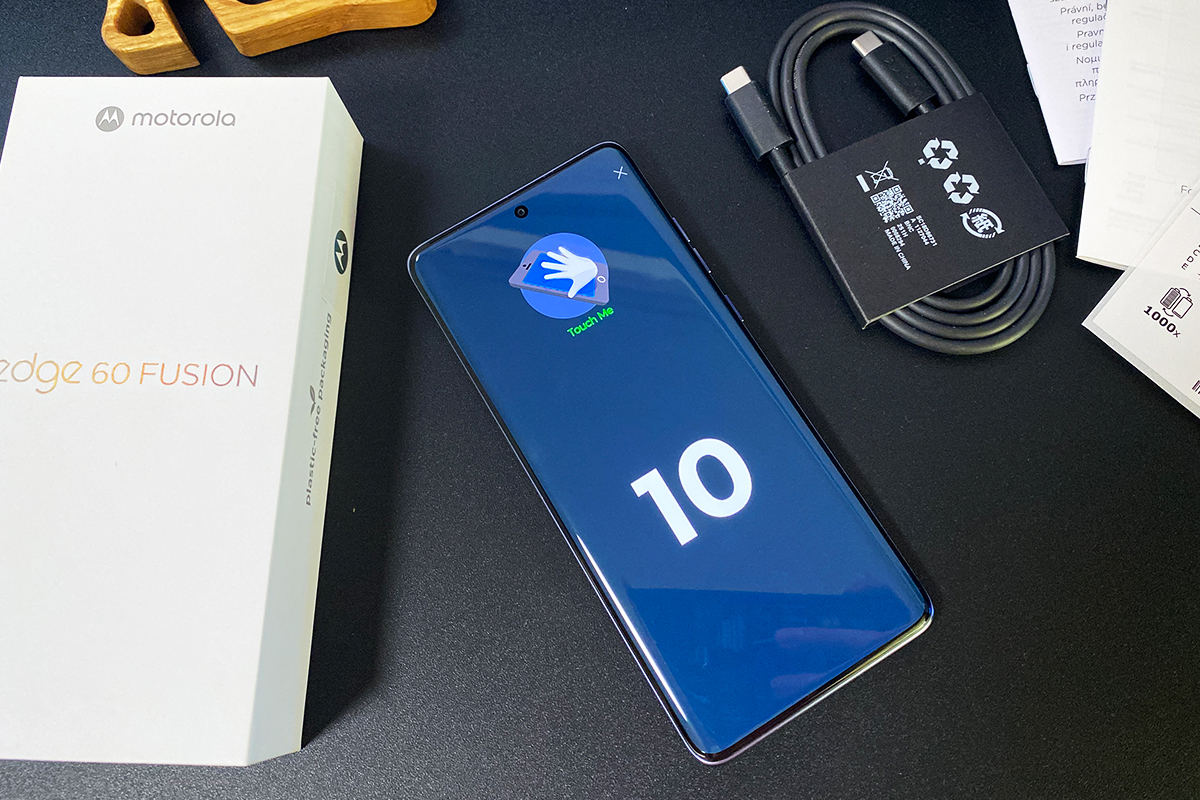
The feedback is excellent. The speed of operation and response to gestures are excellent. The display is fast, smooth and with an instant response. In fact, when you pick it up and start using it, you can feel it right away. Especially at a refresh rate of 120 Hz. The touchscreen recognises up to 10 simultaneous touches without any problems. This means that the Edge 60 Fusion display is great not only for viewing content, but also for mobile games. Moreover, the smartphone’s hardware allows you to play them without any problems at high settings.
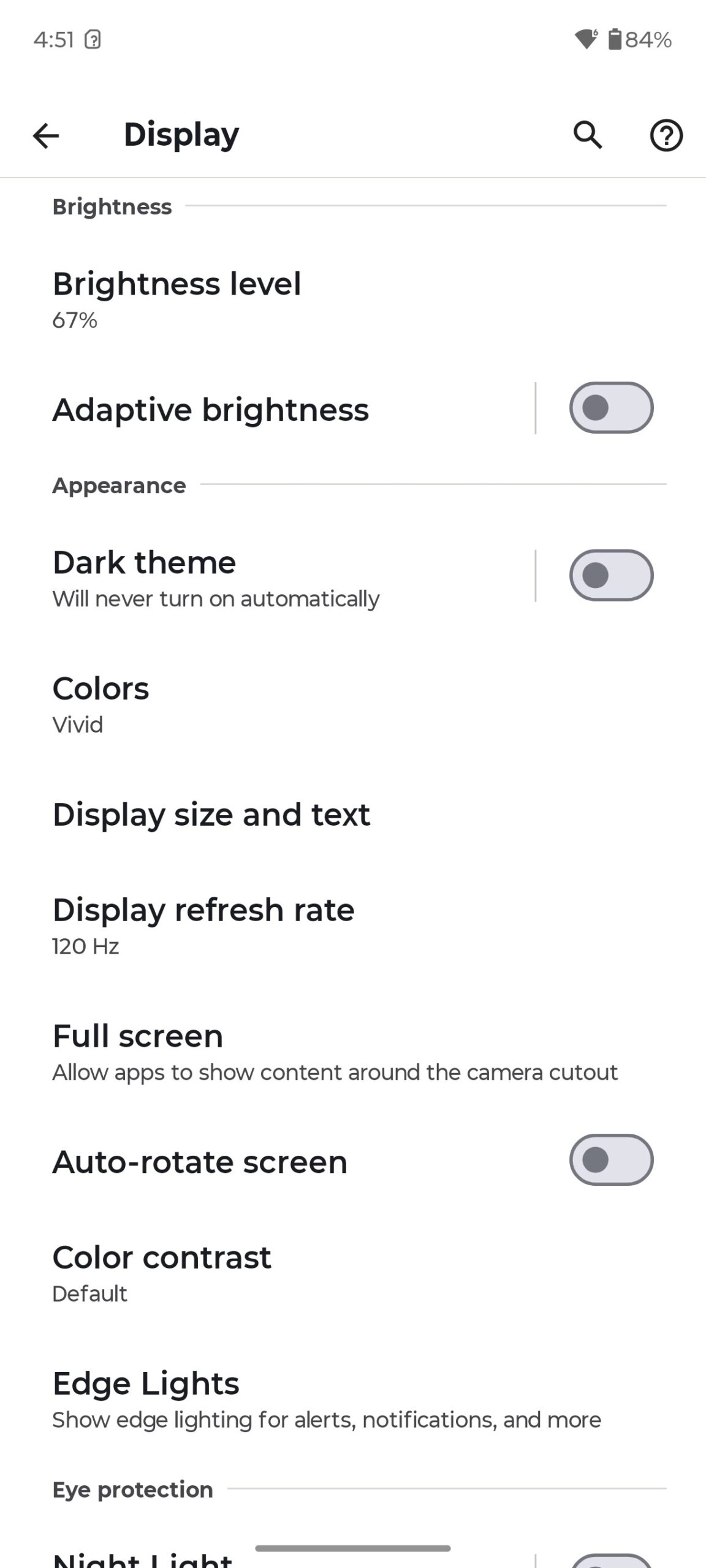
As for the display and picture settings, everything is standard. Brightness, dark/light themes, colour reproduction, colour temperature, scale, refresh rate, colour contrast, etc. I’m not going to list all the settings, I’ll show you better in the screenshots below.
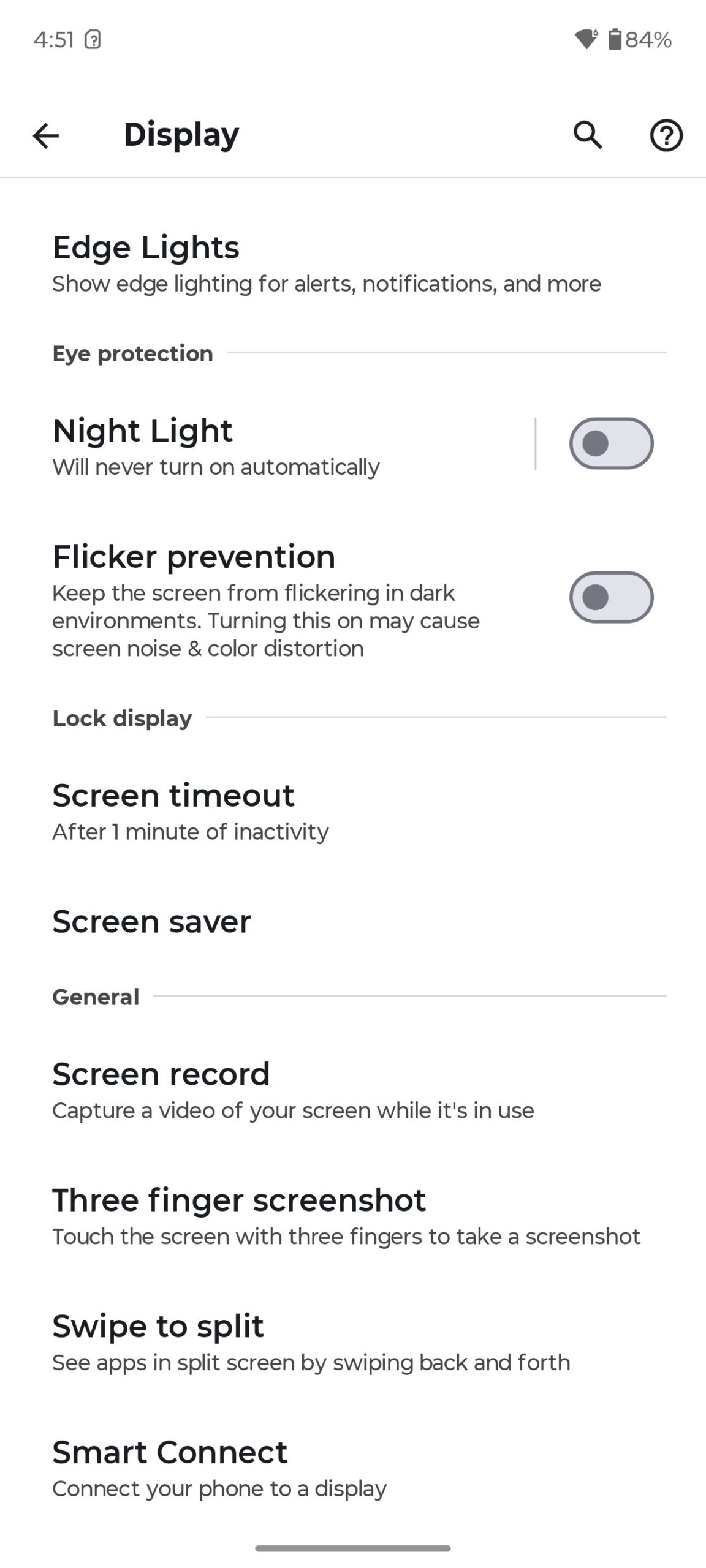
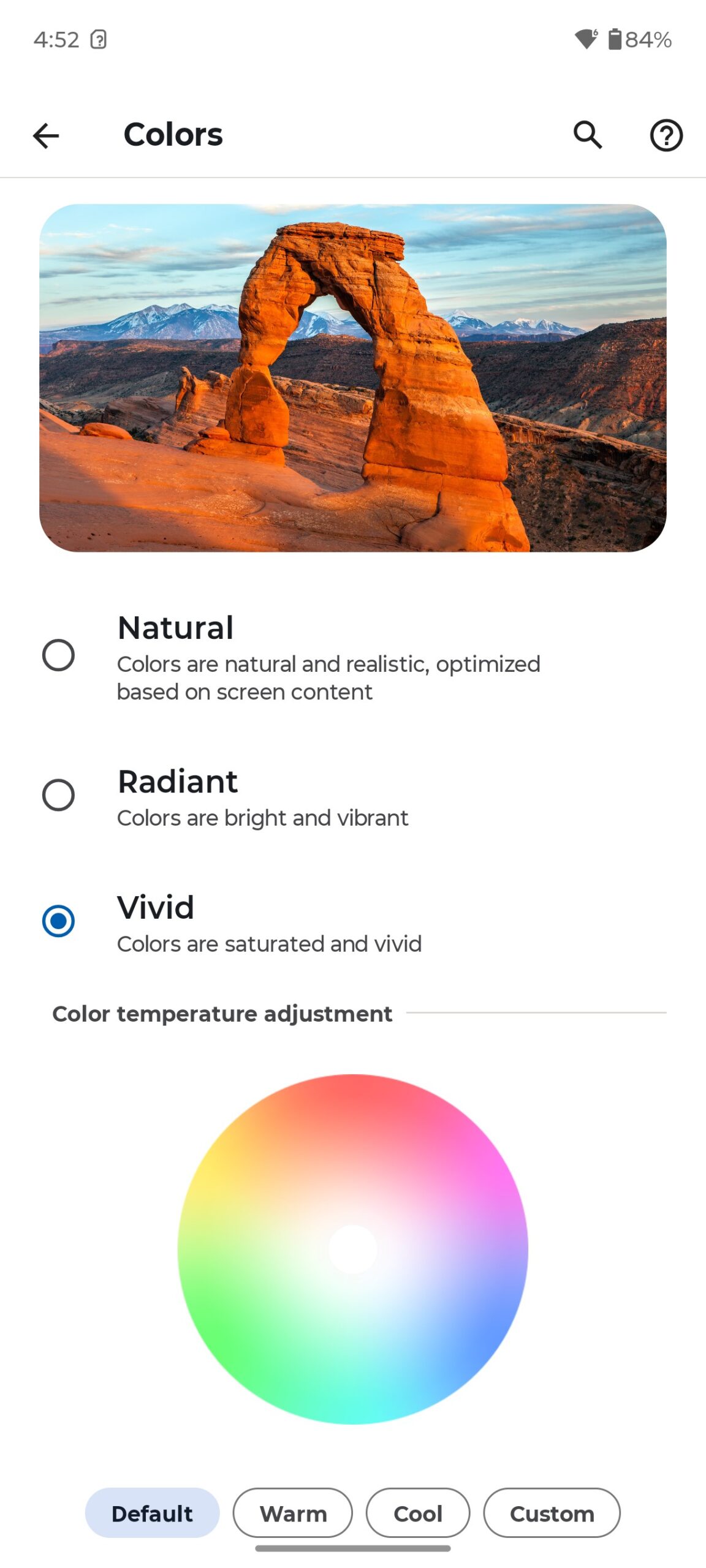
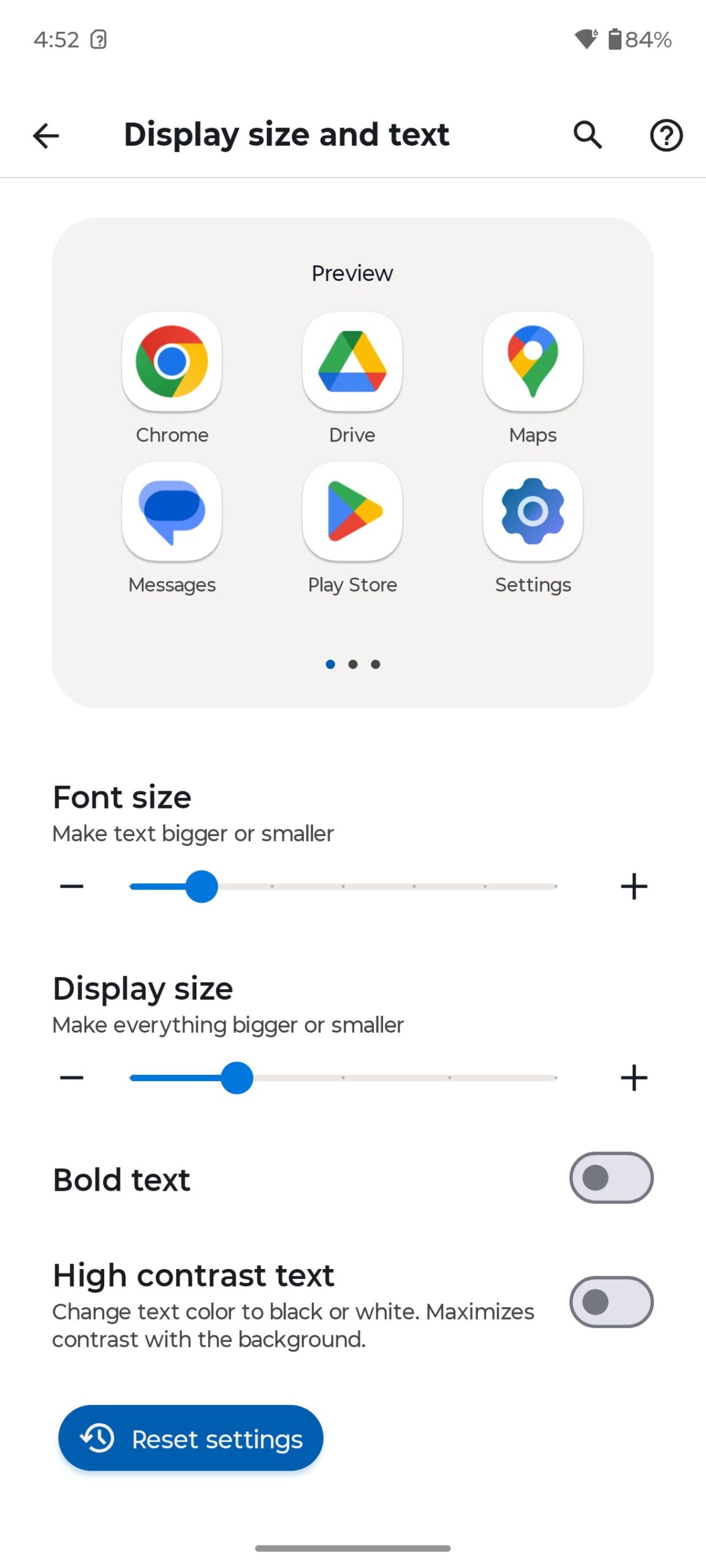
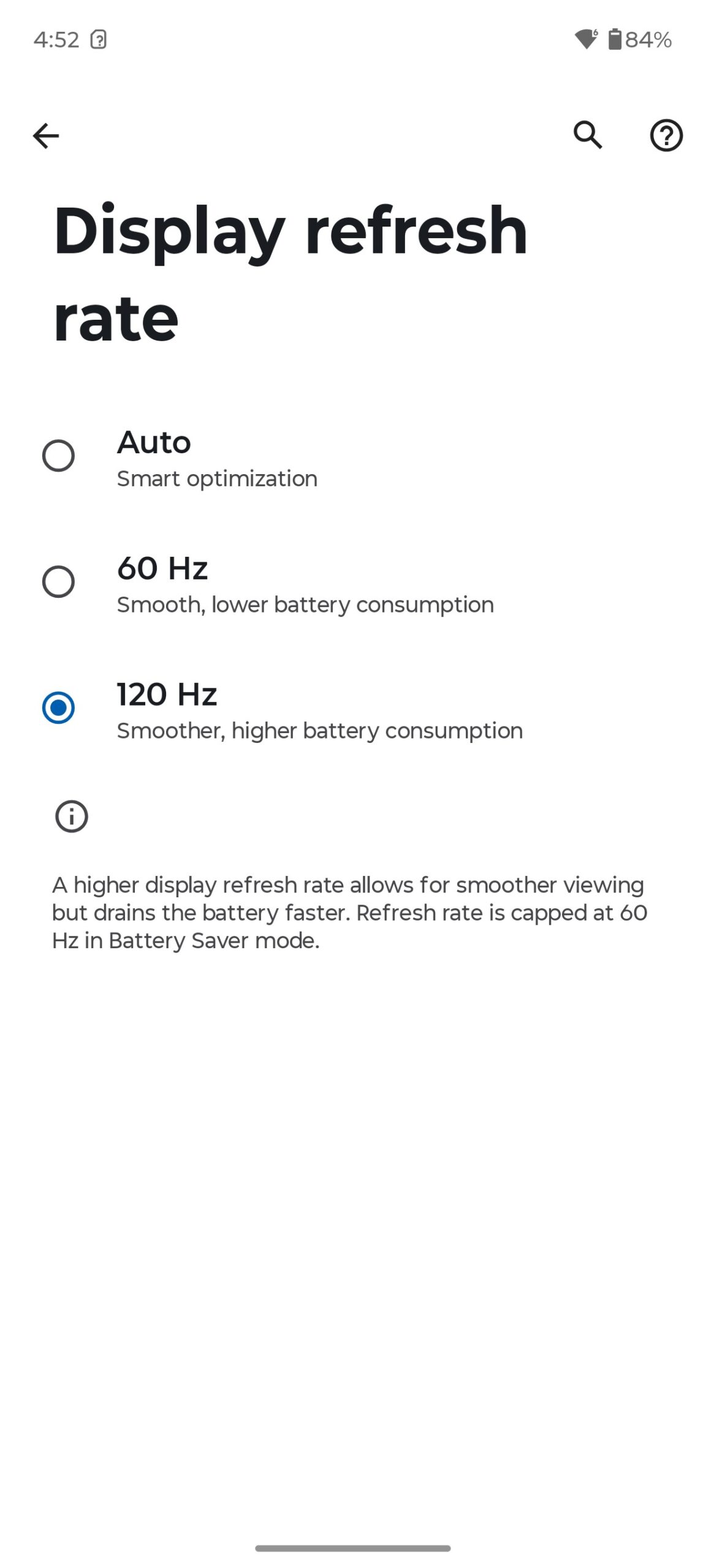
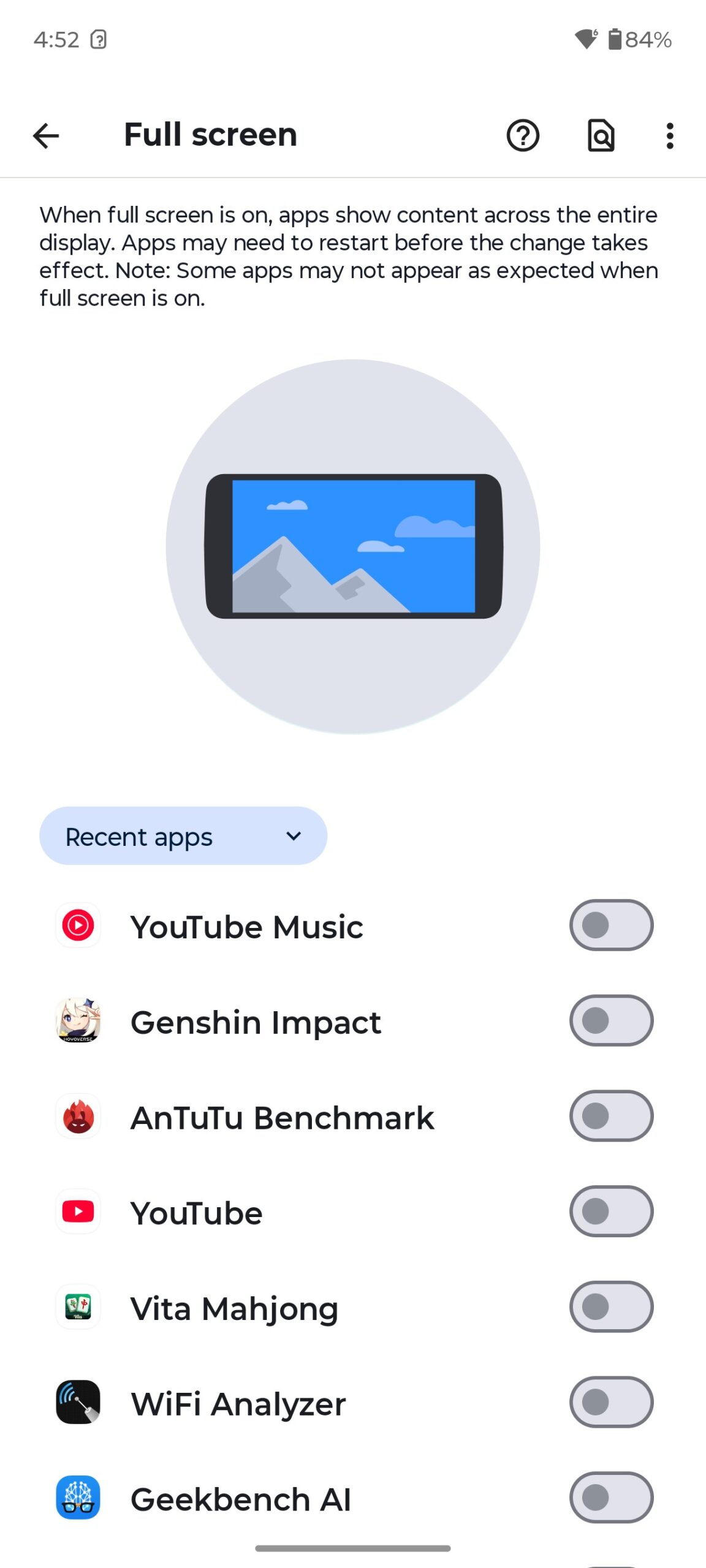
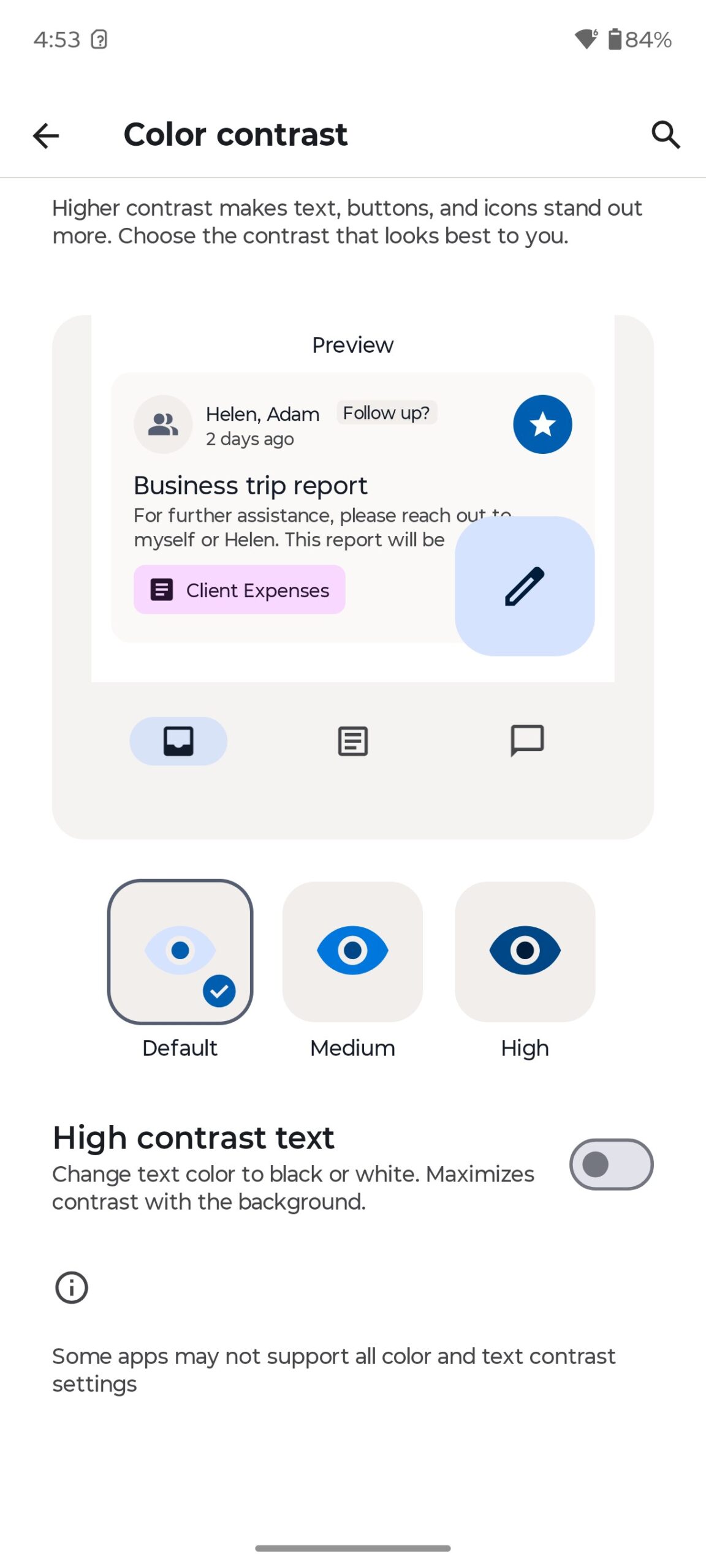

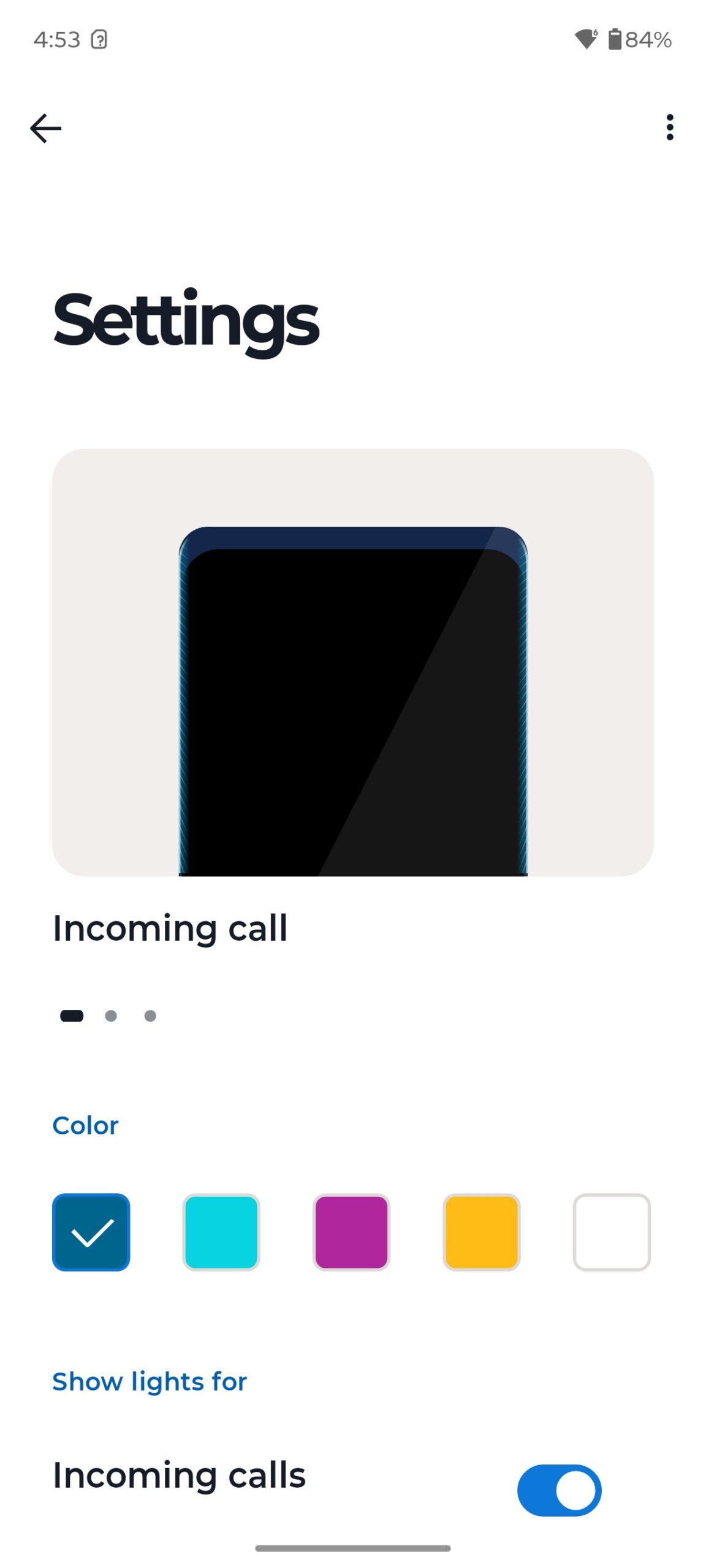
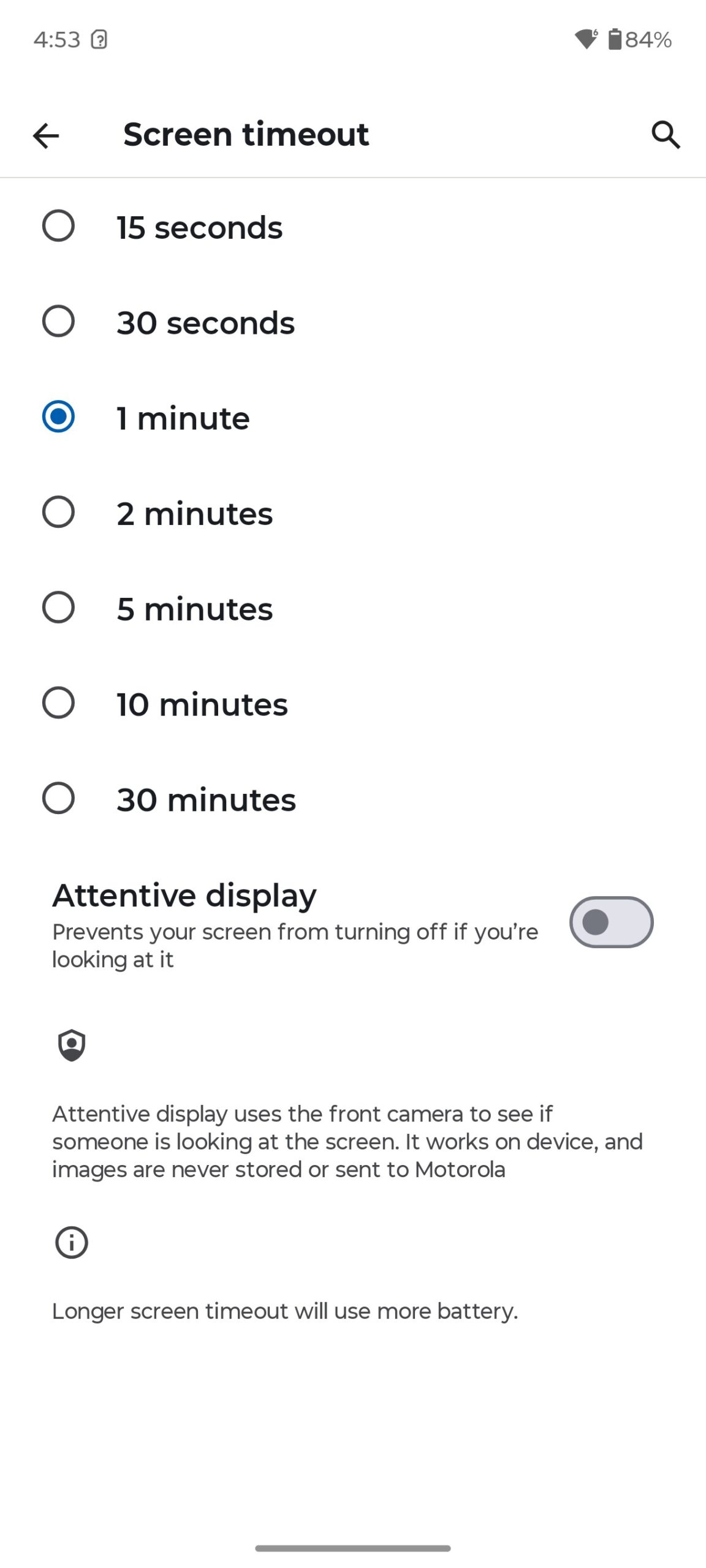
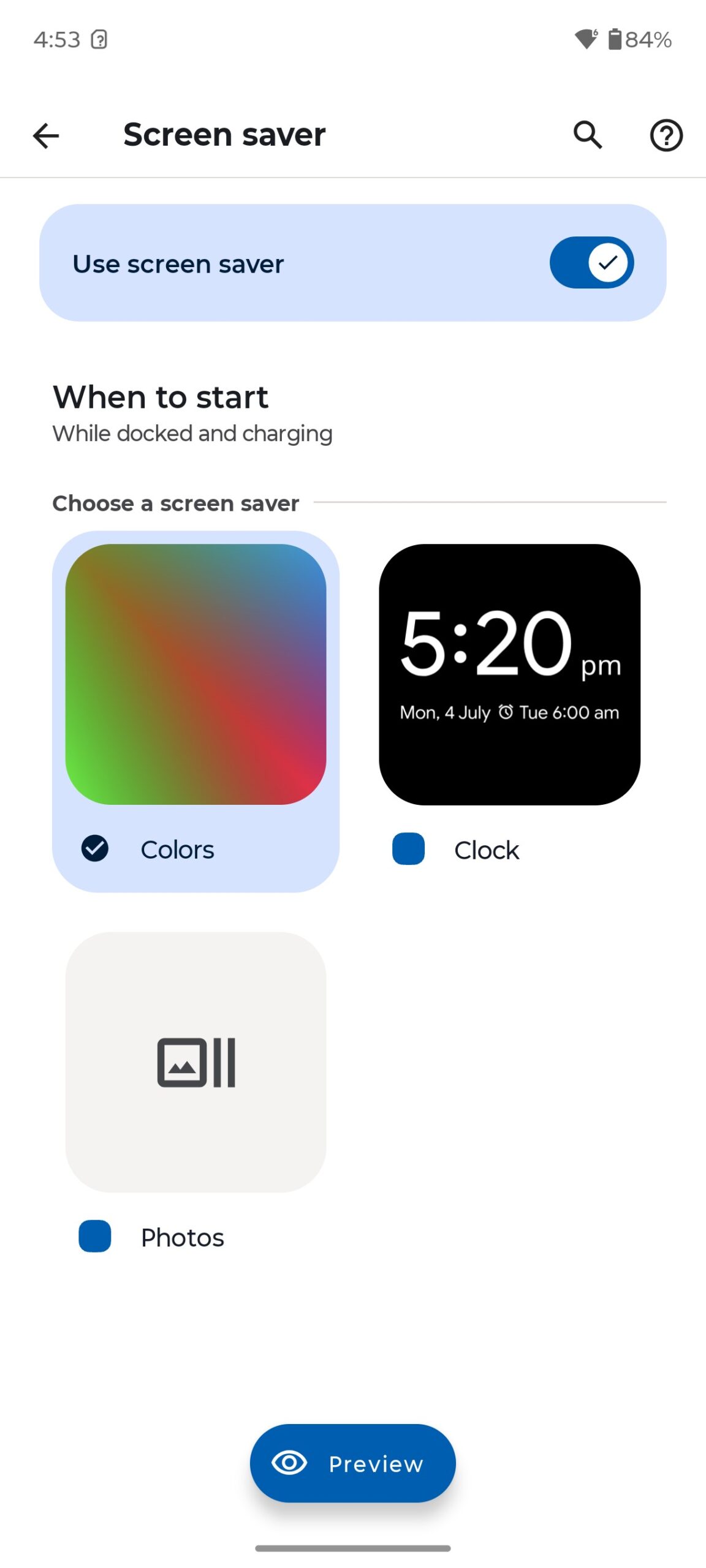
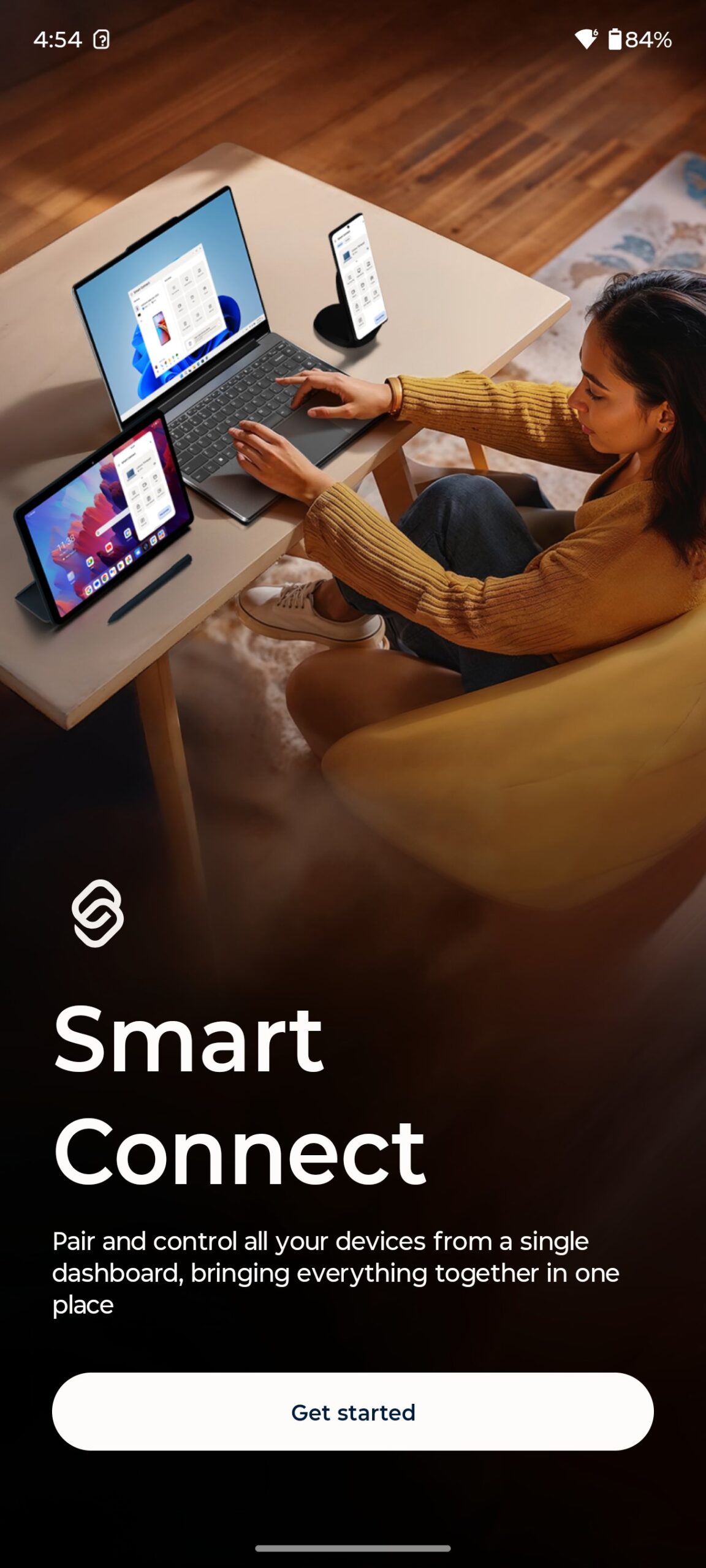
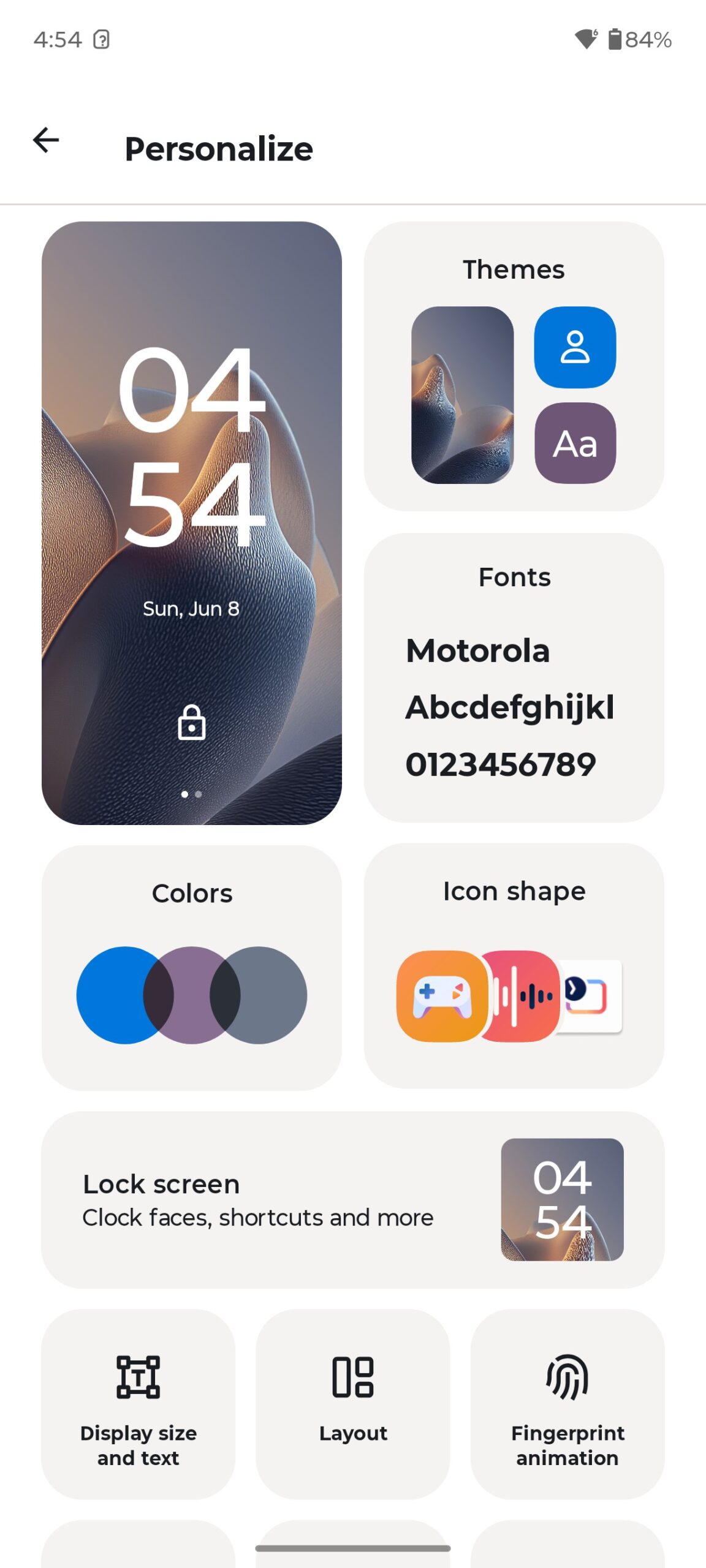
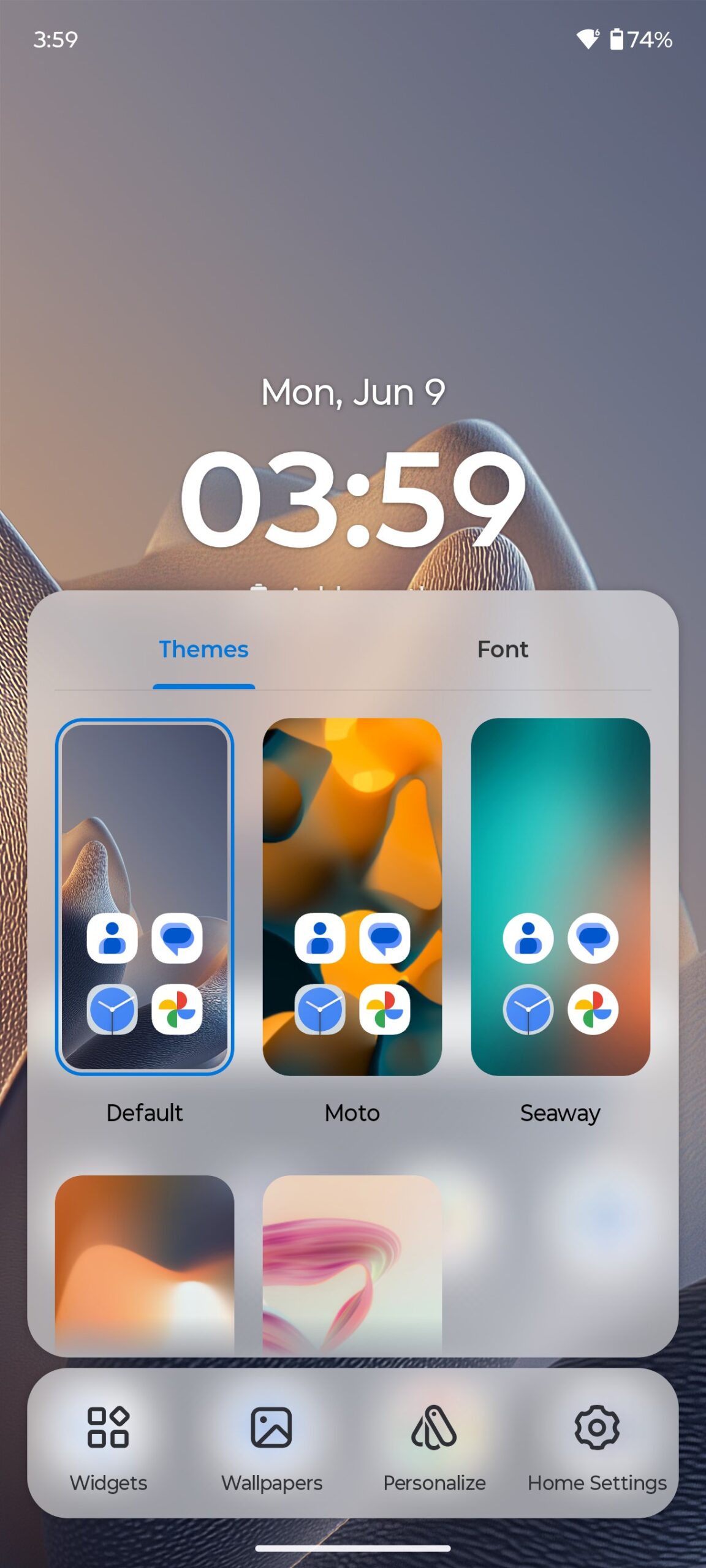
There’s plenty of room for personalisation: different themes, live wallpapers, changing fonts, colours, icons, and side screen lighting. Of course, there is the Always On Display (AOD) function, which allows you to display information on the display even when the smartphone is in sleep mode. Actually, I show everything that is available in the screenshots below.
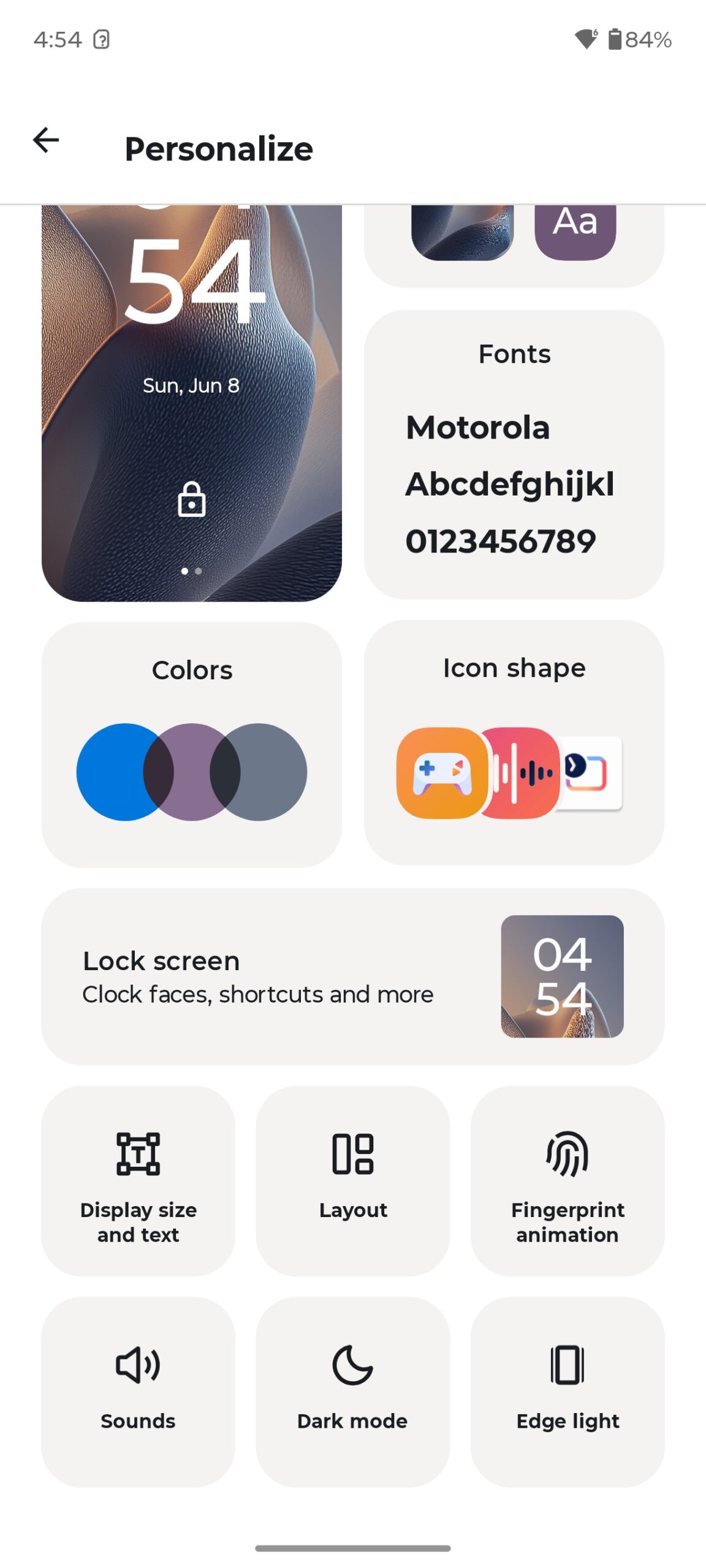
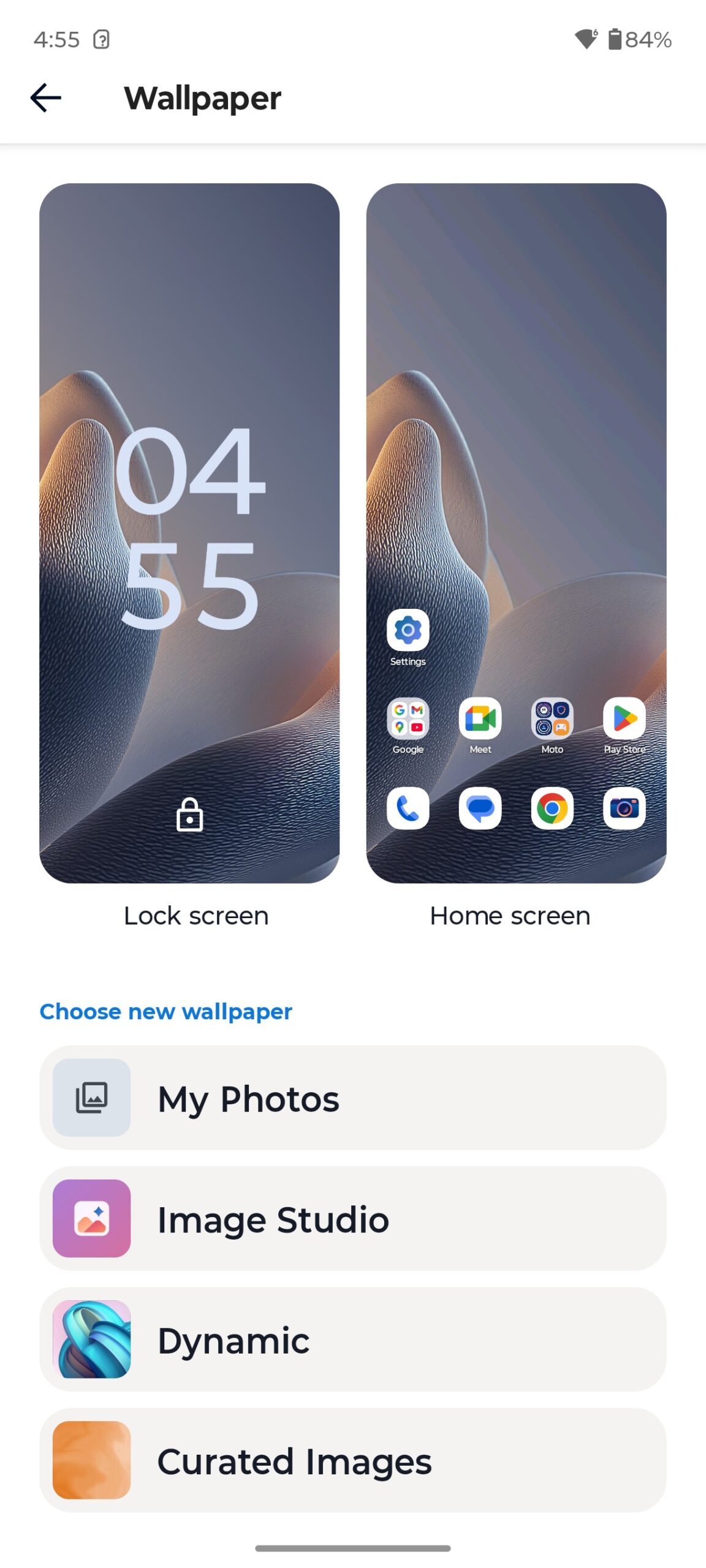
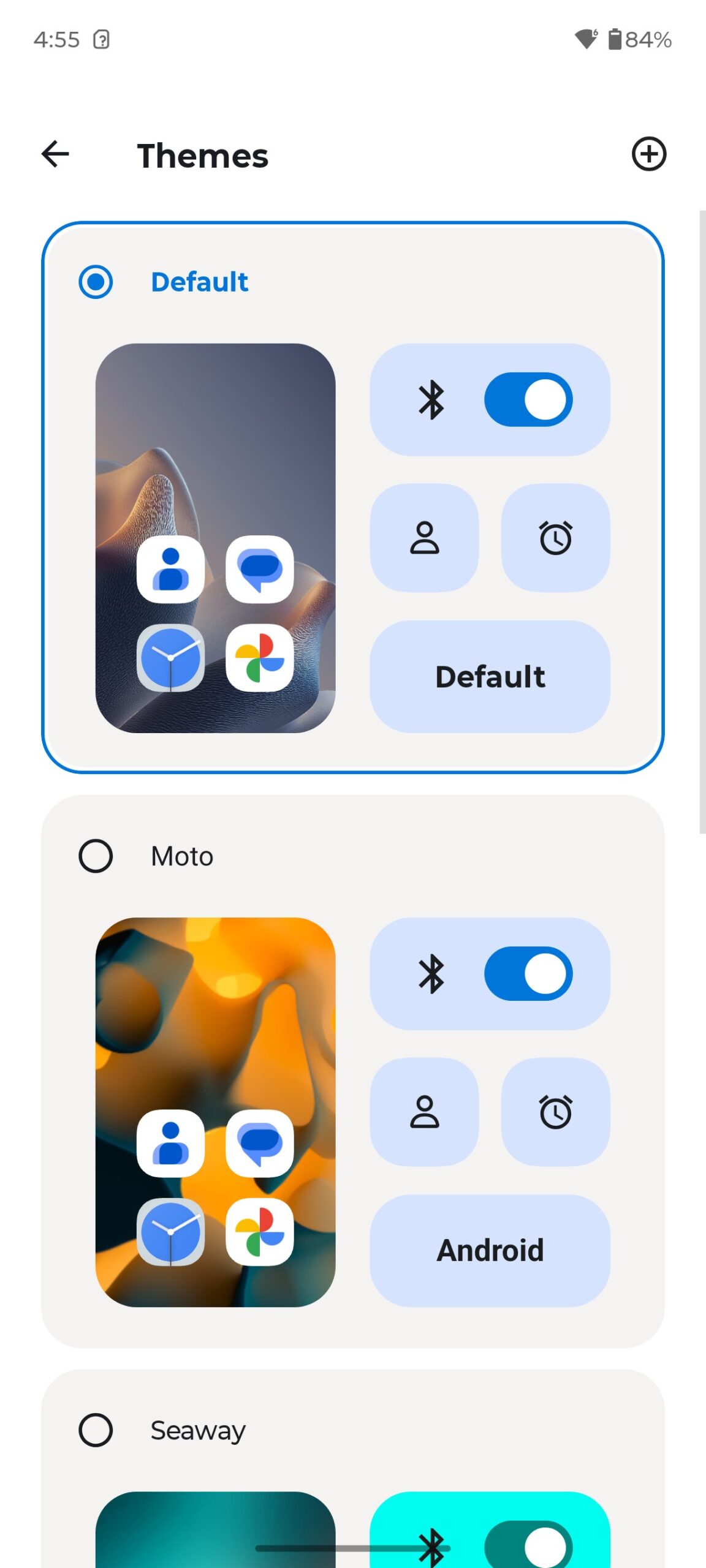
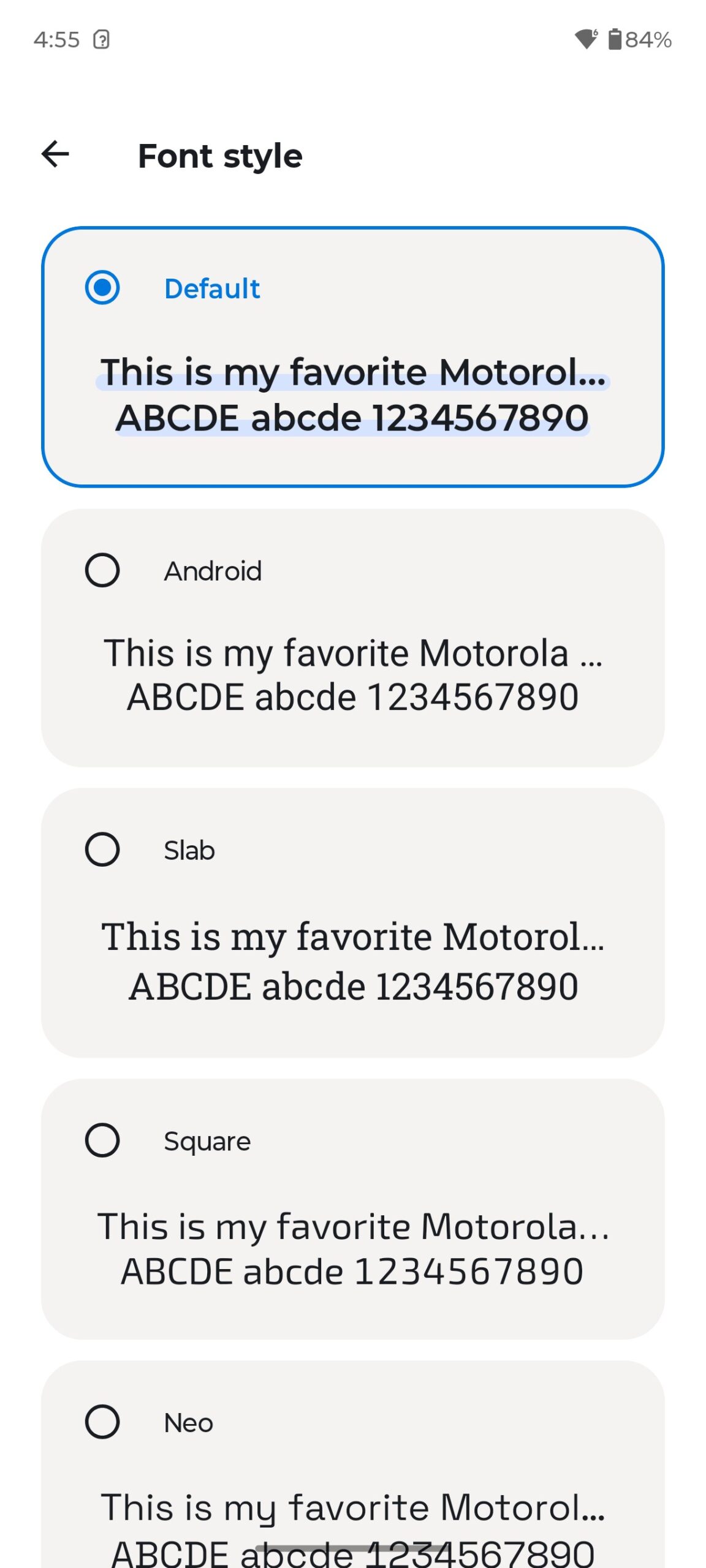
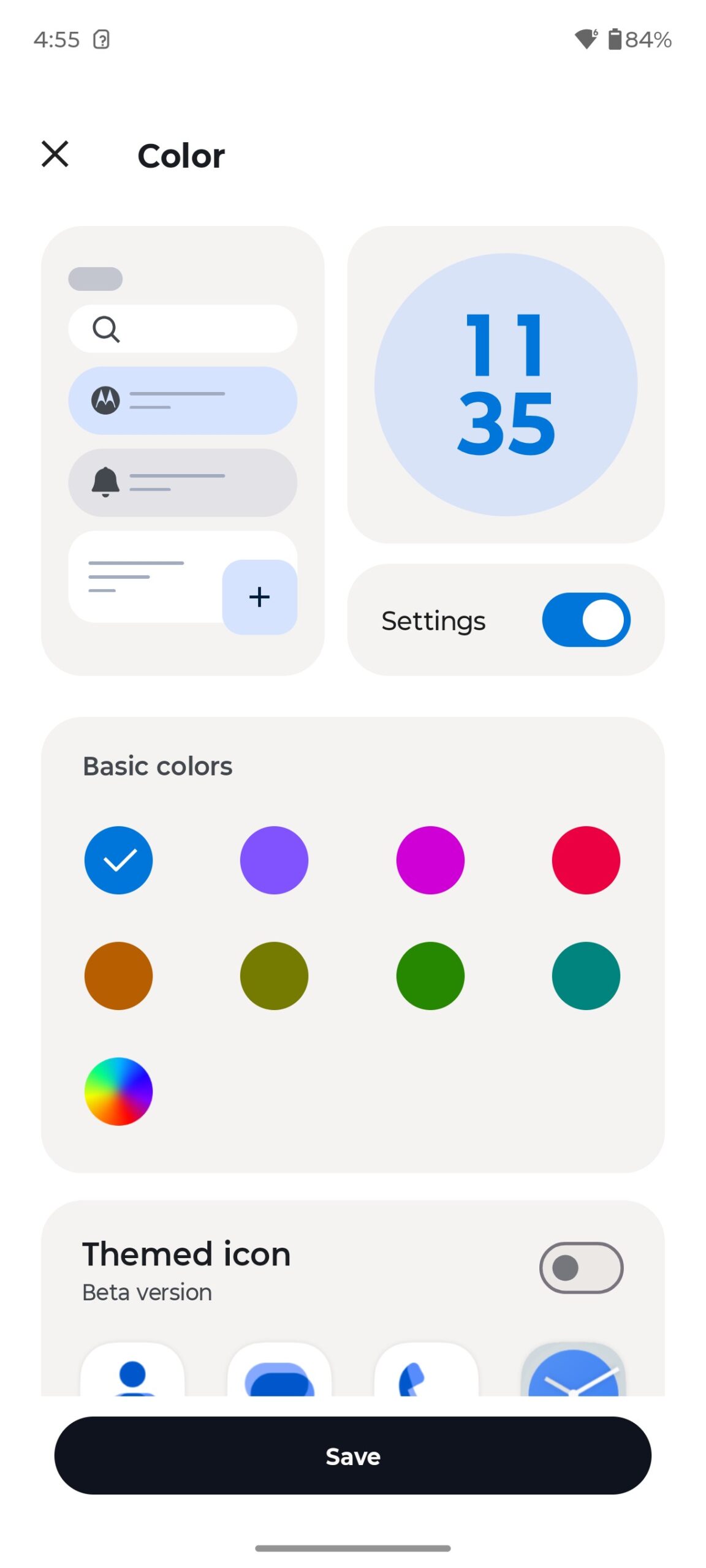
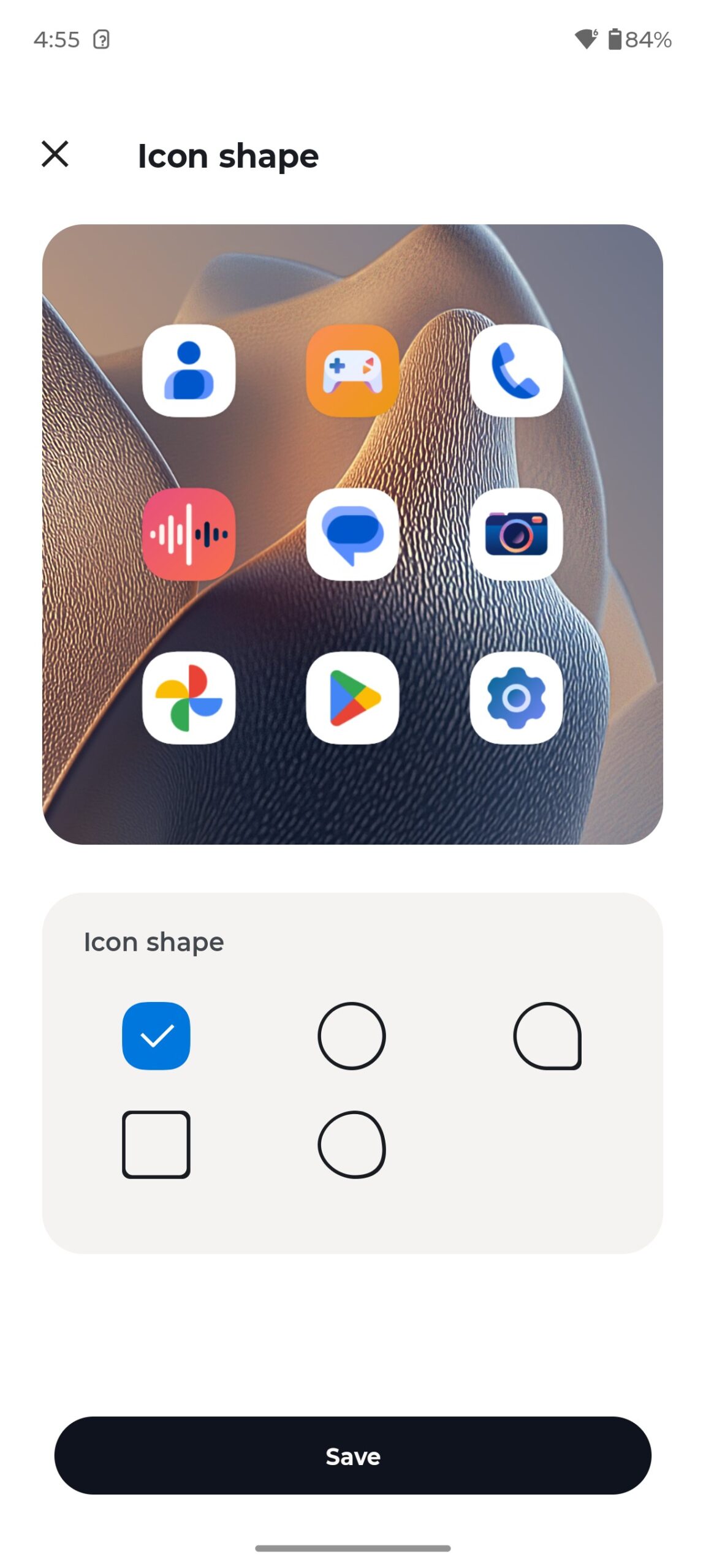
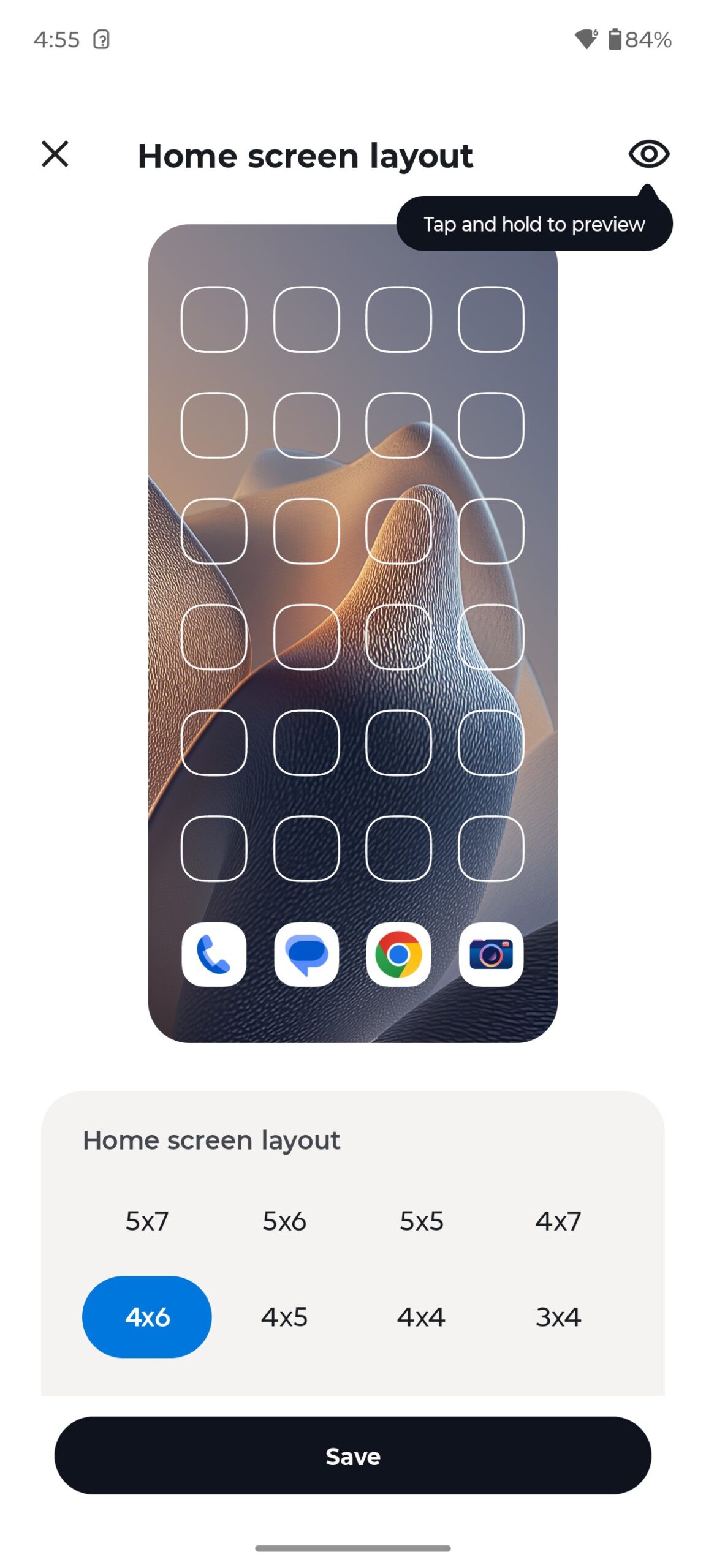
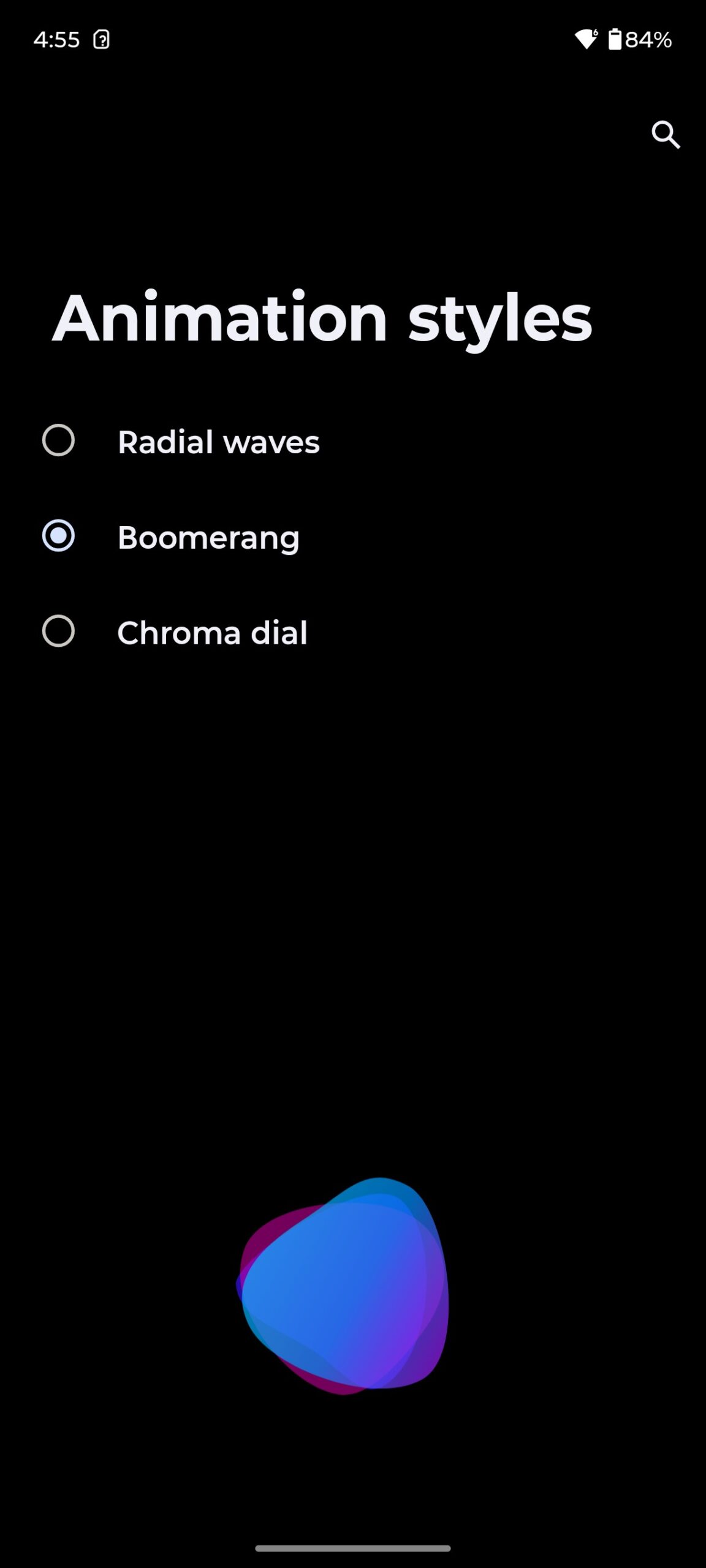
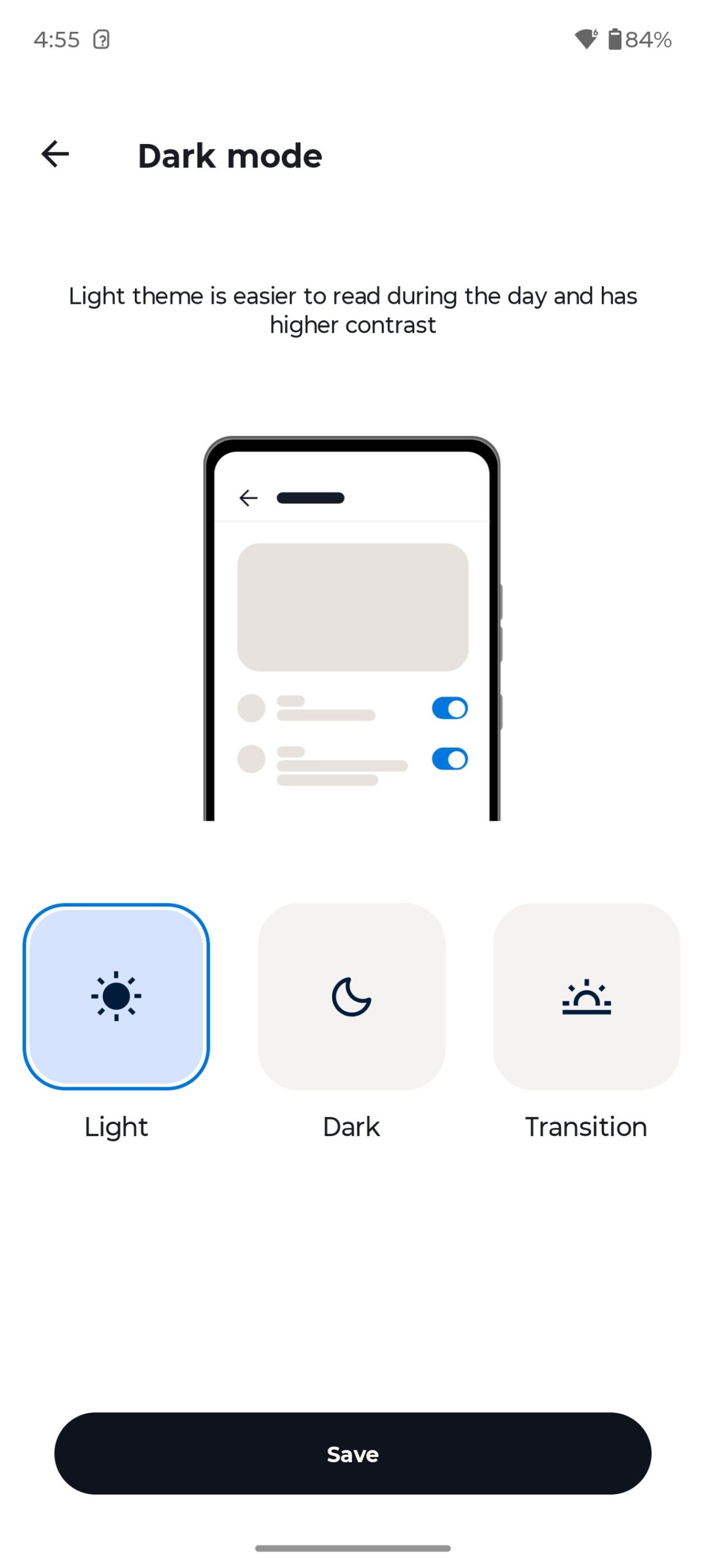
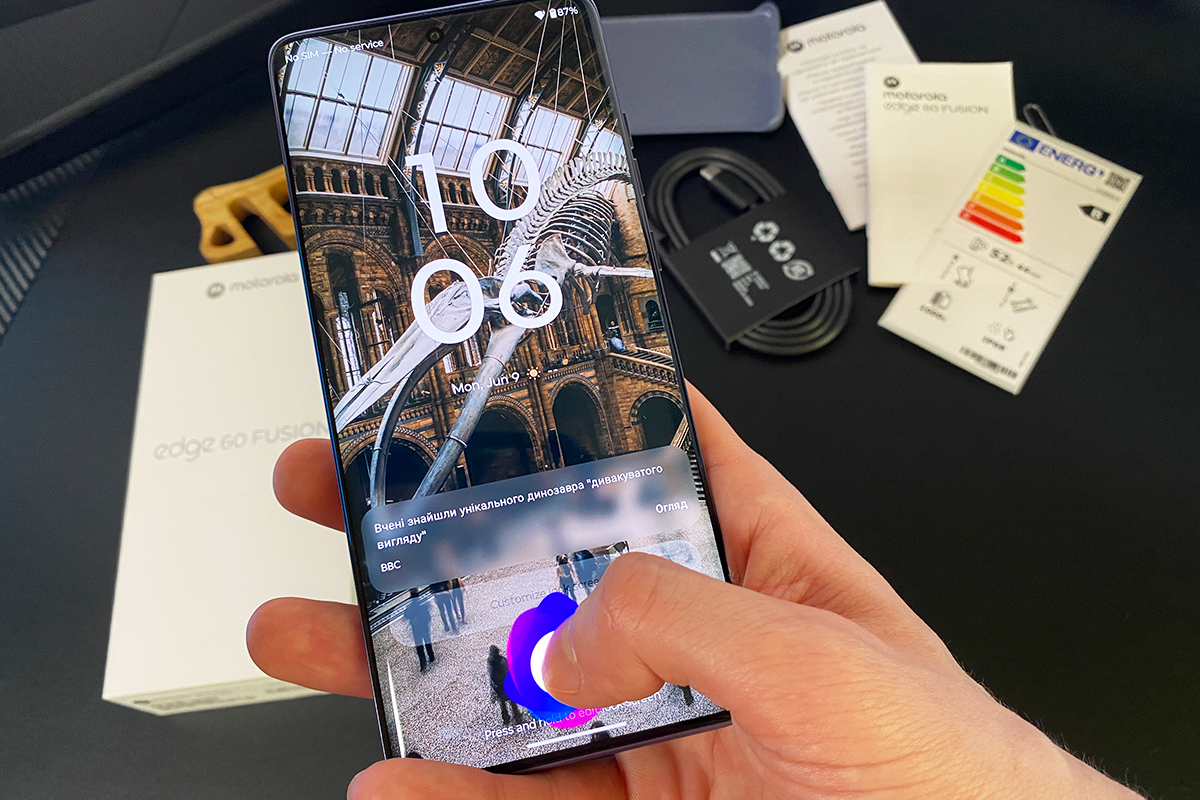
Finally, a few words about the fingerprint scanner – in the Edge 60 Fusion model, it’s sub-screen, which I must admit is quite convenient. There are even various cool animations for it, though there are not many of them. The scanner works perfectly – it always recognises your finger quickly and correctly.
Read also: How to Prevent Your Laptop from Overheating
Hardware and performance tests
The smartphone is powered by the MediaTek Dimensity 7300 processor, which was launched last year. It’s a pretty good processor designed specifically for smartphones in the upper-mid-range price segment, focused primarily on striking a balance between performance, energy efficiency and support for modern features. 8 cores (4 high-performance ARM Cortex-A78 cores with a clock frequency of 2.5 GHz + 4 energy-efficient ARM Cortex-A55 cores with a clock frequency of 2 GHz). It is manufactured using a 4-nanometre process technology. It has a graphics accelerator in the form of ARM Mali-G615 MC2.


Once again, this processor is used in the global version of the smartphone. The Indian version of the smartphone uses a different processor – MediaTek Dimensity 7400. In short, this is a newer and slightly more productive processor, which is essentially a logical continuation of the Dimensity 7300. This raises a logical question: why didn’t they put it in the global version as well? Probably so that the price of the global version would not have to be raised.
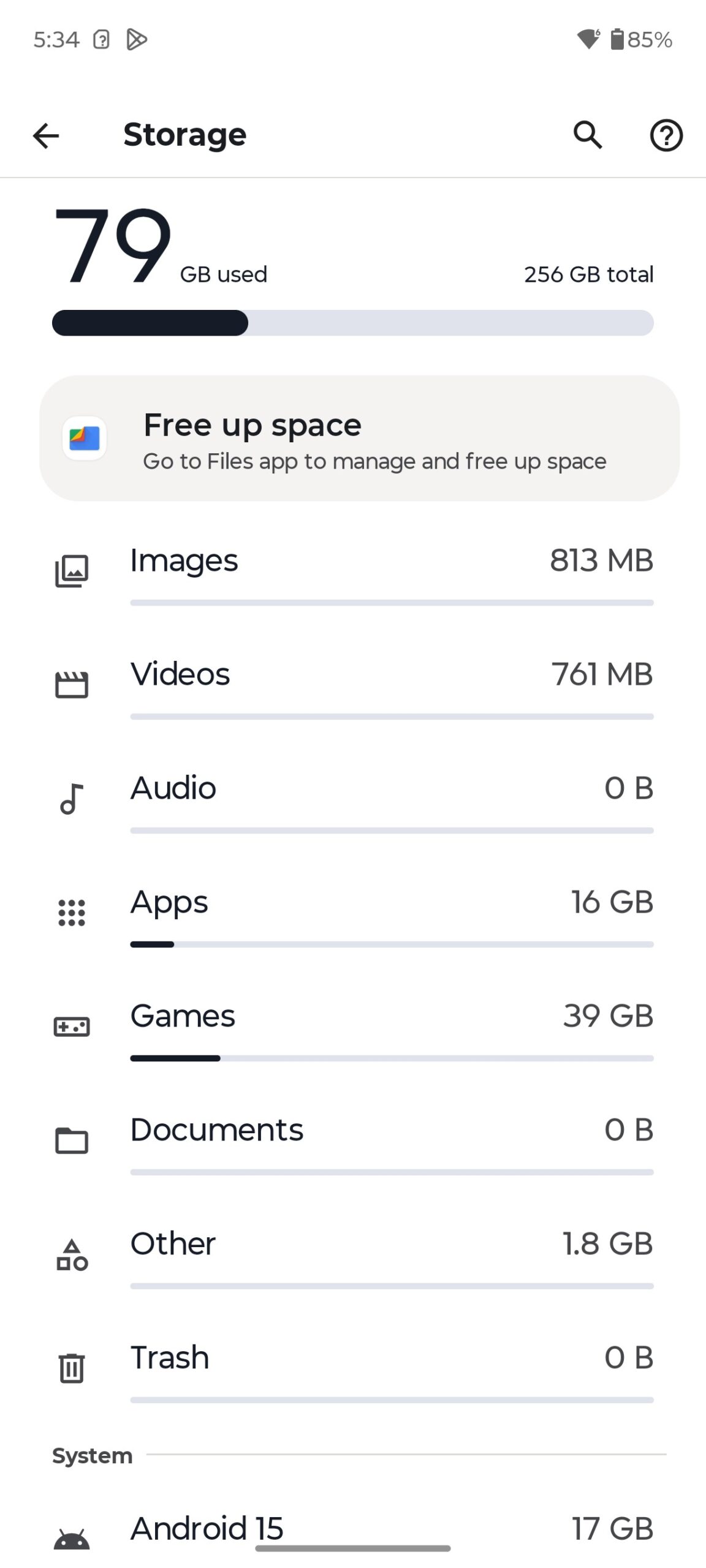
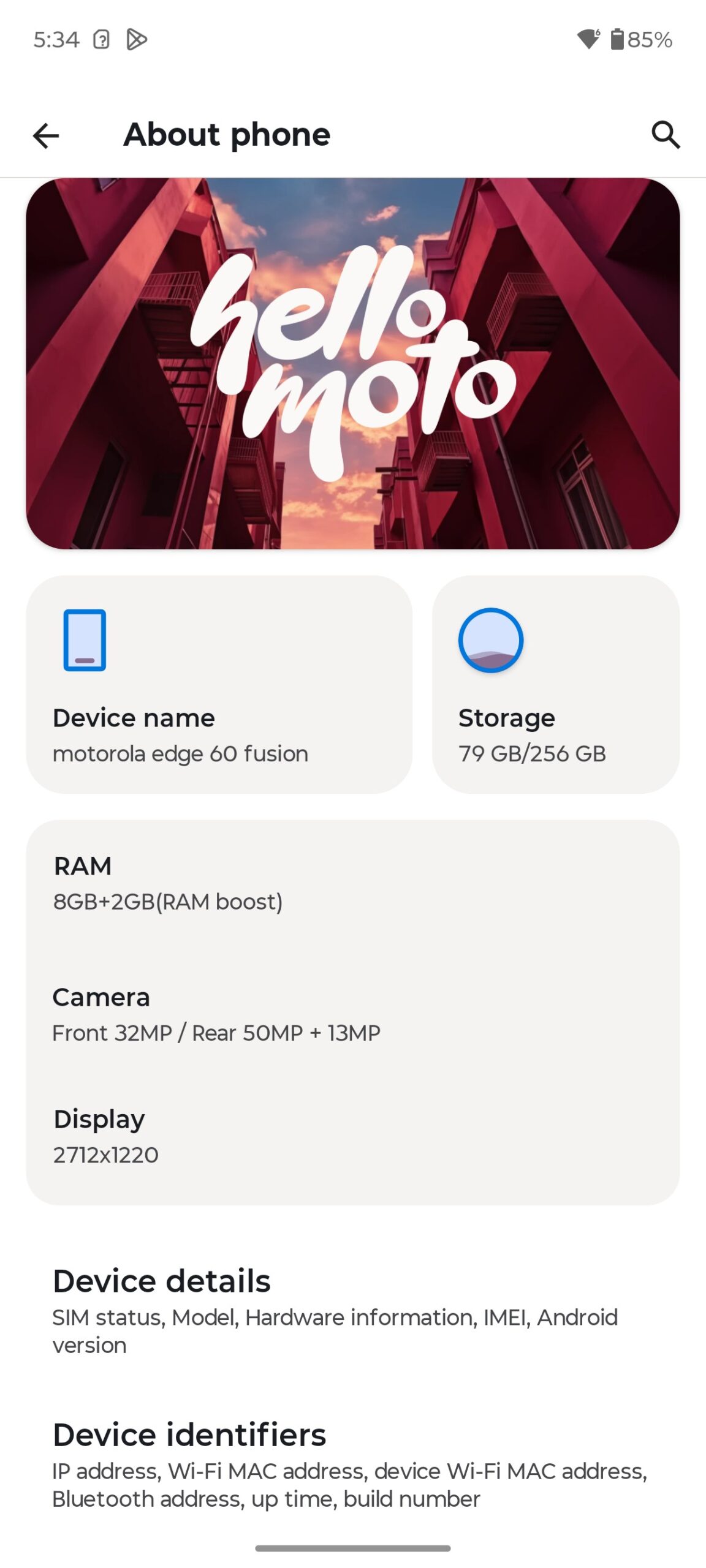
The Edge 60 Fusion comes with 8GB of LPDDR4X RAM and 256GB of UFS 2.2 storage. As with most modern smartphones, the Edge 60 Fusion has the ability to expand RAM using virtual memory, which uses storage space. Available expansion options: 2, 4, 8, 16 GB and AI-based auto-adjustment.
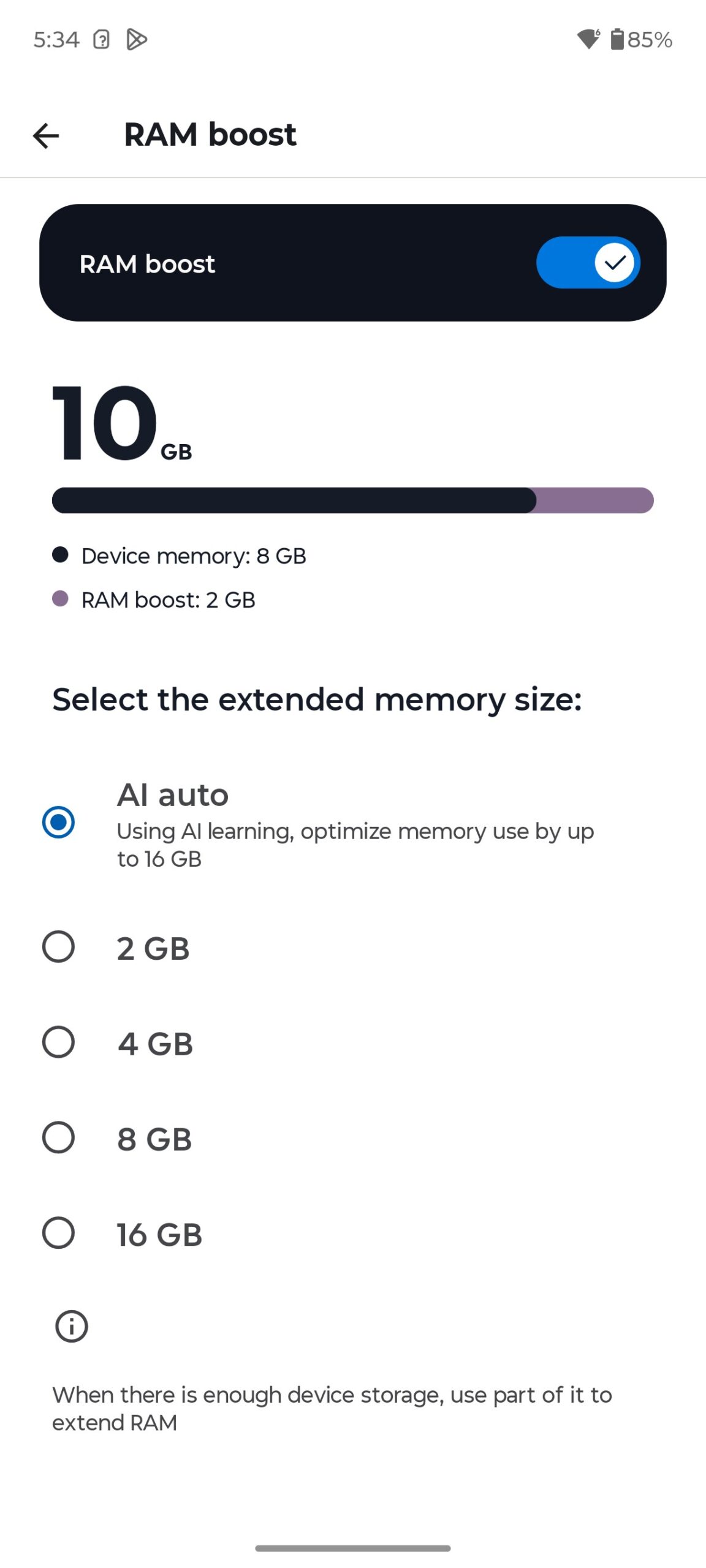
In benchmarks and performance tests, the smartphone boasts quite good results, which was quite expected. I’m going to share them with you below. Testing was carried out in applications: Geekbench 6, Geekbench AI, PCMark, 3DMark, AnTuTu Benchmark, AiTuTu Benchmark and CPU Throttling Test.
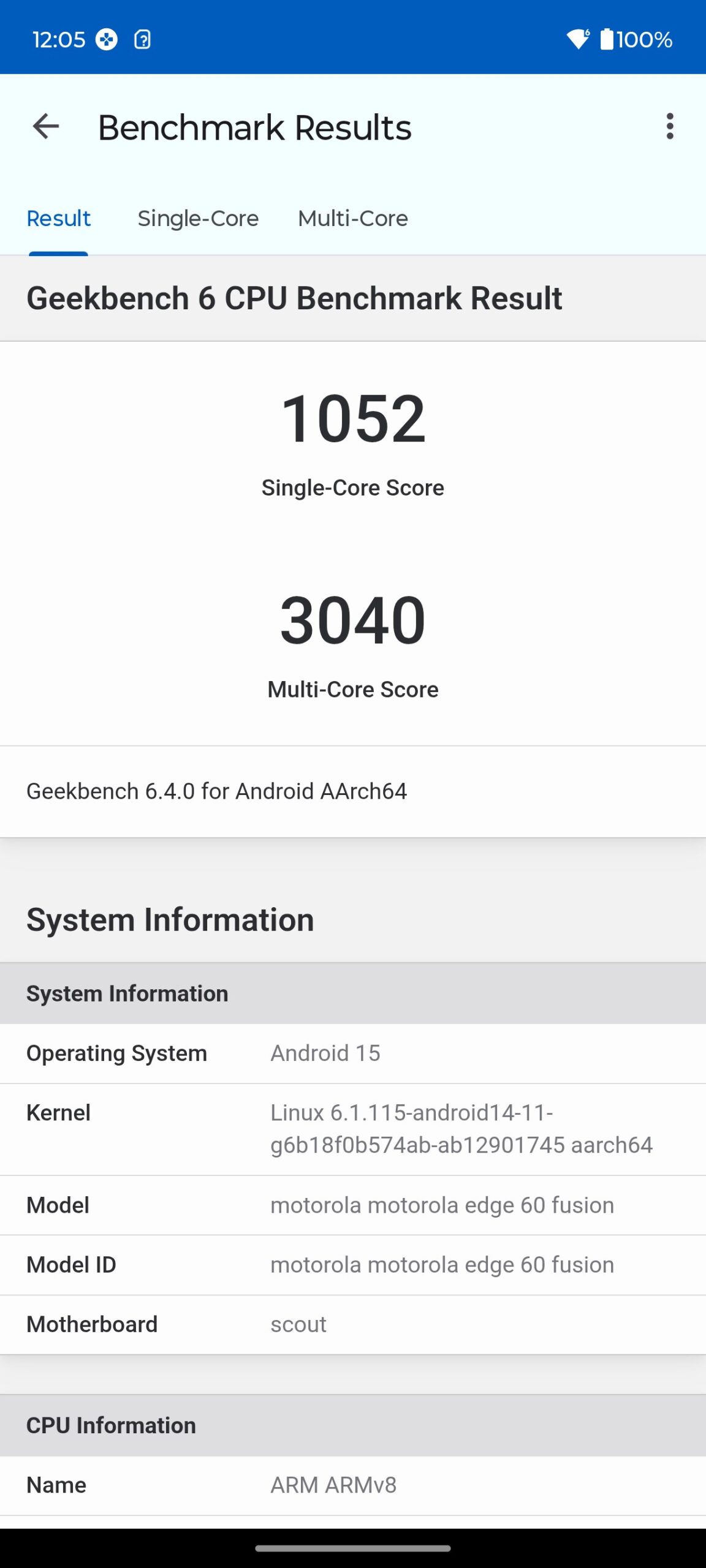
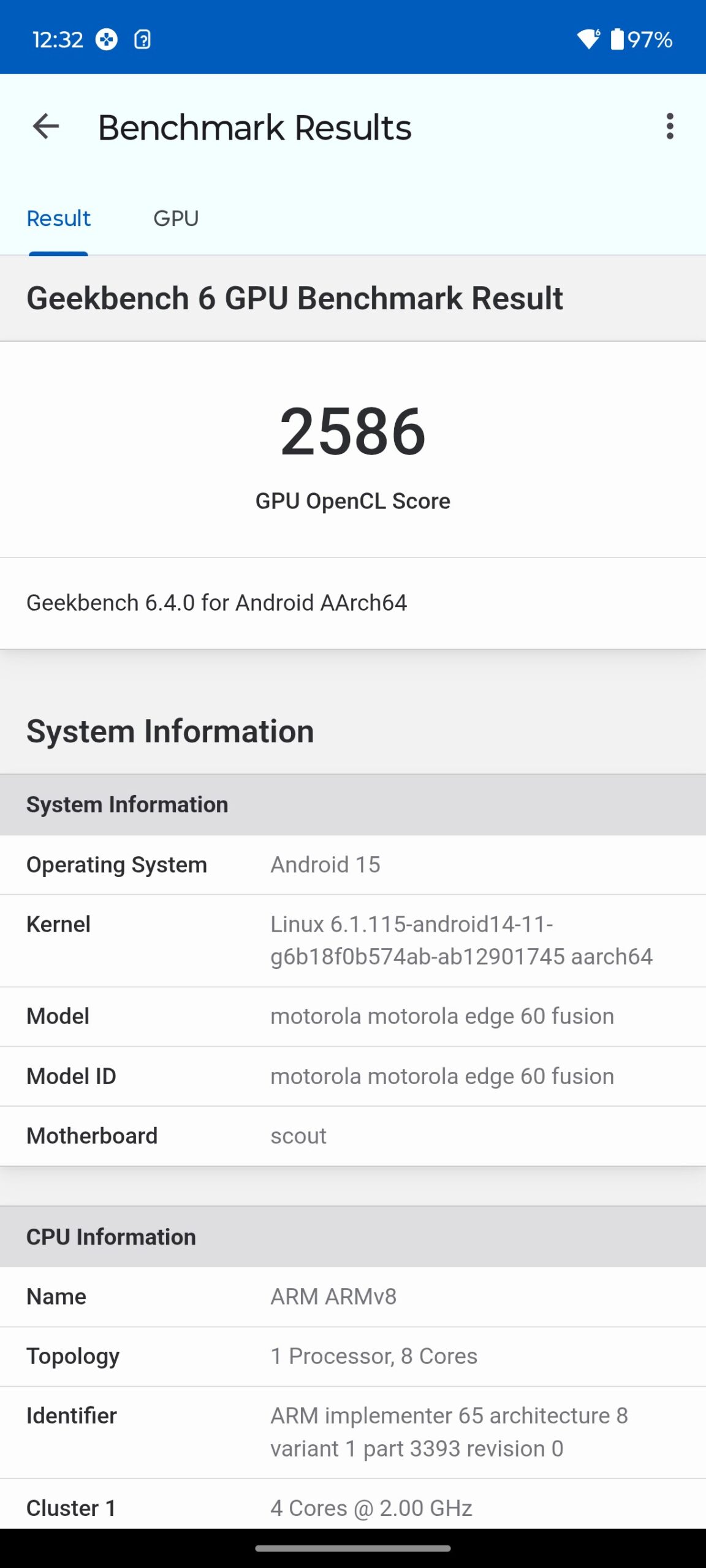
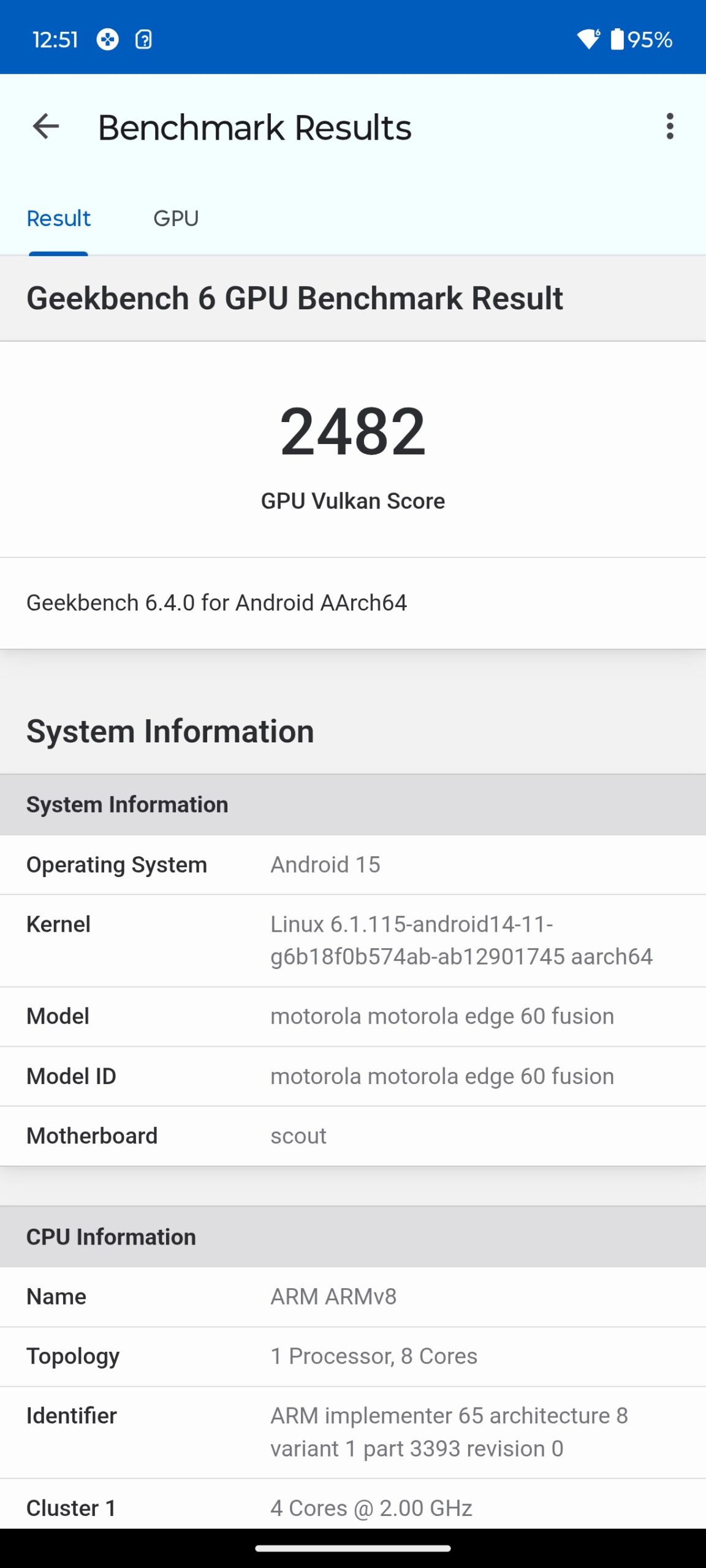
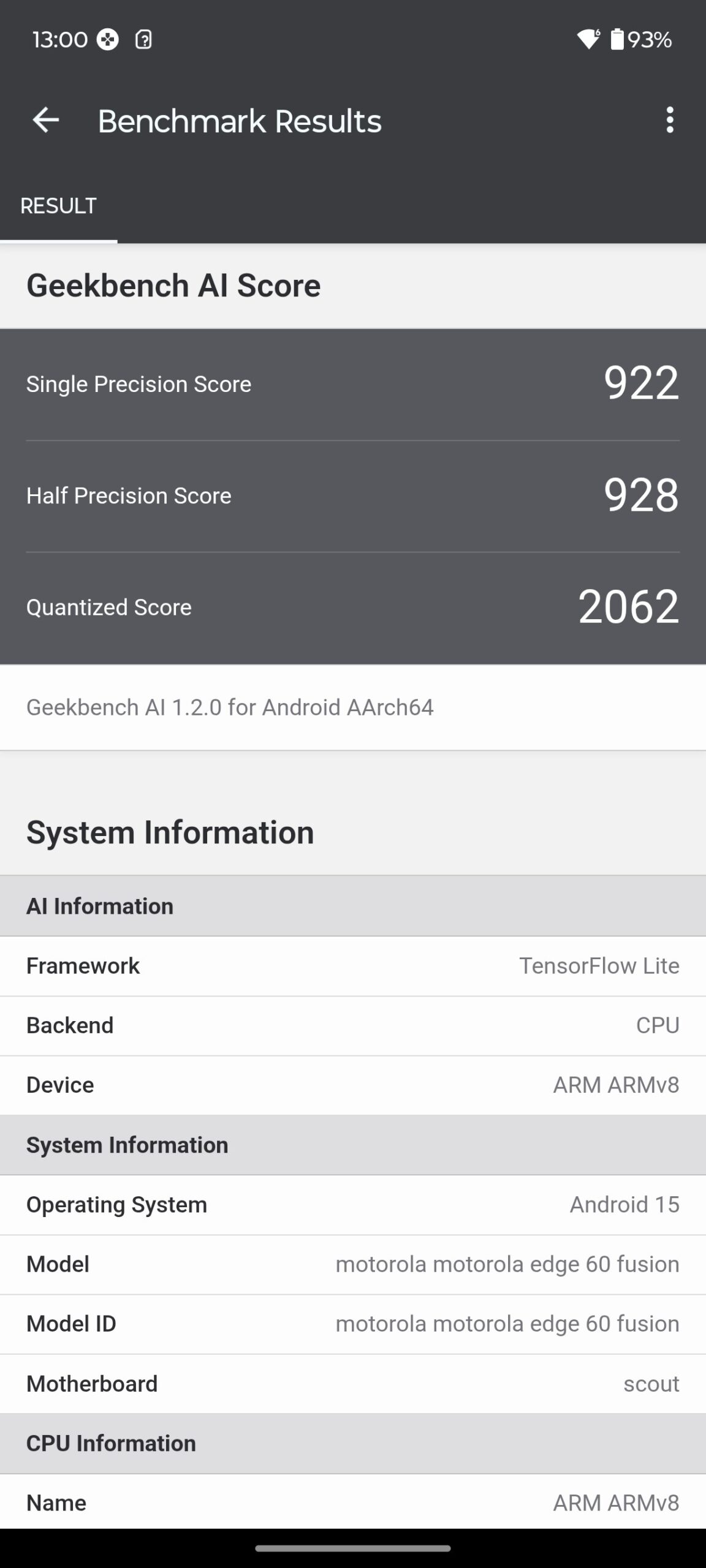
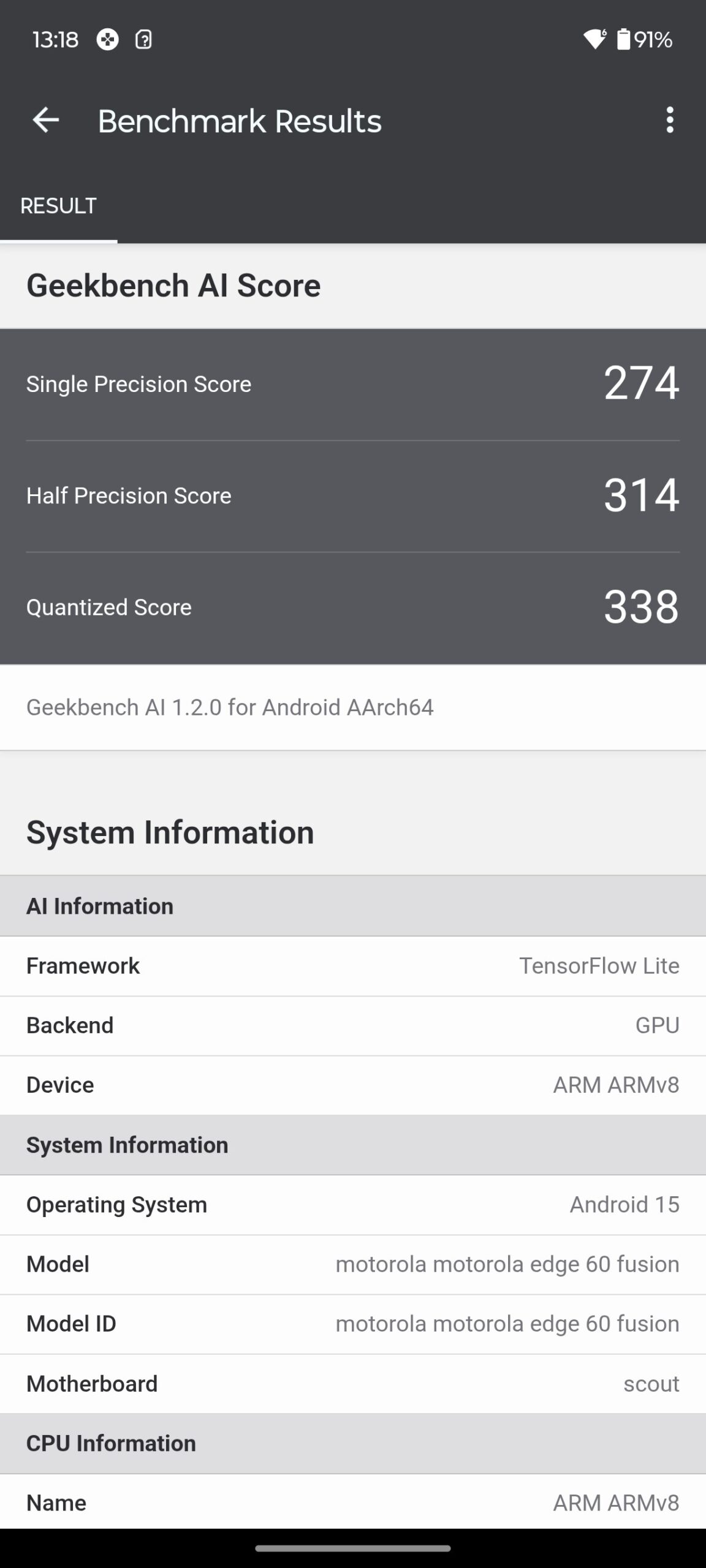
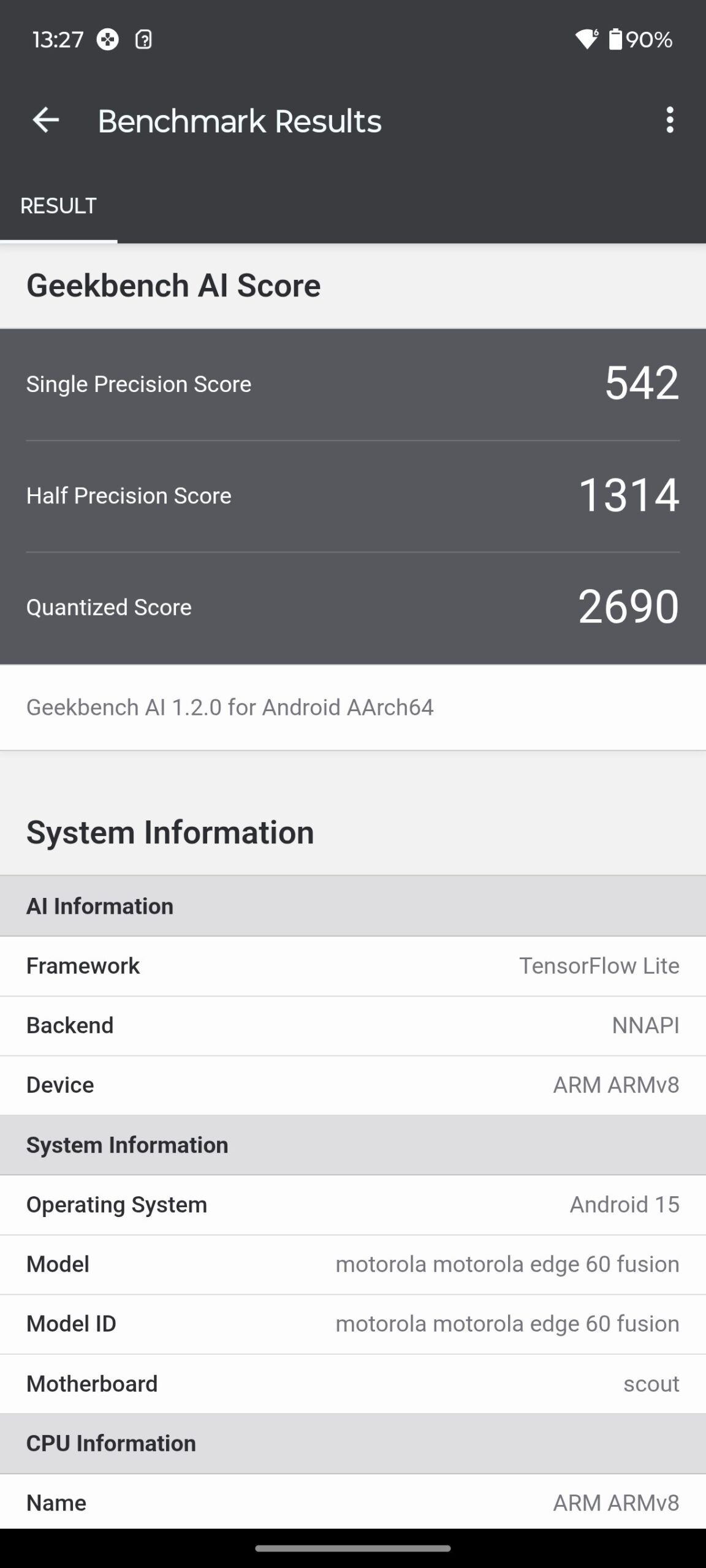
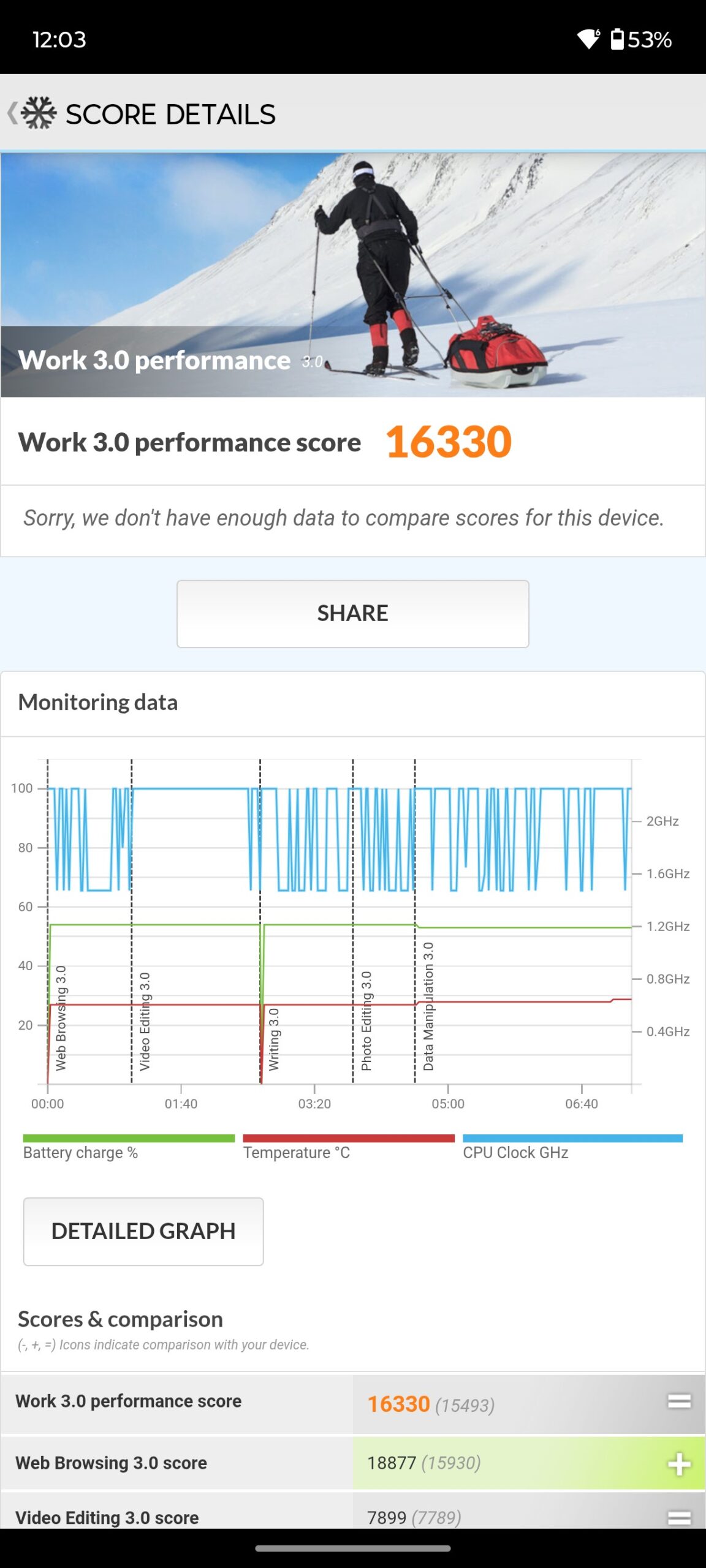


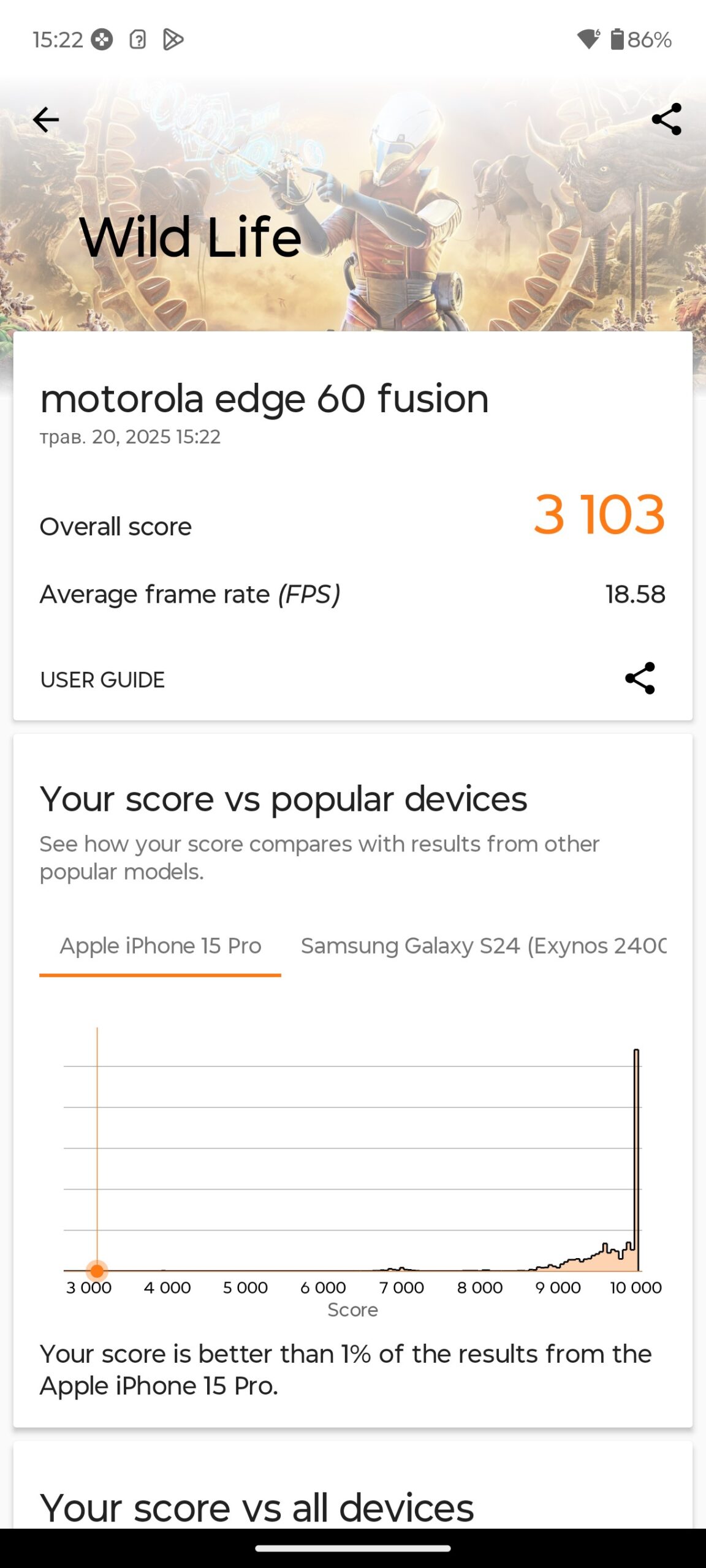

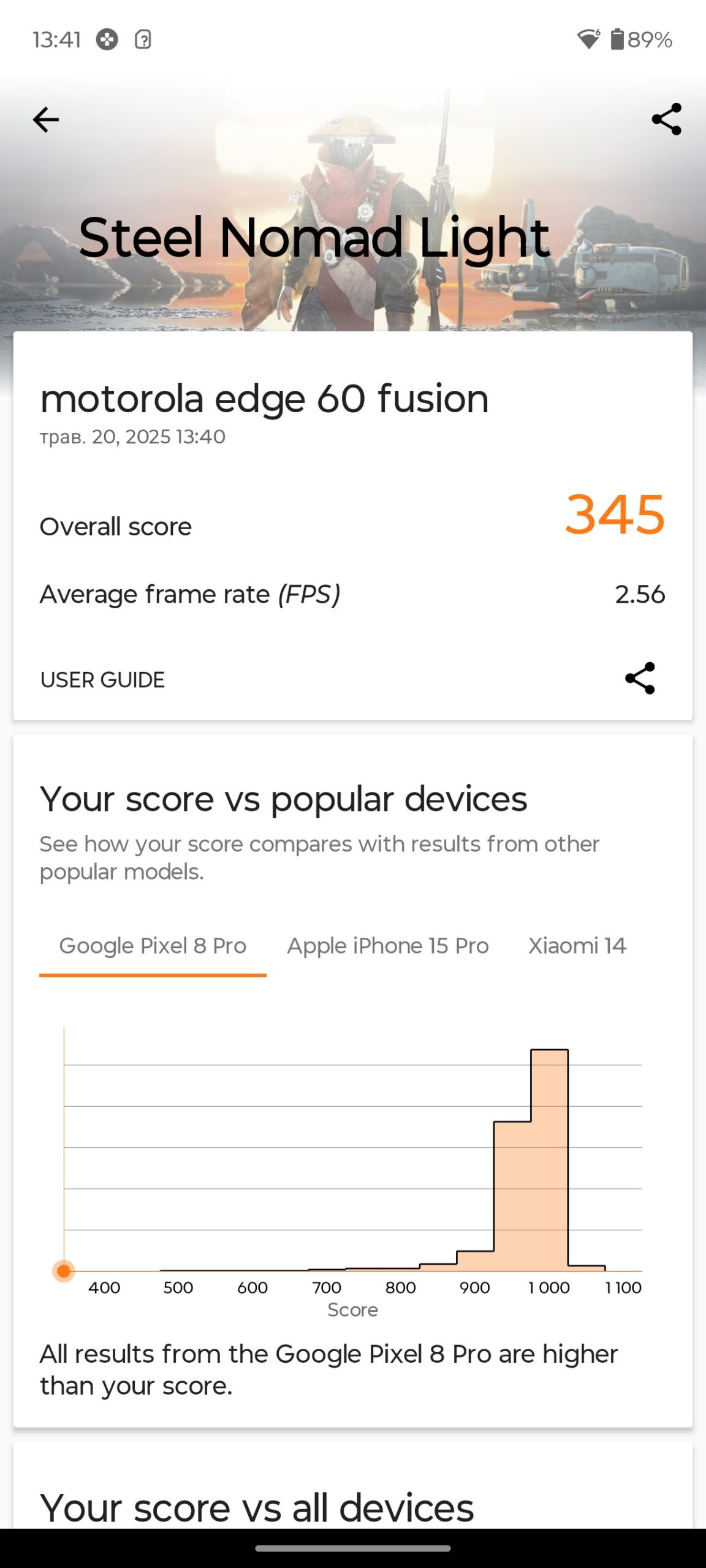
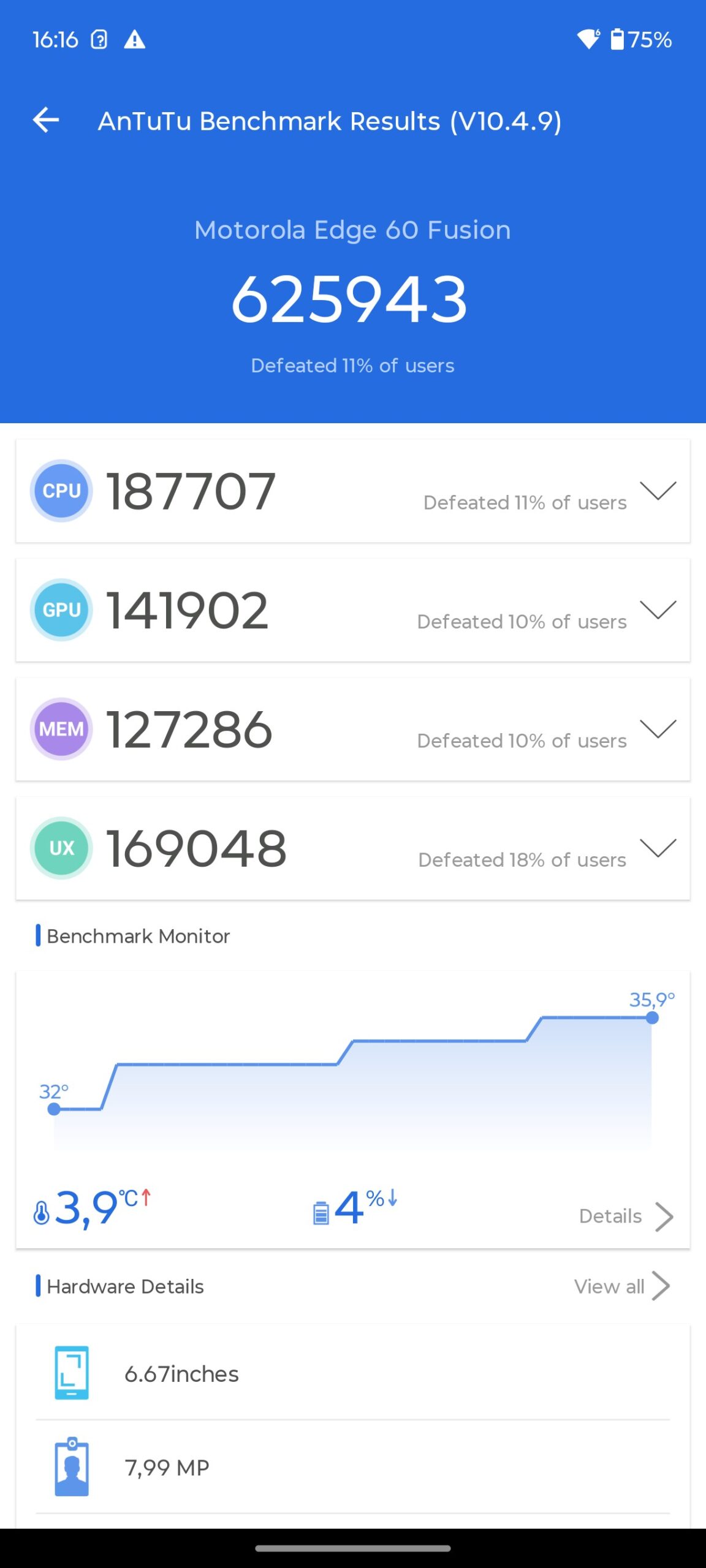
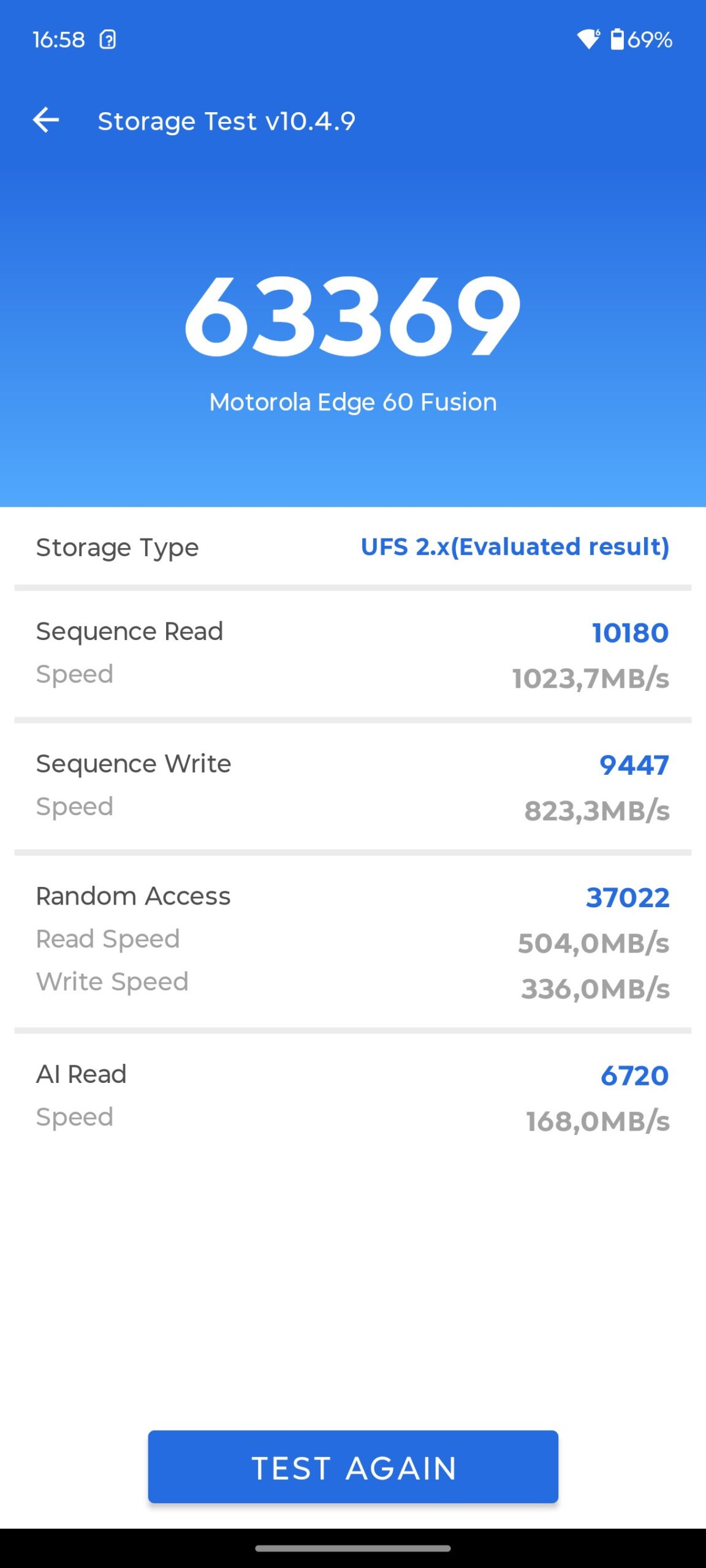
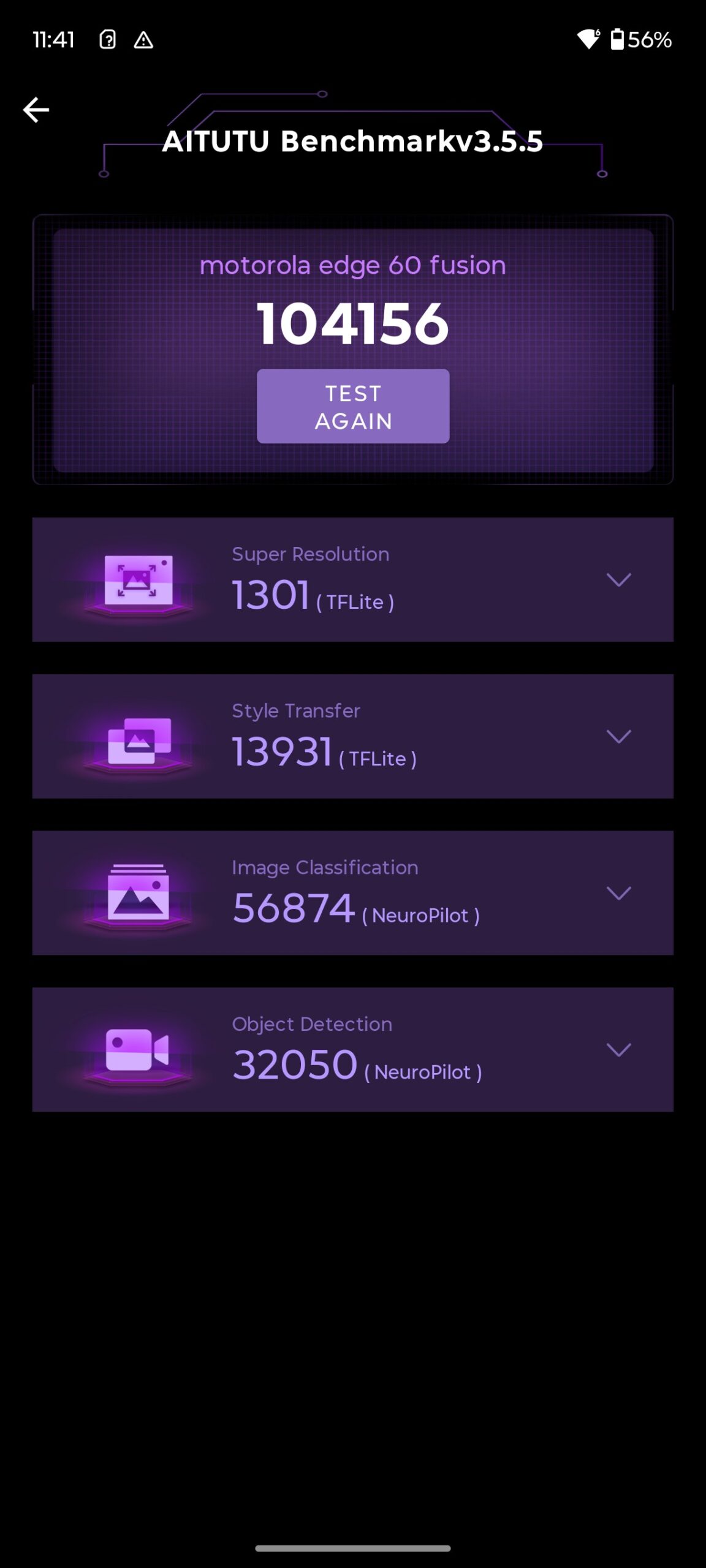
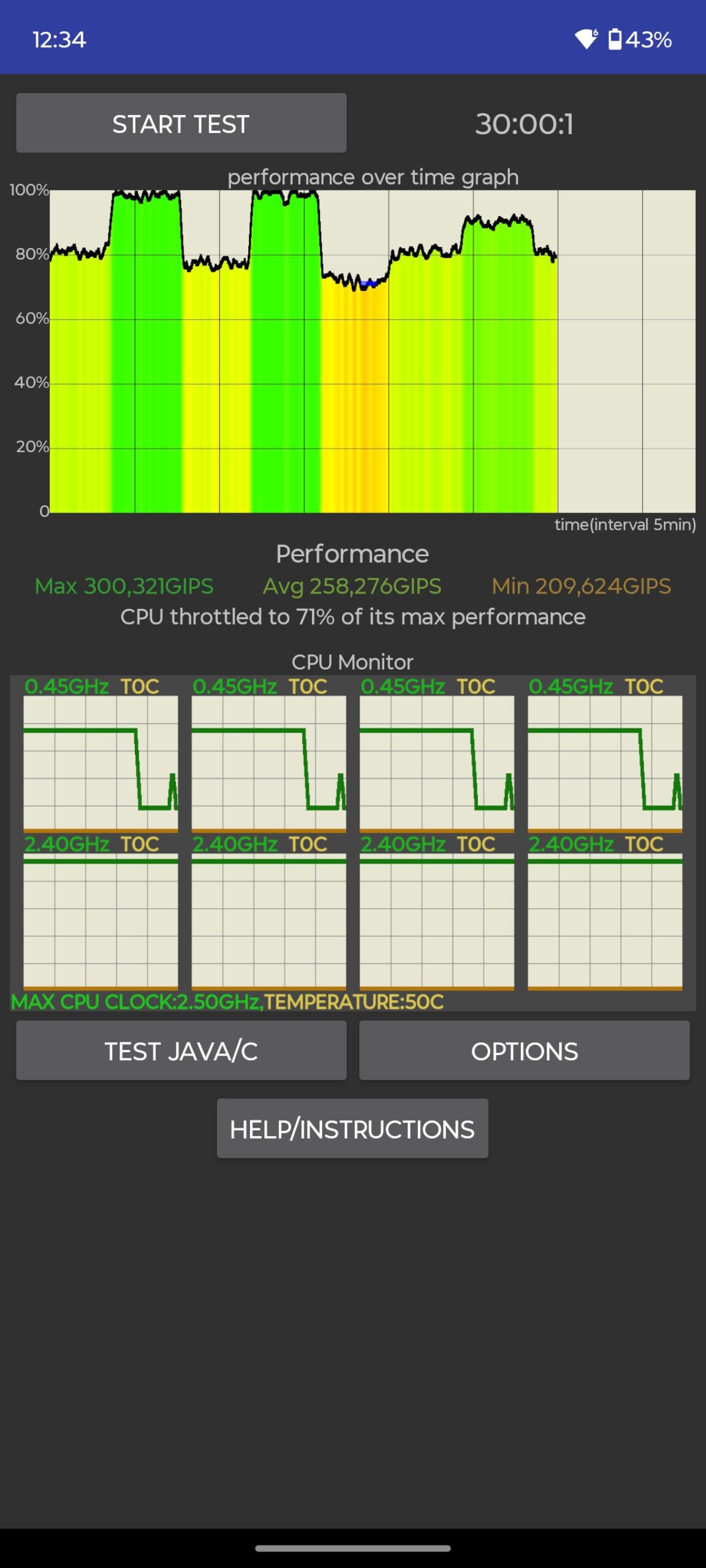
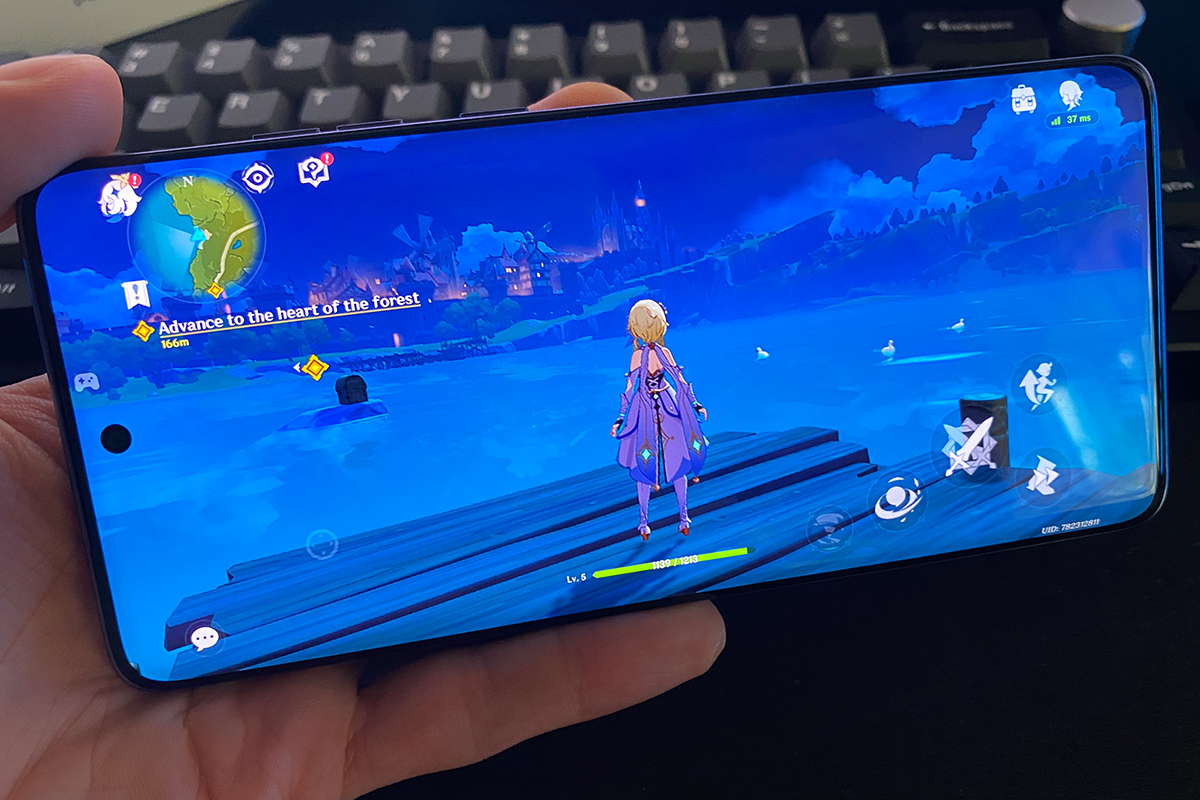
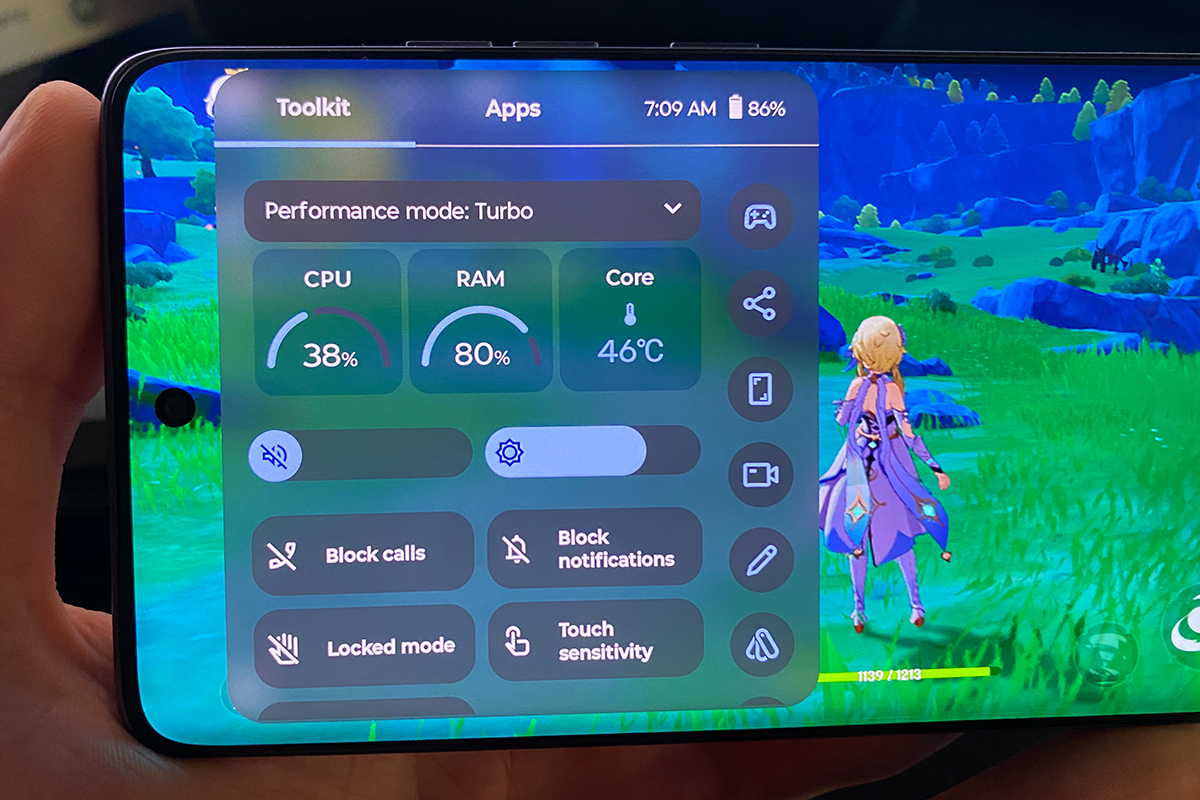
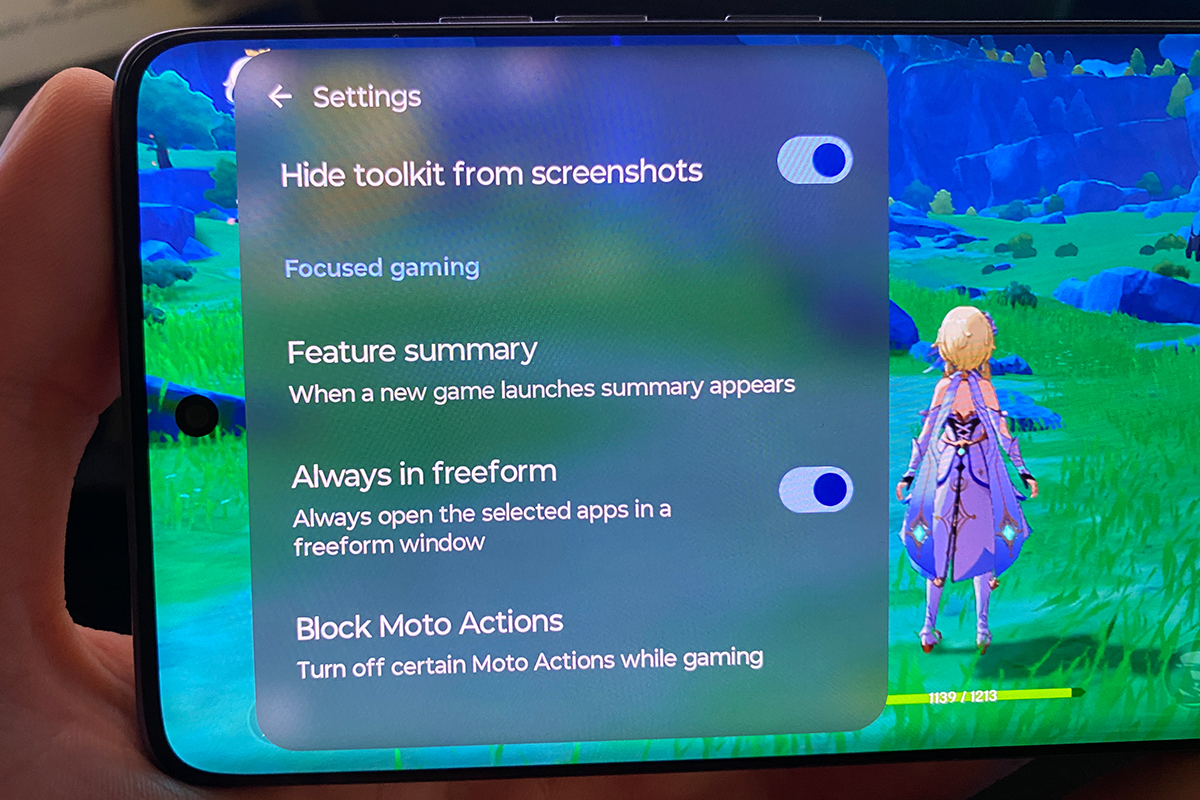
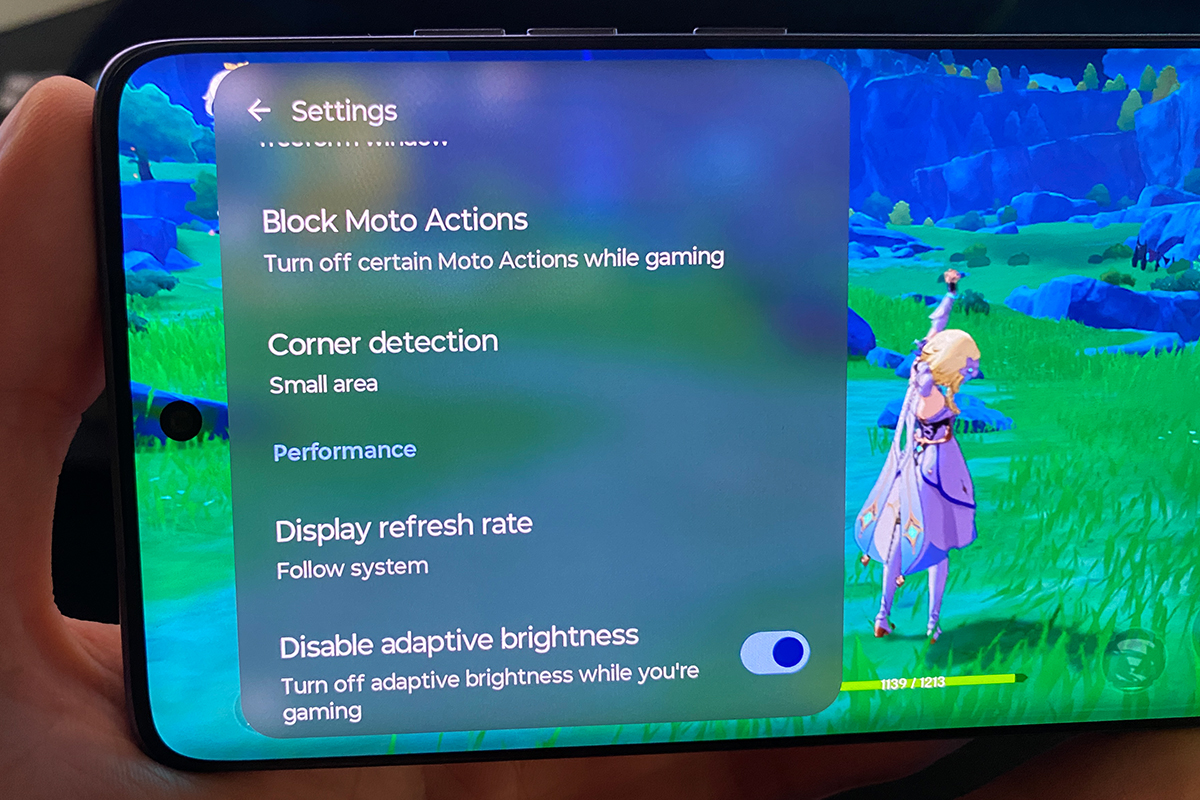
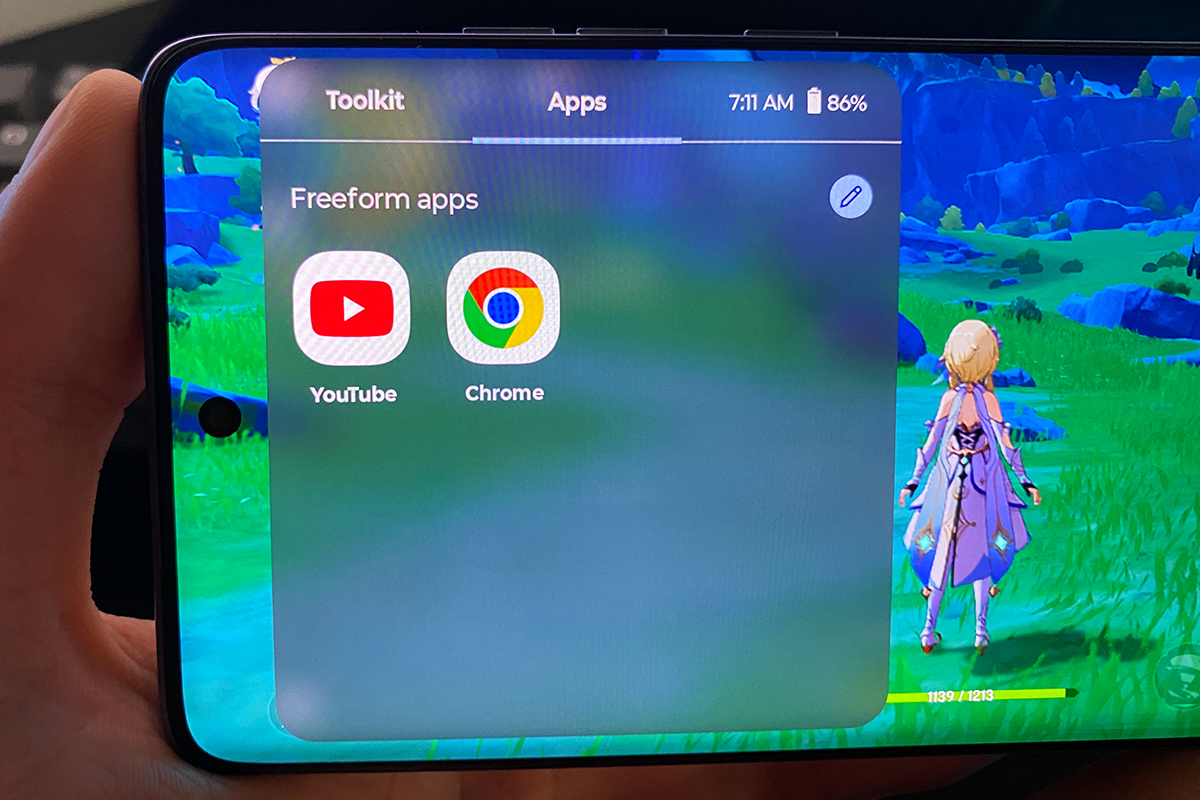
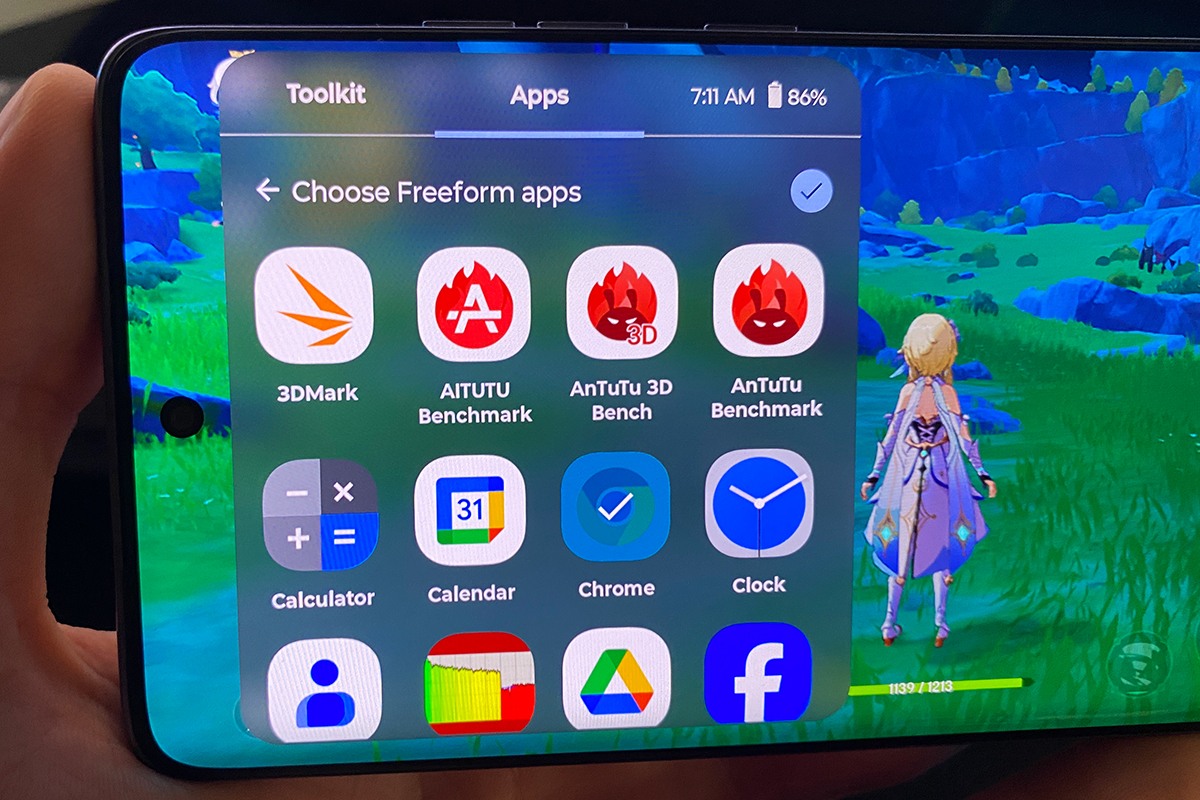
As for my opinion on the performance of the smartphone: fast, smooth, with excellent response. There are no freezes or slowdowns in operation. In short, the performance is more than comfortable. There are no problems with mobile games on the smartphone either. For the test, I ran the rather demanding Genshin Impact on Edge 60 Fusion and the smartphone pulled it off at high graphics settings without any problems. From this we can conclude that Edge 60 Fusion is also suitable for mobile gaming. By the way, the smartphone does not heat up much during the game, which is also an important advantage.
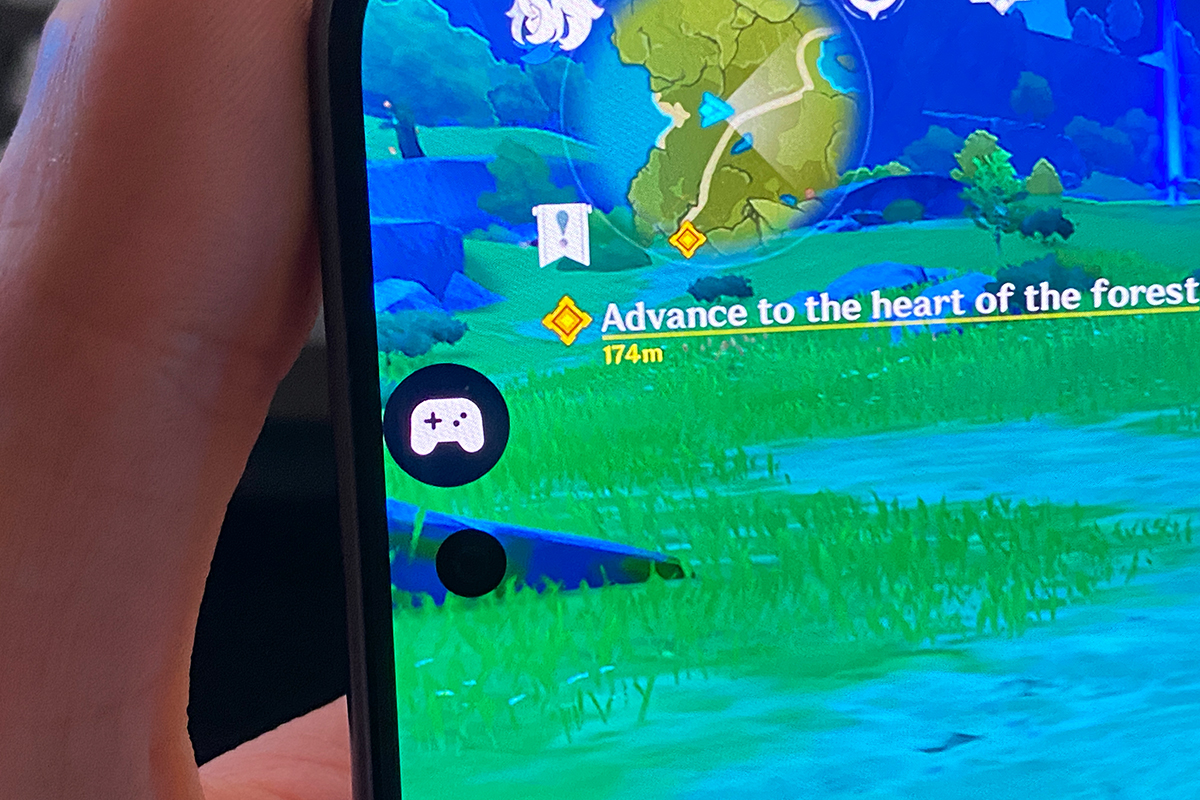
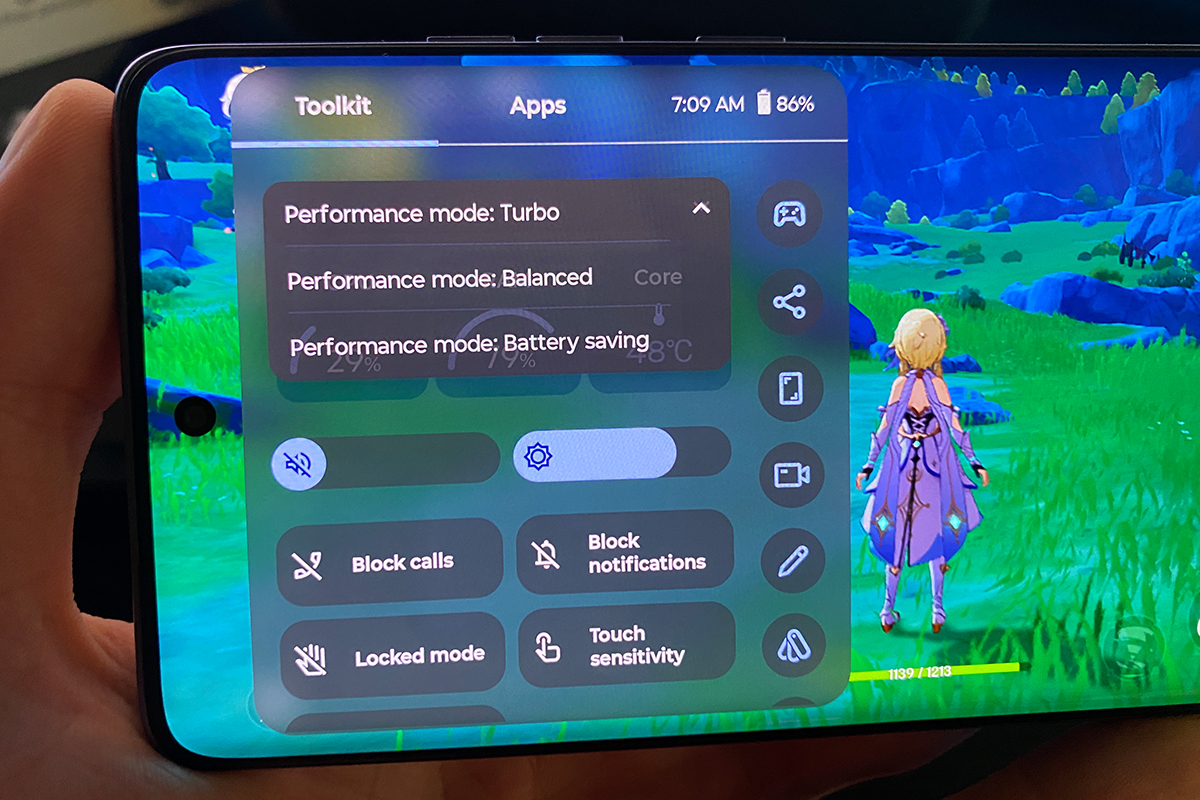
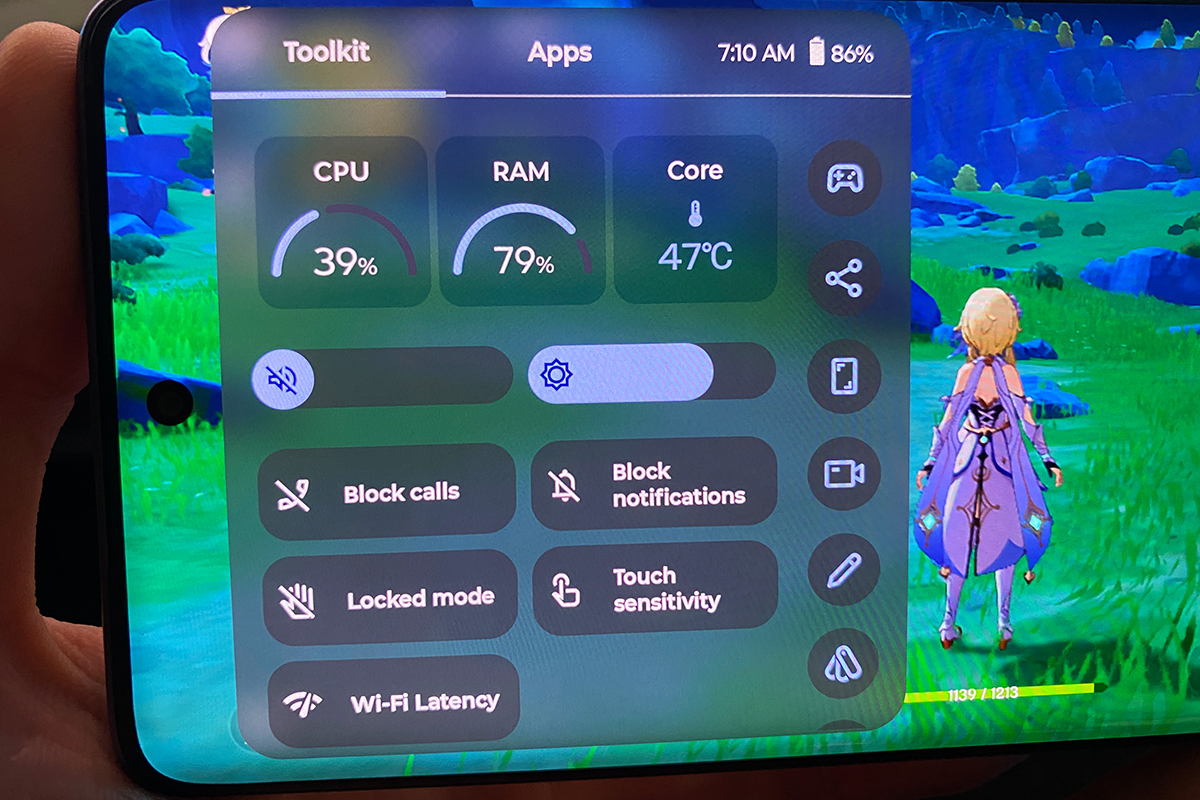
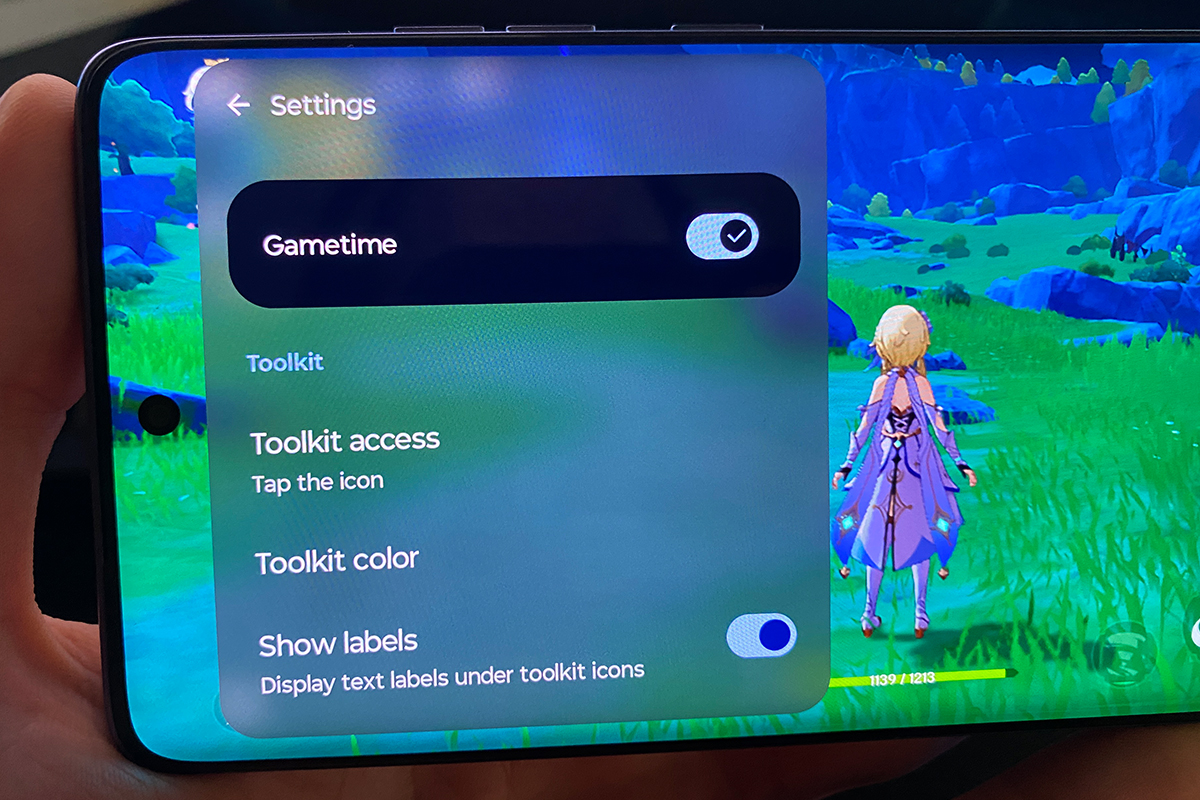
For mobile games, your smartphone has a special set of tools called Moto Gametime. It allows you to change the performance modes of your smartphone, monitor its status (temperature, CPU/RAM load percentage) and configure some individual functions to improve the gaming experience.
Read also: Report from the Motorola Future Express Presentation: Style, Technology, and the Spirit of Modernity
Motorola Edge 60 Fusion cameras
The cameras are another key advantage of the model in its price segment. The rear camera in the smartphone has three lenses: main, ultra-wide, and additional. The main lens is a Sony LYTIA 700C sensor (1/1.56’ size, 1.0 µm pixel size) with a resolution of 50 megapixels, f/1.88 aperture, phase detection autofocus (PDAF) and optical image stabilisation (OIS). The ultra-wide lens has a resolution of 13 megapixels, f/2.2 aperture, 120° viewing angle and autofocus. The rear camera can shoot video in 4K@30FPS, 1080P@30/60FPS.
The front camera has a resolution of 32 megapixels, f/2.2 aperture and gyro-EIS electronic stabilisation. The front camera shoots video in 4K@30FPS and 1080P@30FPS resolutions.
The camera application is, so to speak, standard. It offers the usual set of modes and settings for taking photos and videos. For photos, there are: normal photo, ultra-wide photo, macro, portrait, pro mode, night mode, panorama, high-resolution photo, group selfie. For video: normal video, macro, slo-mo, accelerated shooting, simultaneous shooting from two cameras. There is also a large set of different filters for both photos and videos.
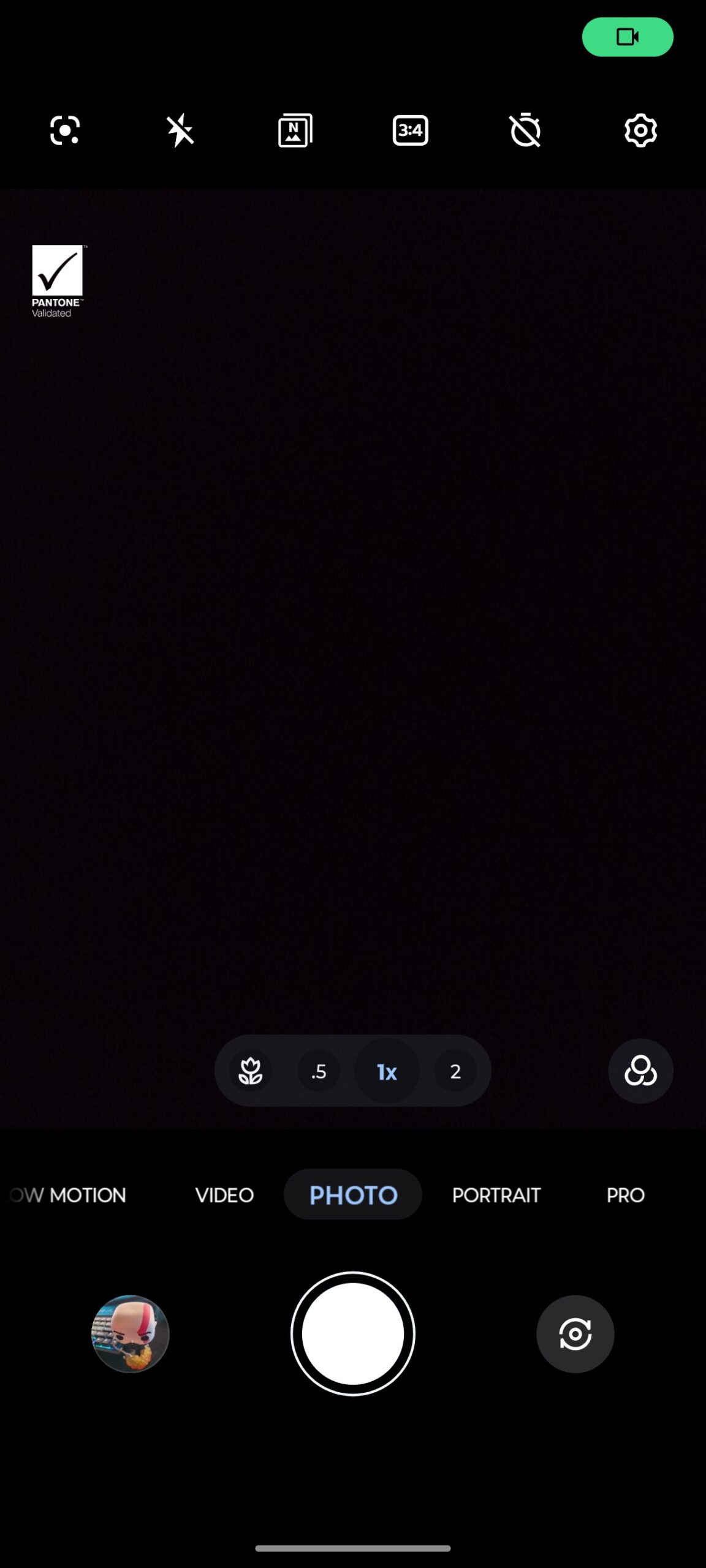
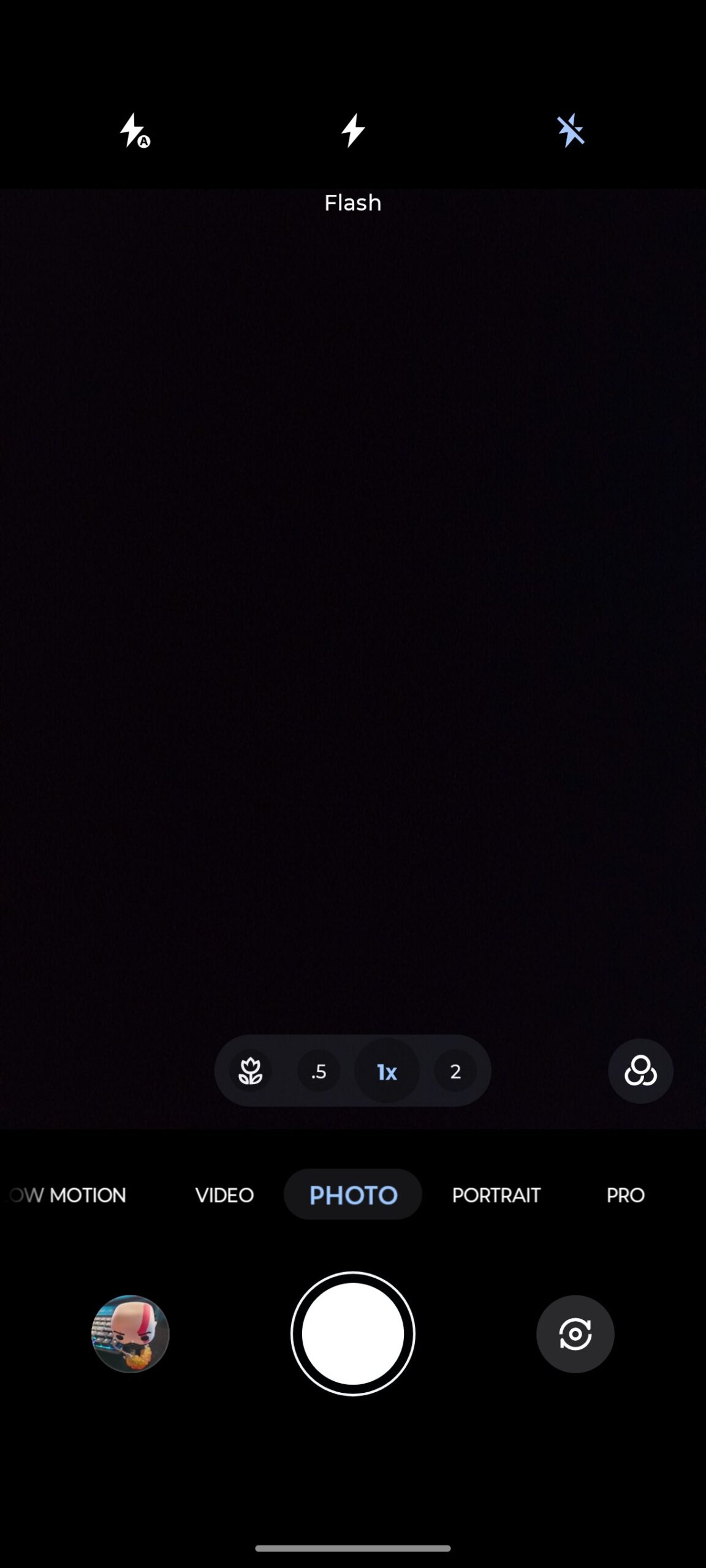
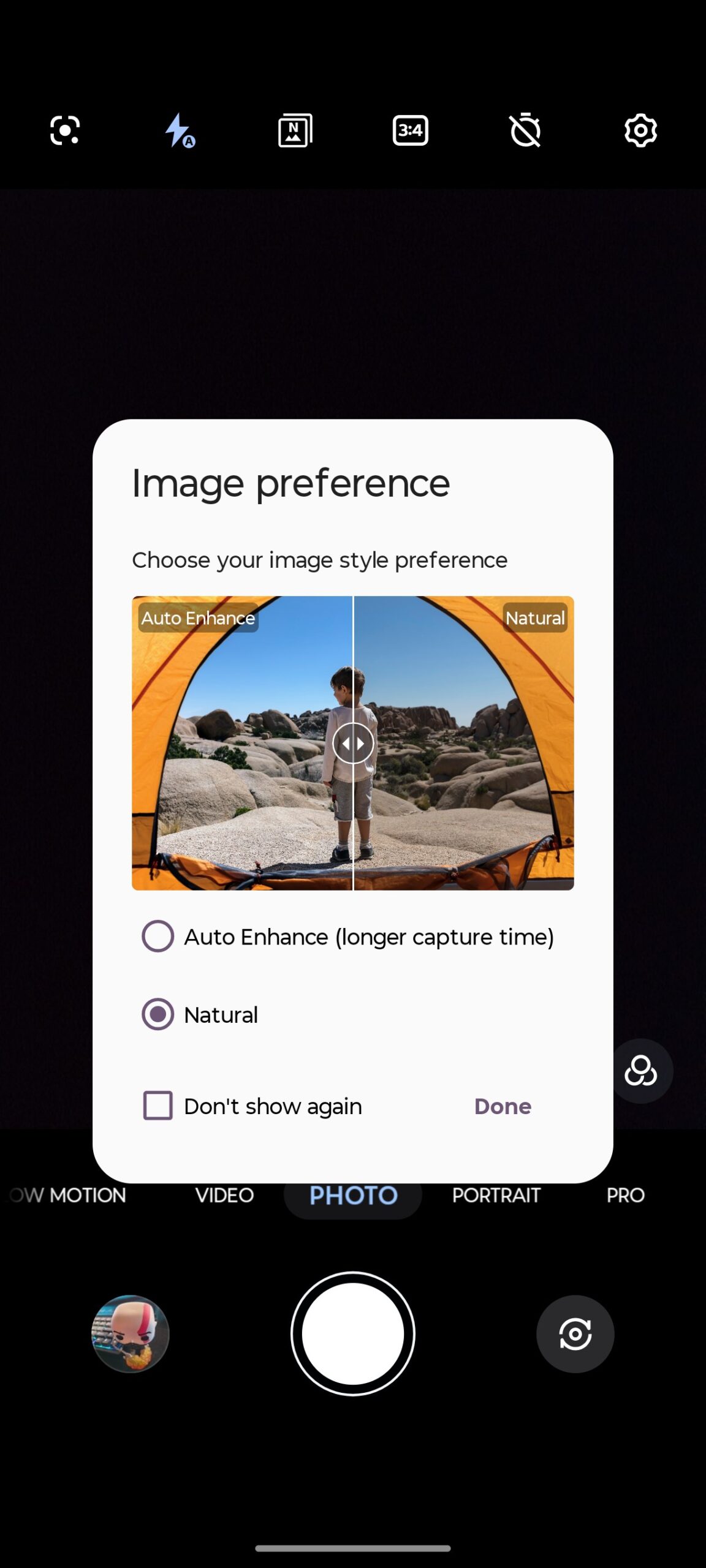
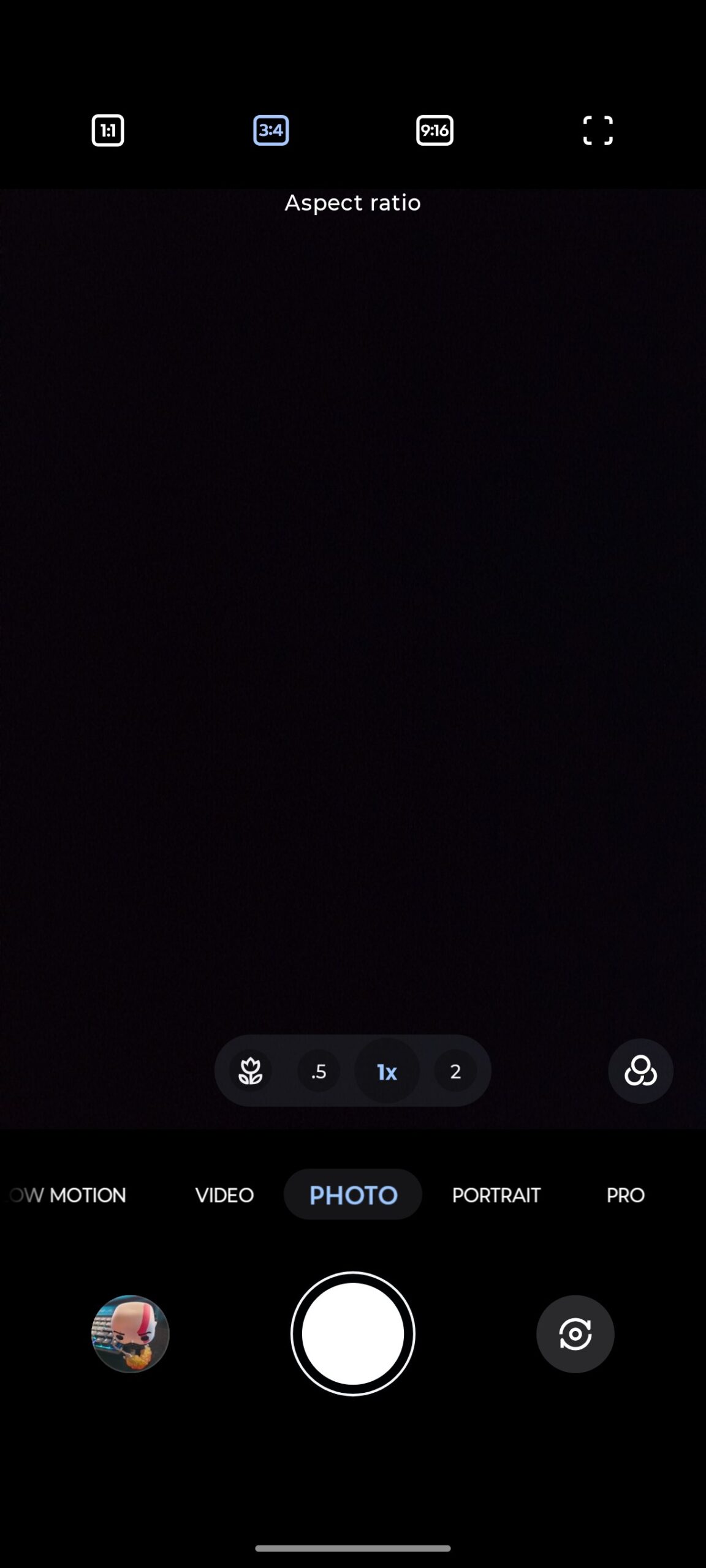
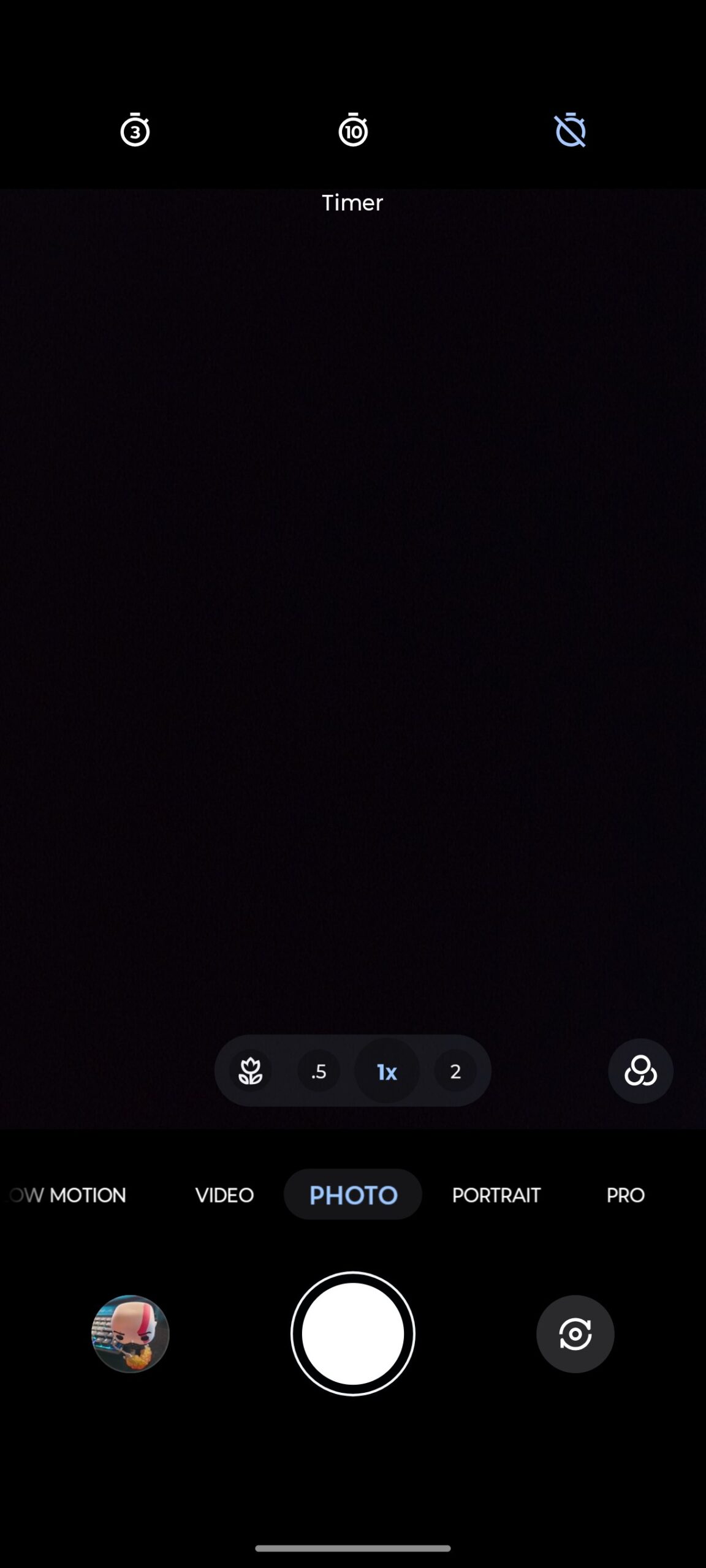
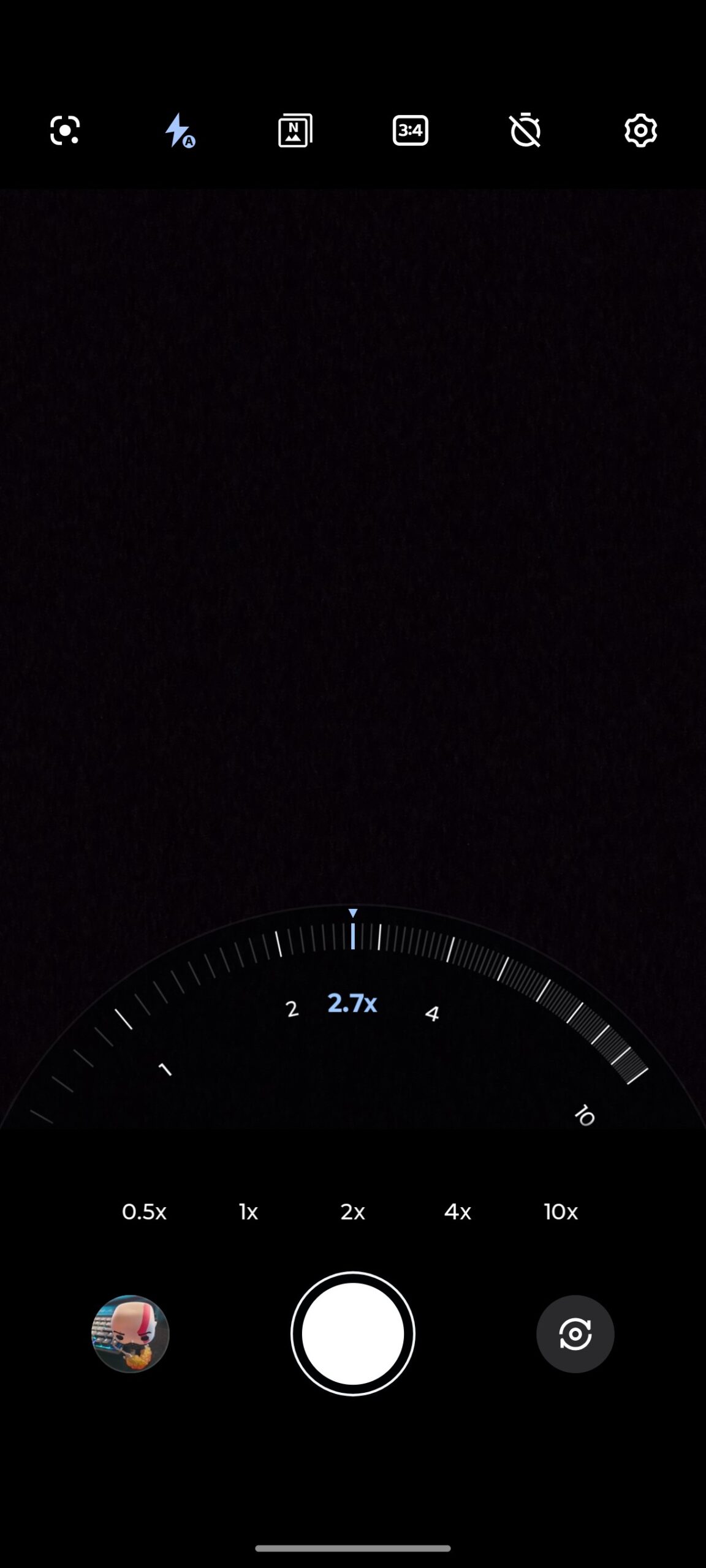
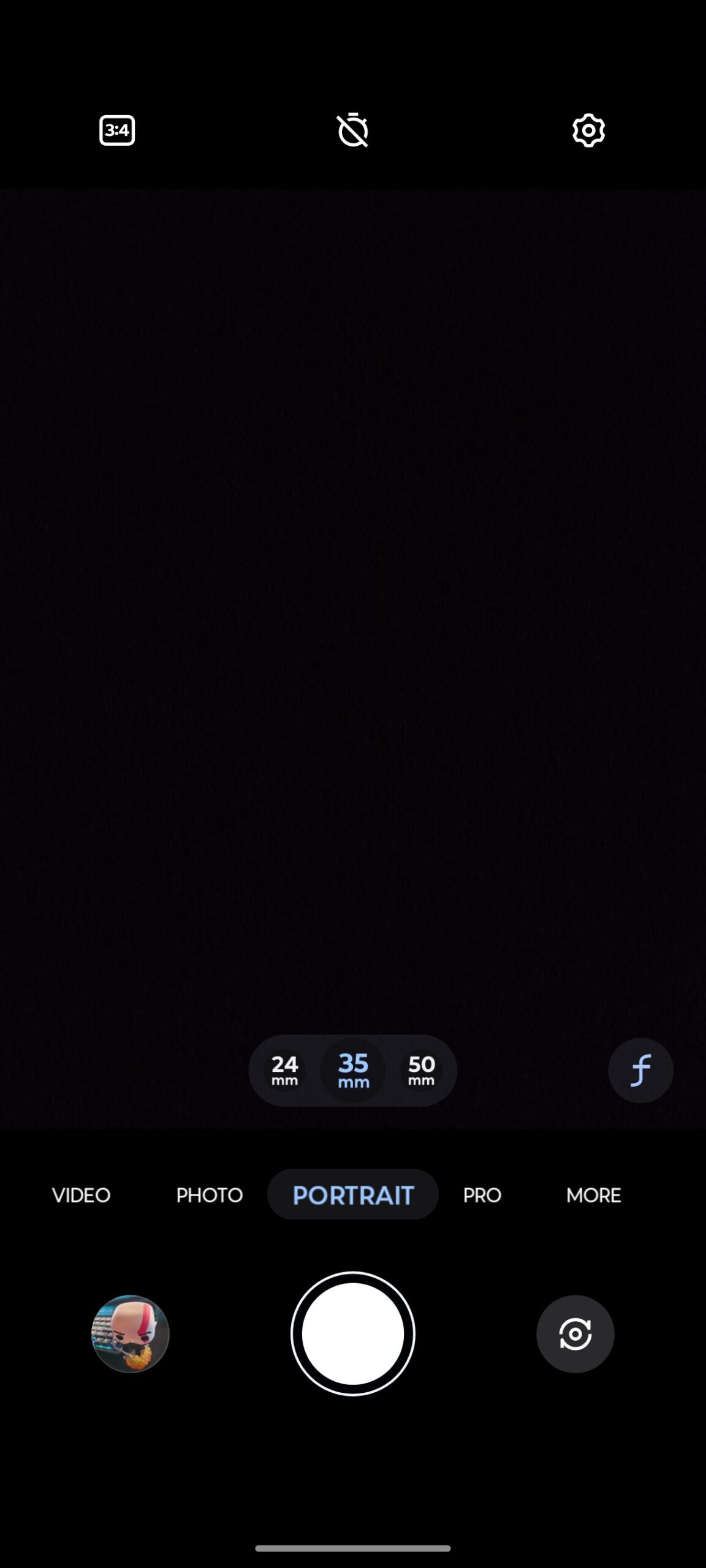
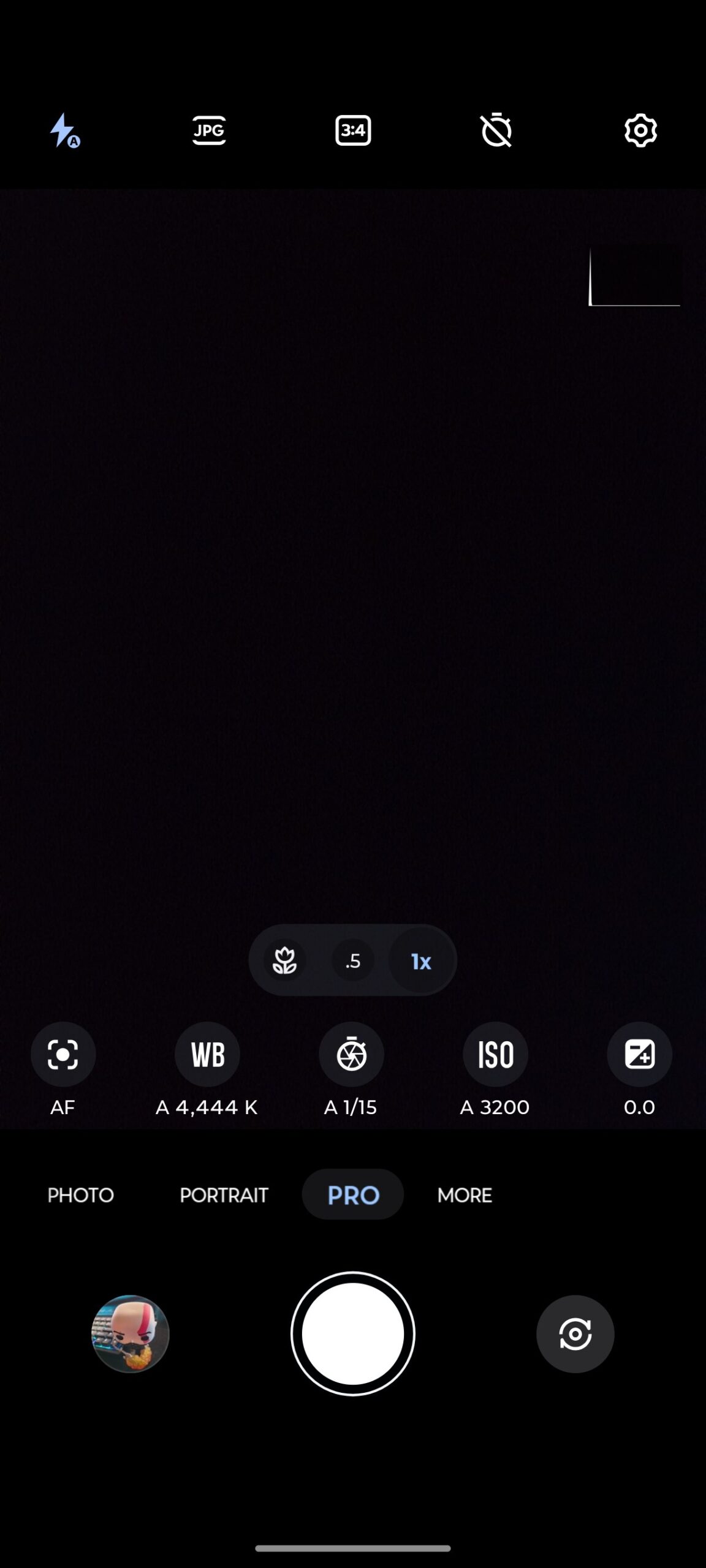

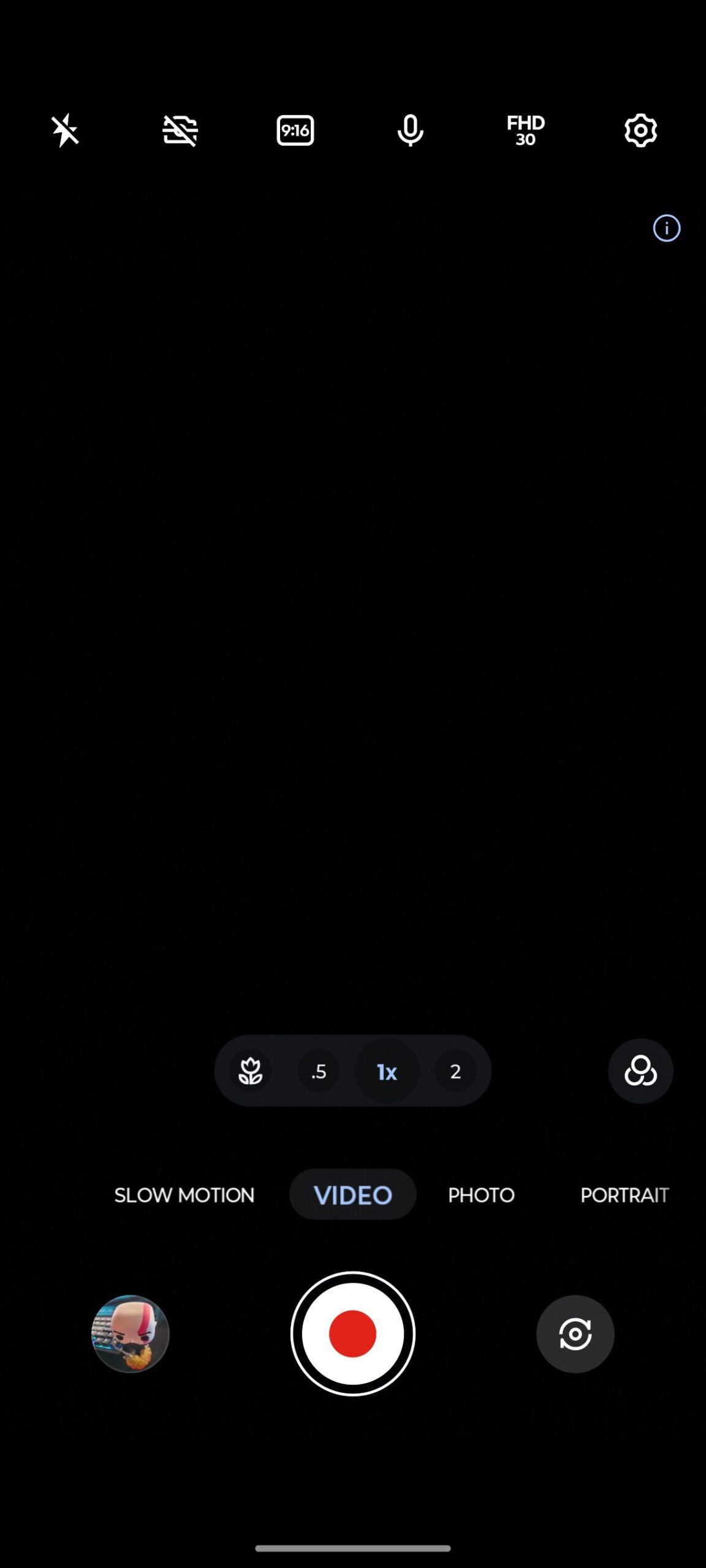
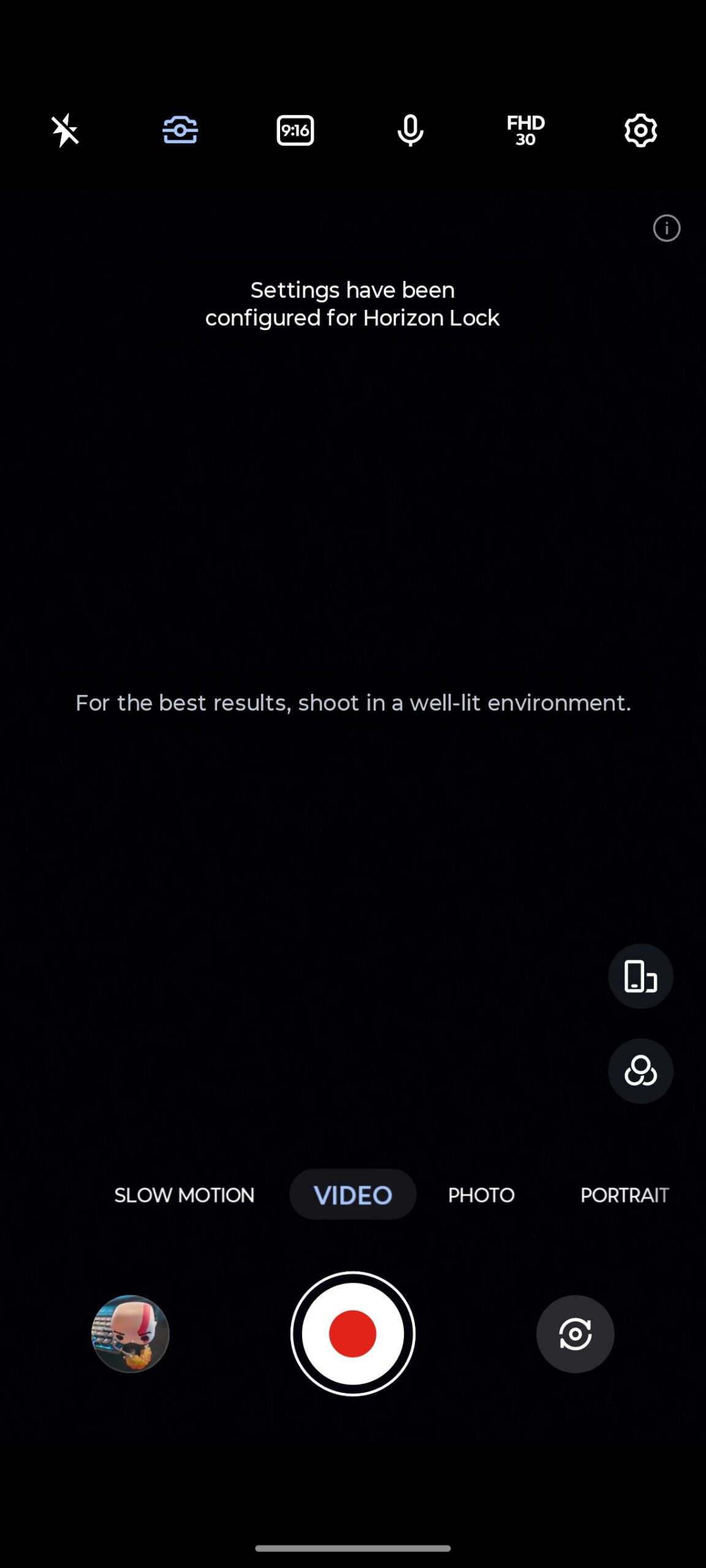
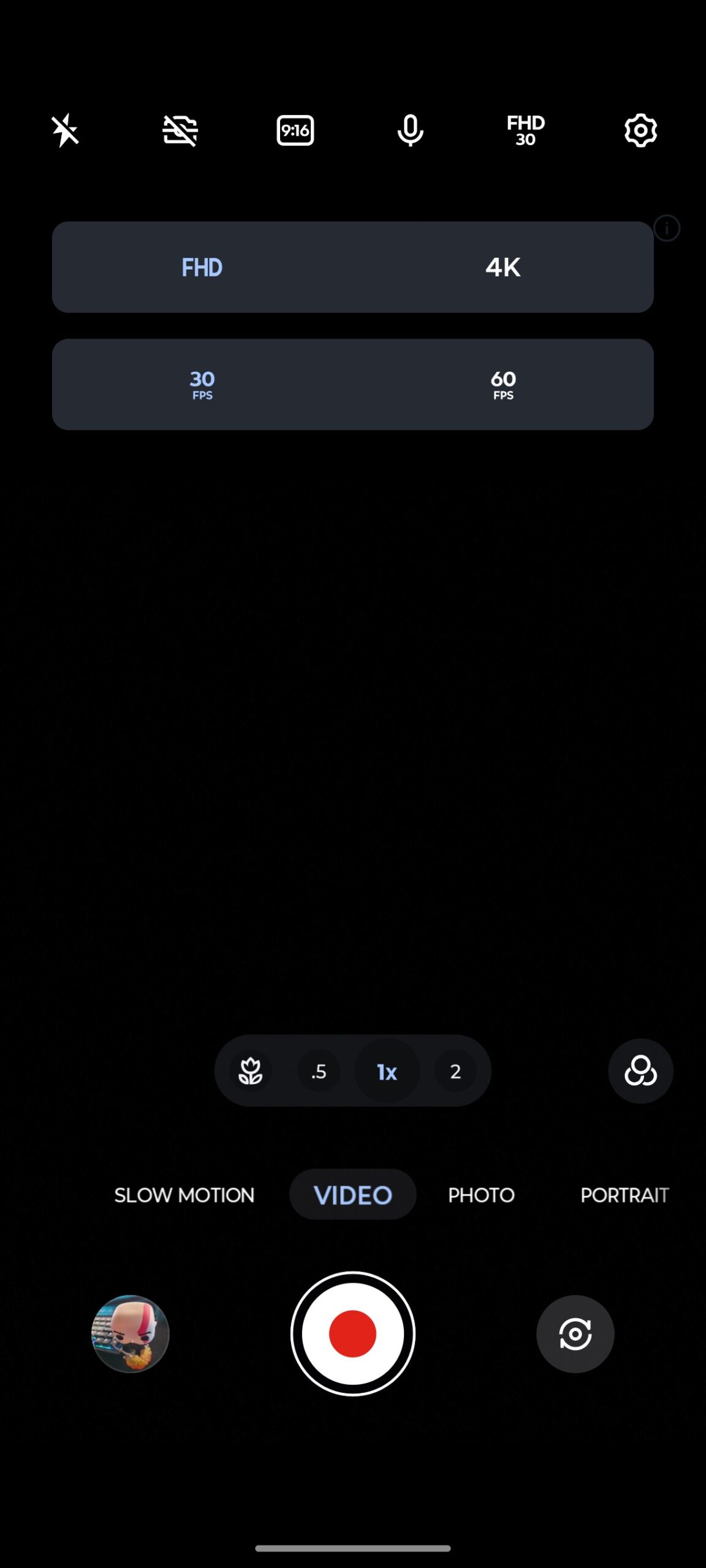
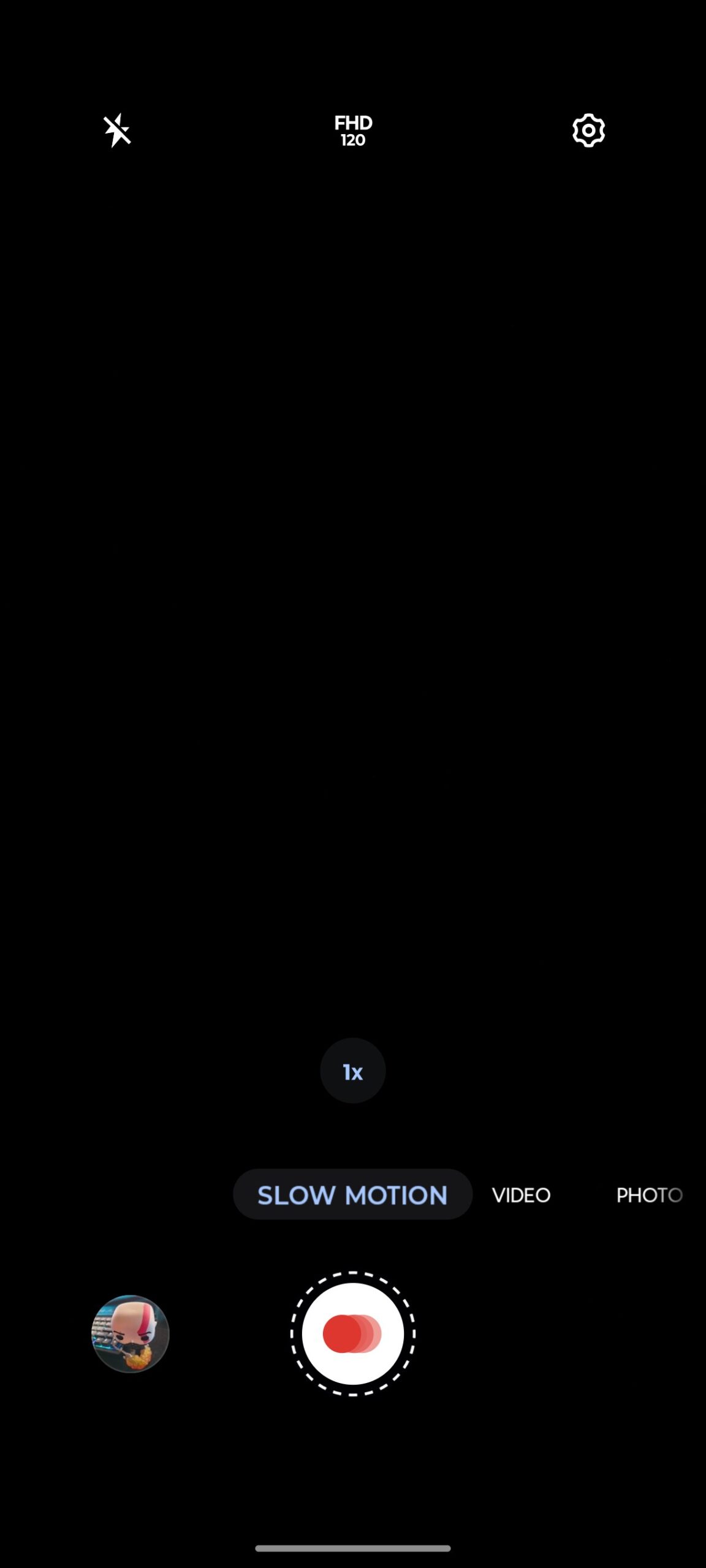
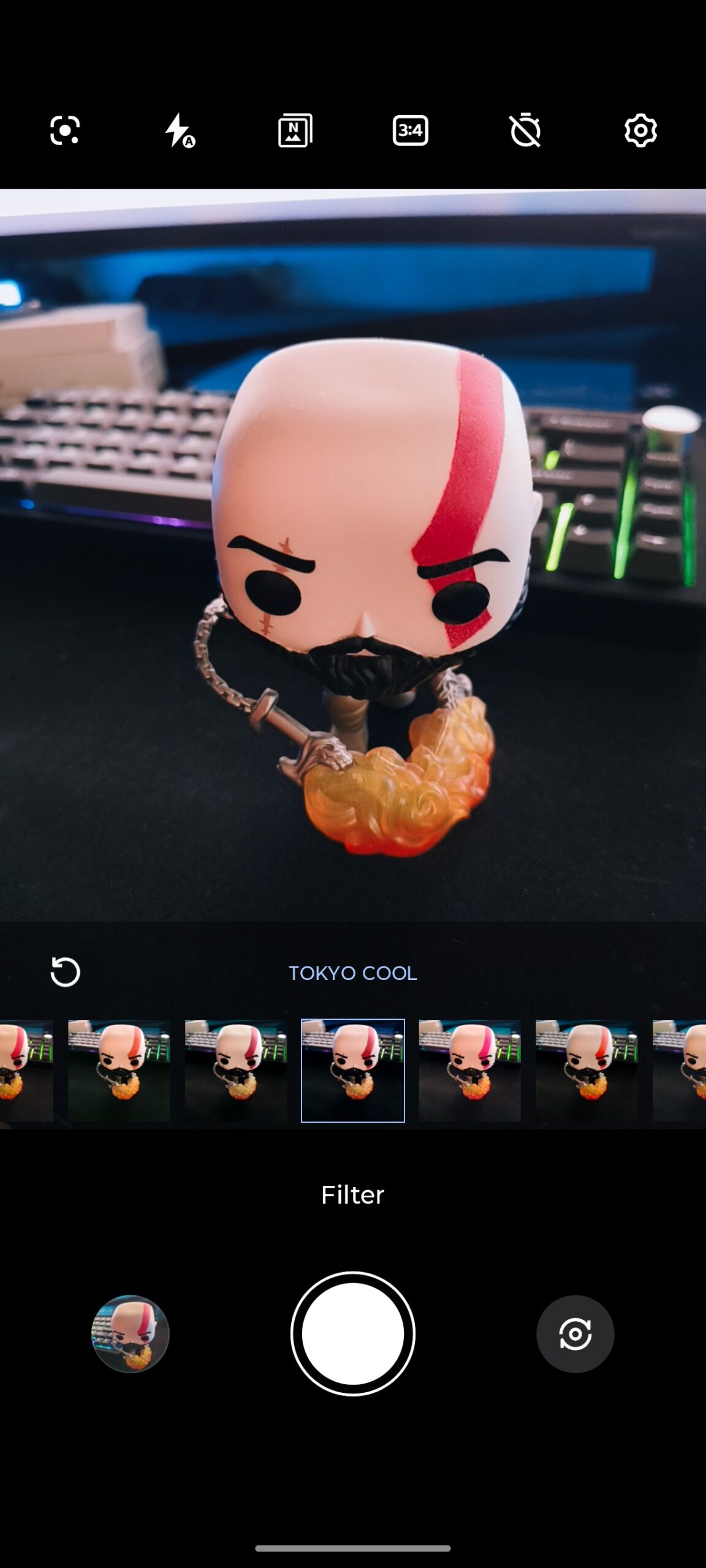
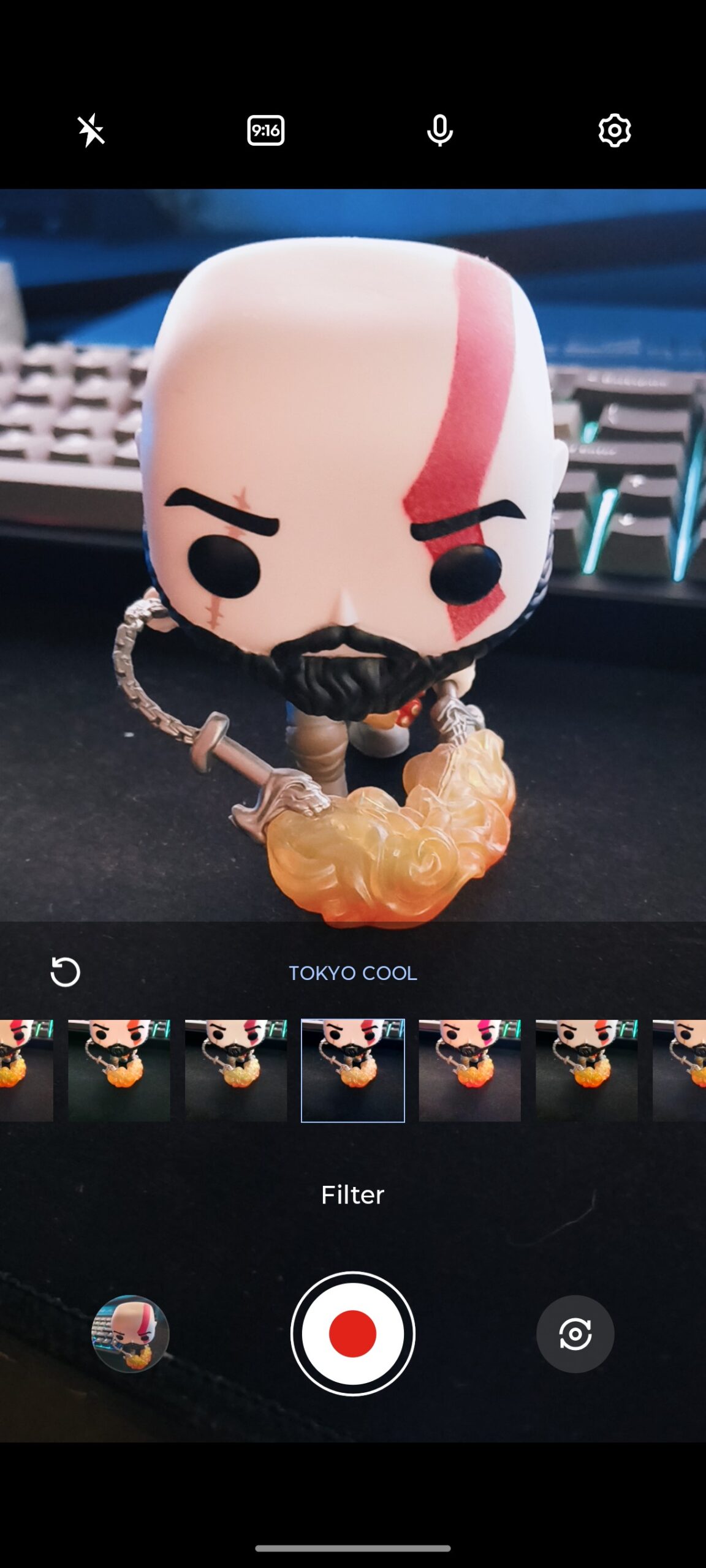
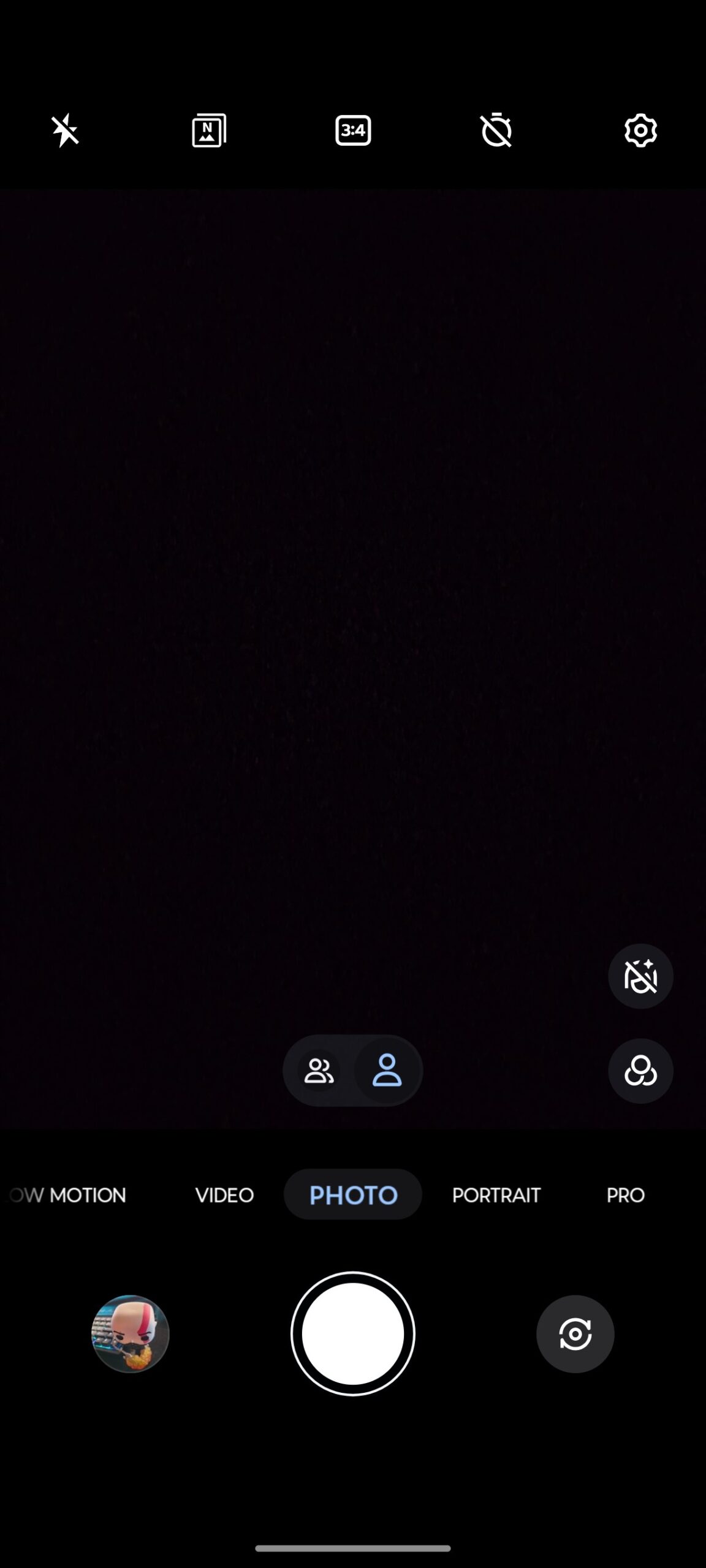
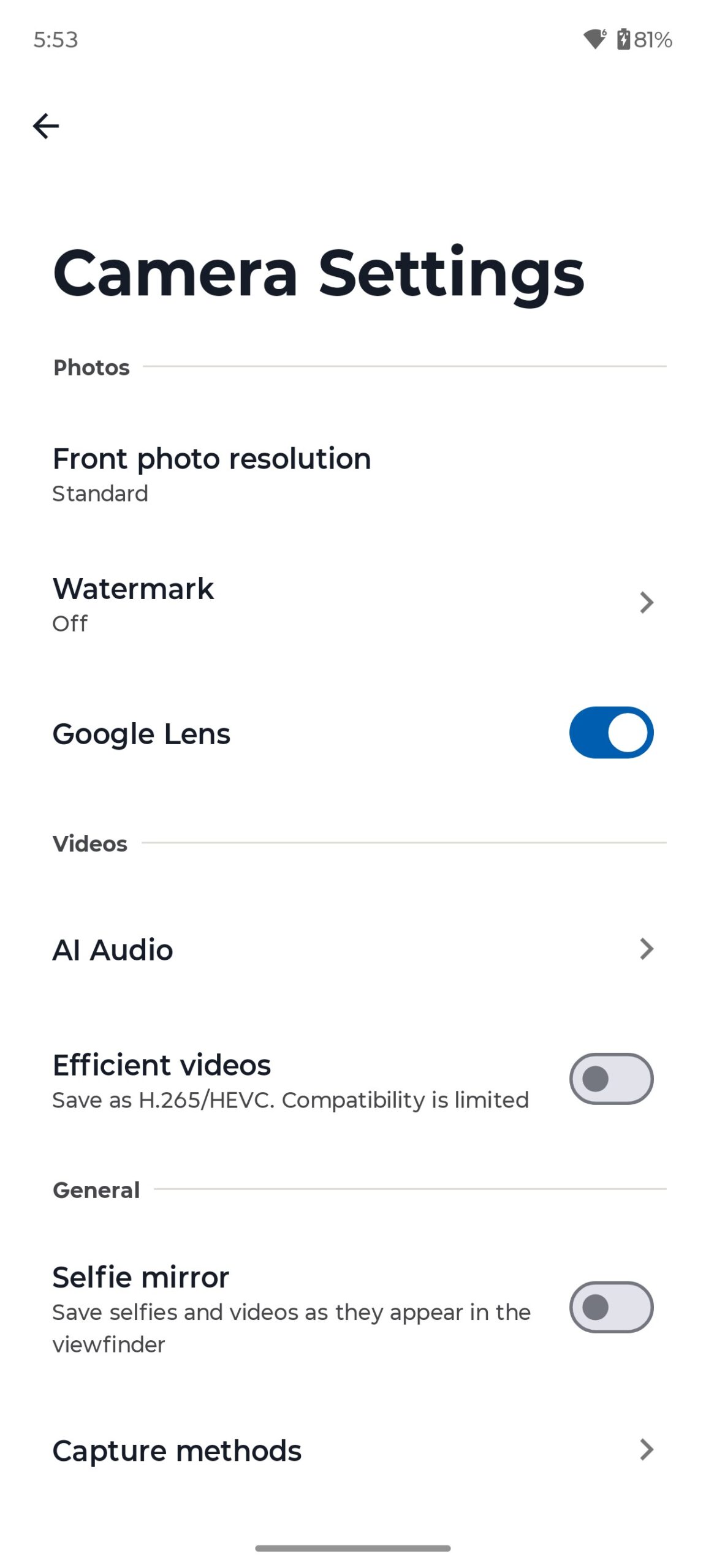
As for the global settings, everything is as basic and standard as possible. You can see everything in the screenshots below.

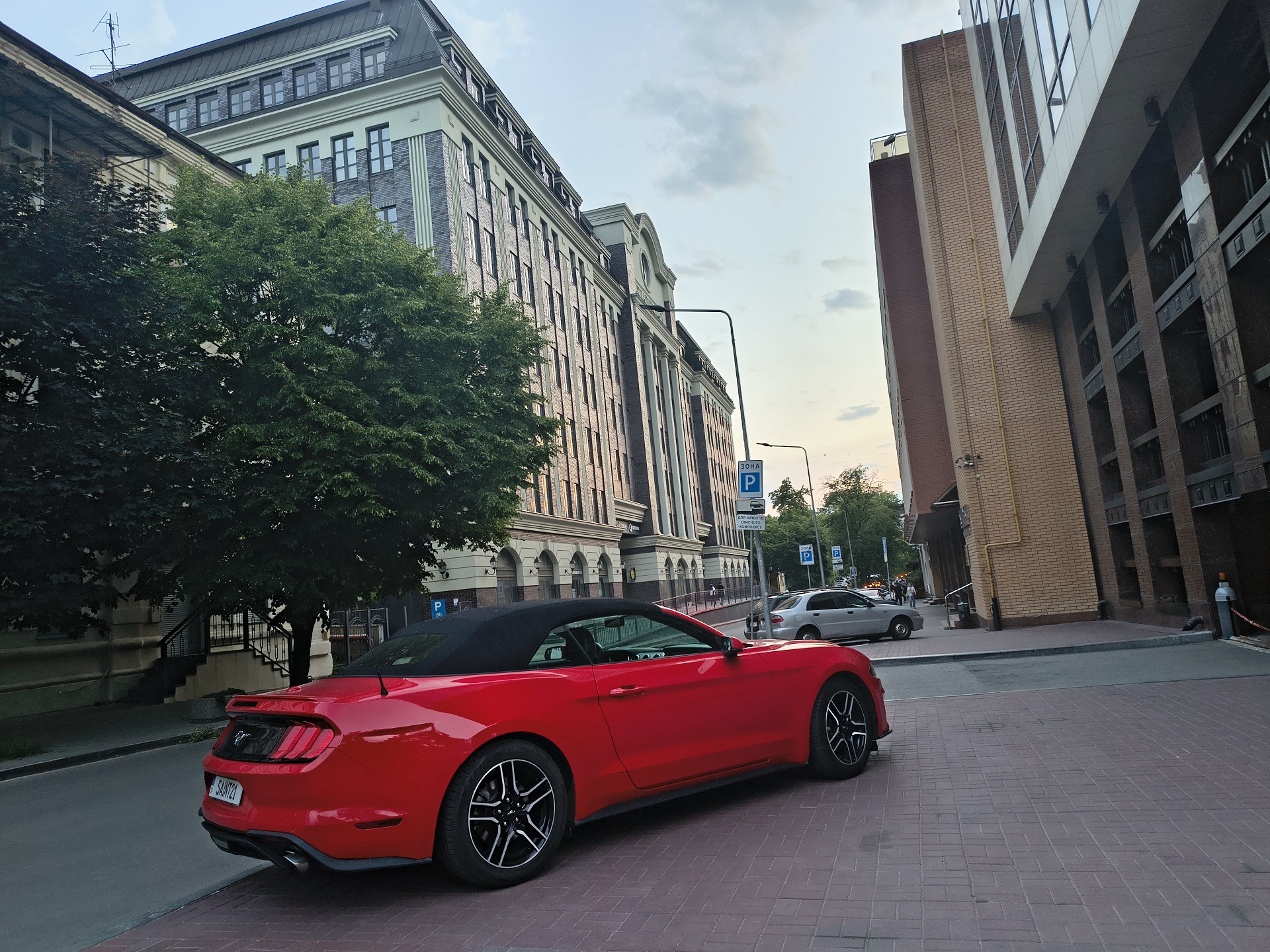
Photos taken with the Edge 60 Fusion’s rear camera are excellent. In good lighting conditions, images are sharp, highly detailed and rich. The shots boast excellent colour reproduction and contrast. Foreground objects are very well captured, while the background is beautifully blurred.














In principle, the same can be said for wide-angle photos. However, if you look closely enough, you’ll see that the detail around the edges drops slightly in some shots.





Макрофото в більшості випадків виходить добре. Хоча, іноді кадри можуть бути розмитими. Але в іншому, макрофото на Edge 60 Fusion приємно здивувало.





In low light conditions, the detail of the photo practically does not drop, which is a big plus. Some pictures even become more lamp-like and atmospheric.

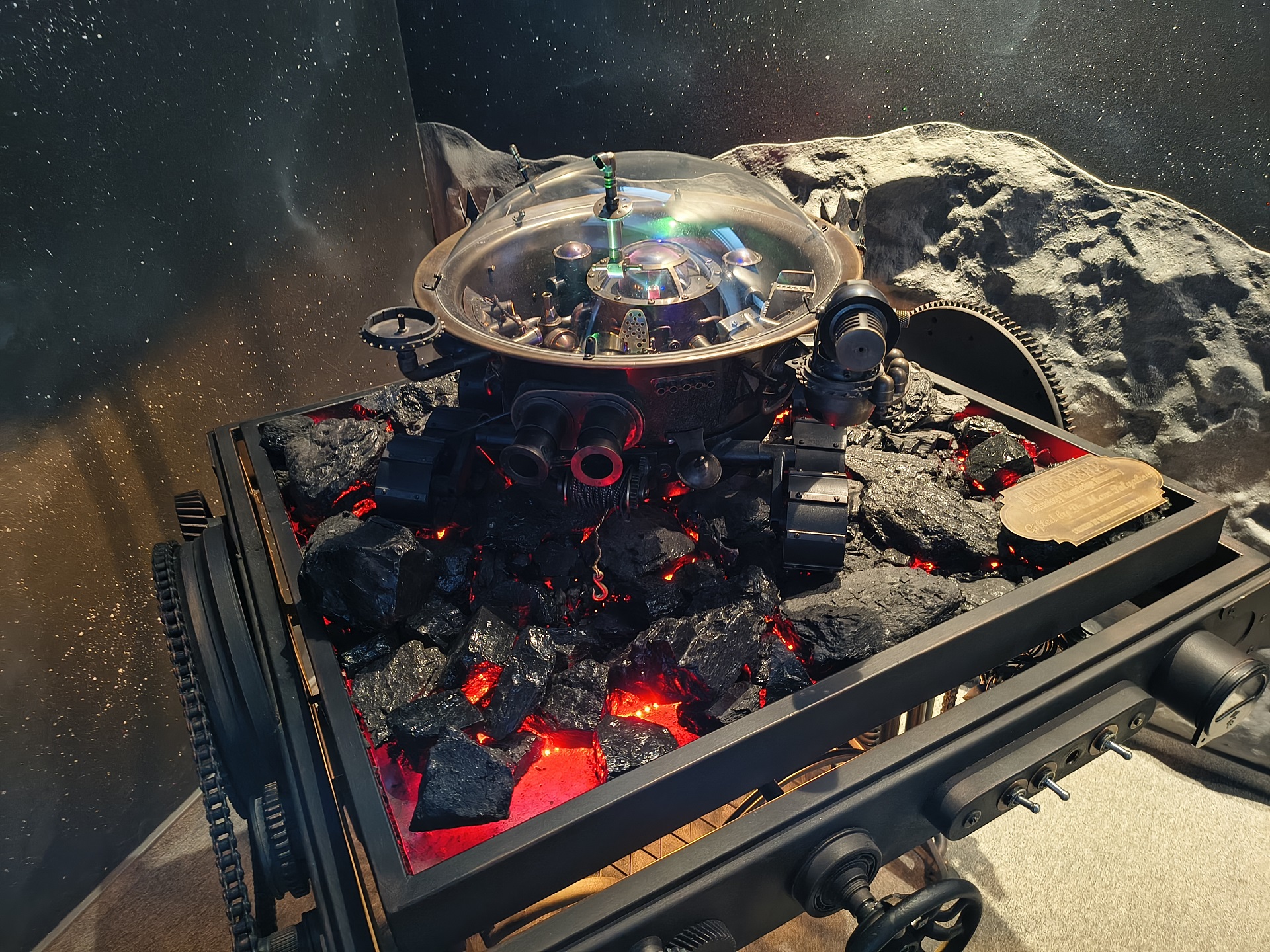

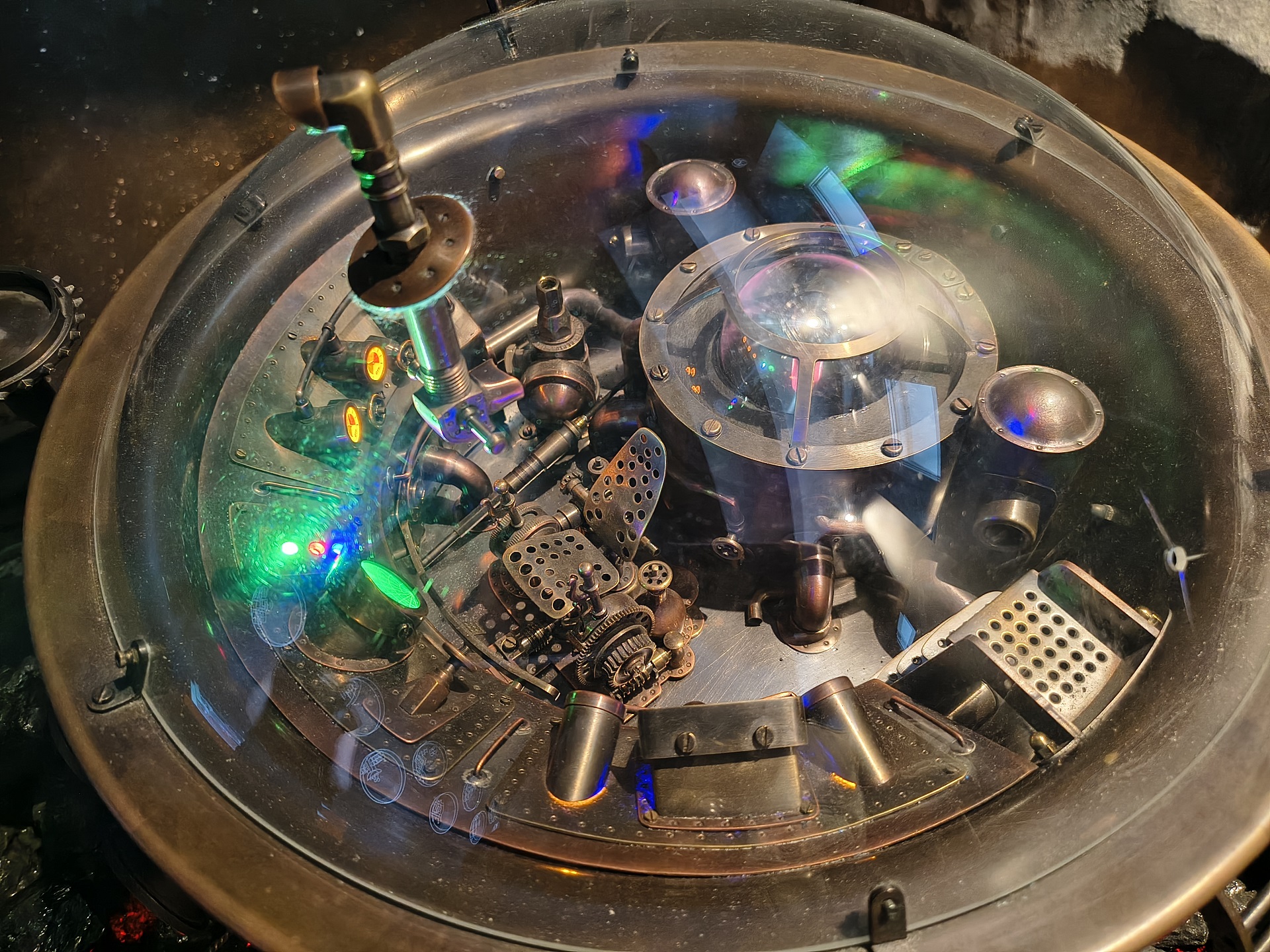
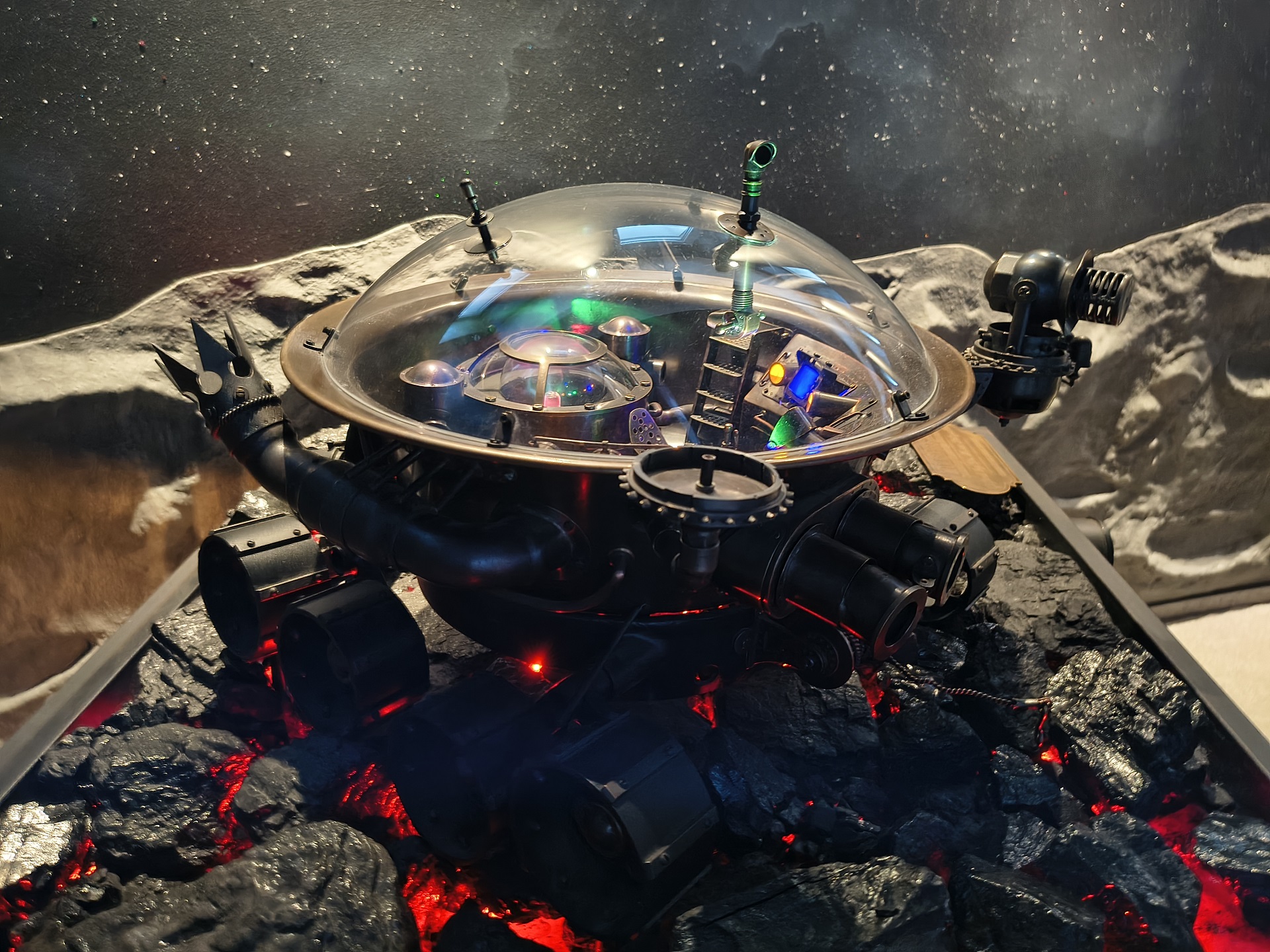




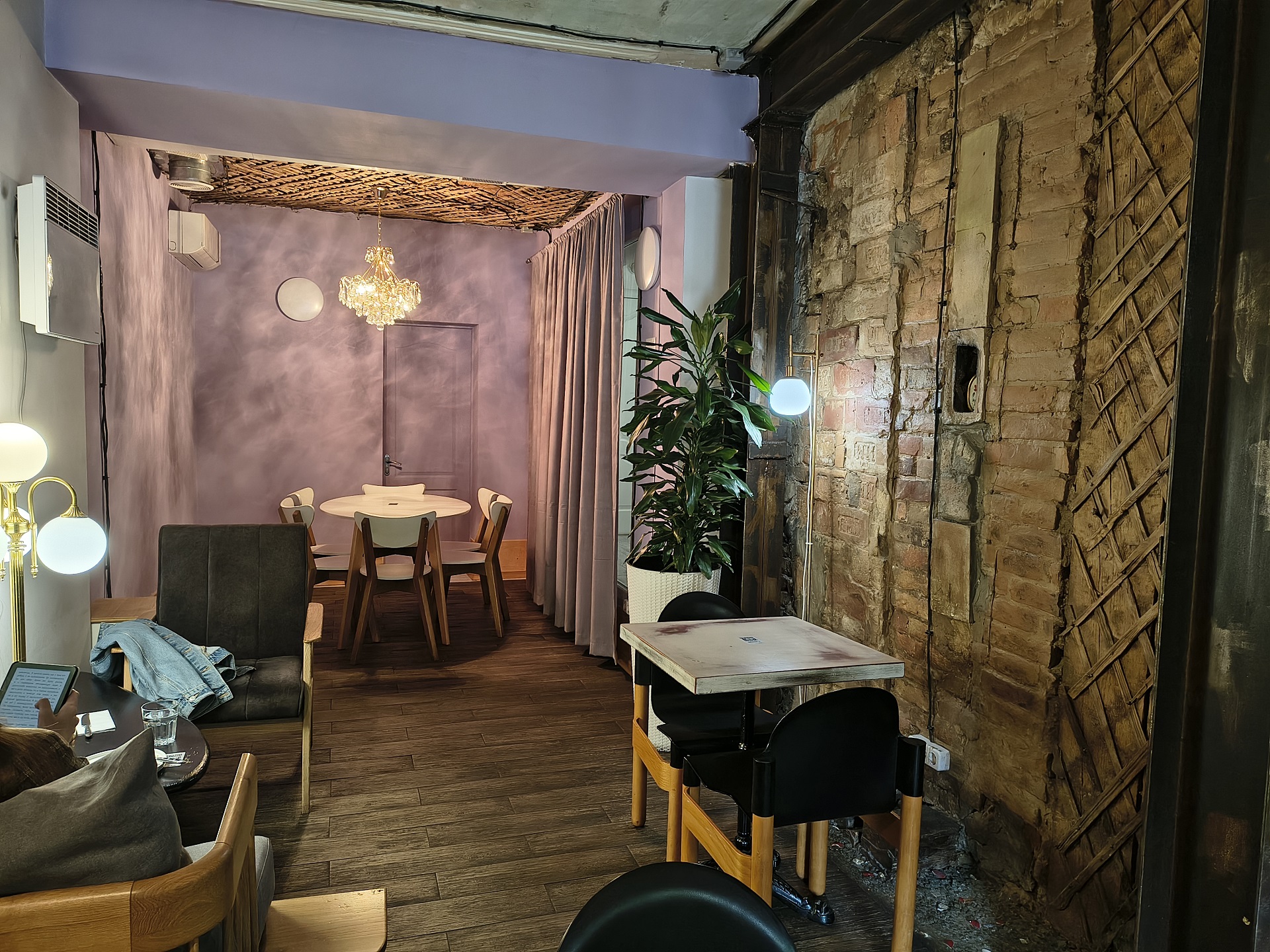





The night shooting with the Edge 60 Fusion was, frankly, a pleasure. Sometimes, of course, the shots can turn out a little blurry. But if you fix the smartphone well, the photos are excellent.





Photos taken with the zoom are also quite good. Especially when zoomed in a little. At maximum zoom, of course, the detail drops, but this is quite expected. But at a small zoom (x2, x4), the image quality remains at a fairly good level.









ALL PHOTOS IN ORIGINAL RESOLUTION
The rear camera captures video in sufficient, and even low light, conditions just as well. Videos are produced with good detail, contrast and colour reproduction. The camera is especially good at 1080p at 60 frames. Dynamic videos in this resolution are just what you need, as they say.
In 4K resolution, the detail is significantly improved, but in this resolution it is better to shoot something static. It’s not that the 4K camera is worse, no. It’s all about the number of frames. I don’t know about anyone else, but for me, for example, dynamic video at 30 FPS makes my eyes hurt. That is, there is clearly not enough smoothness for dynamics. Although the quality of the picture itself is excellent.
4K@30FPS
1080P@60FPS
4K@30FPS
1080P@60FPS
At night, the rear camera is also quite good. Although there may be a difference in brightness in some videos during night shooting. In 1080P@30 FPS and 4K@30FPS, the camera always shoots with normal brightness. But if you switch to 1080P@60FPS, some videos may appear darker. However, in some videos there is no difference in brightness.
When I tested the camera in different conditions at night, I noticed that the difference in brightness directly depends on the level of light. If there’s more or less enough light, there’s practically no difference in brightness. If there is very little light, then 1080P@60FPS videos will be darker. Focusing also depends on the amount of light – if there is very little light, it can sometimes go off. If there is enough, no problem.
4K@30FPS
1080P@30FPS
1080P@60FPS
1080P@60FPS
As for the front-facing camera, we can say that it takes quite good pictures. In daylight, photos, including portraits, are excellent. In low light and at night, the quality of the images is expected to drop. This applies to both photos and videos.


Read also: Motorola Razr 60 Ultra Review: True Flagship Foldable Phone
Sound
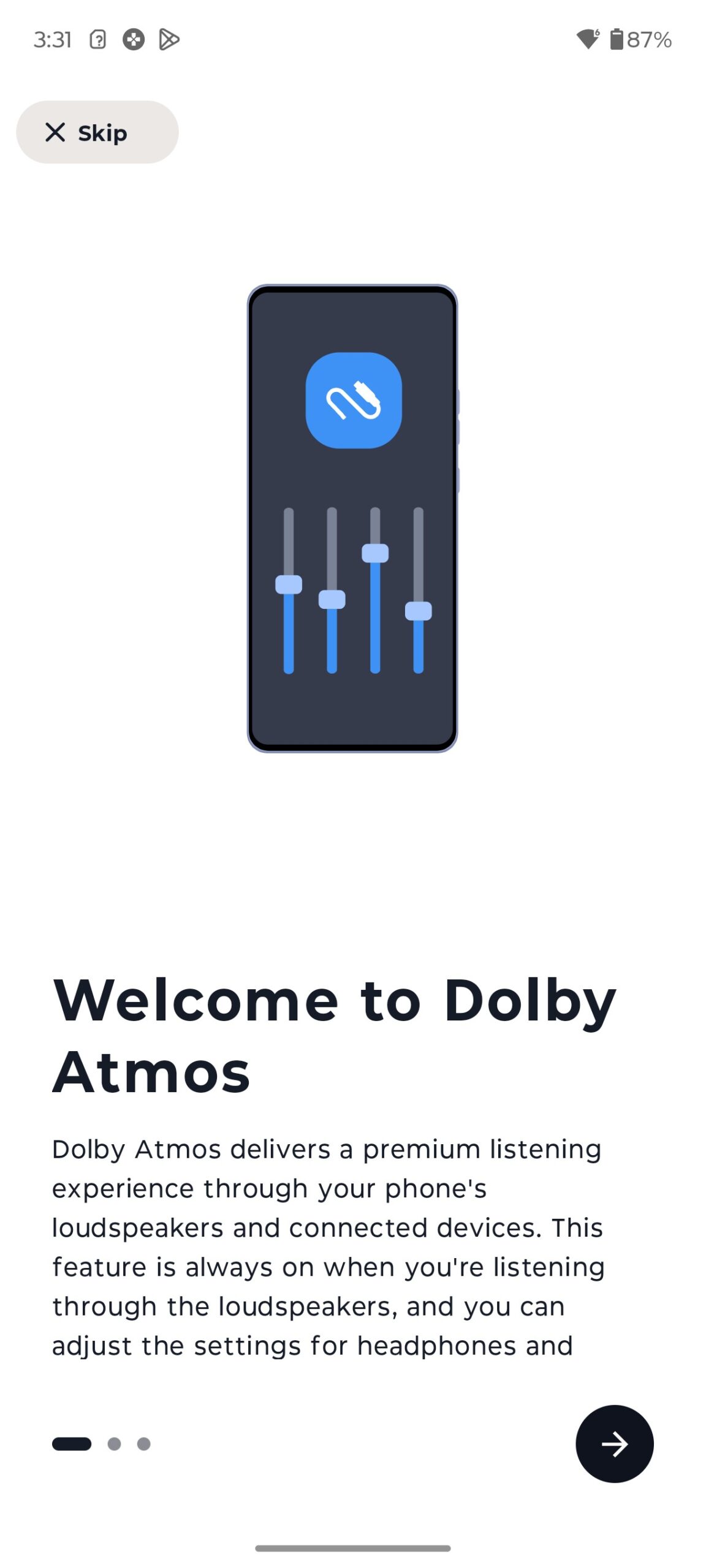
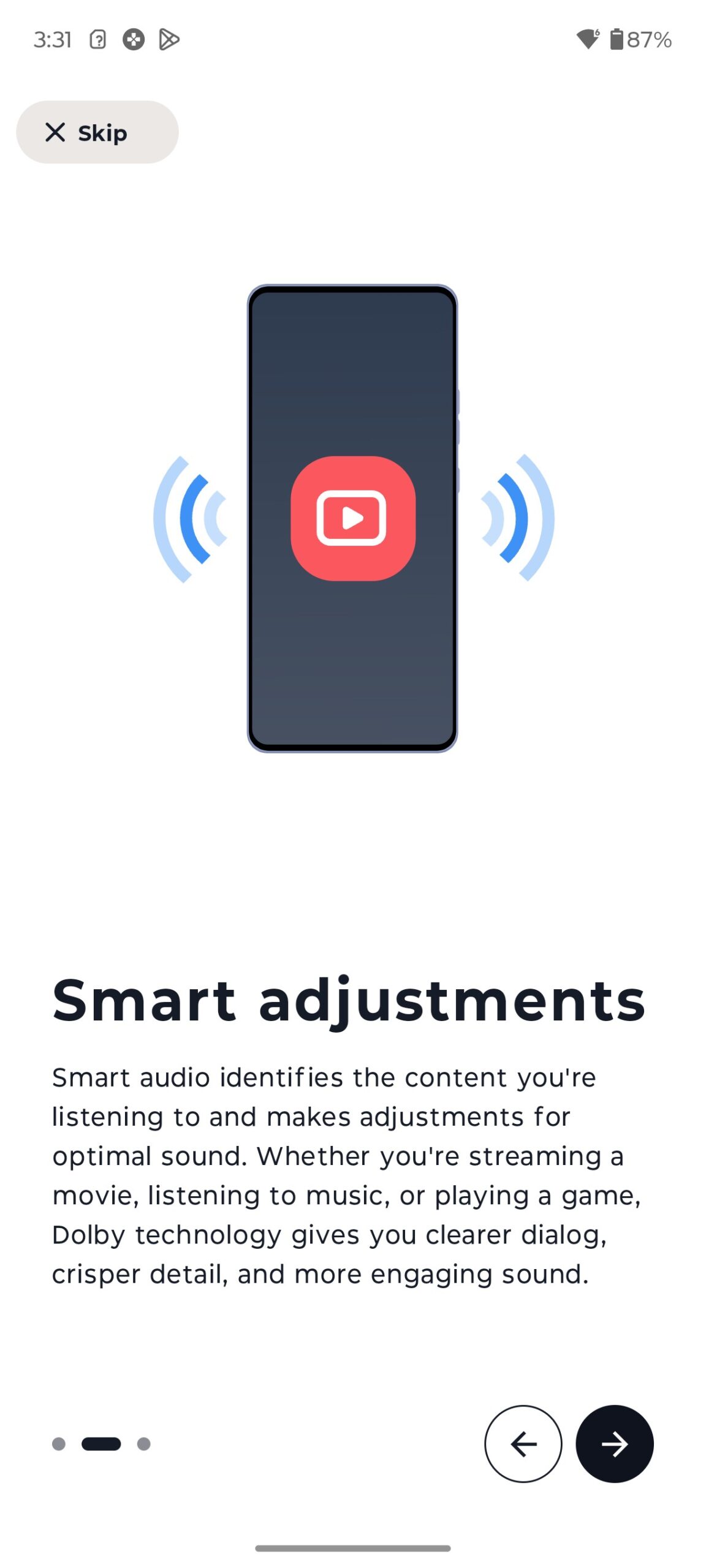
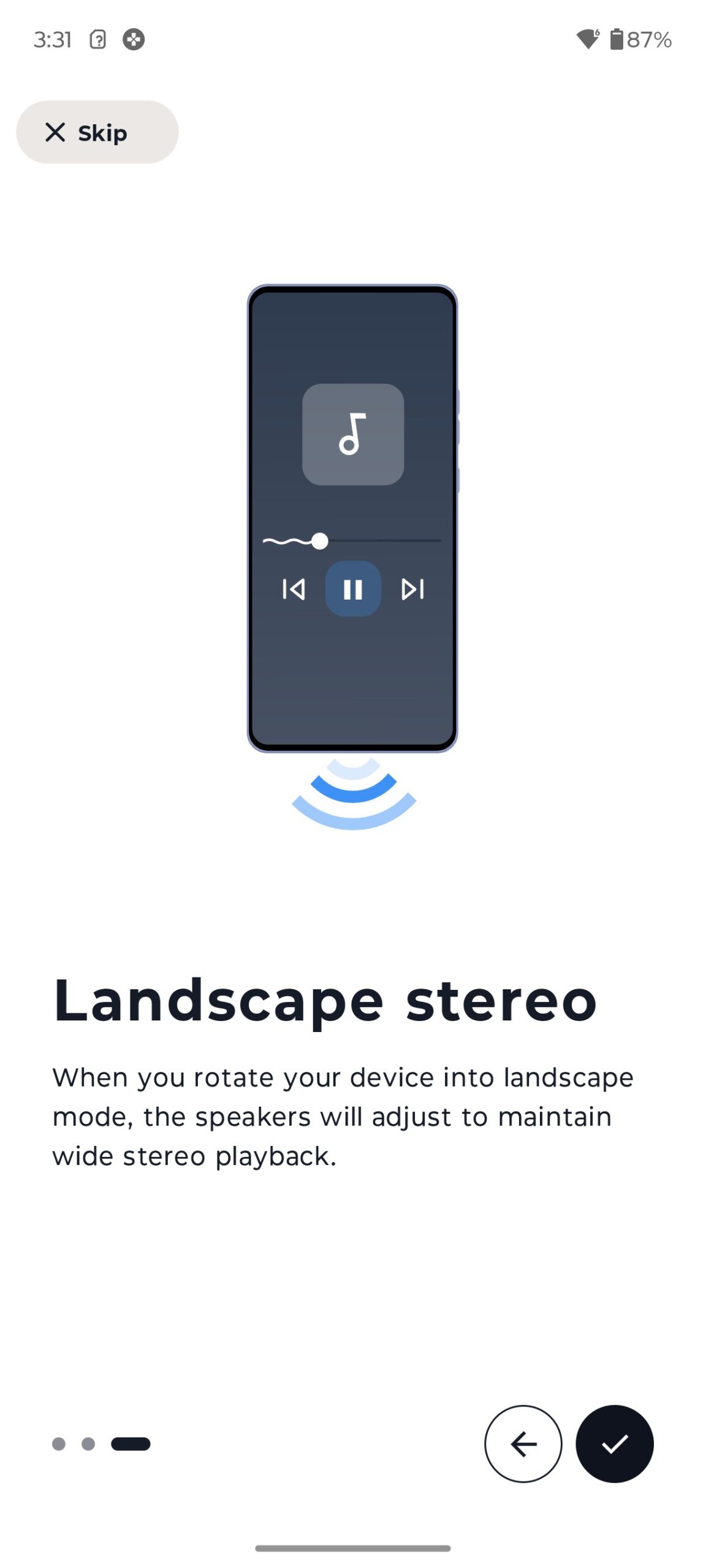
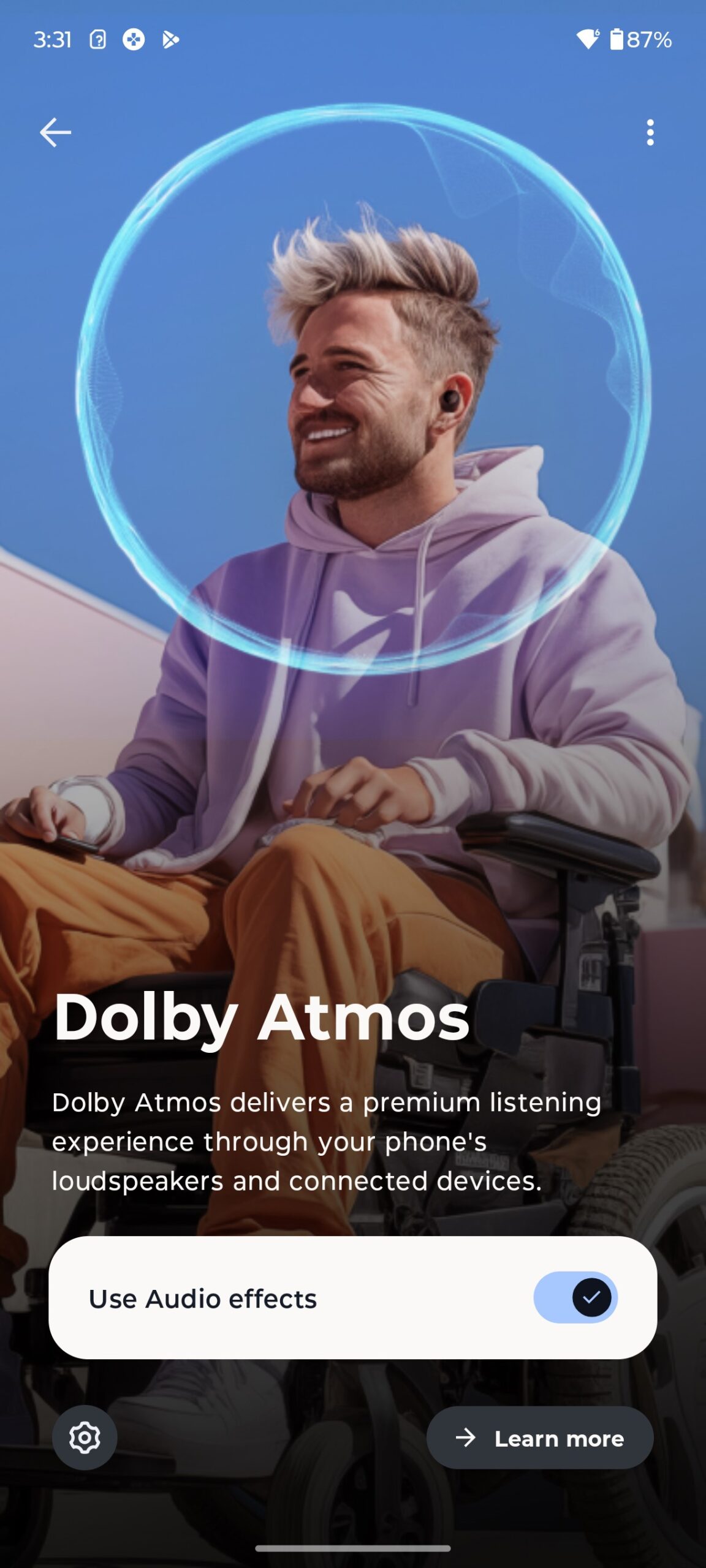
The Edge 60 Fusion is equipped with stereo speakers and Dolby Atmos with Hi-Res Audio. Needless to say, this combination almost automatically makes the Edge 60 Fusion’s sound another strong point. The sound is high-quality, immersive and three-dimensional to a certain extent, as far as it is possible in this format. In simple words, the smartphone sounds great. There are no defects in the sound. Voice and dialogue in videos/movies sound clear. When listening to music, you can hear quite good bass. And what else do you need from normal audio in a smartphone?
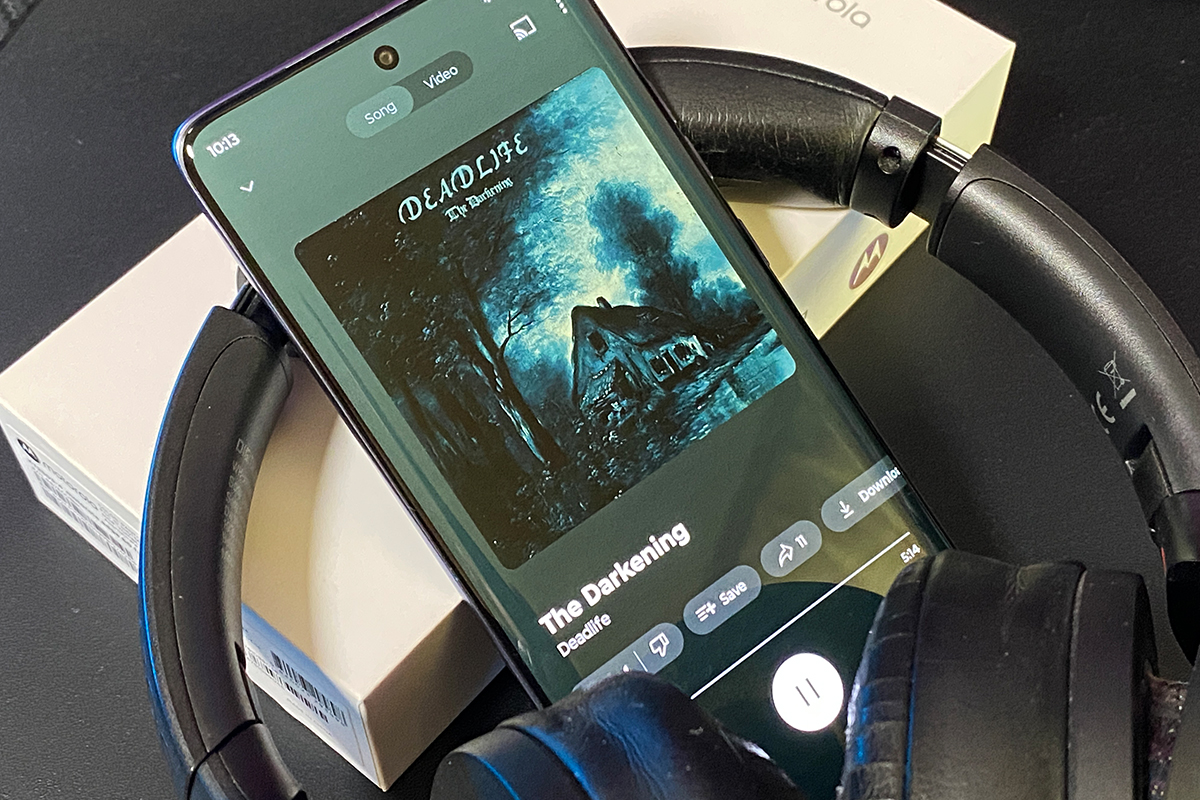
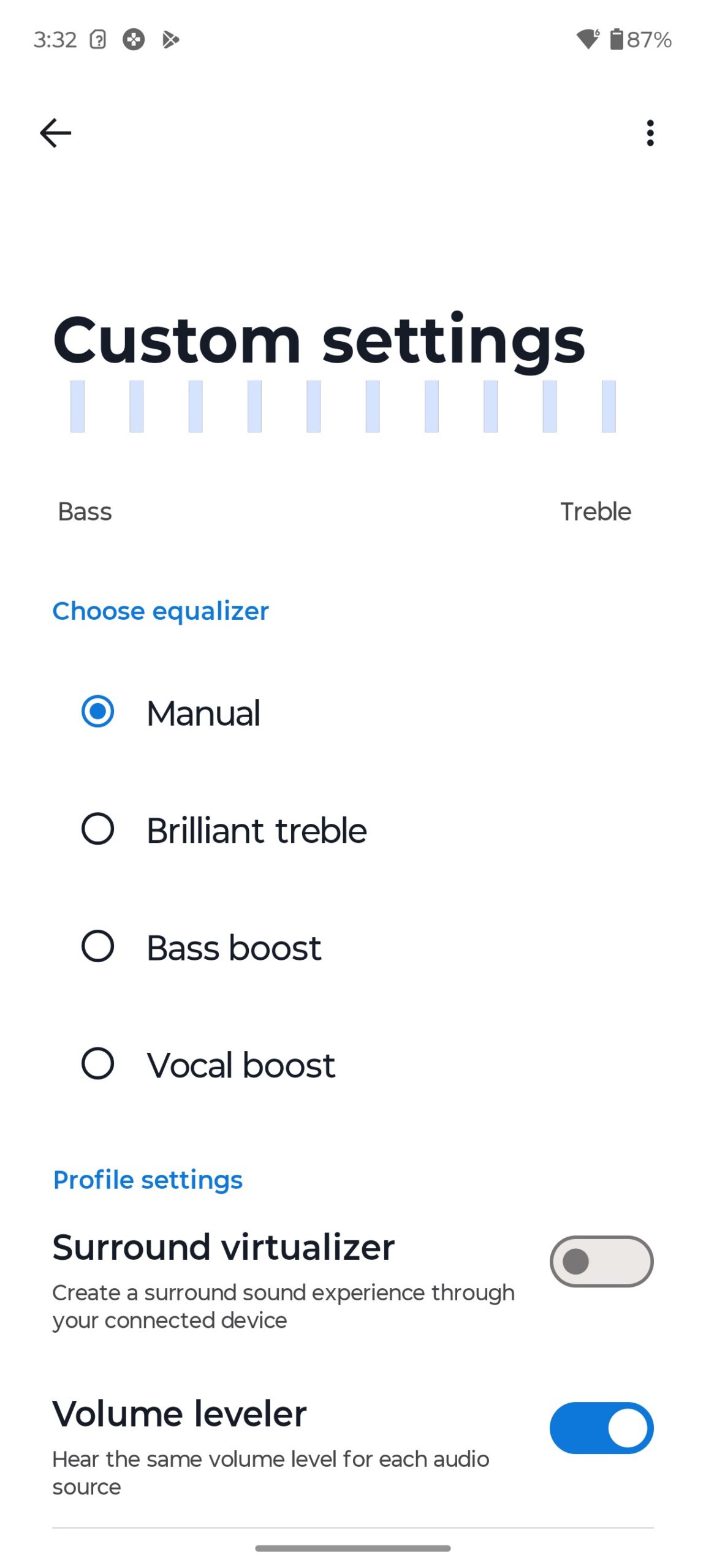
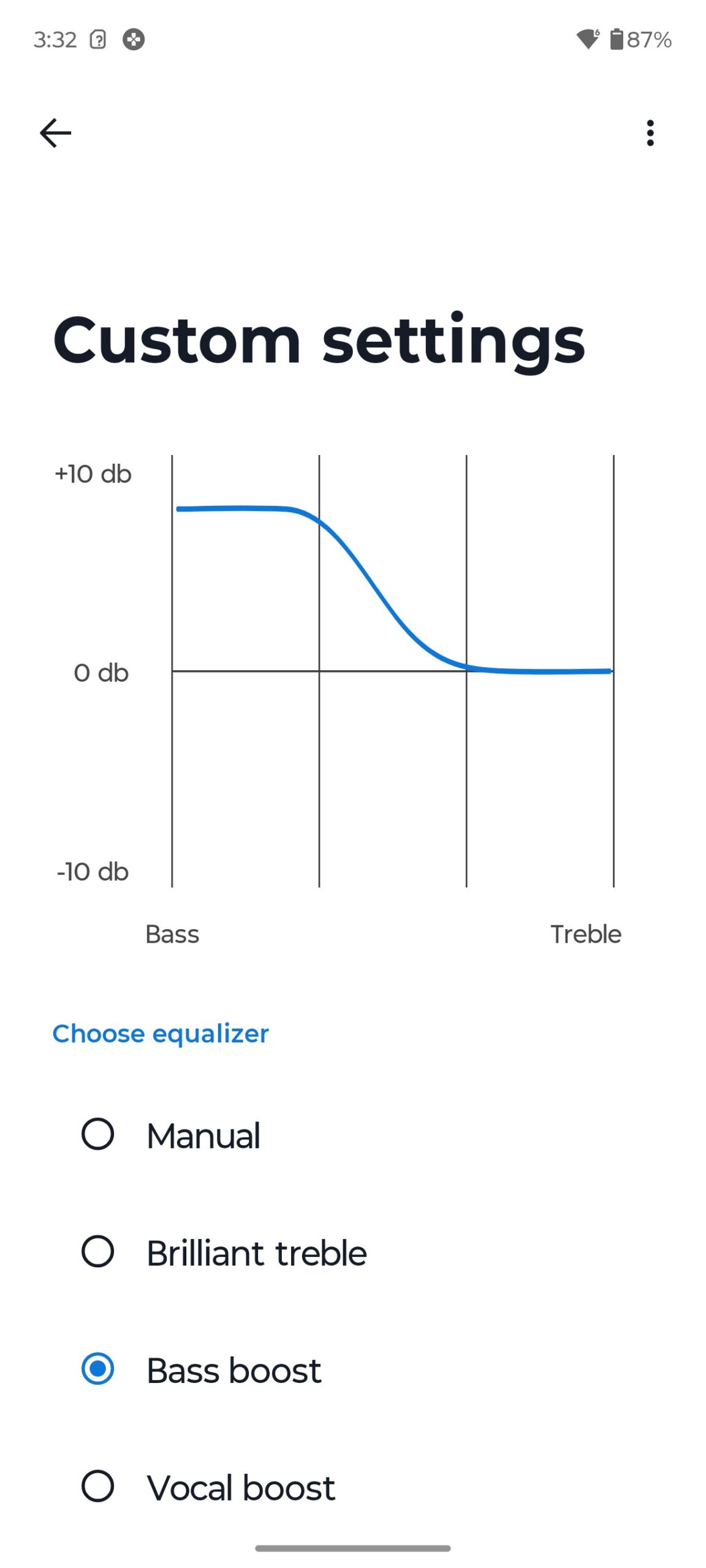
If you wish, you can customise the sound of your smartphone to suit your preferences. There is a customisable equaliser, different volume settings for different apps, and ready-made presets for different usage scenarios.
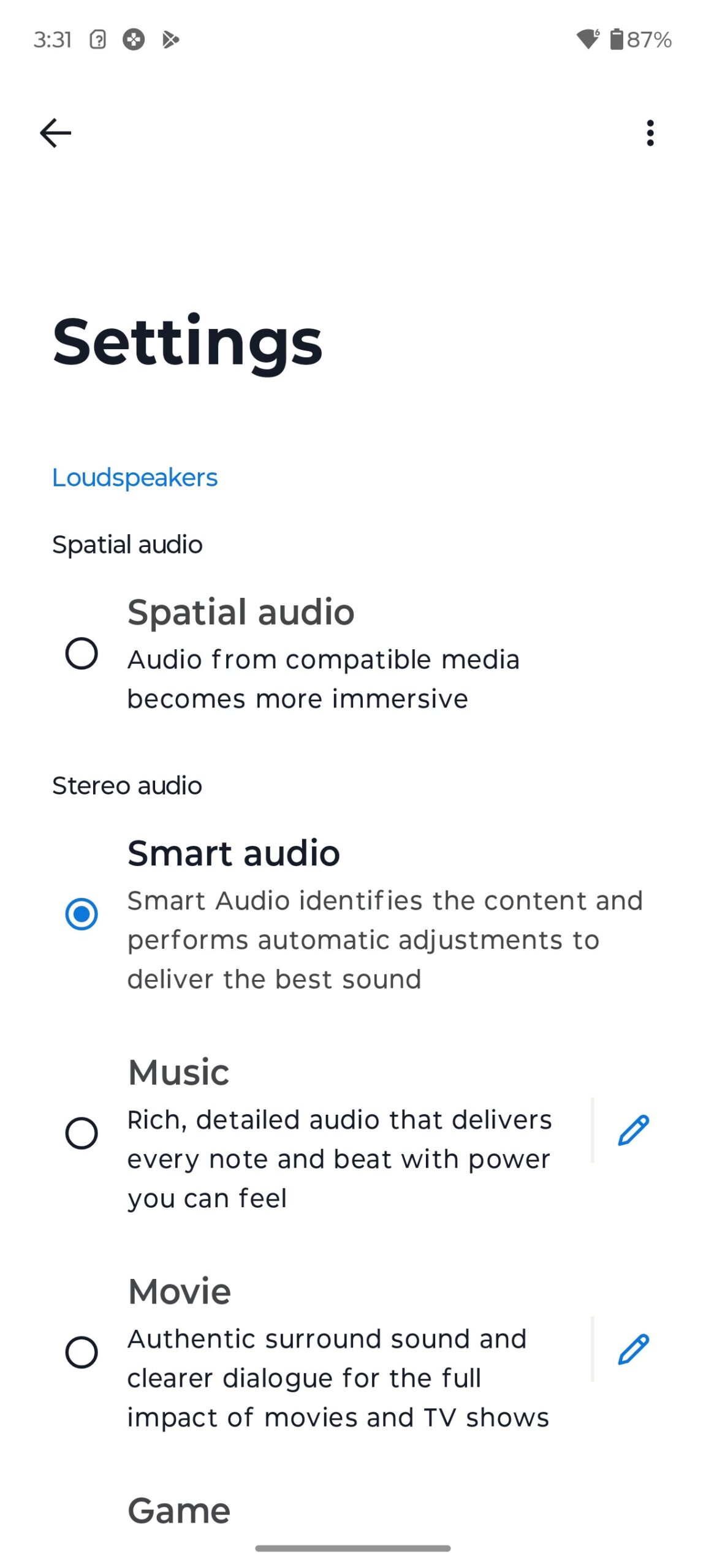
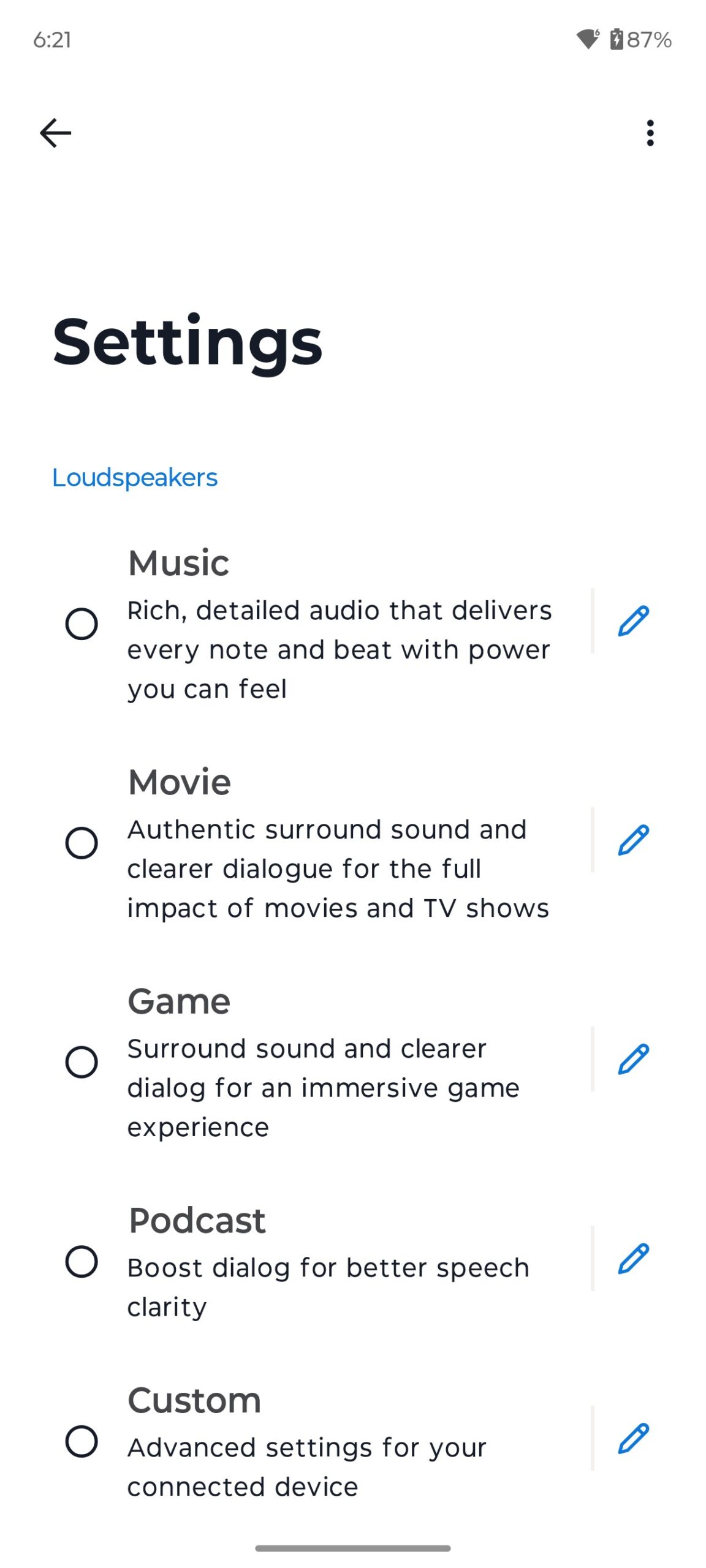
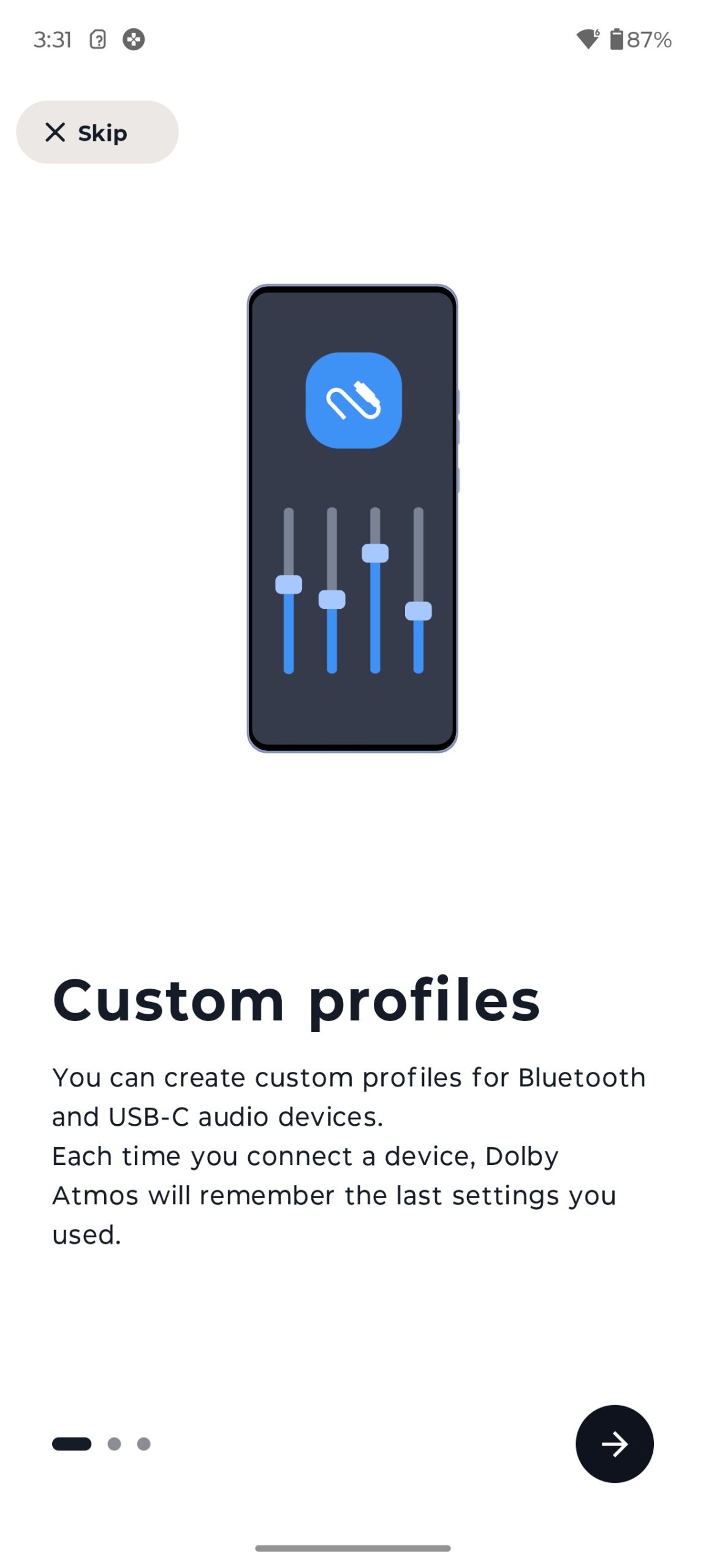
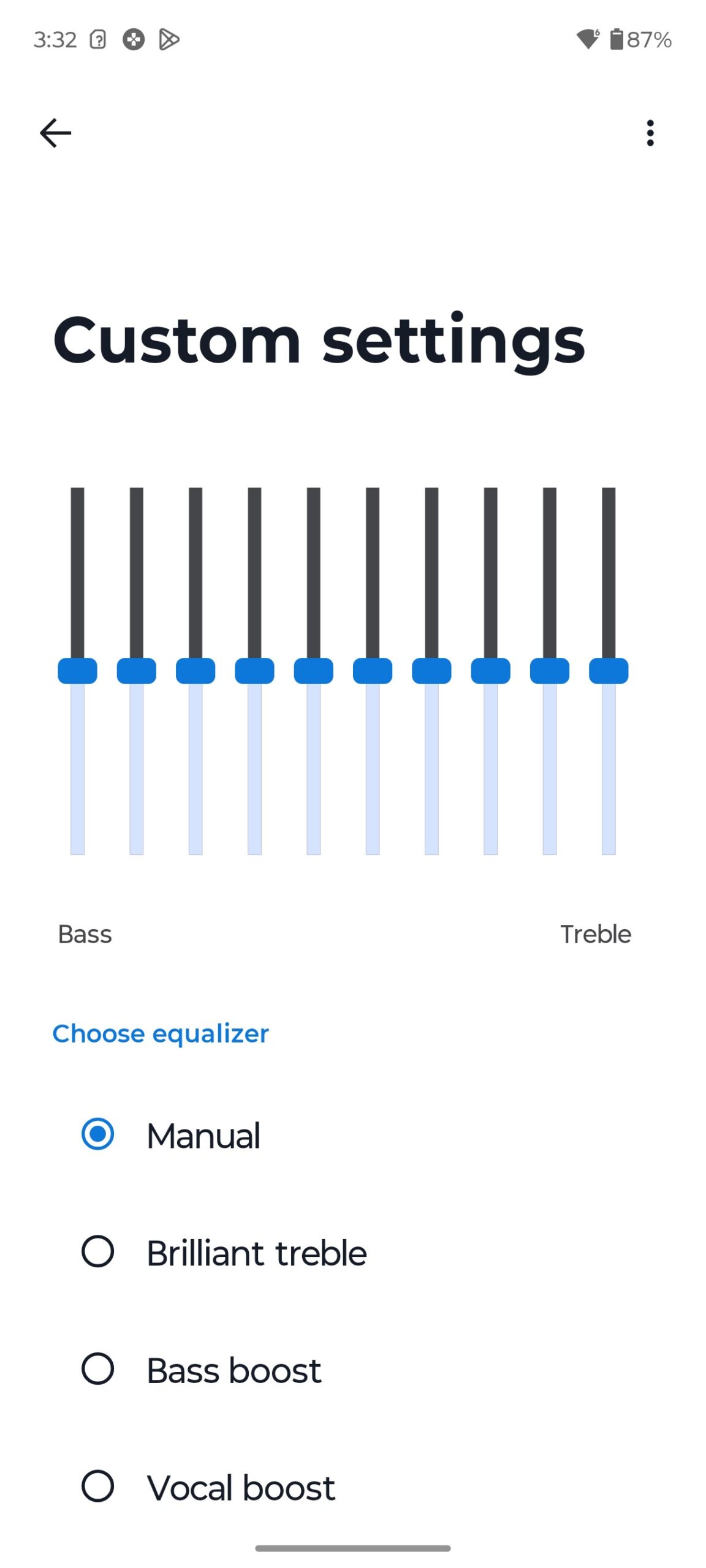
The smartphone is equipped with two microphones that provide high quality voice communication with noise cancellation. There are no complaints about the microphone in Edge 60 Fusion at all. Your voice is clear and crisp during calls, and the person on the other end will always hear you clearly.
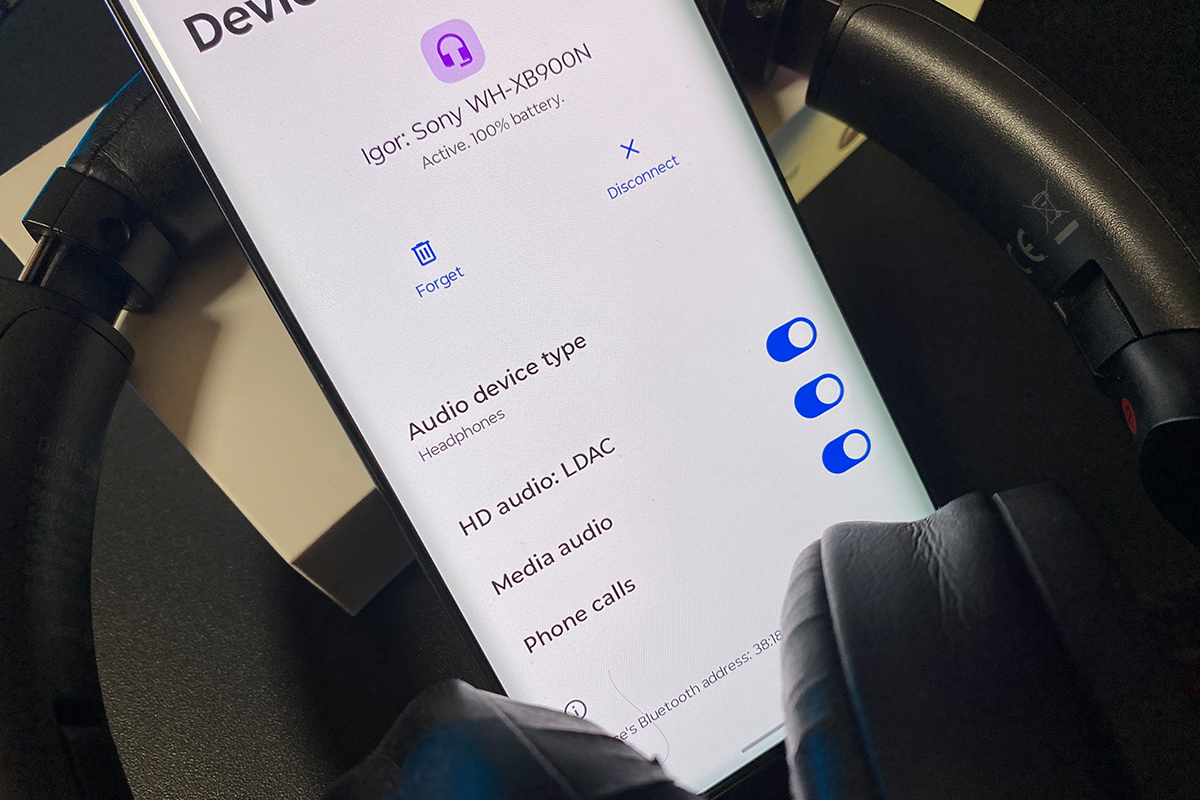
As I said, there is no standard 3.5 mm jack for connecting wired headphones/headsets in Edge 60 Fusion. Perhaps this fact will seem controversial to some. But, in my opinion, in 2025, the 3.5 mm jack is not really needed in smartphones. After all, wireless devices are, as they say, our everything. Moreover, Edge 60 Fusion has support for LDAC HD audio codecs for wireless devices.
Read also: Motorola Edge 50 Ultra Review: Again the Top? Yes, Again!
Communications and wireless technologies
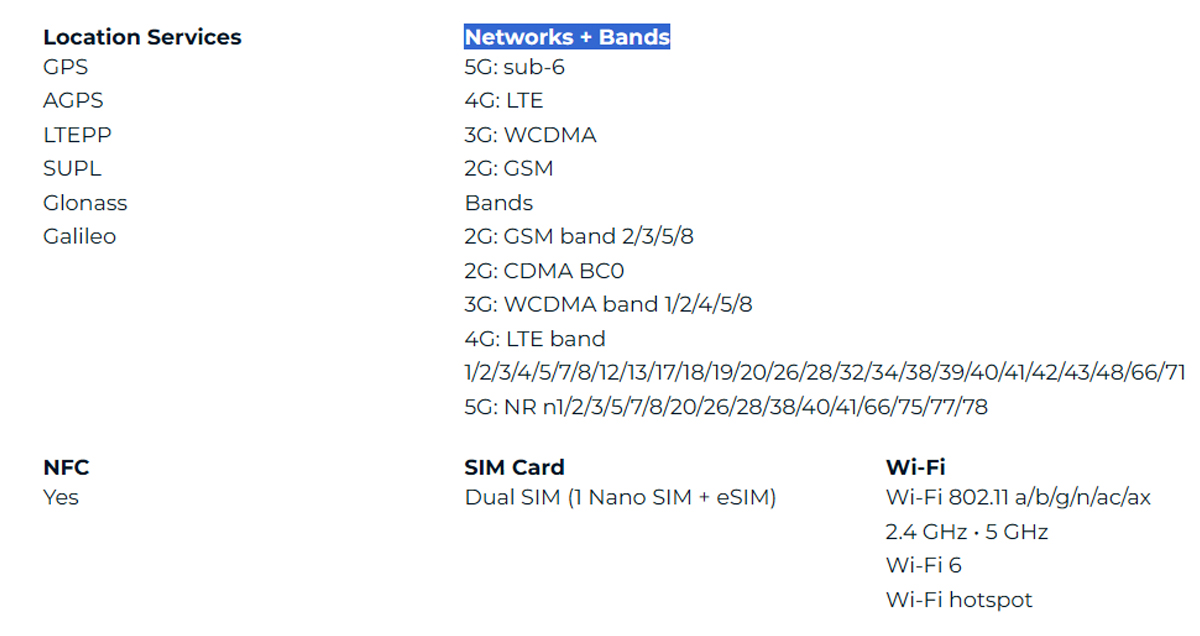
As already mentioned, you can install one physical SIM card in the nano-SIM format. The second slot in the SIM tray is reserved exclusively for a microSD memory card. But as you can see from the technical specifications, the Edge 60 Fusion model has eSIM support. Thus, the smartphone can work simultaneously with two SIM cards: one physical and one ‘virtual’ eSIM. Communication standards supported by the smartphone: 2G, 3G, 4G, 5G, and the bands are as follows:
Wireless connections in Edge 60 Fusion are made using Wi-Fi 6 and Bluetooth 5.4. We also did not forget about the NFC contactless payment module, which, by the way, is not available in the Indian version of the smartphone. As for geolocation services, there is a full set of them: GPS, AGPS, LTEPP, SUPL, GLONASS, Galileo.
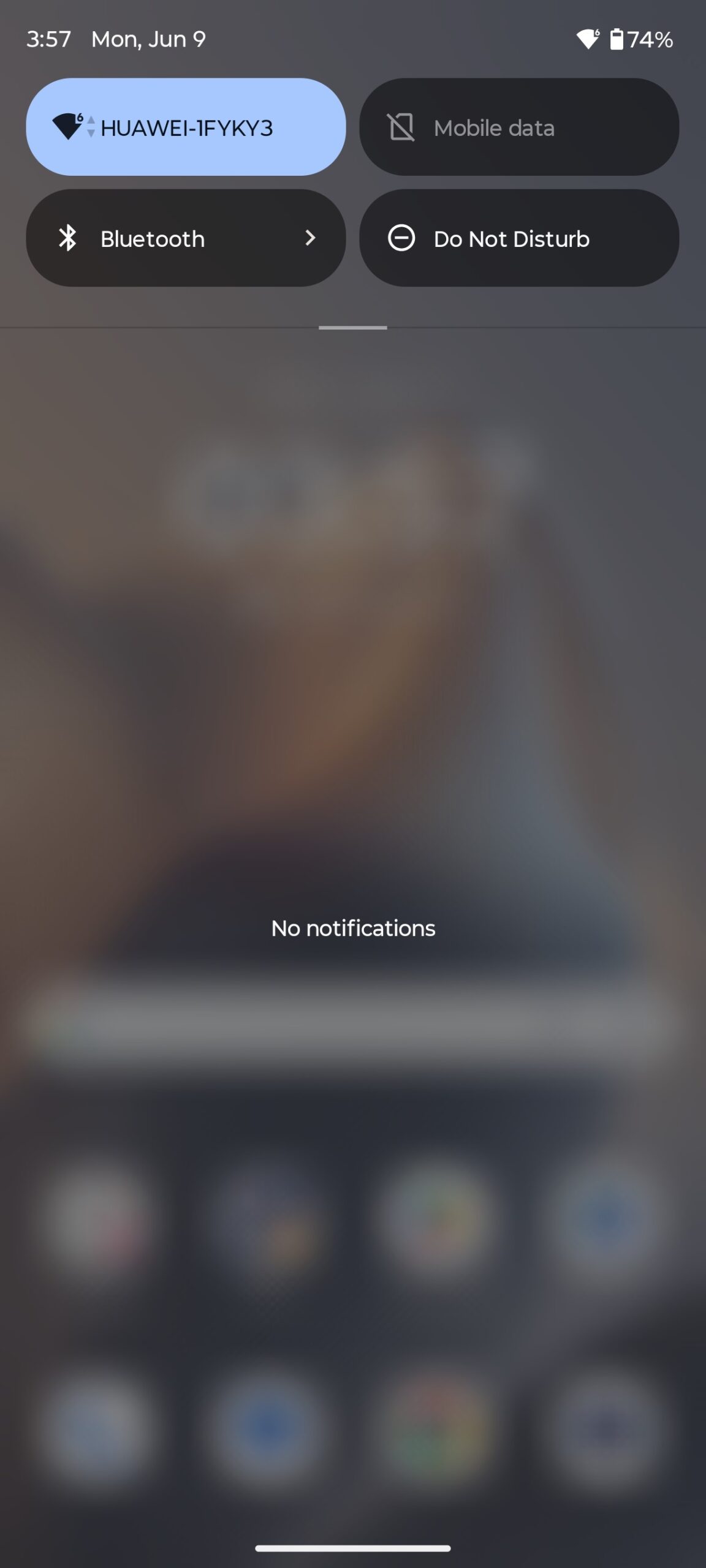
While I had the smartphone for review, I used it as my main phone for several weeks. Calls, instant messengers, home/mobile Internet, I connected various wireless headphones to it. I have not had any problems with any of the above during the entire time I have been using Edge 60 Fusion. It finds networks quickly, the Internet speed is typical for my provider, the connection was stable and with a good signal strength, and there were no problems with wireless devices. Everything is in perfect order, in a word.
Software
The smartphone runs on Android 15 with the proprietary Hello UI shell. Changes to the interface are minimal. The branded features and exclusive functions that many people love so much about Motorola smartphones are still there: Moto gestures, smart display, Ready For, Moto Secure, Family Space, Smart Connect, personalisation settings.
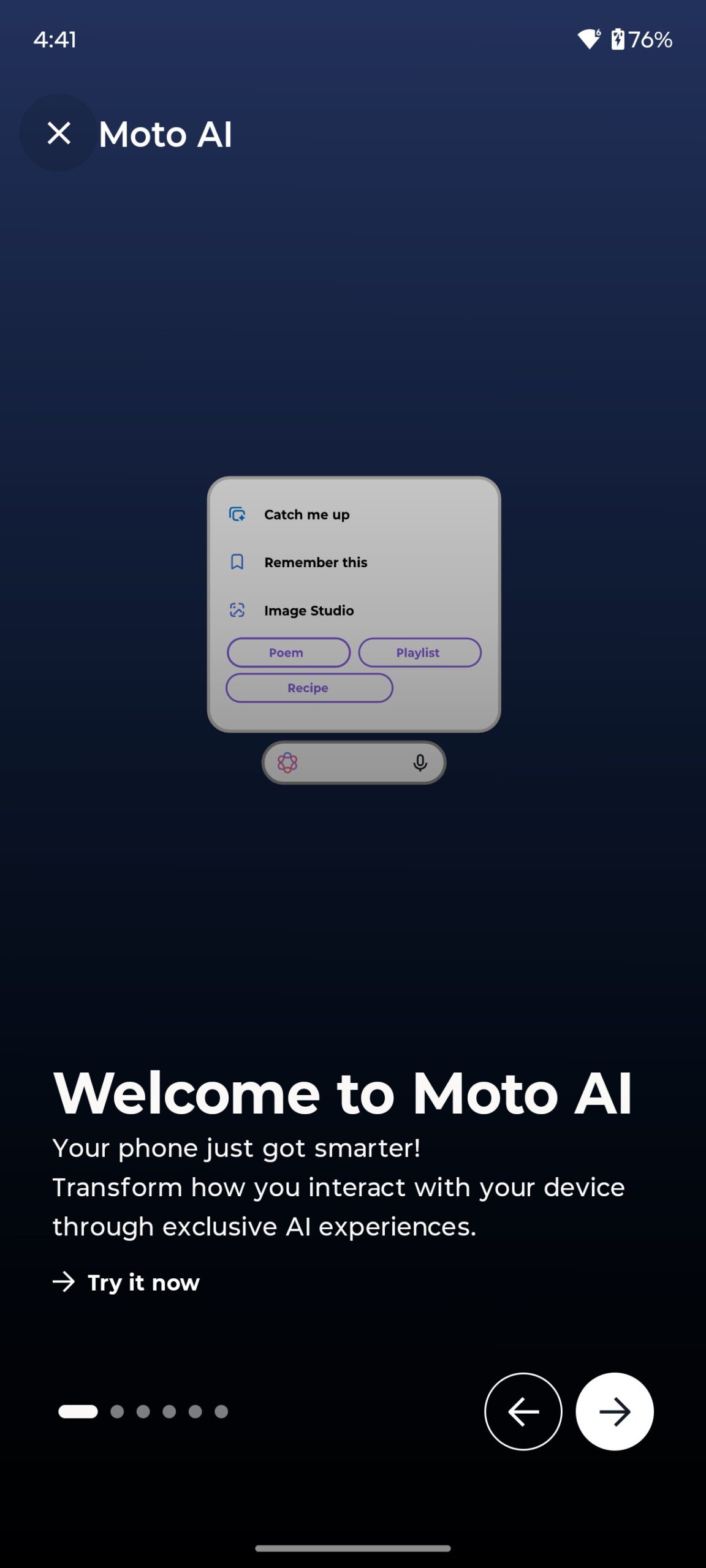
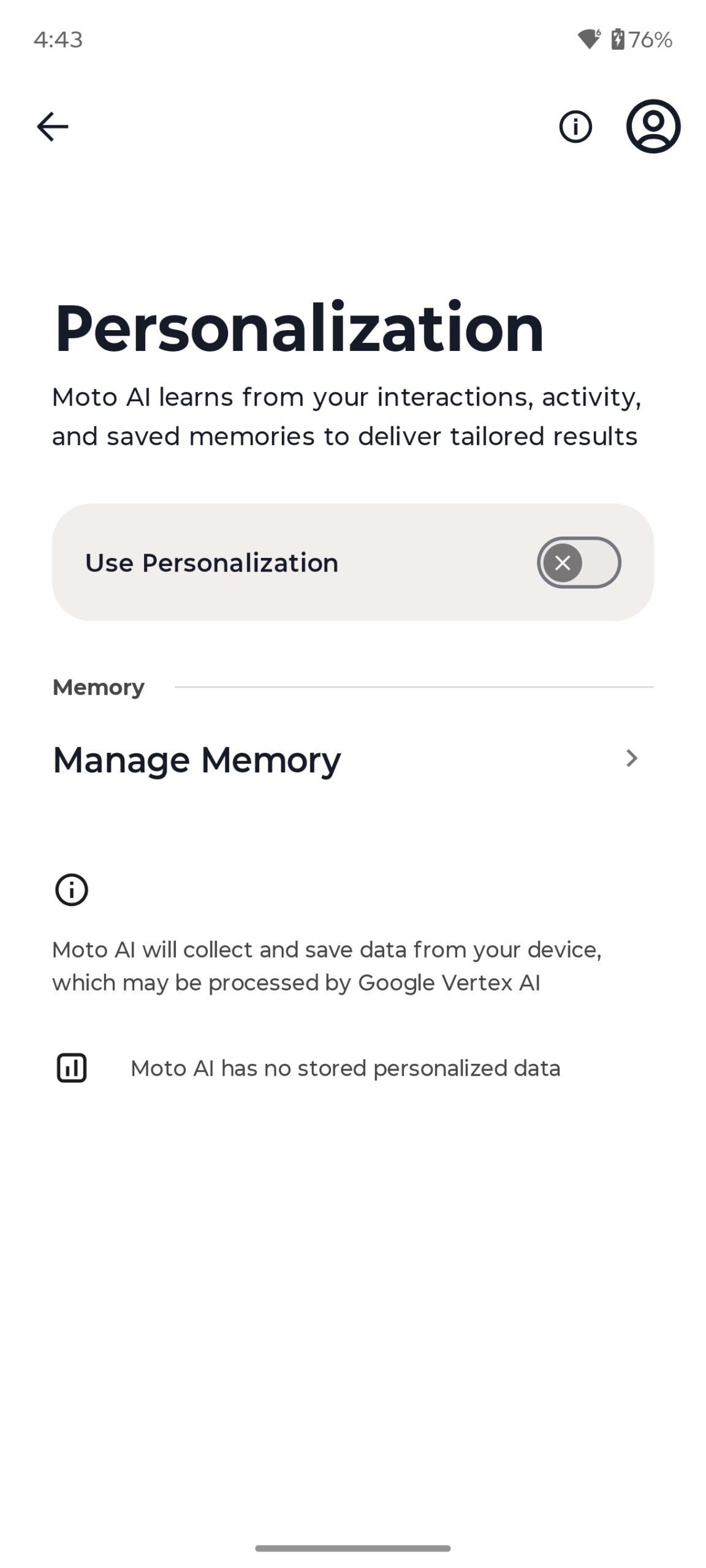
A fundamentally new and interesting feature is Moto AI. A whole set of AI functions integrated into the system to improve the user experience. By the way, Edge 60 Fusion is one of the first smartphones of the brand to integrate Moto AI functions.
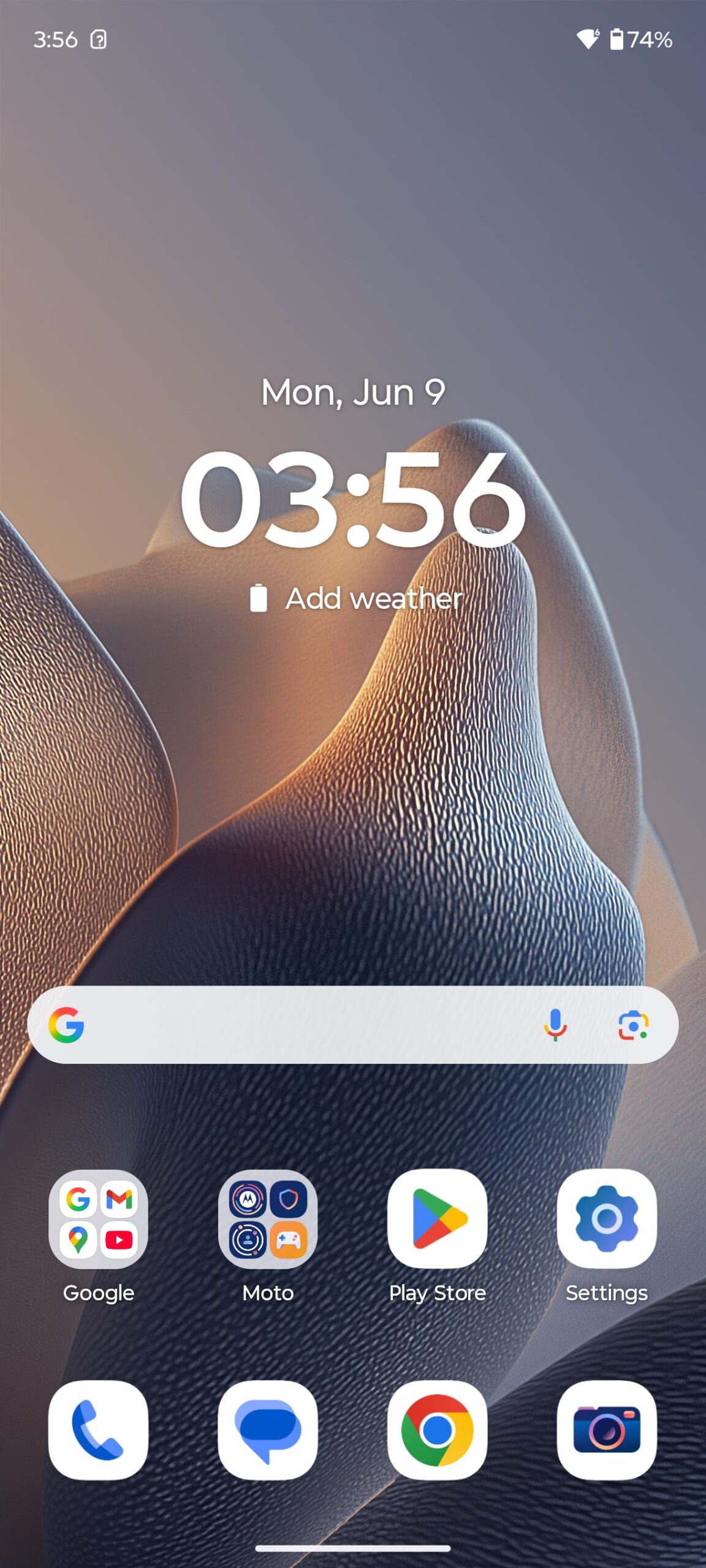
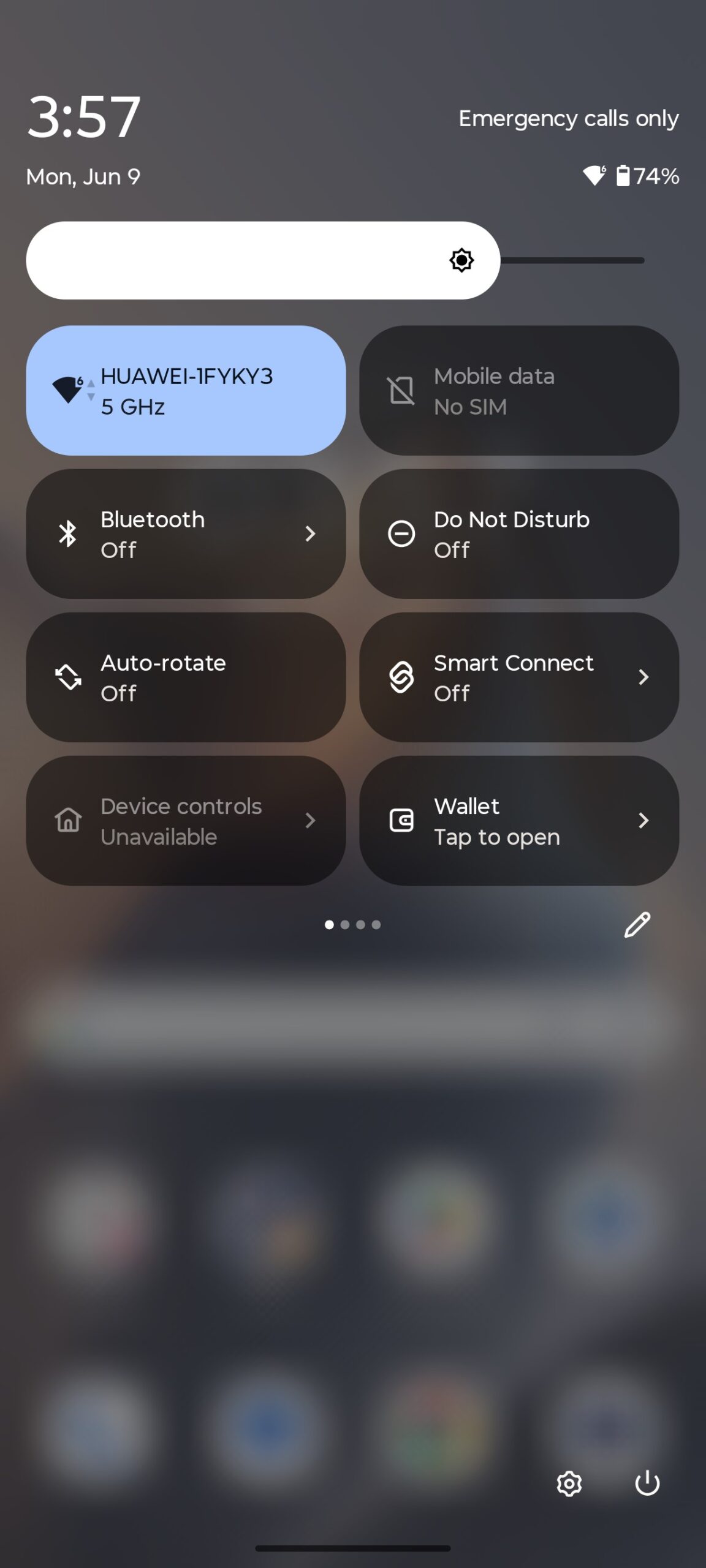
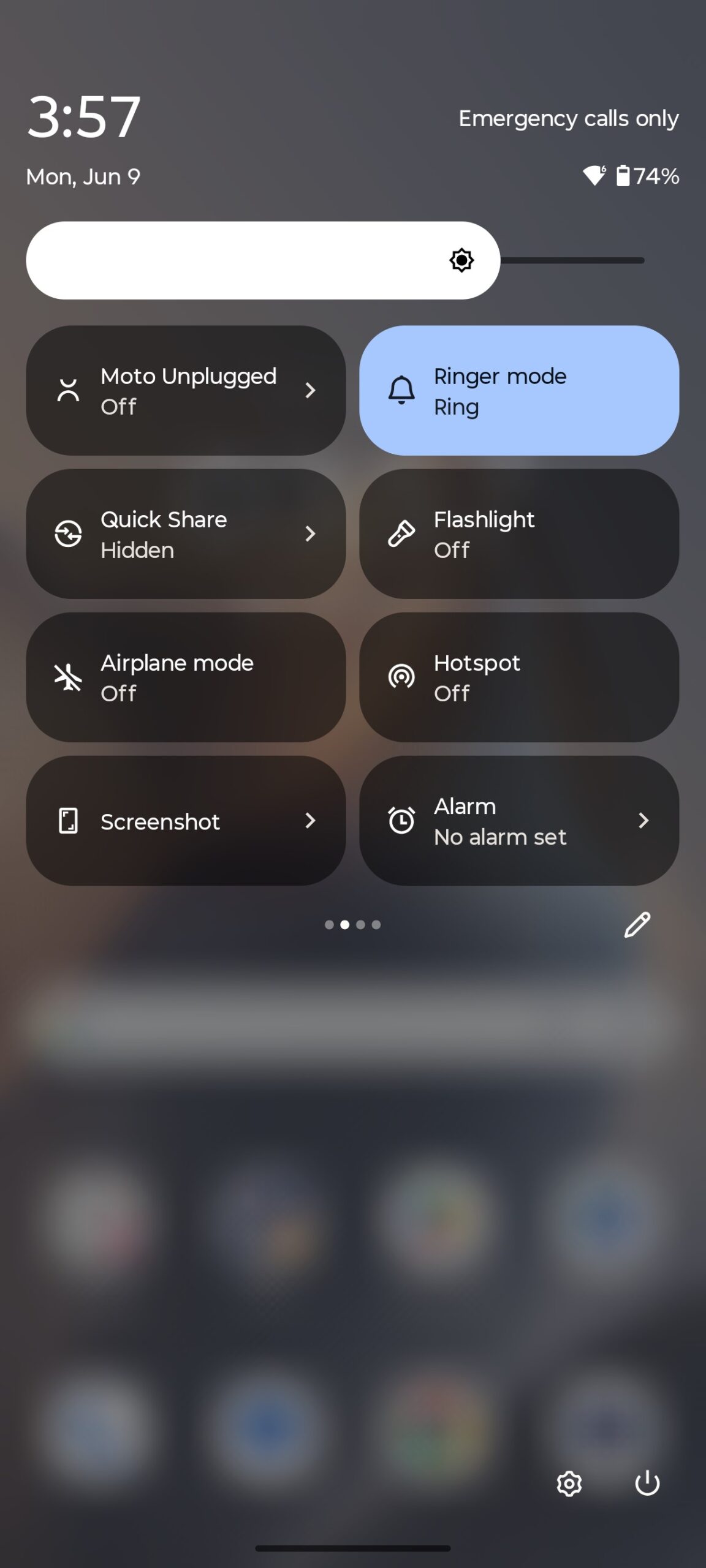
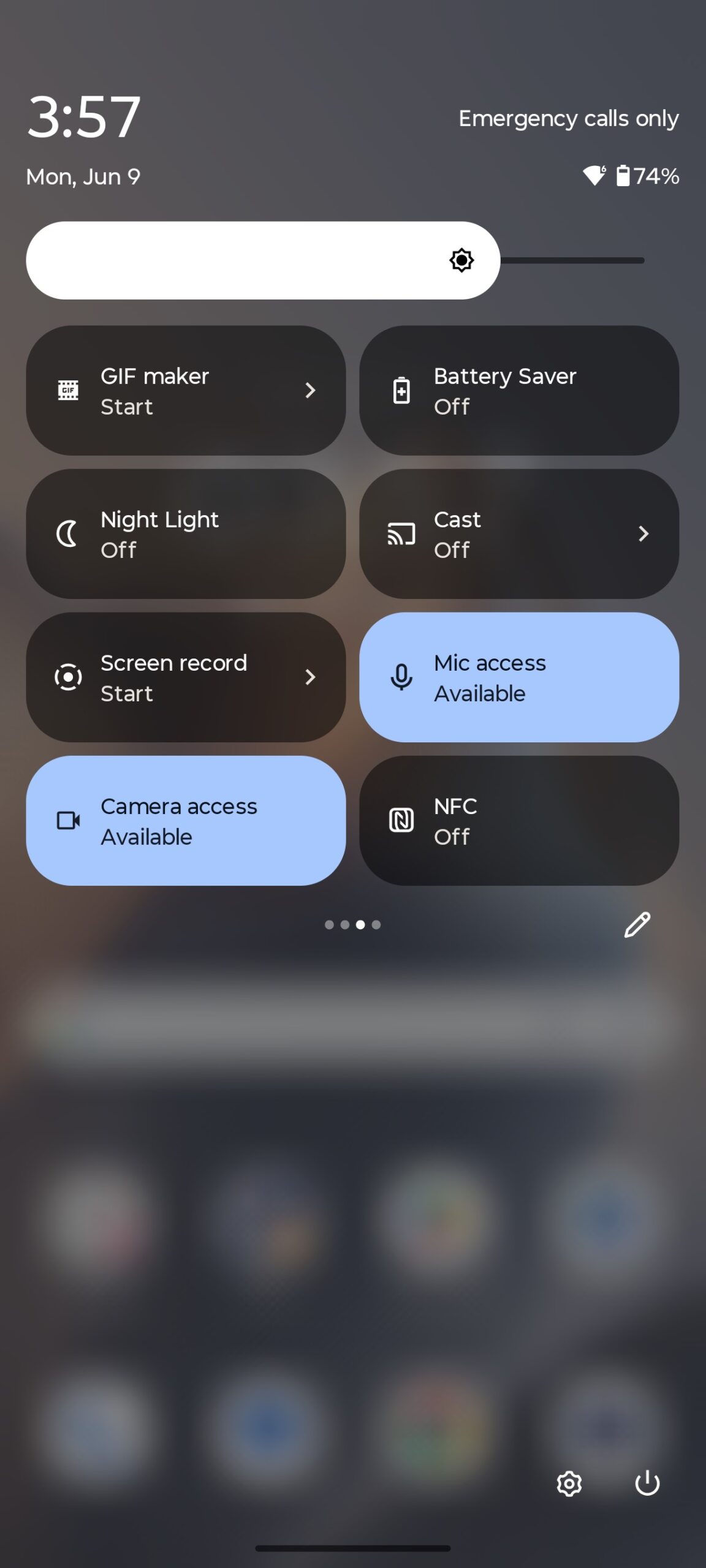
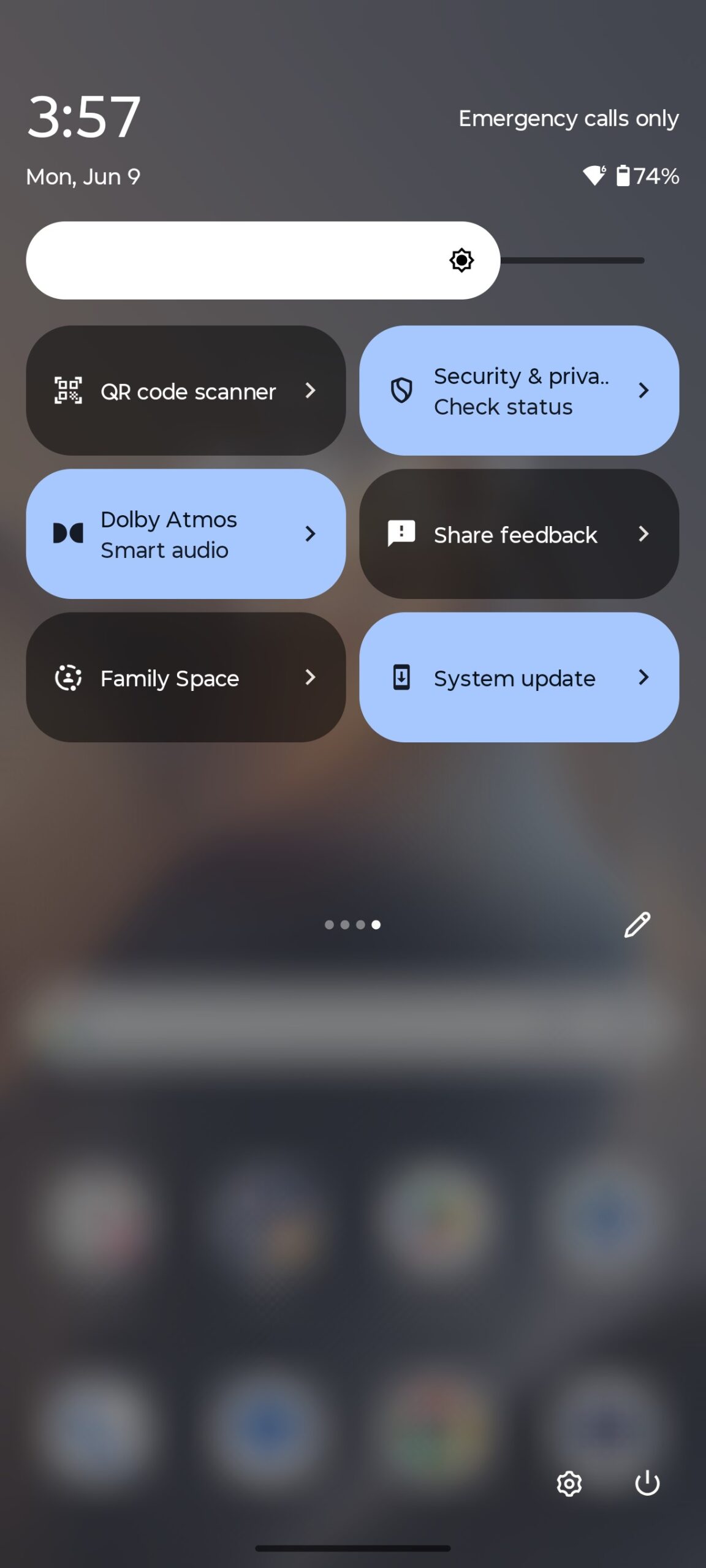
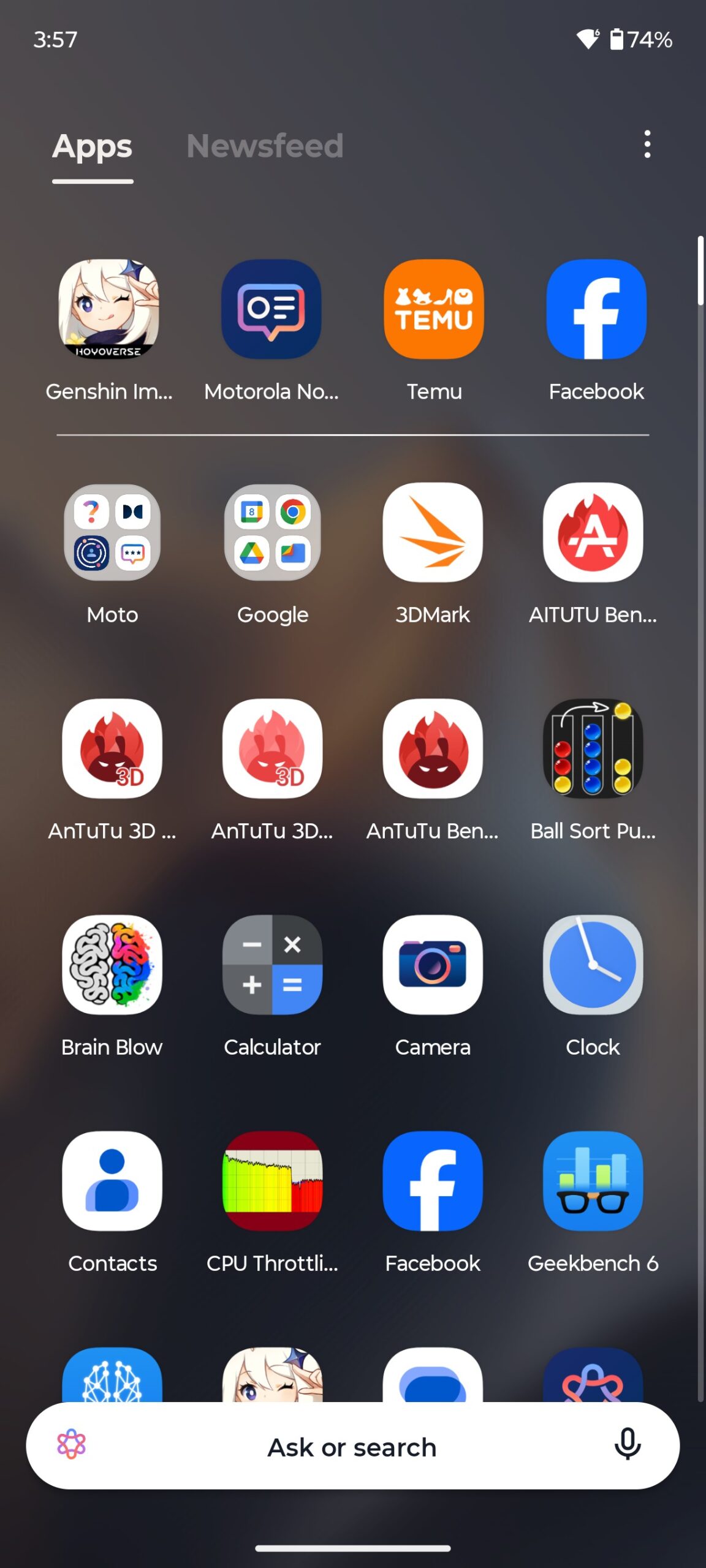
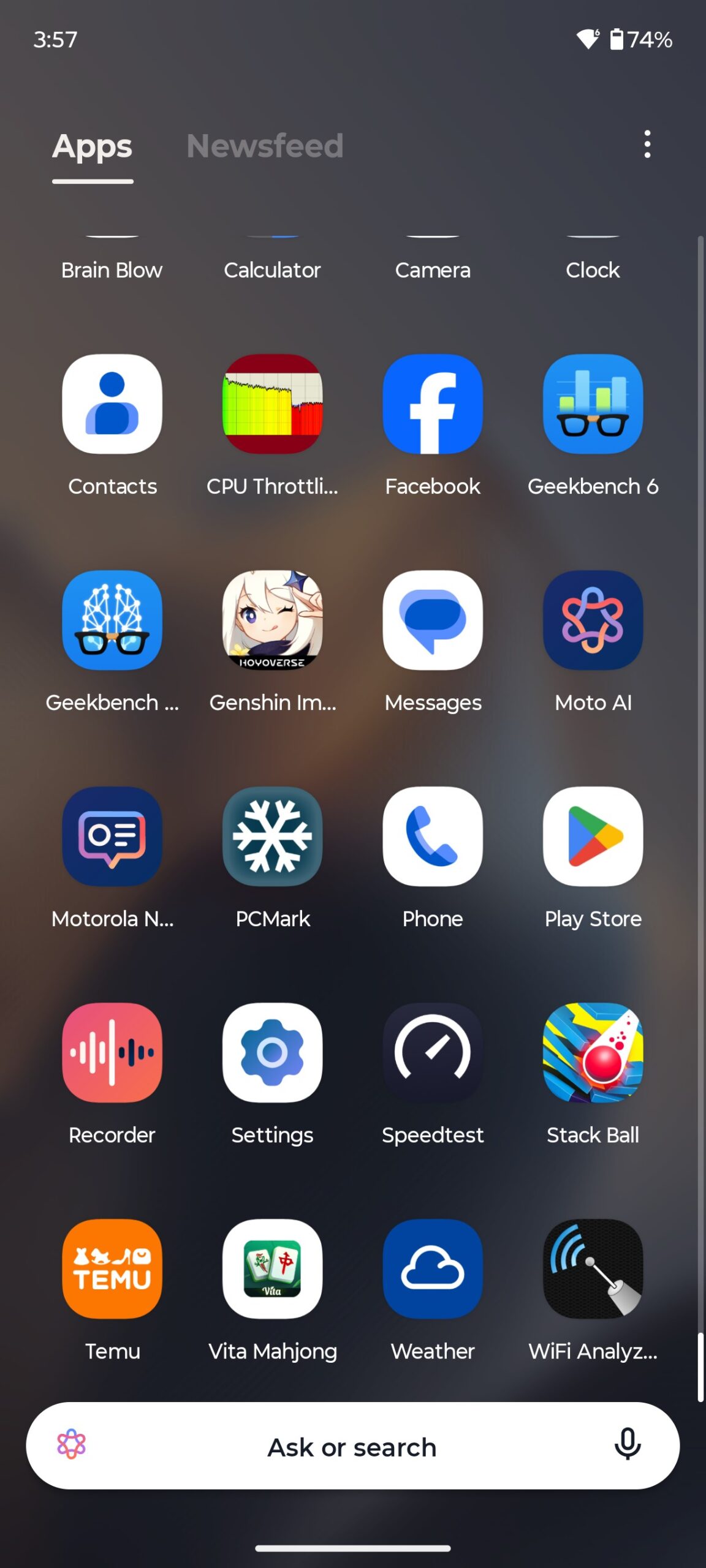
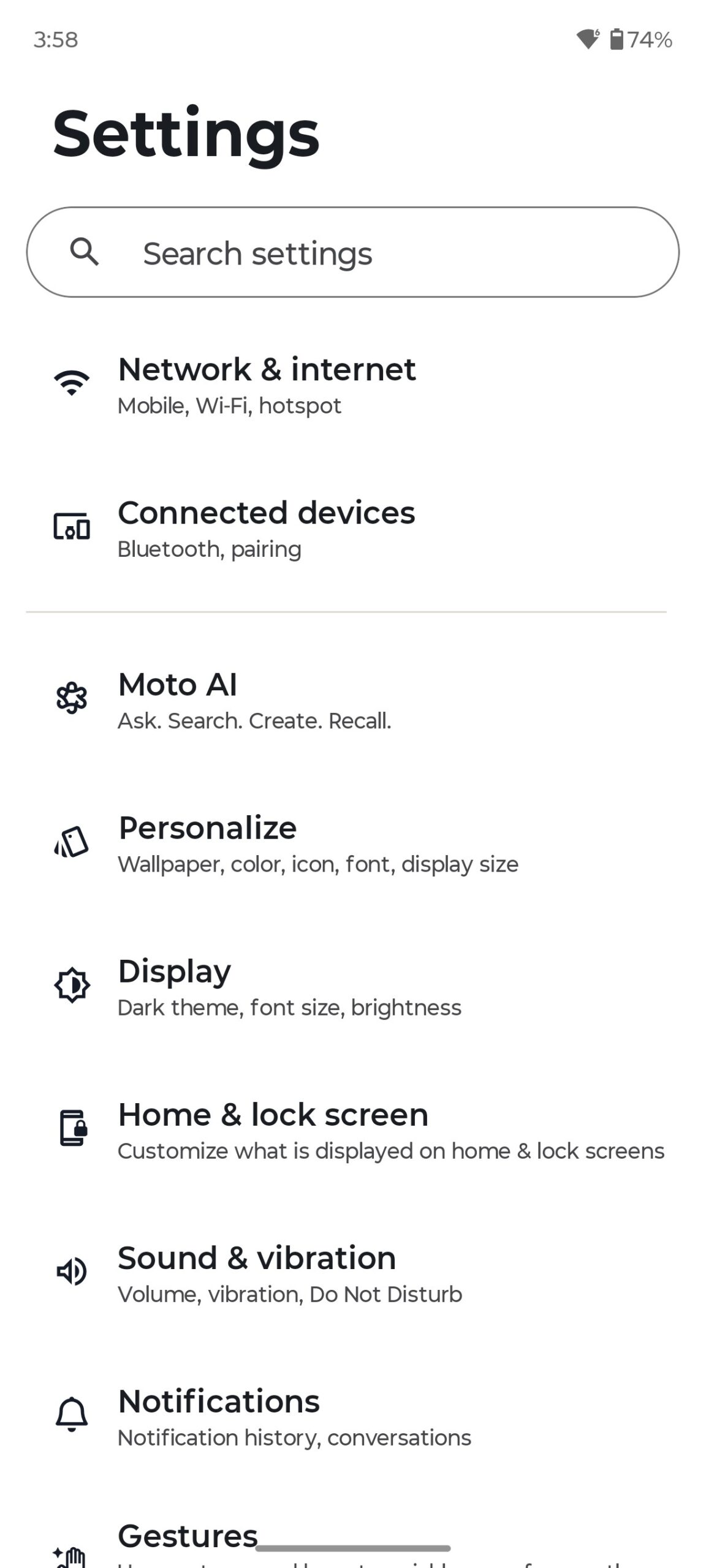
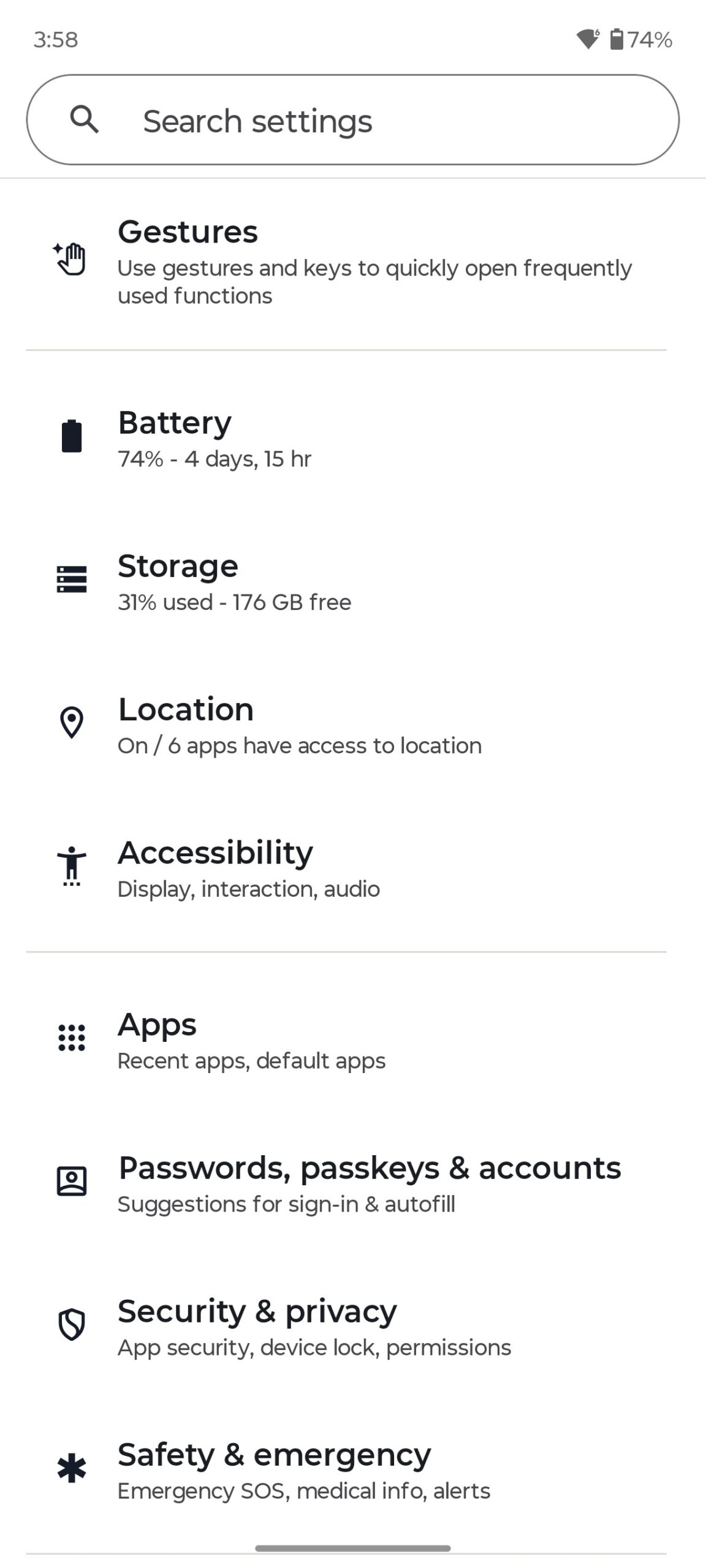
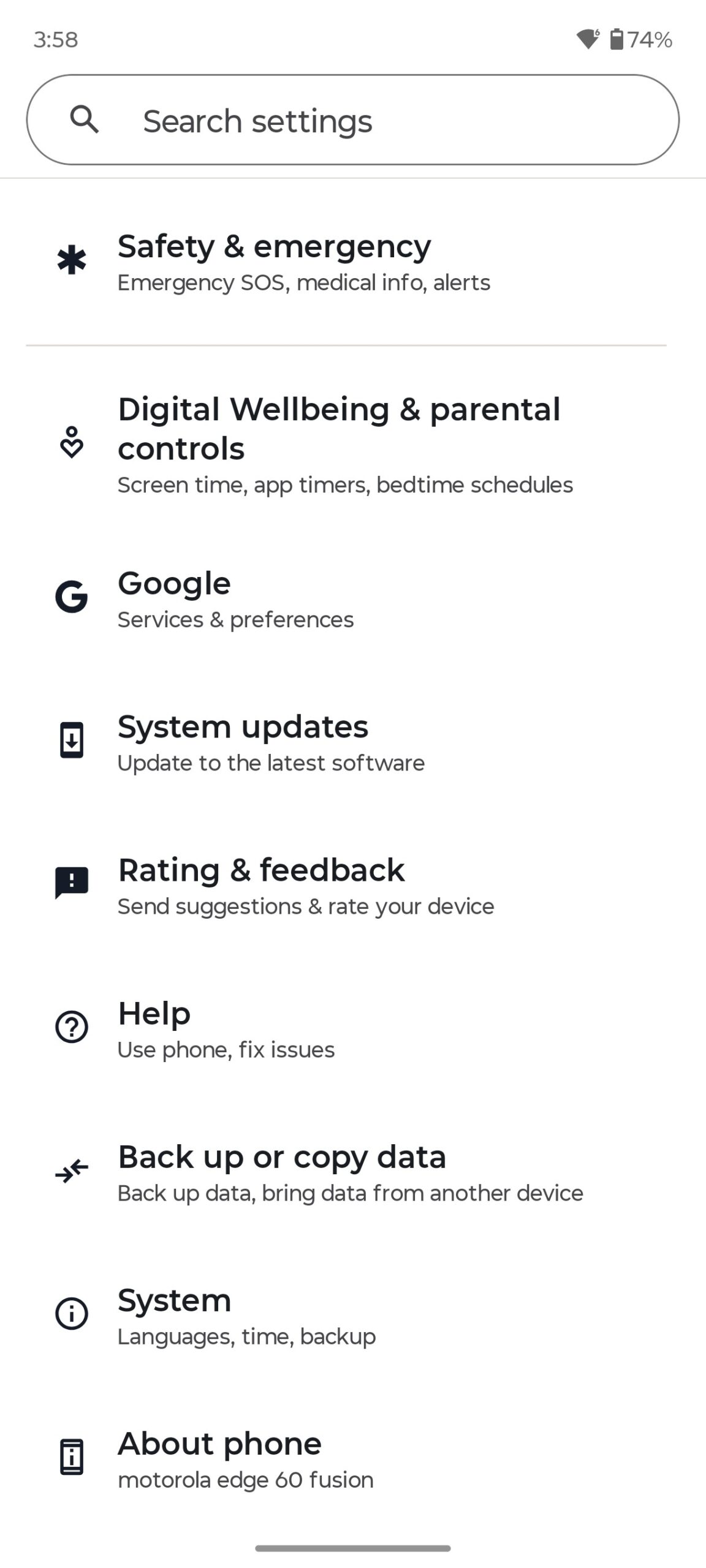
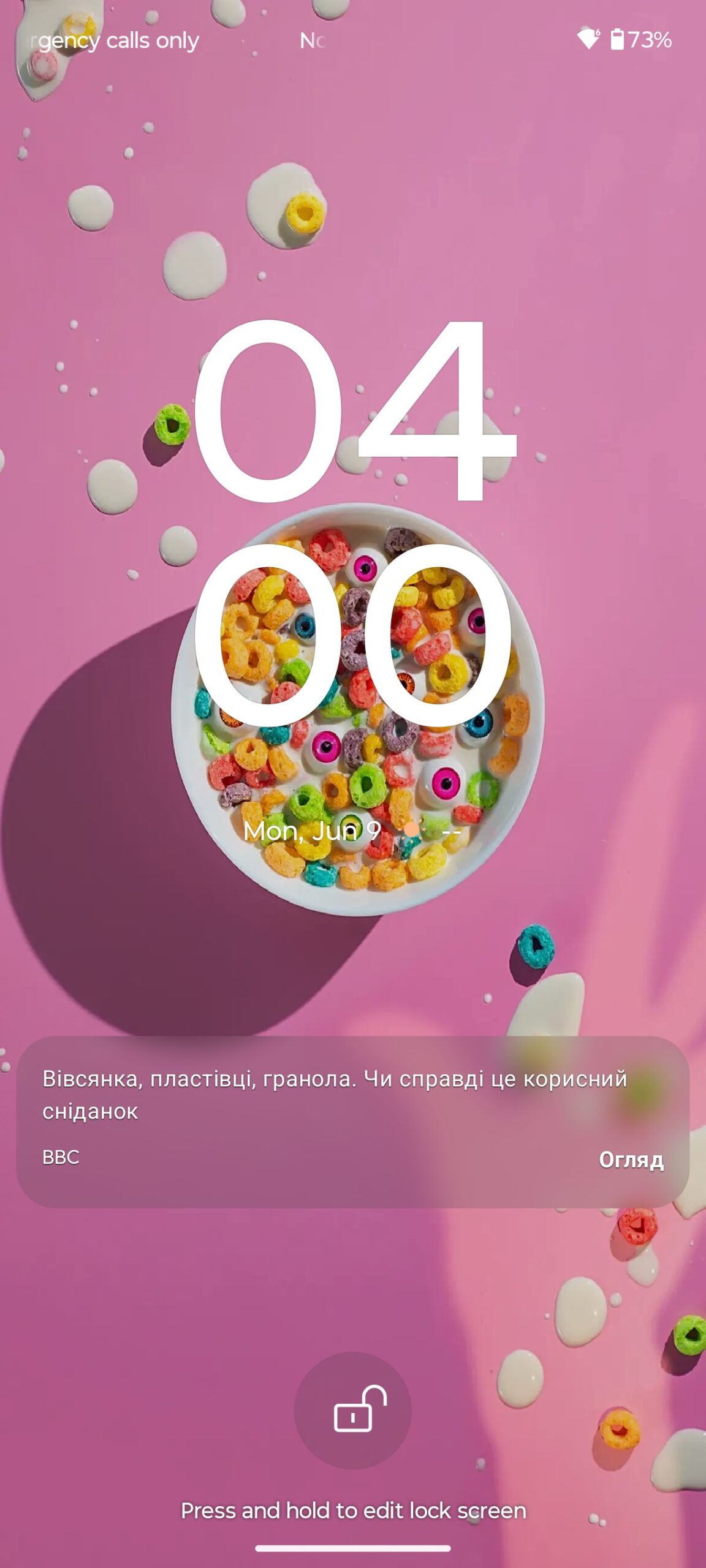
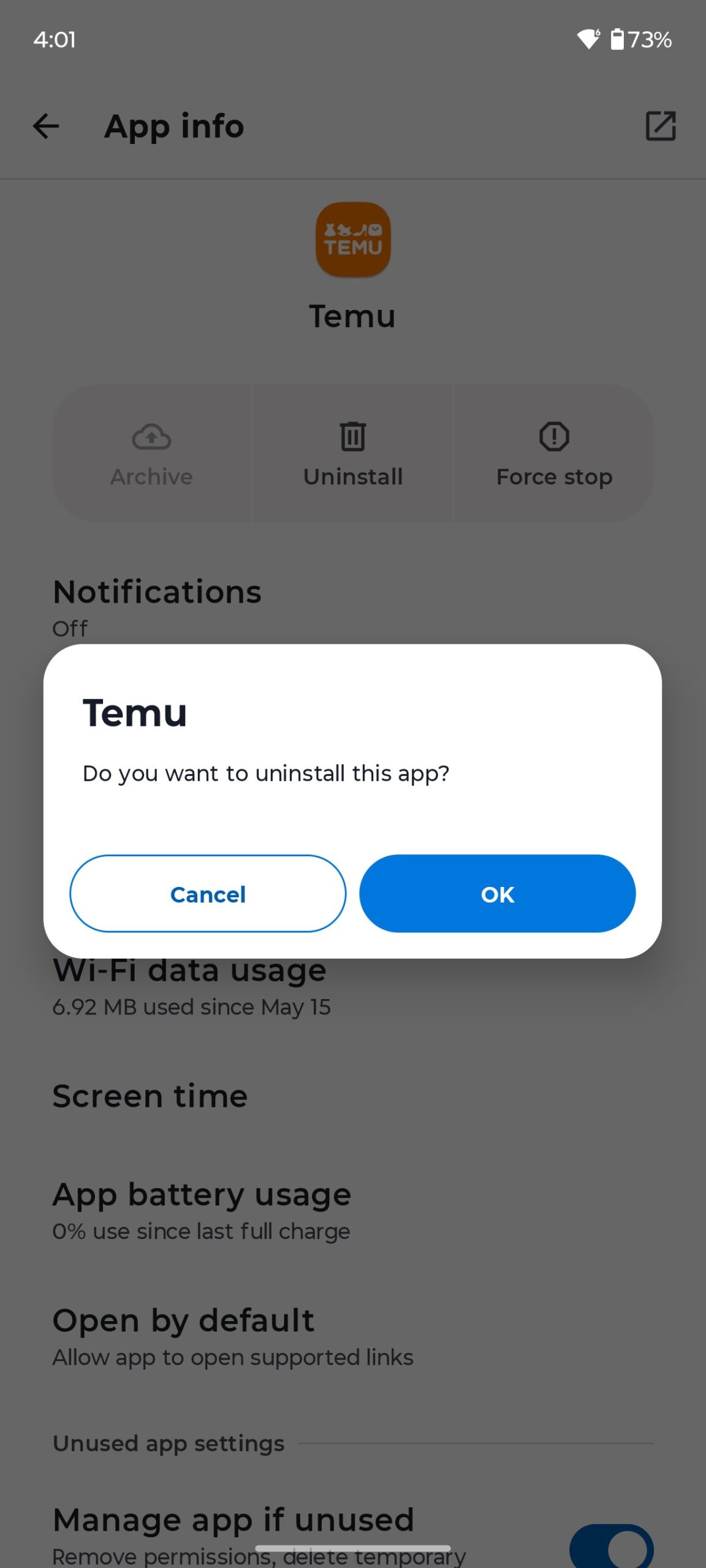
There are few pre-installed applications. Just the basic minimum set – standard Google apps and a number of proprietary Moto apps. Although, there are a few third-party junk apps (Temu, games) that you can simply uninstall if necessary.
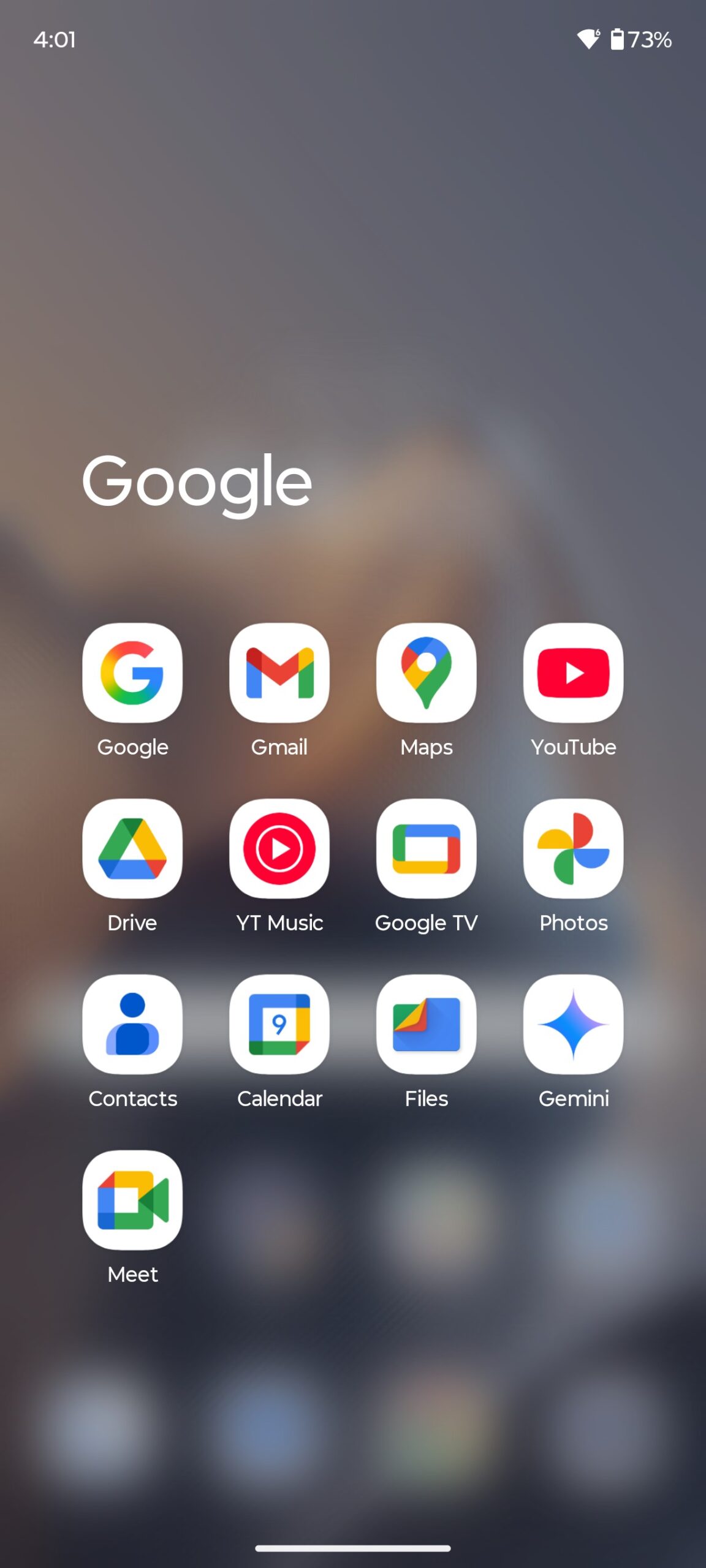
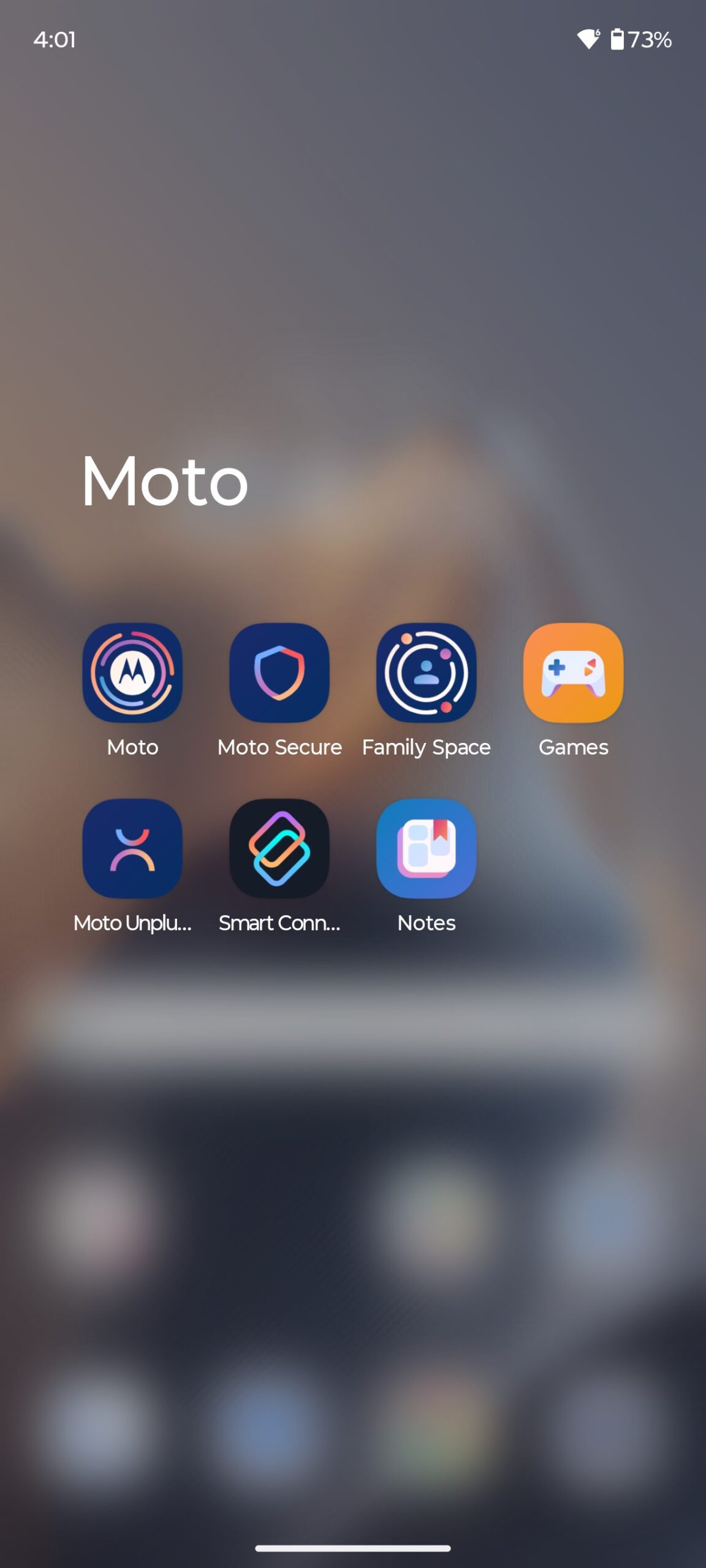
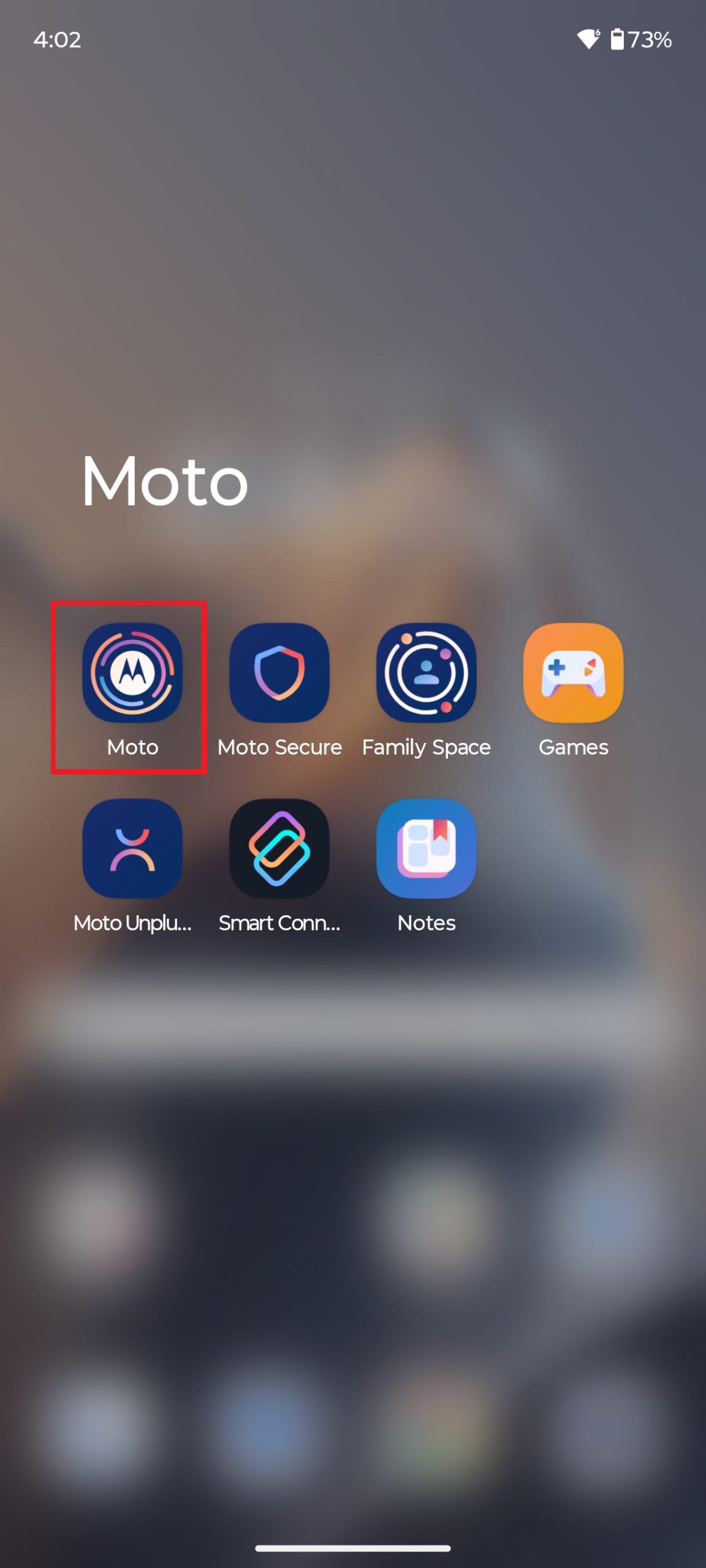
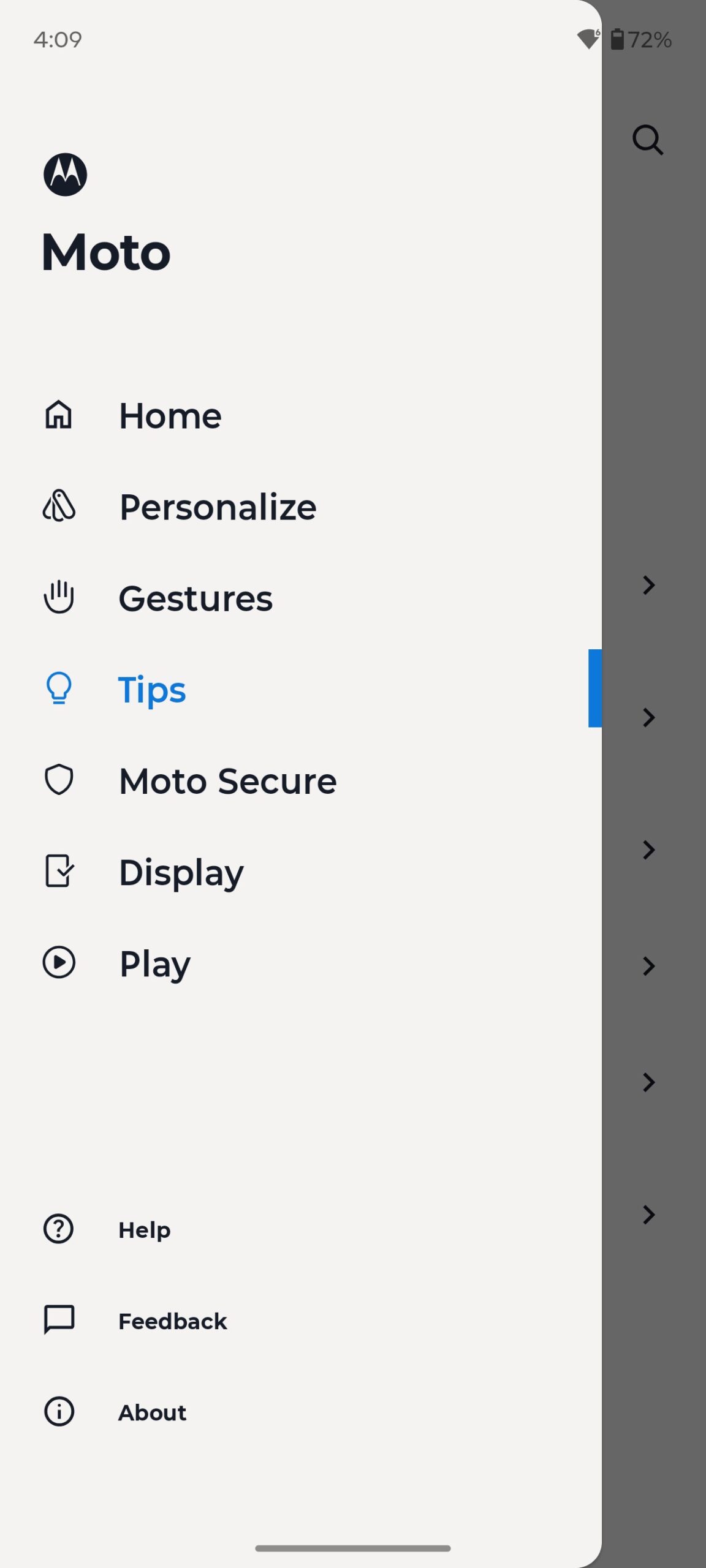
All Moto apps are conveniently grouped in the appropriate folder by default. There is also a separate Moto hub with all the functions, settings and features, which is laconically called ‘Moto’.
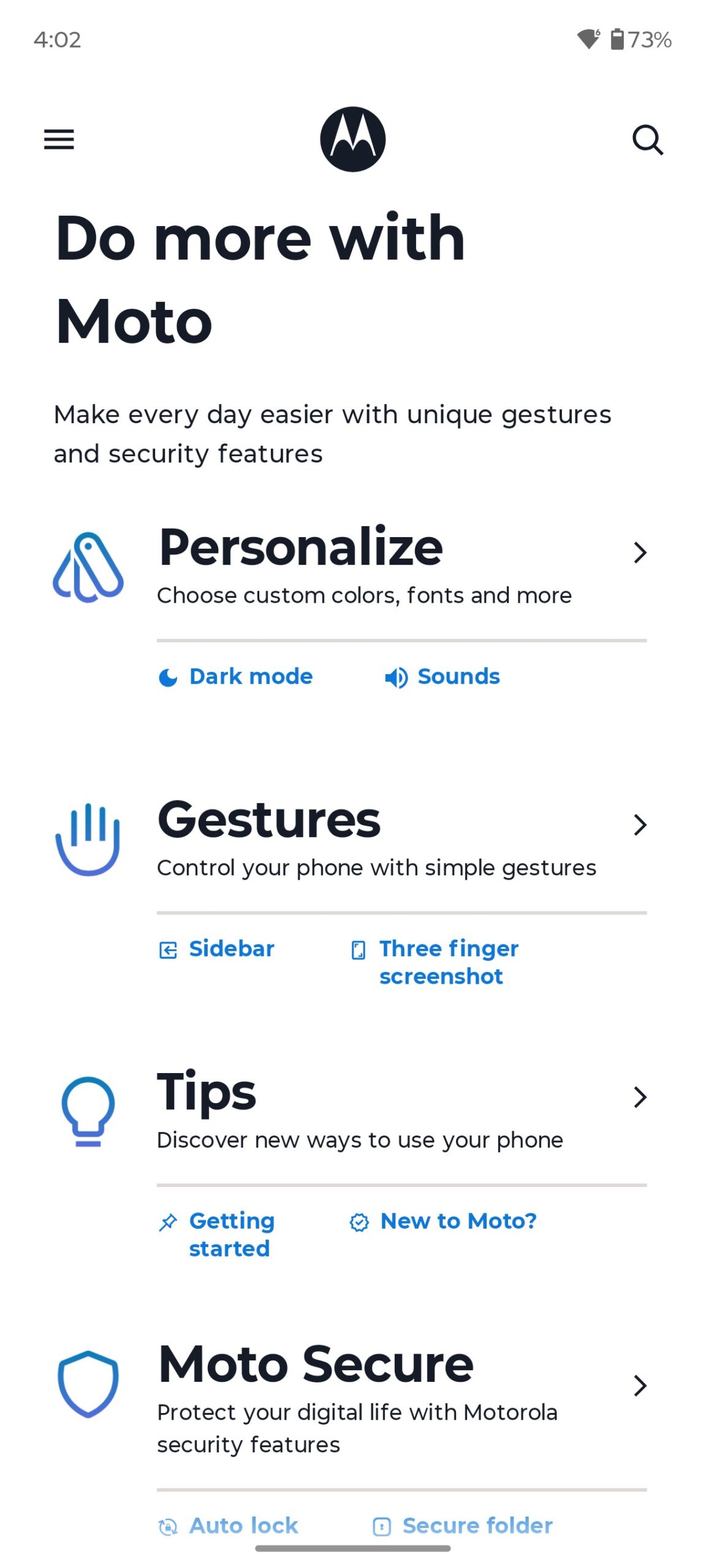
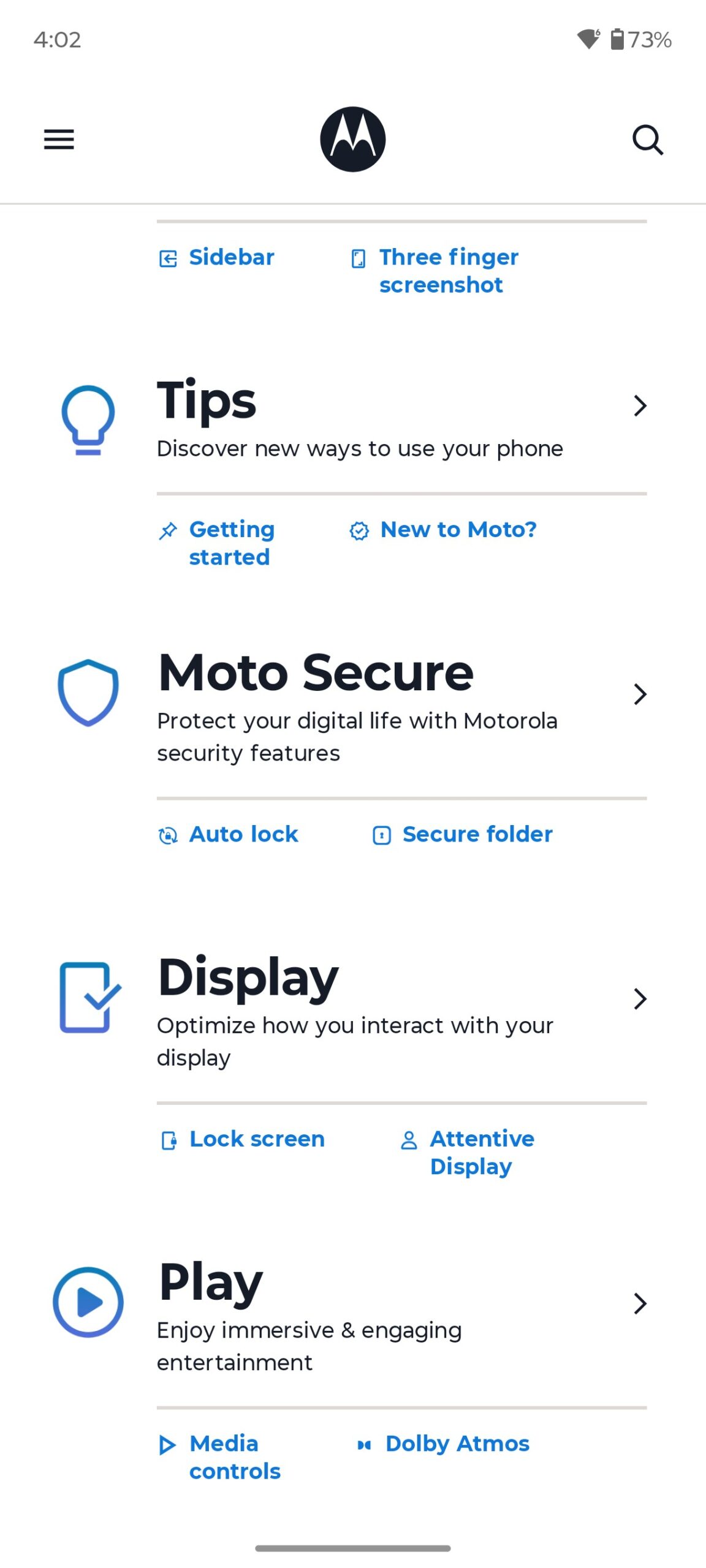
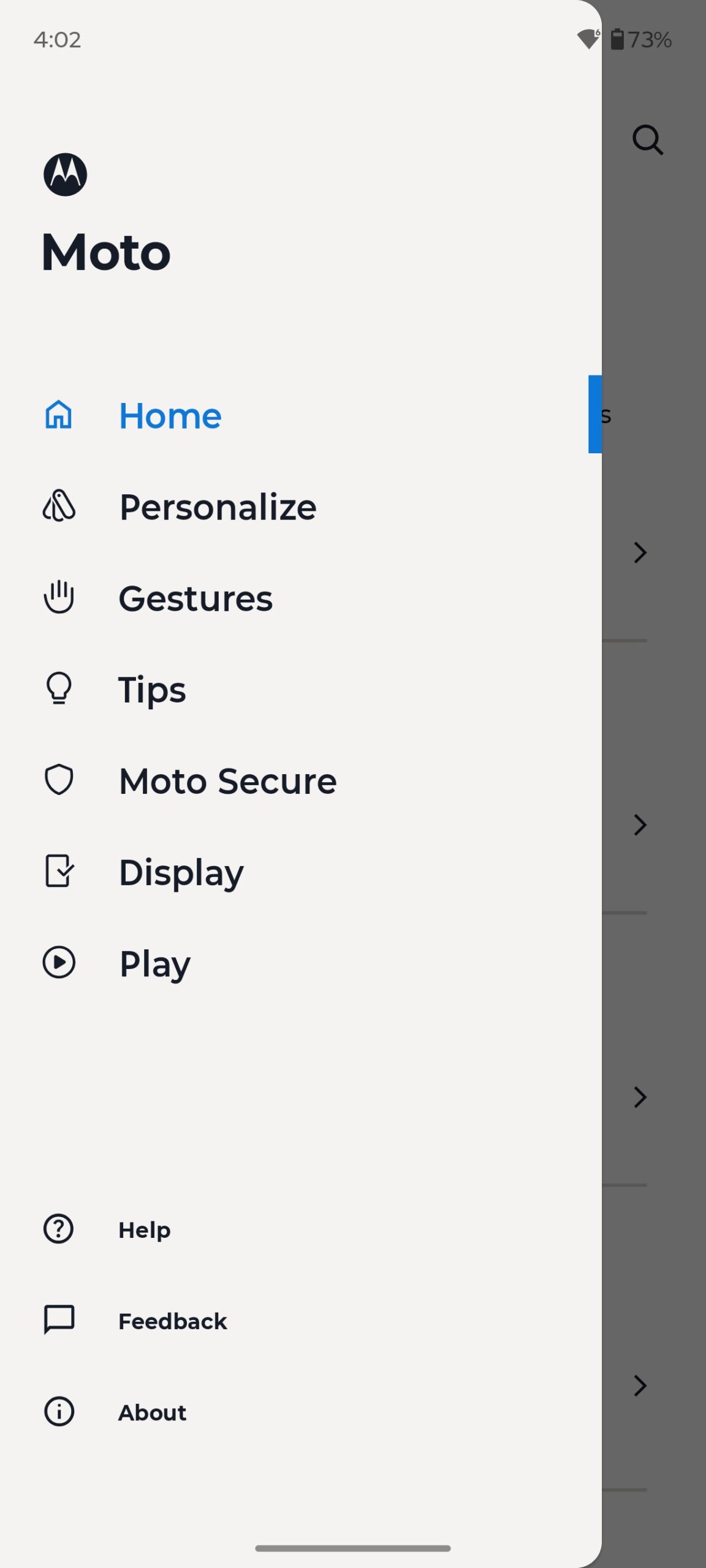
If this is your first introduction to Motorola, I recommend starting with the hub. It is very convenient to have everything in one place and has visual introductory demonstrations with tips to guide you through all the available functions.
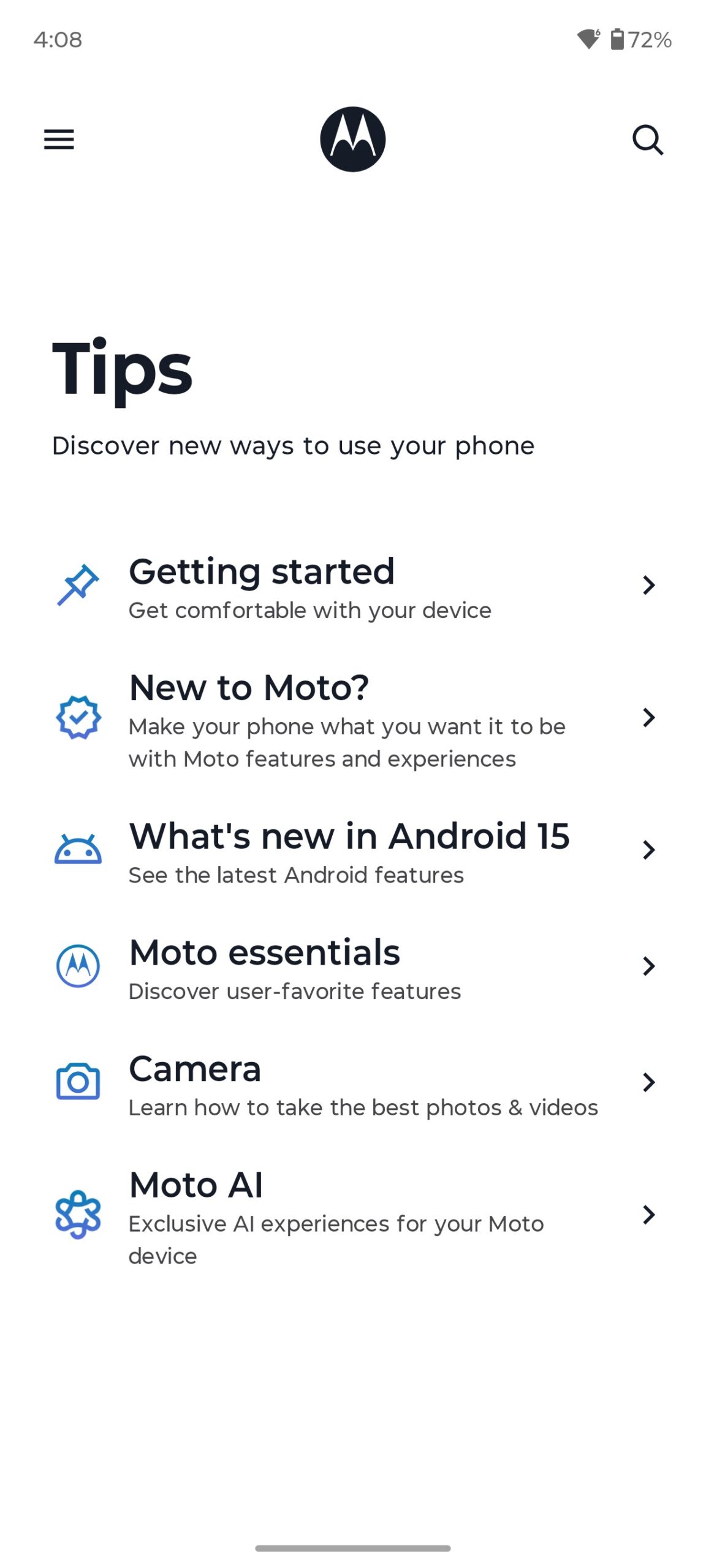
By the way, I once did a separate review on Ready For and proprietary apps with Motorola features. I’ll leave the relevant links below, so if you’re interested, you can go and read them.
Read also:
- Everything You Need to Know About Dolby Atmos FlexConnect Wireless Technology
- Seven Annoying Windows 11 Features – and How to Fix Them
Moto AI – as already mentioned, this is a whole set of built-in artificial intelligence functions that can turn your smartphone into a real assistant. To access all the features, you will need to create a Motorola account. The main features of Moto AI include the following:
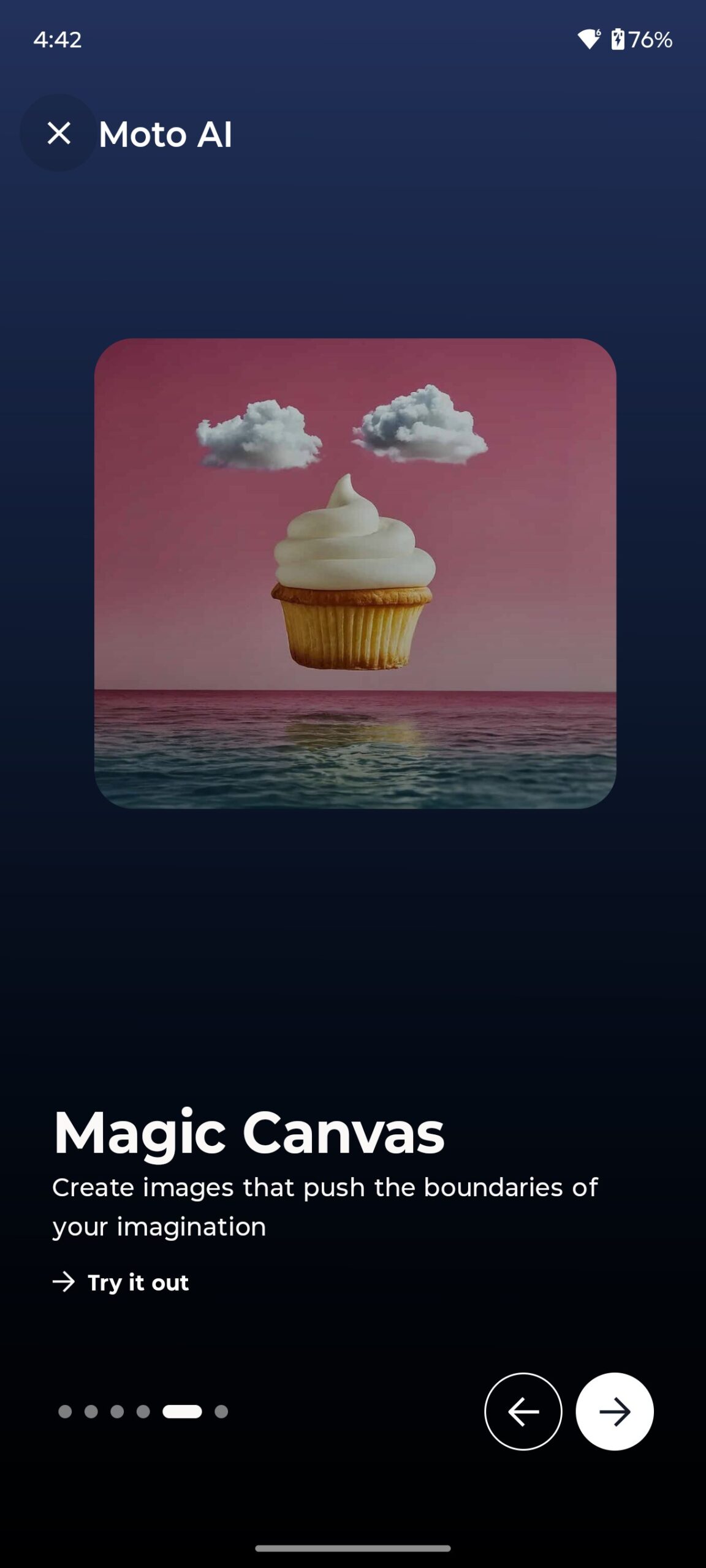
Image Studio – provides generative AI capabilities for creating and editing content.
Remember This allows you to save notes, screenshots, and images with automatically generated AI summaries and object recognition technology. This helps you quickly find the information or visual content you need later by simply asking Moto AI.
Playlist Studio – allows you to create music playlists based on a text query or content analysis on the screen, selecting music. Currently, this feature mainly works with Amazon Music.
Pay Attention is a tool for recording conversations or meetings, which can then transcribe the audio into text and create a short summary of the content. Saved summaries are stored in the Moto Notes app.
Catch Me Up is one of the key features that allows you to summarise missed calls, messages and notifications from different messengers.
Next Move is a feature that analyses the content on the screen and suggests relevant actions in real time. For example, if you are browsing travel information, AI can suggest you book a hotel.
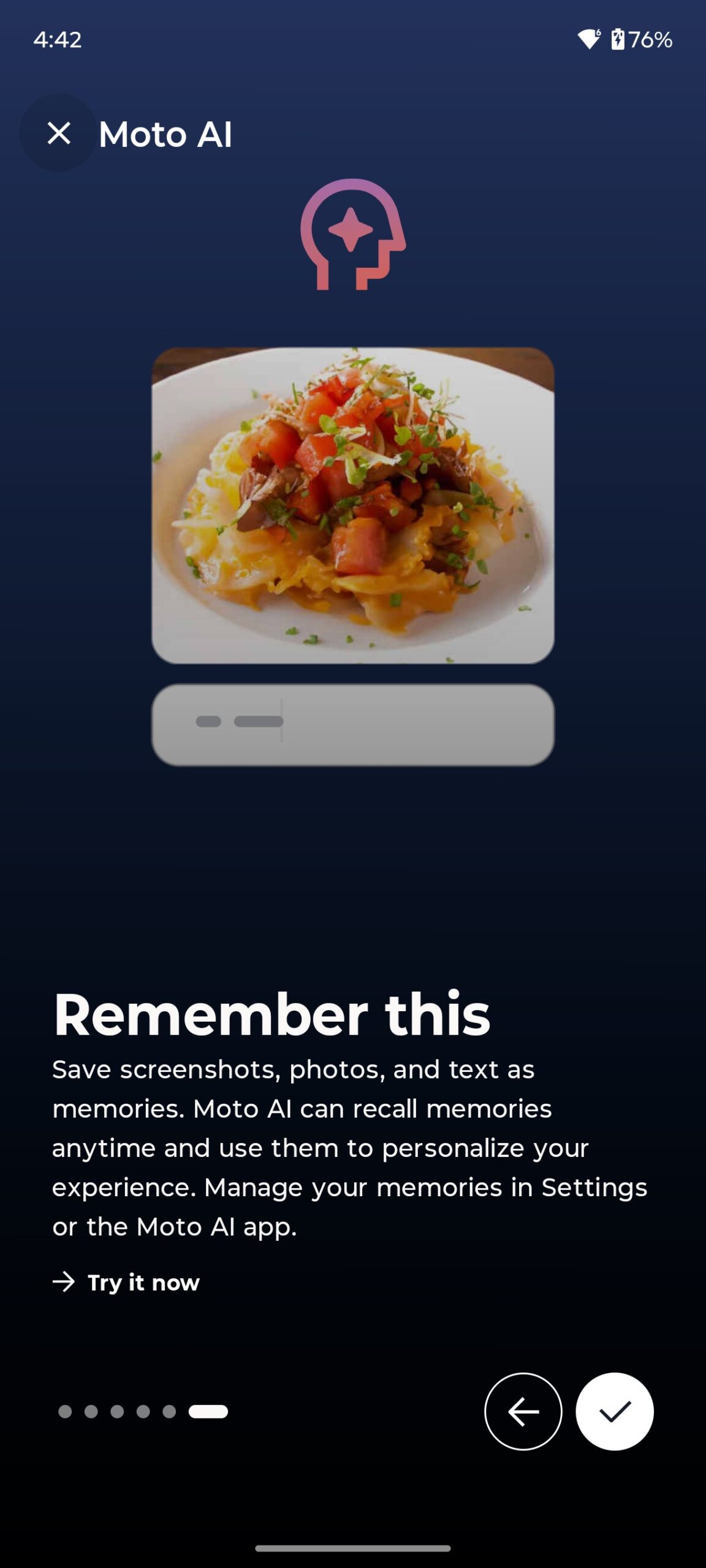




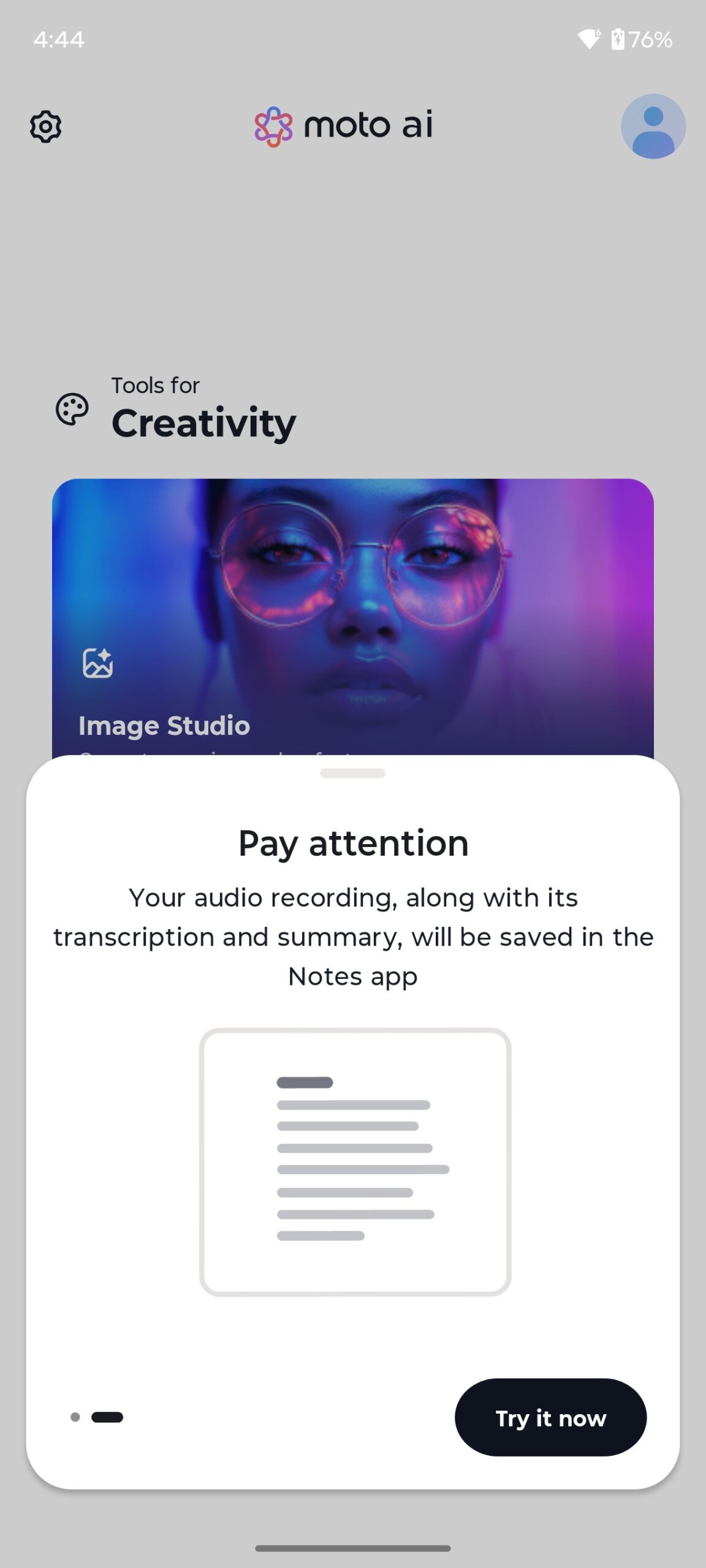





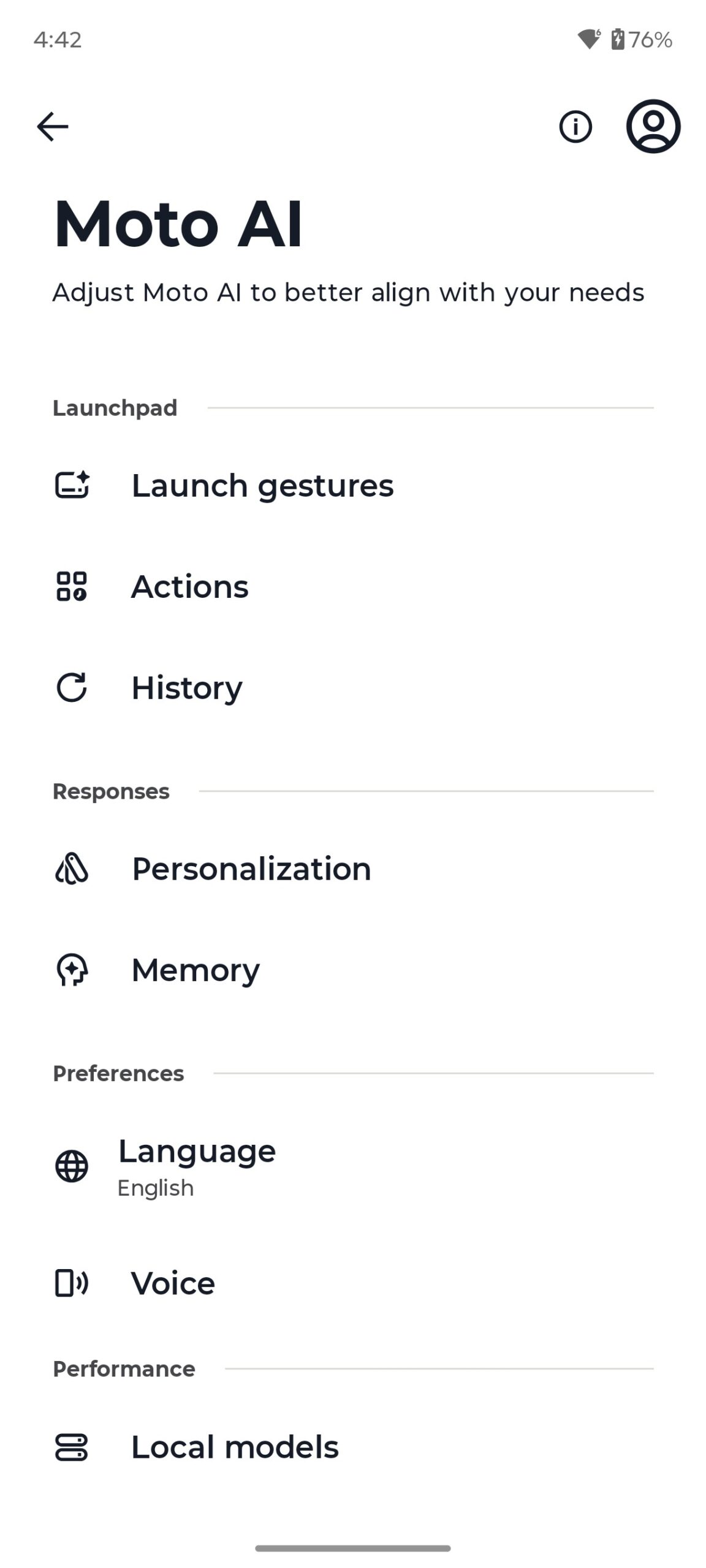
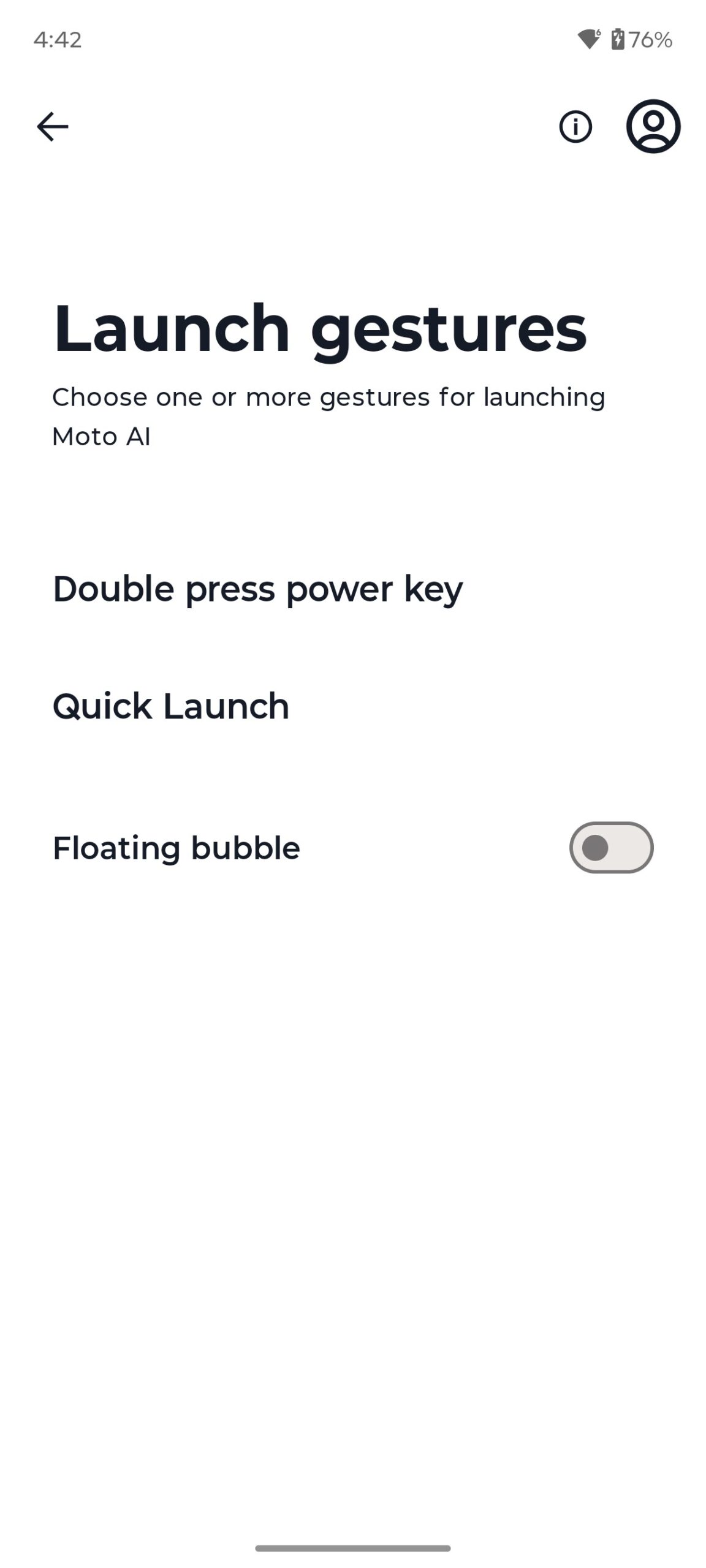


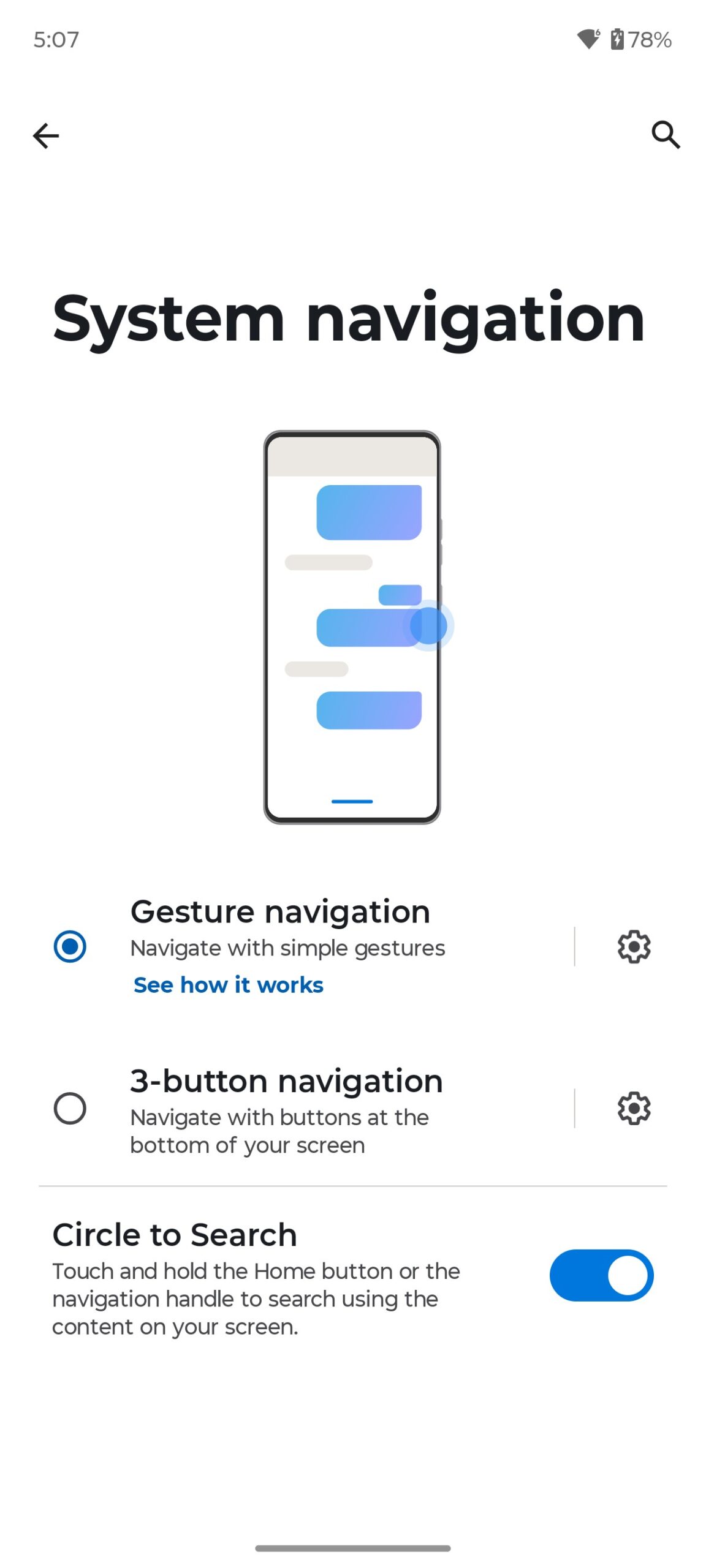
The navigation options in the system are standard – three buttons or gestures. You can also control your smartphone using Moto’s signature gestures. There is also a full set of options for locking/unlocking the smartphone: a pattern, password, pin, fingerprint, face control.
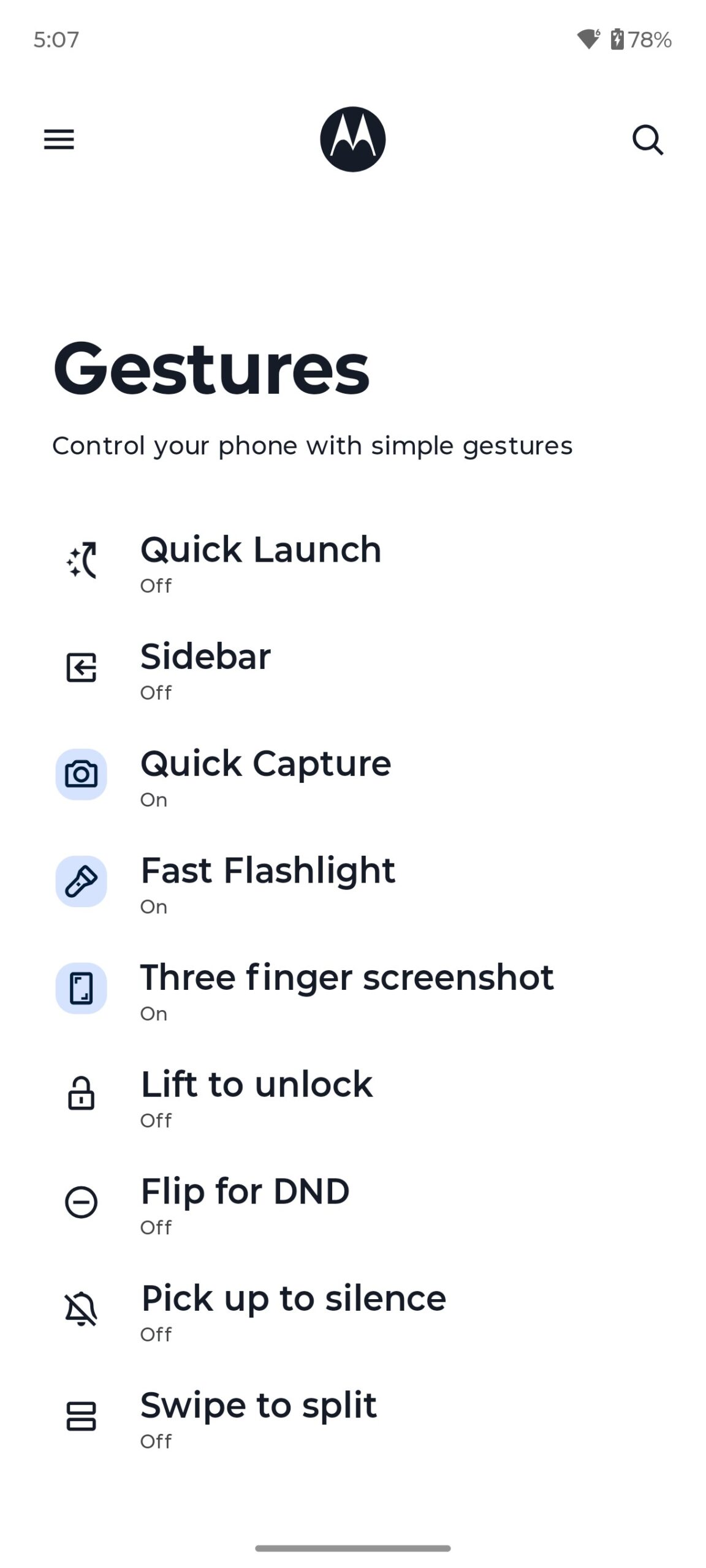
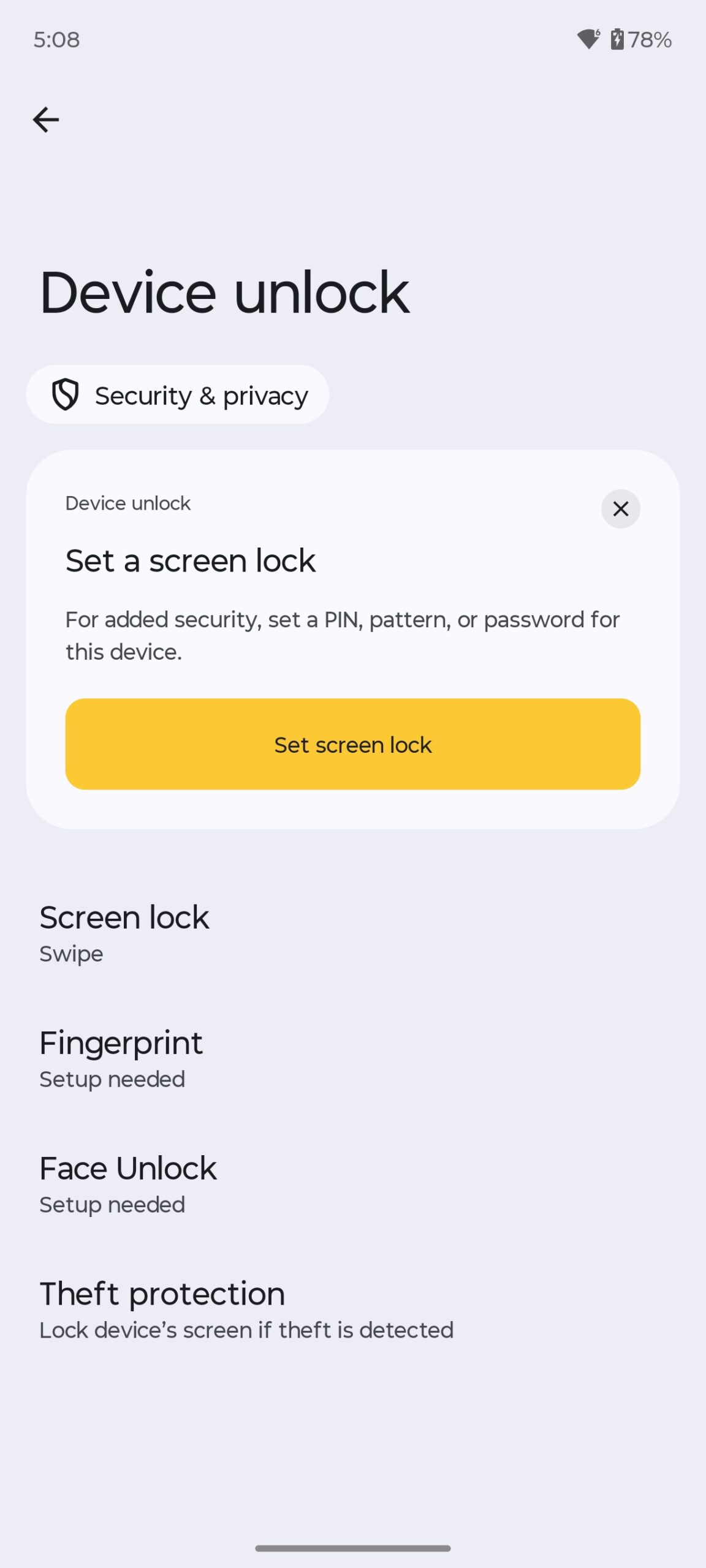
Overall, the system is quite clean and intuitive. By the way, many people love Motorola smartphones for this ‘purity’. It works fast. Moto’s proprietary features are really mostly convenient and useful.
The only negative thing about the OS that I can note is that everything is enabled by default, and this interferes, and sometimes is very annoying. I mean, all these Google recommendations, articles, news notifications on the locked screen, etc. My point is that when you first set up your device, it is highly advisable to go through all the steps and methodically disable everything you don’t need. At the same time, you can also uninstall unnecessary applications. And then you can start using your smartphone comfortably.
Read also:
- Acer APS321 1800W Review: Compact and Powerful Portable Power Station
- ASUS ROG Strix G16 (2025) G615 Review: Almost a Flagship on Blackwell
Motorola Edge 60 Fusion battery life
The model has a 5200 mAh battery and support for TurboPower fast charging with a maximum power of 68W. According to the official website, it takes only 8 minutes to fully charge a smartphone with a proprietary charger (Motorola TurboPower 68W). But as I mentioned earlier, the charger itself is not included in the package – you will need to buy it separately.
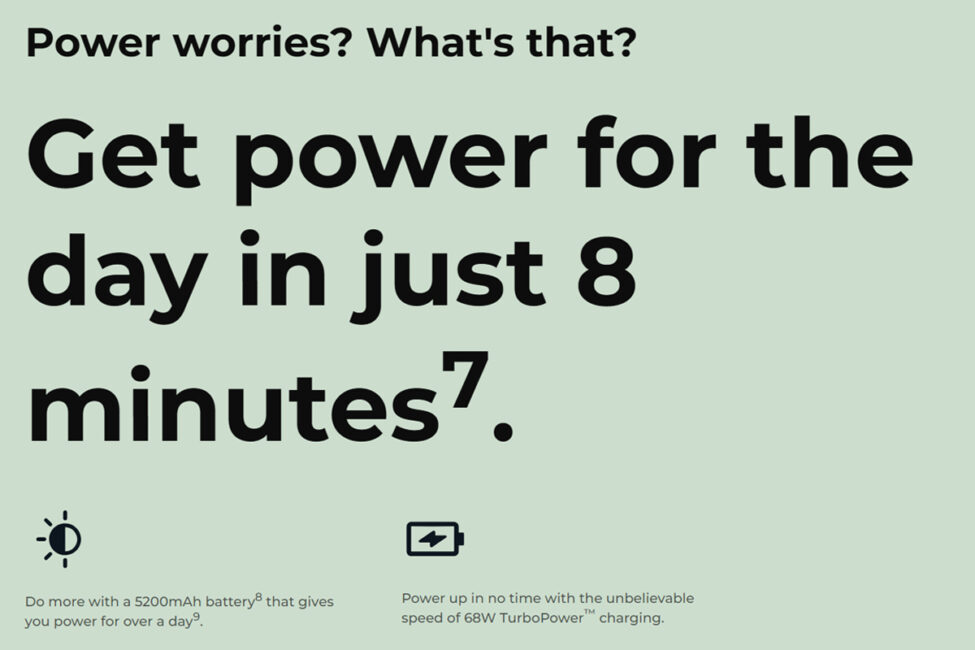
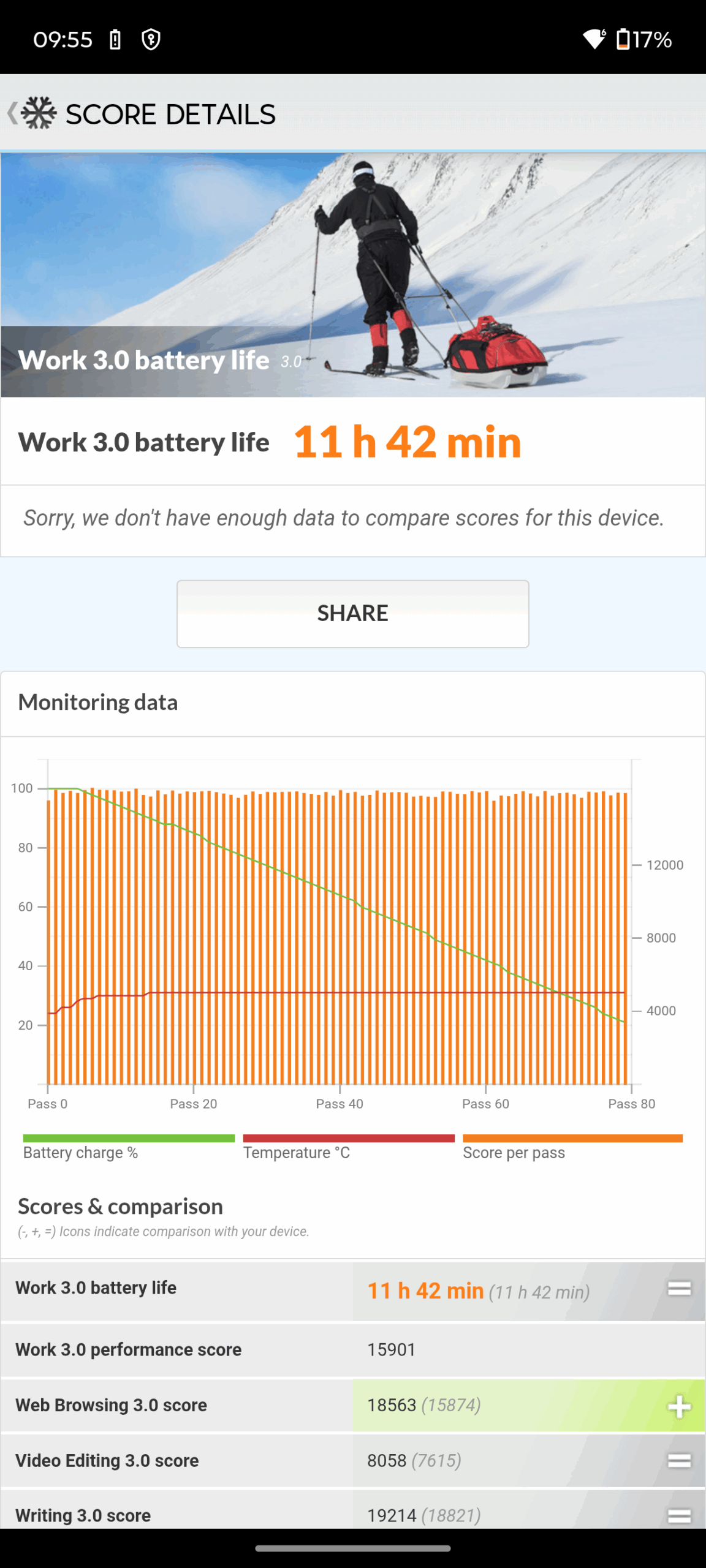
In terms of battery life, the smartphone shows quite good results. The built-in Work 3.0 Battery Life test with PCMark showed a result of 11 hours and 42 minutes. By the way, the test was conducted at 75% screen brightness and a fixed refresh rate of 120 Hz.
From my own experience, I can say that a full charge of the Edge 60 Fusion battery with moderate use is enough for 1.5-2 days of battery life. Although, of course, with very active use, this time can easily be reduced to a day.
Conclusions
In my opinion, the new model is a success. Cool branded design, excellent ergonomics, excellent build quality, nice materials, high performance, gorgeous display, great sound, pretty good cameras and battery life. The software part of Edge 60 Fusion is also worth praising: a fast, clean system, proprietary Moto features, and, of course, the new Moto AI. One of the main advantages is the relatively low price for a device of this level. In my opinion, Edge 60 Fusion has every chance of becoming a popular favorite and a “best for the money” device.
Does the model have any disadvantages? As for me, there are no significant ones. And of the minor ones, I can only single out a few controversial points that some potential users may objectively dislike. The absence of a charger in the package is inconvenient, but as I have already noted, these are modern trends. The waterfall screen is a pretty cool feature, but I know that not everyone likes such displays.
The lack of a 3.5 mm jack. In my opinion, this point is not critical and insignificant at all. I have already said that wireless devices are our everything in 2025. But I’m sure there are those who disagree with me. Support for only one physical SIM – this point may not appeal to those who do not want an eSIM, but simply want to swap their two SIM cards from their old smartphone and just continue using them on the new device.
Dimensity 7300 processor instead of Dimensity 7400, as in the Indian version. As I said, the Dimensity 7400 is a newer processor (2025) and a slightly more productive processor (about 10% difference) than the 7300. I think many people would have liked to see it in the global version of Edge 60 Fusion. But, apparently, Motorola decided that the difference between these CPUs is not so significant and, most likely, did not want to increase the cost of the global version of the smartphone. Otherwise, the Motorola Edge 60 Fusion is great. That’s why it’s worth paying attention to.
Read also:
- When Allies Turn into Rivals: The Core of the Musk–Trump Conflict
- Microsoft, how many more interns will decide what Windows should be?