




© ROOT-NATION.com - Use of content is permitted with a backlink.
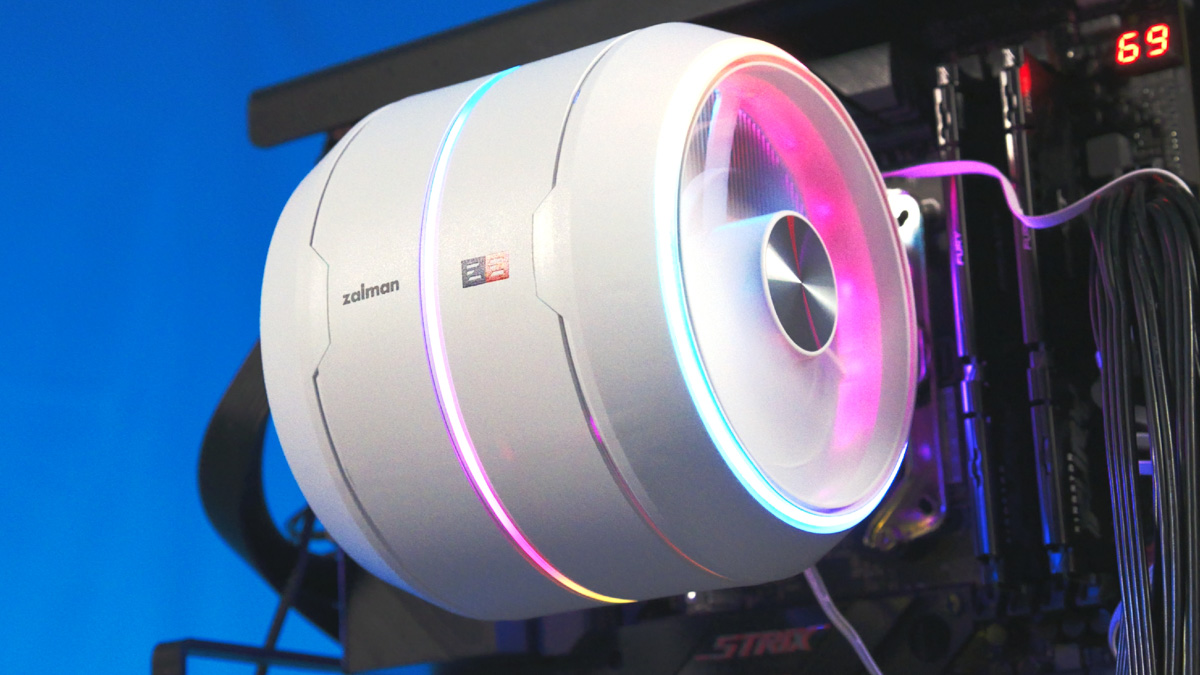
To be clear from the outset, I chose the Zalman Zet 5 as the air cooler for my own test bench. From this point on, it will be used consistently across all testing scenarios, including SSDs, graphics cards, fans, and other components.

Why? Because Zalman has produced a tower-style CPU cooler that is not only capable in terms of performance, but also unusually convenient to install and remove, while maintaining a distinctive appearance. For regular users this is simply a pleasant detail, while for a reviewer it saves both time and effort.
TABLE OF CONTENTS:
Video review of Zalman Zet 5
Positioning and Price
However, let’s start with the price. The Zalman Zet 5 is not inexpensive enough to be an automatic recommendation from every angle. Its price is around $70 / €60. This is noticeably higher than what I would typically consider reasonable for a conventional tower air cooler intended for the majority of PC builds.
Format Advantages
Fortunately, the Zet 5 is not a conventional cooler. That may sound ambiguous, but it reflects the reality of the design. Since I’m evaluating it primarily from the perspective of test benches and systems where components are frequently swapped, it makes sense to start with the fans. They are proprietary, but the package includes two of them – one configured for intake and the other for exhaust.

With traditional tower coolers, the process is usually more cumbersome: the fan has to be attached to the heatsink using small metal clips, then the fan cable must be connected to the PWM header on the motherboard, and – if applicable – the RGB cable has to be connected separately as well.
Fans
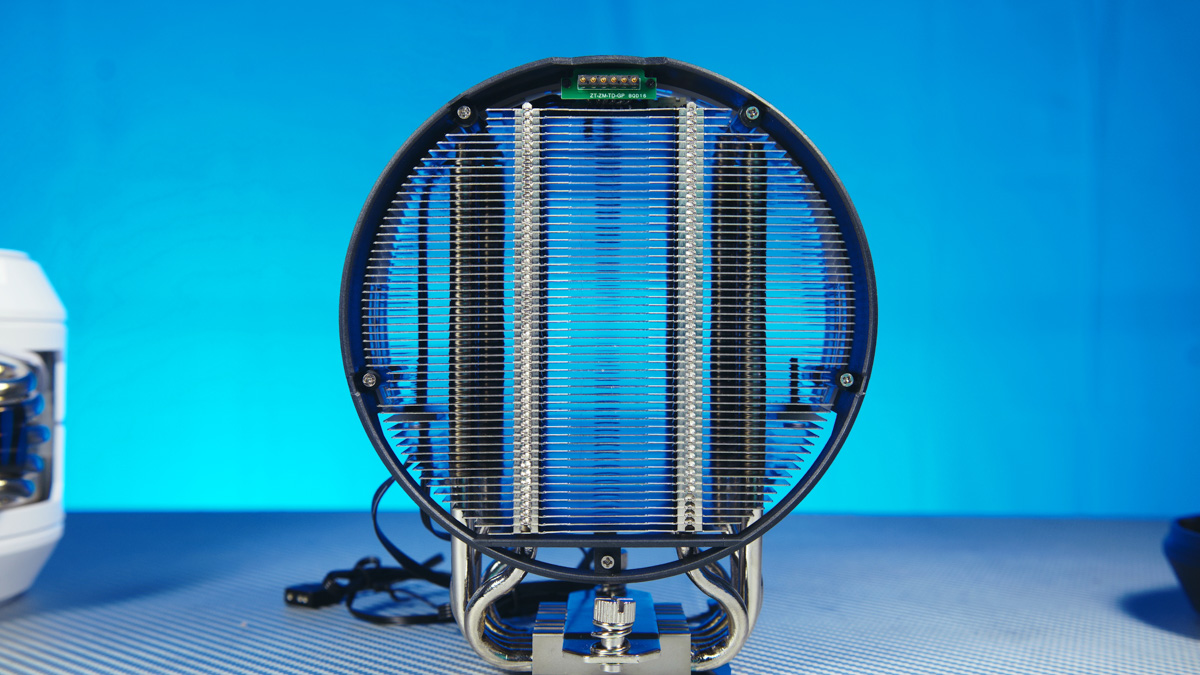
Here, the fans are mounted magnetically, and the connectors run directly from the base and heatsink to the PWM and 4-pin RGB headers. The base is designed in a turbine-like form, meaning that even a single fan is sufficient to generate a strong airflow. As a result, on my test bench I personally use the Zalman Zet 5 with just one fan and do not install the second one.
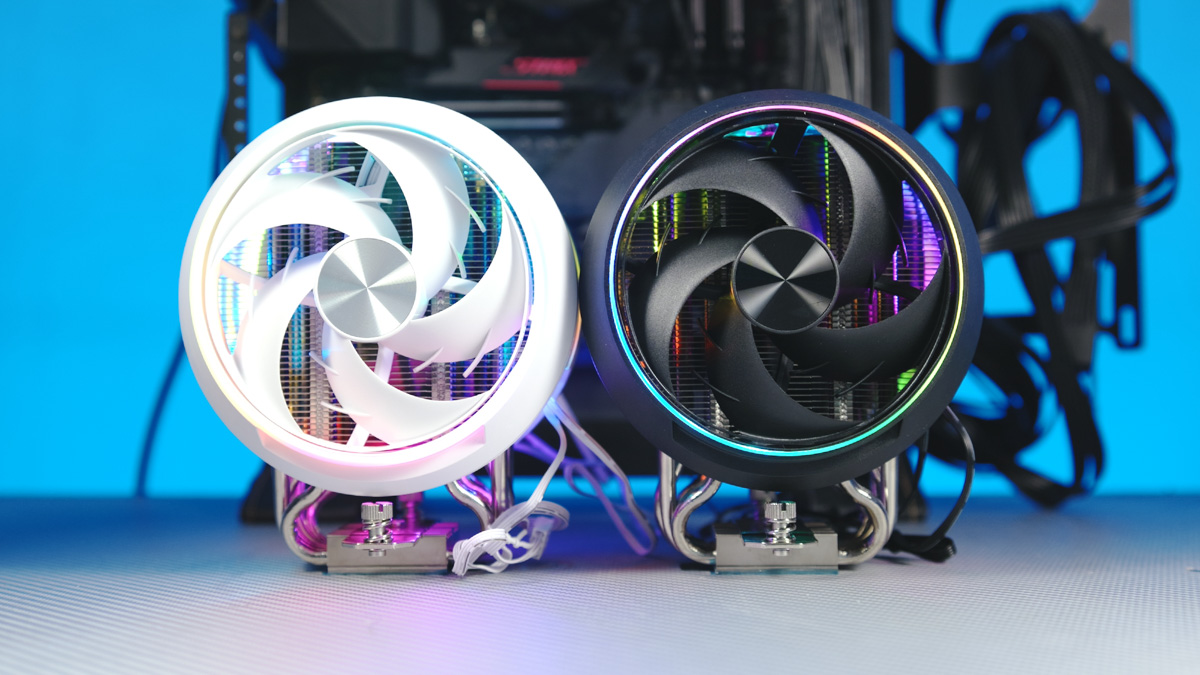
This approach helps extend the effective service life of the cooler: if one of the fans fails after three to five years, the unused fan from the box can be installed as a replacement. Even in this configuration, the cooler continues to provide more than adequate air cooling for gaming workloads and general productivity tasks.
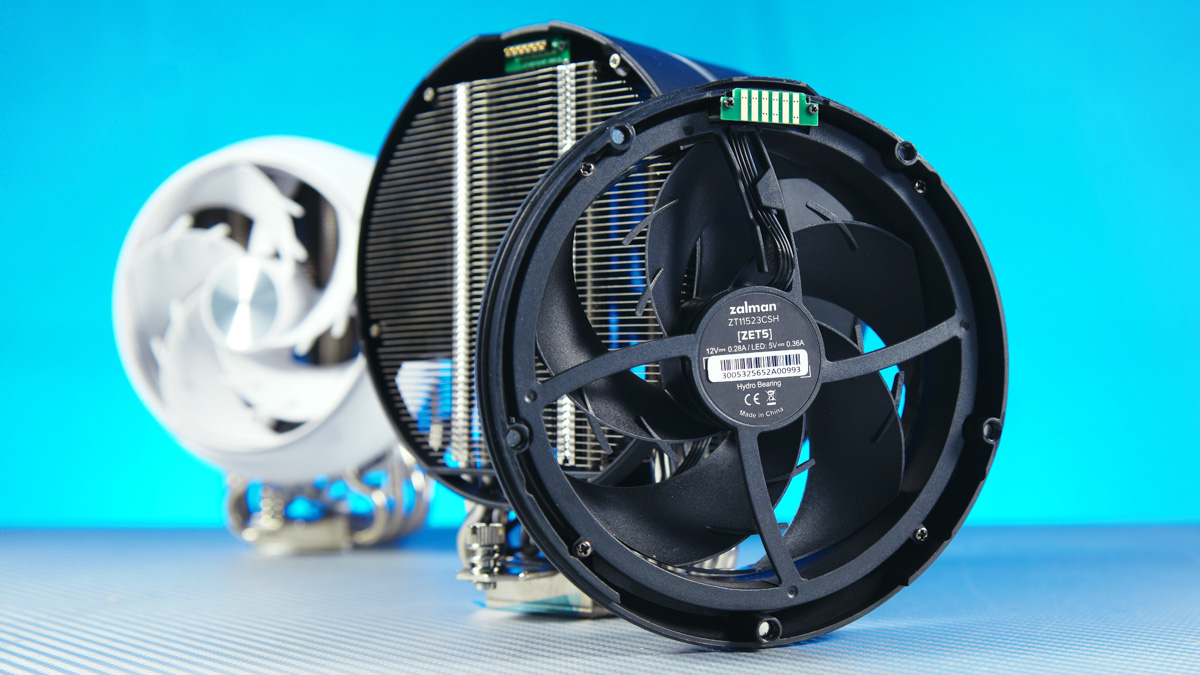
This may sound obvious, but adding a second fan does not fundamentally change the situation. Yes, high-performance processors may see an additional 2–5 °C reduction in temperatures, but in practical terms this margin is limited. If such small differences are critical for your setup, it is usually more reasonable to reduce overclocking parameters or consider liquid cooling instead – an area where Zalman also offers a wide range of solutions.
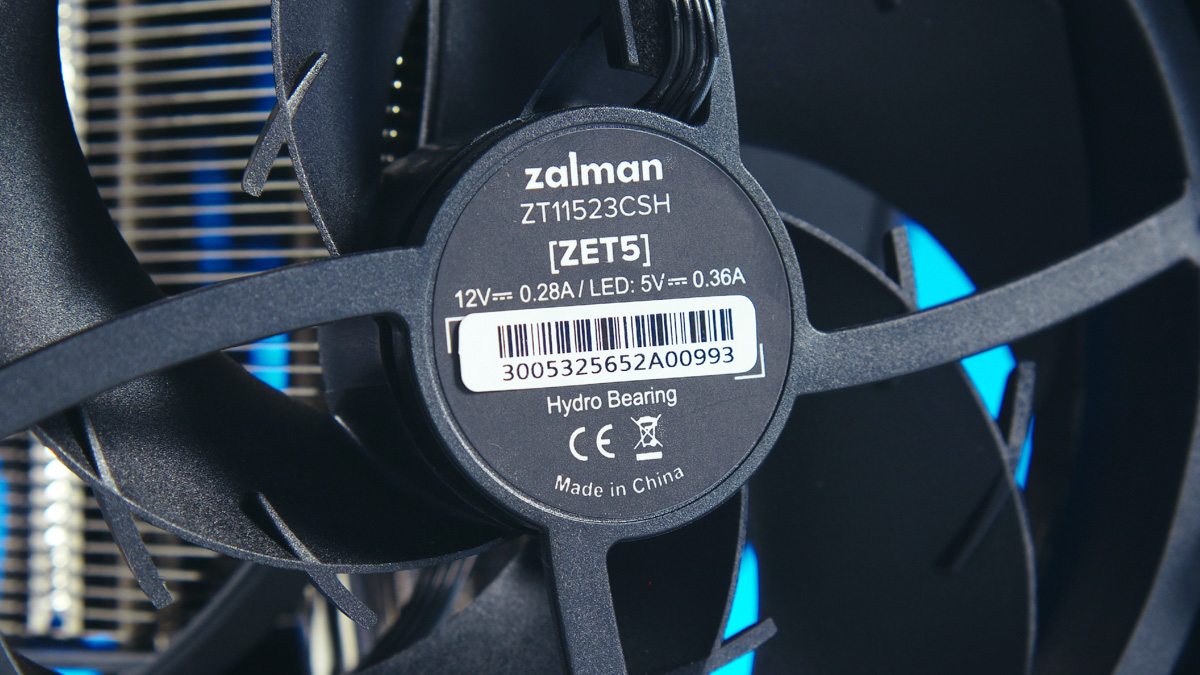
And yes, these ZT-11-523-CSG fans, while proprietary, are quite competent. They use hydrodynamic bearings, operate in a 600–2000 RPM range, deliver airflow of up to 45 CFM, and have a noise level rated at up to 31 dBA.
Another advantage is that the Zet 5 can be installed without tilting the case backward – the standoffs and screws remain securely in place even when the motherboard is mounted vertically. This feature also speeds up both installation and removal.
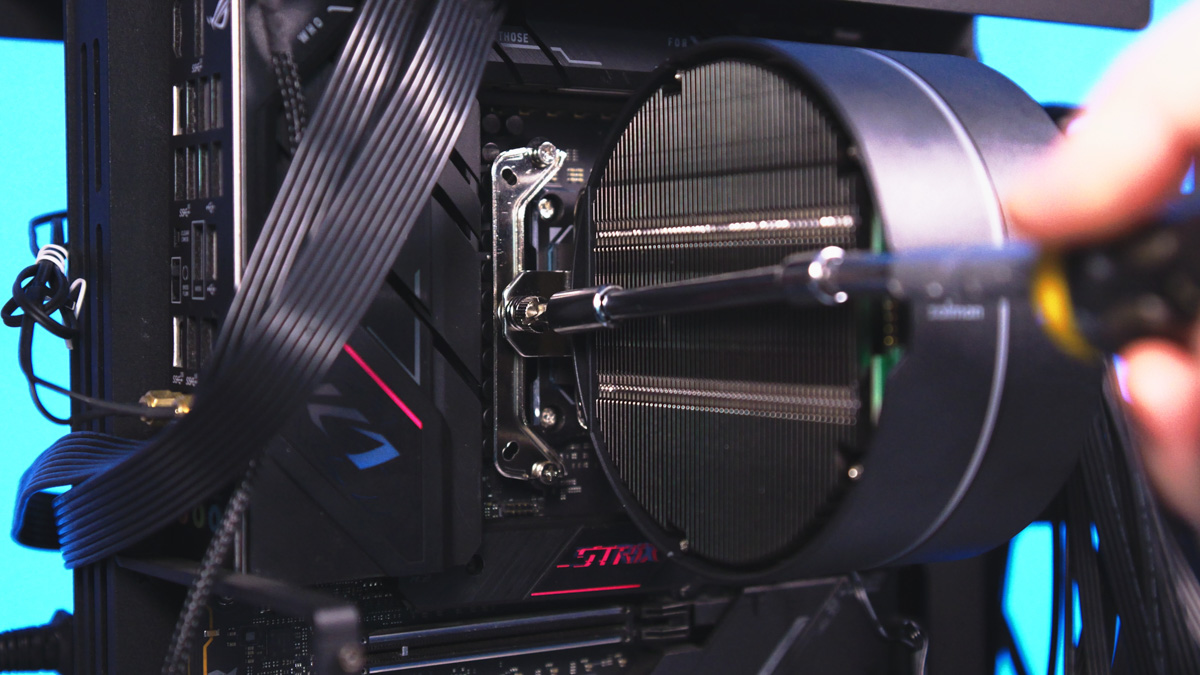
In fact, even installing a liquid cooler is more difficult for me – it takes longer and is less convenient.
Zalman Zet 5 testing
The test bench components include a 12-core AMD Ryzen 9 9900X (running without overclocking) installed in an ASUS ROG Strix B650E-E Gaming Wi-Fi motherboard, mounted on an open Gorilla Custom X test bench, with a be quiet! Power Zone 2 1000W power supply.
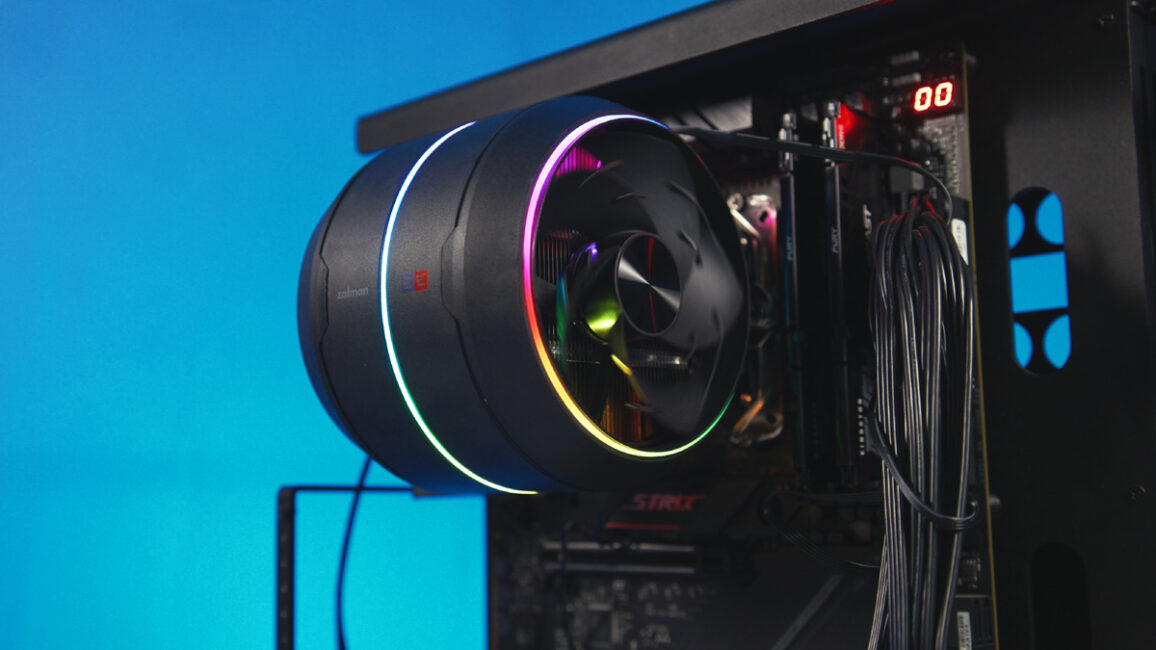
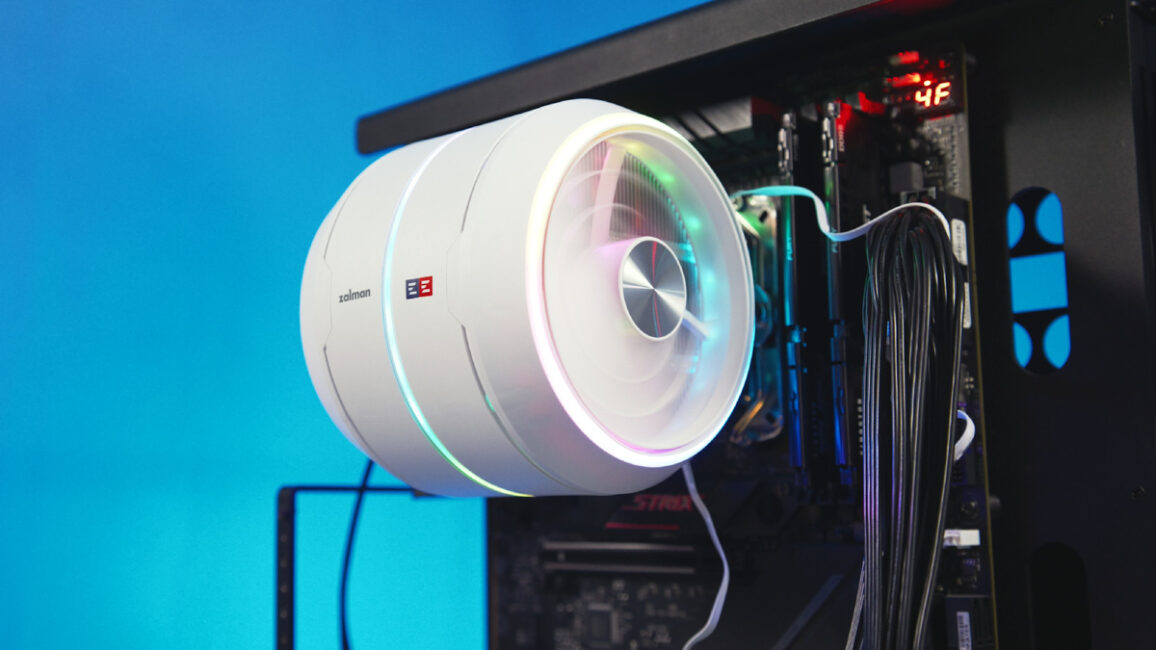
In OCCT, with an ambient temperature of 22 °C, the Zalman Zet 5 easily handled 150 W of CPU heat, with an estimated margin of an additional 10–15 W. The fans were running together at 2000 RPM, but the noise was relatively unobtrusive, both in terms of volume and tonal quality. A detailed noise test is available in the video review above.
Other details and considerations
So, this isn’t the most powerful or the quietest cooler in the world, but it is fairly compact. It has a height of 158 mm, yet its width is not excessive, avoiding clearance issues with RAM modules. My standard Kingston DDR5 sticks did not interfere with fan installation at all.
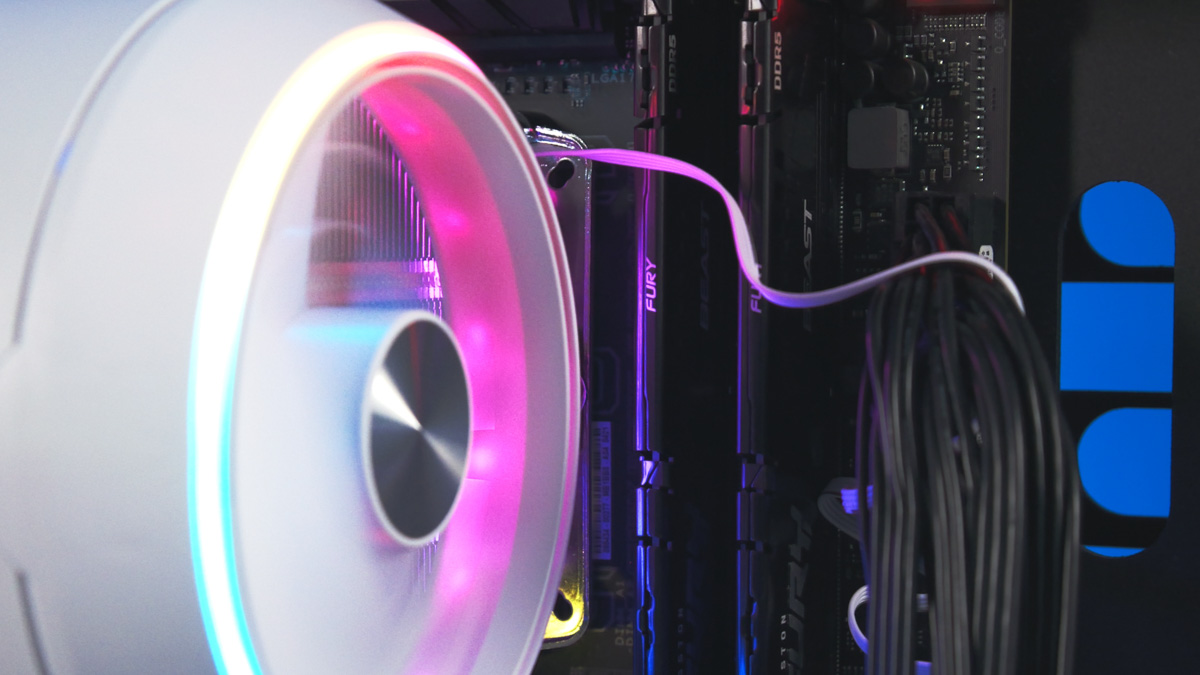
On the other hand, the RGB lighting is very noticeable, both on the cooler’s body and on the fans. Moreover, the “turbine” design gives the lighting a distinctive visual appeal, as it illuminates both outward and inward, highlighting the fins.
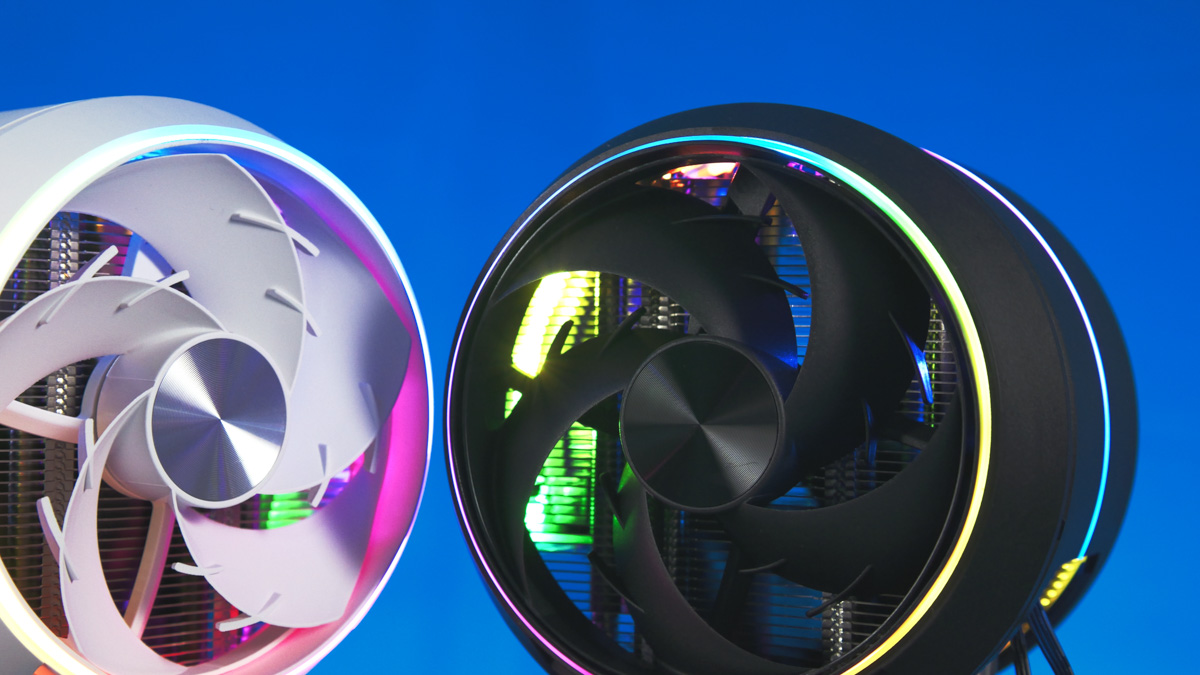
Let’s touch on a few more details. The cooler’s design is also striking – anyone who played Bionicles will recognize the style immediately. It weighs just under a kilogram and offers broad socket compatibility, covering all mainstream Intel sockets as well as AMD’s AM4 and AM5.
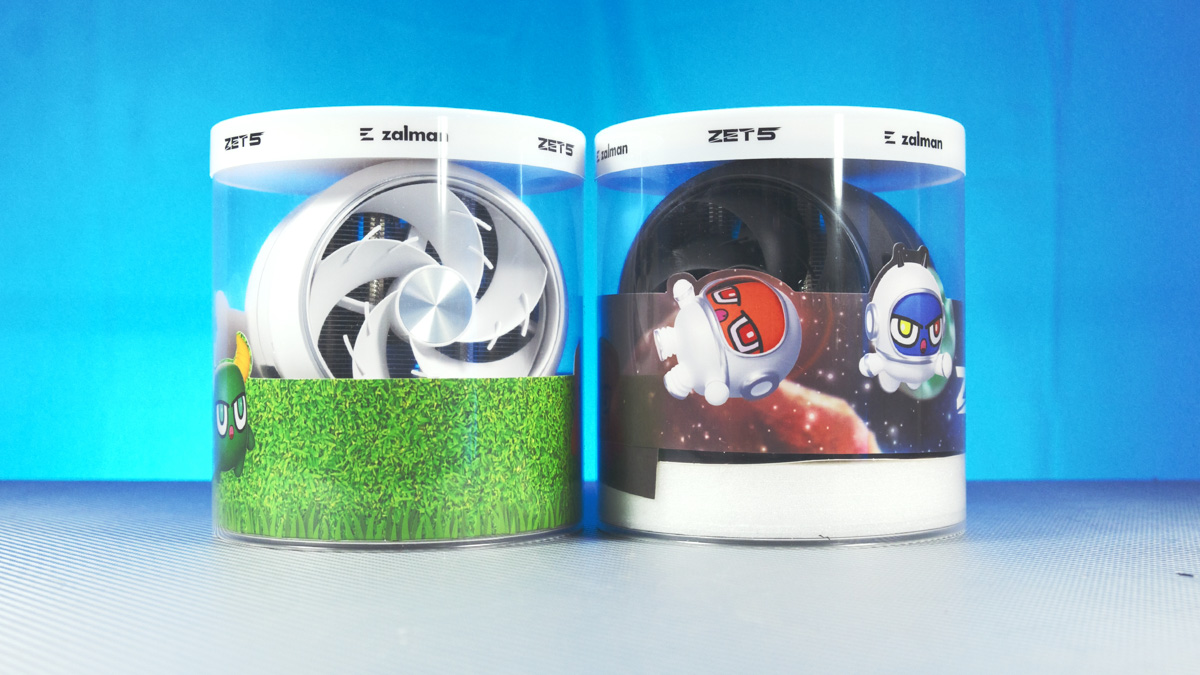
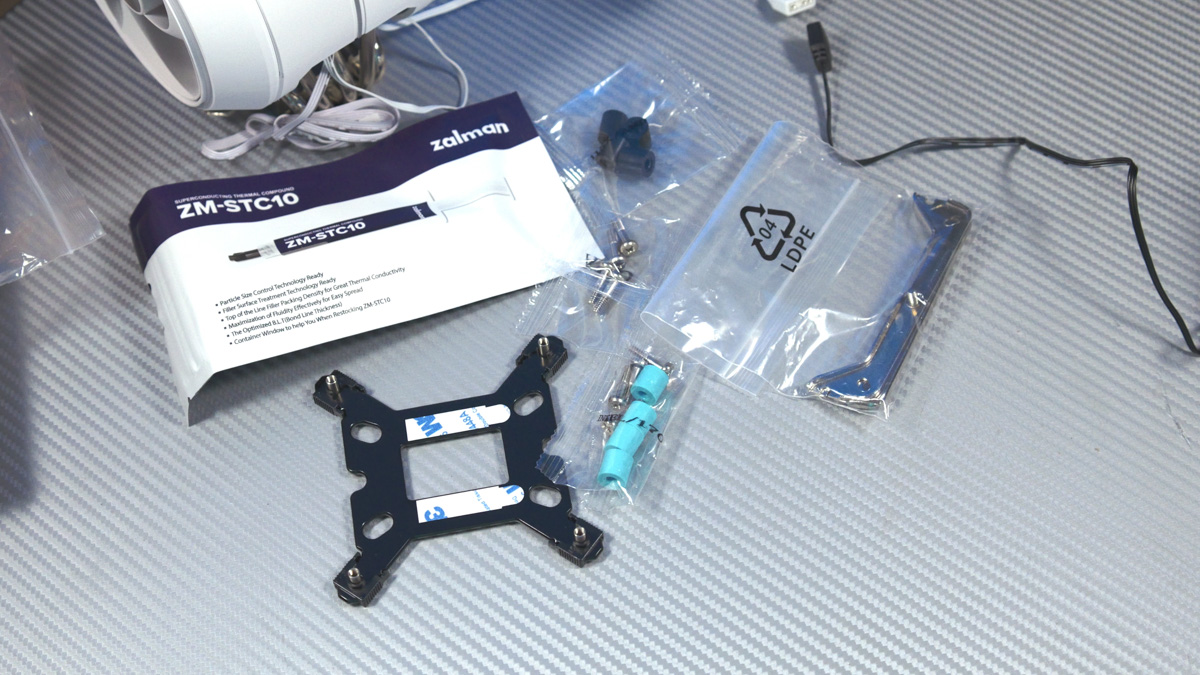
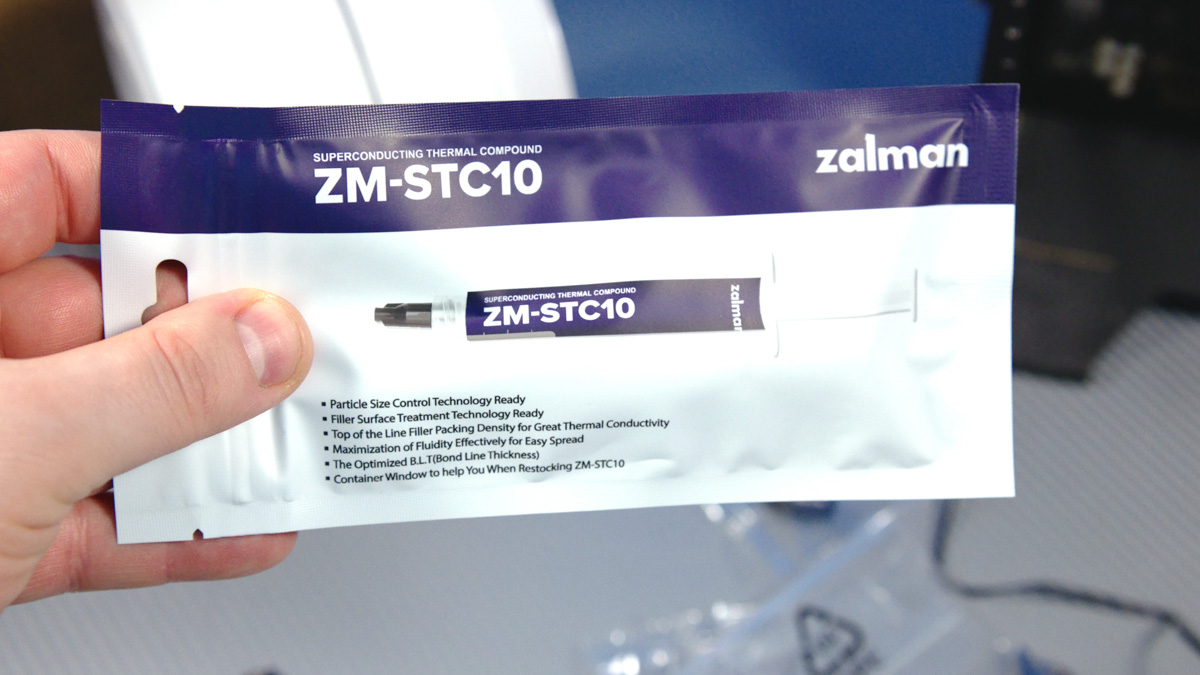
The package also includes ZM-STC10 thermal paste with a thermal conductivity of 11.5 W/m·K. It’s not the absolute best on the market, but still quite decent.
Summary
This model is certainly not cheap, but it delivers both as a cooler and as a statement of uniqueness. The turbine-shaped body helps direct airflow efficiently, and the fans are extremely easy to remove and reinstall – even without looking.

The lighting is refined and distinctive, and the cooler provides sufficient performance for a gaming PC with a 12-core processor. This combination of features is rare in the market, so if you need something like this, aside from the Zalman Zet 5, there really isn’t an alternative I could recommend.
Read also:
- ID-Cooling Space LCD SL360 XE Review: High-Performance AIO Cooler with Display
- Arctic Senza 5700G Review: Silent, Capable Mini-PC Designed to Mount Under Your Desk
- Noctua NF-A12x25 G2/G2 LS/S2-PP PWM PC Fans Review: My First Experience!
Where to buy Zalman Zet 5


