





© ROOT-NATION.com - Use of content is permitted with a backlink.
Last year, I reviewed the ROG Keris II Ace – then ASUS’s flagship gaming mouse. It featured a top-tier sensor, 8000 Hz polling rate support even in wireless mode, and a full suite of ASUS technologies including SpeedNova, Polling Rate Booster, and Omni Receiver. Add to that an extremely comfortable ergonomic shape and a weight of just 54 grams, and the Keris II Ace stood out as one of the best gaming mice available – not just at launch, but still today. Now, I’m looking at its updated version: the ROG Keris II Origin. This refreshed model brings a number of changes: new switches, two lighting zones, improved battery life, a revised shell with a new coating, and support for Gear Link, which lets you configure the mouse directly through a browser on a compatible website.
The new revision weighs 11 grams more than the previous model. The sensor and overall shape remain unchanged. But arguably the most important update is the price – on average, the ROG Keris II Origin comes in about $35 / €30 cheaper than its predecessor. The mouse has only just hit the shelves, but I had the chance to test it early. So, let’s get into what it offers and how it performs.
TABLE OF CONTENTS:
Specifications
- Connection: wireless (RF 2.4 GHz / Bluetooth 5.1), wired (USB-C to USB-A)
- Sensor: ROG AimPoint Pro
- Sensor resolution: 42,000 DPI
- Maximum speed: 750 IPS
- Maximum acceleration: 50 G
- Polling rate: 8000 Hz in 2.4 GHz RF wireless mode via ROG Polling Rate Booster; 1000 Hz in 2.4 GHz RF wireless mode without ROG Polling Rate Booster and Bluetooth
- Number of buttons: 7 buttons (RMB, LMB, scroll wheel, 2 side buttons, DPI, PAIR)
- Switches: ROG Micro Switch II
- Built-in memory: 5 programmable profiles
- Backlighting: 3 zones (scroll wheel, logo on the back, logo on the side); RGB compatible with Aura Sync
- Battery life: up to 192 hours in Bluetooth mode without backlighting, up to 91 hours in Bluetooth mode with backlighting (polling rate 1000 Hz); up to 127 hours in 2.4 GHz RF mode without backlighting, up to 82 hours in 2.4 GHz RF mode with backlighting (1000 Hz)
- Glides: Teflon (4 on the edges and 1 around the sensor)
- Cable: ROG Paracord (USB-A to USB-C) 2 m long
- Software: Armoury Crate, Gear Link
- Shape: Ergonomic (for right-handed users)
- Grip type: palm, claw, fingertip
- Technologies: ROG Polling Rate Booster, ROG SpeedNova, ROG Omni Receiver, ROG Push-Fit Switch Socket II, Track-On-Glass
- Dimensions: 121×67×42 mm
- Weight: 65 g
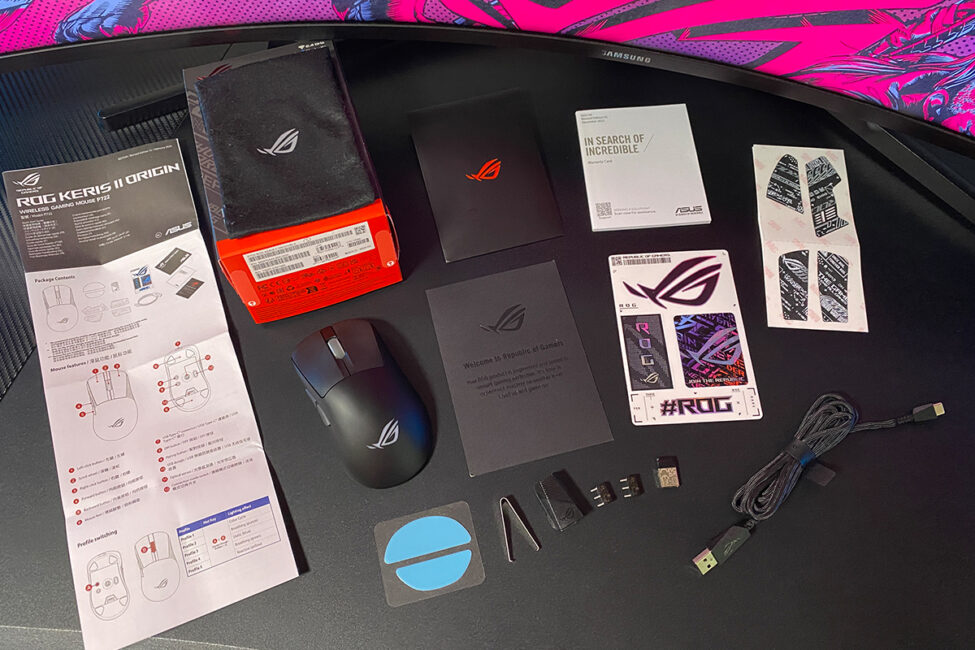
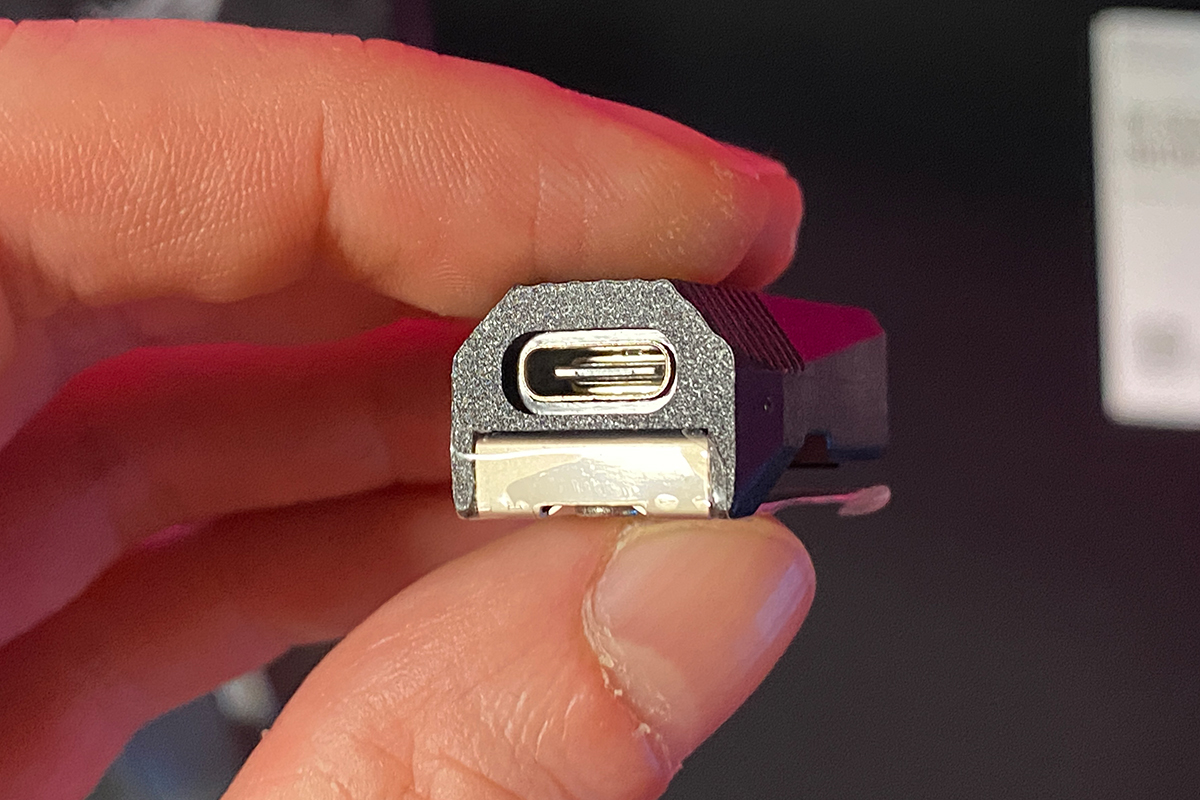
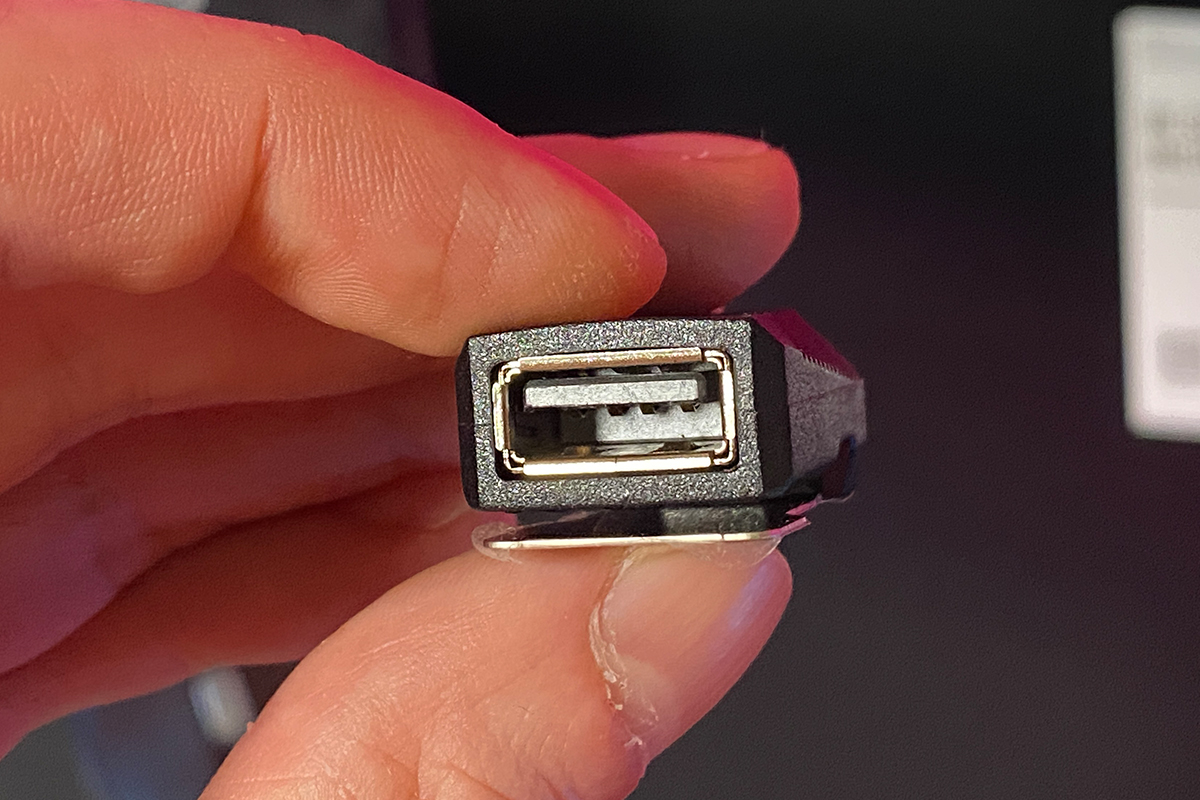
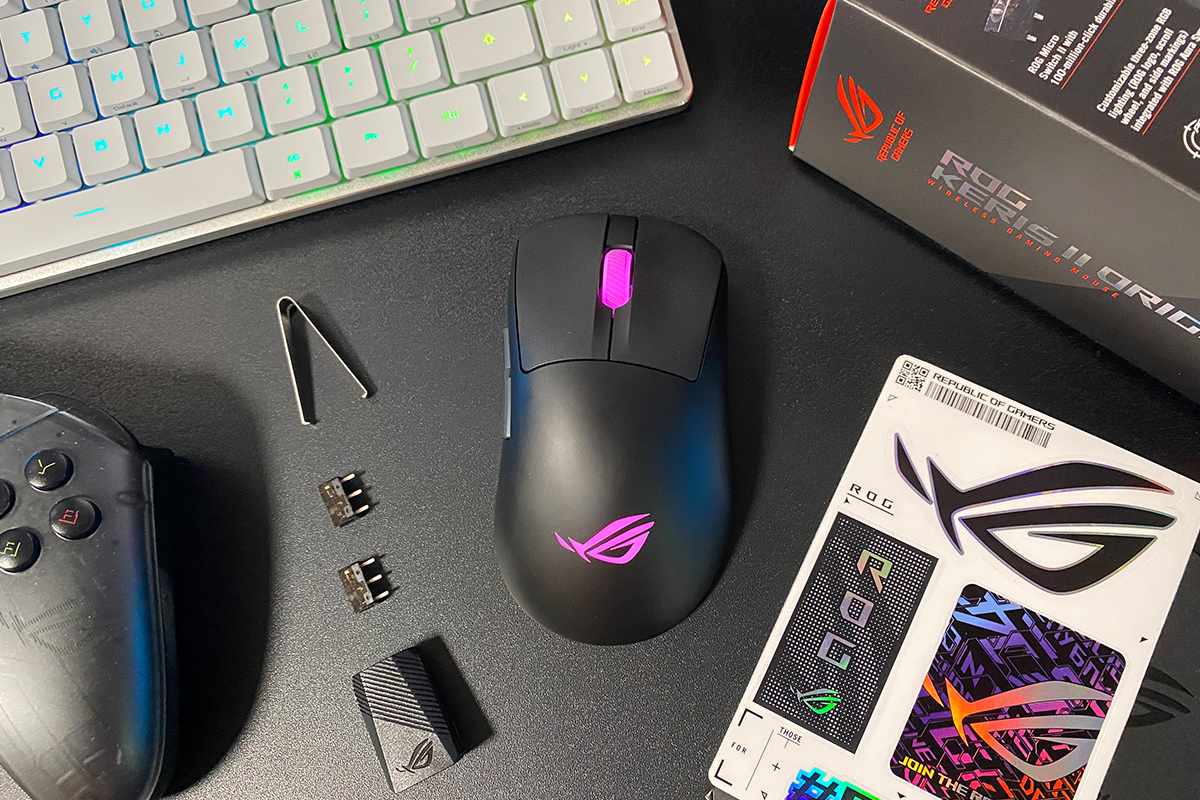
- Included: mouse, ROG Omni Receiver 2.4 GHz wireless adapter, USB-A to USB-C adapter, ROG Paracord detachable cable, two spare ROG Micro Switches II, tweezers for switches, set of adhesive grips, set of replacement glides, ROG branded stickers, warranty booklet, user manual, thank-you card
Positioning and price
The ASUS ROG Keris series is a lineup of lightweight, high-performance mice designed primarily for esports professionals and demanding gamers. With modern internals, a well-refined ergonomic shape developed over years, low weight, and quality materials, the Keris series – especially the latest models – has become a solid go-to choice for competitive gaming setups.
The ROG ROG Keris II Origin now stands as the new flagship of the Keris lineup. It’s a refined version of the ROG Keris II Ace, yet comes at a lower price – around $143 / €123. At the time of writing, it was even available for less during the pre-order period, dropping to $119 / €102. For a device of this caliber, that’s a very competitive price point.
And right away, it’s worth highlighting one key detail that directly impacts the mouse’s price. The ASUS ROG Keris II Origin supports an 8000 Hz polling rate even in wireless mode (RF 2.4 GHz). However, this high polling rate is only achievable when using the proprietary ROG Polling Rate Booster adapter, which is not included in the box. It must be purchased separately and typically costs around $28 / €24. That, in fact, is one of the reasons why the Keris II Origin is priced lower than the Keris II Ace – the latter did include the adapter as part of its standard package.
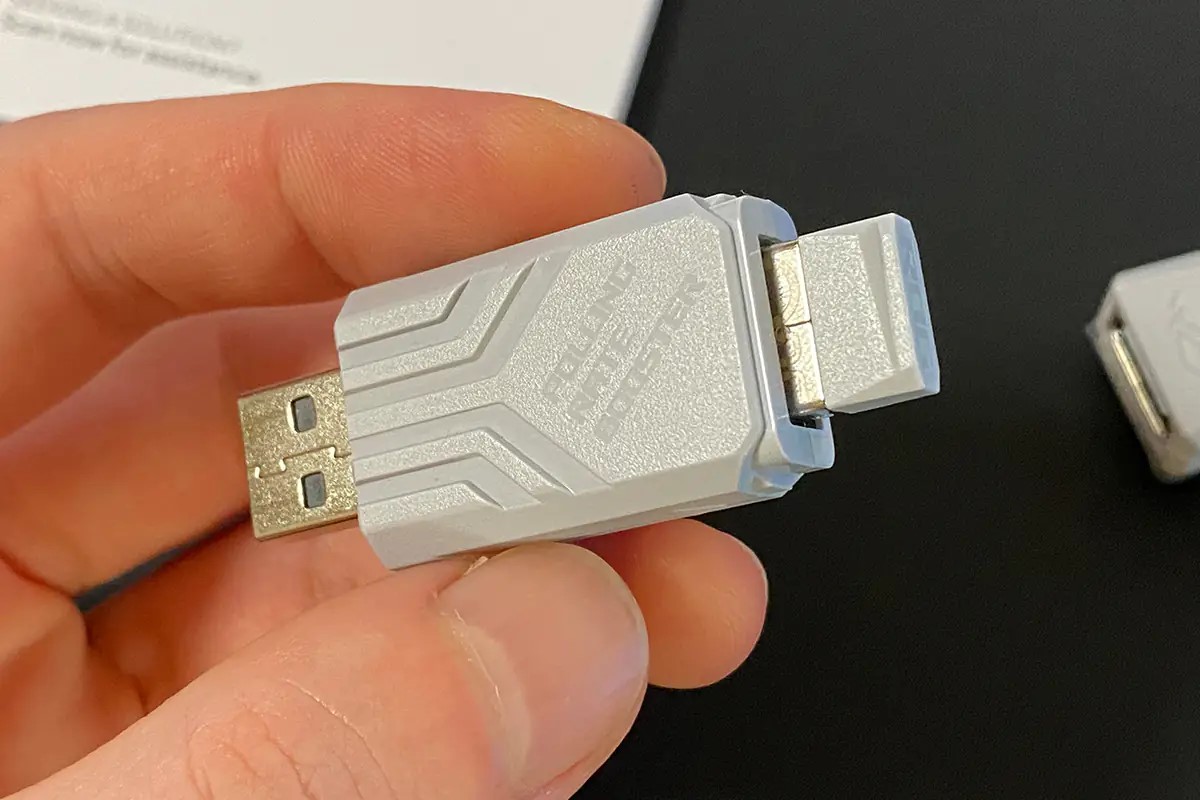
In my view, making the high-polling-rate adapter optional was a smart move by ASUS. The reality is that not every user truly needs 8000 Hz polling. But giving people the option to skip it – and save money in the process – is definitely a plus.
ASUS ROG Keris II Origin package contents
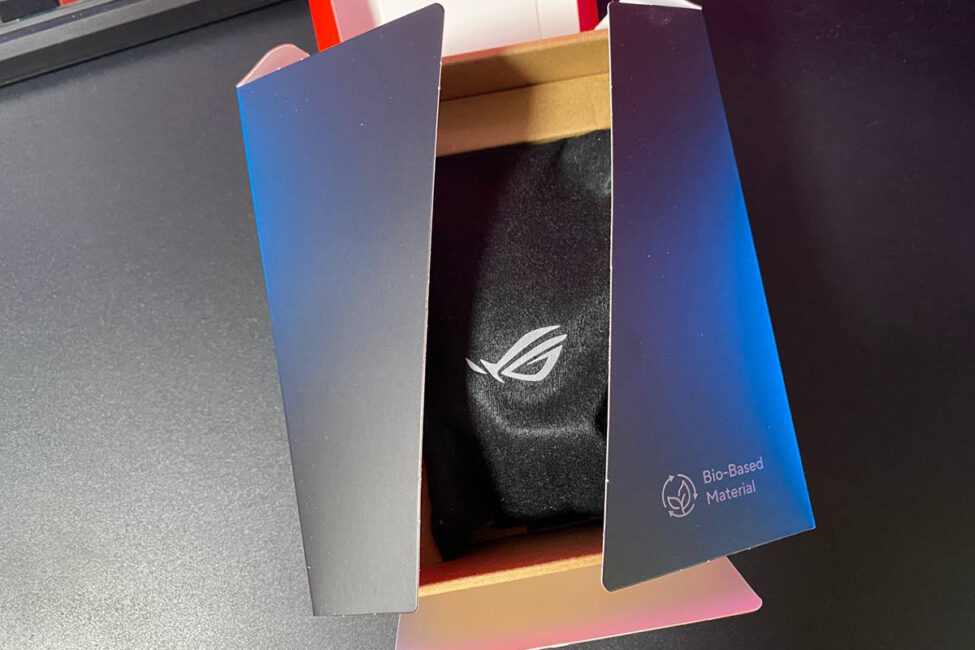
The mouse comes in a small branded box with the traditional ROG series design. The Keris II Origin comes with a generous set of accessories:
- mouse
- 2.4 GHz RF wireless adapter ROG Omni Receiver
- USB-A to USB-C adapter
- detachable ROG Paracord cable
- two spare ROG Micro Switches II
- tweezers for switches
- set of branded adhesive grips for the case
- set of replacement glides
- branded ROG stickers
- warranty booklet
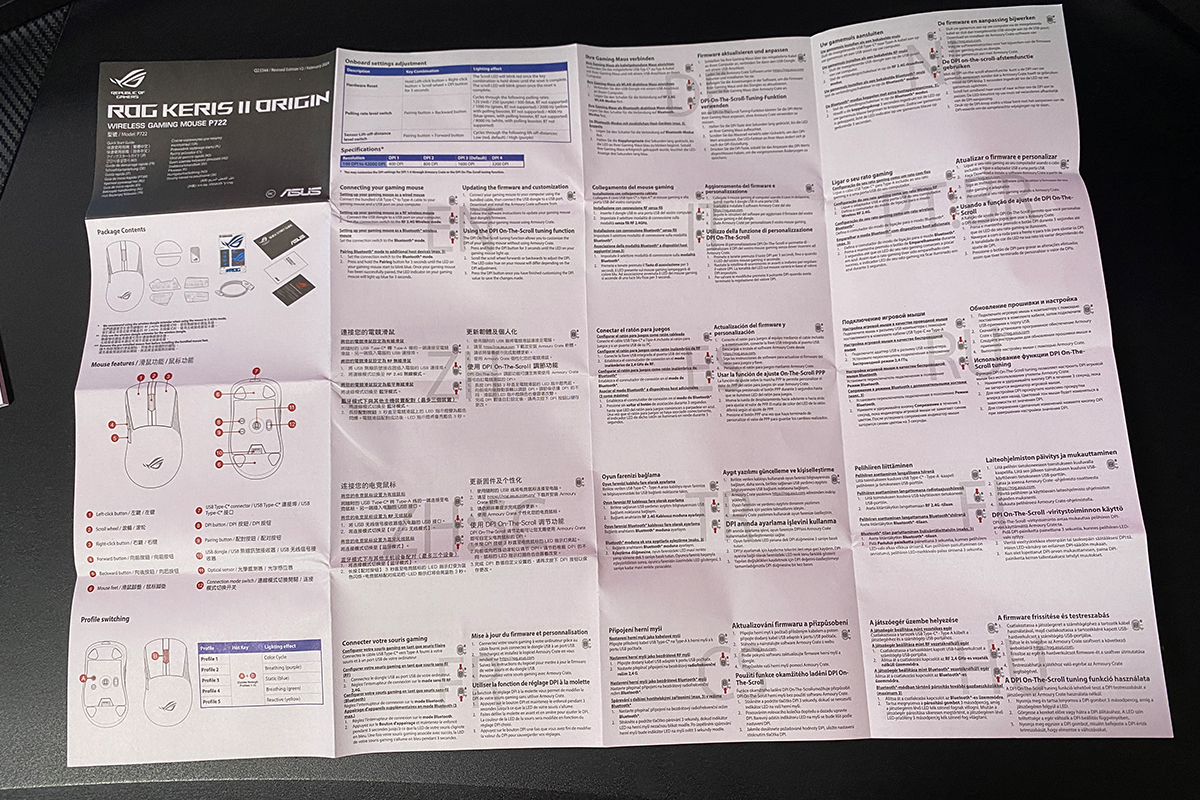
- user manual
- thank you card
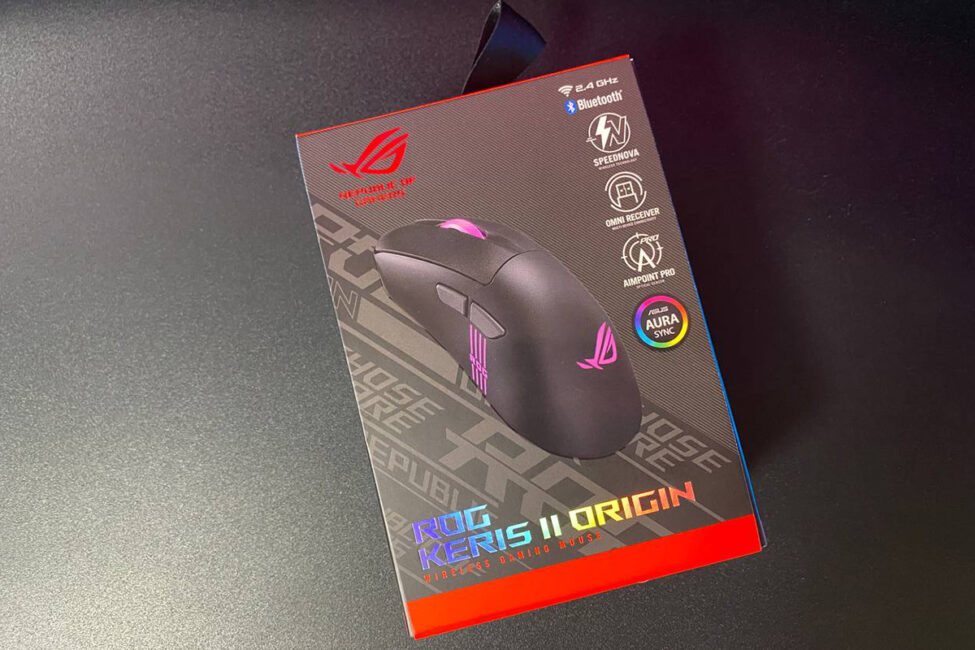
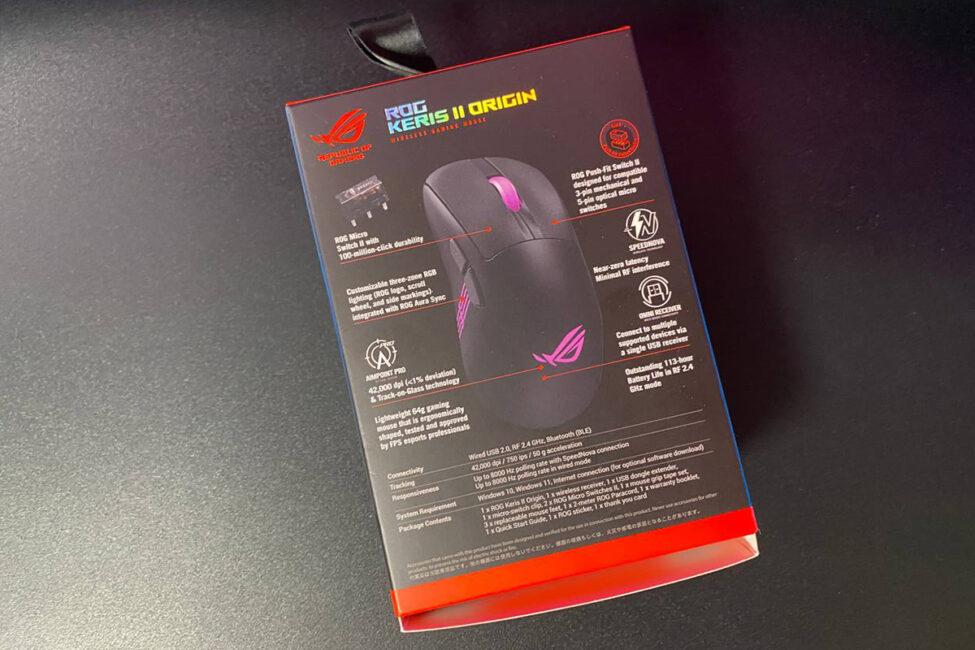
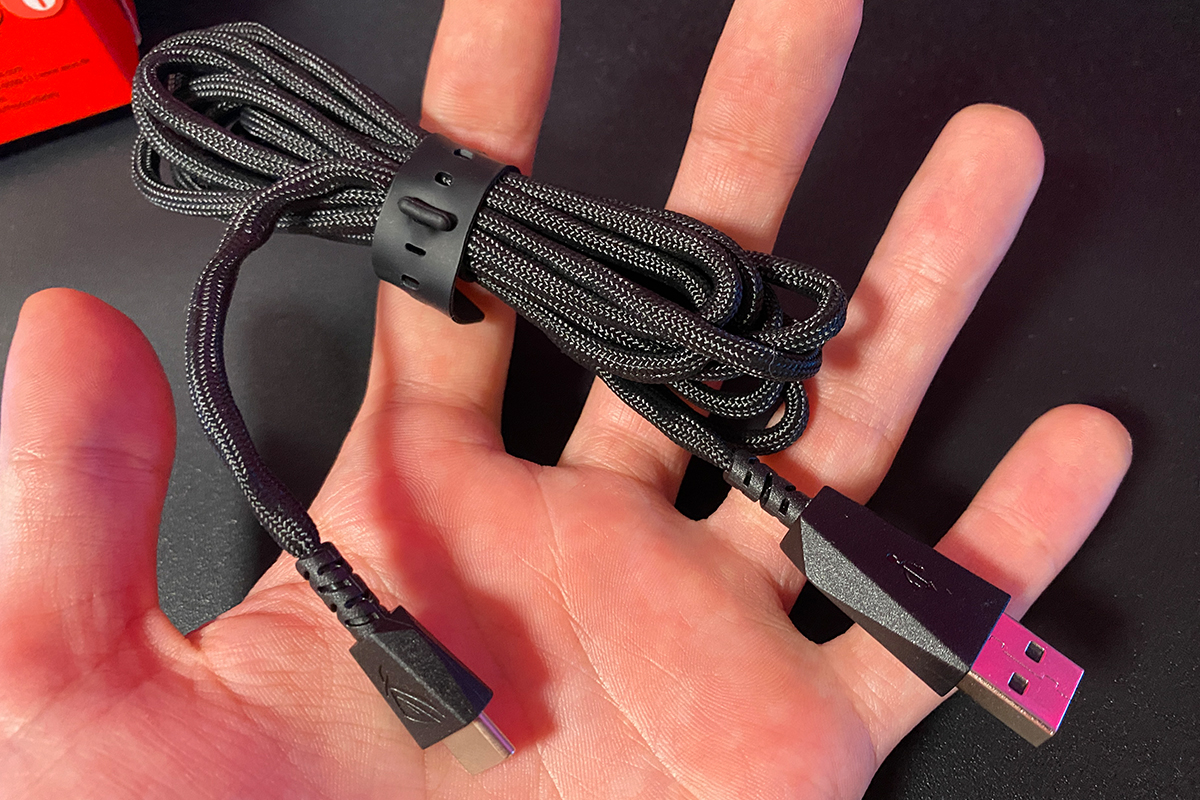
The detachable cable is 2 meters long and comes in a braided paracord sleeve. It’s reasonably soft, bends easily, and holds its shape well. Thanks to this design, the mouse remains comfortable to use even in wired mode (speaking from personal experience).
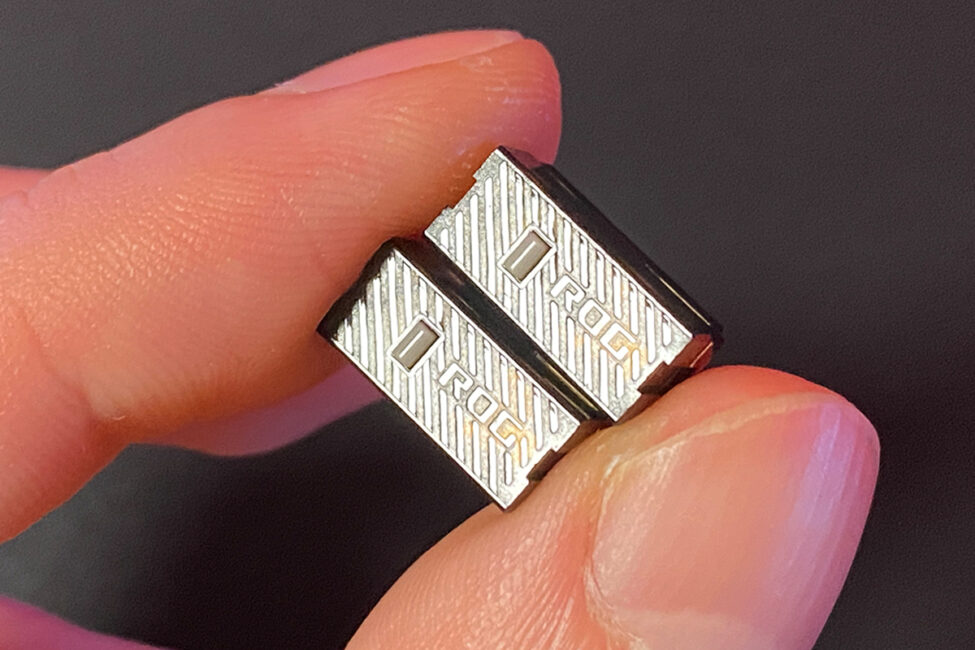
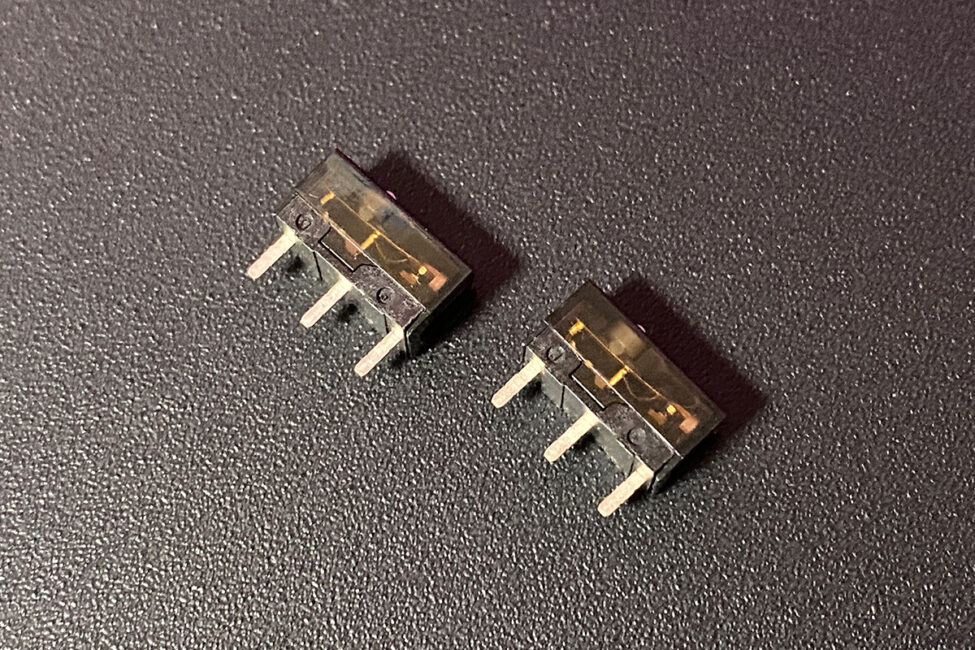
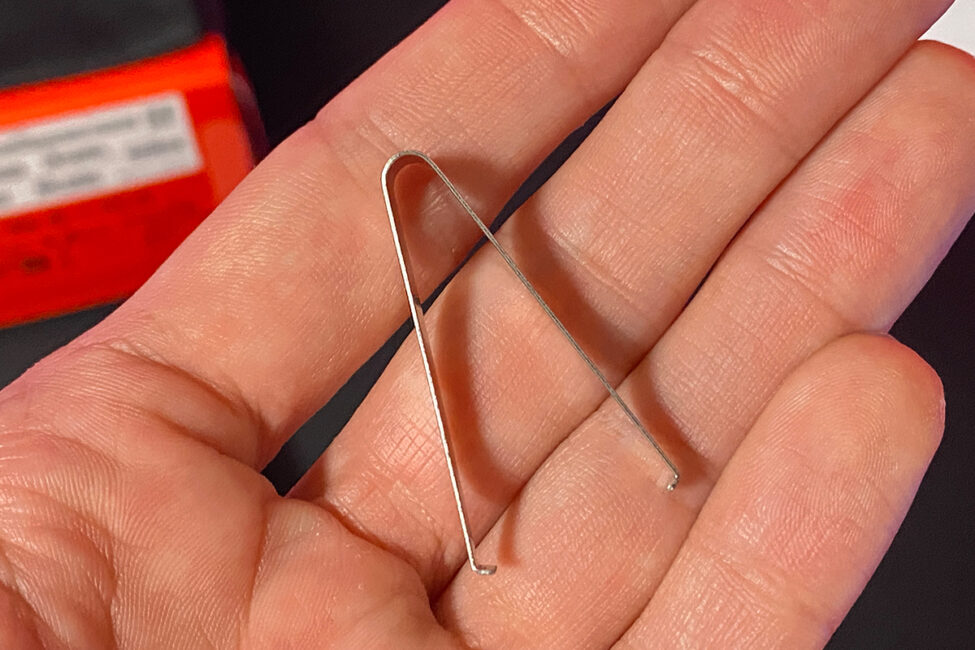
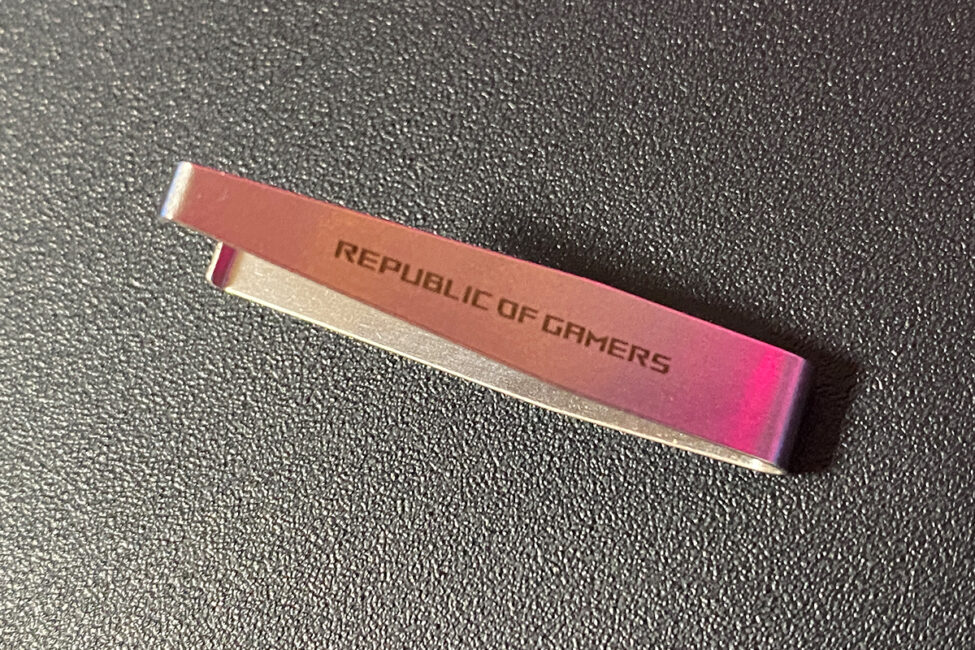
The spare ROG Micro Switches II included are the same as those pre-installed in the mouse out of the box. Additionally, the package comes with a special tweezer for easy removal and replacement. One of the standout features of the Keris II Origin is the ROG Push-Fit Switch Socket II – a proprietary socket design that allows for quick and effortless switch swapping.
The adhesive grip tape included with the mouse is excellent. In this case, I chose not to apply it, but I did spend plenty of time using the previous Keris II Ace model with the grips attached – and I can confidently say the mouse feels fantastic with them on.
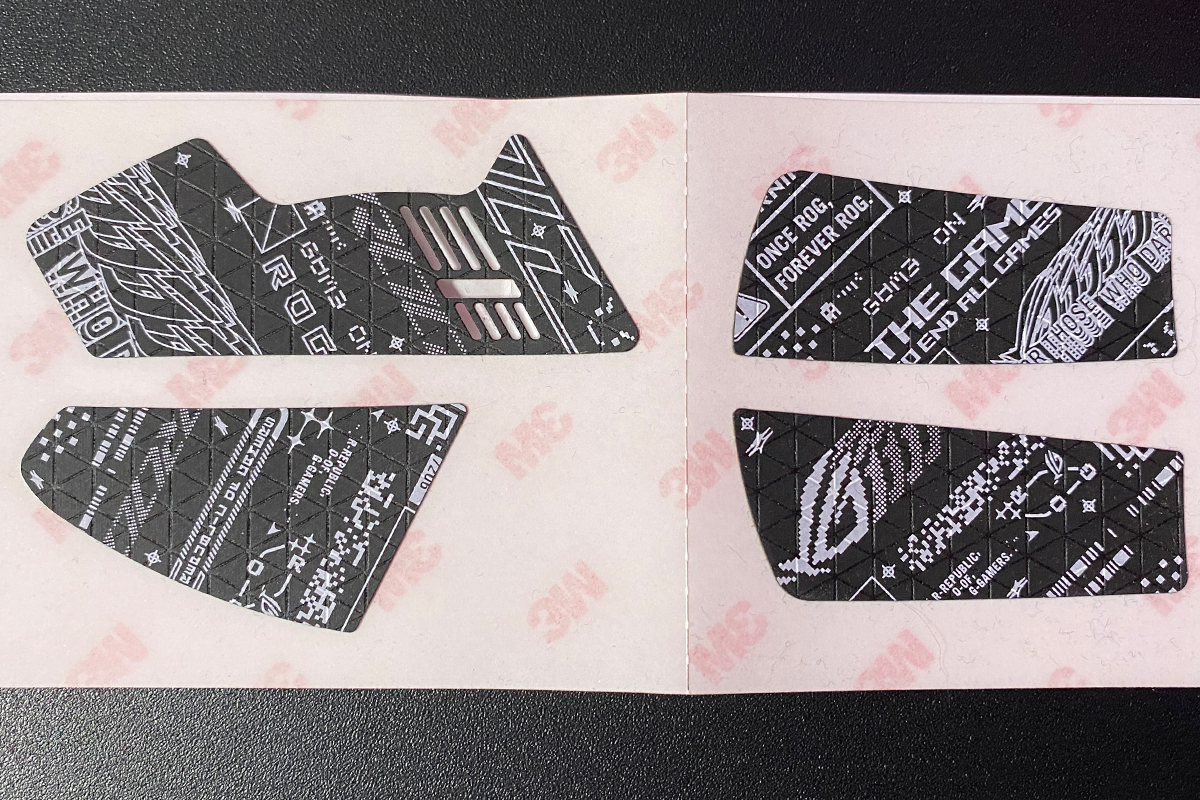
The replacement glide feet included have a larger surface area – that’s essentially what sets them apart from the default ones pre-installed on the mouse. Honestly, I don’t see much reason to swap out the stock feet, as the mouse already glides perfectly well on almost any surface. However, for those who prefer larger glides, the option for a quick replacement is definitely a nice touch.
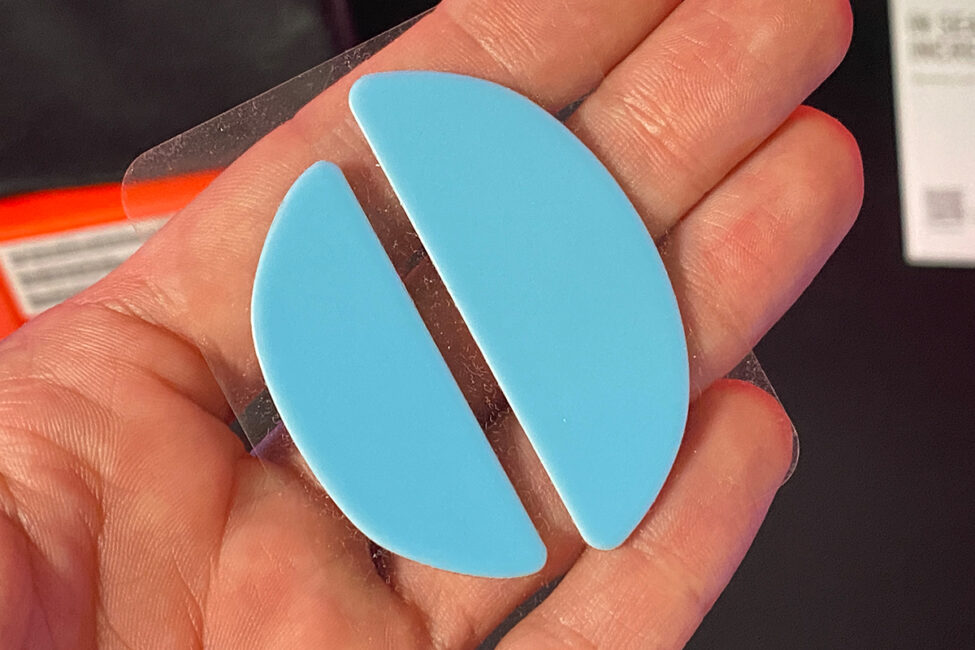
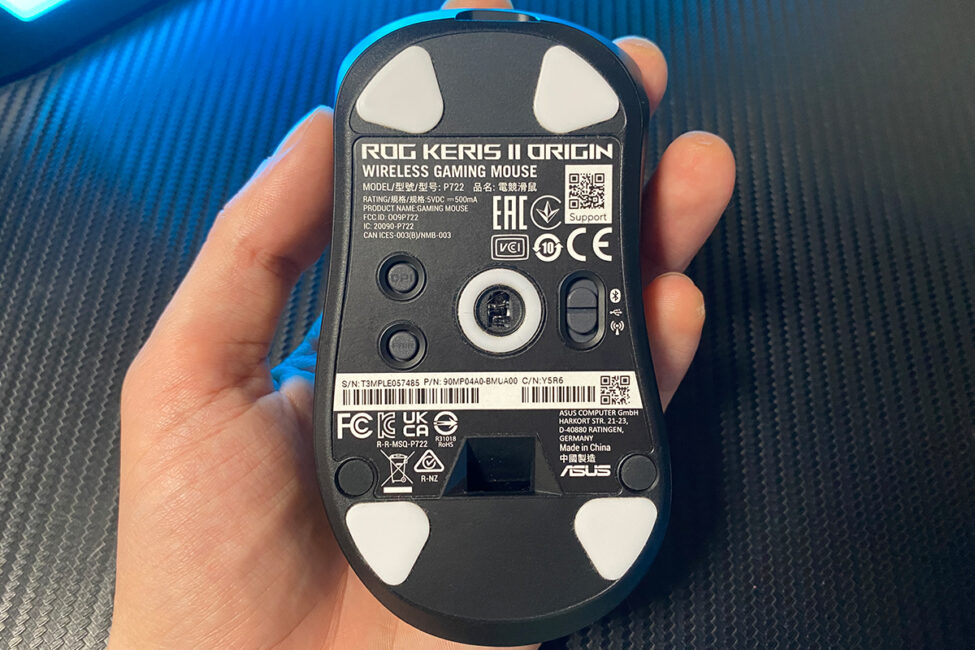
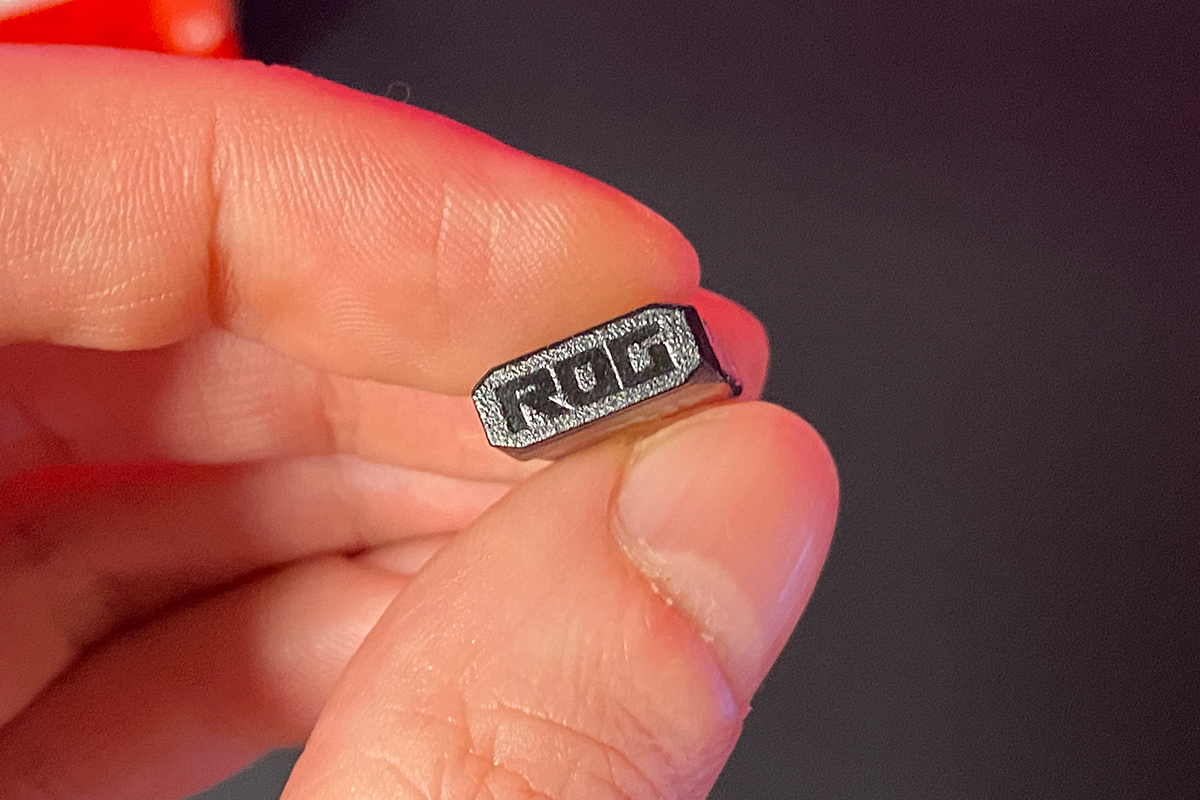
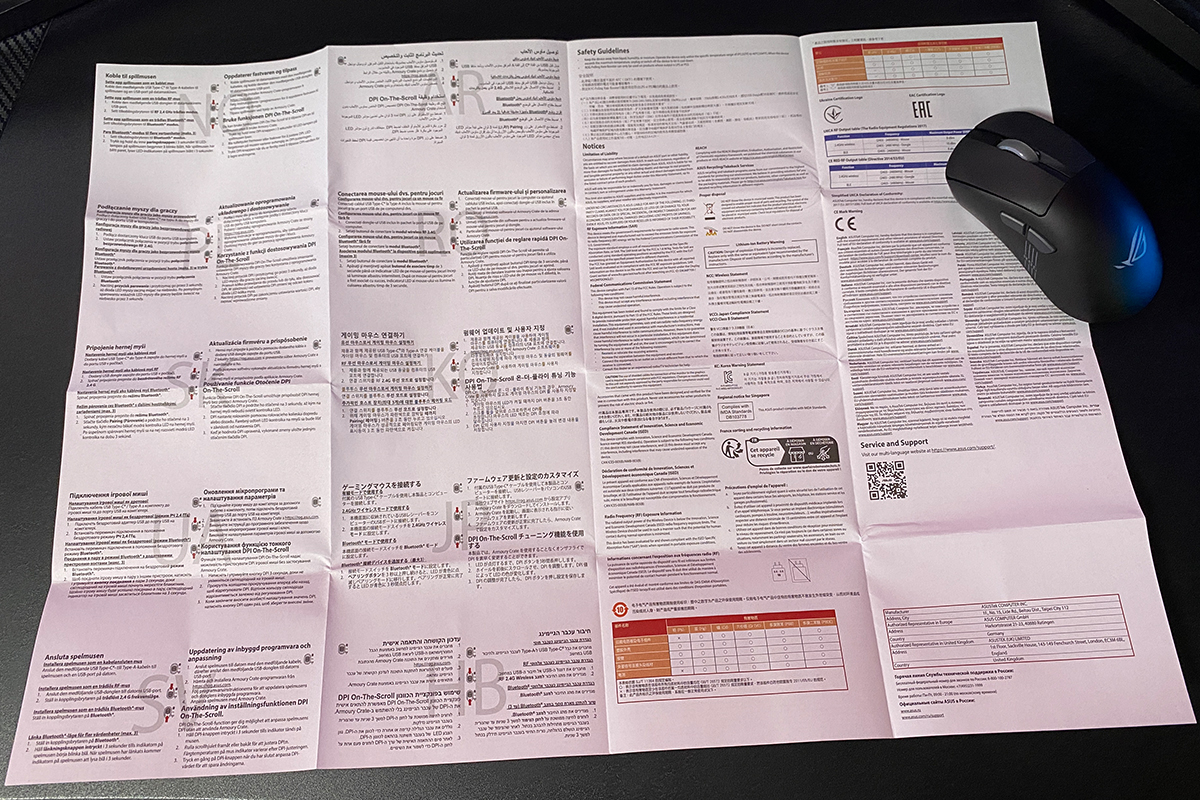
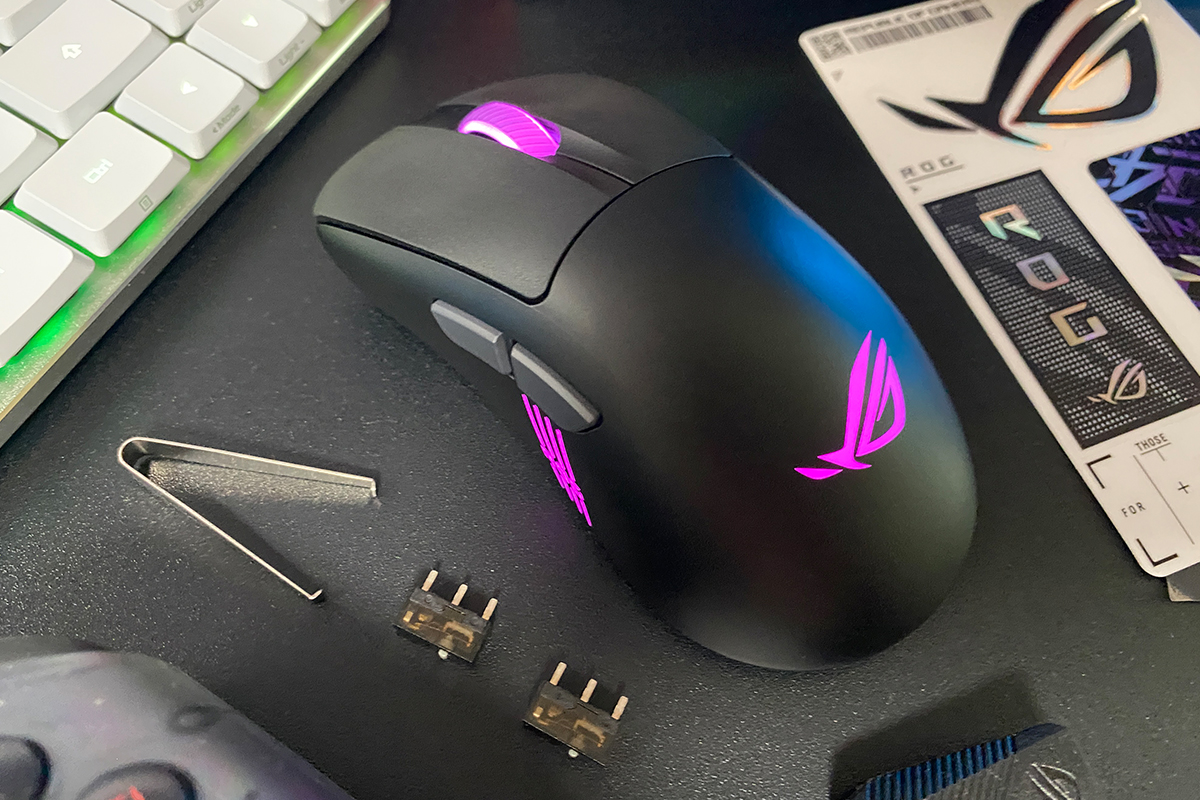
The rest of the package doesn’t require much explanation, so I’ll simply show in the photo below what else ASUS has included with the Keris II Origin.


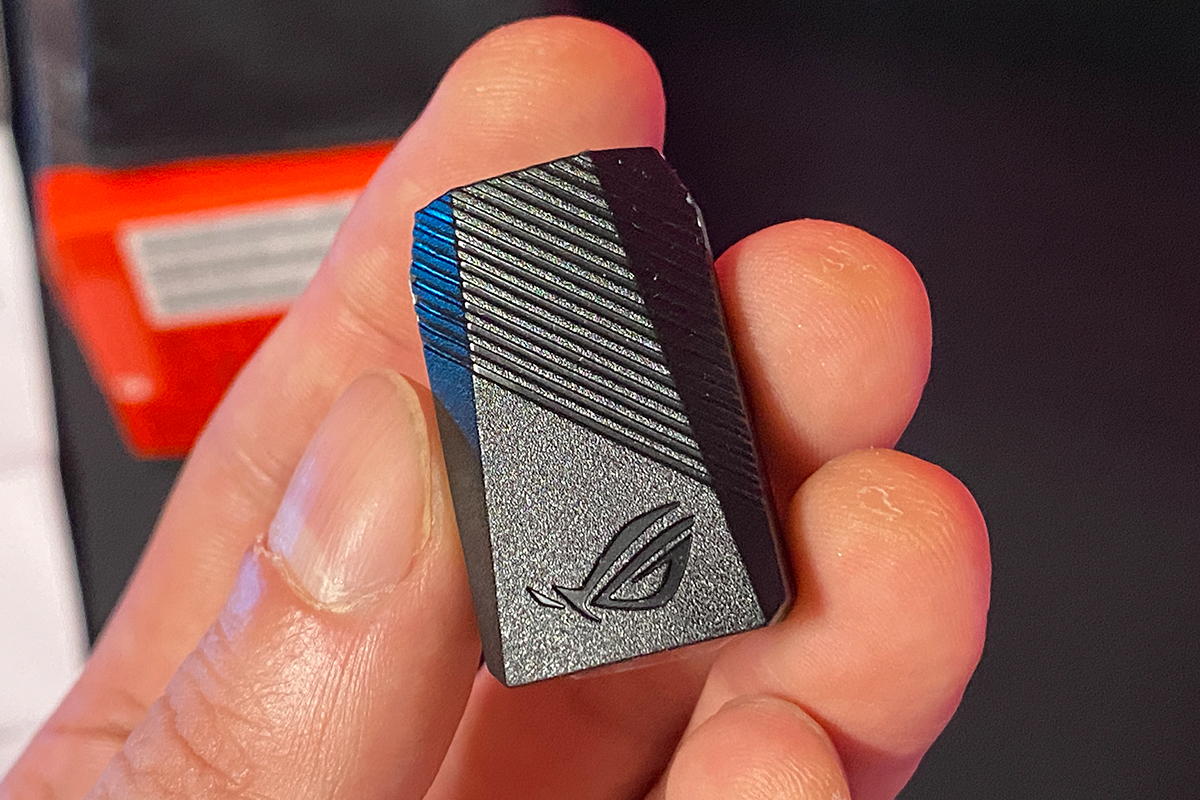
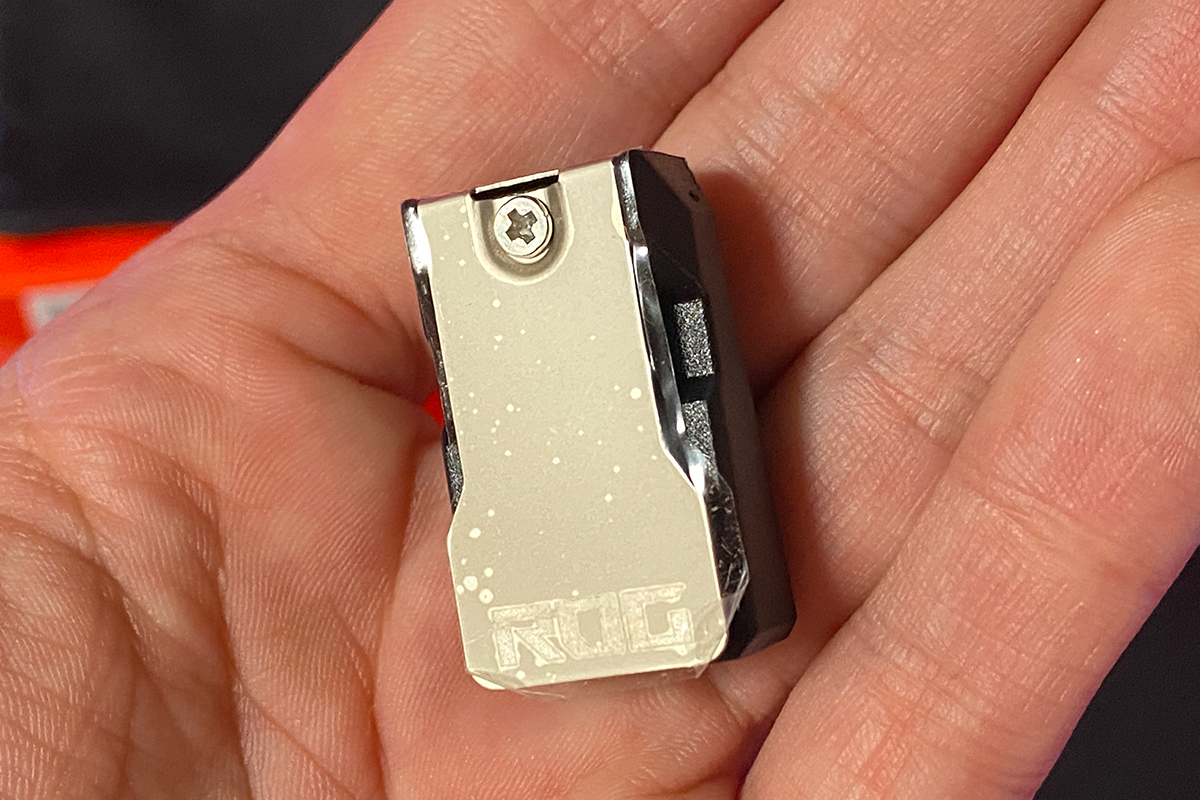
Read also:
- ASUS ROG Harpe Ace Mini Wireless Gaming Mouse Review
- ASUS ROG Harpe Ace Extreme Wireless Gaming Mouse Review
Design, ergonomics, build quality
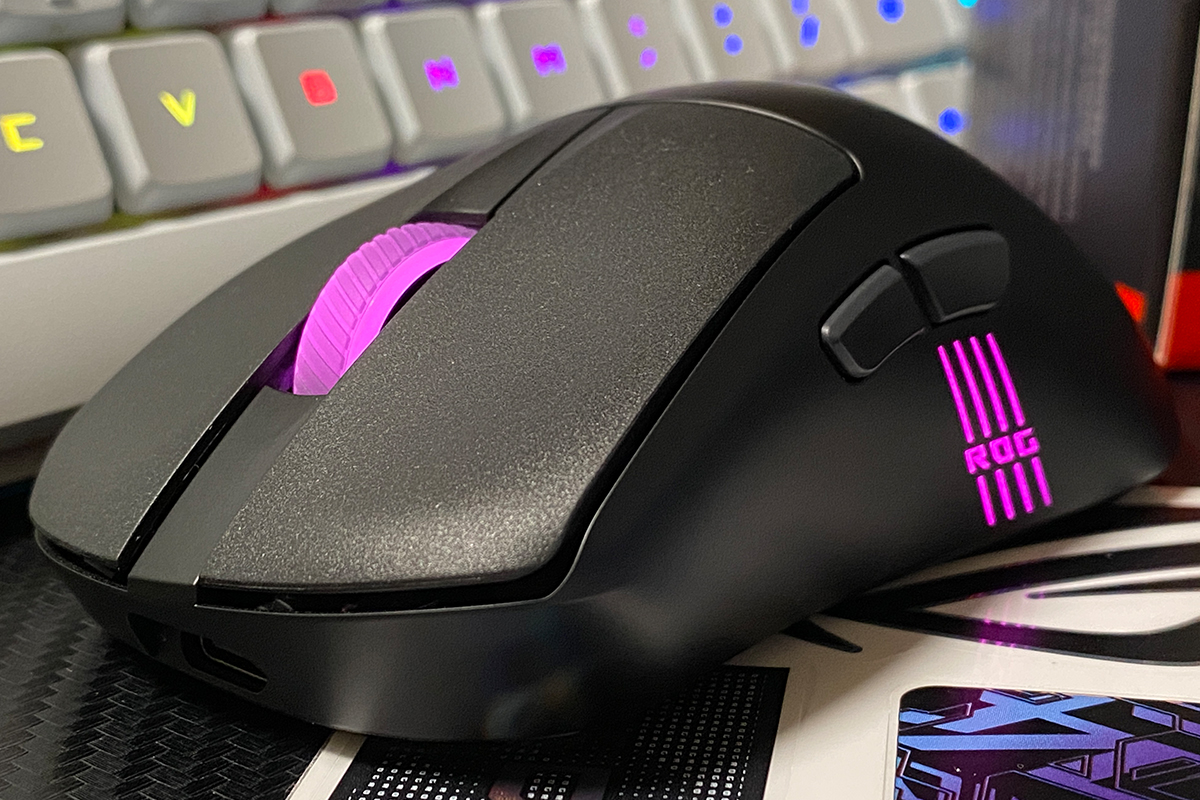
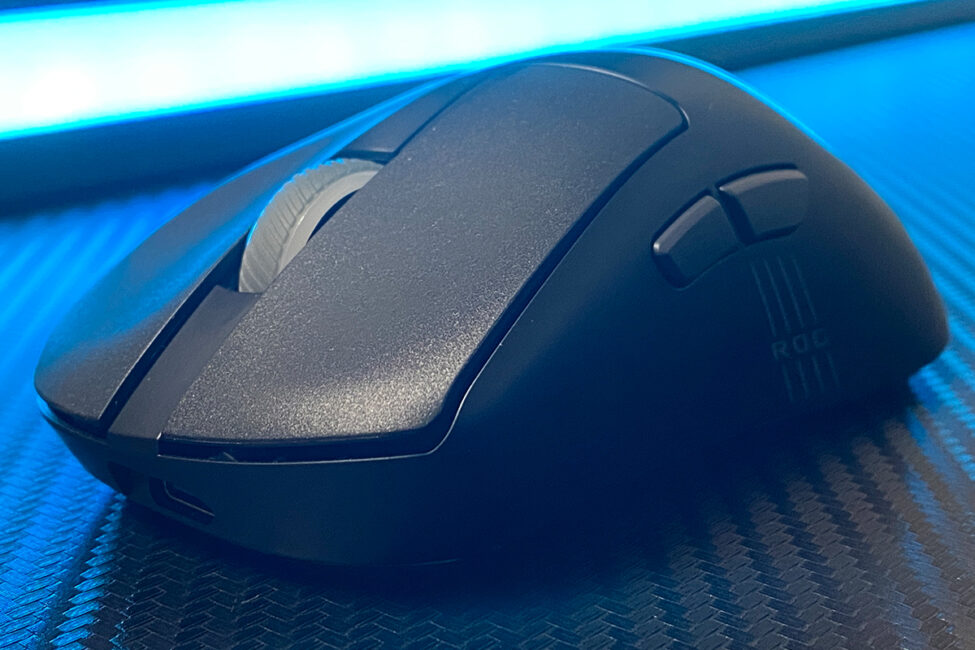
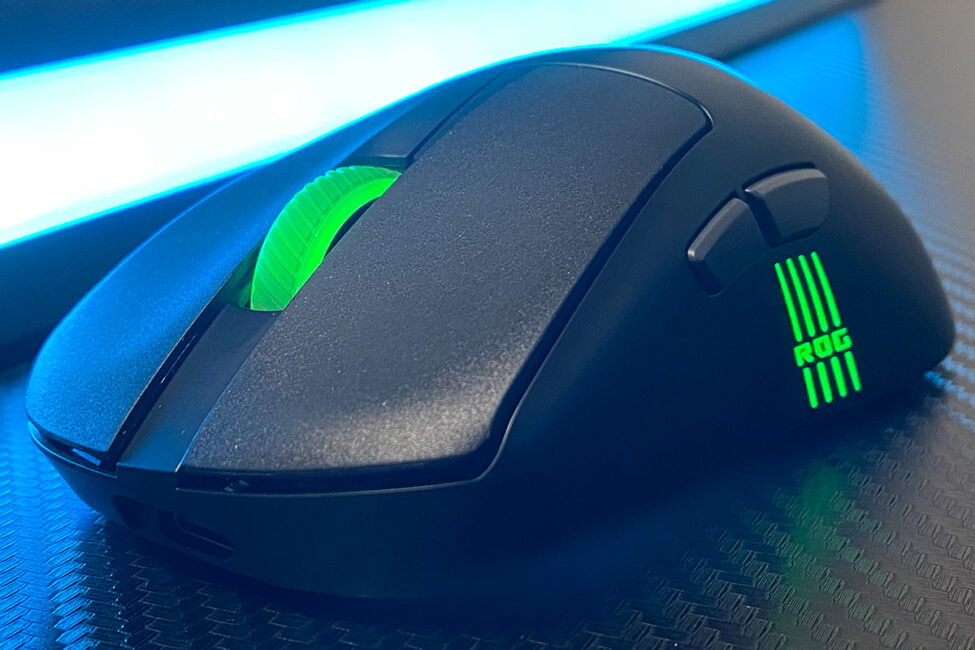
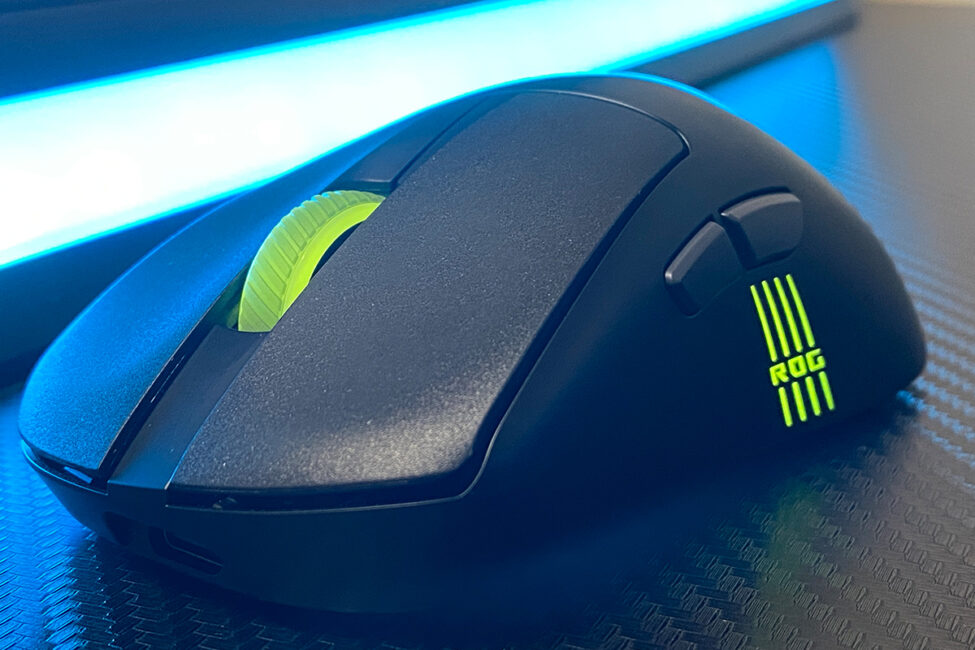
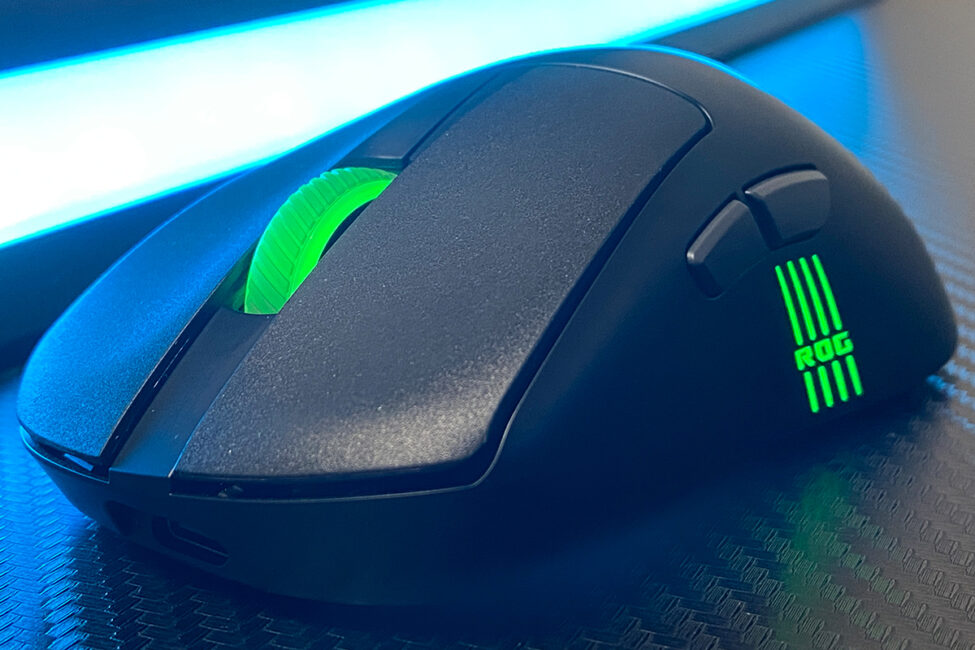
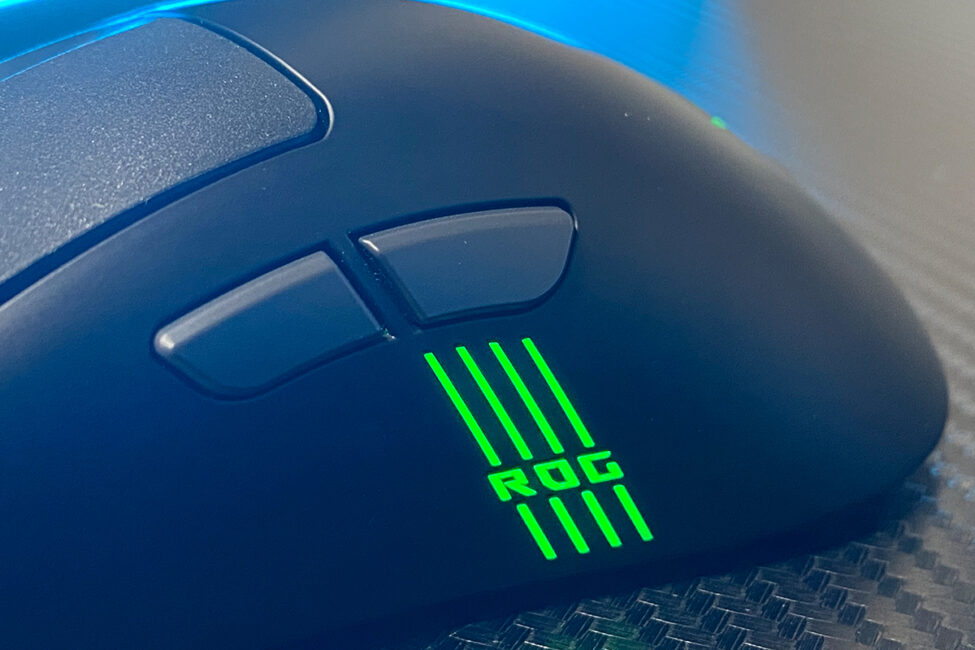
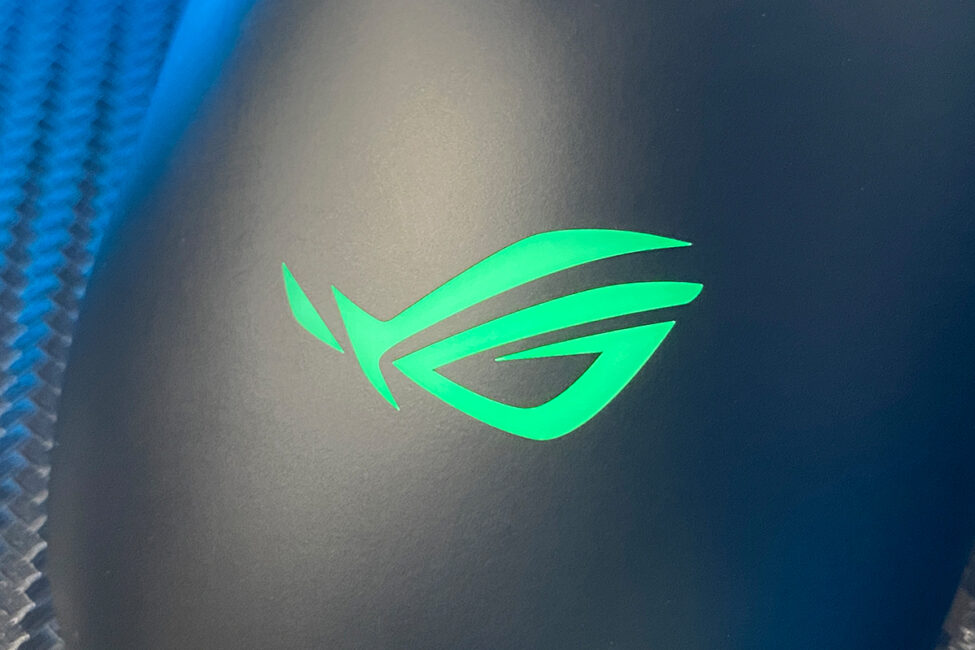
The design of the Keris II Origin is almost identical to that of the previous model, the Keris II Ace. The only noticeable differences are the additional lighting on the logo at the back of the mouse and the illuminated ROG lettering strips on the left side.
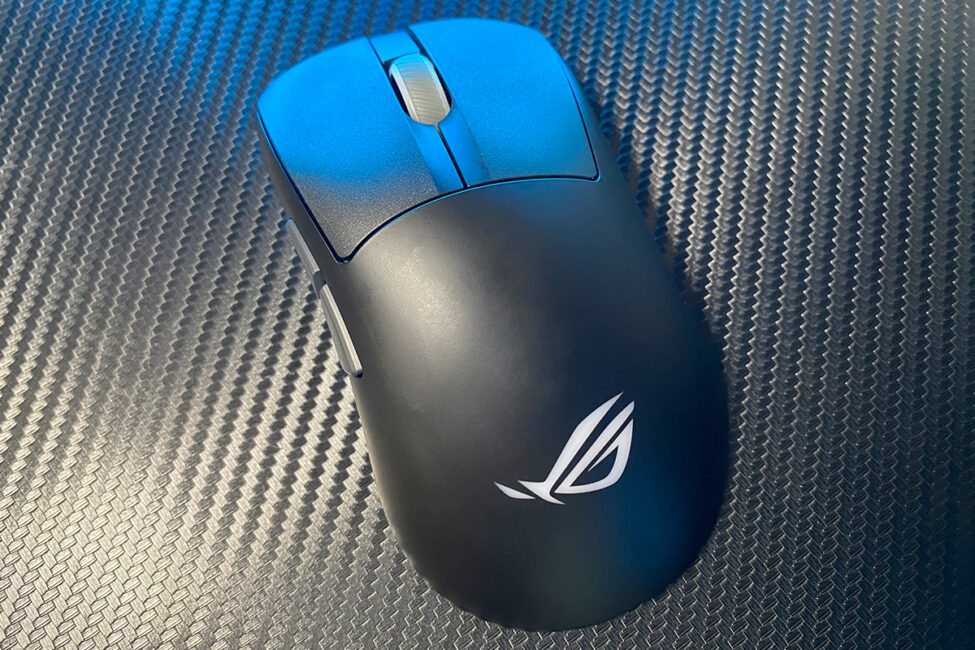
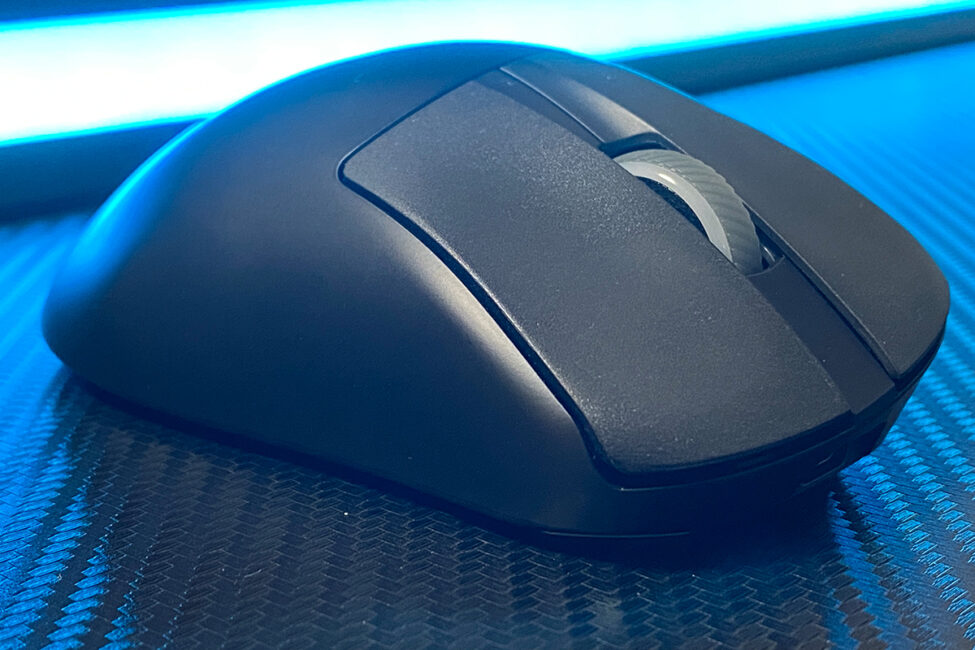
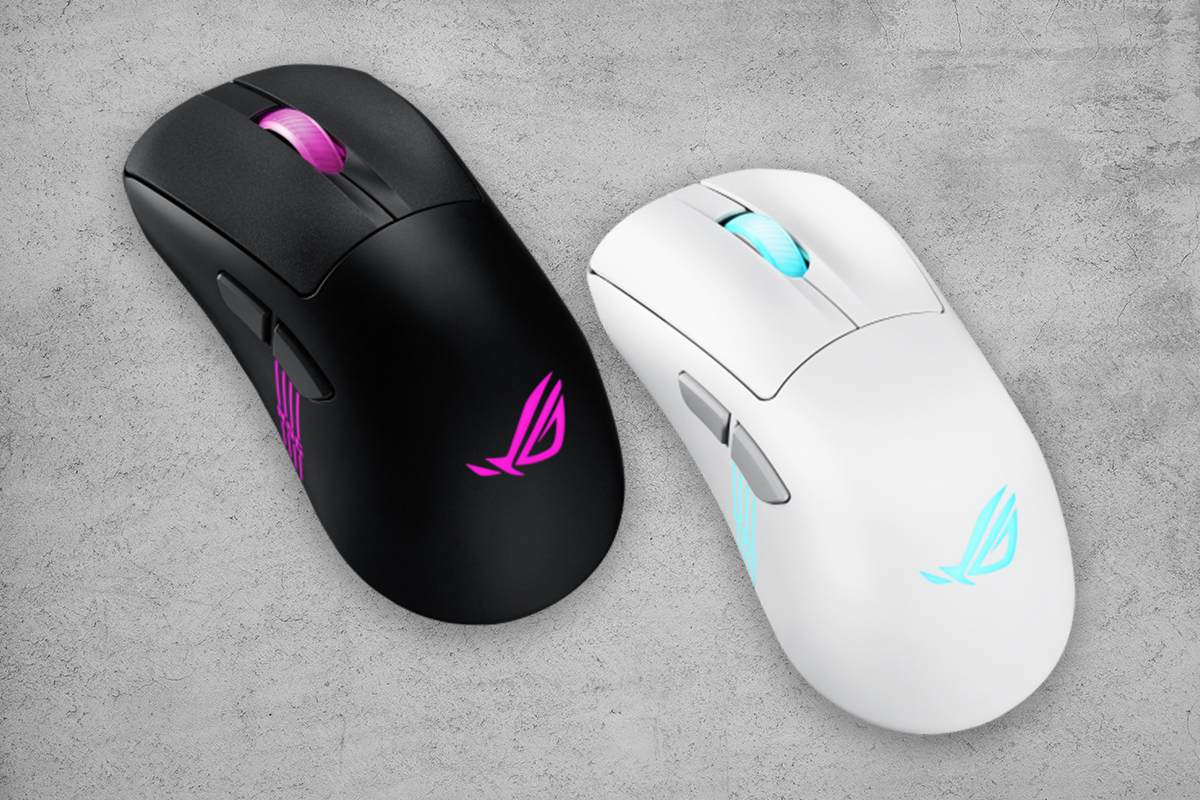
Just like its predecessor, the ROG Keris II Origin is available in two color options: classic black and “Moonlight White,” as ASUS themselves call it.
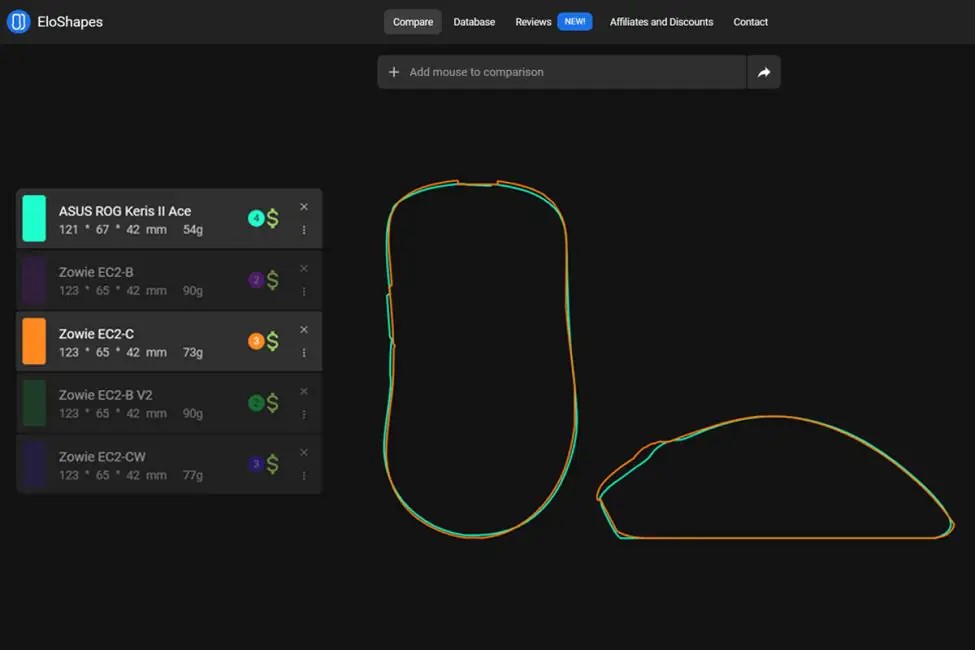
The dimensions remain unchanged – identical to the previous Keris II Ace model: 121×67×42 mm. The shape also stays the same. For reference, the Keris II Ace was modeled after the legendary Zowie EC2 design – one of the most highly regarded ergonomic shapes, well appreciated and loved by many gamers.
The new model gained 11 grams in weight. The total weight of the ROG Keris II Origin is 65 grams, which feels noticeably heavier compared to some lighter mice in the 49–55 gram range.
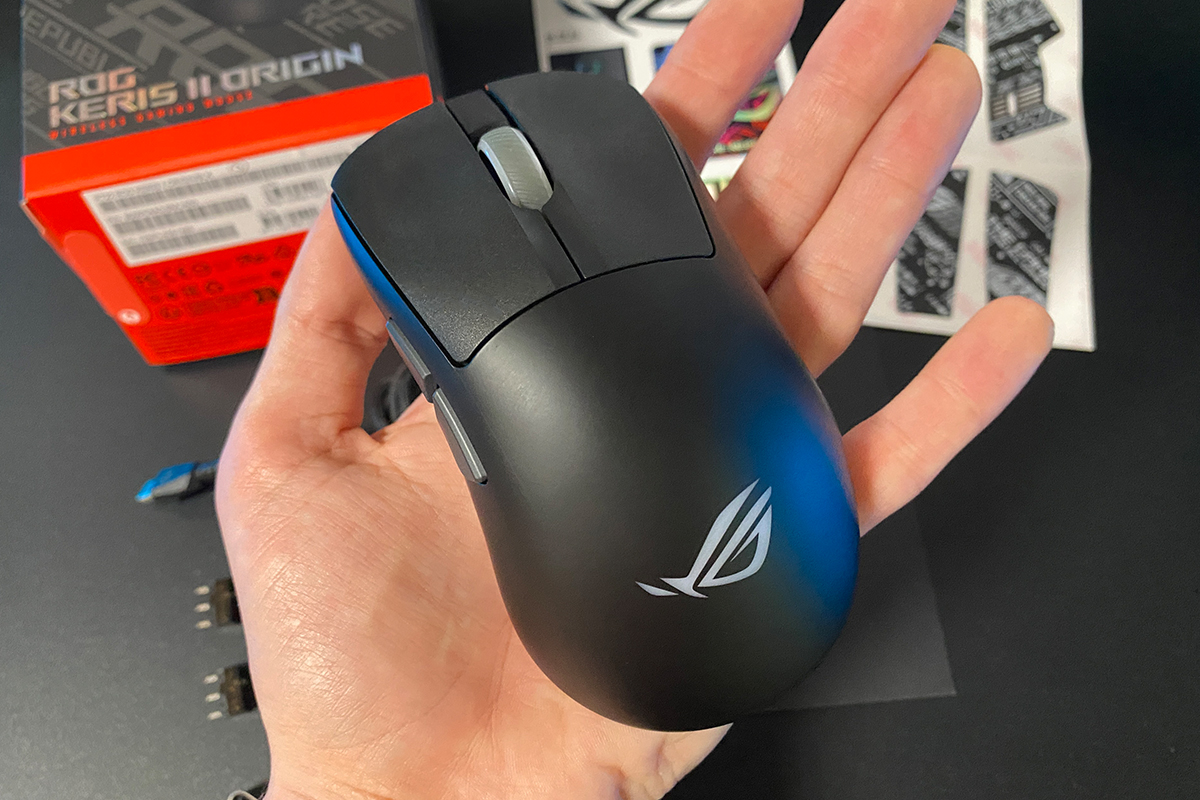
Like its predecessor, the mouse features an ergonomic design with a right-side tilt. This shape is highly comfortable for right-handed users but is unlikely to suit left-handed gamers. The ROG Keris II Origin fits naturally in the right hand, making it comfortable to hold with various grip styles – whether palm, claw, fingertip, or hybrid.
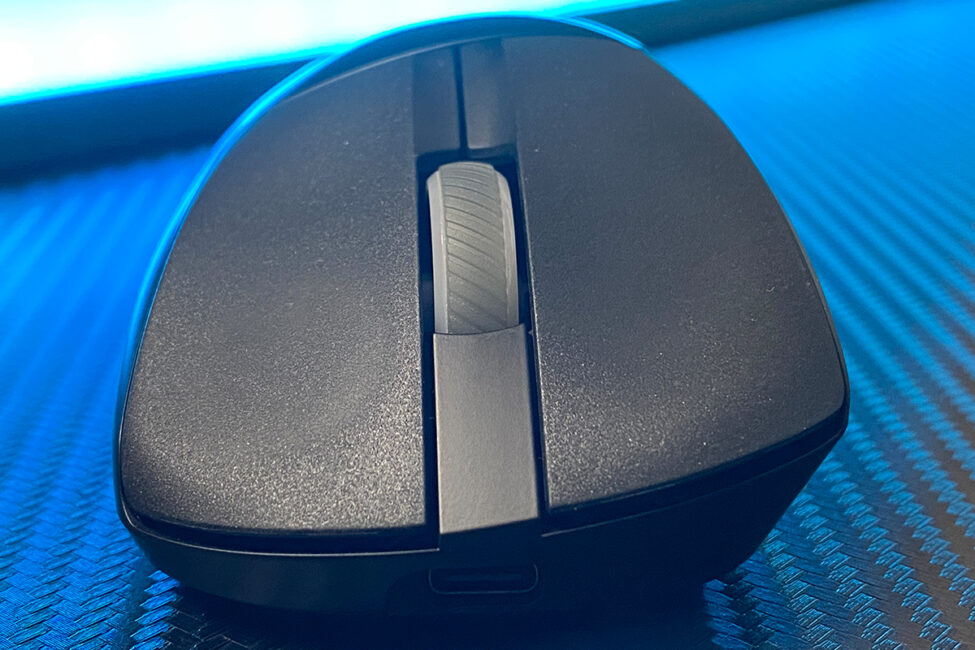

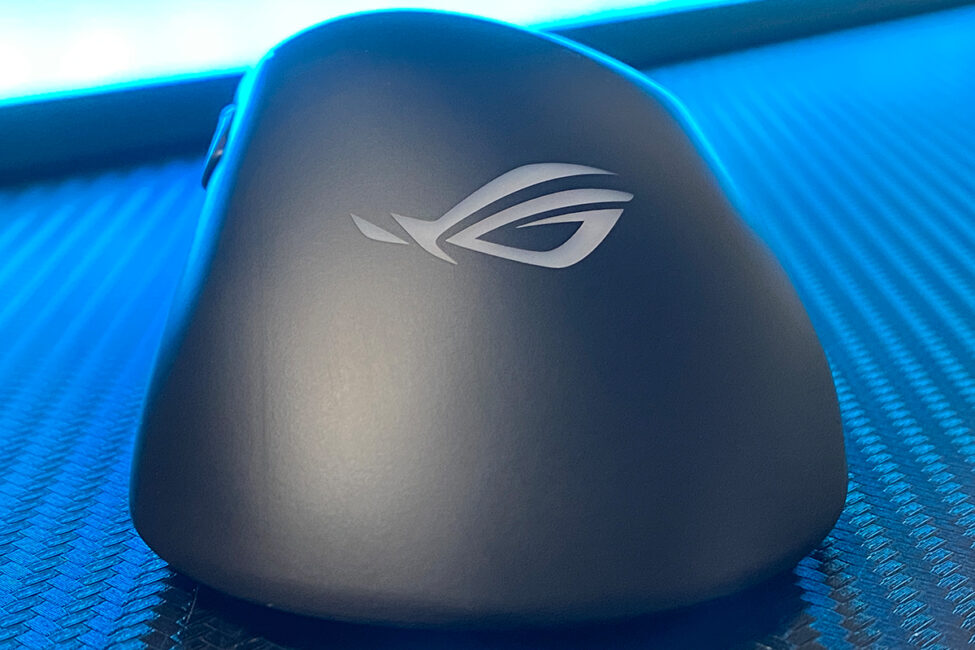
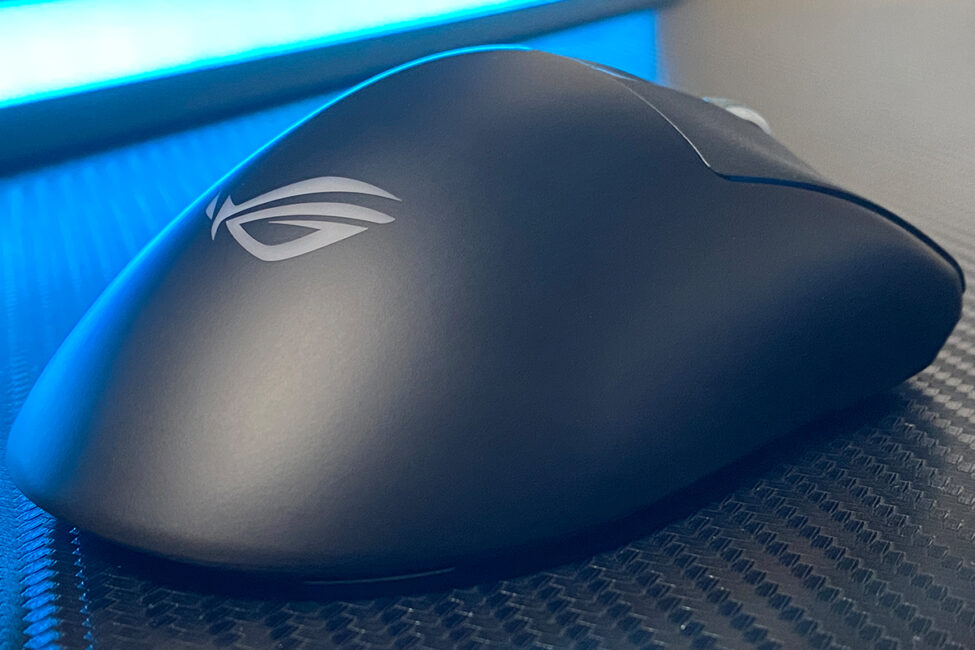
The primary material used for the mouse is a high-quality matte plastic with a unique coating. I want to emphasize this coating because it wasn’t present on the previous model, the Keris II Ace. Thanks to this finish, the mouse feels slightly rubberized on top – offering a very grippy and pleasant texture. I liked the body and its coating so much that during breaks between matches in COD, I found myself simply running my hand over the mouse while waiting for the next round to start.
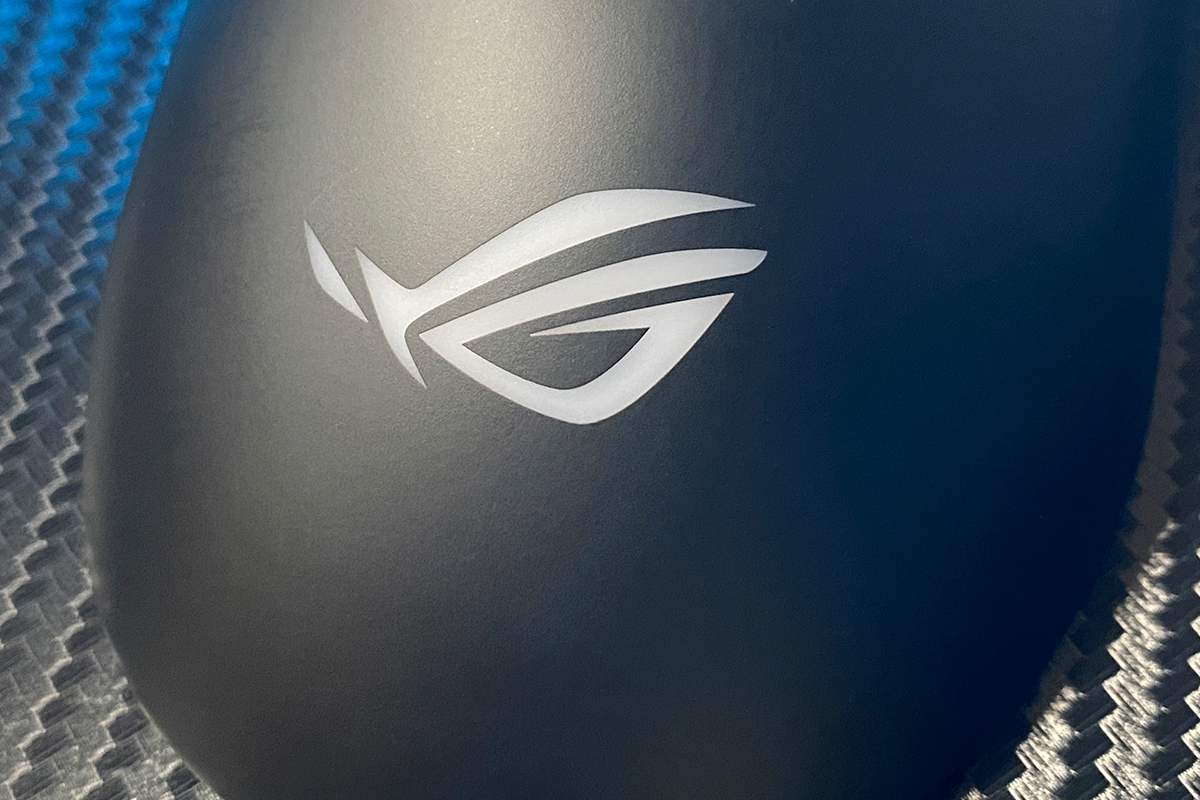
The primary mouse buttons (left and right click) feature a recessed contour designed to fit the fingers, combined with a textured surface made of PBT plastic. This design provides a comfortable resting place for the fingers and ensures excellent grip. Additionally, the durable PBT material helps prevent wear from intensive use over time.

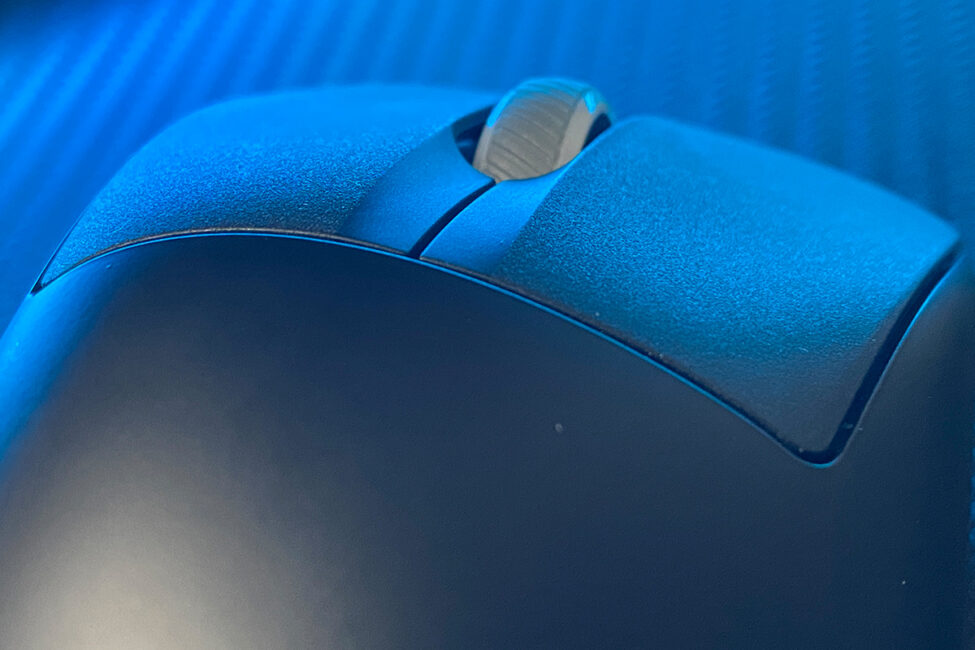
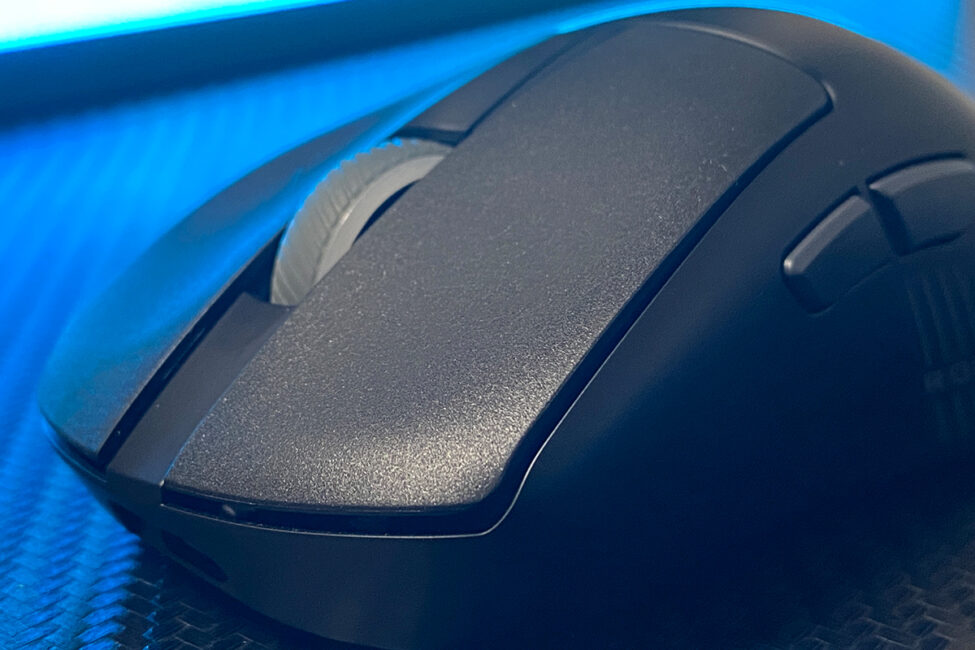
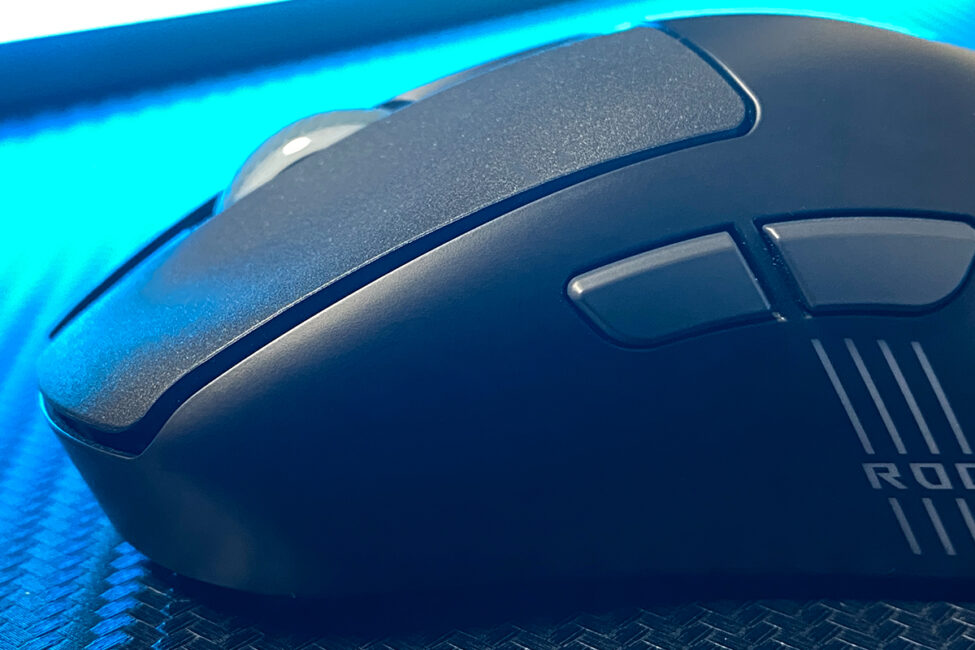
The main buttons have a slight pre-travel that’s barely noticeable during regular use – just enough to prevent accidental clicks. Side-to-side travel is minimal and only noticeable if you intentionally wiggle the buttons.
The click feel is, without exaggeration, excellent: soft, quiet, yet crisp and responsive. Of course, button clicks – much like mechanical keyboard typing – are subjective, but personally, I find the Keris II Origin’s main clicks among the best I’ve tried. I’ll include a video below so you can hear how the mouse sounds, though unfortunately, the video can’t fully convey the tactile feel of the clicks.
Overall, the mouse wheel is decent. It offers quiet scrolling with distinct, tactile steps, a satisfying click when pressed, and a well-textured rubber grip. That said, the scroll resistance is a bit firm, so users accustomed to smoother, lighter scrolling might find the Keris II Origin’s wheel somewhat stiff at first.
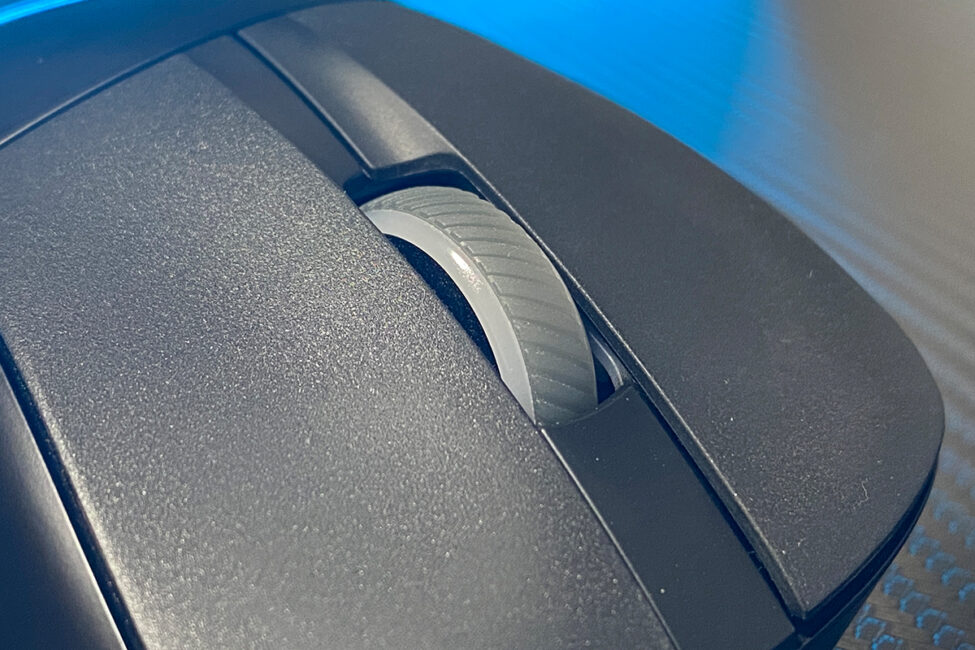

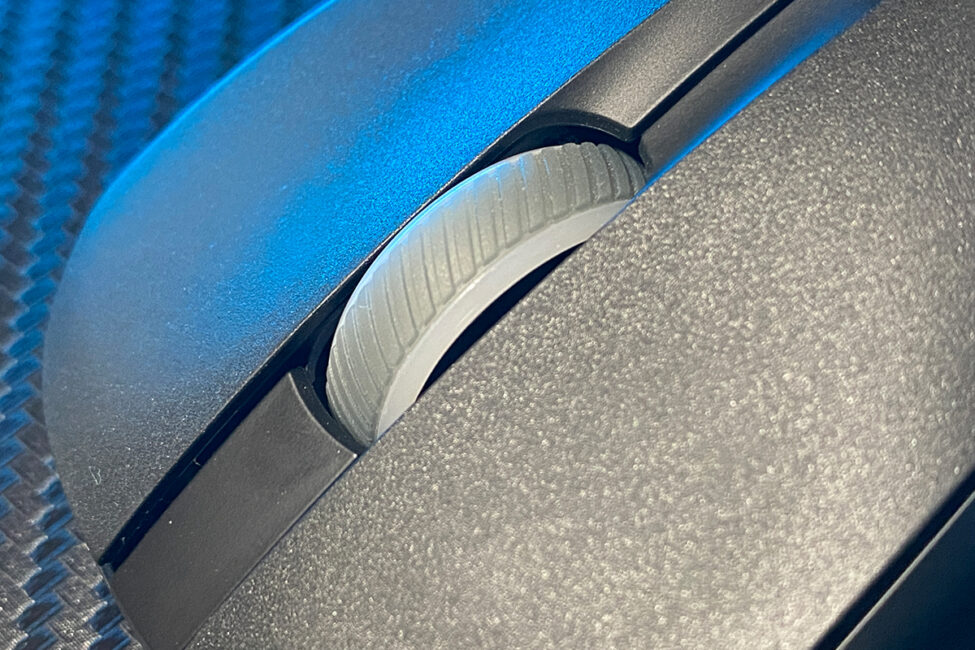
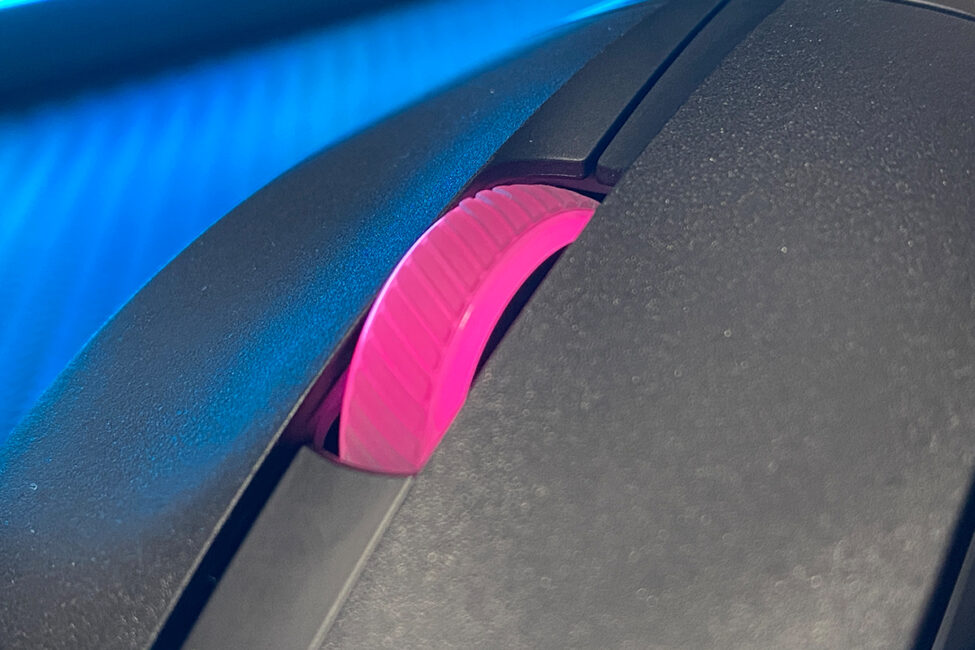
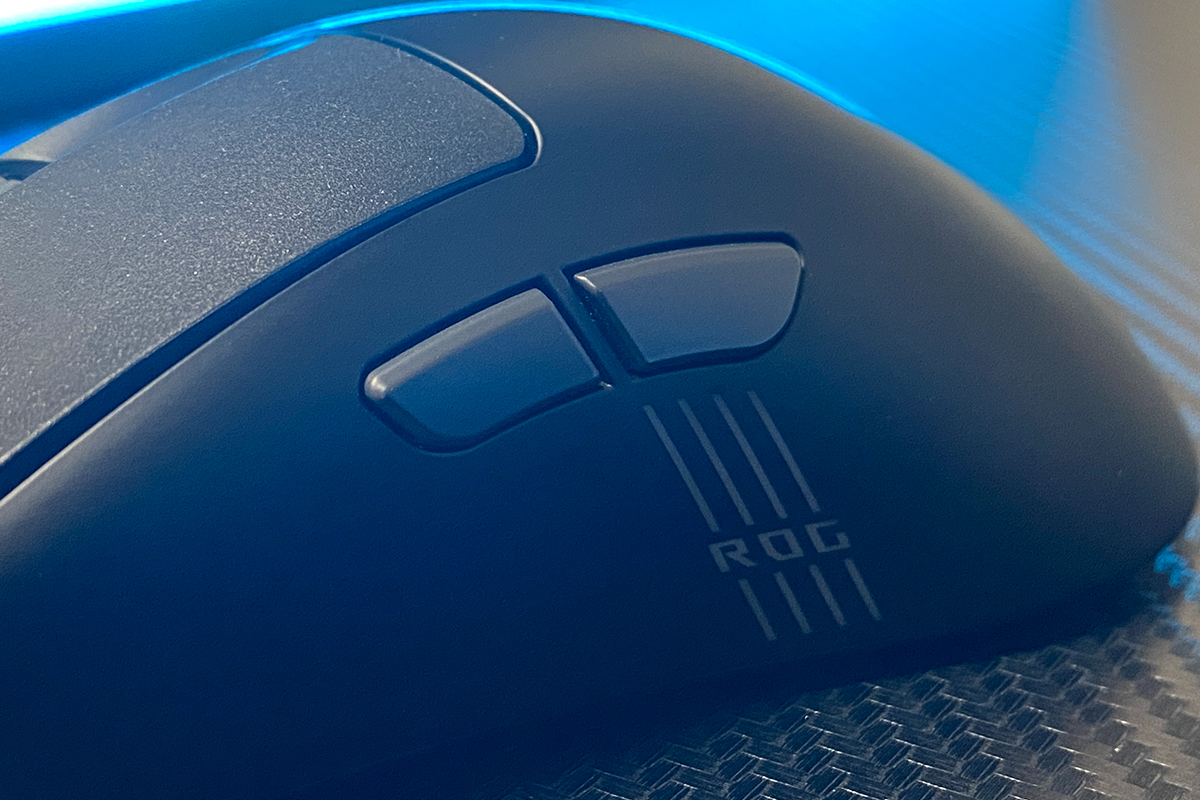
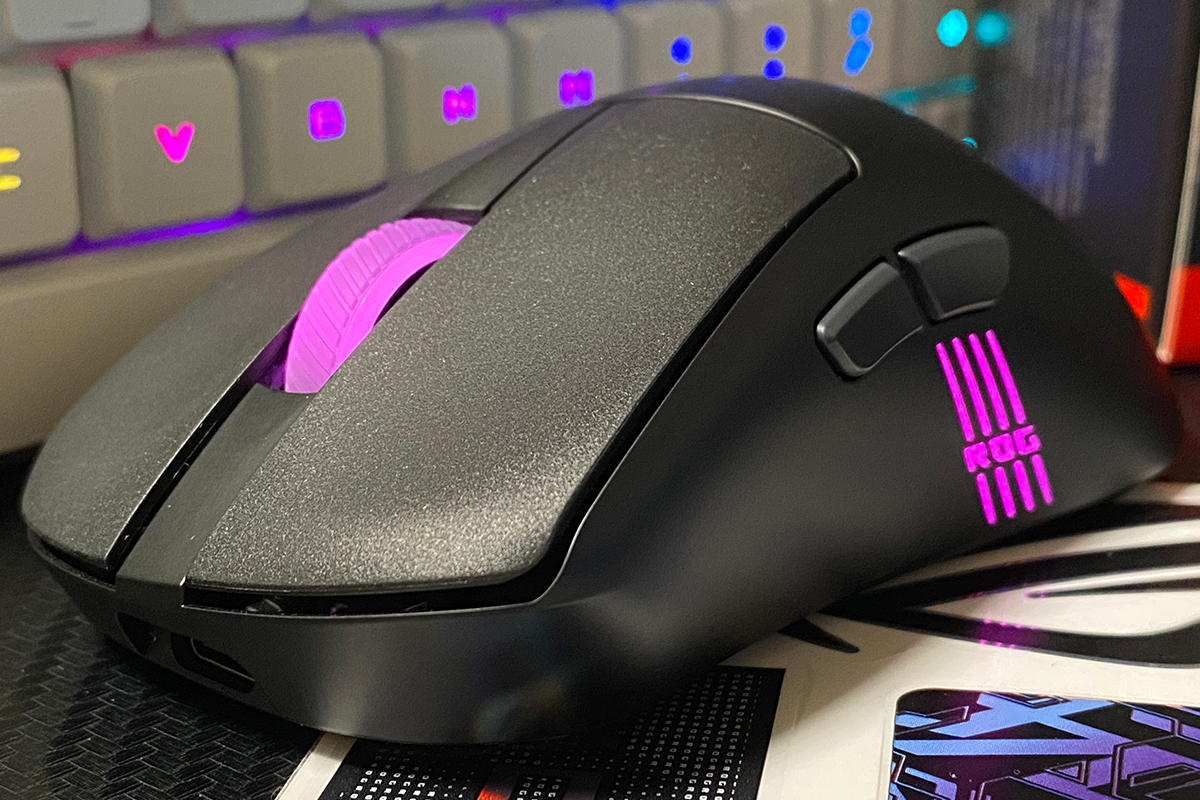
The sides of the mouse are seamless, molded as part of the main body. On the left side, there’s a stylish decorative element: illuminated strips featuring the signature ROG branding.
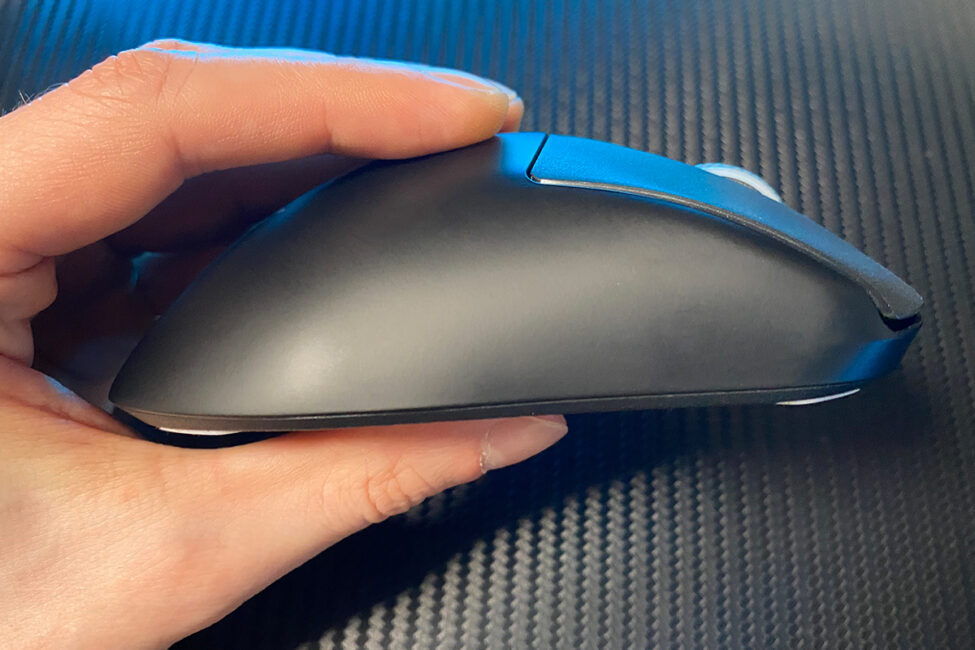
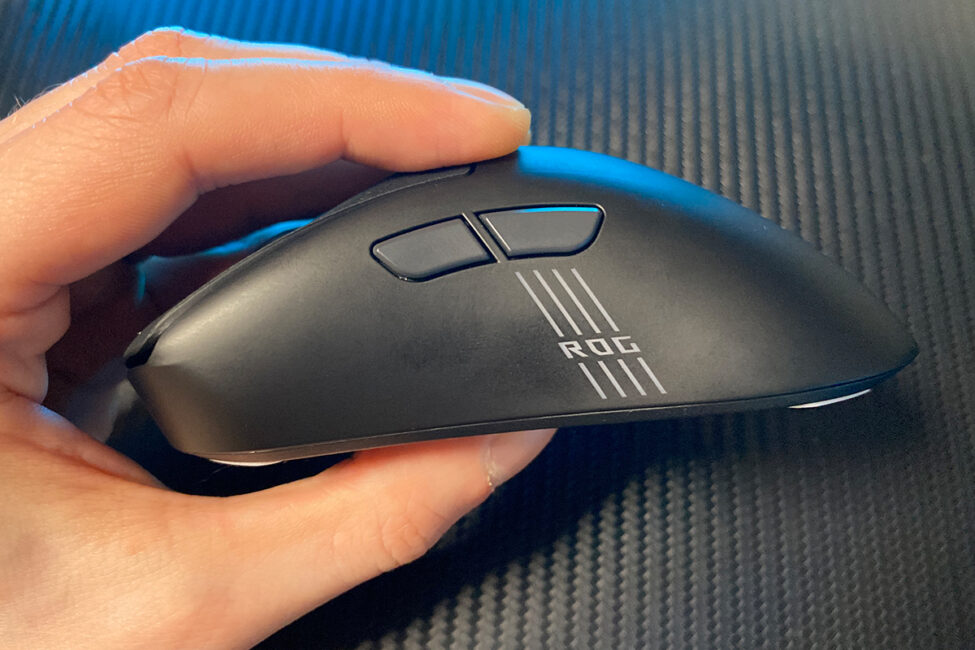
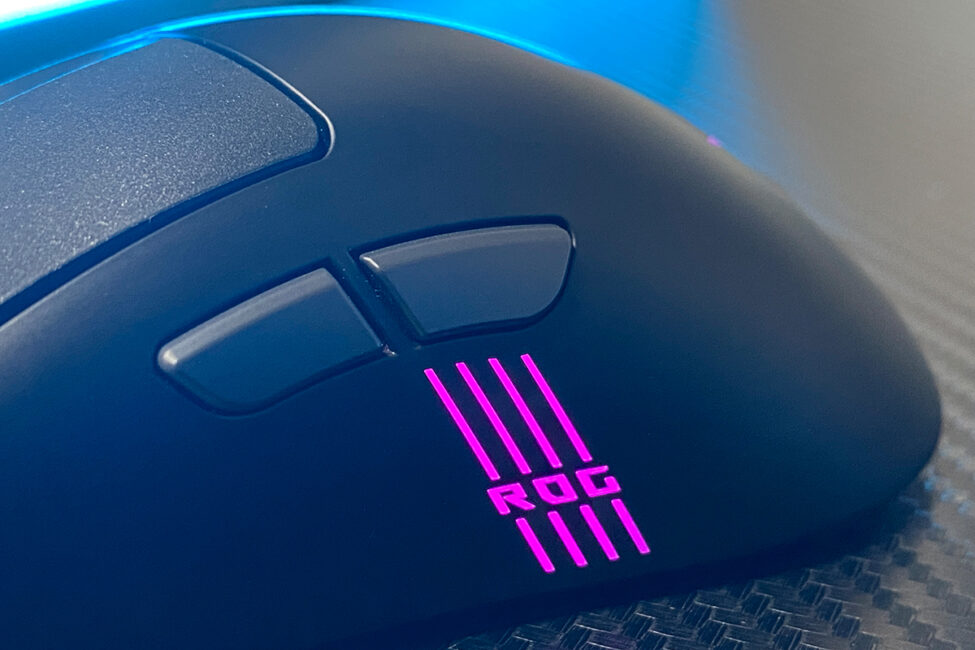
There are two additional side buttons on the left side of the mouse. Overall, they’re quite comfortable – well-sized, conveniently placed, and offering quiet, tactile feedback. That said, the button clicks feel a bit stiff to me personally, so I wouldn’t call them perfect, but definitely solid.
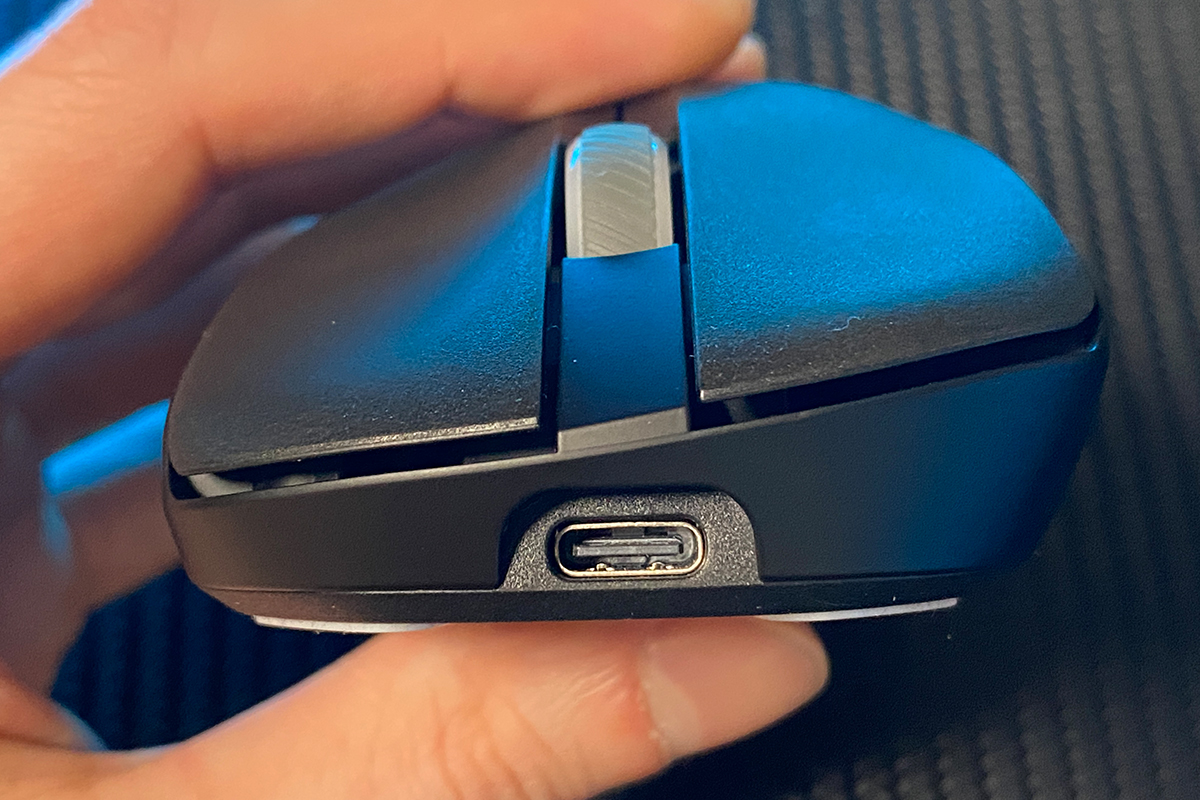
At the front, the mouse features a standard, slightly recessed USB Type-C port for the cable connection. As mentioned earlier, using the included cable makes the mouse comfortable to operate even in wired mode.
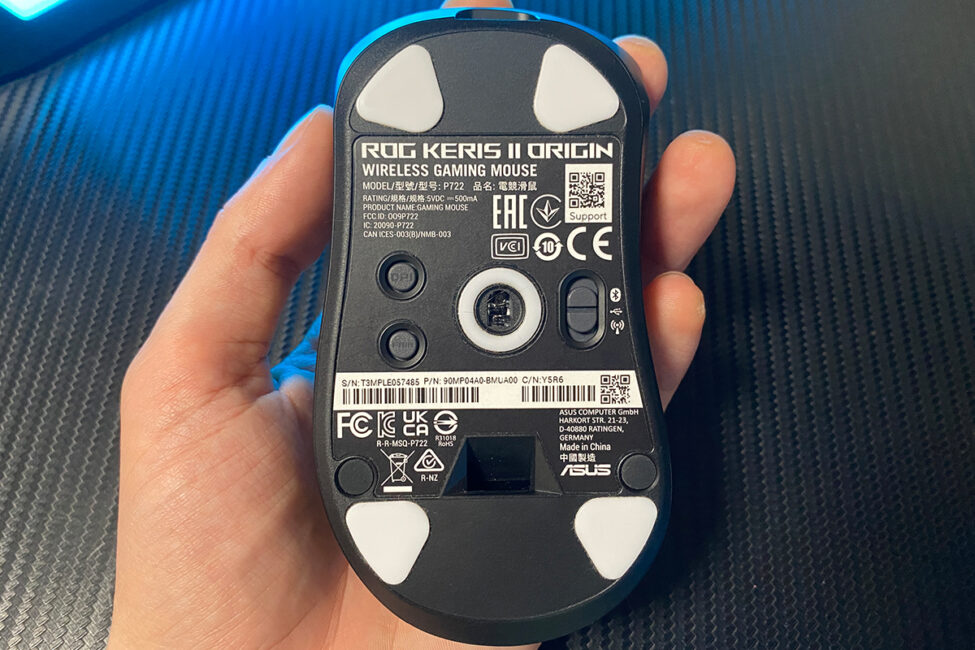
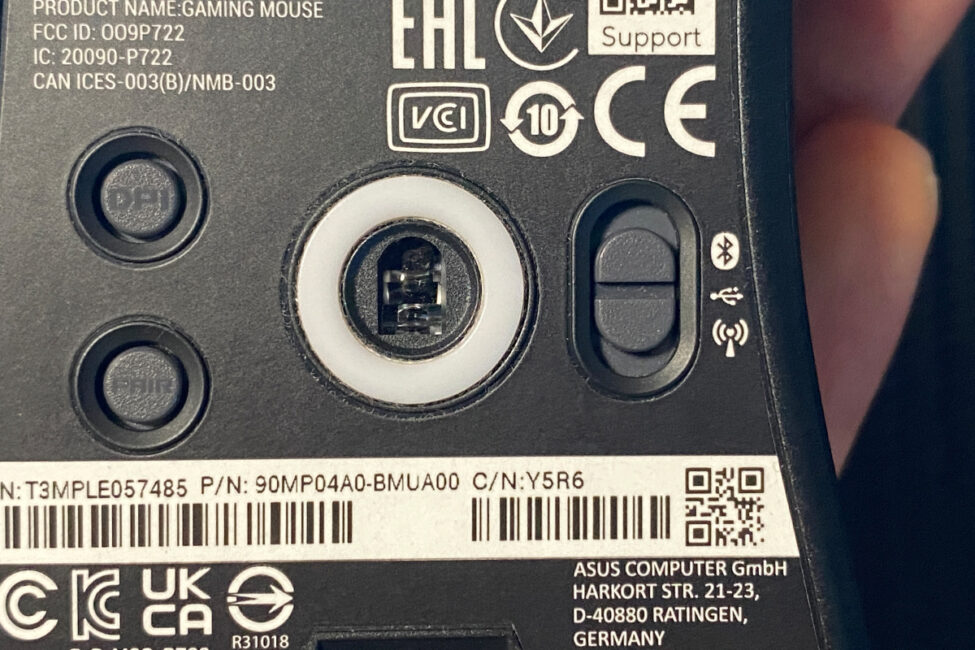
On the bottom of the mouse, there are four Teflon glide pads positioned at the corners, along with a Teflon frame surrounding the sensor. If desired, the small stock glides can be replaced with larger ones included in the package.
To the right of the sensor, there’s a connection mode switch allowing you to toggle between Bluetooth, USB, and 2.4 GHz RF. On the left side, there are two additional buttons: DPI and PAIR. The DPI button cycles through preset sensitivity levels, which you can customize in Armoury Crate or via the Gear Link website. The PAIR button activates Bluetooth pairing mode.
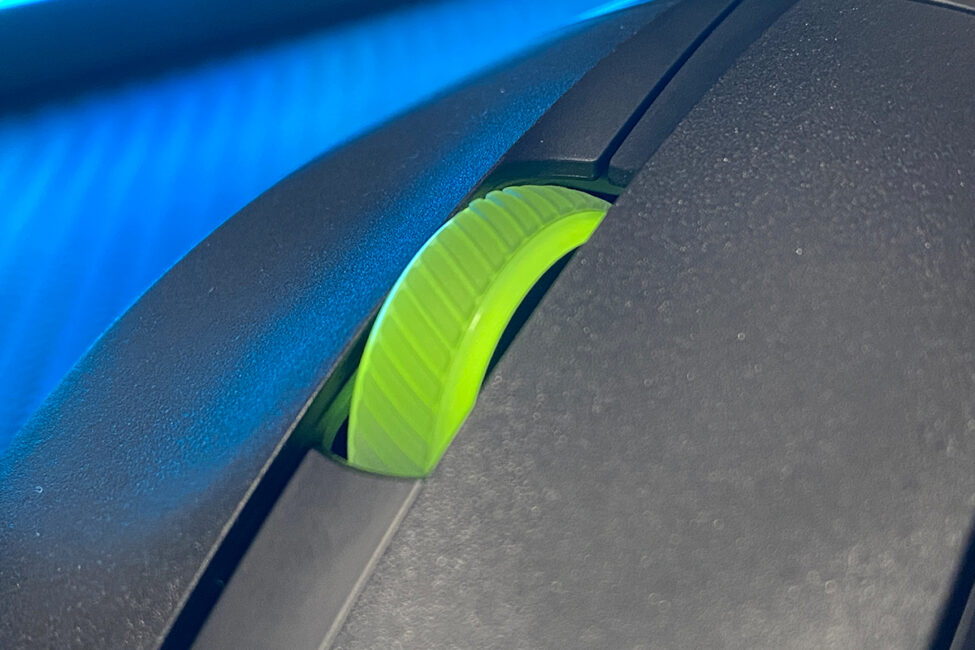
Unlike the Keris II Ace, the updated model features three separate lighting zones: the scroll wheel, the logo on the back, and the strips on the left side. Each zone can be customized independently. As for the lighting quality itself, it’s excellent – bright, smooth, and vibrant, as you’d expect from ASUS. In my opinion, the lighting complements the design of the ROG Keris II Origin very well.
The assembled mouse feels solid and well-built. There’s no creaking, looseness, or wobbling anywhere. Ergonomics are excellent – using the mouse is not only comfortable but genuinely enjoyable. This is largely thanks to the classic shape, the quality coating on the body, and the very satisfying main button clicks.
The only somewhat debatable points I found were the slightly increased weight, a firmer scroll wheel, and the stiffer side button clicks. That said, the weight gain compared to the Keris II Ace is likely due to the updated materials and the added lighting. The improved battery life probably plays a role as well. Is this trade-off reasonable? Absolutely. In fact, after a couple of days using the mouse, you get used to the weight and hardly remember what you used before. So, I consider the weight increase to be a non-issue. As for the scroll wheel and side button clicks, those come down to personal preference and taste, so they’re not major concerns.
Read also:
- ASUS ROG Falchion Ace HFX review: Gaming Keyboard with Magnetic Switches
- ASUS ROG Azoth Extreme Wireless Gaming Keyboard Review
Design, ergonomics, build quality
The new Keris II Origin, like its predecessor the Keris II Ace, features ASUS’s proprietary optical sensor, the ROG AimPoint Pro. It offers a resolution of up to 42,000 DPI, a maximum tracking speed of 750 IPS, 50 G acceleration, and includes Track-On-Glass technology, allowing the mouse to work accurately on virtually any surface, including glass.
It’s unclear exactly which sensor model is behind the ROG AimPoint Pro branding, but rumors suggest that the previous model used the Pixart 3950 sensor. Based on this, it’s reasonable to assume the new model uses the same sensor.
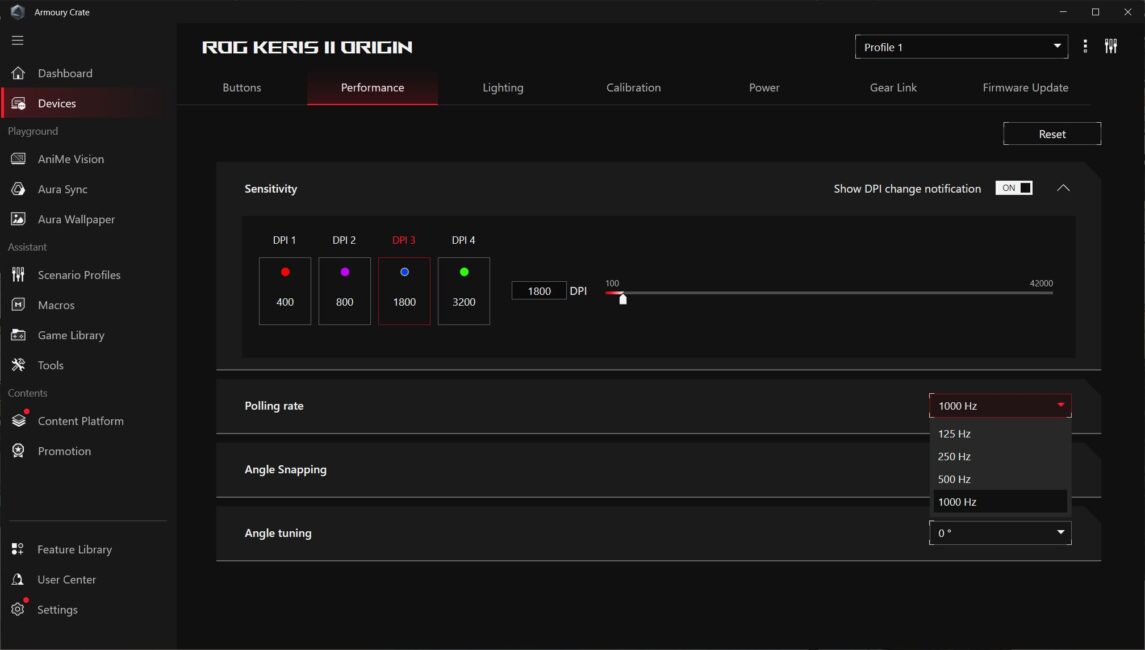
As mentioned earlier, the mouse supports a polling rate of up to 8000 Hz. However, to achieve this, you need to purchase the separate ROG Polling Rate Booster adapter, which is not included with the standard Keris II Origin package. Without this adapter, the mouse operates at the standard 1000 Hz polling rate, which, in my opinion, is more than sufficient for most modern games, including fast-paced competitive FPS titles.
The Keris II Origin uses ASUS’s proprietary mechanical ROG Micro Switch II switches, rated for 100 million clicks. It’s worth noting that the previous model, the Keris II Ace, was equipped with ROG Optical Micro Switches, which have the same claimed durability.
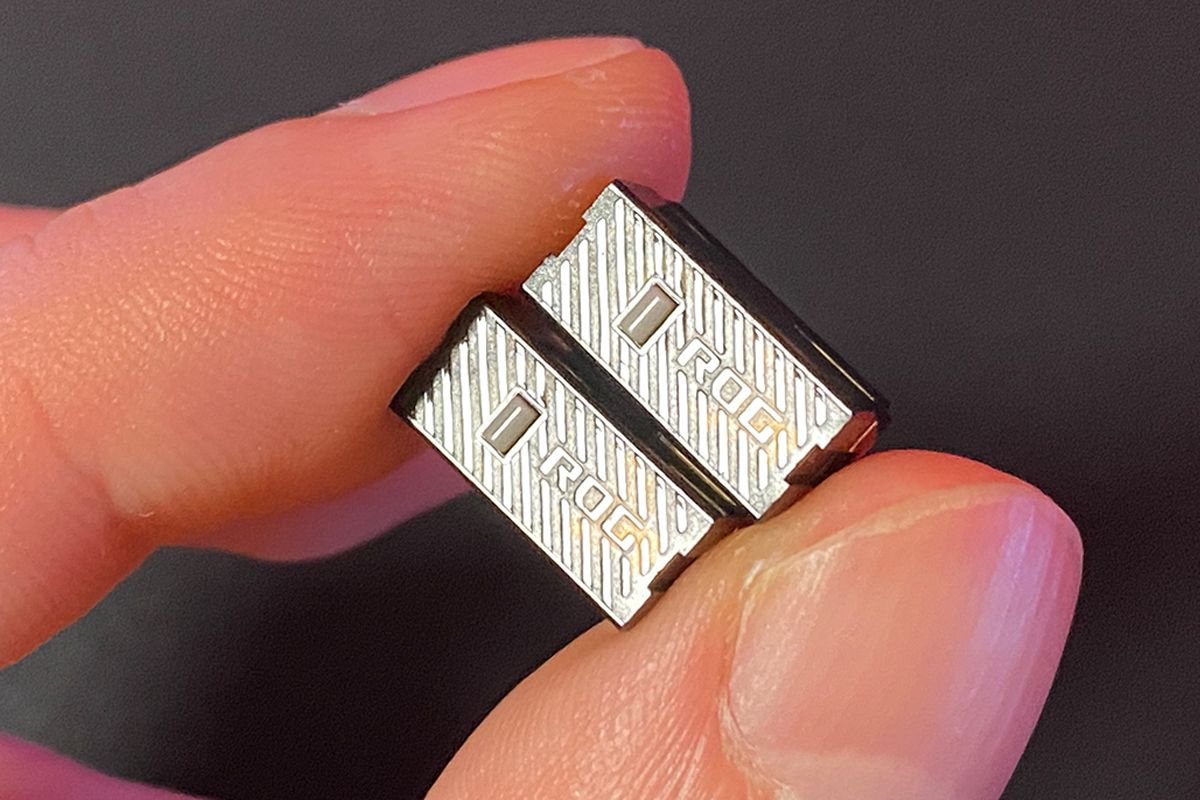
As I mentioned near the beginning of the review, the new Keris II Origin supports hot-swapping of switches thanks to ASUS’s proprietary ROG Push-Fit Switch Socket II technology.
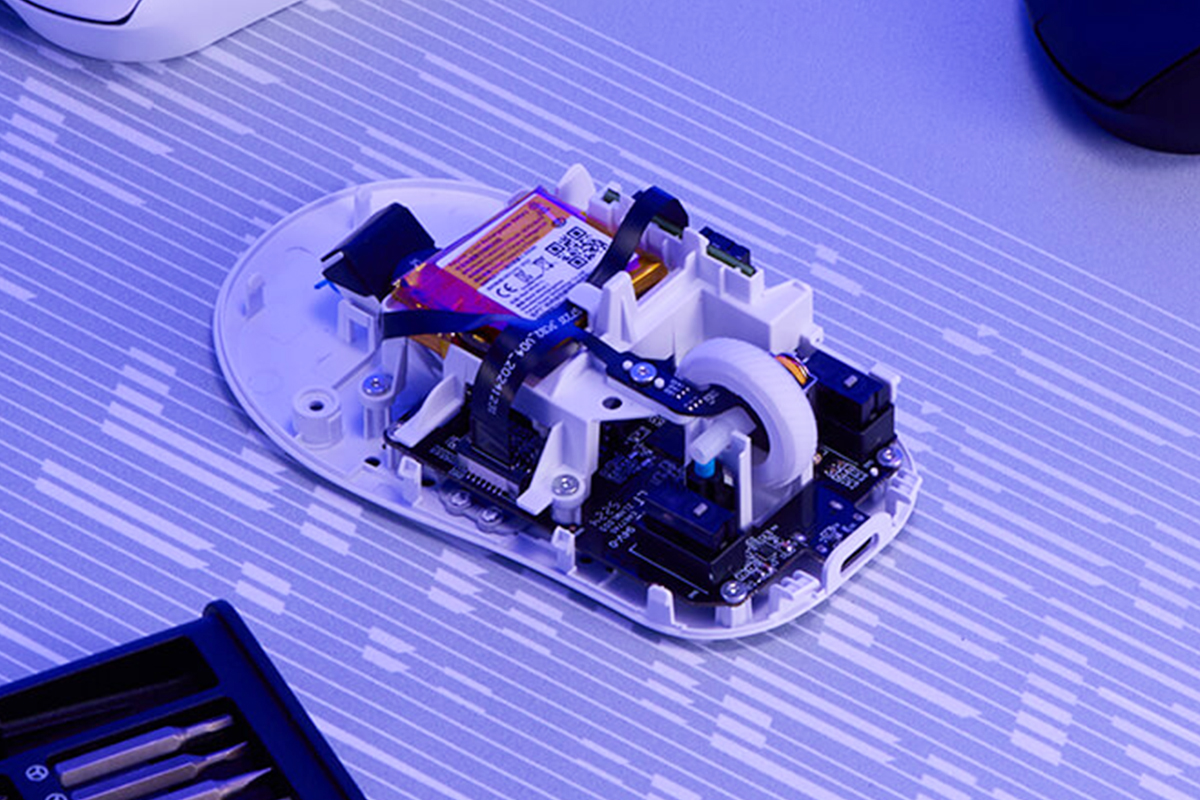
While the previous Keris II Ace also supported switch replacement without soldering – I mentioned this and included a video demonstration in my earlier review.
Regarding other notable technologies supported by the mouse, it essentially features what has become standard for ASUS today. I’ve already covered ROG Polling Rate Booster and ROG Push-Fit Switch Socket II, so now I’ll focus only on the technologies I haven’t mentioned yet.
ROG SpeedNova is ASUS’s proprietary technology designed to stabilize wireless connections and minimize input lag. More detailed information about it can be found on ASUS’s official website.

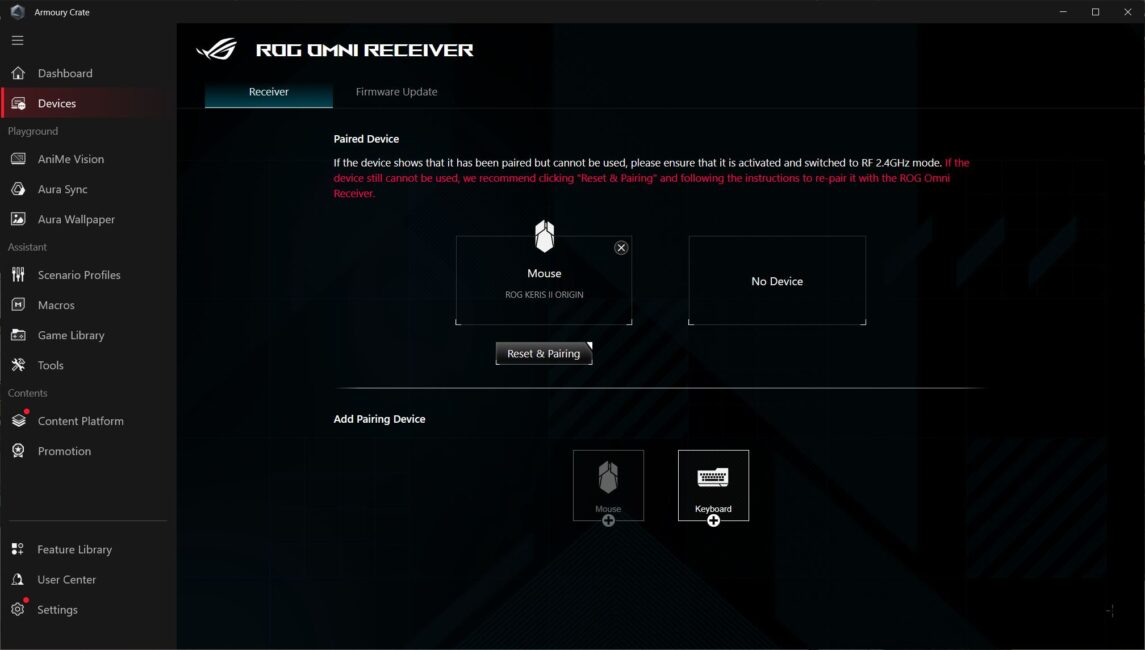
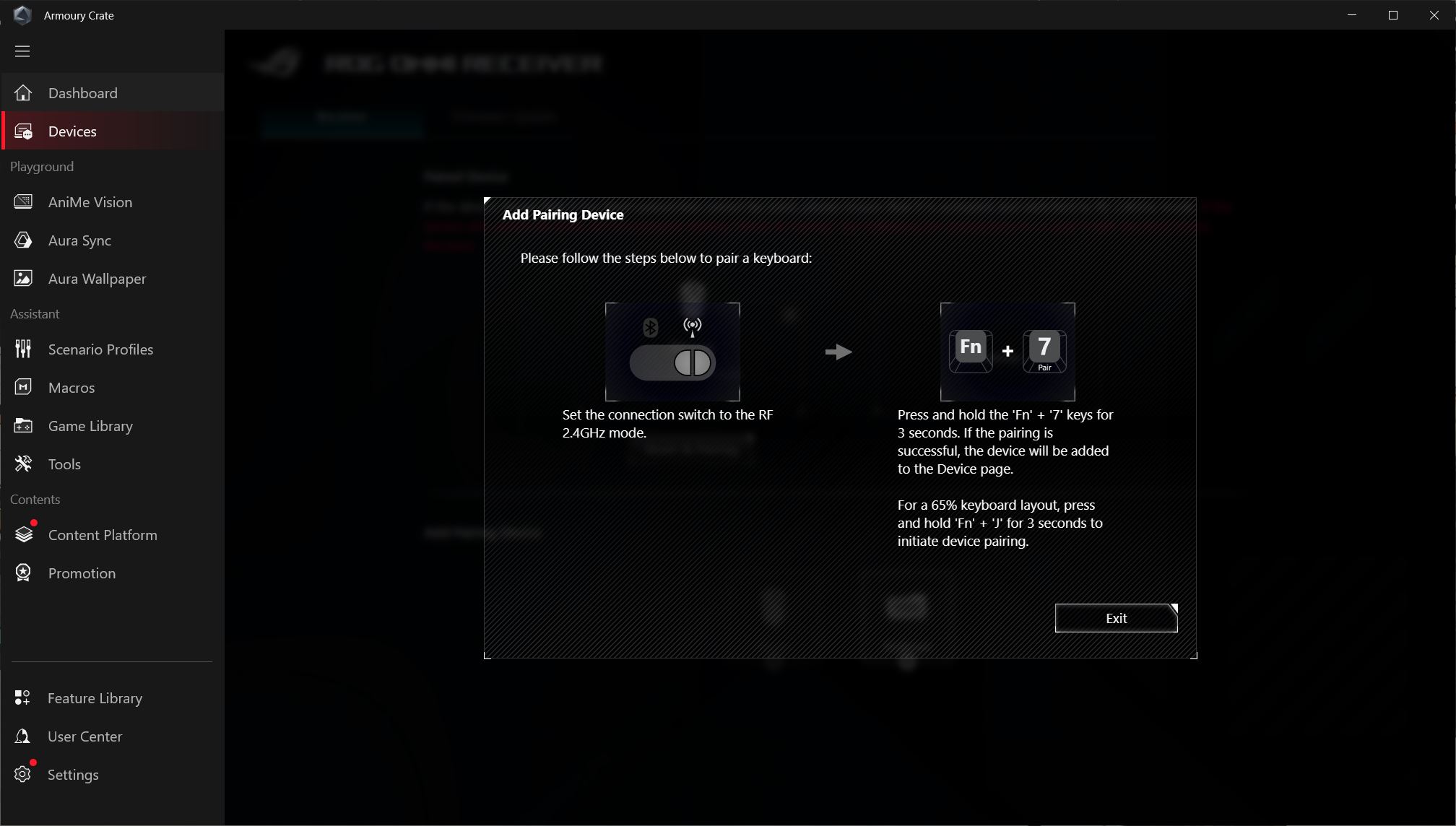
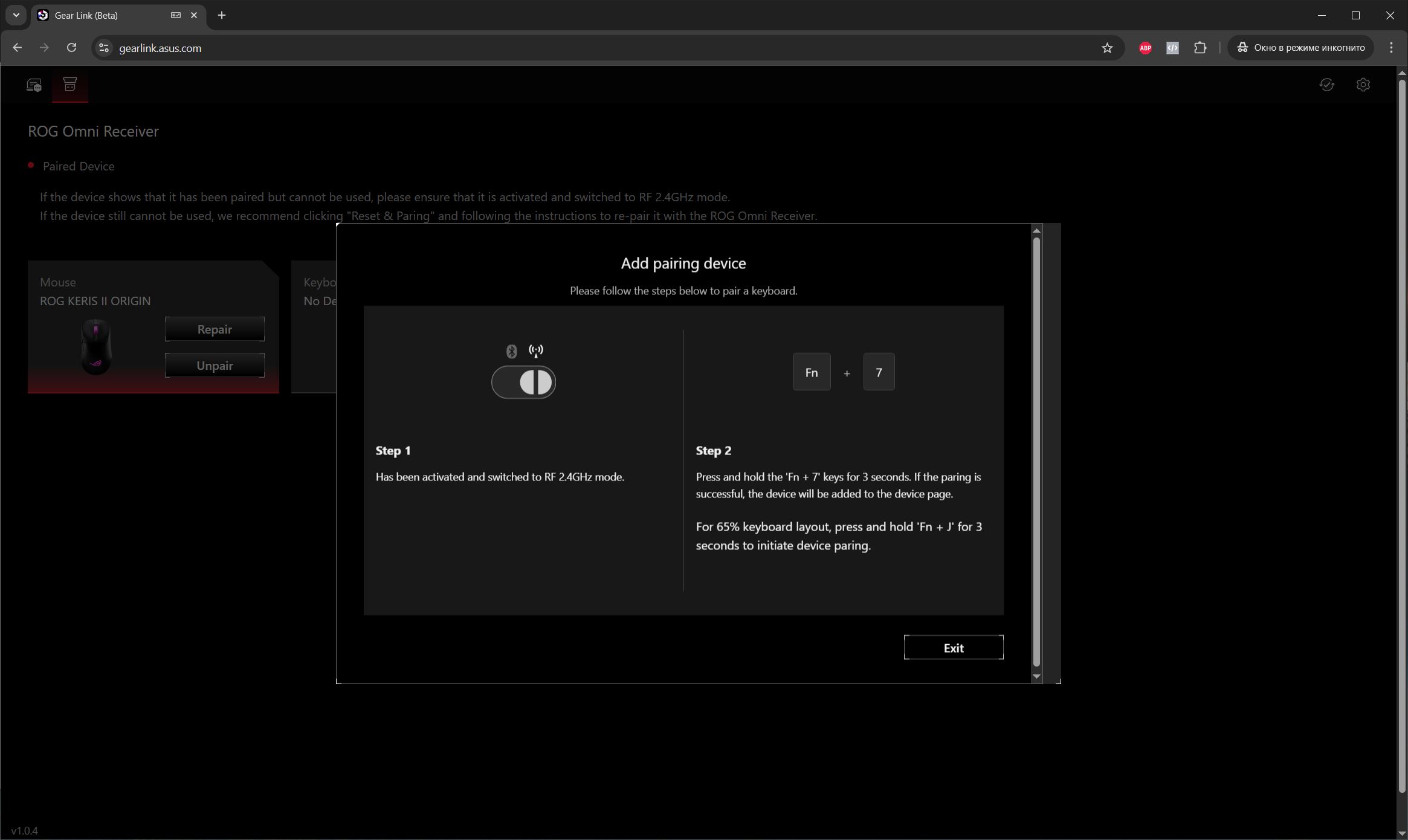
ROG Omni Receiver is a technology that allows multiple ASUS wireless devices to connect simultaneously to a single 2.4 GHz RF adapter. For example, you can pair the Keris II Origin mouse with any compatible ASUS wireless keyboard using this technology, helping to save available USB ports on your PC. The only limitation is that the polling rate for both devices will be capped at 1000 Hz.
Read also:
- ASUS TUF Gaming H1 Gen II Gaming Headset Review
- TUF Gaming K3 Gen II Review: ASUS’s Most Affordable Gaming Keyboard
Proprietary software
You can customize the mouse using ASUS’s Armoury Crate software or directly through the Gear Link website in a browser. Most users familiar with ASUS devices likely know Armoury Crate, though many criticize it for being bulky, overloaded, and sluggish in recent updates. With the introduction of Gear Link, you no longer have to install Armoury Crate – you can configure the mouse right in your browser. To my knowledge, the ROG Keris II Origin is only the second ASUS device to support this feature; the first is the new ROG Azoth X keyboard, which was recently released and will be reviewed soon. In this section, I’ll cover both the app and the web interface for mouse settings, starting with the app.
When you first connect the mouse and wireless receiver to your PC, the software automatically initializes the devices and immediately displays them in the app’s device list.
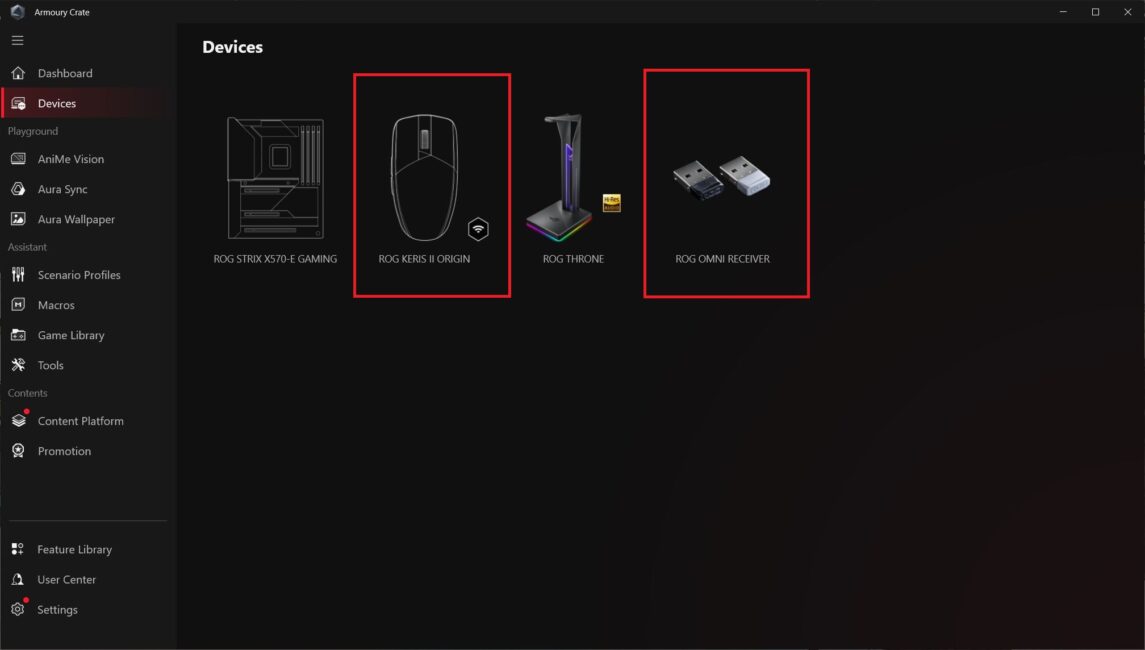
There are few settings for the wireless receiver. Essentially, within the app, you can only update its firmware and connect additional devices that support ROG Omni Receiver.


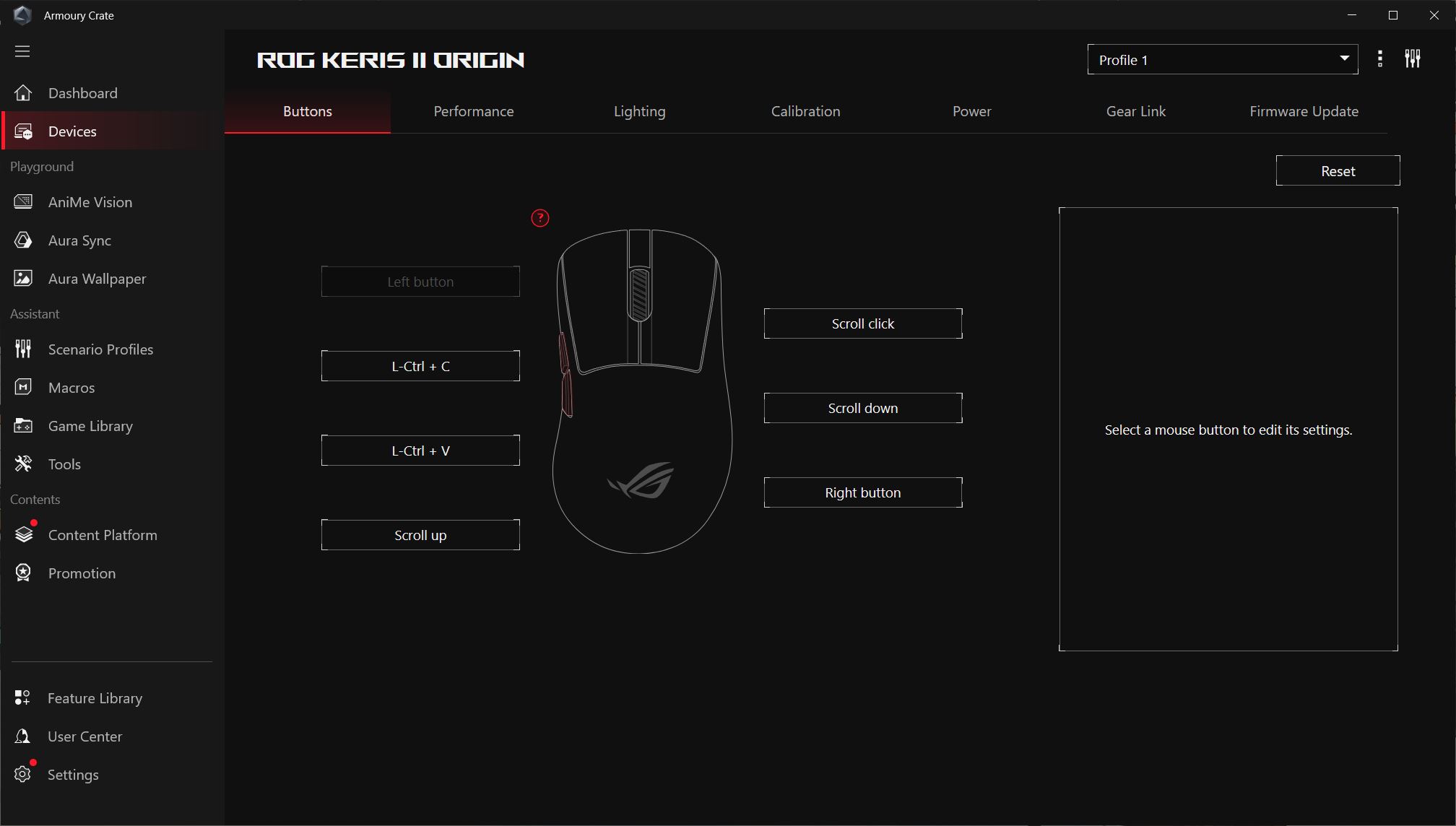
As for the mouse settings, the menu follows the standard layout commonly seen in other ASUS models: buttons, performance, lighting, calibration, power management, and firmware updates.
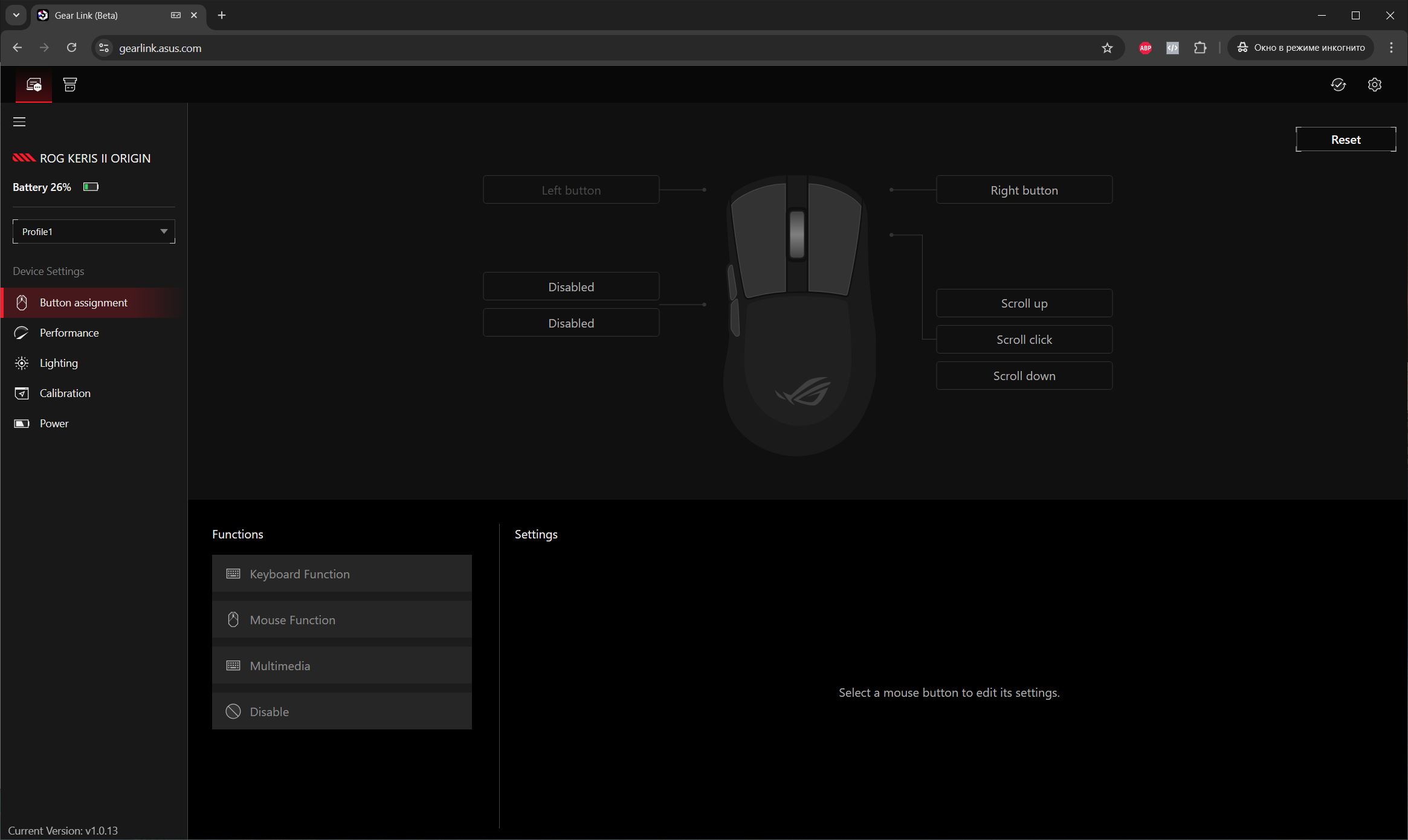
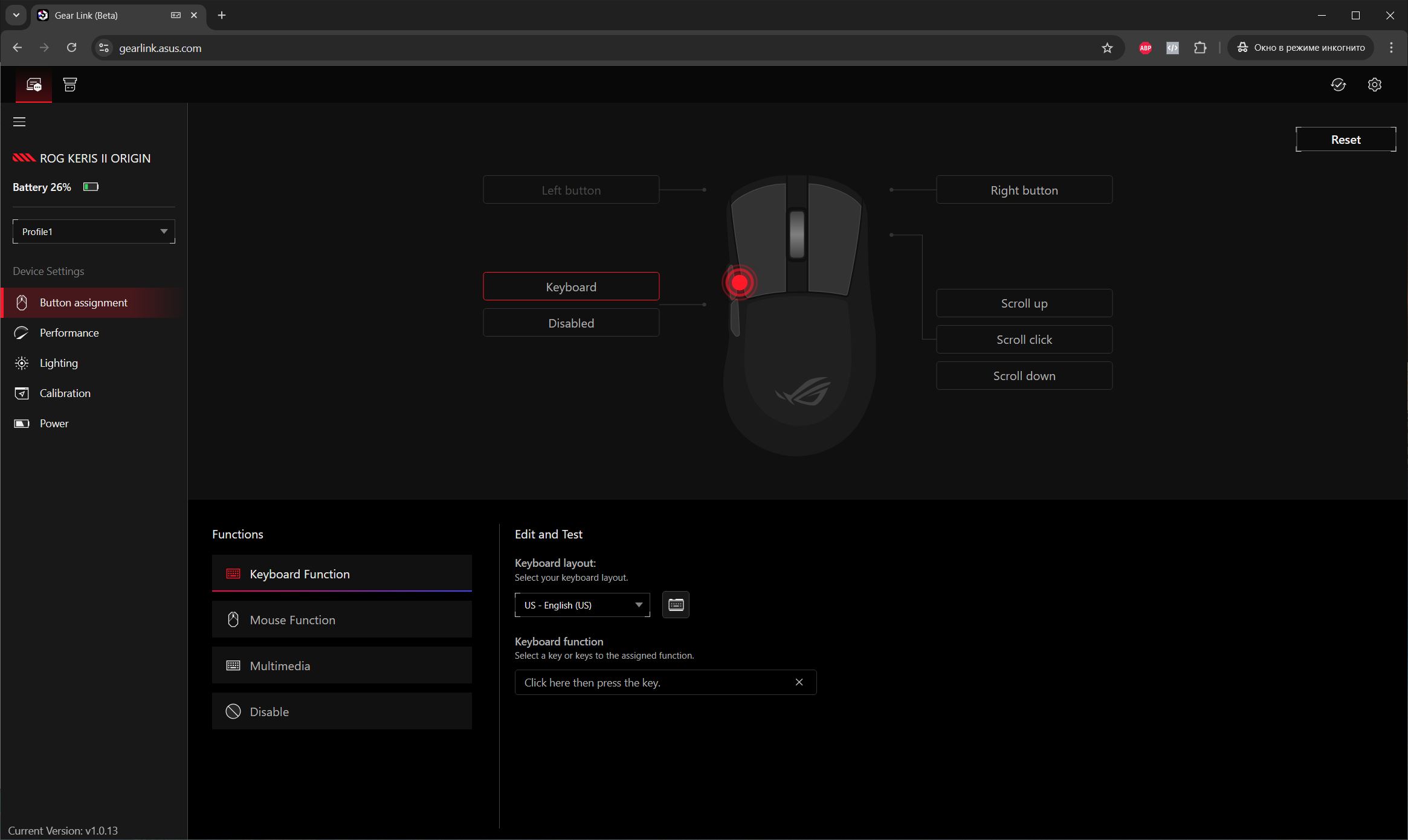
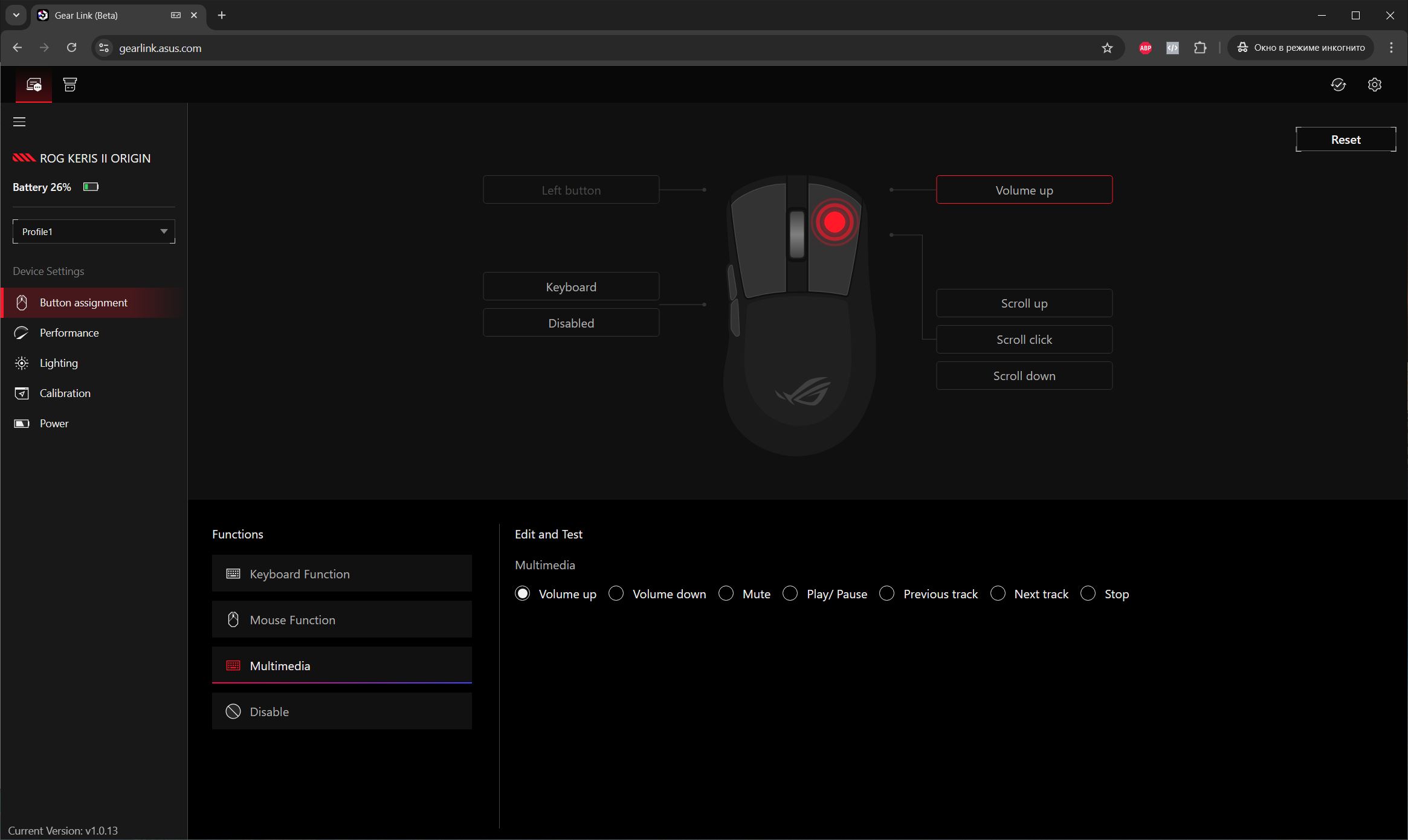
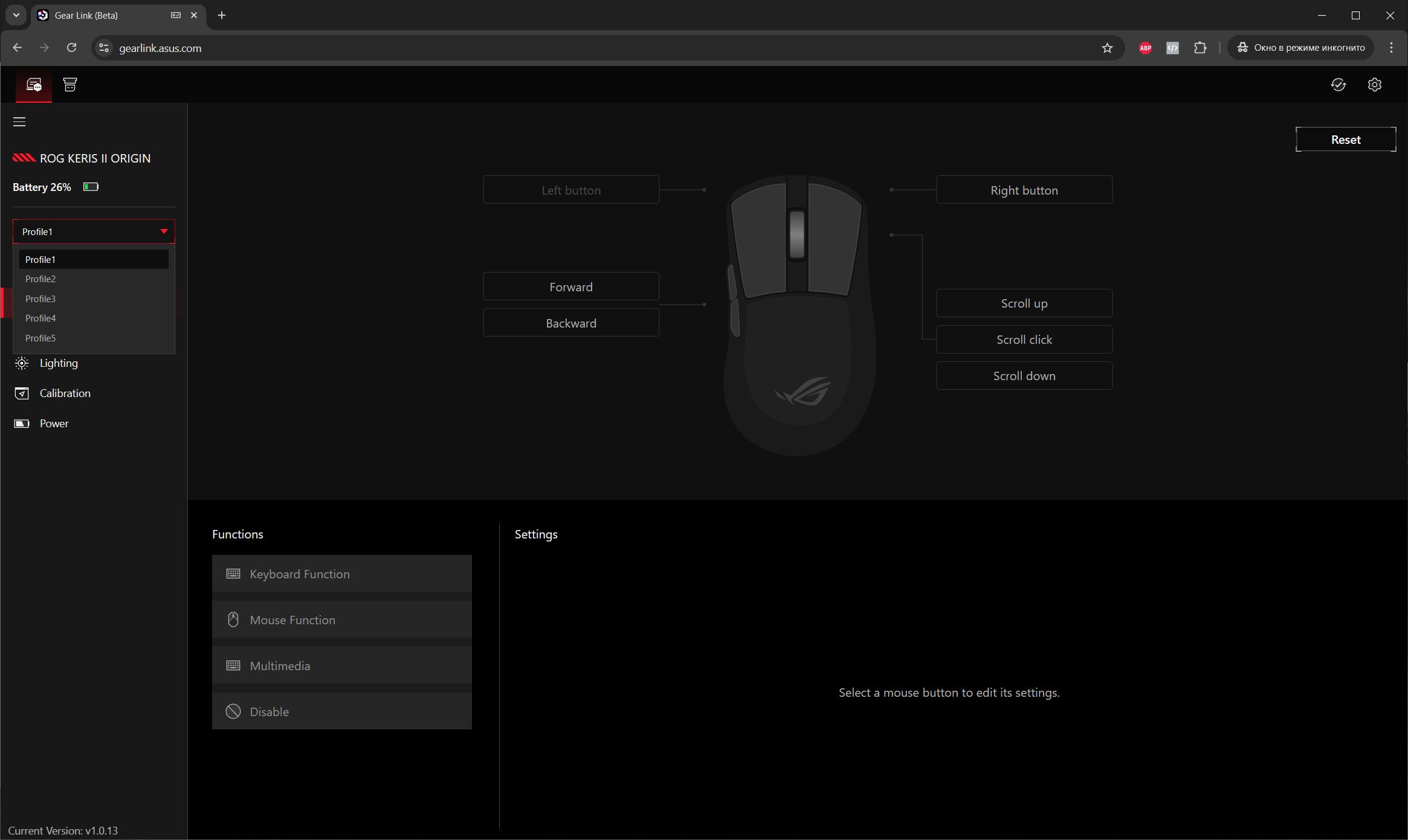
In the buttons menu, you can customize and remap the mouse buttons. It also allows assigning macros, hotkeys, Windows functions, and media controls.


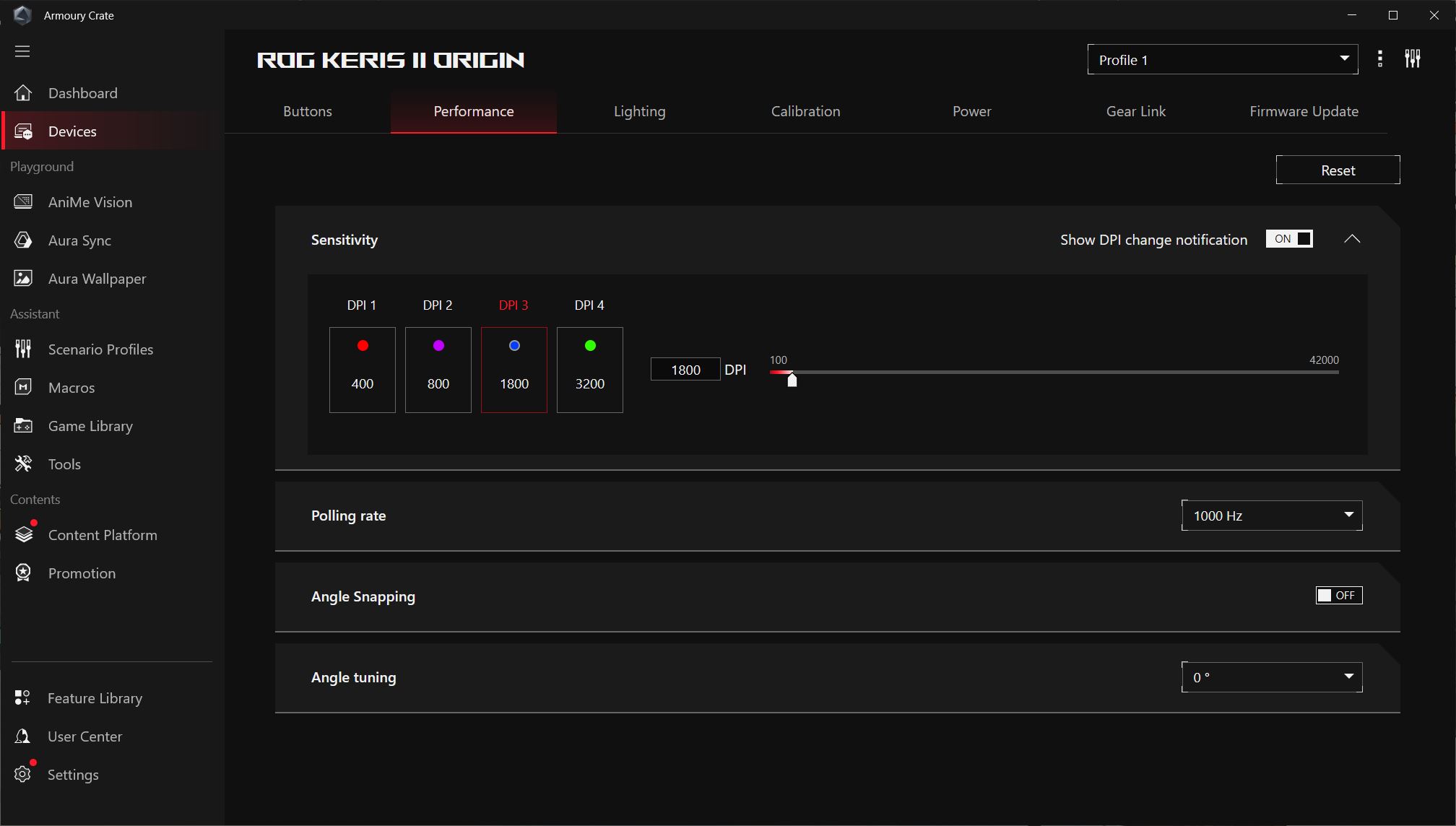
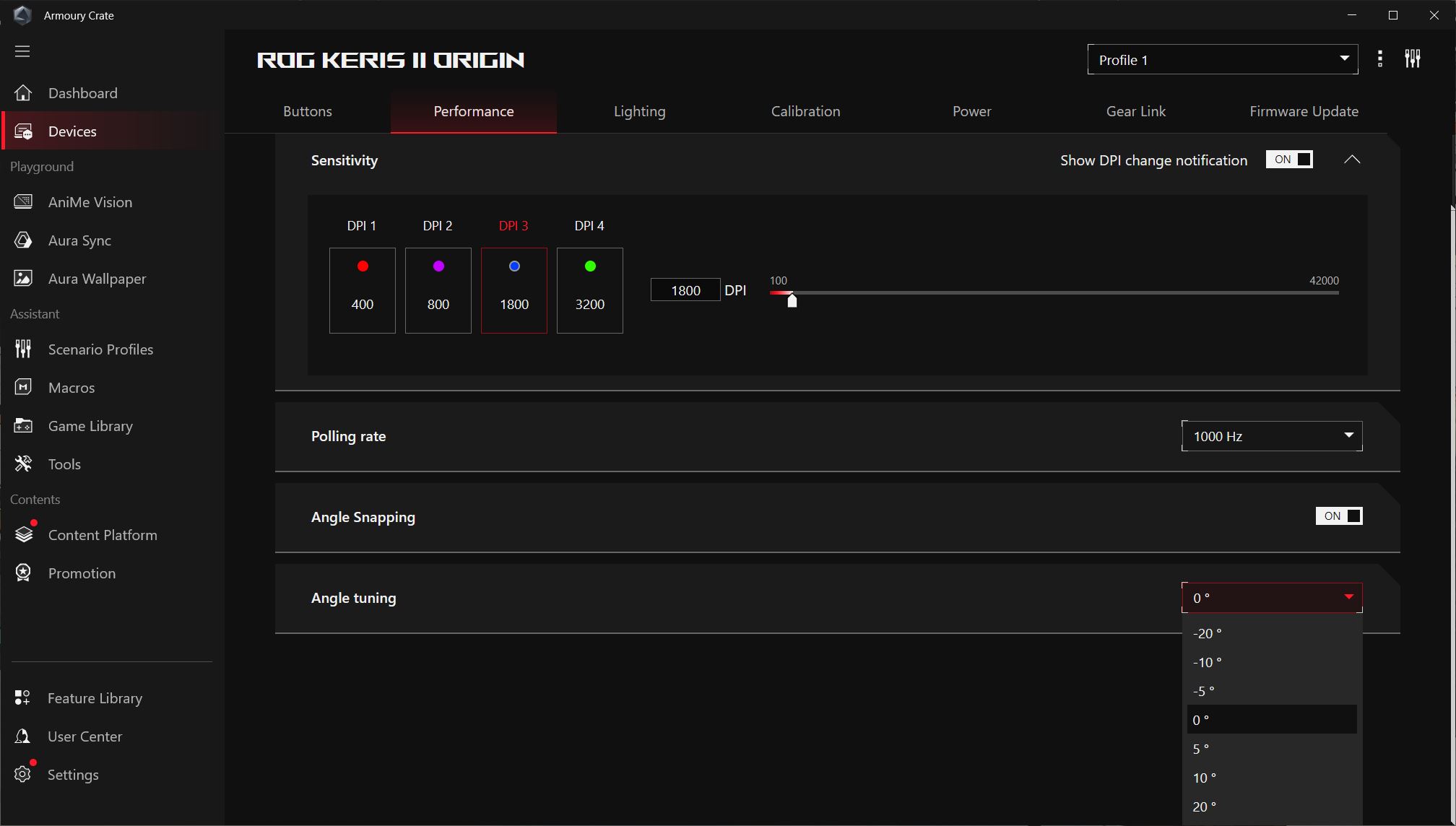
The performance menu lets you adjust DPI levels, polling rate, and angle snapping.

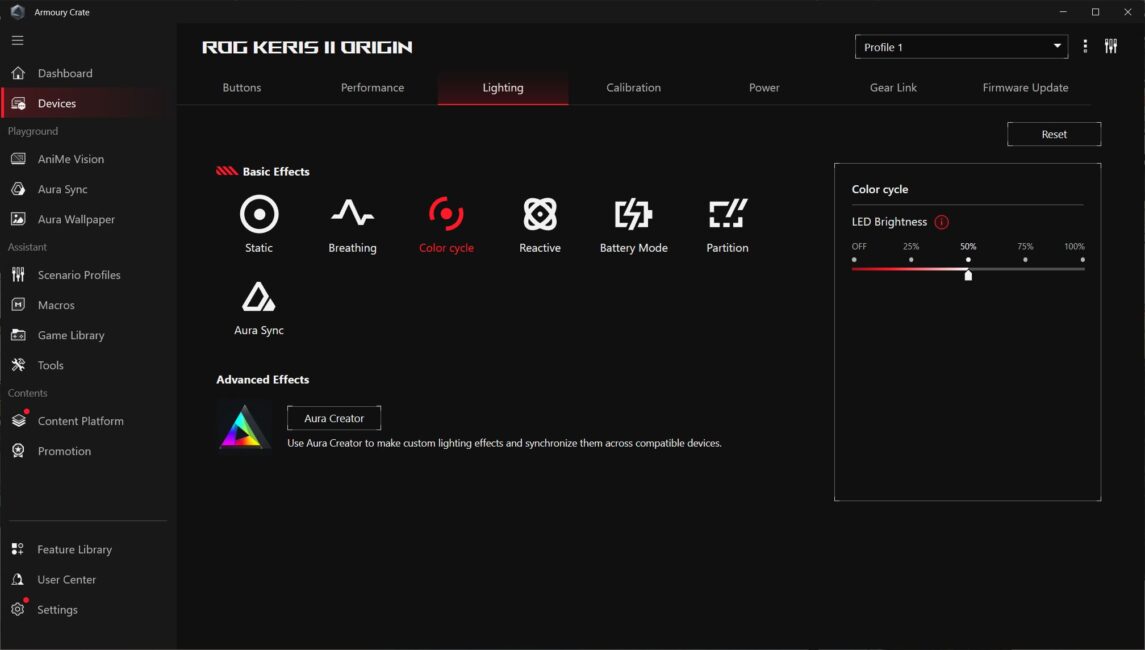
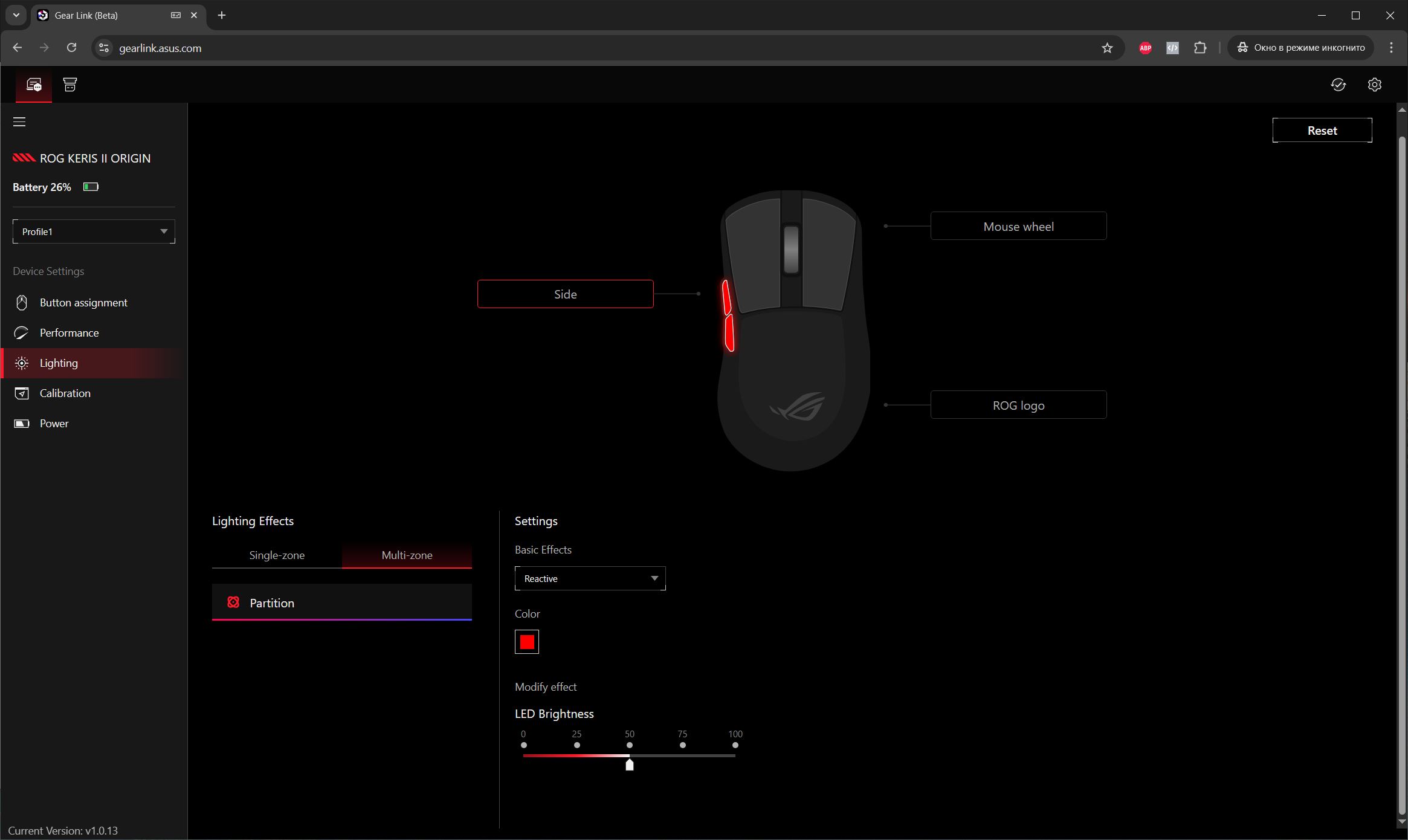
The lighting menu controls the mouse’s illumination. Interestingly, the app doesn’t allow customizing each of the three lighting zones separately – any changes apply to the entire mouse. However, the Gear Link web interface does offer the option to configure each zone independently.
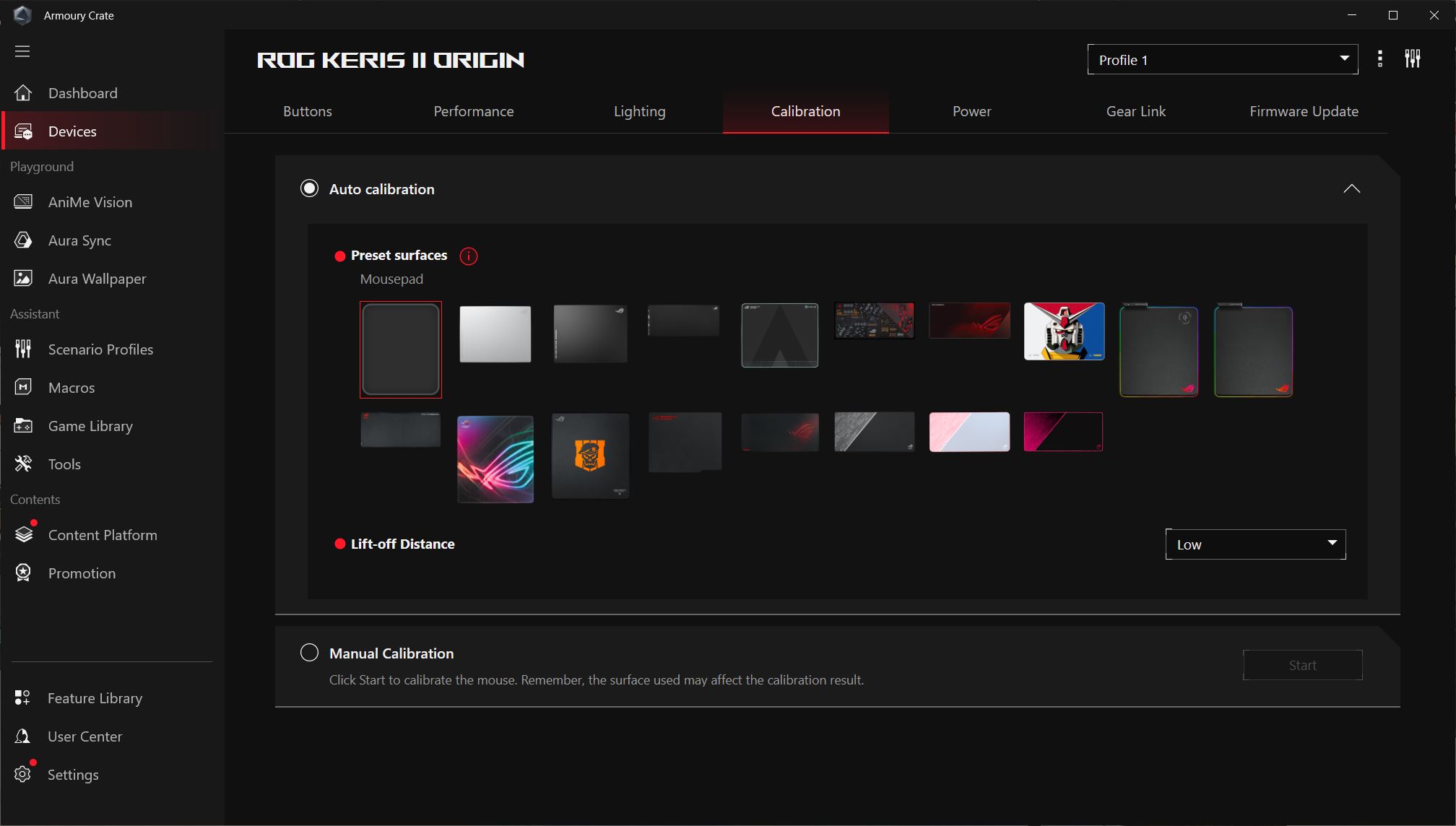
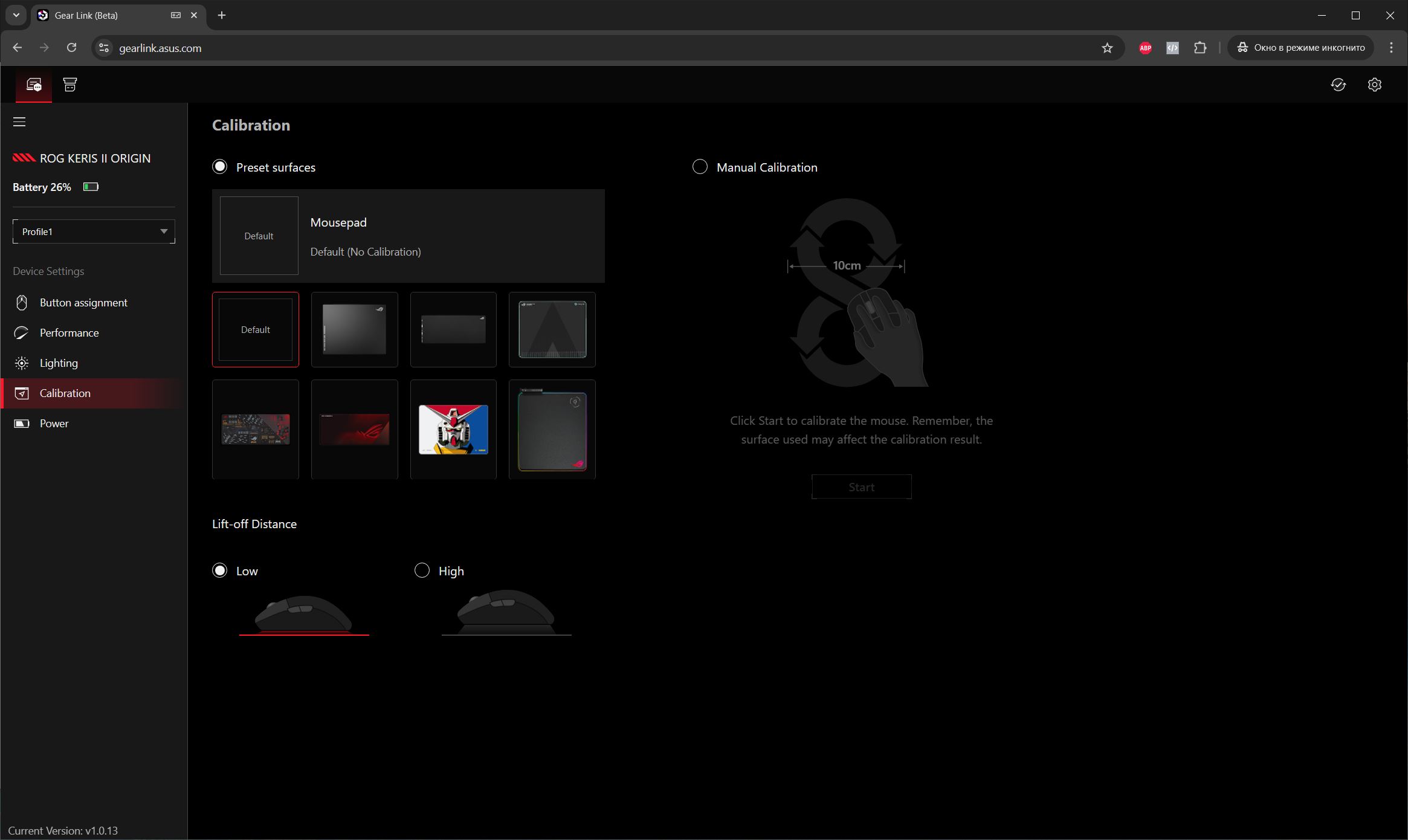
The calibration menu allows you to fine-tune the mouse sensor for different surfaces. ASUS provides preset calibration options for specific surfaces, and you can also manually calibrate the mouse to your own surface. Additionally, lift-off distance can be adjusted.

The power menu includes all battery-related settings: charge percentage, time before entering sleep mode, low battery indicator settings, and more.



The Gear Link menu contains only a link to the website where you can configure the mouse without installing the software. We’ll cover Gear Link separately.

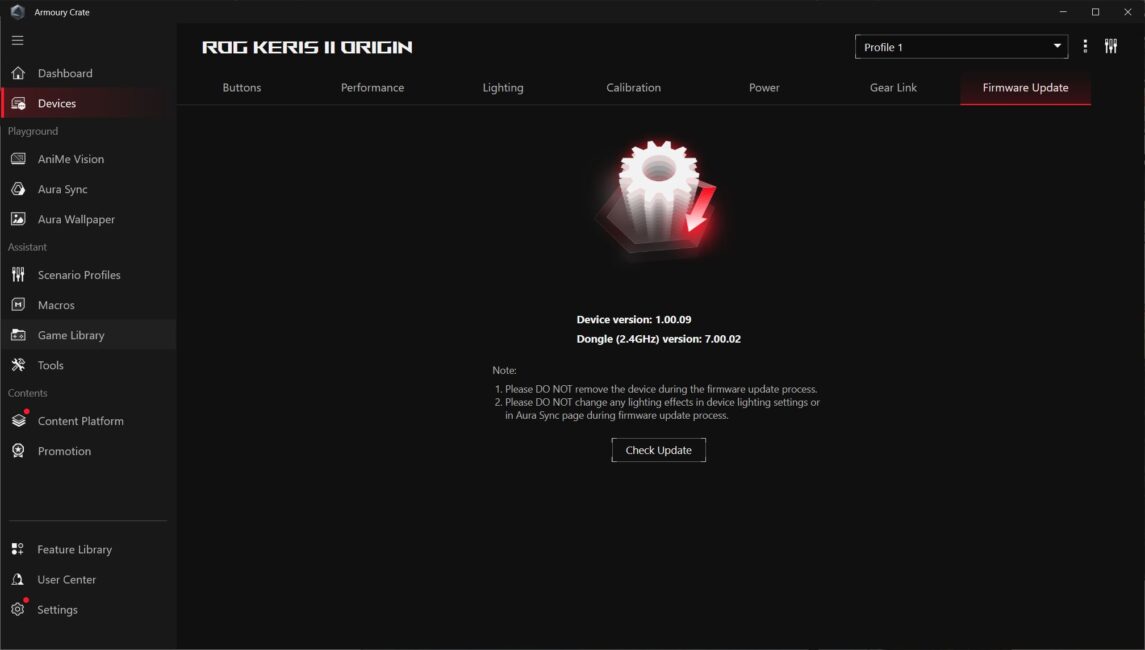
The final menu allows you to check for new firmware updates for the mouse.
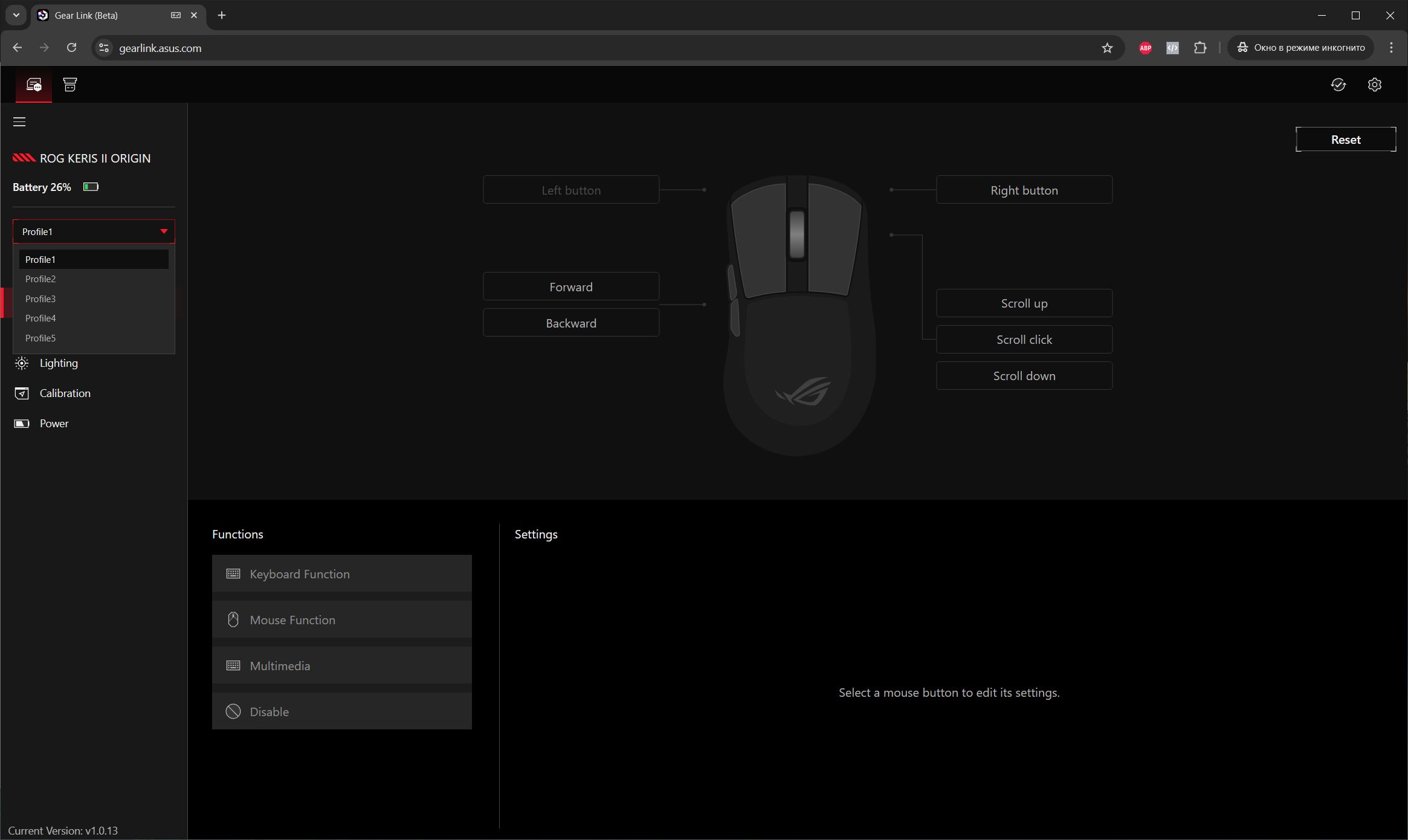
Now let’s take a closer look at Gear Link, which essentially replaces the PC software entirely – something many users will likely appreciate. You visit gearlink.asus.com, allow the site to connect to the mouse, and then you can access its settings along with those for the Omni Receiver. Notably, the mouse doesn’t need to be physically connected to the PC via cable to configure it in Gear Link, which is quite convenient.


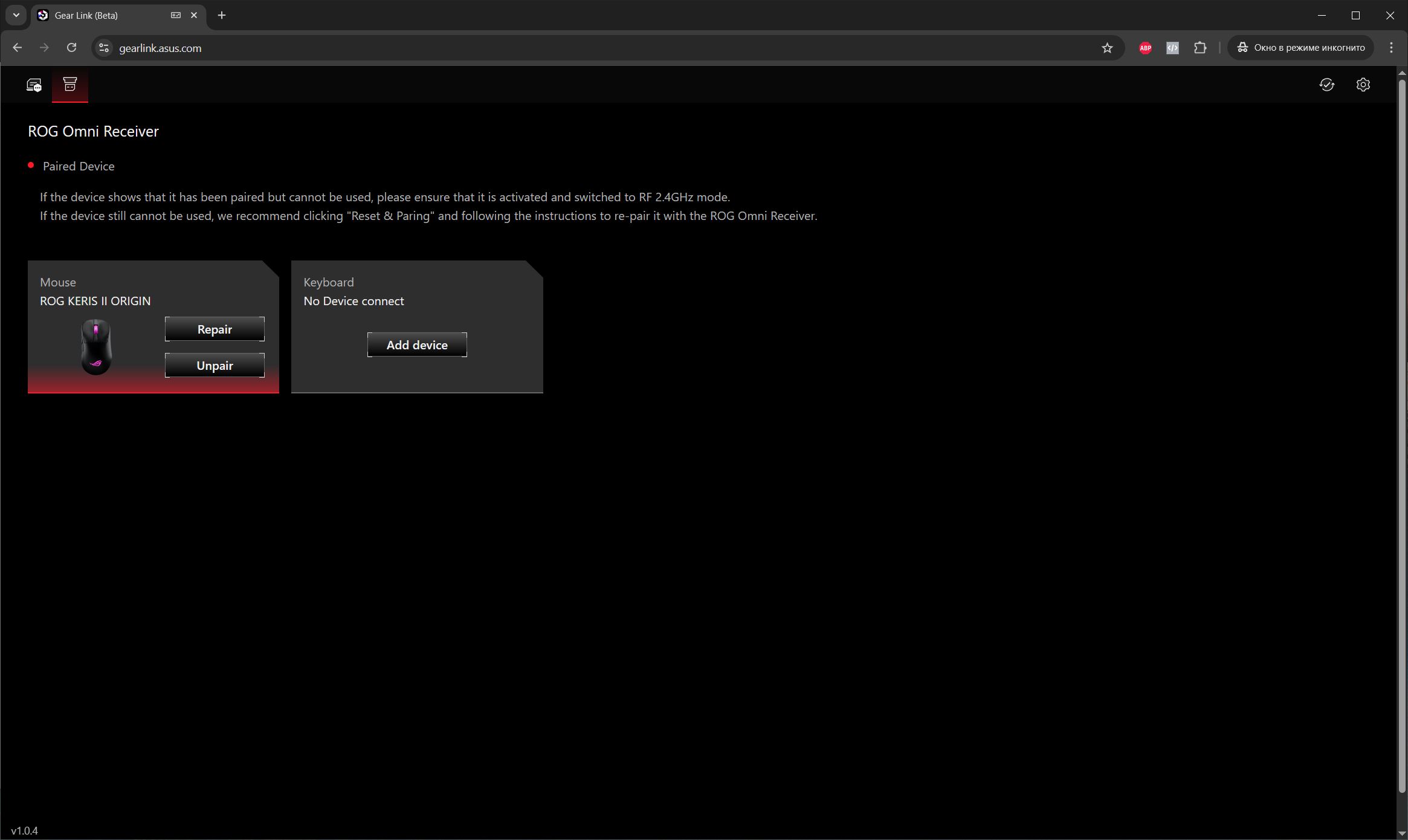
The settings in Gear Link almost entirely mirror those available in the app. There’s no need to list them all again, so I’ll just show everything with the screenshots below.
Mouse settings





ROG Omni Receiver settings

Gear Link global settings





The main differences between Gear Link and the PC app that I noticed are:
- fewer functions available for the keys
- no synchronization of Aura Sync lighting with other ASUS devices
- the lighting is divided into 3 zones that can be configured together and separately
- key settings made in the PC application are not synchronized with the settings in Gear Link
As you may have noticed, Gear Link is still in beta. Because of this, I expect that the existing issues will be resolved by the final release. Otherwise, the system works fine, and the full functionality of Gear Link is already usable.
Finally, it’s worth mentioning that the Keris II Origin has built-in memory with five fully customizable independent profiles. You can switch between them on the fly using a DPI button combined with the mouse wheel. Essentially, this means you can configure the mouse once to your preferences and then use all the settings without needing the PC application or Gear Link.

ASUS ROG Keris II Origin battery life
The Keris II Origin has excellent battery life. The official ASUS website states:
- Up to 192 hours in Bluetooth mode without backlighting (polling rate 1000 Hz)
- Up to 91 hours in Bluetooth mode with backlighting (polling rate 1000 Hz)
- up to 127 hours in 2.4 GHz RF mode without backlighting (polling rate 1000 Hz)
- up to 82 hours in 2.4 GHz RF mode with backlighting (1000 Hz)
From my experience, a full charge on the mouse lasted me about a week (5 to 7 days, depending on usage intensity). This was with the lighting set to 50% brightness and a sleep mode activation time of 5 minutes, running at the standard 1000 Hz polling rate. Naturally, using an 8000 Hz polling rate would reduce battery life, but I can’t say by how much exactly. ASUS does not provide this information on their website, and I didn’t have the ROG Polling Rate Booster adapter on hand while writing this review.
By the way, the mouse charges relatively quickly: it reaches 58% in 28 minutes, and a full charge takes about 1 hour and 46 minutes.
Conclusions
The updated ROG Keris II Origin is a solid product. It features modern hardware, a well-established shape, a comfortable and pleasant material finish, and satisfying main button clicks. The design is straightforward, battery life is impressive, and it supports hot-swappable switches, Gear Link, and an 8000 Hz polling rate. Importantly, the price remains reasonable considering these features.
The only potential drawback of the ROG Keris II Origin is its weight. Honestly, I would have preferred it to be a bit lighter. That said, after a day or two, you do get used to it. Aside from that, the mouse is quite pleasant and comfortable to use. Overall, it’s a solid recommendation for gamers who prefer an ergonomic shape or who liked the Zowie EC2.
Read also:
- Cougar Overlord Recliner Chair Review: Pushing the Limits
- How to Use Microsoft PowerToys
- Logitech MK250 Wireless Combo Keyboard and Mouse Review
Where to buy ASUS ROG Keris II Origin


