





© ROOT-NATION.com - Use of content is permitted with a backlink.
Recently, we published a review of the YUNZII B75 PRO MAX mechanical keyboard. Today, I will cover another new release from the same B series. This time, it is the YUNZII B98 PRO, a model introduced by the brand this year. It is an updated and improved version of the base YUNZII B98. In the new keyboard, the battery capacity has been doubled, and the internal architecture has been refined to deliver a smoother and more “creamy” typing experience. However, the main highlight of the device is a themed rotary knob shaped like a small silicone cat. This feature is likely the reason the keyboard carries the additional “Cat Theme” designation.
Look also our post collection: Gaming keyboard reviews
TABLE OF CONTENTS:
Specifications
- Form factor: 96%
- Key layout: ANSI (100 keys)
- Connectivity: wireless (2.4 GHz RF, Bluetooth), wired (USB-A to USB-C)
- Polling rate: 1000 Hz
- Switches: YUNZII Milk V2 Linear Switch, YUNZII Candy Linear Switch
- Hot-swap: supported (5-pin / 3-pin)
- Anti-ghosting: full (N-Key Rollover)
- Form factor: 96%
- Key layout: ANSI (100 keys)
- Connectivity: wireless (2.4 GHz RF, Bluetooth), wired (USB-A to USB-C)
- Polling rate: 1000 Hz
- Switches: YUNZII Milk V2 Linear Switch, YUNZII Candy Linear Switch
- Hot-swap: supported (5-pin / 3-pin)
- Anti-ghosting: full (N-Key Rollover)
- Construction: Gasket Mount
- Casing material: plastic
- Keycaps: Double-Shot PBT, Cherry profile
- Backlighting: RGB key backlighting (SMD LEDs), indicator on the chassis, Type-C port backlighting
- Configuration software: QMK / VIA
- Compatible platforms: Windows, Mac, Android, iOS, Linux
- Battery: 8000 mAh
- Battery life: 42 hours with backlighting, 260 hours without backlighting
- Cable: detachable USB-A to USB-C with paracord braiding, 1.8 m
- Dimensions: 414.07 × 142.38 × 49.27 mm
- Weight: 1161 g
- Colours: Pink, Blue, Beige, Black
- Package contents: keyboard, 2.4 GHz RF wireless adapter, USB-A to USB-C cable, replacement roller, dual puller, two spare switches, dust cover, additional keycaps, user manual.

Positioning and price
To understand the positioning of the YUNZII B98 PRO, it is useful to briefly describe the B series itself. In short, the YUNZII B-SERIES is a lineup of well-built custom mechanical keyboards housed in plastic cases and offered at relatively accessible price points. These are not the cheapest models in YUNZII’s catalog, but they are also far from the most expensive. The series typically features solid build quality with a gasket mount structure, a classic retro-inspired design language, multiple layout options, a satisfying typing feel, hot-swap support, and decent battery life. This is broadly how the entire series can be characterized, including the YUNZII B98 PRO model in particular.

As previously noted, the new B98 PRO is an upgraded version of the base model YUNZII B98. The main distinguishing feature is the inclusion of cat-themed design elements. However, these are limited in scope – essentially consisting of a themed roller and a small number of decorative accents on the case. The keyboard is priced on the official YUNZII website at $92 / €79. On AliExpress and Amazon, it can typically be found at slightly lower prices. Current store links are provided below.
Packaging
The keyboard is supplied in a cardboard box, which traditionally consists of two parts: a stylized outer sleeve and an inner cardboard box containing the main contents.


The contents of the package can generally be described as standard. In addition to the keyboard itself, the set includes:
- 2.4 GHz RF wireless adapter
- detachable USB-A to USB-C cable
- replaceable roller
- dual keycap puller
- two spare switches
- dust cover
- additional keycaps
- user manual

The charging cable is 1.8 meters long. It features a well-made braided fabric sleeve, a branded Velcro strap, and a ferrite core filter at one end. It is quite flexible: it bends easily and returns to shape without issues. Overall, it is a well-made cable.

The replaceable roller is fairly standard. The themed version – shaped like a cat’s head in my case – was already installed on the keyboard out of the box. This is probably where it’s reasonable to say: it is the best roller I have personally encountered in keyboards, both in terms of design and materials as well as in its functional behavior (rotation smoothness). There is, however, one drawback: the soft-touch coating tends to attract dust quite strongly (this is clearly visible in photos). Otherwise, it is an excellent roller.


The puller is standard and dual-ended. One side features keycap removal hooks, while the other serves as a switch puller. The keycap hooks are of adequate length, making it convenient to remove even longer keycaps. Overall, it is a functional and well-executed tool.

The spare switches are the same as those used in the keyboard itself. In my case, these are the proprietary YUNZII Milk V2 Linear Switch switches.

The dust cover was not included in my package, as you can see. However, the official YUNZII website states that it should be part of the standard комплект.

The additional keycaps are intended for the Enter key and the arrow keys. However, Mac-specific keycaps are not included this time, even though the keyboard supports macOS and YUNZII typically provides Mac replacement keys in similar kits. In this case, their absence is not critical.

The user manual is presented as a standard cardboard fold-out plus a small booklet. These manuals outline all hotkeys and Fn functions, so it is worth reviewing them. As is often the case, many Fn combinations on the YUNZII B98 PRO are implemented in a non-standard way. Both instruction sets include English language support.


Read also:
- YUNZII RT75 PRO Review: Compact Magnetic Keyboard with Gamer-Oriented Design
- YUNZII C98 Cake Meow Keyboard Review: “Сat-and-Cake” Design in a 96% Layout
Design, ergonomics, build quality
At first glance, the B98 PRO appears to largely replicate the design of the base version. However, a closer look reveals several changes. The new model adds a set of function keys to the left of the numpad and introduces a decorative illuminated indicator. In this revision, side lighting has been removed, and the case geometry has been slightly adjusted, resulting in a flatter and more conventional shape. Aside from these changes, the keyboard is externally very similar to the original model.


The B98 PRO is built in a 96% form factor with a standard ANSI layout and includes a total of 100 keys. Its dimensions are 414.07 × 142.38 × 49.27 mm. It is worth noting that this is noticeably larger than the base version.


The case is made entirely of matte plastic. However, the device still feels quite solid and well-assembled. There are no hollow spots or noticeable flex, so the build quality of the B98 PRO can immediately be described as excellent. This is also reflected in its weight – the device weighs 1161 g in total.


Inside, the keyboard uses a gasket-mount structure with gasket-based mounting points and a full set of sound-dampening and cushioning layers designed to provide a softer and more comfortable typing experience. The internal architecture of the new version has also been refined compared to its predecessor. The actual internal layout is clearly illustrated in the screenshot below.

As with the base version, the B98 PRO comes with double-shot PBT keycaps in a Cherry profile. The keycaps are well executed: the plastic is thick and cleanly finished, legends are appropriately sized, and the surface texture is balanced – neither too smooth nor overly grippy. In combination with the stock Milk switches, they provide a notably pleasant typing feel.


The keyboard features full RGB backlighting for the keys, implemented using south-facing LEDs (positioned below the switch). In addition, the switches are equipped with diffuser lenses designed to improve brightness and ensure more even light distribution.

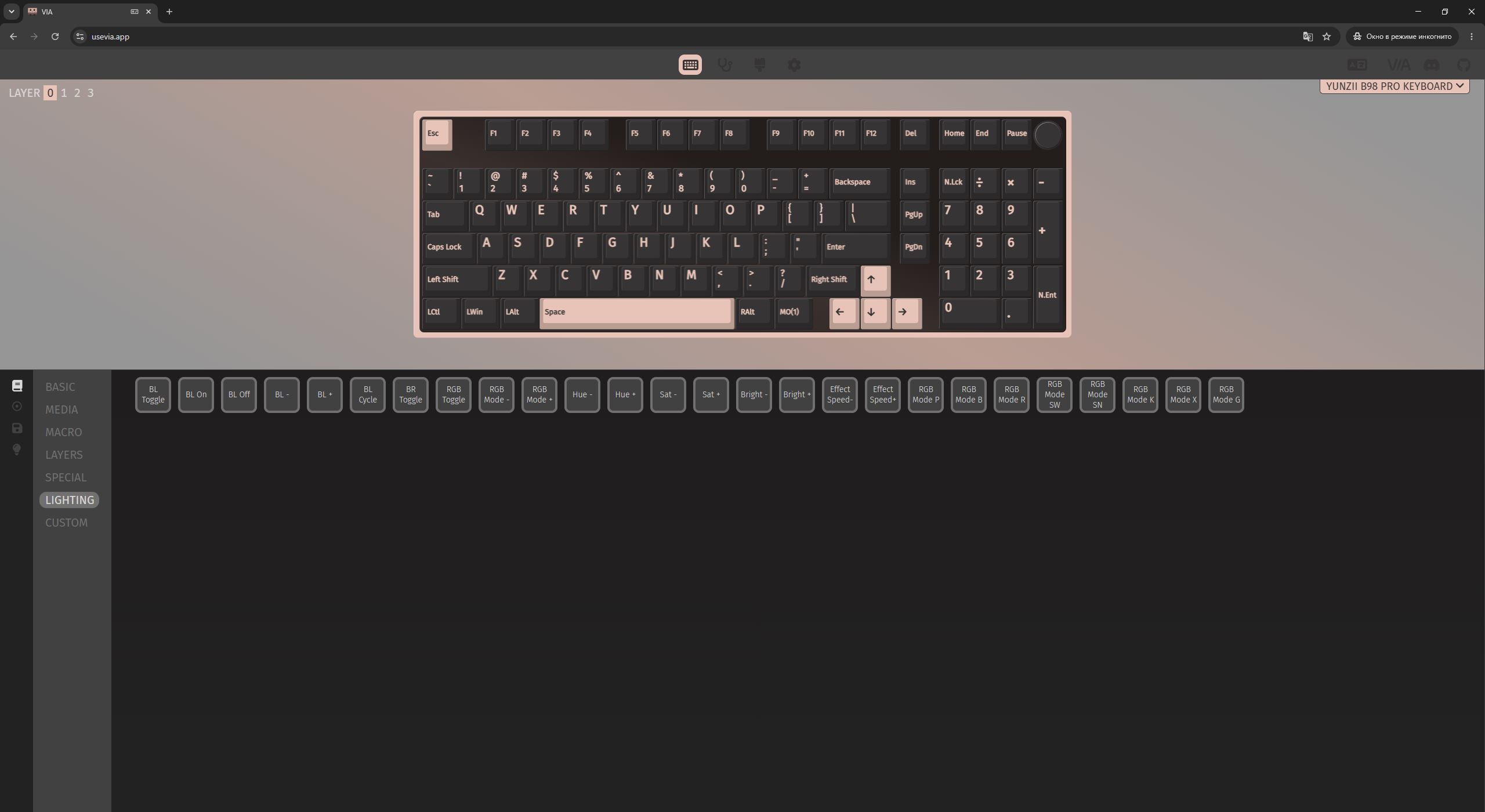
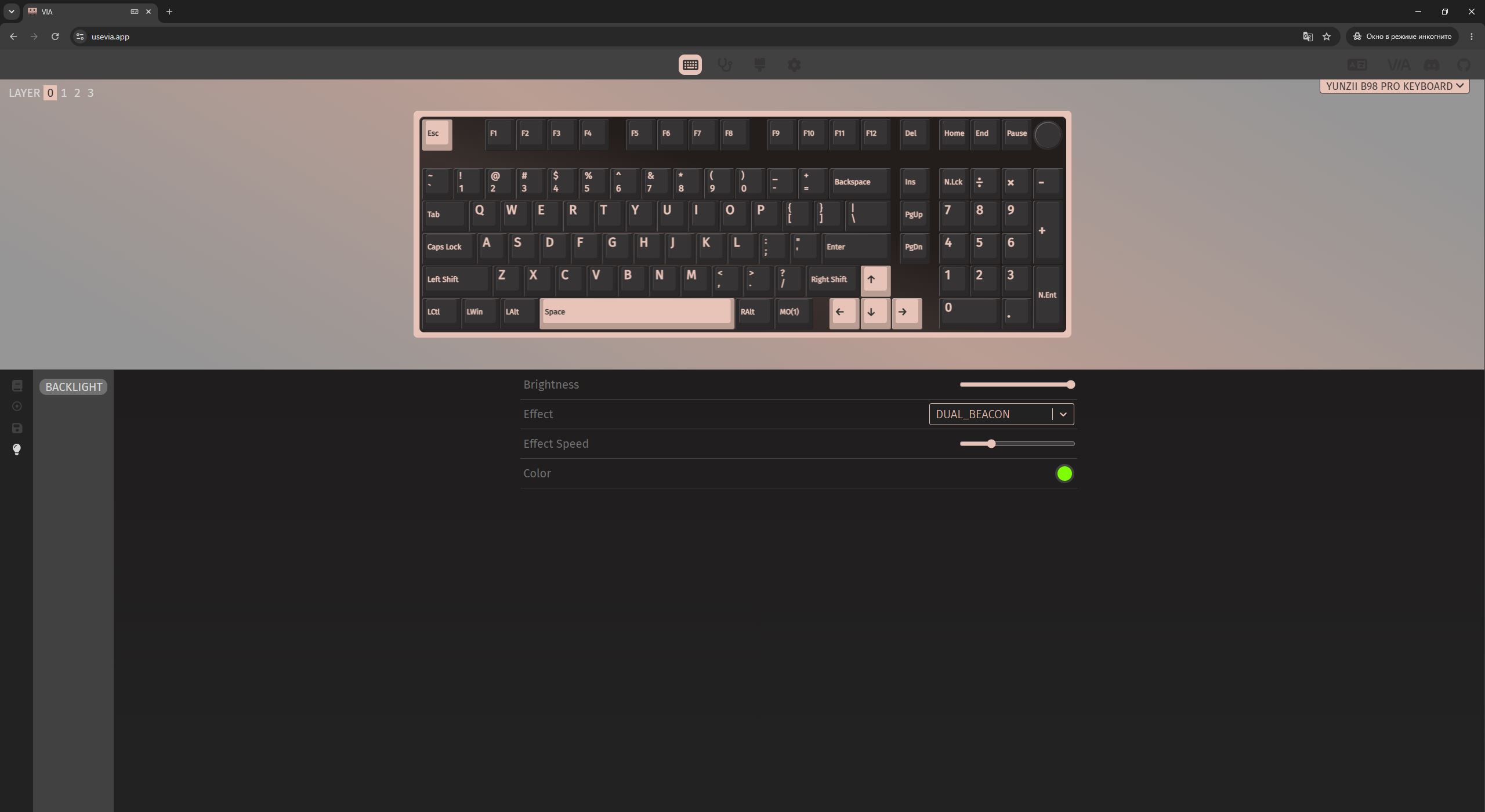
The backlighting here is standard: bright, smooth, and visually pleasant, with a wide range of effects and customization options. It can be controlled directly from the keyboard using Fn function key combinations. The included manual lists all necessary hotkeys, and in VIA the lighting and key mappings can be fully remapped and customized if needed.


There is also a dedicated mode with plain white backlighting. It is activated using the Fn + Tab key combination and, in my view, it pairs particularly well with the black version of the keyboard.

In addition to the keys, certain decorative elements are also backlit. The first is a small indicator integrated into a metal badge with a stylized cat face. This is a separate RGB zone from the key backlighting and can be configured independently. All relevant hotkeys for controlling it are also documented in the manual.

The second decorative lighting element is the Type-C connector for the cable on the top edge. To be honest, this is the first time I have seen a standard port being backlit. I have previously used a SteelSeries Apex Pro, which had a white-lit USB-A port on the chassis. However, seeing full RGB lighting applied to a connector like this is new to me. It looks interesting, but in practical terms it adds little value, since the port is rarely visible during normal use.


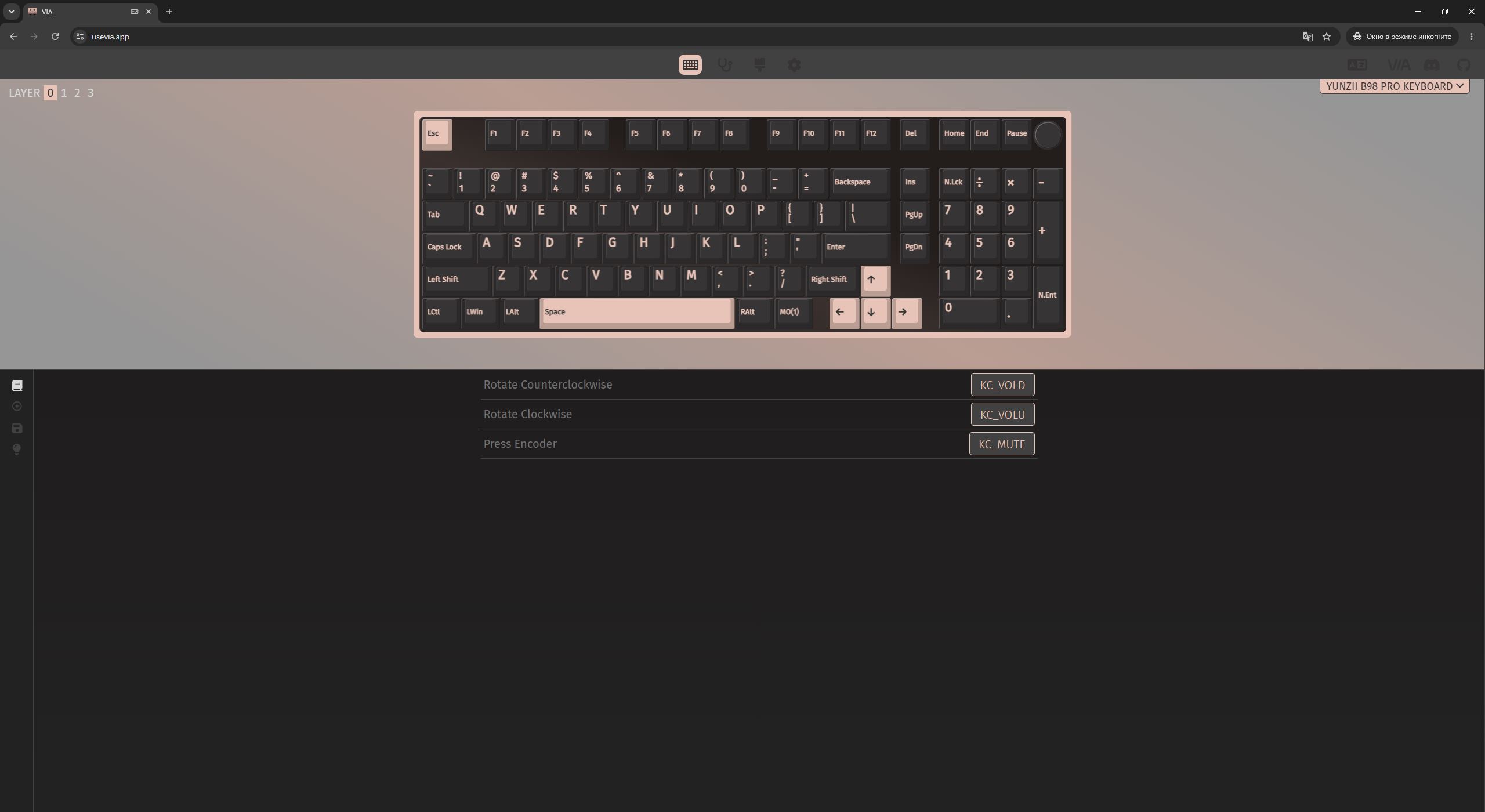
As previously noted, the main feature of the B98 PRO is the themed silicone roller shaped like a cute cat. It is likely the reason the “Cat Theme” designation appears in the product name. The roller has a soft-touch surface and smooth movement with clearly defined step increments. By default, the roller controls volume, but in VIA it can be reassigned to other functions.

Repeating myself, this is the most original and highest-quality roller I have encountered in similar devices. The only drawback is that the soft-touch coating tends to attract dust quite easily. Otherwise, it is a very well-executed solution.

If you don’t like it, that’s not an issue: the roller is detachable and can be easily replaced with the standard round one included in the package.

The bottom side of the keyboard, like the rest of the case, is made of plastic. In the center of the base there is a small metal decorative plate with “ear”-like accents and basic model information. On the sides, there are two-step feet with rubber pads. The feet feel solid rather than fragile, and the keyboard sits on them securely. Under the right foot, there is a magnetic storage compartment for the wireless 2.4 GHz RF dongle.


The front edge and side panels of the new model are clean, with perfectly flat surfaces. The side lighting has been removed in this revision, which, in my view, is a positive change.


On the rear edge, there is, as usual, a USB-C port for cable connection and two toggle switches. One switch is used to change connection modes (RF, USB, BT), while the other selects the operating system mode (Windows / Mac).


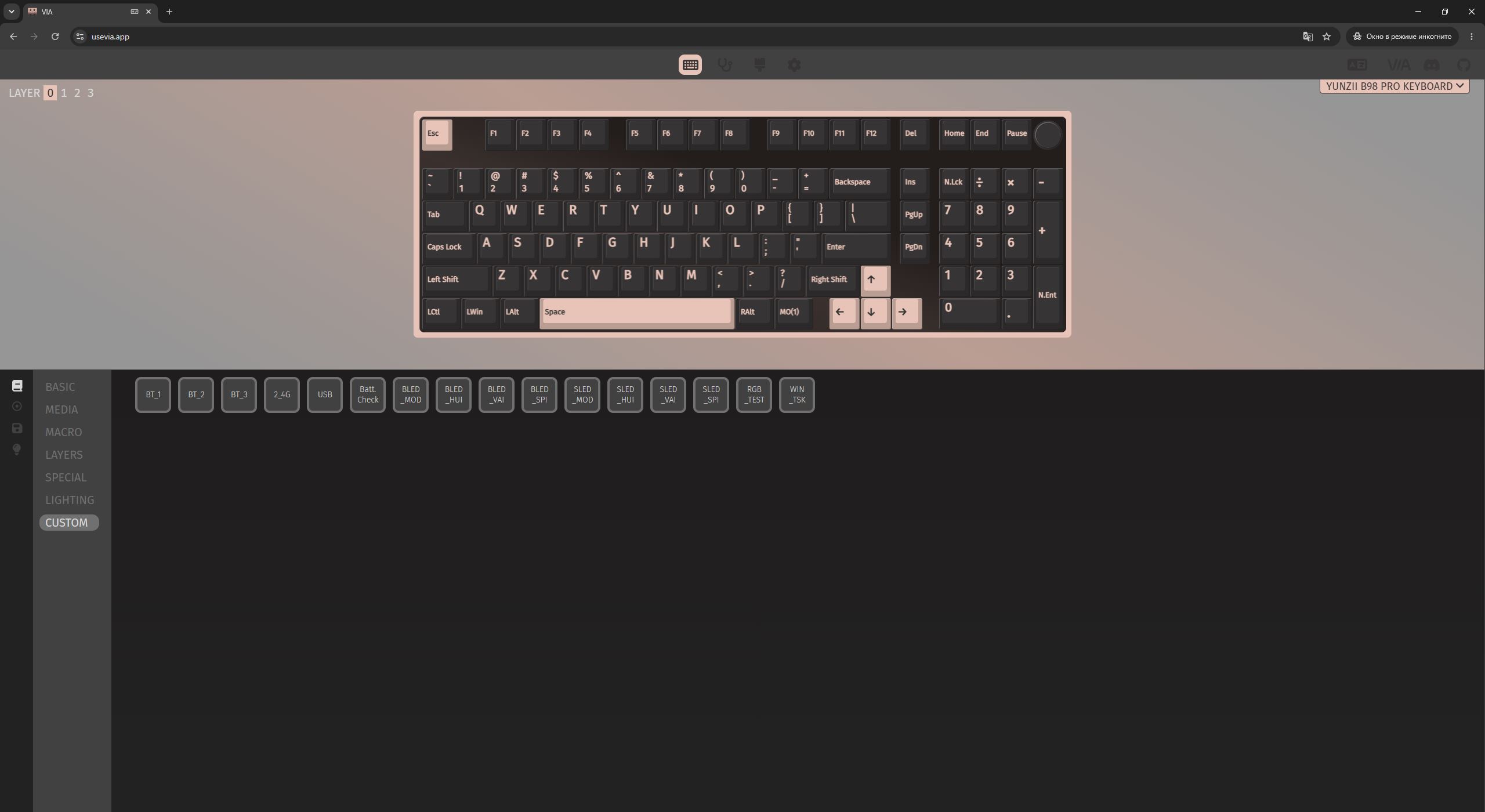
Like most YUNZII models, the keyboard supports macOS and Linux systems. It can also be connected to up to five devices simultaneously: one via cable, one over the 2.4 GHz RF channel, and up to three via Bluetooth. Switching between channels is handled through a physical toggle switch as well as Fn key combinations. The required shortcuts are listed in the manual, and they can also be remapped in VIA if needed.

If the base version offered only two colors, the new model expands the available color range. The YUNZII B98 PRO is available in four color options: pink, blue, beige, and black. The unit I received for review is the black version, while the other variants are shown in the screenshot below.

The keyboard is assembled very well. Despite the plastic case, the device feels solid, heavy, and monolithic. Tapping on the bottom panel reveals no hollow sound. In normal use, there are no creaks, looseness, or flex. Only when intentionally applying a twist test can a slight plastic creaking be heard, which is a typical and generally expected behavior for this type of enclosure.
In terms of ergonomics, there is little to criticize: the keyboard is genuinely comfortable and pleasant to use. The only point worth noting is its height. For users accustomed to low-profile keyboards, the B98 PRO may initially feel somewhat tall. In my case, however, the height and the default typing angle without deploying the feet feel well balanced.

Read also:
- YUNZII B75 PRO MAX Review: Does the Display Make a Good Mechanical Keyboard Better?
- YUNZII C75 Keyboard and YUNZII C1 Mouse Review: Cat-Inspired Design, RGB, and Silicone Anti-Stress
Switches, hot-swap, typing
The new B98 PRO model comes with two types of switches: YUNZII Milk V2 Linear Switch and YUNZII Candy Linear Switch. These are proprietary linear, pre-lubed switches, which I previously covered in more detail in the review of the YUNZII С98 Cake Meow.
The Milk V2 switches are softer, smoother, and quieter. In combination with standard Cherry-profile keycaps, they work very well. The only drawback is a slight key wobble. However, in practice, this does not significantly affect the typing experience.

The Candy switches are a slightly more tactile and more stable option. These switches are, of course, somewhat louder than the Milk V2, but in return they provide more consistent key presses and are virtually free of key wobble.

In short: if you want the softest and quietest typing feel, the version with YUNZII Milk switches is the better choice. If you prefer slightly more tactile and stable key presses, the Candy switches are more suitable. However, the specific switch variant is not particularly critical, since they can be replaced quite easily later on. The B98 PRO, like other YUNZII models, supports hot-swap functionality, allowing switch replacement without soldering. The sockets are standard 5-pin hot-swap sockets, so the keyboard is compatible with both 5-pin and 3-pin mechanical switches.

The stabilizers in the keyboard are plate-mounted type. These are classic stabilizers that attach to the mounting plate rather than being screwed into the PCB. As noted in previous reviews, this design is simpler to maintain – for example, they can be quickly removed for re-lubrication without fully disassembling the keyboard case. In the YUNZII B98 PRO, the stabilizers perform well. All larger keys have the same soft and smooth feel as the standard keys, without rattling, pinging, or other unwanted noise.
The only issue I observed is that larger keycaps sometimes come off together with the switches. The switches fit very tightly into the keycap sockets. Interestingly, the stabilizers themselves always remain in place. This behavior does not occur with single-key caps. If a switch is accidentally pulled out together with a keycap, it is not a problem – simply remove it from the keycap and reinsert it back into the socket.


The keyboard that I received is equipped with Milk switches, and overall I can say that the typing experience is very good. The key feel is soft and smooth, with a pleasant sound profile. In terms of sensation, it feels somewhat like pressing soft, creamy cubes. The only point, as mentioned earlier, is a slight key wobble with the Milk switches. However, I would not say it significantly affects the overall typing experience.
If this aspect is important to you, the version with Candy switches may be a better option, or you can prepare a custom switch set in advance. In my case, even the stock Milk switches were comfortable for gaming, and even more so for typing – especially while writing this review.
Read also:
- Black Friday with YUNZII: Brand Launches Keyboard Sale on Amazon
- YUNZII AL66 (V1) Keyboard Review: Metal Build, Creamy Typing Feel, and Affordable Price
VIA configuration software
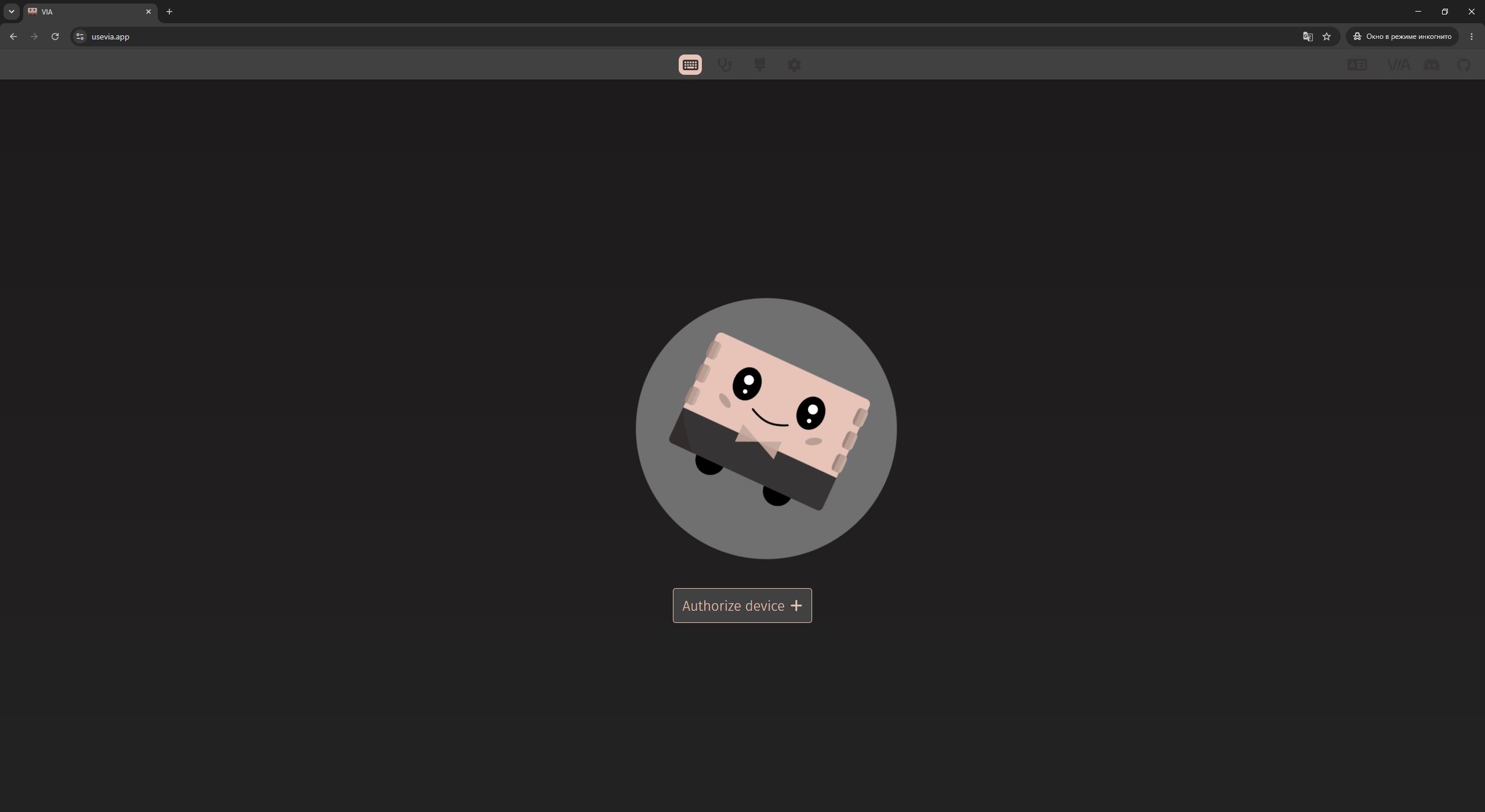
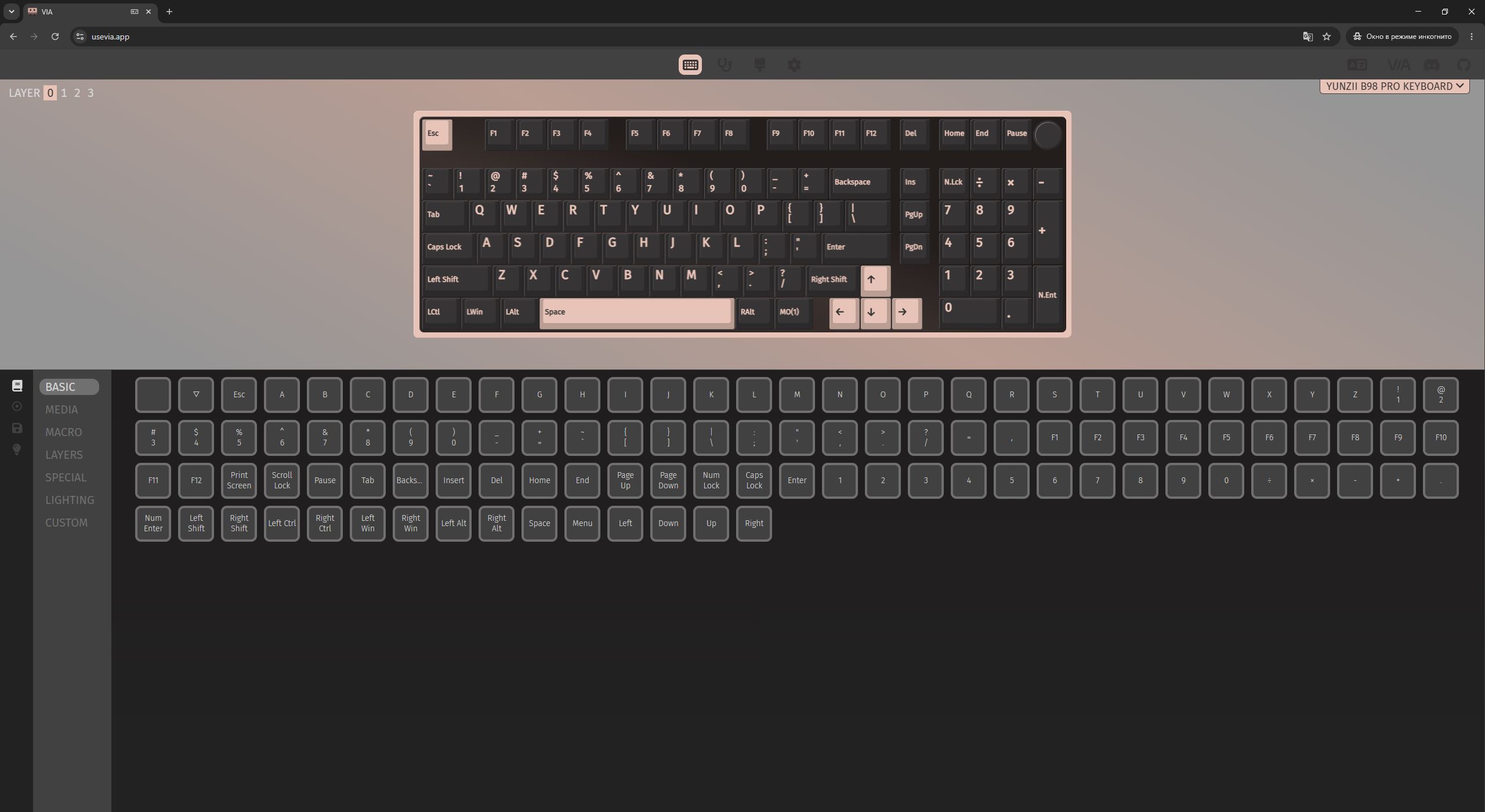
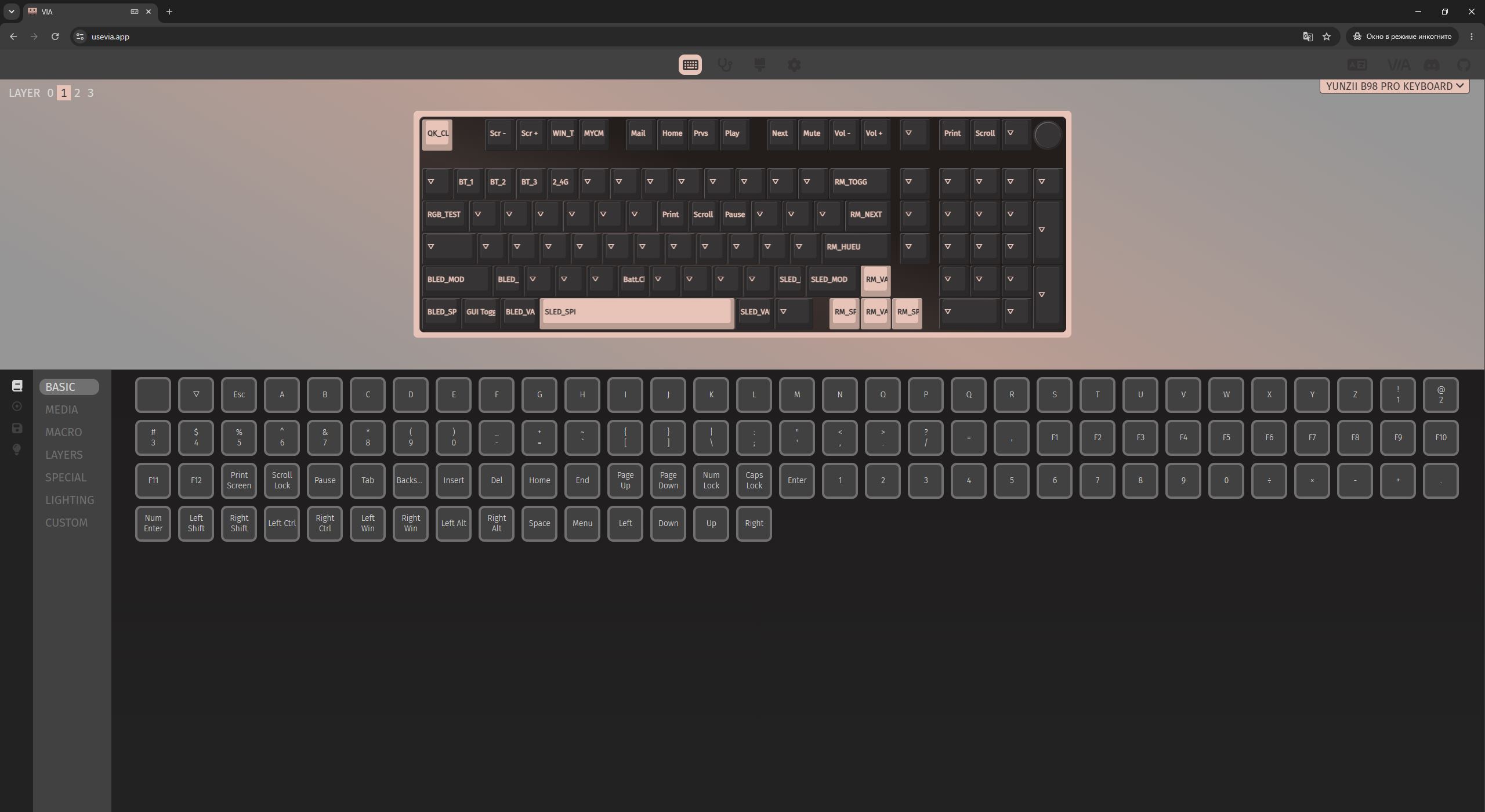
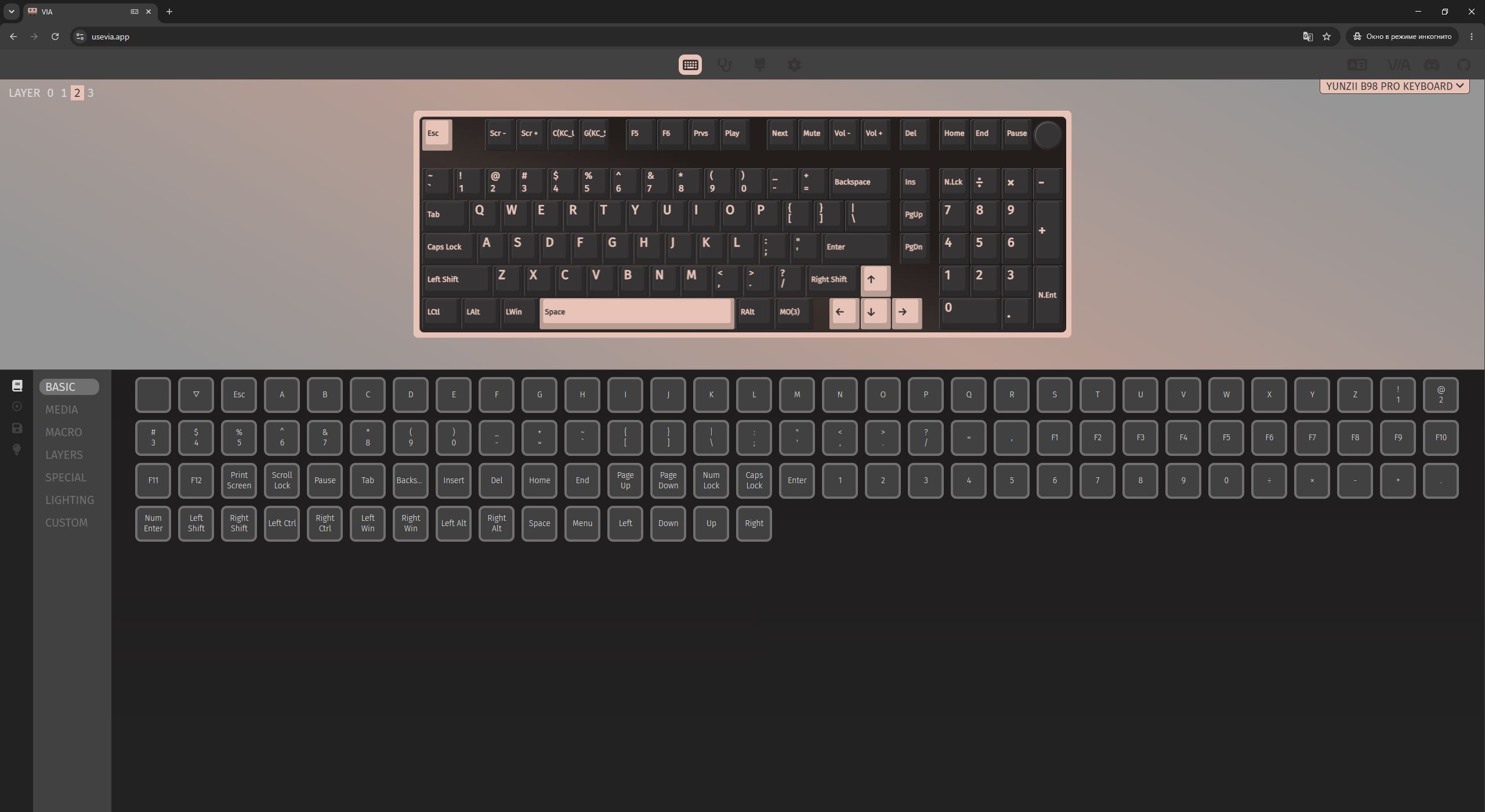
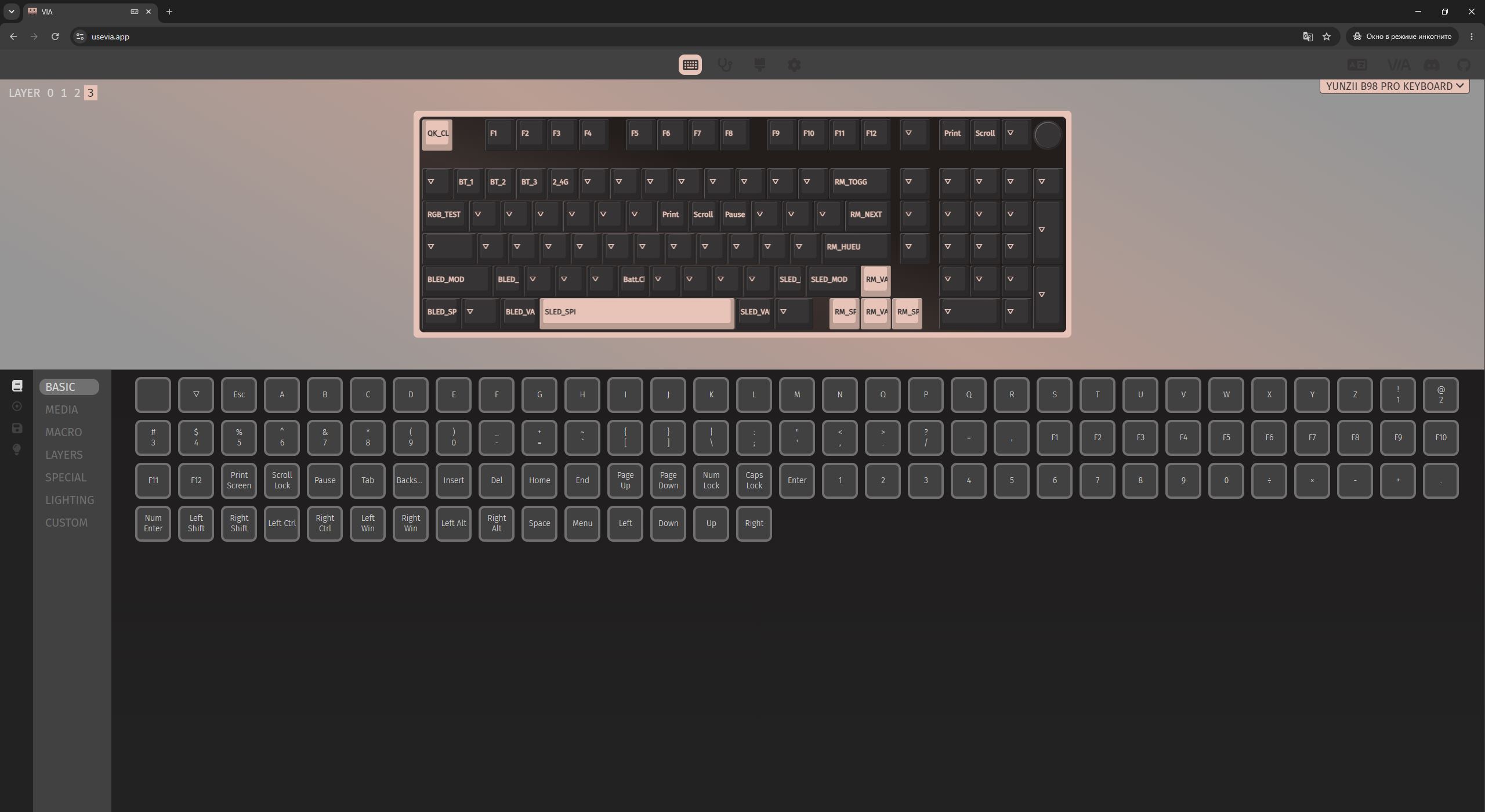
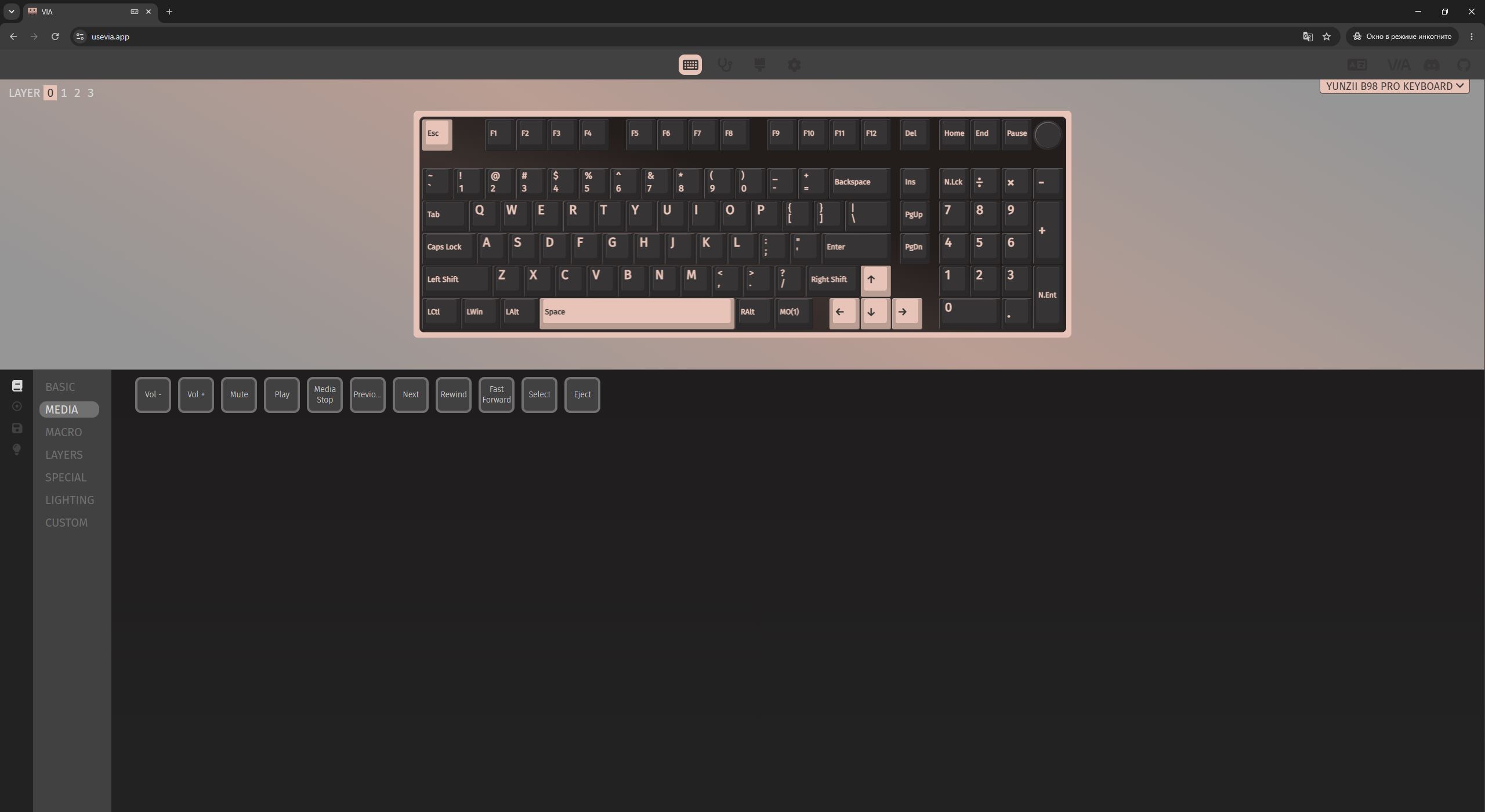
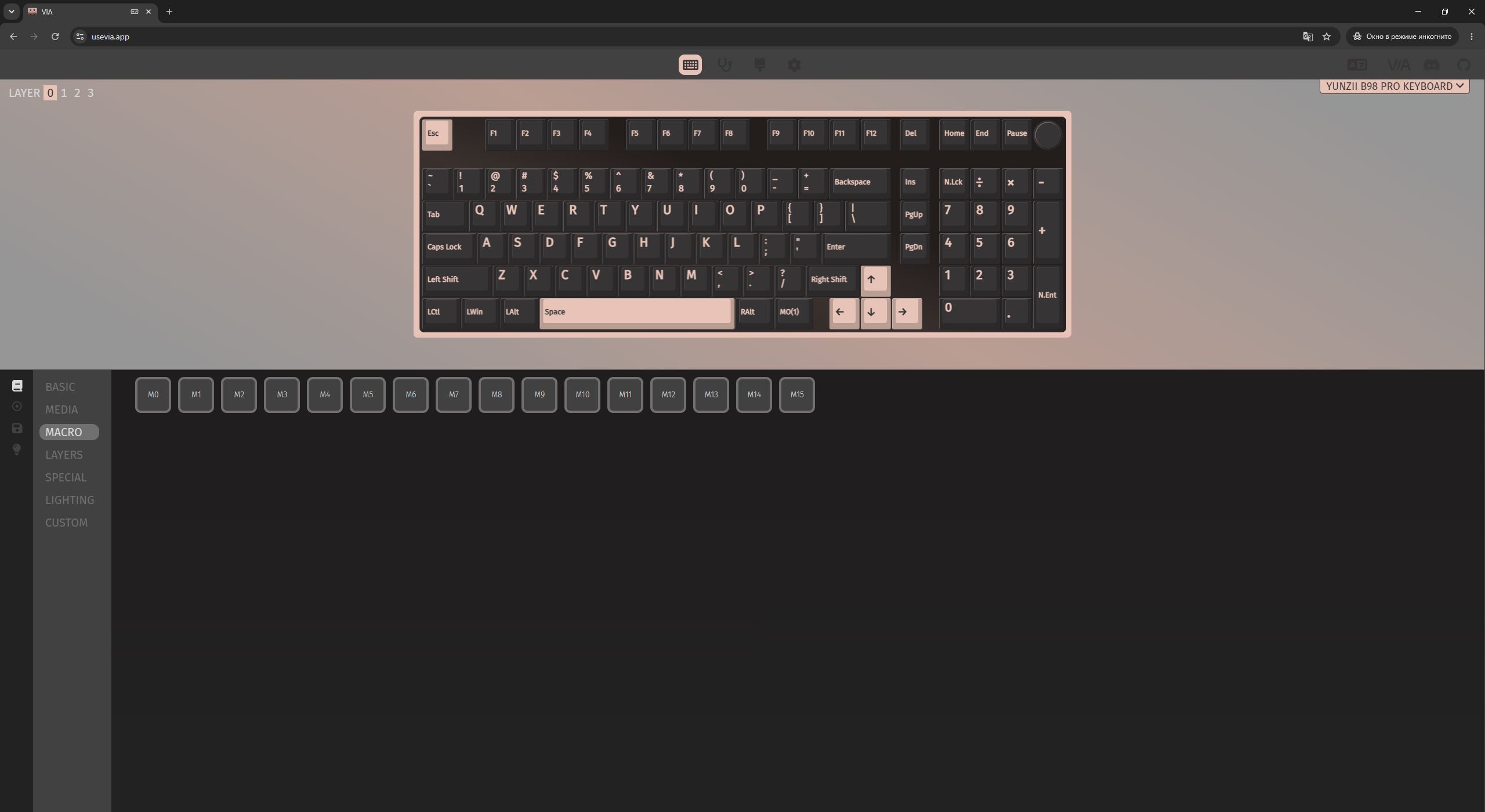
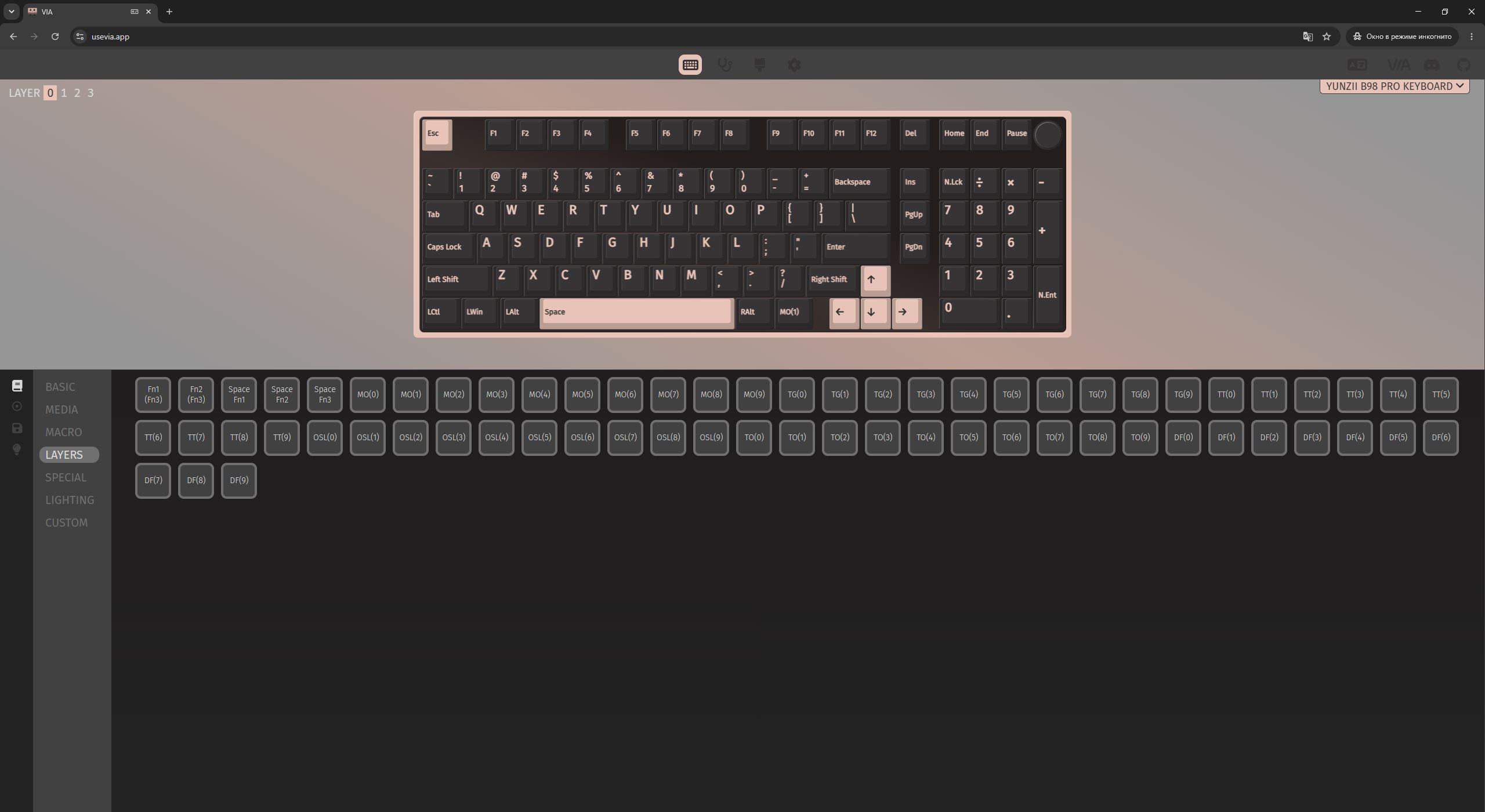
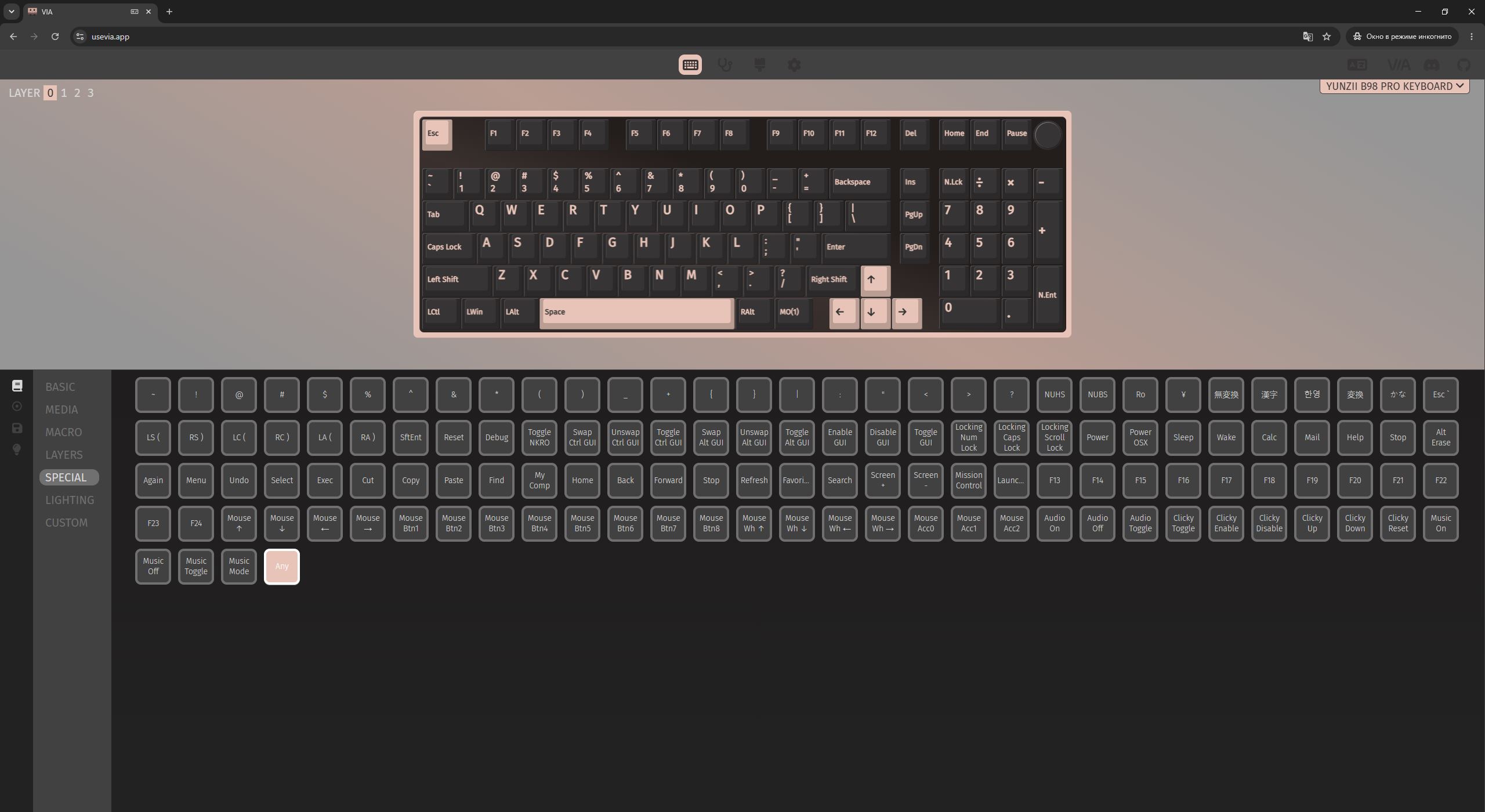
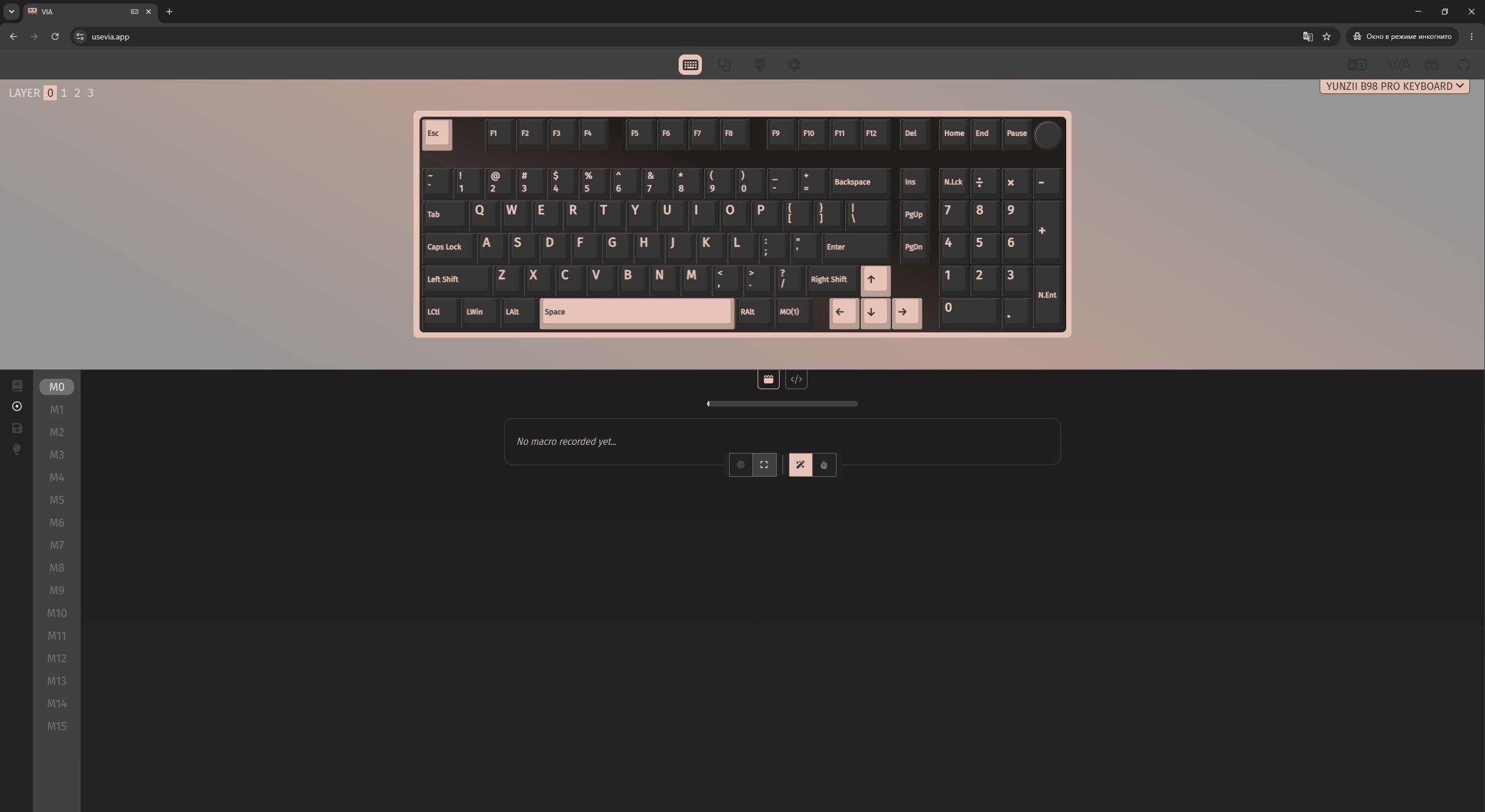
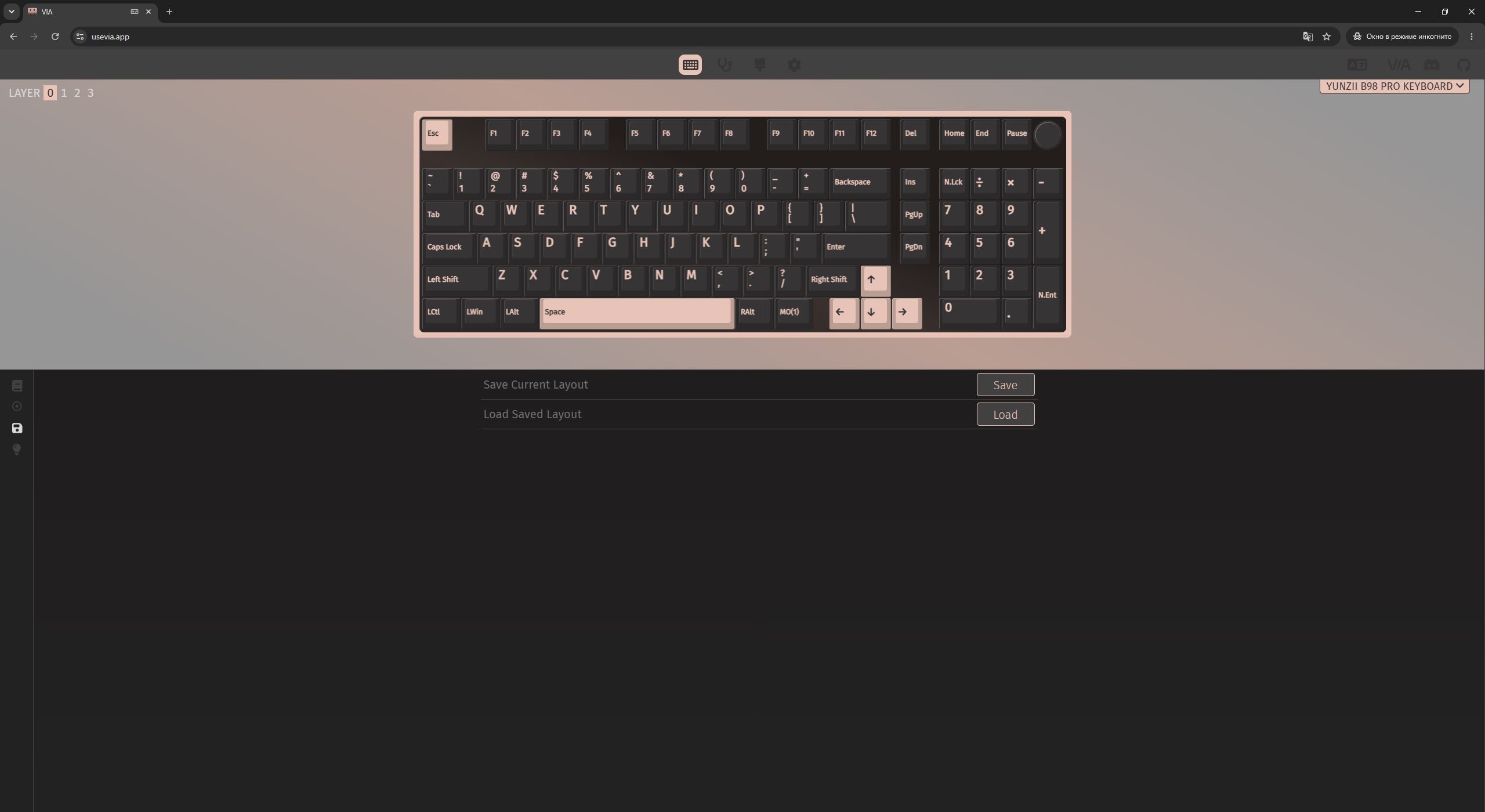
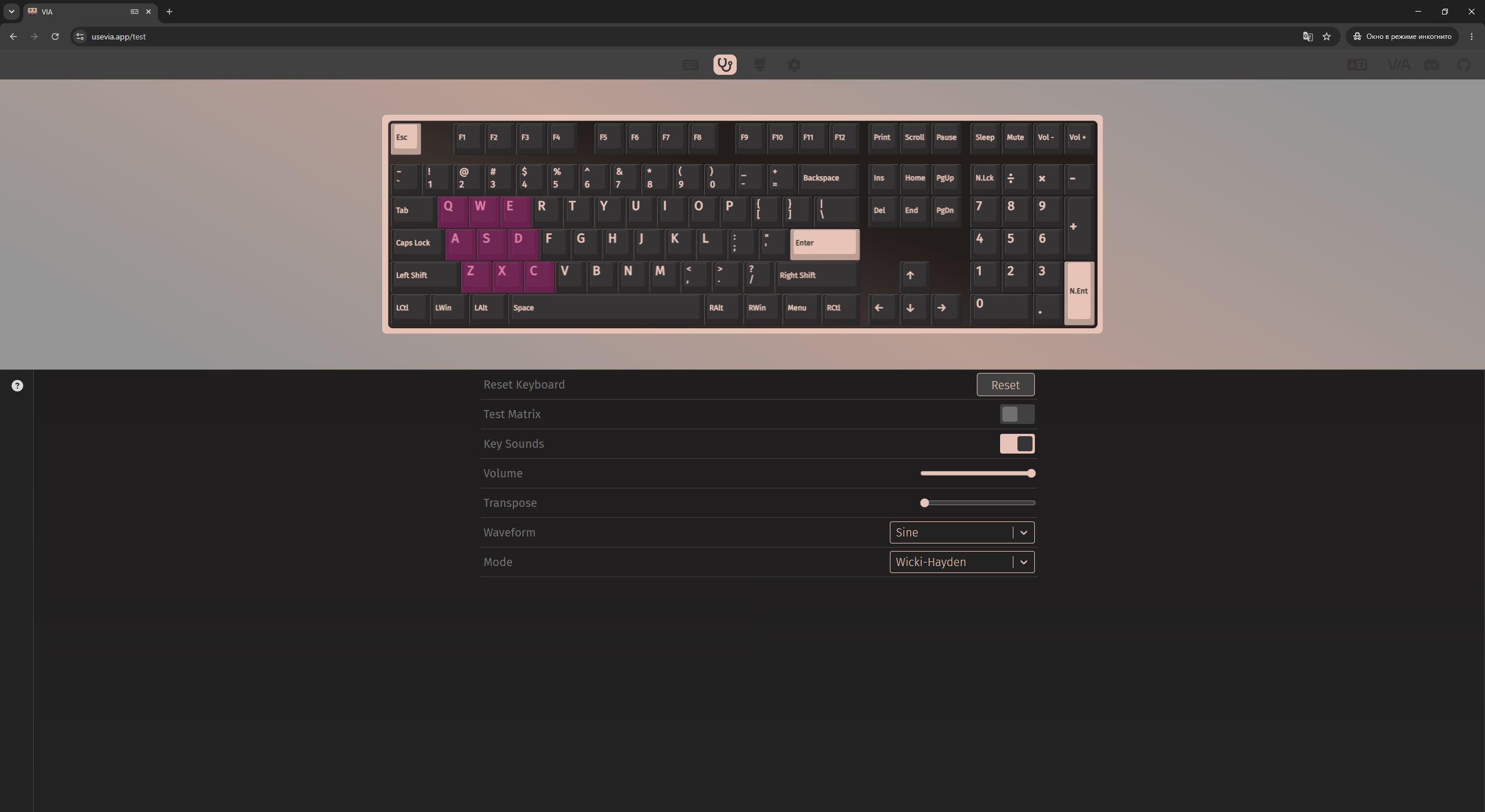
All software-based configuration and customization of the keyboard is handled through VIA. For context, VIA is a popular cross-platform web application designed specifically for keyboards based on the QMK firmware. It allows real-time key remapping, backlight configuration, and macro recording.
Its main advantage is that all changes are saved directly to the keyboard’s onboard memory on the fly, meaning there is no need to install dedicated software on the PC or repeatedly reflash the device.
Another key aspect of VIA and QMK-based keyboards is the high degree of software-level flexibility. Practically everything can be modified – from basic key remapping to full reconfiguration of Fn layers. Even the default commands defined by YUNZII can be adjusted to better suit user preferences.

I have already explained how to connect the keyboard and access VIA settings in detail in my previous reviews. I have also demonstrated, using practical examples, how to customize the device and update its firmware. For that reason, I will not repeat the same steps here and will instead refer to my earlier materials and the relevant resources specifically for the YUNZII B98 PRO model.
One note is that the VIA interface itself remains unchanged. There is also a minor limitation: in theory, the keyboard can be configured wirelessly (in RF mode). However, in my case the settings did not open in wireless mode, even though the software detected the device correctly. Because of this, it is more practical to configure the keyboard in wired mode by connecting it directly to the PC via cable.
- How to connect the keyboard and access VIA settings: see here or here
- The JSON file for the YUNZII B98 PRO is available on the official website
- A detailed overview of all settings menus is provided here and here
- How to customize the keyboard in practice is shown here and here
- Firmware update instructions are also available here and here
- The firmware and update utility can be downloaded from the official website
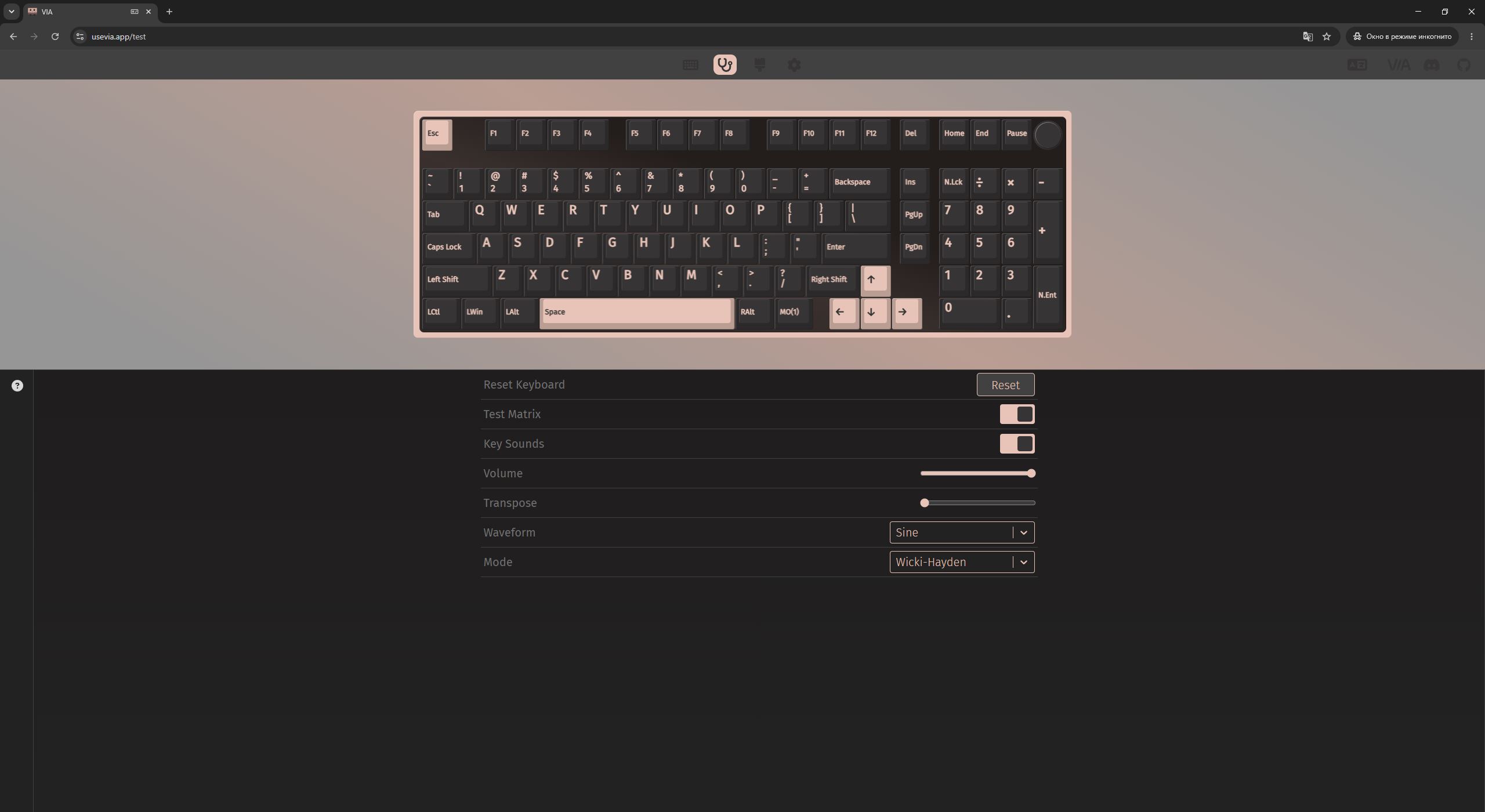
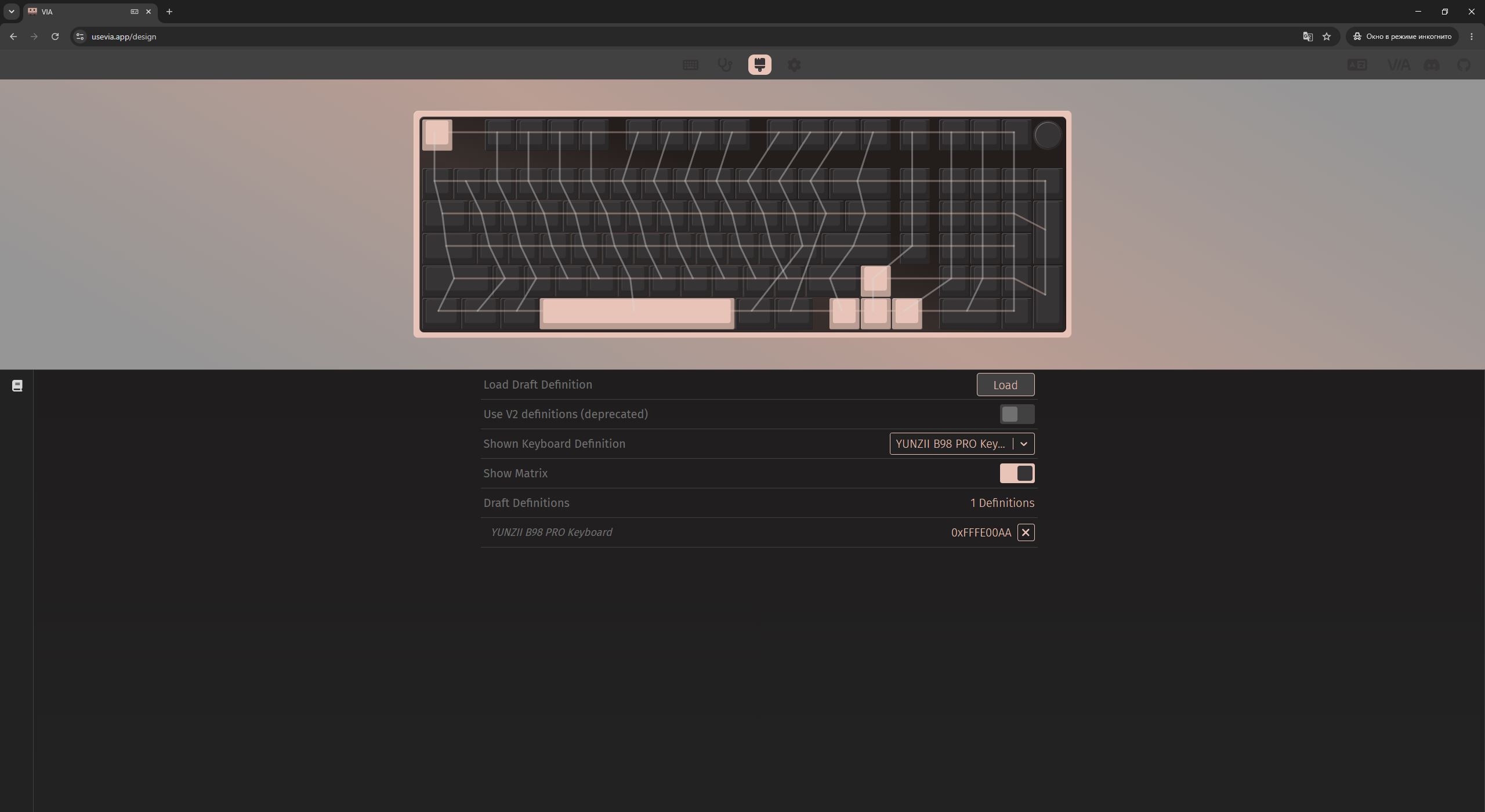
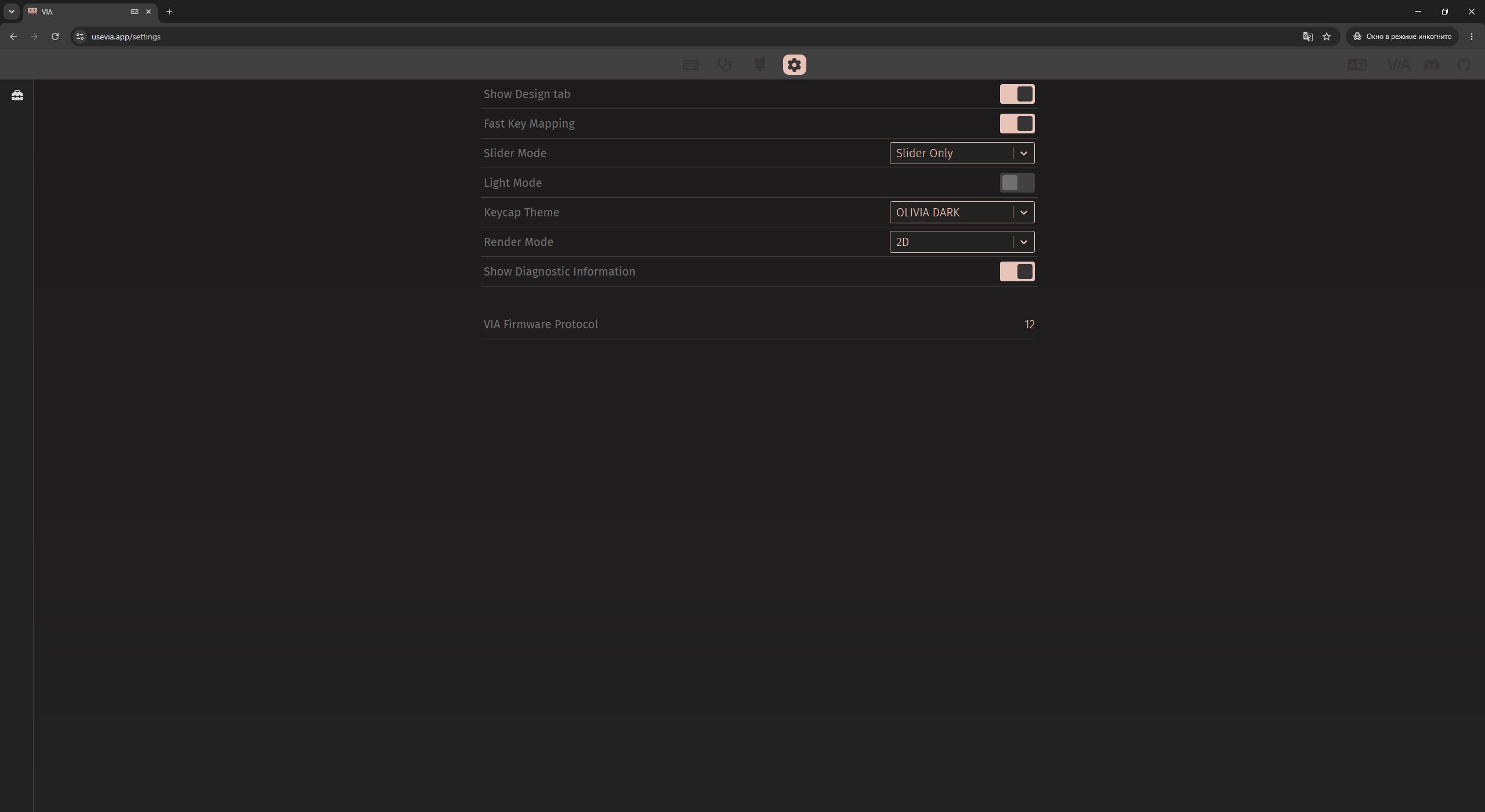
Read also:
- YUNZII AL80 Review: Wireless Aluminum Keyboard with Display
- YUNZII AL68 Review: Solid, Affordable Keyboard with Aluminum Сase
Battery life
The new YUNZII B98 PRO is equipped with a large 8000 mAh battery. As mentioned earlier, the battery capacity in this revision has been doubled compared to the previous model. According to the manufacturer’s claims, a full charge in wireless mode provides up to 42 hours of operation with backlighting enabled, and up to 260 hours with the backlight turned off. As expected, RGB lighting has a significant impact on battery life, and disabling it substantially extends operating time. Overall, this is a typical and expected behavior for keyboards in this segment.

For power saving in wireless mode, the keyboard automatically enters sleep mode after a period of inactivity. By default, this is set to 5 minutes. This interval cannot be adjusted in software – it is fixed at the firmware level. In other words, increasing the timeout (for example, from 5 to 10 minutes) would require reflashing the device. In my view, this is arguably the only real drawback of QMK-based keyboards.
However, the keyboard is very easy and quick to flash – some of the previous YUNZII models I specifically reflashed just for this purpose. I have already explained how to do this in earlier guides, so I will not repeat the process here and will instead refer to those materials. The flashing tool and firmware are available on the official YUNZII website. At the moment, I do not see firmware files specifically for the B98 PRO, but they may be added later. Alternatively, they can be requested directly via the official support channels, such as the feedback form on the website or the official Discord server.
The keyboard wakes up from sleep mode instantly. A simple press of any key or a rotation of the knob immediately activates the device, making it ready for use without any noticeable delay. The first keypress or knob interaction is not lost, which is a positive improvement. Some previous models from YUNZII had issues with this behavior, but in the B98 PRO this has been fully addressed.

The battery level can be checked directly on the keyboard by pressing the Fn + B combination. When activated, the number row lights up to indicate the approximate remaining charge level. For example, in the image below, digits from 1 to 3 are illuminated, which corresponds to roughly 30% battery remaining.

Charging is fairly fast: going from 0 to 60–70% takes approximately one hour. After that, the charging speed naturally slows down, but the ability to quickly bring the device to a usable level within an hour is a meaningful advantage.
Read also:
- YUNZII AL65 Review: Aluminum Wireless RGB Keyboard
- Review of YUNZII RT75 – Mechanical Keyboard with Magnetic Switches
Conclusions
To conclude, in my view the update of the YUNZII B98 PRO turned out to be a very solid one. It offers a versatile near-full-size layout, a high-quality build despite the plastic chassis, a clean and simple design, and a pleasant typing experience. The keyboard also supports hot-swap switches, full customization, and quick configuration via VIA. The roller is one of the more distinctive elements in this segment, and the pricing remains relatively accessible. Overall, the B98 PRO is a well-rounded modern keyboard that delivers a strong feature set for its price. Battery life with RGB enabled could be better, but this is a common trade-off in this class of devices and not something particularly unusual. Apart from that, there are no significant drawbacks.

Read also:
- Against the Current: My Thoughts on DLSS 5 (ft. Goodram Move Ridge)
- Interview with Bell Textron: Investing in the future in Ukraine
- IQUNIX EV63 Keyboard Review: CNC Aluminum Body, Magnetic Switches, and Excellent Software
Where to buy:


