




© ROOT-NATION.com - Use of content is permitted with a backlink.
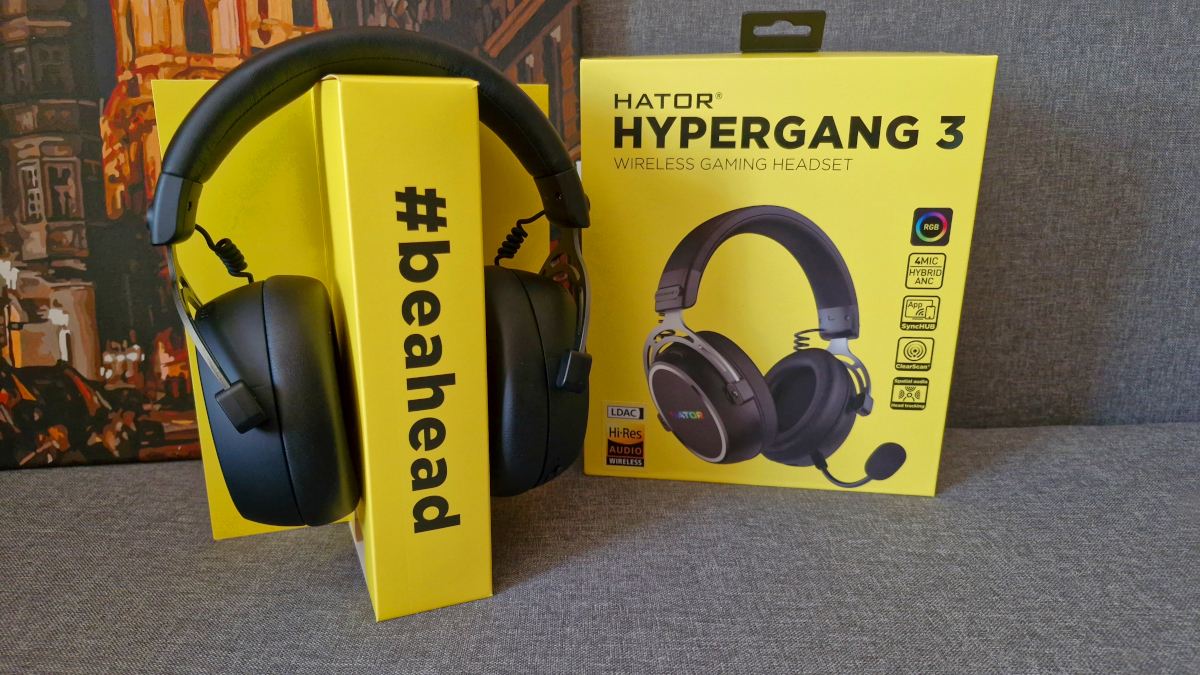
Not long ago, my colleague Yuri Svitlyk reviewed the wired version of the HATOR Hyperpunk 3 USB. Today, I’m taking a look at its wireless counterpart – the HATOR Hypergang 3 Wireless. Technically, the USB model already supported wireless connectivity via Bluetooth, but this new version expands on that by adding a low-latency 2.4 GHz wireless connection, which is particularly important for gaming. That’s not the only difference, though. While both headsets are part of the same series, they differ noticeably in both design and specifications.
Read also:
- HATOR Icefall Pro Wireless Review: 75% Gaming Keyboard with Mini Screen
- HATOR Phoenix 2 Wireless Review: Universal Hi-Res Gaming Headset
TABLE OF CONTENTS:
HATOR Hypergang 3 Wireless Specifications
- Type: full-size, closed
- Drivers: 40 mm, with neodymium magnet
- Frequency range: 10 Hz – 44 kHz
- Connections: Bluetooth 5.4, 2.4 GHz radio channel, wire (USB Type-C)
- Latency: 2.4 GHz – <20 ms
- Bluetooth codecs: SBC, AAC, LDAC
- Noise cancellation: Hybrid ANC, ENC
- Battery: 750 mAh
- Battery life: up to 40 hours
- Full charge time: 3 hours
- Microphone: detachable, flexible, sensitivity 38 ± 3 dB
- Weight: 330 g
- Features: Hi-Res, RGB, Spatial audio + Head tracking, HATOR SyncHUB app, PlayStation compatibility (2.4 GHz)
Price and positioning
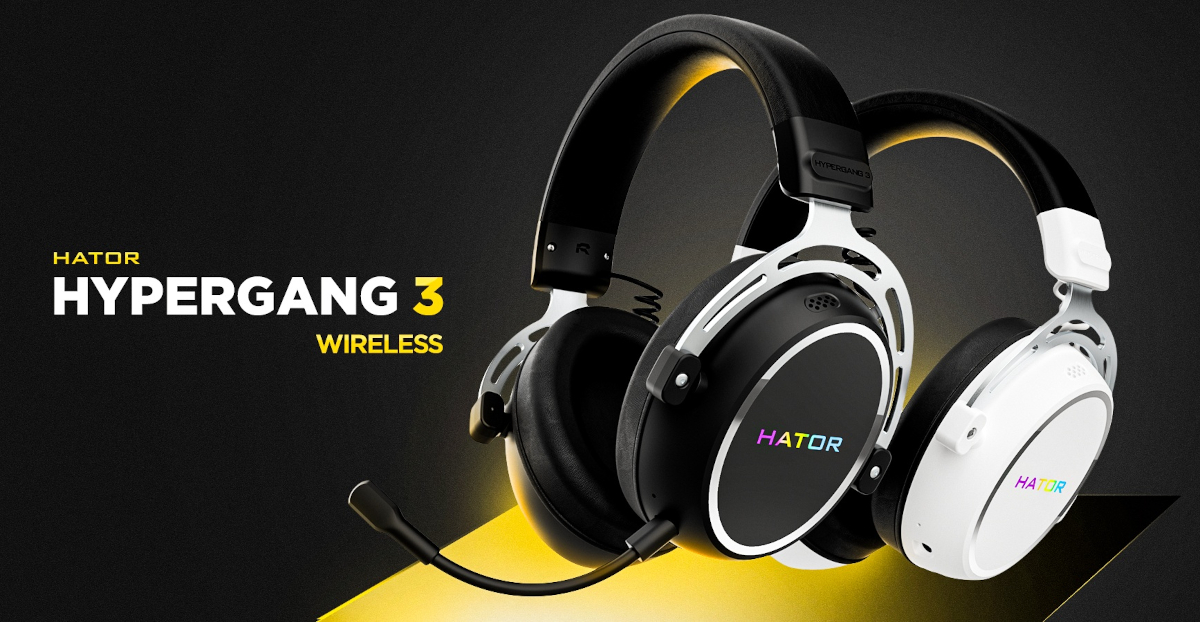
At the time of writing, the HATOR Hypergang 3 Wireless is priced at around $130 or €110 – nearly twice as much as the “USB” version. And that price difference clearly isn’t just about the inclusion of a 2.4 GHz wireless dongle. So let’s take a closer look at what this model offers over the more affordable version, and what justifies the higher cost.
What’s in the package
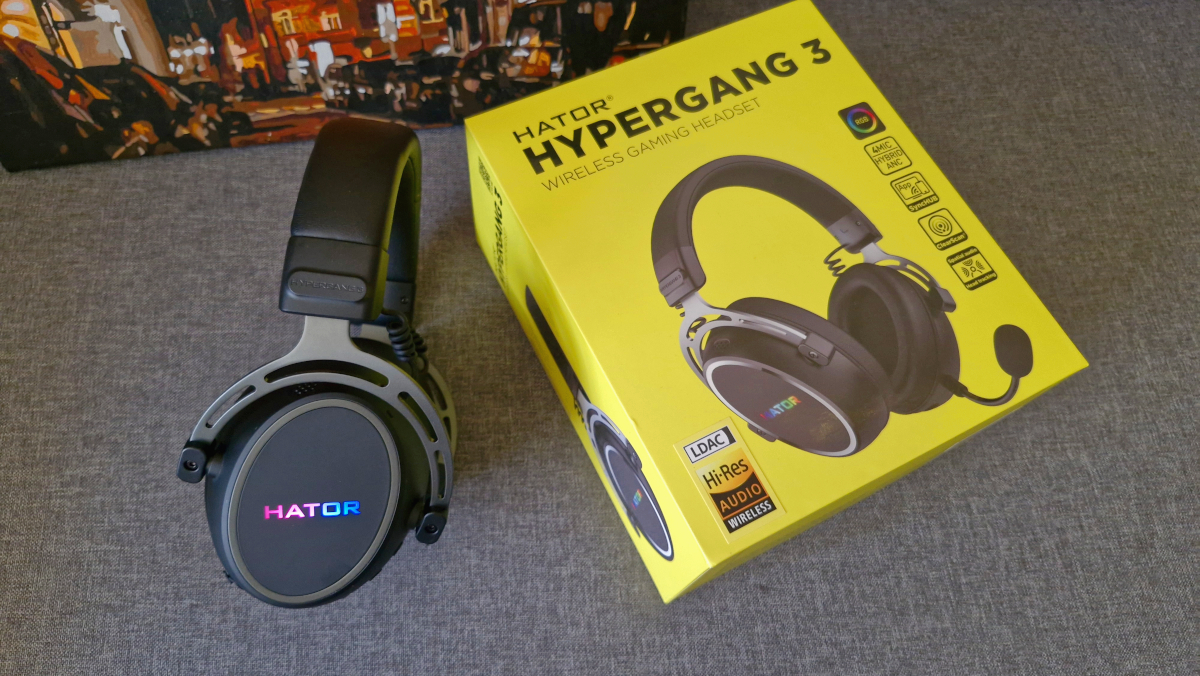
Like all HATOR products, the Hypergang 3 Wireless arrived in a bright, brand-signature yellow box. As usual, the packaging features an image of the headset along with a list of its key selling points.
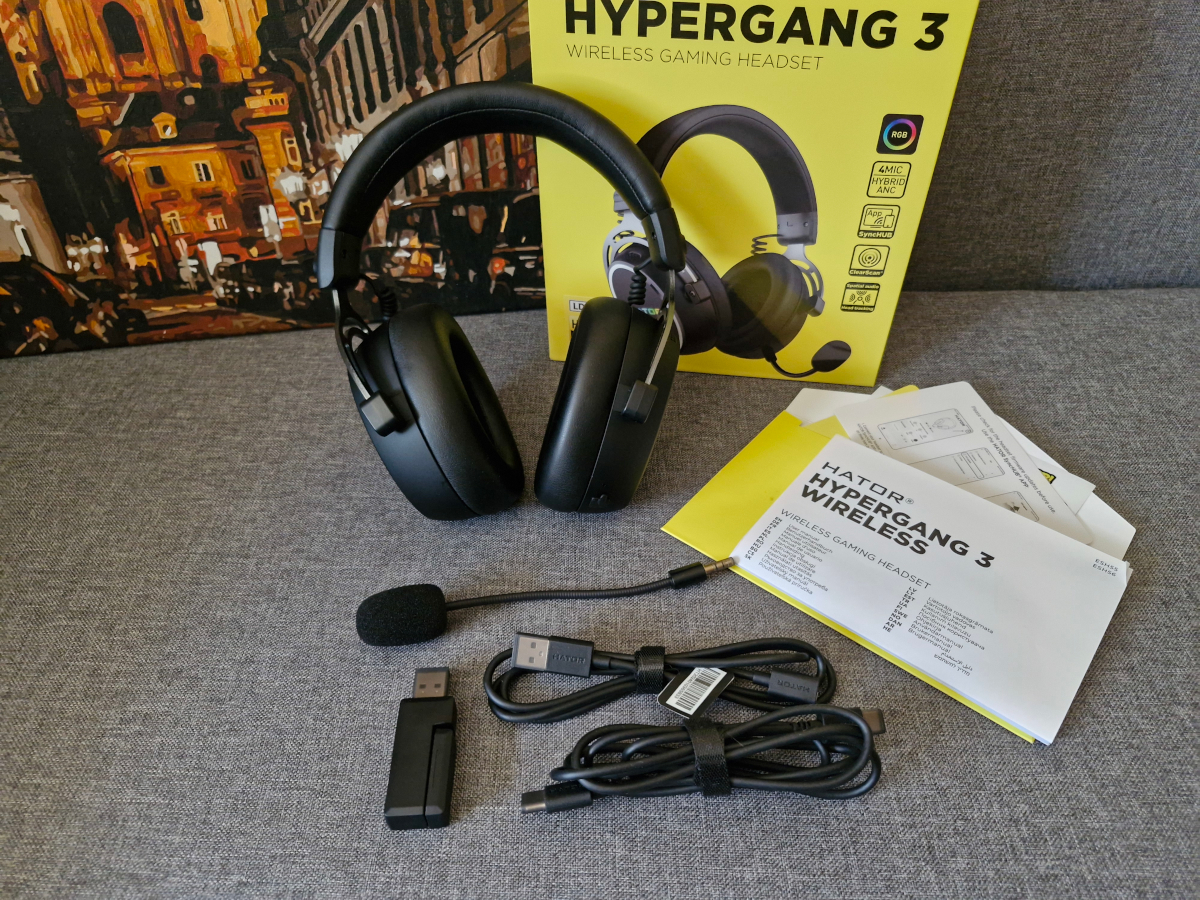
We open the box and see in it:
- the headphones themselves
- accompanying literature, including a set of funny stickers
- a removable microphone with a foam filter (it is also removable)
- a 2.4 GHz dongle (it has a Type-C connector, but there is an adapter for USB-A)
- two cables – the main Type-C to Type-C and an ‘extension adapter’ USB-A (male) to Type-C (female).
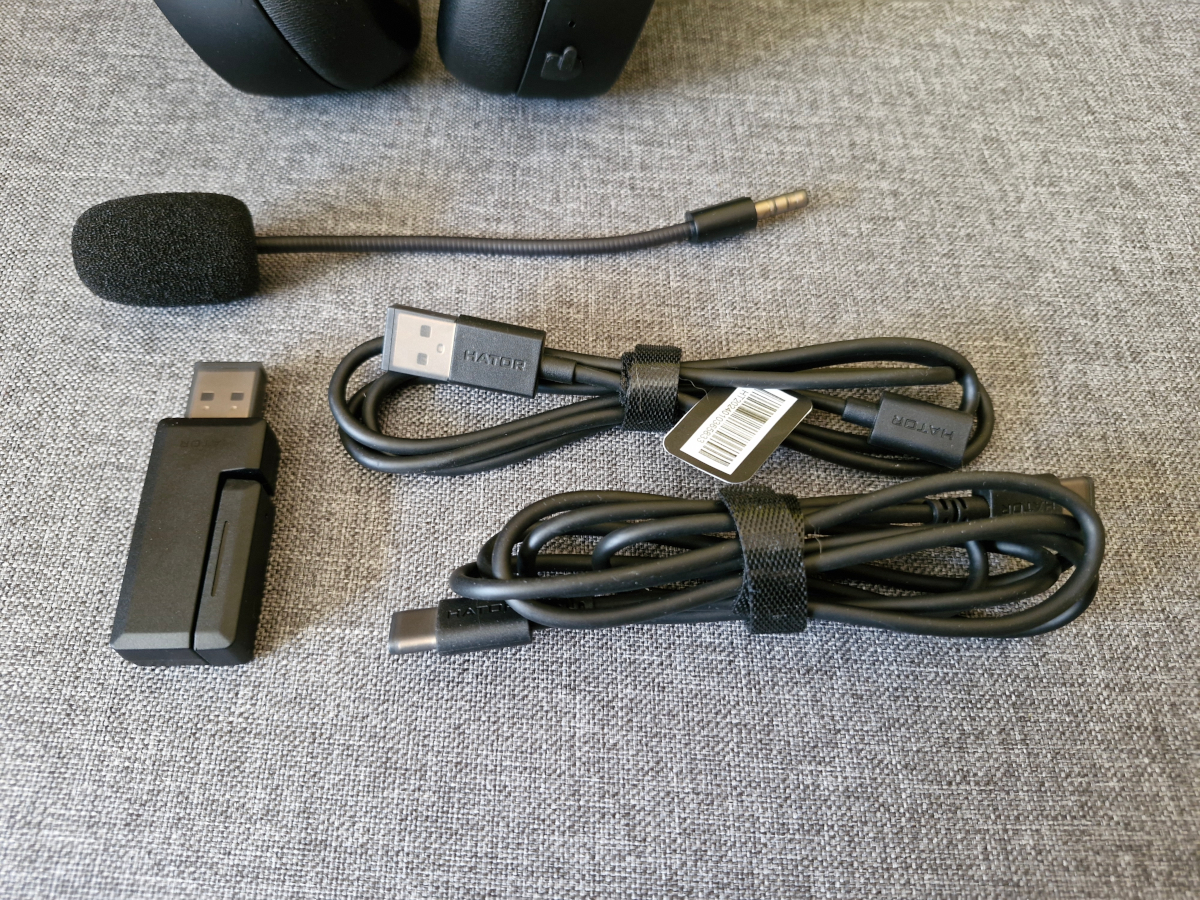
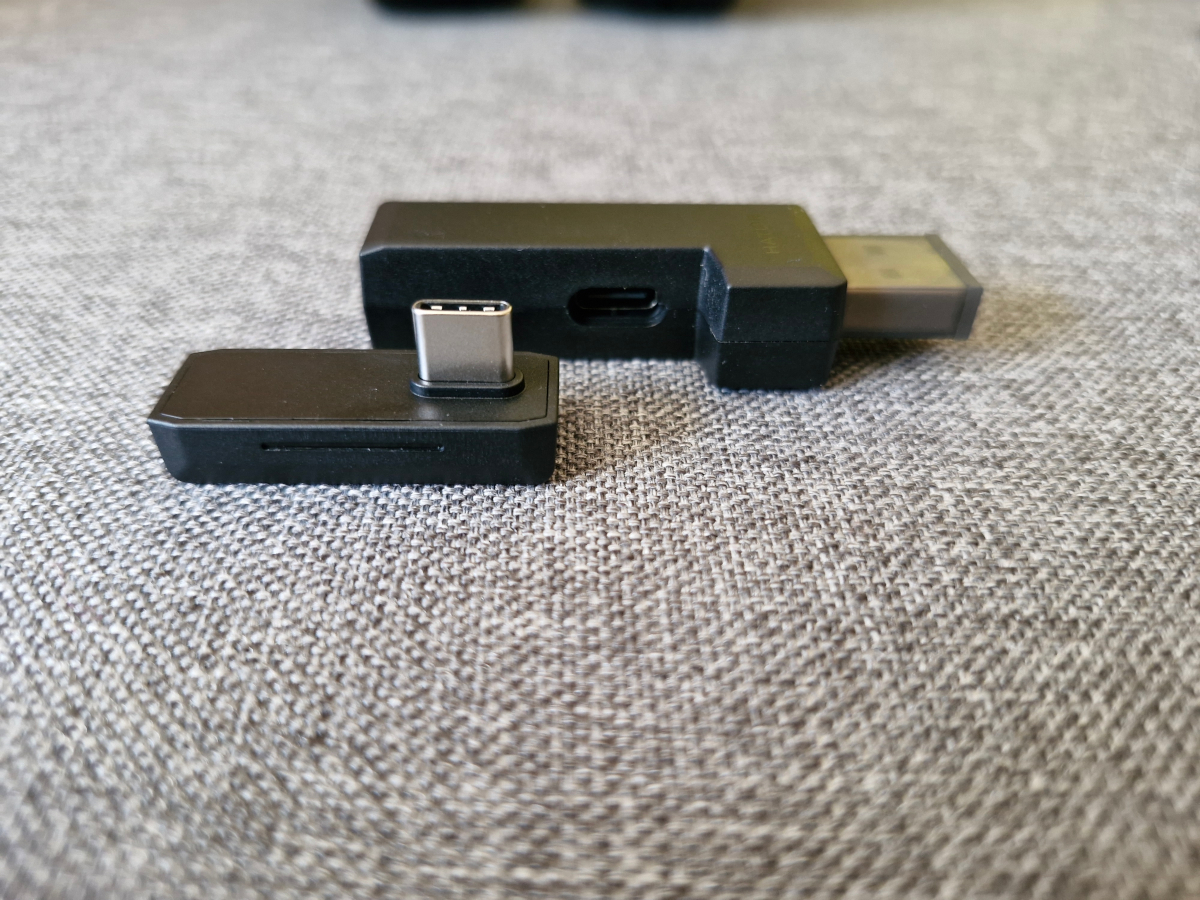
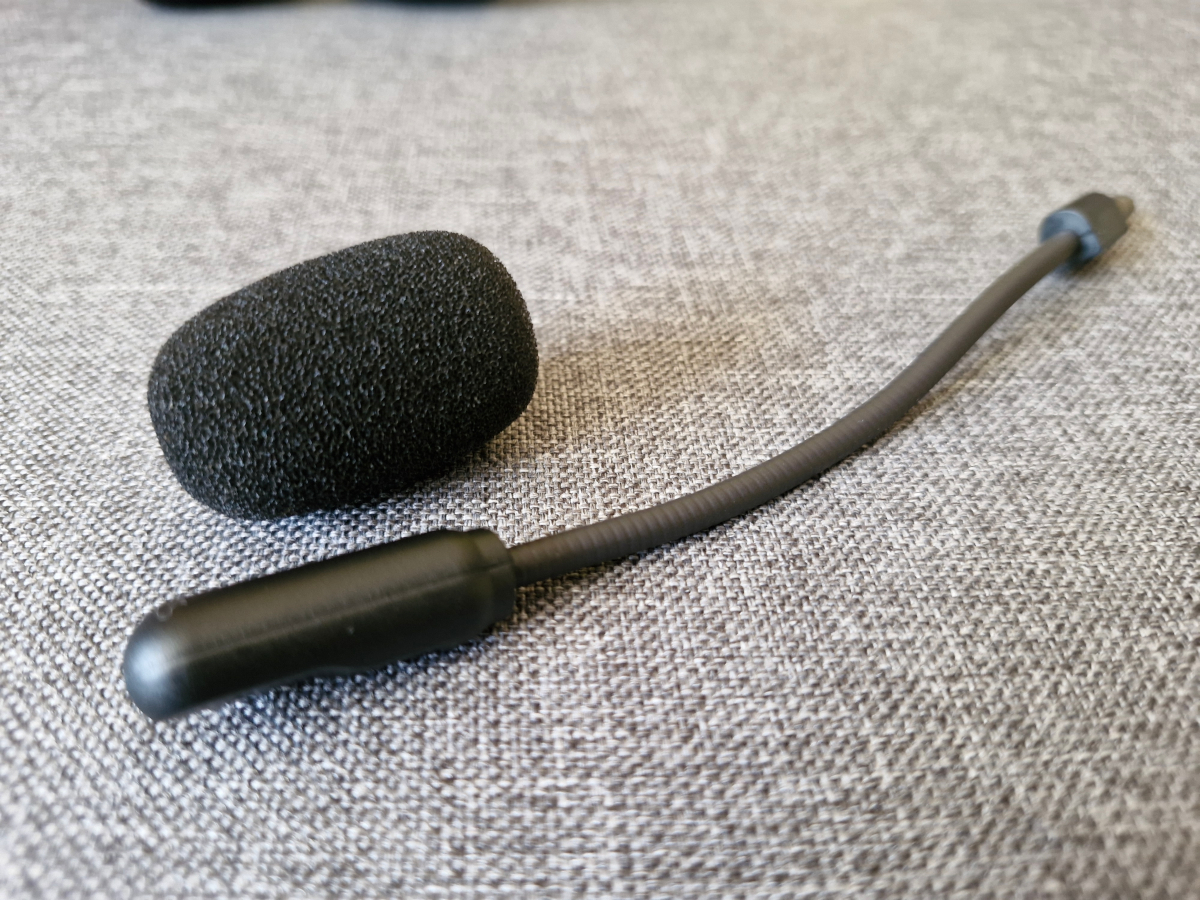
The included cables are of good quality – fairly thick yet flexible. It’s also a nice touch that each connector, including the dongle, comes with a protective cap.
Design and main elements of HATOR Hypergang 3 Wireless
The design differences between the Hypergang 3 Wireless and the Hypergang 3 USB are immediately noticeable – from the shape of the ear cups to the materials used. In fact, the only obvious design element they seem to share is the coiled cable.
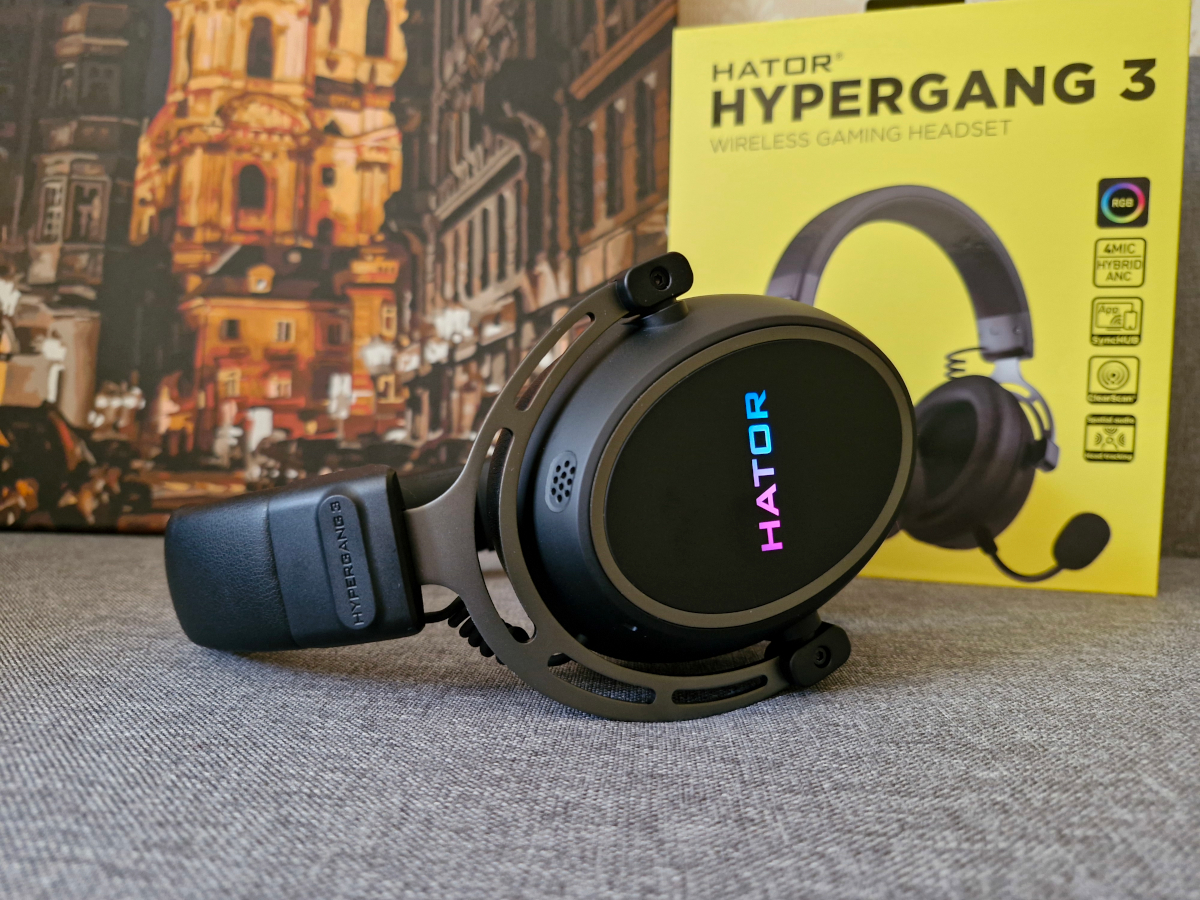
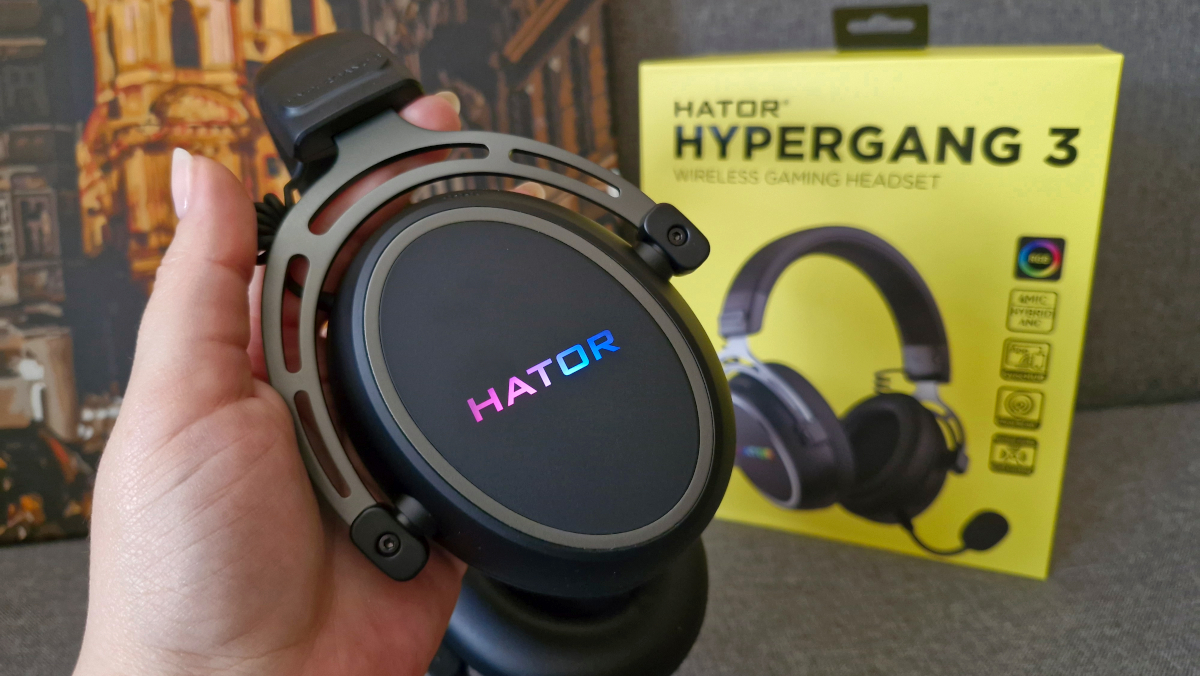
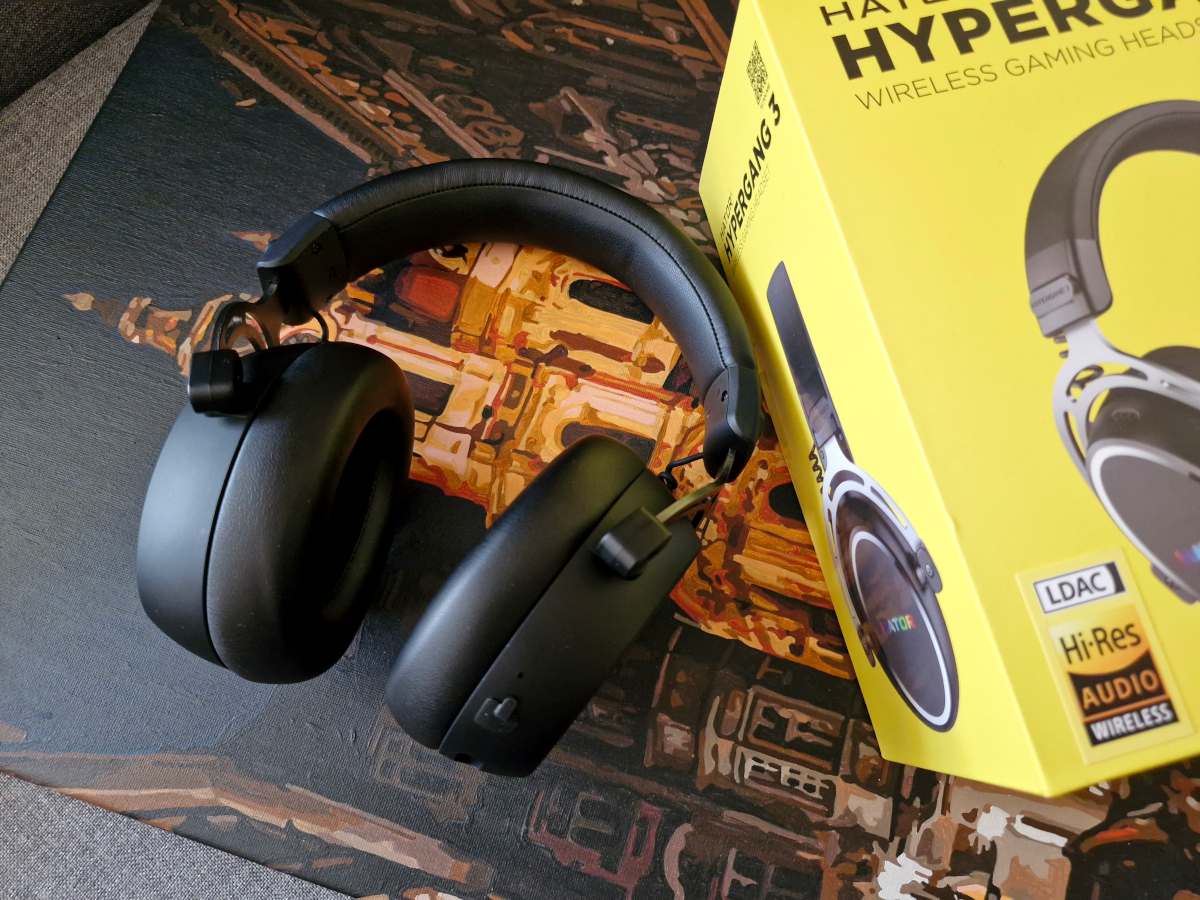
The HATOR Hypergang 3 Wireless features oval-shaped ear cups. Most of the body is made from a pleasant matte plastic, with some elements finished in soft-touch coating. The yokes connecting the ear cups to the headband are made of metal, which gives the headset a more solid and premium feel. Despite the added metal, it doesn’t feel overly heavy – the headset weighs 330 grams. That’s heavier than the Hypergang 3 USB (which came in at 240 g), but not significantly more than the Phoenix 2 Wireless, which weighs around 300 g.
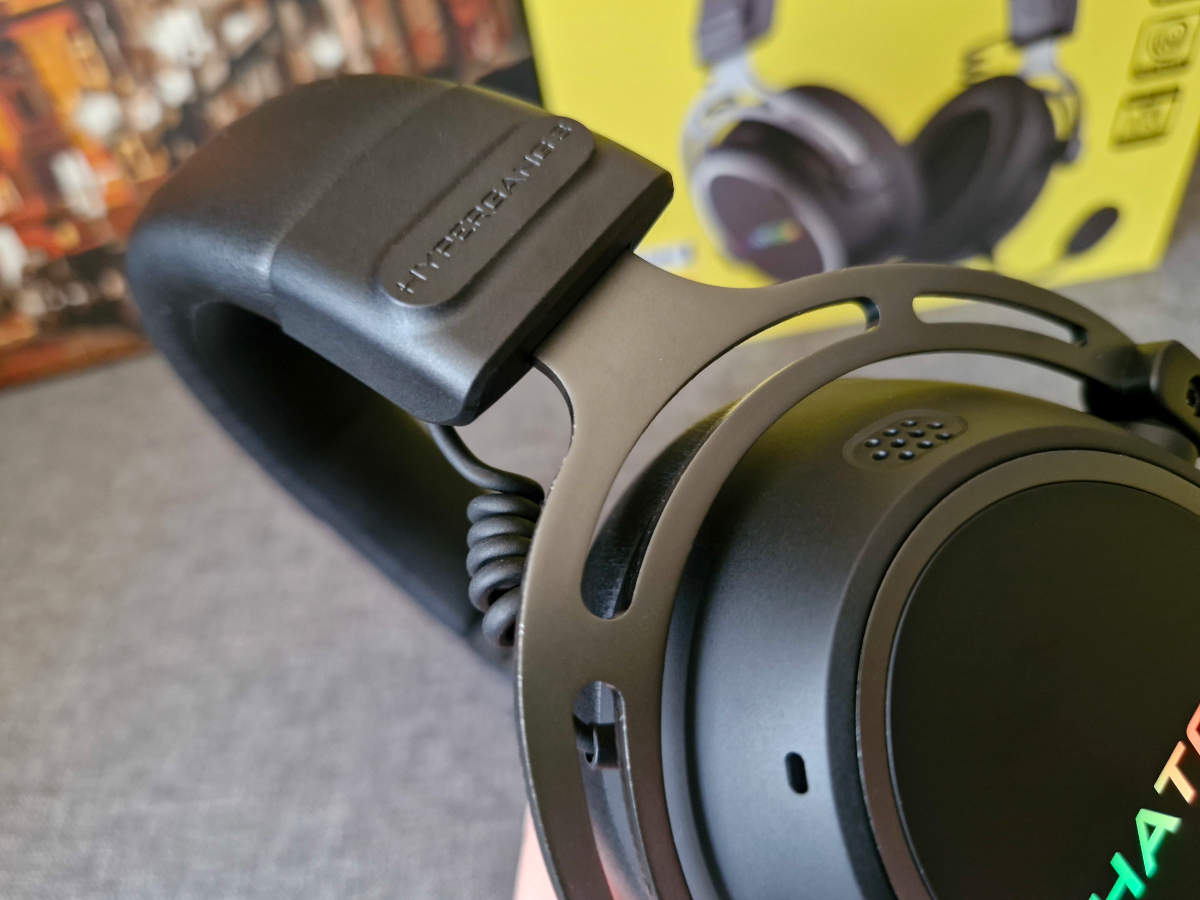
The ear cushions and headband are covered in high-quality synthetic leather, with the material on the ear pads being noticeably softer and more pleasant to the touch. Thanks to the overall design and the use of soft memory foam inside, the headset remains comfortable even for users who wear glasses. I tested this myself – no pressure points, no discomfort.
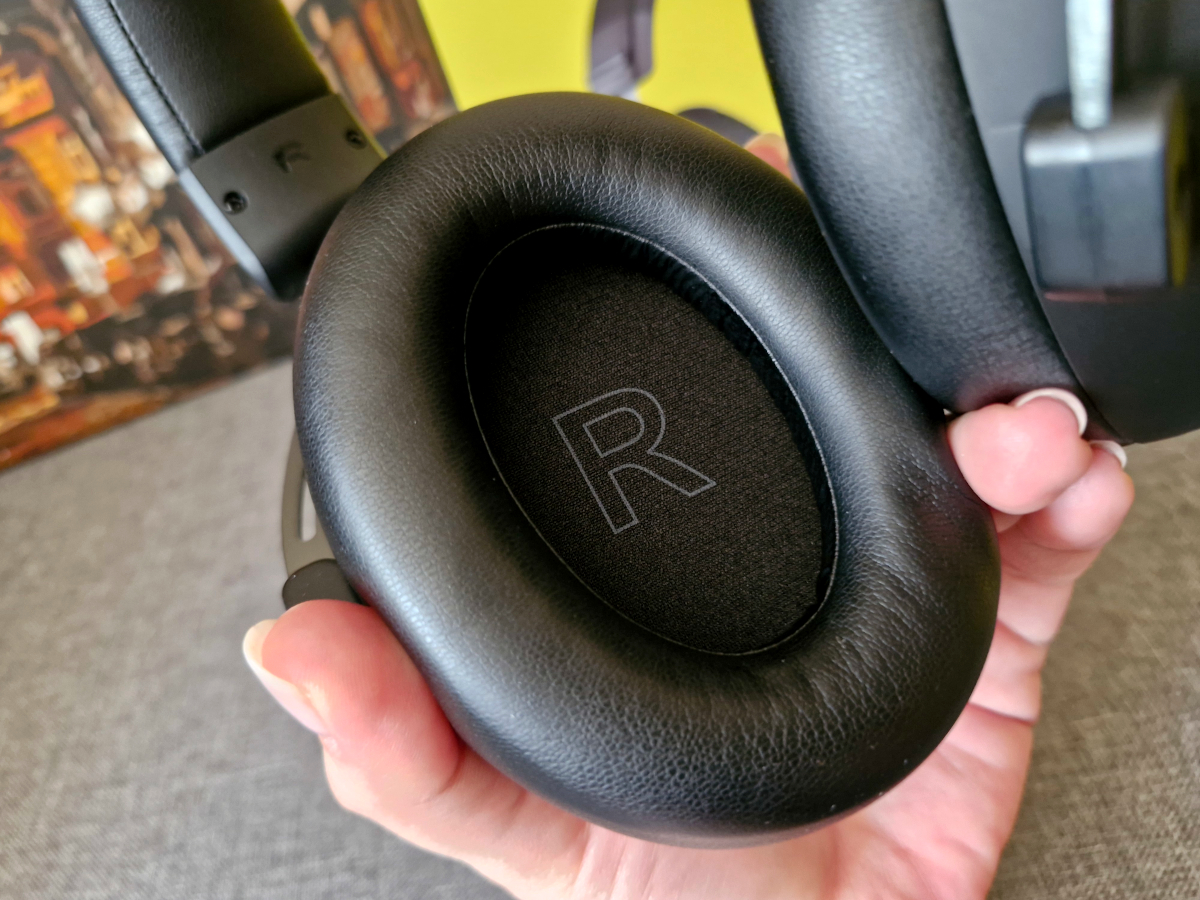
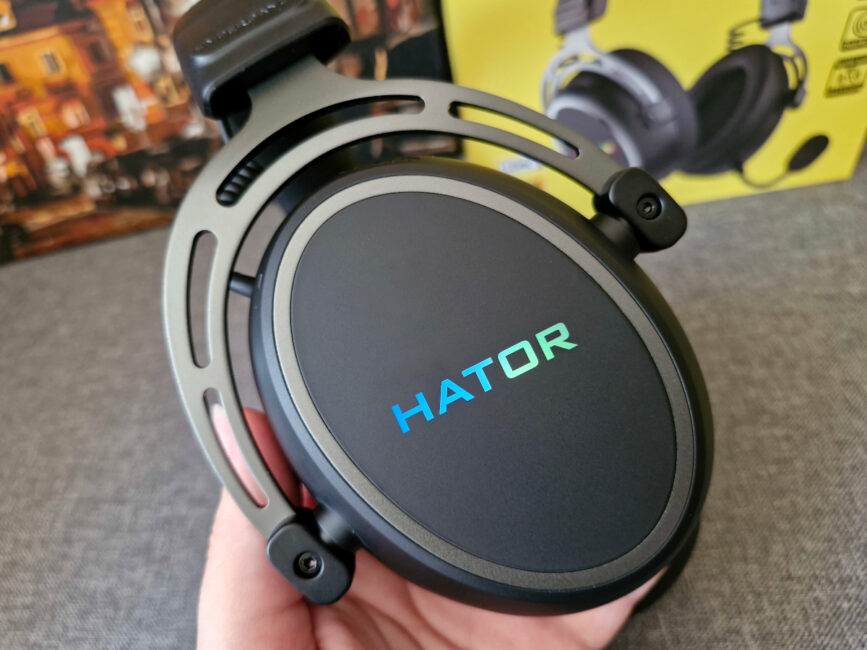
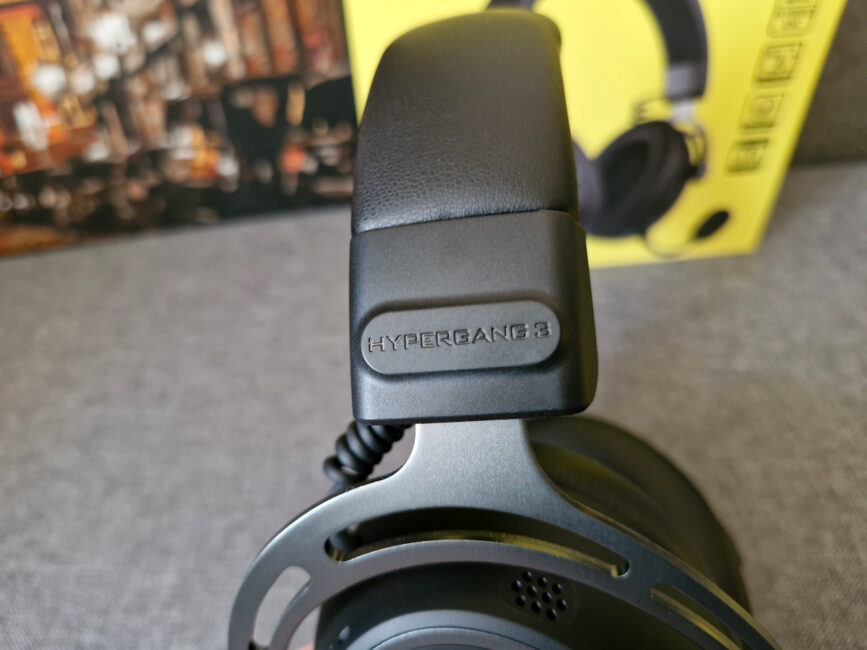
In terms of decorative elements, the design is fairly minimal. There’s an RGB-lit HATOR logo on each ear cup and a small series logo on the outer side of the headband.
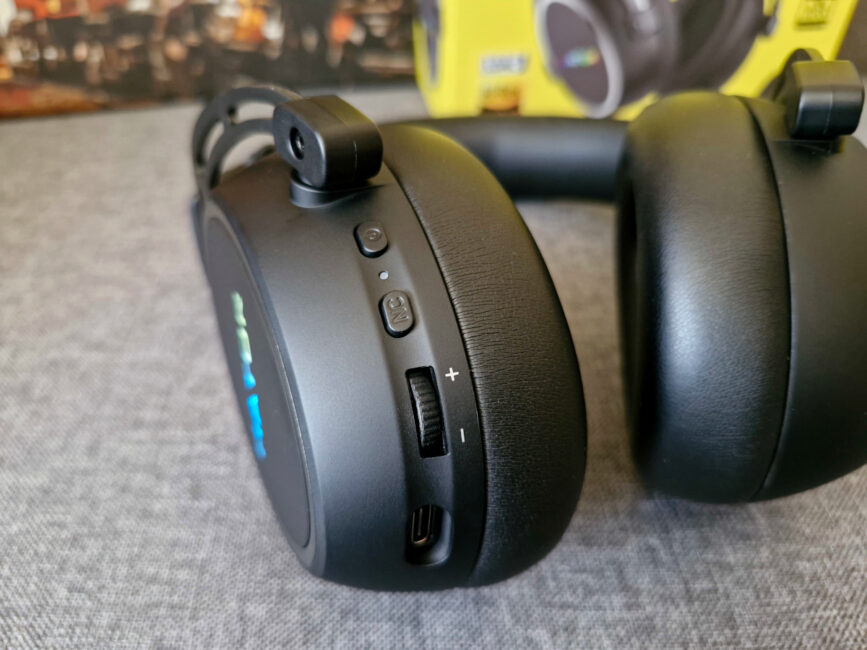
All control elements are located on the left ear cup. This includes the power button, a status LED, a button for toggling ANC and transparency mode, a volume wheel, USB-C and 3.5 mm ports for charging or wired connection and microphone input respectively, plus a small opening for the built-in secondary microphone.
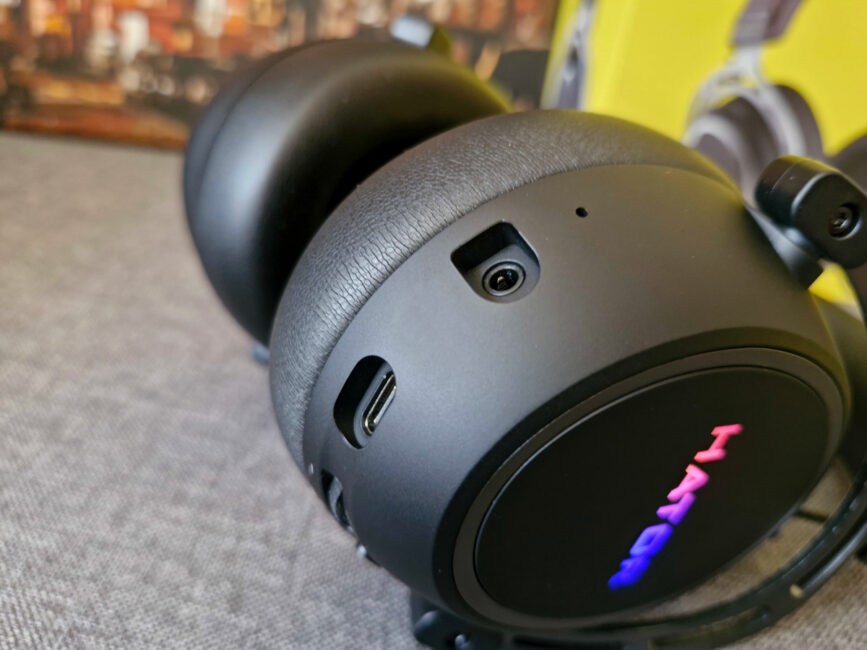
Overall, the HATOR Hypergang 3 Wireless presents a very solid – and I’d even say premium – impression. This is achieved through a combination of quality materials: metal, soft-touch plastic, and very soft synthetic leather.
Read also:
- HATOR Hyperpunk 3 USB review: Gaming Headset with Hi-Res Audio
- HATOR Darkside 2 Pro Gaming Chair Review
Ergonomics
The HATOR Hypergang 3 Wireless is designed with comfort in mind, even for extended use. The fit is excellent – the flexible headband holds the headset securely without causing much pressure. At first, the ear cushions might feel slightly snug around the ears, especially if you don’t often wear over-ear headphones. But after just a few minutes, you stop noticing it – not because you’re tolerating discomfort, but because it’s minimal to begin with.
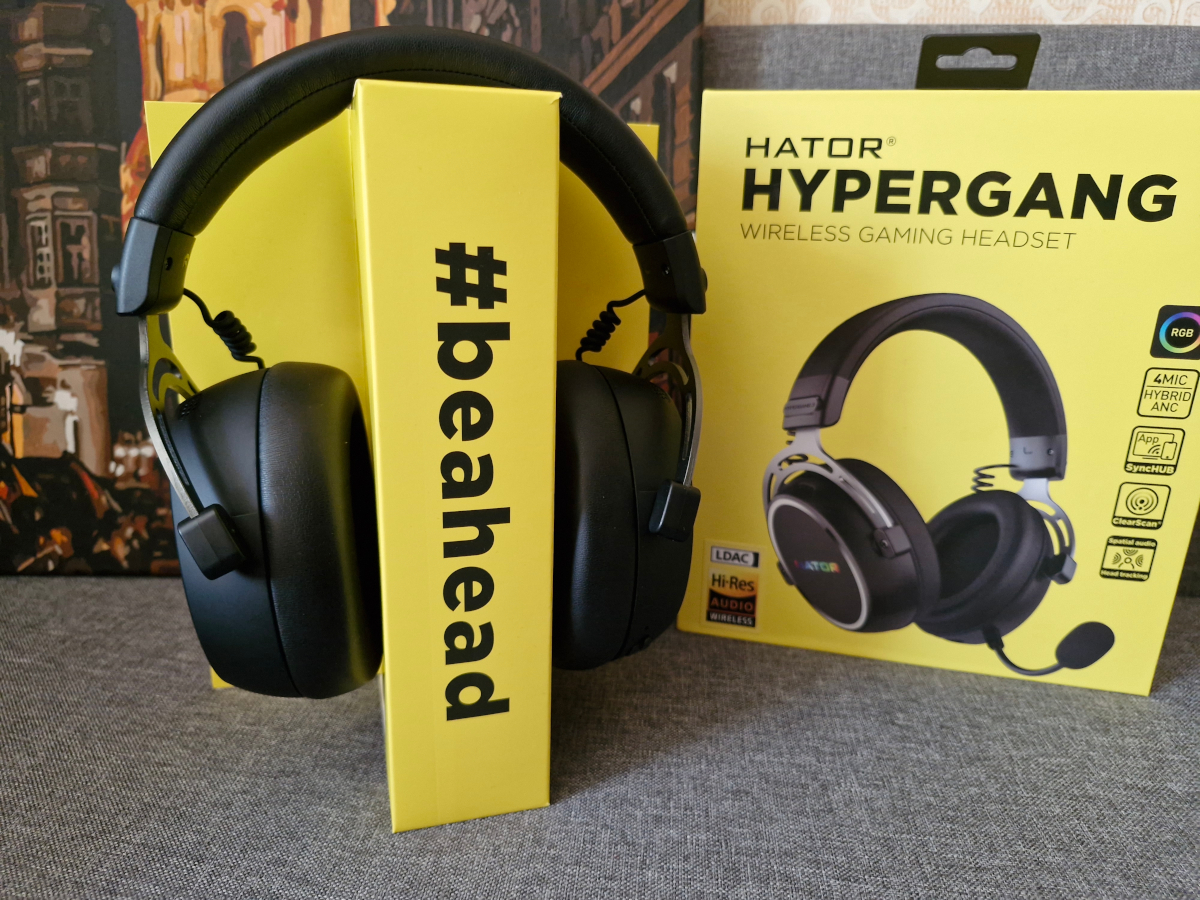
Is it comfortable at 330 grams? Honestly, I don’t notice a significant difference compared to other full-size headsets. Most weigh around 300 grams, so a 10% increase doesn’t really impact ergonomics in a meaningful way.
Two things stood out to me as definite pluses. First, the headset works well with glasses. I don’t wear mine often and mainly use them for screen work, but it’s convenient not having to choose between glasses and headphones. Second, the detachable microphone adds to the comfort. It’s practical for switching between long gaming sessions with voice chat and casual use – like watching YouTube or listening to music on your phone – without the mic sticking out awkwardly.
Control and display
The power and ANC buttons on the left ear cup of the Hypergang 3 Wireless are multifunctional, allowing for comprehensive control of the headset across different usage scenarios.
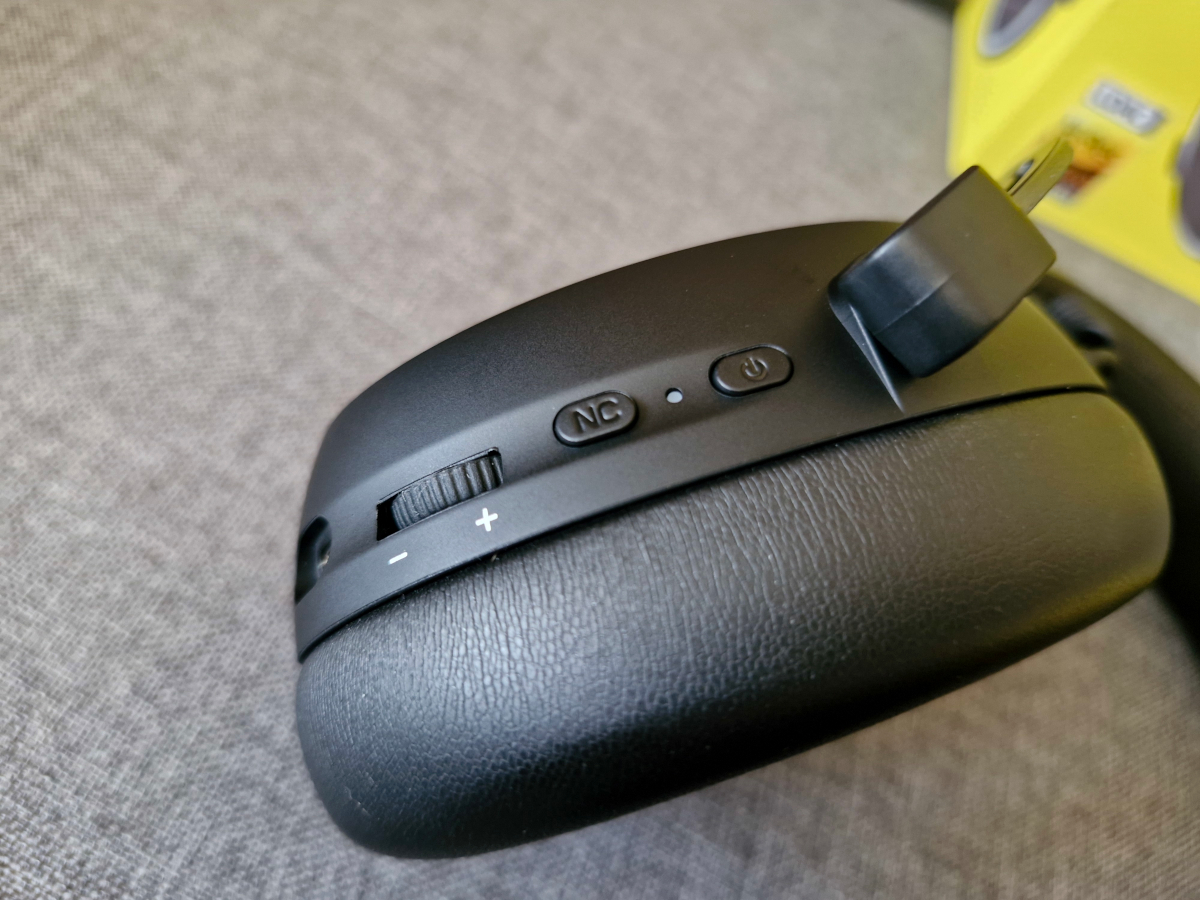
What the power button can do:
- switch on/off the headset: press and hold for 4/6 seconds respectively
- Play/Pause: press once
- accept/end a call (during a call): press once
- reject call: hold for 2 seconds
- switch between 2.4 GHz and Bluetooth modes: press twice
- switch between normal and game modes: press three times
- switch the backlight on/off: press four times.
The noise cancellation button also performs several actions:
- switching between ANC/transparency modes: press once
- activating Spatial Audio and Head Tracking (with Bluetooth connection): press three times
- muting the microphone: press twice
- factory reset (with Bluetooth connection): press and hold the button for 5 seconds.
Volume control is straightforward, handled via the wheel. The only missing feature in the control scheme is track skipping – there’s no way to switch to the next or previous track directly. However, given how much functionality is already packed into the two buttons, adding more controls might have made the interface overly complex.
We also have an indicator here, which makes it easier to ‘understand’ the headset. We have the following scheme:
- 2.4 GHz mode: green
- Bluetooth mode: blue
- factory reset: flashes rapidly in blue
- low battery: flashes red
- charging: lights up red, turns off when fully charged.
Read also:
- Hator Quasar 2 Ultra 4K Wireless Gaming Mouse Review
- HATOR Rockfall 2 Mecha TKL Authentic Edition Keyboard Review
HATOR SyncHUB app
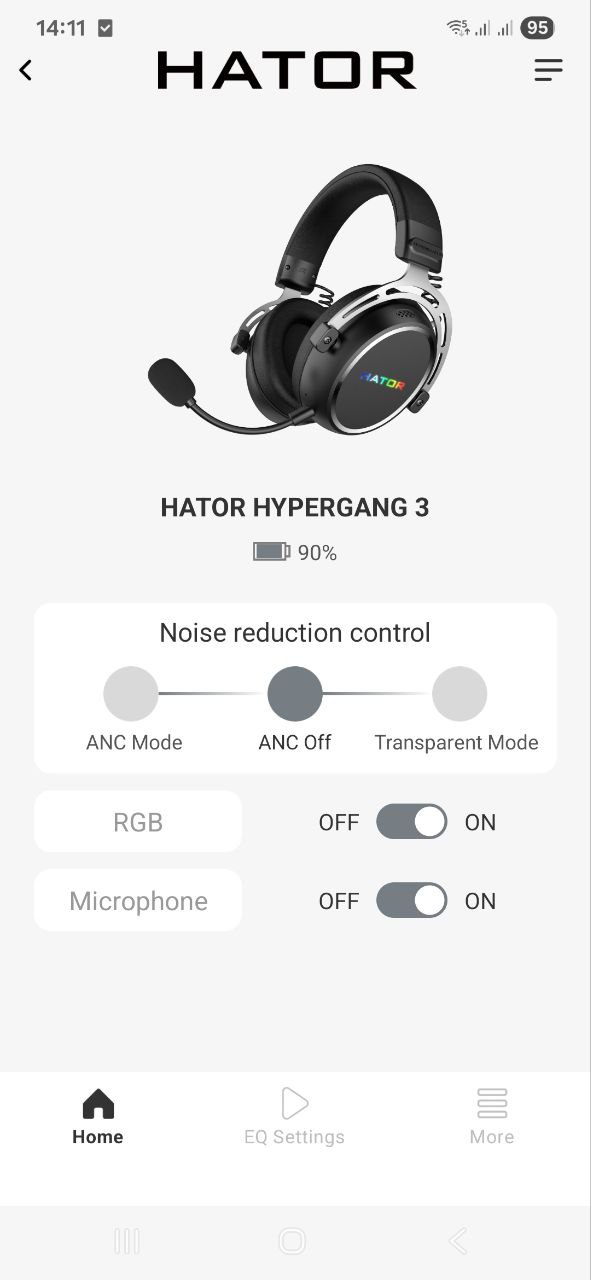
Unlike the Hypergang 3 USB, the Hypergang 3 Wireless doesn’t have dedicated PC software. However, the HATOR SyncHUB app is reliably available for both Android and iOS devices.




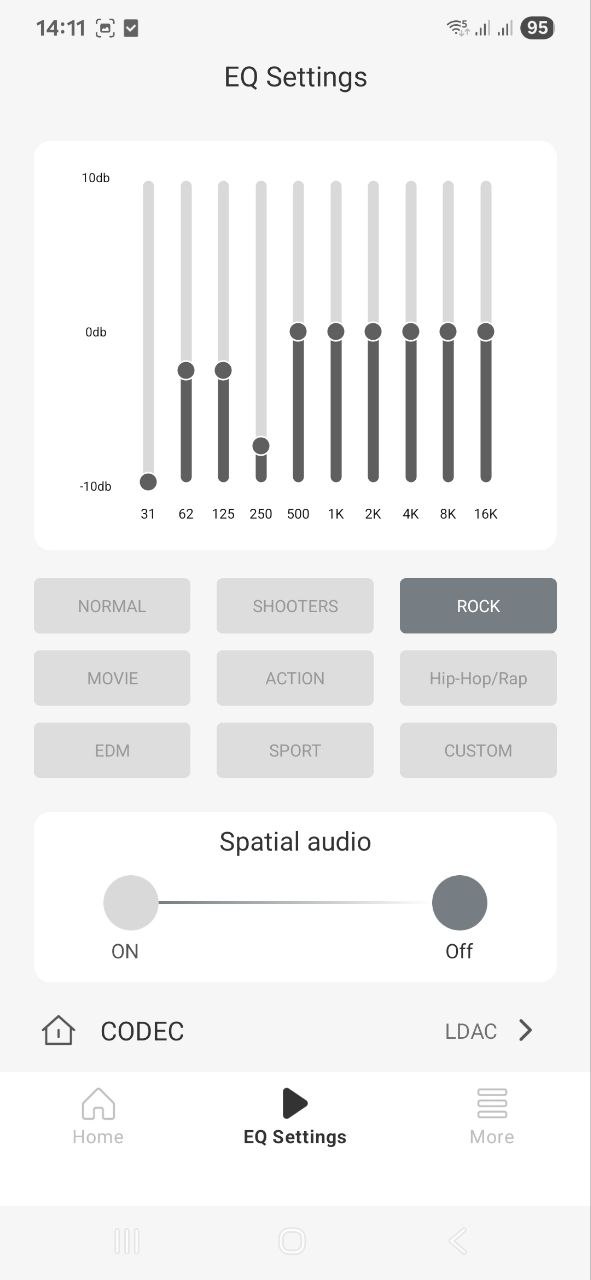
I won’t spend too much time on the app since it largely mirrors what I covered in my review of the HATOR Phoenix 2 Wireless, and what Yuri Svitlyk mentioned in his review of the HATOR Hyperpunk 3 USB. Overall, it’s a simple but functional app that lets you tweak the equalizer with various presets – both gaming and music-oriented – customize the sound profile, install a language pack for the voice assistant, and update the firmware. Most of the features, however, duplicate controls already available directly on the headset, such as switching noise cancellation modes or activating spatial audio.


Sound
The HATOR Hypergang 3 Wireless uses 40 mm drivers with neodymium magnets, capable of reproducing sound frequencies from 10 Hz to 44 kHz. Compared to the Hyperpunk 3 USB, which featured larger 53 mm drivers, the size difference is notable – but driver size isn’t the only factor affecting sound quality.
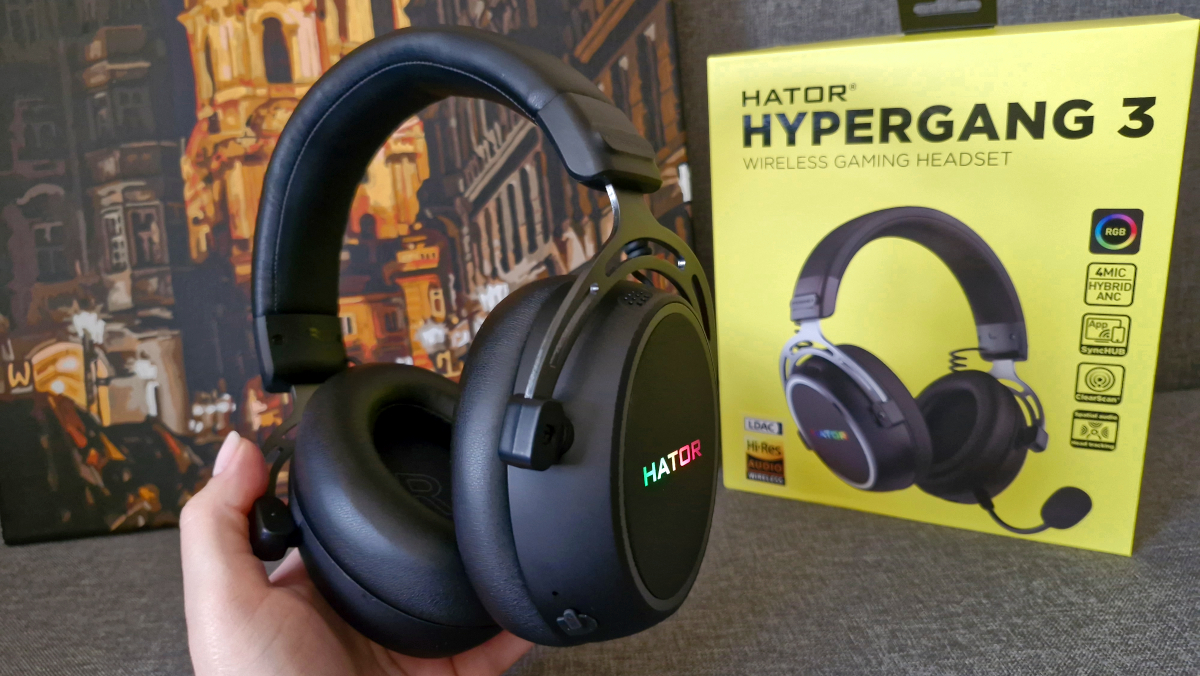
The Hypergang 3 Wireless also carries a Hi-Res certification. Instead of virtual 7.1 surround sound like in the previous model, it features spatial audio with head tracking. This adds a more immersive experience, particularly for gaming – players can better pinpoint enemy directions and overall enjoy an enhanced sense of presence. This should appeal to gamers looking for improved audio detail.
I would classify the Hypergang 3 Wireless as a versatile headset – you can comfortably listen to music or watch movies with sound quality that’s close to a cinema experience. For music, I recommend turning off all additional effects and avoiding the equalizer. Out of the box, the sound quality is excellent (just make sure to switch to LDAC). Features like spatial audio, noise cancellation, and presets – especially gaming ones – can interfere with and distort the sound. Turning everything off lets you enjoy clear, detailed, and immersive audio. For movies, though, I suggest using the Movie preset – it provides a better balance, particularly when dialogues are quiet and sound effects are intense. Overall, it’s easy to find the ideal sound profile on the Hypergang 3 Wireless, whether you’re gaming or just relaxing with multimedia content.
Read also:
- Hator Stellar Pro Wireless Gaming Mouse Review
- Hator Rockfall 2 Mecha TKL Review: Сool Mechanical Keyboard for $55
Headset and noise cancellation mode
The HATOR Hypergang 3 Wireless is marketed not only as a gaming headset but also as a smartphone headset. Thanks to its detachable microphone, you can take calls directly from your phone. However, there is a caveat: volume and clarity over the Bluetooth connection are far from ideal. While it’s possible to take calls, the best results are achieved in fairly quiet environments. Unfortunately, the ENC noise cancellation tends to overly compress the voice while filtering out background noise. On the other hand, voice quality is noticeably better when using a wired connection or the 2.4 GHz wireless mode. So, for in-game team communication or work calls using these connection types, the headset performs well.
The ANC implementation in the Hypergang 3 Wireless is well-executed. It strikes a good balance between filtering out unwanted noise and maintaining comfort without causing pressure on the ears. While some external sounds still come through with ANC enabled, they are noticeably quieter and seem more distant compared to normal mode. Switching to the transparency mode expands the audible frequency range of surrounding sounds, although there is some noticeable microphone hiss as it tries to relay outside noise through the headphones. Overall, this mode improves awareness of the environment better than having no transparency mode at all, especially since the over-ear design already provides passive noise isolation.
HATOR Hypergang 3 Wireless battery life
The headset is equipped with a 750 mAh battery, which provides up to 40 hours of use with noise cancellation and lighting turned off. Overall, that’s a decent runtime. If you use it for a few hours in the evening to unwind after work, you likely won’t need to charge it for at least a week. A full charge takes about three hours.
Verdict and competitors
The HATOR Hypergang 3 Wireless strikes a solid balance between a gaming and multimedia headset. It offers features that appeal both to gamers and to casual users who want to relax with movies or music. The headset delivers detailed Hi-Res audio, active noise cancellation, spatial audio with head tracking, good battery life, a functional app, a clean design, and decent ergonomics. On the downside, the microphone quality over Bluetooth is somewhat lacking, and some users might be disappointed by the absence of dedicated PC software, which is available in models like the Hyperpunk 3 USB.
So, can the Hyperpunk 3 USB be considered an alternative to the Hypergang 3 Wireless? Not exactly. While both belong to the same series, the differences between the models are quite noticeable – from design and materials to connectivity options, the presence of noise cancellation, and spatial audio with head tracking. If those features aren’t crucial for you, the USB version can be a more budget-friendly choice. However, if you’re looking for a full replacement within the brand’s lineup, the HATOR Phoenix 2 Wireless might be a better option. It shares many technical specs with the Hypergang 3 Wireless but adds a foldable design and comes with a carrying case.
There are quite a few gaming Hi-Res headsets available, but their price tags are usually about twice as high as what HATOR offers. For example, the Dell Alienware headset costs slightly more – around $150. It features Dolby Atmos but lacks Bluetooth connectivity and weighs more, at nearly 350 grams.
Read also:
- Hator Hyperpunk 2 USB 7.1 review: gaming headset + sound card for $60
- Hator Dreamcast RGB Microphone Review
Where to buy


