




© ROOT-NATION.com - Use of content is permitted with a backlink.
For years, I had one persistent goal: to find the best all-around TWS earbuds for daily use – something versatile enough for all current needs but without an exorbitant price tag. Now, it feels like that goal has been achieved with the Huawei FreeBuds Pro 4. These earbuds have set such a high standard that I don’t feel the need to look further. While I’ll likely test other wireless earbuds occasionally, they will always be measured against this benchmark. What makes them stand out? Read on in this review.

TABLE OF CONTENTS:
What I need from a wireless earbuds
Honestly, I probably don’t have any unique demands when it comes to earbuds with microphones – my expectations are pretty typical. I’ll list some key aspects I look for in TWS earbuds that need to be there to catch my interest.
- Sound quality. I often listen to music in the background while working or walking outside, so sound quality is my primary requirement for earbuds. I use Tidal to stream high-bitrate music files, so support for the LDAC codec is important, as it’s currently one of the most versatile lossless codecs for wireless audio. The sound drivers also matter. Ideally, earbuds should have at least two drivers – usually a larger one for bass and a smaller tweeter for high frequencies. While there are single-driver earbuds that can deliver decent sound, my experience shows that multi-driver setups, when properly implemented by the manufacturer, tend to offer better detail and clarity. This is because different drivers handle separate frequency ranges (essentially acting as a hardware crossover), which generally results in a more balanced frequency response compared to single-driver models.
- Microphones. Voice communication is still an important feature – at least for my generation, we still use calls to talk with family, friends, or hold work meetings via voice chat. For wireless earbuds (TWS) to handle this well, each earbud should have at least three quality microphones. The first is a traditional external mic placed as close to the mouth as possible to clearly capture your voice. The second mic is usually positioned somewhere on the outside or top of the earbud – it listens to the surrounding environment to gauge noise levels and helps the noise-cancellation system work effectively, or mixes in ambient sounds when transparency mode is active. And finally, there’s the third, internal microphone – usually placed inside the ear canal or under the ear tip. It “listens” to your voice from within the ear, improving the vocal tone to deliver a clearer, more natural sound to the person on the other end. This setup is the basic standard, as I mentioned. A step above that is adding a bone conduction sensor, which picks up your “internal voice” through contact with the ear cartilage. This feature is typically found only in flagship models. Huawei FreeBuds Pro 4 include this full suite of sensors.
- Comfortable control. I don’t like it when the touch controls on a headset activate by accident or only work intermittently. Do you? Ideally, I want a simple and intuitive control system where every action responds predictably and accurately whenever I need it. It’s also important for me to have full control – pause, skip tracks forward and backward, adjust volume, and switch between noise-canceling and transparency modes – without exceptions. I’d prefer the control scheme to be the same on both earbuds since I often keep only one in my ear during long voice calls. It would also be useful to customize gestures and adjust them according to personal preferences. Does the FreeBuds Pro 4 offer all this? Yes, and even more, but I’ll get to that later…
- Parallel connection (multi-connect). Well, everything is simple here, the headset should simultaneously connect, for example, to a smartphone and a laptop and automatically switch between sound sources. For example, I’m watching a video on my laptop and then I receive an incoming call on my smartphone, I just answer it and the headphones pause the video while I talk to the caller. And when the conversation is over, video playback resumes automatically.
- Decent battery life and fast charging. This hardly needs explanation – most people want their earbuds to last a long time. It’s also important that they recharge quickly. Having wireless charging support is a plus, as it adds convenience.
I’ll say upfront – it’s hard to find earbuds that meet all my requirements perfectly. Usually, there’s some compromise involved. I’ve come across various models that perform well in certain areas but fall short in others. For example, they might have great sound but awkward controls, or decent microphones but an overly bulky charging case that’s inconvenient to carry in a pocket. When something feels off, it’s hard to shake the feeling, and I find myself back to searching for the ideal pair.

Of course, the Huawei FreeBuds Pro 4 can’t be called a perfect headset either, but the compromises are few and less significant compared to most competitors. So, I’ll start by going over the specs of the model, and then we’ll test the claimed features and performance in practice.
Read also: Huawei FreeBuds 6 Review – Flagship Open-Fit Earbuds
Main features and specifications of Huawei FreeBuds Pro 4
Physical parameters:
- Earbud dimensions: height 29.1 mm x width 21.8 mm x thickness 23.7 mm
- Earbud weight: 5.8 g (approx.)
- Charging case: height 46.9 mm x width 65.9 mm x thickness 24.5 mm
- Case weight: 47 g (approximately)
Batteries and charging:
- Battery capacity, earbuds: 55 mAh (minimum value for each)
- Charging case: 510 mAh (minimum value)
- Wired charging: USB-C port, 5V-0.5A or higher
- Wireless charging: supported, up to 5W
- Theoretical charging time (approx:) 40 minutes for headphones (in charging case), 1 hour for charging case without headphones (wired), 150 minutes for charging case without headphones (wireless)
Running time is a priority for sound quality: playback with L2HC/LDAC:
- Music playback (without noise cancellation): up to 6.5 hours on a full charge, and up to 30 hours with the charging case.
- Music playback (with noise cancellation): up to 4.5 hours on a full charge, and up to 22 hours using the charging case.
Running time – Connection quality priority: playback with AAC:
- Music playback (without noise cancellation): up to 7 hours on a full charge, and up to 33 hours with the charging case.
- Music playback (with noise cancellation): up to 5 hours on a full charge, and up to 23 hours using the charging case.
- Voice calls (without noise cancellation): up to 4.5 hours on a full charge, and up to 22 hours with the charging case.
- Voice calls (with noise cancellation): up to 3.5 hours on a full charge, and up to 18 hours using the charging case.
Features:
- Protocol: Bluetooth 5.2
- Codec support: L2HC3.0, LDAC, AAC, SBC
- Simultaneous connection to two Bluetooth devices: Supported
- Sensors: Infrared sensor, Hall sensor, Gyroscope, Accelerometer, Bone acoustic sensor, Touch sensor, Pressure sensor
- Audio technologies: Digital crossover, triple adaptive equaliser, active noise cancellation, noise cancellation during calls, transparency mode
- Splash, water and dust protection: headphones: IP54, charging case: no protection
- Speakers: Dual driver: 11 mm dynamic driver + microplanar diaphragm tweeter
- Frequency range: 14 Hz – 48 kHz
- Certification: HWA Lossless, Hi-Res Wireless Audio
Read also: JBL Tune 245 NC Review: TWS Headphones with Deep Bass
Positioning and price
The FreeBuds Pro series has always been positioned as a flagship line, and the Huawei FreeBuds Pro 4 is no exception. The official price is around $200 or €172. On the “gray” market, you can find the model for about $30 to $40 less. When comparing this to other flagship TWS earbuds with similar features, the price seems reasonable for a high-end product. This is especially notable when you consider comparable Apple earbuds, which are often priced significantly higher despite having less advanced features and average sound quality.
What’s in the box
The Huawei FreeBuds Pro 4 come in a dual-layer package. On the outside, there’s a thin but sturdy black plastic sleeve. Underneath it is a thicker black cardboard box. Inside, held in cardboard inserts, you’ll find the earbuds inside their charging case, along with a separate small box containing the ear tips mounted on a plastic holder.
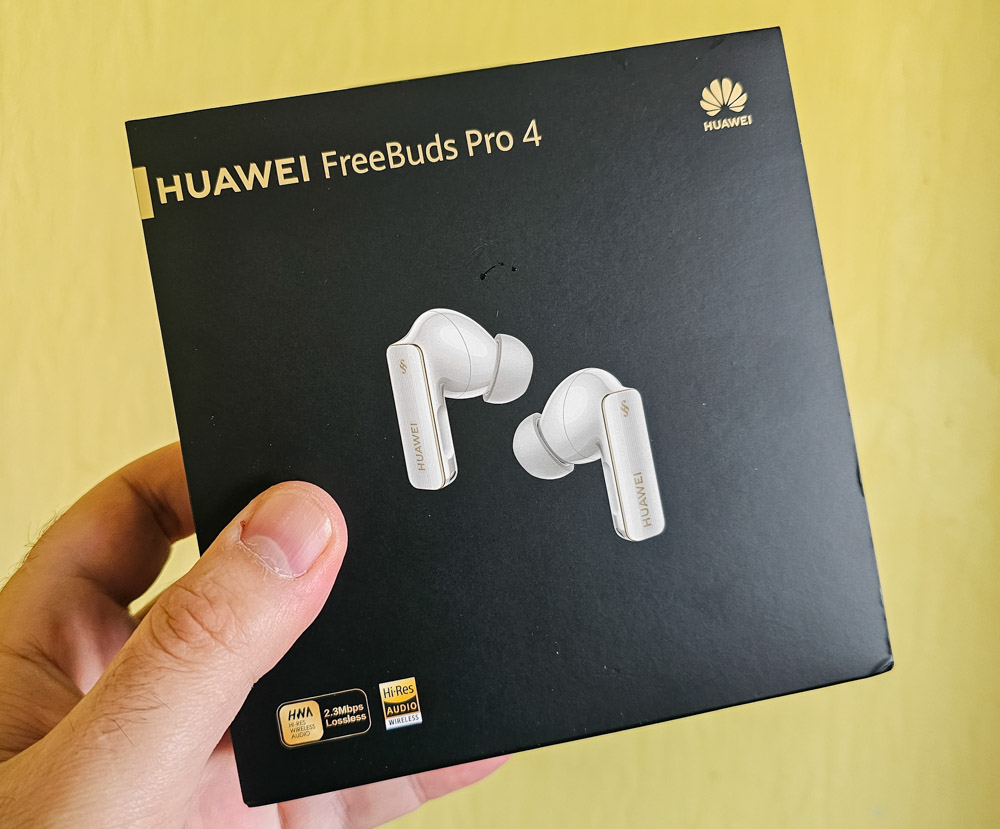
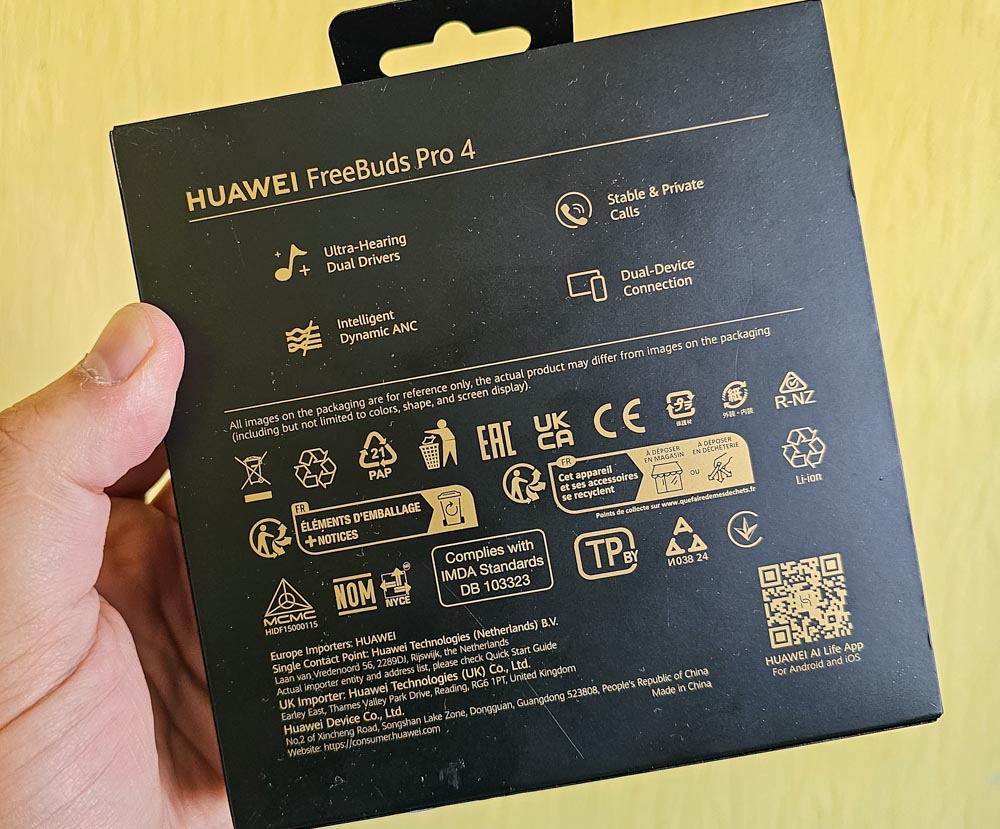
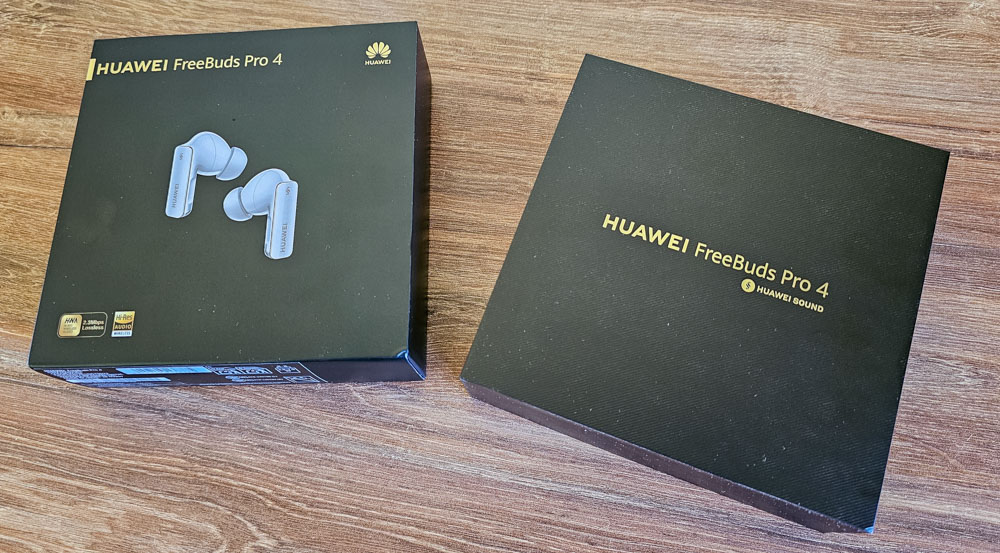
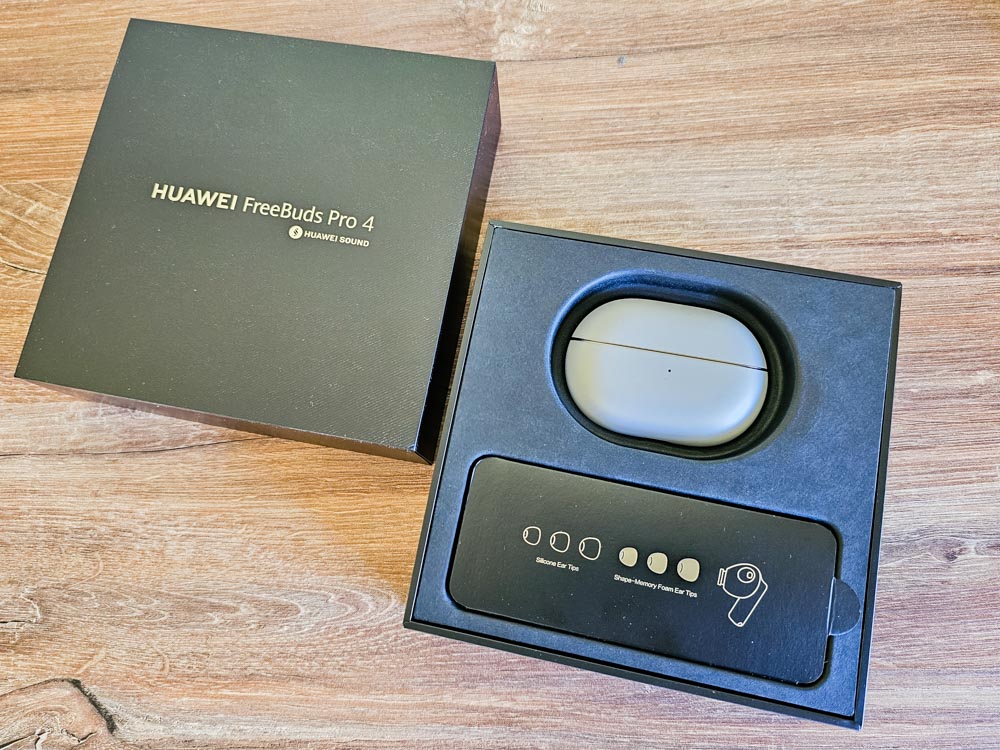
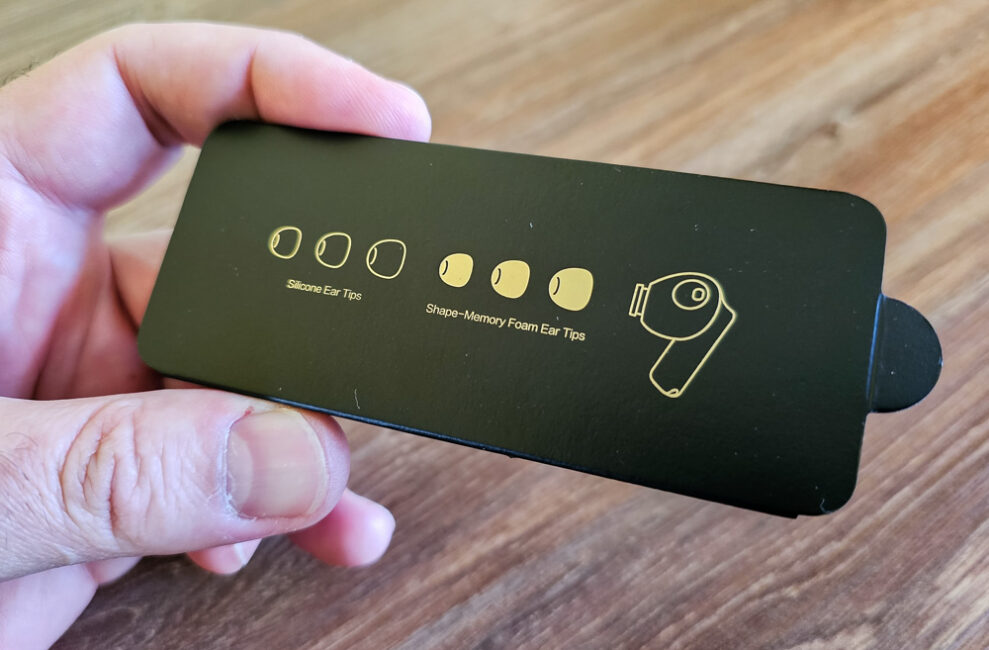
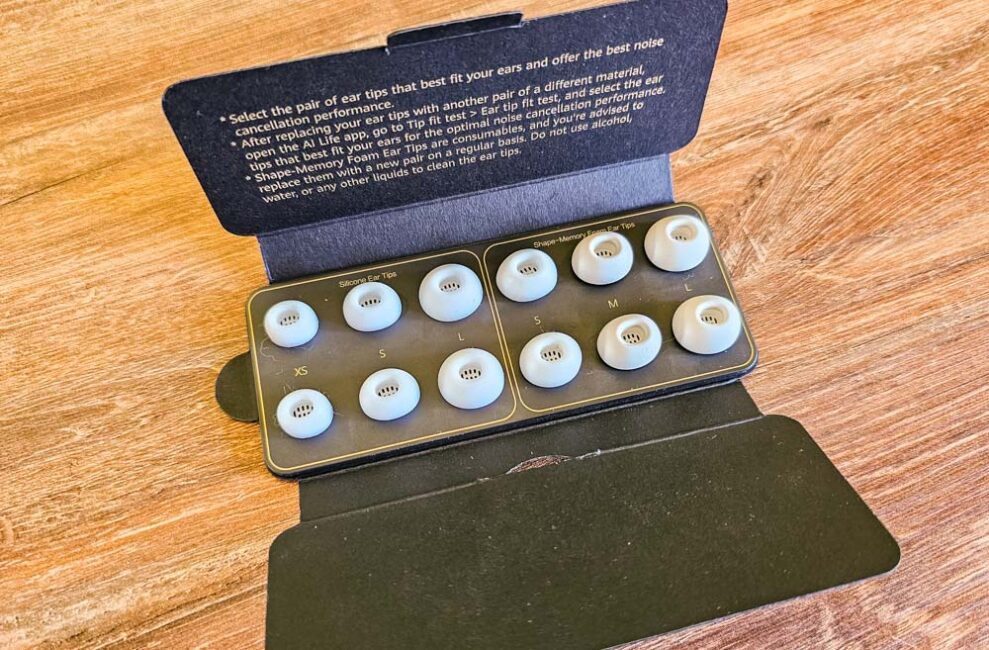
The included set of ear tips is quite extensive, with a total of seven pairs. There are classic silicone tips in four sizes: L, M, S, and XS – plus an additional M-sized pair pre-installed on the earbuds. On top of that, the kit includes three pairs of memory foam tips in sizes L, M, and S.
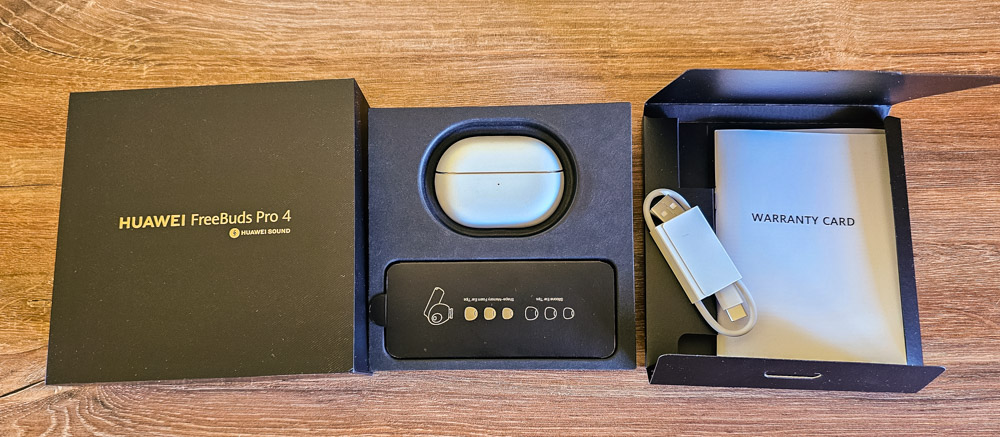
Beneath the first layer of packaging, there’s a separate envelope containing a quick start guide, safety instructions, a warranty card, and a short white USB-A to USB-C charging cable.
Read also: Anker Soundcore Liberty 4 Pro Review: Flagship TWS Headset with Unique Features
Design, materials, build quality
The design of the Huawei FreeBuds Pro 4 hasn’t changed much since the first-generation model launched in 2020. The charging case maintains its familiar oval shape with flat front and back surfaces, and a flip-top lid. Inside, you’ll find two stem-style earbuds, with the stems shaped like small rectangular prisms.
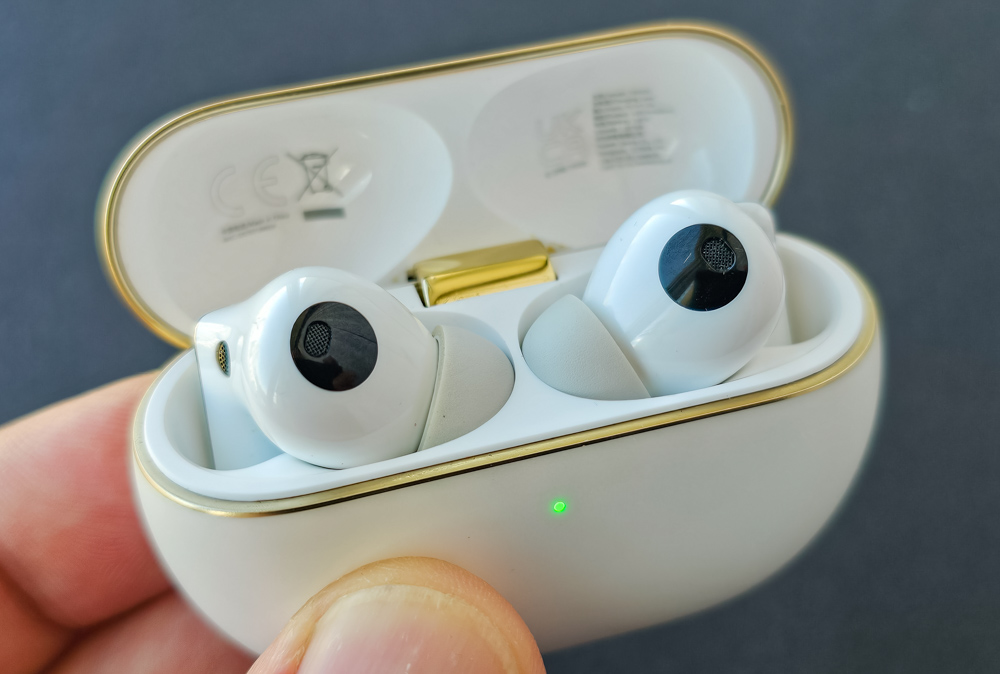
By the way, I still have a fully functional pair of first-generation FreeBuds Pro, so I’ll be making some side-by-side comparisons with the new model to highlight the differences more clearly.
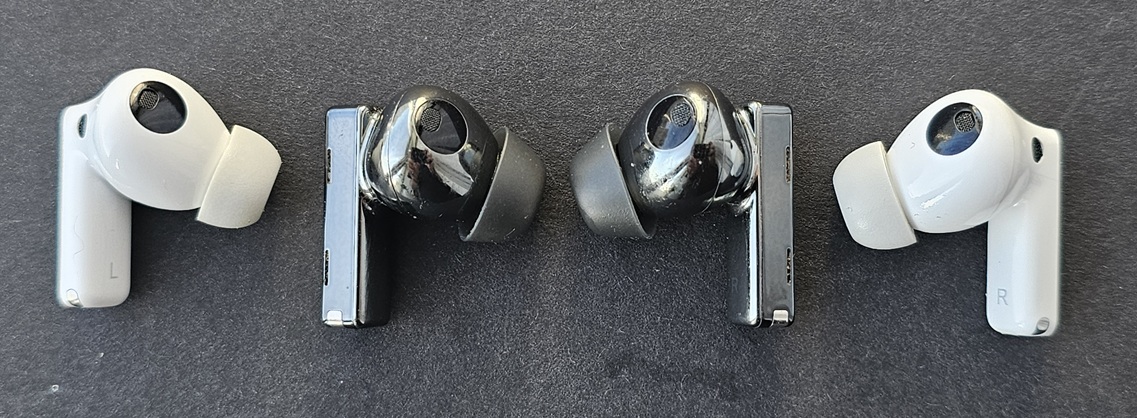
Staying true to the overall design concept of the Pro series, Huawei’s engineers have continued to make each new model slightly smaller and lighter. However, there’s only so much that can be done in terms of miniaturization when you’re working with high-end flagship components. As a result, the overall form factor evolves gradually, with each generation becoming just a bit more compact.
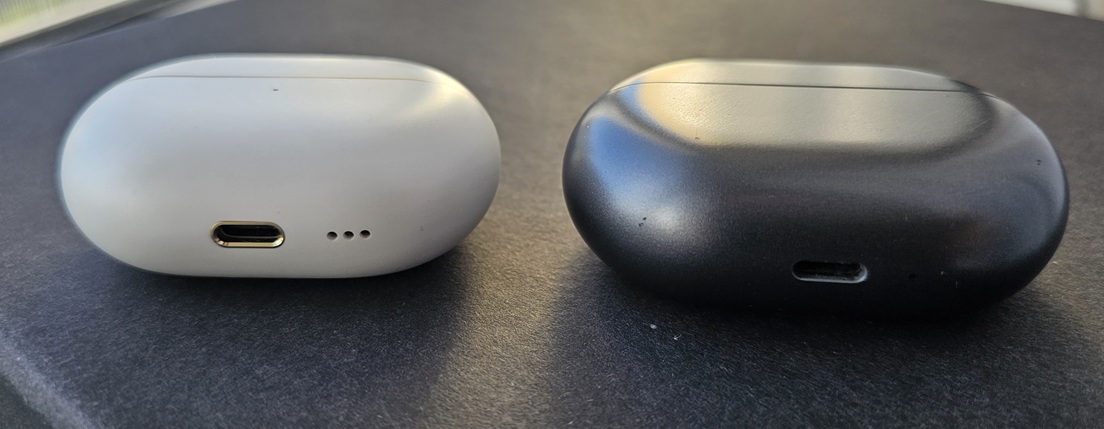
So, the size difference between the first and fourth generations is noticeable, but I wouldn’t call it significant. Yes, the 4th-gen case is smaller in every dimension, and the earbud stems are slightly slimmer compared to the original model – but the changes are more about refinement than a complete redesign.
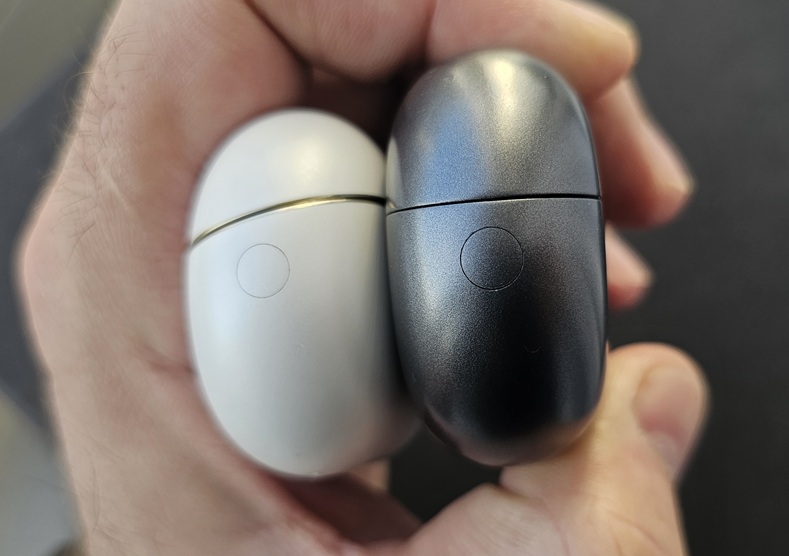
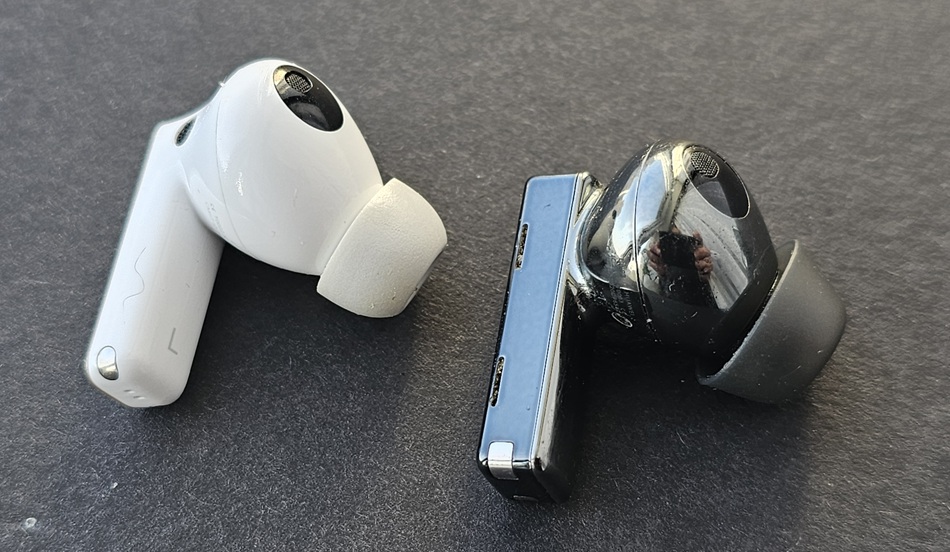
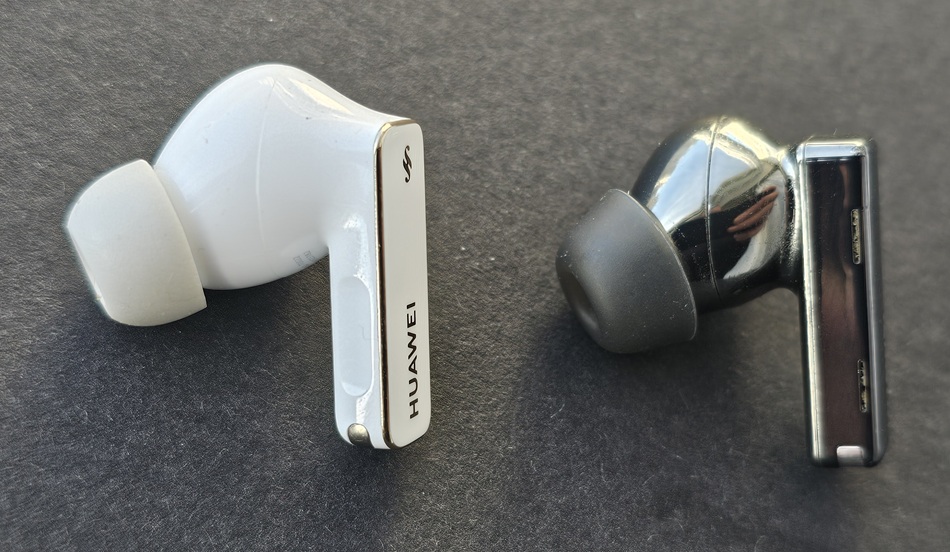
The earbuds are still made from high-quality, durable plastic. One of the standout features across all generations is the wear-resistant coating on the charging case, which includes ceramic components. And it genuinely holds up over time. Just looking at the first-generation case after five years of regular use – it still looks almost brand new. The earbuds themselves have also held up well, showing no noticeable wear and retaining their original appearance.
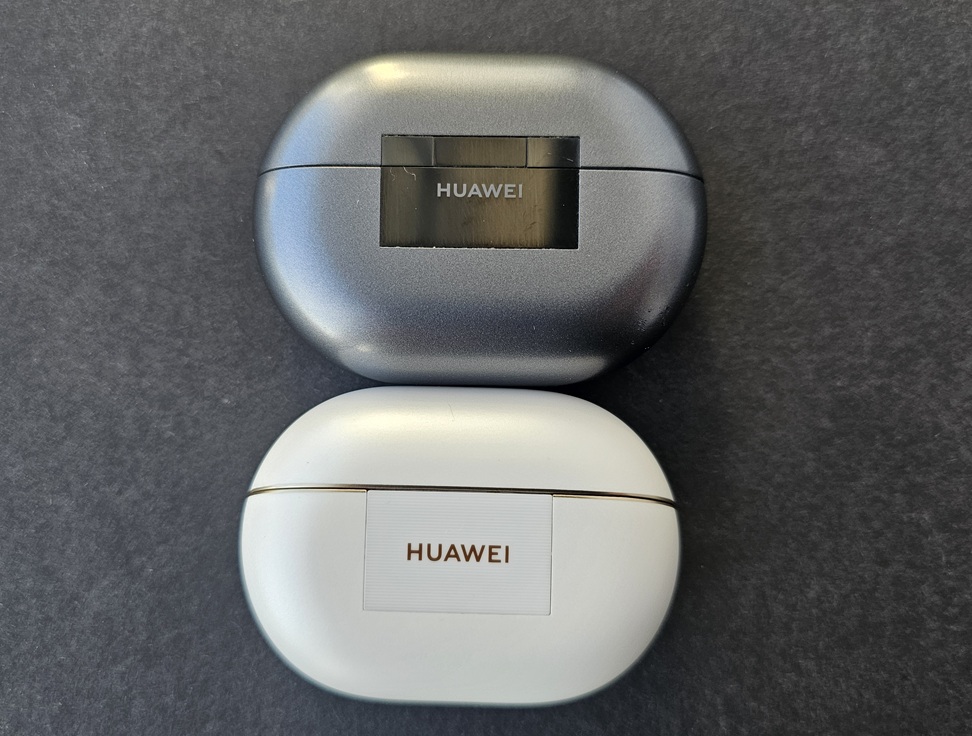
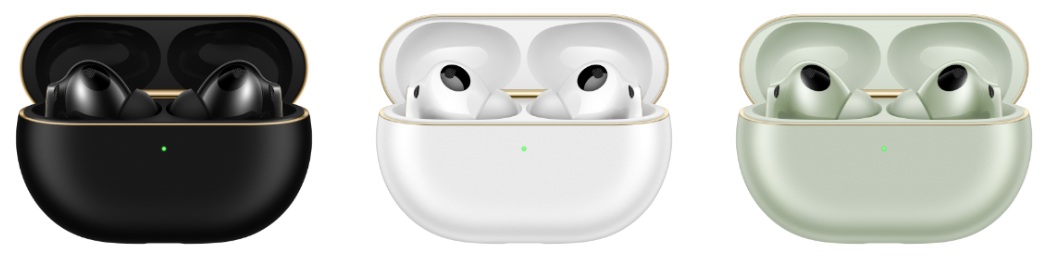
Huawei continues to experiment with color options, though unfortunately, this year the company dropped what I consider one of the best choices – the popular dark titanium gray. What remains are the classic black and white versions, along with a green variant.
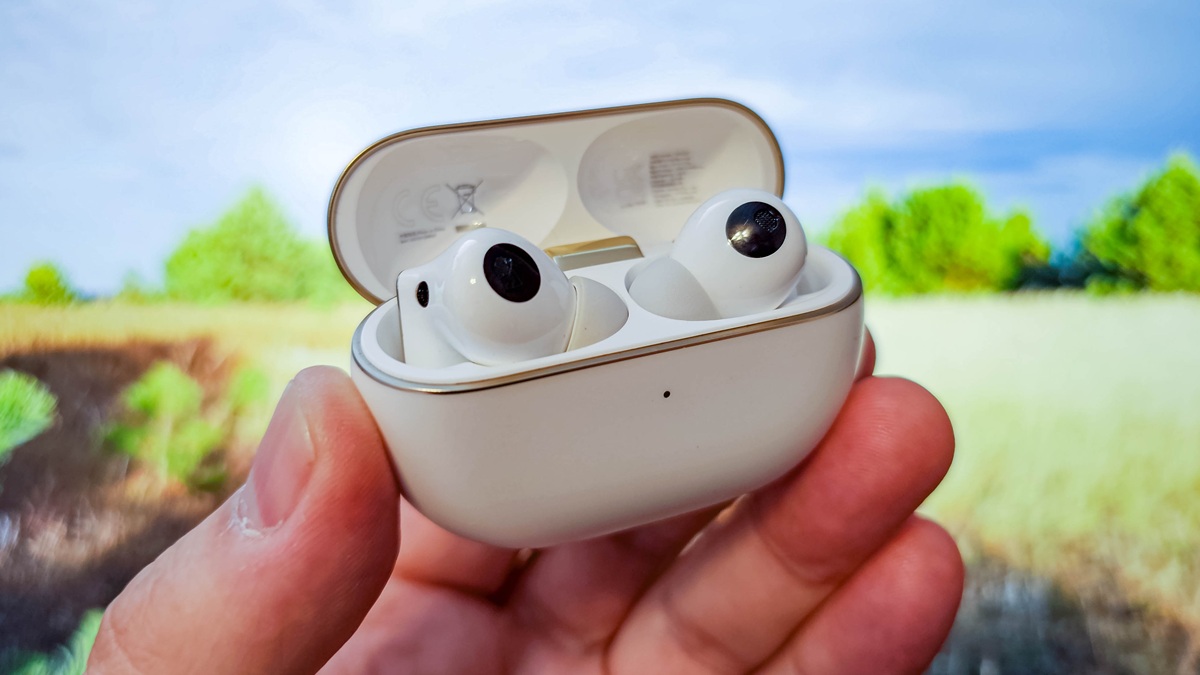
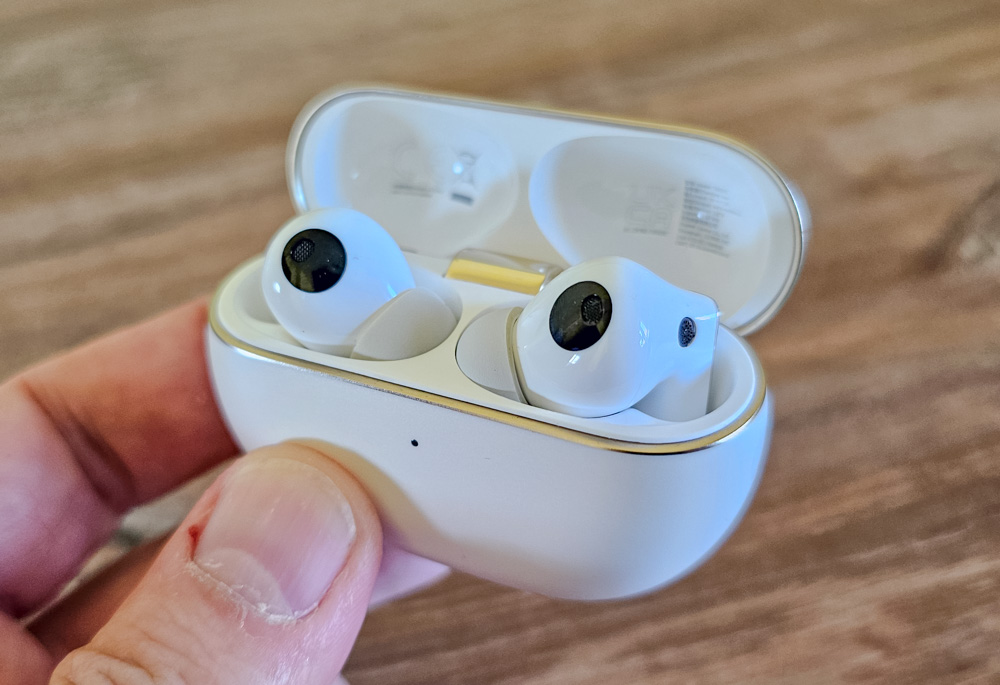
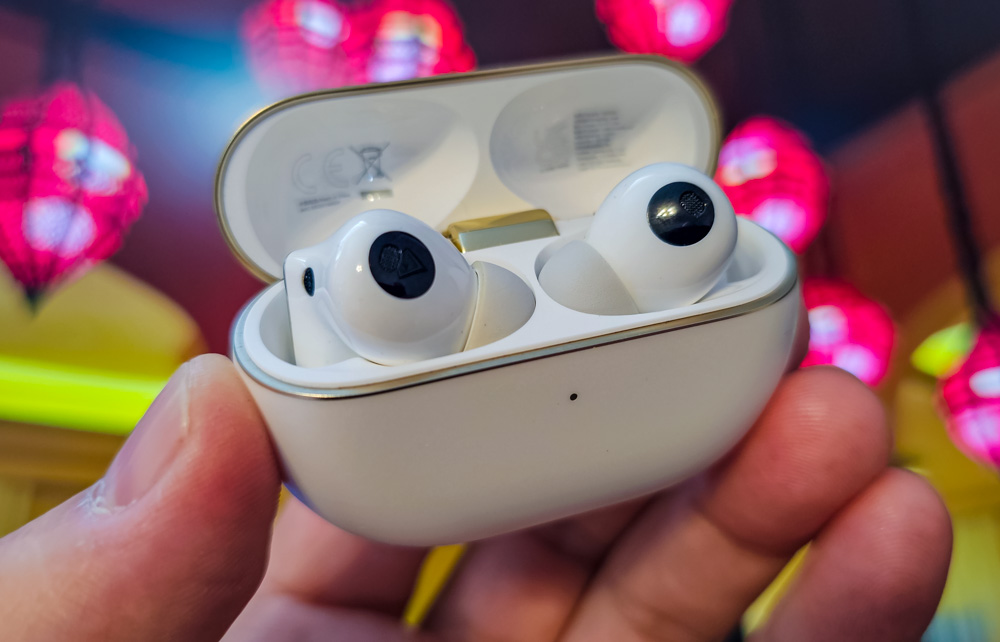
Actually, the white version I have for testing isn’t just plain white plastic. Thanks to the same wear-resistant coating, the case’s color resembles a white pearl with a subtle beige tint. It’s also accented with gold details along the lid’s opening edge and around the charging port.
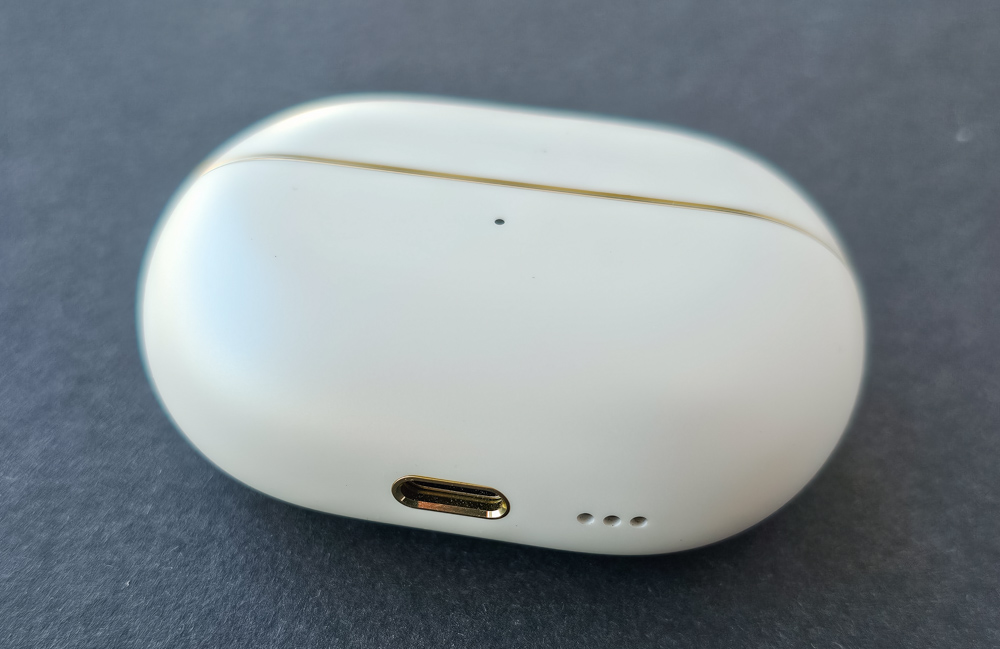
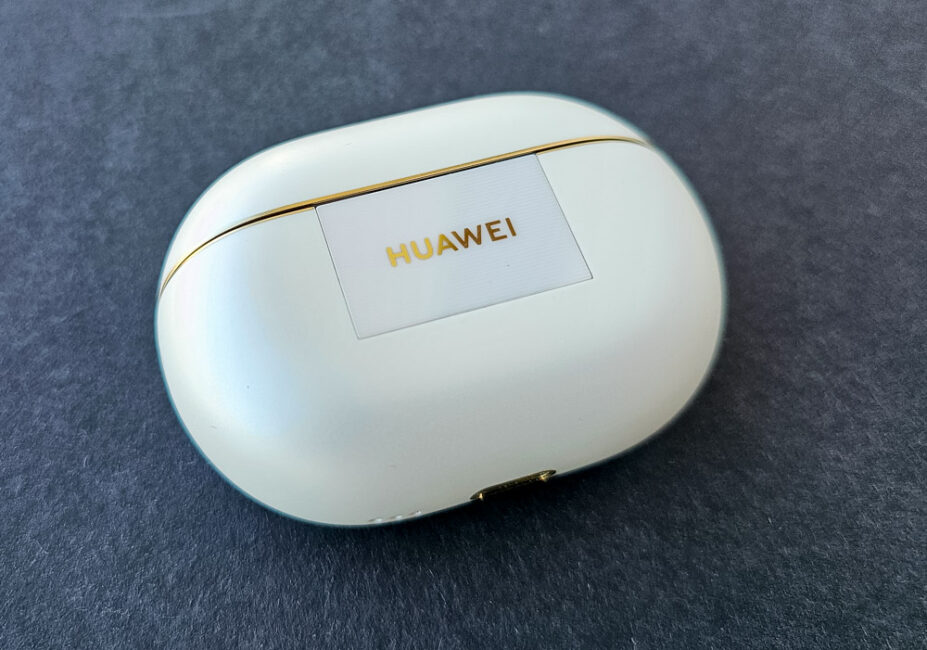
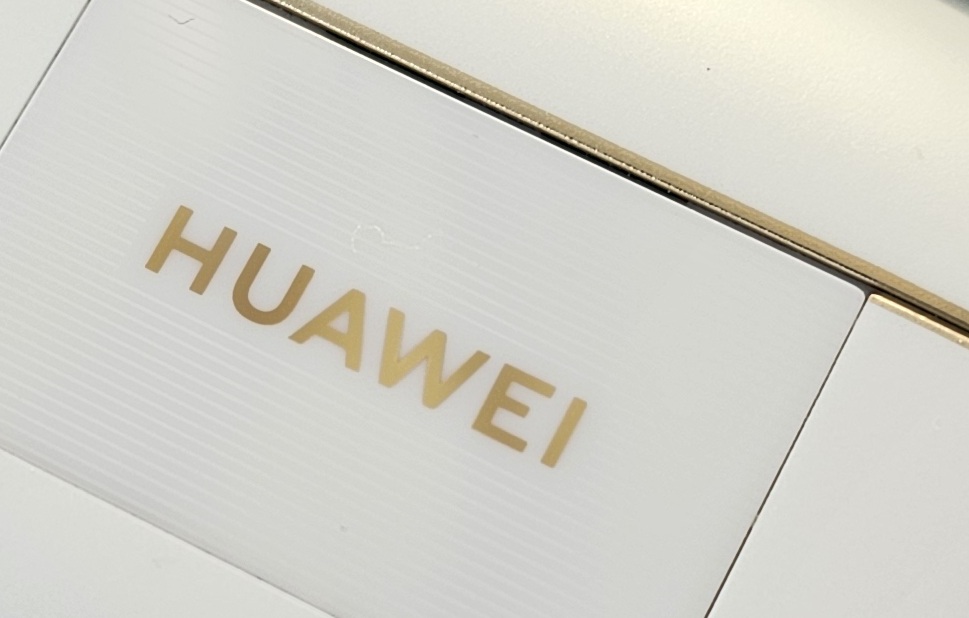
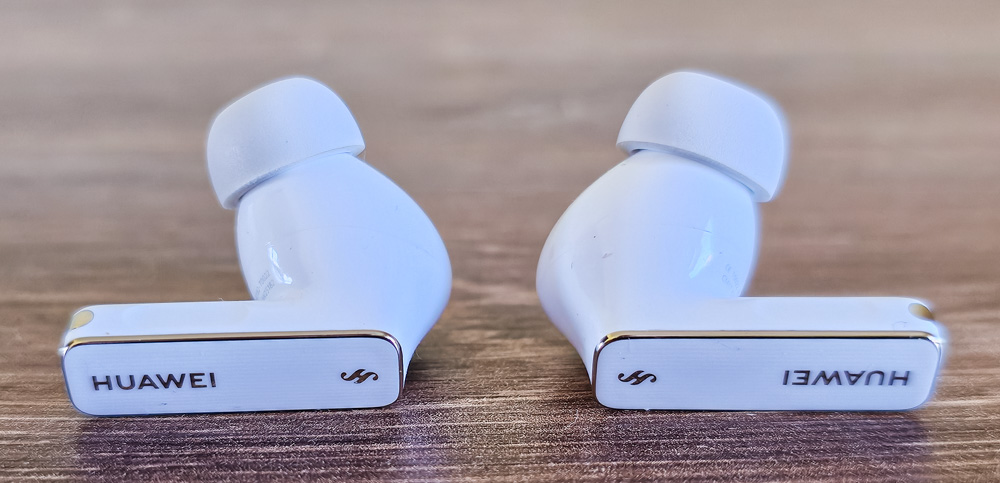
In this generation, Huawei introduces the “Silver String Design” concept. At first glance, the silver isn’t obvious since the gold accents stand out more. However, the silver details are there, just subtle. For example, on the back of the case, there’s a white translucent ceramic plate featuring a gold brand logo set against a silver pattern – a series of horizontal parallel lines (the “strings”) created using a holographic technique. This pattern only becomes visible at certain angles, giving it a distinctive look.
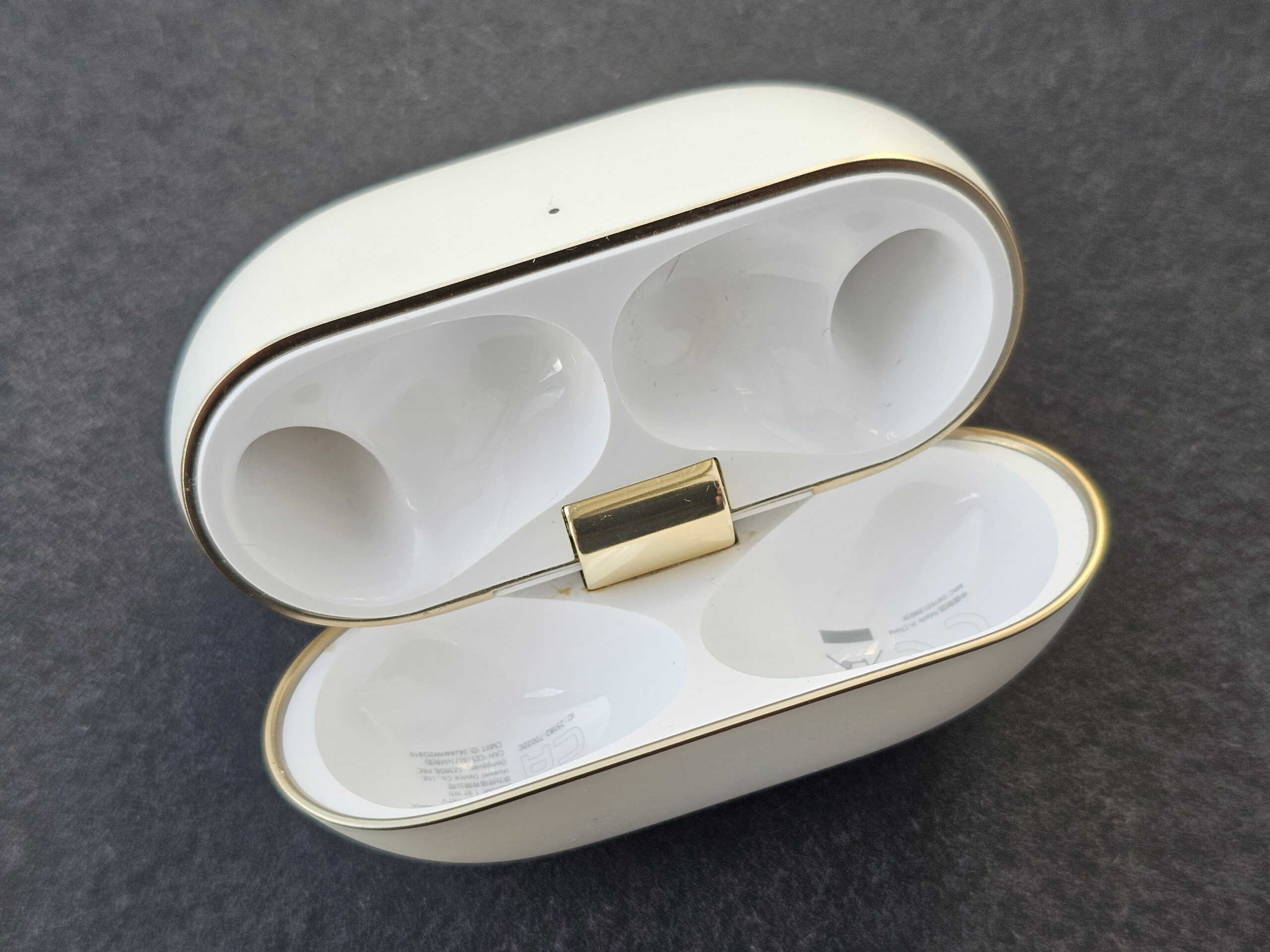
Inside the case, the plastic is a moderately glossy white, with gold accents outlining the edges of various parts. The hinge is made of solid metal and is fully gold-plated.
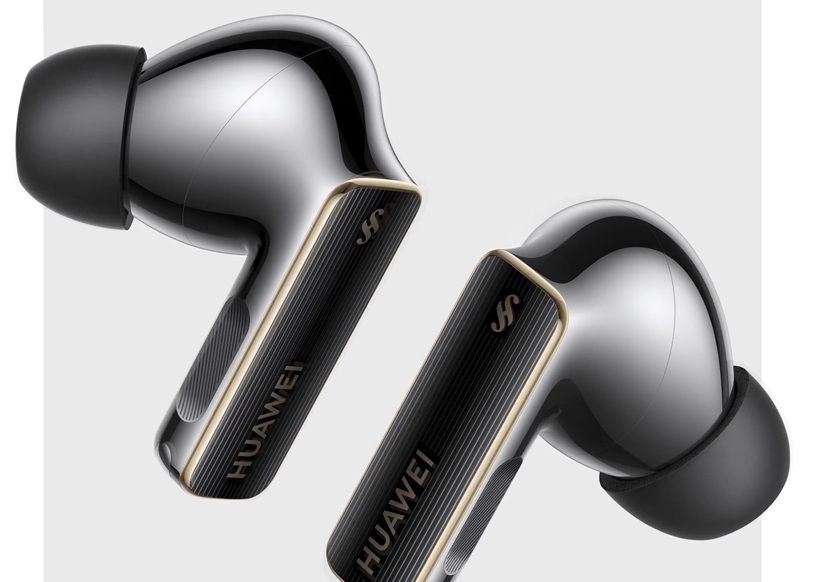
The earbuds are made from the same semi-glossy plastic. The stem features a gold trim and gold lettering over a pattern of silver parallel lines running along its length. While this design is difficult to capture in photos, the pattern matches the one seen on the ceramic plate embedded in the case.
Here’s an illustration from the official website. The silver “strings” are more visible on the black model, but the detailing on the white earbuds is essentially the same:
Overall, the build quality and materials remain consistently high. The earbuds are crafted with attention to detail, and in this regard, the manufacturer delivers a product that meets premium standards.
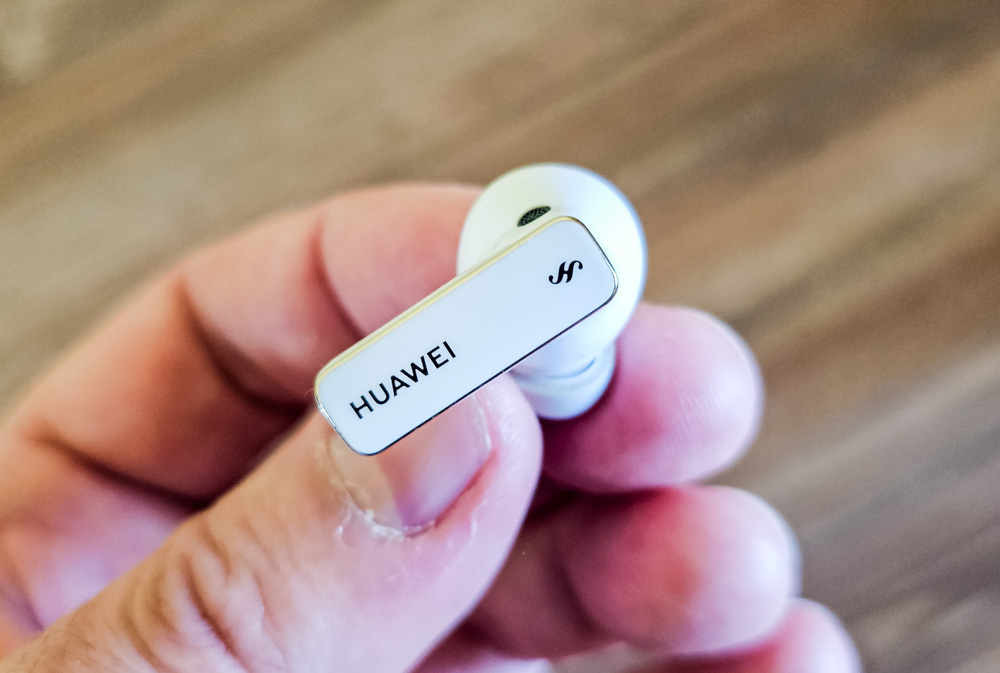
The earbuds feel pleasant to the touch, while the case has a slightly textured surface. The finish doesn’t attract fingerprints or dirt, keeping it looking clean.
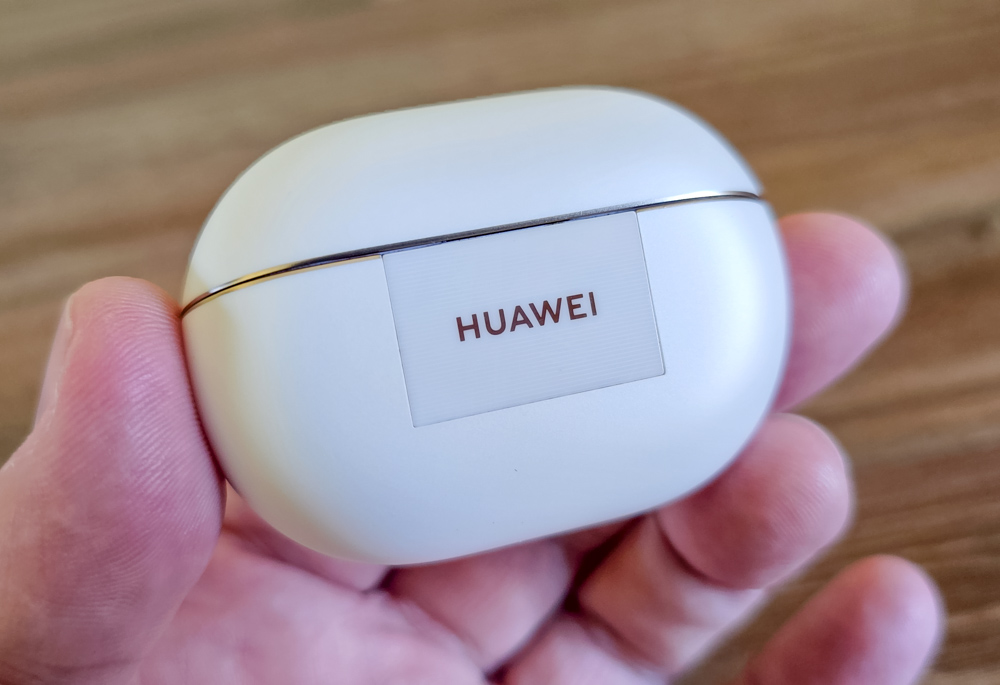
The lid opens smoothly thanks to a well-designed hinge, and closing it produces a satisfying click. There’s virtually no play or looseness in the hinge mechanism.
Read also: SoundPEATS Engine4 Review: TWS Earbuds with Good Sound at Affordable Price
Layout of elements
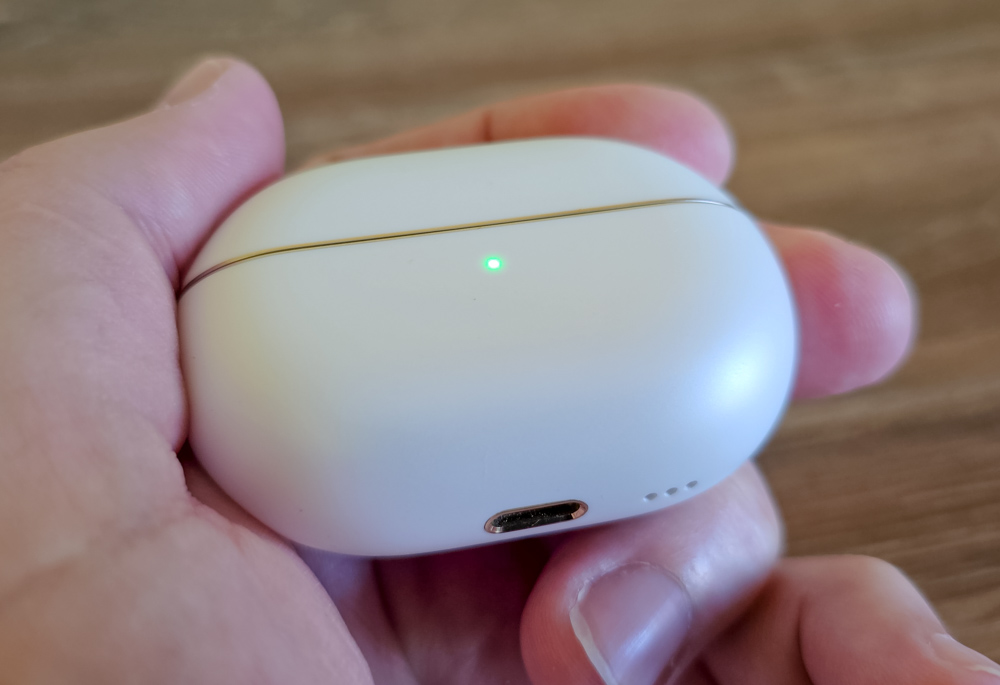
Let’s start with the case. On the front, there’s a multifunctional LED that indicates the charge level of the case or each earbud when you place them inside after use. The LED lights up in red, yellow, or green to show different charge states.
On the right side of the case, there’s a discreet button flush with the surface. A short press shows the case’s battery level, while holding it down with the lid open resets the earbuds’ connection settings and puts them into pairing mode.
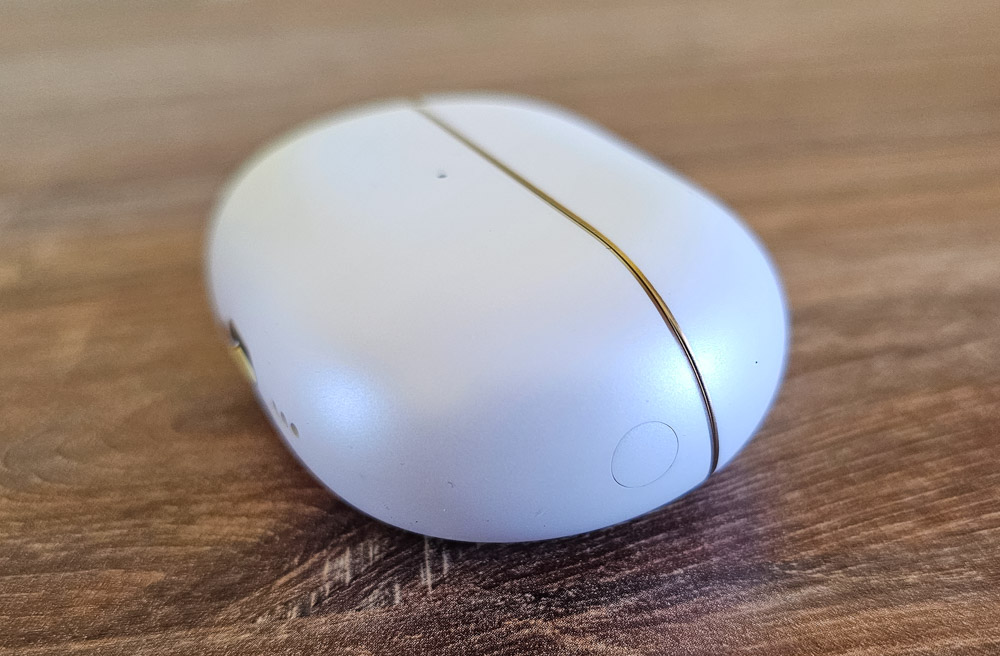
On the bottom, there’s a USB-C port and three small holes hiding a built-in speaker. This speaker emits a soft, quiet chime to signal the start of charging.

Inside the case, there are only the slots for the earbuds, each with gold-plated charging contacts. On the inside of the lid’s recesses, you’ll find markings and additional product information printed in small text.
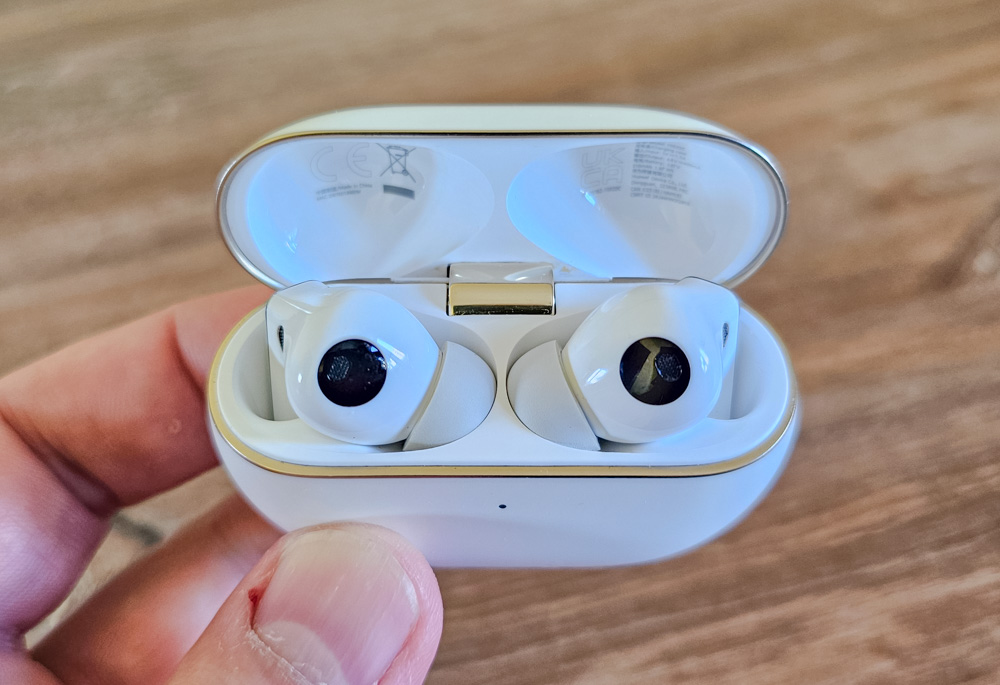
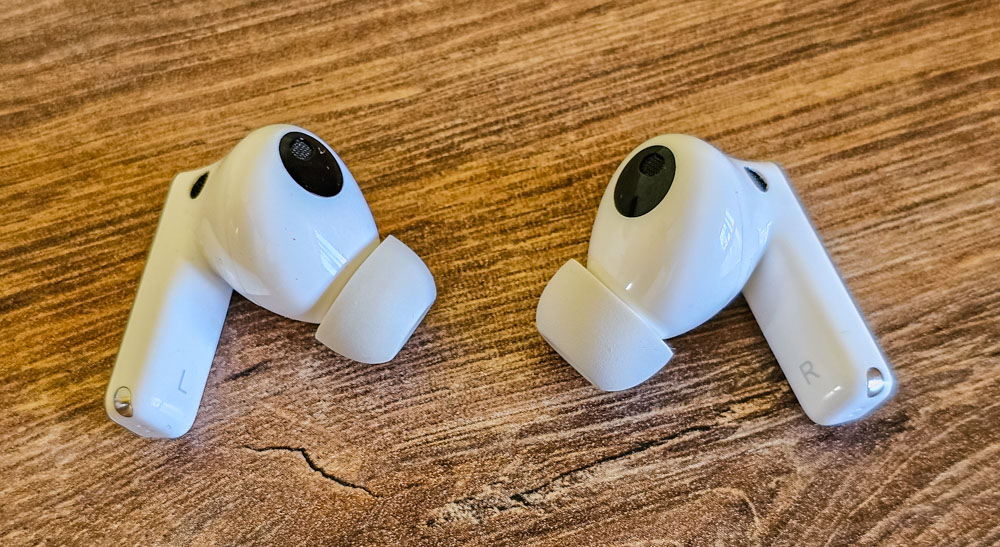
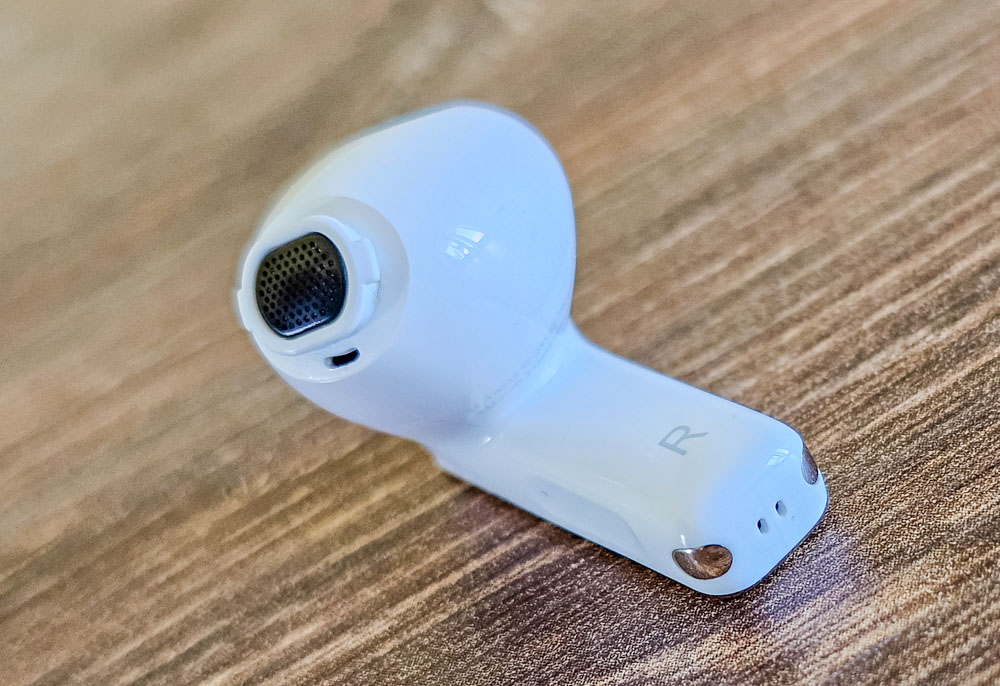
Moving on to the earbuds themselves, they’re fairly compact. Each earbud consists of a bean-shaped main body that fits into the ear, and an external stem shaped like a rounded rectangular prism with smooth edges and corners.
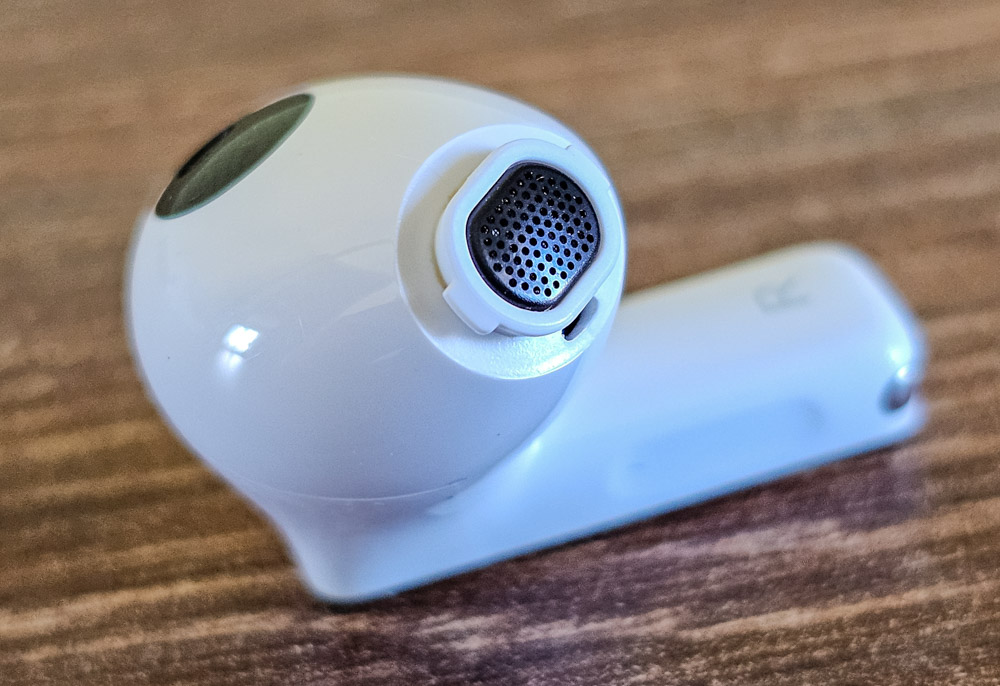
The earbud ends with a nozzle that locks the in-ear tip in place. The short sound tube is covered by a black metal mesh, and there’s also an opening for an internal microphone.
On the part of the earbud that contacts the ear canal, there’s a relatively large black area housing the proximity sensor for auto-pause functionality, as well as a bone conduction sensor covered by a grille.
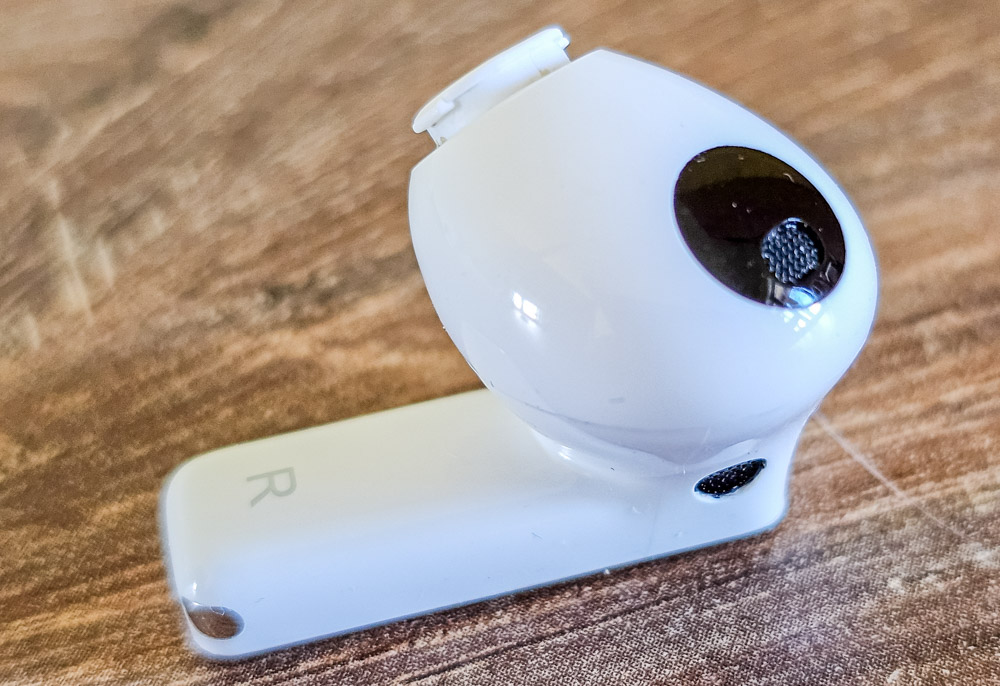
At the back near the base of the stem, there’s a round black grille housing the second external microphone, which picks up ambient sounds.
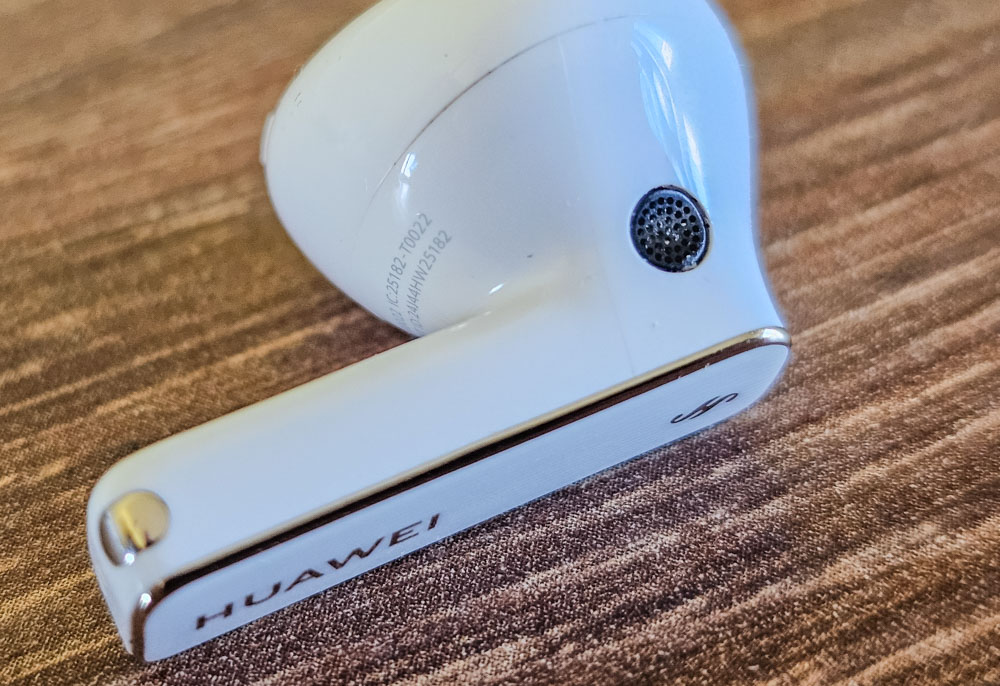
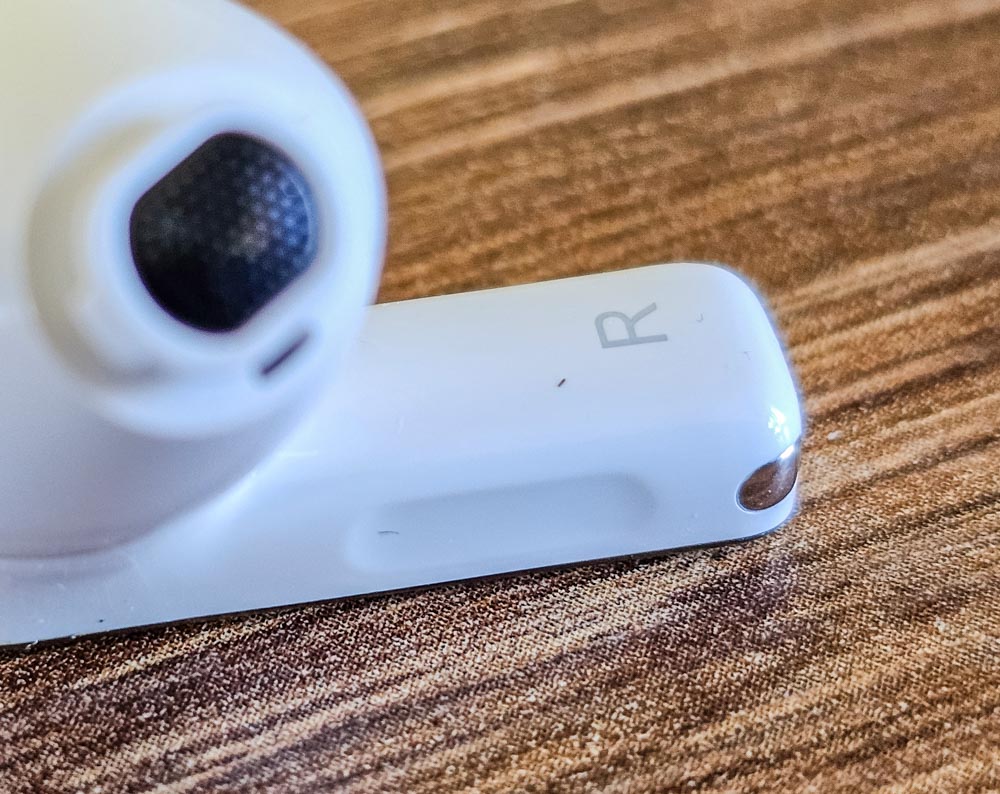
On the bottom edge of the stem, there are two openings for the voice microphone and gold-plated contacts for charging the earbud’s battery.
On the front face of the stem, there’s a touch-sensitive area used to control the earbuds’ functions. It responds to taps, presses, and gestures.
Read also: Kiwi Ears Airoso Review: 5-driver IEM Headphones for Audiophiles at an Affordable Price
Comfort of using Huawei FreeBuds Pro 4
First, a few words about the charging case. In my opinion, the FreeBuds Pro 4 case is nearly perfect – it’s very compact and fits comfortably in a clothing pocket. You can easily tell the case’s orientation by touch, thanks to the charging port on the bottom and the smooth ceramic plate on the back, which contrasts with the textured body. This makes it easy to grab the case in the right position and open the lid with one hand, even in the dark.
Putting the earbuds back into the case is straightforward since you don’t have to rotate them – they snap securely into their slots with the help of magnetic guides. Plus, the earbuds stay firmly in place and won’t fall out, even if you turn the open case upside down and shake it.
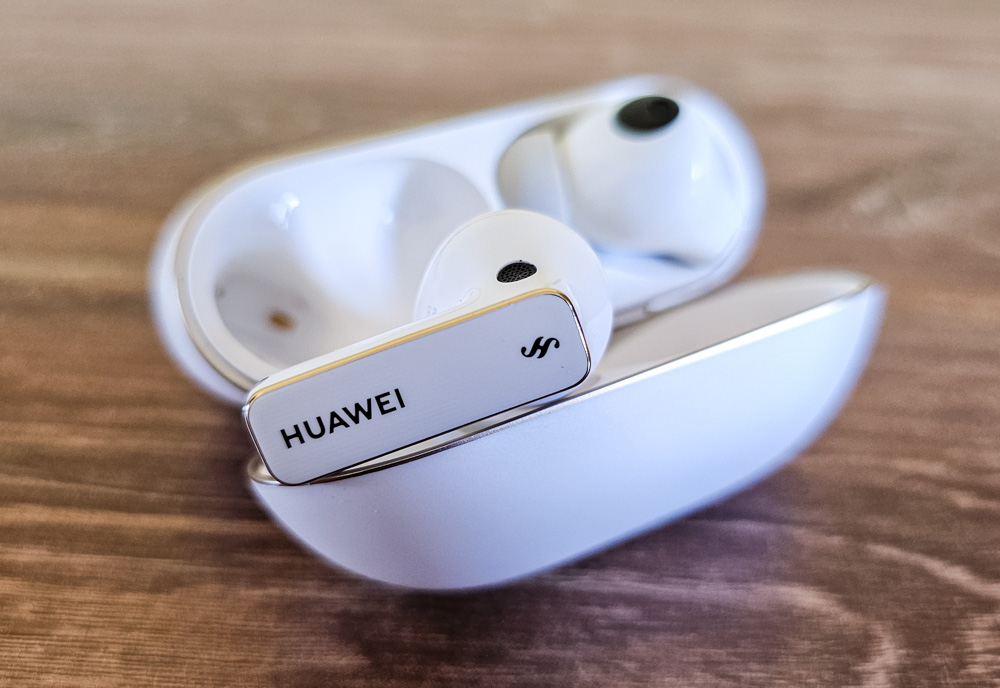
Moving on, fit comfort is obviously a very personal matter, but I can speak for myself – I’ve worn the Huawei FreeBuds Pro 4 for long hours without any discomfort. This mostly applies to the silicone ear tips, which feel softer compared to the memory foam ones. I tried the foam tips a few times and actually like how they affect the sound, but after a while, I start to feel some pressure inside the ear canal. What helped was switching to foam tips one size smaller than the silicone ones – this reduced the discomfort while maintaining a good seal deeper in the ear.
Of course, ease of control is another important factor for overall comfort, so I’ll cover that in the next section.
Read also: FiiO SA1 Review: Desktop Speakers… And More
Manage functions
In this area, the FreeBuds Pro 4 earn top marks from me. The controls are clear and straightforward. The auto-pause function works flawlessly – take an earbud out, and playback pauses; put it back in, and playback resumes. Additionally, if you insert just one earbud, transparency mode automatically activates to balance surrounding sound and prevent that plugged-ear feeling. Adding the second earbud switches the device back to the default mode, which for me is noise cancellation.
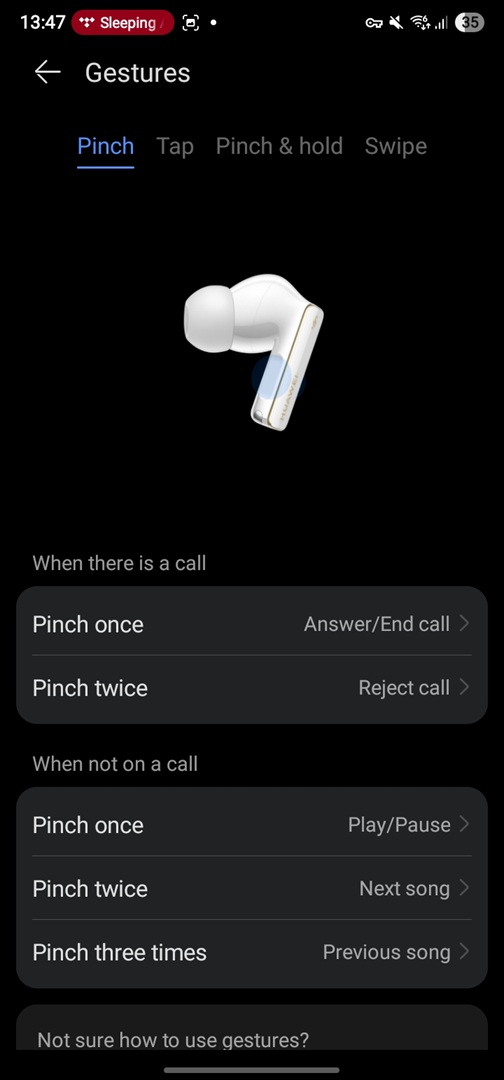
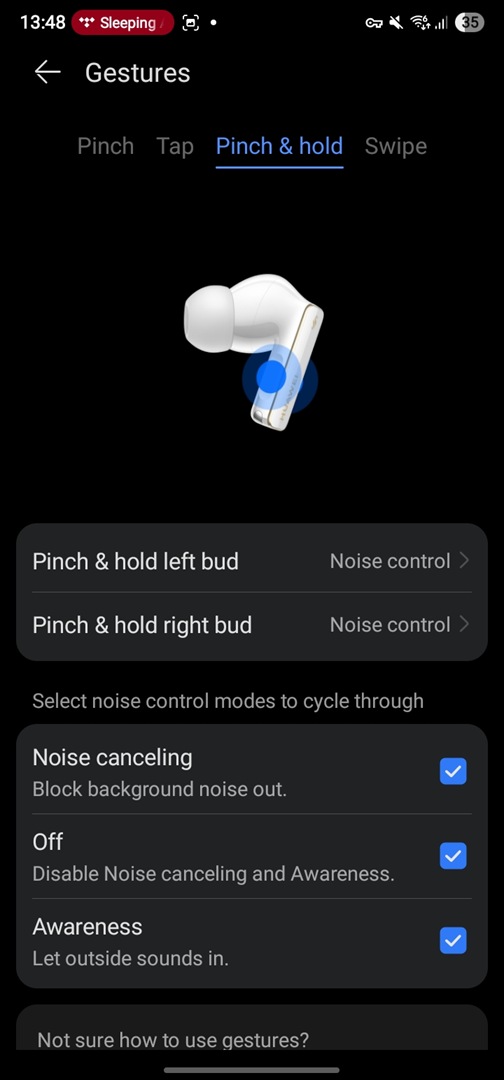
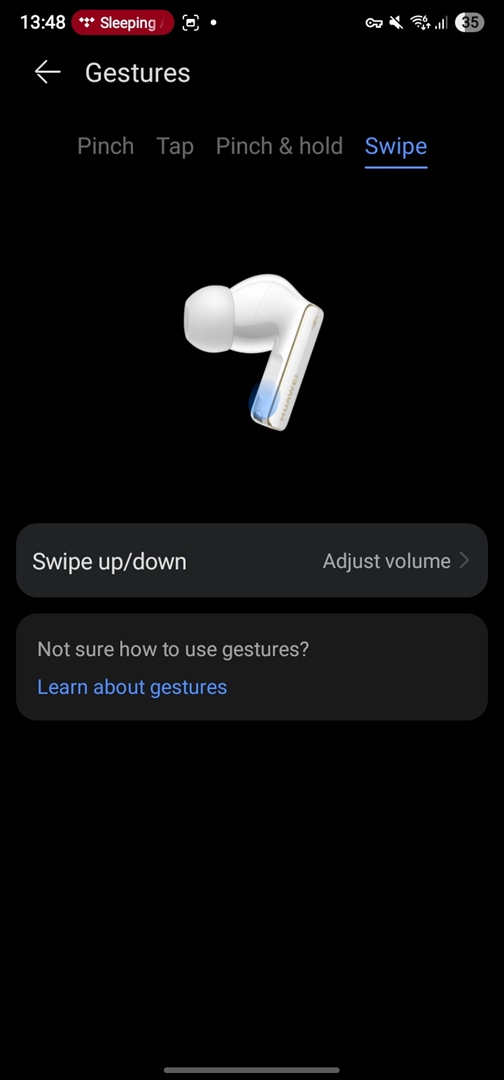
Next, the touch controls on the stem are also well-executed in my opinion. The stem responds to squeezes rather than taps, which effectively prevents accidental inputs. The control scheme is exactly the same for both earbuds: a single squeeze pauses playback or answers a call, double squeeze skips to the next track or rejects a call, and a triple squeeze goes to the previous track. Swipe up and down gestures adjust the volume. A long squeeze toggles between noise cancellation and transparency modes, or by default, activates the voice assistant. Importantly, if the default control layout doesn’t suit you, it can be customized through the companion app to fit your preferences.
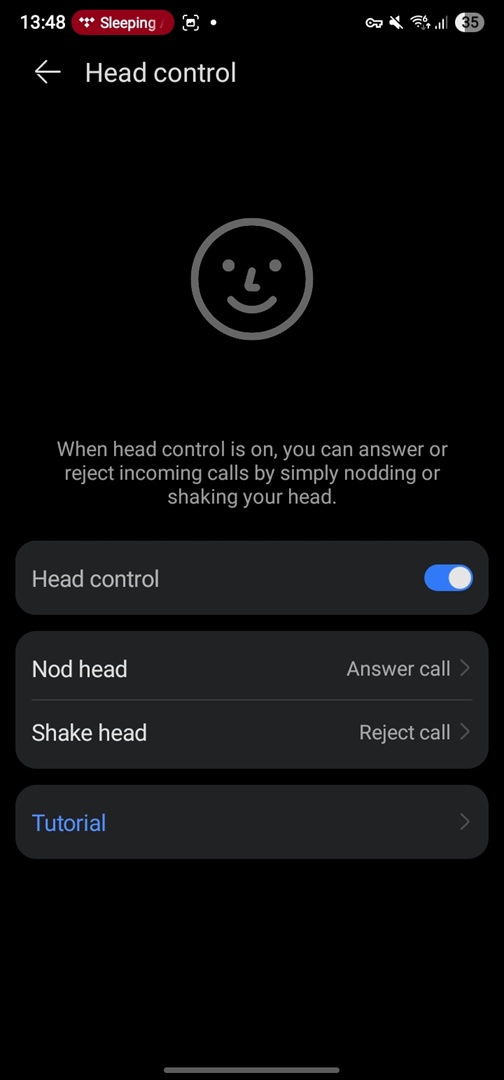
But that’s not all – there are additional control options thanks to built-in sensors like an accelerometer and a Hall sensor. For example, to answer an incoming call, you nod your head forward affirmatively; to reject the call, you shake your head sideways as if saying no.
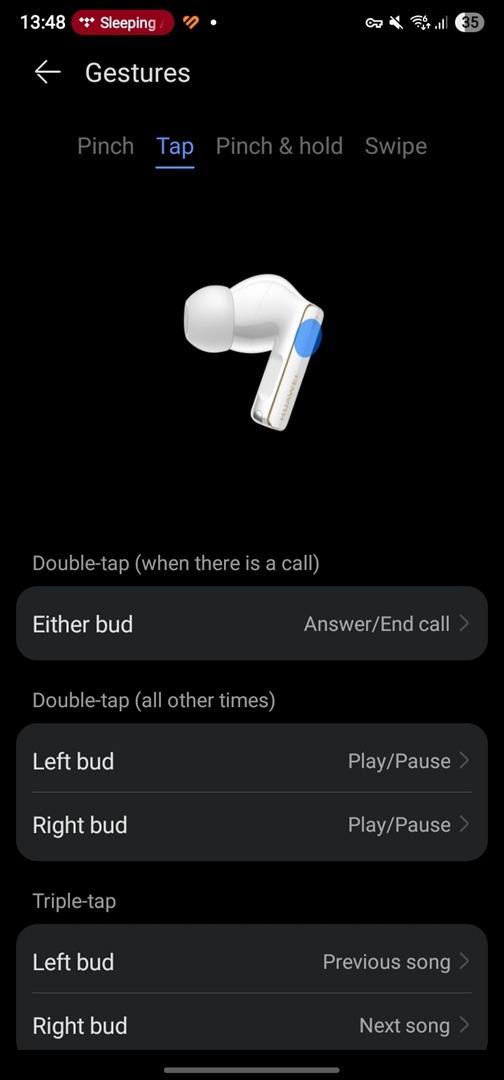
Additionally, thanks to the accelerometer, the earbuds can detect double and triple taps not only on the outer surface but also on or near your ear. This allows you to switch tracks and manage calls by tapping even through fabric, which can be handy in winter when you’re wearing a hat or hood.
These alternative control methods can be enabled and customized in the mobile app. So, let’s take a closer look at that next.
Read also: Tronsmart Mirtune S100 Bluetooth Speaker Review
AI Life mobile app
If you’re an Android user, the Huawei app for managing the earbuds – called AI Life – can be downloaded as an APK directly from Huawei’s official website. For Huawei smartphones running EMUI or Harmony OS, the app is available through the AppGallery store. iOS users can find the app in the official App Store:


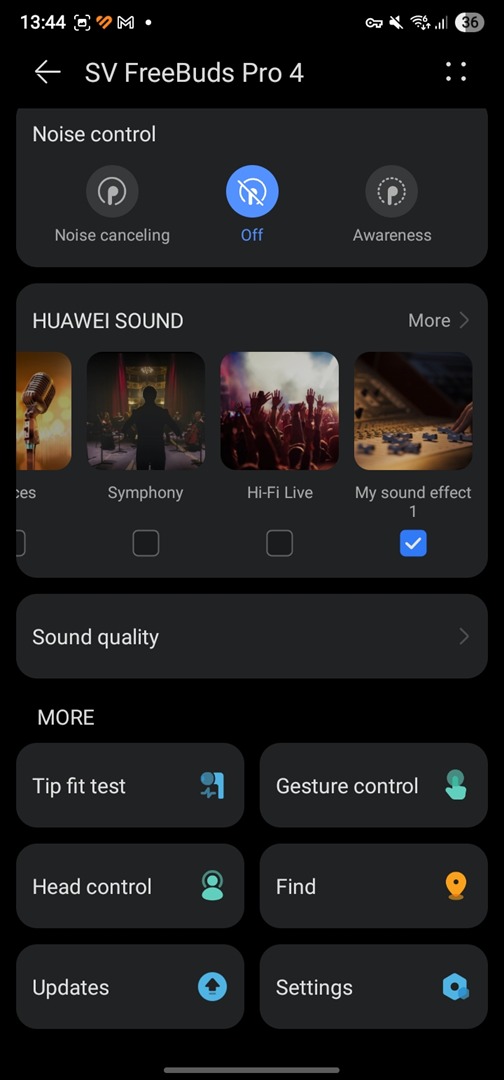
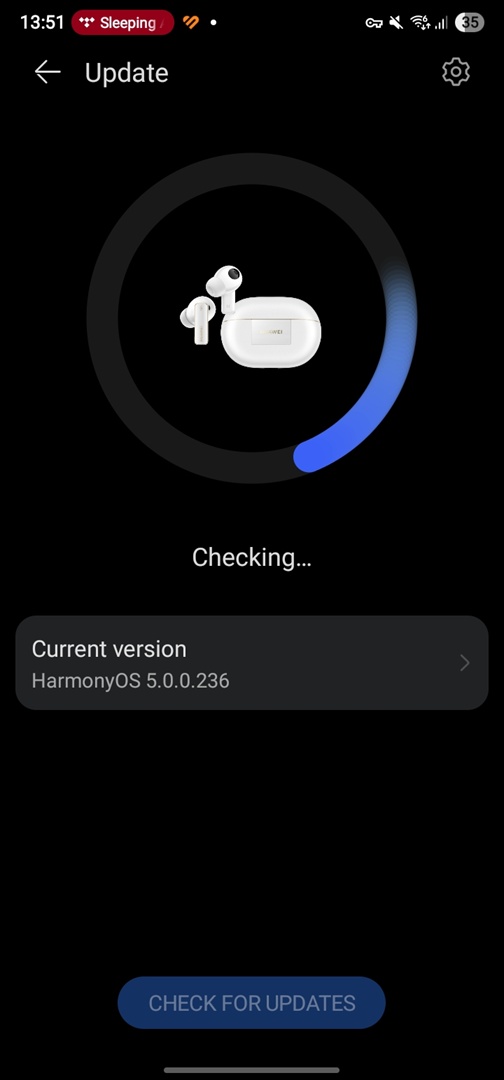
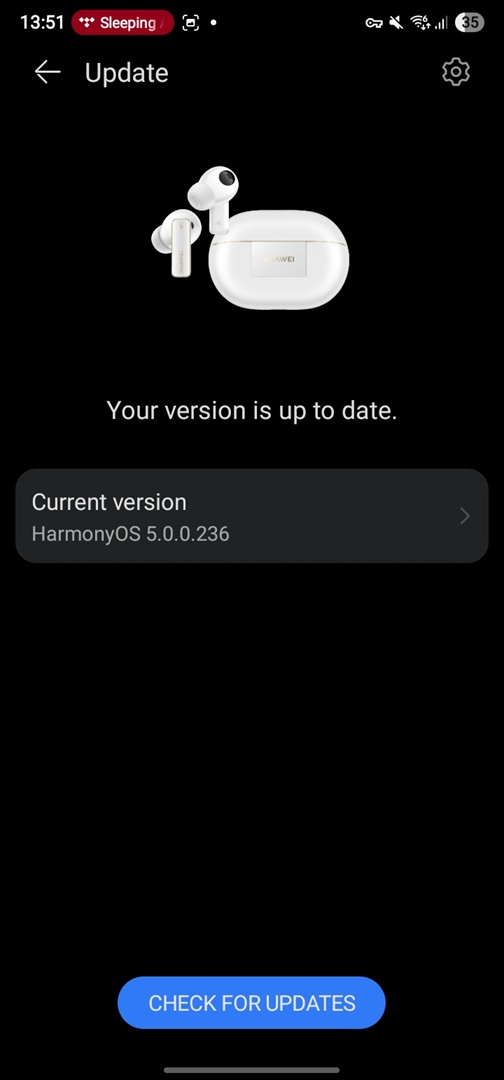
The app is very high quality, works reliably, and gives you access to setting up all the headphones’ functions:
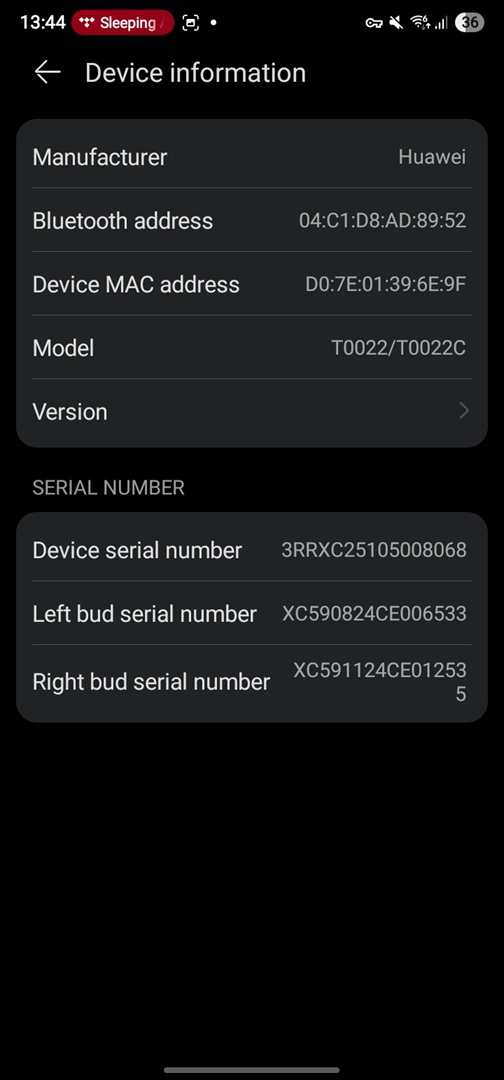
- Get information about serial numbers, firmware version and change the name of the headphones in the system.
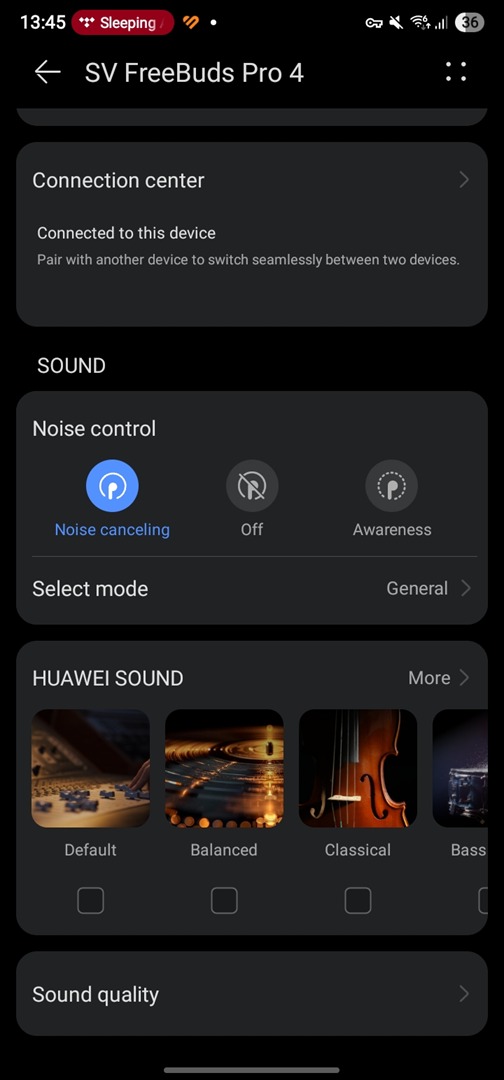
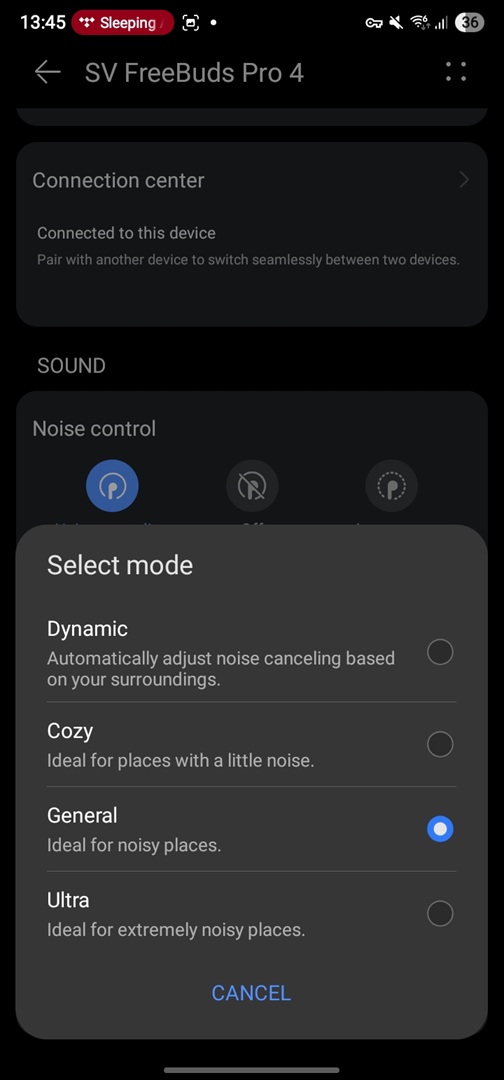
- Control the noise reduction and sound transparency modes.
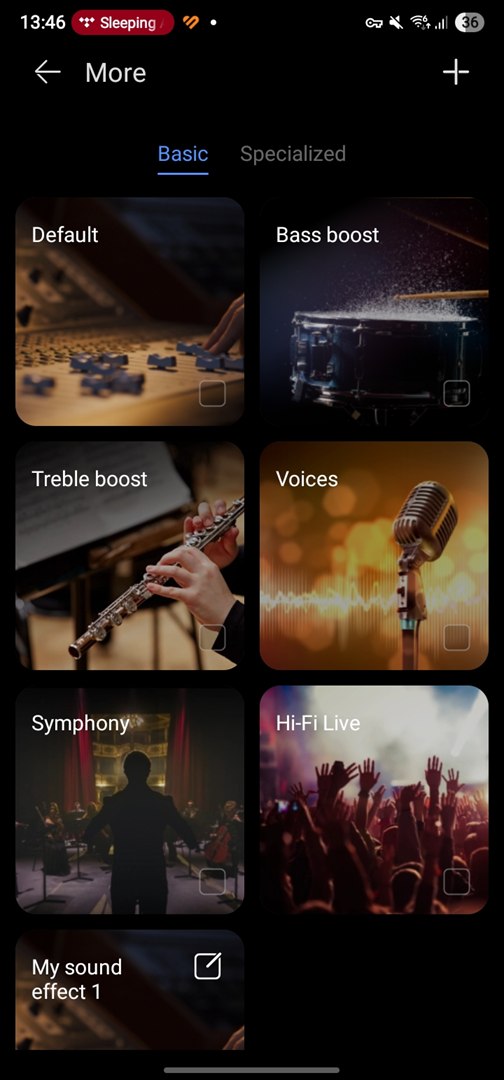
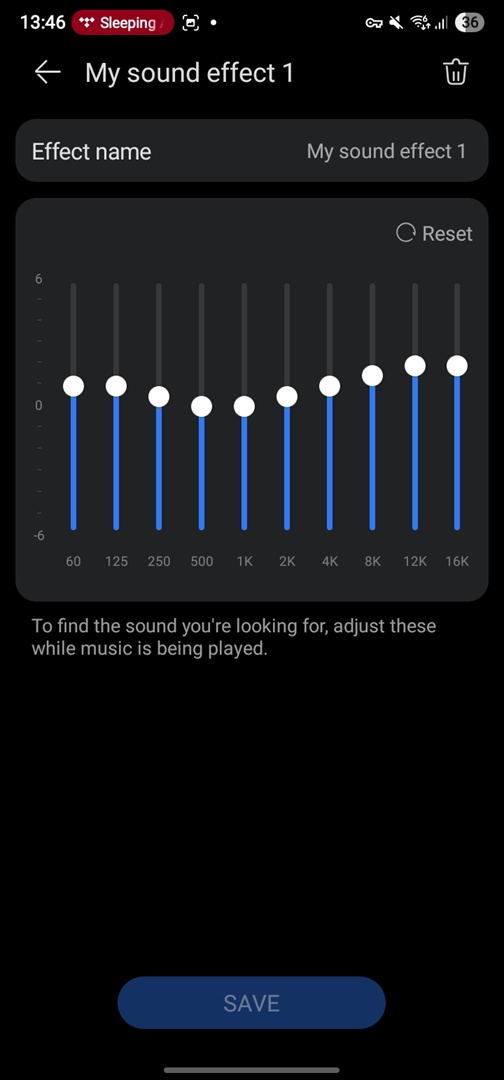
- Select an equaliser preset and set up an individual sound profile.
- Manage parallel connection to multiple sources and set device priority.
- Switching between connection reliability or sound quality priority modes (in fact, between AAC or LDAC Bluetooth codecs).
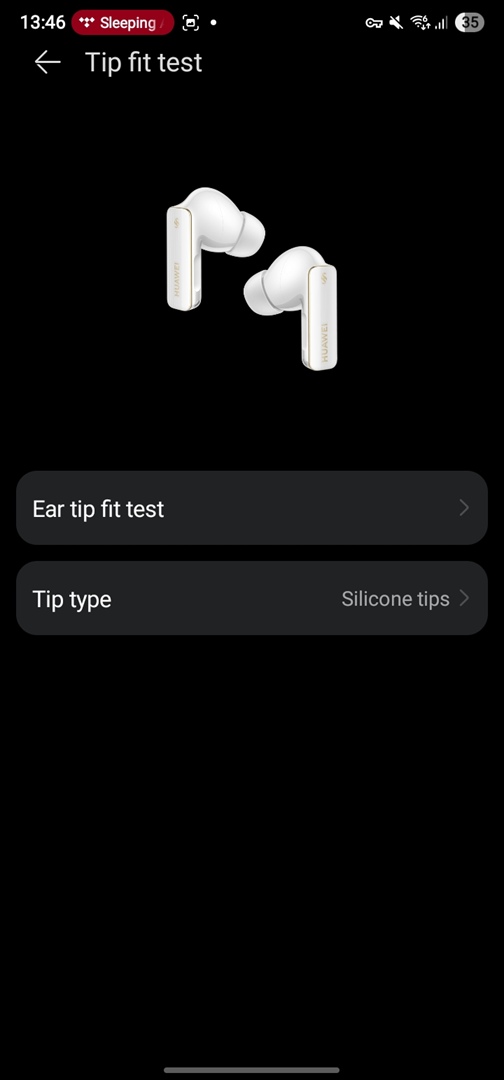
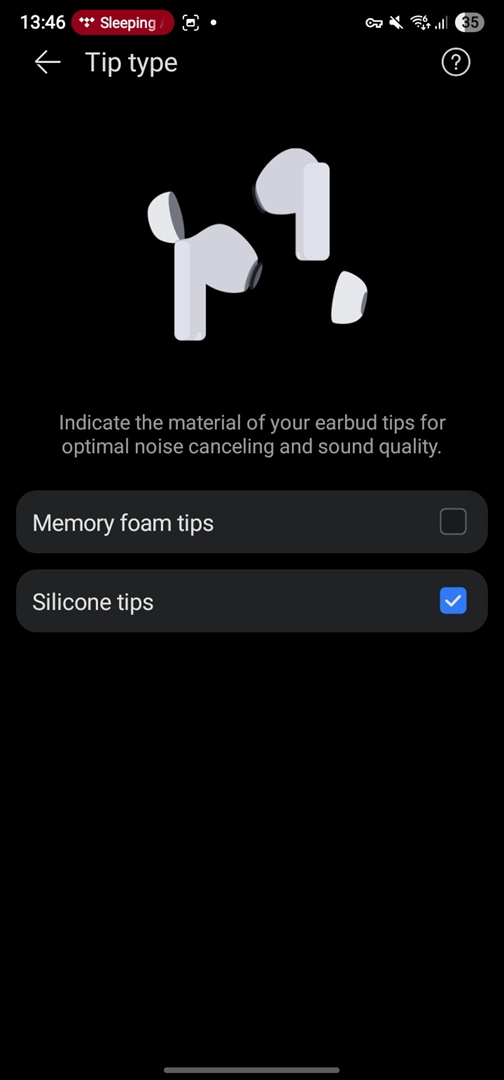
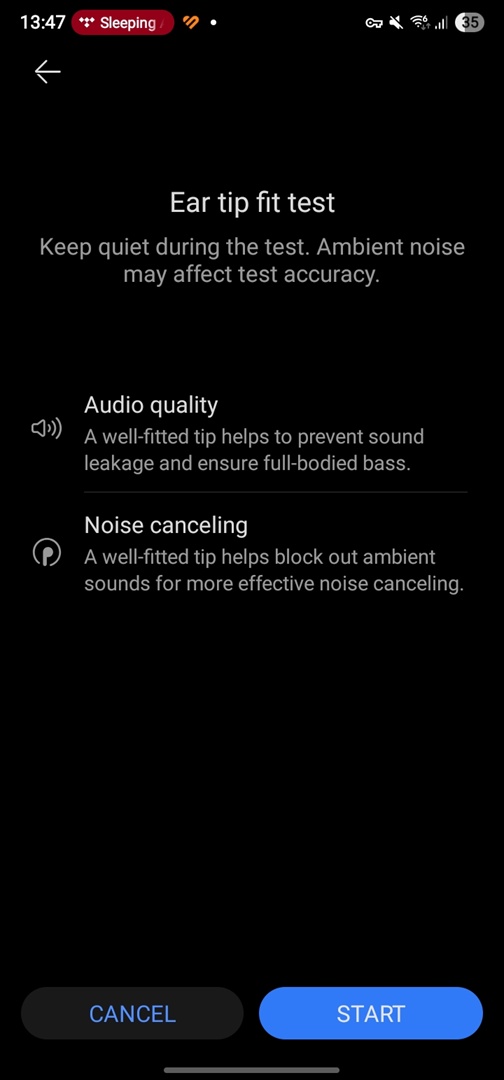
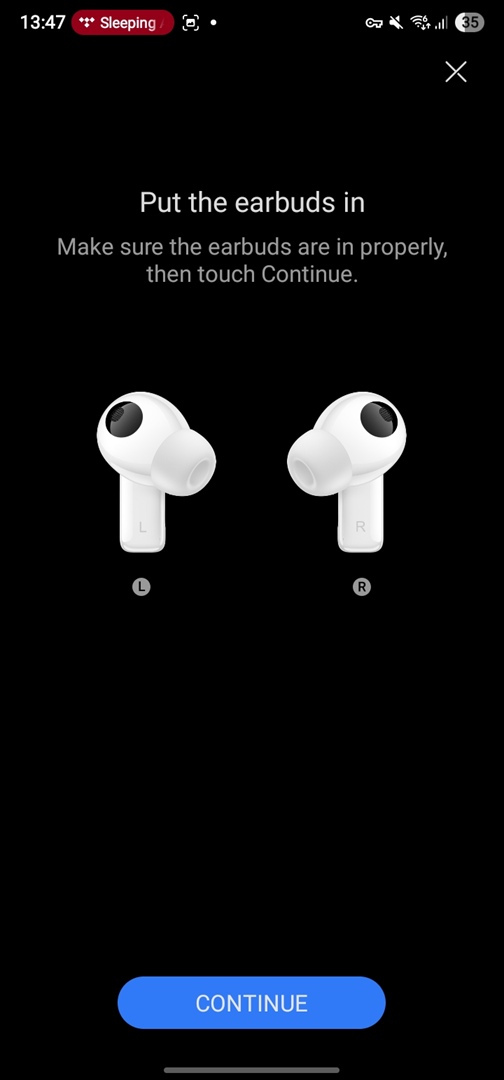
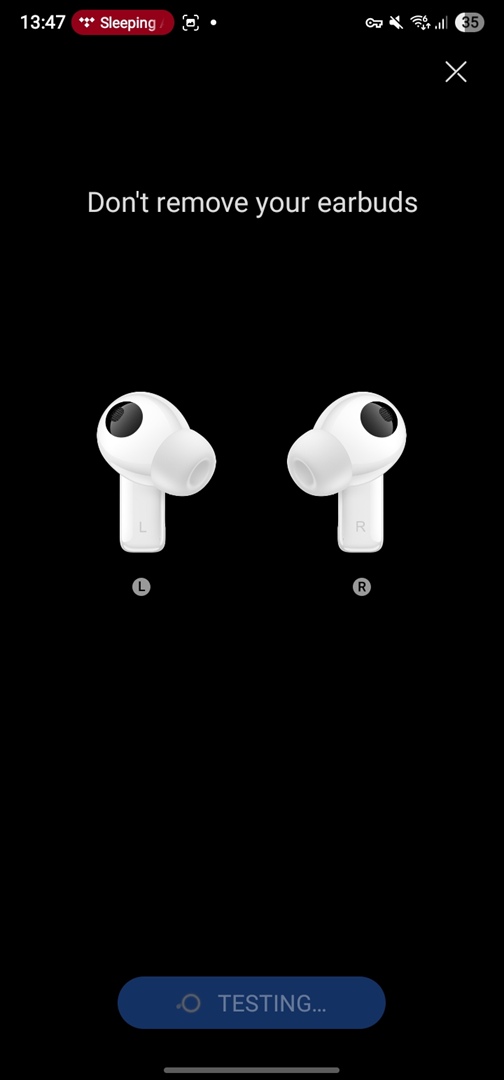
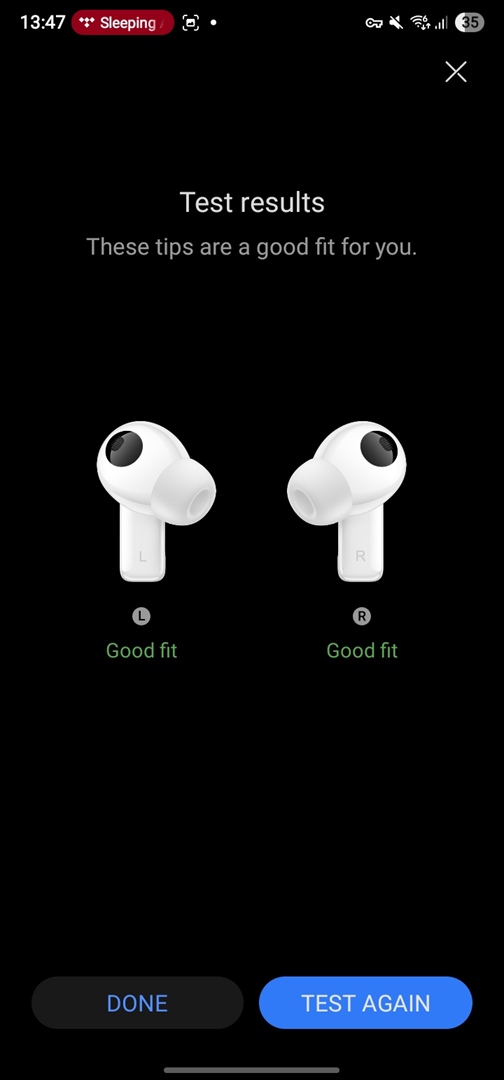
- Checking the tightness of the ear cushions in the ear canal and switching the sound profile – for silicone and foam tips.
- Set up squeeze gestures to control the headphones, change the touch control scheme and actions when you tap the outside of the headphones (accelerometer function).
- Set up additional controls using the accelerometer, such as head nods to accept or reject calls.
- Check if the firmware is up to date and update the headphones software.
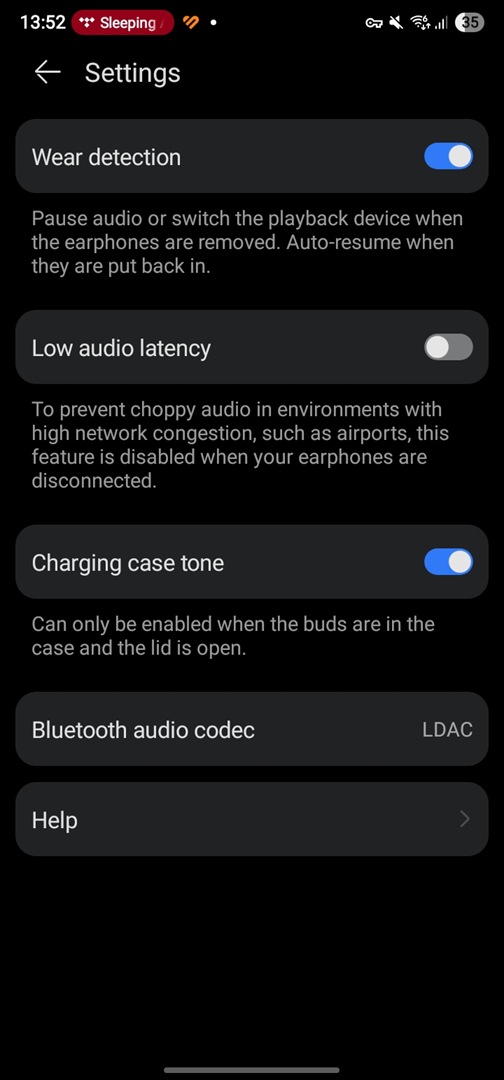
- Optional: activate headphone detection in the ear (auto-pause function), enable low signal delay mode and case notifications.
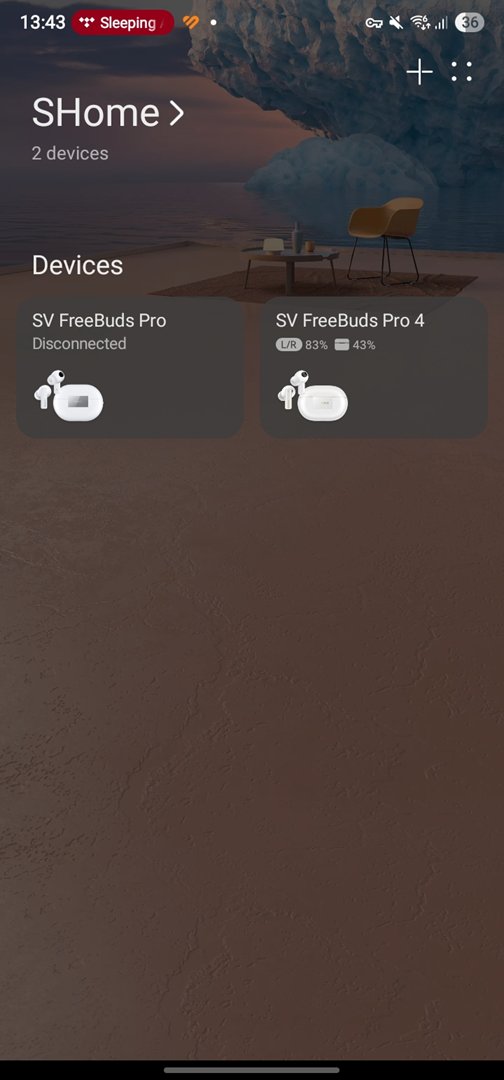
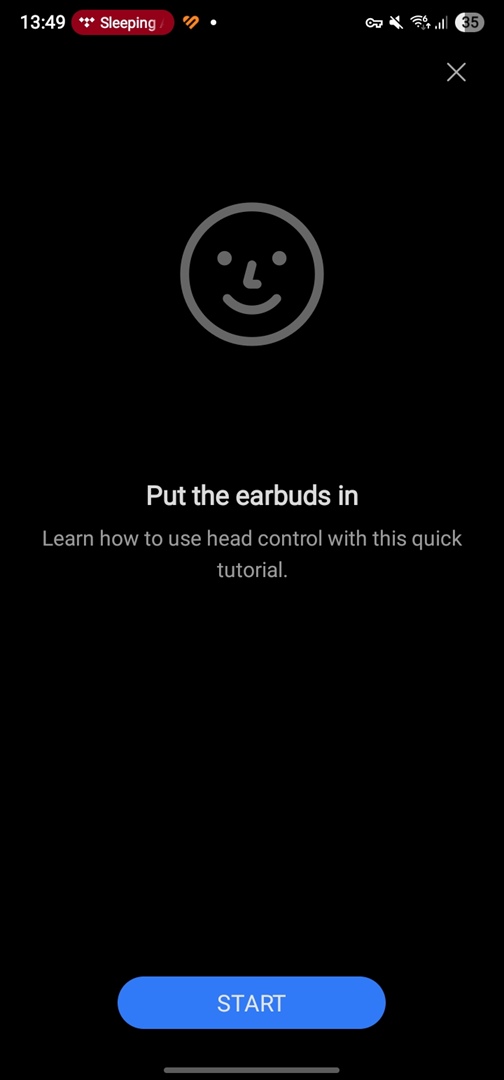
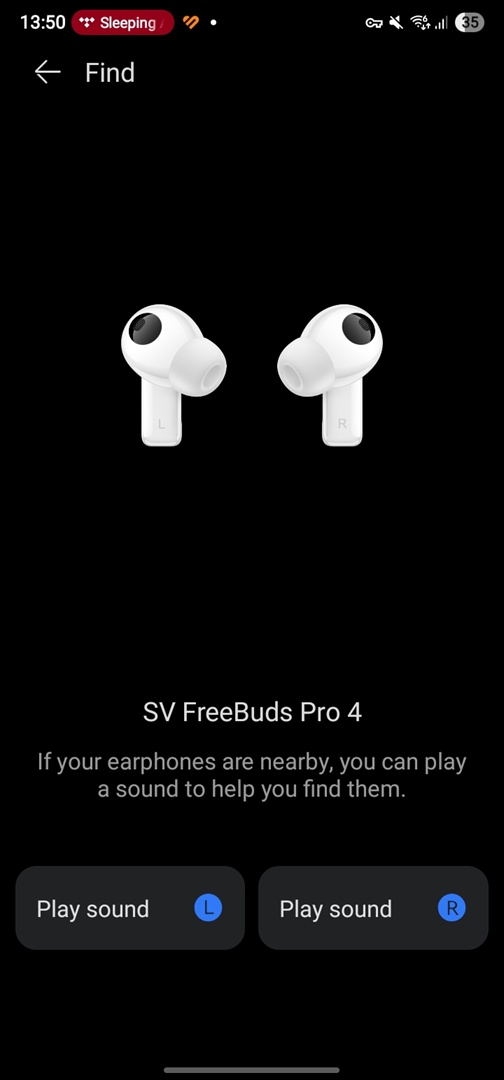
The gallery of screenshots below will help you to get acquainted with all the features of the AI Life mobile app:









Read also: Review of SoundPEATS PearlClip Pro: Lightweight and Stylish Open-Ear Clip-On Earbuds
Sound quality of Huawei FreeBuds Pro 4
Looking at the technical side, the Huawei FreeBuds Pro 4 feature a driver system configuration typical for compact in-ear earbuds with strong potential. The large 11mm dynamic driver handles the low and mid frequencies, while a micro-planar tweeter is responsible for the high frequencies.
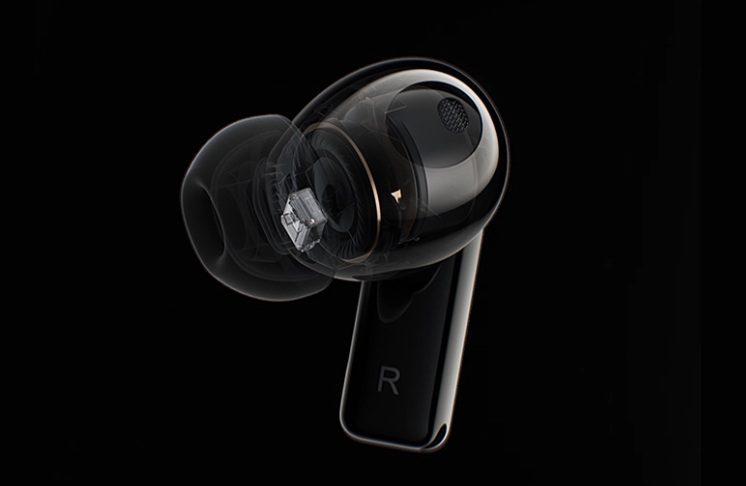
In practice, this potential is fully realized thanks to support for two lossless Bluetooth codecs: the widely used LDAC and Huawei’s proprietary L2HC 3.0 codec. As a result, the earbuds deliver sound quality that’s quite impressive for a flagship model – arguably on par with some audiophile-grade TWS earbuds that cost two to three times as much.
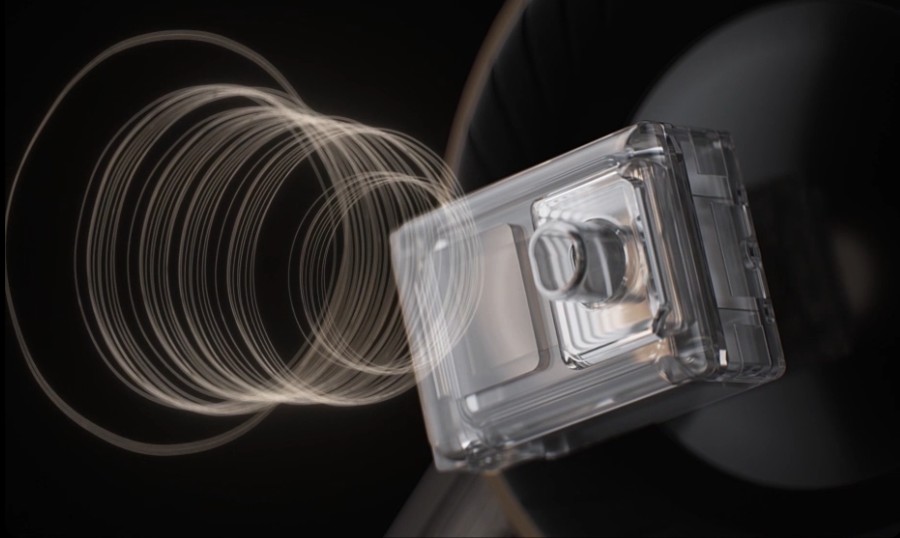
While I wouldn’t claim this is the best sound I’ve heard in the default mode, the audio – typical of Huawei – is very balanced and clear. There’s solid bass and sub-bass, crisp highs, good detail, and a sense of space. The extended frequency range of the drivers helps smooth out the response in both the ultra-low and ultra-high ends. I only needed to tweak the equalizer settings slightly to create a personal profile that leaves me fully satisfied with the music quality.
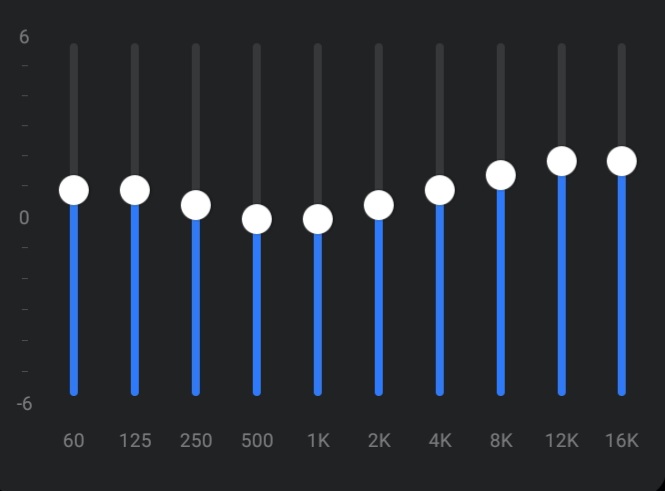
It’s worth noting that the sound character changes significantly when switching from silicone to foam ear tips. It almost feels like using two different pairs of earbuds. I recommend trying both to see which you prefer. Foam tips make the sound less dynamic and slightly muffled, reducing the decay time of bass instruments, which in turn improves low-end detail. The high frequencies also become brighter and more pronounced, sometimes requiring a slight reduction. However, this comes at the cost of a bit less airiness and a slight reduction in overall soundstage.
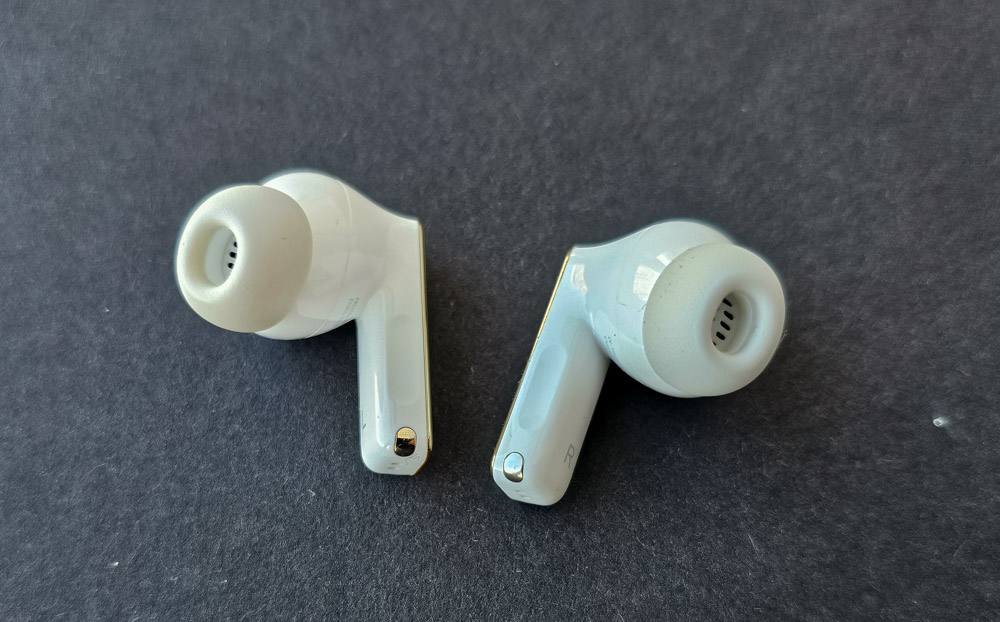
Overall, I’m confident that most buyers won’t have any major complaints about the sound of the Huawei FreeBuds Pro 4. If something doesn’t quite suit your taste, the sound profile can be easily adjusted using different ear tips and the software equalizer. It’s worth trying the preset options or creating a custom profile through the mobile app.
Read also: OneOdio Focus A5 Headphones Review
Microphones and headset function
Huawei has consistently offered some of the best microphone systems in their class, supported by advanced voice processing algorithms – especially in their flagship earbuds. High-quality voice communication has become a standard feature for the brand. I expected this and wasn’t disappointed. Each earbud’s three microphones, along with the bone conduction sensor, perform their tasks at a very high level.

It’s worth noting that this microphone setup was already in place with the first-generation FreeBuds Pro and has been slightly improved each year since. If voice communication is an important part of your daily routine, the FreeBuds Pro 4 are a solid choice for that task. An interesting detail, though: when compared directly, the microphones on the original FreeBuds Pro are also quite good, and the voice quality isn’t significantly worse than on the new model. Personally, I agree that there’s no need to fix what isn’t broken.
Read also: Huawei Band 10 Review: Bright and Stylish Fitness Tracker
Noise reduction and sound transmission
These features are closely tied to the quality of the microphones, especially the one located on the outside of the earbuds. Of course, this is supported by effective noise-cancellation algorithms. Overall, the active noise cancellation (ANC) performs very well. In the AI Life app, you can manually select one of three ANC intensity levels or enable a dynamic intelligent mode that adjusts noise cancellation based on the surrounding environment’s noise level.

Regarding the transparency mode, I have no complaints – it works smoothly and predictably. This feature lets you communicate with people around you without removing the earbuds. It’s also recommended for situations where you need to be aware of your environment, like hearing an approaching car engine in the city. Ambient sounds are slightly amplified when this mode is active.
Read also: Review and Comparison of Huawei Watch GT 5 Pro and GT 5 Smartwatches
Connection reliability
In recent years, with the adoption of Bluetooth 5.1, truly wireless earbuds have largely overcome the issue of unstable connections that used to cause streaming interruptions, especially in busy urban environments with lots of electromagnetic and radio interference. This was a common problem in large cities, but I haven’t noticed any such issues while using these earbuds. This improvement reflects a general trend across the market.
The Huawei FreeBuds Pro 4 are a solid example of a hassle-free generation of TWS earbuds. Wireless connectivity works very well across the board. Even when prioritizing sound quality using the LDAC codec, I can place my smartphone on a table and move around my apartment while streaming music or YouTube videos without interruption. The earbuds maintain connection through walls to adjacent rooms. Issues only start appearing after passing through two walls while moving, and the connection quickly recovers when standing still. Switching to the connection reliability priority mode with the AAC codec improves stability even further. Overall, within the standard 10-meter range, you can expect a reliable connection even with physical and electromagnetic interference present. Without such interference, the effective range can extend by roughly 1.5 to 2 times.
Read also: Huawei Watch Fit 3 Smartwatch Review
Battery life and charging
Battery life, unfortunately, isn’t the strongest point of the Huawei FreeBuds Pro 4. Practical tests roughly confirm the figures I listed earlier in the review. Personally, I find about five hours of high-quality music playback using the LDAC codec with maximum noise cancellation sufficient. This is a typical performance level for the market – nothing record-breaking. However, if needed, you can extend pure battery life up to around seven hours by switching to the more energy-efficient AAC codec and/or using reduced ANC levels.
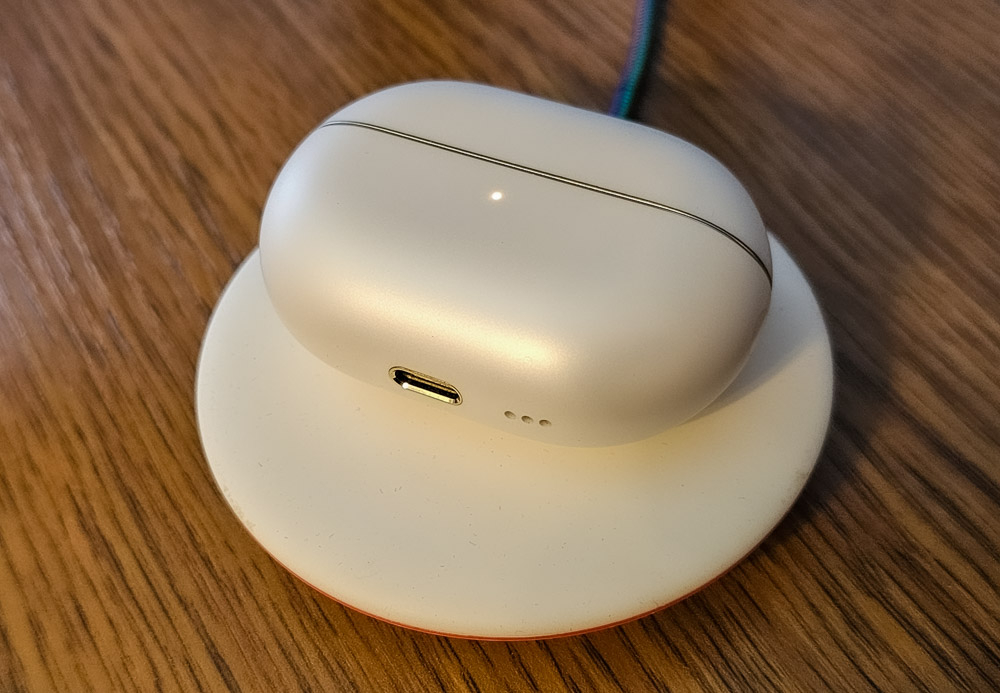
The standard battery life is partly offset by fairly fast charging and support for wireless charging, allowing you to place the case on a charging pad while still using the earbuds. I can also charge the FreeBuds Pro 4 using my Samsung Galaxy S23 Ultra’s reverse wireless charging feature. This comes in handy from time to time, especially when a power outlet or power bank isn’t available but you need to quickly top up the earbuds.
Read also: Huawei MatePad 11.5 S PaperMatte Tablet Review
Conclusions
The Huawei FreeBuds Pro 4 are a genuinely well-made product, offering a balanced experience with minimal compromises. The earbuds deliver a high level of user satisfaction across all key aspects. After nearly a month of use, I haven’t noticed any performance issues – everything functions smoothly and as advertised.
The earbuds deliver quite good sound – though they fall just short of entry-level wired Hi-Fi headphones. They feature excellent microphones and sensors, making this model likely one of the best on the market for voice transmission quality. Charging is relatively fast, and while battery life isn’t outstanding, it’s acceptable. This is probably the only clear compromise with the earbuds, though it’s not a significant issue for me personally.
Some buyers might not appreciate the new “Silver String Design” style, which features quite a few gold accents. I also feel the previous generations had a more restrained and classic look that didn’t really need changing. However, the manufacturer chose a different direction. On the other hand, this new design might find its fans or simply become something you get used to. Overall, these TWS earbuds meet all the key requirements for devices in this class and outperform many competitors in several areas. At this price point, I don’t see a better option on the market right now. I plan to use the FreeBuds Pro 4 for the coming years and can recommend them to just about anyone.

Huawei FreeBuds Pro 4 competitors
Regarding competitors, I personally see the main rival to the FreeBuds Pro 4 as the previous generation FreeBuds 3 Pro. It’s nearly as capable, featuring a hybrid dual-driver sound system, but lacks the accelerometer and Hall sensor – meaning it doesn’t support head-tilt or tap controls. Is that a dealbreaker? Probably not. The FreeBuds 3 Pro also comes in a titanium color option, which I find quite appealing, along with a more understated design without gold accents. So, it’s definitely worth considering, especially since the older model is noticeably cheaper.
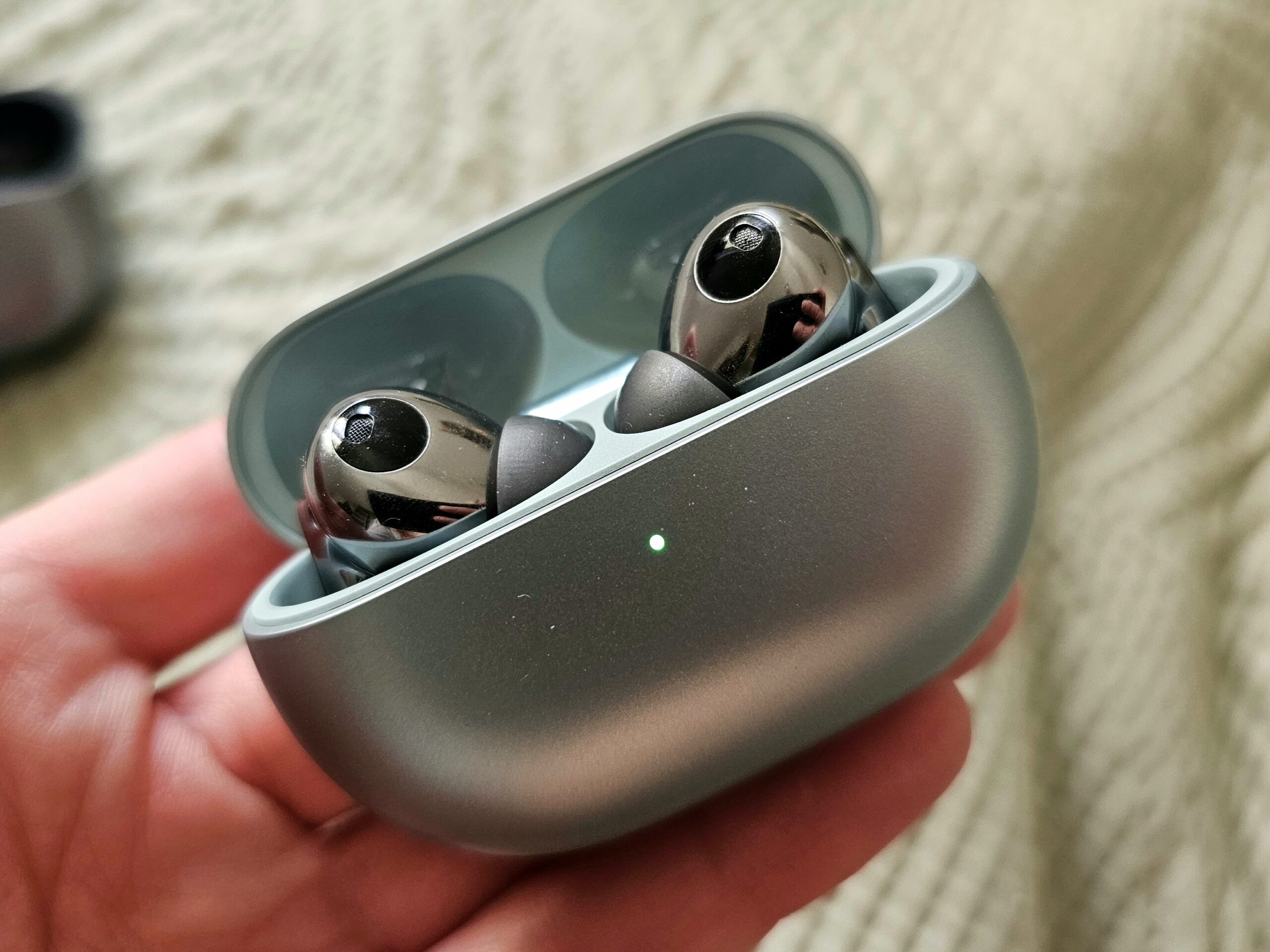
By the way, I’m quite surprised to see that the original first-generation FreeBuds Pro are still available for sale. In many respects, they remain relevant, although they fall noticeably behind newer models in sound quality and only support the AAC codec.
Read also: HUAWEI FreeBuds Pro 3 flagship headphones review
From recent reviews, the Soundcore Liberty 4 Pro stands out as a strong contender. It comes close to the FreeBuds Pro 4 in terms of sound quality and voice transmission and even surpasses Huawei’s flagship in battery life.
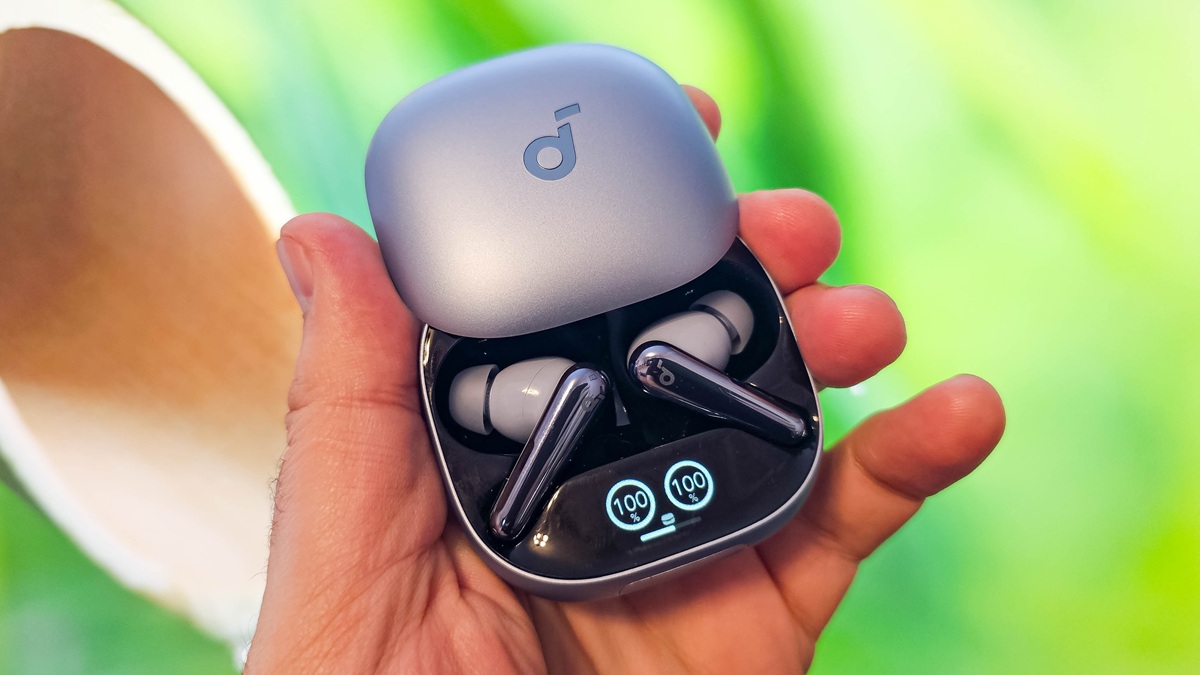
The main drawback of the model is its large, bulky case, which features an unnecessary screen and a touch panel with questionable functionality. However, these earbuds are significantly cheaper, making them definitely worth considering. Review is here.
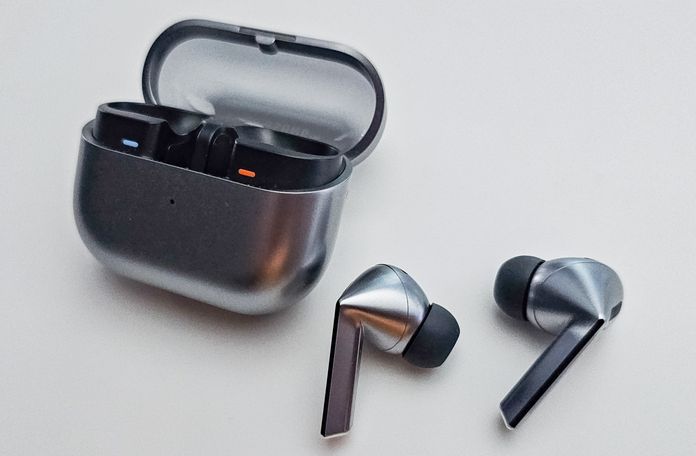
At first glance, the Samsung Galaxy Buds3 Pro appear to be one of the closest competitors in terms of features. However, they are noticeably more expensive. I would recommend them primarily to users deeply invested in the Samsung ecosystem, as that’s when the earbuds perform at their best. Otherwise, some functionality may be limited or inconsistent on non-Samsung devices. For example, they don’t support the universal LDAC codec, only Samsung’s proprietary SSC-UHQ. Multi-device connectivity is also restricted to Samsung products, among other quirks.
Advantages of FreeBuds 4 Pro
While the FreeBuds Pro 4 are generally a strong product, here’s a summary of the key advantages of the model:
- Overall top quality materials and build quality.
- High level of comfort when using the headphones.
- Reliable touch control scheme, alternative control methods.
- Great sound with a wide range of customisation options.
- Excellent voice quality during conversations.
- Reliable connection, connect to multiple devices.
- Fast charging.
Drawbacks of FreeBuds 4 Pro
- I don’t really like the new design with gold accents, ‘it was better before’.
- Why did you kill my favourite colour, titanium metallic?
- I would like to have a slightly higher battery life.

