© ROOT-NATION.com - Use of content is permitted with a backlink.
Despite my recent experience with the Bigme B6, I still have a soft spot for classic e-readers that do one thing really well: open books. So an Android-based e-reader – or is it already a tablet rather than a reader? – always feels like a device that is about to pull a whole bunch of cool tricks out of its hat. There is a browser, apps, notes, a camera, and a stylus with the ability to draw directly in a book (by the way, did you ever do that as a kid?). In short, it is the full package. Sure, it is not always a perfectly polished package – sometimes you run into a few rough edges – but the overall experience is positive. Especially since the reader has physical buttons, which, for me, already account for about 70% of its appeal.
Read also: E-reader reviews and tests

TABLE OF CONTENTS:
Bigme B7 Pro Technical Specifications
- Display: 7-inch E Ink Carta 1300, 1264 × 1680, 300 PPI, Black&White technology, 36 levels of front-light adjustment (brightness, warm/cool light)
- Processor: 8-core MediaTek Dimensity 1080, up to 2.6 GHz
- Operating system: Android 14
- Memory: 8 GB RAM / 256 GB storage, microSD support up to 2 TB
- Battery: 3,000 mAh, USB-C charging
- Camera: 5MP main camera with autofocus and flash, optimized for AI-powered text recognition
- Audio: dual microphones, speaker
- Wireless connectivity: Wi-Fi (2.4/5 GHz), Bluetooth 5.0
- Mobile connectivity: 4G LTE support via Nano-SIM, including calls and mobile data
- Dimensions: 138.6 × 156.6 × 5.8 mm
- Weight: 215 g
- Supported formats: TXT, PDF, EPUB, FB2, AZW3, DJVU, CBZ, CBR, ZIP, RTF, HTM, HTML, MOBI, DOC, DOCX, XLSX, PPT, PPTX
- Additional features: magnetic stylus included, two physical buttons, automatic screen rotation
Also interesting: Book collections
Positioning and Price
The B7 Pro sits closer to the premium segment in terms of price. At the time of writing, it costs $329 on the manufacturer’s official website, which is considerably more than entry-level models in the lineup such as the B6. The difference is understandable: you are not only paying for a larger, sharper display, but also for a hybrid device that combines an e-reader with an Android tablet and mobile connectivity – something relatively few manufacturers offer in this segment. The closest competitor in spirit is probably the Boox Go 7, which also features a 7-inch 1264 × 1680 display, Android 13, and stylus support. However, the Go 7 lacks both 4G connectivity and a camera, while its stylus must be purchased separately. That is why it is cheaper, at around $270.
Read also: Bigme B7 Pro Review: The Gold Standard for Color E Ink Readers

In terms of flexibility and functionality, the B7 Pro has a clear advantage over classic e-readers such as the Kindle Paperwhite SE (12th Gen) and PocketBook InkPad 4. The former features a 7-inch monochrome display with 300 PPI, IPX8 water resistance, and weeks of battery life, but it is limited to the Kindle ecosystem and is designed primarily for distraction-free reading. Its price starts at around $185. The latter has a larger 7.8-inch display with the same 300 PPI density and IPX8 water resistance. However, it is once again a dedicated e-reader rather than an Android tablet: it runs on a simpler Linux-based system and does not support a stylus or third-party apps. Its approximate price on Amazon is $300.
That makes the Bigme B7 Pro a good fit for users who want more than a conventional e-reader – an all-in-one device for reading books, listening to music, scrolling through news feeds, and replying to messages.
Bigme B7 Pro Package Contents
The package contents are excellent, in my opinion. Inside the box, you get the tablet with a protective film already applied, along with a quick-start guide, a stylus with magnetic attachment and wireless charging, a USB-A to USB-C cable, and a small accessory box containing the SIM tray ejector tool, a spare stylus tip, and the tool for replacing it.


The second box contained a dark blue PU leather case with a dedicated slot for the stylus and a cutout for the charging port. It serves two purposes: protecting the screen and acting as a stand when you need to keep your hands free. The reader also detects the case cover, so closing it automatically puts the device into sleep mode.
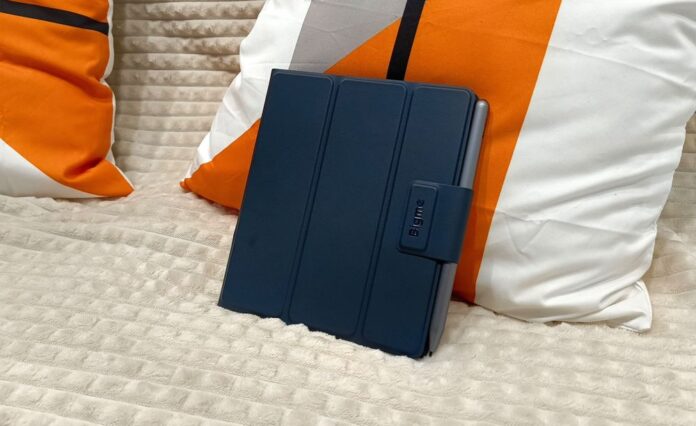
There is no power adapter in the box, which is understandable: the manufacturer reasonably assumes that most users already have a suitable charger at home, so there is little point in adding another one and creating unnecessary electronic waste.
Read also: Bigme B10 Review: Premium Color E Ink Tablet with 4G, Stylus, and Keyboard
Design and Ergonomics
Until now, I had only used typical 6-inch e-readers and assumed that 7 inches would be too large. I was wrong. The Bigme B7 Pro is lightweight, neat, and compact. At just 5.8 mm thick, it easily fits into a bag or backpack pocket. The device has relatively slim bezels around the 7-inch display on all sides except the left. The small power button is located on the top, while the microphone, SIM card slot, and memory card slot are positioned along the bottom. The charging port and speaker, however, are placed on the left edge, which feels slightly unusual.
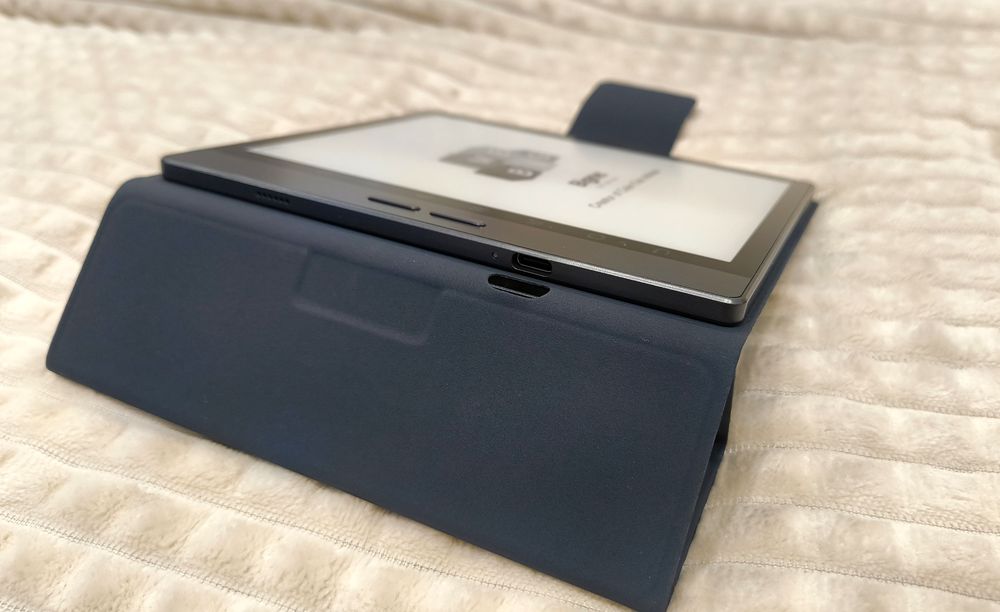
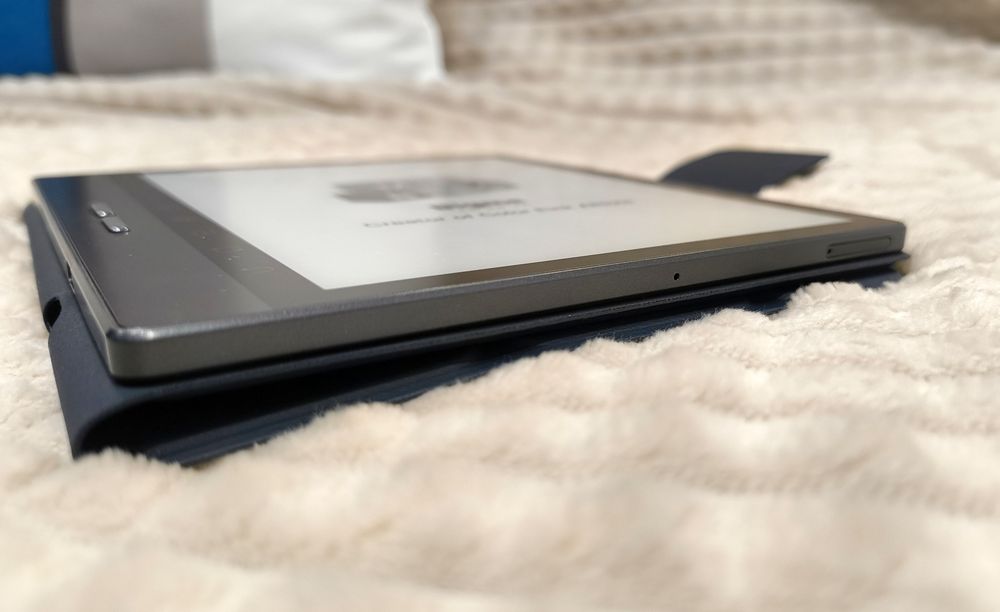
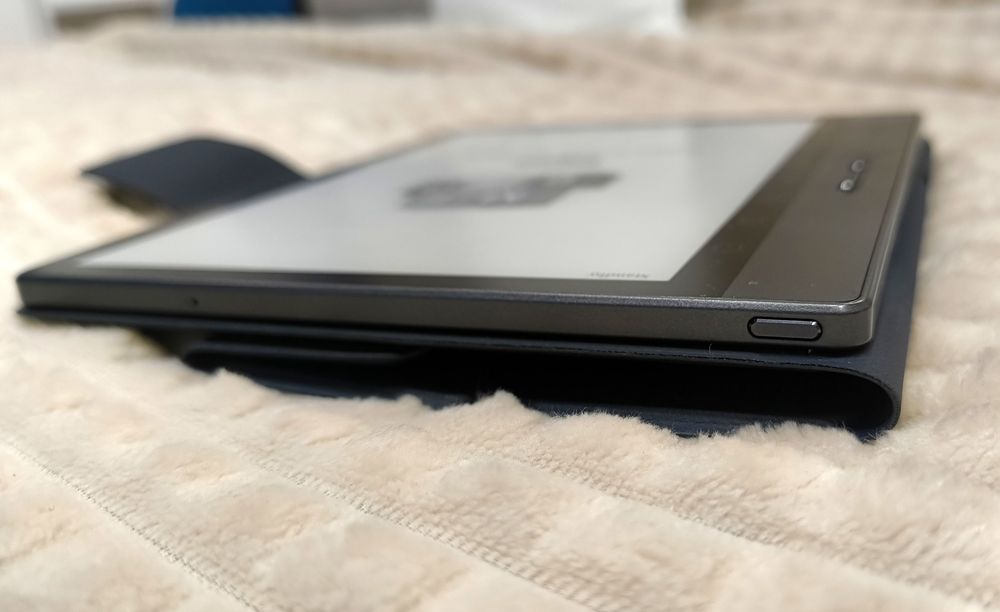
On the left side, the manufacturer has added eight touch-sensitive buttons and two physical ones – something I absolutely love. When the device is powered on or playing an audiobook, the buttons control the volume, which is much more convenient than pulling down the quick settings panel and adjusting the volume on the touchscreen. While reading, these buttons turn pages quickly and reliably, letting you keep your fingers off the display.
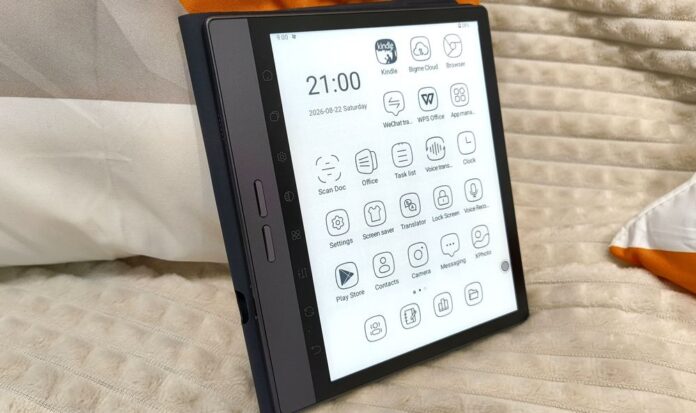
Next to them is a vertical strip with eight touch-sensitive buttons that provide quick access to display settings, page refresh, general settings, and other functions. The downside is that they are difficult to see against the black bezel – a gray frame would have made them more visible. The button functions can be reassigned, although the icons themselves remain unchanged. The device also features Floating Ball, a small on-screen button that essentially offers the same concept: up to nine customizable shortcuts for quick access to selected functions. The touch-sensitive buttons respond not only to your fingers but also to the stylus. Speaking of the stylus, it attaches magnetically to the right side of the device and supports wireless charging directly from the reader. A red indicator light at the top shows when the stylus is charging.


Whether you use the stylus or not is ultimately a matter of personal preference. The reader responds perfectly well to touch, and there are physical buttons for turning pages. I cannot draw, and I do not take notes digitally because I find writing that way uncomfortable – although I have plenty of paper notebooks. So personally, I do not need this feature. However, for those who regularly take notes, sketch diagrams, write plans, or make notes during meetings, it can be genuinely useful. The app also includes plenty of ready-made templates: layouts for schedules, to-do lists, calendars, planners, as well as grid, lined, and dotted pages.


There is also handwriting recognition. I actually enjoyed the scratchy sound of the stylus on the screen, although there is a slight lag between the stylus movement and the text appearing.
Display
The Bigme B7 Pro B&W features a 7-inch E Ink display with a resolution of 1264 × 1680 pixels and a pixel density of 300 PPI. Text looks crisp and clean, with no visible jagged edges around the letters. The front light offers 36 levels of adjustment, including control over the color temperature from cool to warm. This makes it easy to adapt the display to the time of day or your personal preferences. There are four built-in modes: Lights Off, Daytime, Night, and Under the Cover. These presets can still be customized to your liking, and you can always restore the factory settings if needed.
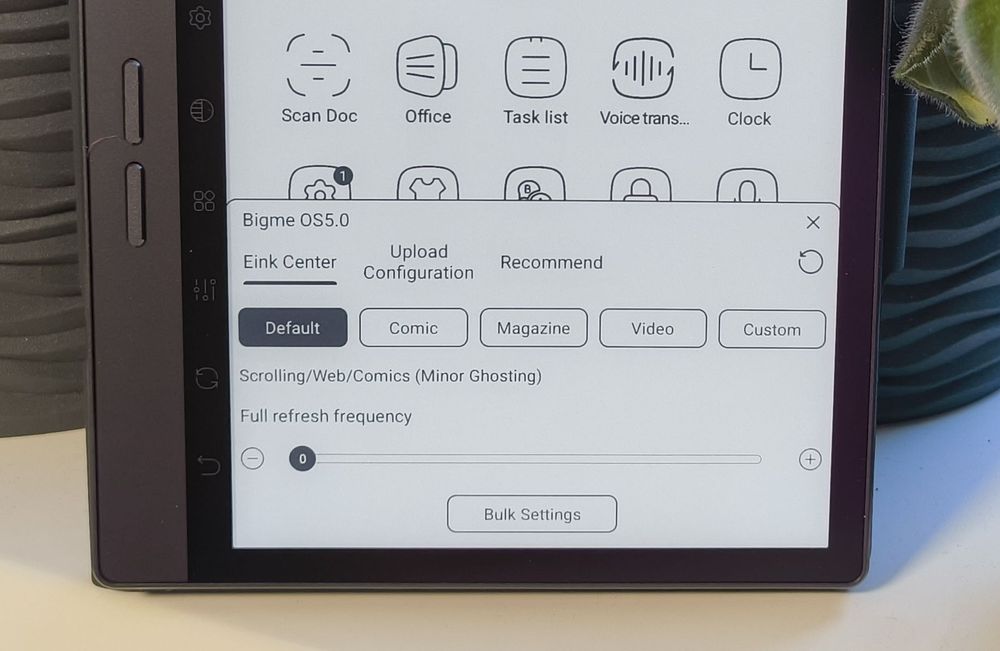
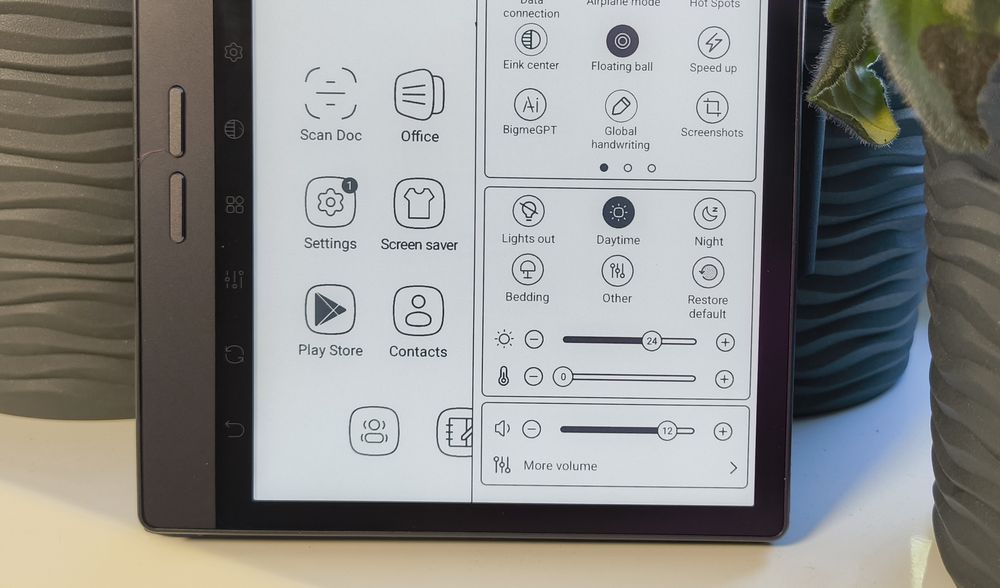
There is also the E-Ink Center, where you can choose one of four screen refresh modes: Default, which offers a balance between image quality, speed, and graininess; Comic; Magazine; and Video. This allows the refresh behavior to be tailored to the type of content you are viewing. The same menu lets you create a custom configuration by adjusting the display effect, brightness, contrast, mode, and refresh rate. When I tried switching from Comic to Magazine mode while viewing a PDF, something briefly froze, and after returning to the desktop, some artifacts remained on the screen. Fortunately, there is a dedicated refresh button in the side menu that can clear these remnants.
The screen refresh speed is handled by Bigme’s proprietary xRapid technology – with the latest firmware updates, the advertised refresh rate reaches up to 80 FPS. When simply turning pages in a book, I did not notice any artifacts. However, after exiting an app, faint “ghosts” of letters would occasionally remain on the screen.
Performance
As I mentioned earlier, the Bigme B7 Pro is powered by an 8-core MediaTek Dimensity 1080 processor clocked at up to 2.6 GHz. It has 8 GB of RAM, and the difference is noticeable, especially when compared with its “relative,” the Bigme B6, which has 4 GB. There is 256 GB of built-in storage for books, audiobooks, and other content, while the card slot supports memory cards with capacities of up to 2 TB.

The reader responds quickly to touch, opens apps in multitasking mode, and turns pages smoothly. Admittedly, I may have pushed it a little too hard with a graphically demanding graphic novel and repeated changes to the display refresh settings, but in normal use there is no need to cycle through these parameters repeatedly. The reader runs Android 14 with access to Google Play, so you can install whichever reading apps you prefer if the built-in one does not meet your needs. Games can be installed as well, but, as you can imagine, this is definitely not the kind of device where winning depends on distinguishing colors.
Battery Life
There is nothing surprising here: the battery life is closer to that of a tablet than a conventional e-reader, because full-fledged Android consumes power simply by running in the background, unlike a typical reading device. After an hour and a half of reading at medium brightness and color temperature settings, the battery level dropped from 43% to 36%. Wi-Fi was enabled and Bluetooth was disabled. At that rate, the reader should last roughly 20–21 hours. That is certainly not comparable to classic e-readers that can go for weeks without charging, but it is still a reasonable result for a device with this level of functionality. Lowering the brightness and turning off Wi-Fi should, in my estimation, allow it to last for more than a day. During YouTube video playback in Daytime mode, the battery level dropped by 7% in 16 minutes.


I still would not voluntarily watch videos on a black-and-white screen unless it were something truly urgent. Otherwise, I see little point in draining a monochrome e-reader just to watch video. Scrolling through a news feed, however, is perfectly fine.
Bigme B7 Pro Sound and Camera
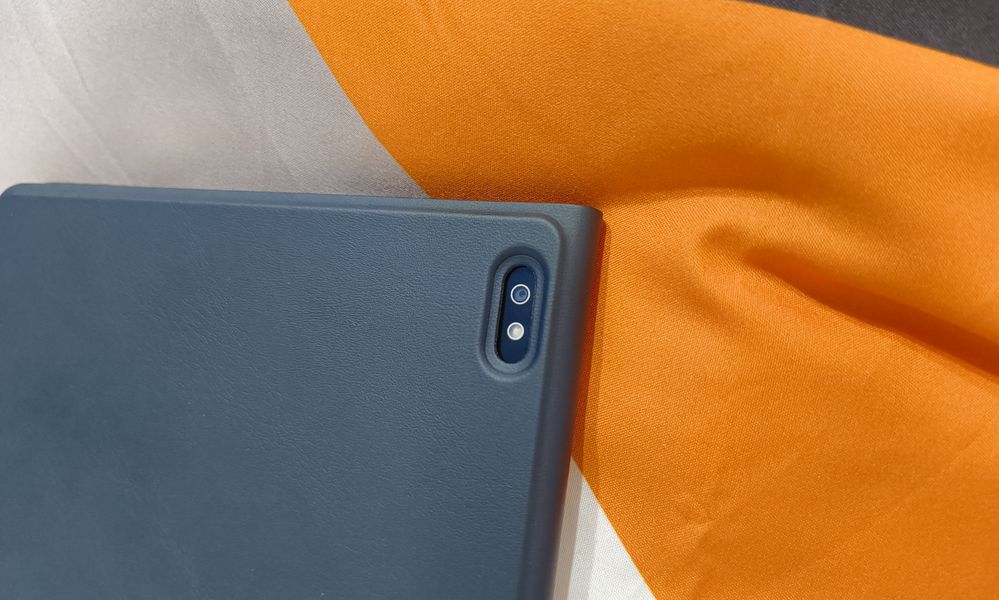
The rear panel houses a 5MP camera with an LED flash. It is certainly not intended for artistic photography, but rather for tasks such as scanning documents and recognizing text.
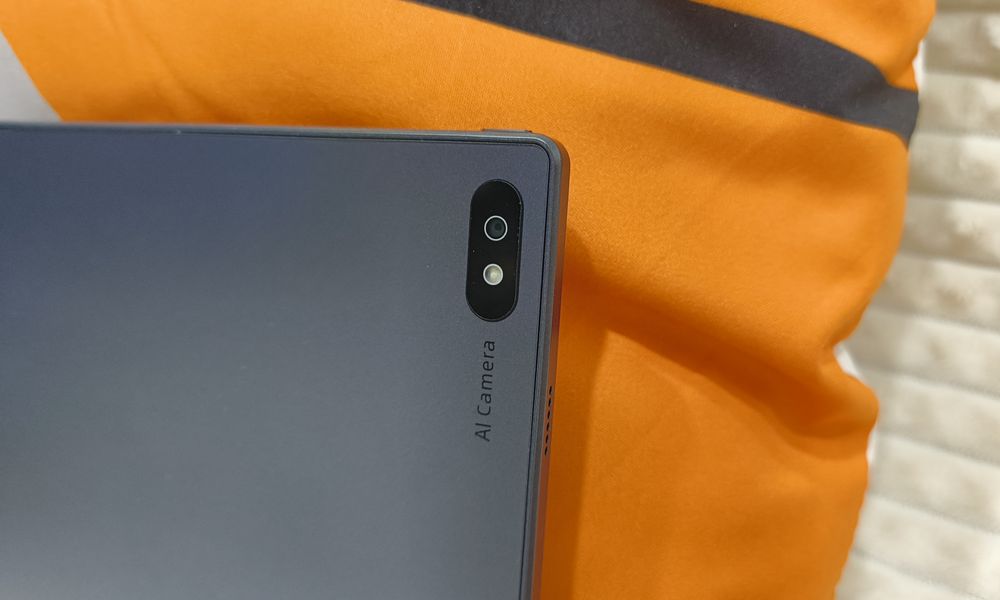
You can photograph a book page, document, or handwritten text, and the reader will recognize the characters and convert them into digital text. In my case, the results were mixed – perhaps the accuracy depends on the lighting conditions.


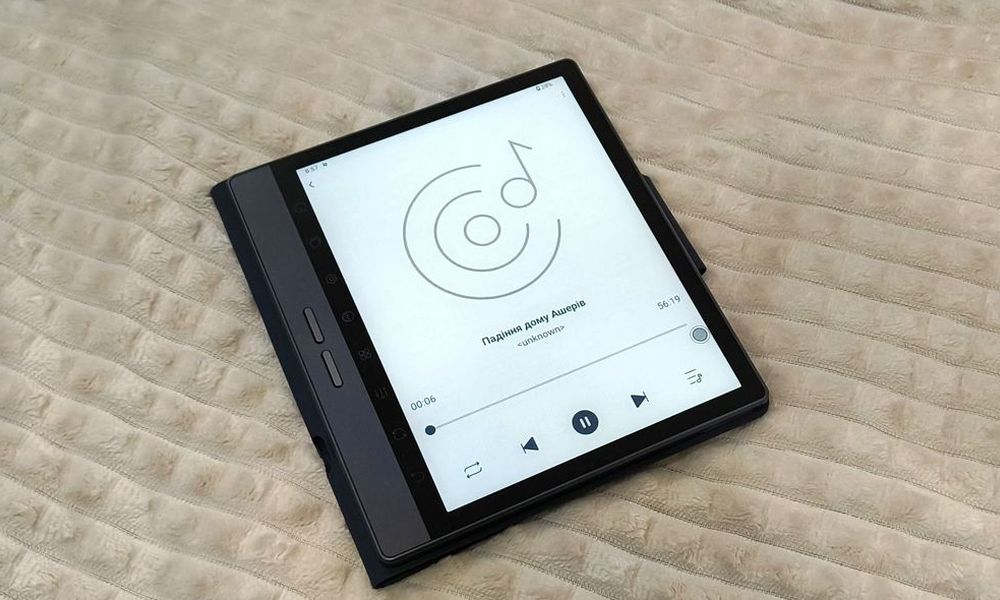
Charging and data transfer are handled via USB-C. The device supports Bluetooth 5.0 for connecting headphones and 2.4/5 GHz Wi-Fi, while 4G connectivity via a nano-SIM allows you to make calls, receive SMS messages, and use messaging apps. You can also listen to audio without headphones, thanks to the built-in side-mounted speaker. It is quite loud and works perfectly well for audiobooks.
User Experience
It was an interesting experience. I really appreciate the physical buttons, which make a soft, quiet click and mean you do not have to touch the screen as often. The display, like the dark bezel, does tend to attract fingerprints, though. At first, turning pages with only my left hand felt a little awkward because the buttons are positioned on the left side. However, the automatic screen rotation solved that problem.

I do not listen to audiobooks, but I tried playing music from YouTube. The sound is decent, but if you want more depth and punch, it is better to connect either wireless headphones or wired ones through an adapter, since the reader does not have a 3.5mm headphone jack. Playing around with the stylus and note-taking was even more interesting. Again, it is not really my thing, but the feature itself has plenty of potential, especially given the large selection of templates. The stylus does occasionally produce a few unwanted stray strokes, and judging by comments on Amazon, I was not the only one to encounter this. Still, if you are not creating paintings for an exhibition but instead drawing mind maps, adding annotations, taking notes, or planning your schedule, the feature is genuinely useful. The ability to upload templates to the cloud makes it even more practical.
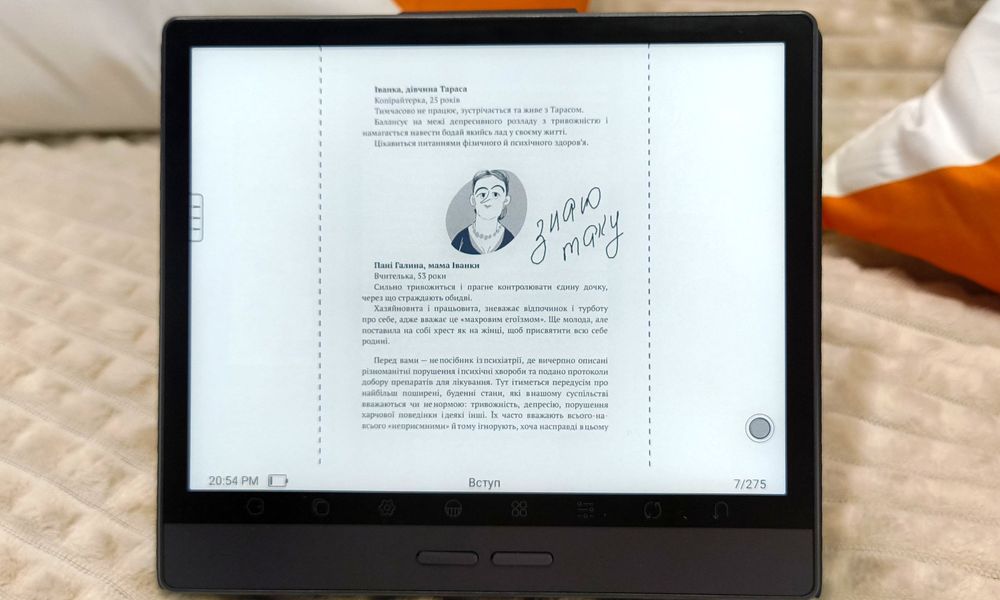
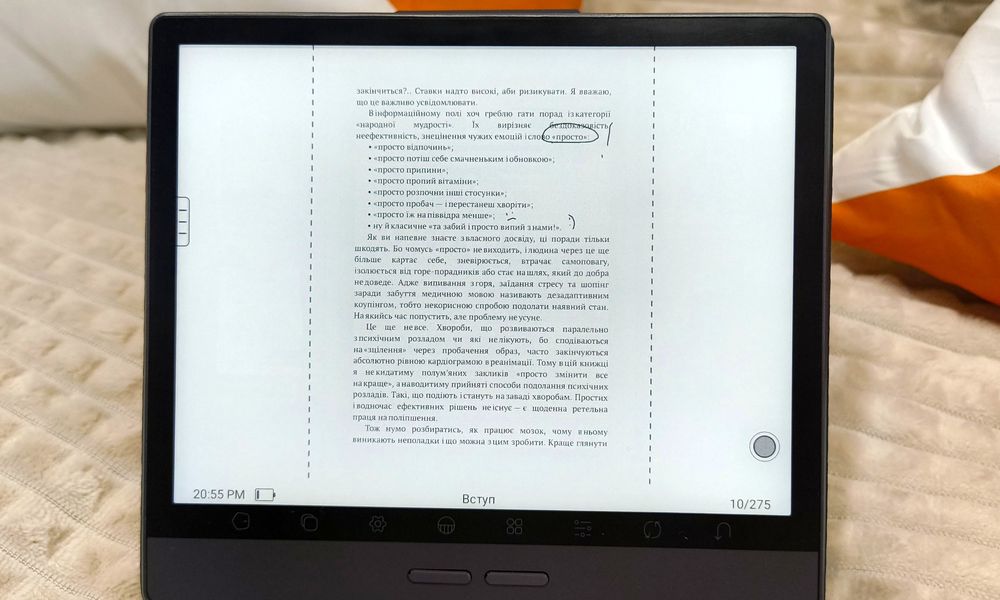
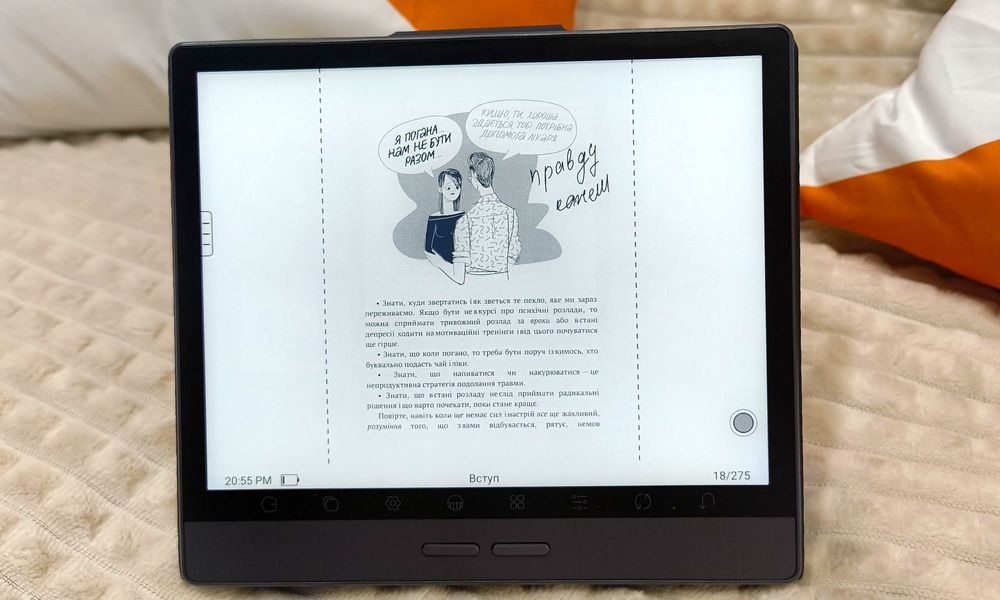
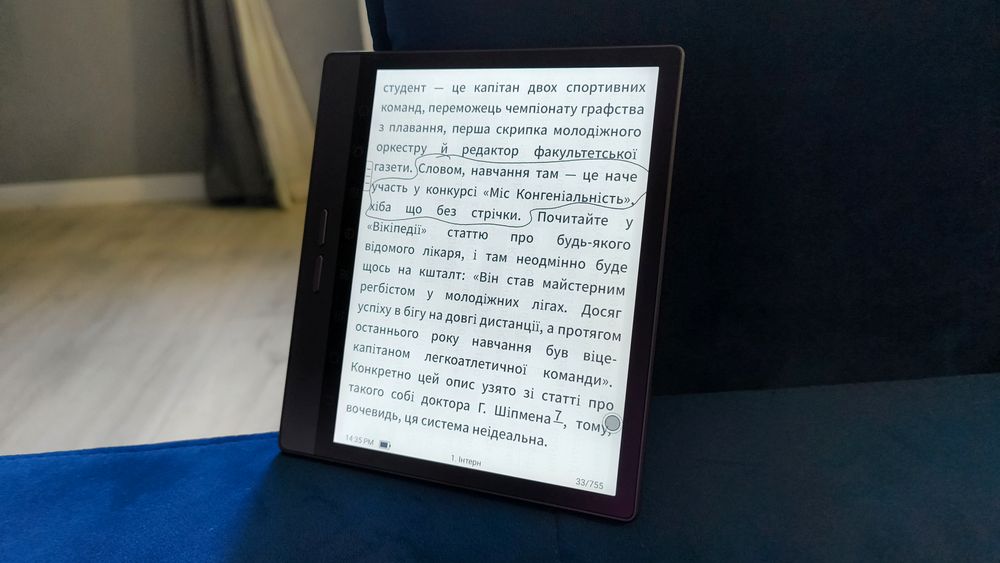
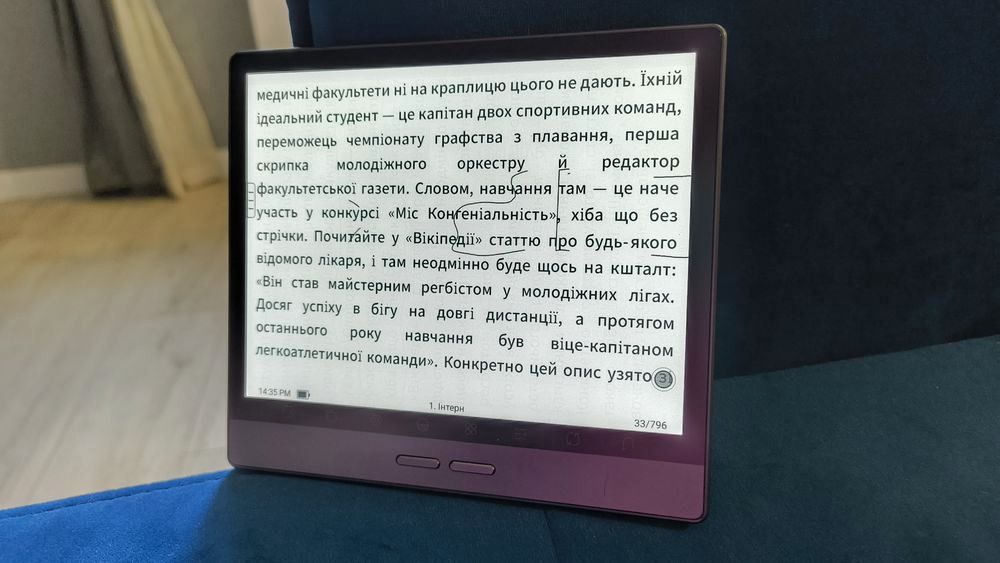
You can also use the stylus to draw directly in books. I would never allow myself to do that with a paper book, but with an e-book you can highlight passages, draw, and add notes to your heart’s content. However, there is one significant drawback: when you change the page orientation, all of your annotations shift out of place.
Conclusion
The Bigme B7 Pro is like 3-in-1 coffee: an e-reader, a tablet, and a notebook all rolled into one. And, to take the analogy a little further, it is even a bit like a smartphone – so perhaps it is 3-in-1 coffee with cinnamon. I cannot say that every one of its features is implemented perfectly, but I think the overall attempt is a very good one. For its price, it offers a convenient and familiar Android experience with all the features and benefits that come with it. Yes, there are a few drawbacks too, but as they say in one particular movie, nobody’s perfect.
Where to buy Bigme B7 Pro B&W