




© ROOT-NATION.com - Use of content is permitted with a backlink.
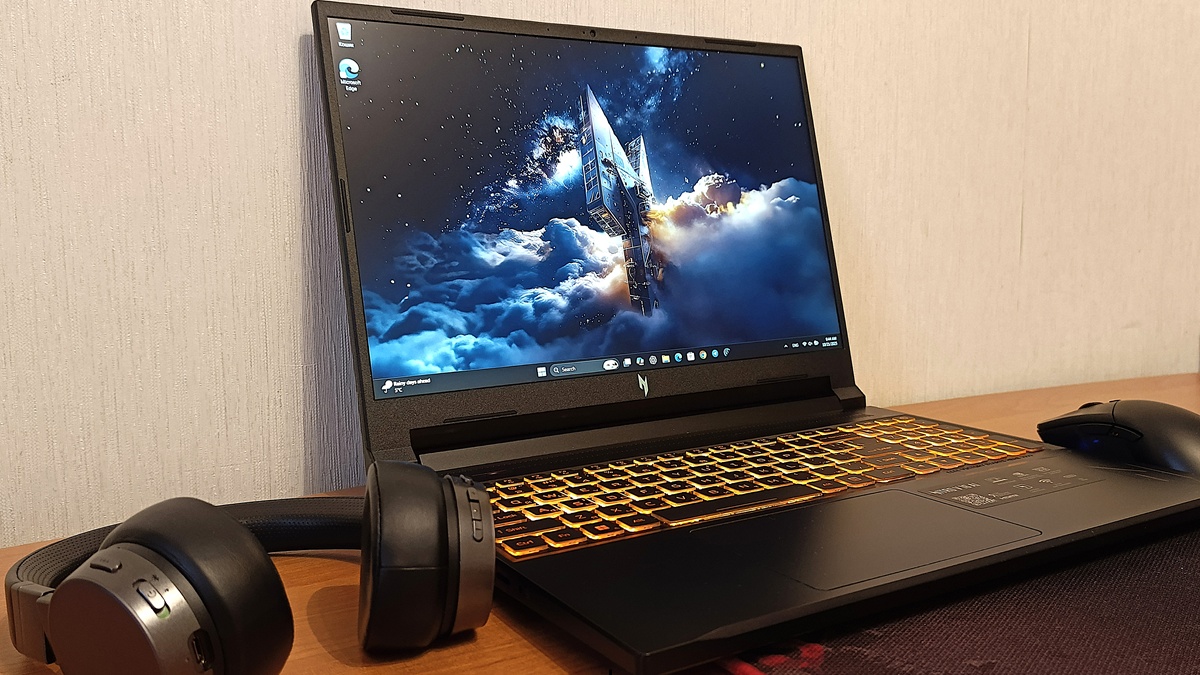
Today, I’ll be talking about the Acer Nitro V 16 AI – an entry-level gaming laptop that managed to exceed my expectations.
Gaming laptops have long outgrown their niche status. These days, they’re versatile tools for anyone who values the balance of power and portability. Their evolution has turned them from compromise-heavy “portable gaming PCs” into fully capable systems that can easily replace a desktop setup. Thanks to modern GPUs, high refresh rate displays, and intelligent cooling solutions, today’s gaming laptops deliver stable performance under heavy loads – setting a new standard for mobile computing.
Read also: Gaming Laptop Reviews

In this context, the Acer Nitro series has traditionally represented a kind of “golden middle ground.” It combines solid performance, fair pricing, and a sensible feature set – without overpaying for brand prestige or flashy design elements. The latest generation, the Nitro V 16 AI, continues this philosophy, now emphasizing the integration of AI-driven technologies aimed at boosting overall system efficiency.
However, the key question remains: can the Acer Nitro V 16 AI truly meet the expectations of users seeking a flagship-level experience – without the flagship price tag?
Read also: Acer Predator Helios Neo 18 AI PH18-72 Review: Desktop-Level Performance in a Laptop Form
TABLE OF CONTENTS:
What makes the Acer Nitro V 16 AI interesting
The model is designed for gamers and content creators who require consistent performance and versatility in daily tasks. The combination of AMD Ryzen 5 200-series processors with Nvidia GeForce RTX 50-series graphics provides strong performance for modern games and demanding applications such as video editing and 3D rendering. This configuration allows the Acer Nitro V 16 AI to maintain smooth, responsive, and stable operation even under heavy workloads.
At the same time, Acer positions this laptop as an alternative to high-end flagships, aiming to deliver premium-level performance at a more accessible price. This approach reflects a broader market trend: users are increasingly looking for not just maximum specifications but a balanced mix of cost, quality, and technology.
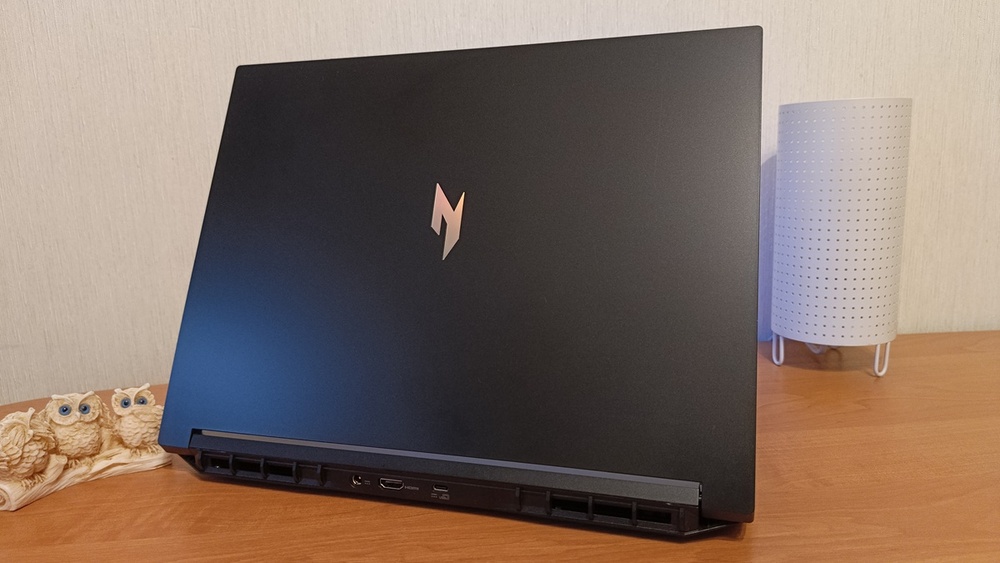
The Acer Nitro V 16 AI is positioned as a practical option for users seeking stable gaming performance at 1080p resolution without paying extra for flagship-level features. Its main goal is to combine efficiency, modern components, and reasonable pricing within a balanced form factor.
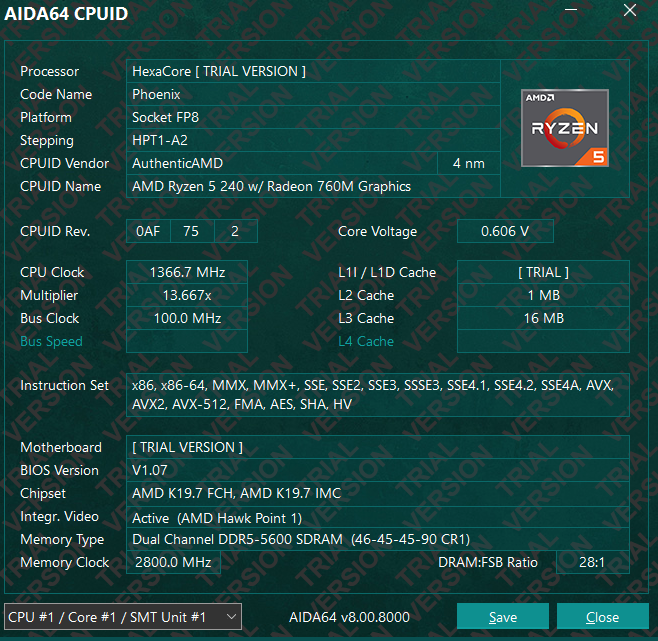
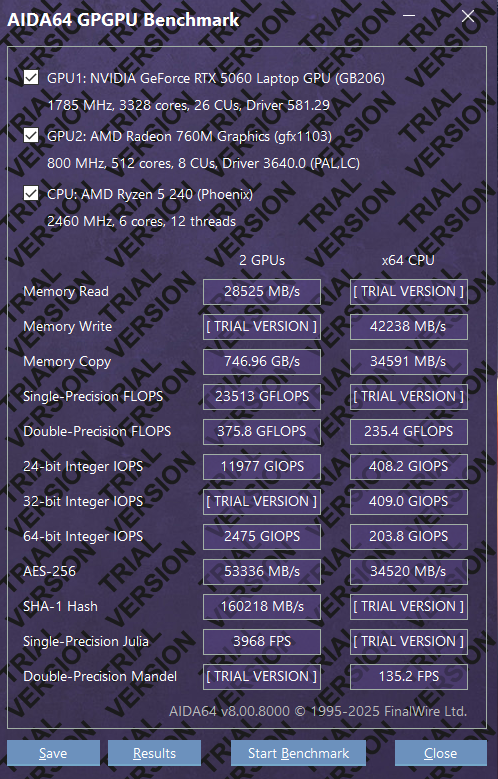
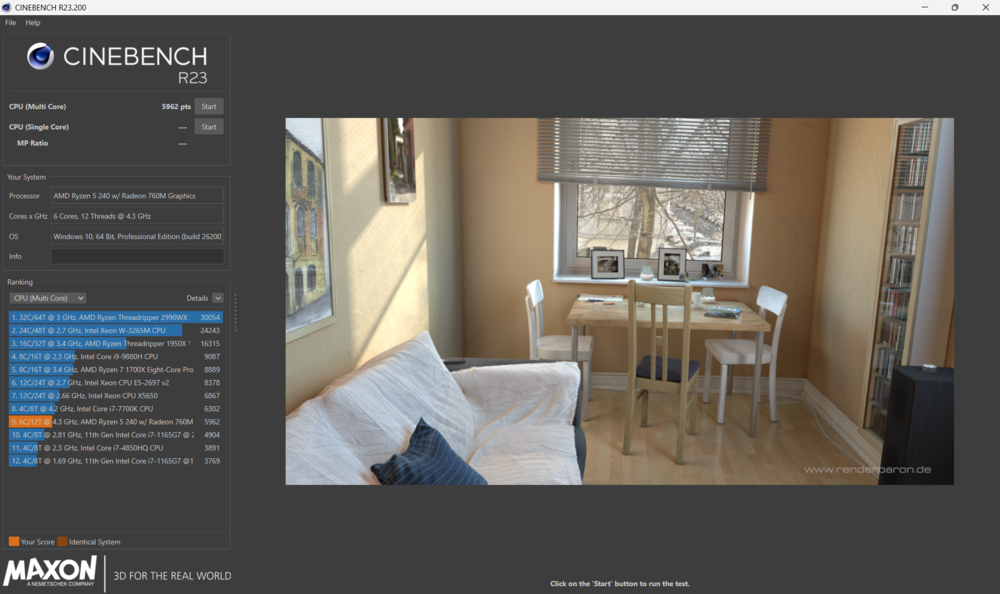
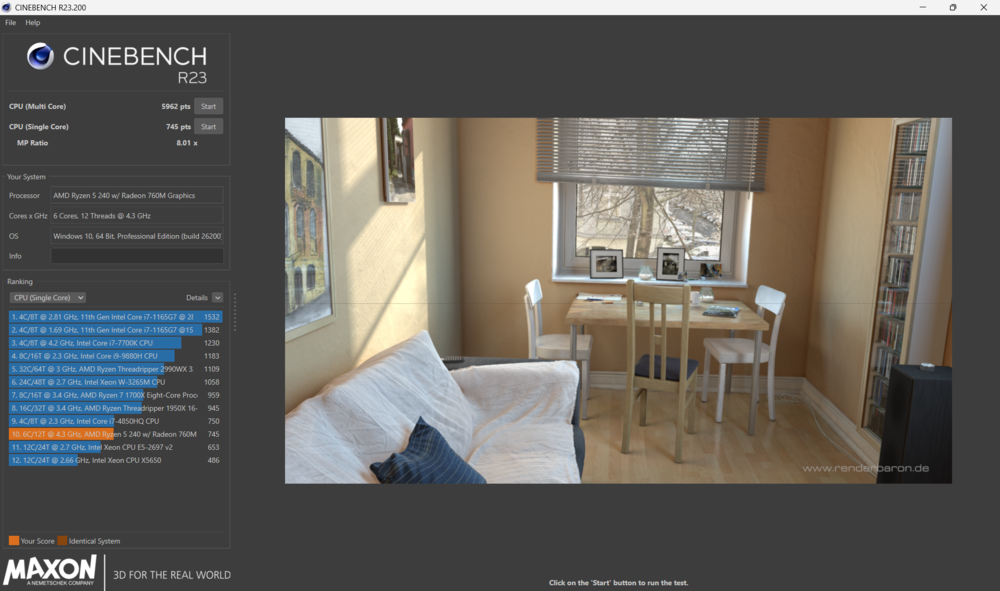
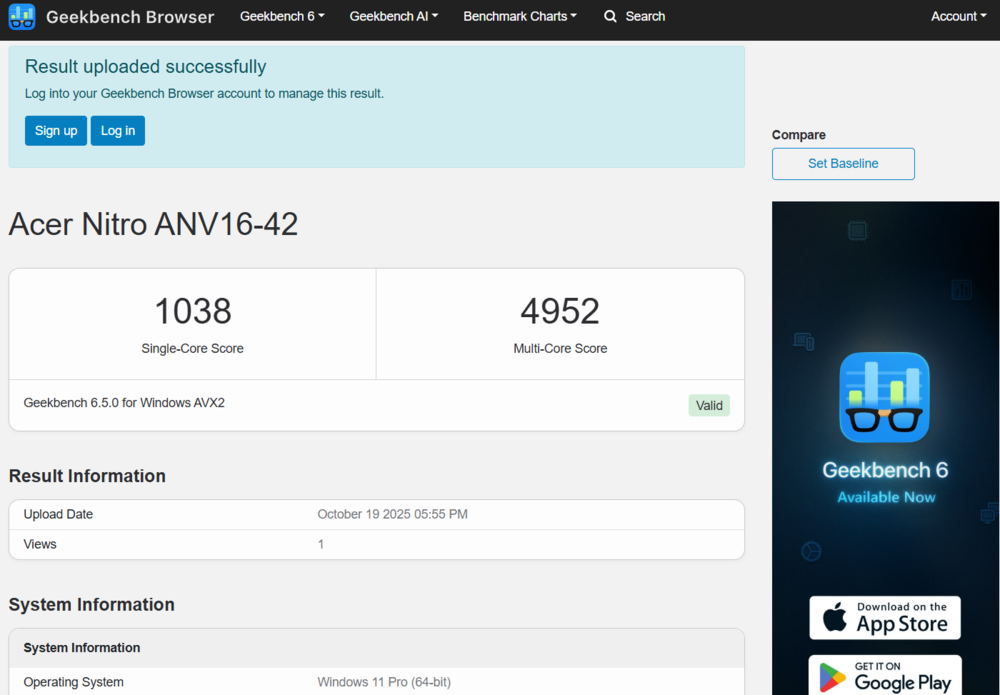
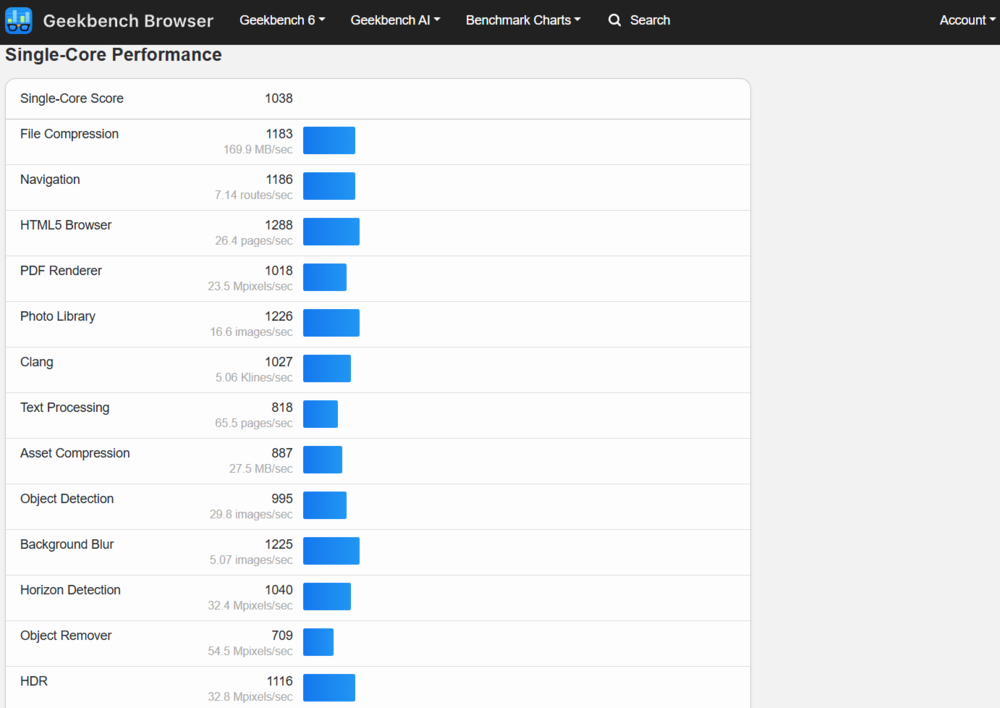
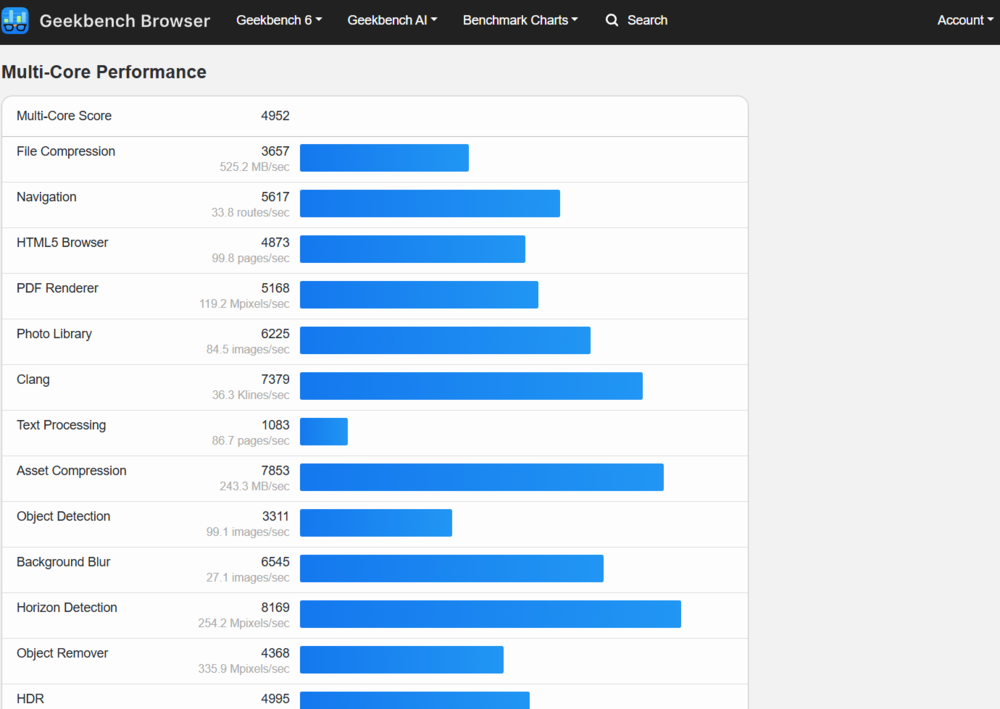
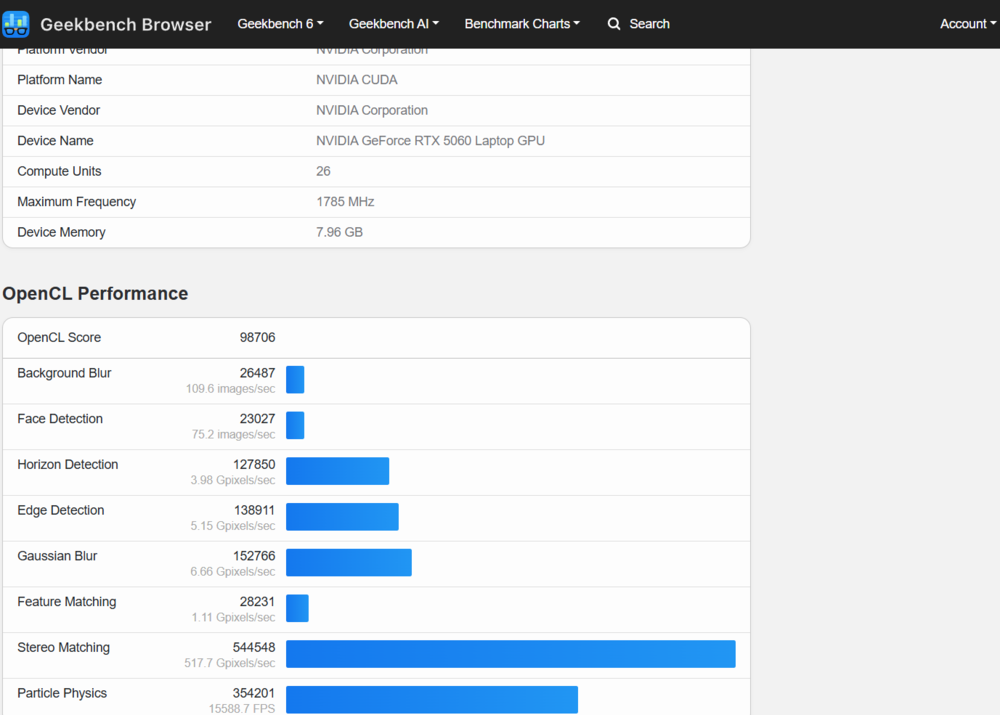
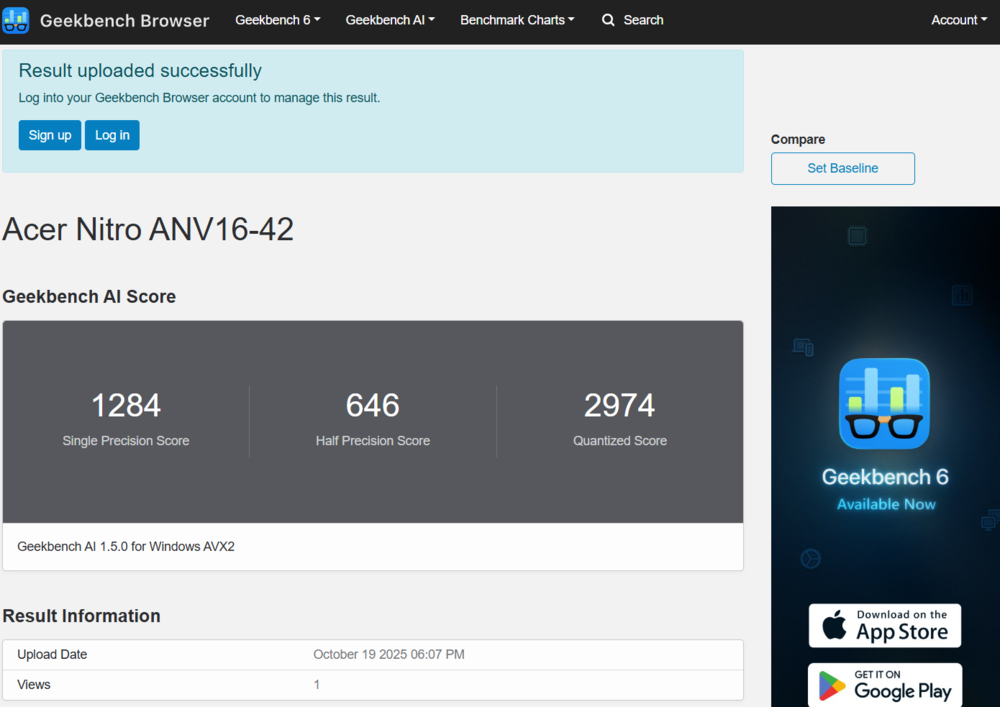
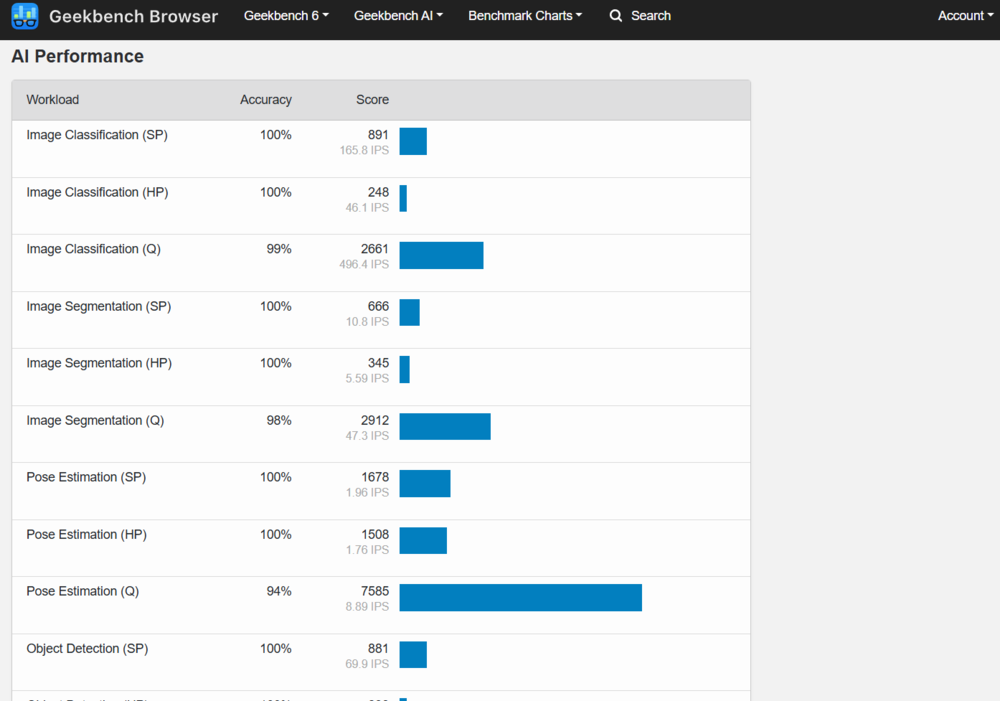
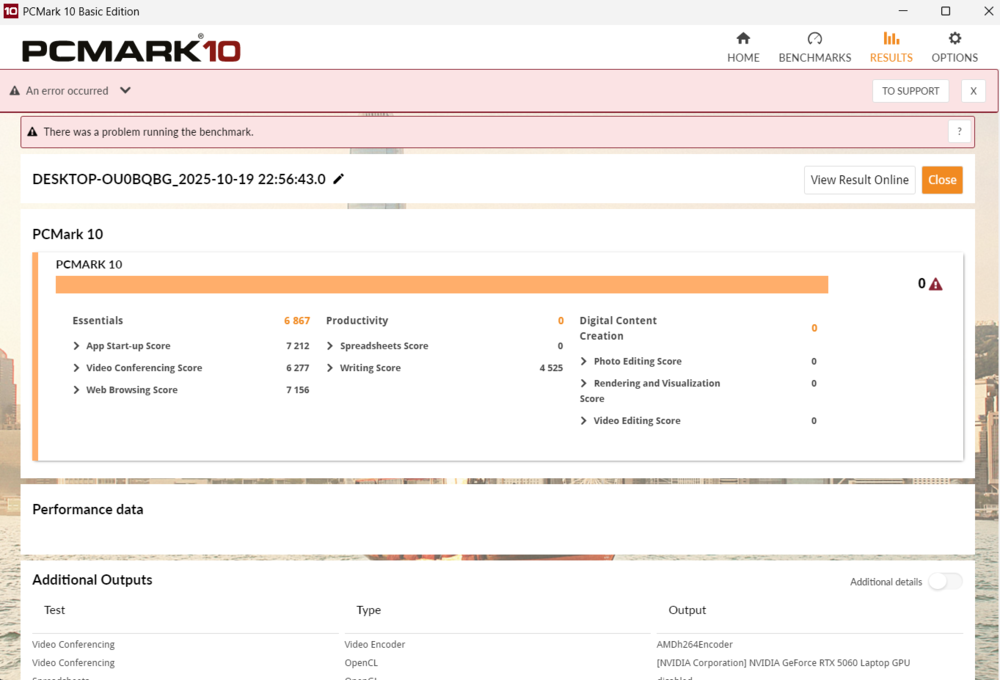
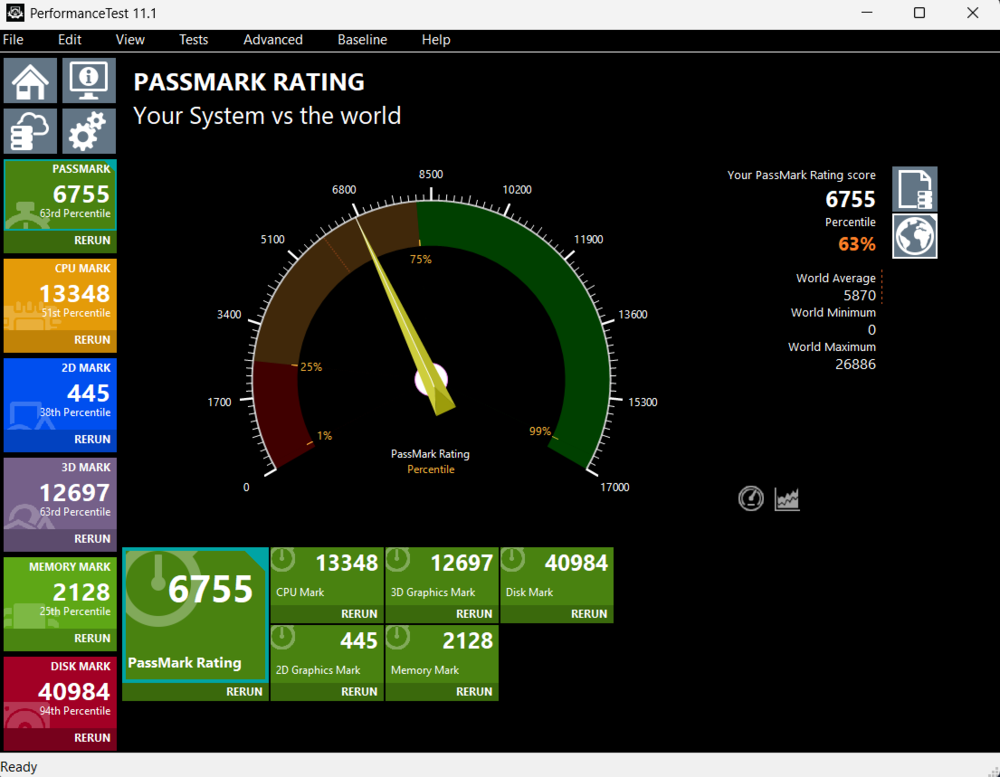
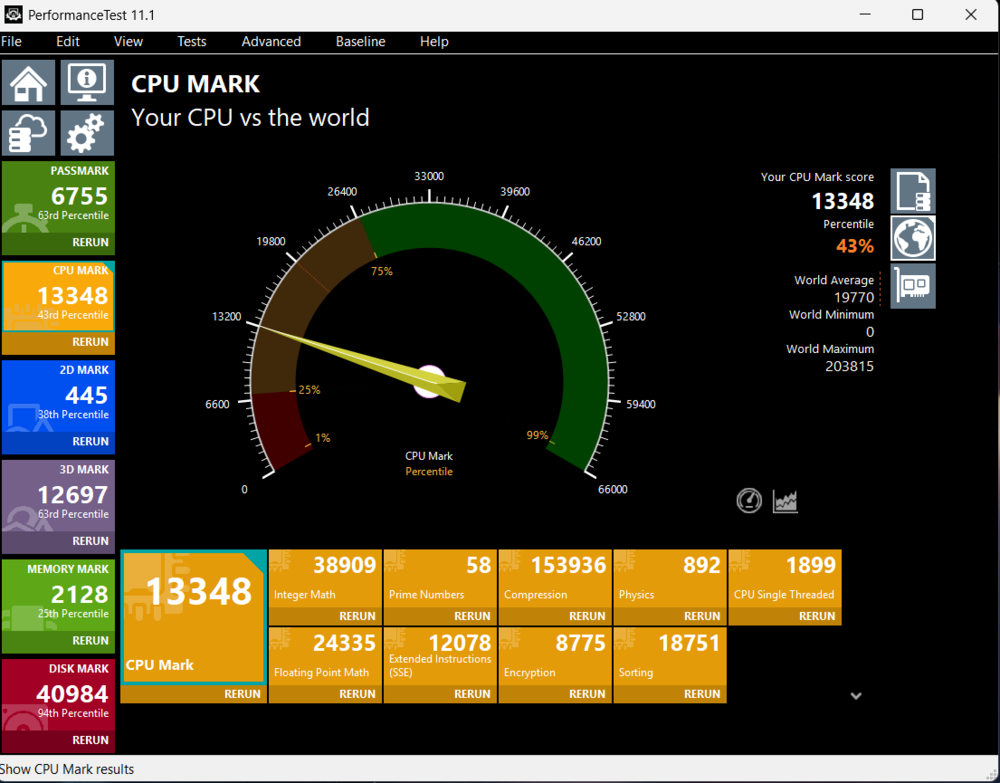
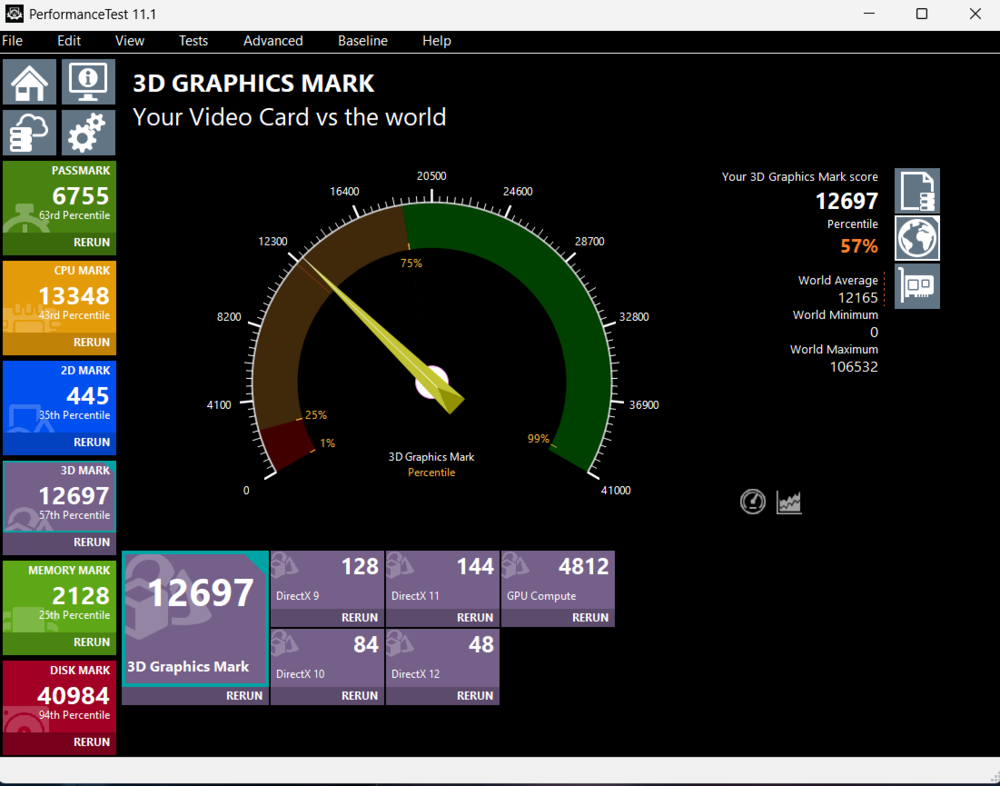
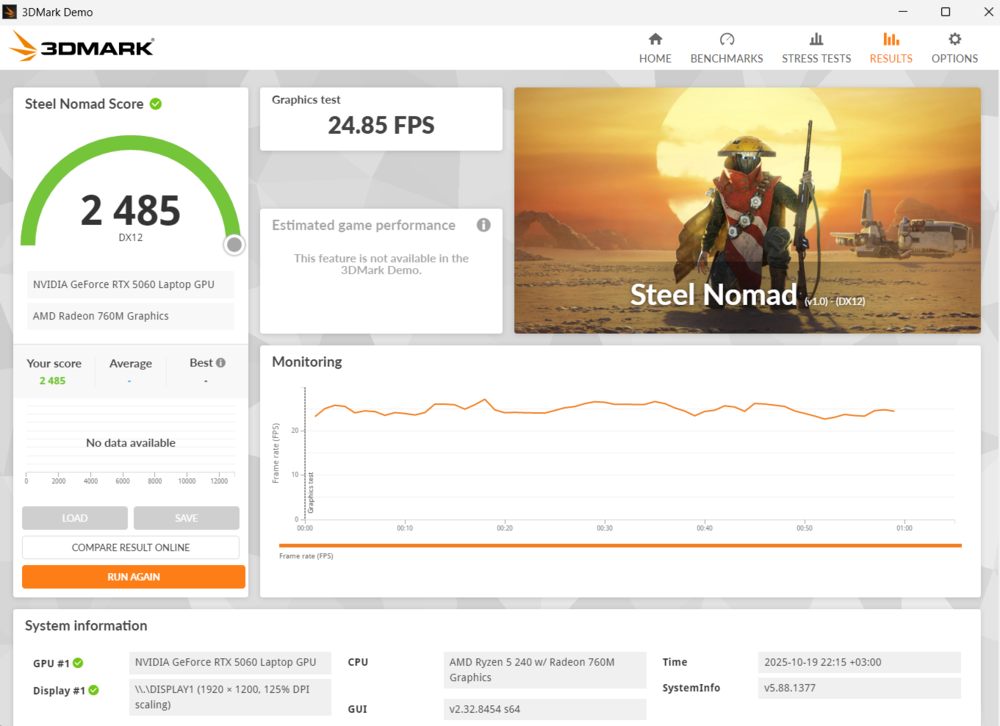
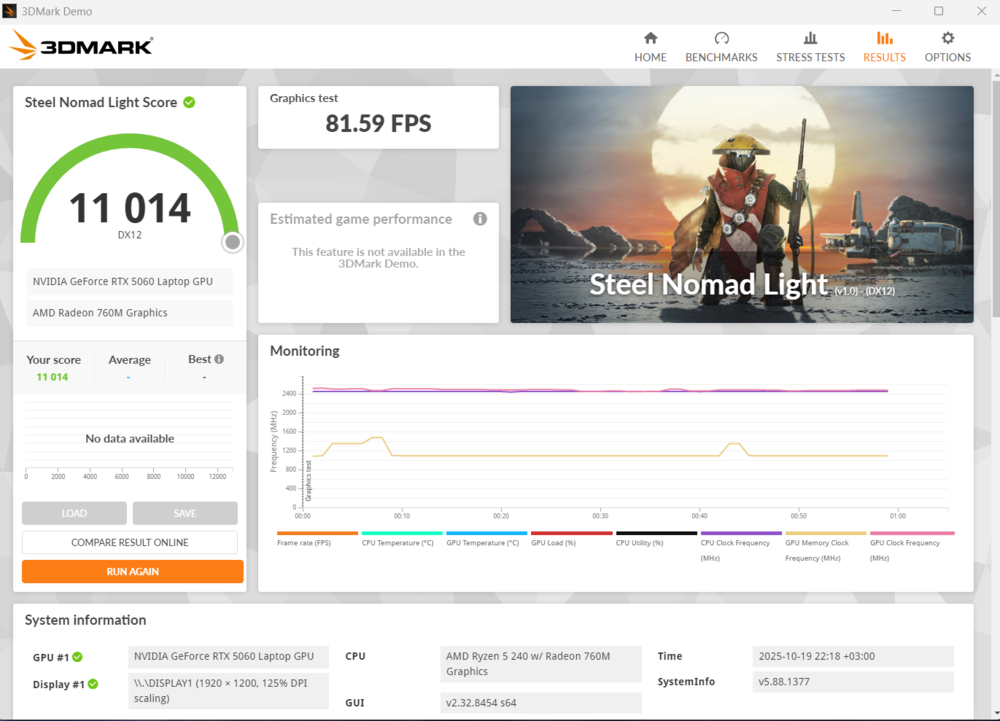
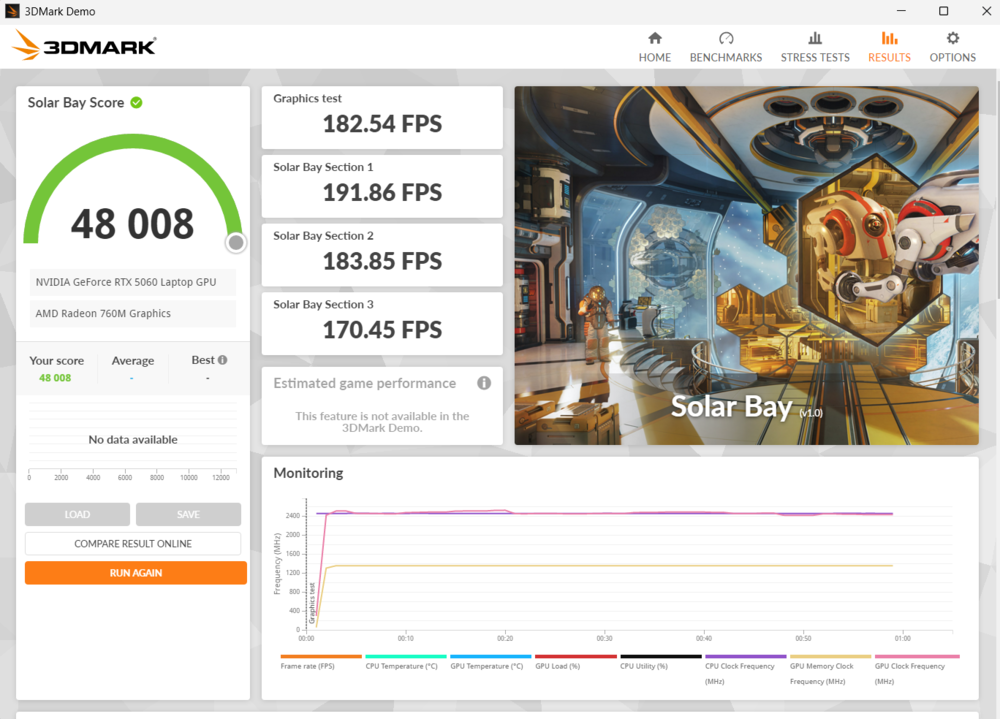
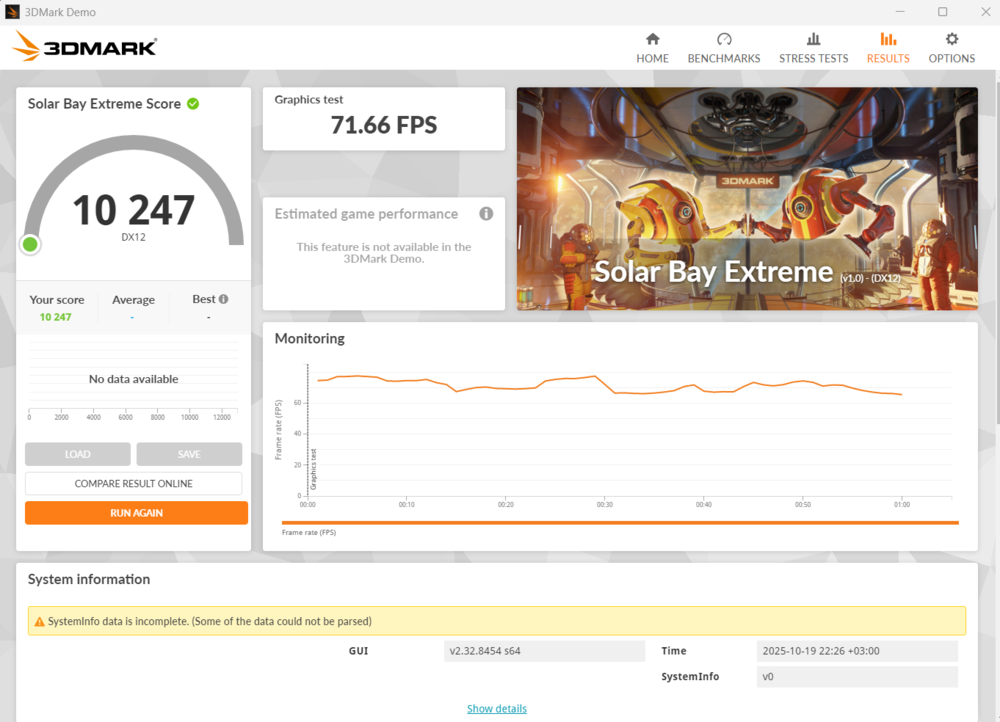
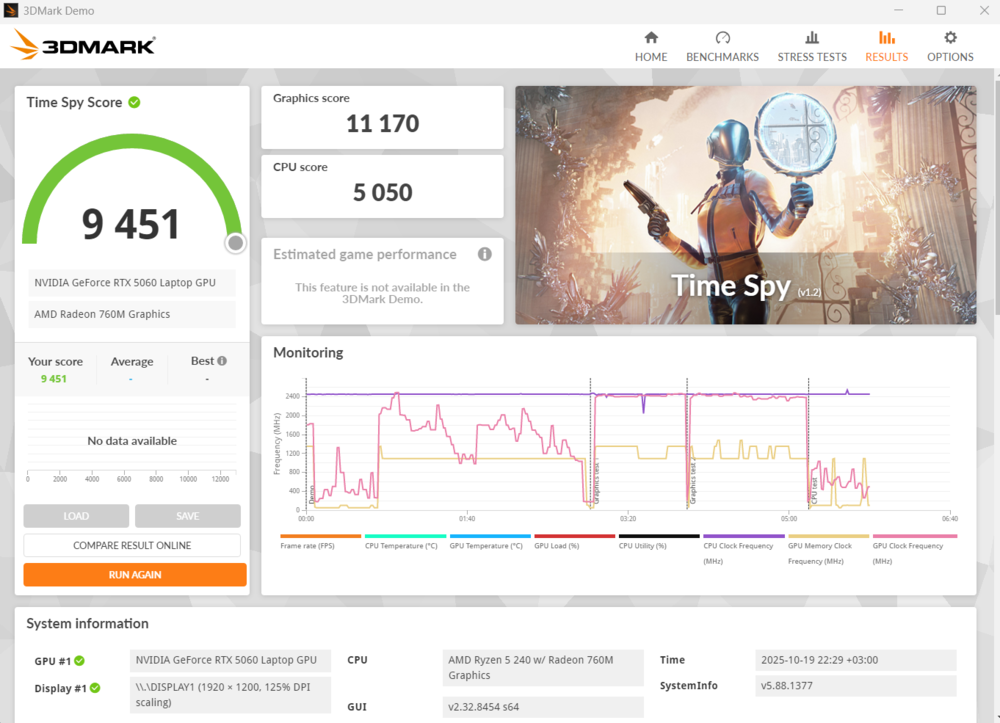
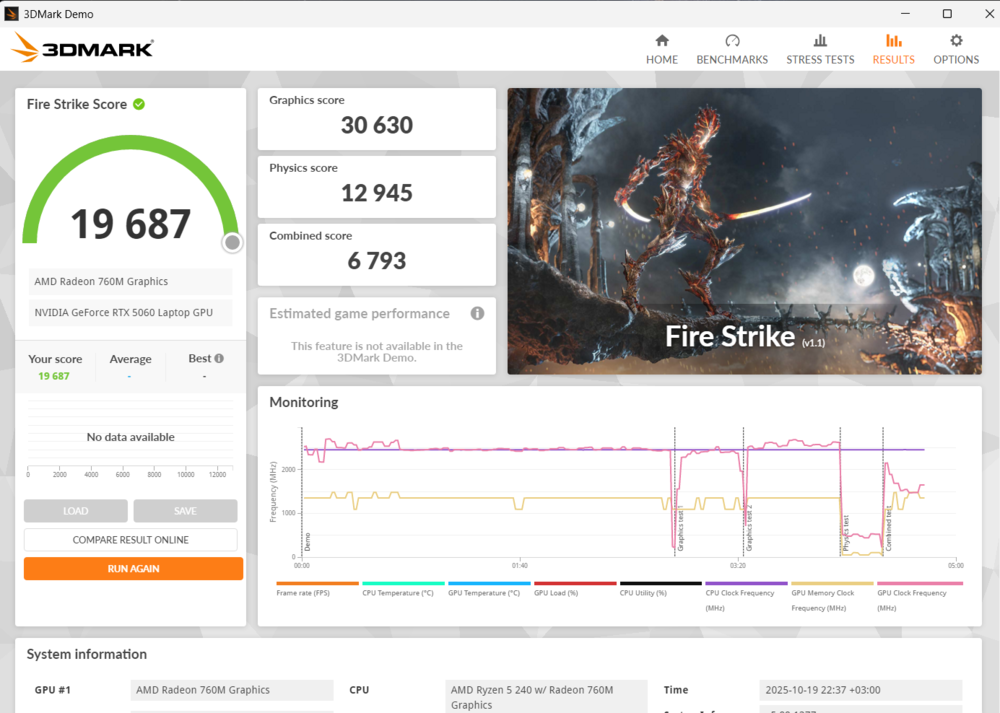
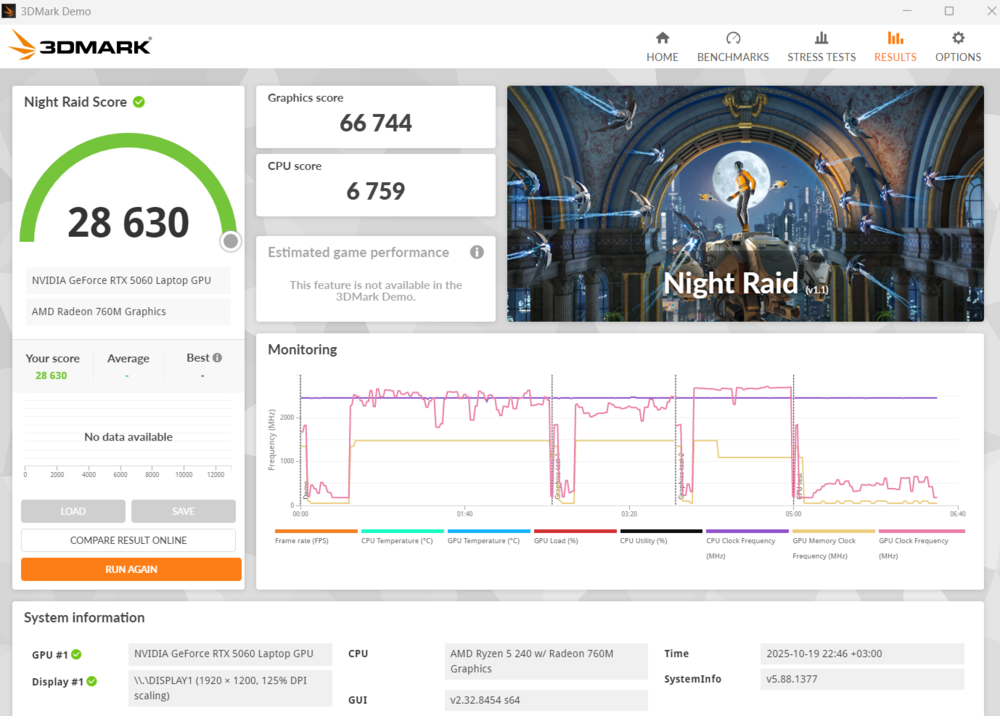
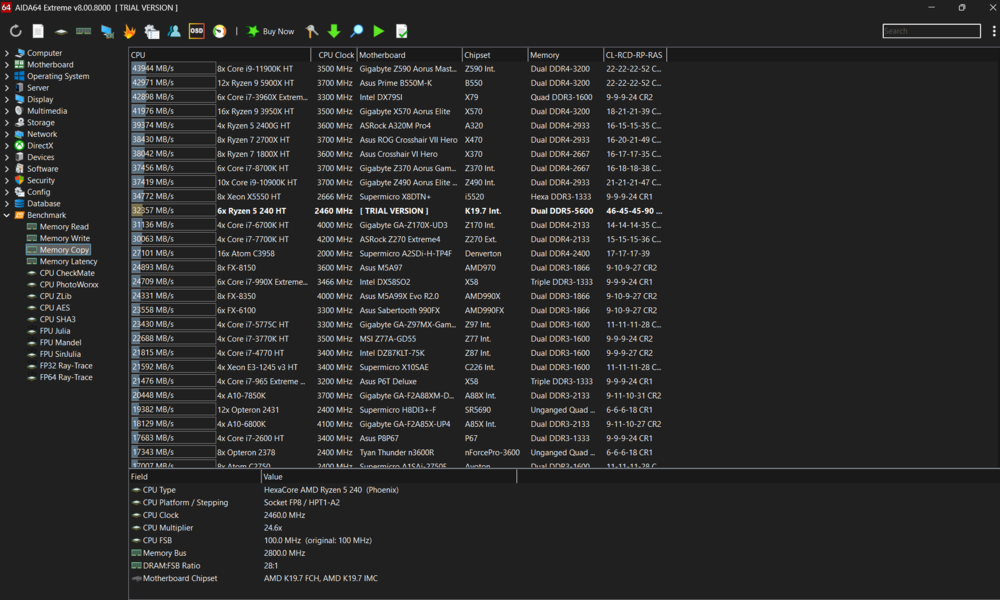
The tested configuration featured an AMD Ryzen 5 240 processor paired with an Nvidia GeForce RTX 5060 GPU – a mid-range setup aimed at mainstream users. While this combination does not deliver record-breaking benchmark results, in real-world use it provides sufficient computing power for smooth gameplay in modern titles at high graphics settings.
Acer offers several configuration options for users with different needs:
- Ryzen 5 240 + RTX 5050 – a basic solution for moderate gaming scenarios
- Ryzen 5 240 + RTX 5060 – a balanced option between price and performance
- Ryzen 5 260 + RTX 5070 – the optimal choice for those seeking increased FPS and more power reserves for the future.
All configurations come equipped with fast DDR5 memory (16 or 32 GB) and a 1 TB solid-state drive, ensuring quick system and game loading times. Another key component is the 16-inch IPS display with a resolution of 1920×1200 and a 180 Hz refresh rate – a combination that delivers sharp image quality and smooth rendering of fast-moving scenes.
It is worth noting that a modern gaming laptop, by definition, cannot be considered budget-friendly. The Acer Nitro V 16 AI is priced between $1,490 and $1,990, depending on configuration and specifications. Within this range, it competes with mid-range models such as the ASUS TUF, Lenovo LOQ, and HP Victus, making it a relevant candidate for comparison.
Over several weeks of practical testing, the Nitro V 16 AI demonstrated balanced performance in real-world use – from everyday tasks to extended gaming sessions. Further analysis will show whether this model can be regarded as one of the stronger contenders in its class and whether Acer has managed to achieve an effective balance between performance, design, and price.
Acer Nitro V 16 AI (ANV16-42) Specifications
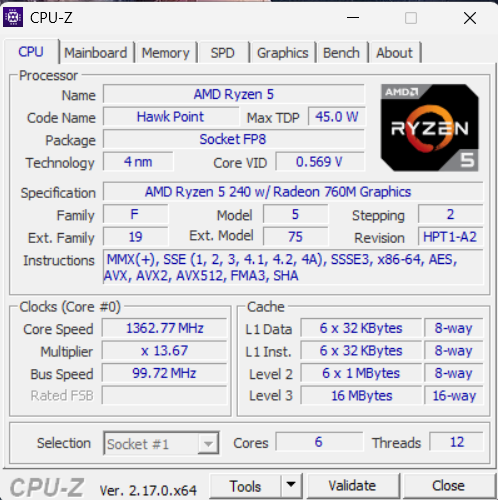
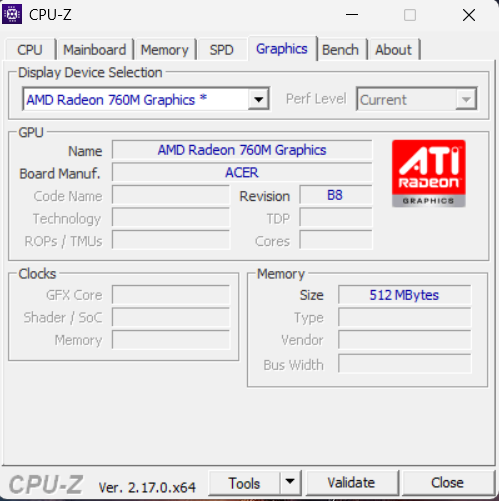
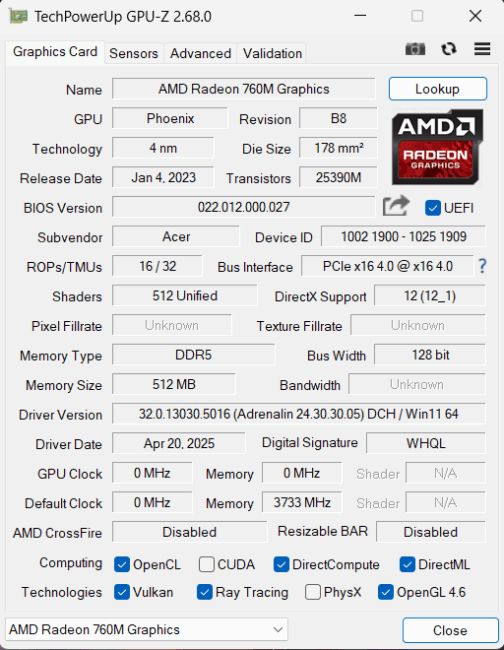
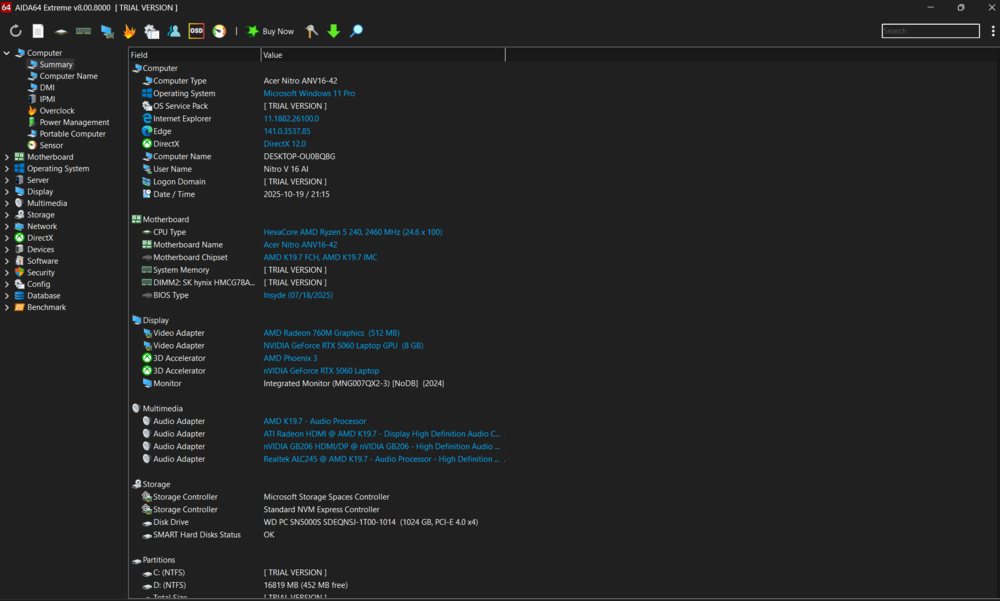
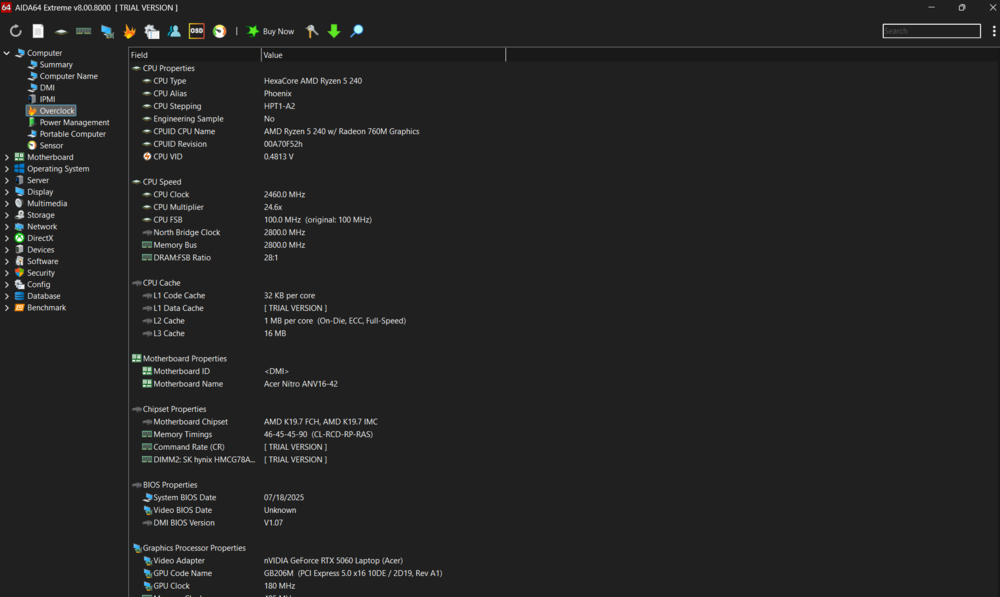
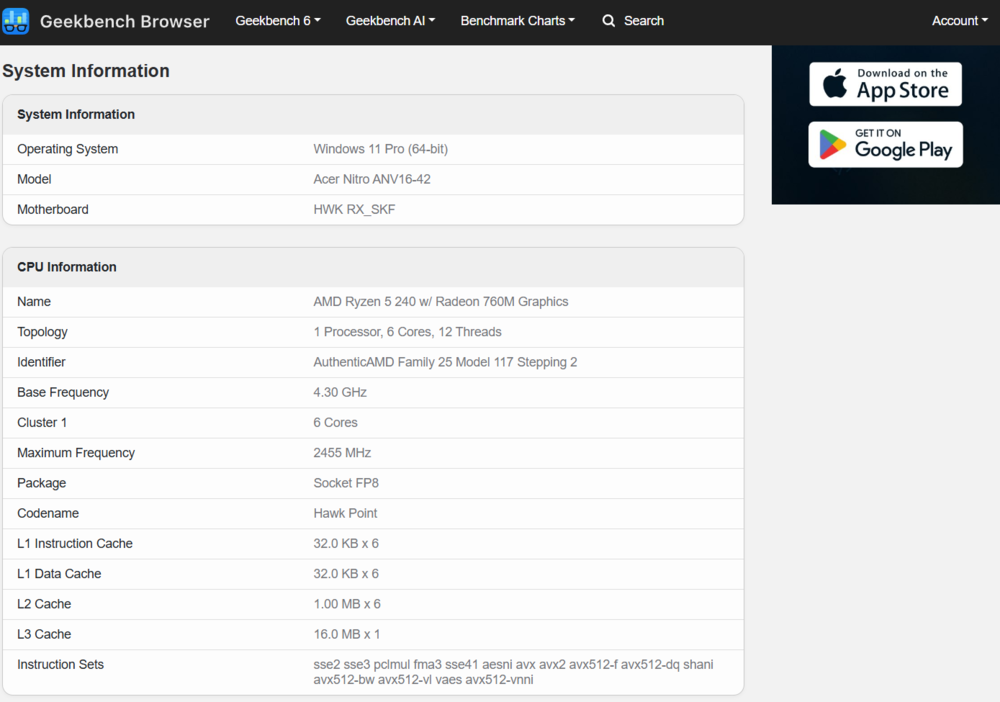
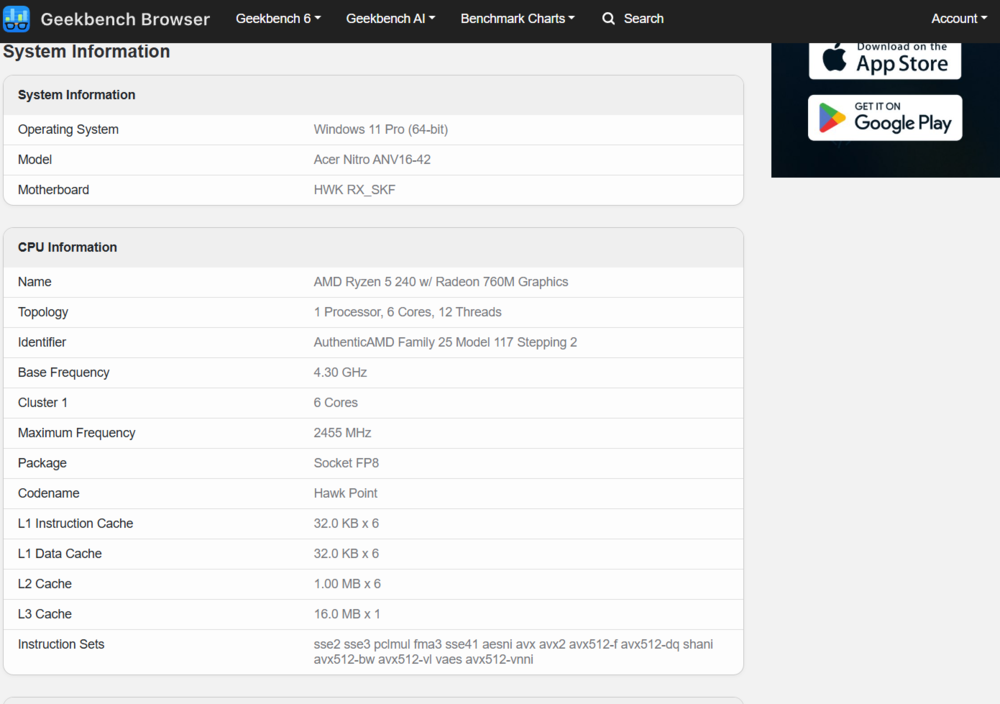
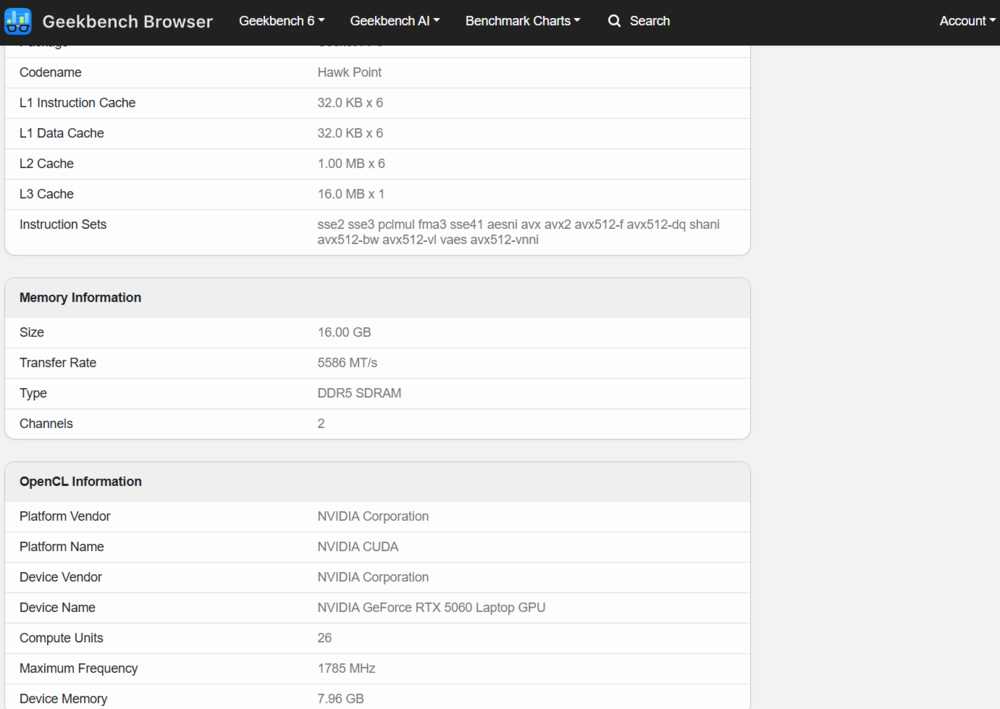
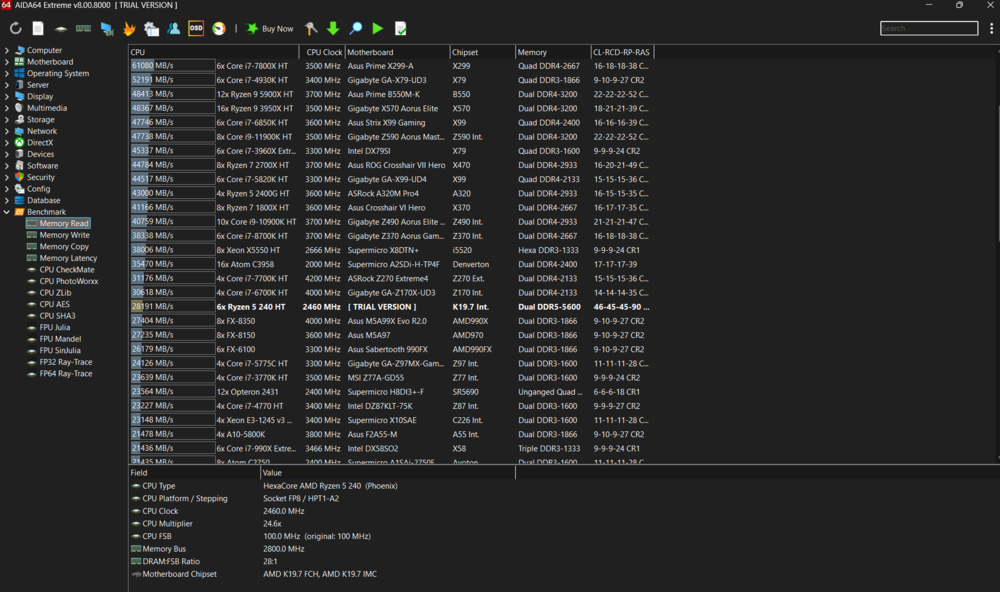
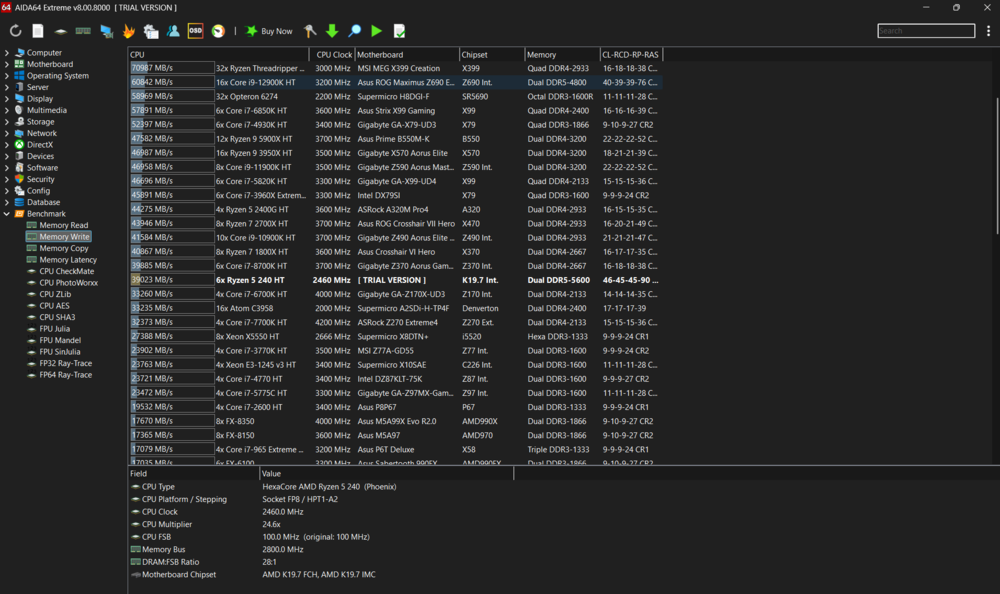
- Processor: AMD Ryzen 5 240 (Zen 4) (6 cores, 12 threads, base clock speed 4.3 GHz, maximum clock speed 5 GHz, 16 MB L3 cache, 4 nm process technology, 45 W TDP, integrated Radeon 760M graphics)
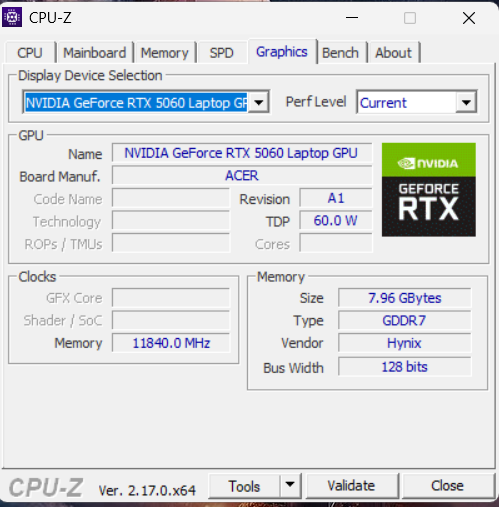
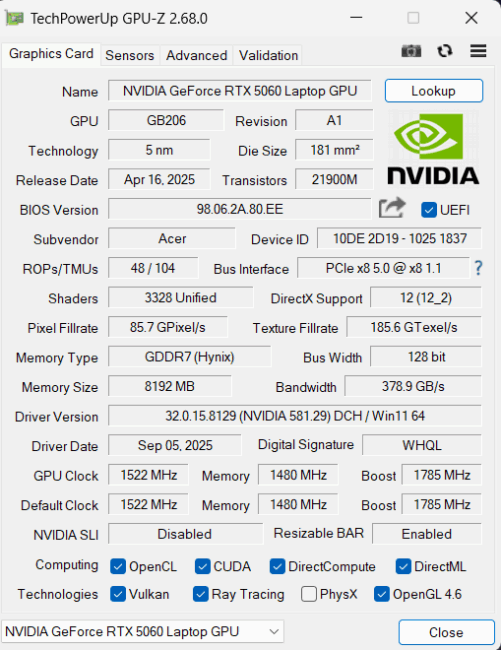
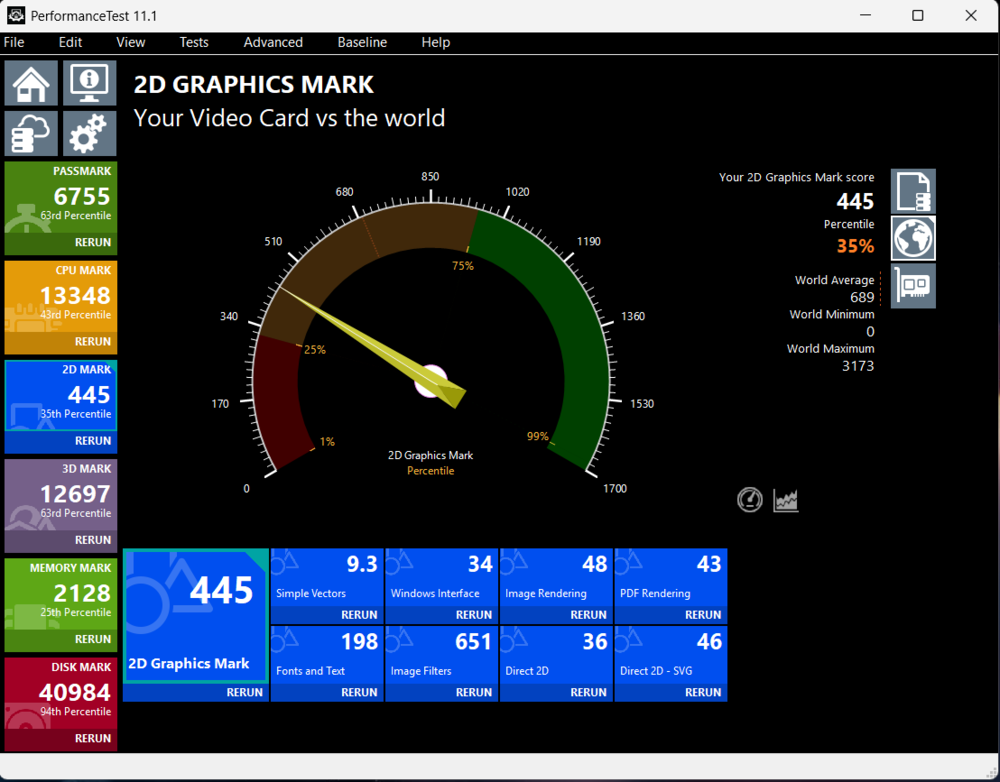
- Discrete graphics card: NVIDIA GeForce RTX 5060 laptop (8 GB GDDR7 video memory, maximum video processor clock speed 2310 MHz, TGP up to 100 W, 128-bit bus)
- Integrated graphics card: AMD Radeon 760M
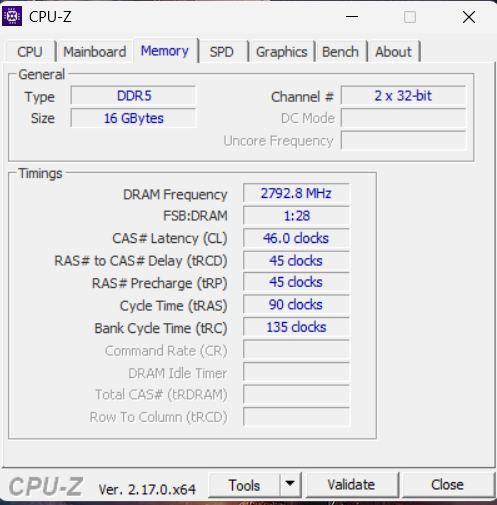
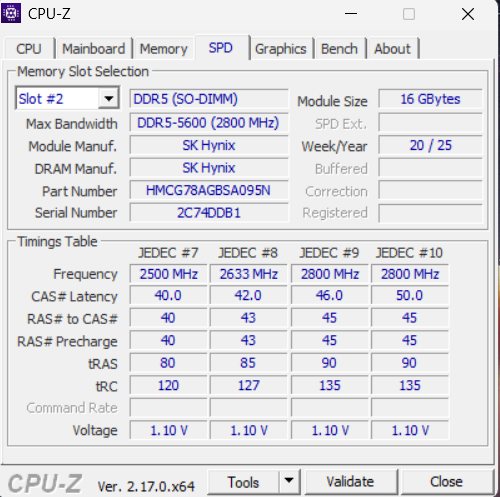
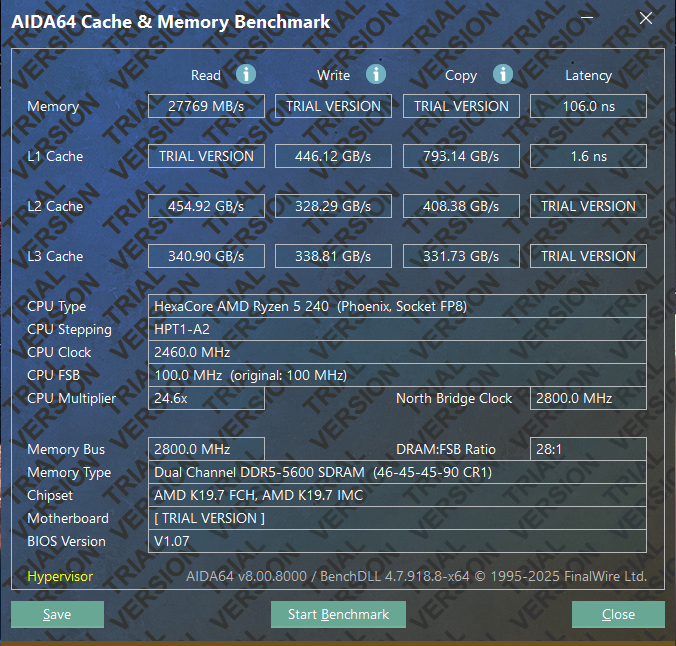
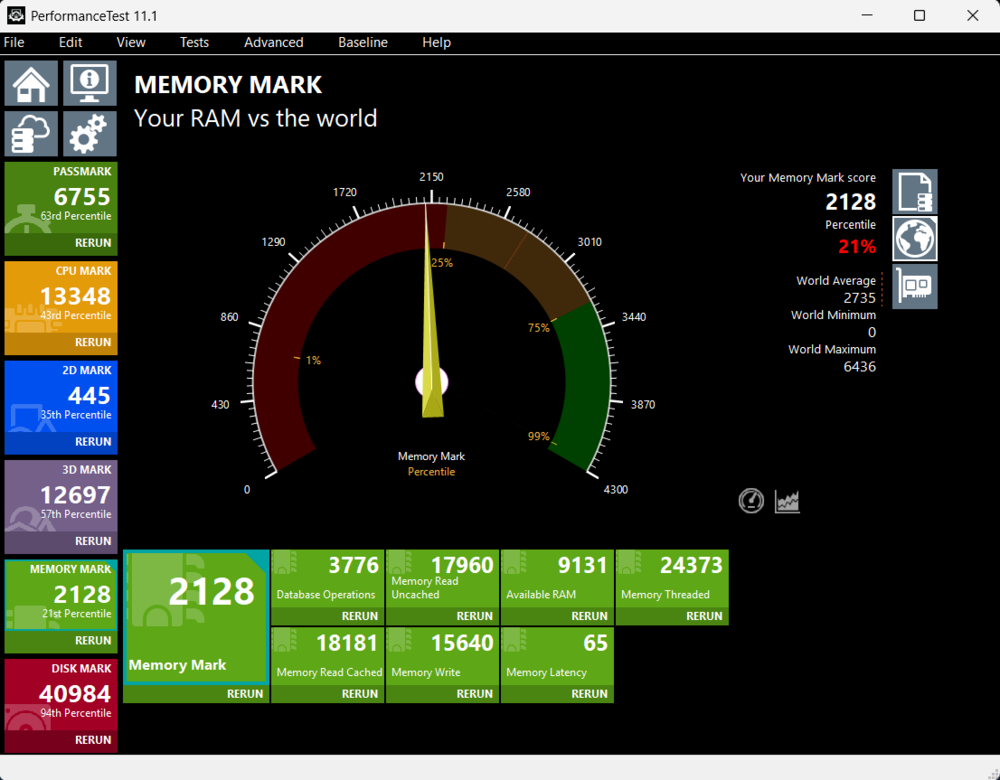
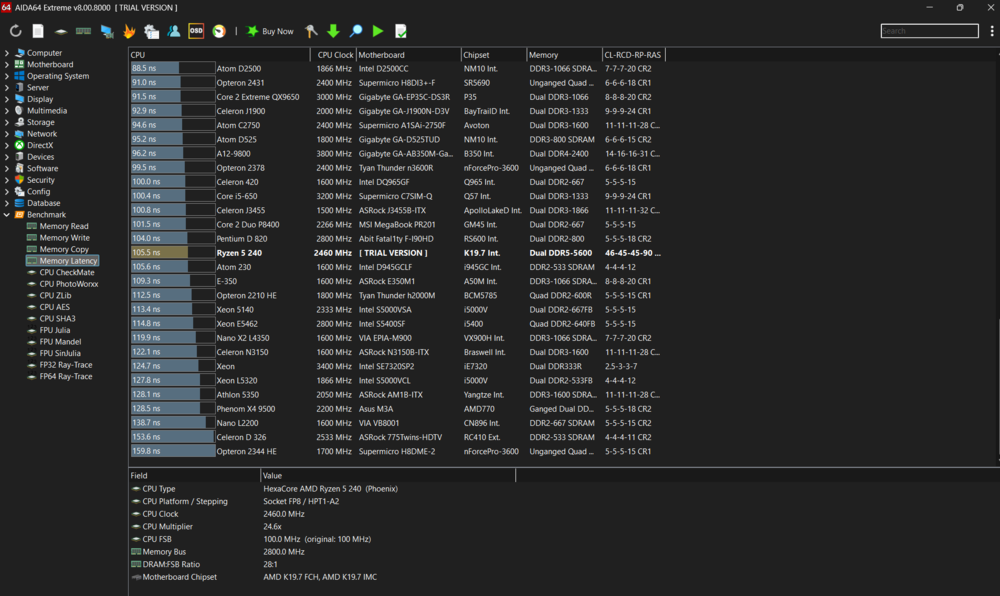
- RAM: 16 GB DDR5-5600 MHz SDRAM
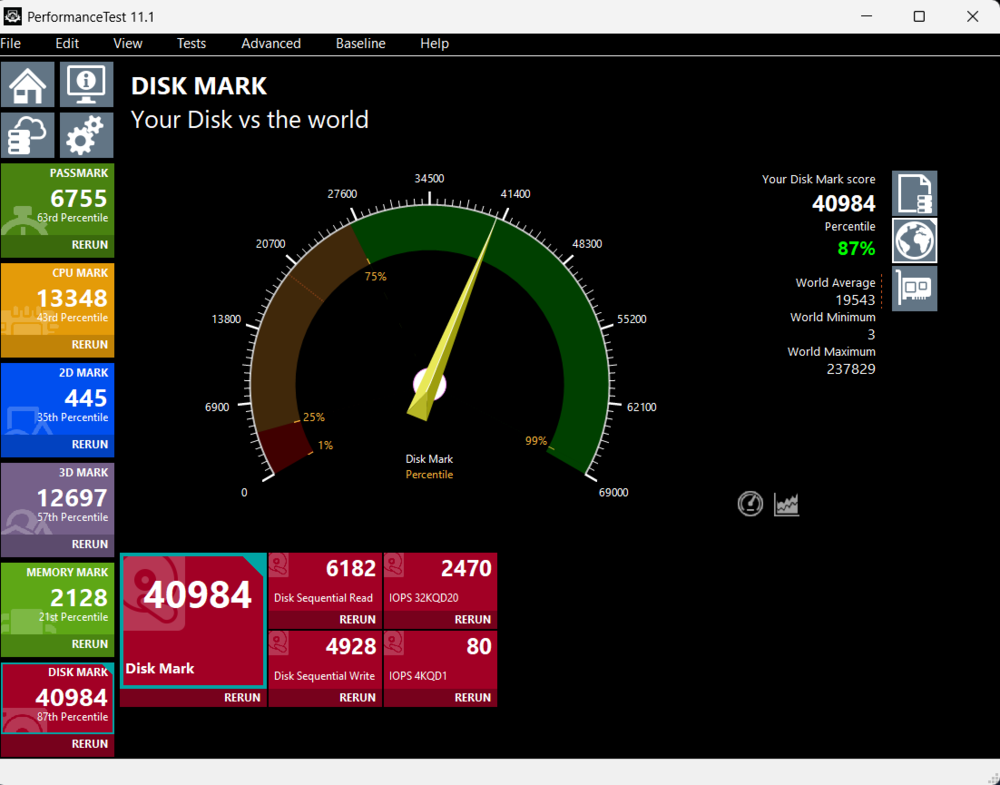
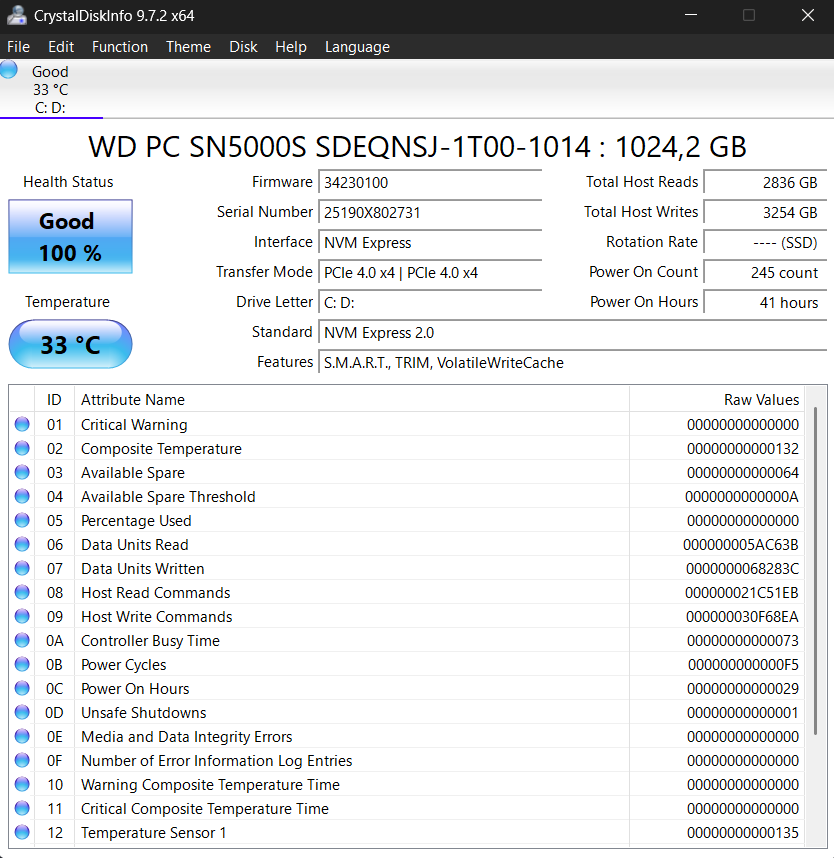
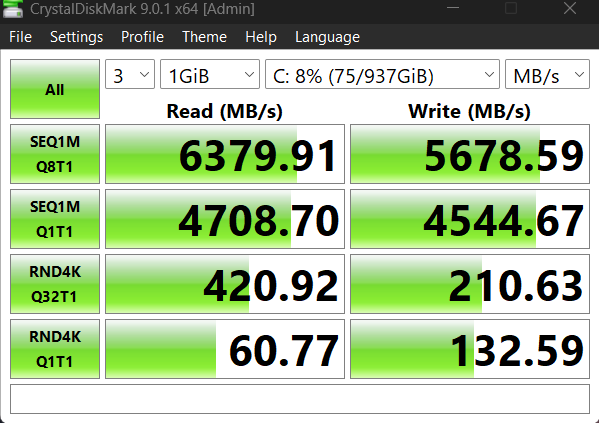
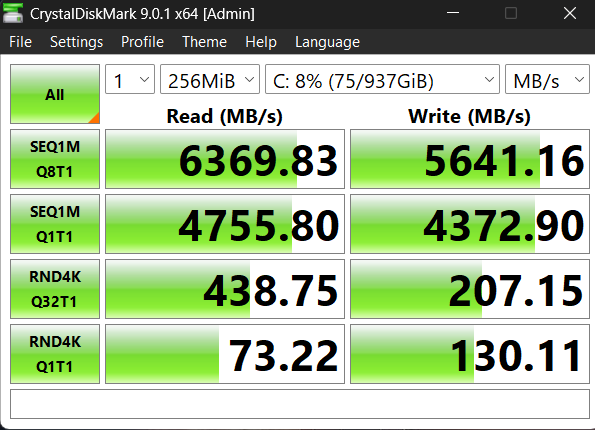
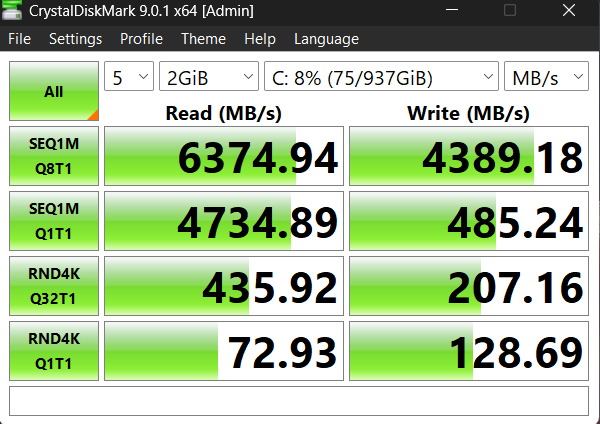
- Storage: 1 TB M.2 NVMe PCIe 4.0 SSD
- Sound card: Realtek ALC287
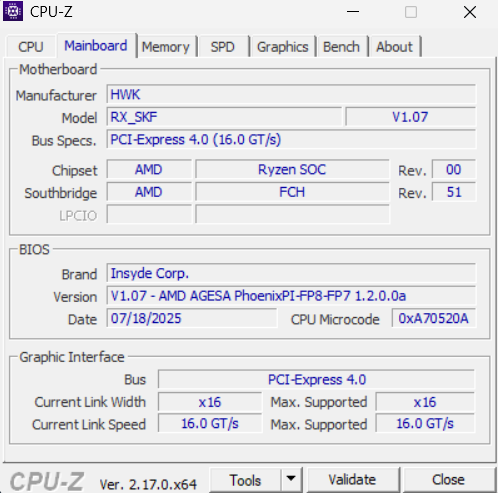
- Motherboard: RB Jimny_RBH, AMD Promontory/Bixby FCH chipset
- Display: 16″ 1920×1200 IPS, 16:10, 180 Hz, ComfyView (matte)
- Network and communications: AMD RZ616, Wi-Fi 6E, Bluetooth 5.3
- Camera: 720p
- Interfaces: 1×HDMI, 1×Type-C USB4 (40 Gbps), 1×Type-A USB 3.2 (10 Gbps), 2×Type-A USB 3.2 (10 Gbps), RJ-45 (Gigabit), microSD, 3.5 mm combo audio jack
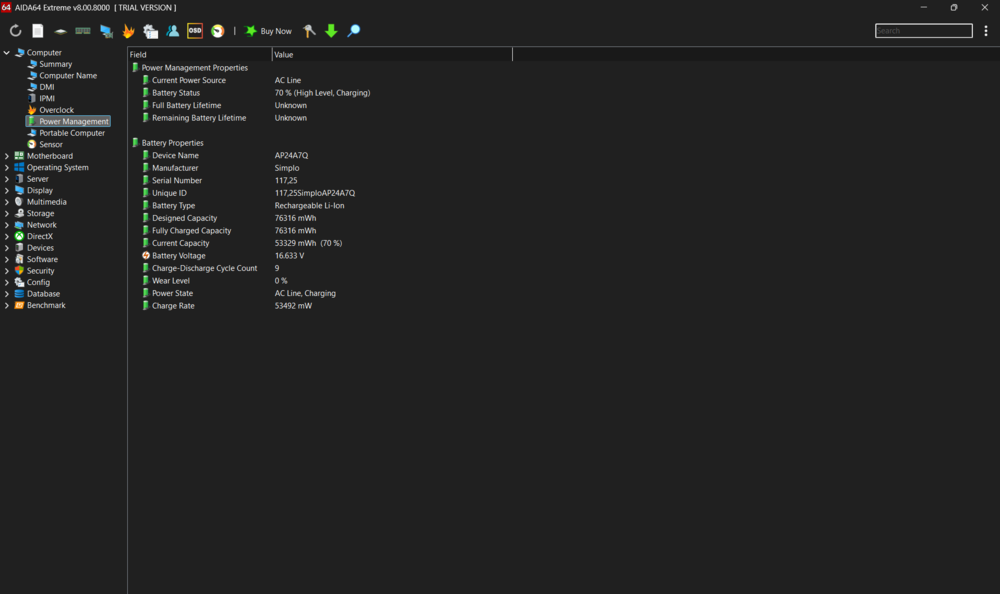
- Battery: 4-cell Li-ion, 76 Wh
- Power supply: 135 W power supply unit
- Dimensions (W×D×H): 36.0×27.56×2.45 cm
- Weight: 2.44 kg
- Operating system: supplied without OS
- Backlight: yes, on keyboard, static, colour – orange
- Package contents: laptop, power supply unit, documentation.
Read also: How to Choose the Best Gaming Laptop for Any Budget
Package contents
I appreciate Acer’s consistent commitment to environmentally conscious packaging. The company has established a recognizable standard over time: a branded box made from recycled cardboard, minimal use of plastic, and a focus on practicality.
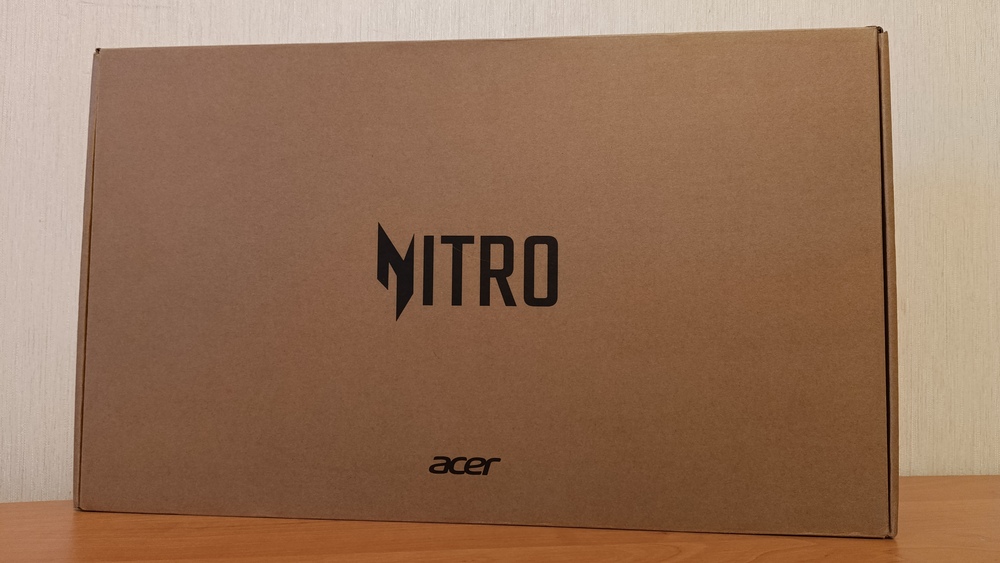
This time, the packaging features a familiar design – a subdued black Acer Nitro logo on the top and a concise list of technical specifications along the sides. The design avoids excess while reflecting a sense of thoughtful detail.
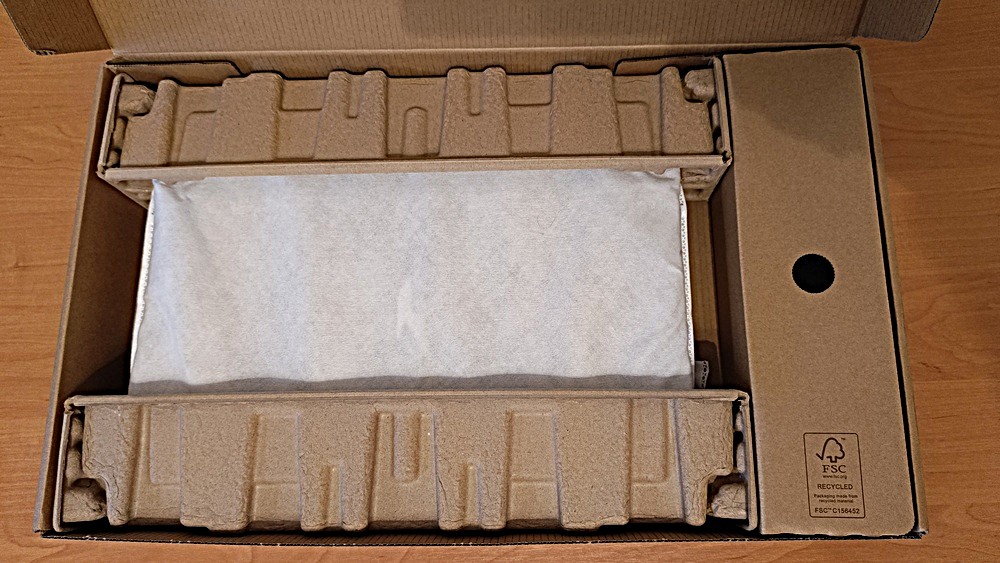
Inside the box, everything is neatly organized, consistent with a brand that pays attention to first impressions. The Acer Nitro V16 AI ANV16-42 in black presents a restrained yet substantial and solid appearance, immediately conveying that this is not an office laptop but a serious gaming device.
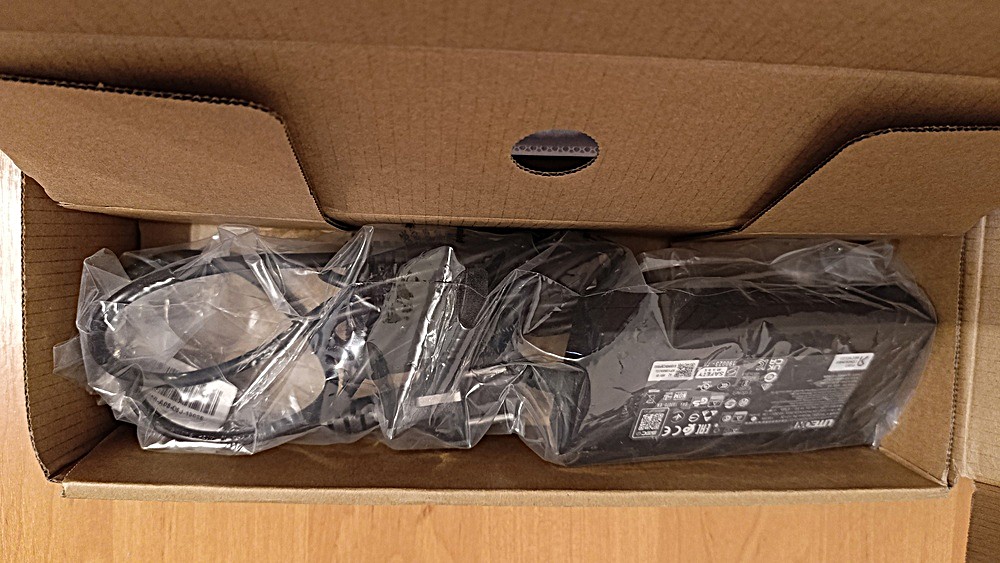
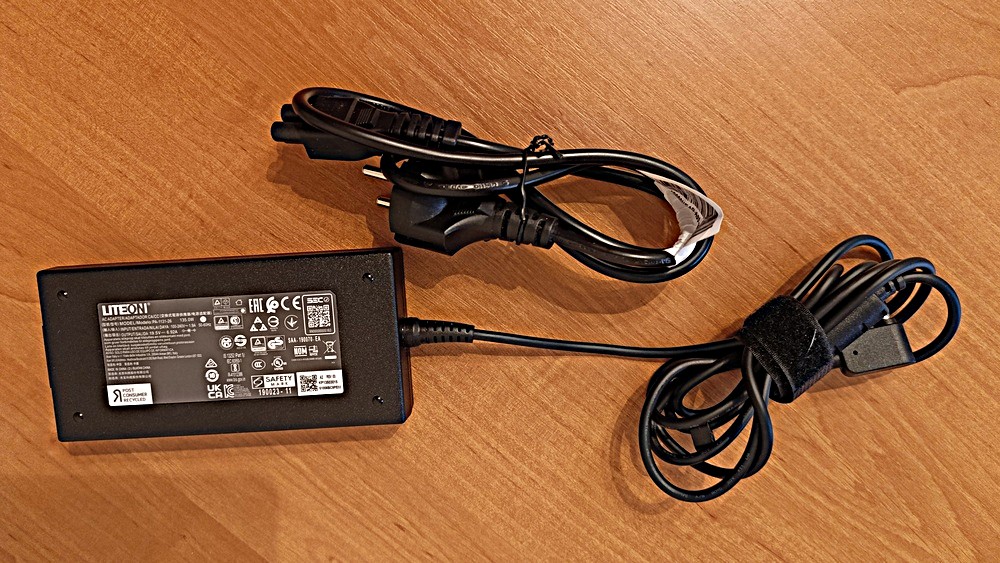
Next to it is a 135 W power adapter with a separate black power cable, complementing the overall look of the package.
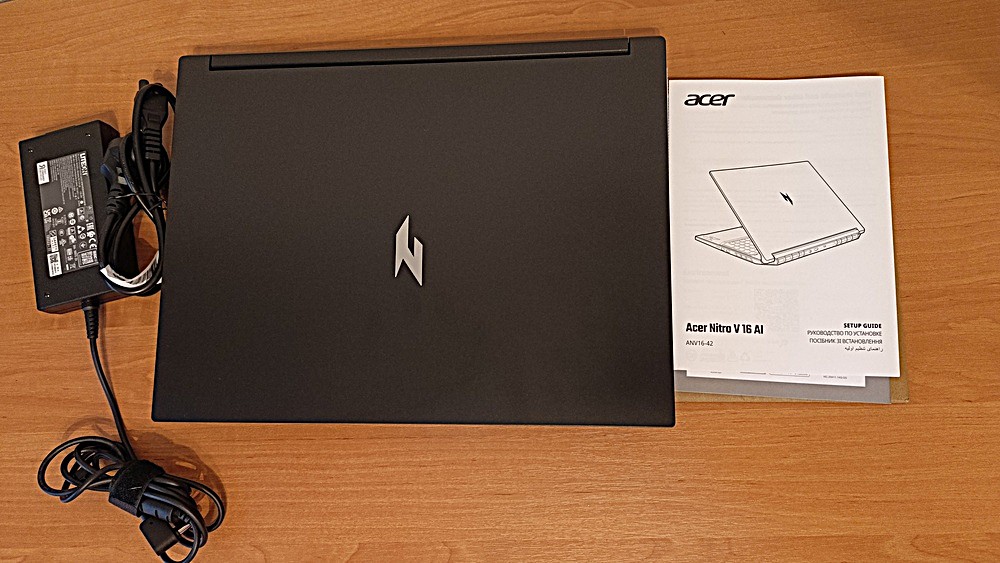
As usual, the standard package includes a warranty card and user documentation. In my case, these were not present, as the unit was a technical sample, so no printed materials were included. For the retail version, however, these items are provided.
Read also: Acer Nitro V15 (ANV15-41-R99Y) Gaming Laptop Review
Acer Nitro V16 AI (ANV16-42) design and build
The Acer Nitro V16 AI (ANV16-42) makes a positive impression with its exterior design. Unlike many gaming laptops that adopt aggressive, flashy lines, this model reflects a more mature design approach with attention to detail. Acer has deliberately avoided a loud aesthetic in favor of clean lines and a restrained style, and this approach is effective.
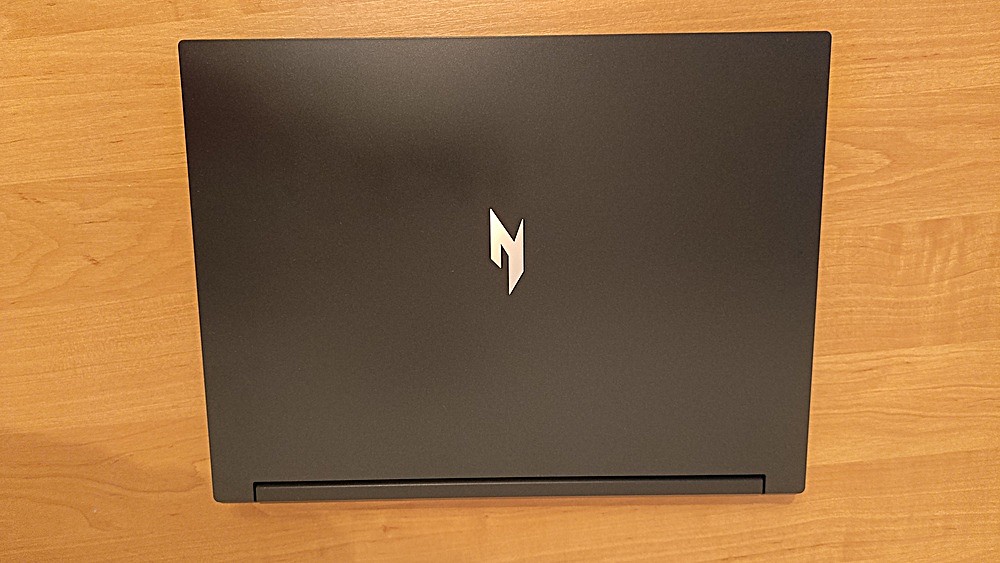
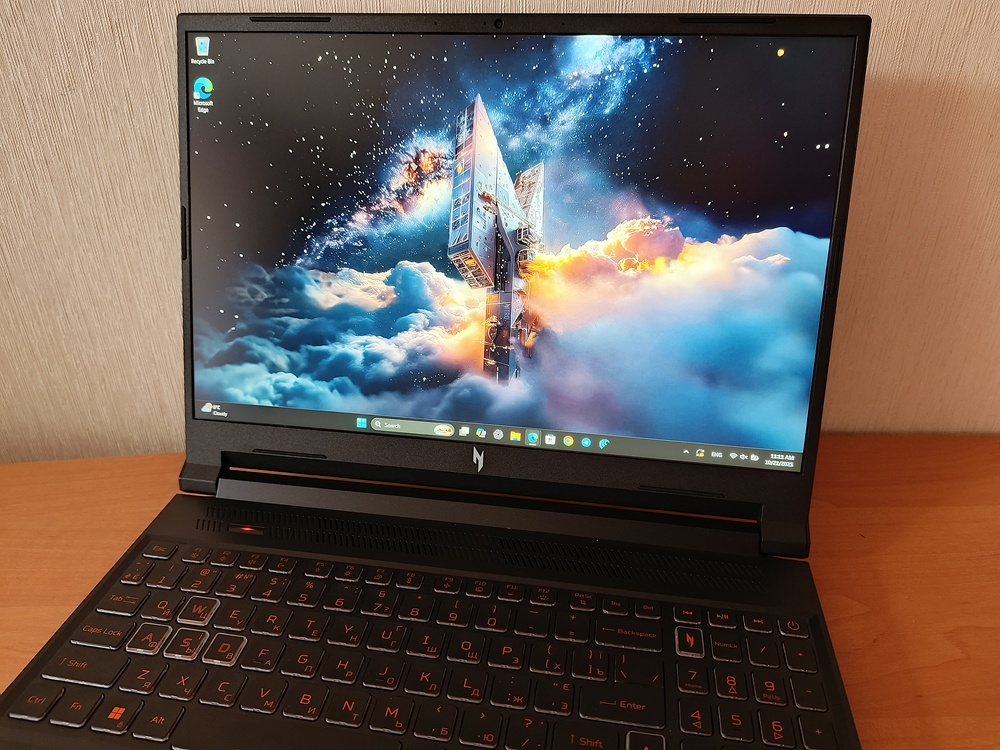
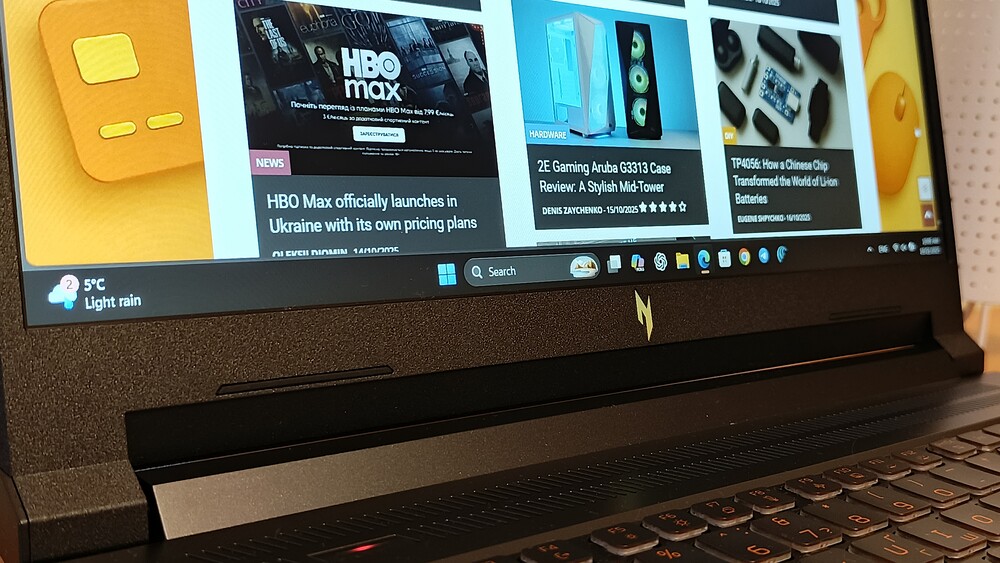
The all-black chassis – the only available color option – presents a purposeful, understated appearance. The sole decorative element is the reflective Nitro logo on the lid, which catches light at different angles.
This is minimalism with a hint of character – exactly what you expect from a device that aims to balance serious performance with practicality.
Although the chassis is made of plastic, the material is pleasantly surprising. It is not a cheap polymer but a sturdy, rigid composite that does not flex or creak under pressure. The tactile experience is close to that of laptops with metal bodies, and the anti-fingerprint coating effectively resists smudges and marks. After several days of active use, the surface remains clean, with only slight reflections visible under certain lighting conditions.
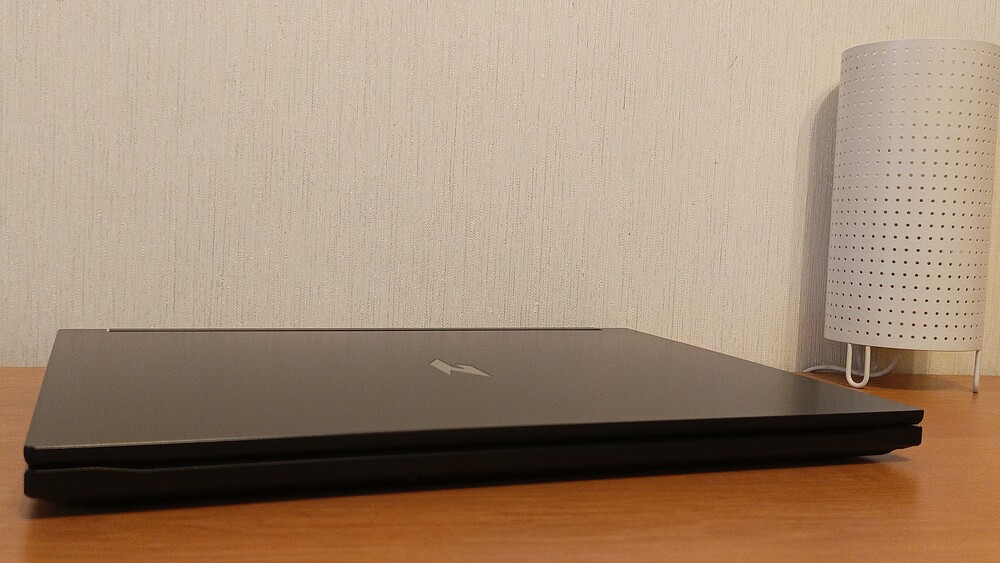
For its class, the Acer Nitro V16 AI can be considered remarkably slim and well-proportioned. The chassis tapers from 24.5 mm to 16.1 mm, giving an impression of a lighter form factor, although the 2.44 kg weight serves as a reminder that this is a full-featured gaming laptop.
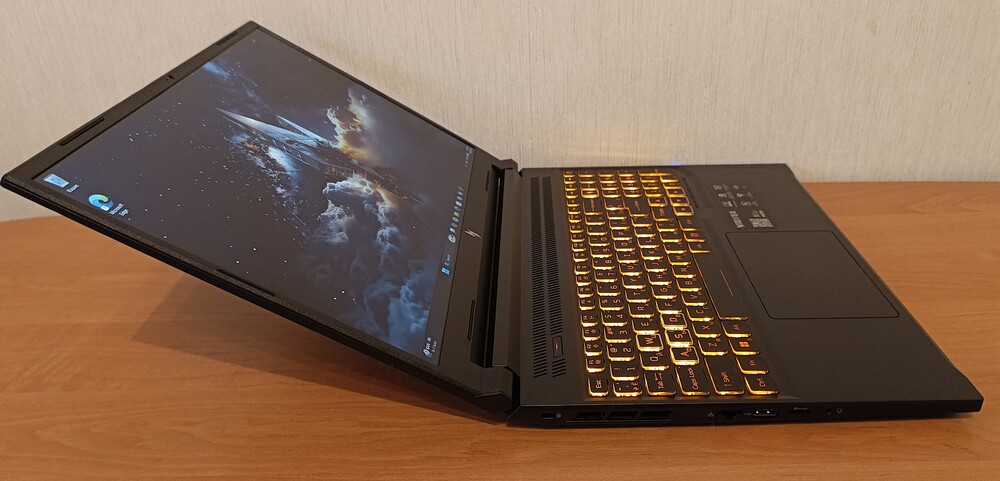
The hinges operate smoothly, allowing the lid to be opened with one hand – a small but noteworthy detail.

The display stays firmly in place without wobbling, and the maximum opening angle of approximately 145° is sufficient for various use cases, including gaming, watching videos, or working.
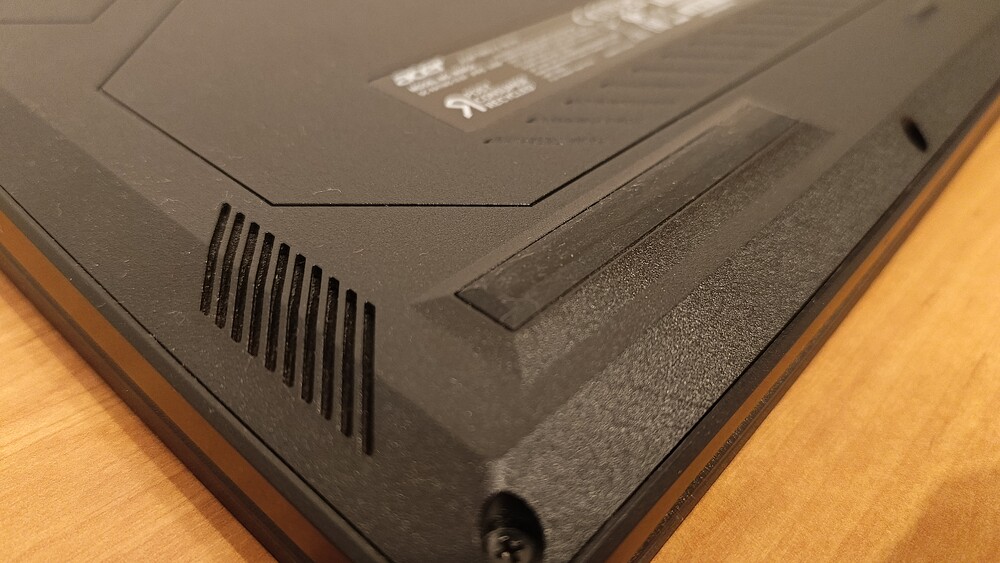
The bottom panel features four rubber feet that provide stability and a small gap for airflow.
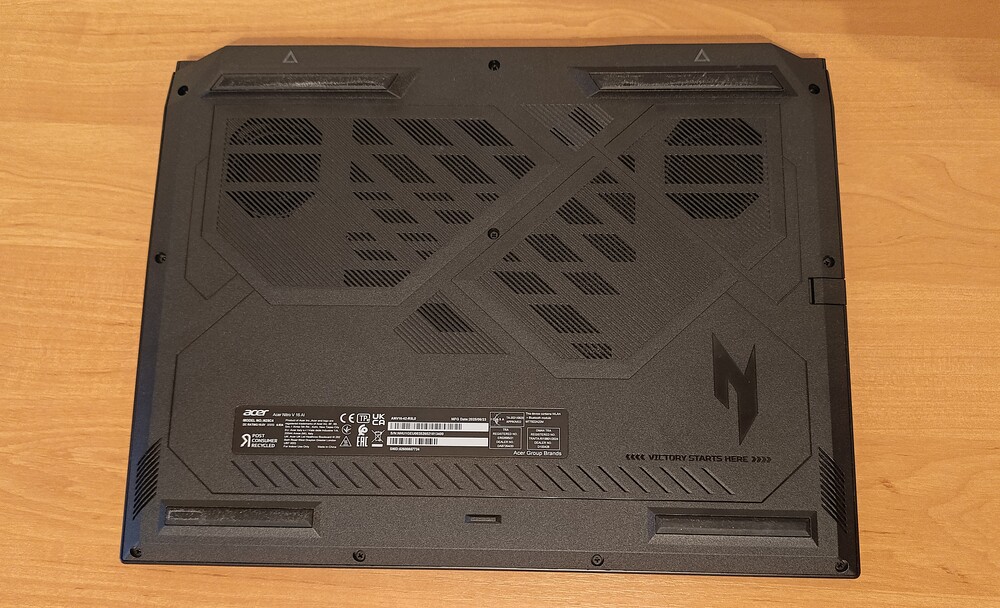
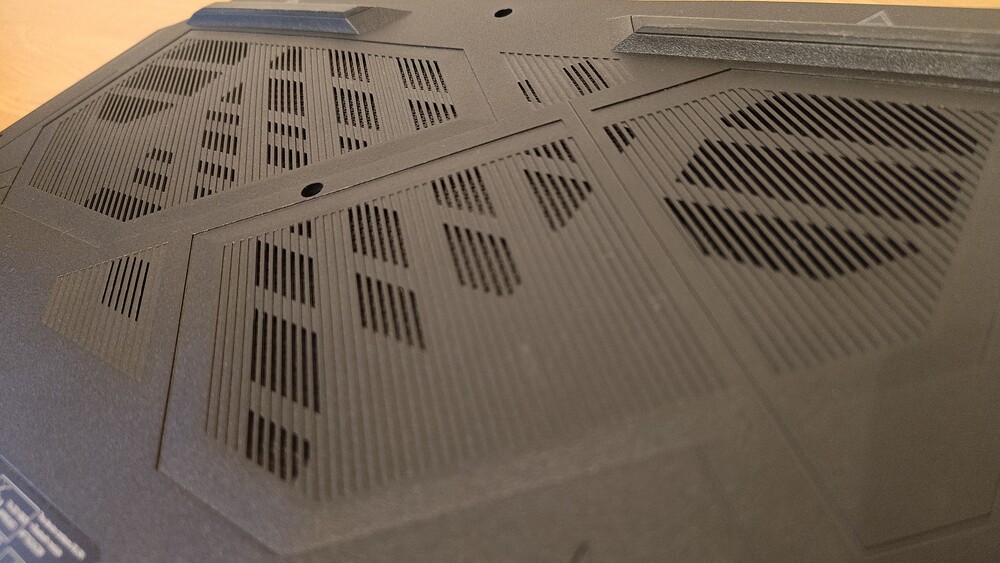
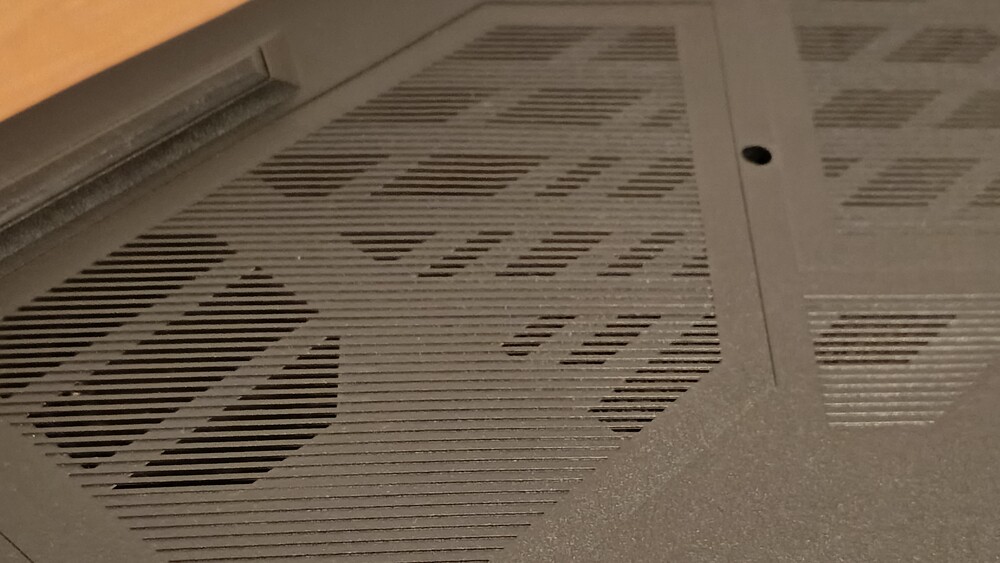
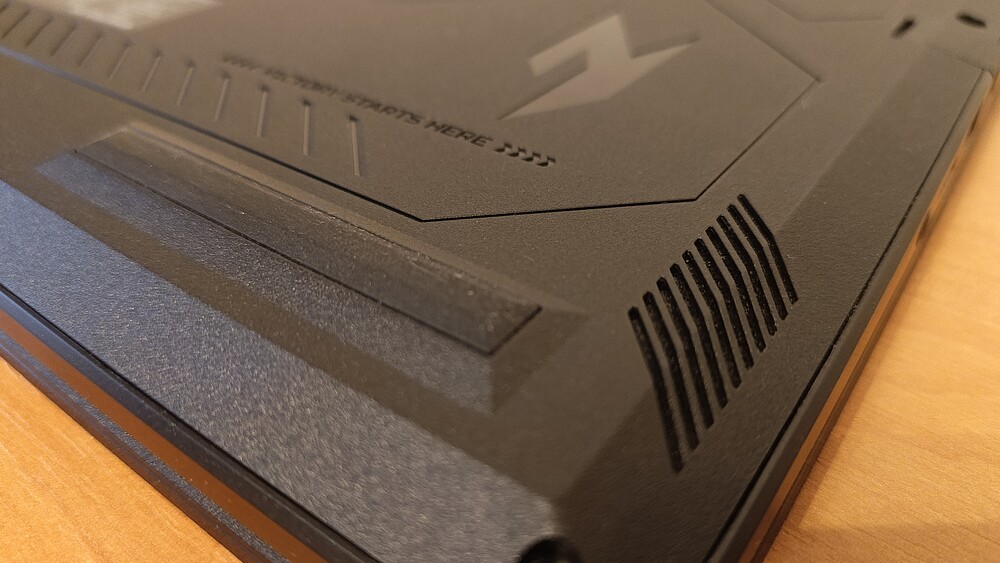
There is also a perforated area for effective cooling, with speaker grilles positioned along the sides.
The display bezels are moderately thin: 7.5 mm on the sides and 11 mm at the top. The upper bezel houses an HD camera (720p / 30fps) with Blue Glass optics and noise-reduction technology, improving image quality during video calls.
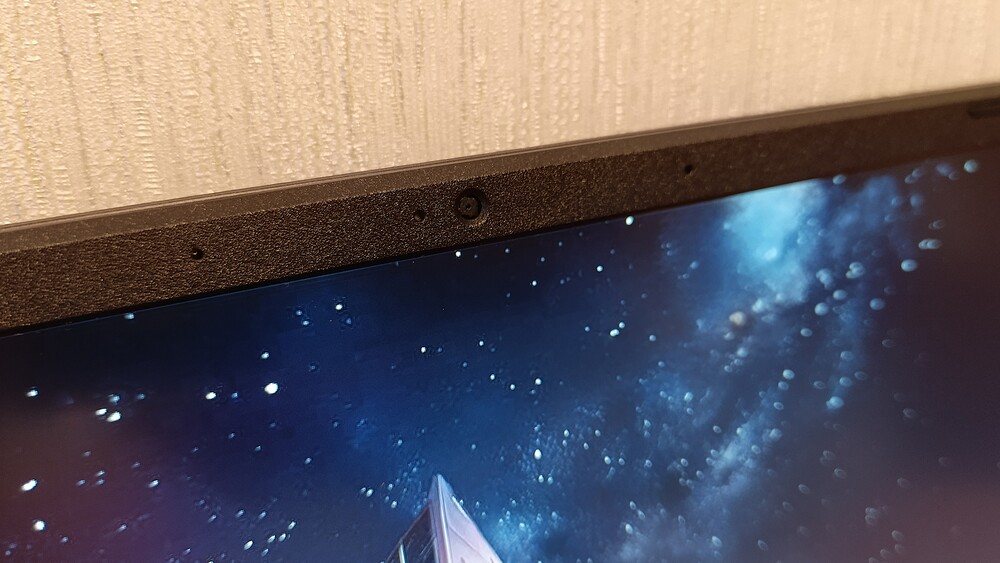
Two microphones on either side effectively filter background noise. However, Acer has once again omitted a physical webcam shutter, which represents a minor but noticeable compromise in terms of privacy.
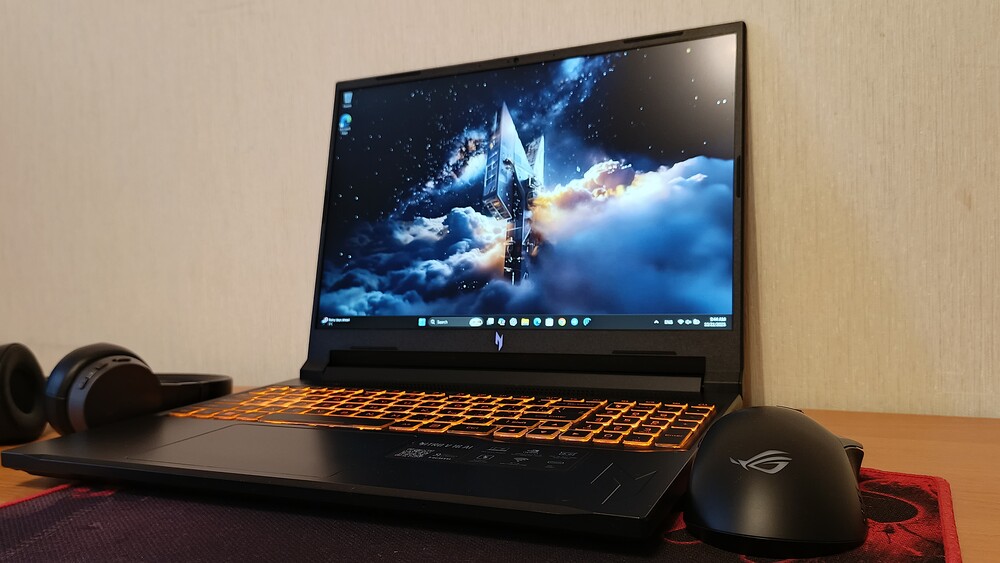
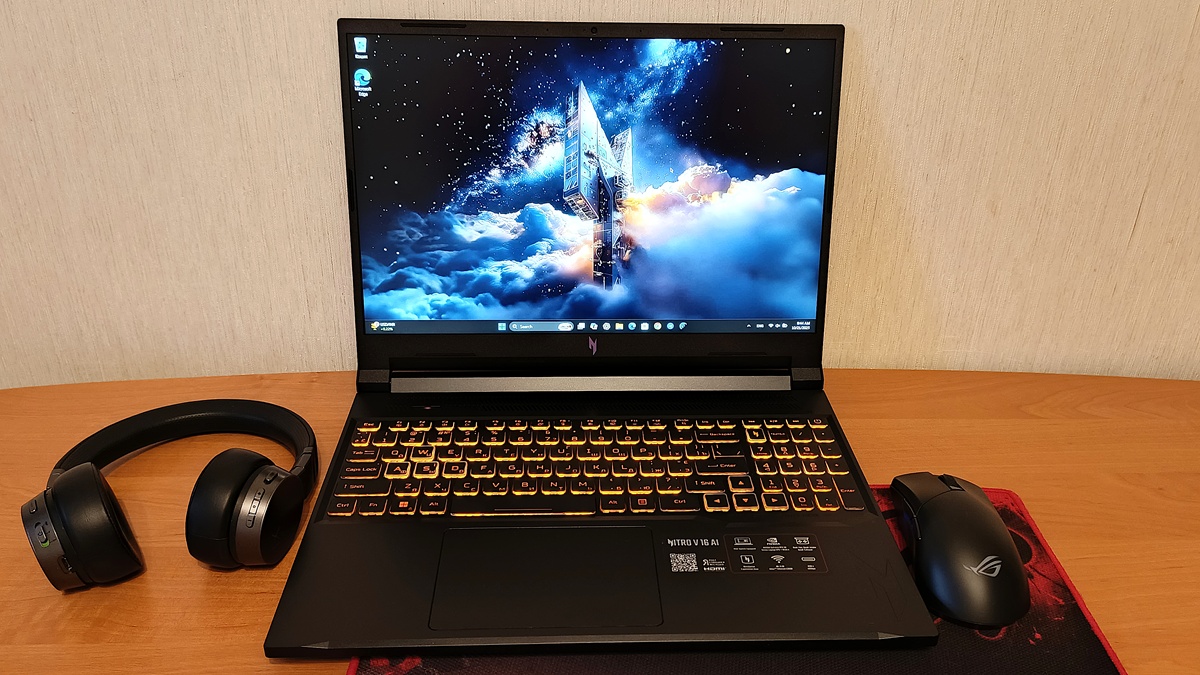
The keyboard is thoughtfully designed, making full use of the available space and including a full numeric keypad, which is convenient for both office tasks and gaming with assigned macros. The orange backlighting adds a subtle gaming touch without being overly aggressive. The only drawback is the absence of a fingerprint scanner, so authentication relies solely on traditional methods.
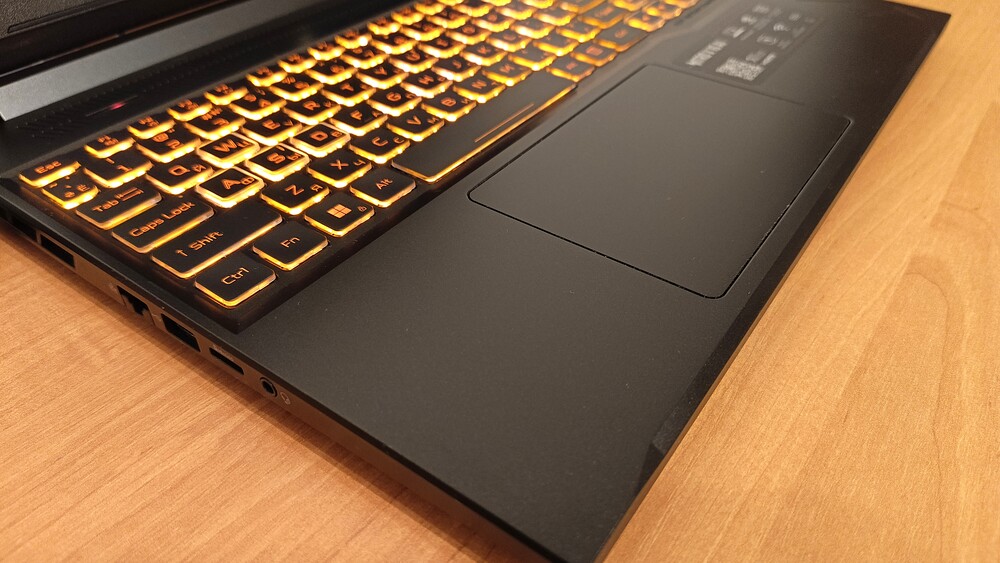
Below the keyboard is a large trackpad (126×83 mm) that is precise, smooth, and quite comfortable for everyday use. For gaming, a mouse is naturally preferable, but for portable scenarios, this trackpad ranks among the most convenient in its class.
Overall, the impression is very positive. The Nitro V16 AI demonstrates that a gaming laptop can be restrained, practical, and even elegant without compromising its purpose. While the weight reflects its performance capabilities, it also conveys solid build quality, with no flex and a pleasant tactile experience. This is a design without flashy gestures, yet clearly tailored to its intended audience.
Read also: Acer Nitro V 14 ANV14-61 Review: Pristine White Gift for Gamer
Interfaces and connections
Acer continues its practical approach to port placement in its gaming laptops, and the Nitro V16 AI (ANV16-42) is no exception. The layout is logical, balanced, and user-oriented.
On the left side of the chassis, there is a Kensington lock slot for basic physical security, as well as a Gigabit Ethernet port (Killer E2600, RJ-45) – essential for gamers who require a stable wired connection with minimal latency. Next to it is a microSD card reader, useful for photographers, videographers, or anyone who frequently works with portable storage.
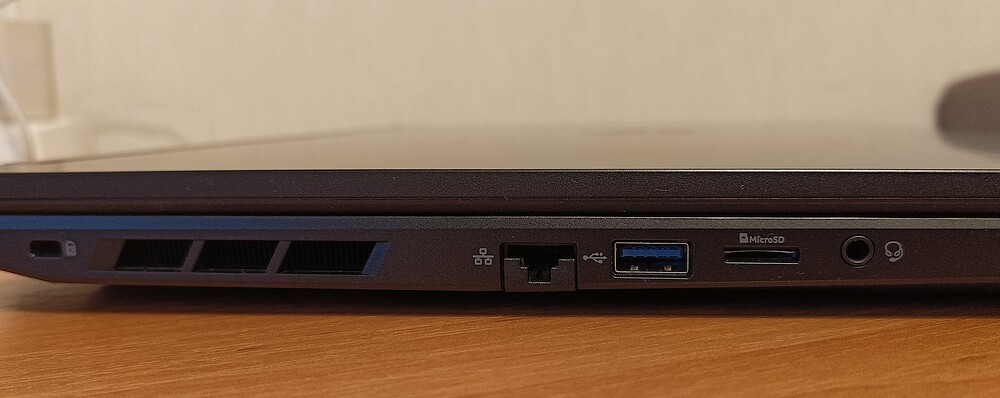
The left side also houses a 3.5 mm combo audio jack for headphones or external speakers, as well as a USB 3.2 Gen 1 Type-A port, suitable for connecting peripherals such as a mouse, keyboard, or flash drive.
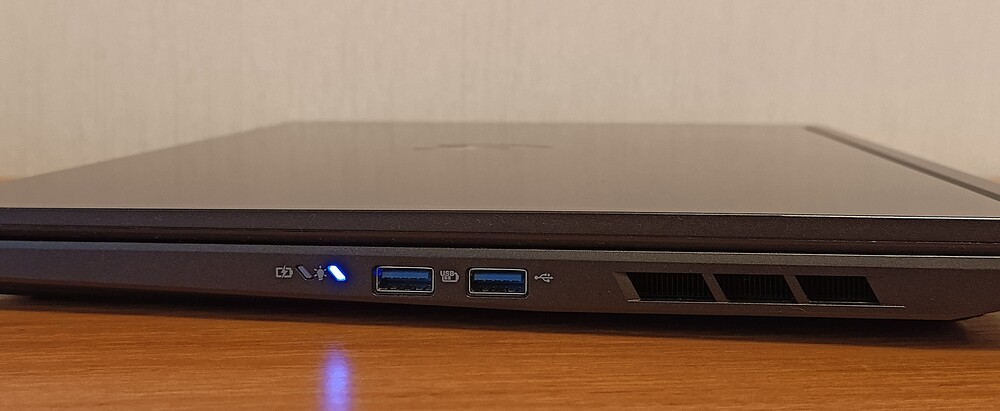
The right side features two additional USB-A ports with higher specifications. One operates at USB 3.2 Gen 2 (10 Gbps), enabling fast large-file transfers, while the other supports Power-off Charging – a convenient feature for quickly charging a smartphone without powering on the laptop.
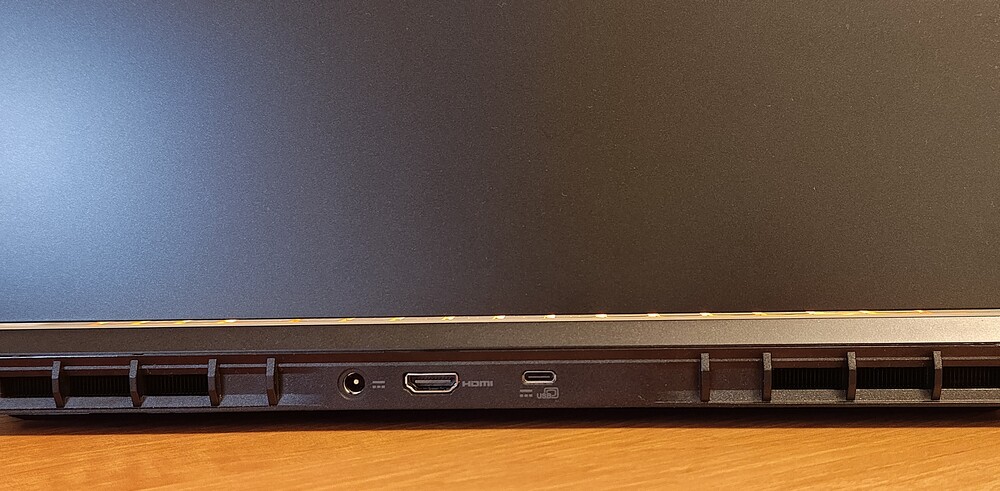
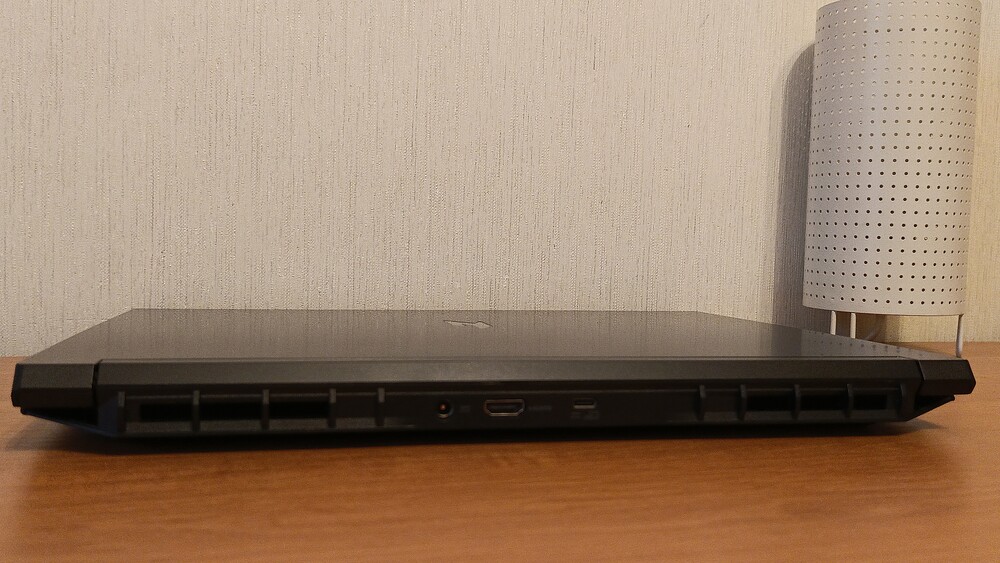
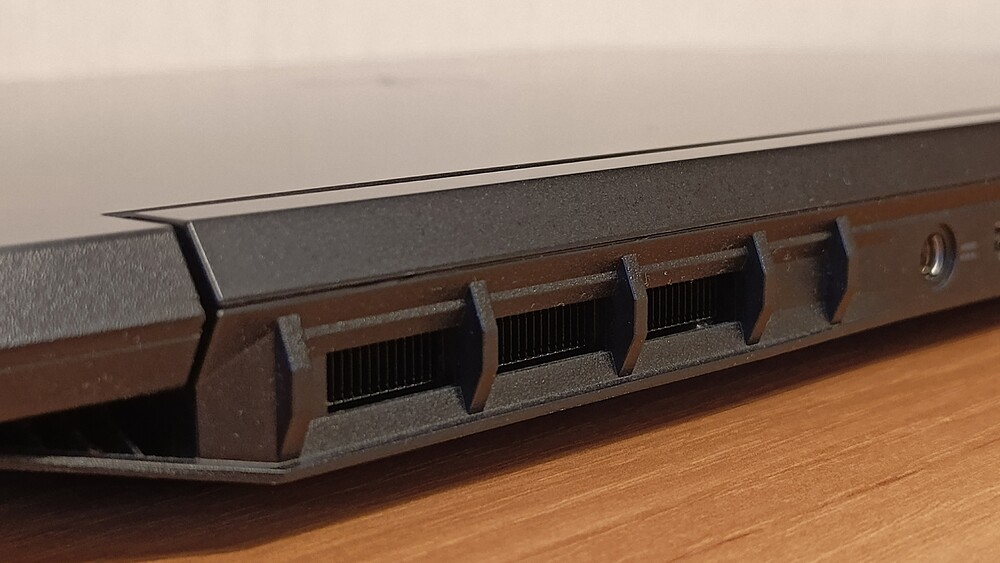
The primary connectivity options are located on the rear panel – a practical engineering choice that helps keep side areas free of cable clutter. This includes the proprietary power connector, an HDMI 2.1 port with HDCP support capable of transmitting 4K at 120 Hz or even 8K at 60 Hz, and a versatile USB Type-C port with USB4 (40 Gbps). The USB-C port serves multiple functions: it supports DisplayPort output (via integrated graphics), charges other devices (up to 15 W), and can reverse-charge the laptop itself (up to 65 W), making it a convenient alternative to the main power adapter during travel.
For wireless connectivity, the Acer Nitro V16 AI is equipped with a Wi-Fi 6E (802.11ax) module operating across 2.4, 5, and 6 GHz bands, providing high bandwidth and low latency. The 2×2 MU-MIMO technology improves signal stability when connected to modern routers. Bluetooth 5.3 rounds out the wireless features, offering energy-efficient connections to peripherals such as headphones, mice, gamepads, and even external audio systems.
Overall, the Nitro V16 AI demonstrates a well-thought-out port configuration focused on practicality. There are no evident compromises or unnecessary elements – everything is logically placed with real-world usage in mind. For gamers, content creators, or users frequently working in mobile scenarios, this setup is decidedly convenient.
Read also: Lenovo ThinkPad X9 14 Gen 1 Aura Edition Laptop Review – Familiar Design, Minus the TrackPoint
Keyboard and touchpad
The Acer Nitro V 16 AI (ANV16-42) features an island-style keyboard with a full-size numeric keypad. The typing area measures 338×104 mm, providing ample space for comfortable typing and gaming. The keycaps are flat with a short, light travel, typical of modern gaming laptops where fast response is important. Key sizes are well balanced: main keys are 15×15 mm, function keys 10×12 mm, arrow keys 15×15 mm, and the numeric keypad 12×15 mm.
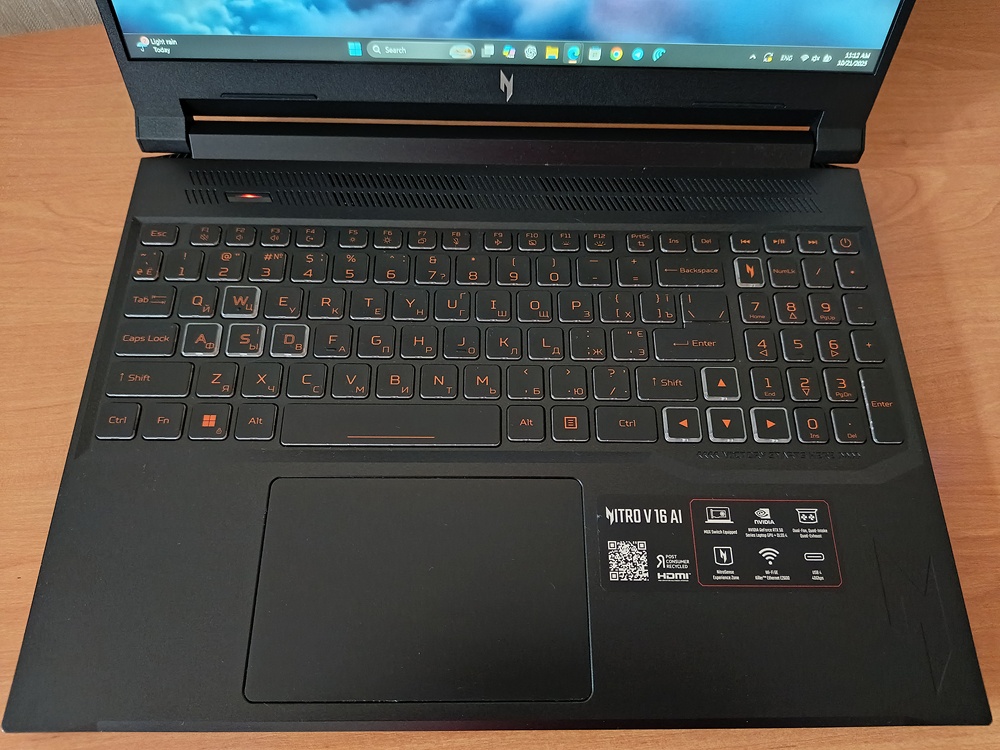
Thoughtful zoning helps reduce accidental key presses. Key gaming elements – the WASD block, arrow keys, and the N key (used to launch NitroSense) – feature top-surface outlines, making them easier to locate even in low-light conditions.
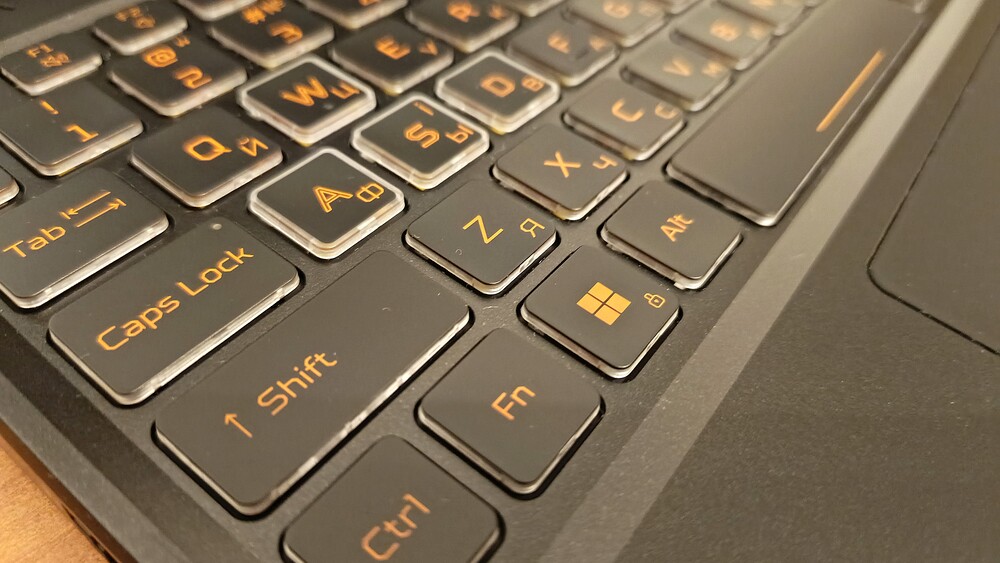
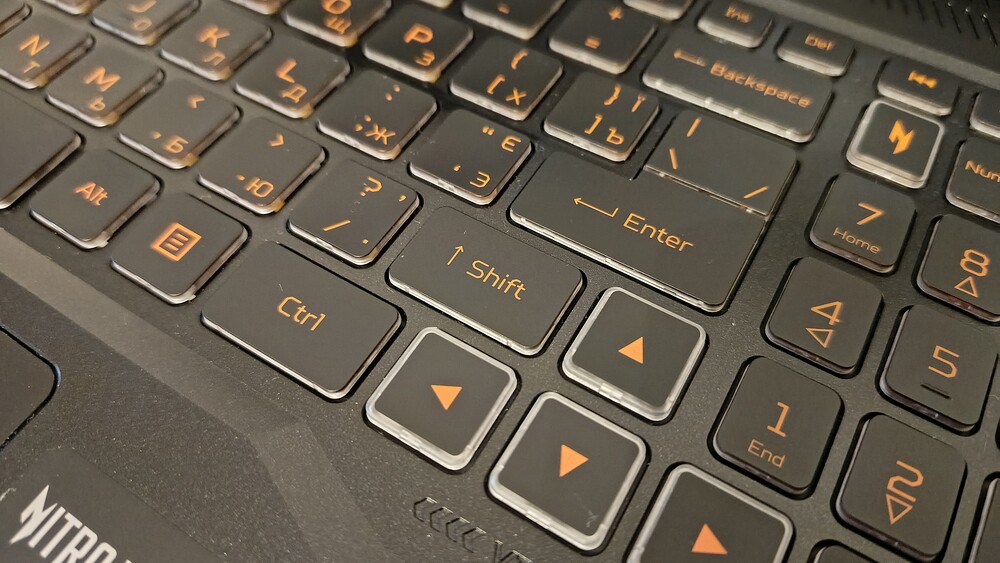
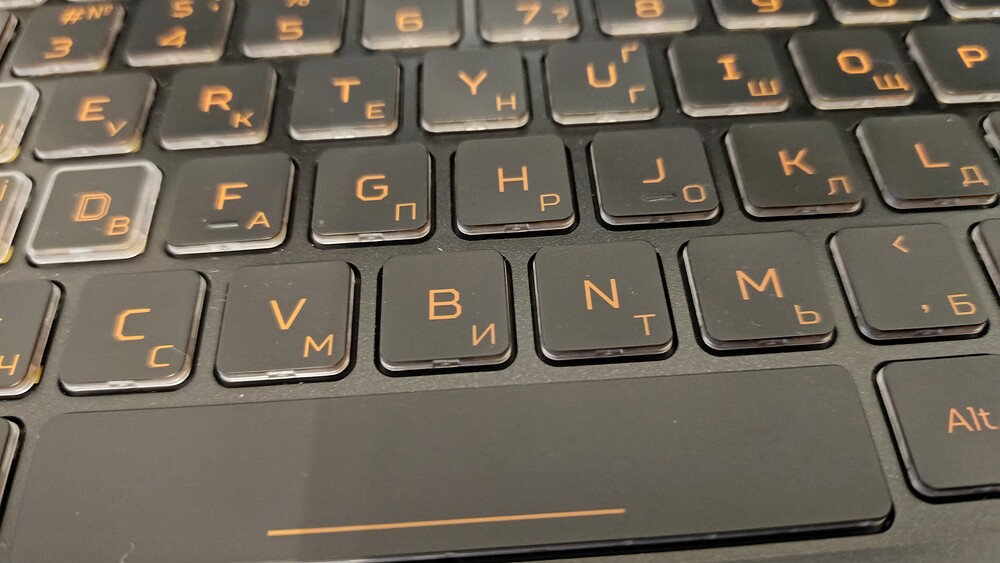


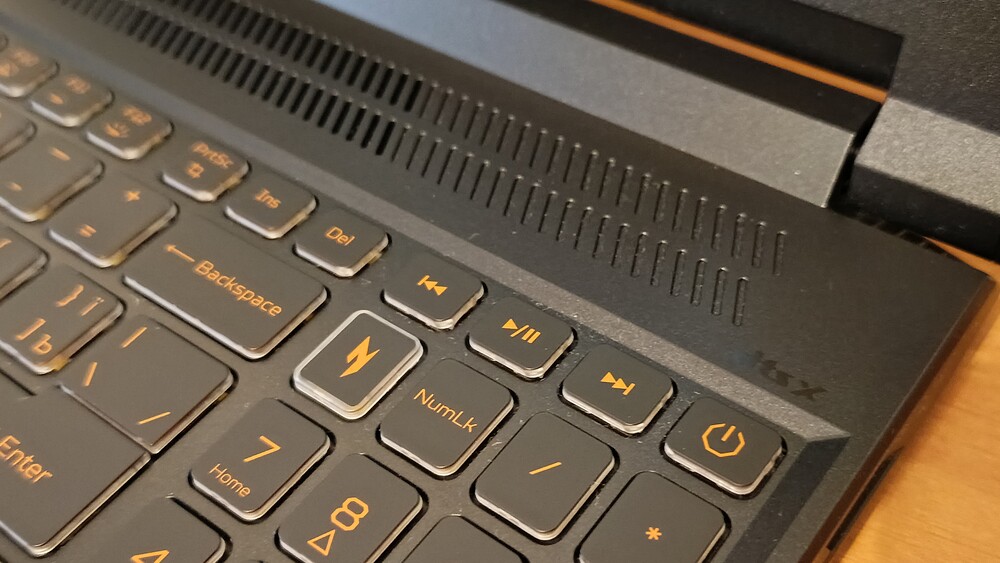
The Caps Lock and F8 (microphone) indicators add convenience for daily use, while a dedicated key for selecting the cooling system mode highlights Acer’s attention to detail. The power button is integrated into the main row at the top right – not a new solution, but a logical one.
Initial impressions of the Nitro V 16 AI keyboard were mixed. It required some adaptation – not due to build quality, but because of ergonomics. Users accustomed to compact keyboards without a numeric keypad may initially find positioning their hands closer to the center slightly uncomfortable. However, this is quickly resolved as muscle memory adjusts.
After several days of use, the keyboard reveals its strengths: it is precise, responsive, and comfortable to work with. A practical measure of its performance is a typing speed of 97 words per minute in the 10FastFingers test – an excellent result for a laptop keyboard in this class.
The keyboard features orange backlighting with four brightness levels. The light is evenly distributed across all keys, creating the recognizable Nitro style and ensuring comfortable use in low-light conditions. Key presses are quiet and pleasant, except for the slightly louder spacebar, which is typical for most laptops.
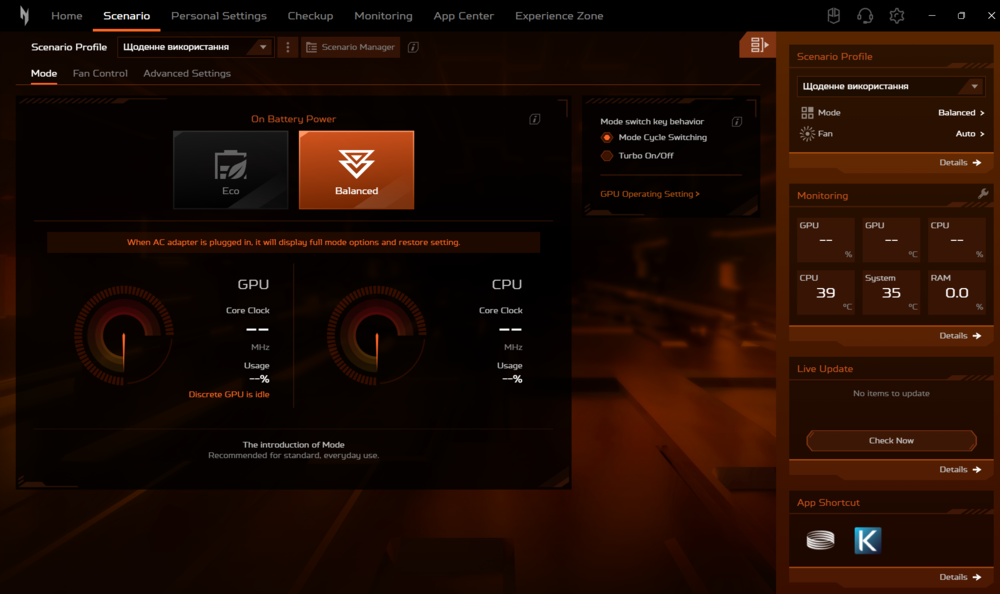
As expected for the Nitro series, the laptop includes a dedicated performance mode button. Beyond its functional role, it also serves as a visual indicator of the system’s current state.
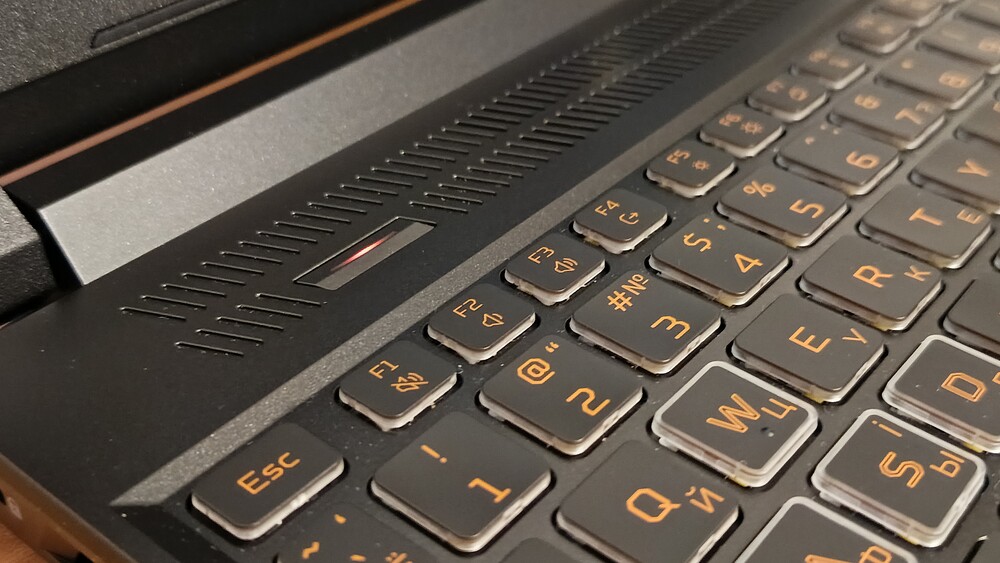
The backlight color instantly indicates the current performance mode: for example, red signals maximum performance, when the system is operating at full capacity. It’s a small feature that proves surprisingly useful in practice – there’s no need to open any menus to understand the laptop’s current operating state.
The Acer Nitro V 16 AI keyboard offers a successful combination of functionality, ergonomics, and style. While it may not set a benchmark, it fully meets the needs of users who value precision, speed, and comfort during work or gaming.
The trackpad, naturally, is not designed for gamers – it’s not the tool you would choose for fast-paced shooters or strategy games. However, as a backup solution on the go, when a gaming mouse isn’t available, it performs its role effectively.
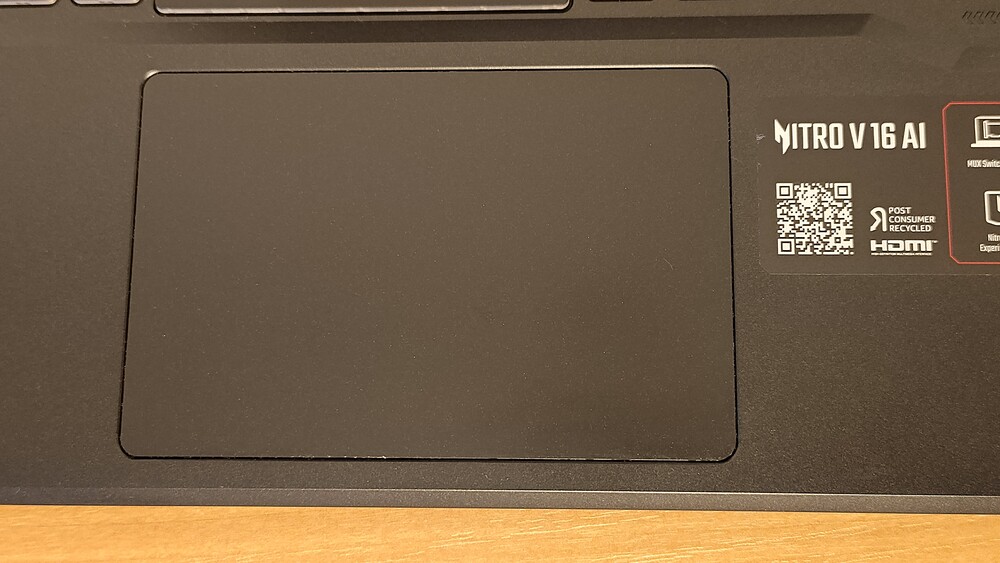
The trackpad measures a substantial 13.1×8.4 cm, providing ample space for gestures and precise pointer control. It is Microsoft Precision Touchpad certified, supporting all standard Windows 11 gestures, from pinch-to-zoom to three-finger swipes. Response is quick, the cursor moves smoothly, and left-clicks are crisp and tactile.
The surface is made of plastic – not a premium material, but with an optimal texture that resists fingerprints and allows for smooth gliding. It doesn’t aim to impress, but consistently performs its expected functions.
There is a minor caveat: the right-click button can be hard to locate, positioned in the lower-right corner without tactile markers. Experienced users may not notice this, but newcomers might misclick a few times before memorizing its exact location.
Overall, the Nitro V 16 AI trackpad is a functional and reliable tool that may not stand out, but provides stability and comfort for everyday tasks.
Read also: Review of ASUS Zenbook Duo (2025) UX8406CA: Two Screens Are Definitely Not Overkill
Display
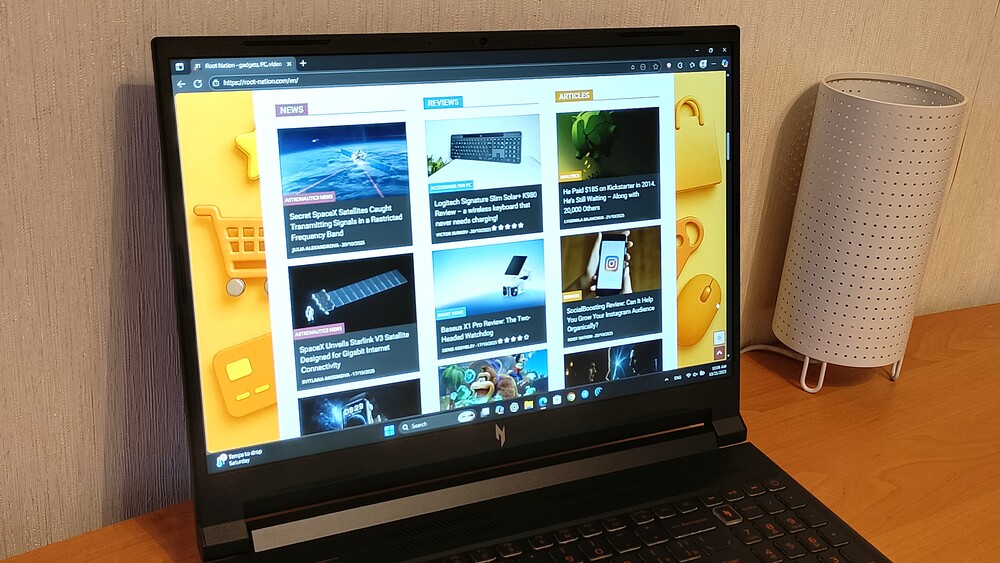
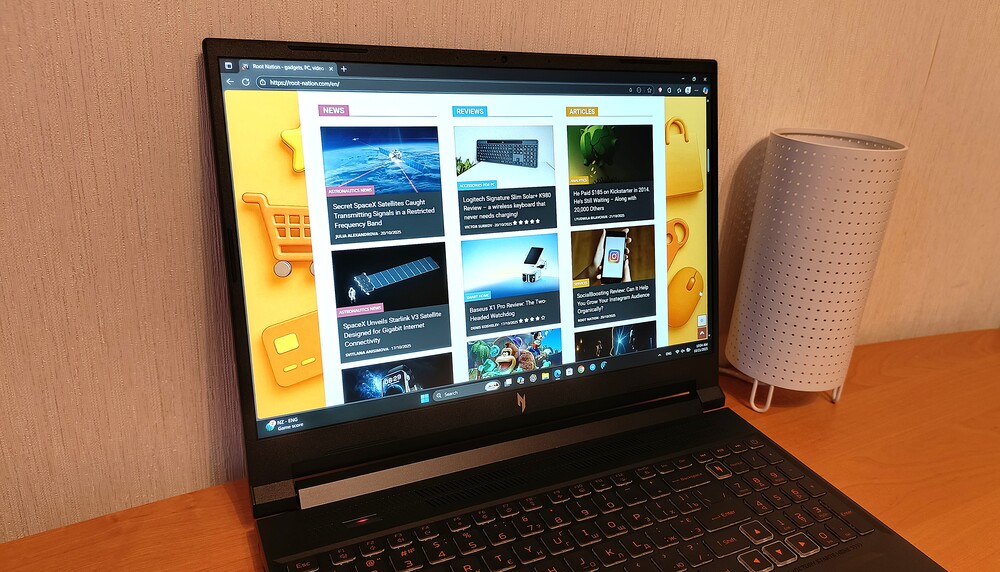
The Acer Nitro V 16 AI features a 16-inch IPS display with a 1920×1200 resolution and a 16:10 aspect ratio, which has steadily been replacing the traditional 16:9 format in recent years. The extra vertical pixels noticeably expand the workspace, particularly during document editing, coding, or web browsing.
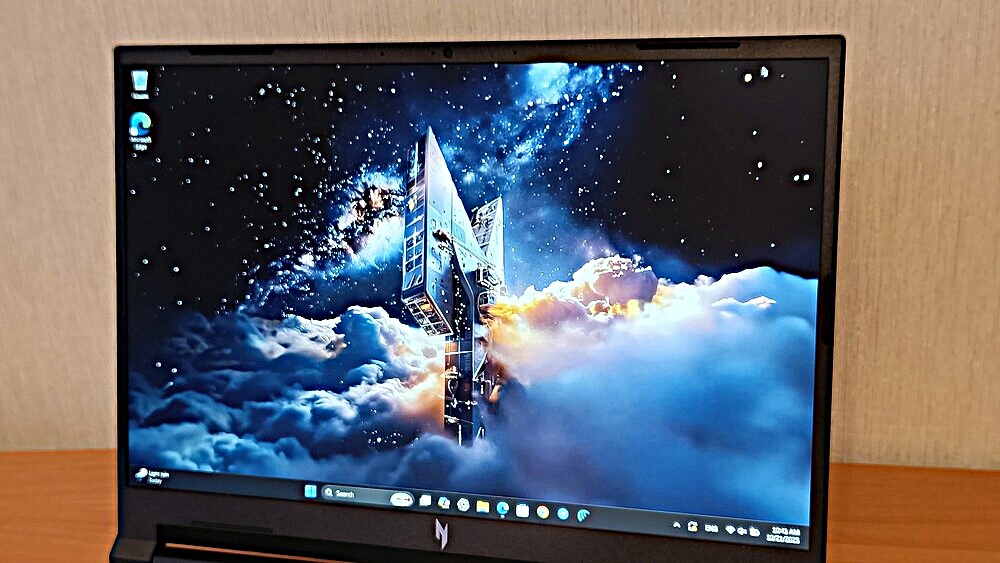
The panel offers a 180 Hz refresh rate and a 3 ms response time, delivering noticeably smooth visuals during fast-paced scenes, quick scrolling, and gaming. ComfyView technology with a matte finish effectively reduces glare, making it easier to work near windows without constantly battling reflections.
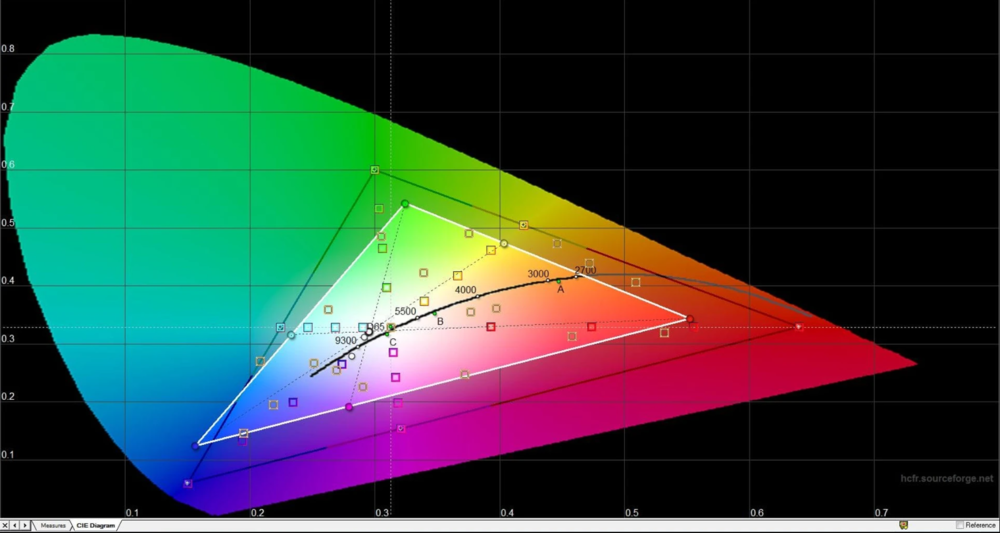
However, this is a budget IPS panel (MNG007QX2-3). According to official specifications, it supports 300 cd/m² brightness, 1000:1 contrast, and roughly 65% sRGB color coverage. In practice, measurements confirm these claims: maximum brightness reaches 282 cd/m², black level is 0.301 cd/m², and contrast is 938:1. The small discrepancy between stated and measured values indicates straightforward engineering without embellishment.
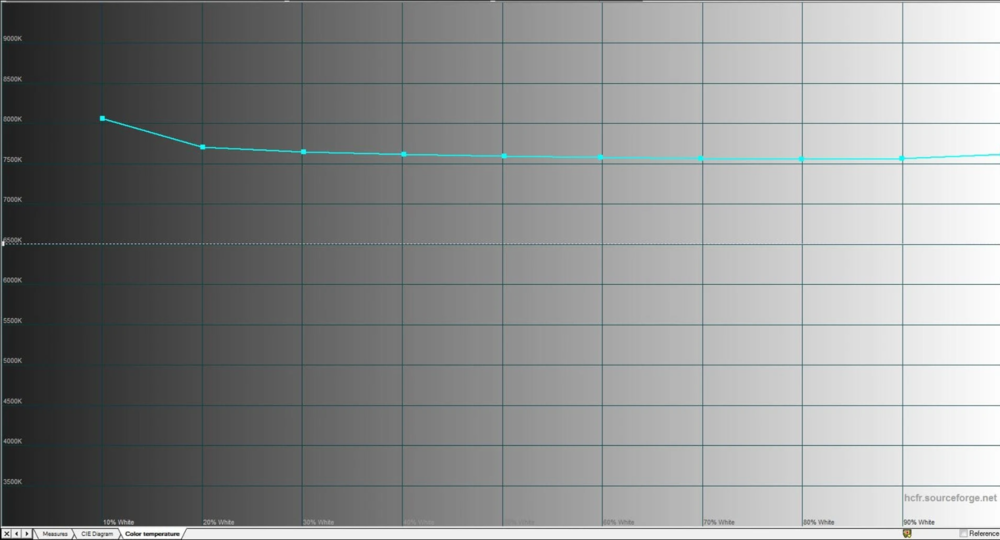
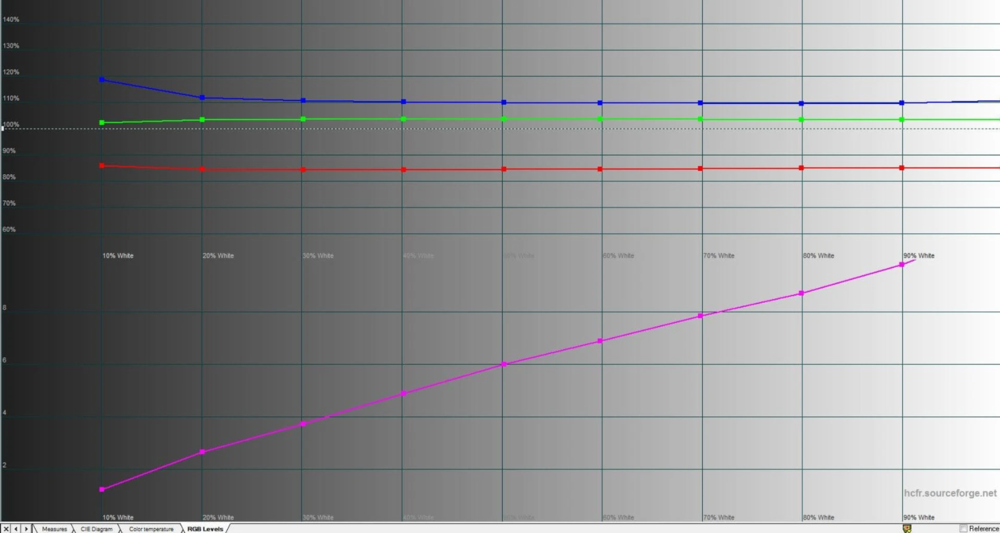
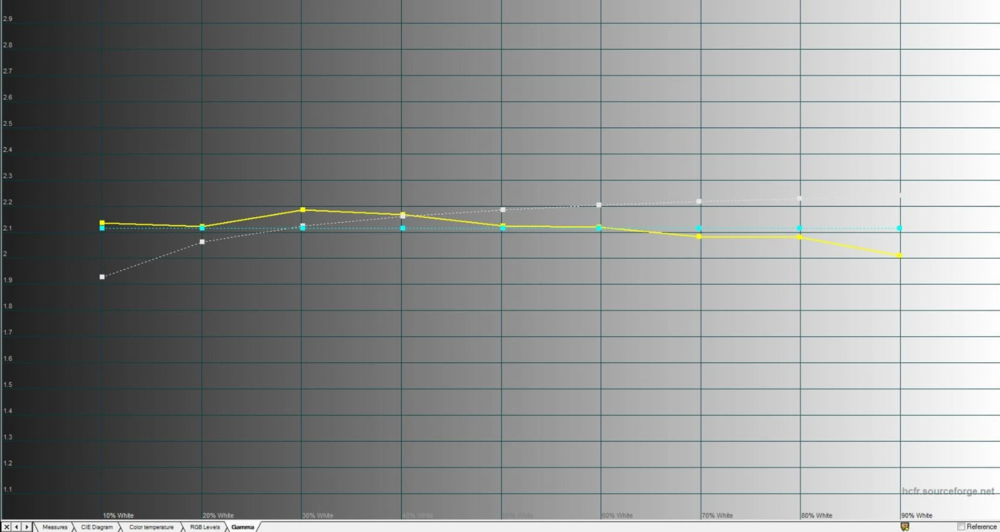
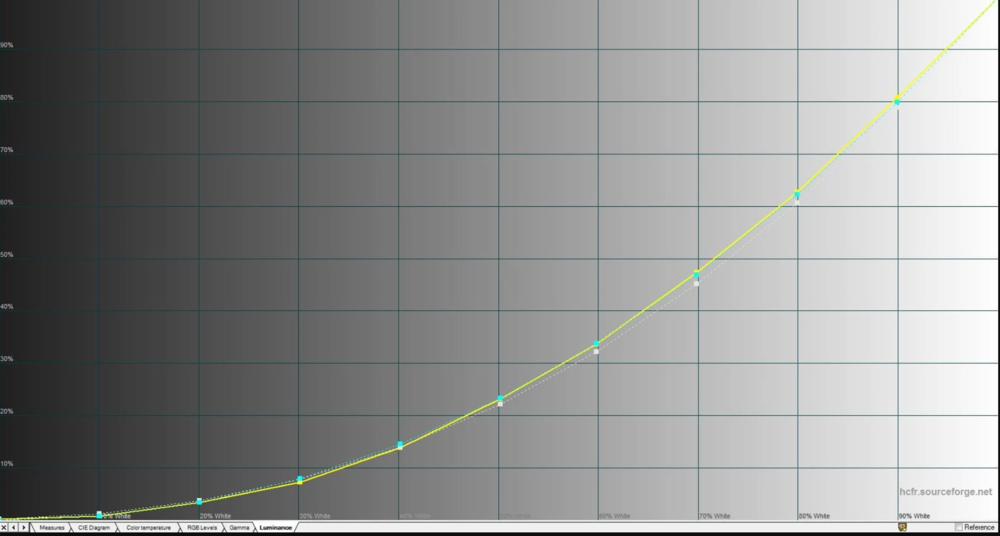
The 141 PPI pixel density delivers sharp visuals without noticeable pixelation at typical viewing distances. Viewing angles are wide, with a maximum color temperature deviation of ΔE=4.5 and backlight uniformity varying up to 12% – respectable results for an IPS panel at this level. The greatest unevenness appears in the lower central and right segments, but it is hardly noticeable during regular use.
Color coverage is where the Nitro V 16 AI falls short. At 63% sRGB, it cannot be relied upon for accurate color reproduction in photo editing or design work. For gaming, multimedia, and everyday tasks, however, it is sufficient: colors remain natural, though not particularly vivid.
Maximum brightness may feel somewhat limited for outdoor use – direct sunlight requires finding shade. Indoors or under moderate ambient light, the brightness is entirely adequate.
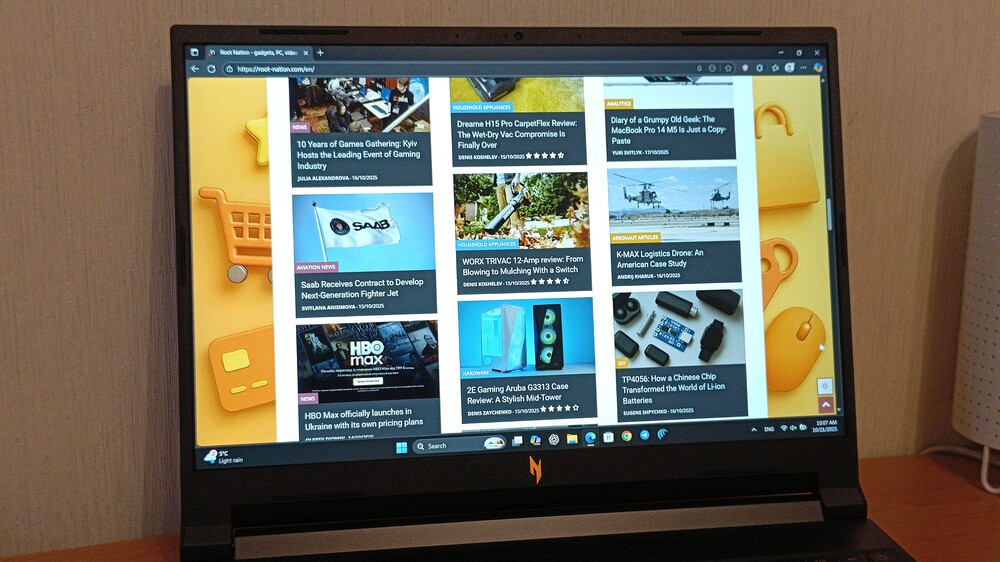
Unlike some competitors, Acer has chosen not to include a touchscreen – a decision that makes sense. Without touch input, there are fewer fingerprints, a cleaner screen, and no accidental touches during gaming or work. For a gaming laptop, this is more of an advantage than a drawback.
The display lid does not open to 180°, but the tilt angle remains comfortable – sufficient for use on the lap or to find an optimal position at a desk.
Overall, the Acer Nitro V 16 AI screen is a practical tool without illusions. It does not aim to impress with marketing numbers, but delivers a straightforward experience: high refresh rate, good contrast, and acceptable image quality for its price segment.
Read also: Acer Swift Go 14 Review: Affordable Laptop with Qualcomm Snapdragon X
Camera and sound
The laptop is equipped with two stereo speakers that deliver satisfactory audio quality. You shouldn’t expect premium or deeply immersive sound, but the output is well-balanced – free of distortion, with moderate bass and a decent volume level. It’s more than adequate for watching movies, listening to podcasts, or enjoying music. However, for gaming, using headphones is advisable, as the cooling system generates a noticeable amount of noise under heavy load, which can easily drown out the speakers.
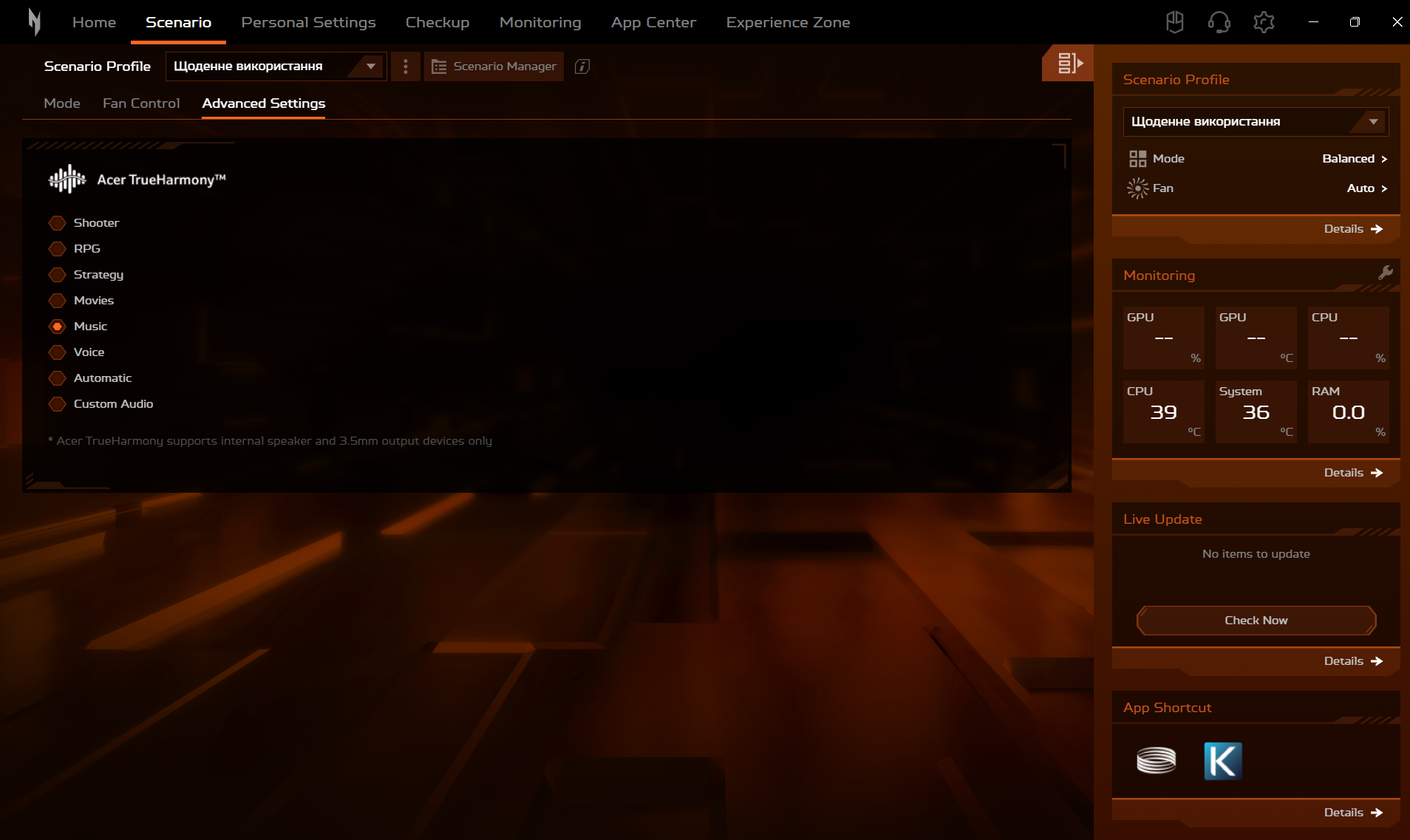
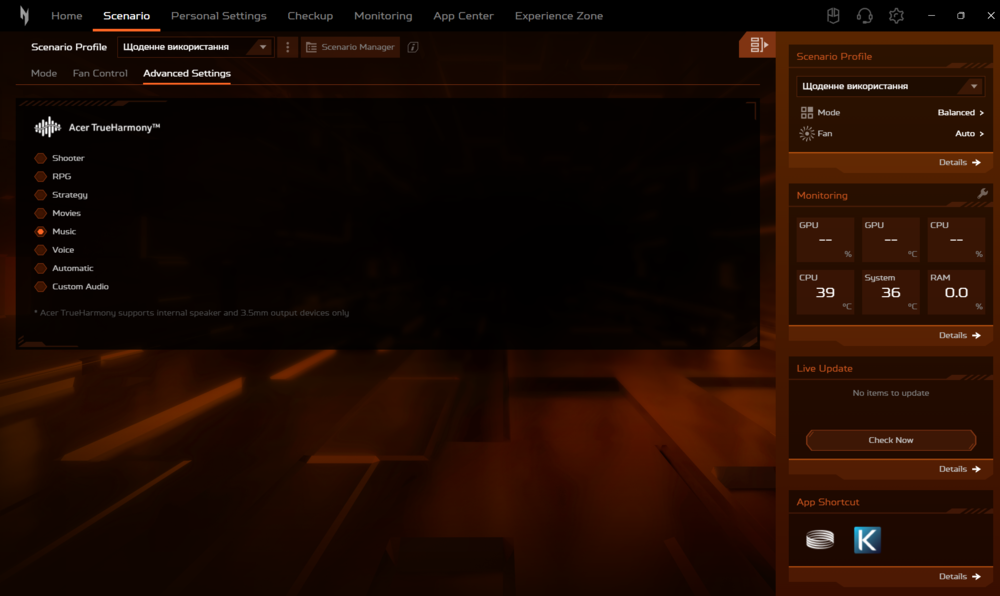
The proprietary NitroSense app includes Acer’s TrueHarmony technology, which enhances low-frequency response and reduces sound distortion. Users can choose from six preset audio profiles, an automatic mode, or customize the sound manually. The technology works with both the built-in speakers and headphones connected via the 3.5 mm audio jack.
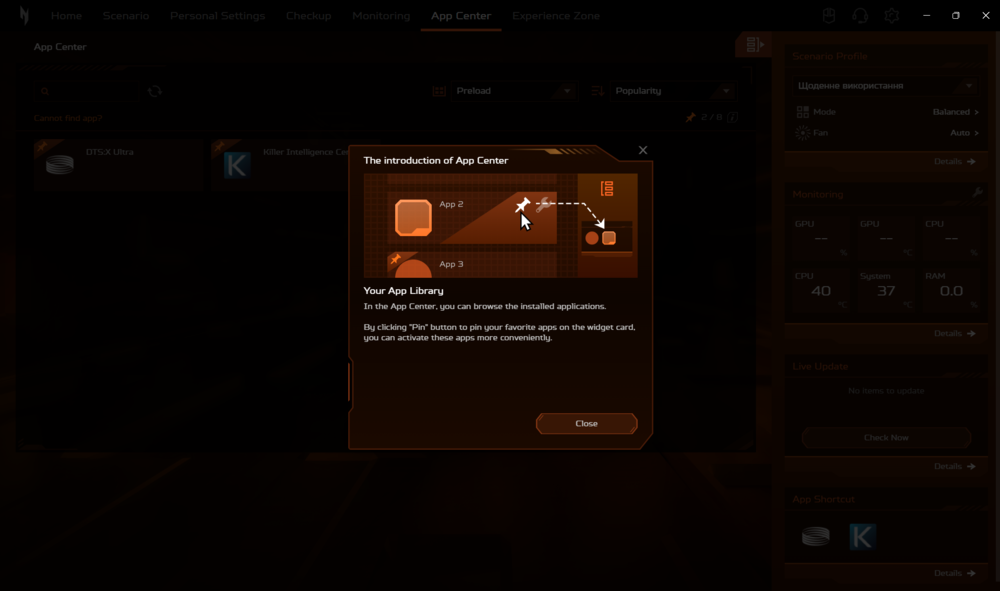
In addition, the laptop supports DTS:X Ultra audio codecs. Within the NitroSense app, users can also access additional tools – DTS Sound Unbound and DTS:X Ultra – which provide advanced spatial sound customization and more immersive audio for gaming, movies, and music.
which offer access to a range of preset audio profiles and allow for detailed sound customization through a full-featured equalizer.
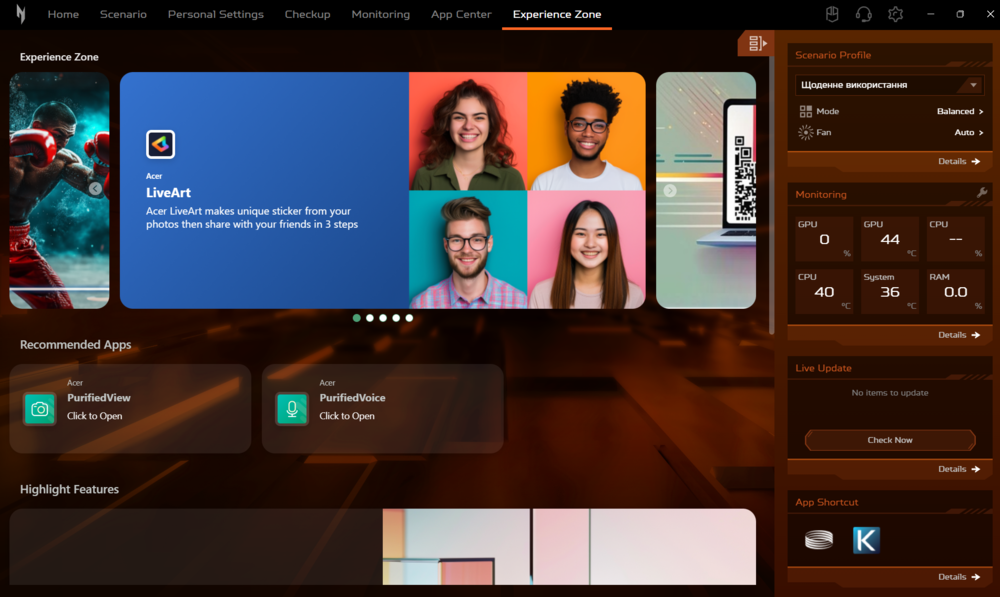
As for video and voice communication, the Acer Nitro V 16 AI is equipped with a standard HD webcam (1280×720 pixels) that supports Acer PurifiedView technology. It uses AI-driven algorithms to enhance video call quality through automatic framing, background blur, and eye-contact correction.
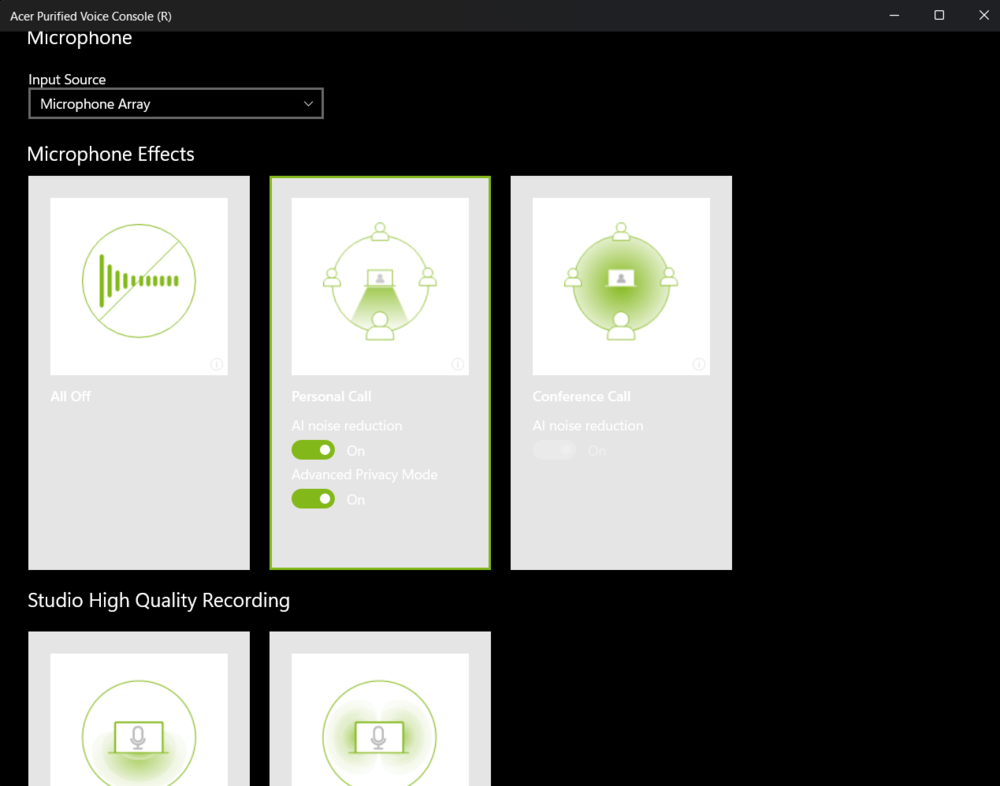
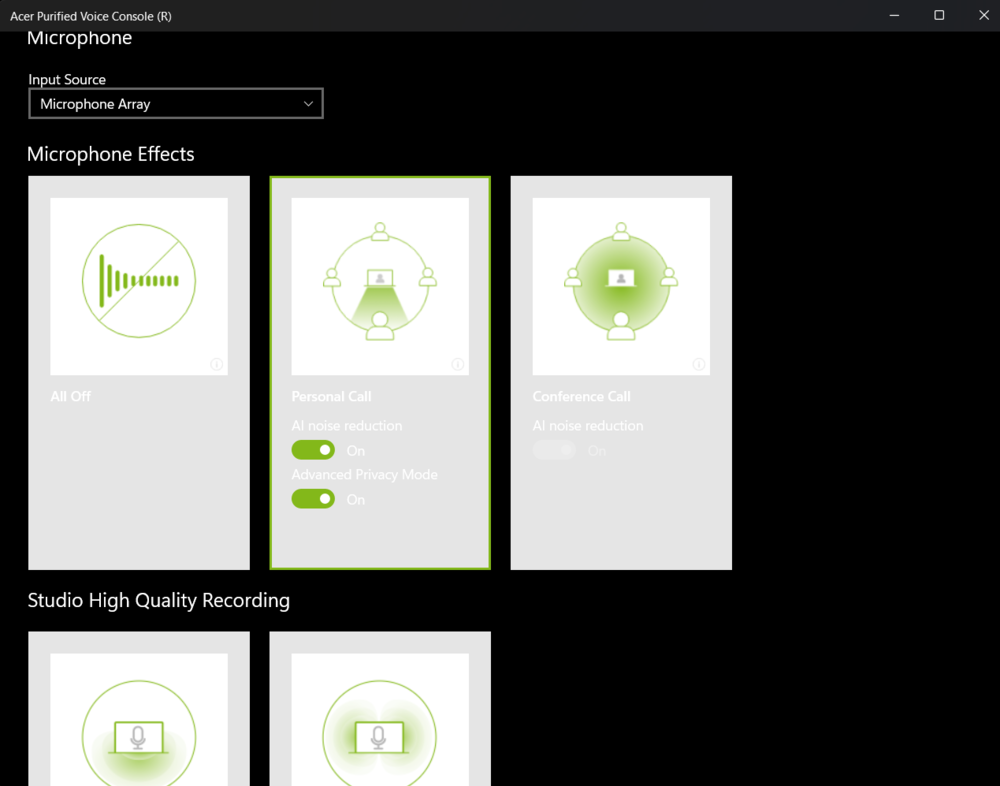
For voice transmission, the laptop features two built-in microphones with Acer PurifiedVoice support, which uses AI noise reduction to effectively eliminate background sounds on both the user’s and the caller’s sides. This ensures clear and crisp audio during online conversations or video conferences.
Read also: Acer Nitro V15 (ANV15-41-R99Y) Gaming Laptop Review
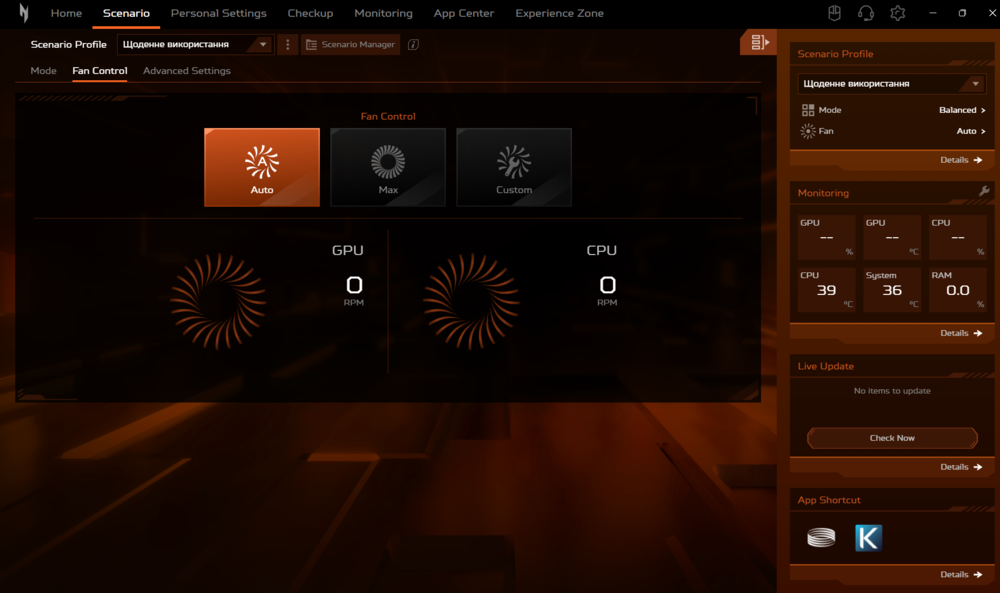
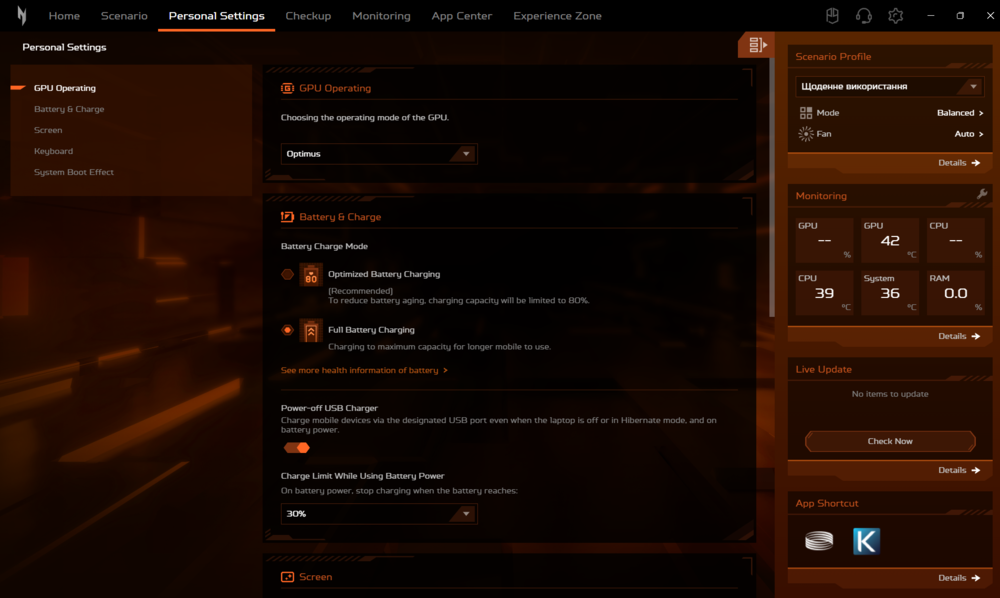
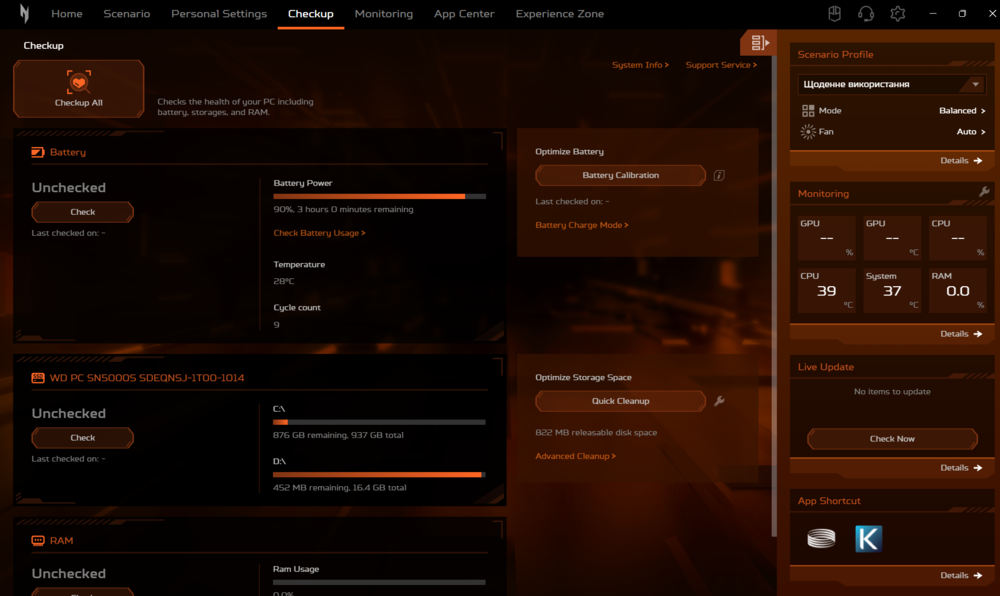
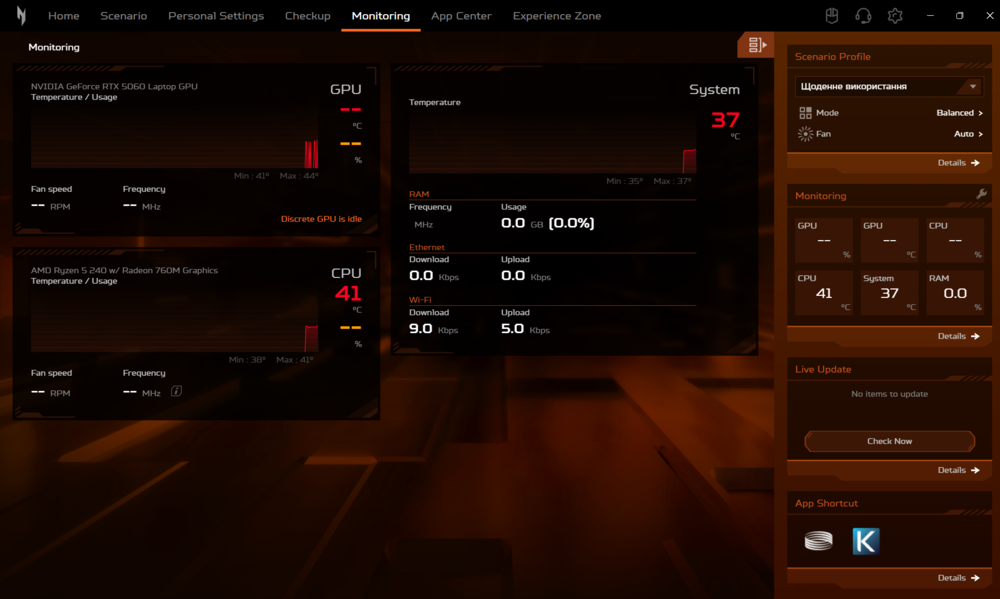
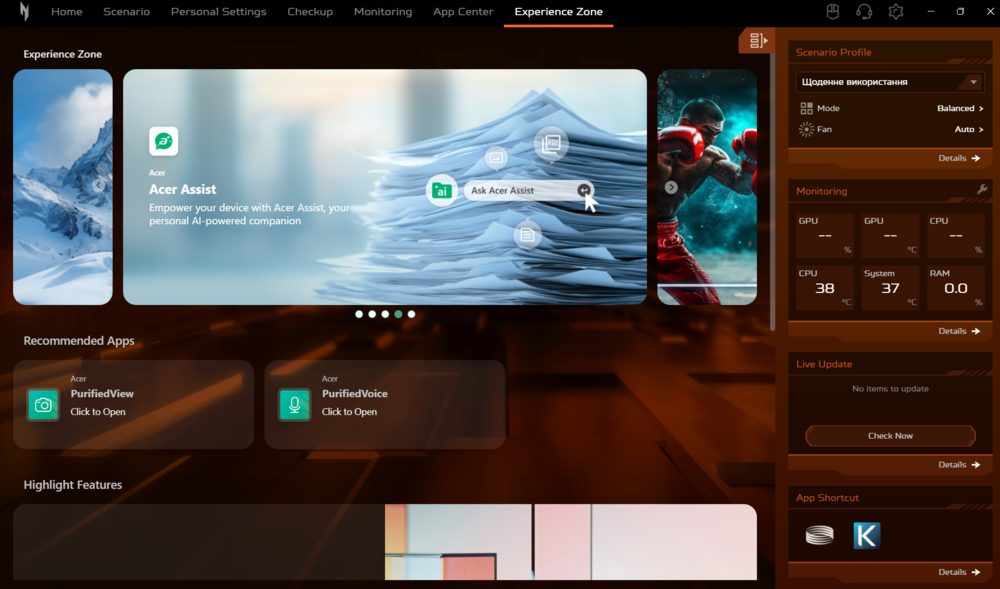
NitroSense proprietary application





Design 10 | |
Materials, build quality 10 | |
Ergonomics 10 | |
Display 9 | |
Performance 9 | |
Battery life 8 | |
Package contents 8 | |
Price 9 |
The Acer Nitro V 16 AI (ANV16-42) is not an attempt to impress with raw power or impressive specs. It is a demonstration of the evolution of Acer's approach to gaming laptops: rationality instead of excess, optimisation instead of chasing records. |
9.1 |

you post a picture of CPU Z showing a 16gb module on slot 2, did you really open it to write later that it is 2 *8 solded ram config ?
pq no dijeron que tiene drenado de energia en el modo turbo?
Lo siento, eso es como explicar que el agua moja y el hielo está frío. ¿Podría ser de otra manera? Aumentar la potencia siempre implica aumentar el consumo de energía.
So many words, yet you did not mention that all Nitro V laptop come with power restricted dGPU. Or did you not notice that yourself? That would be a huge big red flag. Also call FHD IPS good is a long stretch. You lost all your creditability.
I’m not the author, of course, and I just happened to be passing by, but your comment is truly odd. Aren’t all mobile GPUs cut down in clock speed and power for reduce TDP? And FHD is a standard esports screen resolution, which is perfectly fine even on a 24-27″ display, and even more so on a 16″ display. Of course, this isn’t a professional display; the requirements for it are completely different. And in this regard, screen is truly may be good.
Indeed, you are right. In the Nitro V series laptops there is indeed a dGPU with limited power consumption. This has long been a known fact. Now about the display. If you need it OLED, then pay attention to Predator Helios
“TGP up to 100 W” this is the high value of TGP for 5060, so what’s the problem? Most of mobile GPU (all maybe?) are known to be power restricted by the brand, but in this case (if the info is true) this is not a problem. Some years ago (and not so long ago), FHD IPS was the best case, FHD on 15-16″ is enough. He didn’t write that it is a good screen, but a good IPS screen, not fantastic, but good into actual IPS market. Read the dedicated test part and you will notice the nuance of the conclusion