




© ROOT-NATION.com - Use of content is permitted with a backlink.
In an era when most smartphones look – and often feel – almost identical, finding something genuinely fresh isn’t easy. New models tend to imitate one another, while bold ideas are usually reserved for flagship devices. That’s why the Cubot X100 stands out: it introduces an unconventional feature – a secondary rear display that functions like a miniature smartwatch. But how practical is this solution, and does it truly make the phone unique? Let’s find out in this review.
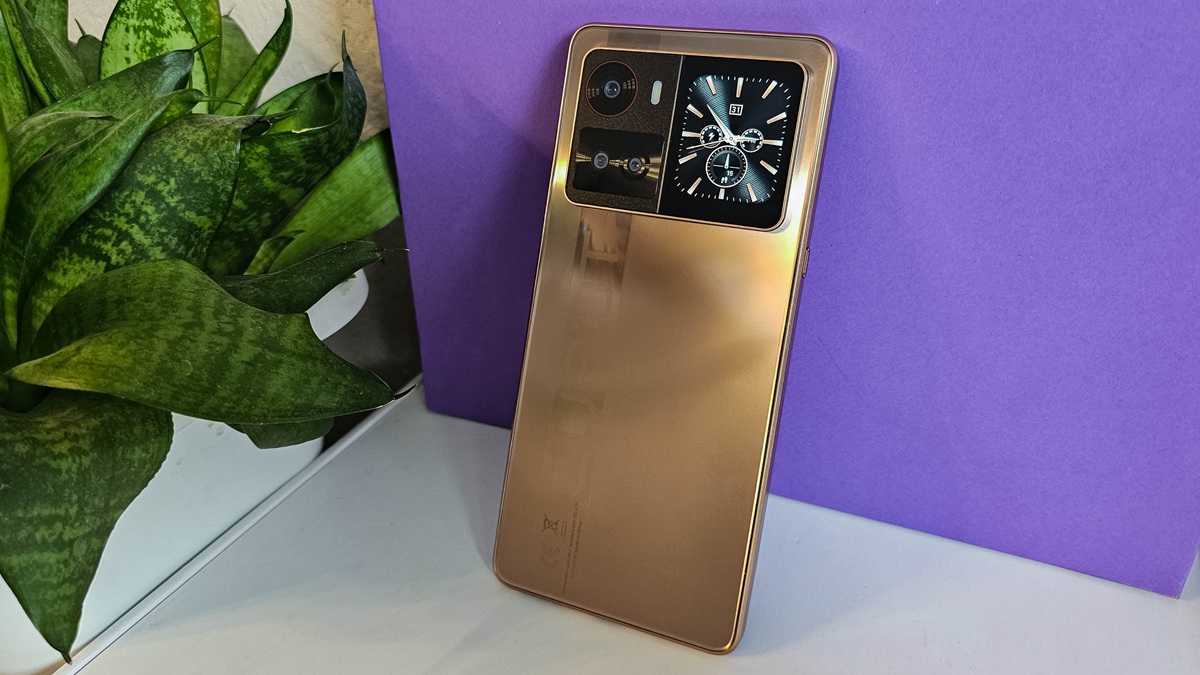
TABLE OF CONTENTS:
Specifications
- Processor: 8-core Dimensity 7025, 6 nm
- Video accelerator: IMG BXM-8-256
- Memory: 8/256 GB, no microSD slot
- Display: 6.88 inches, IPS LCD, 720×1640 pixels, maximum refresh rate 120 Hz, pixel density 260 ppi, screen-to-body ratio: 84%
- Cameras: 64 MP main module, 5 MP ultra-wide lens, 2 MP macro lens, 16 MP front camera
- Battery: 5100 mAh
- Sound: stereo
- Operating system: Android 15
- Data transfer: 5G, Wi-Fi 5 (802.11ac), Bluetooth v 5.0, NFC, USB-C
- Dimensions: 171.9 x 78.1 x 8.9 mm
Positioning and price
The Cubot X100 is priced at around 160$ on AliExpress. This places it in the upper half of the budget segment – an area where consumer expectations increase, and the choice typically comes down to either a well-known brand or impressive specs. Let’s take a closer look at what this device offers for its price.
Package contents
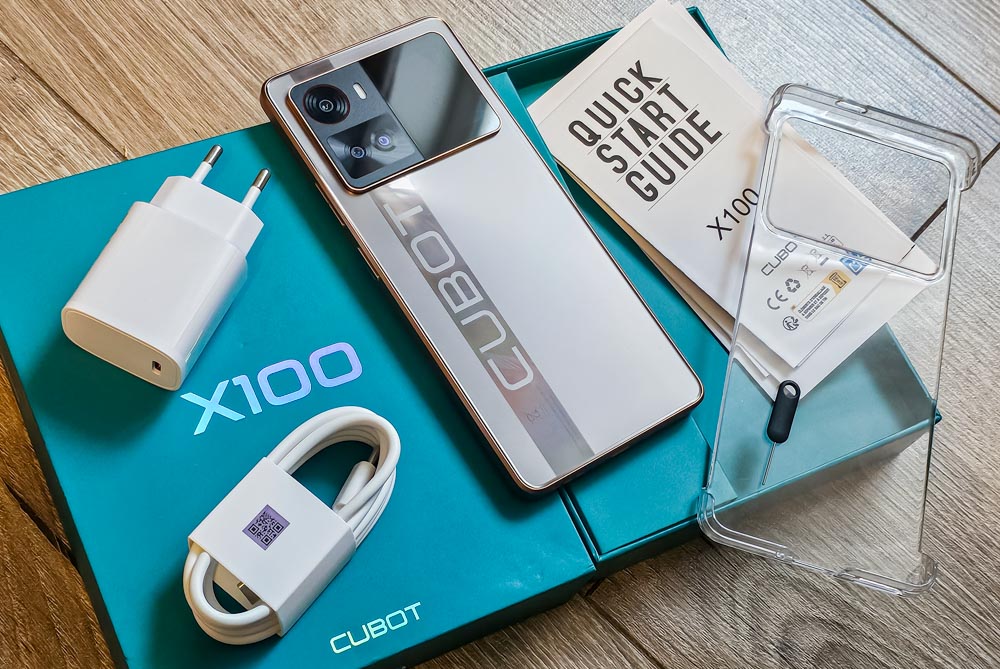
The Cubot X100 smartphone arrived in a green box, which is pretty standard for Cubot devices. Inside, besides the smartphone, there was a plastic case, a protective glass screen, a SIM card slot key, a USB-C cable, a power adapter, and a user manual. Nothing special, but everything you need.
Design, materials
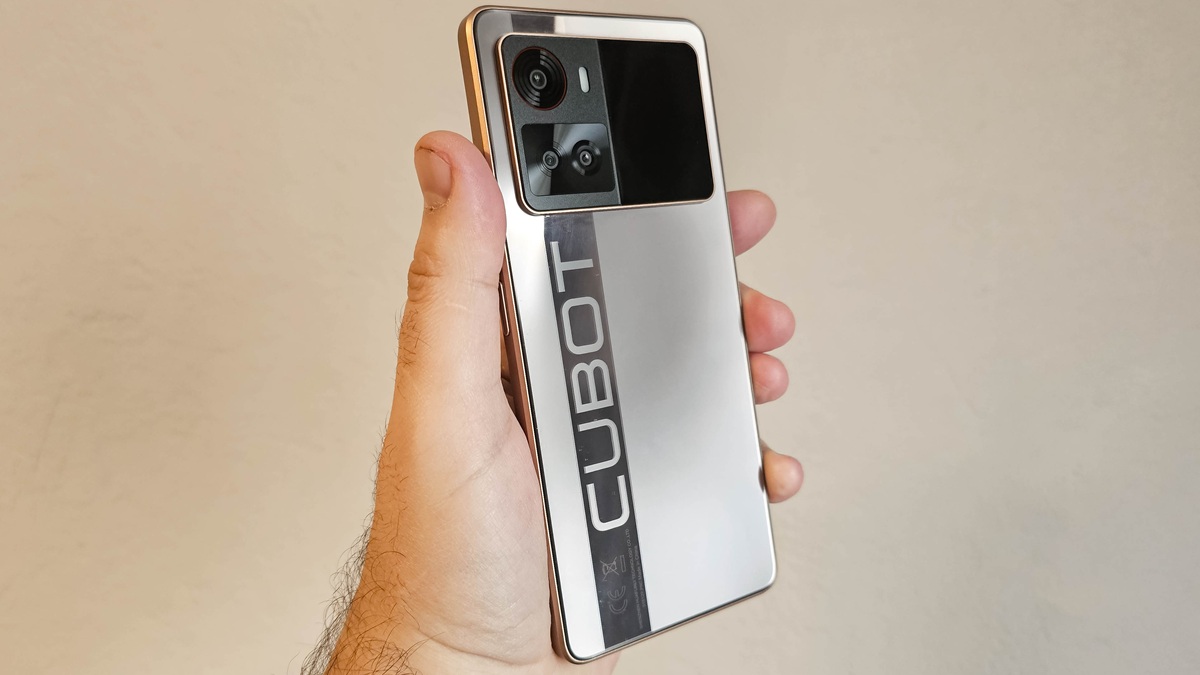
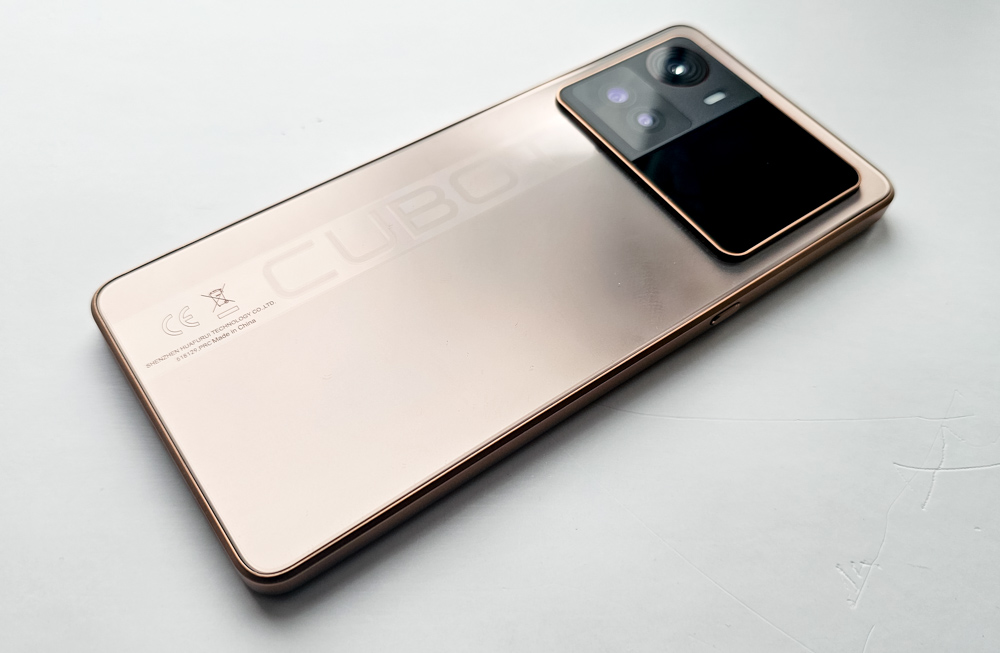
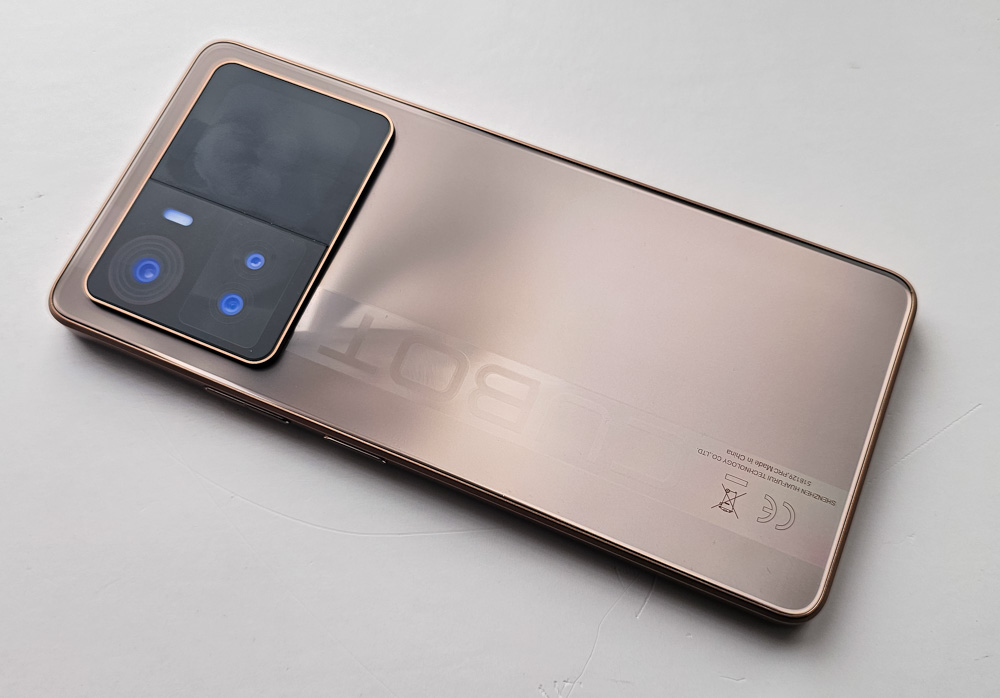
The Cubot X100 comes in a subtle gold-copper shade that gives it a premium appearance, despite its entirely plastic body.
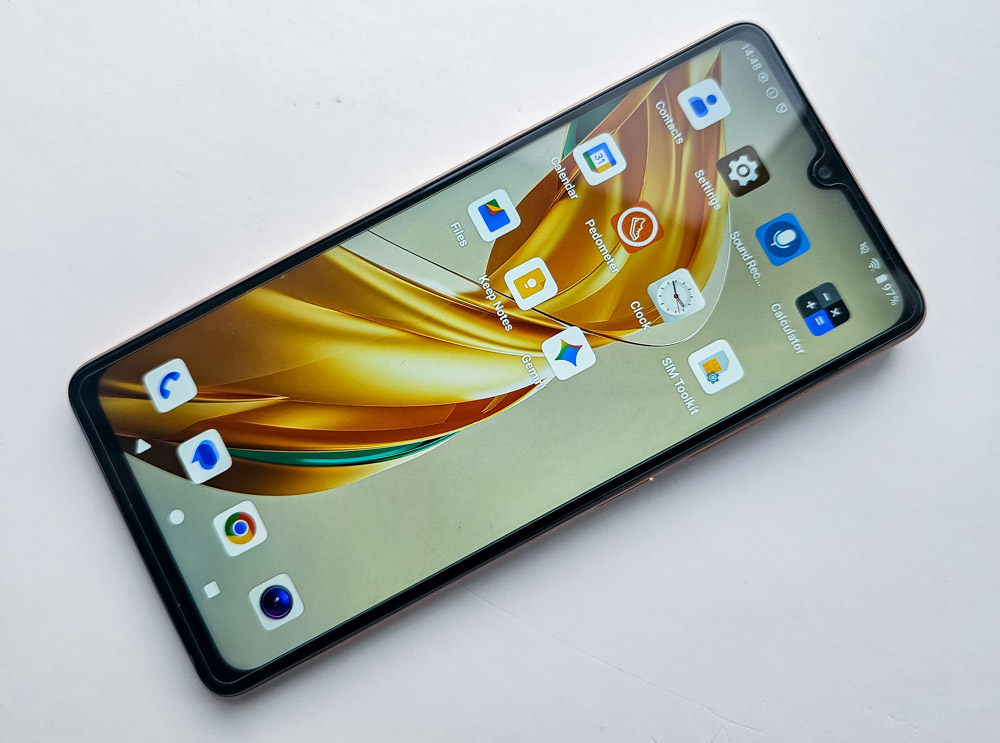
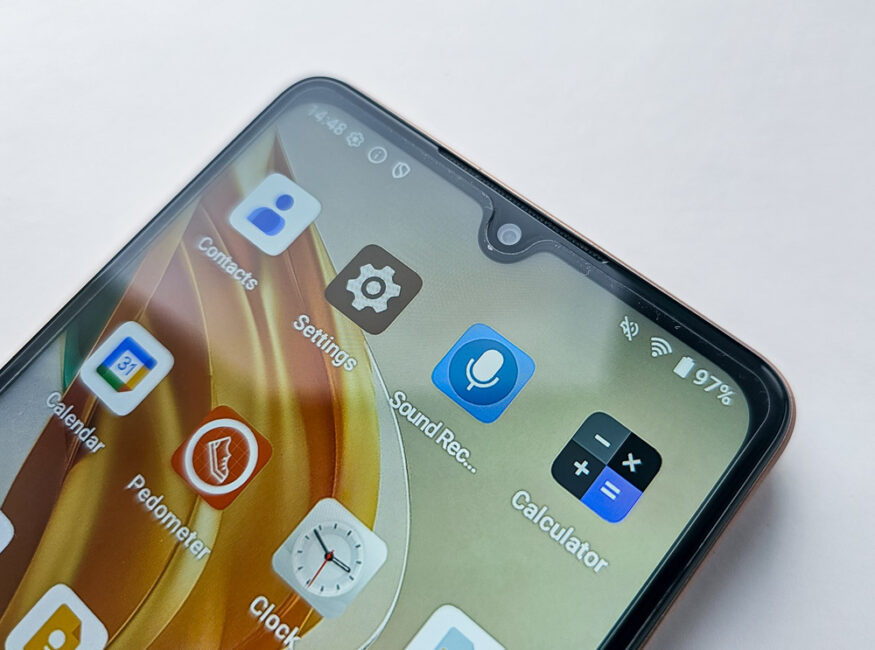
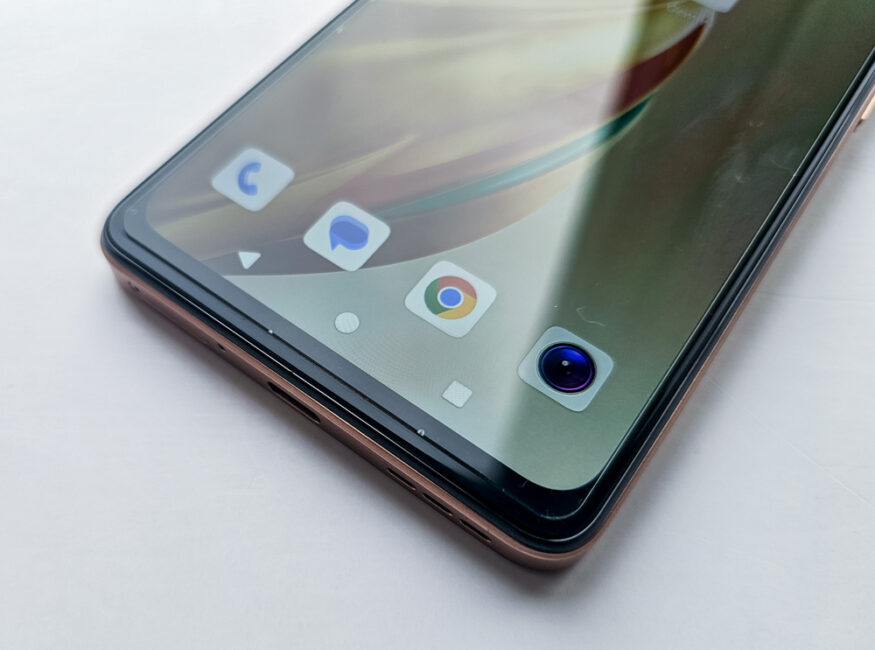
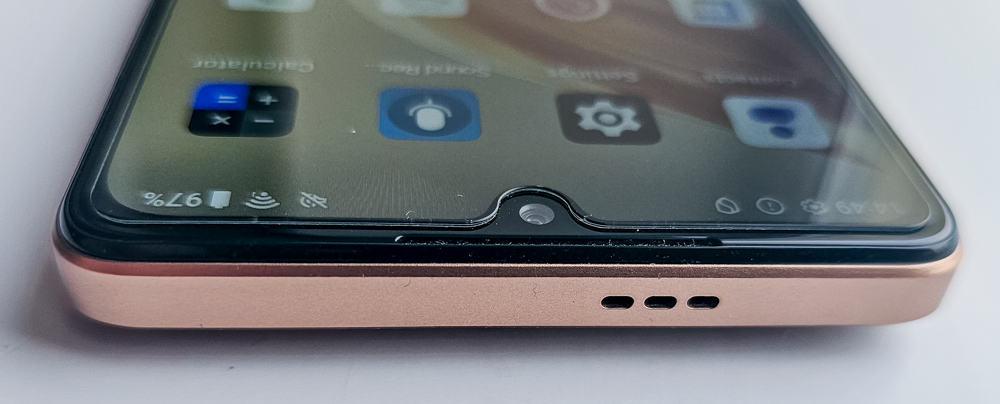
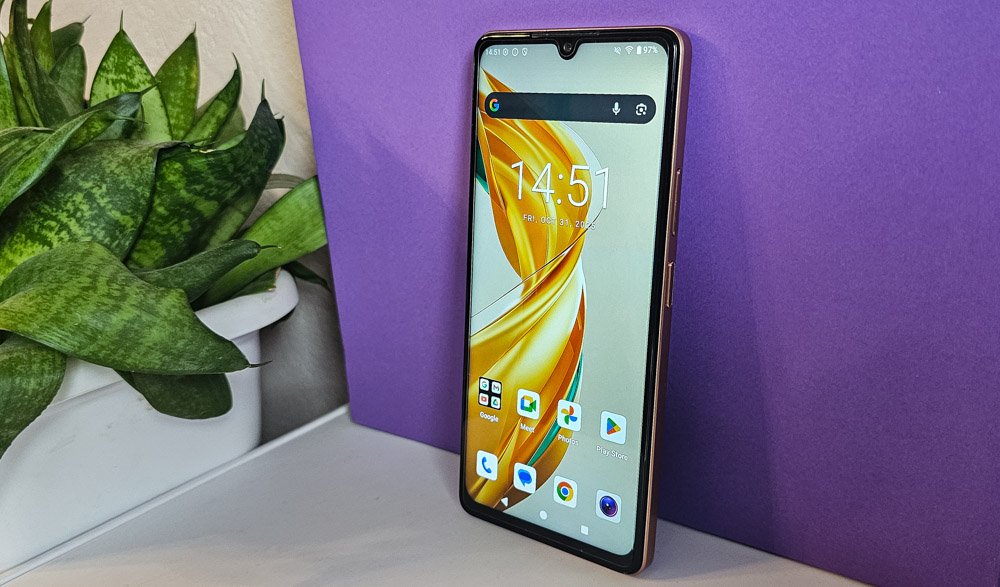
On the front, the Cubot X100 features a display with a teardrop notch for the front-facing camera. The bezels are consistent with the phone’s budget positioning – relatively slim on the sides, slightly thicker at the top with a cutout for the earpiece, and noticeably wider at the bottom.
The rear panel has a matte finish with a glass-like texture that resists fingerprints and reflects light nicely at an angle. A wide glossy strip with a large brand logo runs across it, adding a bit of visual contrast.
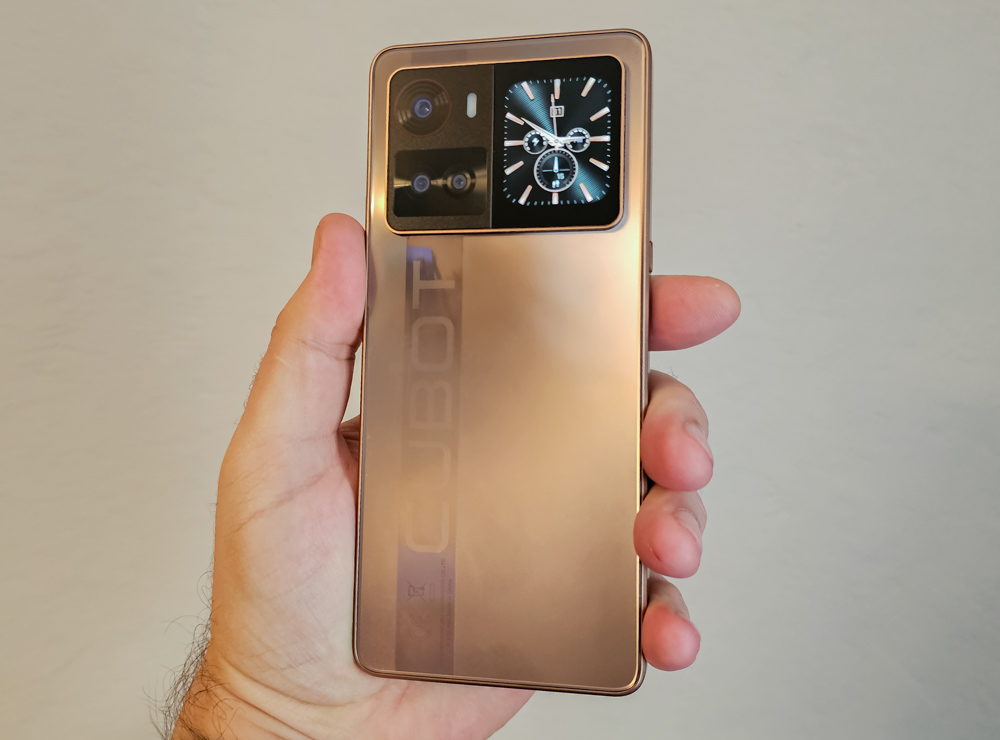
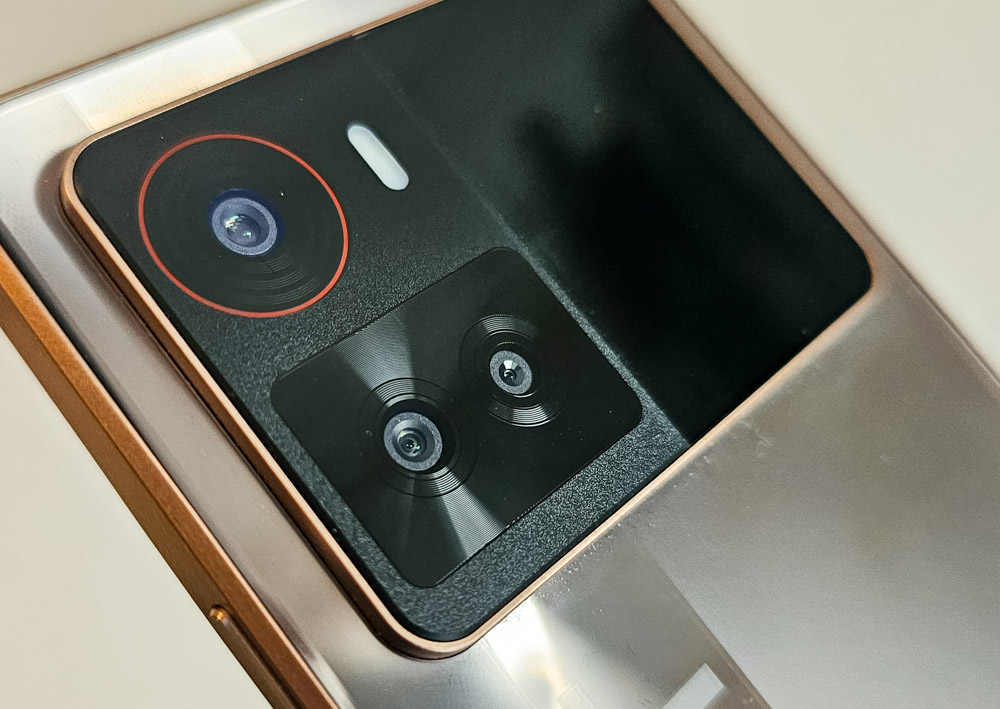
The large camera module with an additional rear display immediately draws attention. It protrudes noticeably from the body, yet the matte metal-like frame in the same color helps it blend in visually. The side frames match the overall color scheme, contributing to a cohesive design.
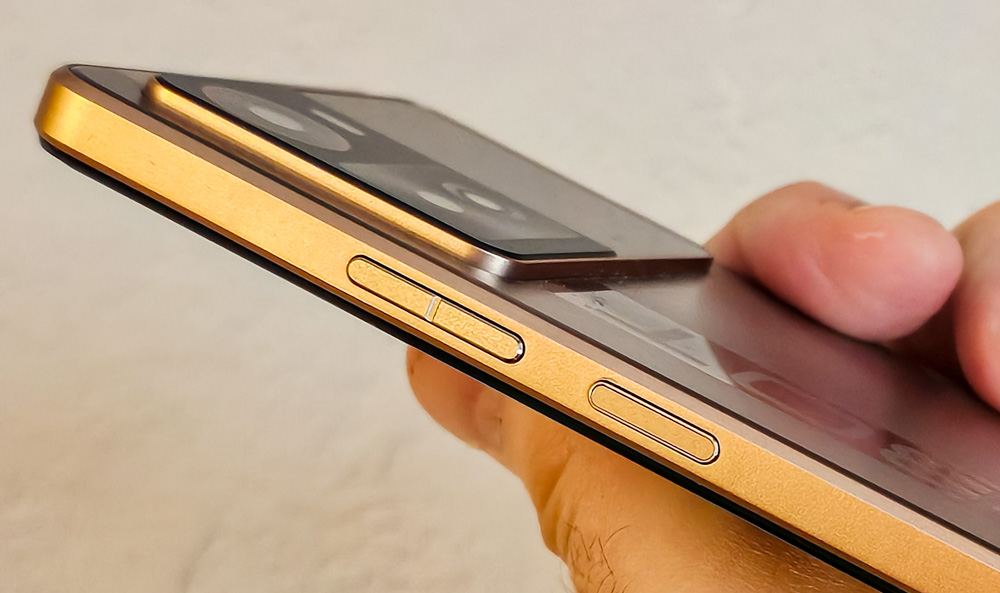
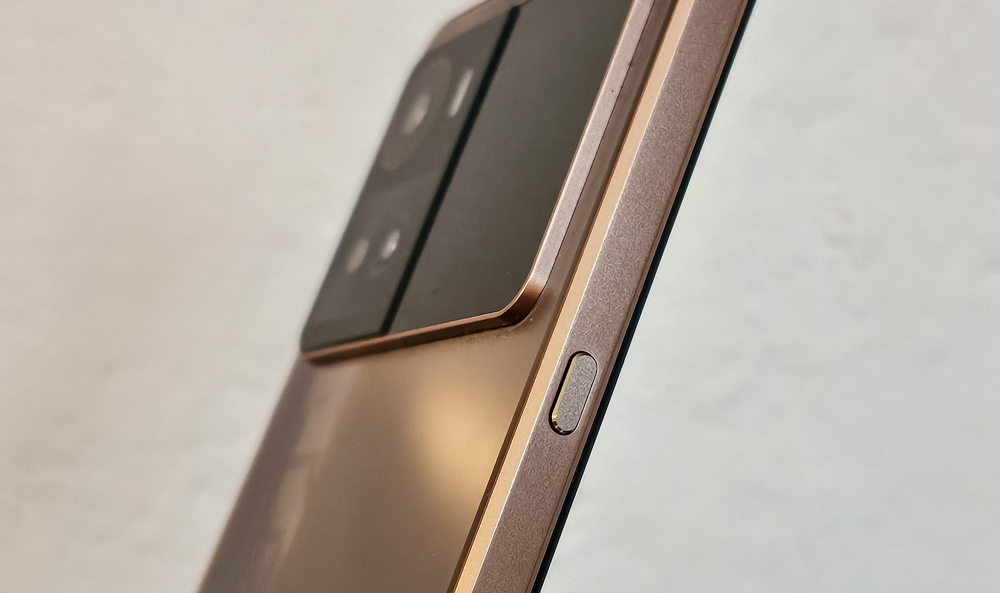
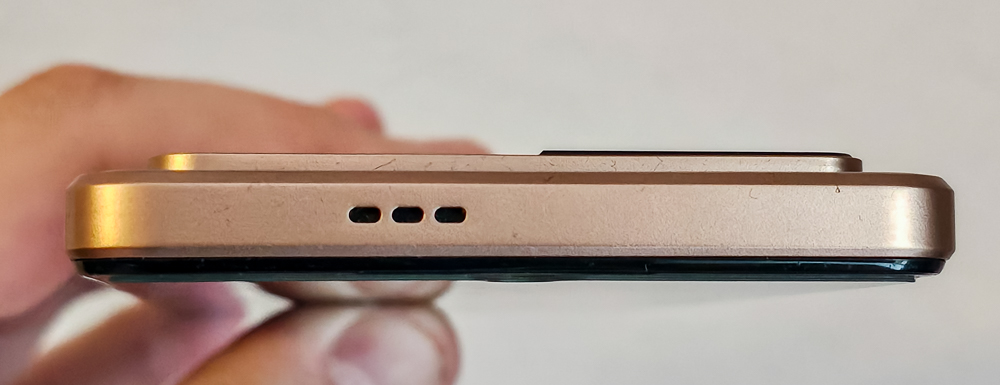
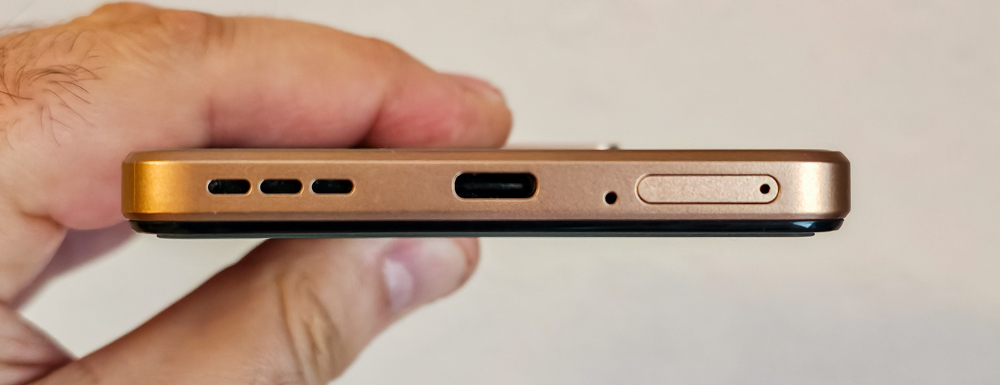
The layout of the physical components follows a conventional design: the secondary speaker is positioned at the top, while the main speaker, microphone, USB-C port, and SIM card slot are located at the bottom. On the right side, there is a power button with an integrated fingerprint sensor, accompanied by a pair of volume control buttons.
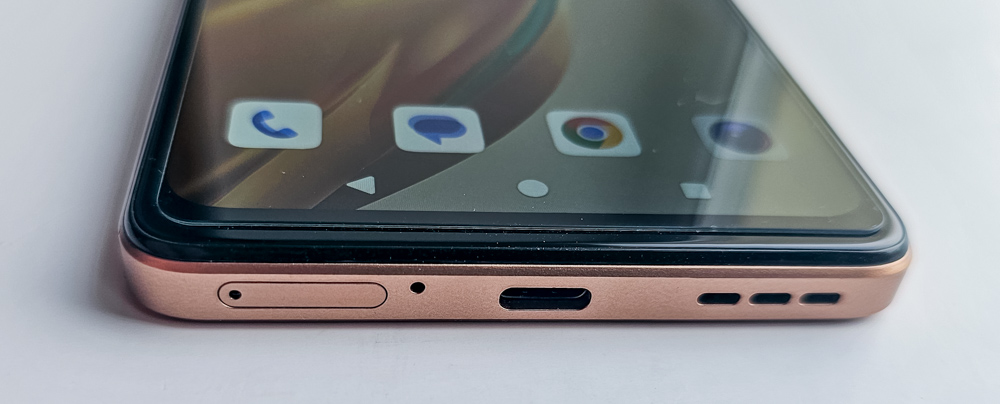
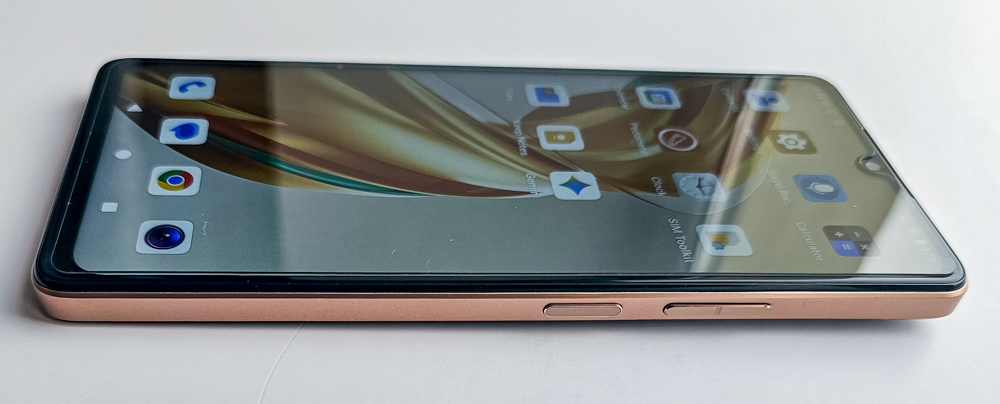
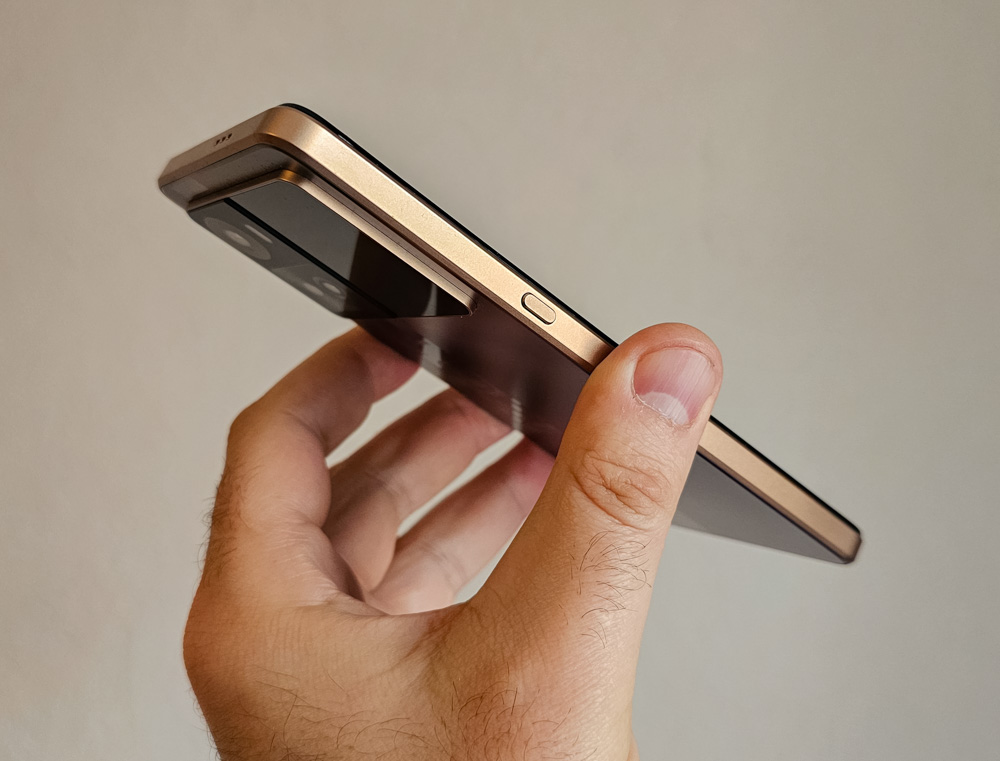
The only element that might seem unusual to an average user is the dedicated key on the left side – often referred to as a “smart button.” It activates the rear display and can be assigned to perform several additional functions.
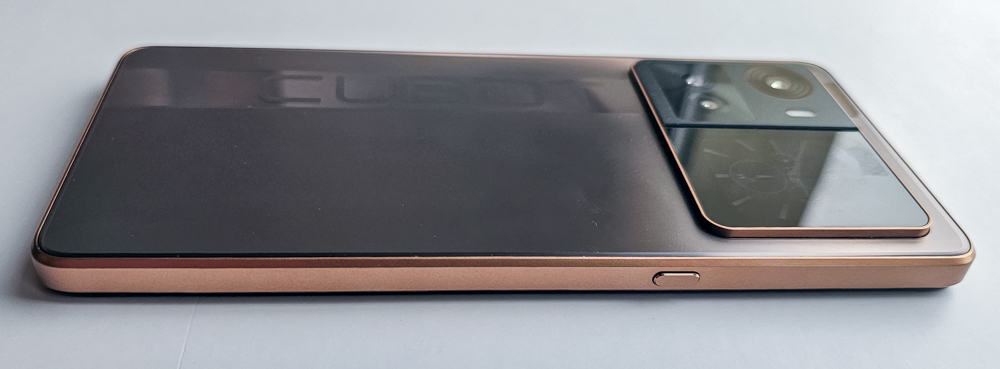
Overall, the design feels well-balanced and thoughtfully executed, combining practicality with a visually appealing look. The phone gives the impression of being more expensive than its actual price suggests.
Main display
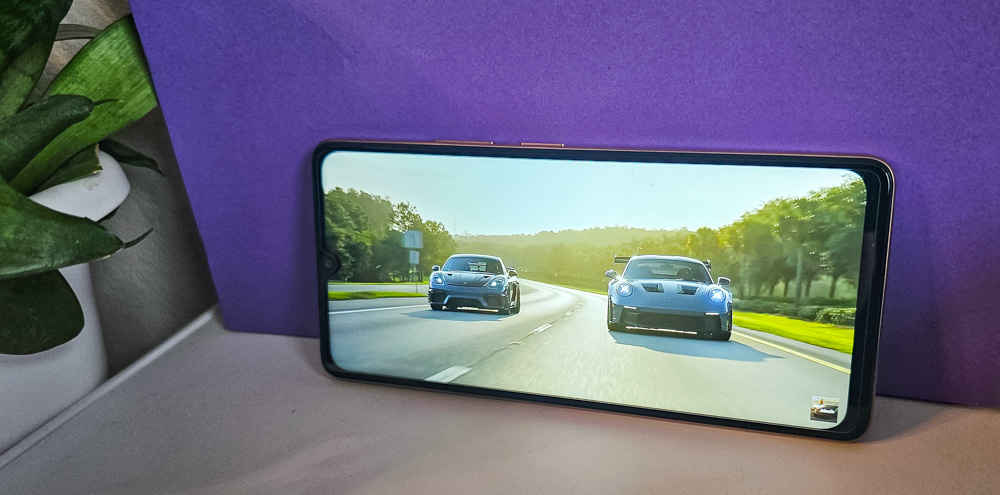
The X100 features a 6.88-inch display, a fairly typical size for Cubot smartphones and more than adequate for most tasks, including video playback, gaming, or reading. While its 720×1640 resolution and 260 ppi pixel density don’t deliver particularly sharp detail, the image quality is acceptable for everyday use. The high 120 Hz refresh rate, however, makes a noticeable difference – animations and scrolling appear smooth, contributing to a sense of responsiveness despite the modest display specifications.
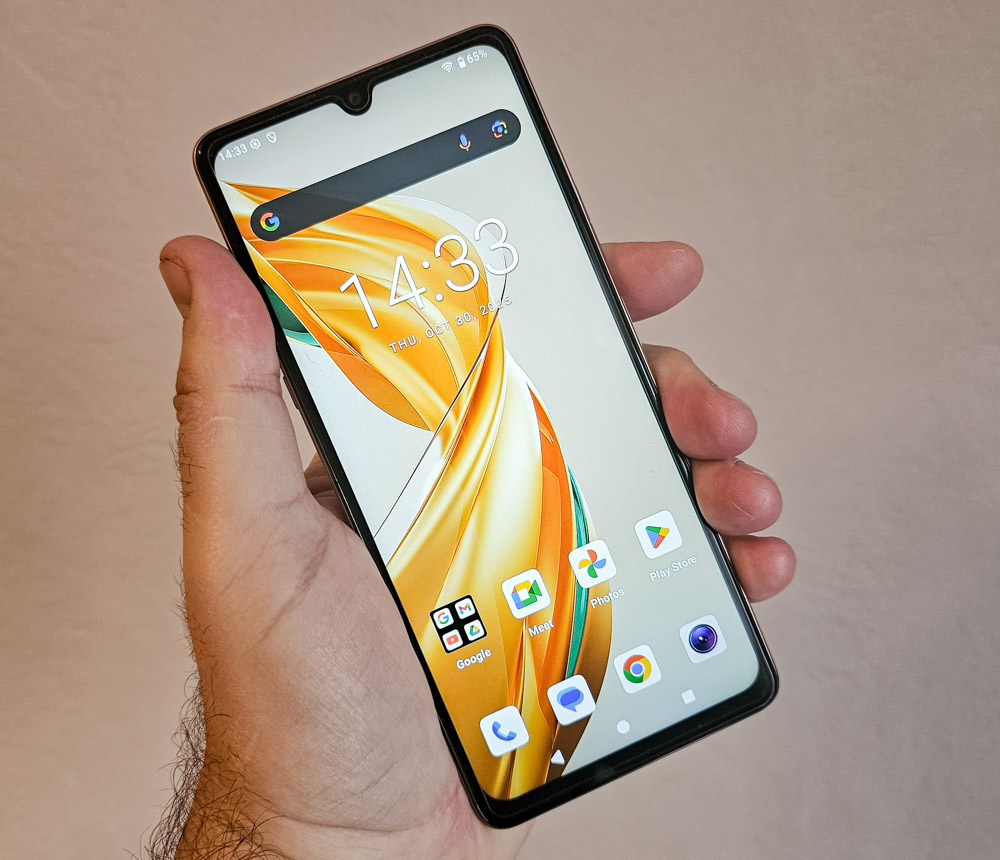
The IPS display offers natural color reproduction and wide viewing angles. With a screen-to-body ratio of around 84%, the bezels appear reasonably slim, giving the display a balanced and overall pleasant appearance that feels competitive within its class.
Rear display and Smart Key
A distinctive feature of the Cubot X100 is its secondary display integrated into the rear camera module. This small 1.72-inch TFT screen has a resolution of 320×380 pixels and functions much like a built-in smartwatch. It allows users to check the time, view notifications, open the compass, control music playback, and monitor battery status. Additionally, it can serve as a selfie preview screen, enabling users to take self-portraits with the main camera for higher image quality.
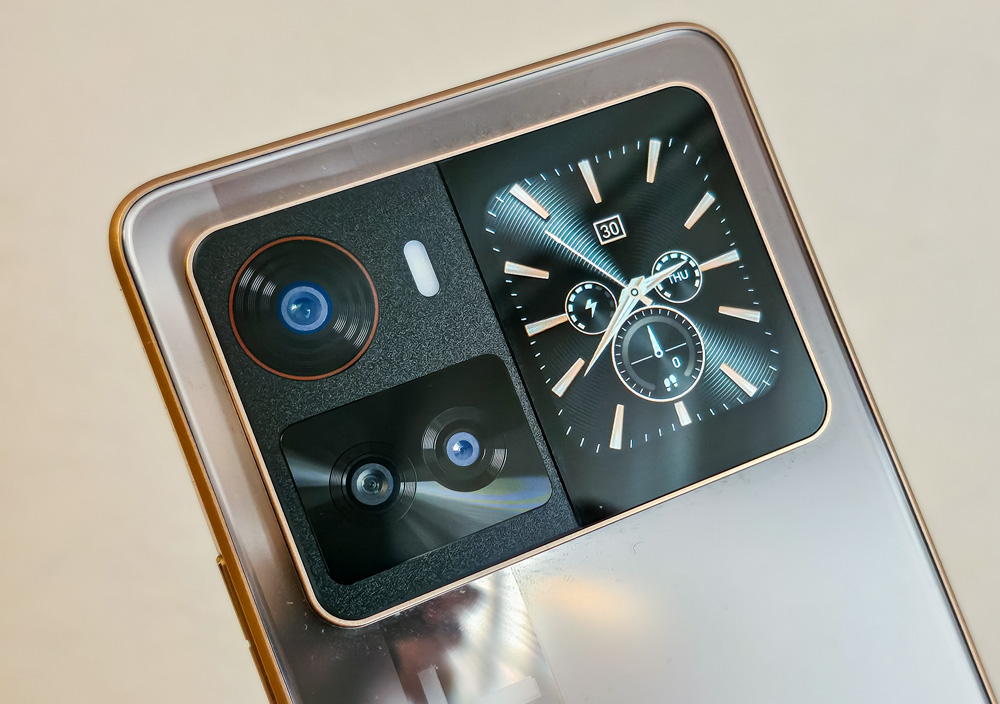
As mentioned earlier, the secondary display can be activated either by pressing the “smart button” located on the left side of the phone or by double-tapping the screen. This setup allows limited interaction with the device when it’s placed face down on a surface, helping to conserve battery power by reducing the need to use the main display.
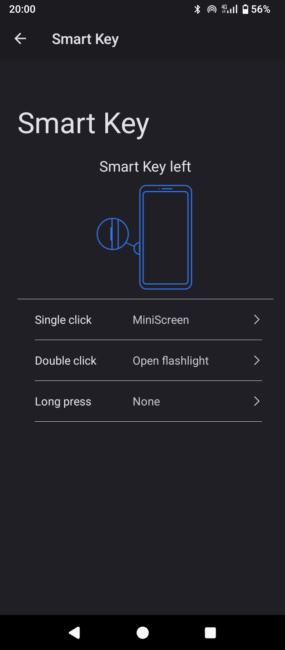
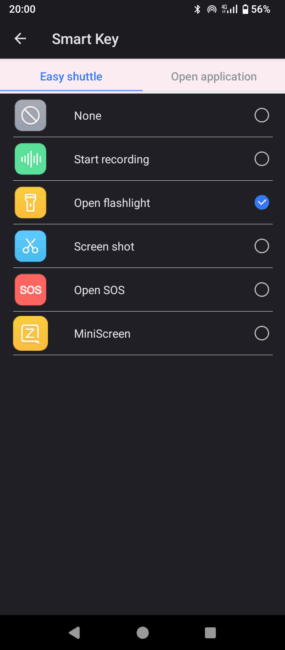
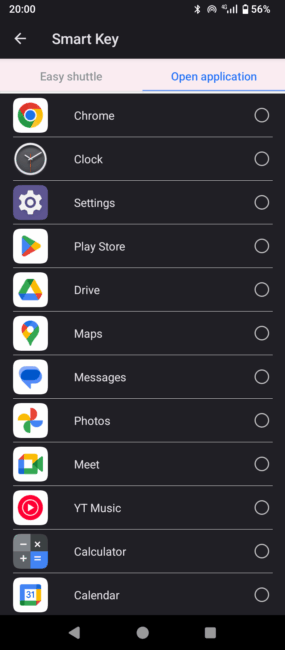
The additional button also supports multiple functions. Users can assign different actions to a single press, double press, or long press – such as launching the voice recorder, taking a screenshot, sending an emergency message to a selected contact, or toggling the flashlight. The latter is particularly practical during power outages. Alternatively, one of these actions can be replaced with a shortcut to any preferred app.
Cameras
The Cubot X100 is equipped with a triple-camera setup on the rear, consisting of a 64 MP main lens, a 5 MP ultra-wide lens, and a 2 MP macro lens. The front-facing camera features a 16 MP sensor.
Overall, both photo and video quality are reasonably good, though macro shots require some effort to achieve acceptable results. It’s also worth noting that the camera lacks any form of image stabilization, which affects handheld video recording. In night mode, the camera produces usable images, though some noticeable noise is present.
Photo examples













Video example
Hardware and performance
The Cubot X100 is powered by an octa-core Dimensity 7025 processor with a clock speed of up to 2.5 GHz and an IMG BXM-8-256 GPU. This hardware provides smooth system performance and handles everyday tasks comfortably. The device comes with 8 GB of RAM and 256 GB of internal storage, offering sufficient capacity for multitasking and media storage, though the lack of a microSD slot limits expandability.
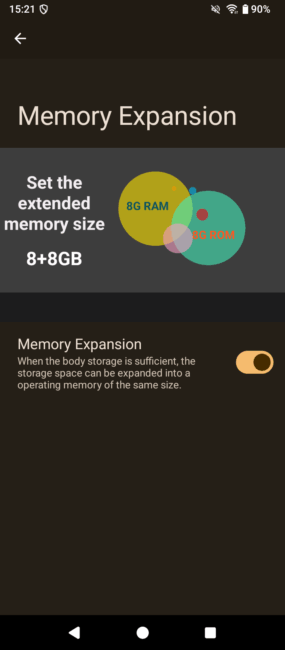
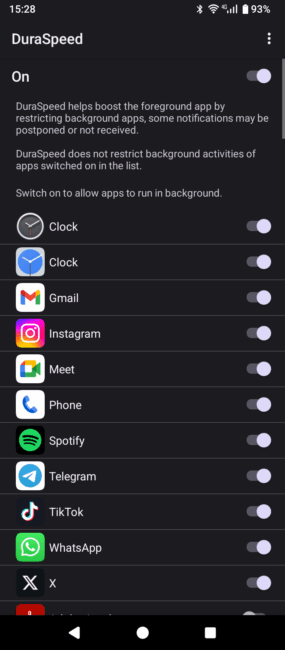
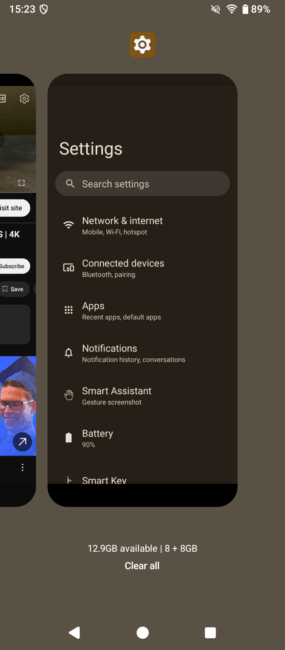
The system also supports virtual RAM expansion, allowing an additional 8 GB to be allocated from internal storage. Another useful feature is Dura Speed, which prioritizes active applications by restricting background processes. Users can specify exceptions in the settings to ensure essential apps remain unaffected.
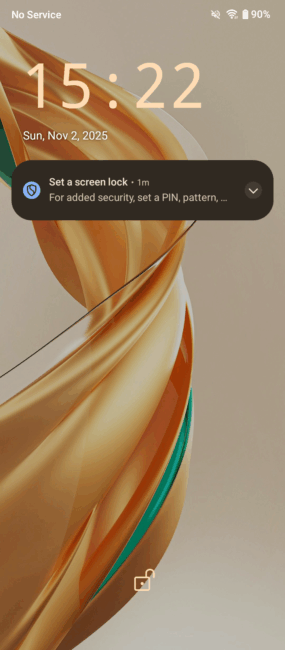
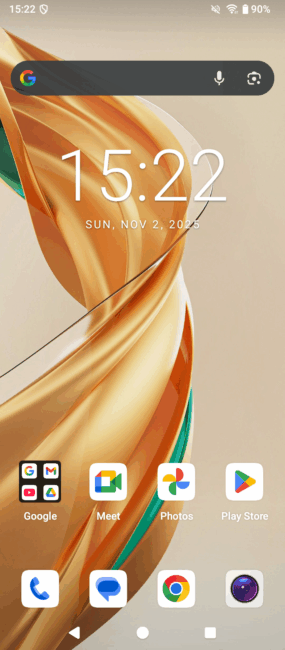
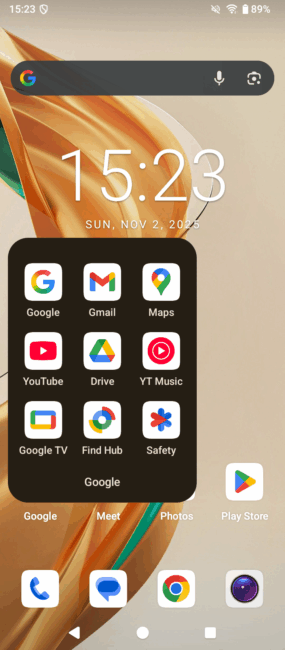
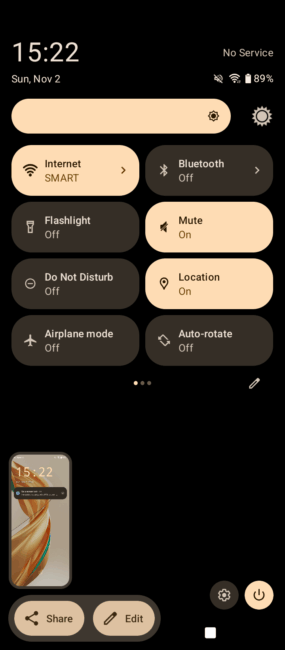
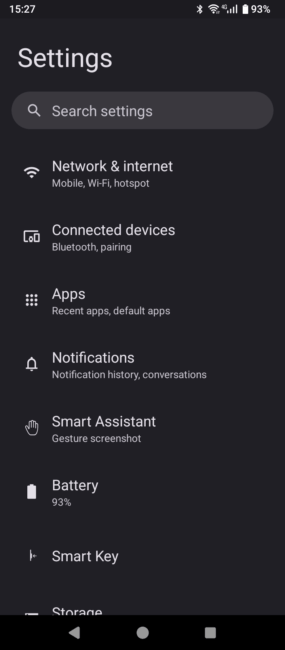
The smartphone runs on a clean version of Android 15, free from pre-installed bloatware, heavy graphical skins, or proprietary manufacturer features. This minimal software approach contributes positively to the device’s overall performance and responsiveness.
Gaming on the Cubot X100 is a generally smooth experience. The phone handles not only casual titles like the Asphalt series but also performs reliably in more demanding games such as PUBG Mobile, even at the highest graphics settings.
Read also: Cubot Note 60 Review: A Practical Budget Smartphone
Sound
The Cubot X100 features a dual-speaker setup, with one speaker positioned at the top and the other at the bottom. While the sound quality is fairly standard and lacks any standout characteristics, it delivers clean audio without noticeable distortion and produces a decent stereo effect when the phone is held in landscape orientation.
Battery life
Battery life on the Cubot X100 is typical for its class. Under active use – such as social media, photography, and video playback – the phone lasts about a full day on a single charge. With more moderate use, mainly calls and messaging, it can comfortably reach two days. This is a reasonable result for a budget device, offering solid endurance without significant compromises.
User Experience
During everyday use, the Cubot X100 left a generally positive impression. The device operates stably, without noticeable lag or freezes, making it reliable for routine tasks and consistent daily performance.
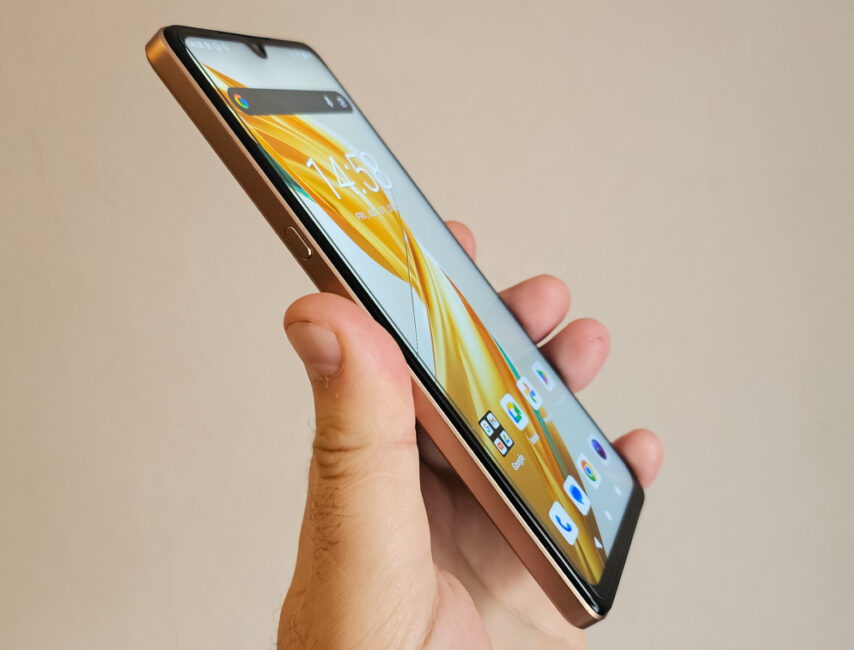
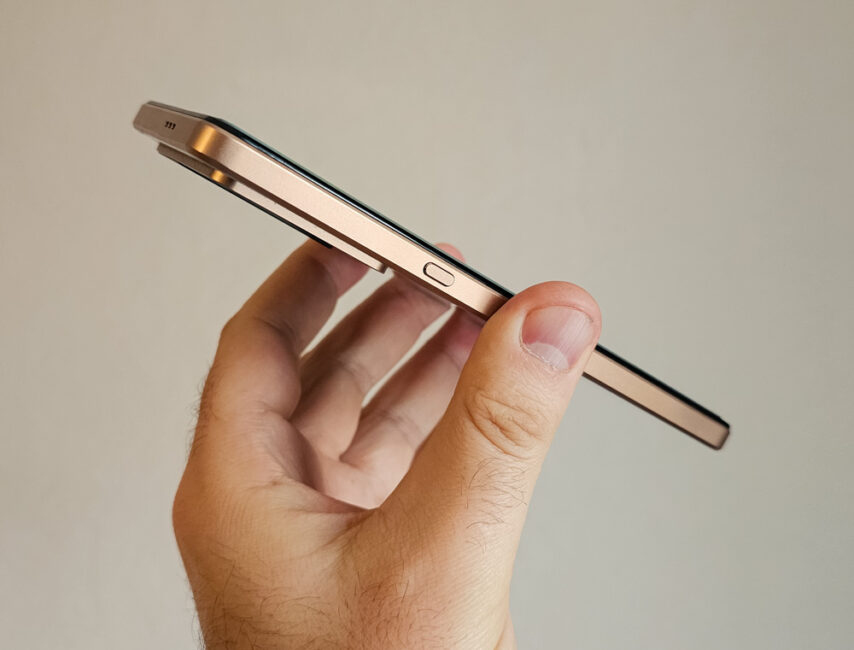
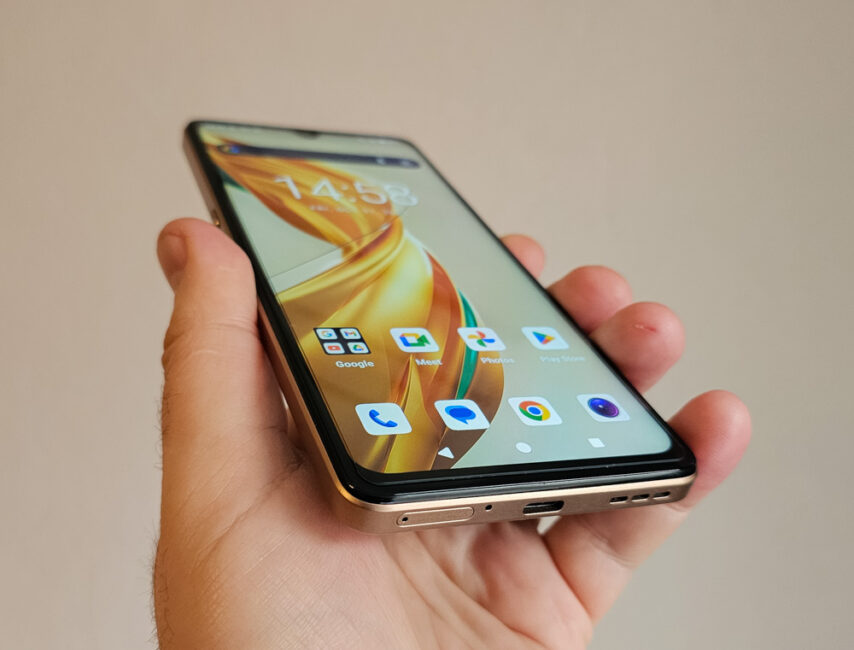
The display proved comfortable to look at, offering natural color reproduction and sufficient brightness for most environments. The audio output is also adequate – clear and reasonably loud, without noticeable distortion even at higher volumes. Ergonomics are well-considered, with buttons positioned conveniently within easy reach for one-handed use. The secondary rear display turned out to be more of an occasional feature, while the “smart button” proved genuinely practical and was used frequently throughout the testing period.
Read also: Cubot A40 Review: Simple, Affordable Smartphone
Conclusions
The Cubot X100 is a solid budget smartphone that, in my experience, feels reminiscent of the Cubot A40 but with upgraded hardware and improved cameras. It’s suitable for most users as a primary device, delivering stable performance and handling everyday tasks efficiently without noticeable slowdowns or performance drops.
The rear display and additional “smart button” turned out to be welcome additions, bringing extra convenience and functionality to an otherwise conventional smartphone design.
Overall, the device leaves a good impression, and considering its price, it can be recommended for purchase – provided that the relatively low pixel density of the screen is not a major concern for you.
Where to buy



Commento ed osservazioni tecniche notevoli …