© ROOT-NATION.com - Use of content is permitted with a backlink.
In July, Cubot expanded its KingKong lineup with the new rugged and, as usual, budget-friendly Cubot KingKong ES 5. It follows the Cubot KingKong ES 3, which I reviewed last autumn, so I was curious to see what had changed. But what about the fourth model? There isn’t one – likely because the number 4 is associated with various superstitions in Asia, much like 13 in the US and Europe, and is therefore often avoided in names and elsewhere.
To briefly summarize the differences, the KingKong ES 5 retains the same level of protection – including not only IP68/IP69K but also MIL-STD-810 certification – as well as an HD display with a refresh rate of up to 120 Hz. However, the battery capacity and storage have been reduced, although support for memory cards remains. On the other hand, the display is larger, the processor is more powerful, the OS version is newer, and the cameras have been improved. The phone also adds a fingerprint scanner and a full-fledged flashlight on the top edge. So this is clearly more than just a routine refresh; it is a different device in its own right. How does it perform in everyday use? Let’s find out in this review.
Read also: All reviews of rugged smartphones
TABLE OF CONTENTS:
Cubot KingKong ES 5 Specifications
- Display: IPS, 6.88″, HD+ (1640×720), 260 ppi, refresh rate up to 120 Hz
- Processor: Unisoc Tiger T620, 8-core (2×Cortex-A75 2.2 GHz + 6×Cortex-A55 1.8 GHz), 12 nm
- Graphics processor: ARM Mali-G57
- RAM: 6 GB (+ 6 GB virtual RAM)
- Storage: 128 GB
- Memory card support: up to 1 TB
- Wireless technologies: Wi-Fi 5, Bluetooth 5.2, NFC, GPS, Galileo, Beidou
- Main camera: primary module – 64 MP; secondary – 0.3 MP; macro – 2 MP
- Front camera: 16 MP
- Battery: 7,000 mAh, 33 W charging power
- Operating system: Android 16
- Slot: combined (2 nanoSIMs or 1 nanoSIM + microSD)
- Protection: IP68/IP69K, MIL-STD-810
- Dimensions: 182.5 × 83.1 × 11.4 mm
- Weight: 301 g
- Additional features: full-featured flashlight
Price and Positioning
Cubot specializes in affordable rugged devices – this is the brand’s core concept. The KingKong ES 5 is no exception, offering reliable protection against water, dust, and mechanical damage at a very reasonable price. At the time of writing, it costs $170 or €145, making it a very affordable option. Naturally, you should not expect a top-tier display, powerful hardware, or high-end cameras here. Its purpose is to provide reliable connectivity and essential functionality in extreme conditions where conventional smartphones may not be up to the task.
Package contents

With the KingKong ES 5, the package includes the smartphone, a charging cable, a 33 W charger – unlike many modern smartphones that no longer include one – and the accompanying documentation. Don’t be surprised that there is no SIM tray ejector tool in the box: it is not needed here. The tray sits tightly against the body, and to open it, you simply need to lift the edge with your fingernail and pull it out. This design is presumably intended to maintain the highest possible level of water resistance.

Read also: CUBOT TAB KINGKONG S Rugged Tablet Review: Practicality and Reliability
Design, Materials, and Element Placement
Visually, the KingKong ES 5 follows the same design language as most devices from the brand, featuring a reinforced body with decorative geometric elements in various textures that give the smartphone a rugged, distinctive look. At a glance, it is clear that this is a rugged device – and not just one protected to IP68/IP69K standards, but also certified to MIL-STD-810.

However, in terms of size – with a display diagonal of almost 6.9 inches – the “five” is already approaching phablet territory. Its dimensions are 182.5 × 83.1 × 11.4 mm, while the weight is slightly over 300 g, largely due to the increased battery capacity and, once again, the reinforced construction. Plastic is naturally the dominant material here: standard rigid plastic is used for the main body components, while a slightly softer material is applied around the corners and upper edges to help absorb potential impacts. There are also metal elements on the side edges, and the buttons are made of metal as well. As for color options, the KingKong ES 5 is available not only in orange, as in our review unit, but also in gray, deep green, and yellow.

Looking at the back, we can see a large camera module mounted on a raised platform with silver-colored trim. Slightly below it, there is a note highlighting the model’s key features (“Waterproof Design” and an IP68 rating), along with a neat logo and technical markings at the bottom. Interestingly, the black trim around the perimeter of the orange body makes the smartphone look more compact than it actually is.

Turning the device over, we see an elongated 6.88-inch display with fairly substantial bezels. According to the manufacturer, the screen-to-body ratio is 74%, which is a fairly typical figure for rugged smartphones. The selfie camera is housed in a teardrop-shaped notch, while a relatively wide earpiece grille can be seen where the top edge meets the display.

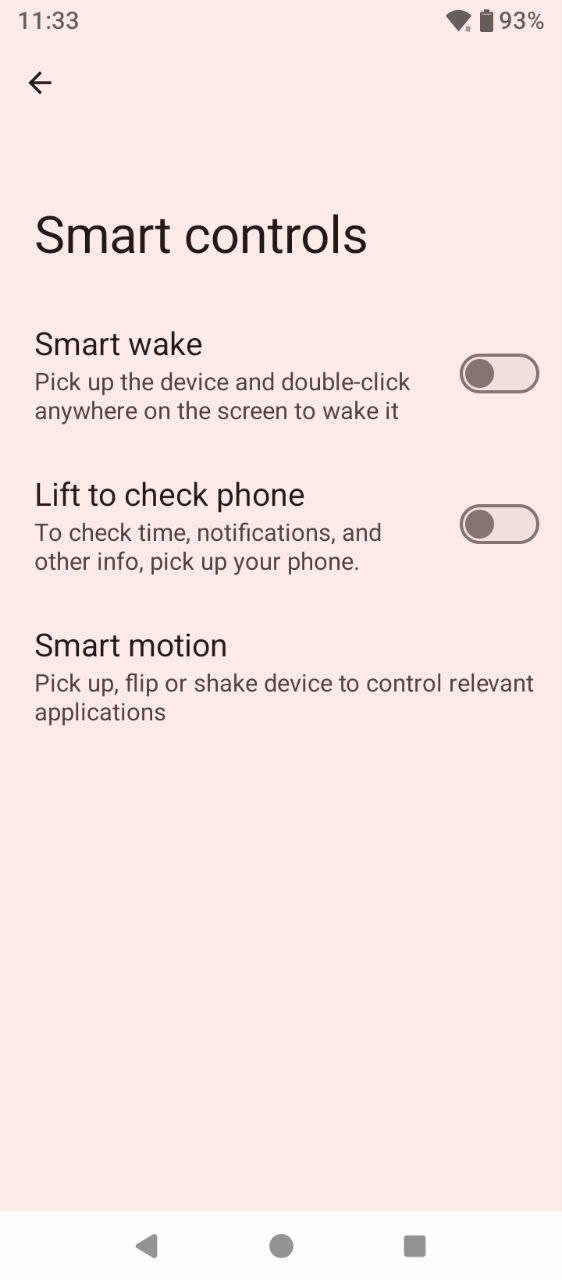
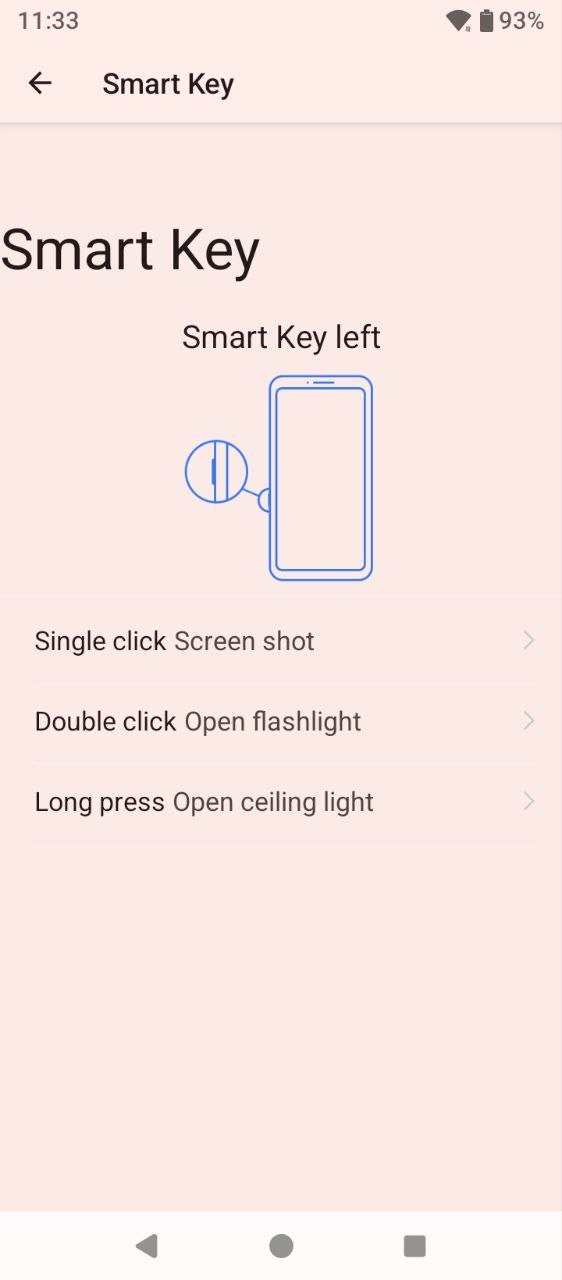
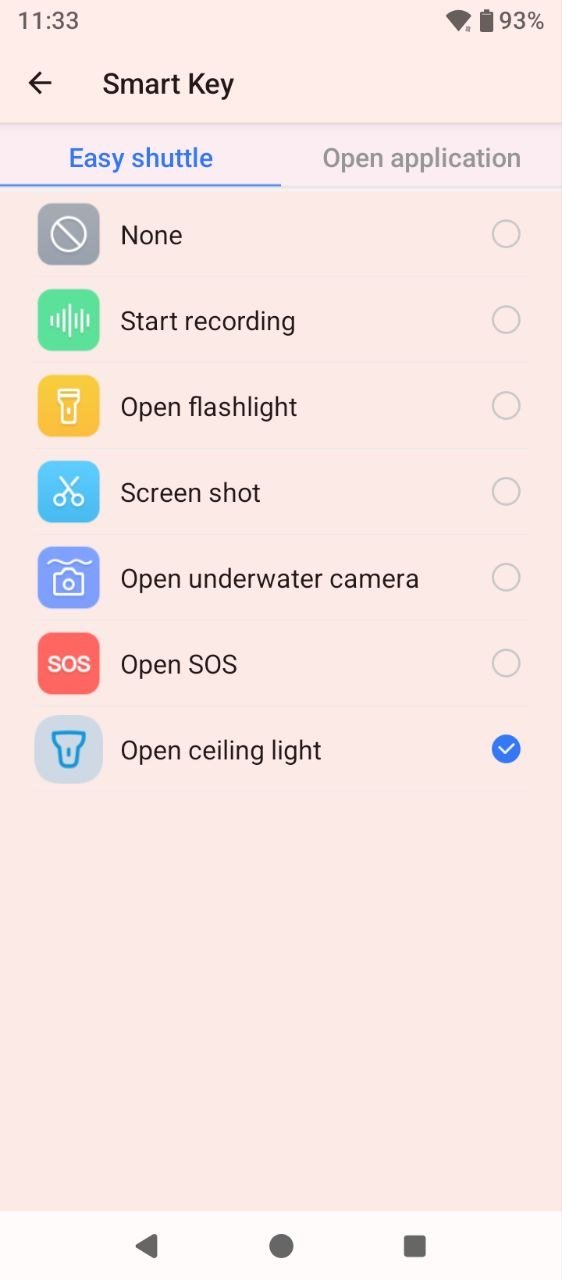
Let’s take a closer look at the layout of the side elements. On the left side of the display, there is a hybrid SIM tray, which can accommodate either two nano-SIM cards or one nano-SIM card and a memory card. There is also a multifunction button that can be used to quickly turn on the flashlight – either the dedicated flashlight or the camera flash – as well as take screenshots and perform other actions. Its only drawback is that it remains active even when the screen is locked. So, if the button is accidentally pressed while the phone is in a bag or pocket, you may end up with a collection of screenshots of the home screen or discover that the flashlight has been switched on. The opposite side houses the usual trio of controls: a power button with an integrated fingerprint scanner and the volume controls.


The top edge houses only the main flashlight, which provides quite powerful illumination and can easily serve as a substitute for a conventional handheld flashlight. On the bottom, there is a USB Type-C port protected by a tight cover, along with the earpiece grille and a microphone opening.


Cubot KingKong ES 5 Ergonomics
The KingKong ES 5 is roughly one and a half times heavier and slightly larger than an average smartphone. However, it is relatively slim for a rugged device, so it remains comfortable to use. Thanks to its elongated form factor, the phone sits securely in the hand and does not feel prone to slipping out. My only minor subjective criticism is that the metal plates on the sides could have been smoother, as their edges feel slightly harsh against the palm. Other than that, I have no complaints. The power button is easy to reach with the thumb when unlocking the smartphone, while the multifunction button to the left of the display adds convenience in everyday use by providing quick access to useful functions.

As for one-handed use, it is somewhat challenging. In addition to the fairly large display, the phone also has relatively wide bezels around it. As a result, when operating it with one hand, only roughly the lower third of the screen is comfortably within reach.
Read also: Cubot KingKong Mini 4 Smartphone Review: Compact Size, Clear Purpose
Cubot KingKong ES 5 Display
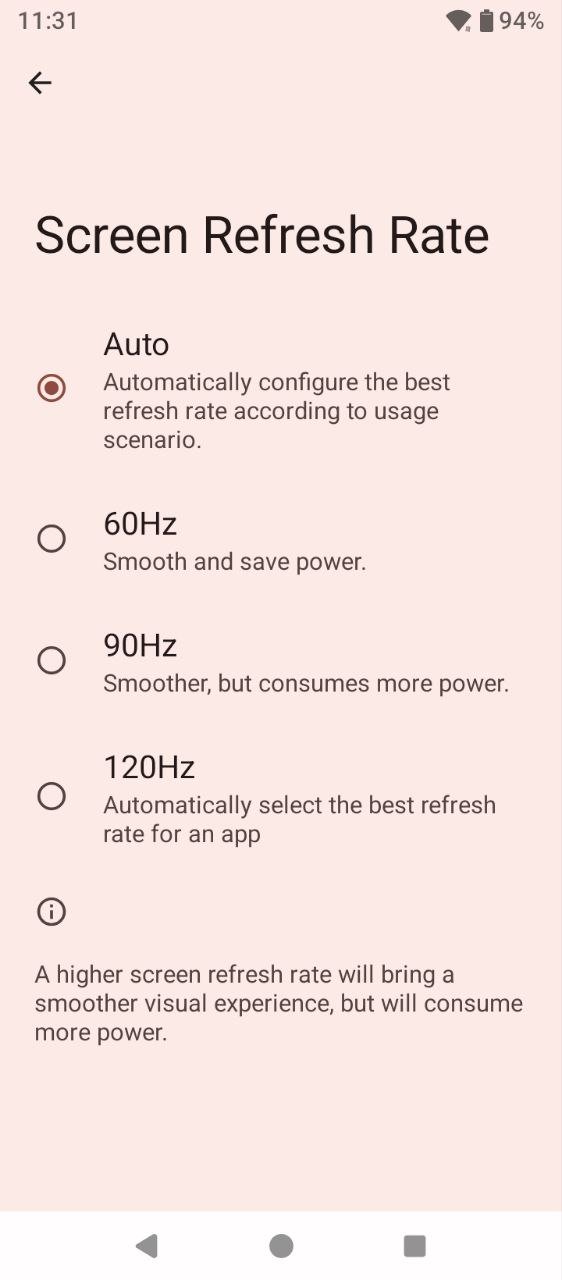
The KingKong ES 5 features a 6.88-inch IPS panel with an HD+ resolution of 1640 × 720 pixels, a pixel density of 260 ppi, and a refresh rate of up to 120 Hz. There are four refresh-rate modes to choose from: Auto, which adjusts the refresh rate depending on the usage scenario; the standard 60 Hz and 90 Hz modes; and a dynamic 120 Hz mode that can vary depending on how the device is being used. Essentially, the latter is another adaptive mode.

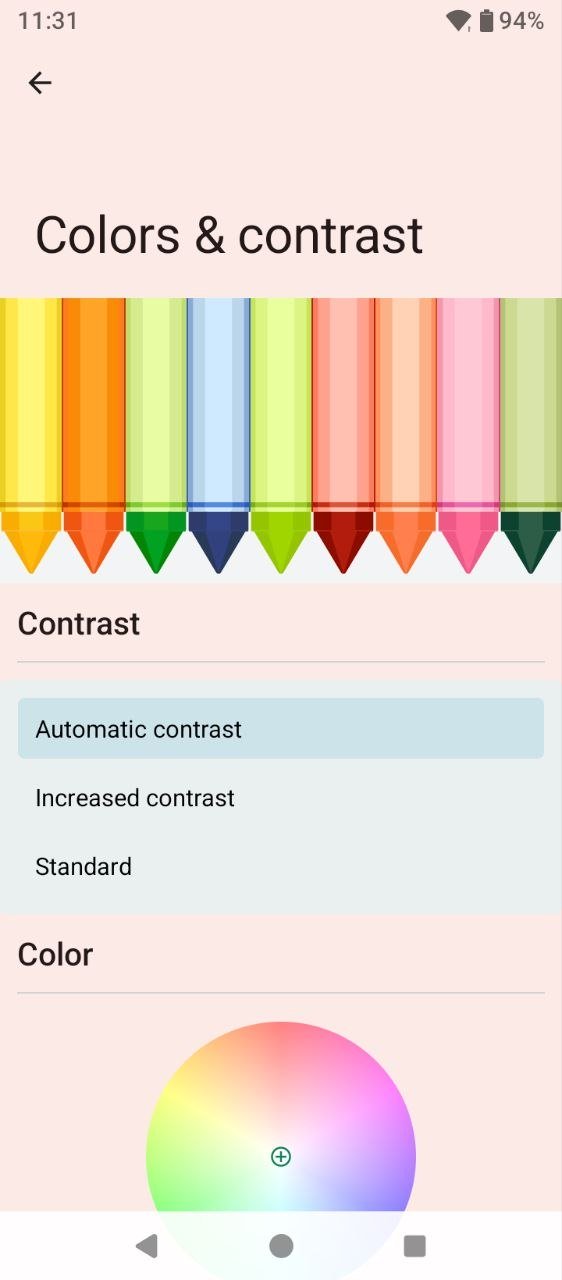
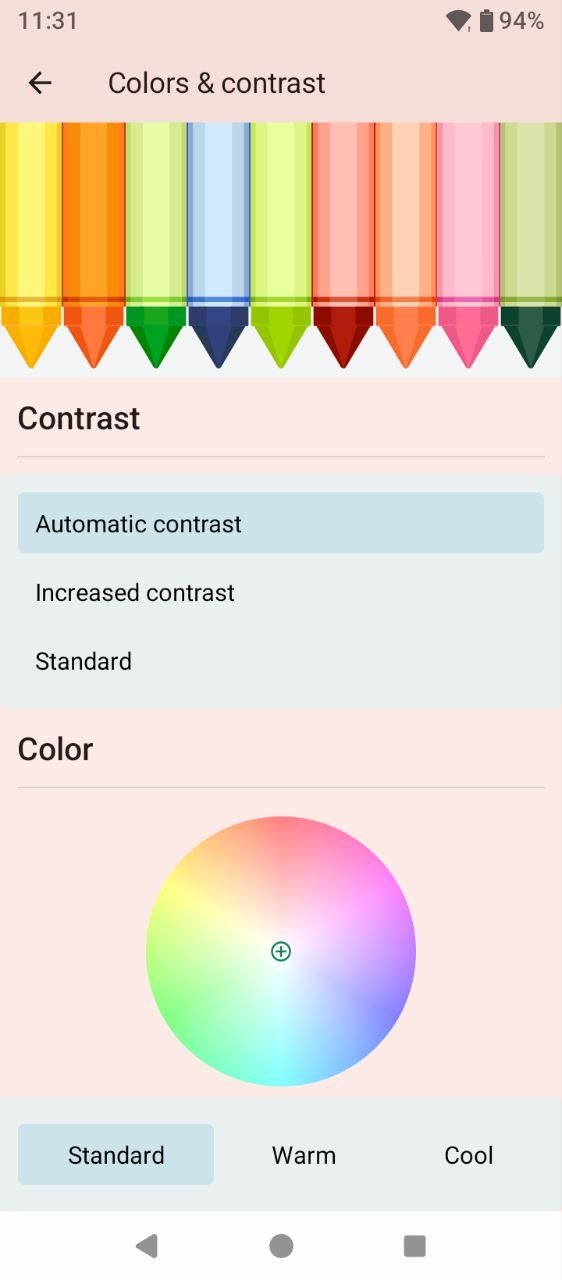
The settings menu offers a useful range of options, including a dark theme, a night display mode with adjustable intensity, wallpaper settings, a “Pocket Mode,” video display enhancement, and an option to activate the LED indicator while charging or when the battery level is low. There are also controls for adjusting color reproduction in terms of both contrast and temperature, which is not something you often see on budget smartphones.
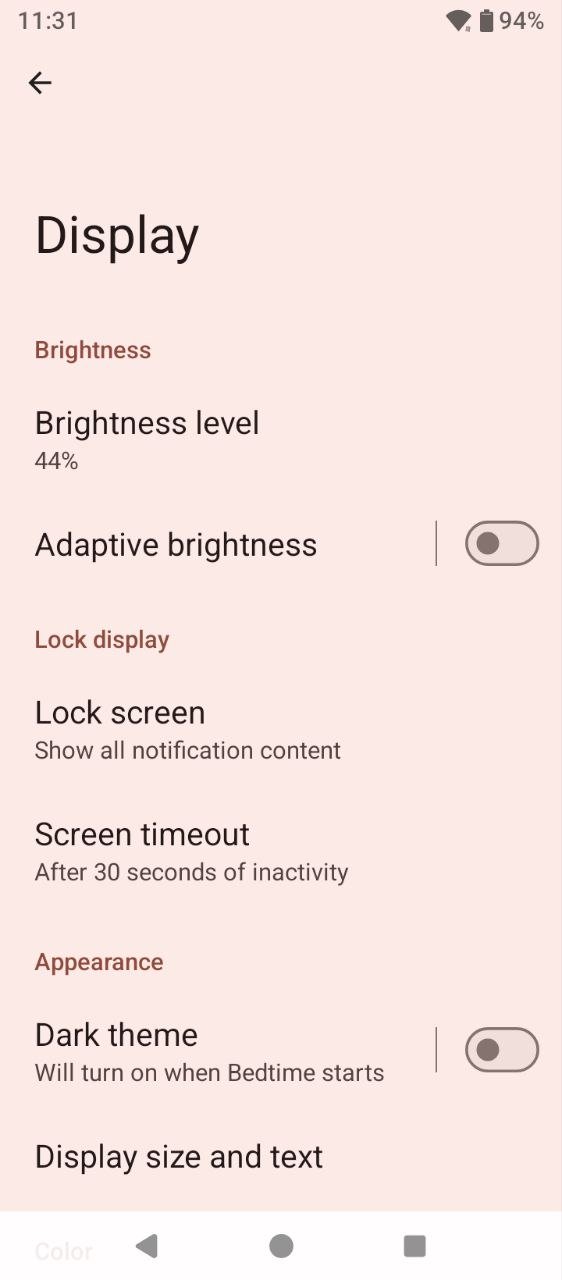
Considering the smartphone’s affordable price, the display is quite good overall. Of course, a Full HD resolution would have been preferable, but in practice, both text and media content look good on the screen. The relatively low pixel density does not make the image appear grainy, and the only noticeable visual imperfection is that the circles around app icons are not particularly smooth. Viewing angles are good, and there is a decent amount of brightness. It falls slightly short under direct sunlight, but on a bright day, the available brightness is more than sufficient.

Performance and Wireless Connectivity
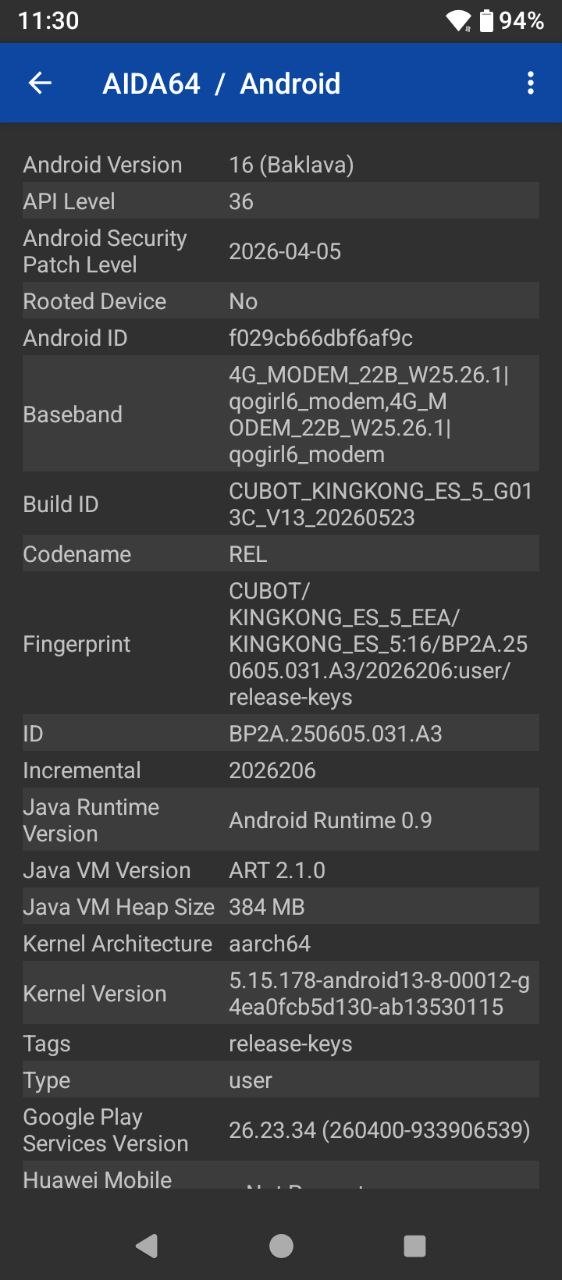
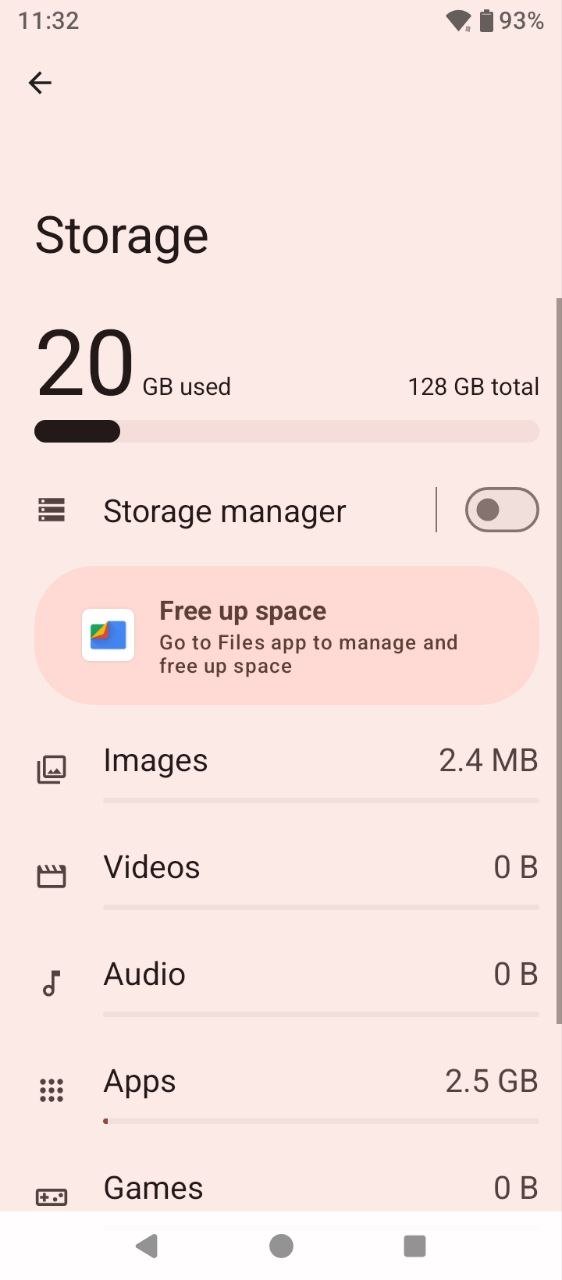
The KingKong ES 5 is powered by the budget-oriented Unisoc Tiger T620, manufactured using a 12 nm process and featuring eight cores: two Cortex-A75 cores clocked at up to 2.2 GHz and six Cortex-A55 cores running at up to 1.8 GHz. Graphics are handled by an ARM Mali-G57 GPU. The smartphone comes with 128 GB of internal storage and 6 GB of RAM. Both can be expanded: a memory card of up to 1 TB can be added, while the RAM can be virtually expanded by another 6 GB using internal storage. The wireless connectivity package includes everything essential: Wi-Fi 5, Bluetooth 5.2, NFC, and support for various positioning and navigation services.
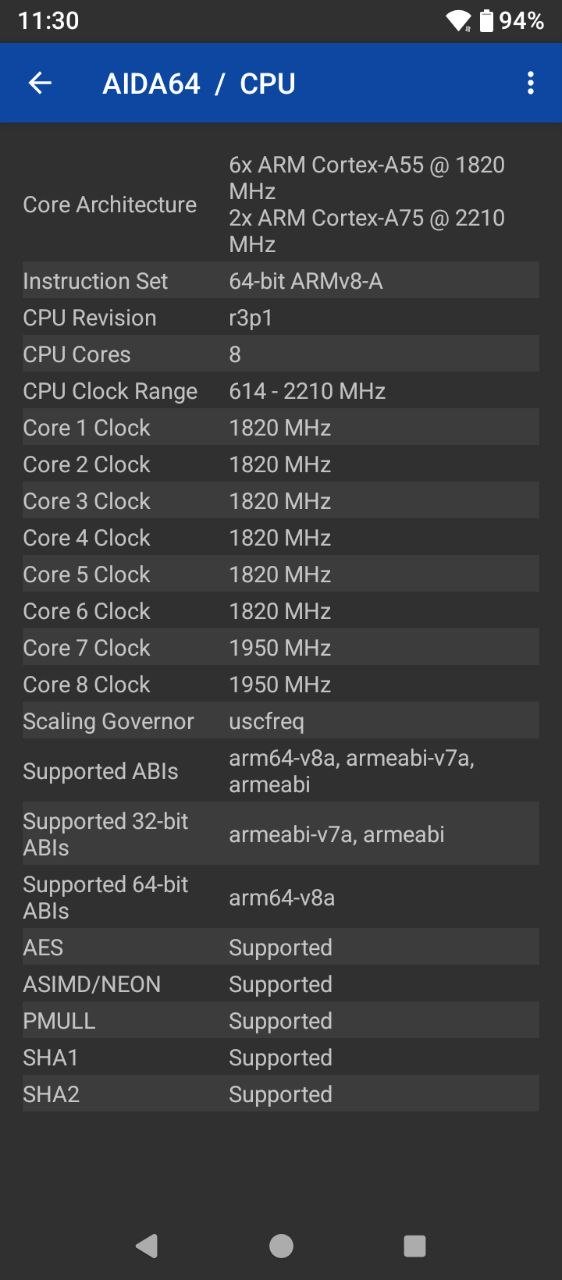
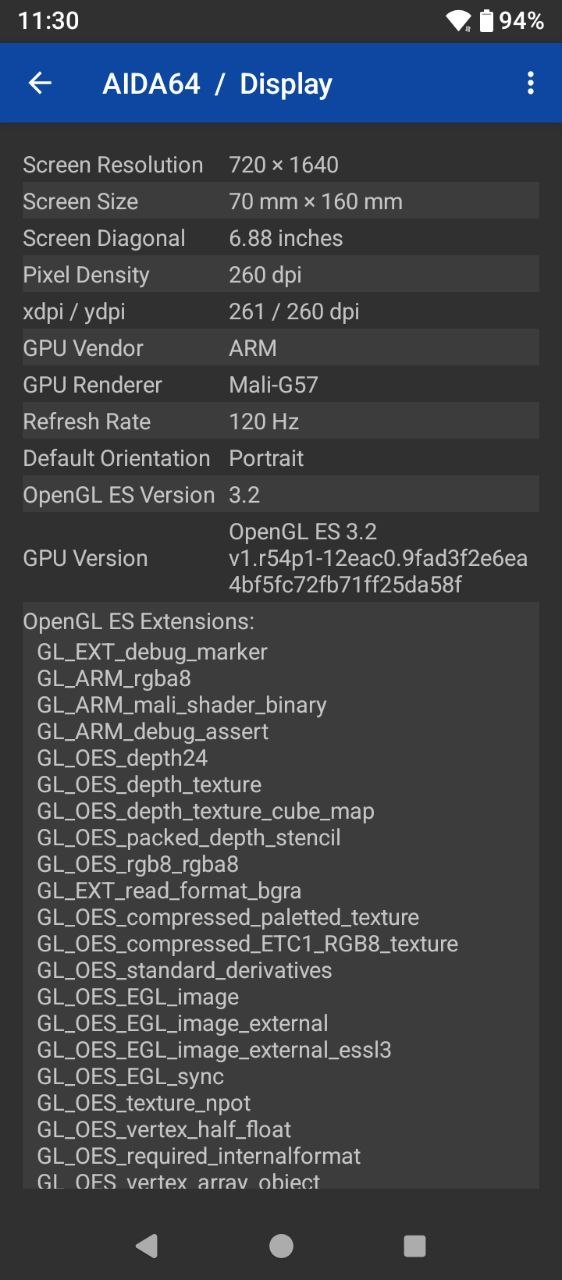
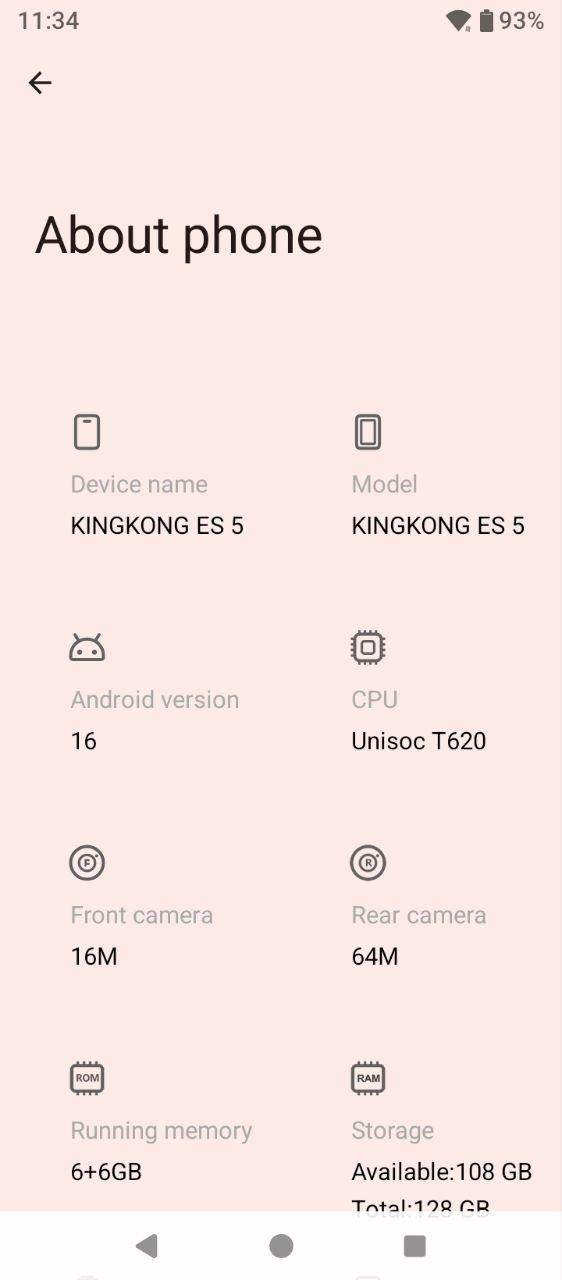
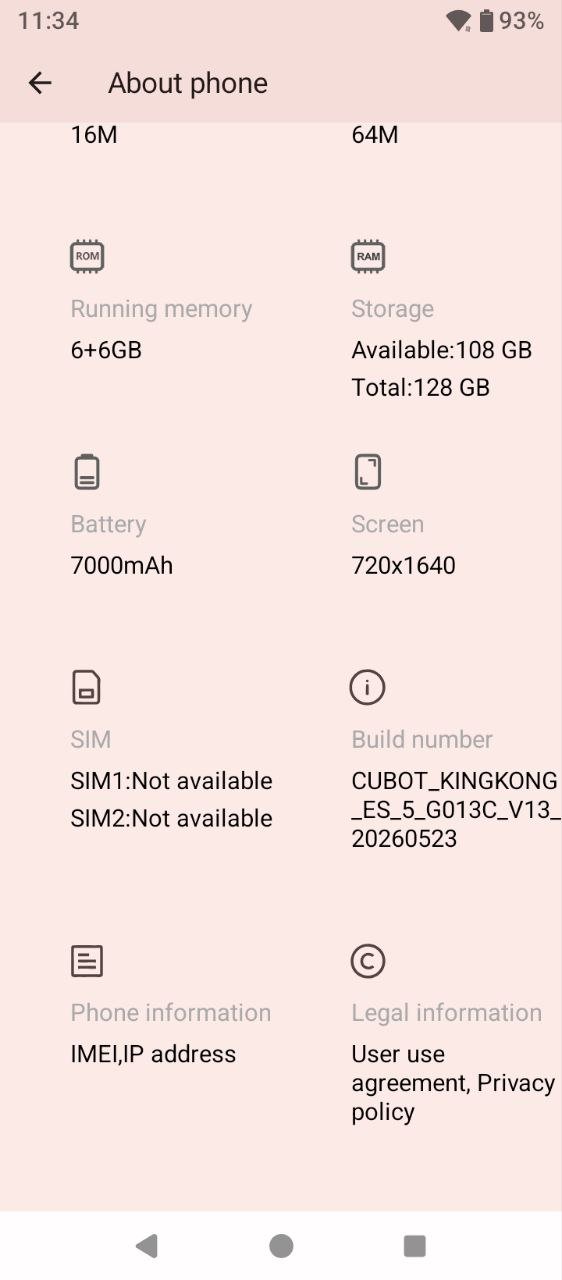
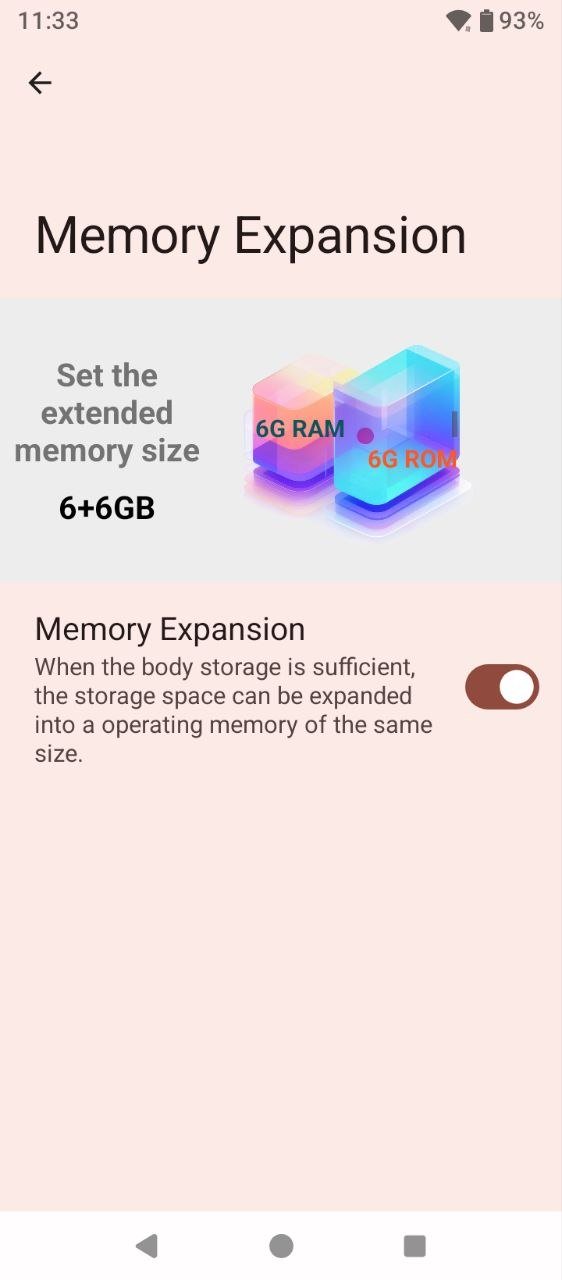
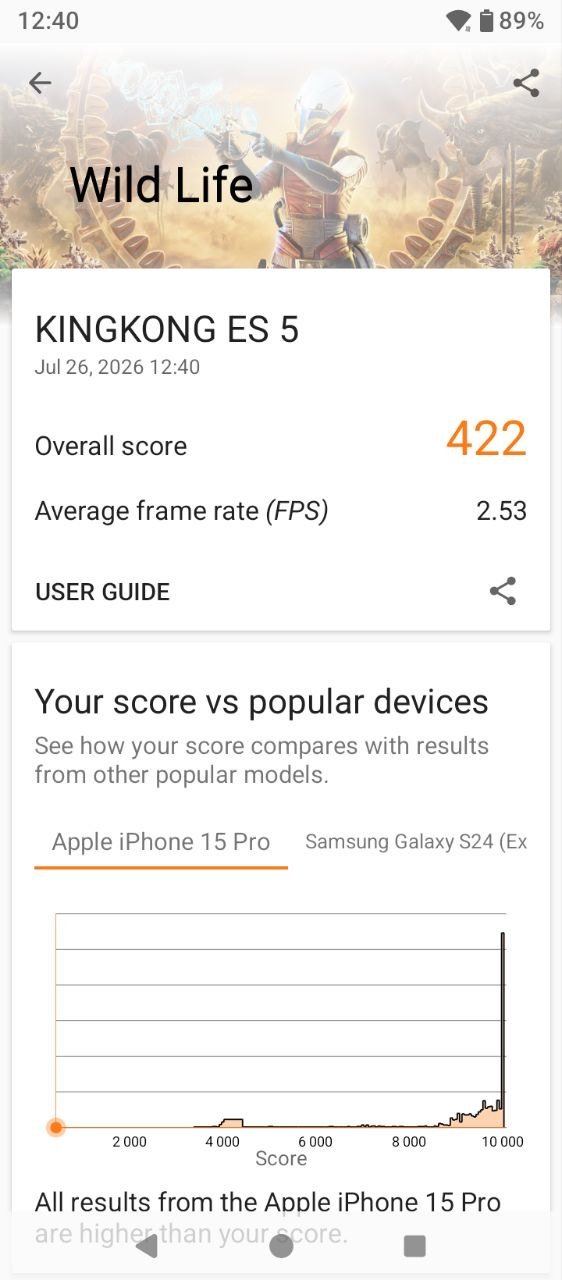
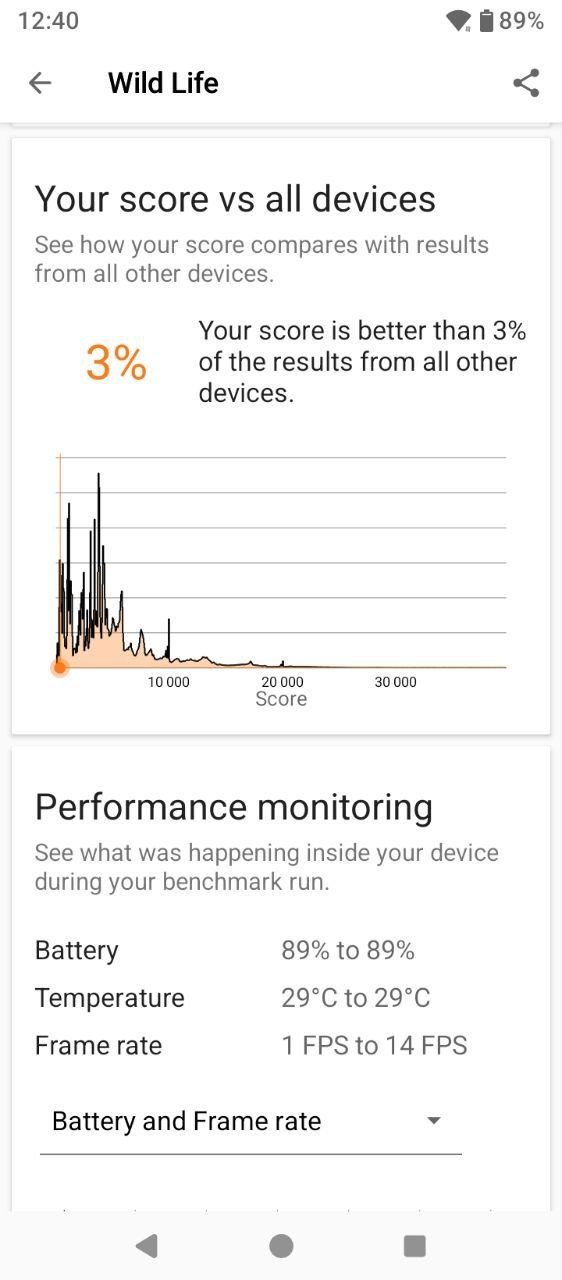
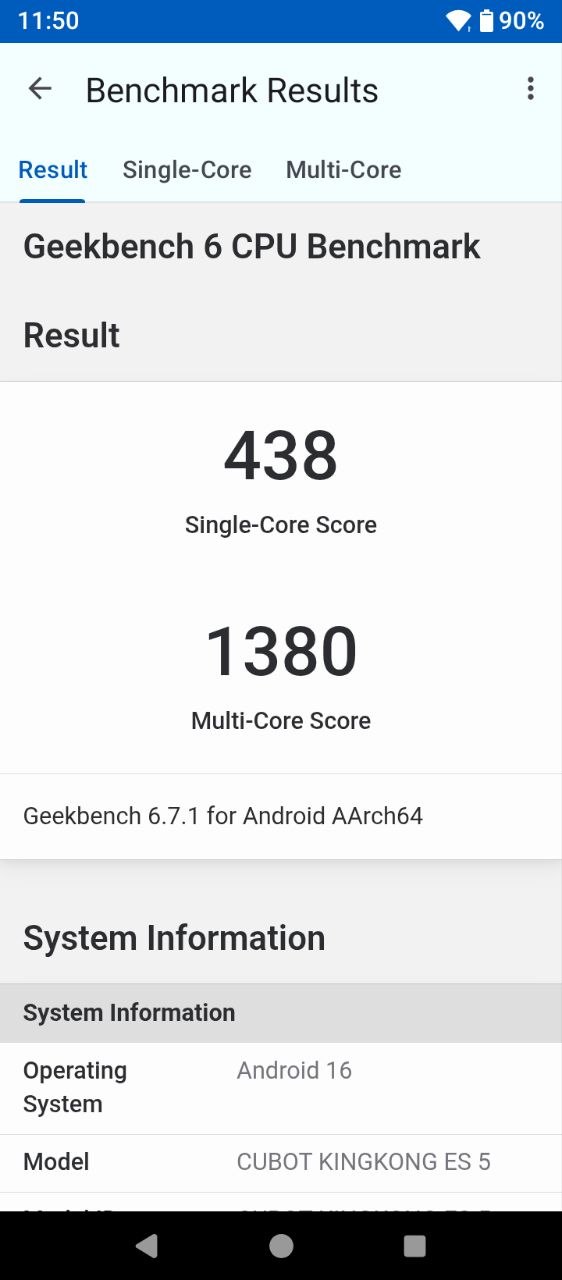
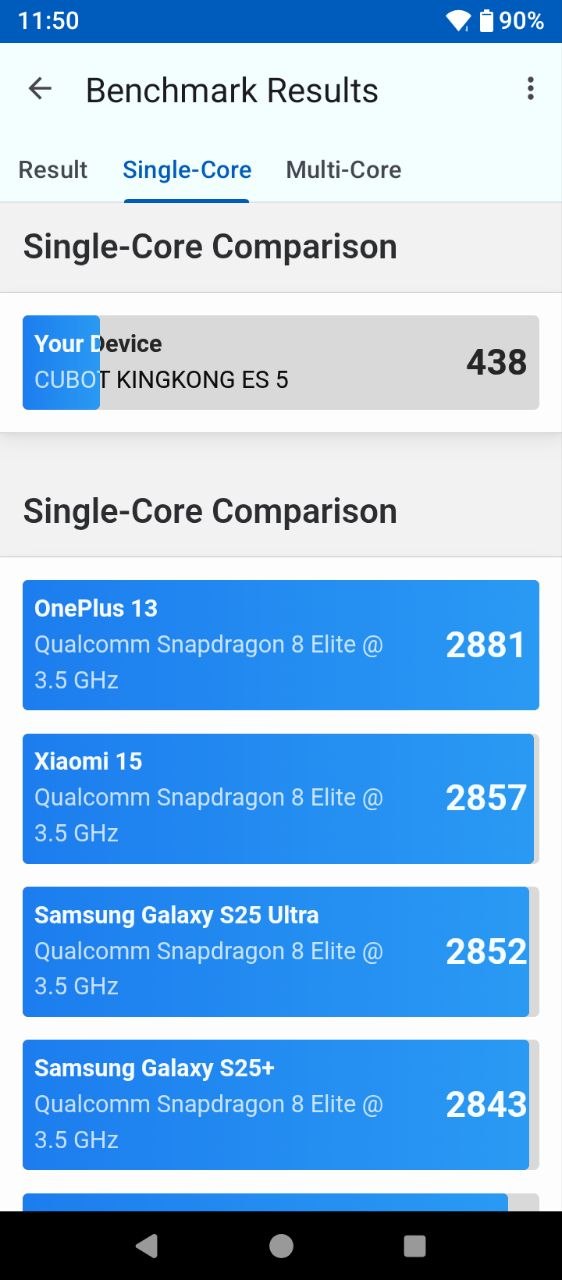
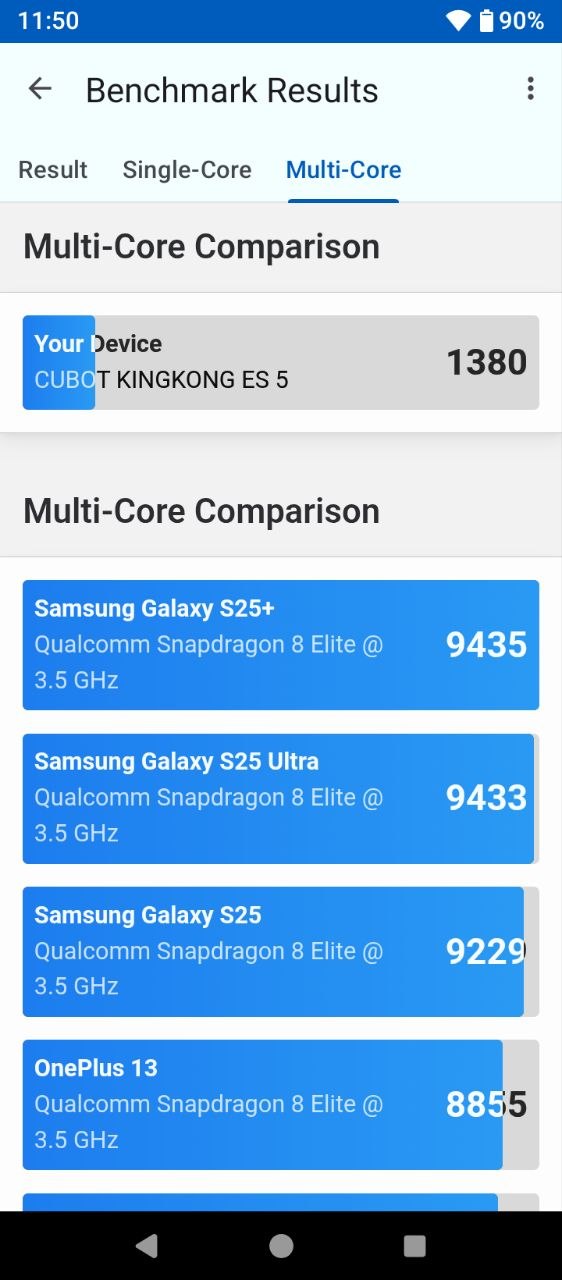
Of course, this is not the kind of smartphone that will deliver a consistently high frame rate in demanding games. But is it powerful enough for everyday use? Absolutely. During testing, I did not encounter any issues with regular day-to-day tasks. The KingKong ES 5 handles web browsing, apps, messengers, multitasking, and other everyday workloads with ease. Even if you want to pass the time with less demanding games, it performs well enough. Below, you can see the results of several benchmark tests.
Read also: Cubot X100 Review: Stylish Budget Smartphone with Secondary Display
Cubot KingKong ES 5 Software

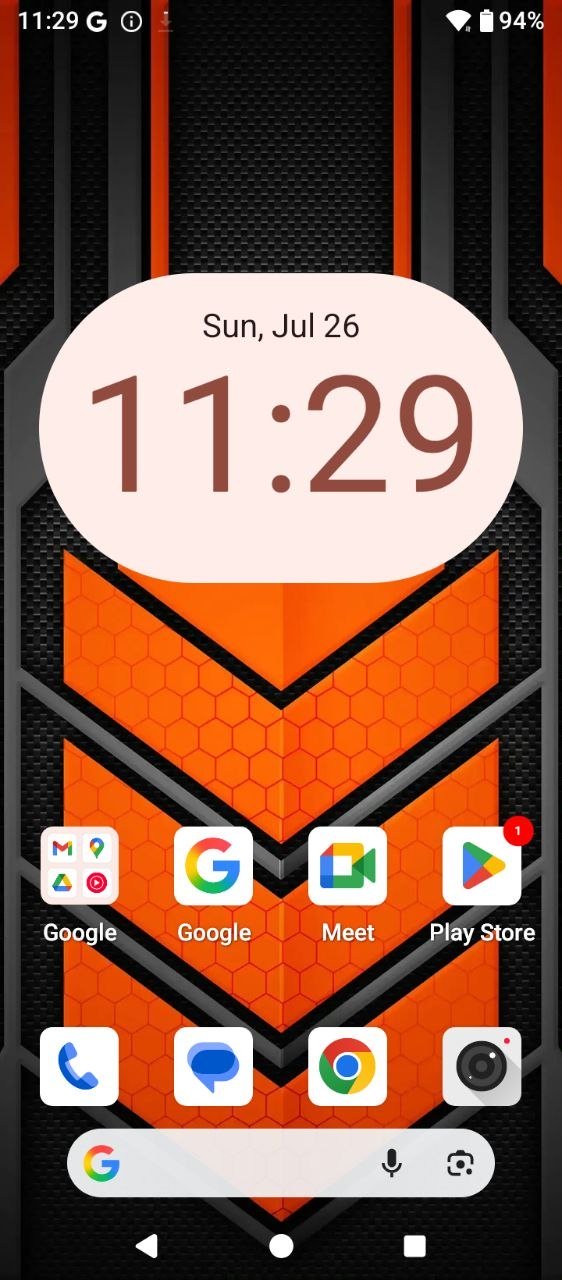
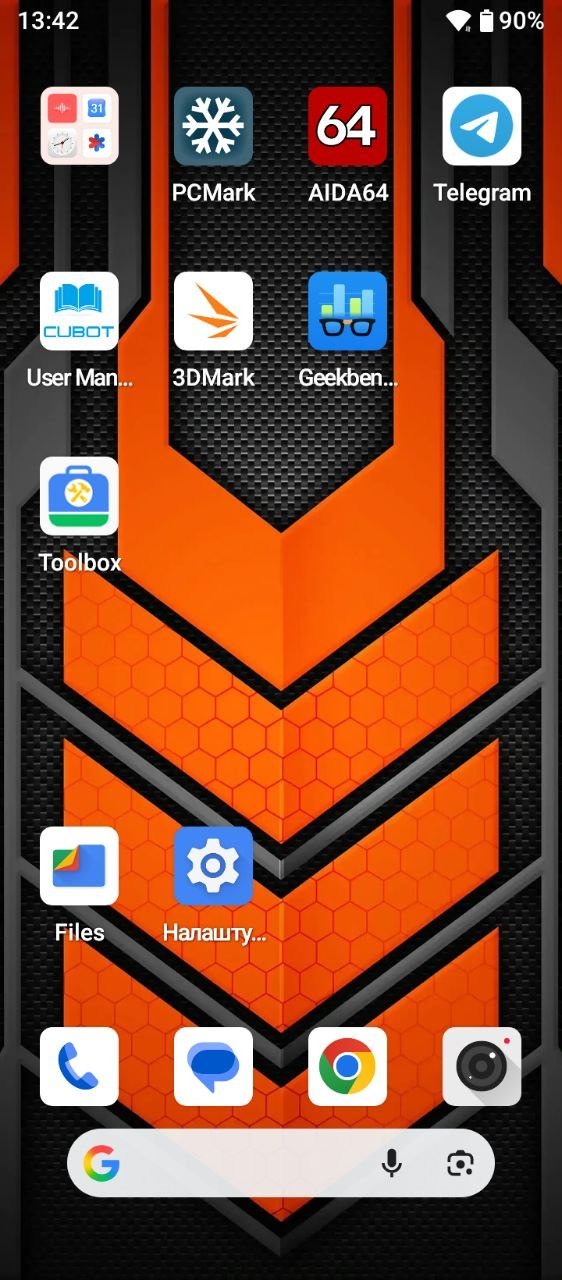
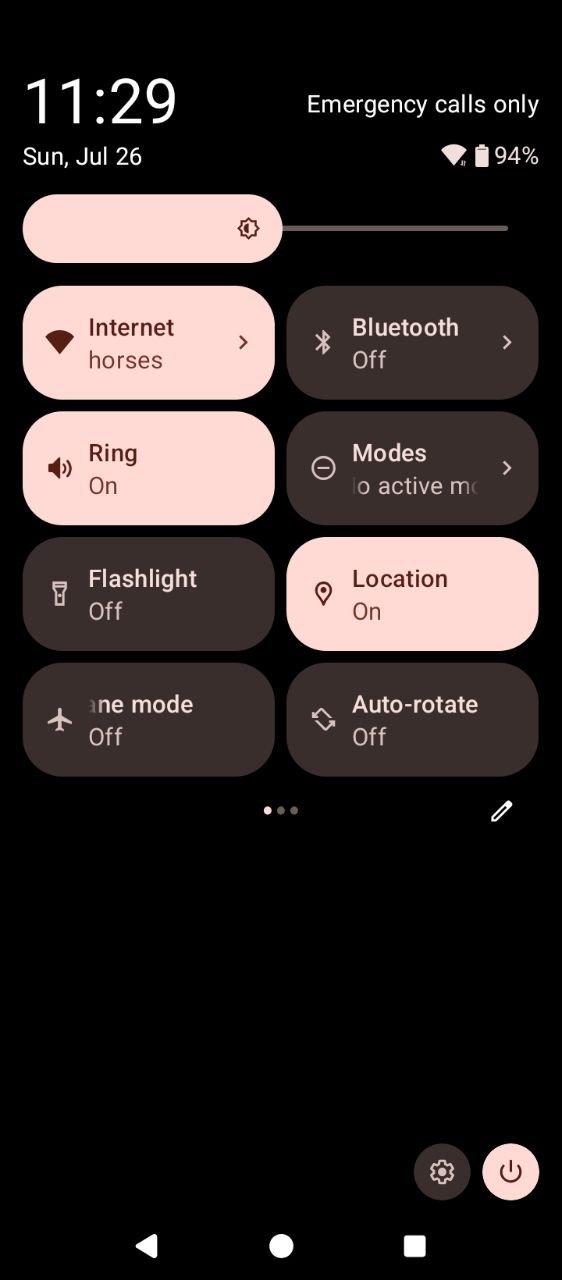
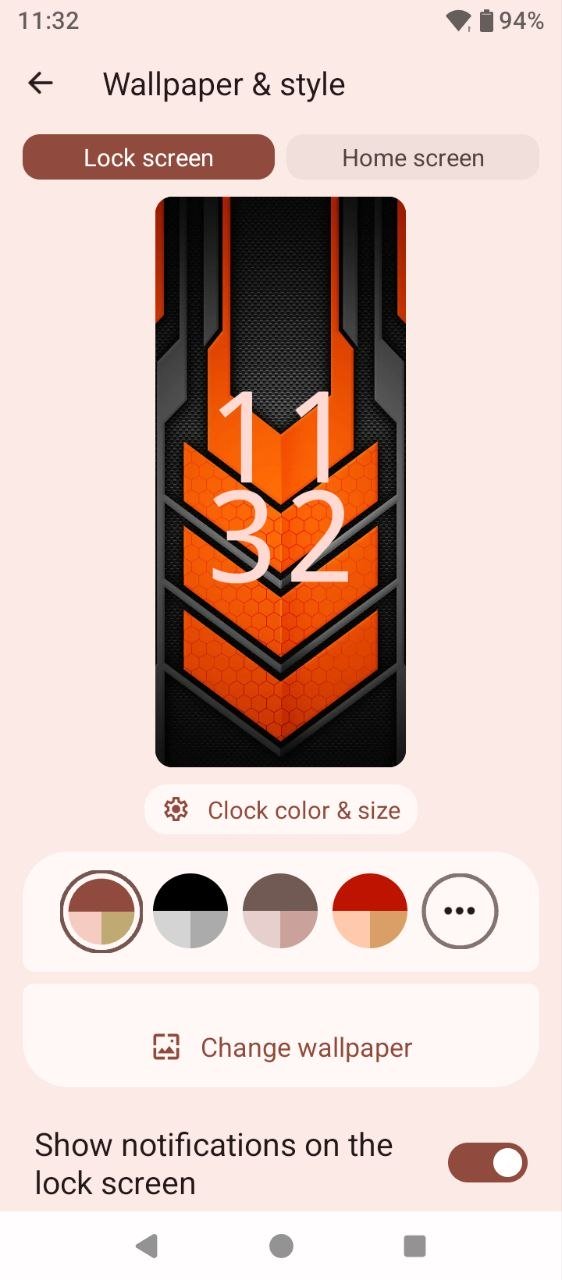
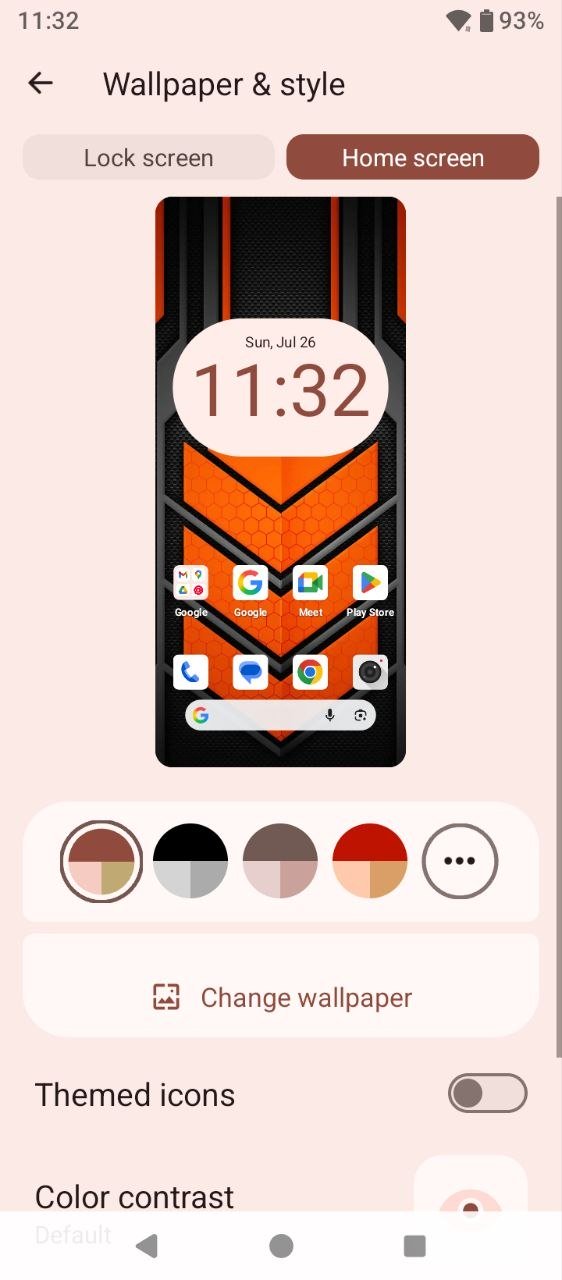
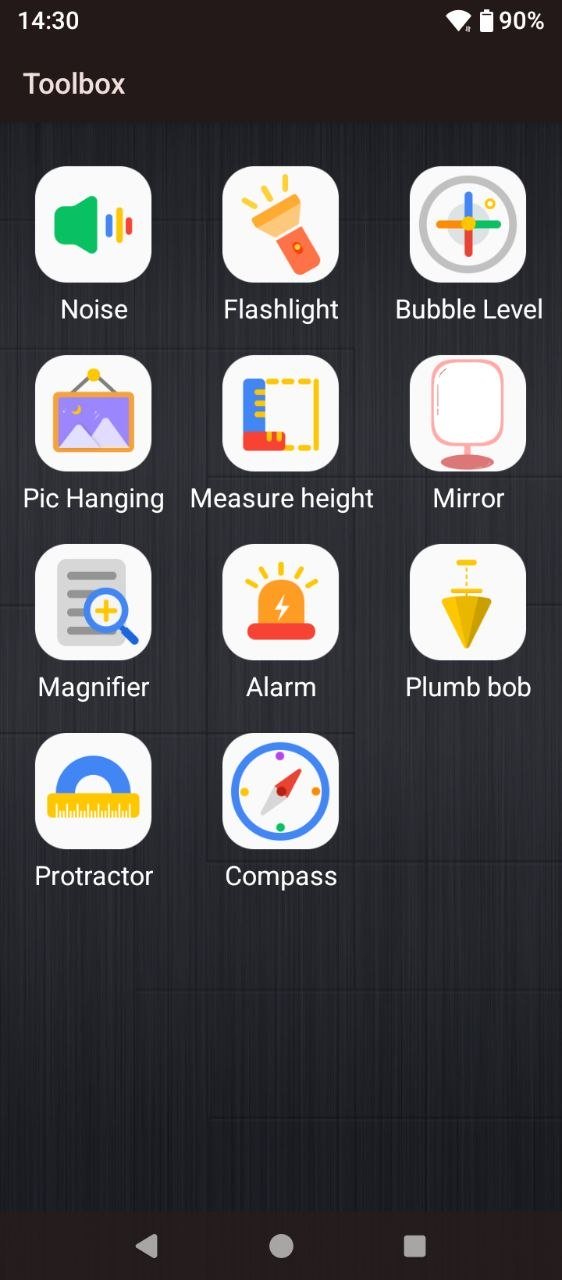
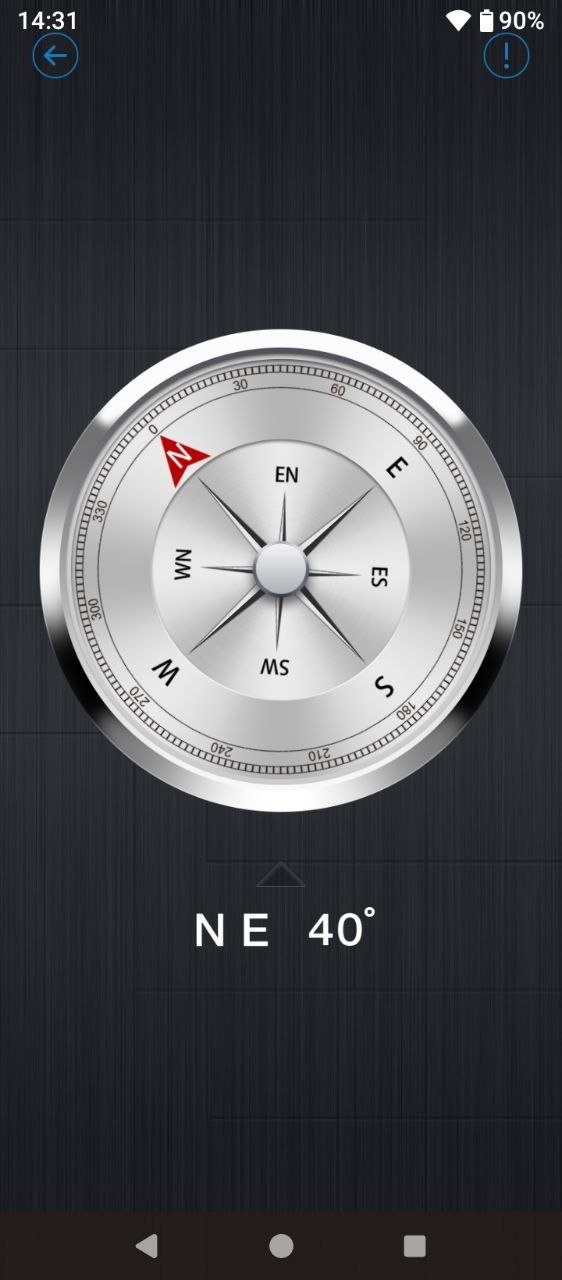
The software experience is based on an almost stock version of Android 16, with few additional modifications. There was some unnecessary pre-installed software, but it can be easily removed. The core experience is built around various Google services, while the Files app serves as the gallery. Among the additional features, the Tools app is worth highlighting. It includes a range of useful utilities, such as an angle meter, altimeter, noise measurement tool, level, mirror mode, and more. These are handy additions that expand the capabilities of a conventional smartphone and can be useful well beyond engineering-related tasks.

Unlocking Methods
The KingKong ES 5 offers a full range of unlocking options, including face recognition and a fingerprint scanner integrated into the power button. Both methods work reliably and quickly. The fingerprint scanner responds almost instantly with the first touch of the button, and I did not encounter any recognition errors during testing. Face recognition works just as well. If there is not enough ambient light – for example, when attempting to unlock the smartphone in the dark with the screen brightness set low – the display briefly increases its brightness to illuminate your face and unlock the device.
Cubot KingKong ES 5 Cameras

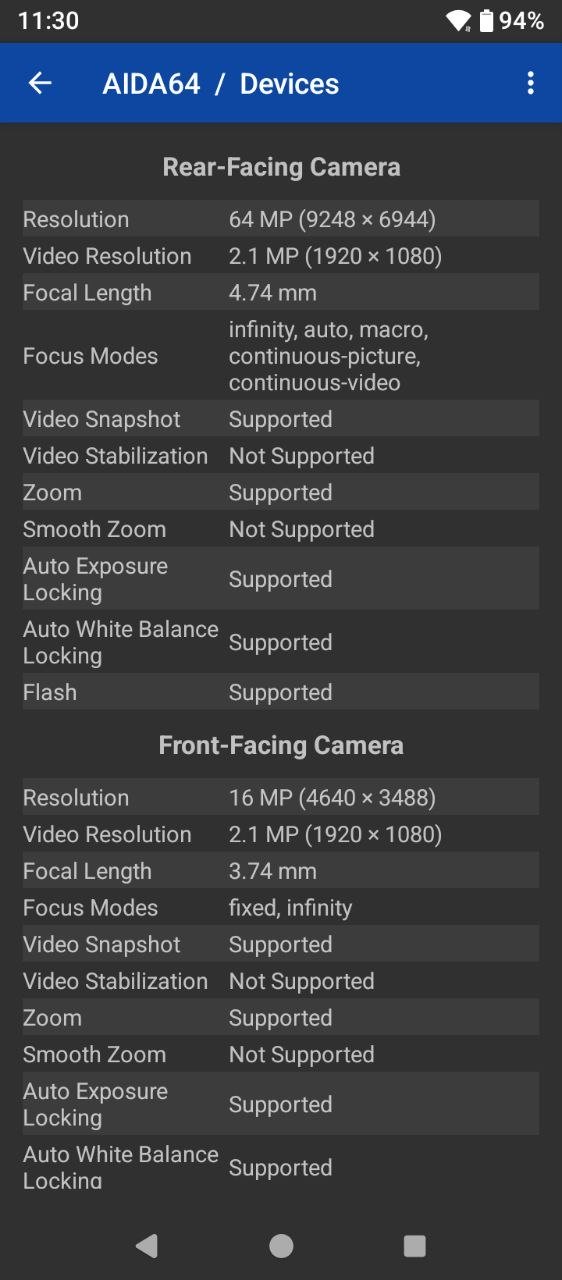
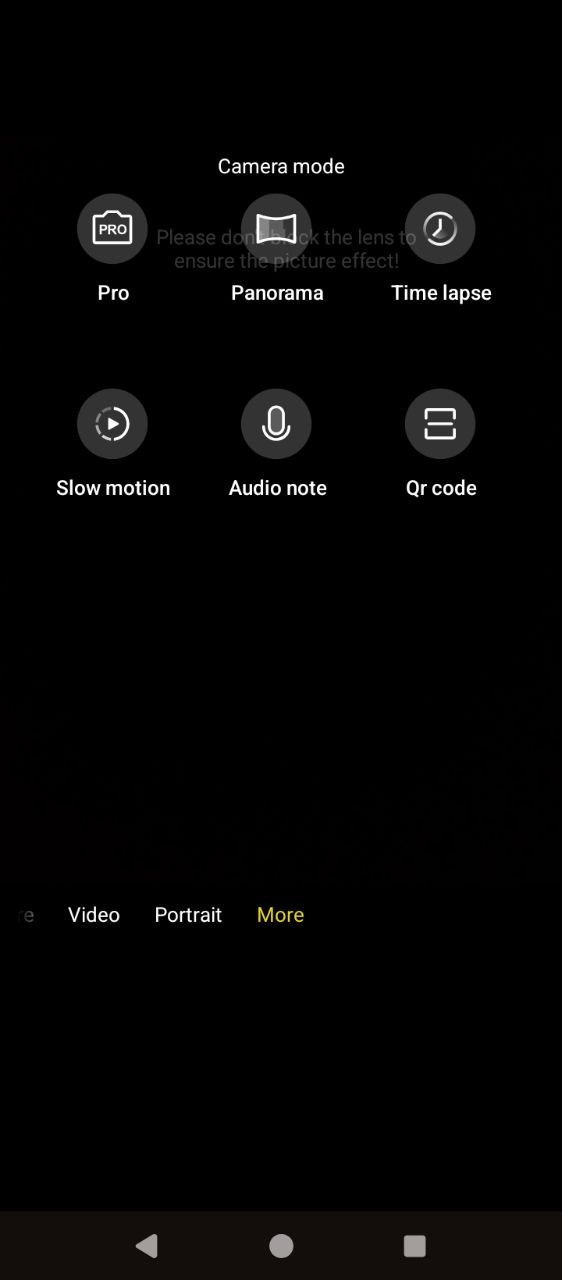
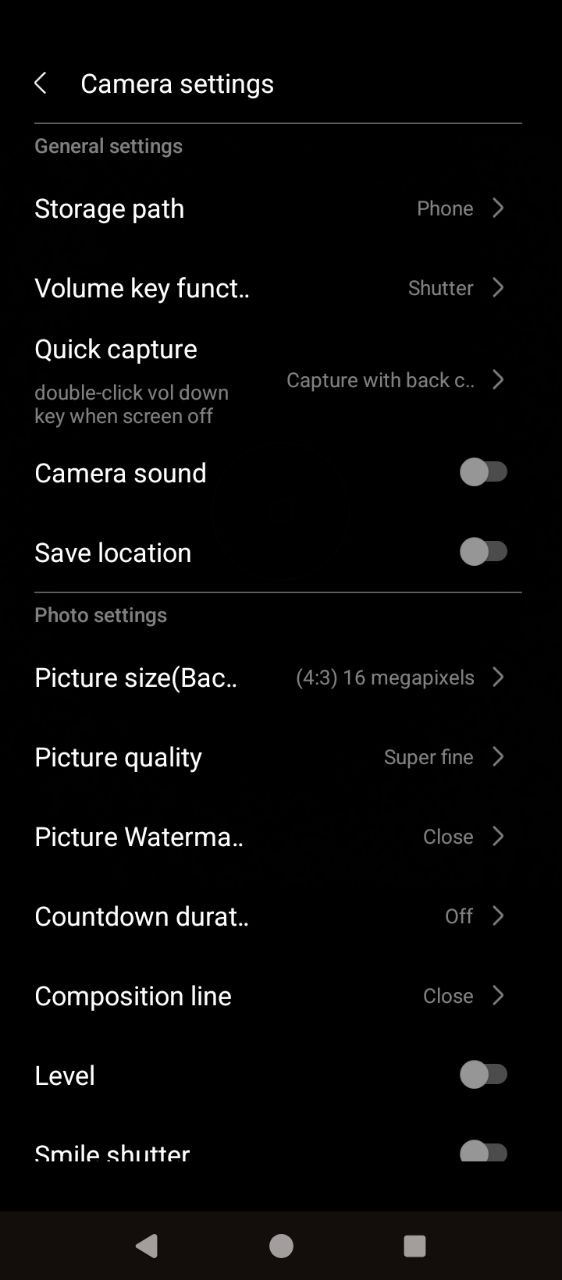
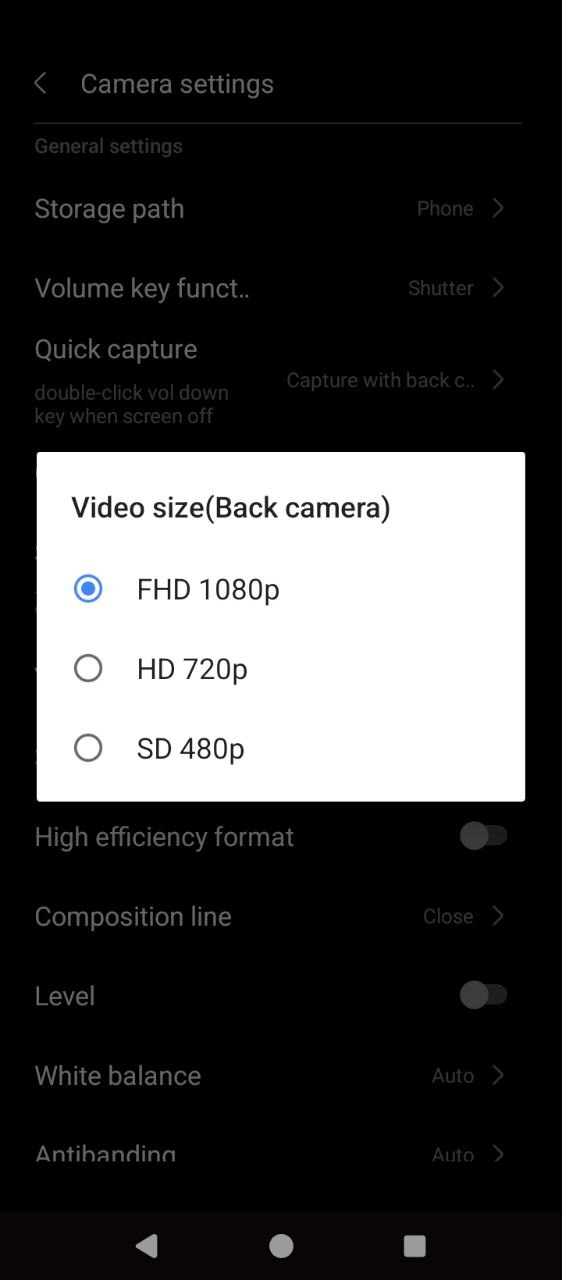
The KingKong ES 5 features a triple-camera setup consisting of a 64 MP main sensor, assisted by a 0.3 MP auxiliary camera and a 2 MP macro lens. The shooting modes cover all the essentials: Photo, Video, Pro, Portrait, Panorama, Night, and Macro. For video, there are also Timelapse and Slow Motion modes, along with portrait beautification, a dedicated audio recording mode – somewhat unusually listed as a separate option here – and a built-in QR code scanner. Video recording is available in Full HD at 30 fps.
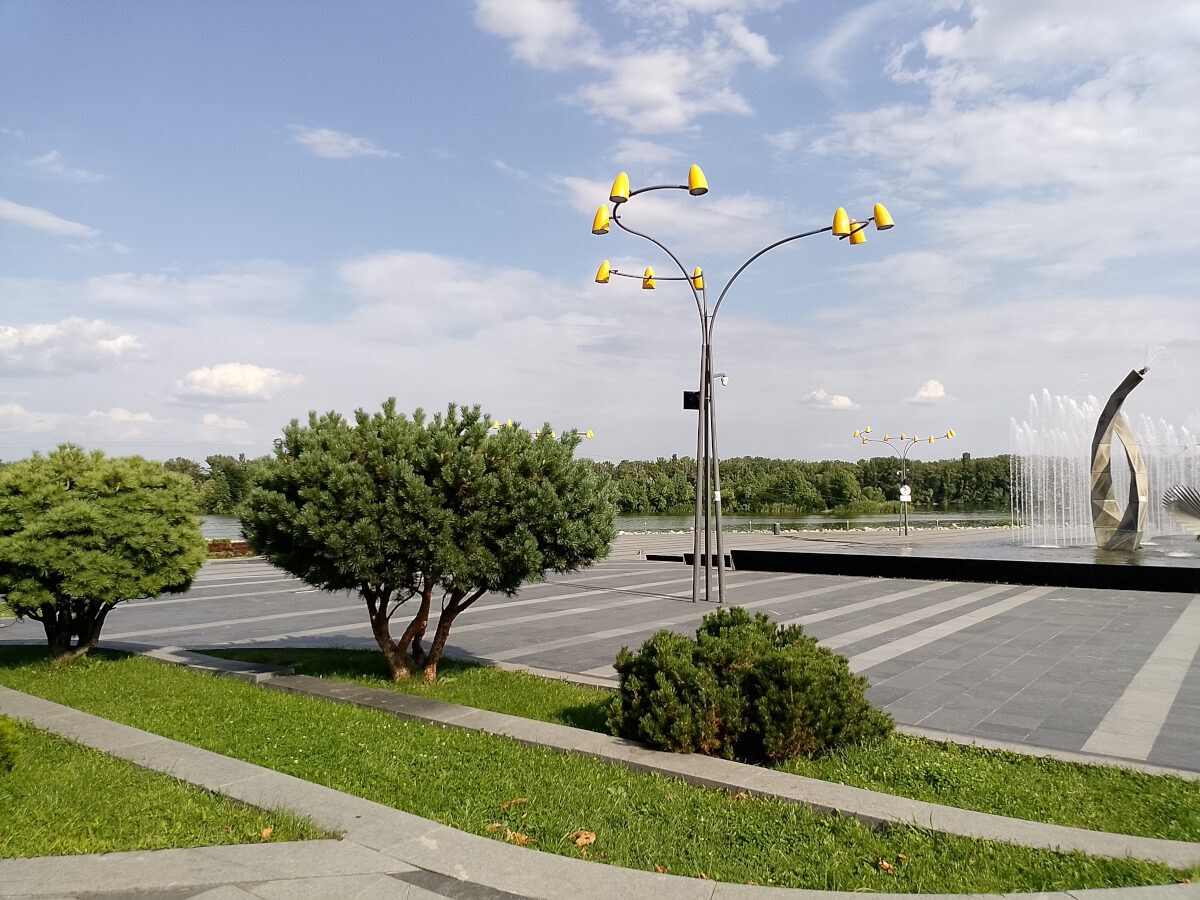
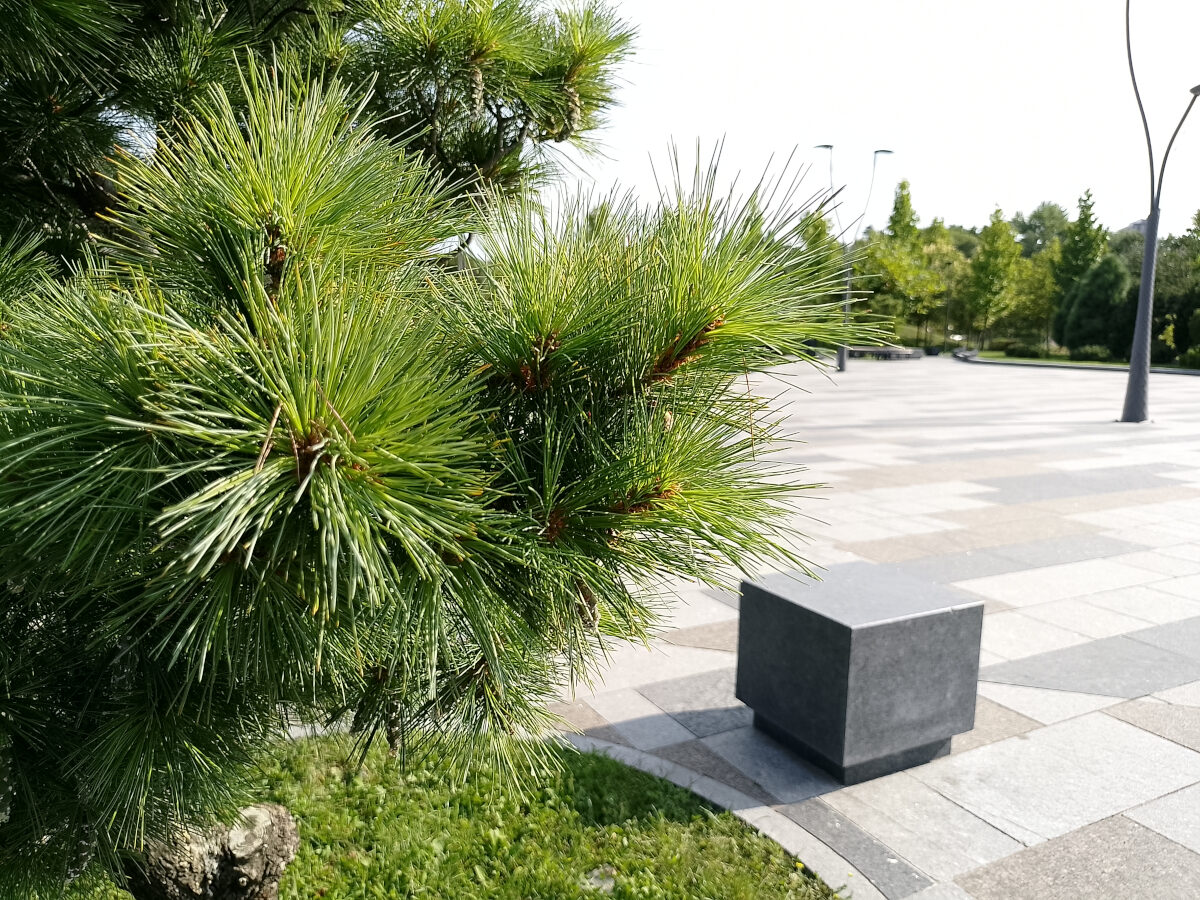
In daylight, the camera delivers fairly good results. The images are sharp and reasonably detailed, with pleasant color reproduction. It can occasionally take a little time to lock focus, but overall, the results are quite good. In low-light conditions or at night, image quality drops noticeably: textures become softer and details are lost. However, the Night mode helps compensate for this by capturing more light and producing a clearer image. Below are a few examples: the standard mode is shown on the left, while Night mode is on the right.


And here are a few more examples of photos taken in daylight.











The front-facing camera uses a 16 MP sensor and can capture decent shots in good lighting, although without an excessive level of detail. Video recording is also available in Full HD at 30 fps. This may not be enough for running a dedicated video blog, but it is more than adequate for video calls and casual personal photos.
Read also: Top 10 Wireless Over-Ear Headphones
Sound
Audio playback on the Cubot KingKong ES 5 is handled by a single speaker located on the bottom edge. It is fairly loud, but sound quality is rather average. Voice calls are easy to hear, while music and sound effects have a noticeably “plastic” character. I would not recommend using it as the primary option for multimedia, as headphones will provide a better experience, but it is perfectly adequate for speakerphone calls and podcasts. And, of course, you are unlikely to miss a call or notification with it.
Battery life

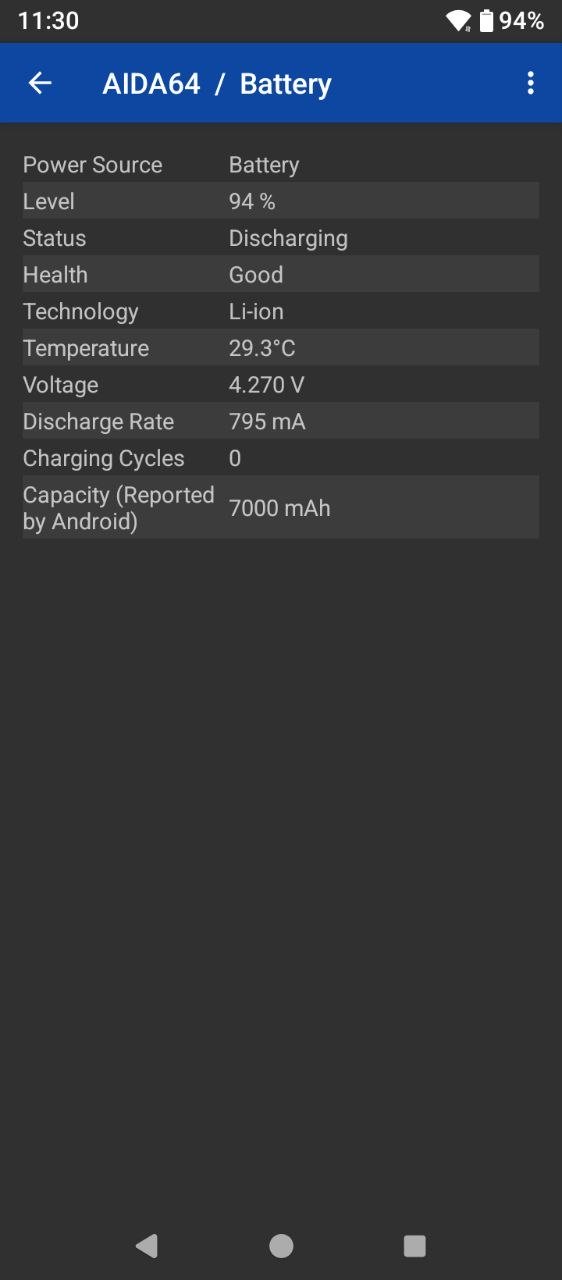
This is one area you simply won’t have to worry about with the KingKong ES 5. With its 7,000 mAh battery, the smartphone delivers almost 18 hours of screen-on time in battery tests at around 40% brightness, measured from 100% down to 20%. The manufacturer claims up to two days of active use, and the synthetic test results support that figure. Naturally, more intensive use involving gaming and extended camera sessions will drain the battery faster. Even so, the KingKong ES 5 should comfortably last at least a full day under heavy use.

Read also: Cubot Note 60 Review: A Practical Budget Smartphone
Conclusion and Competitors
Overall, the Cubot KingKong ES 5 is a solid option if you are looking for a smartphone that can withstand drops, water, and dust without breaking the bank. It offers a 6.88-inch IPS display with a 120 Hz refresh rate, adequate performance, decent cameras for its class, long battery life, and an almost stock version of Android 16 with the set of engineering utilities provided by the Tools app. It also adds a fingerprint scanner and a full-fledged flashlight, both of which were missing from the previous model. Of course, a higher display resolution, and a solution to the occasional accidental activation of the side button would be welcome improvements. However, compromises are inevitable in the budget segment.

As for alternatives to Cubot’s new model, there are not that many options in the affordable segment. If longer battery life is the priority, I would consider the KingKong ES 3 or the KingKong Ace 5, which also offers slightly more RAM (8 GB) and includes both a fingerprint scanner and a flashlight. If you also need a power bank function, the Oscal Marine 2 would be worth considering. However, it does not have a fingerprint scanner and uses a slightly less powerful processor, although it comes with 8 GB of RAM.
Read also: XVX L75 Air Wireless Mechanical Keyboard Review: Versatile, Comfortable, Well-Built, and Stylish
Where to buy CUBOT King Kong ES 5