




© ROOT-NATION.com - Use of content is permitted with a backlink.
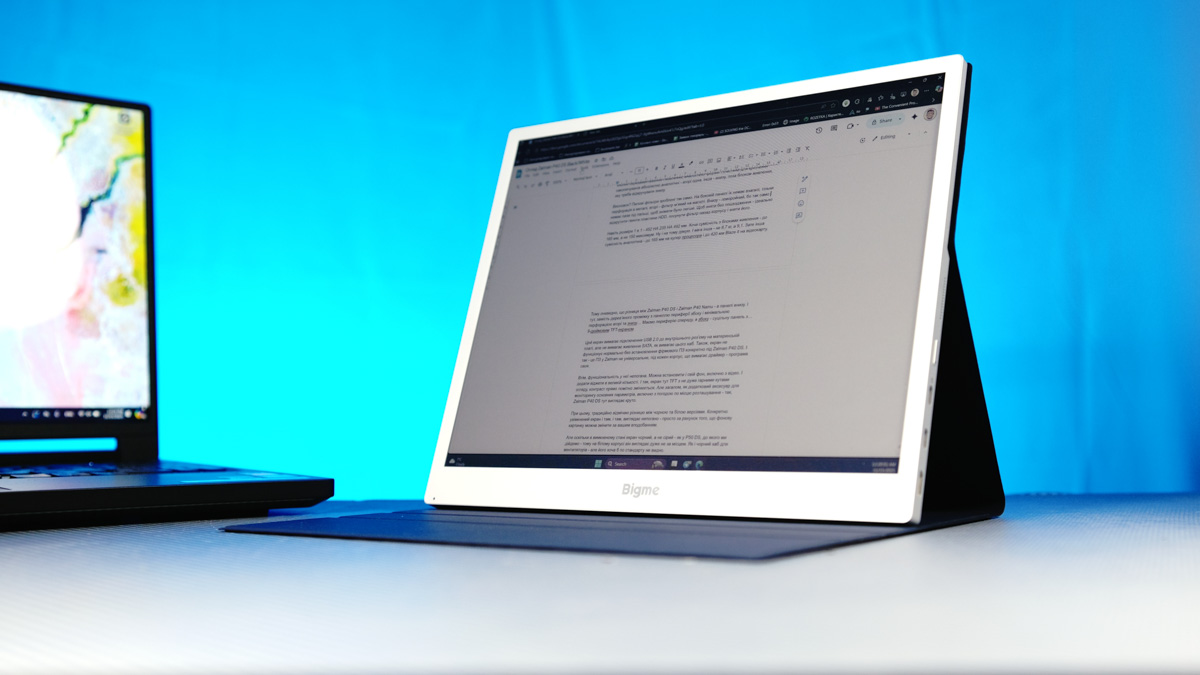
In a way, the Bigme B13 portable monitor with a color E-ink display reflects how far the company has progressed as a player in the e-ink device market. Consider this: how often do you see such experimental products coming from startups or lesser-known manufacturers?

In my view, the main challenge with this device is its positioning. The Bigme B13 tries to do many things at once, yet it’s difficult to classify. So let’s break down who might realistically benefit from a monitor like this.
Read also: Bigme HiBreak Pro Review: An Almost Ideal E-Ink Smartphone for Digital Detox
TABLE OF CONTENTS:
Positioning and price
So what exactly are we looking at here? A monitor? A tablet? An e-reader? Its price certainly doesn’t make the answer any clearer – around $700 or €600. For context, that’s comparable to the company’s most advanced e-readers equipped with a keyboard, stylus, and a color display. Still, it is what it is: the Bigme B13 is the world’s first 3K (3200×2400 pixels) 13.3-inch E-ink monitor.
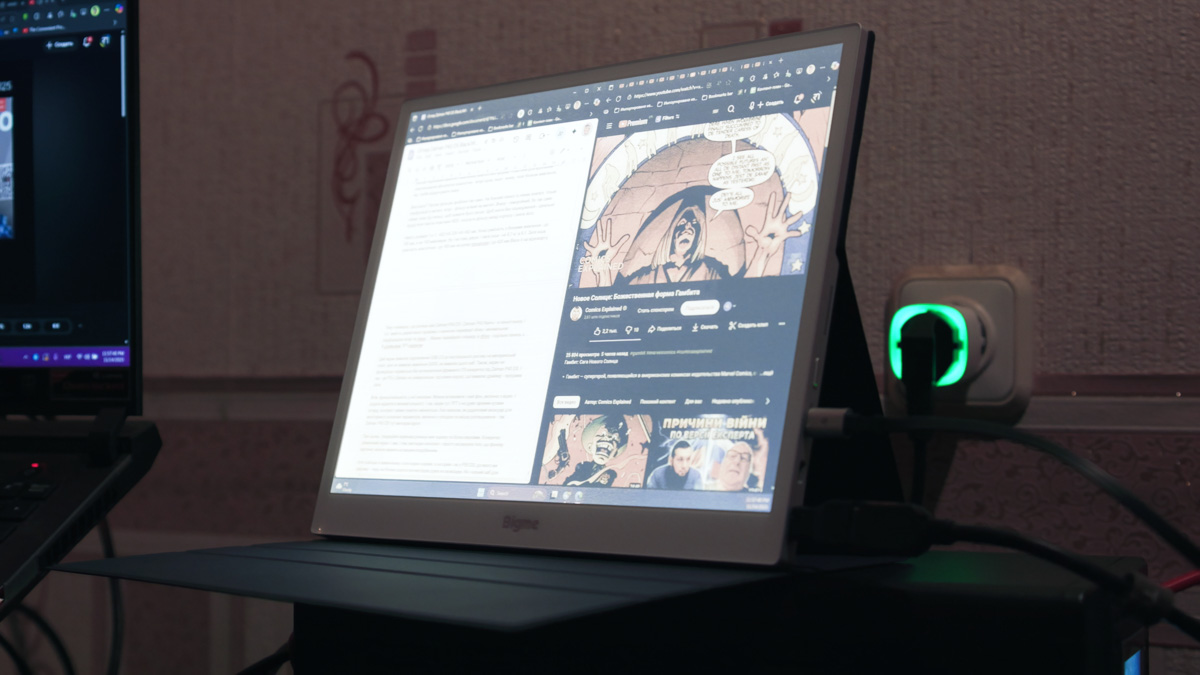
Given the high price, it’s reasonable to expect the Bigme B13 to offer a long list of features – and it does. Technically, it’s a monitor with a color E-ink display, high resolution, a relatively fast refresh mode for this panel type, and wireless capabilities. What exactly those wireless features include, we’ll cover next.
Why an E-ink Monitor Format Matters
I was particularly interested in reviewing this model because the format itself is genuinely useful. External monitors for laptops have become important in Ukraine, where the ability to work from a shelter or even a hallway during an air-raid alert is often essential. And beyond that, portable displays are relevant worldwide: remote work relies heavily on mobility, and devices like this can noticeably improve overall productivity.

You can imagine a straightforward use case for E-ink. If you place lower-priority content on a secondary monitor – equipment specs, comparison tables, or simply messaging apps – that information doesn’t need to update in real time. Of course, you could also keep YouTube in a separate window, but users with attention issues might simply listen rather than watch.
In that sense, this is almost an ideal environment for an E-ink monitor. Electronic ink is essentially paper-like in readability, has minimal impact on eye strain, and – importantly in the context of power outages in Ukraine – it retains the image even when the device is powered off. If the monitor is disconnected (or the electricity suddenly goes out) and you had something important on the screen, it will remain visible until you refresh the display.
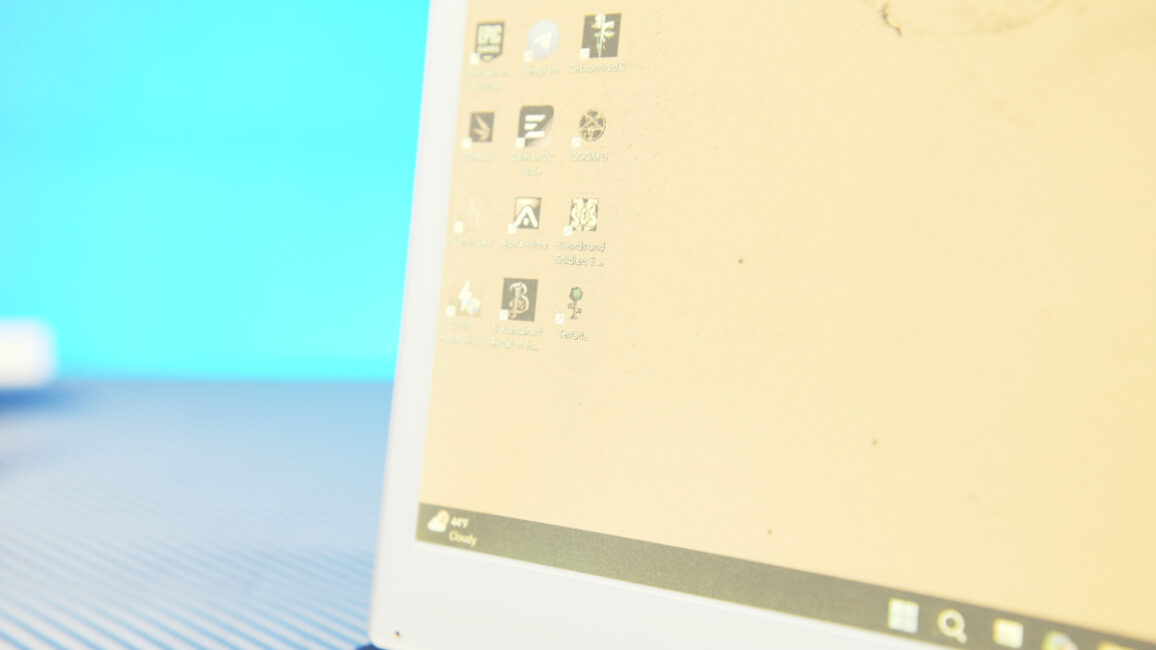
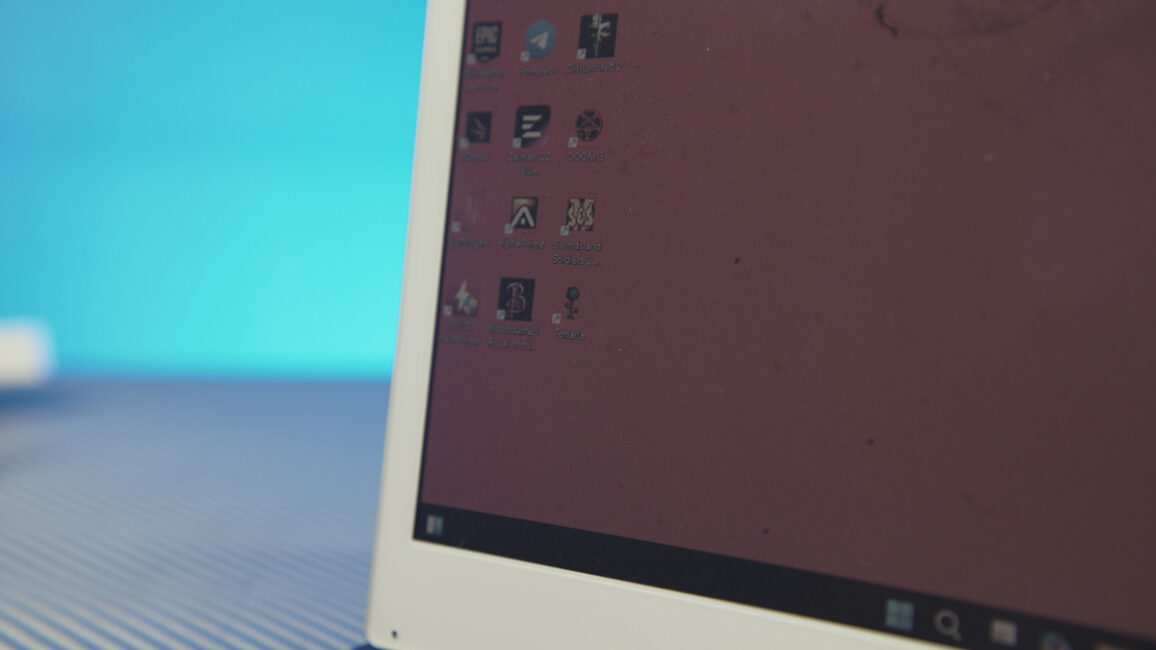
Add to that the company’s proprietary (though not entirely unique) fast-refresh technology, which reaches 30 Hz – an unusually high figure for E-ink. Then consider that the screen is color, not just monochrome, with the panel capable of operating in two distinct modes. And finally, include connectivity via both USB-C and HDMI. All of this results in a device that is, at the very least, technically intriguing. Let’s take a closer look.
Read also: Bigme B7 Review: When an E-Reader Tries to Be a Tablet – and Actually Pulls It Off
Package Contents
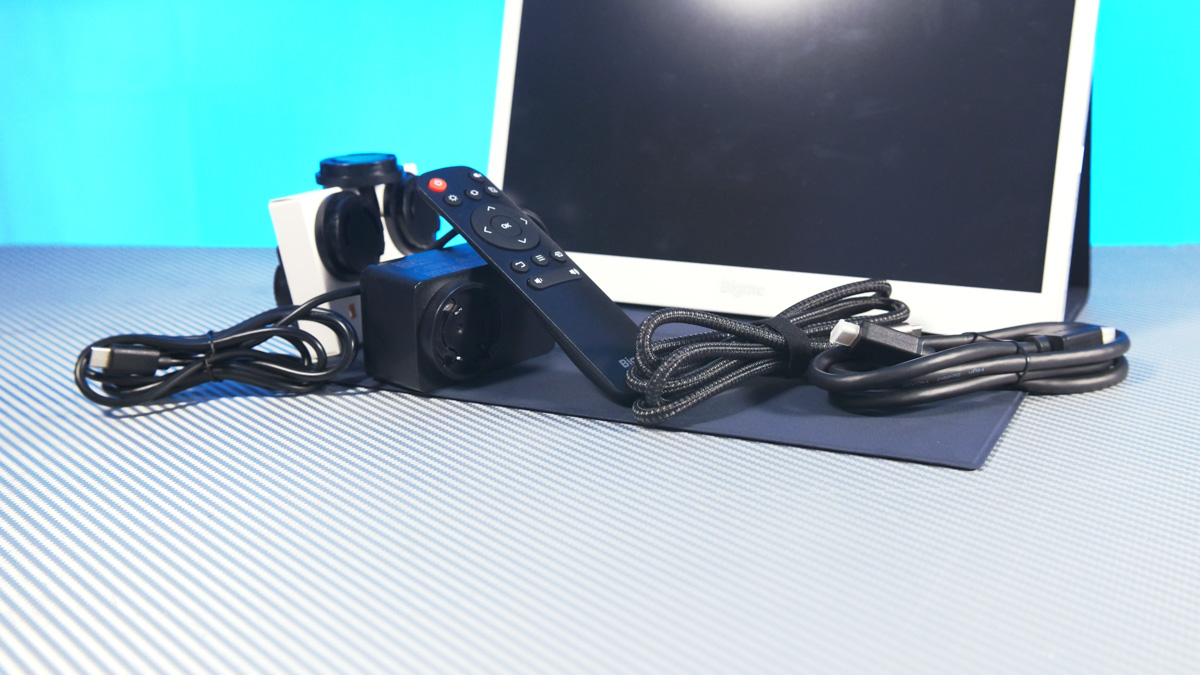
Combine all the capabilities mentioned earlier and you essentially get… the Bigme B13. The portable monitor comes not only with a 36 W power adapter and plug adapters for different regions, and not only with an HDMI–to–mini HDMI cable, but also with a dedicated remote control. And to be fair, you will likely use it – the B13 is far more versatile than it first appears. The package also includes a rigid case with a magnetic stand that allows you to position the monitor at various angles on a flat surface.
Read also: Bigme B1051 Review: Tablet with Colour E ink Display, Stylus and Keyboard
Design, Materials, and Features
The device has a refined design with an all-metal chassis, and overall it looks well-built – which is expected at this price point. Its connectivity options are comprehensive: stereo speakers, a 3.5 mm audio jack, a mini-HDMI port, and two USB-C ports – one for power and one for video input. There’s also an infrared receiver on the front, integrated into a small transparent window, for use with the remote control.

But that’s not all. The Bigme B13 supports not only wired connections for video input but also features built-in Miracast, allowing it to connect wirelessly to Android, iOS, or theoretically any device that supports this protocol.
Another important detail: the Bigme B13 has a touchscreen, but touch input only works when the monitor is connected via USB-C. When using HDMI or Miracast, touch functionality is not available.
Read also: Bigme B751C review: Finally, Affordable E-Reader With Color E Ink And Android
Image Quality and Usage Nuances of the Bigme B13
Now, regarding the image this monitor produces: if you’ve ever seen how content refreshes on a typical E-ink display, you know how distracting the flickering can be. Bigme addresses this with its proprietary technology, making image updates far smoother and more comfortable to view.
Benefits and Limitations
To achieve 30 FPS on the Bigme B13, there are trade-offs. First, image sharpness is reduced, and second, there is noticeable ghosting, where remnants of the previous frame remain on the screen. In practical terms, this makes gaming on the monitor very challenging and not particularly enjoyable.
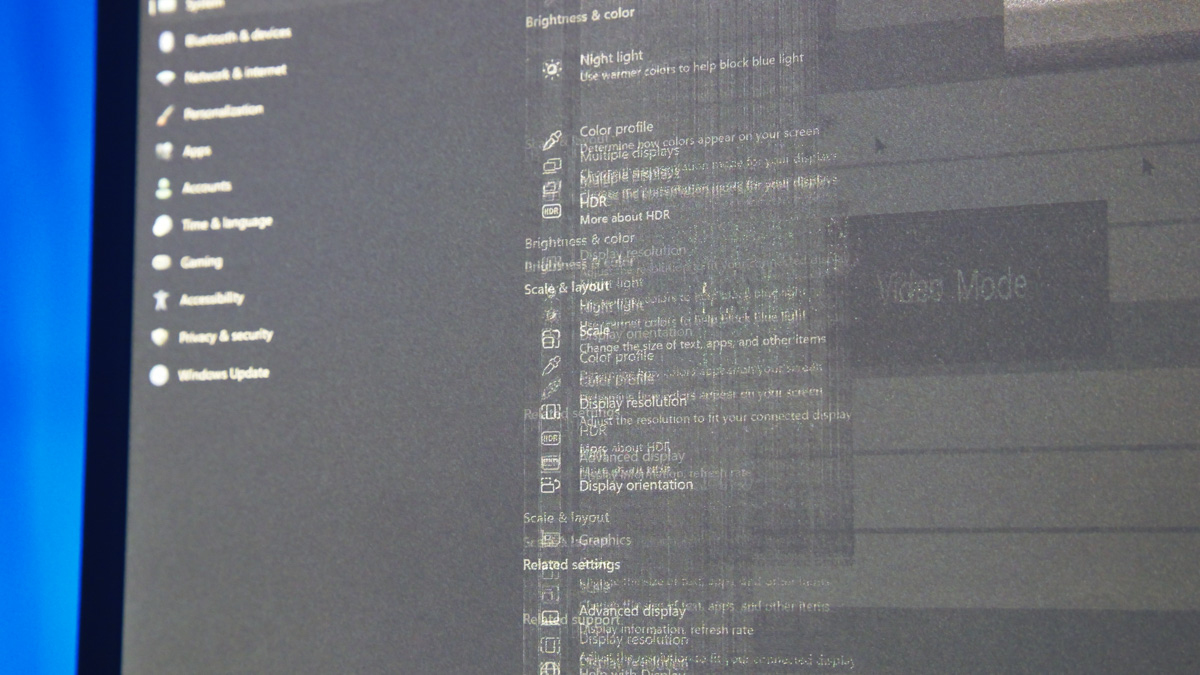
However, reading, watching videos, or generally consuming visual content that doesn’t require rapid refresh works without issues. The included remote allows quick switching between modes, though this can also be done by double-pressing the power button on the monitor itself. Menu navigation is handled via touch input on the panel – which is how I discovered that the screen is indeed touch-sensitive.
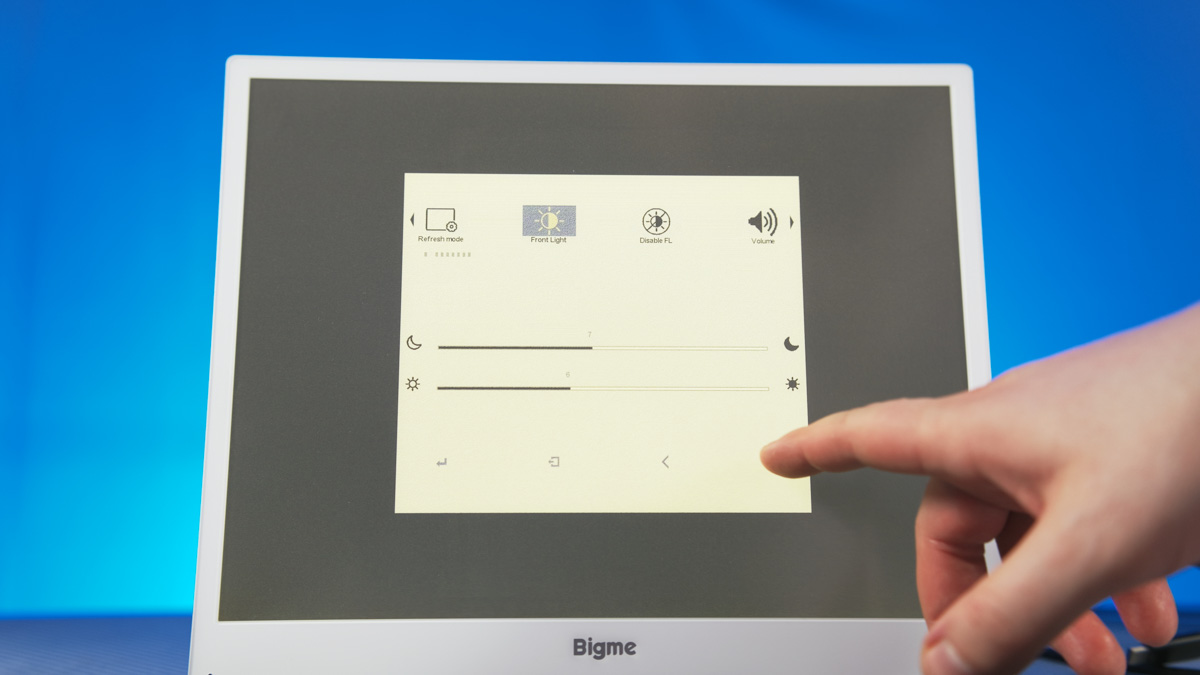
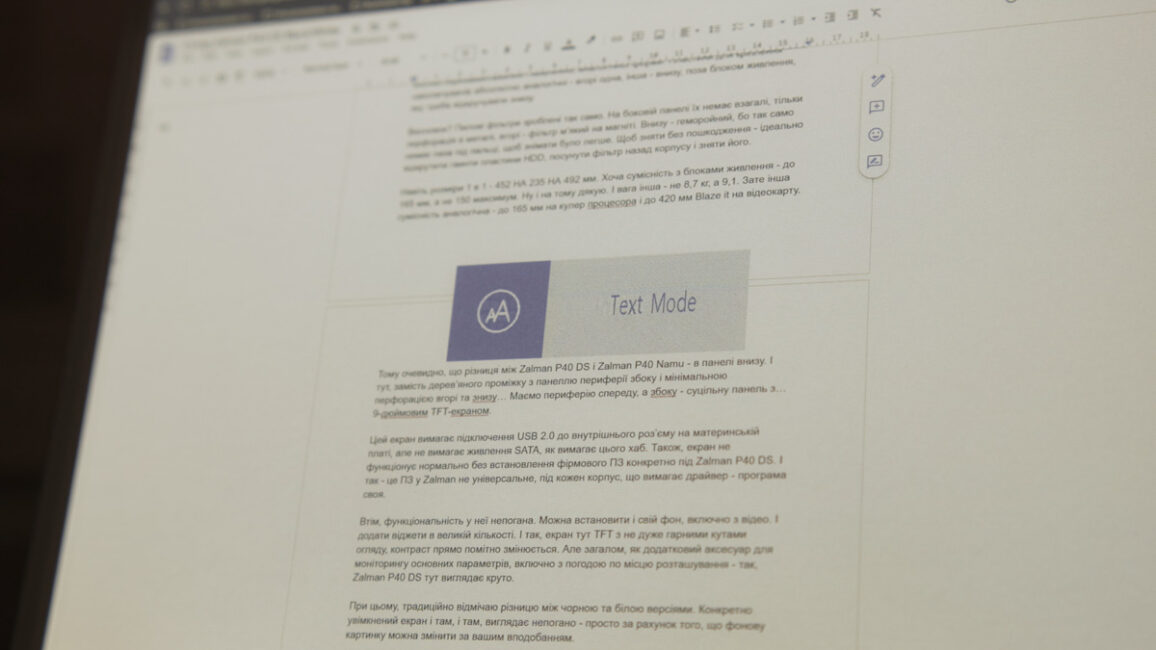
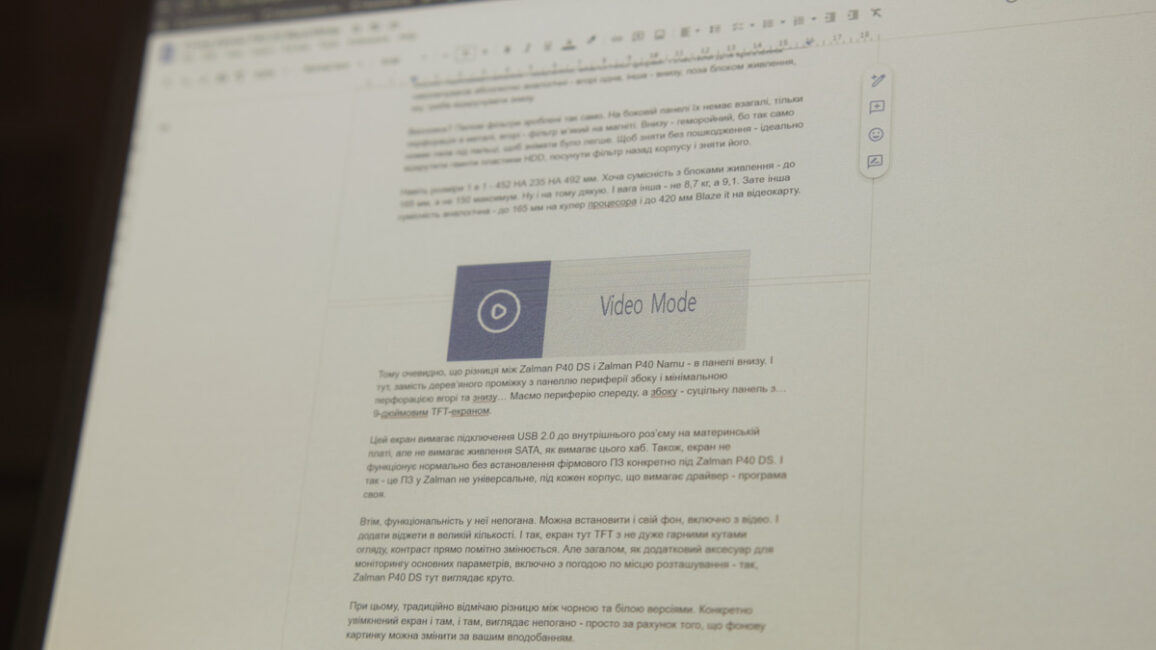
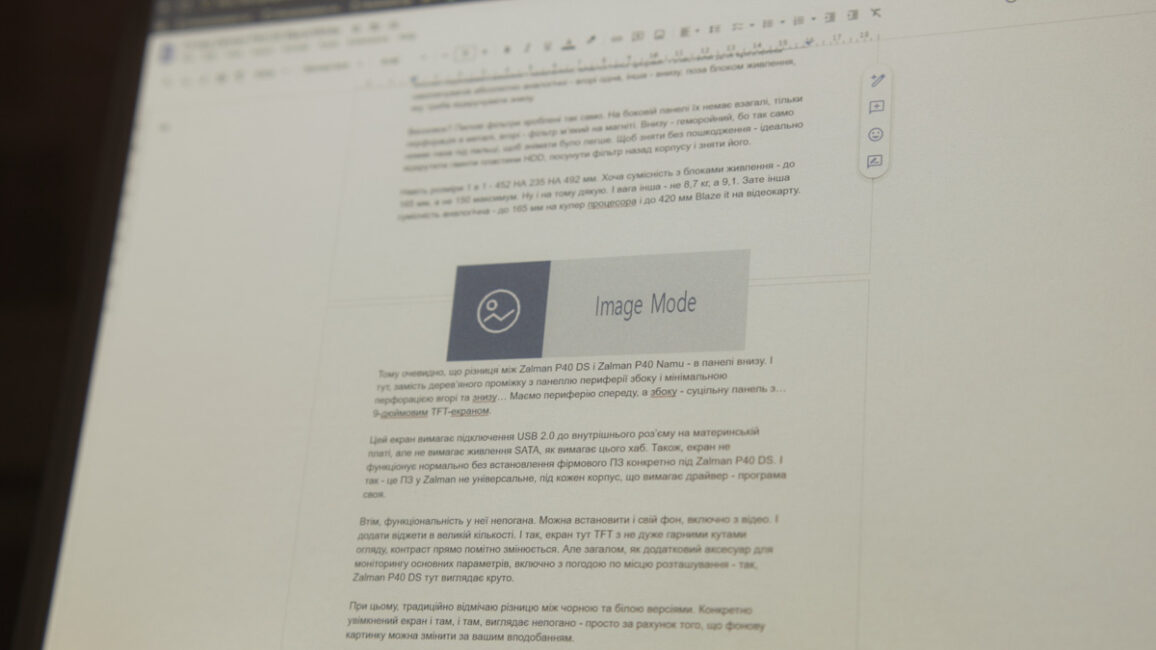
The Bigme B13 offers four operating modes: Web, Text, Image, and Video. It’s best to switch between them using the remote to check whether the image quality meets your needs. Keep in mind that higher refresh rates result in more residual ghosting. In Video mode, for example, even overlay elements like tables or indicators can linger on the screen for an extended period. The remote includes a dedicated button for manual panel refresh to clear any leftover images.
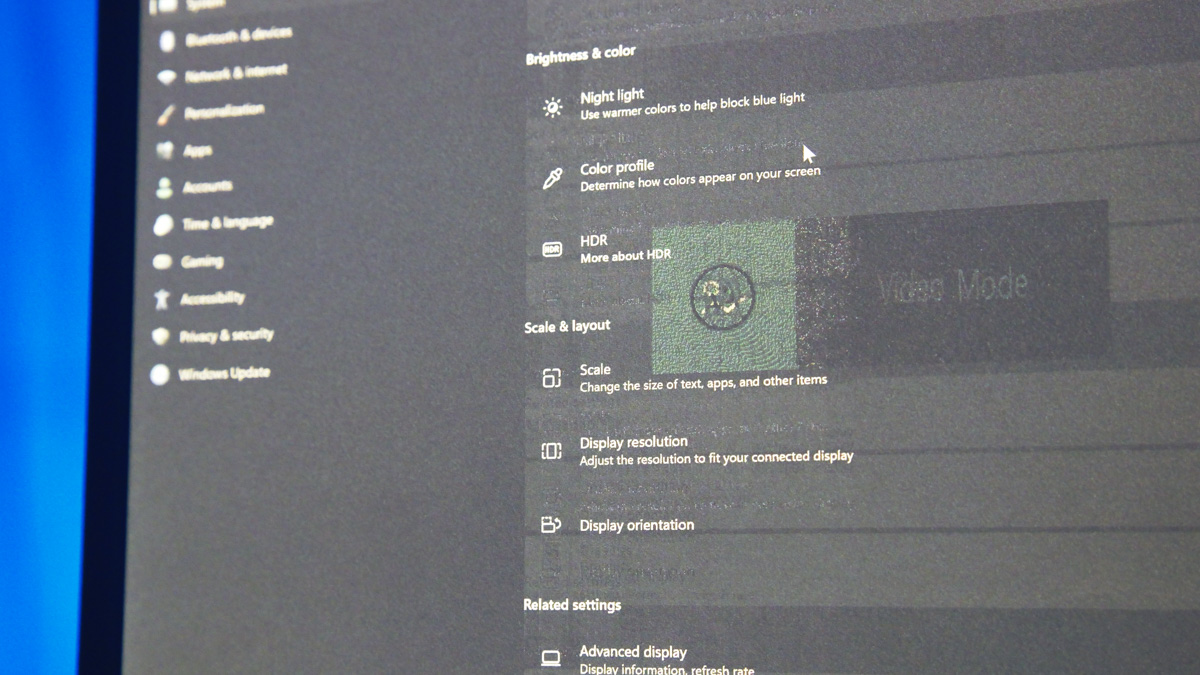
Regarding image quality across different modes: as the display compromises sharpness, solid dark areas can develop an unusual texture, reminiscent of old printed magazines. This texture significantly reduces readability. By contrast, black text on a white background remains perfectly clear. In fact, using a dark interface mode on the Bigme B13 is the least effective choice – the more black in the background, the harder it is for the display to maintain a clean, stable image.
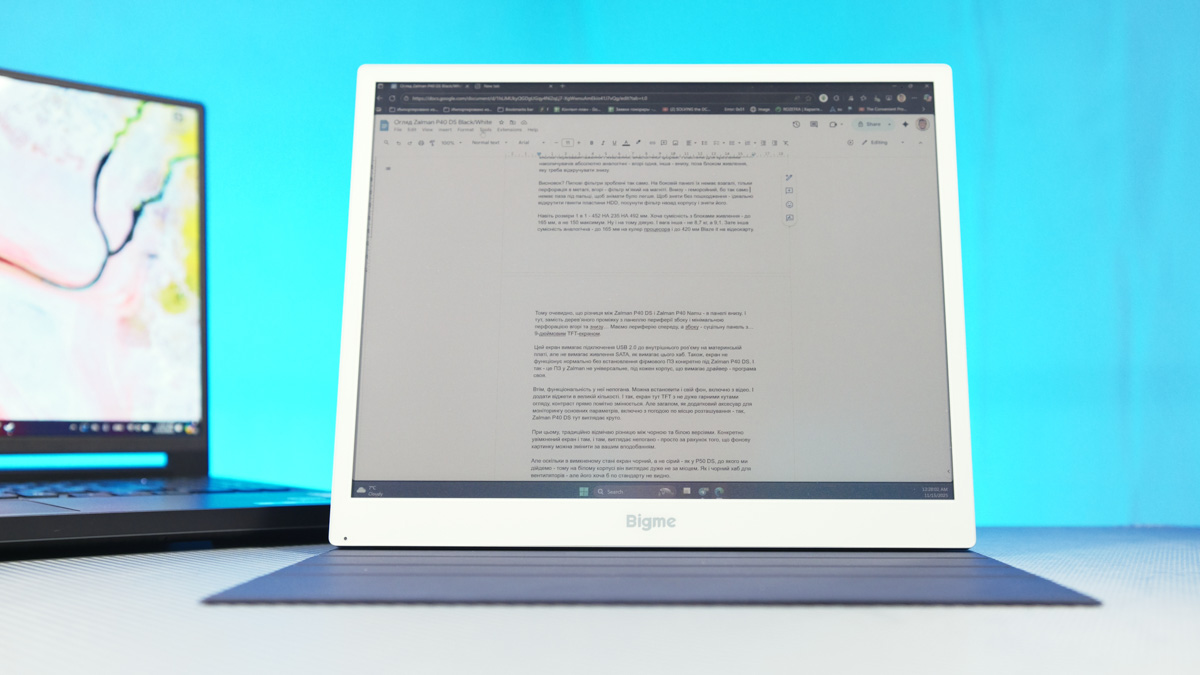
It’s also worth noting that the Bigme B13 has a color screen by default. This doesn’t mean it’s suitable for photo editing – although I might personally attempt to adjust colors on some of my videos as a challenge. In general, colors appear muted and flat, but when consuming media content, this gives the image a distinctive visual feel, reminiscent of a printed magazine.
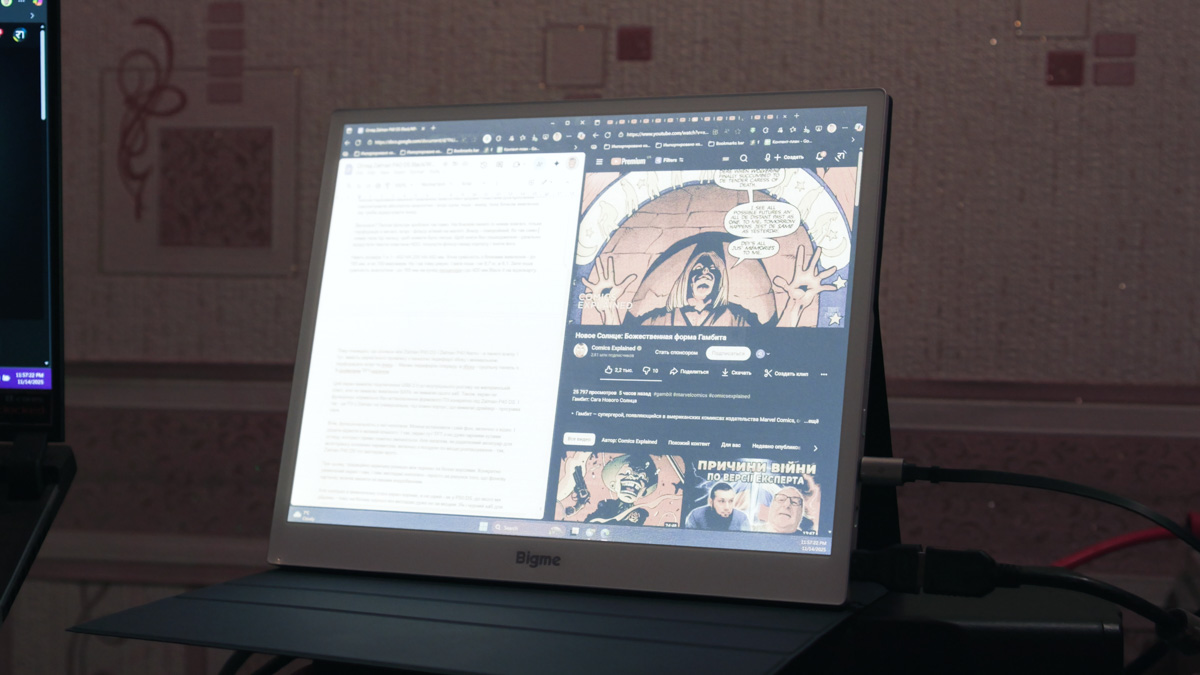
Interestingly, the manufacturer’s promotional images show a setup with two Bigme B13 monitors on a metal stand. However, it’s unclear where this configuration can be purchased, as it’s not listed on the official website. Still, such a setup would make for a uniquely impressive solution for an editor, for example.
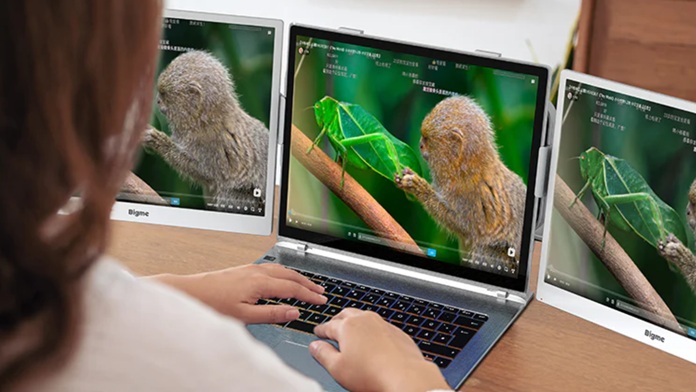
Of course, this assumes you can manage the cabling and properly configure the image. First, the B13’s backlight settings include both brightness and contrast controls, and adjusting these sliders significantly affects the panel’s color – ranging from almost orange to cool blue. The manual also provides instructions for optimizing the display in Windows specifically for E-ink, with several recommended steps.
Read also: Duex Max DS Review: 14.1″ Portable Monitor for Boosting Mobile Productivity
Disadvantages of the Bigme B13
Let’s move on to the drawbacks. The display optimization tools provided for Windows are officially intended only for Windows 10, not Windows 11. Another issue is that any changes to the system’s visual behavior apply to all connected monitors, not just the e-ink panel.
This leaves you with two options. You can either accept sub-optimal visuals on the e-ink screen while keeping the familiar Windows 11 look – including animations or transparency effects, if you prefer them. Or you can turn those elements off and switch to a flat, performance-oriented visual profile that works well on e-ink but may feel plain or dull to some users.
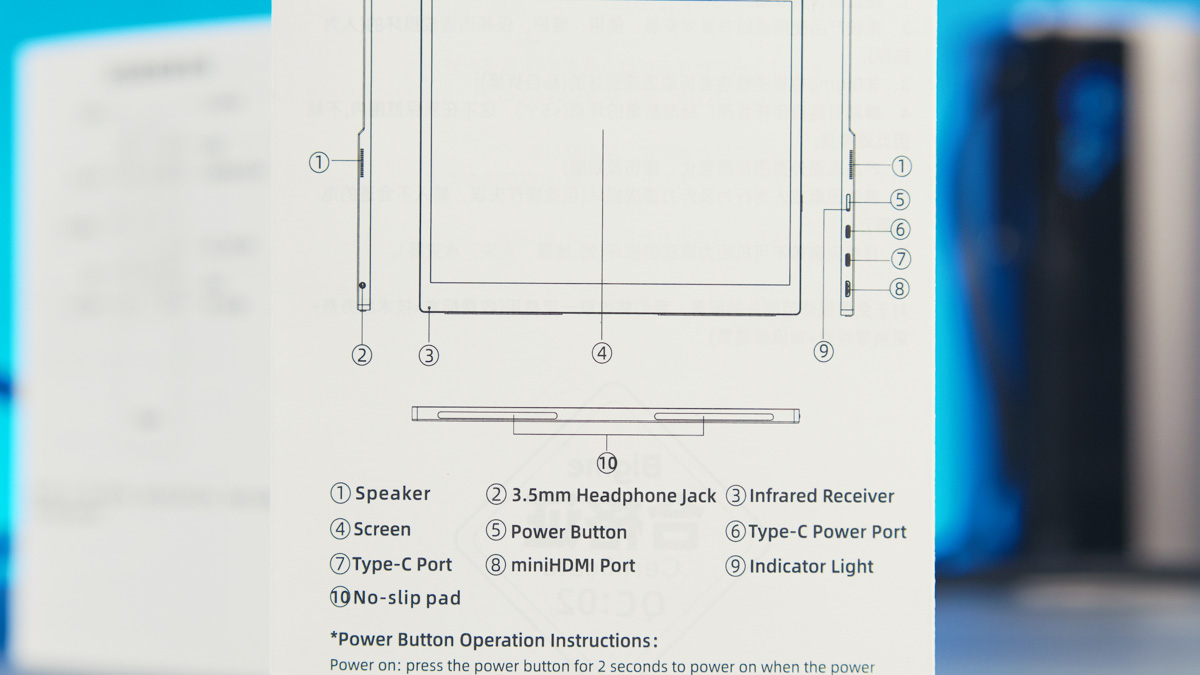
It’s also unusual that the manual makes no mention of Windows 11 in 2025. But that’s not the only issue. According to the same manual, the monitor must be powered off in a specific sequence to avoid potential panel damage: first disconnect the power, then press the synchronization button on the monitor’s casing. The problem is straightforward – there is no synchronization button on the casing, only a power button.
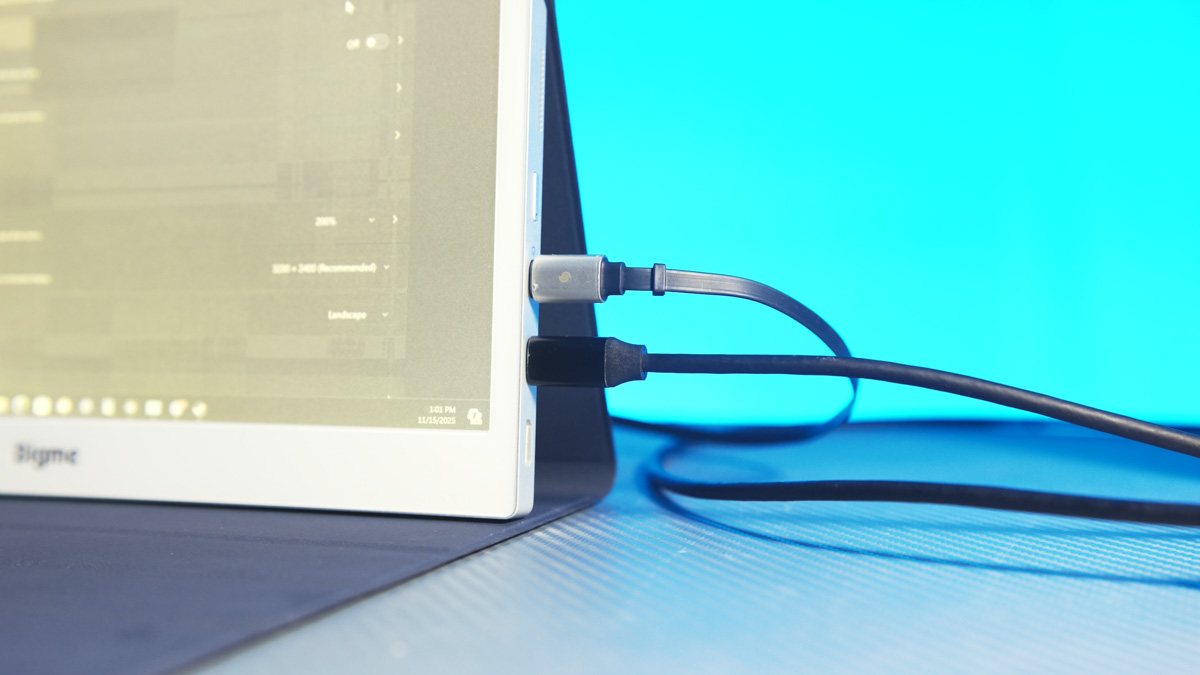
Another point concerns the USB configuration. The ports are separated: one is for power, the other is for the video signal. In practice, the Bigme B13 cannot operate and receive an image over a single USB cable. It attempts to, but it simply doesn’t work. Because of this, I genuinely expected a device like this to include an internal battery – even a modest 5,000–6,000 mAh unit. That would allow the Bigme B13 to function, for example, as a standalone e-reader, controlled via a smartphone or laptop.
I generally understand why this monitor uses a 4:3 aspect ratio – a taller display can show more text at once. Roughly speaking, 16:9 works well for video, 9:16 suits text-heavy layouts, and 4:3 offers a middle ground. However, when using features like Miracast, a significant portion of the panel ends up unused. Modern smartphones typically have 21:9 screens, so nearly half of the Bigme B13’s usable area is wasted during wireless mirroring.
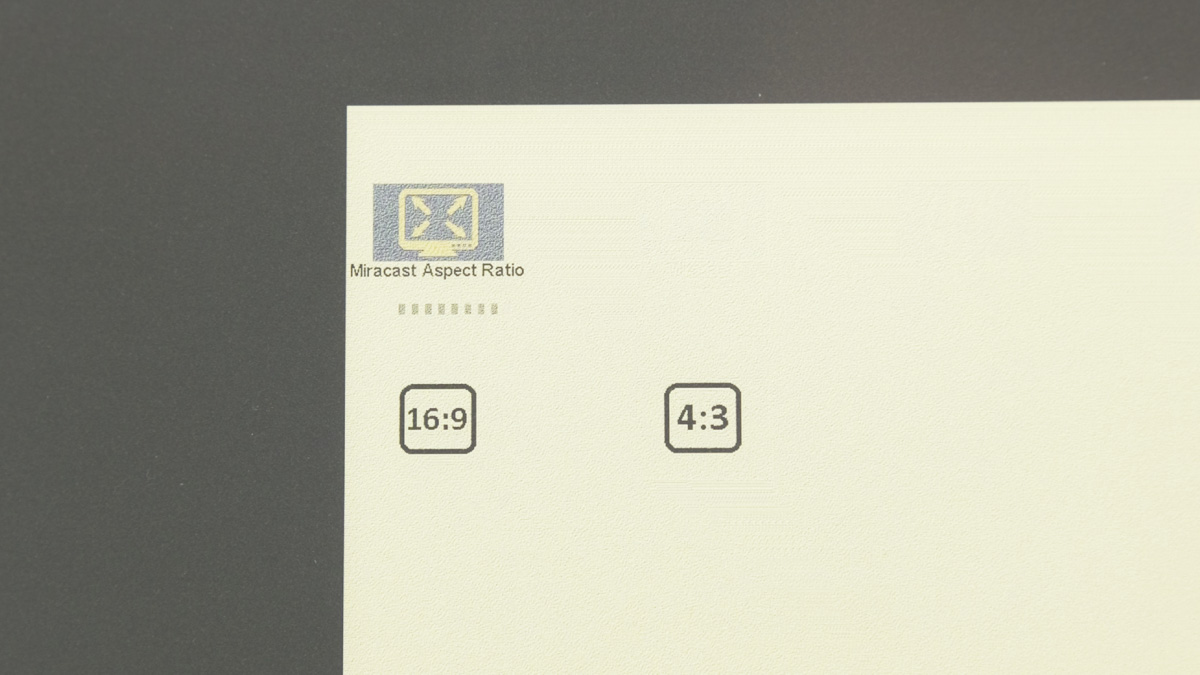
Not even 16:9 – although that option does exist in the monitor’s settings, it applies only when using Miracast.
Read also: Review of ASUS ZenScreen Touch MB16AHT Portable Monitor
Power Consumption of the Bigme B13
Regardless of the mode you use, the Bigme B13 consistently draws around 10 W without the front light and up to 14 W with it enabled. The reason is straightforward: the lighting system isn’t edge-lit, as in TFT panels, and it isn’t pixel-level like OLED. Instead, it relies on a uniform layer positioned behind the e-ink panel, which increases overall power usage.
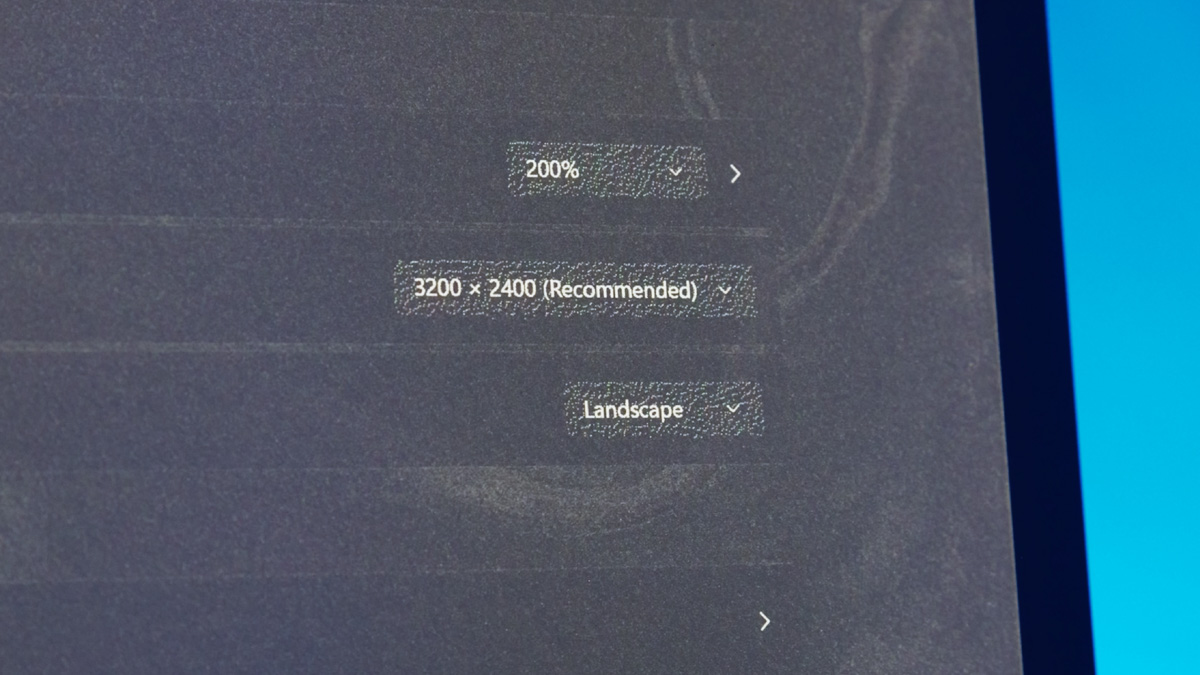
Yes, the front light can be turned off entirely, and under strong ambient lighting the image remains clearly visible. And it’s worth repeating that the image stays on the screen even if you cut power to the monitor altogether.
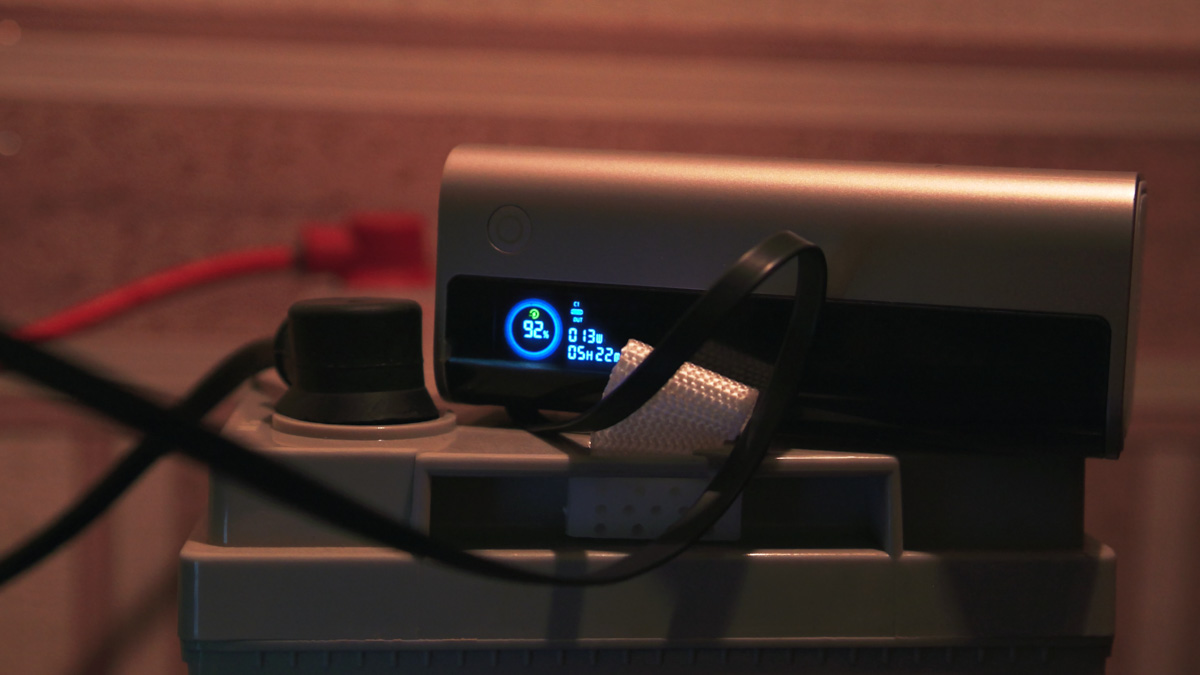
But if you’ve heard claims about how little power e-readers consume – drawing energy only when refreshing the page – the B13 doesn’t follow that model. In fact, my five-year-old portable IPS monitor with a built-in battery can operate on under 3 W while producing a bright, sharp image.
Read also: ASUS ZenScreen MB229CF Portable Monitor Review
Conclusions
I am confident that the Bigme B13 will appeal to certain users, particularly those with weak or declining eyesight – it suits their needs in a way few other monitors can. It is also well-suited for anyone who works primarily with text and values the “paper-like” aesthetic, including in color.
For all others who just need a monitor for general image display, this is likely not the best choice. This is not only because of the cost but also because its versatility, while decent, is highly situational. If those specific features aren’t relevant to you, that’s fine. If they are, the monitor is worth considering.
Where to buy Bigme B13


