© ROOT-NATION.com - Use of content is permitted with a backlink.
Not long ago, I reviewed the ROG Strix OLED XG27AQDPG, ASUS’s new flagship gaming monitor with top-tier specifications and an excellent QD-OLED panel. Not much time has passed since then, and now I have another new model on my desk – the ROG Strix OLED XG27AQWMG. At first glance, you could say that it is essentially the same monitor, but with a different panel technology and a few slightly different specifications. However, once you look at the details, it becomes clear that this isn’t quite the case. The new fourth-generation Tandem WOLED panel features a dual-layer (or, more precisely, four-layer) structure, while the special TrueBlack Glossy coating is designed to deliver excellent image quality even in brightly lit environments. There’s also a 280 Hz refresh rate. For the most part, everything else is essentially the same as on the more expensive XG27AQDPG. So, it’s fair to describe the XG27AQWMG as a new sub-flagship model and a compelling alternative to the flagship QD-OLED version.
In other words, if you’ve been looking for a high-end ASUS OLED but the price of the flagship model has been a little hard to swallow, the new XG27AQWMG could be an excellent alternative. It offers similarly impressive image quality while costing noticeably less. That’s more or less how I see the new ASUS ROG Strix OLED XG27AQWMG myself, and I’ve already added it to my shortlist of potential future purchases. Why? I’ll explain in detail in this review.
Read also: All monitor reviews on RN
TABLE OF CONTENTS:
ASUS ROG Strix OLED XG27AQWMG Specifications
- Model: ROG Strix OLED XG27AQWMG
- Screen size: 27″ (26.5″ visible area)
- Resolution: 2560×1440 (QHD)
- Aspect ratio: 16:9
- Panel type: WOLED (Tandem WOLED)
- Display surface: Glossy (TrueBlack Glossy)
- Color gamut: DCI-P3 99.5%
- Display colors: 1.0737 billion (10-bit)
- Color accuracy: ΔE<2
- HDR support: HDR10
- Brightness (typical): 350 cd/m²
- Brightness (HDR, max): 1500 cd/m²
- Contrast ratio (typical): 1,500,000:1
- Response time: 0.03 ms (GTG)
- Refresh rate (max): 280 Hz
- VRR technology: Adaptive-Sync (AMD FreeSync Premium Pro, G-SYNC Compatible)
- Pixel pitch: 0.229 mm
- Visible display area (H×V): 590.42×331.88 mm
- Viewing angle (CR≧10, H/V): 178°/178°
- Ports: 1×DisplayPort 1.4 DSC, 2×HDMI 2.1, 2×USB 3.2 Gen 1 Type-A, 1×USB Type-B (Upstream), 1×3.5 mm audio jack
- Digital signal frequency: DisplayPort 480–480 kHz (H) / 41–280 Hz (V); HDMI 30–480 kHz (H) / 41–280 Hz (V)
- Height adjustment: 0–110 mm
- Tilt adjustment: +20° to -5°
- Swivel: +45° to -45°
- Pivot: +90° to -90°
- VESA wall mount: 100×100 mm
- Tripod socket: 1/4″
- Kensington lock: Yes
- Proximity sensor: Proximity Sensor Neo
- Lighting: Aura Sync
- Dimensions with stand (W×H×D): 60.5×50.0×18.8 cm
- Dimensions without stand (W×H×D): 60.5×36.8×6.3 cm
- Package dimensions (W×H×D): 78.0×47.0×18.6 cm
- Weight with stand: 6.7 kg
- Weight without stand: 4.8 kg
- Gross weight: 9.1 kg
- Proprietary software: ASUS DisplayWidget Center
- Power consumption: <26.8 W (operating), <0.5 W (power-saving mode), <0.3 W (off mode); input voltage 100–240 V, 50/60 Hz
- Technologies and features: OLED Anti-Flicker, Adaptive-Sync, GameFast Input, Extreme Low Motion Blur, GameVisual, GamePlus, Shadow Boost, Aspect Control, A.I. Assistant Technology (AI Visual, Dynamic Crosshair, Dynamic Shadow Boost), ASUS OLED Care, DisplayWidget Center, Color Calibration E-report
- Certifications and standards: TÜV Flicker-Free, TÜV Low Blue Light (Hardware Solution), VESA AdaptiveSync Display 280Hz, VESA DisplayHDR 500 True Black, AMD FreeSync Premium Pro, G-SYNC Compatible, FSC MIX
- Warranty: 3 years (including panel burn-in)
- Package contents: Monitor, detachable stand, DisplayPort cable, HDMI cable, power cable, USB-B (Upstream) cable, VESA mounting kit, ROG pouch, microfiber cloth, ROG stickers, user manual, warranty documentation

Позиціонування та ціна
The previous XG27AQDPG was positioned as ASUS’s undisputed flagship and one of the first monitors on the market to combine a QD-OLED panel with a 500 Hz refresh rate. Naturally, it came with a fairly hefty price tag.
The new ASUS ROG Strix OLED XG27AQWMG can also be considered a kind of flagship, but of a slightly different nature. It features a different panel technology – Tandem WOLED (I’ll discuss the differences in more detail in the relevant section), a new TrueBlack Glossy coating, and a lower refresh rate. That said, 280 Hz is still more than enough for most use cases. Everything else – the design, adjustment options, package contents, and built-in features and technologies – is essentially the same on both models. So, the new XG27AQWMG can be seen as an excellent alternative to the flagship model, offering comparable image quality and the same set of features, but at a significantly lower price. The new model is priced at $670 / €583 on ASUS’s official website, making it almost 1.7 times cheaper than the flagship.
Package Contents
The monitor comes in the same type of branded cardboard box as the previous XG27AQDPG model, measuring 78.0×47.0×18.6 cm and weighing 9.1 kg in total. Convenient cutout handles on the sides make it easier to carry, while everything inside is neatly secured between two layers of protective shipping foam.

The package contents are the same as those of the more expensive QD-OLED model. The box includes:
- Monitor
- Detachable stand with adjustable height
- DisplayPort cable
- HDMI cable
- Power cable
- USB-B (Upstream) cable
- ROG VESA 100×100 adapter
- ROG pouch
- Soft microfiber cloth
- ROG stickers
- User manual
- Warranty documentation

In my previous review, I went into more detail about the package contents and described each included accessory. I don’t see much point in repeating all of that here, as everything is essentially the same. In short, the new ROG Strix OLED XG27AQWMG comes with the same exceptionally convenient compact metal stand – in my opinion, one of the best monitor stand designs out there – with a sturdy adjustable arm. And one more thing worth mentioning: the monitor can literally be assembled with one hand. I’ll include a short assembly video below as a visual demonstration.
Read also: ASUS ROG Strix Morph 96 Wireless Review: Hot-Swap Functionality and Thoughtful Customization
Design, Ergonomics, and Build Quality
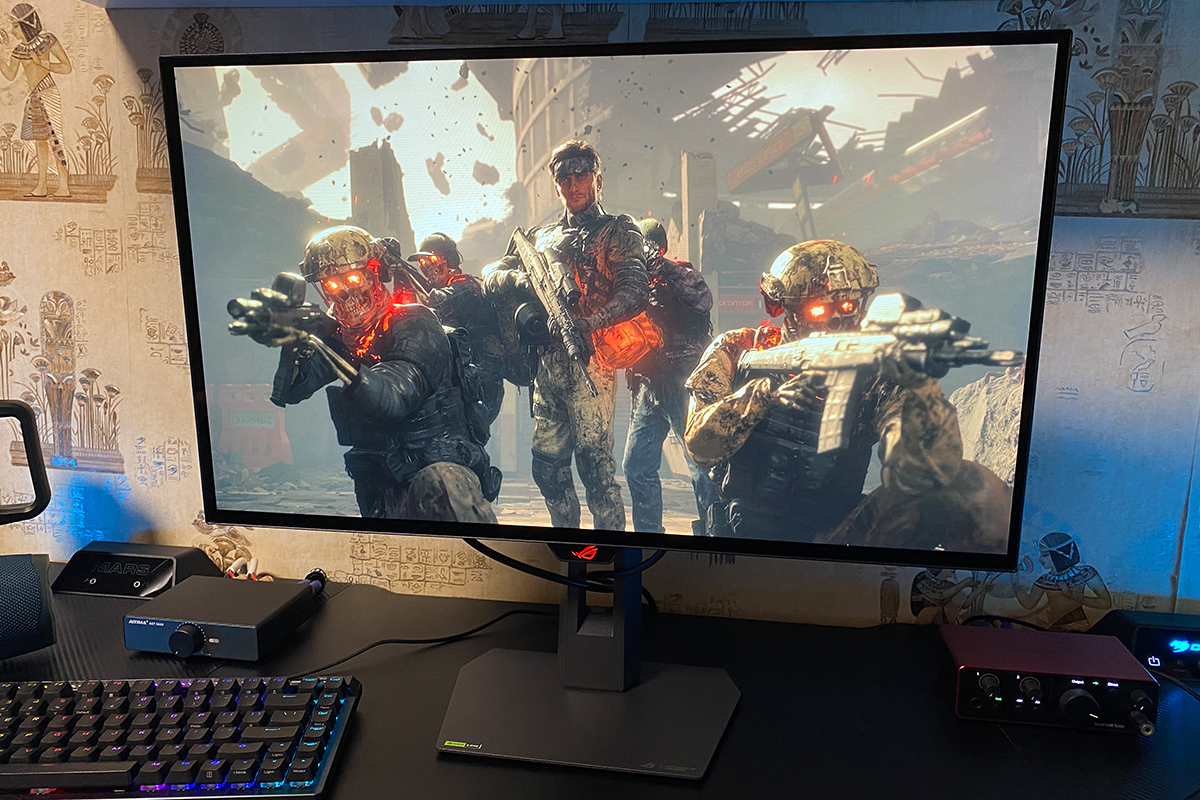
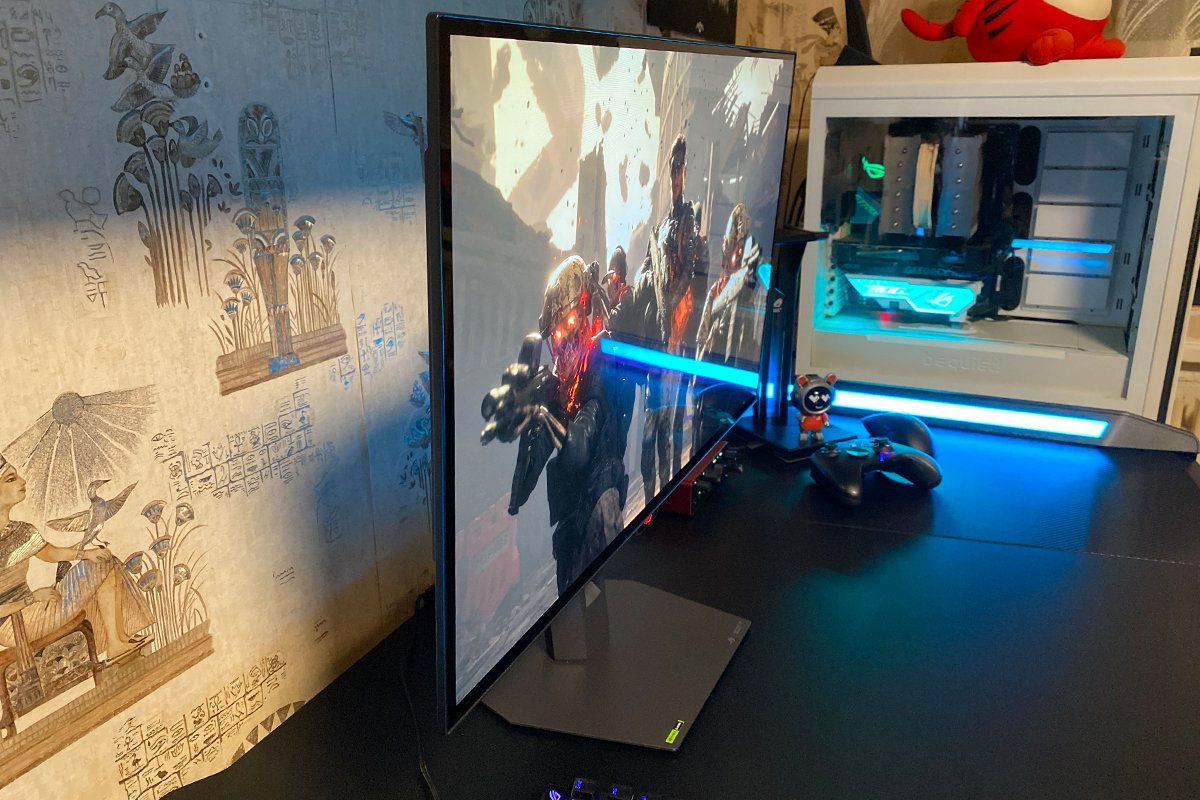
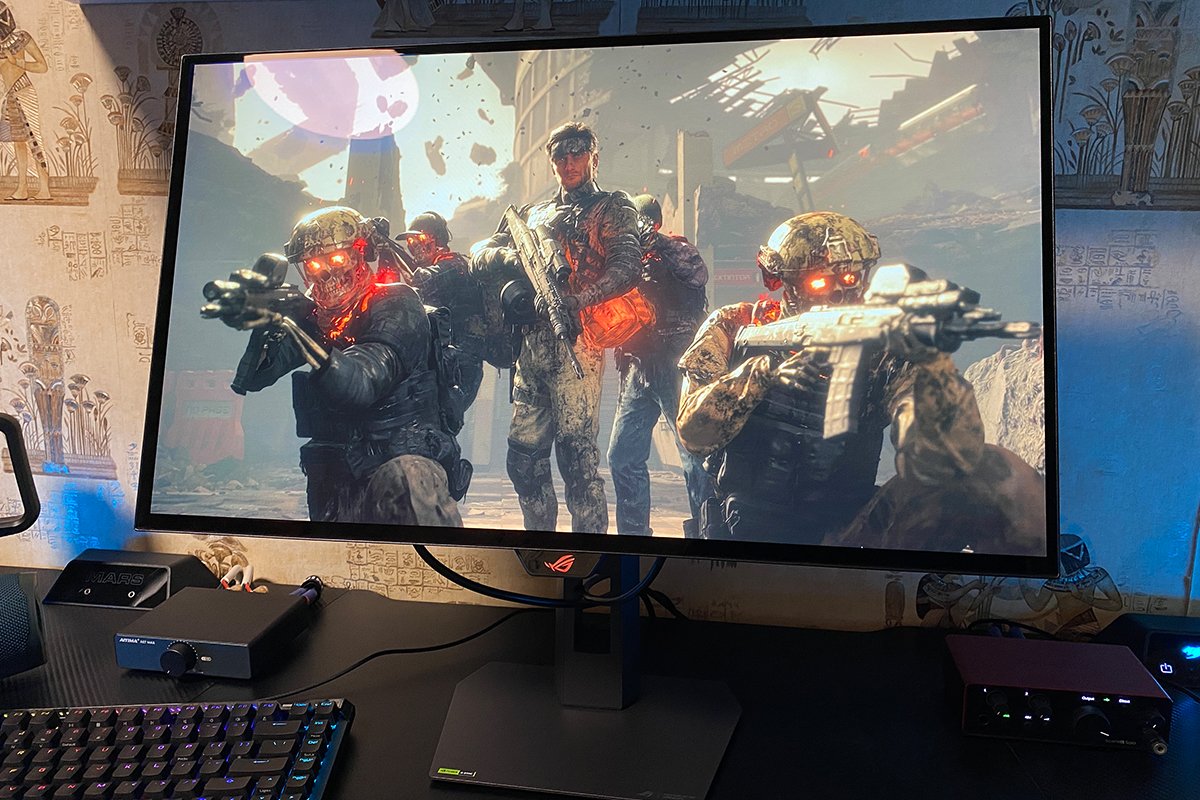
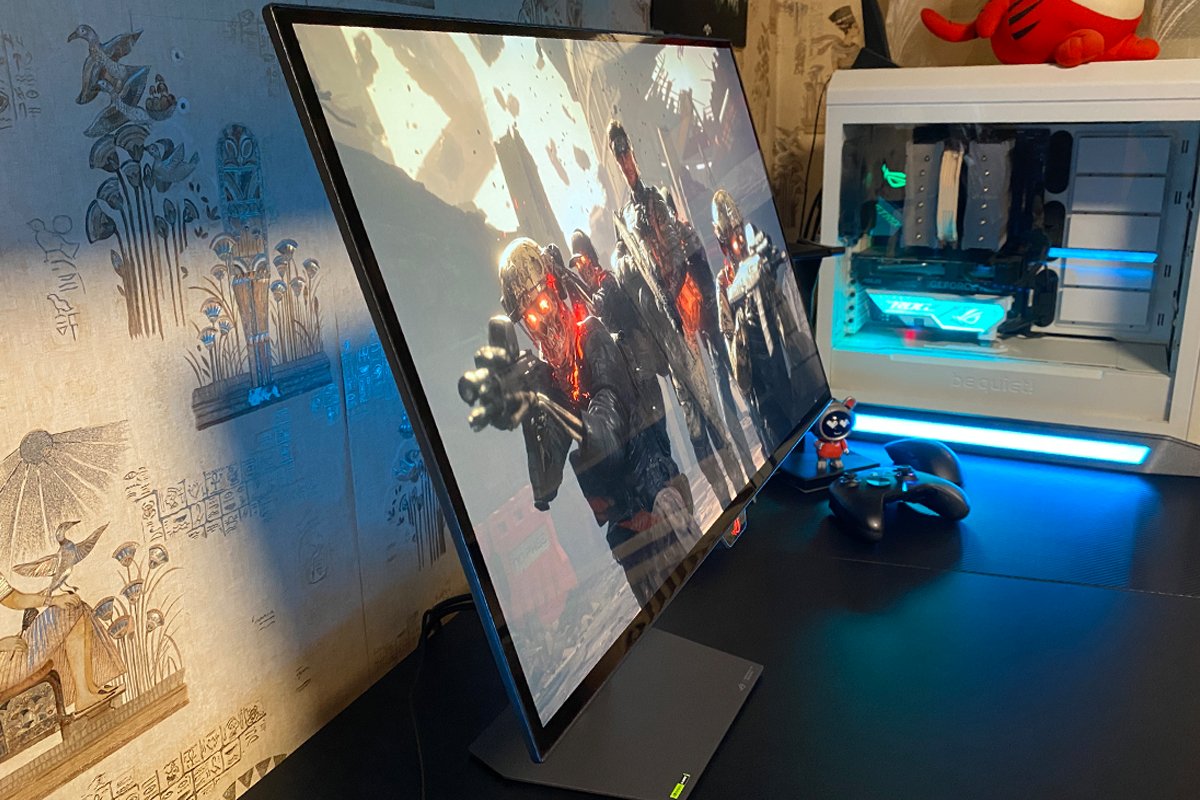
Externally, the new XG27AQWMG is virtually identical to the more expensive XG27AQDPG: the same slim, virtually bezel-less display, the same compact futuristic-shaped housing containing the internal electronics and built-in power supply, the same adjustable stand and base, and the signature illuminated ROG logo on the rear panel.


The monitor has the same 27-inch diagonal as the previous version, with a slightly smaller 26.5-inch visible area. The dimensions are also nearly identical: 60.5×50.0×18.8 cm with the stand and base, and 60.5×36.8×6.3 cm without them. The weight is essentially unchanged as well: 6.7 kg with the full setup and 4.6 kg for the display itself. Yes, if you compare the numbers in detail, you’ll find a slight difference in dimensions. But it’s within the margin of error and most likely comes down to how ASUS lists the official specifications. In practical terms, the two monitors are identical in size.

The adjustable stand and base are the same as on the previous model. In my previous review, I mentioned several times that this metal stand is exceptionally compact and convenient – much better than the standard V-shaped stands. It’s also very handy for keeping various small items underneath the monitor, such as a gamepad, speaker, figurines, or your phone.


The stand itself is unchanged as well. There’s a 1/4″ threaded socket for a tripod on top, a cable-management opening at the bottom, and the signature silver ROG logos are still there.


The adjustment ranges are the same as on the previous model:
- Height: 0–110 mm
- Tilt: +20° / -5°
- Swivel: +45° / -45°
- Pivot: +90° / -90°
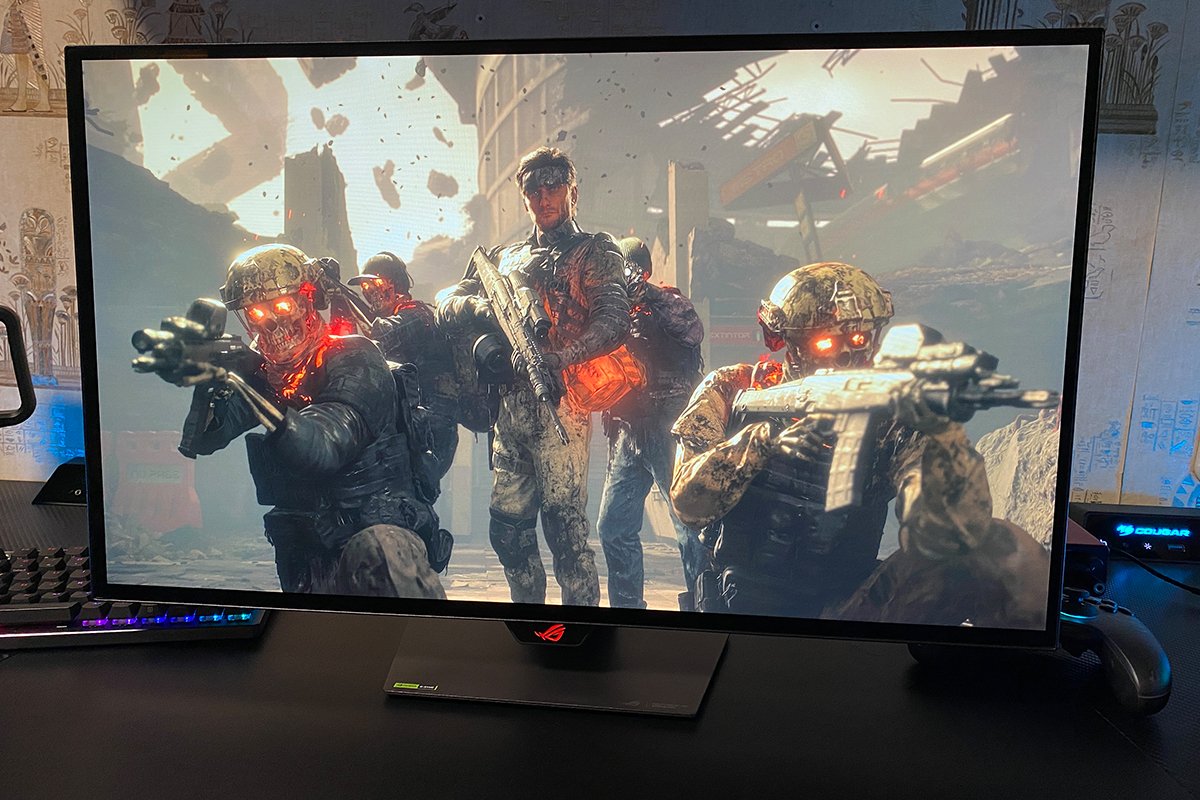
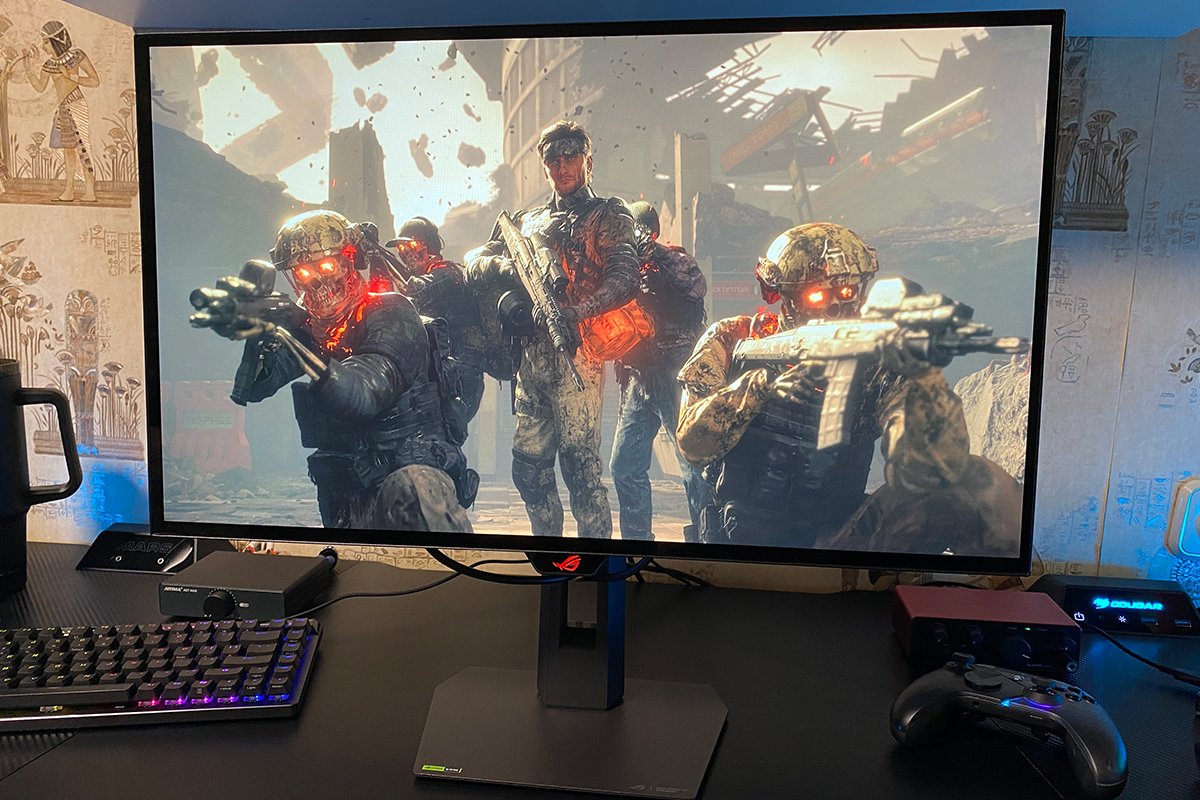

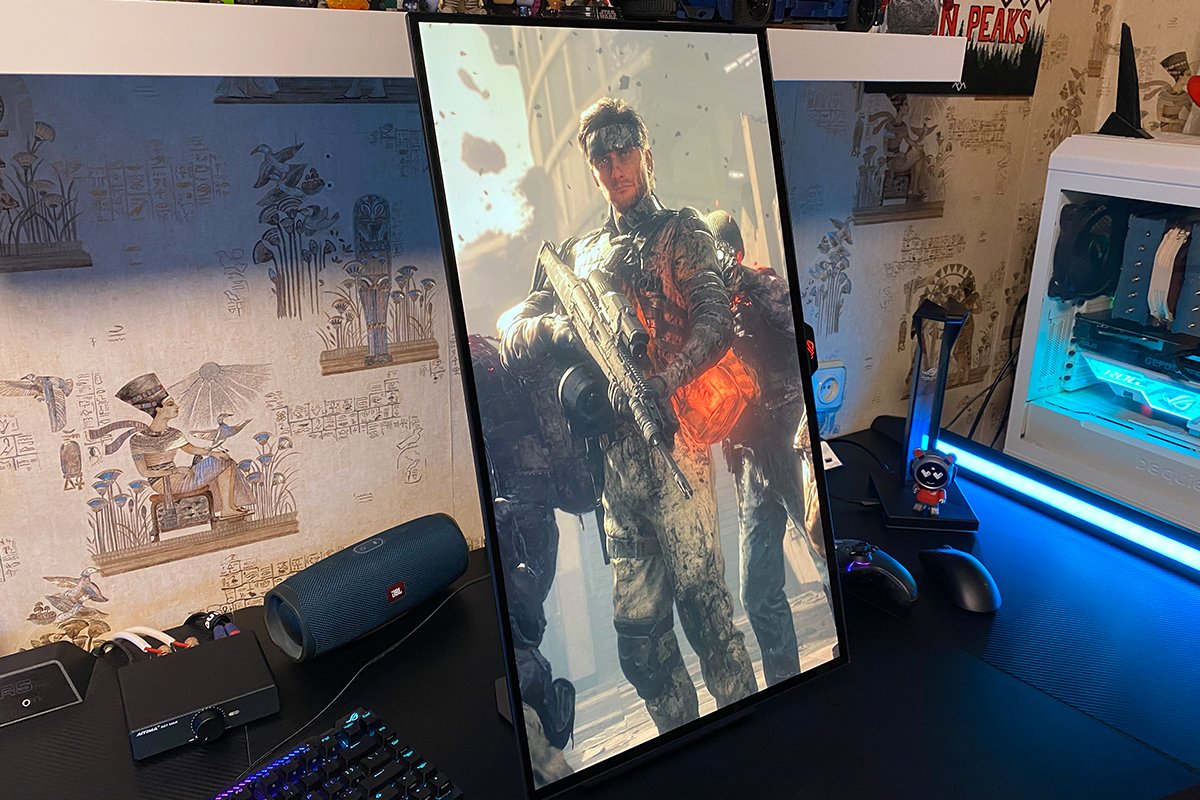
As with the previous model, the rear of the monitor features a pixel-style ROG logo with full RGB lighting, which can be synchronized with other ASUS devices via Aura Sync. To control the monitor’s lighting through the proprietary Armoury Crate software, simply connect it using the included USB-B (Upstream) cable. By the way, this also activates the monitor’s built-in USB hub with two USB 3.2 Gen 1 Type-A ports.


Like the more expensive XG27AQDPG, the monitor is equipped with a high-quality heatsink and a well-designed cooling system that helps prevent overheating and provides additional protection against panel burn-in. ASUS also offers a 3-year warranty for the new model, which includes coverage for pixel burn-in.

The ventilation openings are neatly integrated into the housing and are virtually invisible. If you don’t know where to look, you would never guess they’re there. During operation, the monitor doesn’t get noticeably warm, just like the previous model. Even when powering the monitor on or off, there are no audible sounds. The previous XG27AQDPG, by comparison, produced characteristic clicking sounds that resembled a relay switching.


The front is dominated by the 27-inch display (26.5-inch visible area), which features a completely new type of coating for OLED monitors that ASUS calls TrueBlack Glossy. Essentially, it is a glossy surface with a special nano-layer that, according to the manufacturer, reduces reflections 38% more effectively than standard glossy WOLED panels. This helps preserve deep blacks and high contrast even in bright ambient lighting, without turning the screen into a mirror. According to ASUS, the new coating is even more effective at handling reflections than semi-gloss QD-OLED monitors.

In practice, the new ROG Strix OLED XG27AQWMG does indeed produce fewer reflections, but they are still present and can be noticed in dark scenes under bright ambient lighting. It’s worth emphasizing that this is mainly an issue with dark scenes; with bright colors on the screen, reflections are barely noticeable unless you shine a lamp directly at the monitor. In simple terms, you can comfortably use the new XG27AQWMG near a window, and direct morning sunlight won’t completely wash out the display as it can with conventional IPS and VA panels.

At the bottom center, just like on the previous model, there is a status indicator in the form of the signature ROG logo. As on the more expensive model, it incorporates the Proximity Sensor Neo, one of the features included in ASUS OLED Care Pro’s panel protection suite. The sensor can detect when a person is present and automatically turn the monitor off when you step away, then turn it back on when you return to your desk. By default, the indicator stays lit continuously: red when the monitor is active and orange when it is turned off (sleep mode). If you find it distracting, you can disable it completely. From my experience, though, it didn’t bother me at all – I barely noticed it was there.


The control buttons and joystick for navigating the monitor’s built-in menu are located just behind the indicator. I’ll keep it brief here: they’re convenient to use, easy to locate by touch, and you don’t have to reach far behind the monitor to access them – provided, of course, that there’s nothing sitting on the stand underneath the display.

The connectivity options are the same as on the more expensive model, and they are arranged in the same way. On the right side (when facing the monitor) are the power connector, two USB 3.2 Gen 1 Type-A ports, and one USB 3.2 Gen 1 Type-B (Upstream) port. On the left side, there is one DisplayPort 1.4 DSC, two HDMI 2.1 ports, and a standard 3.5 mm audio jack for headphones or speakers. One quick clarification regarding audio: the monitor does not have built-in speakers.


The build quality is on par with the more expensive model: solid, neat, and reliable. There are no creaks, play, or wobbling, and all the components and joints fit together precisely. Adjustments along all axes are smooth, while the monitor stays firmly in the selected position. The monitor also sits securely on the desk and doesn’t wobble on its own. Ergonomically, the XG27AQWMG is just as impressive as the previous model: compact, lightweight, and convenient. It takes up minimal desk space, while still leaving enough room underneath to store a few things. In short, the monitor’s ergonomics are excellent.

Read also: ASUS ROG Strix Aiolos SSD Enclosure Review: 20 Gbps and NVMe / SATA Support
Display: Specifications, Features, and Technologies
The key difference and defining feature of the ROG Strix OLED XG27AQWMG is its new 10-bit fourth-generation Tandem WOLED panel with a dual-layer structure (four layers, technically speaking). This design delivers higher peak brightness, reduces power consumption, and significantly extends the panel’s lifespan while lowering the risk of pixel burn-in.

Compared with previous-generation technologies, the difference is noticeable. Conventional single-layer WOLED panels could quickly reach their brightness limits, while sustained operation at maximum brightness could accelerate panel degradation. Thanks to its dual-layer structure, Tandem WOLED delivers significantly higher peak brightness, particularly in HDR, while generating less heat and reducing diode wear.
As for QD-OLED, despite their excellent color reproduction, they still have one major drawback: under bright ambient lighting, black can take on a purple tint. They are also not completely immune to burn-in during prolonged display of static content. By contrast, the new Tandem WOLED maintains deep blacks in bright environments and offers significantly better protection against burn-in from static interface elements.

As for the other specifications, they are largely the same as on the more expensive XG27AQDPG, with the main differences being brightness, color gamut, and refresh rate. The new model offers higher brightness thanks to its Tandem WOLED panel: 350 cd/m² versus 300 cd/m² typical brightness, and a peak of 1500 cd/m² versus 1000 cd/m² in HDR mode. The new Tandem WOLED monitor also has a slightly wider color gamut: 99.5% versus 99% DCI-P3.
The refresh rate is lower on the new model, however: 280 Hz versus 500 Hz. But as I noted in my previous review, fully taking advantage of 500 Hz at 1440p requires a top-end graphics card, and even then, it’s not always possible. So, 280 Hz is more than sufficient, and it’s much easier to make full use of it. That said, this still mainly applies to high-end GPUs when it comes to modern AAA games.
The remaining specifications are identical, so I’ll simply list them below for reference. The resolution is QHD (2560×1440), with the standard 16:9 aspect ratio. Color accuracy is ΔE < 2, the contrast ratio is 1,500,000:1, and the claimed response time is 0.03 ms (GtG). HDR10 support and adaptive sync technologies (AMD FreeSync Premium Pro and NVIDIA G-SYNC Compatible) are also included.

Like the more expensive model, this monitor comes with a solid set of built-in features and technologies designed to improve image quality and the gaming experience, reduce eye strain, and protect the OLED panel. The feature set on the new XG27AQWMG is identical to that of the XG27AQDPG. The gaming-focused features include Extreme Low Motion Blur (ELMB), Shadow Boost, GamePlus, and GameVisual. The dedicated A.I. Assistant modes can also be considered gaming features: AI Visual, Dynamic Crosshair, and Dynamic Shadow Boost.
For reducing eye strain, there are OLED Anti-Flicker, Low Blue Light, and adaptive brightness (Uniform Brightness). As for OLED panel protection, the monitor includes the full ASUS OLED Care Pro suite. I covered all of these features in detail in my previous review, so I won’t repeat myself here. Instead, I’ll simply leave a link to the previous article. The key takeaway here is that in terms of features and built-in technologies, the XG27AQWMG is completely identical to the flagship XG27AQDPG.

As for overall image quality, it is excellent. Visually, the display delivers essentially the same level of image quality as the more expensive XG27AQDPG, while costing noticeably less. The image is exceptionally sharp, with excellent contrast, rich and vibrant colors, and impressive depth.
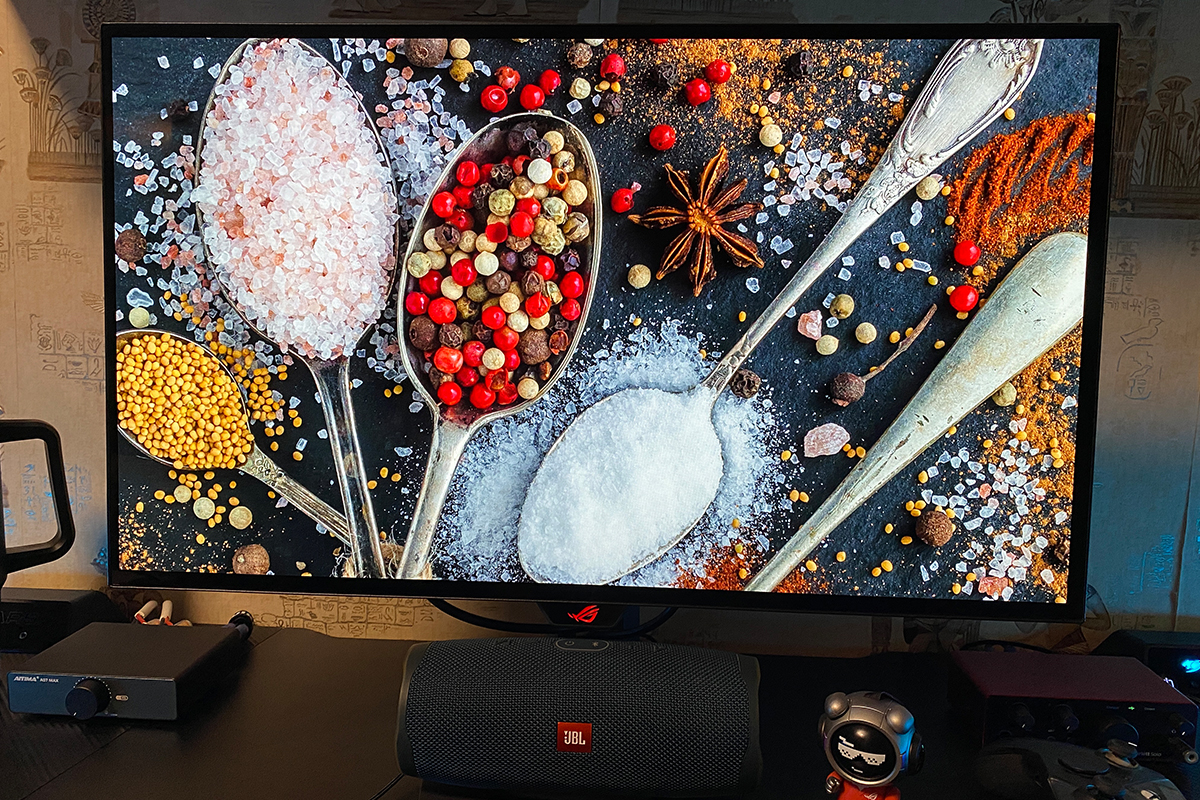
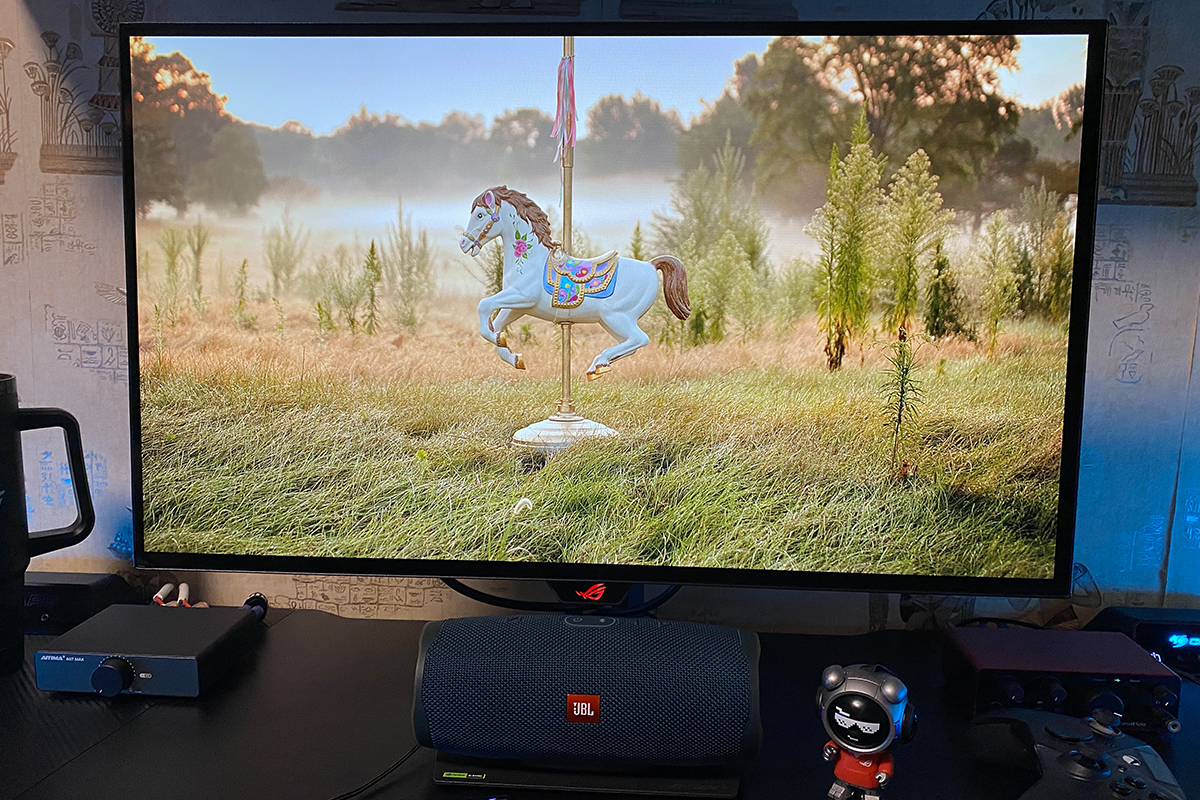
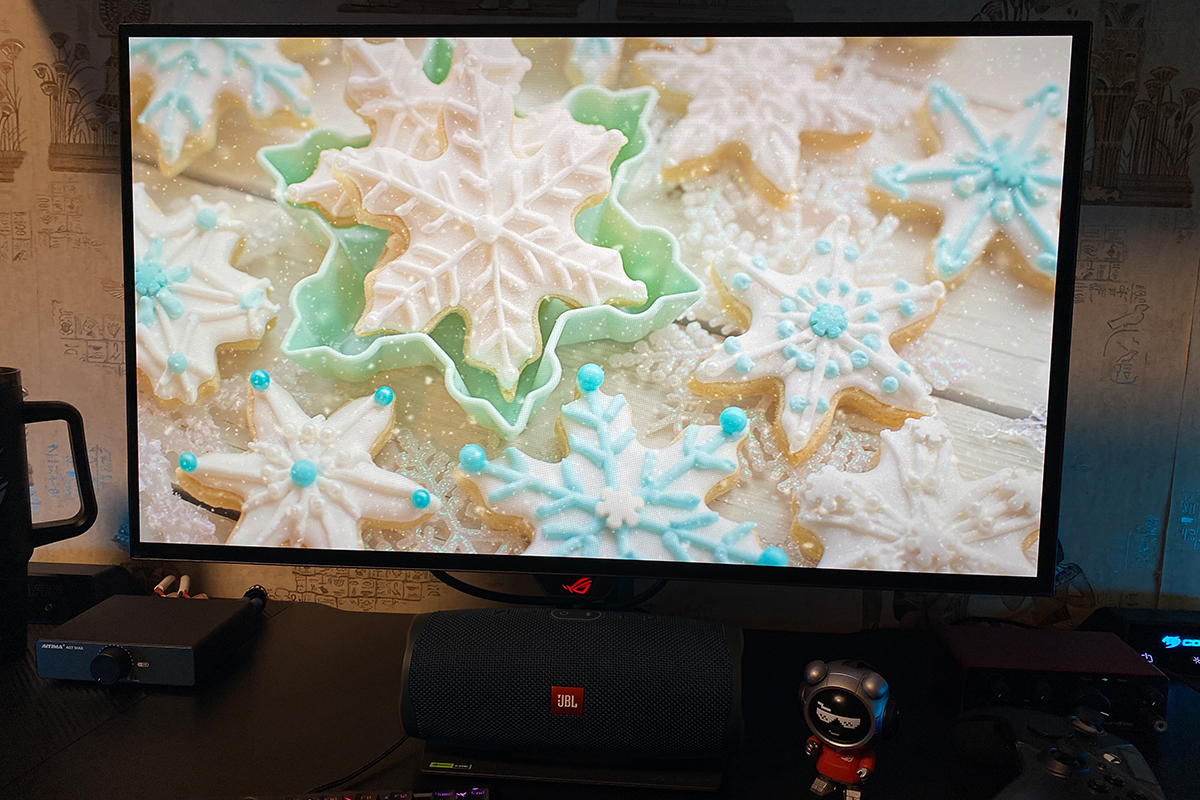
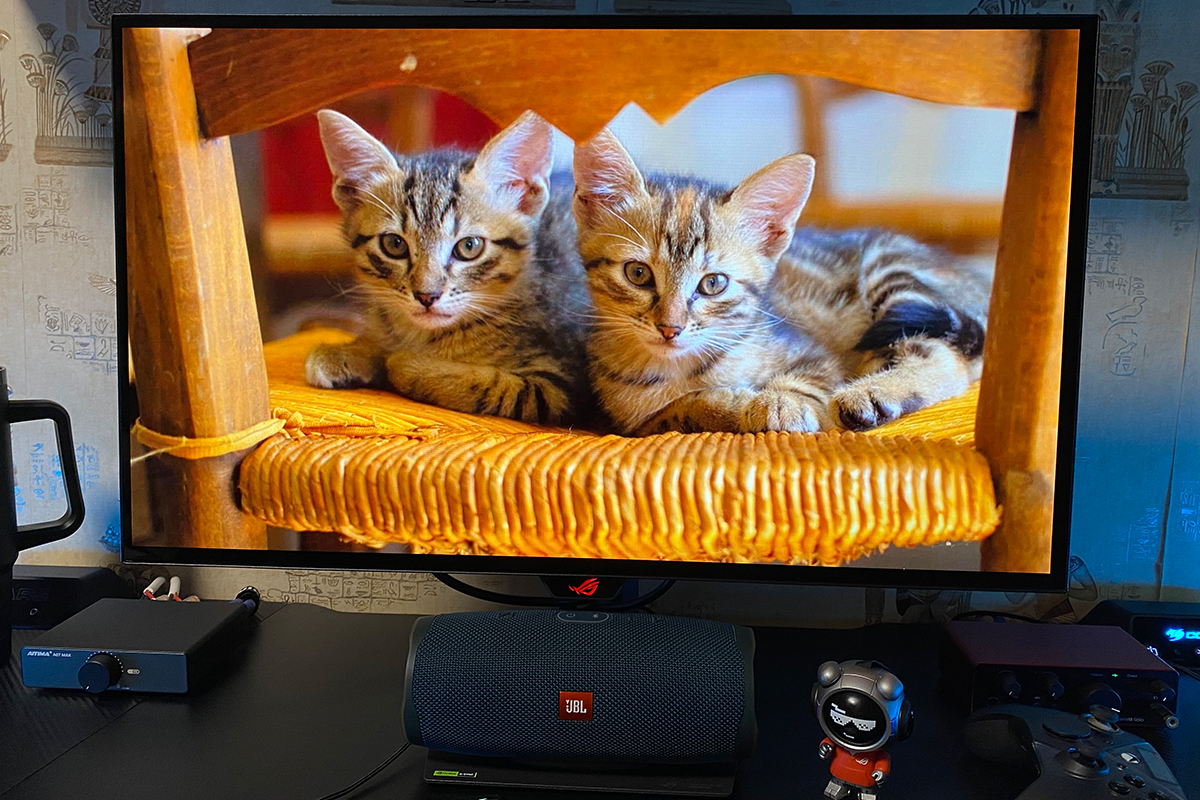
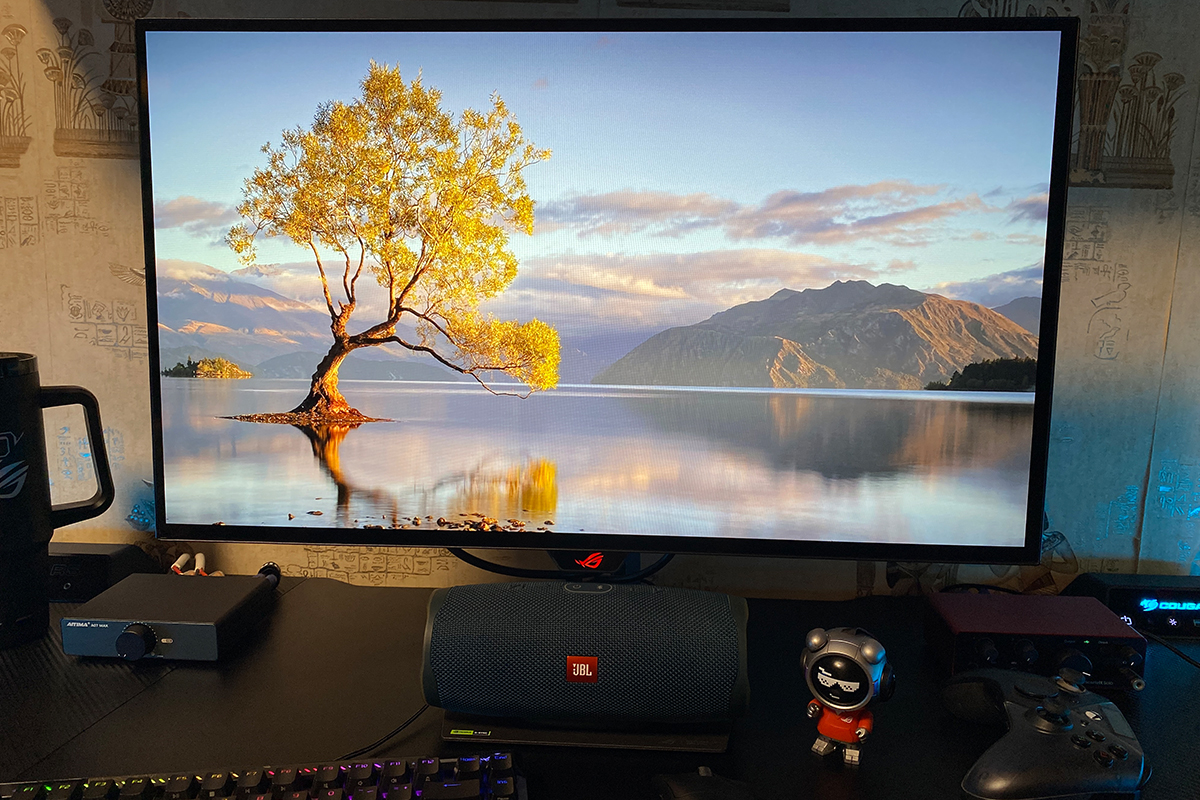
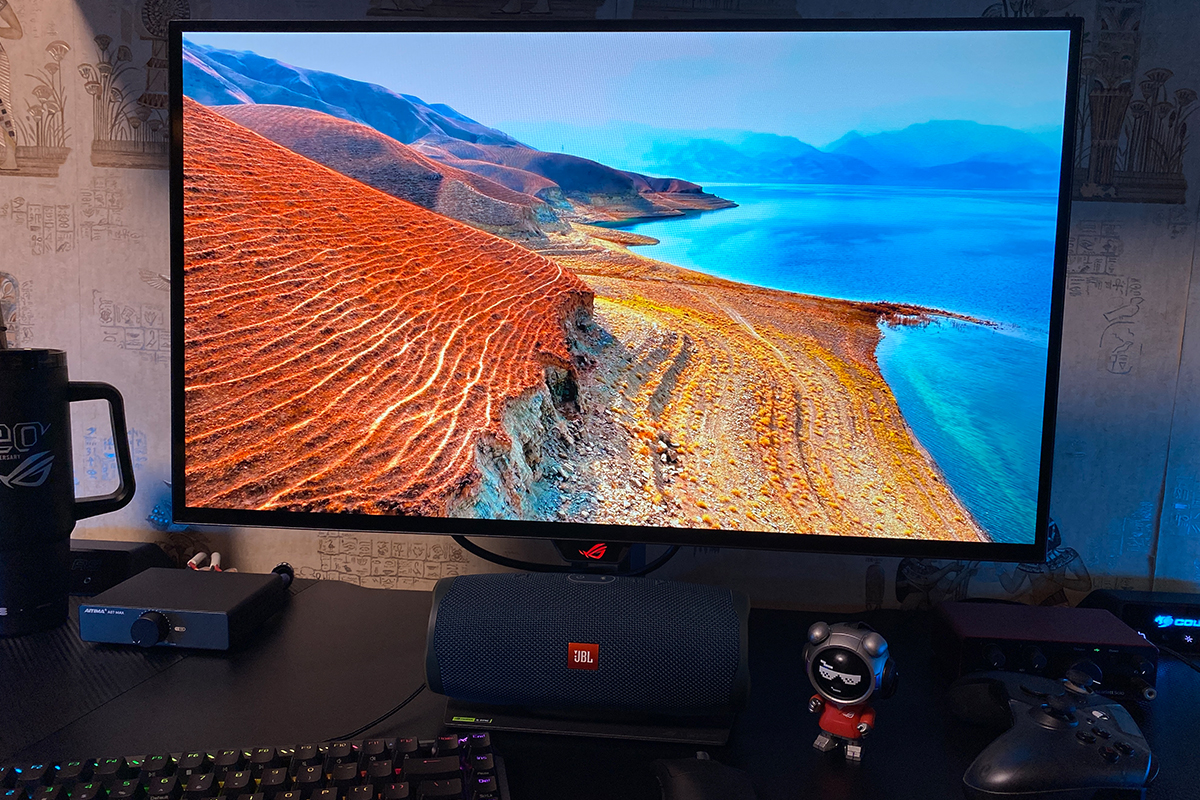
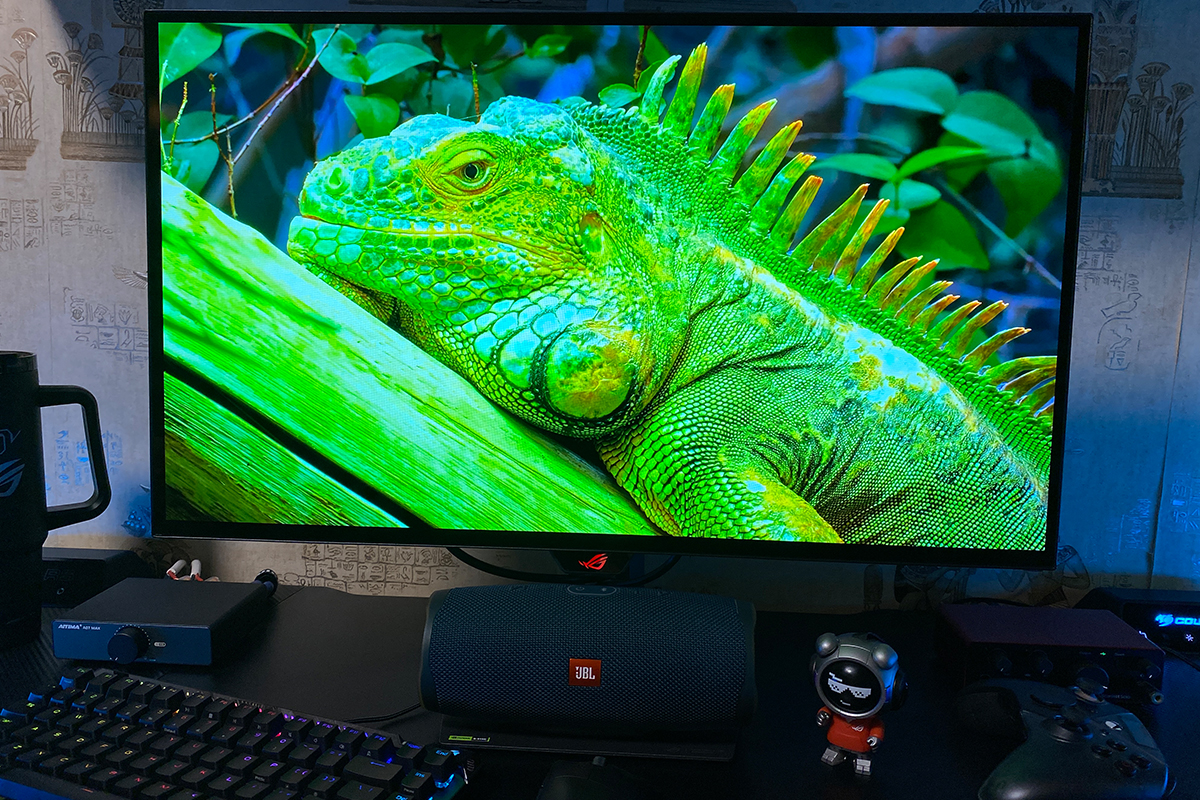
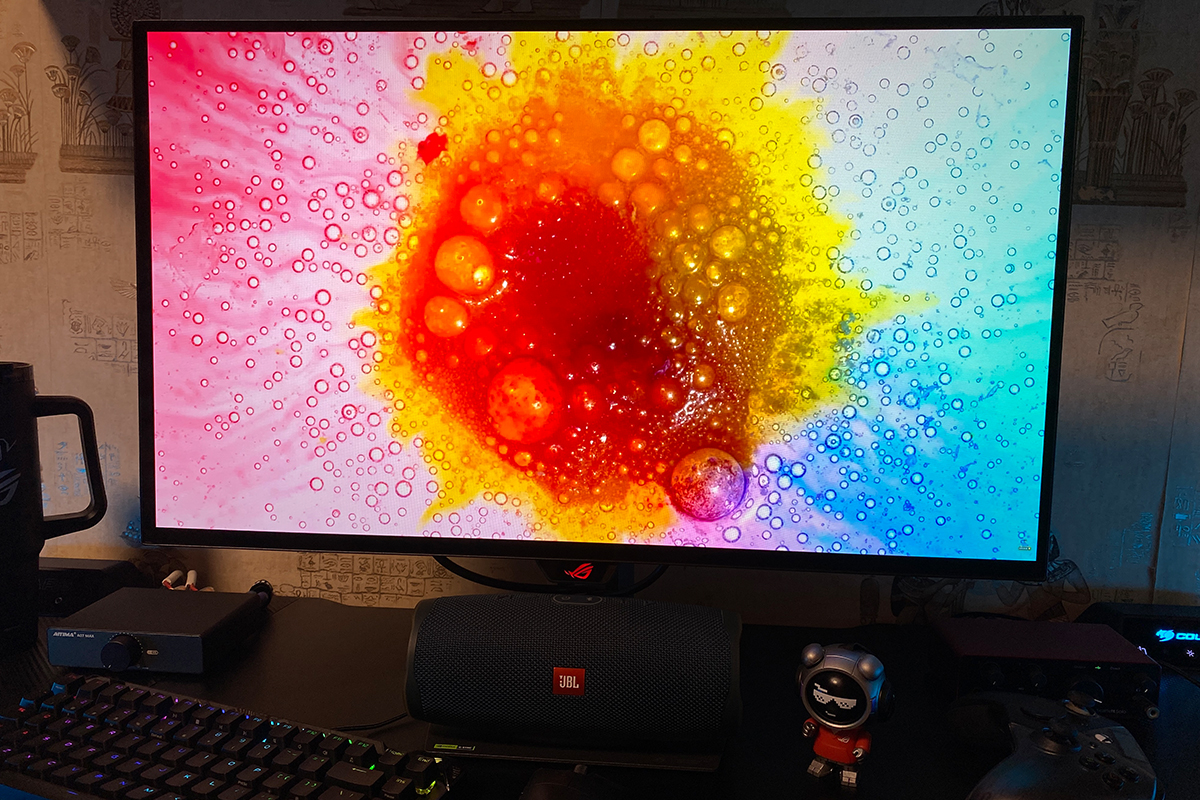
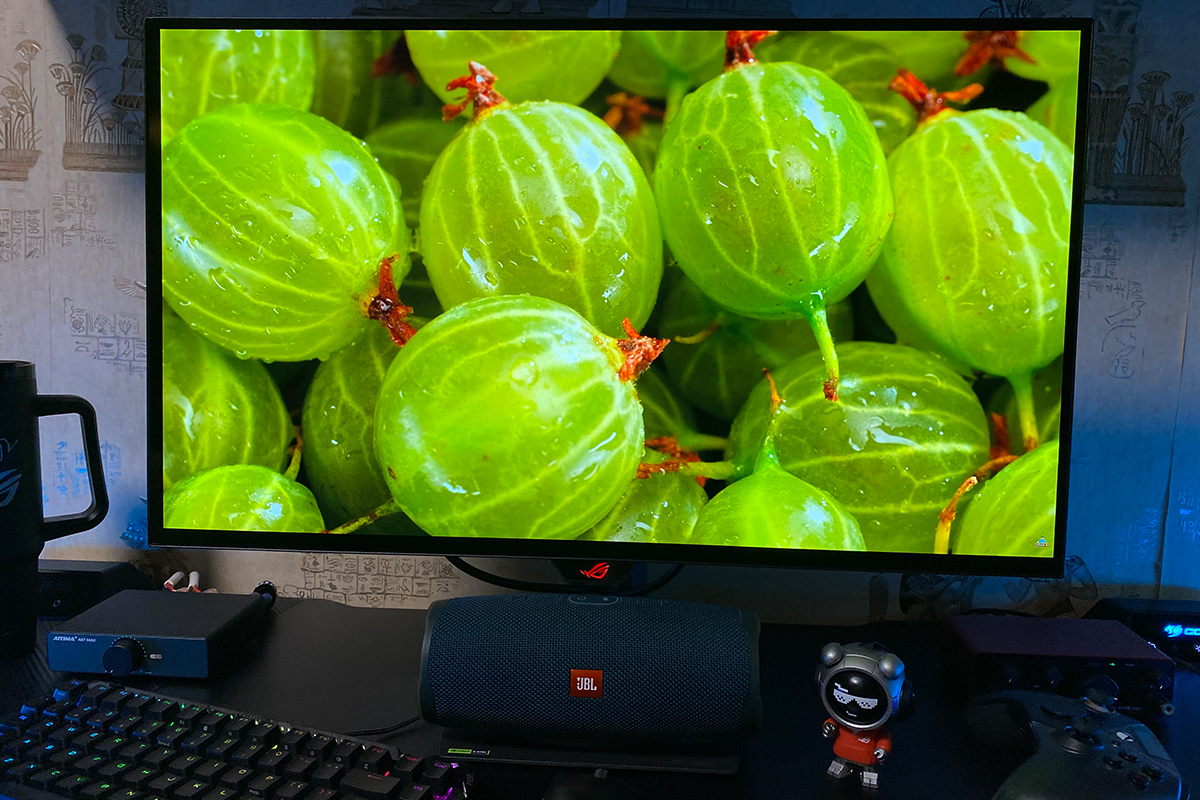
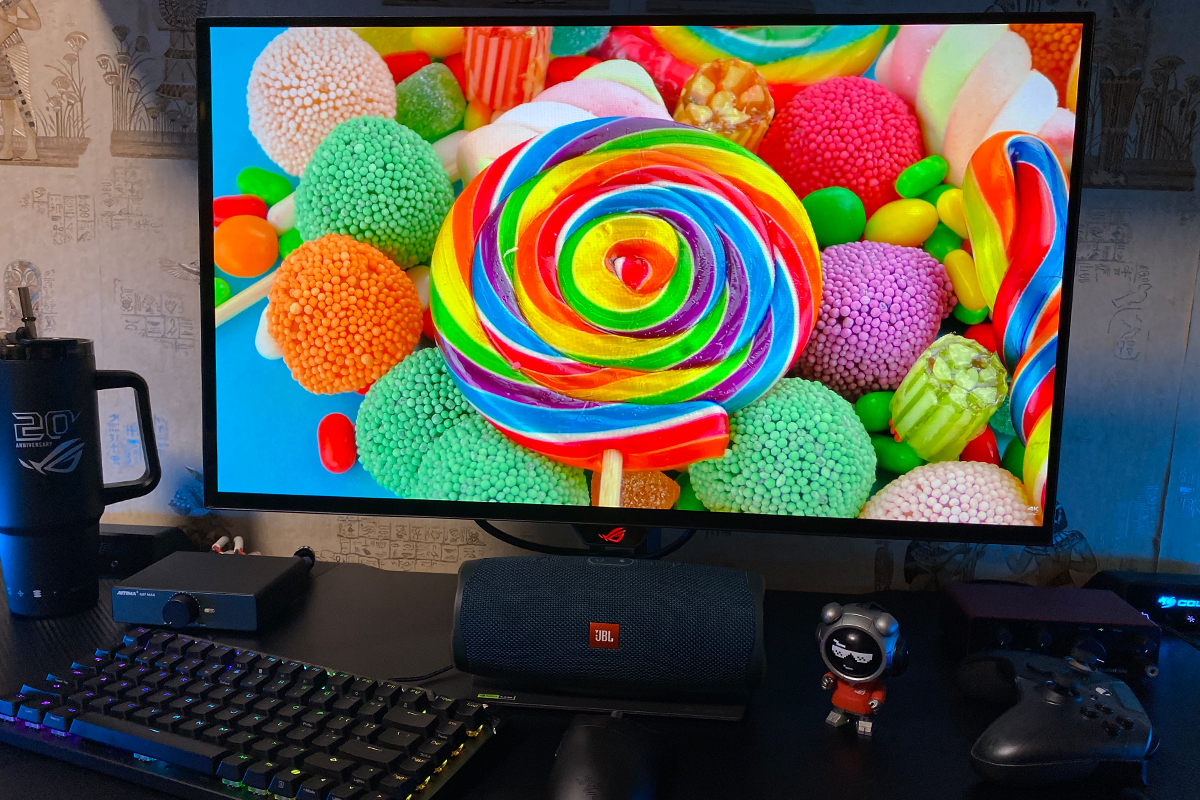
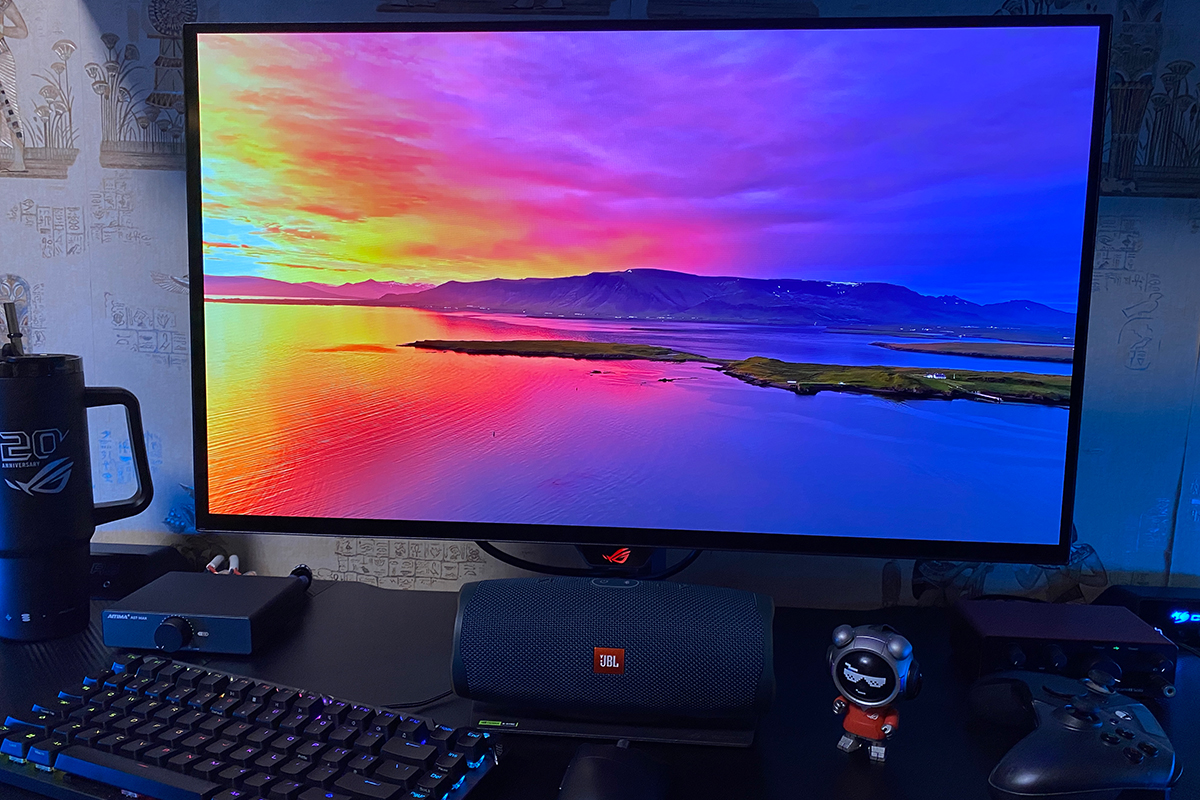
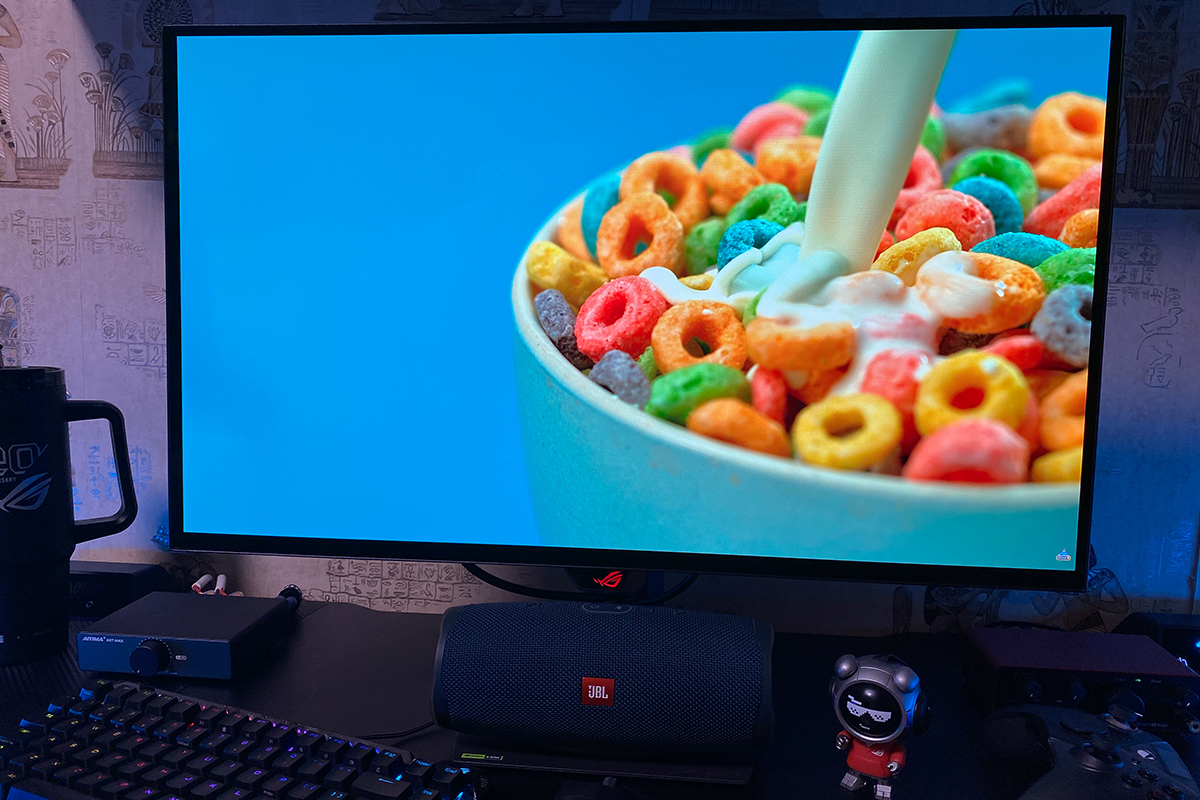
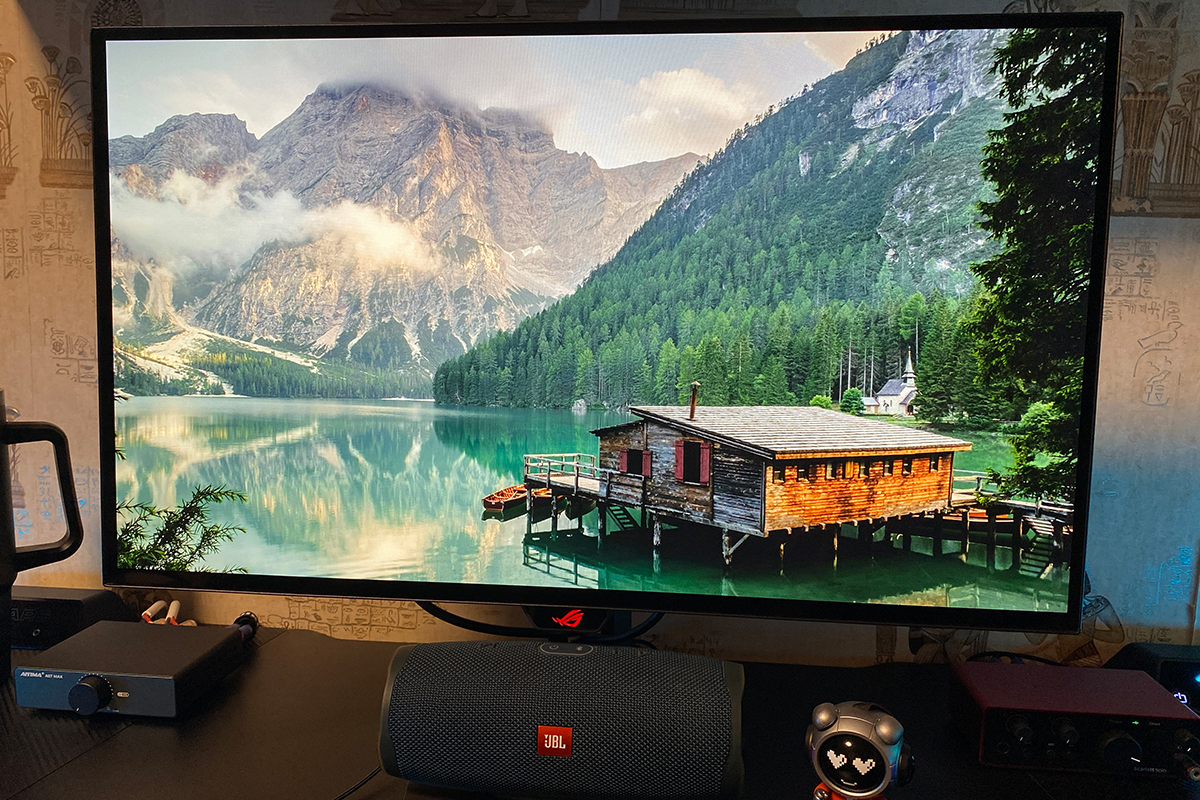
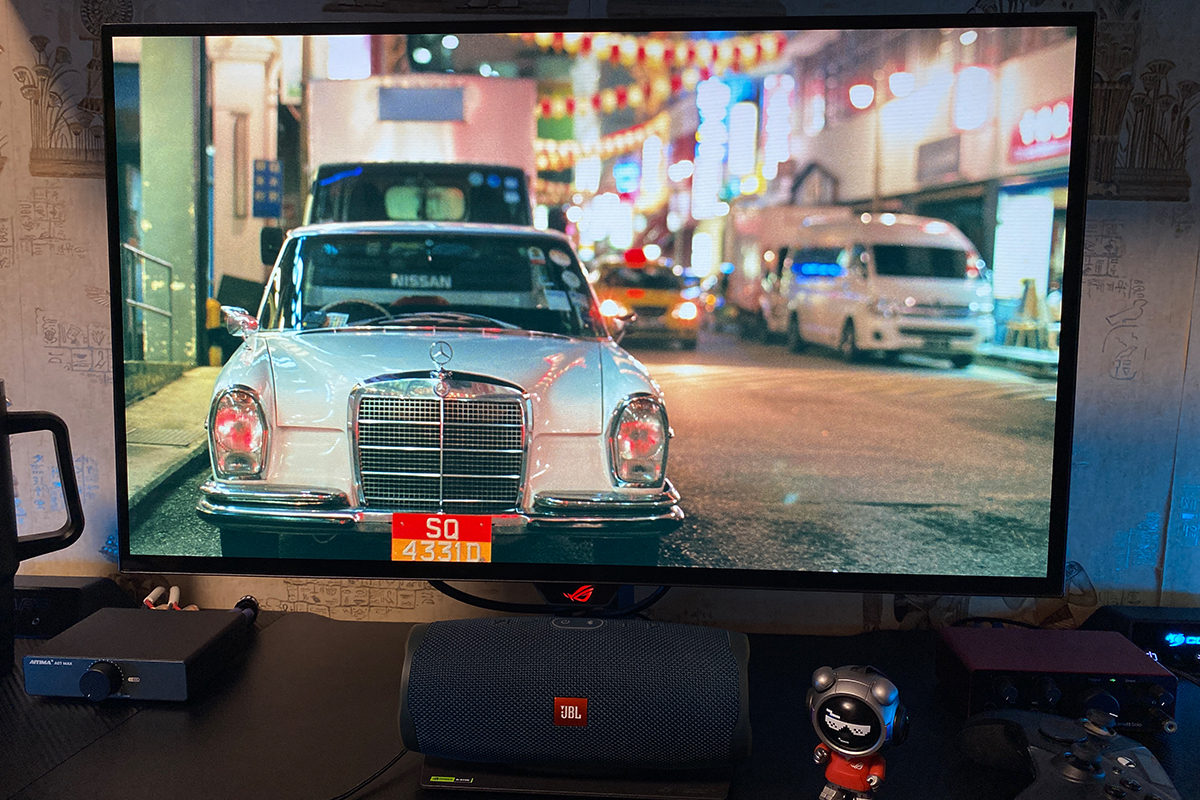
The whites are perfectly clean, the blacks are genuinely deep, and the color palette is rich, with plenty of shades even without HDR. There is also more than enough brightness, even with Uniform Brightness enabled.
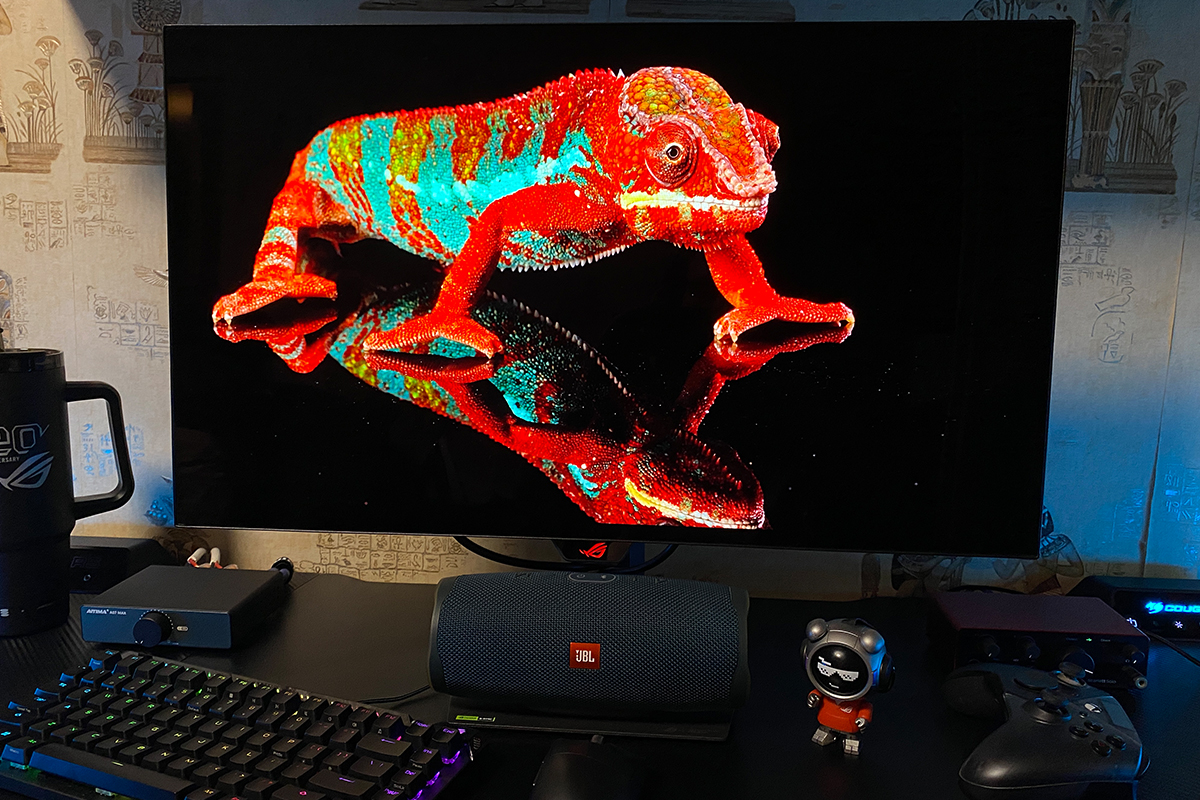
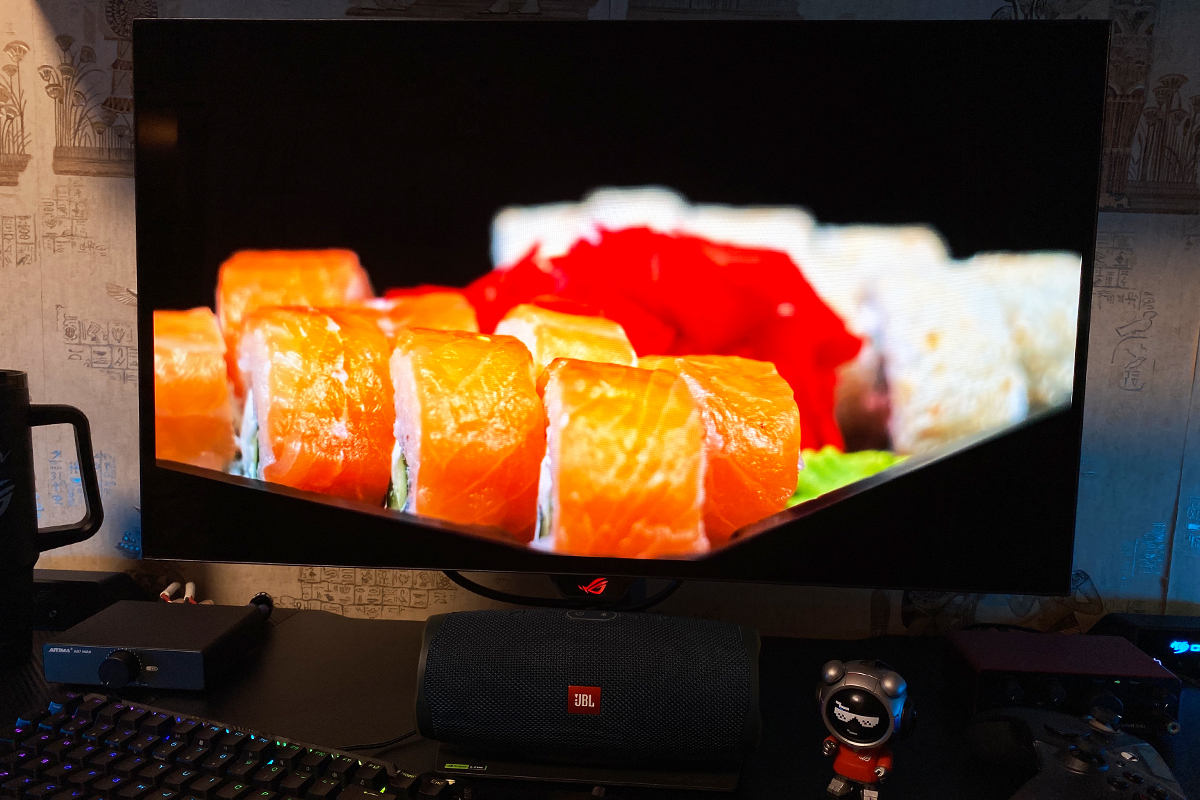
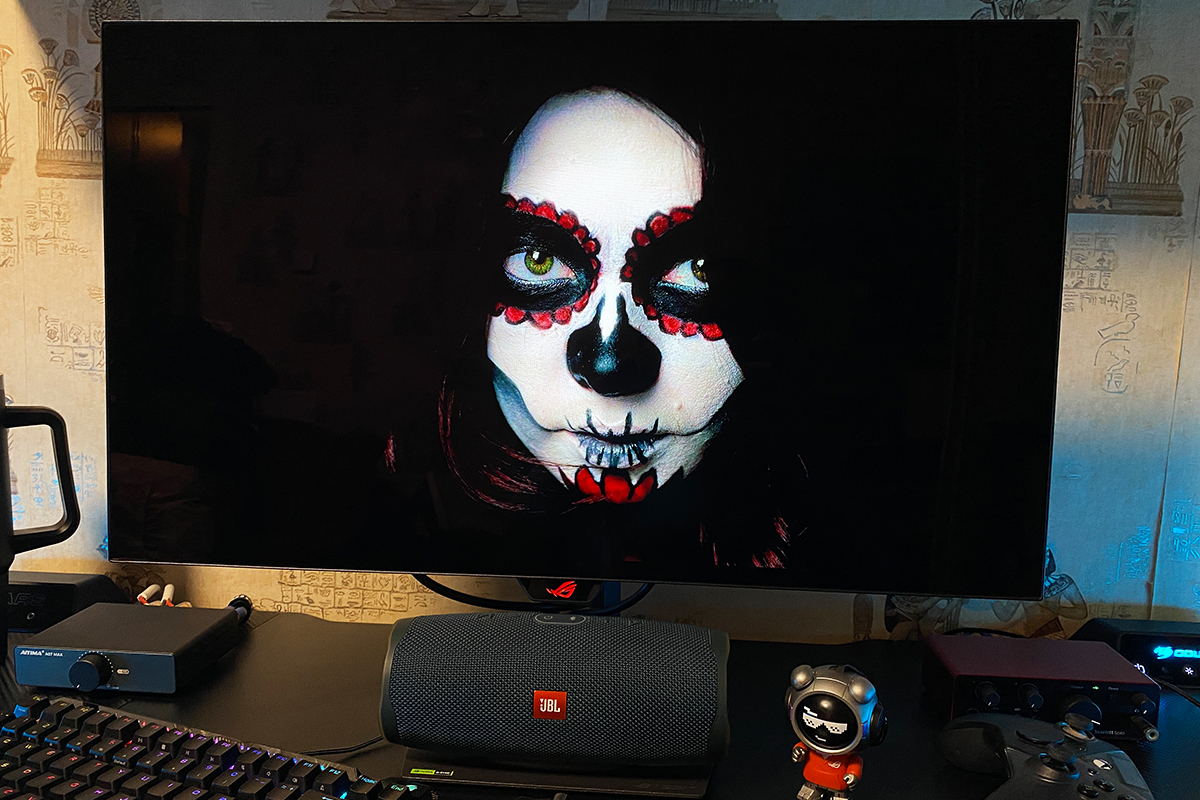
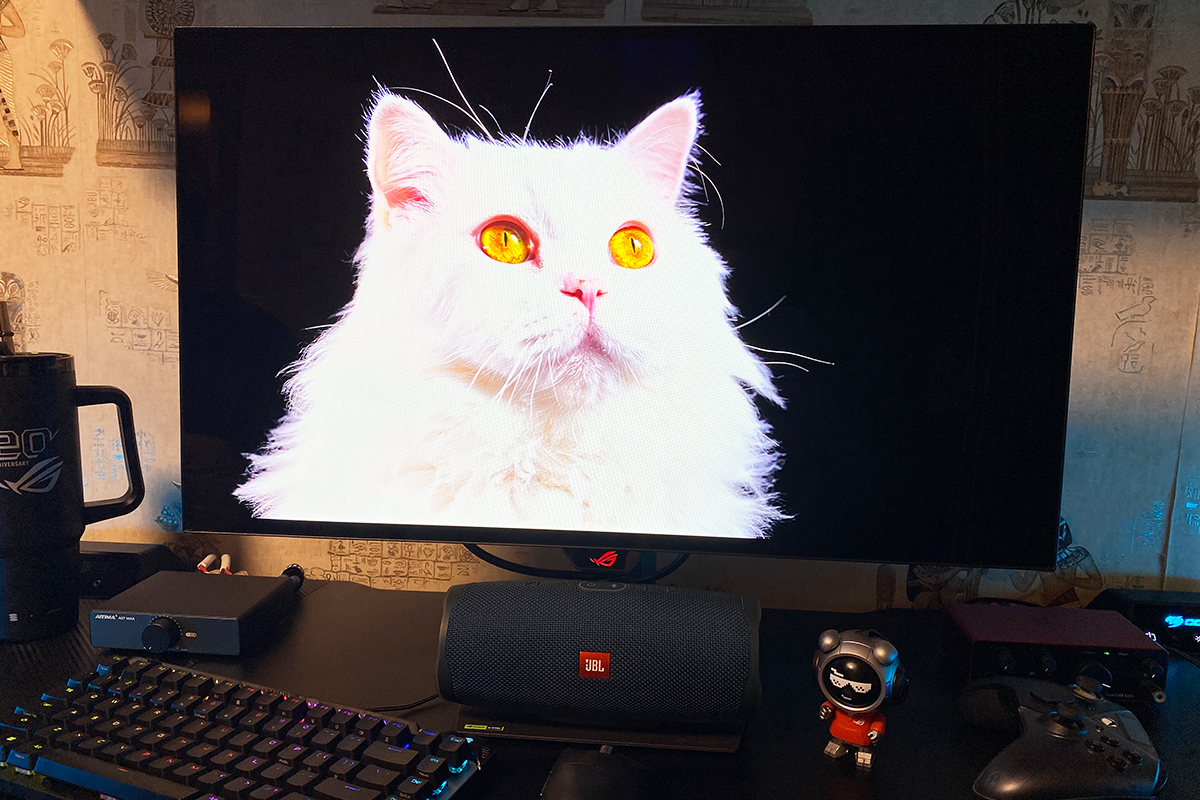
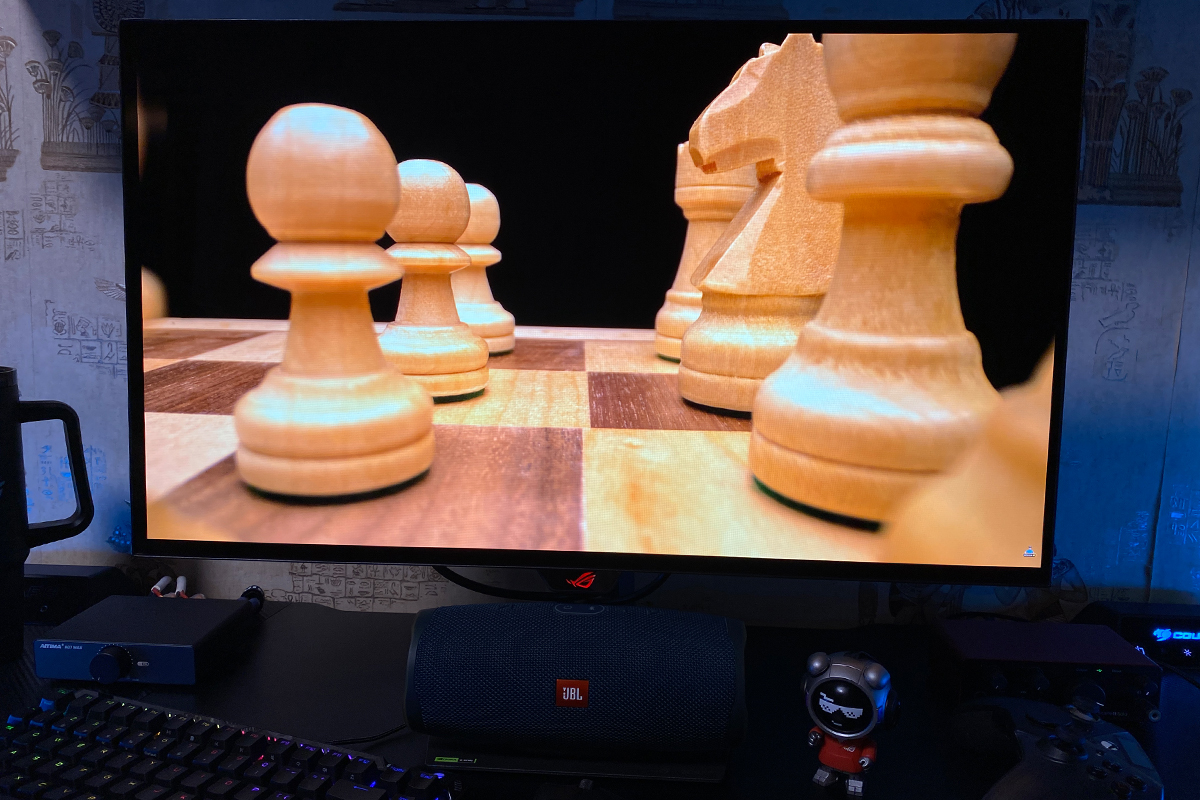
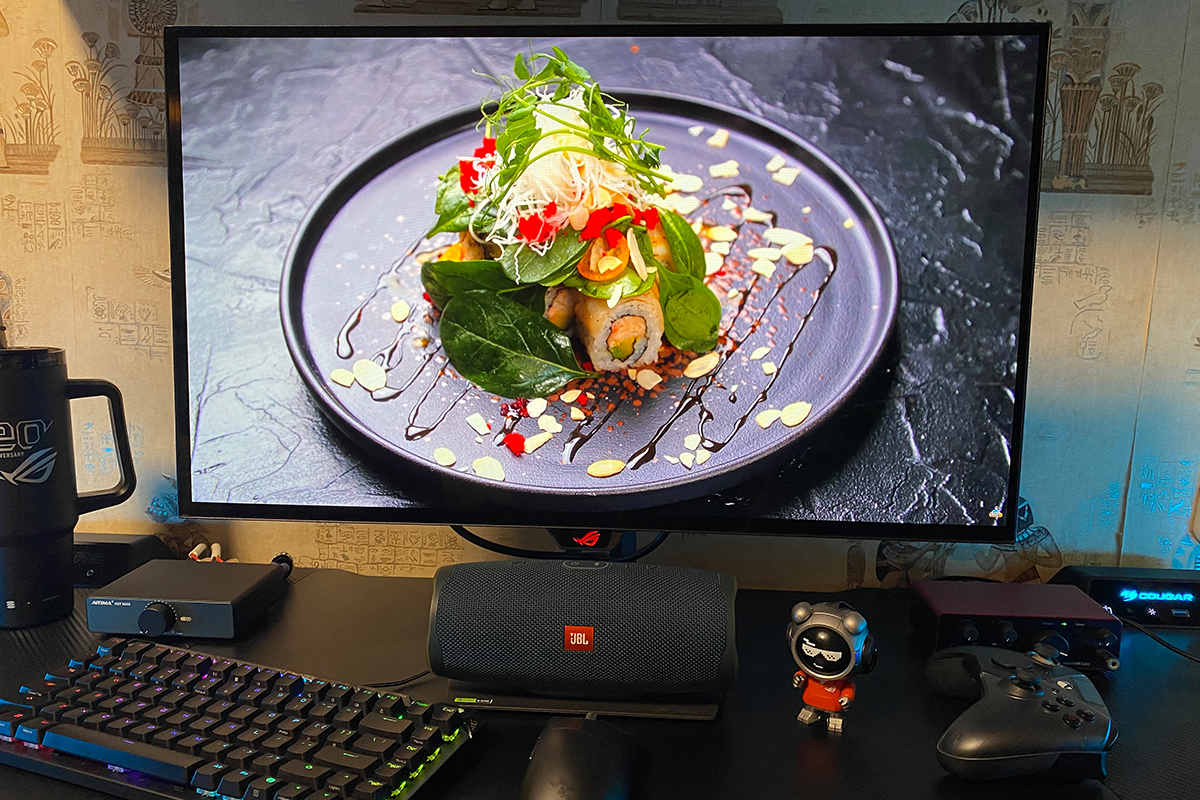
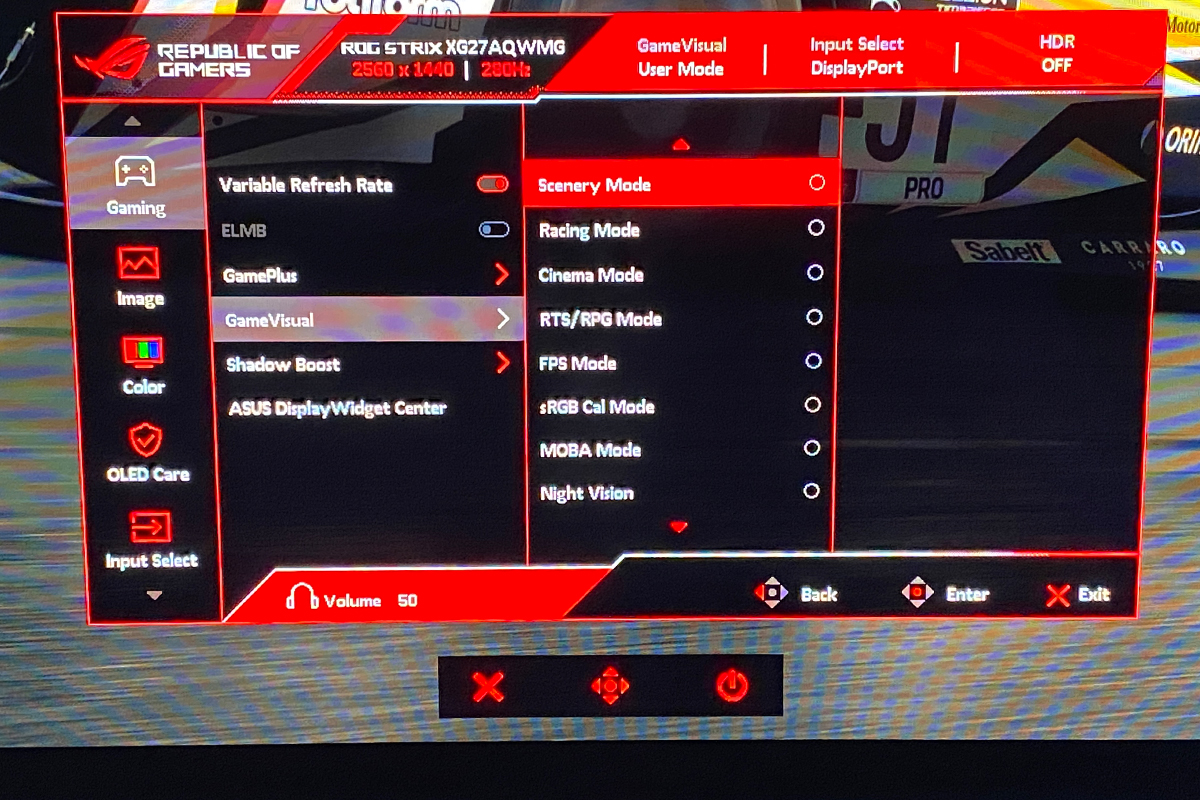
As for HDR, it makes the content on screen even richer, more contrasty, and more immersive, particularly in games. However, this only applies to titles where HDR has been properly implemented rather than added as a checkbox feature. When HDR is poorly implemented, it’s better to leave it disabled or calibrate it separately using third-party software. As for the built-in GameVisual presets, I can only repeat what I noted in my previous review: some presets, such as Scenery, Cinema, and Racing, look great out of the box, and I see little reason to change them. The others look somewhat unnatural and require additional adjustment in DisplayWidget Center. Below, I’ll simply show a gallery of the different modes so you can get a general idea of how they look. I say “general idea” because a smartphone camera cannot fully capture how the display actually looks during typical use. The same applies to the other photos in this section.
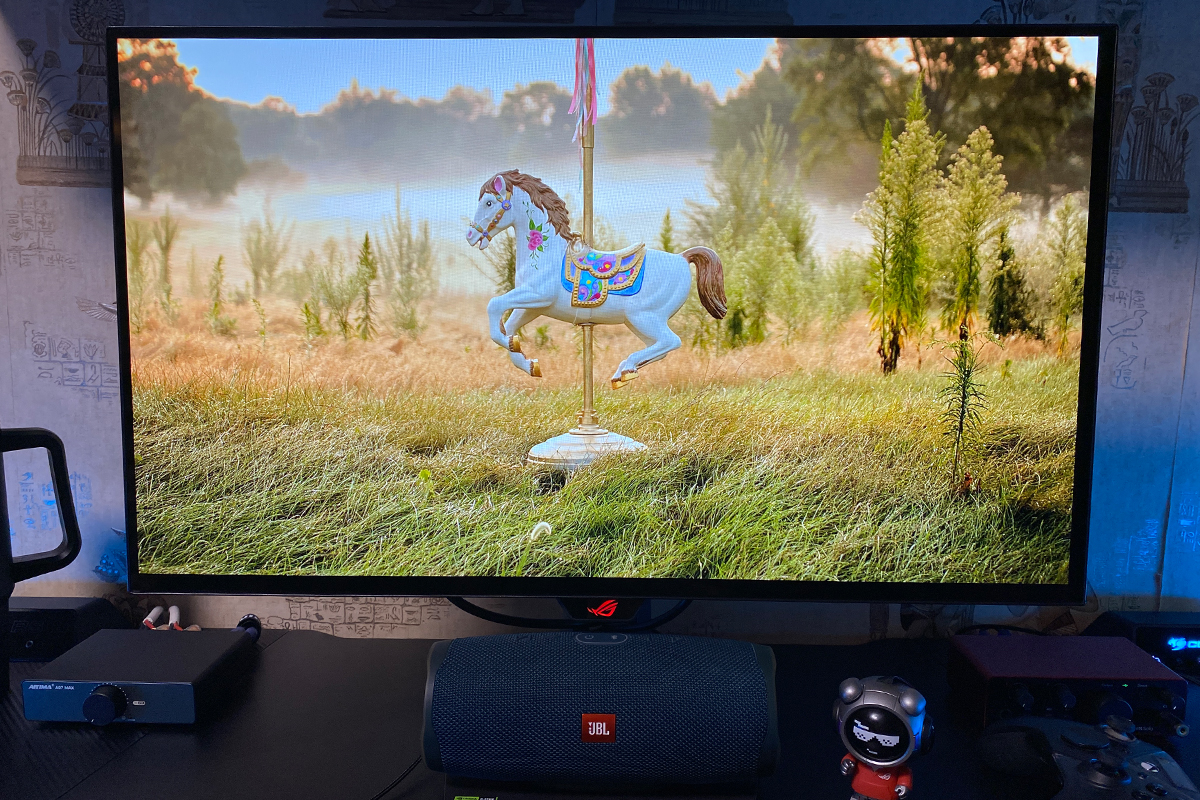
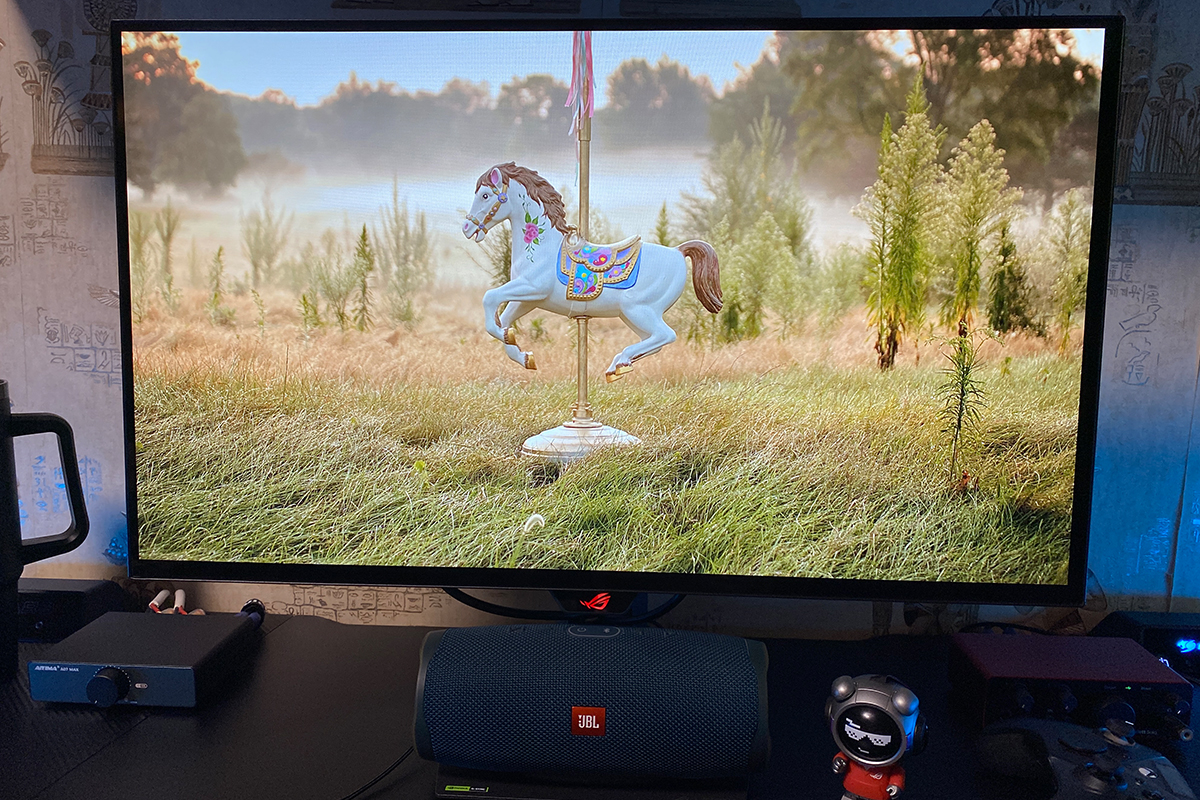
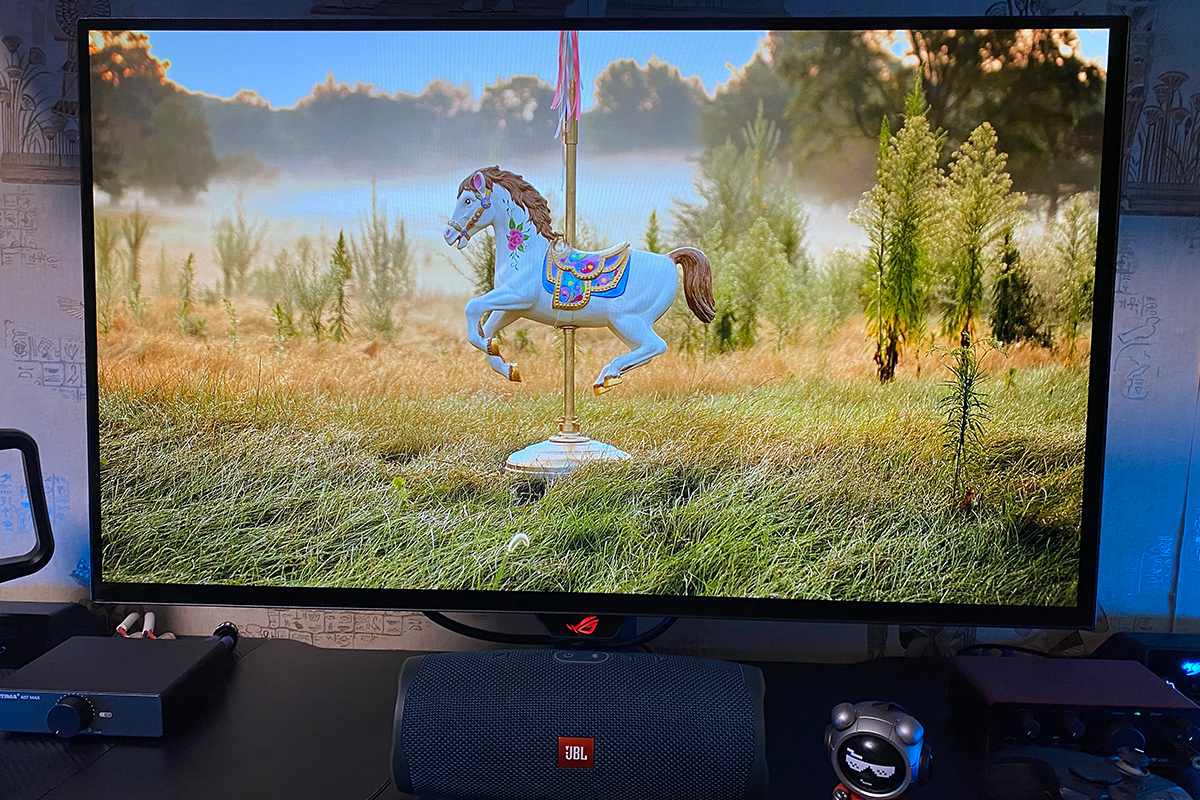
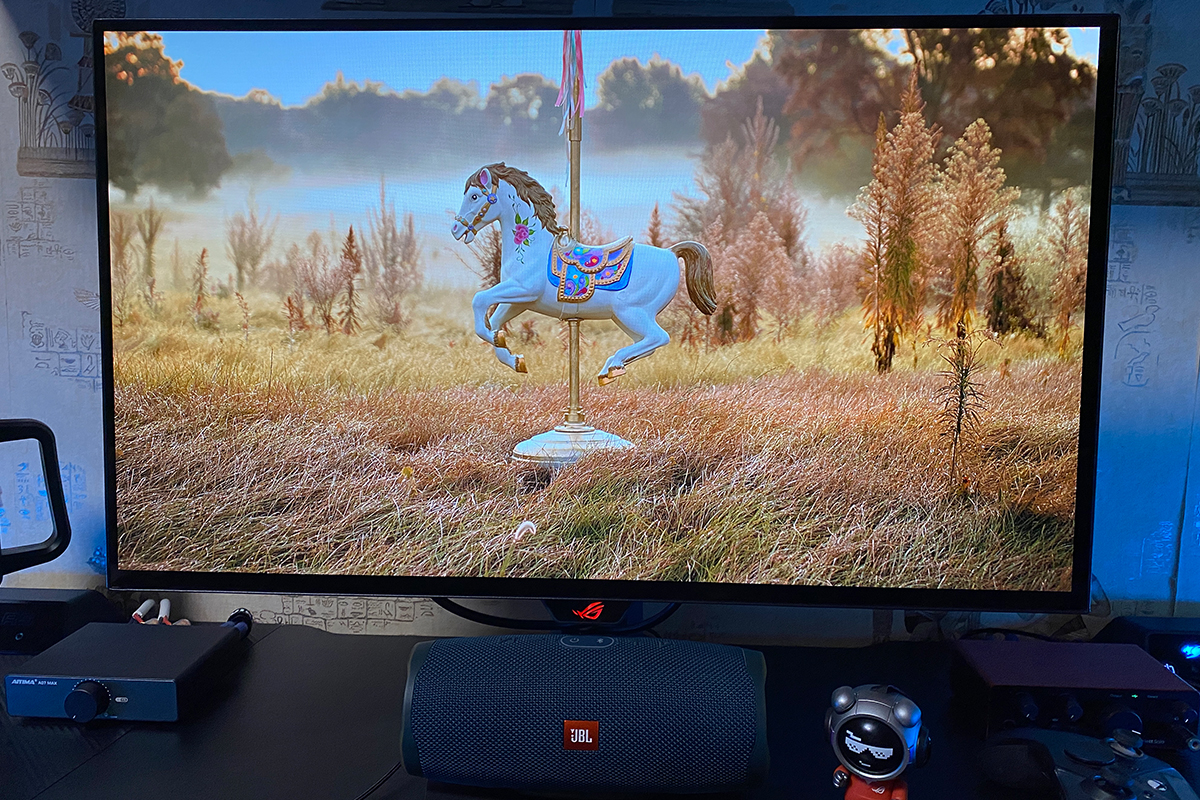
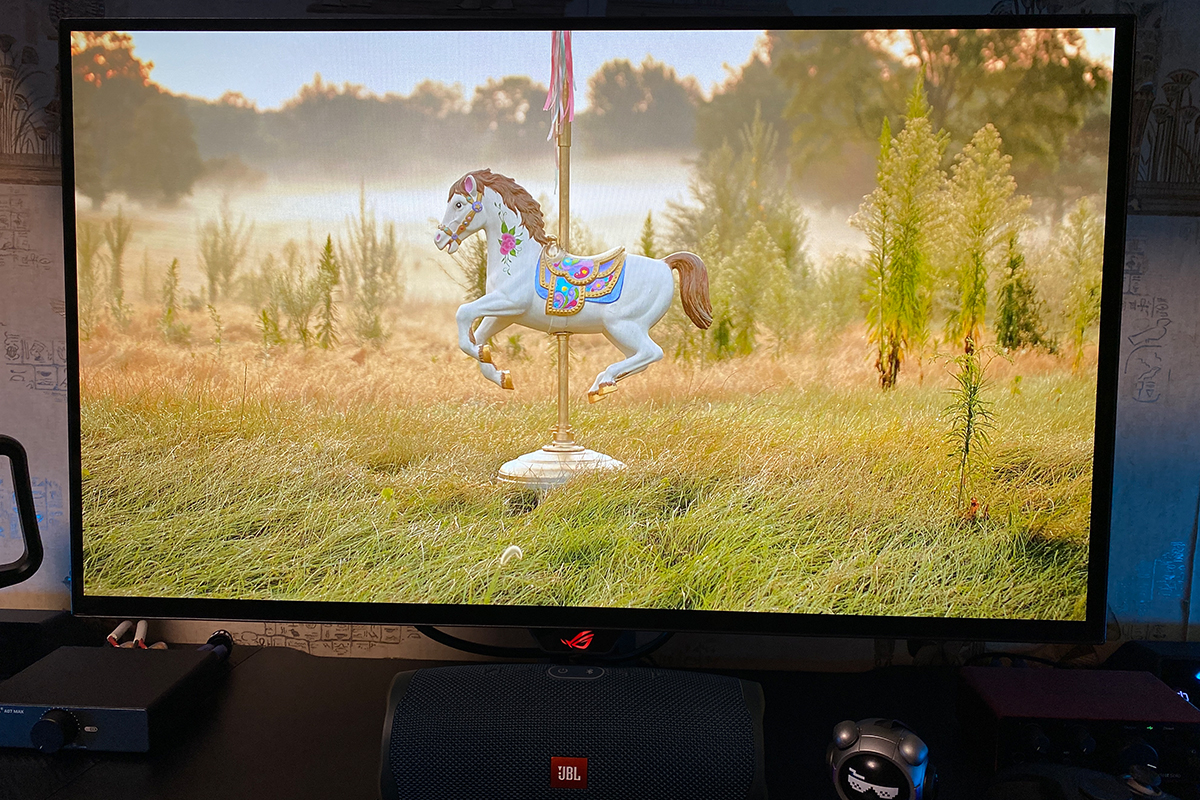
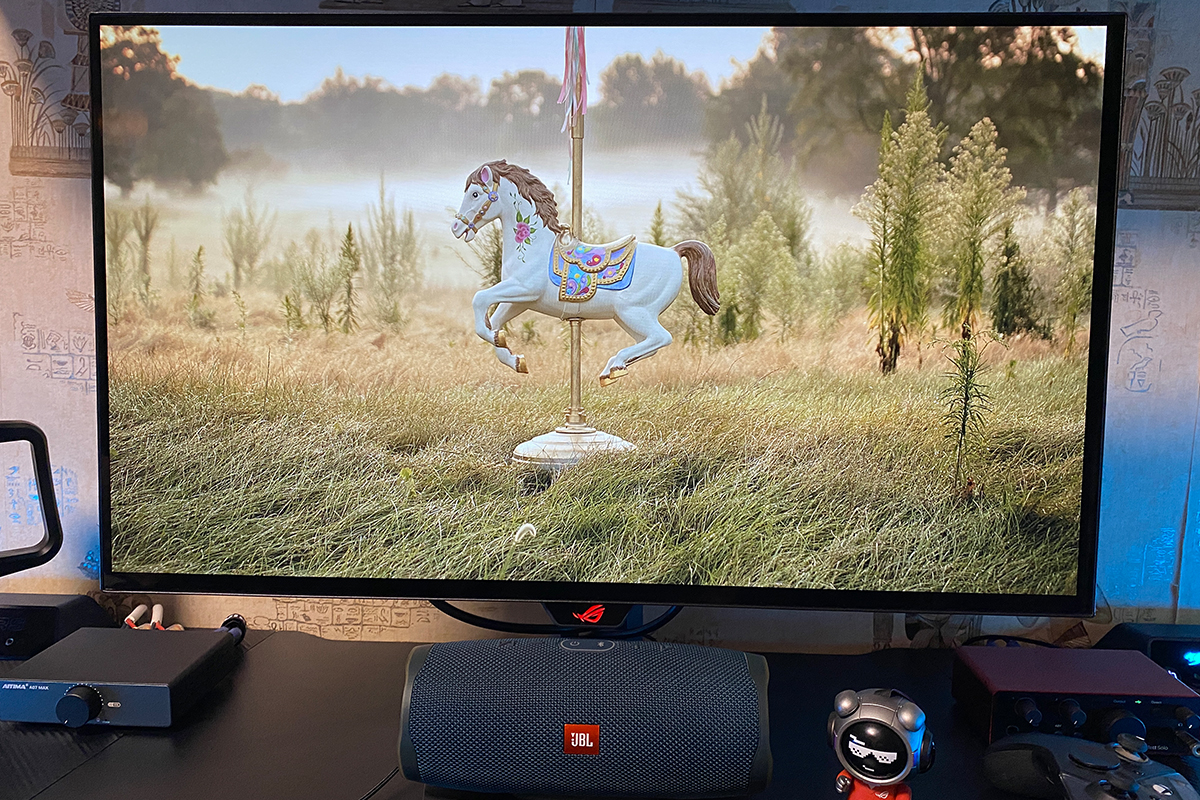
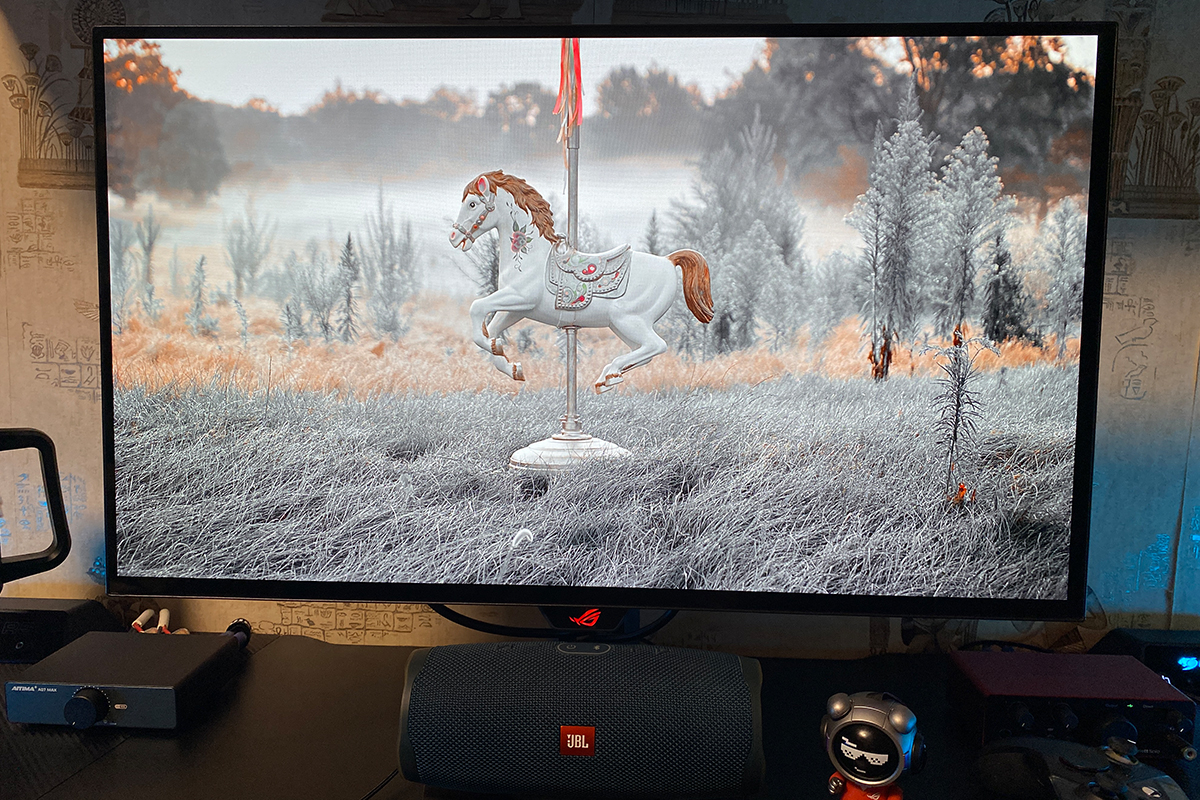
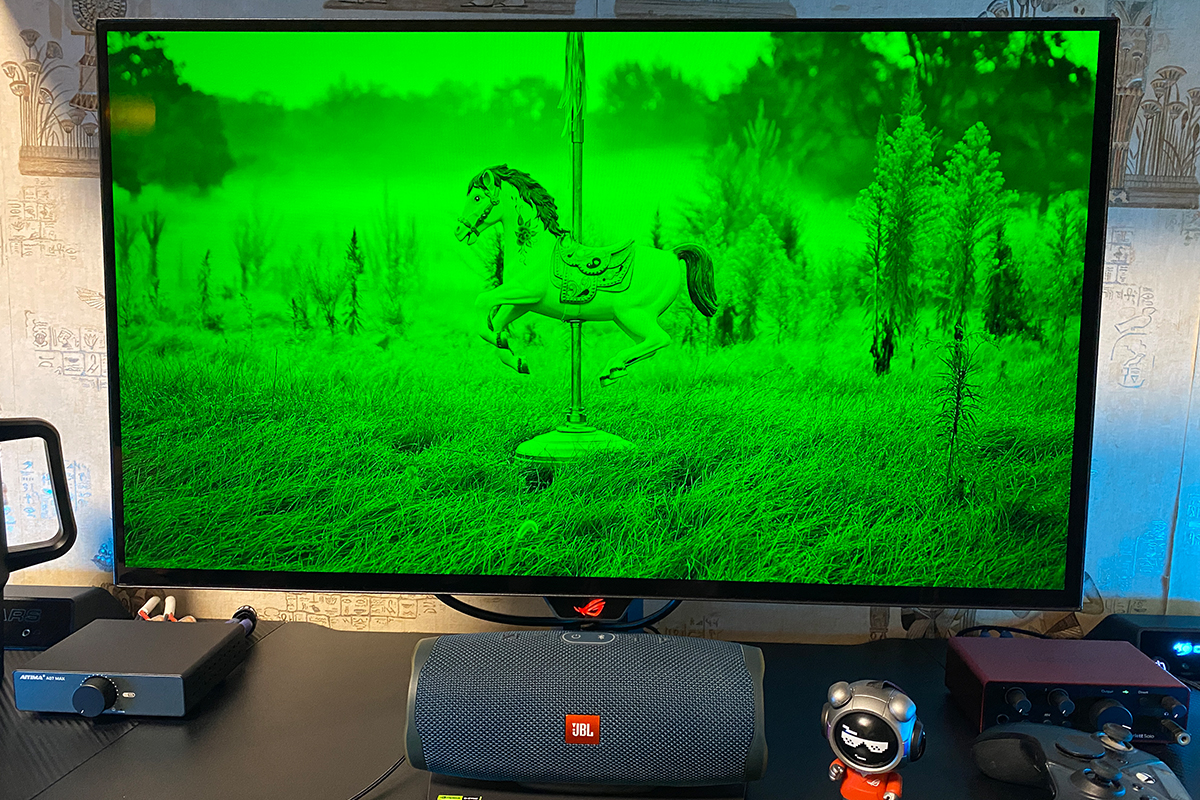
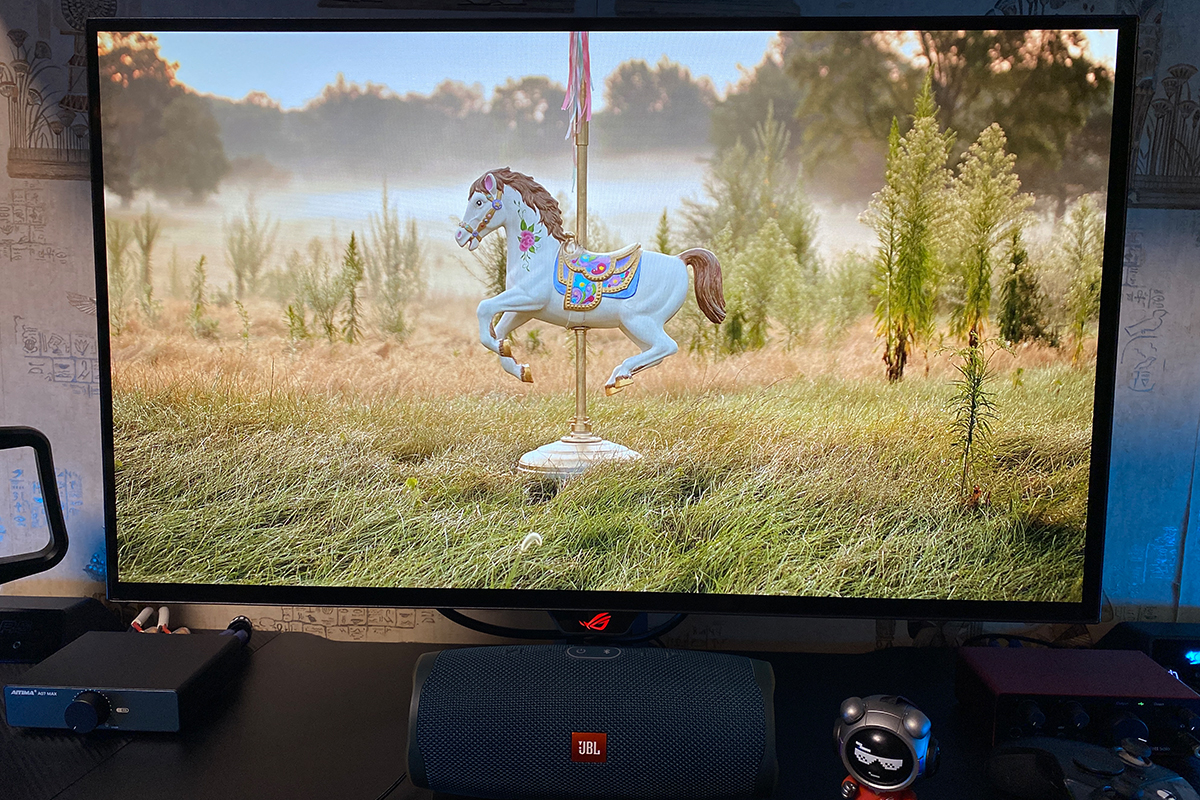
In my previous review, I said that switching to a monitor like this feels almost like buying a new, more powerful graphics card. You know that feeling when you launch your favorite games, which you previously played at medium-to-high settings, turn everything up to maximum – including ray tracing and all the associated features – and suddenly realize how different the games look? The OLED XG27AQWMG and XG27AQDPG deliver much the same experience. Rich colors, depth, contrast, sharpness, and a wide range of shades all make a noticeable difference to how you perceive and experience games.
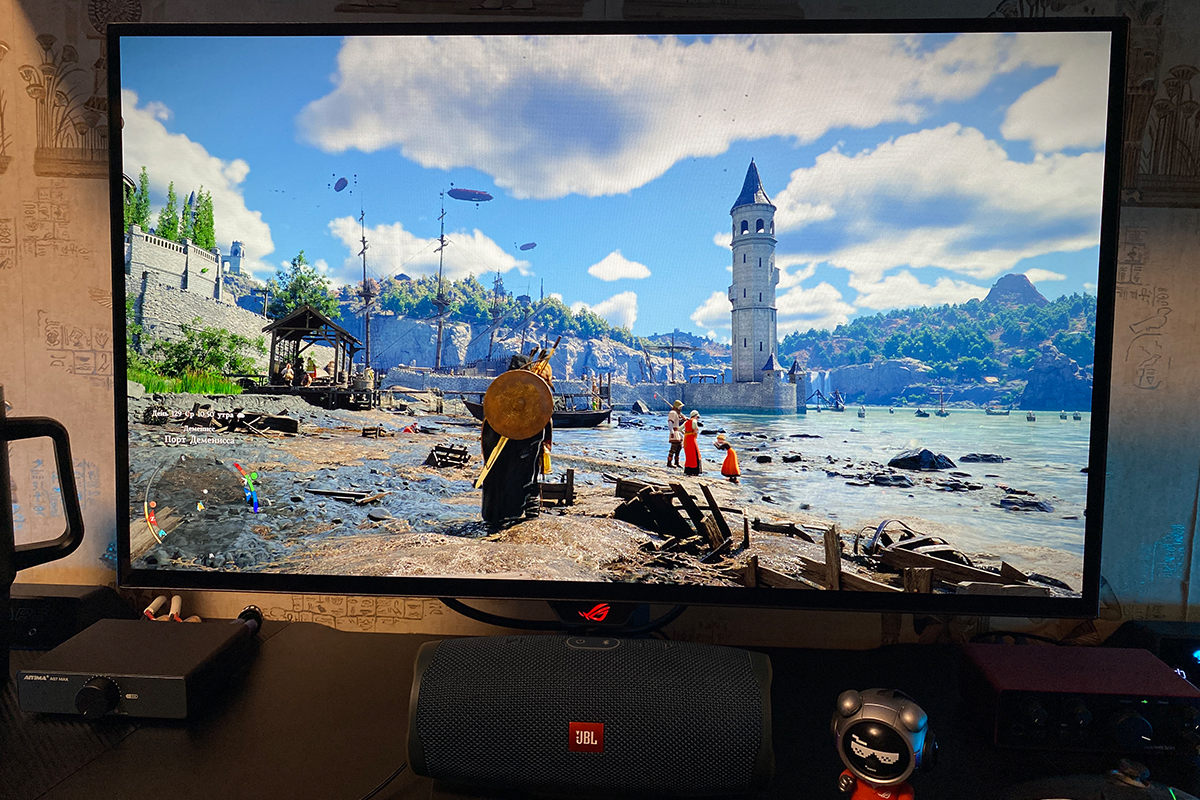
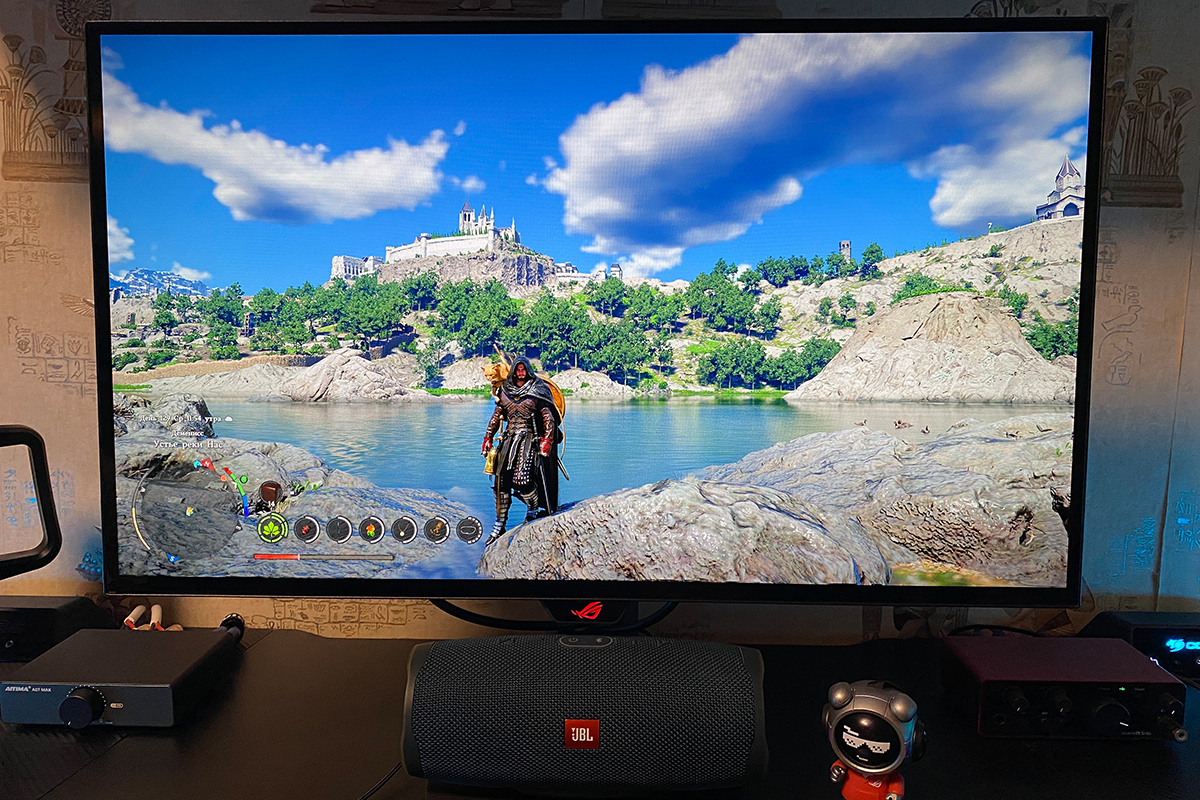
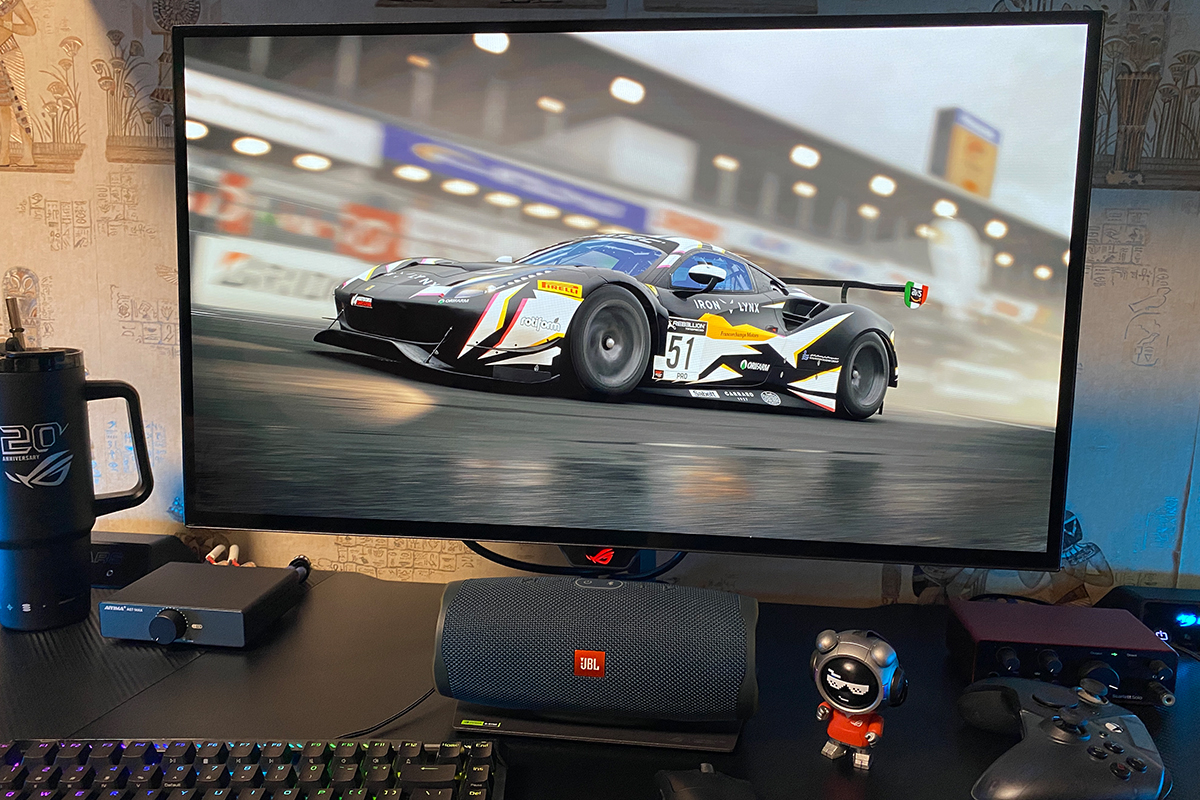
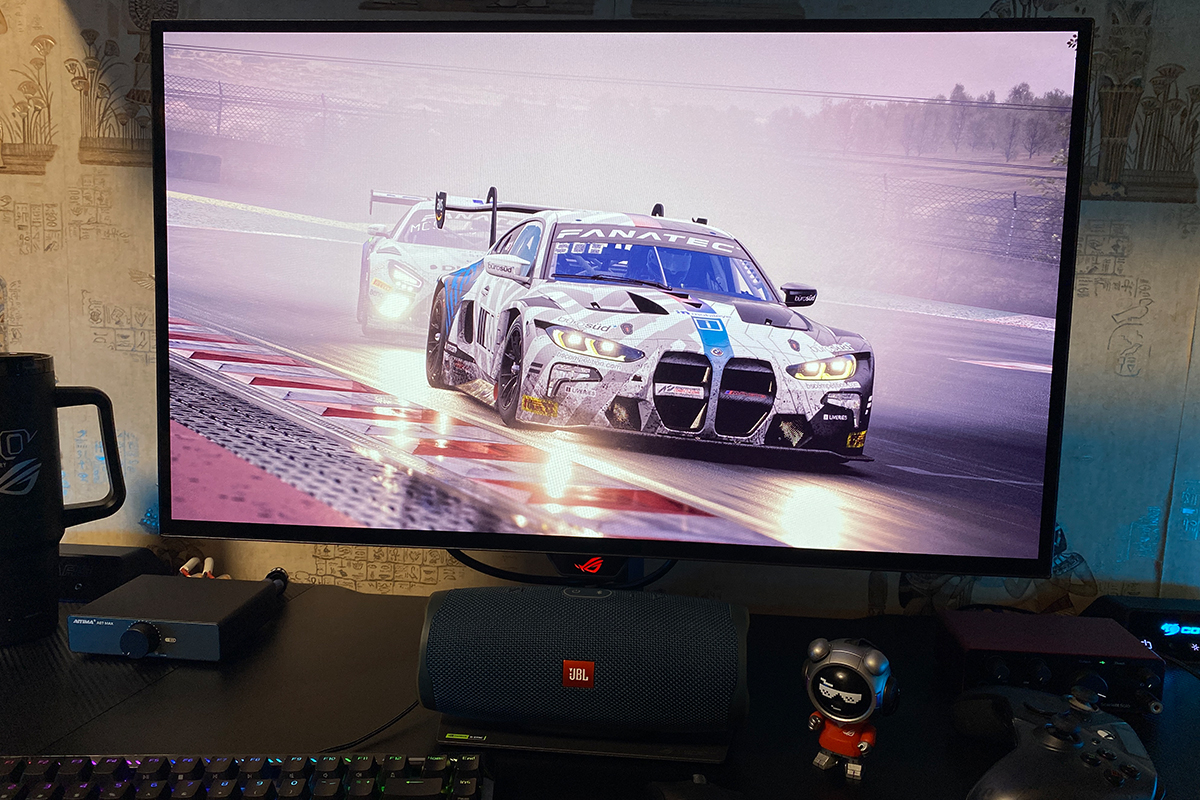
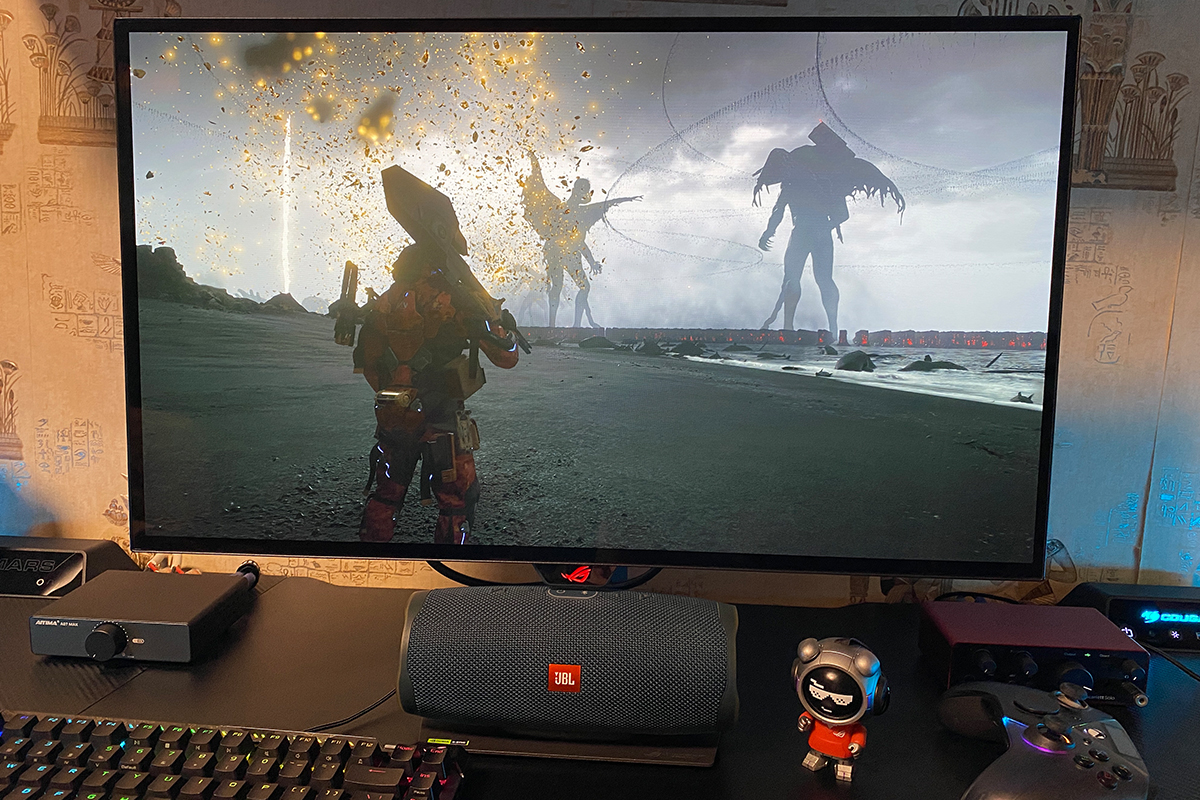
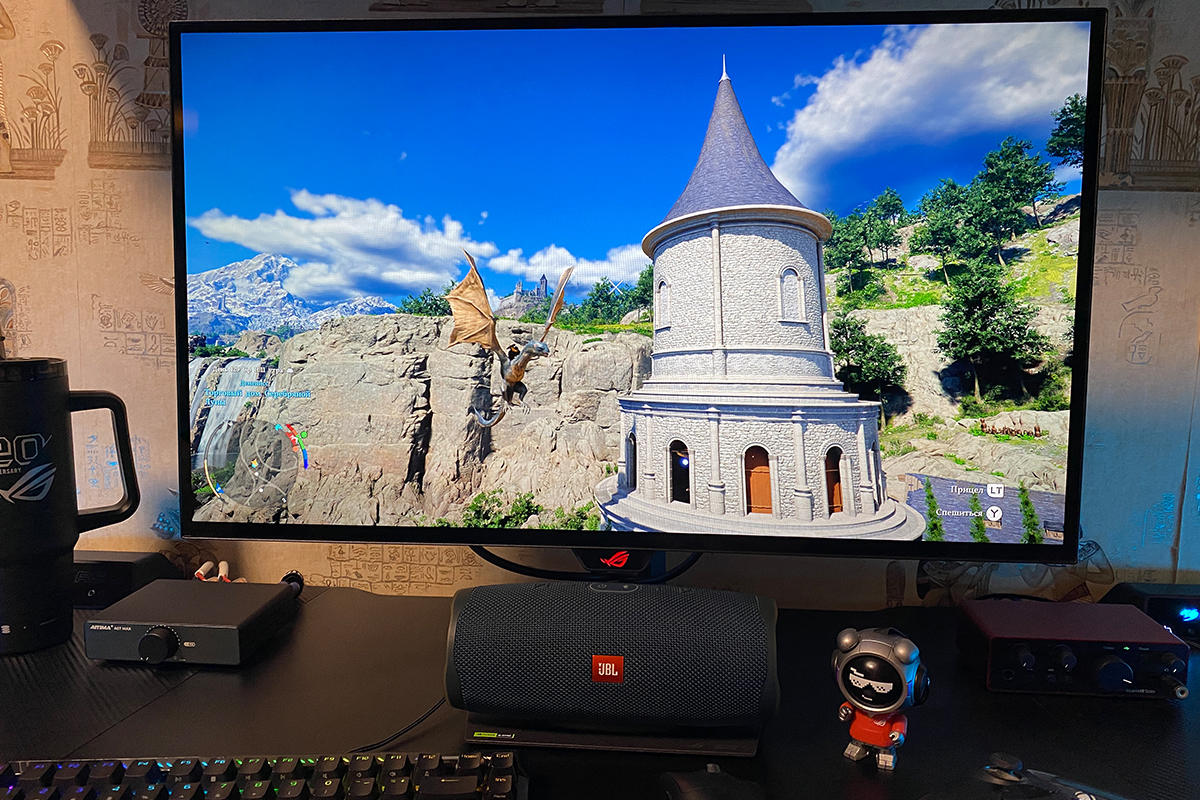
As for smoothness and response time, the monitor has no issues – quite the opposite. The image feels incredibly smooth and responsive, with no noticeable blur or ghosting. You can also enable the ELMB feature to further improve clarity in fast-moving scenes. However, I spent most of my time gaming with it disabled, and, honestly, my eyes were perfectly happy with that.
The high refresh rate and fast response time really come into their own in particularly dynamic games, such as shooters and hardcore platformers. For example, while the monitor was with me for review, I managed to complete Hollow Knight: Silksong on it, and I can say that displays like this are practically made for games where fast action and quick response are essential. The combination of rich colors, depth, smoothness, responsiveness, and a complete lack of tearing remains impressive even at frame rates above 280 FPS. It’s in games like these, and after spending time with displays like this, that going back to something simpler and slower makes you realize just how difficult it is to return to the old way of playing. That said, gaming is still very enjoyable even when the frame rate is lower than the monitor’s refresh rate. So even if you have a budget or mid-range graphics card, the new XG27AQWMG is definitely worth considering.
The last thing worth mentioning is the viewing angles. As expected from an OLED panel, they are exceptionally wide: there is virtually no color, brightness, or contrast shift when viewing the display from an angle, unlike what you typically see with VA and IPS panels.


Read also: ASUS ROG Falchion Ace 75 HE Keyboard Review: Expanded Layout, Hotswap, 8000 Hz, and Gear Link
On-Screen Display Menu
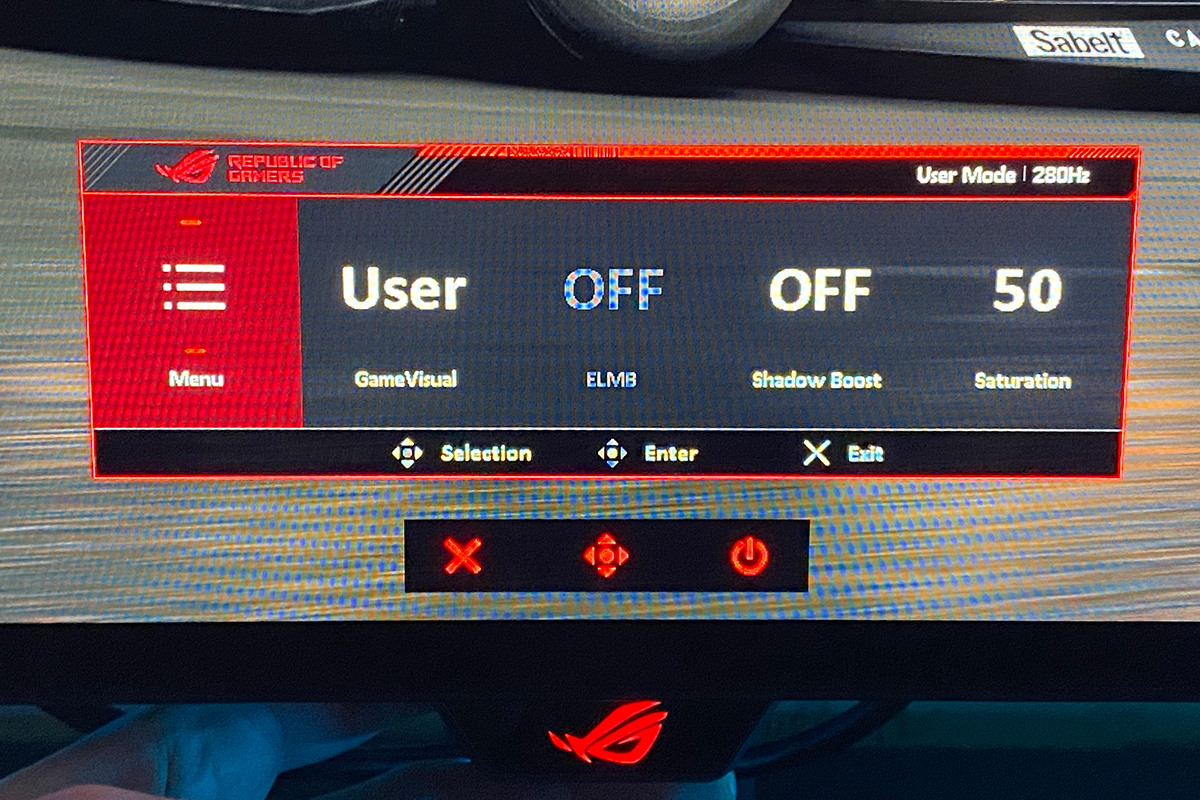
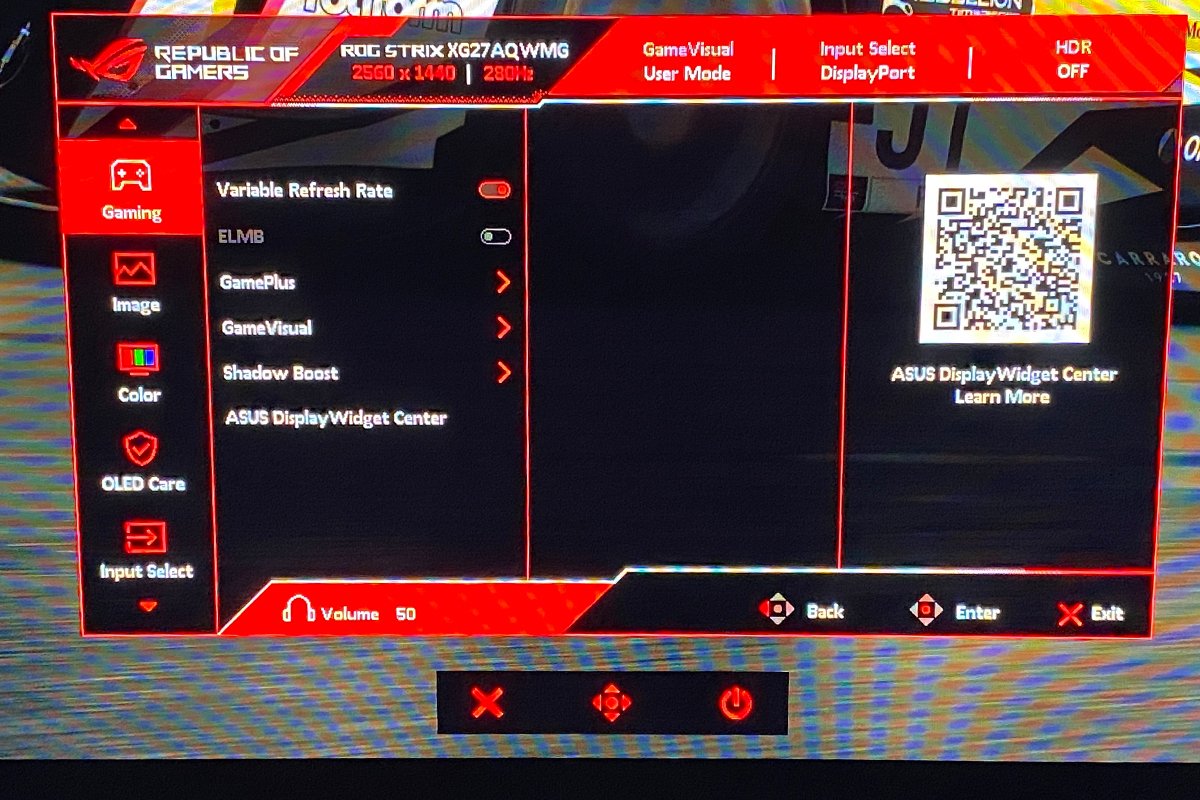
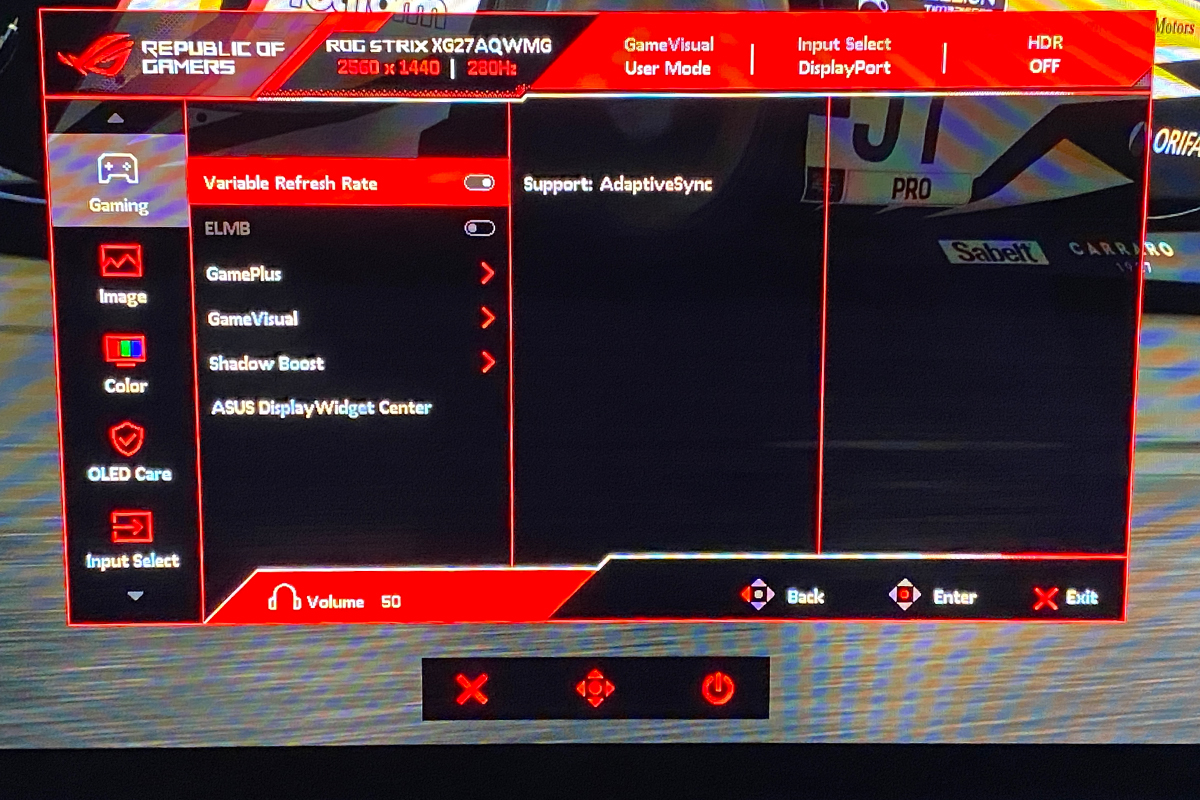
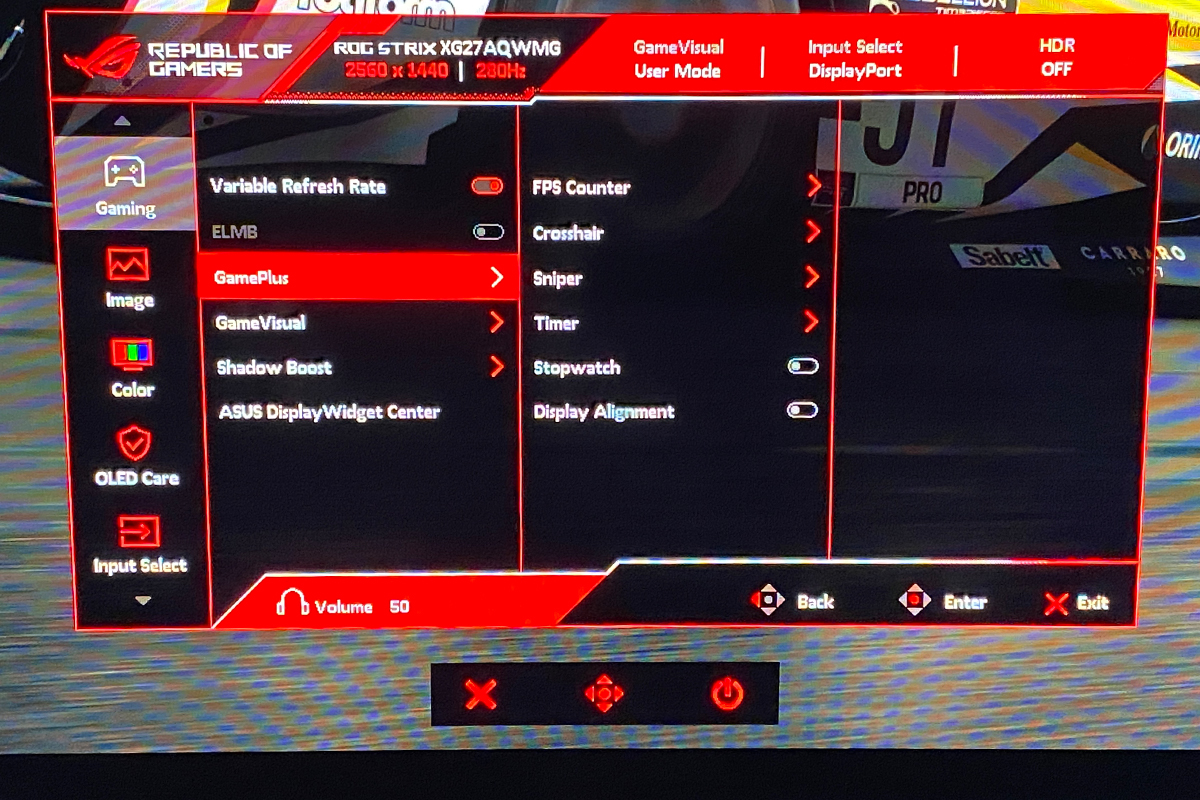
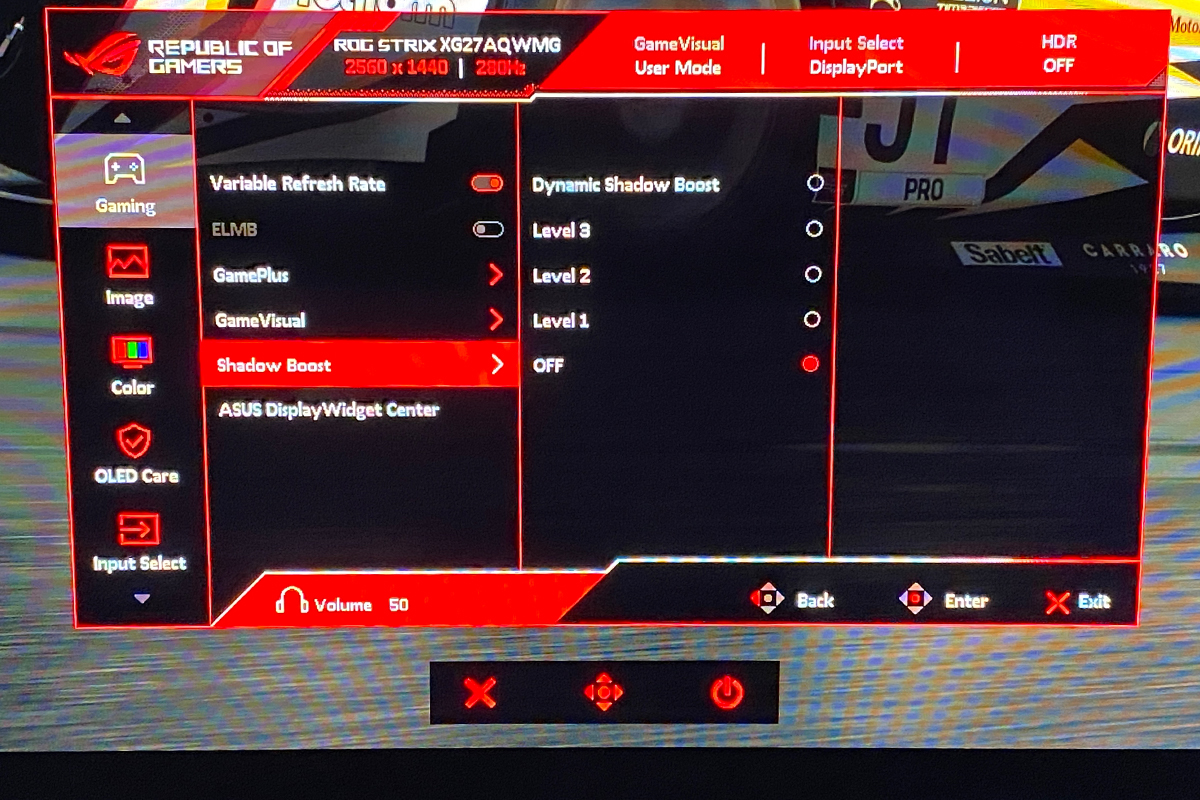
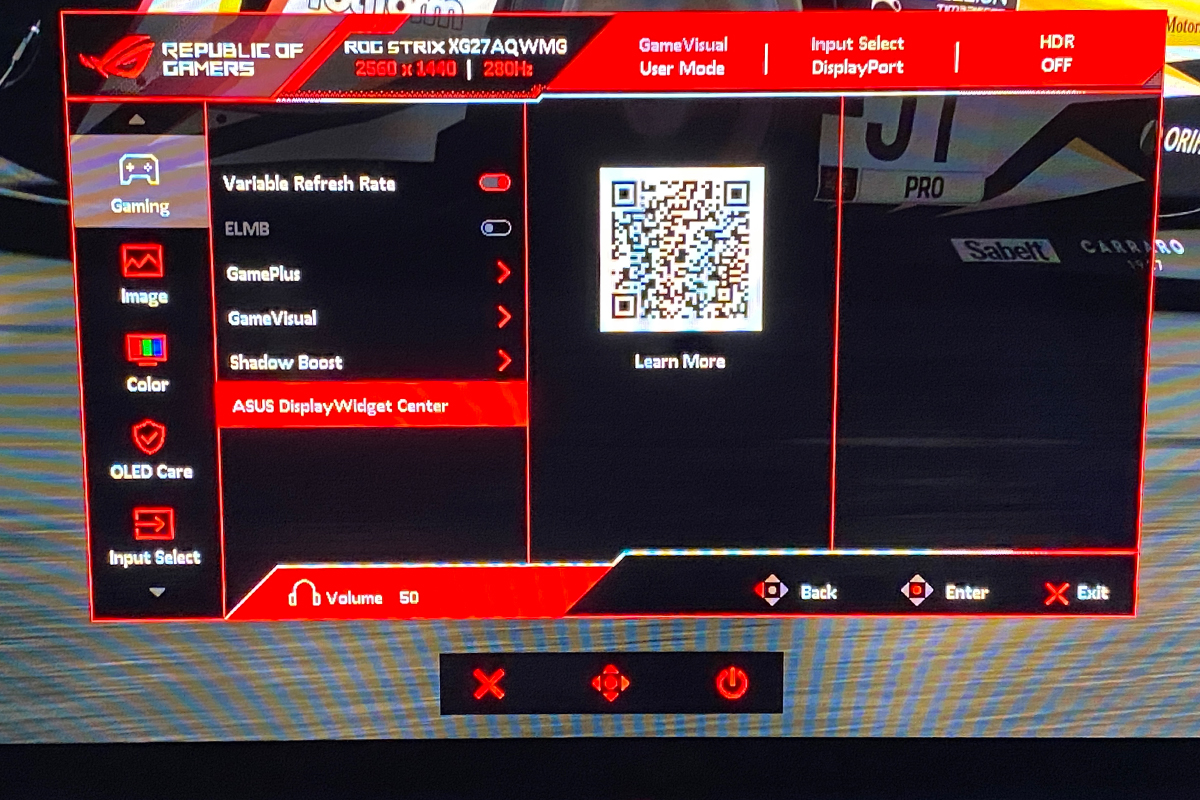
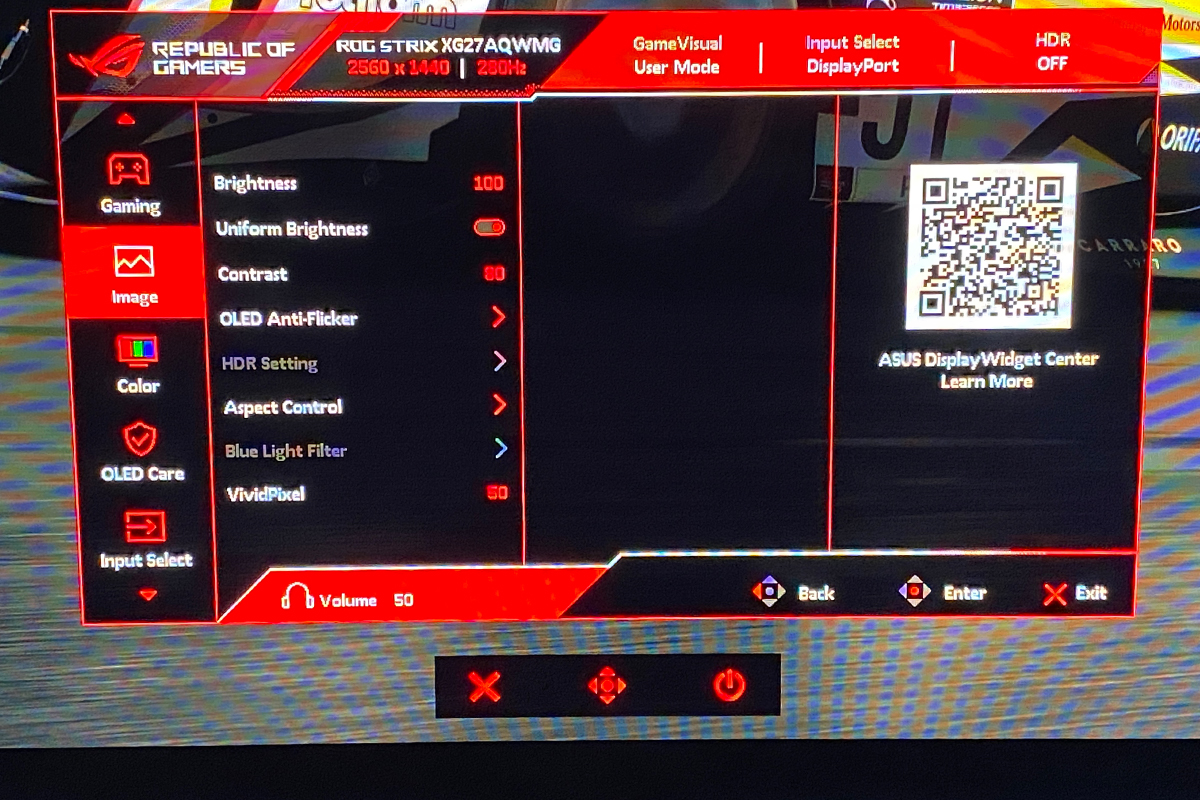
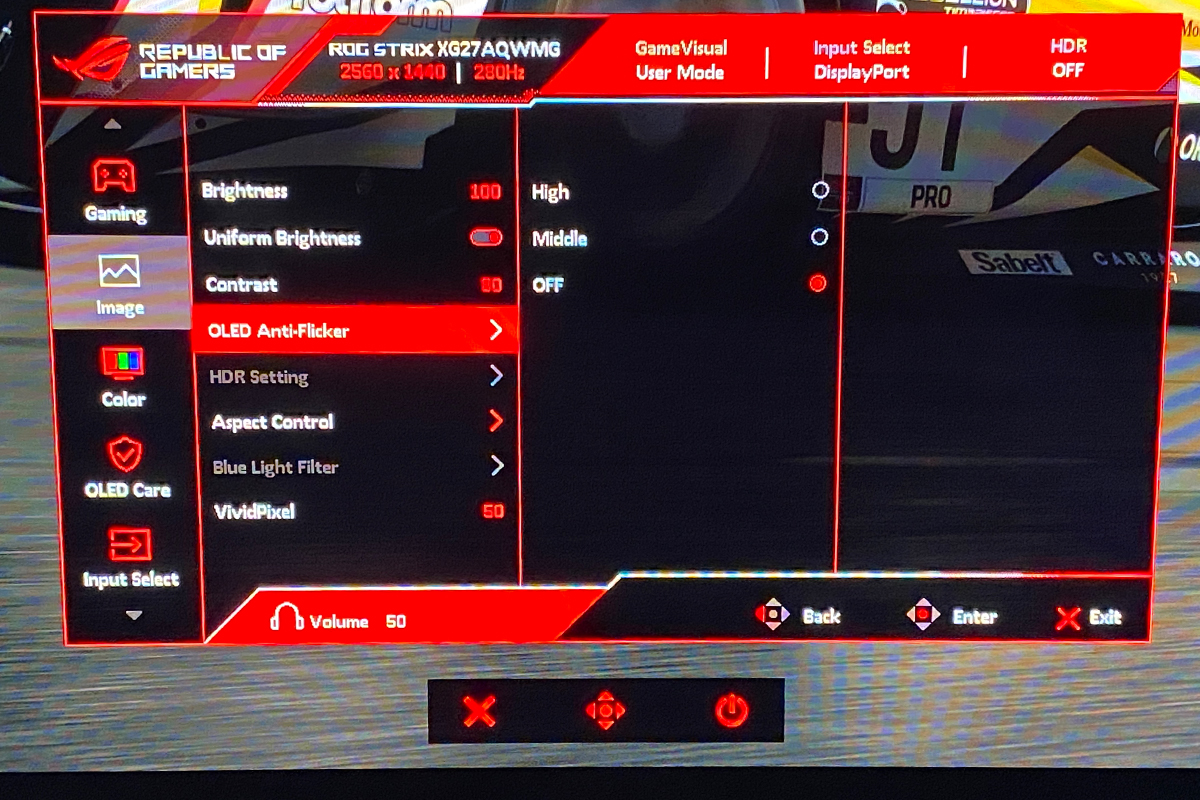
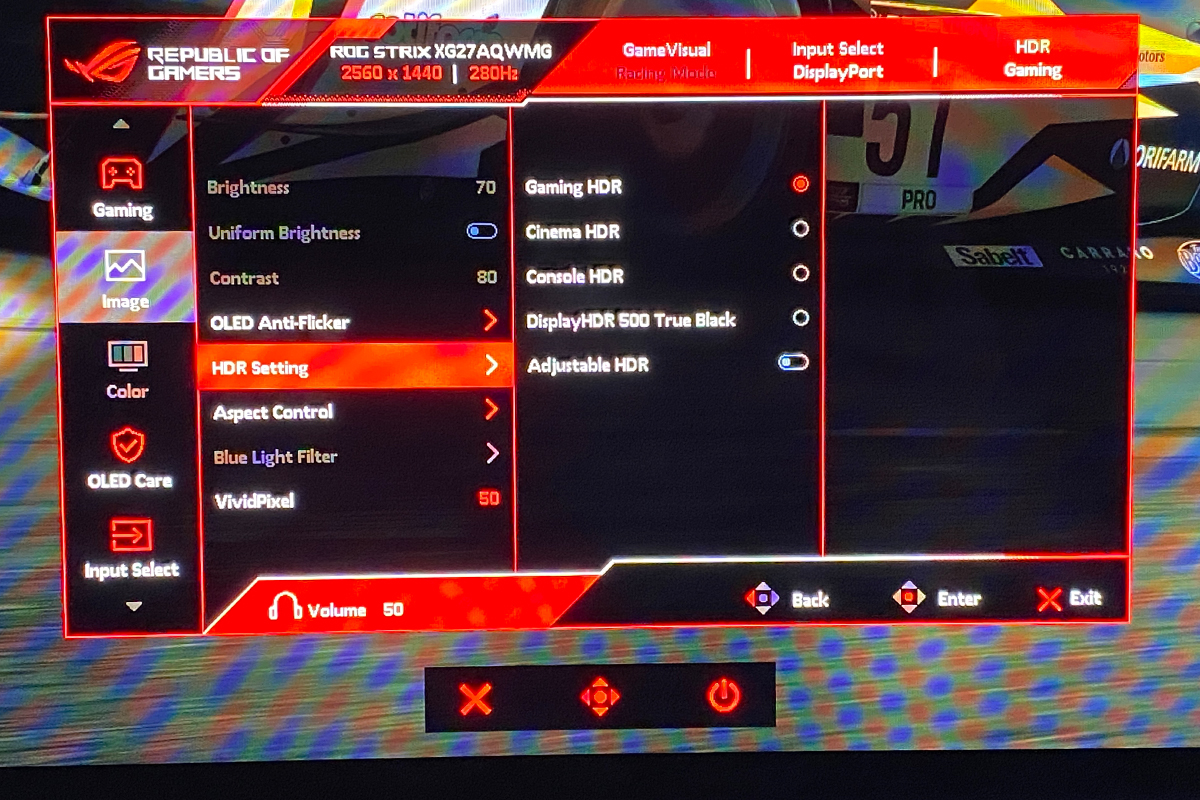
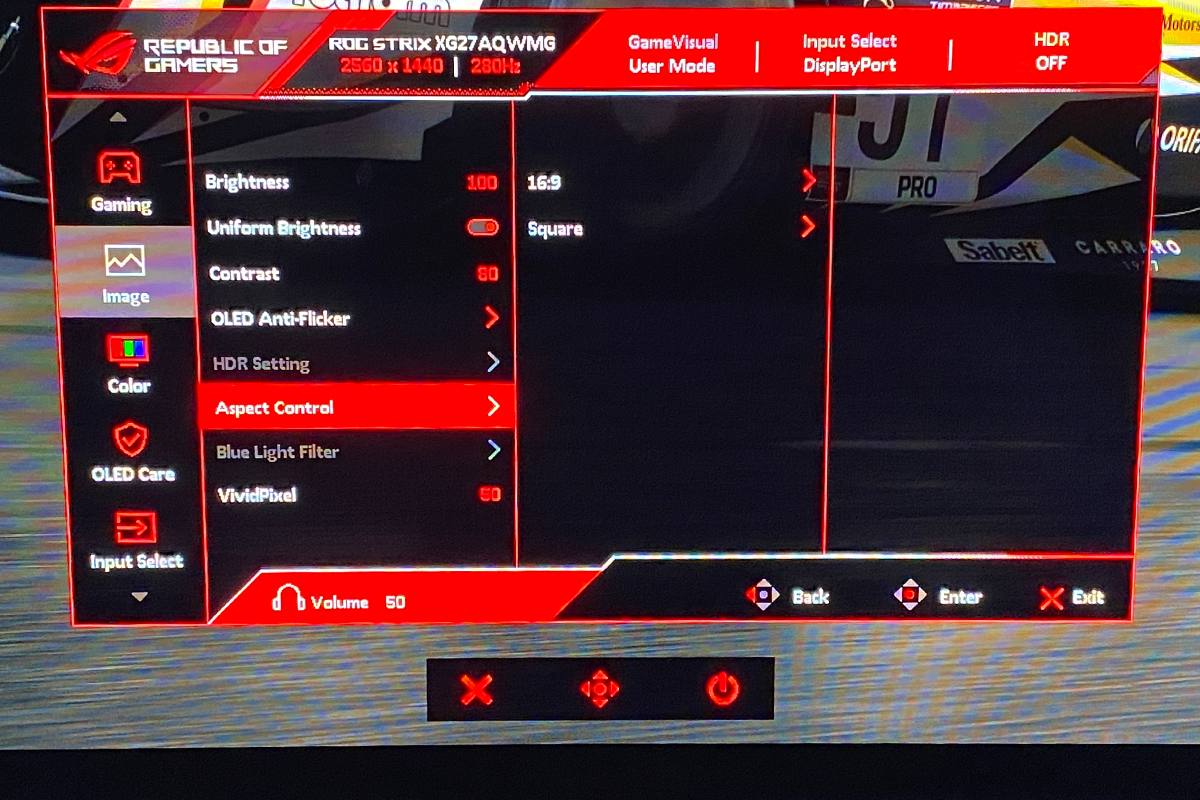
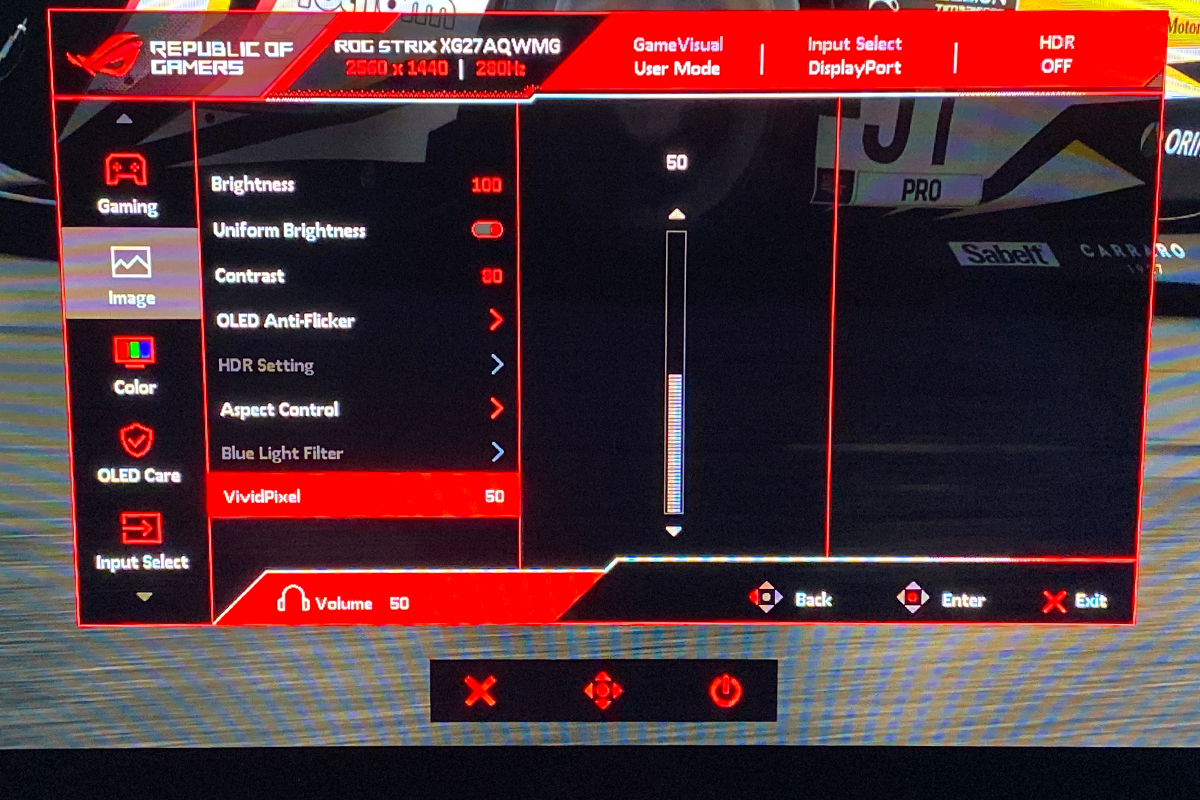
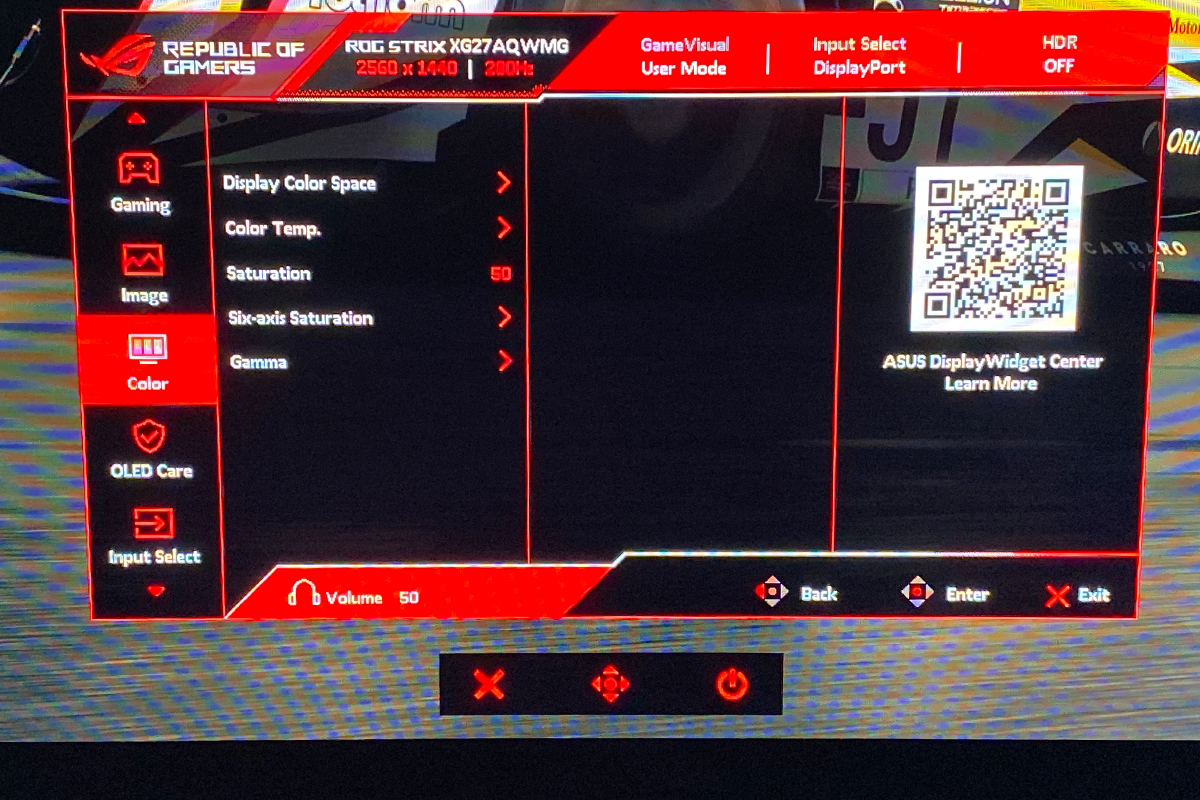
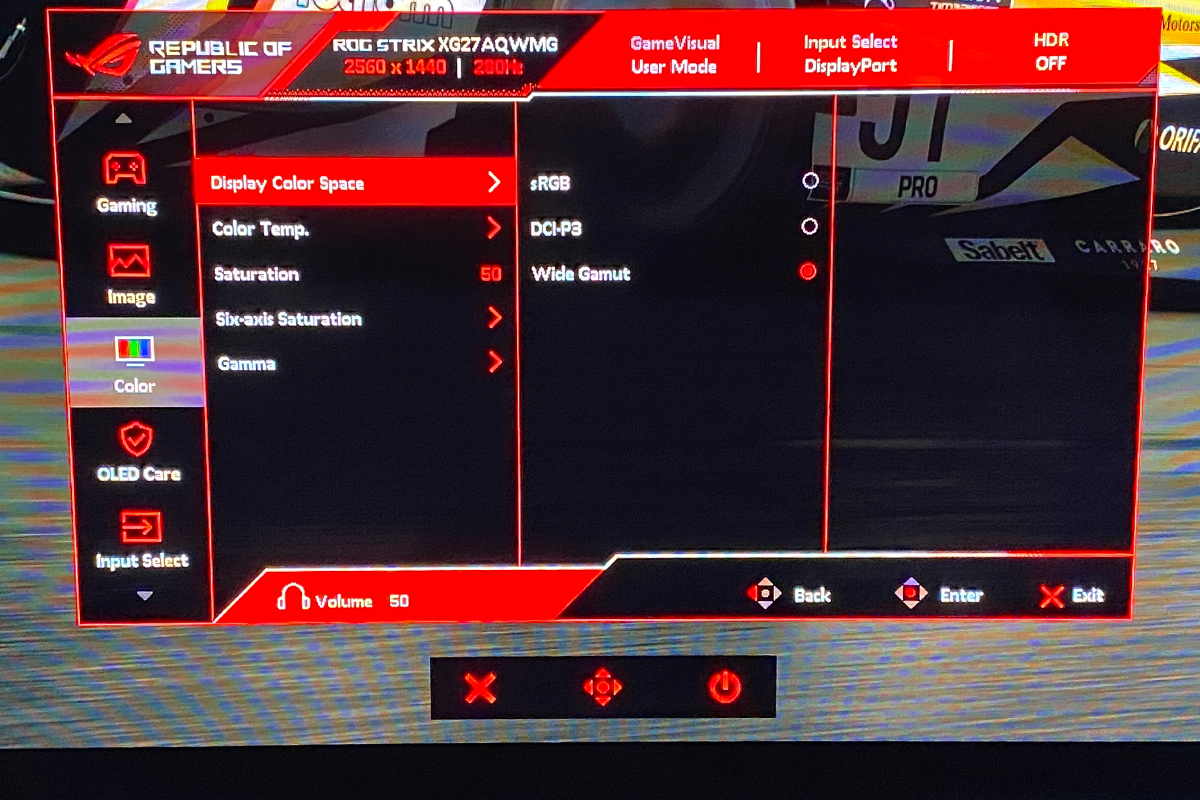
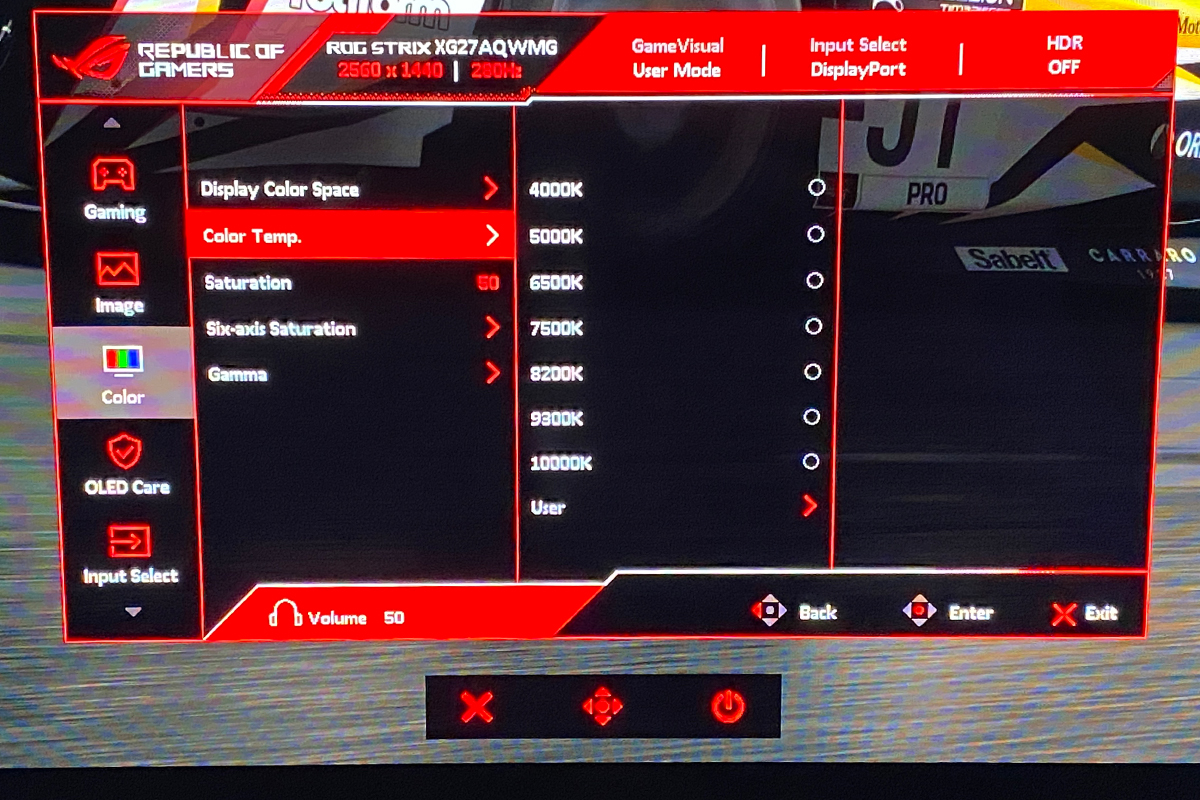
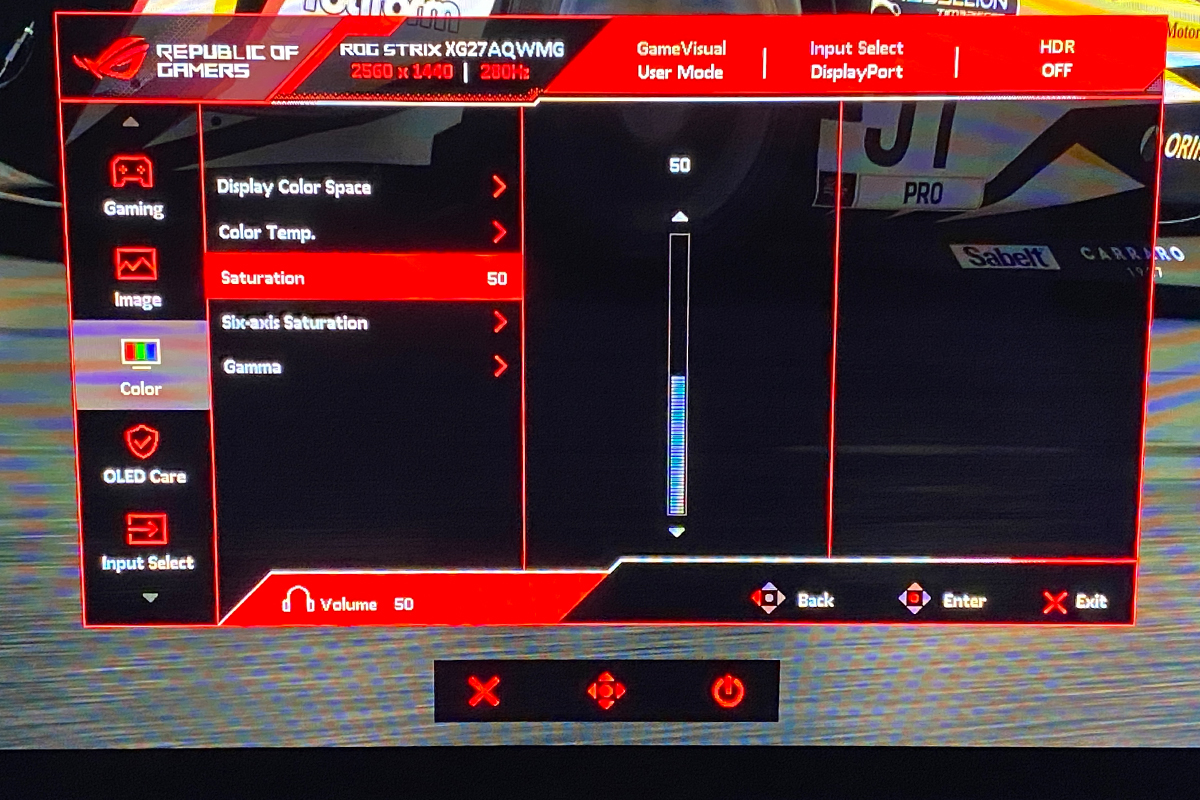
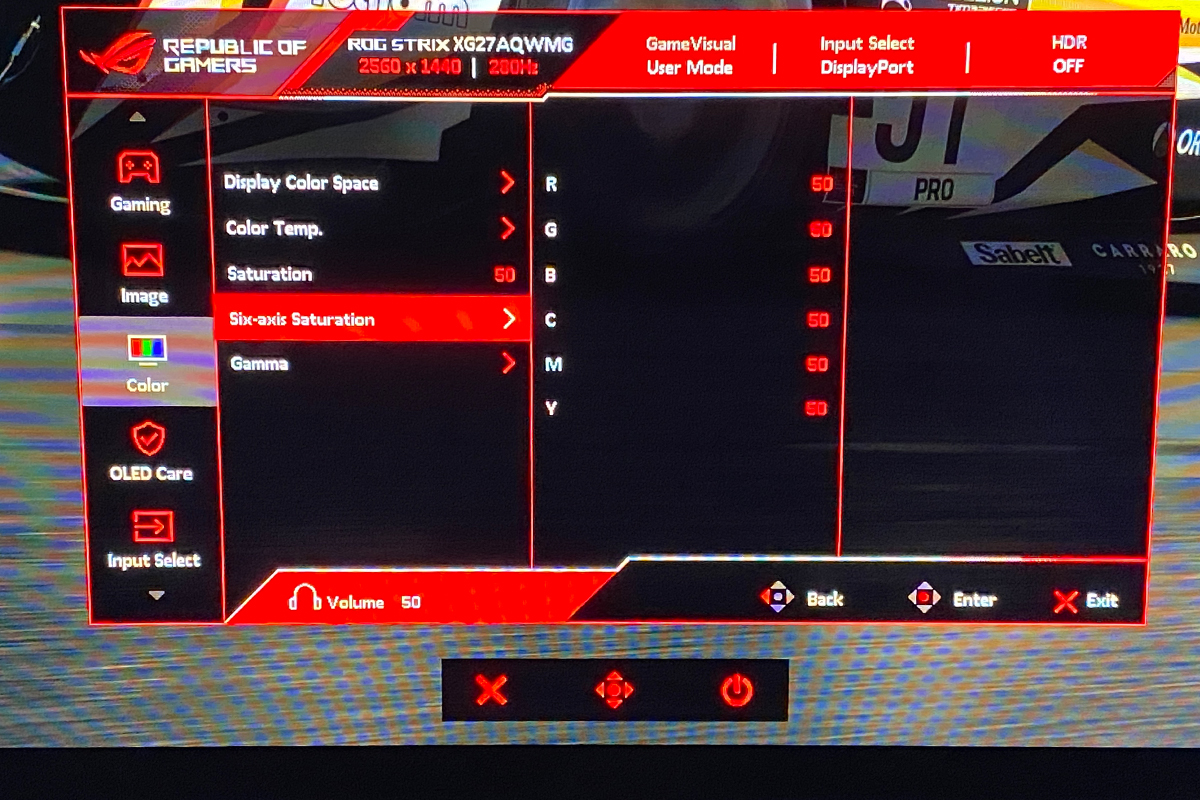
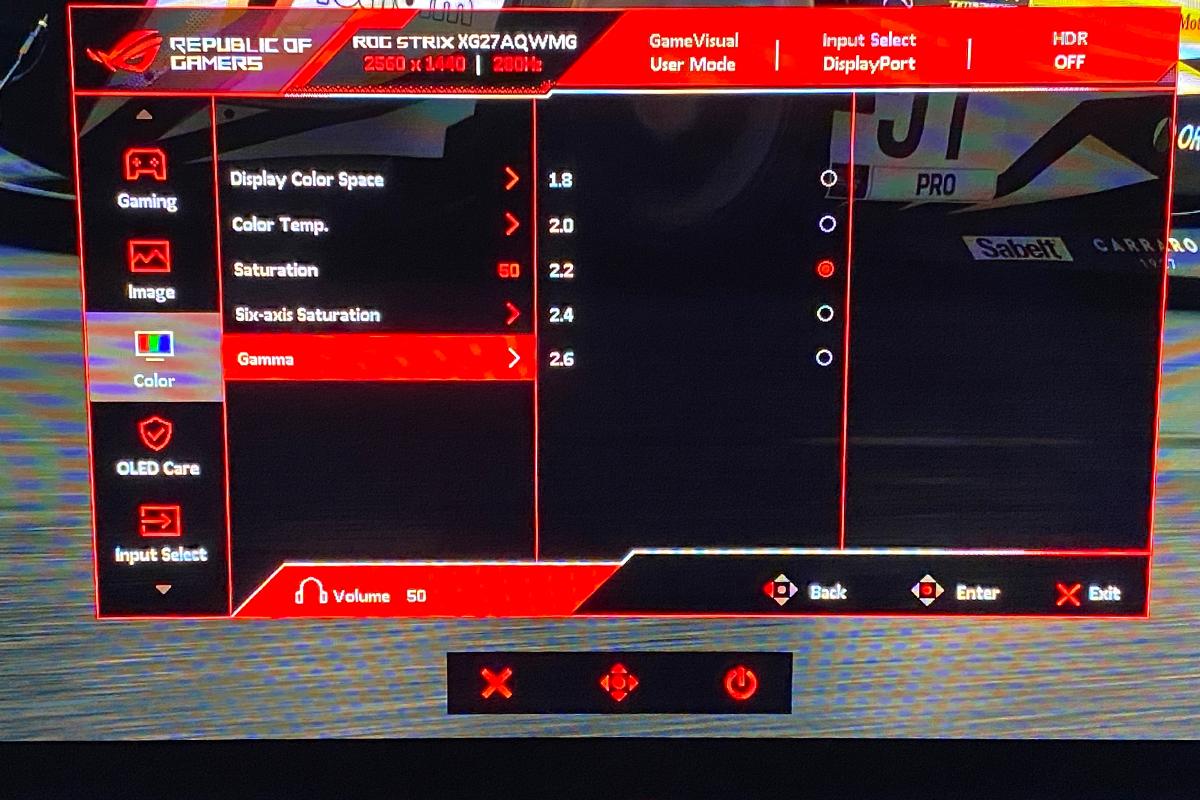
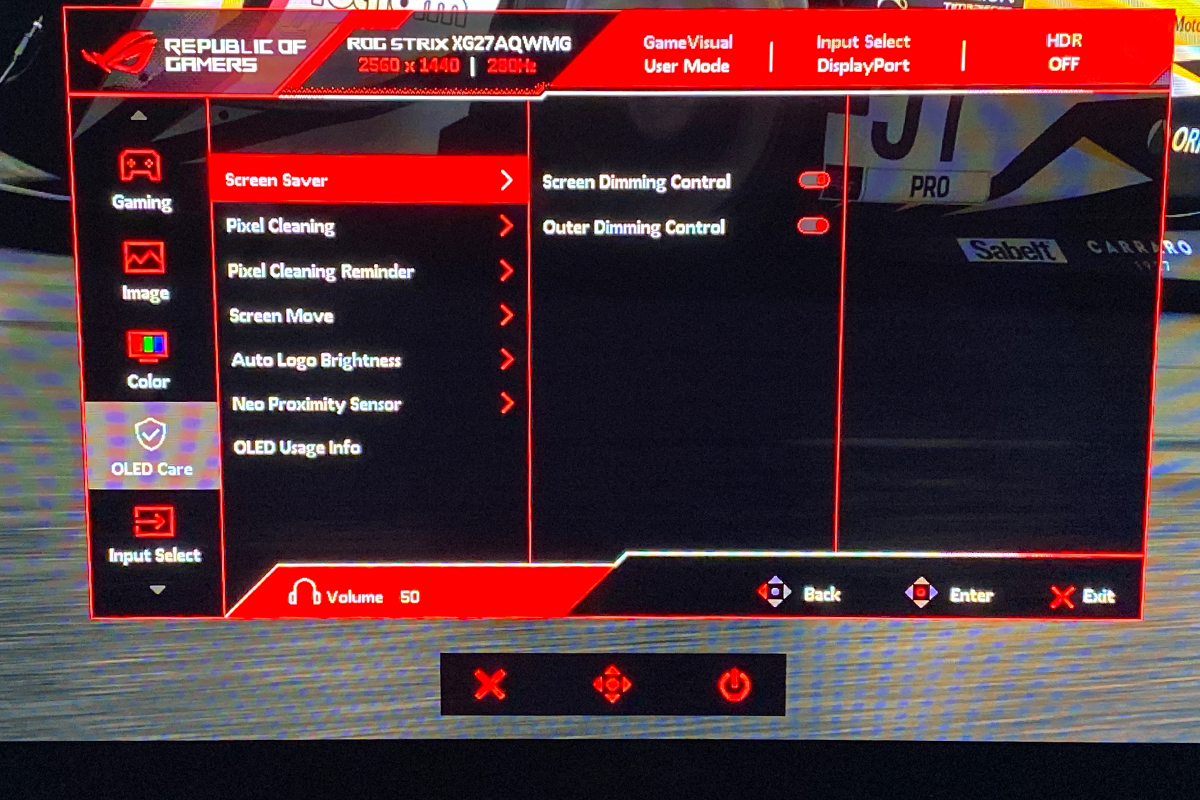
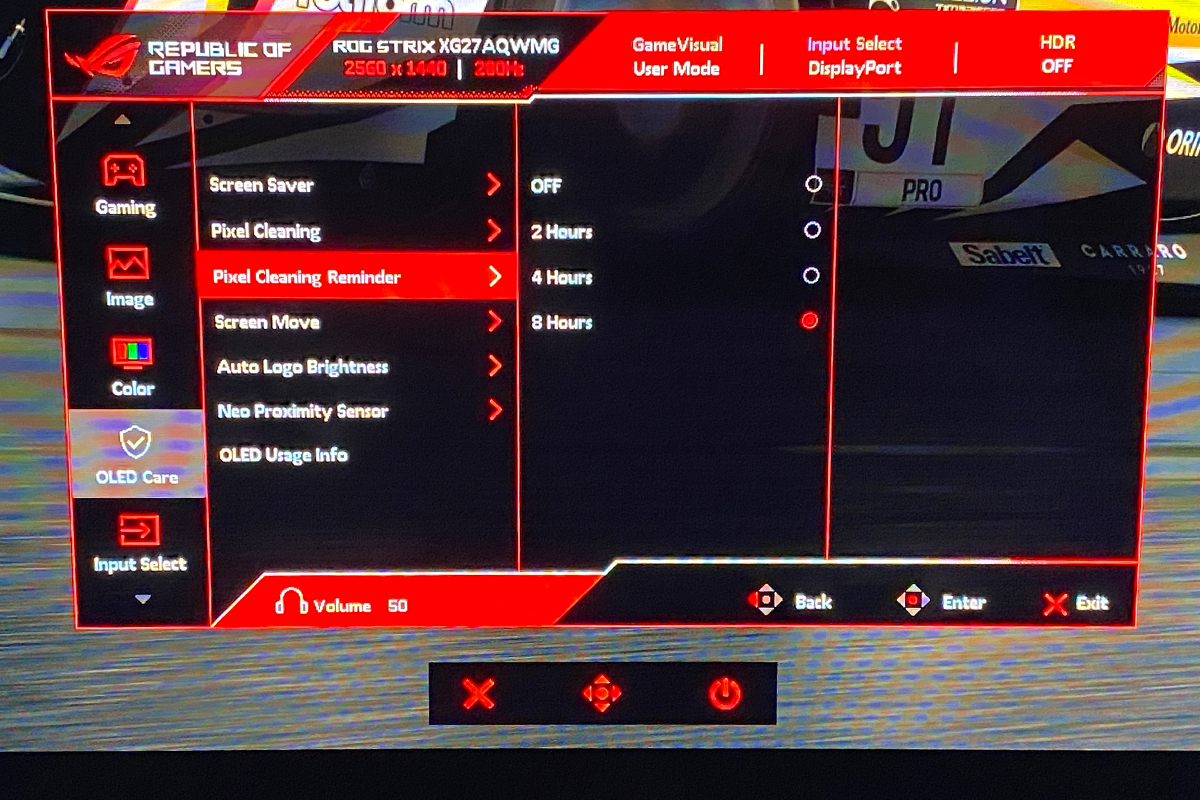
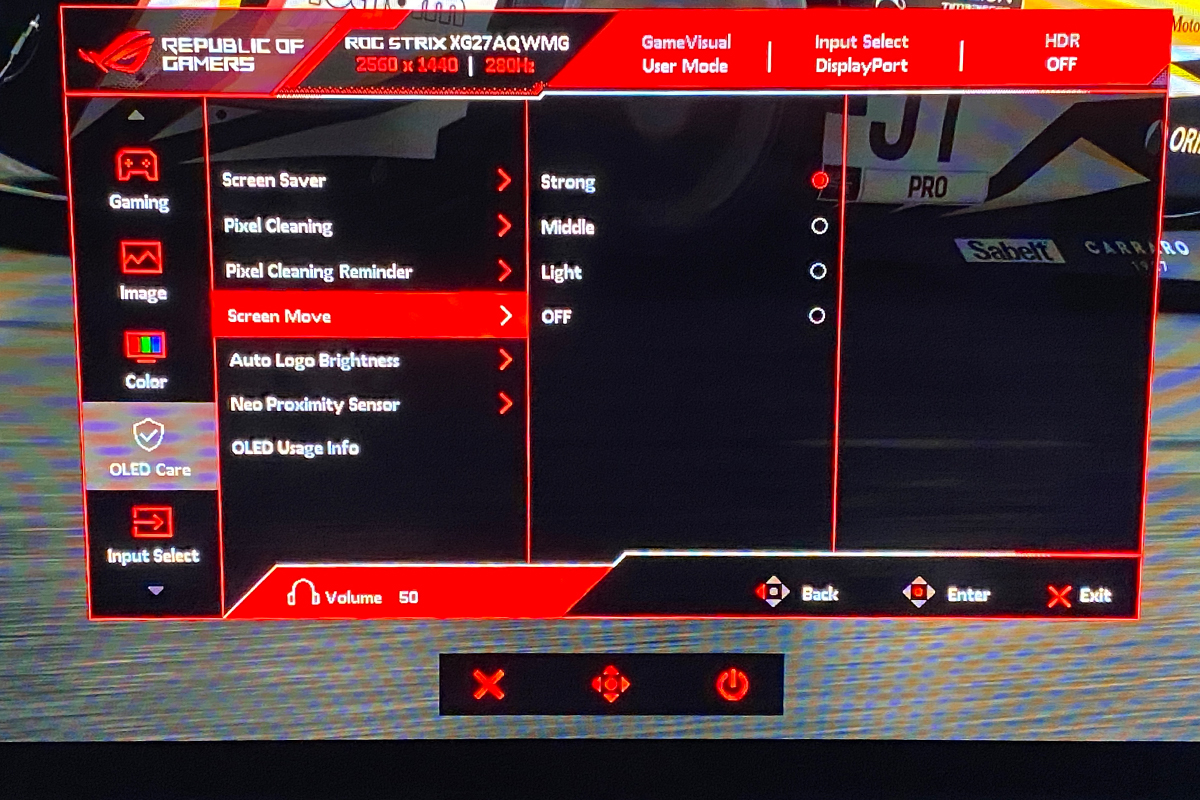
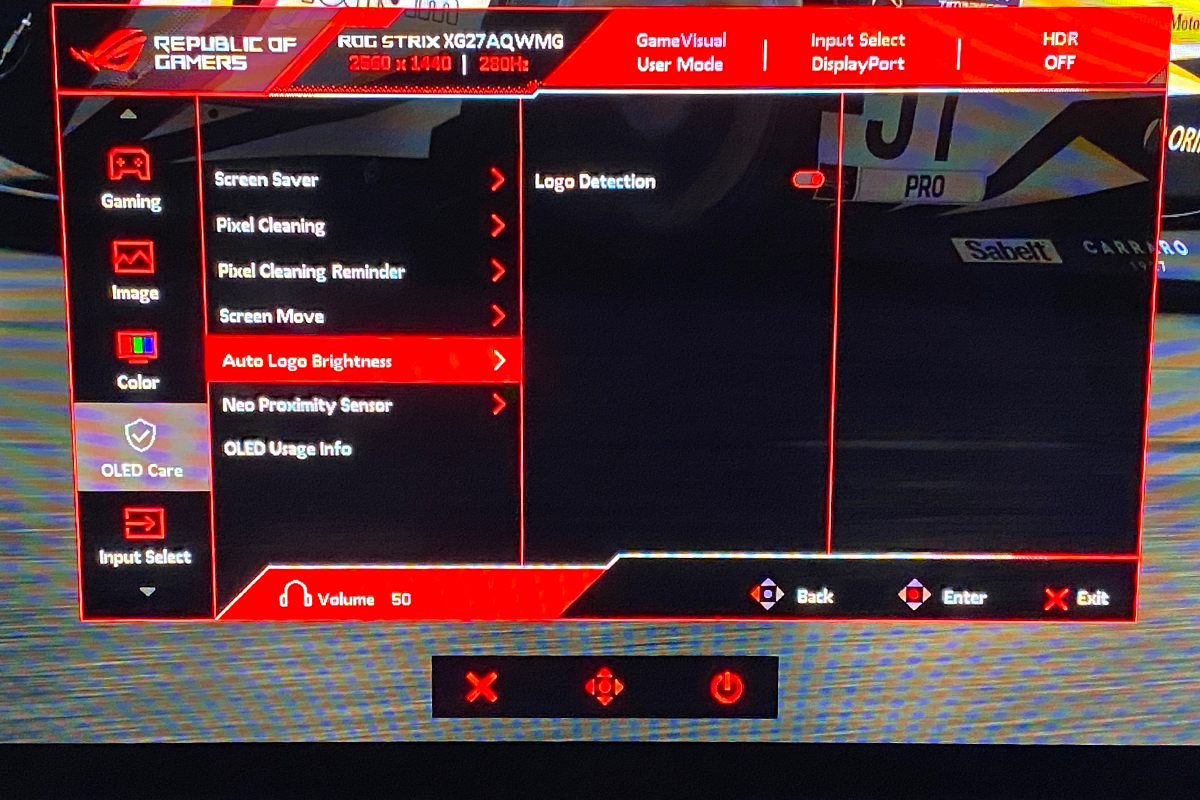
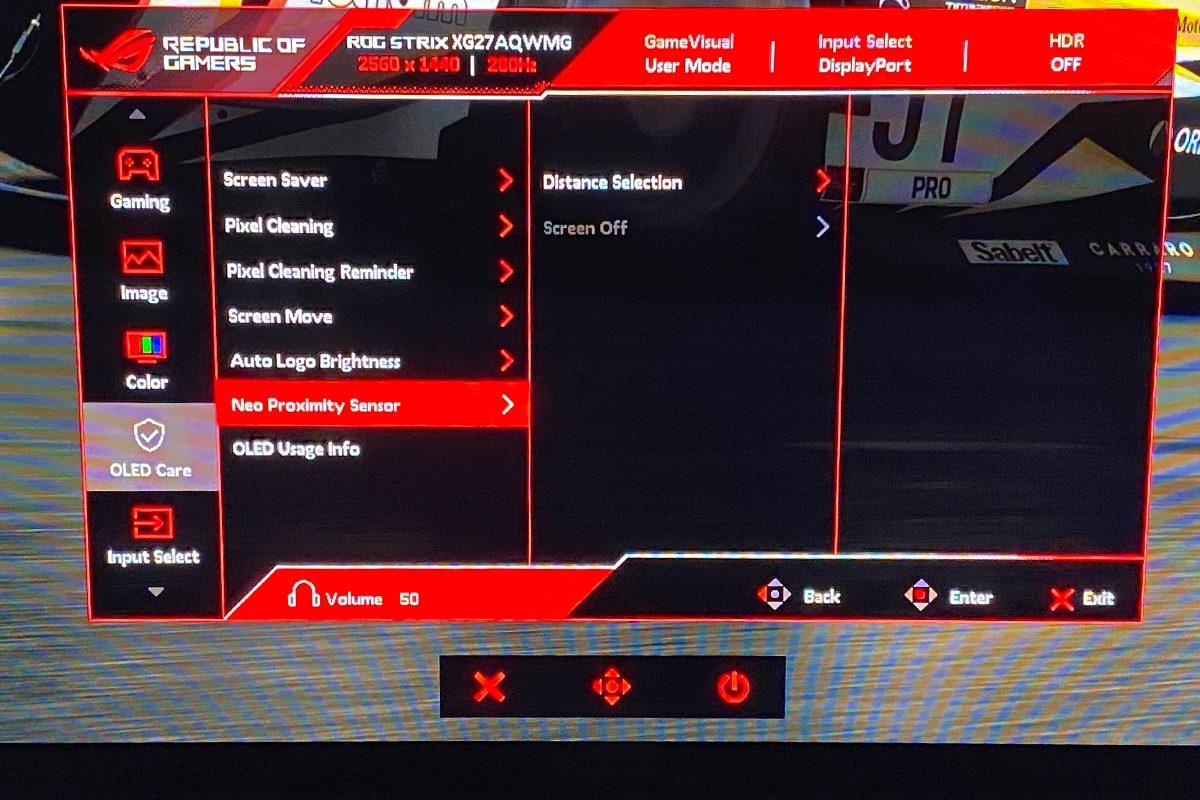
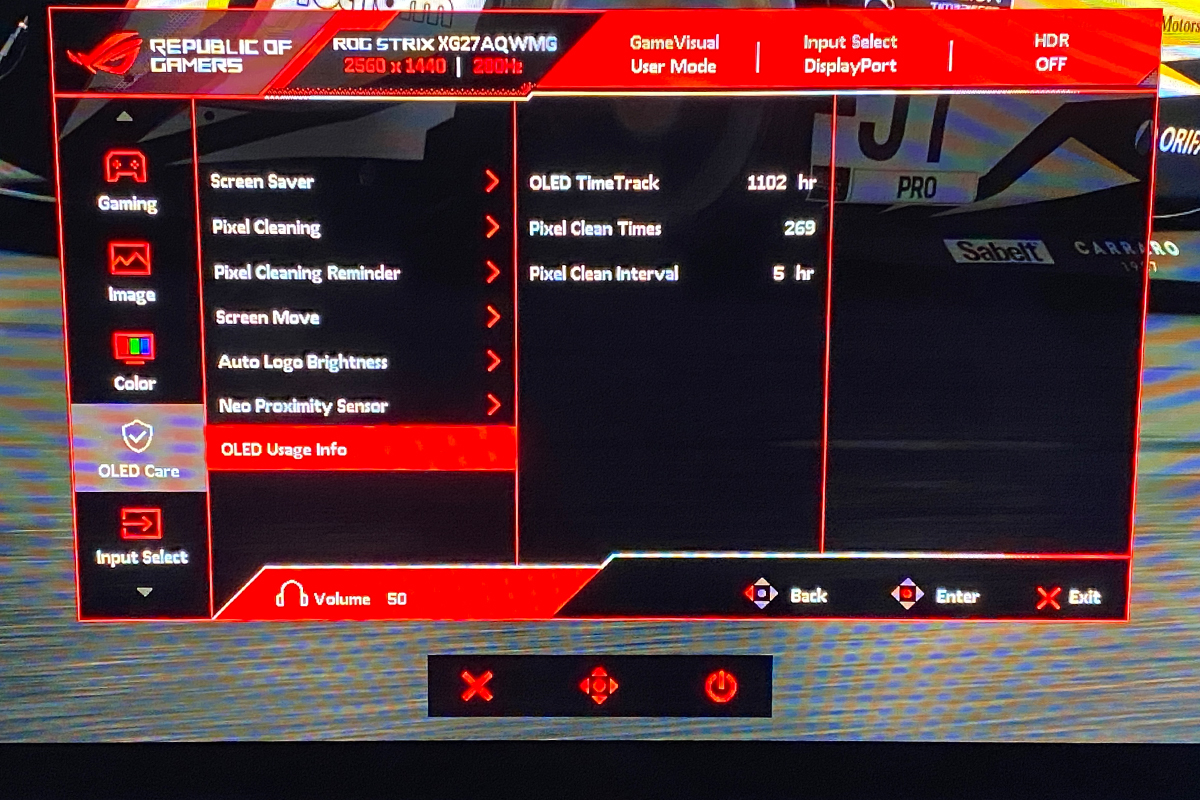
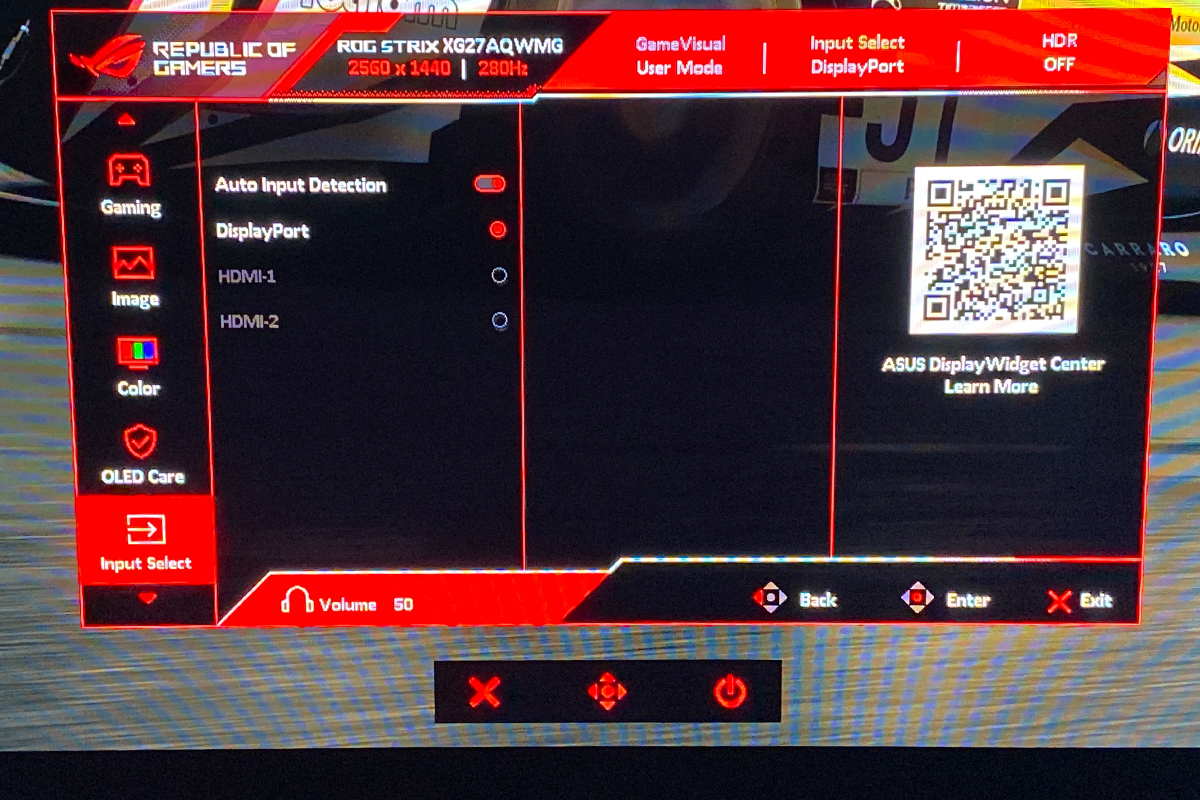
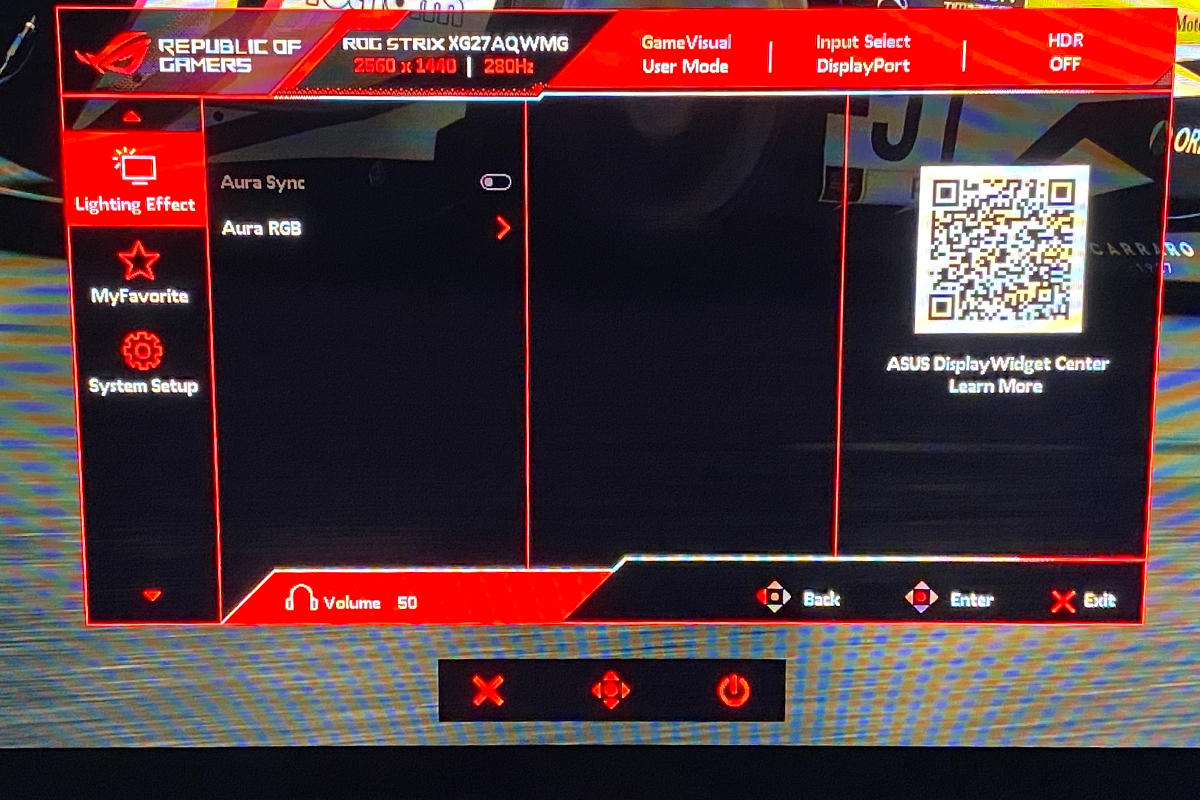
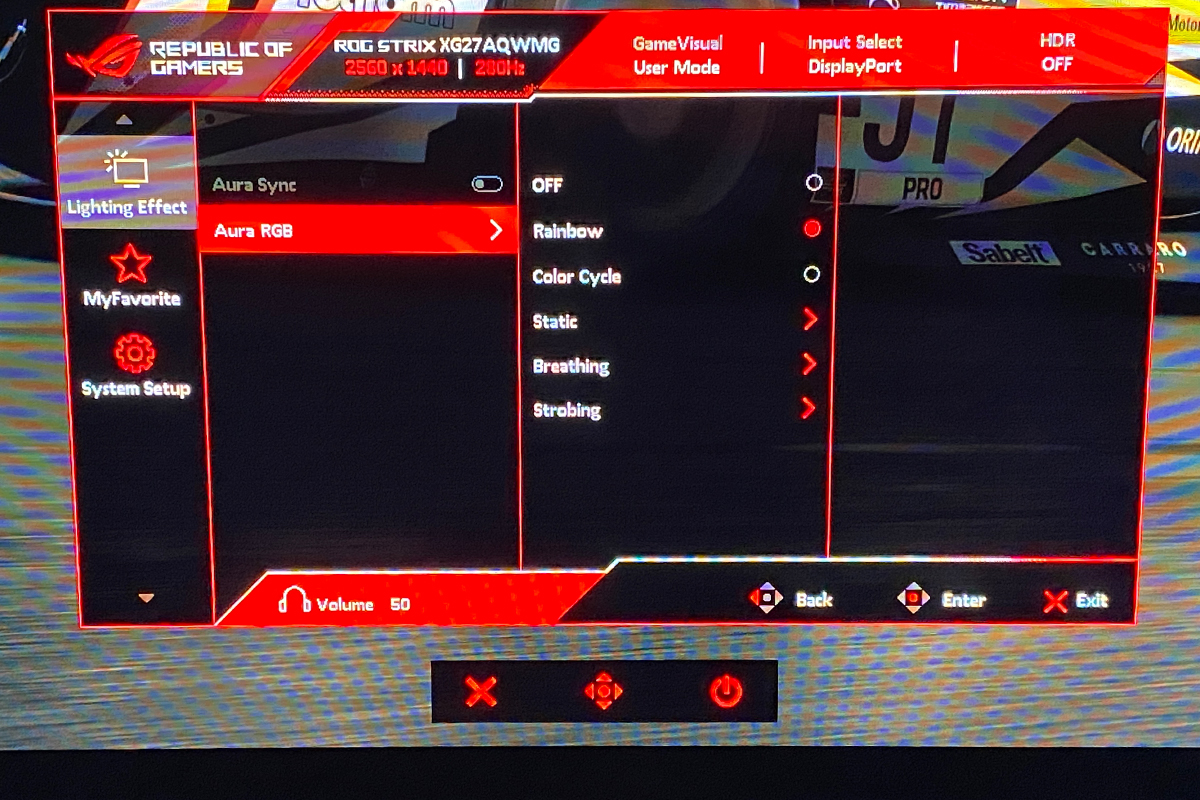
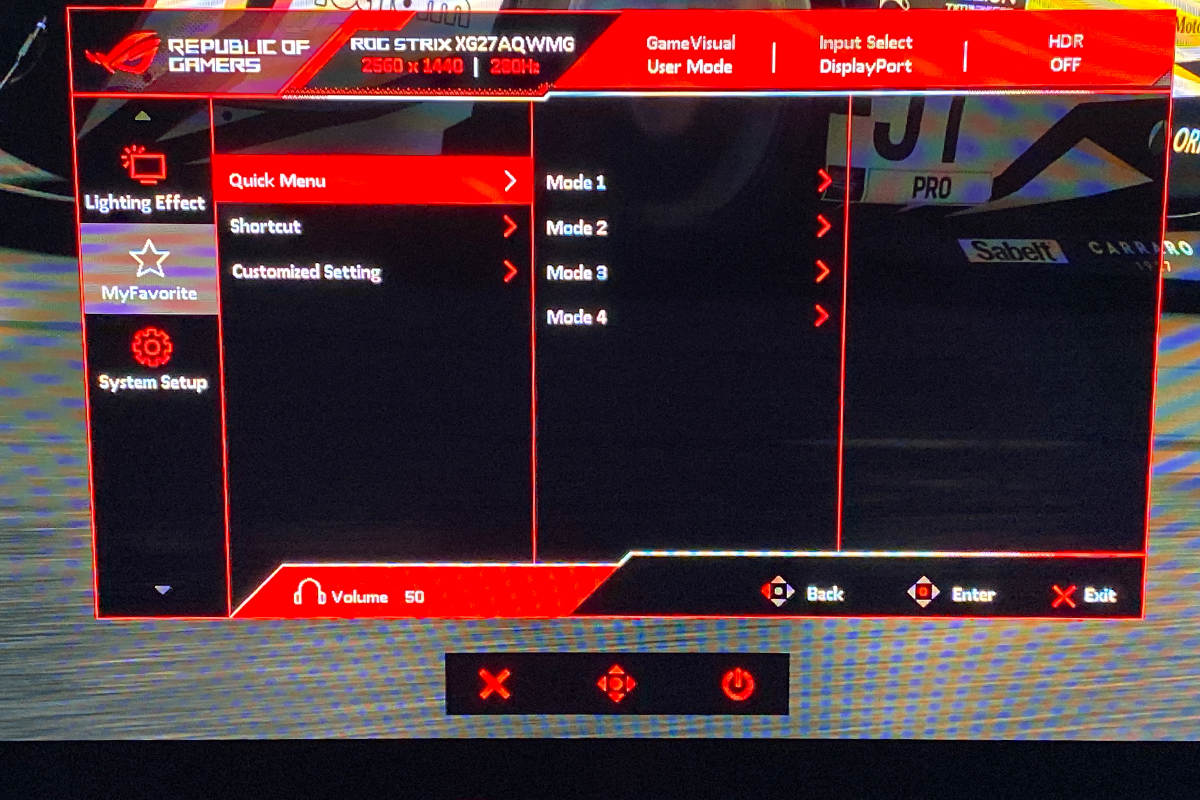
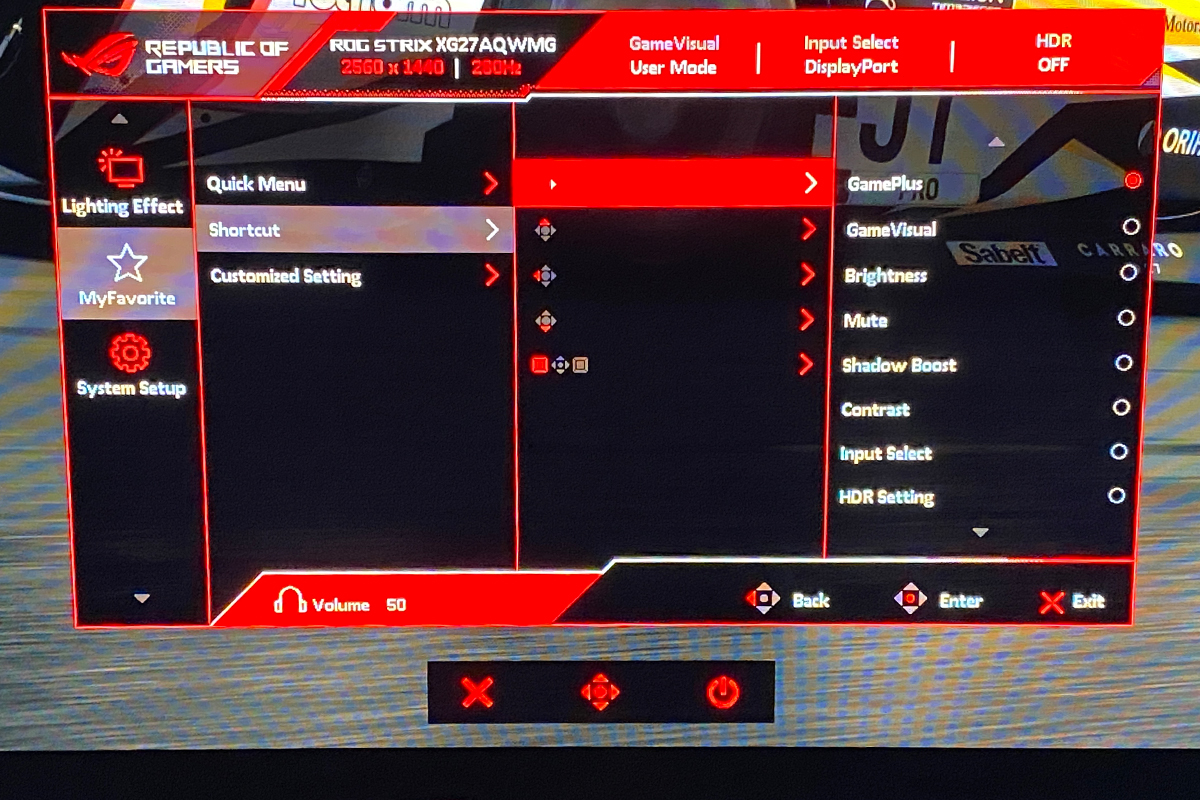
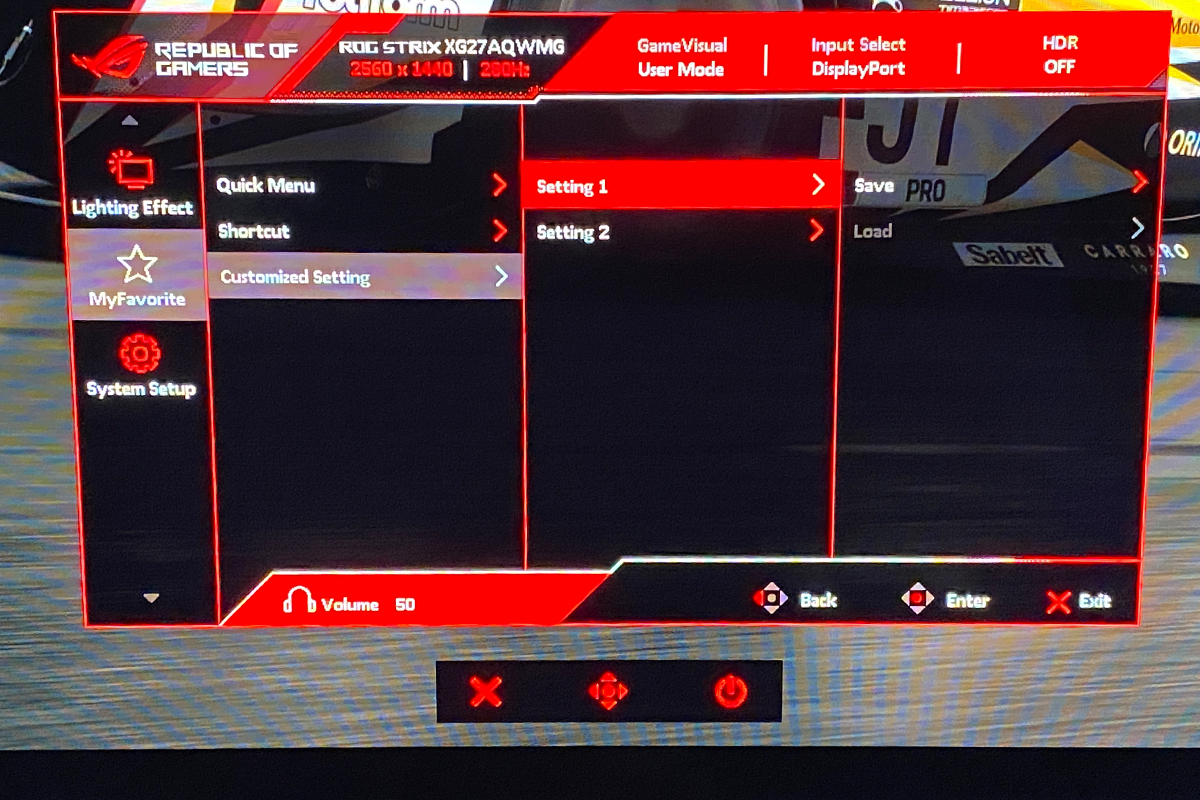
The monitor’s OSD menu is identical to that of the XG27AQDPG. It has the same eight sections: Gaming, Image, Color, OLED Care, Input Select, Lighting Effect, MyFavorite, and System Setup. The settings are also exactly the same and remain in the same places. I covered the menu and its options in detail in my previous review, so I won’t repeat myself here. Instead, I’ll simply leave a link to the previous article, followed by a gallery below, where you can see for yourself that absolutely nothing has changed.
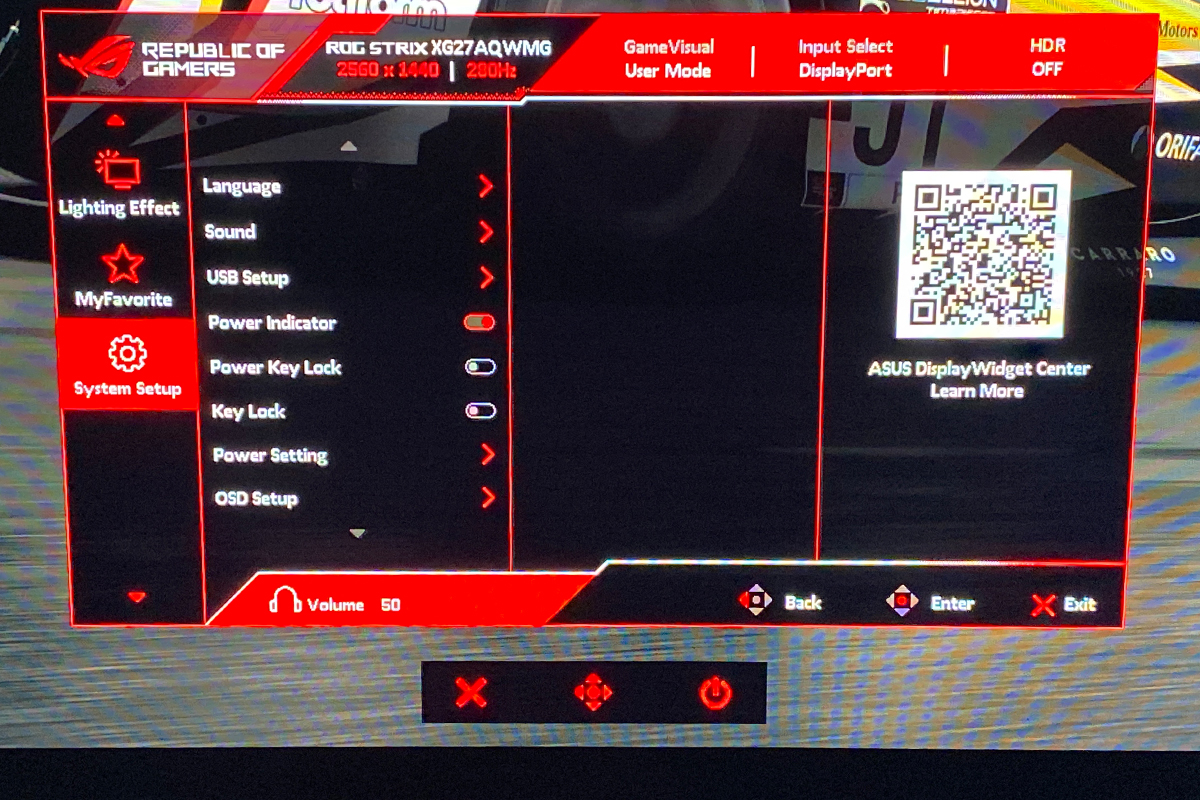
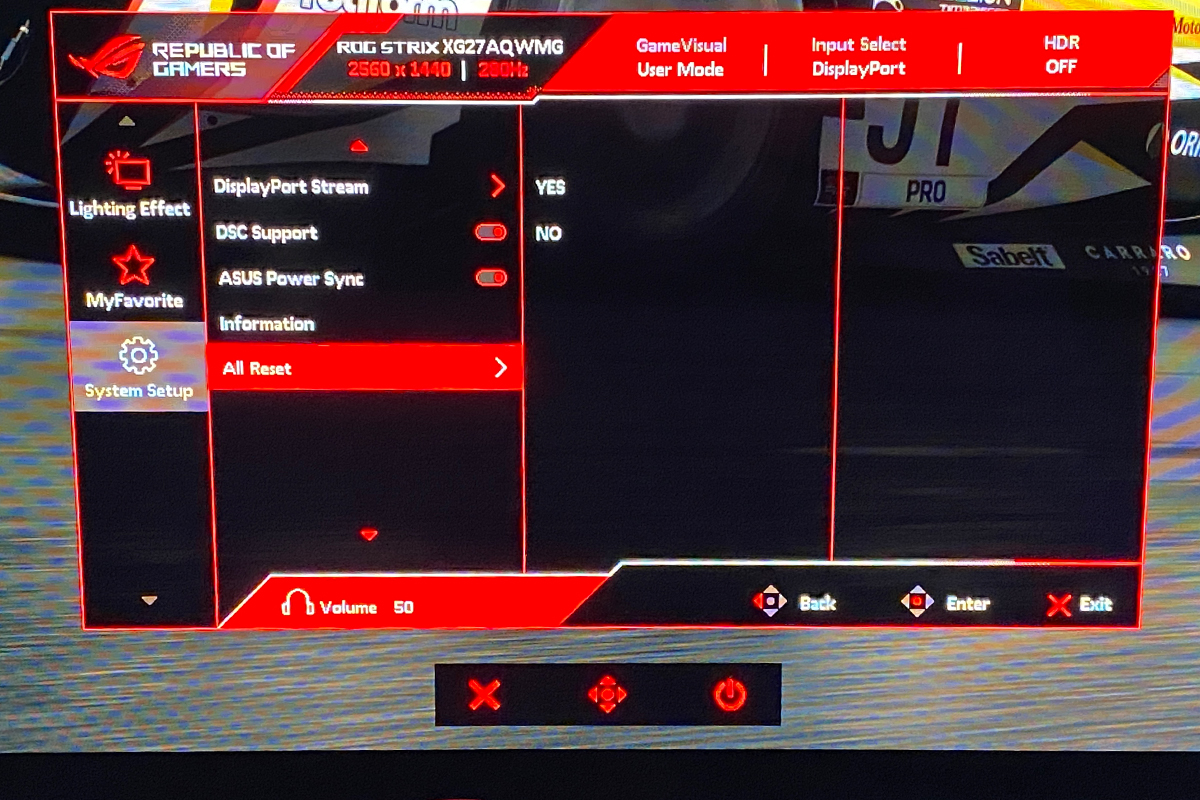
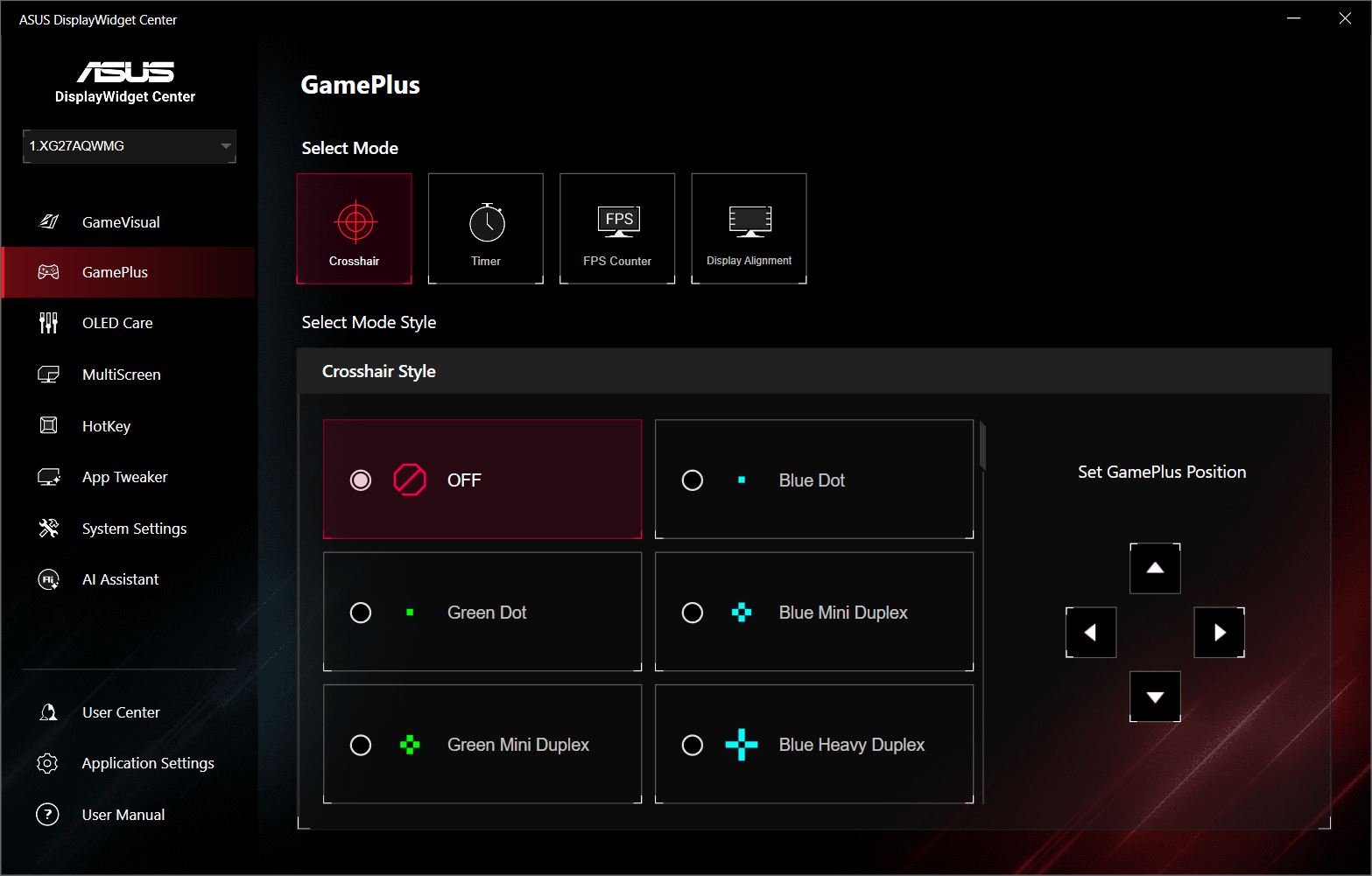
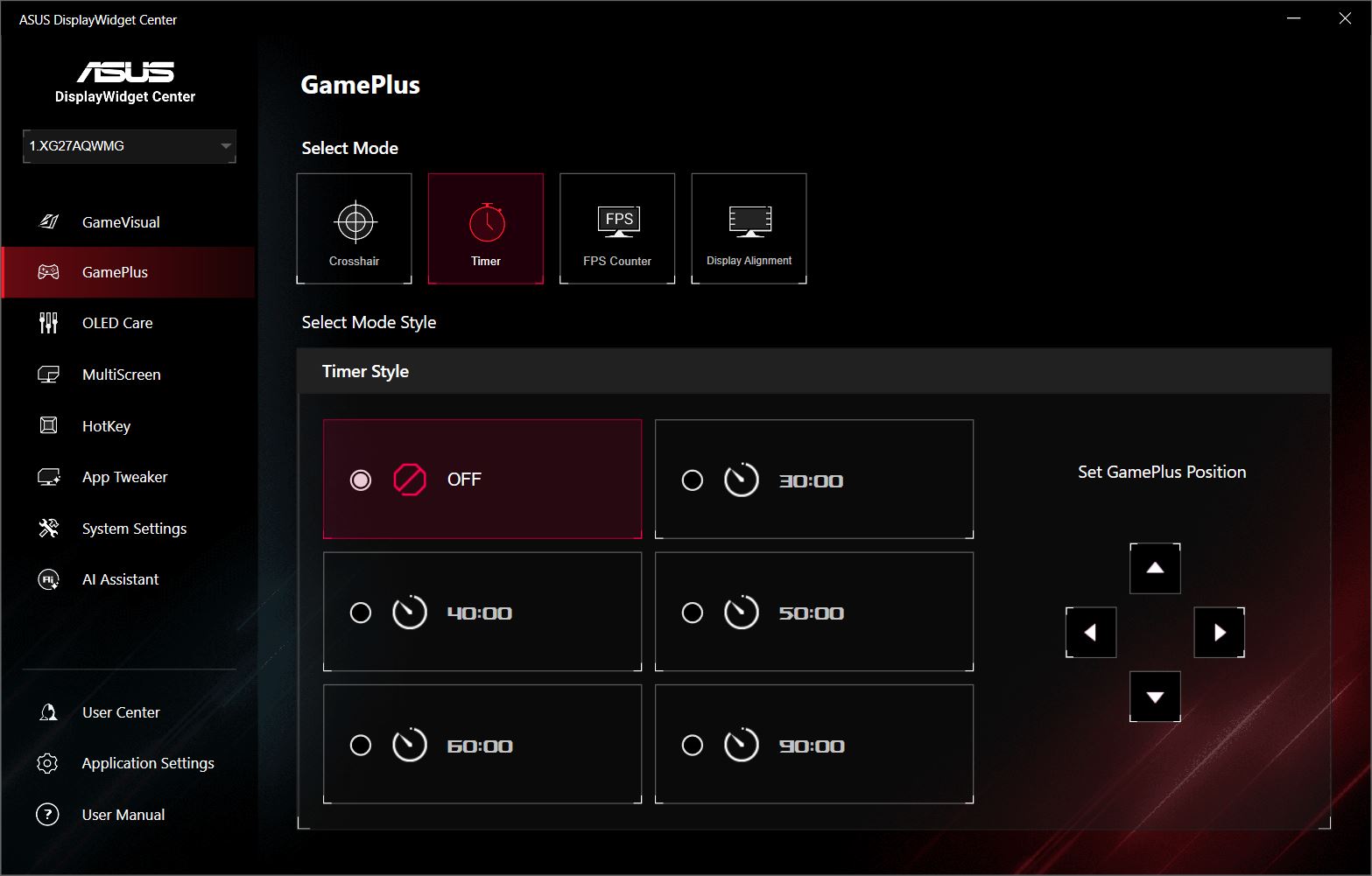
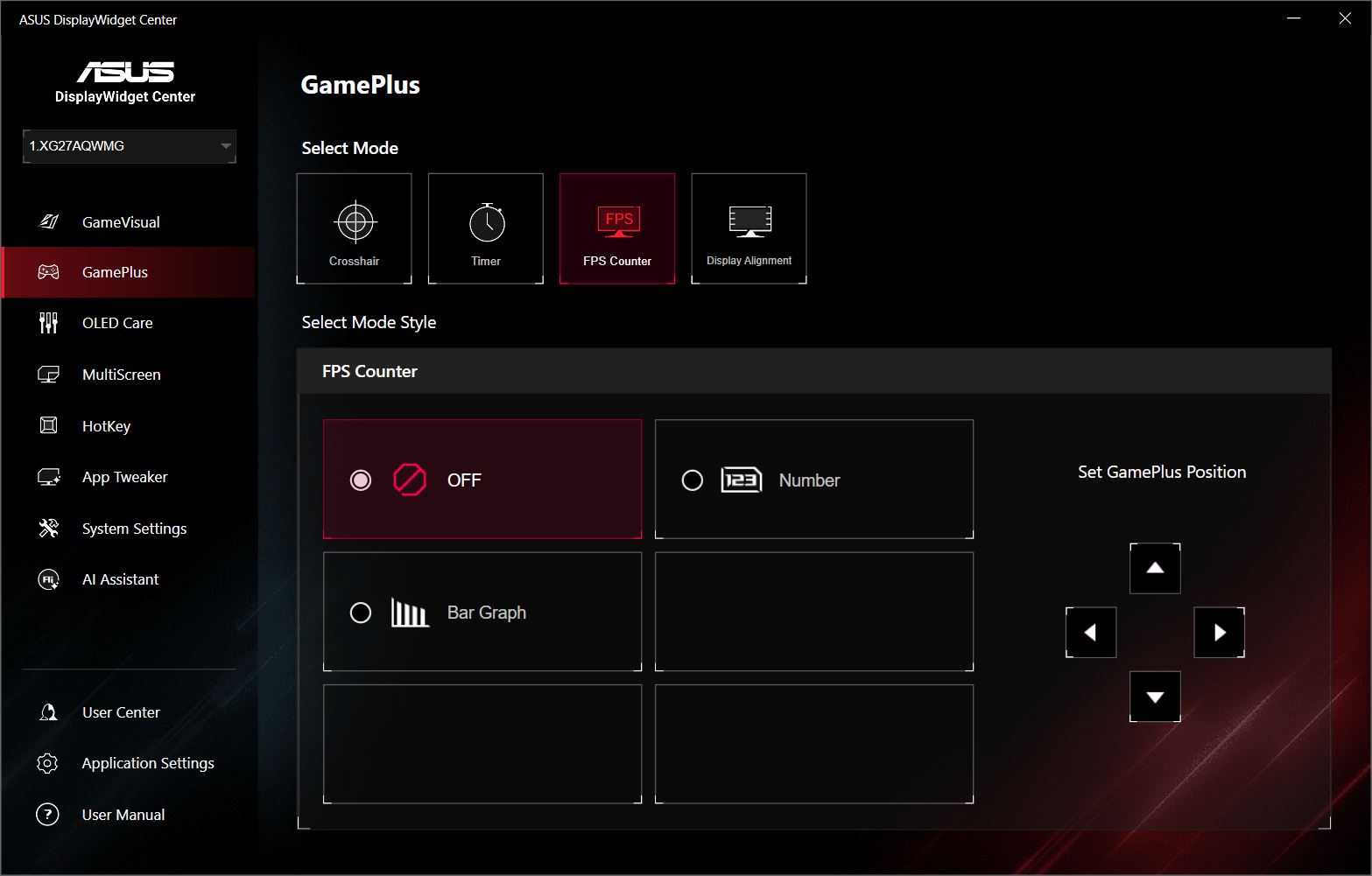
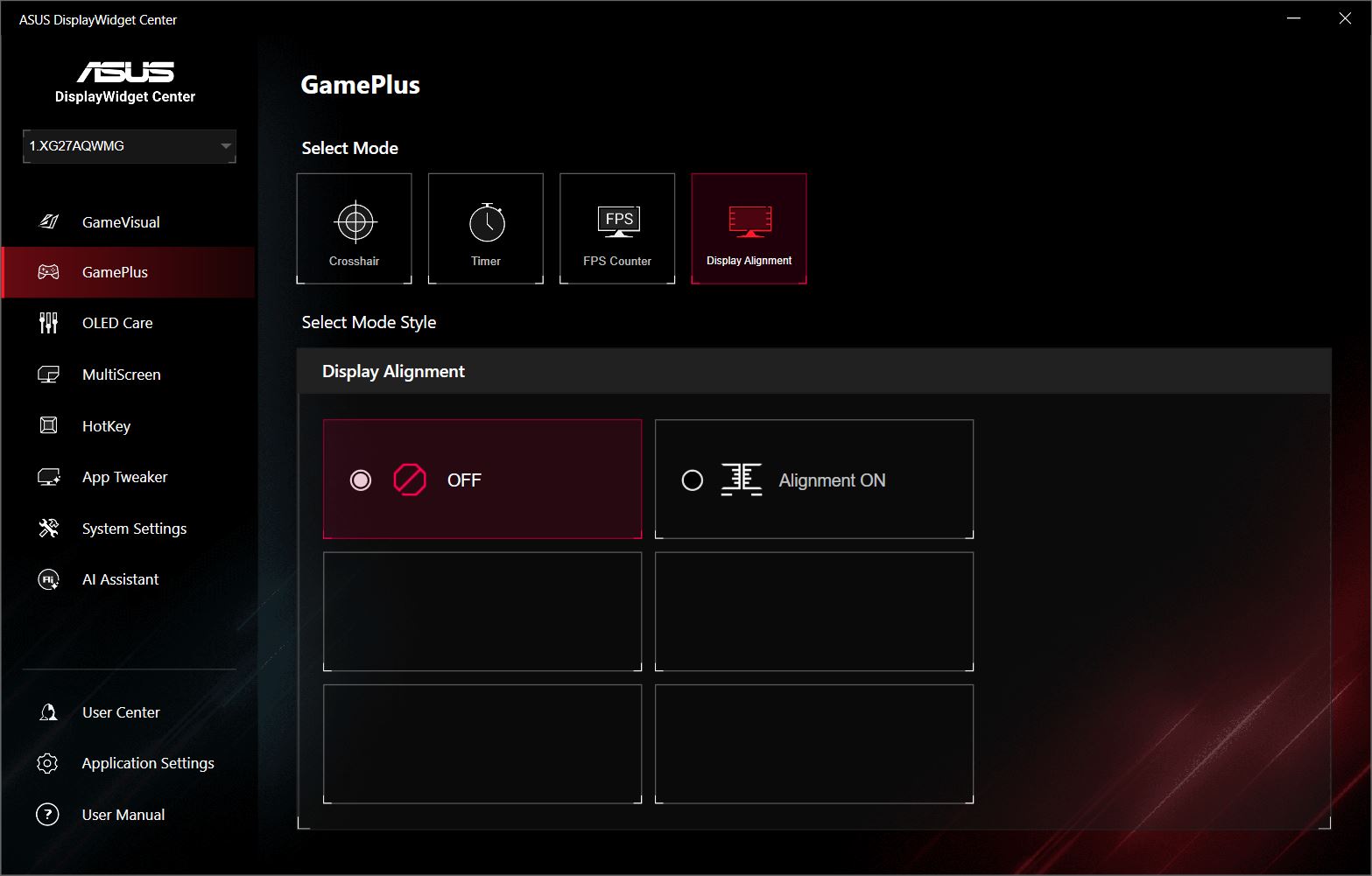
Proprietary Software: DisplayWidget Center
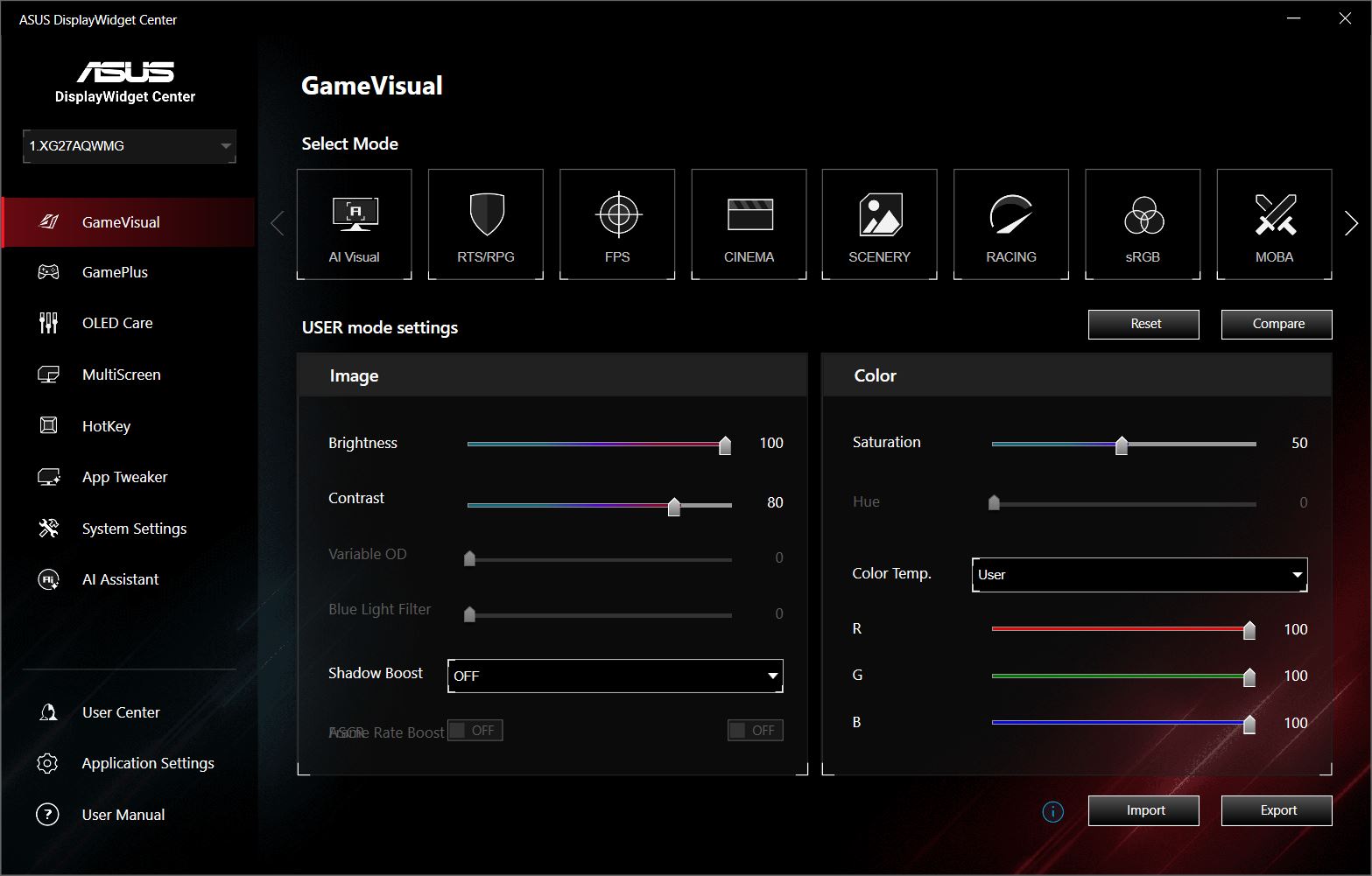
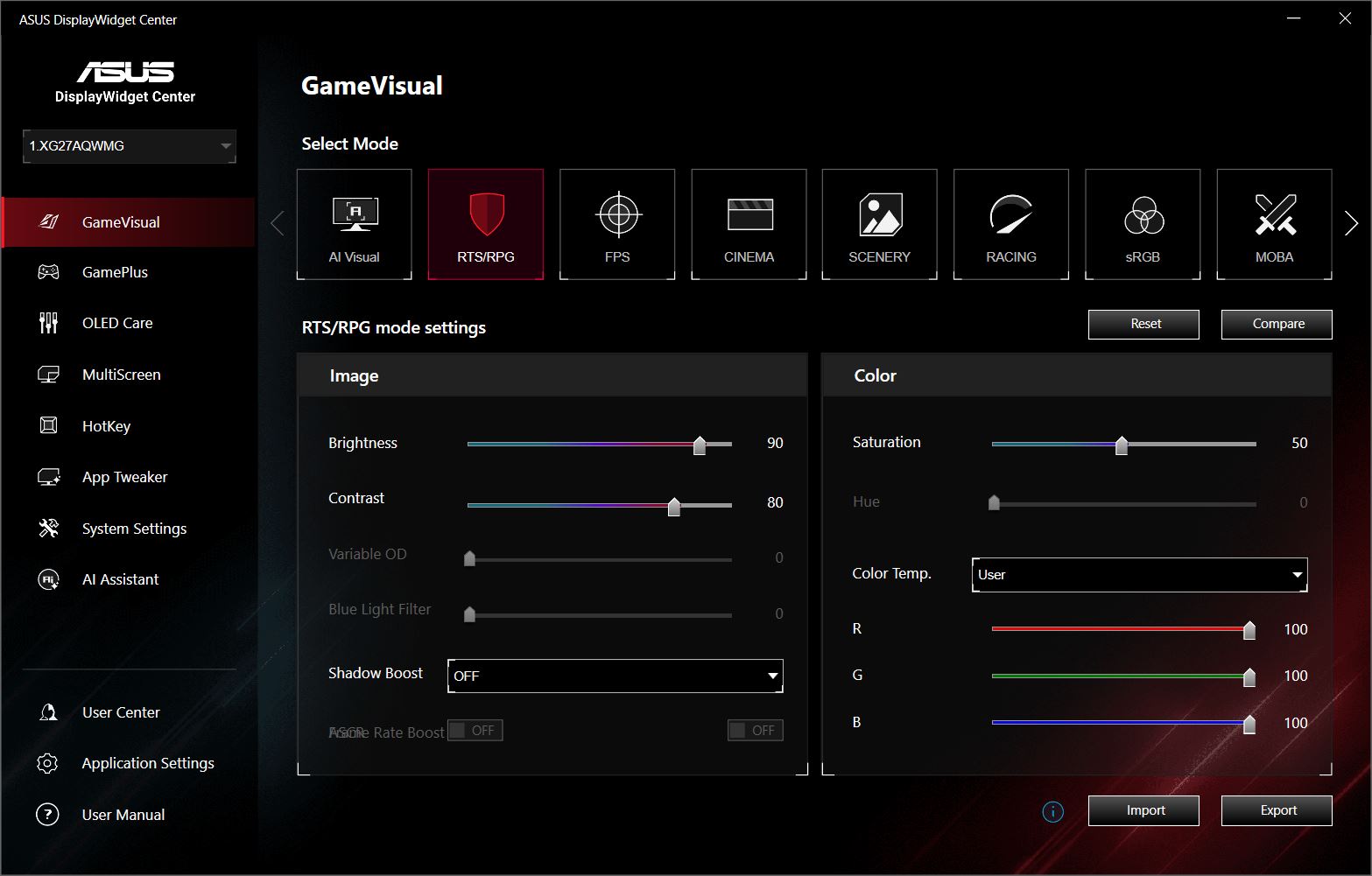
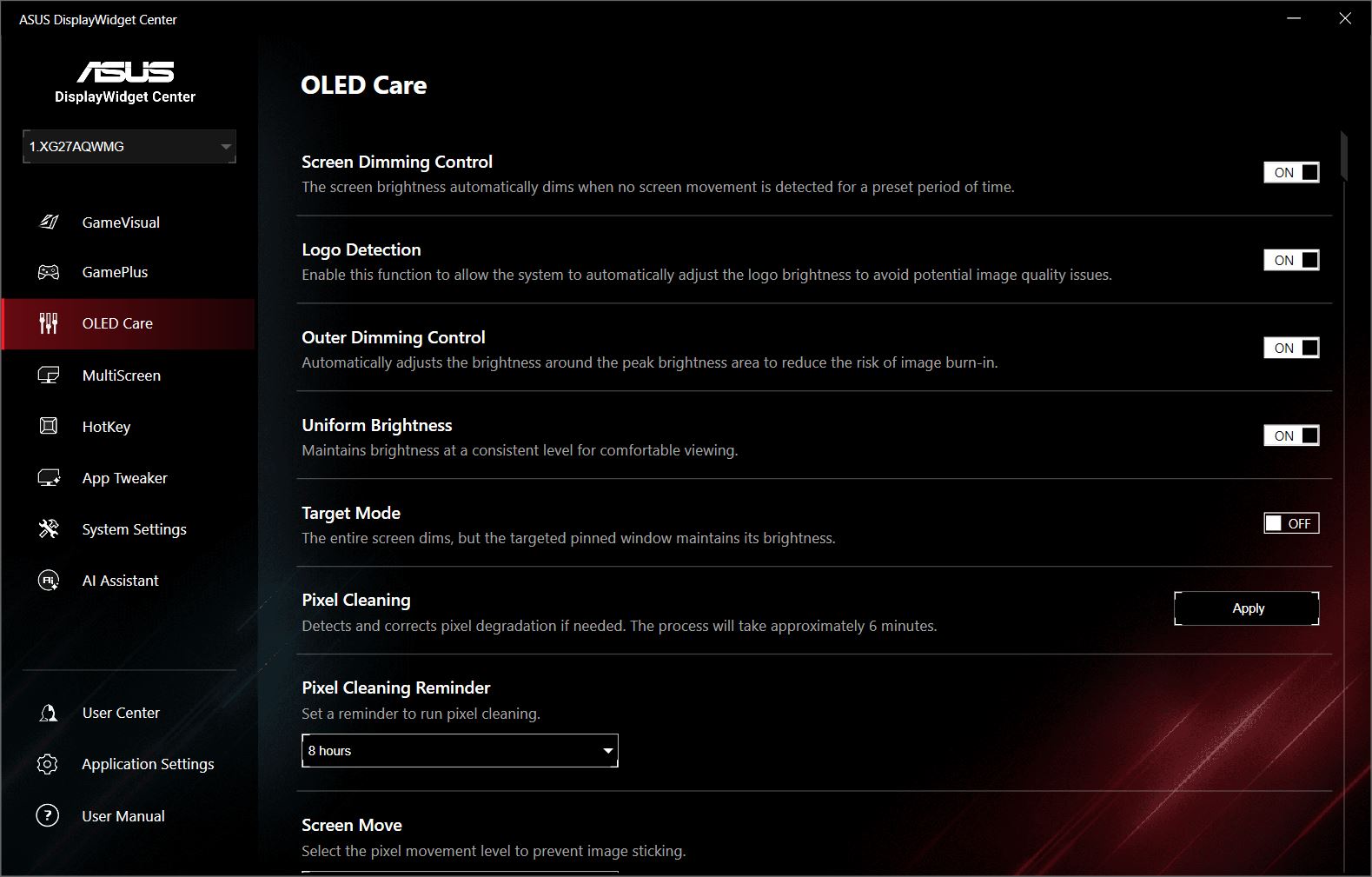
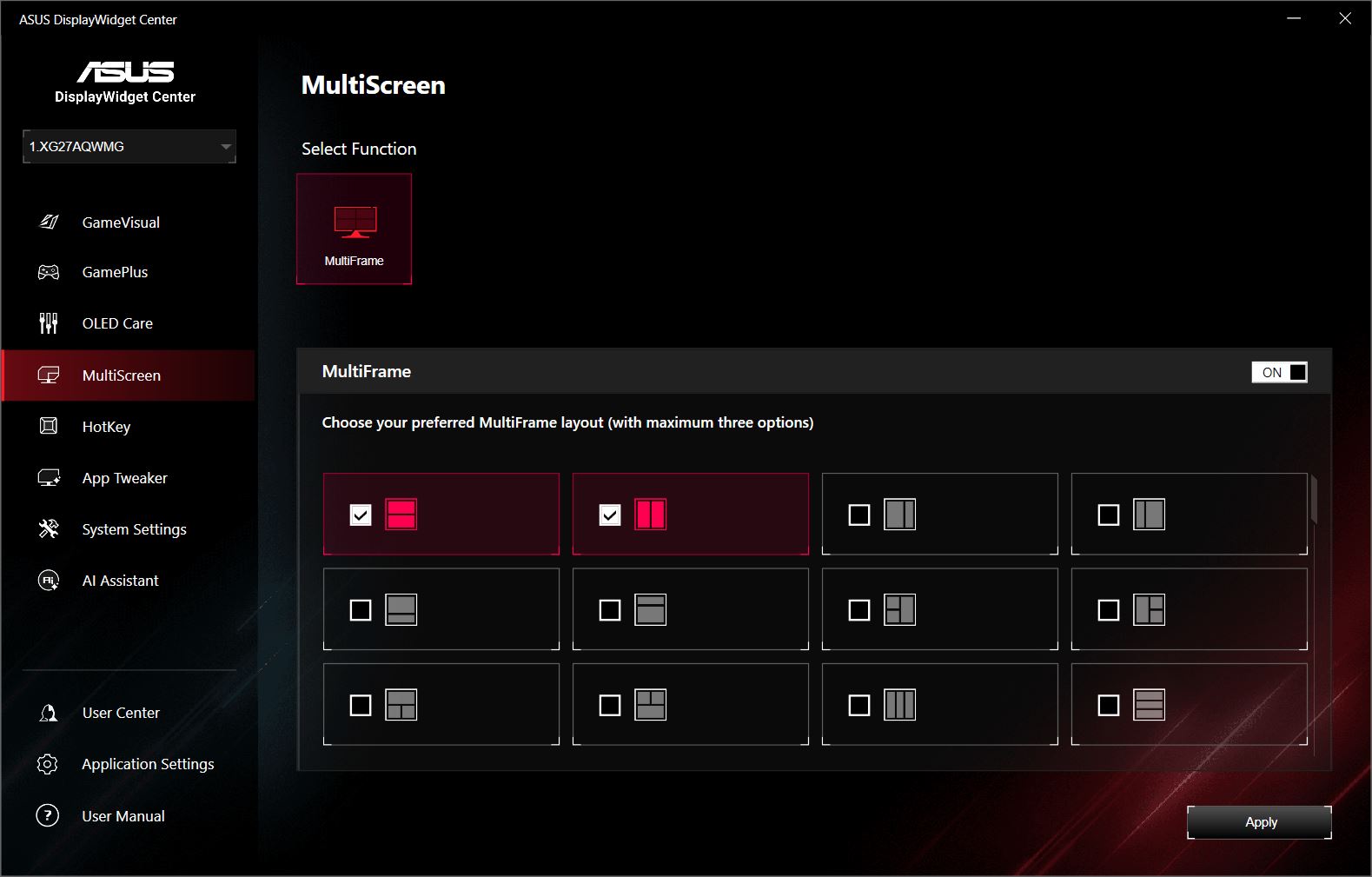
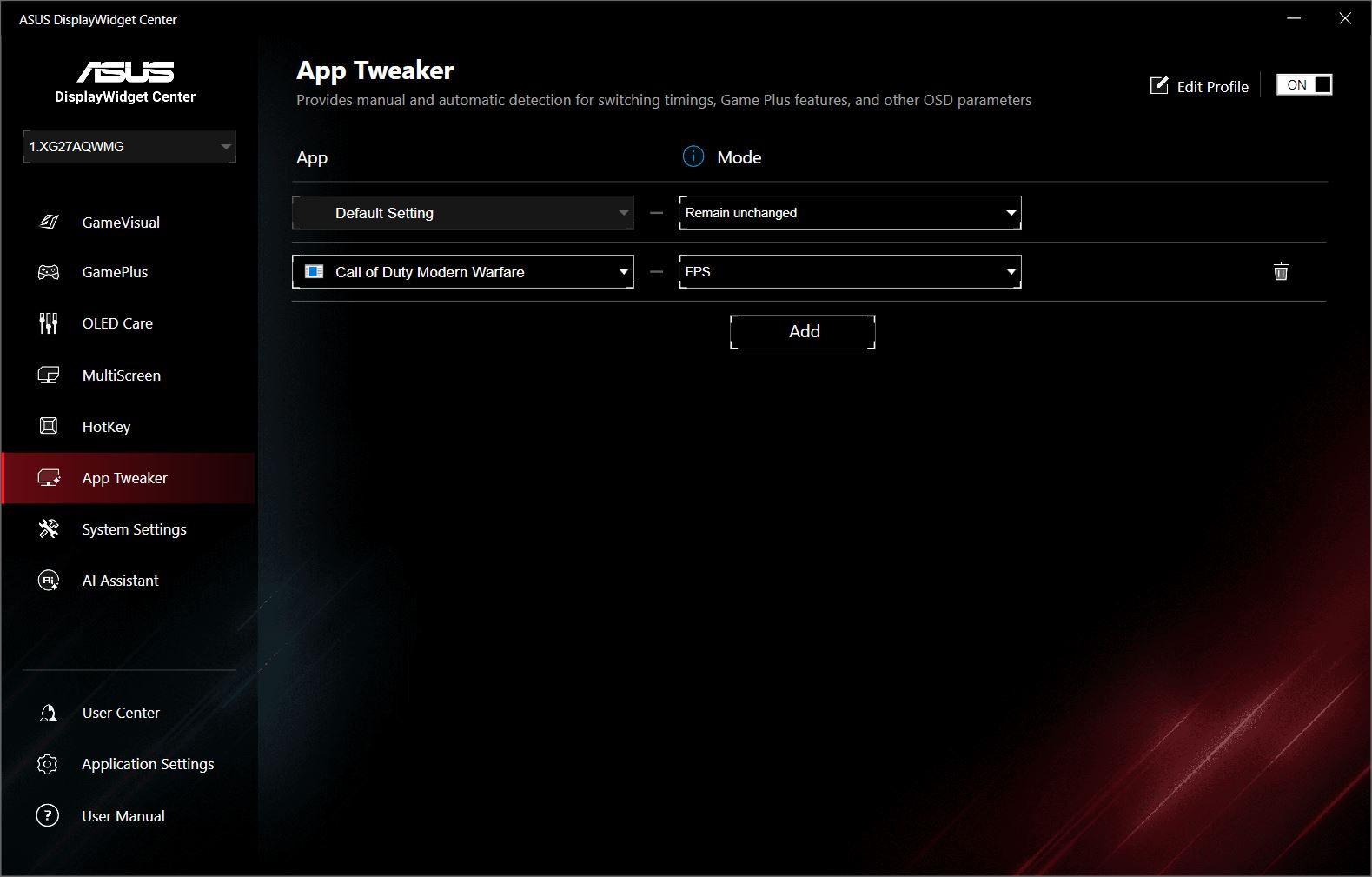
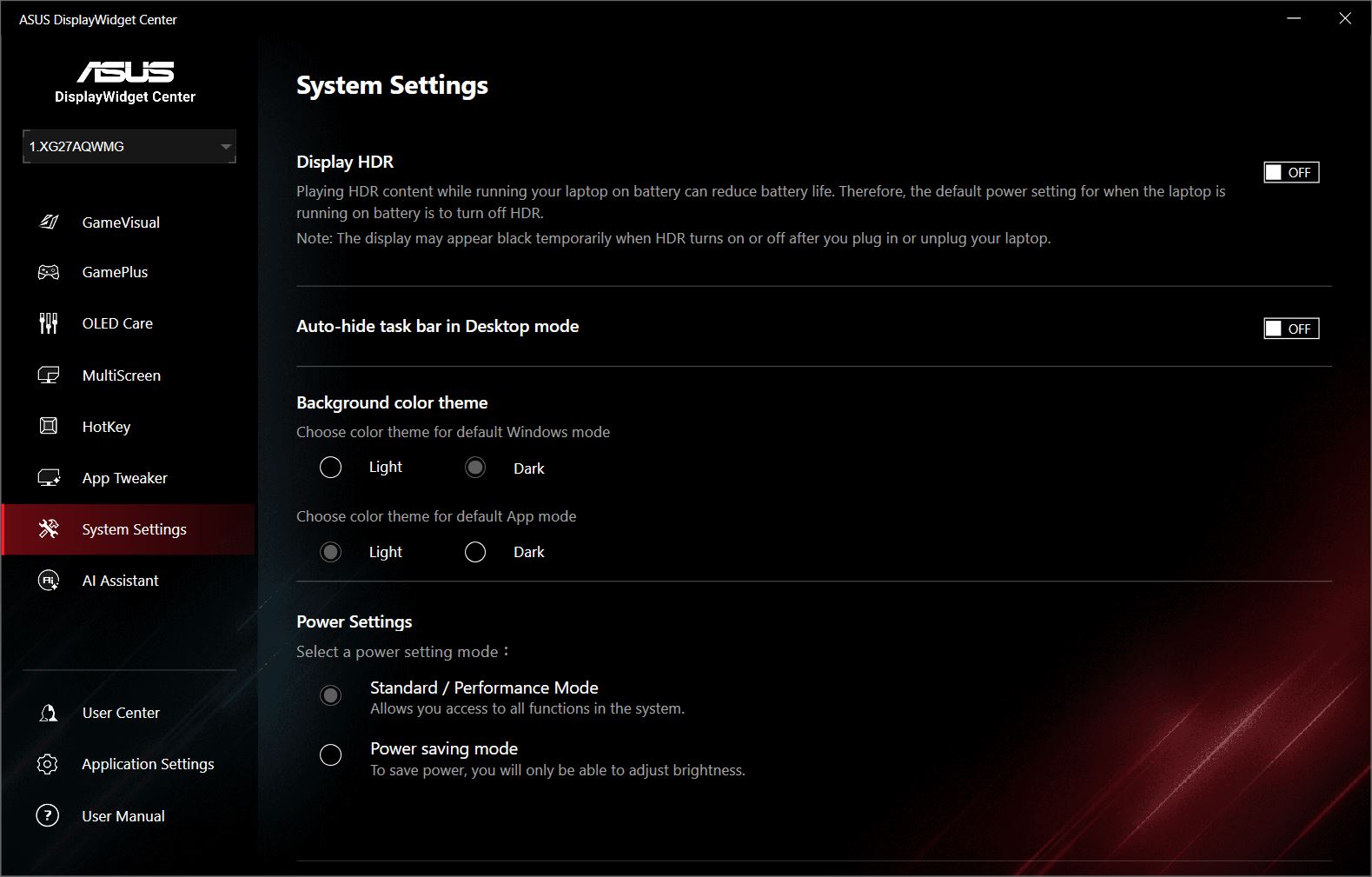
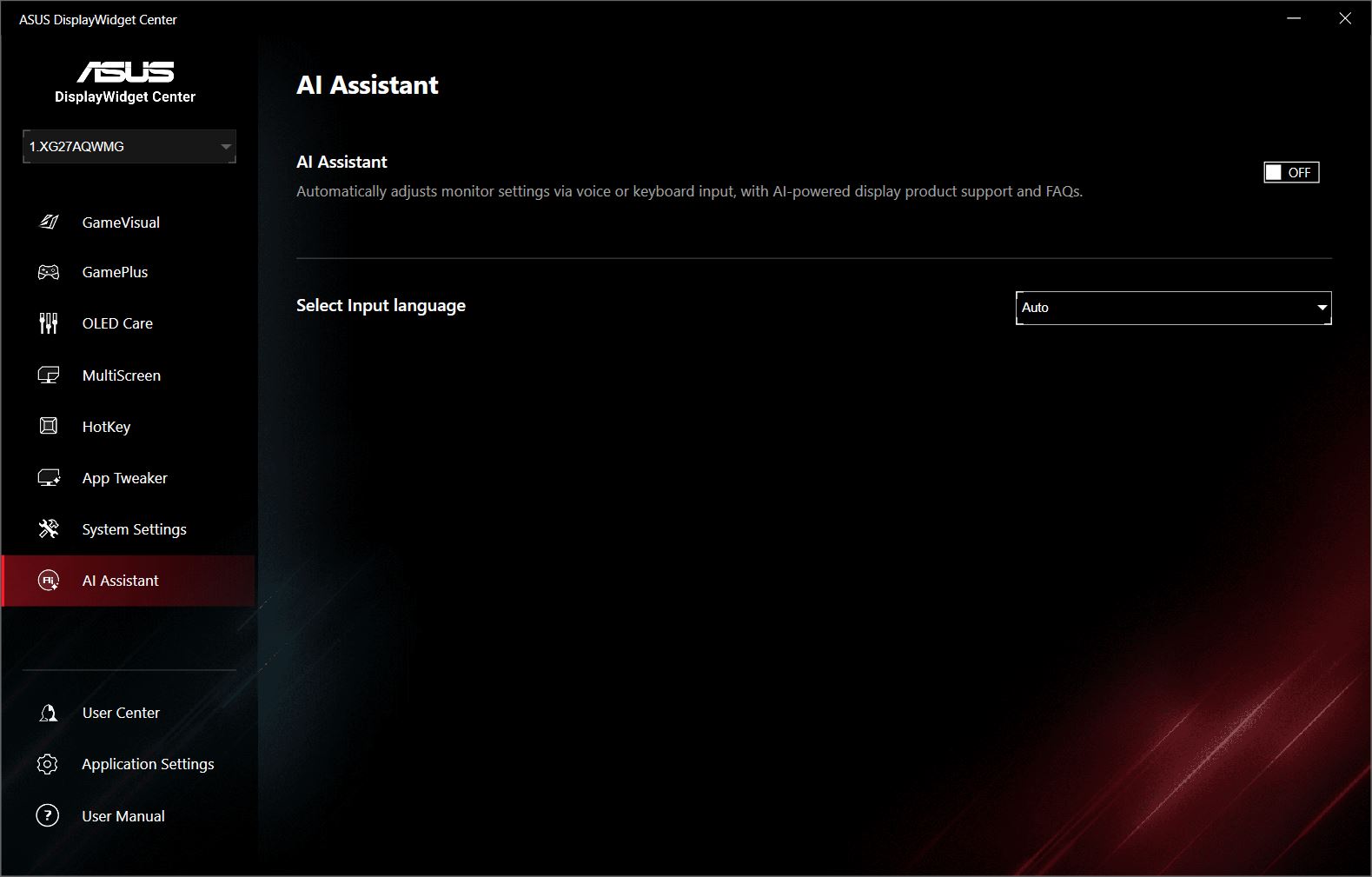
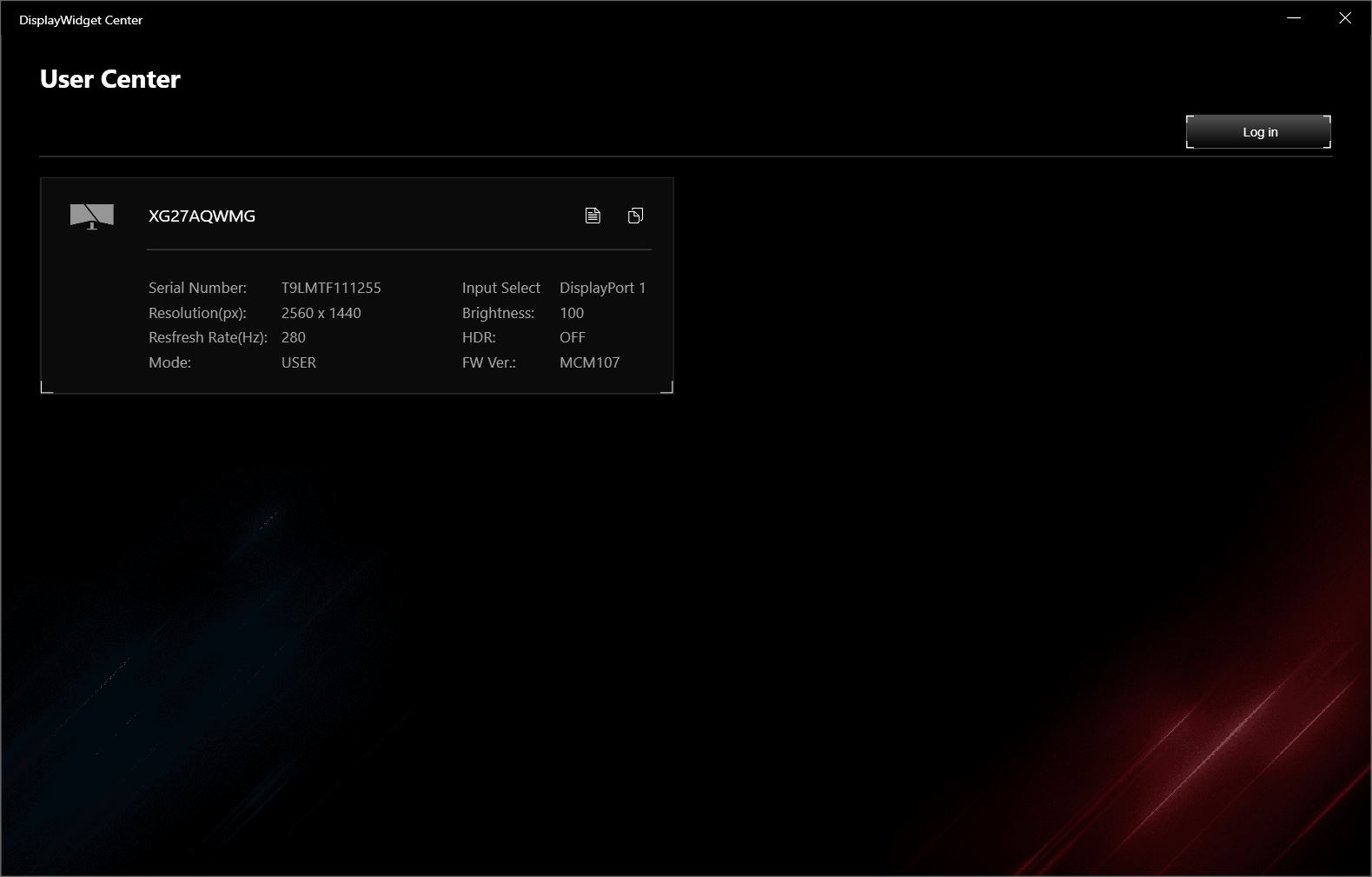
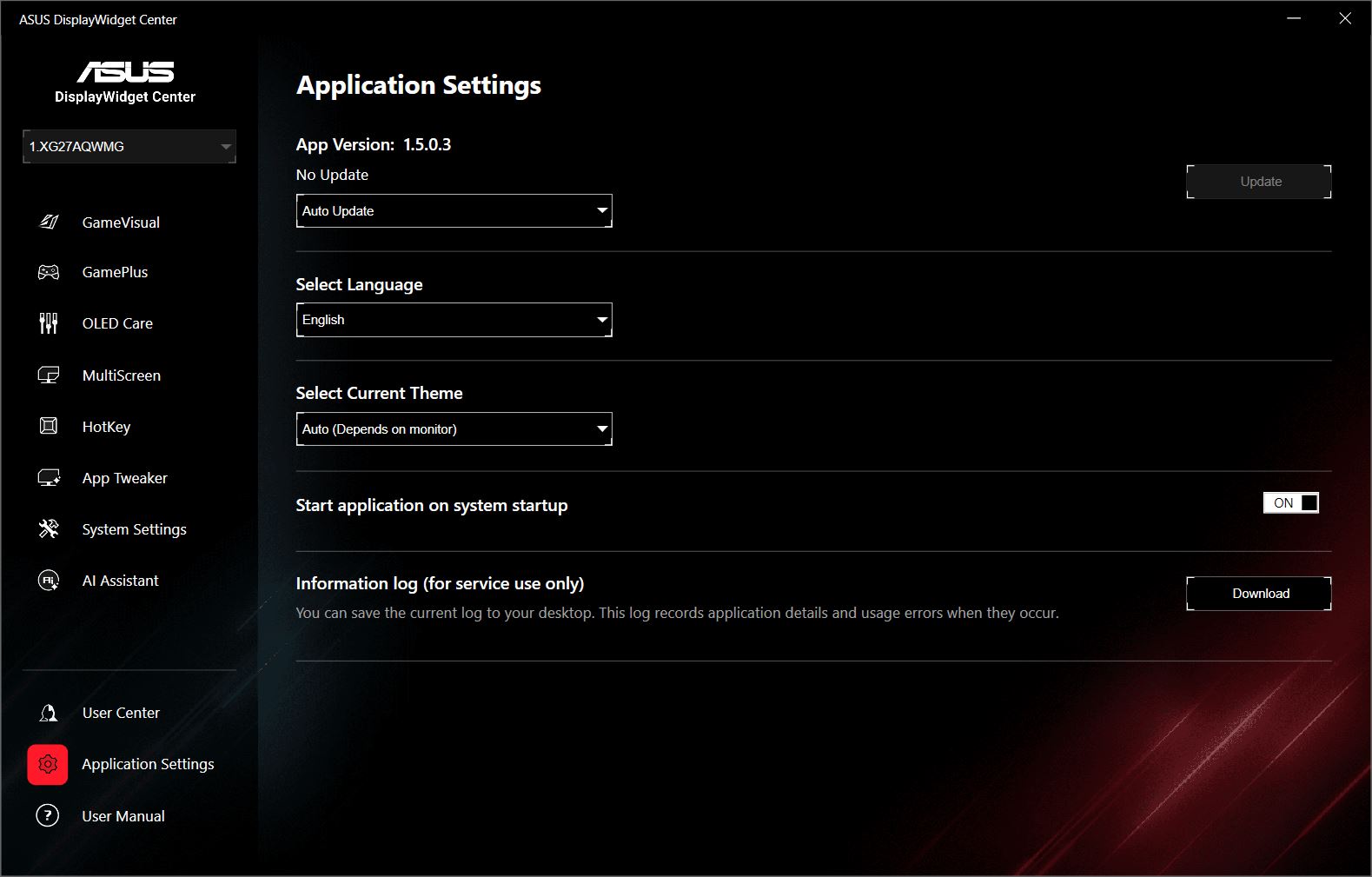
The proprietary application for advanced monitor configuration has also remained almost unchanged, just like the OSD menu. All the settings available for the XG27AQDPG are also available on the new XG27AQWMG.
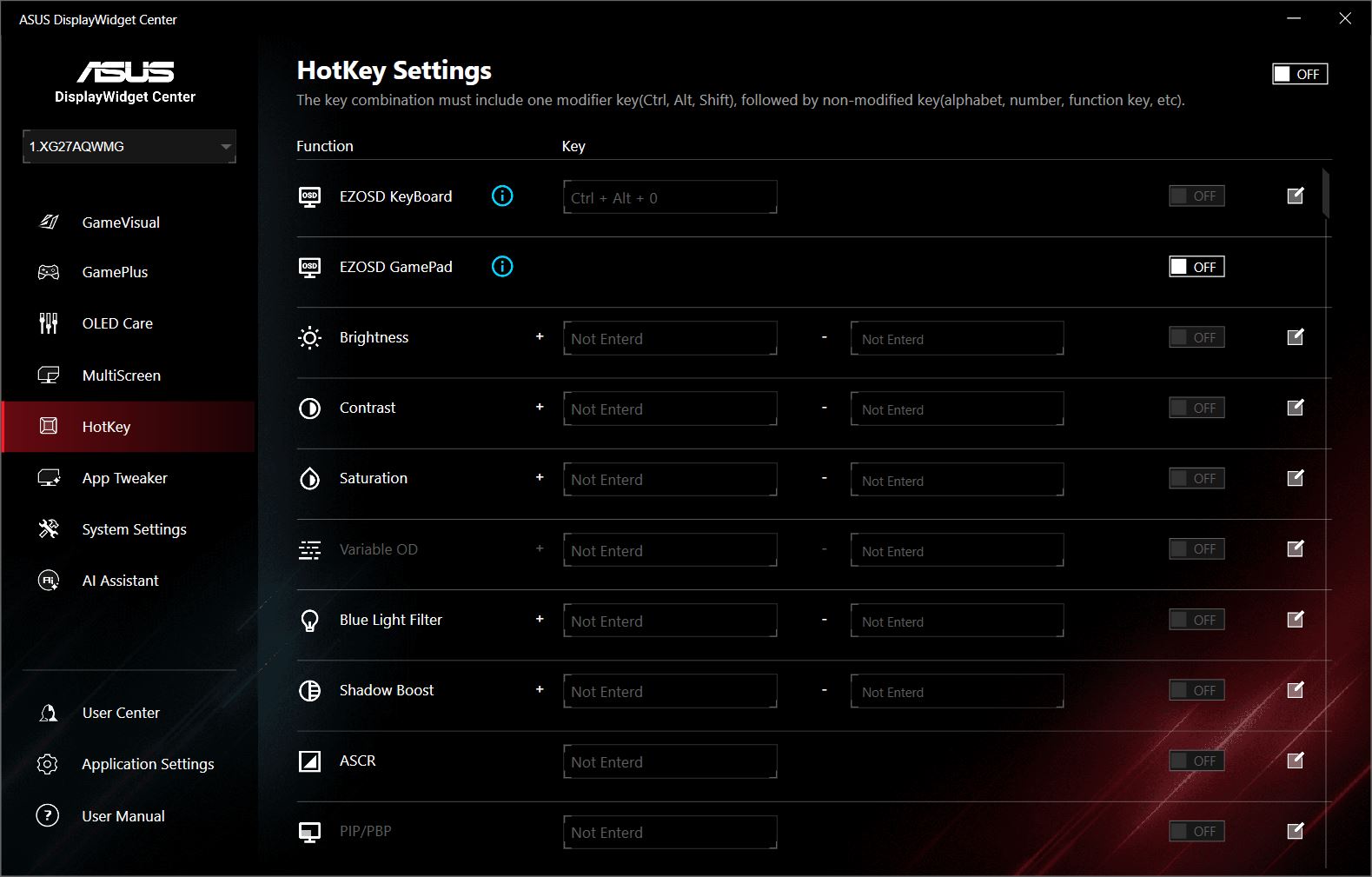
For those unfamiliar with it, DisplayWidget Center offers not only the same settings available through the monitor’s built-in menu, but also a number of exclusive features, including additional GameVisual preset customization, AI-based scene detection, screen splitting into independent areas, and hotkeys. For ASUS monitor owners – whether TUF or ROG, IPS or OLED – I highly recommend installing the application.
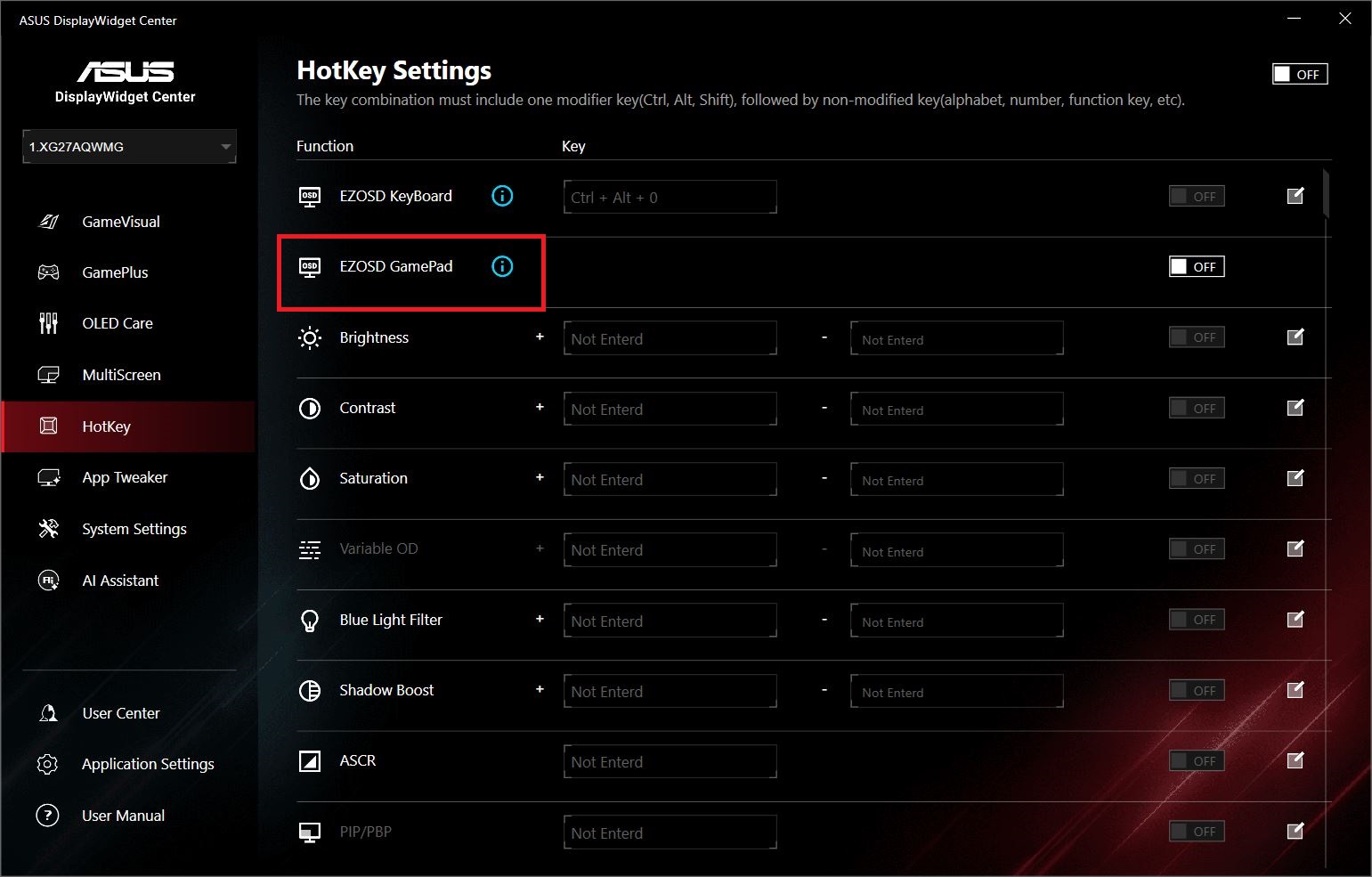
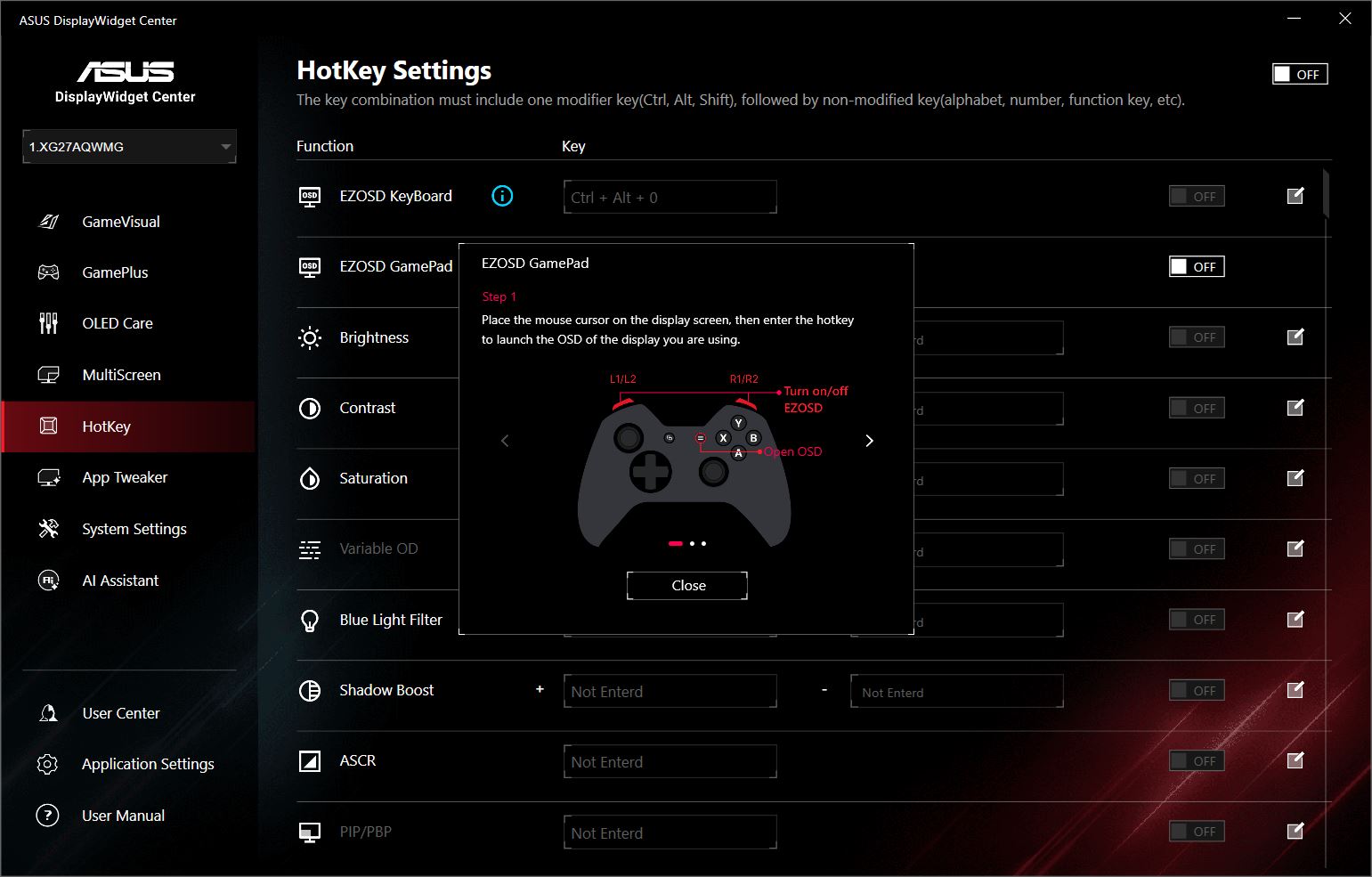
I say “almost unchanged” because while 99% of the settings have indeed remained the same, the application itself continues to evolve and receive new features. One of the new options in the HotKeys menu is EZOSD Gamepad, which allows you to bring up the monitor’s OSD and adjust its settings directly using a gamepad. Previously, this could only be done with a keyboard; now a gamepad is supported as well.
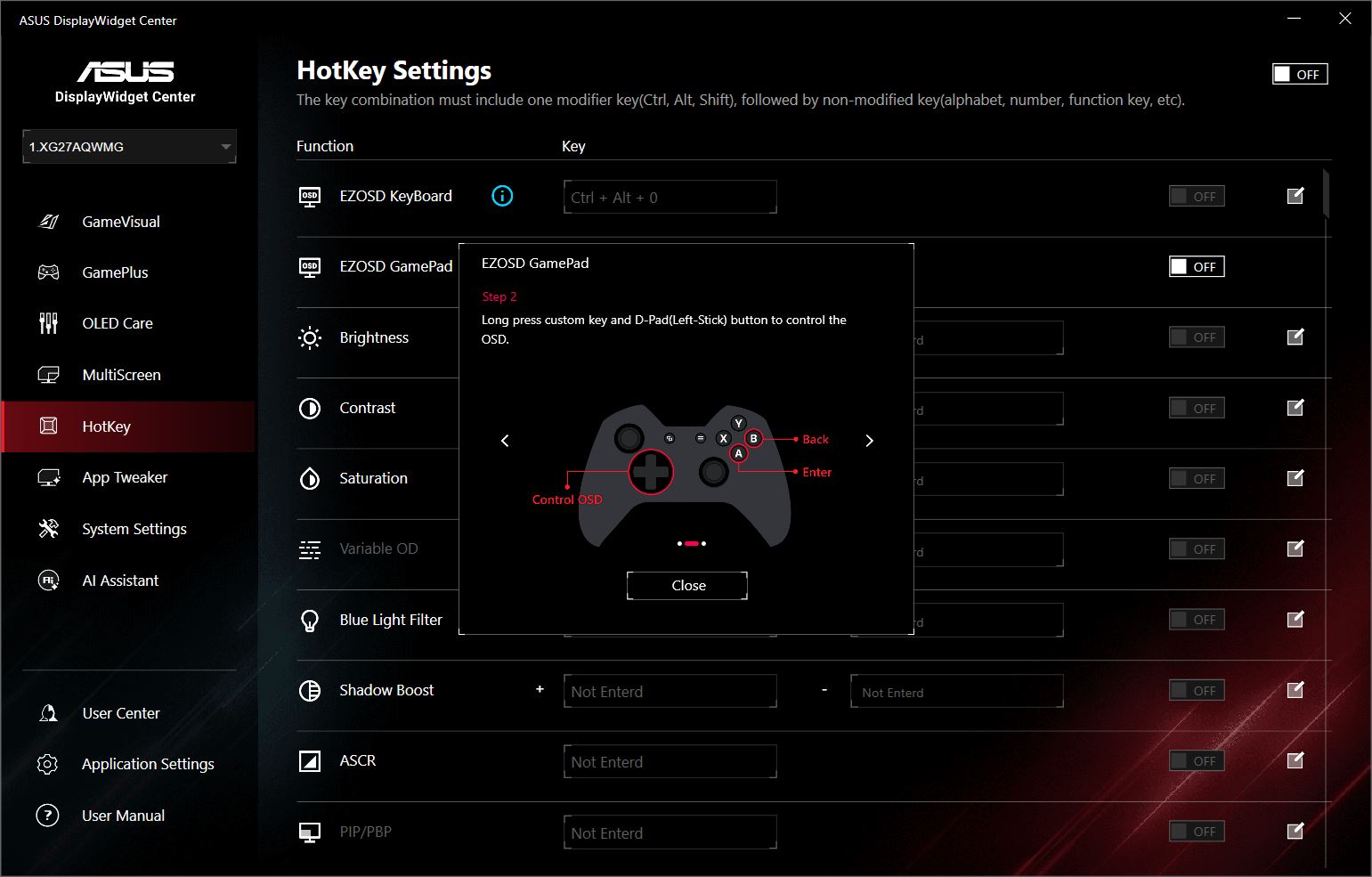
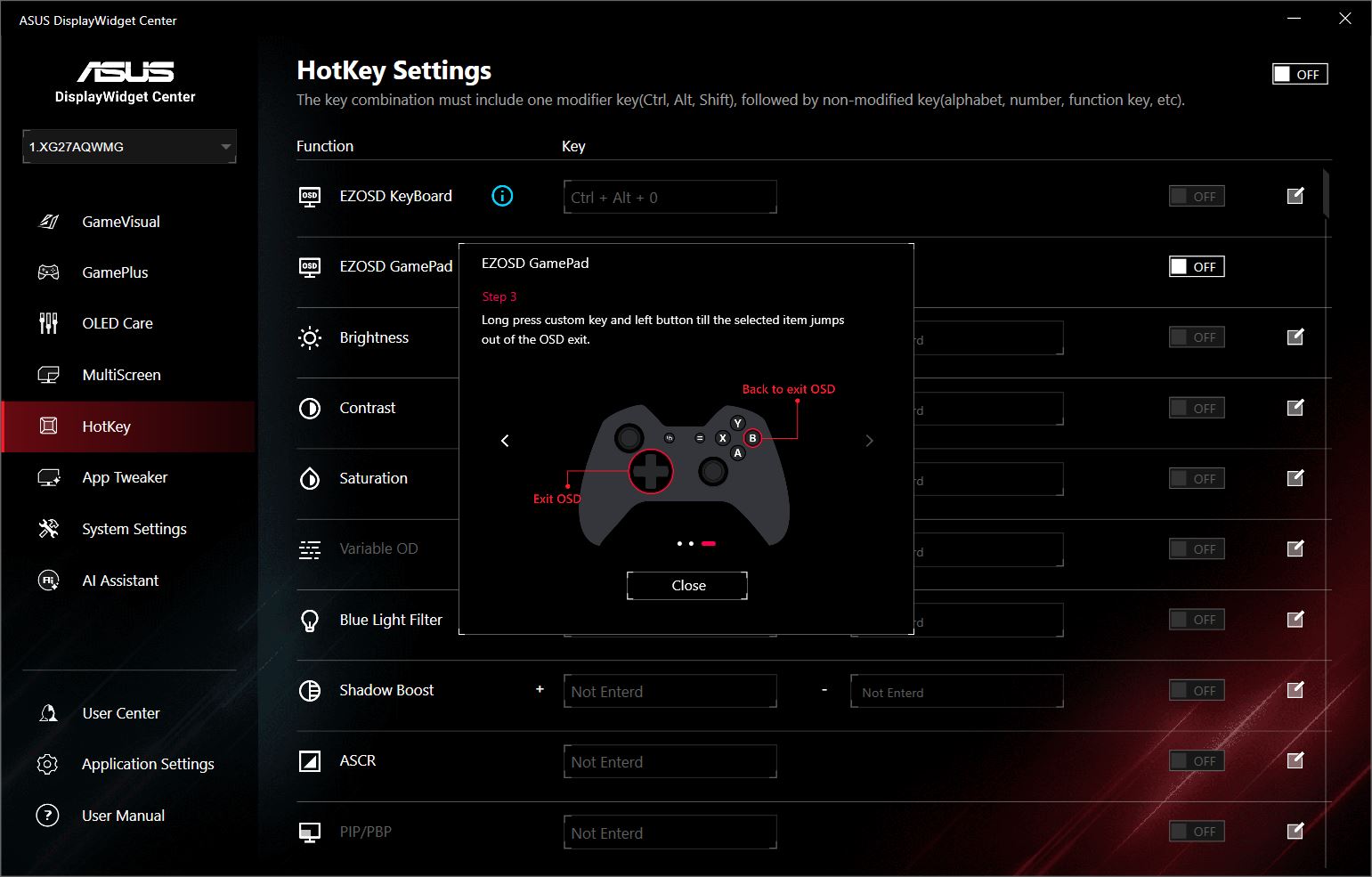
The rest of the settings remain unchanged. I covered them in detail in my review of the TUF Gaming VG27AQML5A. Essentially, for the ROG Strix OLED XG27AQDPG and our ROG Strix OLED XG27AQWMG, the only additional section, apart from those mentioned above, is the OLED Care menu, since both monitors use OLED panels. Everything else is the same.
Conclusion
To wrap up this review, I have to say that the new ROG Strix OLED XG27AQWMG is an excellent monitor. As I’ve already mentioned, it is a genuinely strong alternative to the flagship XG27AQDPG, offering essentially the same image quality – and in some respects, even better – along with the same set of features, while costing significantly less.
So, if you’ve wanted a high-end ASUS OLED but couldn’t justify the price of the flagship, here it is: a more affordable alternative that doesn’t require many compromises. That’s exactly how I would characterize this monitor for myself.
You get the distinctive ROG design, excellent ergonomics and build quality, a good bundle, an optimal combination of screen size and resolution, and, of course, the image quality itself. The latter deserves particular attention: superb color reproduction, wide color gamut, and impressive depth. On top of that, there is higher peak brightness thanks to the new panel architecture, potentially better longevity, and improved performance in bright environments thanks to the new proprietary coating.
There are no issues with sharpness, response time, or smoothness, while the 280 Hz refresh rate is more than enough for most gaming scenarios. It is also considerably easier to take full advantage of 280 Hz than the flagship’s 500 Hz at 1440p on a QD-OLED panel.

As for the downsides, I only noted the high price as a drawback of the previous flagship XG27AQDPG. With the new XG27AQWMG, however, the price is, in my opinion, much more reasonable, so I honestly can’t point to any significant disadvantages. That’s why my verdict is simple: I can confidently recommend it.
Where to buy ASUS ROG Strix OLED XG27AQWMG