© ROOT-NATION.com - Use of content is permitted with a backlink.
Today I am reviewing the ROG Strix OLED XG27AQDPG, a gaming monitor that ASUS introduced as part of its updated OLED lineup this year. The model features a 27-inch QD-OLED panel with QHD resolution, a 500 Hz refresh rate, and several new AI-assisted display modes developed by the manufacturer. In the current product range, the XG27AQDPG is positioned among the company’s flagship monitors and is also one of the fastest gaming displays currently available. In this review, I will examine the monitor’s key characteristics, its differences from previous models, its pricing, and the overall impressions it leaves in practical use.
Read also: All monitor reviews
TABLE OF CONTENTS:
ASUS ROG Strix OLED XG27AQDPG Specifications
- Model: ROG Strix OLED XG27AQDPG
- Screen size: 27‘ (viewable area 26.5’)
- Resolution: 2560×1440 (QHD)
- Aspect ratio: 16:9
- Panel type: QD-OLED
- Display surface: Anti-Reflection
- Colour gamut: DCI-P3 99%, sRGB 145%
- Display colours: 1,073.7 million (10-bit)
- Colour accuracy: ΔE<2
- HDR support: HDR10
- Brightness (typical): 300 cd/m²
- Brightness (HDR, peak): 1000 cd/m²
- Contrast ratio (typical): 1,500,000:1
- Response time: 0.03 ms (GTG)
- Refresh rate (max): 500 Hz
- VRR technology: Adaptive-Sync (AMD FreeSync Premium, G-SYNC Compatible)
- Pixel pitch: 0.229 mm
- Display viewing area (H×V): 590.42×333.72 mm
- Viewing angle (CR≧10, H/V): 178°/178°
- I/O ports: 1×DisplayPort 1.4 DSC, 2×HDMI 2.1, 2×USB 3.2 Gen 1 Type-A, 1×USB Type-B (Upstream), 1×3.5 mm audio jack
- Digital signal frequency: DisplayPort 26–935 kHz (H) / 48–500 Hz (V); HDMI 26–935 kHz (H) / 48–500 Hz (V)
- Height adjustment: 0–110 mm
- Tilt adjustment: +20° ~ -5°
- Horizontal swivel: +45° ~ -45°
- Vertical swivel: +90° ~ -90°
- VESA wall mount: 100×100 mm
- Tripod socket: 1/4″
- Kensington lock: yes
- Proximity sensor: Proximity Sensor Neo
- Backlighting: Aura Sync
- Monitor dimensions with stand (W×H×D): 61.03×50.21×16.94 cm
- Monitor dimensions without stand (W×H×D): 61.03×36.92×6.65 cm
- Monitor dimensions in packaging (W×H×D): 86×50×16.3 cm
- Monitor weight with stand: 6.6 kg
- Monitor weight without stand: 4.6 kg
- Total weight of monitor in packaging: 9.2 kg
- Proprietary software: ASUS DisplayWidget Center
- Power consumption: operating mode <65 W, power-saving mode <0.5 W, off-mode <0.3 W; operating voltage 100–240 V, 50/60 Hz
- Technologies and features: OLED Anti-Flicker, Adaptive-Sync, GameFast Input, Extreme Low Motion Blur, GameVisual, GamePlus, Shadow Boost, A.I. Assistant Technology (AI Visual, Dynamic Crosshair, Dynamic Shadow Boost), ASUS OLED Care, Aspect Control, Colour Calibration E-report
- Certifications and standards: TÜV Flicker-Free, TÜV Low Blue Light (Hardware Solution), VESA AdaptiveSync Display 500Hz, VESA DisplayHDR 500 True Black, AMD FreeSync Premium Pro, G-SYNC Compatible, FSC MIX
- Warranty: 3 years (including panel burn-in)
- Package contents: monitor, detachable stand, DisplayPort cable, power cable, ROG pouch, microfibre cloth, ROG stickers, user manual, warranty documentation
Positioning and Price
As mentioned earlier, the ASUS ROG Strix OLED XG27AQDPG can reasonably be considered one of the flagship models in the OLED lineup from ASUS and among the fastest monitors currently offered by the company. Within the brand’s portfolio, two models can be viewed as its closest alternatives. The first is the ROG Swift OLED PG27AQWP-W, which supports a refresh rate of 540 Hz at QHD resolution and up to 720 Hz in an HD mode. However, this model targets a more specific use case. It uses a Tandem WOLED panel and comes at a significantly higher price, prioritizing maximum refresh-rate figures over overall image characteristics.
Another related option is the ROG Swift OLED PG27AQDP. It is slightly less expensive than the XG27AQDPG but also features more modest specifications, including a WOLED panel instead of QD-OLED and a 480 Hz refresh rate rather than 500 Hz.

It therefore follows that the new ROG Strix OLED XG27AQDPG is a truly well-rounded flagship model. The price of this flagship model is commensurate: $1,185 or €1,020. Although, to be fair, it is worth noting that the monitor can still be found for slightly less in some shops.
Package contents
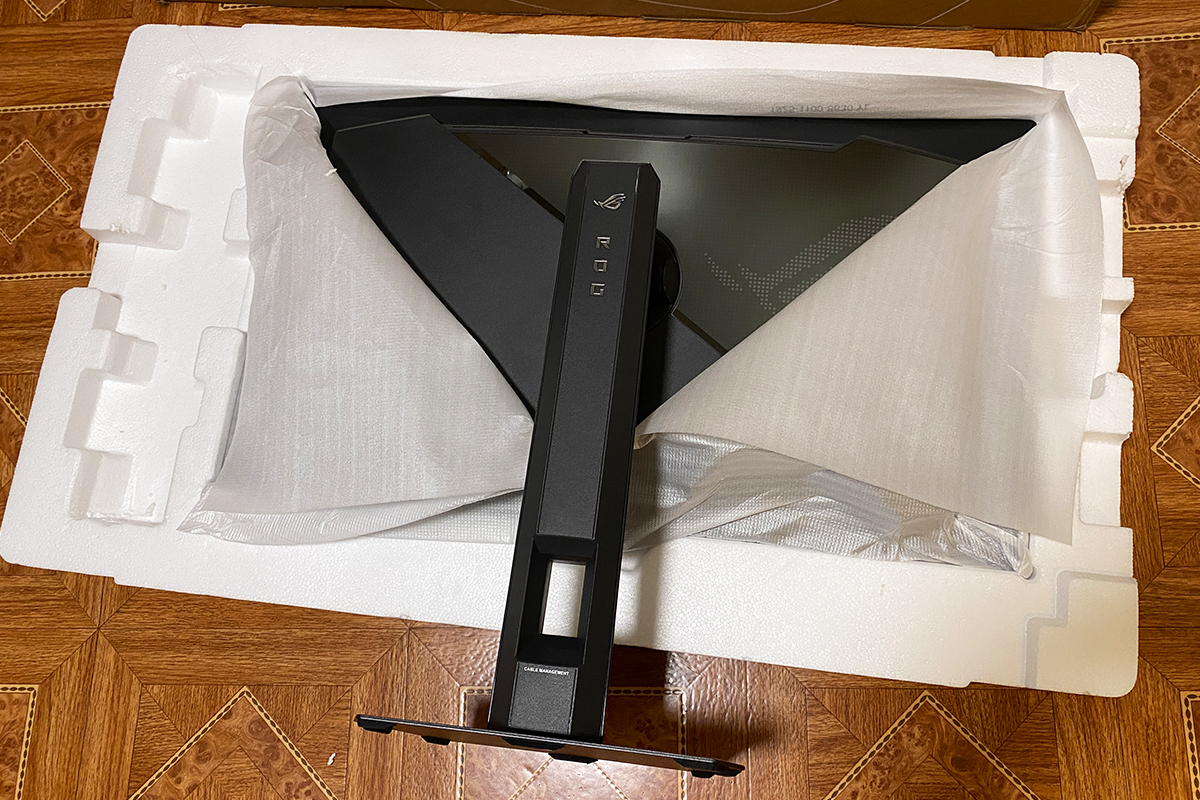
The monitor is delivered in a branded cardboard box measuring 86.0 × 50.0 × 16.3 cm, with a total weight of 9.2 kg. As is standard, the box includes side handles for easier handling. Inside, the contents are secured with a double layer of foam to provide protection during transport.


The package contents are consistent with the flagship and premium positioning of the ROG series. A similar set was included with the ROG STRIX XG259CMS.
The XG27AQDPG package includes:
- Monitor
- Detachable stand with adjustable arm
- Branded ROG VESA 100×100 adapter
- ROG pouch
- DisplayPort cable
- HDMI cable
- USB Type-B cable (upstream)
- Power cable
- Microfiber cleaning cloth
- Branded ROG stickers
- User manual
- Warranty documentation

Upon unpacking, it is immediately apparent that this is a high-end ROG Strix monitor. ASUS typically includes the branded ROG pouch with Strix monitors, which neatly holds all included cables and documentation. In a previous review of the XG259CMS, it was noted that the pouch is convenient and can be reused for storage or transporting other items. The same observation applies to the XG27AQDPG.

The same applies to the included DisplayPort and HDMI cables. With the XG27AQDPG, these are not generic cables; the connectors feature the ROG logo. While a minor detail, it is one of the visual elements that distinguish the premium ROG series from the more budget-oriented TUF lineup.

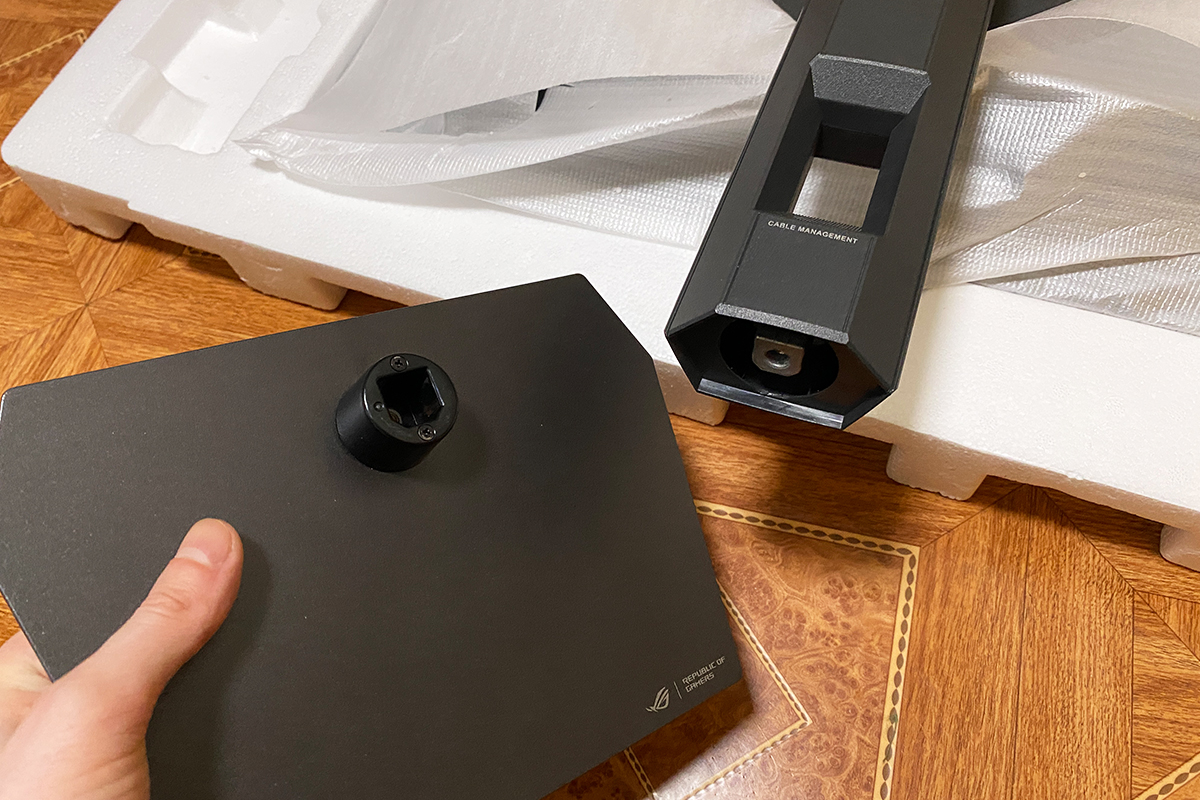
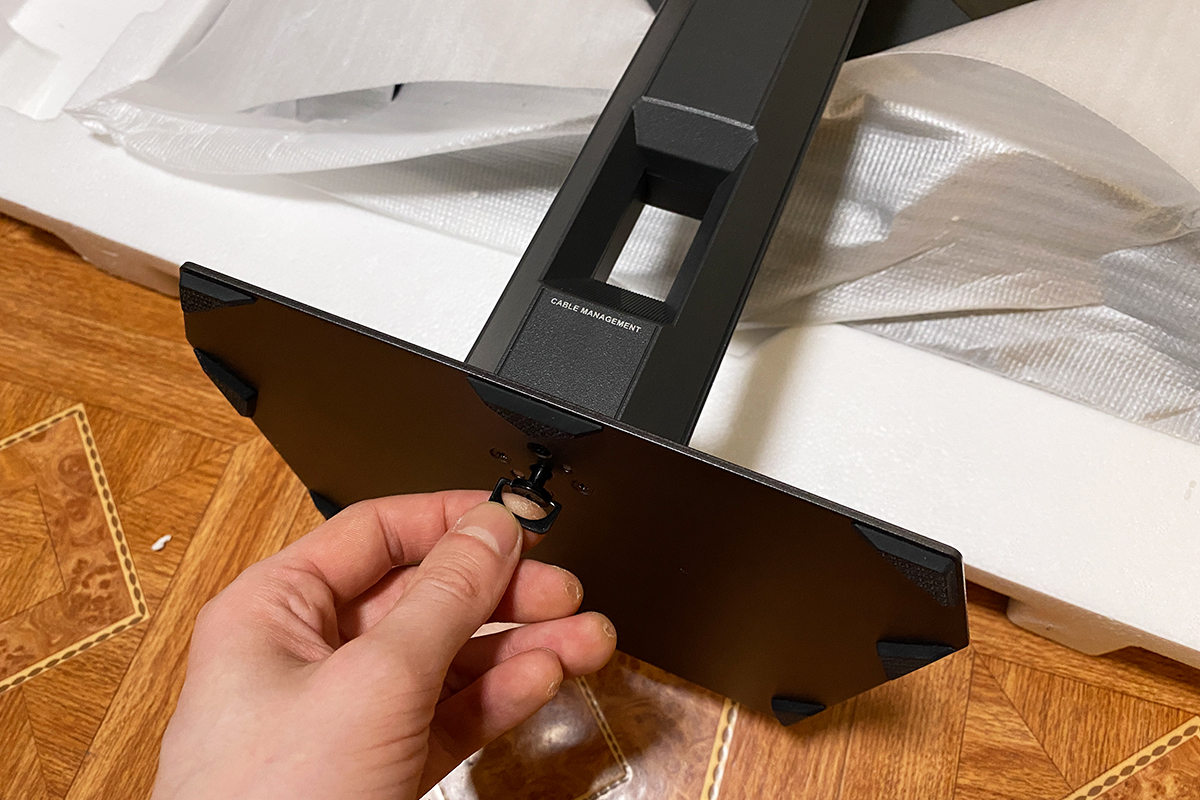
The monitor’s stand and base merit particular attention. The package includes a sturdy, thick stand that allows adjustments for height, tilt, and swivel.
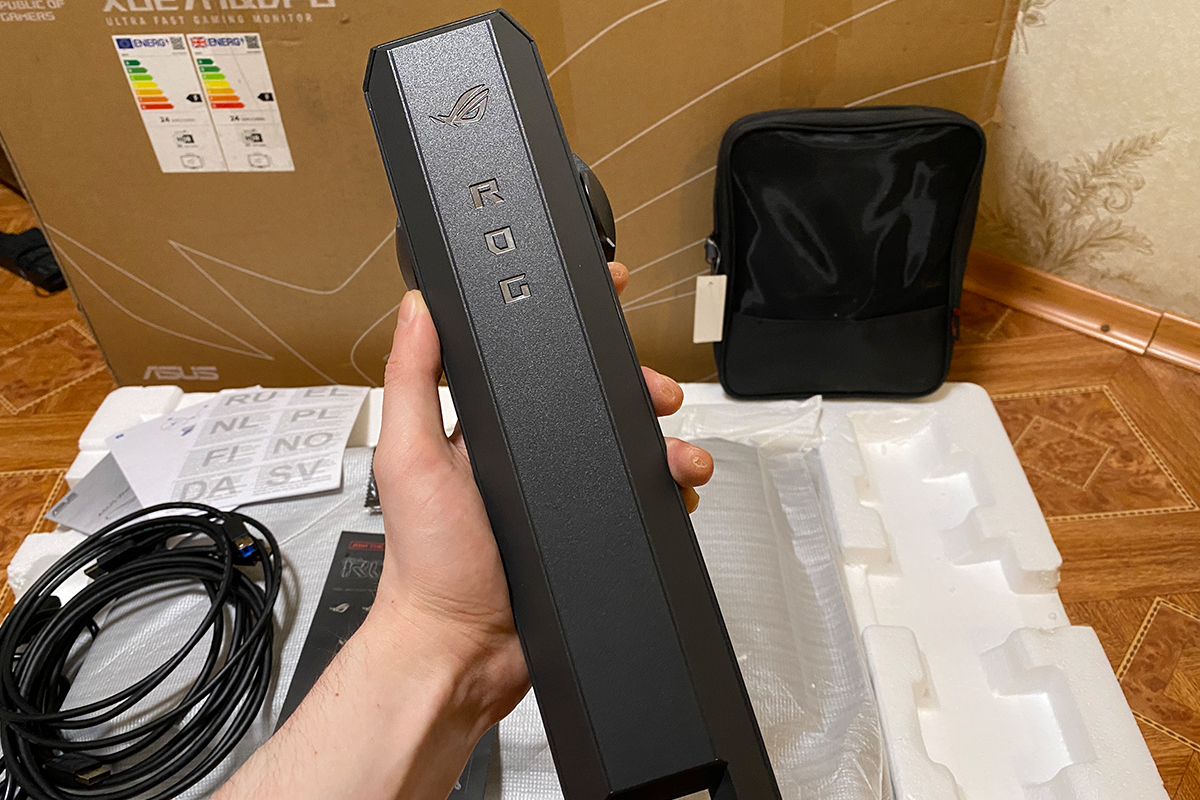
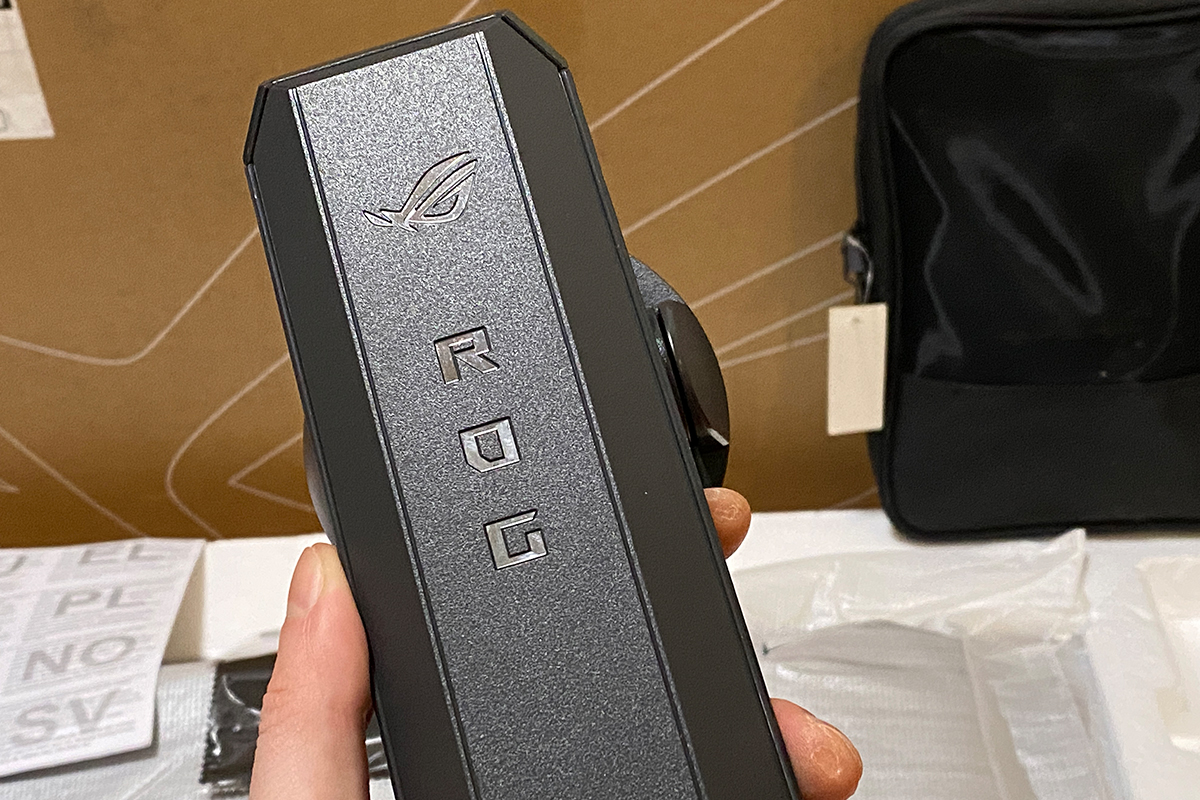
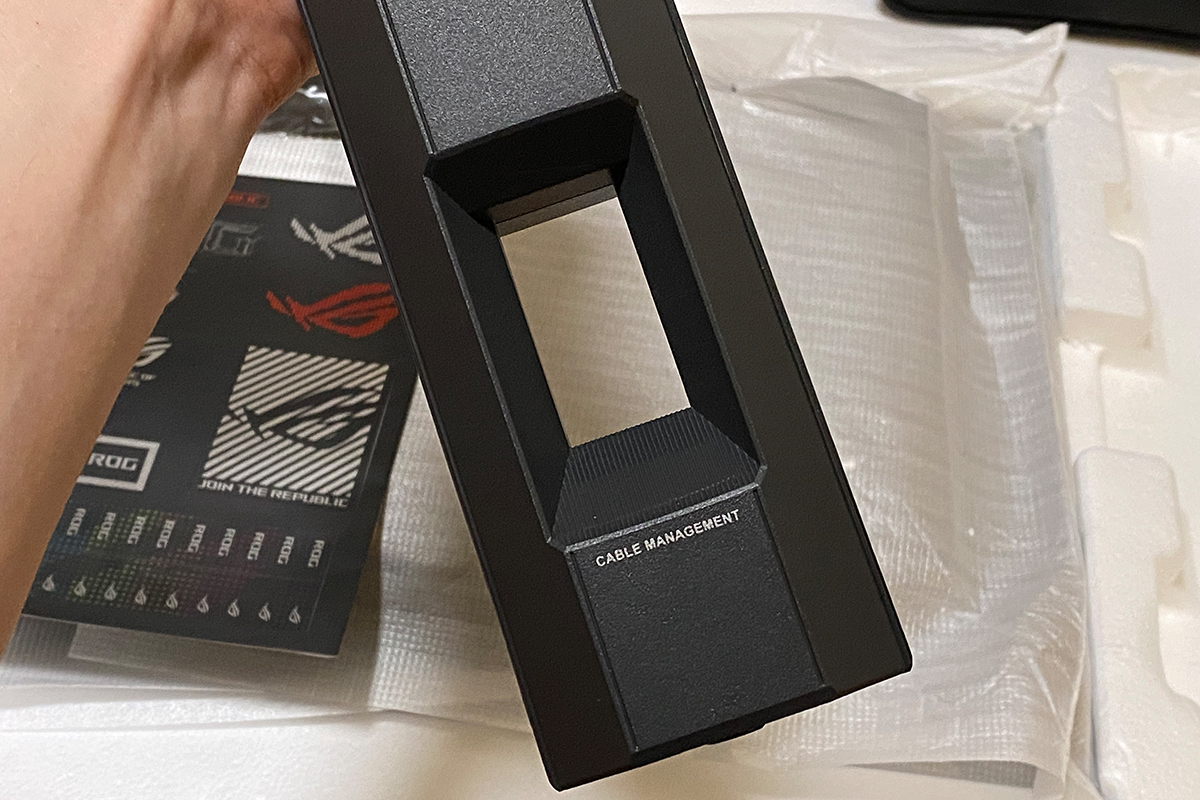
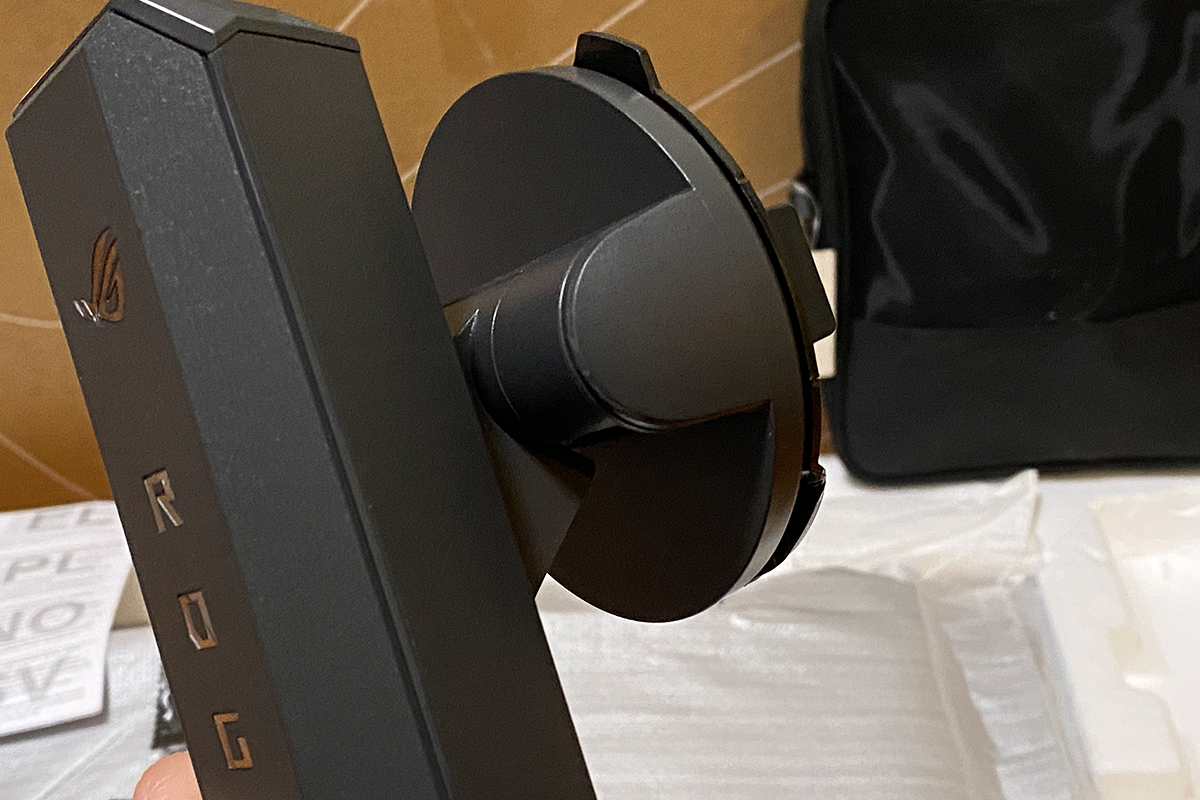
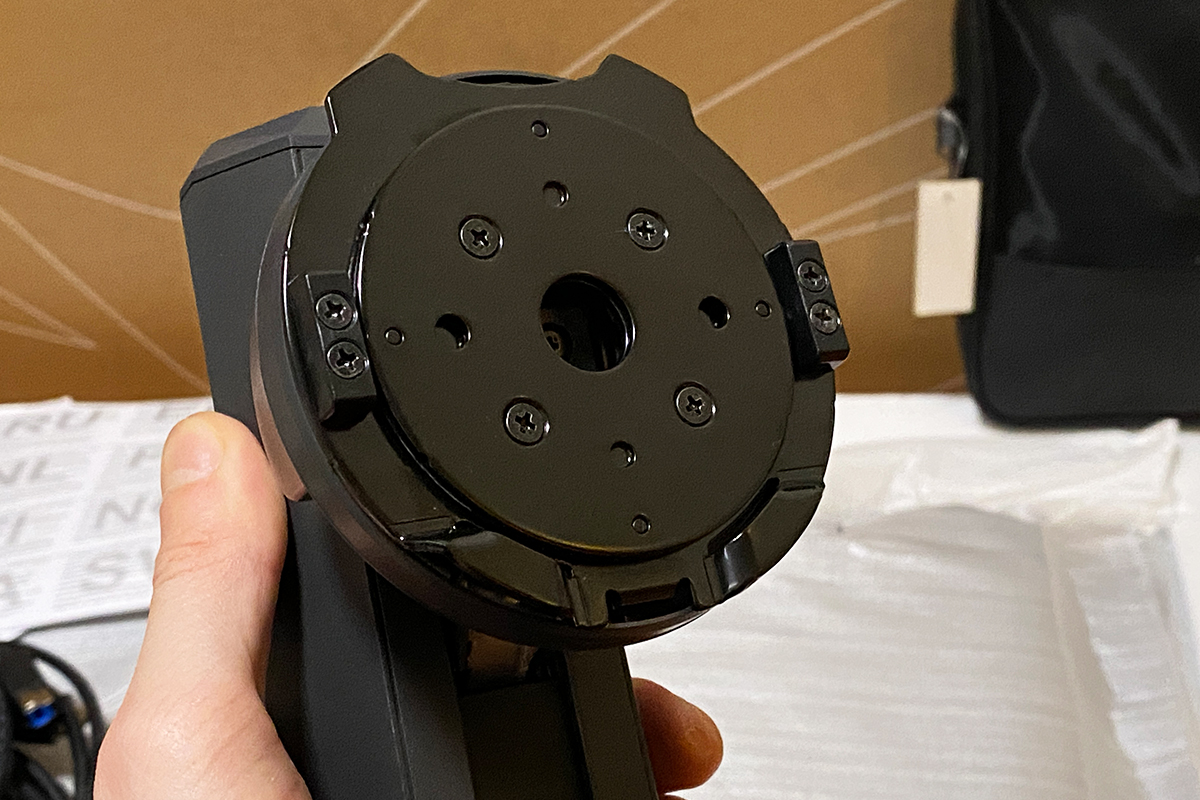
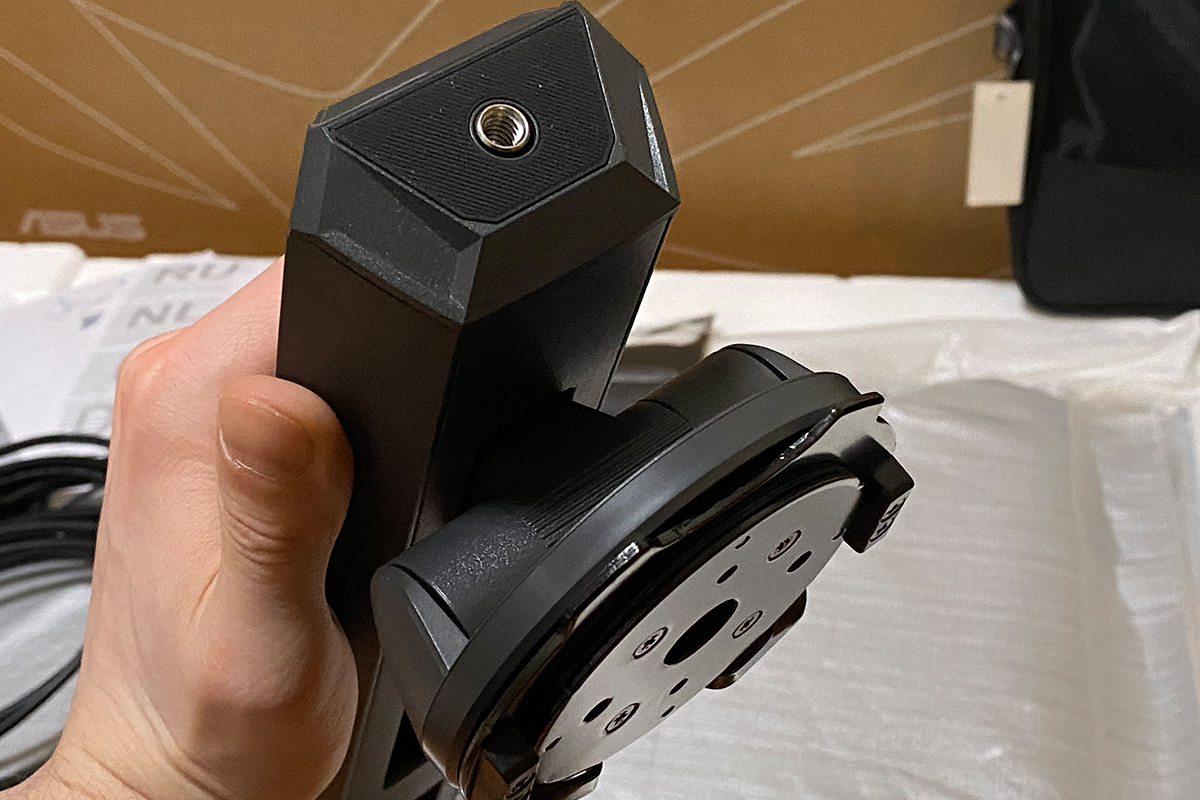
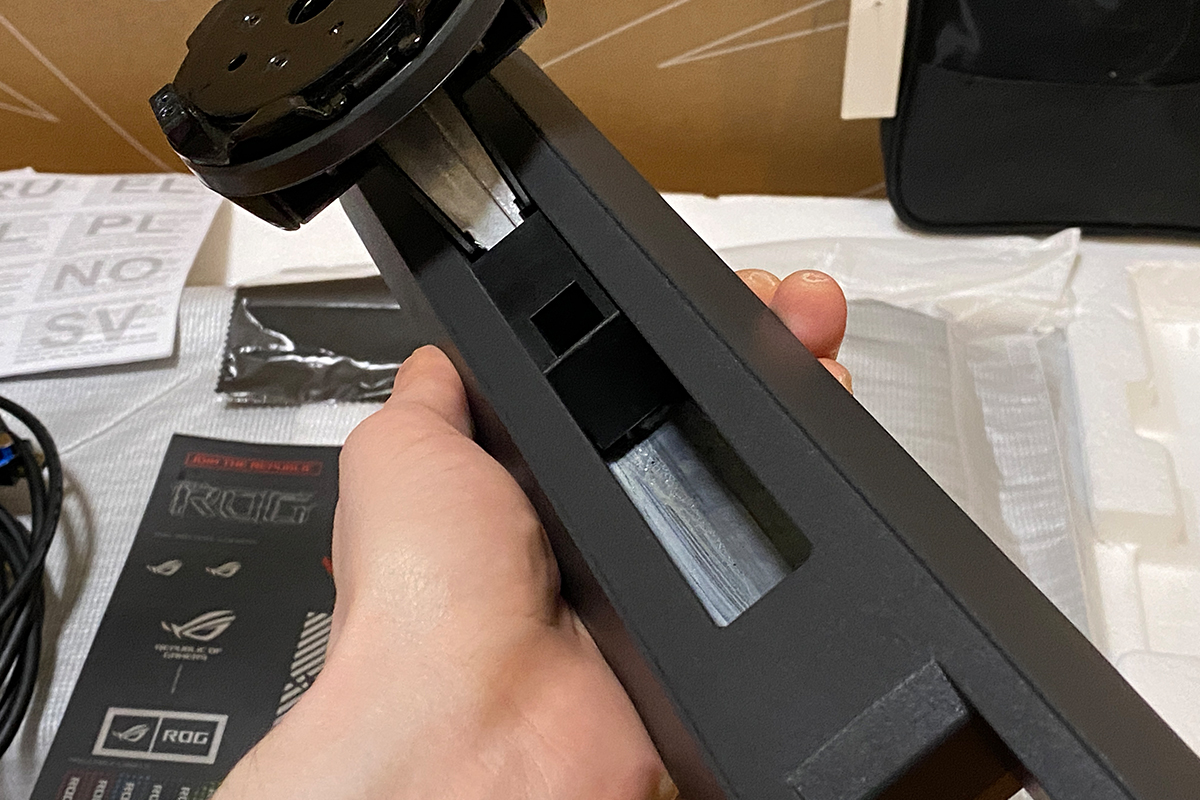
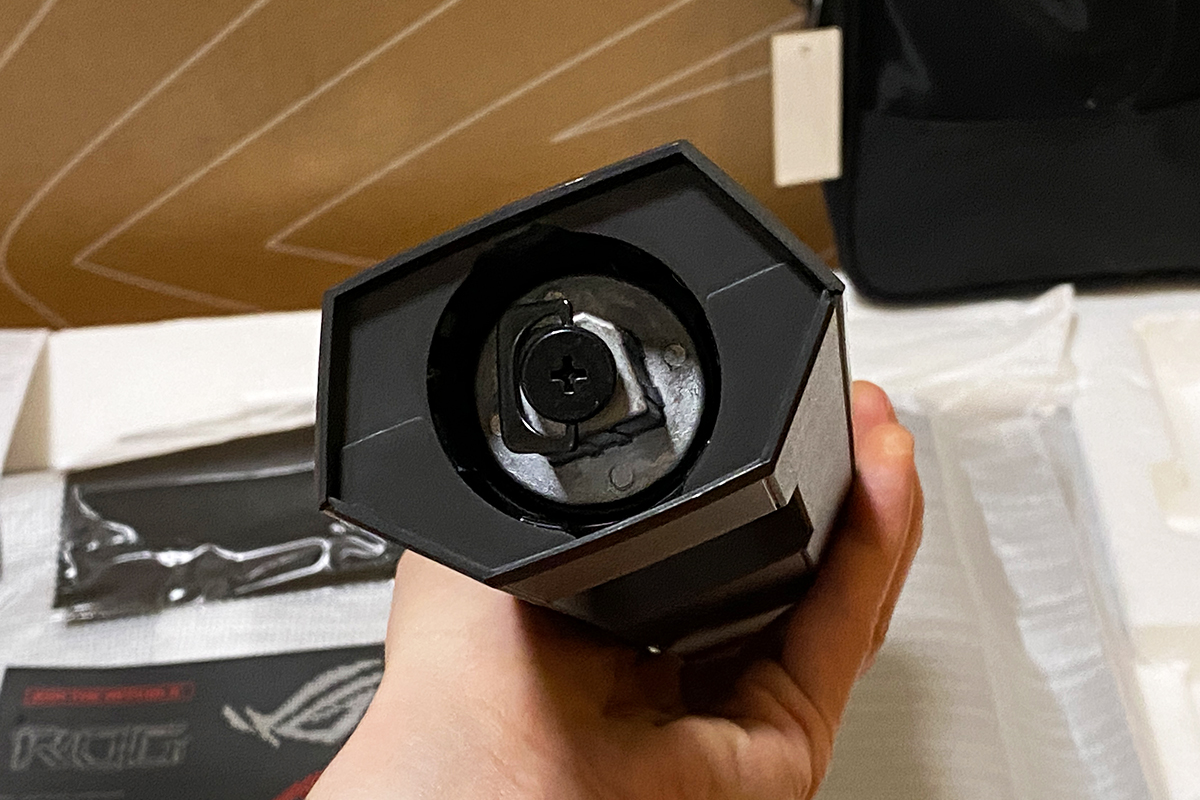
Particular attention should also be given to the metal base. From an ergonomic perspective, this type of stand is generally more practical than standard V-shaped stands.


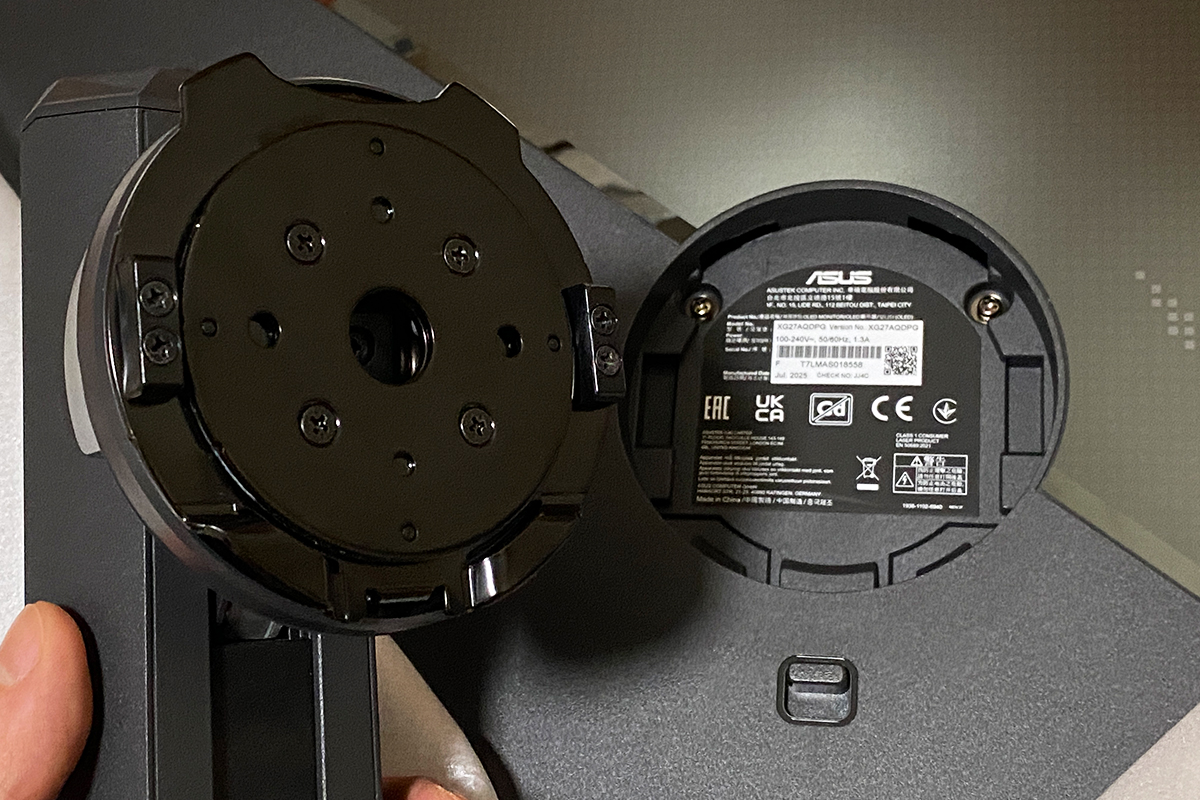
The package also includes a branded VESA 100×100 adapter, useful for mounting the monitor on a third-party bracket. Its design is distinctive and slightly unconventional, aligning with the monitor’s overall futuristic aesthetic.


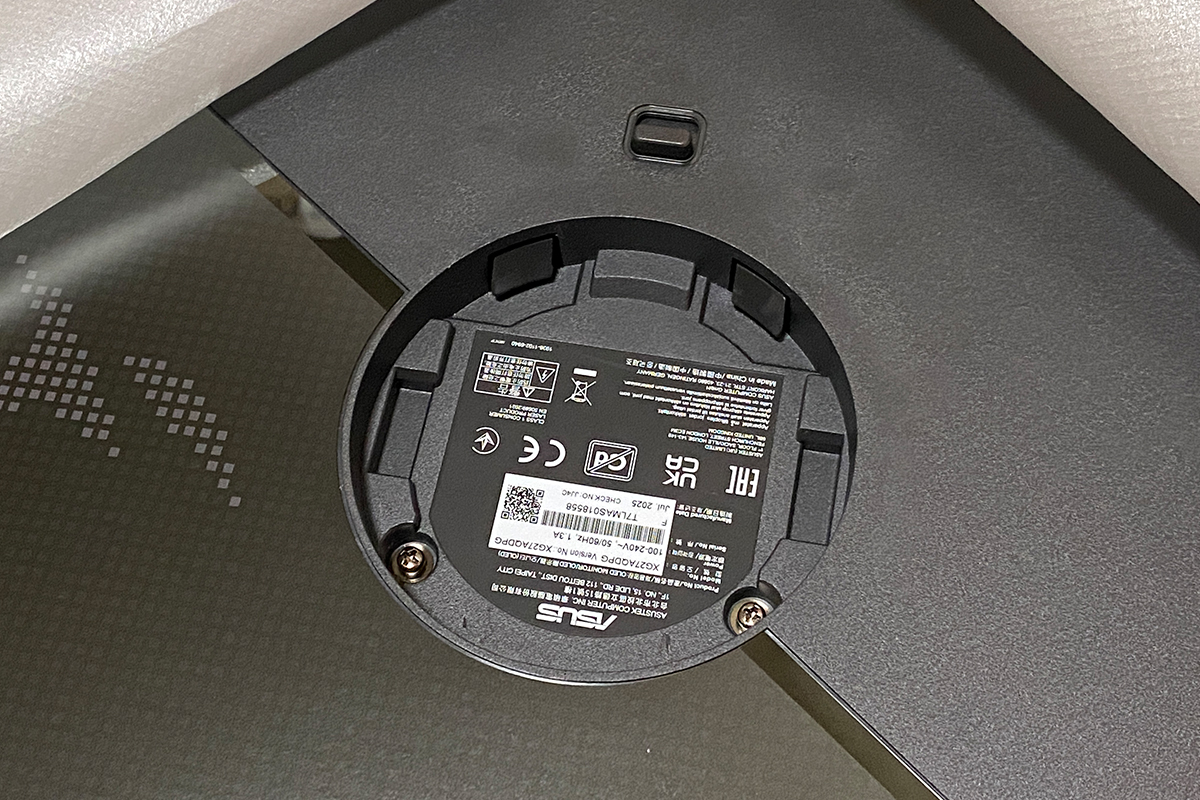
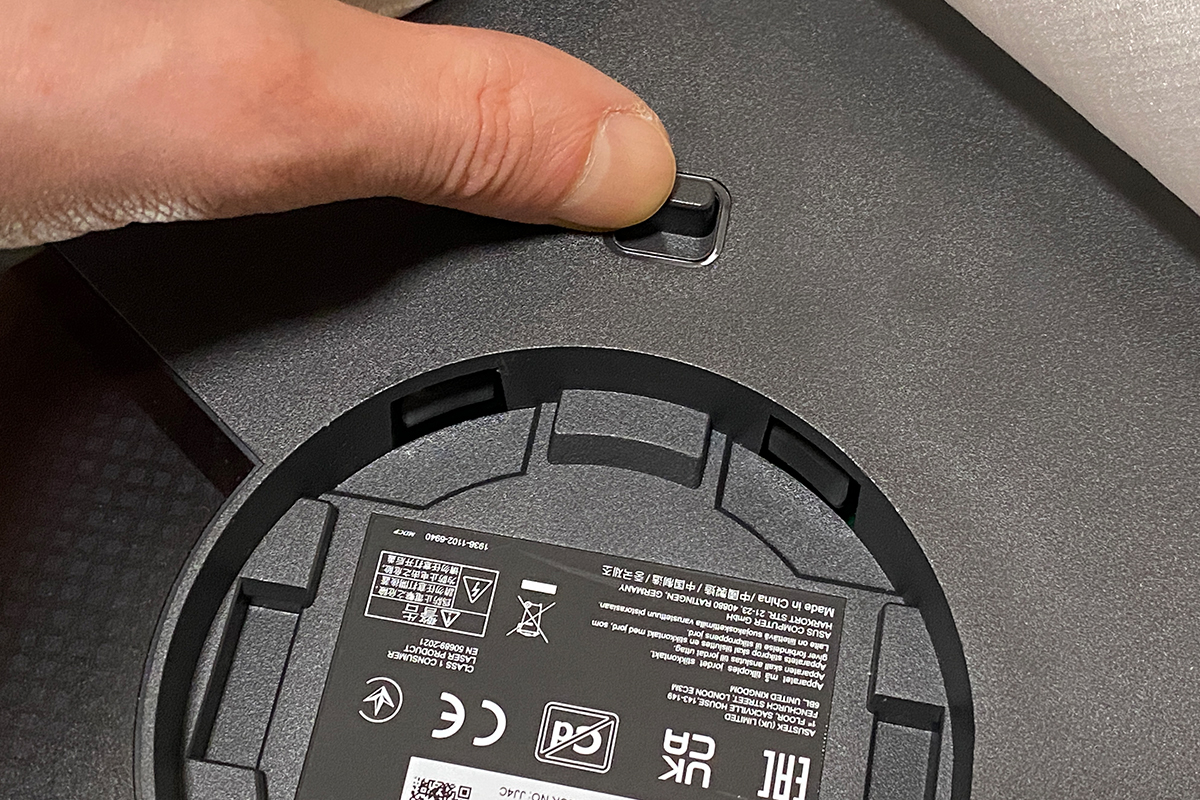
The monitor is quick and easy to assemble, requiring no tools. Press the latch on the back of the display, insert the included stand or VESA adapter into the slots, then attach the base to the stand and secure it with a screw.
Read also:
- ASUS TUF Gaming VG27AQML5A Monitor Review: 2K Fast IPS, 300 Hz, and New AI Modes
- ARZOPA Z3FC Review: A 2K 180Hz Mobile Monitor for Gamers and Professionals – Affordable!
Design, Ergonomics, and Build Quality
The design of the XG27AQDPG largely follows its predecessors in the series: a slim panel paired with a compact, futuristic-style housing that contains the main components and the built-in power supply. The most noticeable changes are the decorative elements and the updated stand with its arm.


The monitor has a 27-inch diagonal, although the visible area is slightly smaller at 26.5 inches. Its dimensions are relatively compact: 61.03 × 50.21 × 16.94 cm with the stand, and 61.03 × 36.92 × 6.65 cm without it. The weight is moderate for this size, at 6.6 kg fully assembled and 4.6 kg for the panel alone.

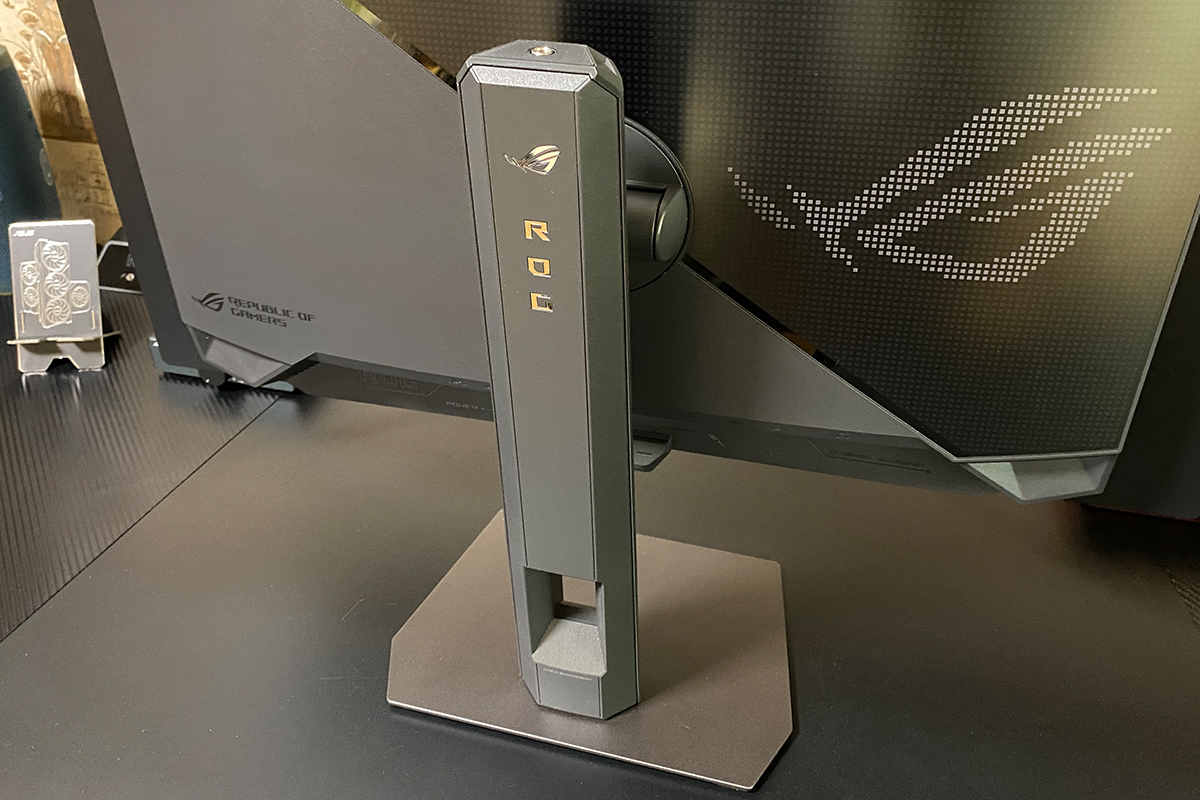
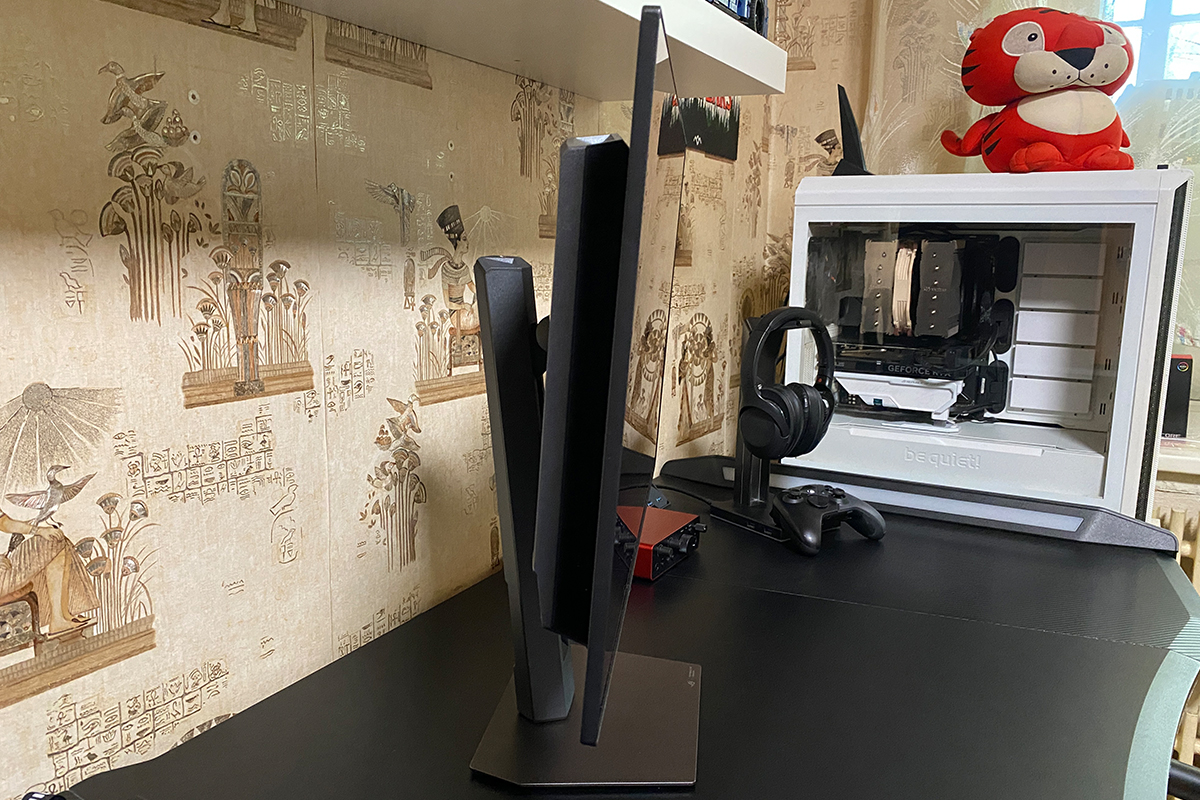
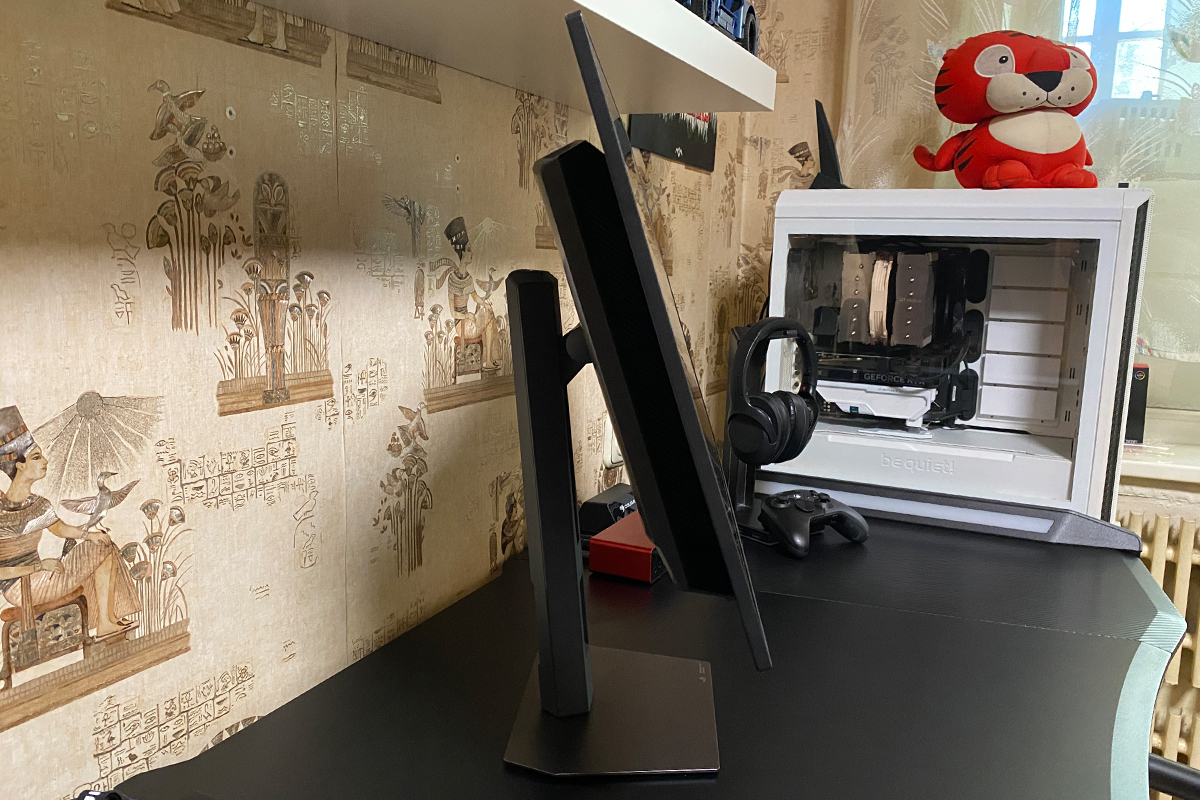
As noted earlier, the included metal stand is considerably more practical than standard V-shaped legs. It occupies minimal space, and the area beneath the monitor can be used to place small items such as a portable speaker, game controller, secondary display, or streaming controls. After spending some time using this monitor, it becomes clear that bulky V-shaped stands are often unnecessary for relatively lightweight and compact displays when a design like this is available.


As shown in the photo, the monitor features a sturdy, adjustable stand in the signature ROG style. At the top of the stand, there is a 1/4″ threaded mount suitable for attaching a camera or light, while the bottom includes a hole for simple cable management.
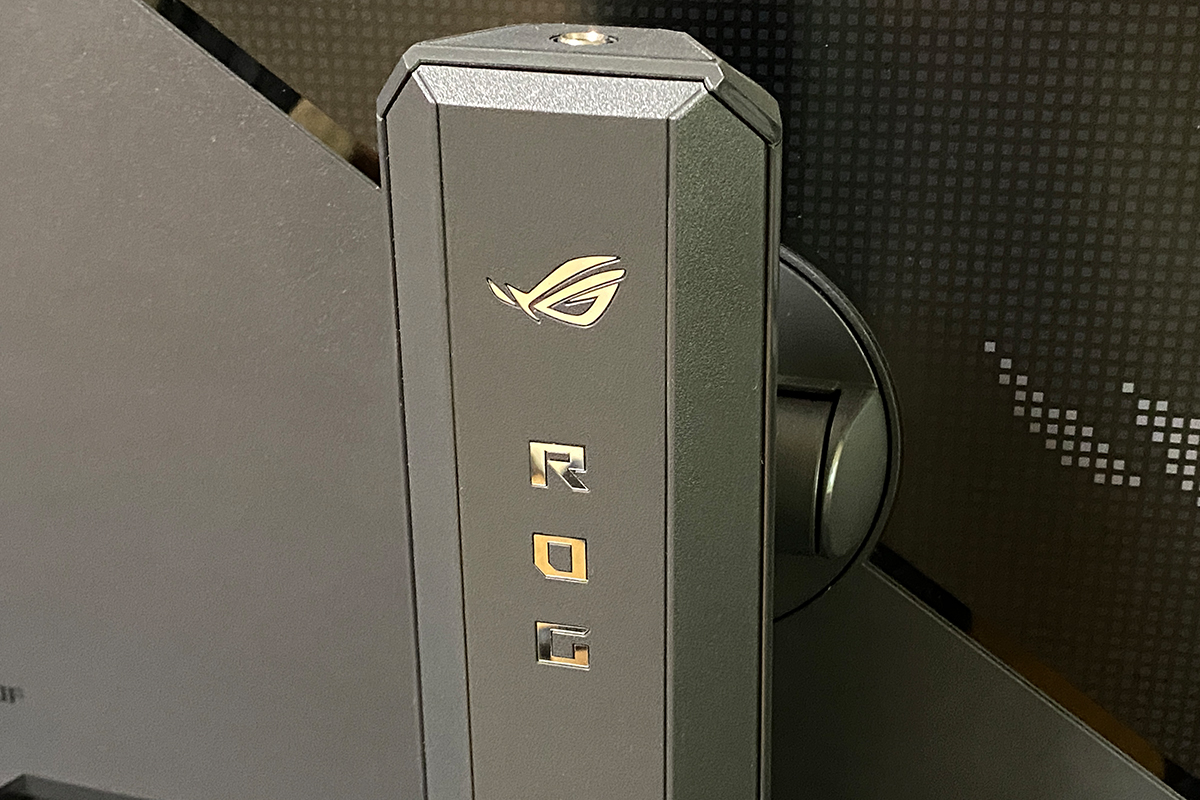
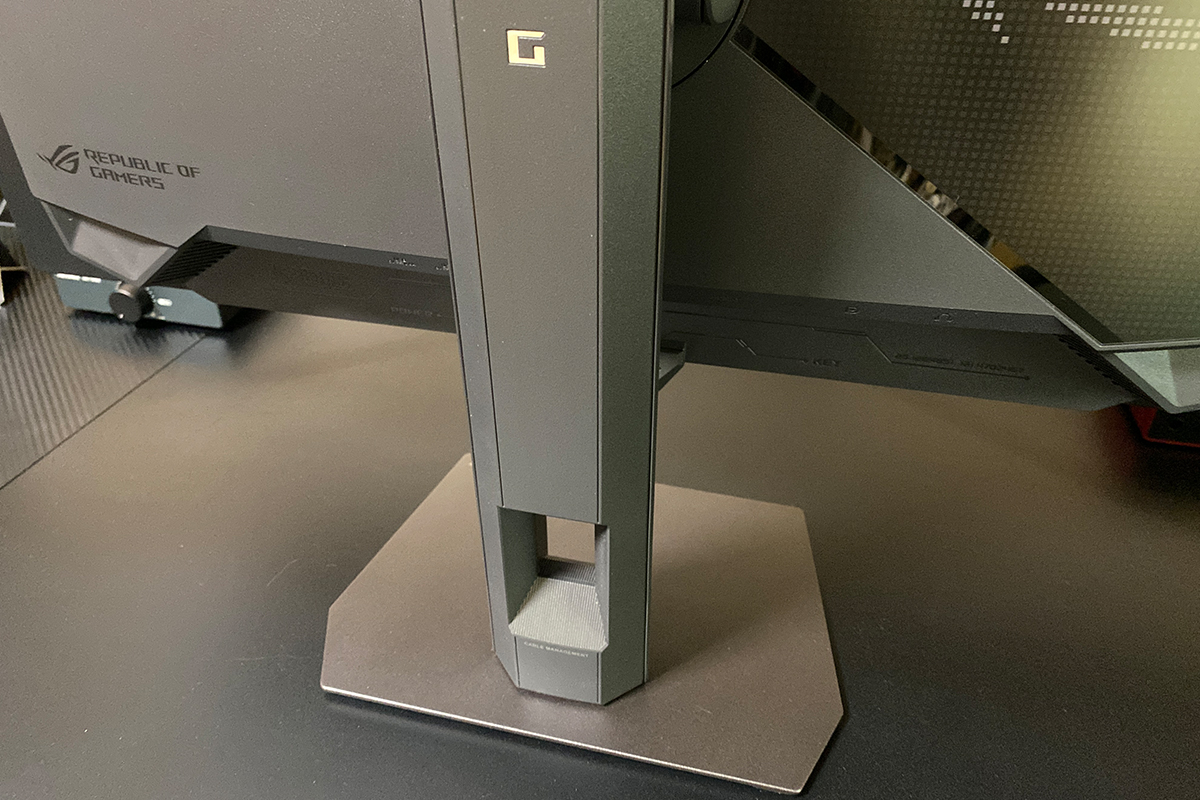
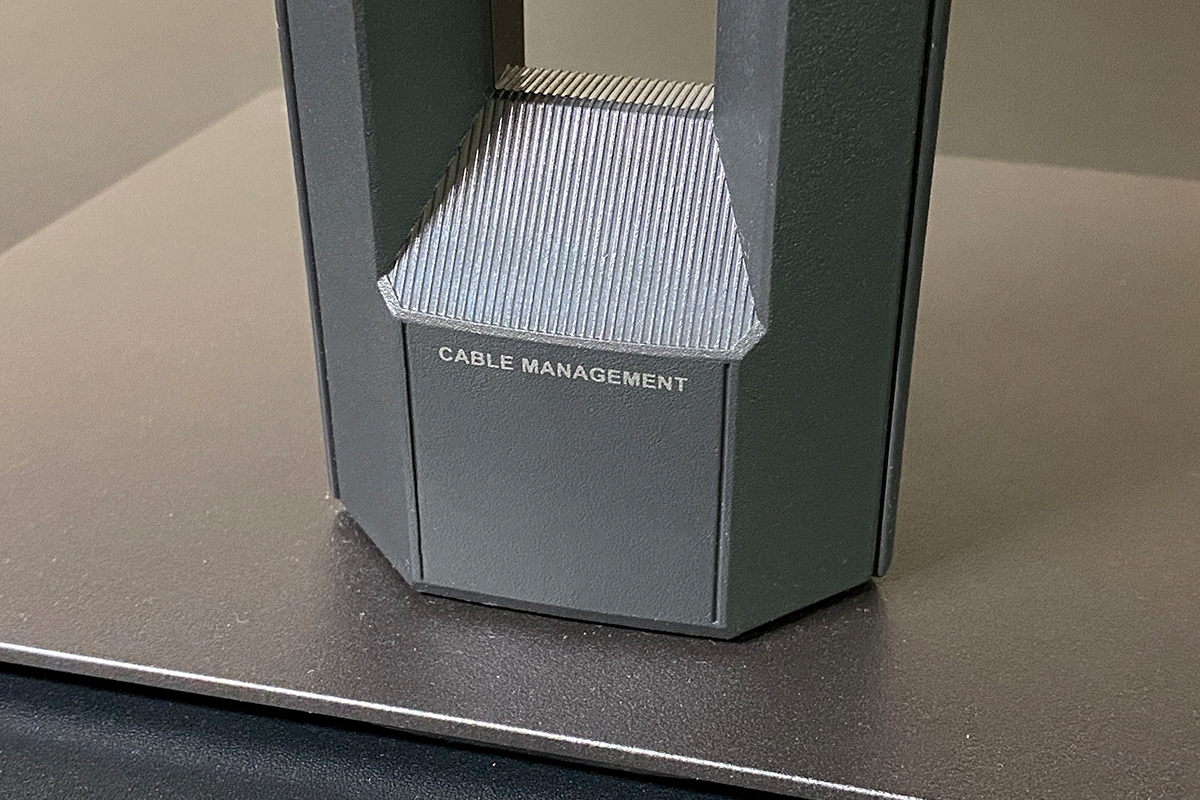
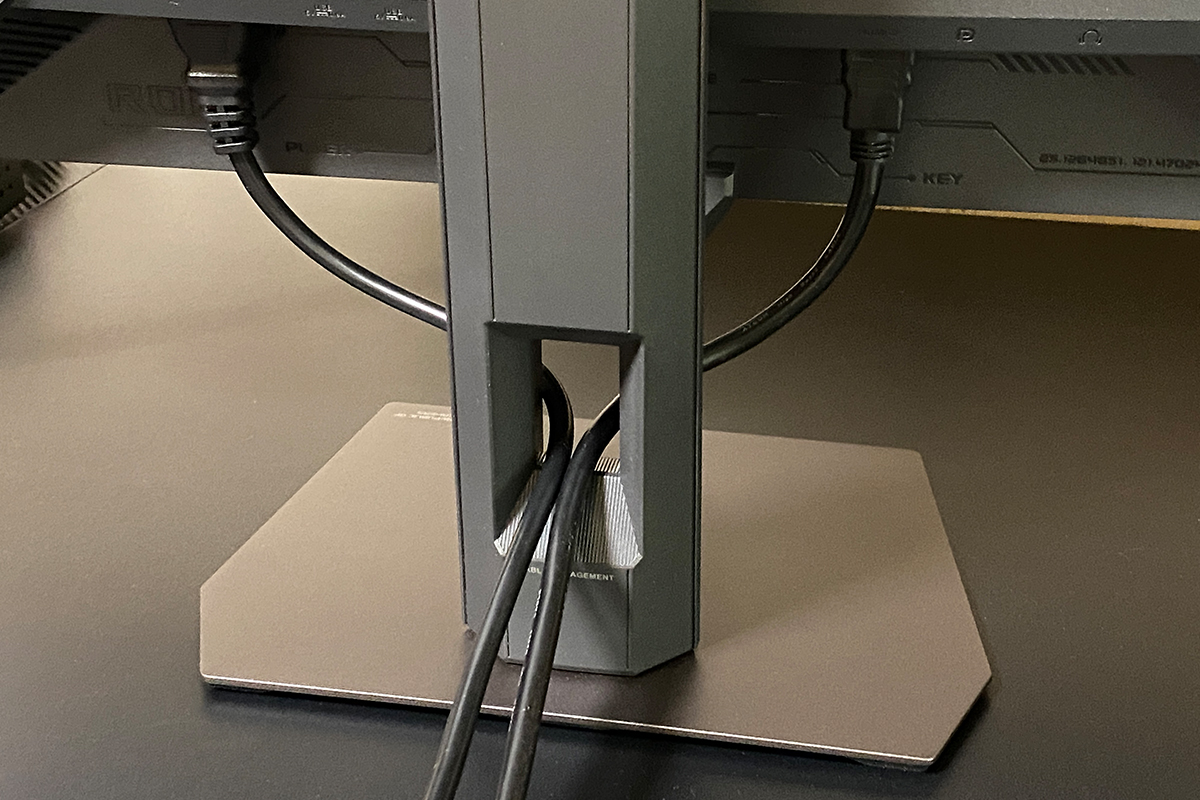
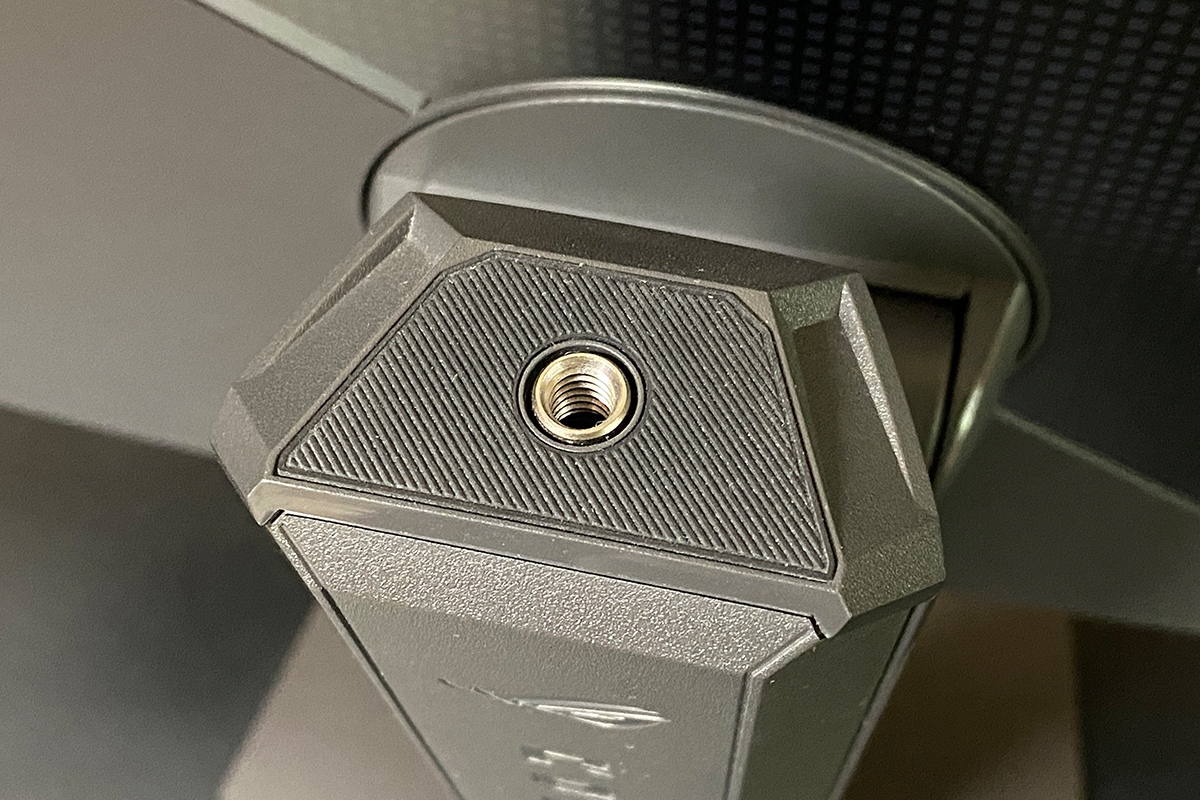
The included stand allows flexible adjustment of the display position. The adjustment ranges are as follows:
- Height: 0–110 mm
- Tilt: +20° to –5°
- Horizontal swivel: +45° to –45°
- Pivot (vertical rotation): +90° to –90°
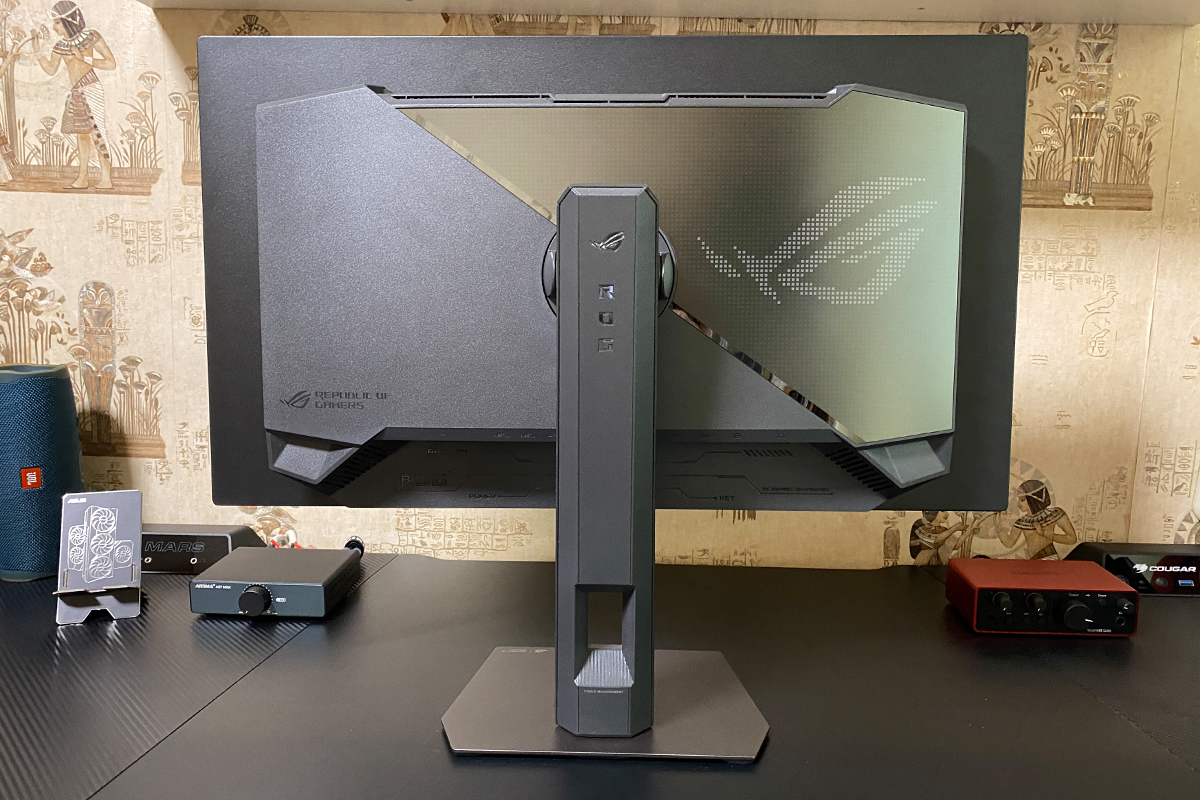
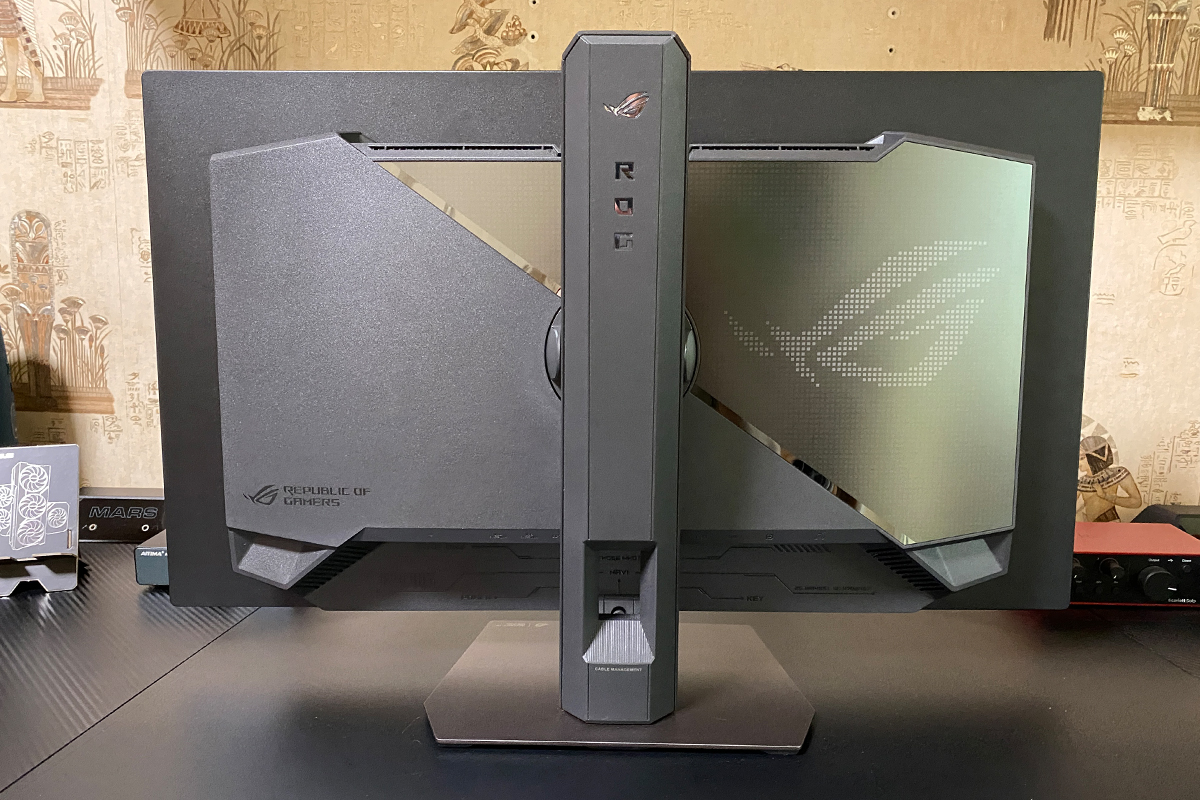
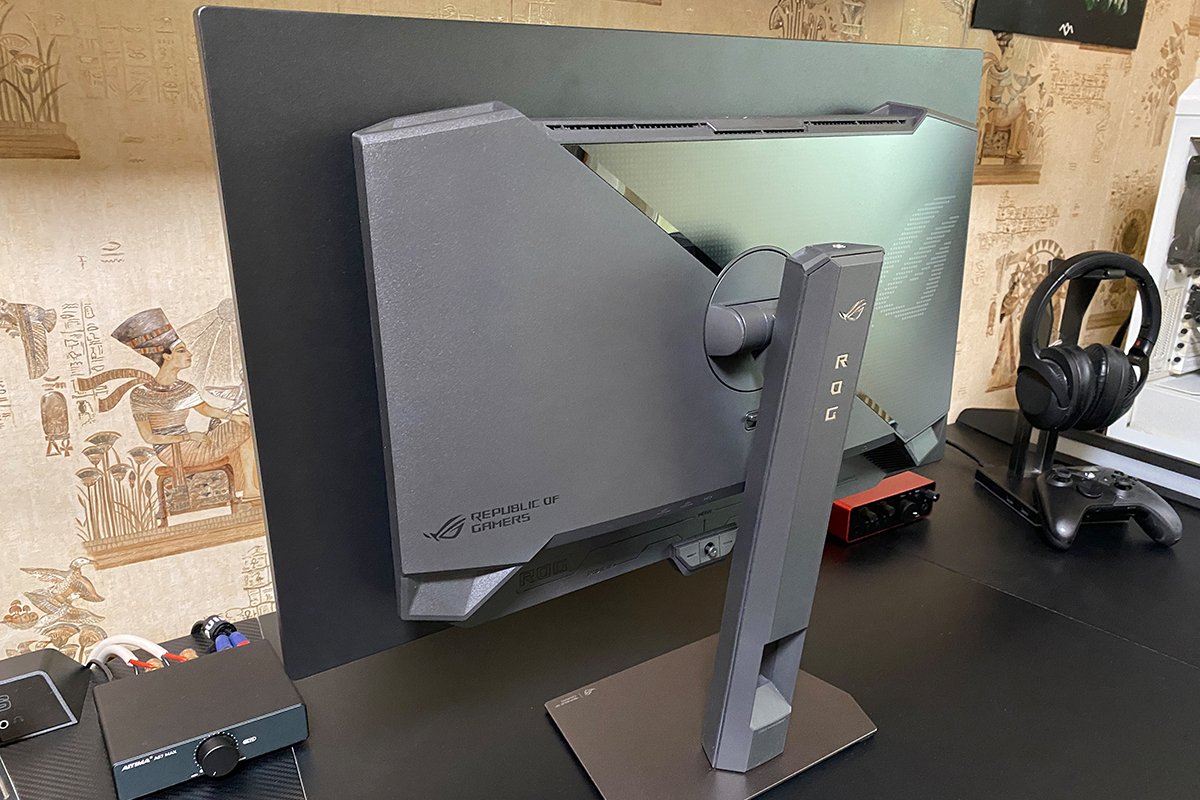
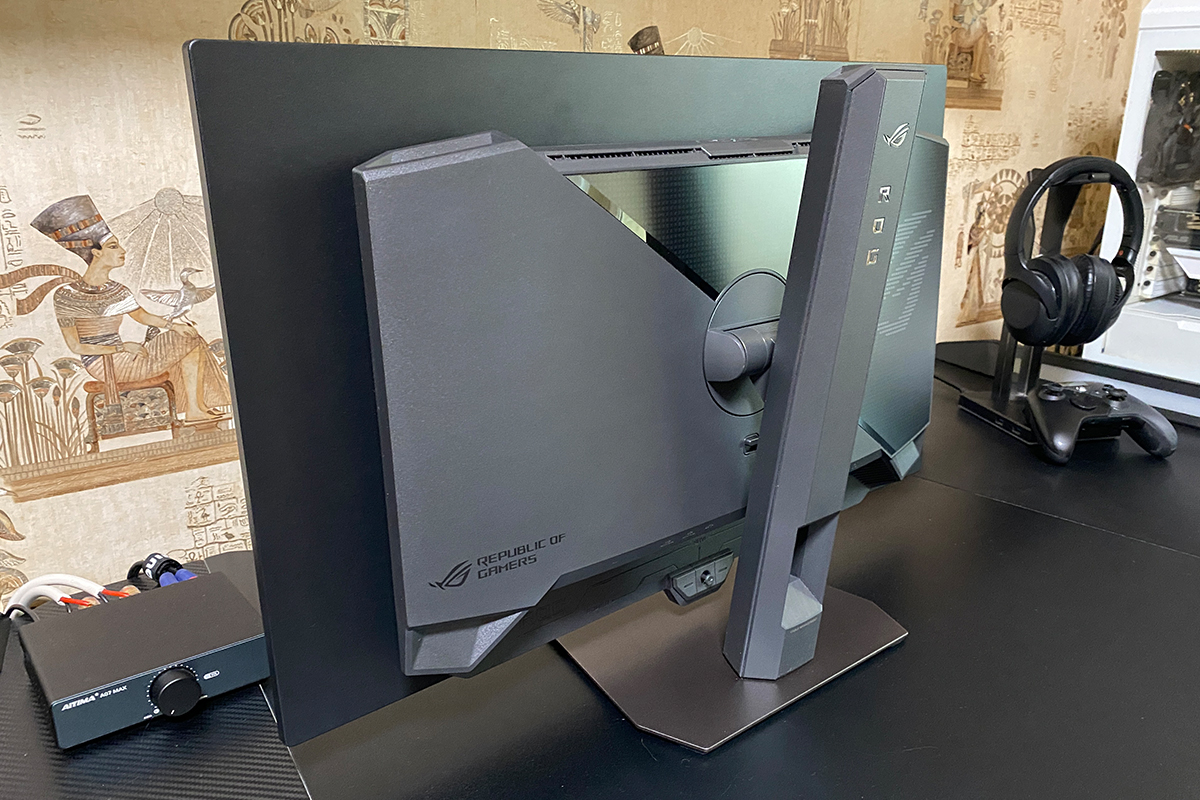
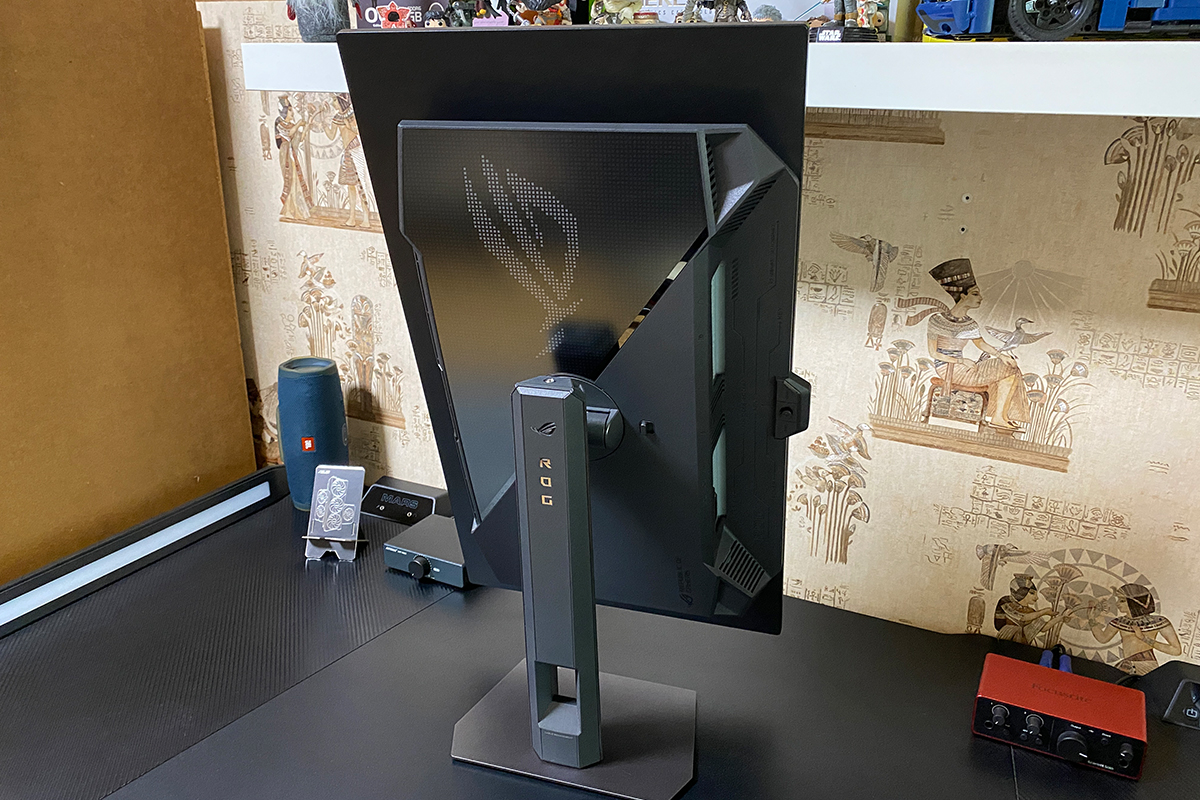
As with its predecessors, the rear panel of the monitor features a pixelated ROG logo with full RGB lighting. This can be synchronized with other ASUS devices via Aura Sync by connecting the monitor to a PC using the included USB Type-B (Upstream) cable and configuring it in the Armoury Crate application. This connection also enables the monitor’s built-in USB hub, providing both synchronized lighting and convenient access to additional ports.


The final noticeable aspect of the rear panel design is the unconventional shape of the housing. These design elements emphasize the series’ distinctive style while effectively concealing the cooling system vents. At a glance, the vents are barely visible and become apparent only upon closer inspection.


During operation, the monitor generates minimal heat: both the housing and the panel assembly remain only slightly warm even under load. The device operates completely silently, with no plastic creaks from thermal expansion or contraction. The only audible sound occurs when powering the monitor on or off, producing a distinct click typical of relay activation.

This indicates a well-considered cooling design, which is particularly important for OLED panels, as highlighted by ASUS on its official website. Regarding reliability, it is worth noting that the ROG Strix OLED XG27AQDPG comes with a three-year warranty, which also covers pixel burn-in.

The front of the monitor is dominated by the 27-inch display (26.5-inch visible area) with an anti-glare coating and very thin bezels. When turned off, the panel resembles a dark mirror and reflects the surrounding environment clearly, as visible in the photos. The anti-glare coating is subtle: it does not make the image fully matte but effectively reduces reflections when the display is on. It should be noted that this surface requires careful handling, as fingerprints are highly visible and difficult to remove. However, they are generally not noticeable when the screen is in use.

At the bottom center of the panel is a power indicator in the form of the ROG logo, which incorporates a proximity sensor (Proximity Sensor Neo). This feature is part of ASUS’s OLED Care Pro system, which turns off the display when the user moves away and automatically turns it back on when they approach.

Directly behind this indicator is a 5-way joystick with integrated buttons for monitor control and menu navigation.

Regarding the indicator itself: in standby mode it glows orange, and when the monitor is active it glows red. It can also be completely disabled through the menu. In practice, the indicator is unobtrusive; even when enabled, it does not distract, and over time it becomes barely noticeable. As a design element, it is visually subtle and integrates well with the monitor’s overall look.


All connection ports are located on the rear panel, facing downward. In addition to the port labels, subtle ROG series design accents are also visible.
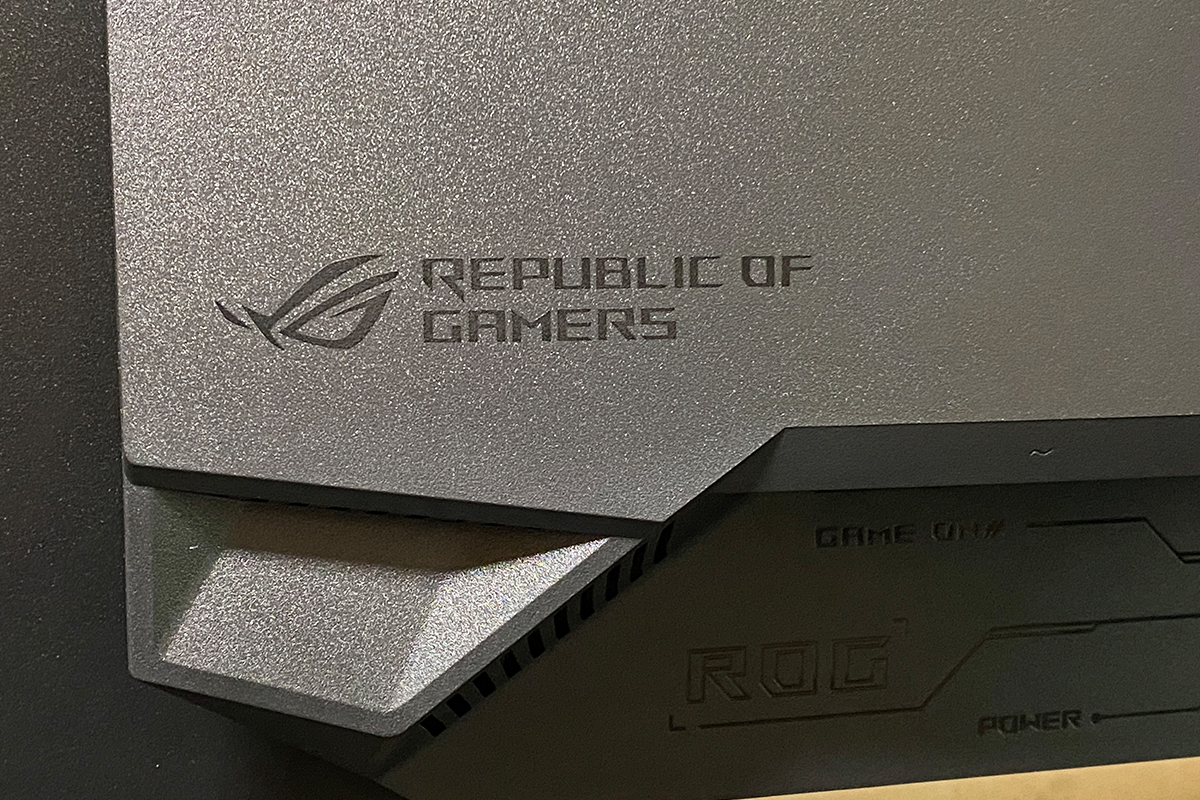
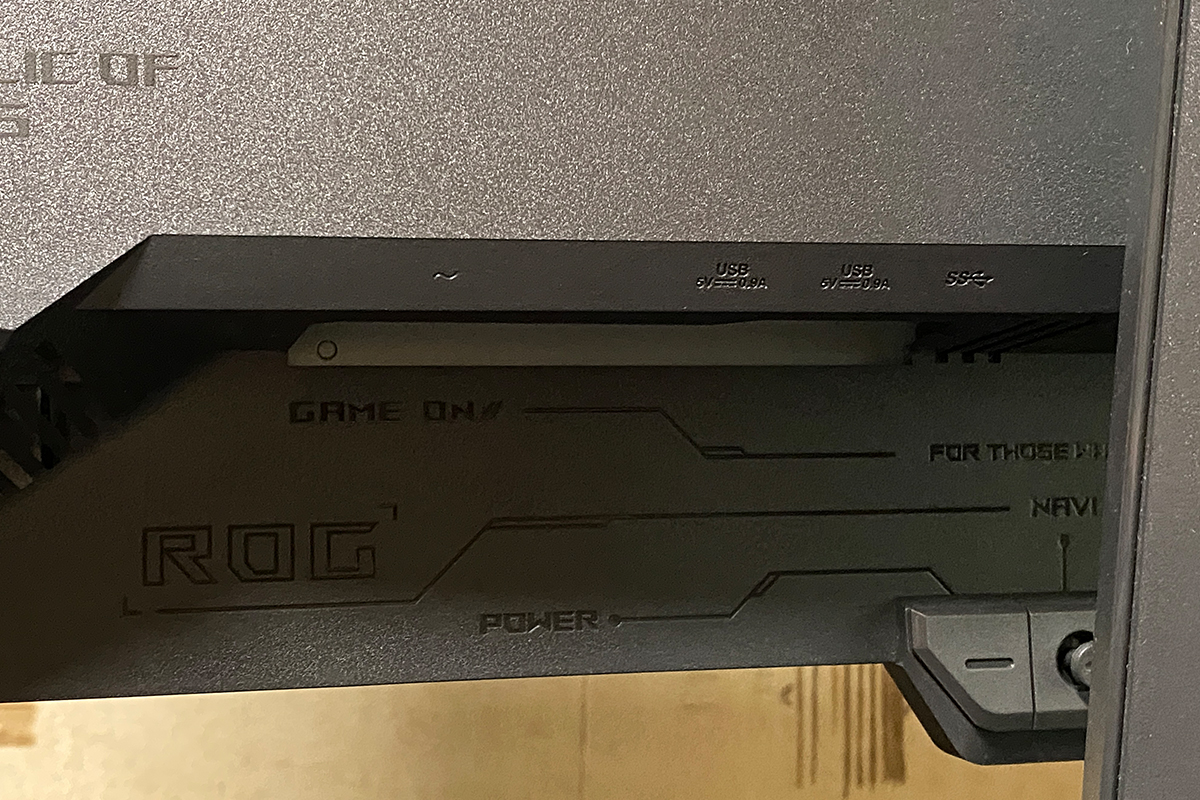
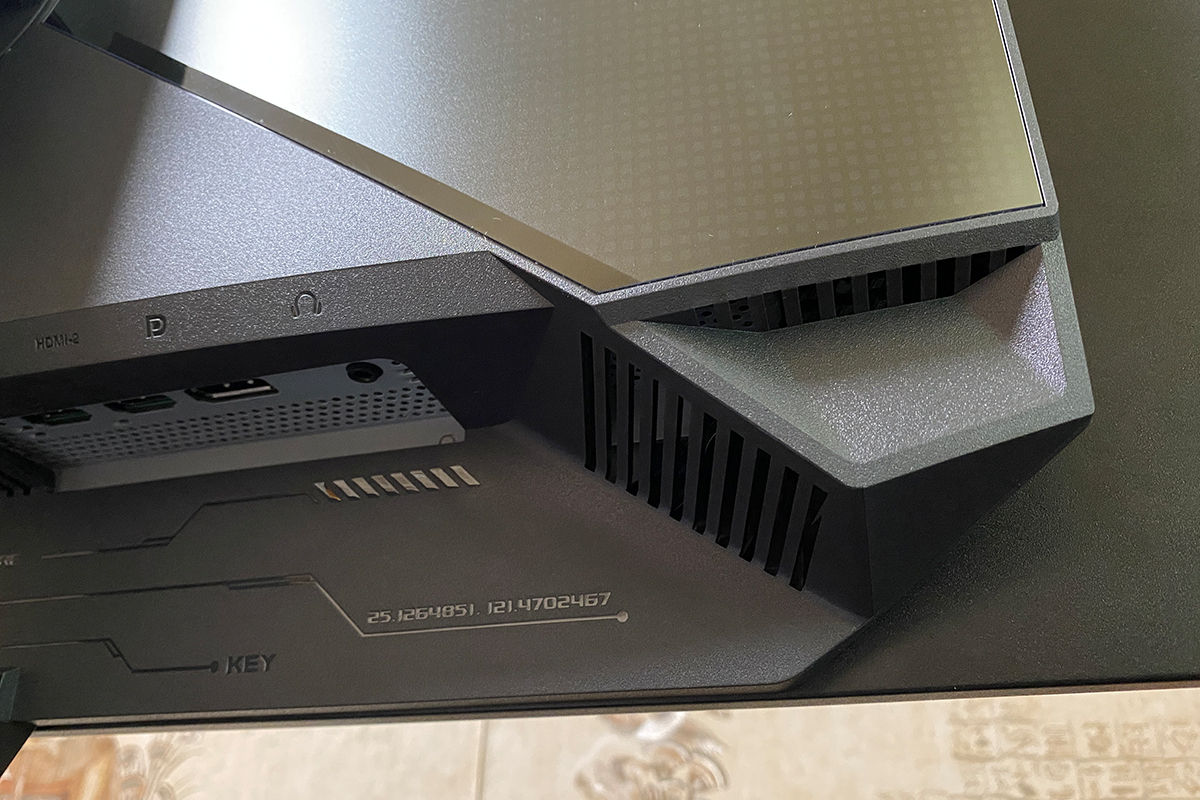
On the right side (with the display facing you) are the power connector, two USB 3.2 Gen 1 Type-A ports, and one USB 3.2 Gen 1 Type-B (Upstream) port. On the left side, there is one DisplayPort 1.4 DSC, two HDMI 2.1 ports, and a standard 3.5 mm audio jack.


The build quality of the monitor is excellent: the chassis is made of smooth matte plastic, with no creaks, looseness, or wobble. Adjustments along all axes are smooth, with a slight damping effect. The monitor sits firmly on a desk and remains stable on its own. As mentioned earlier regarding ergonomics, it is compact, lightweight, and convenient. The updated stand is particularly noteworthy, offering superior practicality compared with standard V-shaped or tripod-style stands found on previous models such as the PG27AQDP or PG27AQDM.

Read also:
- ASUS ROG Herculx Review: ARGB GPU Support Bracket
- ASUS ROG KJP Accessories Review: Original Collaboration with Kojima Productions
Display: Specifications, Features, and Technologies
The monitor features a 10-bit QD-OLED panel with a QHD resolution (2560×1440) and a refresh rate of 500 Hz. For context, earlier mentioned models in the lineup (PG27AQWP-W, PG27AQDP) use WOLED panels. The key difference is that QD-OLED utilizes quantum dots, producing more vivid and accurate colors, particularly at high brightness levels, where WOLED panels can appear slightly washed out. One consideration is that QD-OLED panels are sensitive to direct bright light, which can cause a slight grayish tint, but under typical conditions, QD-OLED delivers objectively superior color richness and image quality.
The aspect ratio is standard at 16:9. Key specifications include a color gamut of 99% DCI-P3 and 145% sRGB, with color accuracy of ΔE<2. Typical brightness is 300 cd/m², while peak HDR brightness reaches 1000 cd/m². The contrast ratio is 1,500,000:1. The panel offers an exceptionally fast response time of 0.03 ms (GtG). Additionally, it supports HDR10 (VESA DisplayHDR 400 True Black certified) and adaptive sync technologies, including AMD FreeSync Premium and G-SYNC Compatible.

Like other modern ASUS monitors, the XG27AQDPG includes a comprehensive set of built-in features and technologies designed to enhance image quality, improve the gaming experience, and reduce eye strain. The AI-powered modes seen previously in the TUF Gaming VG27AQML1A are also present here. Additionally, as an OLED monitor, it offers options aimed at extending panel longevity.
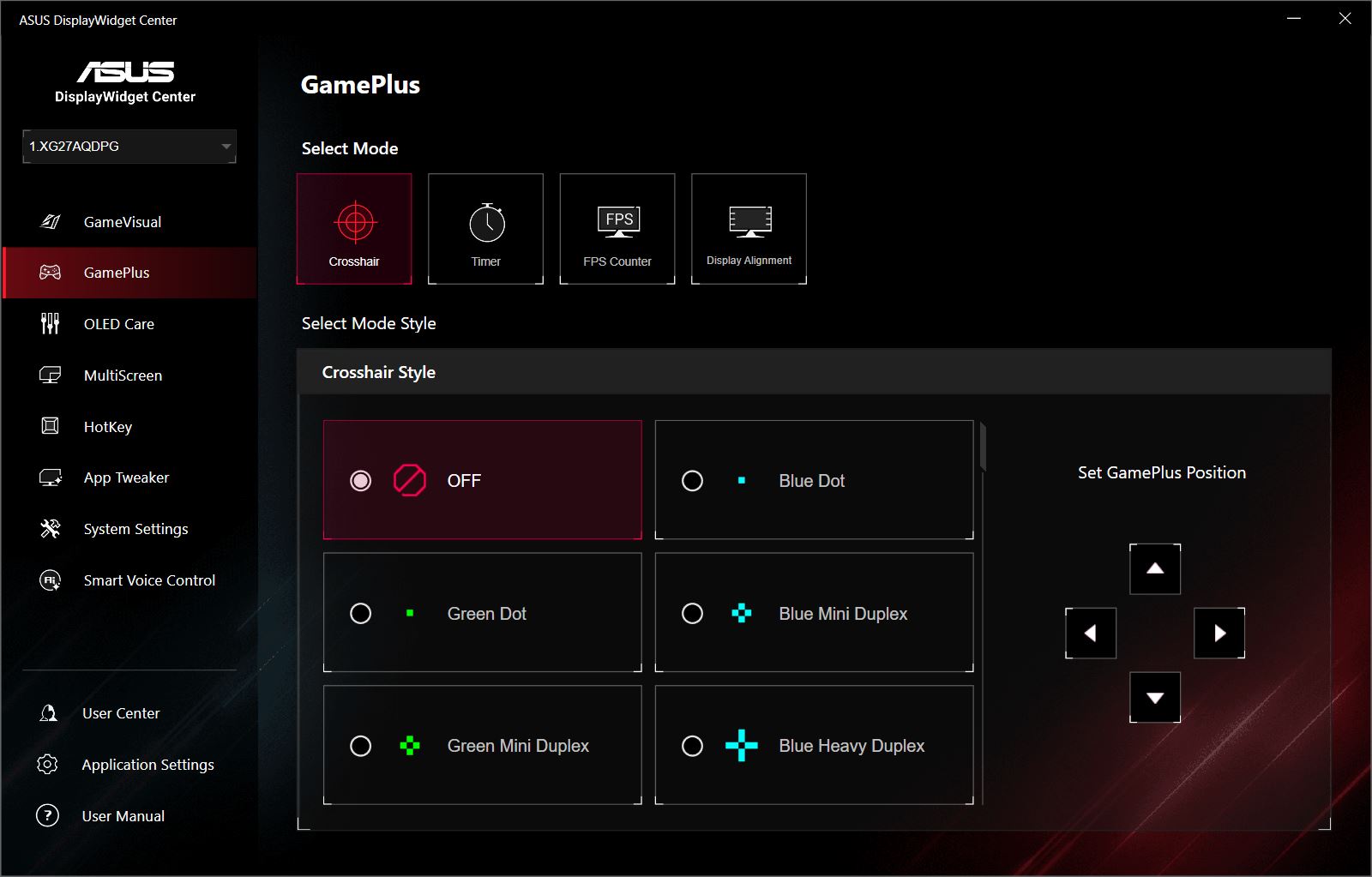
The first group of features includes Extreme Low Motion Blur (ELMB), Shadow Boost, GamePlus, GameVisual, and a Blue Light Filter. This set has become standard across ASUS monitors – both ROG and TUF series – and is even found in budget models. Each of these functions has been covered in detail in previous reviews. The new AI-assisted modes – AI Visual, Dynamic Crosshair, and Dynamic Shadow Boost – are also included. The OLED-specific options, however, warrant a closer look.
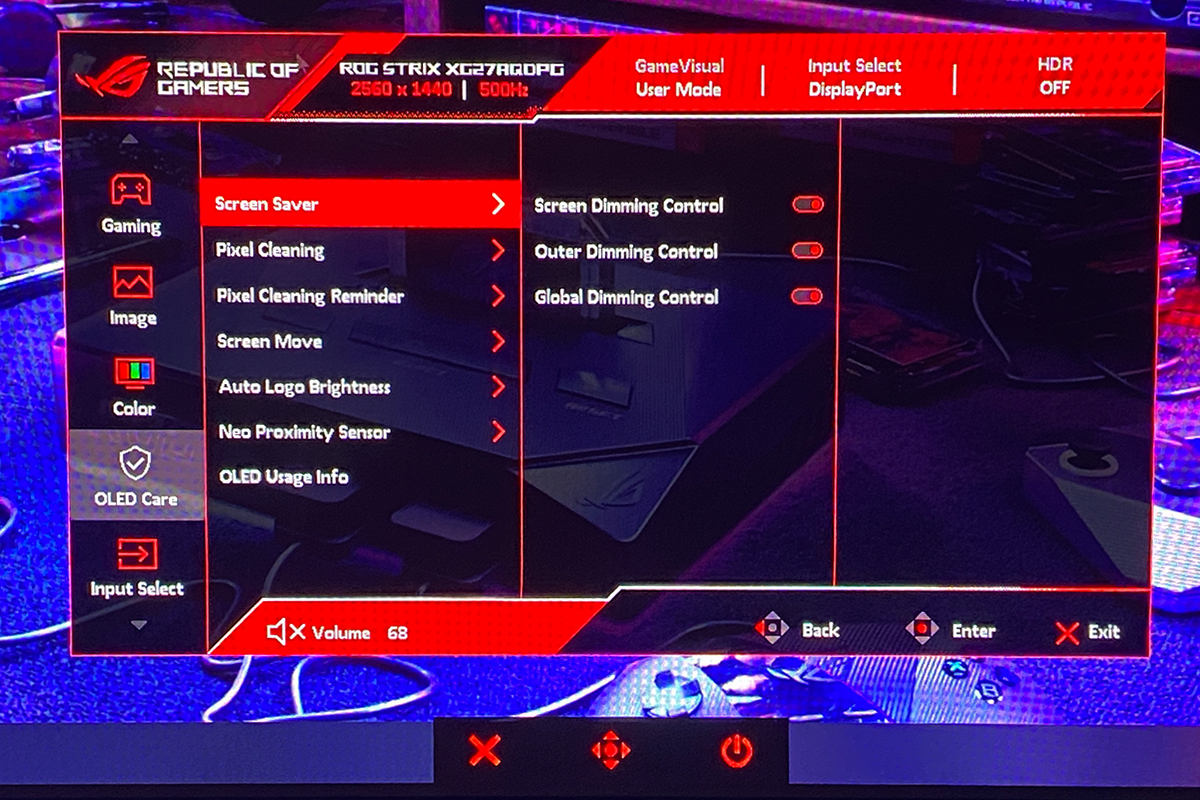
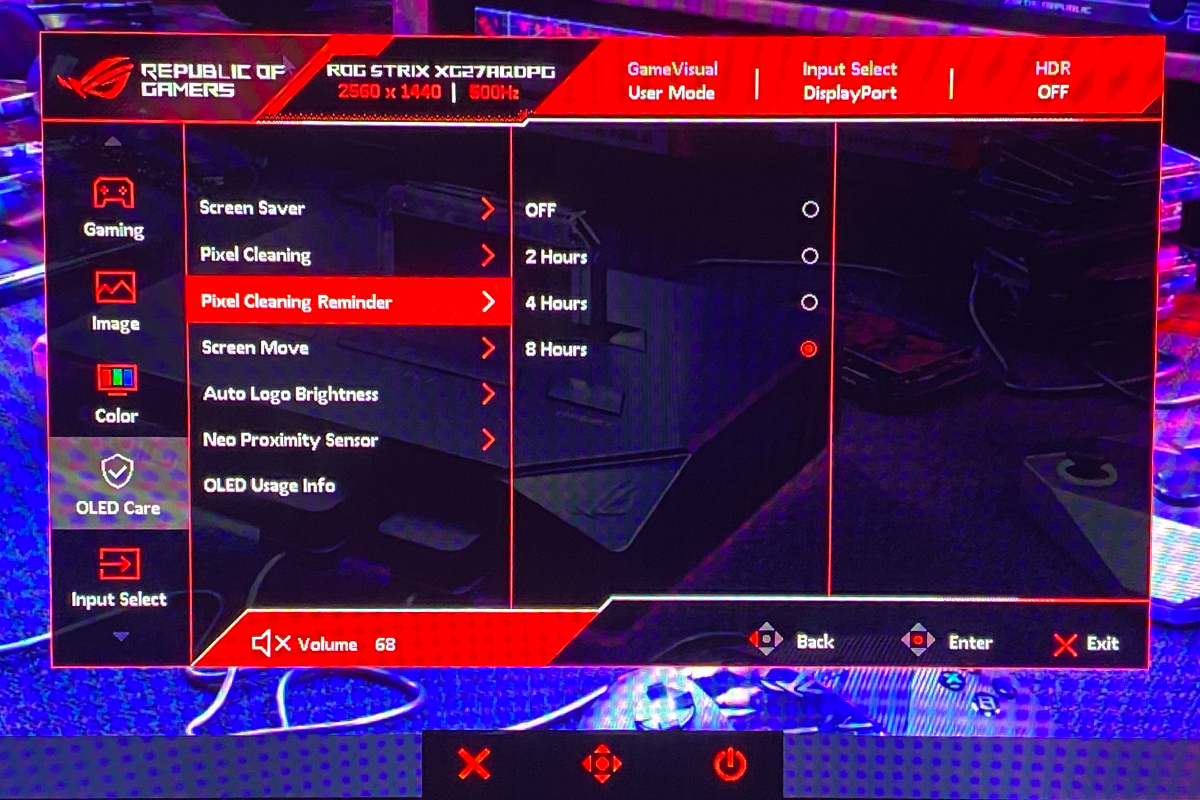
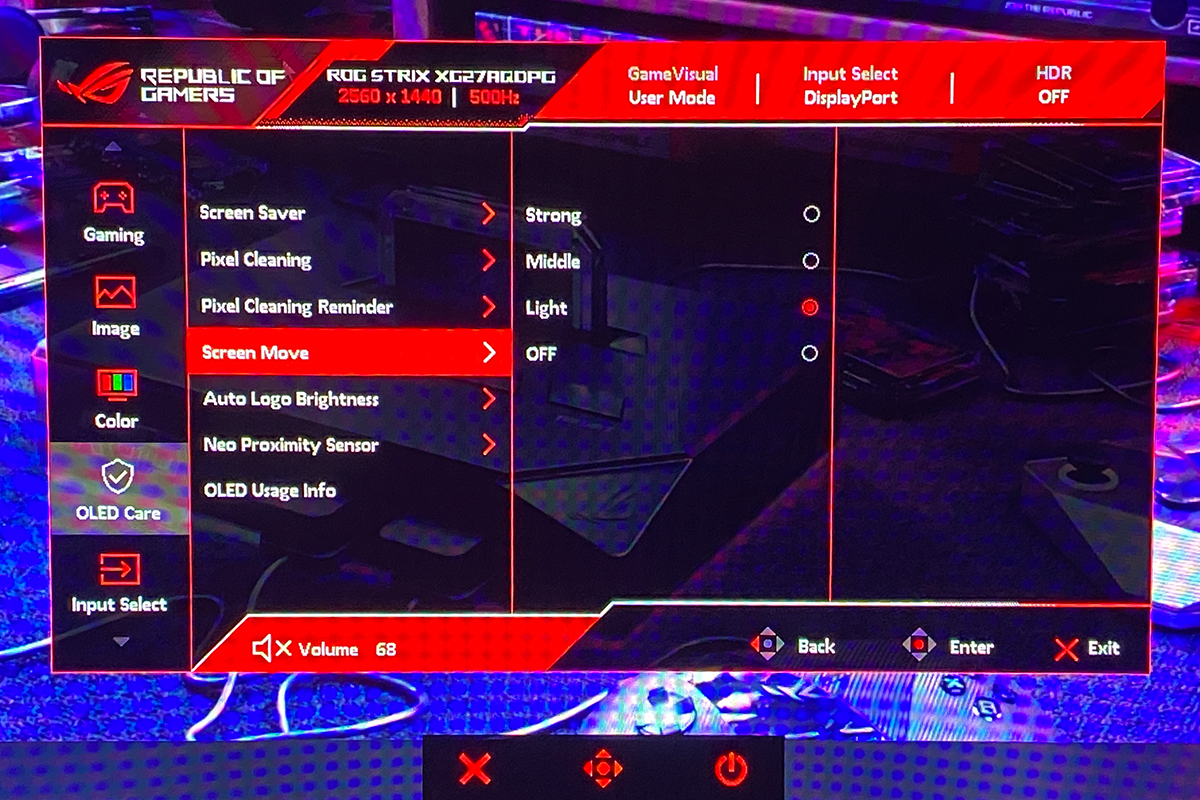
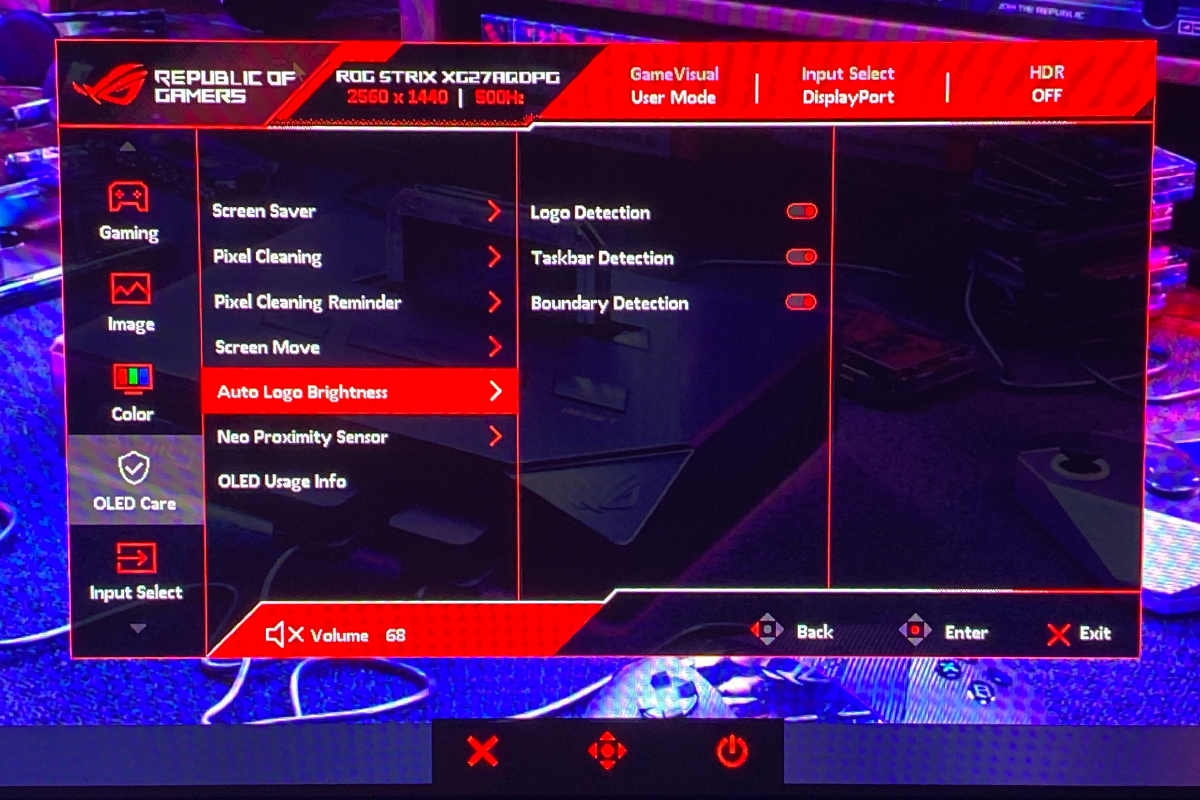
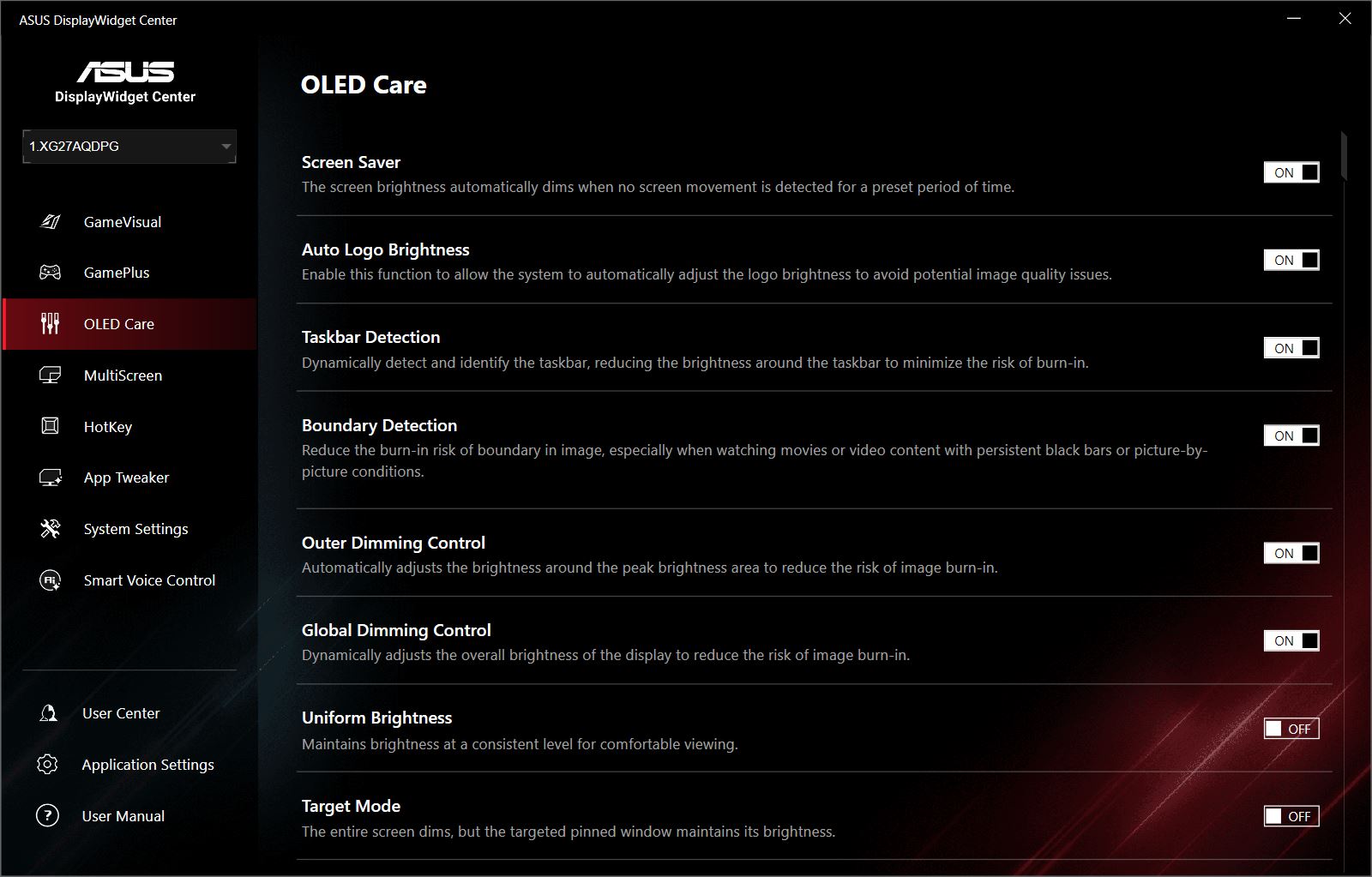
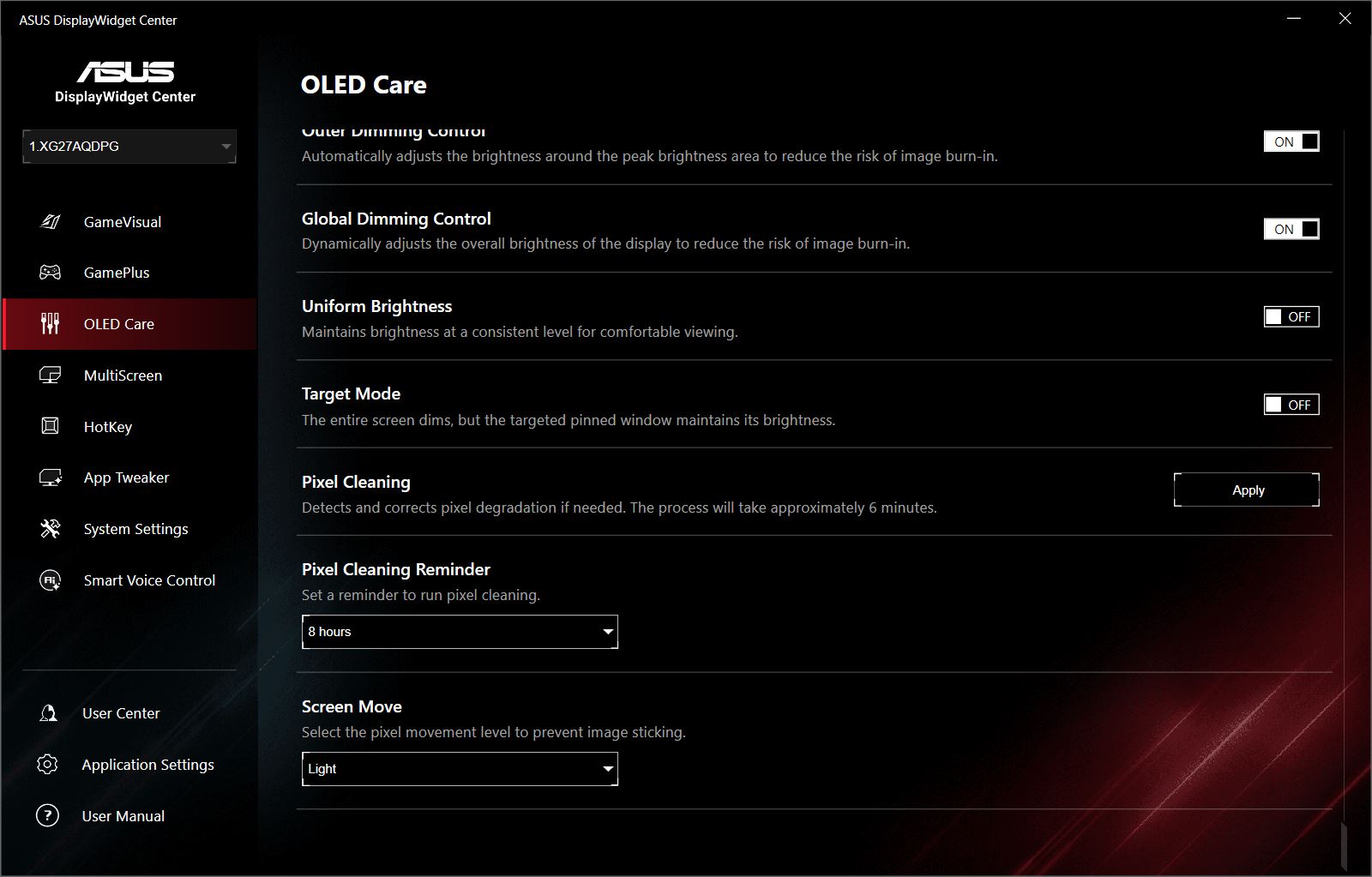
On the XG27AQDPG, all OLED protection settings are conveniently grouped in a dedicated OLED Care menu. This menu includes a screensaver, pixel cleaning, screen shift, automatic detection of borders and logos, and the Neo proximity sensor. It also encompasses the OLED Anti-Flicker and Uniform Brightness functions.

The screensaver function automatically dims the screen or reduces brightness if the displayed image remains static for an extended period.
The pixel cleaning feature is a specialized calibration mode designed to prevent or remove image retention. It can be set to prompt every 2, 4, or 8 hours of monitor use. The process does not start automatically; instead, the monitor displays a notification suggesting that cleaning be performed. The actual cleaning procedure takes approximately six minutes.

The screen shift feature subtly moves the image by a few pixels in different directions to prevent prolonged illumination of the same areas. The menu allows selection of shift intensity: low, medium, or high. While the shifts are generally visible, they do not interfere with normal use, and at lower settings, most users are unlikely to notice them.
The automatic detection of borders, logos, and the taskbar identifies static elements (such as logos or the taskbar) or black bars at the edges of the screen. The system dims these areas slightly and applies micro-shifts along the image boundaries to prevent visible outlines and maintain uniformity across the panel.
The Neo Proximity Sensor is a built-in sensor that turns off the display when the user moves away and instantly powers it back on when they return.

OLED Anti-Flicker is a technology designed to reduce flickering in dark scenes, which can sometimes occur on OLED panels when using variable refresh rates (VRR). It helps make the image appear more stable during FPS fluctuations.
Uniform Brightness limits the maximum brightness so that it remains consistent regardless of the size of bright objects on the screen. For example, with this feature enabled, a white browser background will not suddenly flare or darken when resizing, minimizing, or restoring the window.
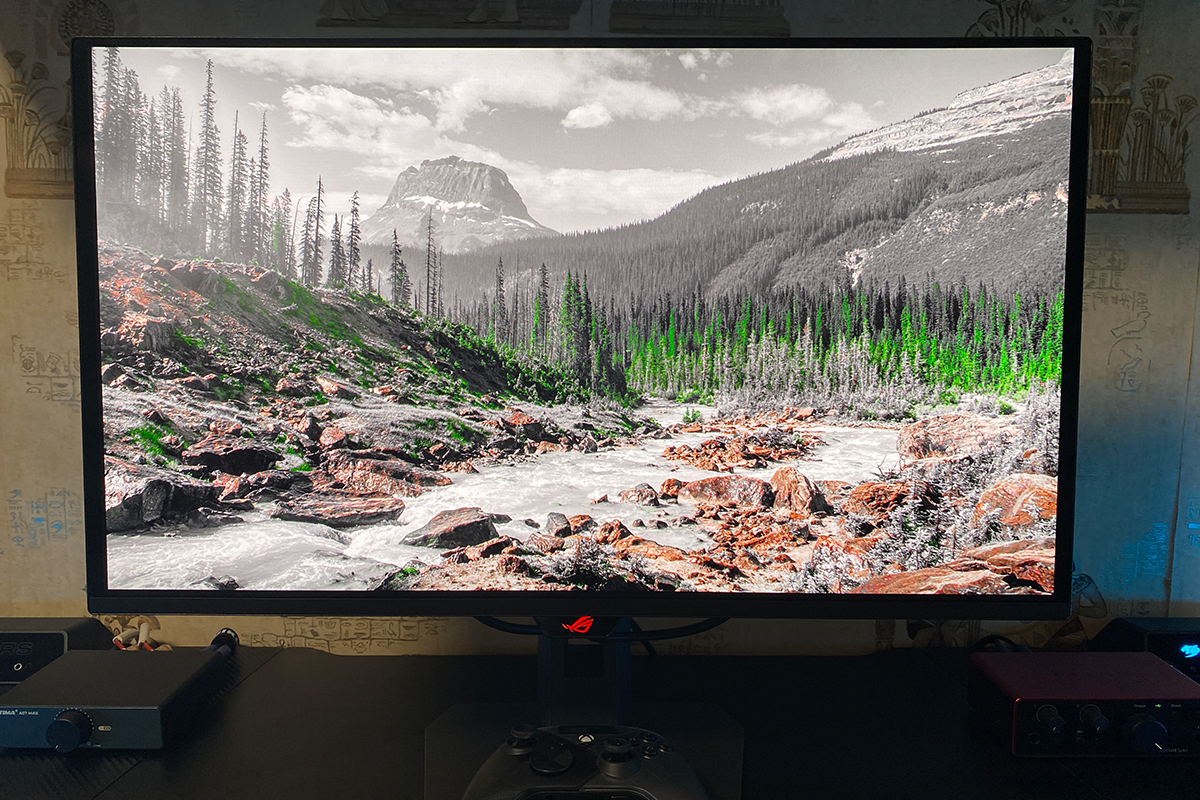
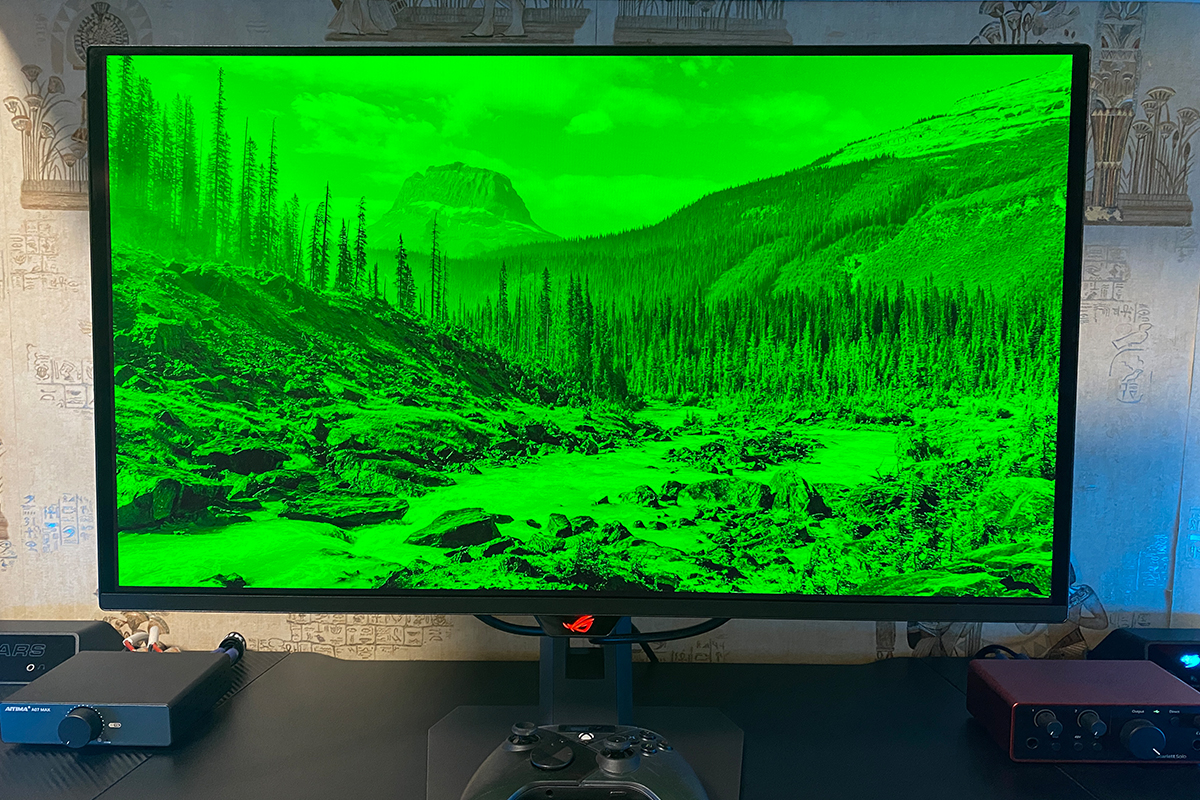
As with other modern ASUS monitors, the XG27AQDPG offers a selection of preconfigured GameVisual modes. The experience is similar to other ASUS monitors: some presets are visually pleasing (e.g., Scenery, Cinema, Racing), while others may appear unnatural and require manual adjustment via the DisplayWidget Center software. Examples of these presets are shown below, though it should be noted that even a high-quality smartphone camera cannot fully capture their appearance.
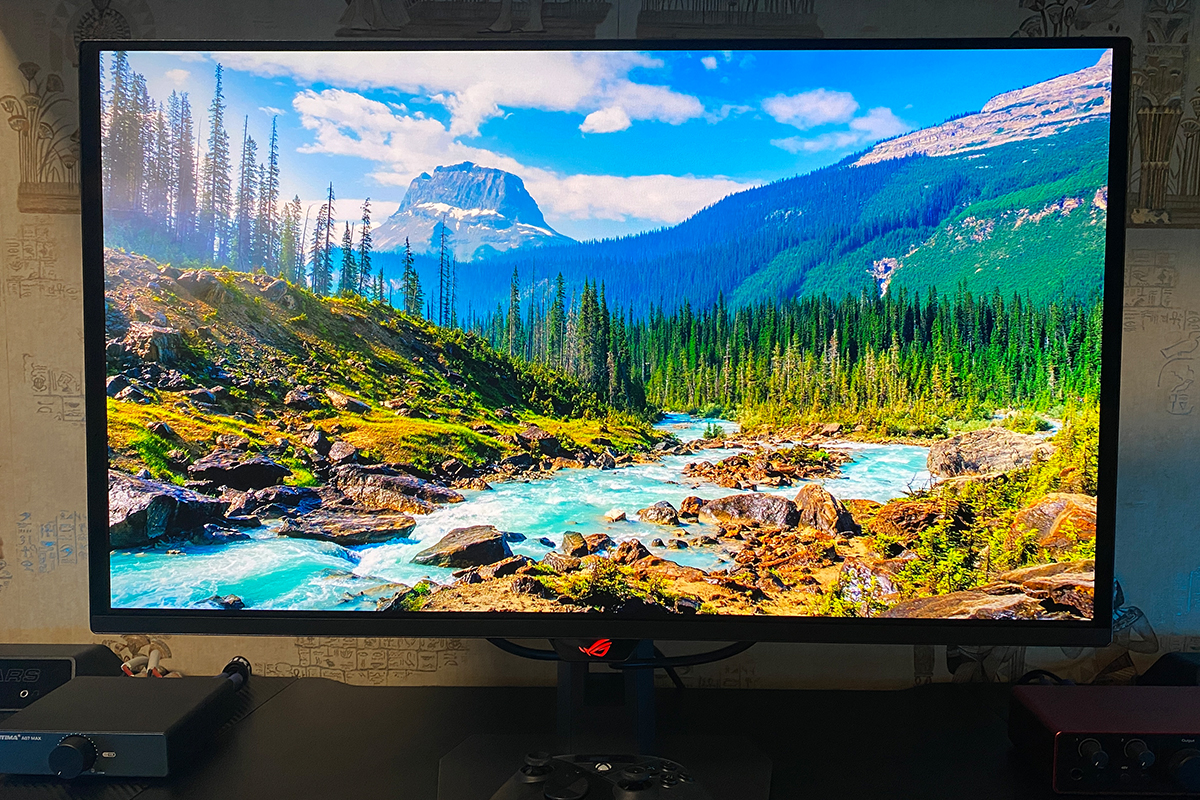
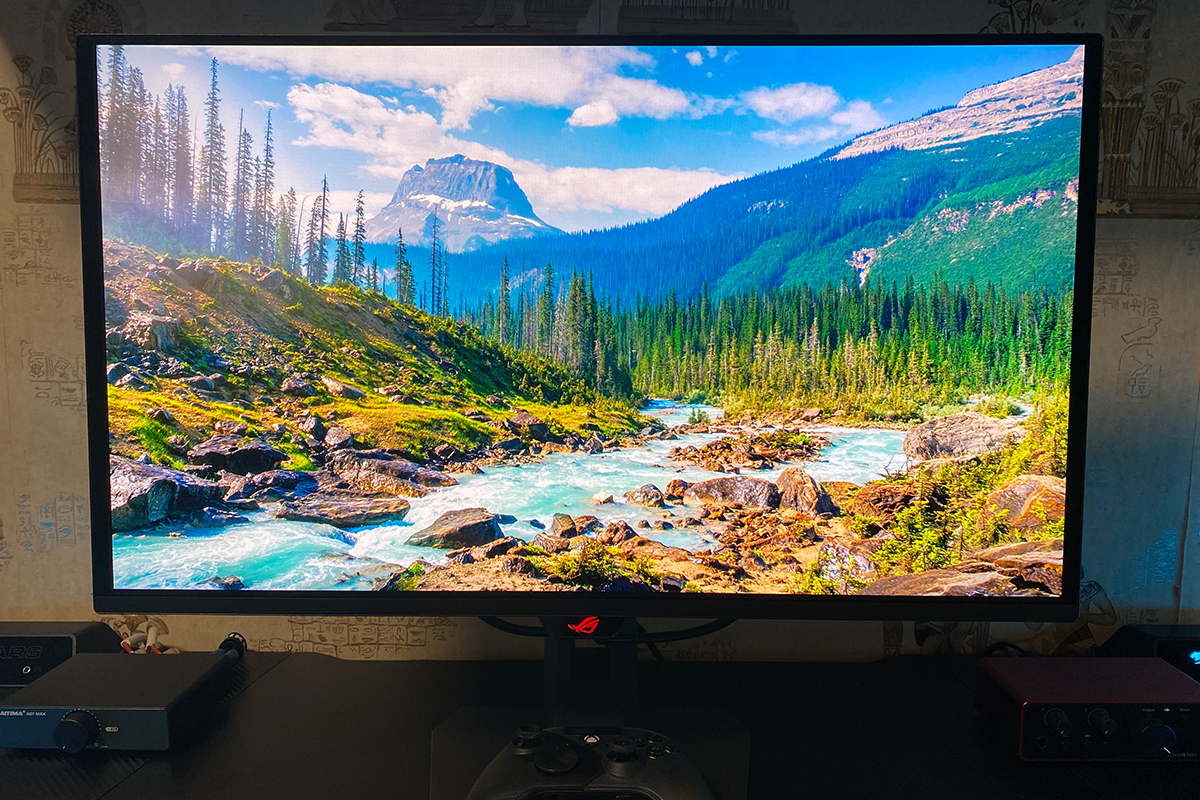
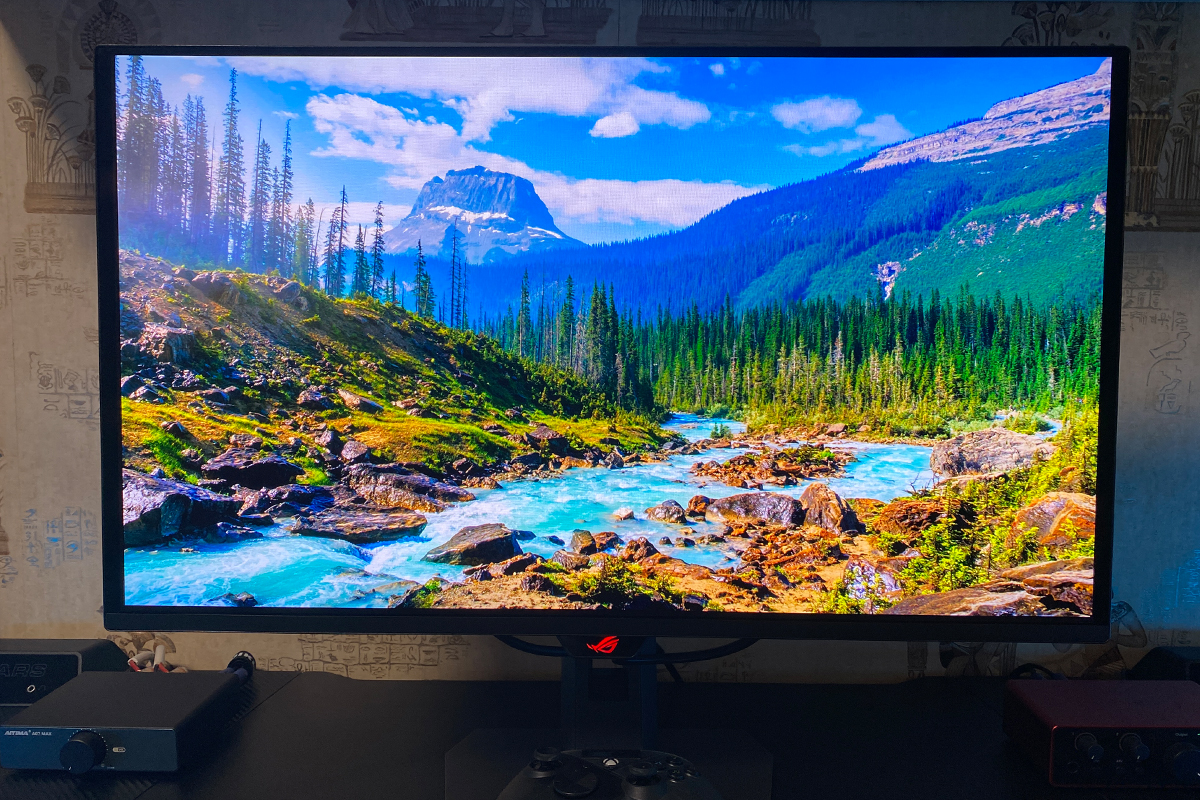
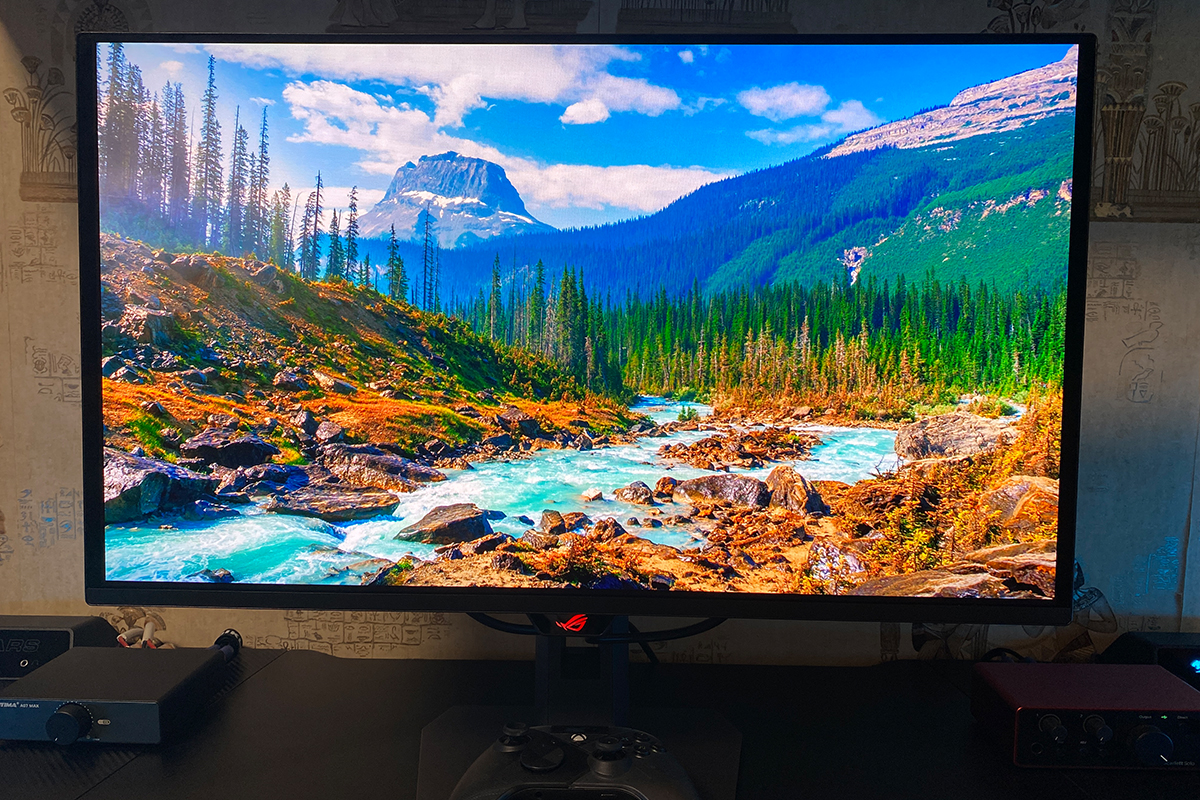
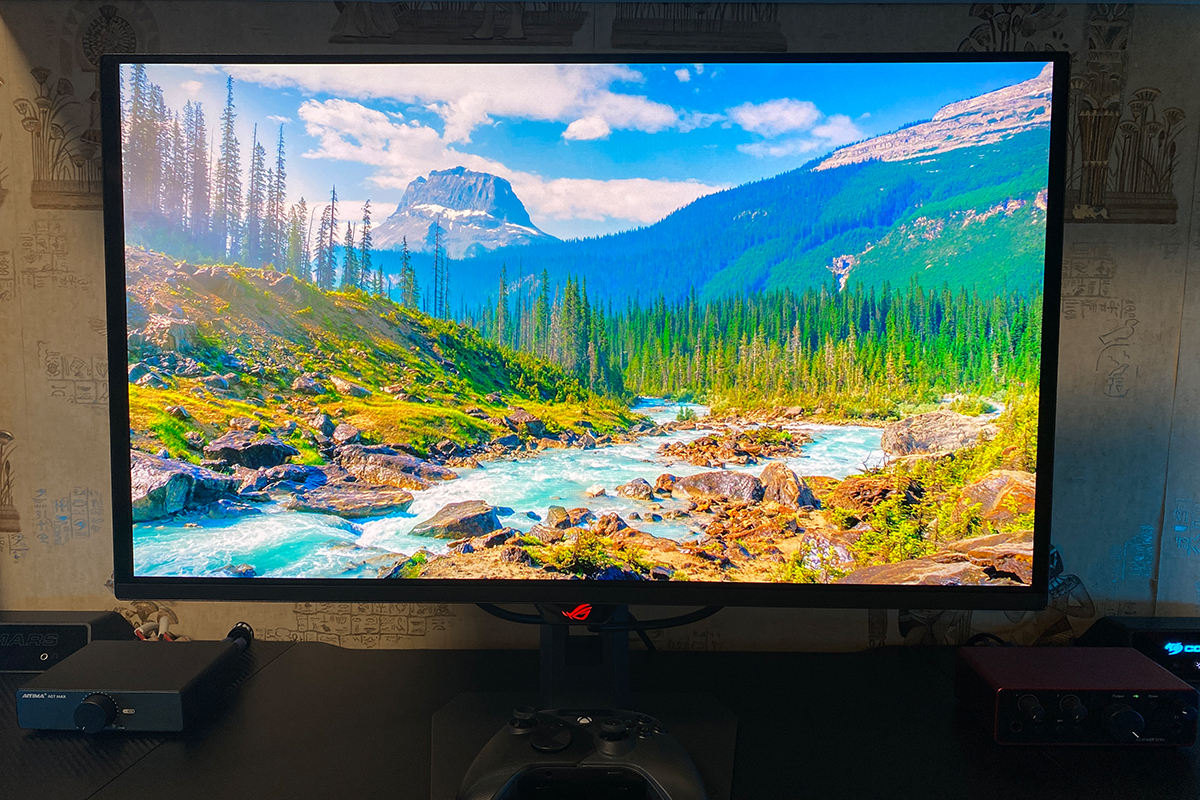
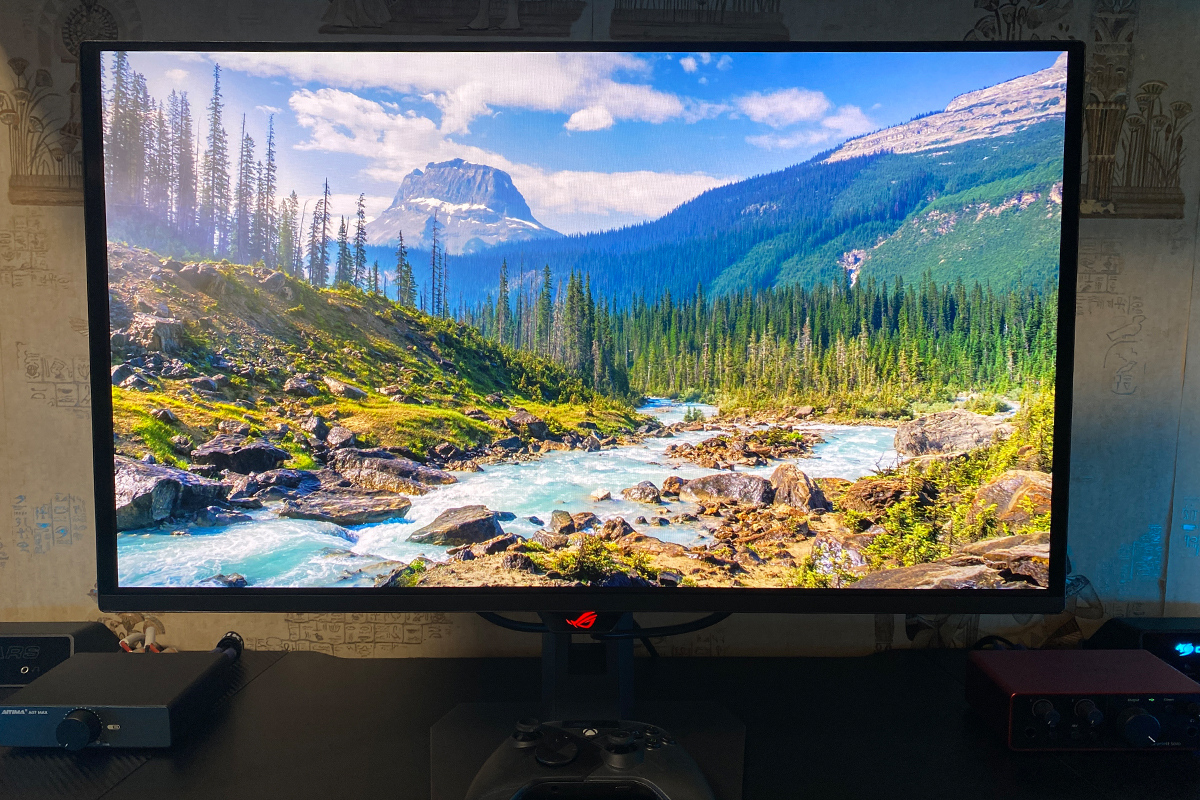
In terms of image quality, the display performs exceptionally well. It delivers sharp, high-contrast visuals with accurate colors and a strong sense of depth. Brightness is more than adequate where needed. White tones are rendered very accurately, which is particularly noticeable during routine tasks such as working with documents.
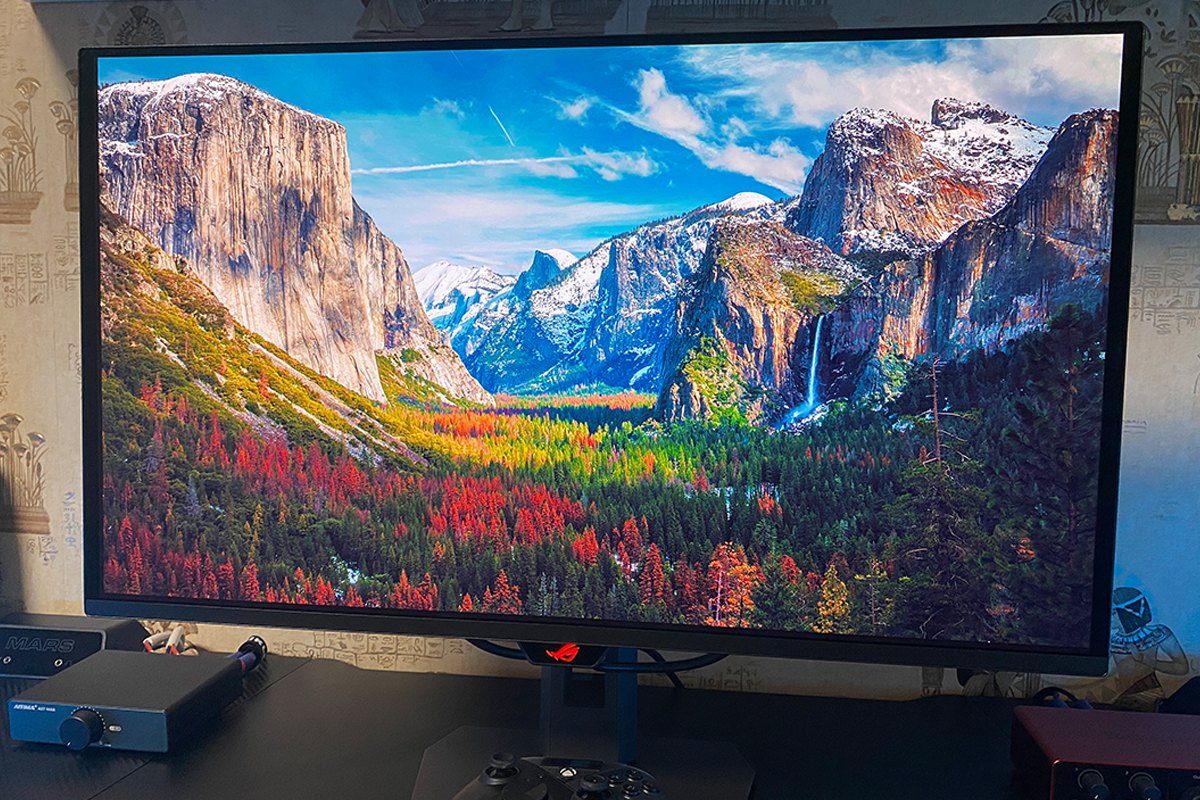
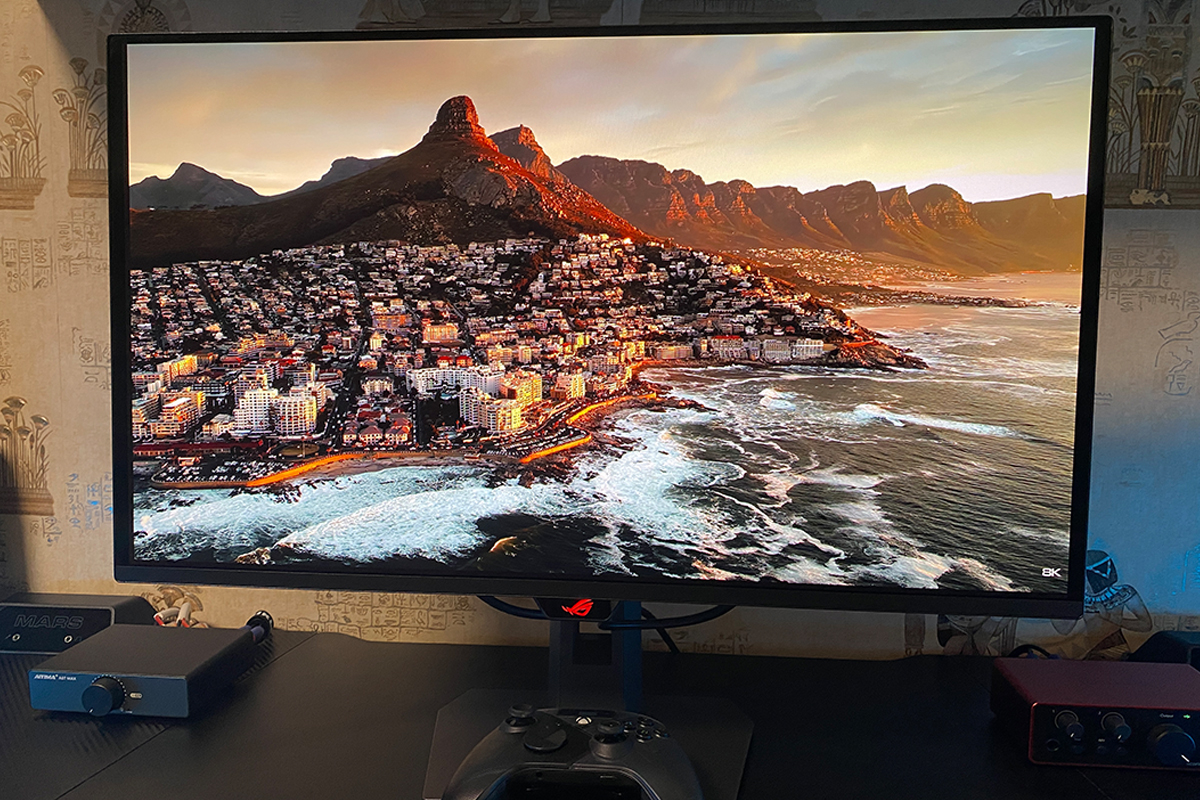
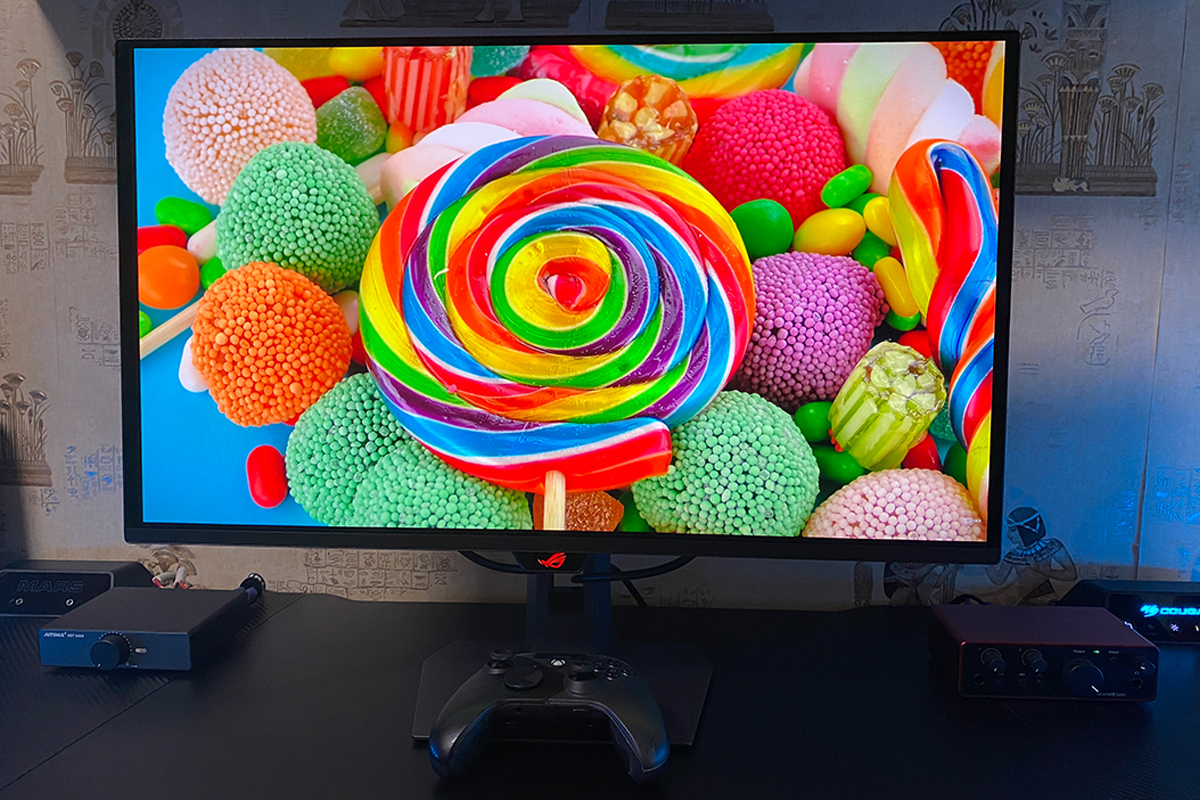
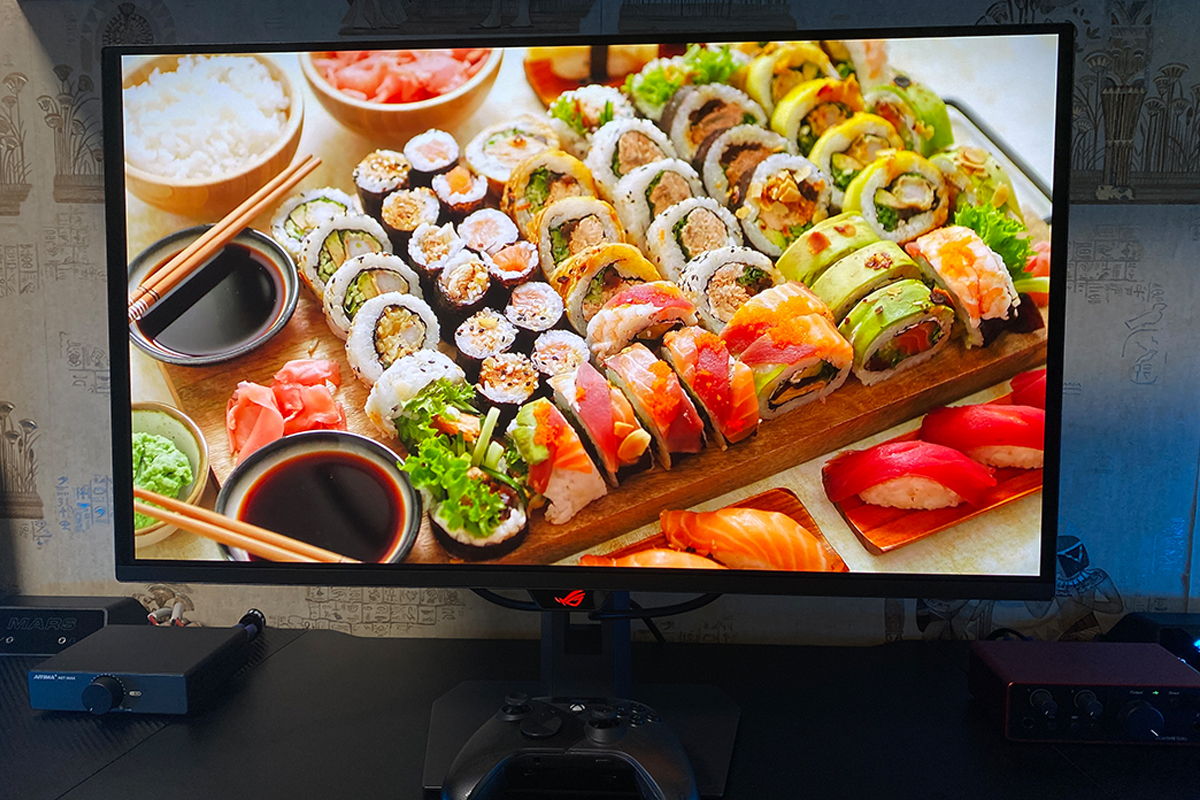
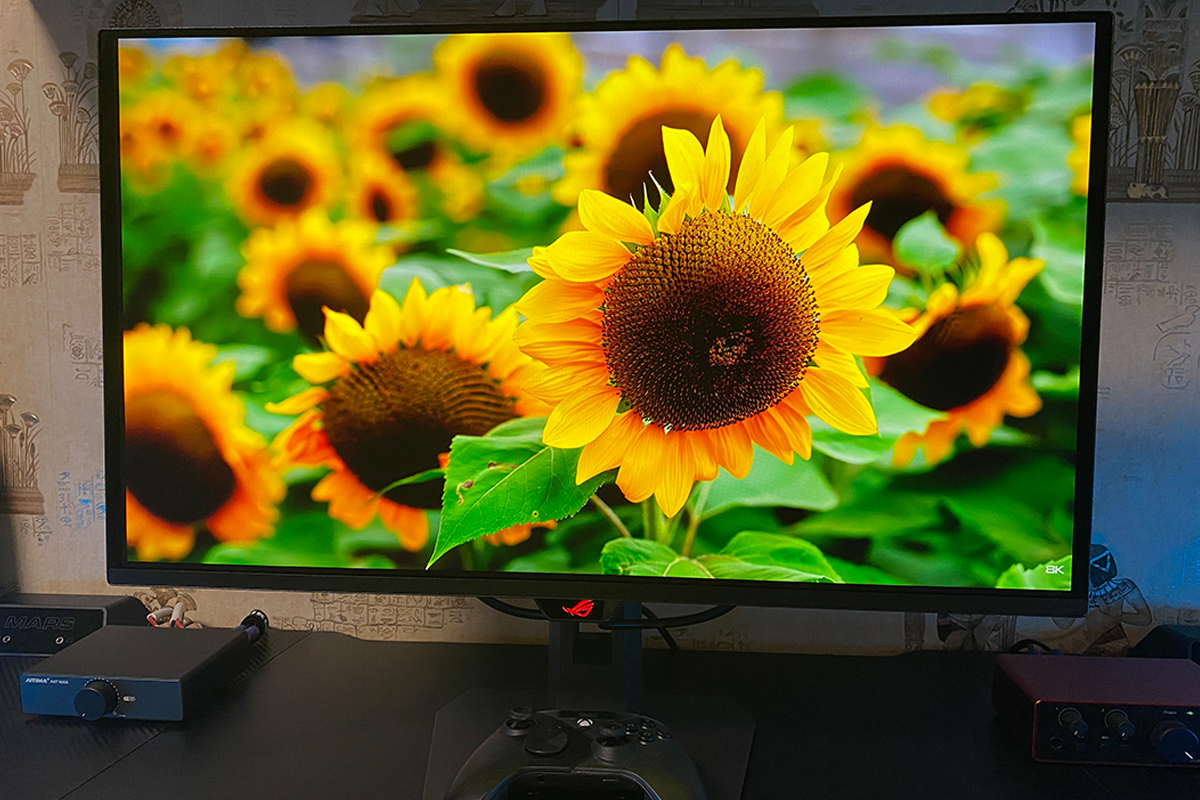
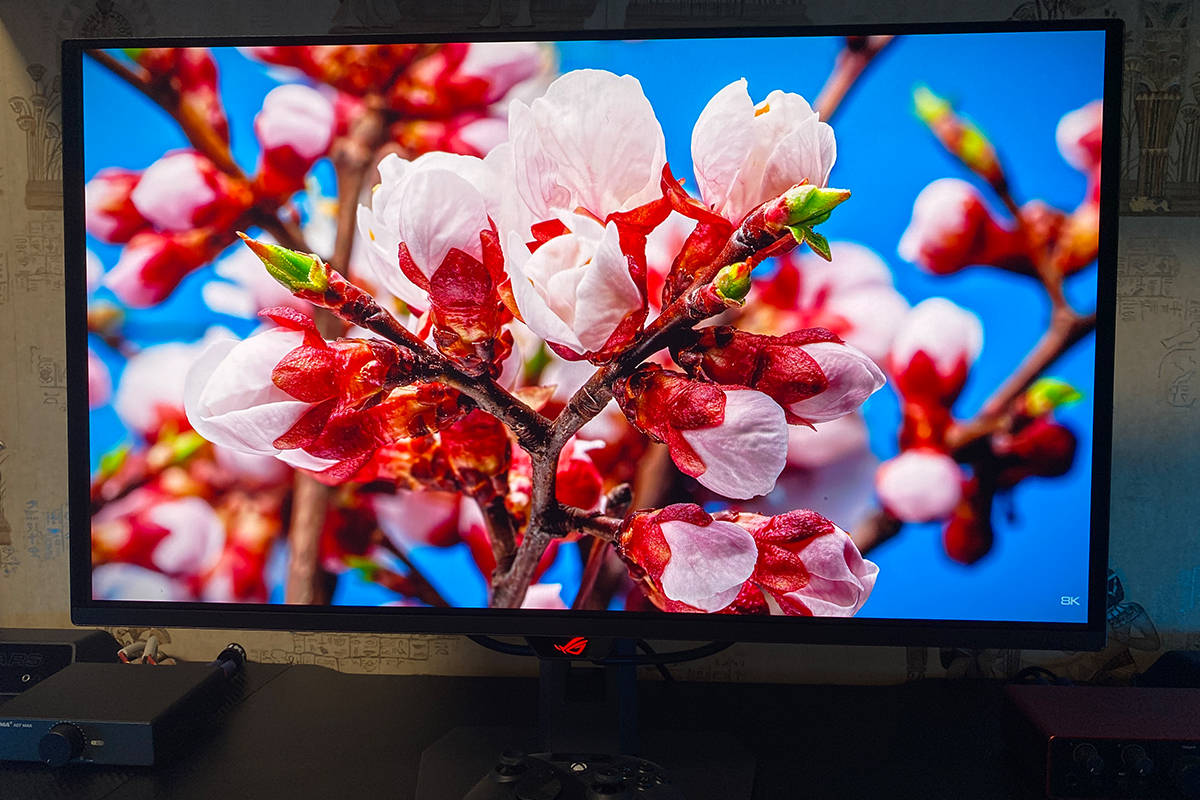
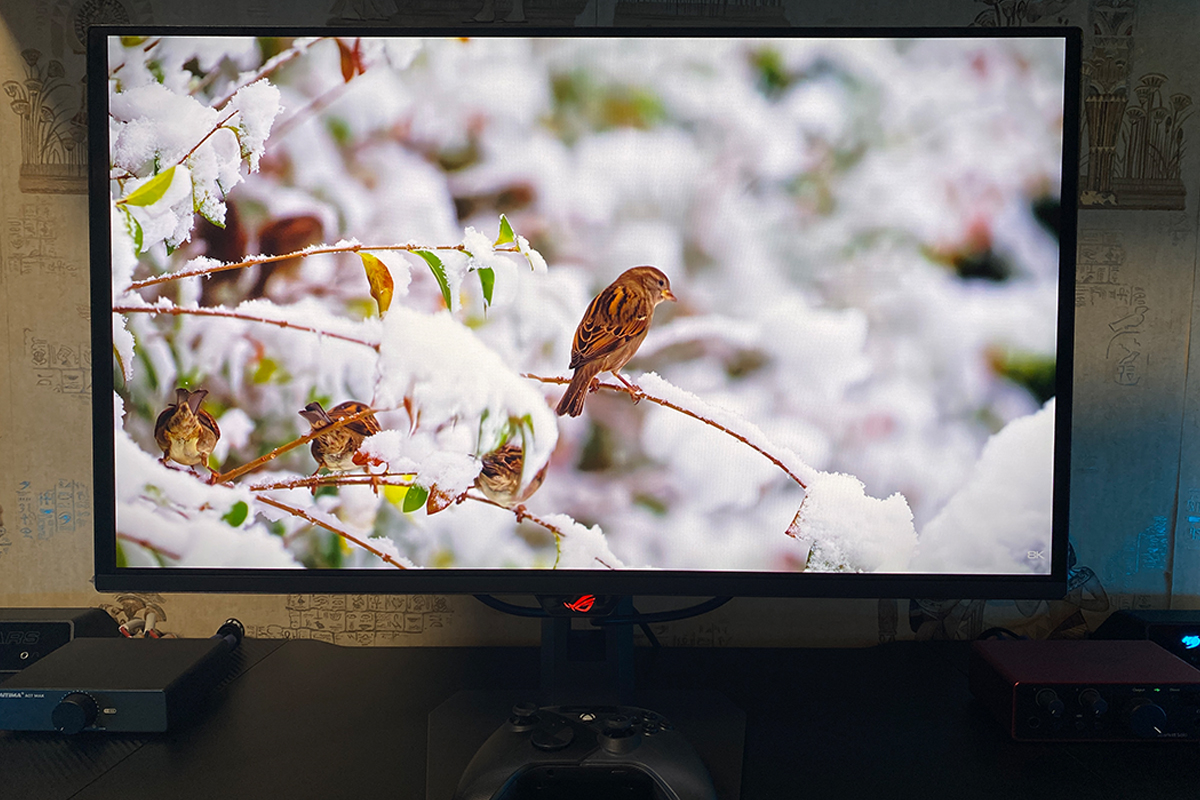
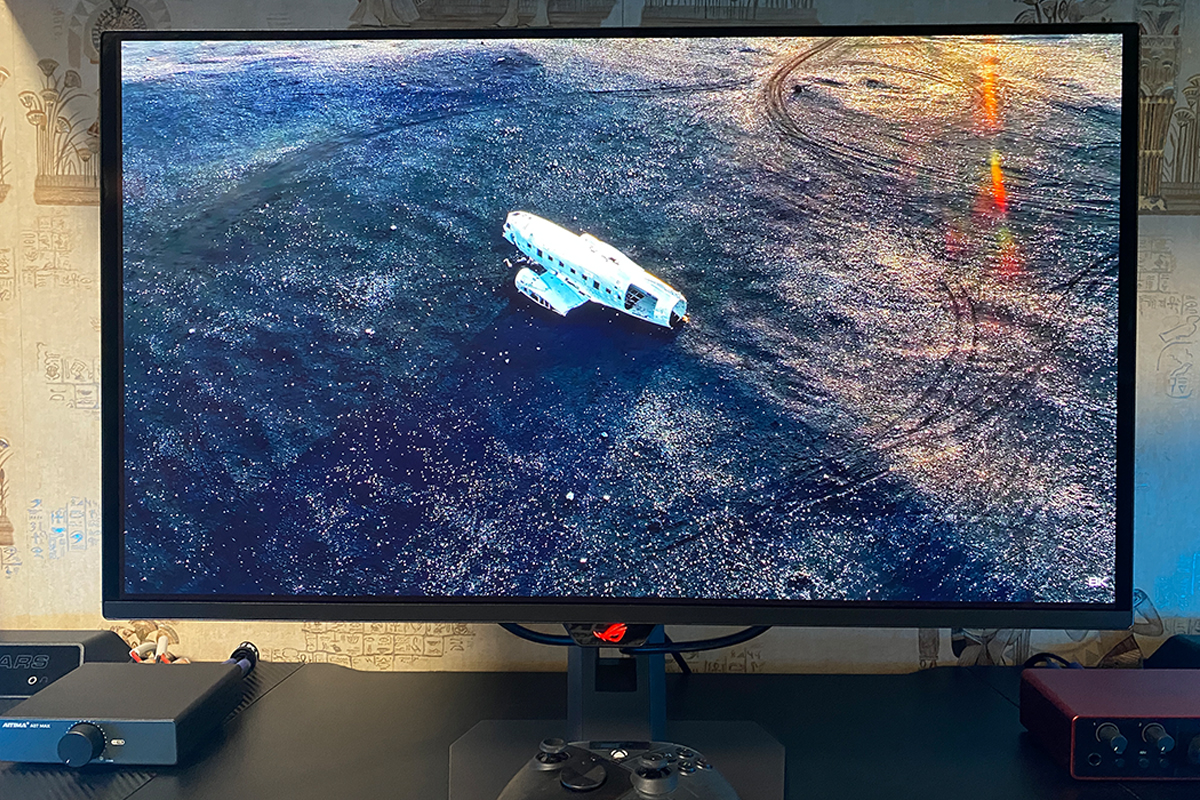
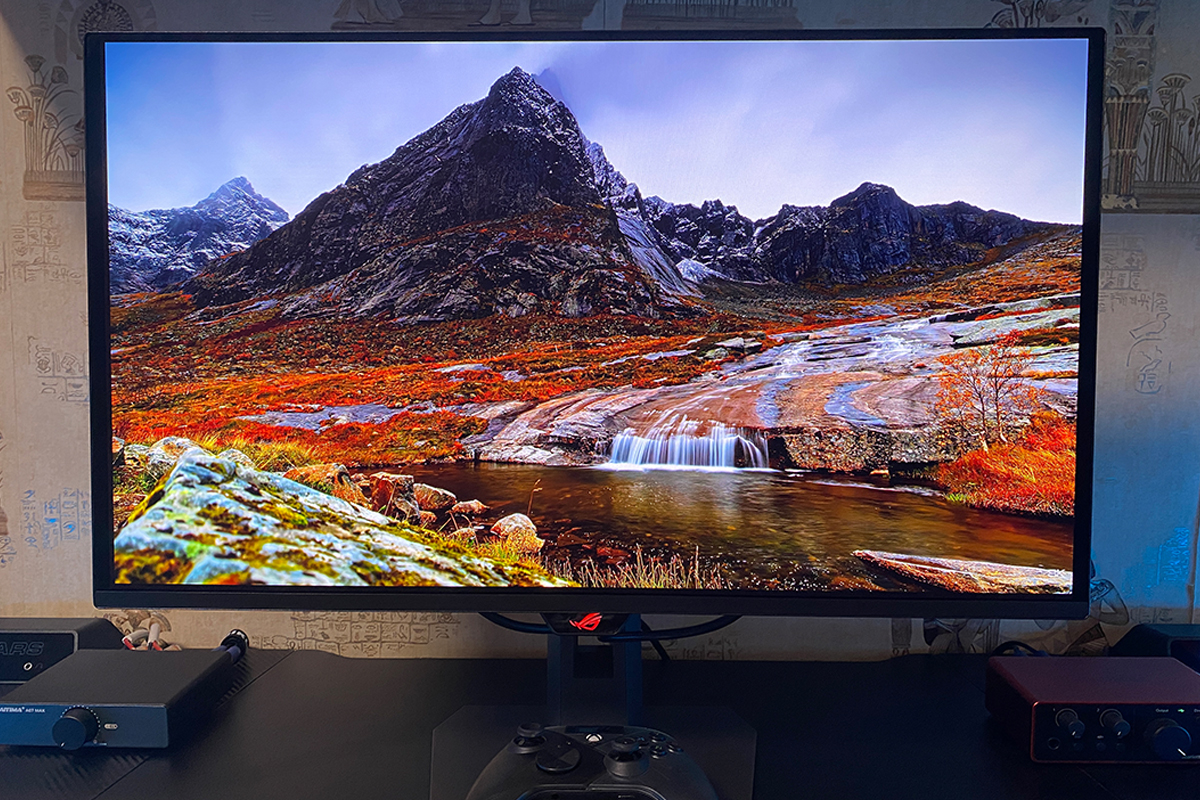
When switching to the ROG Strix OLED XG27AQDPG from other monitors, such as Fast IPS or high-quality VA panels, the difference is immediately noticeable and substantial. The experience is similar to upgrading a graphics card: previously playing games on medium settings with budget hardware, then moving to a powerful card and maxing out settings for that “wow” effect. With this monitor, the effect is comparable. Launching games I had previously played on simpler displays, I immediately noticed changes in the gamma, new shades, and even colors that I hadn’t seen before. The contrast and color richness are particularly striking – and this is before even enabling HDR, yet the impression is already very strong.
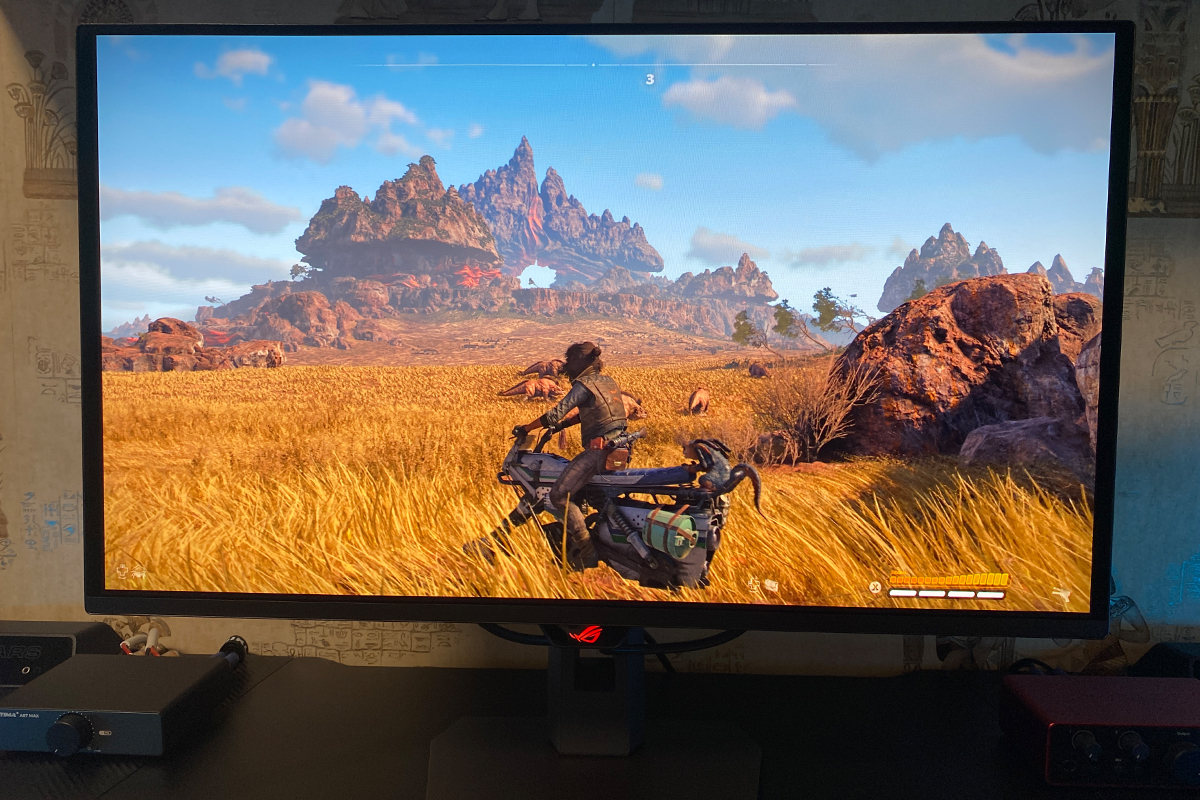
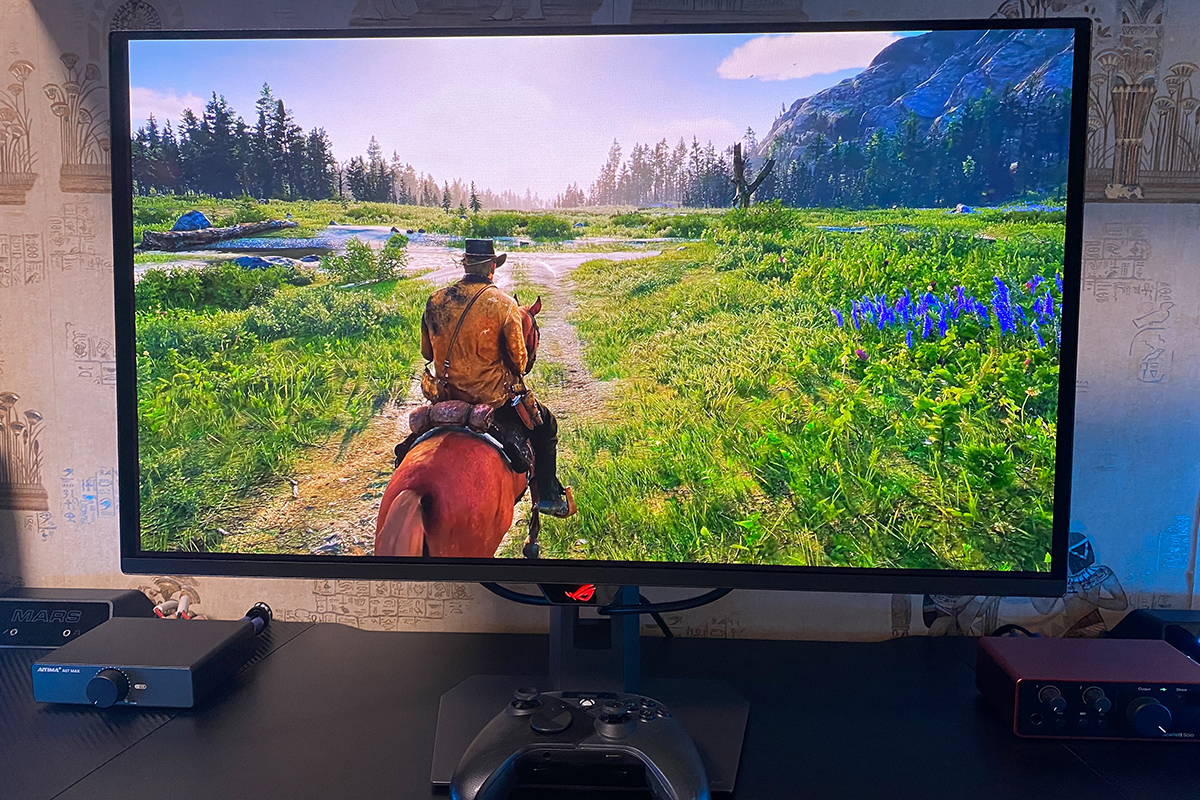
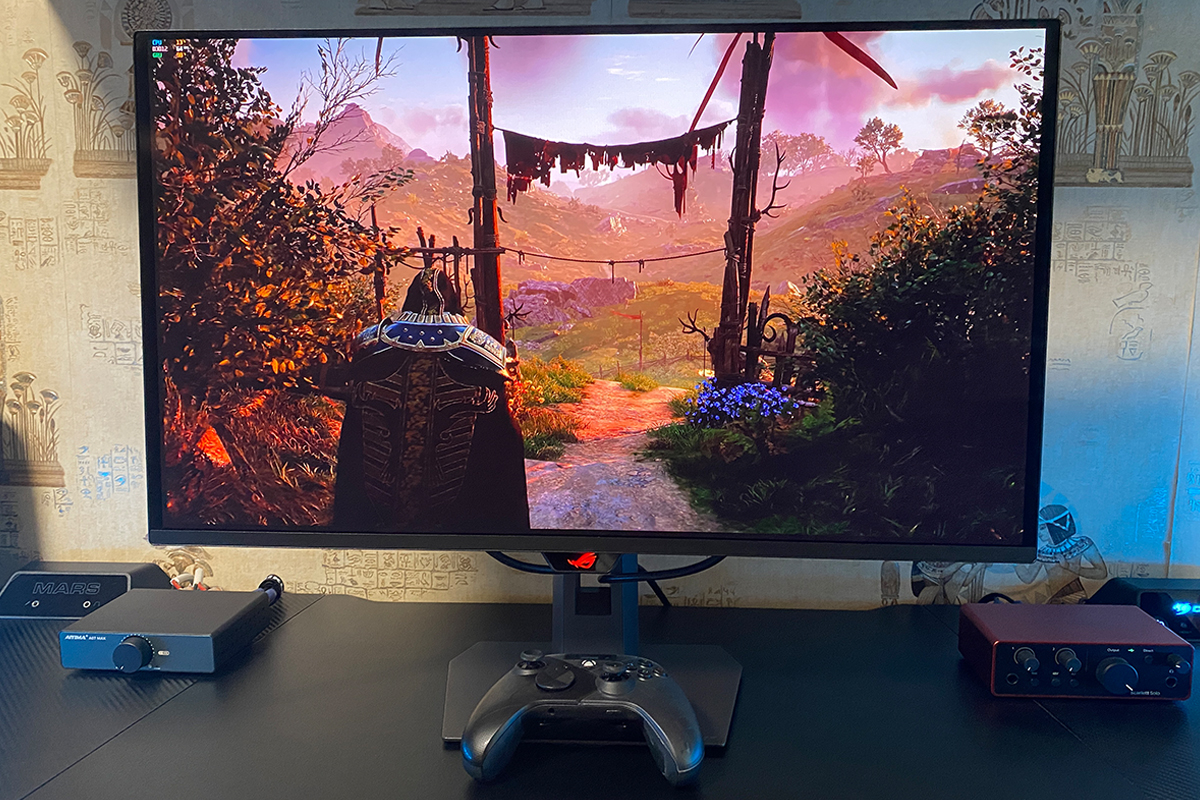
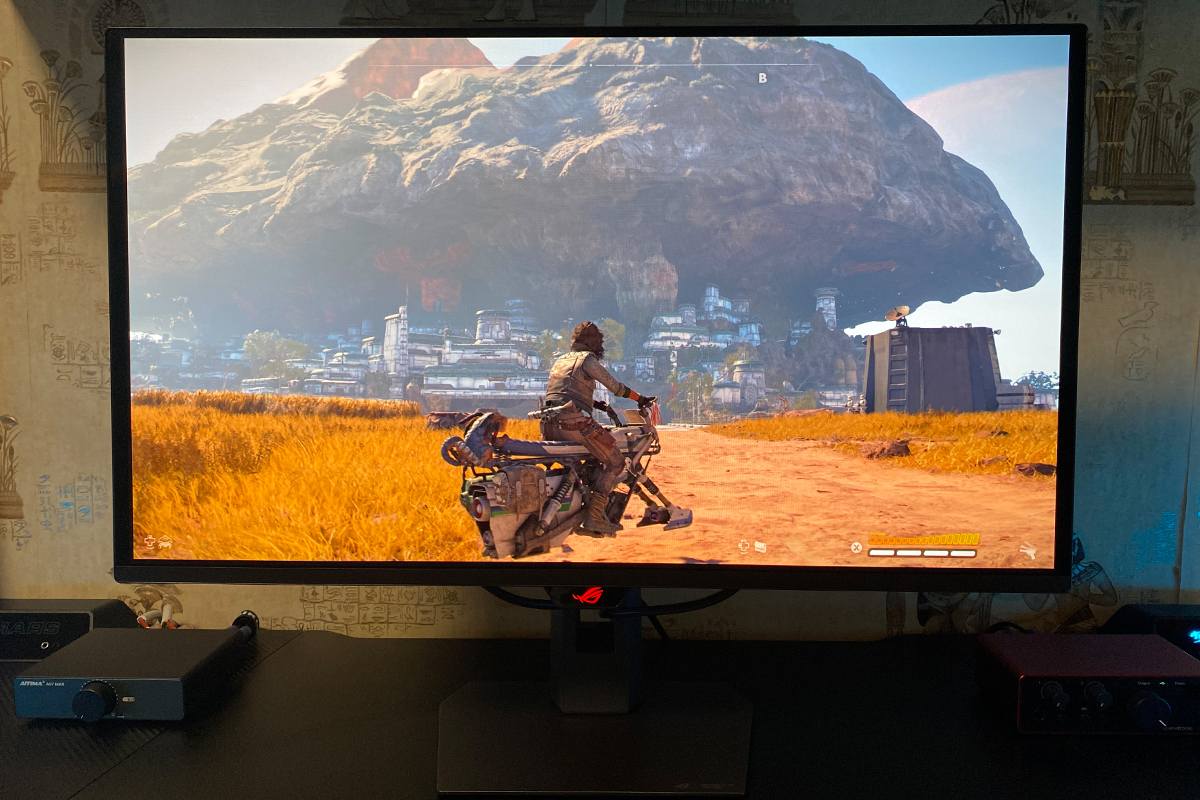
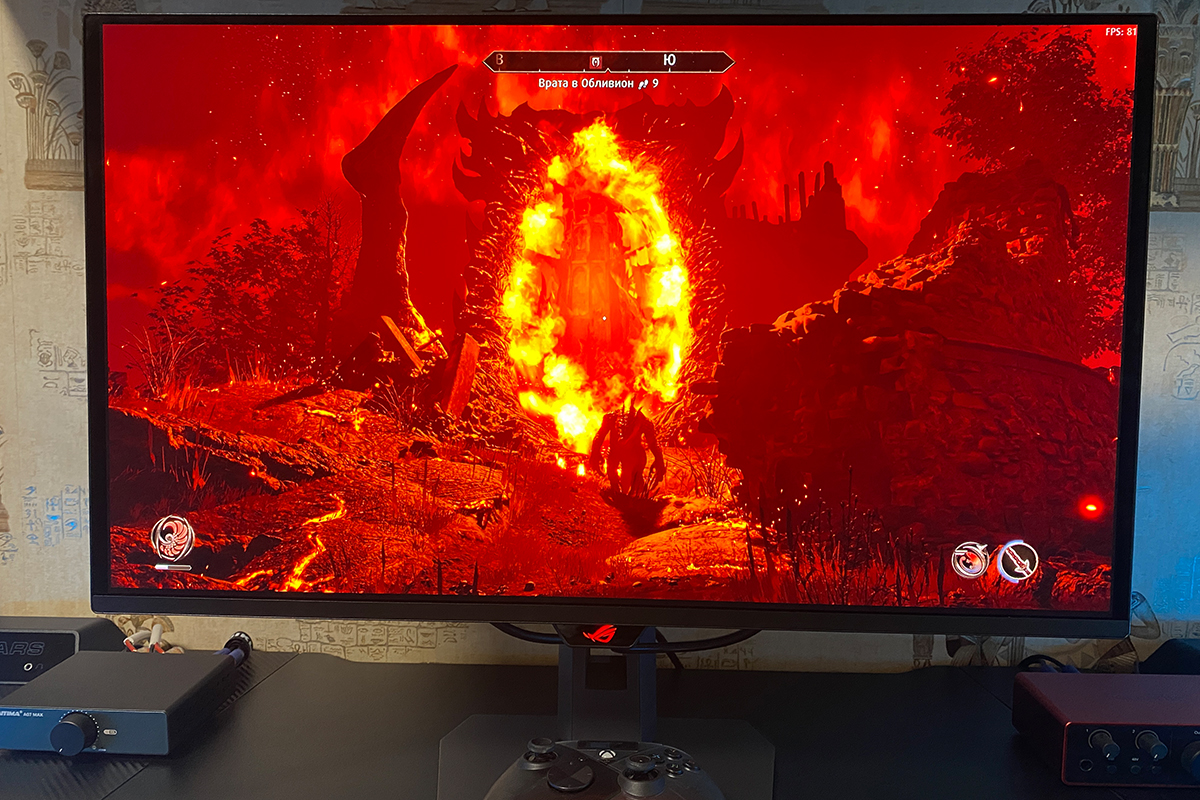
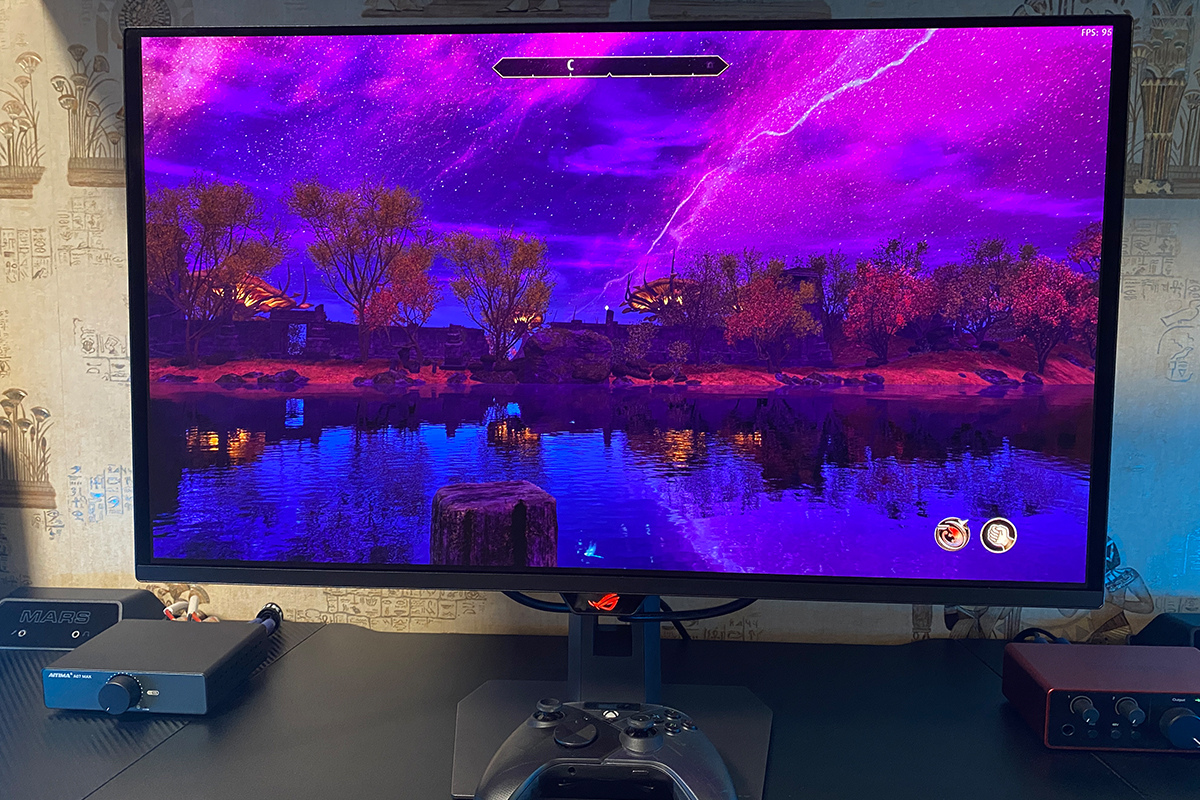
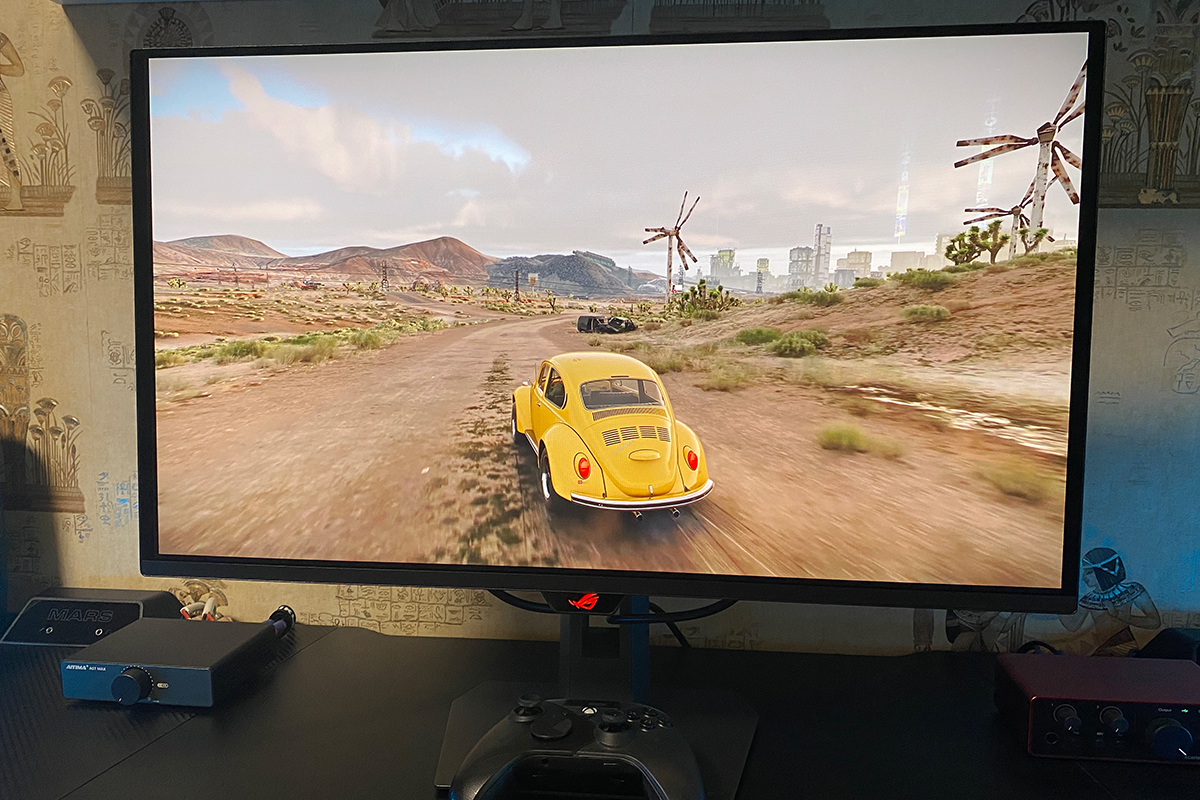
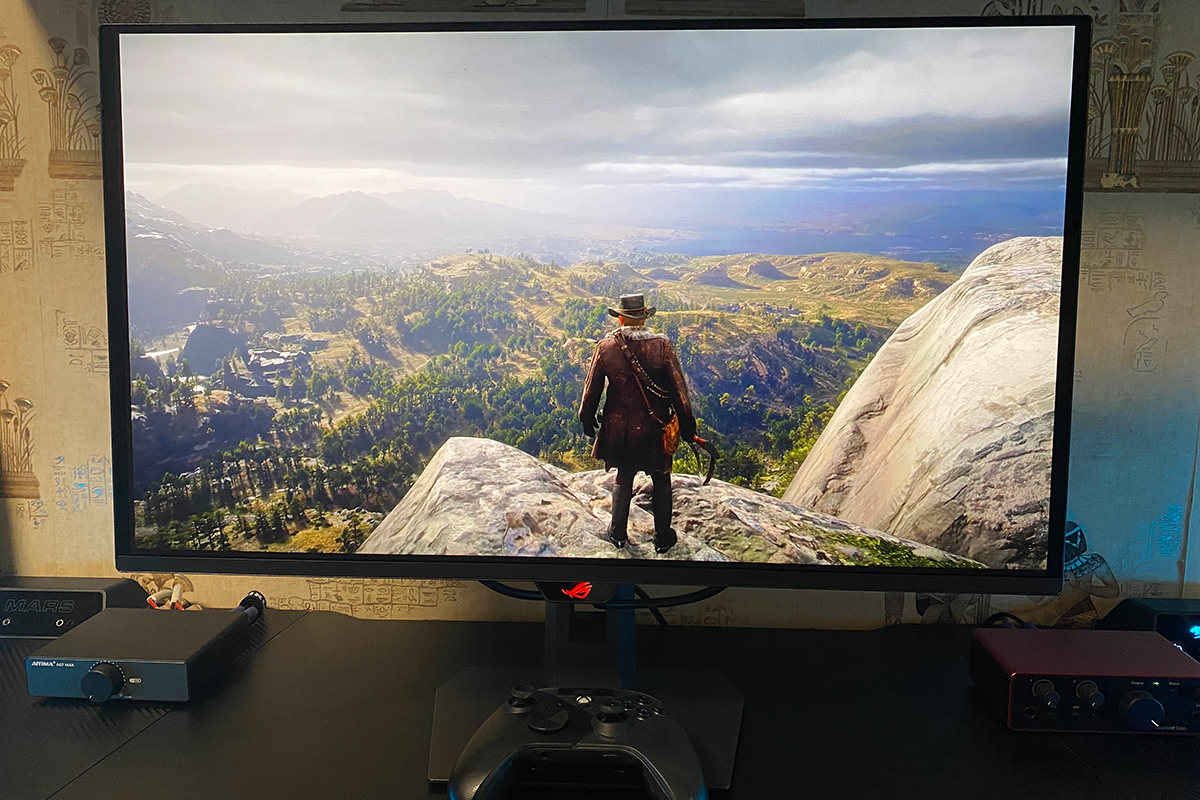
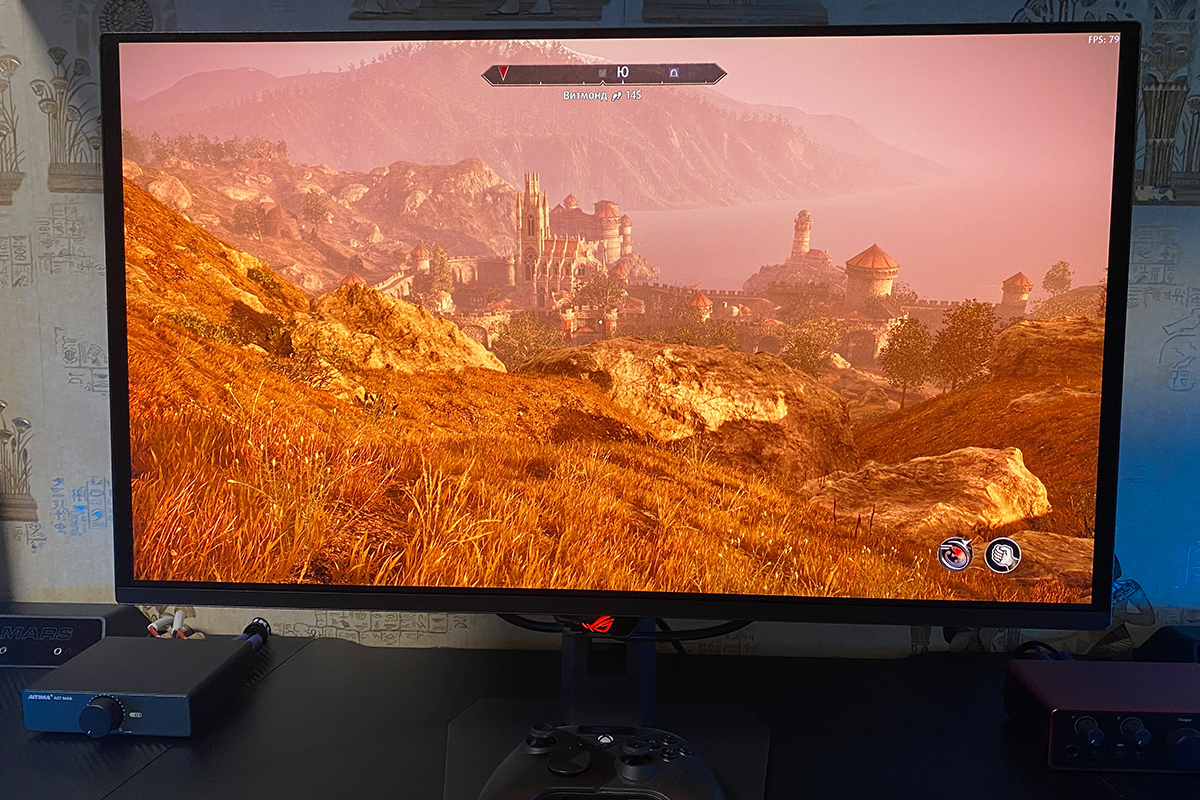
The black levels are particularly impressive, appearing deep and truly black. When displaying a solid black screen, it can even give the impression that the monitor is turned off. In short, blacks on the XG27AQDPG are excellent, although, as before, it is impossible to fully capture this effect with a smartphone camera.
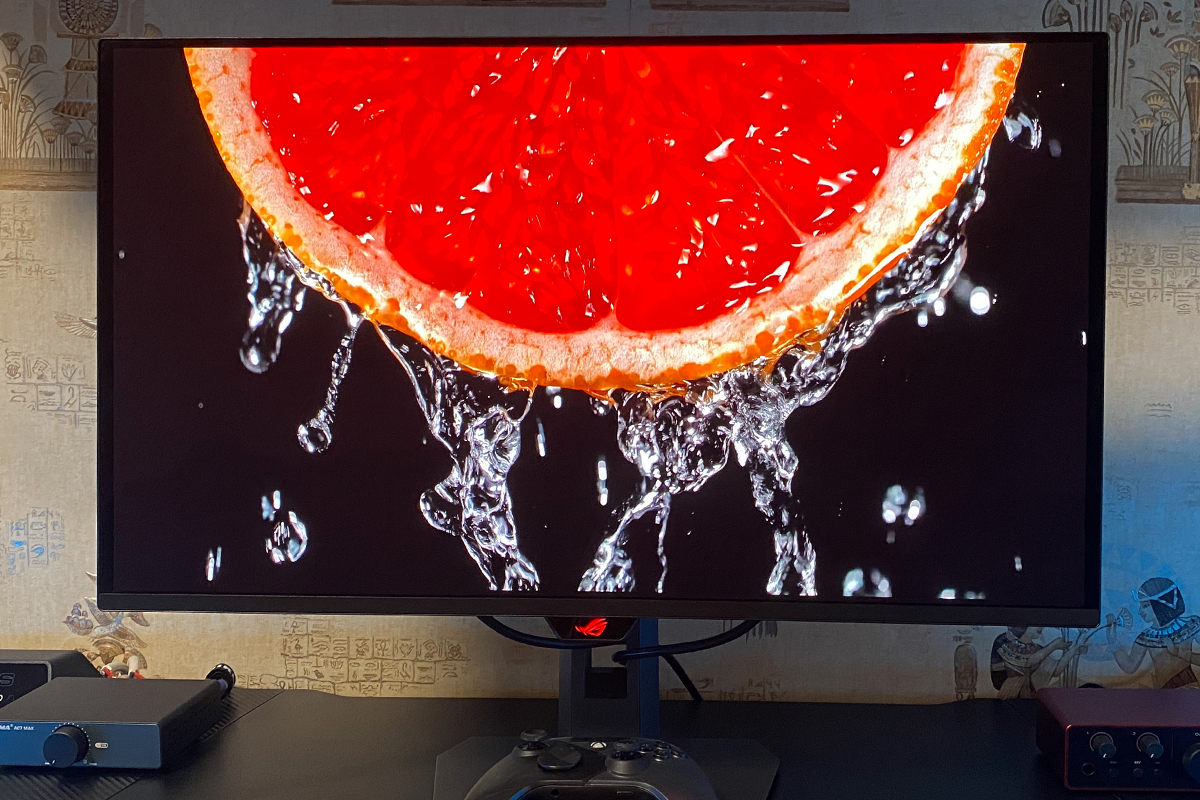
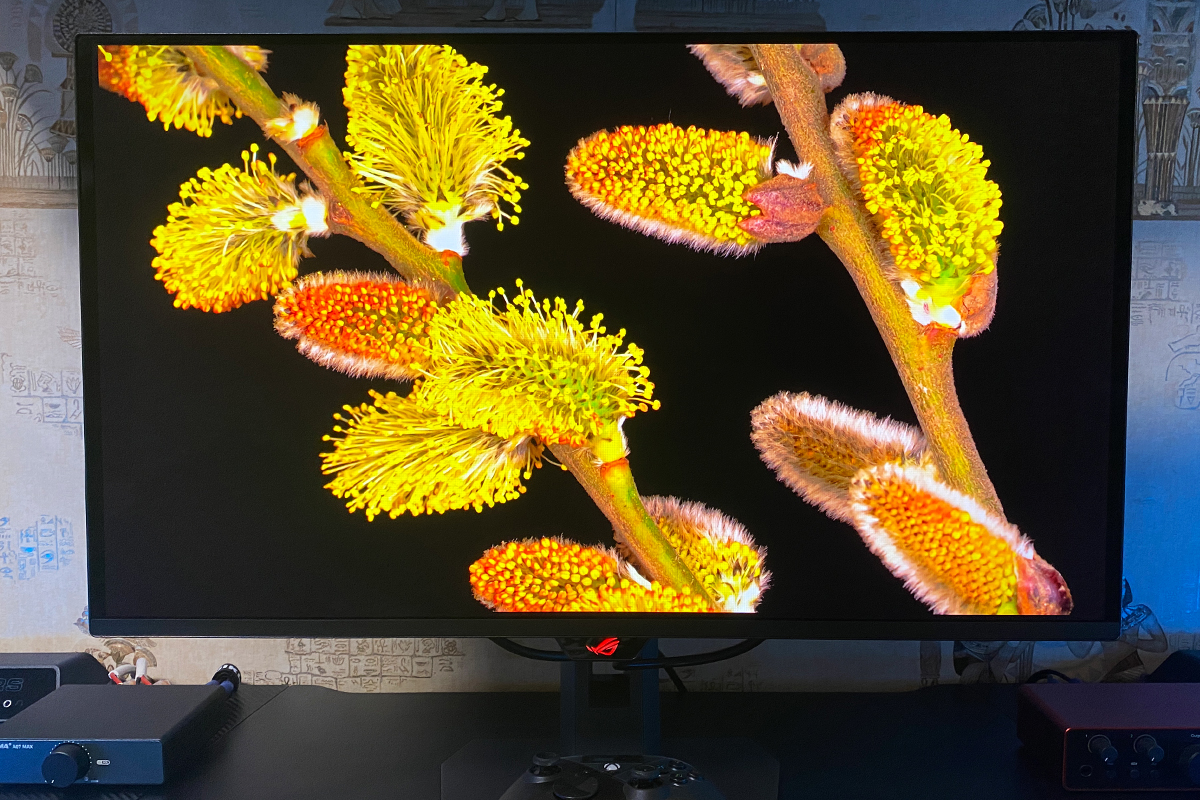
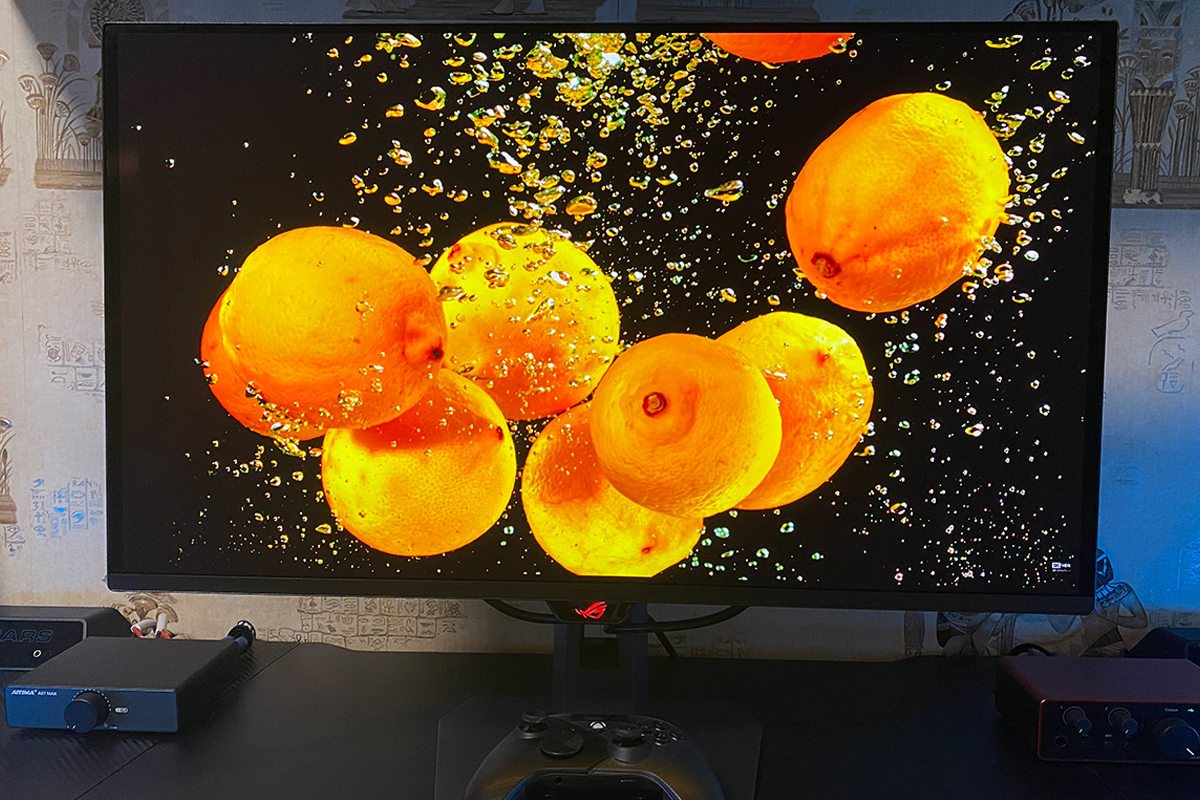
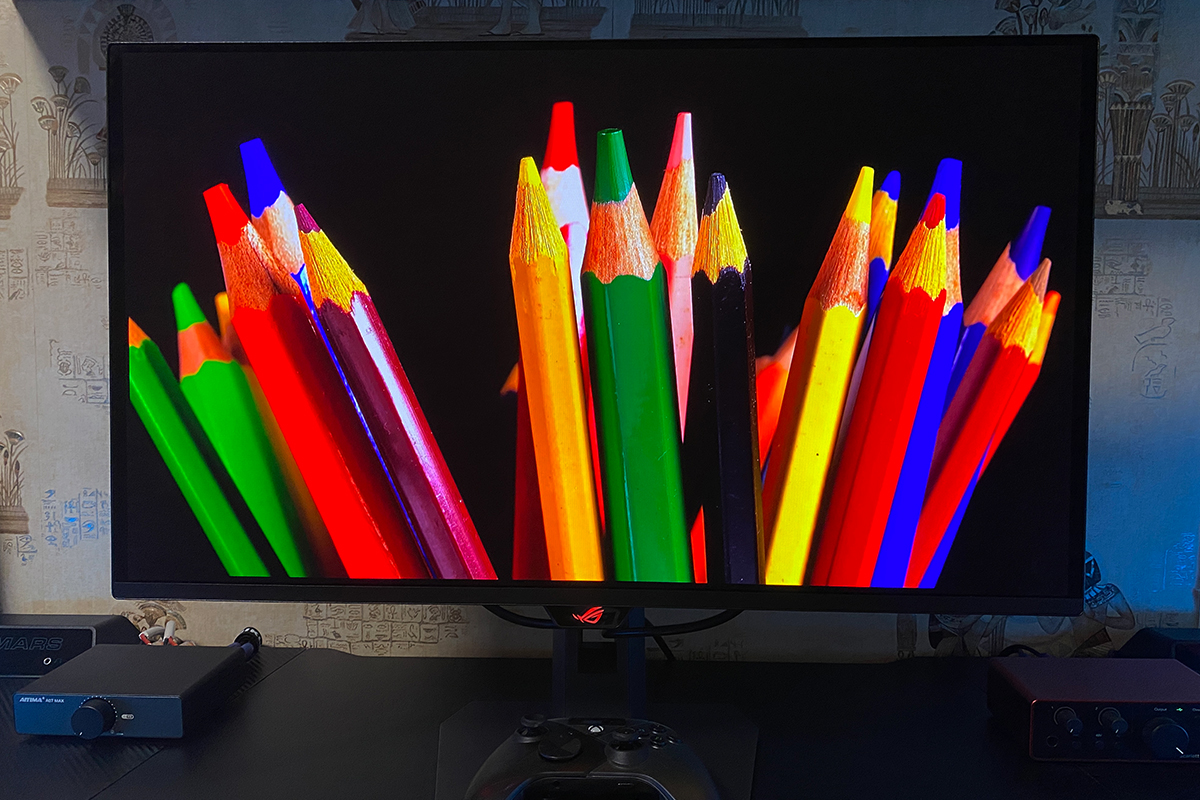
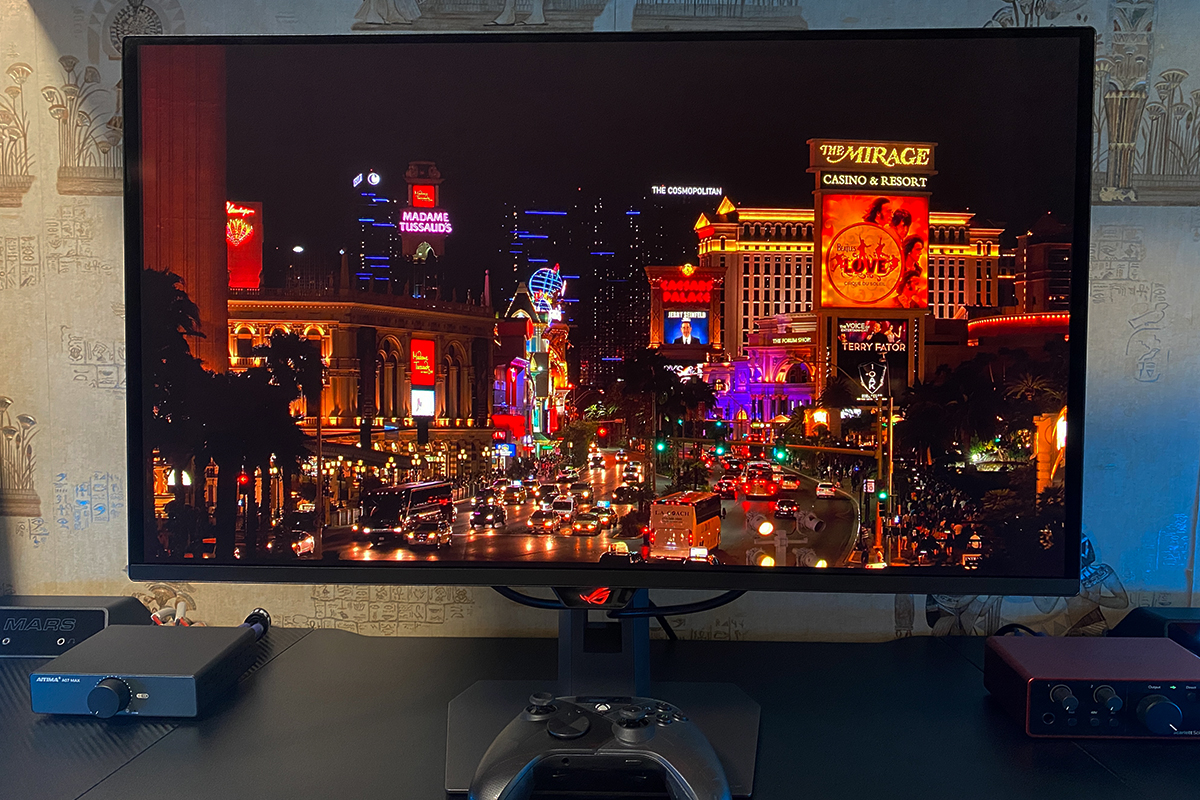
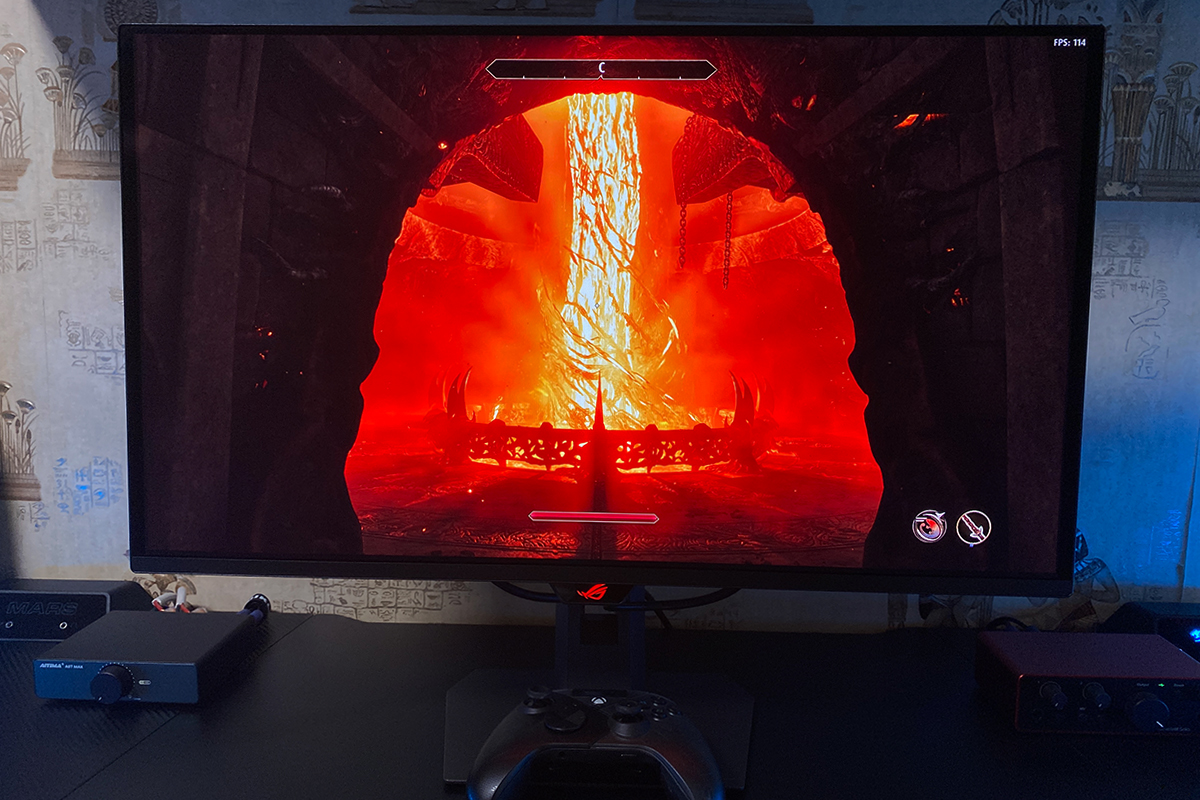
HDR performance on the monitor is also excellent. It further enhances an already contrast-rich and vibrant image, adding noticeable depth and richness. This is a case where HDR is not merely a checkbox in the settings but a genuine way to increase the sense of volume and intensity in the visuals.


In terms of responsiveness and smoothness, the display delivers an exceptionally fast image with no noticeable blur or ghosting. This is true even without enabling Extreme Low Motion Blur (ELMB), which can further enhance clarity in fast-moving scenes.
To fully utilize the 500 Hz refresh rate at 1440p with standard in-game settings, a very high-end GPU – such as an RTX 5080 or an AMD equivalent – is required. Even with such hardware, achieving 500 FPS in many modern titles is unlikely, except perhaps with the latest DLSS versions, and even then it’s not guaranteed.
Nonetheless, even at lower frame rates, gaming on the XG27AQDPG remains highly enjoyable and smooth. The 500 Hz refresh rate also provides a strong future-proofing advantage. Competitive gamers, in particular, will find this monitor valuable, as certain esports titles can reach 500+ FPS with optimized settings and resolution on capable hardware.

There are no issues with viewing angles – the image remains clear from any perspective, with no noticeable shifts in brightness, color, or contrast. Backlighting is also uniform, without any corner glow or unevenness often seen in traditional LCD monitors. On this panel, blacks stay deep and colors remain vibrant regardless of the viewing angle.


Read also:
- ASUS ZenScreen MB27ACF Monitor Review: More Versatile Than Expected
- ASUS TUF Gaming VG259Q5A Review: Affordable Full HD Gaming Monitor with Fast IPS and 200 Hz
ASUS ROG Strix OLED XG27AQDPG On-Screen Menu
The OSD menu on this monitor is consistent with other ASUS models, featuring the brand’s familiar and recognizable interface seen across ROG and TUF devices. The menu is accessed and navigated using the 5-way joystick. Since this interface has been covered in previous reviews, the overview here will be kept brief.

In the “Game” menu, users can enable variable refresh rate (VRR), activate Extreme Low Motion Blur (ELMB) for reduced motion blur, and turn on Shadow Boost to enhance visibility in dark areas. The menu also provides access to GamePlus features and preconfigured GameVisual display modes.
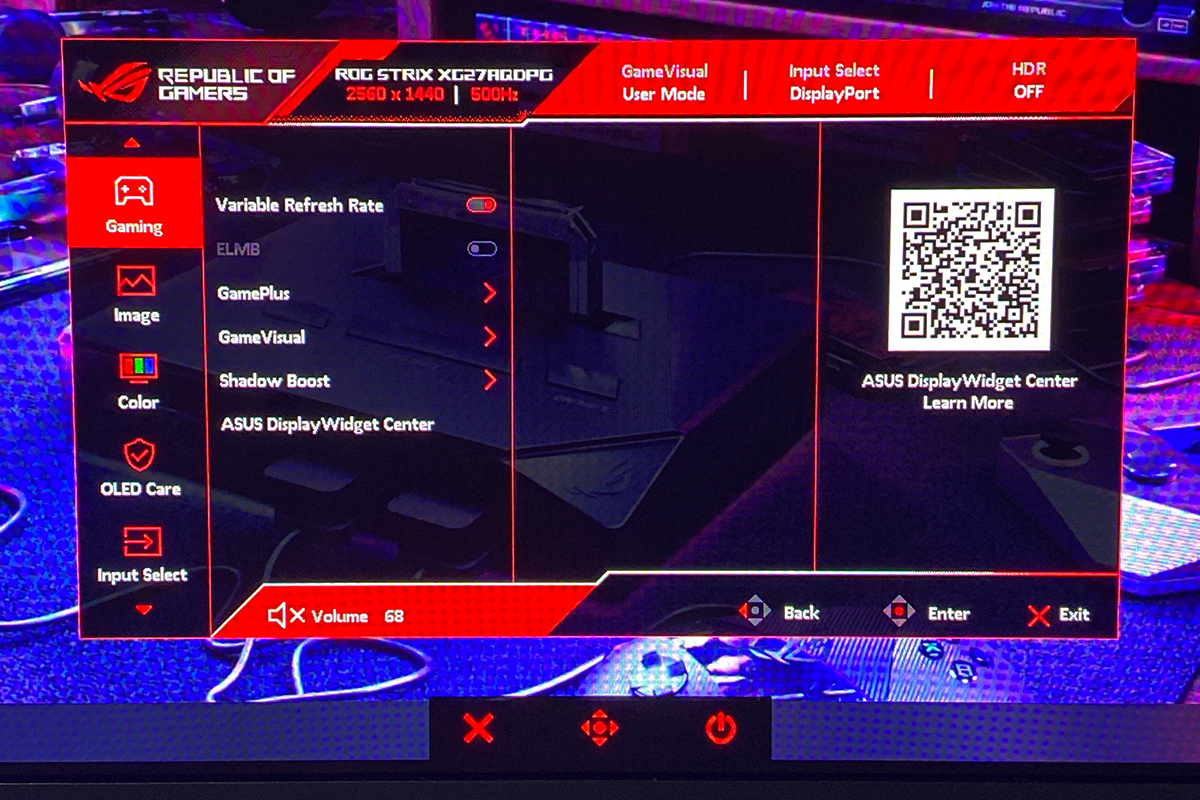
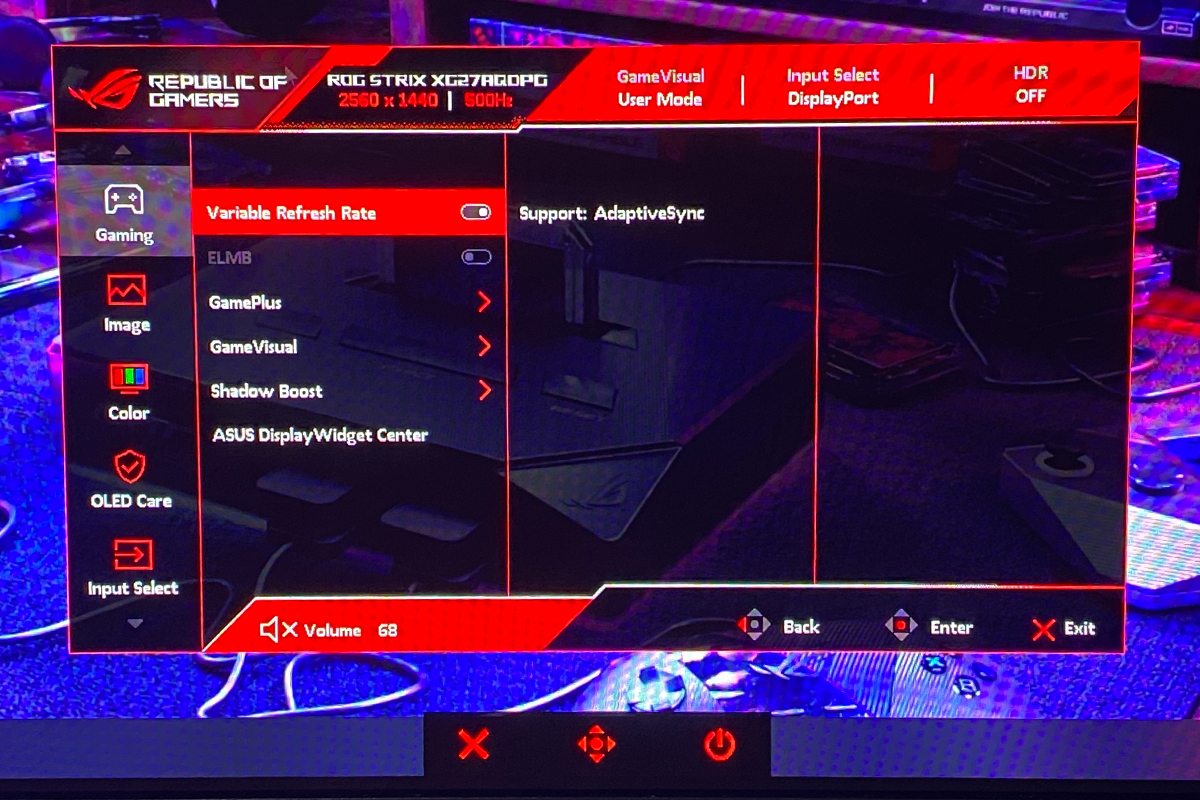
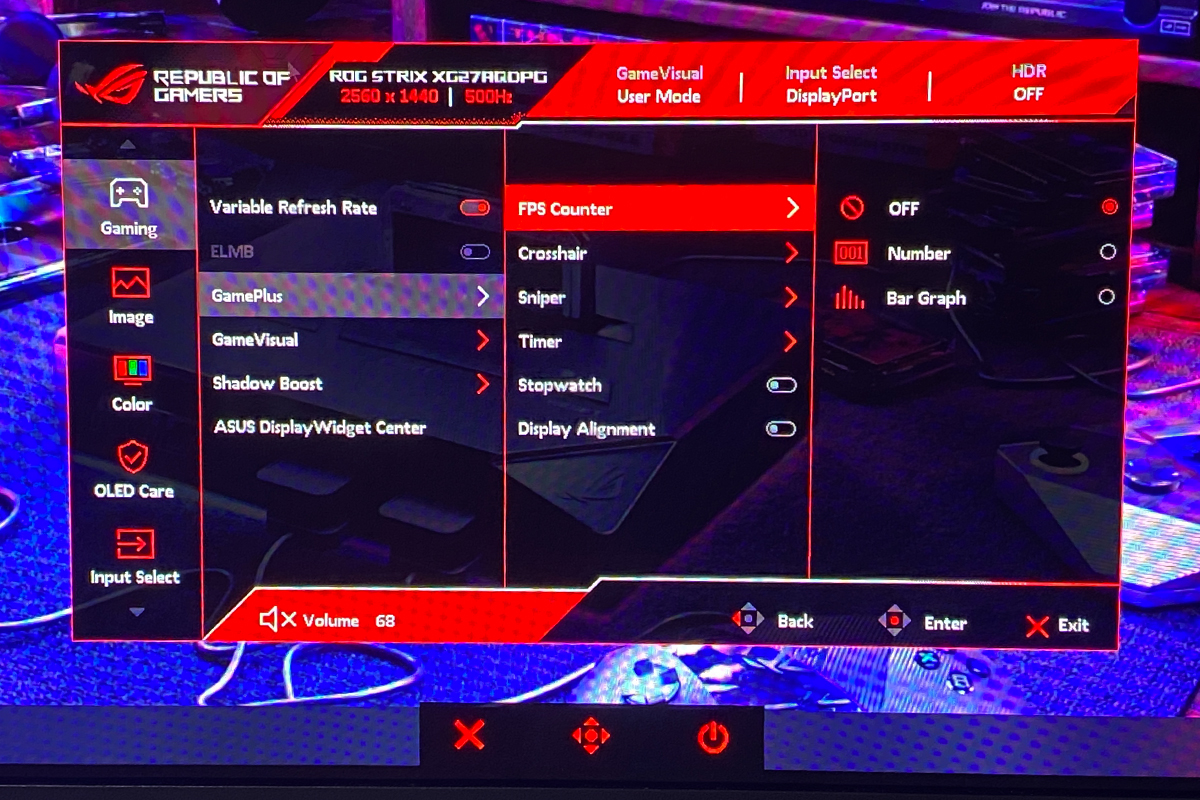
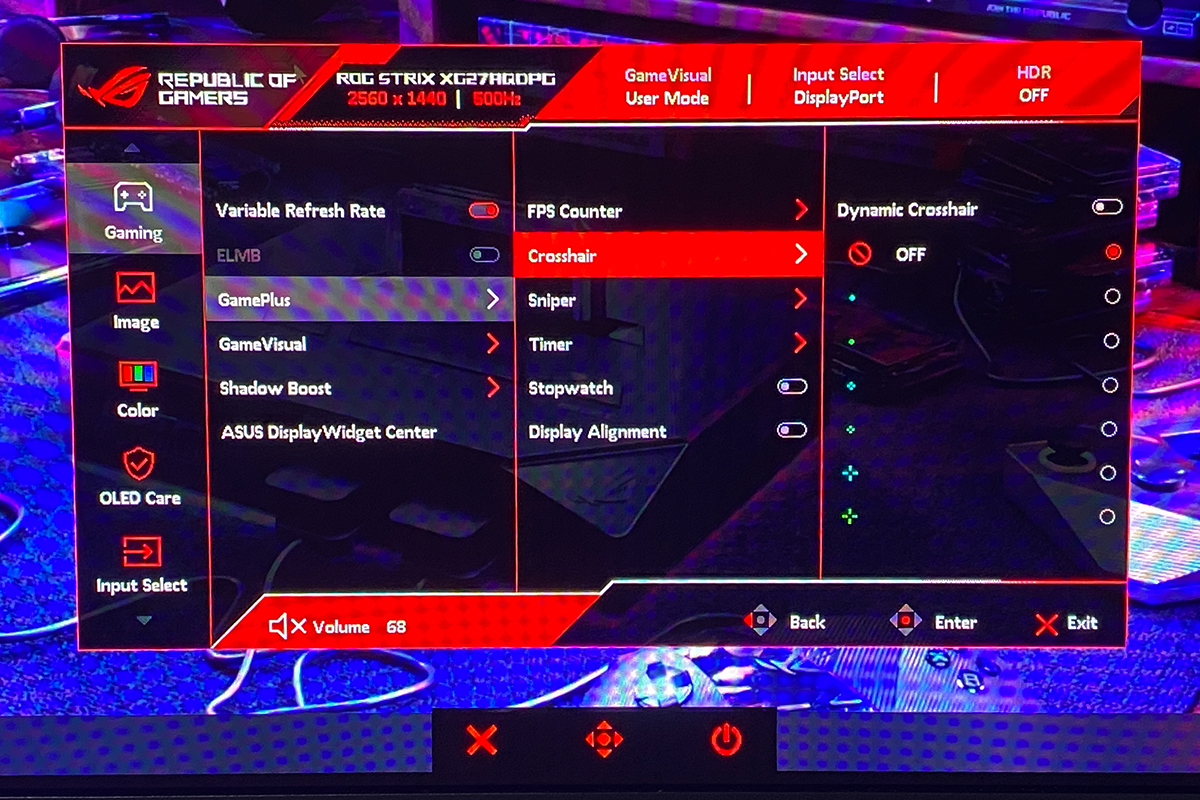
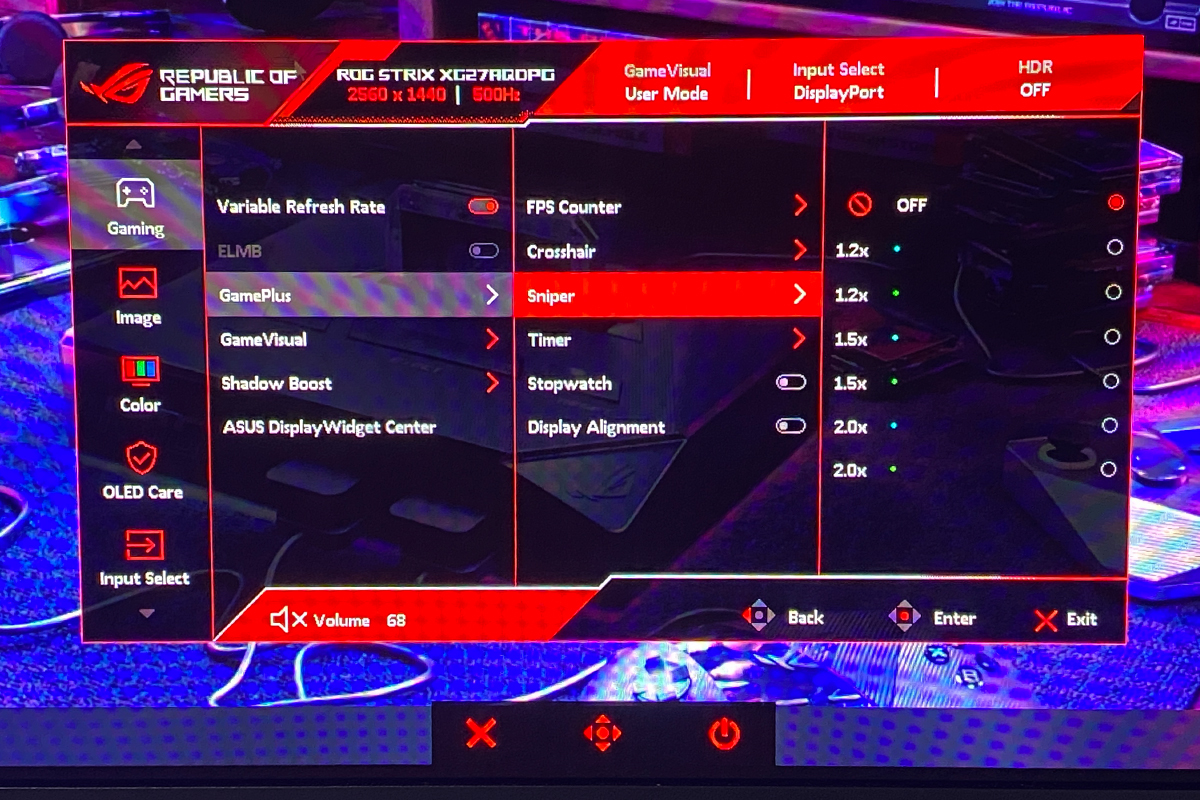
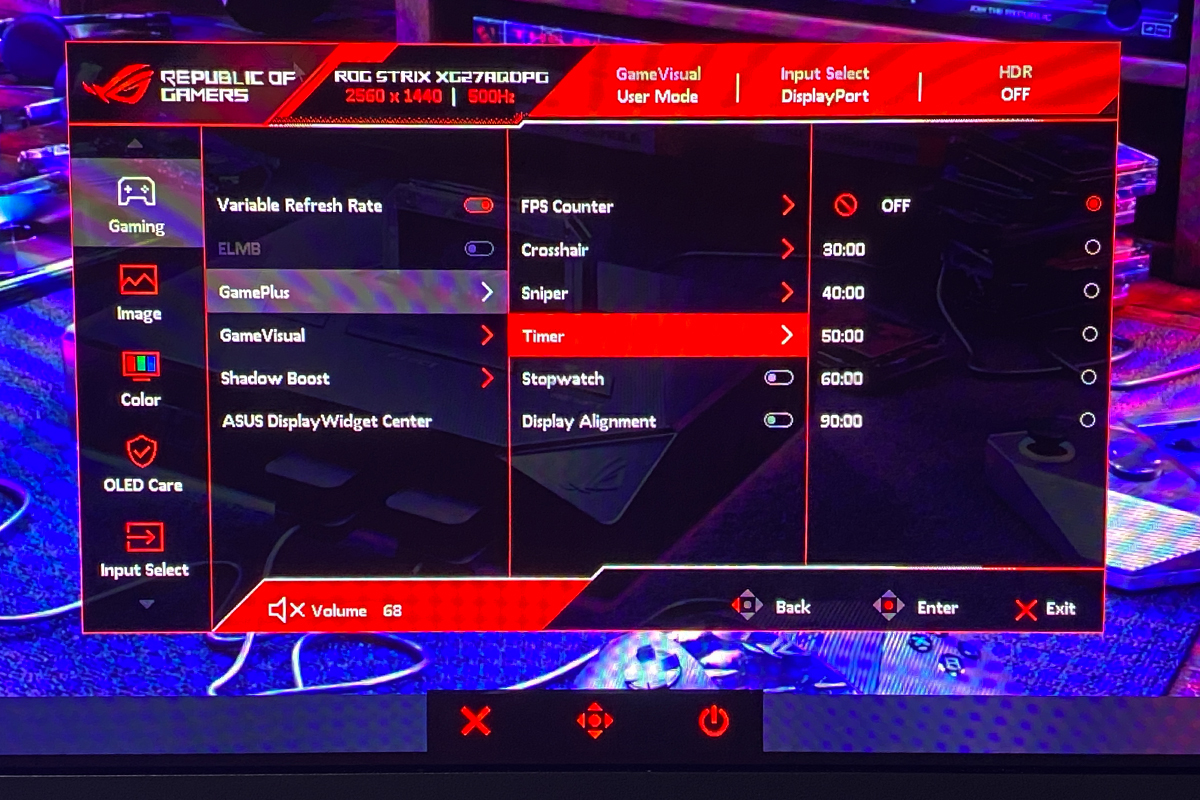
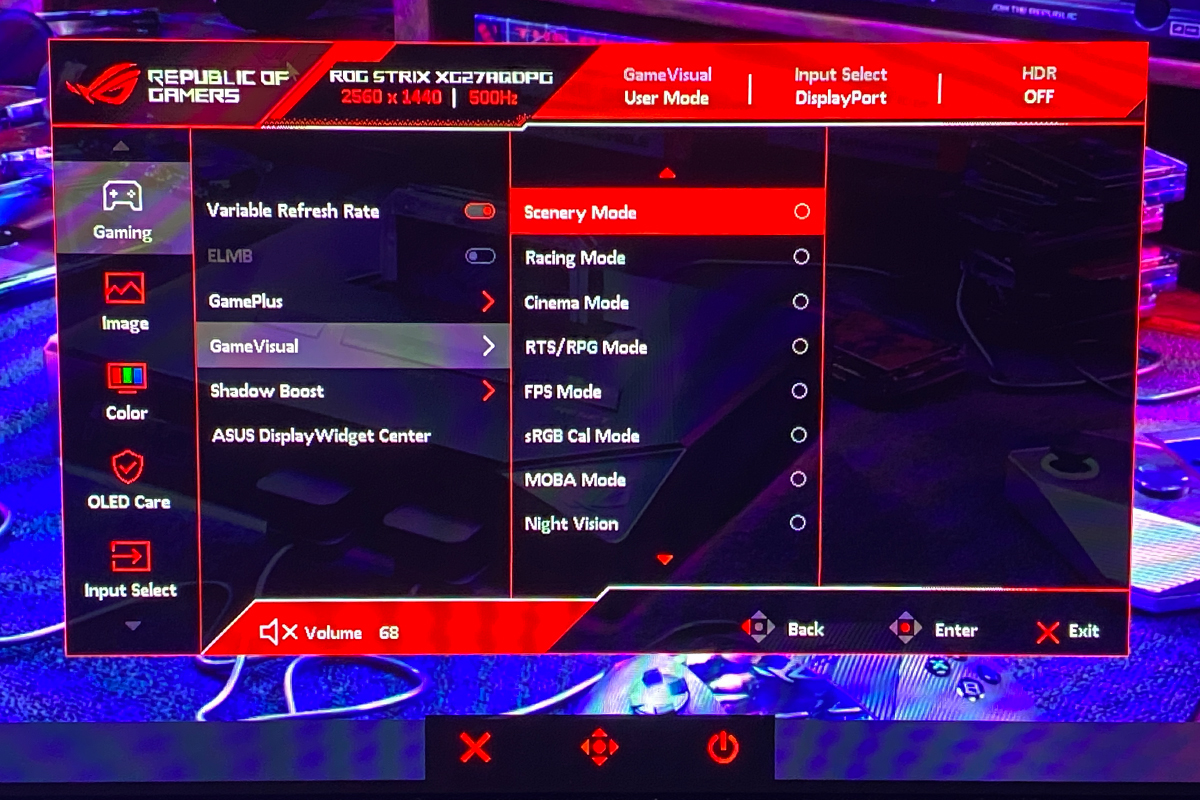
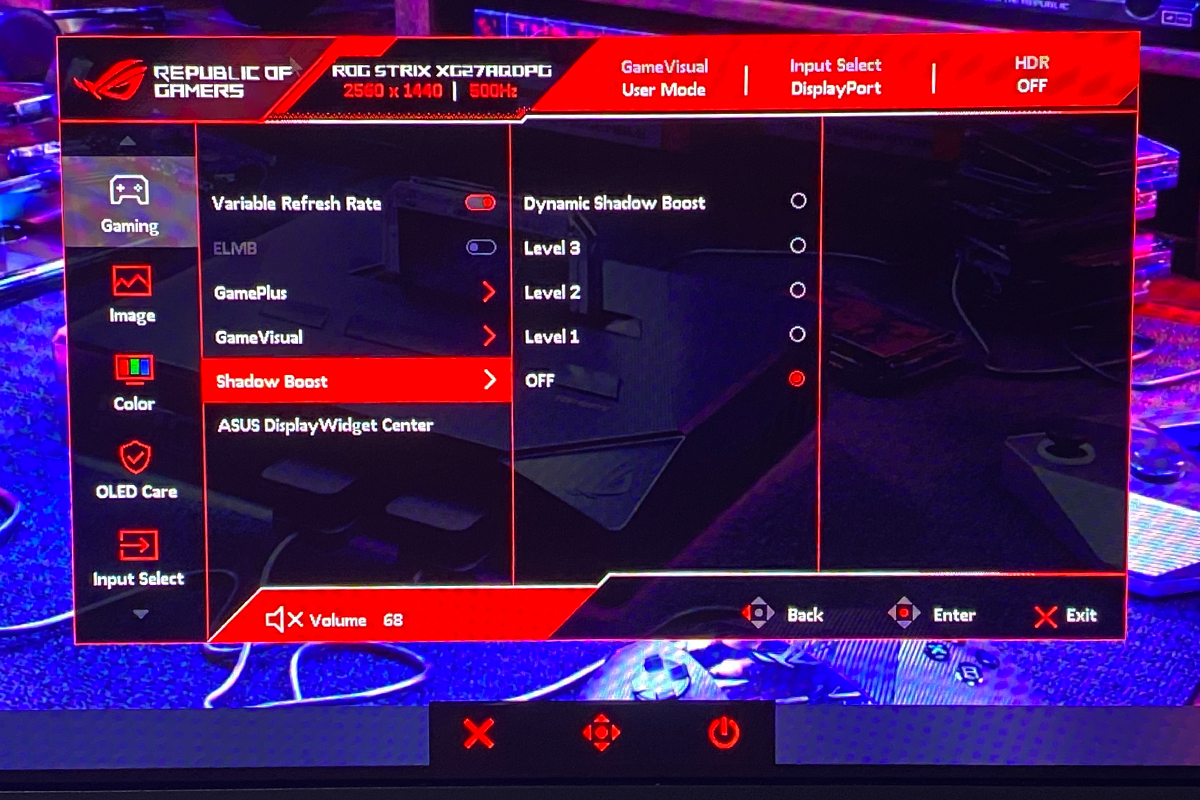
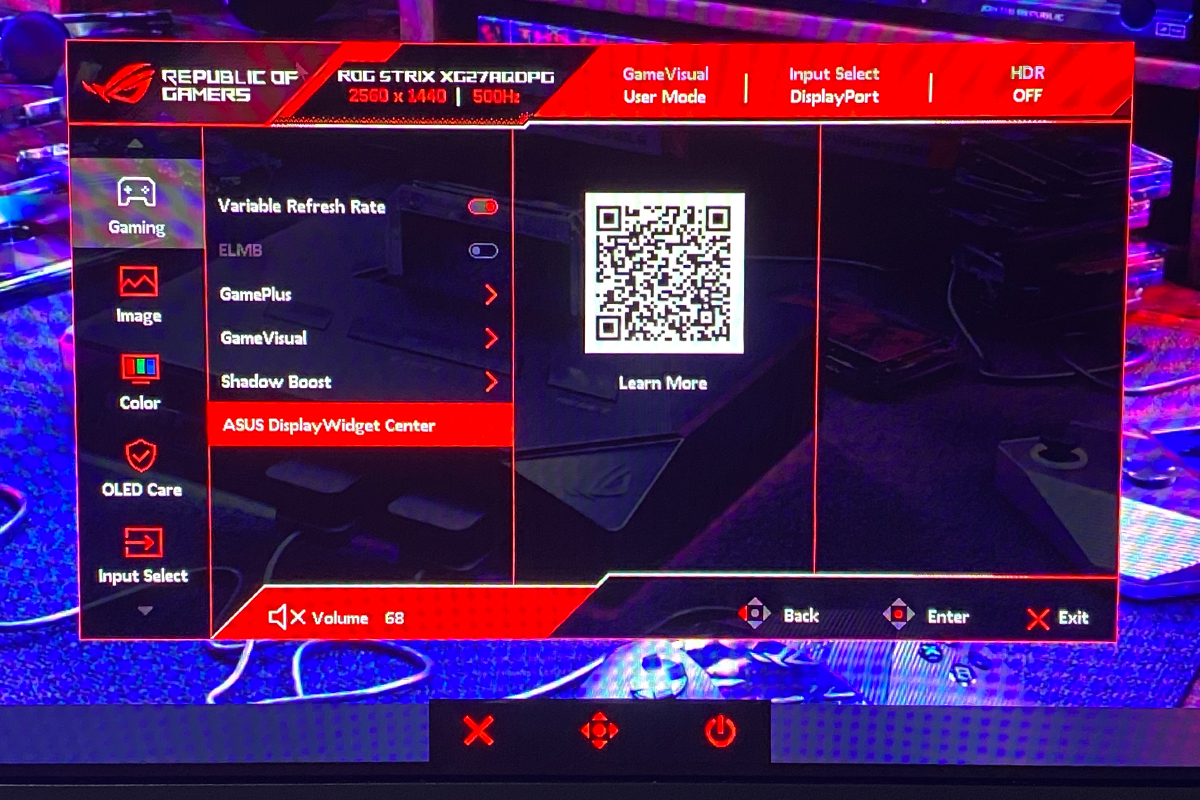
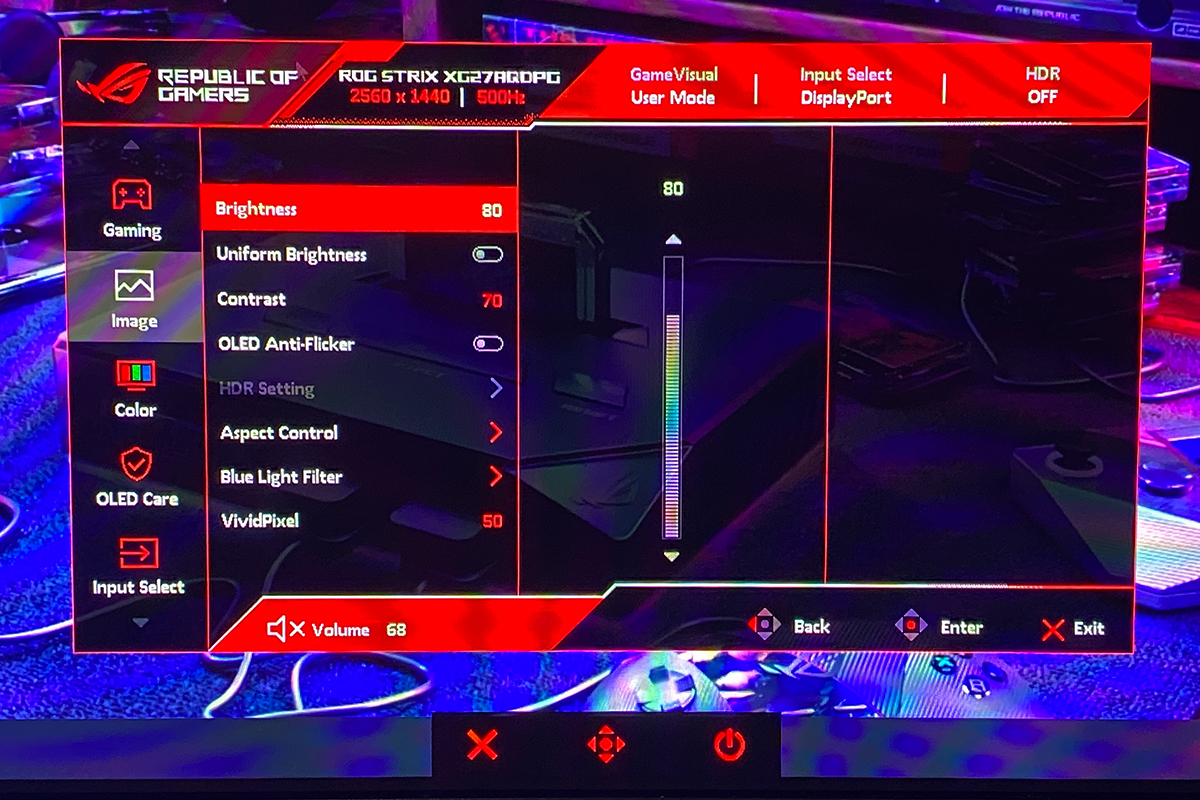
In the “Image” menu, brightness, contrast, sharpness, and aspect ratio can be adjusted. This menu also contains HDR settings, as well as Blue Light Filter, Uniform Brightness, and OLED Anti-Flicker functions.
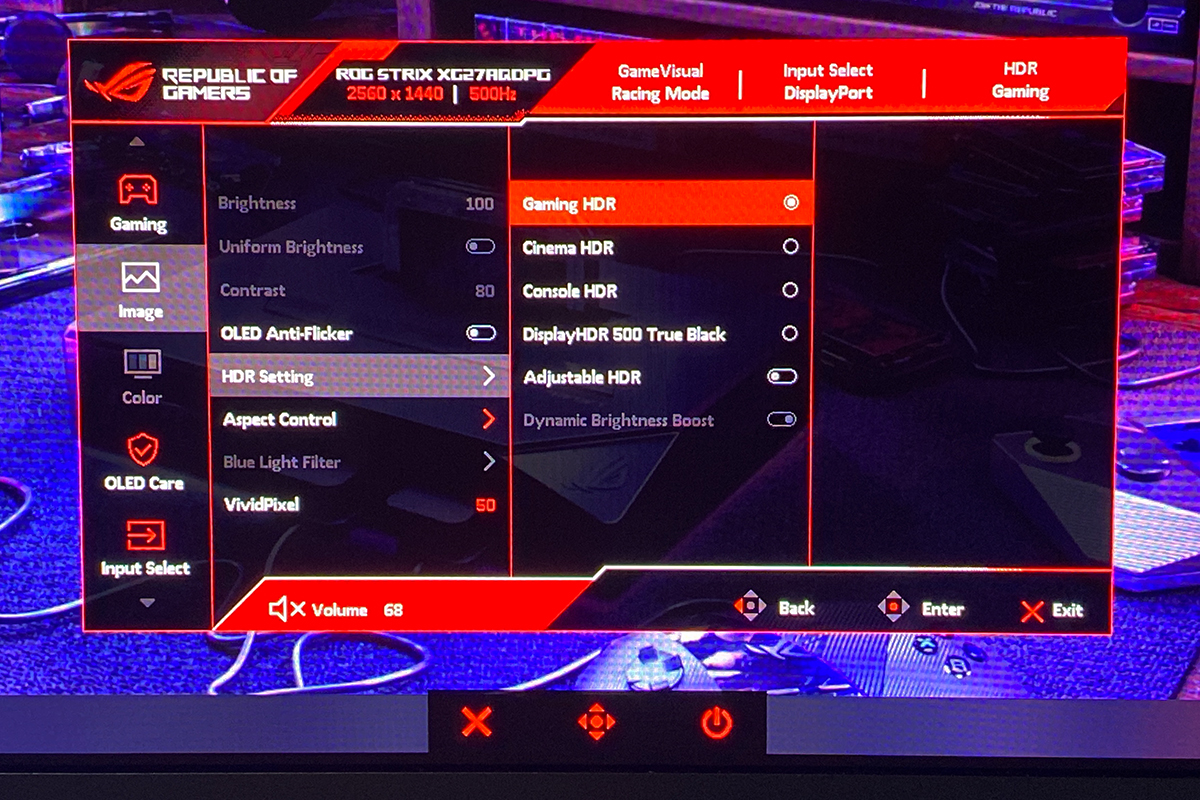
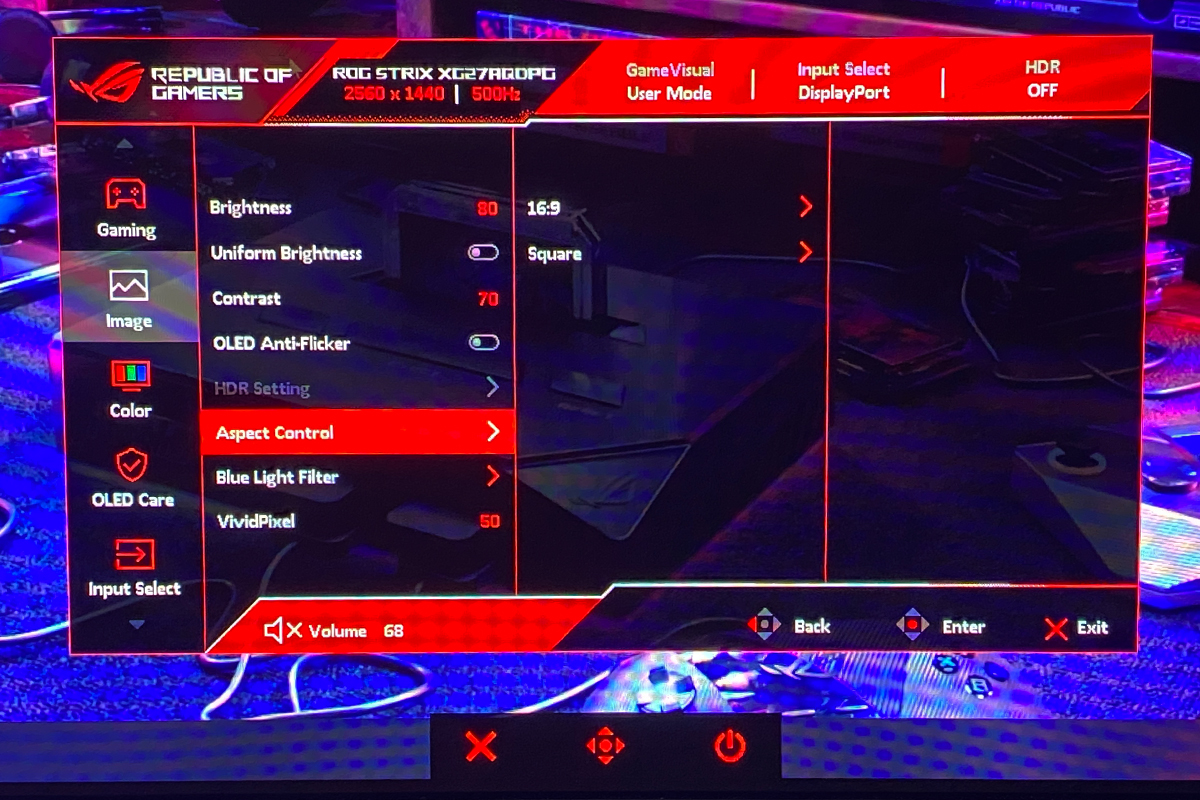
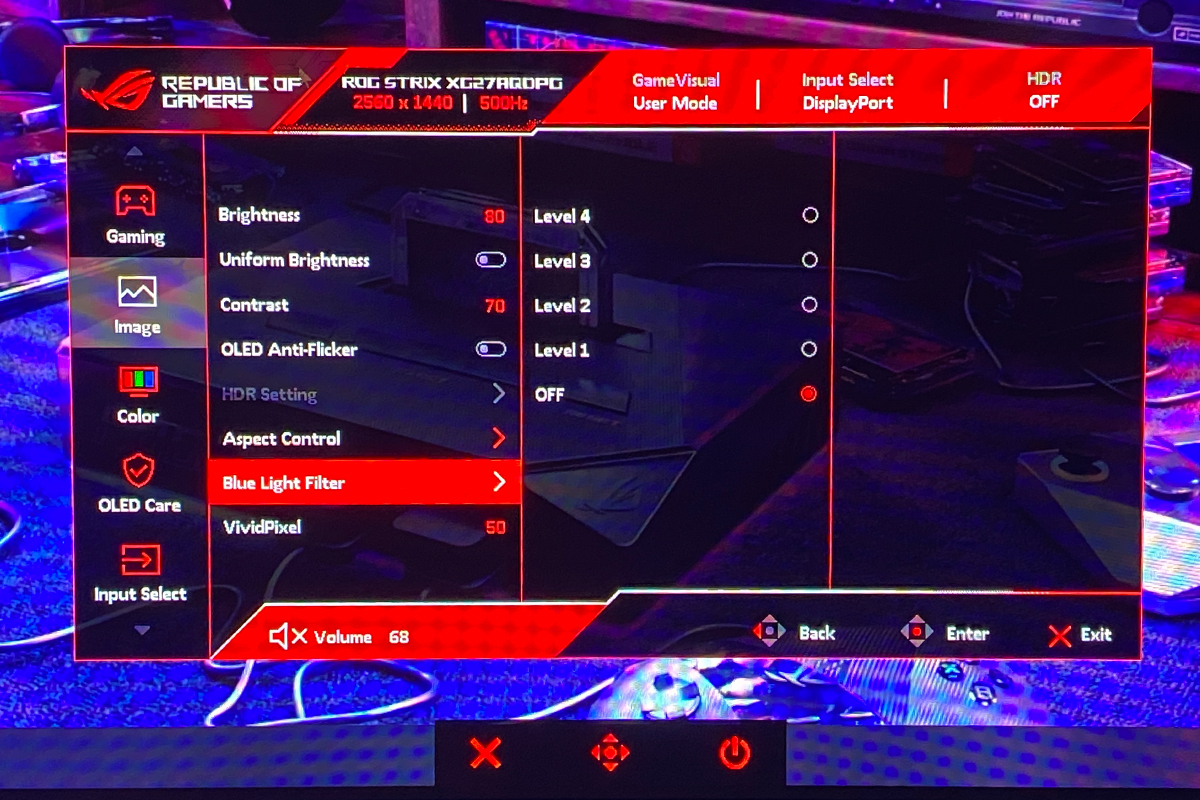
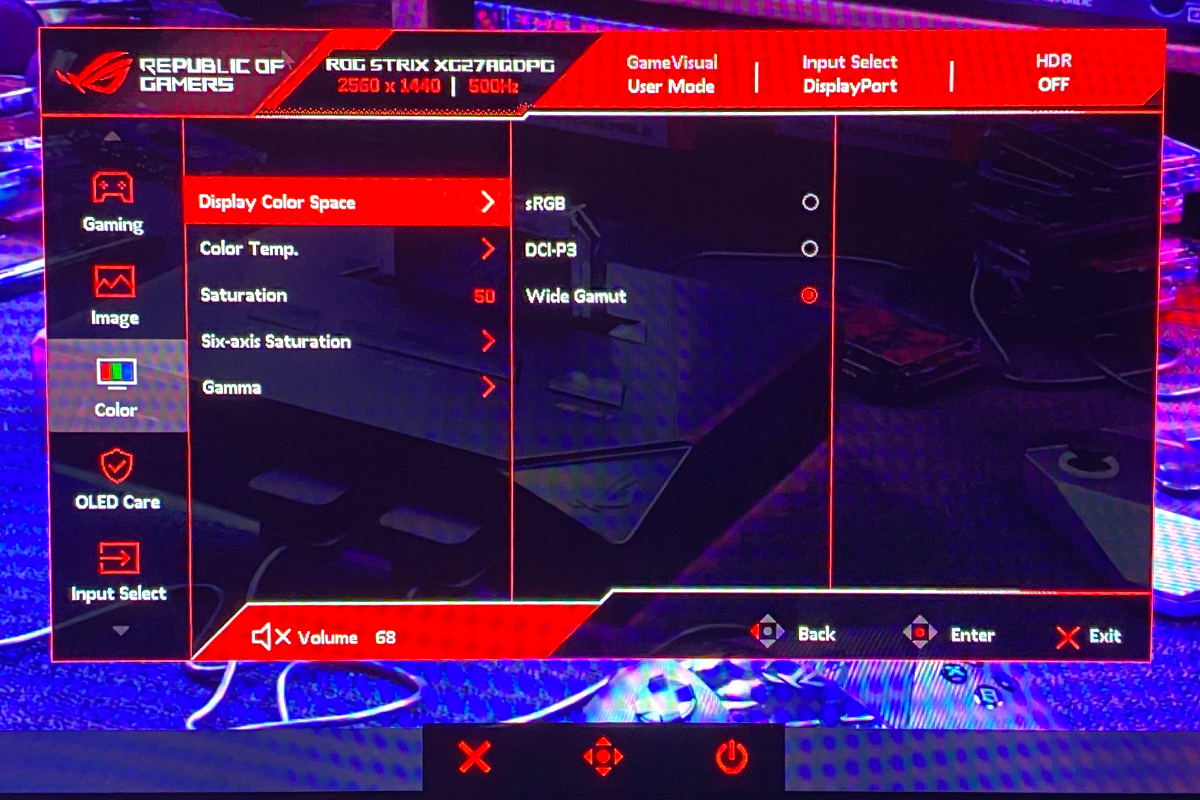
The “Color” menu allows selection of the color space, color mode, saturation level, and gamma.
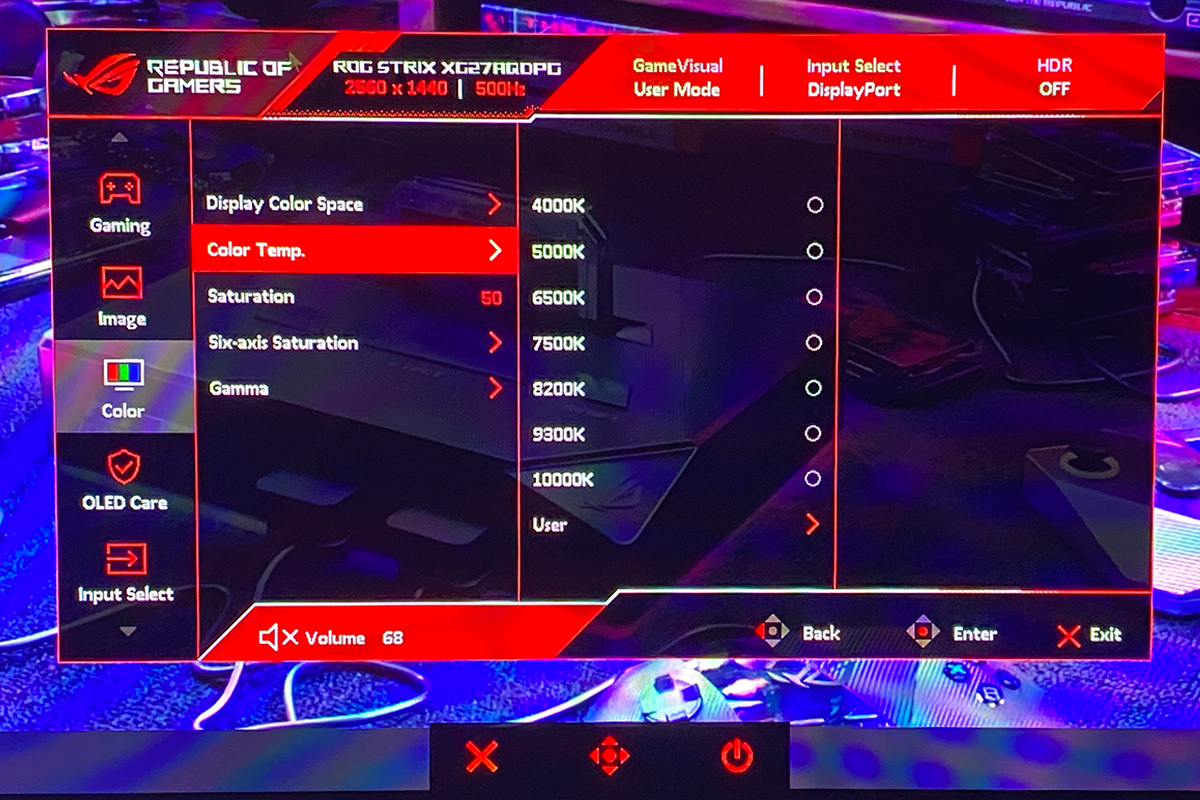
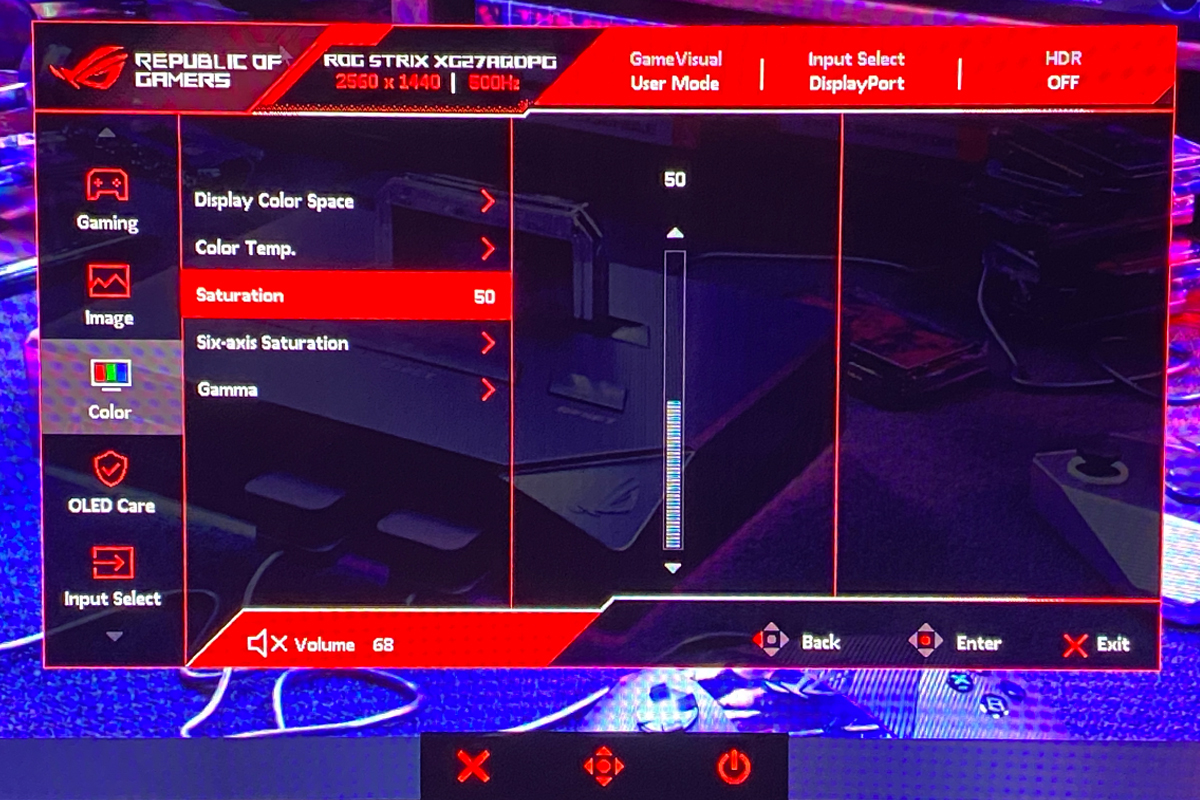
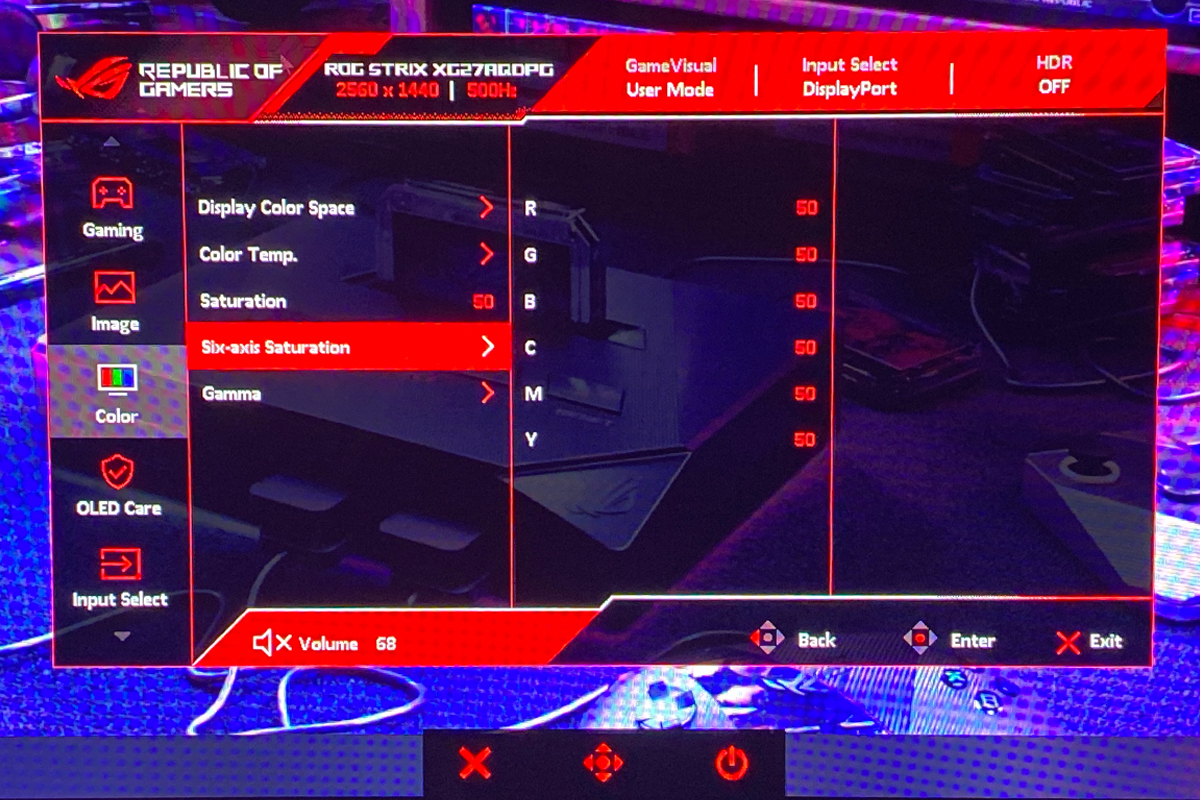
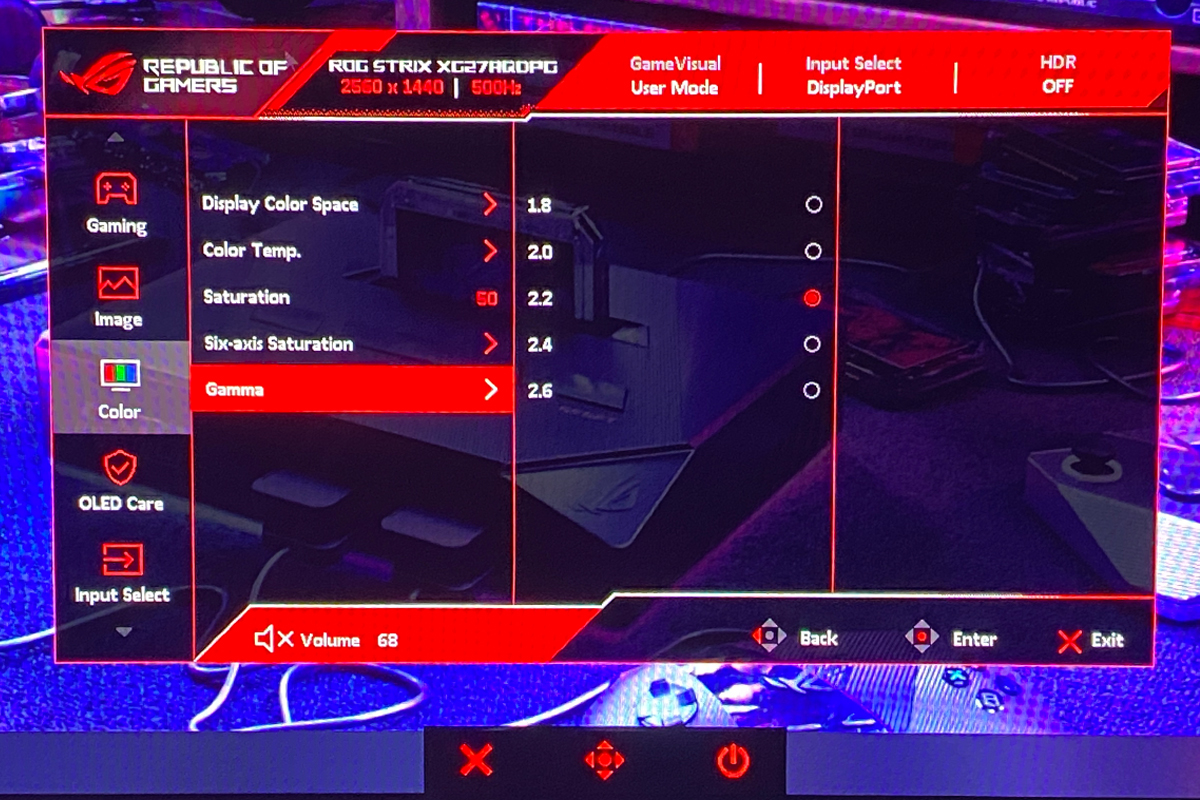
Next is the “OLED Care” menu. As mentioned earlier, this menu contains all the OLED-specific settings. Additionally, it provides a brief report on the display’s operating time, the pixel cleaning process, and the intervals for pixel maintenance.
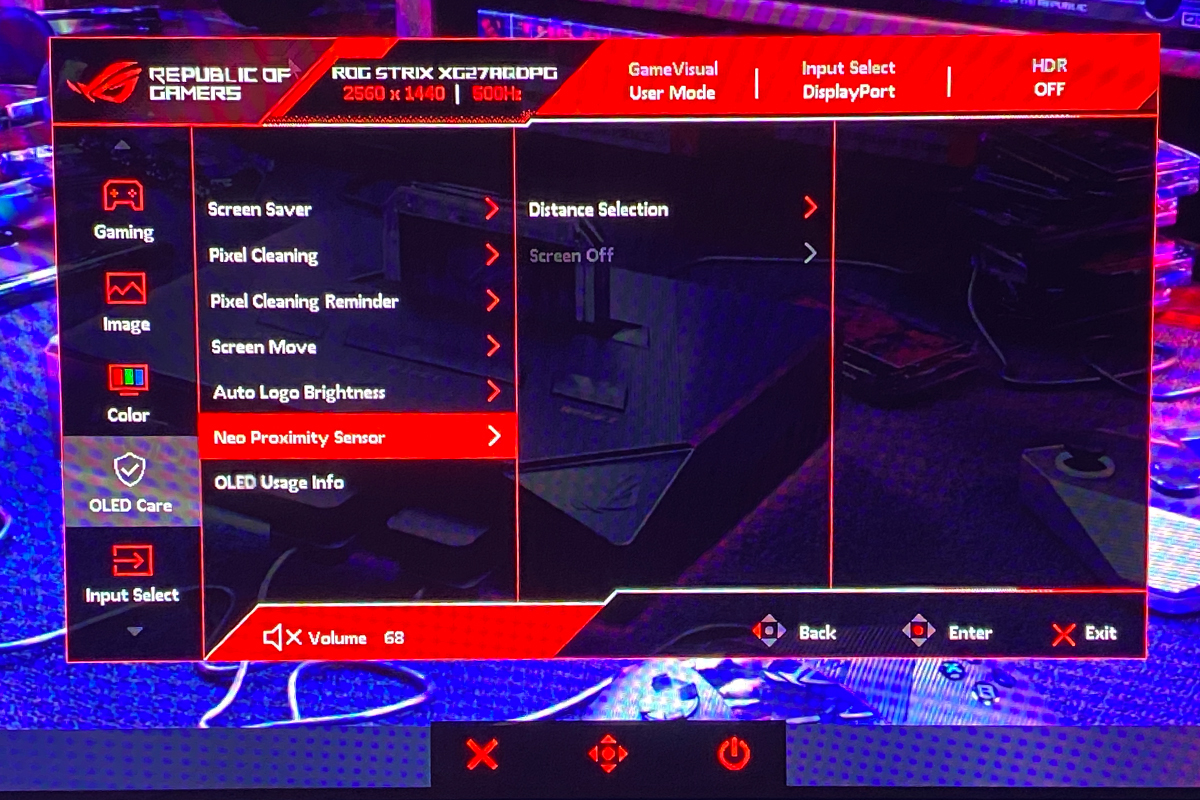
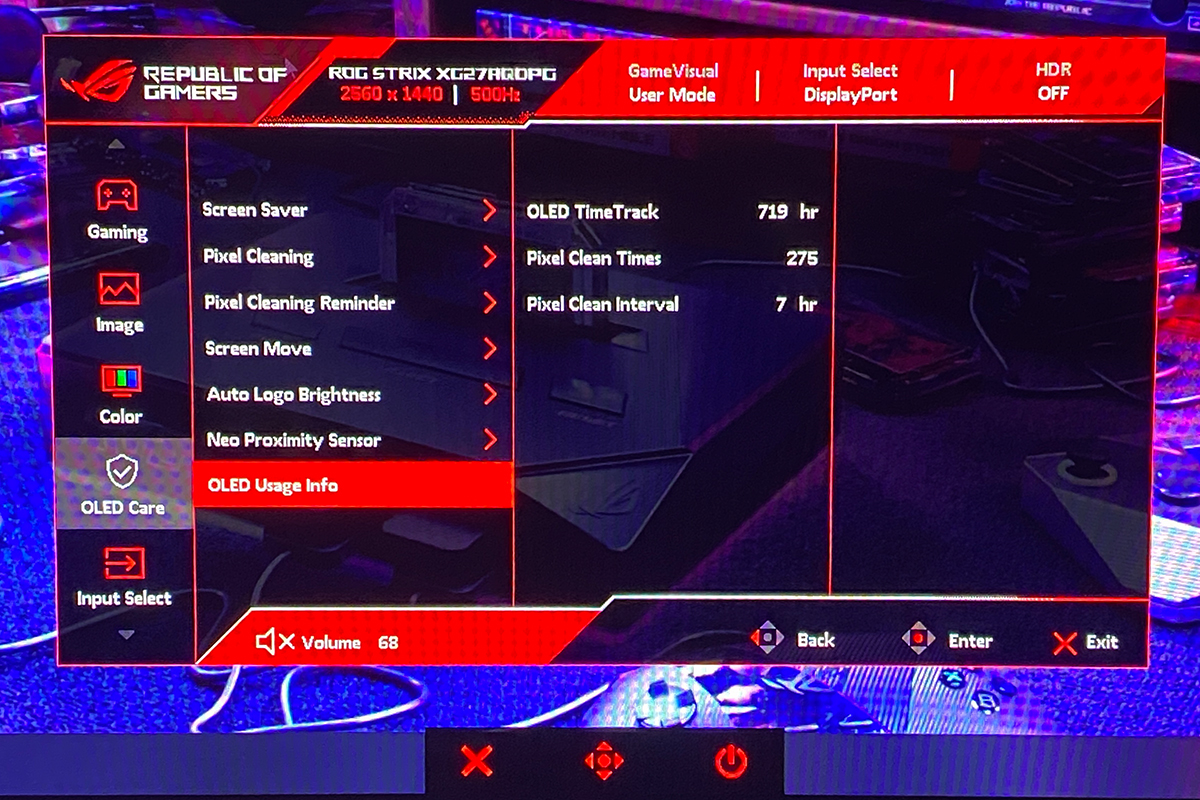
The “Input Select” menu allows switching between video sources and selecting the HDMI version.

The “Lighting” menu allows the rear-panel logo illumination to be turned on or off. An interesting note: if the lighting is not configured through Armoury Crate and operates independently, it will remain lit when the monitor is in standby. There does not appear to be a way to disable it through the monitor’s settings without using the power button.

In the “MyFavorite” menu, users can assign quick-access functions to the joystick and buttons. It also allows saving and loading custom monitor profiles.
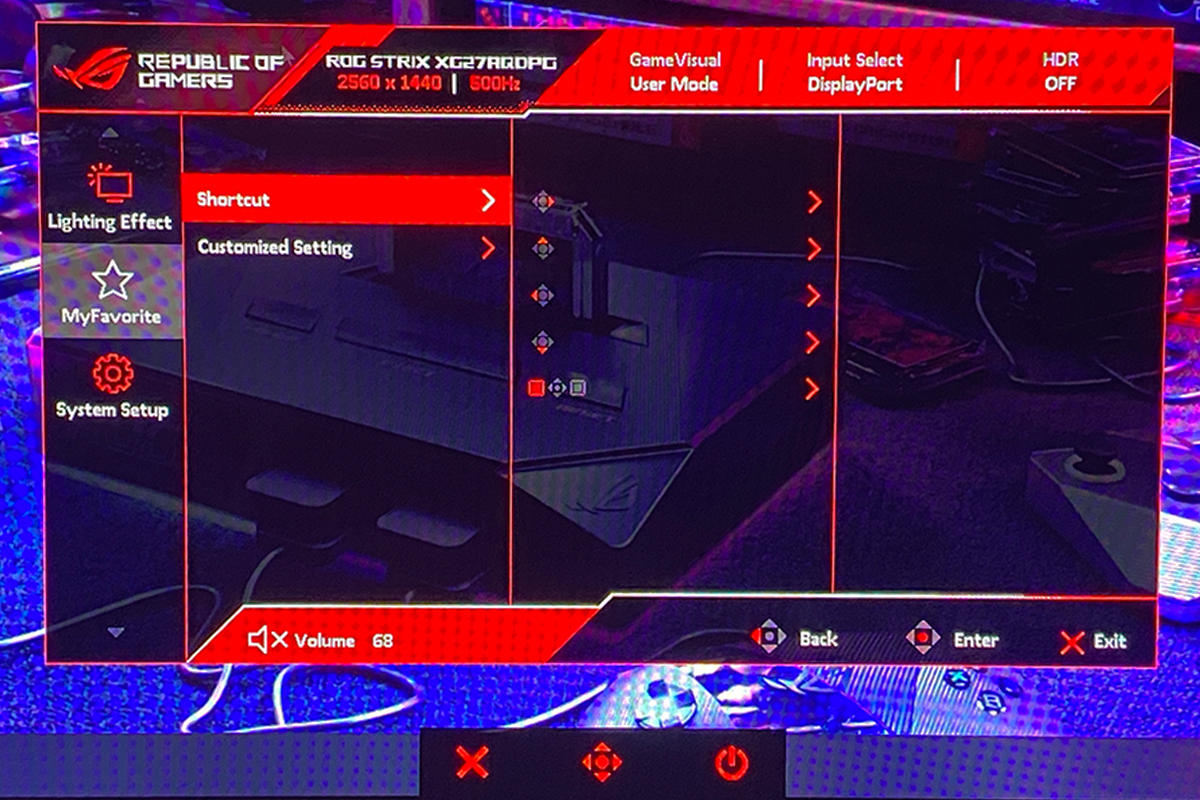
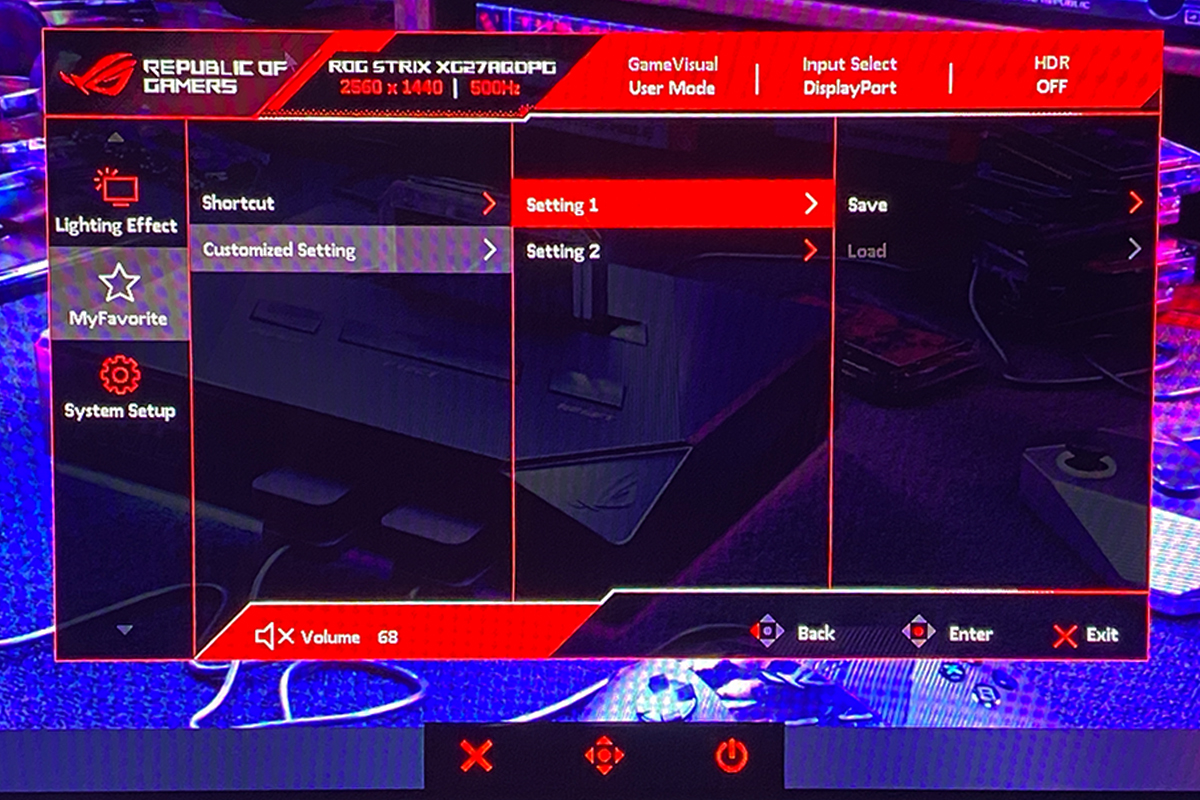
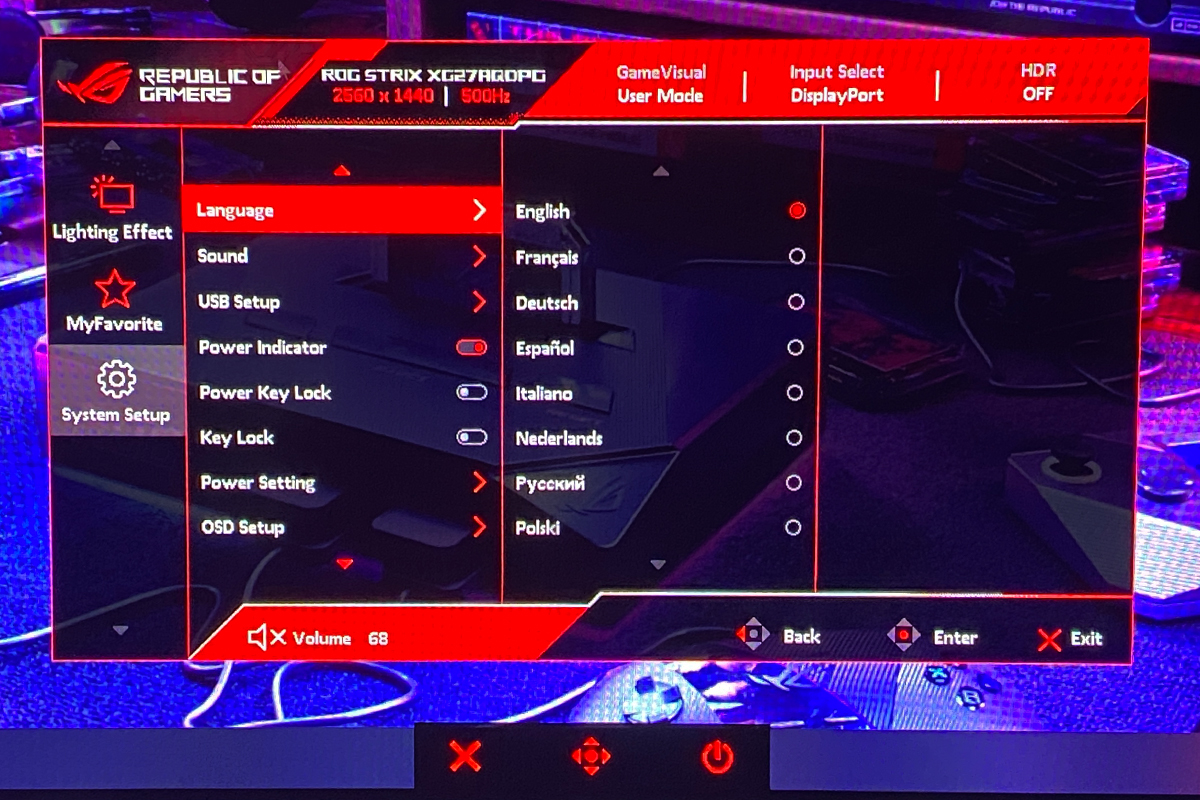
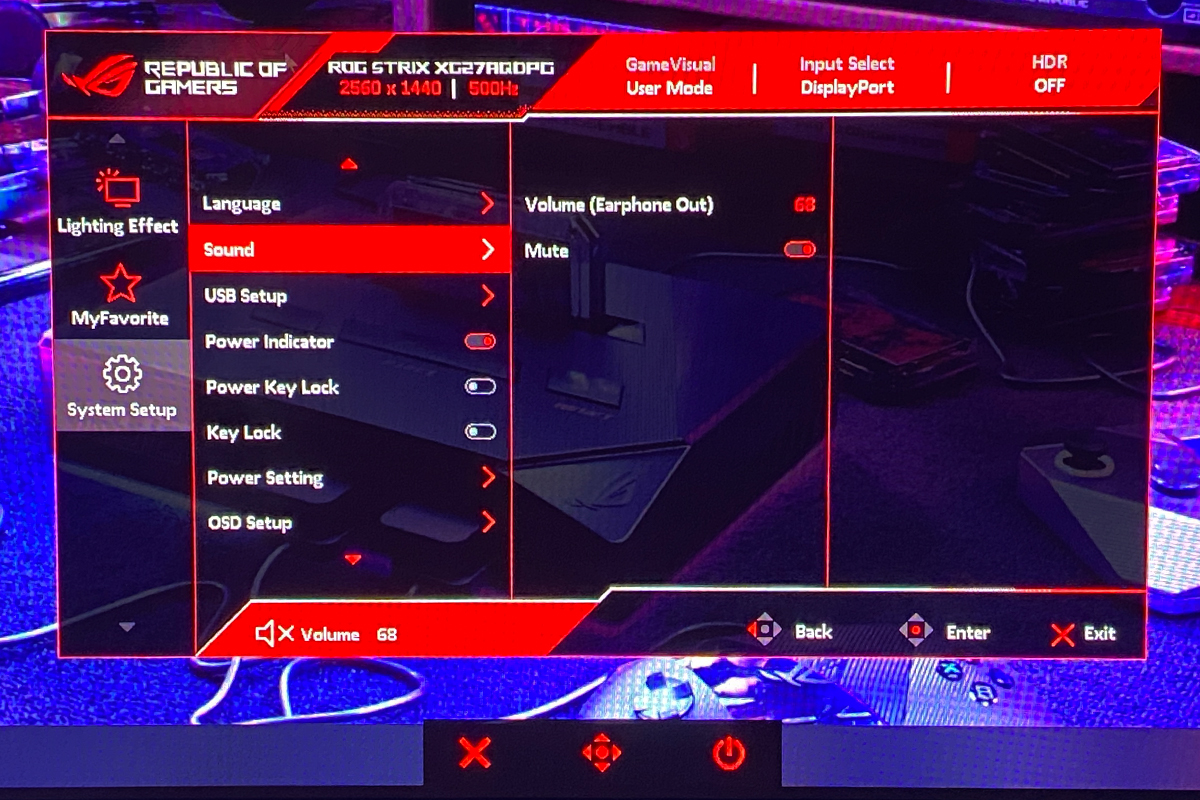
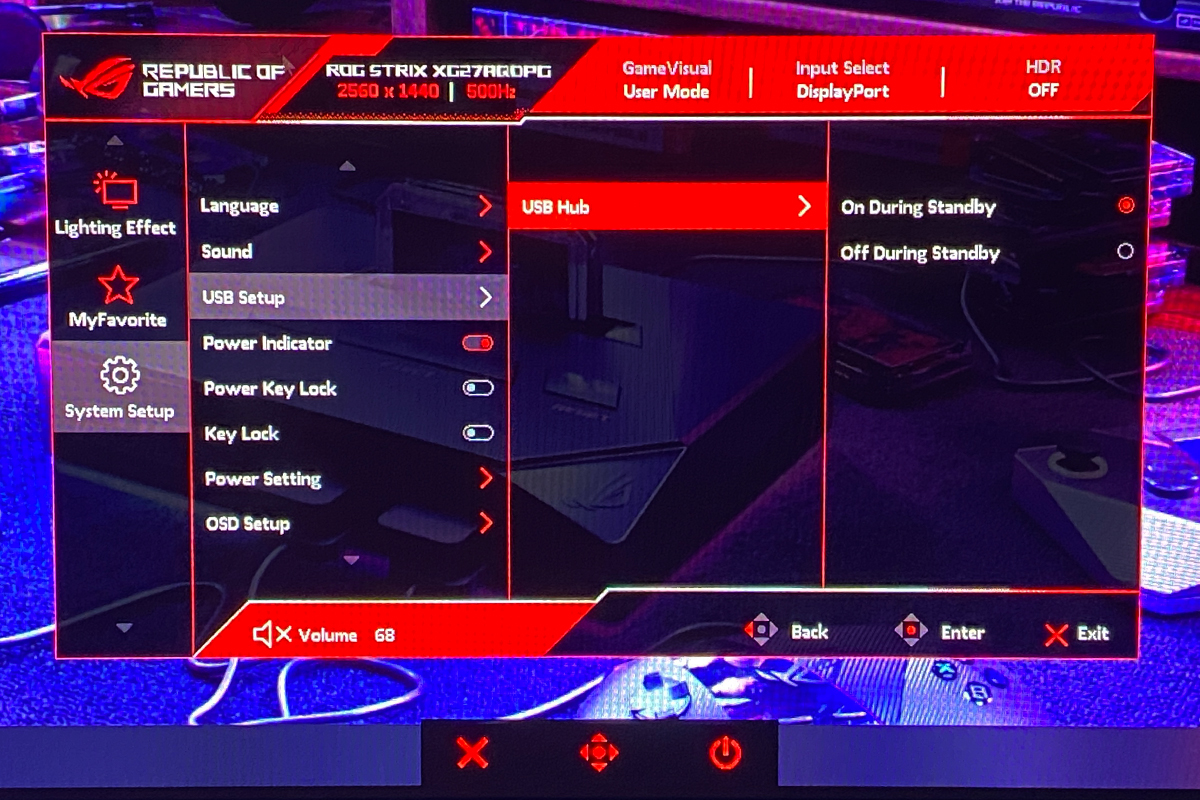
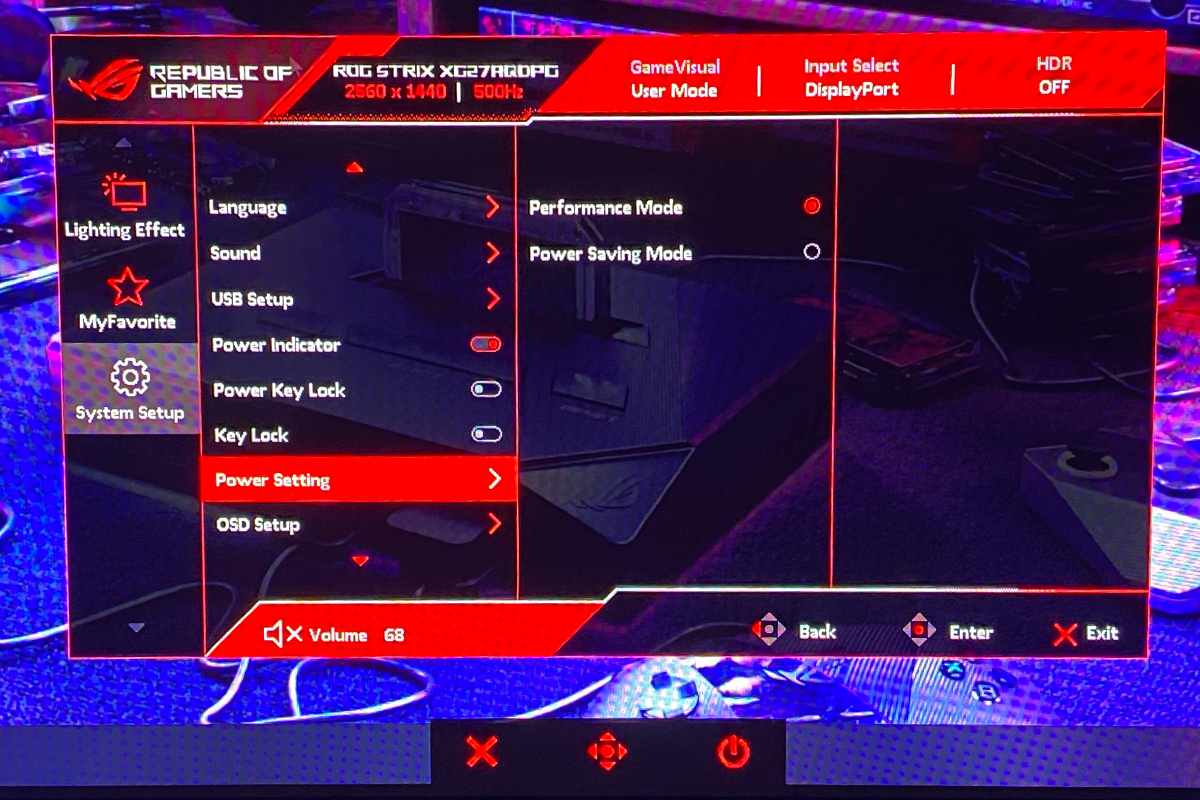
The final menu, “System Setup,” allows adjustment of the language, volume for speakers or headphones connected to the monitor, USB hub settings, and the power indicator. It also provides options to lock the buttons, view detailed model and firmware information, and perform a factory reset. Rather than listing every setting, the options are better illustrated in the photos below.
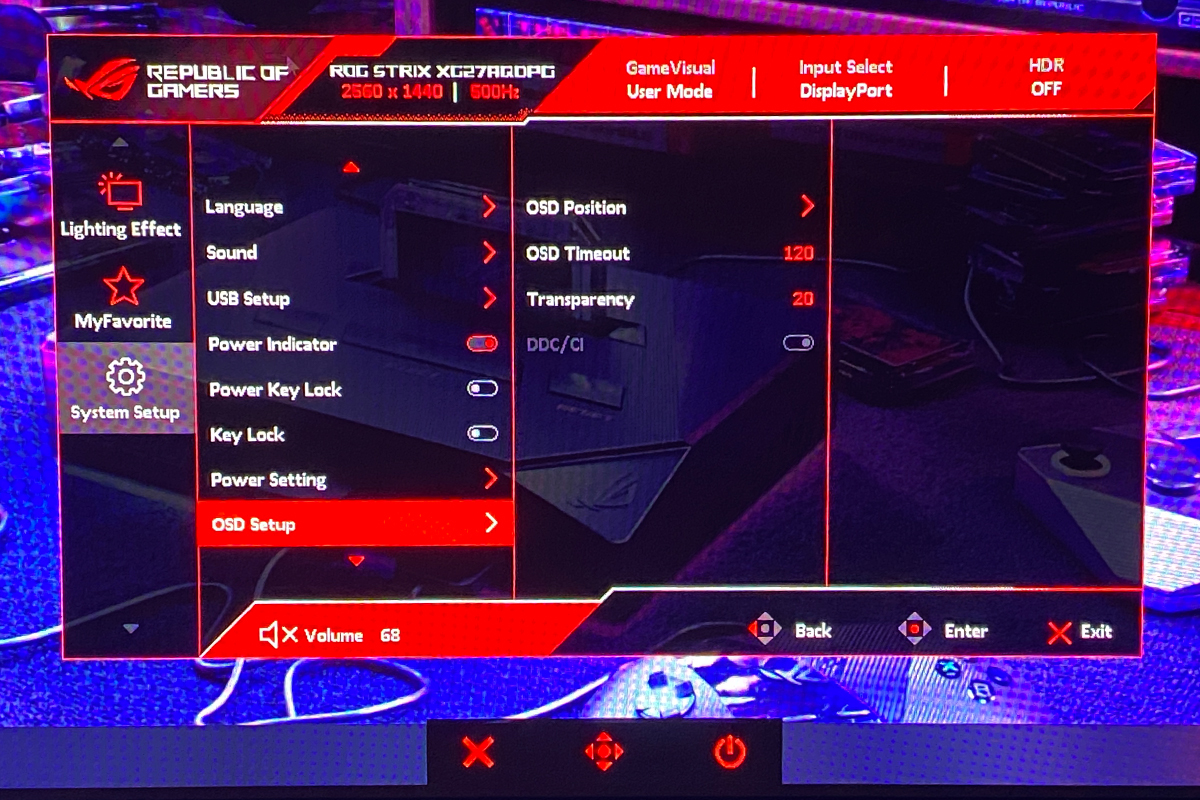
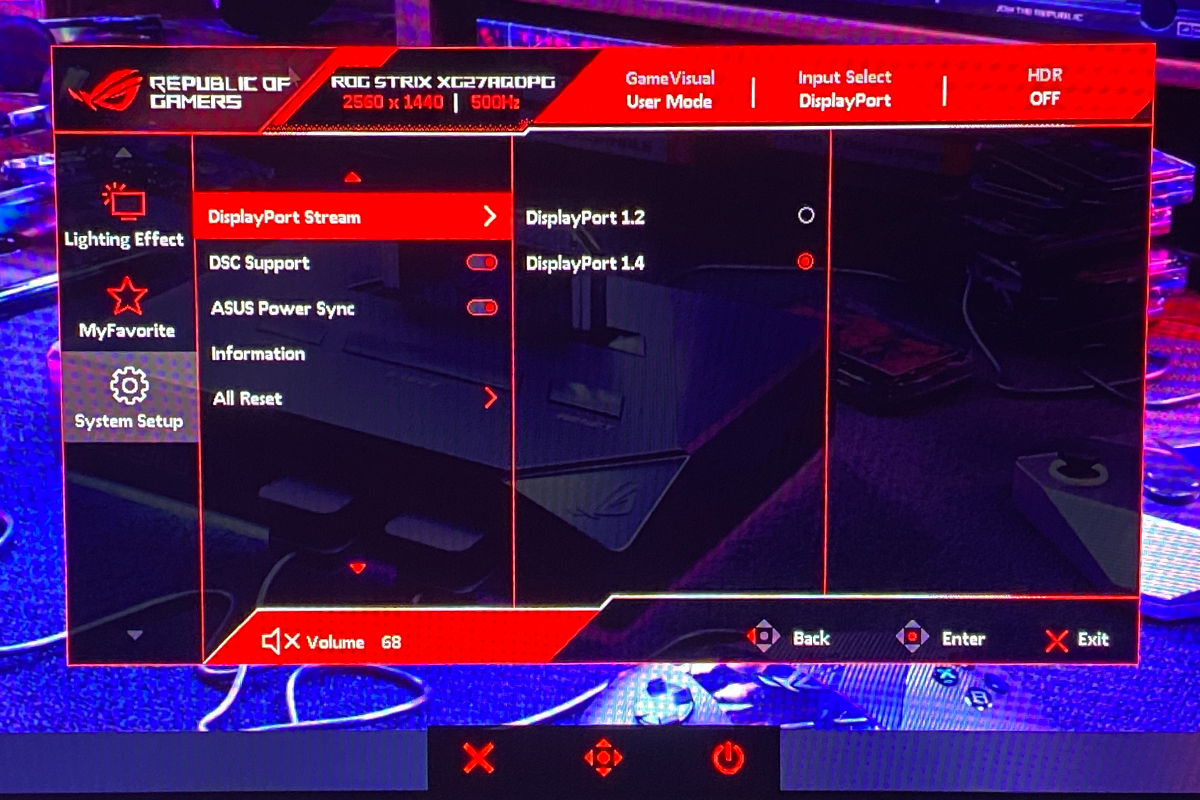
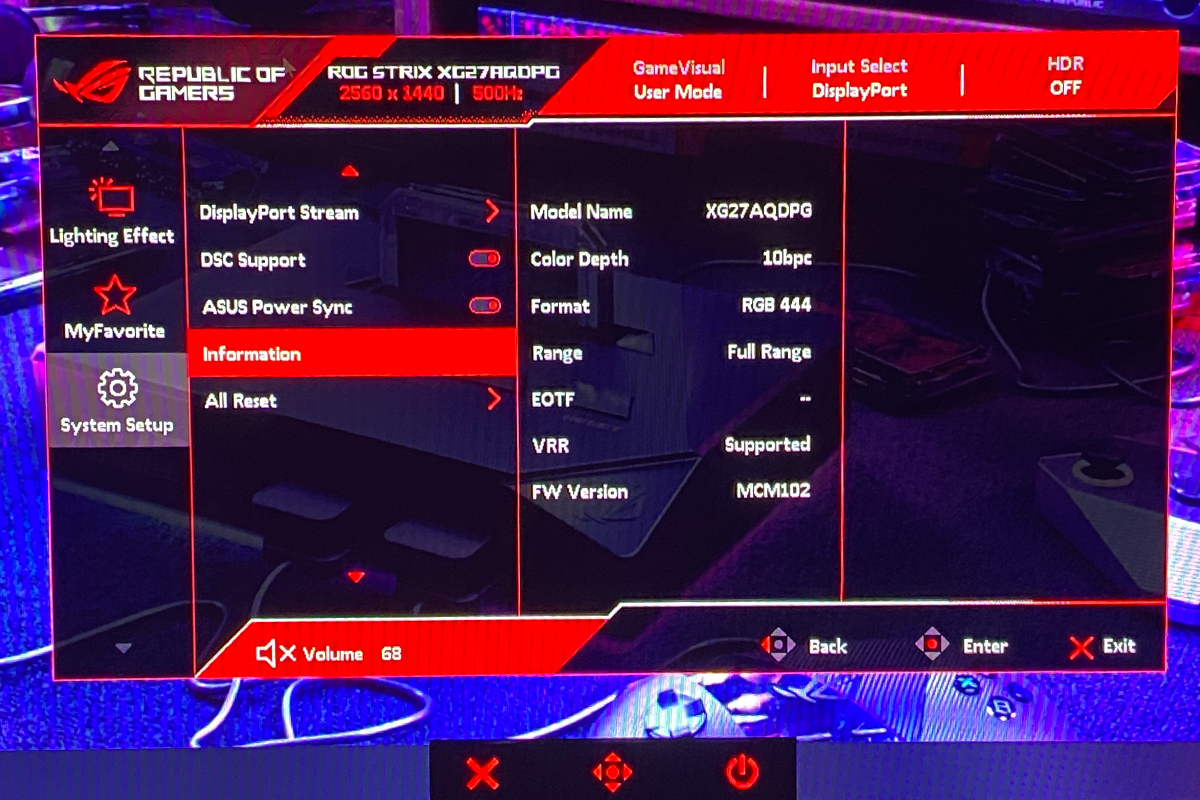
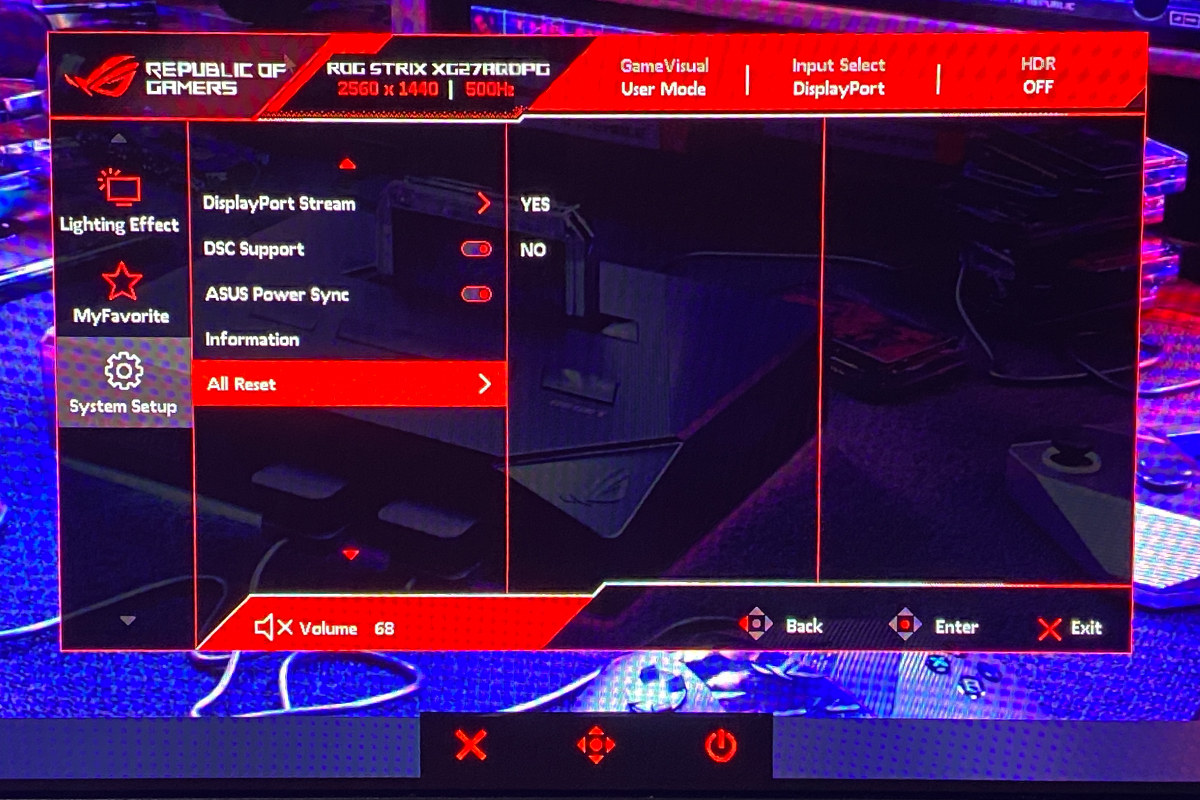
Read also:
- ASUS ROG Gladius III Core Mouse Review: Asymmetric Design, Hot-Swap Switches, New Switch Technology, and Gear Link
- Review of ASUS ROG Harpe II Ace and ROG Sheath II XXL: An Esports Mouse and Gaming Mat with Cooling Surface
ASUS Software: DisplayWidget Center
As with other recent ASUS monitors, the XG27AQDPG can be configured not only through the on-screen menu but also directly from a PC using the proprietary DisplayWidget Center application.
Read also:How ASUS DisplayWidget Center Transforms the Monitor Experience
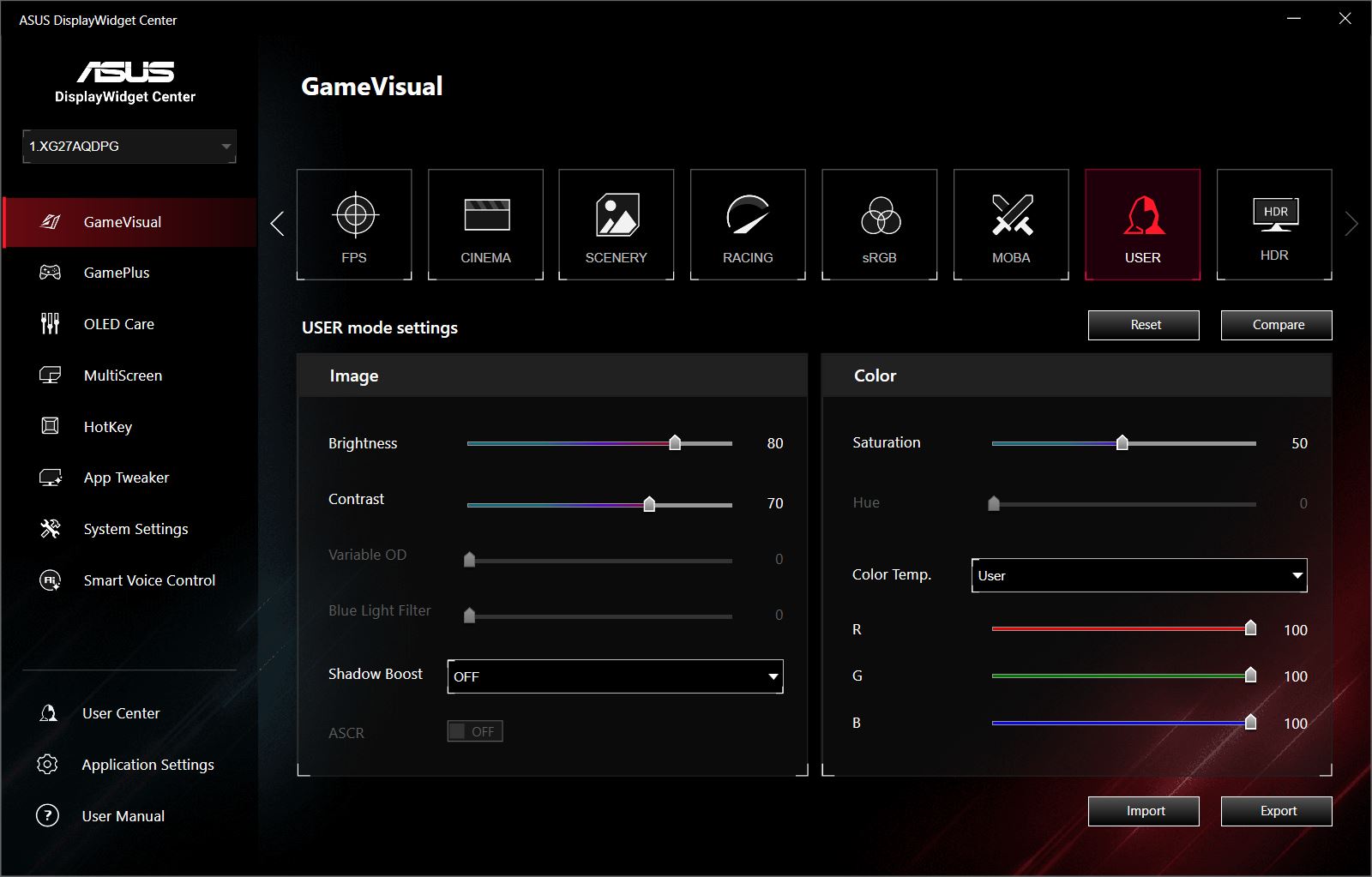
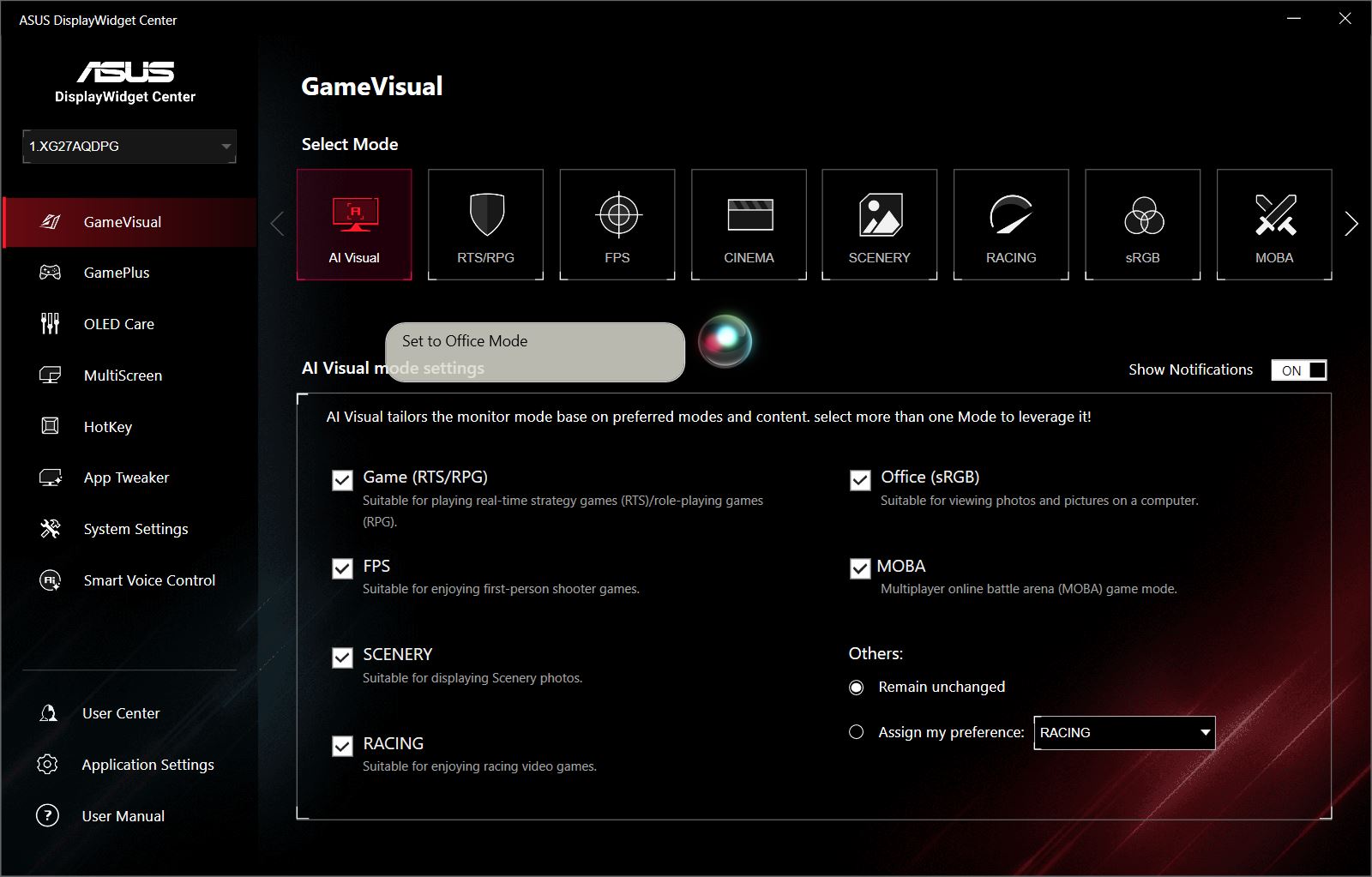
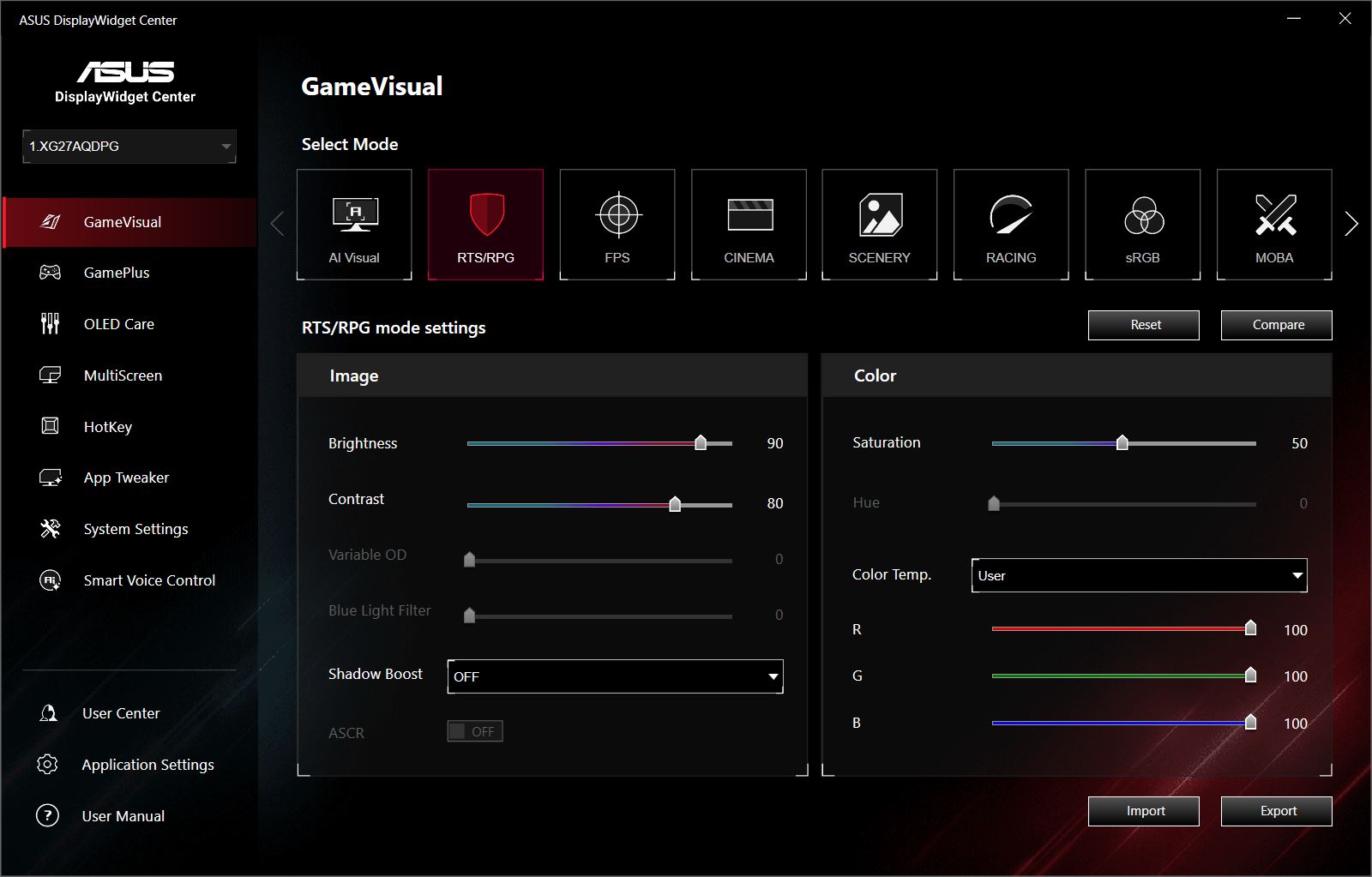
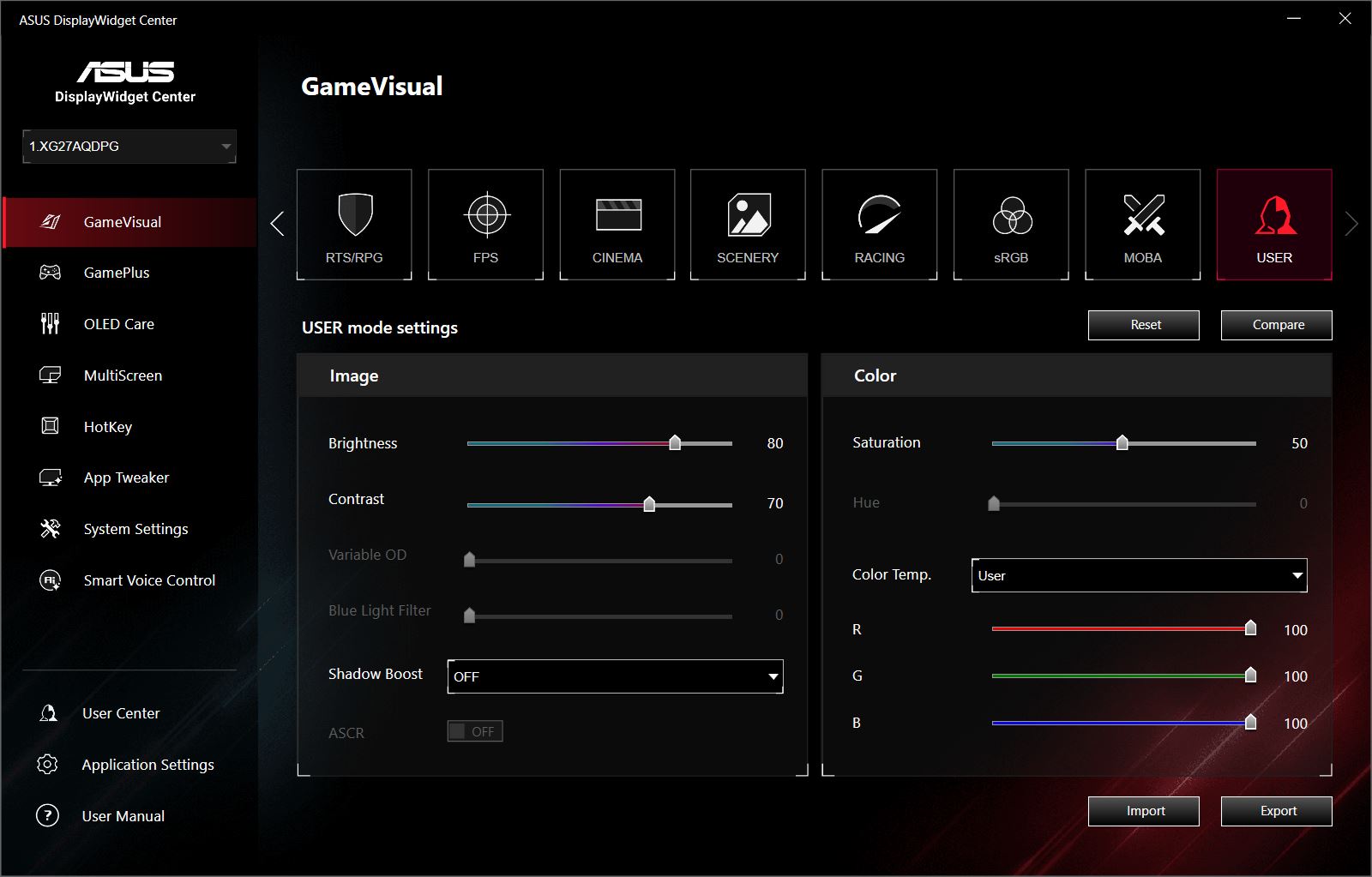
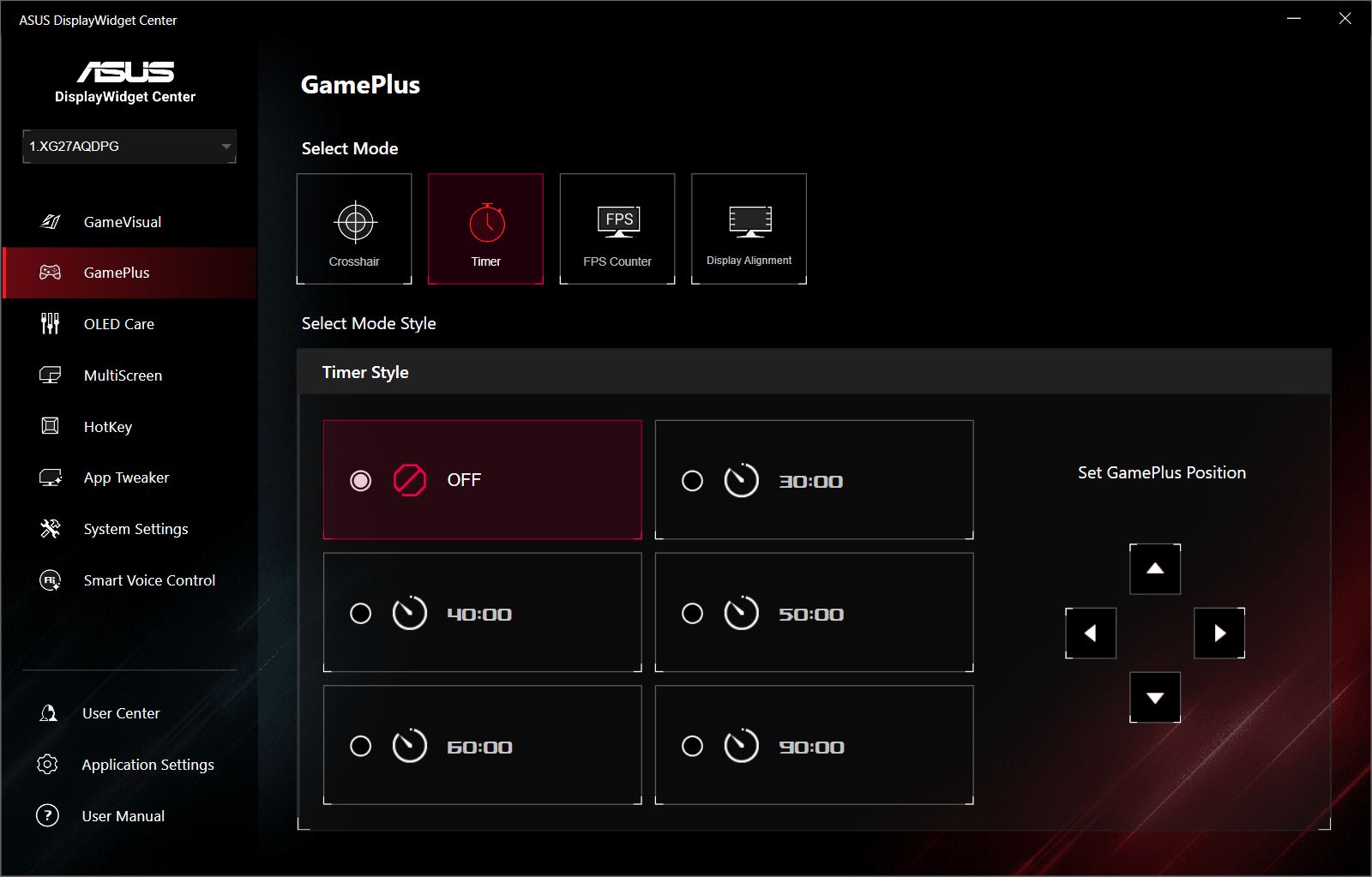
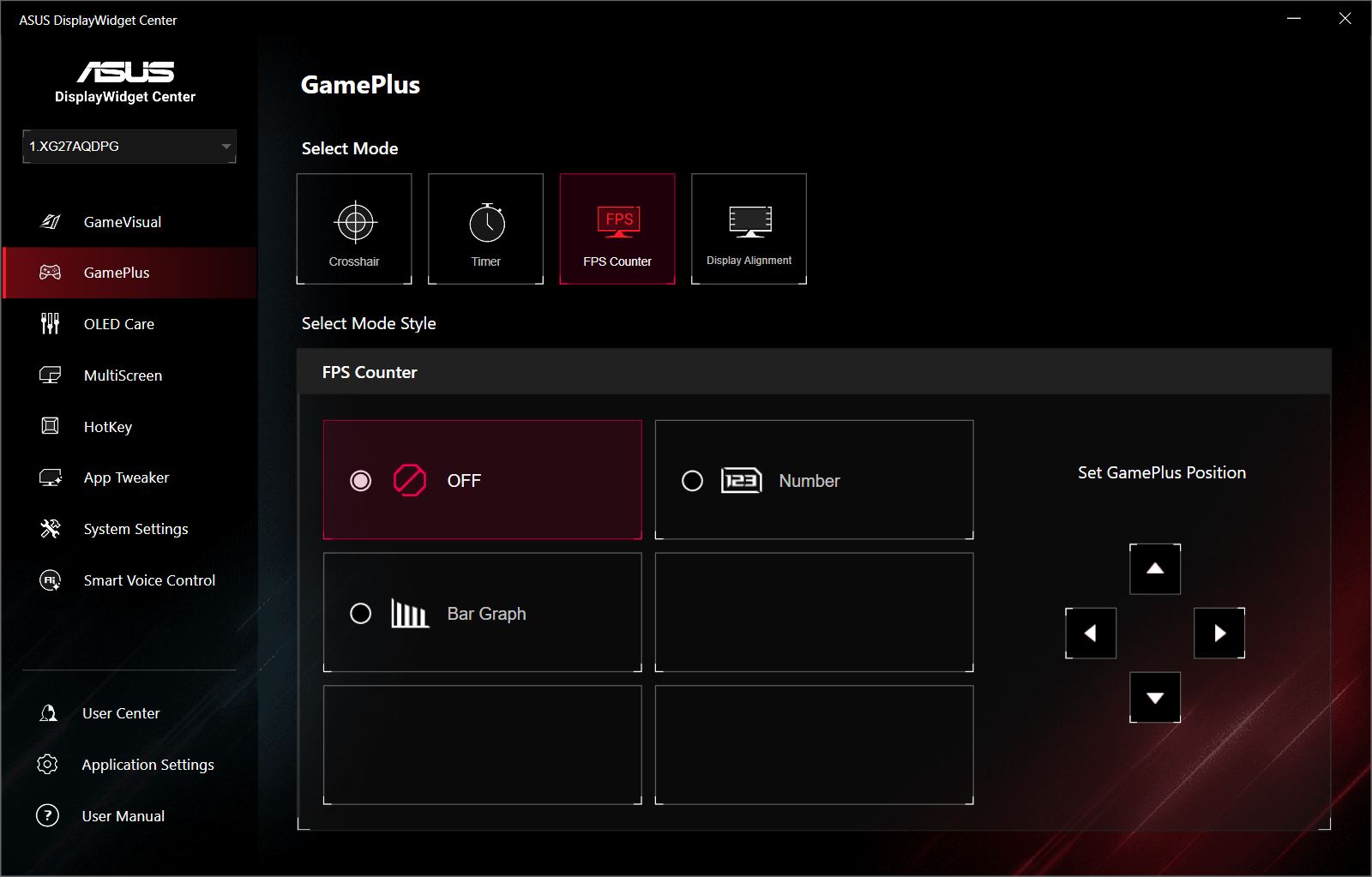
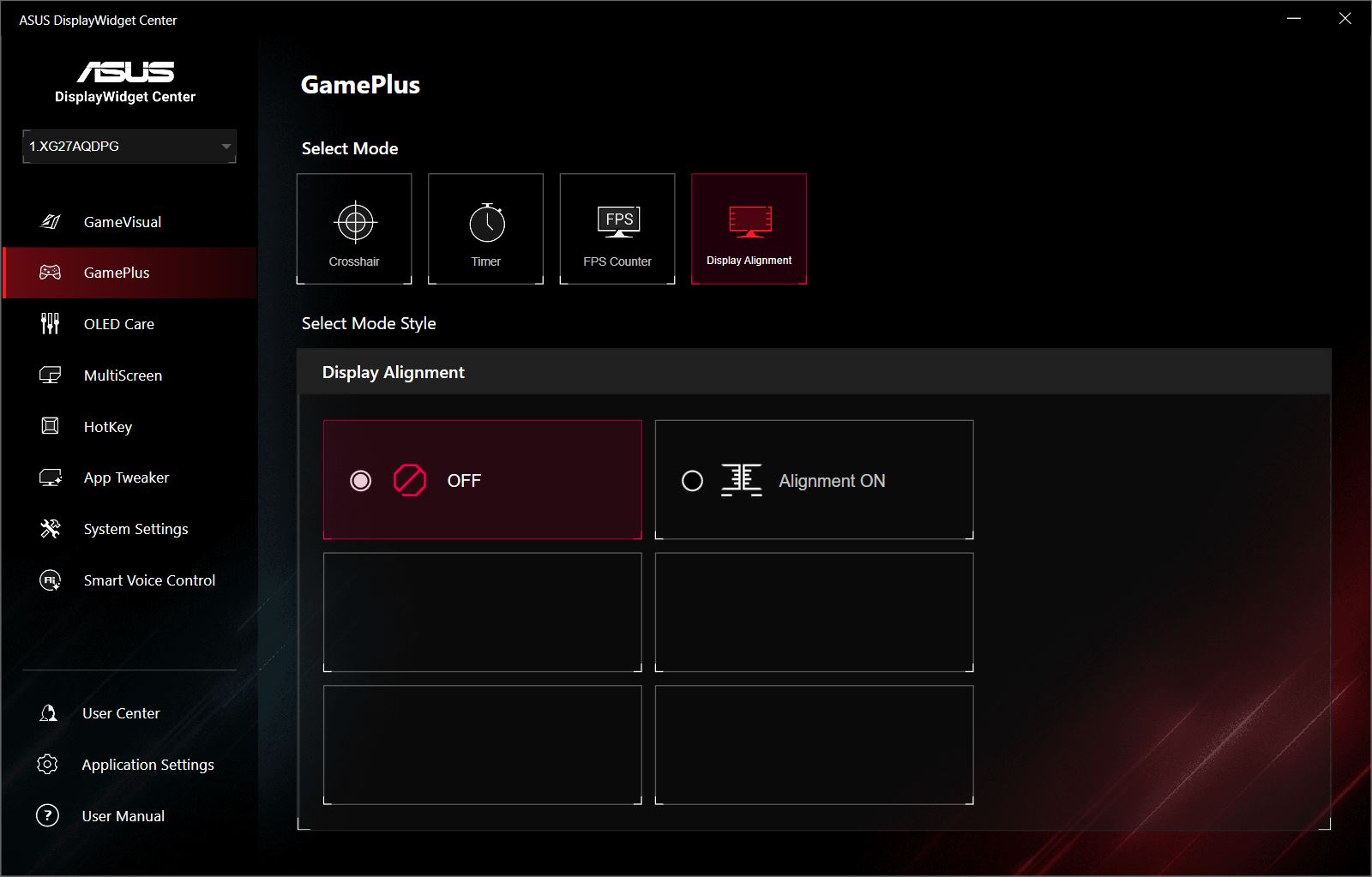
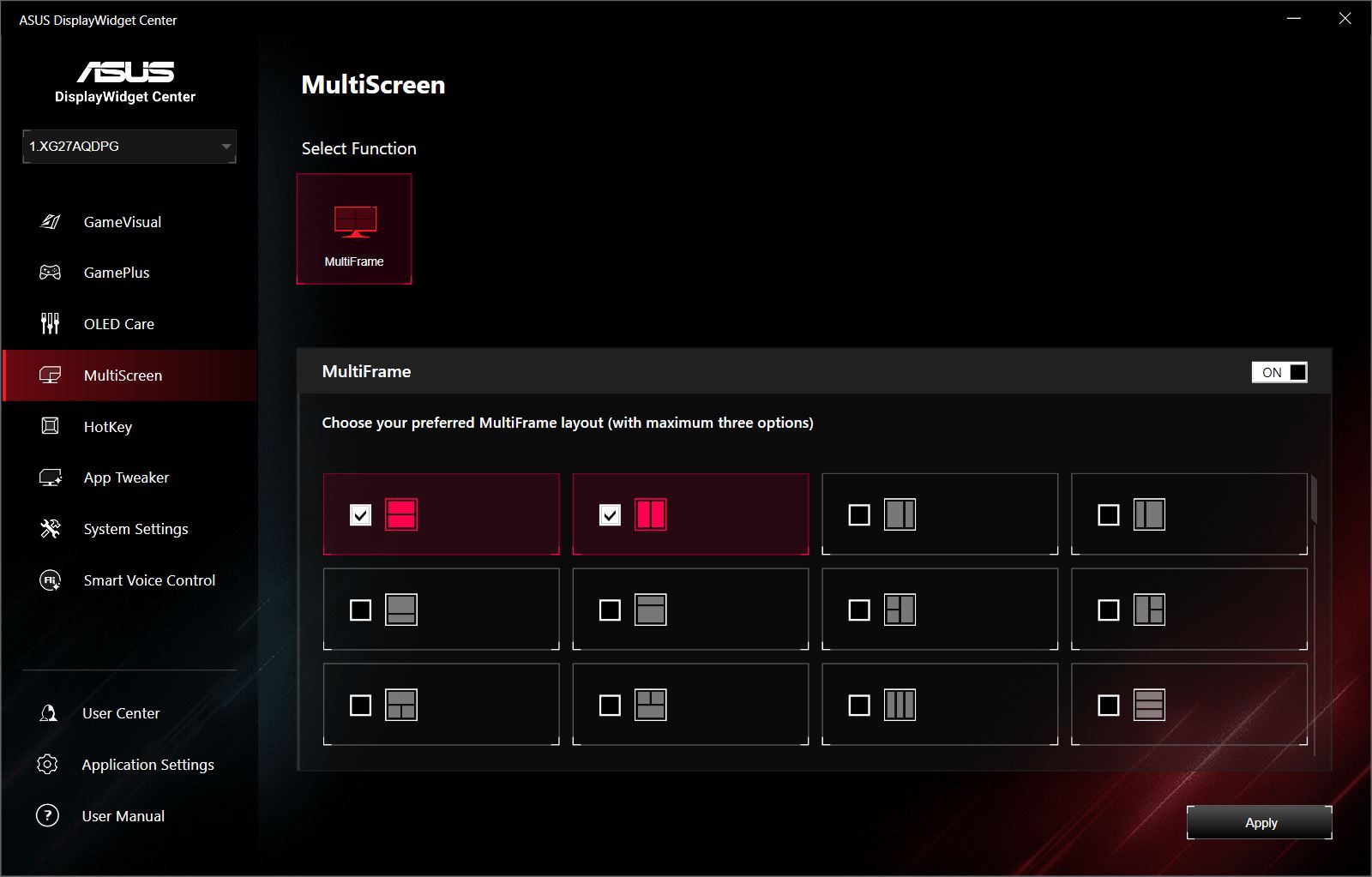
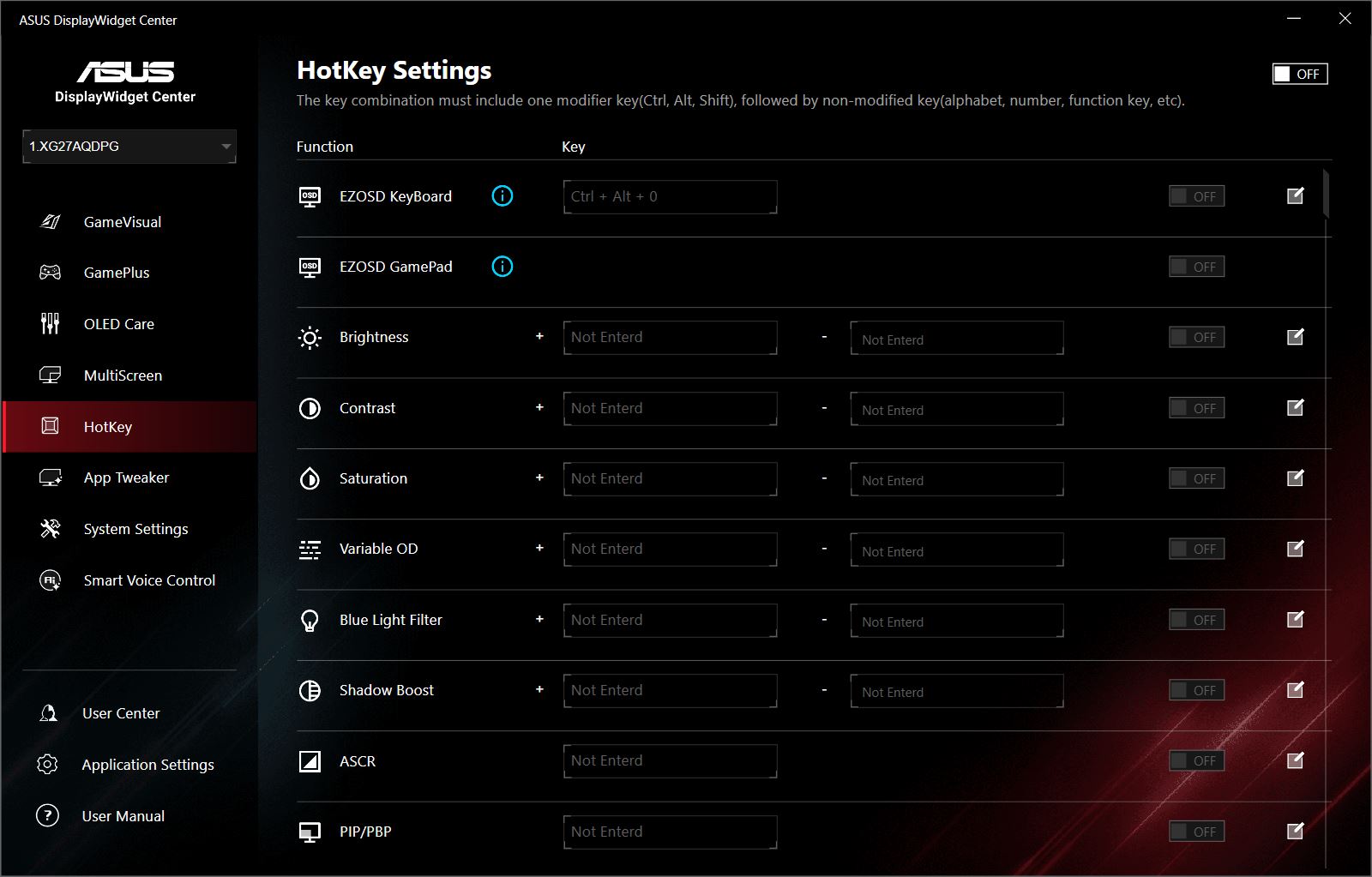
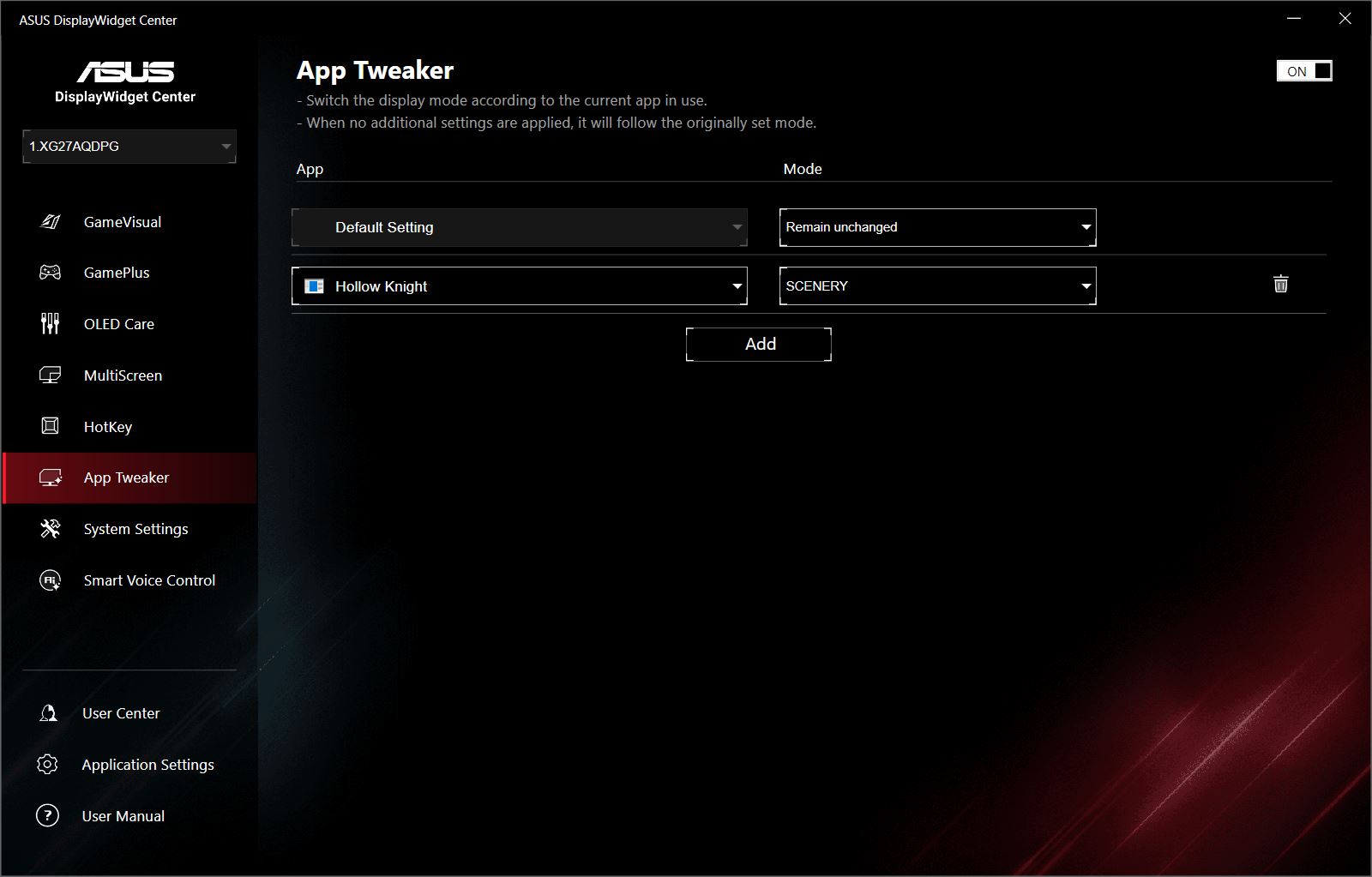
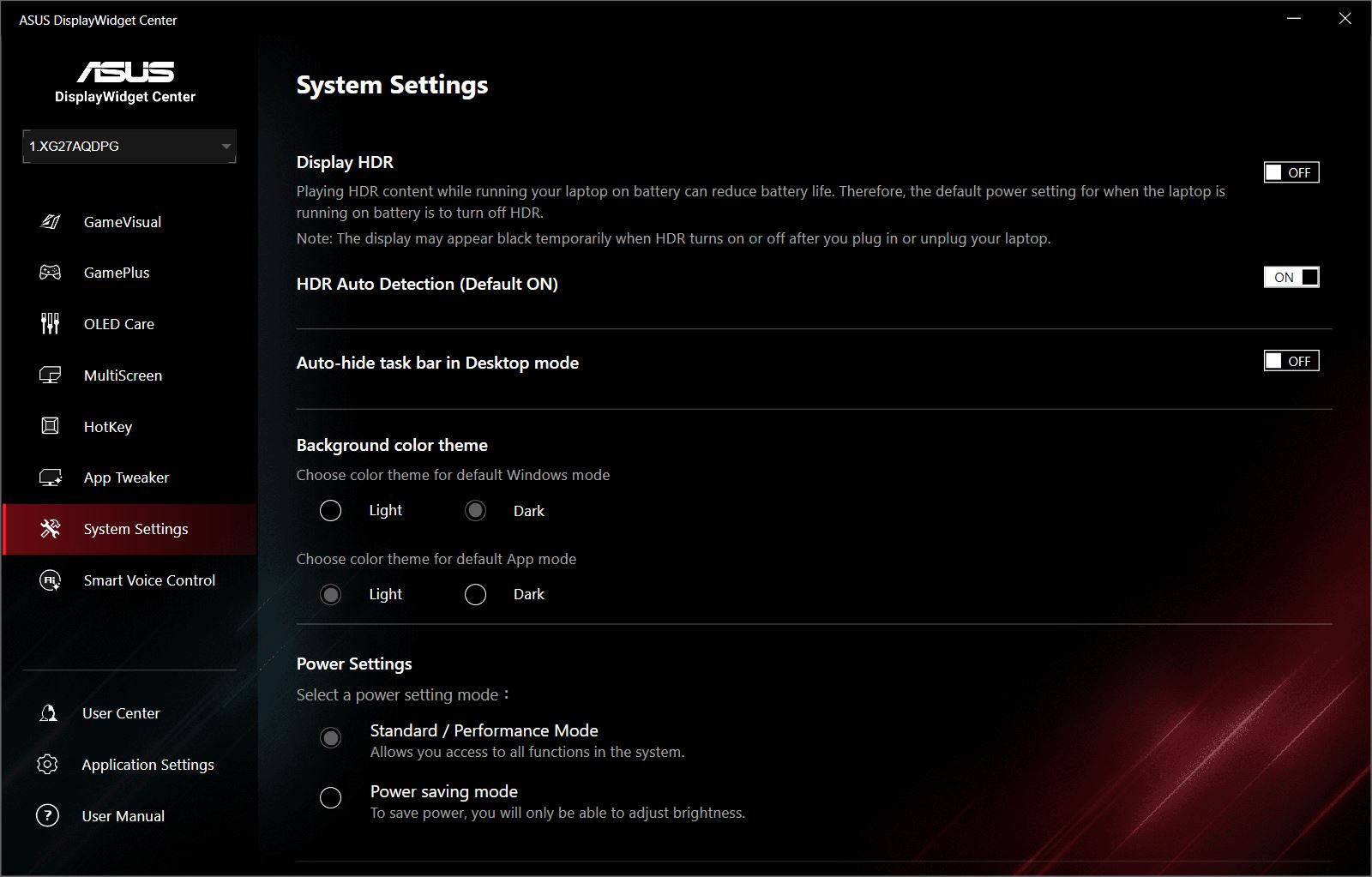
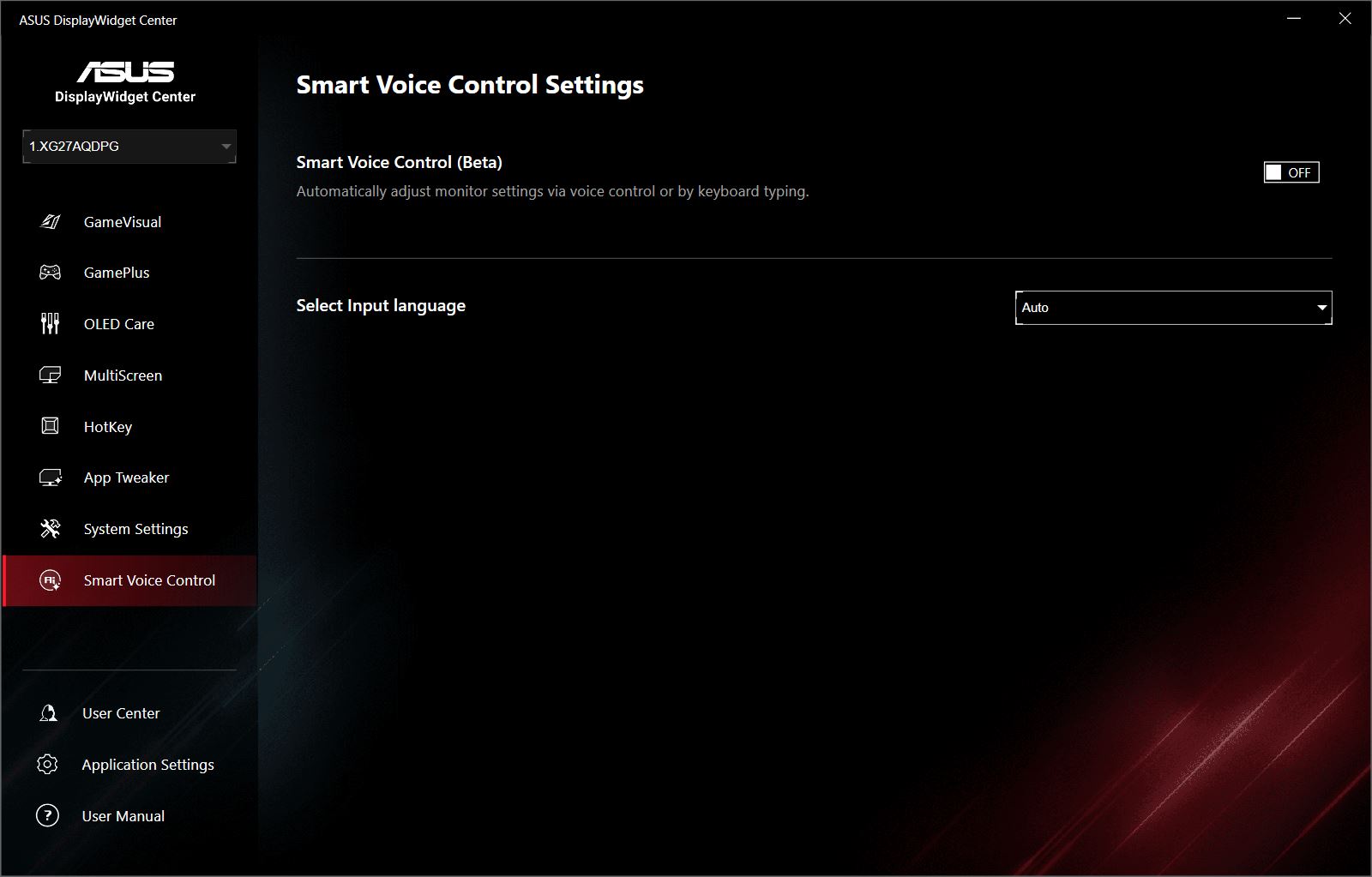
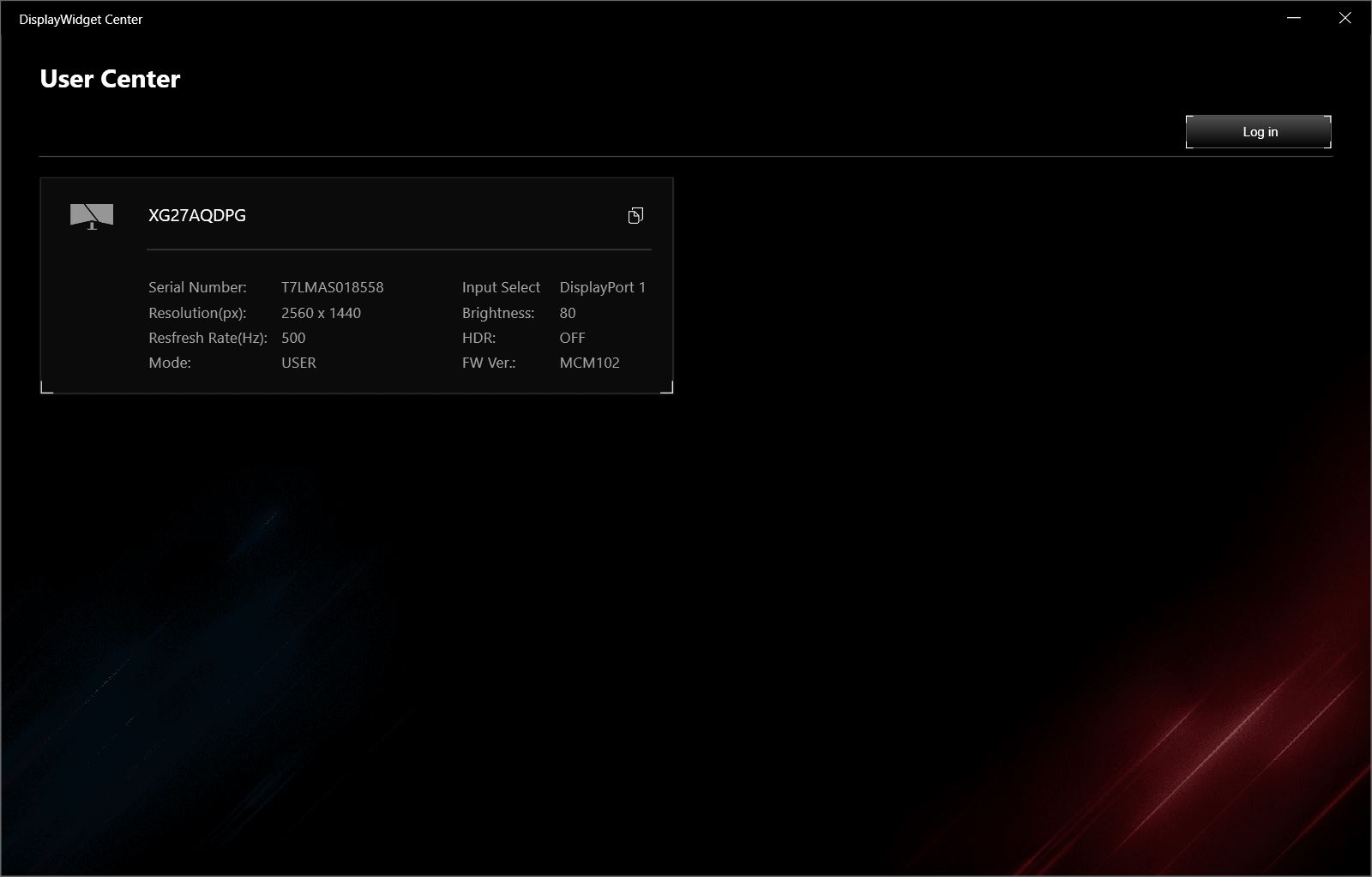
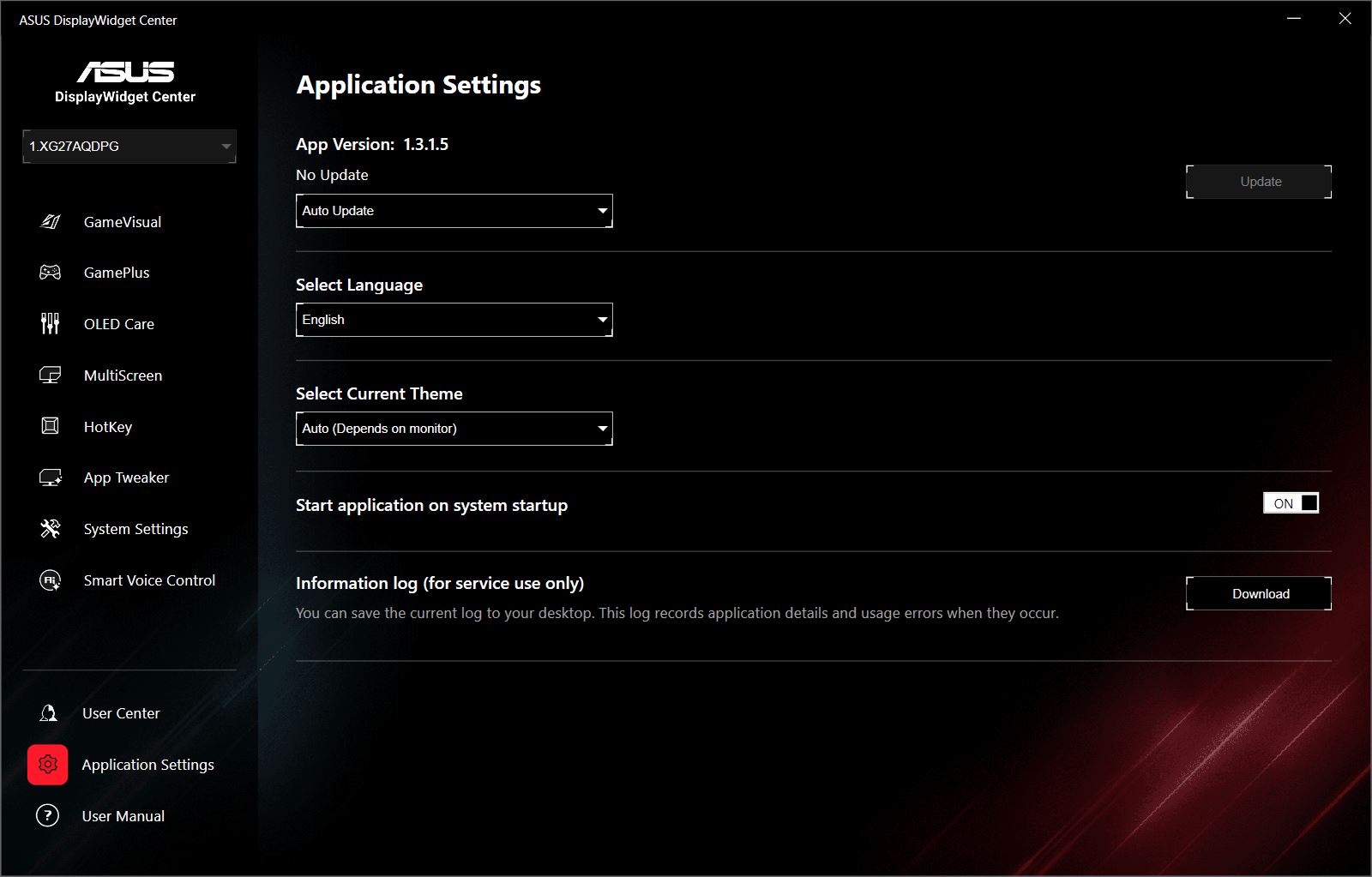
Most of the settings in the application mirror those available in the on-screen menu. However, there are some exclusive features, such as editing preconfigured GameVisual scenes, AI-based scene detection, and tools like MultiScreen, HotKey, AppTweaker, and Smart Voice Control.
These functions were covered in detail in a previous review of the TUF Gaming VG27AQML5A, and the principles remain the same for the XG27AQDPG. The main difference is the inclusion of the OLED Care menu, which essentially replicates the on-screen menu’s OLED protection options. Below is a gallery of screenshots showing the app interface and settings for the XG27AQDPG.
Conclusion
Overall, the update to ASUS’s OLED lineup appears successful. The new ROG Strix OLED XG27AQDPG is a modern monitor that performs well across all key parameters. It is suitable for gaming, including esports, as well as professional work with graphics, video, and images. The monitor offers a practical size, a popular resolution, excellent color reproduction, a high-quality image, stylish design, solid ergonomics, and useful built-in features with ASUS-specific enhancements. Most importantly, it is currently one of the fastest monitors available with a QD-OLED panel. No significant drawbacks were observed during testing, making it a strong all-around choice.

Read also:
- Xiaomi 17 Review: Compact Flagship with Leica Optics
- Logitech Pro X2 Superstrike Review: Esports Mouse with Magnetic Switches
- #MWC2026: Evaluating Progress Without Clear Objectives
Where to buy the ASUS ROG Strix OLED XG27AQDPG