





© ROOT-NATION.com - Use of content is permitted with a backlink.
I stick with NVIDIA graphics cards mainly because of one key feature: tensor cores. They’re essential for a range of specialized software I rely on. On top of that, NVIDIA’s CUDA cores are supported by specific tools and plugins – like StoryToolkitAI in DaVinci Resolve – that simply won’t run the same on other hardware. This preference isn’t limited to, say, the ASUS TUF RTX 5080 16GB I’ll be using as an example. My current laptop, an ASUS ROG Strix SCAR 15 with an RTX 3080, follows the same logic. And when the time comes to upgrade, it’ll be another NVIDIA-powered machine.
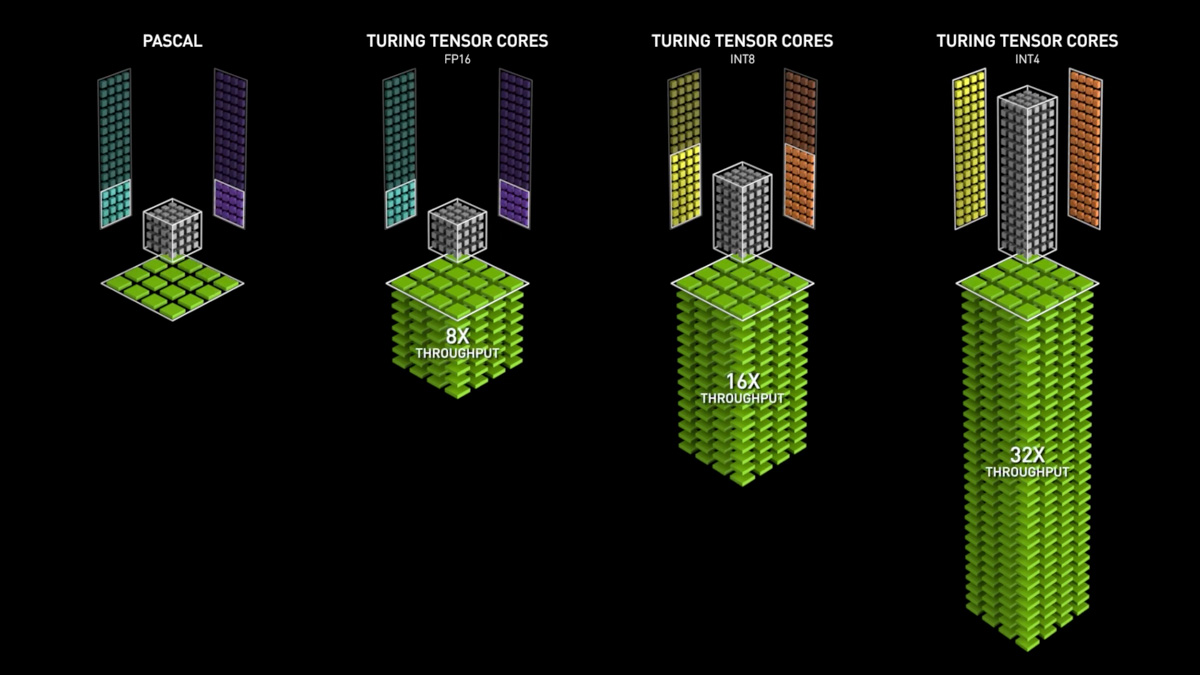
TABLE OF CONTENTS:
Video on the main advantages of NVIDIA RTX
First comparisons
I do have a basis for comparison. A few years ago – before I got my current laptop – I was editing video on a desktop with the ASUS TUF RX 6800 16GB. I directly compared it with the RTX 3060 12GB and, at the time, came to the conclusion that having more VRAM gave me better overall value than NVIDIA’s hardware features. So, what changed?
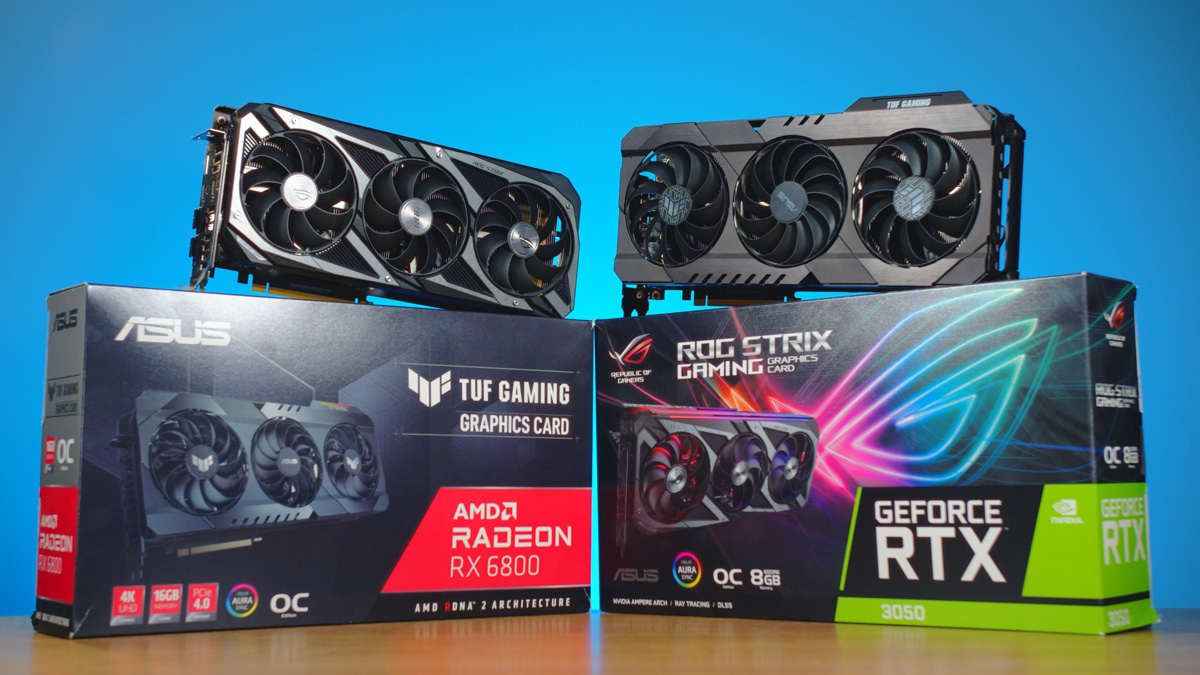
First of all, the issue with comparing the RX 6800 and RTX 3060 is that these GPUs are fundamentally from different performance tiers. And if I had to choose between a mobile RTX 3080 and even a desktop RX 9700, I’d still go with the RTX 3080. It offers the same amount of video memory, takes advantage of features like tensor core support, and while I’d like to appreciate the benefits of Radeon cards, they’re not essential for my needs.
Radeon advantages
And those benefits do exist on Radeon cards. For example, I’ve come to really appreciate ReLive – especially because, as far as I know, it allows screen recording on laptops, including desktop capture. In contrast, NVIDIA’s current software, even with something like the RTX 5080, often refuses to record the desktop. That matters to me, since I regularly produce video content and frequently need to capture what’s happening on the screen.

I’m also very interested in the integrated Radeon graphics found in the latest AMD Ryzen processors – particularly those that support up to 96 GB of shared system memory, with the option to allocate a significant portion of it to video tasks. Sure, the GPU is soldered and not upgradeable, but given the growing demand for entry-level AI development hardware, we might see the prices of such systems drop in the near future.
Footage treatment
When asked why I place such importance on video memory, the answer is straightforward: my primary job is video editing. And one of the biggest challenges I regularly face in this work is what I call “footage recovery.” In other words, cleaning up and fixing source material so it’s usable in video reviews.
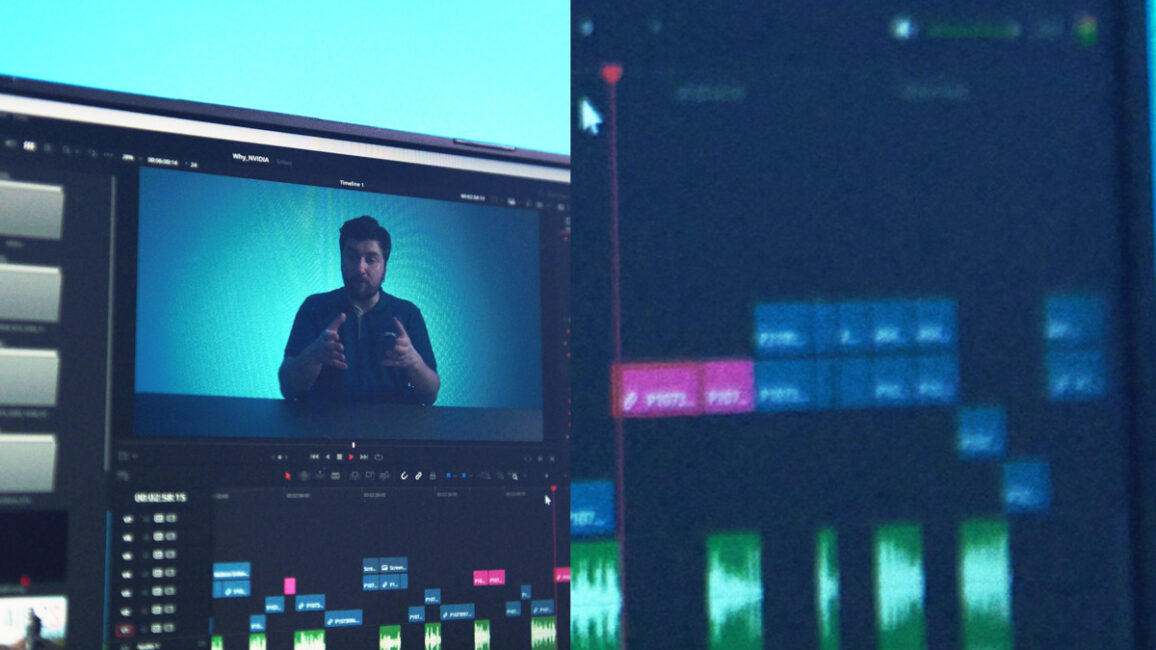
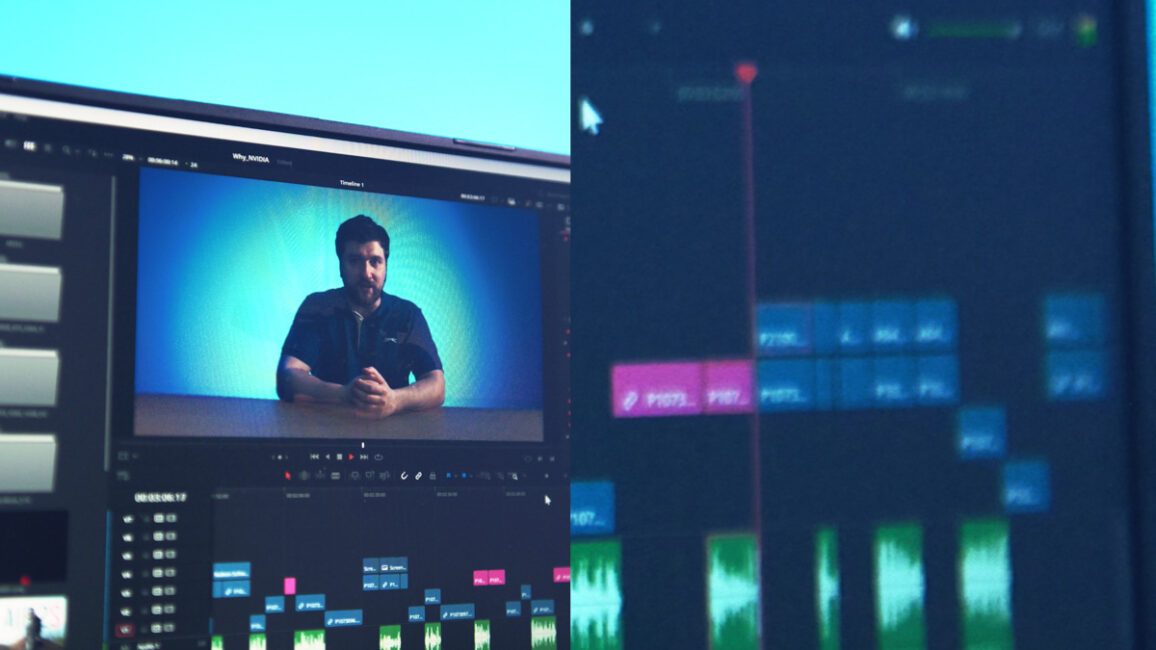
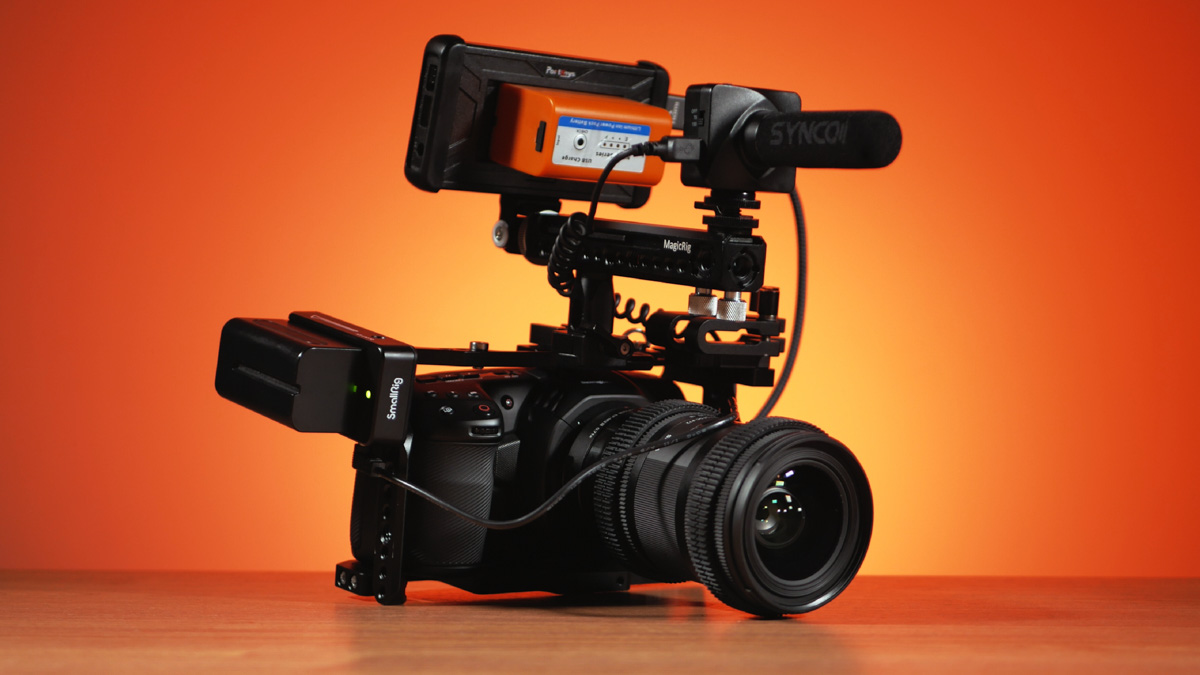
Take noise reduction, for example – something I often need when shooting at high ISO settings. Even going two or three stops above base ISO tends to introduce artifacts that I find hard to accept. I used to shoot with the Blackmagic Pocket Cinema Camera 4K, and even pairing it with a speed booster and the Sigma Art 18–35mm f/1.8 wasn’t enough to eliminate noise from the MFT sensor. Not even dual native ISO helped much. In the end, I had to rely on noise reduction tools to salvage the footage.
Next is flicker removal. You probably don’t want to see me getting frustrated in my videos when filming smartphone screens, power banks, or even laptops – that’s why I constantly use an anti-flicker plugin. Ideally, it might make sense to leave the flicker in to preserve the “authenticity” of the displays, but there’s no guarantee the camera captures it the same way your eyes do. Flicker can bother some viewers, while others aren’t affected at all.
Read also: Three Unconventional Ways to Use a Tablet, Featuring the Lenovo Tab K11 Plus
Finally, if your footage isn’t quite enough or if a particular segment from a longer clip is exceptionally good and you want to highlight it, you might need to adjust the playback speed. This can be a challenging task in DaVinci Resolve. The software offers several speed change plugins, each useful in specific situations. Interestingly, some of these, like Speed Warp, do work on Radeon GPUs, but they don’t fully utilize the graphics card’s capabilities – meaning there’s no optimization comparable to what NVIDIA offers.
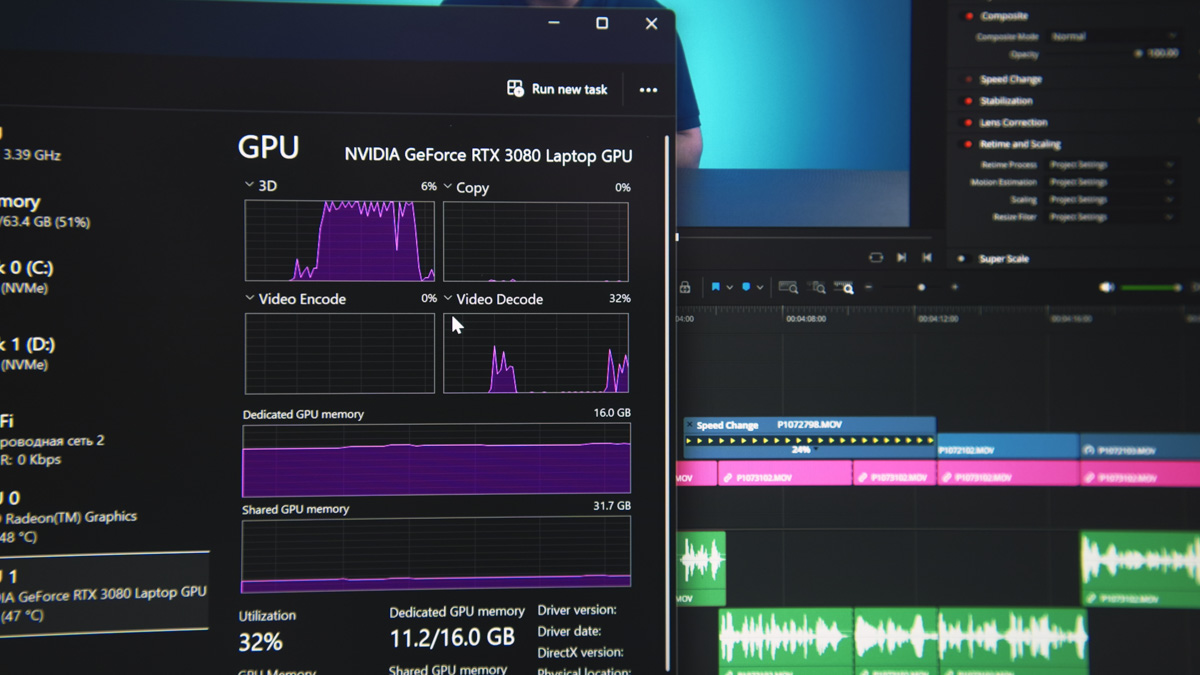
So, why does video memory capacity matter? Each plugin consumes a certain amount of it, and when the memory runs out, the software becomes unstable. The more video memory you have, the more plugins you can run simultaneously without issues.
Conclusions
Here’s the main point about NVIDIA: the company has shifted its focus away from gamers and towards artificial intelligence. In other words, features that used to be irrelevant to me have now become directly useful for my work. This applies both to the ASUS TUF RTX 5080 16GB and the RTX 3080 in the ASUS ROG Scar 15.
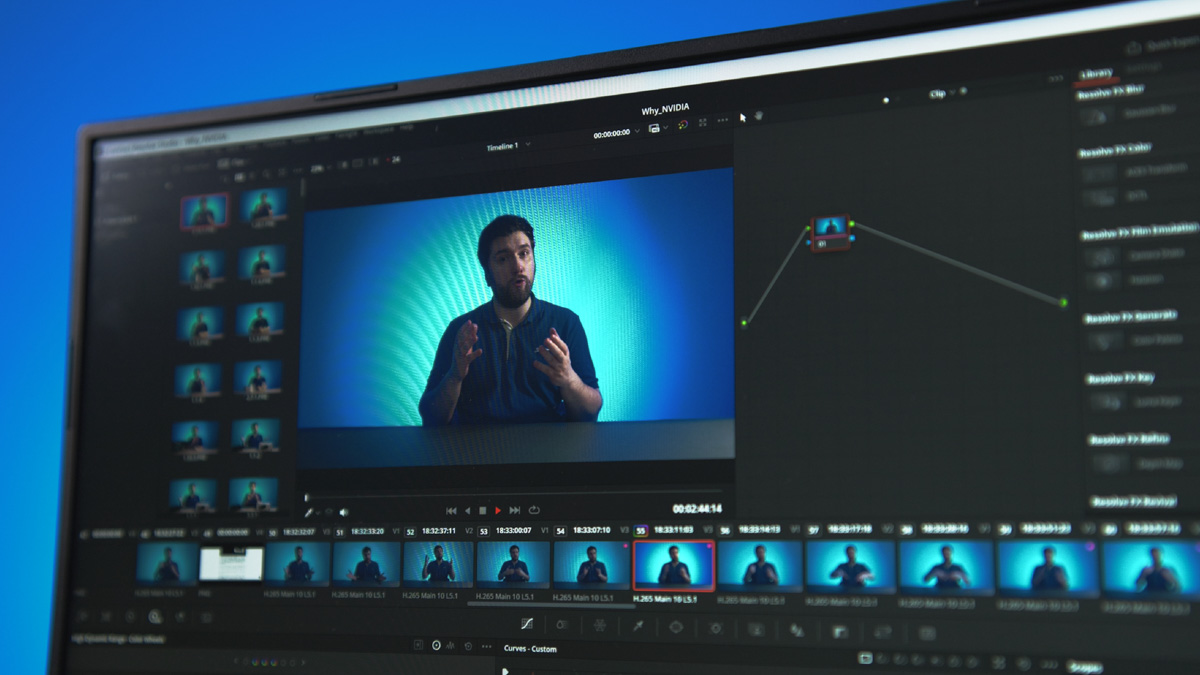
I can overlook the issues with ShadowPlay on laptops because I use OBS instead. It’s not the most convenient solution, but it works. NVIDIA’s performance and optimization, even in older generations, remain unmatched. So until AMD catches up in terms of support and performance for certain professional applications, I’ll continue recommending NVIDIA products.
Read also:
- Motorola Edge 50 Ultra: What the Qualcomm Snapdragon 8s Gen 3 Is Really Capable Of
- ViewSonic VX2479A-HD-PRO Monitor Review: Truly Gaming-Oriented Display
- SteelSeries Apex Pro Mini – So Good It’s Almost Cheating

