





© ROOT-NATION.com - Use of content is permitted with a backlink.
I’ll start this review of the ViewSonic VX2479A-HD-PRO by stating the obvious: yes, it is a gaming monitor. And that holds true even in a market where the push for resolutions beyond Full HD has become the norm – driven heavily by GPU manufacturers. You might recall, for instance, that the RTX 3090 was marketed as the “first 8K” graphics card. So the real question here is simple: can this monitor live up to its gaming label?
TABLE OF CONTENTS:
Specifications
- Screen diagonal: 23.8″
- Screen resolution: 1920×1080
- Image format: 16:9
- Matrix type: IPS
- Screen refresh rate: 240 Hz
- Brightness: 250 cd/m²
- Contrast: 1300:1 / 80000000:1
- Image dot size: 0.275 mm
- Sync technologies: AMD FreeSync
- NTSC coverage: 72%
- sRGB Coverage: 100%
- Response time : 1ms
- Peripherals: mini-jack, DisplayPort, 2×HDMI
- Power consumption: up to 28W
- Power consumption in standby mode: 0.5W
- Built-in speakers: none
- VESA mount: 100×100
- Weight: 3.2 kg
- Warranty: 24 months.
Appearance
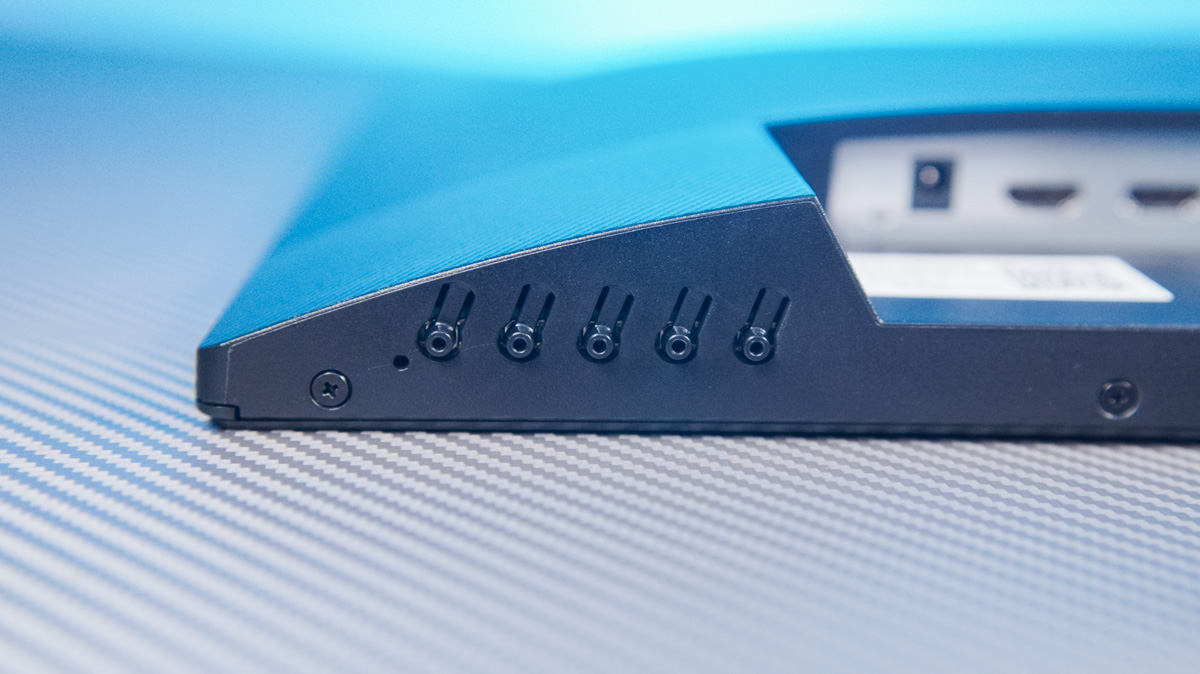
The design of the ViewSonic VX2479A-HD-PRO is sleek and modern. Few monitors manage to pull off a truly borderless look as effectively as this one. As expected, the bottom bezel is the thickest – partly because it houses the control area. More specifically, this is where the indicator lights are located, while the actual buttons are positioned on the underside edge of the panel.
In addition to the indicator lights, the center of the bottom bezel features a ViewSonic logo.
The stand is as minimalistic as it gets. There are no cable management channels, and it lacks any form of height adjustment or rotation. The only available adjustment is tilt – up and down – but not in terms of height, just angle.
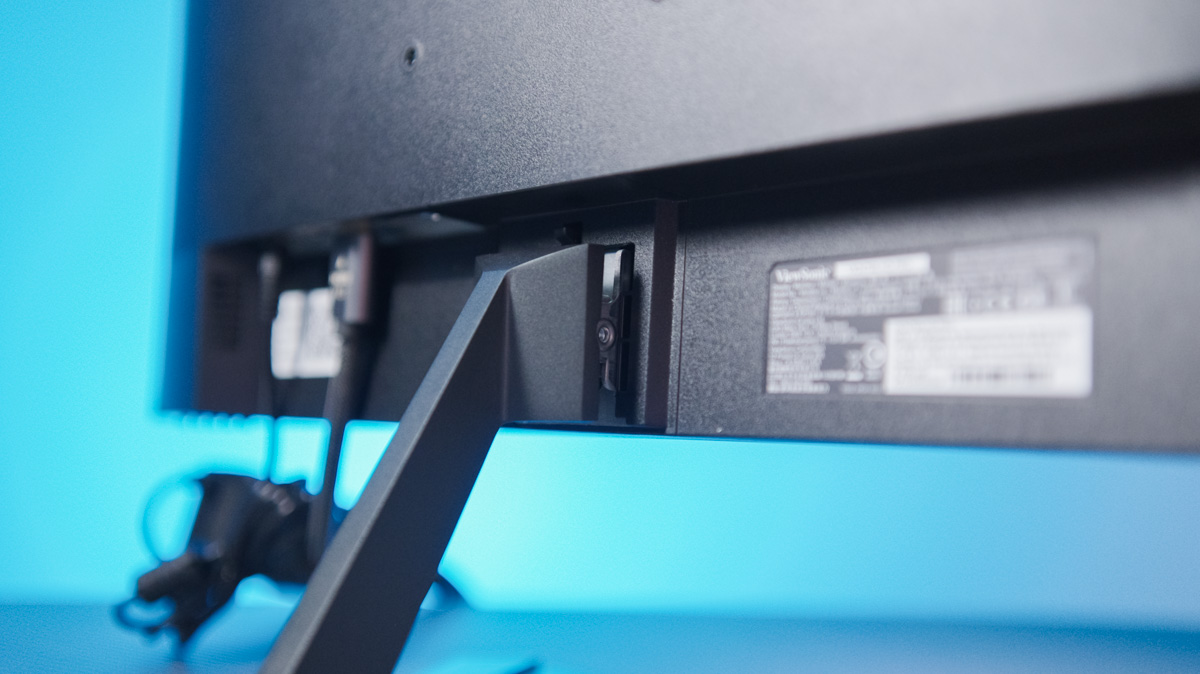
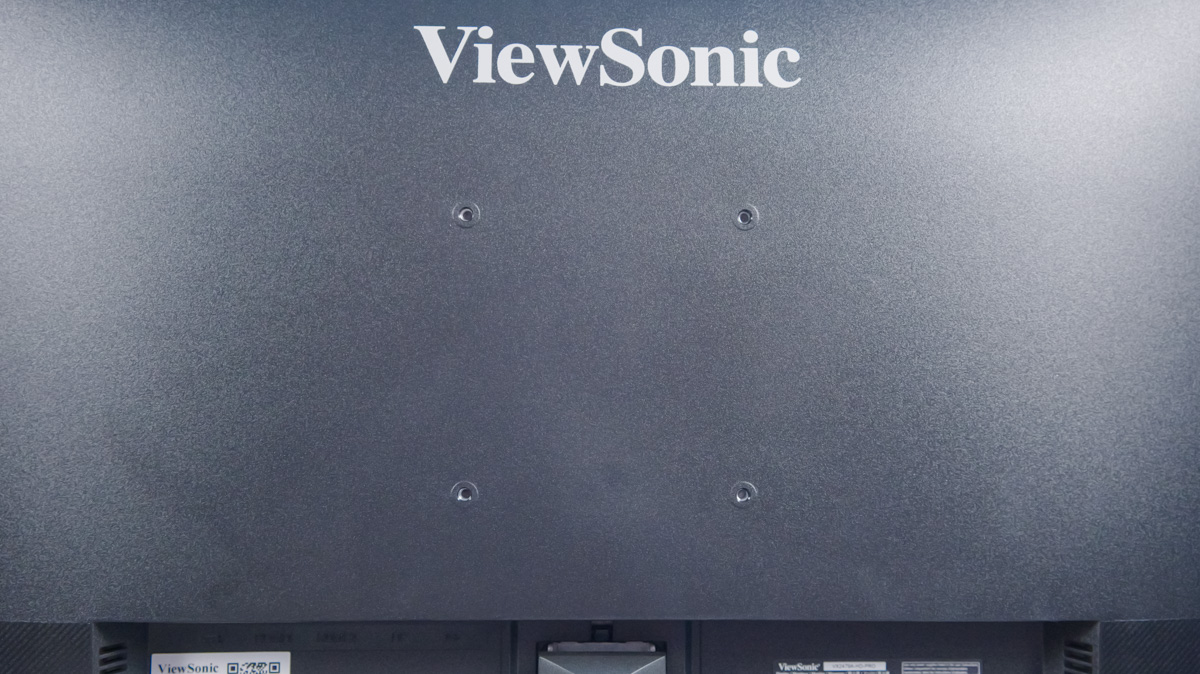
Fortunately, just above the stand mount, there are VESA 100×100 mounting holes, offering an option for wall or arm mounting.
Peripherals and specifications
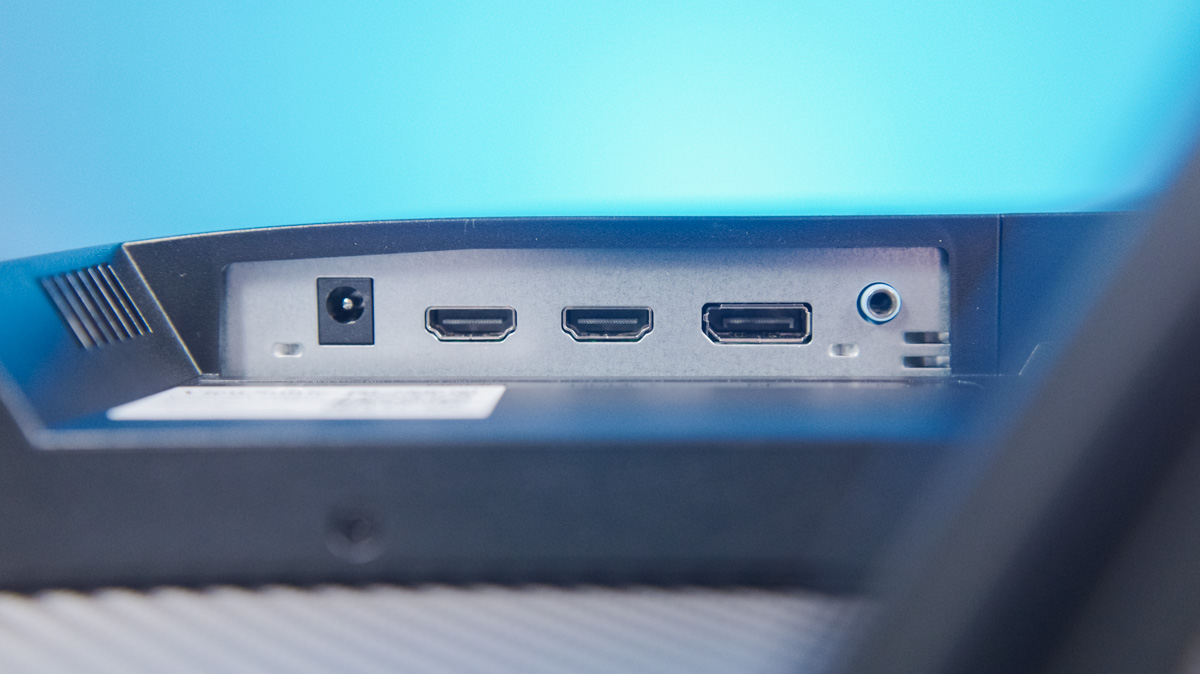
The ports are located near the control buttons, recessed toward the back of the monitor, almost flush with the rear panel. However, access is relatively easy thanks to cutouts in the back panel designed specifically for this purpose. The selection of ports is even a bit excessive – alongside a 3.5mm audio jack, a DisplayPort 1.4, and a barrel-type DC power input, there are two HDMI 1.4 ports. It’s hard to say why two were necessary – one would have been more than enough for most users.
The dimensions of the ViewSonic VX2479A-HD-PRO are 542 × 412 × 180 mm, and it weighs 2.8 kg without the stand. This makes it compatible with nearly any quality custom monitor arm or mount.
The panel is where this monitor really shows its gaming focus. It features a 23.8-inch IPS display with a matte, anti-glare coating and a 16:9 aspect ratio. The resolution is Full HD, as mentioned earlier. It offers a 240 Hz refresh rate and a 1 ms response time. Viewing angles are rated at 178°, with a static contrast ratio of 1000:1 and a dynamic contrast ratio of 80,000,000:1.
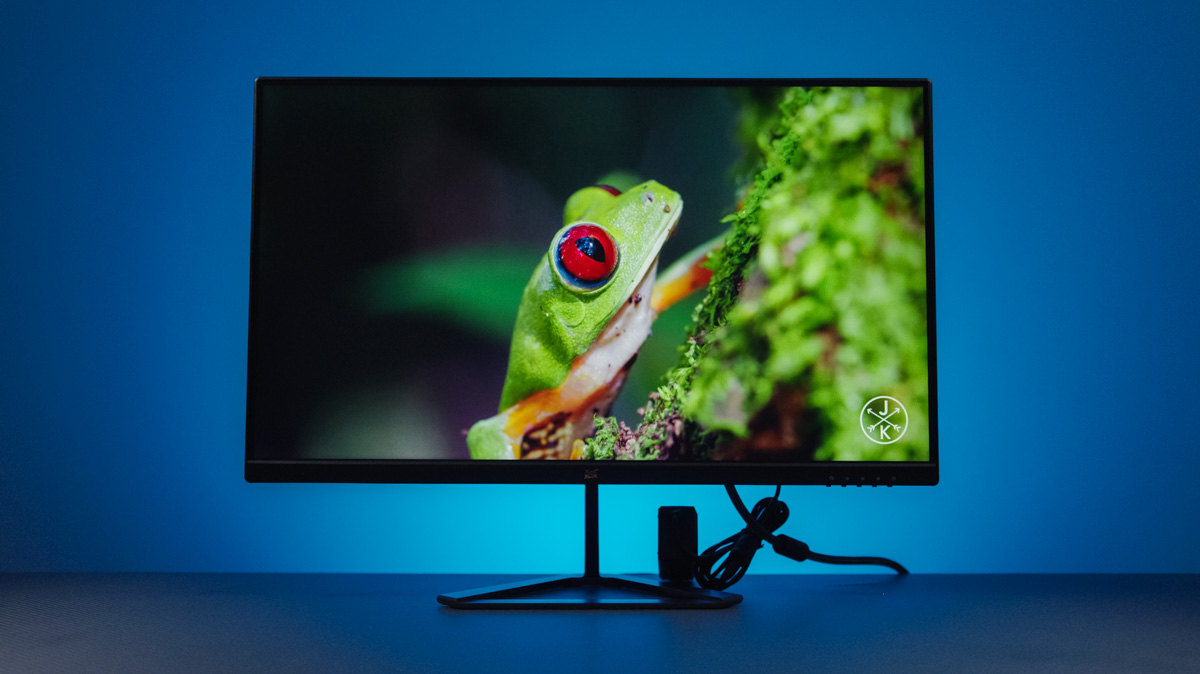
Although the panel has an 8-bit color depth (effectively 6-bit plus FRC), it performs reasonably well for basic color correction. The manufacturer specifies 72% coverage of the DCI-P3 color space and 102% of sRGB.
Brightness might be a concern, as it’s rated at just 250 nits. This means HDR support is essentially nonexistent. Interestingly, some packaging mentions HDR, but it also lists a 180 Hz refresh rate instead of 240 Hz. The monitor’s settings include an option to enable HDR, but its actual effect is unclear – there’s no noticeable change in the image when it’s turned on.
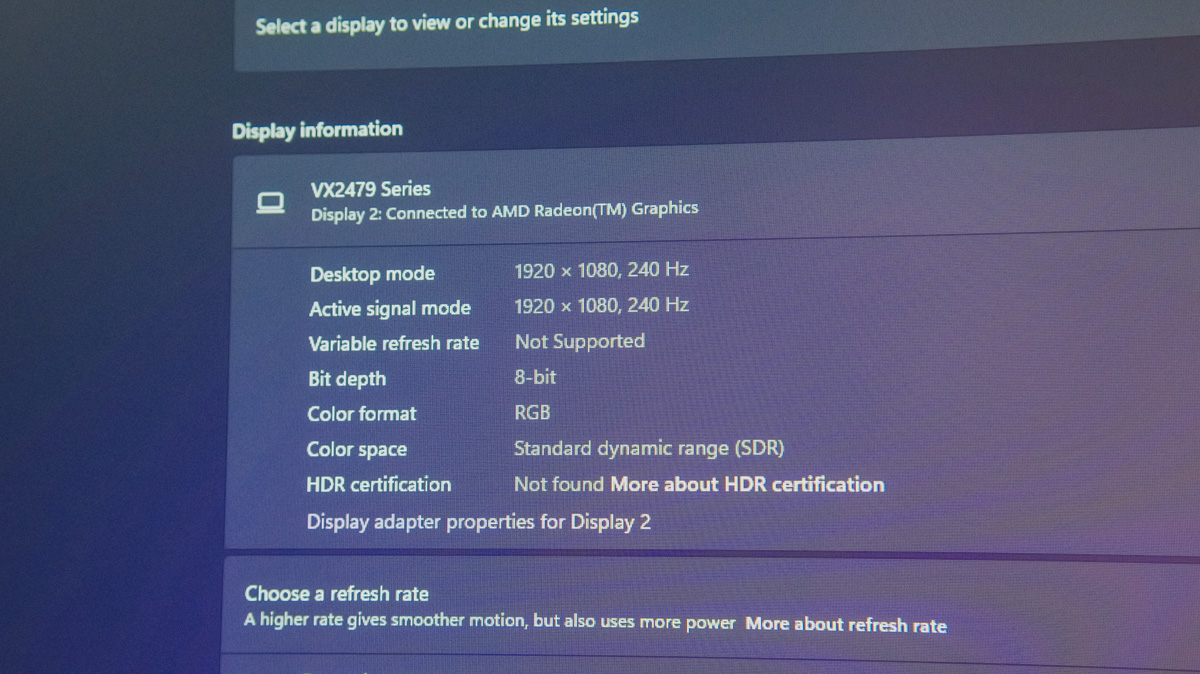
The Windows settings are also unclear – HDR support is mentioned in some places, but the main HDR option remains unavailable. For me, the real indicator was the power supply, which is rated at just 30 watts. Since HDR requires significantly higher brightness, even a Full HD panel would typically consume more power. This suggests that the ViewSonic VX2479A-HD-PRO likely offers some form of simulated HDR mode, which I wouldn’t recommend using.
OSD
The on-screen control overlay is straightforward and includes the usual options you’d expect: color profiles, temperature adjustment, input source selection, a blue light filter, and black stabilization.
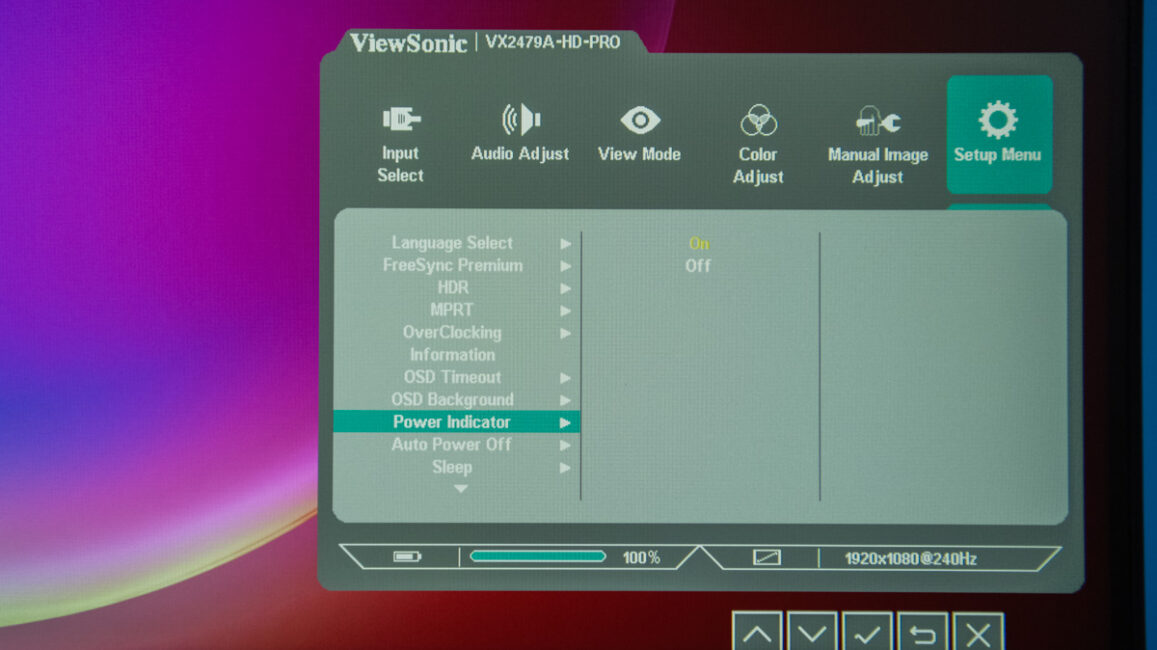
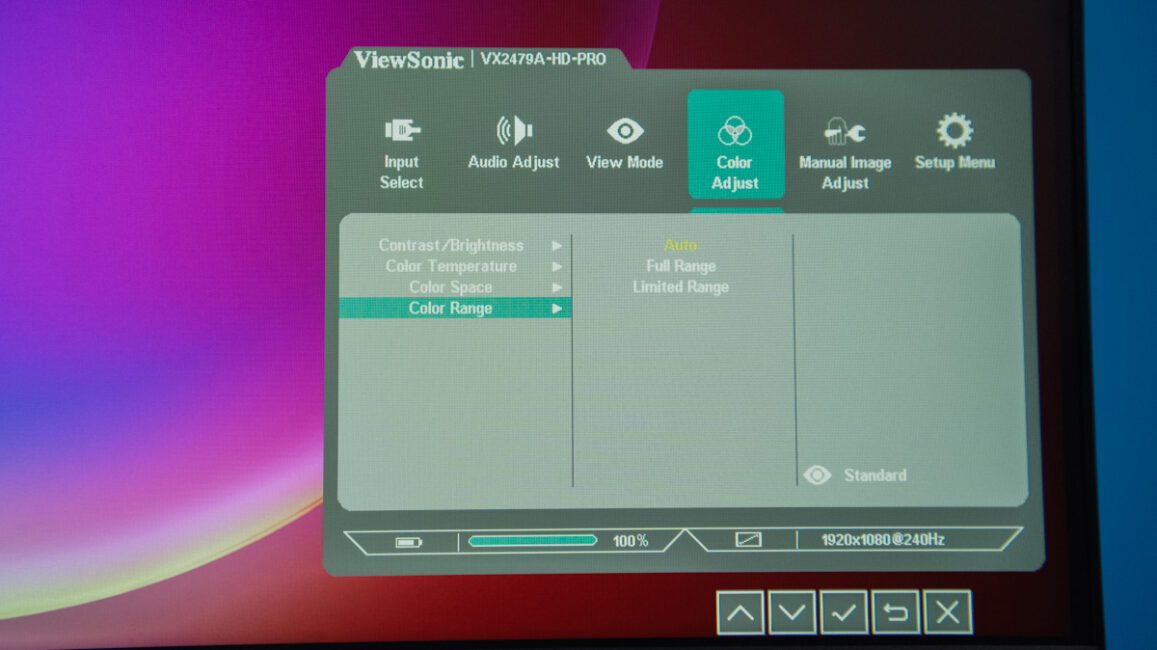
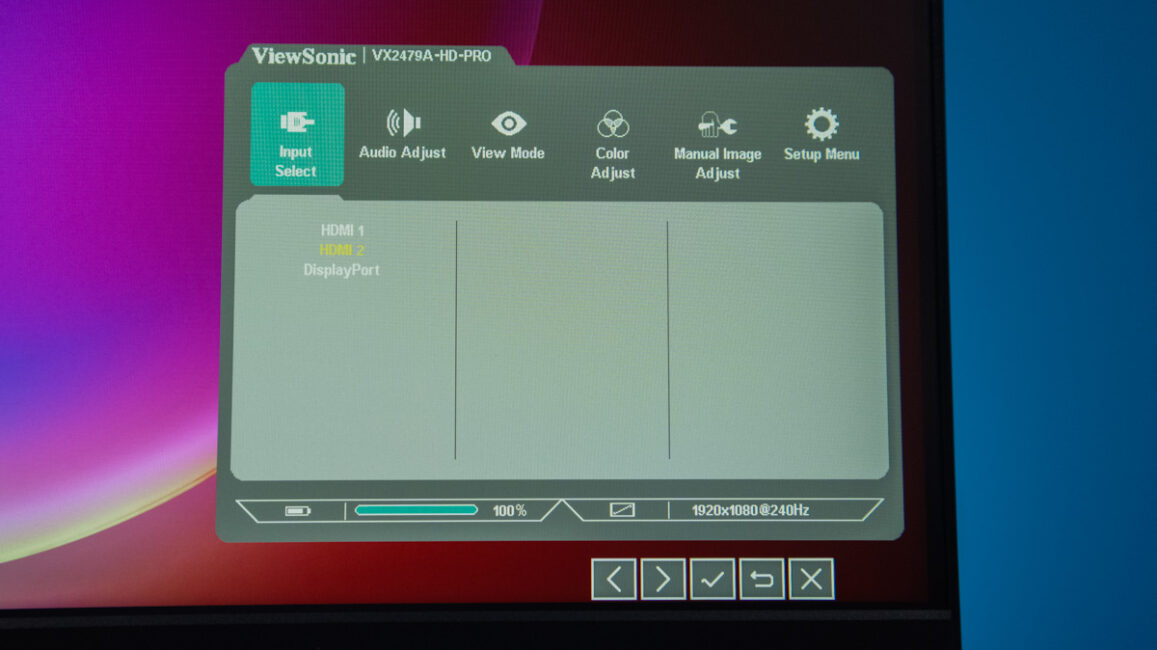
Among the notable features are the refresh rate overclocking toggle, a FreeSync Premium switch, and the option to disable the power indicator light – useful if it becomes distracting, which it can be, as the indicator is fairly bright.
Operating experience
The key question is how the monitor performs in games. Assuming you’re not playing in direct sunlight, the ViewSonic VX2479A-HD-PRO delivers a solid gaming experience. Its 240 Hz refresh rate, combined with Flicker-Free technology and AMD FreeSync support, works well – even at Full HD resolution. Paired with a modern mid-range GPU like the ASUS RTX 5060 Ti, this setup can provide a smooth and responsive experience.
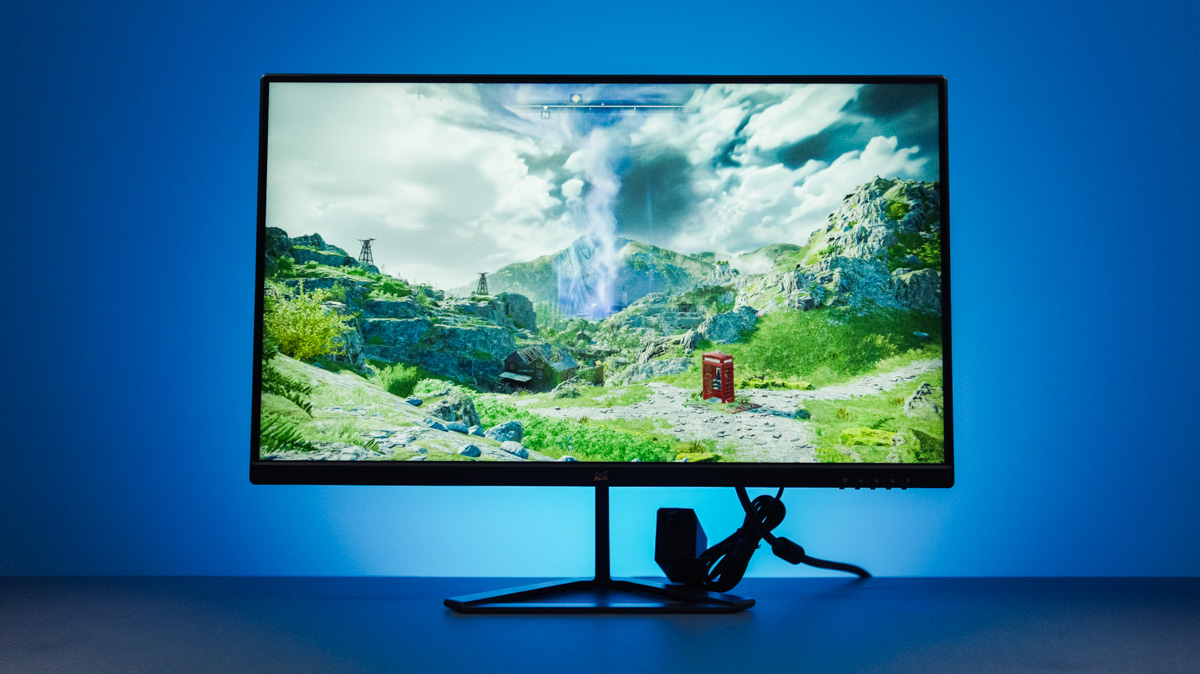
I’ve tested this graphics card on Full HD monitors, and hitting around 500 FPS in Cyberpunk 2077 on high settings – thanks to DLSS 4 and Multi Frame Generation – is quite impressive. What does the ViewSonic VX2479A-HD-PRO lack? Probably a larger screen size. At 24 inches, it’s on the smaller end of what’s comfortable for many users. However, it’s a good fit for compact gaming setups. If you’re planning a triple-monitor configuration, the nearly borderless design and modest dimensions make it easier to create a multi-display setup without taking up too much space.
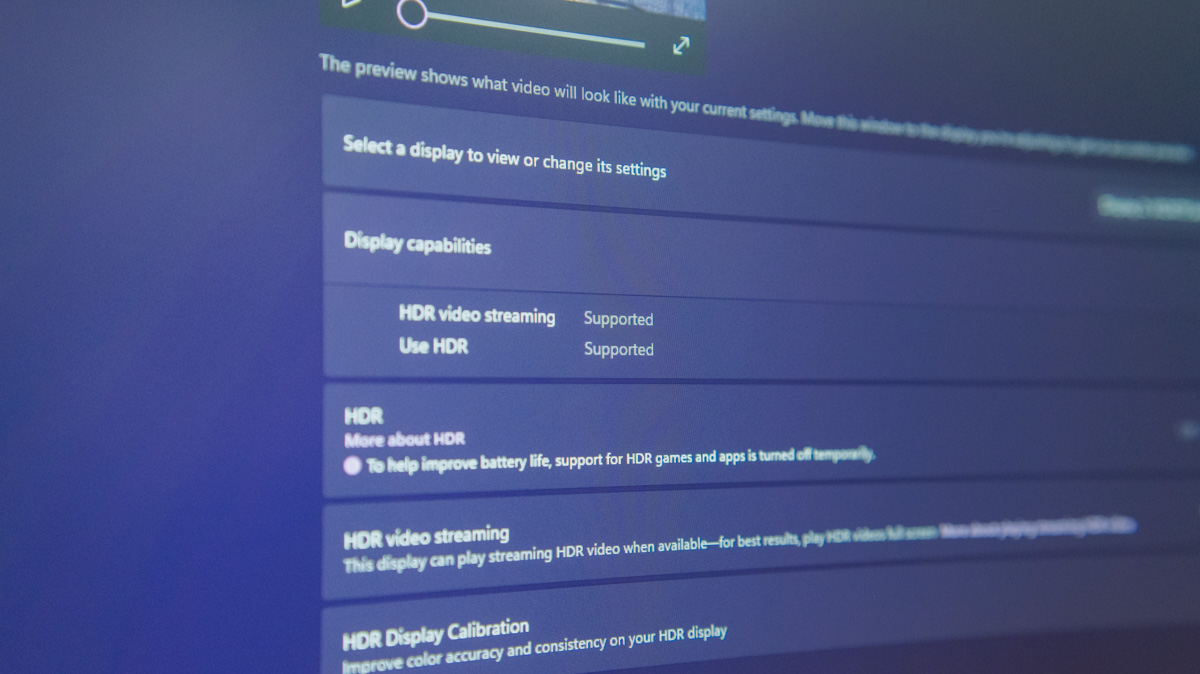
A few words on HDR as well – expecting extensive HDR support from a gaming monitor in this price range isn’t very realistic. If you want better image quality and HDR performance, ViewSonic likely offers other models better suited for those needs.
Price and equipment
It’s worth addressing the price at the end – the monitor costs around \$200. Recently, we reviewed a model priced at nearly half that amount, which also featured a Full HD resolution.
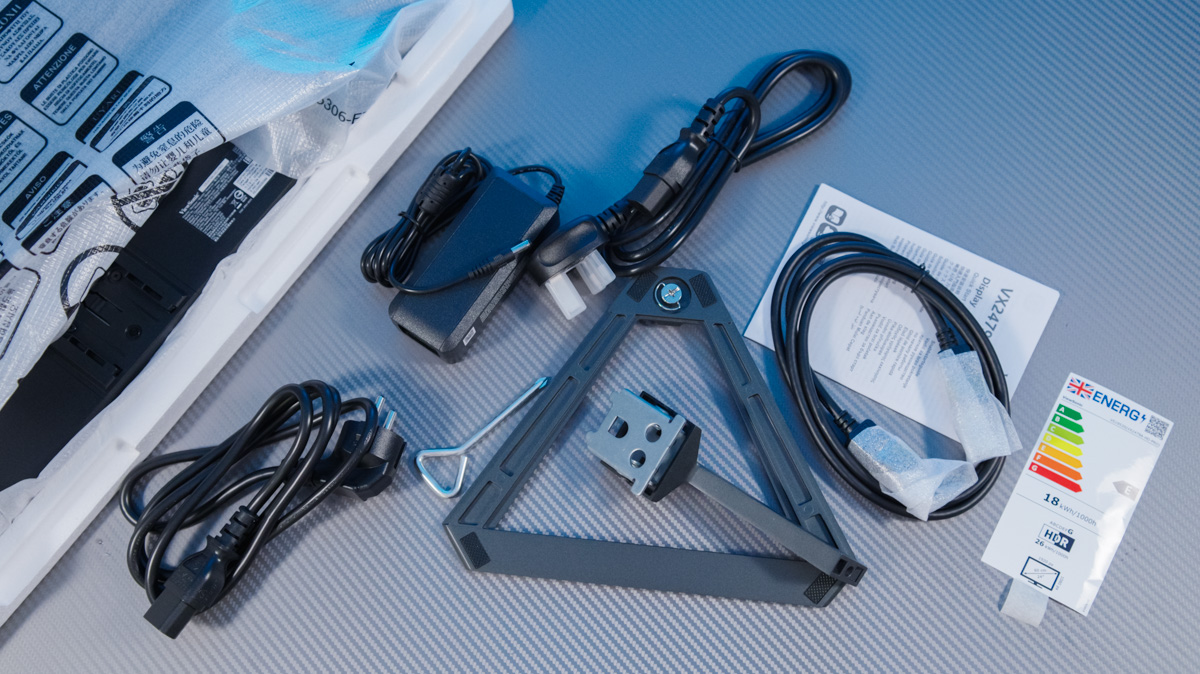
However, the included accessories raise some questions. On the one hand, the power supply and a C13 cable are included, along with an adapter for European outlets. On the other hand, there’s no HDMI cable in the box – only a DisplayPort cable is provided.
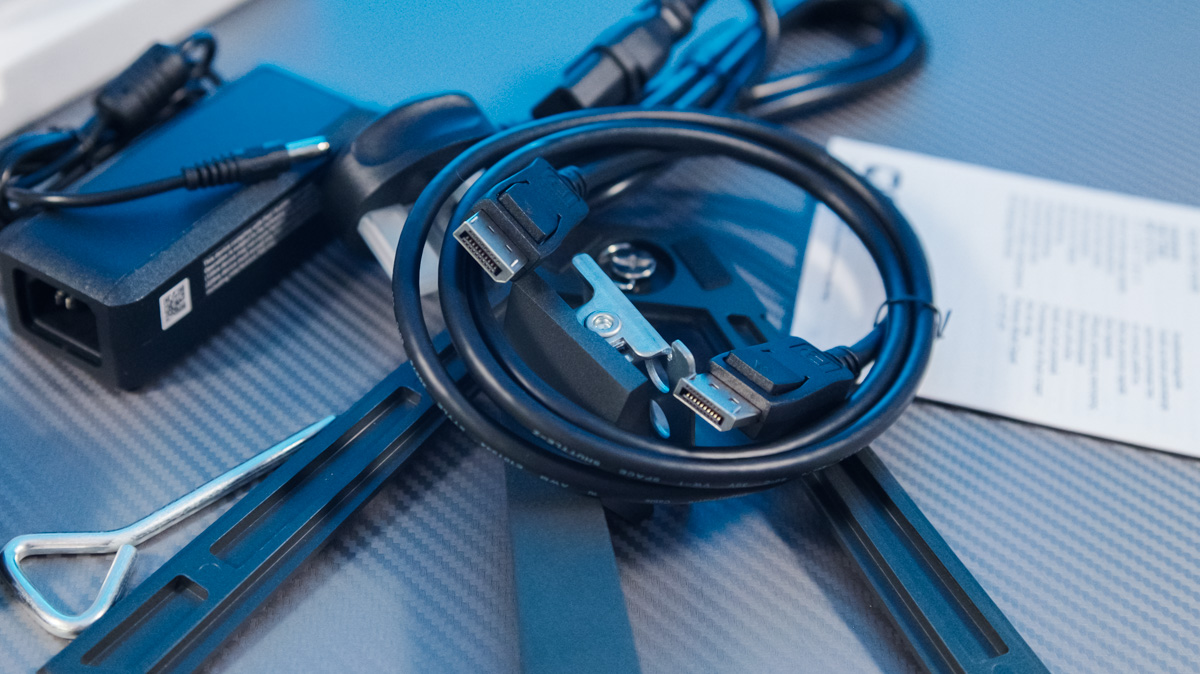
I might have overlooked – and even appreciated – this omission if the monitor were a 4K 144 Hz model. However, any HDMI cable from the past five years can handle Full HD output. Considering I connected the monitor to an ASUS laptop that lacks a DisplayPort, I had to find an HDMI cable separately.
Conclusions
This monitor is clearly designed with gamers in mind. It features a quality panel, a reasonable screen size, an impressive refresh rate, a comprehensive set of ports, and intuitive controls. The stand is a weak point, the confusion around HDR support is disappointing, and the lack of an included HDMI cable is inconvenient. Still, overall, especially for gamers, the ViewSonic VX2479A-HD-PRO is a solid choice.
Read also:
- GIGABYTE GS25F2 Gaming Monitor Review: 200Hz and Super Speed IPS
- Review of ASUS ZenScreen Touch MB16AHT Portable Monitor
- Duex Max DS Review: 14.1″ Portable Monitor for Boosting Mobile Productivity


