




© ROOT-NATION.com - Use of content is permitted with a backlink.
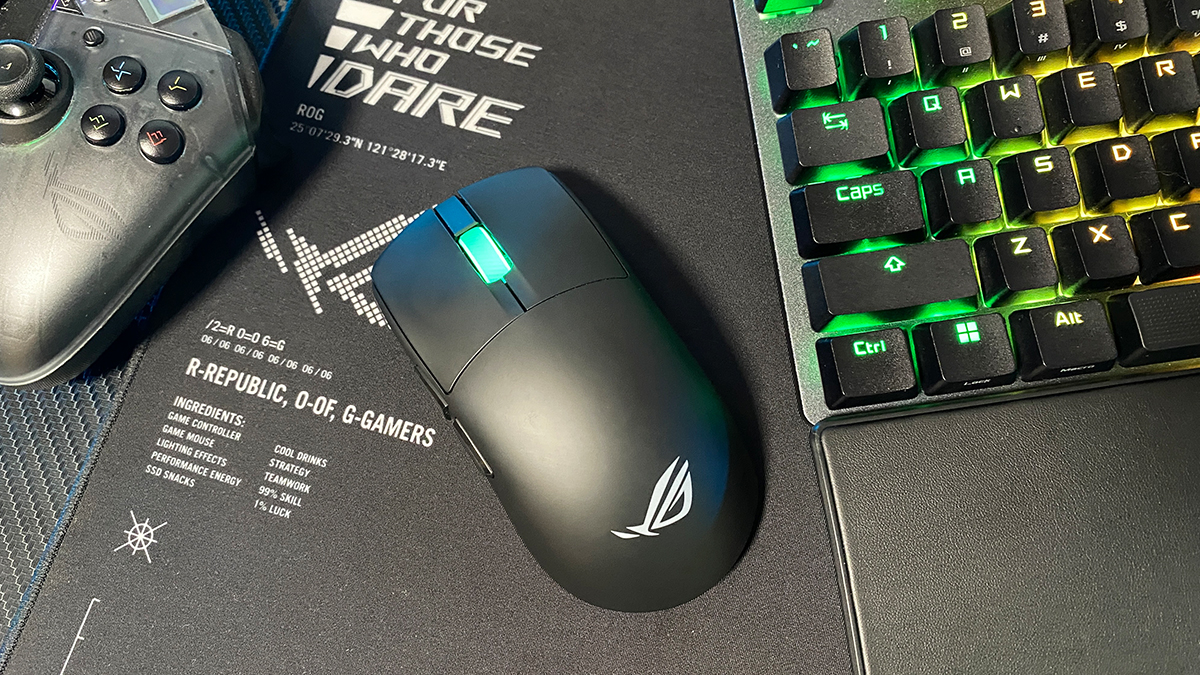
Today I’m reviewing the ROG Harpe II Ace – a new gaming mouse that expands ASUS’s Harpe esports lineup this year. In essence, the new model is a direct successor and partial redesign of the original ROG Harpe Ace Aim Lab Edition.
With the Harpe II Ace, ASUS has upgraded the sensor, switched from mechanical to optical switches, added native 8000 Hz polling rate support, reduced the overall weight, and slightly refined the shape. One of the most notable and somewhat unexpected updates is the complete move away from the traditional Armoury Crate software – all configuration is now handled through the web-based Gear Link app. This means that users who weren’t fond of Armoury Crate can now operate the mouse entirely without it.
From my experience, the Harpe II Ace turned out to be the first mouse that genuinely made me reconsider switching from right-handed ergonomic designs to a symmetrical one. In this review, I’ll go through what makes it stand out and why it left such a strong impression.
The mouse arrived for testing together with the new ROG Sheath II XXL gaming mat, which was introduced at Computex 2025 and released to the market earlier this year alongside the Harpe II Ace. I’ll also give this new accessory some dedicated attention in the review and take a closer look at its design and features.
TABLE OF CONTENTS:
Specifications
ROG Harpe II Ace
- Connection: wireless (RF 2.4 GHz / Bluetooth 5.1), wired (USB-C to USB-A)
- Sensor: ROG AimPoint Pro
- Sensor resolution: 42,000 DPI
- Maximum speed: 750 IPS
- Maximum acceleration: 50 G
- Maximum polling rate: 8000 Hz (RF 2.4 GHz / USB)
- Number of buttons: 7 buttons (RMB, LMB, 2 side buttons, DPI, PAIR, scroll wheel button)
- Switches: ROG Optical Micro Switch (100 million clicks)
- Built-in memory: 5 programmable profiles
- Backlight: wheel (RGB compatible with Aura Sync)
- Battery life: up to 101 hours with backlight off and up to 84 hours with backlight on (RF 2.4 GHz / Bluetooth with 1000 Hz polling rate)
- Glides: Teflon (2 large glides + frame around the sensor)
- Cable: detachable ROG Paracord (USB-A to USB-C) 2 m long
- Proprietary software: Armoury Crate, Gear Link (web application)
- Shape: symmetrical (for right-handed users)
- Grip type: claw, fingertip
- Technologies: Track-On-Glass sensor, ROG SpeedNova 8K wireless technology, Zone Mode
- Dimensions: 126.1×63.9×39.7 mm
- Weight: 48 g
- Package contents: mouse, 2.4 GHz RF wireless adapter, USB-A to USB-C adapter, detachable ROG Paracord cable, set of adhesive grips, set of replacement glides, warranty documentation, user manual, ROG stickers, appreciation card
ROG Sheath II XXL
- Type: gaming
- Surface type: speed
- Dimensions: 900×440×3 mm
- Surface material: textile heat-dissipating surface
- Base: non-slip rubber base
- Contour: stitched
- Pattern: yes
- Package contents: gaming surface, set of ROG branded stickers
Harpe models, positioning, and price
To better understand where the new model fits in, it’s worth briefly outlining the Harpe lineup itself. The ROG Harpe Ace series represents ASUS’s premium range of gaming mice, primarily aimed at esports professionals and advanced players. These mice were developed in close collaboration with competitive gamers to ensure precise ergonomics and performance tuning. The series is defined by its symmetrical shape, extremely low weight, and high-end hardware – qualities that make Harpe mice well-suited for esports and competitive online games. As of now, the lineup includes four models: the ROG Harpe Ace Aim Lab Edition, ROG Harpe Ace Extreme, ROG Harpe Ace Mini, and the latest ROG Harpe II Ace.
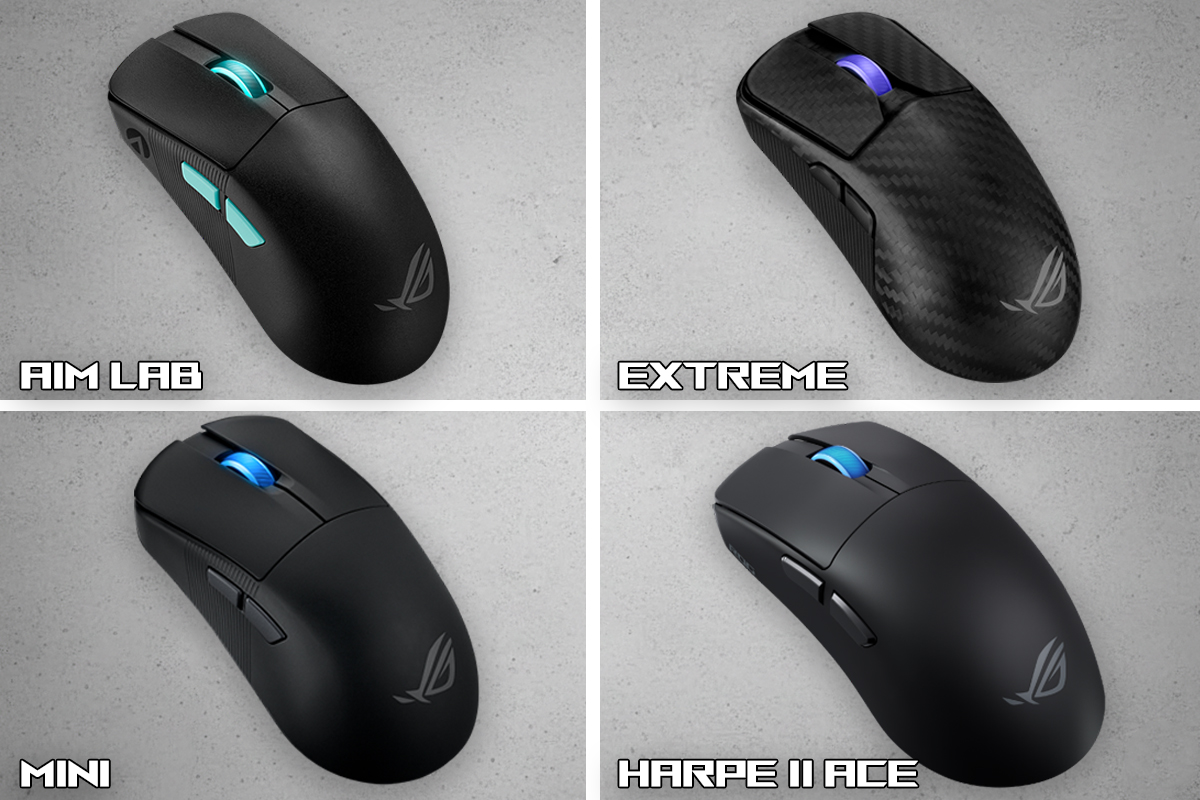
The first model in the lineup was the origin of the series and was developed in close collaboration with Aimlabs – a training platform for FPS players. The second model serves as the flagship, offering enhanced specifications and a unique carbon-fiber shell. The third is a more compact and lightweight version, featuring further internal improvements. Finally, the fourth and newest model – the Harpe II Ace – can be seen as a fusion of the original Harpe Ace Aim Lab Edition and the flagship carbon-fiber Extreme version. It inherits the overall shape and design concept from the original model.
From the Extreme version, it inherits the high-end internal components. As a result, the ROG Harpe II Ace can be considered the “accessible flagship” of the series – offering the same top-tier hardware as the Extreme model but at nearly half the price, around $170 / €144. At the time of writing, several online retailers were already offering discounts, bringing the average price down by roughly $31 / €27.
Package contents
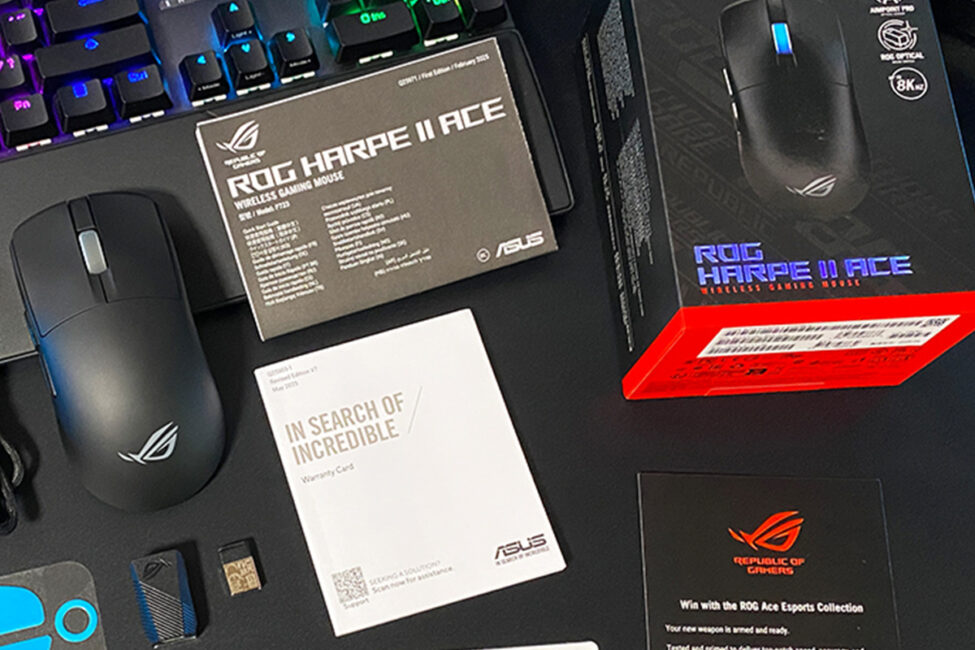
The mouse comes in a standard cardboard box featuring the familiar ROG-series design, along with a detailed description of the specifications and key features printed on the packaging.
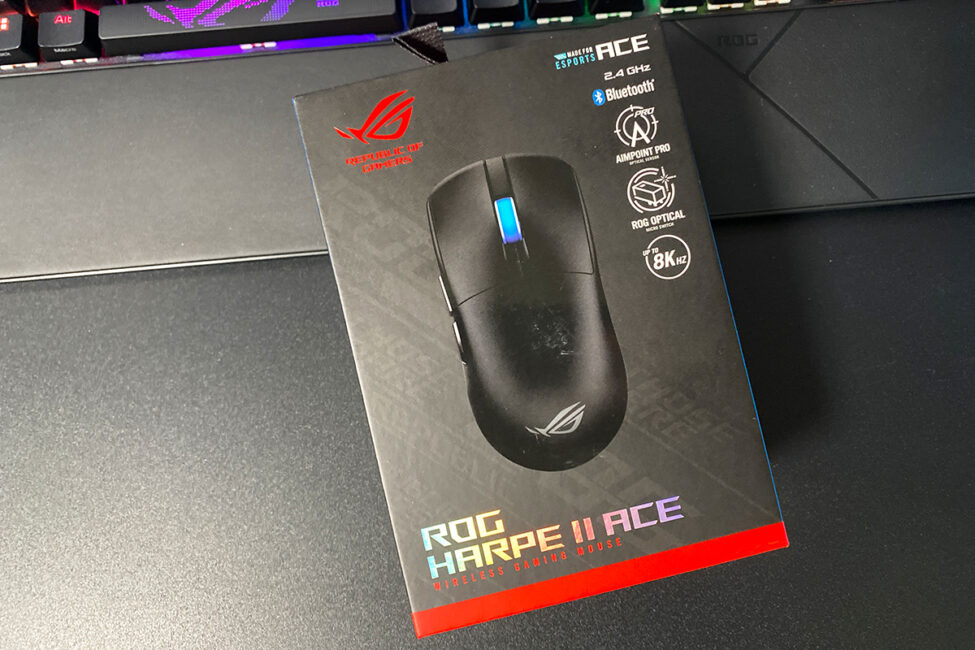
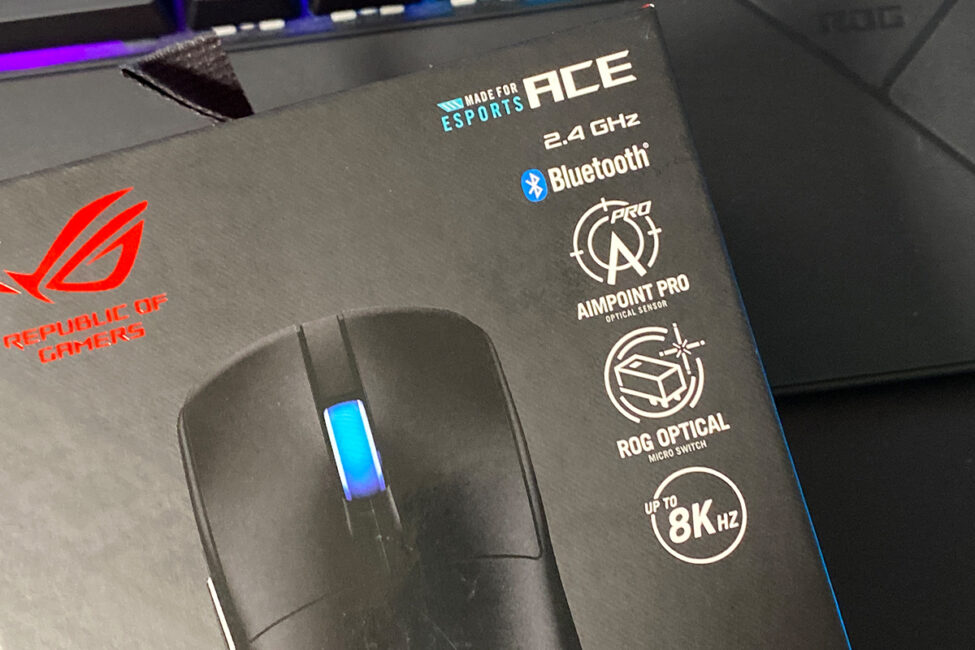
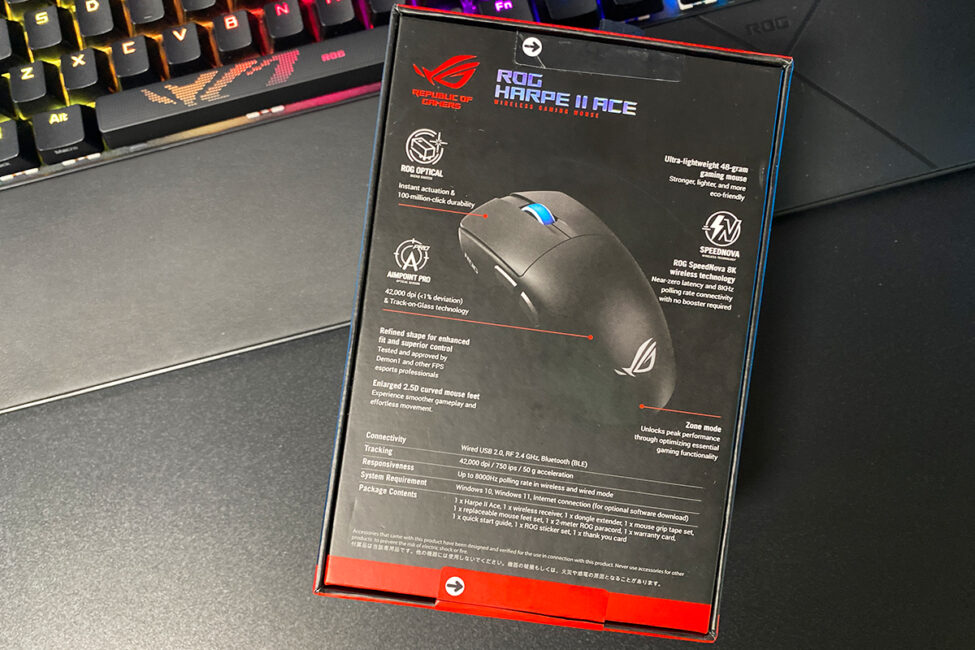
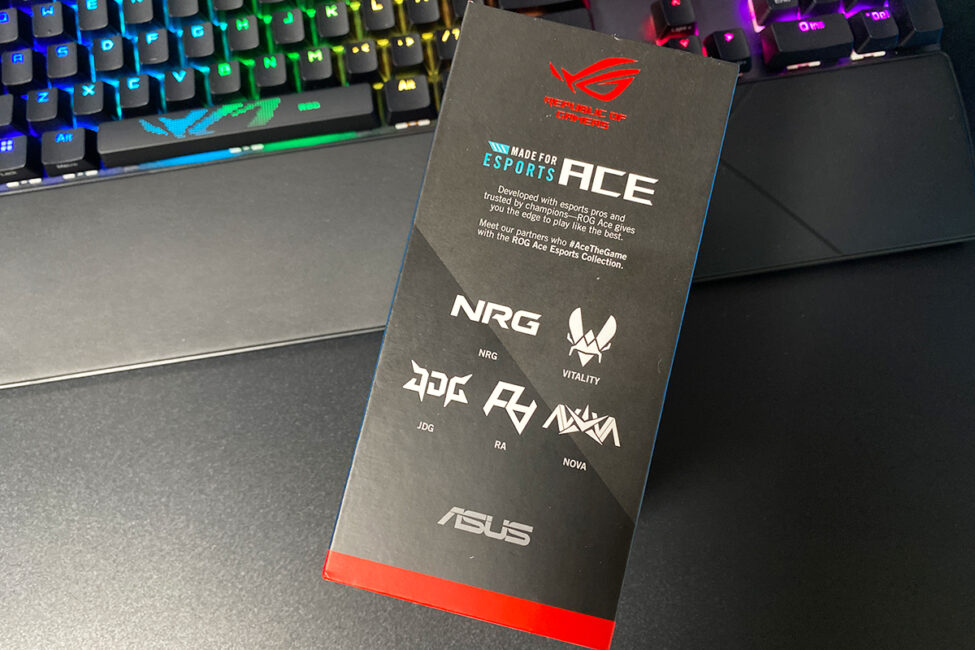
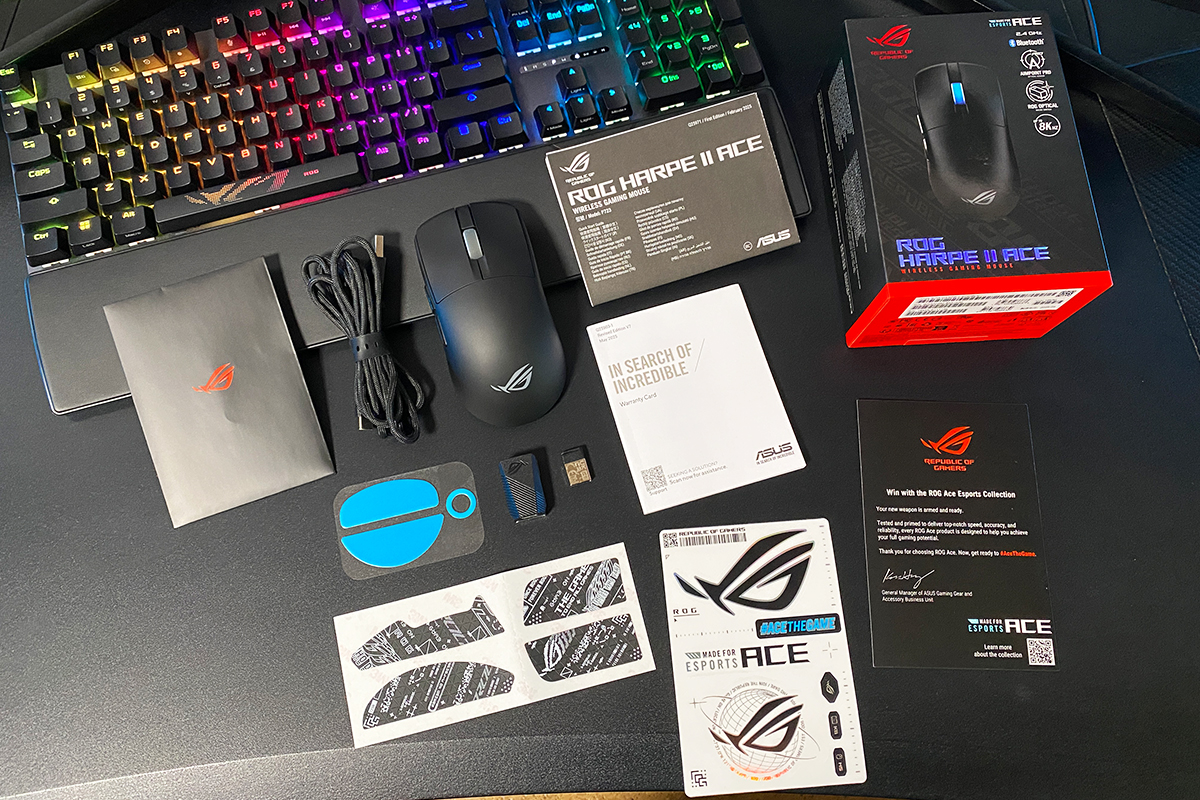
The Harpe II Ace kit comes with a wide range of contents. In addition to the mouse itself, it includes:
- 2.4 GHz RF wireless adapter
- USB-A to USB-C adapter
- Removable charging cable
- Set of adhesive grips for the body
- Set of spare Teflon glides
- Warranty documentation
- User manual
- appreciation card
- ROG branded stickers
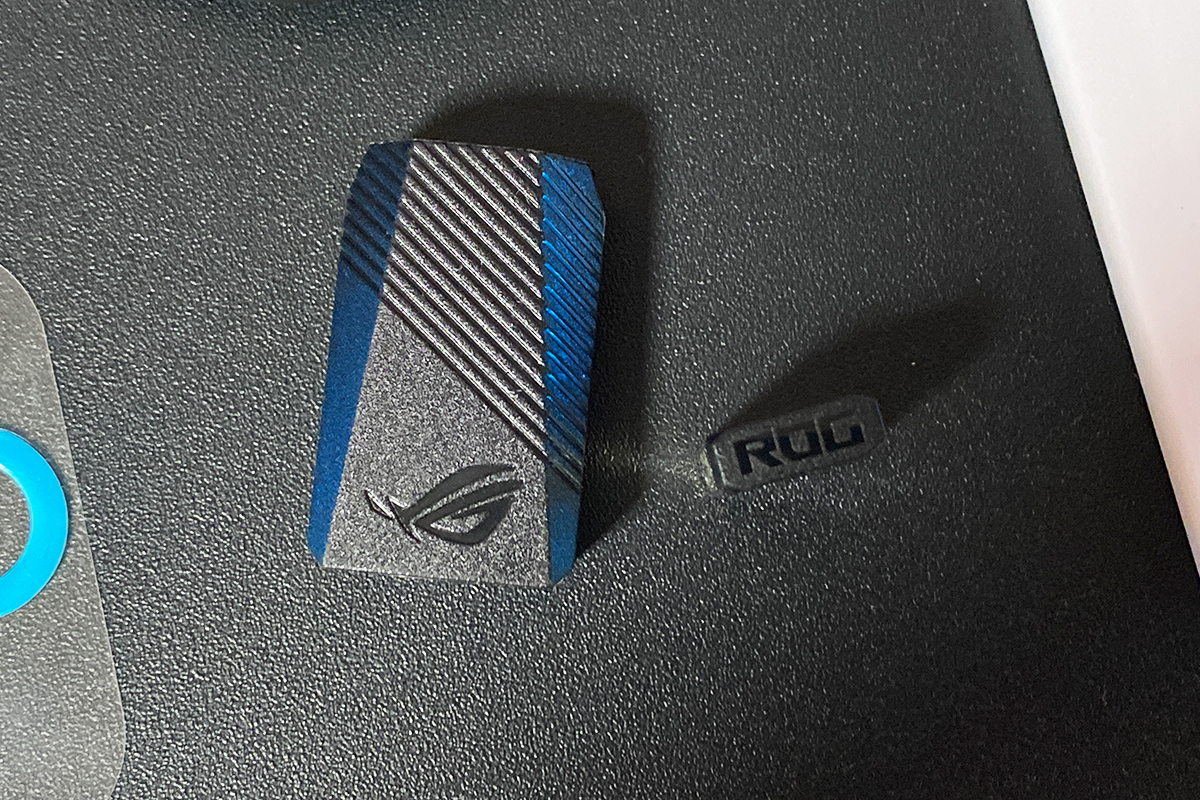
The included 2.4 GHz RF wireless adapter uses a new design rather than the familiar ROG Omni Receiver that ASUS bundled with its recent flagship devices. Unlike the Omni Receiver, it doesn’t support pairing with a second ROG peripheral, but it does feature ROG SpeedNova 8K technology. This allows the mouse to operate at an 8000 Hz polling rate without requiring additional accessories such as the ROG Polling Rate Booster.
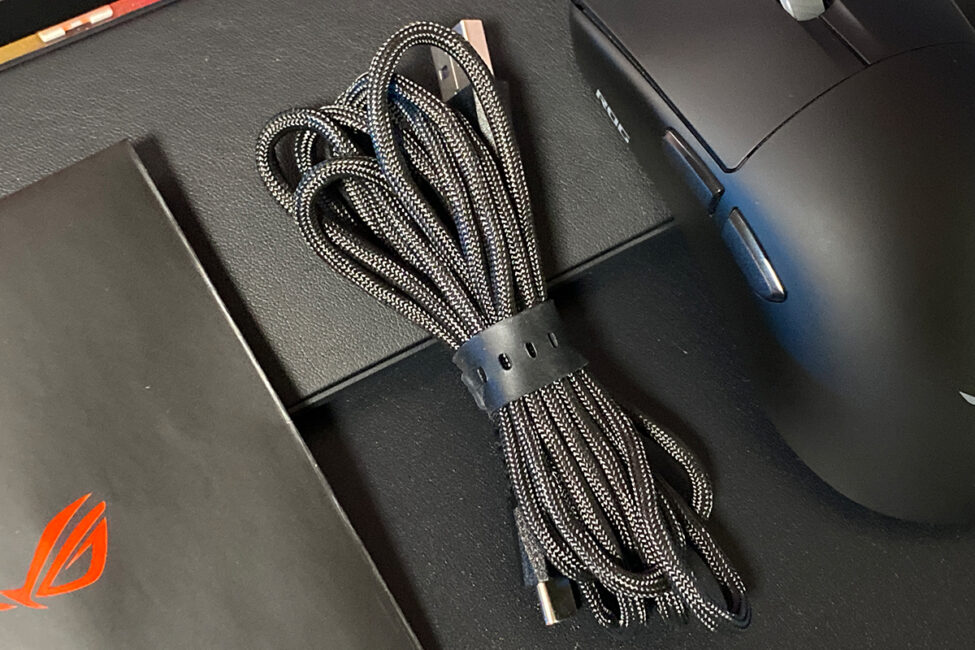
The package includes a standard USB-A to USB-C adapter, which ASUS provides with all of its devices, and a 2-meter detachable USB-A to USB-C charging cable with a paracord-style fabric braid. The cable is lightweight, flexible, and retains its shape, making the mouse comfortable to use even in wired mode.
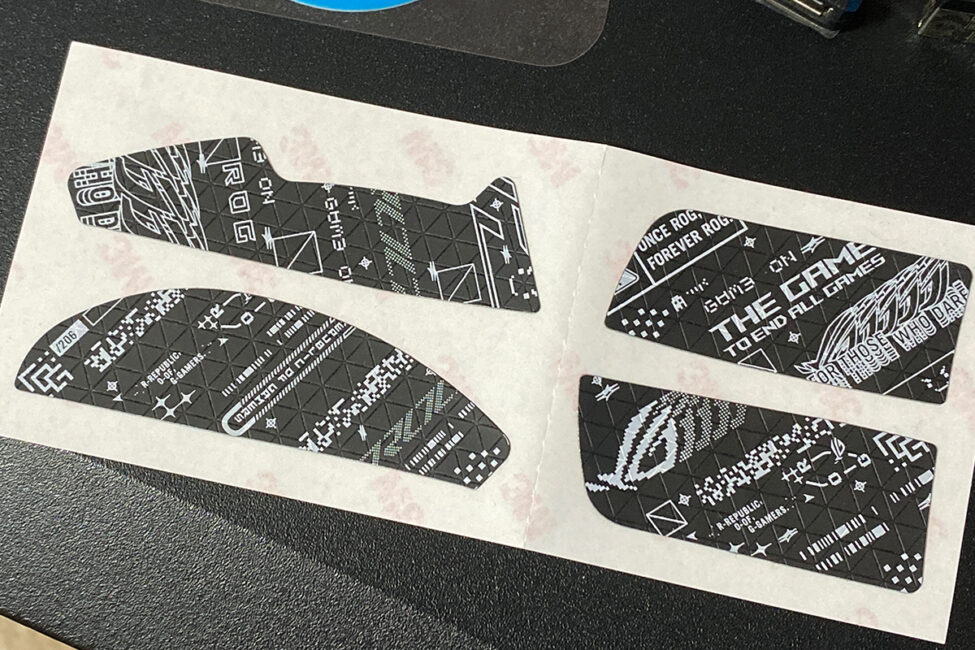
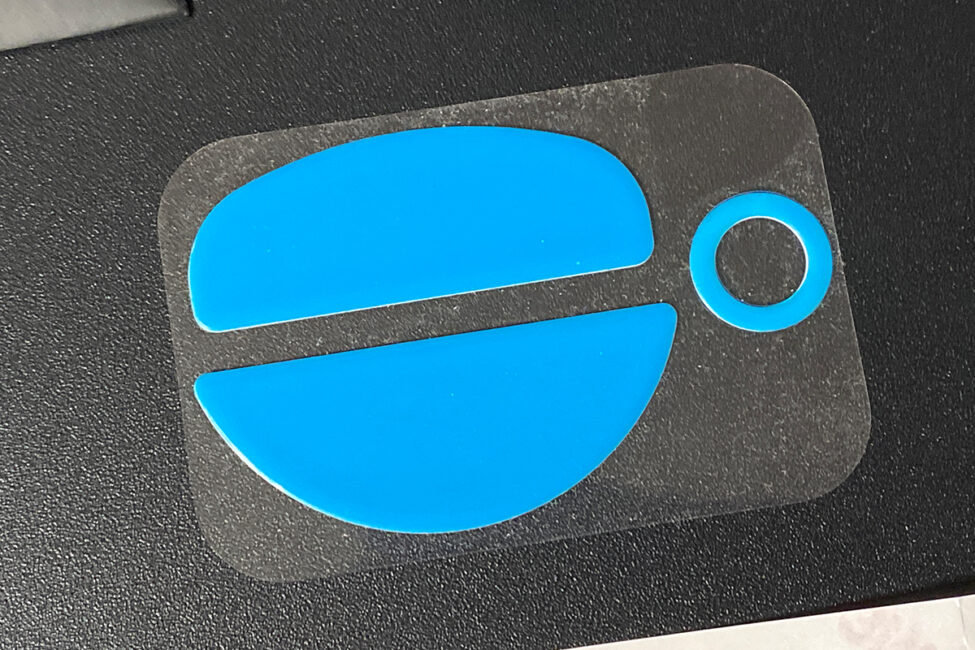
Adhesive grips are the same as those used on the Harpe Ace Aim Lab and Harpe Ace Mini models. They can be applied to the main buttons and sides of the mouse for improved finger traction. Replacement glides are also included and are identical to those on the mouse itself – made of Teflon, with two large glides plus a sensor frame.
The documentation is standard: a fold-out user manual, a warranty booklet, and a thank-you card with a link to the ROG Ace collection page on ASUS’s official website.
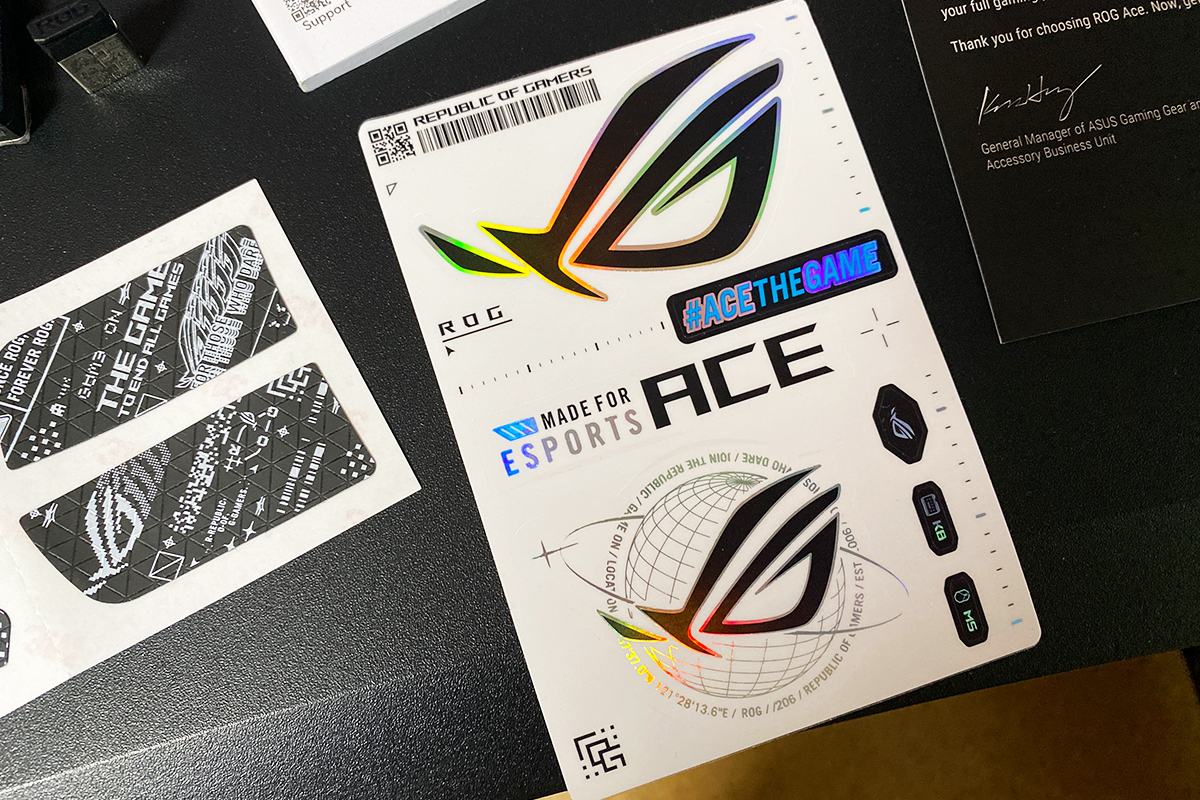
The package also includes brand-new ROG stickers, which, so far, I’ve only seen bundled with the ROG Harpe II Ace. These stickers are themed around the Esports Ace collection – ROG’s lineup of esports-focused peripherals, which now includes this mouse.
Read also:
- ASUS ROG Strix Scope II X Keyboard Review: Hot-Swap Support, Clean Design, and an Accessible Price
- ASUS ROG Azoth X Keyboard Review: Futuristic Design, Hot-Swap Support, and OLED Display
Design, ergonomics, build quality
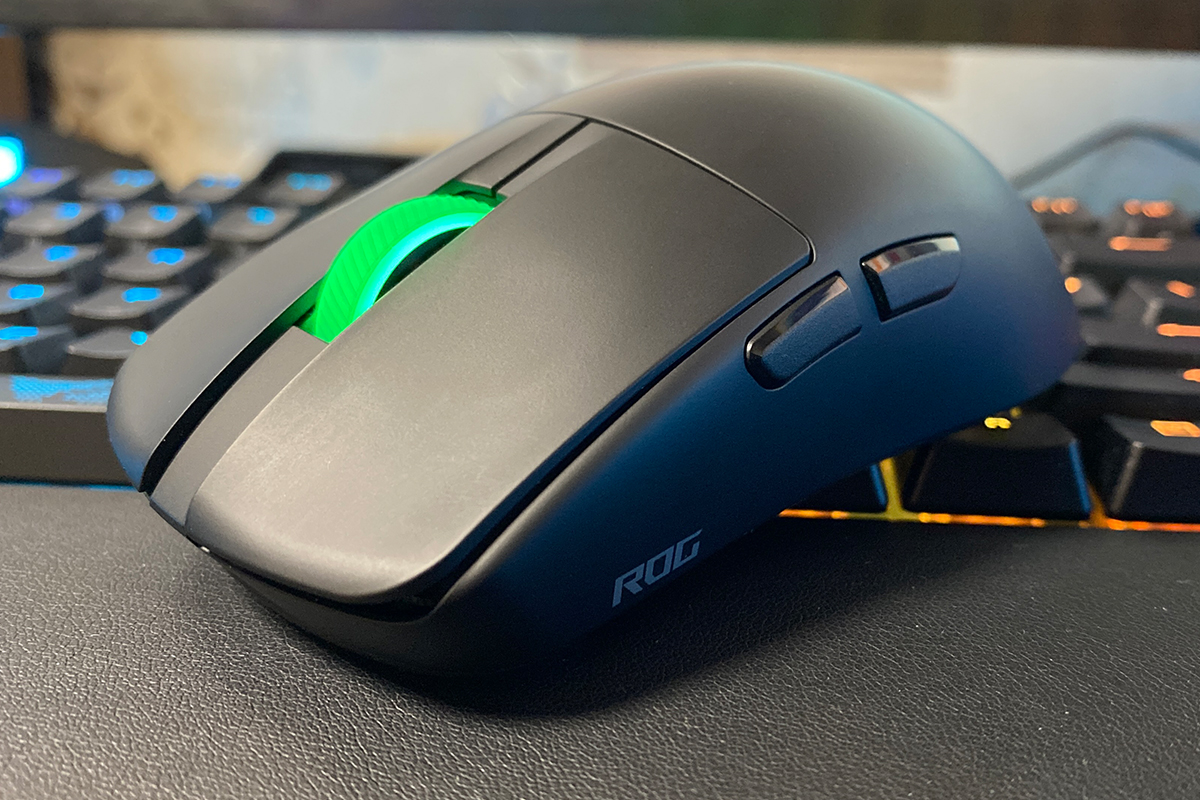
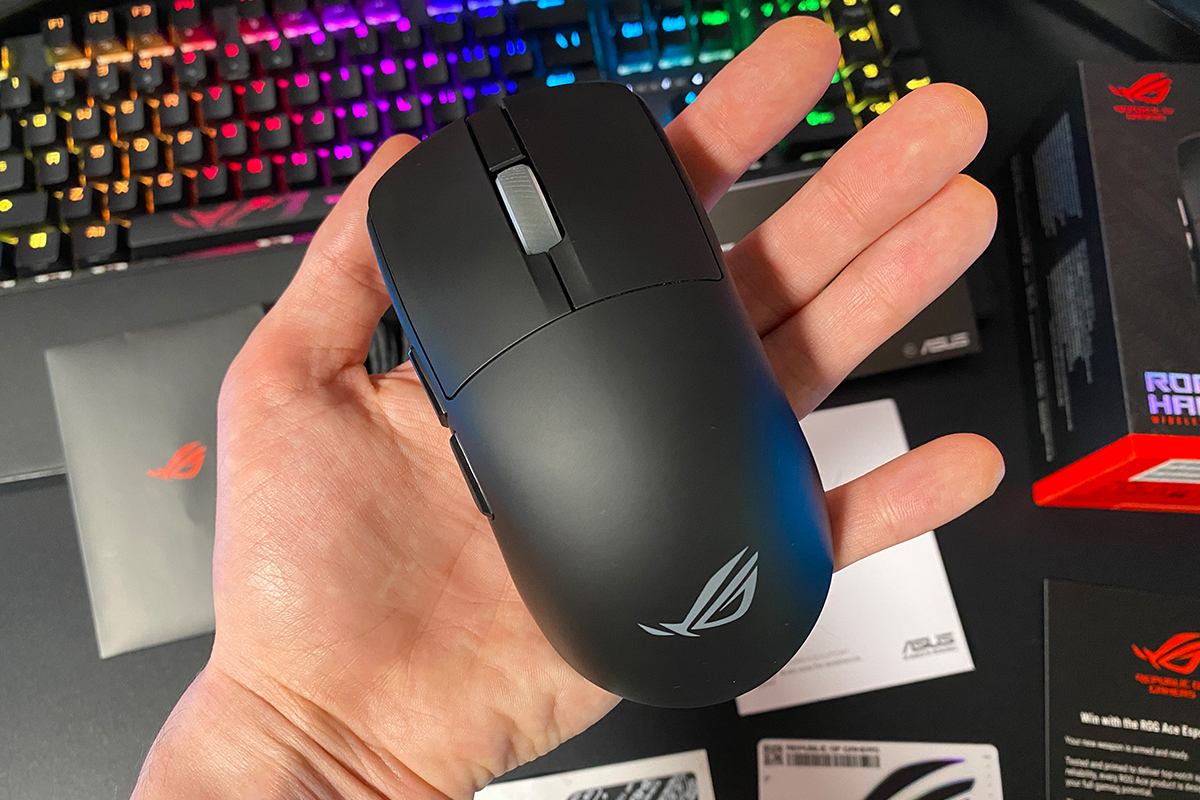
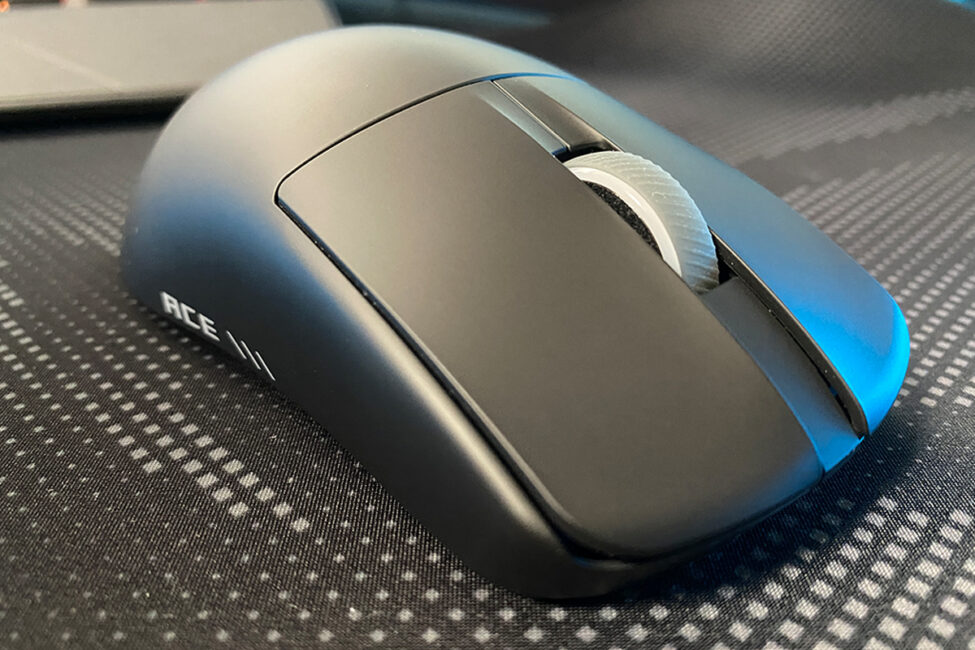
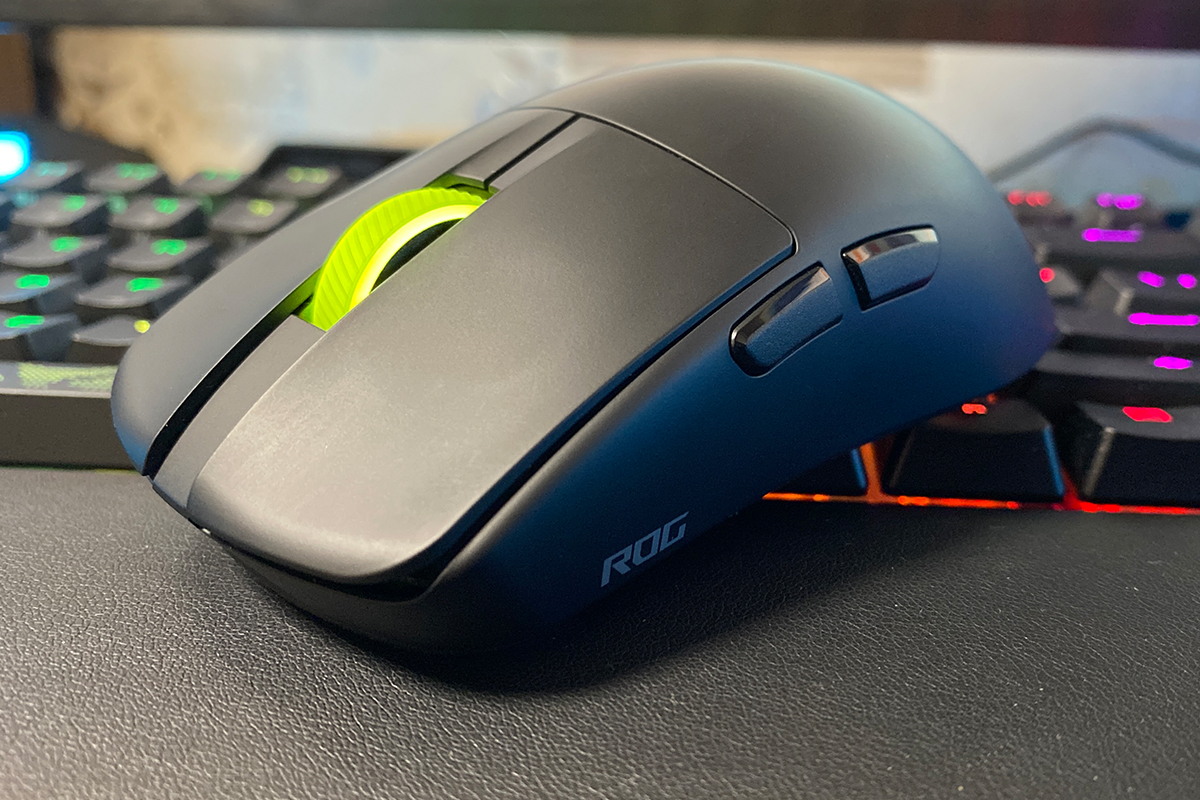
At first glance, the design of the Harpe II Ace largely resembles that of the original Harpe Ace Aim Lab Edition. However, a closer look reveals several changes. While maintaining a symmetrical base, ASUS updated the materials to reduce weight, slightly refined the shape and dimensions, and refreshed the overall design to a more modern, minimalist style.
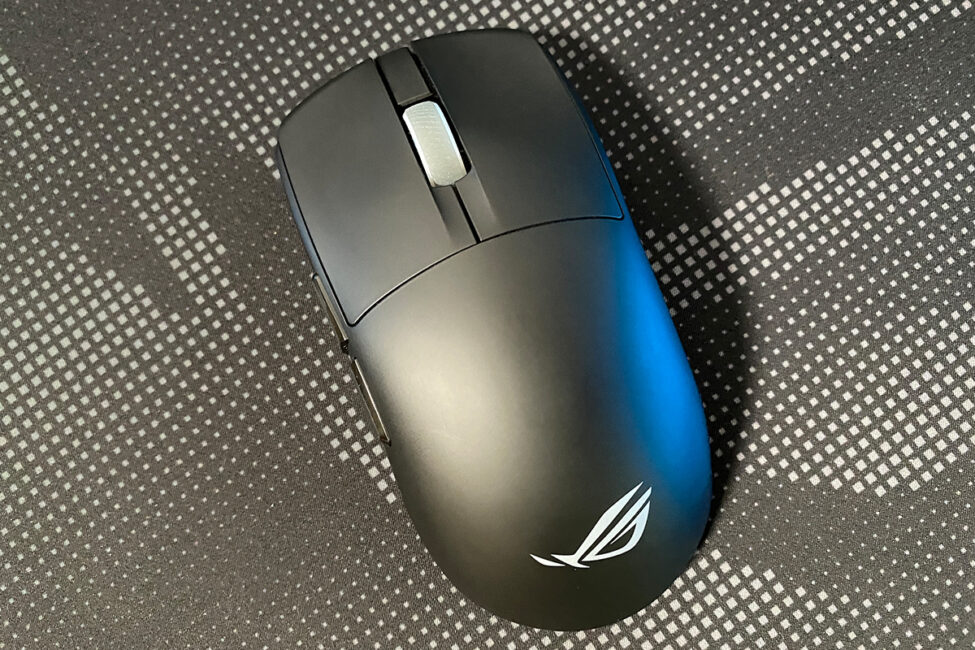
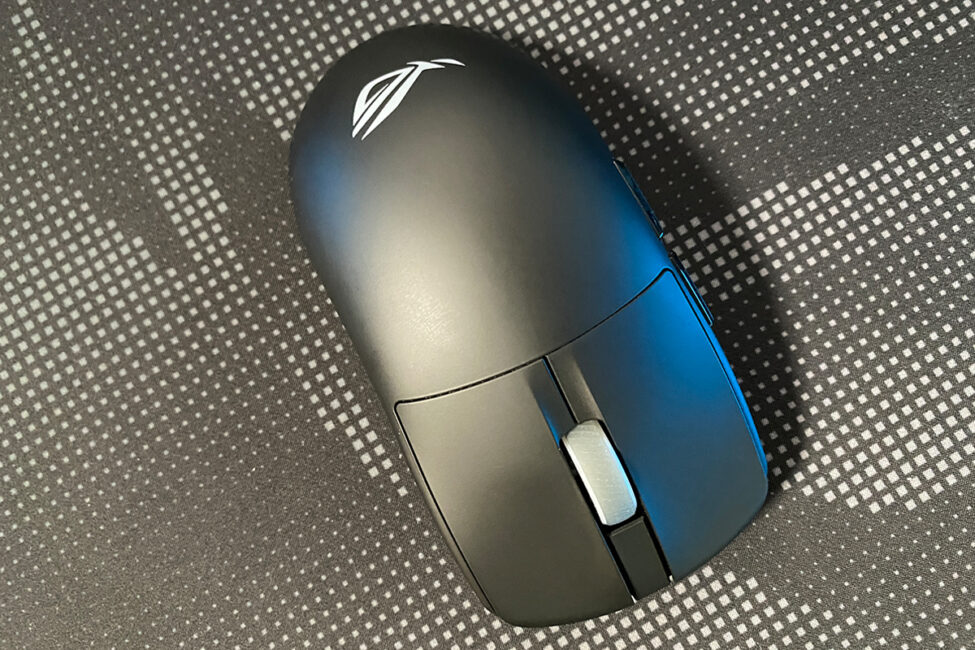
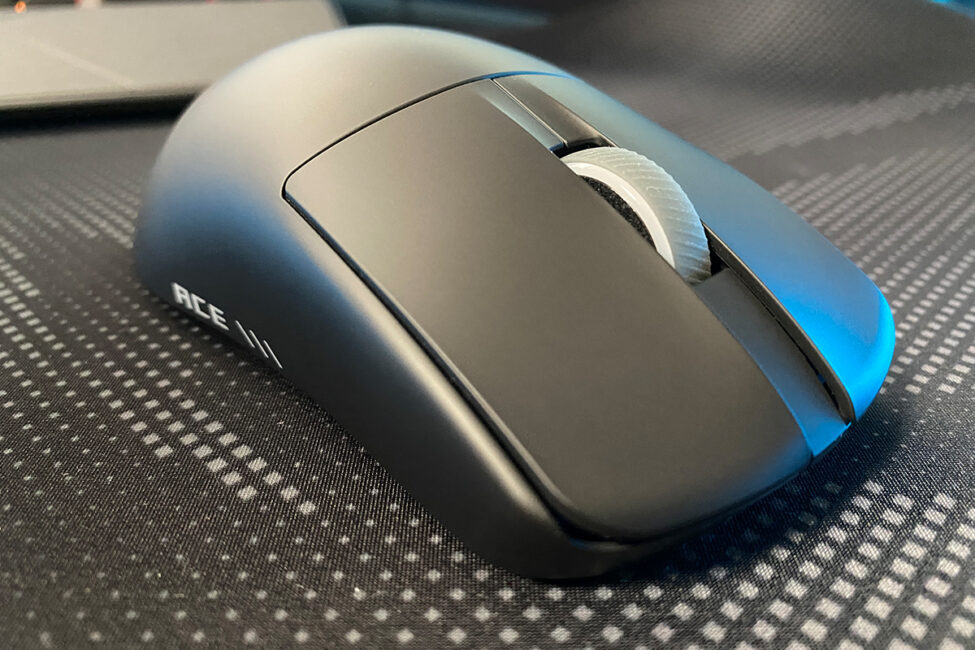
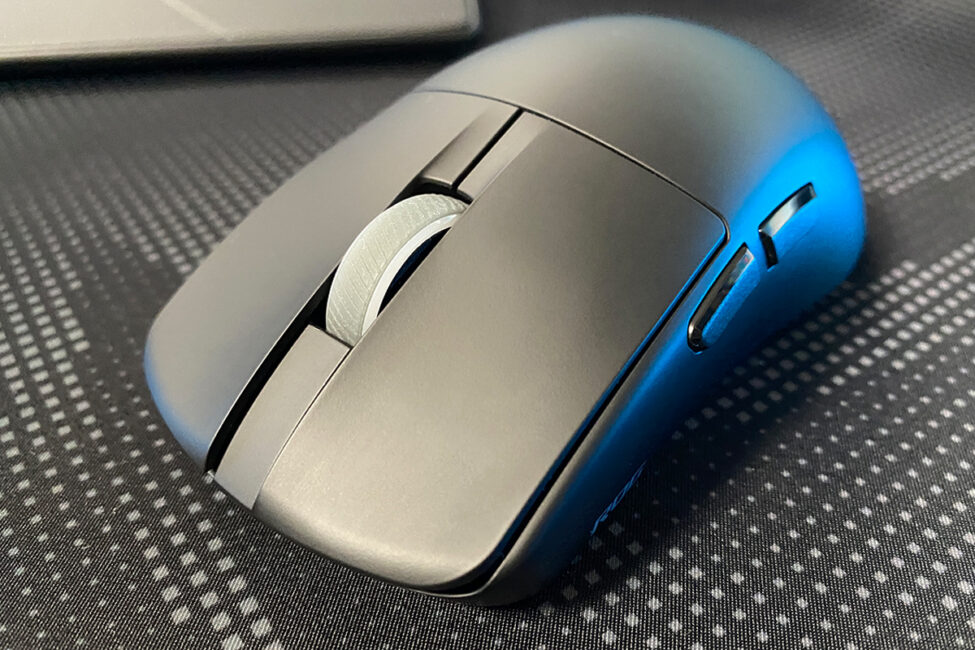
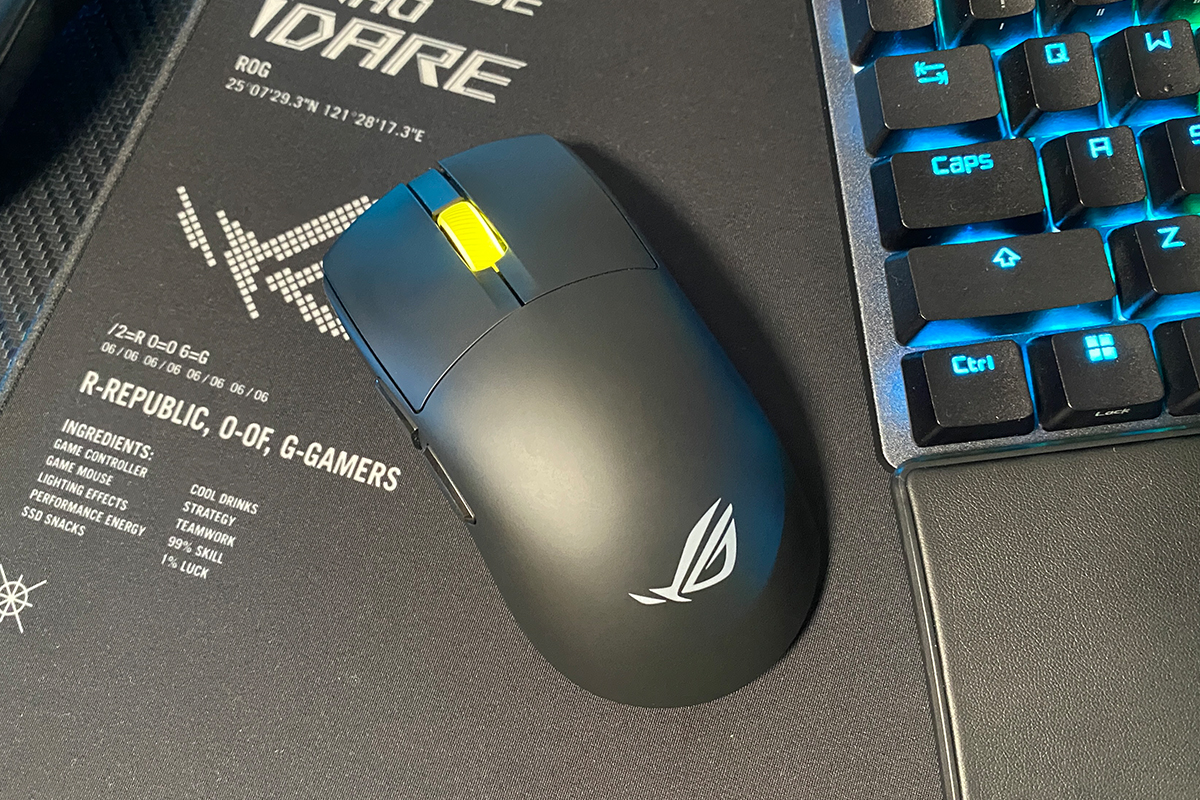
In terms of dimensions, the Harpe II Ace is 2 mm shorter than its predecessor. The overall symmetrical shape remains largely unchanged. However, as shown in the screenshot below, the back of the mouse is slightly angled to provide a more comfortable grip. From my experience, this adjustment makes the Harpe II Ace noticeably easier to hold.
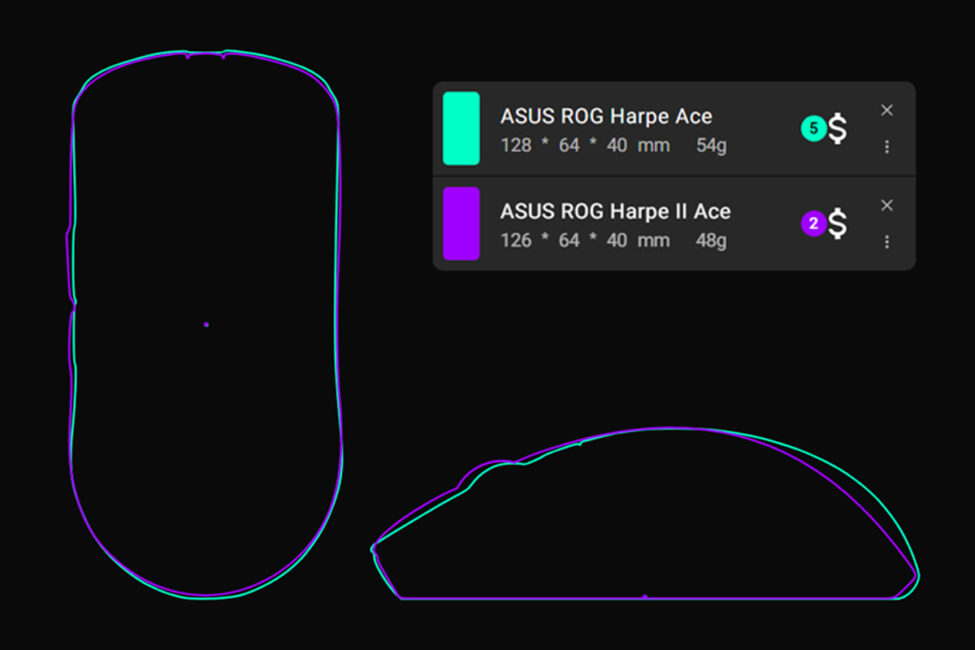
The new model is 6 grams lighter than the original, bringing its total weight to 48 g, which classifies it as an ultralight mouse. For reference, the Harpe II Ace is only 1 gram heavier than the top-tier Extreme version, which weighs 47 g.
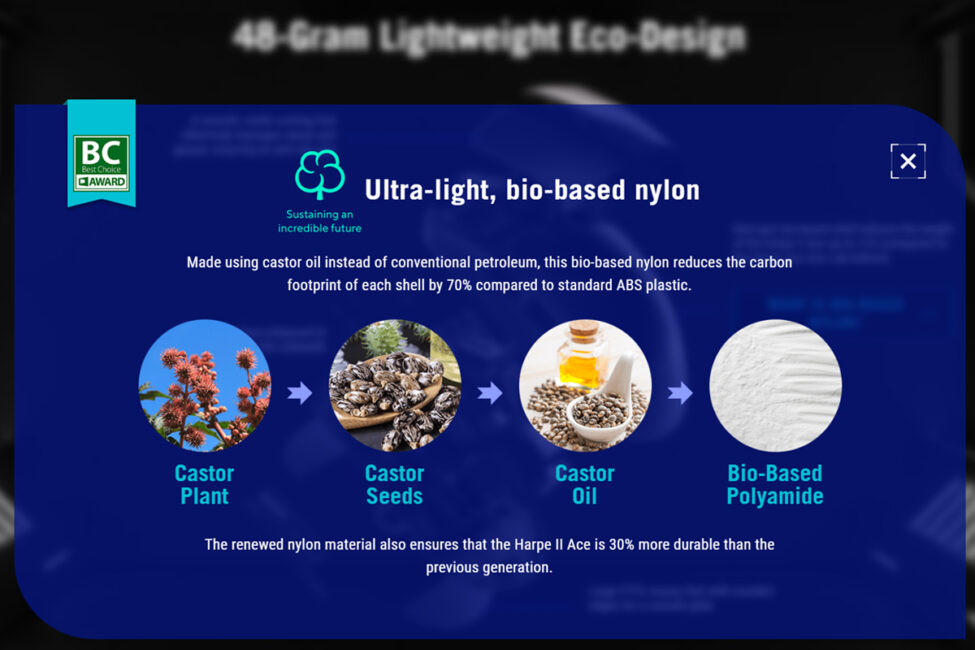
The weight reduction in the new model was achieved through the use of a new, lighter, and stronger material – bionylon. This material allowed ASUS to create thin yet durable walls for the mouse body, reducing the weight by 6 g without relying on perforations (holes) and while maintaining structural rigidity.
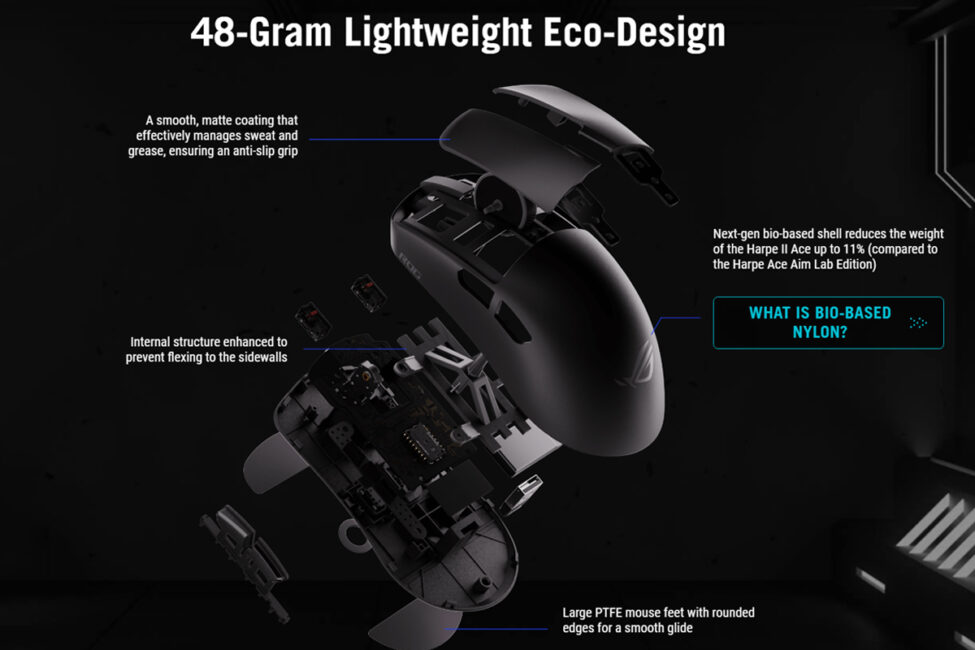
The mouse body features a smooth matte finish that effectively repels sweat, oils, and other particles from the hand while providing a secure, non-slip grip. In practice, the coating on the Harpe II Ace feels excellent – the mouse is not only comfortable to use but also very pleasant to hold.
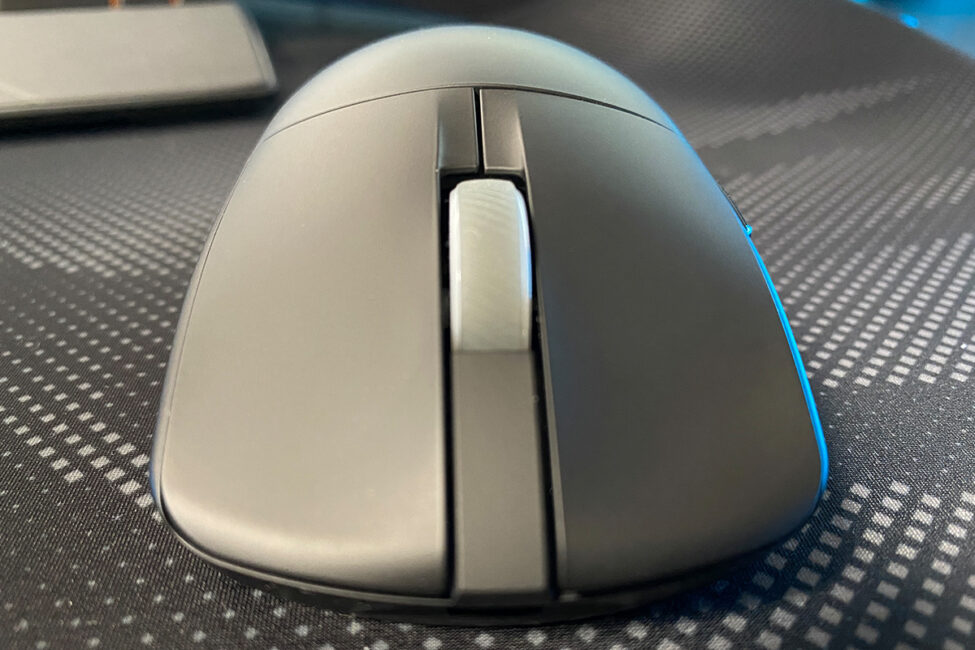
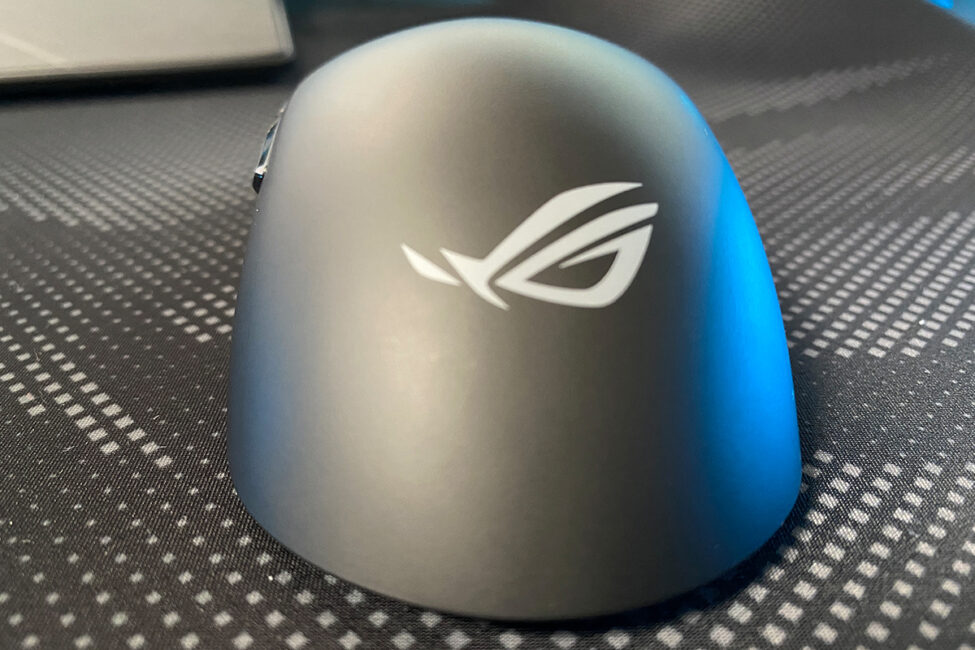
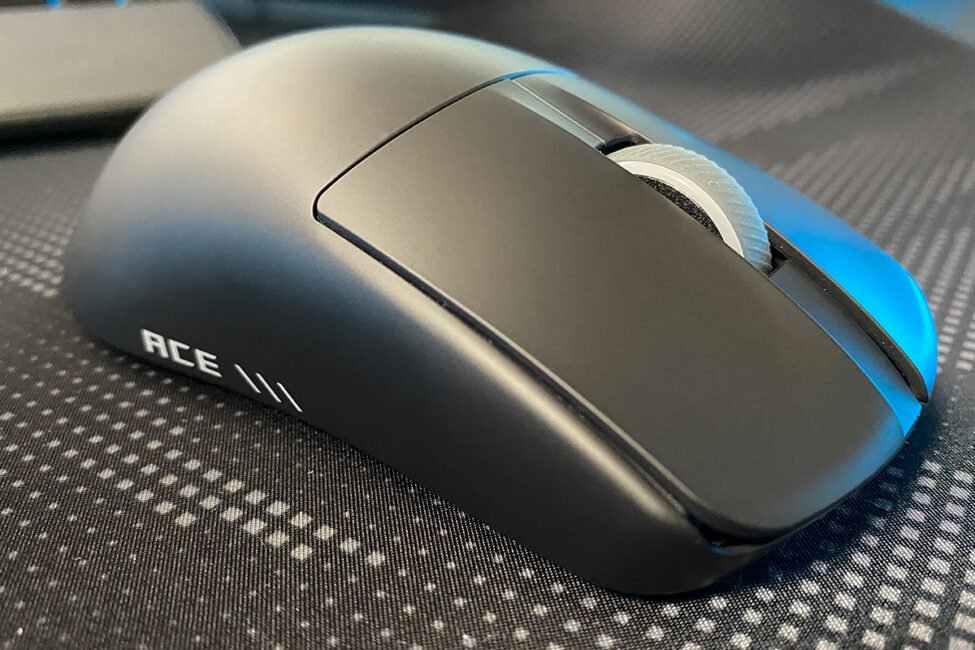
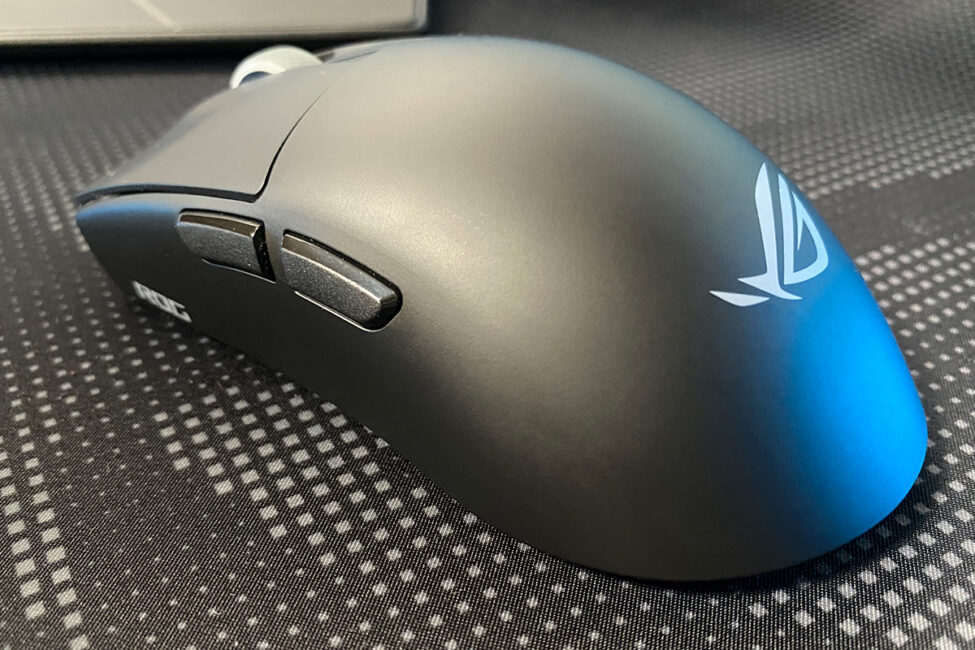
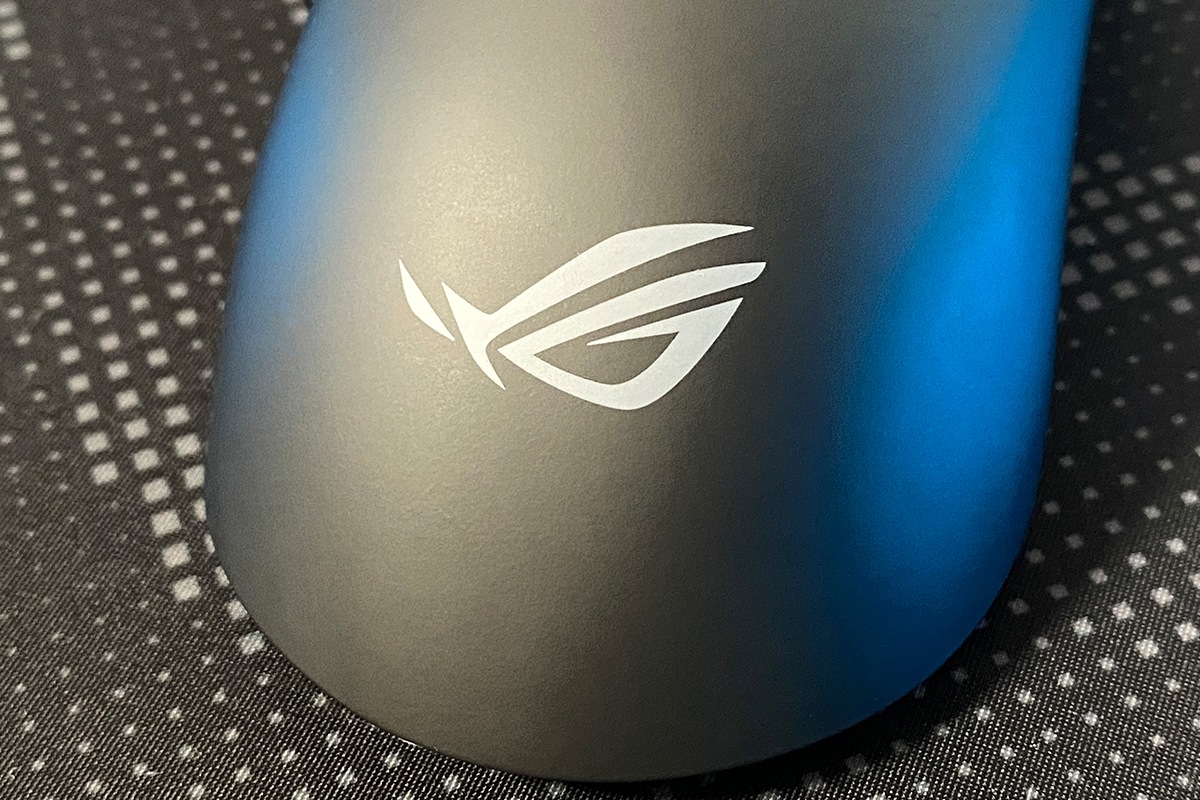
The ROG logo is positioned on the back of the mouse. As with previous models, it is a simple printed design without any lighting.
The left and right buttons, as in most gaming mice, are separated from the main body. Pre-travel and post-travel on the buttons are minimal – just enough to prevent accidental presses and soften the clicks. There is no side-button travel at all.
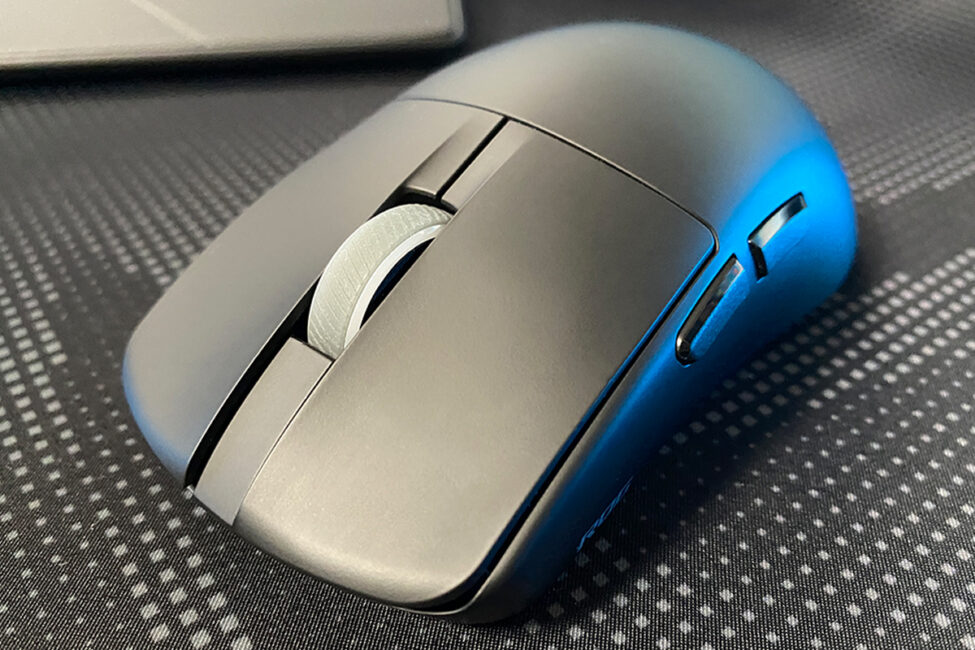
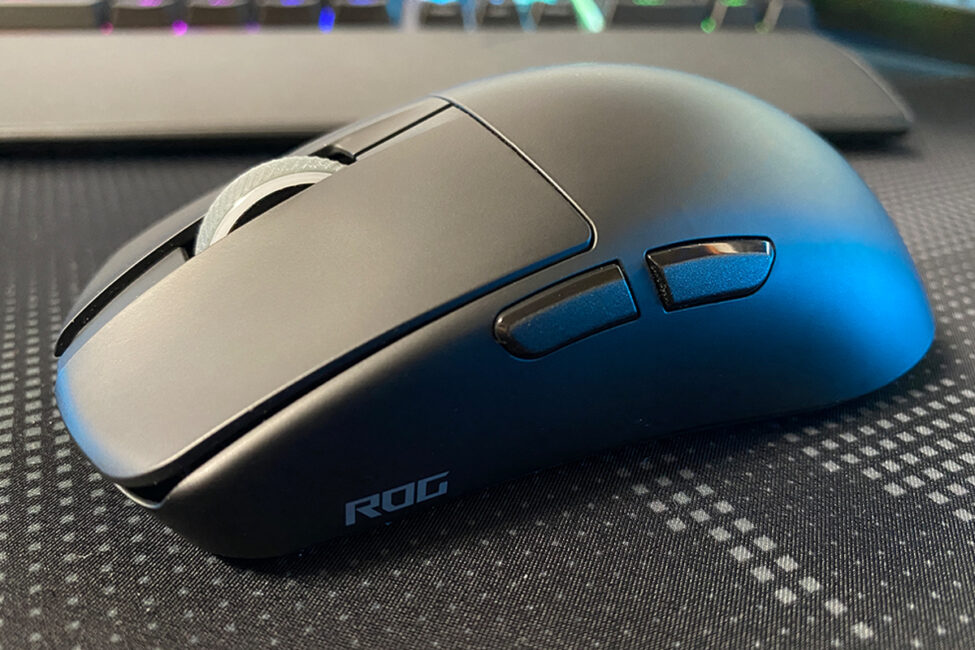
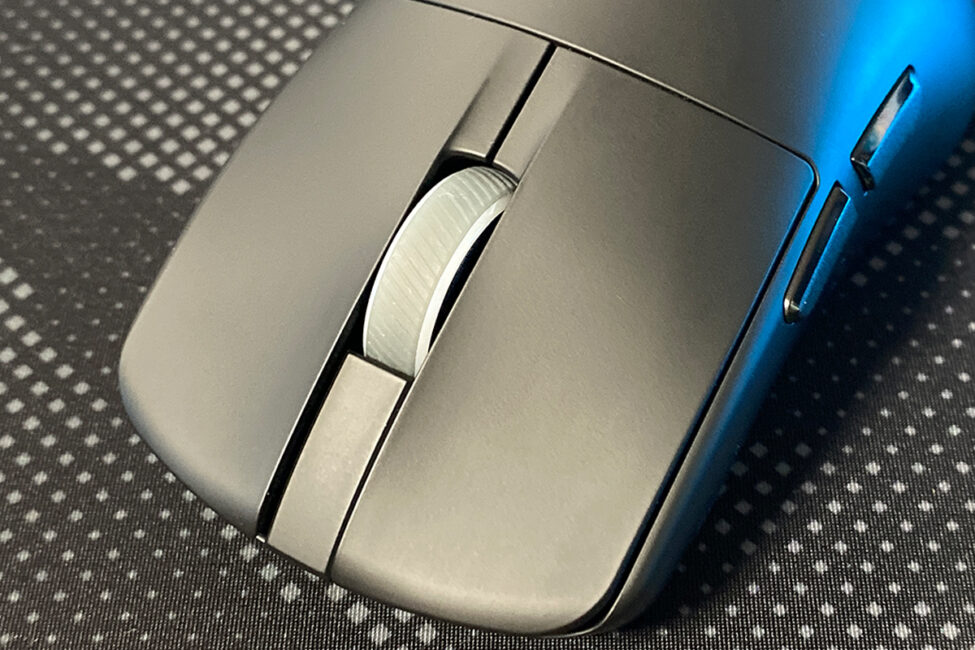
In my experience, the main button clicks are excellent: moderately soft, quiet, precise, and reasonably tactile. I tend to be quite particular about primary button feedback when testing mice, always searching for what I consider ideal. The clicks on the Harpe II Ace come very close to that standard. In fact, the feel of the left and right clicks is one of the main reasons I found this mouse appealing.
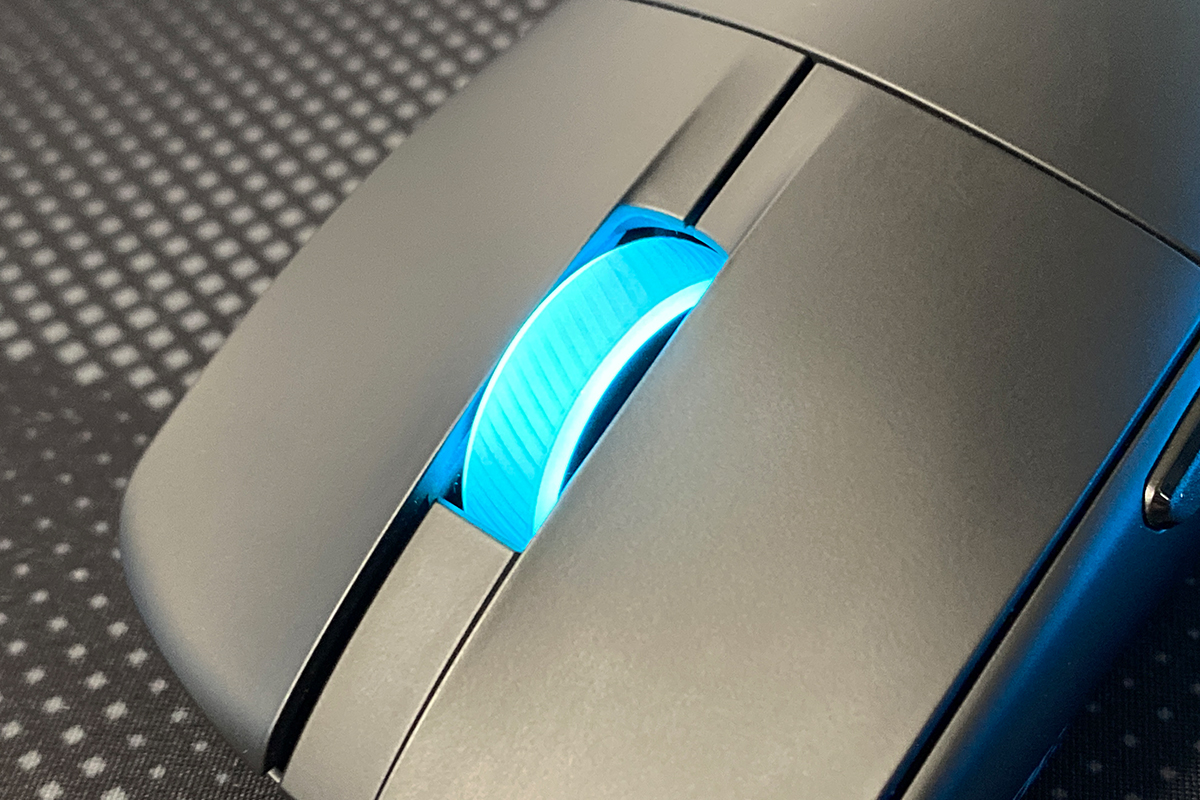
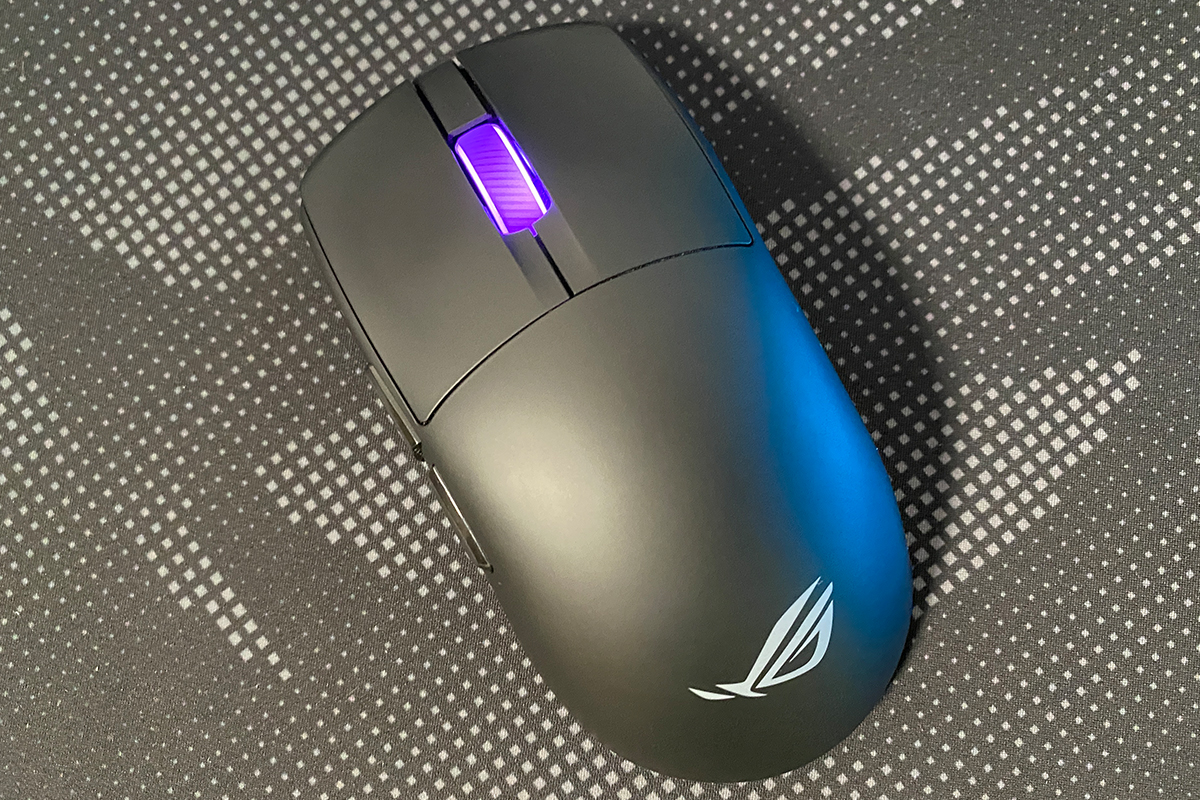
The mouse wheel uses a reliable TTC Gold encoder with well-defined tactile steps, providing precise scrolling. The wheel click is also optimized – clear, tactile, and relatively quiet. As with previous Harpe models, the wheel features a textured surface for improved finger grip and full RGB lighting, which can be synchronized with other ASUS devices via Aura Sync.


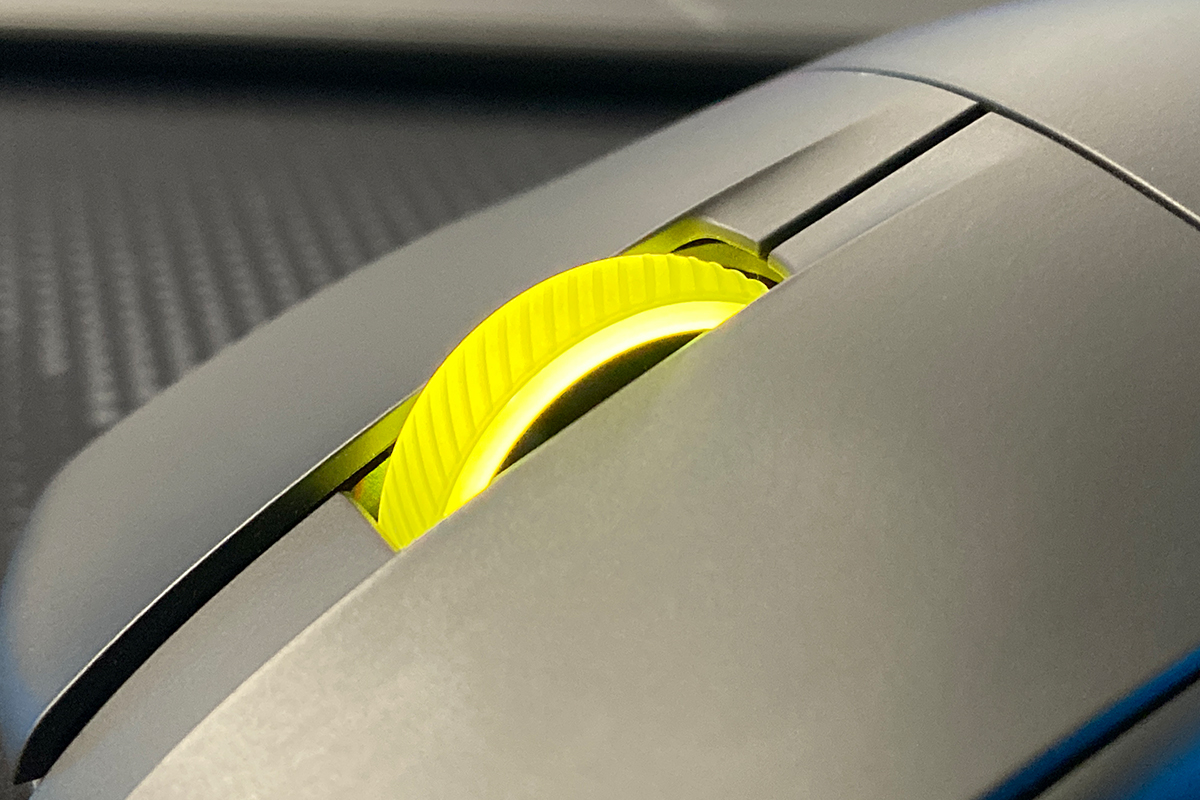
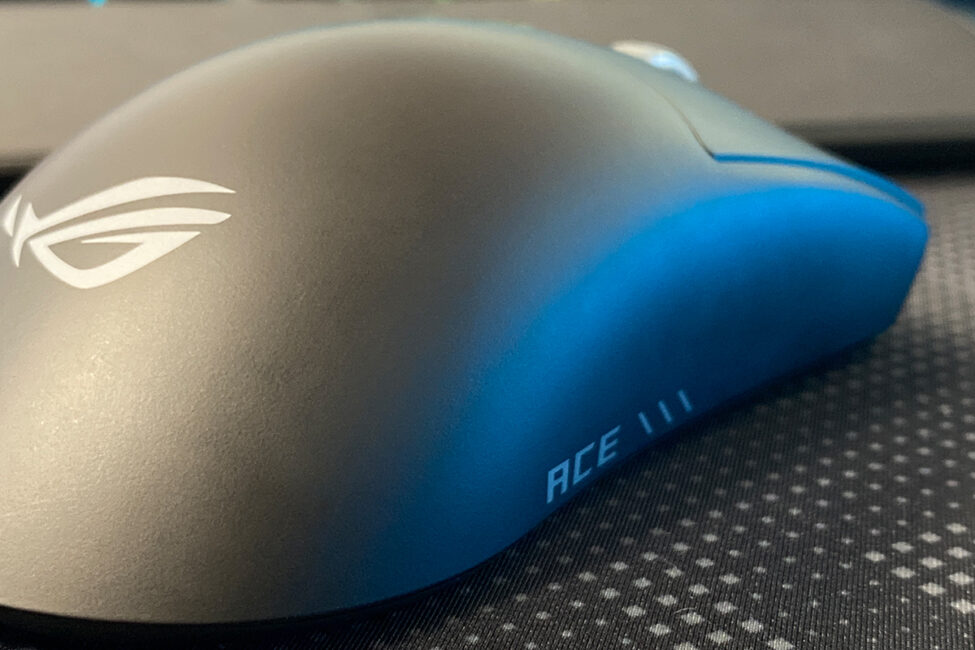
The sides of the mouse share the same smooth finish as the rest of the body. Unlike the original and Mini versions, the new model has no lines or textures on the sides. The only notable details are the ROG and ACE inscriptions, which are purely decorative. Despite the smooth surface, grip remains reliable – the mouse stays securely in hand even during fast, abrupt movements.
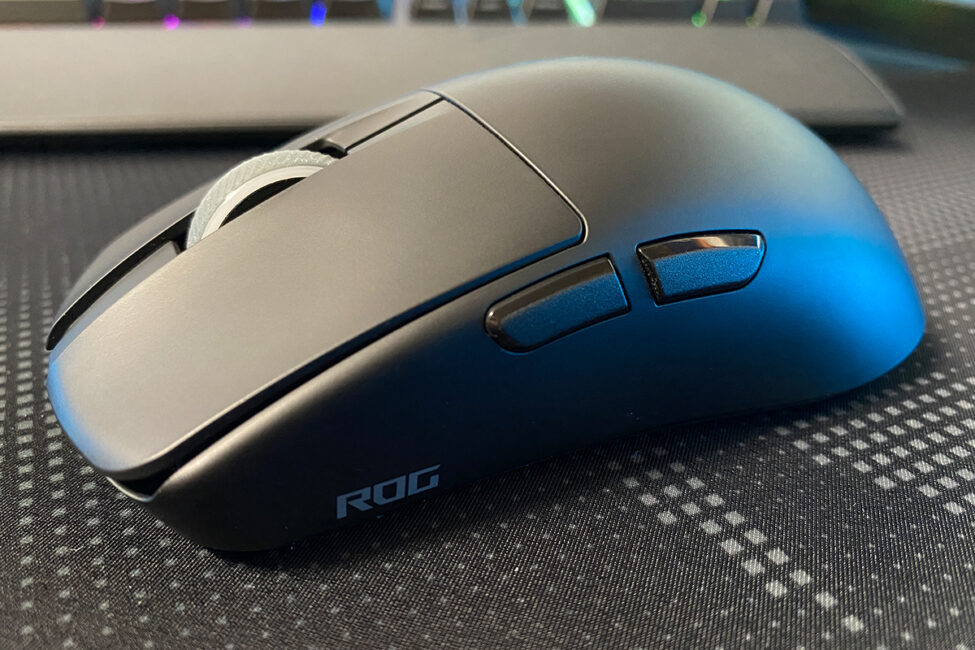
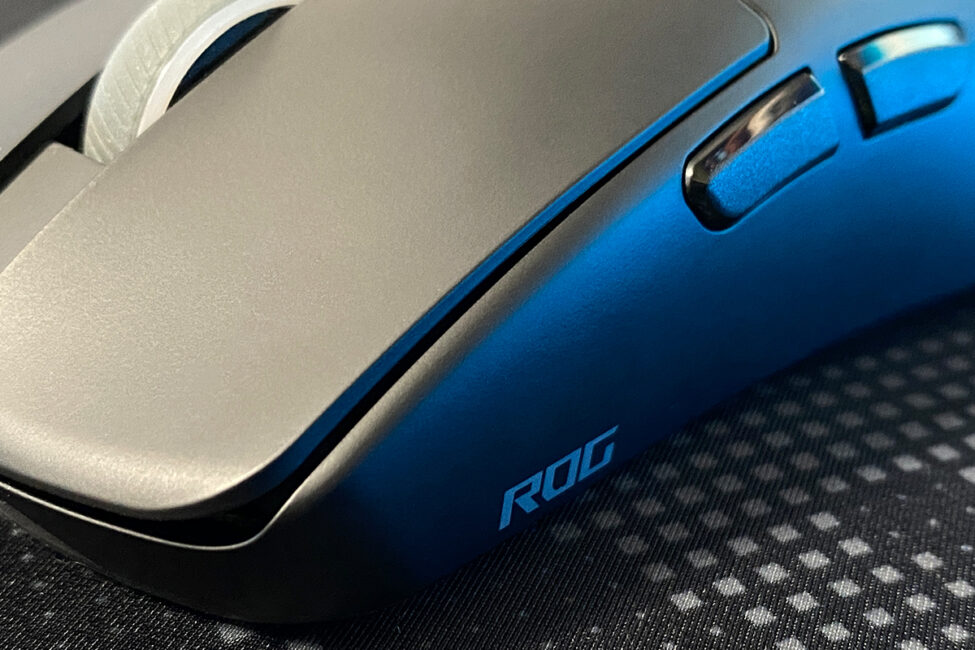
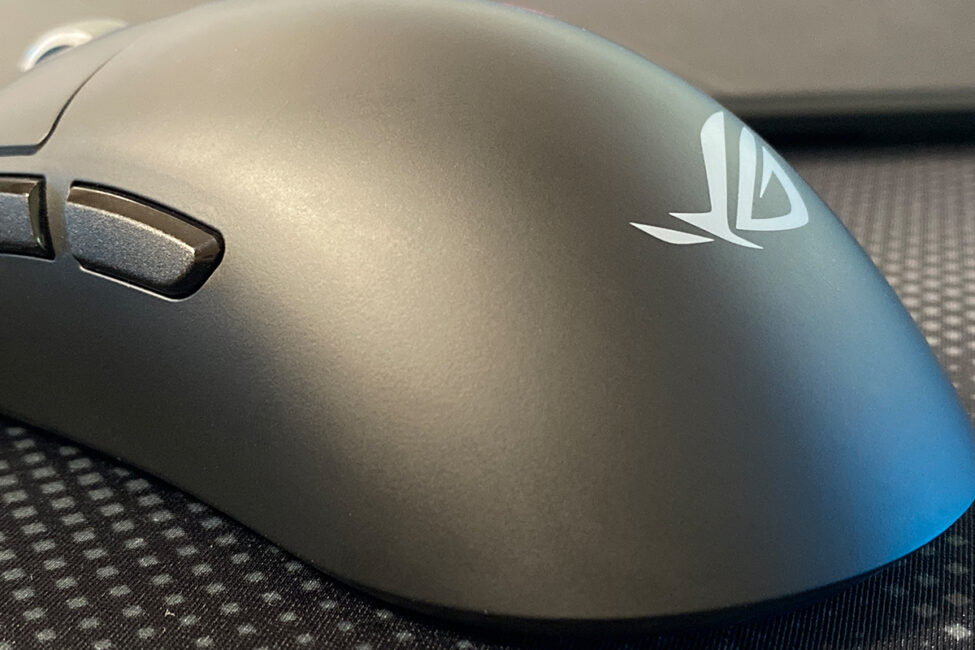
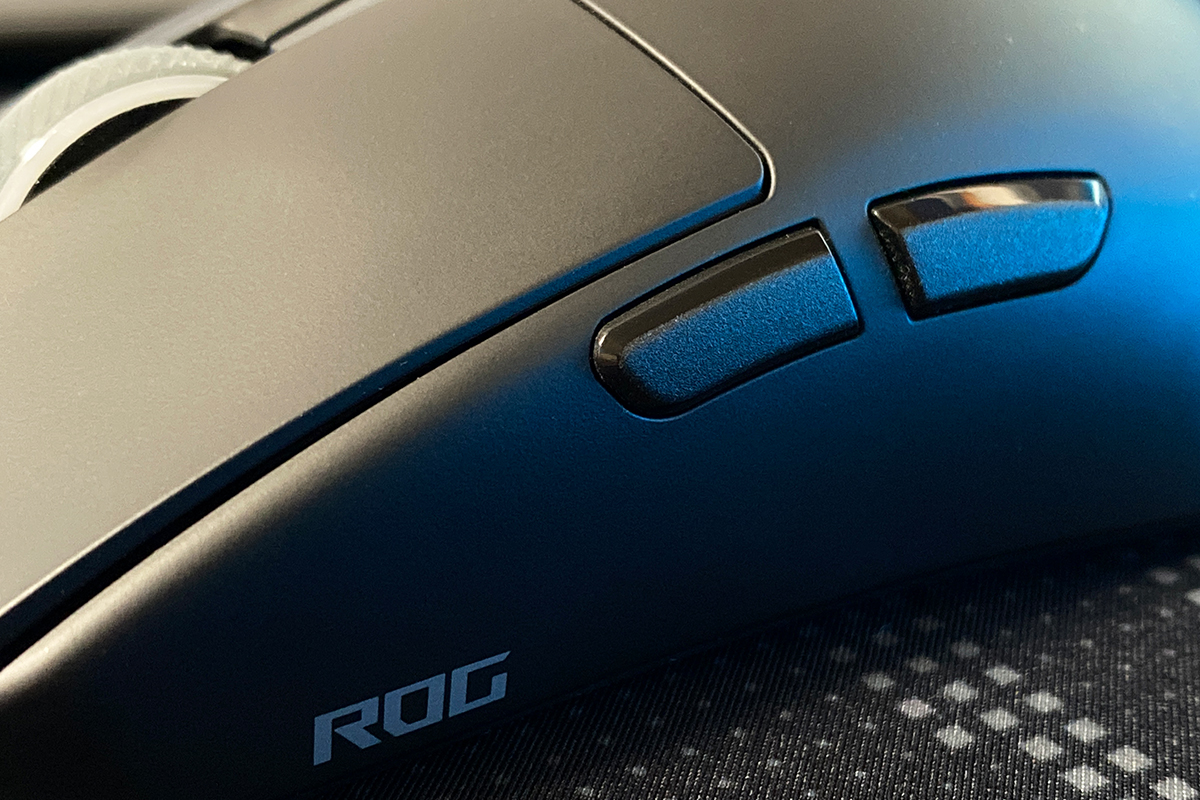
On the left side of the mouse, there are two additional buttons that can be assigned to various functions. I often use side buttons for work tasks, and on the Harpe II Ace, they perform quite well. Their placement is convenient, the size is appropriate, and the thumb reaches them easily. The buttons are comfortable to press with either a simple click or a thumb swipe. The clicks themselves are clear, tactile, and quiet. Personally, I might prefer slightly softer feedback, but overall, the side buttons are functional and comfortable to use.
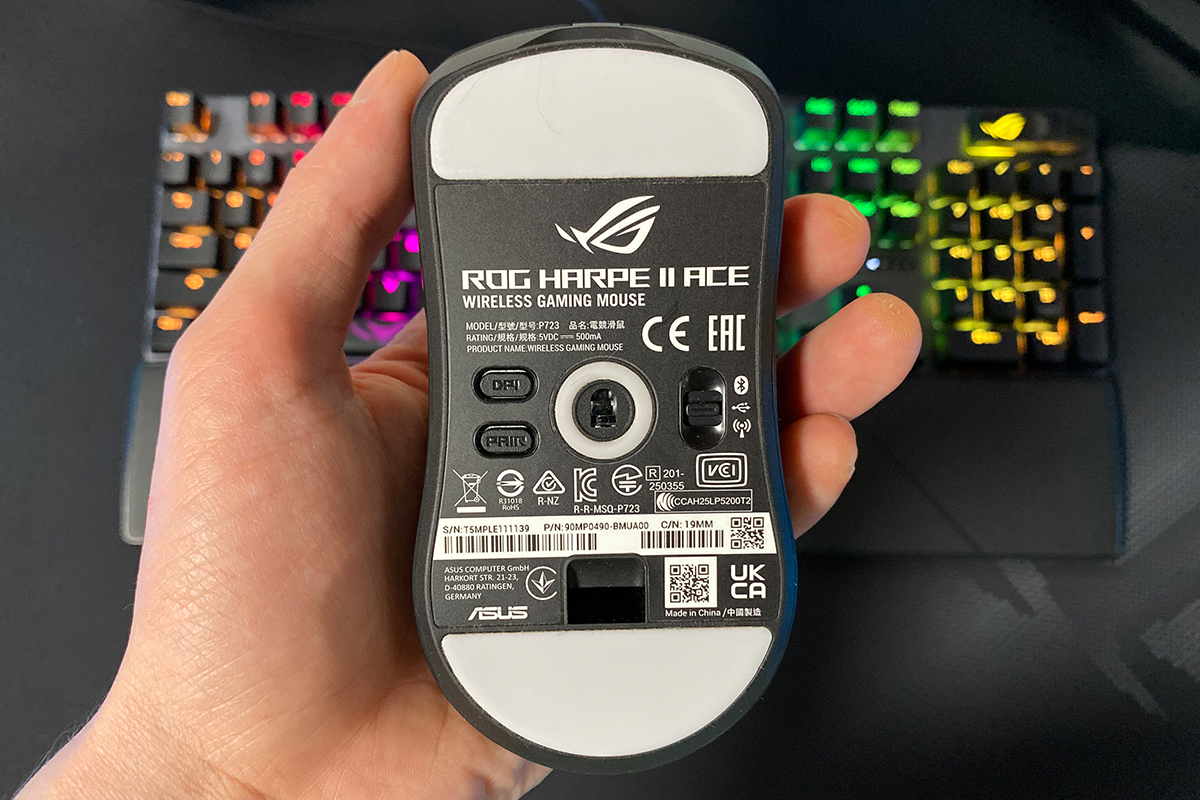
On the bottom of the mouse, there are two large Teflon glides with rounded edges designed for smooth movement across surfaces. In my experience, the mouse glides very well on any surface, whether it’s the ROG Sheath II XXL or third-party mats.
In addition to the Teflon glides, the bottom houses the connection mode switch (BT, RF, USB) and the DPI and PAIR buttons. The DPI button allows switching between four configurable sensitivity levels, which can be customized via the Gear Link web app and changed on the fly. The PAIR button puts the mouse into Bluetooth pairing mode.
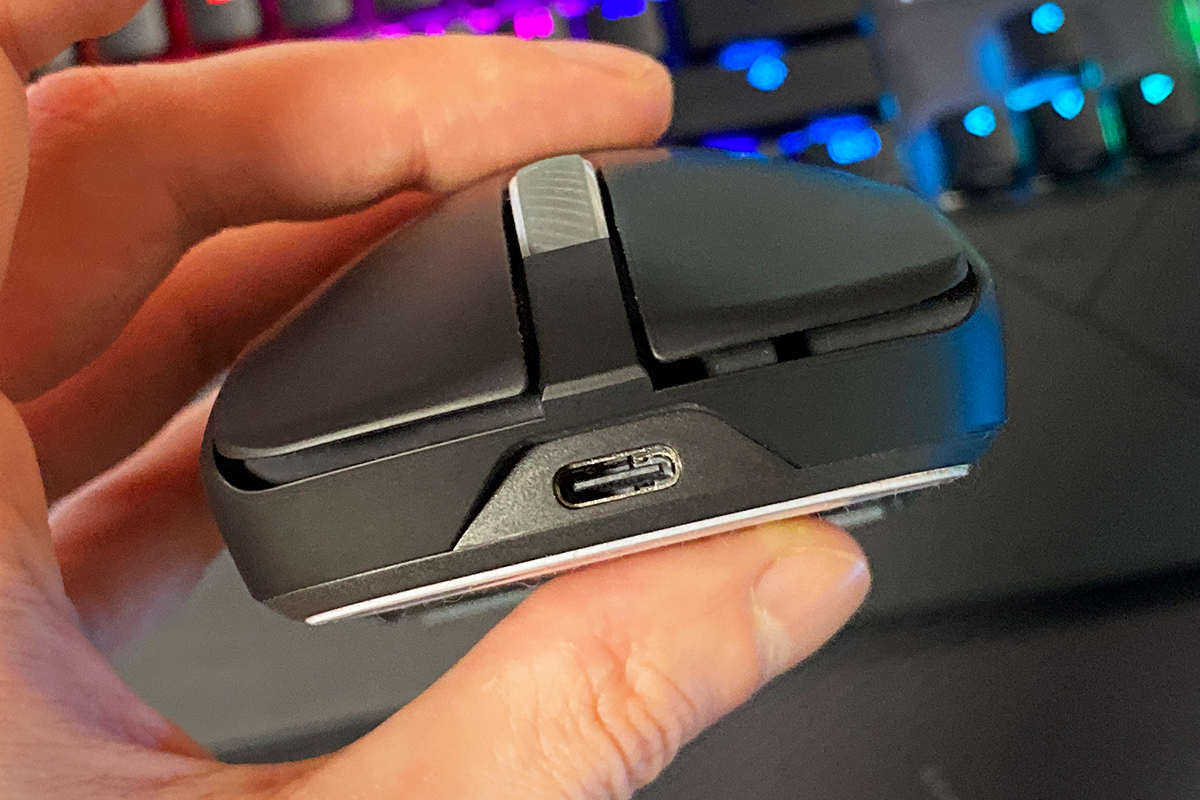
At the front of the mouse, there is a standard USB Type-C port for connecting the cable. As mentioned earlier, the package includes a high-quality, lightweight 2-meter ROG Paracord cable, which makes the mouse comfortable to use even in wired mode.
Build quality on the Harpe II Ace is excellent. The overall construction feels solid and reliable, with no creaks, looseness, or flex, yet the mouse still feels exceptionally light. Ergonomics are also strong – the comfortable shape, ultralight weight, and new body material make the Harpe II Ace, in my view, one of the most comfortable symmetrical mid-sized mice currently available.
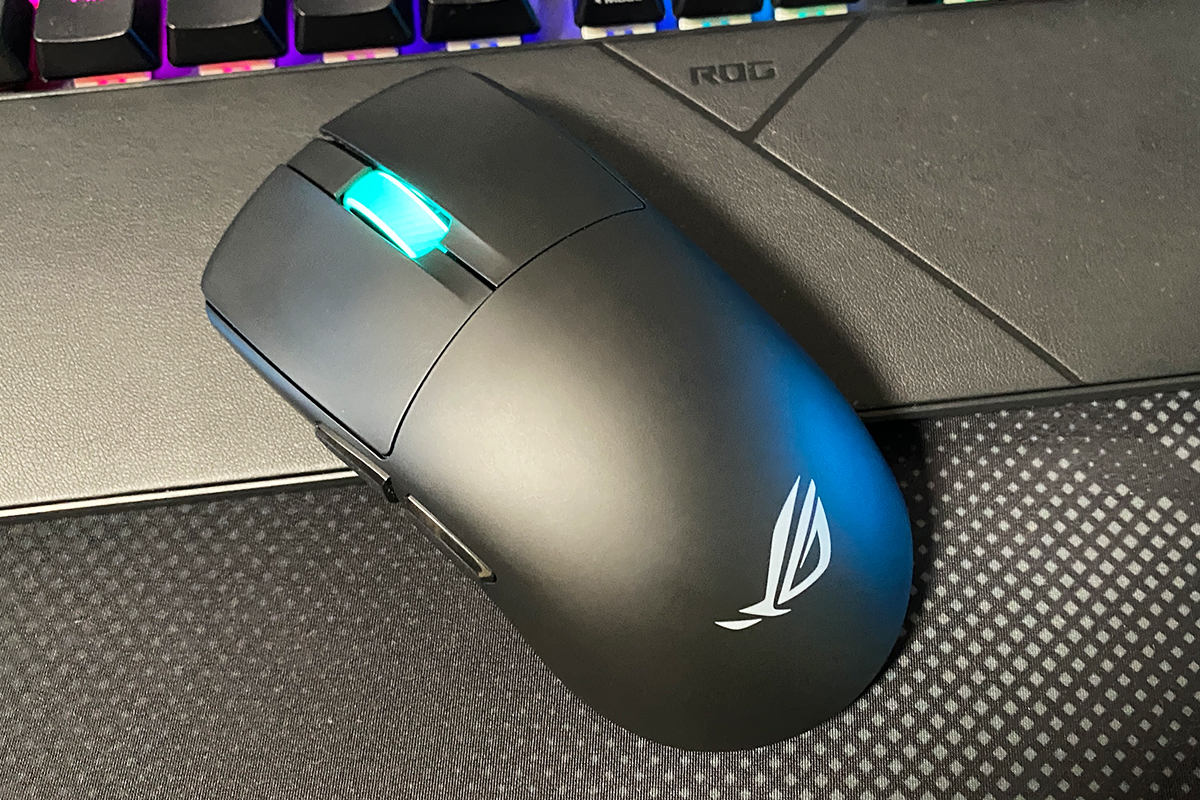
Based on my experience, after extended use of the Harpe II Ace, I seriously started considering switching from an ergonomic mouse to a symmetrical design. For me, the Harpe II Ace currently appears to be the most promising option. Its shape, weight, pleasant body material, and well-designed clicks are likely the main factors influencing my preference.
That said, I should note that the mouse feels slightly large for my hand – in this regard, the Mini version might be a better fit. However, considering the high-end components of the Harpe II Ace, I would still choose this model. Additionally, after a few days of active use, the mouse becomes more familiar and no longer feels unusual.
Read also:
- ASUS ROG Keris II Origin Wireless Gaming Mouse Review: Sleek and Affordable
- ASUS ROG Falchion Ace HFX review: Gaming Keyboard with Magnetic Switches
Sensor, switches, proprietary technologies
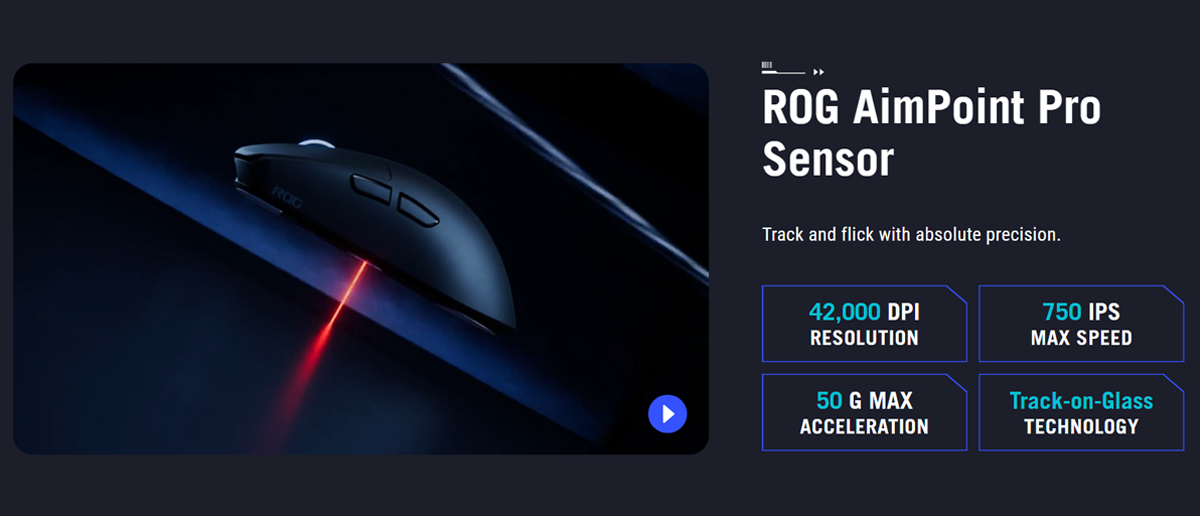
As mentioned earlier, the internal components of the Harpe II Ace are identical to those of the flagship Extreme version. The mouse uses ASUS’s proprietary optical ROG AimPoint Pro sensor, featuring <1% deviation and Track-On-Glass technology, which allows it to function reliably on glass surfaces.
The sensor itself has top-tier specifications: up to 42,000 DPI, a maximum speed of 750 IPS, and a maximum acceleration of 50 G. It’s difficult to say exactly which sensor lies under this branding, as many manufacturers modify, customize, and rename sensors for their own products. However, the specifications match those of the PixArt 3950, so it’s quite likely that the sensor is either that model or a custom variant based on it.
Like the latest models in the lineup (Extreme and Mini), the Harpe II Ace supports an 8000 Hz polling rate, which reduces data transmission latency eightfold compared to the standard 1000 Hz. Unlike previous models, however, the Harpe II Ace does not require an additional ROG Polling Rate Booster dongle. This functionality is built into the included wireless dongle, which already supports ROG SpeedNova 8K technology.

The switches in the new model are the same as those used in the latest mice in the lineup – ASUS’s proprietary ROG Optical Micro Switches, rated for 100 million clicks. As mentioned earlier, the wheel uses a TTC Gold encoder with distinct tactile steps and an optimized, clear, and quiet click.
Among the notable proprietary technologies in the mouse are ROG SpeedNova 8K and the entirely new Zone Mode. The former has already been discussed, while Zone Mode deserves special attention, as the Harpe II Ace is the first ASUS mouse to feature it.
According to ASUS, Zone Mode is a dedicated setting that instantly puts the user into a state of full focus. It activates top-tier hardware settings optimized for competitive gaming, directing all available performance toward the most critical tasks at that moment.
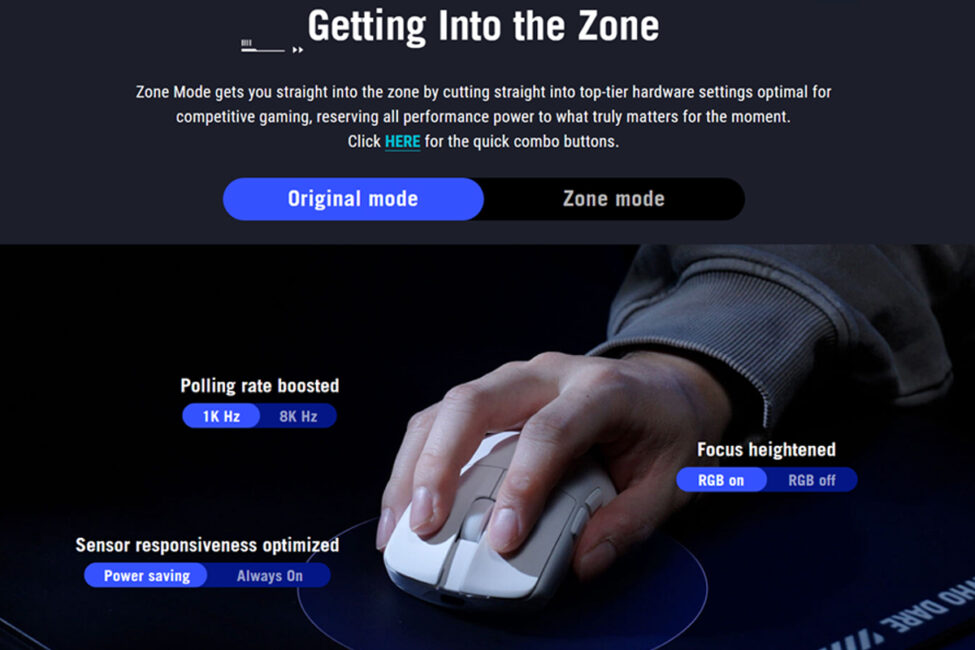
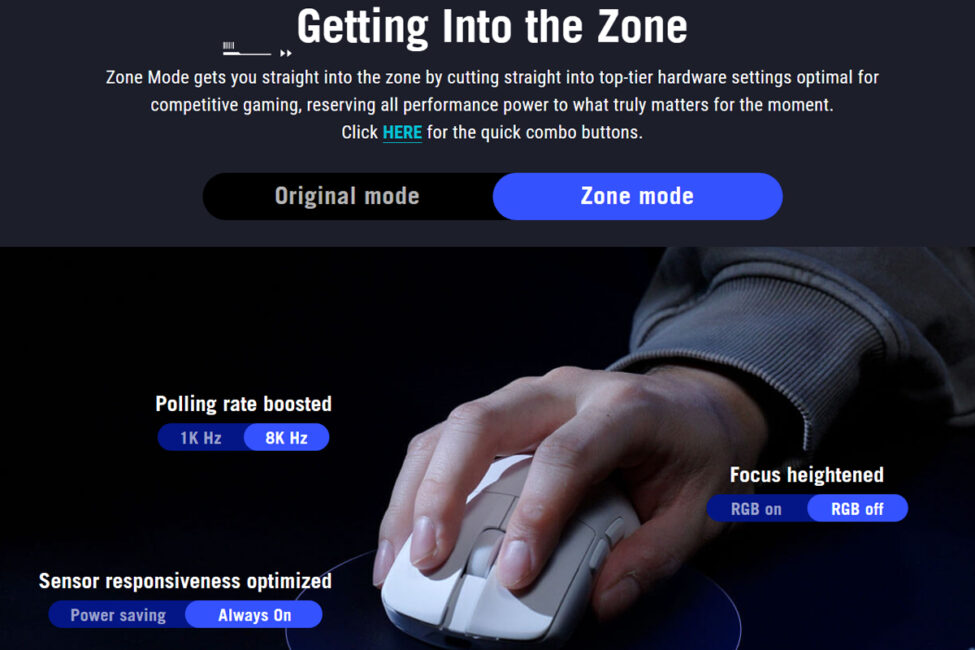
To put it more simply, Zone Mode immediately activates the 8000 Hz polling rate and further optimizes the sensor sensitivity for improved control and responsiveness in games. Additionally, the mouse wheel lighting is turned off during this mode to minimize distractions. The mode is activated by pressing the DPI button together with both side buttons.
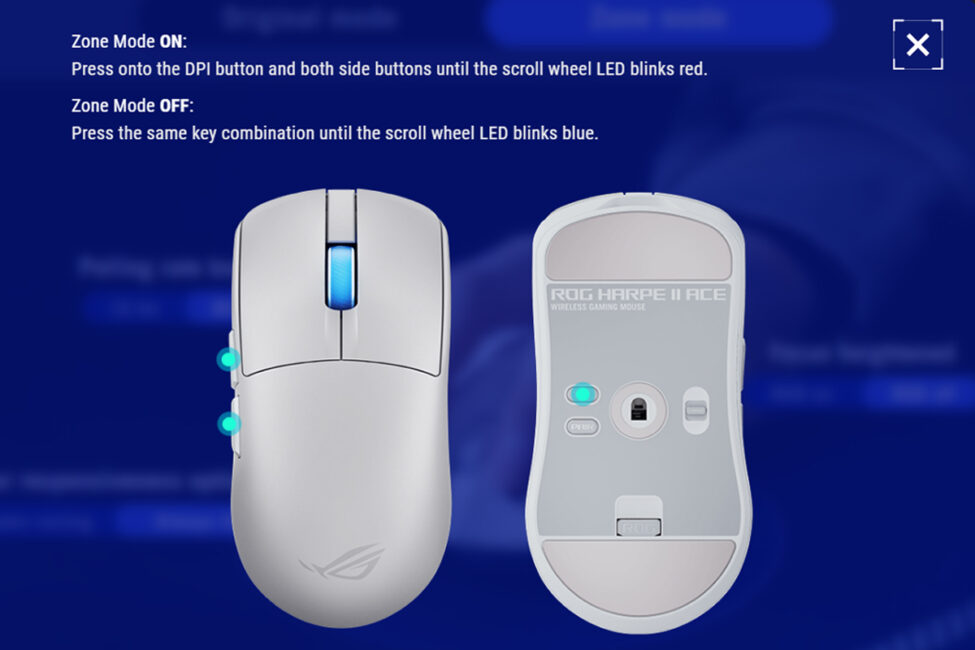
In my view, this mode is both interesting and practical. For example, mice running at an 8000 Hz polling rate consume battery much faster than at the standard 1000 Hz. While such a high rate isn’t particularly necessary for work tasks, it makes a noticeable difference in gaming. Zone Mode allows the mouse to be quickly switched into a high-performance state without diving into its settings.
For instance, you could work all day at the standard 1000 Hz to conserve battery, then activate Zone Mode in the evening for gaming, which raises the polling rate and fine-tunes sensor sensitivity. This way, the mouse can be used in a balanced energy-saving mode most of the time while allowing instant access to maximum performance when needed. Personally, I find this scenario the most convenient and effective way to use Zone Mode.
Read also:
- ASUS ROG Azoth Extreme Wireless Gaming Keyboard Review
- TUF Gaming K3 Gen II Review: ASUS’s Most Affordable Gaming Keyboard
ROG Sheath II XXL gaming mat
As mentioned earlier, the new ROG Sheath II XXL gaming mat, which was released this year, arrived alongside the mouse for review. I’ll dedicate this section entirely to examining the mat.
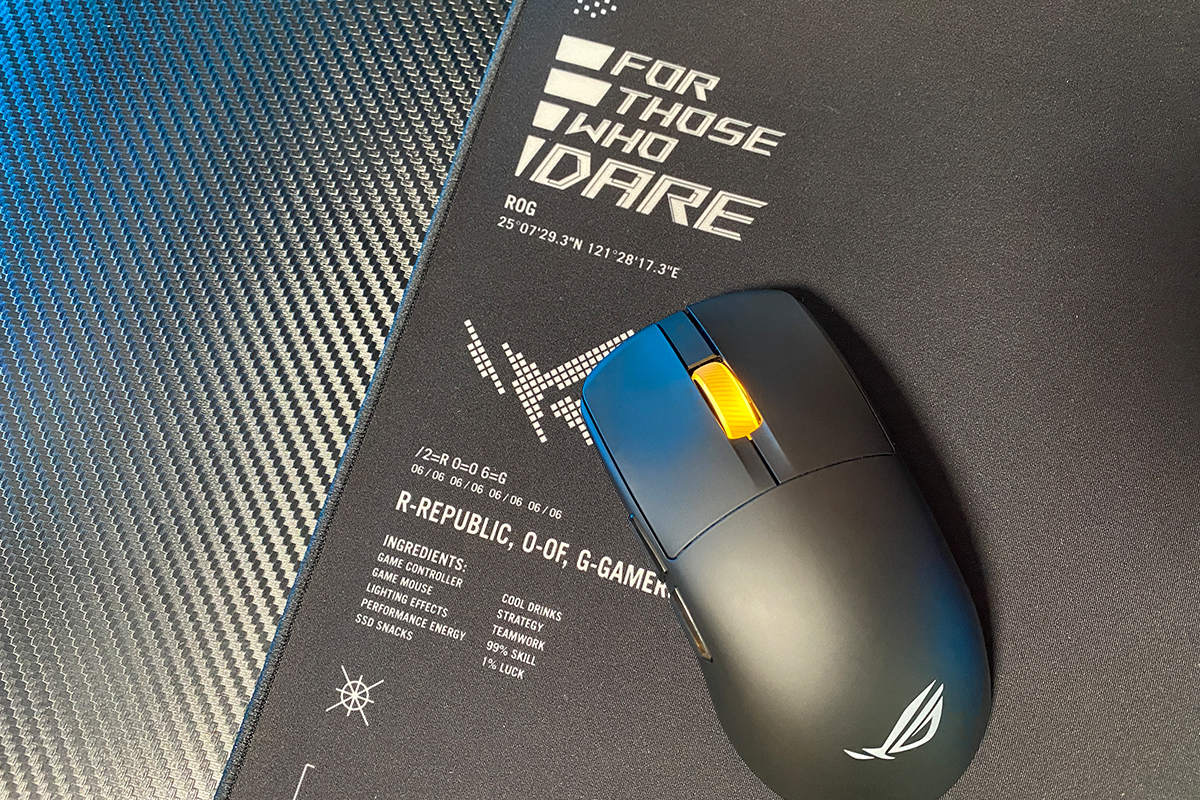
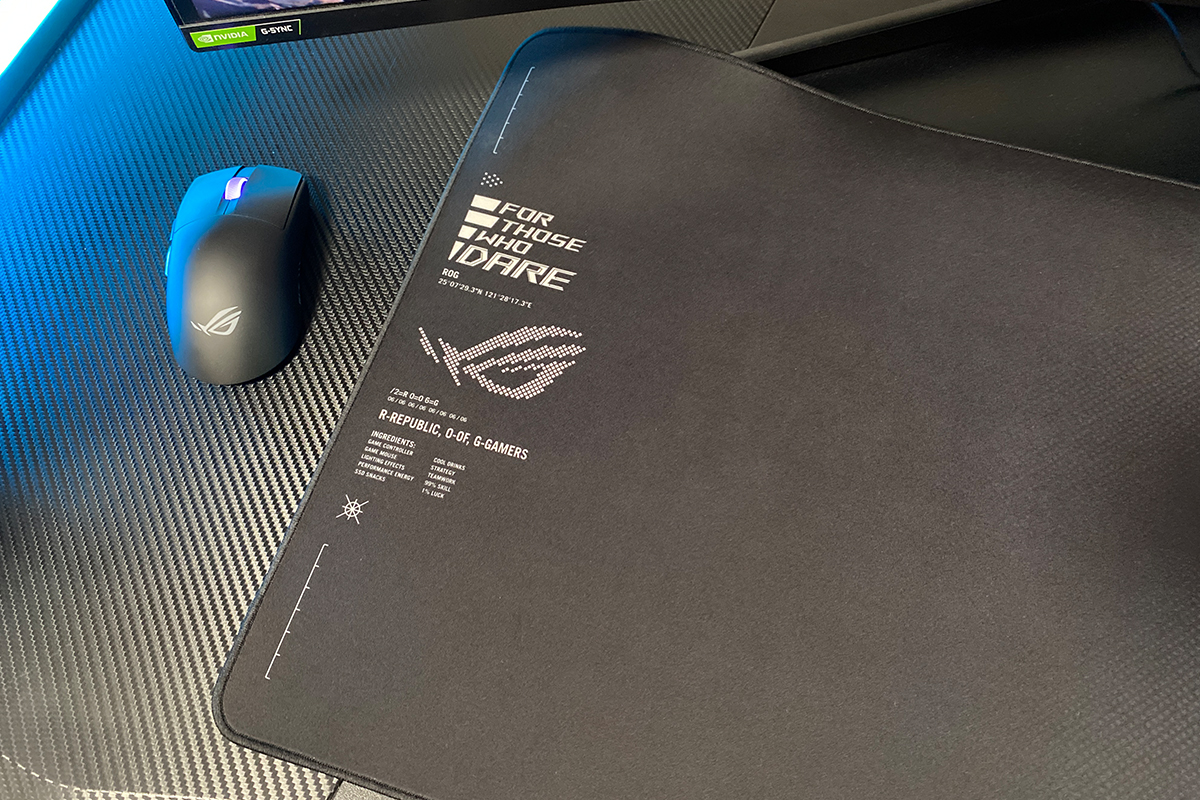
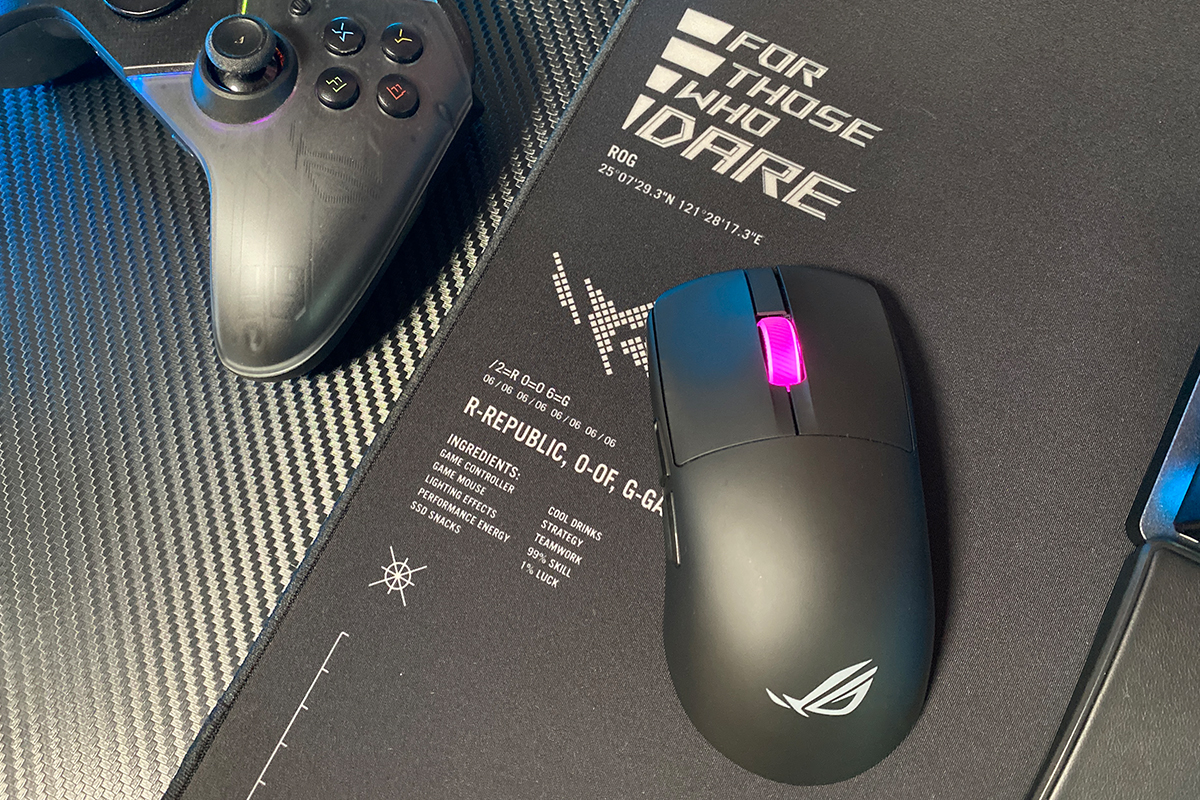
The ROG Sheath II XXL is a large gaming mouse mat measuring 900×440×3 mm. Its main feature is a specialized heat-dissipating surface, which helps keep the surface cooler and efficiently disperses heat. This reduces hand and wrist perspiration during long, intensive gaming sessions.
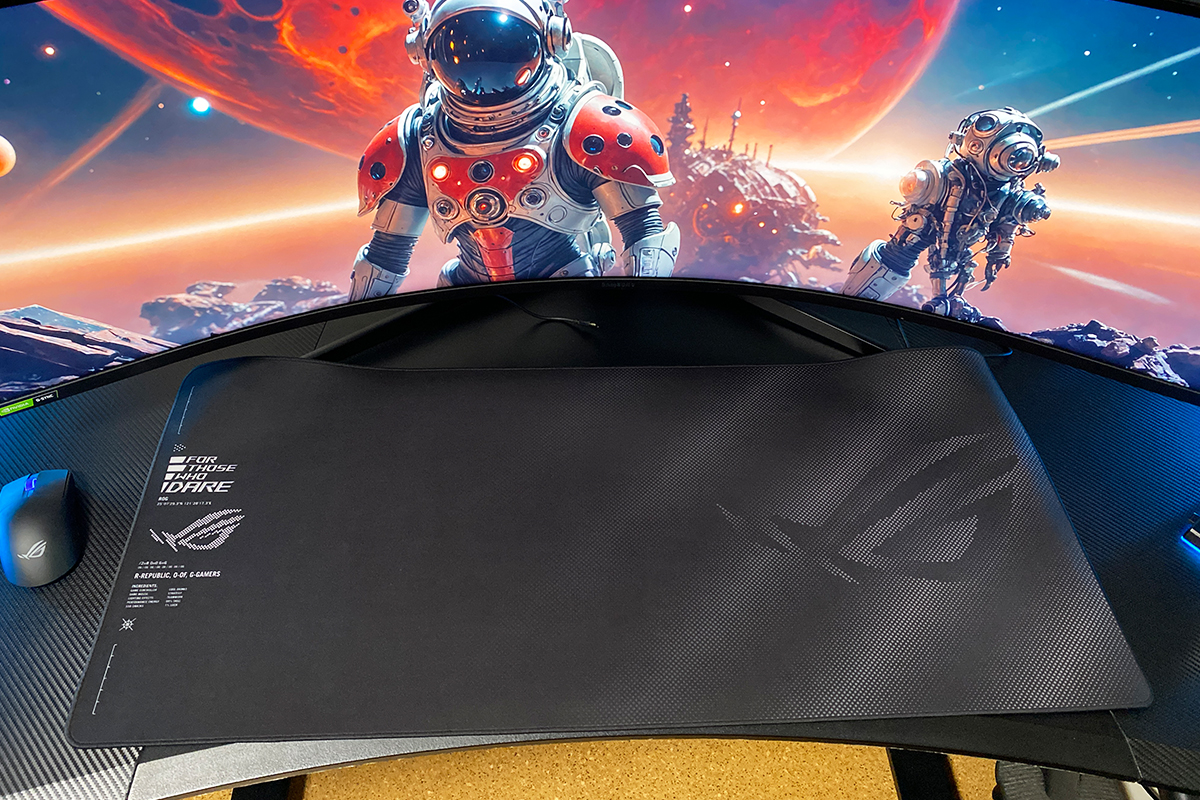
The mat features a smooth textile surface that allows the mouse to glide quickly and effortlessly. At the same time, it has a subtle texture that provides enough friction for precise control. In terms of surface type, the Sheath II XXL falls into the Speed category or a Speed/Control hybrid with a bias toward speed.


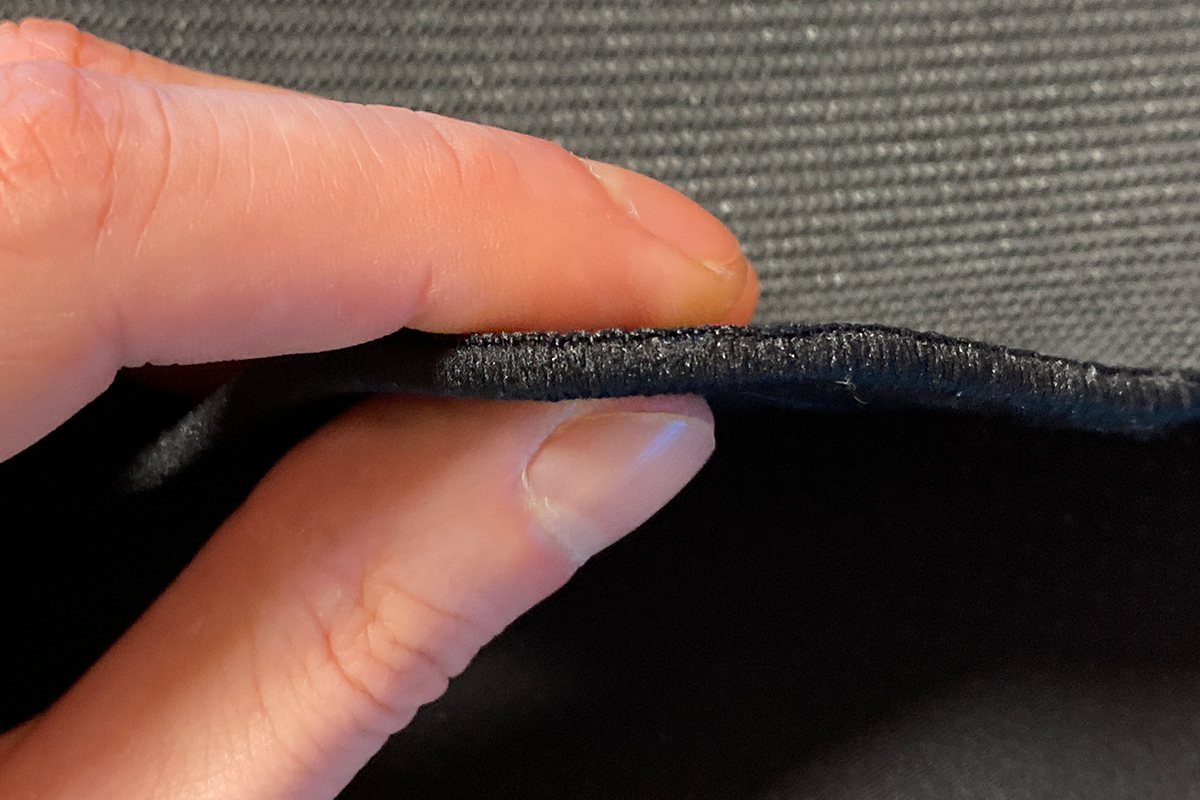
The mat has narrow, low-profile stitching along the edges. According to ASUS, the Sheath II XXL’s stitching is 12% thinner and sits closer to the surface, which reduces friction and increases comfort during extended use. From my experience, the edges are indeed thin and do not dig into the wrist, as can sometimes happen with other mats of this type.
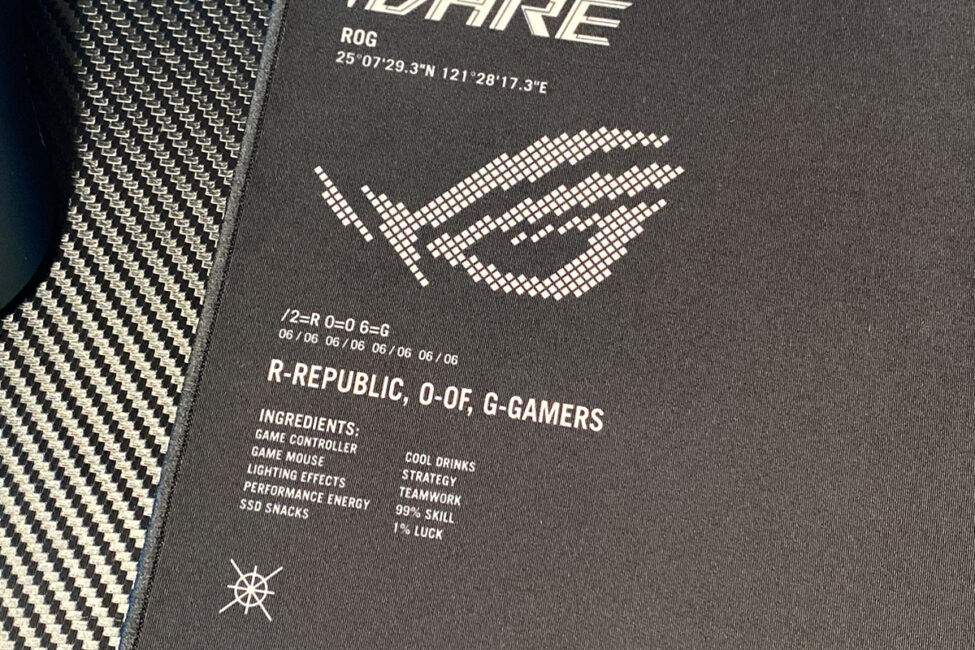
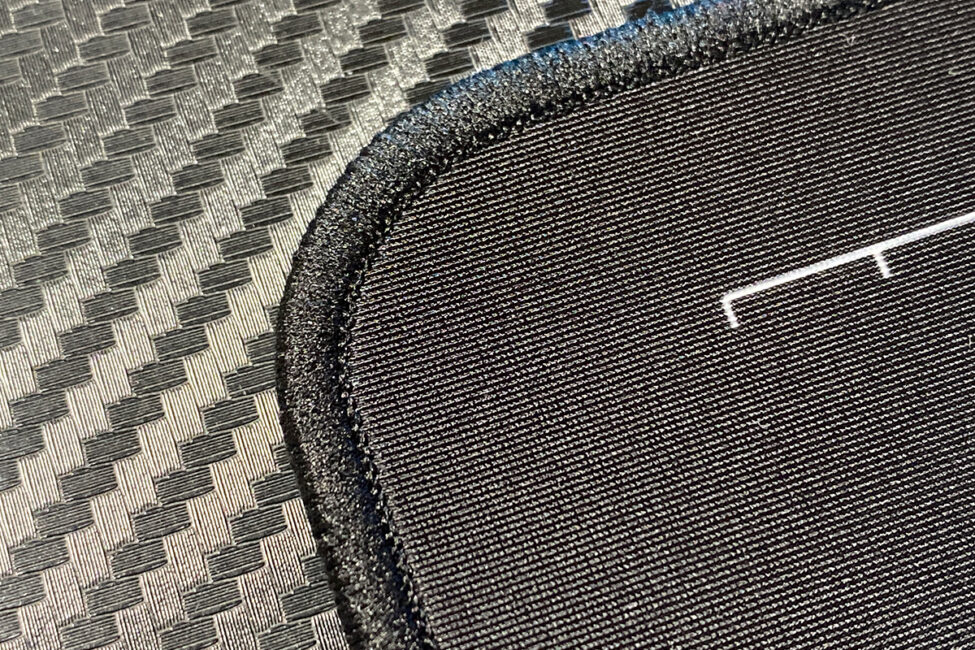
It’s also worth noting the overall thickness of the mat, which is just 3 mm. This relatively thin profile provides good stability without the mouse sinking into the surface.
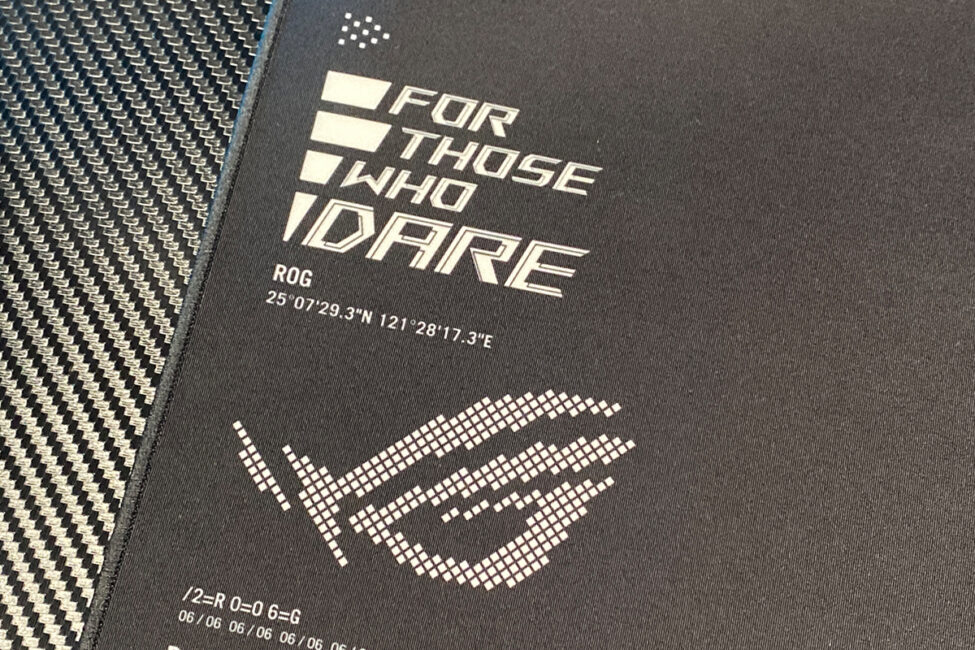
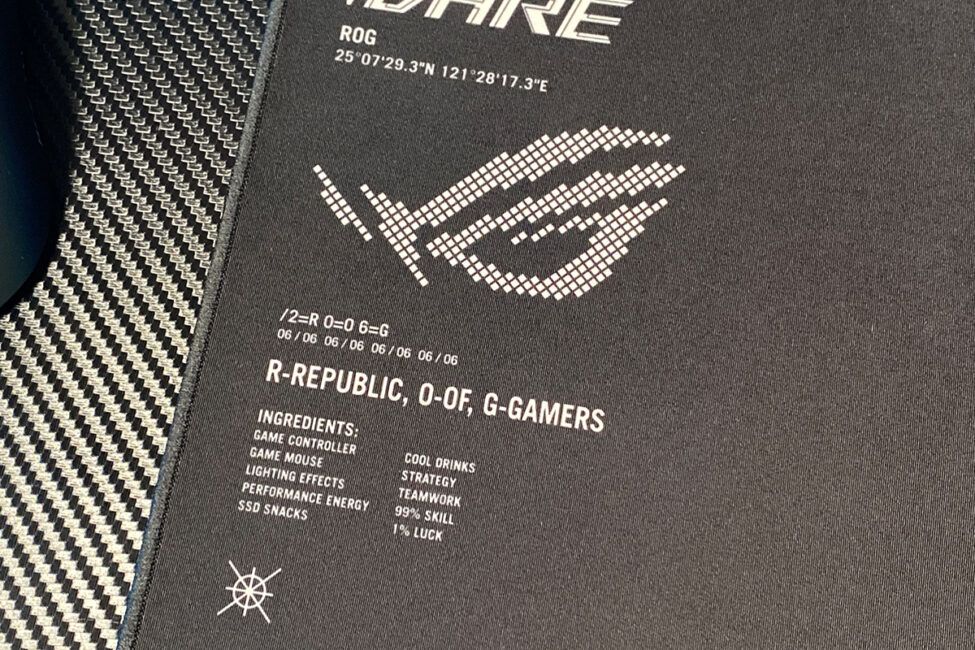
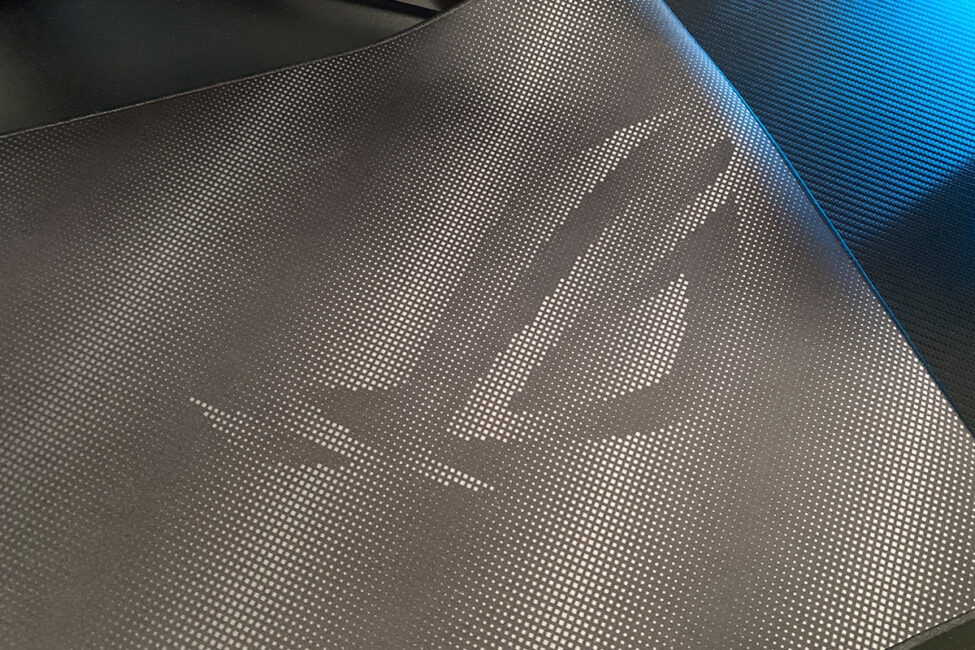
As you can see in the photos, the mat features various graphics and inscriptions: ROG logos on the left and right, the brand slogan “For Those Who Dare,” the coordinates of one of ASUS’s headquarters in Taipei, and other text whose meaning I did not investigate. The graphics are neat and unobtrusive, yet at first glance it’s immediately clear who the mat belongs to.
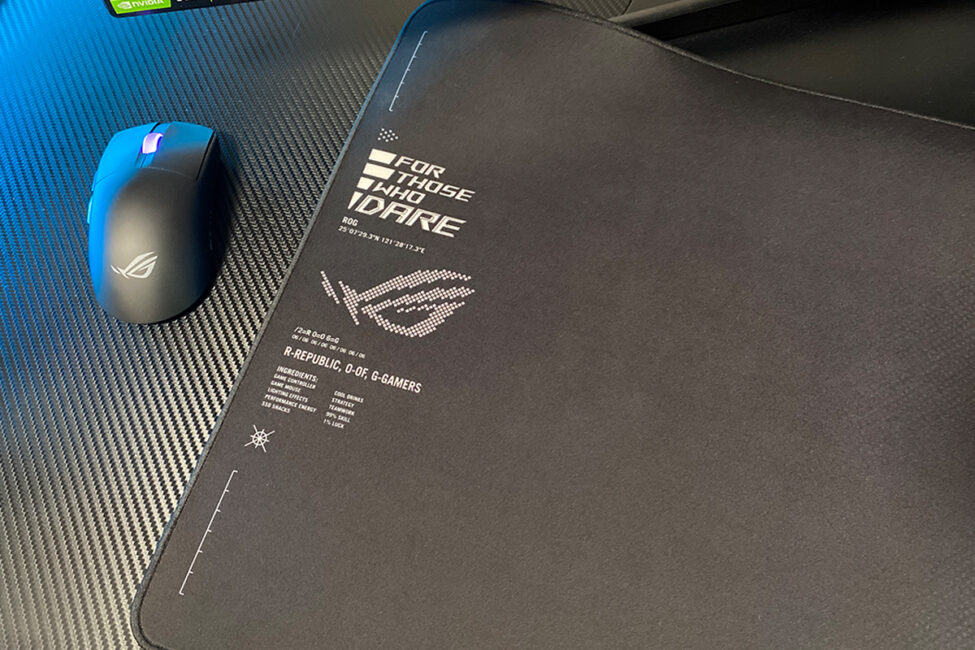
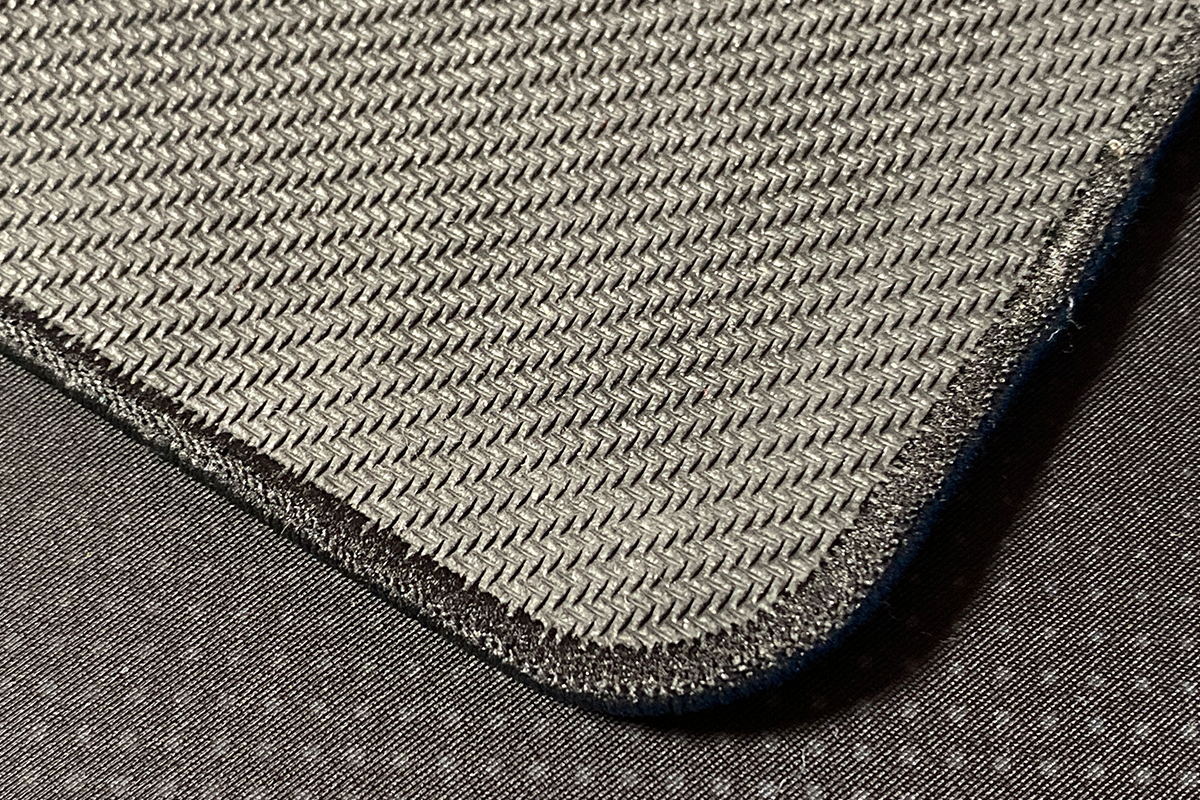
The mat has a non-slip rubber base to improve grip on the desk surface. In my experience, it sits firmly in place and does not slide at all. Even with some effort, it’s difficult to move or shift. Additionally, it lies flat immediately and evenly across its entire surface.
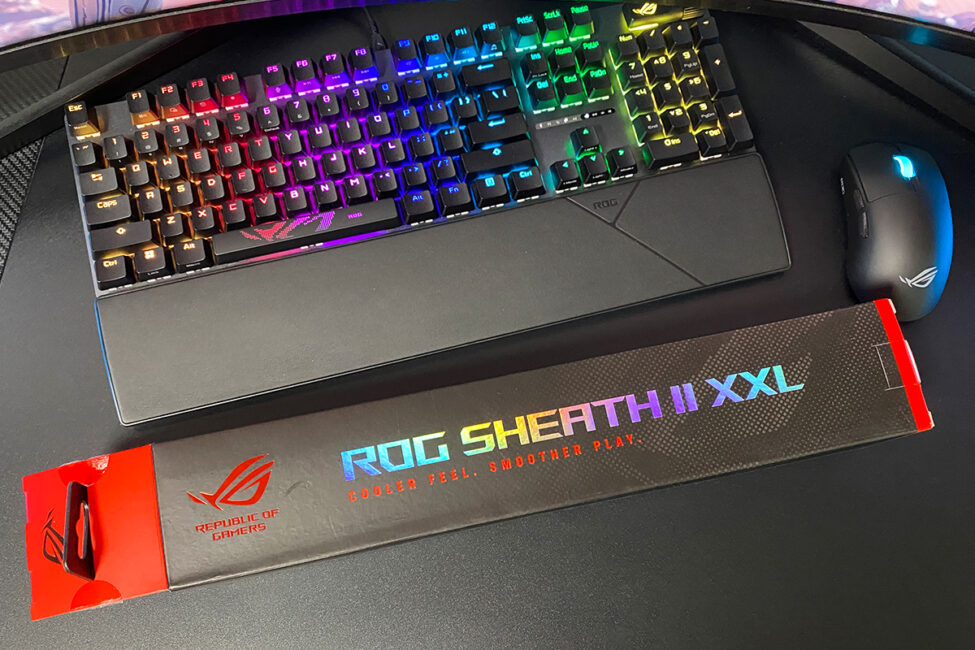
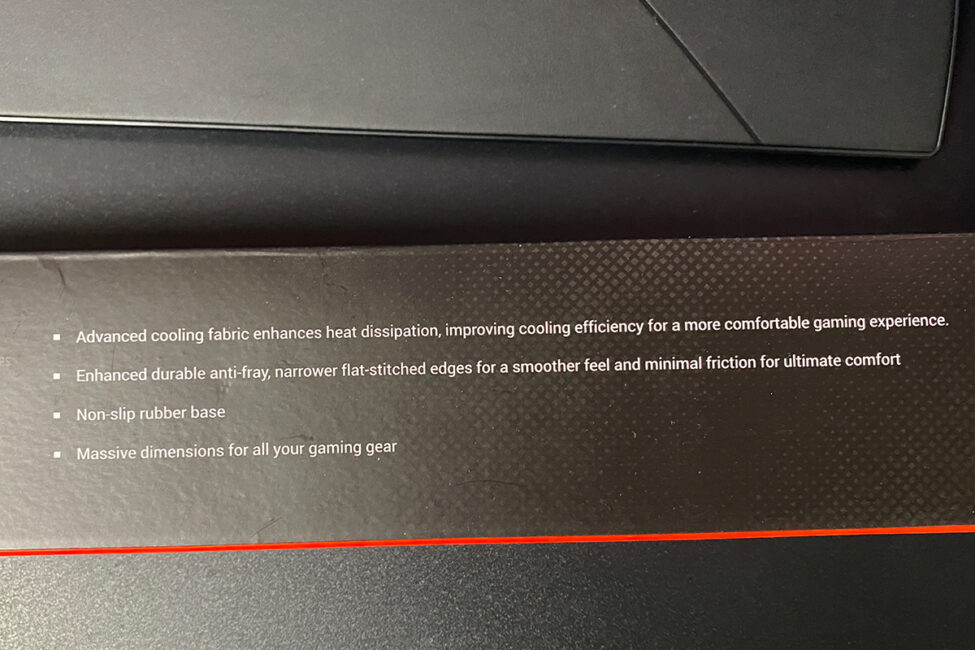
The mat’s package is very straightforward. It includes only the mat itself and a set of ROG-branded stickers.
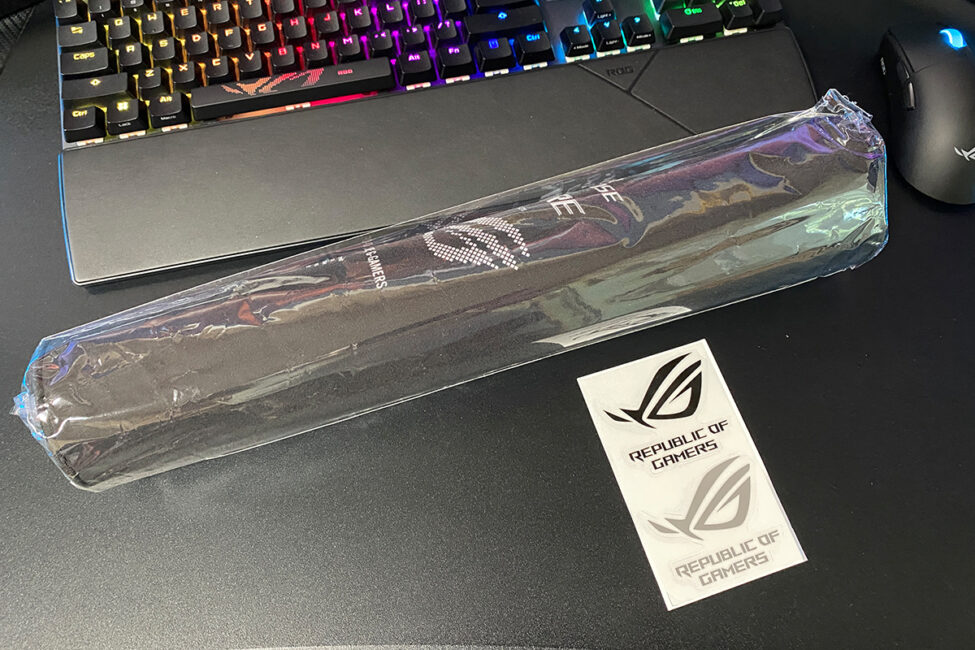
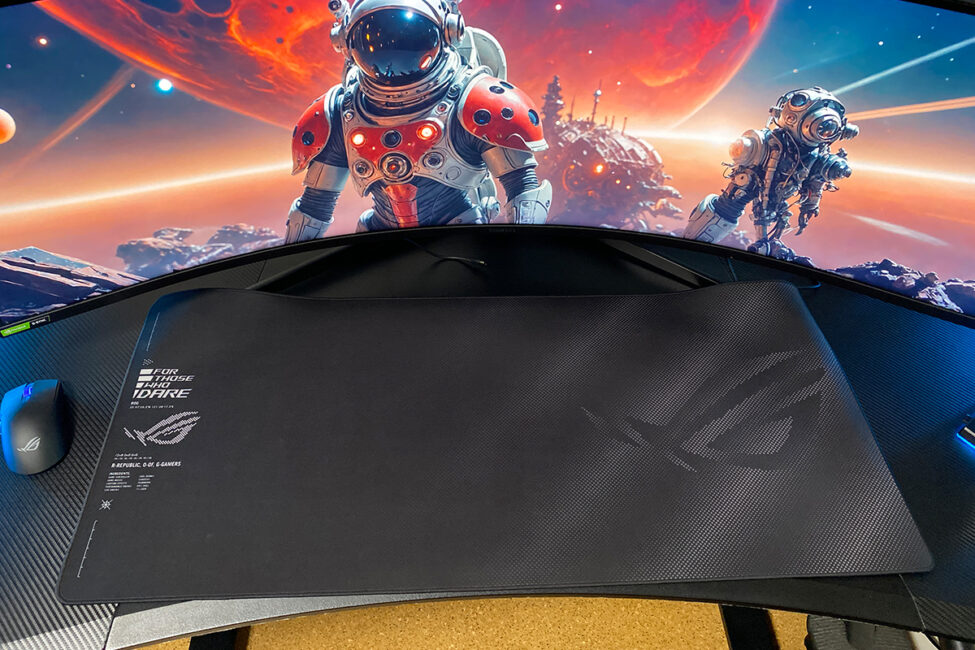
In terms of price, the ROG Sheath II XXL is fairly standard for a premium mat from a well-known brand, costing $48 / €41.
As for the user experience, mine has been entirely positive. Gaming on the Sheath II XXL is excellent. The surface feels pleasant to the touch, and mice glide smoothly across it – not just the Harpe II Ace I tested, but all mice I’ve tried. Glide speed is high, yet there is a slight friction that helps maintain precise control. The large dimensions provide a generous working area, allowing unrestricted movement. Overall, it’s a mat I would enjoy using regularly.
Regarding the mat’s main feature – the cooling surface – I can’t provide a definitive assessment. At the time of testing, the weather was already cool, so I couldn’t fully evaluate how much it reduces hand perspiration. I can only note that while using the mat, my hand didn’t sweat at all, though it’s hard to say whether that was due to the mat or the mild weather. That said, during a hot summer, owners of the Sheath II XXL will likely appreciate this feature as intended.
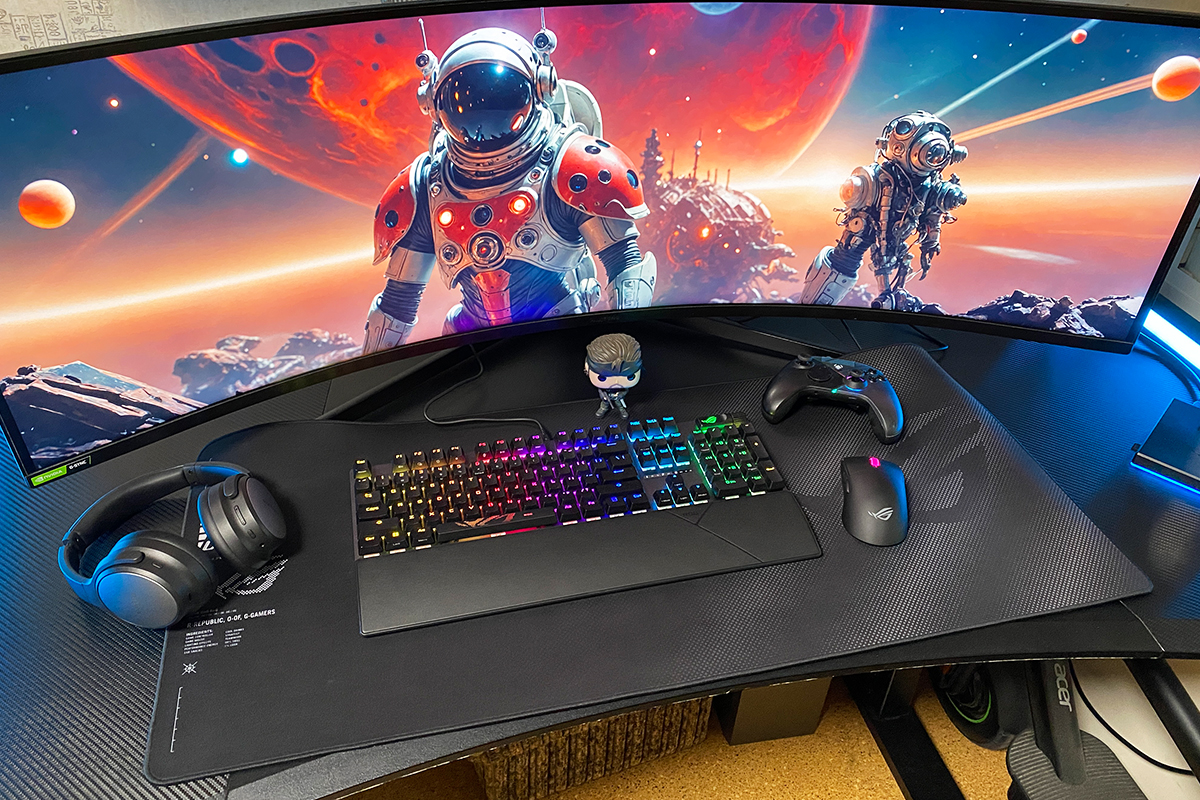
The only personal note I’d make is that a slightly narrower version would suit me better, as the current size doesn’t fit my desk entirely. You could, of course, mount the monitor on a bracket, but a high-quality wall-mounted bracket for a 49-inch monitor can be expensive. It would likely be simpler and more cost-effective to have a mat that better fits the desk dimensions. Hopefully, ASUS will release a narrower version of the ROG Sheath II in the future.
Read also:
- ASUS ROG Keris II Ace Wireless Gaming Mouse and ROG Moonstone Ace L Surface Review
- ASUS ROG Cetra True Wireless SpeedNova Gaming TWS Earbuds Review
Proprietary software
As previously mentioned, one of the notable features of the Harpe II Ace is its near-complete independence from the standard Armoury Crate software, with all settings managed through the Gear Link web app. In other words, Armoury Crate contains literally no settings for the Harpe II Ace – only a button linking to the Gear Link website.

The only function available for the mouse in the standard application is syncing its lighting with other ASUS devices via Aura Sync. However, as you can see, this is a separate menu and does not directly relate to the mouse’s core settings.
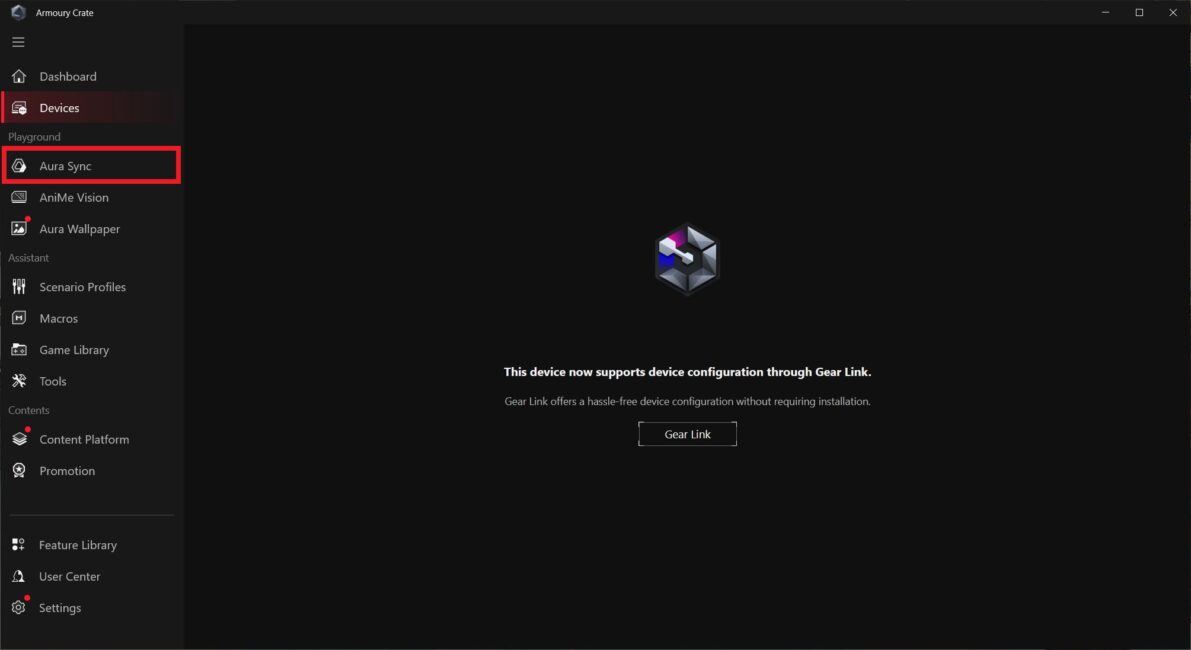
To access the mouse settings, you need to visit gearlink.asus.com and allow the site to connect to the device.
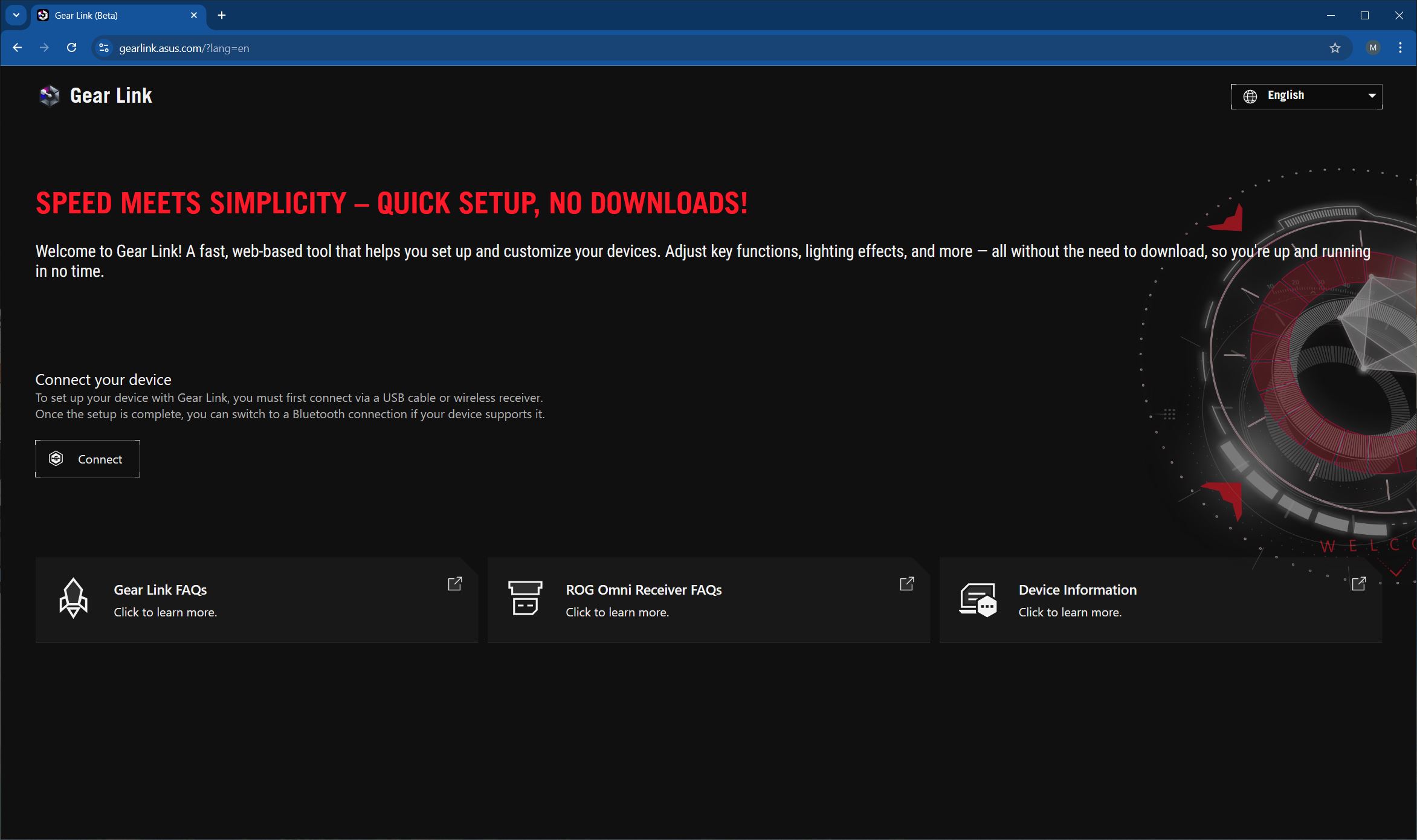

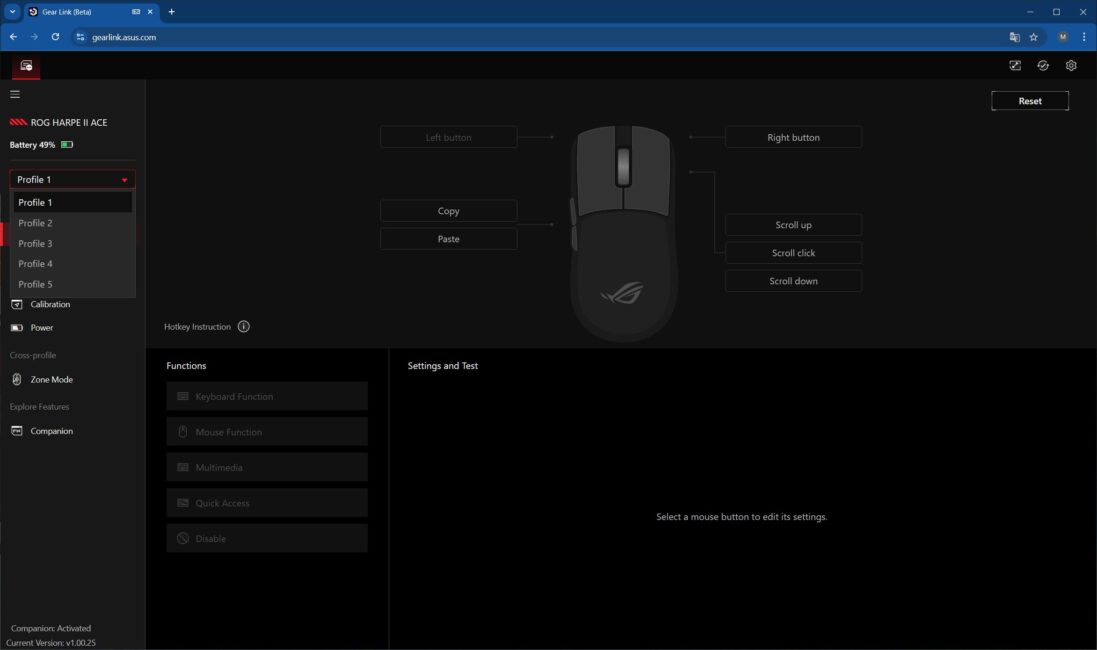
Once connected, you enter the settings interface, which is divided into seven sections: Buttons, Performance, Lighting, Calibration, Power, Zone Mode, and the Companion Extension. In the first section, you can select profiles and configure the mouse buttons directly. This menu also provides a list of all available mouse functions and their corresponding hotkeys.
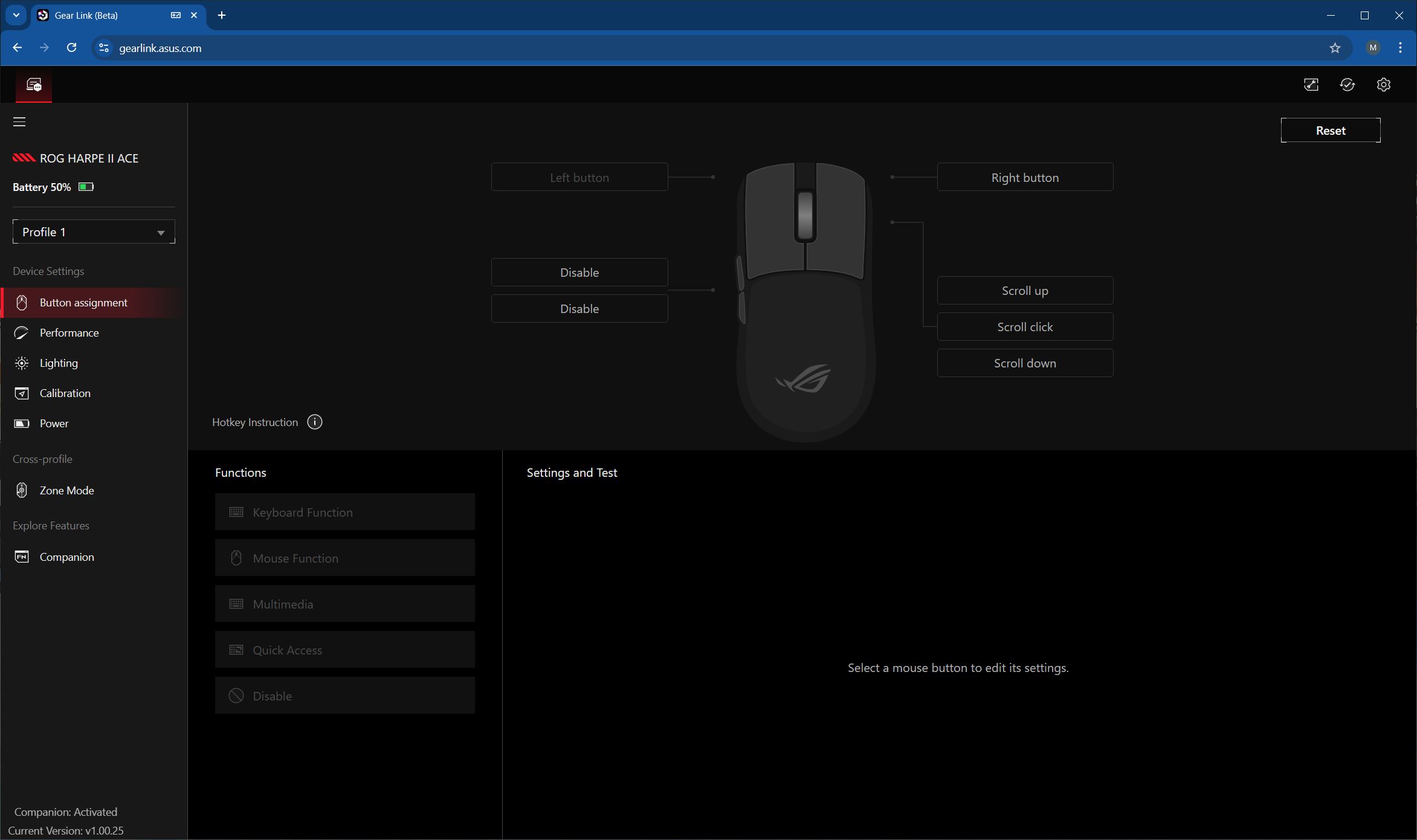
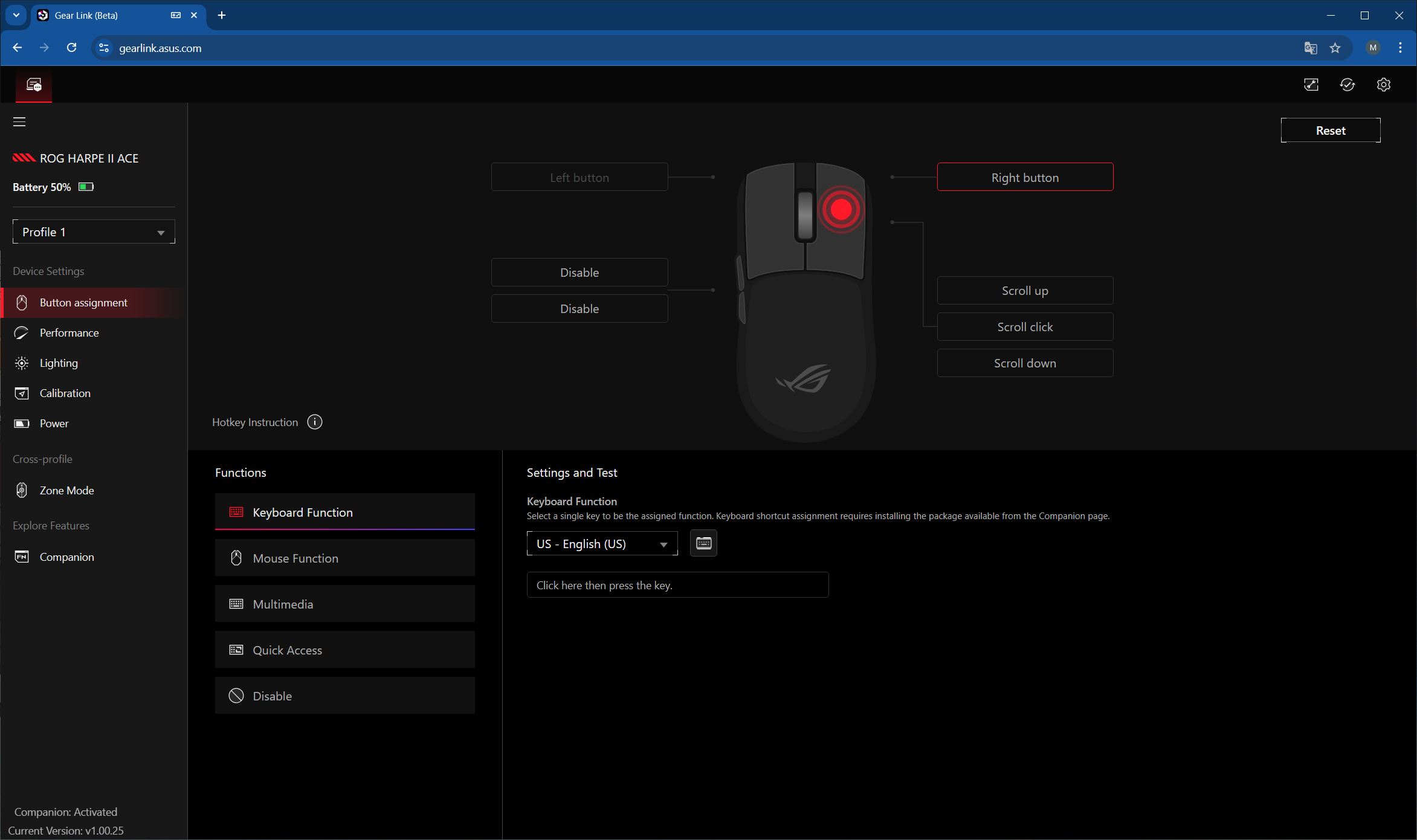
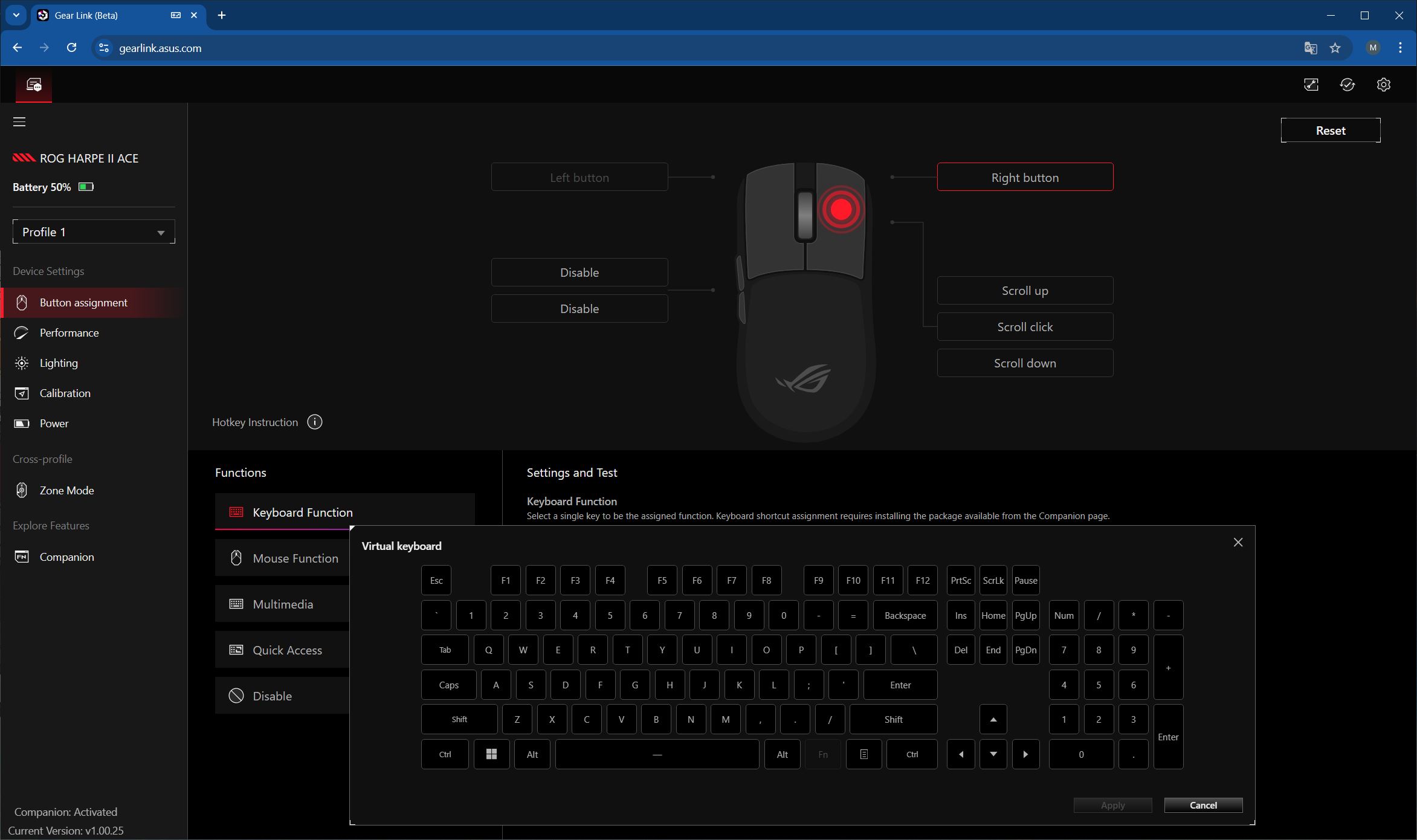
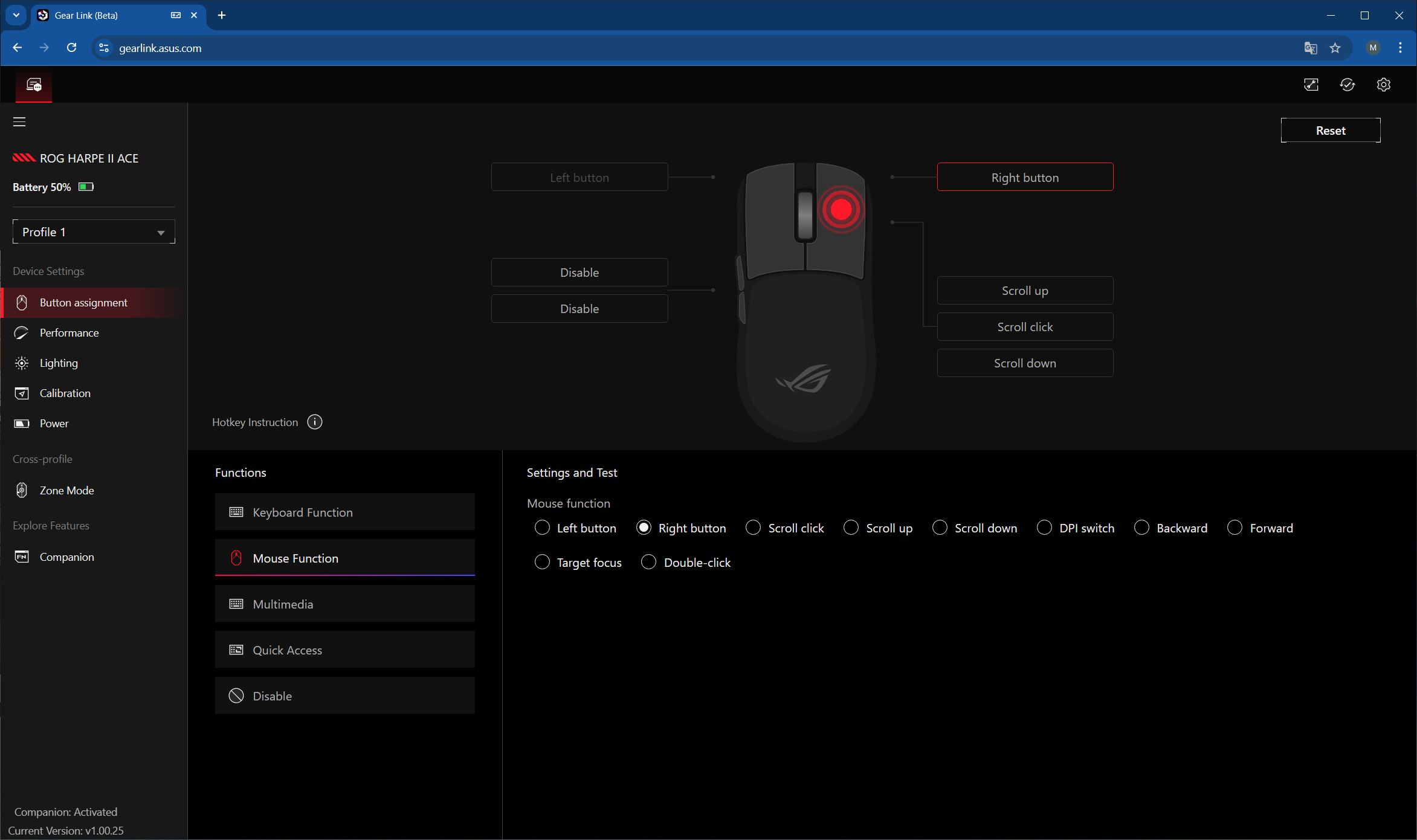
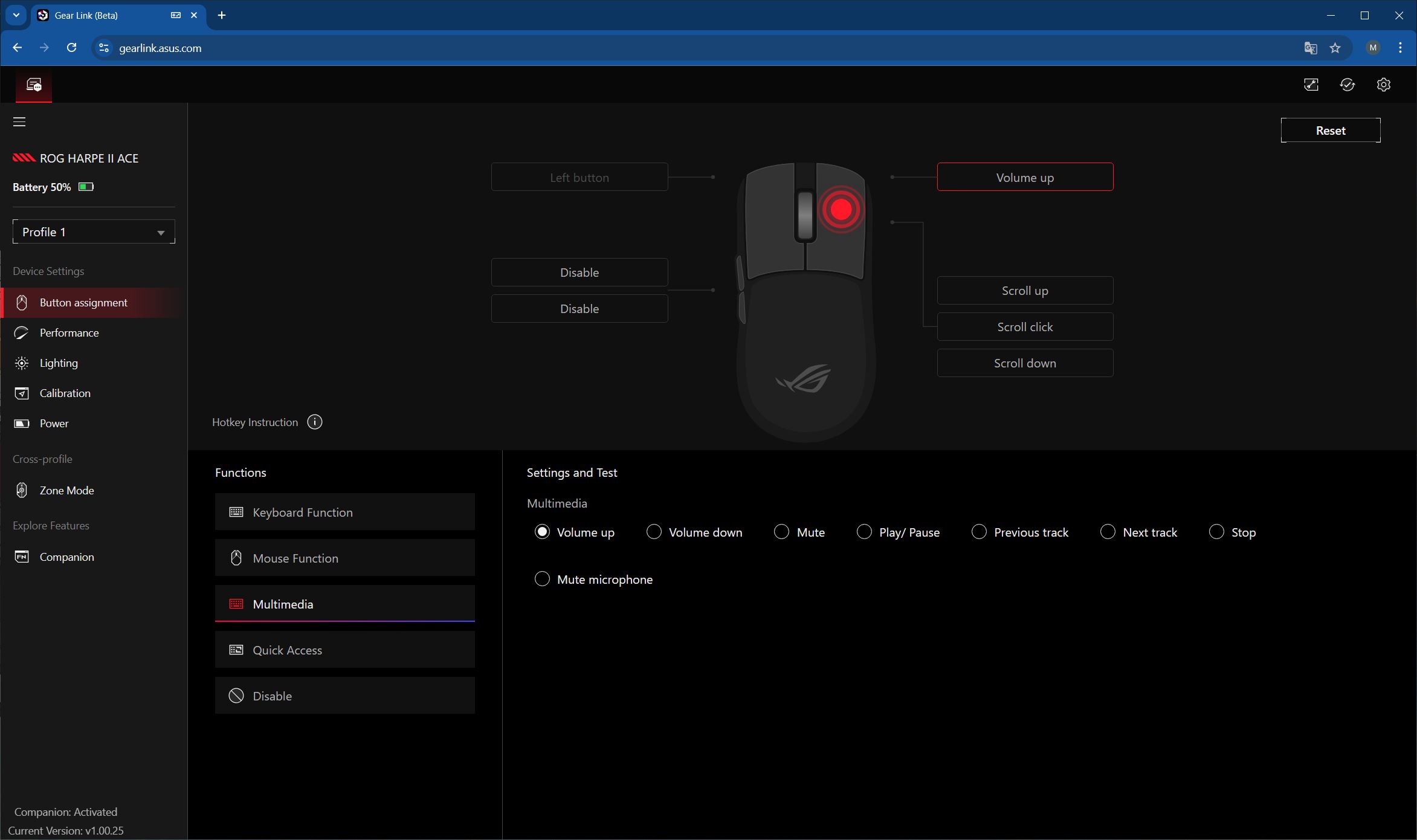
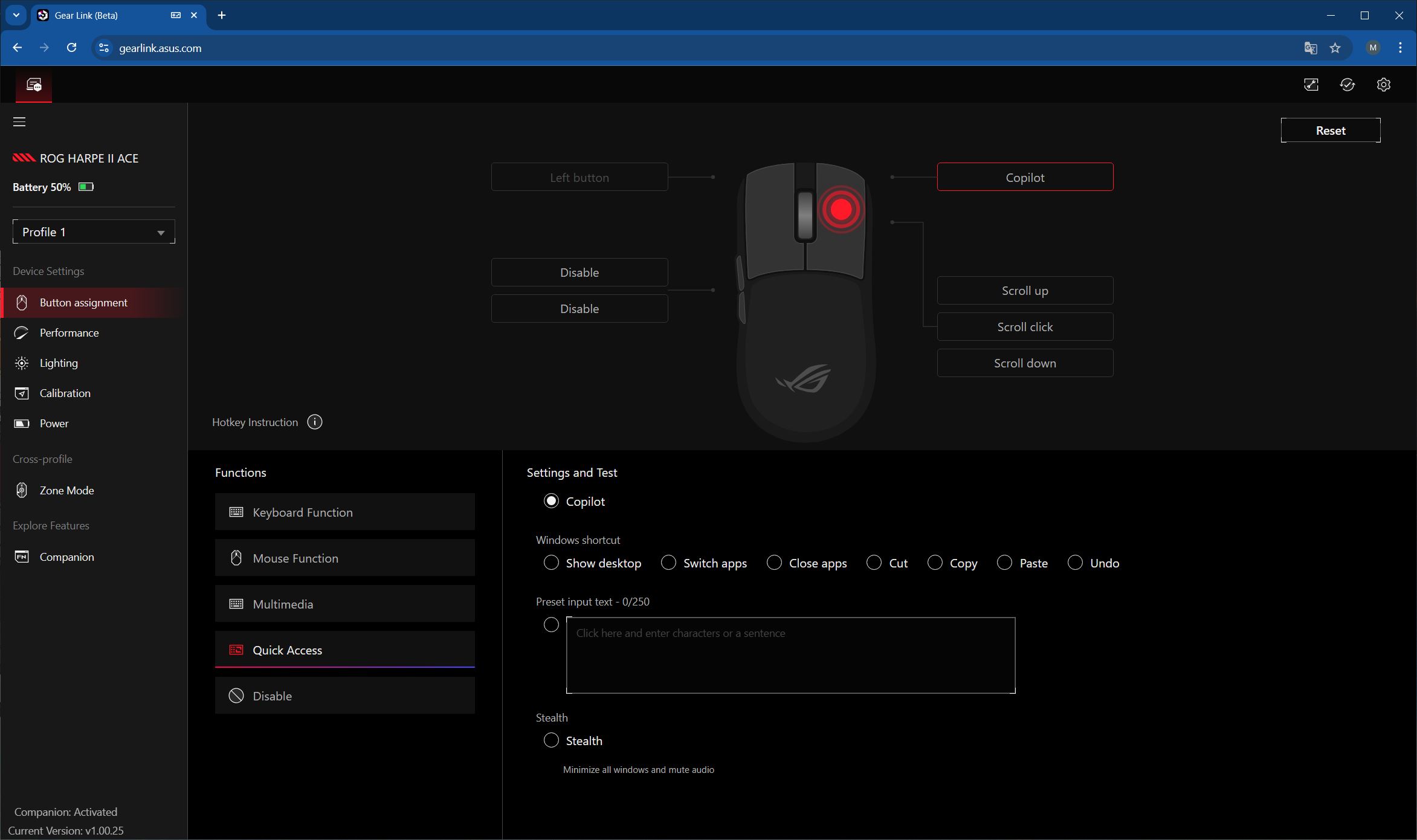
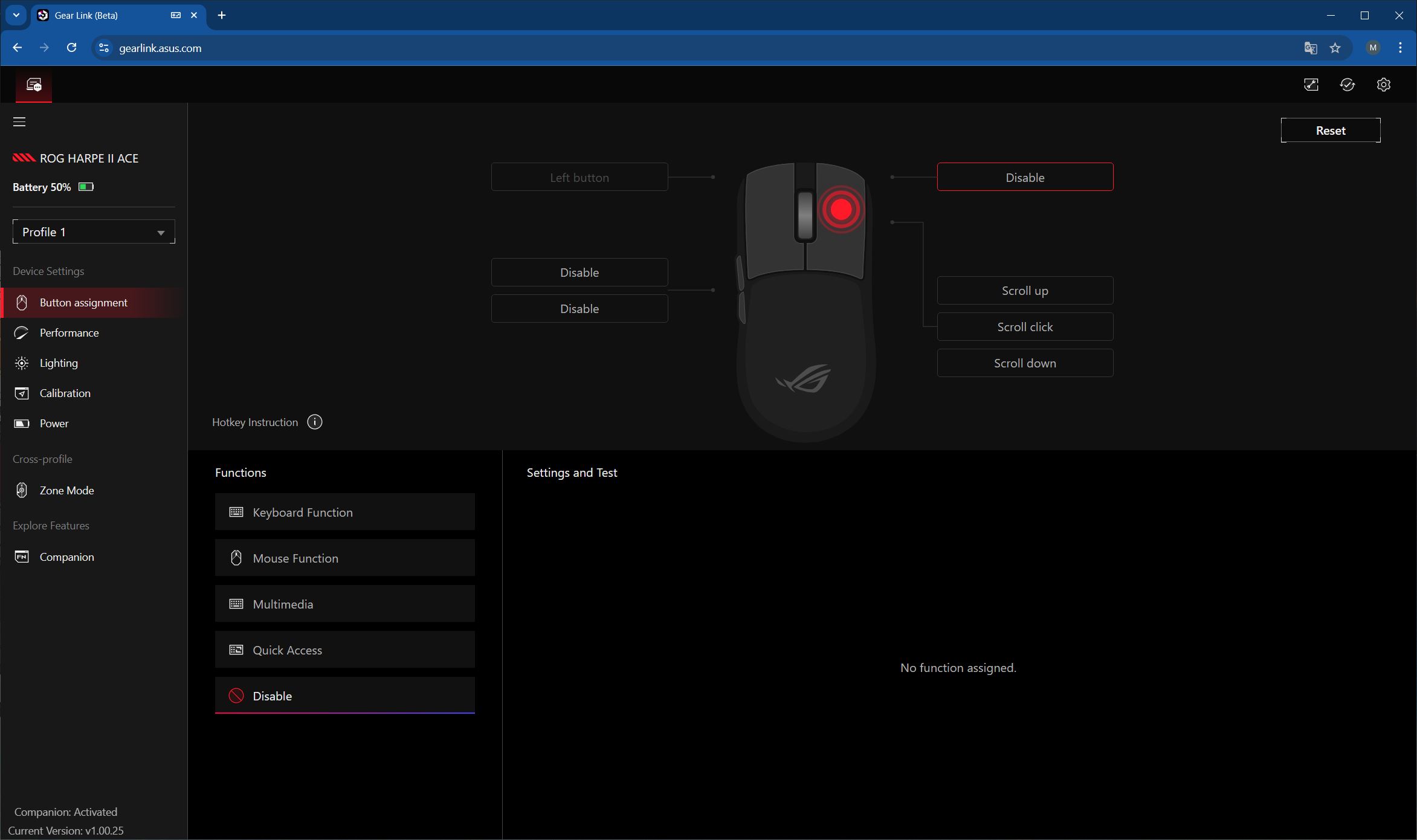
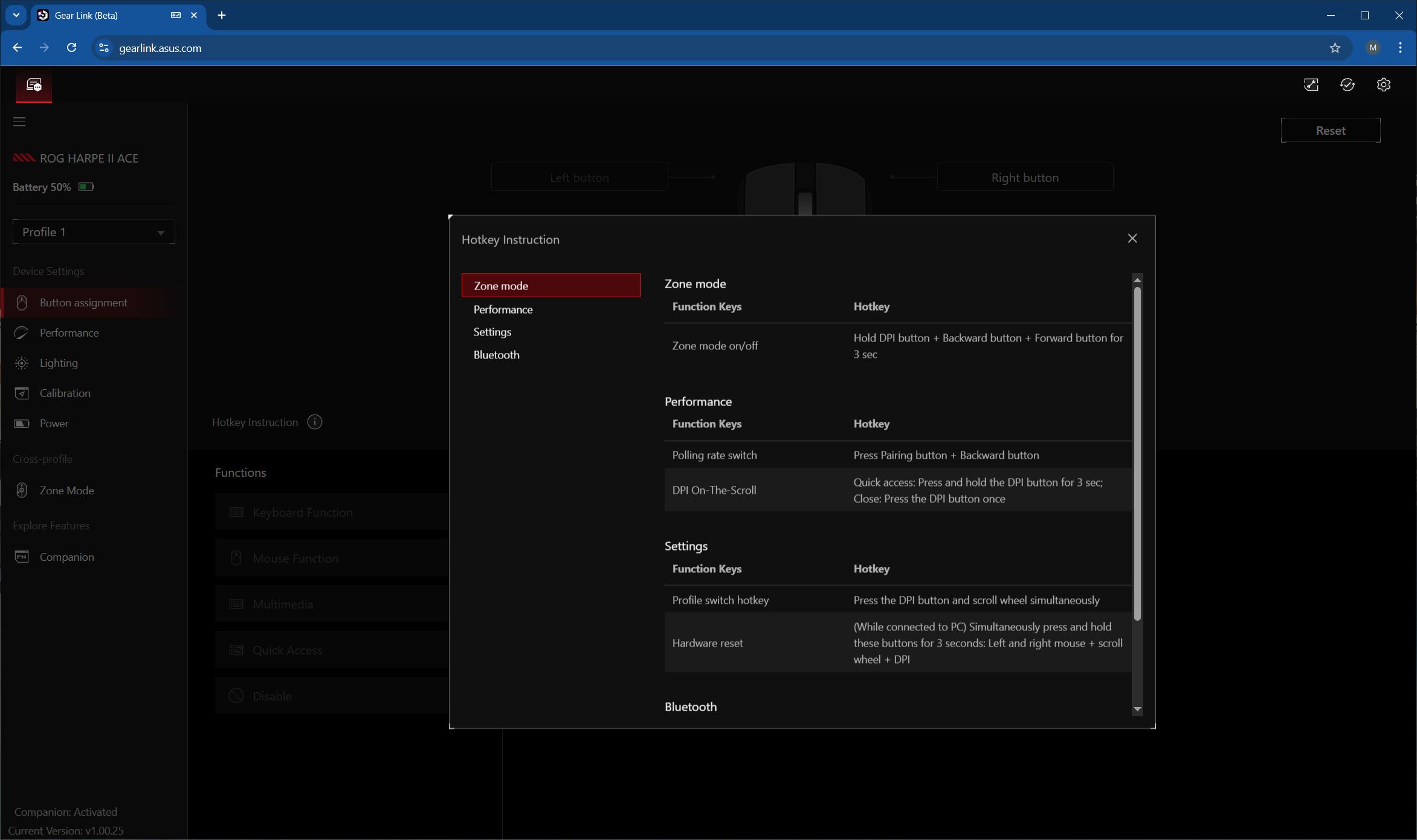
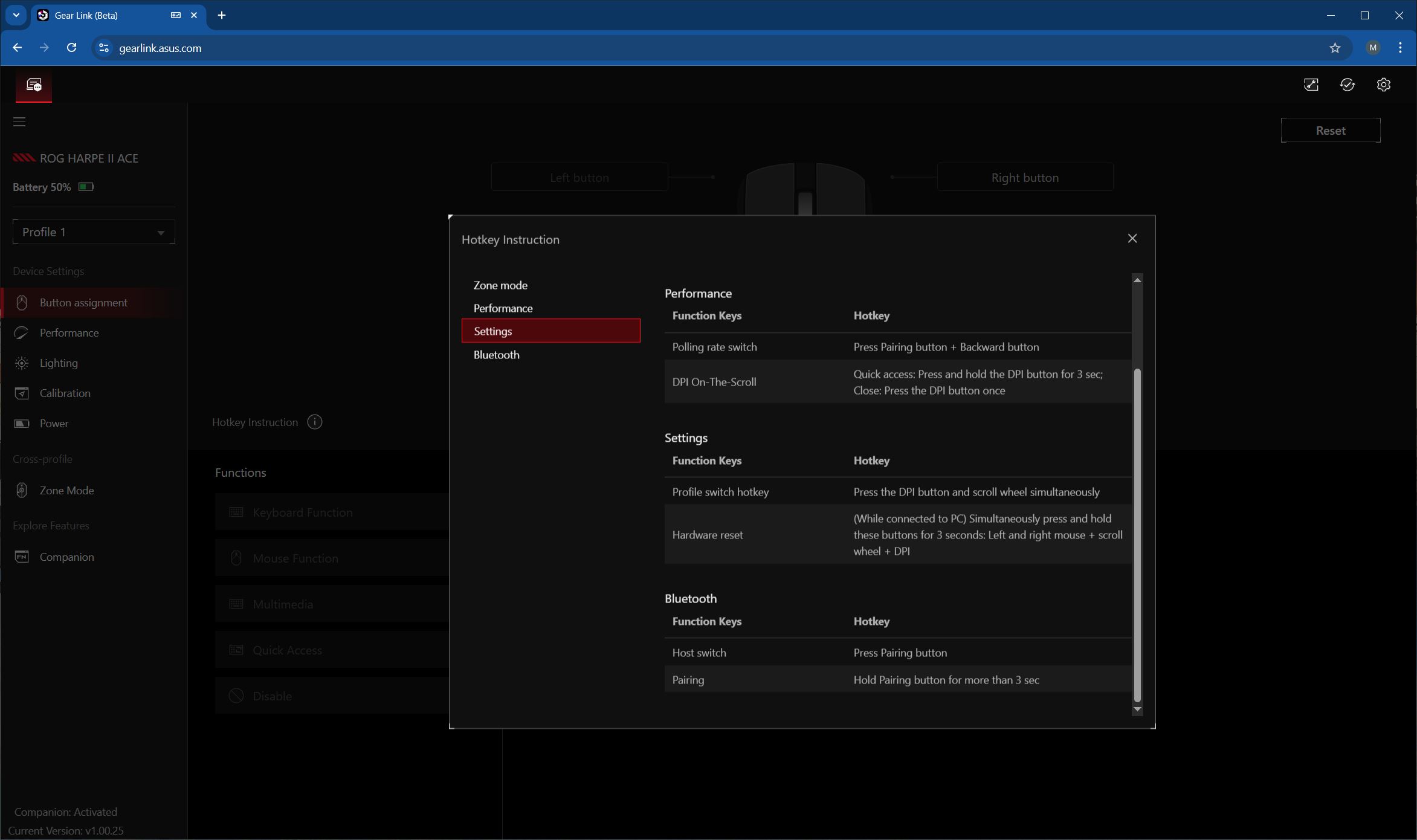
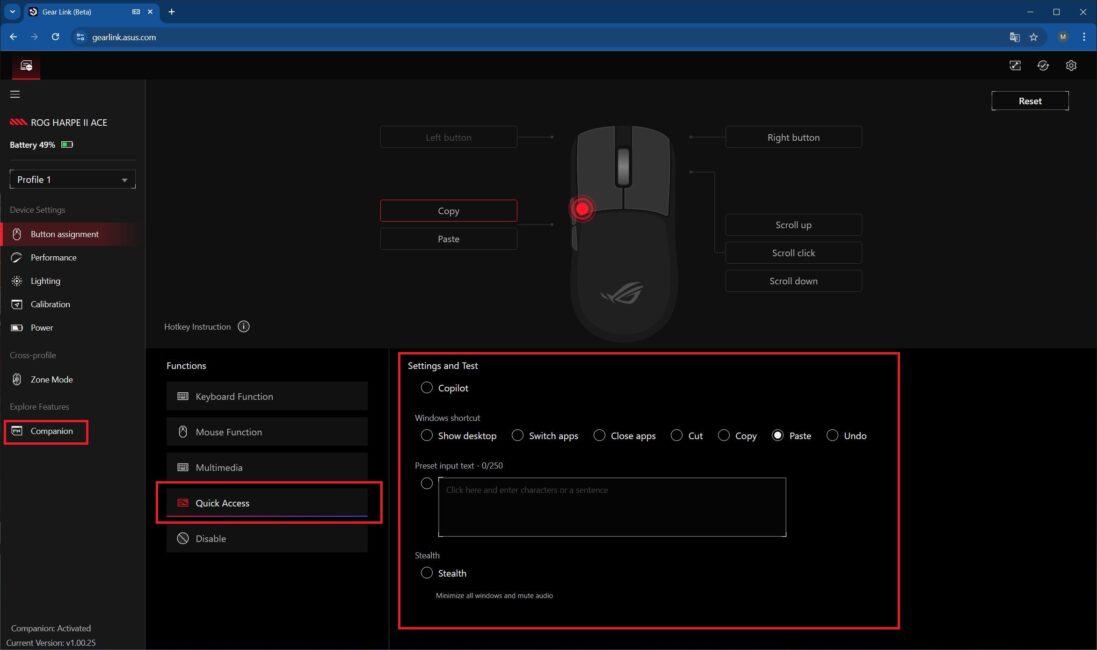
Pay attention to the Quick Access functions shown in the screenshot below. By default, they aren’t available when you first connect the mouse. To enable them, you need to download and install the extension package from the Companion menu. These functions are particularly useful for me, as they include copy/paste options that I usually assign to the mouse’s side buttons.
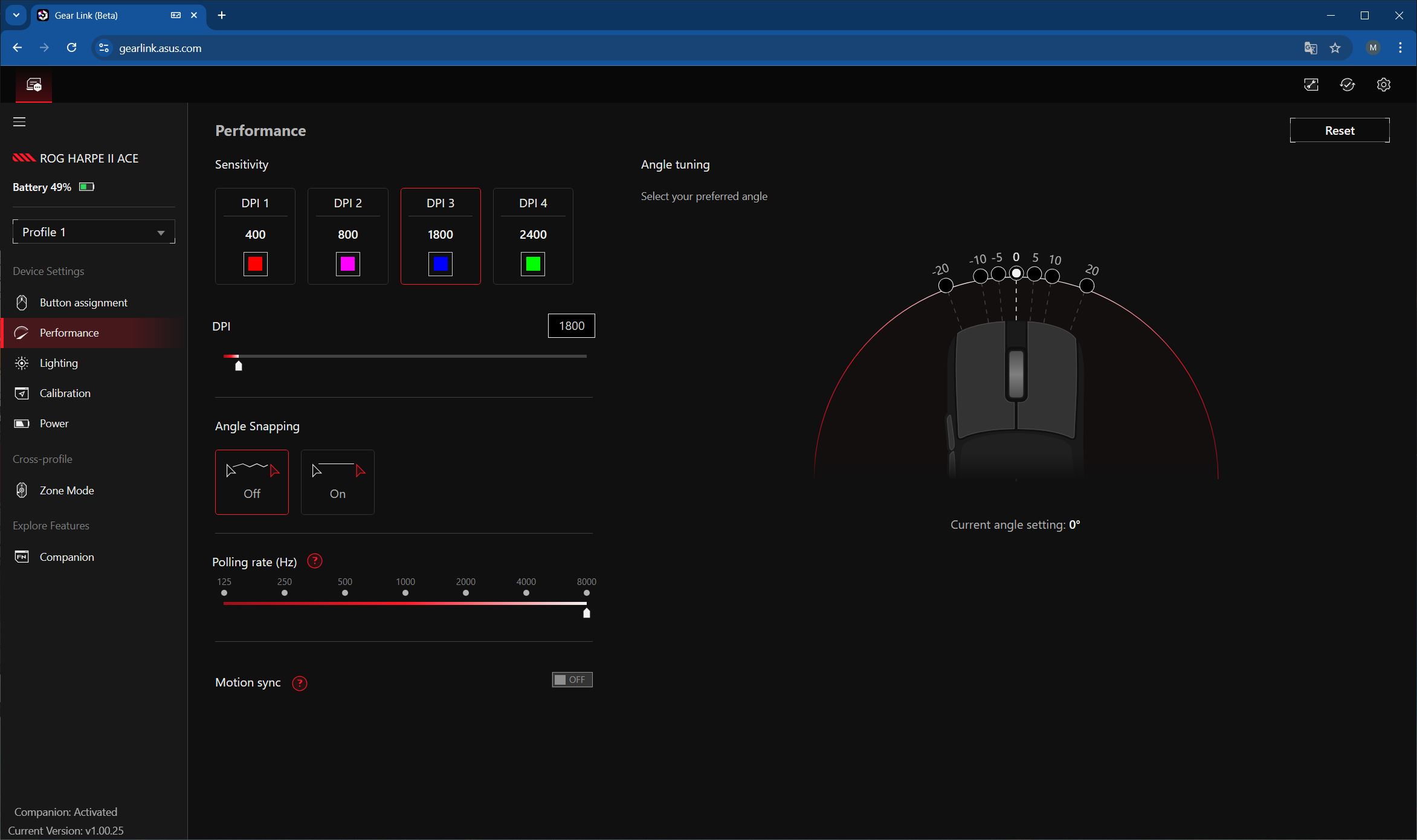
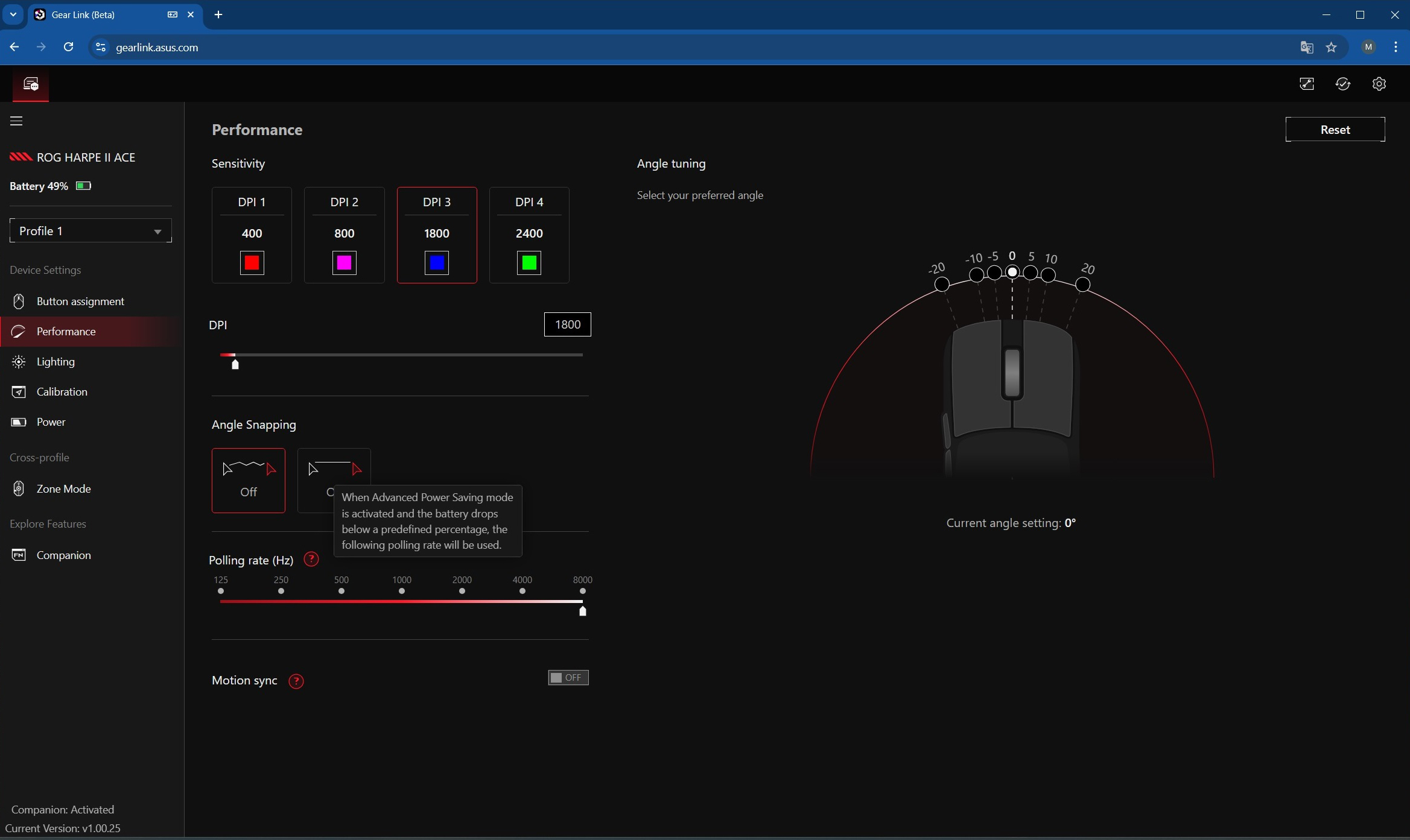
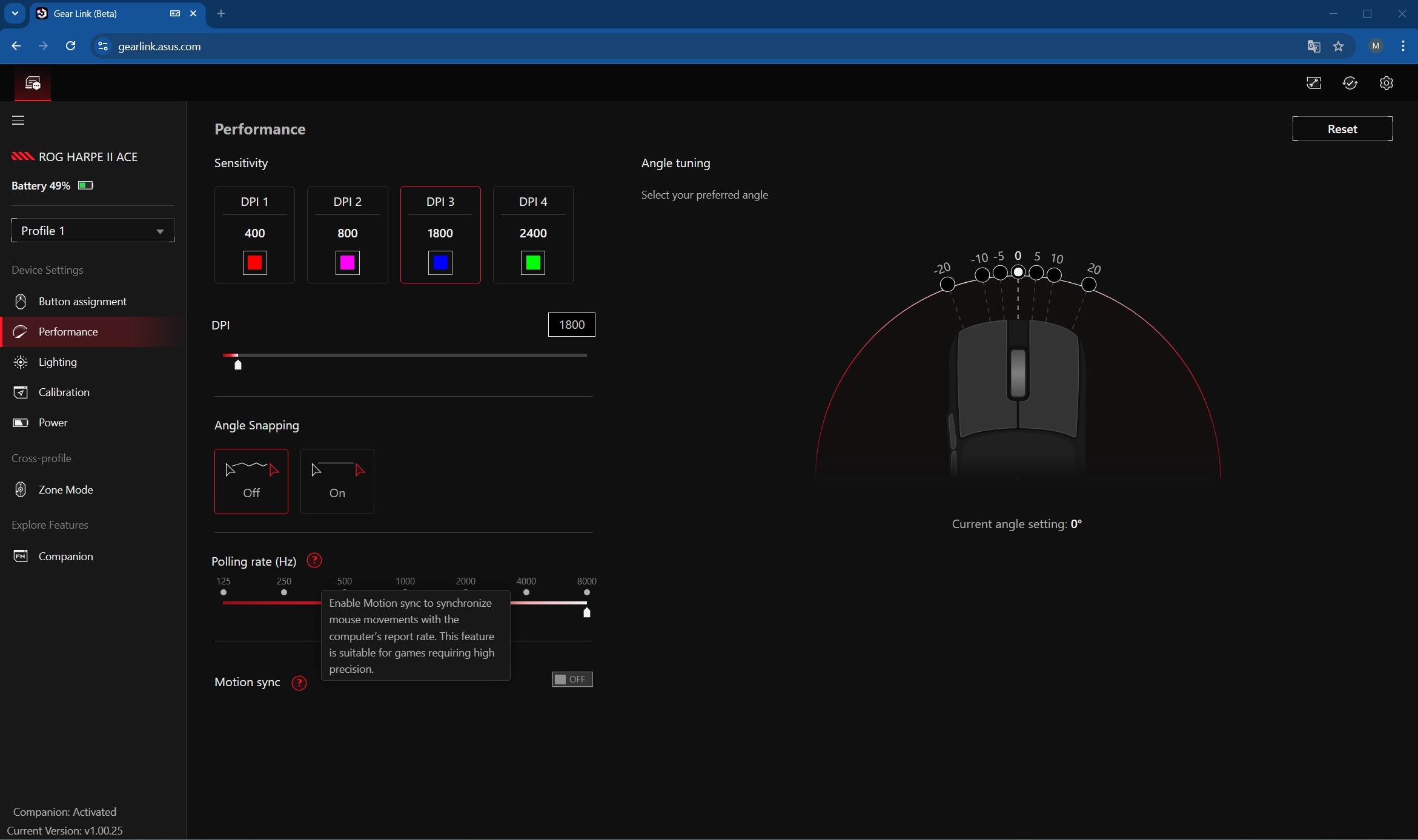
The Performance menu allows you to adjust DPI, angle snapping, and the mouse’s polling rate. You can also enable Motion Sync, a feature that synchronizes the sensor’s data reporting with the intervals when the computer is ready to receive it. In simple terms, the sensor aligns its output with the PC’s timing rather than sending data at its own pace. Enabling Motion Sync ensures a stable and predictable data flow, resulting in smoother and more precise tracking – particularly important in competitive games where aiming accuracy is critical.
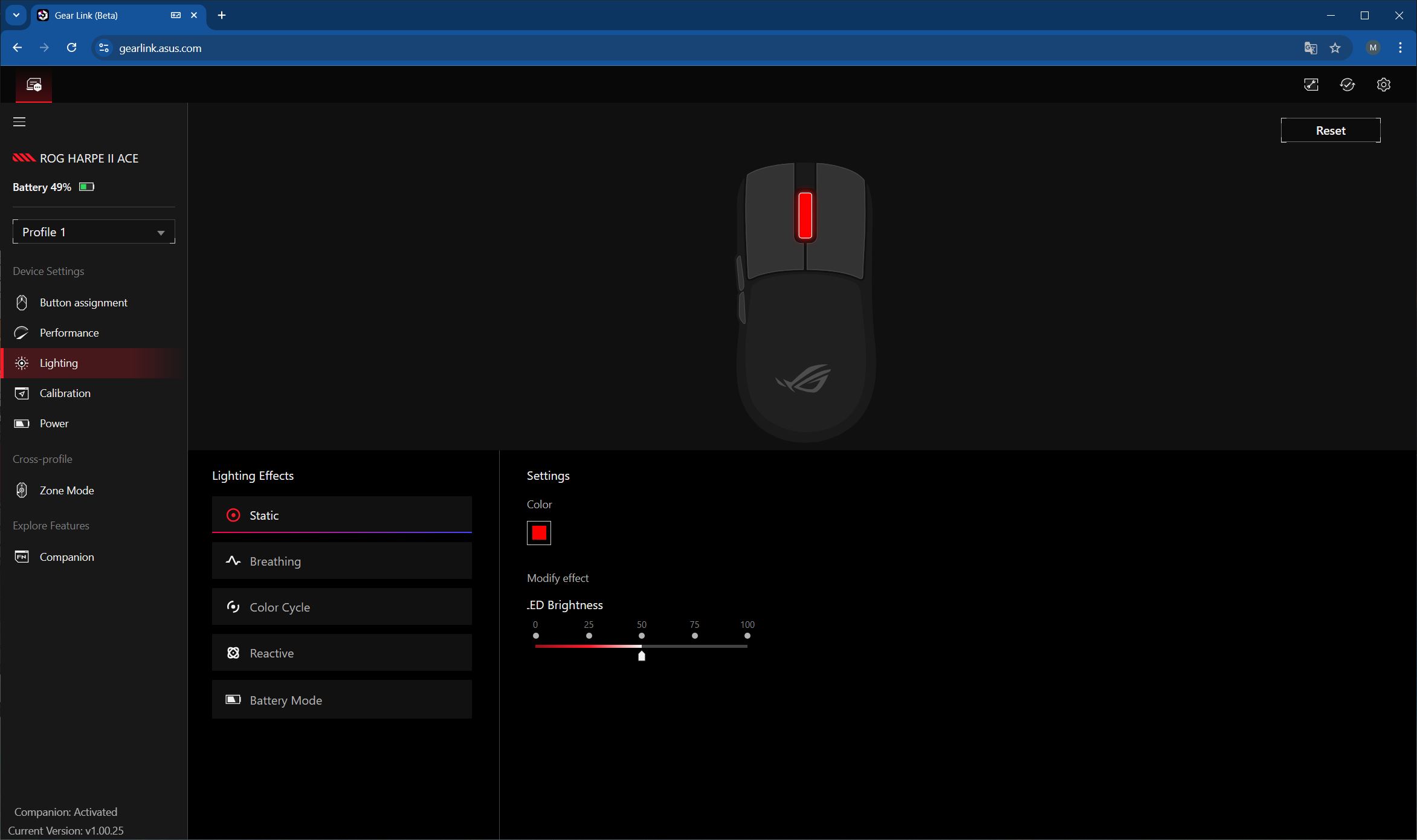
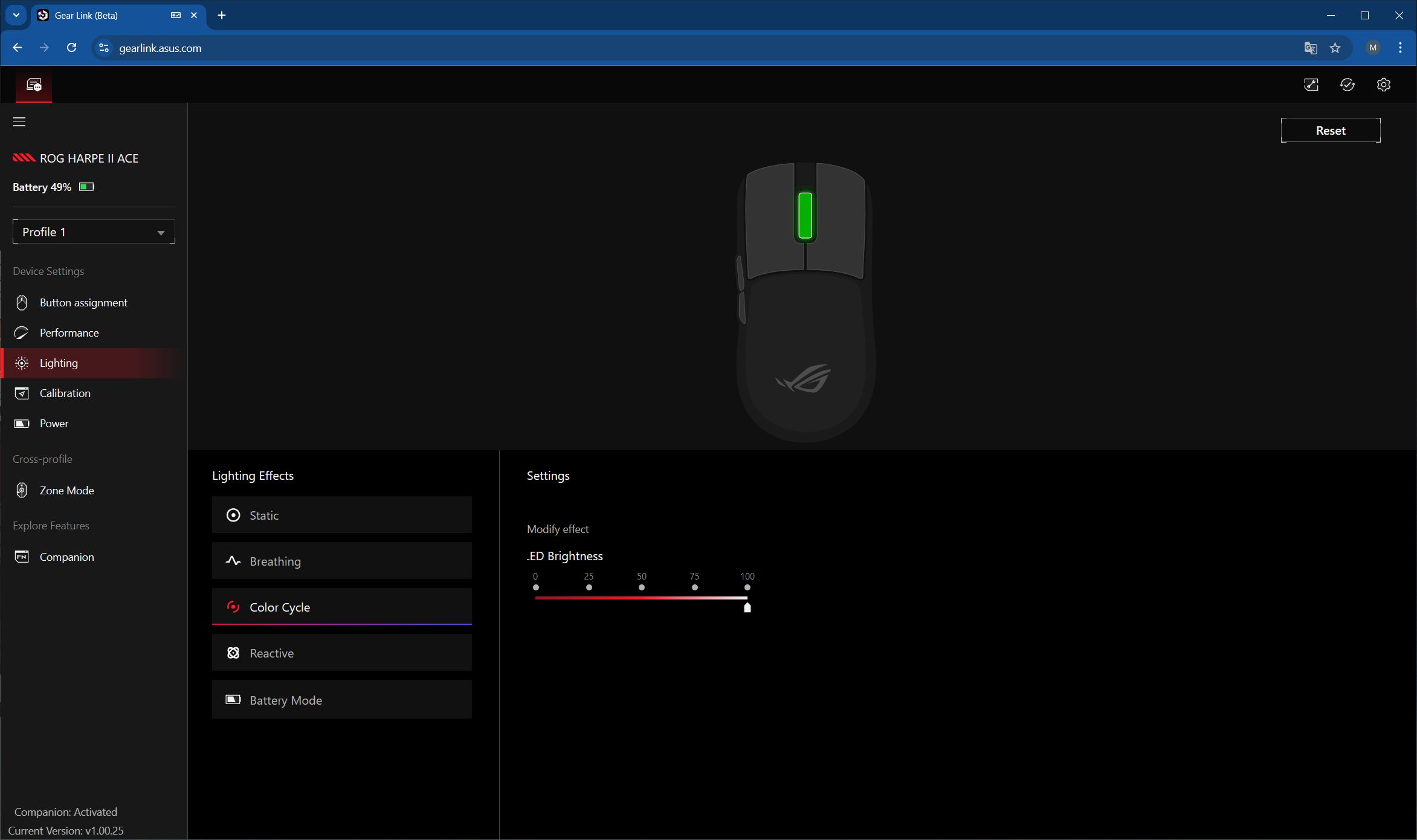
In the Lighting menu, you can adjust the mouse wheel illumination. There are five preset effects available, with options to modify colors and brightness. The Aura Sync feature for syncing with other devices is not available here, as it is only accessible through the standard Armoury Crate application.
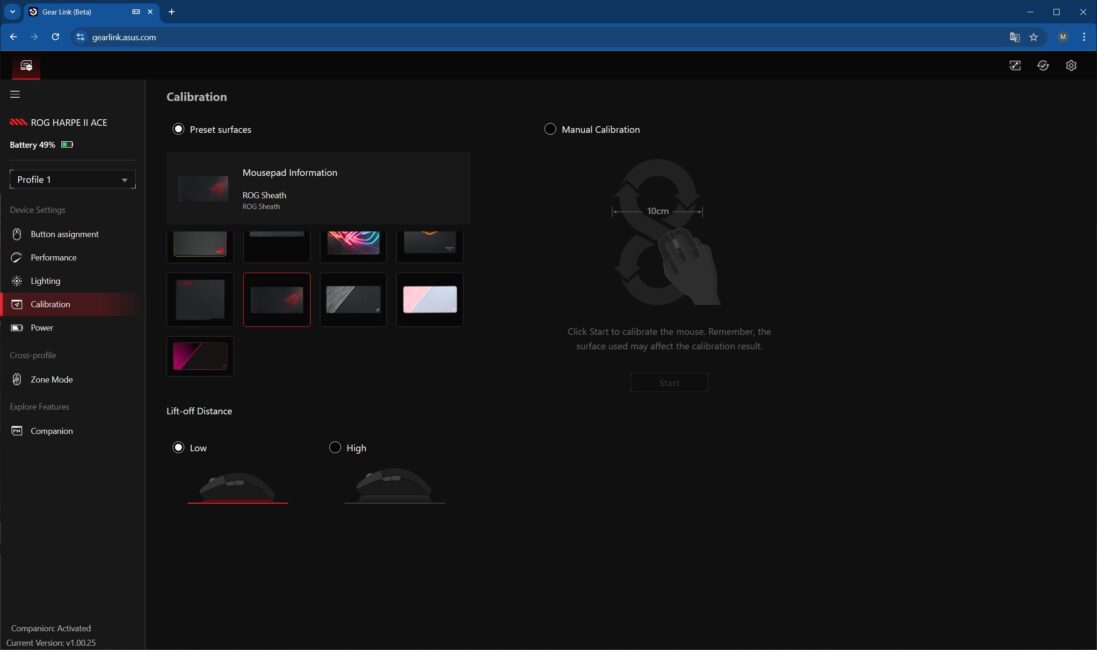
In the Calibration menu, you can calibrate the mouse sensor for a specific ASUS surface. You can also adjust the lift-off distance and perform manual calibration for a mat from another manufacturer.
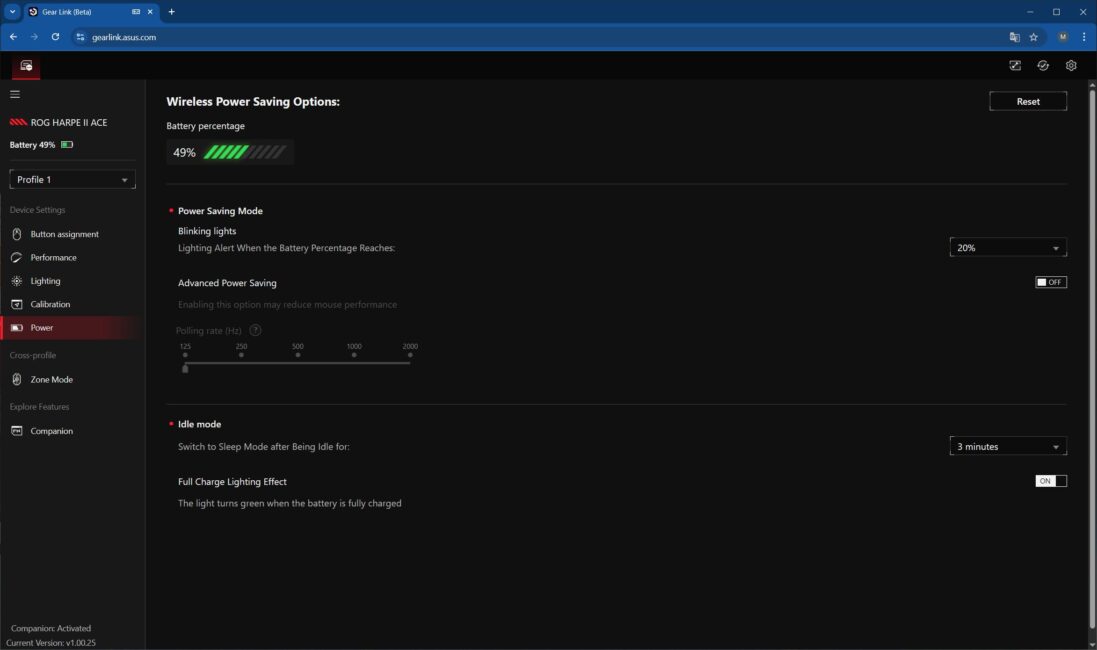
The Power menu displays the battery charge level and allows you to set the time before the mouse enters sleep mode.
The Zone Mode menu allows you to activate and configure the Zone Mode feature. Its function and potential applications were described earlier.


The Companion menu contains the extension package that needs to be downloaded and installed to enable the Quick Access functions in the buttons, as mentioned earlier.

In the top-right corner of Gear Link, there are three separate submenus. The first two allow you to view the mouse’s firmware version and update it if a new version is available. The third menu contains global Gear Link settings, various manuals, and a diagnostic tool.



Like previous Harpe models, the mouse features onboard memory with five independent, fully customizable profiles that can be switched on the fly. This allows you to configure the mouse once and use it with all your settings intact on other PCs, without needing the application.
Gear Link is still in beta, but it is already fully usable. From what I observed, all settings function correctly, meaning the web application can effectively replace the standard Armoury Crate – something many users are likely to appreciate.
Read also:
- ASUS ROG Falchion RX Low Profile Gamer Keyboard Review
- ASUS ROG Strix Scope II and Strix Scope II RX: Review and Comparison
ROG Harpe II Ace Battery life
ASUS typically does not specify the exact battery capacity in their official specifications. They do, however, list the battery life: up to 101 hours with lighting off and up to 84 hours with lighting on, in both 2.4 GHz RF and Bluetooth modes at a 1000 Hz polling rate. Interestingly, there is no information provided regarding battery life at the higher 8000 Hz polling rate.
During my testing, I mostly used the mouse at the 8000 Hz polling rate. At this higher rate, a full battery charge lasted roughly two days of moderately active use – about 20–25 hours on average, which is reasonable for 8000 Hz. Additionally, the Zone Mode can help optimize battery life by boosting performance only when it’s actually needed.
Conclusions
In conclusion, in my subjective opinion, the new ROG Harpe II Ace isn’t just good – it’s practically perfect. At the moment, it’s one of the best symmetrical gaming mice both within ASUS’s lineup and on the market in general. Top-tier internals, comfortable shape, light weight, pleasant body material, excellent clicks, 8000 Hz polling rate out of the box, web-based customization without needing Armoury Crate, and the interesting new Zone Mode – what more could you ask from a modern gaming mouse? As I mentioned at the start of the review, the Harpe II Ace is the mouse that genuinely made me consider switching from an ergonomic to a symmetrical shape. All the features listed above played a key role in that decision.
Regarding the price, I can say that it is completely reasonable and justified for this new model. As I mentioned earlier, the new ROG Harpe II Ace has the same top-tier internals as the flagship Extreme version, yet costs roughly half as much. Personally, I didn’t find any drawbacks in the new model. For these reasons, I can confidently recommend the ROG Harpe II Ace – both to fans of the previous Harpe models and to anyone currently looking for a high-quality, mid-sized symmetrical gaming mouse.
Regarding the new ROG Sheath II XXL surface, I can say that it’s an excellent premium gaming mouse pad. Its large size, stylish design, and comfortable surface – with the exclusive heat-dissipating feature – ensure smooth gliding for any mouse. This pad is ideal for gamers who prioritize speed but still want enough control for precise aiming and coordinated movements. In short, for fans of Speed-type or hybrid Speed/Control surfaces, the new ROG Sheath II XXL is just what you need. The price is on the higher side, but it’s quite standard for premium surfaces from well-known brands, so there are no real complaints here.
Where to buy
Read also:
- YUNZII QL75 Retro Typewriter Keyboard Review: Modern Mechanical Design with Vintage Aesthetic
- Strangest Deal of Year: TikTok to Lease Out Its Algorithm
- Logitech G321 Review: Entry-Level Wireless Gaming Headset


