





© ROOT-NATION.com - Use of content is permitted with a backlink.
Today I’m reviewing the ROG Strix Scope II X, ASUS’s latest gaming keyboard, which joins their Scope lineup this year. Essentially, the Scope II X can be seen as an updated and refined version of last year’s ROG Strix Scope II and Scope II RX, which I previously reviewed. The new model retains the distinctive gaming-oriented design of its predecessors, but ASUS has updated the switches and, most importantly, added hot-swap support.
This last change is particularly noteworthy. The ability to swap switches without soldering not only increases the keyboard’s customization potential, but it also suggests that ASUS might start including hot-swap functionality in more of their new models, rather than limiting it to their top-tier ROG Azoth series.
As you might guess, I’m a big supporter of hot-swap functionality. It’s one of the reasons I’ve been drawn to keyboards from smaller Chinese brands, which have been including hot-swap sockets as standard across nearly all their models, regardless of price.
The addition of hot-swap support to the new Strix Scope II X gives me hope that larger brands – ASUS at least – might follow this trend and start including it in more of their upcoming keyboards. What’s particularly interesting is that the Scope II X is currently one of the most affordable new keyboards in ASUS’s ROG lineup. Including hot-swap support in a lower-priced model only reinforces the idea that this feature could become more widely available across their range.
TABLE OF CONTENTS:
Specifications
- Format: full-size
- Connection: wired (USB-C to USB-A)
- Switches: ROG NX V2
- Hot swap: yes (5-pin connectors)
- Polling rate: 1000 Hz
- Anti-ghosting: yes
- #KRO: N-KRO
- Keycaps: ROG branded keycaps (two-component PBT or ABS with UV coating)
- Backlighting: RGB compatible with Aura Sync
- Branded software: Armoury Crate
- Built-in memory: 5 programmable profiles
- Multifunctional control: multifunctional key and scroll wheel
- Cable: detachable USB-A to USB-C, 2 m long
- Dimensions: 436×129×37 mm
- Weight: 839 g
- Key features of the model: full format, hot swap, F1-F5 hotkeys, built-in sound-absorbing foam, on-the-fly macro recording, multifunctional key and adjustment wheel, ergonomic design and wrist rest, signature ROG design
- Package contents: keyboard, wrist rest, space bar with ROG theme, double puller, detachable USB cable, ROG stickers, user manual, warranty documentation
Positioning and price
As mentioned earlier, the Scope II X is the latest addition to the ROG Strix Scope lineup and can currently be considered the flagship model of the series. The keyboard is aimed at a broad audience, making it suitable both for casual gamers and for more demanding users, such as esports players and full-time streamers.
In terms of pricing, the ROG Strix Scope II X is currently one of the more affordable new ROG keyboards from ASUS, priced at $157 / €133. During the time of writing, many retailers were offering discounts, making it possible to purchase the keyboard for around $24 / €21 less.
Package contents
The keyboard comes in a branded cardboard box featuring the distinctive ROG-series design, along with detailed descriptions of the device inside.
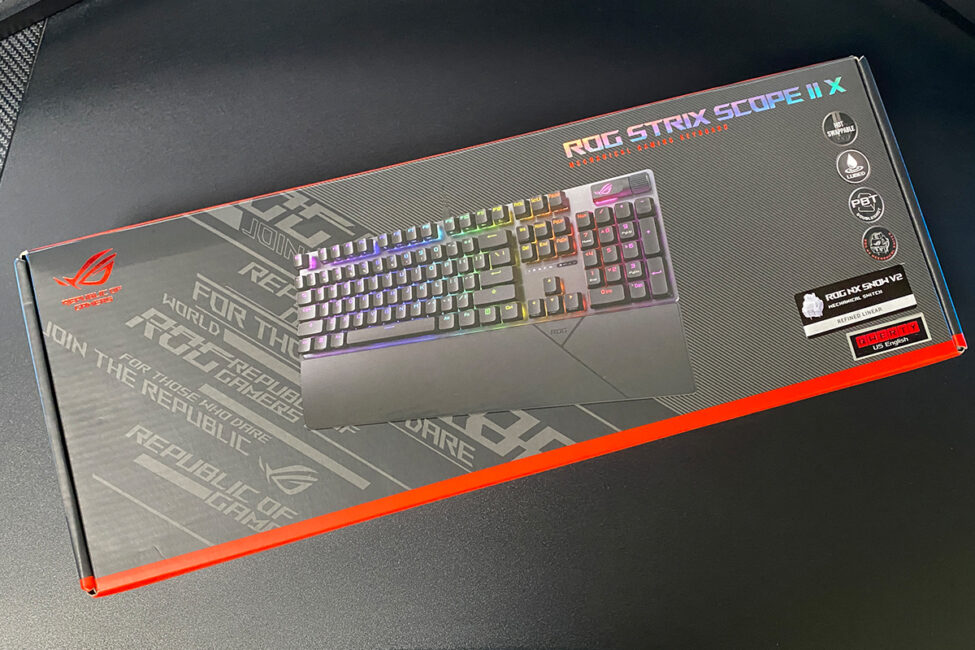
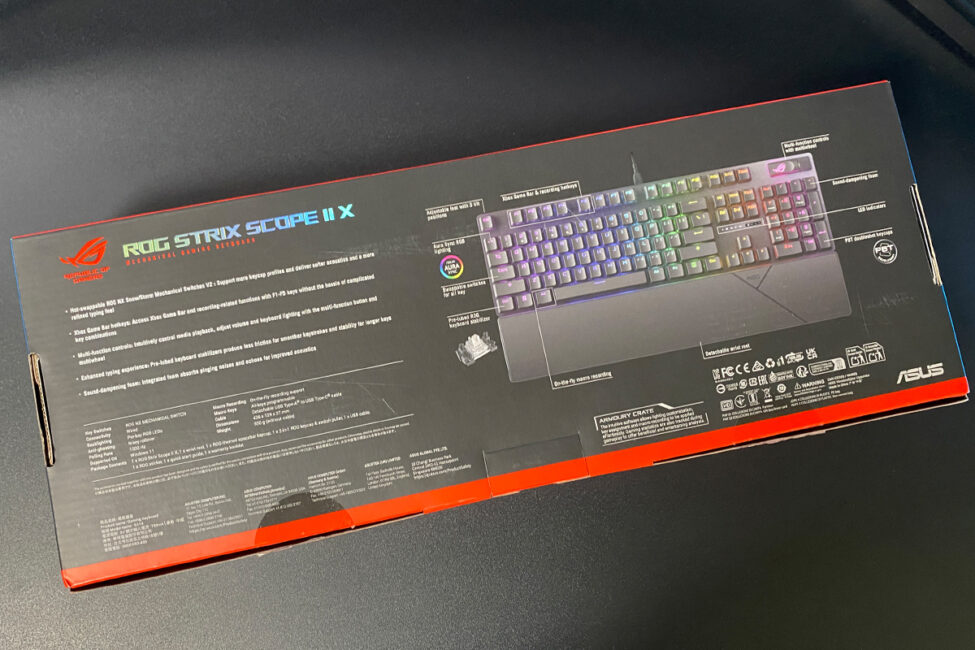
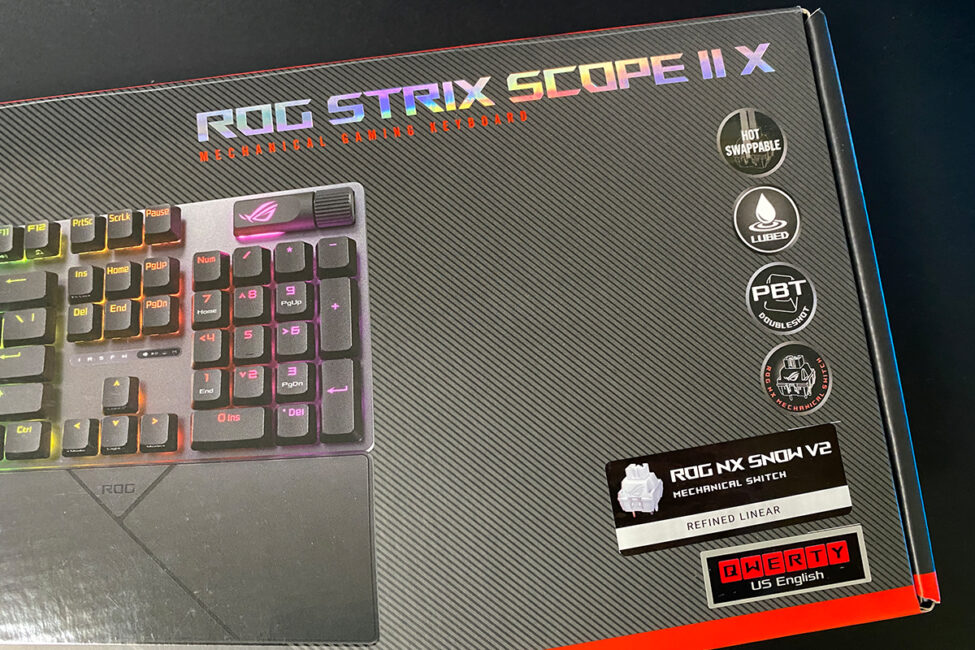
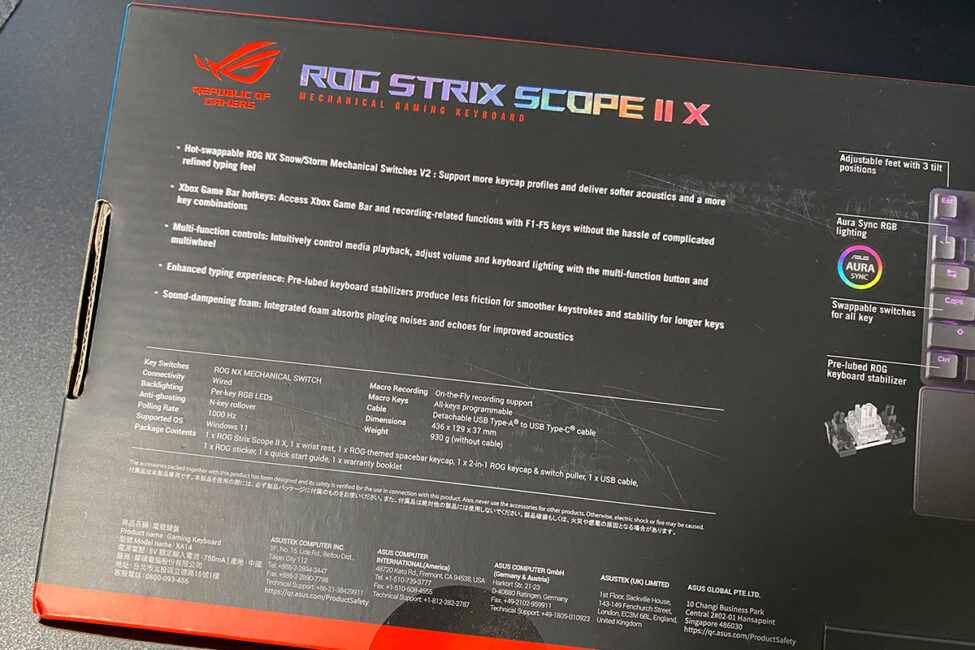
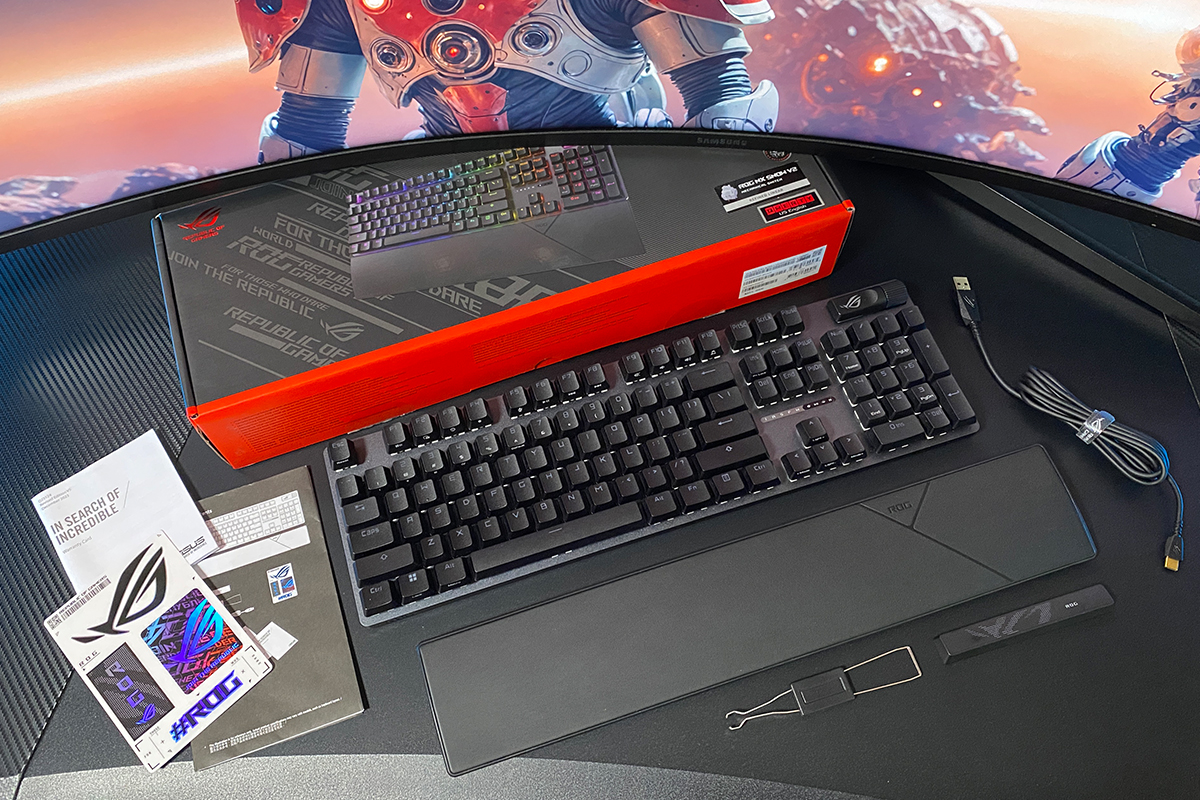
The kit contents are the same as in the previous Scope II / Scope II RX models:
- keyboard
- wrist rest
- space bar with ROG theme image
- double puller
- detachable USB cable
- ROG branded stickers
- user manual
- warranty documentation
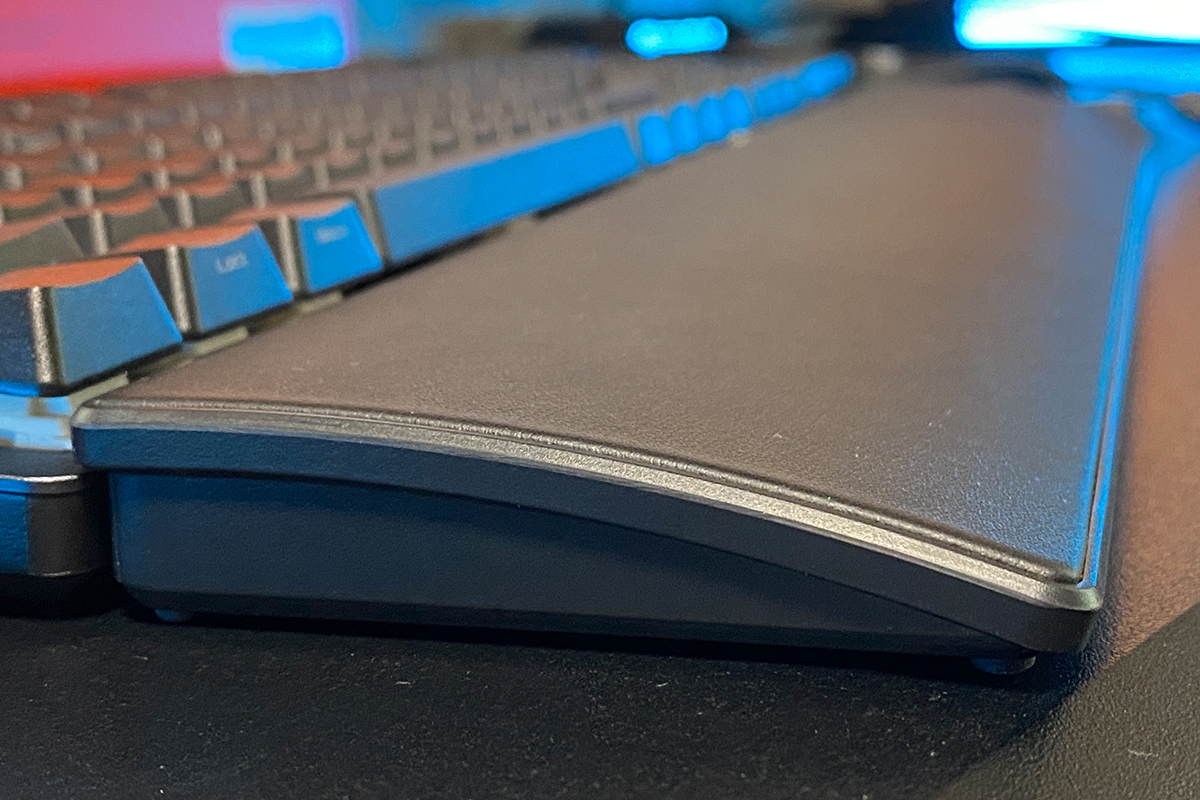
The wrist rest, like in previous models, is made of matte faux leather and attaches to the keyboard magnetically. It feels comfortable to the touch, and resting your hands on it is quite natural and supportive.


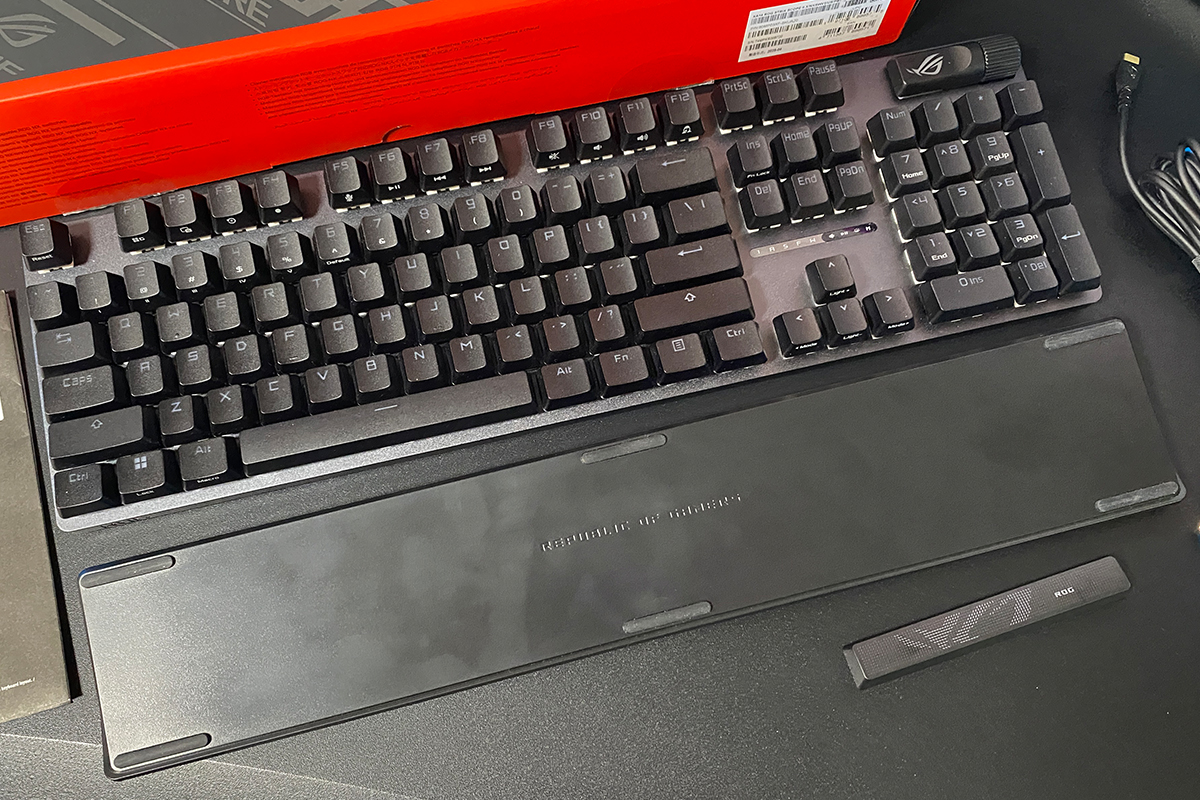
The themed spacebar is a standout feature. As I noted in a previous review, it complements the overall design of the keyboard so well that you immediately want to swap out the standard stock spacebar and leave it in place.
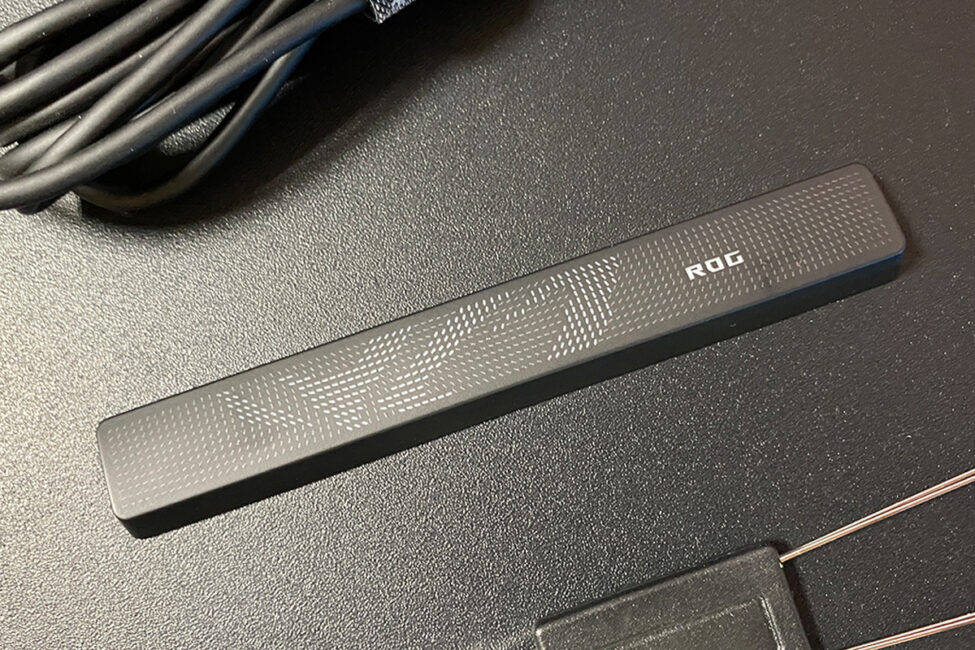
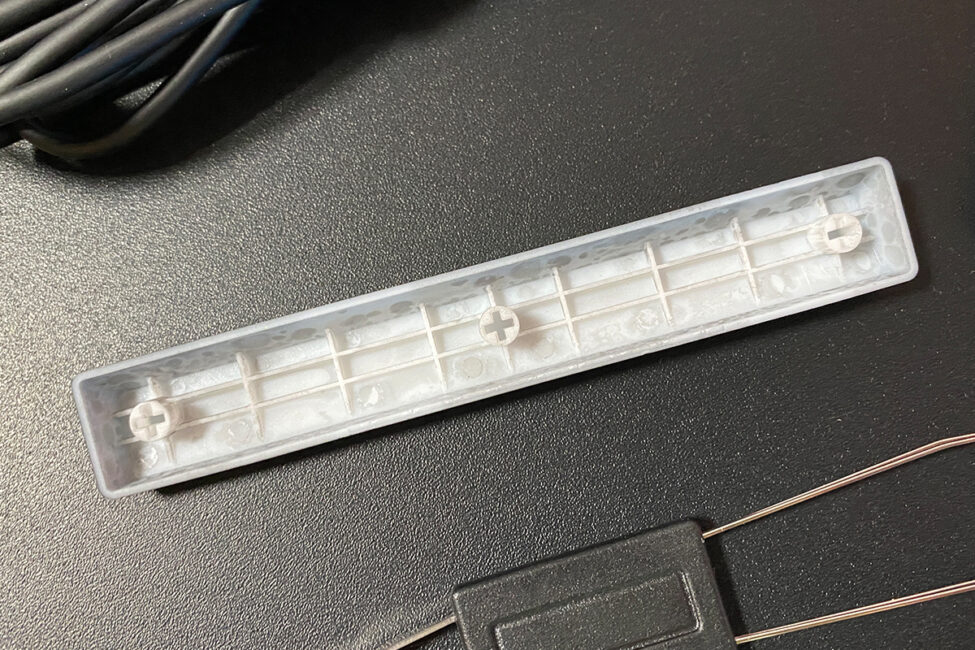
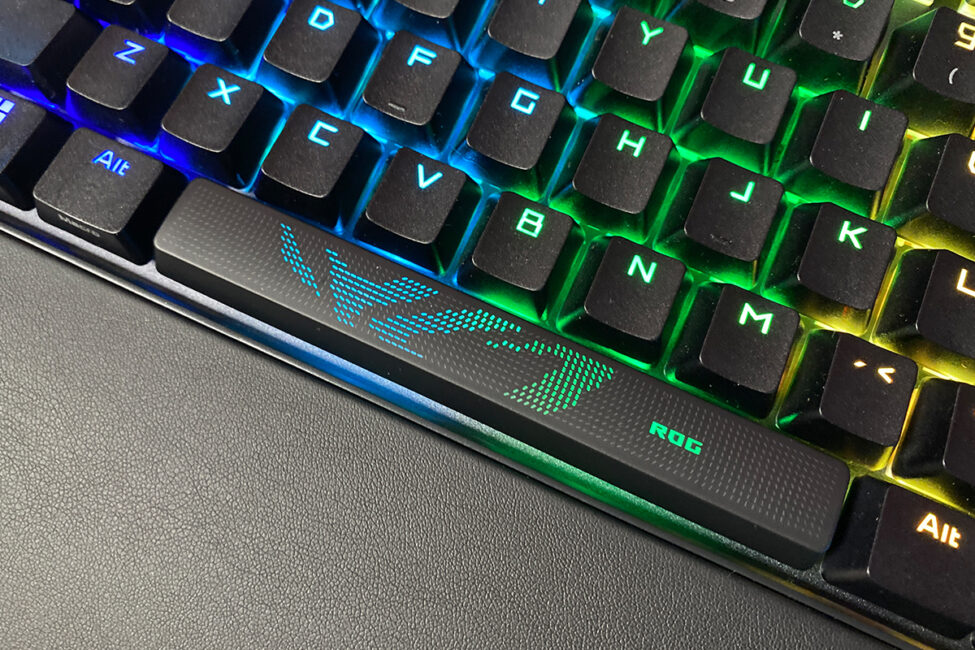
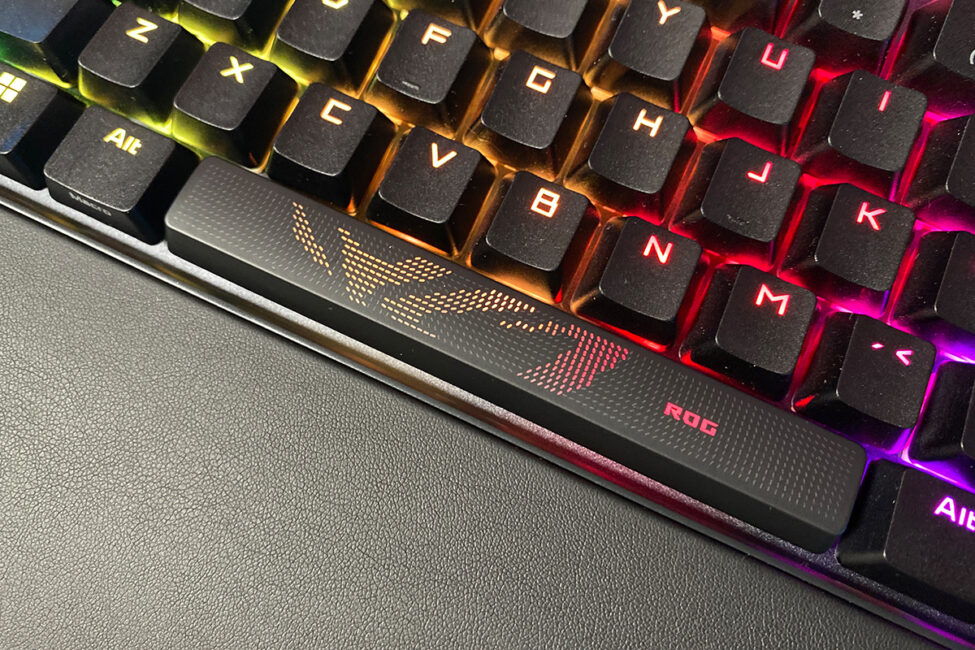
The keycap puller is a standard double-ended type, with one side for removing keycaps and the other for extracting switches from their sockets. The detachable cable is a 2-meter USB-A to USB-C cable with a rubberized sheath, and it comes with an ASUS-branded Velcro strap. The included paper materials are standard: a large fold-out user manual, a small warranty booklet, and a set of ROG-branded stickers.
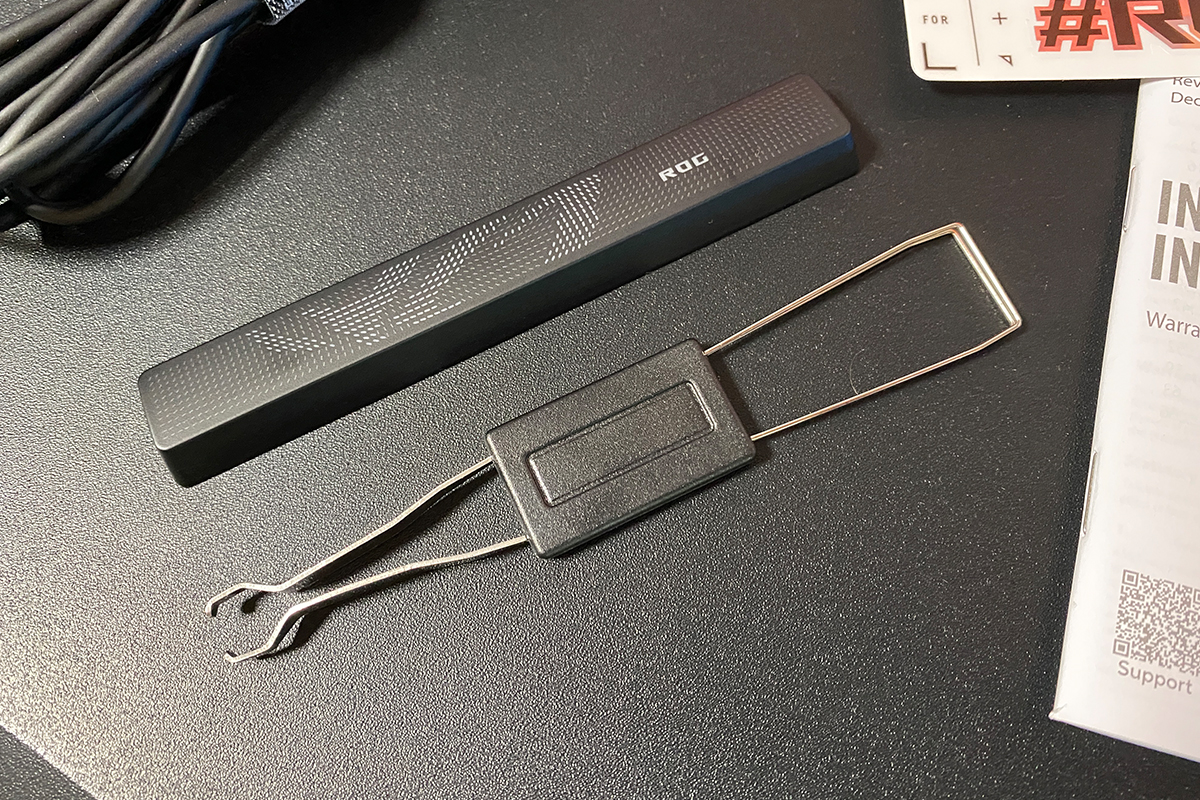
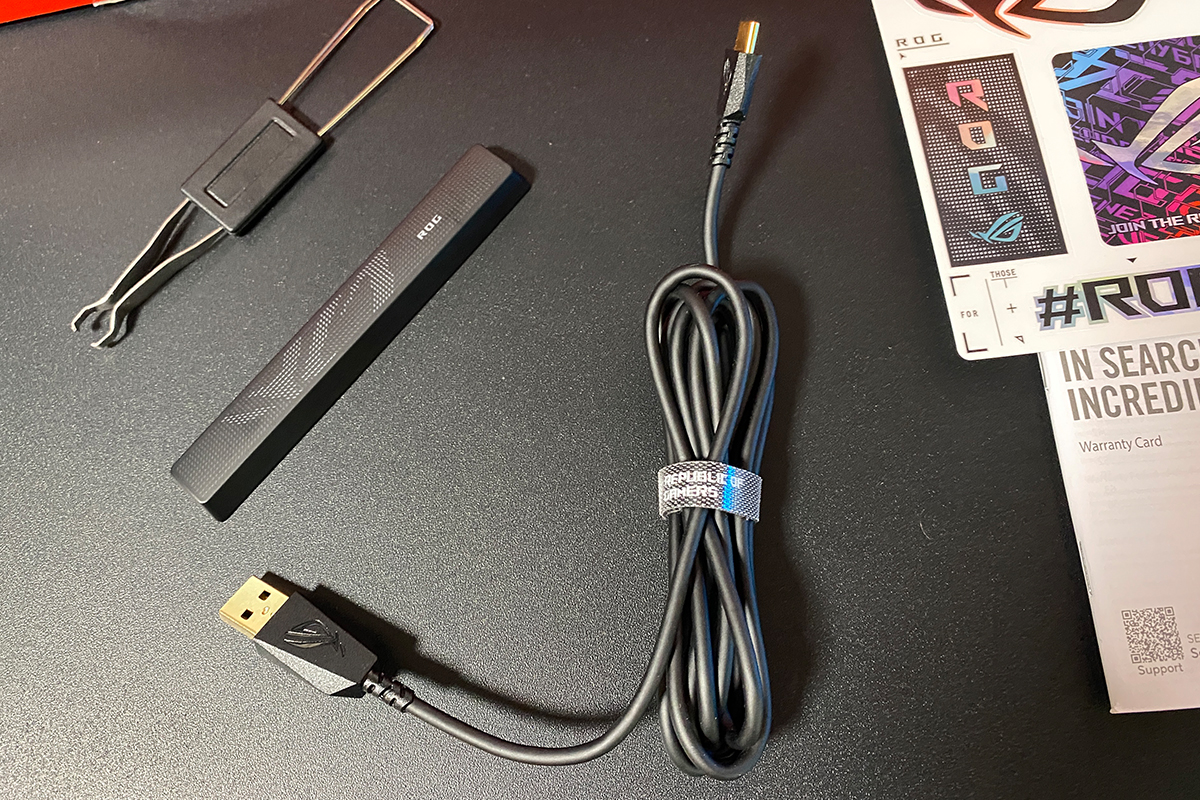
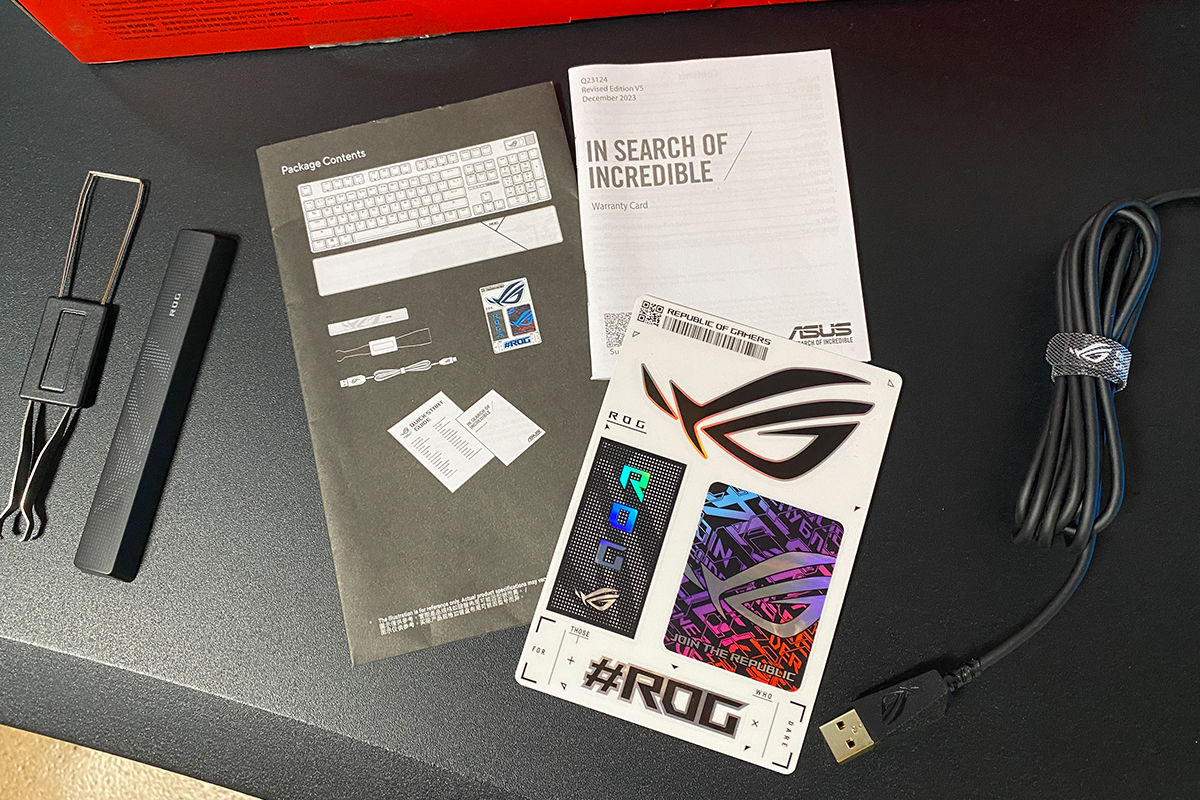
Overall, the package is solid in terms of contents. The only notable omission is spare switches. Most manufacturers include at least a pair of extra switches with their hot-swap keyboards, and ASUS does this for their top-tier ROG Azoth models as well. Here, however, no extras are provided. This could be an issue since, as far as I know, the ASUS ROG NX V2 switches aren’t sold separately. If one of the switches fails, you’d likely have to replace it with a third-party switch. Aside from this, the ROG Strix Scope II X comes with a well-rounded set of accessories.
Read also:
- ASUS ROG Keris II Origin Wireless Gaming Mouse Review: Sleek and Affordable
- ASUS ROG Strix G16 (2025) G615 Review: Almost a Flagship on Blackwell
Design, ergonomics, build quality
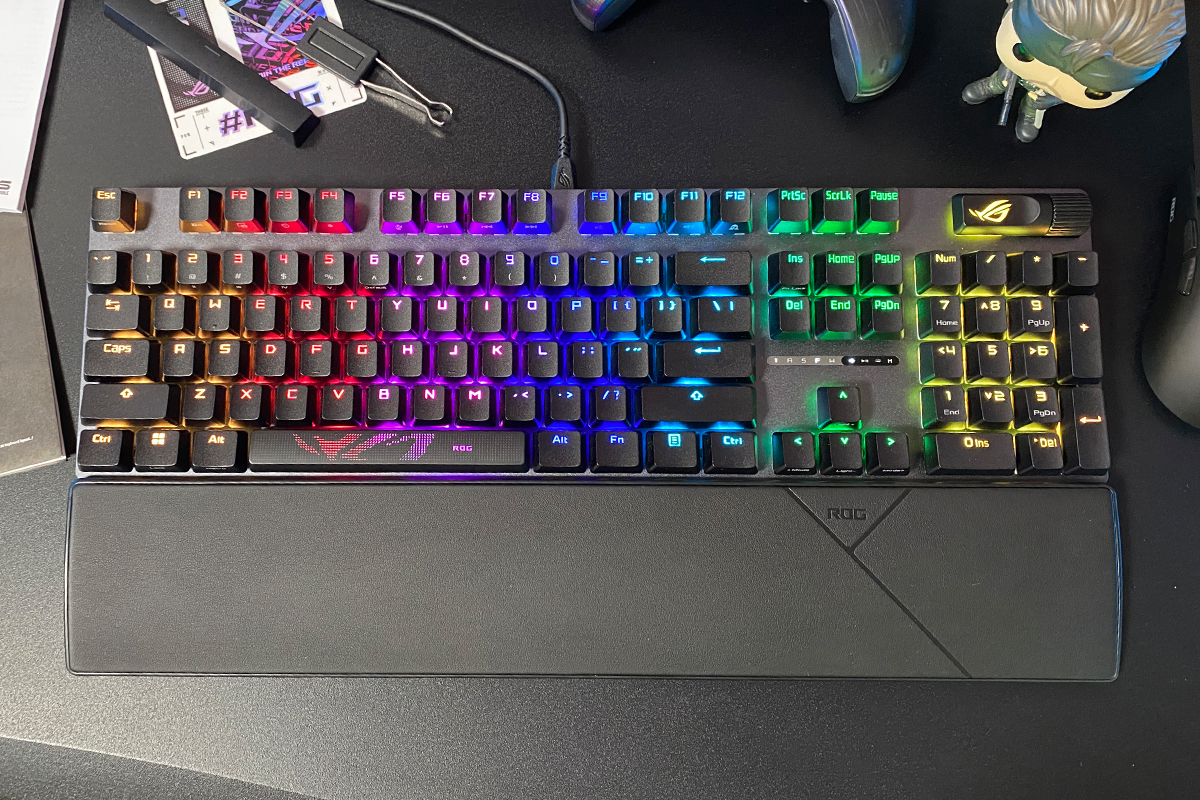
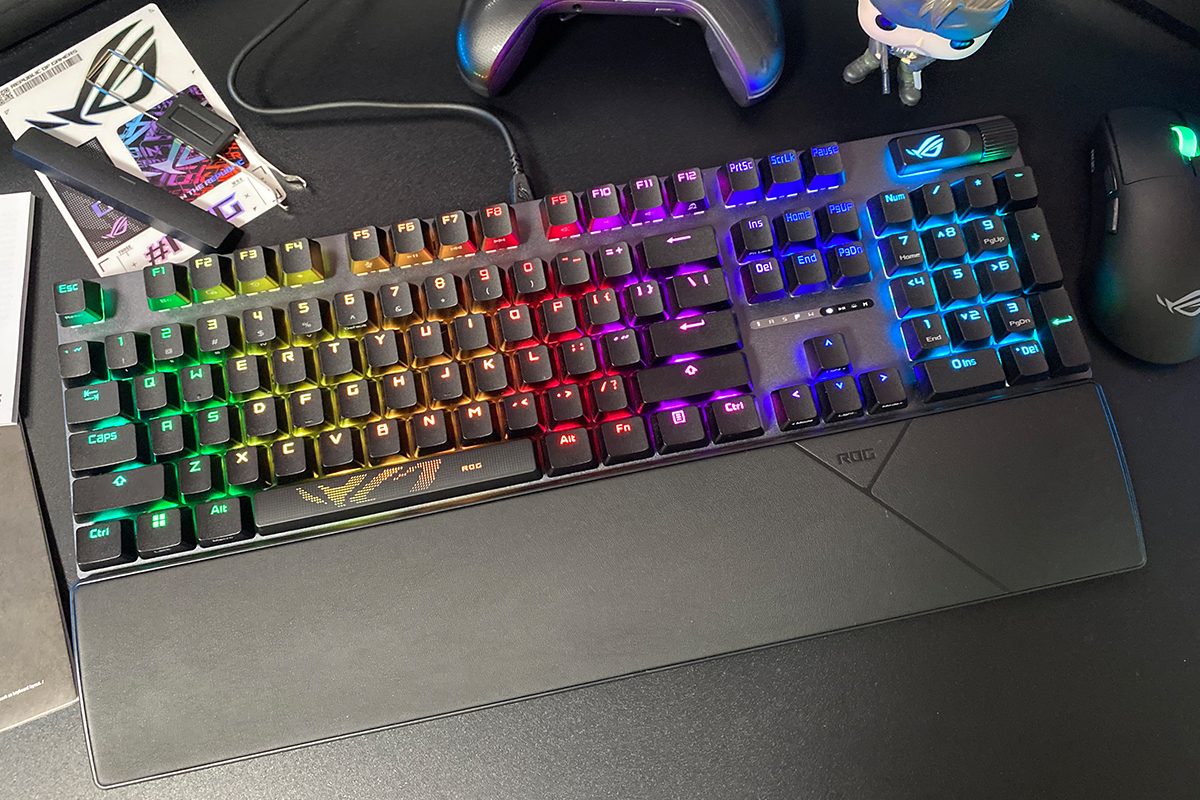
As mentioned earlier, the new ROG Strix Scope II X retains the signature gaming design of its predecessors: a slim, skeleton-style frame; a full-size layout including a complete numeric keypad and all additional function keys; and a multifunction key with a roller. The device’s dimensions remain unchanged at 436 × 129 × 37 mm.
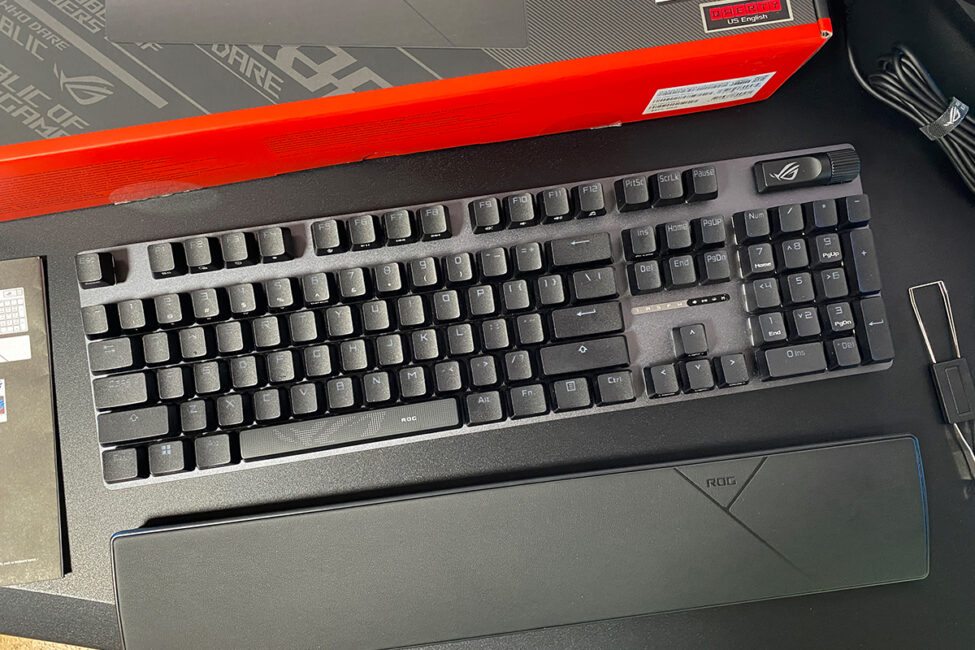
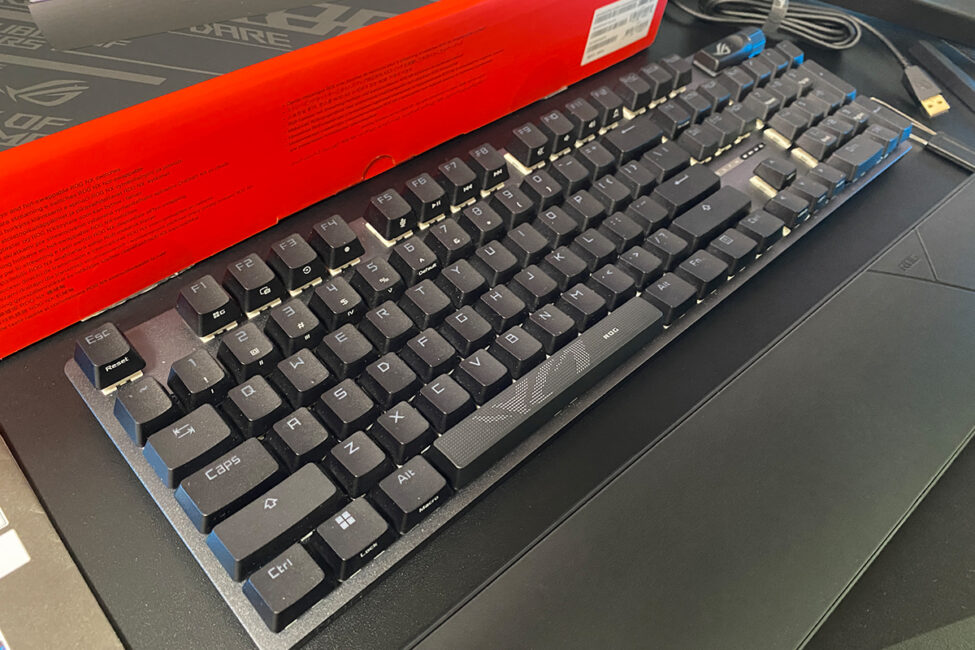
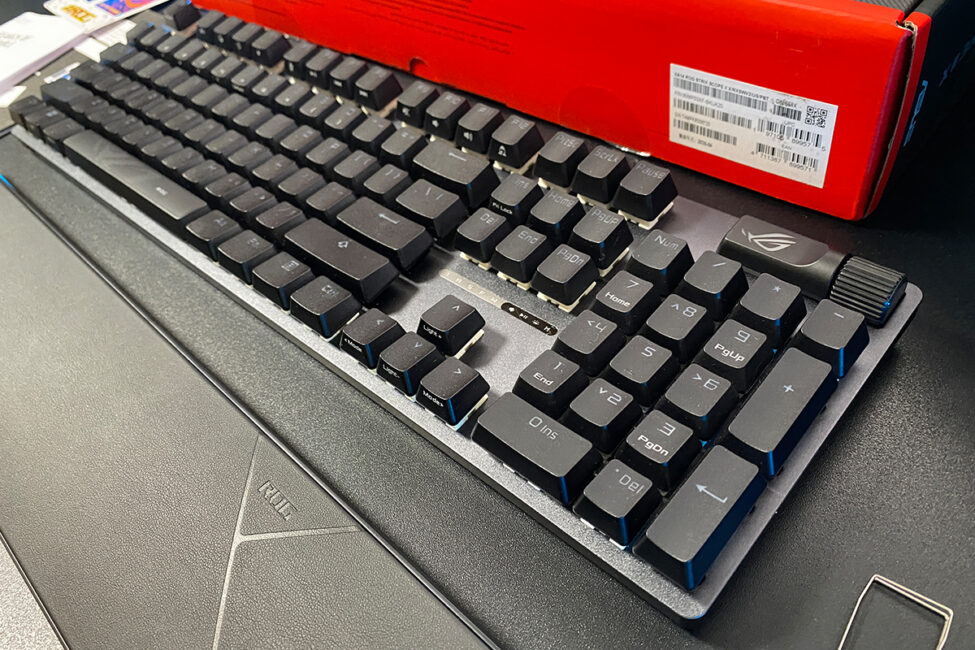
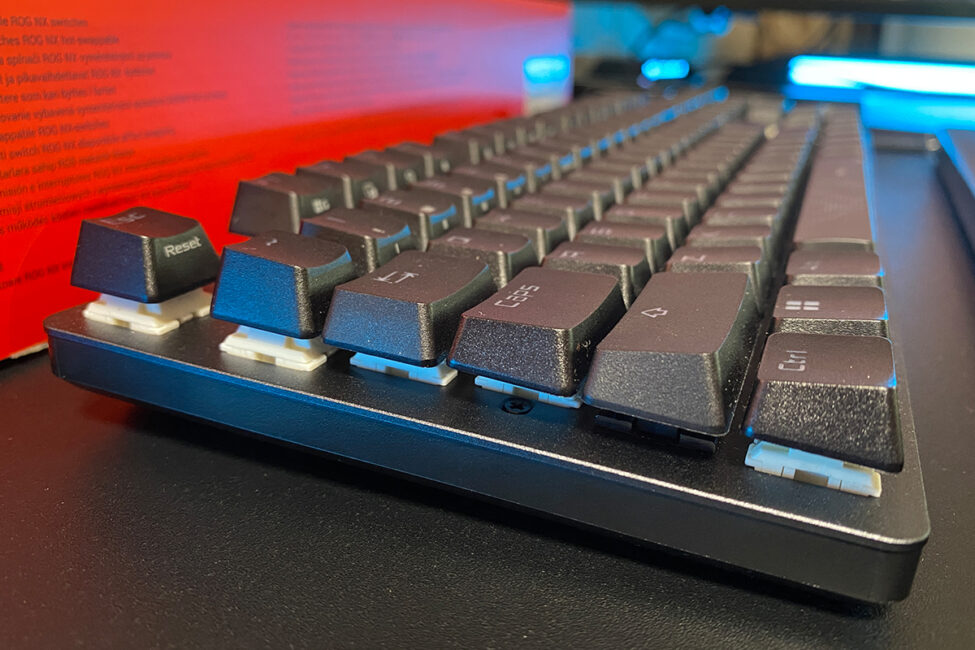
The layout is the same as previous models: ANSI (QWERTY) with long Shift keys, a single-row Enter, and an extended backslash key.
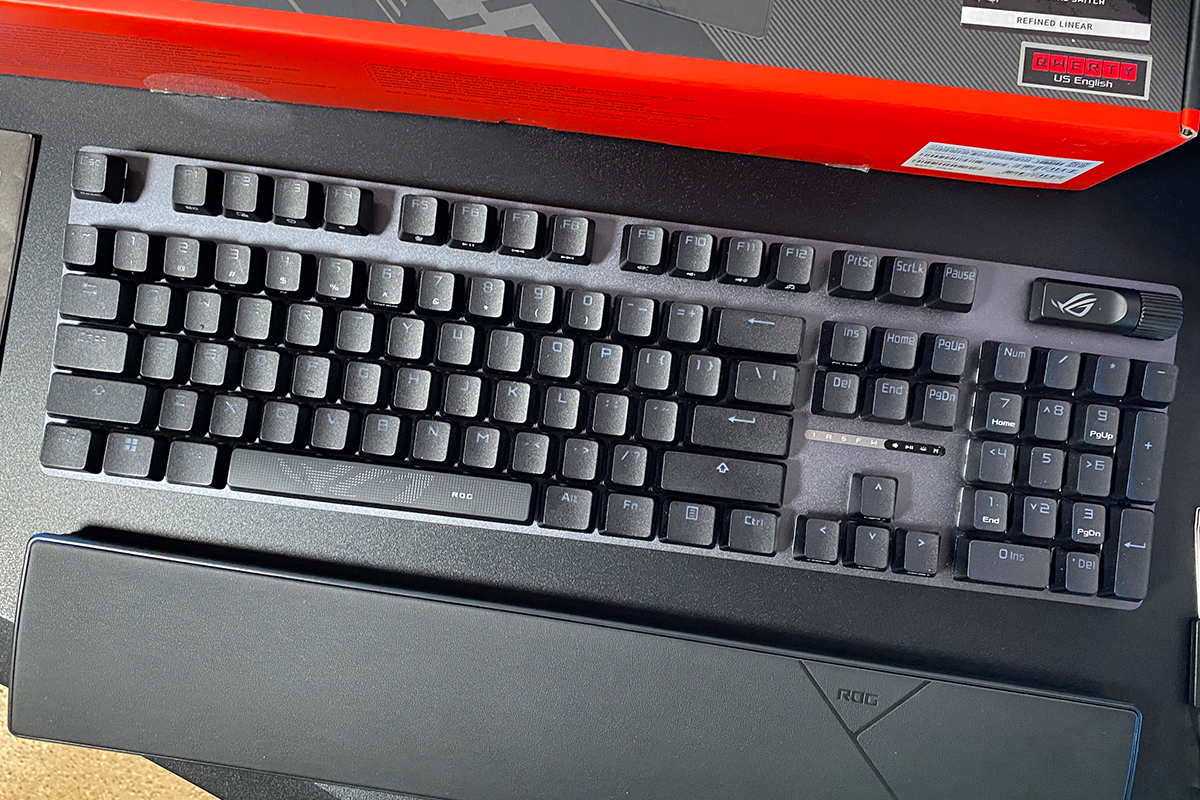
The keyboard’s case combines metal and plastic. The top plate is metal, while the rest of the body and the bottom are made of high-quality matte plastic.
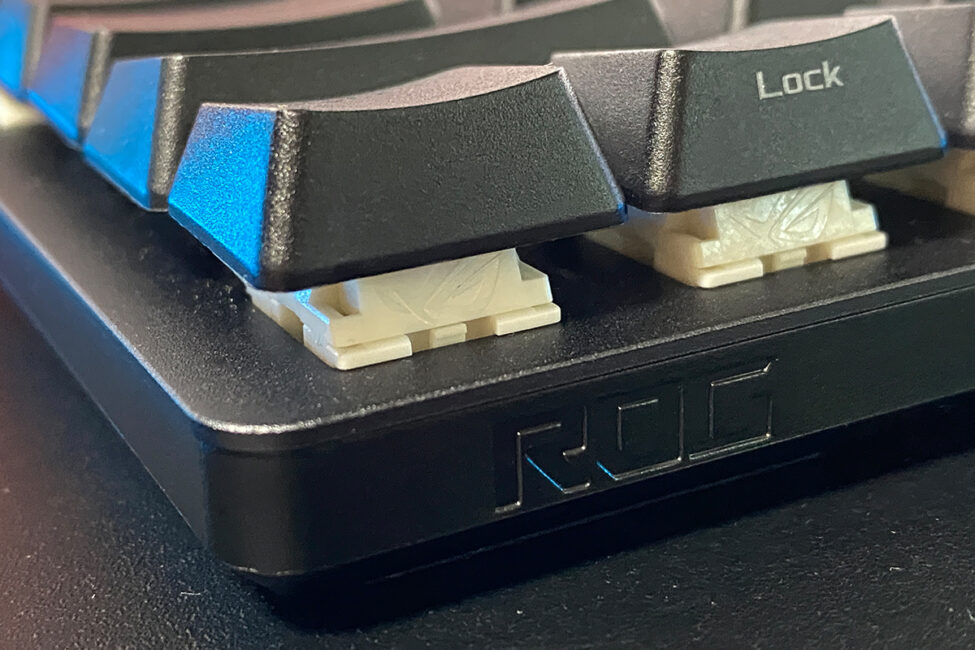
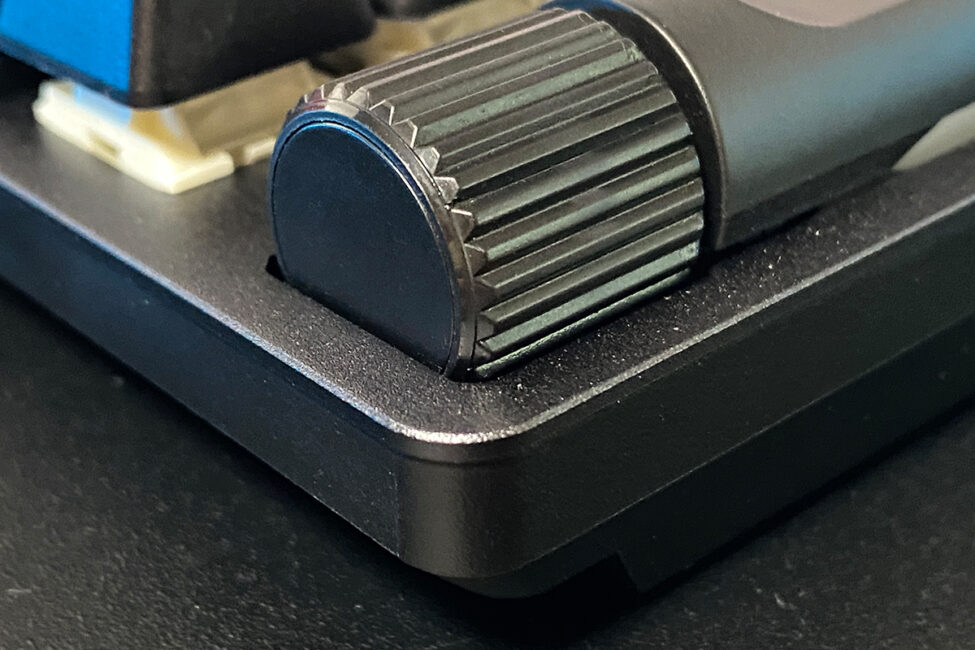
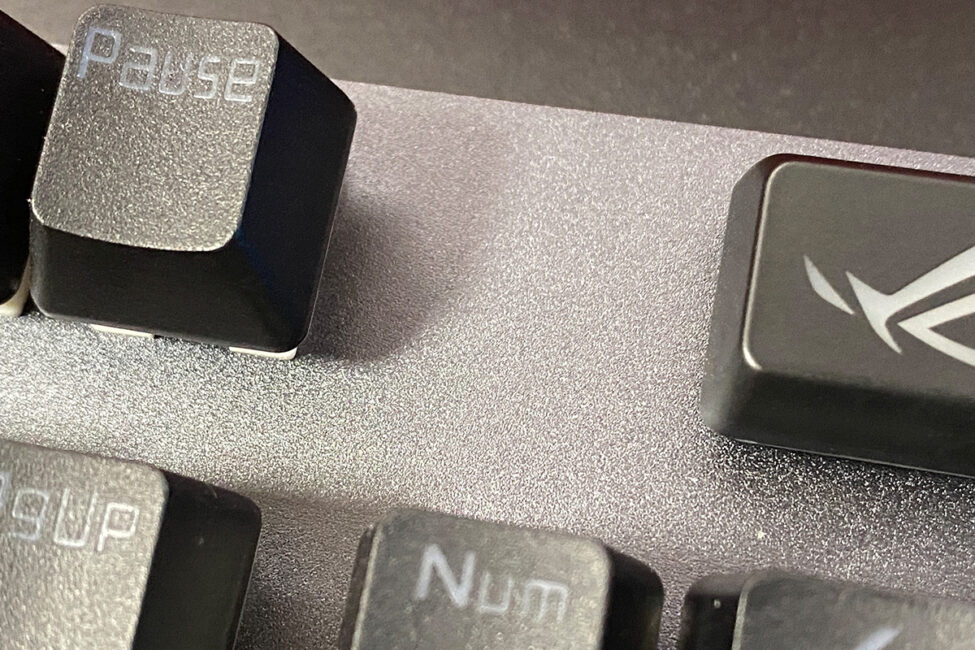
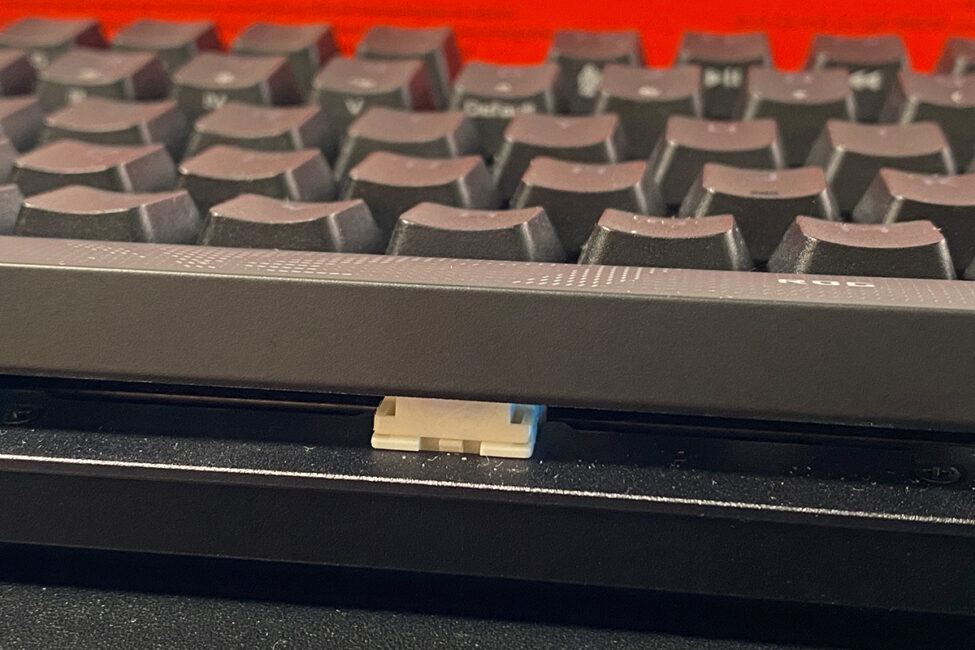
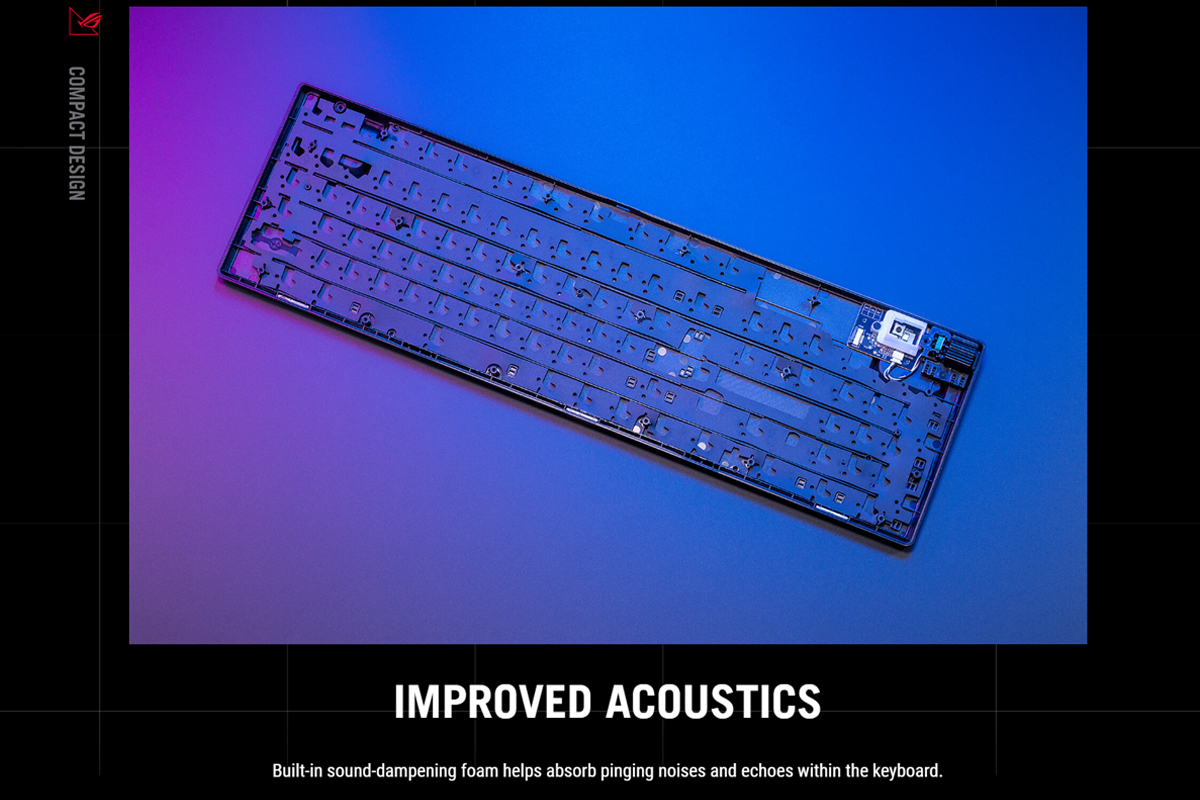
The internal construction of the keyboard remains unchanged. Inside, there is sound-dampening foam that reduces noise and echo, making typing acoustically more pleasant.
Like previous models, the keyboard can come with two types of keycaps: ASUS’s two-component ROG PBT keycaps or ABS keycaps with a UV coating. The PBT keycaps have a slightly textured surface that resists wear over time, while the ABS keycaps with UV coating are smoother, with a slightly rubberized feel that provides good finger contact and a pleasant typing experience.
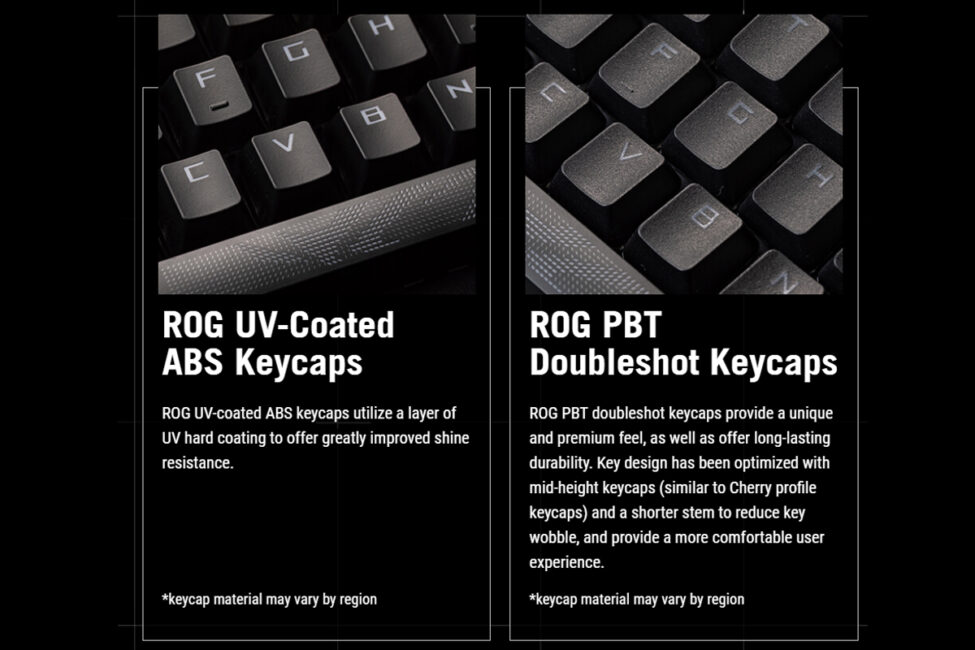
As you can see, the review unit came with PBT keycaps. They have a pleasant textured feel and are generally well-made. The keys also feature the signature ROG font.
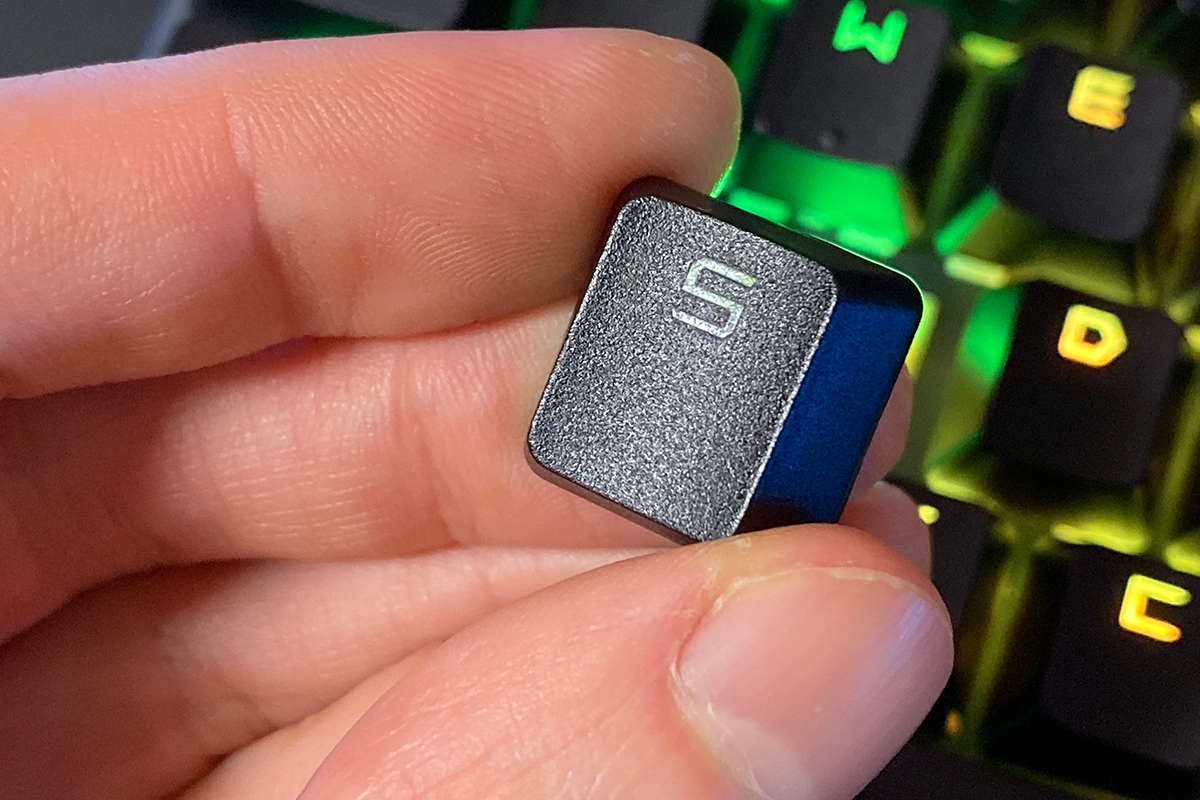
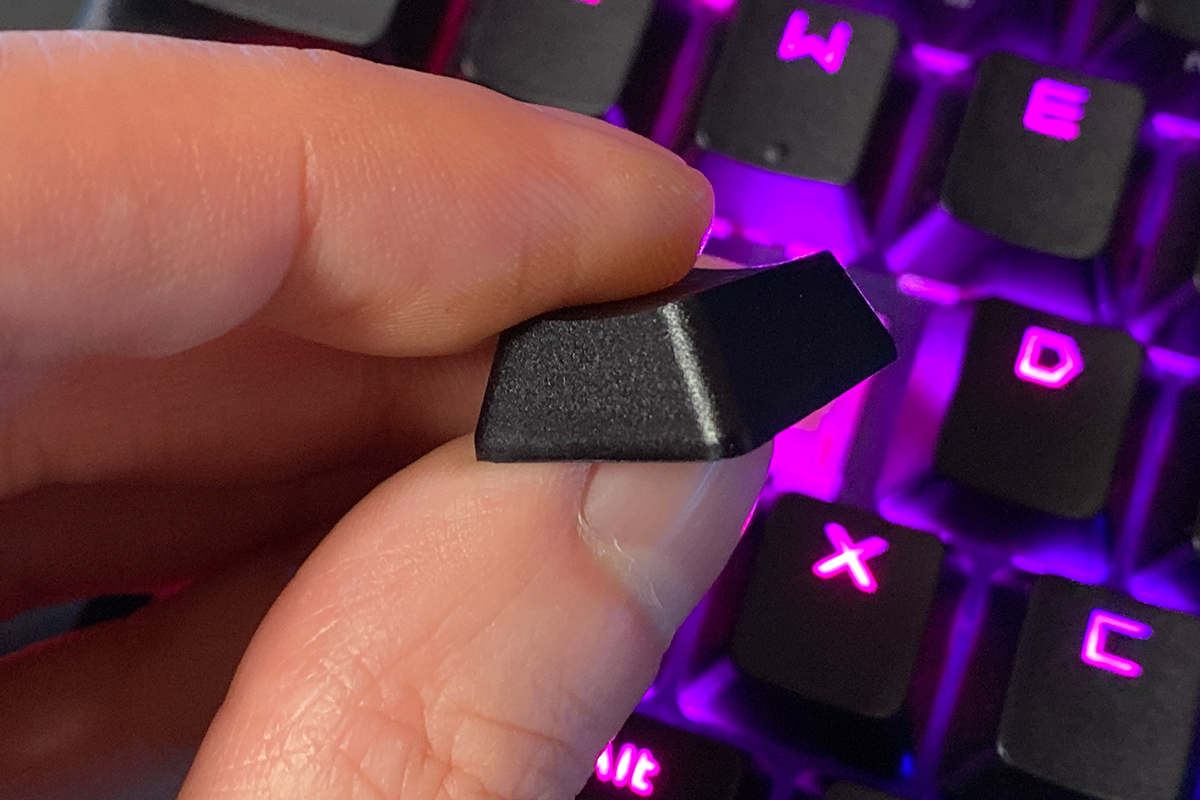
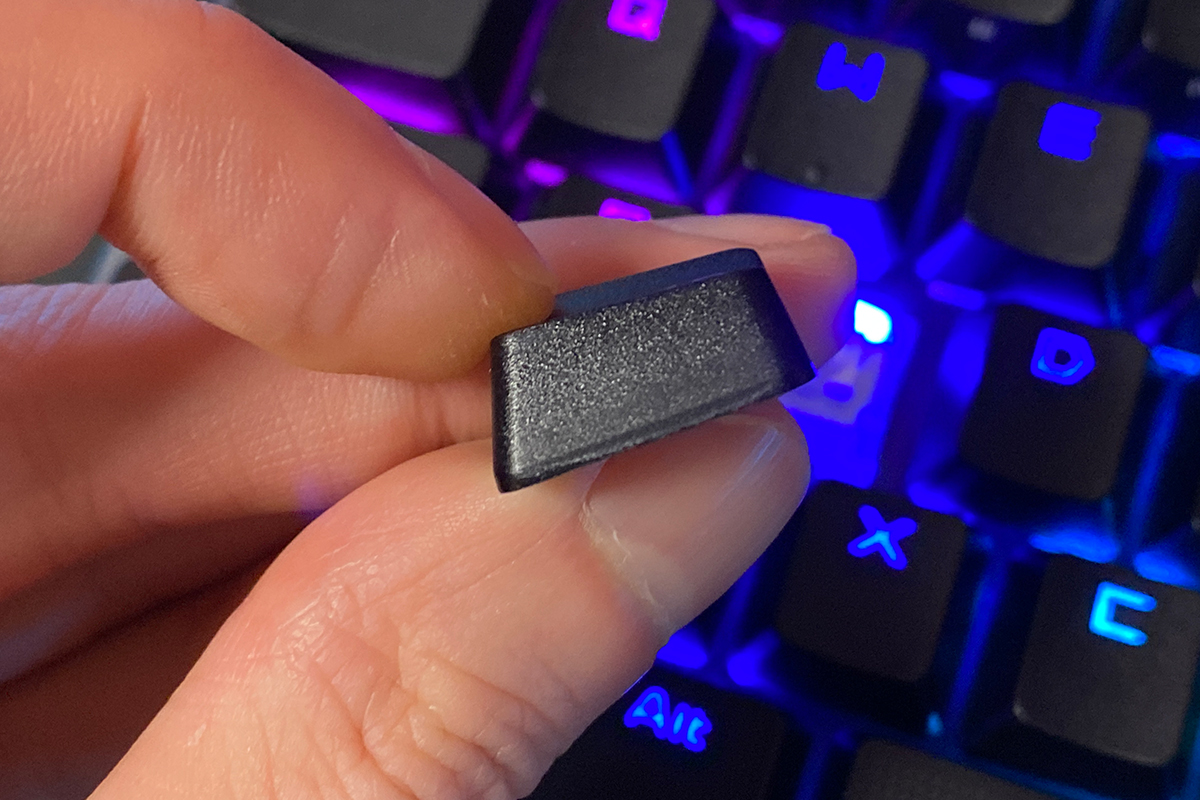
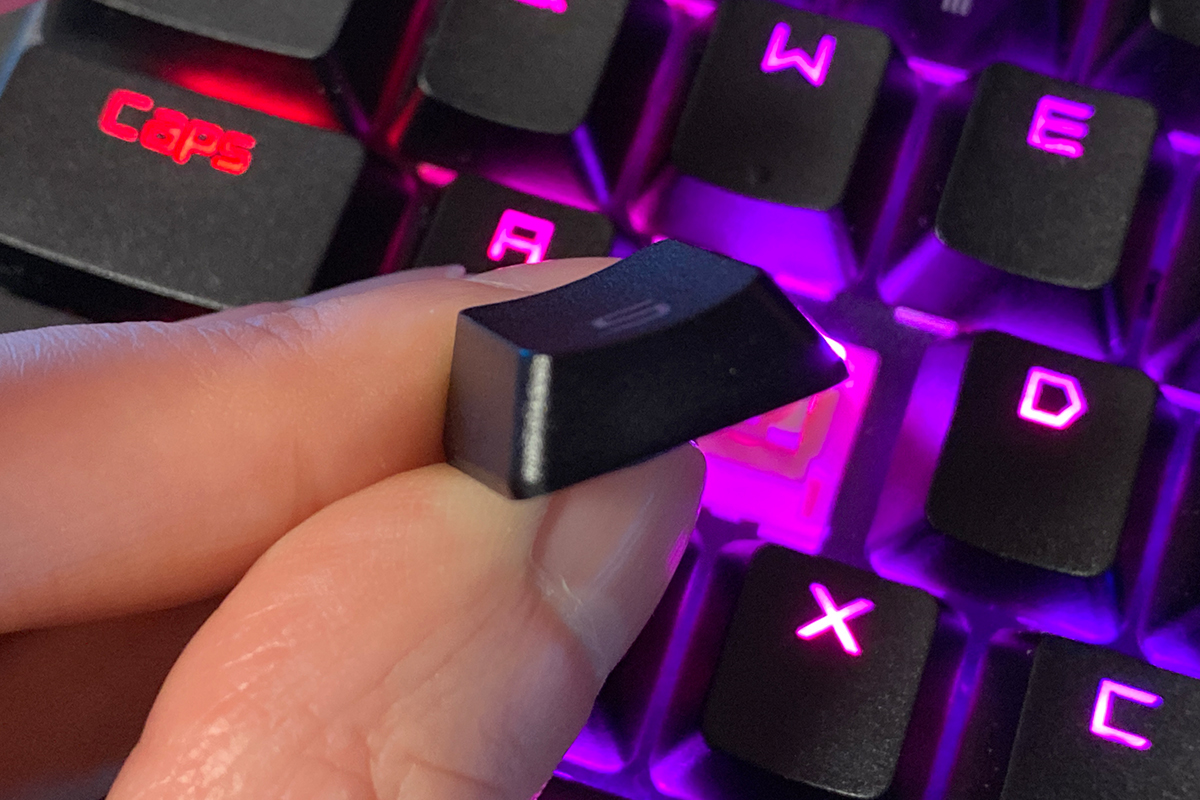
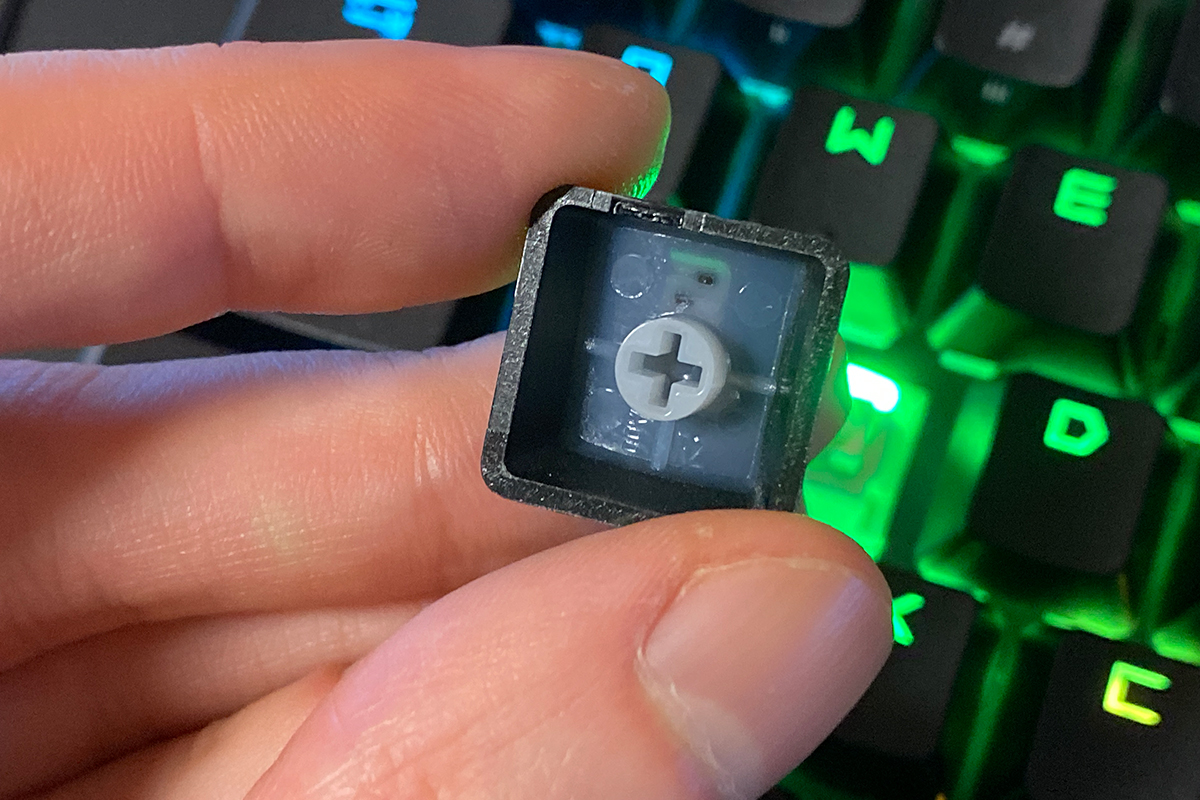
Regarding the second type of keycaps, I’ve previously tried ABS keycaps with UV coating on other ASUS keyboards. Based on that experience, I can say these ABS keycaps are by no means inferior to PBT keycaps – and in some ways, they’re even better. For example, they offer a more engaging tactile experience while typing.
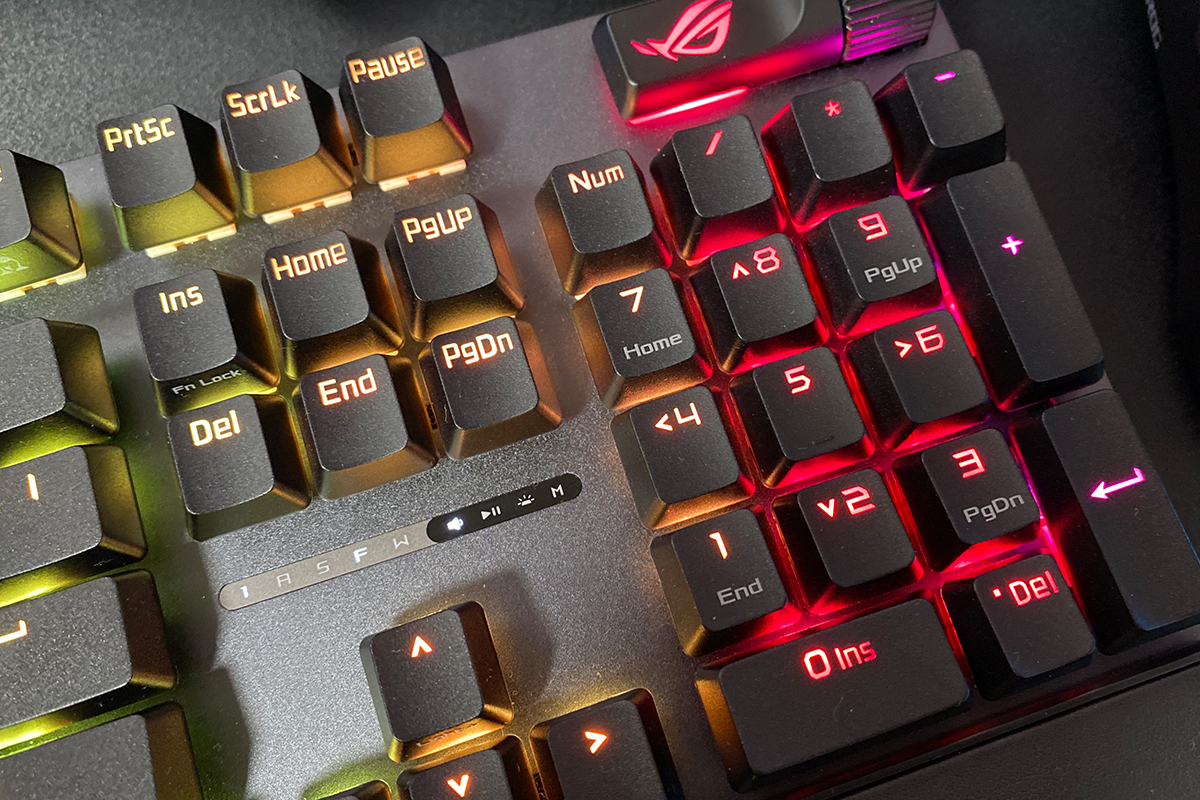
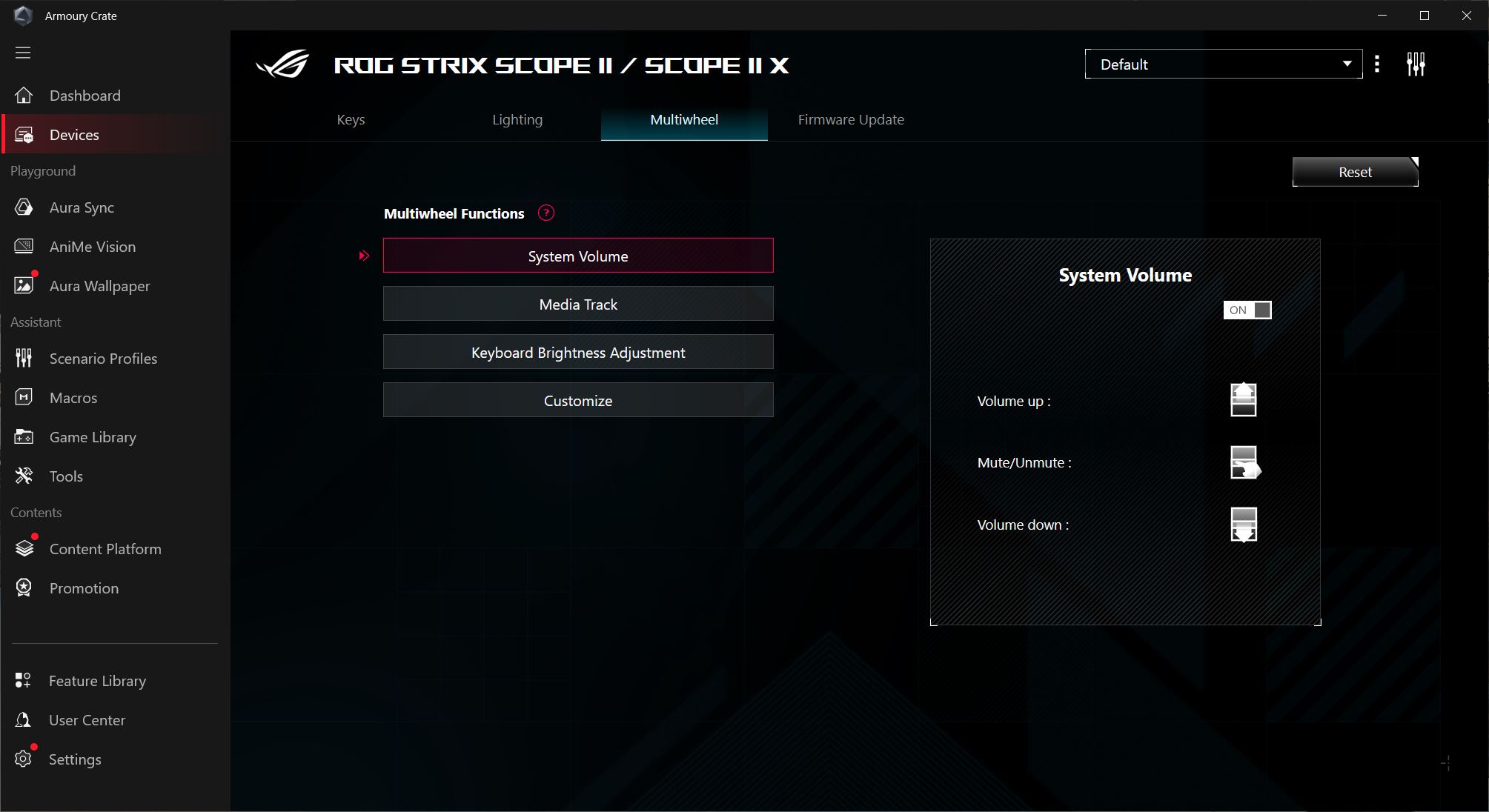
Like its predecessors, the keyboard features a multifunction key with a roller. These controls allow you to adjust volume, manage media playback, and control lighting directly from the keyboard. There’s also a custom mode, which lets you assign your own functions through ASUS’s Armoury Crate software.
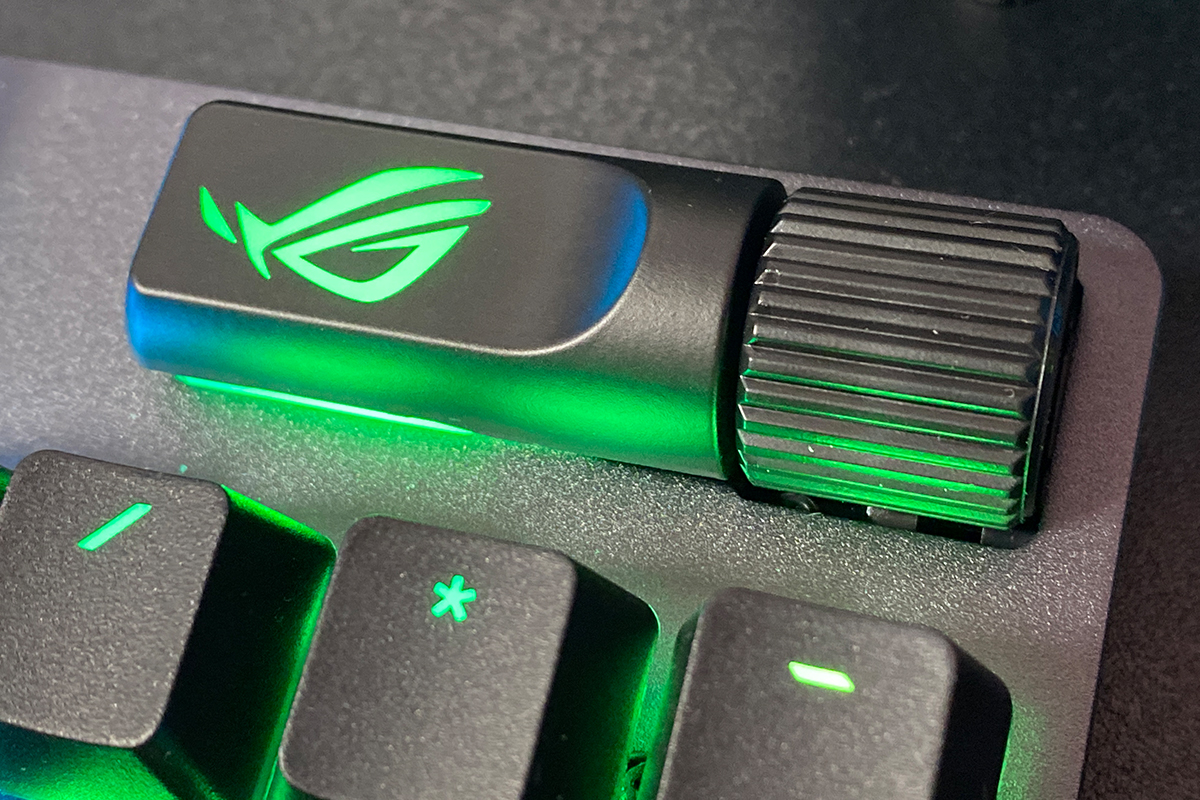
A short press of the multifunction key switches between modes, while the roller handles the actual adjustments. Active modes are displayed on a dedicated indicator located just above the arrow keys. This area also includes other indicators such as Caps Lock, locked Windows key, and macro recording mode. Notably, the ROG Strix Scope II X supports on-the-fly macro recording, allowing you to create macros directly during gameplay without leaving the game.
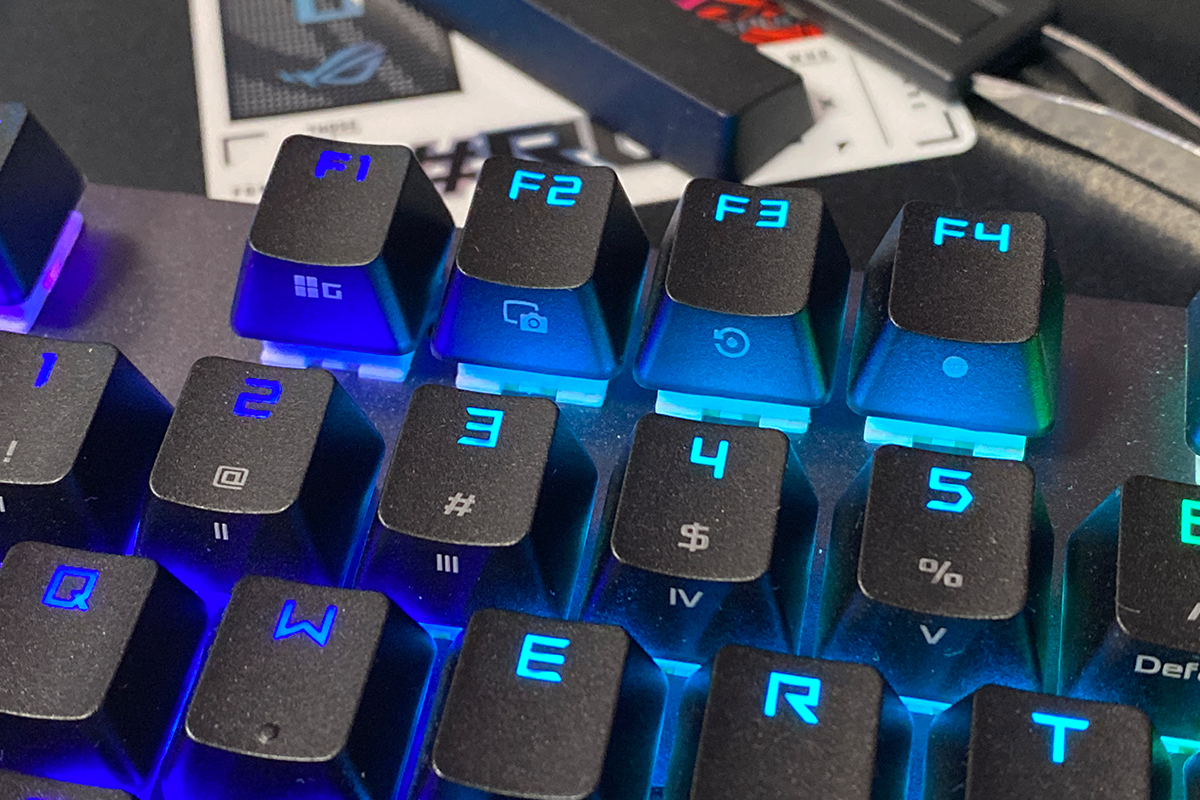
Another feature of the keyboard is the set of F1–F5 hotkeys, which come preconfigured for controlling the Xbox Game Bar and recording functions.
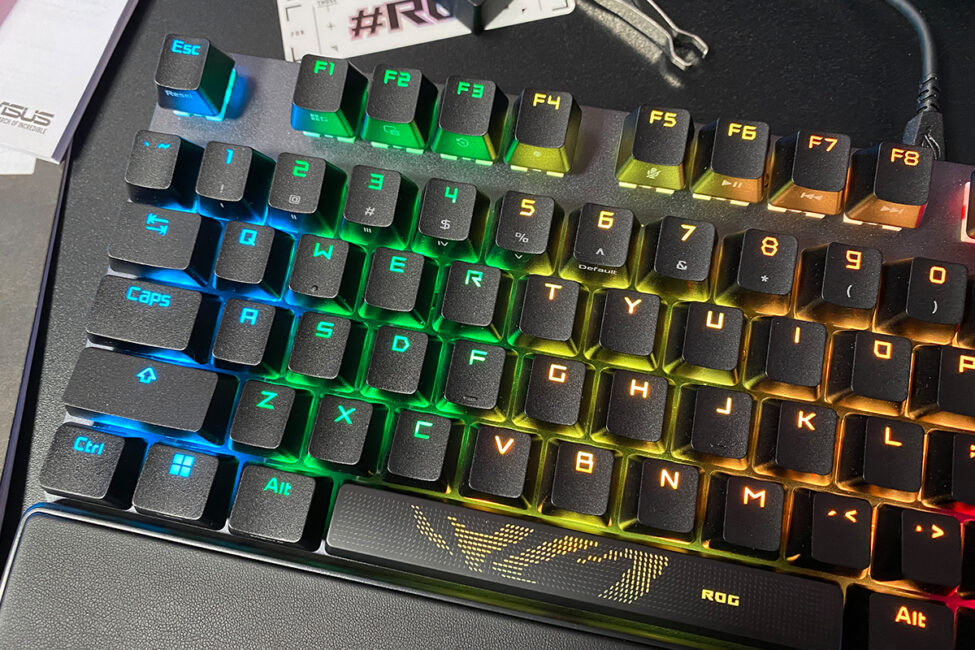
The keyboard features full RGB lighting that is fully compatible with Aura Sync. This allows you to synchronize the keyboard’s lighting with other ASUS devices.
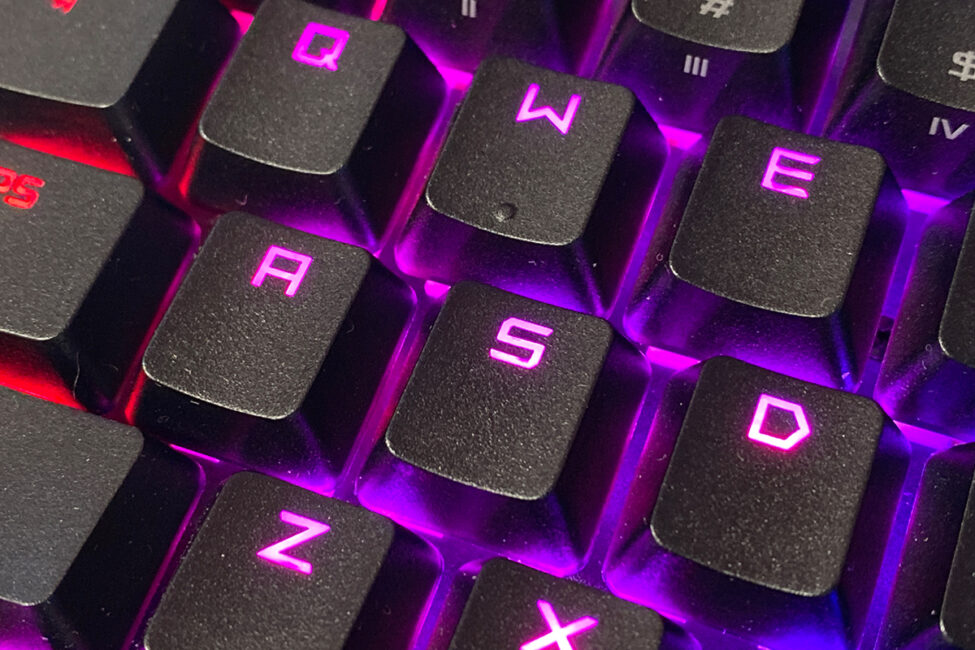
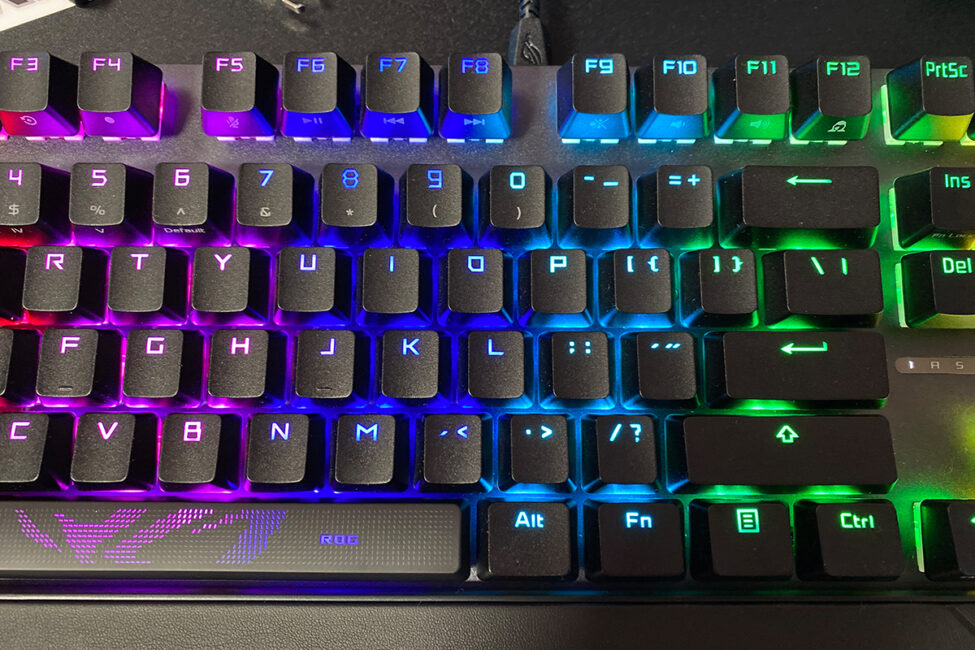
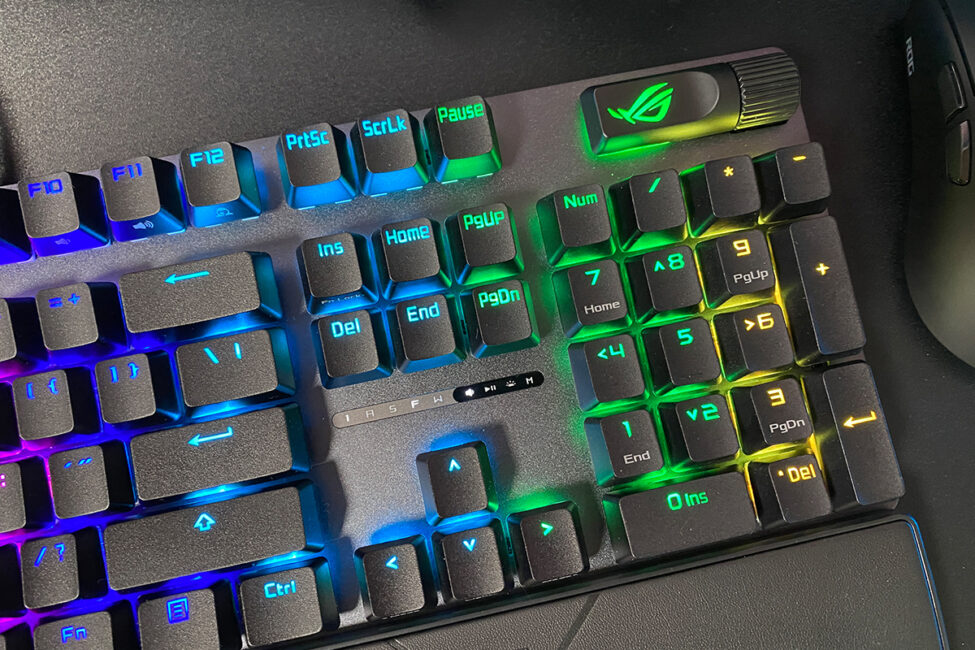
The lighting uses north-facing LEDs, which is relatively uncommon these days. It’s worth noting that the switch sockets are inverted, so compatibility with other switches shouldn’t be an issue. Considering that the legends are printed on the top of the keycaps, the north-facing LED placement on the ROG Strix Scope II X is a practical and effective choice.
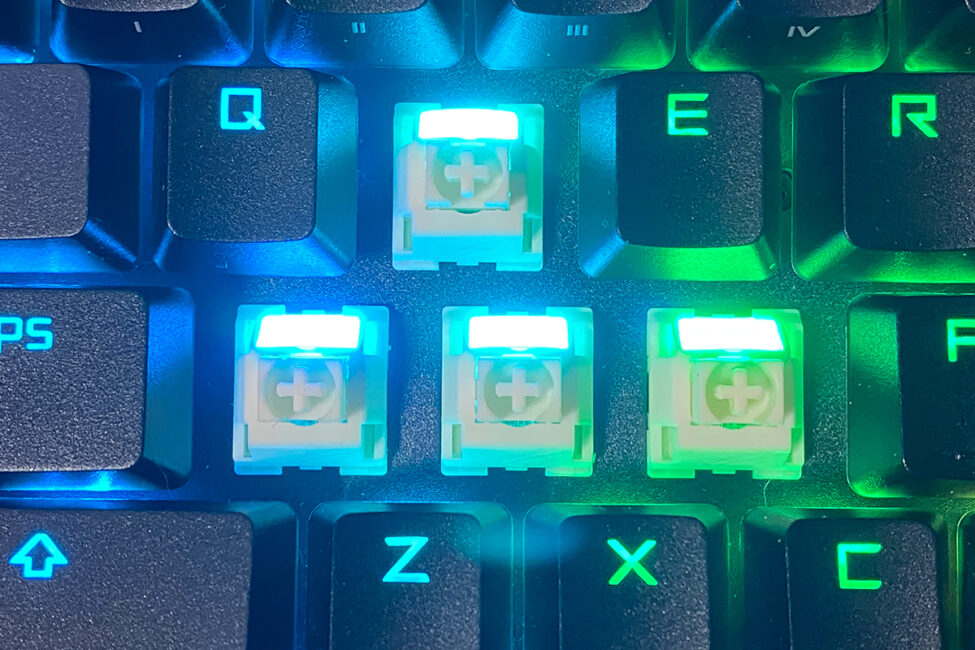
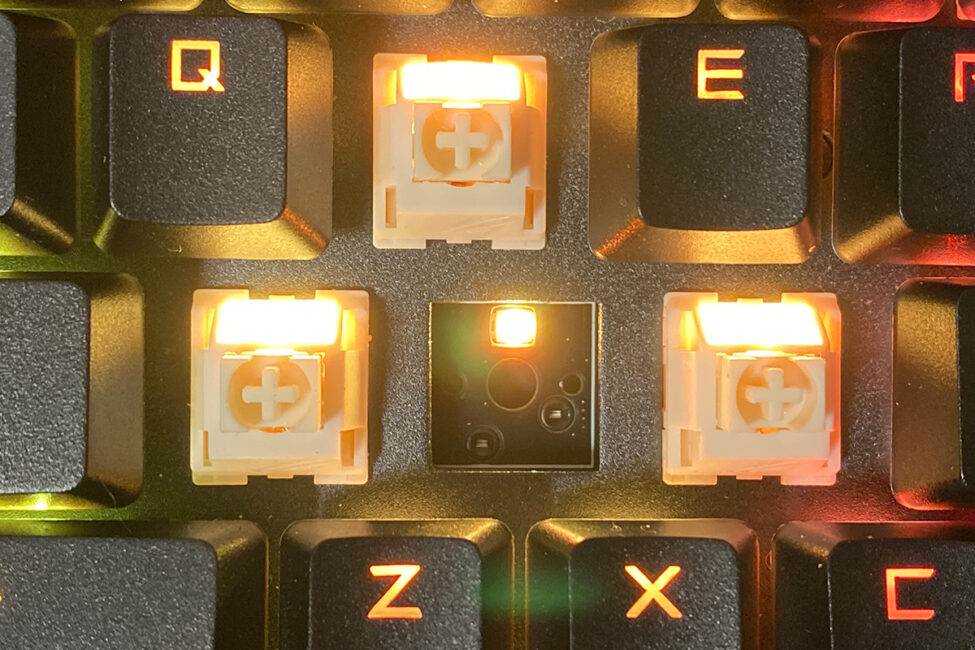
The lighting quality is excellent – bright, vivid, and smooth. In my view, it complements the overall design of the keyboard and effectively highlights its gaming-oriented style.
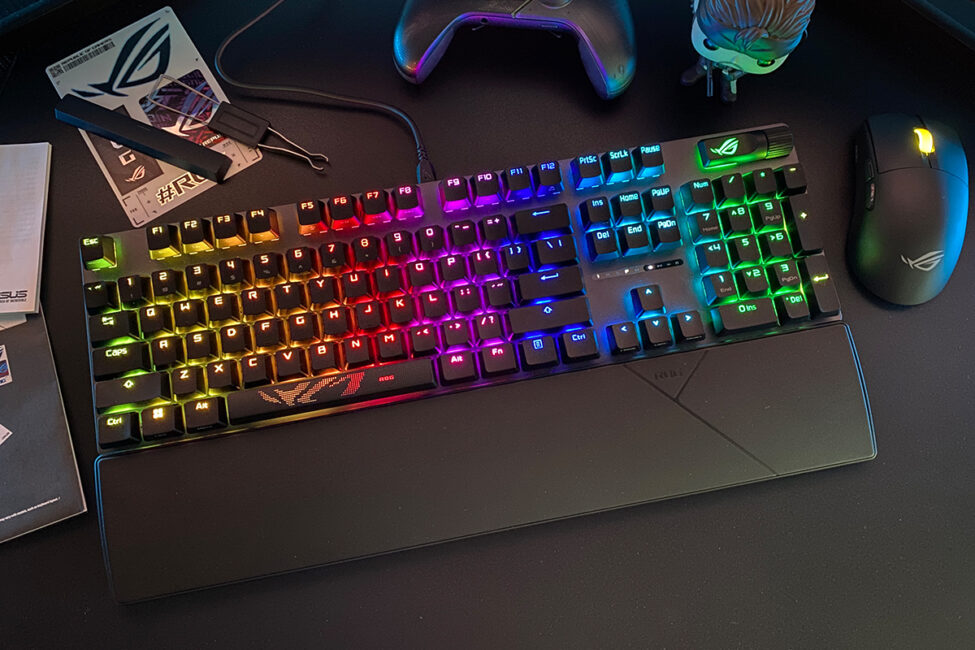
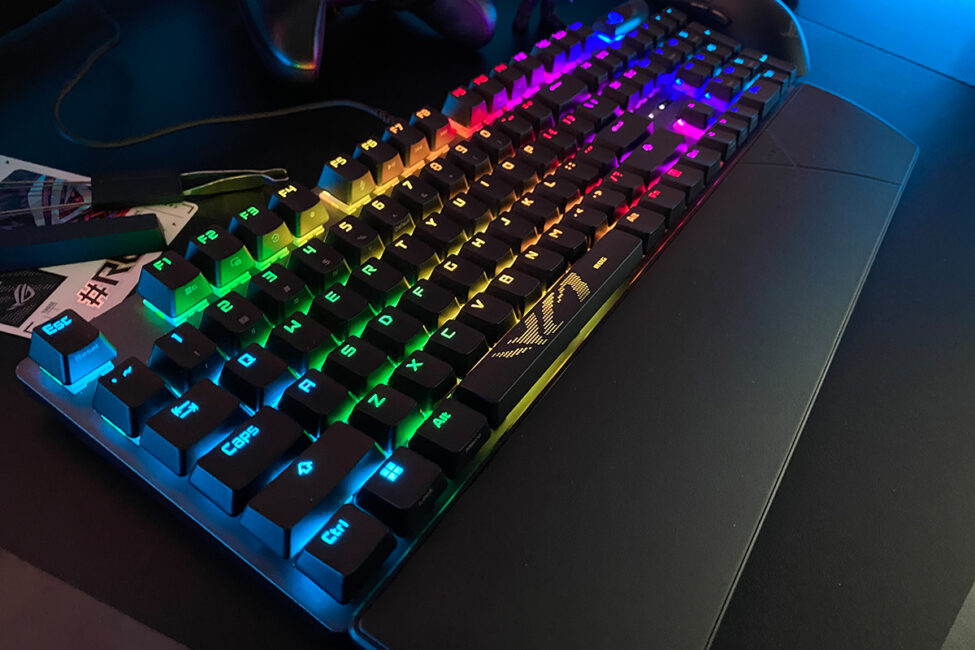
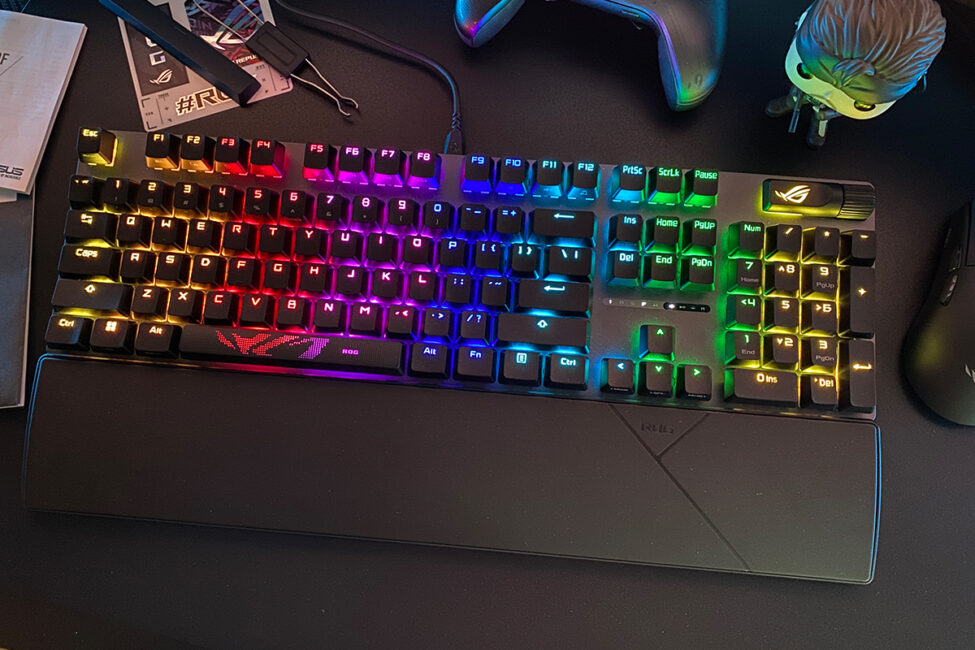
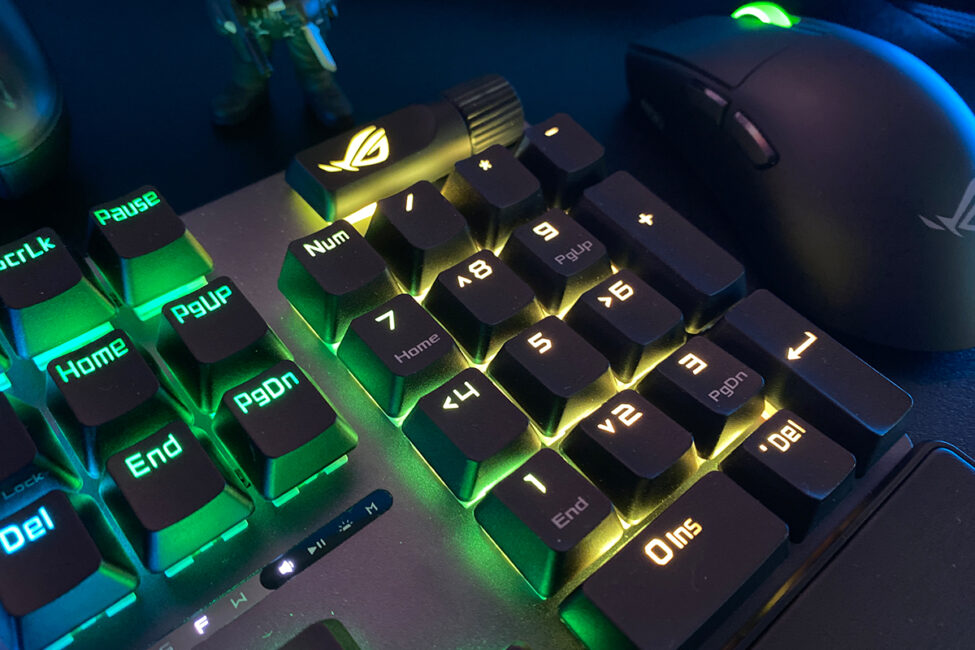
As mentioned earlier, the bottom of the keyboard is made of plastic, featuring a lined texture across its surface. On the right side, there’s the signature ROG logo, and in the center, the branded slogan “For Those Who Dare” is displayed.
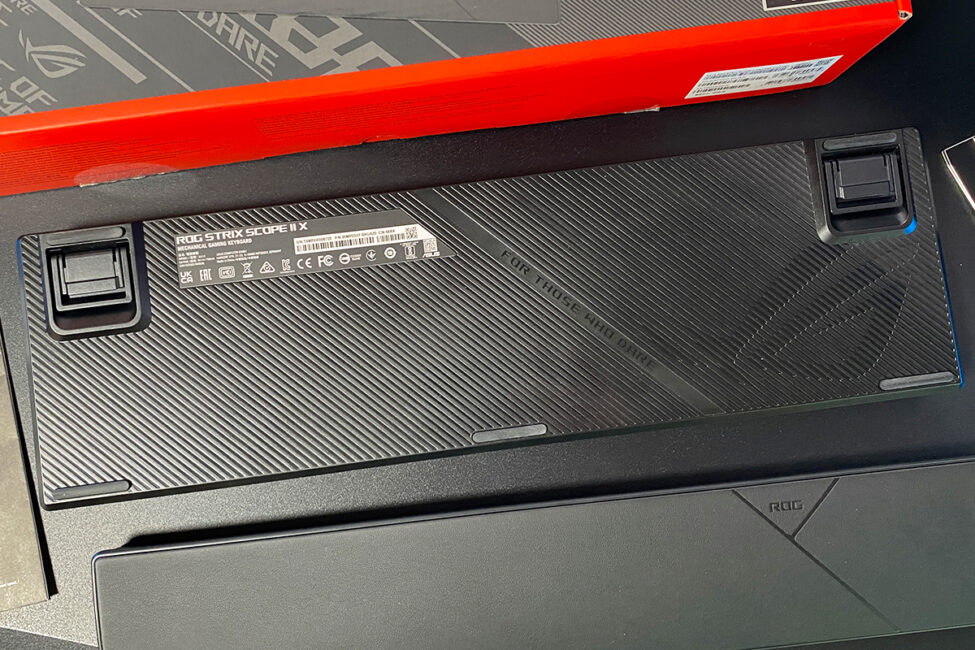
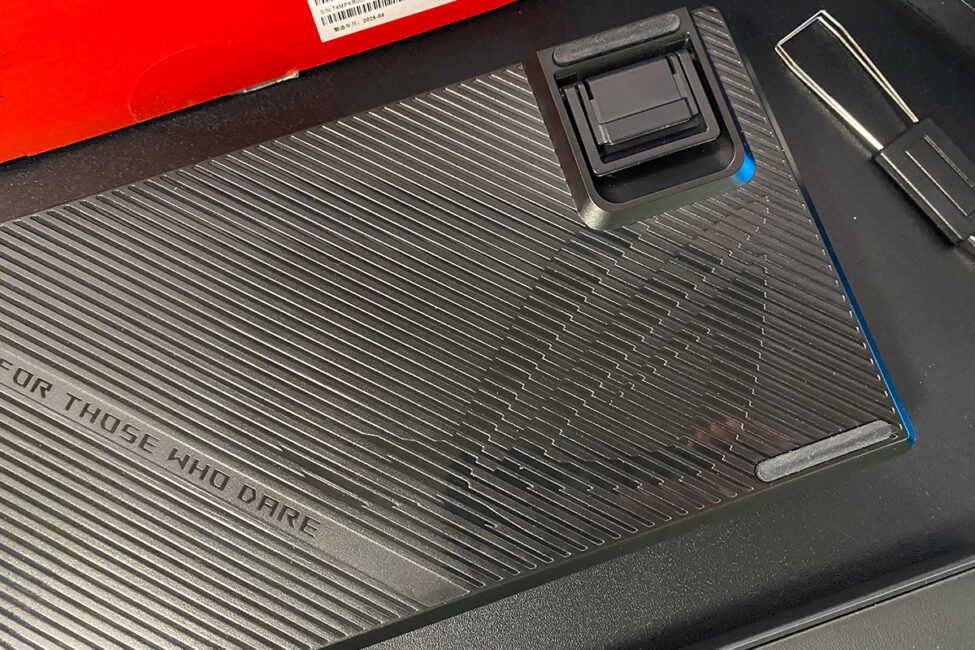
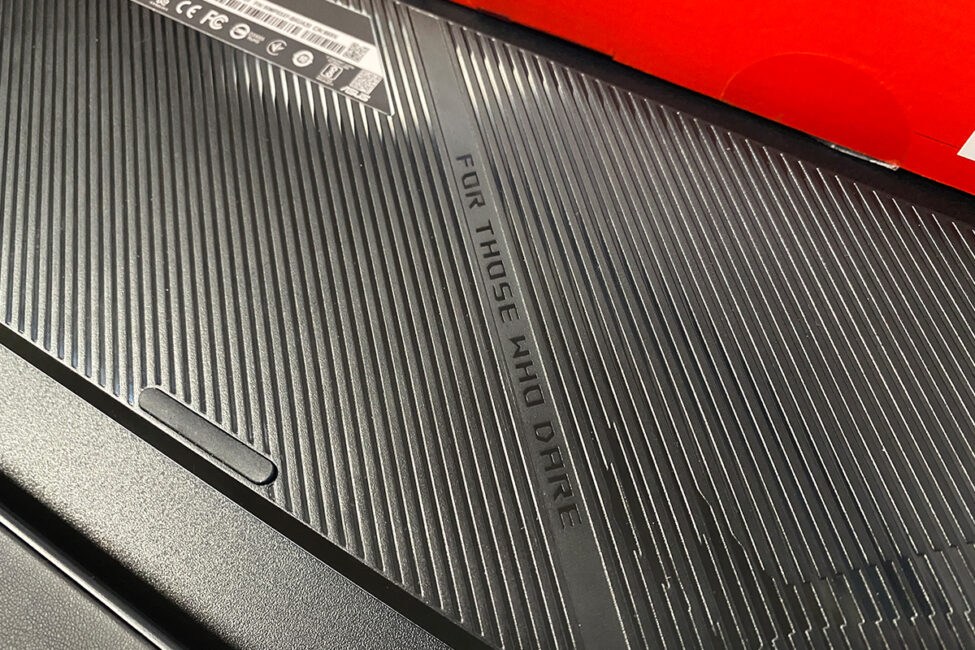
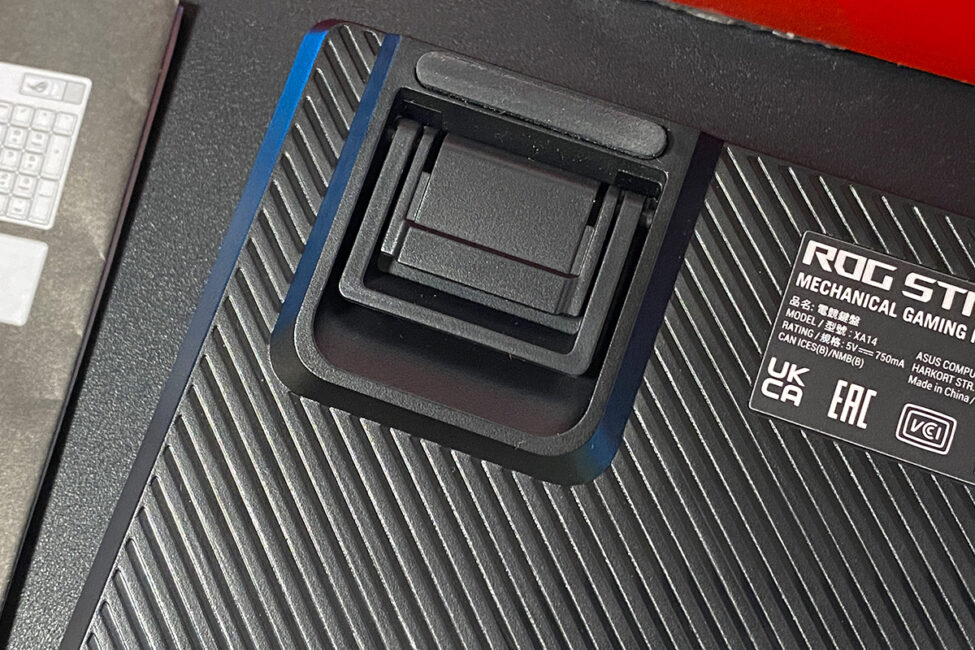
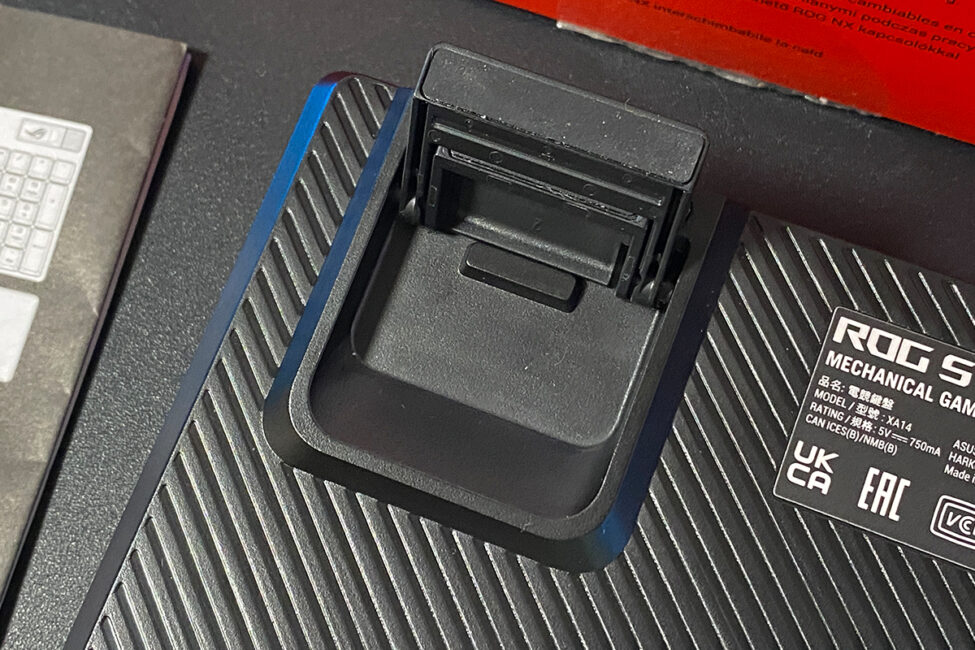
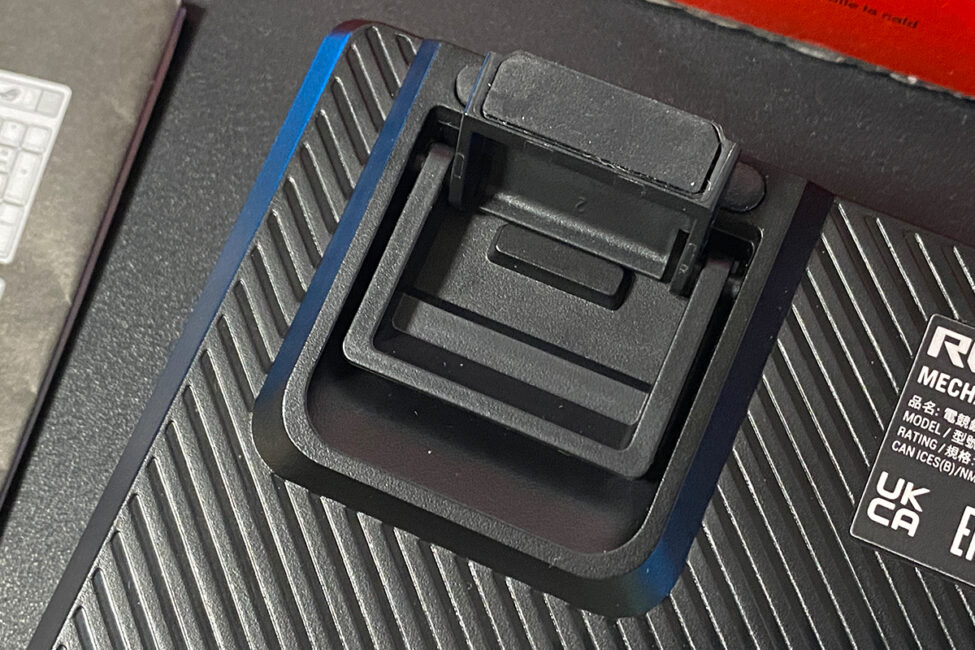
The keyboard has dual feet, also made of plastic like the case. They are quite substantial, so stability isn’t a concern. Both feet, as well as the edges of the keyboard, feature additional rubberized surfaces, ensuring the device stays firmly in place on any surface and doesn’t slide easily.
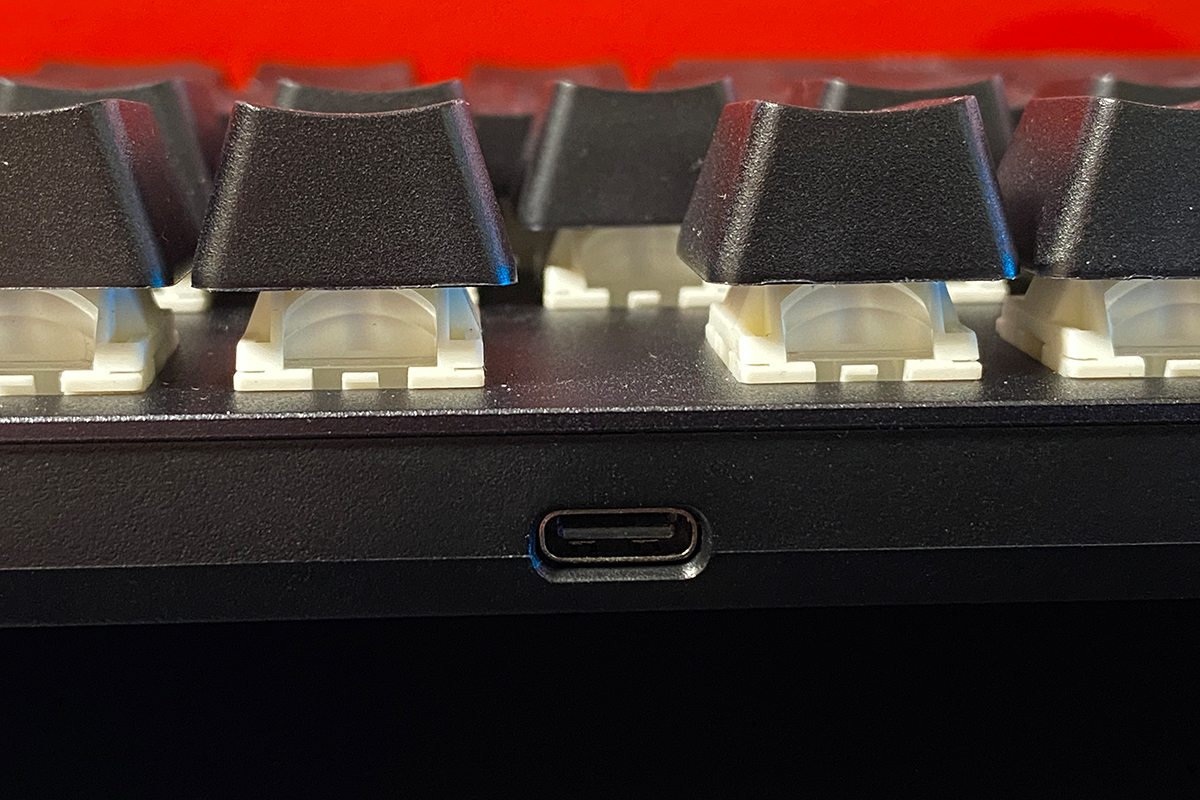
The Type-C port for the cable is located on the top edge of the keyboard. Like its predecessors (Scope II / Scope II RX), the Strix Scope II X is a wired-only keyboard, which could be seen as a debatable point. For now, though, let’s move on to build quality and ergonomics.
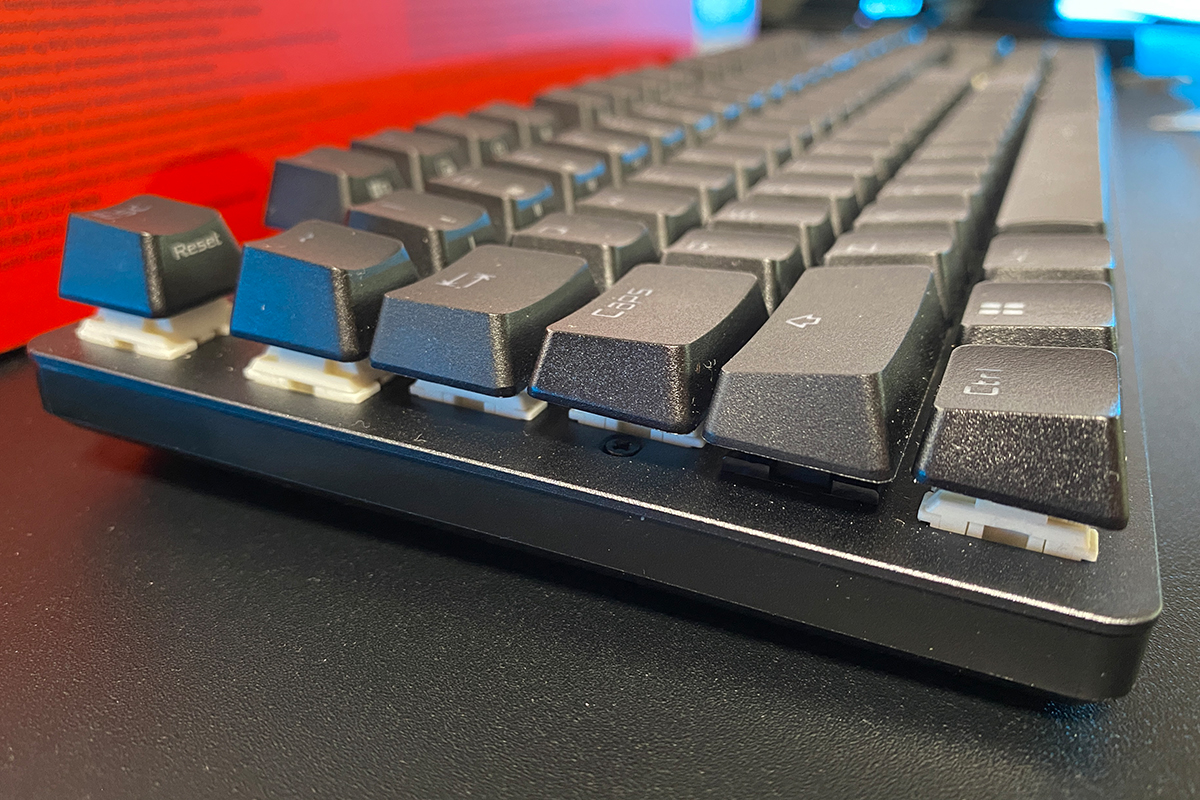
The keyboard is well-assembled and precise. The case doesn’t creak, wobble, twist, or flex, even during heavy use. Ergonomically, it’s comfortable and generally pleasant to use. One aspect worth highlighting is its height – the keyboard is relatively slim and low-profile. This design will likely appeal to users who prefer thinner, lower keyboards, making it a notable feature of both this model and the ROG Strix Scope series as a whole.
Read also:
- ASUS ROG Falchion Ace HFX review: Gaming Keyboard with Magnetic Switches
- ASUS ROG Harpe Ace Mini Wireless Gaming Mouse Review
Switches, stabilizers, typing
As mentioned earlier, the switches in the ROG Strix Scope II X have been updated. The keyboard comes with ASUS’s new ROG NX V2 switches, available in two variants: NX Snow and NX Storm. The unit I received for review is equipped with NX Snow V2 switches, and I’ll share my impressions of their feel and sound at the end of this section.
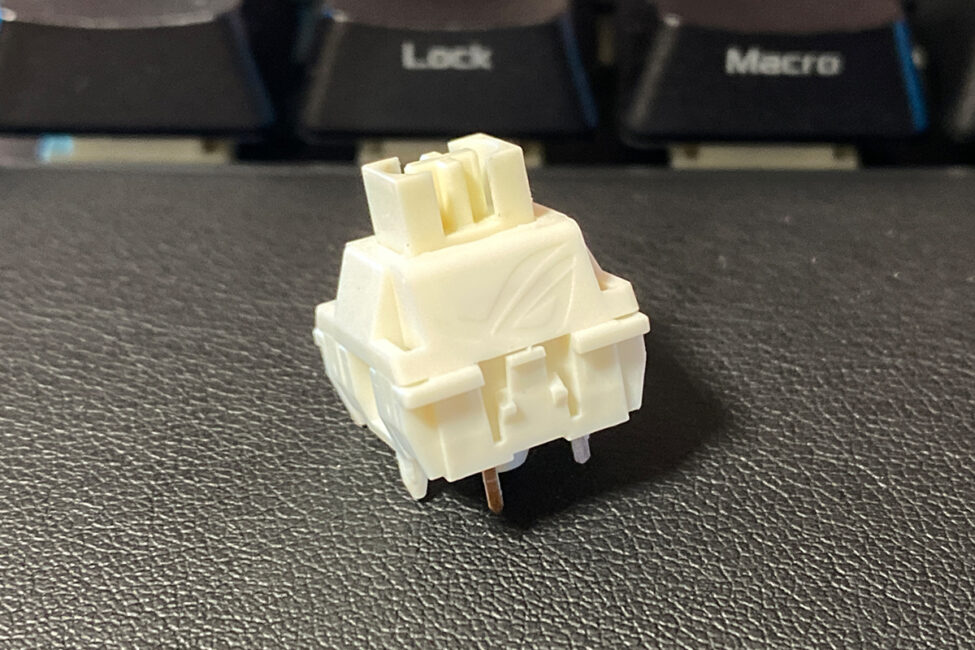
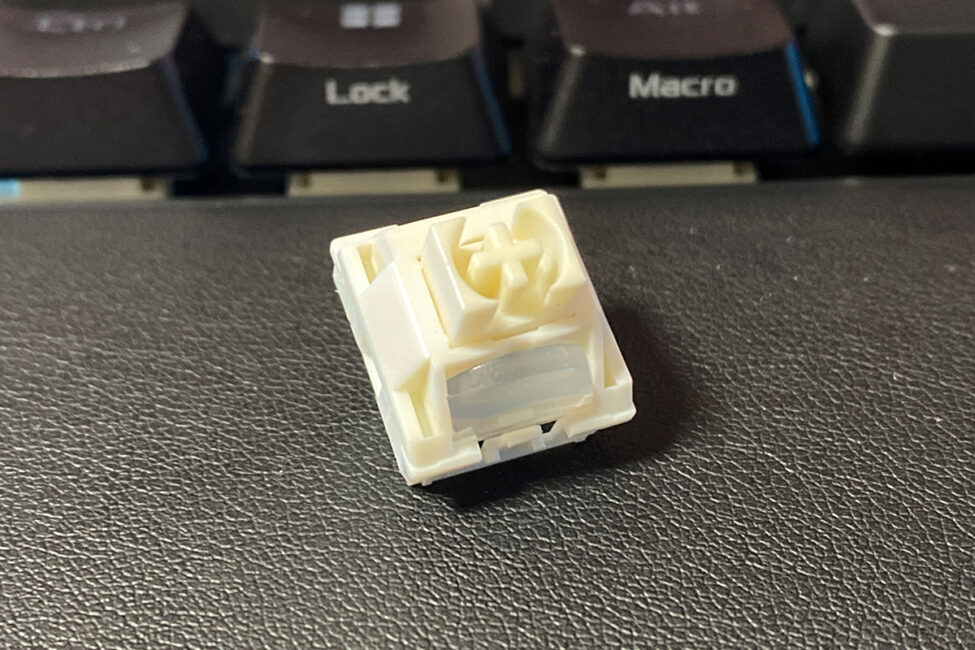
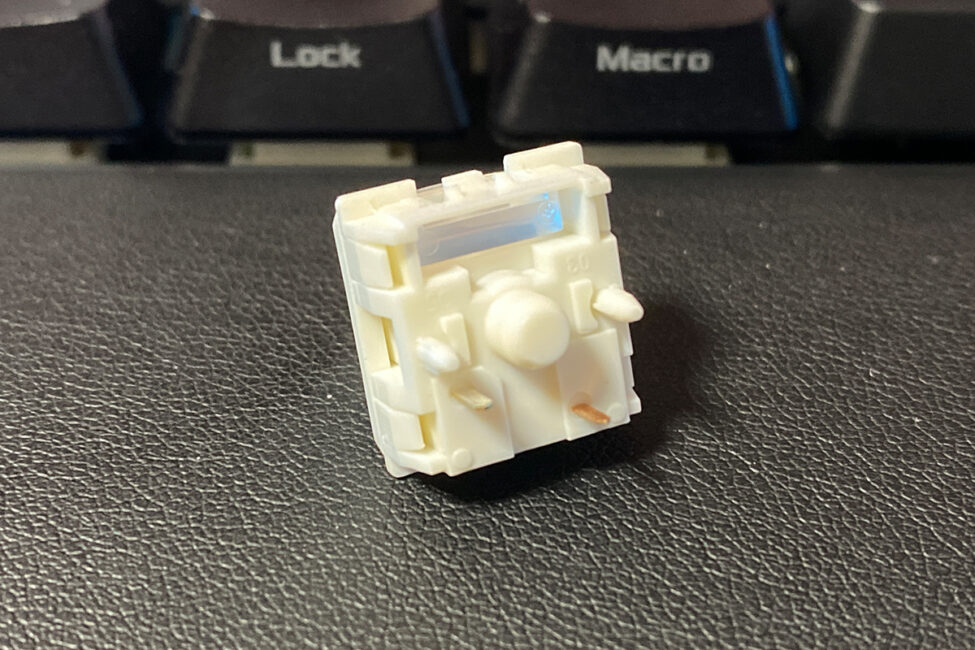
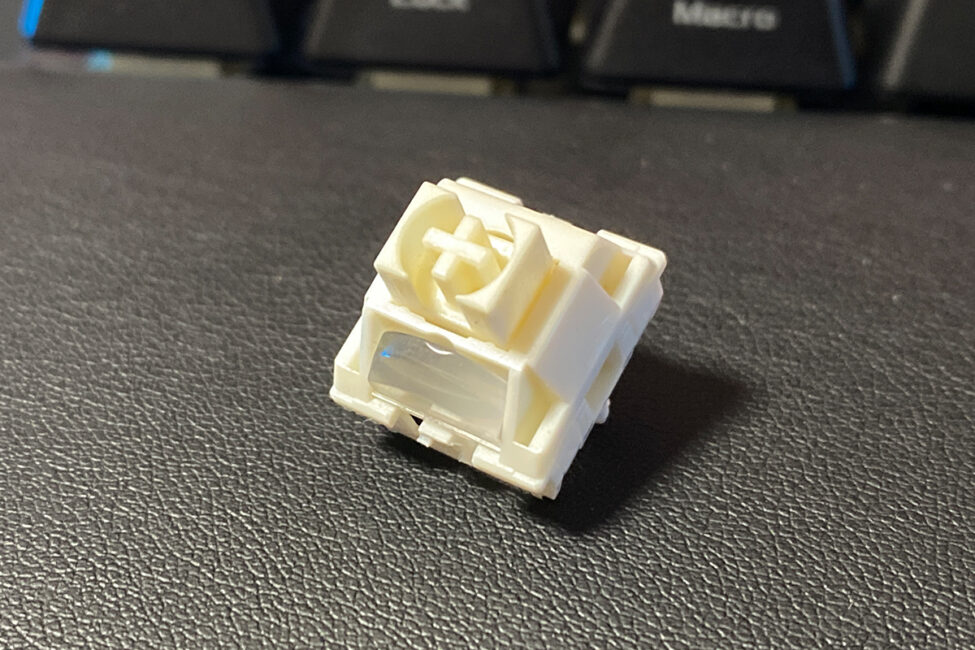
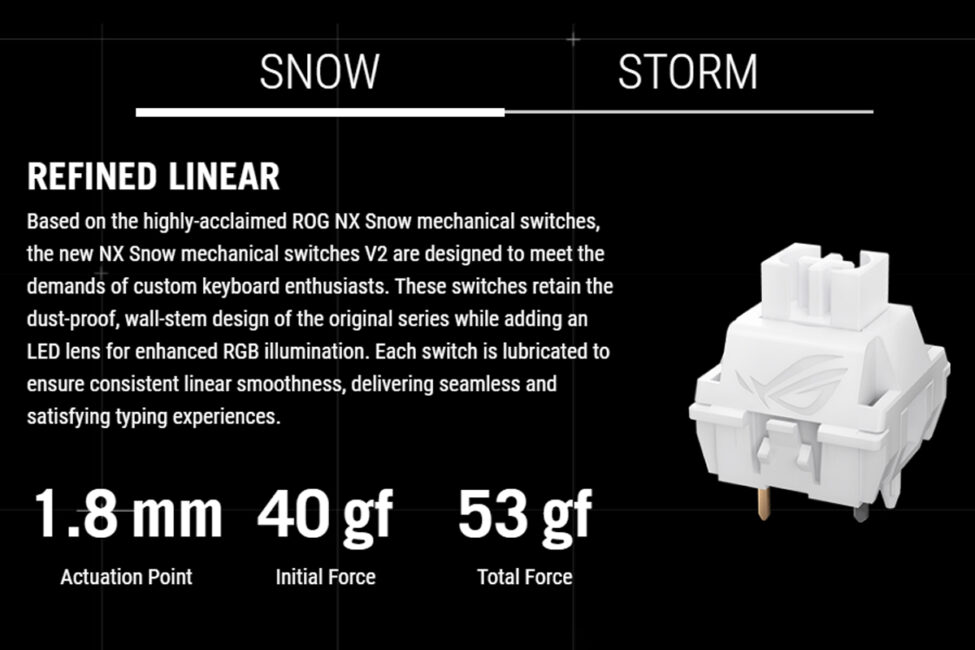
Regarding the switch specifications, the ROG NX Snow V2 are linear switches with a shortened actuation point of 1.8 mm (initial force 40 gf) and a total actuation force of 53 gf. They come pre-lubricated for smooth operation and feature a dust-resistant design.
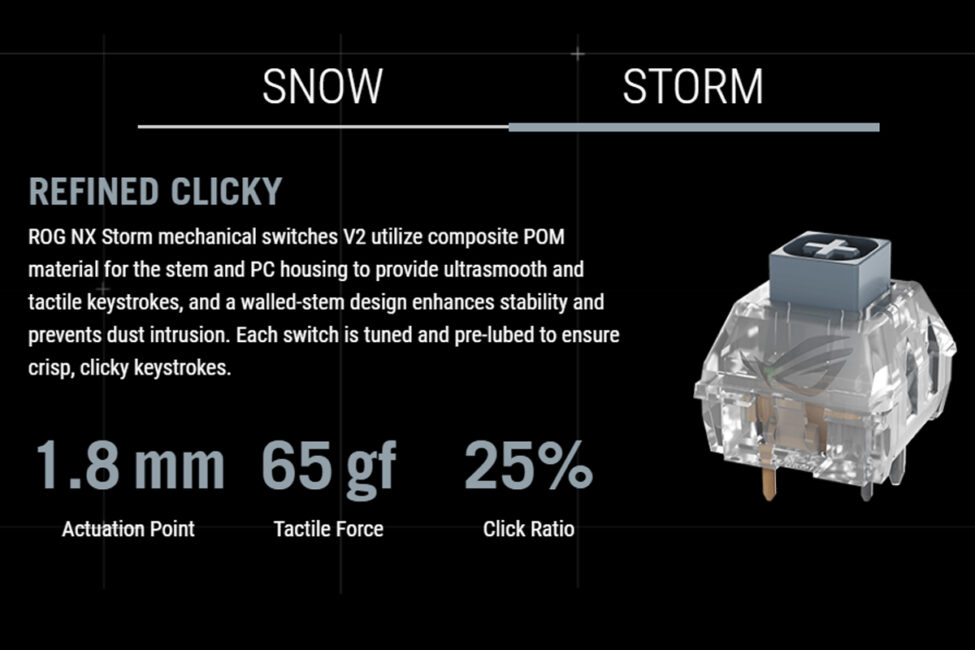
The ROG NX Storm V2 are tactile switches with a shortened actuation point of 1.8 mm and a noticeable tactile force of 65 gf. They are made from a ROM-based composite material and come pre-lubricated, providing smooth keystrokes and a clear tactile response.
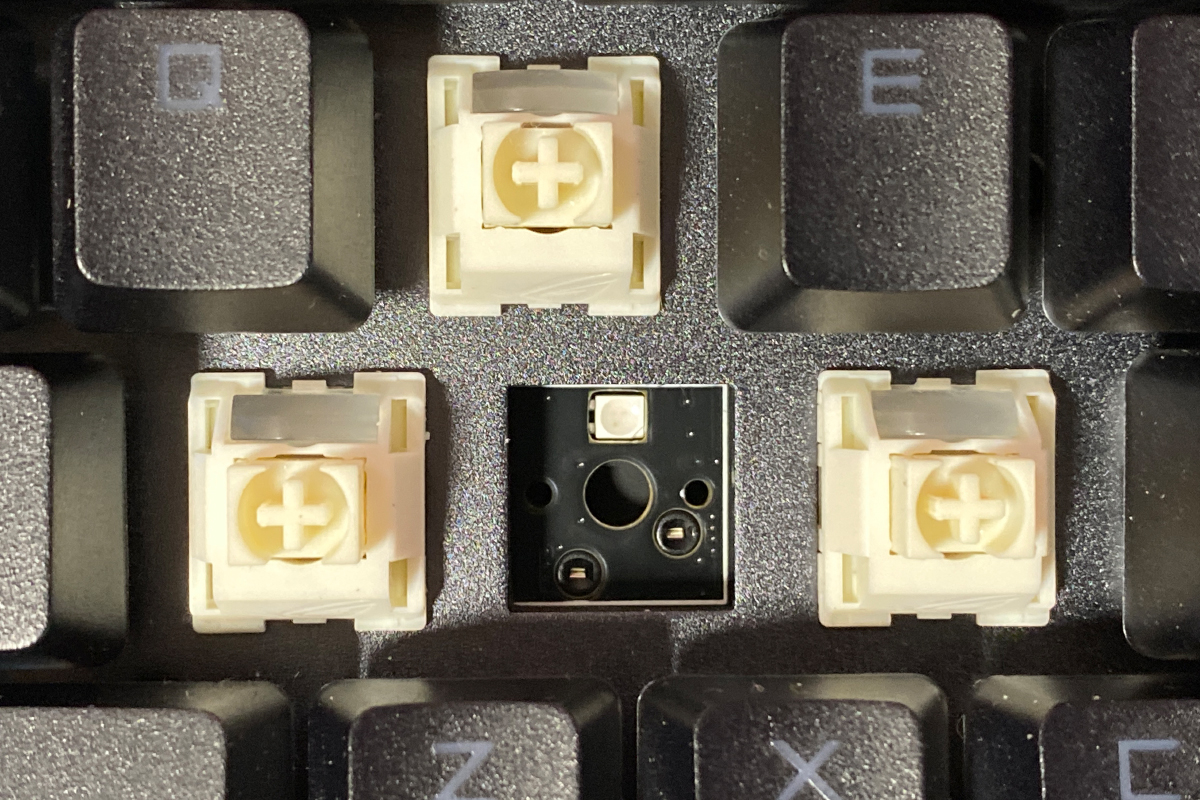
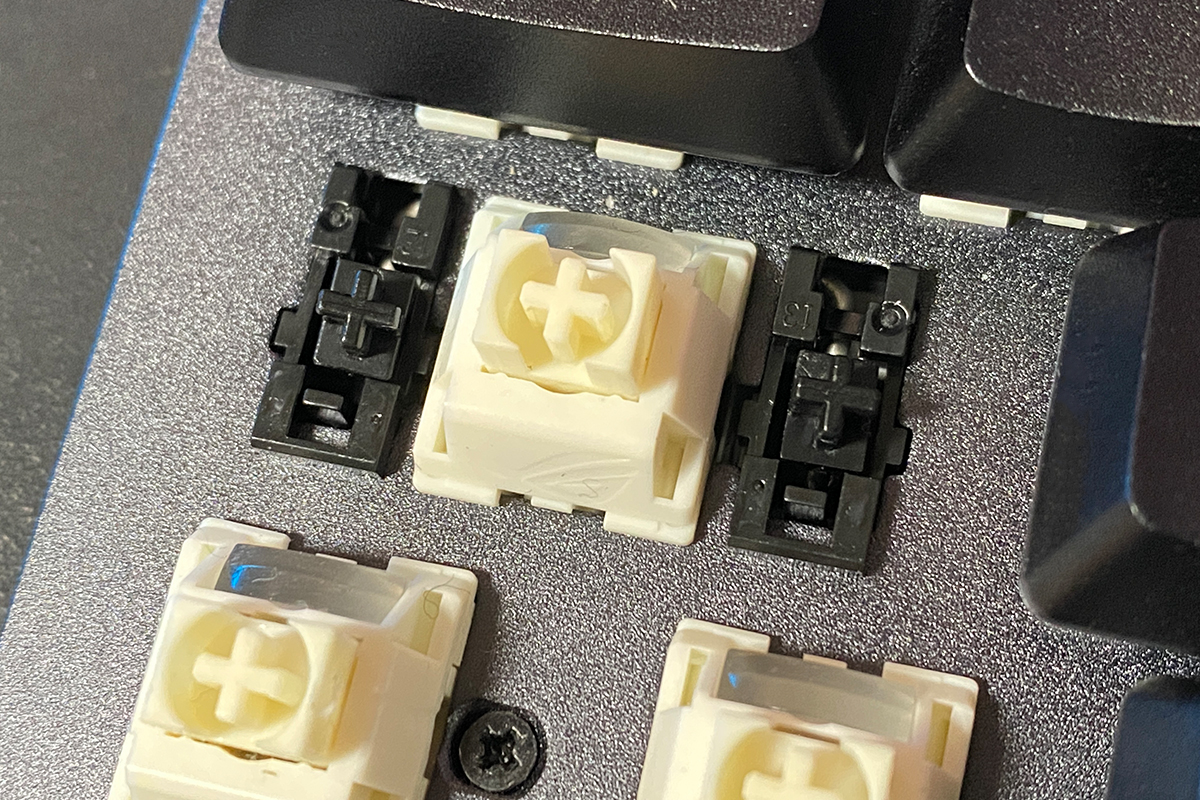
As mentioned earlier, one of the main features of the new model is hot-swap support, allowing switches to be replaced without soldering. The keyboard uses standard 5-pin switch sockets, which are compatible with both 3-pin and 5-pin switches.
The keyboard uses ASUS’s proprietary ROG stabilizers for the longer keys.
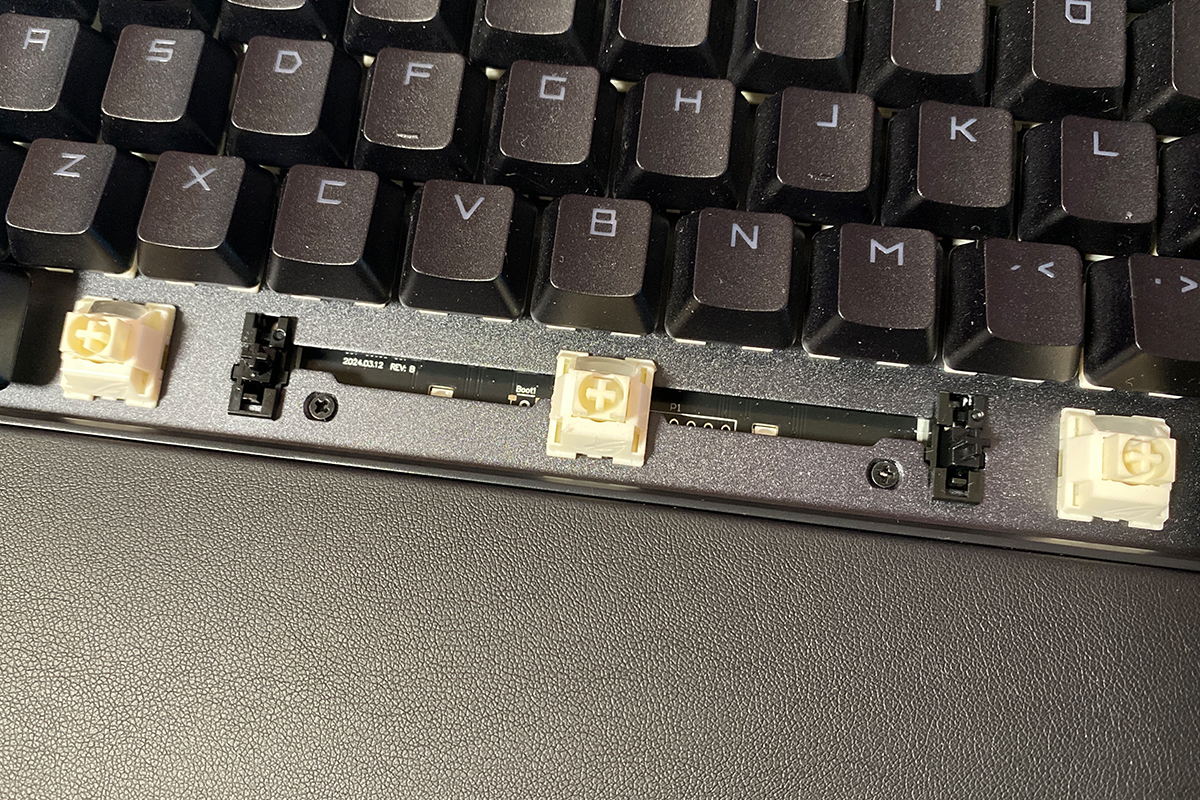
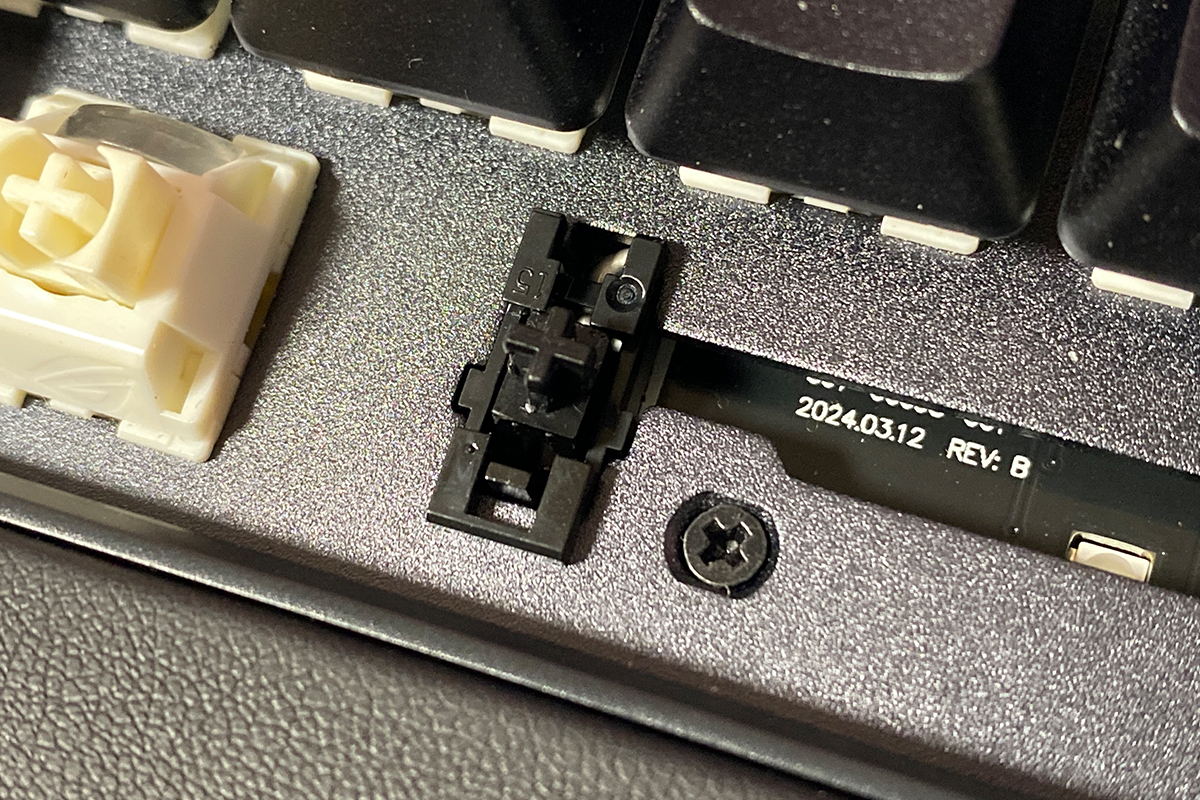
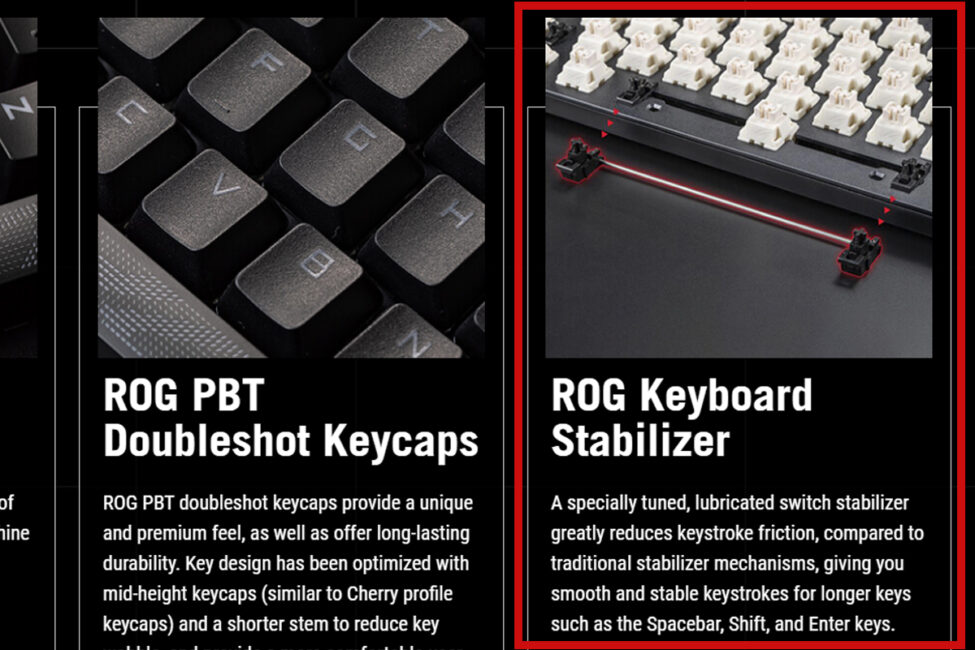
According to ASUS’s official website, these are specially optimized and pre-lubricated stabilizers, designed to significantly reduce friction when pressing longer keys compared to traditional stabilizers.
From my experience, the stabilizers are generally good. Longer keys like Shift, Enter, and Backslash have a soft, smooth action without rattling or pinging, and overall they feel and sound solid. The spacebar on my unit, however, stands out slightly – it has the same smooth and soft press, but can occasionally rattle. This is not a major issue and could likely be resolved with some additional stabilizer lubrication.
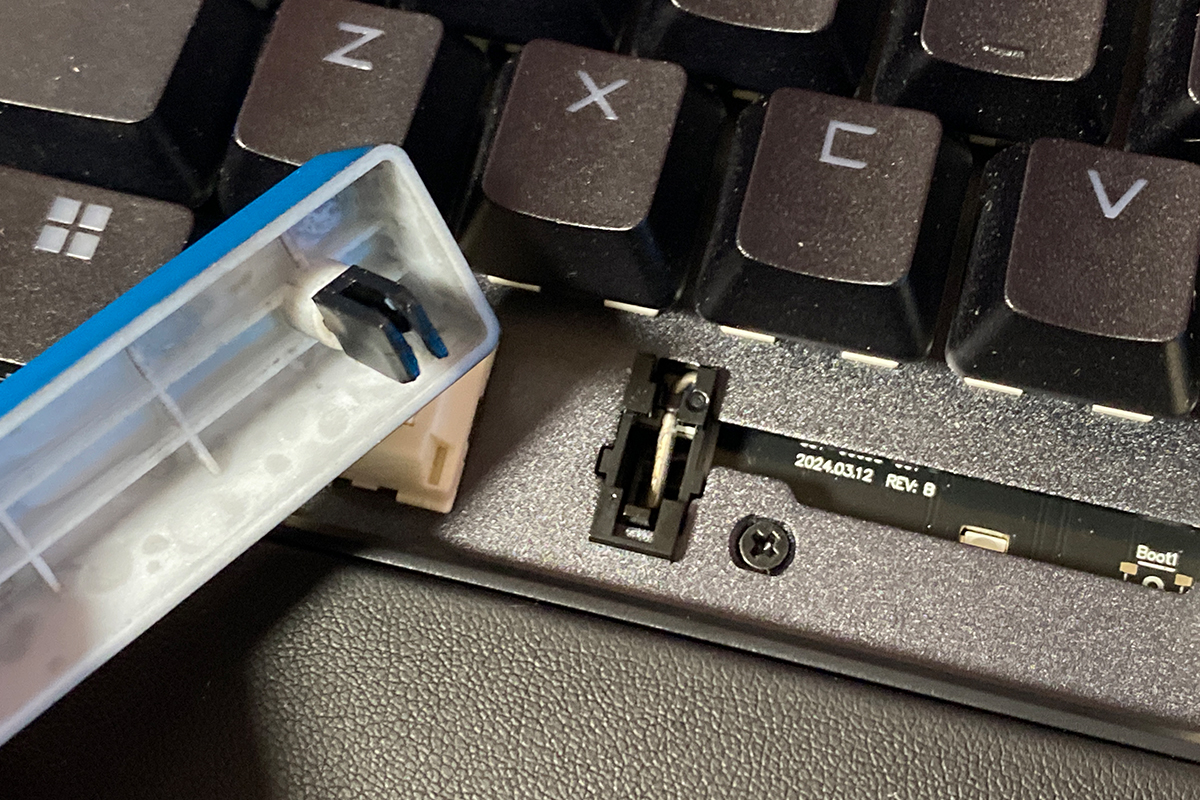
There’s another characteristic with the longer keys – the keycaps can sometimes come off along with the stabilizer inserts. They sit very snugly in their slots. I observed the same behavior on previous Scope II / Scope II RX models. If this happens, there’s no need to worry – it’s not a defect and nothing is broken. The stabilizer inserts can be easily removed and reattached.
In terms of typing, the overall experience is decent. All keys have a relatively soft, precise linear feel and good stabilization. The keystrokes sound pleasant, though they are somewhat loud. As mentioned earlier, the spacebar can occasionally rattle.
Compared to Gasket Mount keyboards, the Scope II X falls short in both tactile feel and acoustic performance. However, against other keyboards in its price range, it performs quite well. I’ve included a short video below so you can hear the keyboard in action. While it can’t fully convey the feel of the keys, it gives a good sense of the sound.
For those interested in a comparison, here’s another video featuring typing on previous Scope II / Scope II RX models. The first keyboard uses the original NX Snow switches, while the second is equipped with ROG RX Optical switches.
Read also:
- ASUS ROG Harpe Ace Extreme Wireless Gaming Mouse Review
- ASUS ROG Keris II Ace Wireless Gaming Mouse and ROG Moonstone Ace L Surface Review
Proprietary application
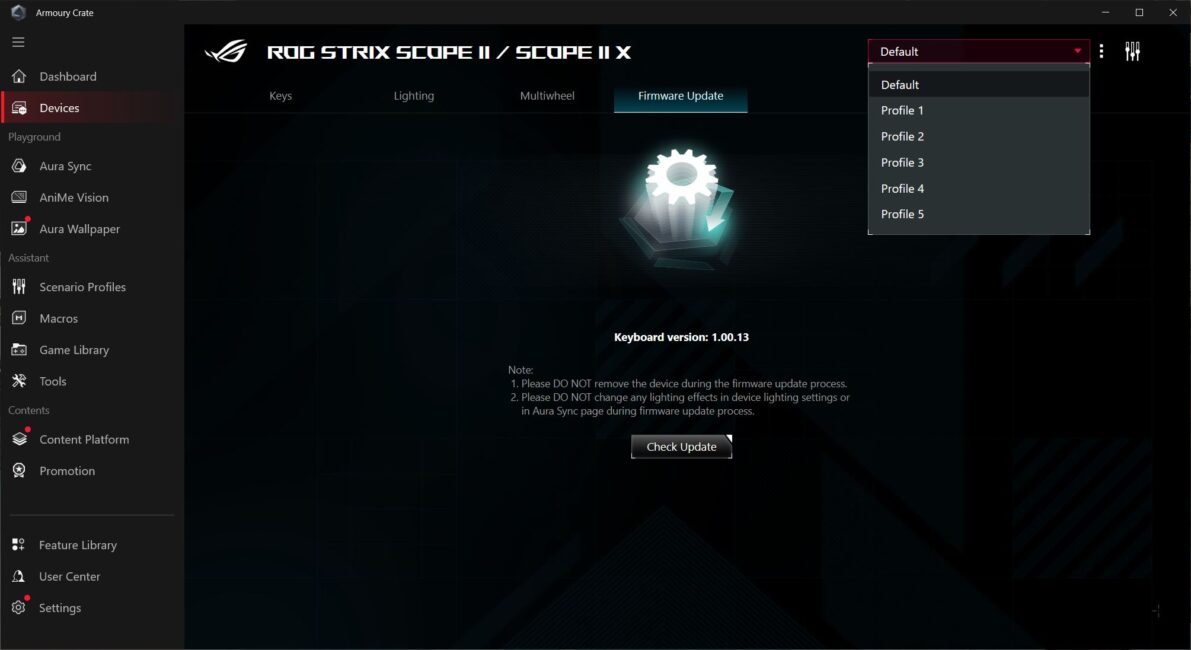
Advanced keyboard settings are managed through ASUS’s Armoury Crate software. It’s worth noting upfront that the ROG Strix Scope II X does not support the Gear Link web app, which ASUS now includes with most of their new flagship devices.
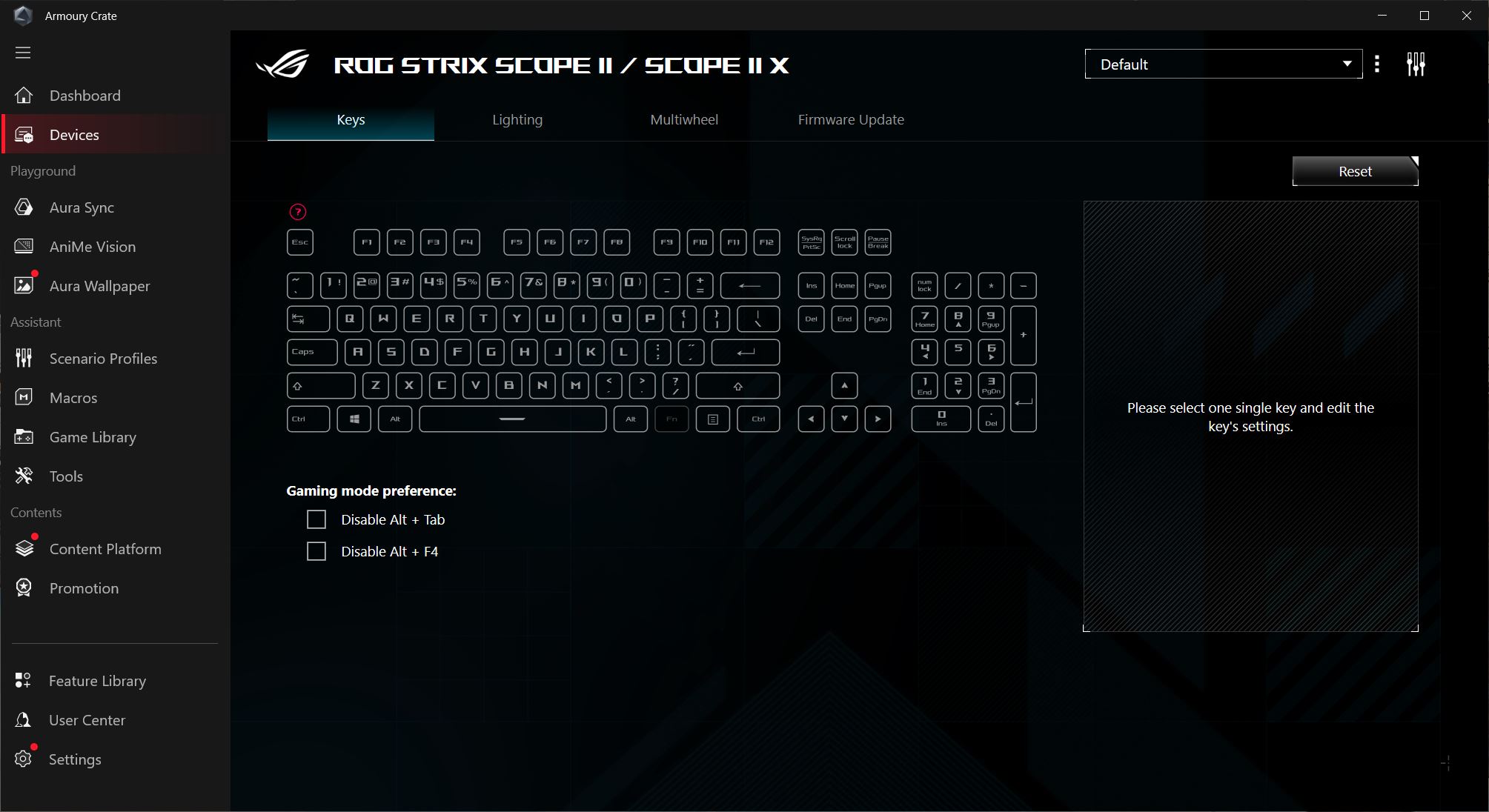
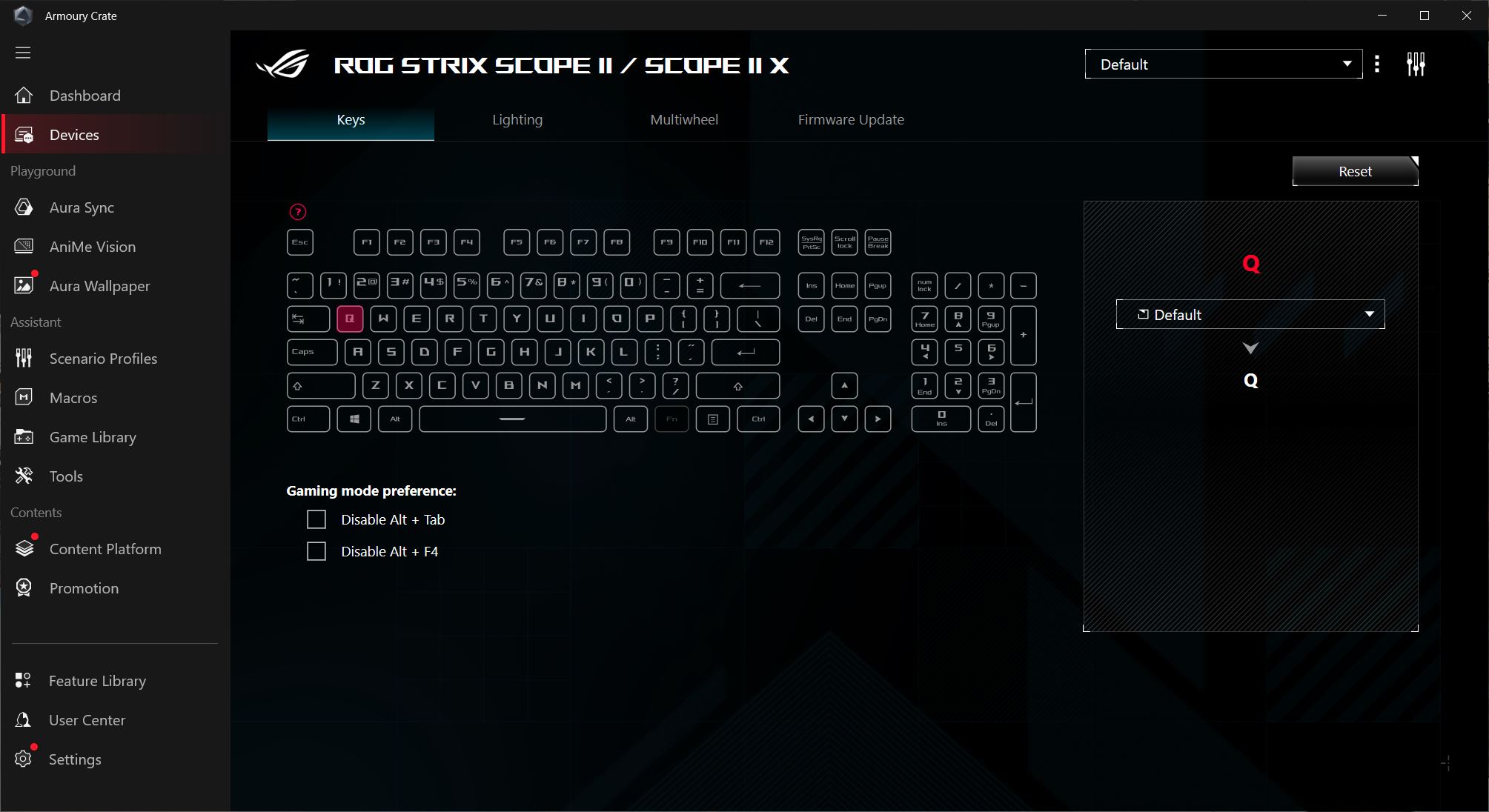
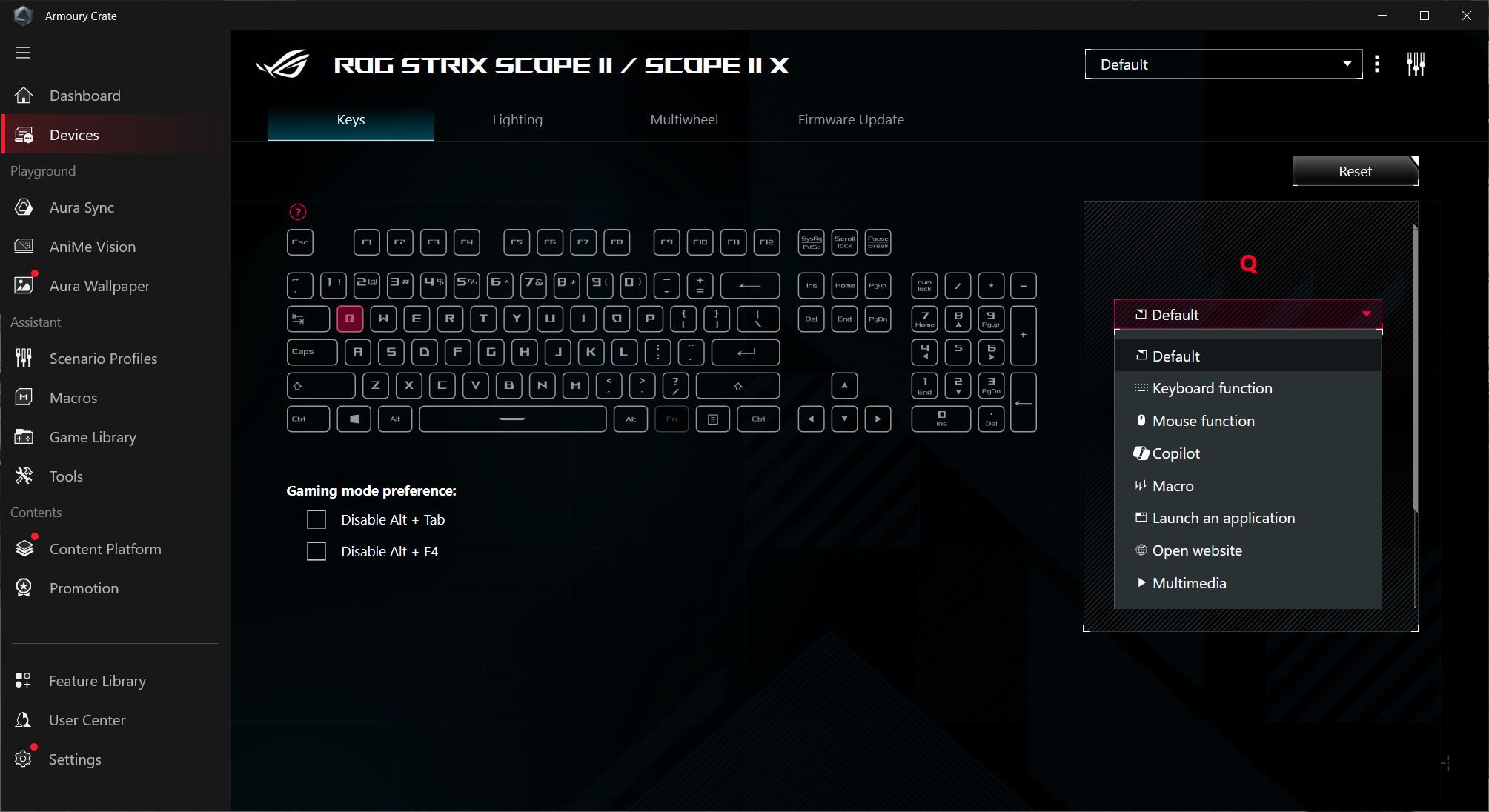
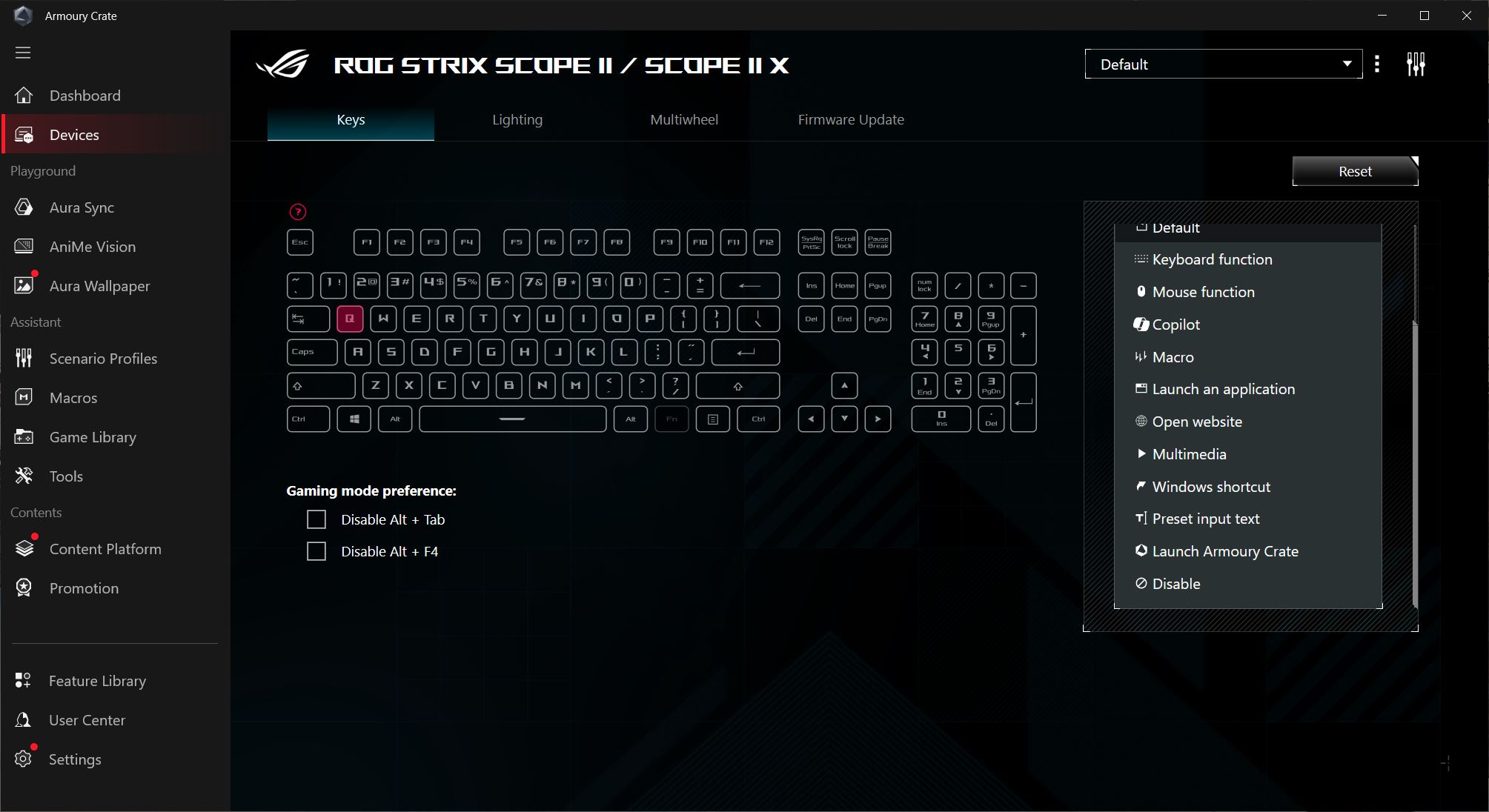
As for the settings themselves, the options are fairly limited. There are essentially four main menus: Keys, Lighting, Multifunction Roller, and Firmware Update. In the Keys menu, you can disable keys, remap them, assign various actions, functions, or macros, and view a list of all the keyboard’s hotkeys.
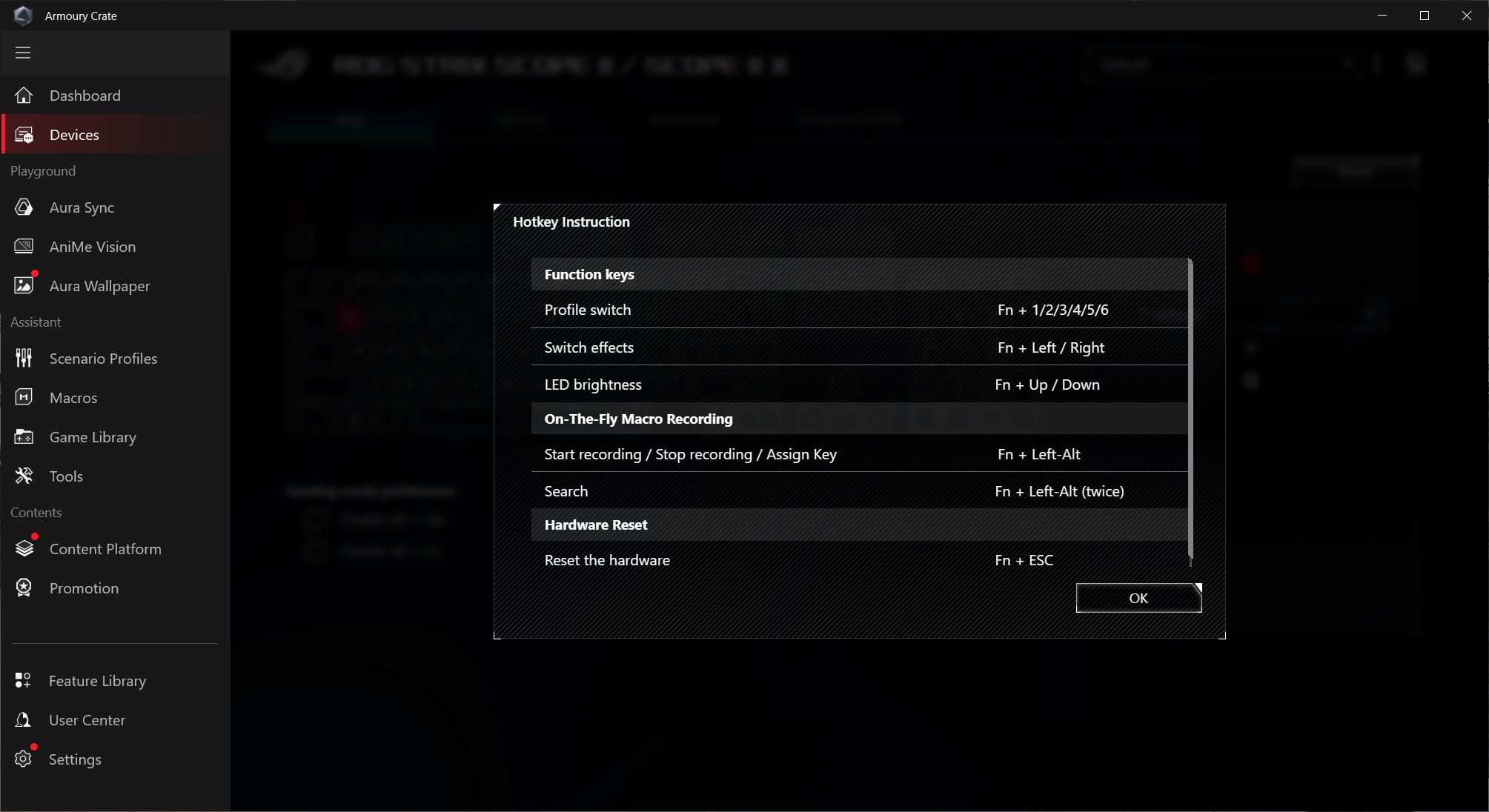
The second menu is for configuring the keyboard’s lighting. It’s fairly standard: you get 10 preset effects to choose from, the ability to sync with other devices via Aura Sync, and tools for creating custom lighting effects using Aura Creator.
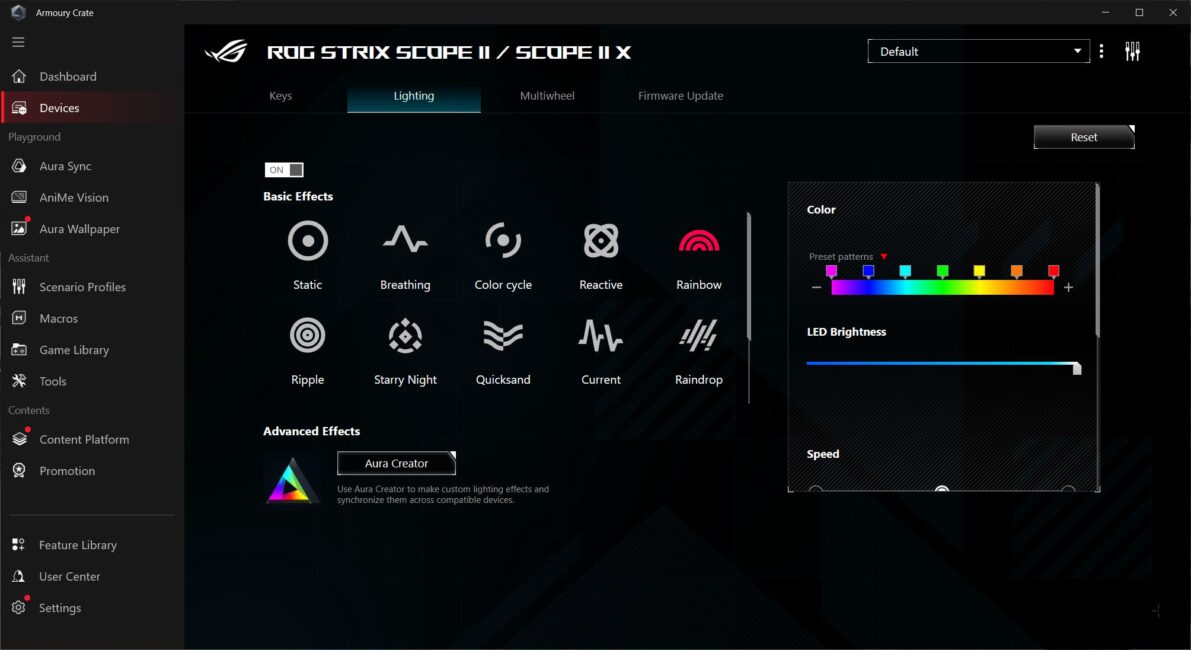
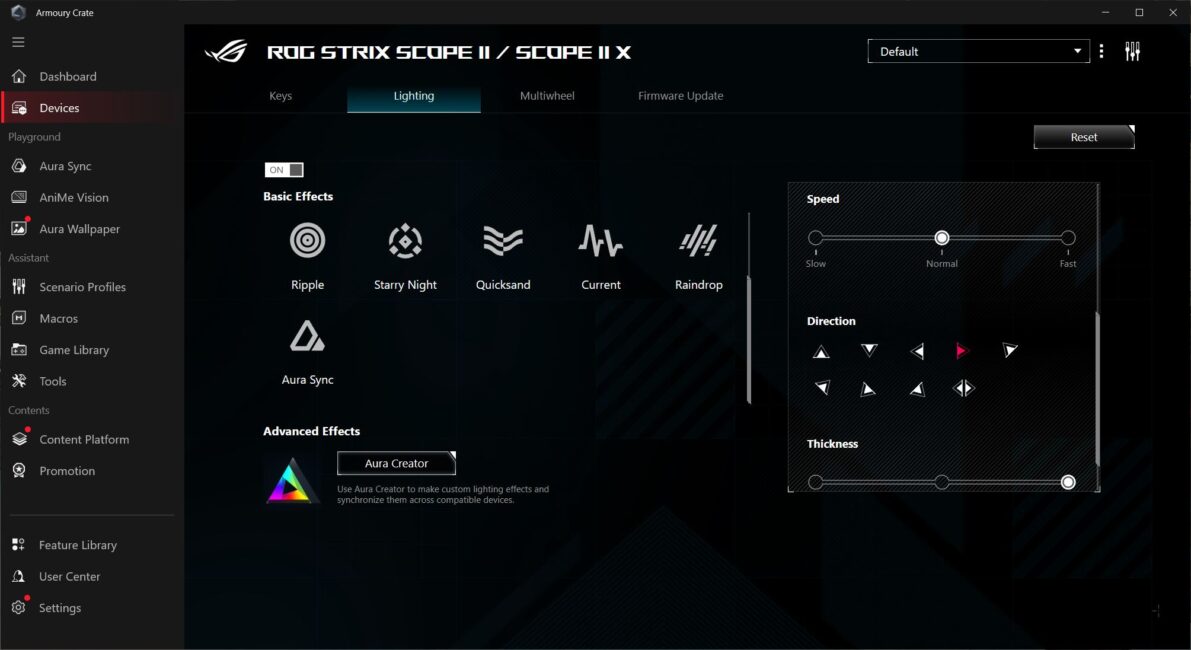
The third menu is for configuring the multifunction key with the roller. Here, you can enable or disable the standard modes and set up a custom mode with your own functions.

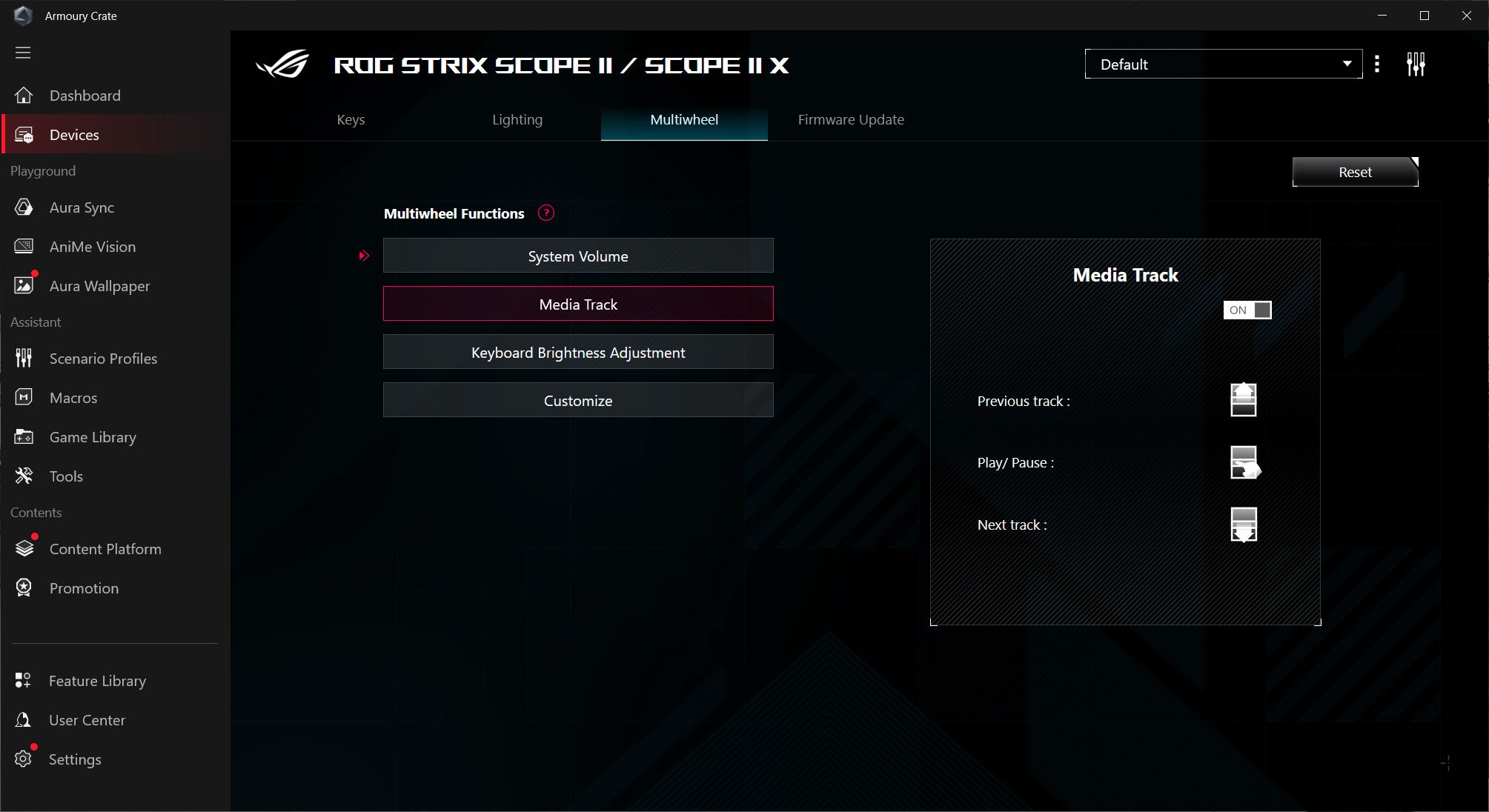
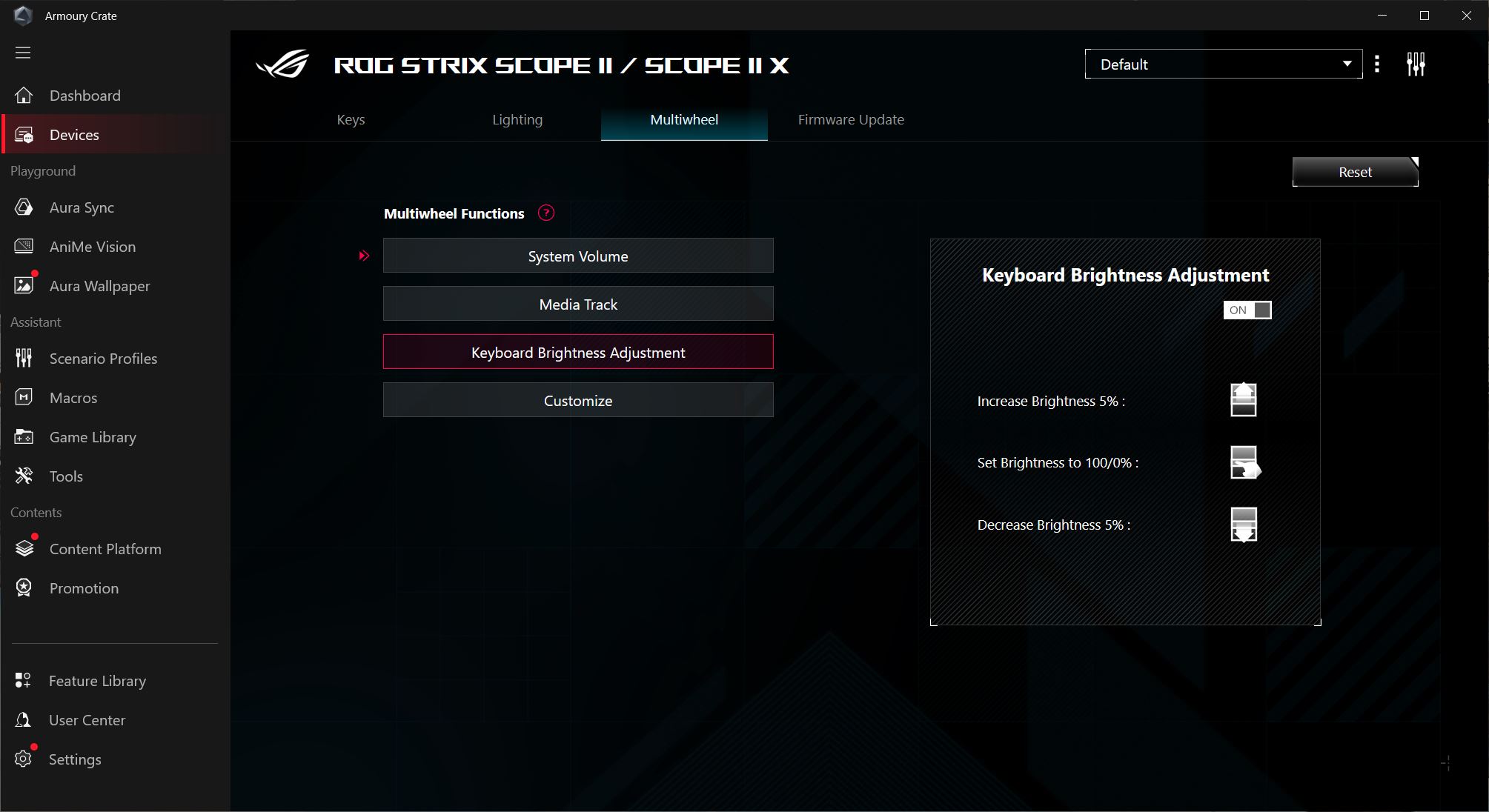
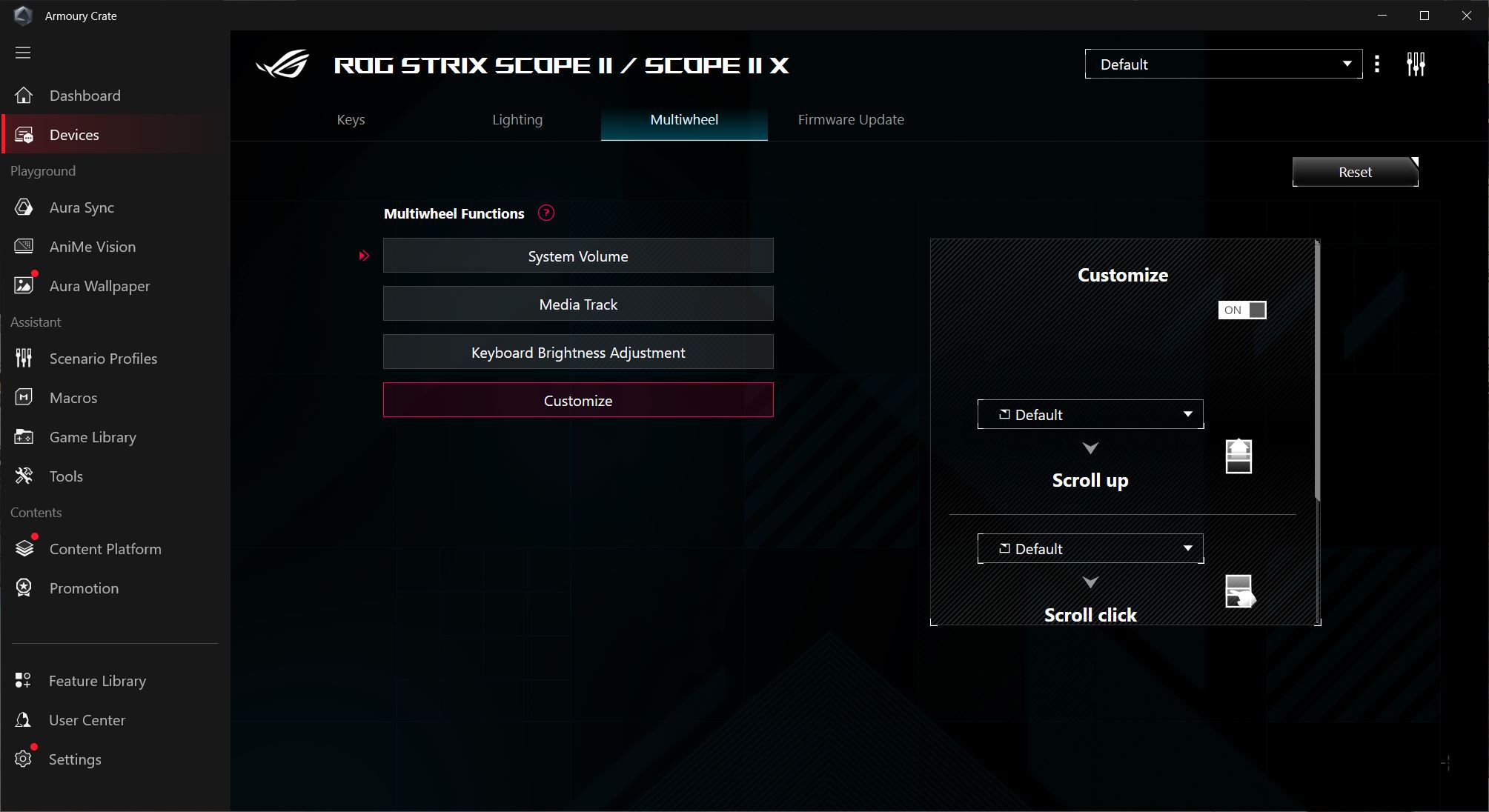
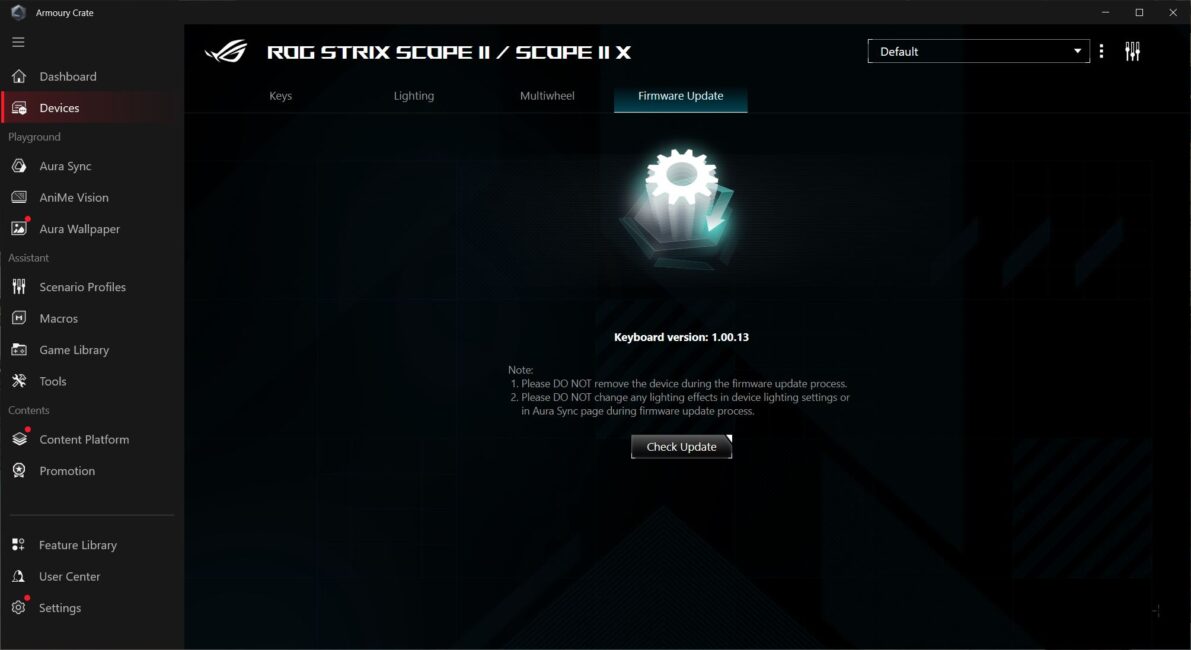
The last menu is for firmware updates, where you can check for a new firmware version and update the keyboard accordingly.
The ROG Strix Scope II X features onboard memory, supporting five independent and fully customizable profiles. This allows you to configure the keyboard once and use it on other PCs without needing the software installed.
Conclusions
In summary, the ROG Strix Scope II X is a solid keyboard that will likely find its audience. Its main strengths include a full-size layout, a stylish gaming design, a convenient multifunction key with a roller, and, notably, hot-swap support. It’s also worth mentioning that the Scope II X is currently one of the most affordable new ROG keyboards on the market.
Another advantage is the slim case, which results in a relatively low keyboard profile. This design will likely appeal to gamers who prefer thinner keyboards but don’t want to fully switch to low-profile models. Overall, typing on the ROG Strix Scope II X is decent, though I wouldn’t consider it a standout feature.
The only real points of contention are that the keyboard is wired-only and that no spare switches are included. Many would agree that at a $150 price point, wireless support could have been added. Likewise, including two or three extra switches would have been reasonable, especially since the switches aren’t sold separately. Aside from these issues, the keyboard is solid and can confidently be considered a viable purchase option.
Read also:
- Nubia Neo 3 GT Review: Budget Smartphone for Mobile Gaming
- Diary of Grumpy Old Geek: Do We Really Need AI-Generated Content?
- Strangest Deal of Year: TikTok to Lease Out Its Algorithm


