




© ROOT-NATION.com - Use of content is permitted with a backlink.
Last year, I reviewed the ASUS TUF Gaming VG259Q3A – a budget-friendly gaming monitor that struck me as a solid all-rounder for 1080p gaming, work, and study. Aside from its compact size, the VG259Q3A offered respectable gaming performance, decent image quality, and a full set of ASUS technologies aimed at enhancing visuals and reducing eye strain.
But time moves on, and so does ASUS. Today, I’m looking at its successor – the TUF Gaming VG259Q5A. Essentially, it’s built on the same foundation as the previous VG259Q3A, with most specs remaining unchanged. However, a few key improvements make it worth a closer look: the new model is a bit brighter (300 nits vs. 250 nits), features a higher refresh rate (200 Hz instead of 180 Hz), and includes an updated DisplayPort 1.4 (replacing the older 1.2 version). Despite these upgrades, the price hasn’t increased much. So, let’s see how these refinements translate into real-world performance.
Read also: All monitor reviews
TABLE OF CONTENTS:
ASUS TUF Gaming VG259Q5A Specifications
- Model: VG259Q5A
- Diagonal: 24.5″
- Resolution: 1920×1080
- Aspect ratio: 16:9
- Panel type: Fast IPS
- Display surface: Anti-Glare (matte, anti-reflective)
- Backlight type: LED
- Colour space: sRGB 99%
- Display colours: 16.7 million (8 bits)
- HDR support: HDR10
- Brightness (typical): 300 cd/m²
- Contrast ratio (typical): 1000:1
- Response time: 1 ms (GTG), minimum 0.3 ms
- Refresh rate (max): 200 Hz
- VRR technology support: Adaptive-Sync
- Pixel pitch: 0.2832×0.2802 mm
- Display viewing area (H×V): 543.74×302.62 mm
- Viewing angle (CR≧10, H/V): 178°/178°
- Audio: 2 x 2 W speakers
- Input/output ports: 1×DisplayPort 1.4 (HBR2), 2×HDMI 2.0, 1×3.5 mm headphone jack
- Digital signal frequency: DisplayPort 240~240 kHz (H) / 48~200 Hz (V); HDMI 27~240 kHz (H) / 48~200 Hz (V)
- Tilt adjustment: yes (+23° ~ -5°)
- Height adjustment: no
- Wall mount: VESA 100×100
- Kensington lock: yes
- Monitor dimensions (W×H×D): 55.9×40.1×17.4 cm
- Dimensions without stand (W×H×D): 55.9×32.9×6.2 cm
- Package dimensions (W×H×D): 62.0×41.2×17.0 cm
- Monitor weight: 3.4 kg
- Weight without stand: 2.9 kg
- Total weight in package: 4.9 kg
- Proprietary software: ASUS DisplayWidget Centre
- Power consumption: operating mode <15 W, energy-saving mode <0.5 W, off mode <0.3 W
- Technologies and features: Flicker-Free, Trace Free, HDCP, Adaptive-Sync, GameFast Input, Shadow Boost, Low Blue Light, GameVisual, GamePlus
- Certificates and standards: TÜV Flicker-Free, TÜV Low Blue Light, VESA AdaptiveSync Display 200Hz, AMD FreeSync Premium, G-SYNC Compatible, FSC MIX
- Package contents: monitor, DisplayPort cable, power cable, quick start guide, warranty card
Positioning and price
The new model is positioned much like its predecessor – as a compact, affordable gaming monitor that offers all the essential features modern gamers need, and even a bit more. While it’s primarily marketed as a gaming display, the TUF Gaming VG259Q5A can also serve perfectly well as a versatile monitor for work or study, thanks to its compact size and relatively modest price of around $167 / €145.
That said, while I was working on this review, many retailers were already offering discounts – on average about $24 / €21 off the regular price. Not bad at all for a device of this caliber.
Package and assembly
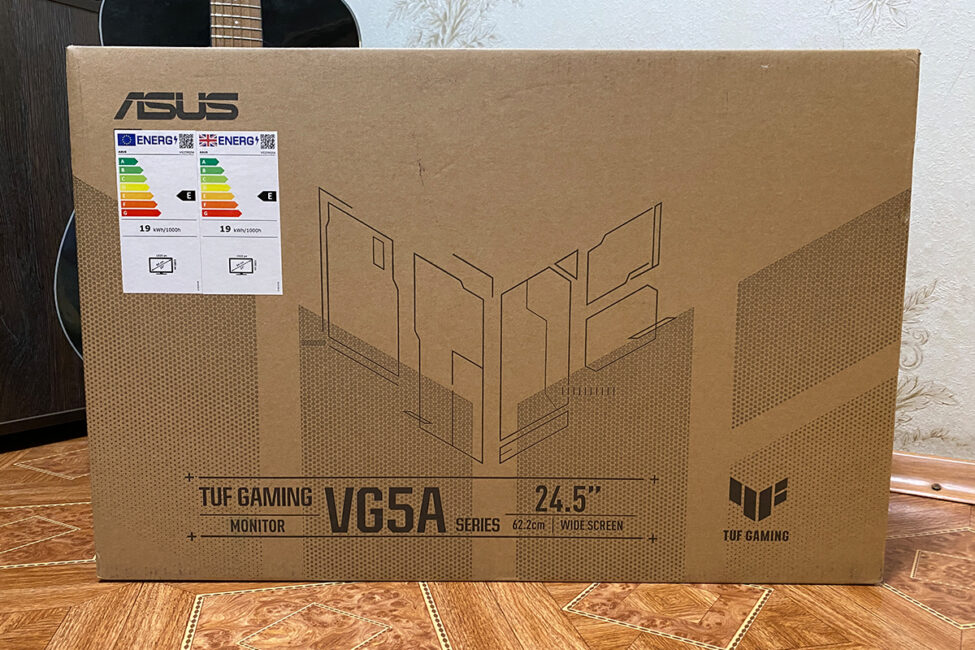
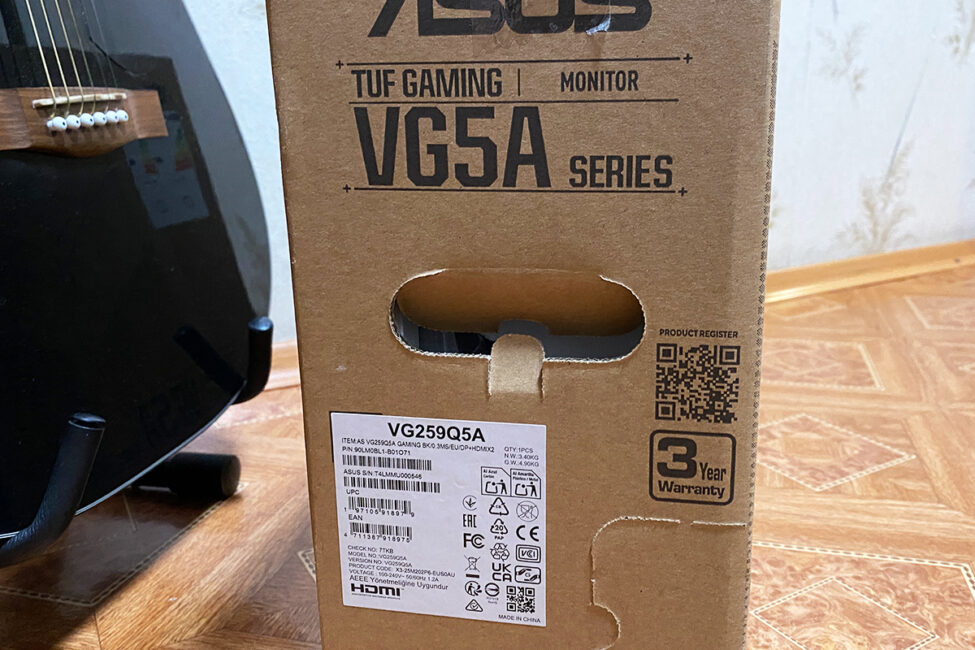
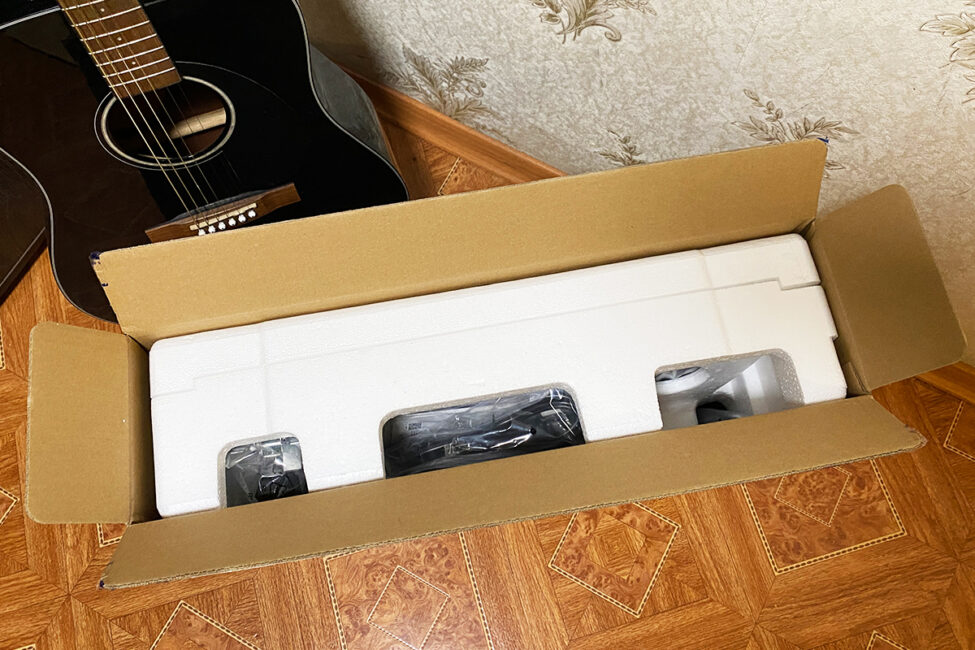
Just like the previous model, the monitor comes in a relatively compact branded cardboard box measuring 62.0 × 41.2 × 17.0 cm and weighing only 4.9 kg. The sides feature proper carrying handles, making transport easy. Inside, everything is neatly and securely packed in thick protective foam. In short, the box is convenient to carry, and you don’t have to worry about the safety of the contents during transport.
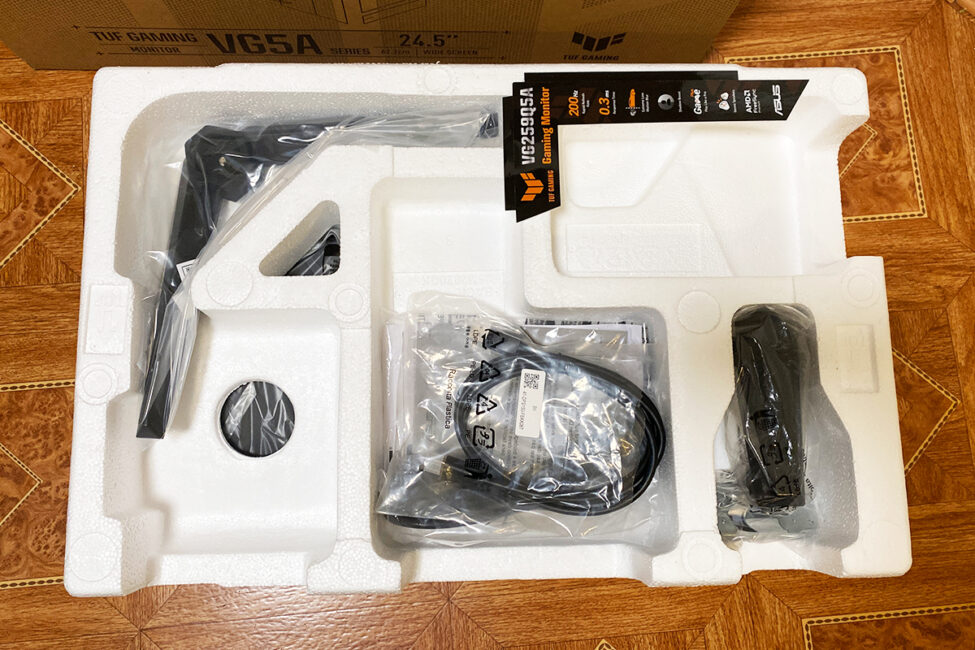
The contents of the package are the same as in the previous model:
- monitor
- DisplayPort cable
- power cable
- monitor stand
- 4 bolts for the stand
- V-shaped support for the stand
- user manual
- warranty documentation
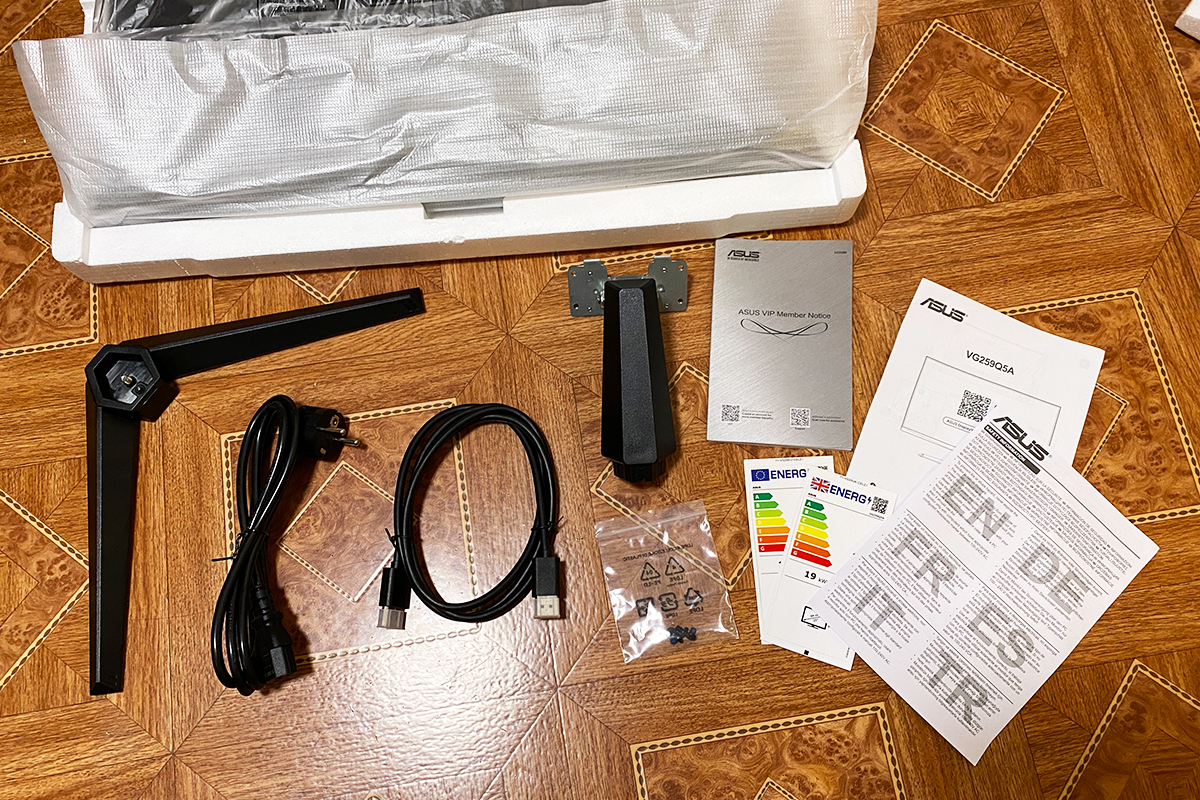
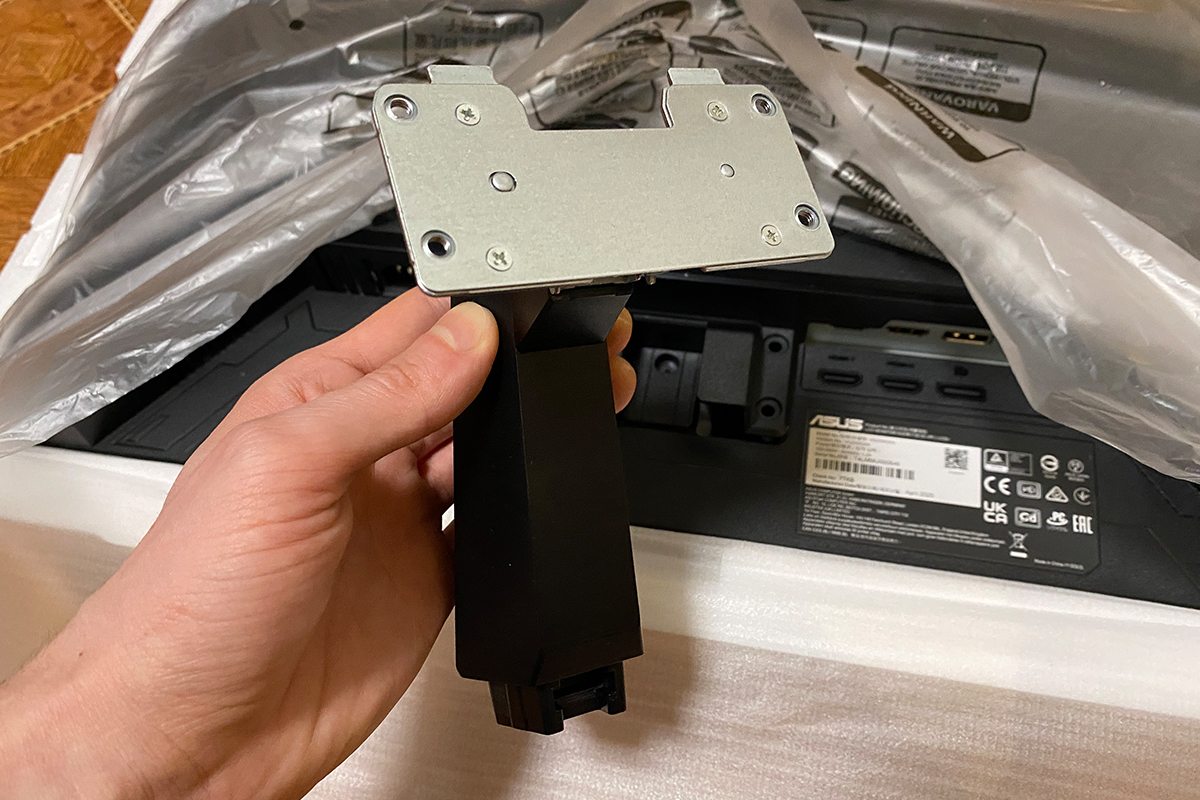
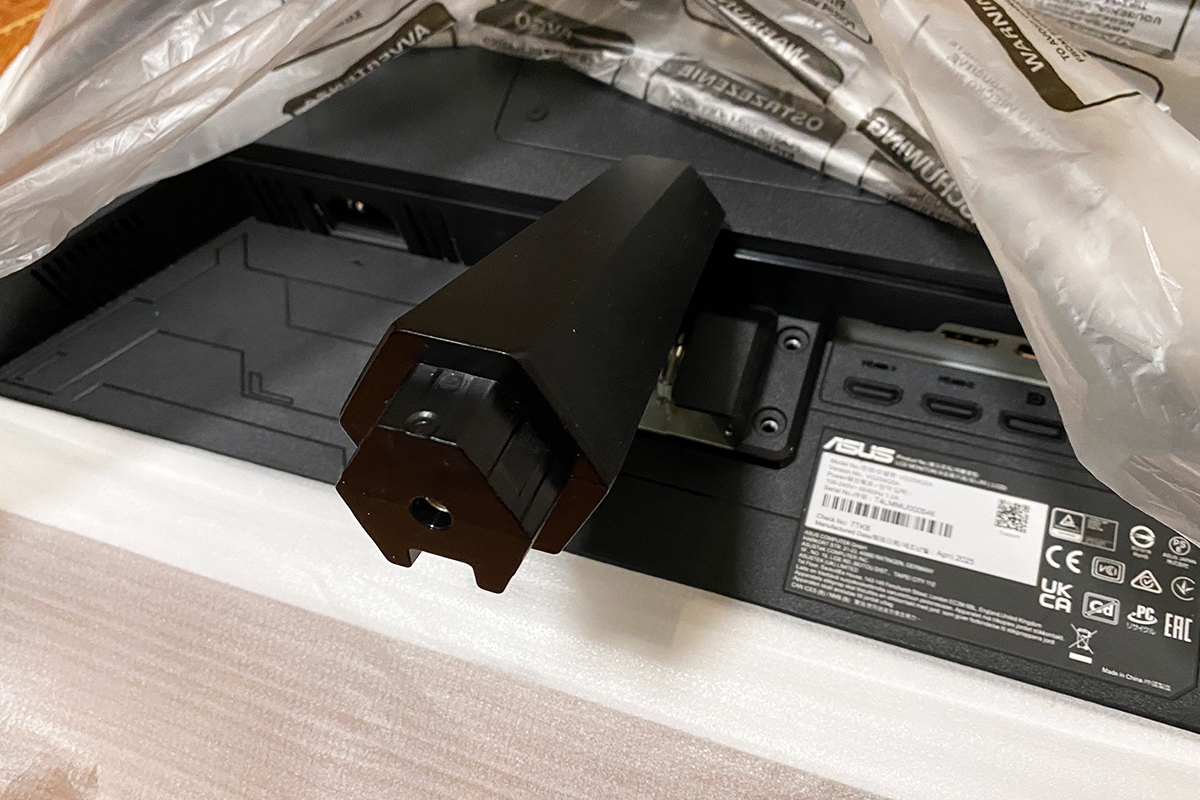
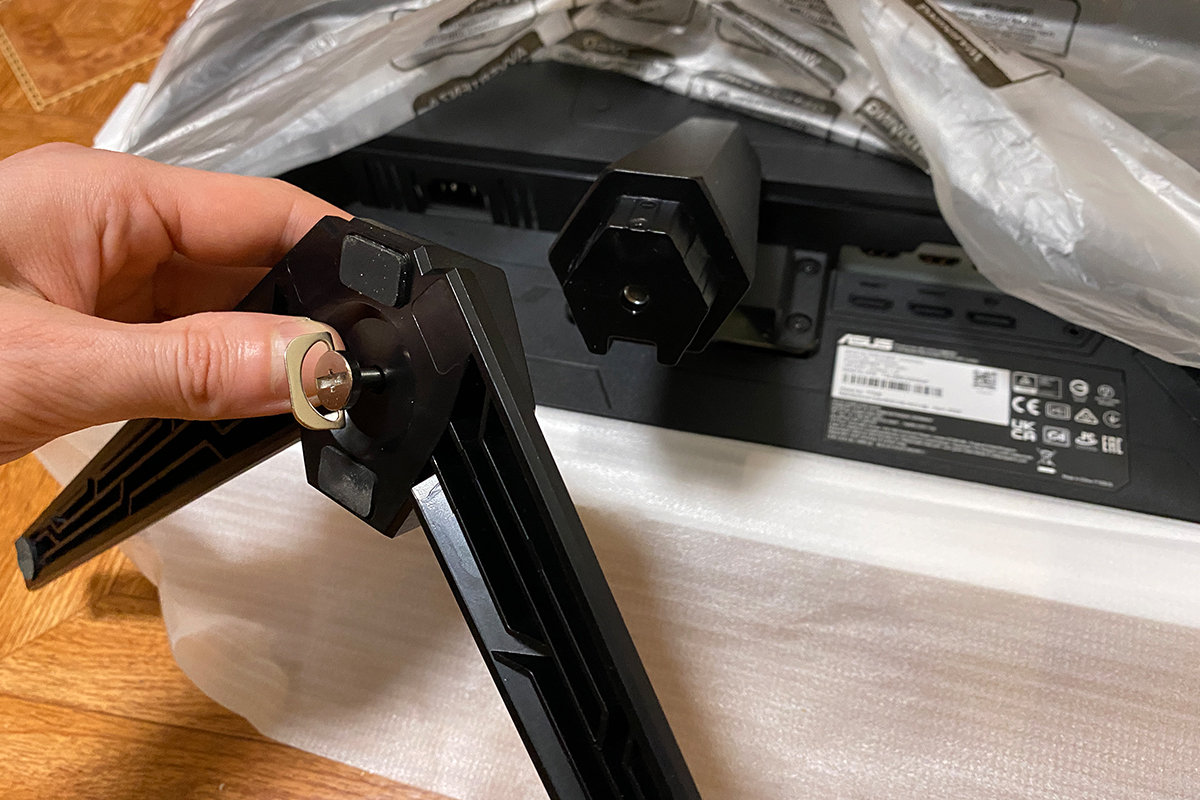
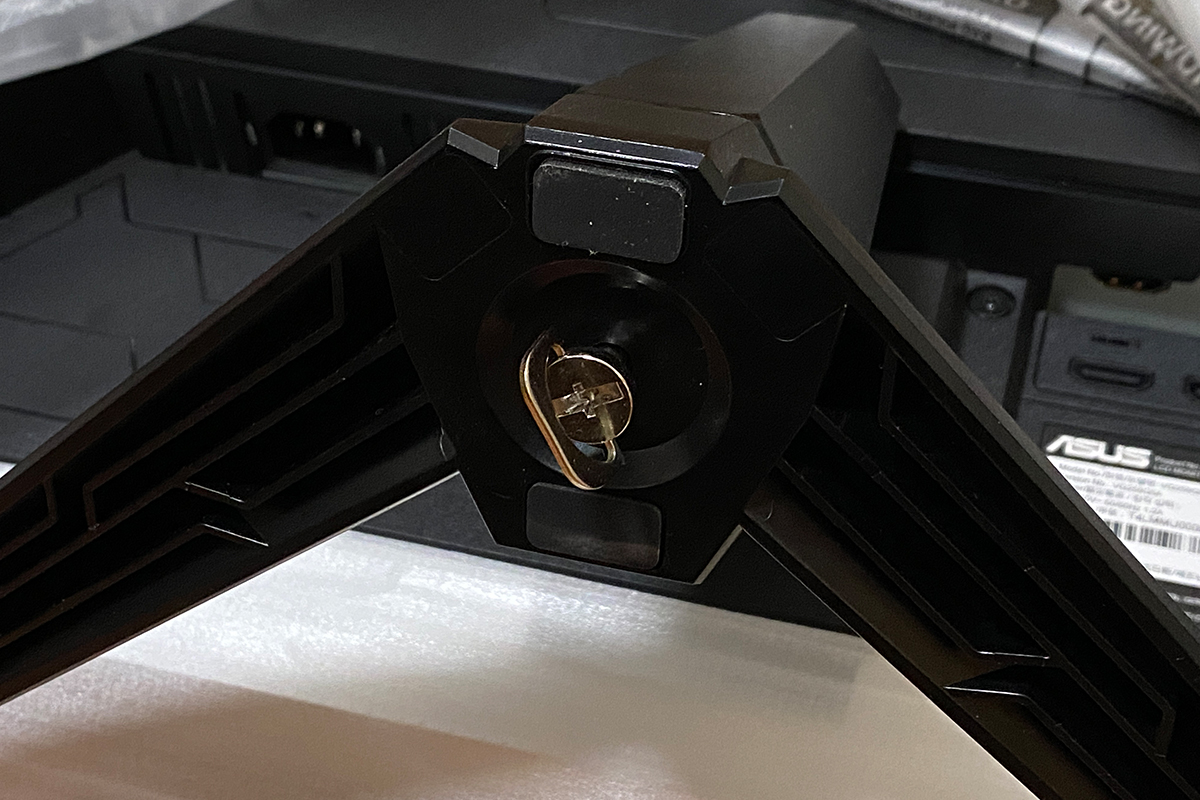
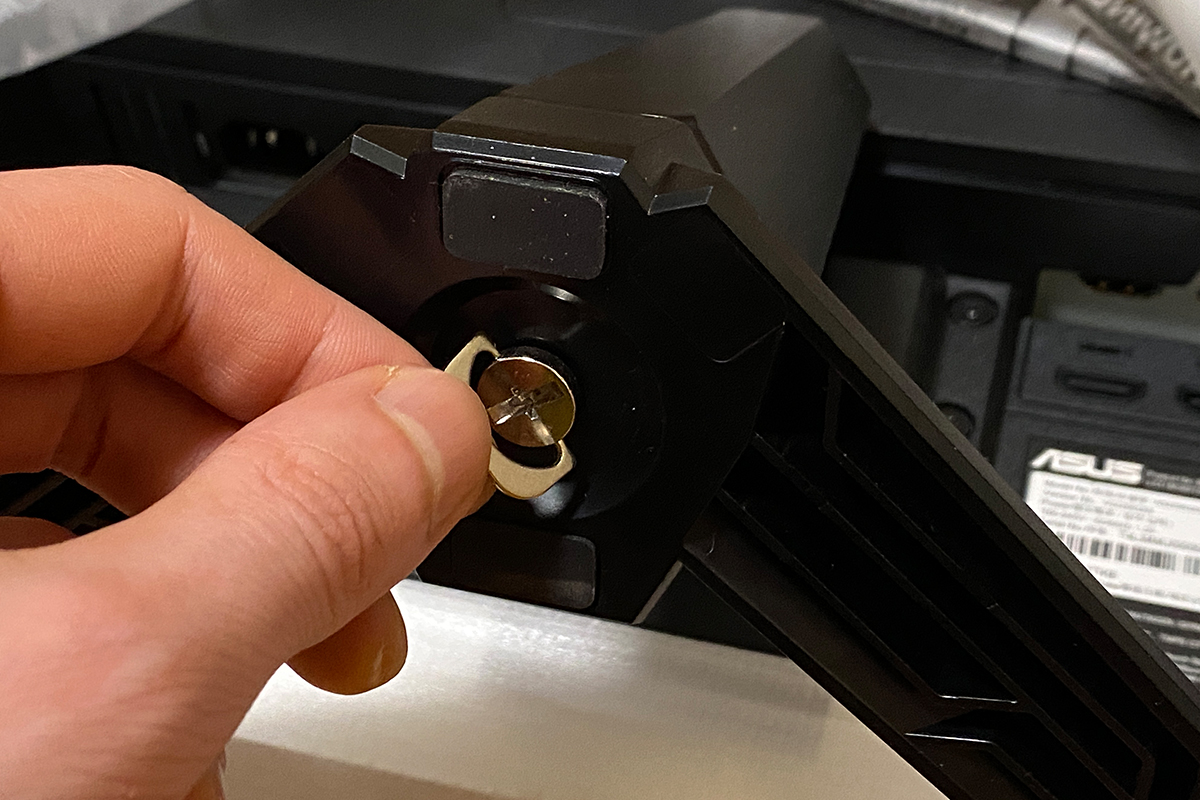
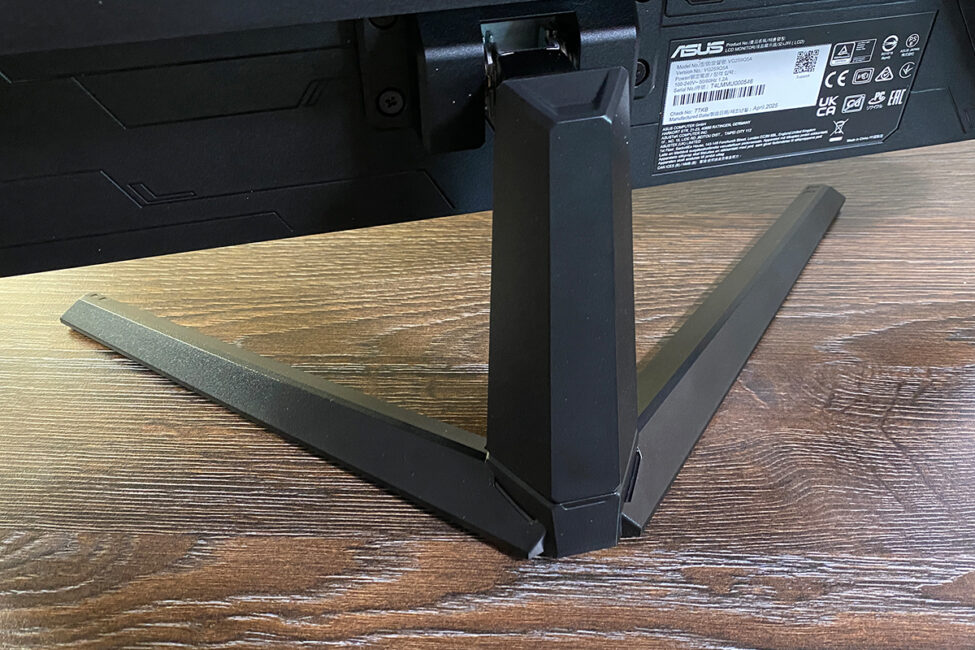
Monitor assembly is very straightforward: without removing the device from its protective foam, insert the stand into the rear slots and secure it with the four included screws. Next, attach the V-shaped base to the stand and fasten it. Then, holding the stand, place the monitor on your desk, and finally remove the protective foam and plastic covering.



Read also:
- ASUS VA259HGA Review: An Affordable Full HD Gaming Monitor with 120Hz and Eye Care+
- ASUS TUF Gaming VG27WQ3B Monitor Review: Fast VA, 2K Resolution, 180 Hz, and an Affordable Price
Design, ergonomics, build quality
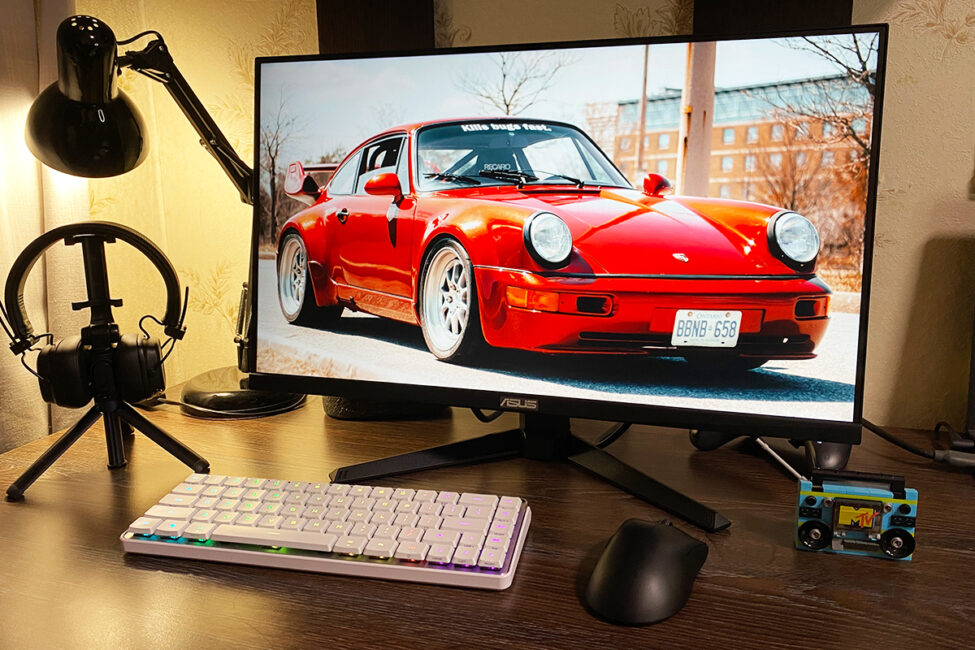
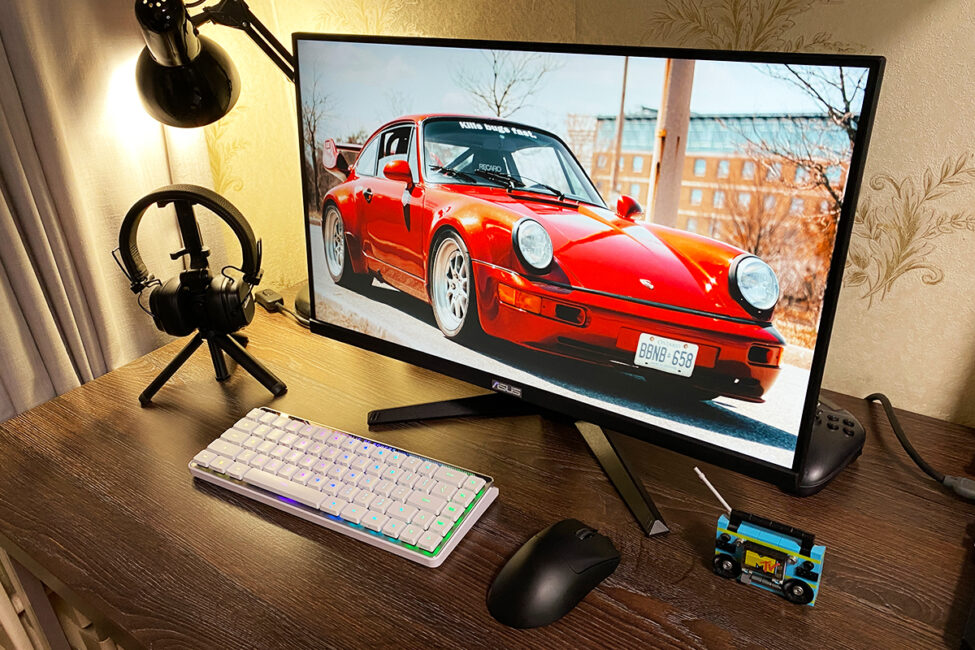
In terms of design, the new model hasn’t changed at all – externally, the monitor looks exactly like the previous TUF Gaming VG259Q3A. It features the signature, recognizable TUF Gaming style.
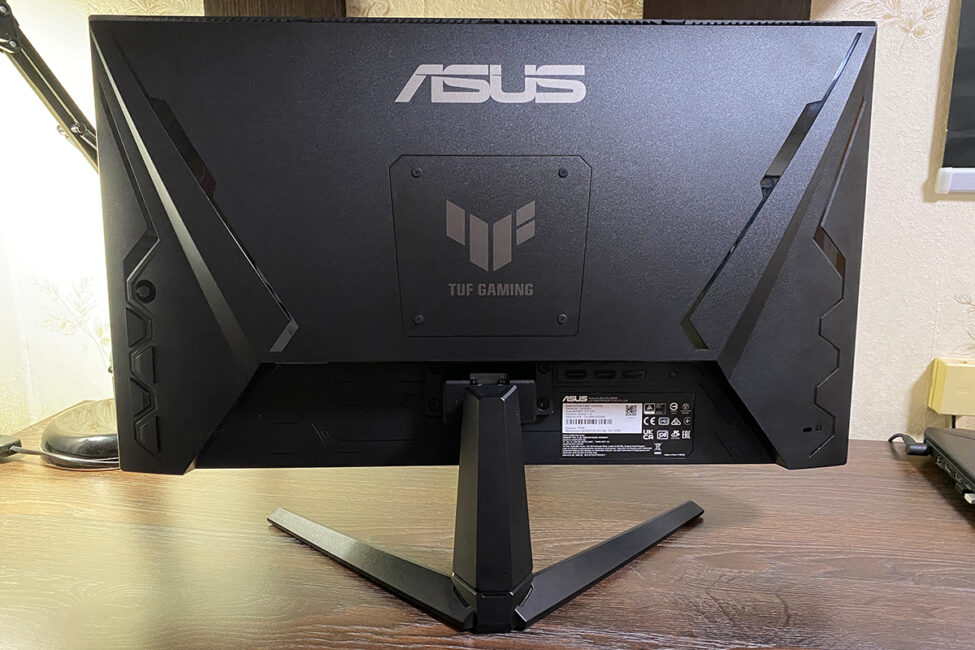
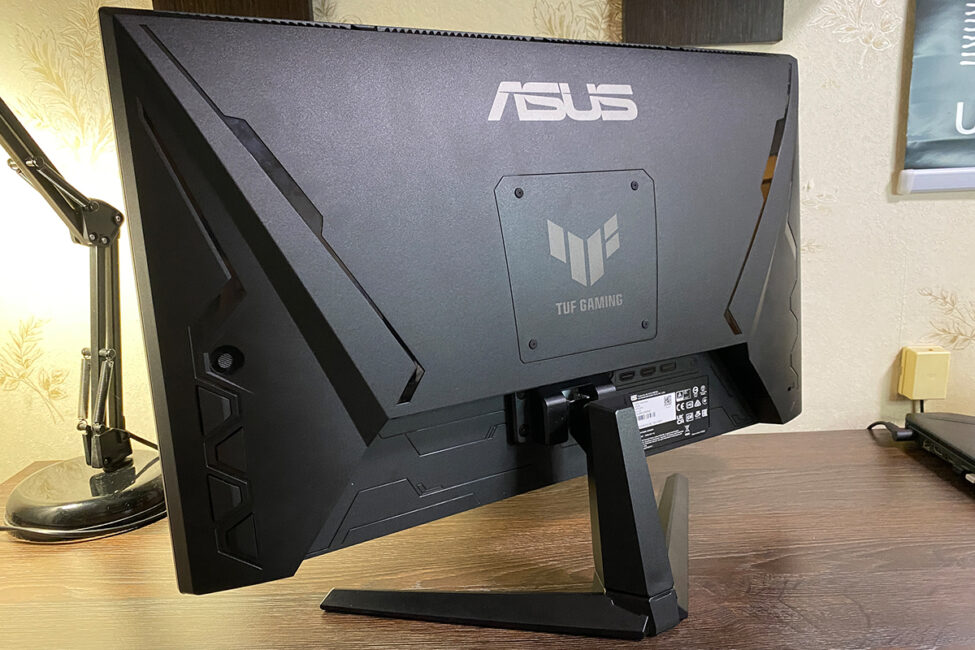
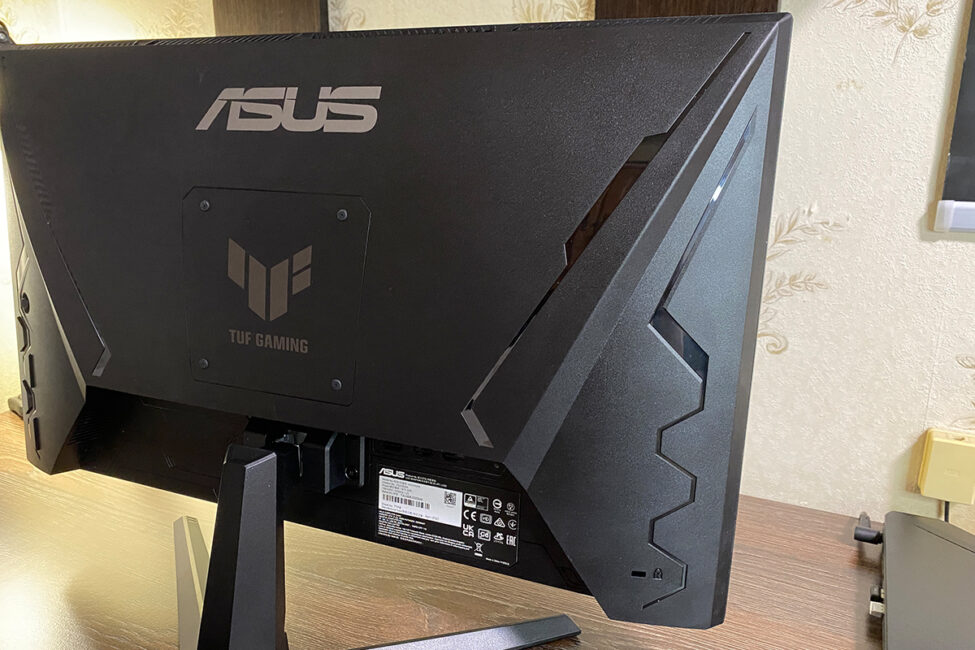
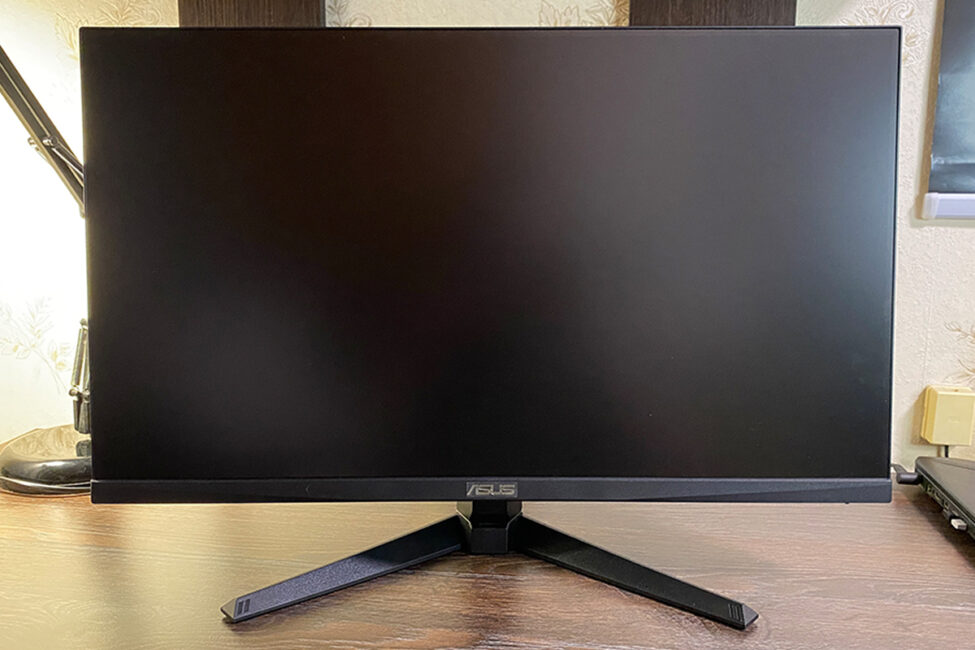
The panel measures 24.5 inches diagonally. Its overall dimensions are quite compact: 55.9×40.1×17.4 cm with the stand, and 55.9×32.9×6.2 cm without it. The weight is also light: 3.4 kg overall, 2.9 kg for just the panel. As I noted in my previous review, the compact size and low weight are one of the model’s key features, making it extremely versatile. The monitor fits well even in the most limited workspaces, is easy to transport if you move frequently, doesn’t require an expensive or heavy-duty mount, and, in my opinion, works perfectly as an additional display.
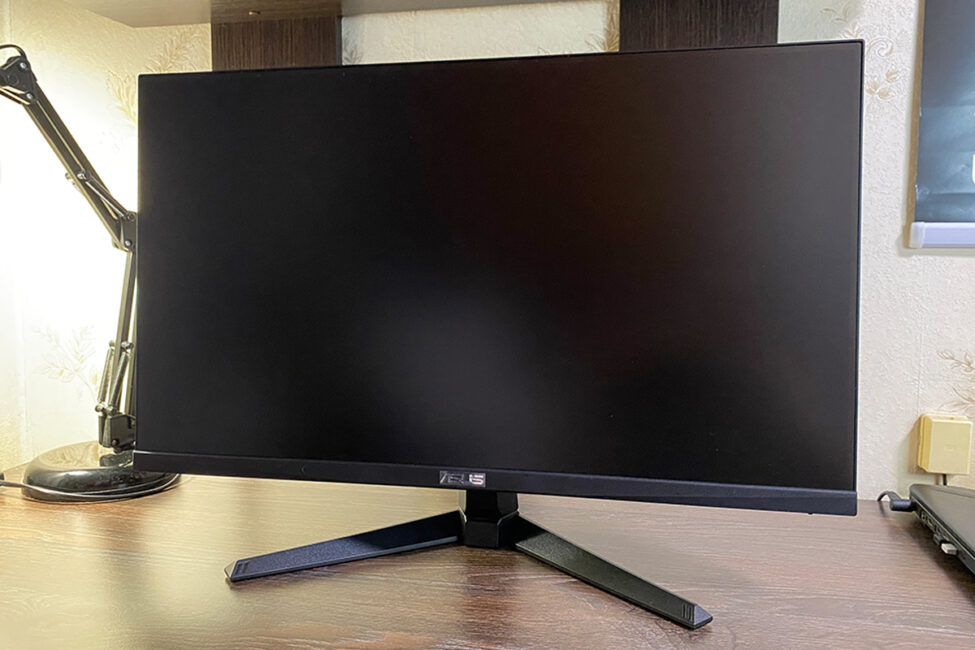
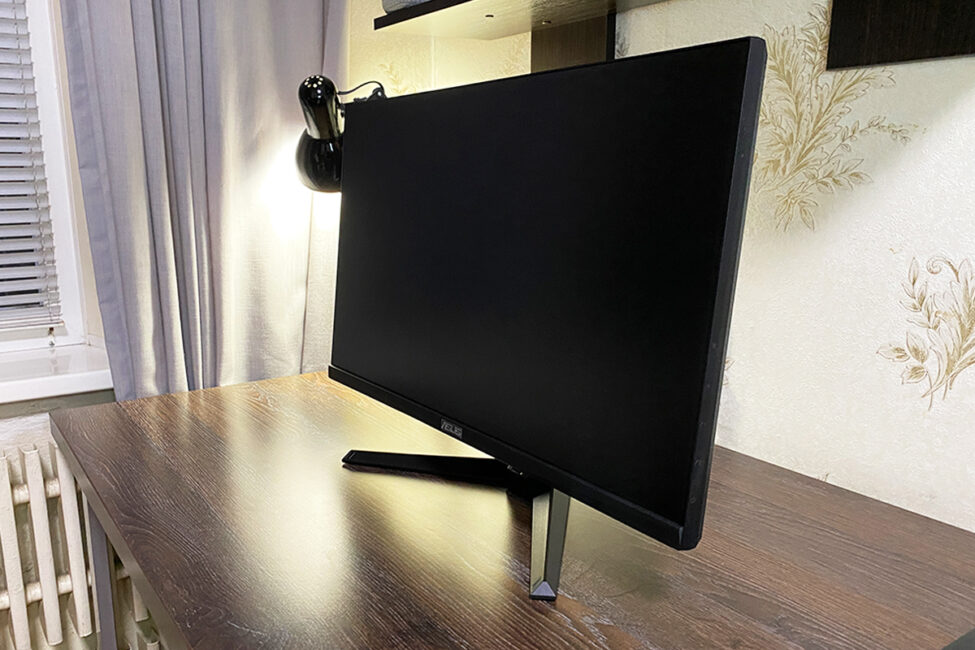
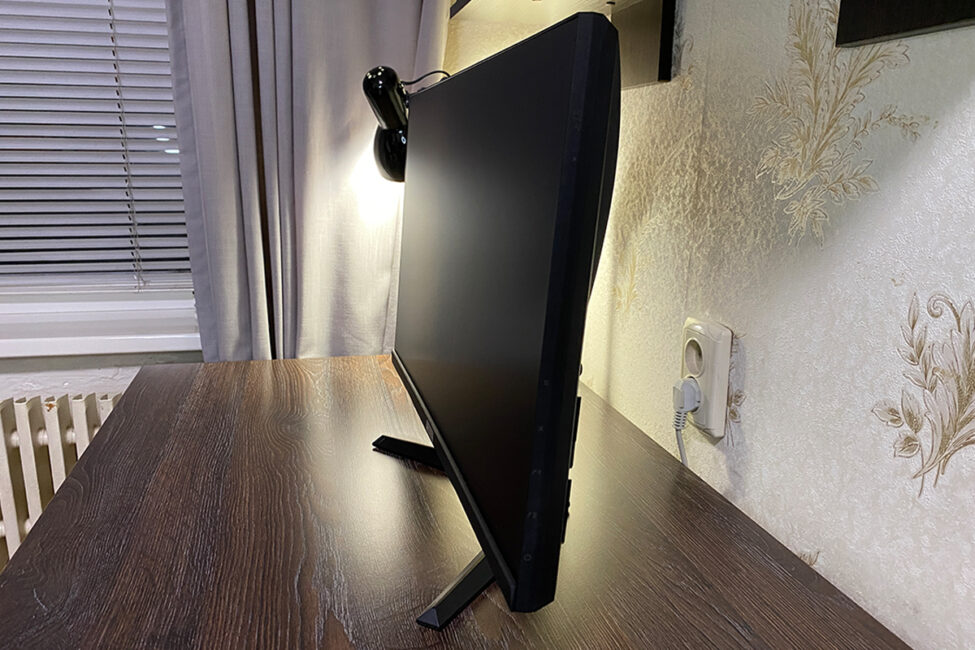
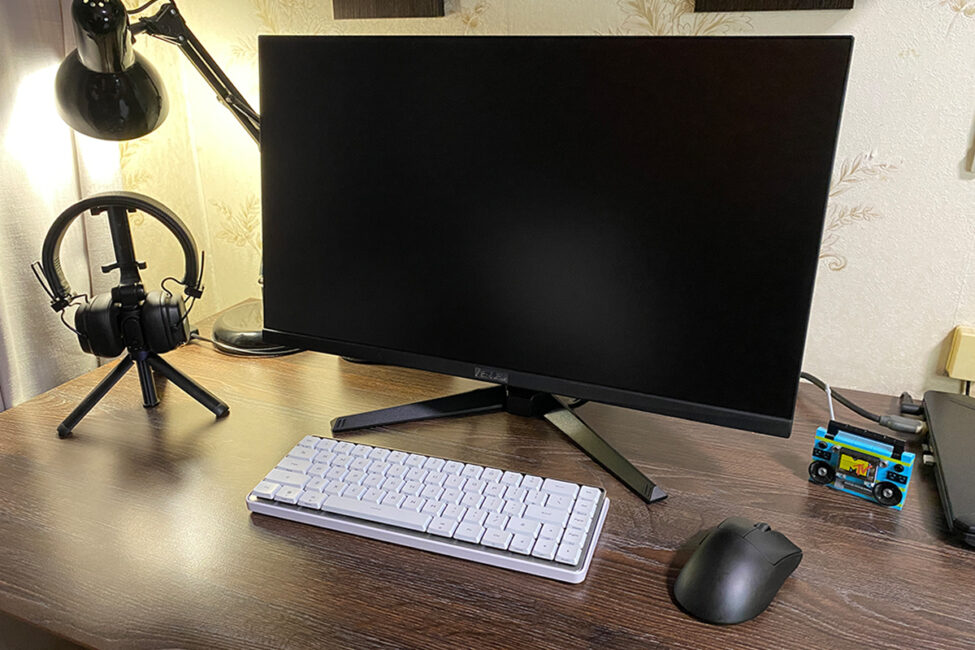
The monitor’s stand is the same as in the previous model. It allows tilt adjustment from +23° to -5°, but you cannot swivel or adjust the height of the display – quite typical for monitors of this size. This limitation is easily solved by using a VESA 100×100 mm mount, which the monitor supports. Plus, given its light weight, almost any mount – even a budget one – will work fine.
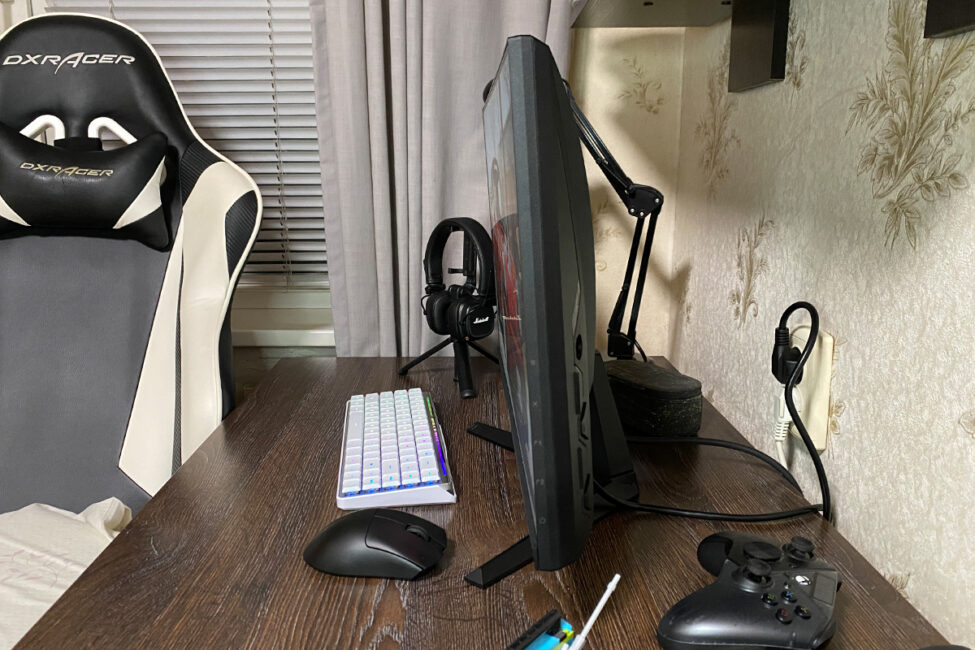
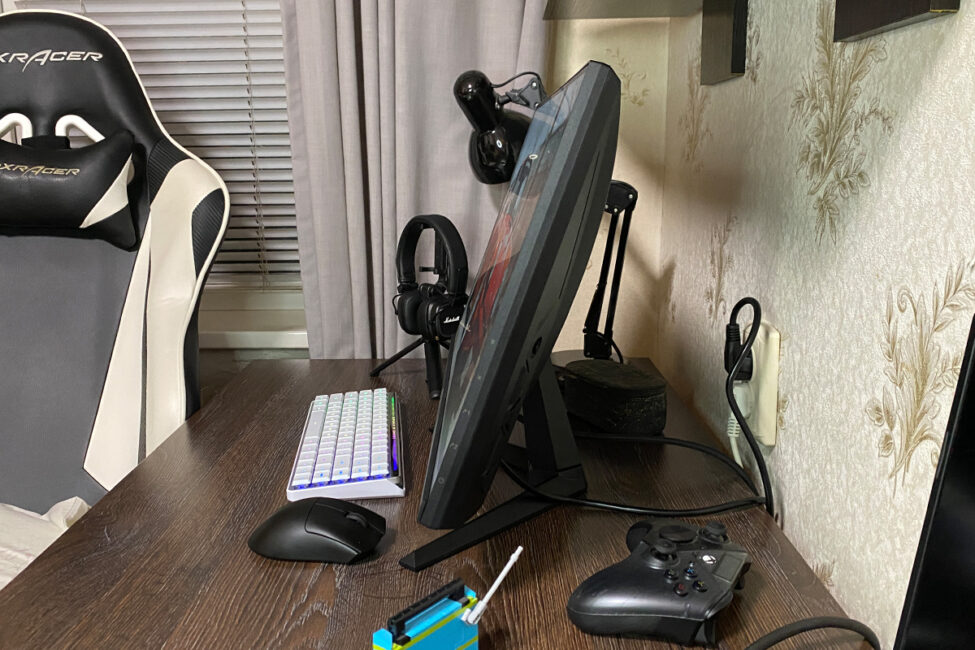

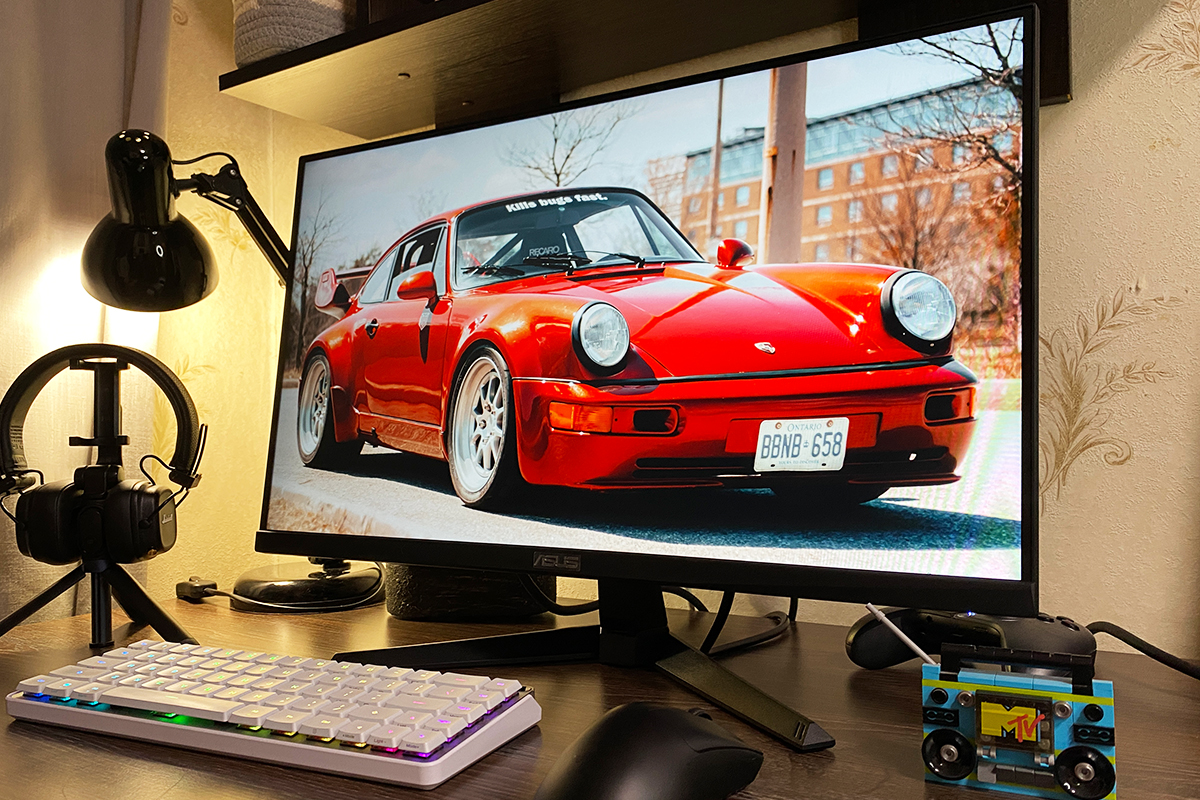
The front is almost entirely occupied by the 24.5-inch display with a matte anti-glare coating and thin bezels (1 mm frame, 4 mm matrix). The lower panel is clean and minimalistic – no stickers, just the signature ASUS logo.
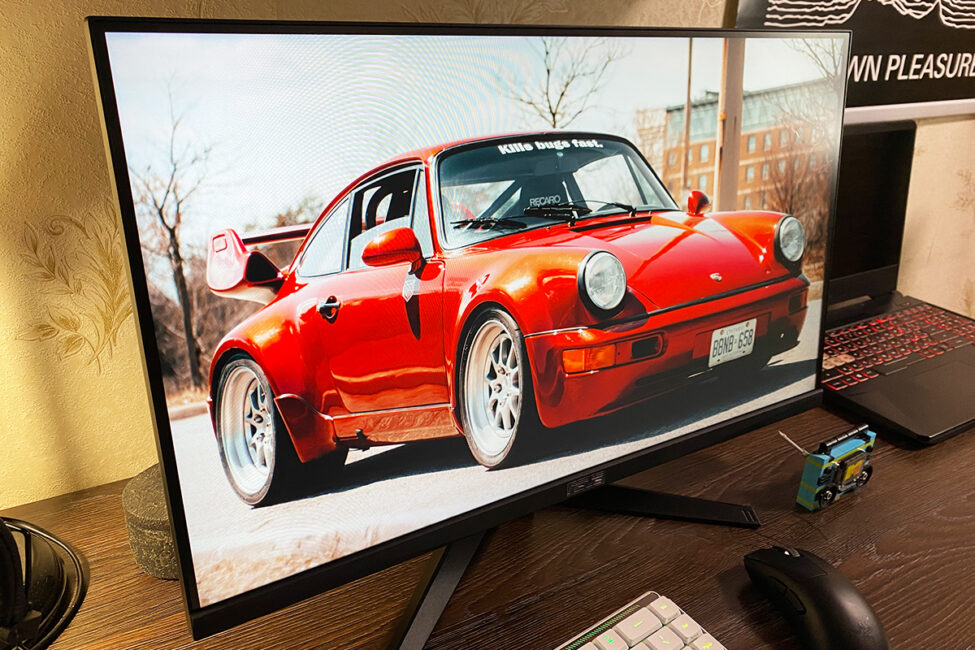
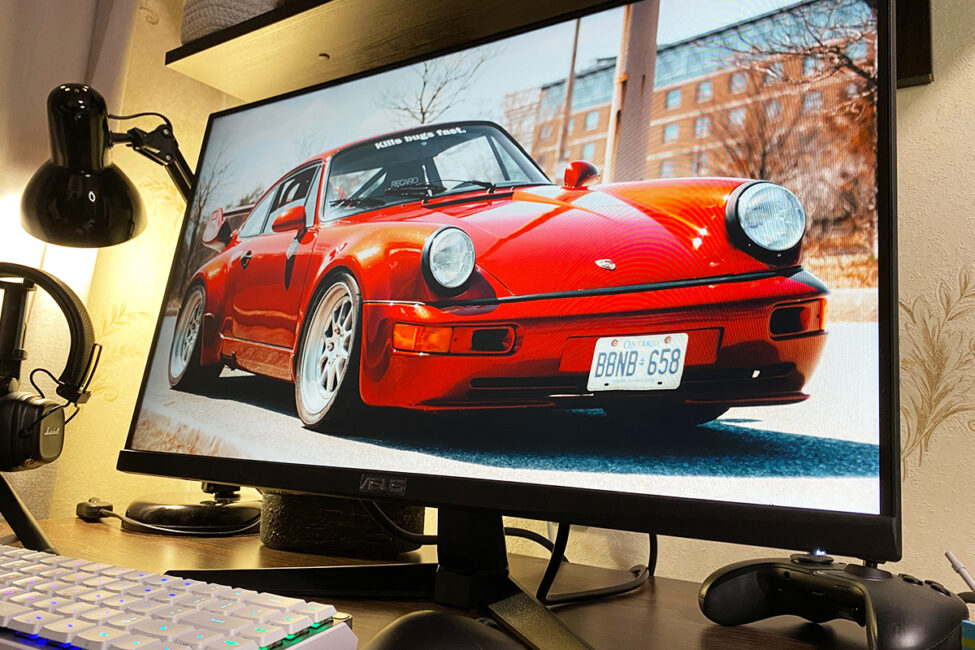
The rear panel design is identical to the previous model: signature ASUS and TUF Gaming logos, clean and subtle side lines, a 5-way joystick and control buttons on the left side (to the right when facing the screen), and connection ports positioned on both sides of the stand, facing downward.

On the right side (or left, when facing the display) are all the main input and output ports: 2×HDMI 2.0, 1×DisplayPort 1.4, and a 3.5 mm headphone jack. On the opposite side (left, or right when facing the screen) is the power connector. As with the previous model, there’s no cover for the rear lower panel or any built-in cable management system.
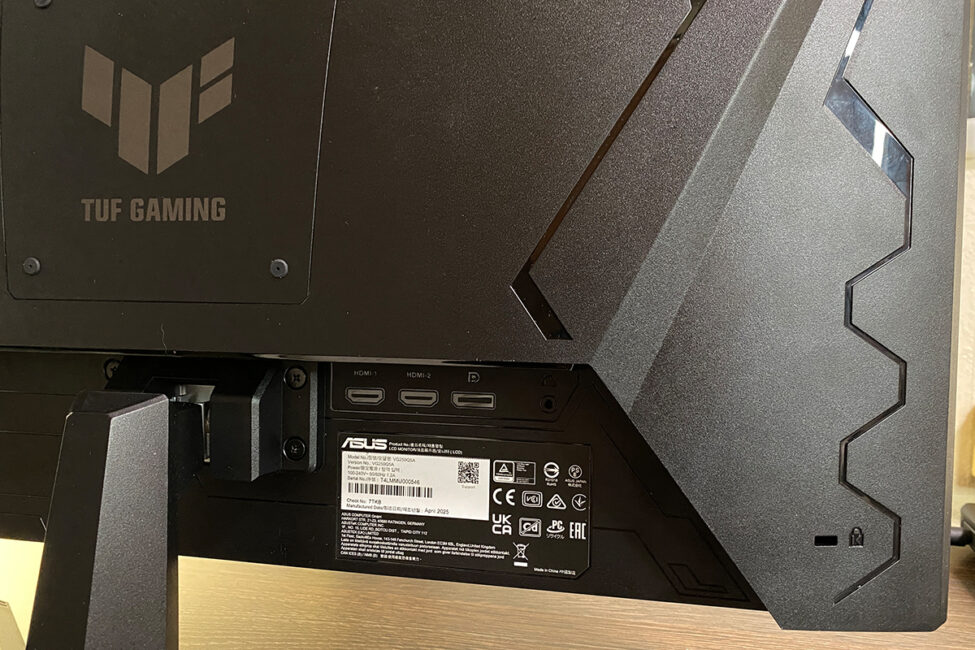
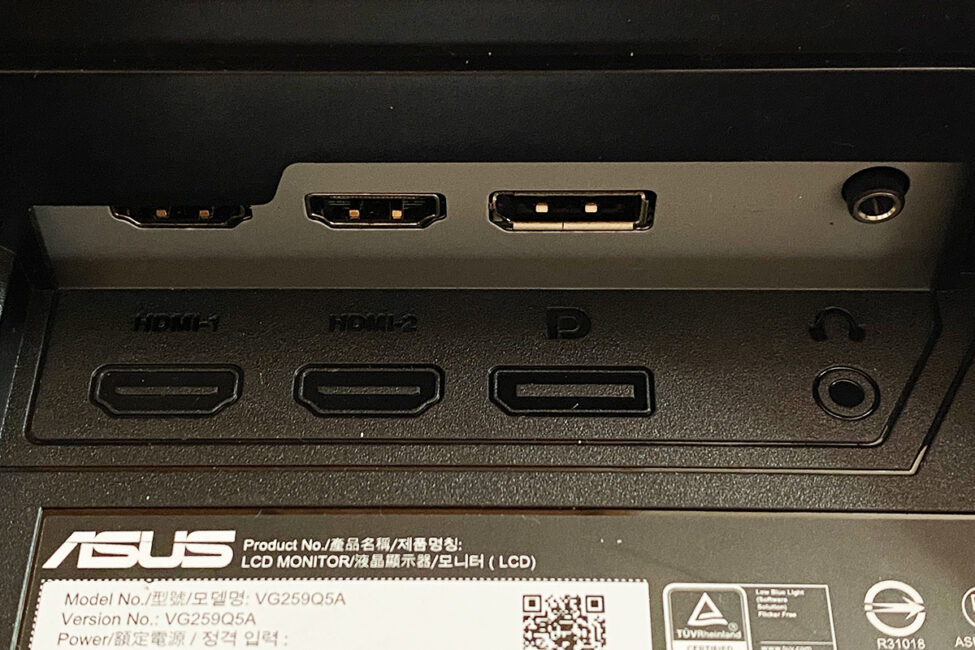
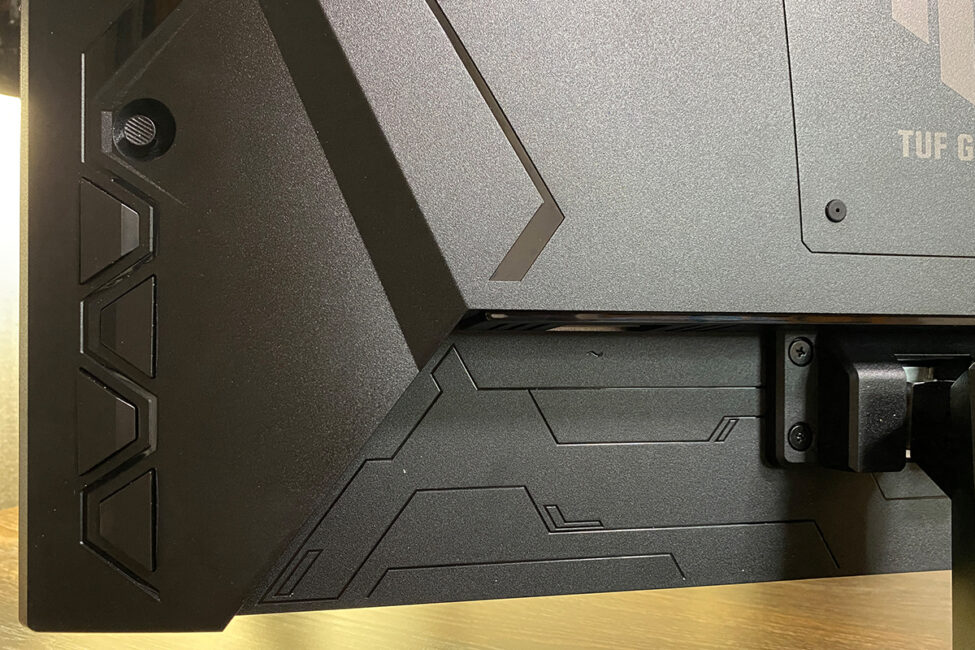
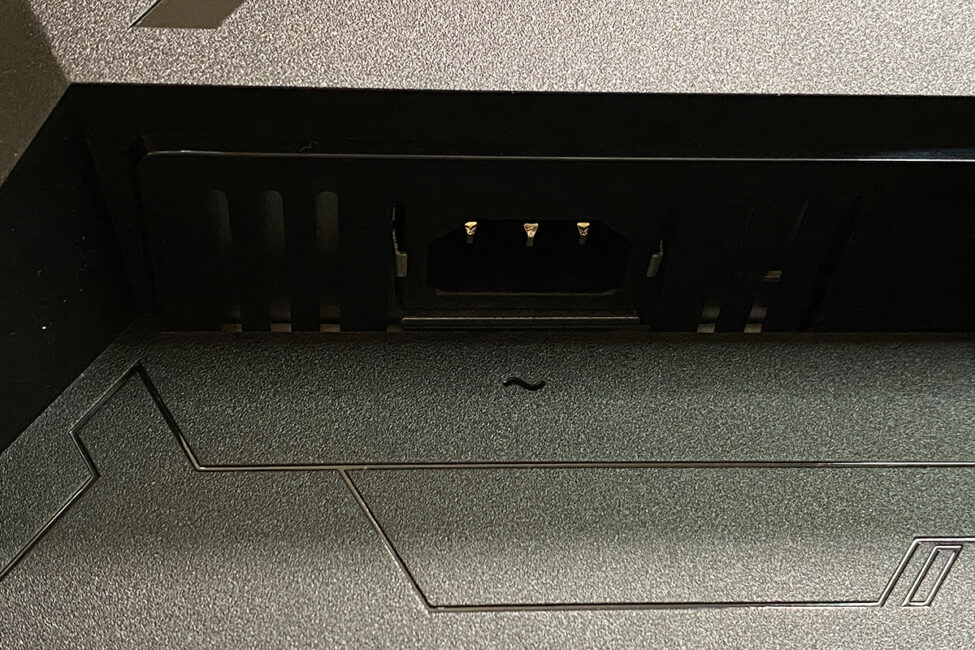
The build quality is solid: materials feel premium and pleasant to the touch, all elements fit together neatly, and the monitor stands firmly on its base – no wobbling or loose parts. The only minor drawback is the height, which feels a bit low. However, as mentioned earlier, that’s typical for compact monitors and can be easily solved by mounting the display on a VESA arm.
Read also:
- Review of ASUS ROG Harpe II Ace and ROG Sheath II XXL: An Esports Mouse and Gaming Mat with Cooling Surface
- ASUS ROG Strix Scope II X Keyboard Review: Hot-Swap Support, Clean Design, and an Accessible Price
Display: specifications, features and technologies
Like its predecessor, the monitor features an 8-bit Fast IPS panel with a Full HD resolution (1920×1080). The refresh rate has been boosted from 180 Hz to 200 Hz, and brightness has increased from 250 to 300 nits. These, in fact, are the key differences between the updated VG259Q5A and the previous VG259Q3A model.
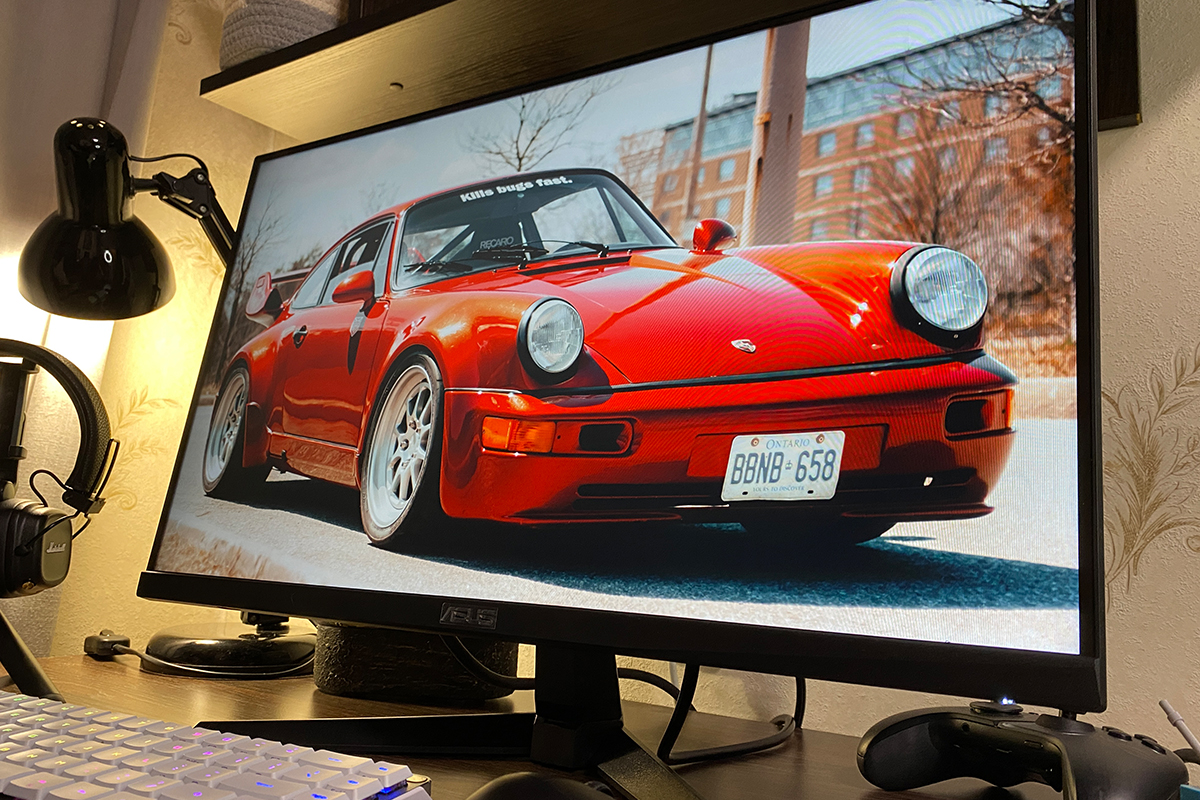
As for the rest of the specs – nothing has changed. The claimed response time is 1 ms (GTG), with a contrast ratio of 1000:1 and 99% sRGB color coverage. Pixel pitch measures 0.2832×0.2802 mm, while the active display area is 543.74×302.62 mm. Viewing angles remain 178°/178°. The monitor also supports an extended color gamut (HDR10) and adaptive sync technologies (AMD FreeSync Premium and G-SYNC Compatible).
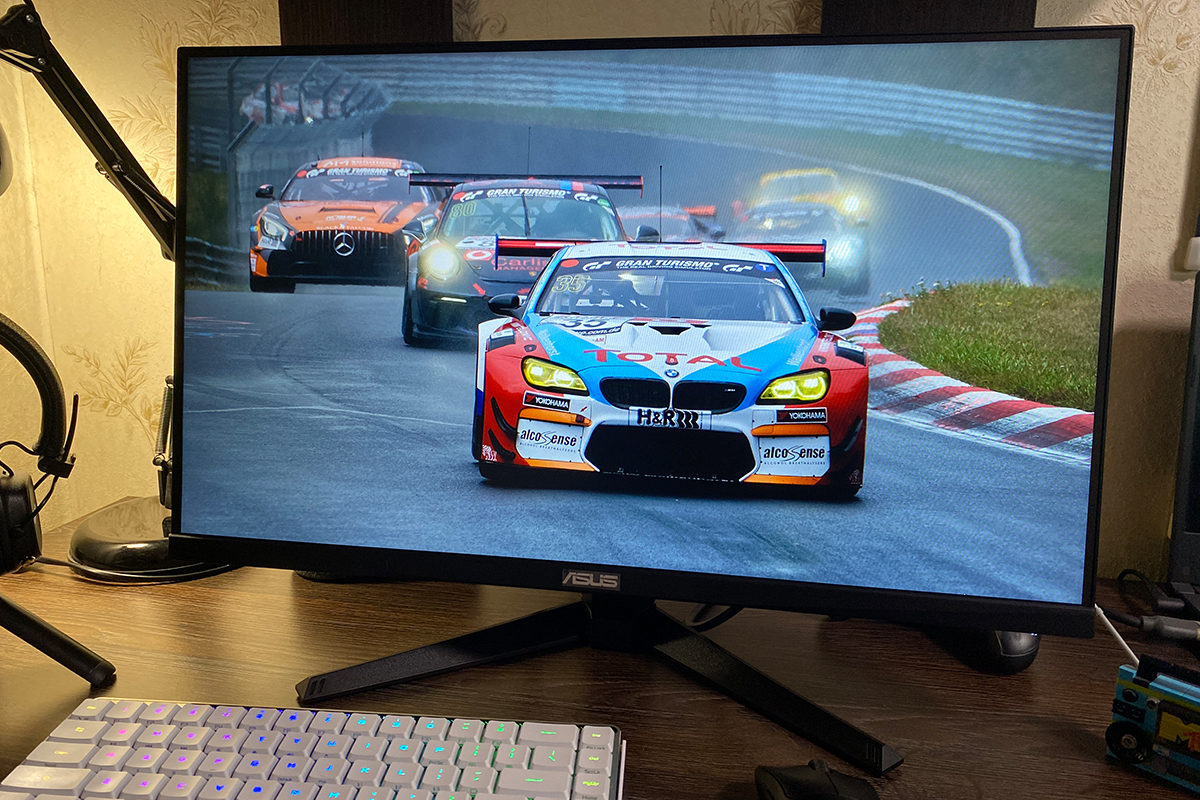
As with the previous model, the VG259Q5A comes equipped with a full suite of features and technologies designed to enhance image quality, improve the gaming experience, and reduce eye strain. These include Extreme Low Motion Blur (ELMB), Variable Overdrive, Shadow Boost, GamePlus, GameVisual, Flicker-Free, and Blue Light Filter.
Extreme Low Motion Blur (ELMB) – reduces motion blur in dynamic scenes, making fast movements appear sharper. Variable Overdrive – dynamically adjusts the panel’s overdrive settings to maintain image clarity during motion. Shadow Boost – enhances visibility in dark areas of the scene without overexposing bright ones. GamePlus – a set of built-in gaming tools and metrics (crosshair, timer, FPS counter, etc.). GameVisual – a collection of preset display modes that can be switched quickly depending on the content. Flicker-Free – eliminates backlight flicker to reduce eye fatigue. Low Blue Light – lowers the intensity of blue light for more comfortable long-term viewing.
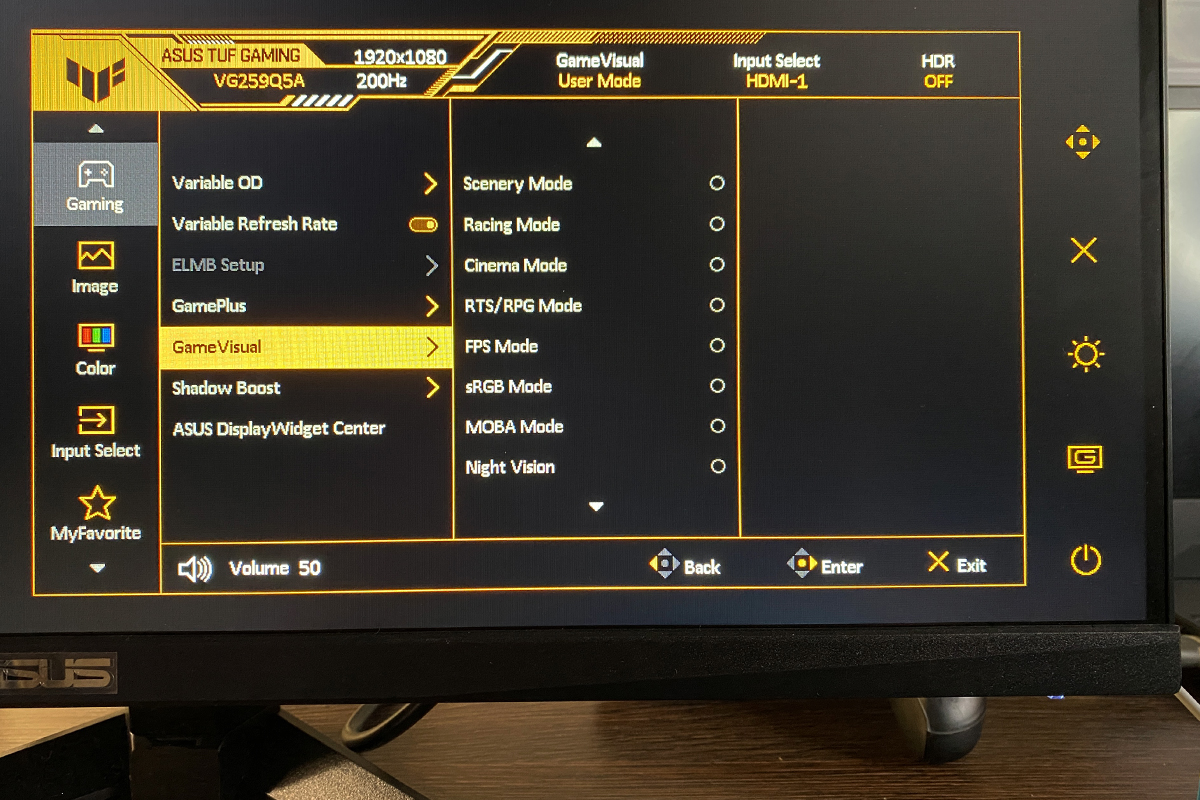
The pre-configured GameVisual display modes, as with the previous model, were generally unsatisfactory. Some modes produced colors that were too warm, while others leaned too cold. In certain cases, brightness and contrast were insufficient. In short, most of the preset modes appear unnatural and require manual adjustment, which can be done through the proprietary DisplayWidget Center application. The user-defined mode, on the other hand, allows the monitor to be quickly tailored to personal preferences, resulting in an image that is bright, reasonably saturated, and natural-looking.
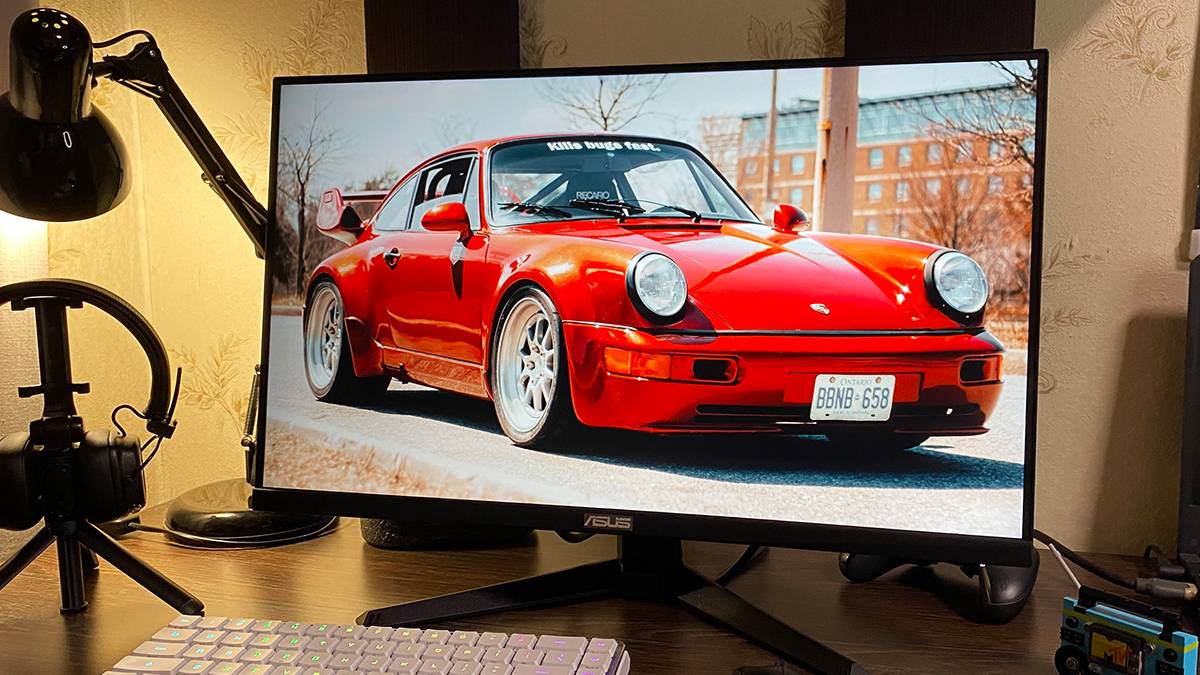
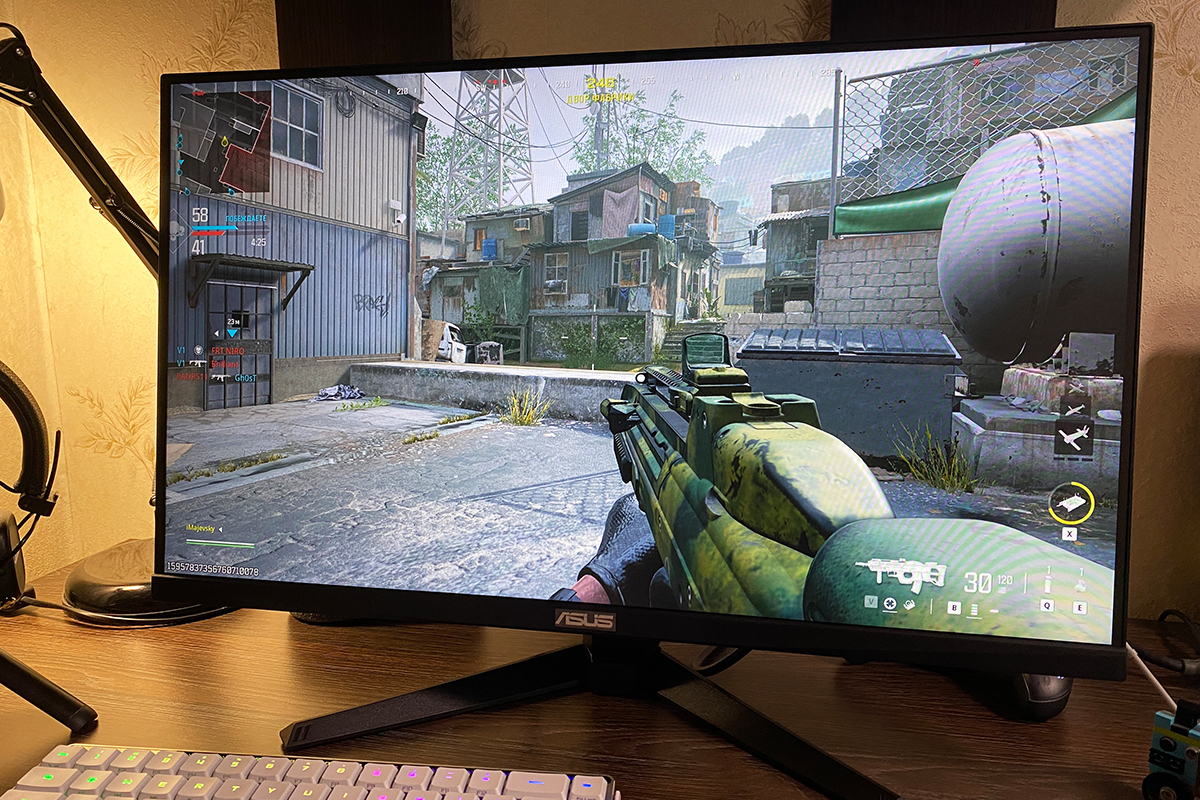
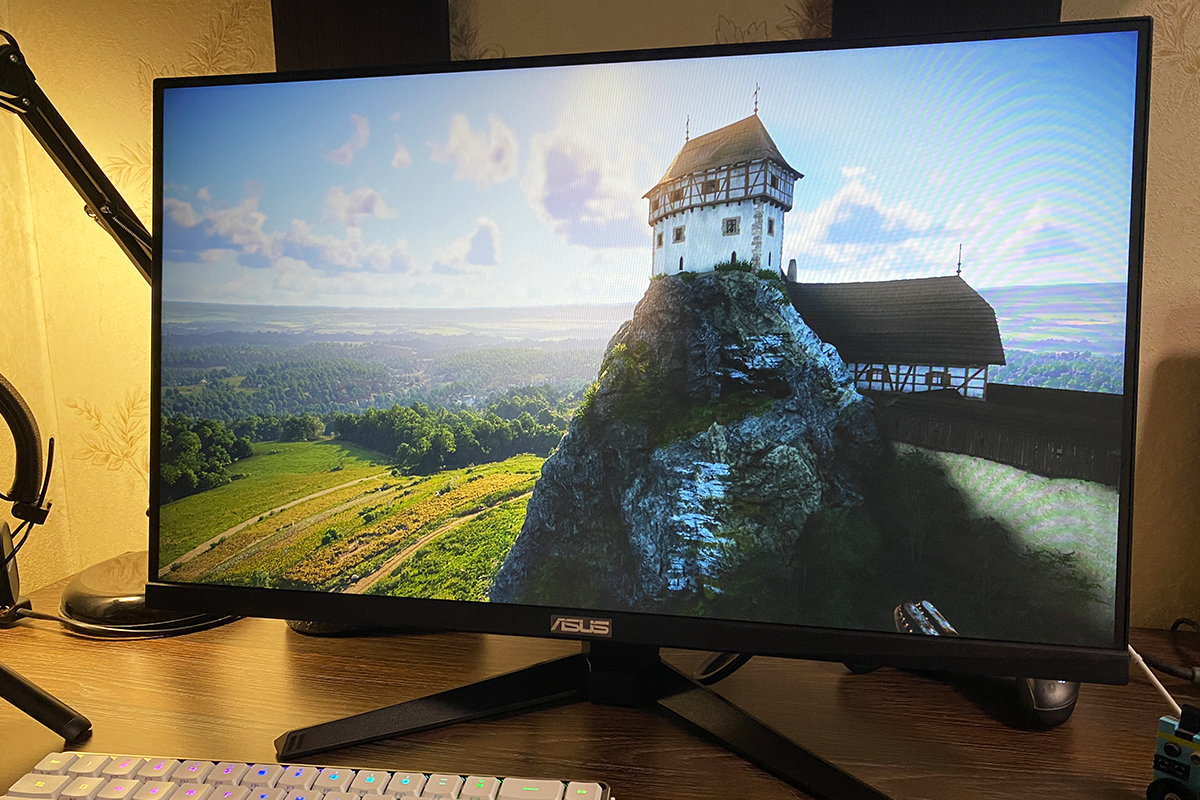
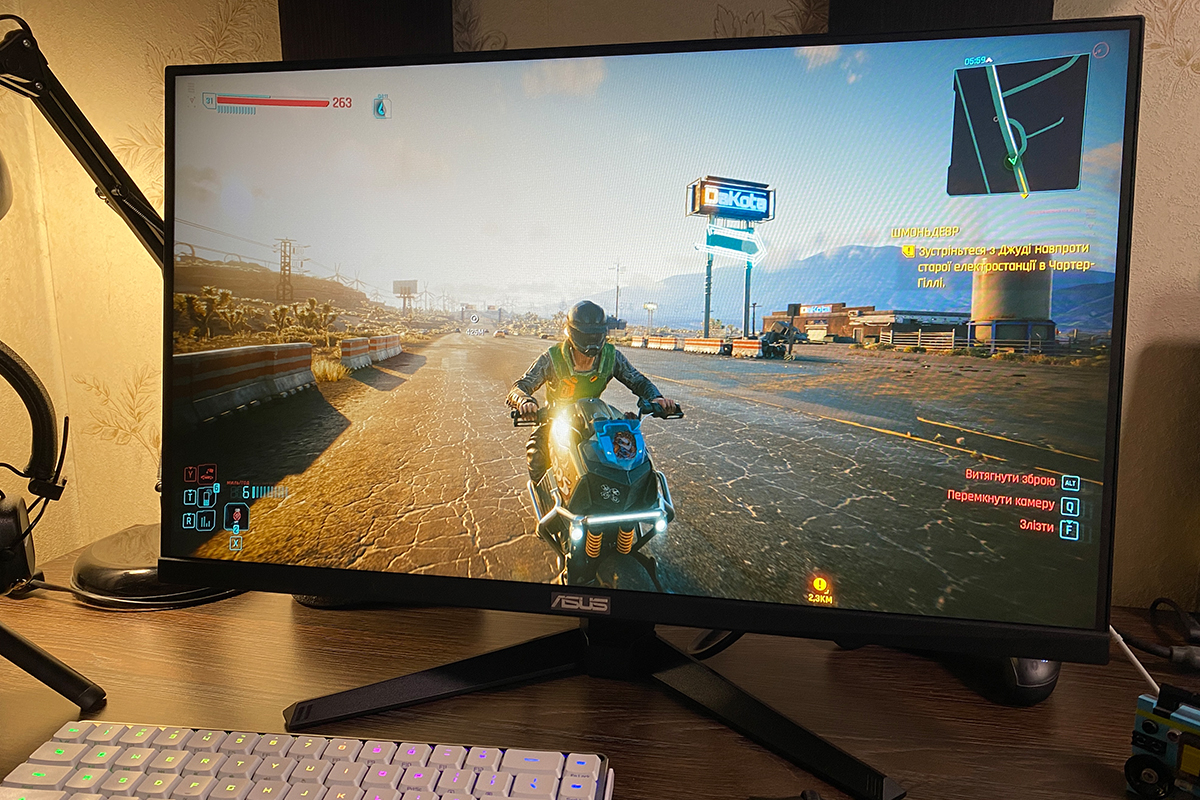
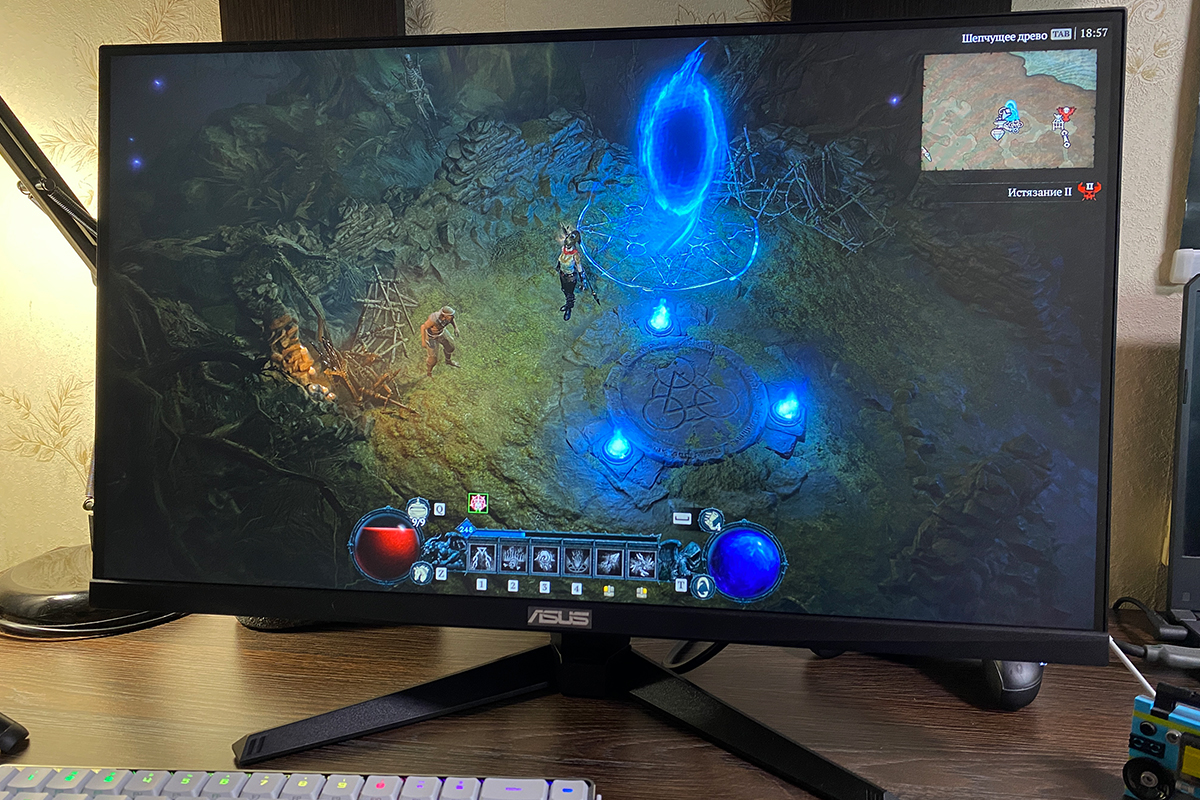
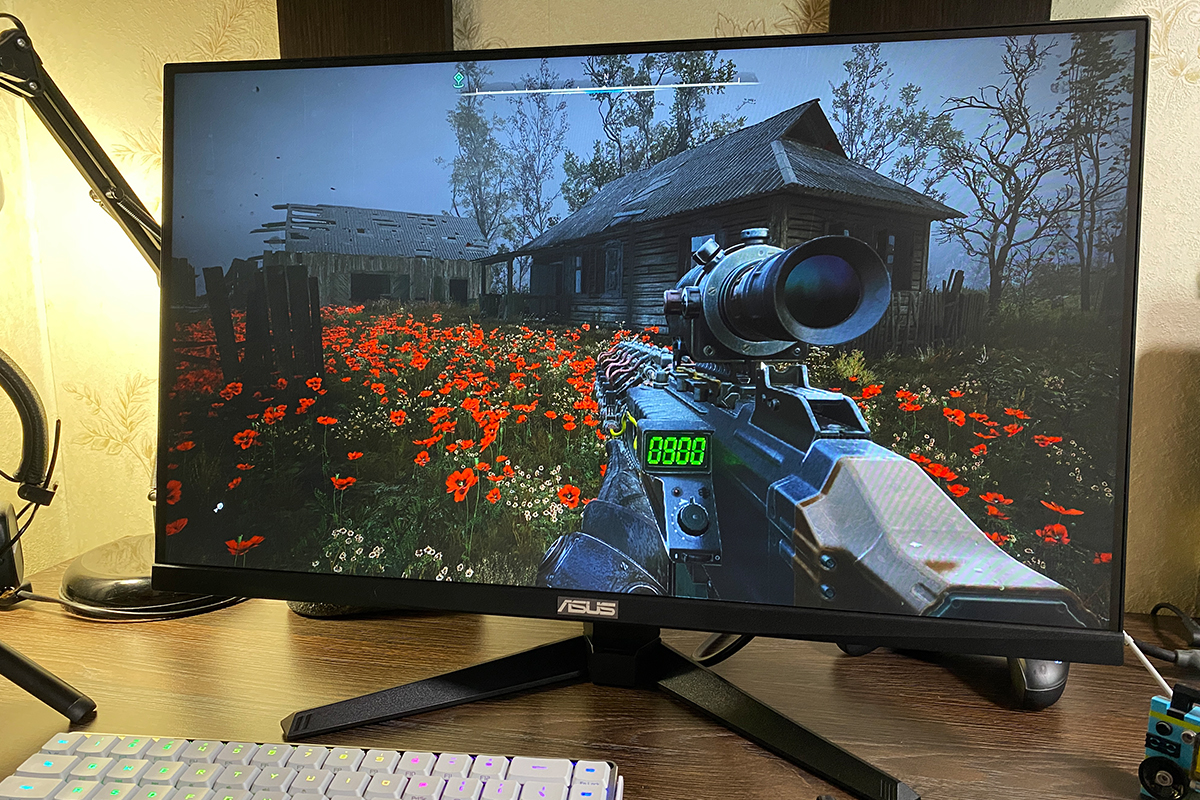
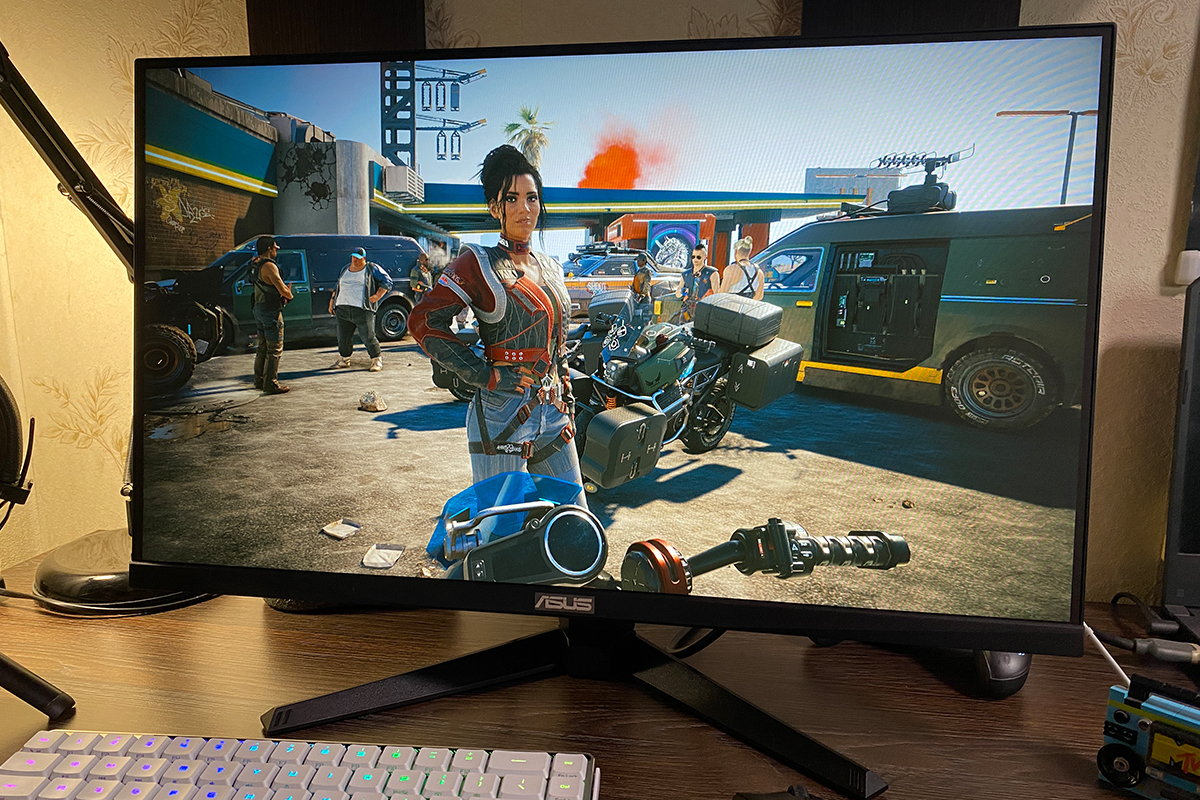
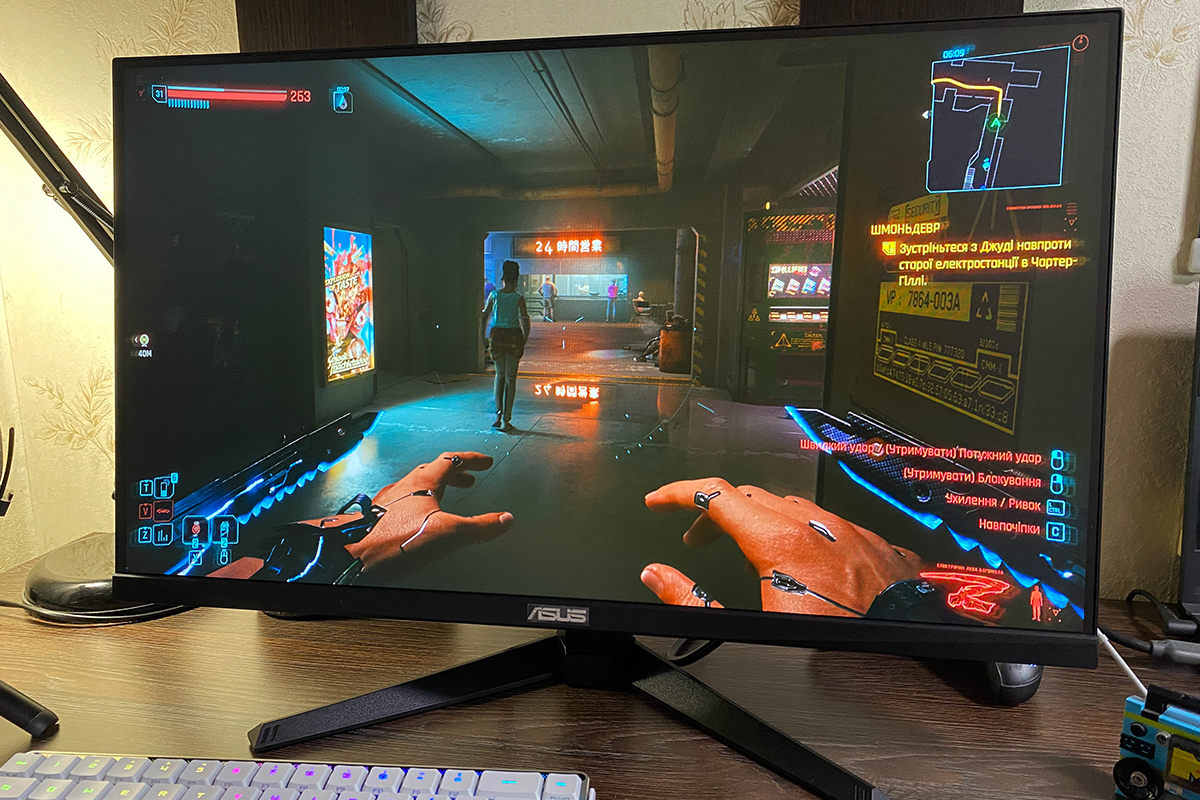
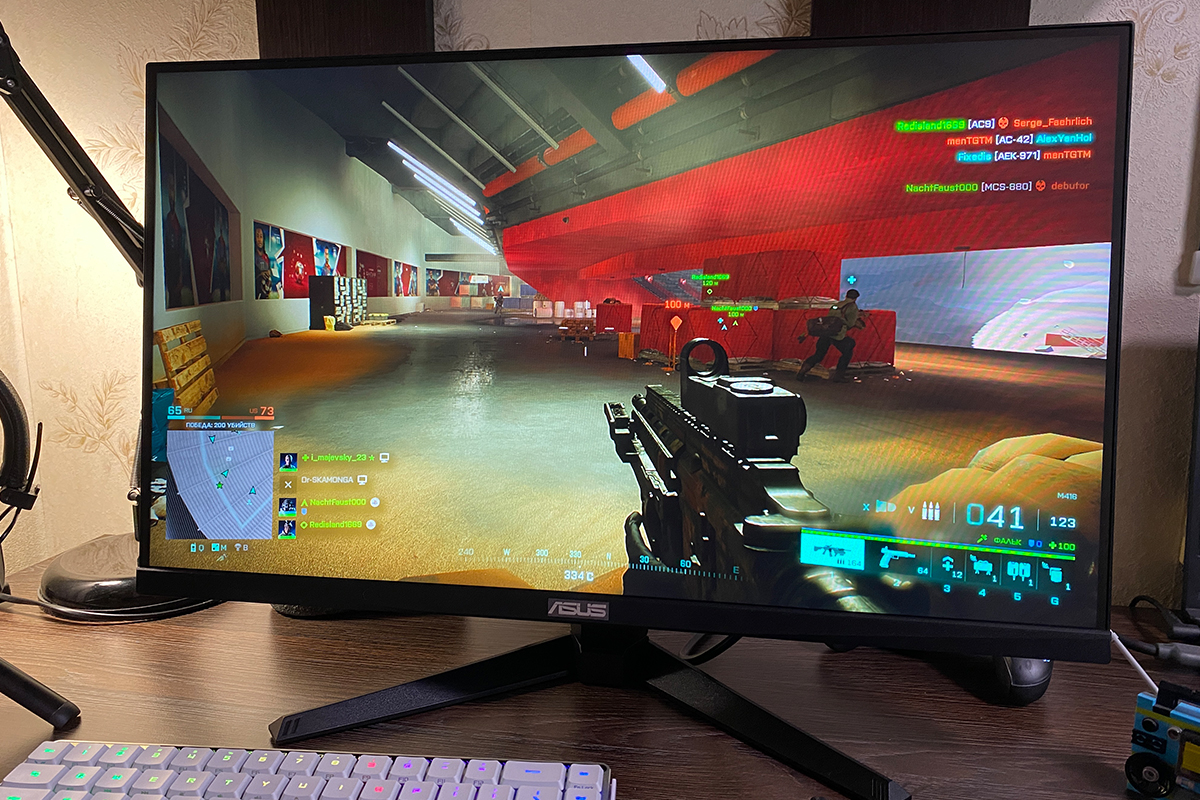
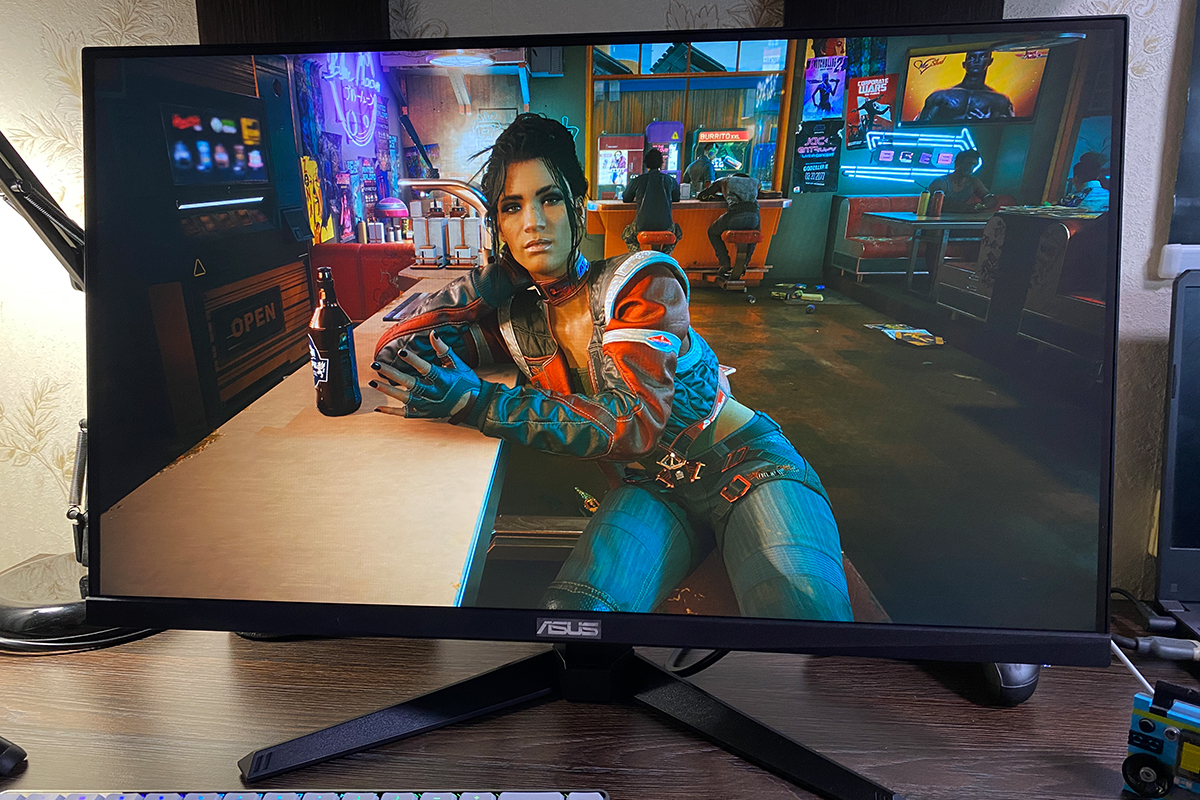
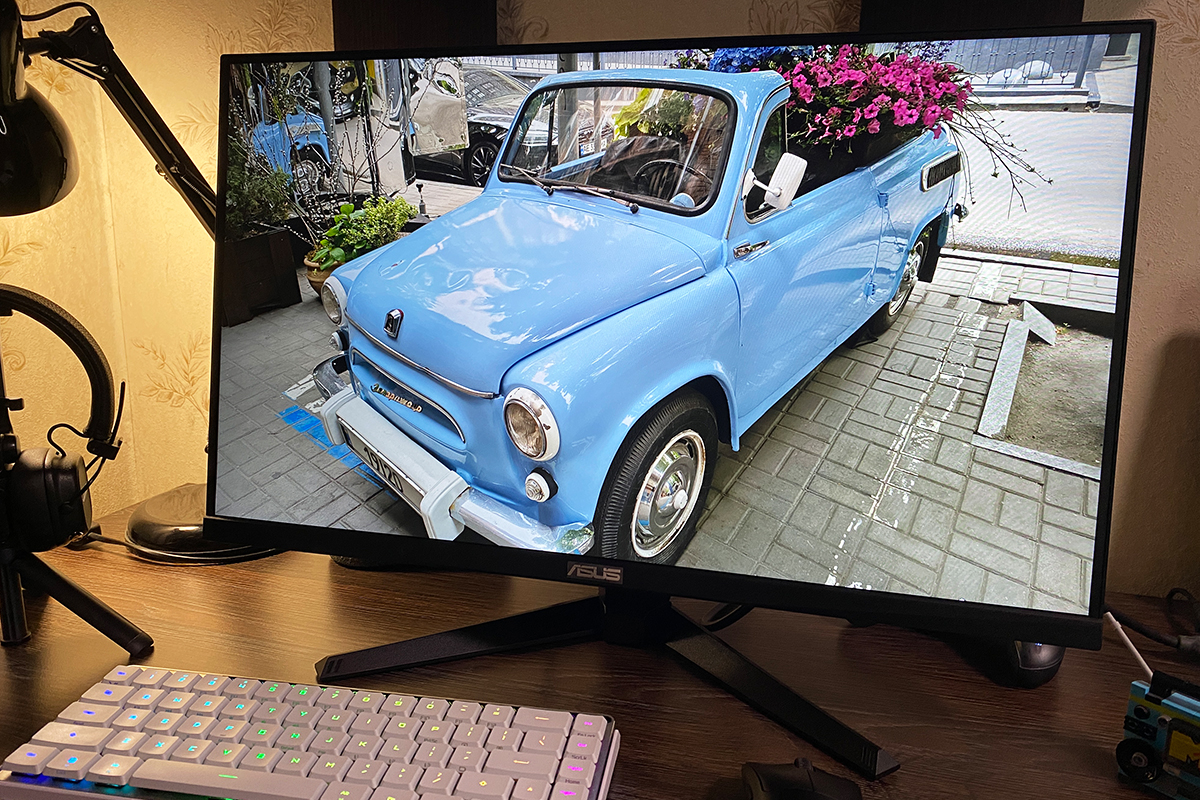
Regarding image quality itself, the VG259Q5A delivers essentially the same level of performance as the previous VG259Q3A model, although the display does feel slightly brighter, which aligns with the increased brightness level in this revision. The image is sharp, reasonably bright and saturated, with acceptable contrast. Color reproduction does not create a standout “wow” effect, but overall it is satisfactory. In summary, for its price segment, the monitor provides a solid and adequate image quality.
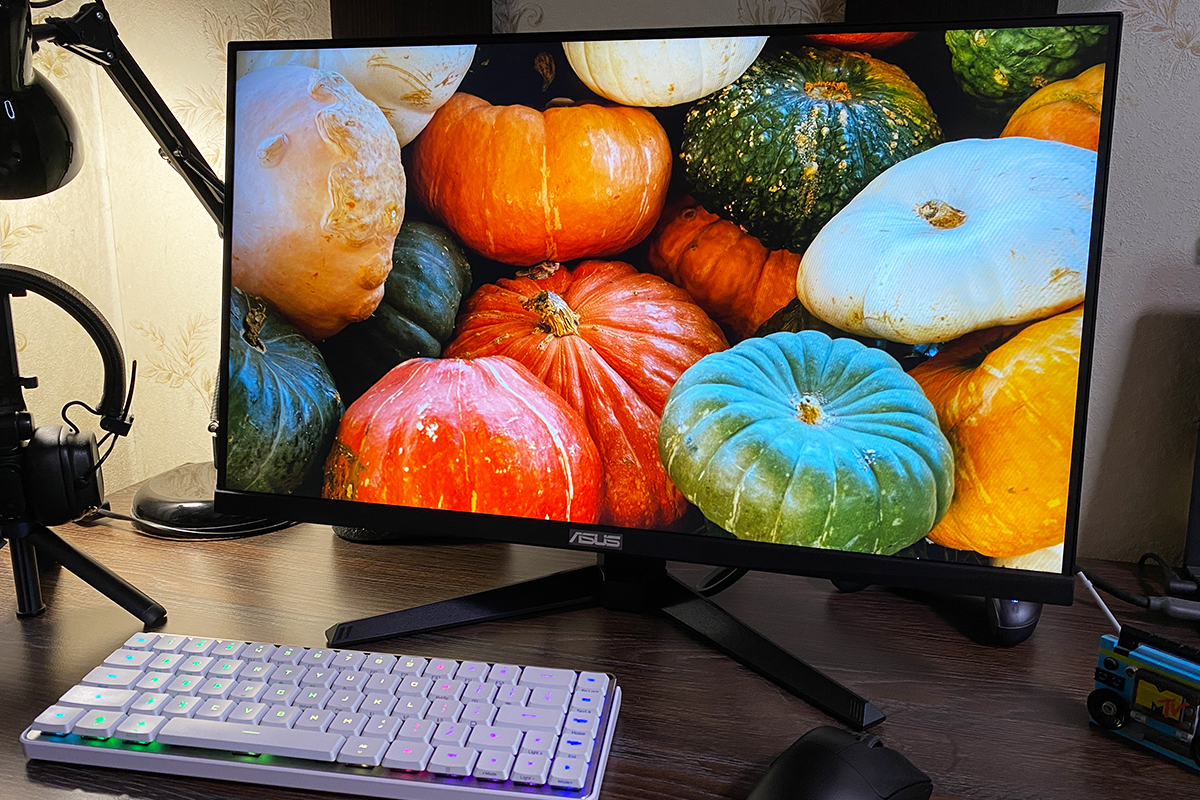
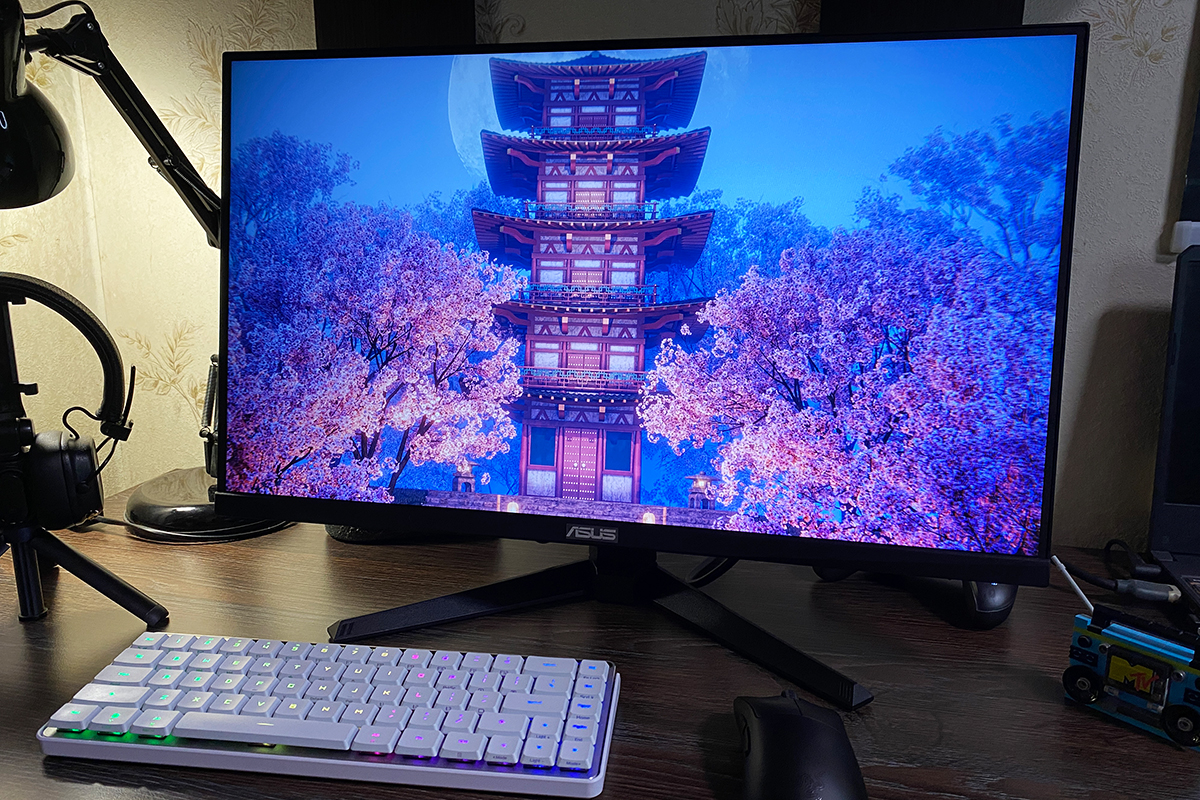
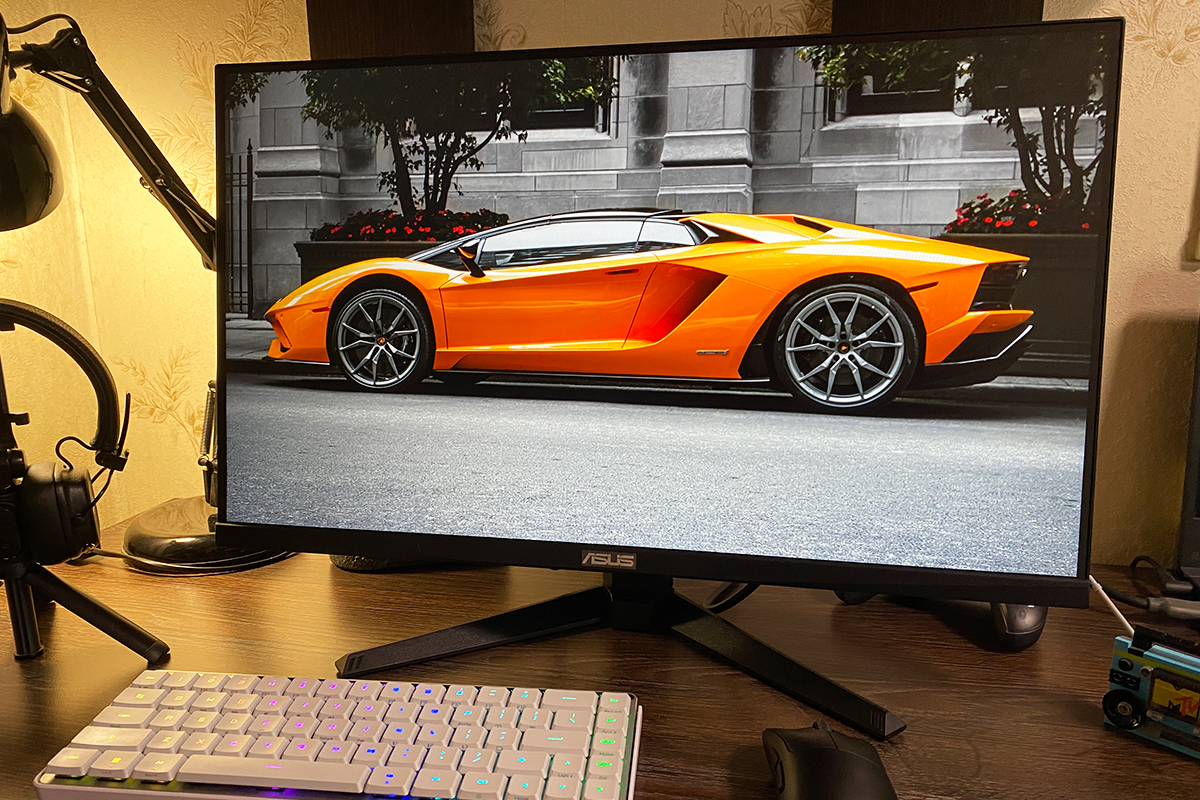
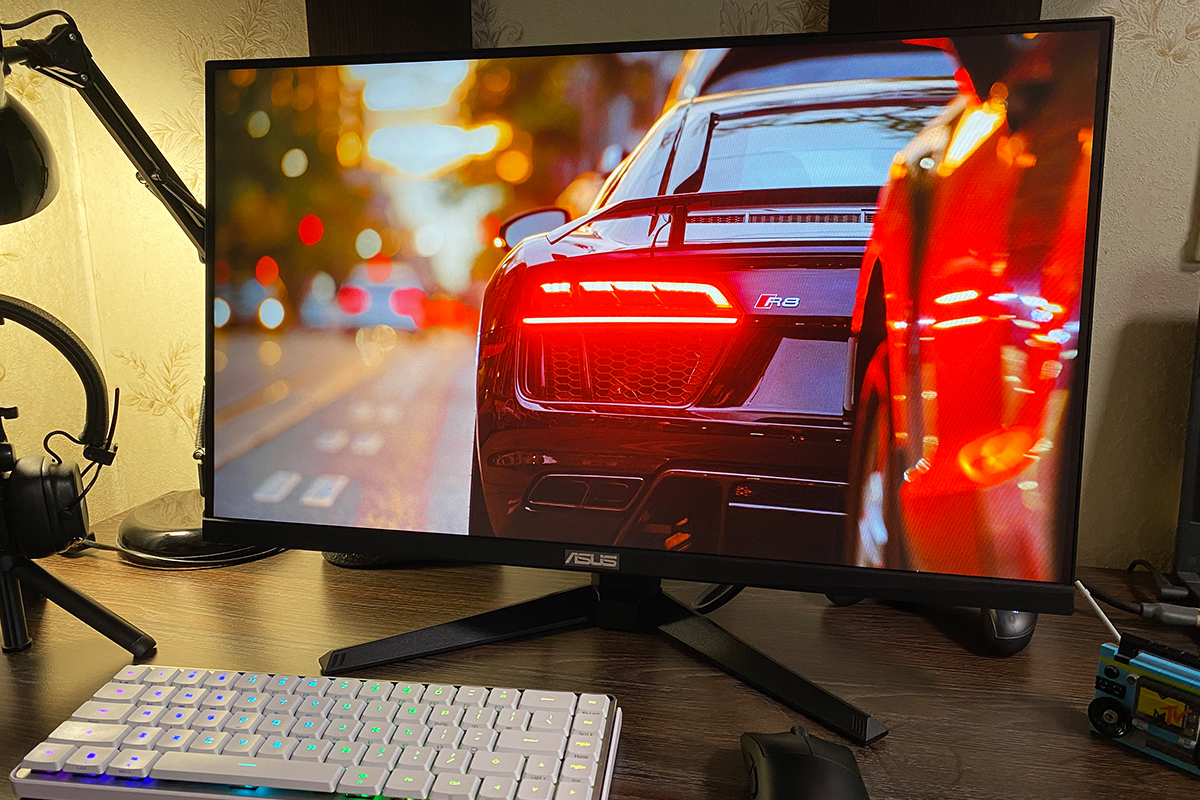
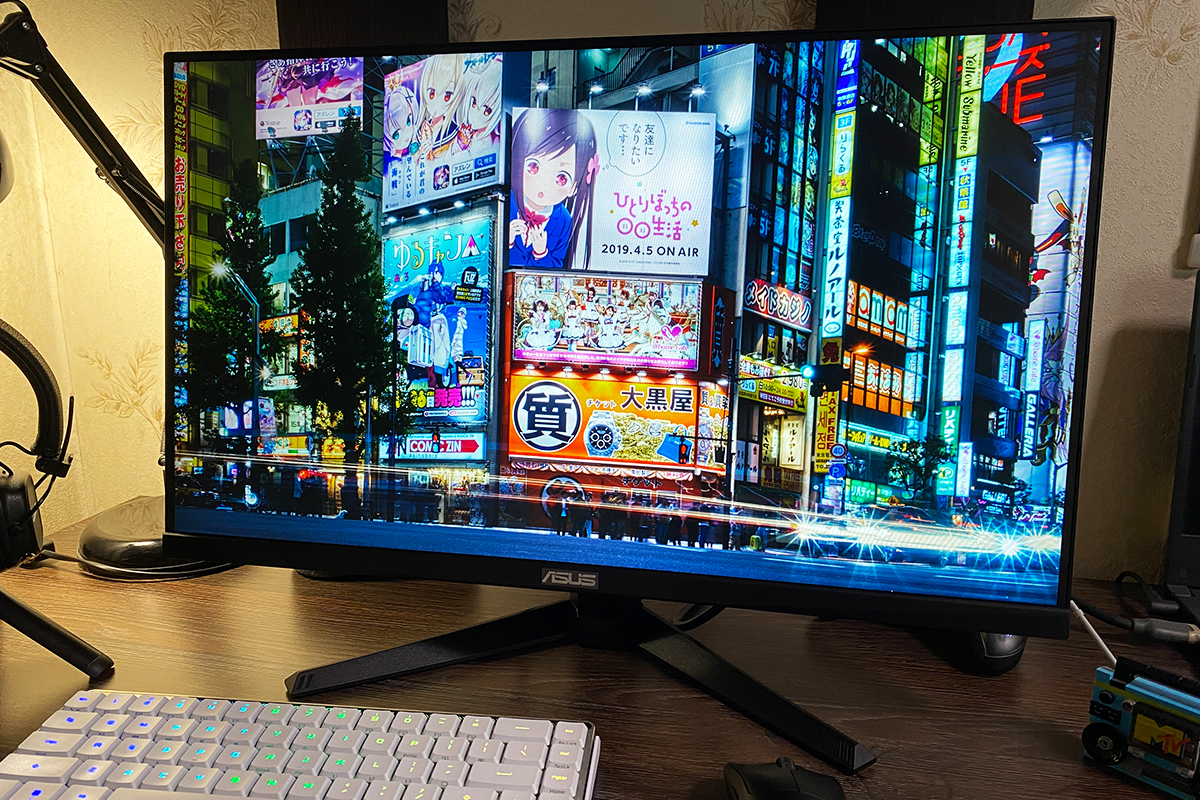
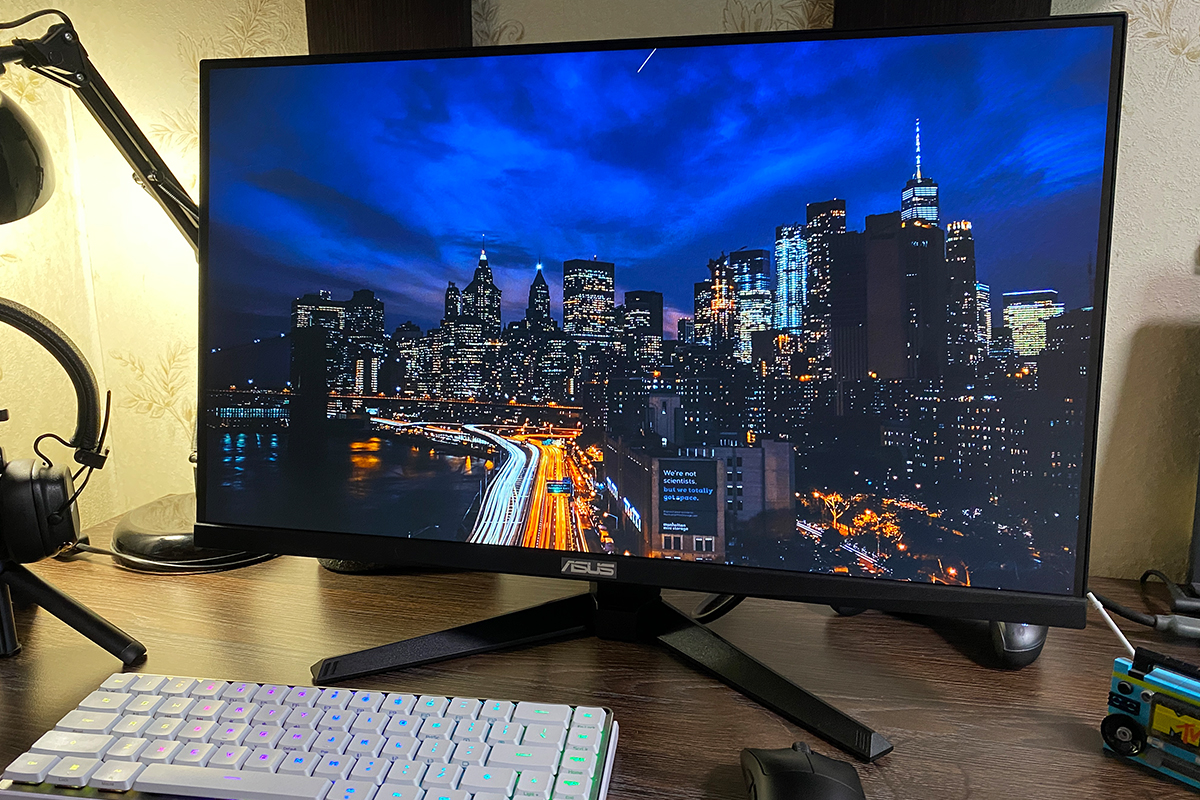
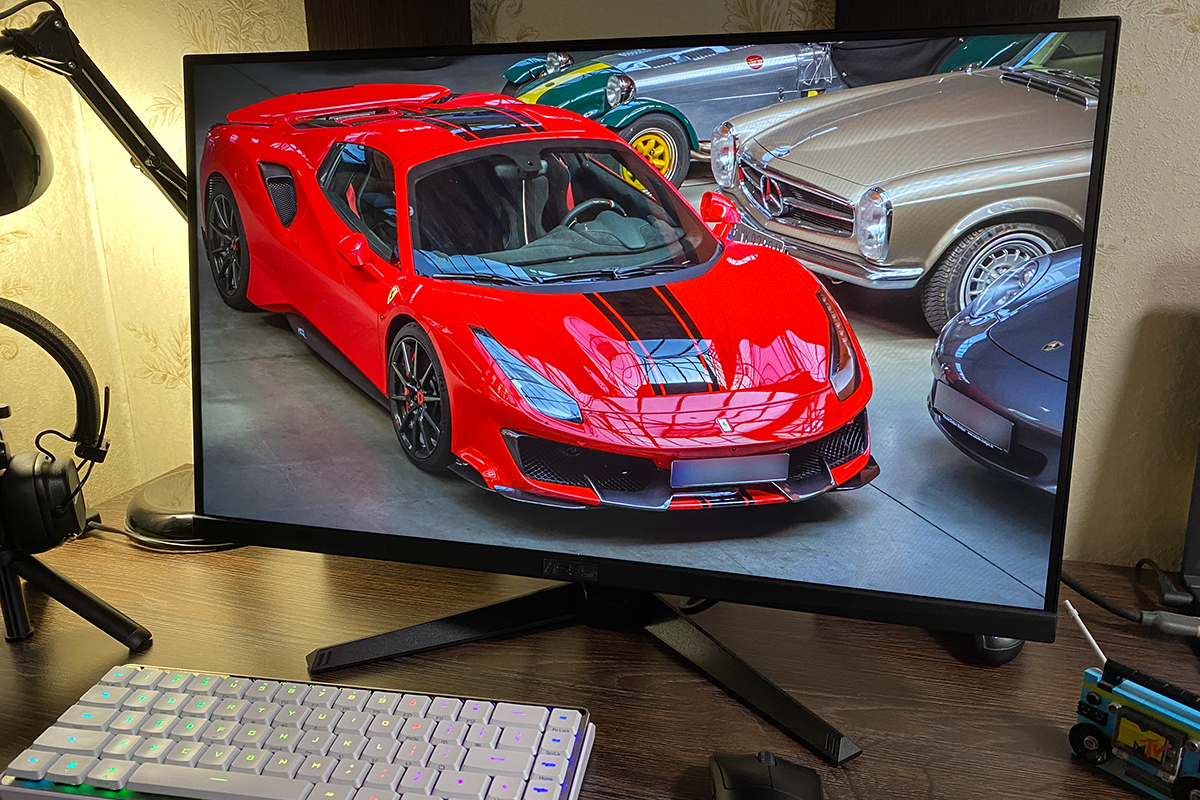
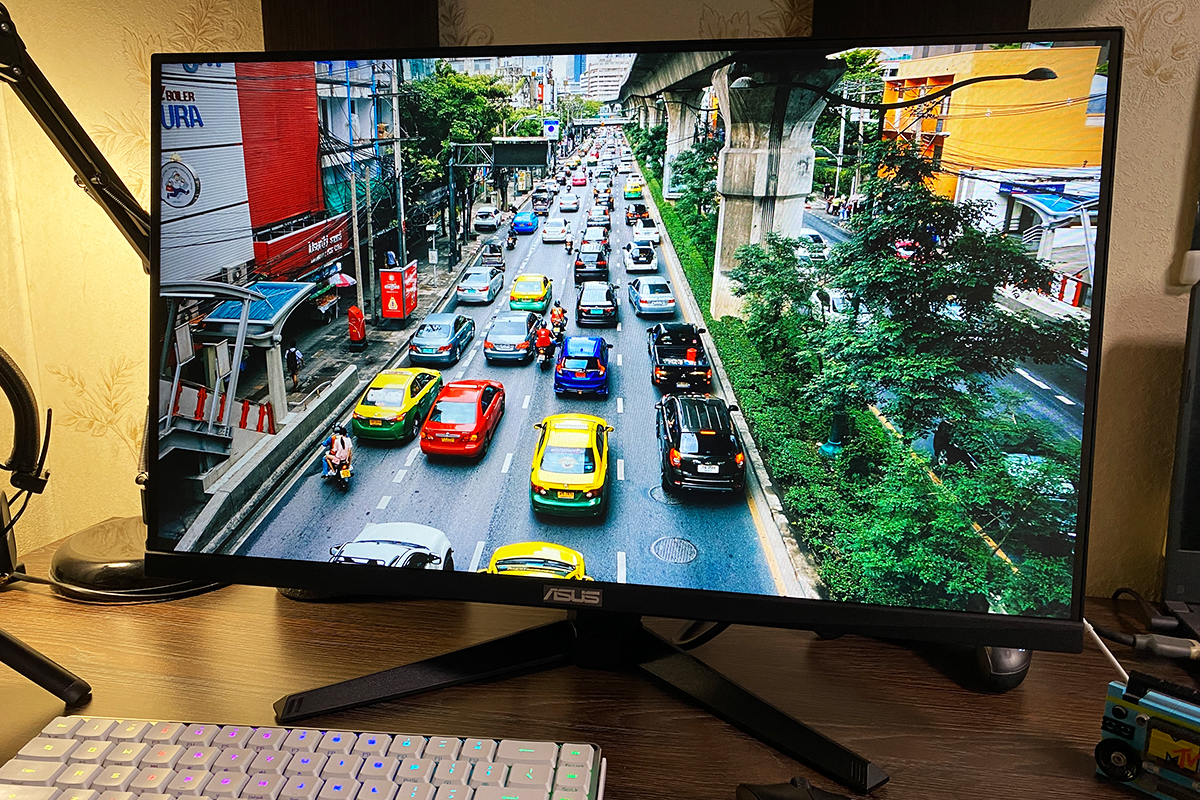
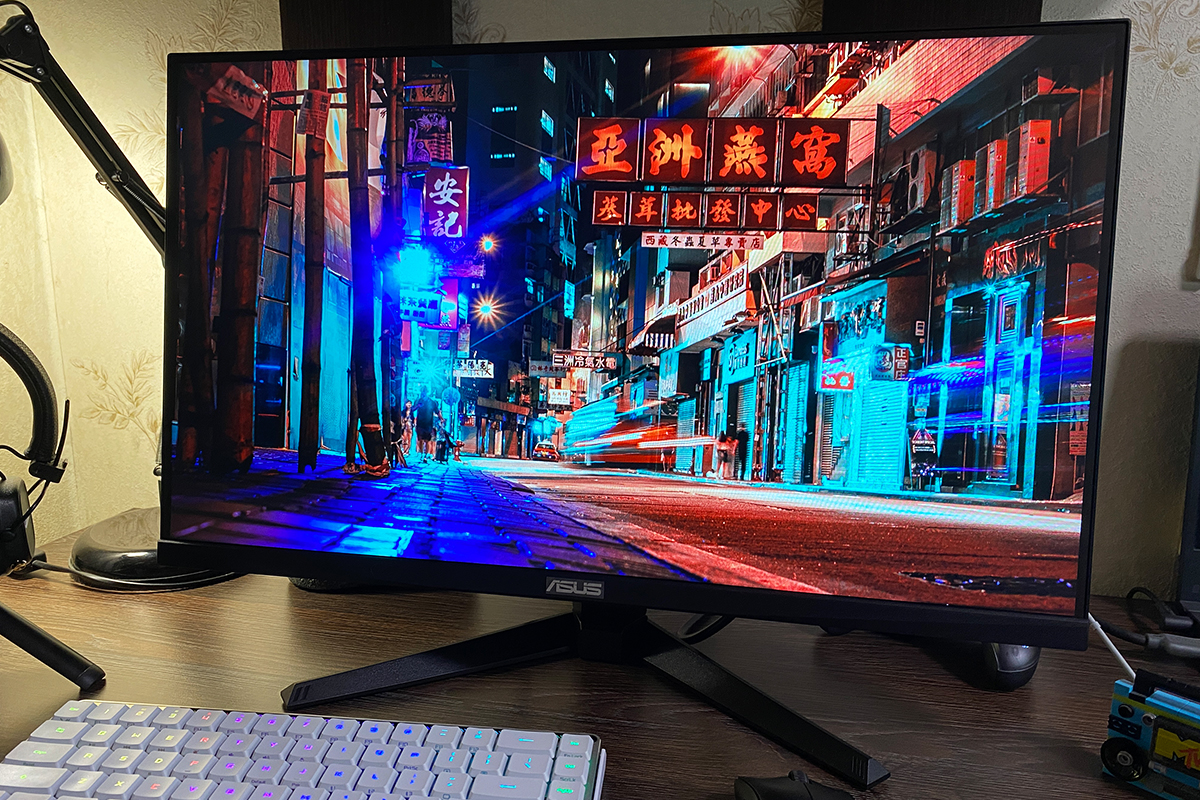
The monitor does not have any issues with viewing angles – the image remains clearly visible from any angle. At extreme angles, there are, of course, minor shifts in brightness and contrast, but realistically, these angles are not typical for regular use.
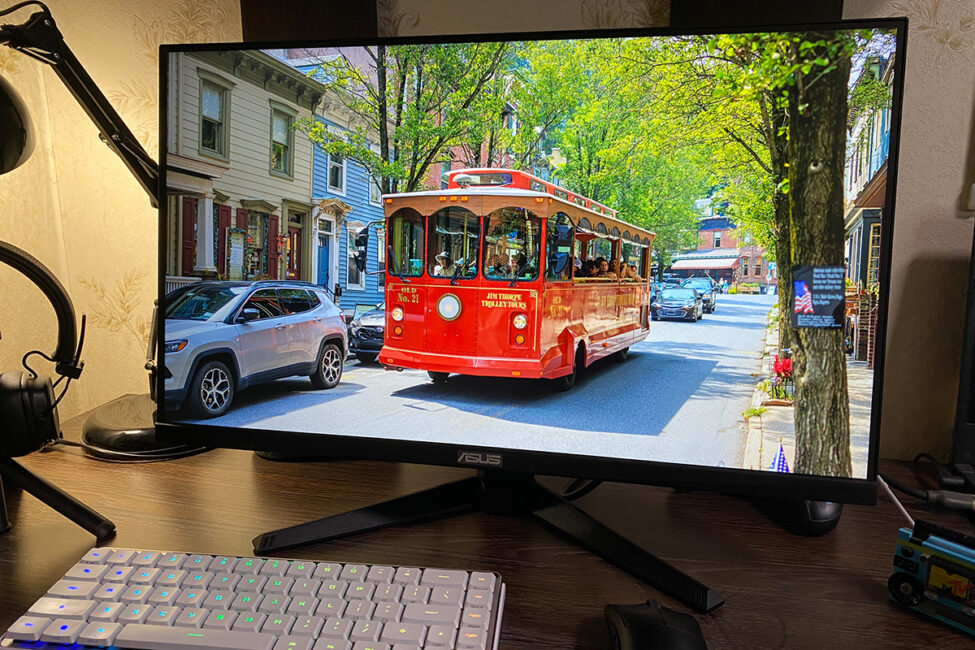
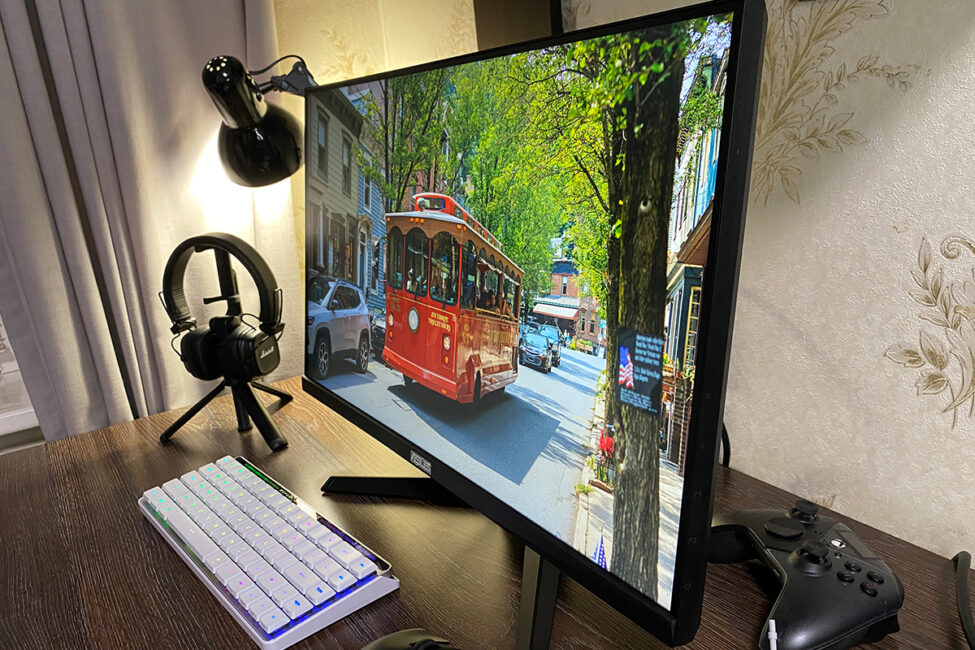
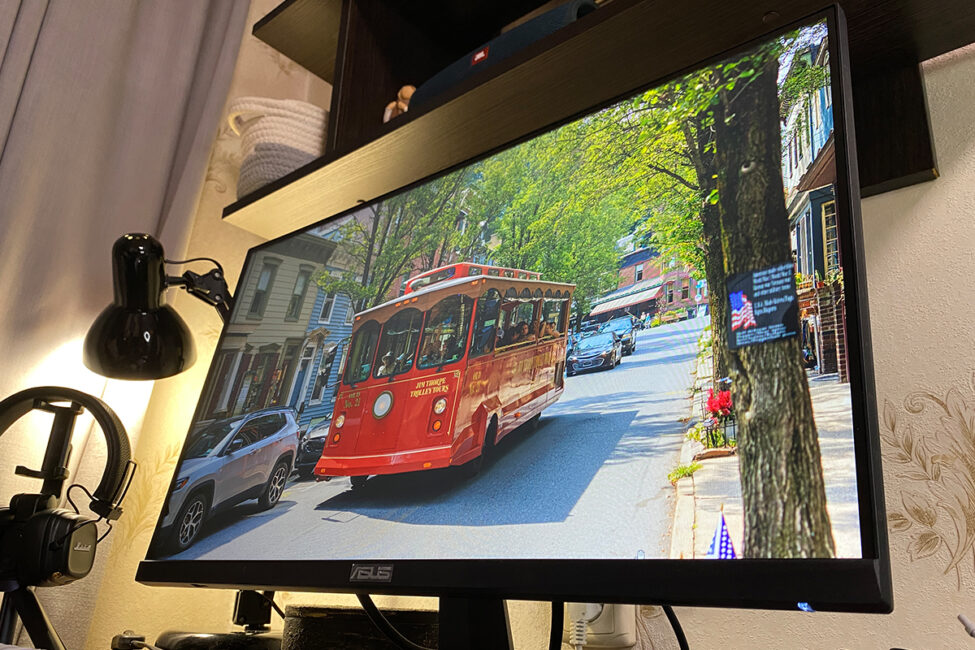
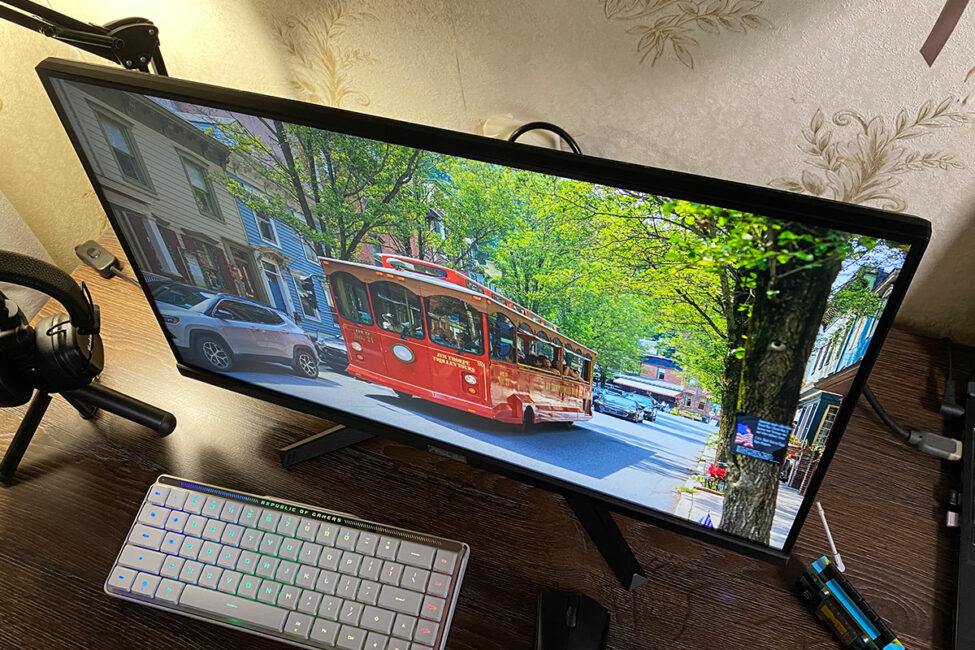
The unit I received for review does exhibit some backlight bleed, which can be seen in the photo below. However, it is worth noting that these areas were only noticeable in the photograph. During typical use, the backlight bleed was not visible, even in dark scenes.

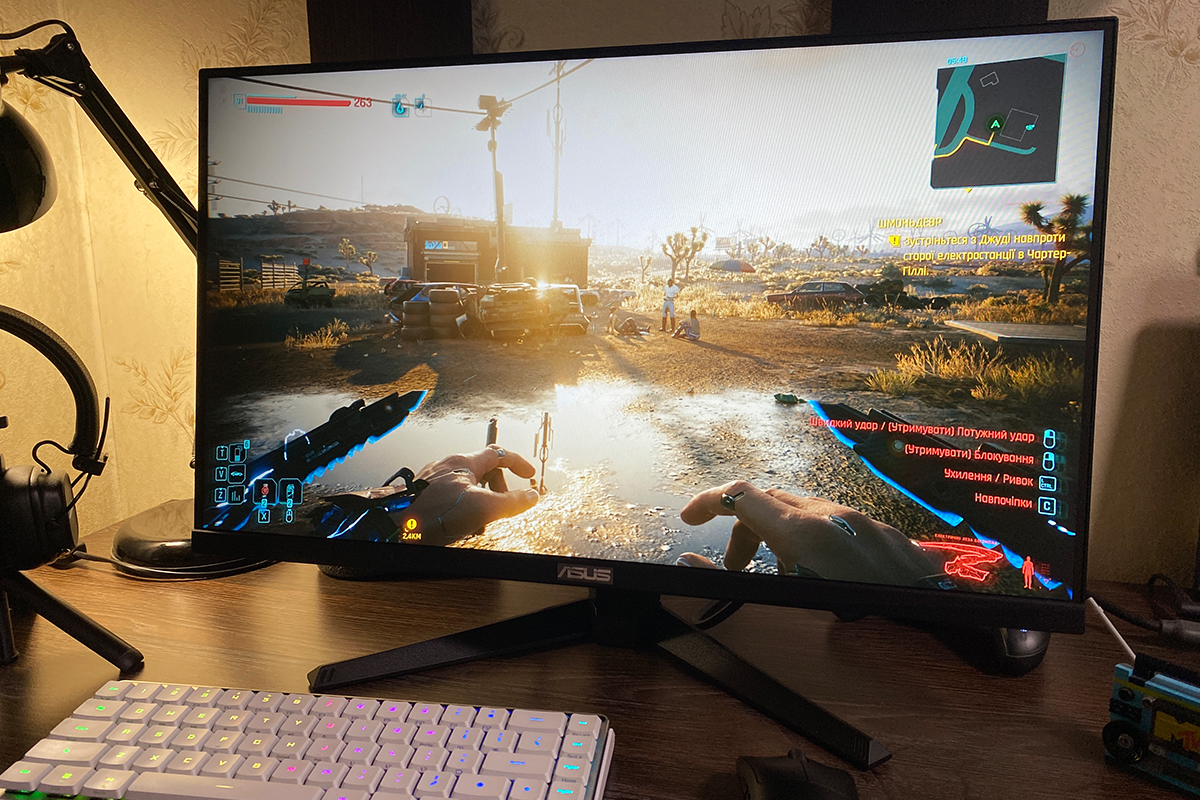
The monitor’s response is excellent. In games, the image is fast and smooth, with no noticeable blurring or ghosting. Overall, the TUF Gaming VG259Q5A is well-suited for fast-paced gaming.
Read also:
- ASUS ROG Azoth X Keyboard Review: Futuristic Design, Hot-Swap Support, and OLED Display
- ASUS ROG Keris II Origin Wireless Gaming Mouse Review: Sleek and Affordable
ASUS TUF Gaming VG259Q5A Sound
Like the previous model, the monitor has two built-in 2W speakers. Their performance is similar to that of the earlier model – reasonably loud but with flat sound and no bass. This is typical for low-power integrated monitor speakers and is sufficient for casual background listening or basic tasks such as video calls and online meetings.
On-screen menu
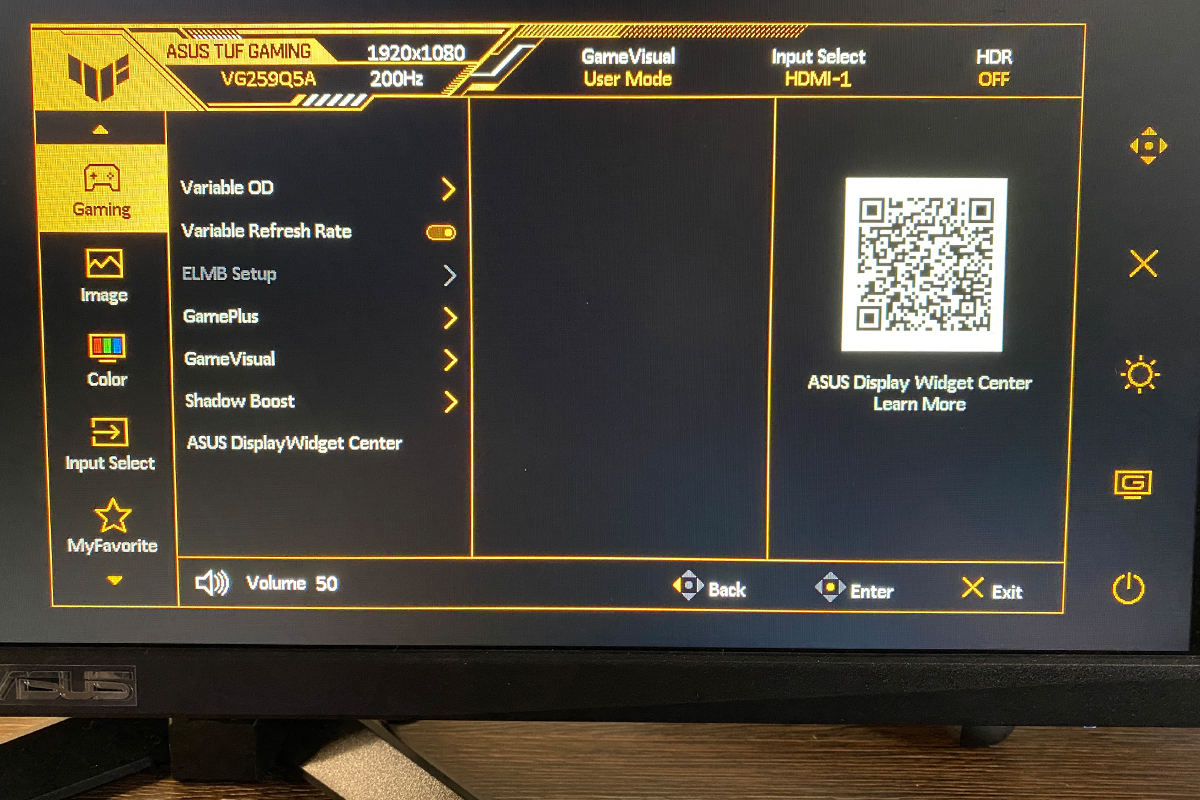
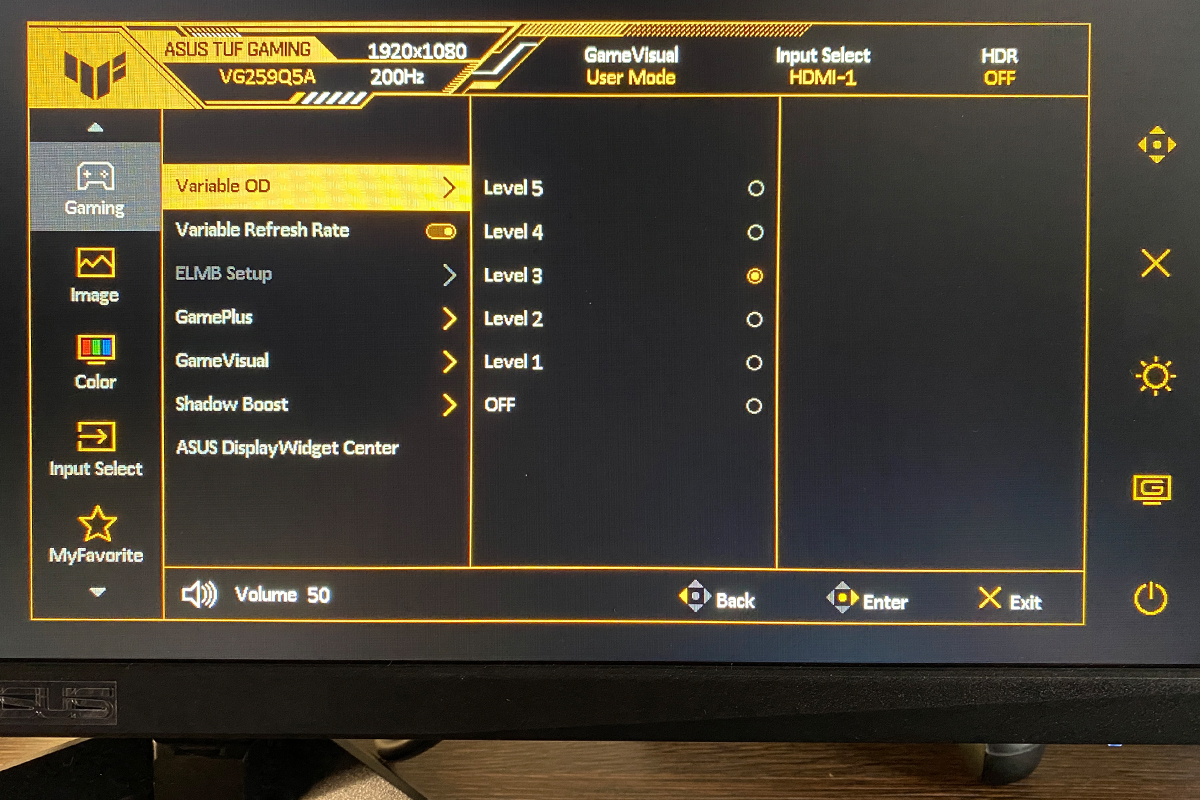
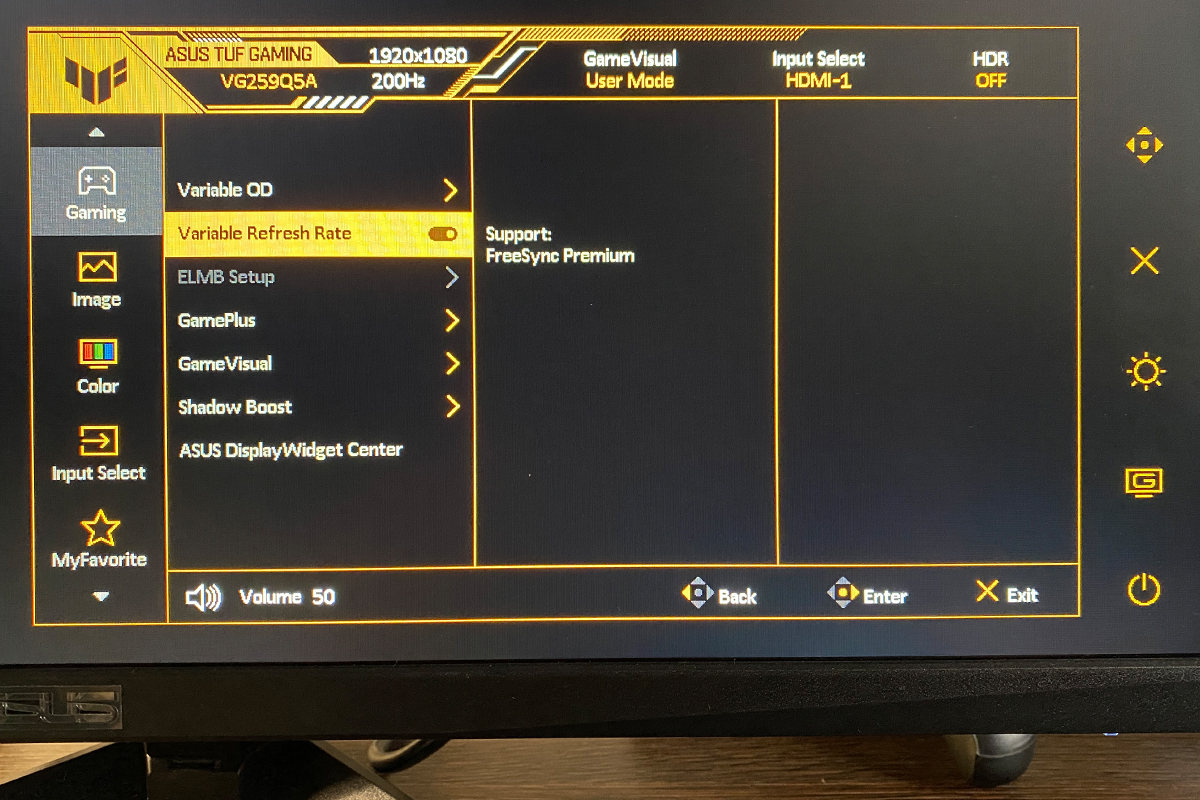
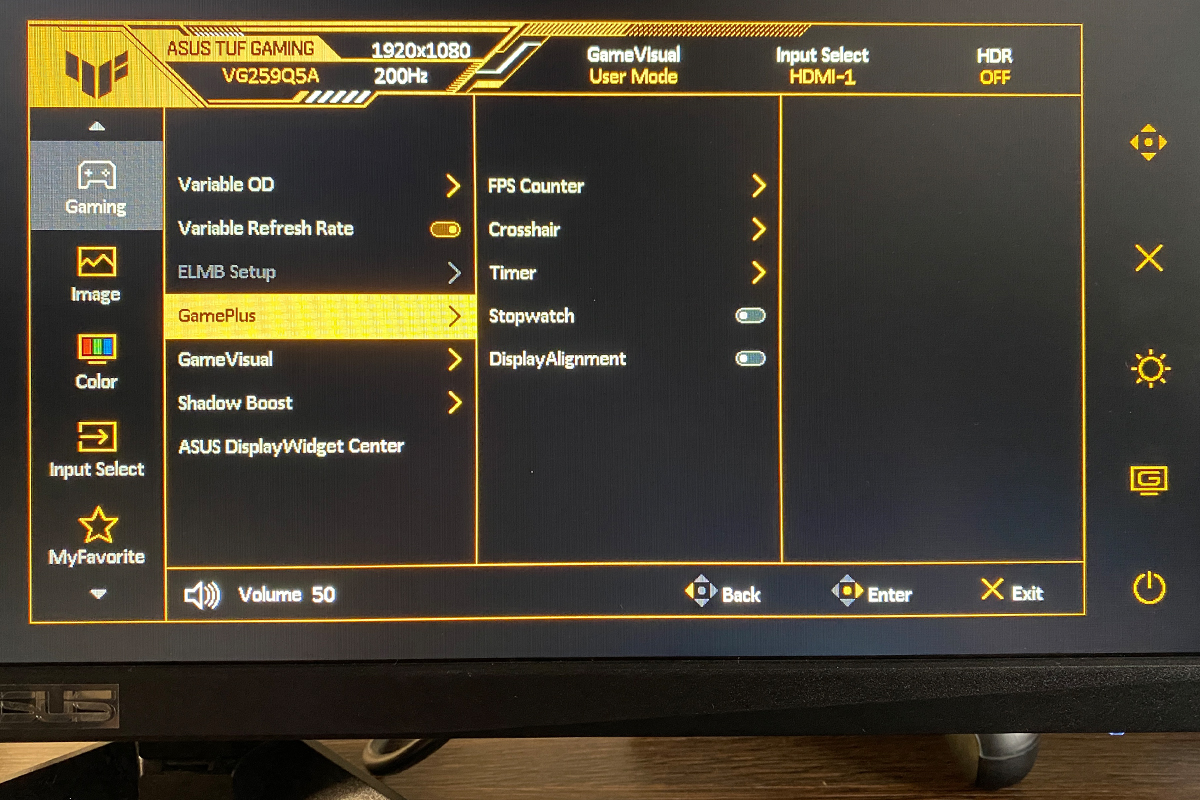
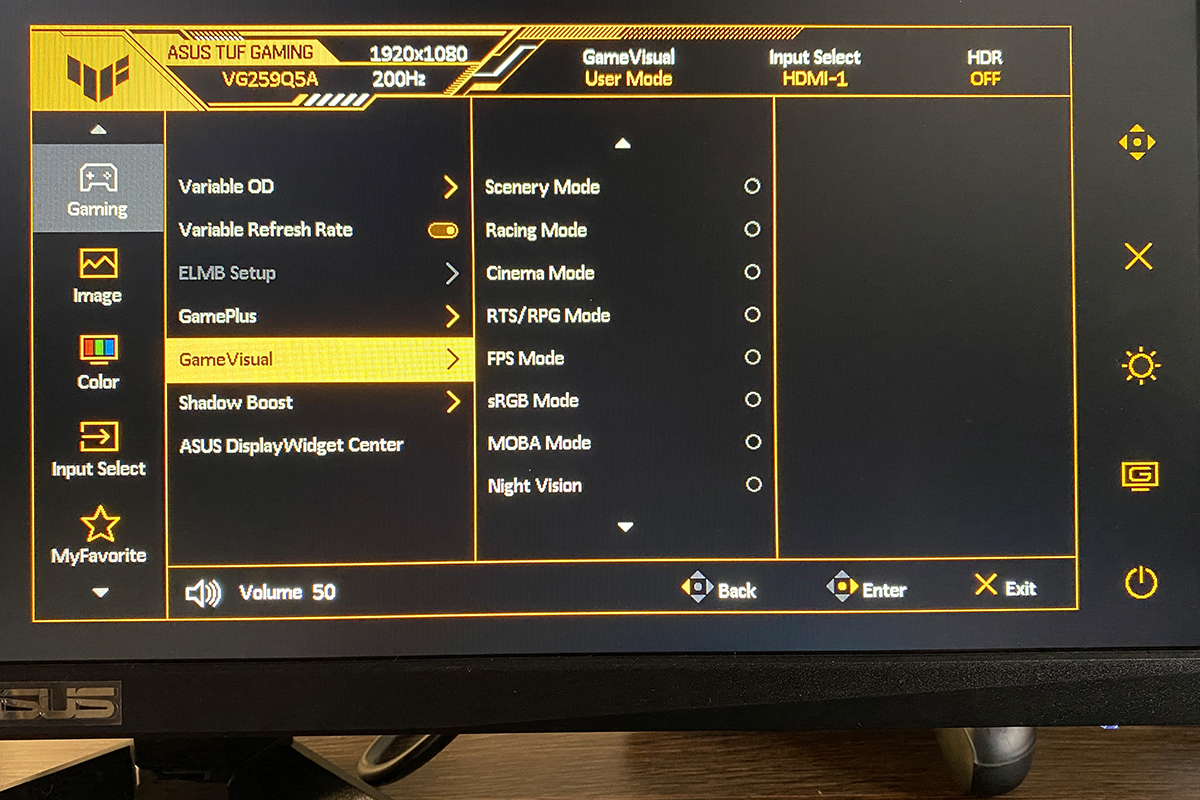
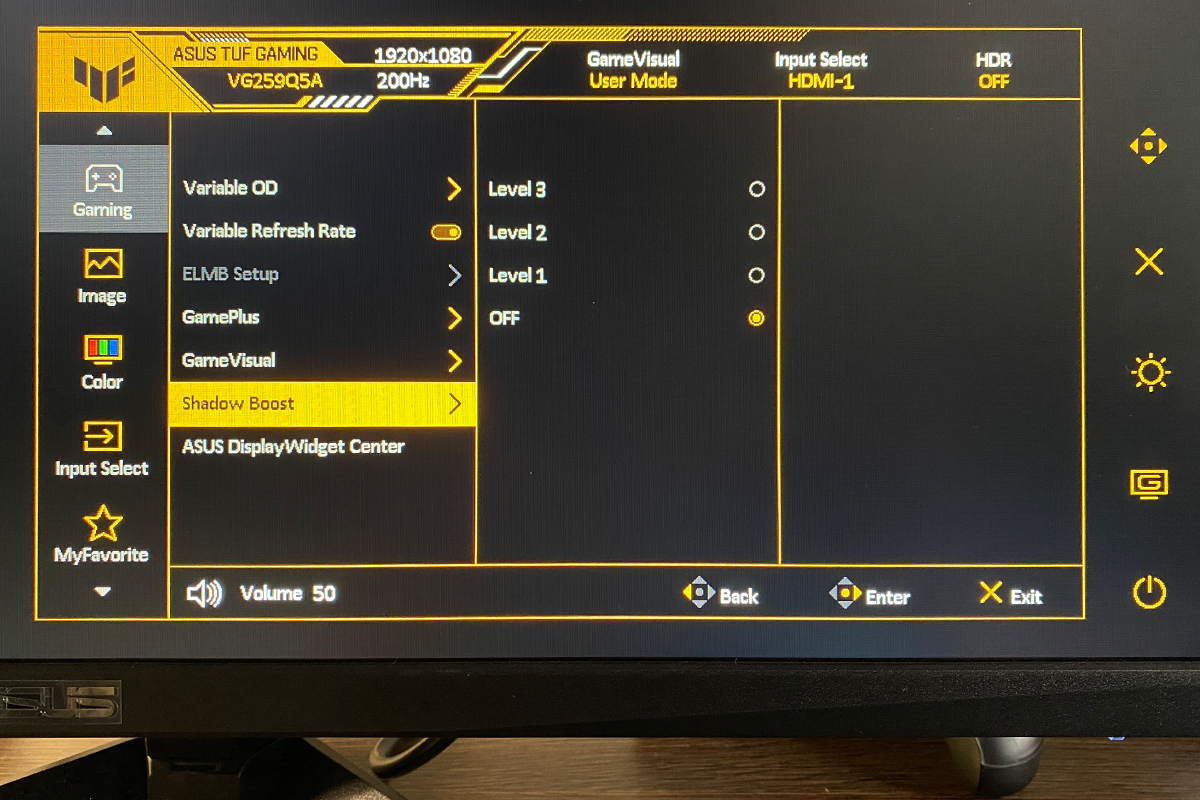
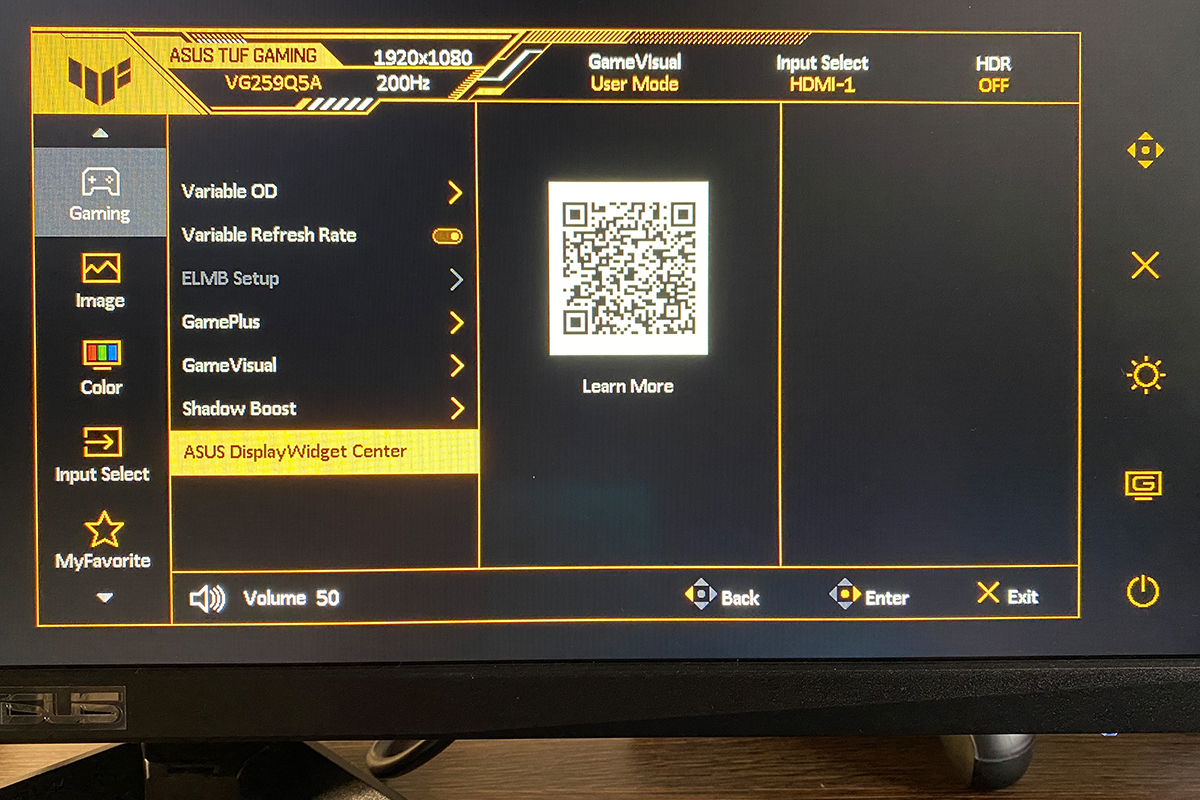
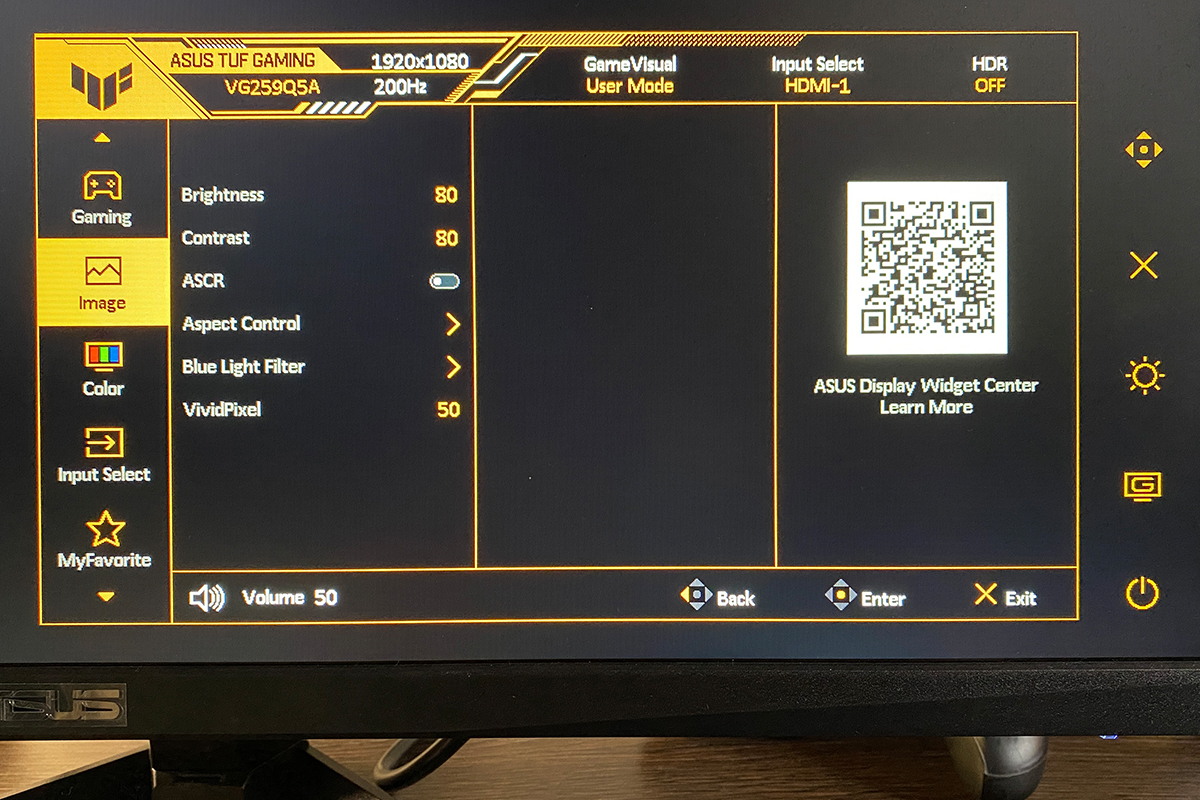
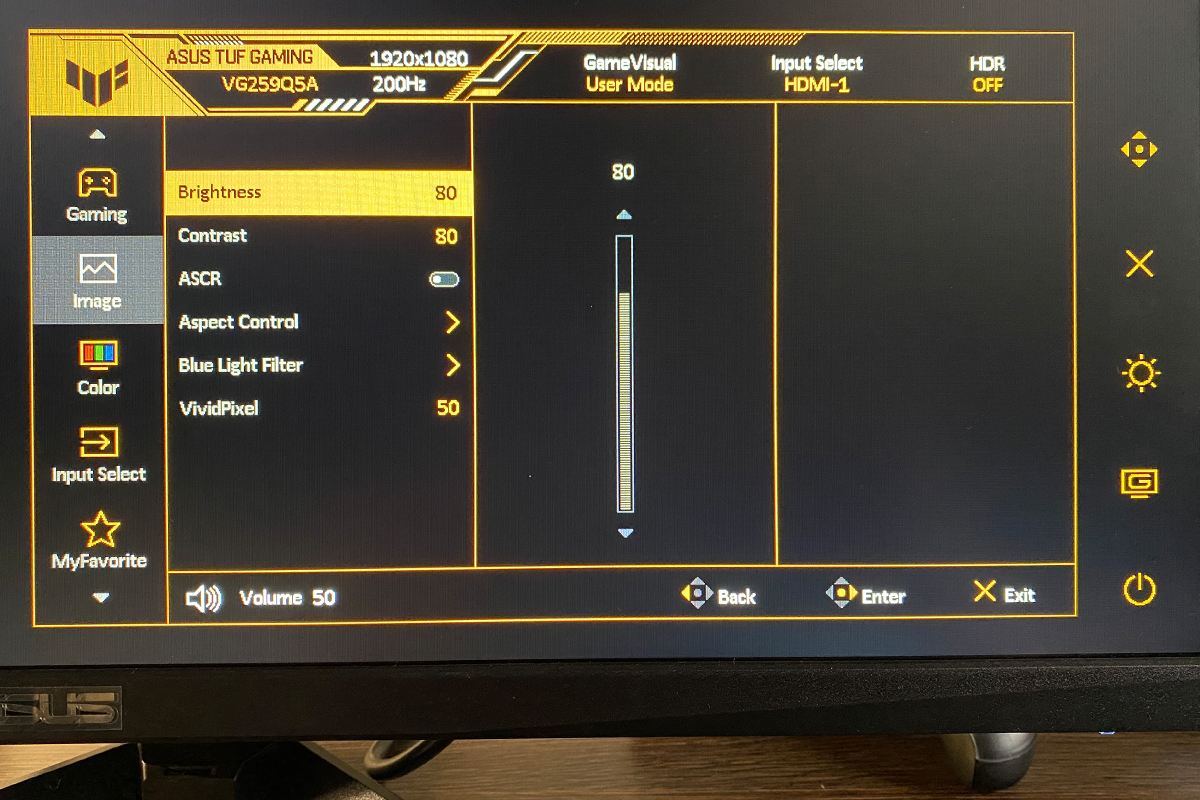
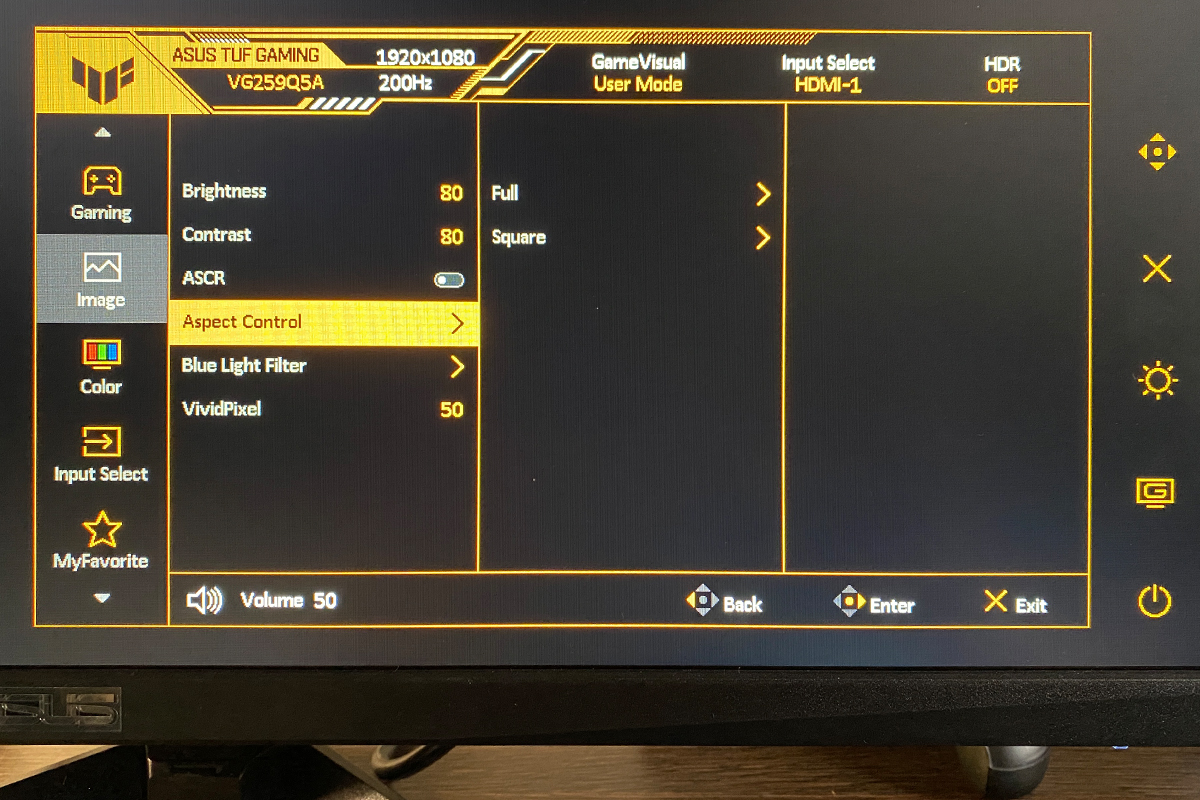
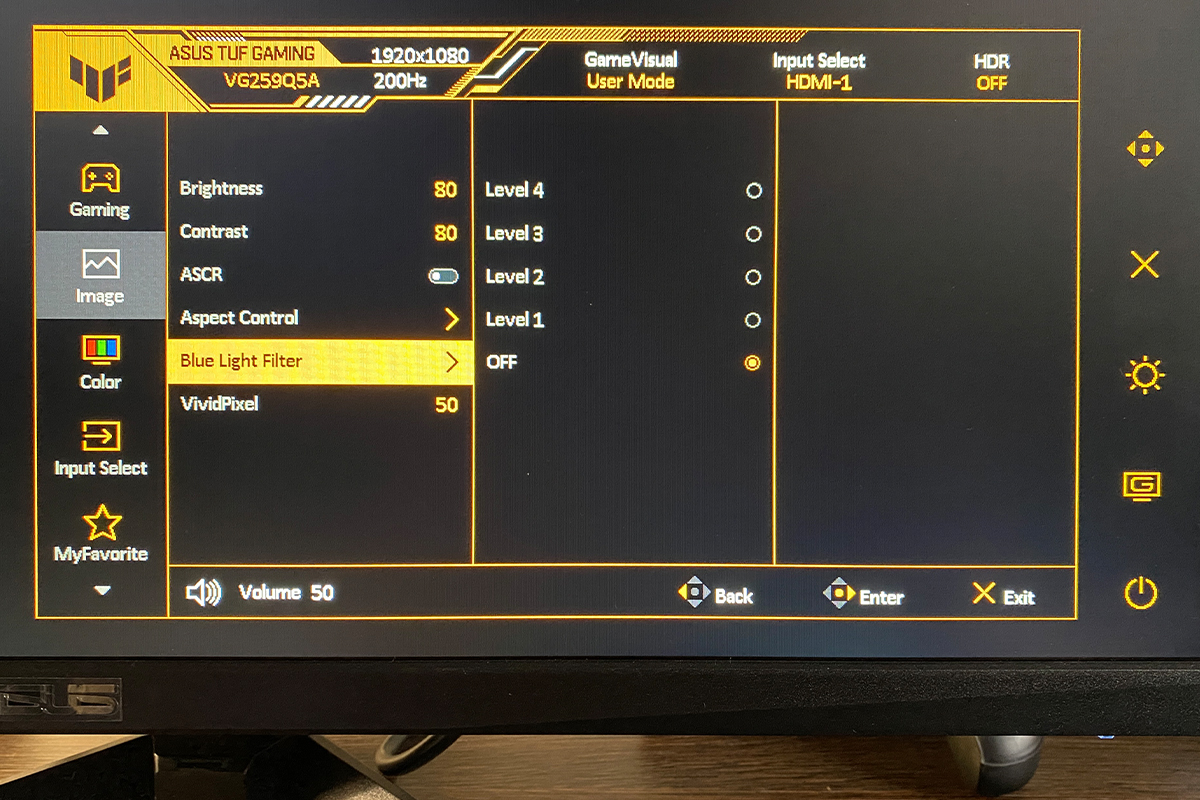
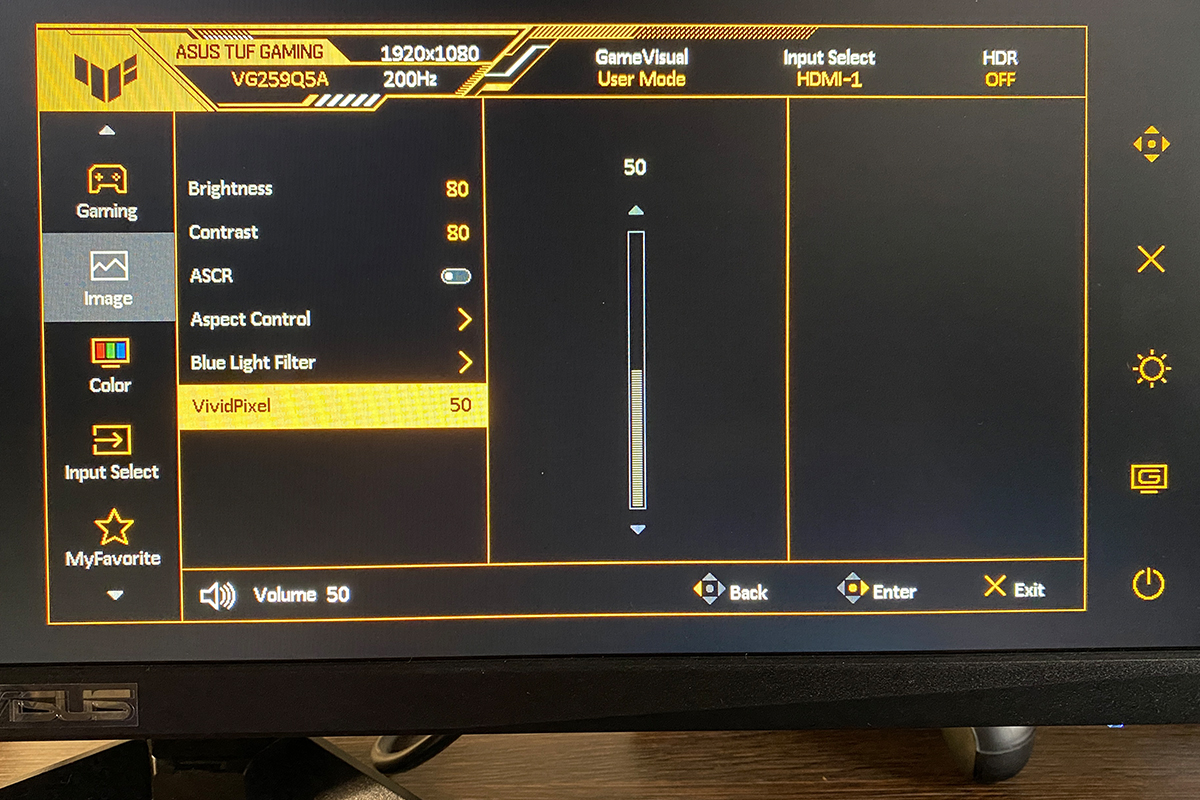
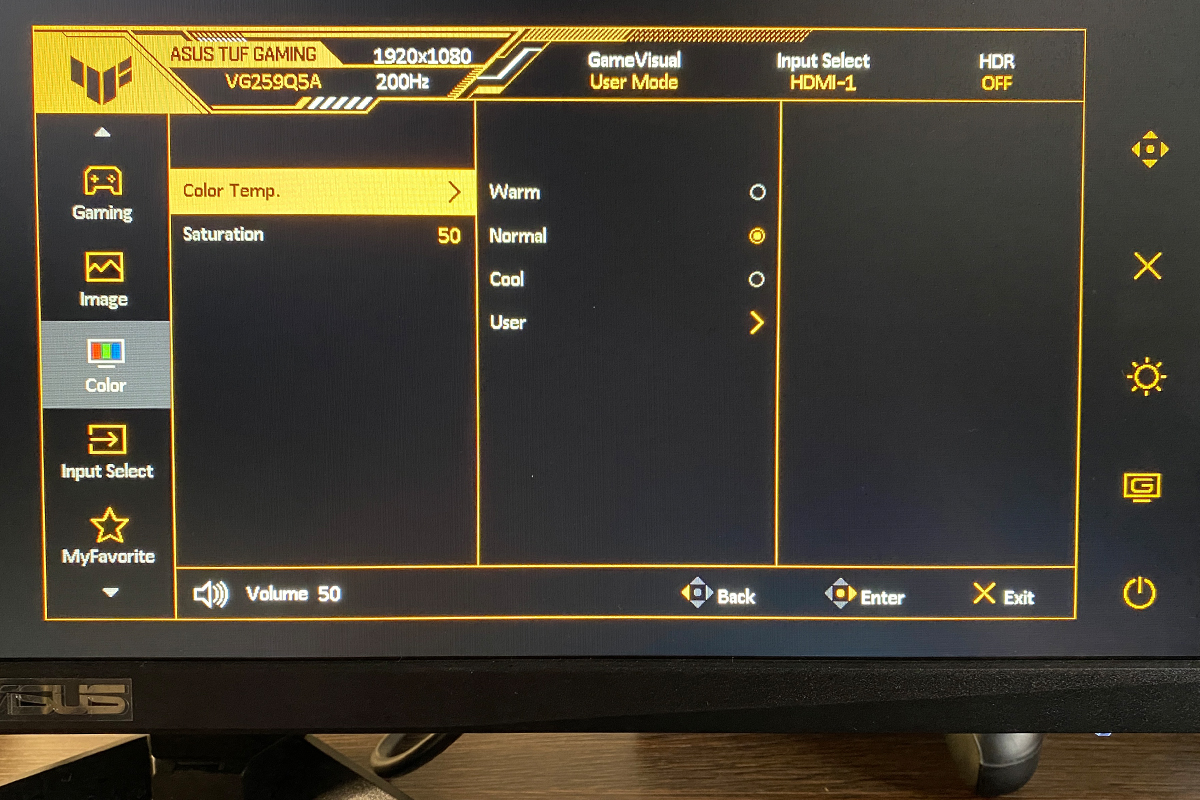
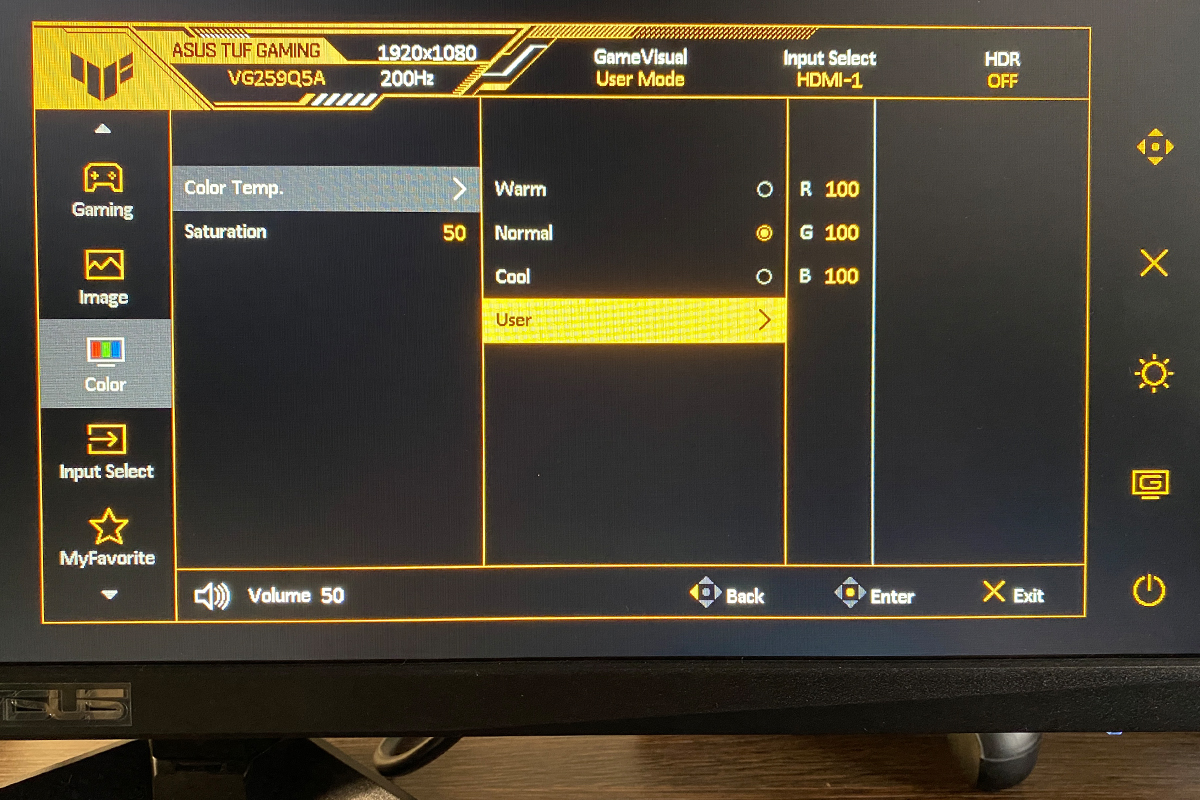
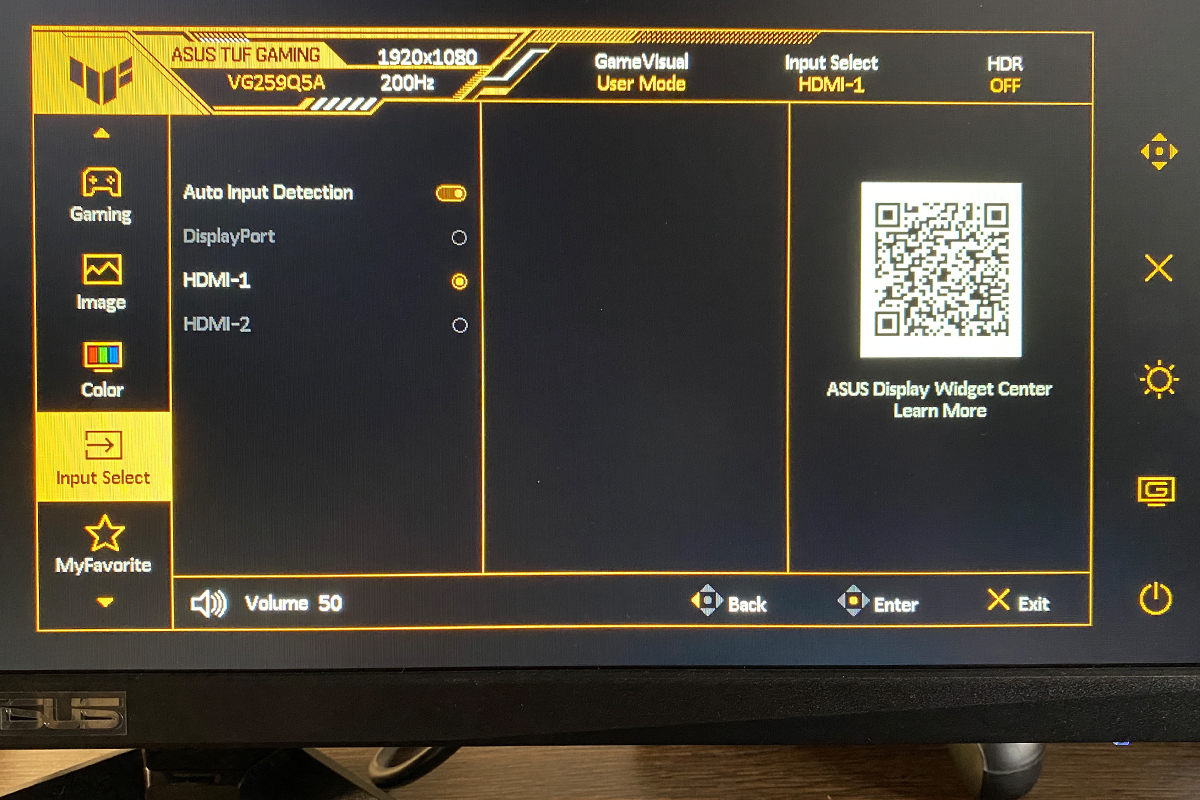
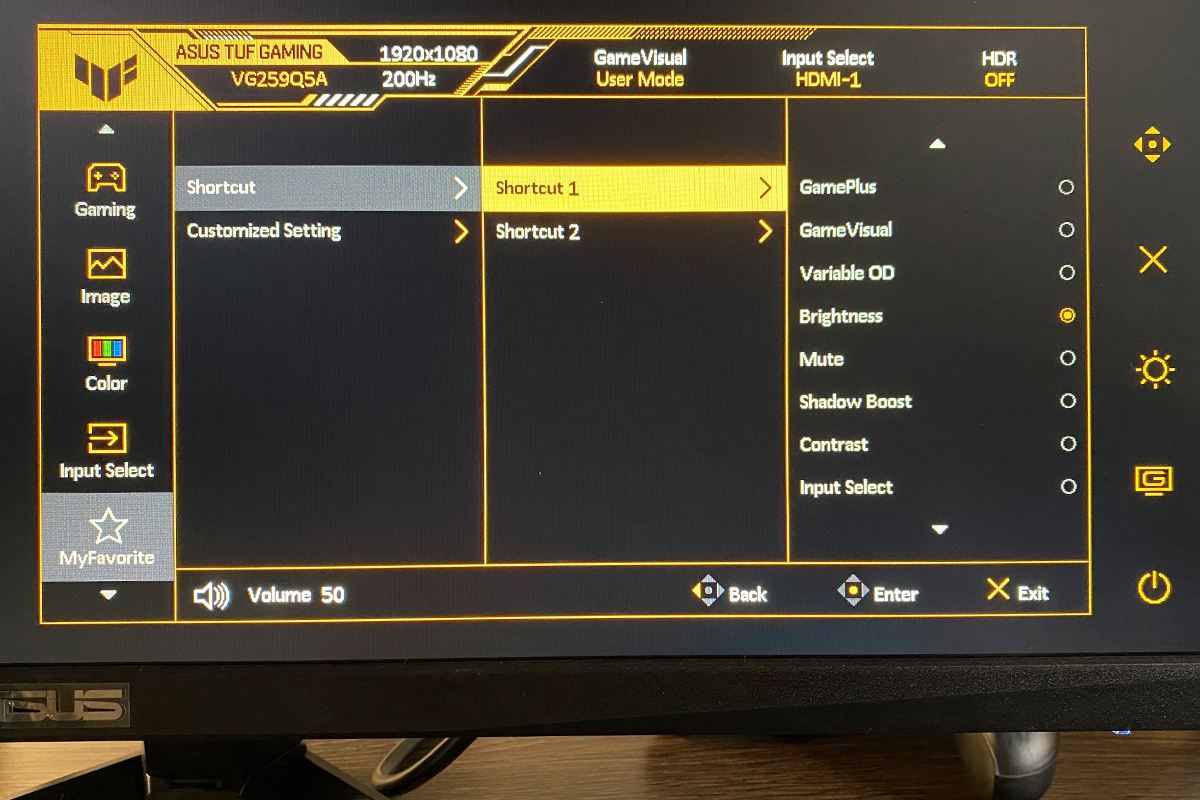
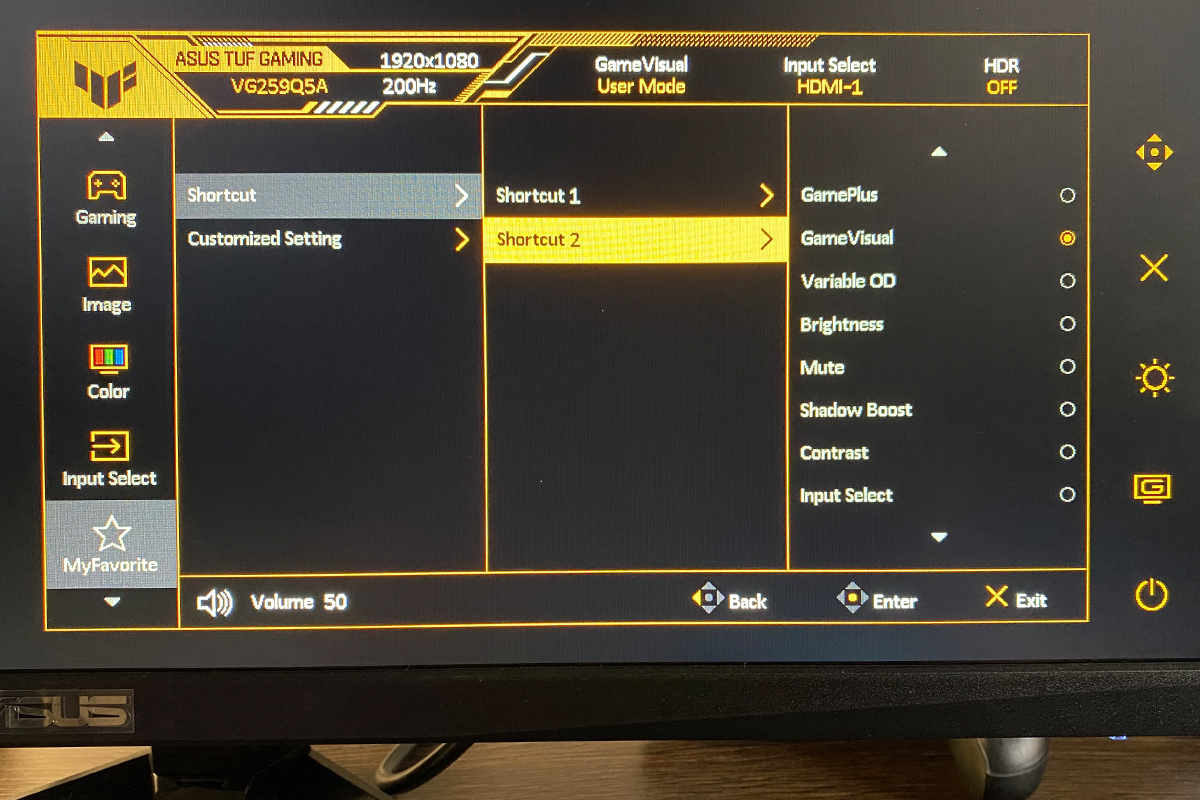
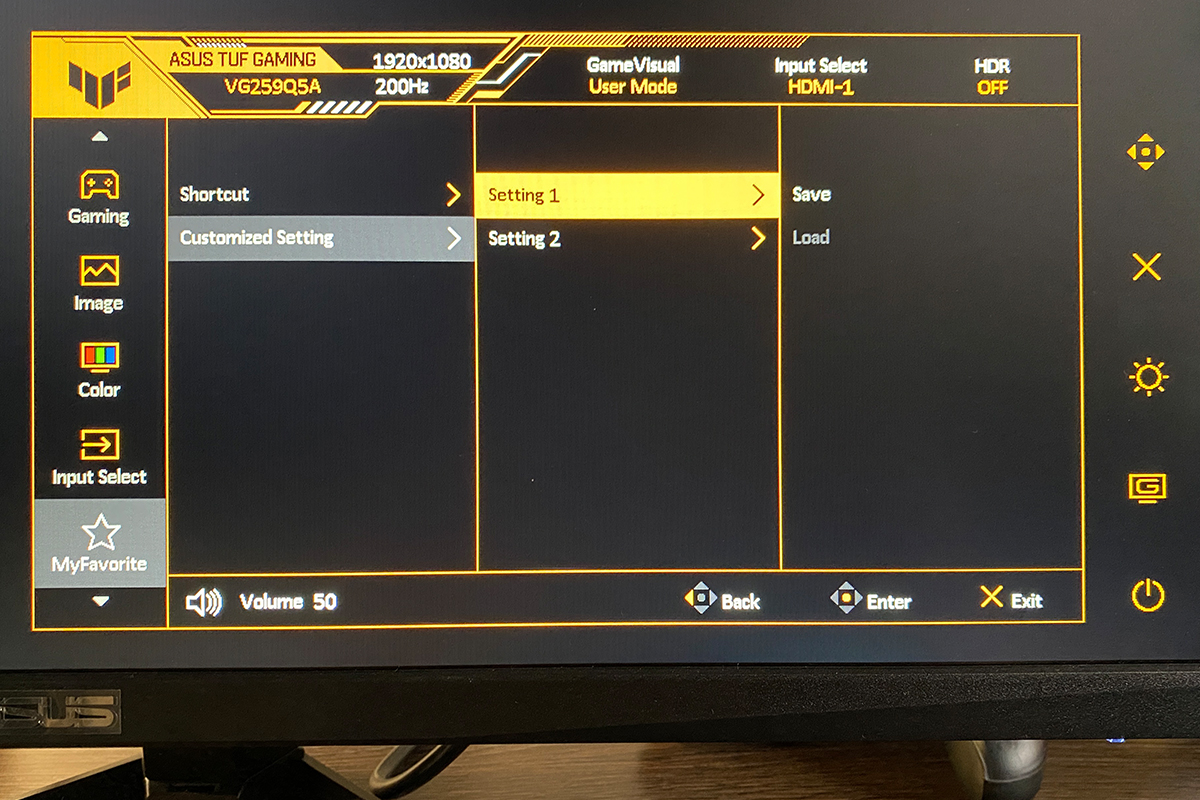
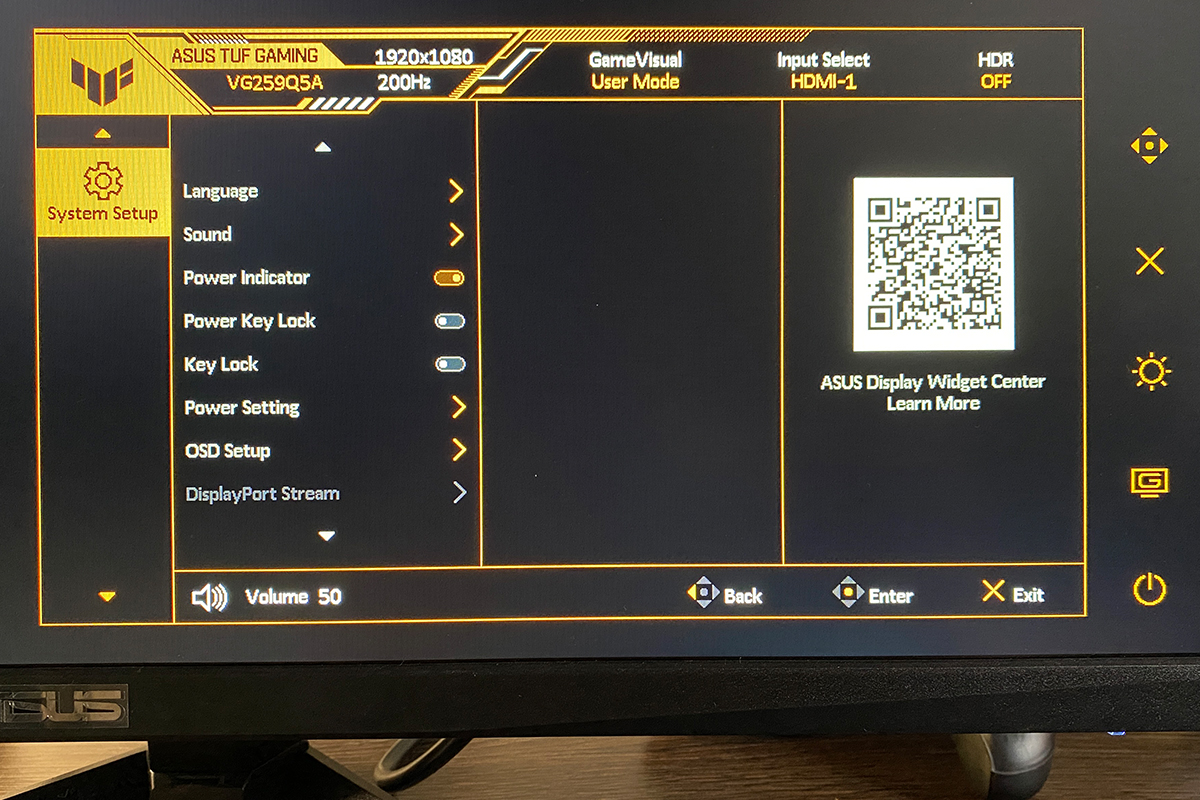
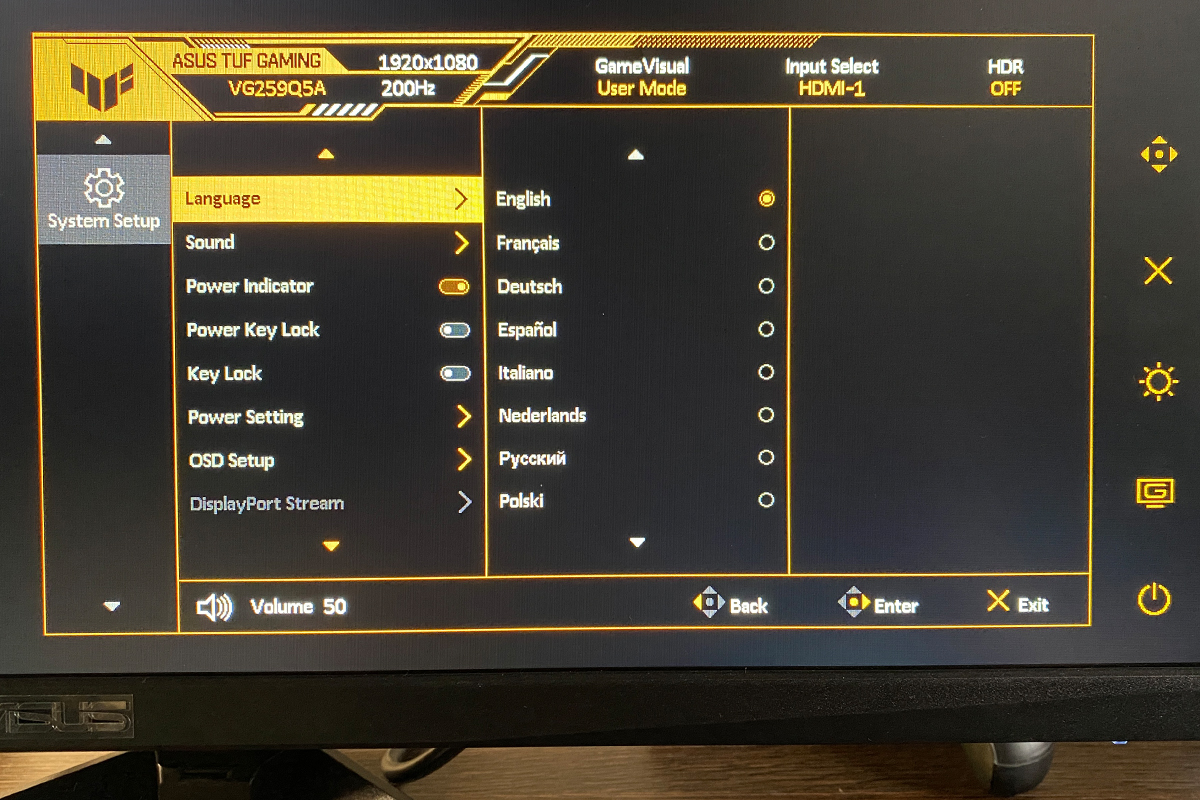
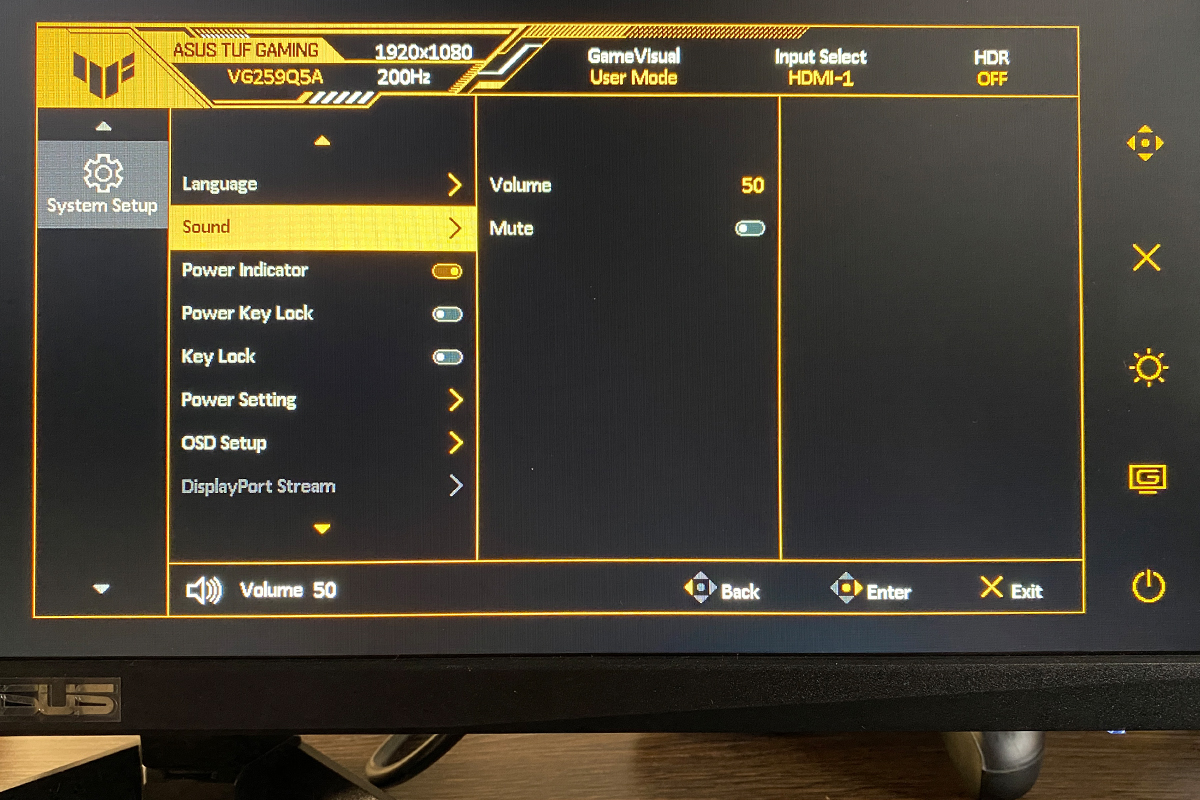
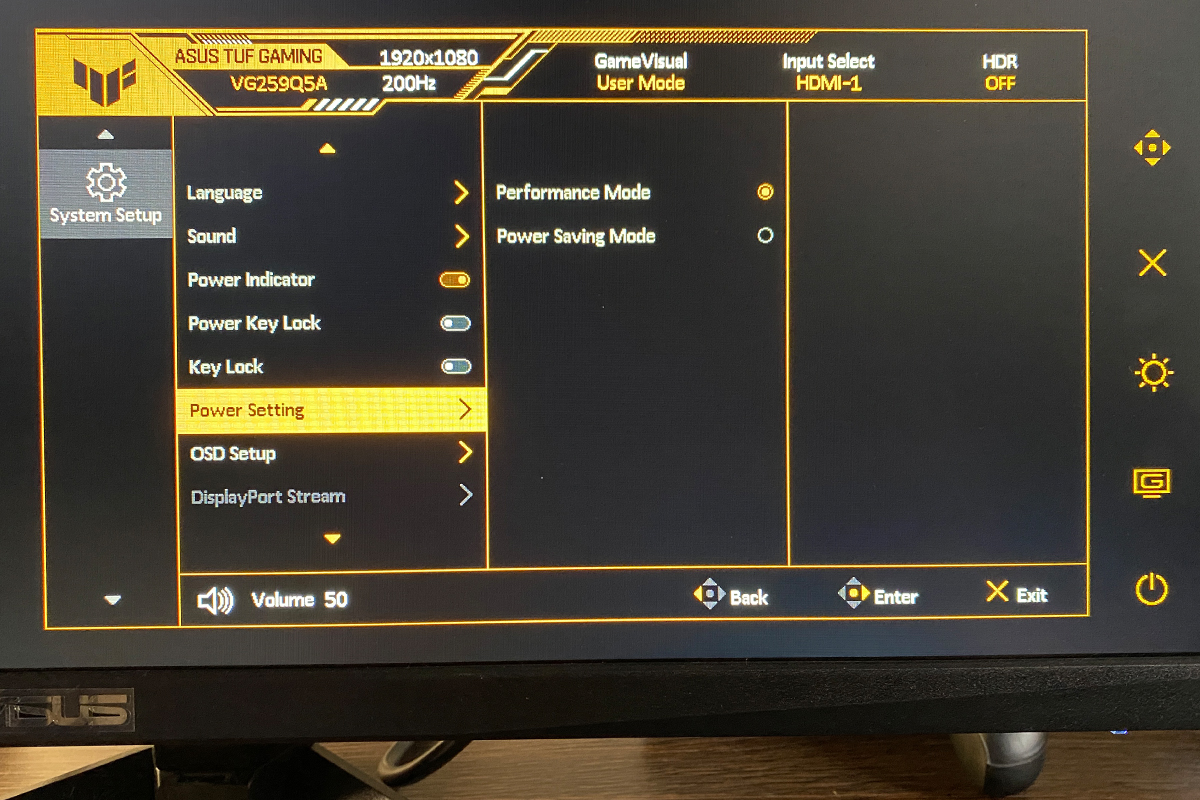
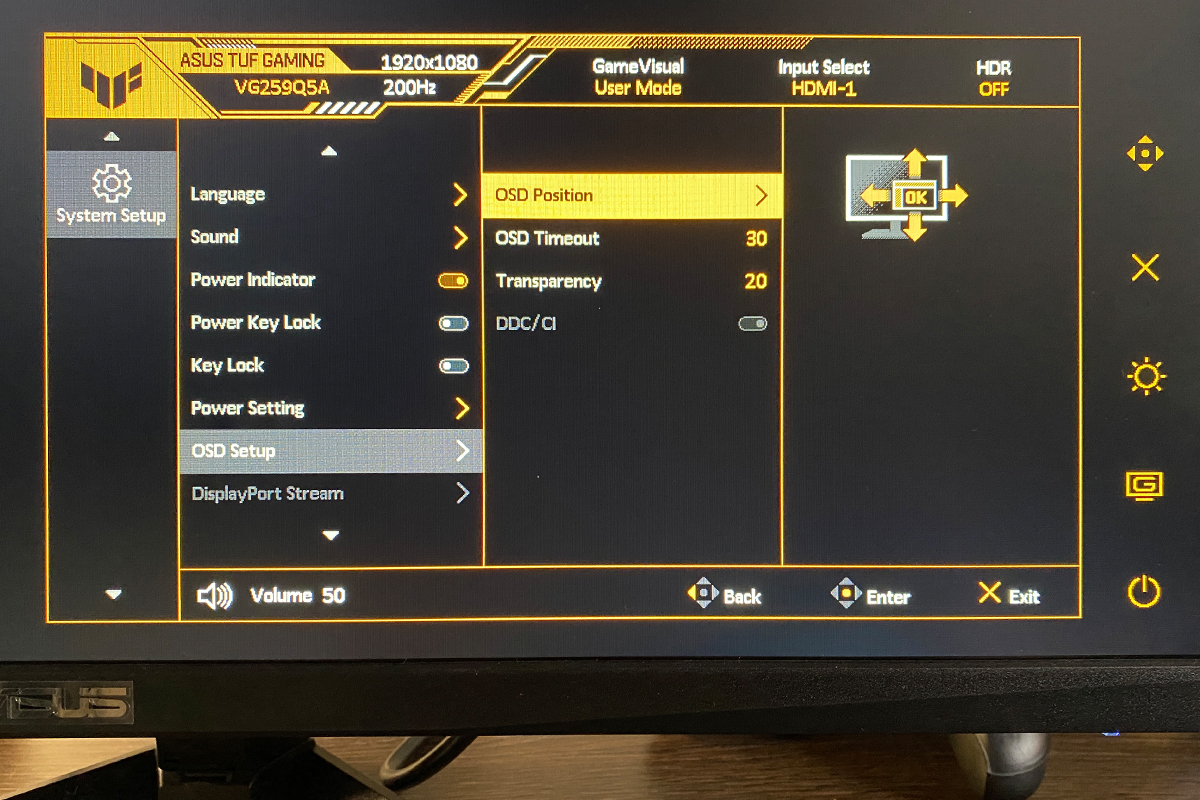
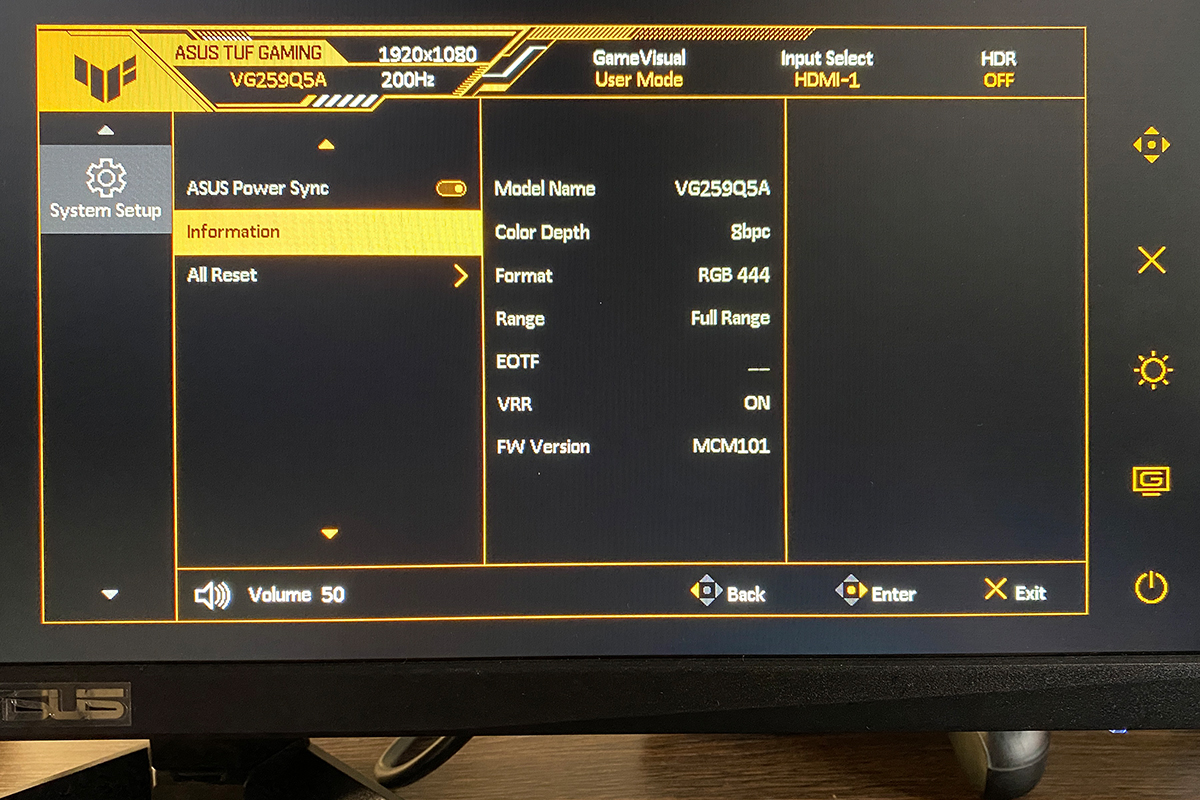
The OSD on the new model has not changed. The VG259Q5A essentially uses the same proprietary TUF Gaming menu as the previous model, with six main sections: Game, Image, Color, Input Select, Favorites, and System Settings. I have already described this menu in detail in my previous review, so there is no need to repeat it here. Instead, I will provide a link and include photos to demonstrate that nothing has changed in the new model.

Read also:
- ASUS ROG Falchion Ace HFX review: Gaming Keyboard with Magnetic Switches
- ASUS ROG Harpe Ace Extreme Wireless Gaming Mouse Review
DisplayWidget Center proprietary software
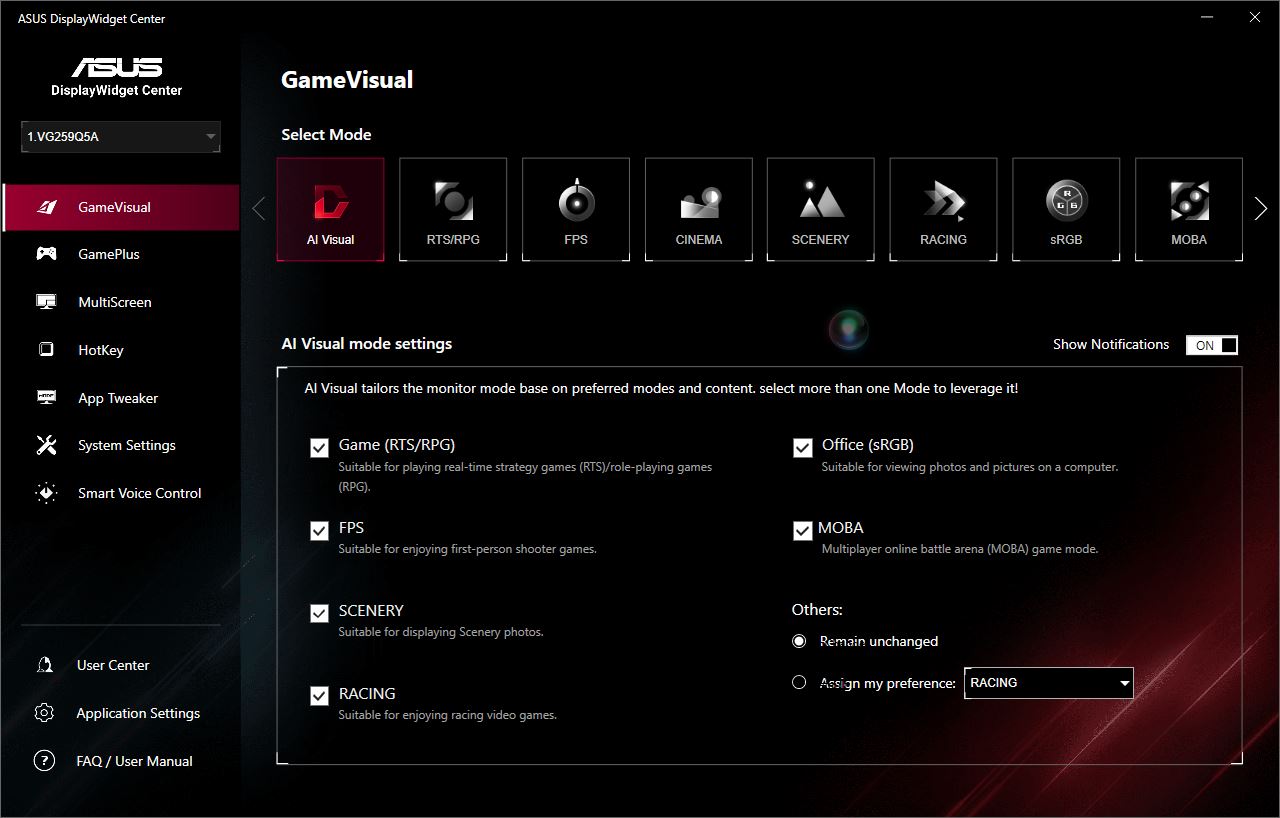
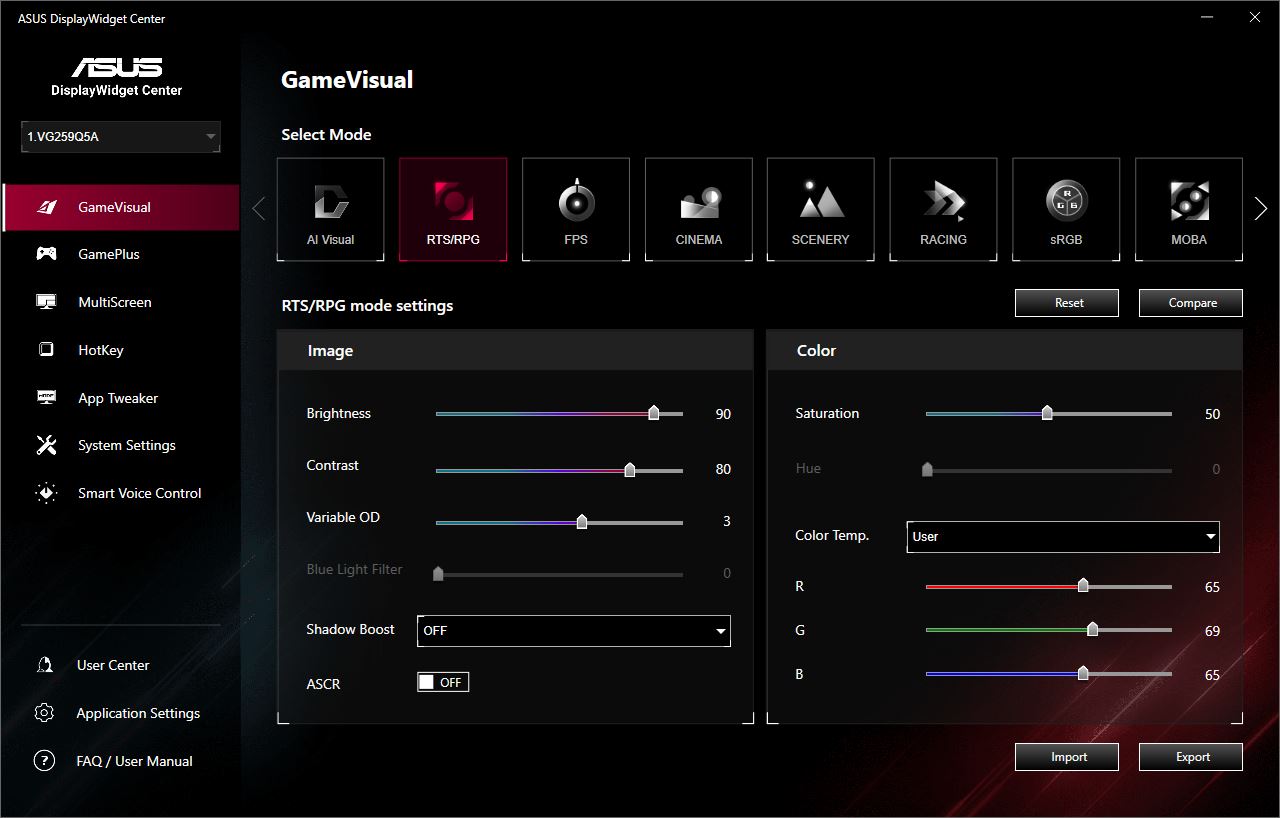
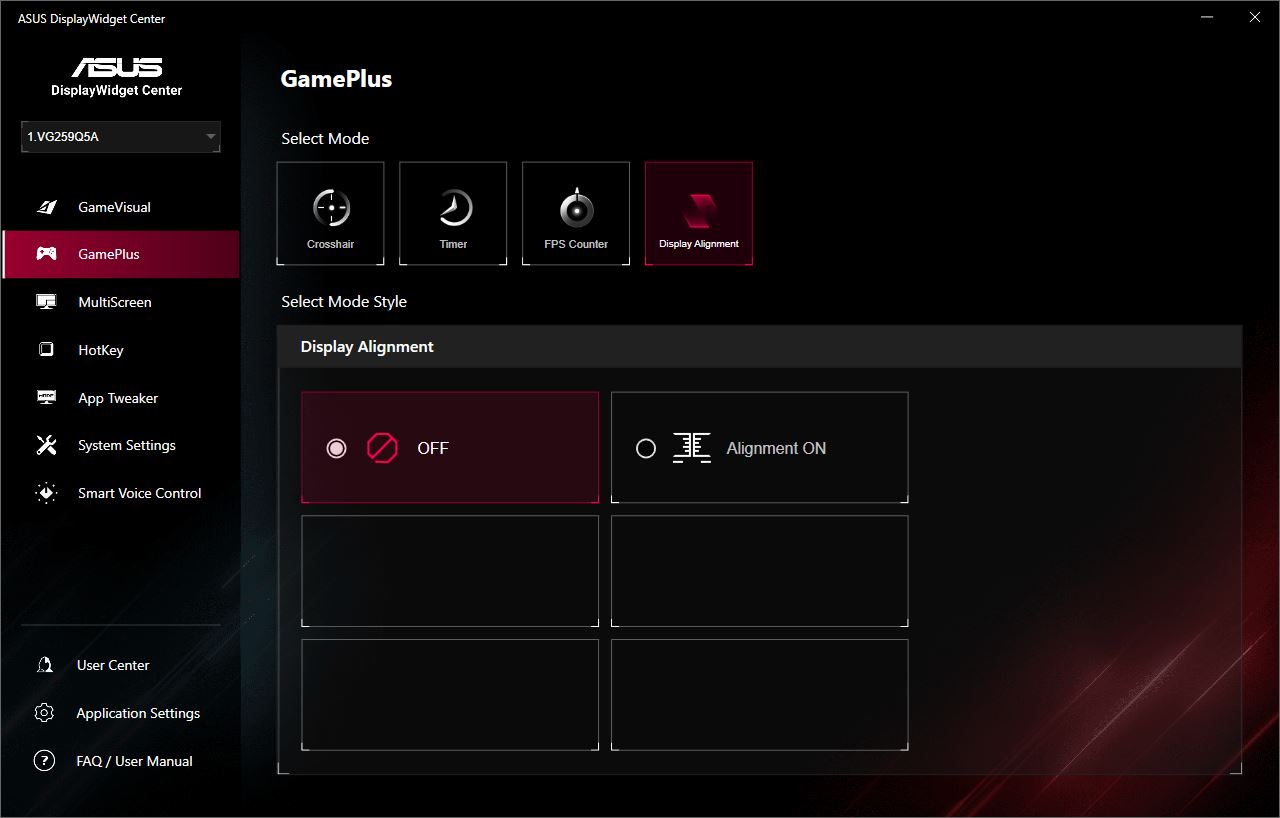
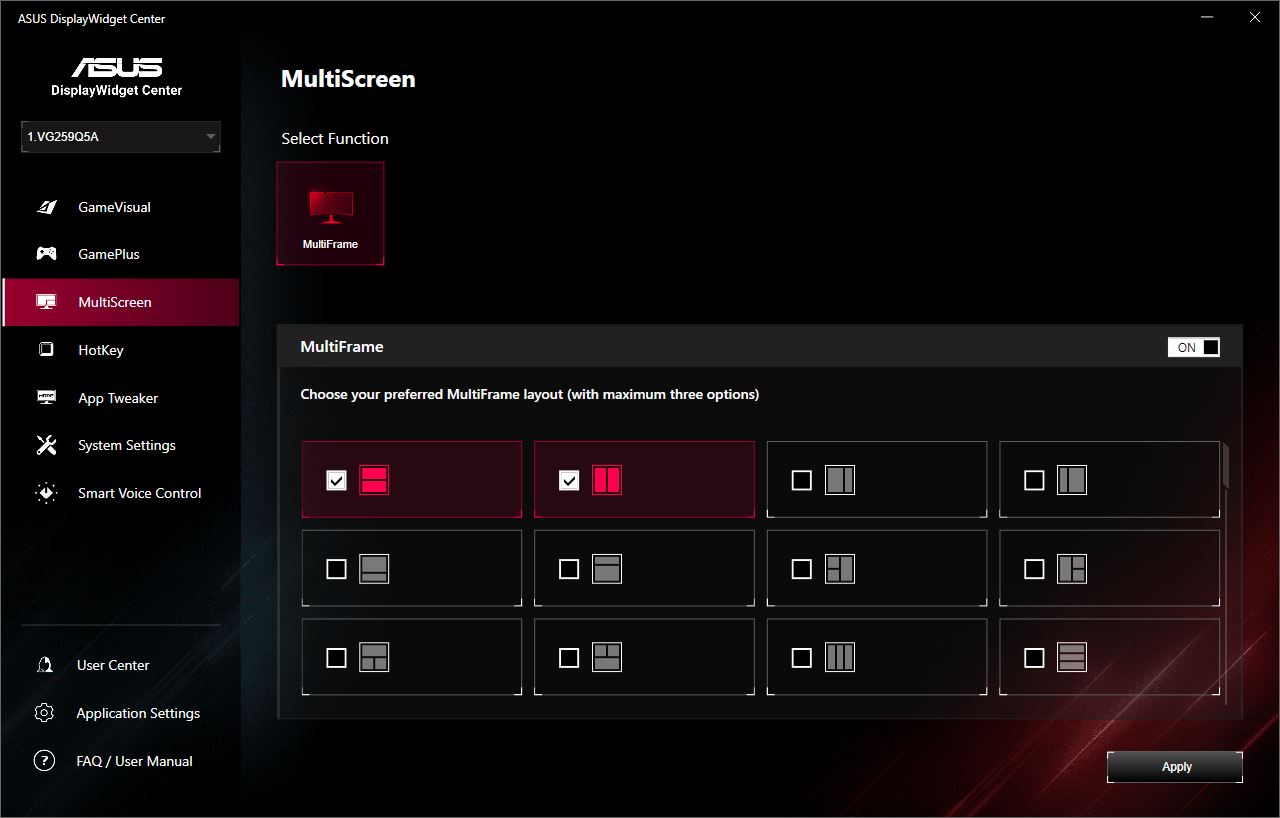
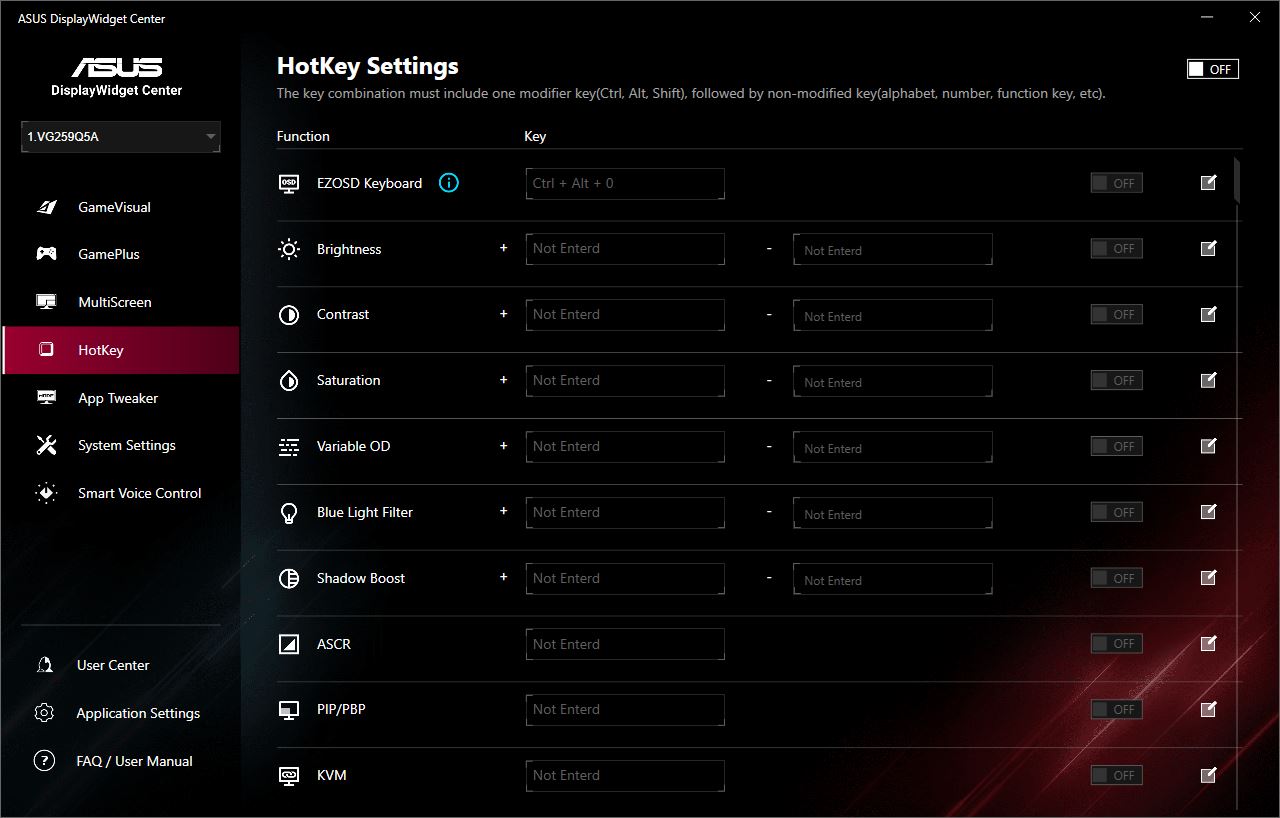
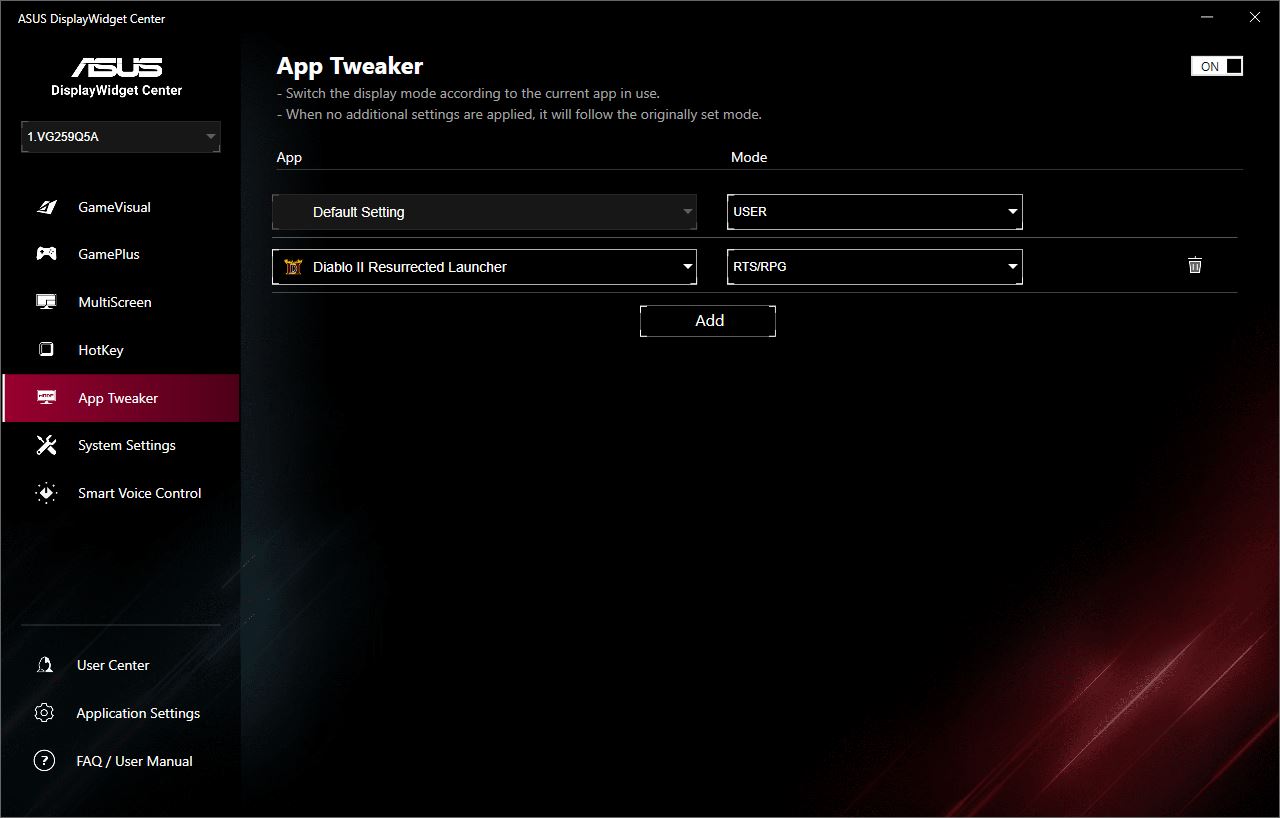
Like the previous model, the monitor can be adjusted not only through the built-in OSD but also via the ASUS DisplayWidget Center application.
Many of the settings in the app duplicate those available in the OSD. However, the application allows adjustments using the mouse directly on the screen, without physically reaching for the monitor and navigating the joystick, which some users may find more convenient. Additionally, the app offers several exclusive features not found in the OSD. For example, the AI Mode analyzes on-screen content in real time and selects the most appropriate display scenes. The MultiScreen function allows the screen to be divided into multiple independent areas. There is also a dedicated menu for assigning certain monitor settings to keyboard shortcuts, which can be useful in some scenarios.
As with the OSD, I covered all functions and settings of the application in detail in my previous review. Here, I will not repeat the description; instead, I will provide a link and include a gallery of screenshots to show that nothing significant has changed.
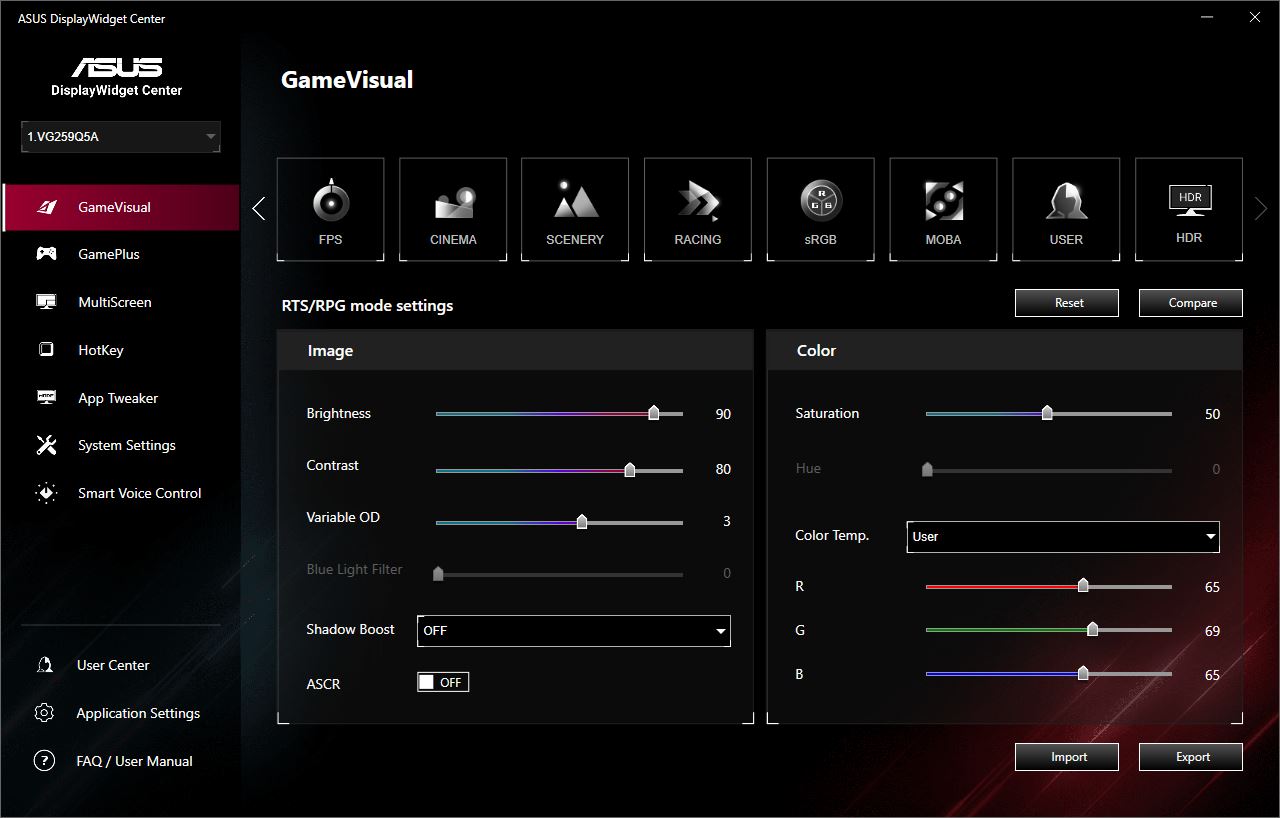
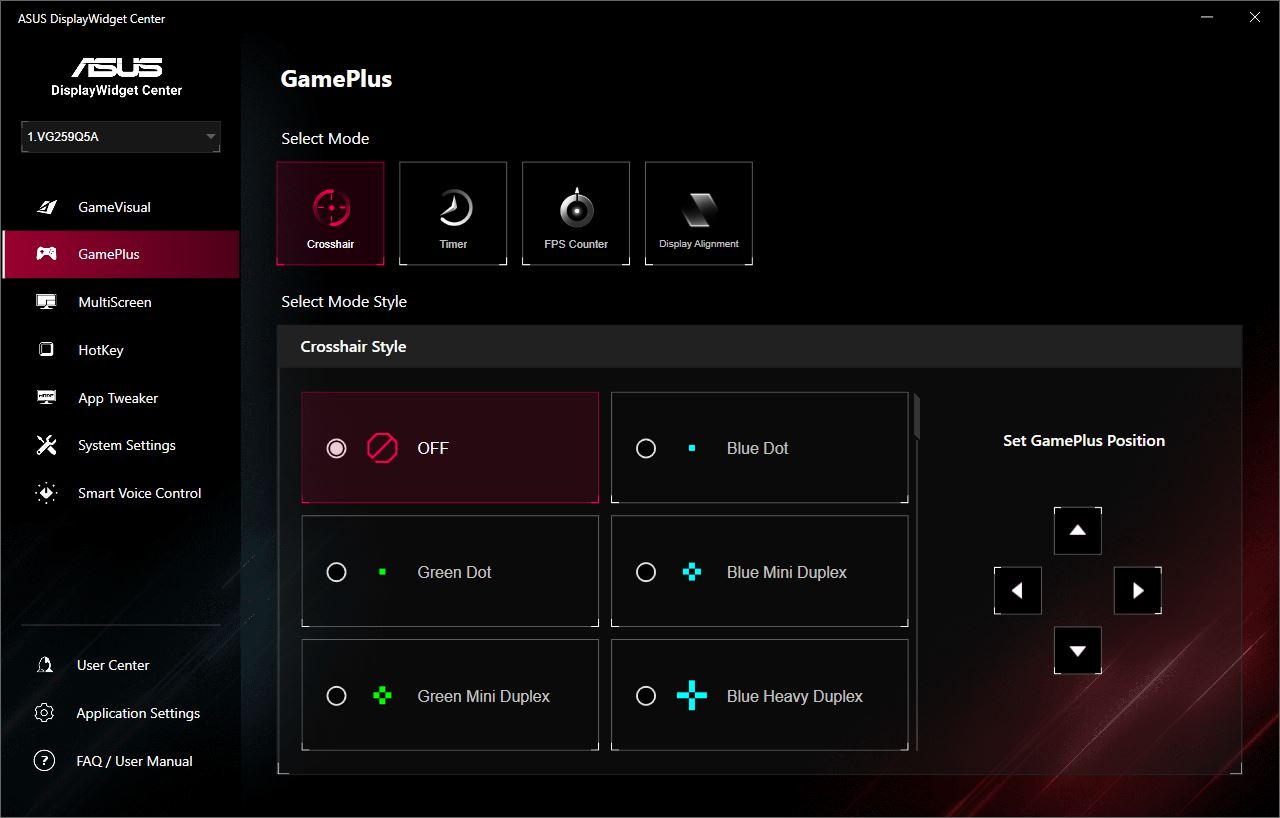
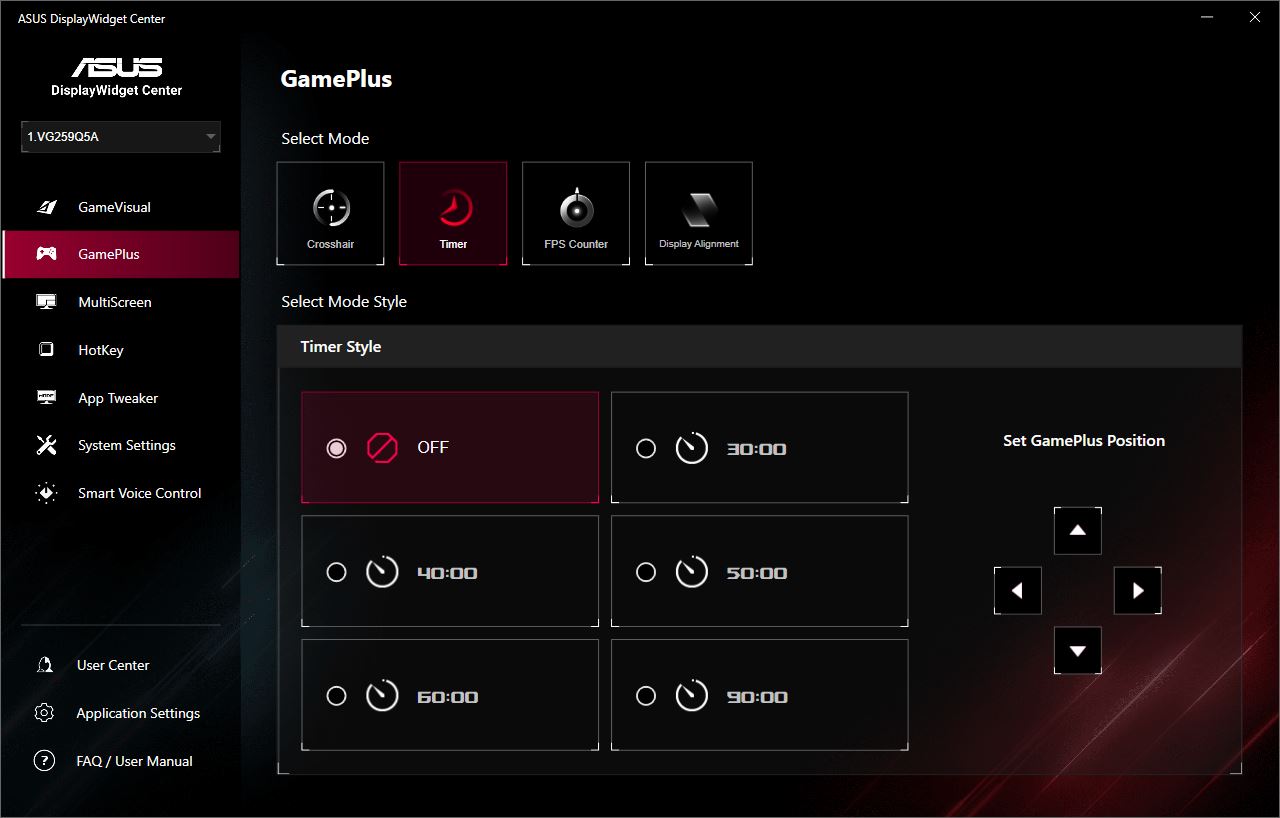
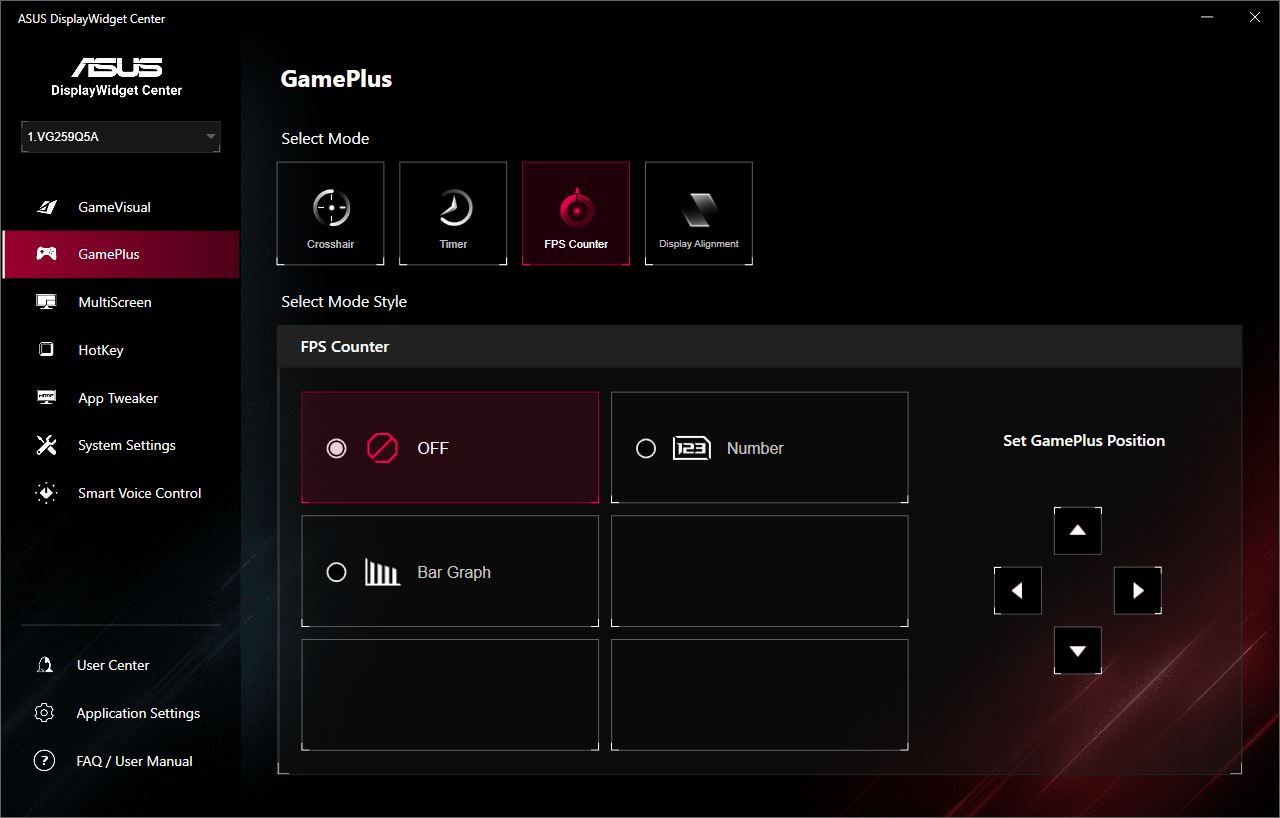
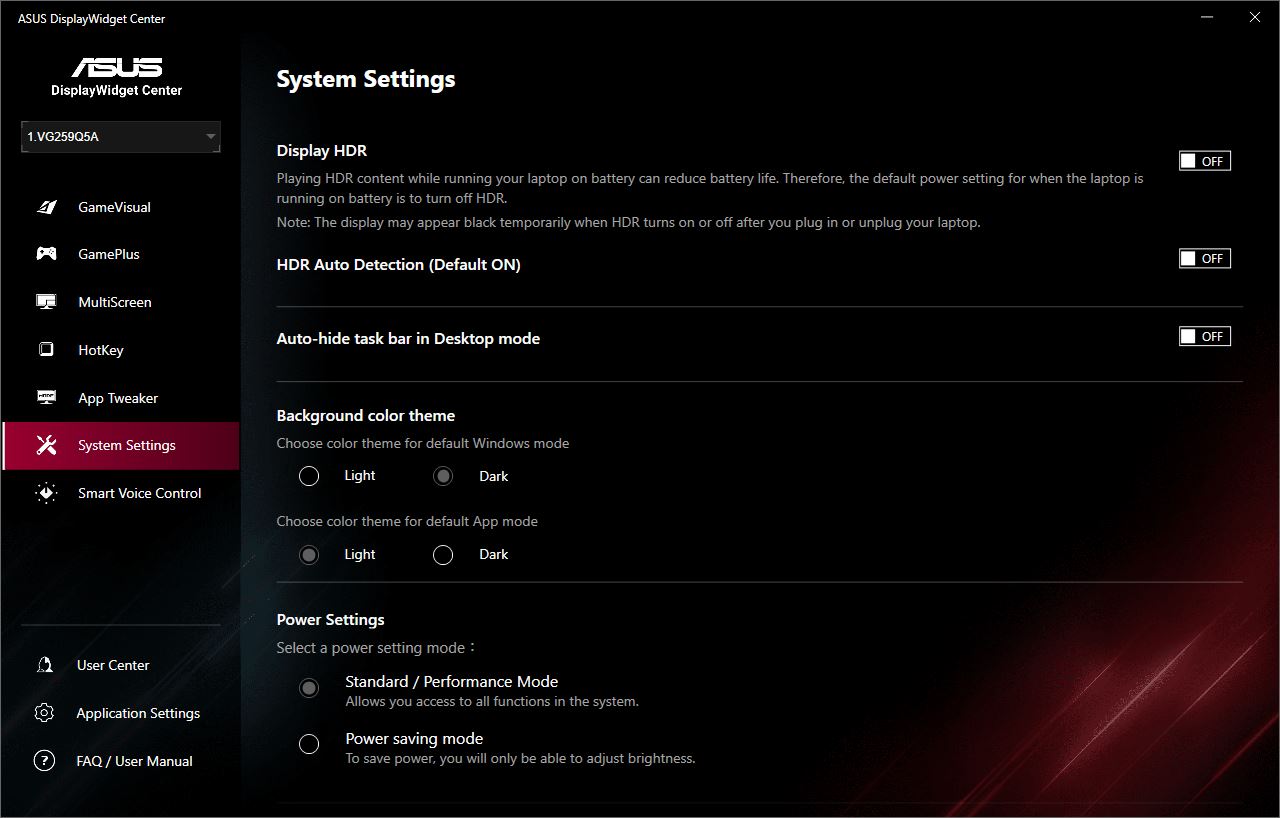
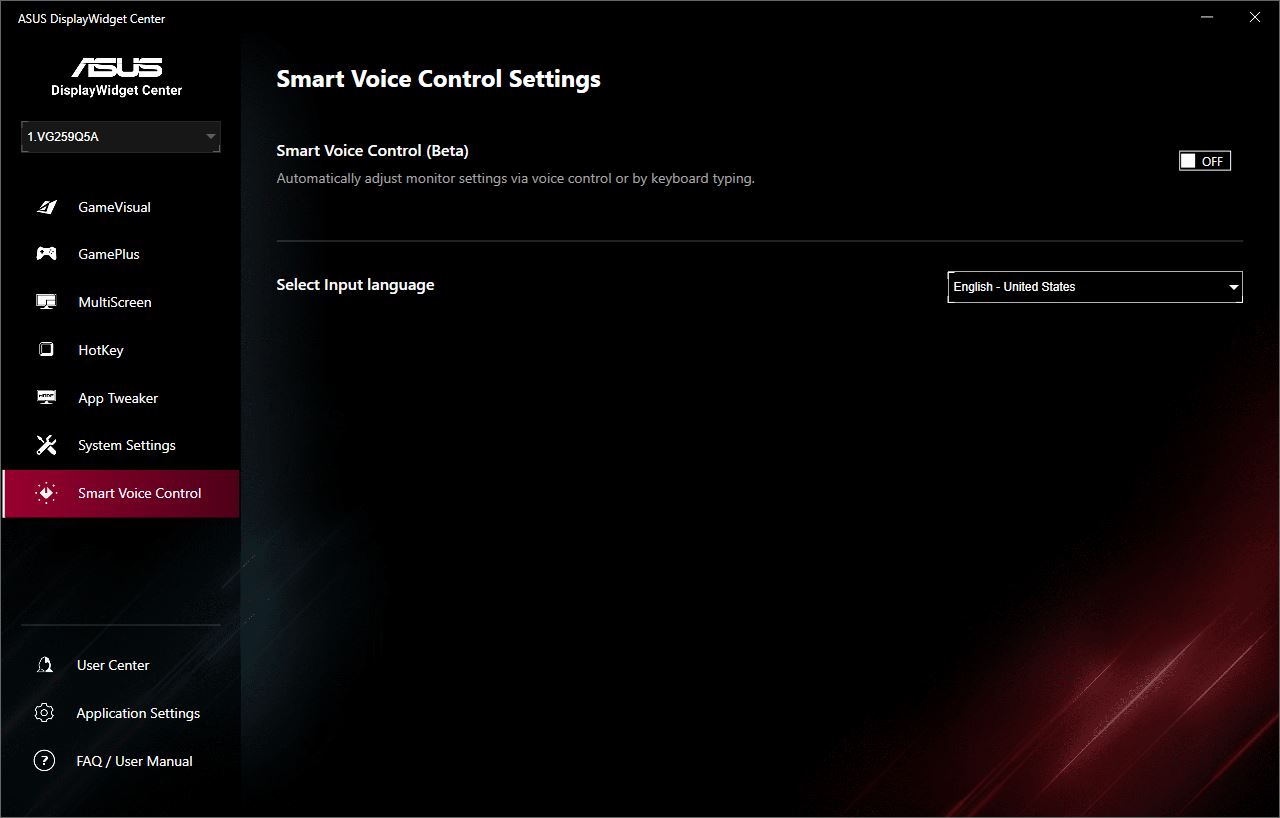
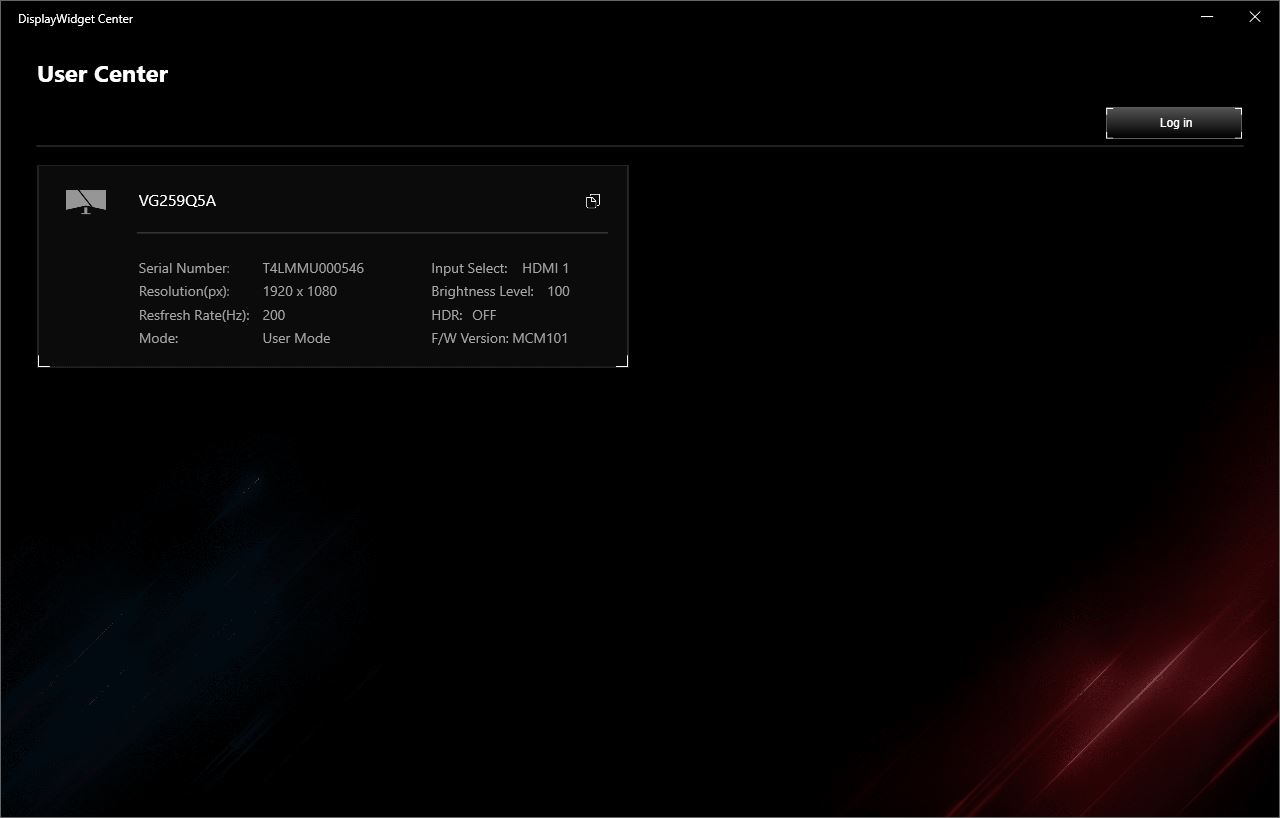
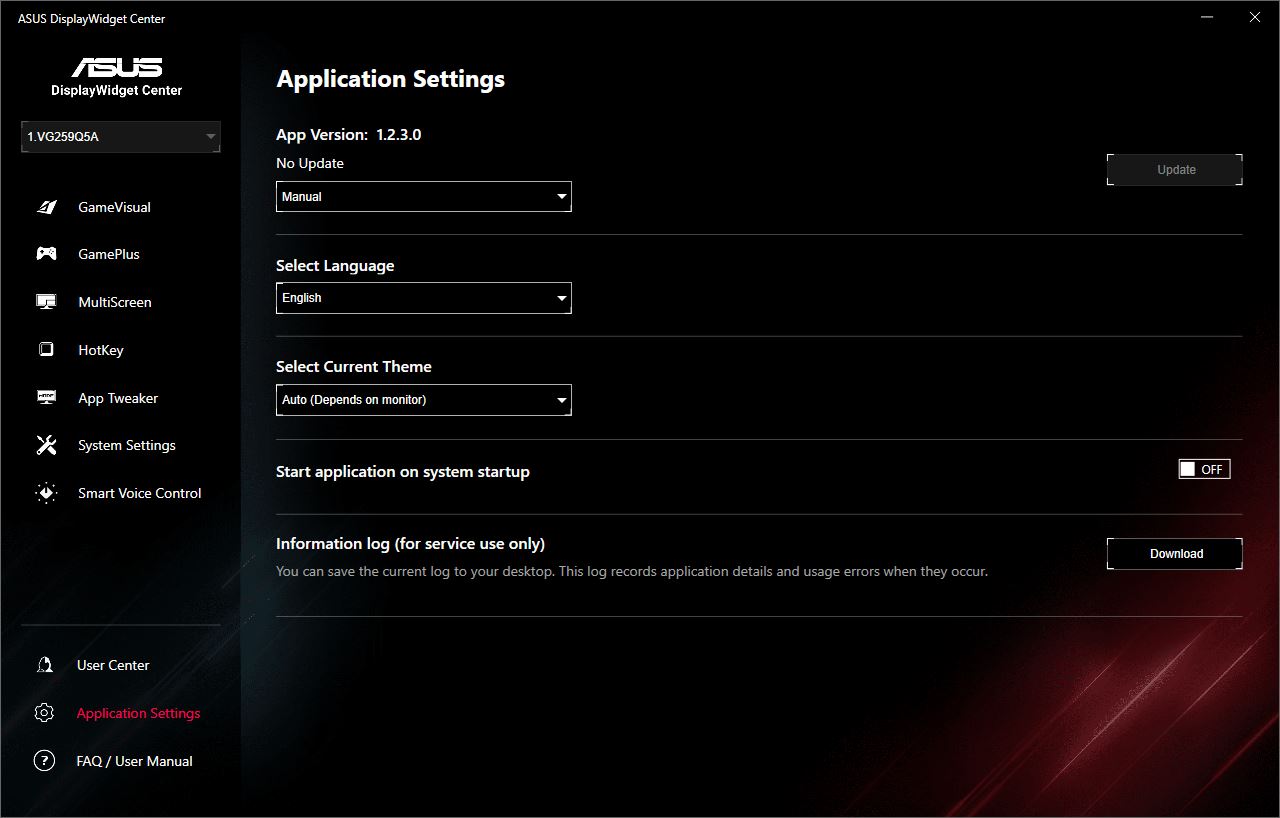
The only new feature is Smart Voice Control, which is currently in beta. As the name suggests, it allows the monitor to be adjusted using voice commands. To use this feature, however, an ASUS account must be created and signed in within the application.
Conclusions
In conclusion, I can largely repeat what I noted in my previous review. The ASUS TUF Gaming VG259Q5A, like its predecessor, is a solid, affordable, and versatile monitor suitable for both Full HD gaming and basic work tasks.
For modern games, the model offers a modest resolution that does not require a high-end graphics card, a fast Fast IPS panel, a high refresh rate, decent image quality, and support for adaptive sync with HDR. Additional image enhancement features are also included. For work tasks, the monitor provides compact dimensions, simplicity, and a relatively low price. Overall, it presents a good, affordable, and versatile option.

As for the changes in the new model, they are generally minor, with the exception of the increased brightness. Nevertheless, all of these updates are beneficial to the device. The conclusion is straightforward: if you already own the previous TUF Gaming VG259Q3A or a monitor with similar specifications, there is little reason to upgrade to the new model. However, if you are currently looking for a monitor in this category, the ASUS TUF Gaming VG259Q5A could be a suitable choice. Its price is only slightly higher than its predecessor, and with some searching or taking advantage of discounts, the price difference can be minimal.
The only notable drawbacks are the monitor’s height and the lack of height adjustment. As mentioned before, this is typical for affordable monitors of this size and can be easily addressed by using a separate mounting bracket.
Read also:
- Motorola Edge Series: Development History, Achievements, and Future Plans
- Mova S2 Detect Cordless Vacuum Review: Smart, Affordable, and Convenient
- Has the king of IoT changed? Why ESP32 is challenging Arduino in 2025
Where to buy ASUS TUF Gaming VG259Q5A



Nice content!