




© ROOT-NATION.com - Use of content is permitted with a backlink.
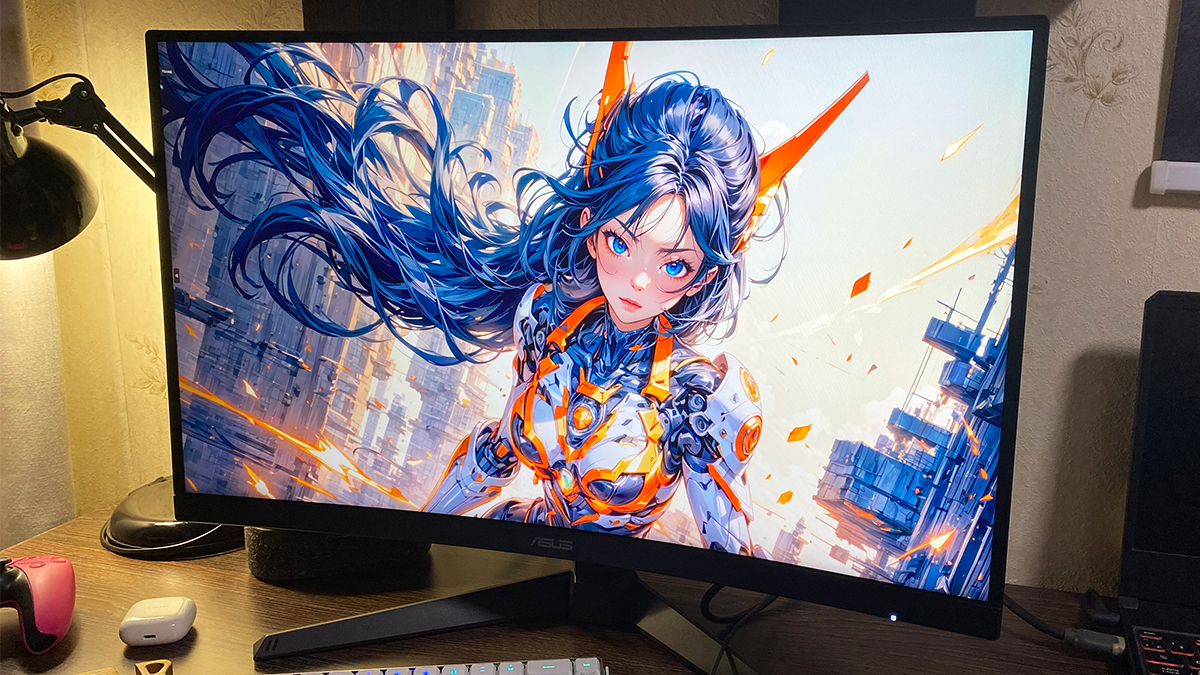
Today, I’m reviewing the new ASUS TUF Gaming VG27WQ3B monitor, which was released earlier this year. This model features a 27-inch curved display with a 2K resolution, a 180 Hz refresh rate, a Fast VA panel, and support for Adaptive-Sync. It also offers HDR support and a range of proprietary technologies designed to enhance image quality and the overall gaming experience. By most measures, the VG27WQ3B is a solid monitor that should appeal to many gamers. One of its main advantages is its price – at around $205 / €178, it’s quite affordable for a monitor with these specs. I’ve spent some time testing this monitor and can provide a detailed overview of its strengths and weaknesses. So, without further delay, let’s get into the details.
TABLE OF CONTENTS:
Models and specifications
To start, it’s worth noting that the ASUS TUF WQ3B series currently includes two models: the VG27WQ3B and the VG32WQ3B. As the names suggest, the main difference between them is the screen size – the first has a 27-inch display, while the second measures 32 inches (31.5 inches to be exact). Beyond the size difference, there are a few minor variations. The 27-inch model offers higher contrast at 5000:1 compared to 3500:1 on the 32-inch. It also covers a slightly wider sRGB color gamut, with 125% versus 120%. Naturally, the larger 32-inch model consumes more power. Some sources also mention that the pixel density (PPI) is a bit higher on the 27-inch display. And, of course, the price reflects these differences – the 32-inch version costs roughly twice as much. Other specifications remain the same across both models.
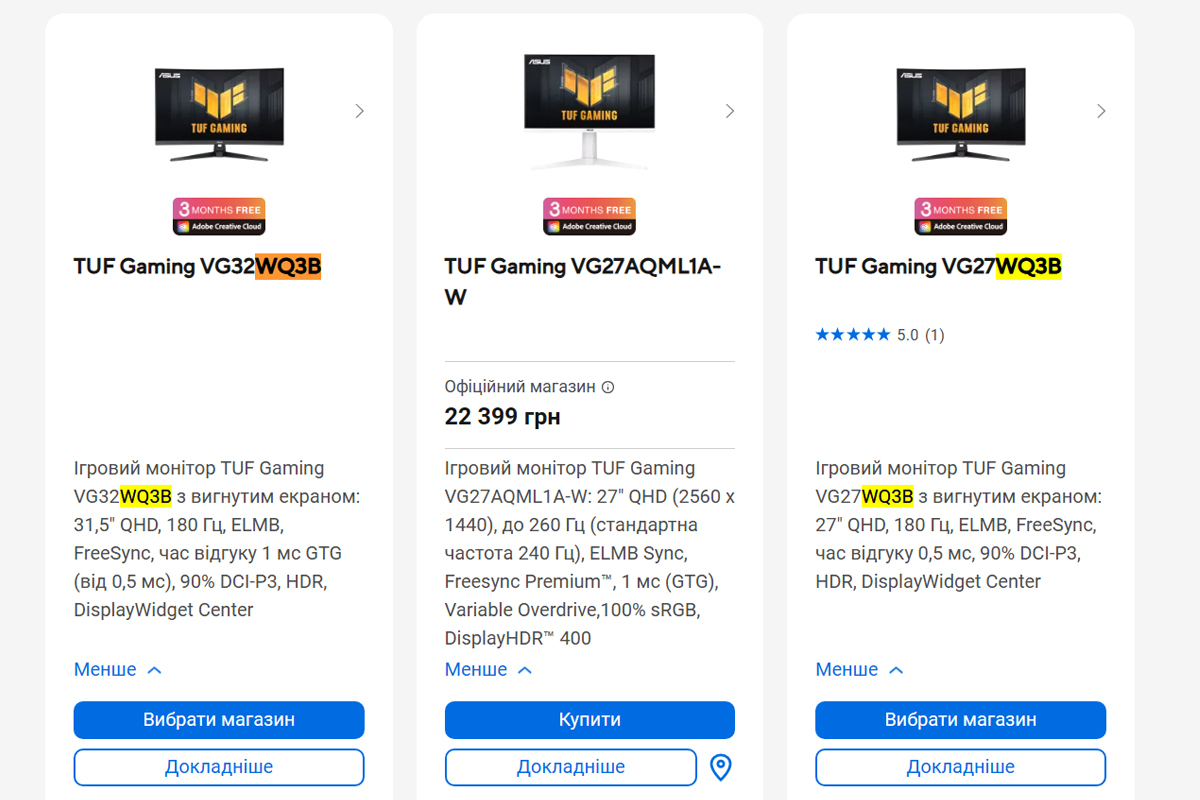
As mentioned earlier, this review focuses on the 27-inch VG27WQ3B model. Below, I’ll list only its technical specifications. For those interested in a more detailed look at the 32-inch version, I’ll include a link to the official ASUS website.
- Model: TUF Gaming VG27WQ3B
- Diagonal: 27″
- Resolution: 2560×1440
- Aspect ratio: 16:9
- Matrix type: Fast VA
- Display surface: Anti-Glare
- Backlight type: LED
- Colour space: 125% sRGB; 90% DCI-P3
- Display colours: 16.7 million colours
- HDR support: HDR10
- Brightness (typical): 300 cd/m²
- Contrast Ratio (typical): 5000:1
- Response time: 1 ms (GTG), 0.5 ms (min)
- Pixel pitch: 0.233 mm
- Refresh rate (max): 180 Hz
- Curvature: 1500R
- Display viewing area (H×V): 596,736 × 335,664 mm
- Viewing angle (CR≧10, H/V): 178°/178°
- Audio: 2 x 2W speakers
- I/O ports: 1×DisplayPort 1.4 (HBR2); 2×HDMI 2. 0; 1×headphone jack 3.5 mm
- Digital signal frequency: DisplayPort 267~267 kHz (H) / 48~180 Hz (V); HDMI 30~225 kHz (H) / 48~144 Hz (V)
- Tilt adjustment: yes (+23° ~ -5°)
- Height adjustment: no
- Wall mount: VESA 100×100 mm
- Kensington lock: yes
- Monitor dimensions (W×H×D): 61×45.6×19.3 cm
- Monitor dimensions without stand (W×H×D): 61×36.7×8 cm
- Packaging dimensions (W×H×D): 68×52×15 cm
- Monitor weight: 4.9 kg
- Monitor weight without stand: 4.2 kg
- Total weight of the monitor in the package: 6.9 kg
- Firmware: DisplayWidget Center
- Power consumption: <23 W; power saving mode <0.5 W; power off mode <0.5 W; voltage 100-240 V, 50/60 Hz
- Technologies and features: Flicker-Free, Trace Free, GameVisual, GamePlus, HDCP, Adaptive-Sync, GameFast Input, Shadow Boost, Low Blue Light, multiple HDR modes, 4 colour temperature modes, DisplayWidget
- Standards and certificates: TÜV Flicker-free, TÜV Low Blue Light, VESA AdaptiveSync Display 180Hz, AMD FreeSync, FSC MIX
- Package contents: monitor, DisplayPort cable, power cable, quick start guide, warranty card

Positioning and price
There’s little need to go over the positioning of the TUF Gaming series in detail – most gamers are likely already familiar with it. Essentially, it’s a line of budget-friendly gaming devices that offer near-flagship specs. Think of it as a more stripped-down and affordable alternative to the ROG series.
The VG27WQ3B is positioned as a practical and affordable option aimed primarily at modern gamers working with a limited or mid-range budget. It’s designed to deliver strong performance without the added cost of flagship-level features. In simple terms, the TUF Gaming VG27WQ3B includes everything needed for a solid and comfortable gaming experience – at a price point that remains relatively accessible, around $205 / €178.
Package contents
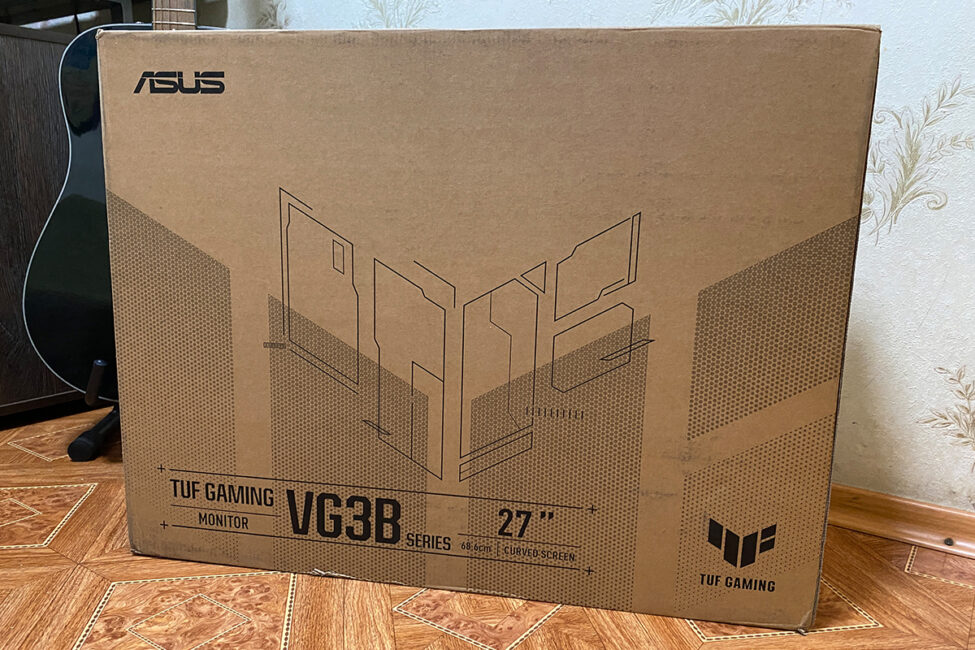
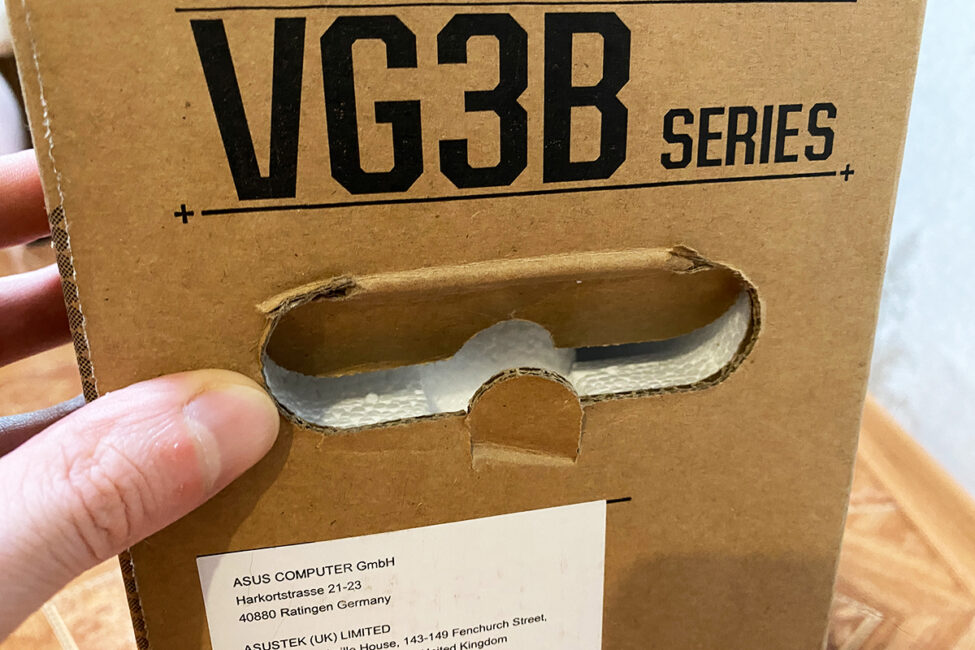
The monitor comes in a large branded box made entirely from recycled cardboard, reflecting the company’s commitment to reducing waste and following the current trend toward eco-friendly packaging. The box measures 68×52×15 cm, with a total package weight of around 6.9 kg. Convenient carry handles are built into the sides for easier transport. Inside, the monitor is securely protected by thick foam padding. Overall, the packaging is well thought out – transporting the monitor is straightforward, and there’s little reason to worry about damage during shipping.
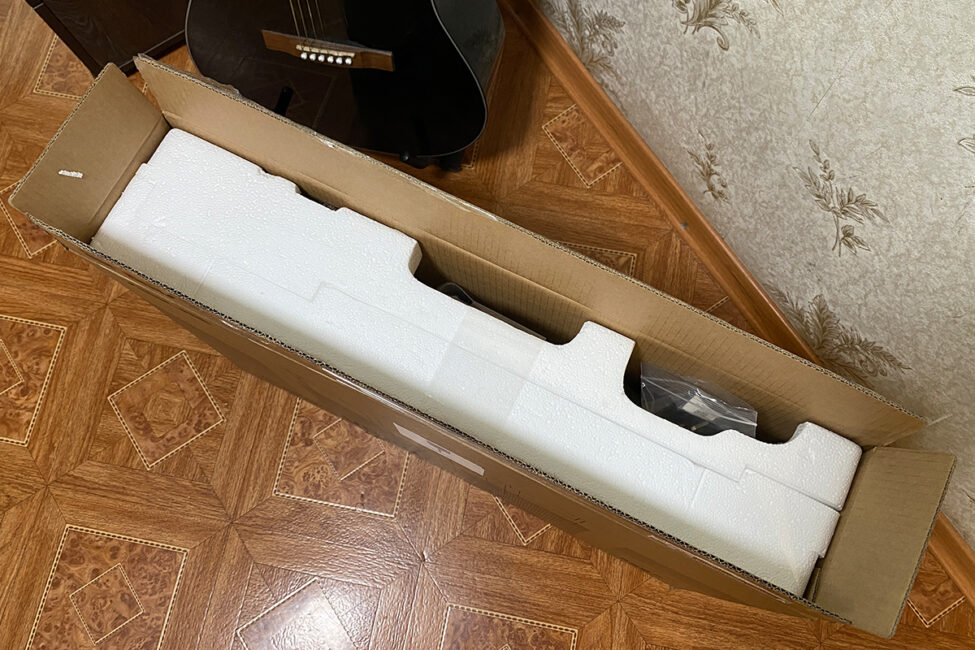
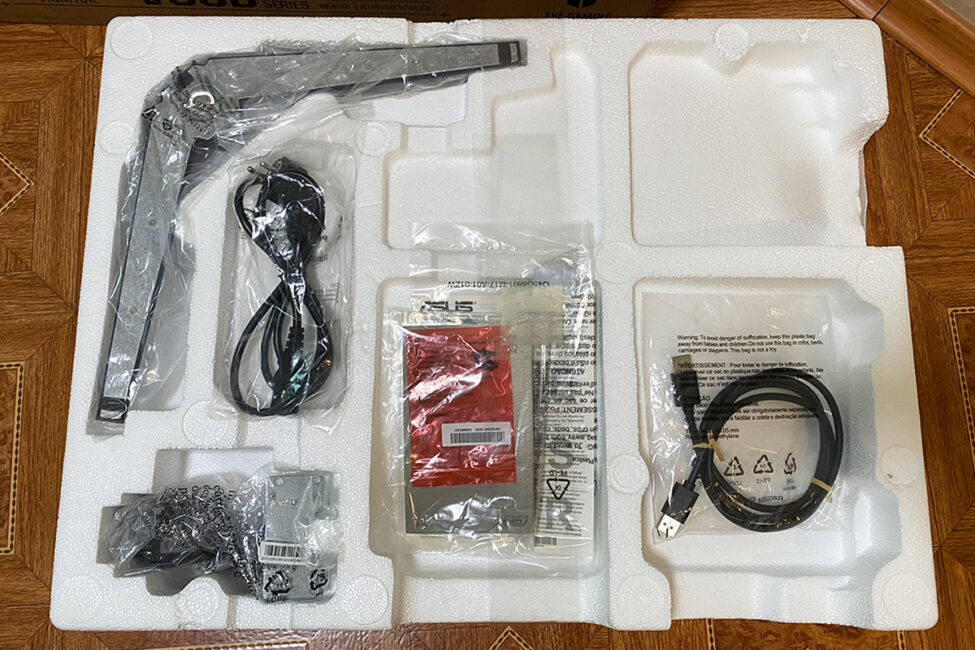
The monitor comes with a basic package:
- monitor
- leg with V-shaped stand
- 4 bolts for attaching the monitor leg
- DisplayPort cable
- power cable
- user manual
- warranty card
Assembly is quick and straightforward. You start by inserting the included stand into the slots on the back of the monitor, then secure it with the four supplied screws. Next, attach the V-shaped base and tighten it in place. After that, you lift the monitor out of the foam, place it on your desk, and remove the protective cover. As always, it’s a good idea to assemble the monitor while it’s still resting in the foam packaging – it saves time, makes handling easier, and helps avoid leaving fingerprints on the panel. The monitor itself is relatively lightweight: 4.2 kg without the stand and 4.9 kg when fully assembled.
Design, ergonomics, build quality
In terms of design, the VG27WQ3B is similar to the more compact TUF Gaming VG259Q3A. The key difference is that the VG27WQ3B goes for an even more classic and understated look.
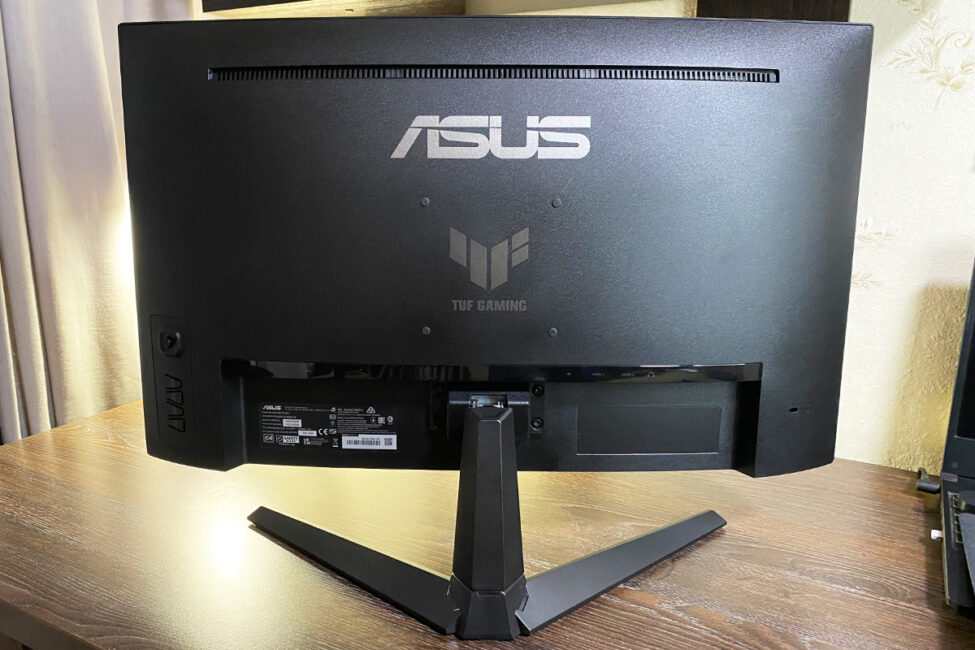
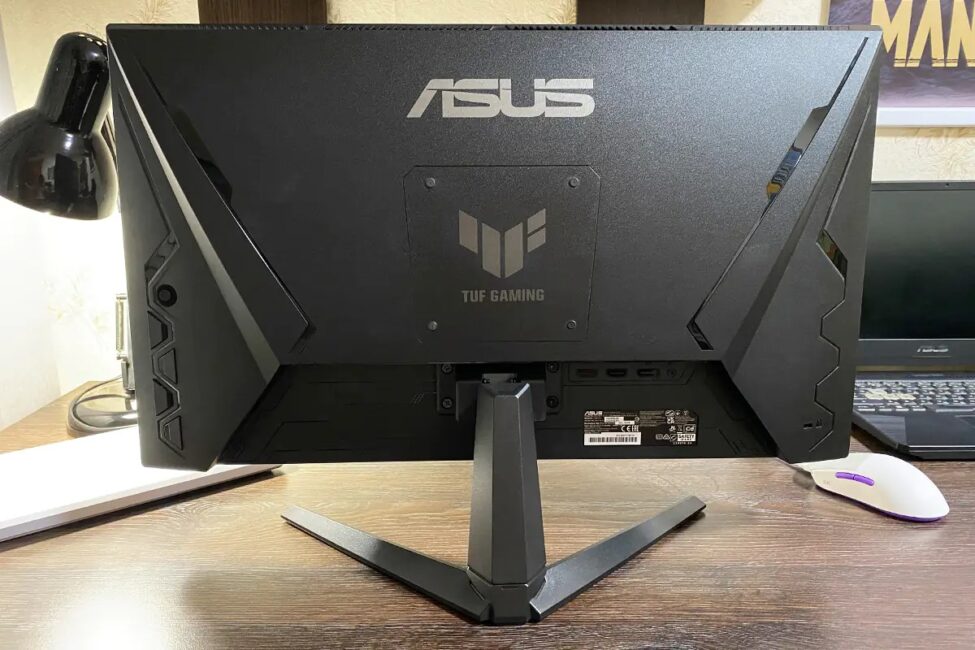
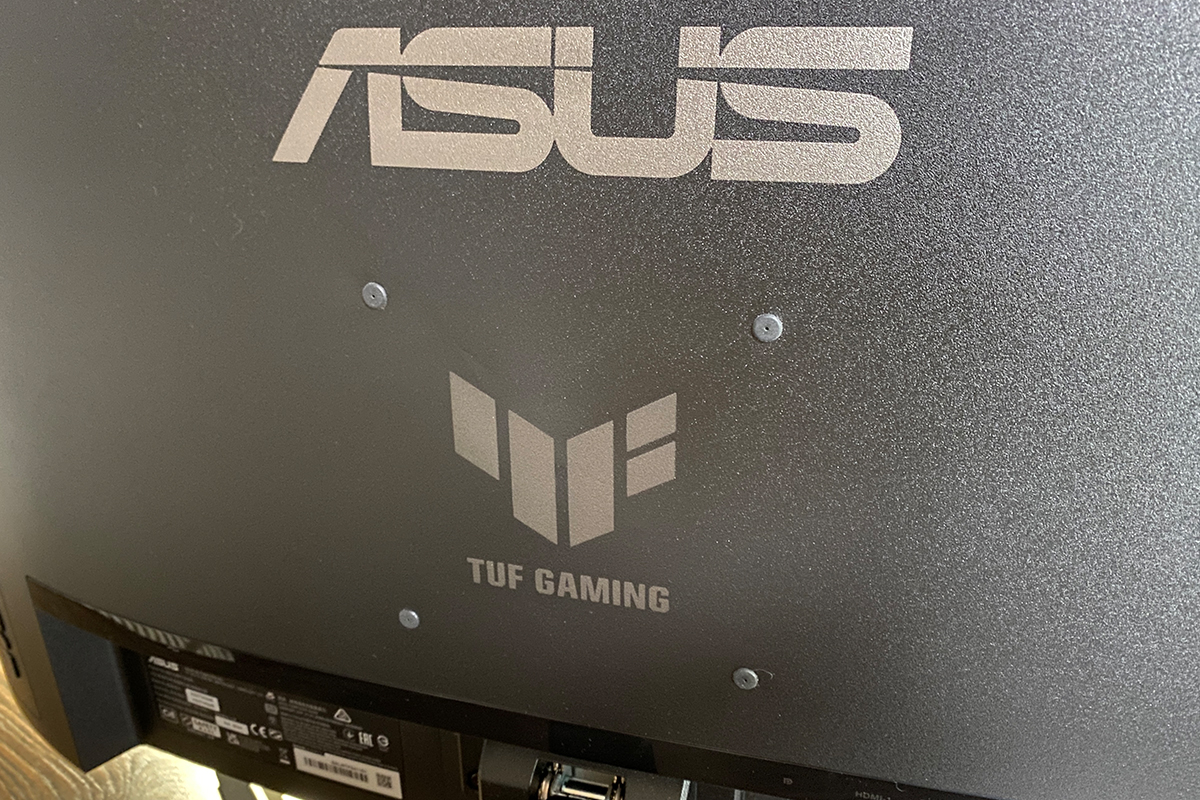
There are no lines, patterns, or decorative elements – just a clean back panel with only the ASUS and TUF GAMING logos on display.
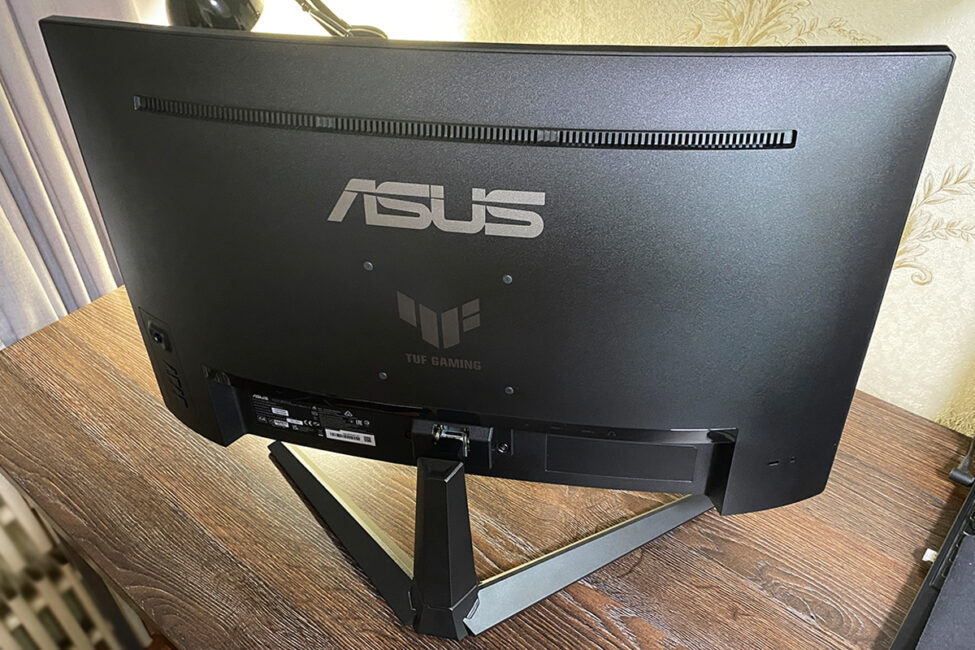
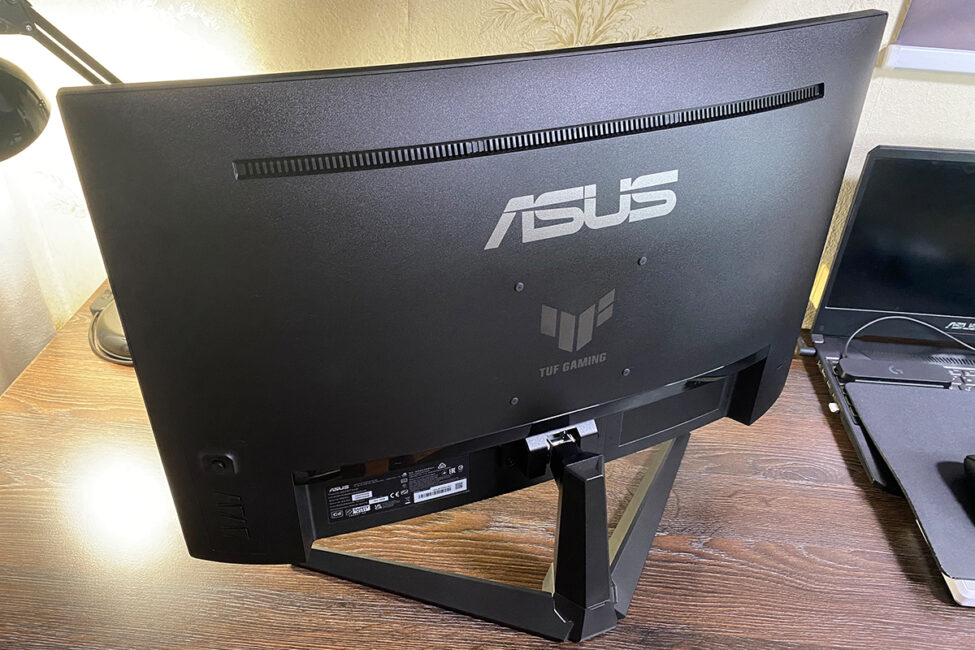
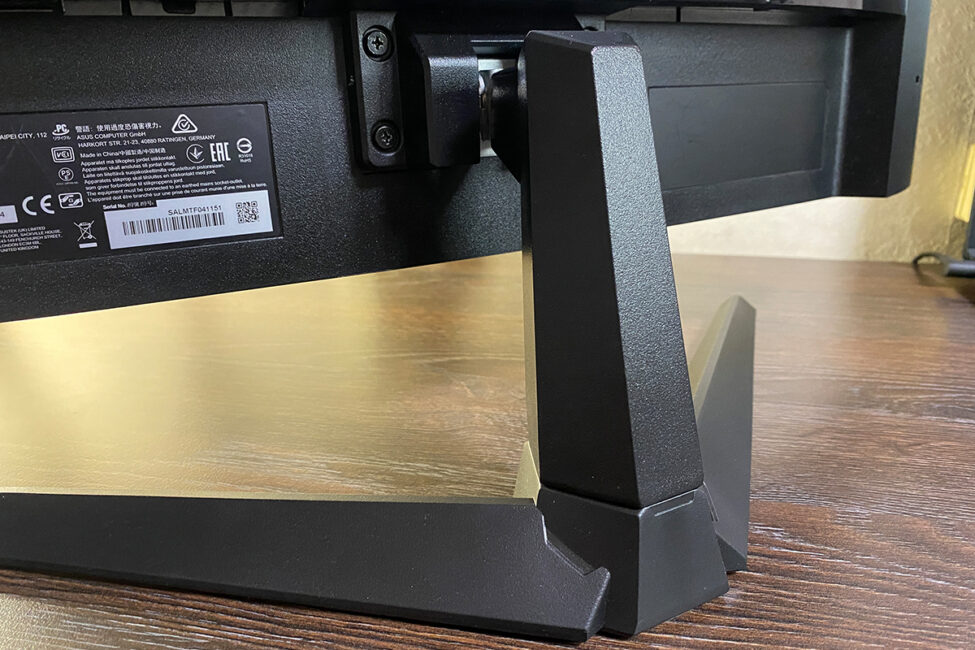
The VG27WQ3B is a mid-sized monitor with a 27-inch diagonal. The panel itself measures 61.0 × 36.7 × 8.0 cm, and with the stand and base attached, the overall dimensions increase to 61.0 × 45.6 × 19.3 cm. As mentioned earlier, it’s also relatively light – 4.2 kg for the panel alone, and 4.9 kg fully assembled. The monitor is compact enough not to take up too much desk space, yet the 27-inch size keeps it from feeling small. It strikes a good balance for users looking for a moderately sized display.
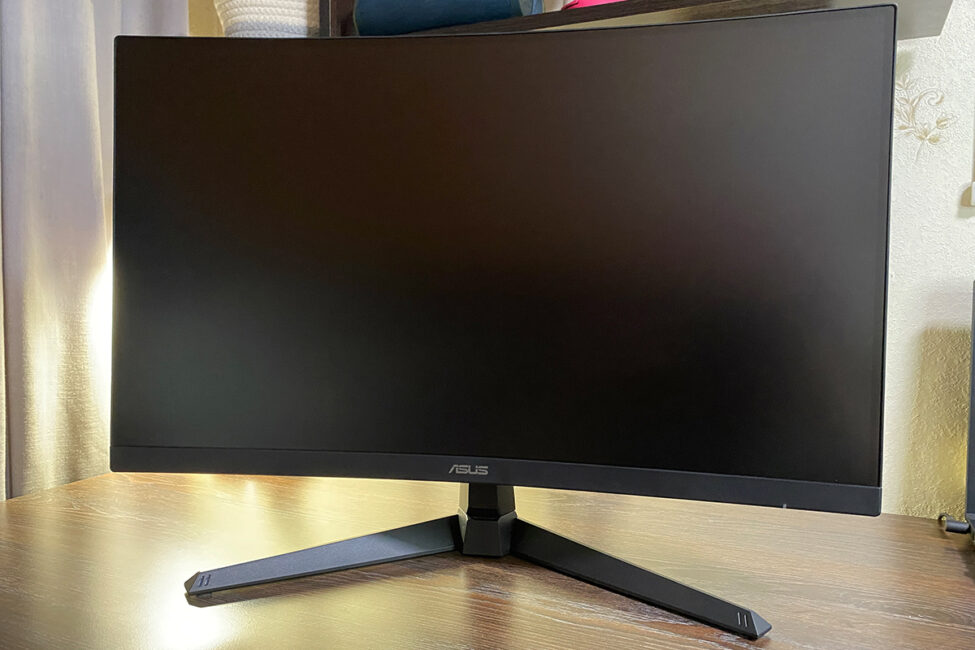
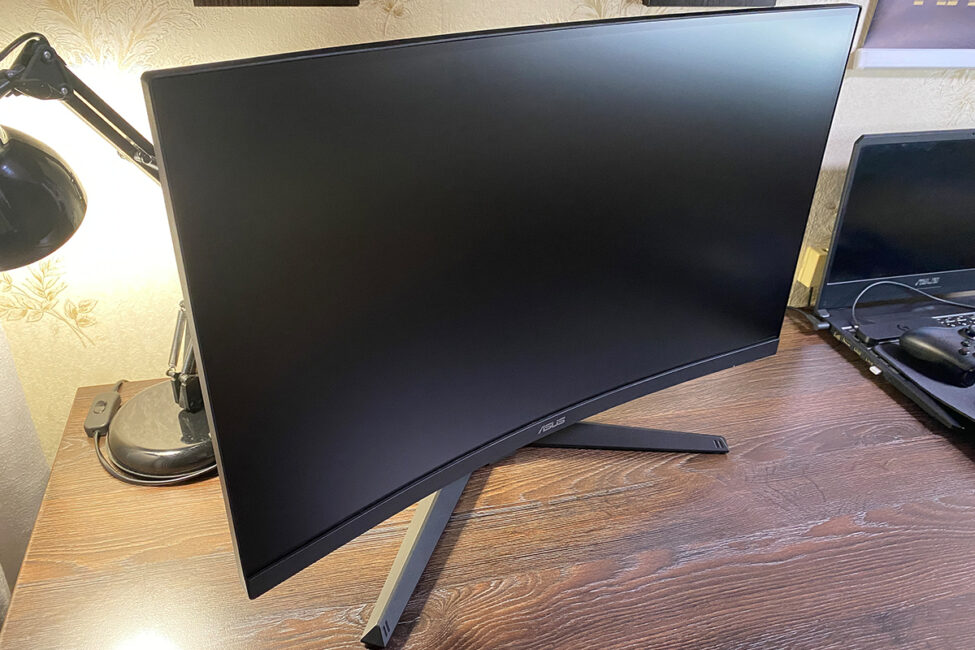
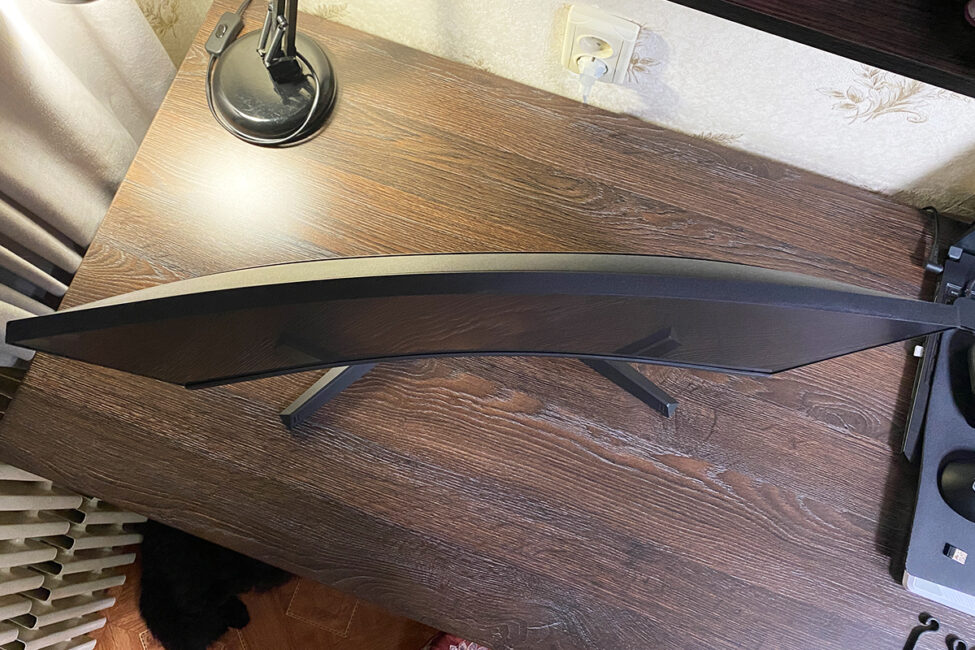
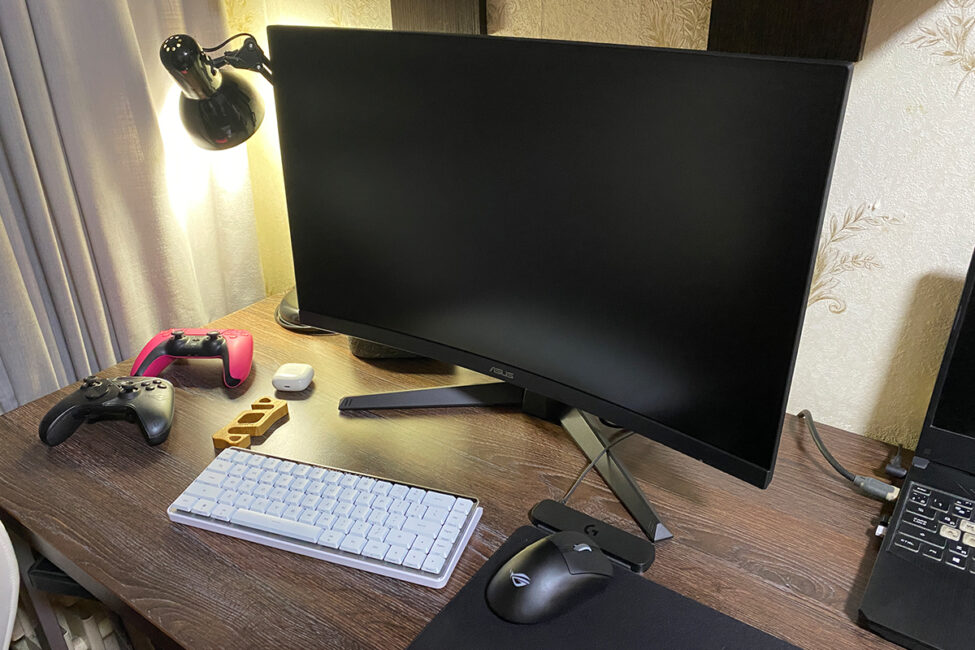
The included stand allows for only basic tilt adjustment, ranging from +23° to -5°. There’s no height adjustment, and the stand doesn’t support swivel or rotation.
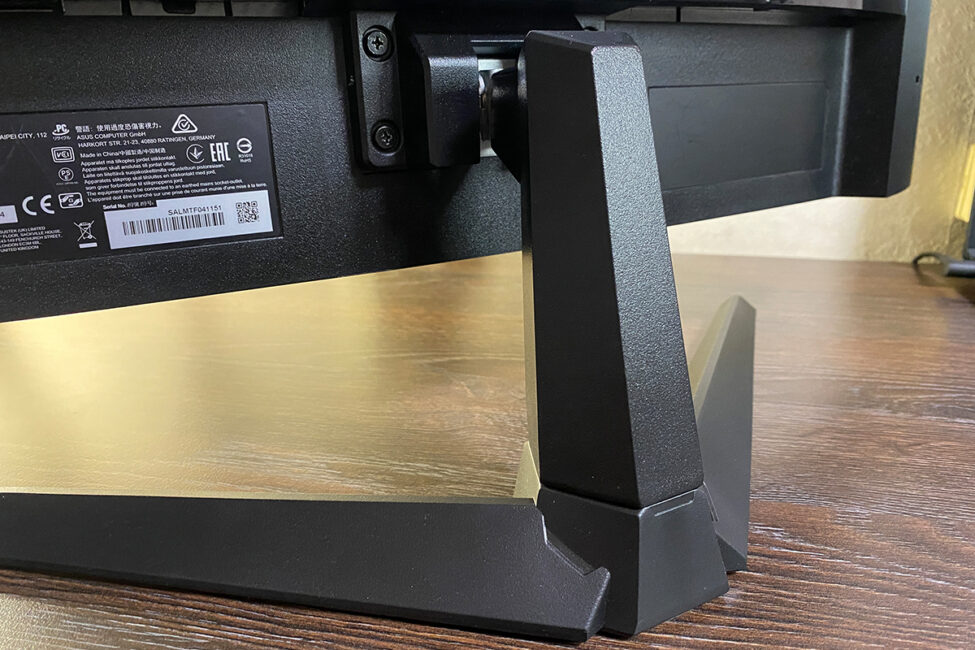
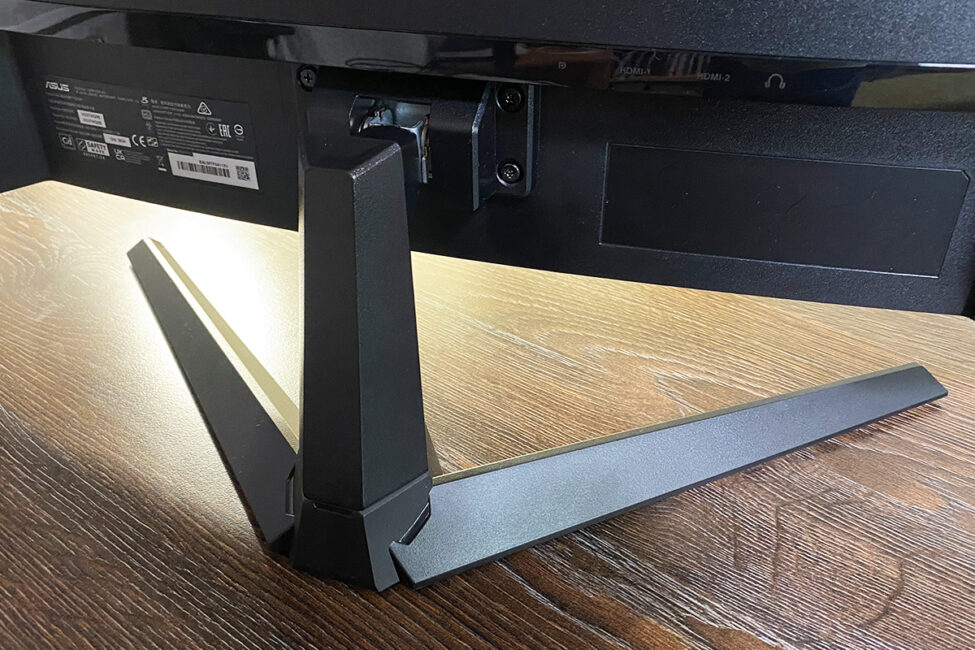
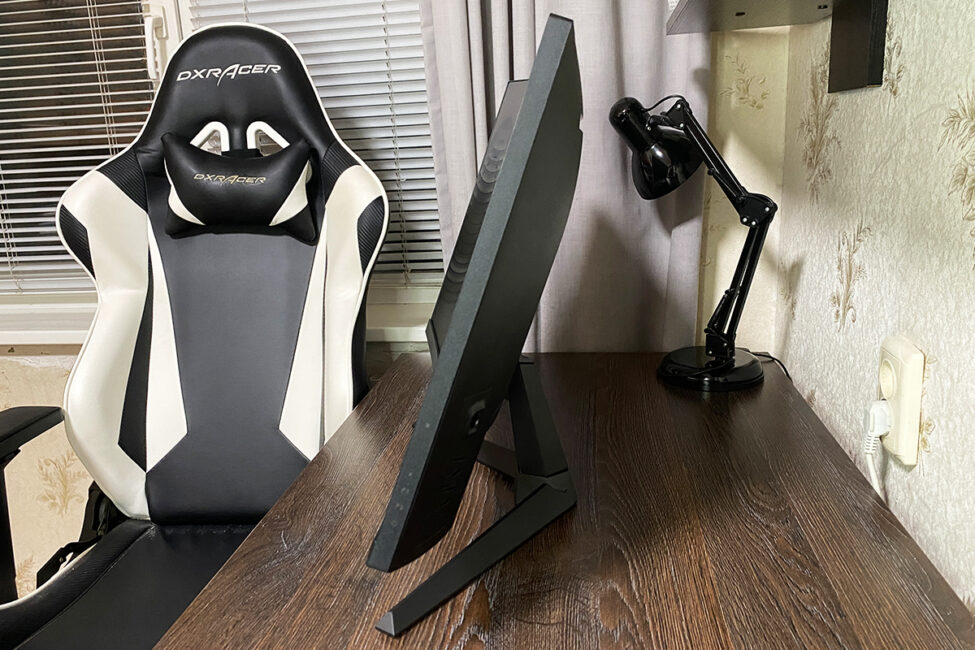
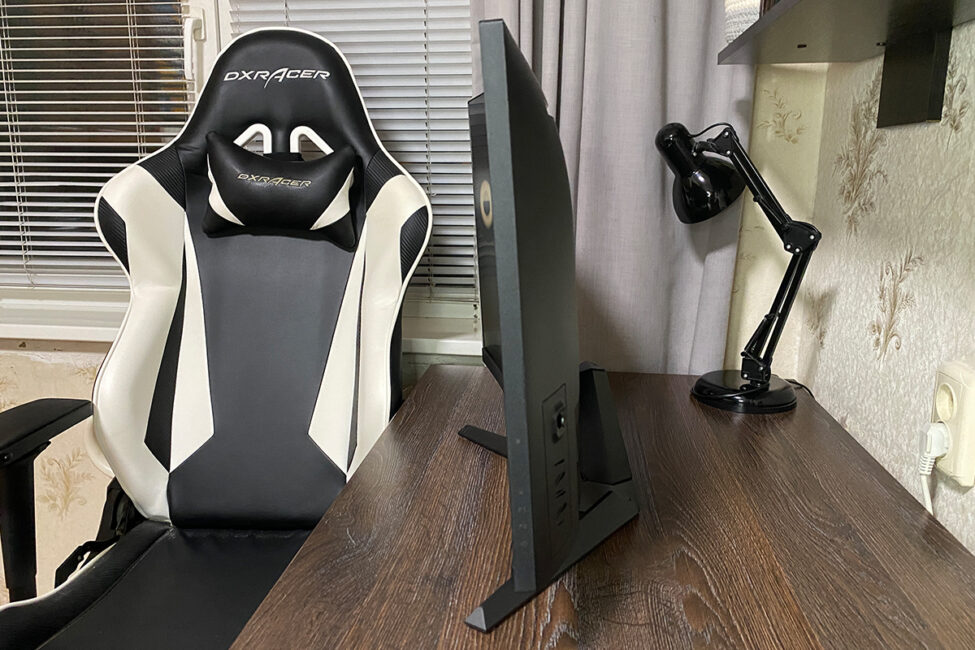
In smaller monitors, the lack of height adjustment is usually a dealbreaker for me. However, with the VG27WQ3B, it doesn’t pose much of an issue – mostly thanks to the 27-inch screen size. In my experience, using the monitor at its default height is generally comfortable. That said, if you do find the height insufficient, mounting it on a monitor arm is a simple solution. The rear panel includes standard VESA 100×100 mm mounting holes. And since the monitor is relatively lightweight, even a basic, budget-friendly arm will do the job just fine.
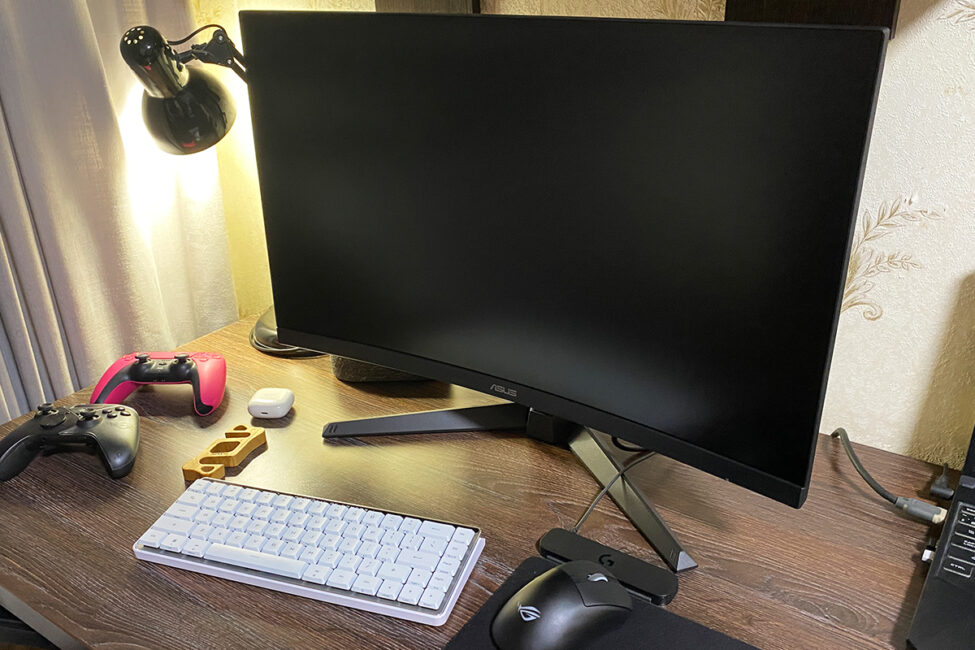
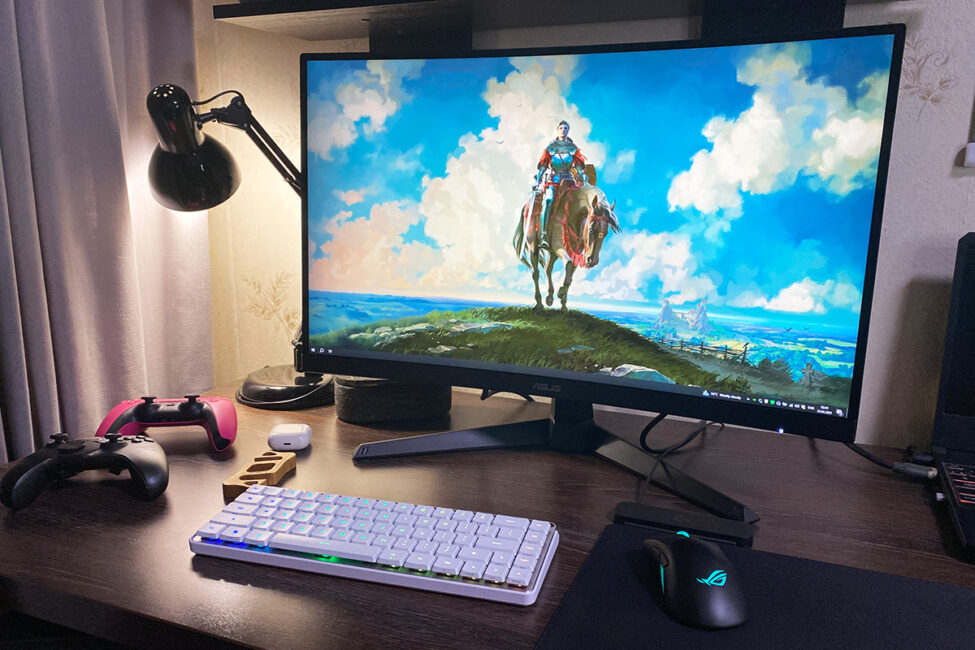
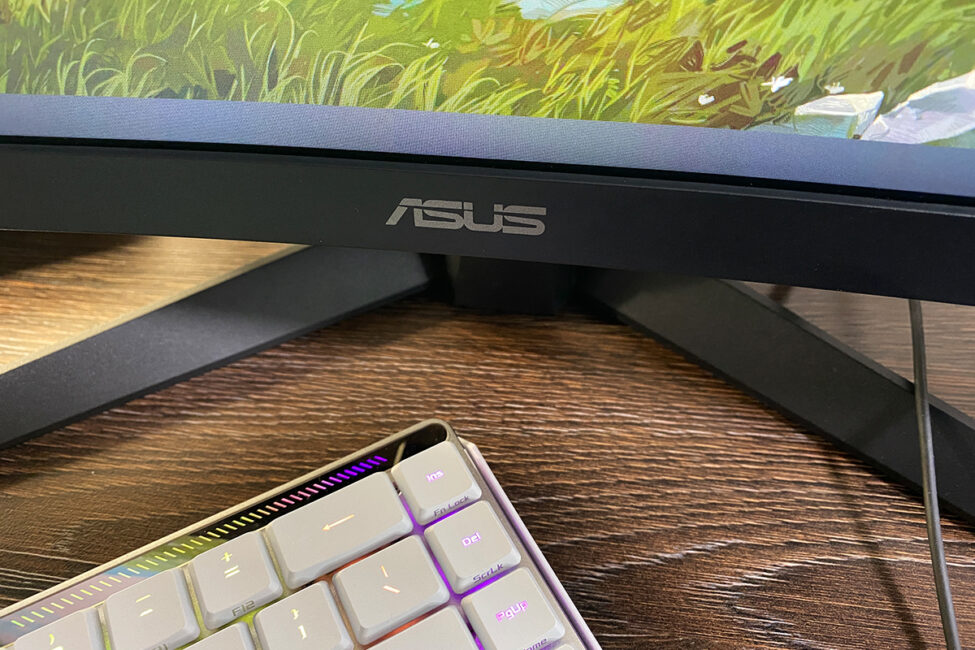
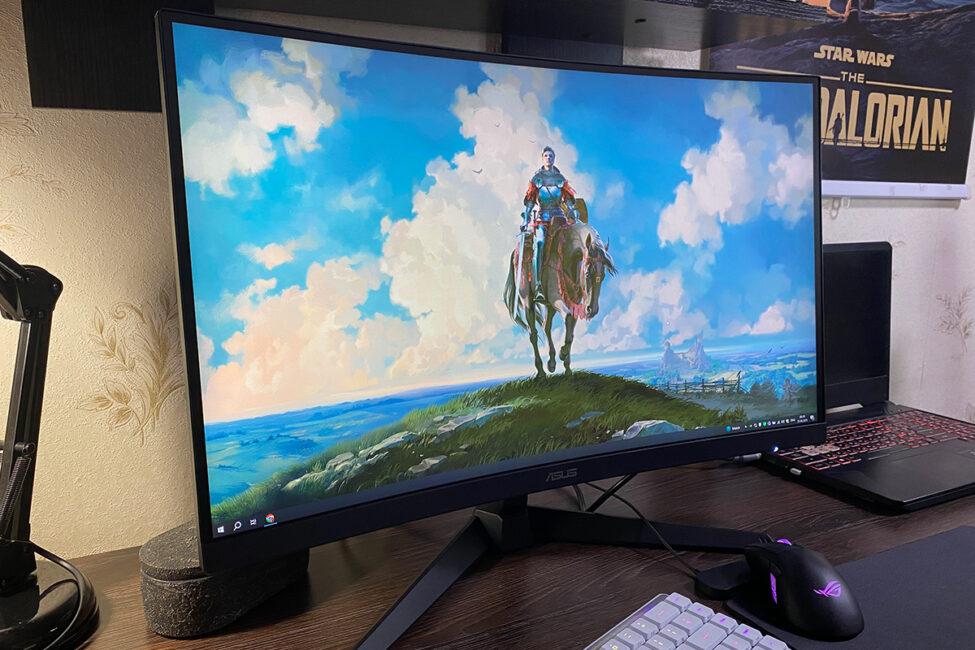
The front of the monitor is dominated by the 27-inch curved display with an anti-glare coating. It has a curvature radius of 1500R, which is fairly typical for this size and segment. The bezels are standard, with about 1 mm of outer casing and an additional 4 mm of visible panel border. The ASUS logo is centered along the bottom edge, while a small power indicator is located on the lower right.
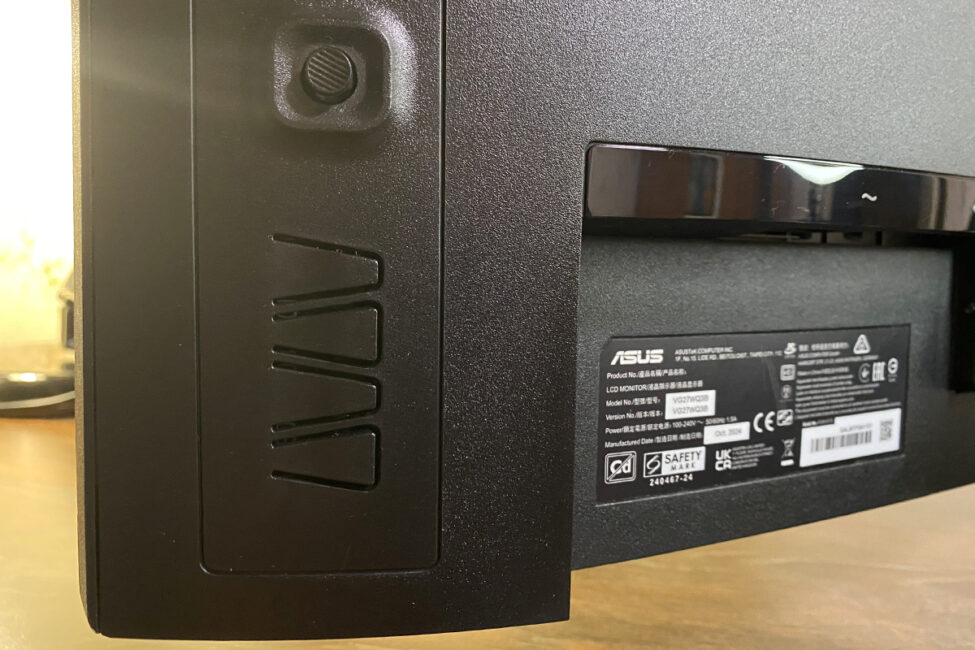
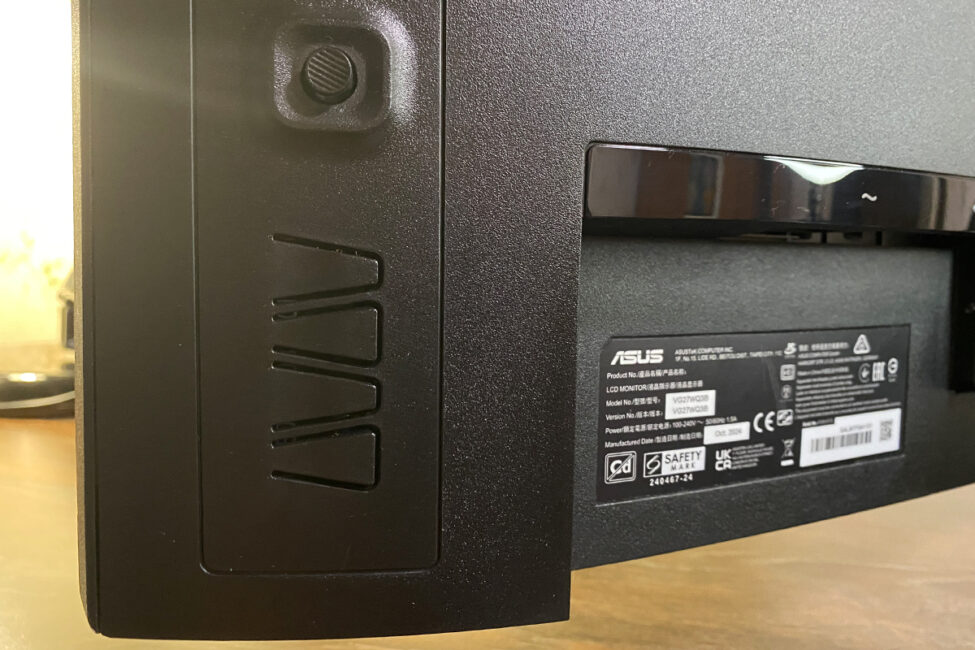
The control buttons and connectivity ports are located on the back of the monitor, as is typical. On the right side (when facing the screen), you’ll find a 5-way joystick along with menu navigation buttons. On the left side, there’s a Kensington lock slot for security.
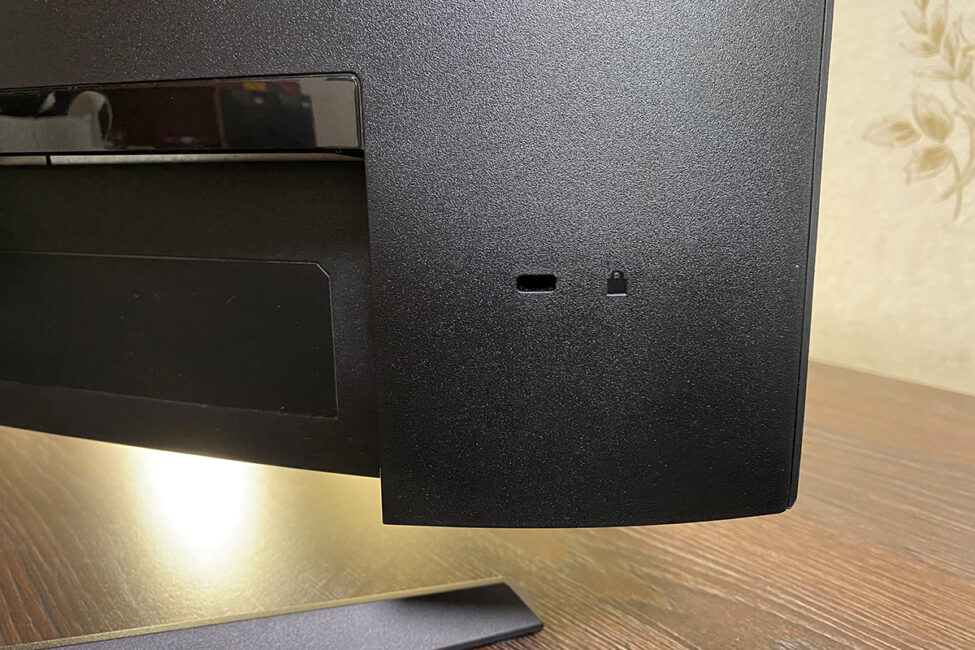
At the lower right on the back is the power input. On the left side, facing downward, are the input/output ports: one DisplayPort 1.4 (HBR2), two HDMI 2.0 ports, and a 3.5 mm headphone jack. Given the simple design of the stand, the VG27WQ3B does not include any cable management features.
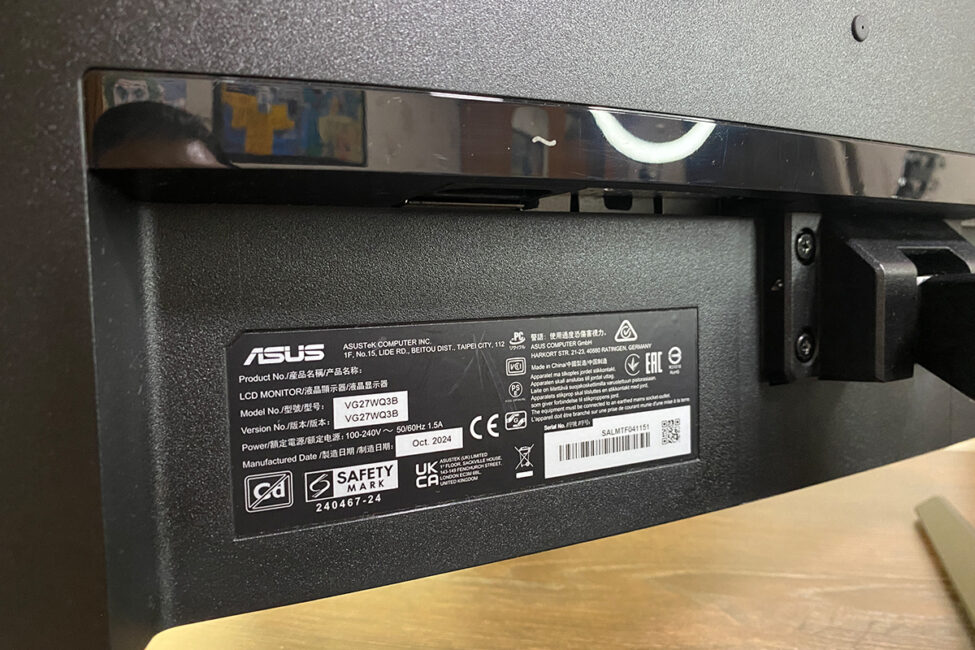
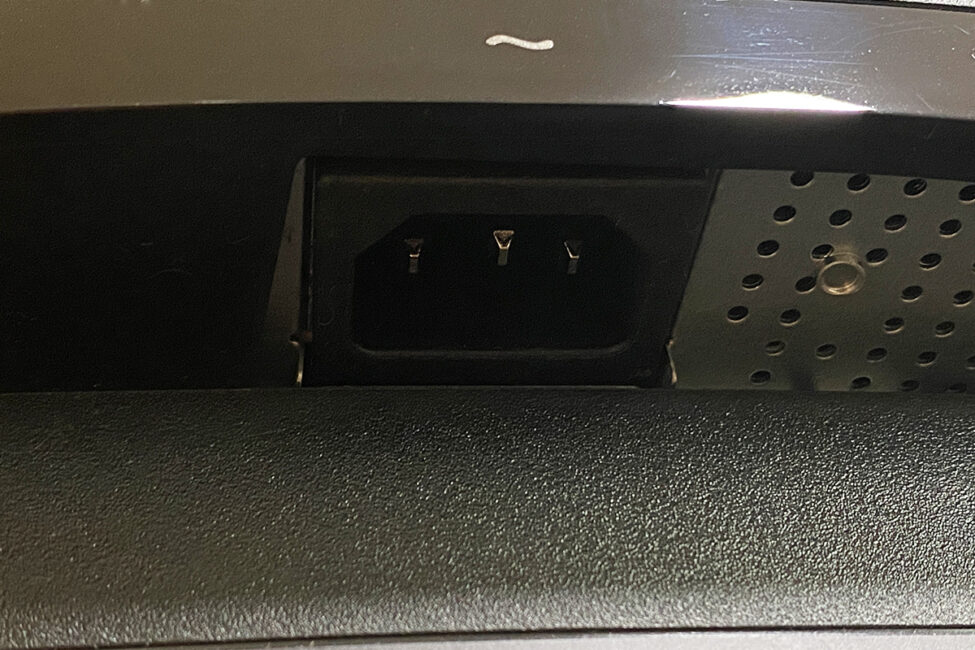
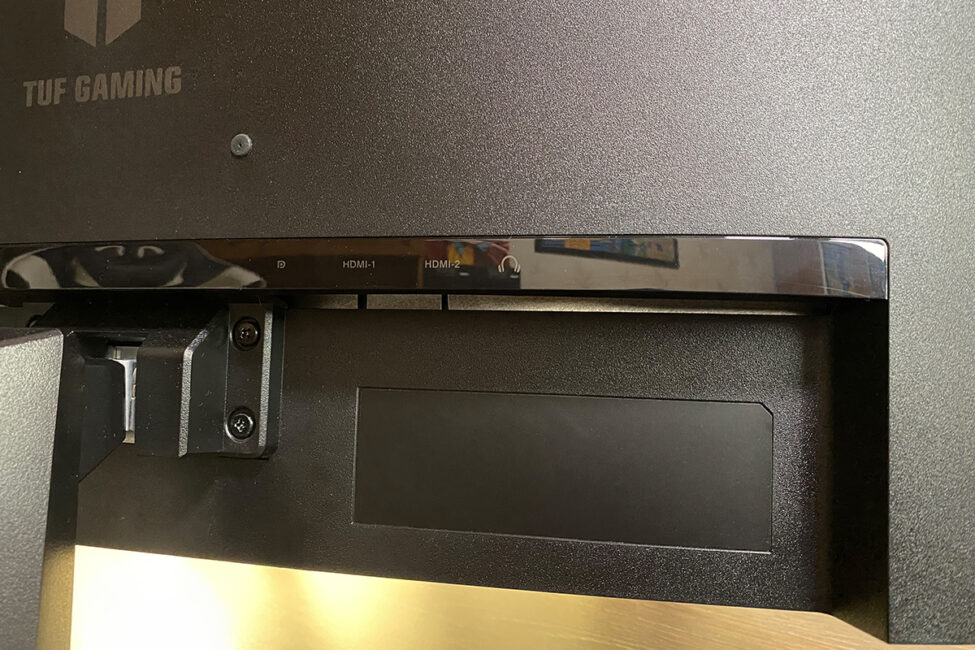
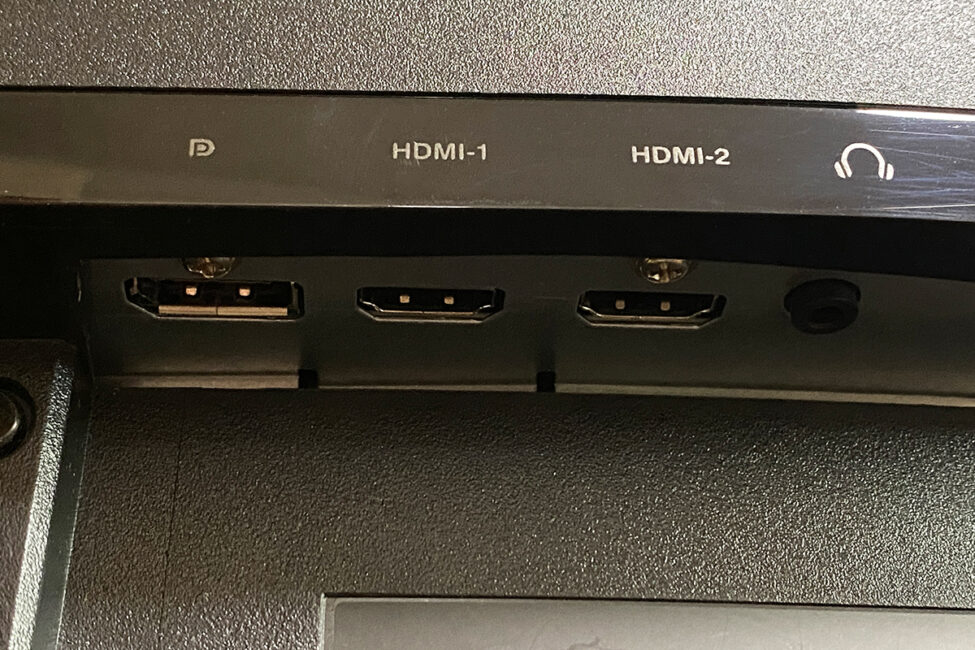
The monitor features a built-in power supply, which means there’s no bulky external power brick cluttering your desk or floor. During use, the back of the monitor does get slightly warm, but the plastic casing doesn’t crack or warp with temperature changes.
There are no complaints about build quality: the monitor has a solid construction with a pleasant matte plastic finish. It sits firmly on the desk, and the stand doesn’t take up much space. The tilt adjustment requires a bit of effort but works reliably. While height adjustment would have been a welcome addition, as mentioned earlier, its absence isn’t a significant drawback for this particular model.
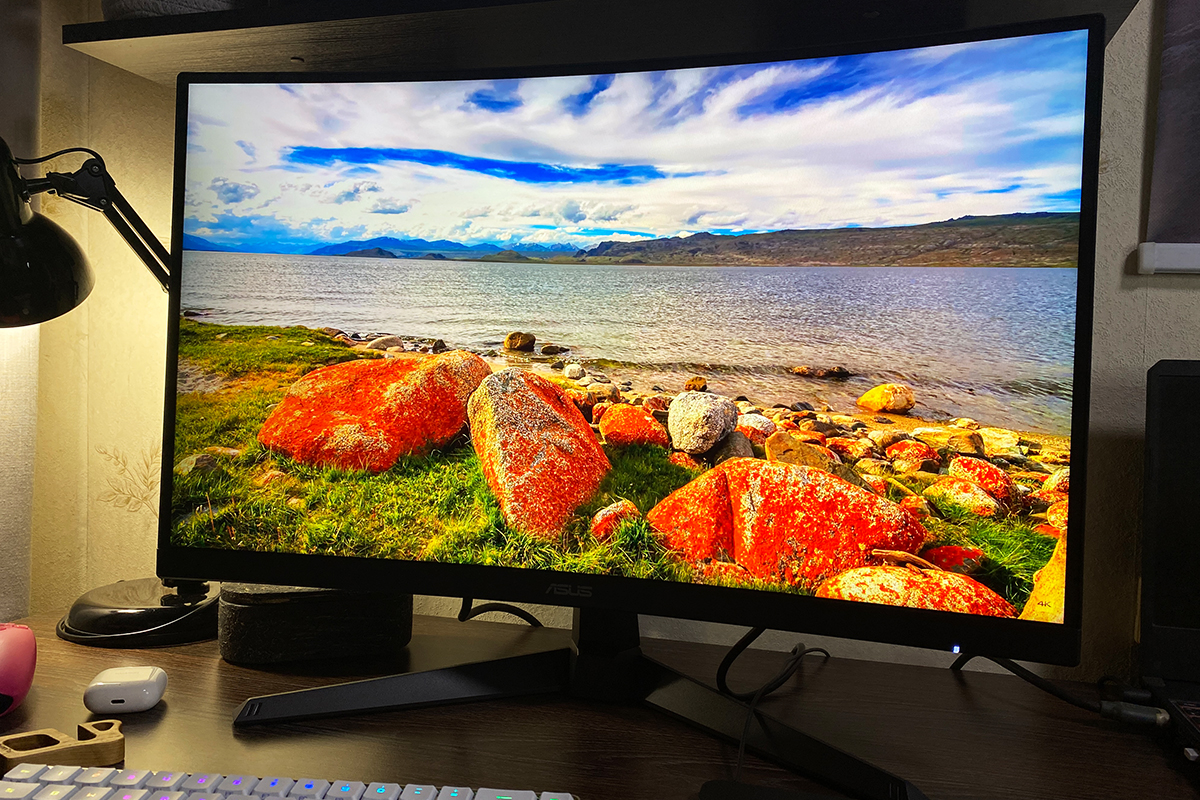
Almost forgot to mention, the monitor includes a built-in audio system with two 2-watt speakers. The sound quality is typical for most monitor speakers – adequate for background YouTube videos or casual movie watching. You can even play games using them, as long as you’re not expecting high-quality audio.
Read also: ViewSonic VX2479A-HD-PRO Monitor Review: Truly Gaming-Oriented Display
Display, features and technology
The TUF Gaming VG27WQ3B features an 8-bit Fast VA panel with a QHD resolution of 2560×1440 and a refresh rate of 180 Hz. It has a 16:9 aspect ratio and a pixel pitch of 0.233 mm. The monitor’s rated brightness is 300 cd/m², with a contrast ratio of 5000:1. Color coverage is specified at 125% sRGB and 90% DCI-P3. Response time is listed as 1 ms (GTG). The monitor also supports HDR10 and Adaptive-Sync, including AMD FreeSync.
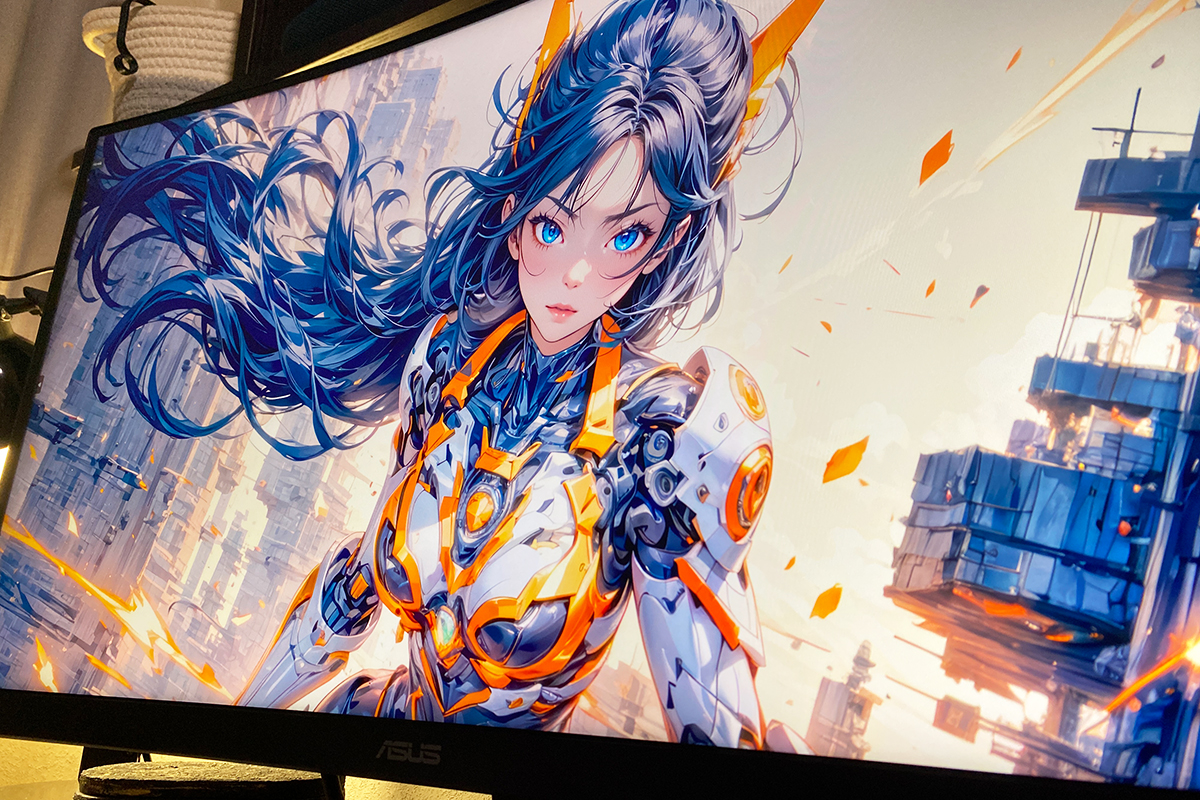
In addition, the monitor includes a range of features and proprietary technologies aimed at improving image quality and the overall gaming experience. Essentially, it shares the same suite of functions found in models like the ROG STRIX XG259CMS, TUF Gaming VG259Q3A, and TUF Gaming VG34VQL3A.
Here’s a quick overview of the key features:
- Flicker-Free: Minimizes screen flicker to reduce eye strain.
- Trace Free: Lowers the panel’s response time.
ELMB (Extreme Low Motion Blur): Reduces motion blur in fast-moving scenes.
- Shadow Boost: Enhances visibility in dark areas without affecting bright parts of the image.
Blue Light Filter: Reduces blue light exposure to ease eye fatigue.
GameVisual: A set of preset display modes that can be switched quickly and further customized via DisplayWidget Center.
- GamePlus: Built-in gaming tools such as on-screen crosshairs, timers, and counters.
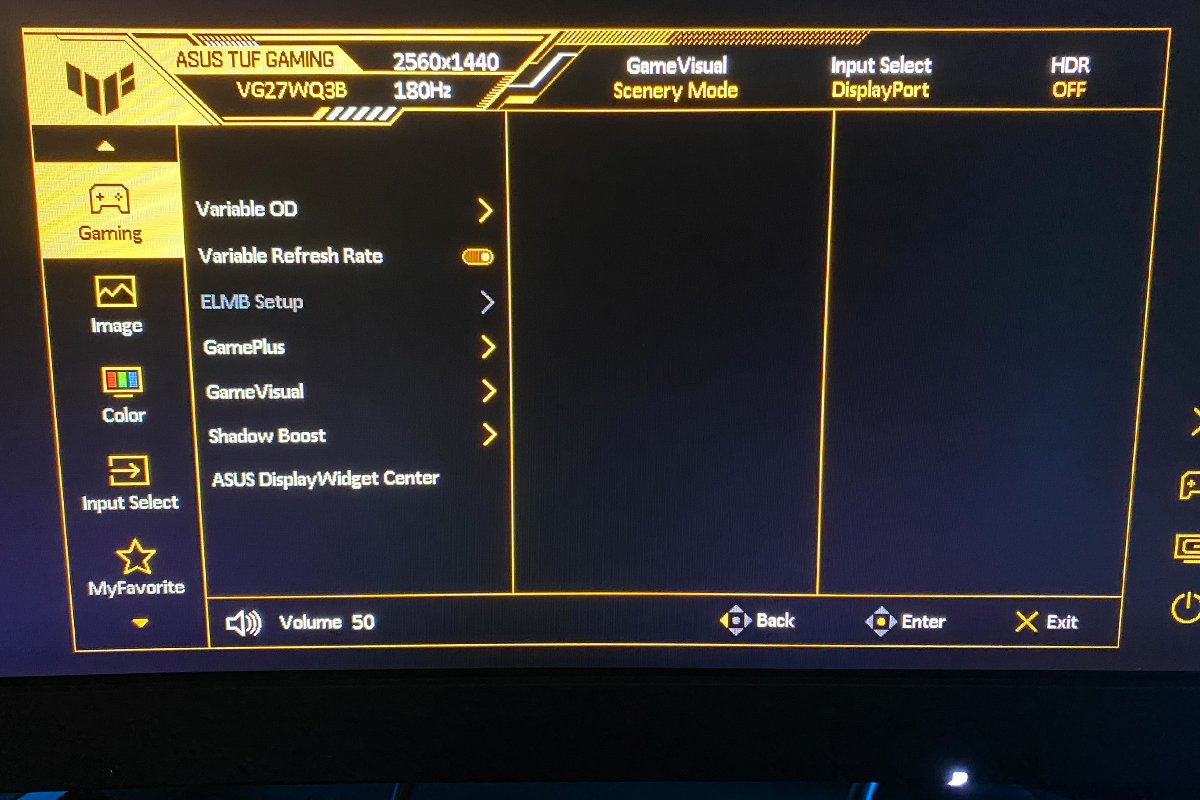
Variable Overdrive: Automatically adjusts the panel’s overdrive level based on the current frame rate for optimized performance.
Now, a few words about the image quality overall. The color reproduction is pleasing – the monitor delivers vibrant and fairly rich colors.
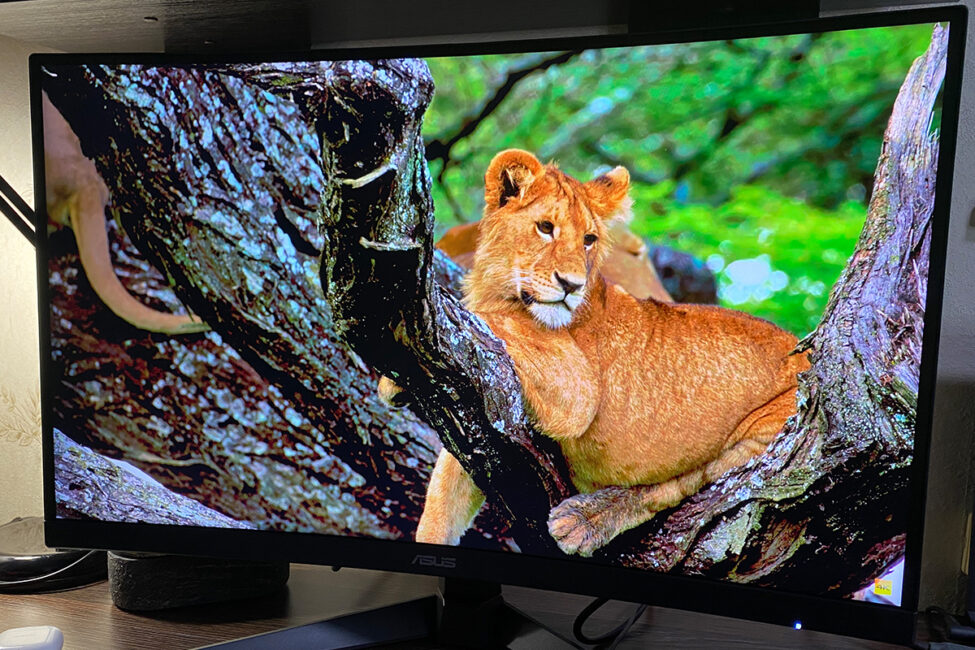
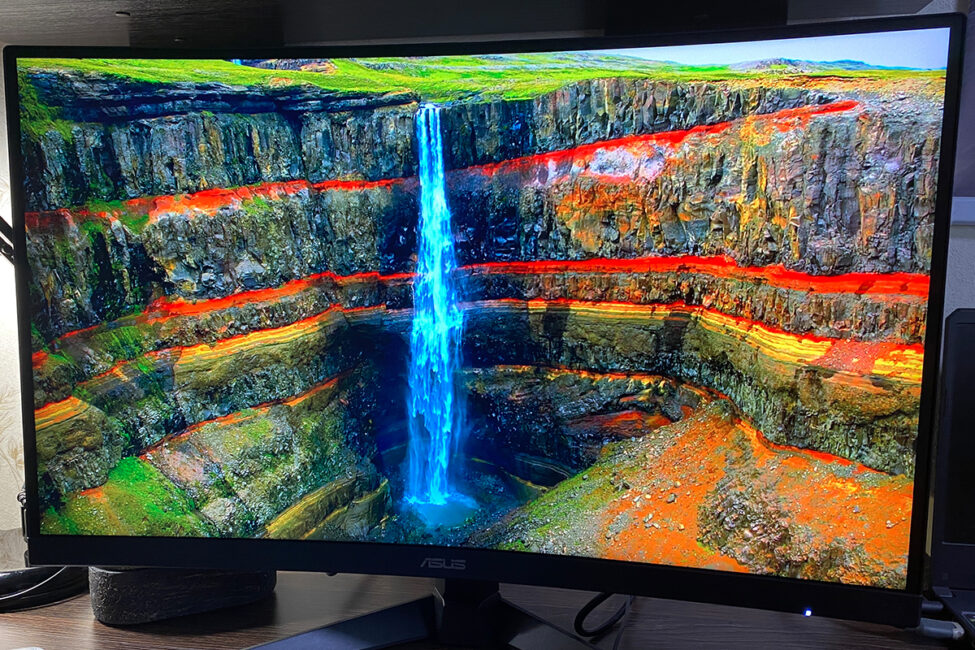
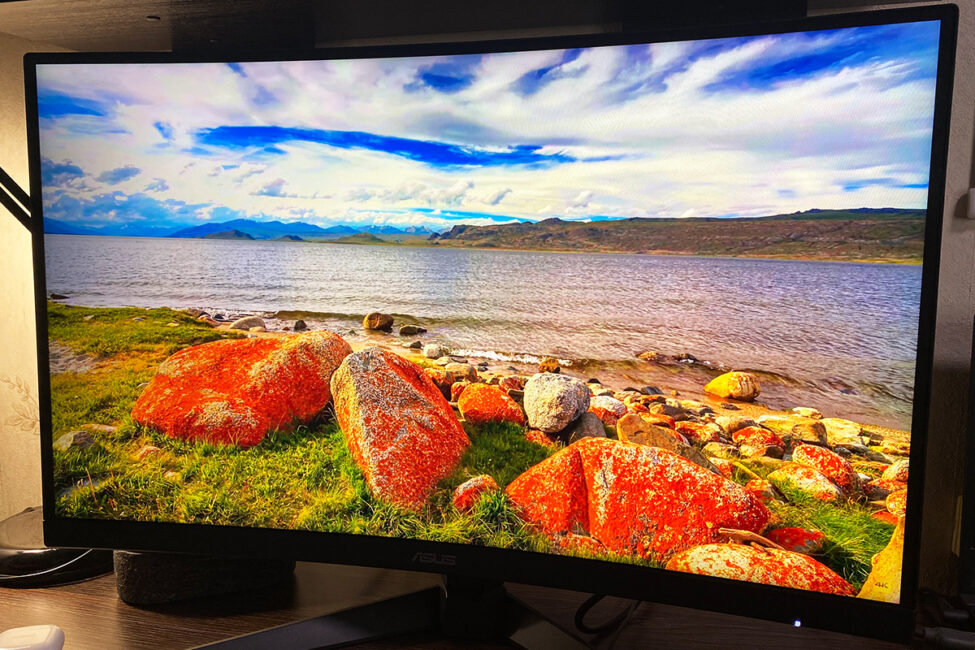
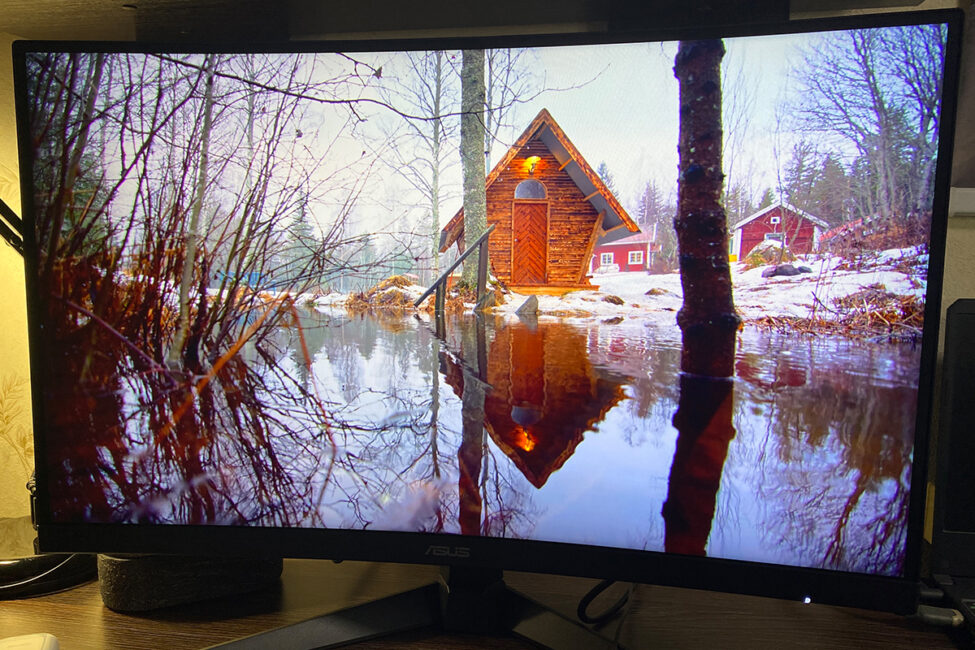
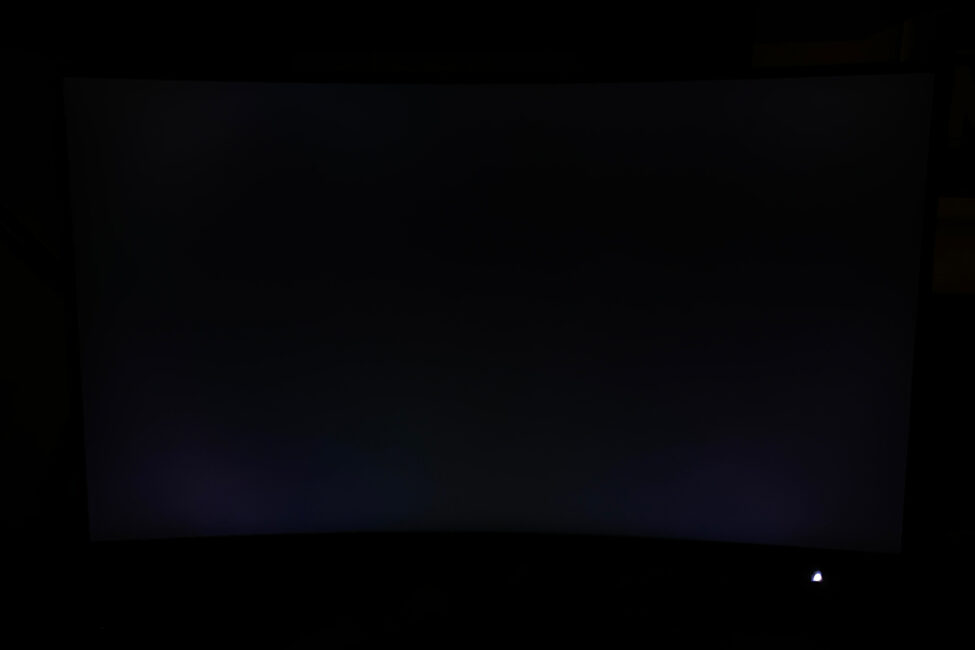
The black levels stood out positively – they are genuinely deep and rich. Contrast is also strong.
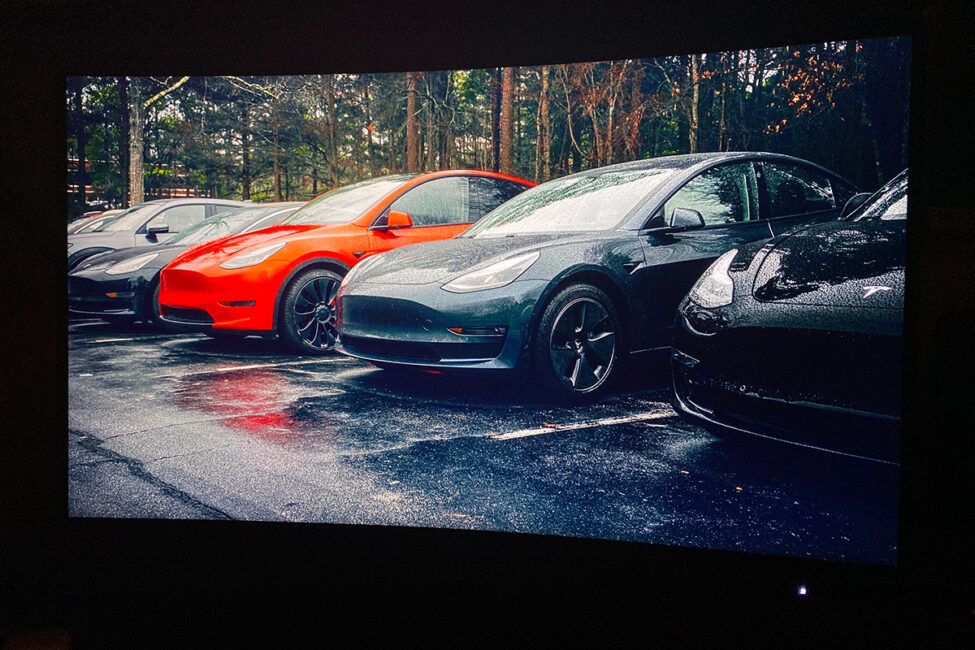
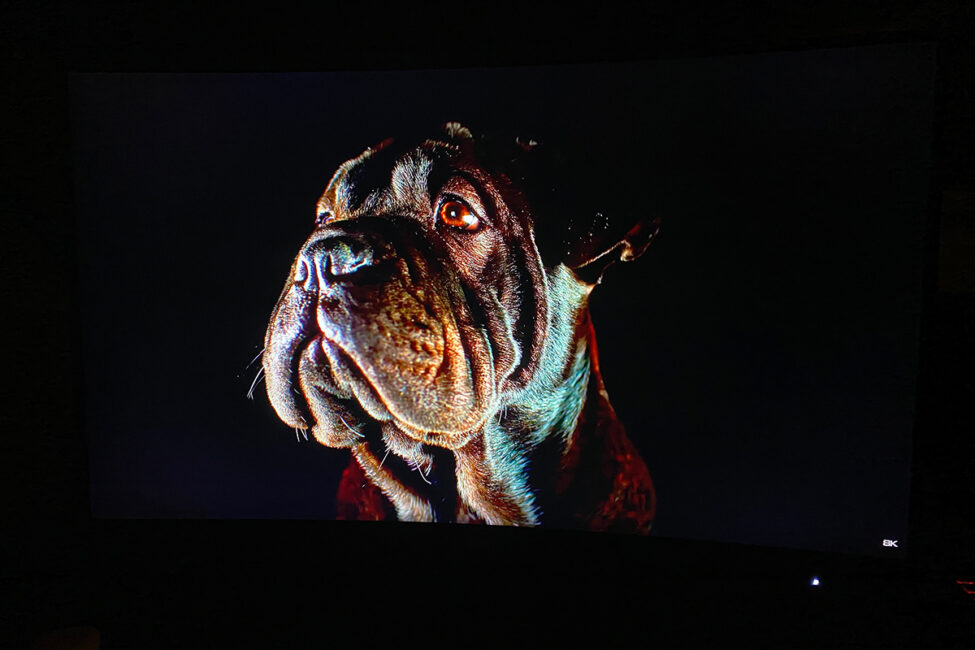
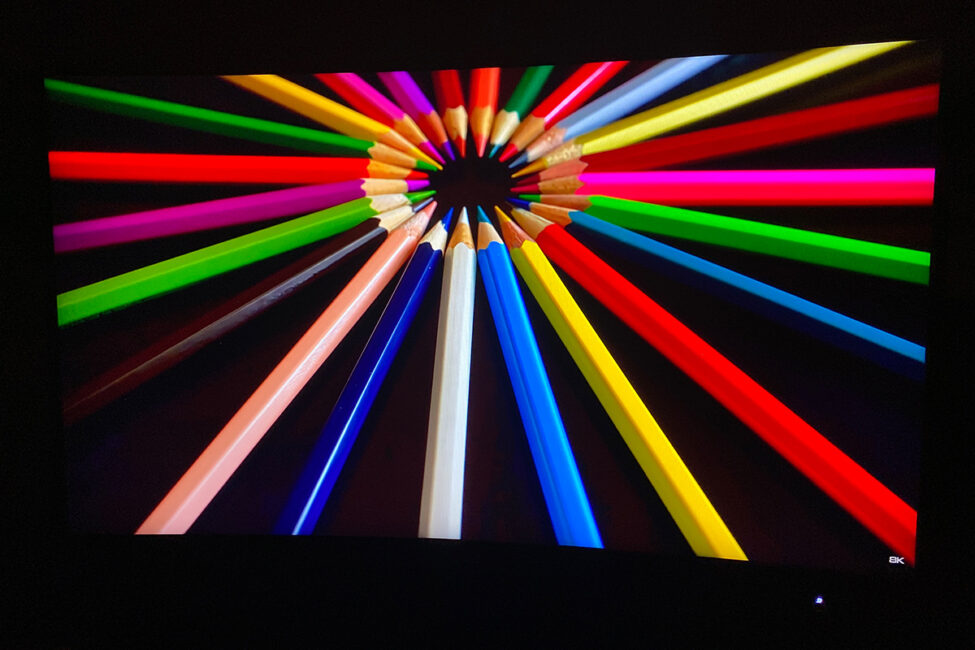
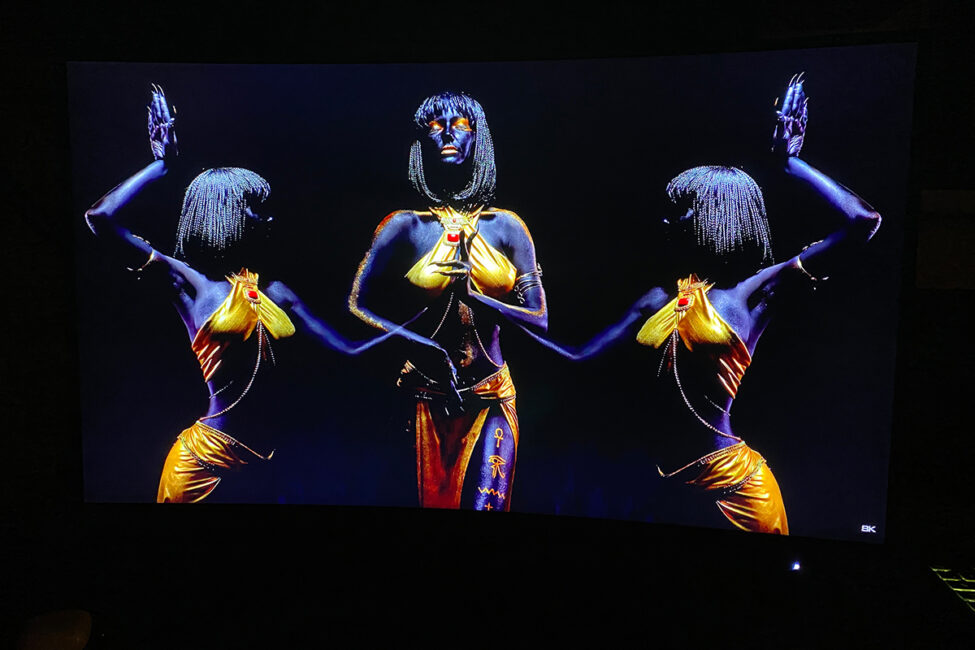
A brightness level of 300 cd/m² is generally sufficient for most use cases, though it falls short for full HDR performance.
Viewing angles are solid – the image remains clear and colors stay consistent from almost any angle. The only noticeable change at wider angles is that dark areas tend to lighten up somewhat. However, since people rarely use monitors from extreme angles, this isn’t a major concern.
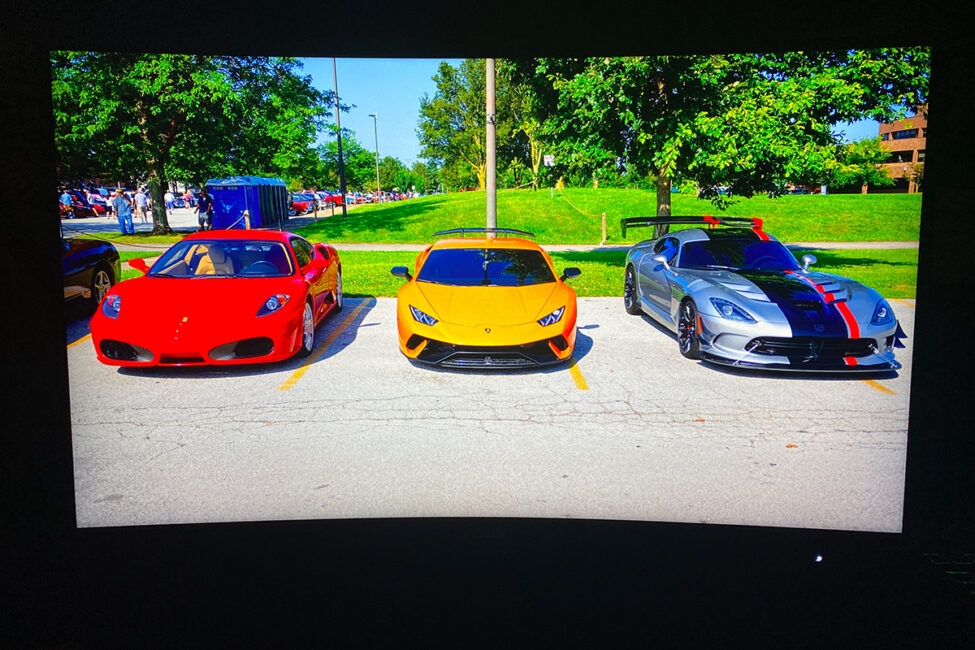
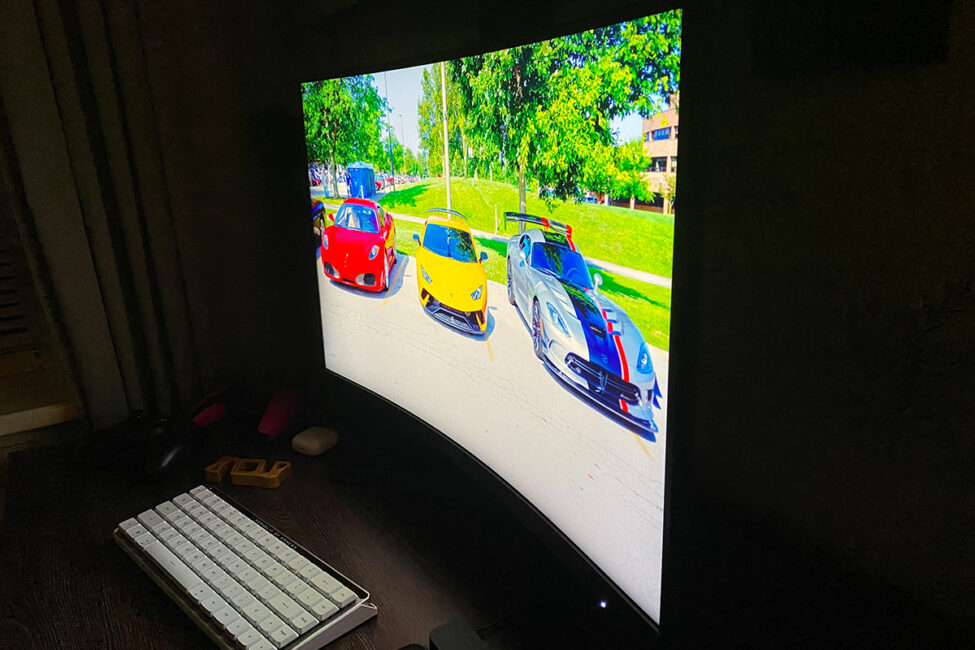
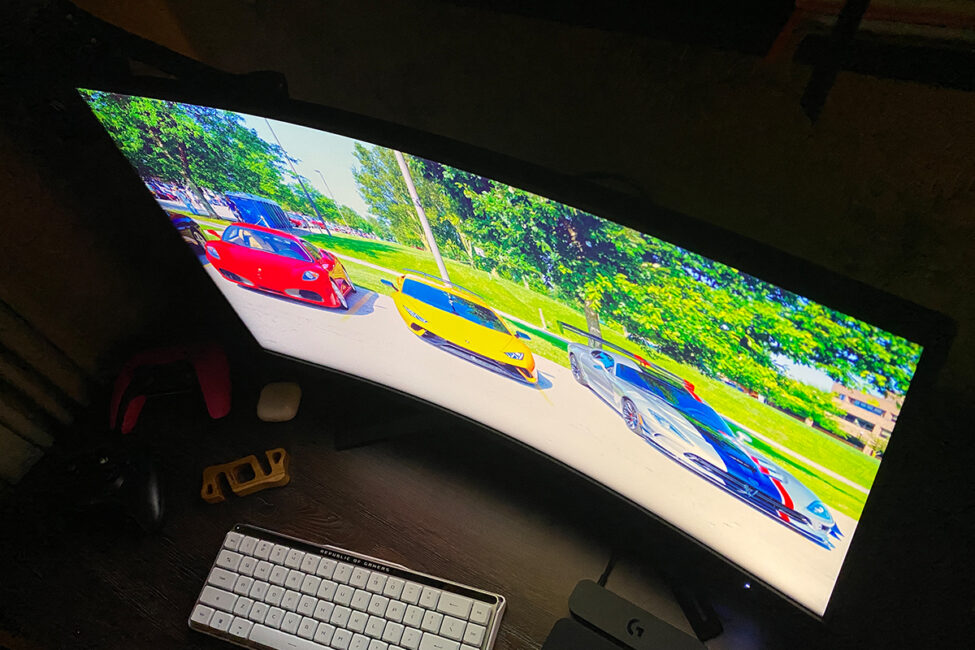
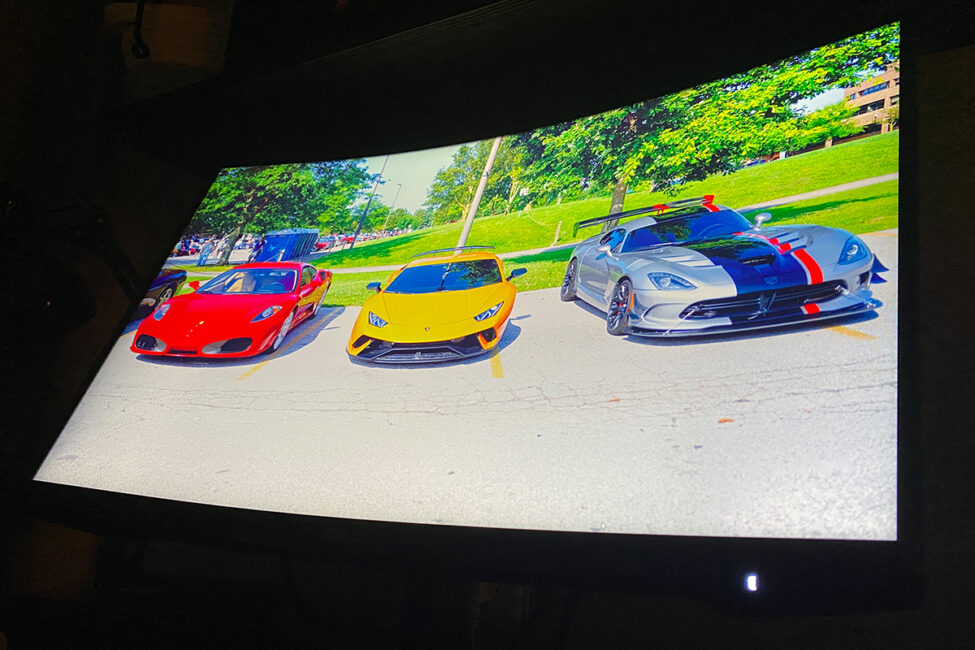
There are no significant issues with the backlighting on this unit. The monitor I tested has generally even illumination. There is a slight area that stands out, as shown in the photo below, but this glow appears more pronounced in the image captured by a smartphone camera than it does during regular use. In fact, I didn’t notice any backlight bleed while watching videos or playing games, even in very dark scenes.
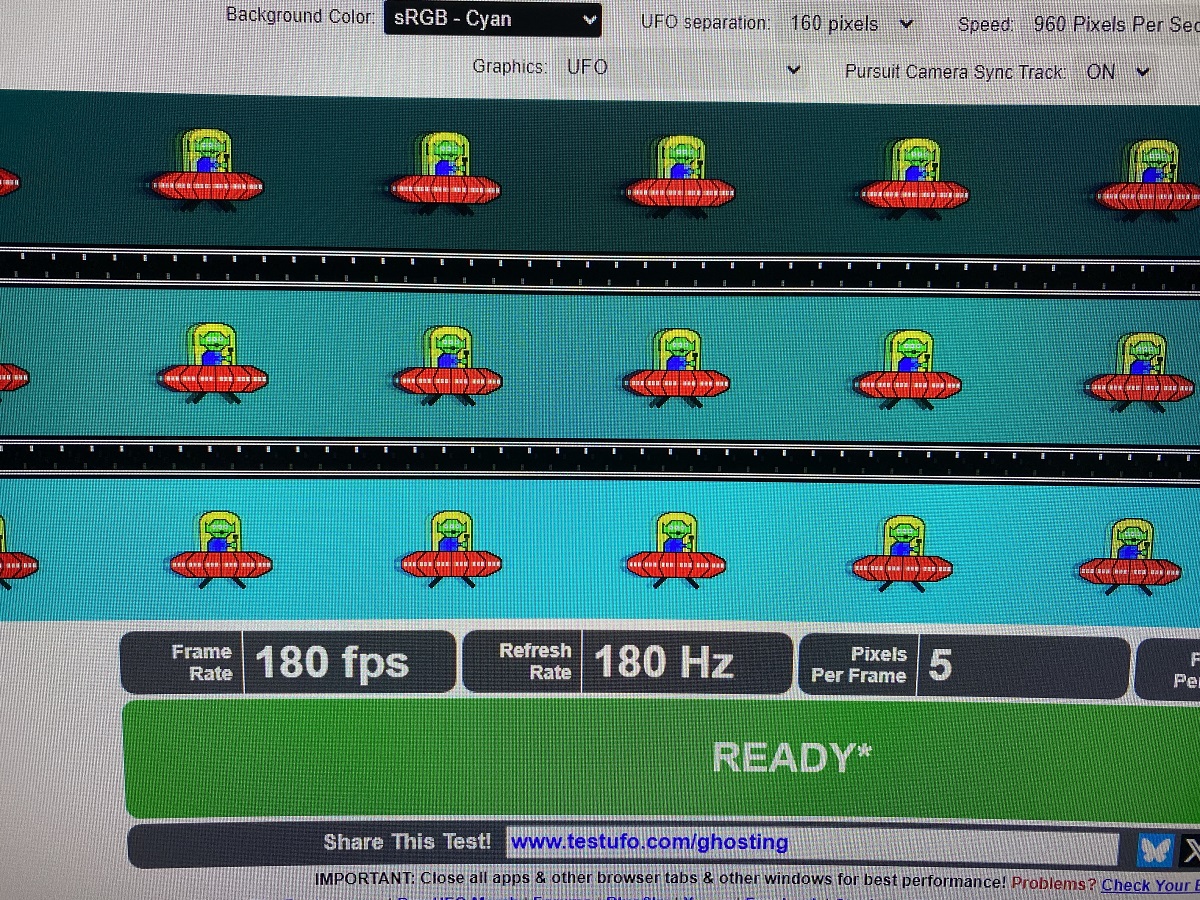
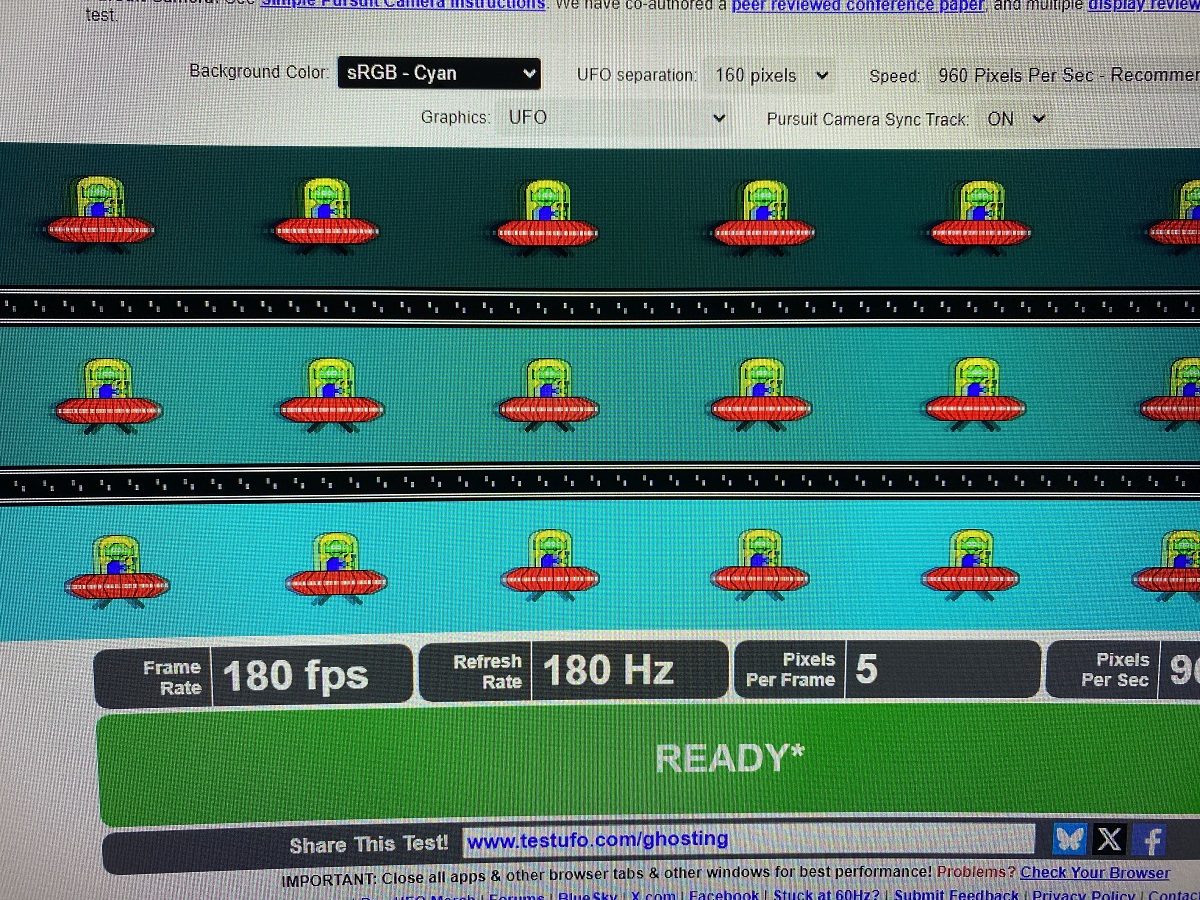
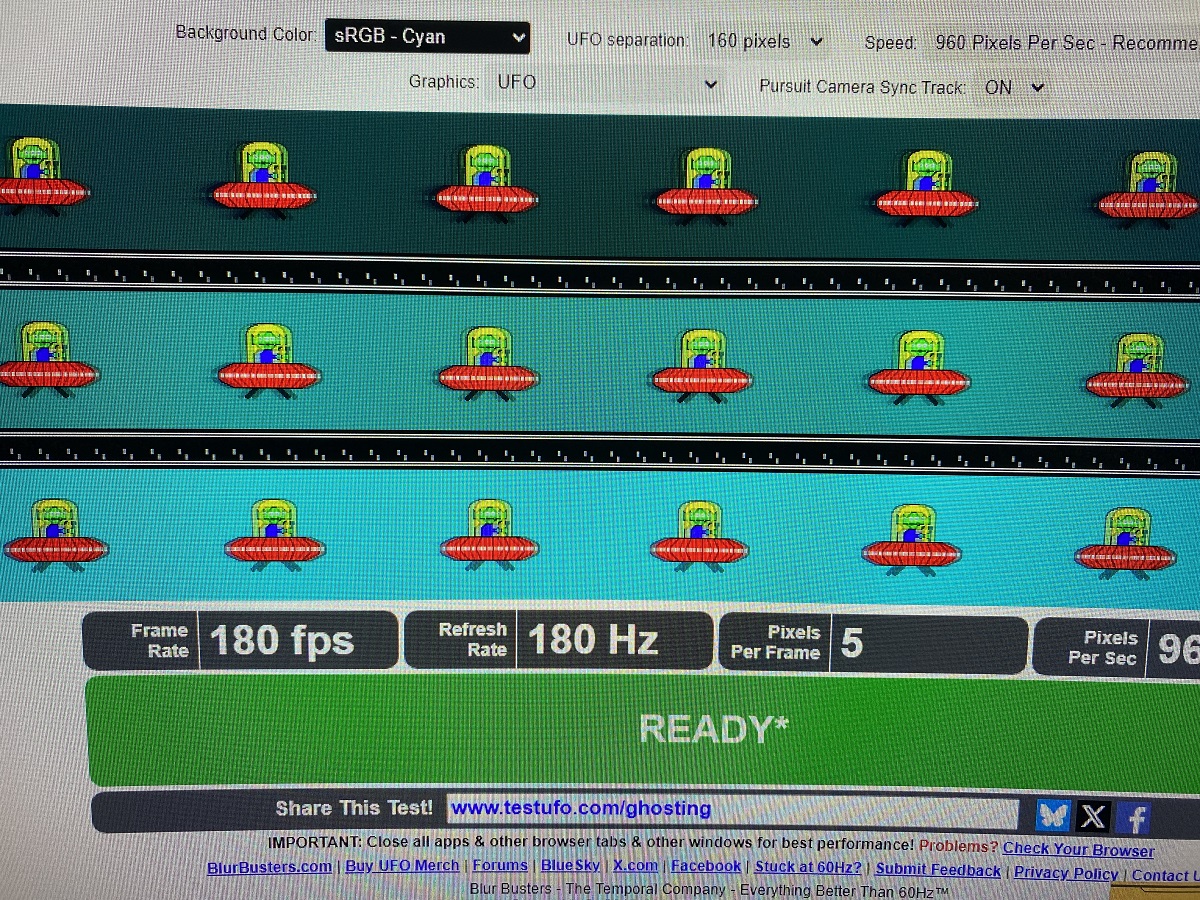
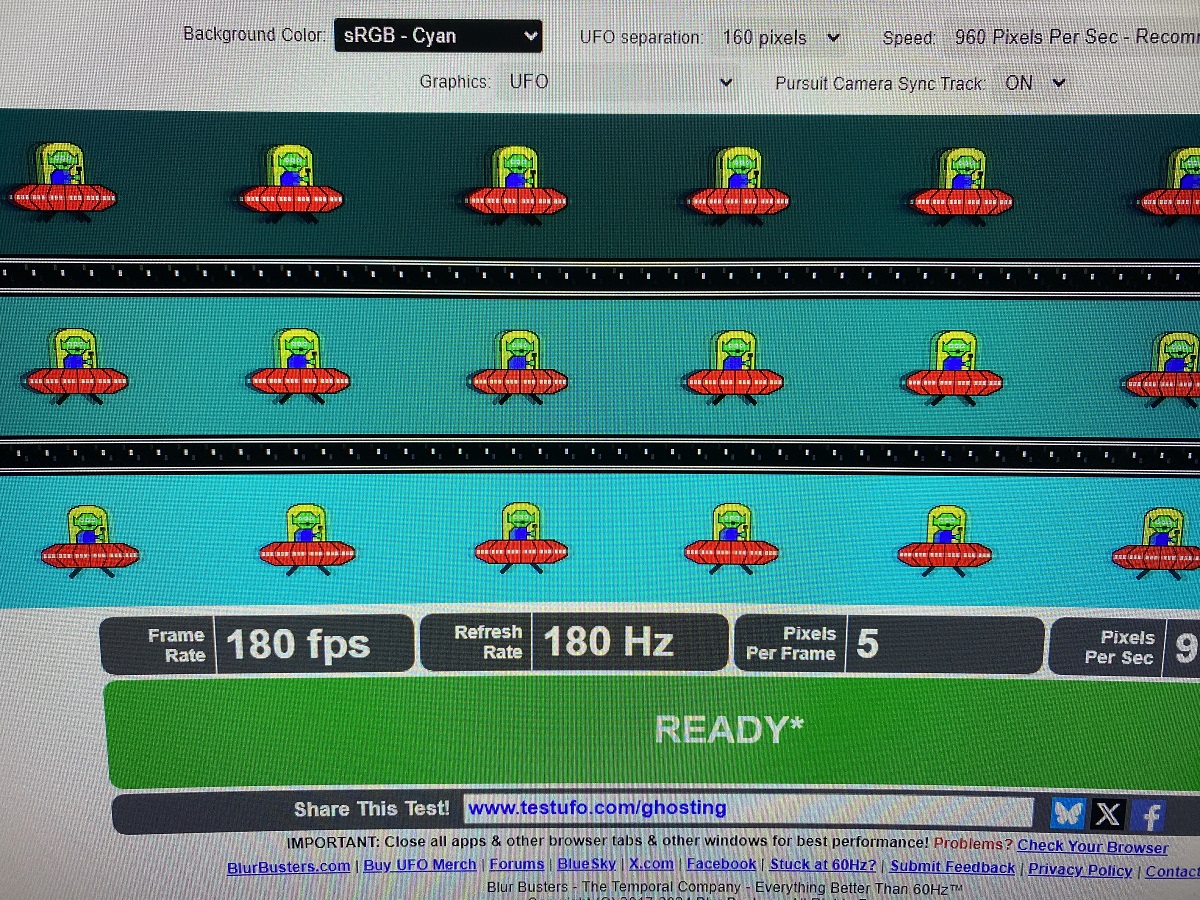
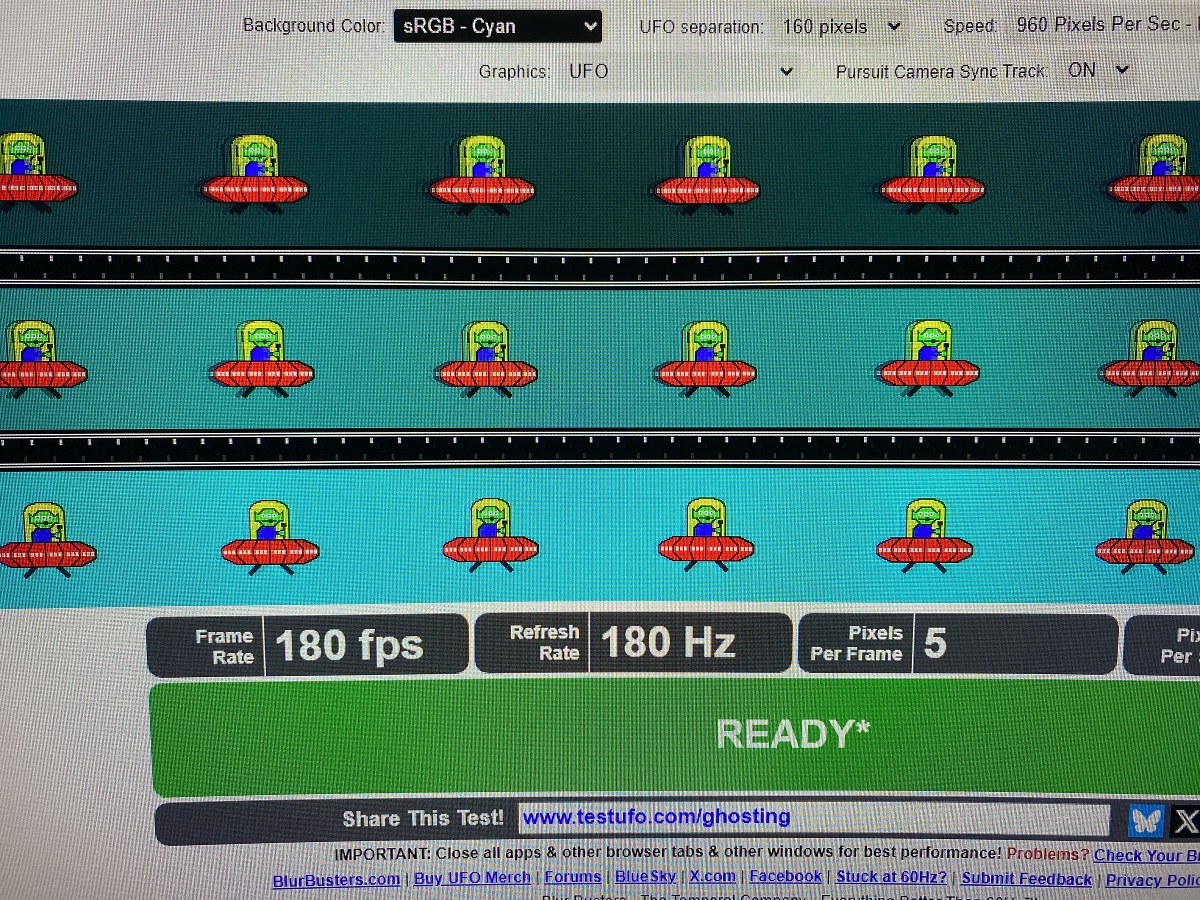
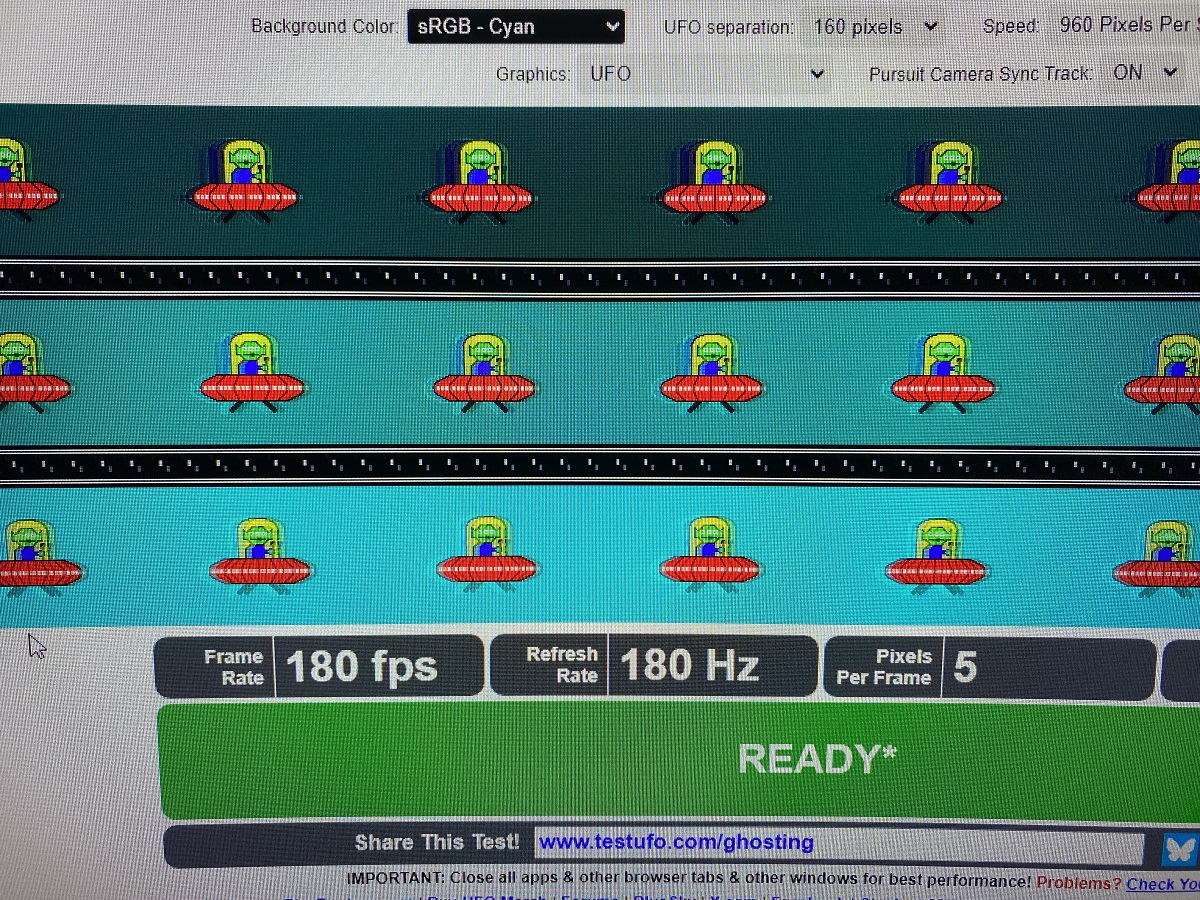
The monitor’s response is excellent. The image feels fast, smooth, and free of noticeable blur. Playing fast-paced games and watching 60 FPS videos on this screen is quite enjoyable. Regarding ghosting – that is, trailing effects behind fast-moving objects on screen – the VG27WQ3B exhibits a small amount, typical for many VA panels. However, thanks to its Fast VA technology, the ghosting here is noticeably reduced. During regular video playback and gaming, it’s generally not very noticeable. In fact, I tested several games on the monitor and didn’t observe any visible trailing. That said, in the UFO ghosting test, some ghosting artifacts can be seen. The Variable Overdrive feature can help reduce ghosting to some extent, but from experience, setting it to the maximum level isn’t advisable, as excessive overdrive can actually increase trailing effects.
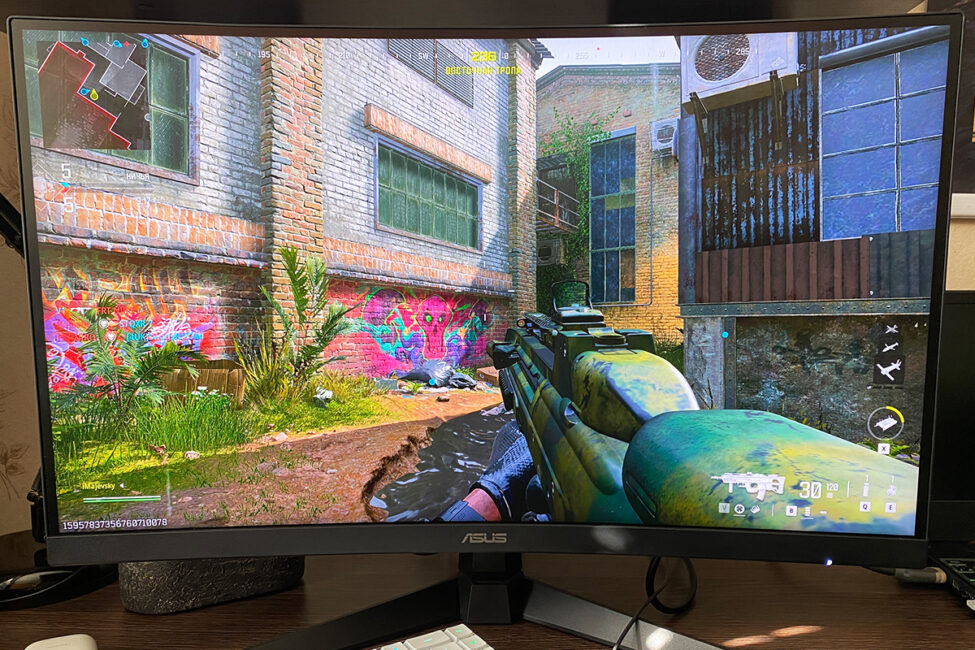
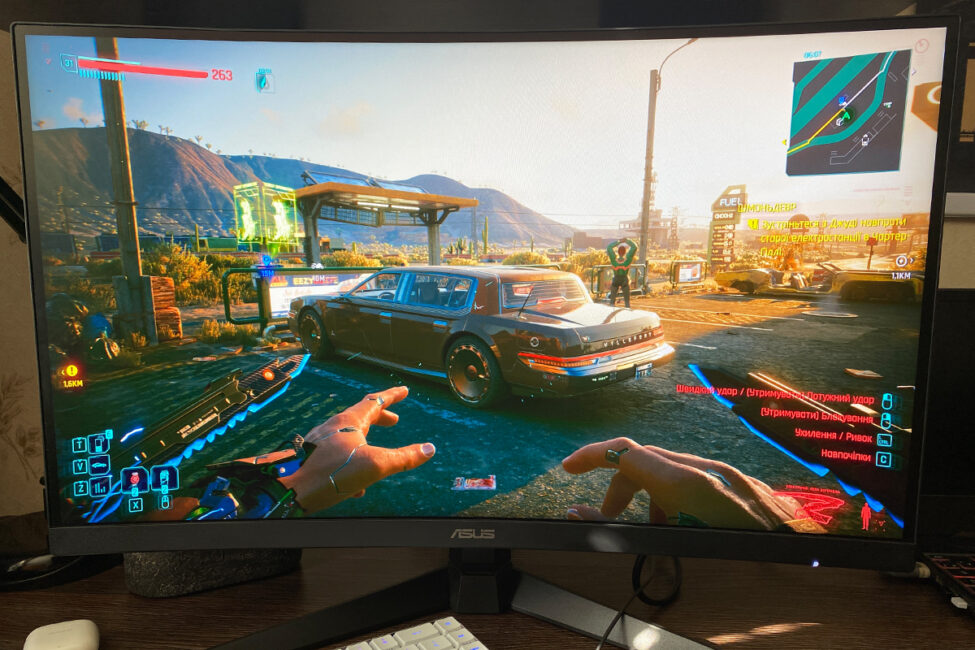
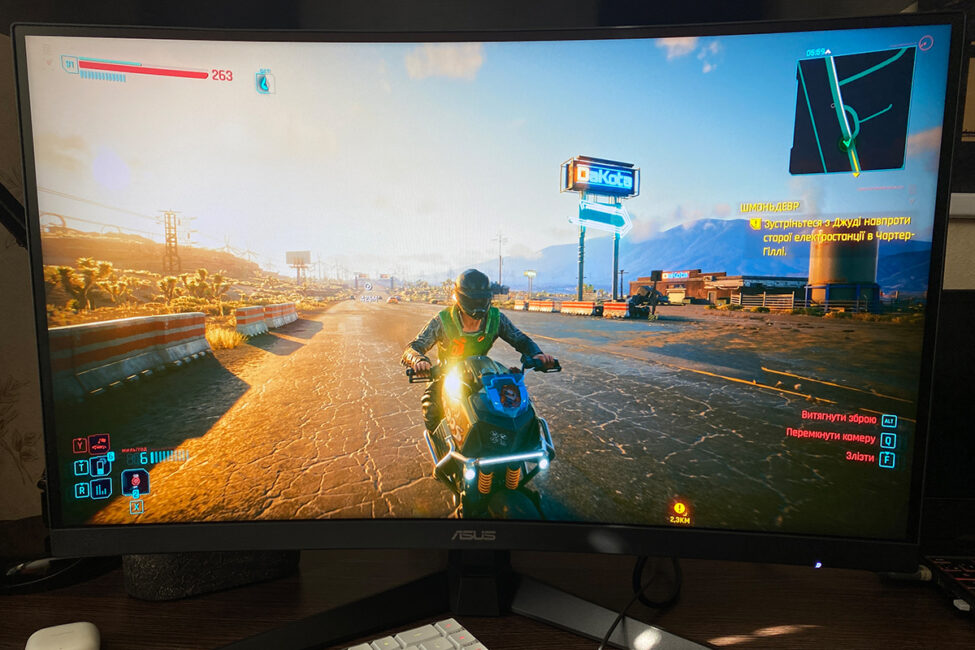
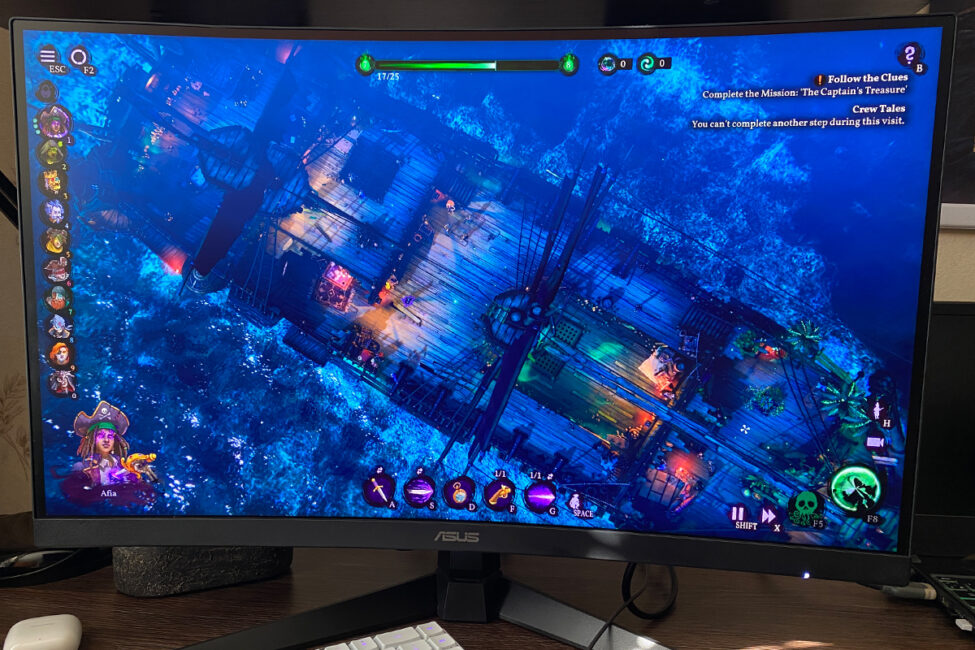
Now, turning to the main point – gaming. As mentioned earlier, gaming on the TUF Gaming VG27WQ3B is a pleasant experience: the image is vibrant, contrasty, sharp, fast, and smooth. Among the preset GameVisual modes, I particularly liked Scenery and Cinema Mode. The others, in my opinion, tend to look unnatural and usually require manual tweaking. Adaptive sync, in this case FreeSync, works flawlessly. With V-Sync turned off and frame generation active, there were no visible screen tearing issues at all. To sum up, I’ll just reiterate what I said at the start: this is a solid monitor for modern gaming at its price point.
Read also:
- GIGABYTE GS25F2 Gaming Monitor Review: 200Hz and Super Speed IPS
- Review of ASUS ZenScreen Touch MB16AHT Portable Monitor
On-screen menu
The on-screen display (OSD) in this monitor is nearly identical to what you’ll find on models like the ROG STRIX XG259CMS, TUF Gaming VG259Q3A, and TUF Gaming VG34VQL3A. The menus, features, and settings are mostly the same, so I’ll keep the overview brief.
The Gaming menu contains all the key gaming-related settings and features: Variable Overdrive (panel overdrive), Variable Refresh Rate (FreeSync/Adaptive Sync), ELMB (Extreme Low Motion Blur), GamePlus – which includes an FPS counter, on-screen crosshair, timer, and alignment tool – GameVisual with a selection of preset display modes, and Shadow Boost for enhancing dark areas. You’ll also find a QR code here for downloading ASUS’s DisplayWidget Center software.


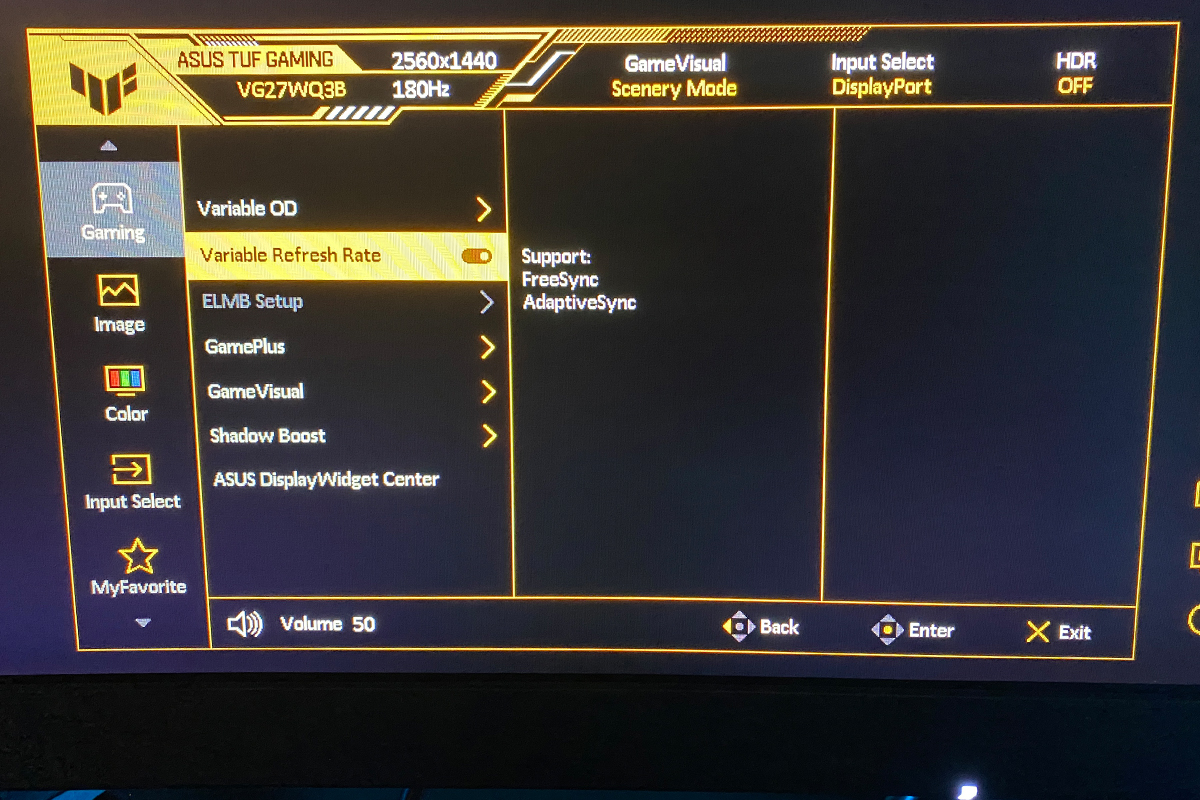
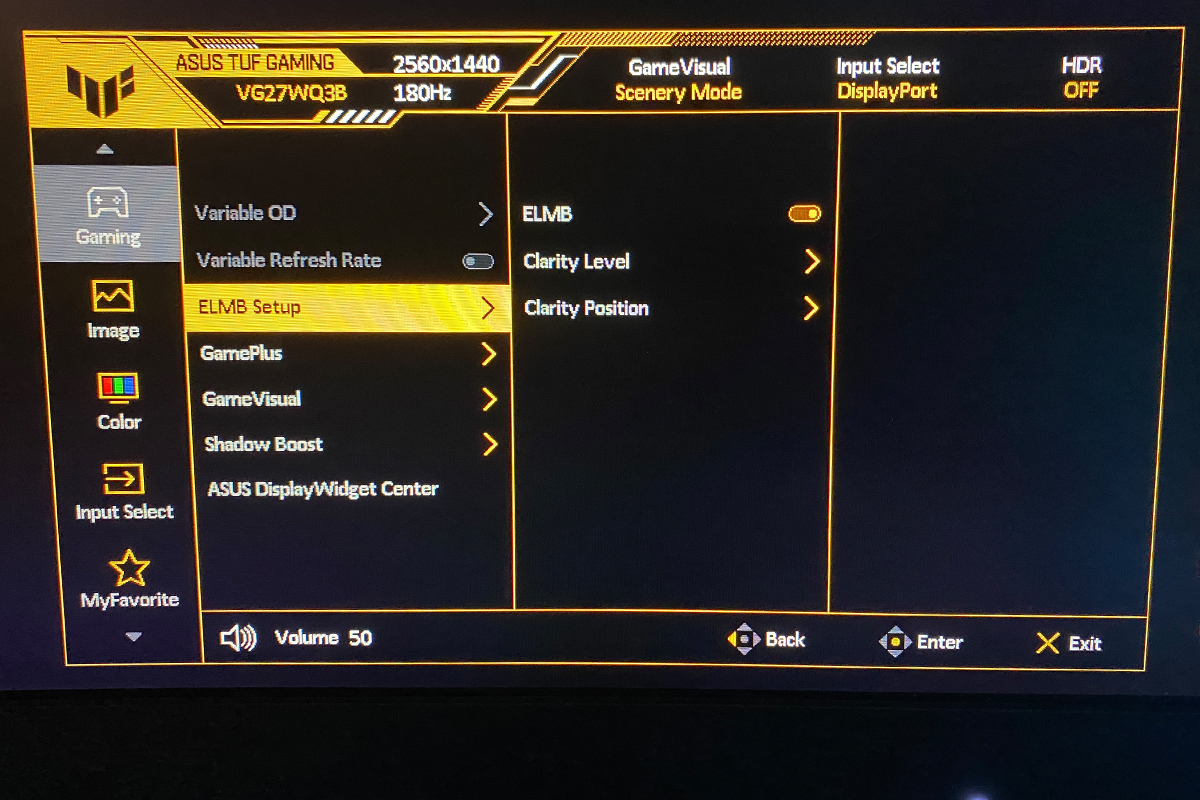


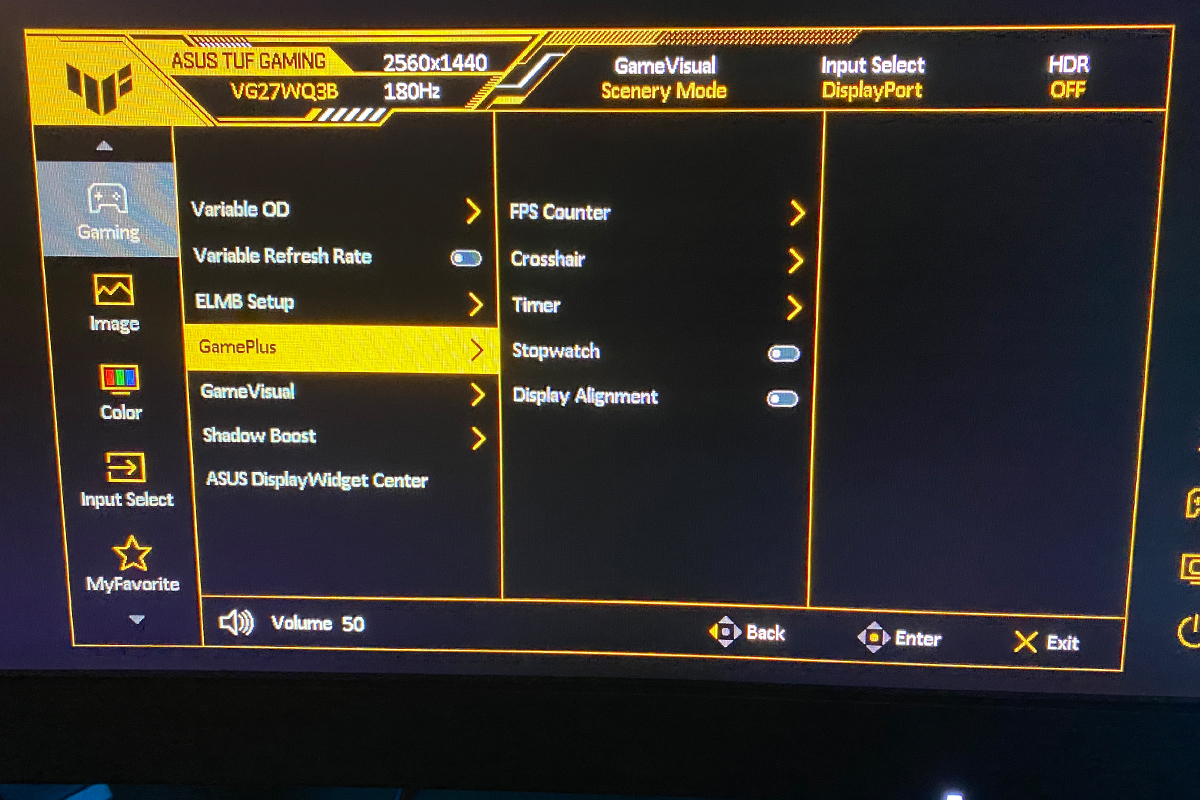


The Image menu lets you adjust brightness, contrast, and sharpness. It also includes separate controls for HDR mode, options to change the screen’s aspect ratio, dynamic contrast (ASCR), and blue light filtering.


The Color menu allows you to select the color space and adjust the color temperature and saturation.


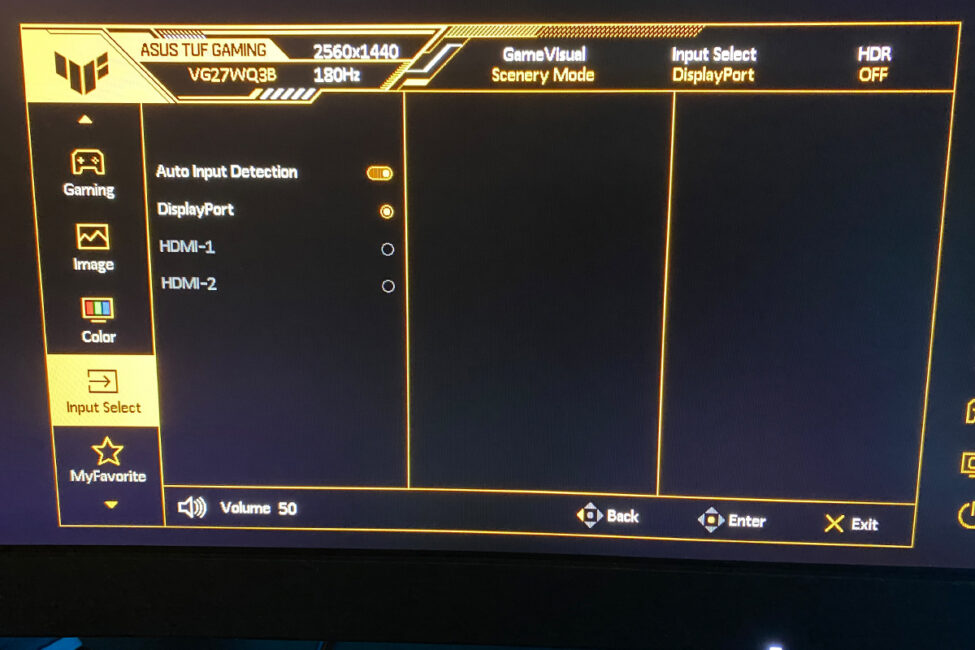
In the Input Select menu, you can choose the signal source. By default, it’s set to Auto, and in my experience, the monitor reliably detects the connected input without any issues.
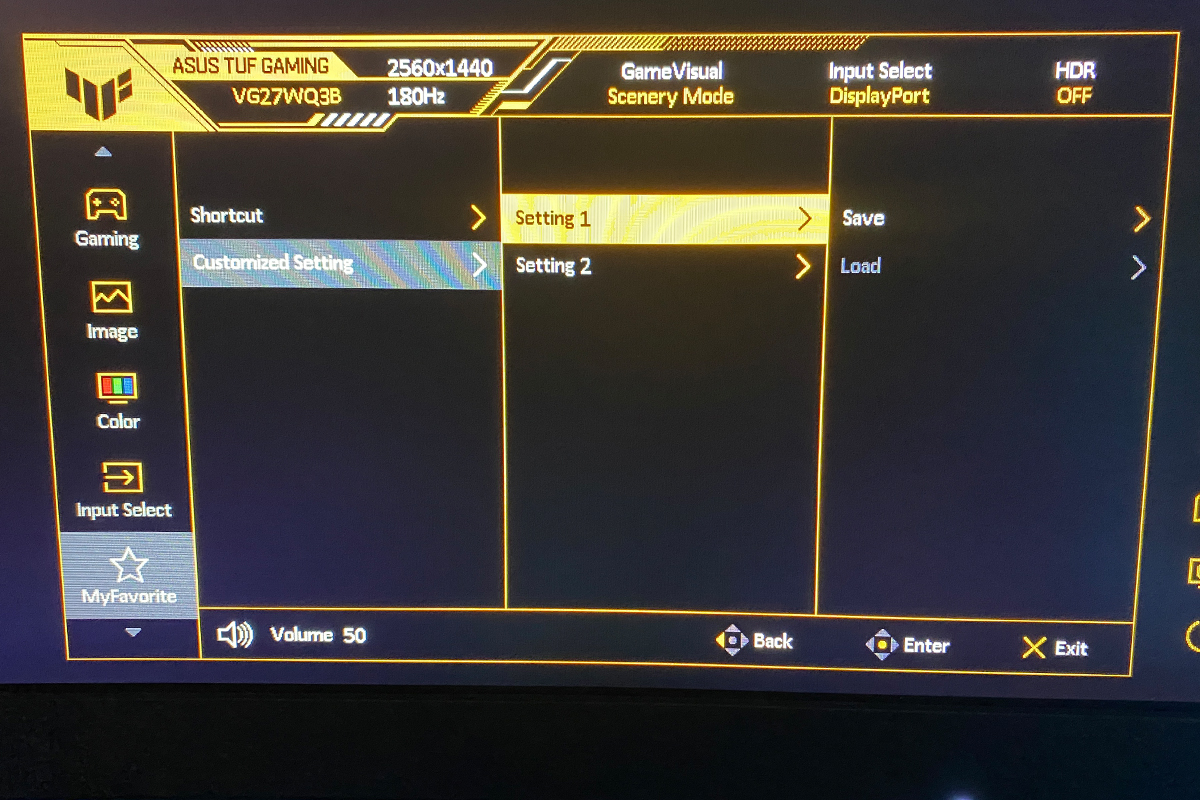
The MyFavorite menu lets you assign quick-access submenus to the buttons located on the back of the monitor. You can also save your custom monitor settings here and load them whenever needed.

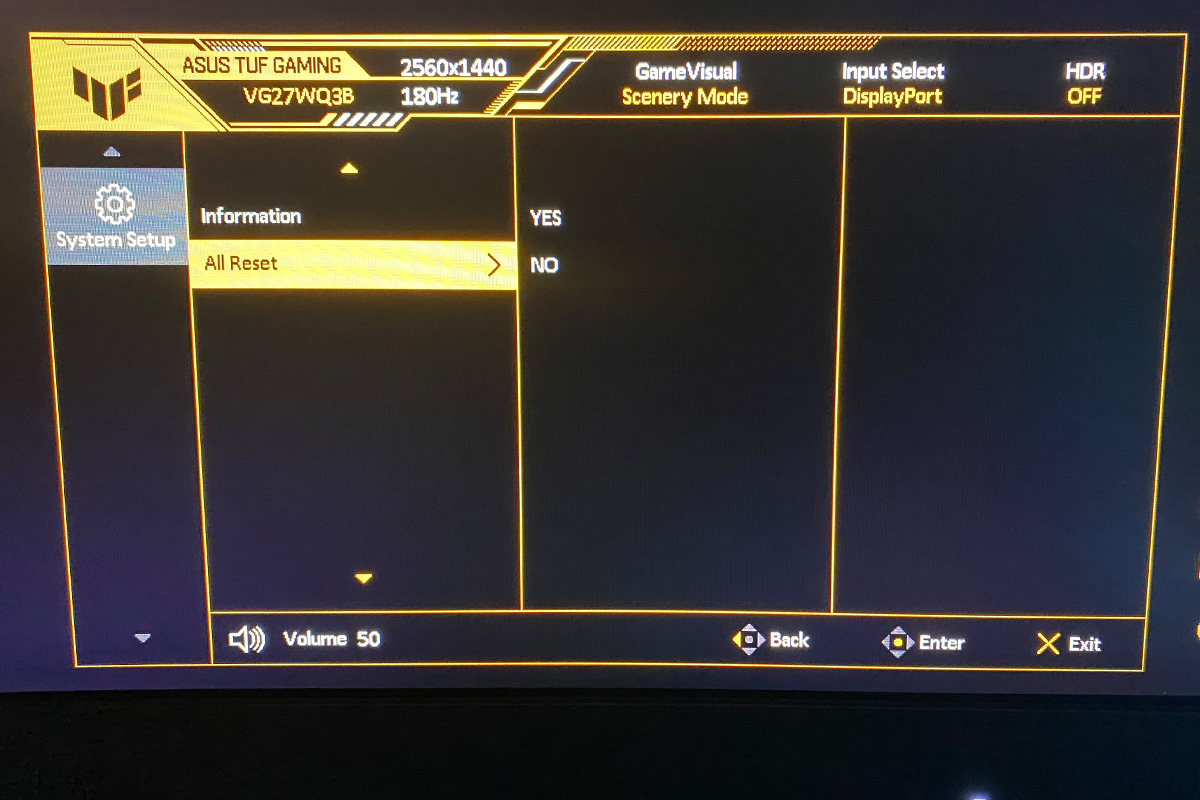
The System Setup menu allows you to change the language, adjust the volume of the built-in speakers, view model and firmware information, and reset all monitor settings to factory defaults.


Читайте також:
- ASUS ZenScreen MB229CF Portable Monitor Review
- Duex Max DS Review: 14.1″ Portable Monitor for Boosting Mobile Productivity
Proprietary software
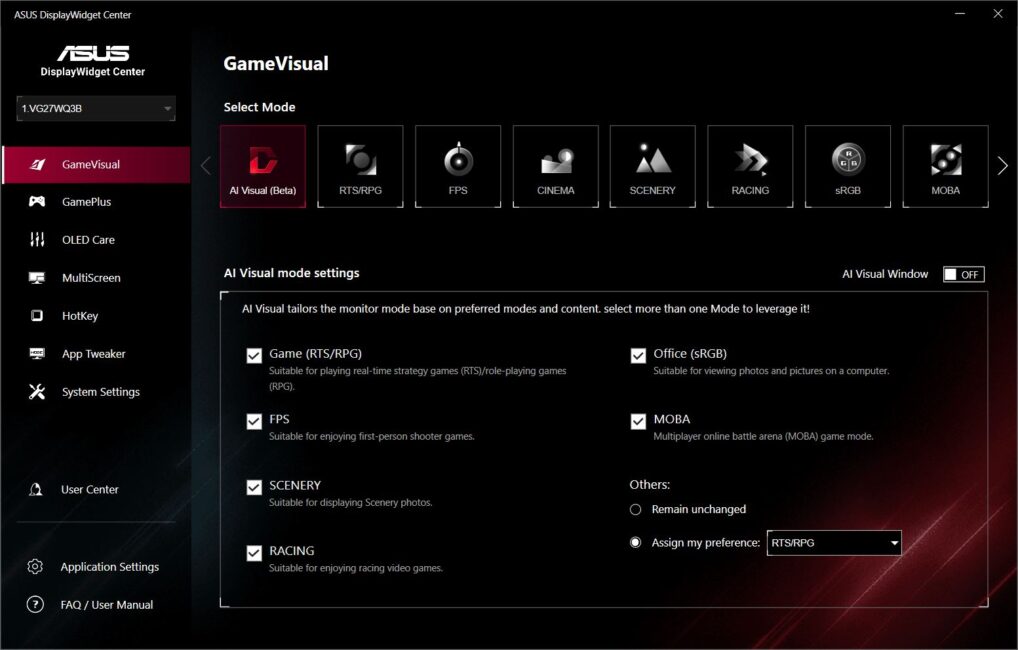
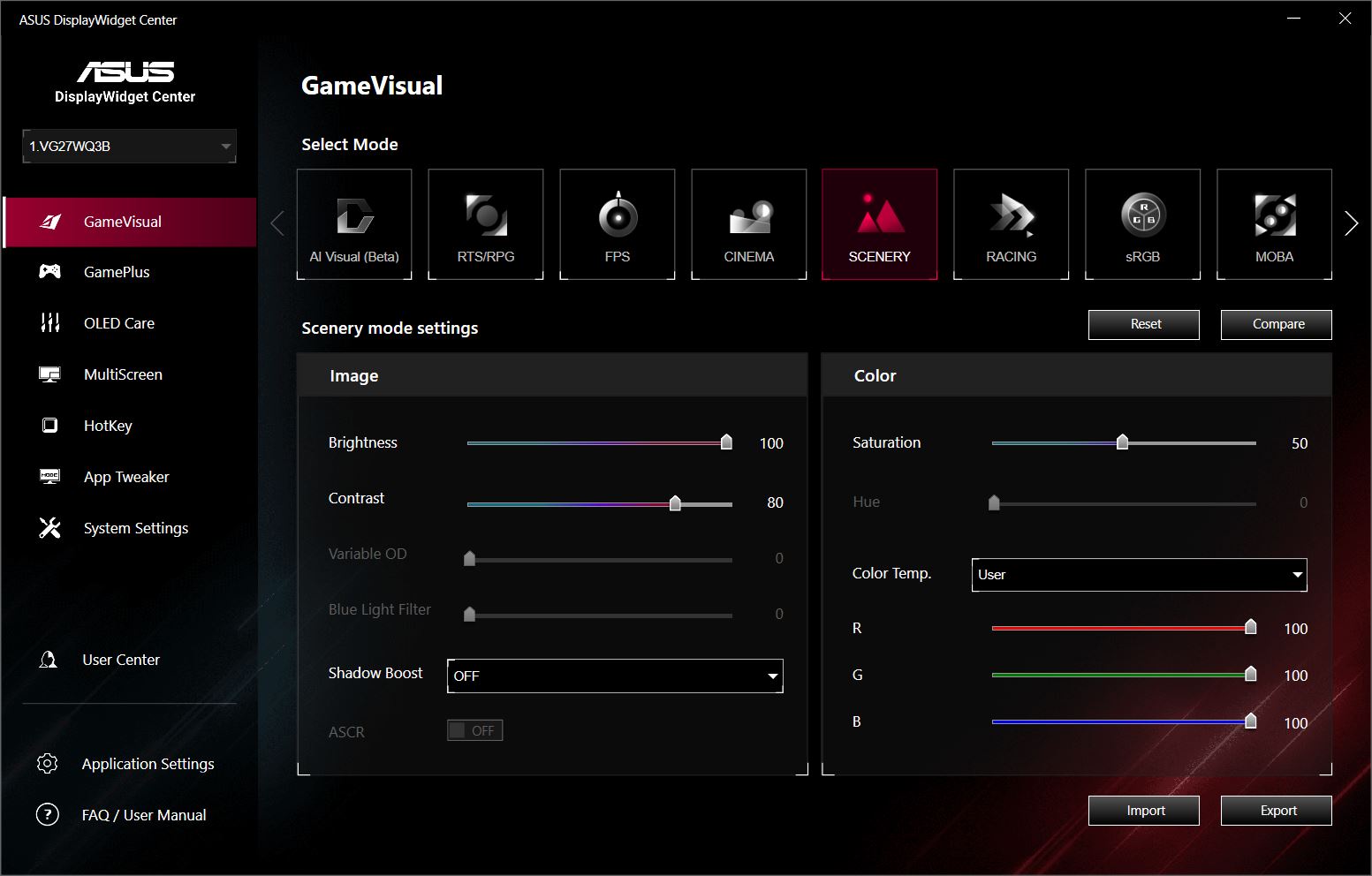
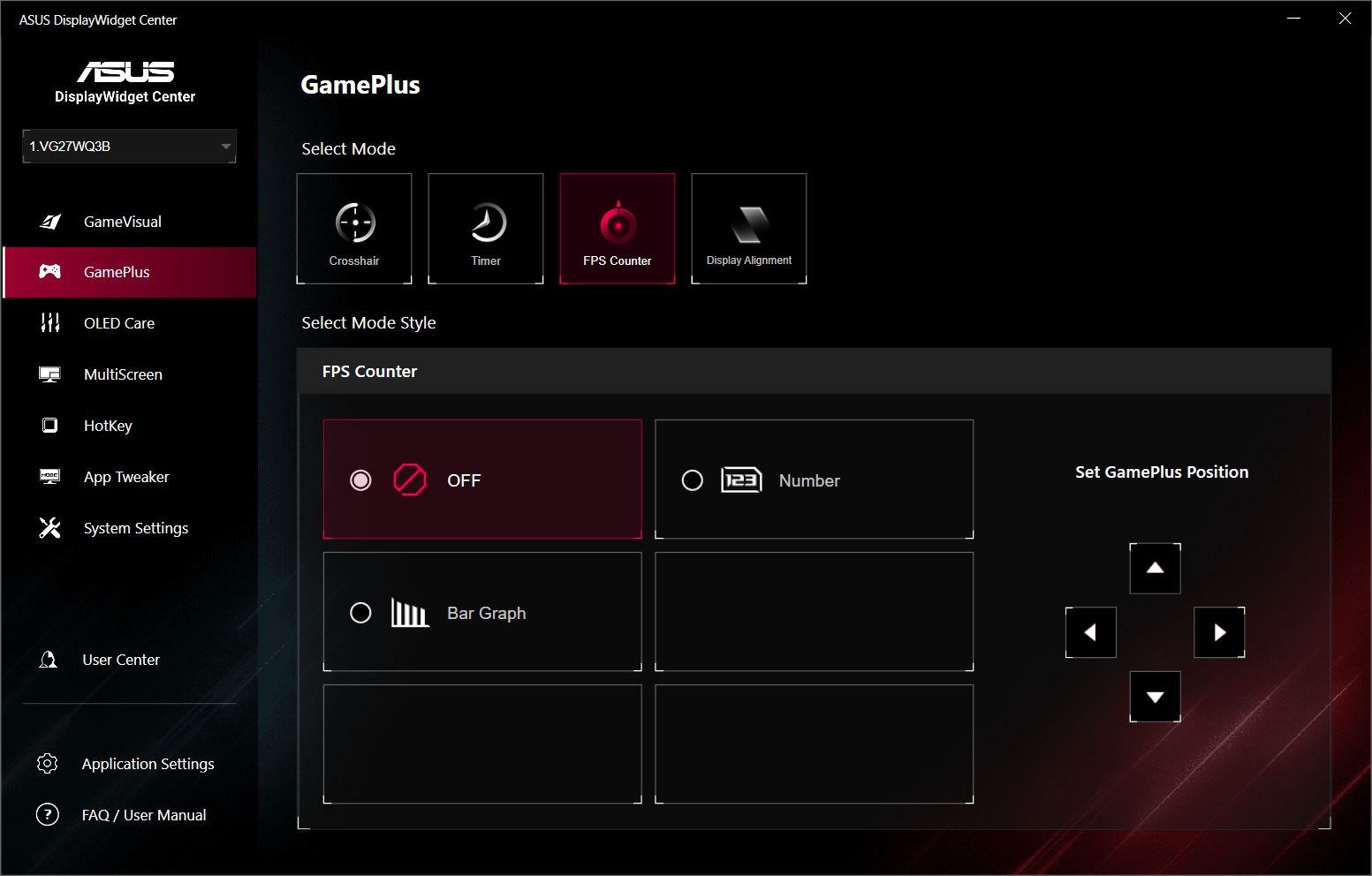
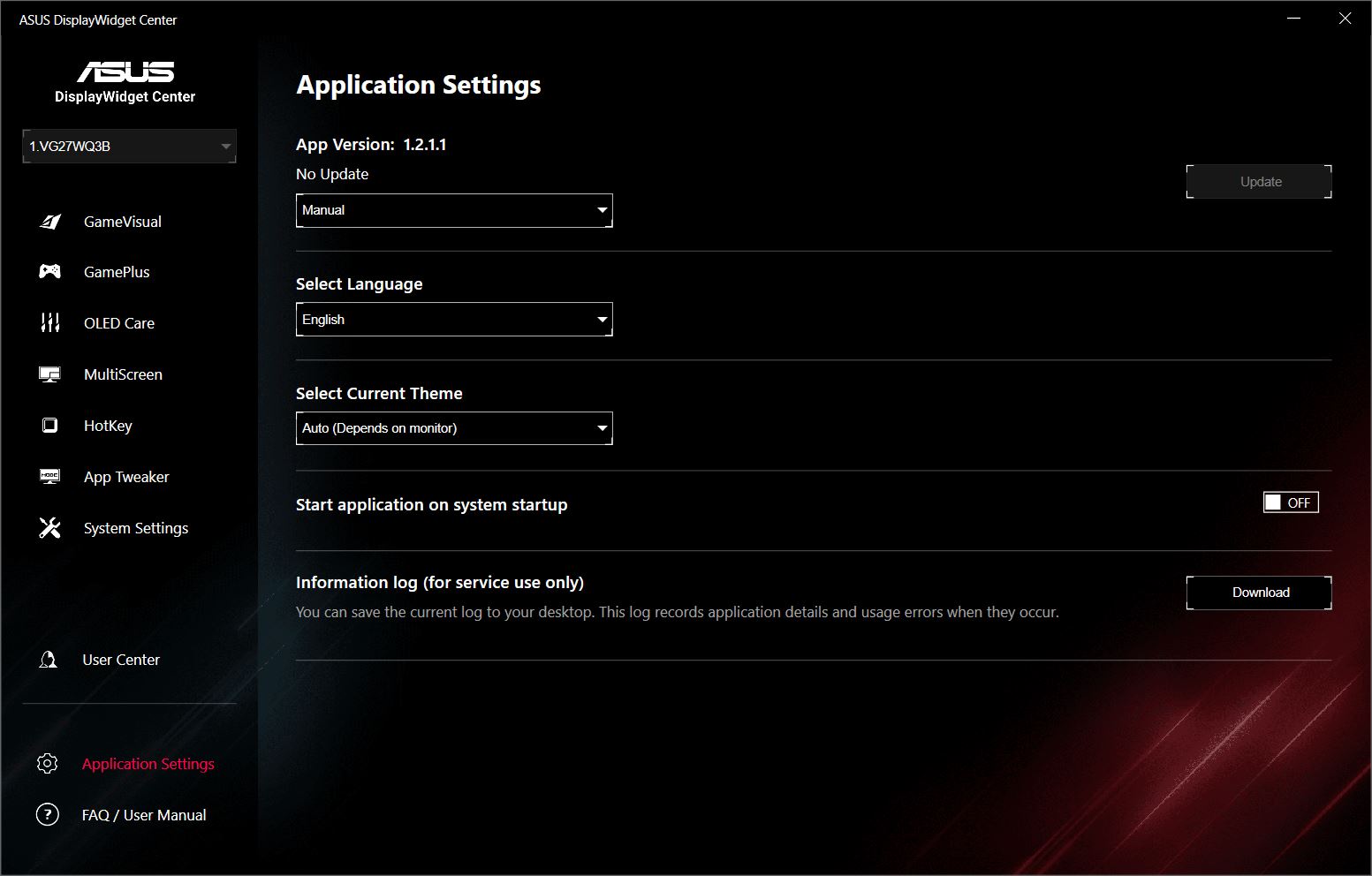
You can also adjust the monitor settings using ASUS’s proprietary ASUS DisplayWidget Center app. By the way, we have a separate review of this app on our site. Many of the app’s settings mirror those available in the built-in OSD, but some are more advanced, and there are a few exclusive features not found in the on-screen menu. These include AI Visual, MultiScreen, HotKey, and App Tweaker.
AI Visual is an intelligent feature that analyzes the content currently displayed on the screen and automatically selects the most suitable preset image settings. While still in beta, the function works reliably in practice.
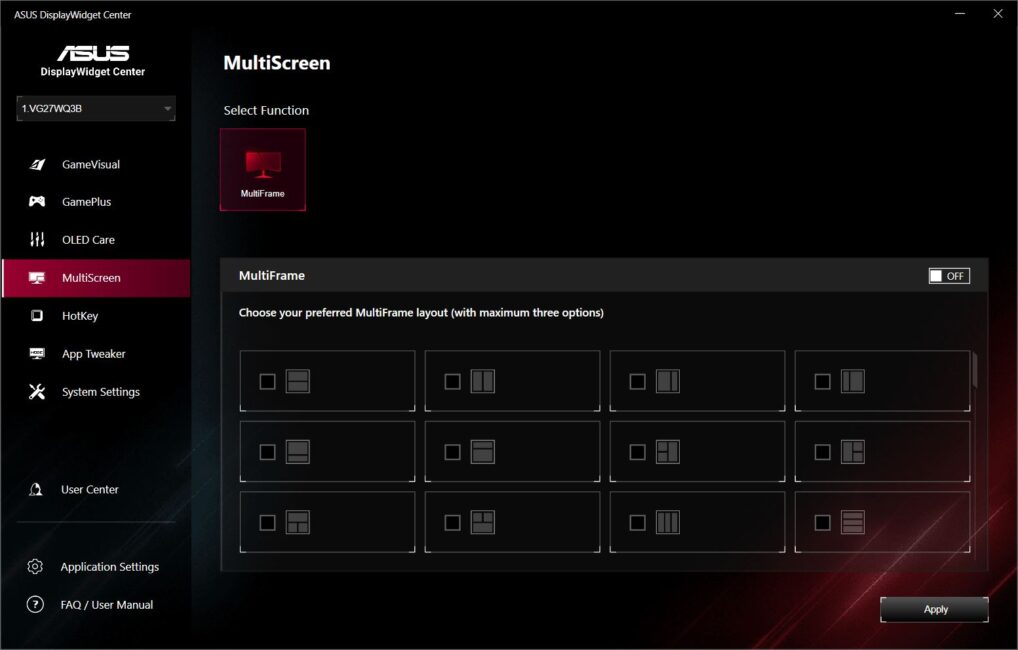
MultiScreen offers various options for dividing the screen into independent sections.
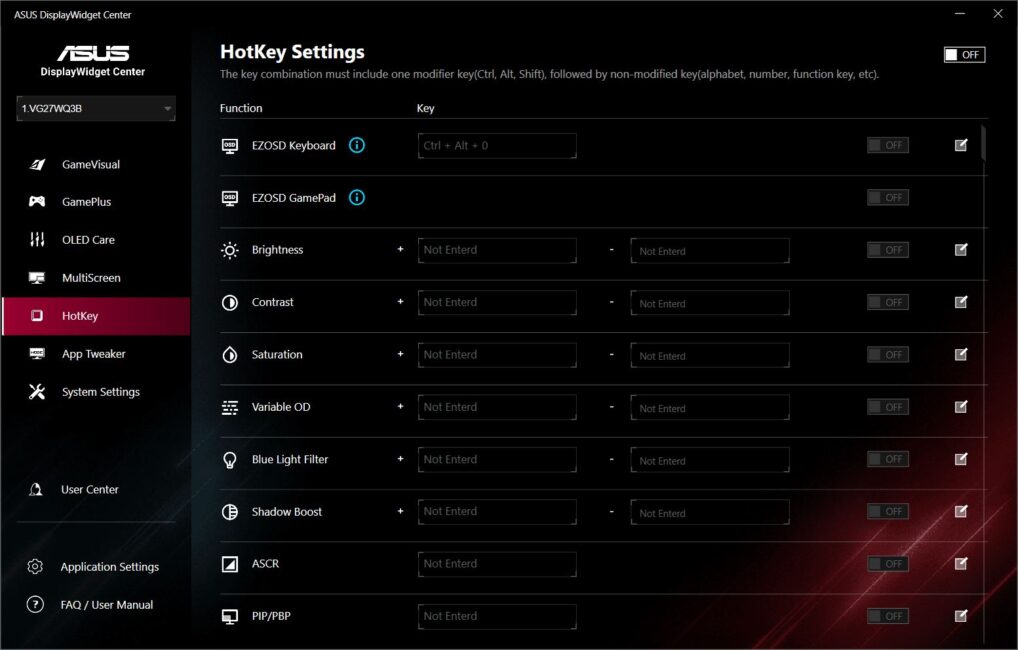
HotKey is a menu that lets you assign various monitor settings to keyboard shortcuts. For example, you can adjust brightness or switch between GameVisual presets directly from your keyboard. This is convenient if you want quick access without reaching for the monitor controls or opening the app settings.
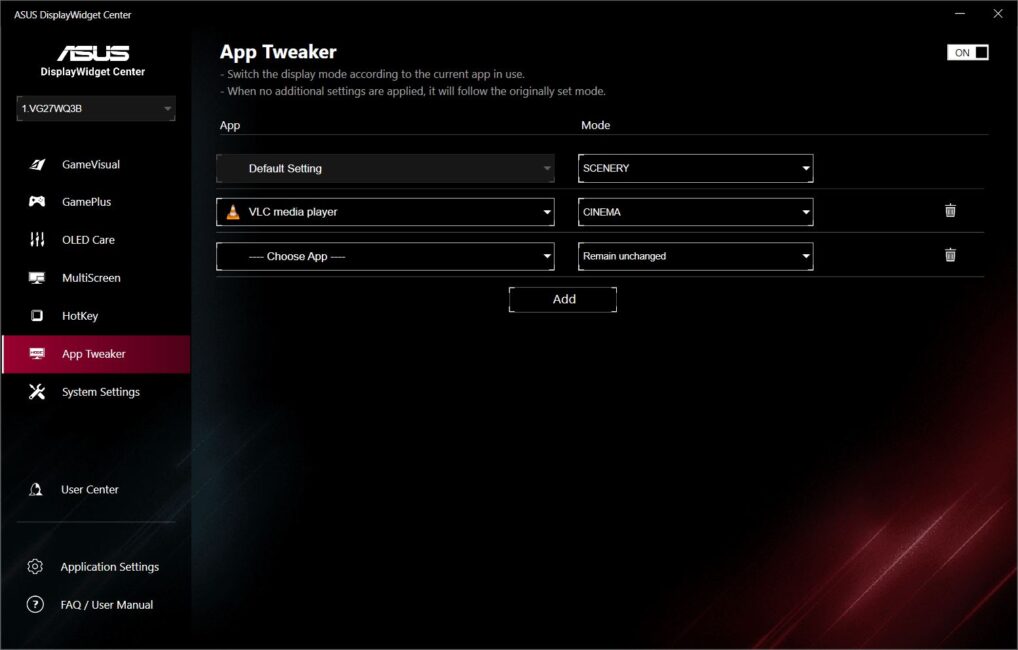
App Tweaker lets you select specific PC applications and assign custom display modes to them. When you launch those programs, the monitor automatically switches to the preset scene for that app.
There’s also a separate OLED Care menu, which contains settings specifically designed for OLED panels.
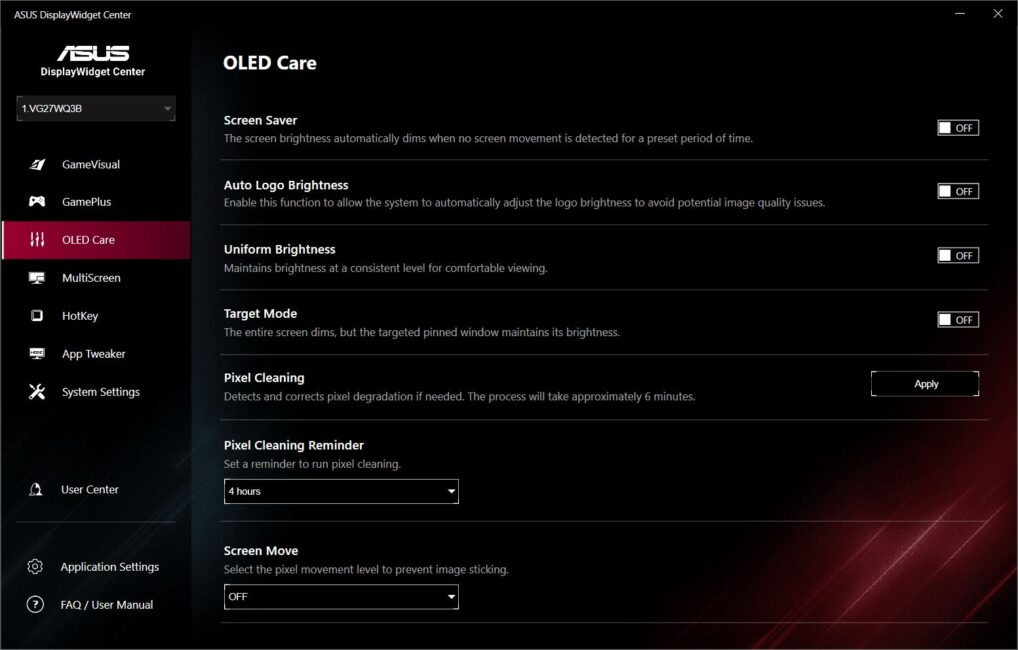
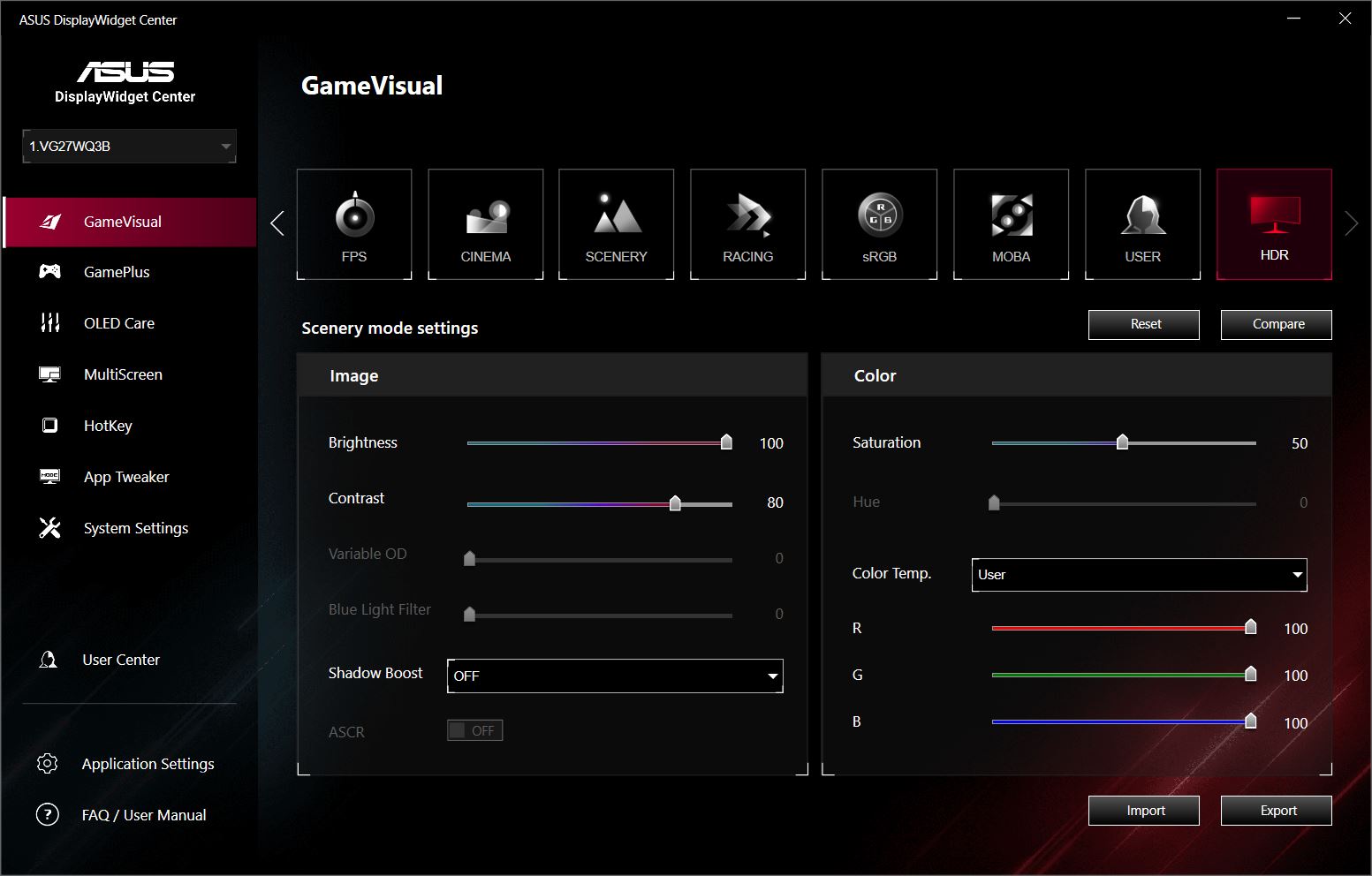
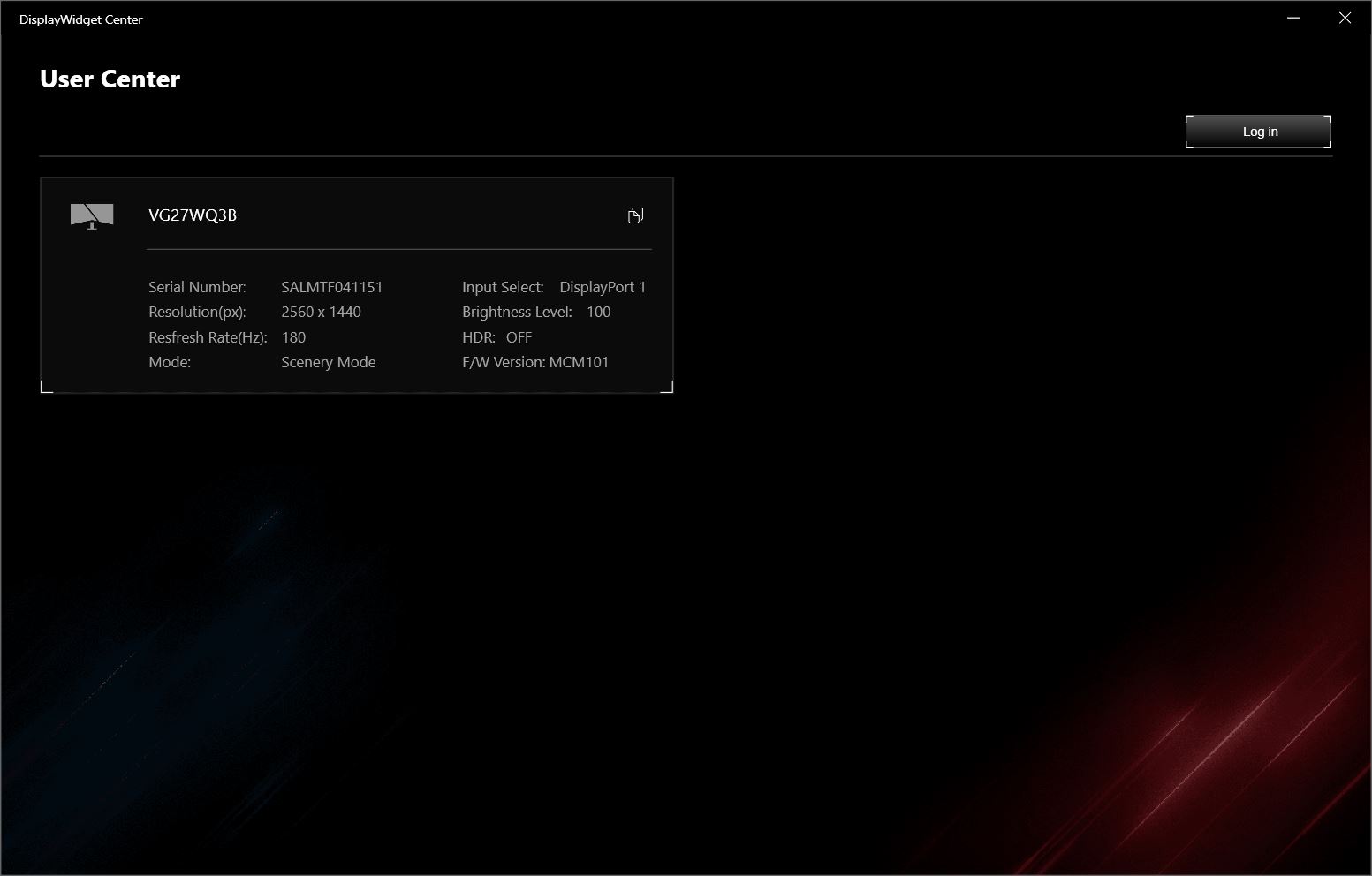
Everything else is essentially the same as what you’ll find in the built-in OSD, so I won’t go into detail on those settings. Below, I’ll include some screenshots from the app so you can see all the available options for yourself.




Conclusions
To wrap up, I’ll just reiterate what I mentioned at the start: the ASUS TUF Gaming VG27WQ3B is a solid monitor that offers everything needed for comfortable modern gaming at a reasonable price. It delivers high resolution, a sharp image, good color accuracy and contrast, a fast panel, an optimal screen size, and support for FreeSync and HDR. While a higher brightness level would be nice, the current 300 cd/m² is adequate for most use cases and helps keep the cost down. Additionally, the monitor includes a useful set of technologies and built-in features that enhance both image quality and the gaming experience overall.
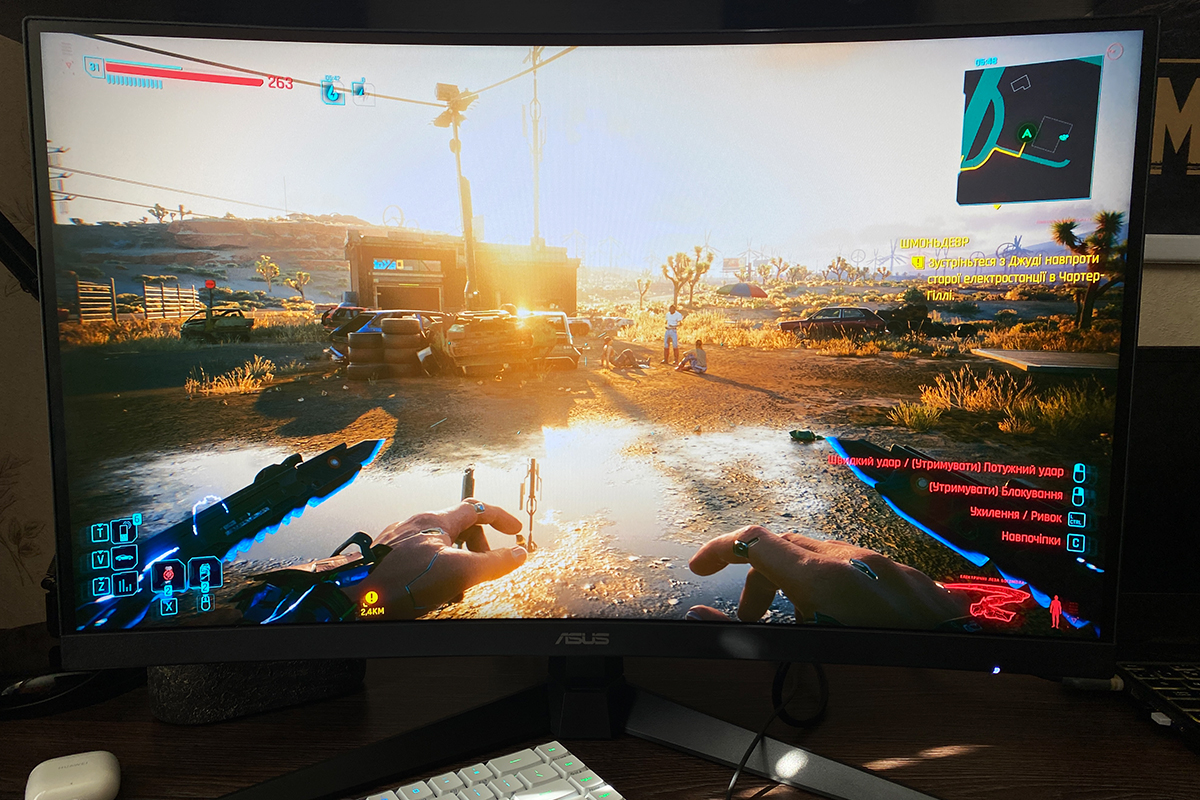
The main drawback I can point out is the very basic included stand, which lacks height adjustment and swivel capabilities. However, as I mentioned earlier, with the 27-inch size of the VG27WQ3B, this wasn’t a significant issue for me personally. Plus, there’s always the option to mount the monitor on a bracket if needed.
Read also:
- DLSS vs FSR: It’s Actually Quite Simple
- ChatGPT Destroys the Competition: Era of Super Apps Has Arrived
- Online Safety: How to Protect Your Data – Even When You Let Your Guard Down



Excelente reseña. Saludos.
¡Gracias por tus comentarios!