




© ROOT-NATION.com - Use of content is permitted with a backlink.
Even before I took the 2E Gaming R2723BV out of the box, I already had far more questions about it than I did with its predecessor, the 2E H2724B. The main one was this: what can a truly gaming monitor actually offer if it costs about the same as a slightly more advanced – yet still essentially office or home – model?
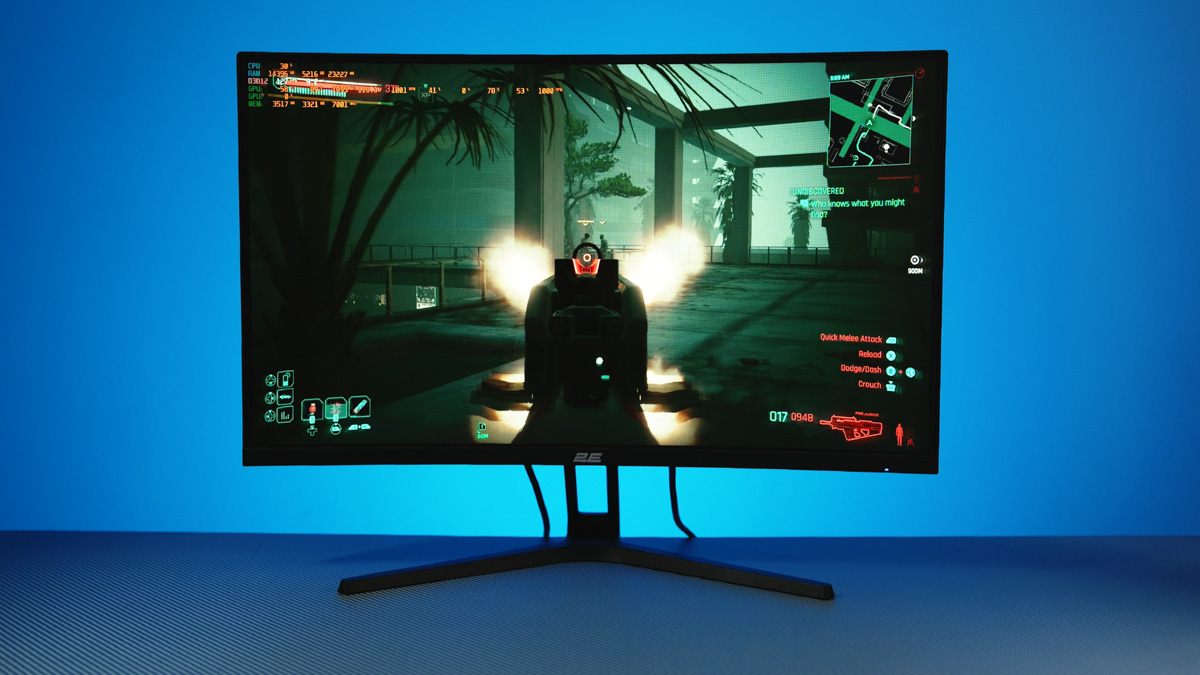
TABLE OF CONTENTS:
Video review of the 2E Gaming R2723BV
2E Gaming R2723BV Specifications
- Recommended resolution: 1920×1080
- Contrast ratio (static): 4000:1
- Screen brightness: 300 cd/m2
- Response time: 6 ms
- Refresh rate: 165 Hz
- Colour depth: 16.7 million colours
- Panel type: VA
- Curved screen: 1500R
- VESA wall mount: 75×75
- Power consumption: 33 W
- Power supply: built-in
Price
Surprisingly, the 2E Gaming R2723BV and 2E H2724B turned out to be almost the same price – $120. For this price, we get…
Advantages
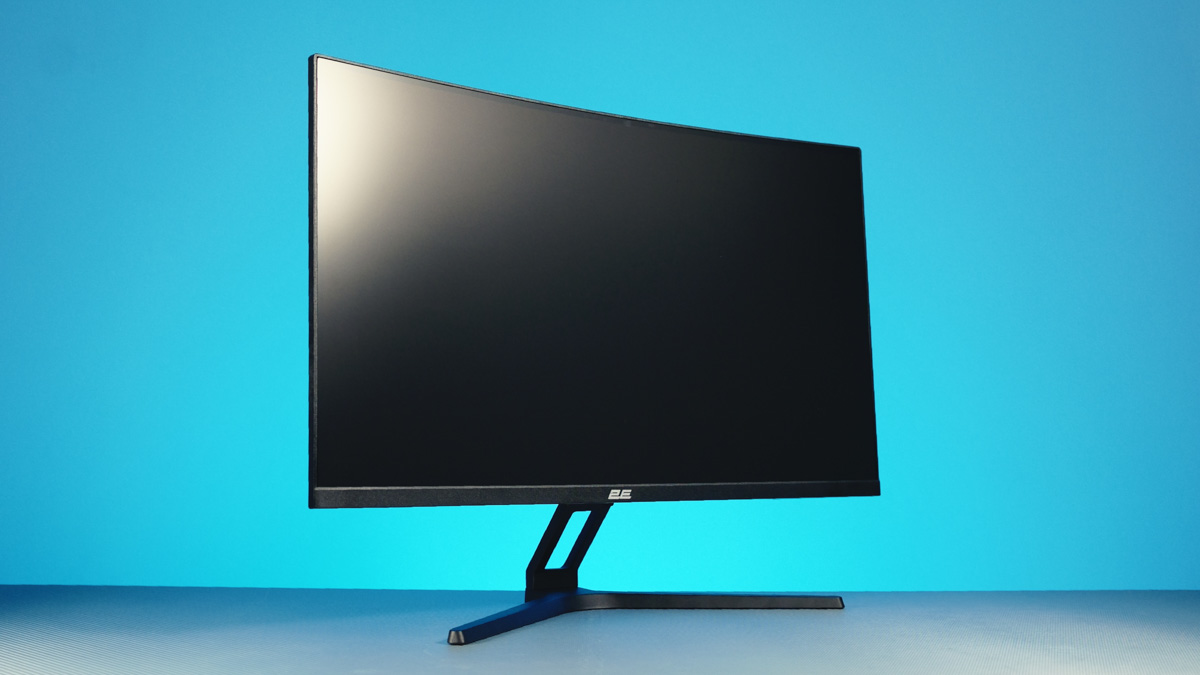
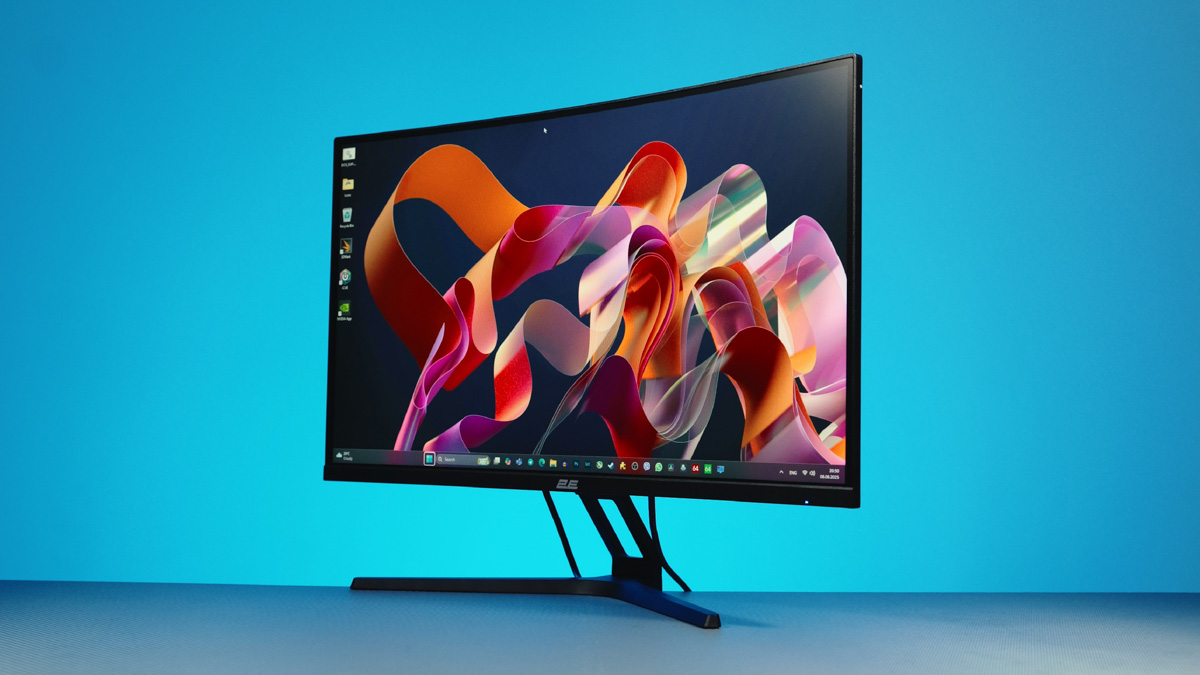
First – a curved R1500 panel with a 27-inch diagonal. Yes, it’s Full HD. Yes, it’s VA. But I wouldn’t recommend worrying about viewing angles or color reproduction.
The days when VA panels were on par with TFT in terms of quality – and TFT itself was more or less at rock bottom, if not worse – ended after the release of the iPhone X. Now the technology is refined and fairly inexpensive to produce, especially for entry-level gaming monitors.
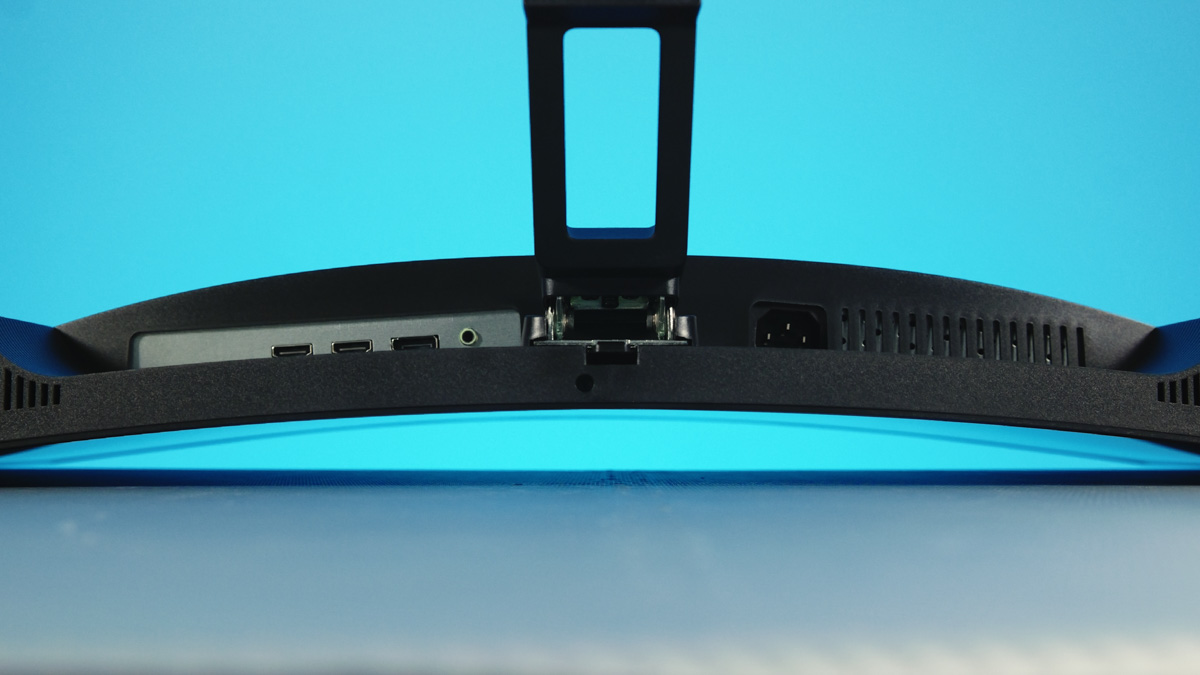
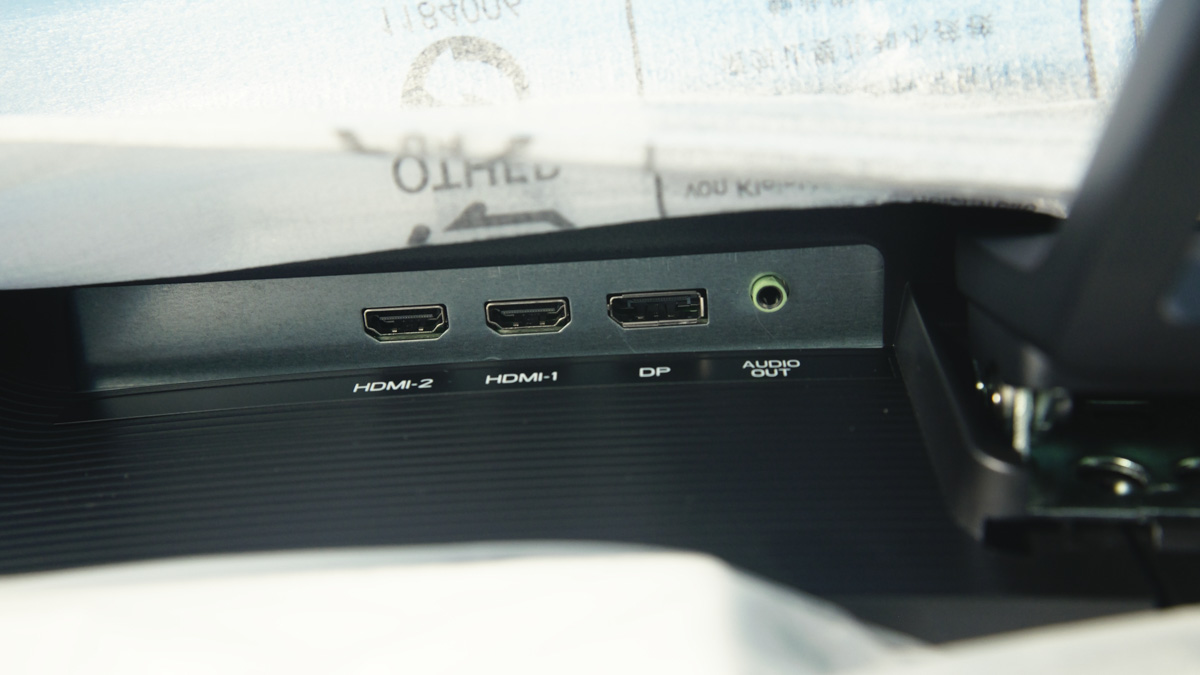
The panel here is 10-bit. The refresh rate is 165 Hz, with AMD FreeSync support. Controls are just as convenient as on its office-oriented predecessor, with a side-mounted joystick. Connectivity includes DisplayPort, two HDMI ports, and a headphone jack. There’s even a 75×75 VESA mount.
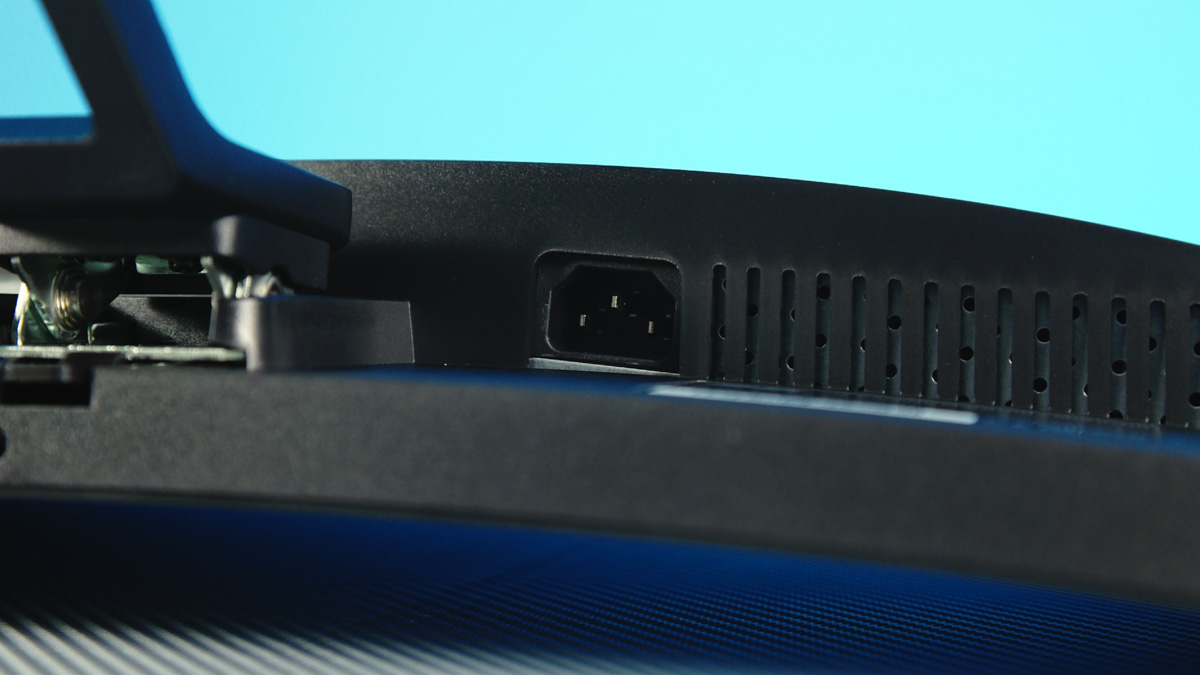
As for power, the 2E Gaming R2723BV has both pros and cons. On the plus side, the power supply is built in, and it uses a standard C13 connector. On the downside, you won’t be able to run it off a power bank – even though its power consumption is about the same.
The overall design of the monitor is much more striking and gamer-oriented. That same red stripe on the back serves no real purpose other than eye candy. The stand, however – finally – is made of metal!
And yes, it even comes with speakers – and they sound… way better than I expected. Honestly, better than some laptops I’ve reviewed recently. Hear for yourself!
Disadvantages
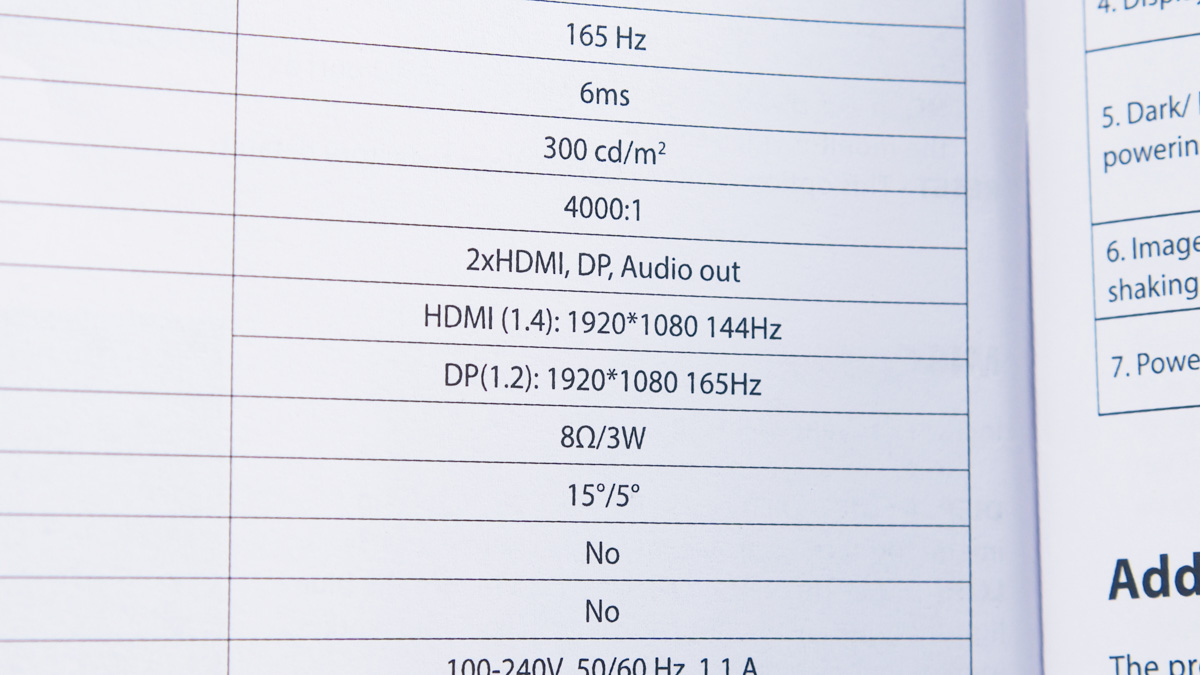
Now for the downsides. There are more of them compared to the office model, but they’re less critical. First of all – once again, only an HDMI cable in the box. And that’s a real issue, because the HDMI version on the monitor itself can’t actually handle 165 Hz at Full HD – 144 Hz is the ceiling. Yeah, it’s that old. Looks like HDMI 1.4, which is over 15 years old by now.
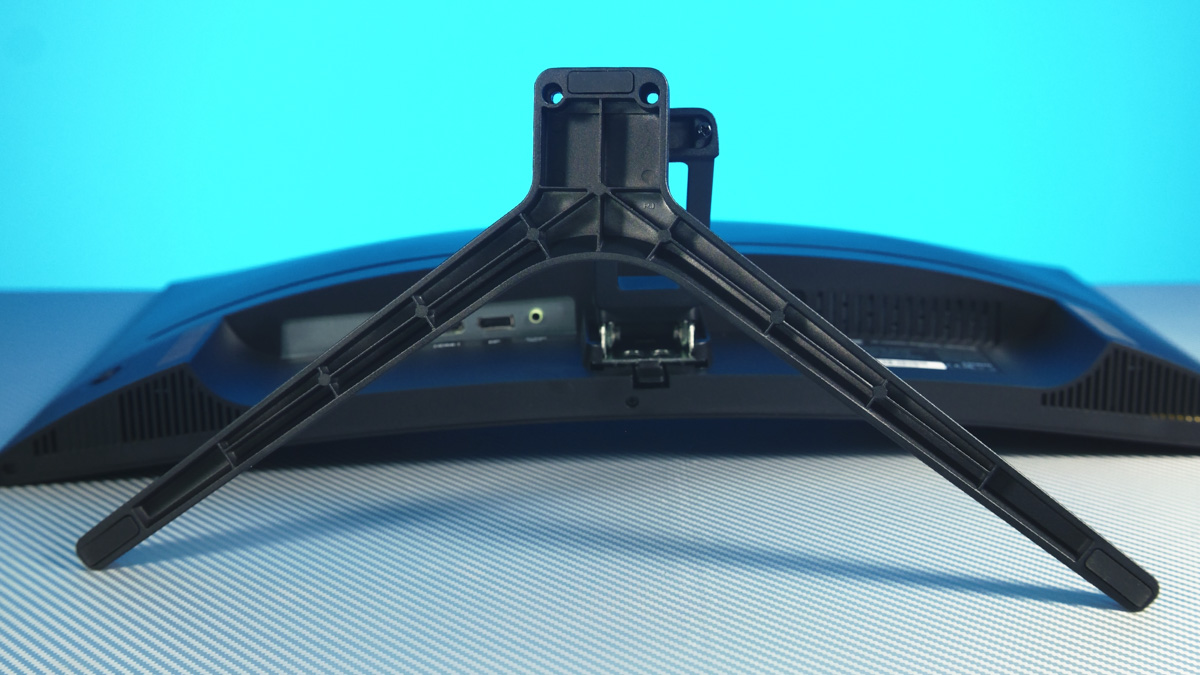
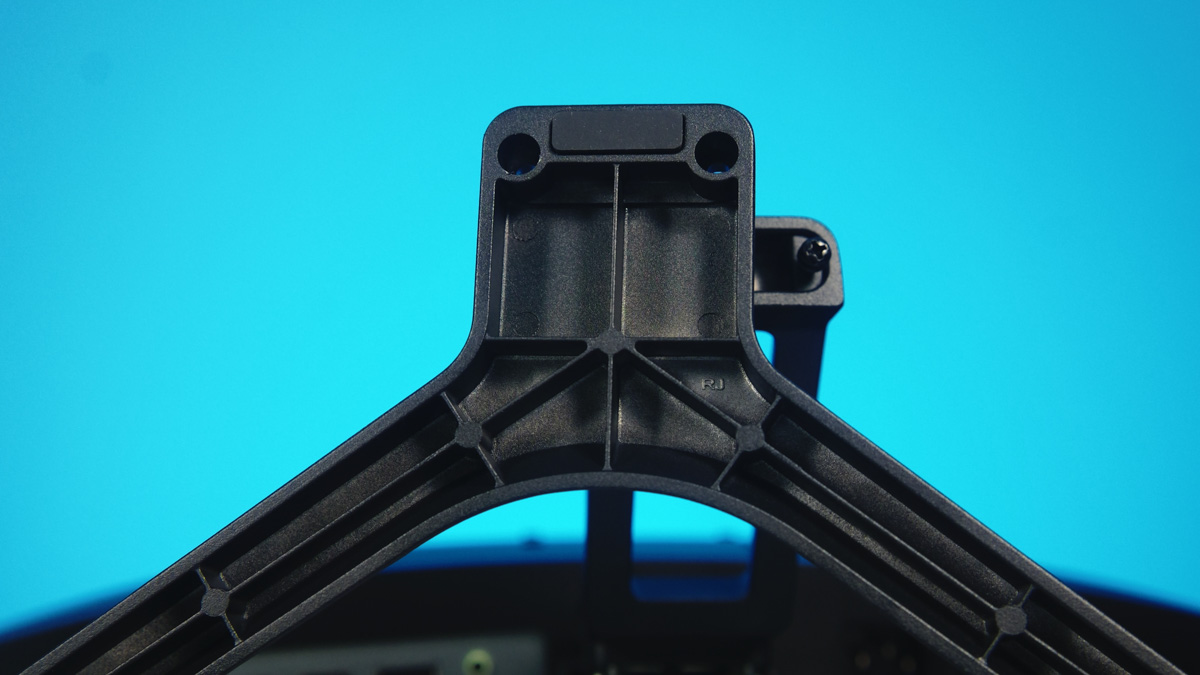
Next, the bracket is an improvement over its predecessor since it’s made of metal and includes a hole for cable management. However, it offers the same number of movement angles – just one – while the standard is four. Its mounting system is relatively weak. In fact, it’s the only bracket I’ve encountered in my career that I was able to detach by hand, as it’s held in place solely by a plastic tab.

Certainly, if you’re just moving the monitor from one place to another, the bracket won’t detach on its own. It can also be removed without a screwdriver, although the stand itself screws into the bracket. What concerns me more is how fragile the locking tab appears.
The biggest issue for me personally turned out to be the marketing, specifically around overdrive and HDR. Overdrive is essentially panel overclocking – don’t turn it on. Low-cost panels don’t handle increased voltage well; it might not cause immediate problems, but over time it can degrade the display, and the increase in refresh rate is minimal.
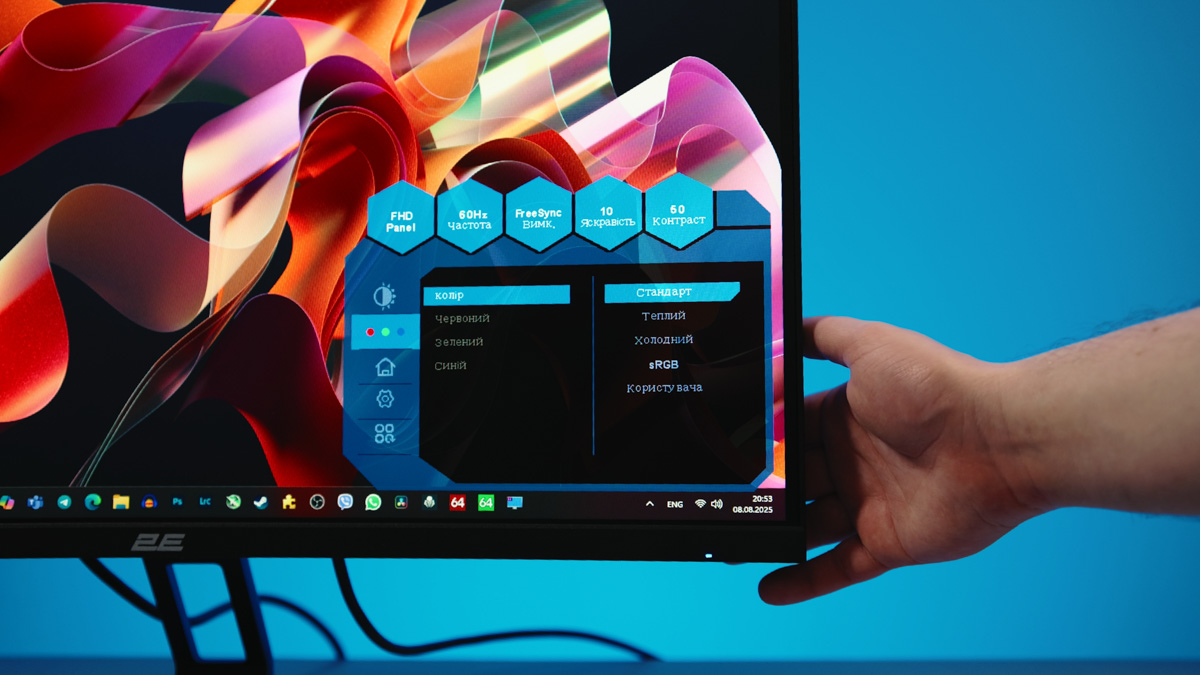
As for HDR, here’s the distinction: there’s “Chinese HDR,” which is basically just maximum brightness and contrast, and there’s true HDR, starting at the HDR400 standard. To meet HDR400, a monitor needs a minimum brightness of 400 nits – but this one peaks at 300. So, it doesn’t actually support HDR, and the mode that does exist is better left off.
Read also: What is HDR in monitors and how to properly adjust it
Conclusions
The 2E Gaming R2723BV is a well-thought-out and fairly functional budget gaming monitor for its price. It offers an enjoyable gaming experience, with smooth performance and a curved panel that feels premium. There are some drawbacks, but many of them stem from marketing features that are best left disabled. Overall, it’s a monitor I can recommend.
Read also:
- 4K vs 1440p: Which Monitor Should Gamers Choose in 2025?
- ASUS VA259HGA Review: An Affordable Full HD Gaming Monitor with 120Hz and Eye Care+
- Samsung Odyssey G3 G30D Gaming Monitor Review: 180Hz and a 24″ VA Panel

