





© ROOT-NATION.com - Use of content is permitted with a backlink.
About two years ago, I reviewed and compared the ROG Raikiri and ROG Raikiri Pro – flagship controllers from ASUS at the time. During that review, I found the Pro version particularly compelling, and some time later it became my personal controller. To be precise, it was a gift from my wife after she saw how much I liked it. Since then, the ROG Raikiri Pro has effectively become my primary controller for third-person shooters, racing simulators, and demanding platformers, largely replacing my previous DualShock 4 and DualSense.
A few months ago, while browsing the ASUS website for new releases, I came across the ROG Raikiri II Xbox Wireless – an updated version of the controller I had been using. Based on the specifications, it appeared to introduce several notable improvements. That was enough reason to take a closer look and prepare a review. What does the new version offer? What has changed or improved? And most importantly, is it worth upgrading from the Pro version? These are the questions I address in this review.
Read also: Reviews of gamepads for PC and consoles
TABLE OF CONTENTS:
Models, Differences, and Key Features
As noted in the previous review, the ROG Raikiri is ASUS’s in-house controller lineup. Compared to standard Xbox controllers, it offers expanded functionality, a distinct design, and longer battery life. For some time, the wireless Pro version served as the flagship model, but it is now superseded by the updated Raikiri II.

As mentioned earlier, the new version has been substantially revised and refined. A quick look at ASUS’s official comparison table highlights the main changes, although it does not cover all of the updates.

The first set of changes concerns the design. The new model retains the familiar Xbox-style form factor of its predecessors, but revises the placement of the additional buttons, the shape of the D-pad, and the lighting. The Raikiri II also omits the OLED display found in the Pro version, prioritizing ergonomics and battery life.
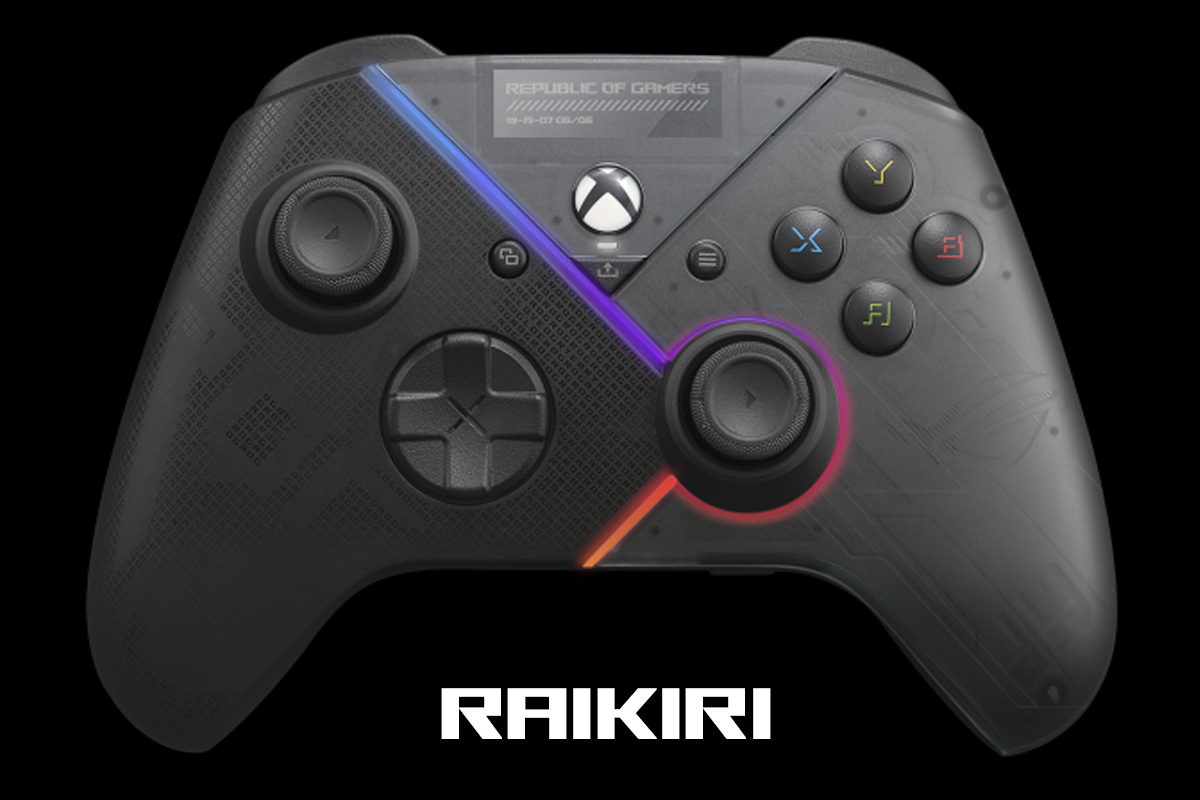
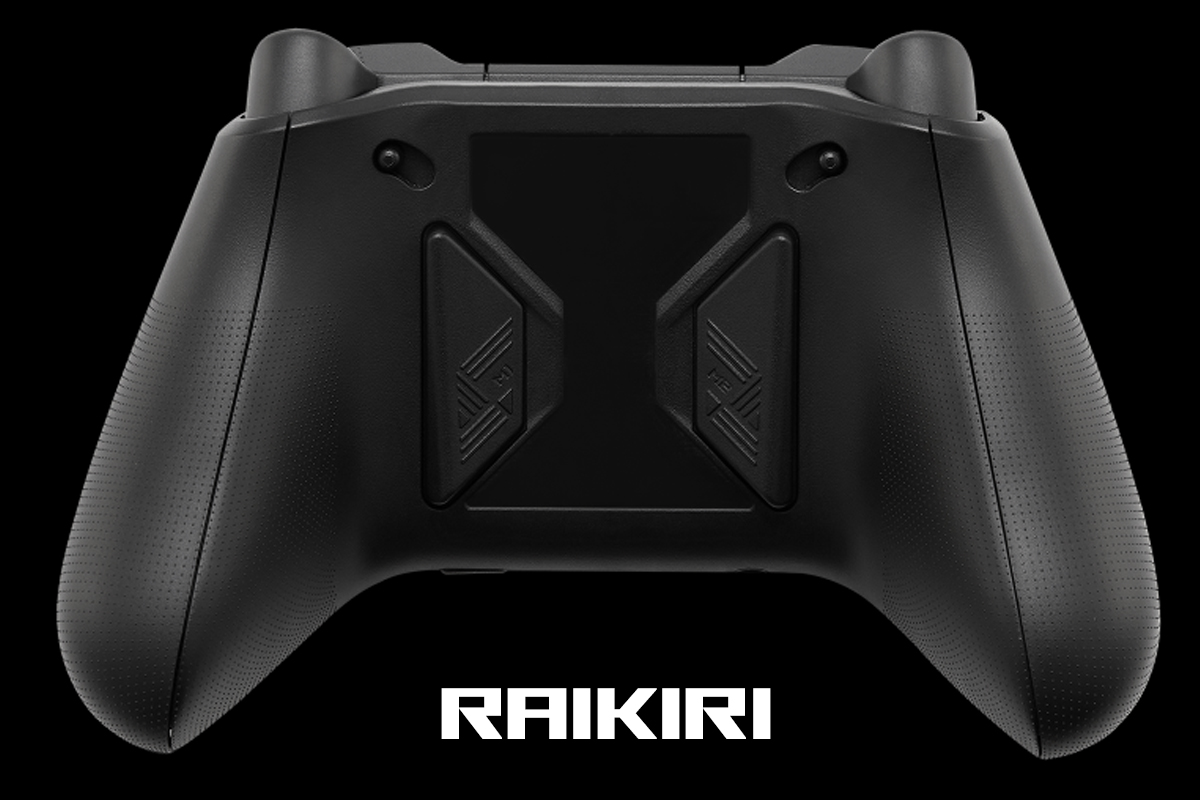
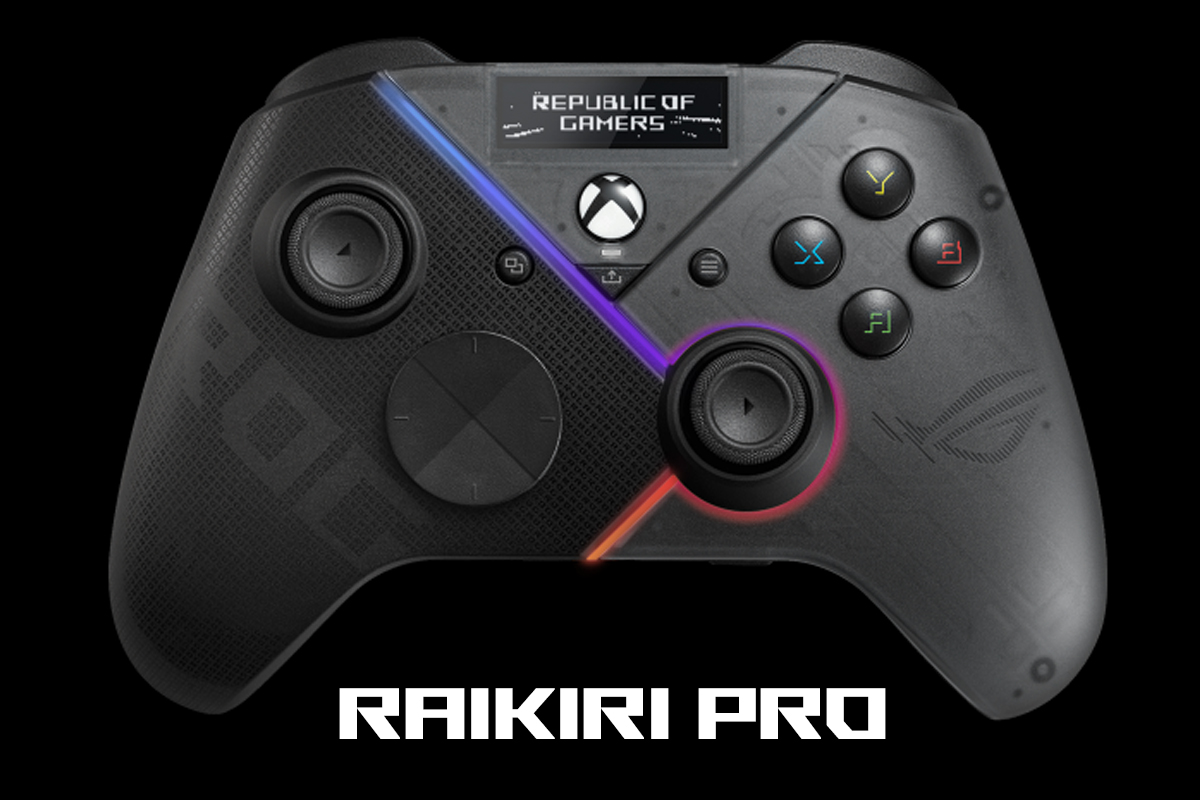
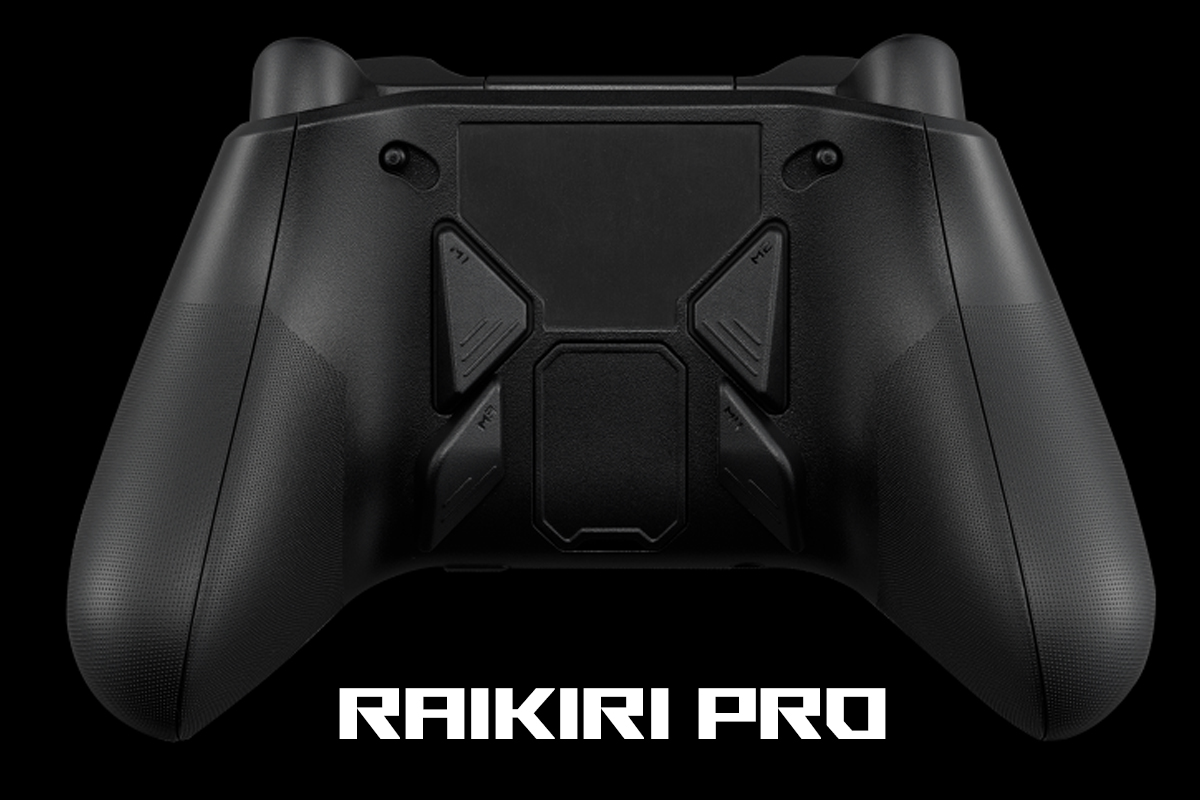
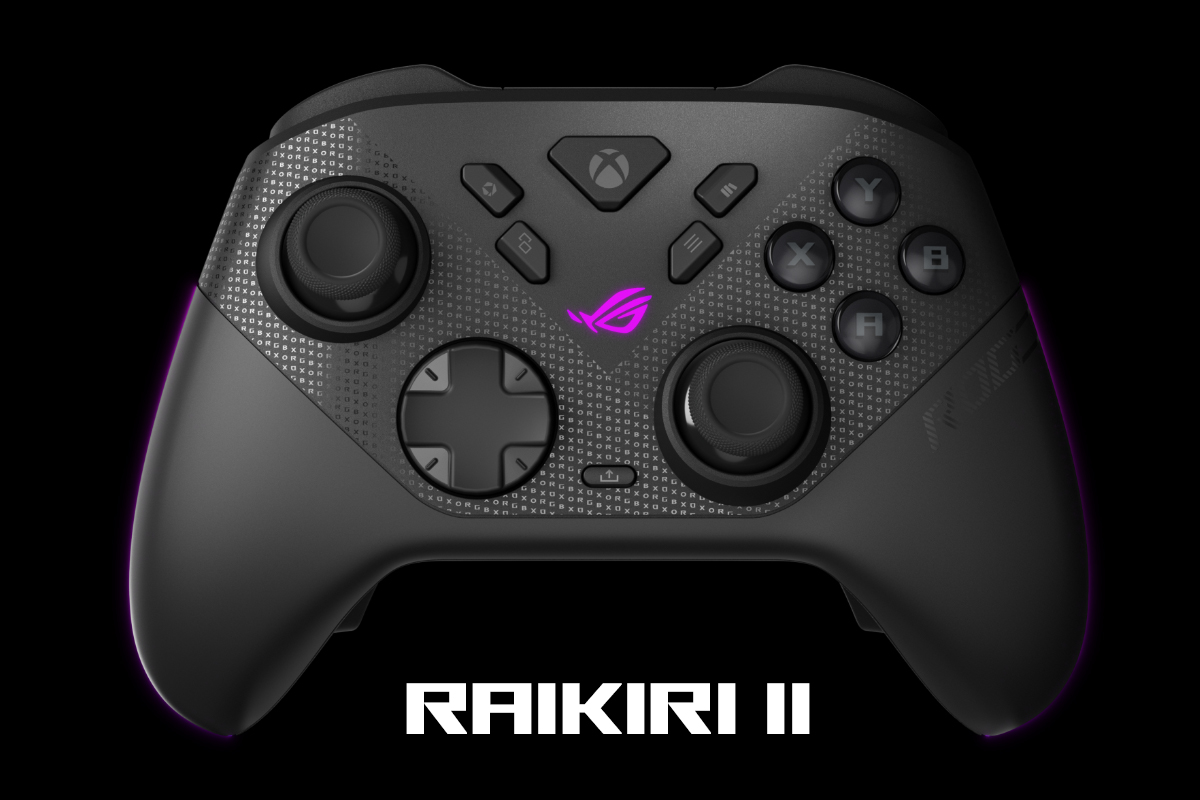
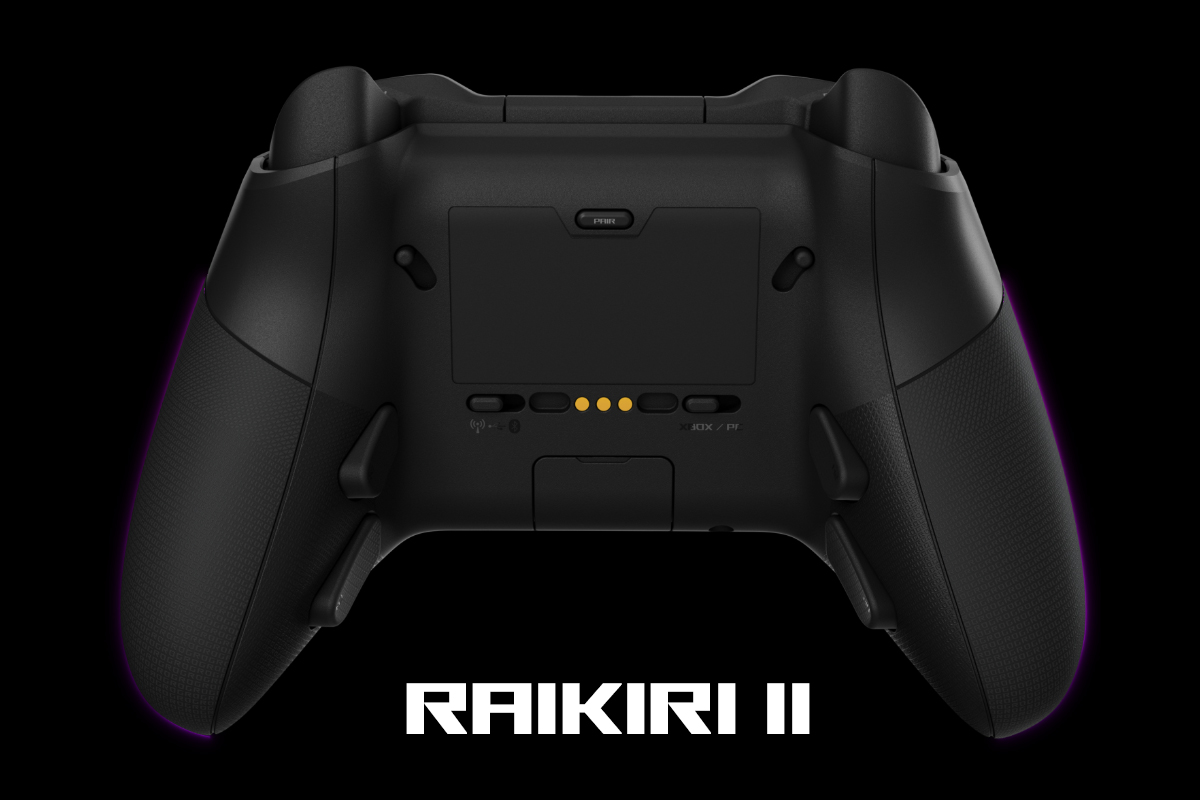
The second set of changes affects the sticks, buttons, and triggers. The analog sticks now use TMR sensors instead of conventional carbon-film potentiometers, which are prone to wear over time. This change improves responsiveness and control and is intended to mitigate long-term drift issues.

The triggers now use the same type of sensors, replacing the previously used Hall-effect design. The bumpers, primary buttons, and D-pad are equipped with microswitches similar to those used in computer mice, resulting in more defined and responsive actuation.

The third change concerns connectivity with Xbox. Previous models supported console use only via a wired connection, whereas the new version adds full wireless support over a 2.4 GHz RF link. It is worth clarifying that, despite official certification, the controller connects via the included USB dongle rather than the built-in Xbox Wireless protocol. Even so, this is a notable step forward for the Raikiri lineup, as wireless operation is now available not only on PC but also on the console.

The fourth change is particularly relevant for PC users: a 1000 Hz polling rate. Previous controller models operated at a standard 250 Hz regardless of the connection method. The new model supports a 1000 Hz polling rate not only over a wired connection but also in 2.4 GHz wireless mode when used with a PC. This reduces input latency and brings its performance closer to that of high-end gaming mice.

The fifth change concerns the software layer. Previous models could be configured and customized exclusively through the standard Armoury Crate application. The new ROG Raikiri II is no longer tied to that software and can now be fully configured in a browser via the new Gear Link interface. In the legacy Armoury Crate, only lighting synchronization with other ASUS devices via Aura Sync remains available.

The final change concerns the package contents. Earlier models came with a relatively standard and minimal set of accessories. The new version, by contrast, includes a dedicated charging dock, a carrying case, and several additional accessories.

These are, in essence, the main differences compared to the previous versions. As mentioned at the beginning, the new controller has been noticeably improved in terms of technical specifications and beyond. A detailed review and comparison of the earlier ROG Raikiri and ROG Raikiri Pro models can be found at the link provided. Below, I will outline the key technical specifications of the new model for convenience.
ASUS ROG Raikiri II Xbox Wireless Specifications
- Connectivity: wireless (2.4 GHz RF, Bluetooth); wired (USB-A to USB-C)
- Supported platforms: Windows (USB, RF, Bluetooth), Xbox Series X|S, Xbox One (USB, RF)
- Polling rate: 1000 Hz on PC (USB, RF); 250 Hz on Xbox (USB, RF)
- Number of buttons: 22 buttons
- D-Pad: 8-way (micro switches)
- Analogue sticks: 2 detachable sticks (TMR)
- Bumpers: 2 bumpers (micro-switches)
- Triggers: 2 dual-mode triggers (TMR)
- Additional buttons: 4 buttons (M1 – M4 / micro-switches)
- Audio jack: 3.5 mm combo audio jack for headphones, compatible with Xbox and PC
- Haptic feedback: vibration (two motors)
- Backlighting: RGB (Aura Sync compatible)
- Cable: detachable 2.5 m ROG Paracord USB-A to USB-C
- Proprietary software: Gear Link (full customisation), Armoury Crate (Aura Sync lighting synchronisation)
- Battery life: up to 50 hours in 2.4 GHz RF mode (with lighting, vibration and audio disabled)
- Dimensions: 105×65×155 mm
- Weight: 345 g (with cable)
- Package contents: gamepad, detachable USB-A to USB-C cable, 2.4 GHz wireless RF dongle, replaceable high-profile sticks, charging dock, set of docking station mounts, carrying case, ROG branded stickers, quick start guide, warranty booklet

Positioning and Price
From the above, the product’s positioning is already fairly clear. The ASUS ROG Raikiri II serves as the new flagship in the lineup and is also one of the fastest controllers currently available on the market. It is a premium-grade gamepad with high-end hardware, expanded functionality, and an extensive accessory package. The pricing reflects this positioning: $215 / €184. For reference, this is $68 / €58 more than the launch price of the previous Pro model.
Package Contents
The retail version of the controller comes in a relatively compact cardboard box with the recognizable ROG design, similar to the previous Pro model. However, the review unit I received was a sample version without retail packaging and with a slightly incomplete set of accessories. As a result, the photos below will only show the items available for review.


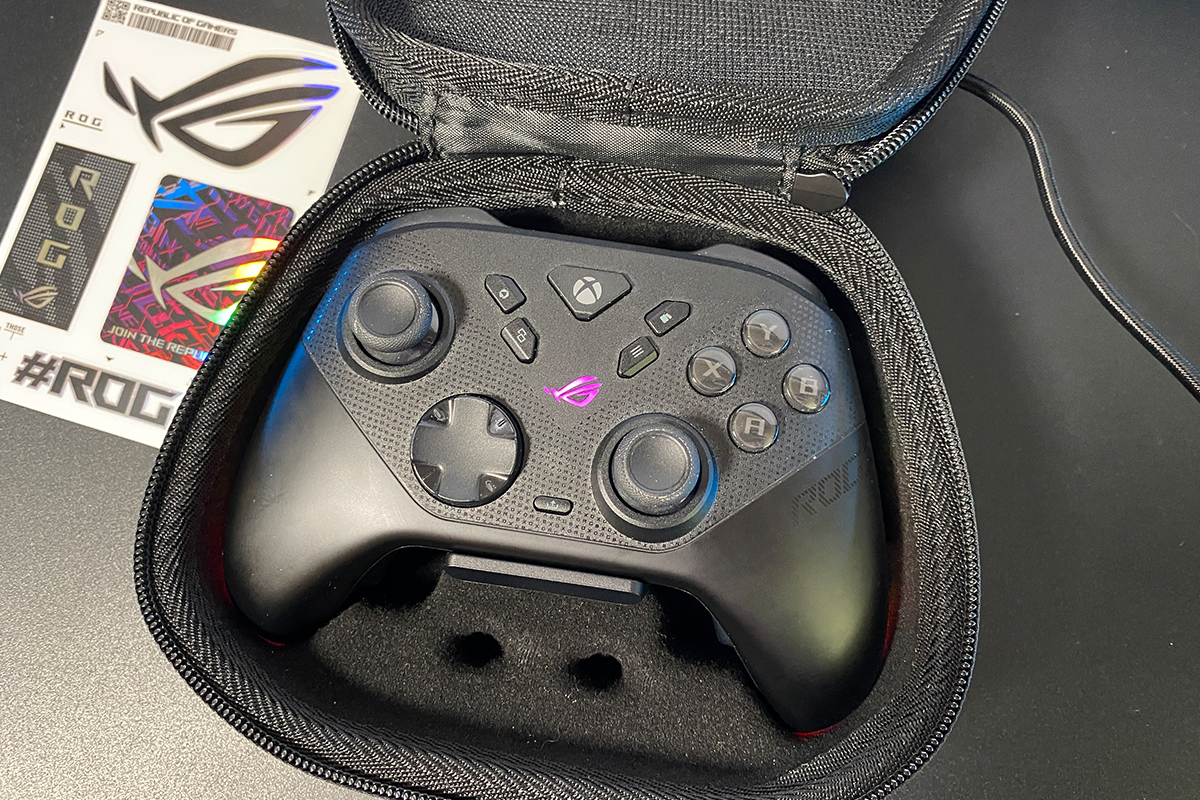
The review unit I received came in a carrying case with a rigid shell and a fabric exterior. Inside the case, the following items are included:
- controller
- detachable USB-A to USB-C cable
- 2.4 GHz wireless RF dongle
- high-profile replacement thumbsticks
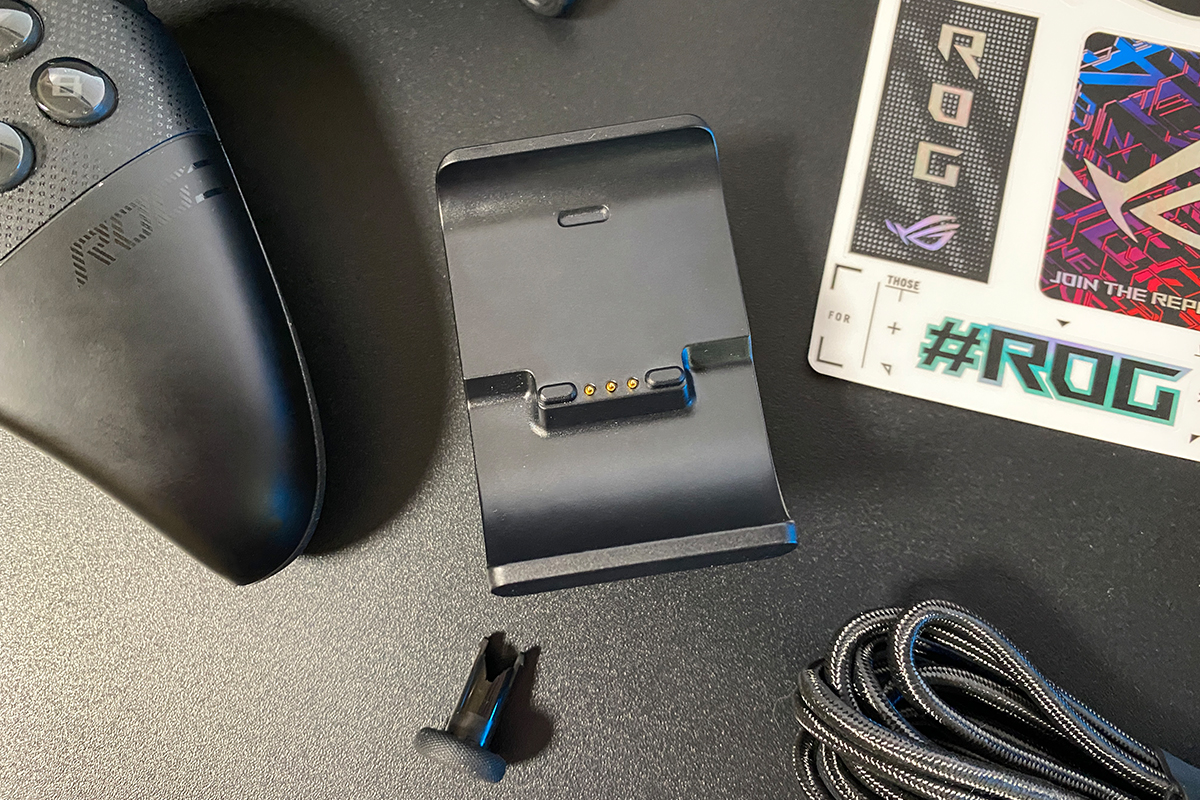
- charging dock
- ROG branded stickers
- quick start guide
- warranty booklet

The only item missing for a complete retail set (aside from the packaging box) is the stand or feet for the charging dock. Everything else is present. With that noted, we can move on to a more detailed breakdown of the included accessories.

The included USB-A to USB-C cable is 2.5 meters long. It is a branded ROG Paracord cable with a braided fabric sleeve and stylized connectors. The same cable was also supplied with previous Raikiri models.
Overall, the cable is functional, but relatively stiff. It tends to retain its shape and does not straighten easily. In my case, I rarely use it with the Raikiri Pro. Instead, I charge the controller with a more flexible third-party USB-C cable. If the controller runs out of battery while playing wirelessly, I temporarily connect it to a power bank. This is a practical workaround when playing away from the PC for extended periods.

The 2.4 GHz RF wireless dongle has the same form factor as those used in ASUS’s recent products. It is not an Omni Receiver, meaning it cannot pair with additional wireless devices. However, it does use ASUS’s proprietary low-latency wireless technology, ROG SpeedNova, for reduced input delay and more stable wireless performance.

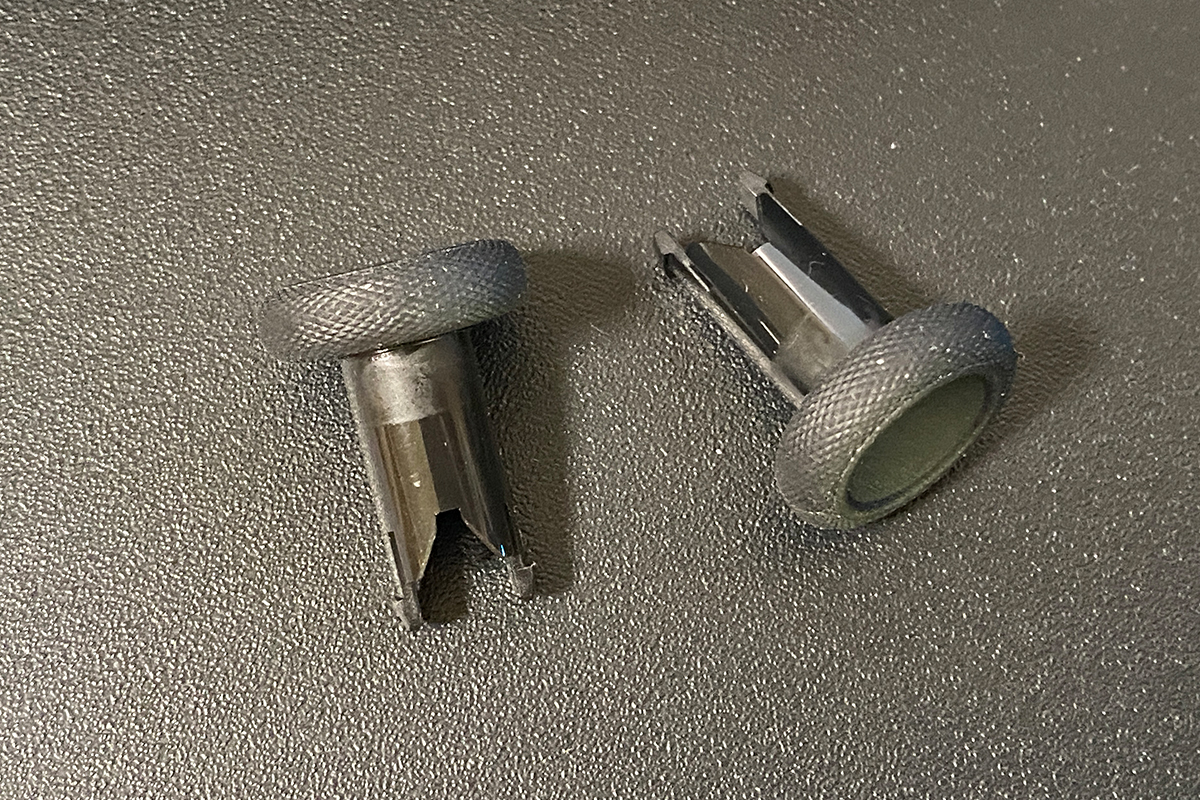
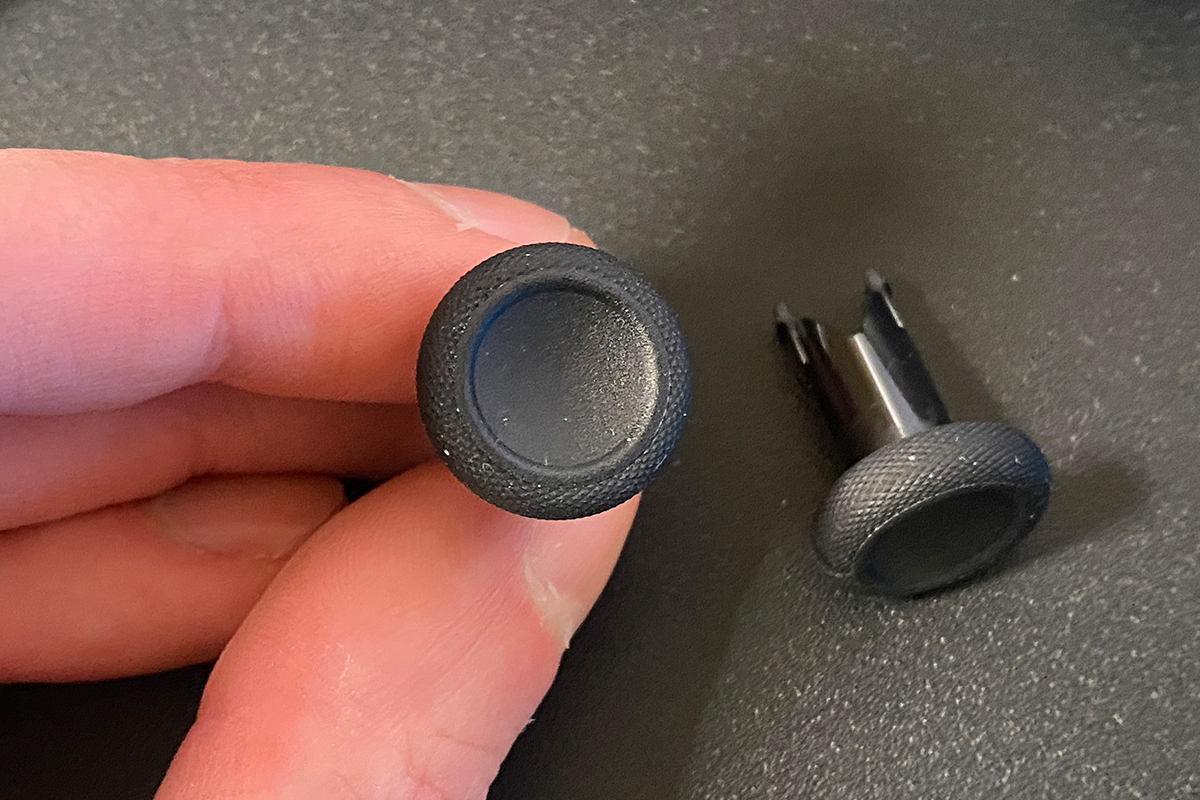
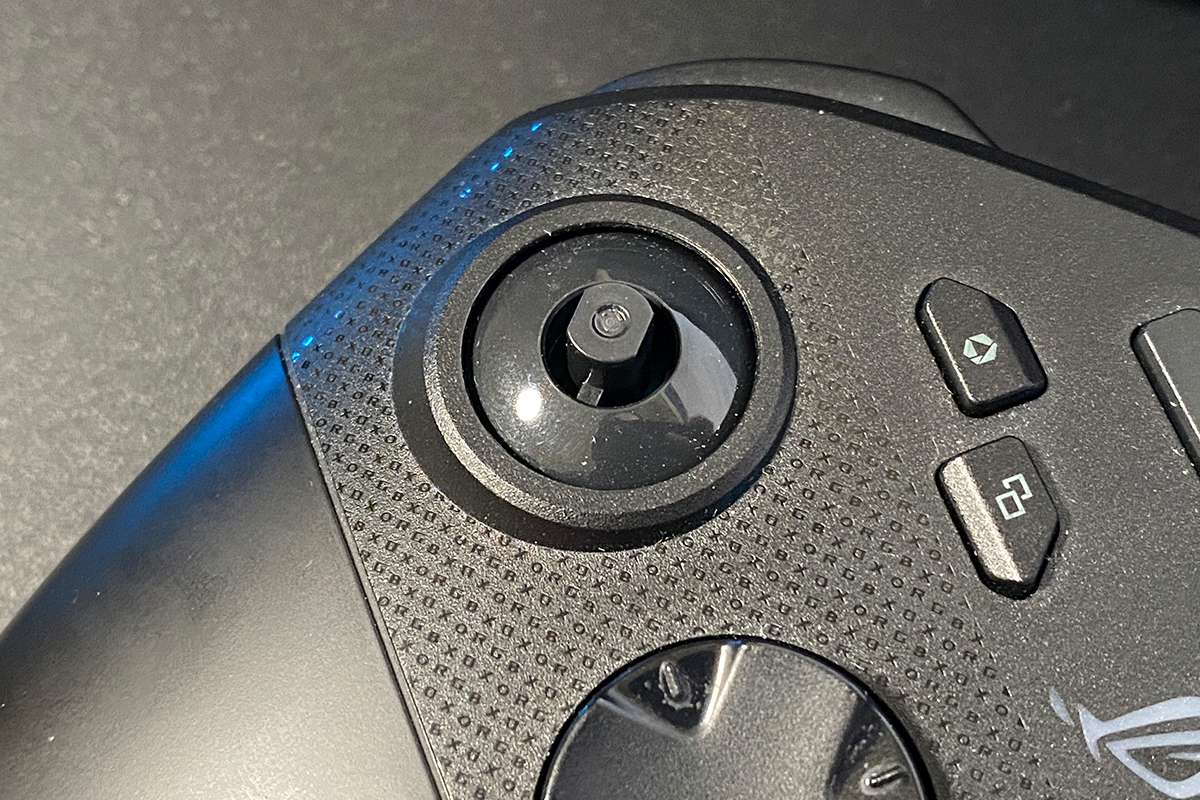
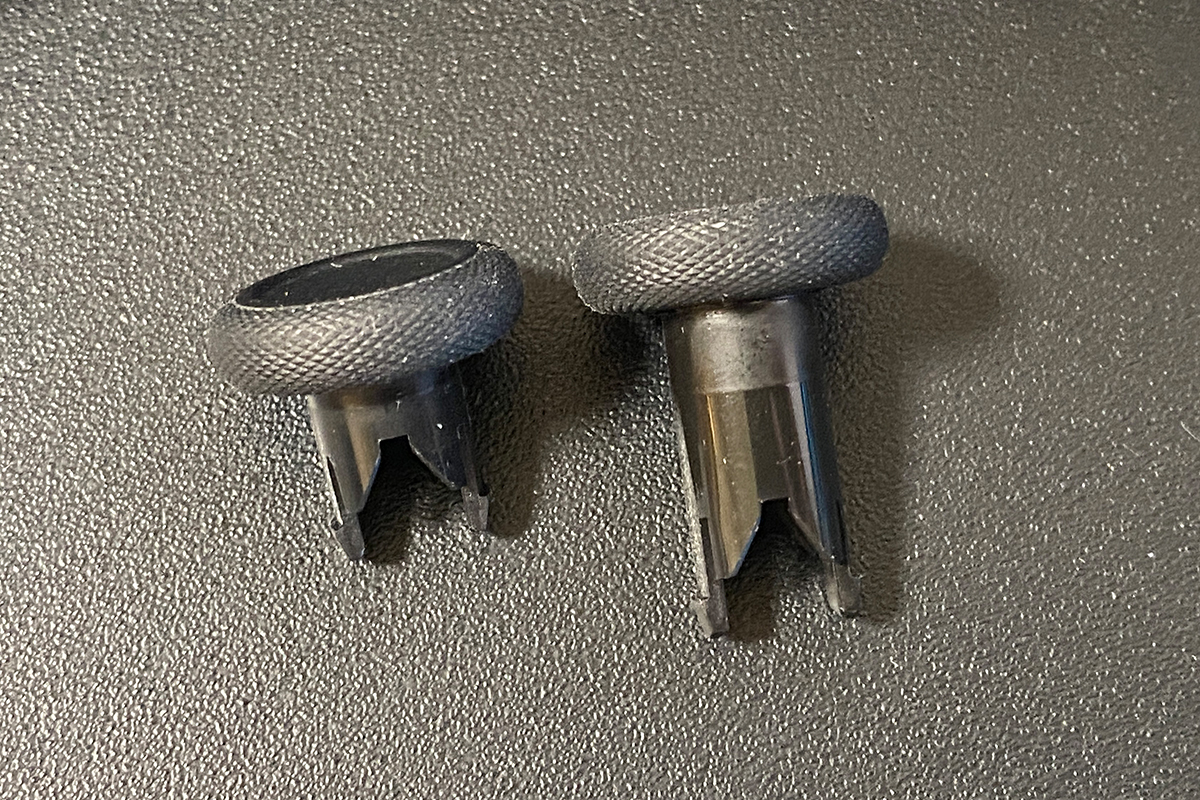
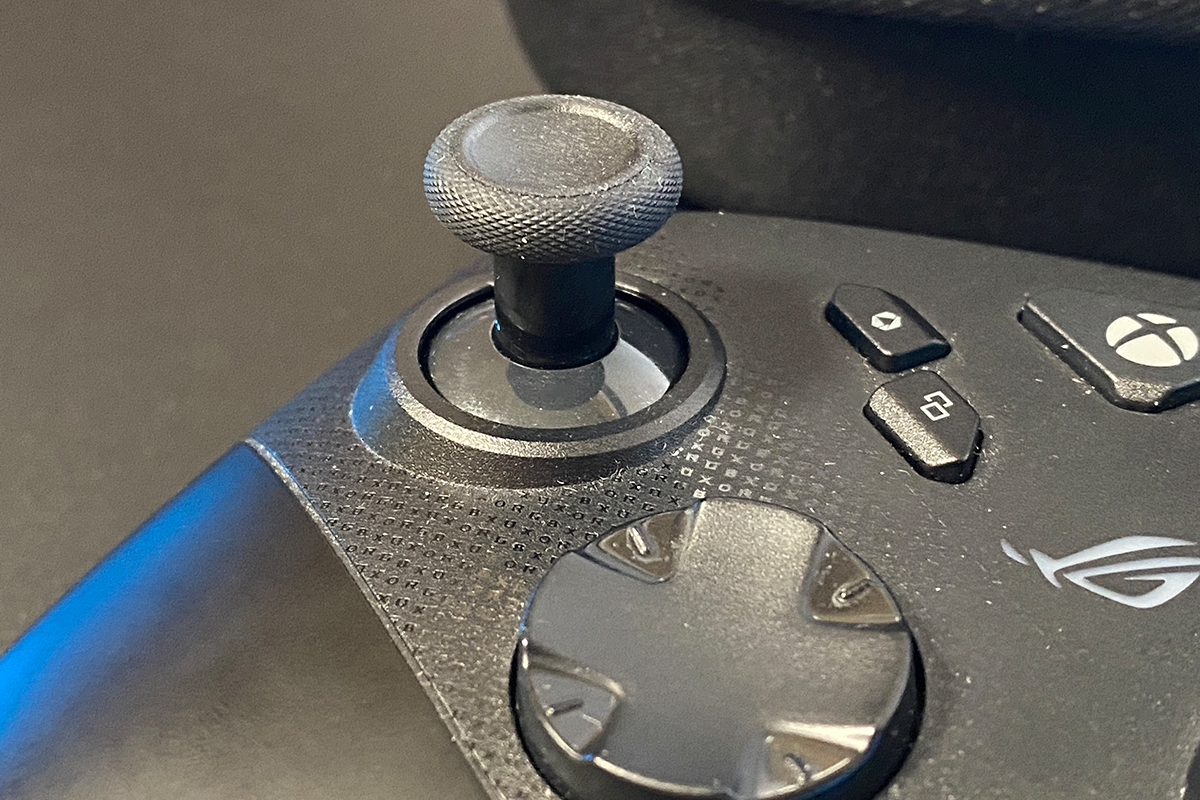
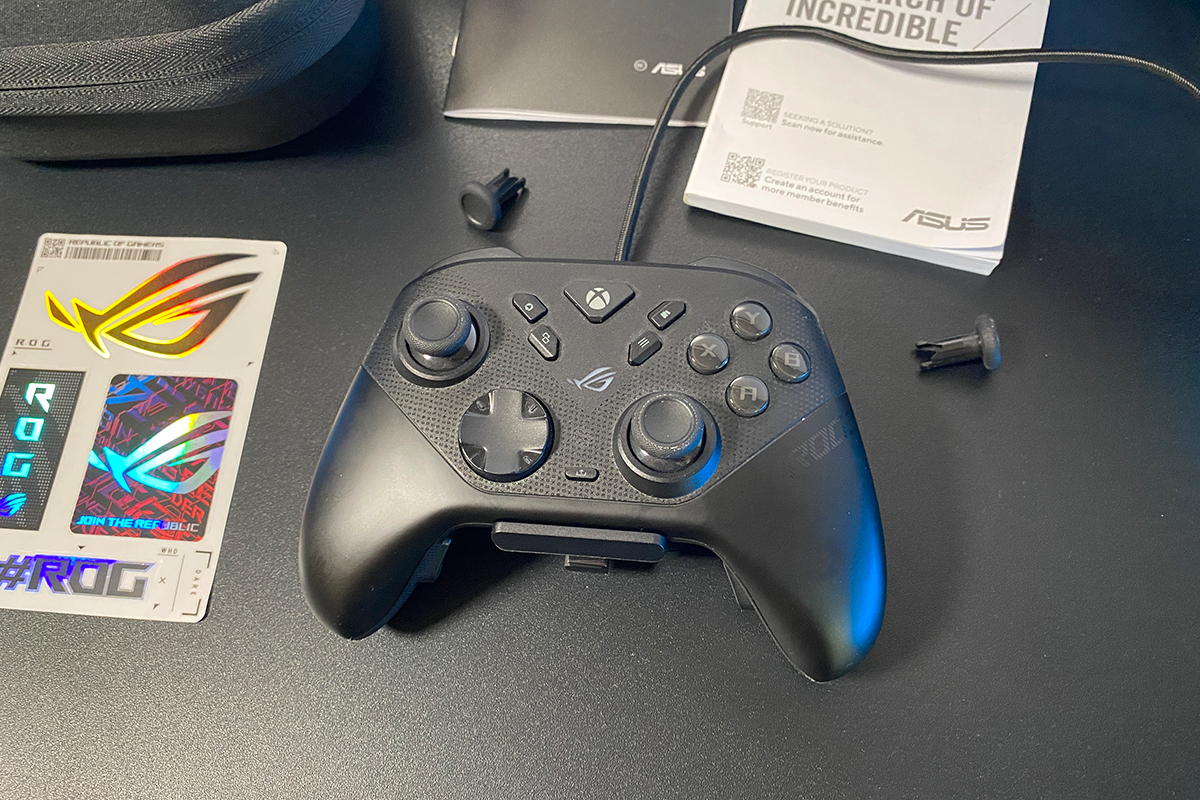
The high-profile replacement thumbsticks are intended to improve aiming precision, particularly in shooters. With the ROG Raikiri II, ASUS has addressed this use case by including alternative stick caps in the package. Users who prefer taller thumbsticks no longer need third-party attachments: the standard caps can be easily removed and replaced with the taller variants from the bundle. This option was not available in previous Raikiri models.
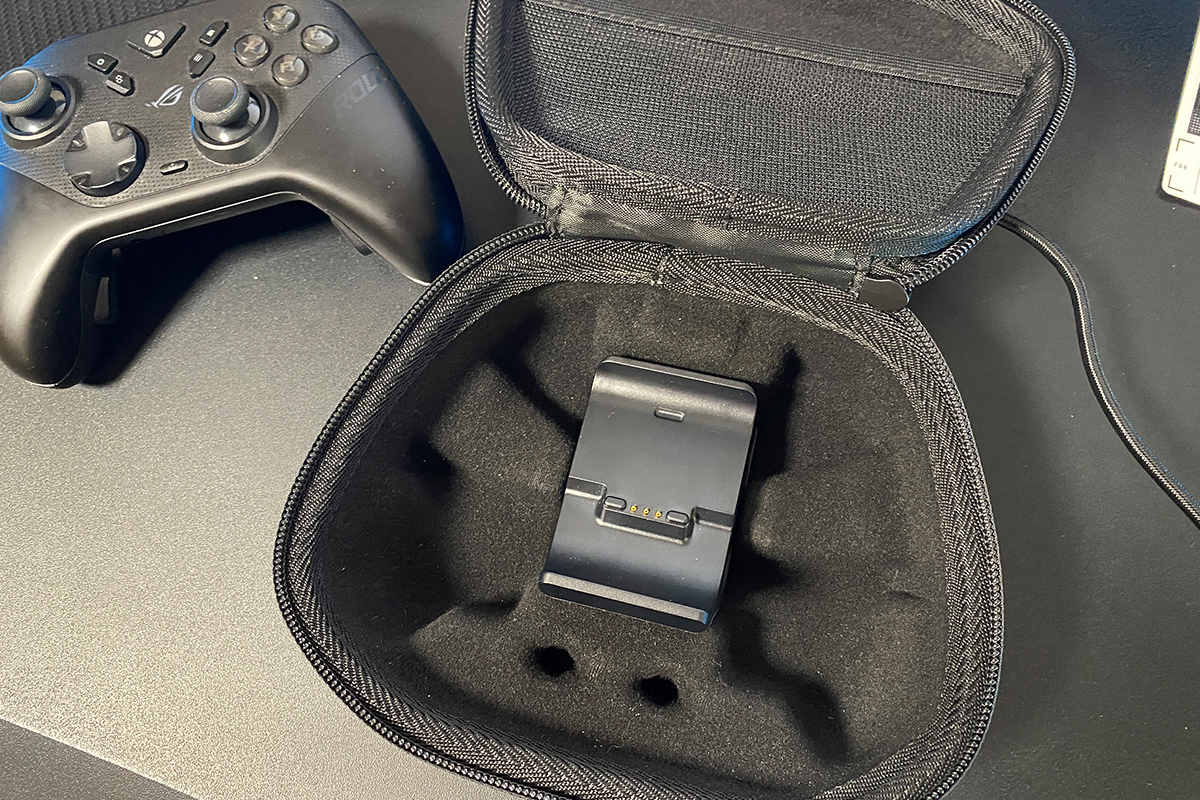
The charging dock is equipped with two ports: a rear USB-C port for connection to a console or PC, and a front USB-A port for the wireless dongle. This configuration allows the dock to remain connected while positioning the dongle closer to the controller, which helps maintain a stable wireless connection.
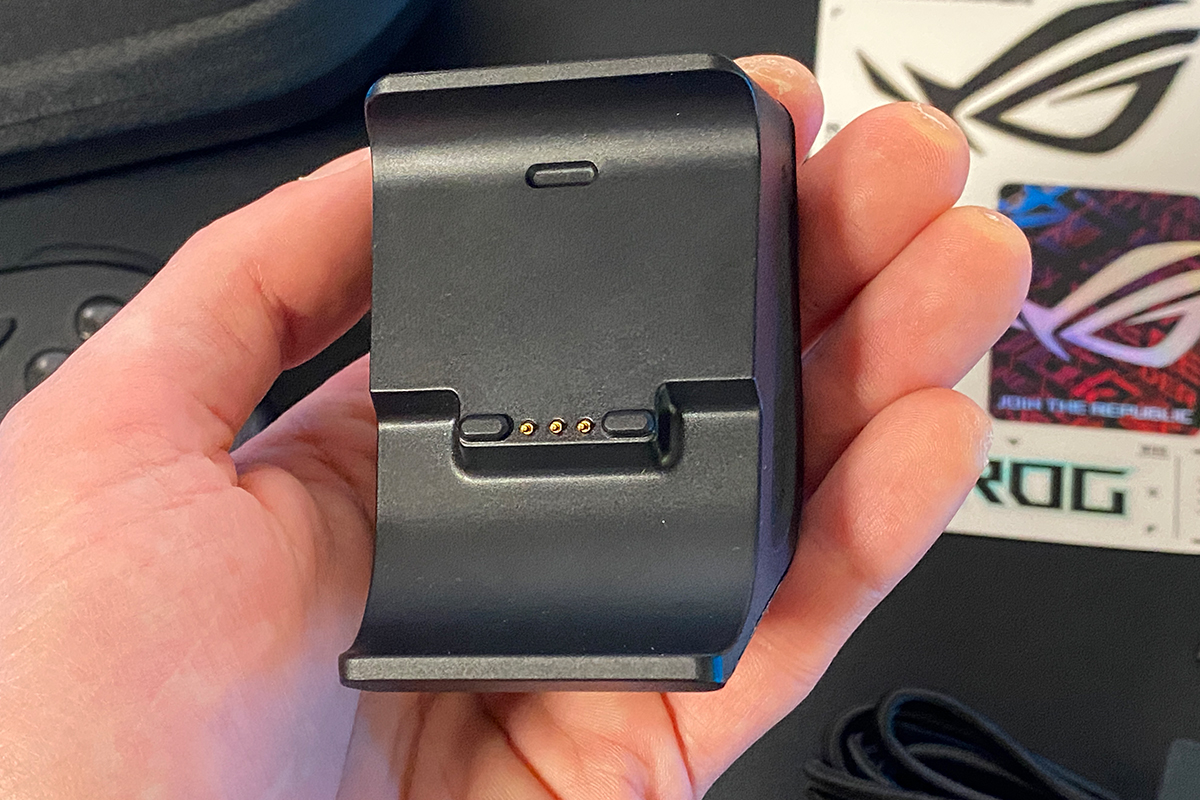
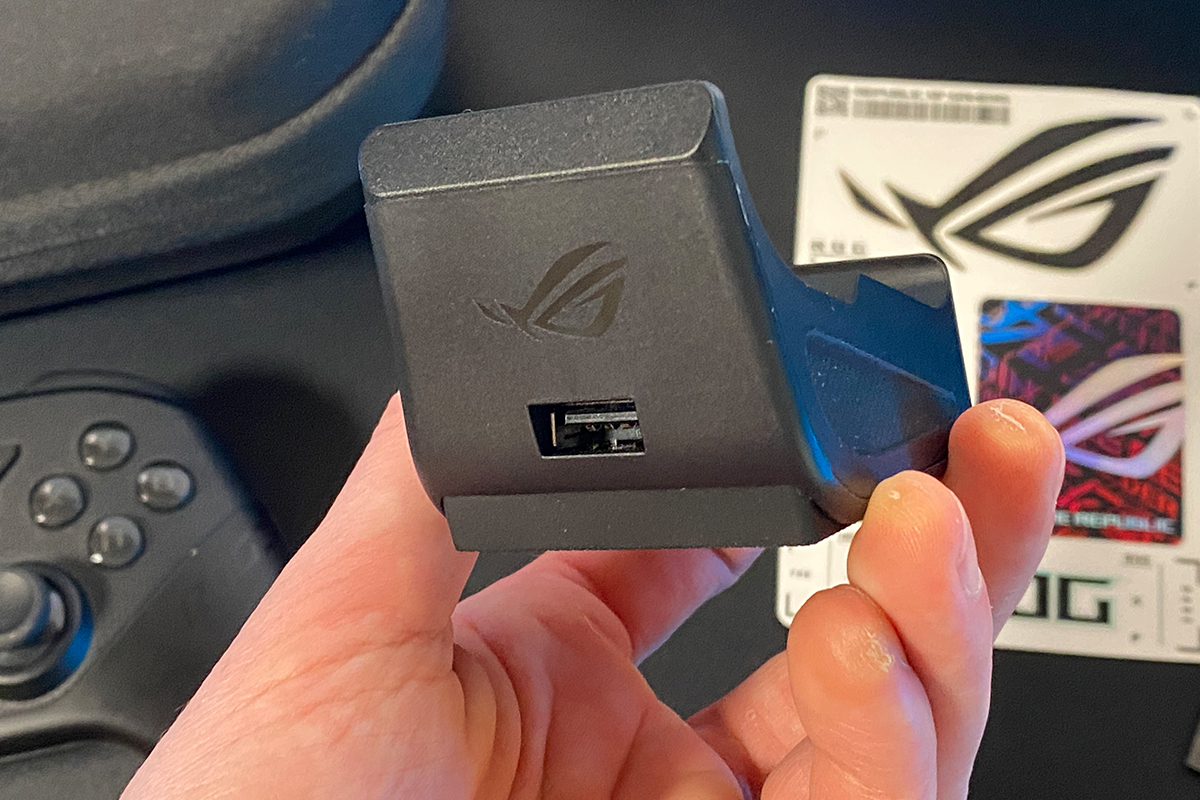
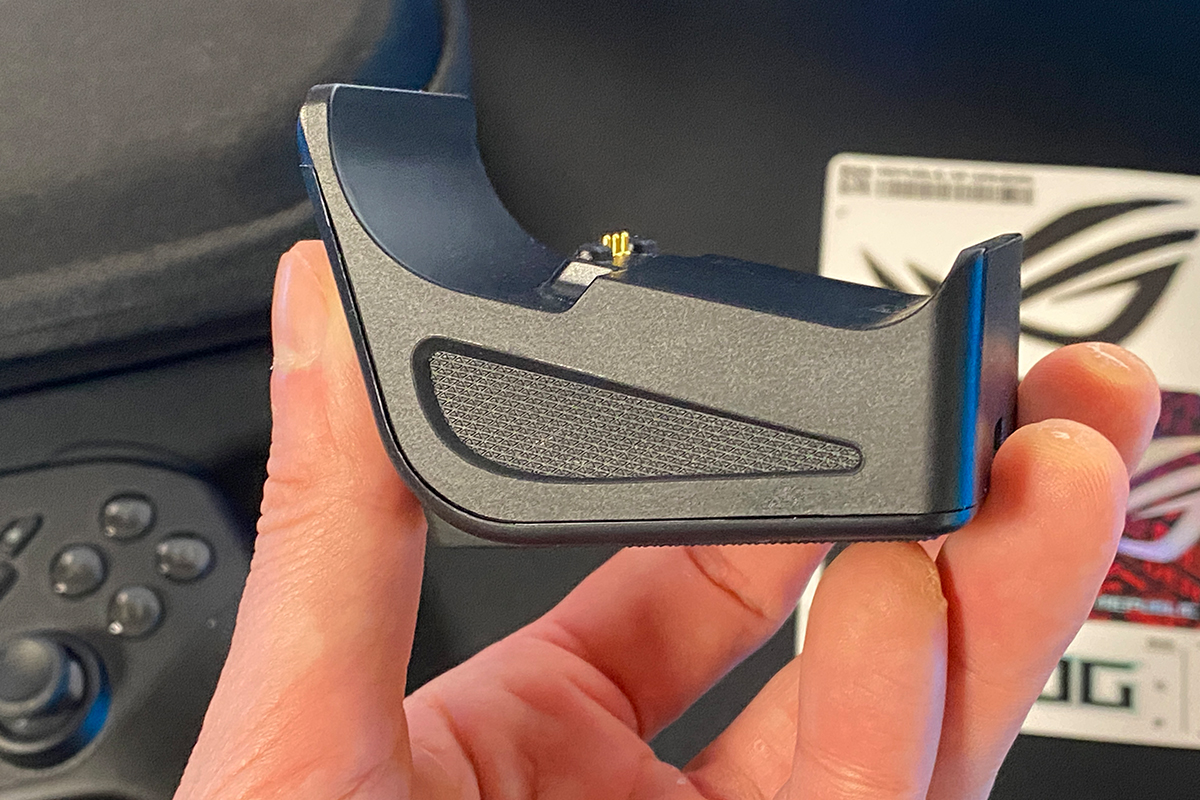
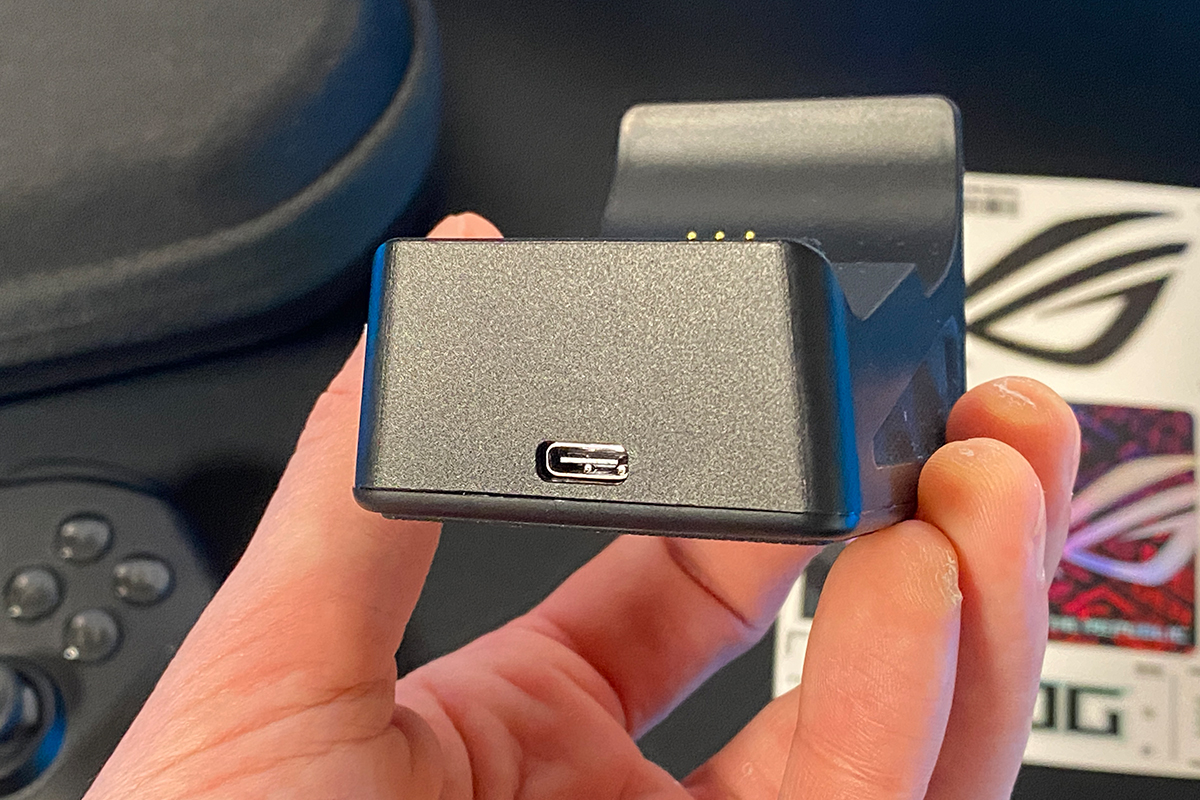
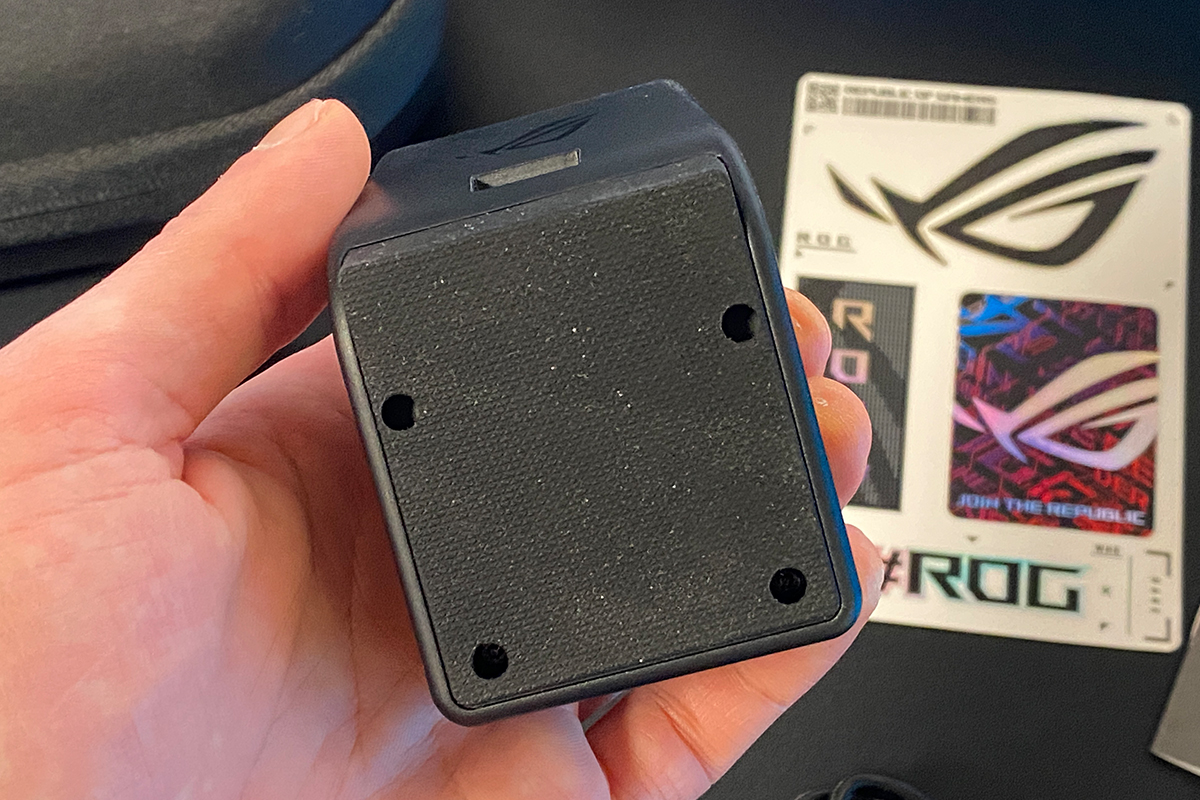
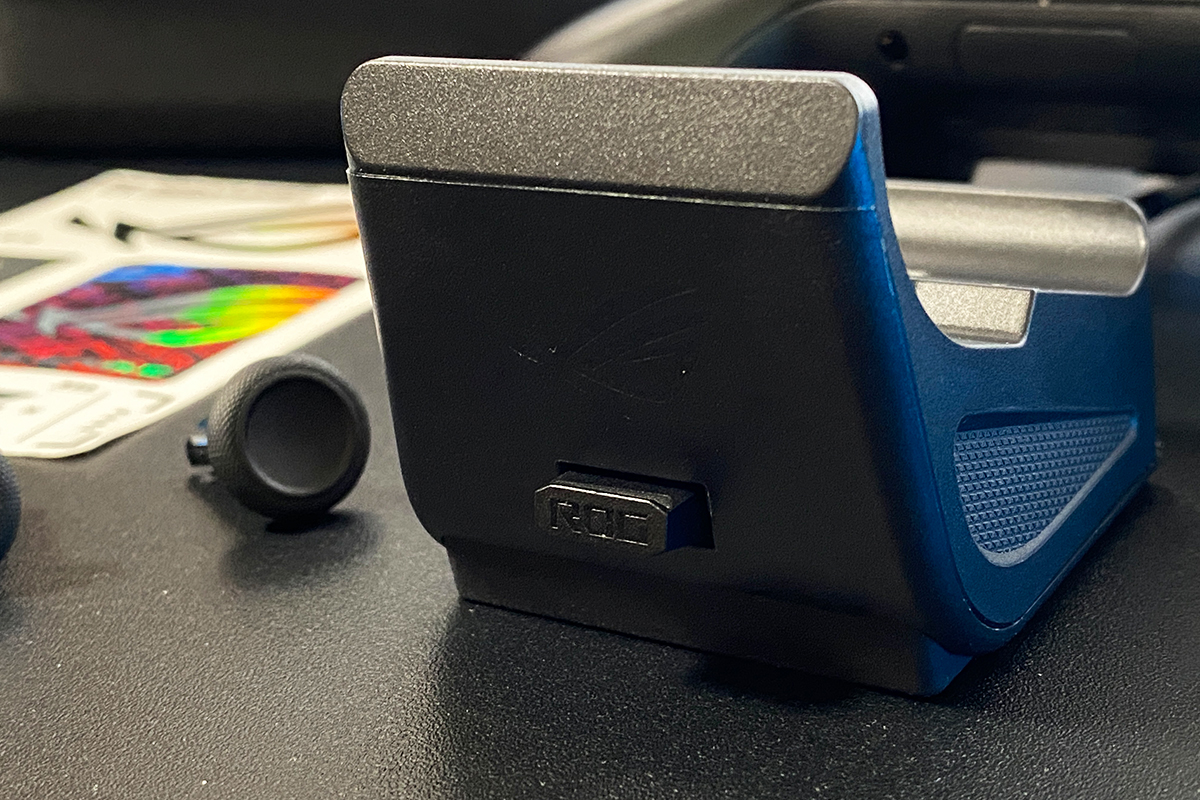
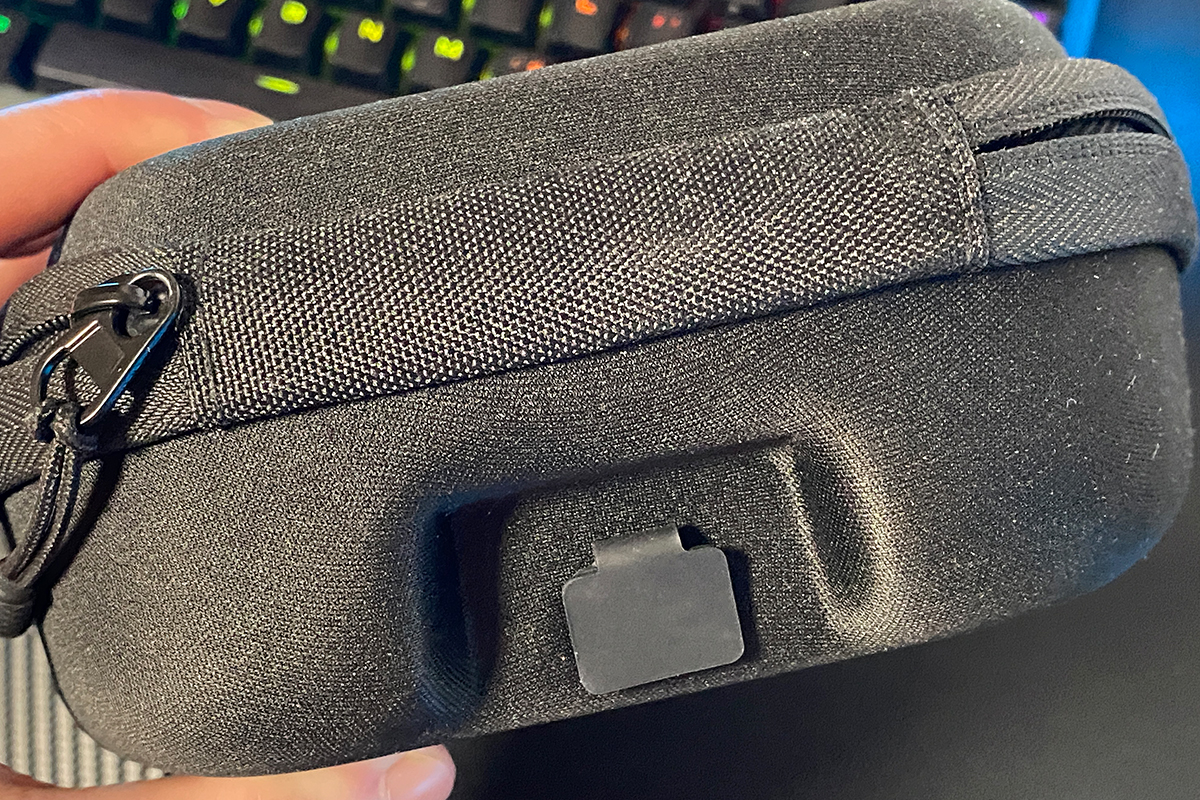
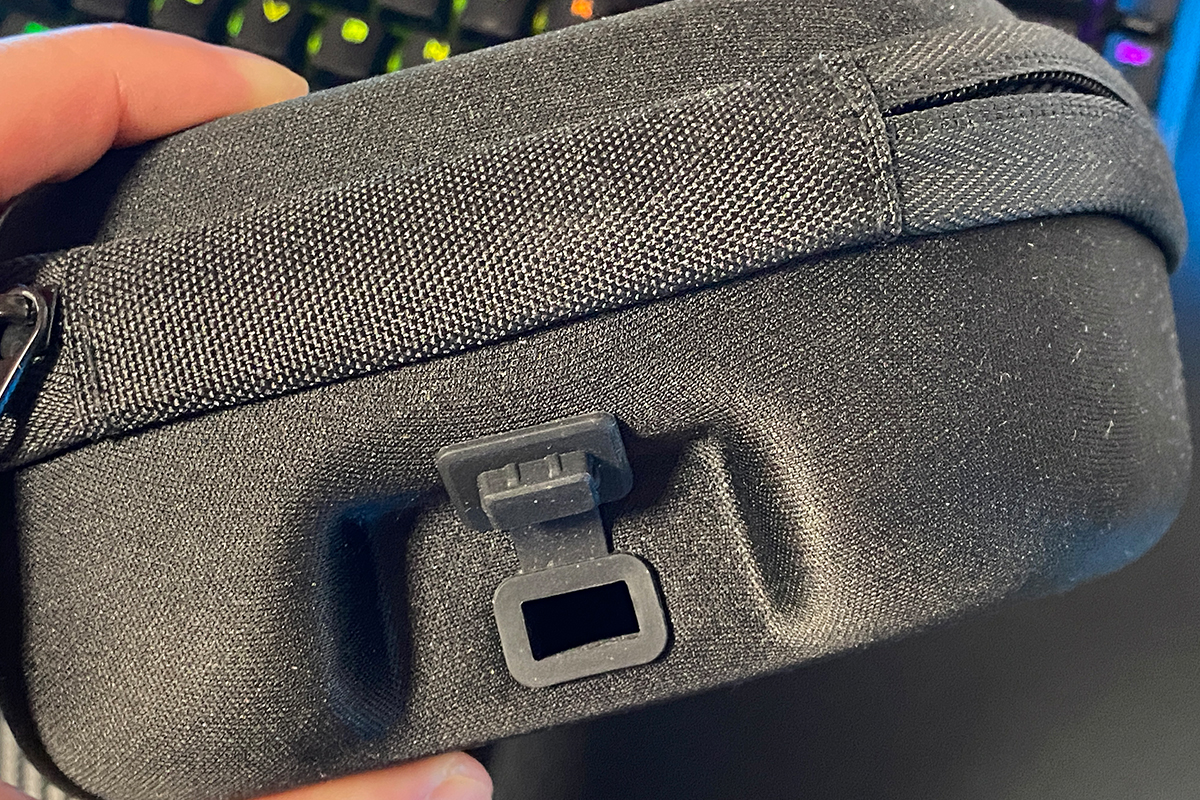
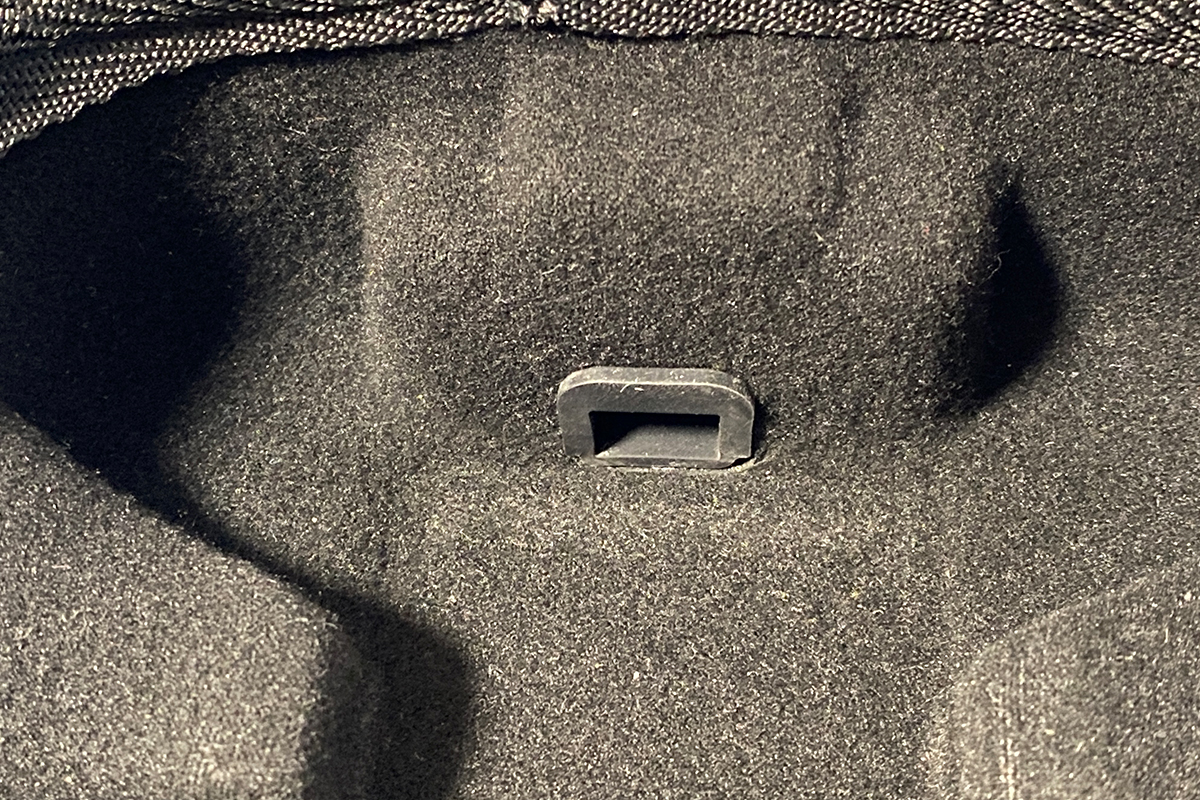
The included carrying case can be used for both storage and transport of the controller. It features a rigid outer shell with a soft fabric finish. One notable detail is a cable pass-through opening in the upper section of the case. This allows the controller to be charged while stored inside the case by connecting it to the dock station located within.
The remaining contents of the package are standard: ROG branded stickers, a small printed user manual, and a thicker warranty booklet.

In conclusion, the updated version offers a package that is not just adequate but well-rounded. Several items included here were not part of previous Raikiri bundles. This helps explain part of the higher price: even from the contents of the carrying case alone, it is clear where some of the additional cost comes from. However, this is not the primary factor in the overall pricing of the device.
Read also: ASUS ROG Cetra Open Wireless Review: Open-Ear Design, Hybrid Multipoint, and Strong Battery Life
Design, Ergonomics, and Build Quality
As noted earlier, the controller retains the classic Xbox-style shape and the standard layout of the main buttons. However, a closer look reveals a number of changes and refinements. In fact, in terms of design, it differs significantly from the previous Pro version.


The first noticeable change is the shell design. While the previous Pro model had its own interpretation of the ROG aesthetic, the new Raikiri adopts a style consistent with the ROG Ally handheld. This is explicitly stated by ASUS on the official product page. The design features include a decorative pattern, clean matte grips, and the ROG branding on the right side. Overall, the controller closely follows the visual language of the ROG Ally, adapted into a traditional gamepad form factor.

The front of the controller houses the primary input elements: analog sticks, D-pad, and the A, B, X, and Y buttons. It also includes additional function buttons used to access various system and configuration menus. One immediate difference from the previous Pro version is the increased number of these auxiliary function buttons in the new model.


The primary buttons are self-explanatory. The additional function buttons, however, require some clarification. Their layout and purpose are best explained in the included user manual. Rather than listing them individually, I will refer to a diagram from the manual for a clearer overview.

The analog sticks are positioned in the same layout as on a standard Xbox controller. Their shape and surface texture are consistent with the previous Pro version. However, as noted earlier, the thumbsticks are now replaceable, and instead of conventional carbon-film potentiometers, the new model uses high-precision TMR sensors. A detailed assessment of how the sticks feel in use will be covered in a separate section, including a comparison with the Pro version and an evaluation of which controller performs better and in what specific aspects. For now, the focus remains on external design, layout, and build quality.


The D-pad has been completely redesigned in the new model. The previous Pro version used a single-piece concave plate, while the standard Raikiri featured a more traditional design. In the updated controller, ASUS has effectively returned to a classic D-pad layout. Functionally, it remains an 8-direction D-pad, as in the previous model. However, like the main buttons in the new version, it now uses microswitches to improve actuation precision. Whether this represents an improvement over the previous Pro version will be addressed in a separate section.


The A, B, X, and Y buttons have also been significantly redesigned. First, the labeling style has been updated, which is clearly visible in the images. Second, the surface material has changed: instead of matte plastic, the buttons now use a glossy finish similar to Sony’s DualSense controllers. The most important change, however, is the switch to microswitches. As a result, the buttons now feel closer to modern mouse clicks – quieter, softer, and with a very short actuation travel. This approach is somewhat subjective in terms of user preference. Players who prefer a firmer tactile response, typical of standard Xbox controllers or the previous Pro model, may find this “mouse-like” click less informative or less distinct in feel.
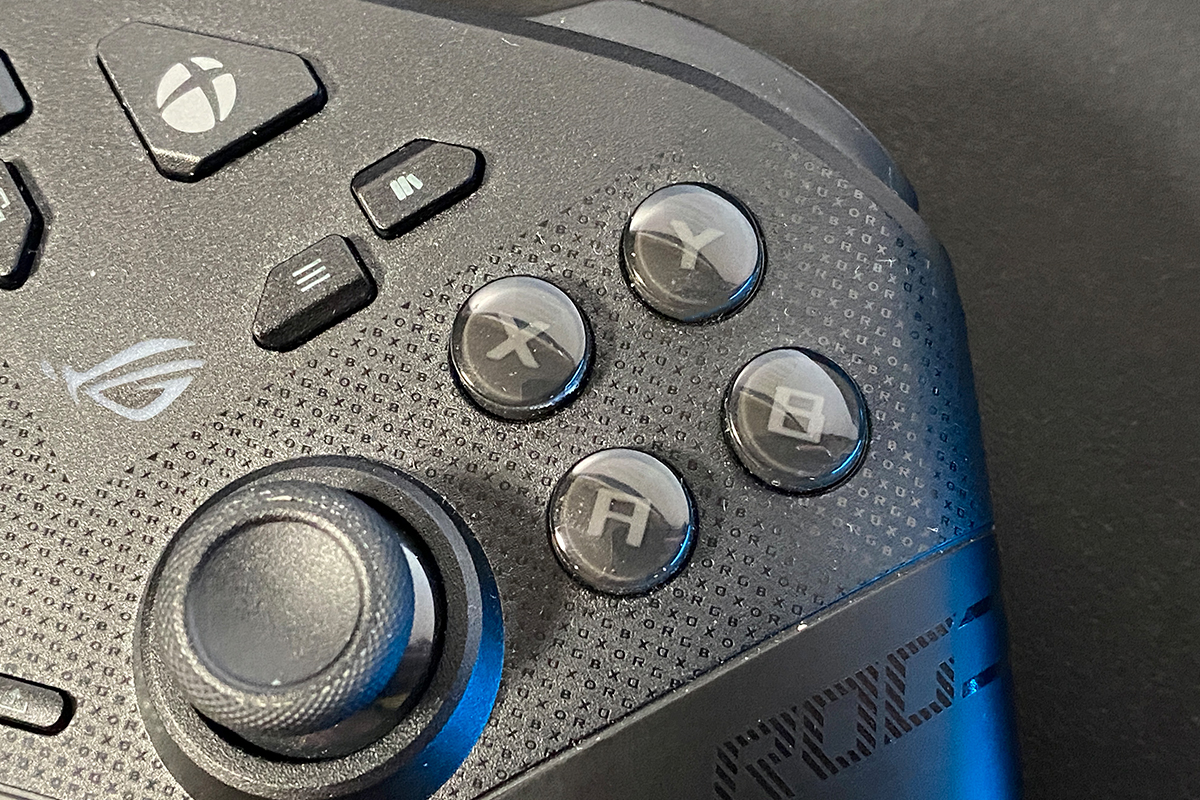
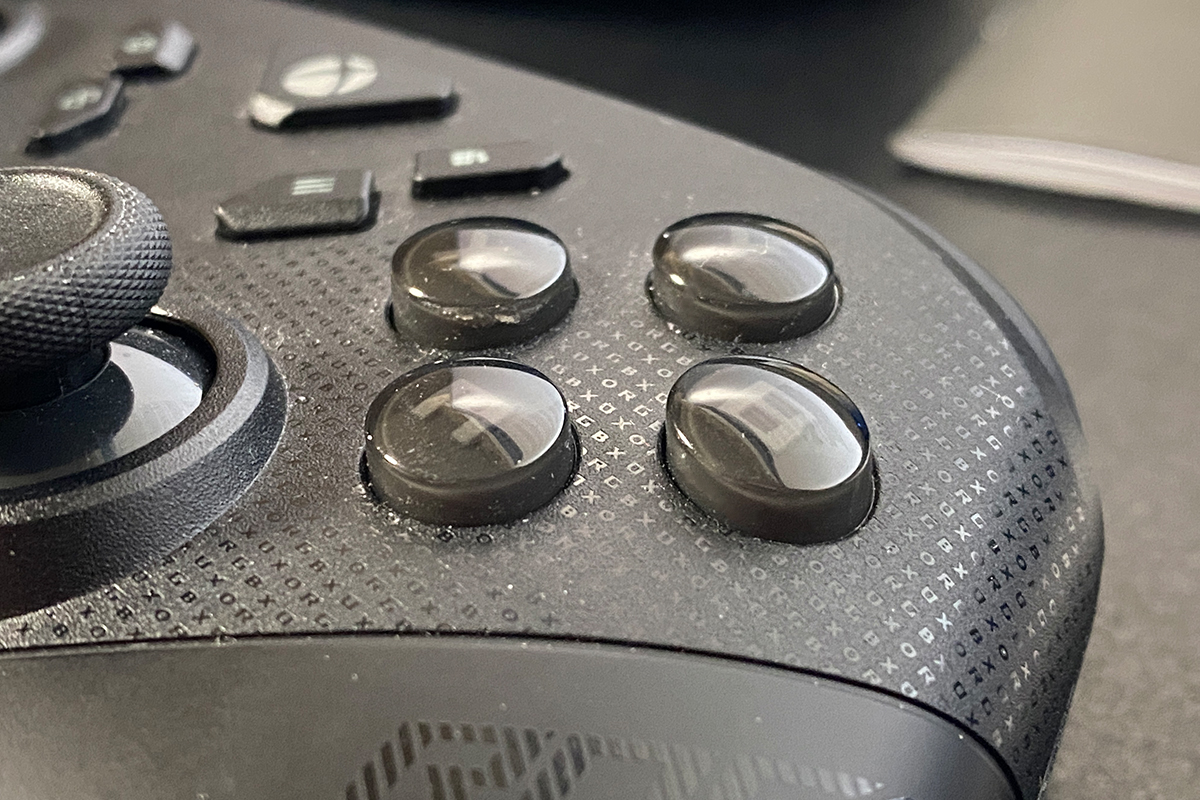
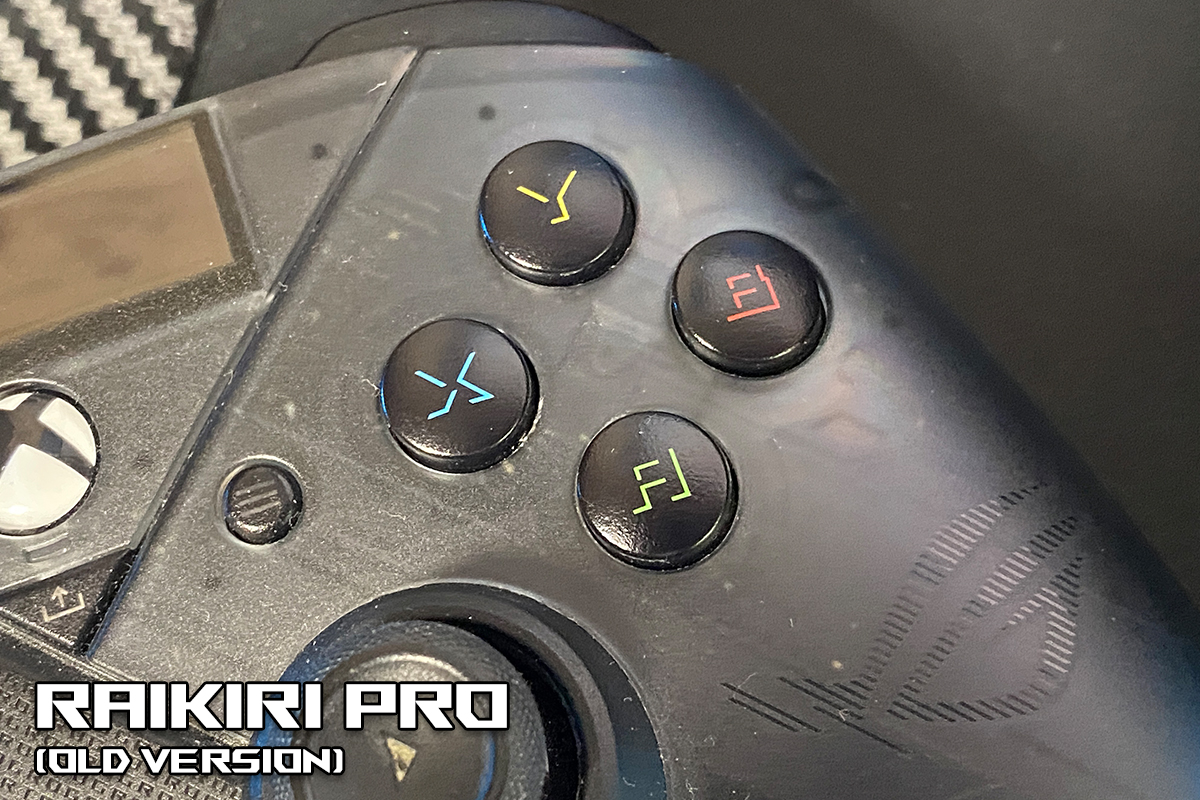
The additional function buttons are noticeably more numerous than on the previous Pro version. Based on the feel of the actuation, they do not appear to use microswitches; instead, they behave like standard membrane-style buttons, similar to those in the earlier model. However, the actuation is noticeably stiffer, which creates a clear contrast compared to the other inputs that use microswitches.

The final change on the front panel is the removal of the OLED display that was present in the previous Pro model. As noted earlier, it was likely omitted to improve ergonomics and battery life, which appears to be a reasonable design decision. From a practical standpoint, as a Pro user, I rarely used this display. In most cases, it was limited to checking battery status, which was shown only as a bar indicator rather than a precise percentage, making it less informative.
While the OLED screen also allowed switching between platforms and connection modes via its menu – arguably its more useful function – these controls have now been relocated to the back of the controller and implemented as simple physical switches.

The back of the controller has also been noticeably redesigned. The connection mode and platform switches are now implemented as toggle switches, while the M1–M4 auxiliary buttons have been reshaped and repositioned onto the grips. These rear buttons also now use microswitches for actuation. In addition, the new model introduces charging contacts on the back for use with the docking station.


The relocation of the additional buttons is, in my view, one of the most significant ergonomic changes in the controller. As shown in the images, on the previous model these buttons were positioned near the center and required a slight reach with the fingers. In the new version, they are placed directly under the fingers, which is considerably more convenient for users who actively rely on them. Looking ahead, these buttons can be mapped to A, B, X, and Y or any other inputs. This helps reduce workload on the thumb and can improve input speed. However, for users who do not use additional buttons at all, this change may be less relevant or even feel like a questionable design decision. I will discuss this in more detail based on my own experience in the relevant section.

The only element on the back that remains unchanged is the trigger travel switches. They are identical to those on the previous Pro model and are located in roughly the same position. These switches allow users to reduce trigger travel, making the input feel closer to a mouse click. This feature is particularly useful for shooter games where faster actuation can be beneficial.


The top section of the controller has not changed significantly. However, on closer inspection, it becomes apparent that the triggers are noticeably larger compared to the previous Pro model.

The shape of the bumpers remains unchanged. The main differences here are internal: the triggers now use modern TMR sensors instead of Hall-effect sensors, while the bumpers, like the other buttons on the controller, are implemented with microswitches.


The bottom section of the controller is essentially minimalistic. The only notable element here is the combined 3.5 mm audio jack for headsets, carried over from the previous Pro model.


The Mute Mic / Pair button has been removed from the bottom edge and relocated to the rear side of the controller. In addition, its functionality has been reduced: it now serves only as a pairing button (Bluetooth pairing). It is less clear how to quickly mute a headset microphone connected via the controller, as this function no longer appears to have a dedicated hardware control.

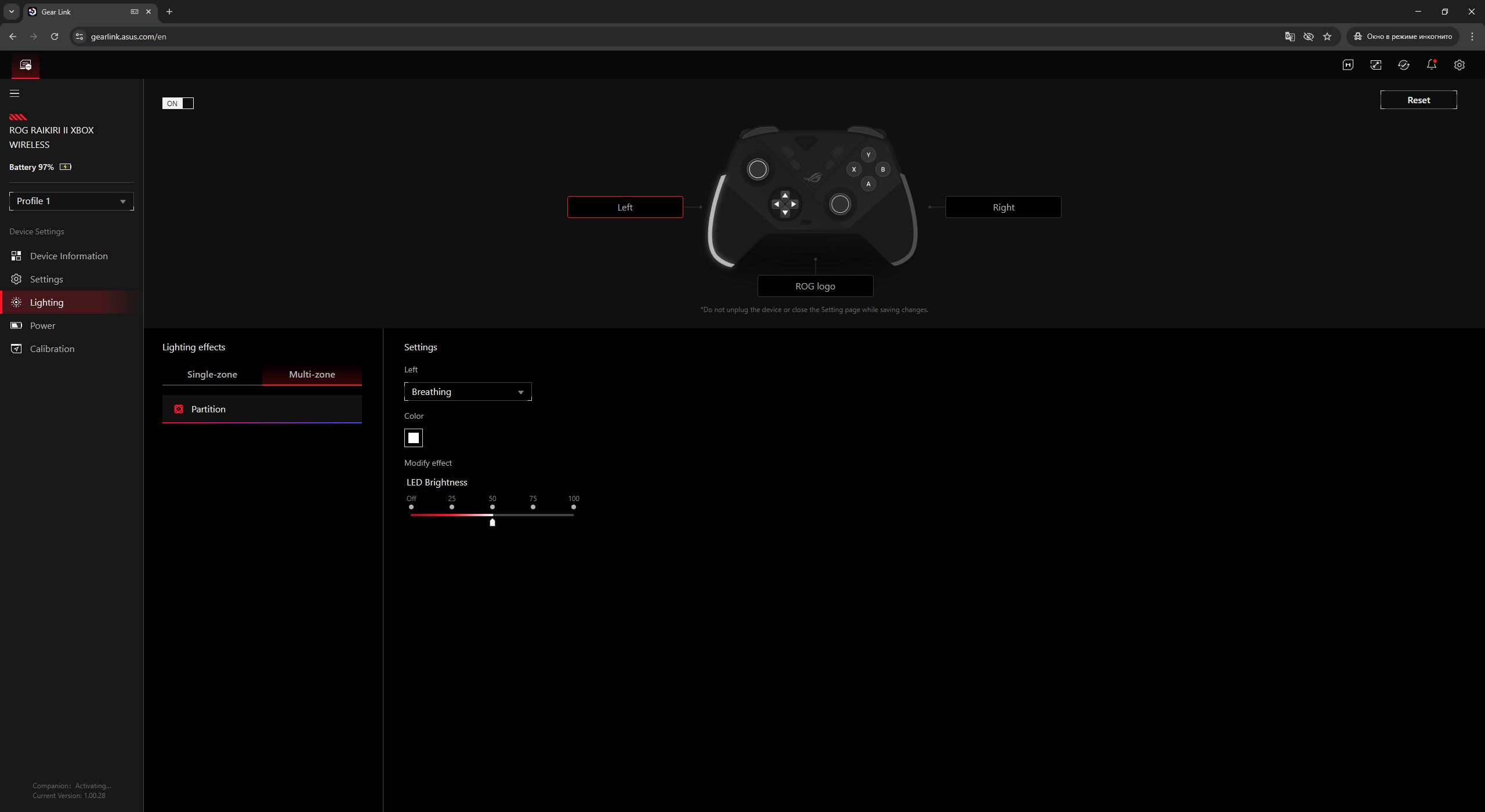
The final, but still important, part of the design is the lighting. In previous Raikiri models, RGB lighting was one of the defining visual elements. In the new version, the lighting layout has been revised: RGB strips are now placed on the grips, while a small ROG logo remains on the front. At the same time, the lighting system has been expanded to a three-zone configuration. This allows each zone to be configured independently rather than as a single unified effect. The controller also supports synchronization with other ASUS devices via Aura Sync, which will be covered in more detail in the software section.


The build quality of the controller is excellent. It has a solid, monolithic construction with no creaking, flexing, or noticeable play, even under strong pressure or twisting. All корпусні елементи and seams are precisely aligned and well fitted. Overall, there are no significant complaints regarding build quality.
In terms of ergonomics, the controller is generally well designed. The previous models already offered strong ergonomics, and the new ROG Raikiri II effectively continues that approach. However, there are a few aspects that depend heavily on individual grip preferences and whether the user actively uses the additional buttons. These points will be covered in more detail in the following sections. For now, I will briefly move on to supported devices and the software used for configuration.

Read also:
- ASUS ROG Gladius III Core Mouse Review: Asymmetric Design, Hot-Swap Switches, New Switch Technology, and Gear Link
- ASUS ROG Herculx Review: ARGB GPU Support Bracket
Supported Devices, Connection Methods, and Polling Rate
According to ASUS’s official documentation, the controller is compatible with Windows 11, Xbox Series X|S, and Xbox One. It should be noted that Windows 11 is listed primarily as a formal requirement, as the controller also worked without issues on Windows 10 in practice. In other words, it supports the full range of Windows-based platforms, including portable Windows devices, as well as current-generation Xbox consoles.

The controller supports three connection modes: wired (via USB cable), wireless 2.4 GHz (RF), and Bluetooth. For Xbox consoles, the device can be connected either via USB cable or through the included 2.4 GHz RF wireless dongle. As noted earlier, despite official certification, wireless connectivity on the console relies on the USB dongle rather than the console’s native wireless protocol.
On Windows-based systems, all three connection modes are available. However, full functionality over Bluetooth requires installing a dedicated driver, as explicitly stated by ASUS in the official documentation.

Proper functionality with the ROG Ally handheld console also requires installing the Companion extension package. All required software is available on the official ASUS website on the ROG Raikiri II product page.

The controller’s polling rate depends on the connection method and platform:
- 1000 Hz – wired and 2.4 GHz RF wireless on Windows platforms (PC, ROG Ally)
- 250 Hz – wired and 2.4 GHz RF wireless on Xbox consoles

Read also:
- ASUS ROG KJP Accessories Review: Original Collaboration with Kojima Productions
- ASUS ROG Strix OLED XG27AQDPG Monitor Review: 2K QD-OLED, 500 Hz, and 0.03 ms Response Time
Software
Previous Raikiri models were configured through Armoury Crate. With the new model, ASUS – consistent with its more recent devices – has decoupled configuration from that application and introduced full support for Gear Link. This allows the controller to be configured directly in a web browser, avoiding the need to install resource-heavy software locally.
However, if you want to synchronize the controller’s lighting with other ASUS devices within the ecosystem, Armoury Crate is still required.
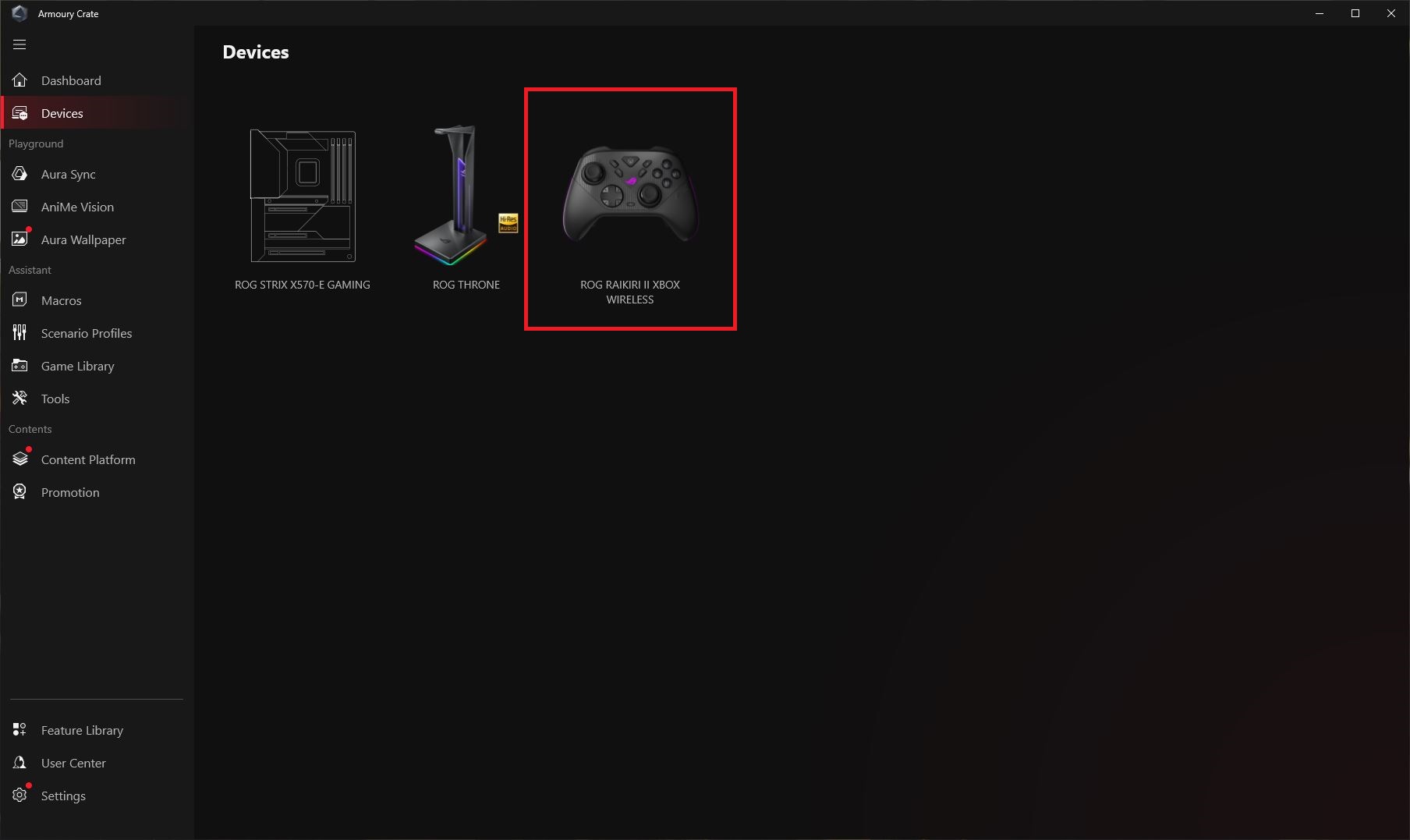
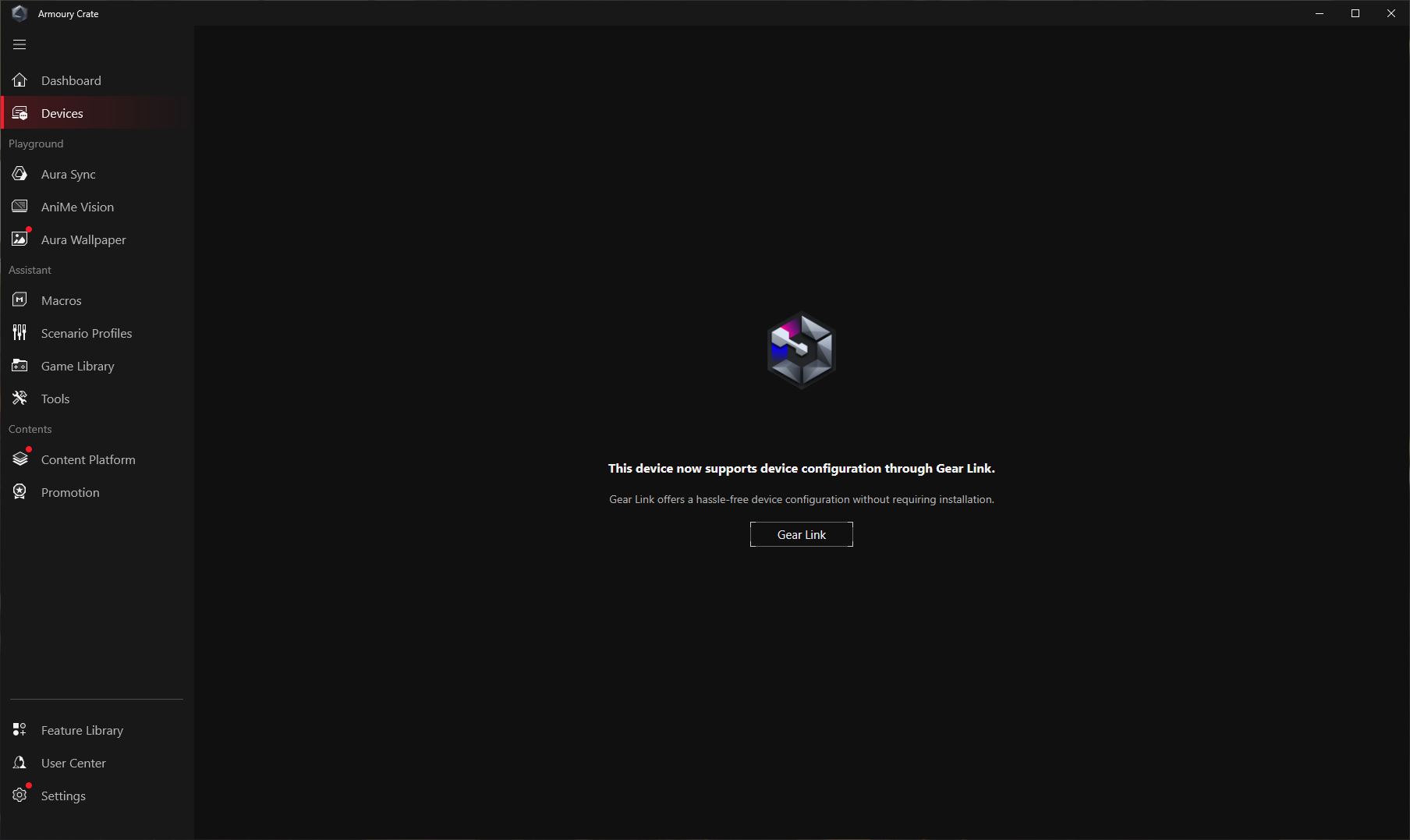
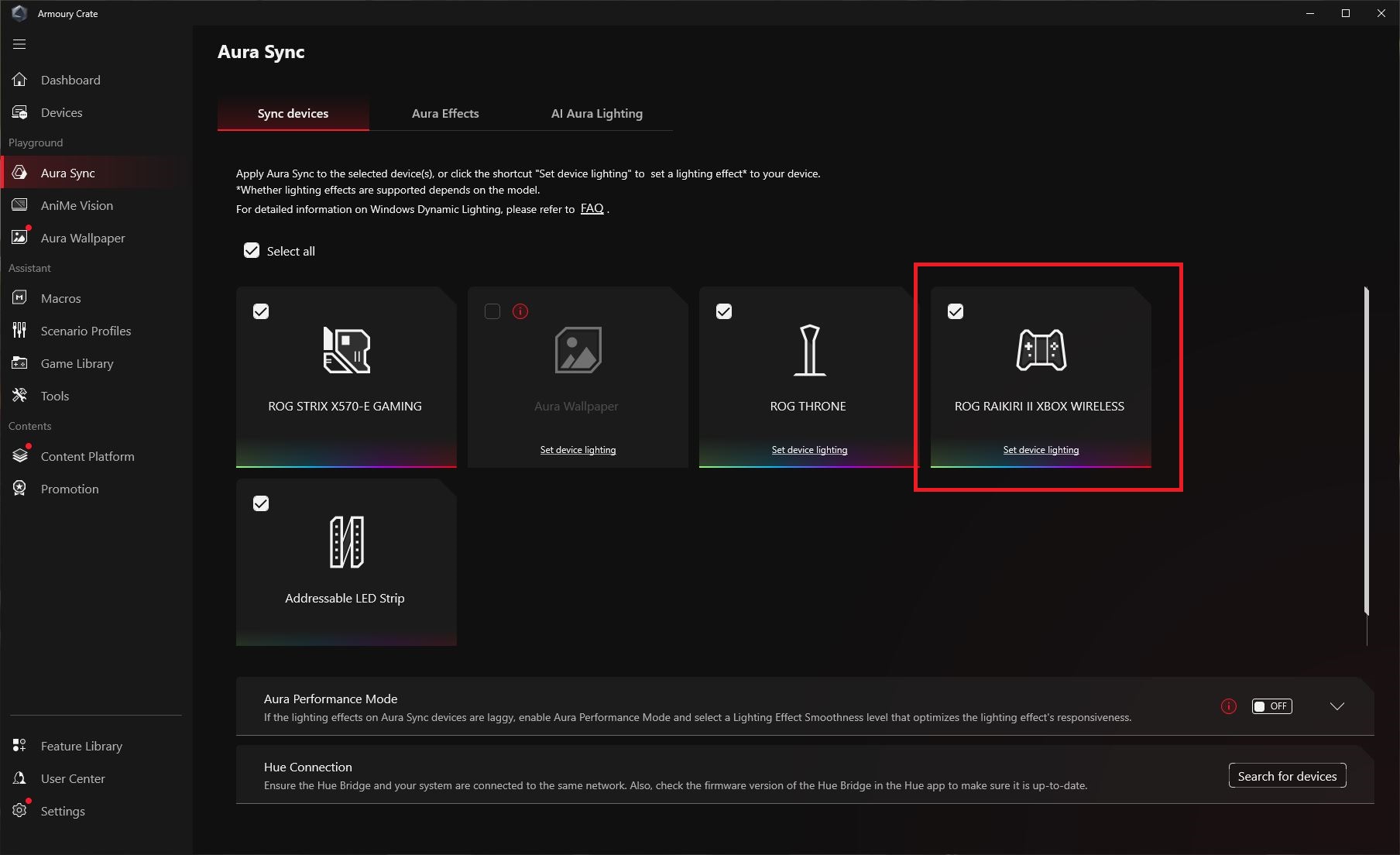
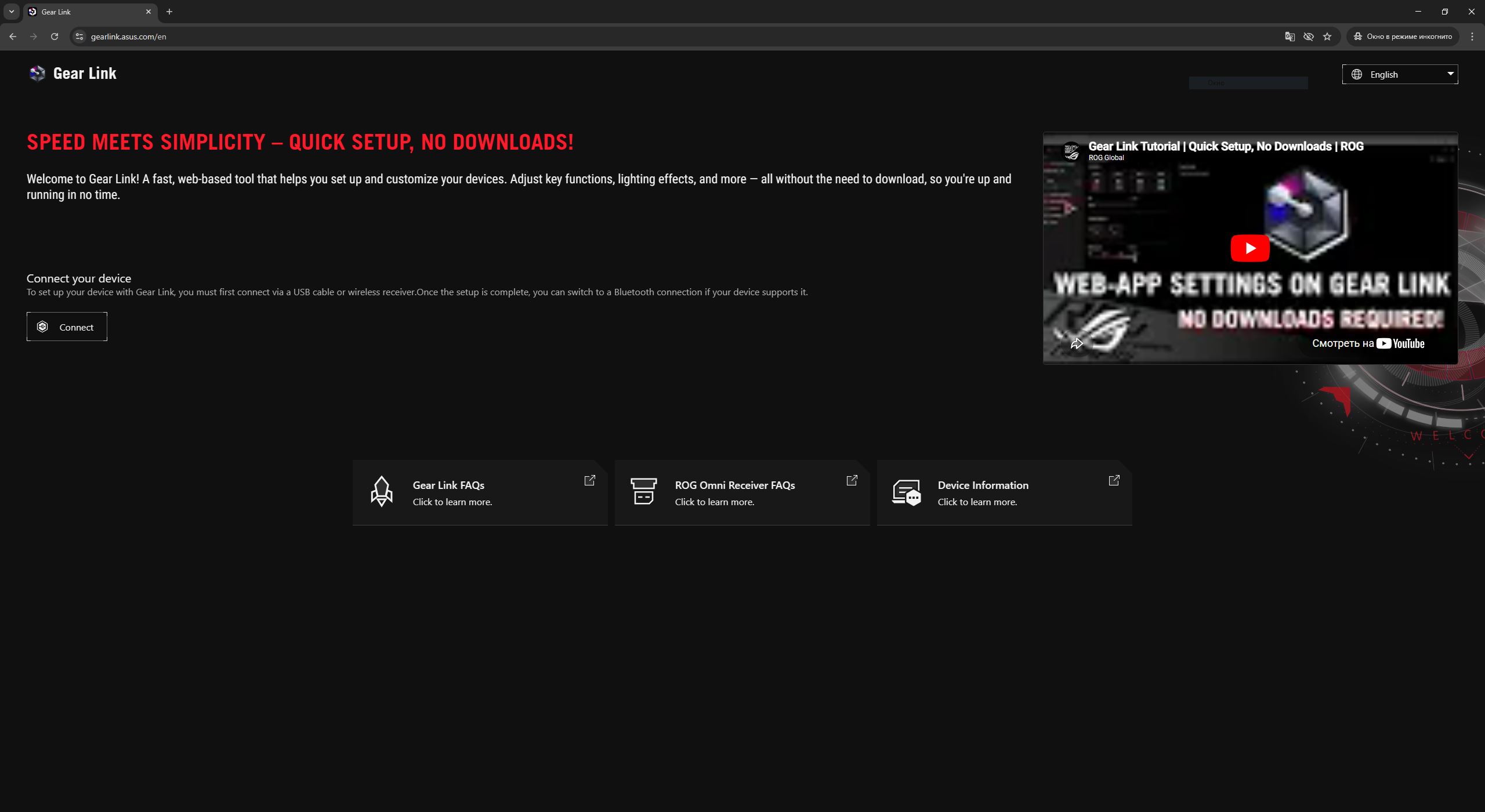
To access Gear Link settings, you simply visit gearlink.asus.com and grant permission to connect to the device. The controller can be configured in both wired and 2.4 GHz RF wireless modes.
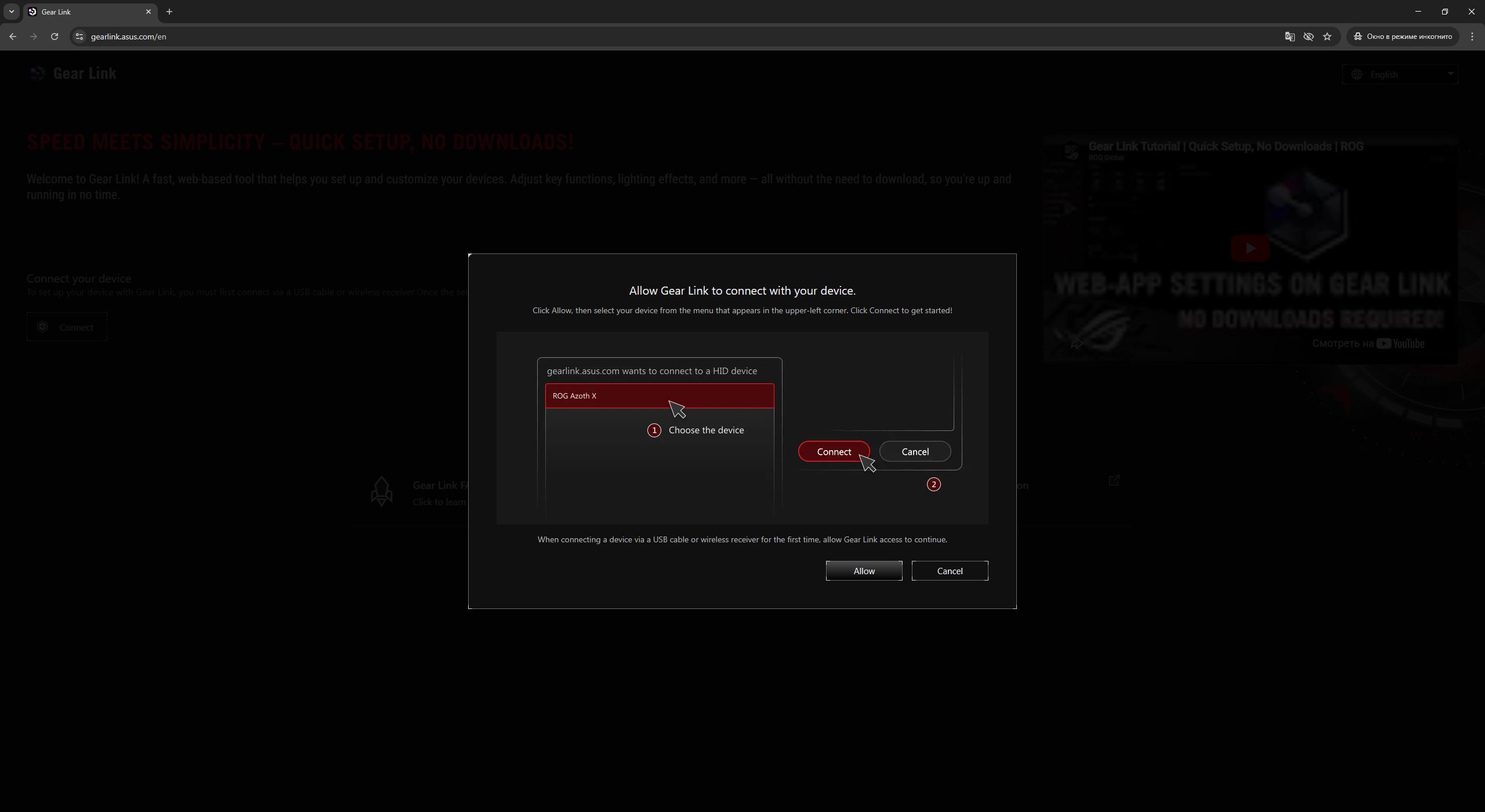
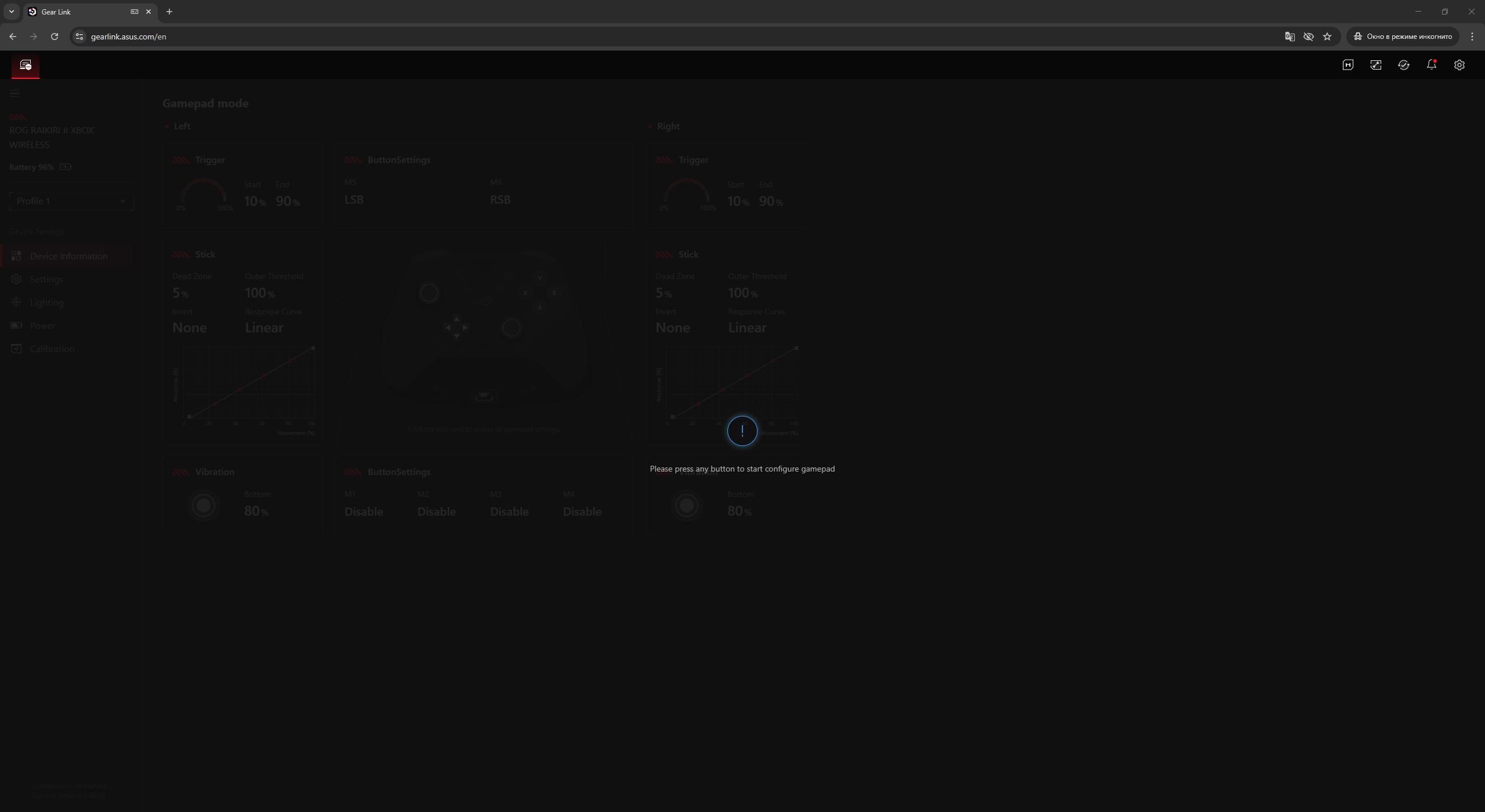
After a successful connection, the application prompts the user to press any button on the controller to activate it. The user is then taken directly to the main “Device Information” menu, which provides a brief overview of the current controller settings.
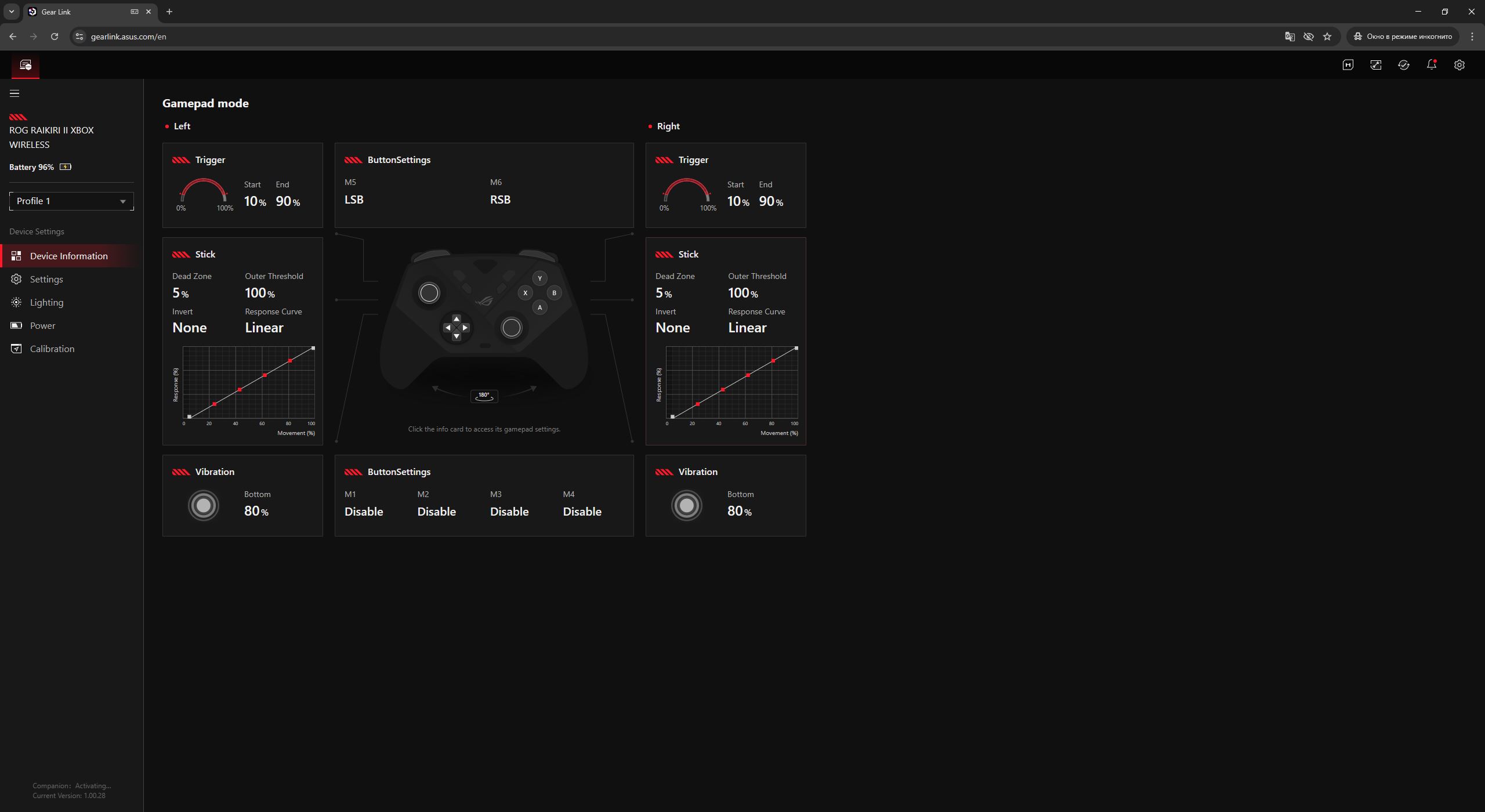
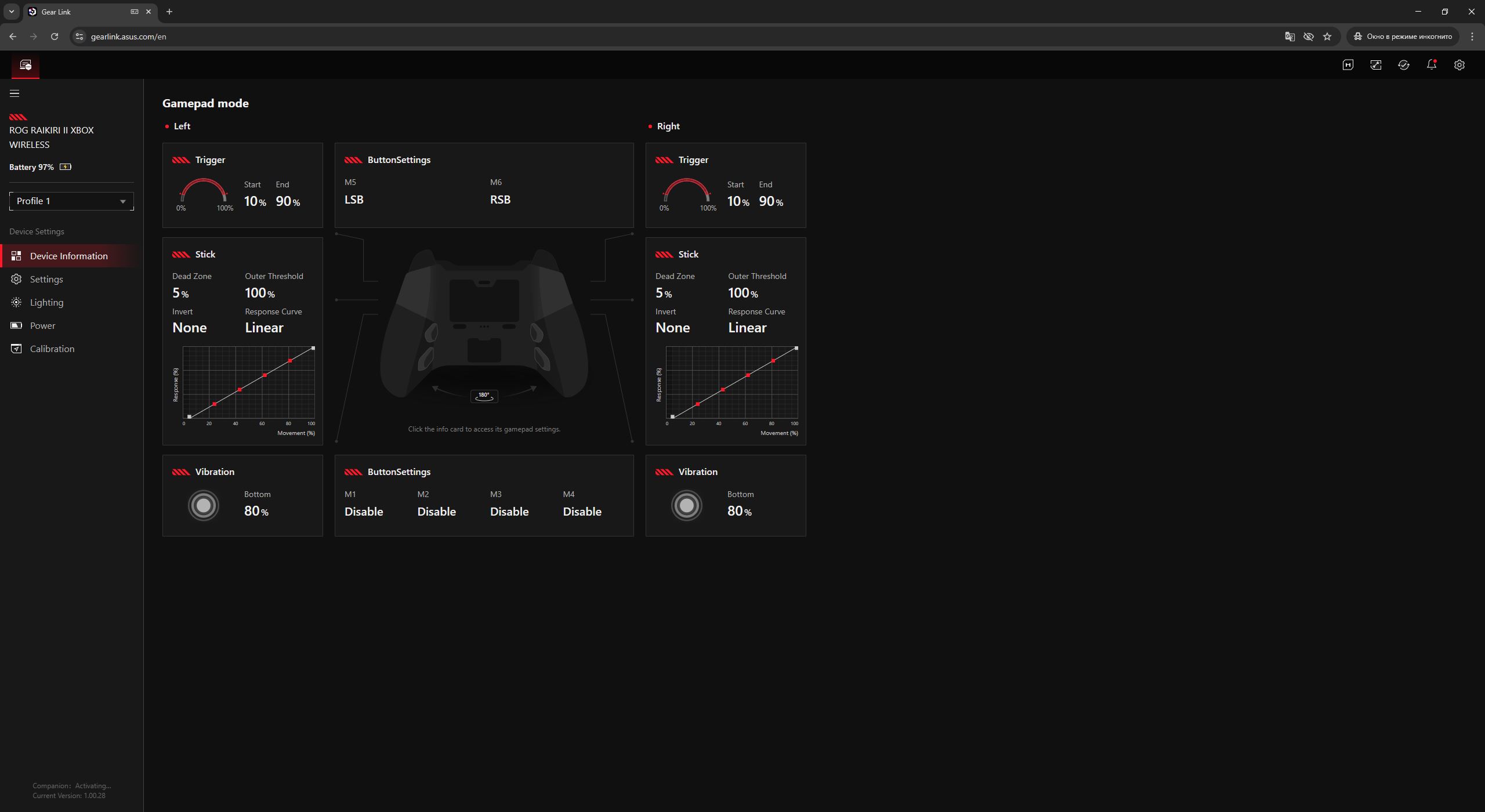
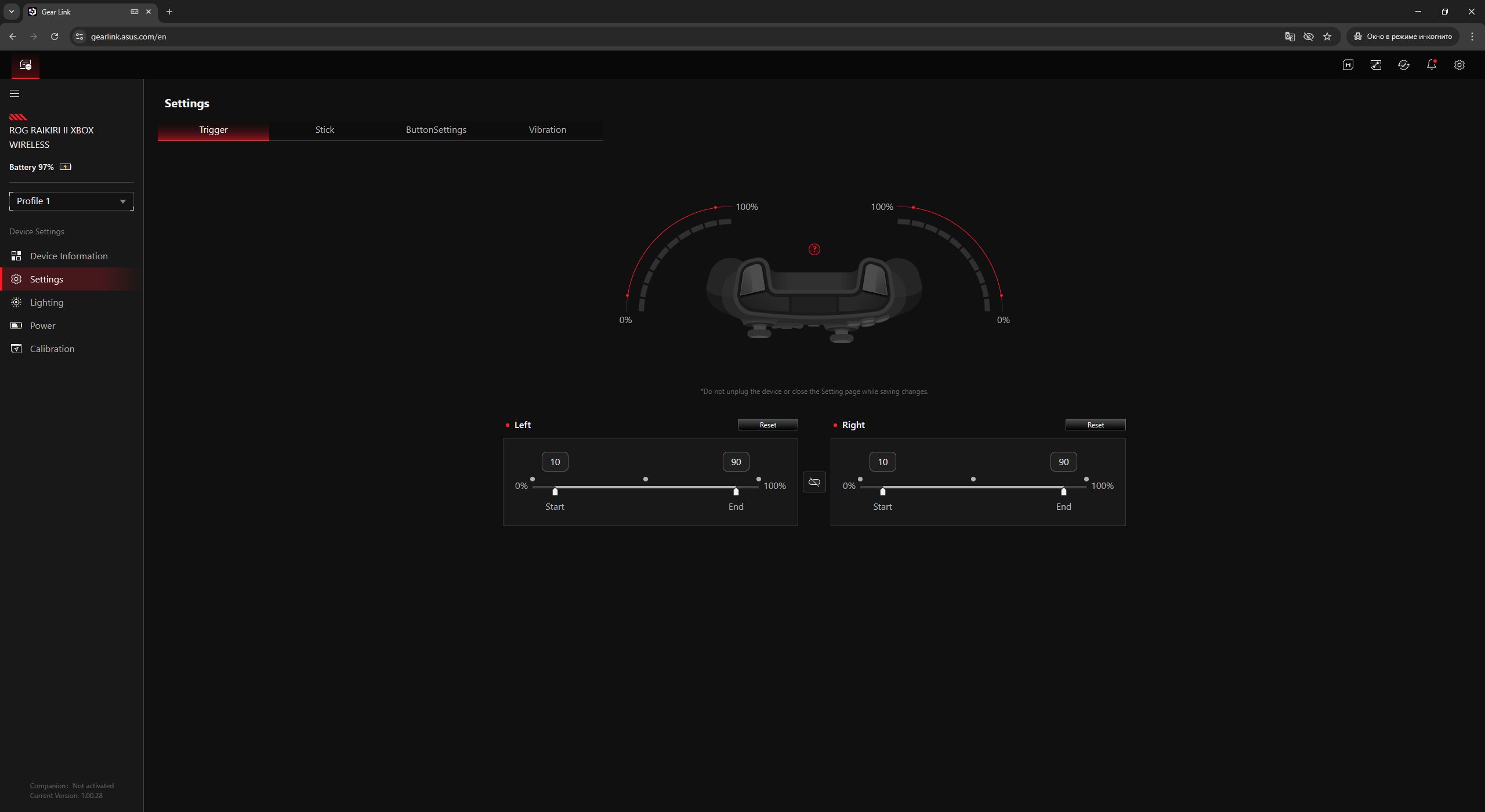
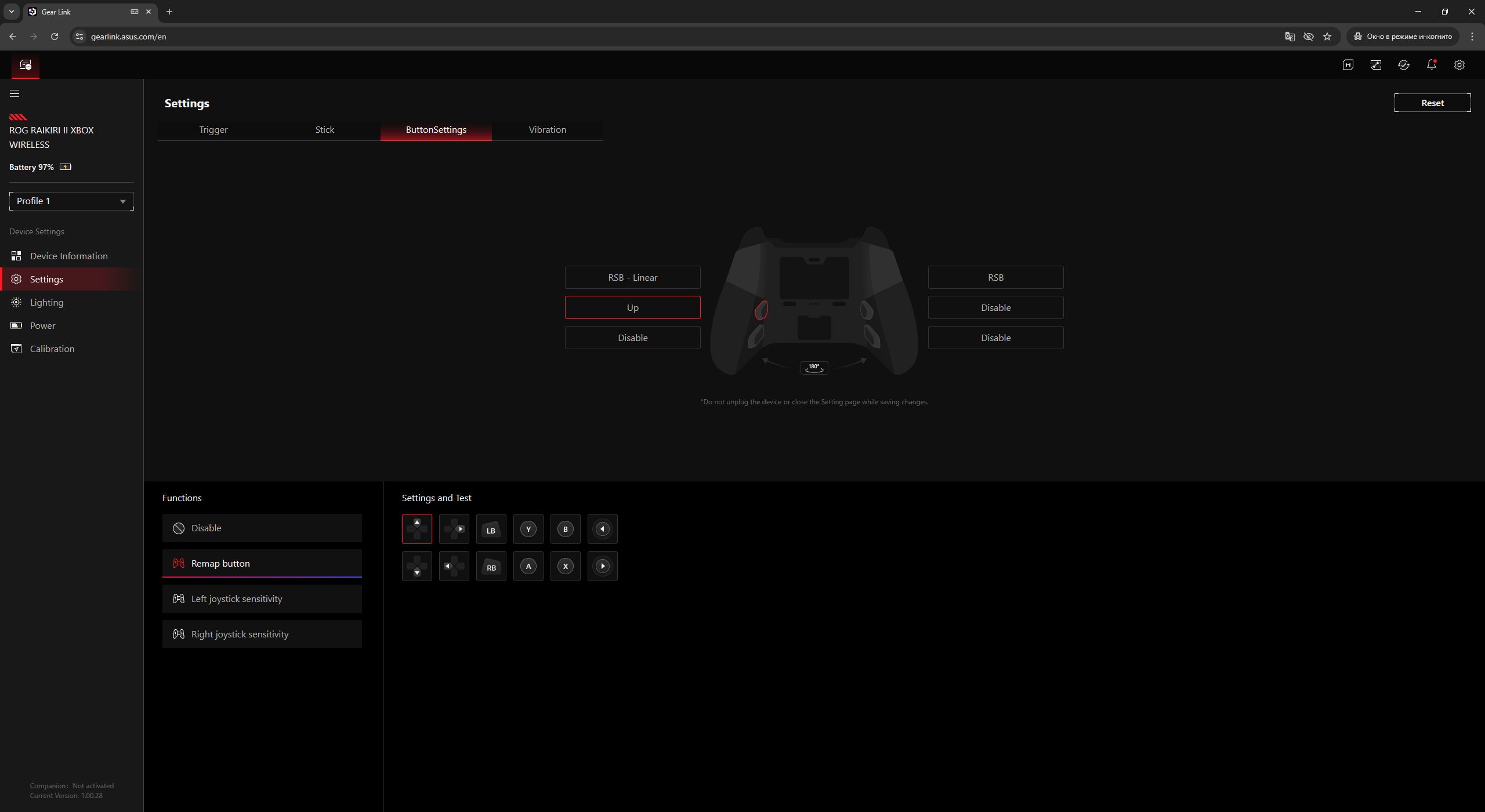
Next is the “Settings” menu, where users can configure triggers, sticks, additional buttons, and vibration. For the triggers, it is possible to adjust actuation travel. For the analog sticks, users can set dead zones and fine-tune the response curve to match their preferences. The additional buttons can be mapped either to standard inputs (such as A, B, X, Y) or assigned to functions like on-the-fly stick sensitivity switching.
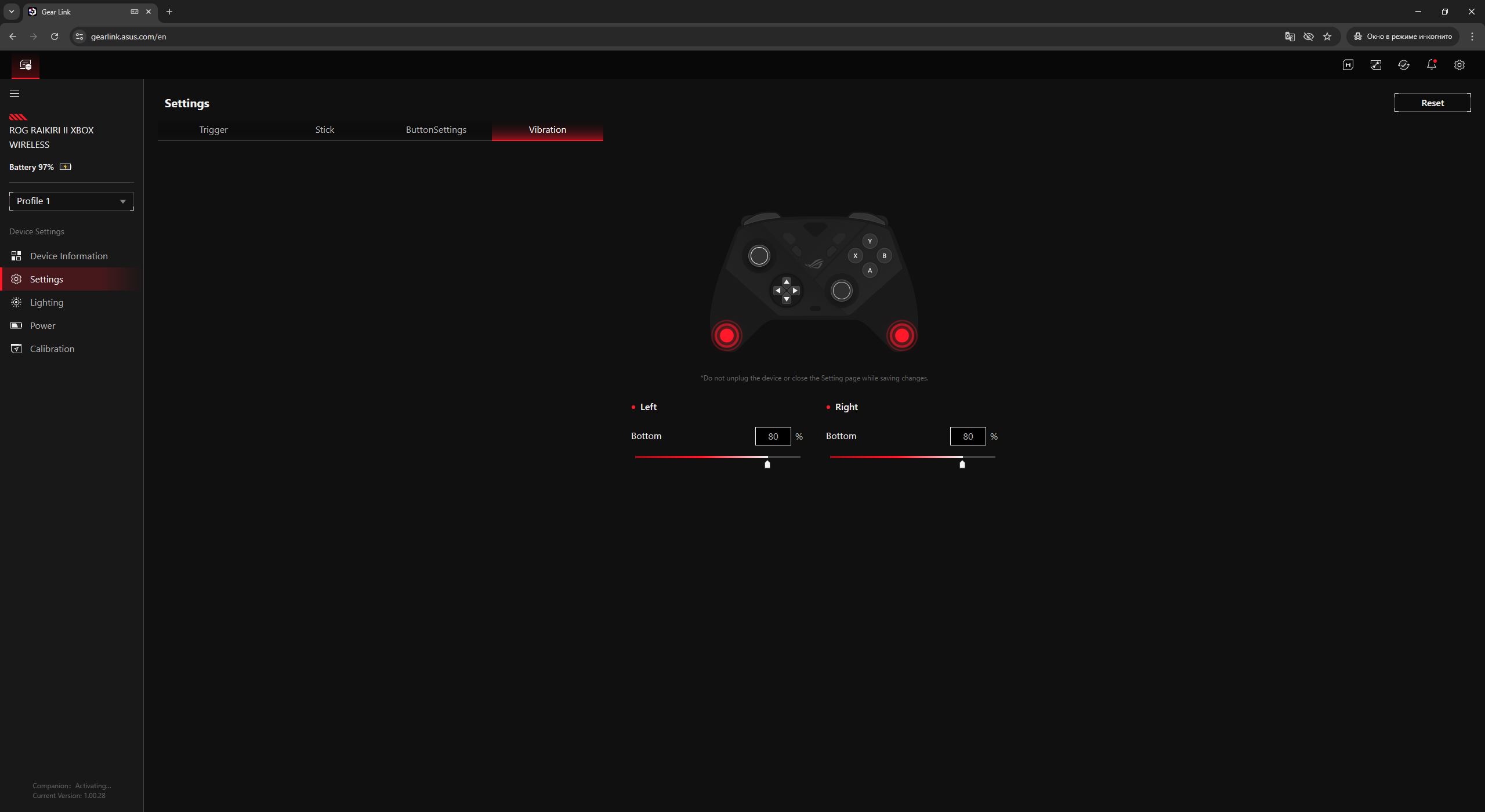
Vibration settings allow adjustment of intensity for each motor. It is also worth noting that the controller uses two vibration motors, compared to four in the previous Pro model. This represents a reduction in hardware complexity, although not necessarily a critical drawback. In some cases, it may even be beneficial, as discussed in the next section.
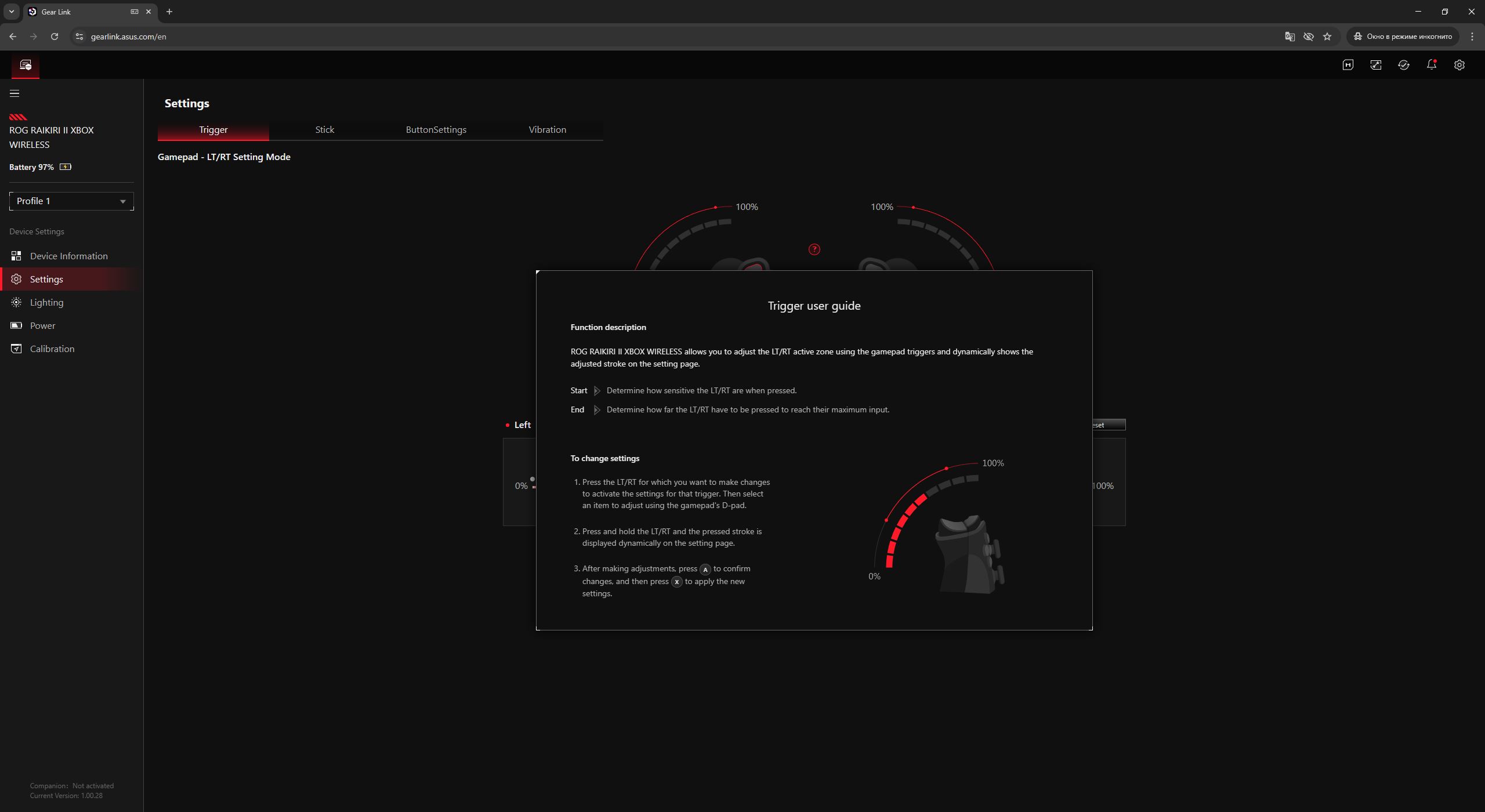
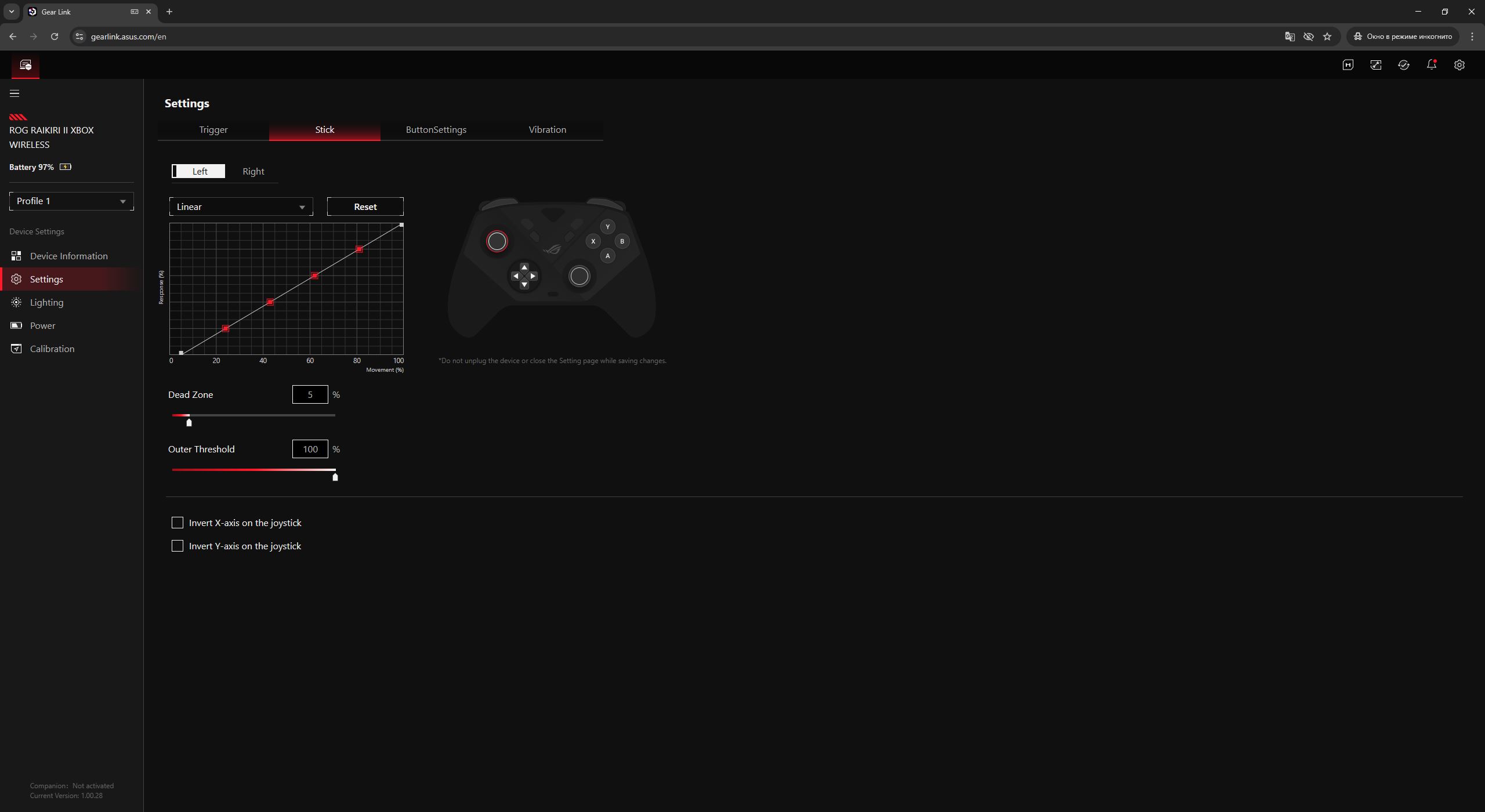
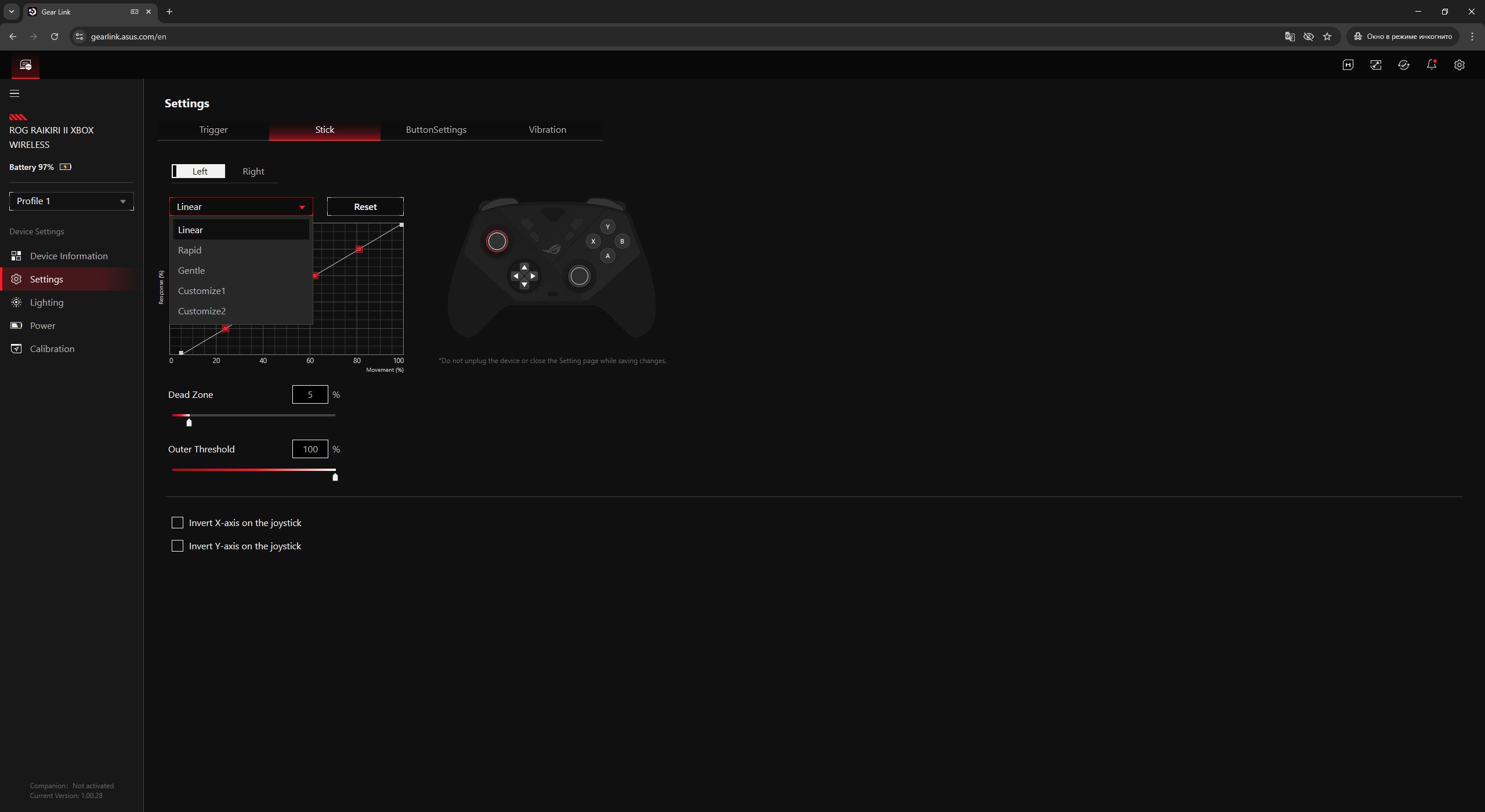
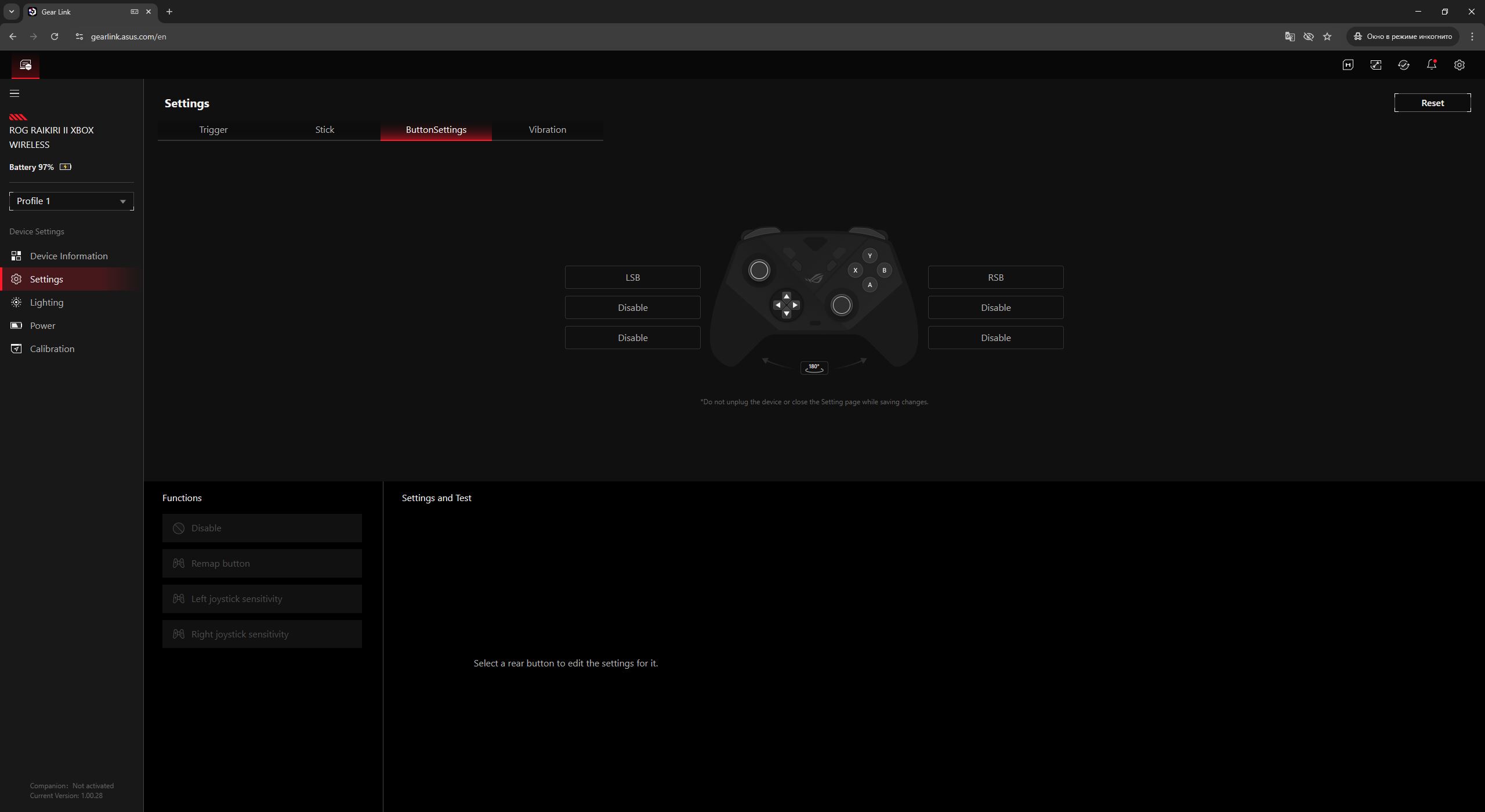
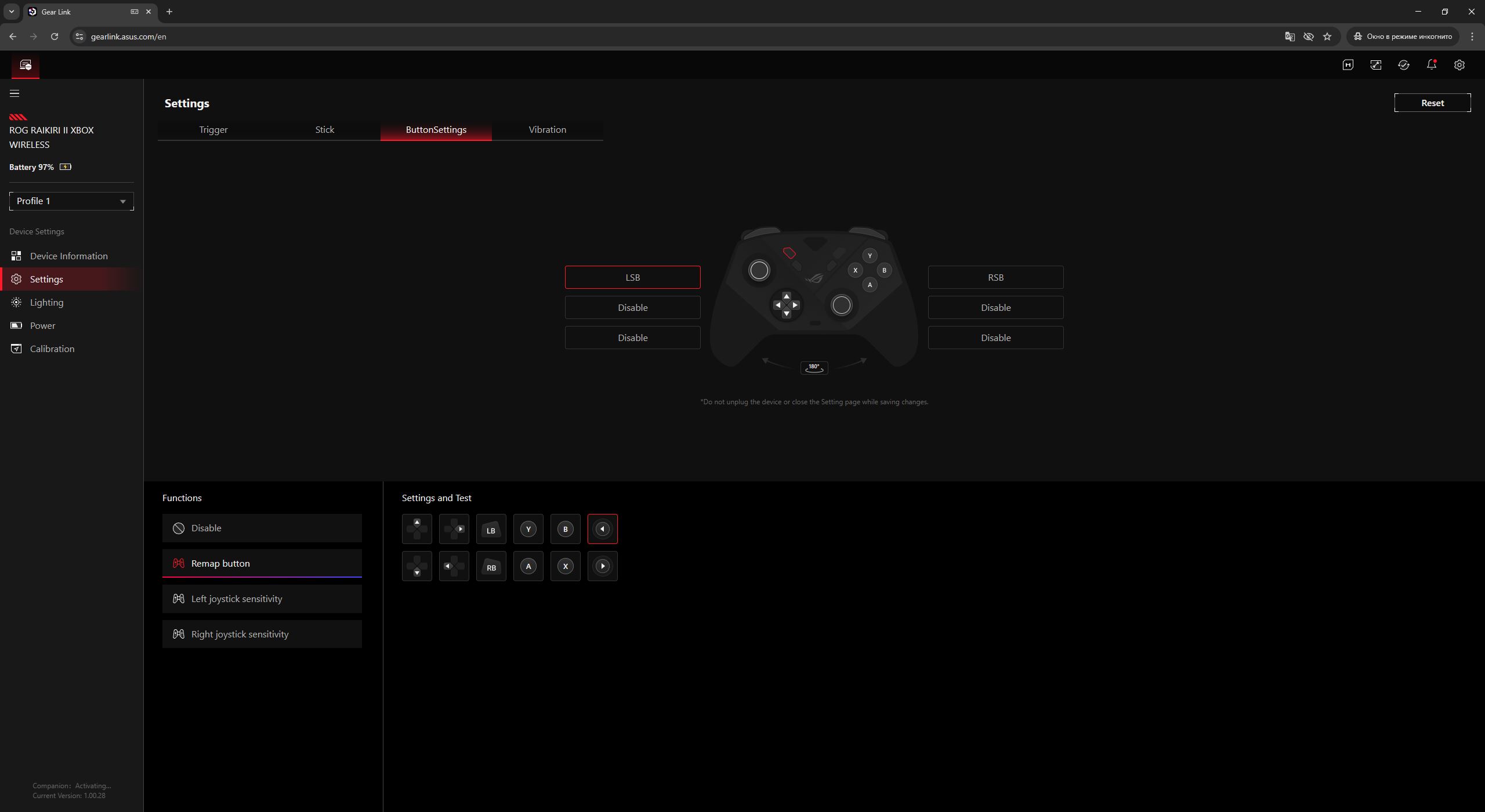
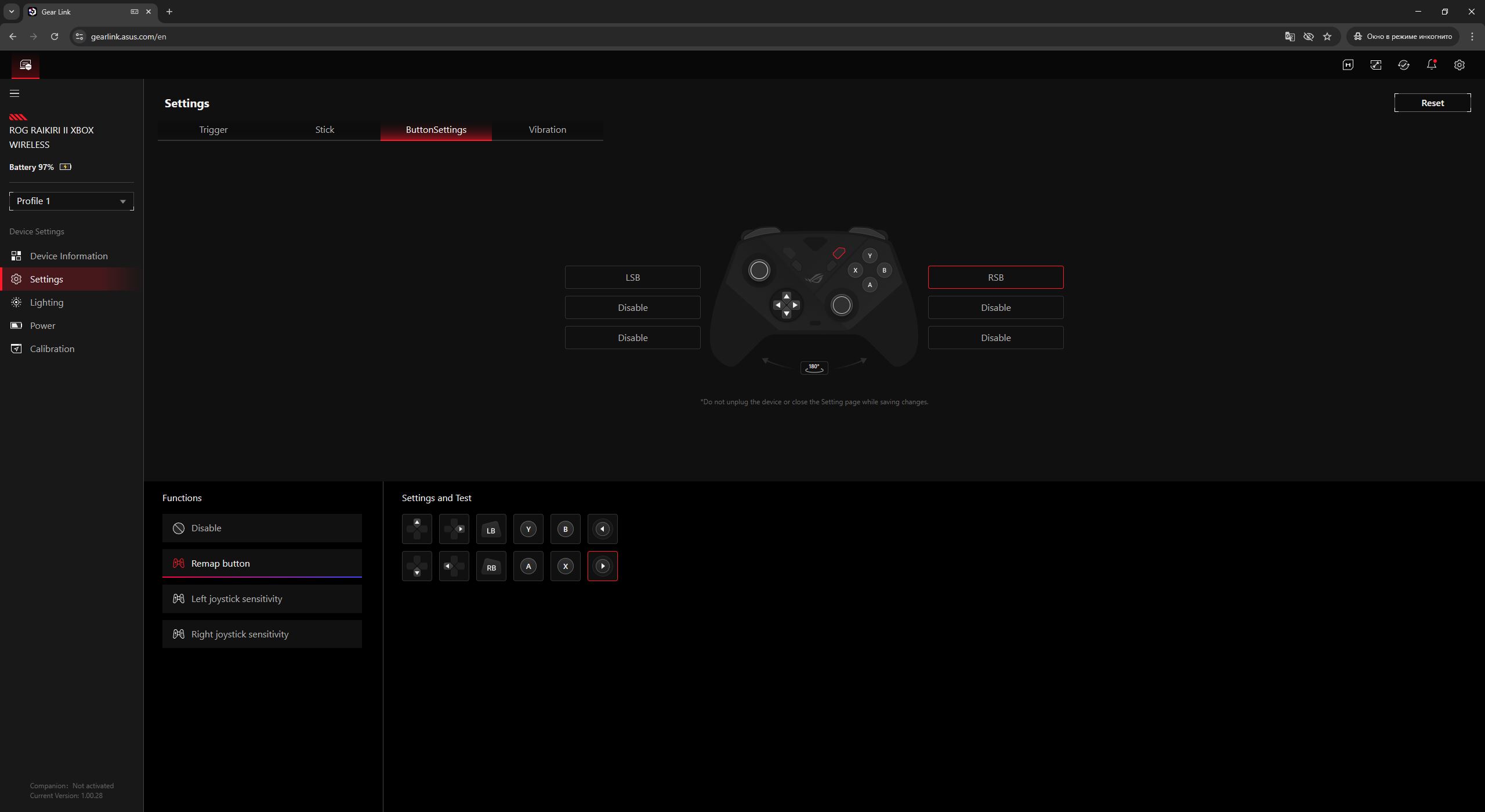
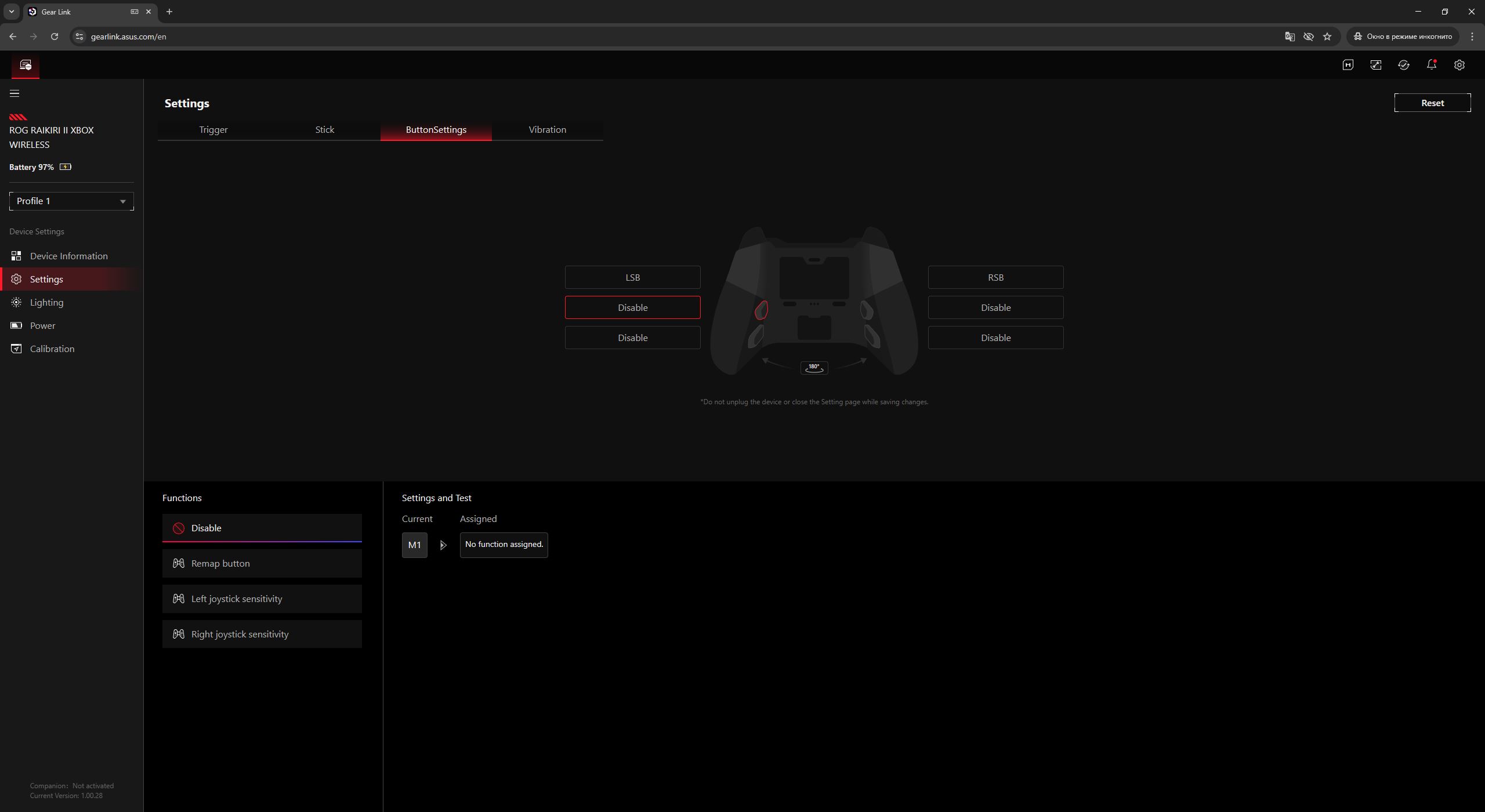
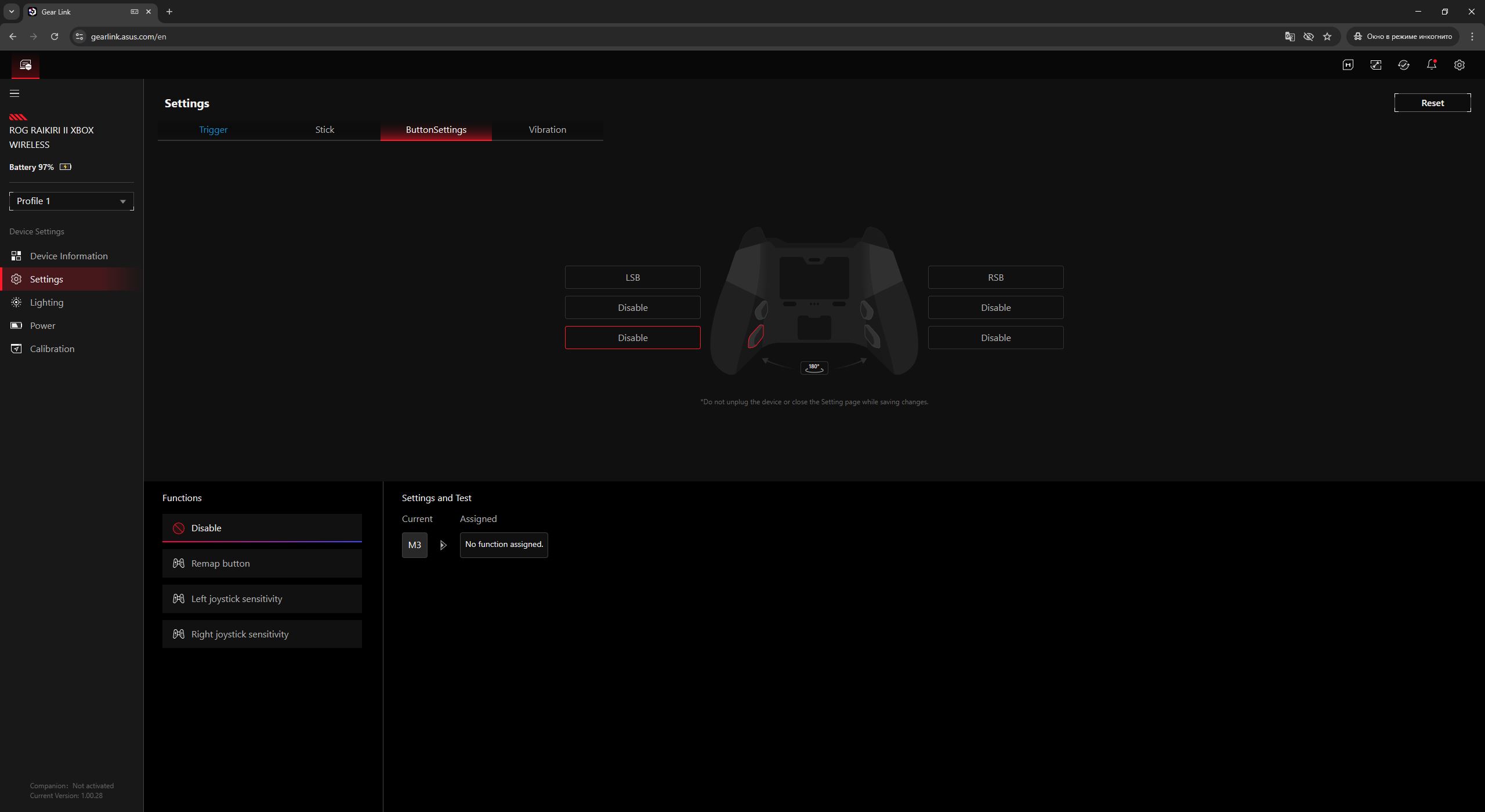
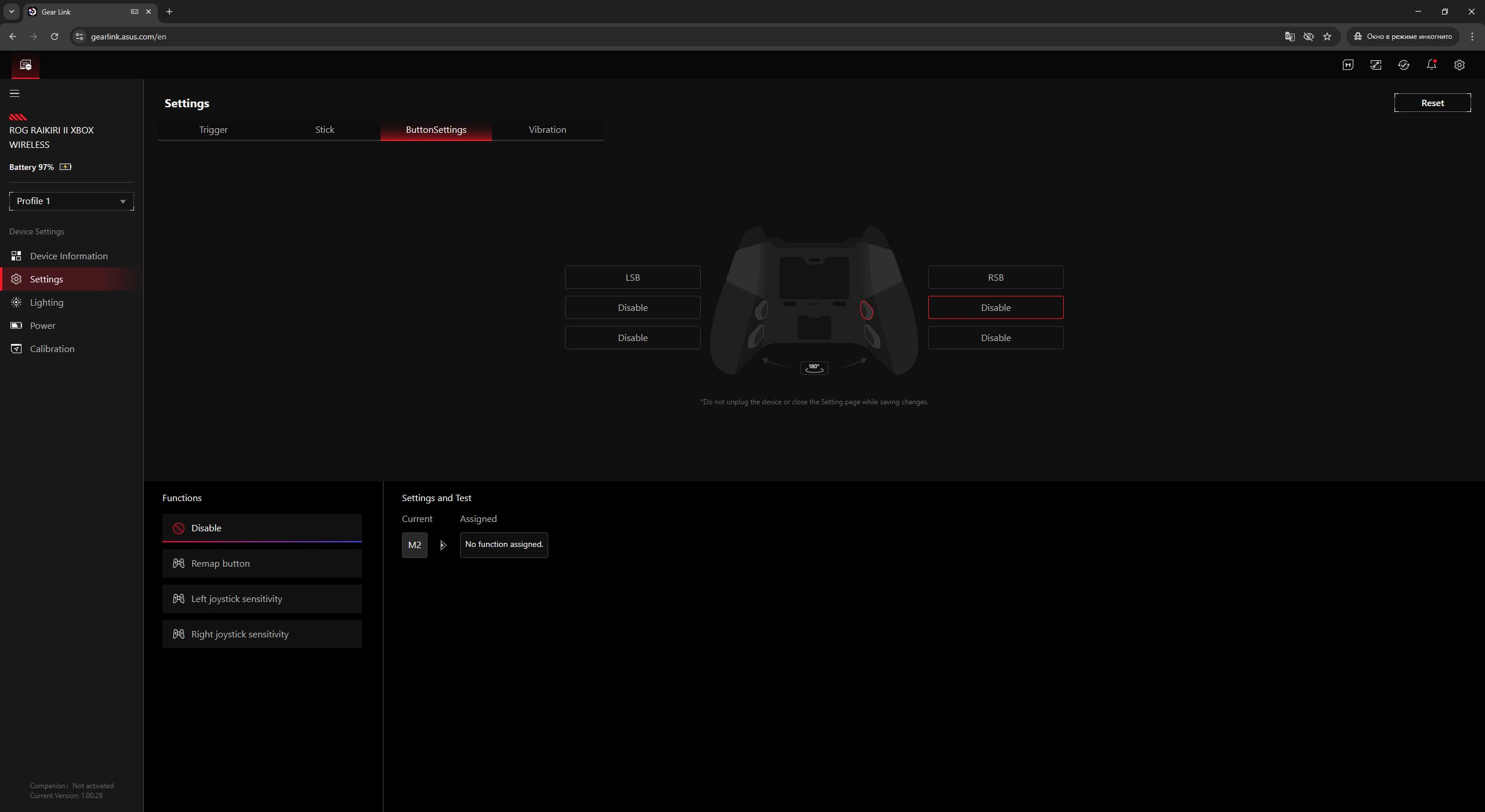
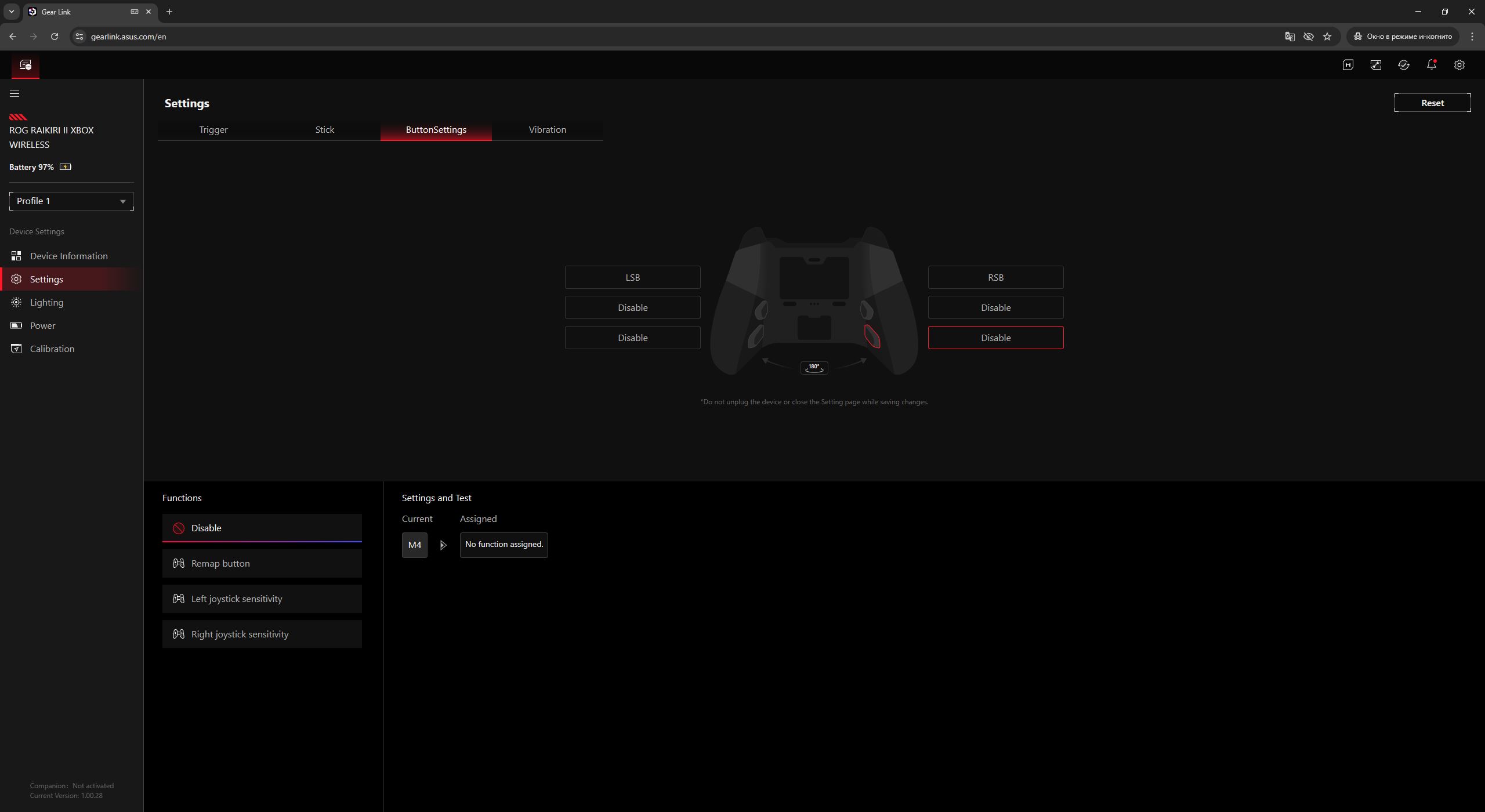
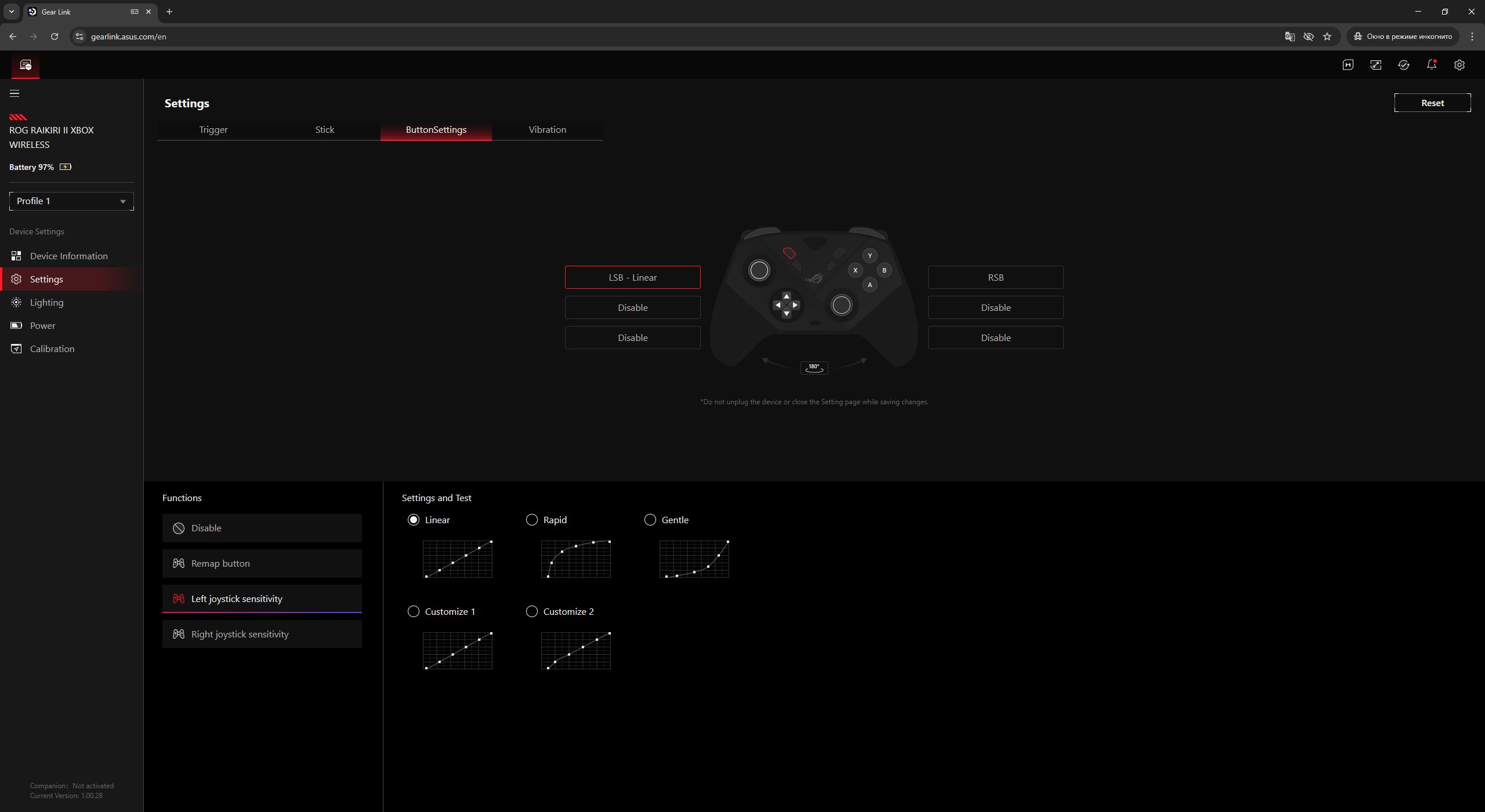
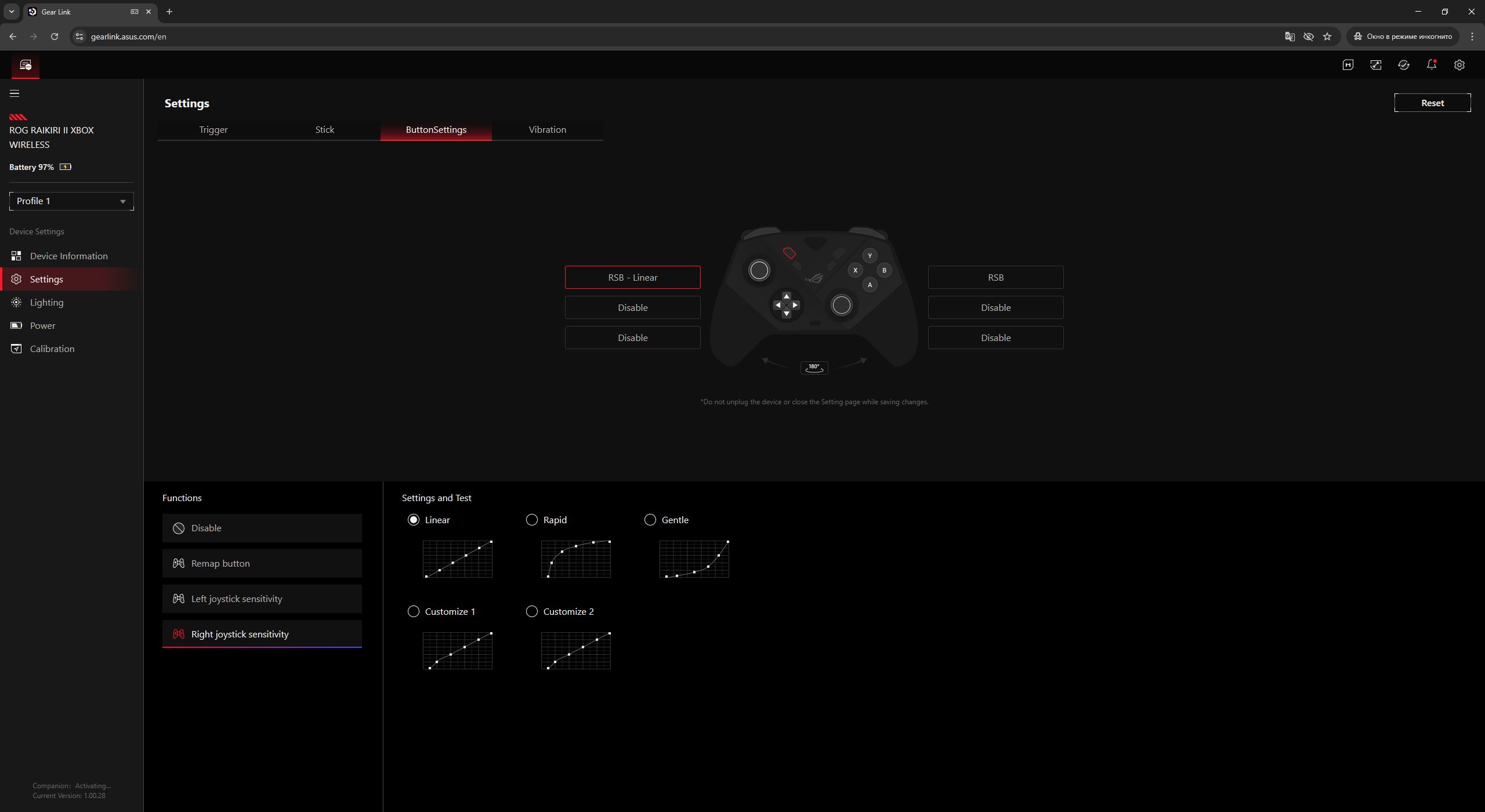
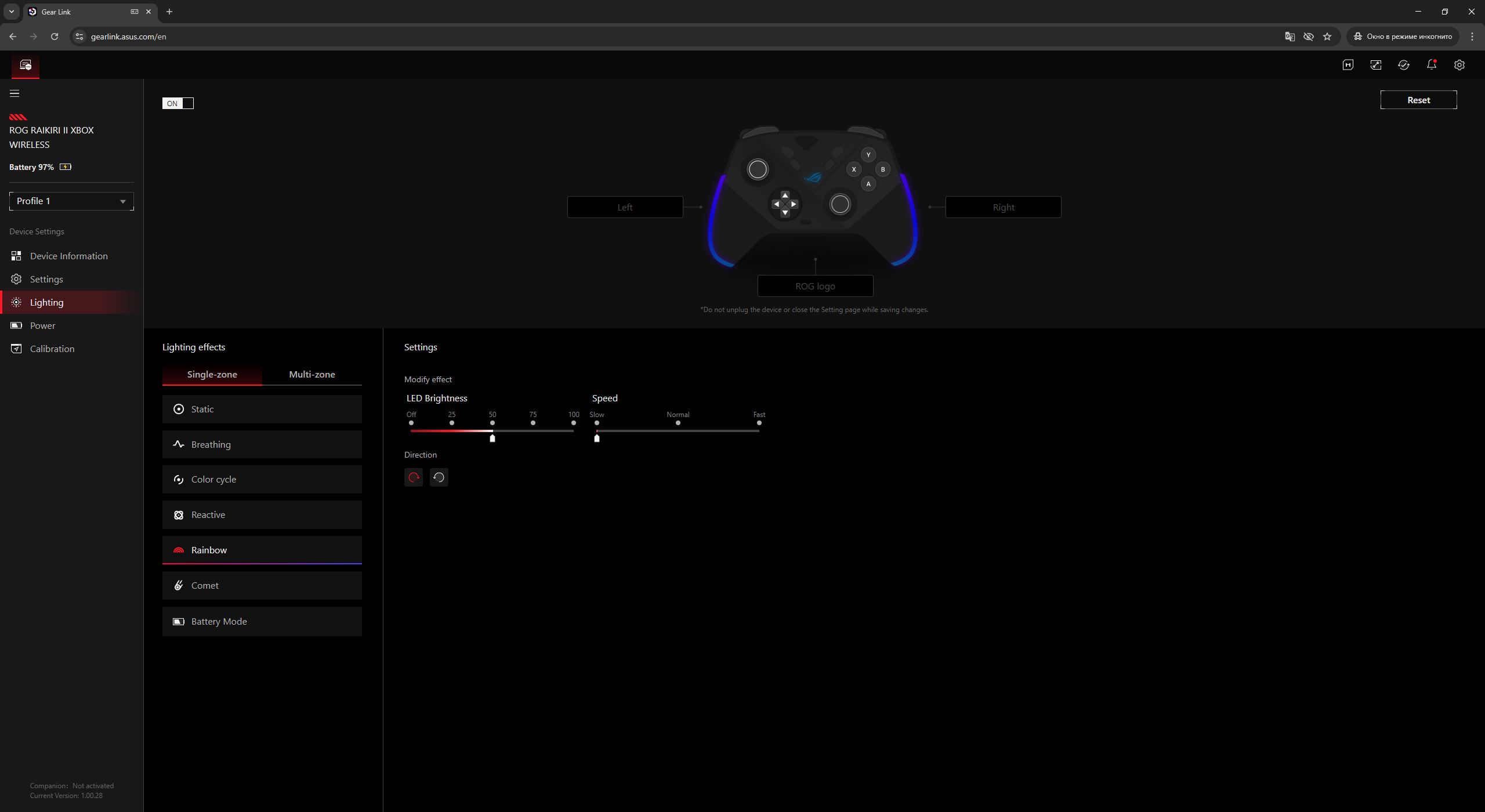
Next is the lighting menu, where users can select one of the preset effects or define a custom color. Brightness can also be adjusted, or the lighting can be disabled entirely. As noted earlier, the system is divided into three zones, allowing separate effects or colors to be assigned to the logo and each grip independently.
The power menu provides access to the exact battery percentage, allows configuration of the time before the controller enters sleep mode, and lets users set the low-battery warning threshold.
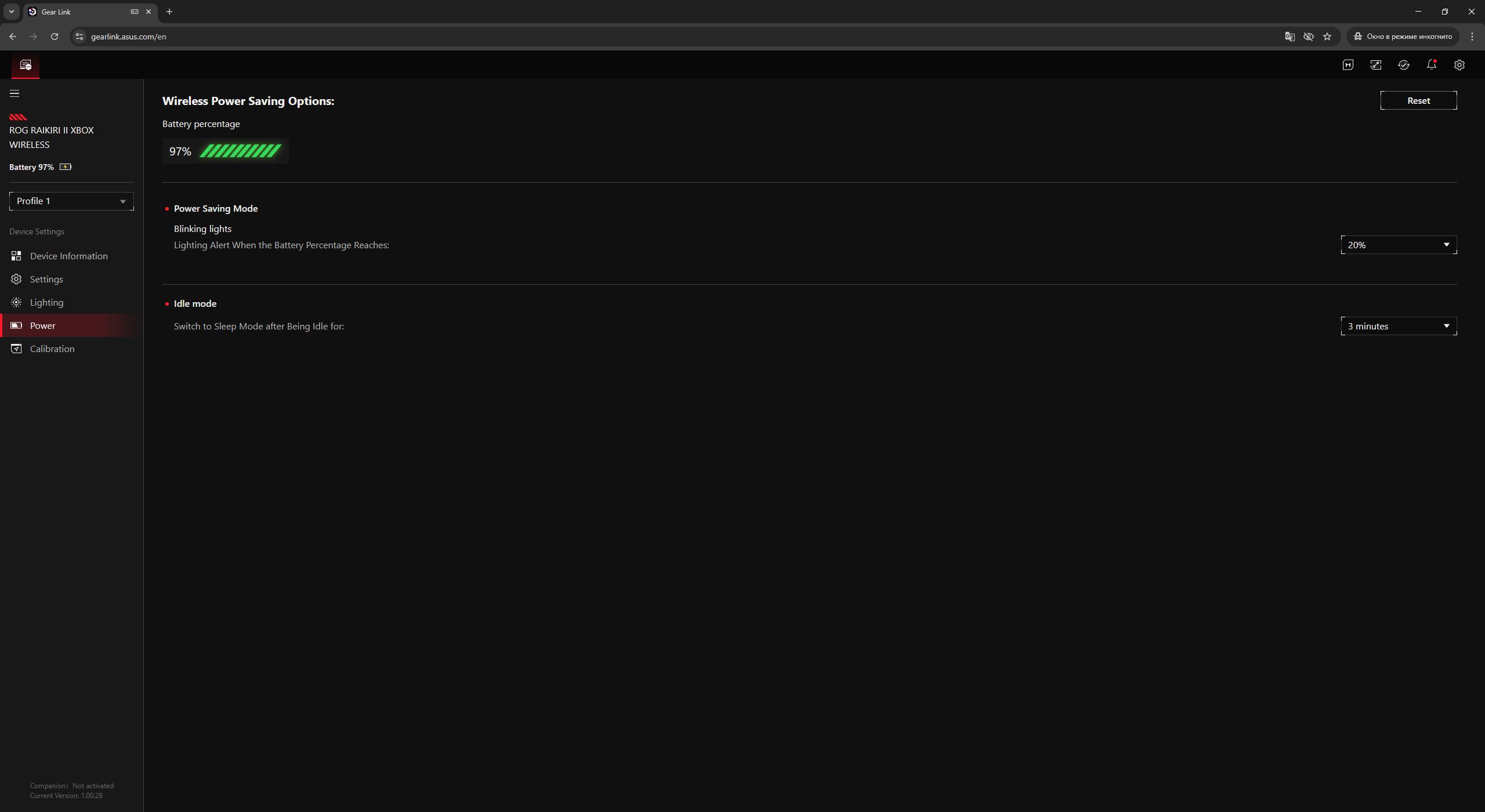
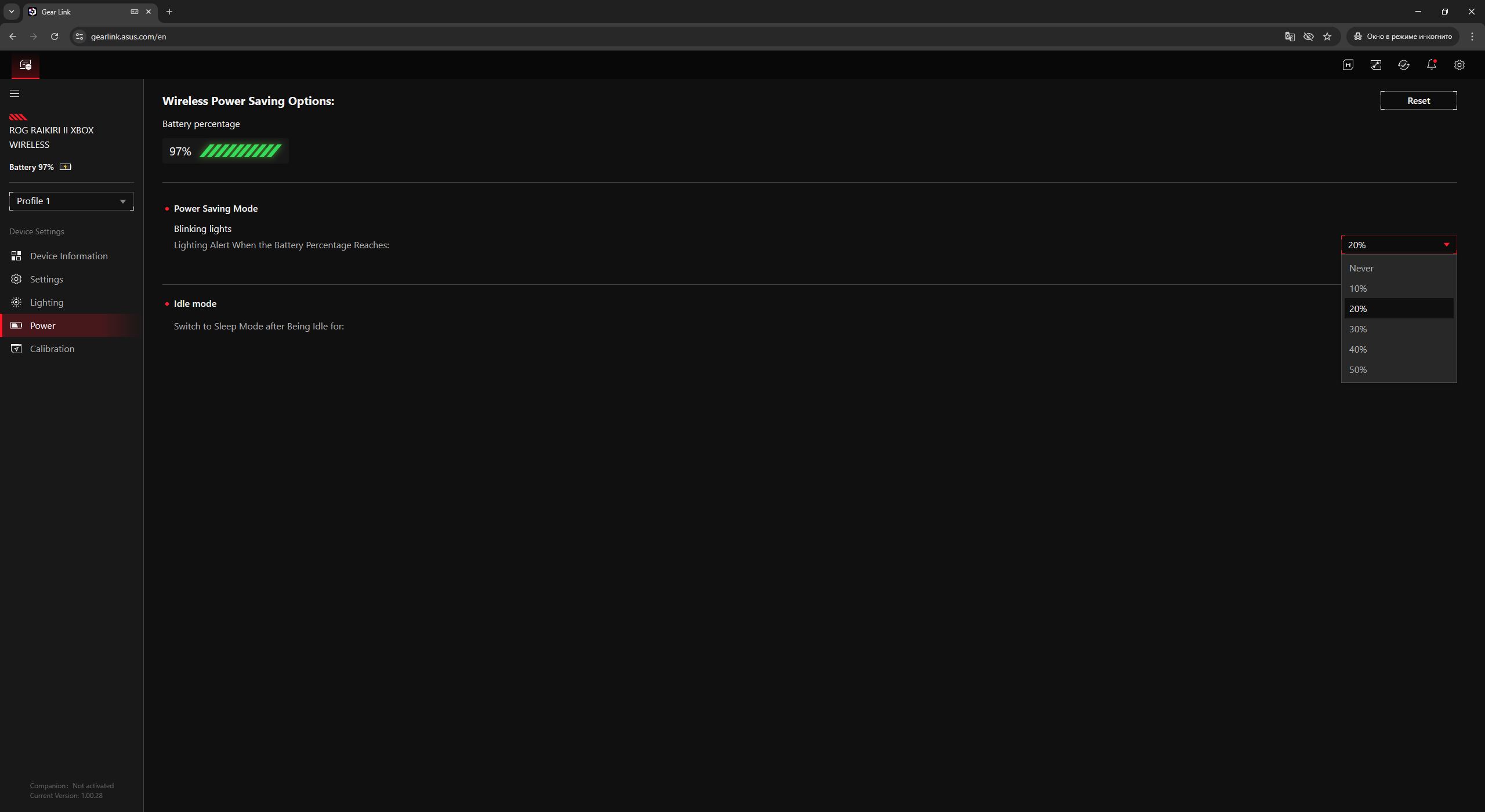
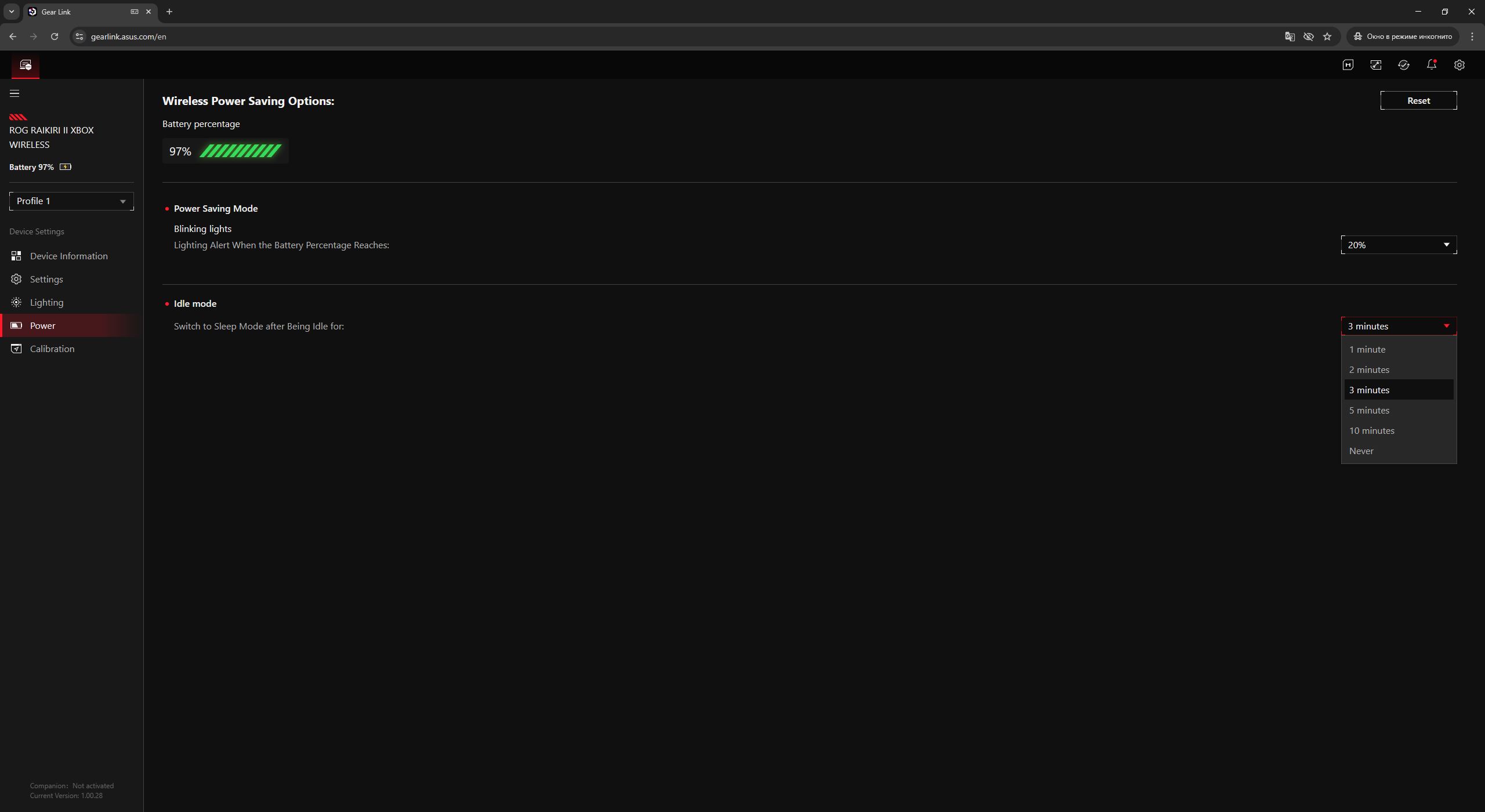
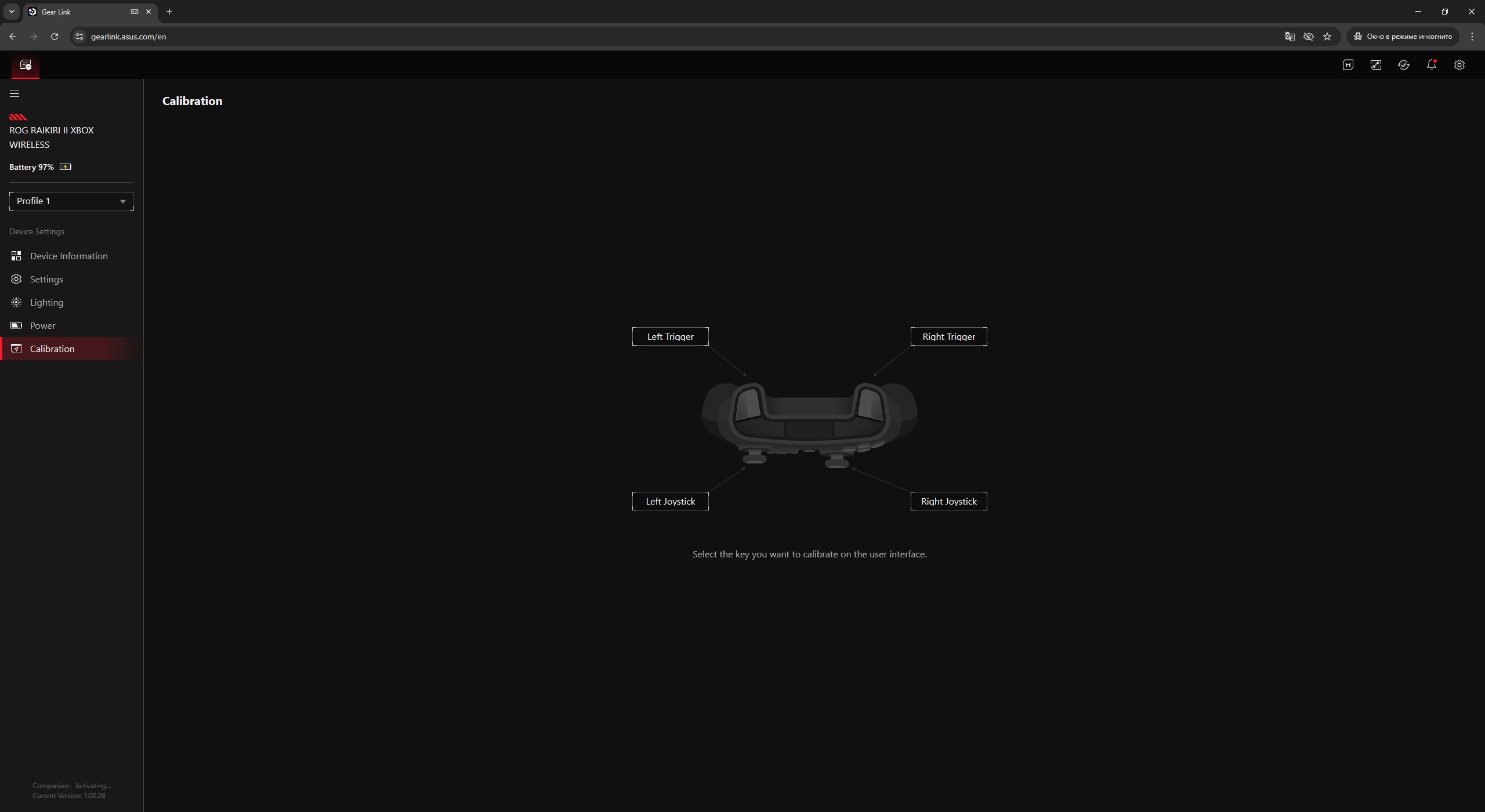
The final section is Calibration. Here, users can recalibrate the triggers and analog sticks if any performance deviations occur. For convenience, the process is guided by step-by-step instructions that explain what actions need to be performed.
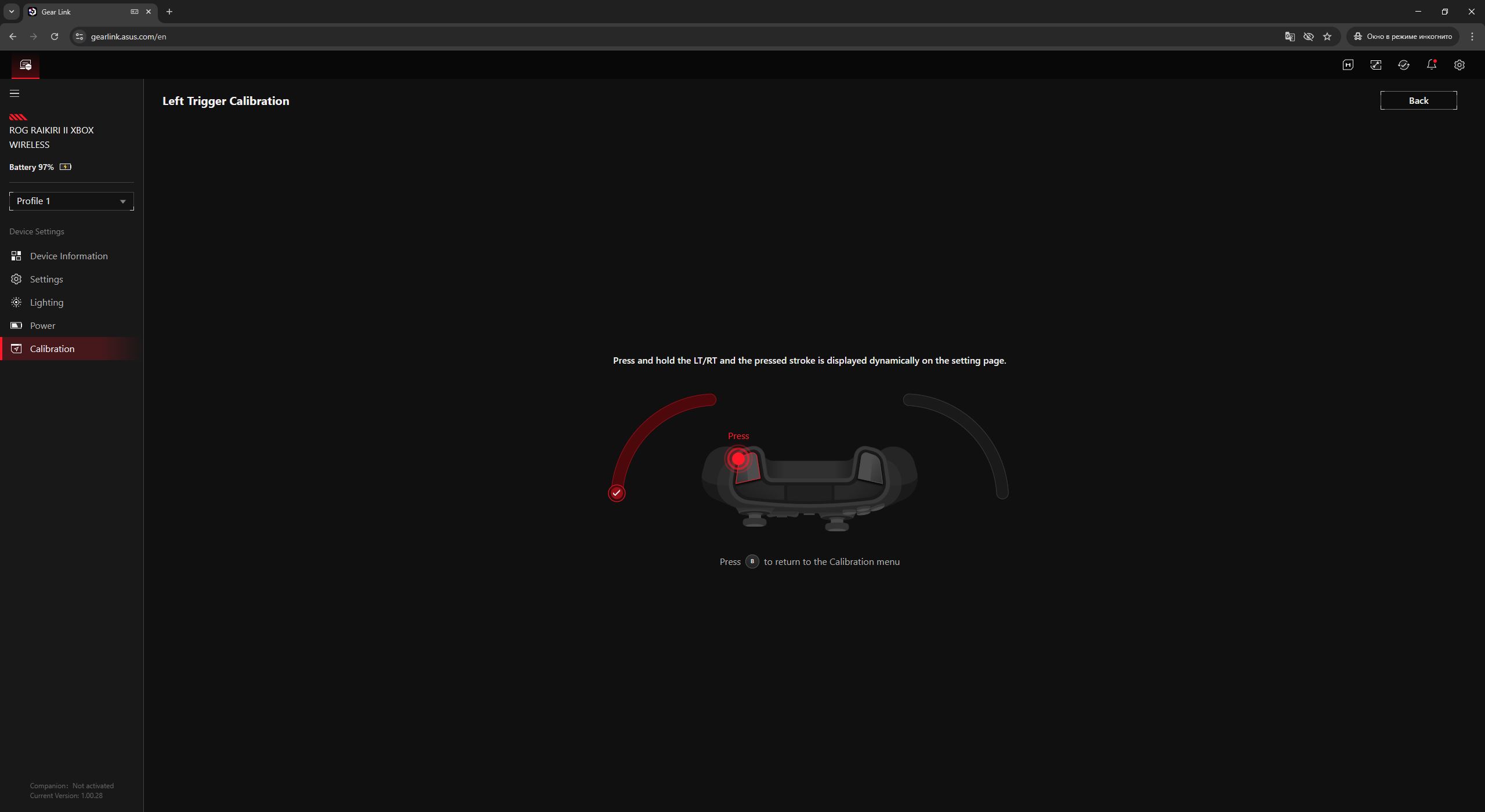
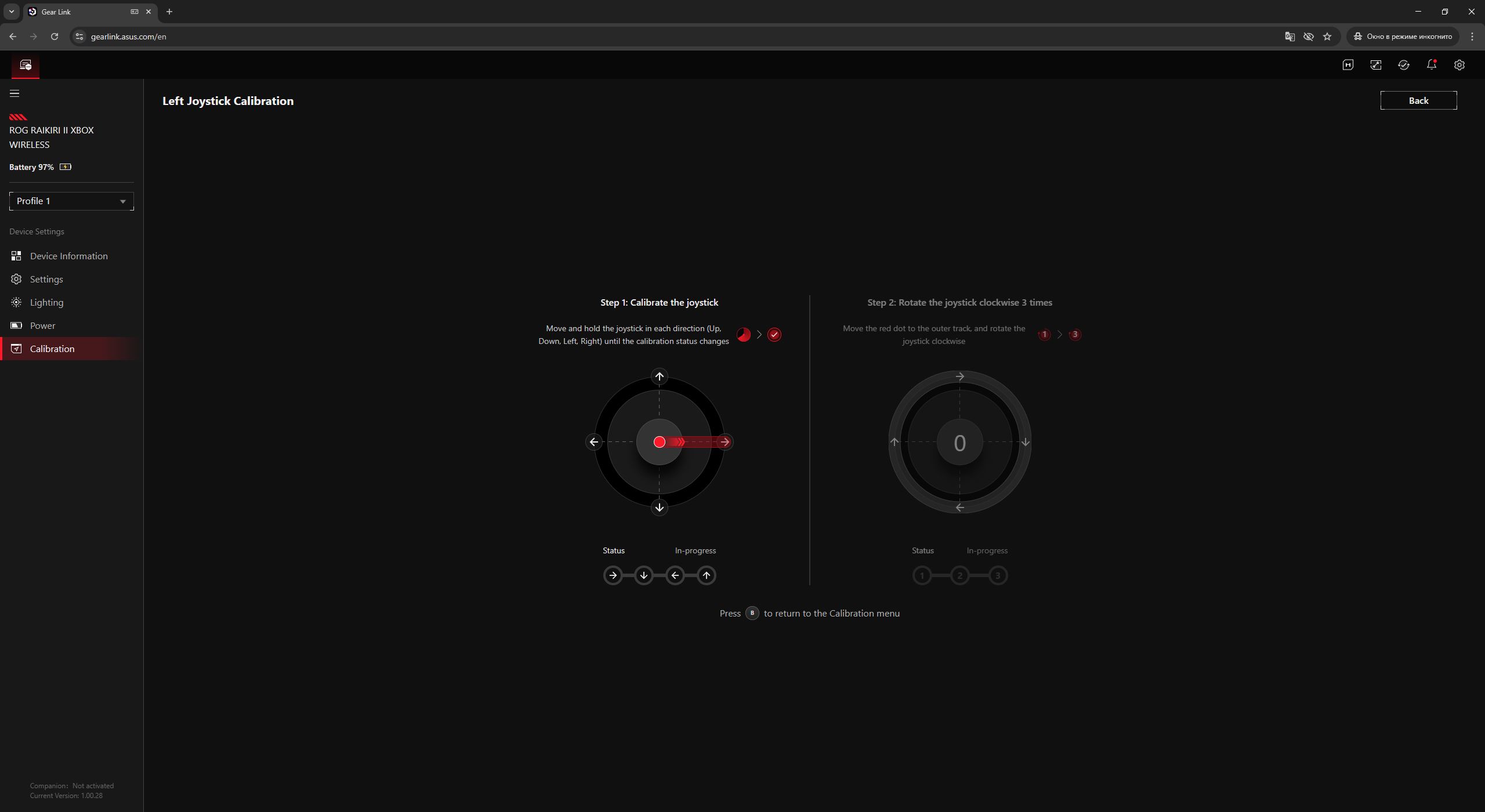
The main menus have already been covered, so now we move on to the additional ones. The first and most notable is the macro menu. The application indicates that its functionality requires installing the Companion extension package from the adjacent menu. This setup works as intended for some of ASUS’s recent mice and keyboards. However, in the case of the ROG Raikiri II, the situation is different. Even after installing the extension, the Companion menu still shows it as inactive, and the macro functionality remains unavailable. Despite multiple reinstall attempts, I was ultimately unable to get the macro menu working in Gear Link with this controller.


Unfortunately, that expectation did not materialize. After noticing the additional buttons already on the previous Raikiri Pro, it was natural to assume that macros with complex input sequences and precise timing could be recorded and assigned to them – for example, to execute fighting game combos in titles like Tekken or Mortal Kombat with a single press.
In practice, however, the Raikiri Pro did not allow assigning custom macros to these extra buttons; they could only be mapped to existing controller inputs. It was reasonable to expect that the new model would address this limitation, but based on the current state of the software, this does not appear to be the case. At least for now, this cannot be properly verified, as the macro menu itself is non-functional. The next section is Firmware Update, where users can download the firmware package and the update utility for the controller. The process is straightforward: install the software, run the executable file, and wait for the update to complete. The entire procedure is guided with on-screen instructions, making it difficult to get lost.


One final point worth noting is that all changes made in the application are applied on the fly. In addition, the device includes onboard memory with five independent profiles that can be switched between directly on the controller. In practice, this allows users to configure the controller once in Gear Link and then retain those settings across different PCs and supported platforms without requiring reconfiguration each time.

User Experience and Controller Comparison
In this section, I will provide a detailed overview of my impressions and experience using the new ROG Raikiri II. I will also address the key question: how the new controller compares to the previous model, and whether it is worth replacing my current Raikiri Pro with the newer version.

Let’s start with the analog sticks. Even on the previous Pro model, the sticks were already well implemented: precise, smooth, moderately soft, and with the ability to adjust the response curve to personal preferences. On the new Raikiri II, the use of TMR sensors further improves their behavior. The sticks feel more responsive, and the press actions (L3, R3) are noticeably more refined. In addition, the ability to swap stick caps on the fly improves usability in shooter games, particularly for aiming.
Conclusion: the analog sticks are better on the ROG Raikiri II.

The D-pad on the previous Pro model was relatively stiff. For menu navigation and quick access to abilities in games, it was still usable. However, in more demanding titles such as Hollow Knight or Blasphemous, as well as fighting games like Mortal Kombat 1, controlling the character solely via the D-pad was inconvenient. Accidental inputs, unintended directional triggers, and generally inconsistent control made precise input difficult. As a result, I relied on the left analog stick for movement in platformers and switched to DualShock 4 or DualSense controllers for fighting games.
In the new model, the D-pad has been redesigned with a more traditional shape and now uses microswitches, which improves its responsiveness. However, for the genres mentioned above, it still does not fully provide the level of precision and control I would expect.
Conclusion: the D-pad is improved in the new model, but for specific genres I still prefer the standard D-pad layout found on Sony controllers.

The A, B, X, and Y buttons on the previous model were relatively firm, with a traditional actuation feel similar to standard Xbox controllers.
In the new version, these buttons have been replaced with microswitches. This results in a softer, more precise, and quieter input with a very short travel distance, resembling mouse clicks.
Overall, the new buttons are well implemented, but they require an adjustment period. At first, they may feel unusual compared to the stiffer tactile feedback of standard Xbox controllers or the previous Pro model. In fact, they feel even softer than those on the DualSense. For some users, this may initially reduce the perceived clarity of input. However, after some use, the design intent becomes more apparent.
Conclusion: in terms of input speed and actuation, the new Raikiri II performs better. However, when it comes to tactile feedback, the preference is largely subjective, and there is no clear overall advantage.

The additional function buttons on the front panel were fairly standard on the previous Pro model – moderately stiff, with no unusual characteristics. In the new version, they have been made noticeably stiffer. This stands out in contrast to the other inputs, which use softer microswitch-based mechanisms. Fortunately, these buttons are not used frequently in typical gameplay.
Conclusion: the implementation was better on the previous Pro model.

The triggers on the previous model were already very well implemented. In terms of travel and feel, they were arguably even better than those on the DualSense controllers, albeit without adaptive trigger features. In the ROG Raikiri II, the triggers have been upgraded with TMR sensors and slightly enlarged. As a result, they offer a very solid overall feel: moderately soft tactile response, smooth travel, and consistent actuation. When the trigger locks are enabled, the input becomes almost mouse-click-like, which is particularly useful in shooters.
Conclusion: the new model is an improvement due to the more advanced TMR sensor implementation, although both controllers have strong trigger performance overall.

The bumpers on the previous Pro model were clicky, with a relatively short actuation travel.
In the new version, they have also been moved to microswitches, which makes them feel softer and appears to reduce the perceived travel distance. The bumpers now require very little force and can sometimes be triggered even with light incidental contact from the finger. This does not necessarily reduce control precision, but it does require a short adjustment period, similar to the A, B, X, Y buttons. For users who prioritize faster actuation, this may even be an advantage.
Conclusion: in terms of hardware implementation, the new bumpers are superior, but in terms of tactile feel, the previous version is personally more preferable.

In the previous model, the M1–M4 additional buttons were positioned closer to the center of the rear panel. In the new Raikiri II, they have been moved directly onto the grips, making them significantly easier to reach – there is no longer a need to stretch or search for them under the controller.
For users who actively use these buttons, this is a clear advantage. They can be mapped to inputs such as A, B, X, and Y, helping to offload the thumb and improve input speed. The fact that these buttons also use microswitches with short, soft, and precise actuation further reinforces this benefit.
However, for users who do not use them, the redesign can negatively affect grip comfort. In my case, I do not use the additional buttons, but I prefer a firm grip on the controller, and the placement of these buttons on the grips leads to accidental presses. While they are disabled by default, I would ideally prefer the option to physically remove them and replace them with blank inserts. This would be a relatively simple customization from a hardware perspective, but it is unclear whether there is sufficient demand for such a solution.
Conclusion: for users who actively use the additional buttons, the new layout is ideal. For those who do not, it may introduce some ergonomic drawbacks.

Now a few words about vibration. As mentioned earlier, the new model uses two vibration motors, whereas the previous Raikiri Pro had four. In other words, the upper motors under the triggers have been removed. In my view, this is a reasonable and justified decision.
On the previous model, trigger vibration did not feel like meaningful haptic feedback, but rather like an unpleasant buzzing under the fingers. In addition, it was not consistently supported across all games. It appears ASUS took this into account and retained only the core vibration system.
Overall, the main vibration motors in both controllers perform adequately. However, in some games the intensity feels slightly lower than the hardware is capable of delivering. That said, neither the new nor the previous model reaches the level of haptic feedback provided by DualSense controllers.
Conclusion: vibration feedback is acceptable on both controllers, but Sony’s DualSense implementation is significantly more advanced.

Now a few words about overall comfort in hand. In short, it is excellent. Both the previous and the new models essentially follow the classic Xbox controller form factor and dimensions, so both fit naturally in the hands. For users who have primarily played on Microsoft controllers, both devices will feel familiar.
However, as noted earlier, due to the redesigned additional grip buttons, the new version feels slightly less comfortable for me personally compared to the Raikiri Pro. That said, this is largely dependent on usage habits. For users who actively rely on these buttons, the improved accessibility on the new model is likely a clear advantage.

In terms of polling rate and in-game responsiveness, the new Raikiri with its 1000 Hz mode is clearly superior. In gameplay, the controller feels slightly more responsive and smoother. This is especially noticeable in fast-paced platformers, fighting games, and competitive shooters, particularly on high-refresh-rate monitors with frame rates above 100 FPS. That said, I would not describe switching back to the previous controller with its standard 250 Hz polling rate as uncomfortable. The difference is noticeable, but not to the extent that it makes the older model unusable or obsolete.
Conclusion: the new version is objectively better in this regard, and there is a clear improvement in responsiveness. However, the difference is not large enough to fully discount the previous controller. As always, the impact depends heavily on the types of games played and the user’s specific requirements.

The final point worth mentioning is connection stability and audio performance through a connected headset.
The 2.4 GHz RF signal is stable and consistent even at a significant distance from the dongle. In my case, I played from a sofa while outputting the image from a PC to a TV, with the computer and dongle located about 6–7 meters away. Throughout the entire session, there were no issues with the connection – no noticeable latency, stutters, or disconnections.
Audio quality through a connected headset is also solid. The maximum volume output is notably high. For example, my EarFun Tune Pro headphones set to 20% volume via the controller felt roughly equivalent to around 60% when connected directly to the PC wirelessly.
Importantly, in the new model, headset audio is supported not only over a wired connection but also in 2.4 GHz RF mode, which represents a significant improvement over the previous version.

Finally, I want to address the main question for myself: which controller is actually better, in what aspects, and whether it makes sense to upgrade from the Raikiri Pro to the new version. The answer is relatively straightforward.
In terms of hardware and specifications, the new model is clearly superior. It features TMR sensors, a 1000 Hz polling rate, wireless connectivity to Xbox via 2.4 GHz RF, and microswitch-based buttons. It is not only faster in input response, but also more reliable in the long term, since one of the most common failure points in controllers – the analog sticks – is designed to eliminate drift issues. In addition, microswitches are generally expected to offer greater durability compared to traditional membrane-based solutions.

However, ergonomics introduce some nuances that depend heavily on how the controller is held, what games are played, and personal preference regarding tactile feedback.
In my case, I still slightly prefer the Raikiri Pro from an ergonomic standpoint. Clean grips, a secure hold without additional elements under the fingers, and firmer, more informative button presses are factors that ultimately influenced this preference. That said, it is worth noting that with more extended use of the new Raikiri II – over several months, for example – this impression could change as adaptation occurs.
By the way, while describing softer inputs, shorter travel, and mouse-like clicks, it is difficult to fully convey the experience through text alone. For this reason, I have included a short video demonstrating these characteristics in practice, along with the corresponding sound. It is recommended to increase the volume slightly, as the button clicks are relatively quiet on their own.
Read also:
- Review of ASUS ROG Harpe II Ace and ROG Sheath II XXL: An Esports Mouse and Gaming Mat with Cooling Surface
- ASUS ROG Strix Scope II X Keyboard Review: Hot-Swap Support, Clean Design, and an Accessible Price
Battery Life
According to ASUS, the previous Raikiri Pro model could operate for up to 48 hours in 2.4 GHz RF wireless mode with lighting, vibration, and audio disabled. The new model slightly improves this figure, offering up to 50 hours under the same conditions. Based on my own usage, these values appear accurate. Both controllers can comfortably reach around 50 hours of operation on a single charge, and in some cases even slightly exceed that depending on usage patterns.

For power saving in wireless mode, the new Raikiri – like the previous model – automatically enters sleep mode when inactive. However, there is a difference in how it wakes up. On the previous model, the controller had to be reactivated by holding the Xbox button again. On the new version, wake-up is instantaneous: pressing any button or moving the stick is enough to resume operation. It is a minor change, but it improves convenience in everyday use.
Conclusion
Overall, in my opinion, the new ROG Raikiri II Xbox Wireless is a strong update to the lineup. It can reasonably be considered the flagship of the series and, arguably, one of the more technologically advanced controllers currently available on the market. High-precision TMR sensors in both the sticks and triggers, microswitch-based buttons, and a 1000 Hz polling rate all contribute not only to improved responsiveness and control in games, but also to better long-term durability.
Other advantages include solid battery life, browser-based configuration, a well-equipped bundle, and a familiar Xbox-style form factor, which will likely appeal to many users. The redesigned placement of the additional buttons is also a notable improvement for those who actively use them. Finally, wireless connectivity for Xbox consoles represents a meaningful step forward for the Raikiri line.
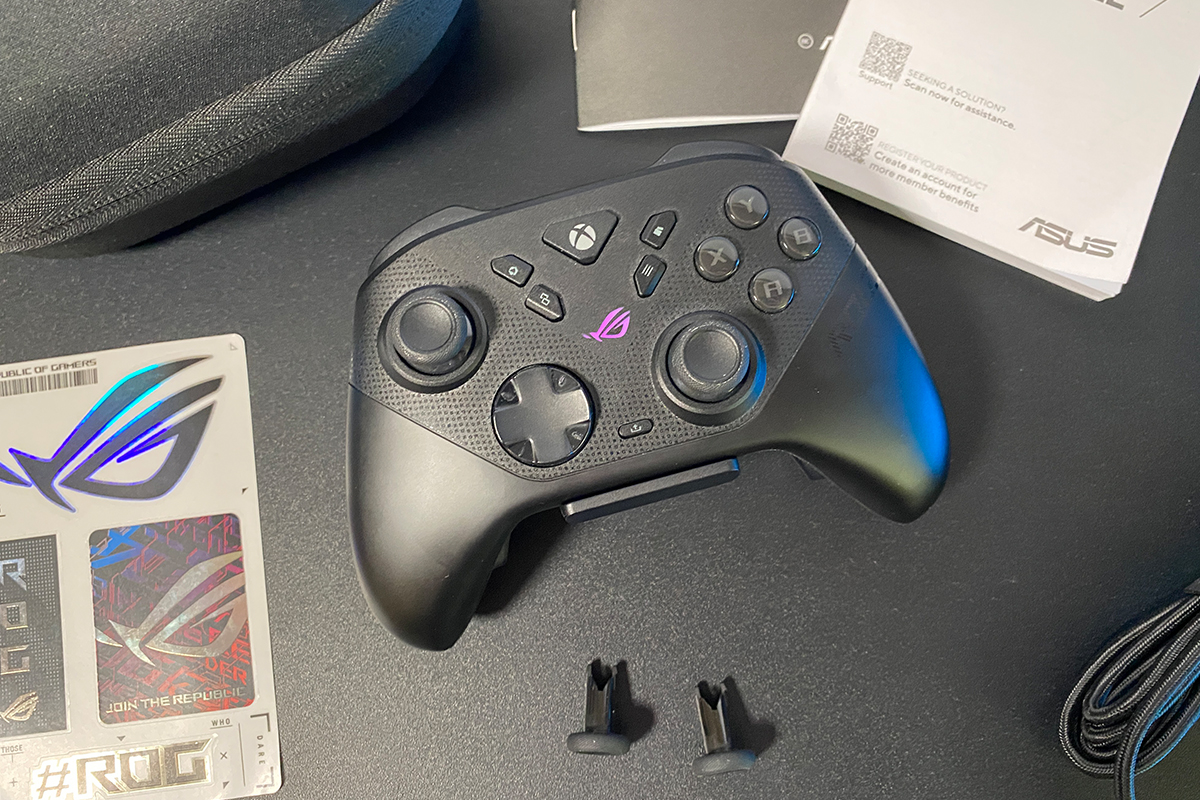

I did not identify any objective drawbacks. The only questionable points, in my view, are the non-functional macros with Companion extensions in Gear Link and the additional grip buttons that cannot be removed. The first issue will most likely be resolved through future software updates, while the second is primarily a matter of personal preference.
The price could also be considered a potential drawback, as it may seem high for an average user. However, when compared with controllers such as the Xbox Elite Series 2 or DualSense Edge, and taking into account the specifications and package contents, this pricing appears generally reasonable. Overall, it is a well-executed controller. Nevertheless, I will be staying with my current Raikiri Pro for now.
Read also:
- Xiaomi Watch 5 Review: Wear OS and 6 Days of Battery Life
- Interview with founders of Ukrainian Global Drone Academy: How drone warfare culture and operator mindset are shaped
- Windows 11 and “K2 Plan”: How Microsoft Is Trying to Fix What It Broke
Where to buy the ASUS ROG Raikiri II Xbox Wireless


