




© ROOT-NATION.com - Use of content is permitted with a backlink.
In recent years, the monitor market has expanded at a rapid pace. By 2025, the range of options has become so broad that virtually any user can find a suitable model – whether they are enthusiasts looking for cutting-edge features, gamers aiming for a no-compromise upgrade, or newcomers building their first budget-friendly PC.
Read also: ASUS TUF Gaming VG259Q5A Review: Affordable Full HD Gaming Monitor with Fast IPS and 200 Hz
Gamers often have a clear idea of what they expect from a monitor, but choosing the right model still requires an understanding of the key parameters that affect in-game comfort and responsiveness. These are the aspects worth focusing on – and the ones we’ll look at today.
Read also: ASUS VA259HGA Review: An Affordable Full HD Gaming Monitor with 120Hz and Eye Care+
TABLE OF CONTENTS:
Resolution and size
For many years, 1080p remained the standard choice. With a resolution of 1920×1080, it doesn’t require a high-end graphics card and makes it easier to achieve high frame rates. By 2025, however, this format is mostly preferred by players focused on esports titles and those building budget systems.
Most new monitors now ship in 1440p, which has effectively become the new all-purpose standard. It offers higher image detail while keeping GPU load at a manageable level and maintaining a reasonable price. The cost gap between 1080p and 1440p has also narrowed, so users increasingly gravitate toward the sharper image quality.
4K monitors are aimed at users who want the highest possible level of image detail. With screen sizes reaching up to 48 inches, they can deliver a strong sense of immersion. The GPU requirements are higher, but technologies like DLSS and FSR have made playing at 4K considerably more accessible. There is also a notable segment of ultrawide displays. Panels with aspect ratios of 21:9 or even 32:9 offer more screen space and a more immersive field of view. This format effectively replaces a dual-monitor setup without the gap between screens, which makes it especially appealing for fans of racing games, flight simulators, and first-person shooters.
Read also: ASUS TUF Gaming VG27WQ3B Monitor Review: Fast VA, 2K Resolution, 180 Hz, and an Affordable Price
Update frequency
4K monitors are aimed at users who want the highest possible level of image detail. With screen sizes reaching up to 48 inches, they can deliver a strong sense of immersion. The GPU requirements are higher, but technologies like DLSS and FSR have made playing at 4K considerably more accessible.
There is also a notable segment of ultrawide displays. Panels with aspect ratios of 21:9 or even 32:9 offer more screen space and a more immersive field of view. This format effectively replaces a dual-monitor setup without the gap between screens, which makes it especially appealing for fans of racing games, flight simulators, and first-person shooters.
For esports titles, monitors with the highest possible performance parameters remain the preferred choice. For other genres, a more balanced configuration is usually sufficient. Displays equipped with Dual Mode can switch between different resolution–refresh rate combinations, giving users additional flexibility depending on the game and its performance requirements.
Response time
Response time indicates how quickly an individual pixel can change its state when the image is in motion. Manufacturers typically measure it using transitions between different shades of gray, and the result is expressed in milliseconds. A lower value generally means fewer visible trails and less motion blur, keeping fast-moving visuals as sharp as possible.
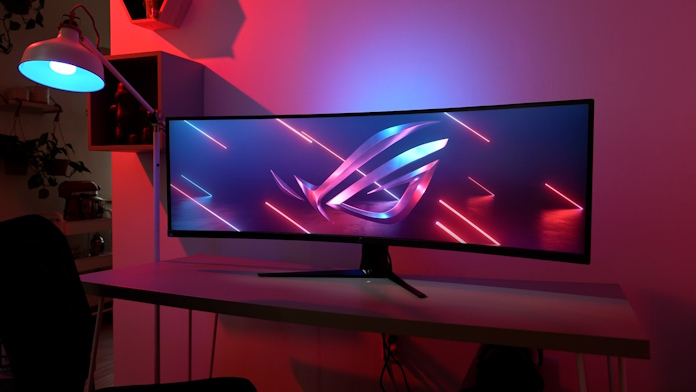
For most gamers, a response time of around 3 ms is usually sufficient. Those who want the cleanest possible motion should look for models rated at about 1 ms. In this respect, ROG OLED monitors stand out: their response times drop below 0.2 ms, delivering near-instant pixel transitions with virtually no visible trails, even in fast and demanding gameplay.
Read also: GIGABYTE GS25F2 Gaming Monitor Review: 200Hz and Super Speed IPS
Color Reproduction and HDR
Monitors with full sRGB coverage and HDR support provide the most accurate and natural-looking images. Higher-end models extend coverage to wider color spaces such as DCI-P3 or Adobe RGB, allowing for a broader range of shades and more vivid visuals. For HDR performance, both color coverage and brightness range, as defined by VESA, are important. DisplayHDR 400 and DisplayHDR 600 certifications indicate noticeable improvements in contrast and brightness, while DisplayHDR 1000 enables more realistic rendering of light and shadow.
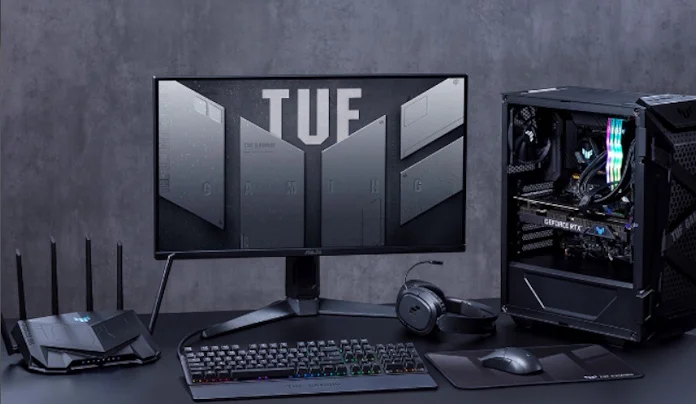
OLED monitors operate under their own standards, using DisplayHDR True Black. A True Black 400 rating delivers levels of contrast and black depth that standard LCDs cannot achieve. This allows HDR on OLED panels to appear not only brighter but also deeper, with nearly precise reproduction of dark scenes and high-intensity light effects.
Color Accuracy
Color accuracy varies between monitors, and the most objective way to measure it is the Delta E metric, which indicates how closely the on-screen colors match reference values. For professional graphic work, a Delta E of less than 2 is generally considered the standard, ensuring consistent image appearance across different devices. This is why the ASUS ProArt series undergoes factory calibration, providing accurate color reproduction right out of the box.
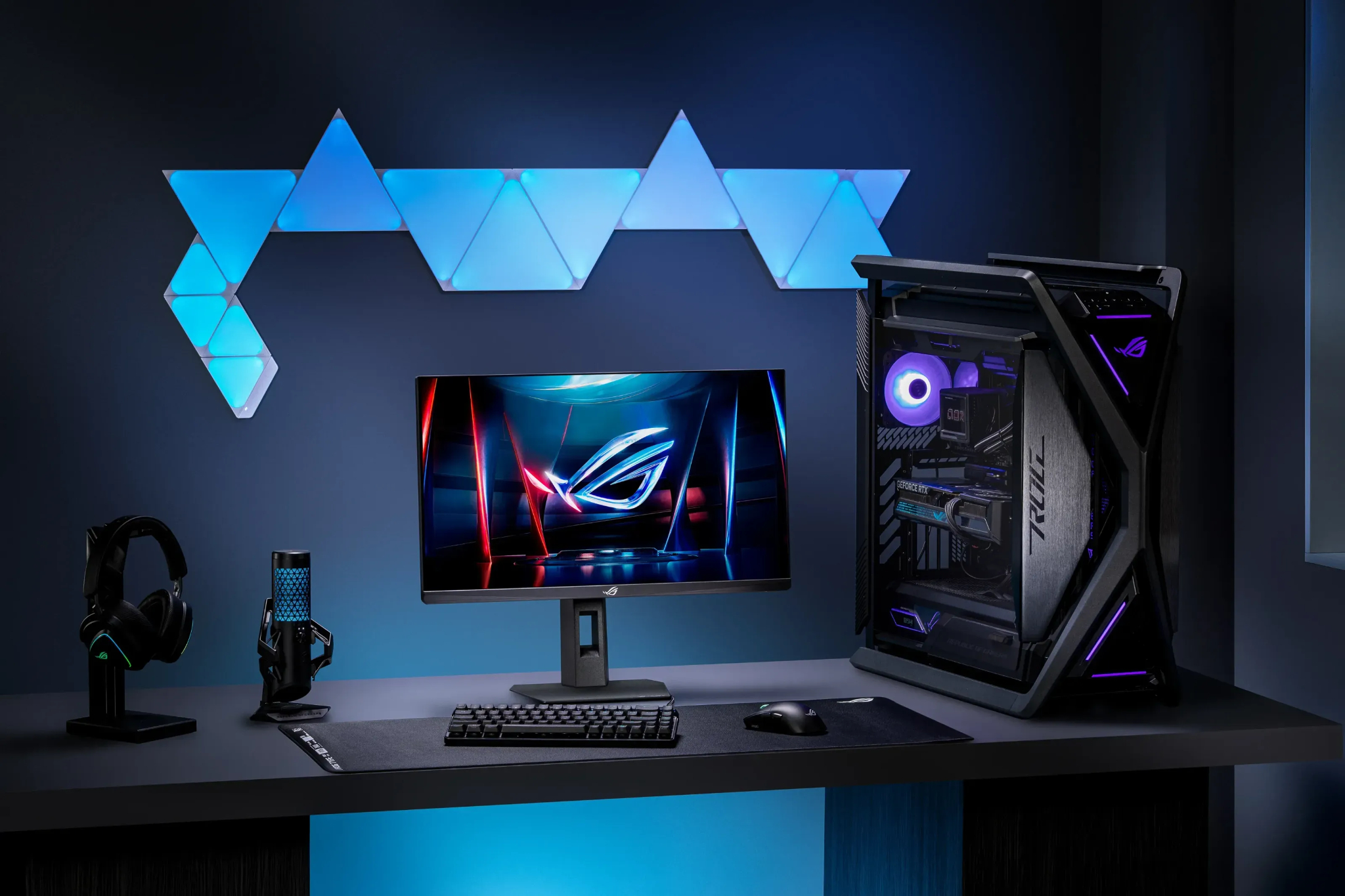
Although these specifications are often associated with designers and photographers, color accuracy also matters in gaming. Much of the gaming experience relies on visual atmosphere, and accurate shades allow players to see the game world as intended by the studio artists. For those seeking a combination of professional-level calibration and gaming features, the ROG Swift OLED monitors provide a balance of precise color reproduction and advanced gaming capabilities.
Read also: ASUS ROG STRIX XG259CMS Gaming Monitor Review
VRR Support
Modern gaming monitors almost universally support variable refresh rate (VRR). This means the display synchronizes its refresh with the arrival of new frames from the graphics card, rather than operating on a fixed schedule. If a monitor lists NVIDIA G-SYNC, AMD FreeSync, or Adaptive Sync, it is capable of VRR functionality.
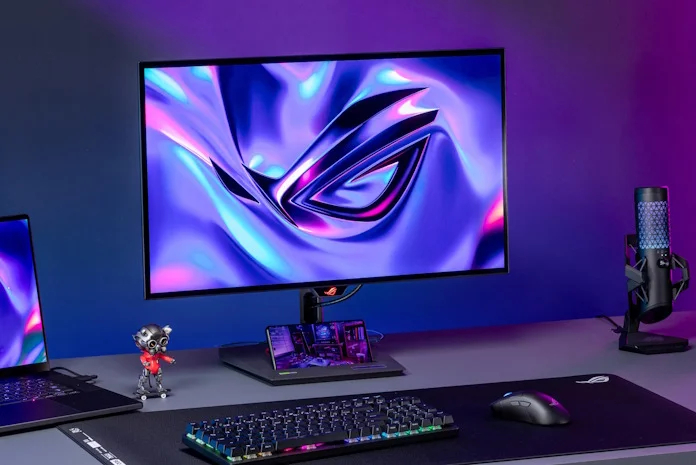
These monitors eliminate the common screen-tearing effect, where parts of different frames overlap. As long as the graphics card’s performance stays within the display’s capabilities, each frame is rendered cleanly and on time. This results in smoother motion and a more responsive gaming experience.
By 2025, VRR can be considered a standard feature. The main decision for users is typically between G-SYNC and FreeSync. For instance, displays with G-SYNC Ultimate certification meet a strict set of requirements, delivering high-quality results without requiring deep technical knowledge from the user.
Connectivity
Graphics cards typically feature DisplayPort and HDMI outputs, and most modern monitors work with both without issues. On PCs, DisplayPort is generally preferred, as older HDMI versions may not support features important for gaming, such as variable refresh rate. For some future-proofing, models with DisplayPort 2.1 can be considered, although this version is just beginning to appear on mainstream monitors, with DisplayPort 1.4 still being more common.
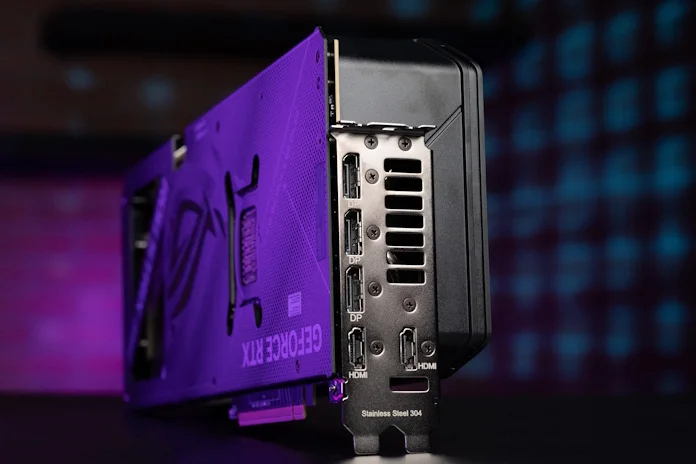
Consoles, on the other hand, rely on HDMI, so for PlayStation or Xbox, a monitor with HDMI 2.1 is recommended to take full advantage of higher resolutions and refresh rates. Additionally, USB ports on a monitor can be useful, allowing peripherals to connect directly to the display and reducing cable clutter on the desk.
Stand and Ergonomics
Every monitor comes with a stand, but the differences are noticeable. Greater adjustability in height, tilt, and swivel makes it easier to set up a workspace that doesn’t strain the neck during long gaming sessions. For esports setups or small dorm rooms, a compact stand can be a practical advantage.
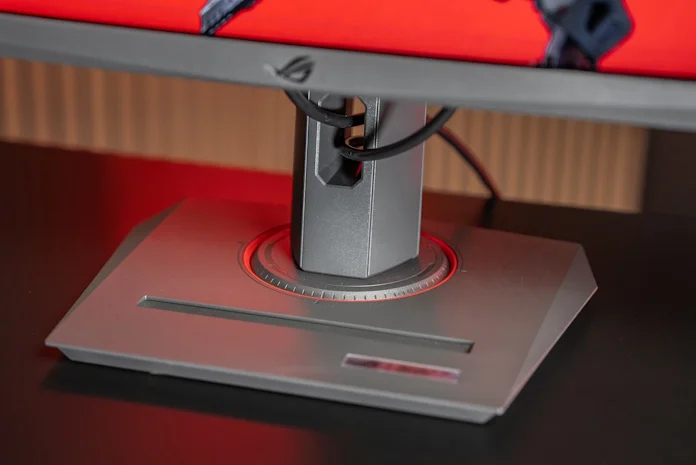
Even small additional features can significantly improve comfort: a smartphone holder, a mount for a tripod, or a well-designed cable management channel can turn a standard monitor into a more convenient hub for your setup.
Read also: ASUS RT-BE50 Review: Affordable Router with Wi‑Fi 7
Panel Types
As of 2025, most gaming monitors use in-plane switching (IPS) panels. They offer a balanced performance with stable viewing angles, accurate color reproduction, and decent contrast. IPS panels are found across all segments, from basic office models to fast gaming displays and professional color-accurate monitors. The latest ASUS Fast IPS panels now provide response times comparable to TN panels while maintaining image quality and viewing comfort.
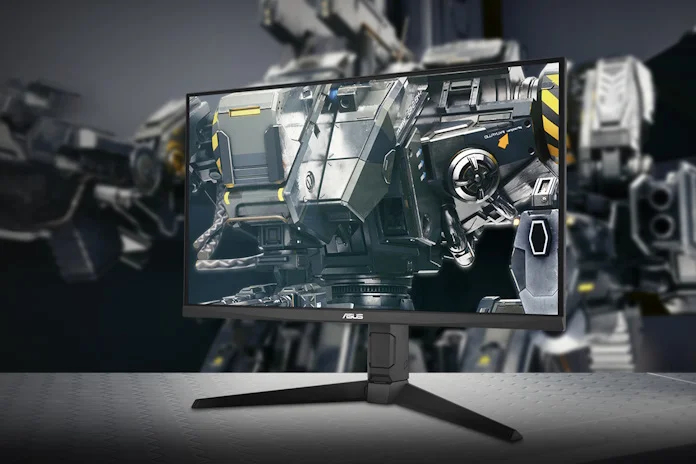
Twisted nematic (TN) and vertical alignment (VA) panels have become rare. TN panels are now mostly limited to esports-focused models, where speed is prioritized over color accuracy and viewing angles. VA panels offer high contrast, decent speed, and acceptable viewing angles, but for truly deep blacks, OLED remains the better option.
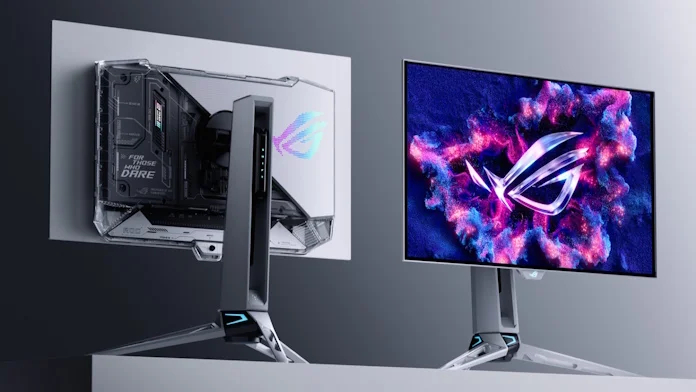
Premium organic light-emitting diode (OLED) panels remain a high-end option for enthusiasts. Each pixel emits light independently, resulting in maximum contrast and color richness. OLED panels offer the lowest response times among all panel types and can support refresh rates up to 520 Hz at 1440p. Over the past year, the selection of these monitors has expanded, with both flagship and more affordable models available in various sizes and form factors.
Read also: ASUS ROG Strix Scope II X Keyboard Review: Hot-Swap Support, Clean Design, and an Accessible Price
Choosing a Monitor in 2025
Summarizing the points discussed above, clear sets of specifications emerge for different usage scenarios.
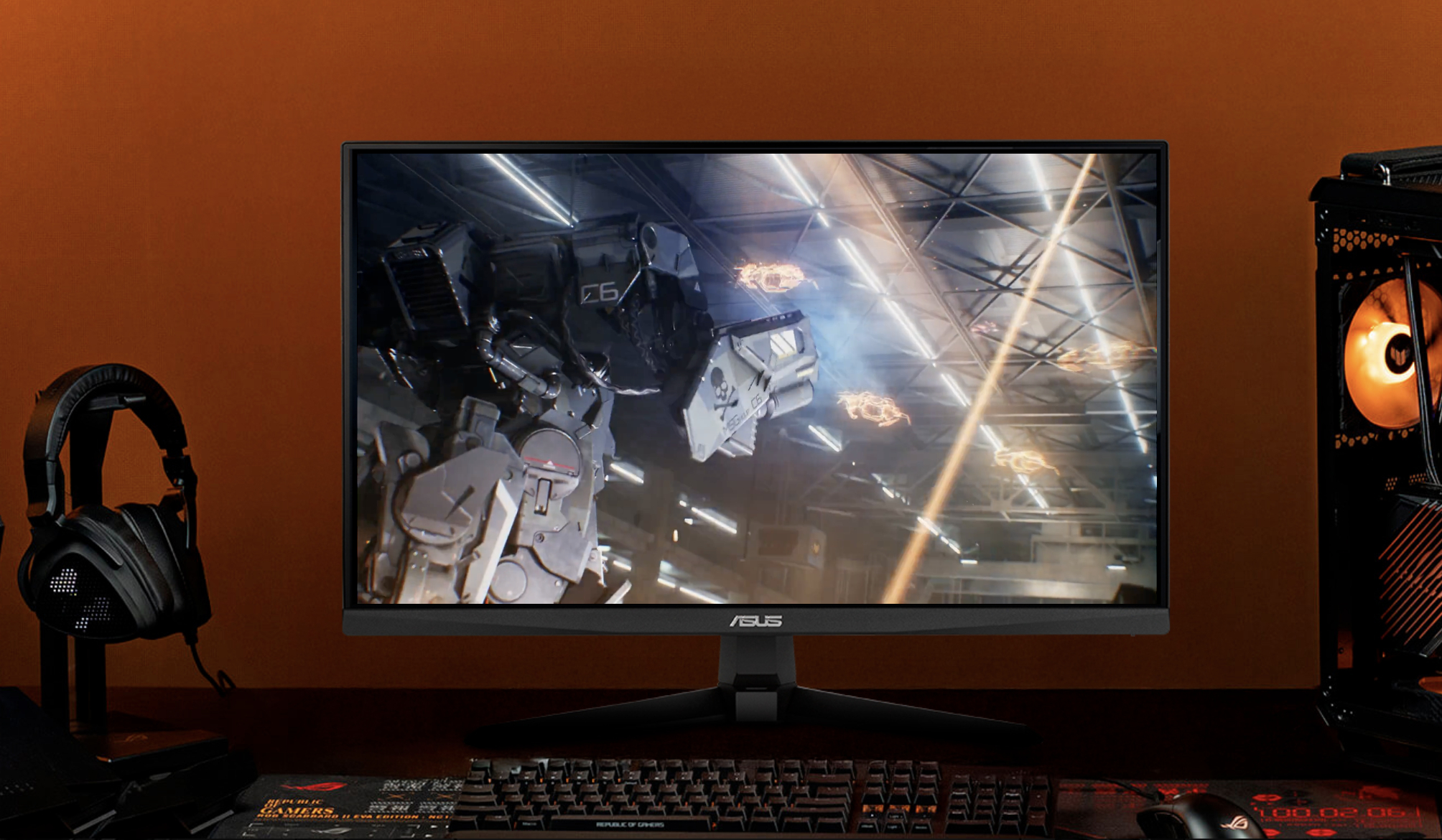
For gamers on a limited budget, the most practical choice remains a 24- or 25-inch Full HD display. It’s reasonable to look for models with at least a 144 Hz refresh rate, support for variable refresh rate technologies, and a properly tuned overdrive mode to minimize motion blur. In this segment, the ASUS TUF Gaming VG249QM5A and ASUS TUF Gaming VG259QM5A perform well.
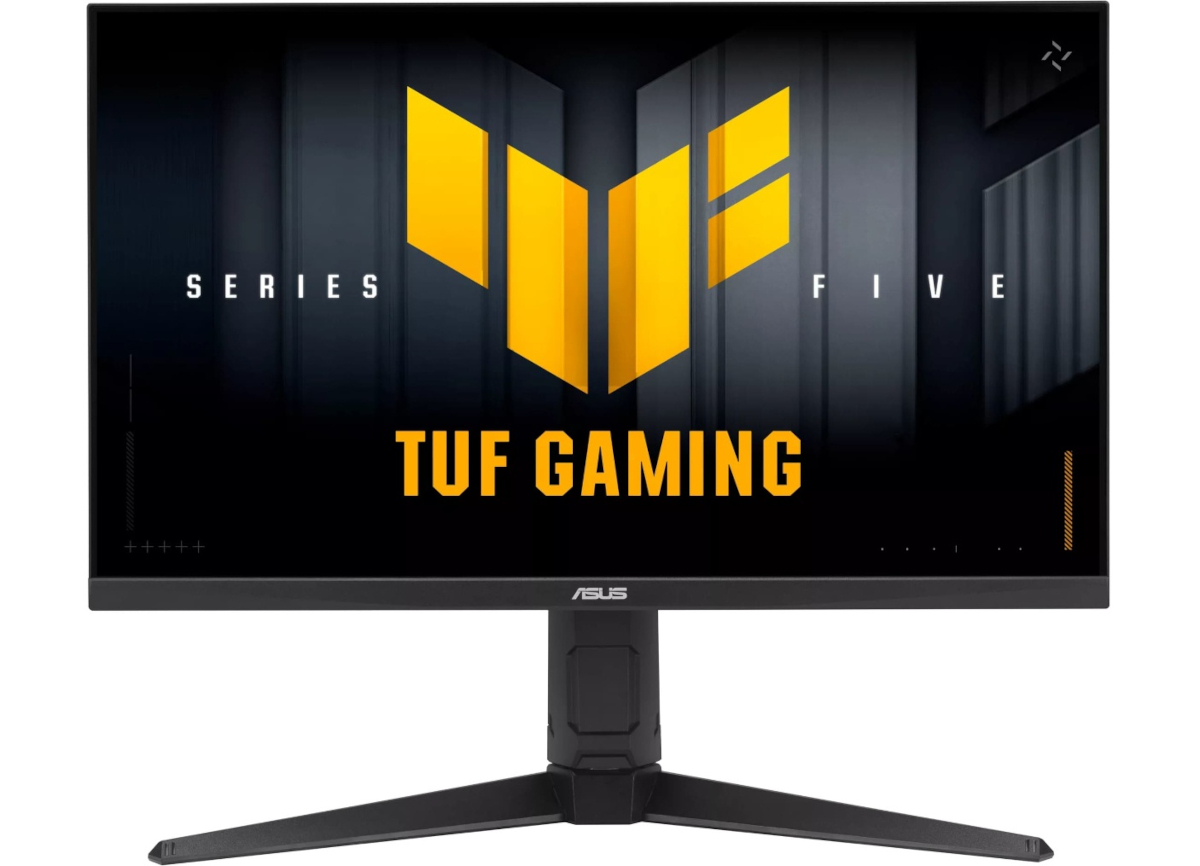
For those who prefer a more up-to-date image quality, a 1440p display is worth considering. A monitor like the ASUS TUF Gaming VG27AQML5A offers noticeably more detail in complex scenes and provides a more comfortable viewing experience thanks to its higher pixel density.
Users looking to step up to a higher tier of image quality should consider OLED. Models such as the ROG Strix OLED XG27AQDPG deliver a distinctly different gaming experience due to their high contrast, excellent motion clarity, and a glossy WOLED panel capable of producing an almost “painted” level of image precision.
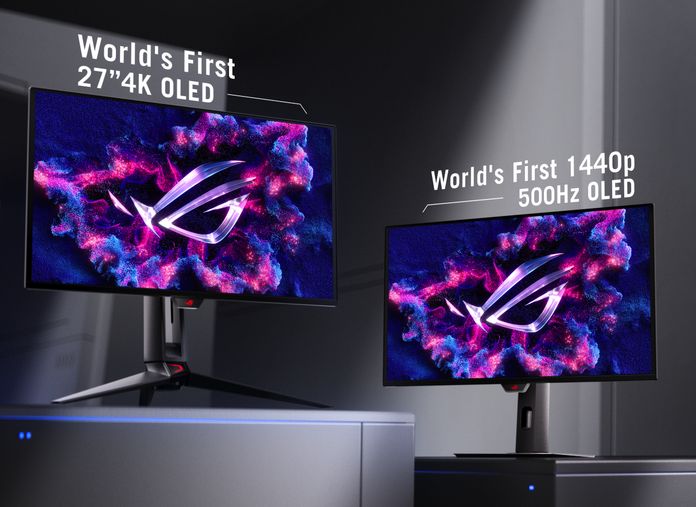
For gamers who also need a display suitable for work, 4K monitors are a practical option. The 27-inch ROG Strix OLED XG27UCDMG offers a very high pixel density, which benefits both text and graphics, while 32-inch models provide additional screen space for multitasking and multi-window workflows.
For those who play with a controller from a distance, a larger 32-inch monitor such as the ROG Strix XG32WCMS is a better fit. This size allows you to sit back comfortably without losing the sense of immersion. It’s also useful to keep in mind that 4K generally looks the most natural at this diagonal, though 1440p variants remain a viable option.
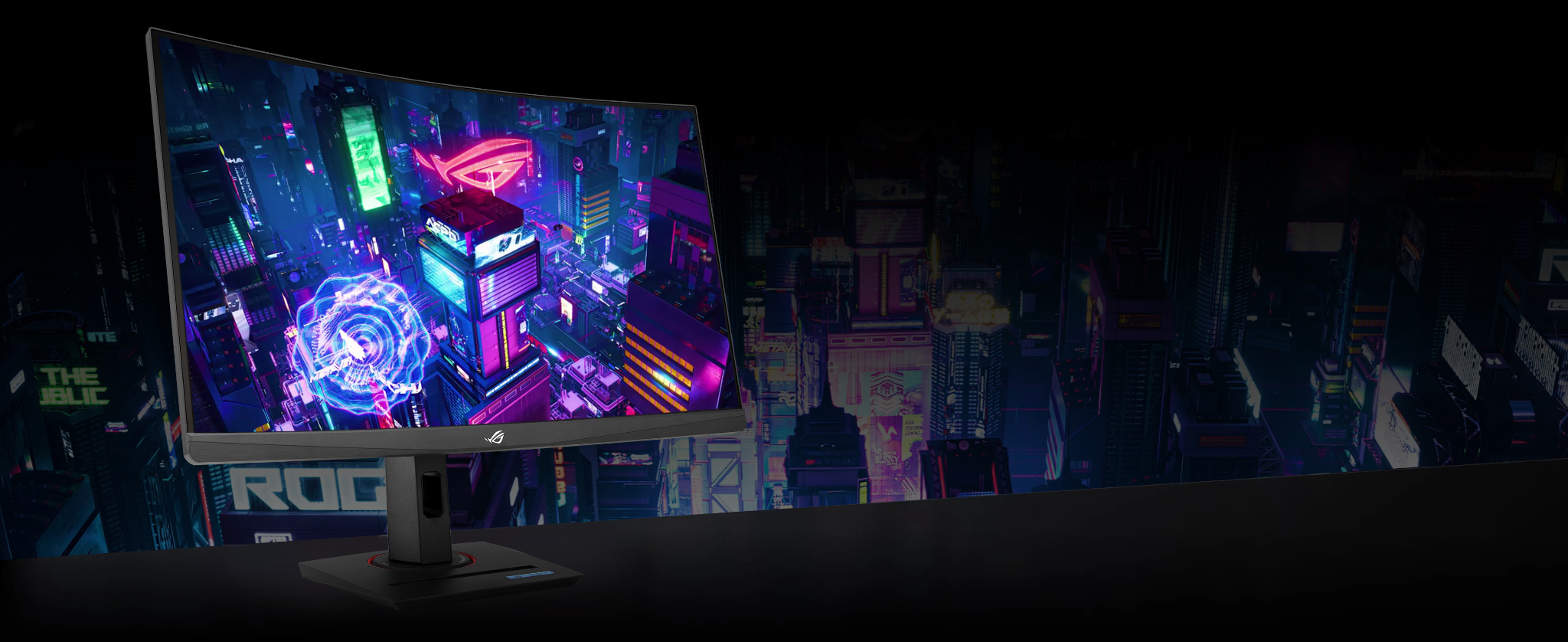
For fans of racing and flight simulators, ultrawide or super-ultrawide monitors are the most logical choice. The ASUS TUF Gaming VG34WQML5A expands the horizontal field of view to the edge of peripheral vision, which noticeably improves situational awareness and overall realism. The lineup spans from affordable LCD options to high-end OLED panels.
Players who enjoy a wide range of genres may want to consider models with dual-mode functionality. For example, the ROG Strix XG27UCG can switch between higher resolution and maximum refresh rate, allowing the display to adapt to the needs of a specific game.
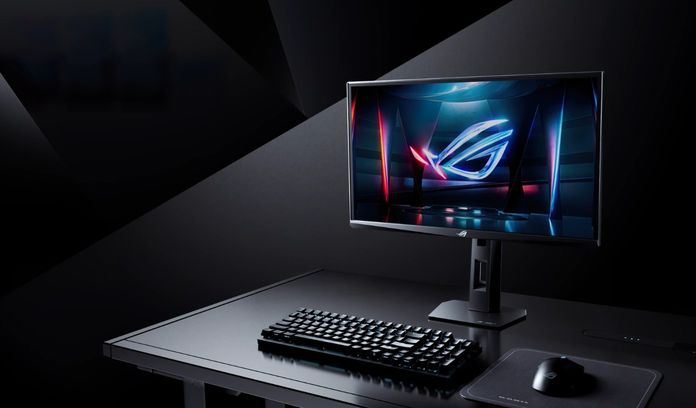
For esports, a 24-inch Full HD monitor is still the most practical choice, provided it offers the highest refresh rate possible. The current flagship in this segment is the ROG Strix XG248QSG Ace with a 610 Hz refresh rate, though even 300 Hz models already offer a noticeable improvement in control and responsiveness.
Regardless of which monitor you choose, modern displays provide a range of features that would have seemed unrealistic only a few years ago. The ASUS and ROG lineups cover nearly all usage scenarios, making it much easier to select a model that matches your preferred balance of image quality, functionality, and price.
Read also:

