





© ROOT-NATION.com - Use of content is permitted with a backlink.
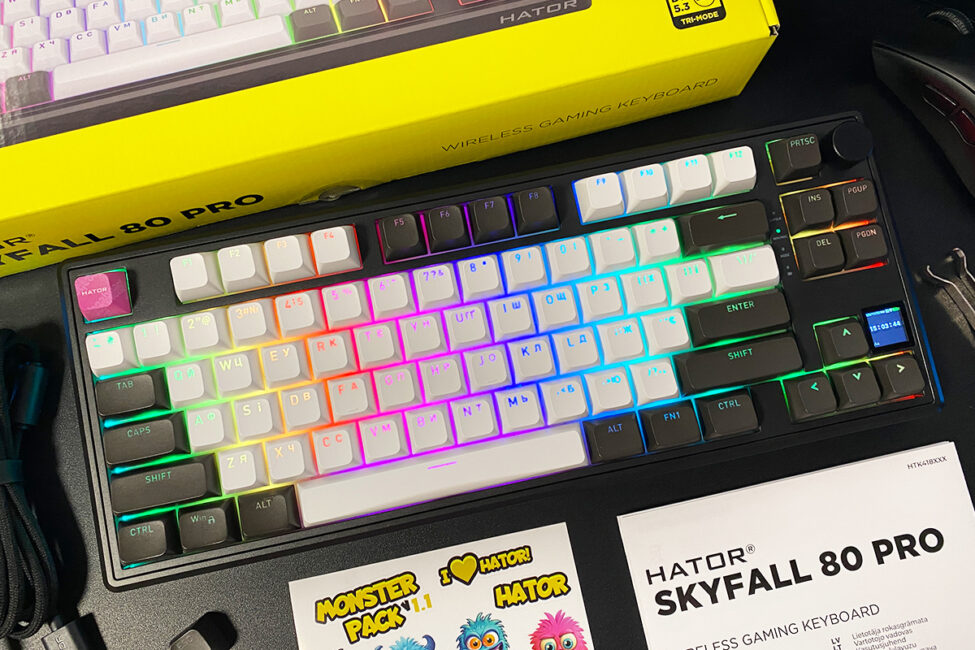
Today I’m reviewing the Skyfall 80 Pro Wireless, a new mechanical gaming keyboard from the Ukrainian brand HATOR that has just reached the market. In many ways, it follows the concept of the earlier Skyfall 80 Wireless, but the design has been revised and updated. The Skyfall 80 Pro now features a larger 8000 mAh battery (up from 4000 mAh), unique double-shot PBT keycaps in an OMA profile (the previous model used ABS), and an integrated TFT display, which was not present before.
The most notable change, however, is the use of HATOR Aurum Vanila Silent switches, which provide a distinct quiet typing experience. As expected for HATOR, the keyboard is positioned at a relatively accessible price point.
Read also: Gaming Keyboard Reviews
TABLE OF CONTENTS:
Model and Specifications
Like the previous generation, the new HATOR Skyfall 80 Pro is available in three layouts: 65%, 80%, and 100%. Beyond size and key count, the versions also differ in battery capacity and the diagonal of their integrated displays. The Skyfall 65 Pro Wireless comes with a 4000 mAh battery and a 0.85-inch TFT display. The Skyfall 80 Pro Wireless and Skyfall 100 Pro Wireless models feature 8000 mAh batteries and 1.14-inch displays. In all other respects, the keyboards are identical.
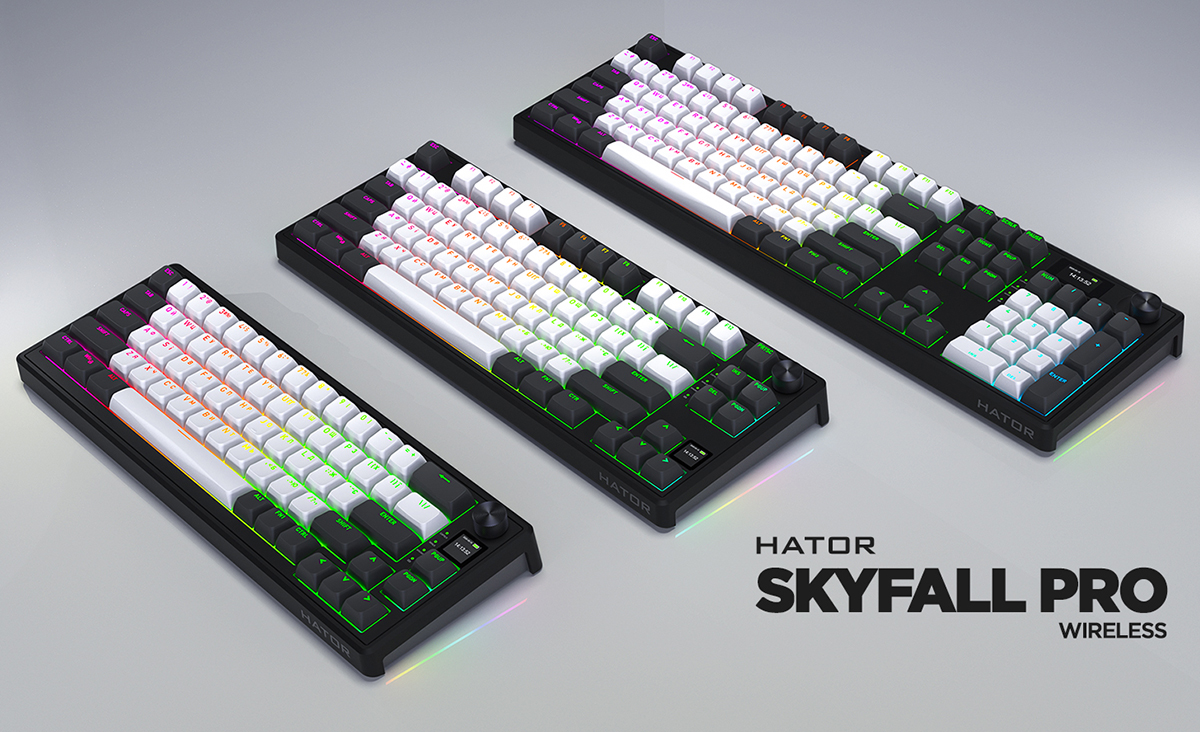
The unit I received for testing is the 80% model, so this review and the accompanying photos are based on it. Below, I’m listing only its specifications. However, since all keyboards in the new Pro Wireless lineup share the same core design, these specifications effectively represent the other models as well.
- Format: 80% (Tenkeyless / TKL)
- Number of keys: 87 keys
- Connection: wireless (RF 2.4 GHz / Bluetooth 5.3), wired (USB-A – USB-C)
- Polling rate: 1000 Hz
- Switches: HATOR Aurum Vanila Silent
- Hot swap: yes (5-pin connectors)
- Construction: Gasket Mount (gasket architecture)
- Anti-Ghosting: full (N-Key Rollover / N-KRO)
- Keycaps: Double-Shot PBT keycaps with OMA profile
- Backlighting: RGB (keys and body)
- Multifunctional roller: wheel (knob) for multimedia control
- Display: integrated 1.14″ TFT display (indicators, date and time, battery charge; backlight control; GIF animation display)
- Proprietary software: HATOR Skyfall Software (Windows only)
- Supported platforms: Windows, macOS, LINUX, ChromeOS
- Battery: 8000 mAh
- Cable: detachable USB-A to USB-C cable, 1.8 m long
- Body material: plastic
- Dimensions: 354×140×43 mm
- Weight: 970 g
- Model features: three connection modes, 80% format (Tenkeyless / TKL), Gasket Mount architecture, hot swap, built-in memory, advanced customization options in proprietary software, pre-lubricated switches/stabilizers, customizable RGB backlighting for keys and body, built-in TFT display, multifunctional roller, OMA profile keycaps, 8000 mAh battery
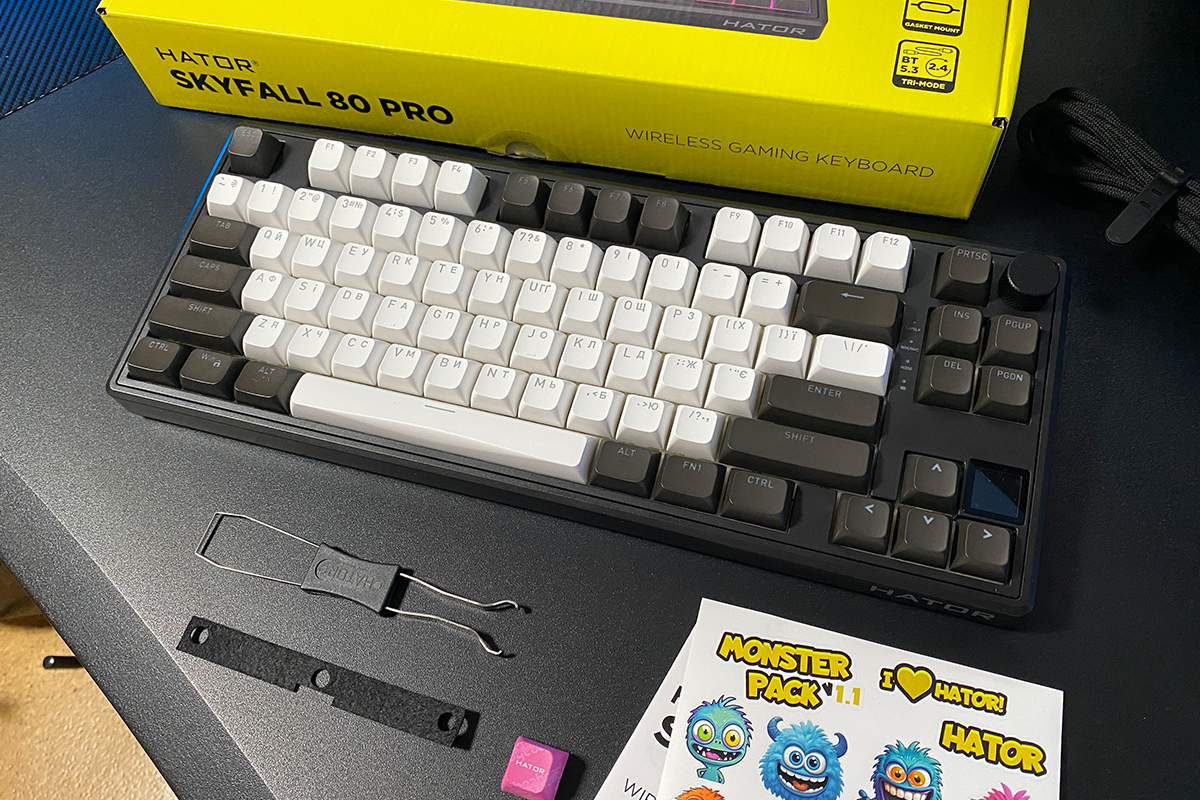
- Package contents: keyboard, 2.4 GHz RF wireless adapter, detachable USB-A to USB-C cable, keycap and switch puller, user manual, branded HATOR key, additional noise-isolating spacer for the space bar, branded stickers.
Positioning and price
In essence, the positioning of this model was clear from the beginning of the review. The HATOR Skyfall 80 Pro Wireless is a revised and improved version of the previous Skyfall 80 Wireless. Its price is $78 / €68, which is a competitive figure for a keyboard of this class. In practical terms, it offers strong value within its segment.
Package contents
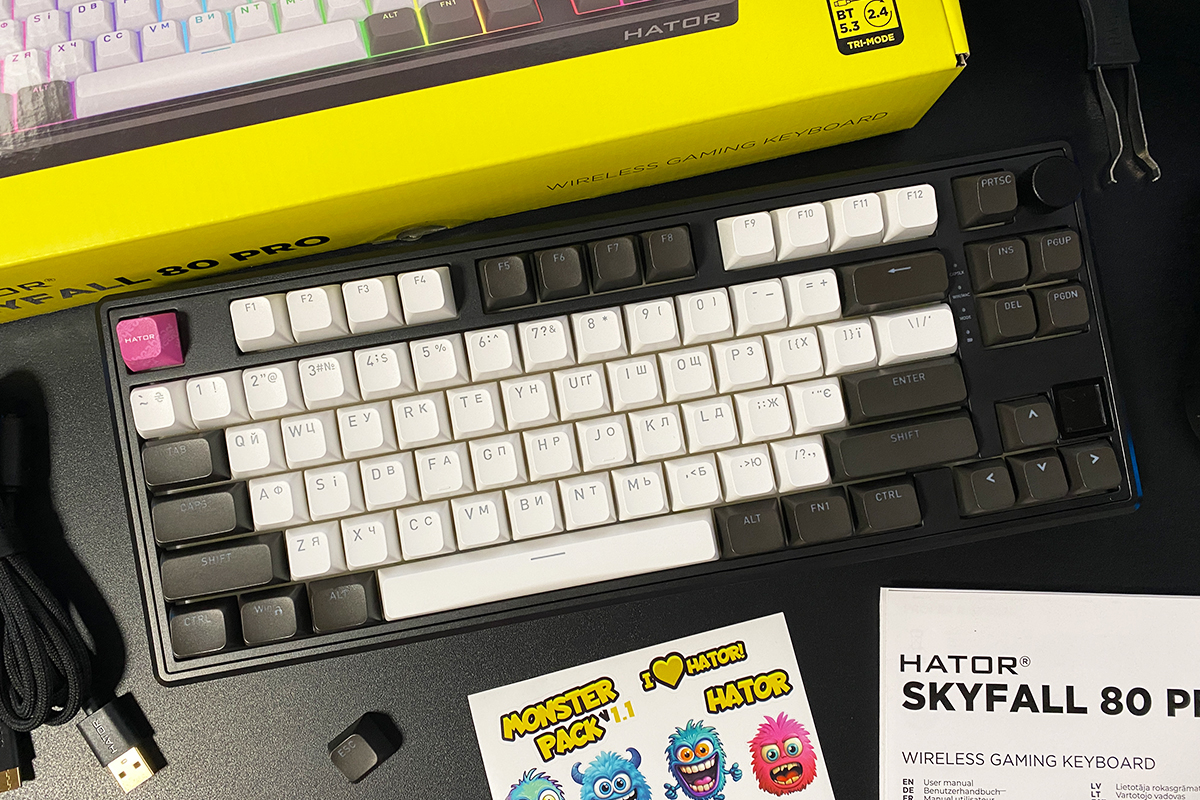
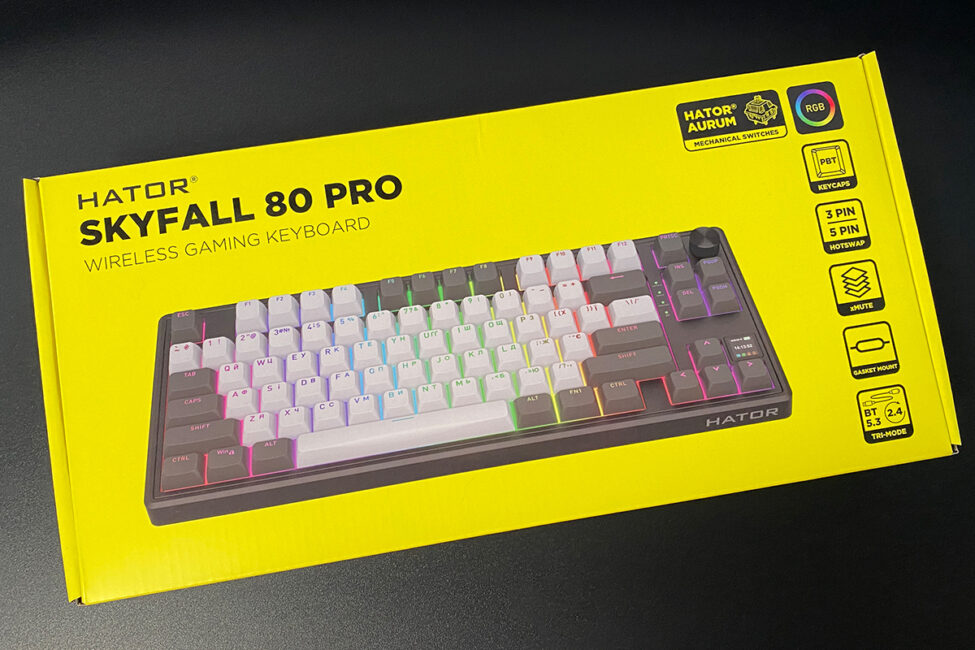
The keyboard comes in a branded cardboard box with the brand’s signature design and styling. Inside, you’ll find the basic package:
- keyboard
- 2.4 GHz RF wireless adapter
- detachable USB-A to USB-C cable
- double puller for keycaps and switches
- user manual
- branded HATOR key
- additional noise-insulating gasket for the space bar
- branded HATOR stickers
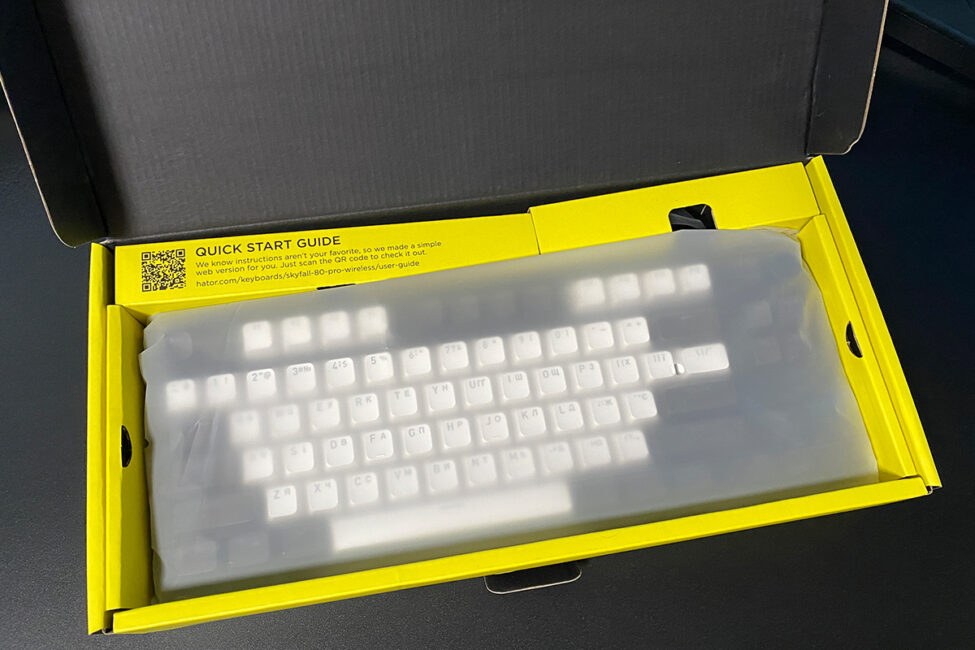
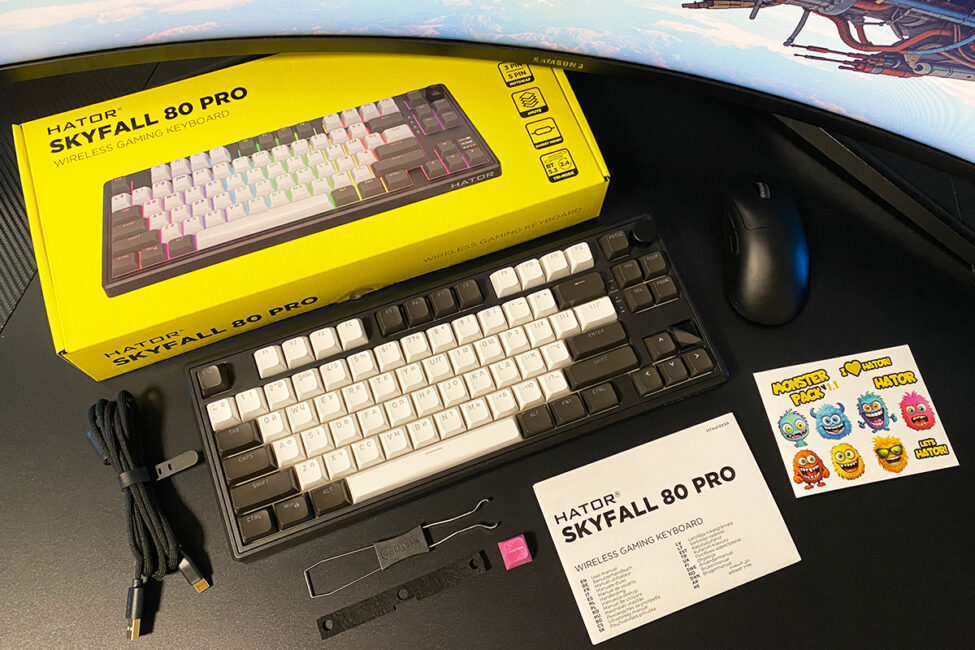
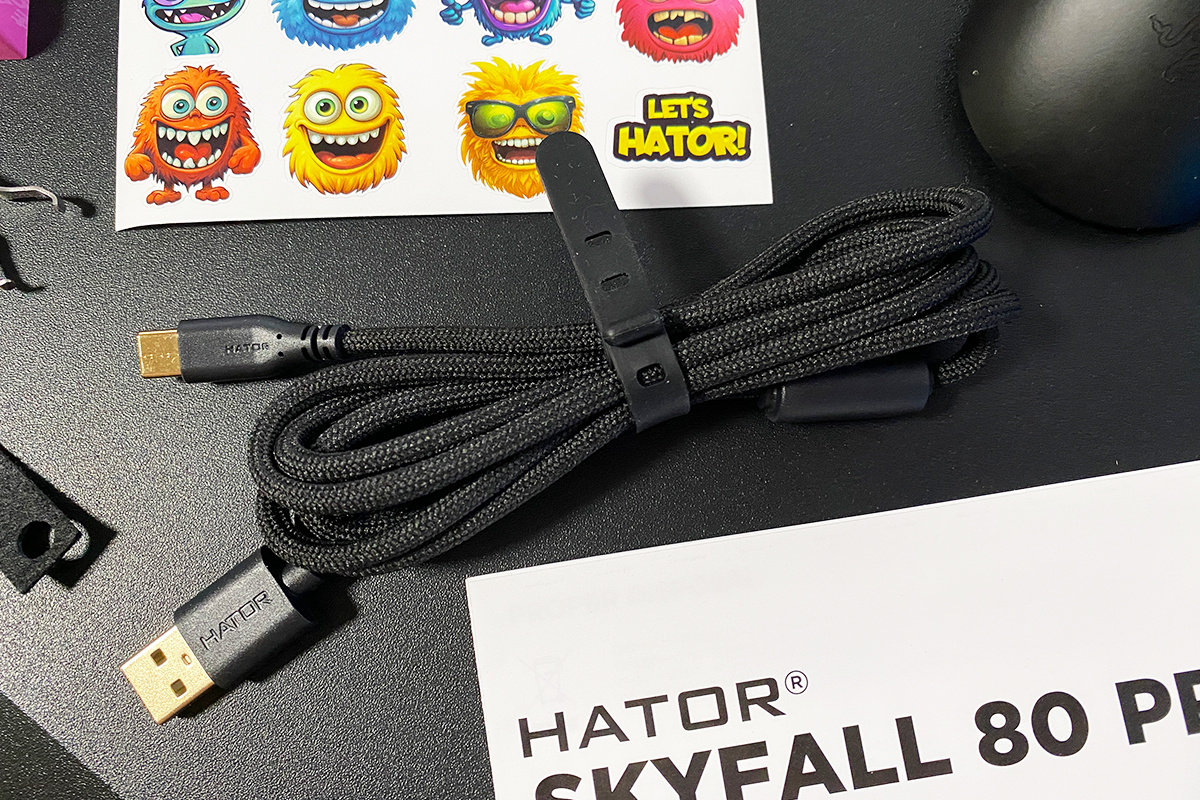
A detachable 1.8-meter USB-A to USB-C cable is included. It comes in a high-quality paracord-style sleeve, is lightweight, and not overly thick, which makes it flexible and easy to position. Overall, it’s a well-made cable and can even be comfortably used with a mouse in wired mode.
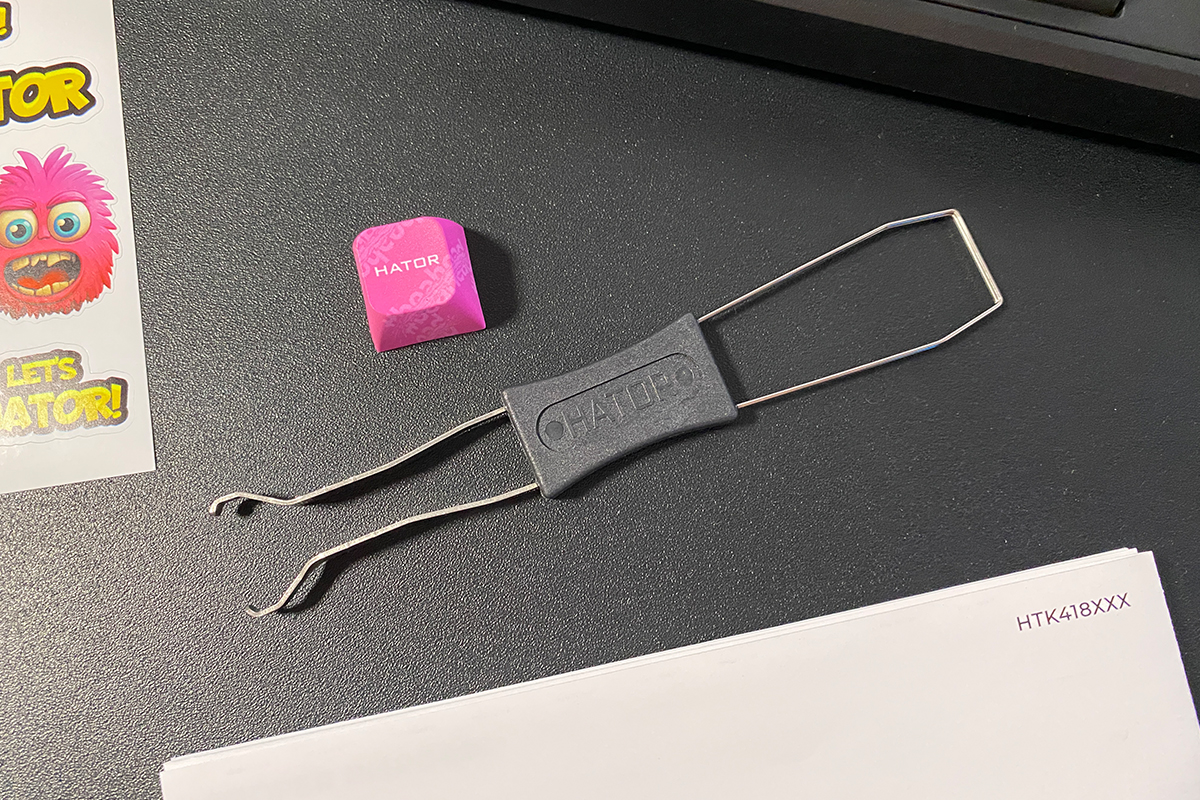
The puller is a standard dual-sided tool: one end is designed for removing keycaps, and the other functions as a switch removal tool.
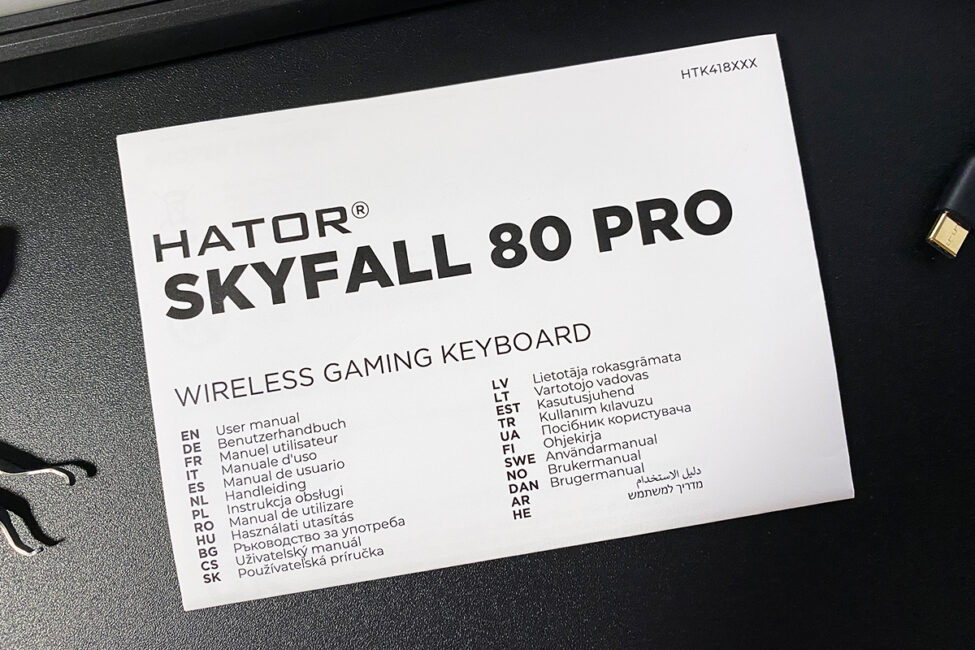
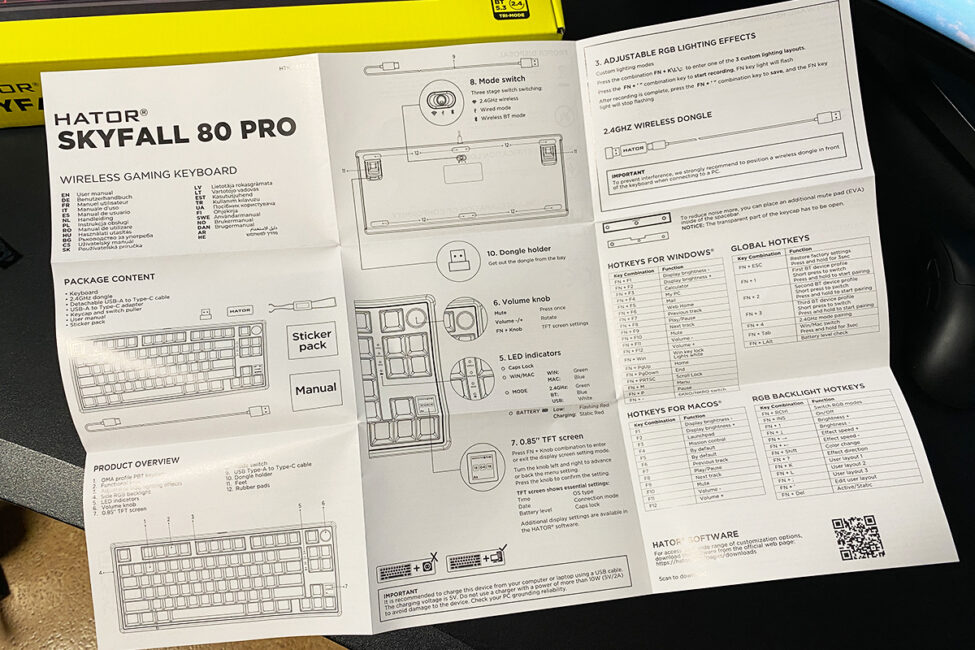
The user guide comes as a large paper foldout in English. As always, it’s worth reading, since it lists all FN+ key combinations, which are implemented in a specific way on the Skyfall 80 Pro.
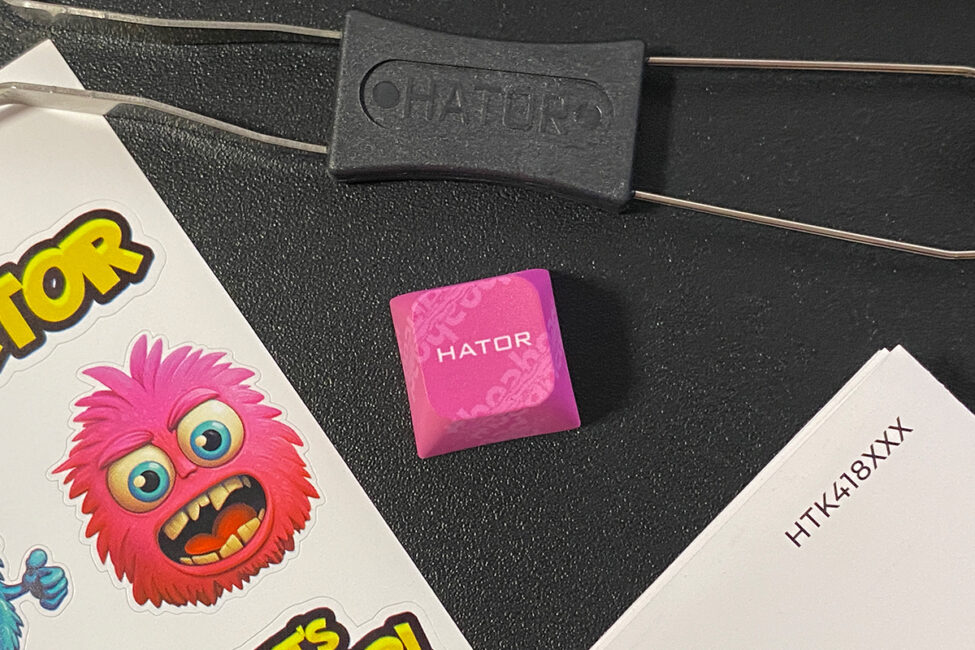
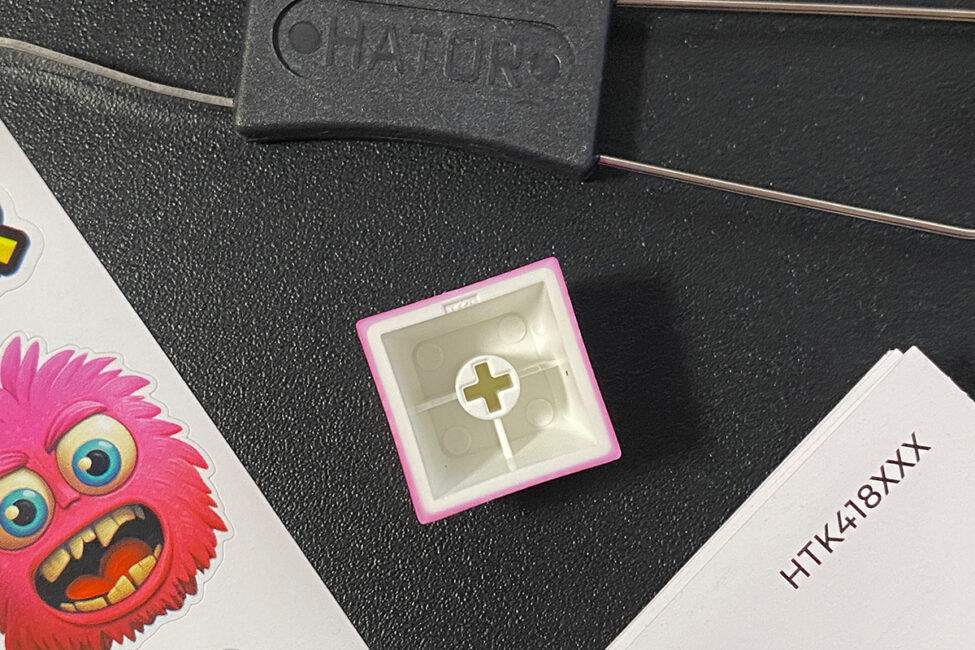
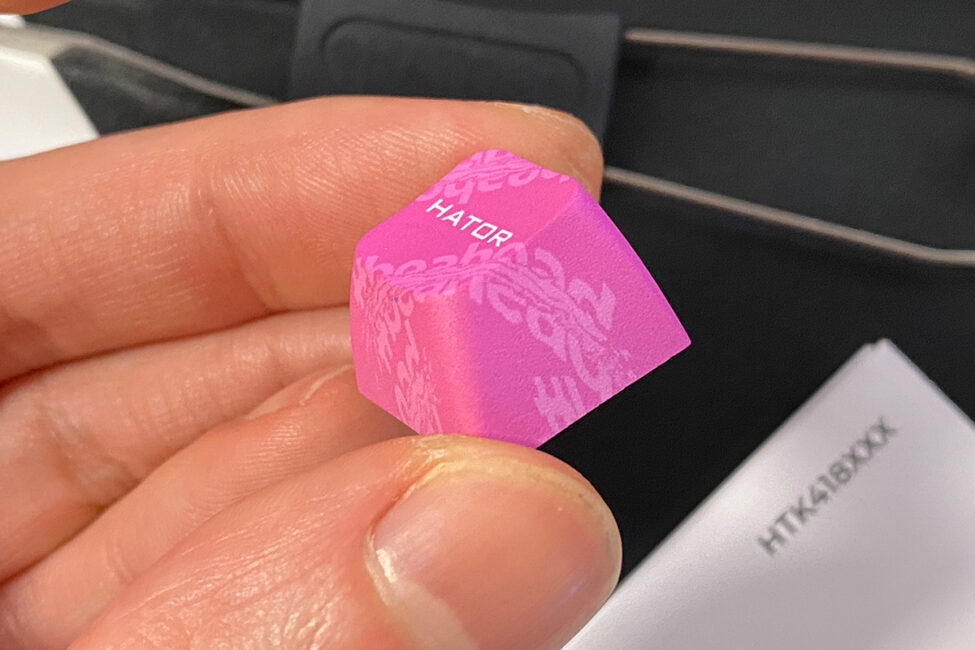
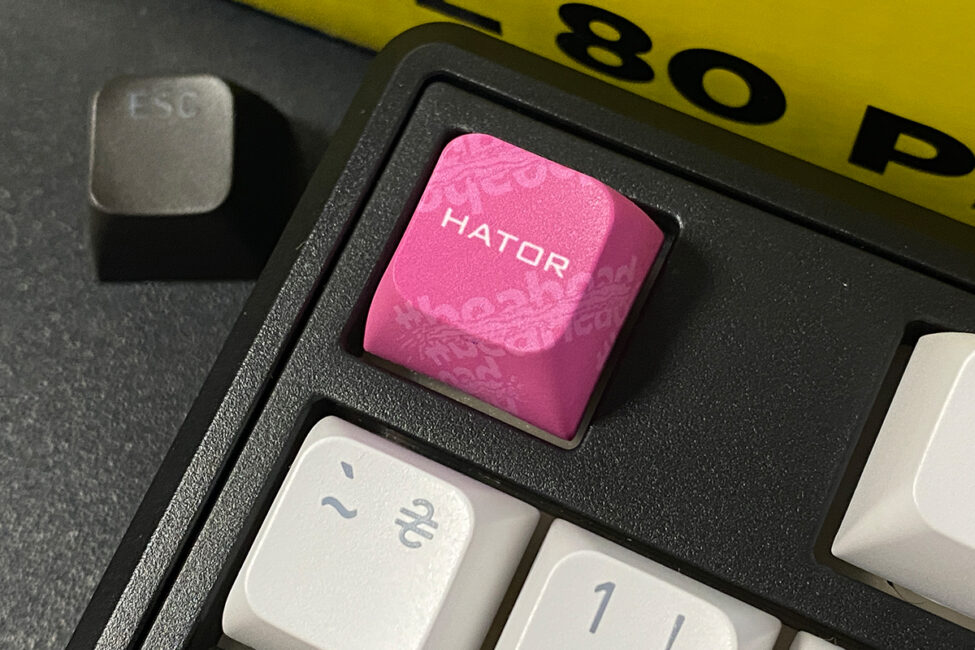
The branded HATOR key is the same as in the previous model – a pink keycap with a white logo. It can be used to customize the keyboard’s appearance, for example by replacing the standard Esc key.
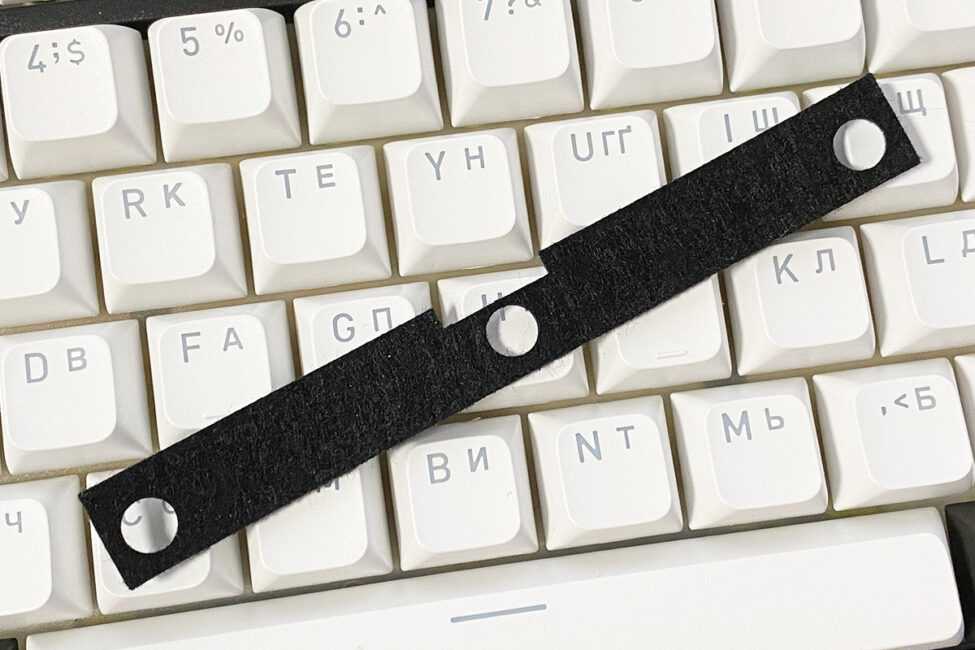
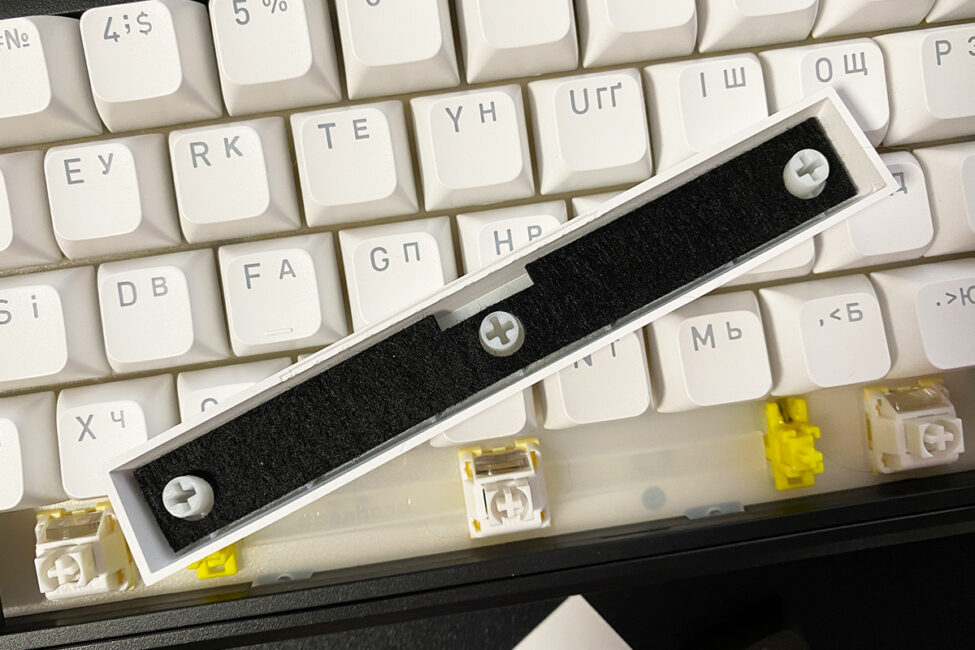
An additional noise-dampening pad is provided for what is considered the loudest key on the keyboard – the spacebar. In practice, it isn’t necessary here, as the keyboard is inherently quiet.
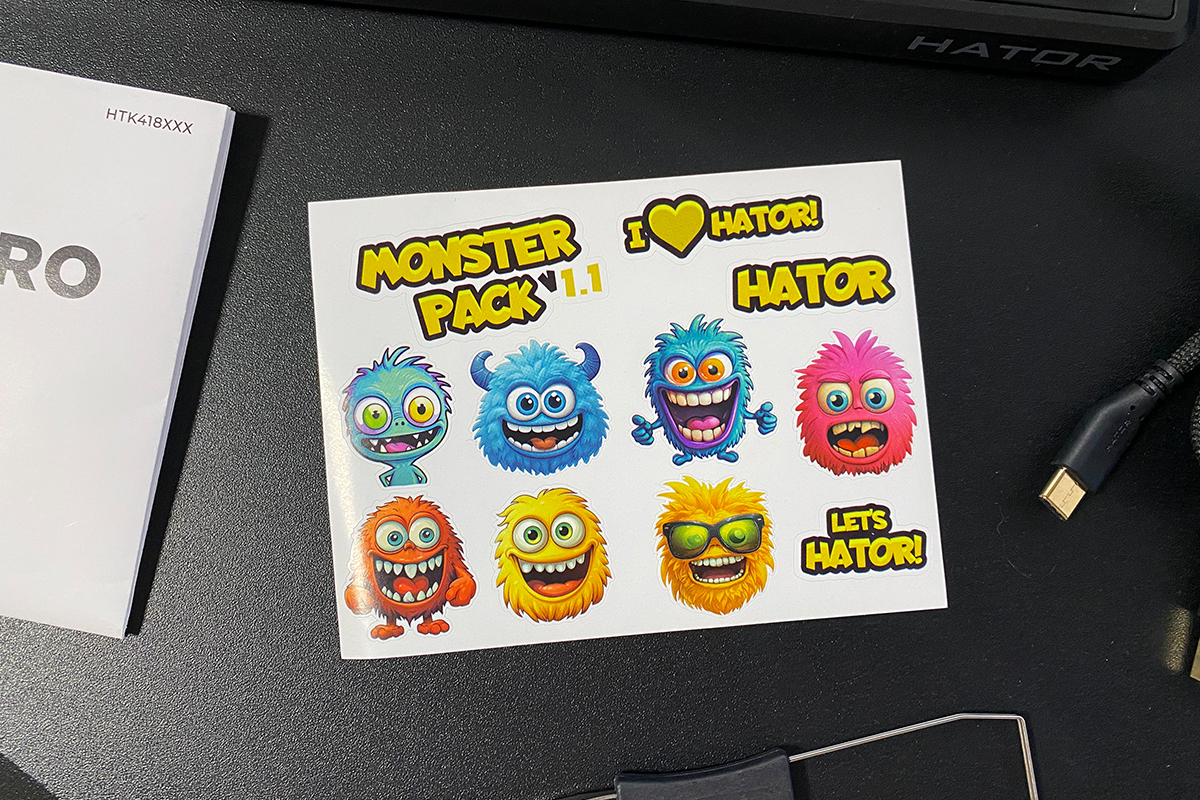
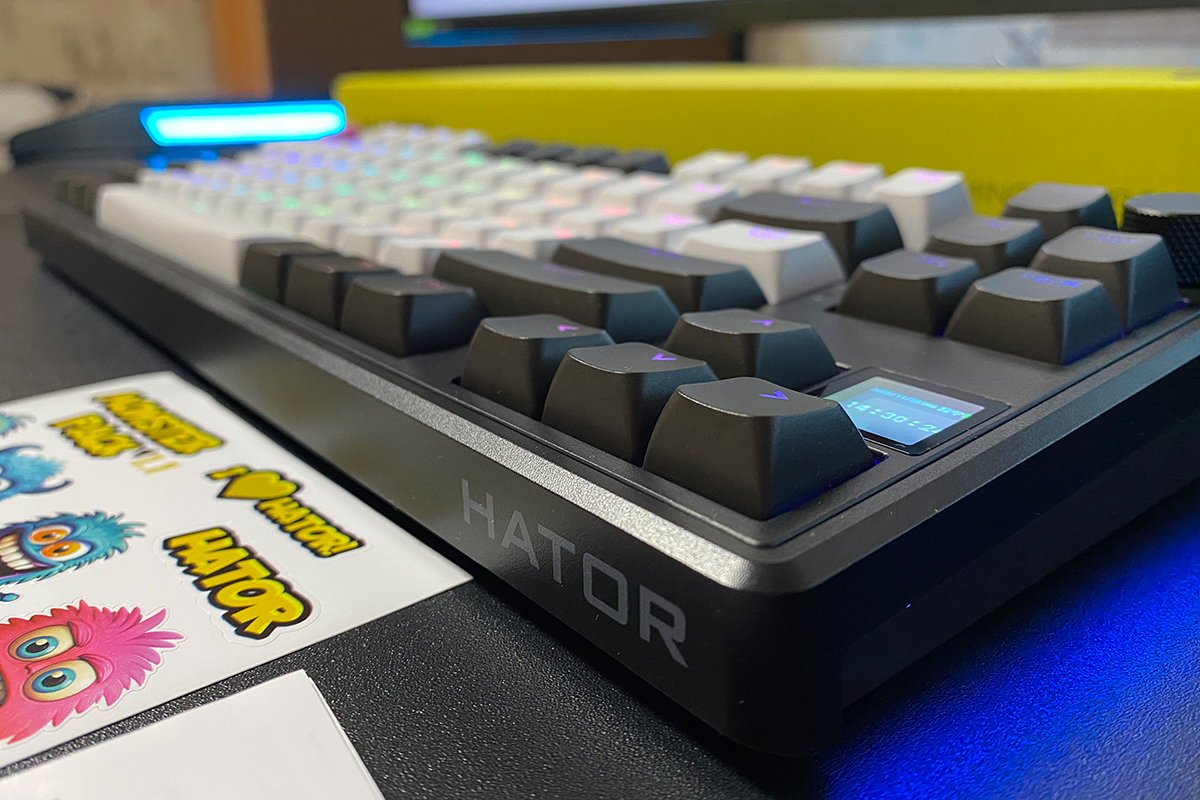
The branded HATOR stickers include a set of various slogans and playful monster designs. Overall, they have a visually appealing style, consistent with HATOR’s usual presentation.
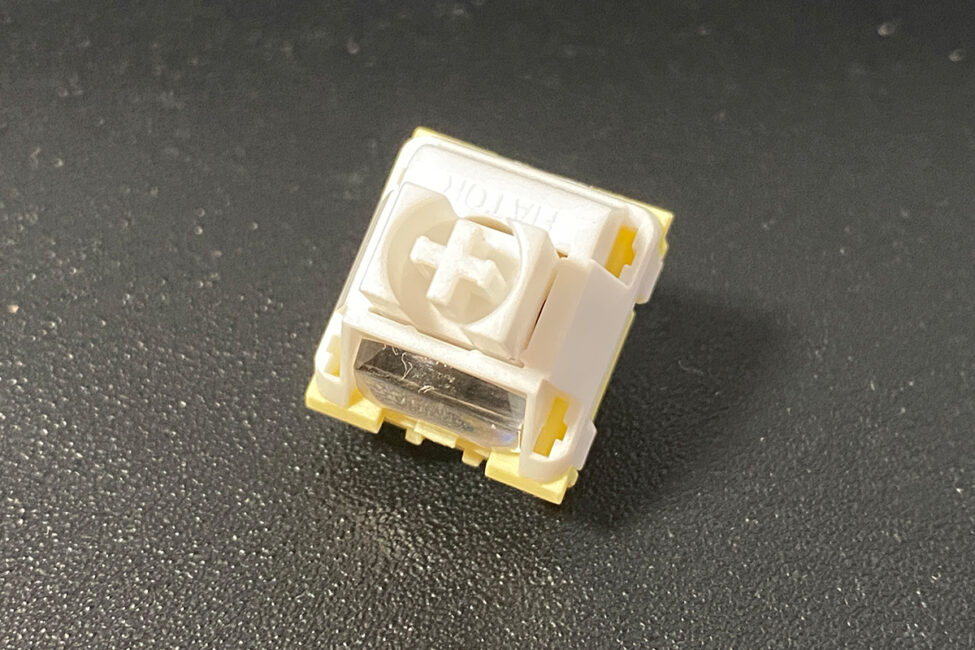
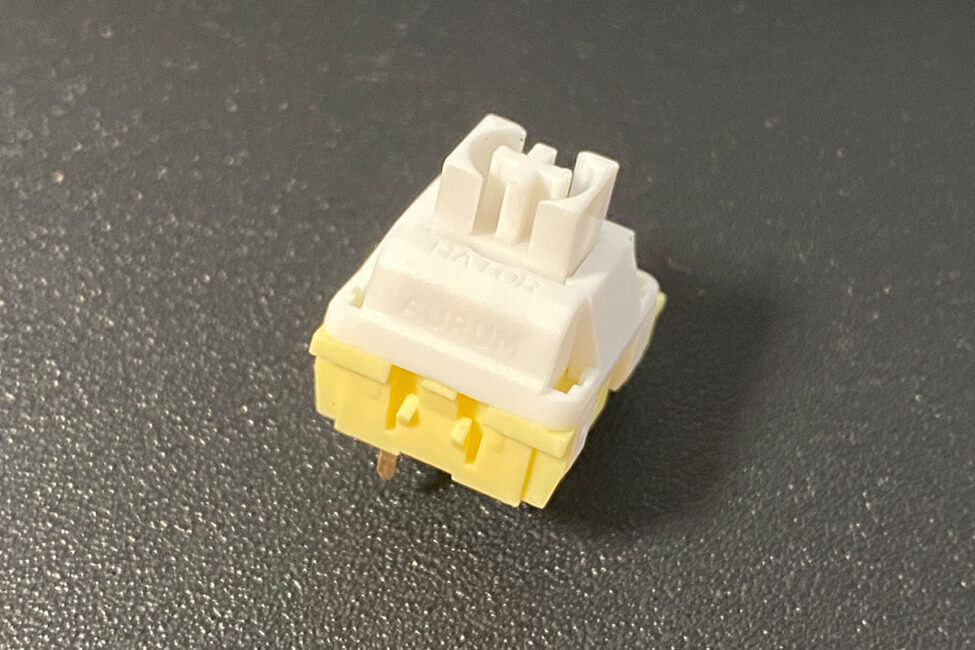
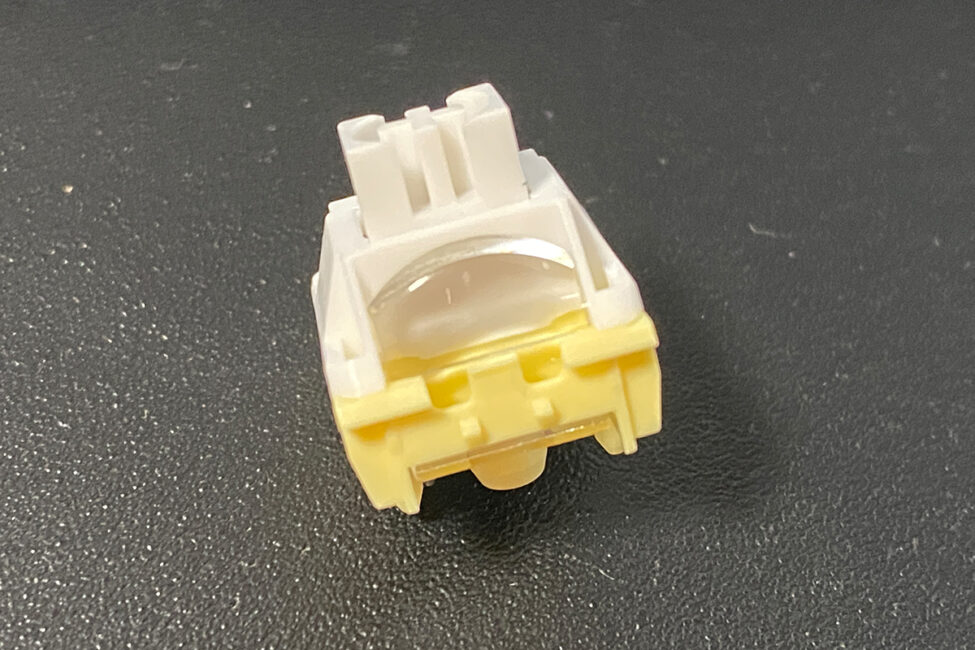
Overall, the basic package is fairly solid. However, one element seems to be missing: a pair of spare switches – specifically the HATOR Aurum Vanila Silent switches included with this keyboard. In my view, providing a couple of spare switches with a hot-swap keyboard should be considered a basic standard. This is especially relevant given that these switches are not yet sold separately. If one of the switches fails, there’s currently no direct replacement available, and finding an equivalent switch for the Aurum Vanila Silent could be difficult.
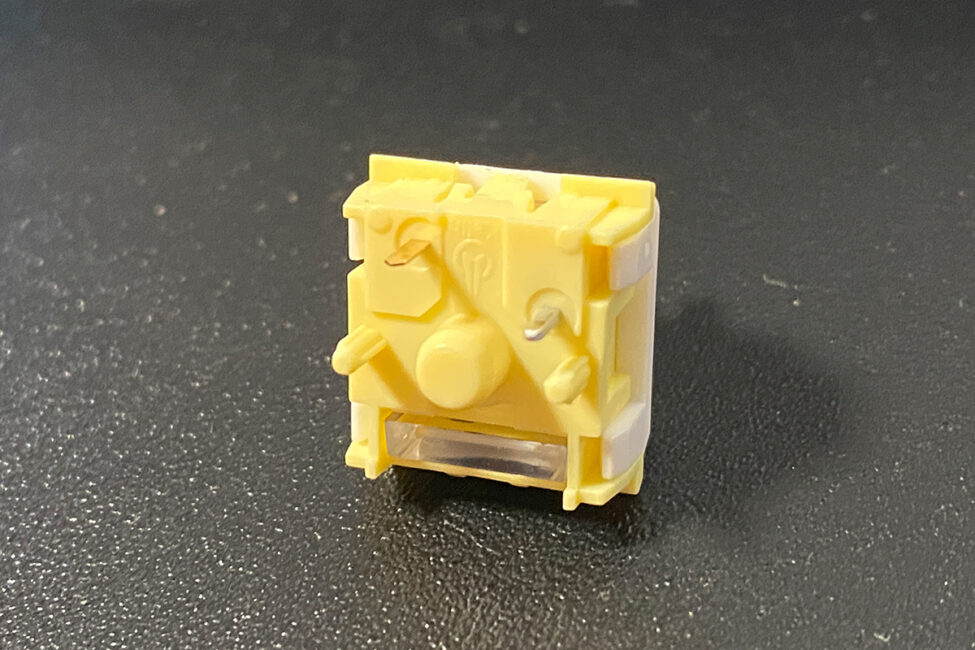
In my opinion, a simple blister-style dust cover would also have been a useful addition. I personally use them and find them helpful for keeping keyboards clean. Aside from that, the package is well put together.
Read also:
- HATOR Unveils New Products at #IFA2025: Keyboards, Switches, Microphones, and More
- HATOR at the Intel Extreme Masters 2025 exhibition in Katowice – our report
Design, Ergonomics, and Build Quality
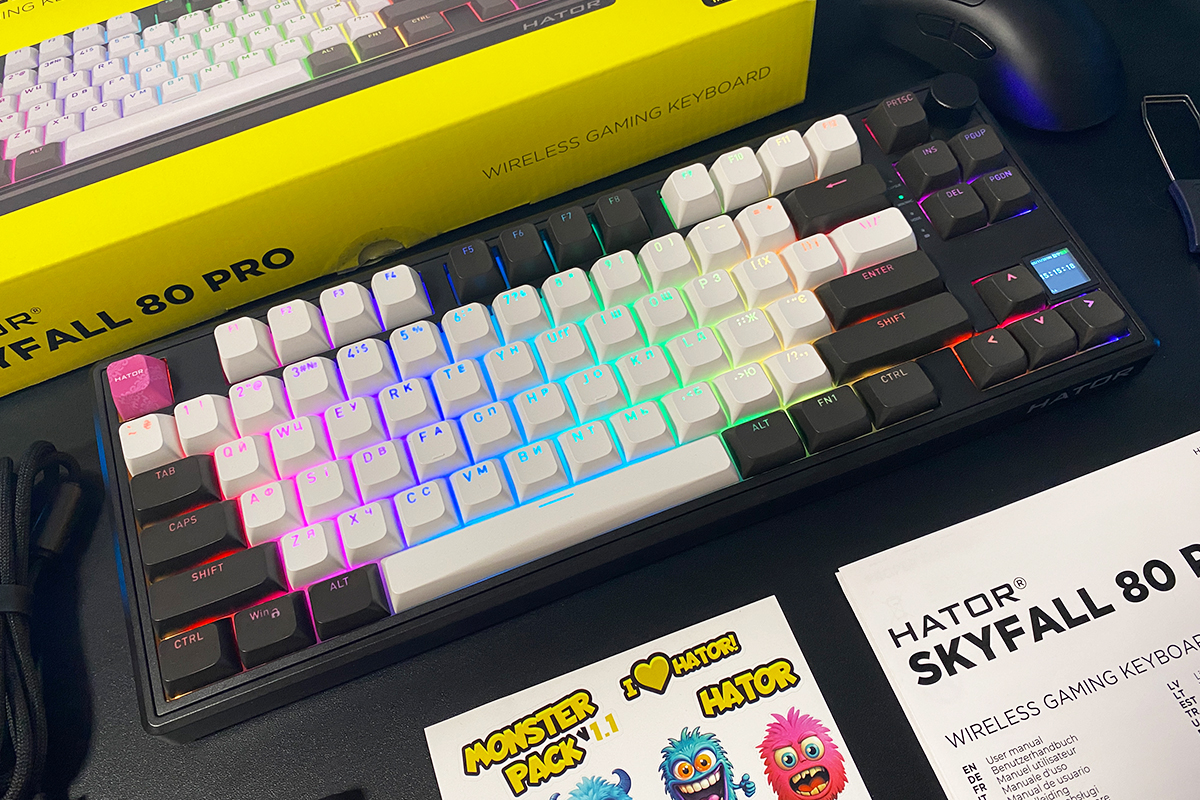
The design of the new Skyfall 80 Pro Wireless largely carries over from its predecessor. Visually, it is essentially the same keyboard, with the main differences being the integrated display in the new model and the white lower section on the previous version. Regarding color options, the Skyfall 80 Pro Wireless is currently available only in an all-black case.
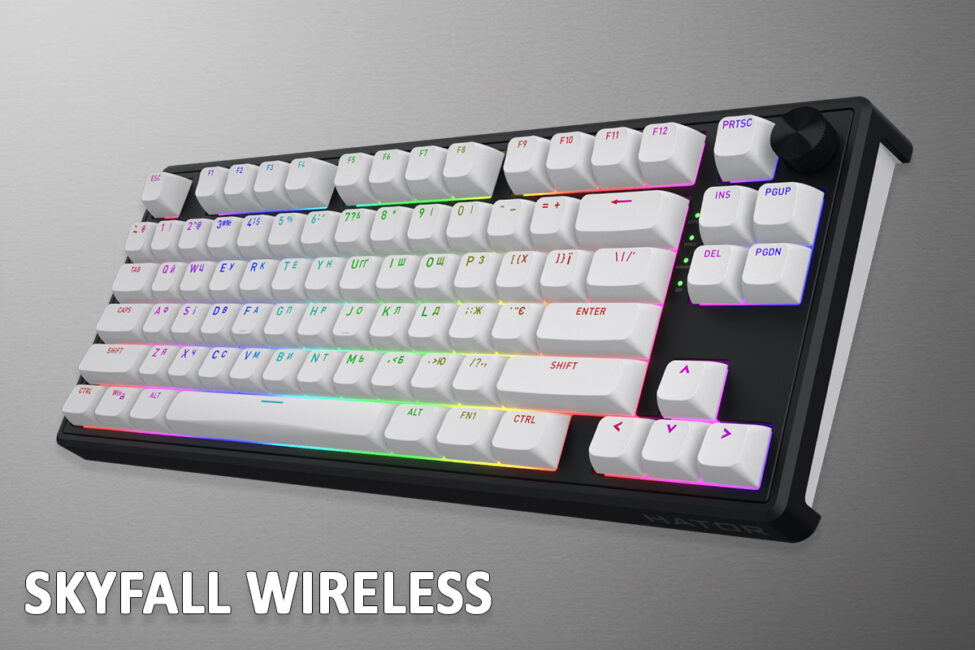
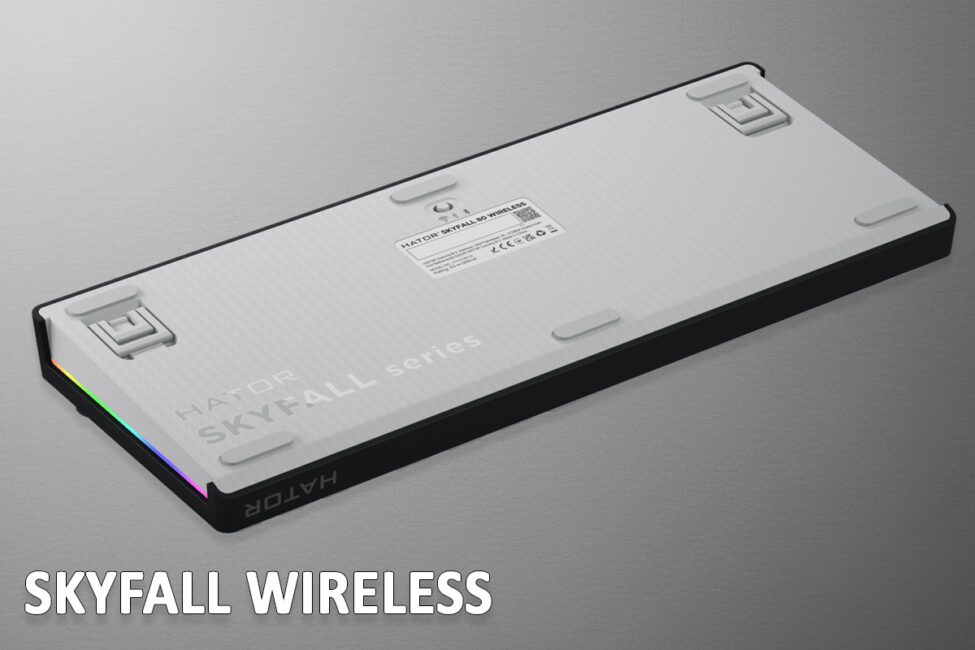
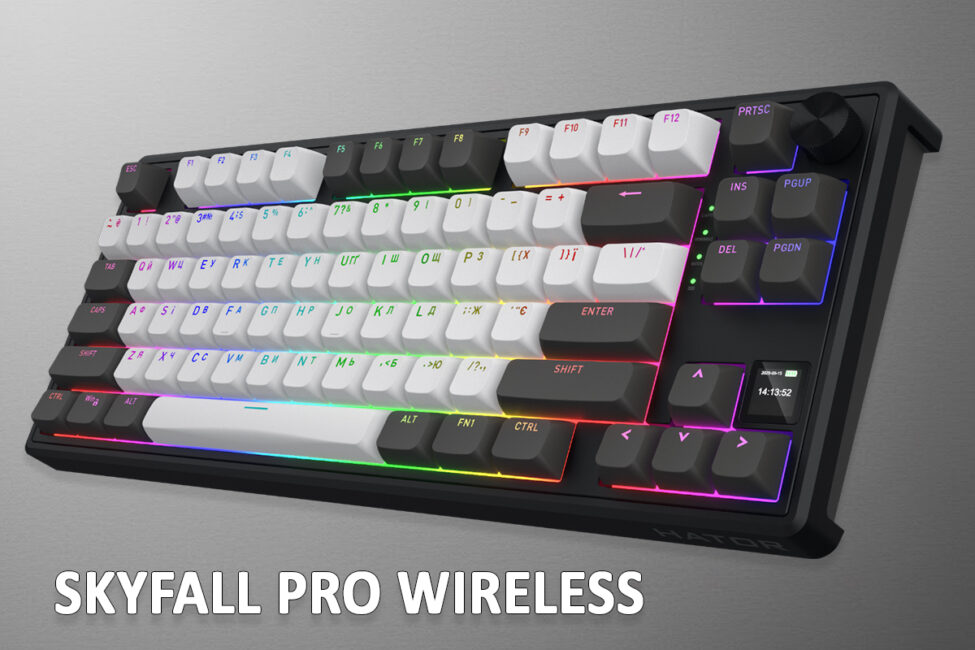
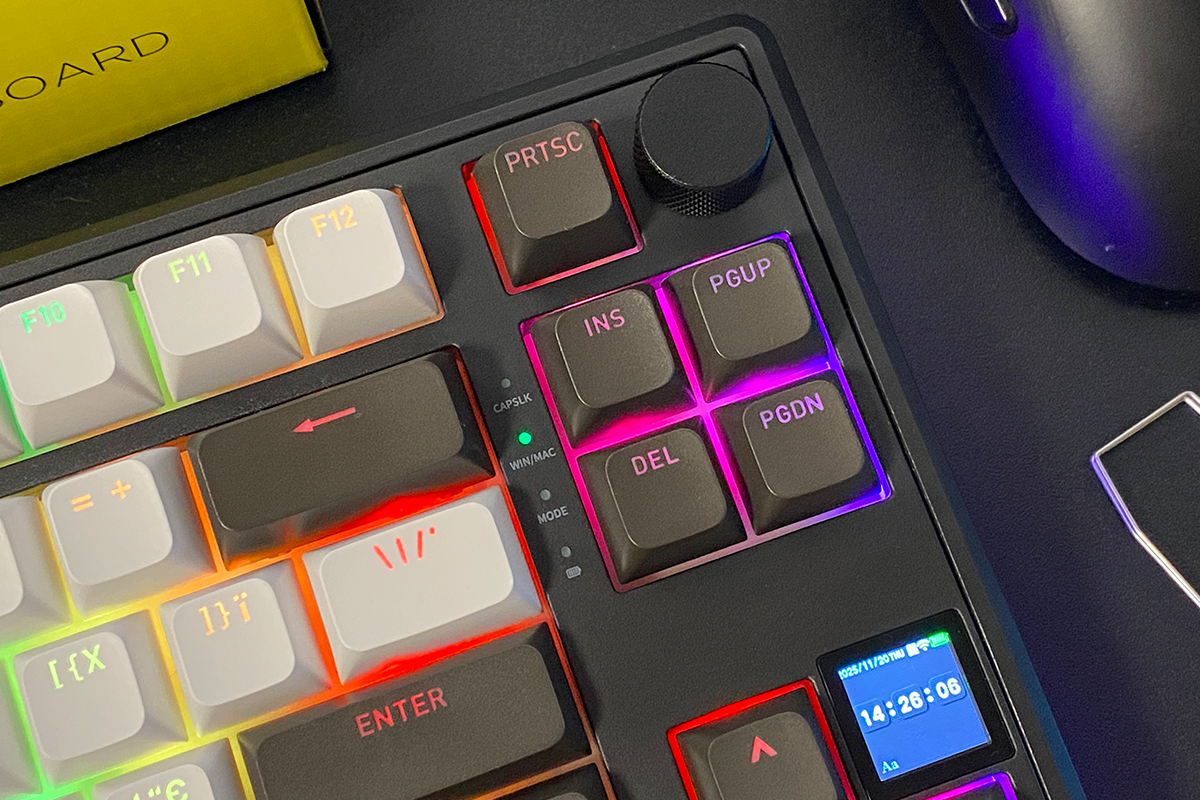
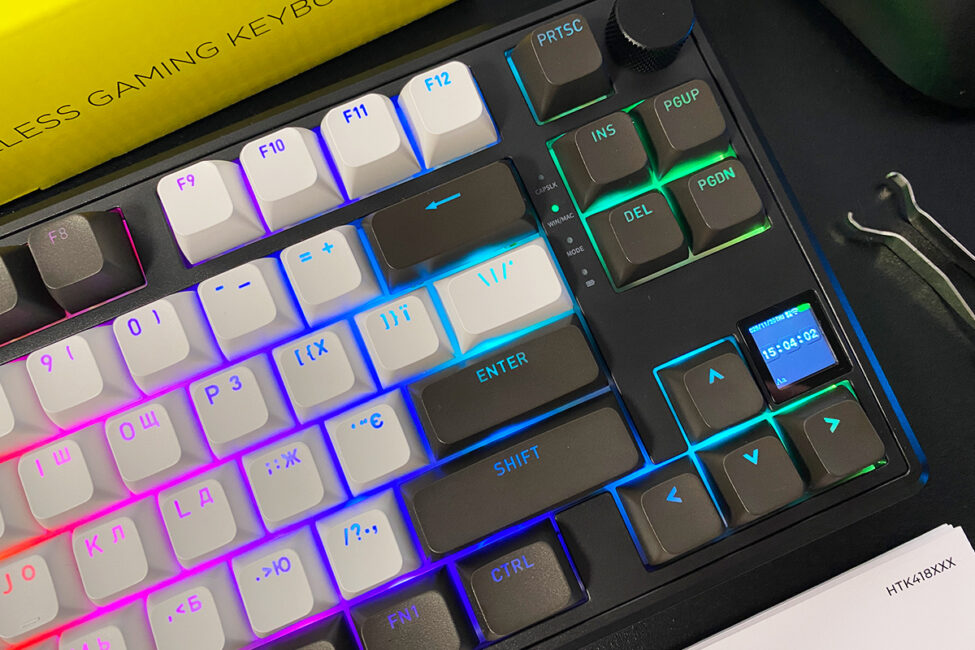
Like the previous Skyfall 80, the keyboard follows an 80% layout, also known as Tenkeyless (TKL), and comes with a standard ANSI (QWERTY) key arrangement. The model does not include a numeric keypad (Numpad), but the arrow keys and essential function keys – Del, Insert, PrtSc, PgUp, and PgDn – are retained.
It’s worth noting the placement of the Del key – positioned above the arrow keys rather than at the very top, as is often the case on other 75% and 80% keyboards. Personally, I use this key quite frequently, and on the Skyfall 80 Pro Wireless, its location is very convenient.
The dimensions and weight of the new model remain unchanged from the previous Skyfall 80: 354 × 140 × 43 mm and 970 g. For context, the keyboard is only about 30 mm larger on average than a typical 75% model. As a result, the Skyfall 80 Pro Wireless is also a suitable option for those who prefer 75% layouts. Personally, I find both 75% and 80% (TKL) formats to be optimal for gaming and work, while keeping desk space usage minimal.
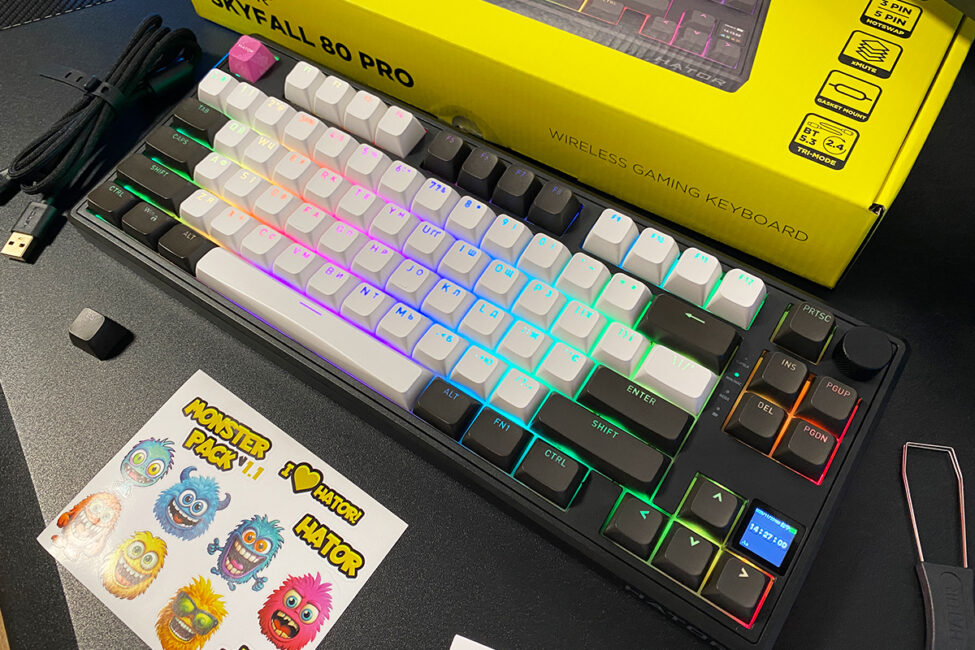
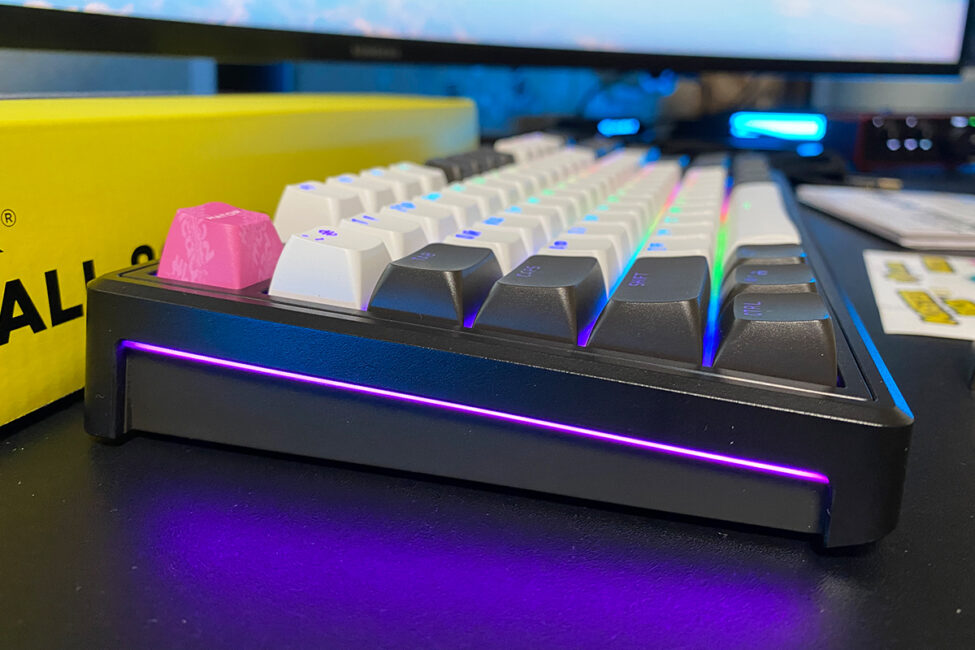
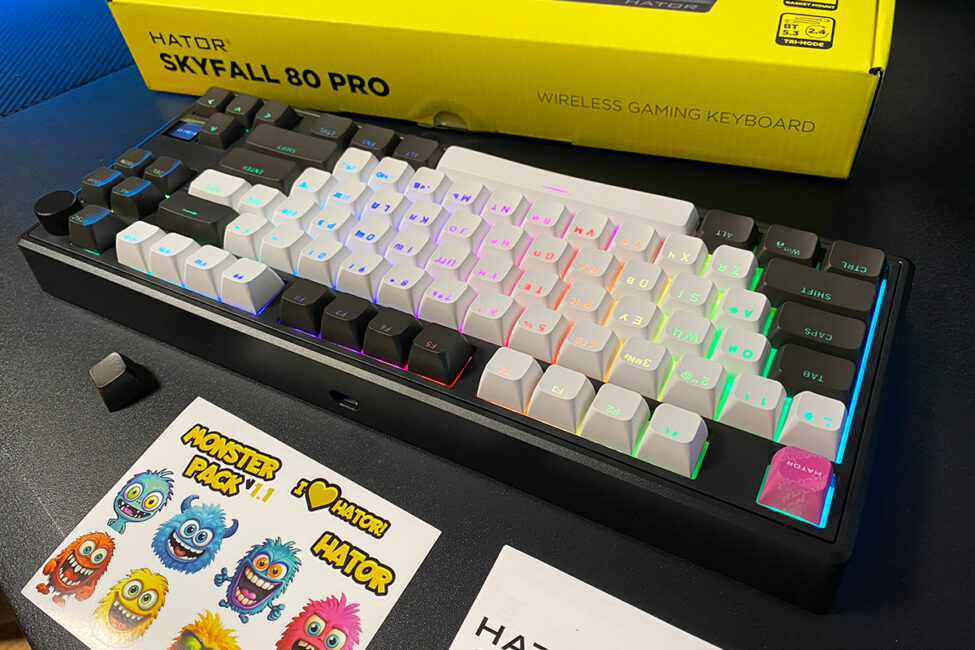
As mentioned, the keyboard has a height of 43 mm, which is a standard profile – not too tall nor too low. The tilt angle is also well balanced, making the keyboard comfortable to use even without deploying the feet.
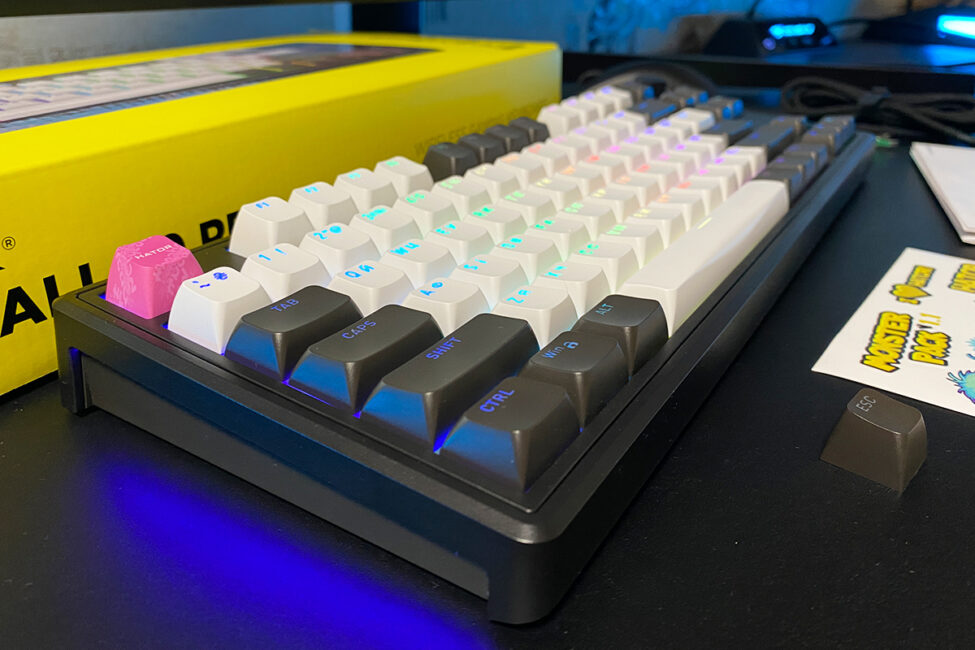
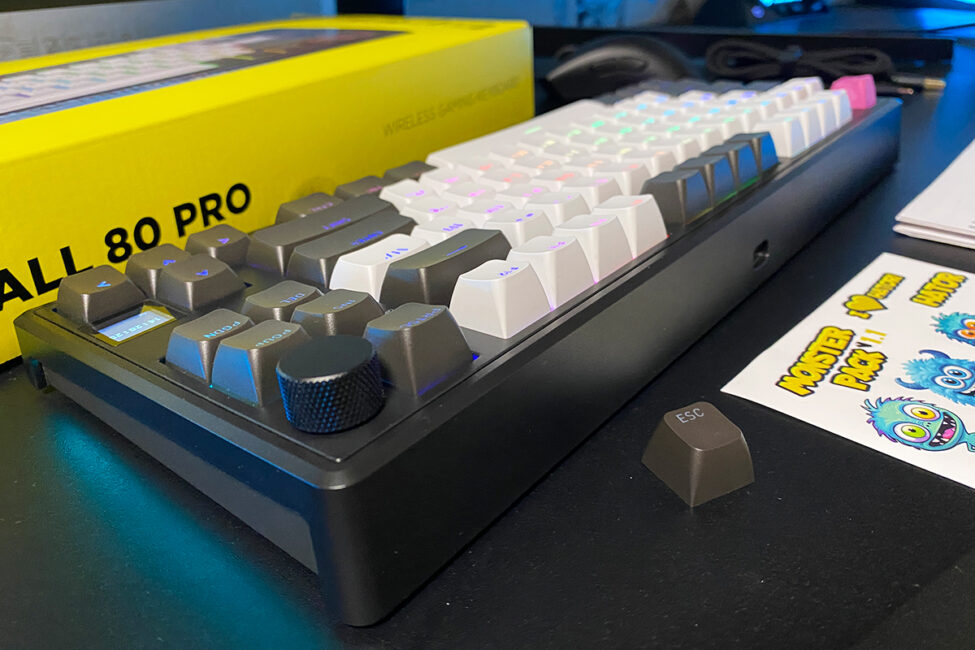
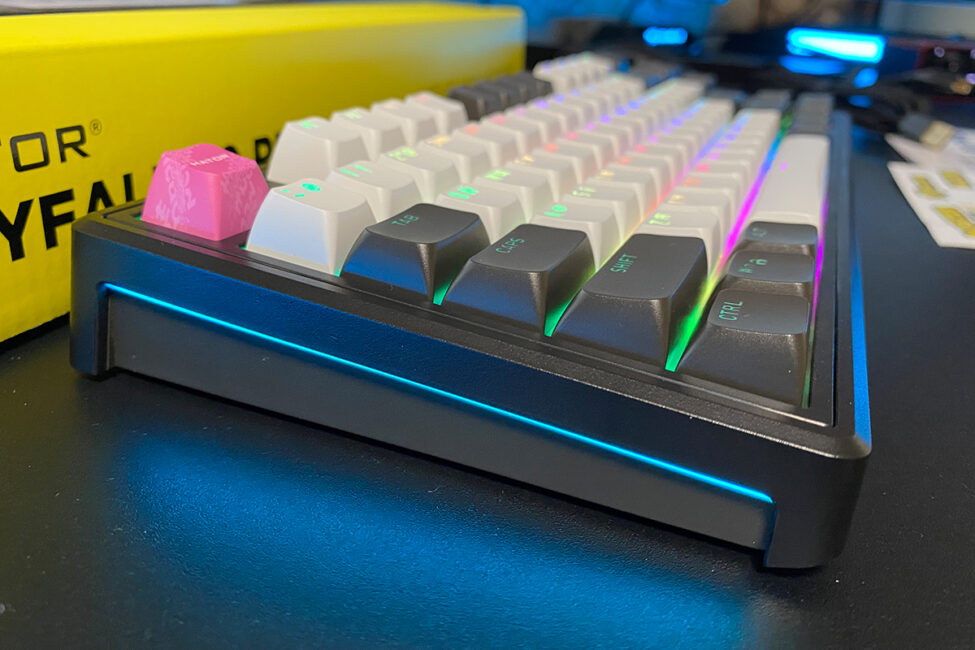
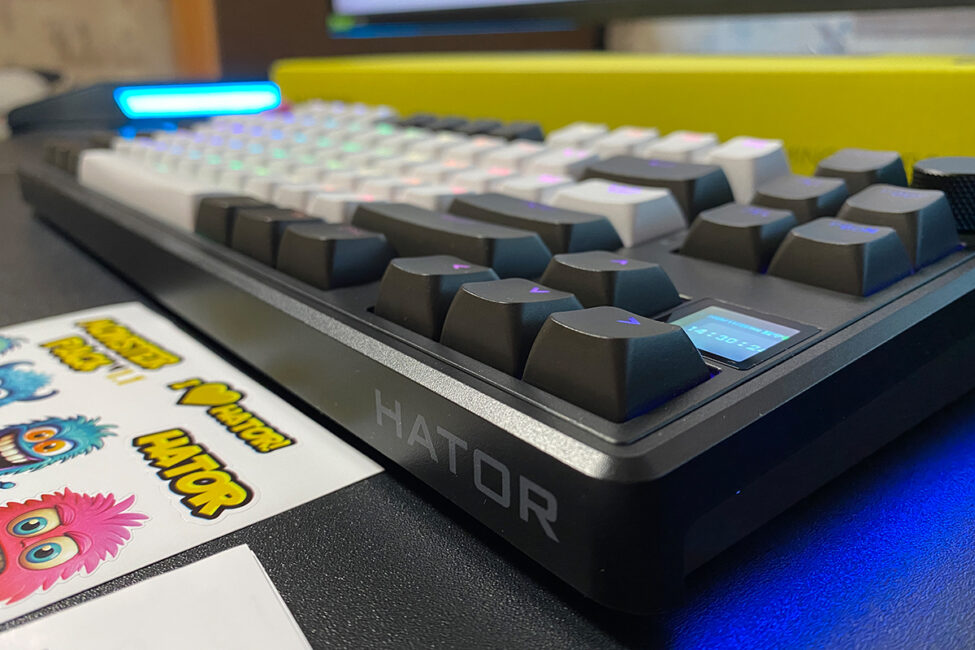
The case, like the previous model, is made of plastic – high-quality, matte, and pleasant to the touch. It shows no signs of creaking, flexing, or twisting. While it’s not metal, the overall construction is solid and presents a respectable appearance.
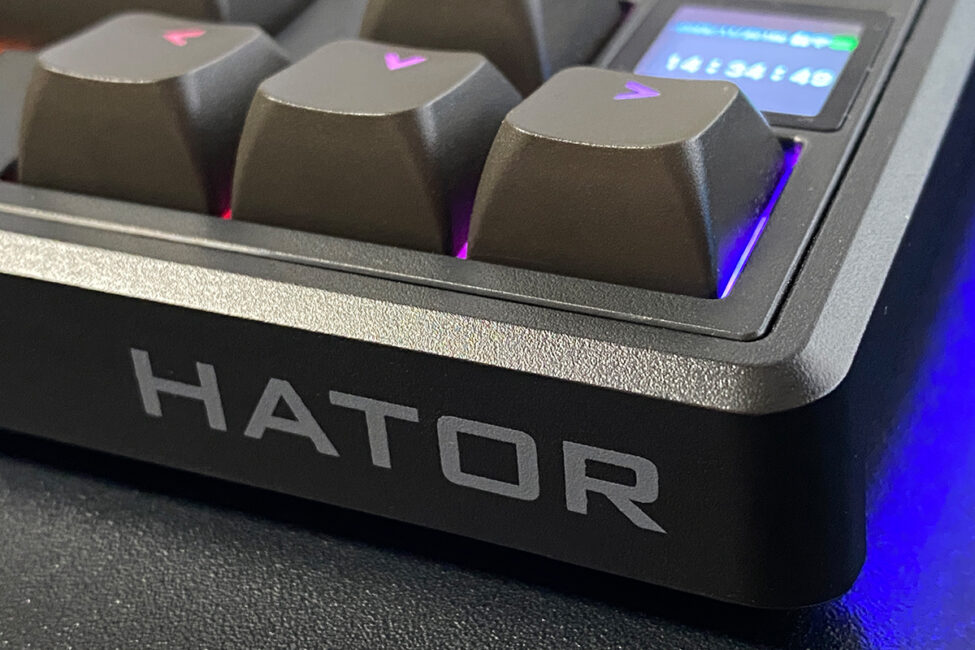
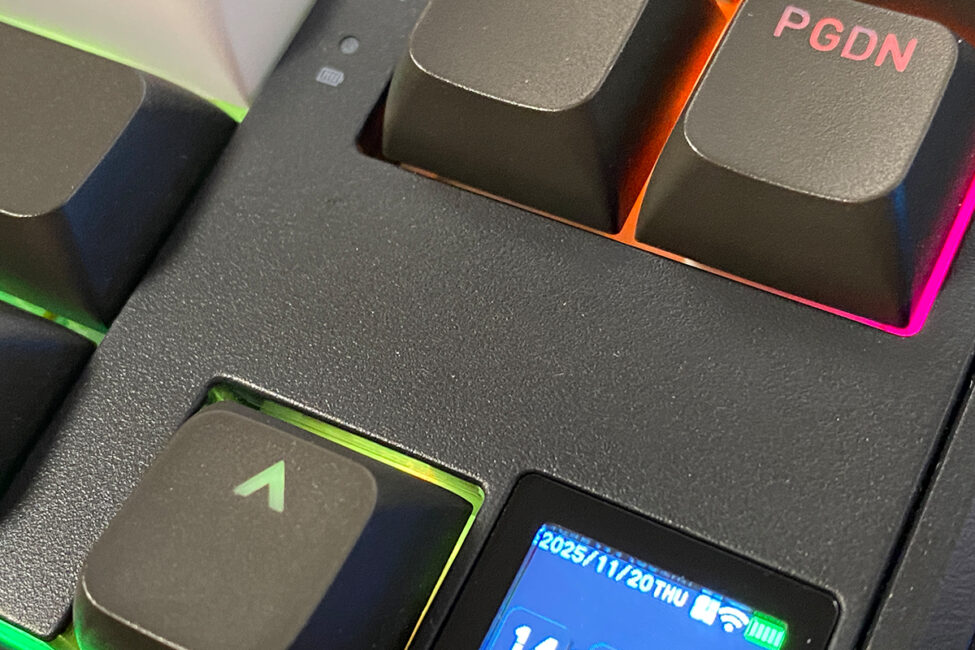
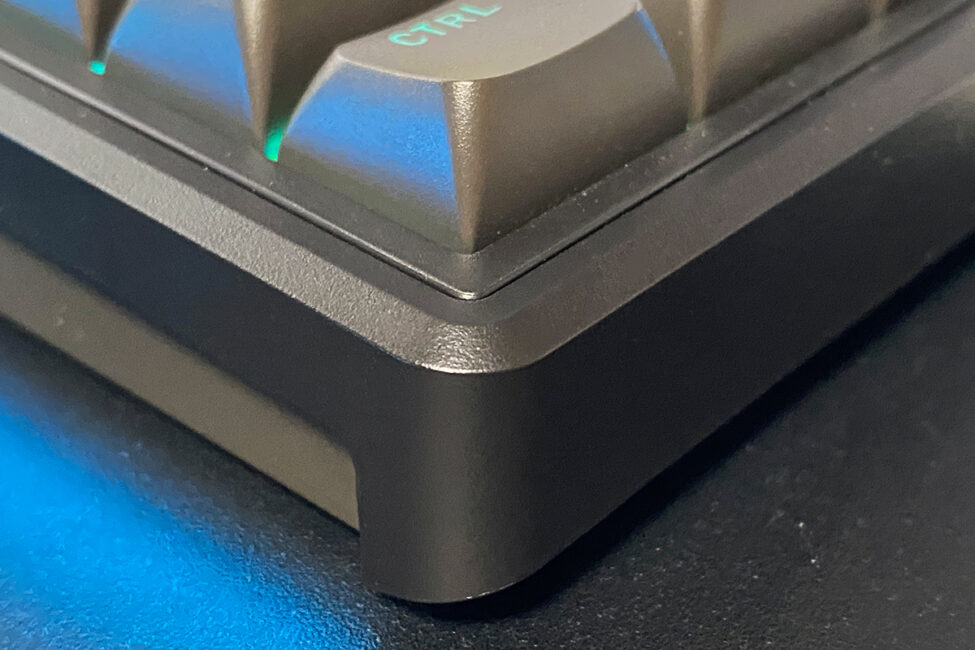
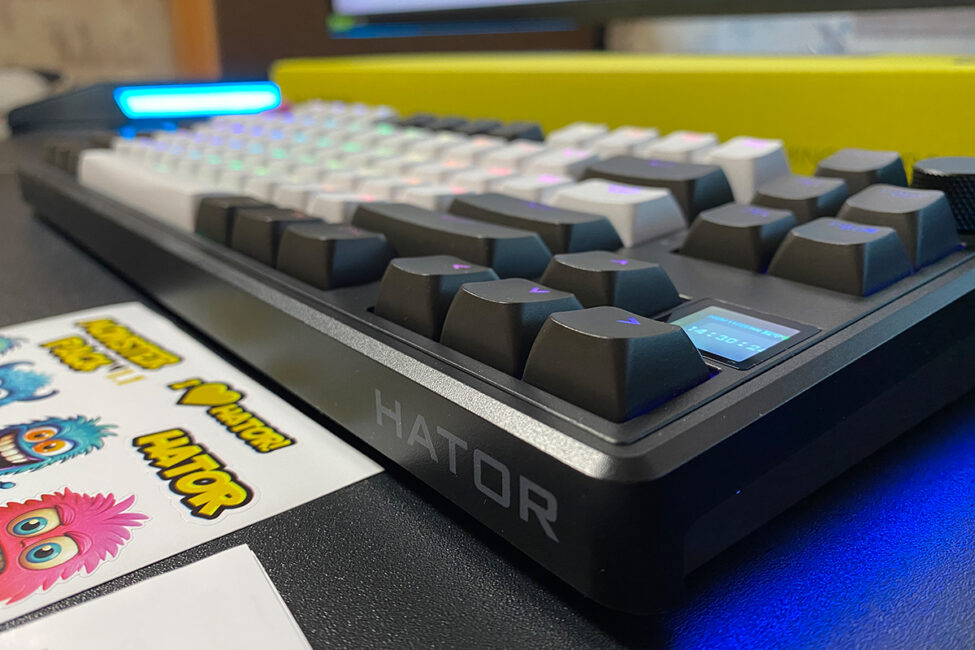
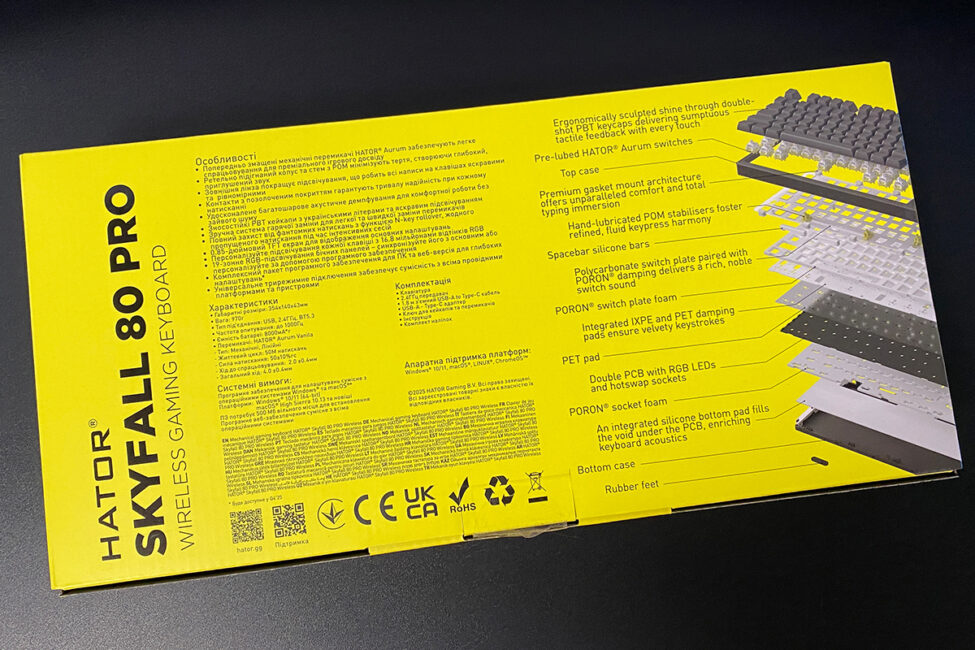
The internal design of the model remains unchanged – the keyboard uses a Gasket Mount architecture with a full set of noise-dampening pads and cushioning layers to provide a softer, quieter, and more comfortable typing experience. Typing on the Skyfall 80 Pro Wireless is notably pleasant, and paired with the new silent switches, the experience is particularly refined. HATOR also provides a demonstration video that details the keyboard’s internal structure.
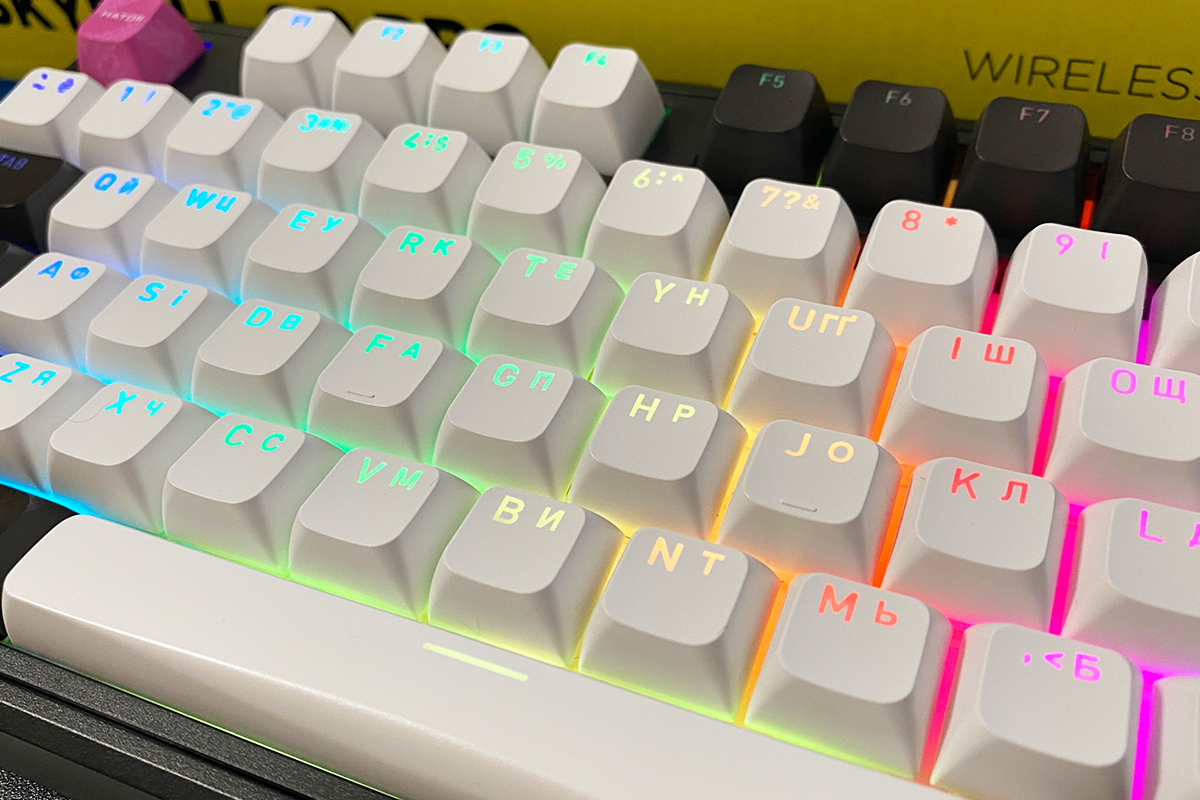
Like the previous model, the keyboard comes with double-shot keycaps in an OMA profile, featuring backlit English and Ukrainian legends. Unlike its predecessor, the Skyfall 80 Pro Wireless uses PBT plastic rather than ABS. It goes without saying that PBT is generally more durable, long-lasting, and offers a more pleasant tactile feel.
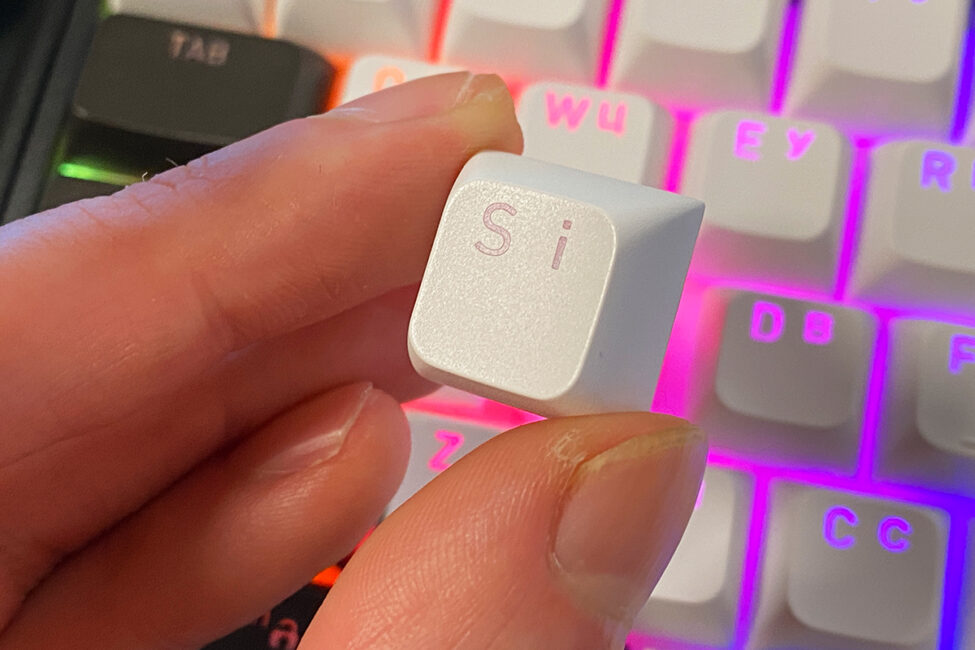
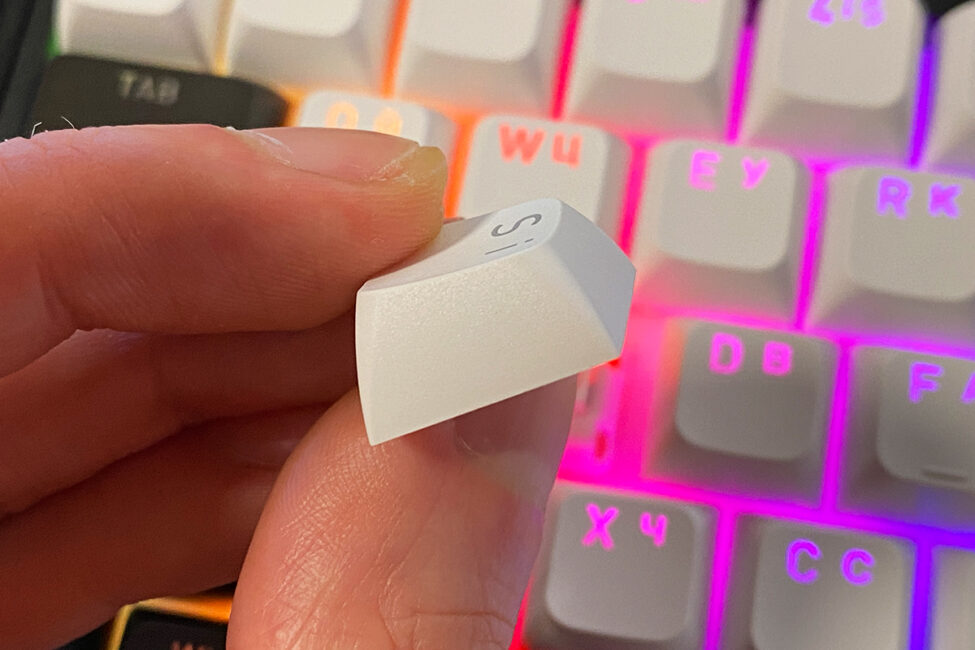
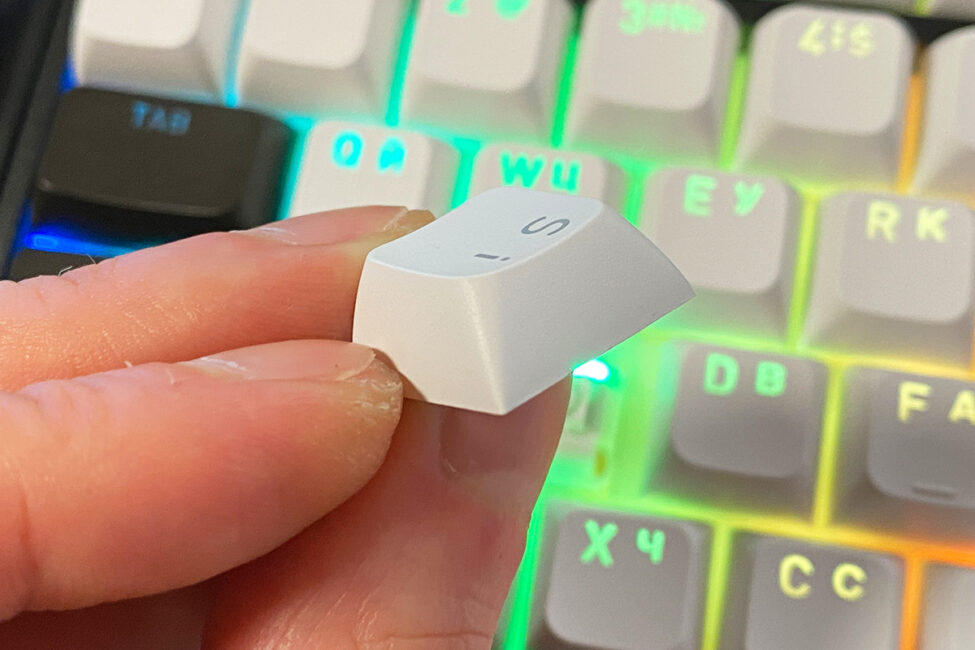
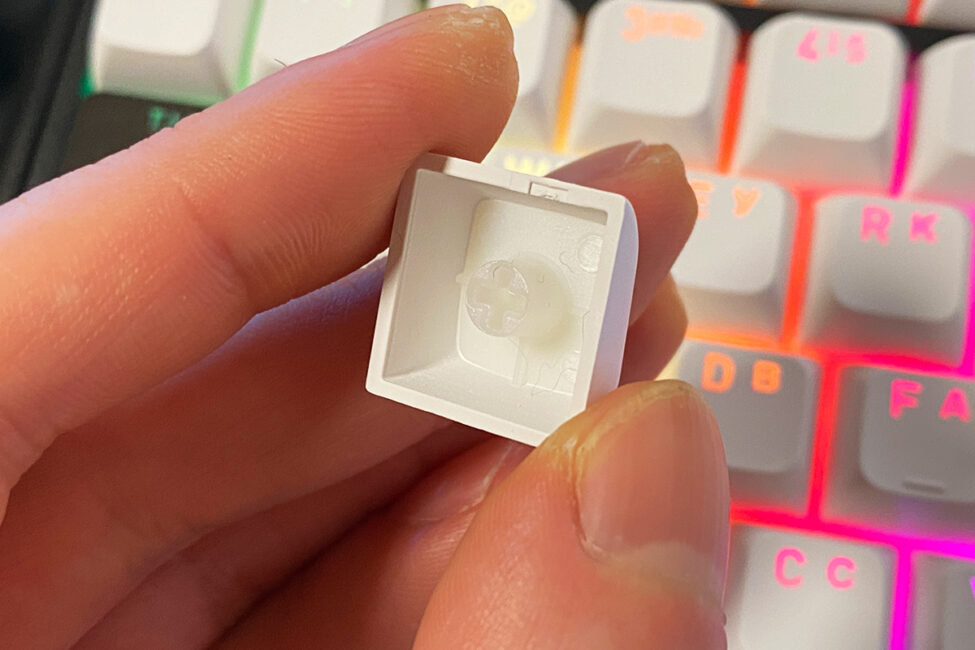
For those unfamiliar with the OMA keycap profile, here’s a brief explanation. OMA is a modern profile designed as a smoother and more comfortable alternative to traditional Cherry and OEM profiles. Essentially, it’s a hybrid: taller than Cherry but shorter than OEM, which provides a softer keystroke and more consistent feel across rows. As a result, typing on OMA keycaps feels more comfortable and sounds richer than on standard profiles. The OMA profile is also versatile, suitable for both extended typing sessions and gaming. A visual comparison between Cherry and OMA is shown in the photo below.
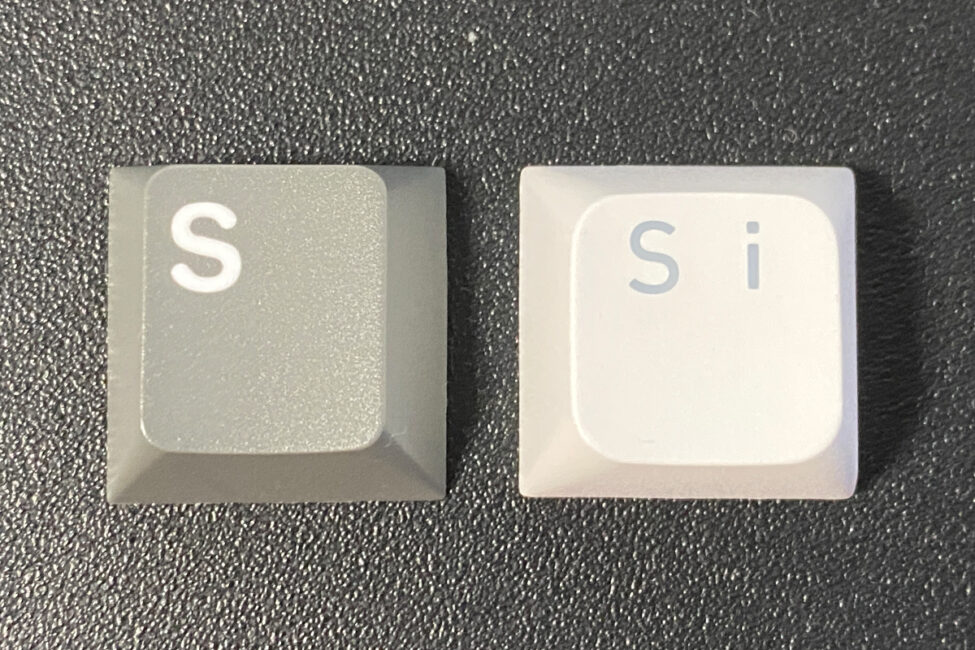
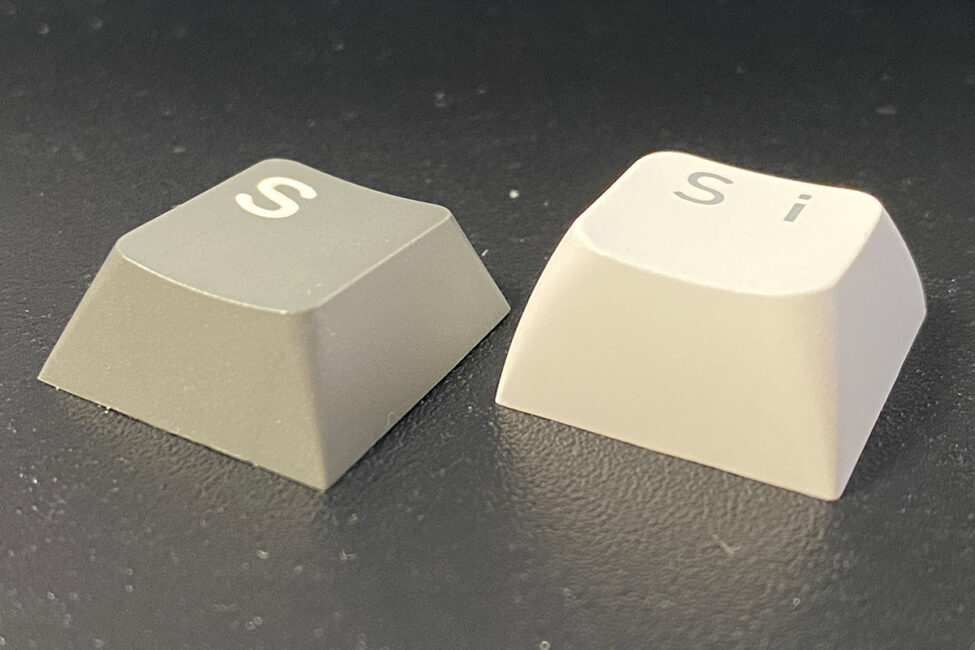
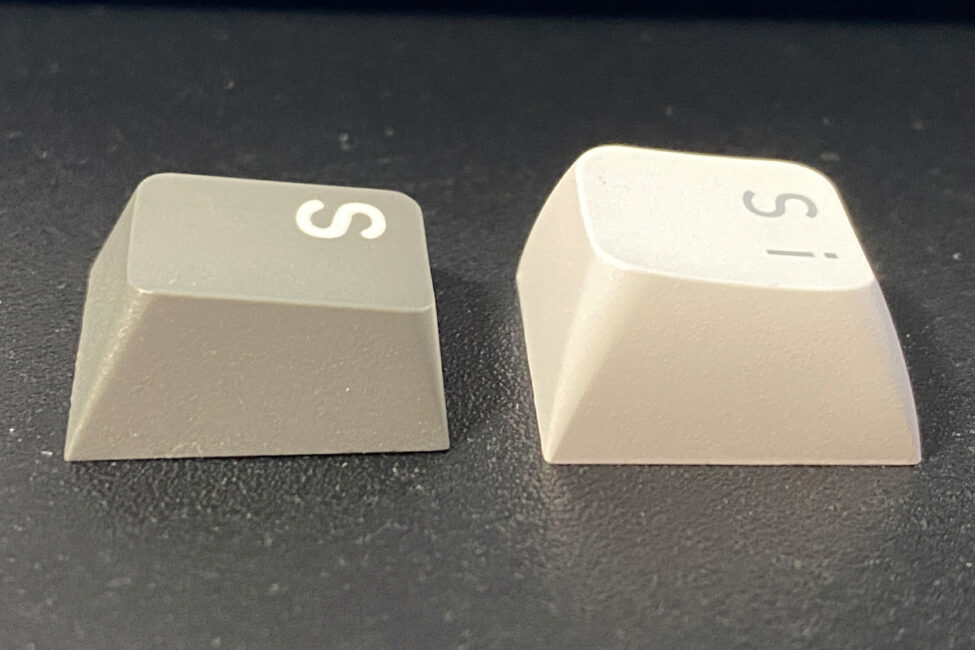
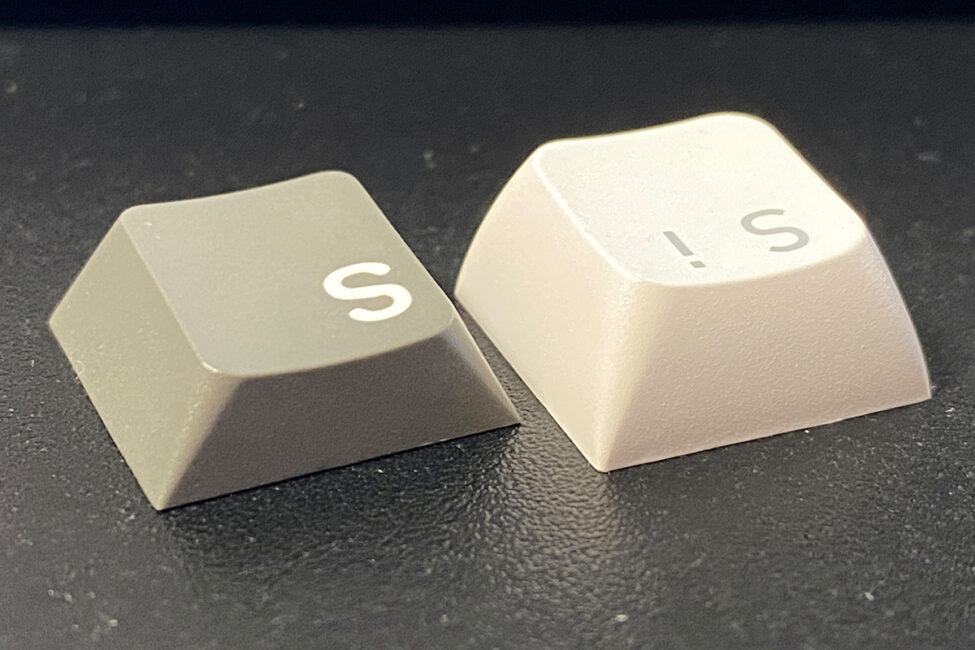
Personally, I found the keycaps very appealing and immediately checked whether they could be purchased separately. The PBT plastic is high-quality and pleasant to the touch. The profile feels familiar and comfortable, yet has a distinct character. Combined with the unique typing experience, these keycaps contribute to a noticeably different overall feel for the keyboard.
Regarding availability, unfortunately, they are not sold separately at this time. According to HATOR, there were plans to offer them as standalone accessories, but for now, they are only available bundled with Skyfall keyboards.
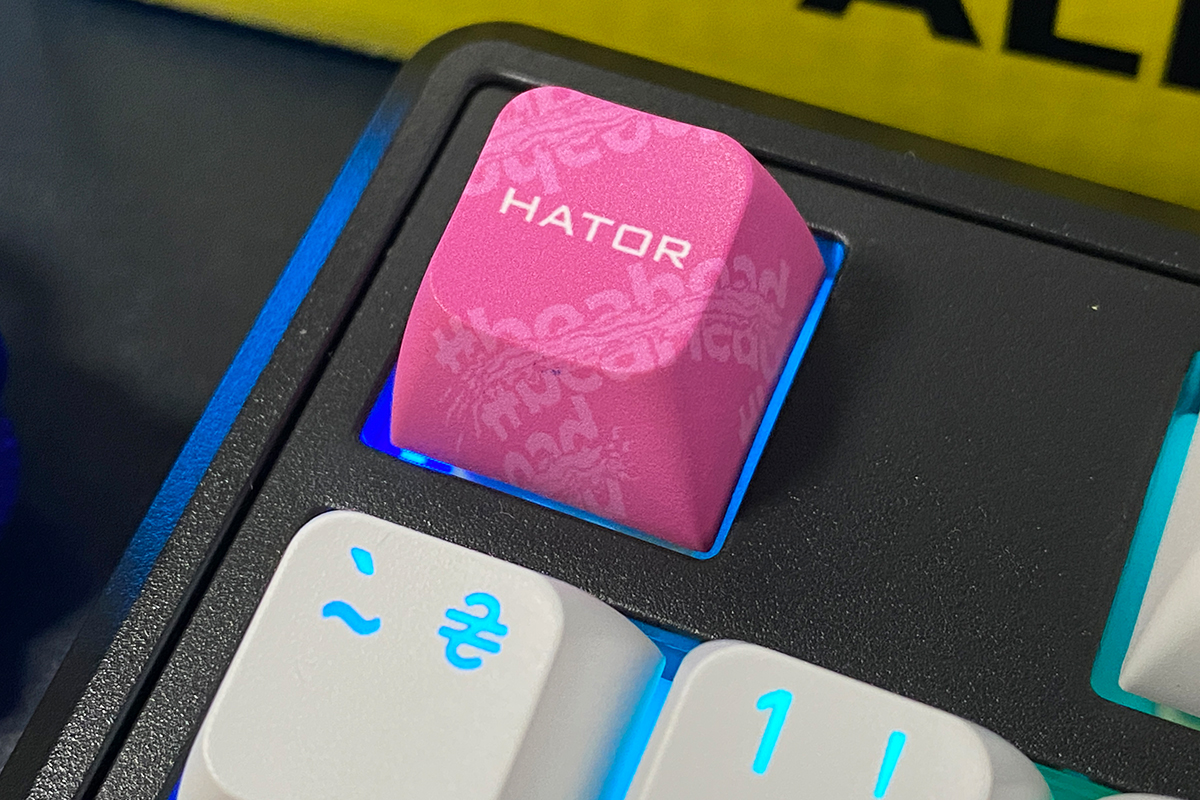
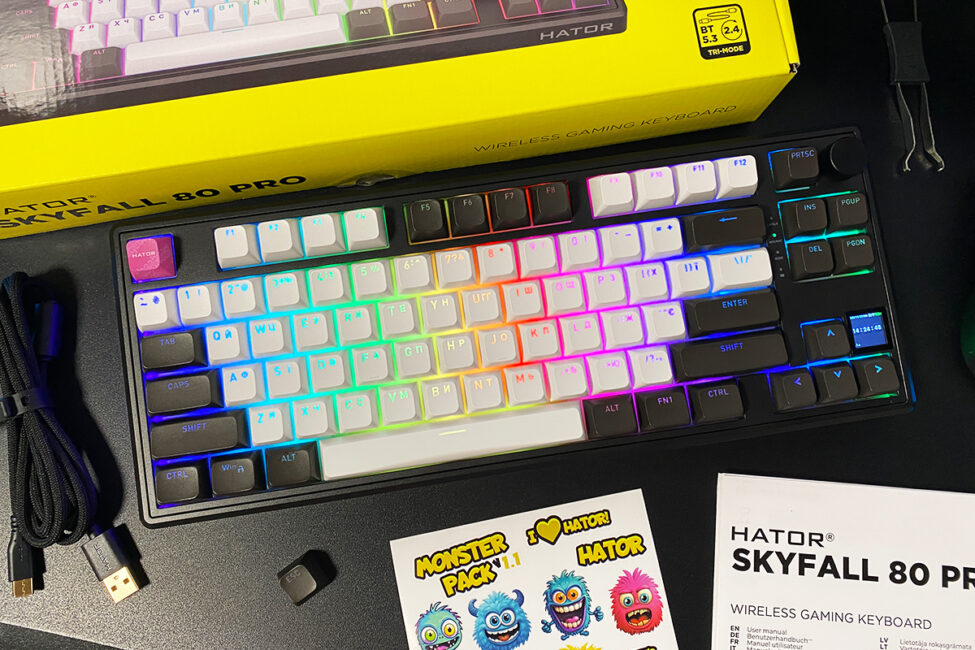
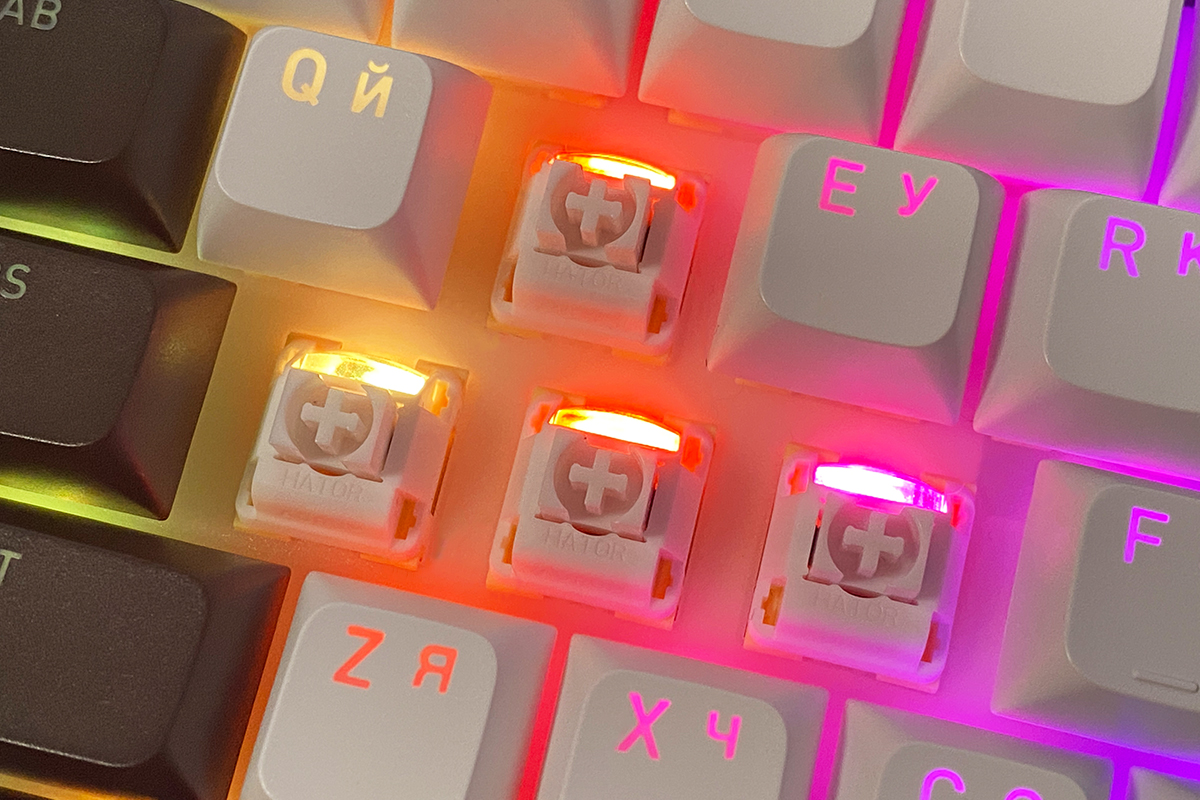
The keys feature full RGB lighting, implemented with top-mounted LEDs. The lighting is vivid, even, and smooth, offering a wide range of effects and customization options through the official software.
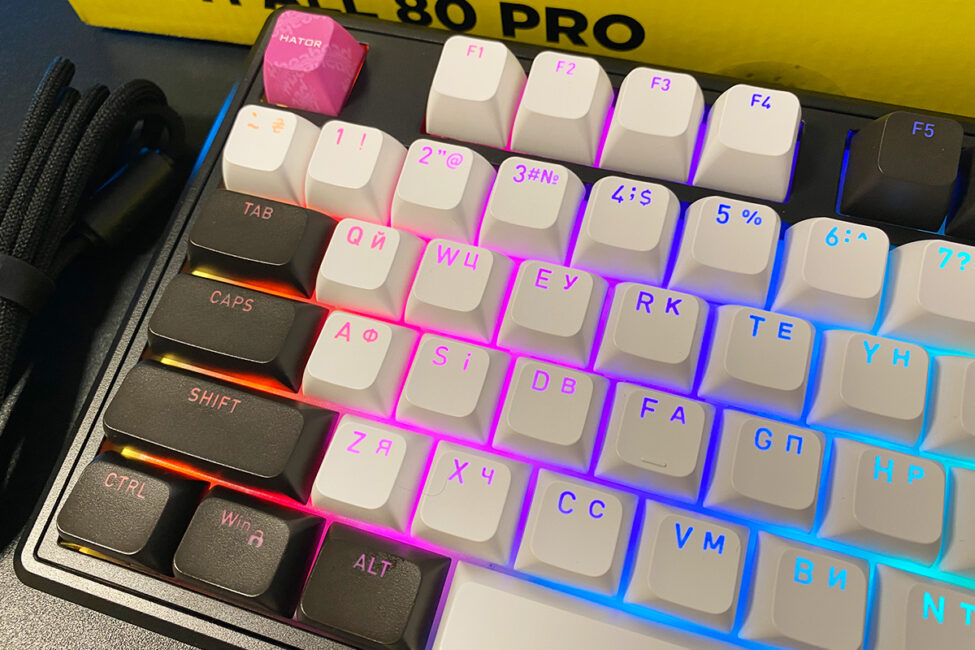
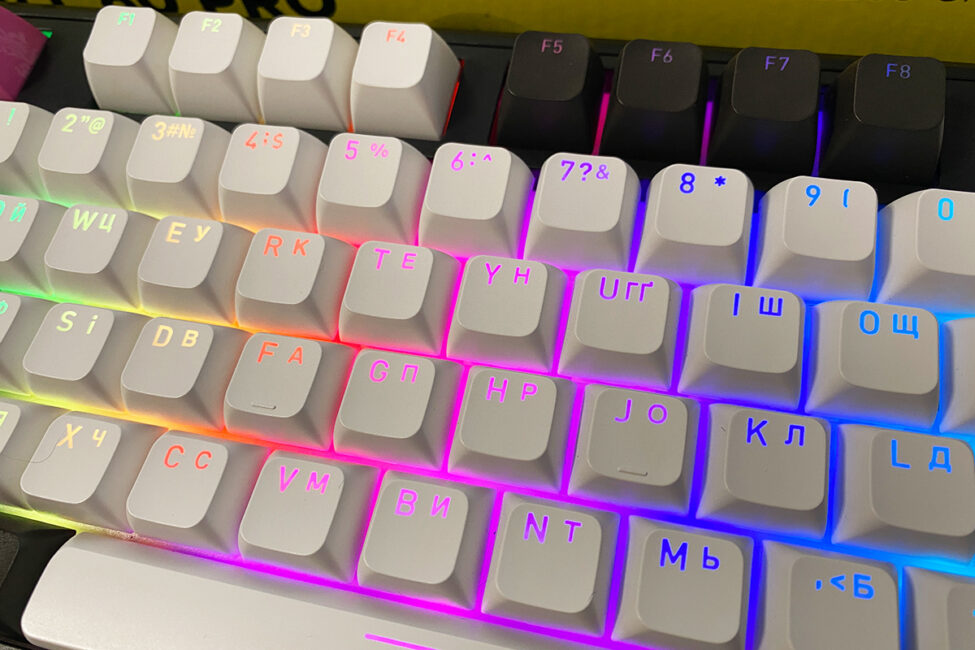
The switches even include dedicated diffusers to help distribute the keycap lighting more evenly.
In addition to the key lighting, the Skyfall 80 Pro Wireless, like its predecessor, features side-case illumination – thin light strips on both sides, neatly integrated into recessed areas of the chassis.
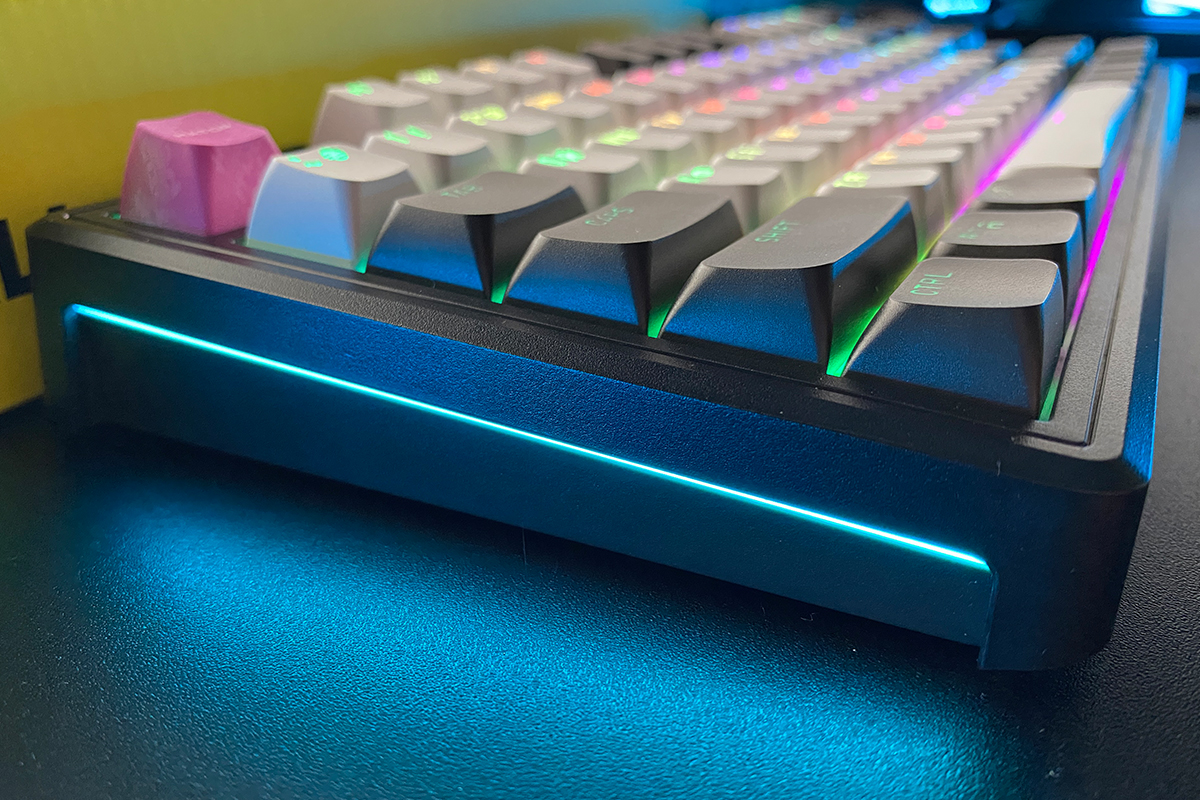
Honestly, I’m usually not a fan of side lighting on keyboards, as it often disrupts the overall design. However, the new Skyfall is an exception. The side lighting here matches the key lighting in terms of brightness, evenness, and smoothness. Most importantly, it is unobtrusive and neatly integrated into the chassis. Like the key lighting, it can also be customized through the official software.
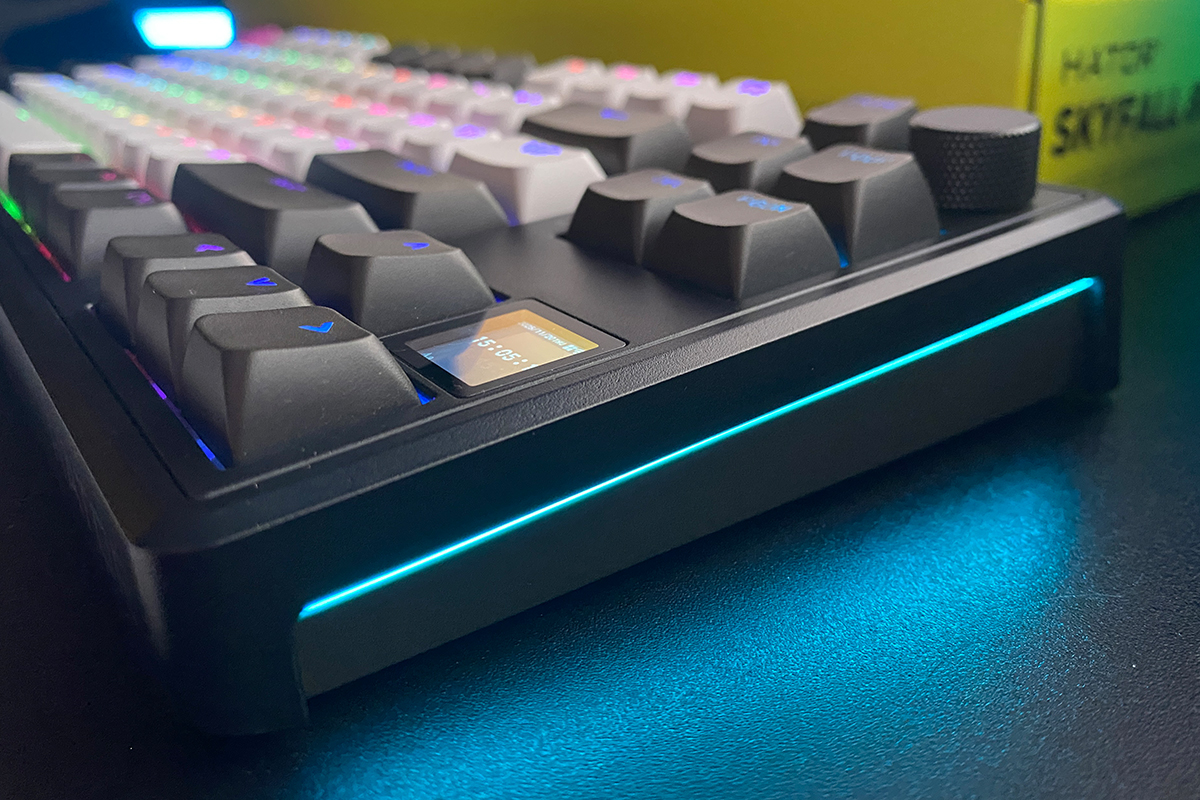
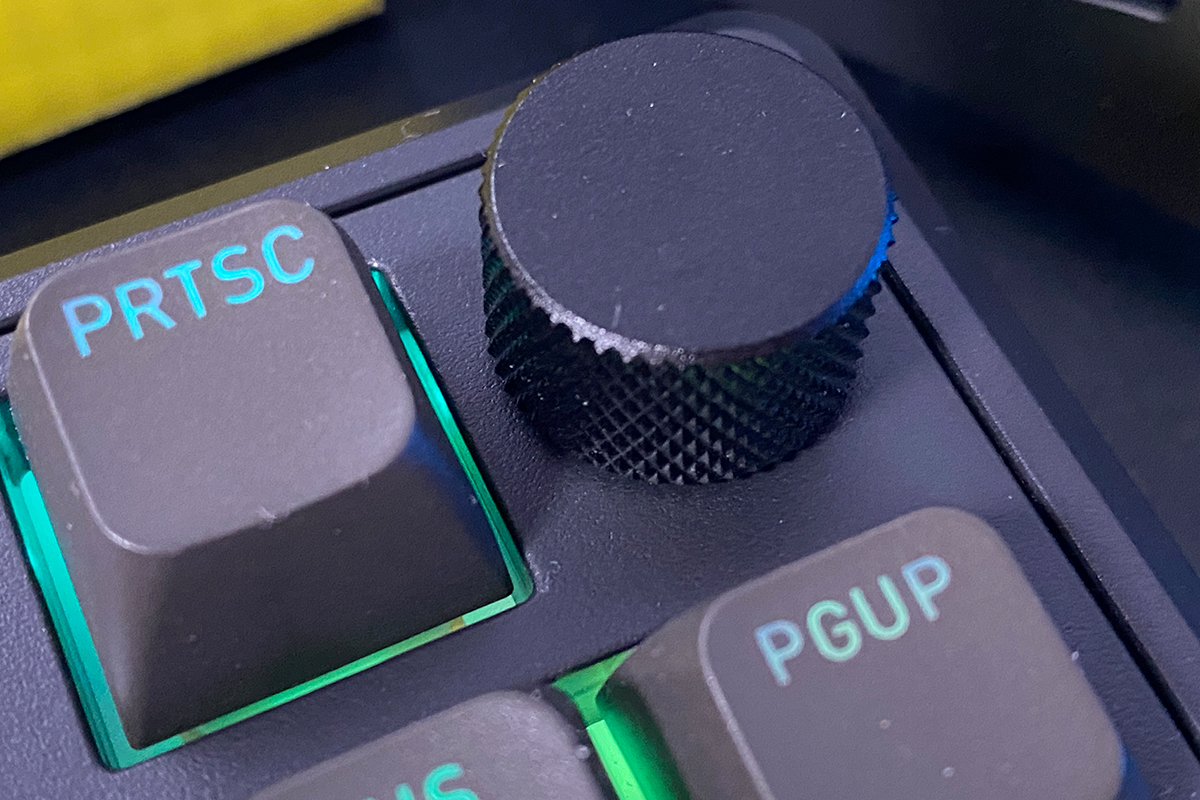
Like the previous model, the keyboard features a multifunctional roller (or knob) for adjustments. It can be used to control PC volume and navigate the menu on the built-in display. Modes are switched with a short simultaneous press of the FN key and the knob. The official software also allows assigning custom functions to the roller, making it a versatile and useful tool.
In terms of quality, the roller is well-made. Rotations are nearly silent, with distinct detents for each position. Pressing it inward is slightly louder, but this isn’t a significant issue. I use these rollers frequently for volume control and can confidently say that the roller on the Skyfall 80 Pro Wireless is convenient and reliable.


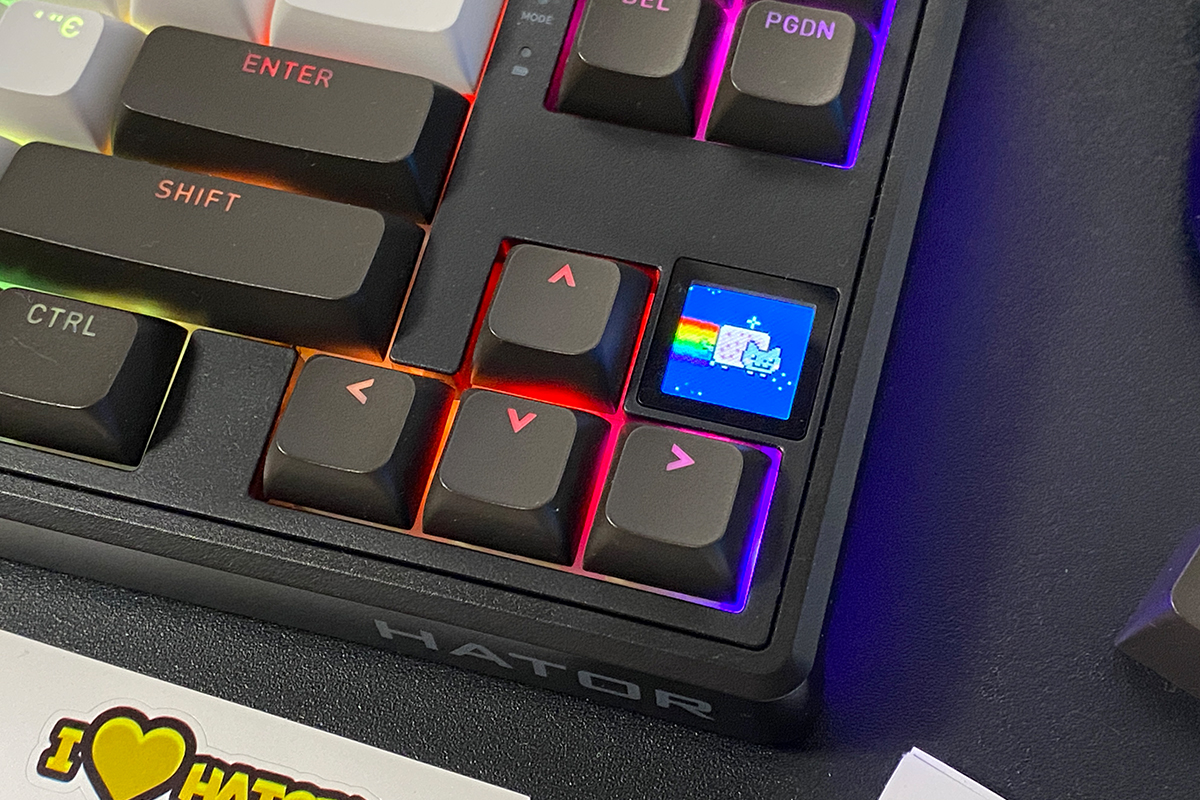
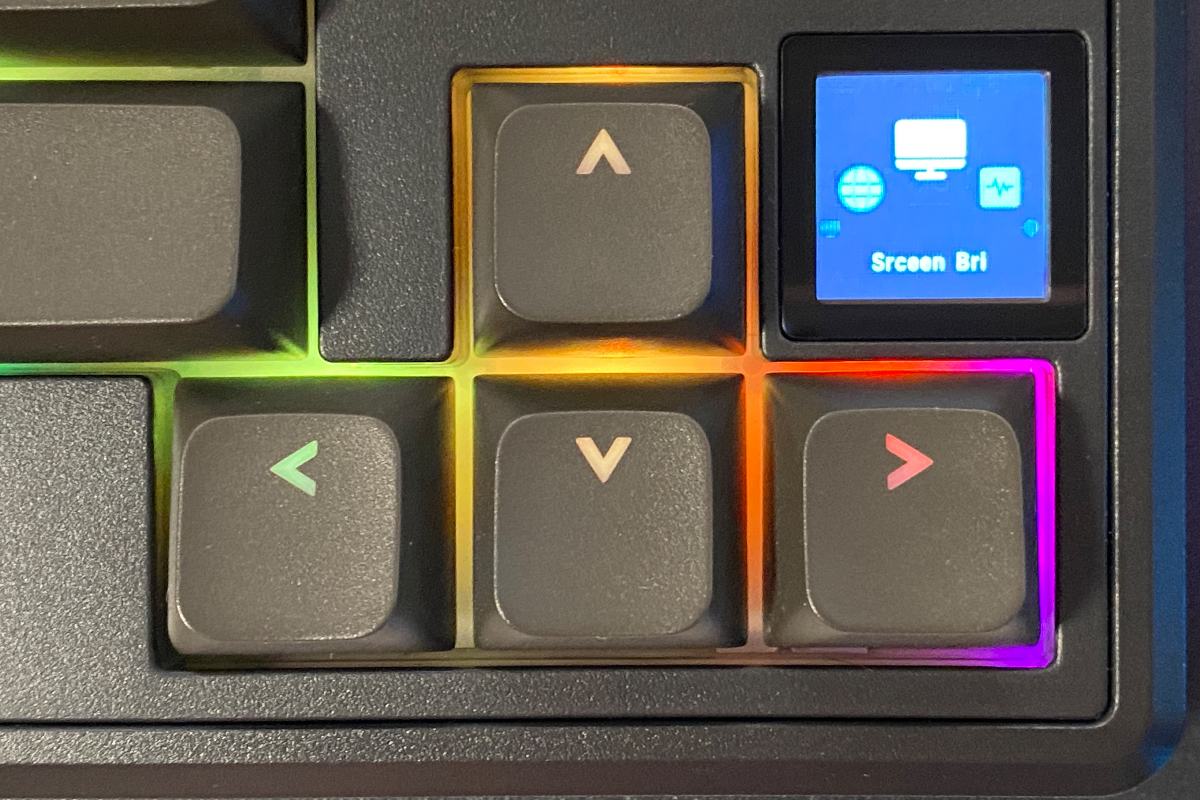
As mentioned, one of the main features of the new model is the 1.14-inch TFT display. It can be used to control the keyboard’s lighting and display custom images, GIFs, and various information. The display, its capabilities, and settings will be examined in detail in the next section, so for now, let’s move on.
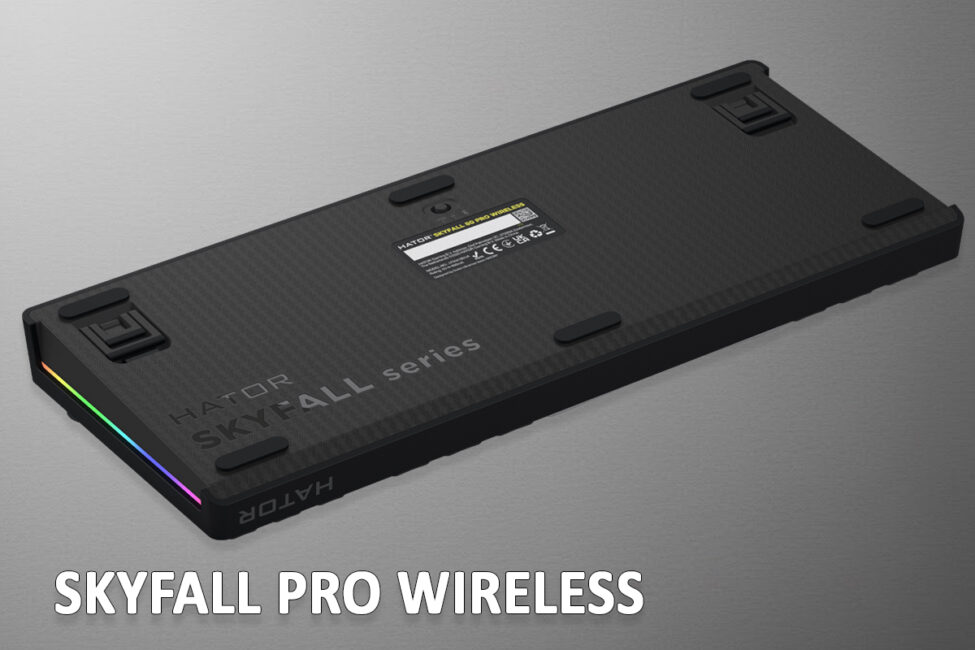
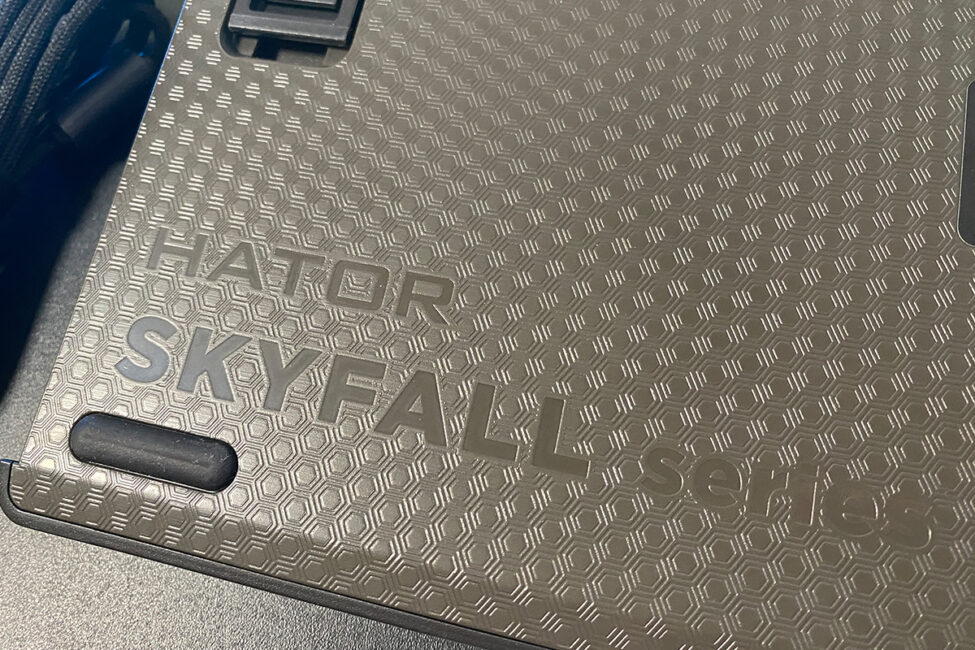
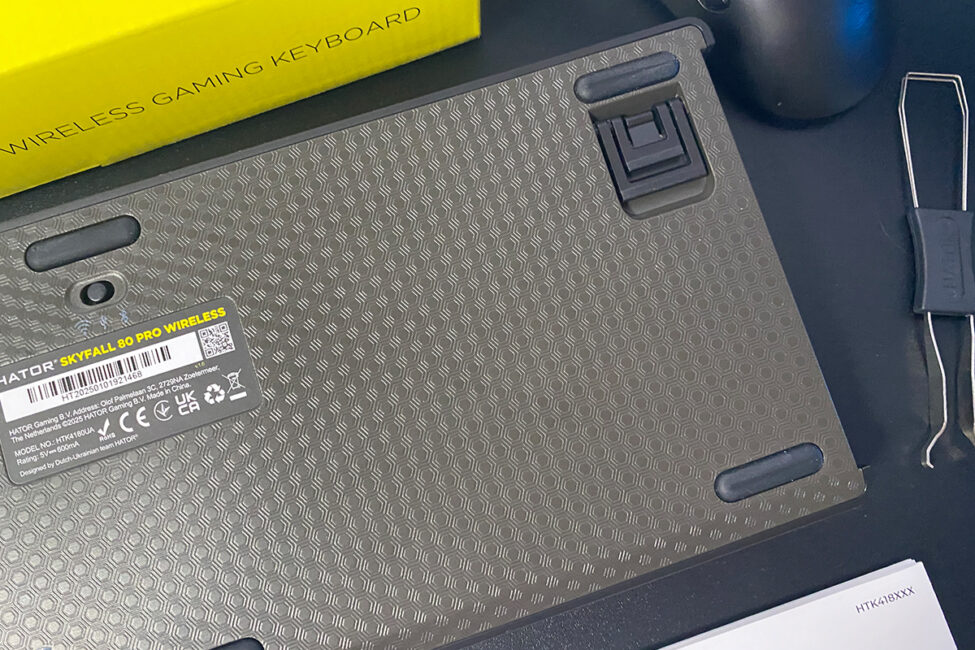
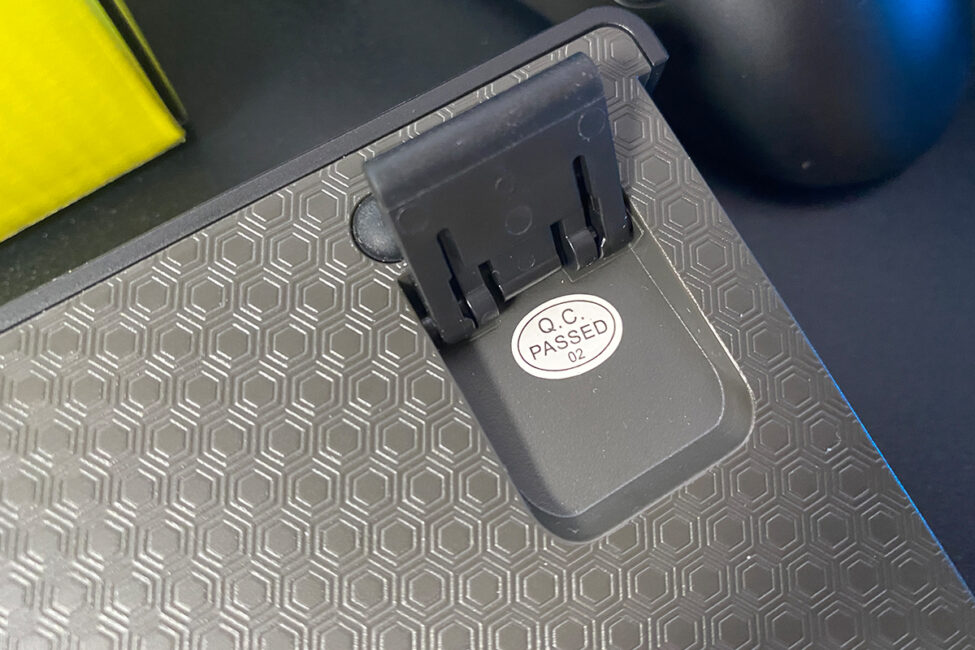
The bottom part of the keyboard, like the top case, is made of plastic. The surface features a textured pattern and six large rubber pads along the edges and in the center to improve stability on a desk. The connection mode switch – RF, USB, or BT – is also located here.
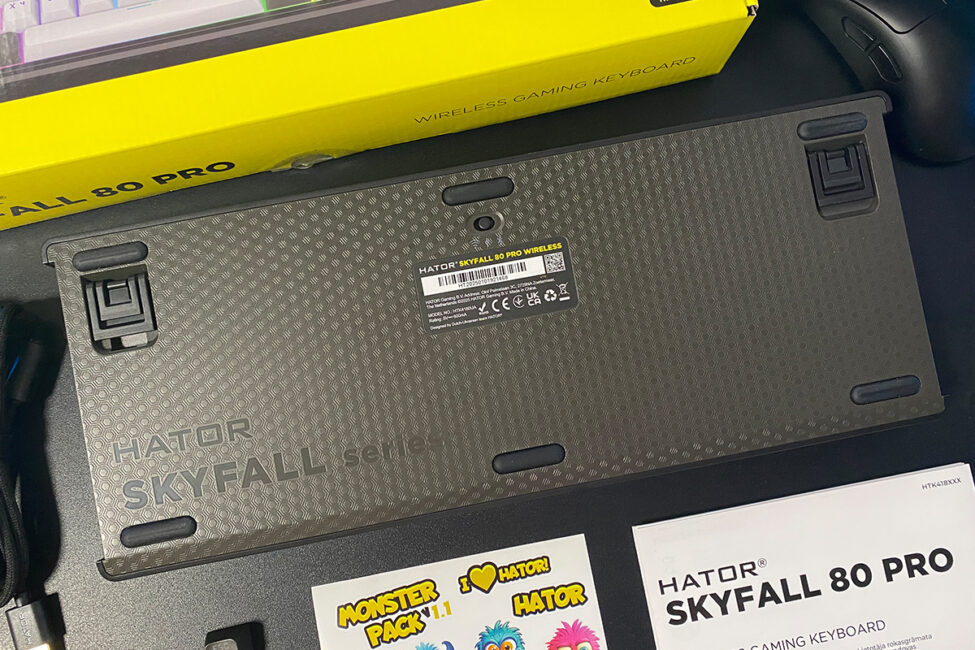
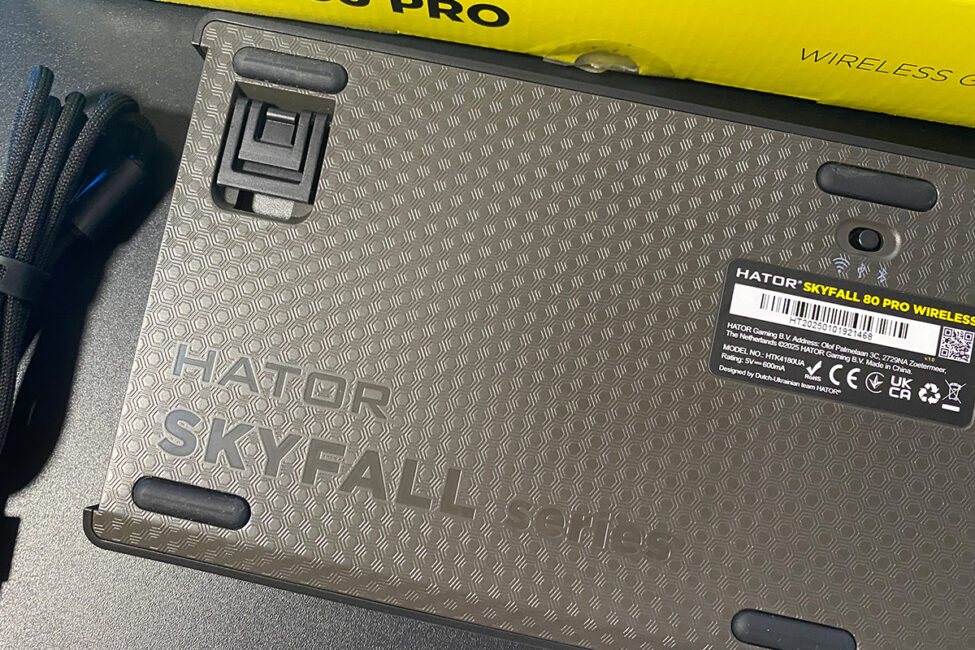
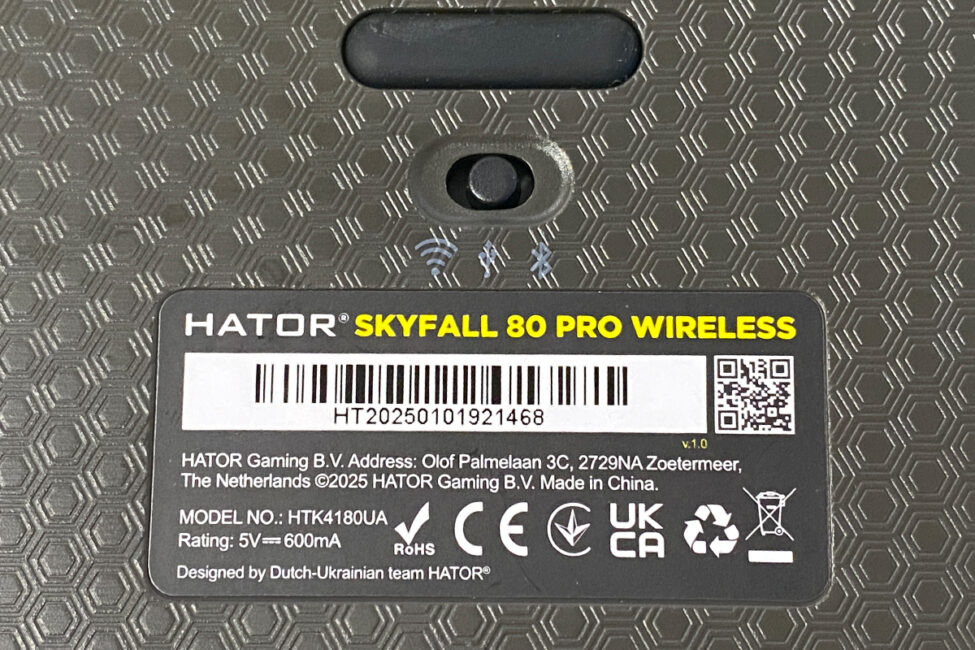
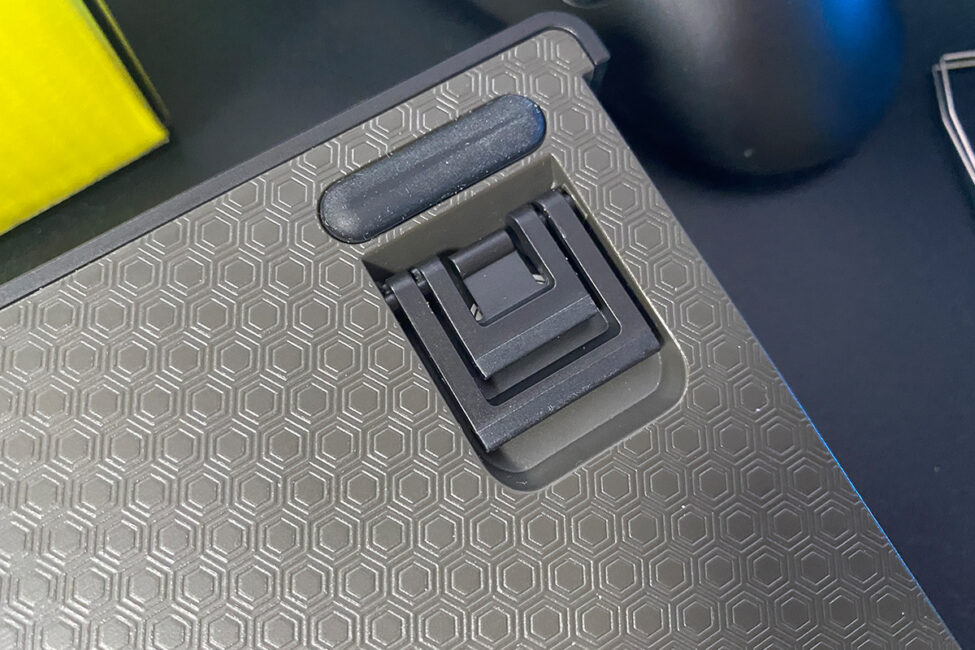
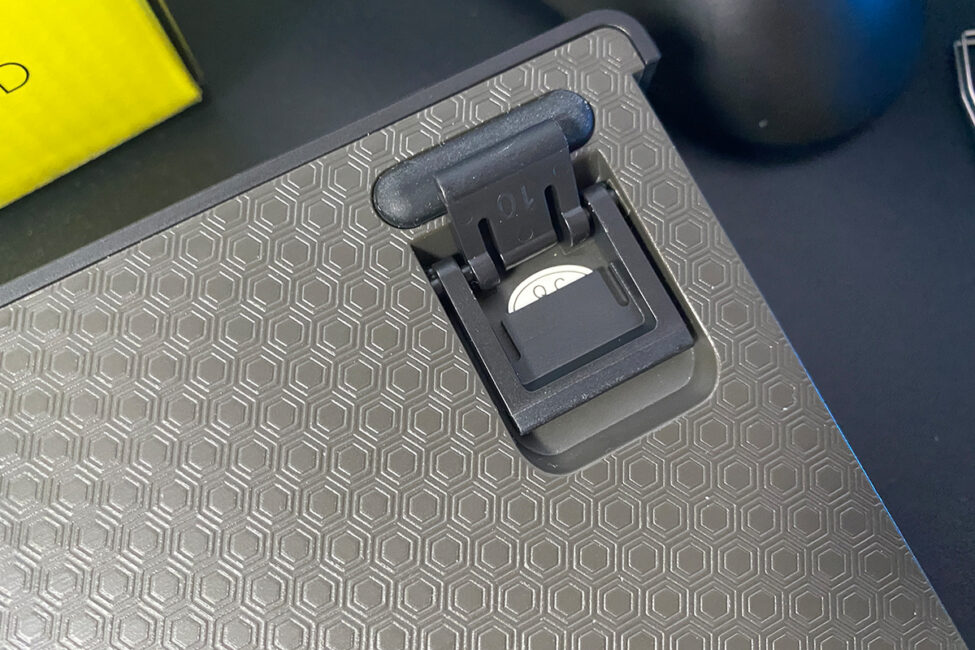
The keyboard has dual feet, without additional rubber pads on them. Nevertheless, it sits firmly and doesn’t slide across the desk. Additionally, a small compartment for the 2.4 GHz RF dongle is located under the right foot.
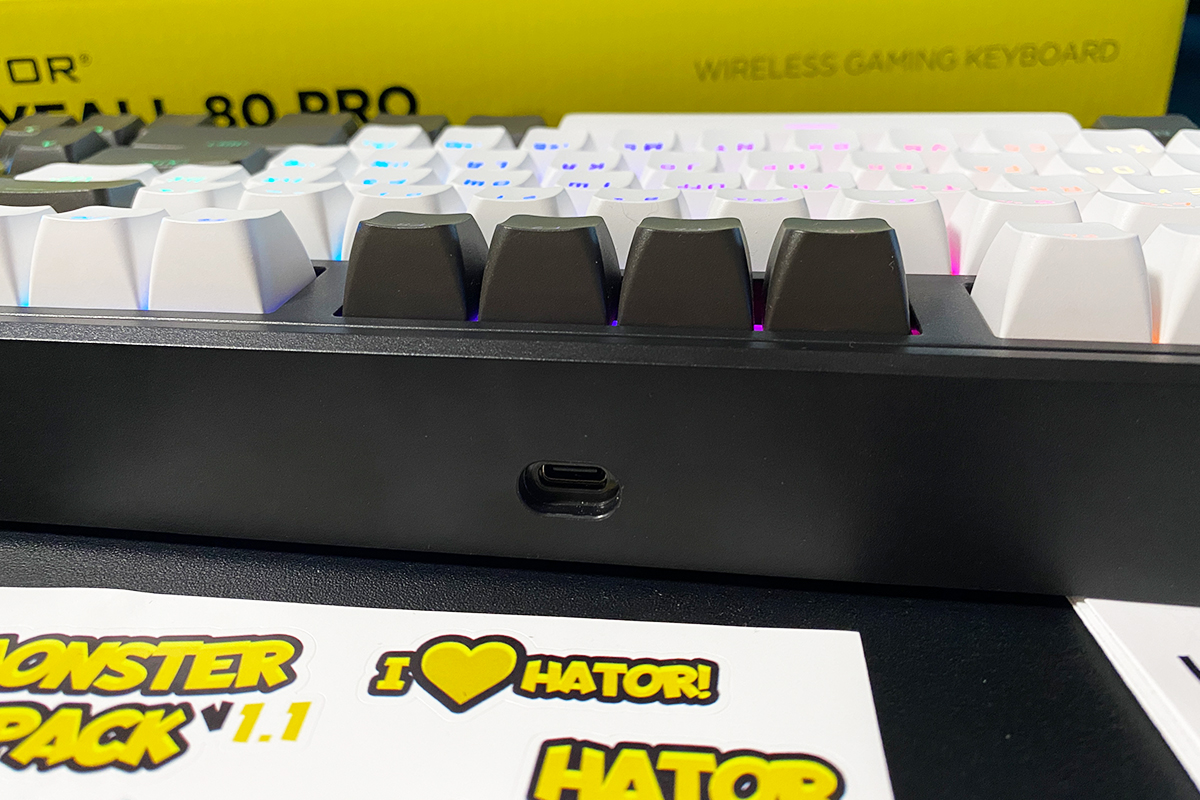
The Type-C port for the cable is positioned at the front, in a traditional location. It’s conveniently placed – you can easily locate it by touch without having to move or rotate the keyboard.
As you can see, the switch on the bottom indicates that the keyboard supports three connection modes: 2.4 GHz RF, Bluetooth 5.3, and wired (USB-A to USB-C). In wired and 2.4 GHz RF modes, the keyboard operates at a standard 1000 Hz polling rate. Over Bluetooth, the polling rate feels noticeably lower, but it is sufficient for general use. I also tested connecting the keyboard to a smartphone via Bluetooth – it works.
Like most modern keyboards, the Skyfall 80 Pro Wireless can connect to up to five devices simultaneously: three via Bluetooth, one via RF, and one via cable. Switching between devices is done using the bottom switch and key combinations, which are detailed in the included manual.
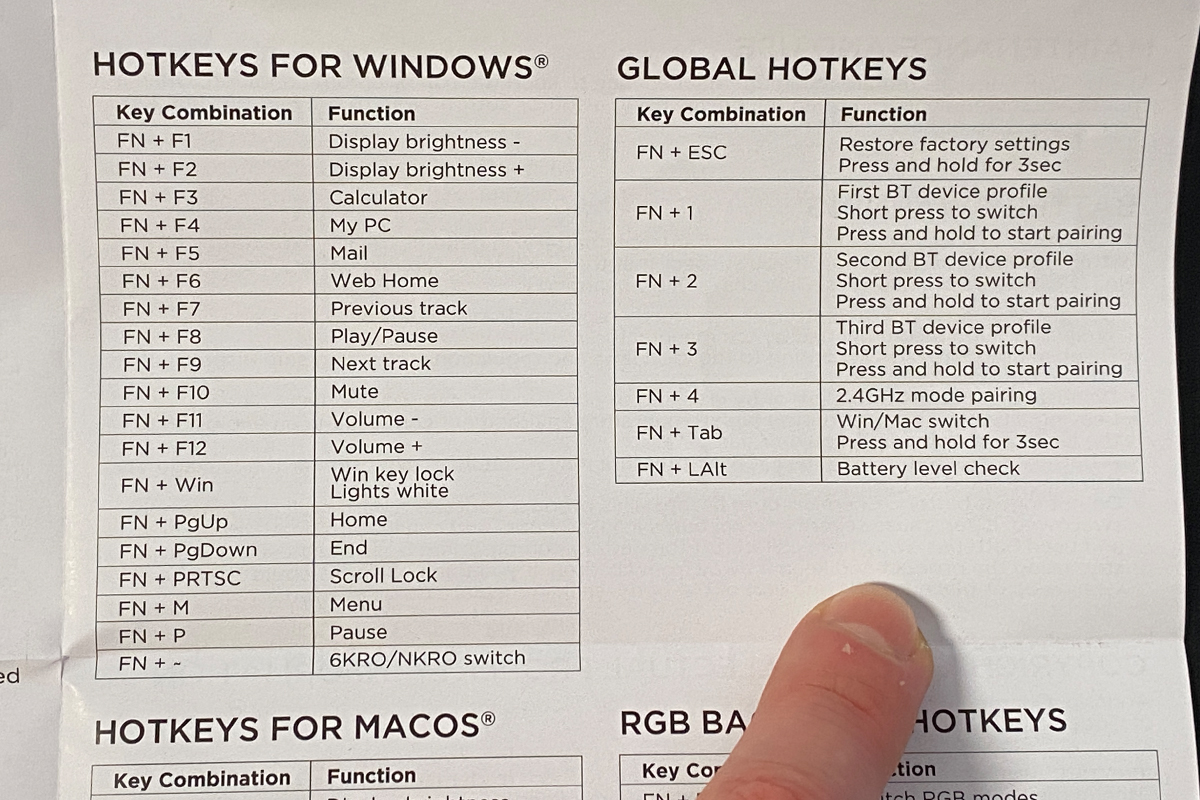
The keyboard supports all current platforms: Windows, macOS, Linux, ChromeOS, Android, and iOS. Switching between Windows and macOS modes is done via the FN + Tab key combination.
Build quality is solid. Despite the plastic case, there is no creaking, flexing, or looseness. Ergonomics are excellent – compact size, optimal height and tilt, and all essential keys within easy reach. For me, the HATOR Skyfall 80 Pro Wireless format represents a well-balanced standard, suitable for both gaming and work.
Read also:
- HATOR Icefall Pro Wireless Review: 75% Gaming Keyboard with Mini Screen
- HATOR Rockfall 3 TKL Wireless Review – Play, Customize, Modify
Hator Skyfall 80 Pro Wireless Display
As I’ve observed, integrated mini-displays have become something of a trend, with many manufacturers incorporating them into their keyboards. The HATOR Skyfall lineup has followed suit, adding a display in the updated revision.
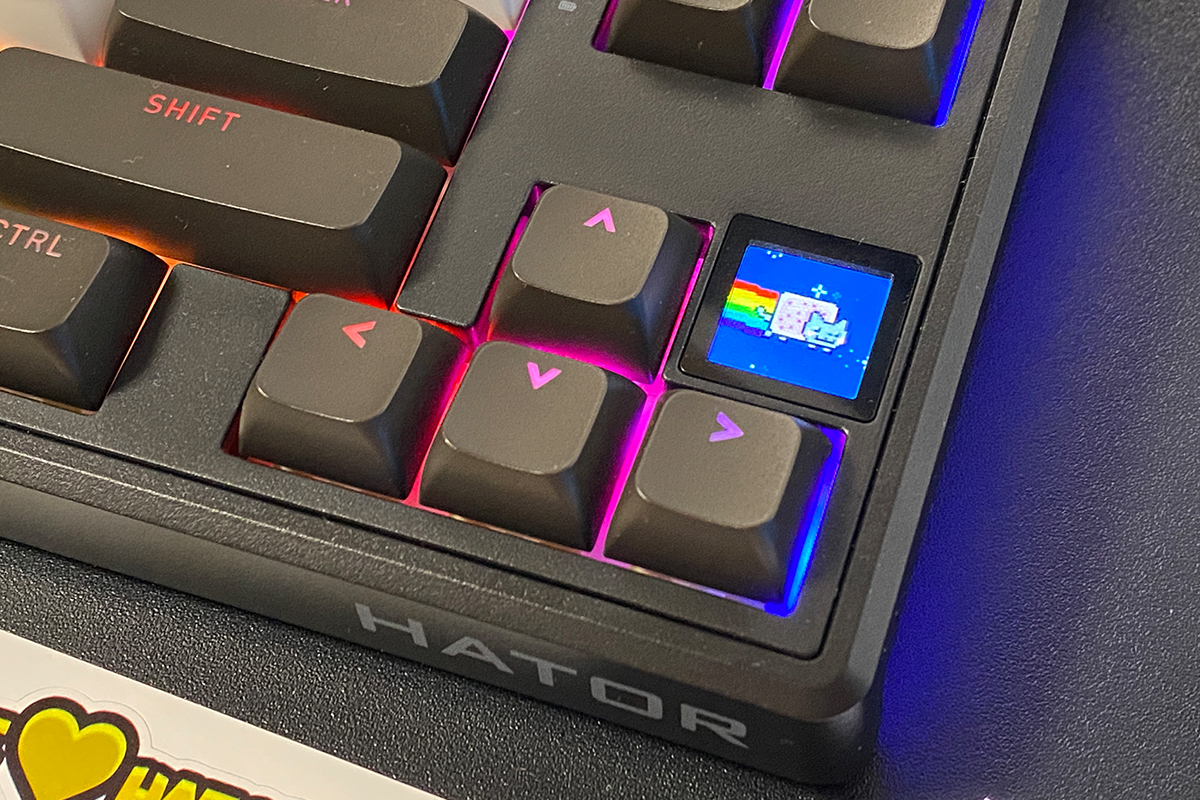
On the main screen (menu), the keyboard’s display shows the date, time, battery level, current platform, and active connection mode. It can also be used to control lighting, switch between Windows and macOS modes, and display CPU load and temperature. Additionally, the display supports images and animations, including GIFs.
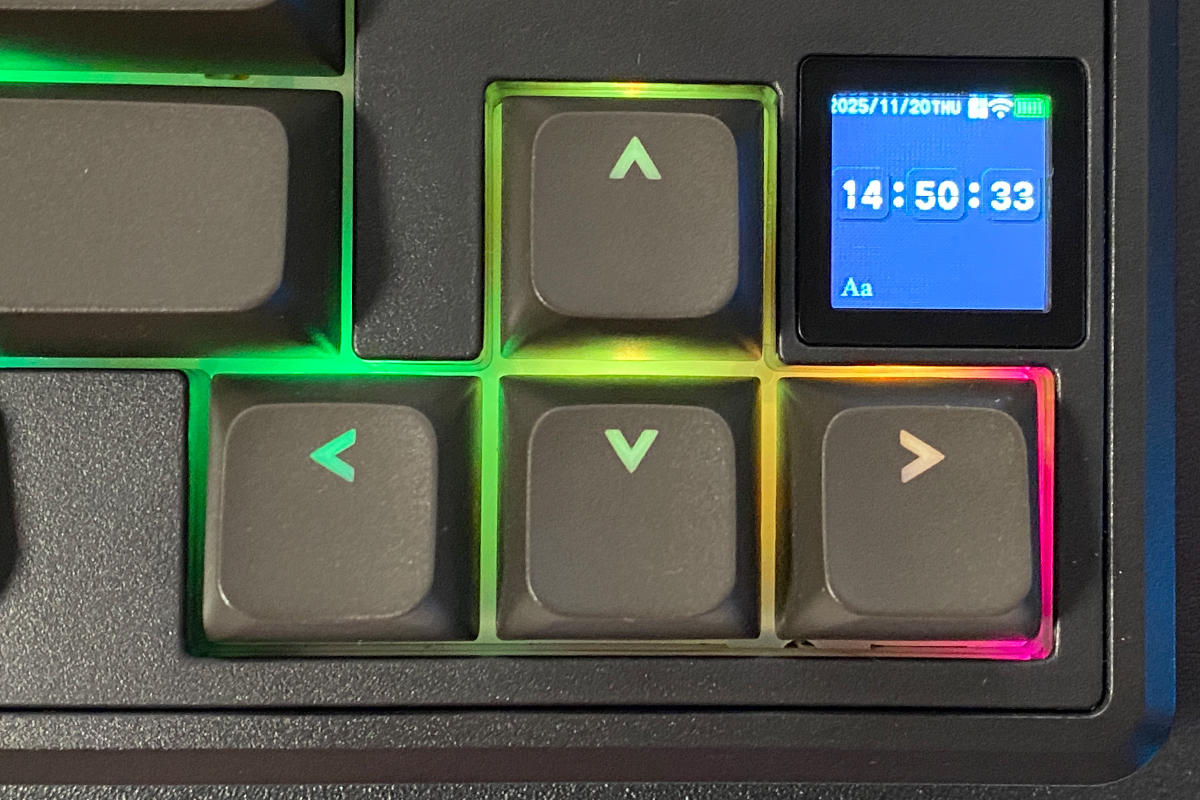
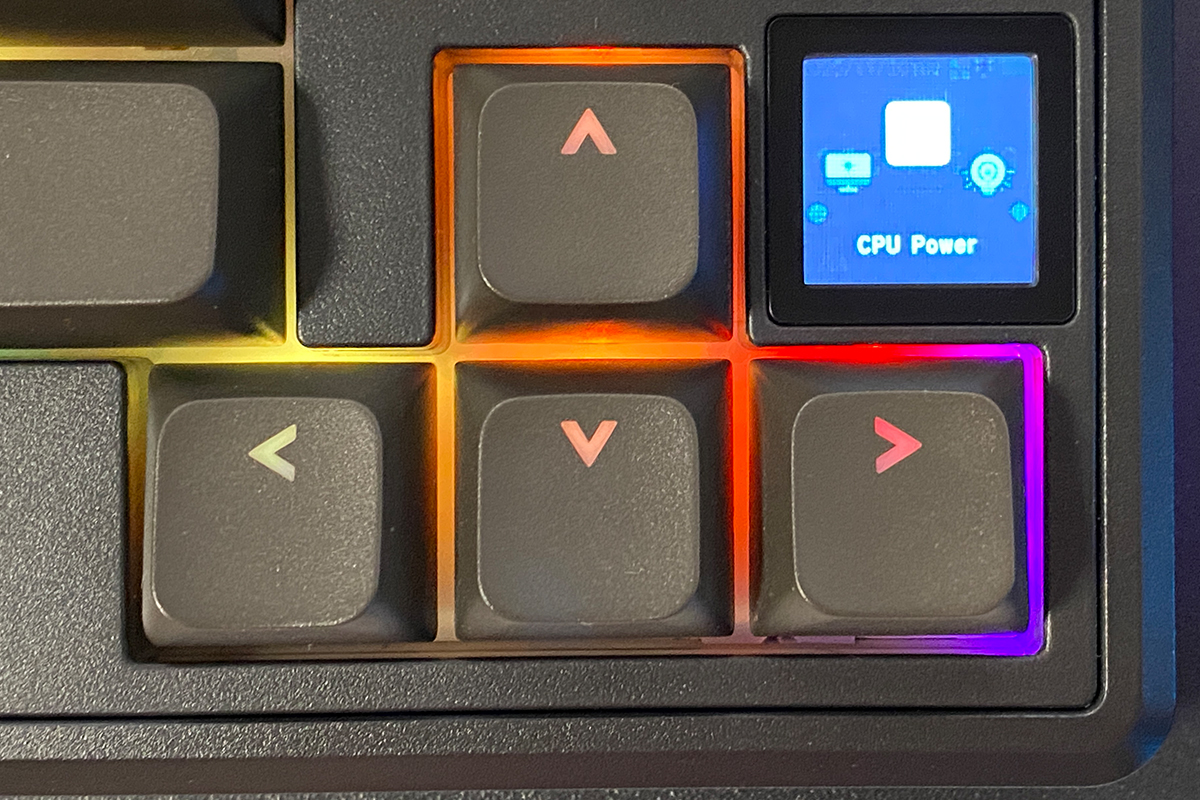
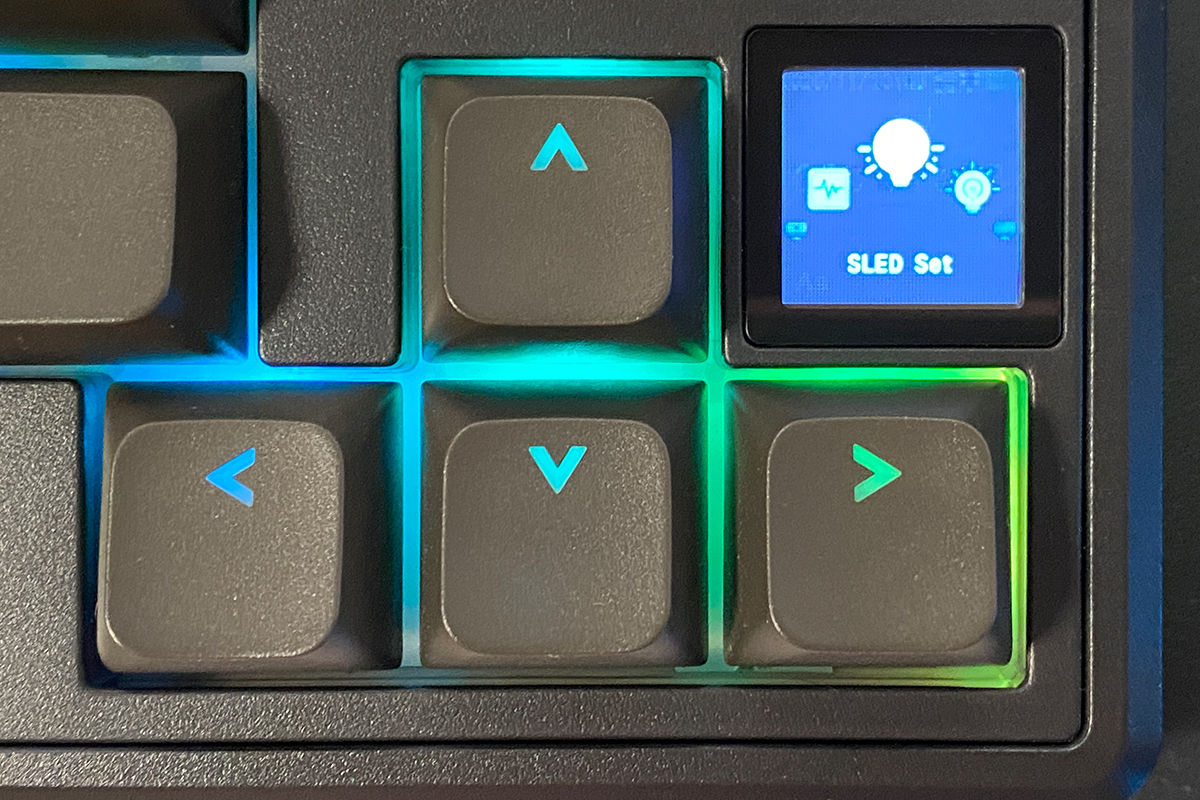
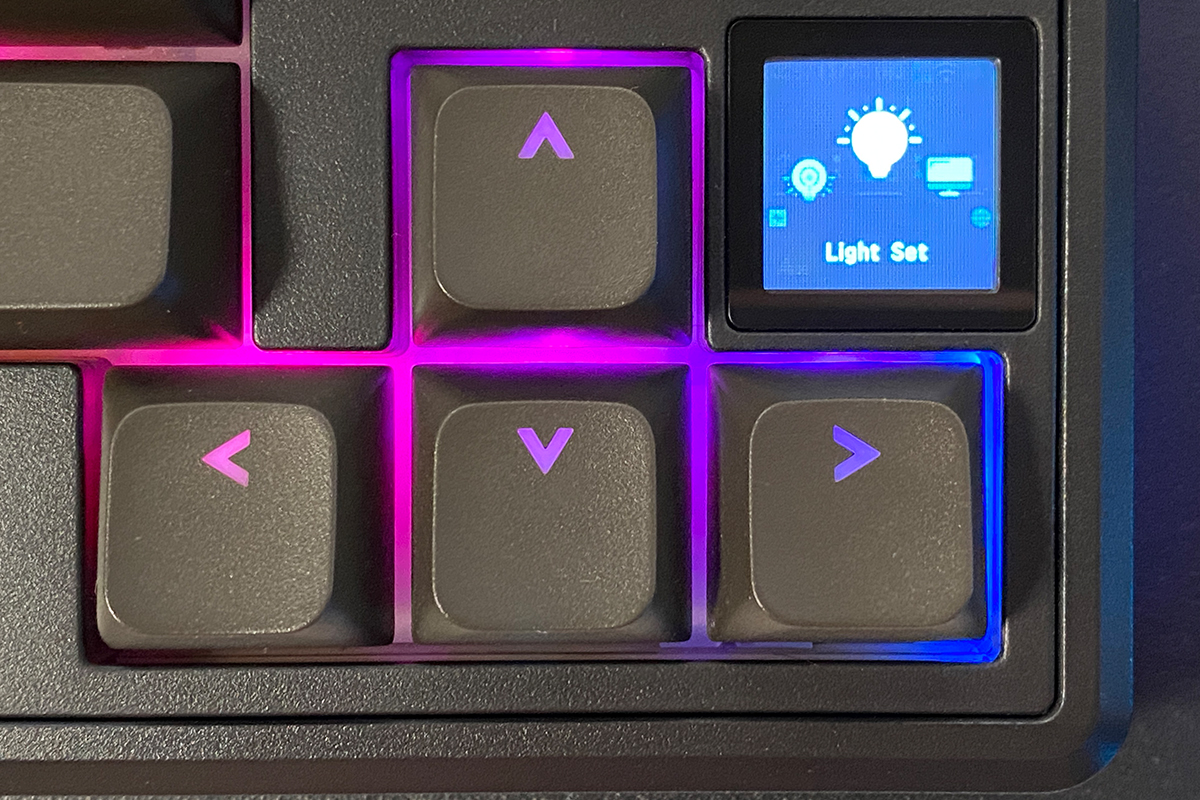
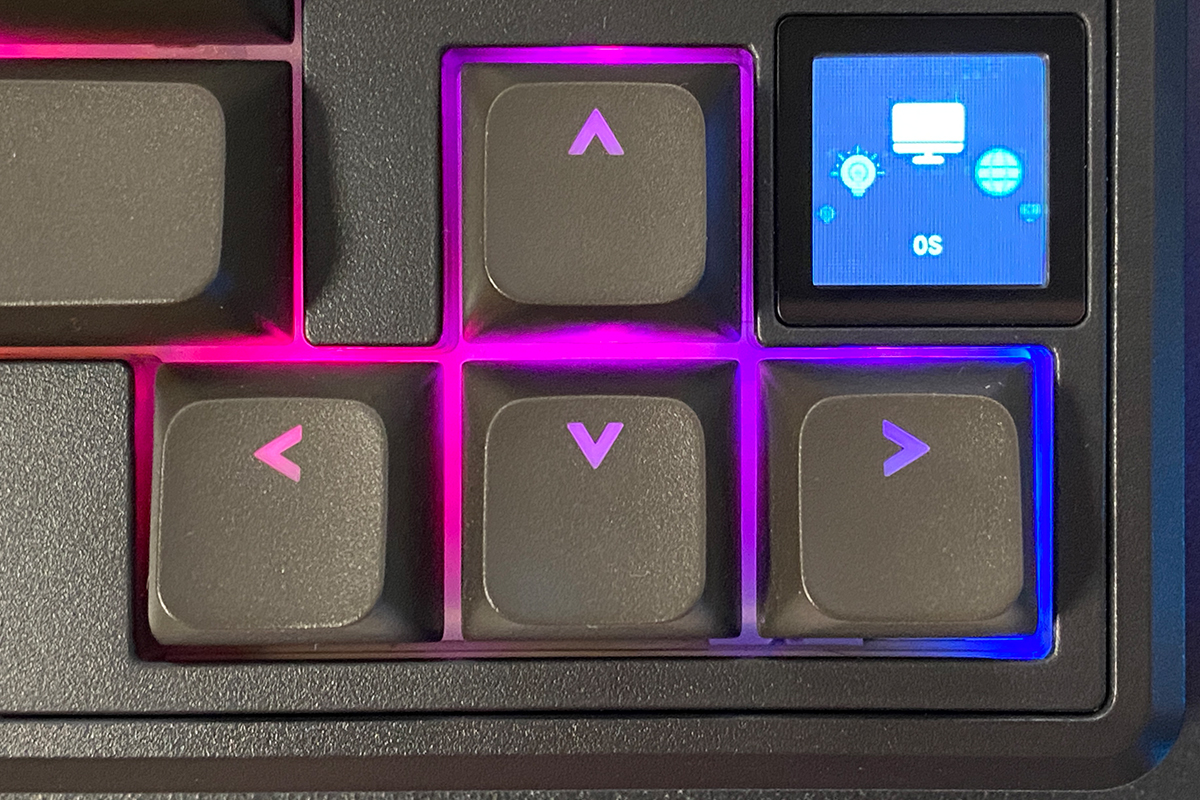
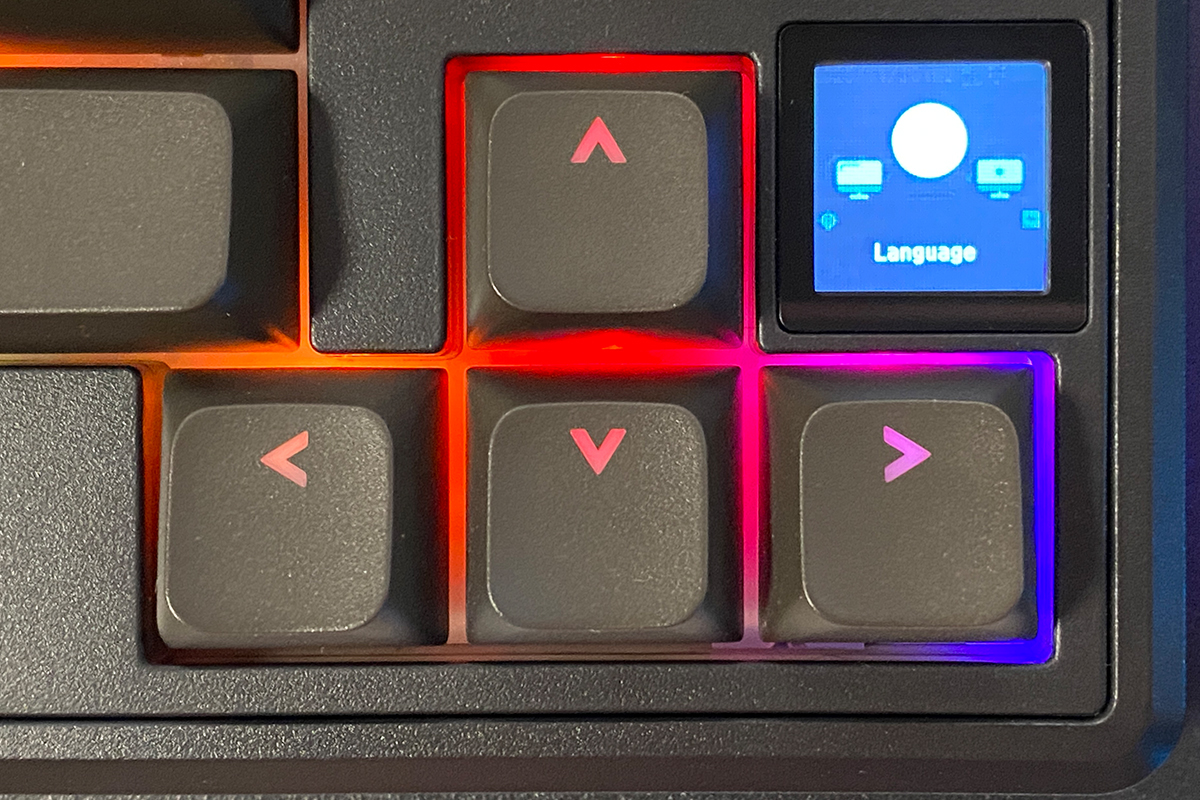
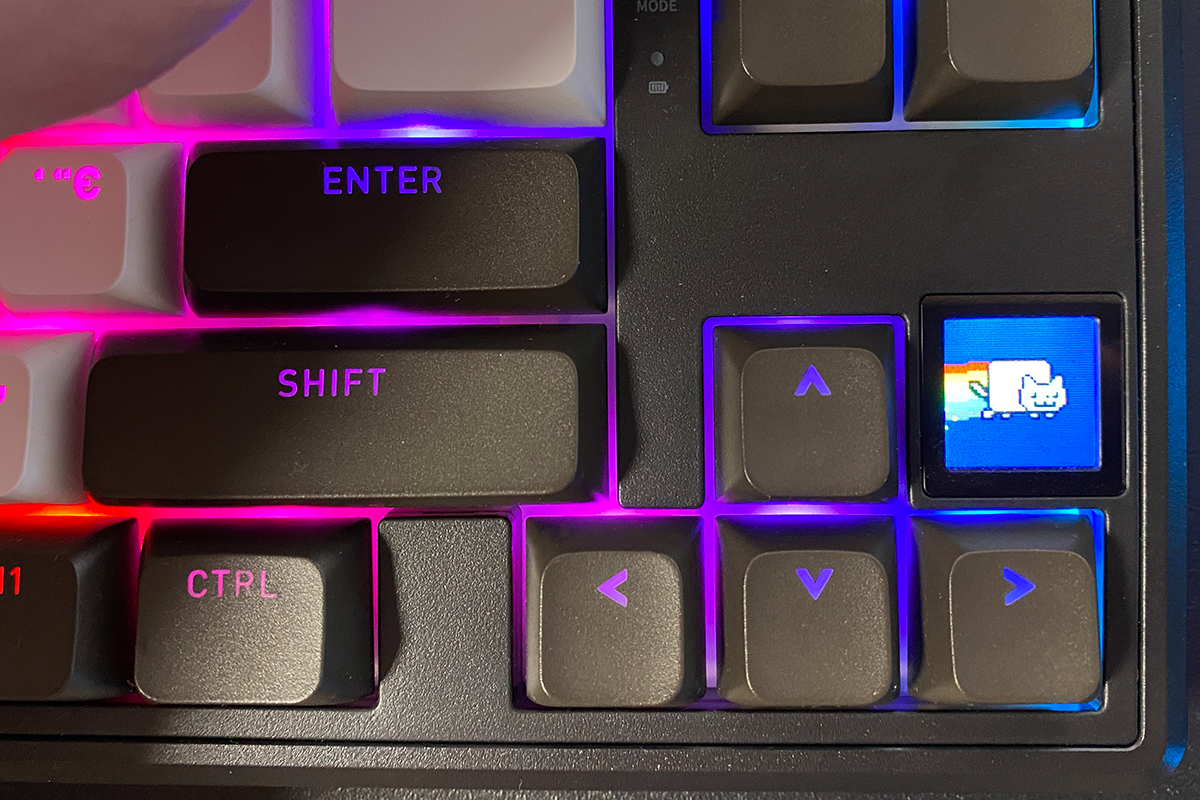
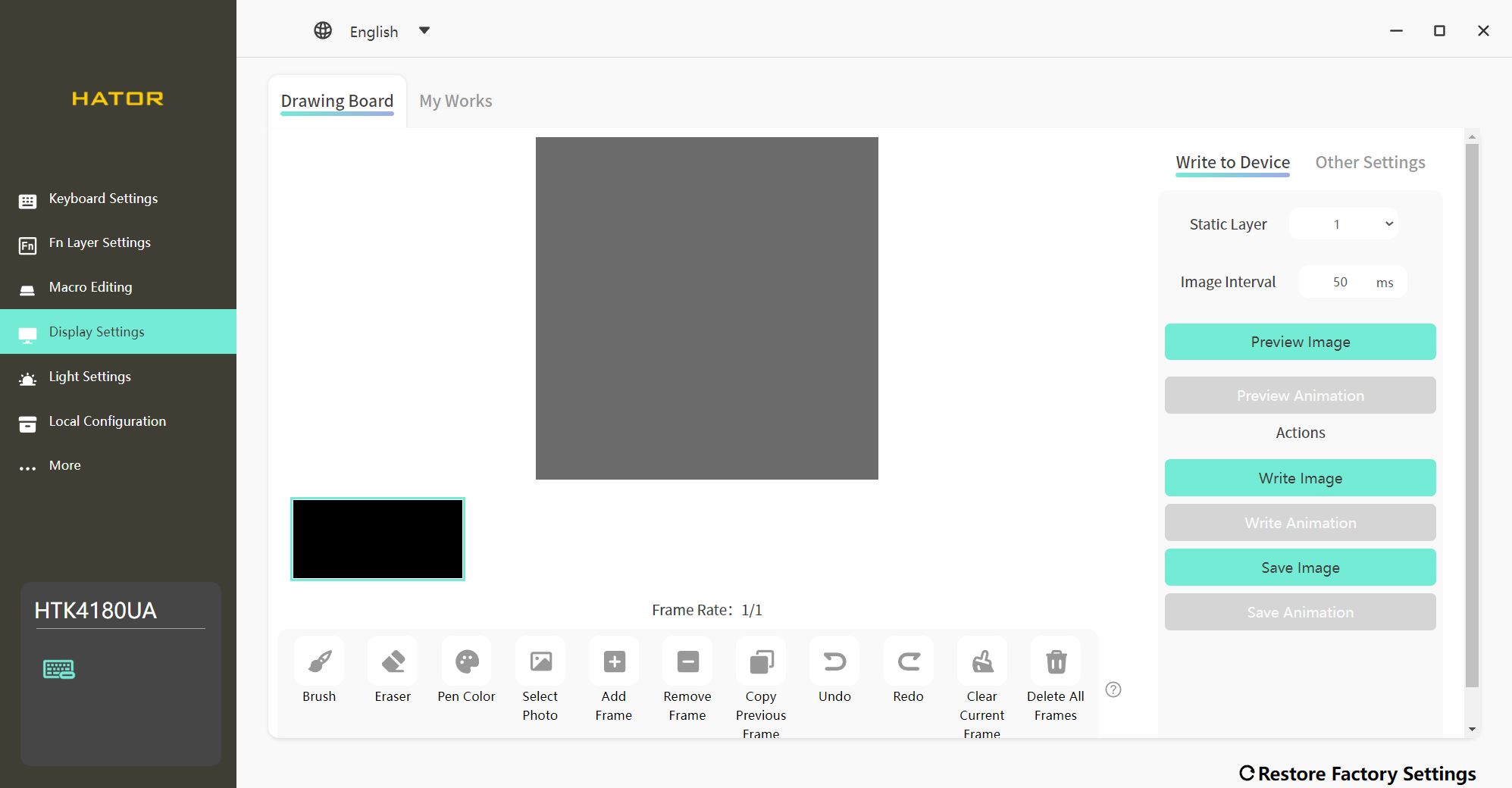
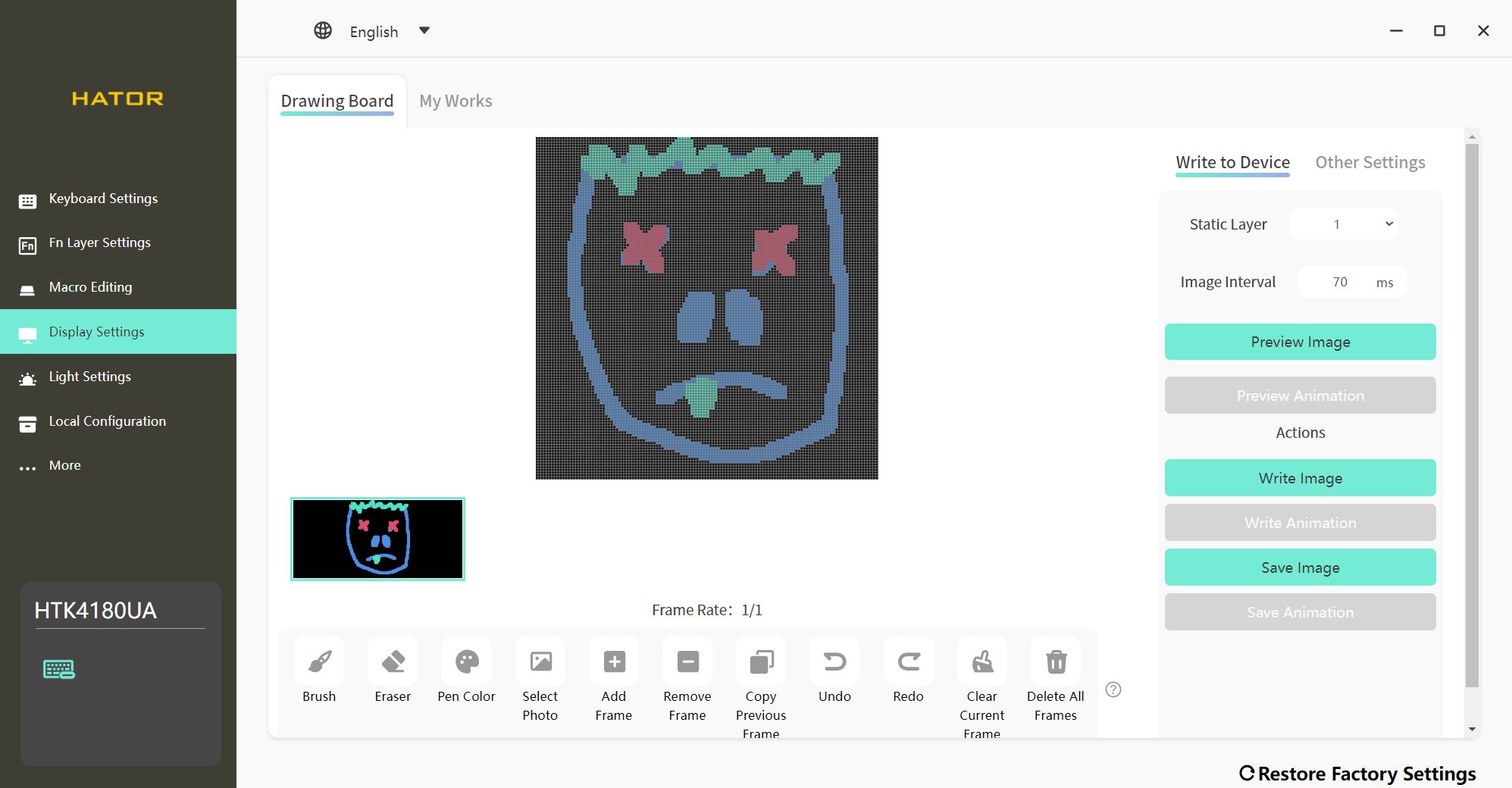
The display is configured through the official HATOR Skyfall Software, using the dedicated “Display Settings” menu. In this menu, you can upload static images and create animations (GIFs) from them. It’s also possible to upload a pre-made GIF directly. Additionally, the software provides tools to draw custom images directly on a template.
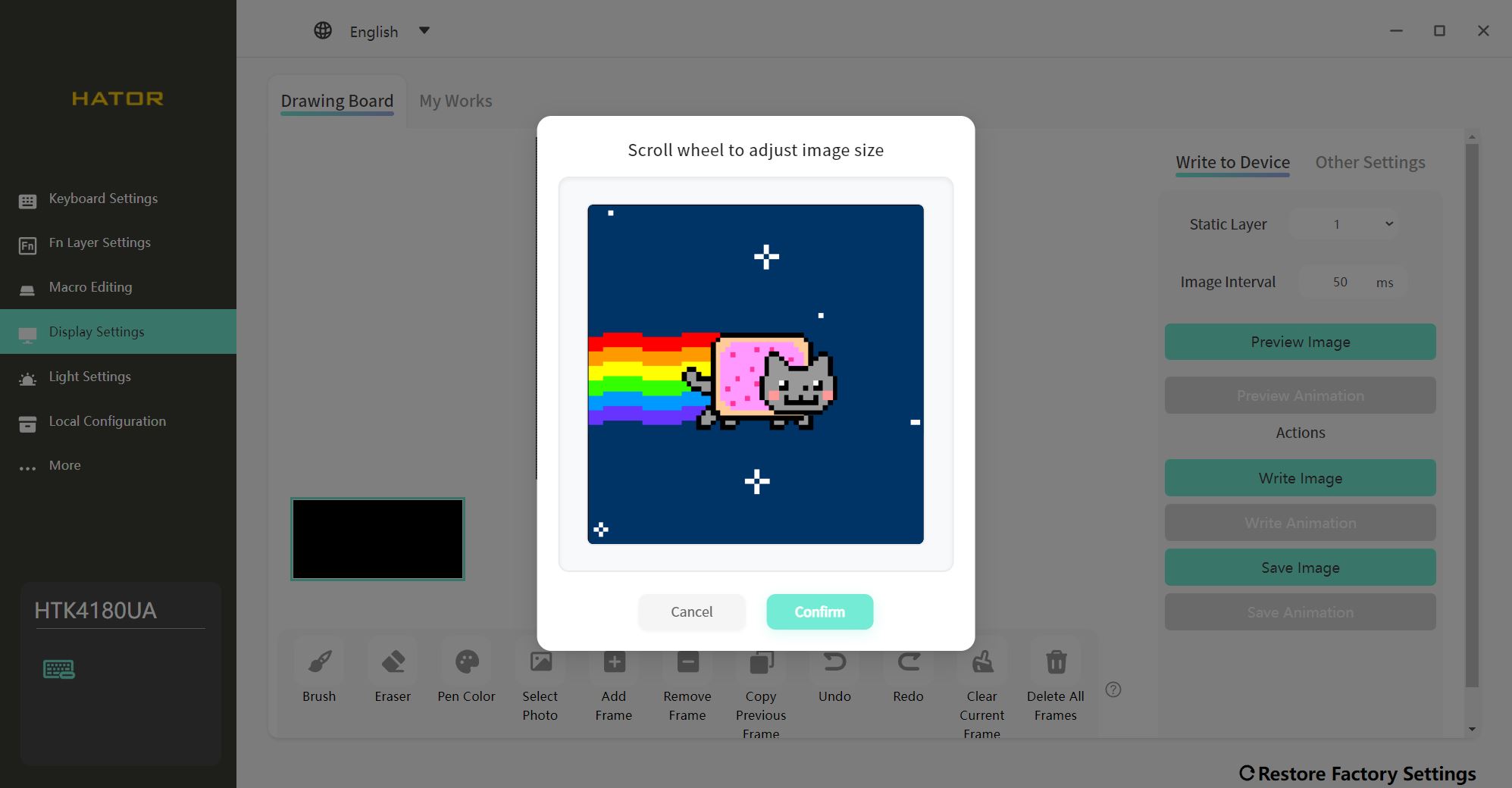
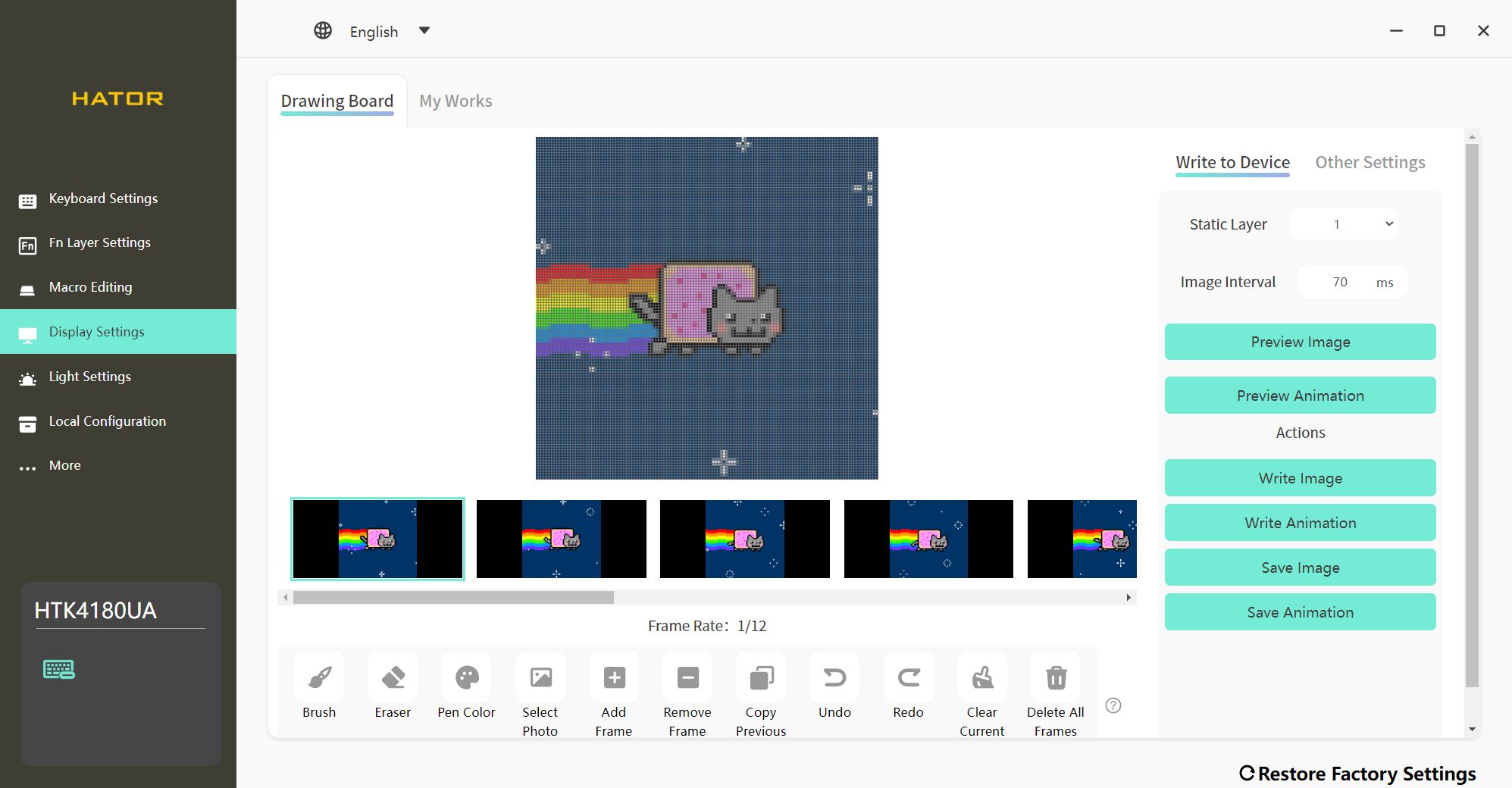
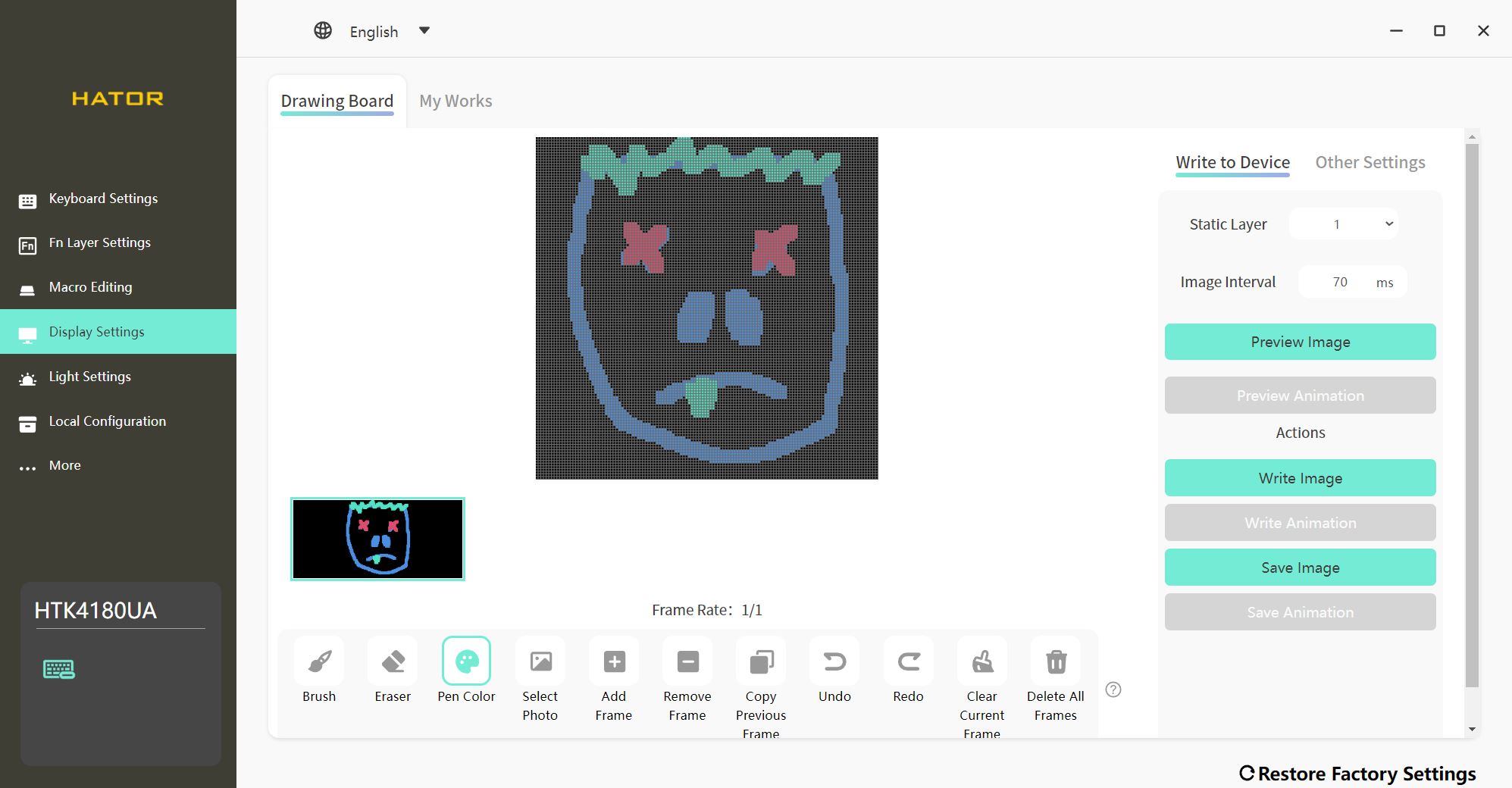
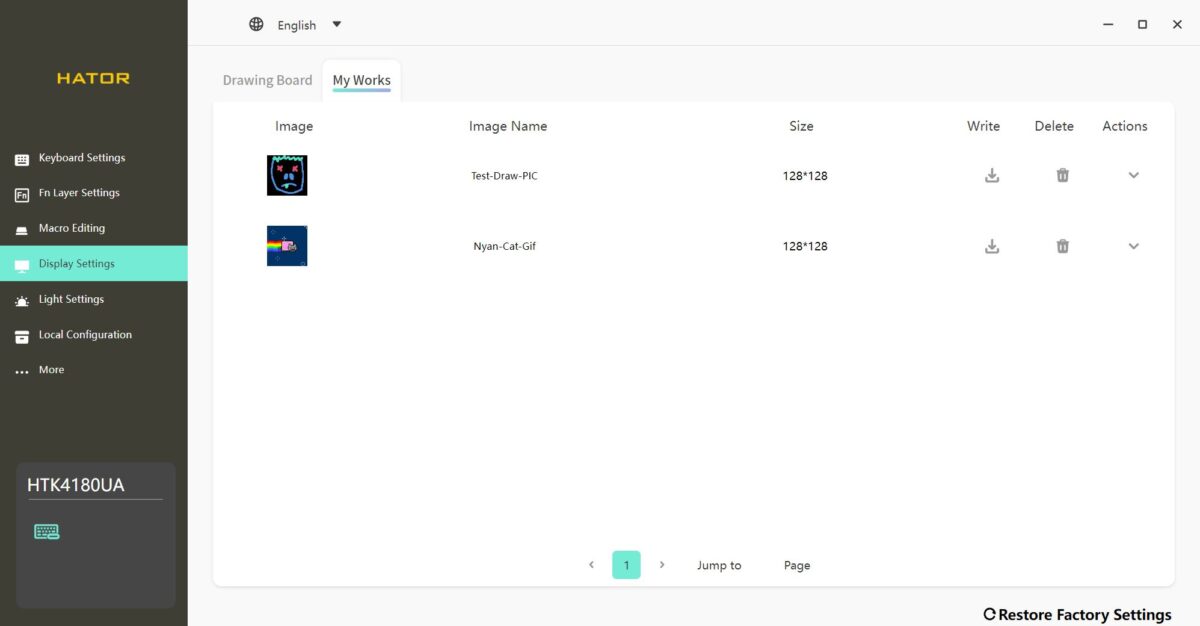
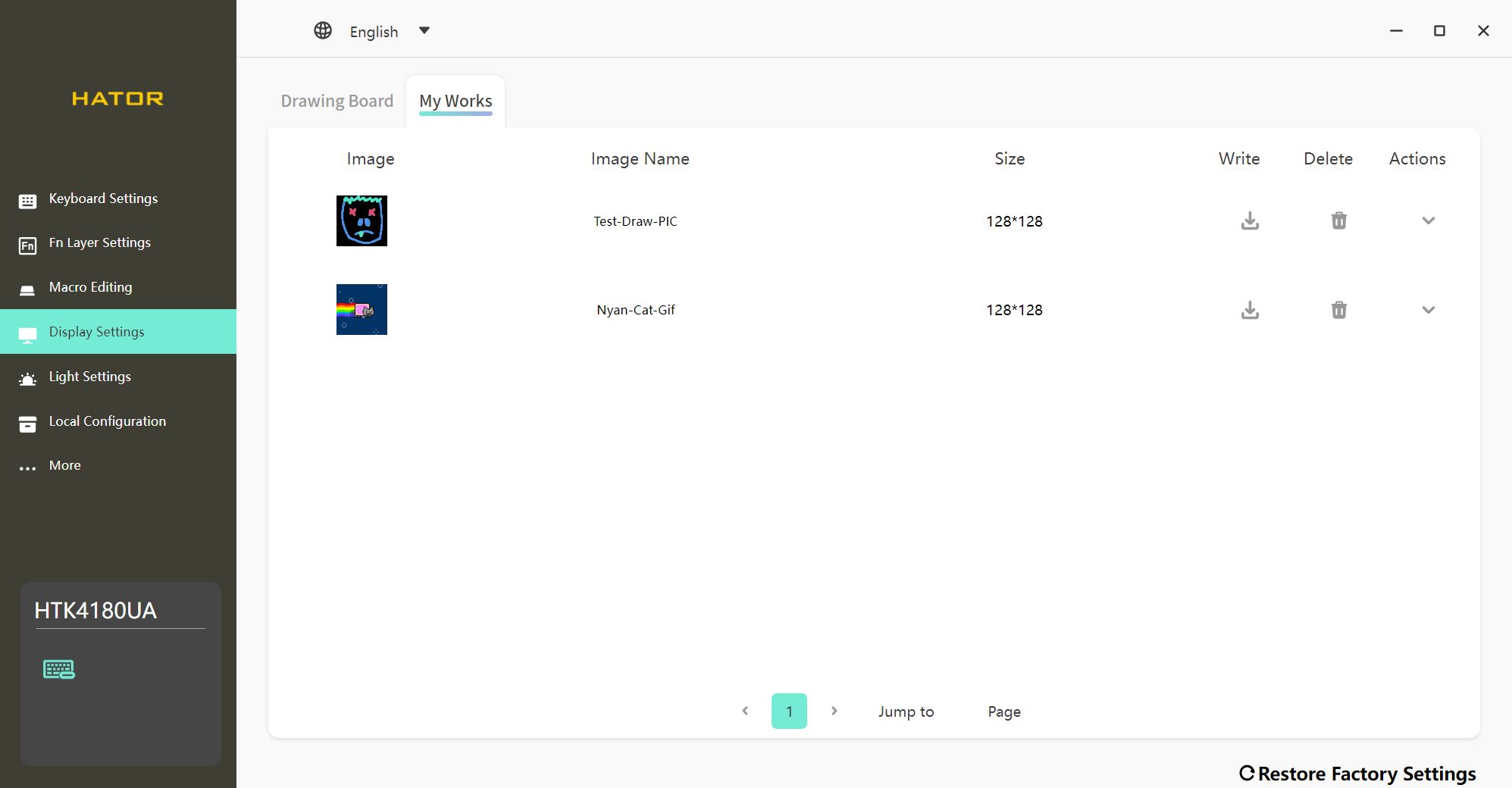
All your files and projects are saved in the adjacent “My Works” tab. Notably, the display can show both a static image and a GIF simultaneously – you don’t have to choose one or the other. Both types of media are displayed, though on separate screens within the display menu.
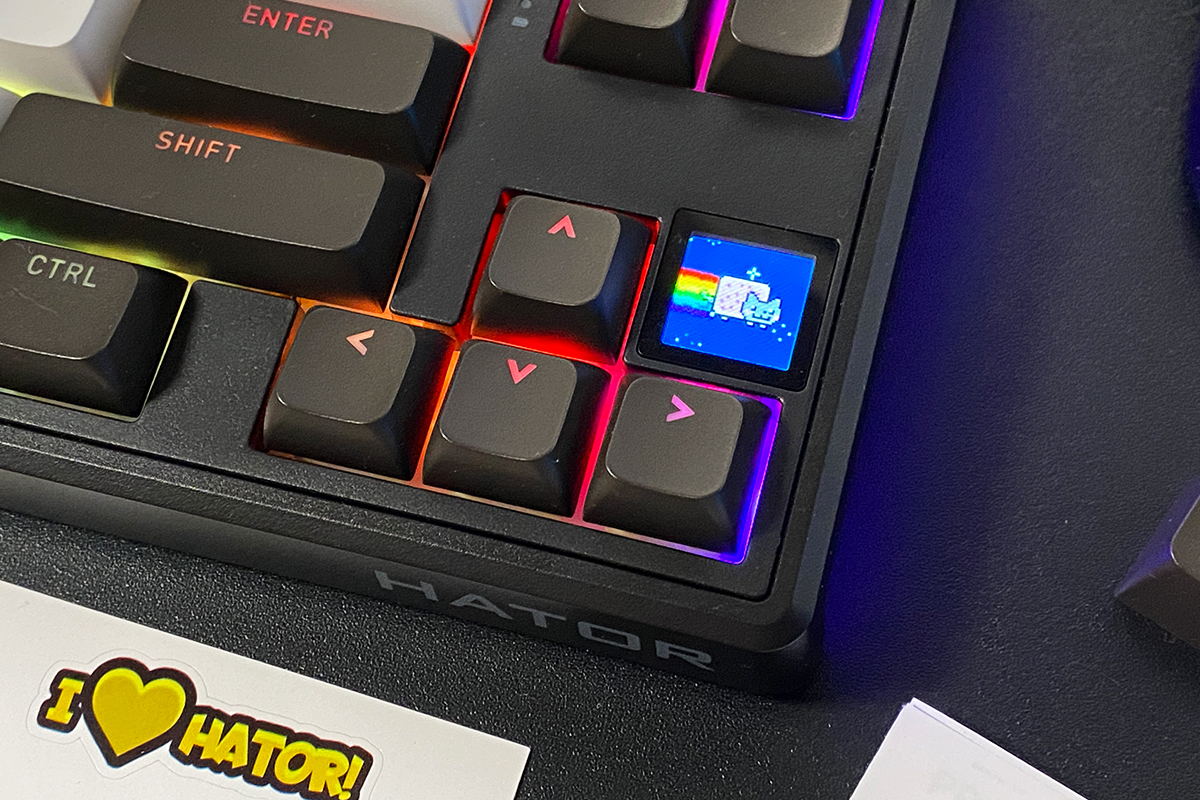
As for image quality, it’s quite good. Colors are vivid, animations are smooth and responsive, and clarity is acceptable. The only limitation is that the display doesn’t turn off on its own, only when the keyboard enters sleep mode. Overall, it’s a solid mini-display that serves both aesthetic and practical purposes.
As mentioned, menu navigation on the display is done using the roller. First, it needs to be switched to the appropriate mode with FN + roller press. Rotating the roller scrolls through the menu, and pressing it selects an option. It’s a convenient system – arguably easier than memorizing key combinations or hotkeys.
Read also:
- HATOR Rockfall 2 Mecha TKL Authentic Edition Keyboard Review
- Hator Rockfall 2 Mecha TKL Review: Сool Mechanical Keyboard for $55
Switches, Hot-Swap, Typing
A key feature of the HATOR Skyfall 80 Pro Wireless is its switches – the new HATOR Aurum Vanila Silent. These are pre-lubricated, completely silent linear mechanical switches with an actuation force of 50 (±10) gf, an actuation travel of 2.0 (±0.4) mm, a total travel of 4.0 (±0.4) mm, and a rated lifespan of 50 million keystrokes.
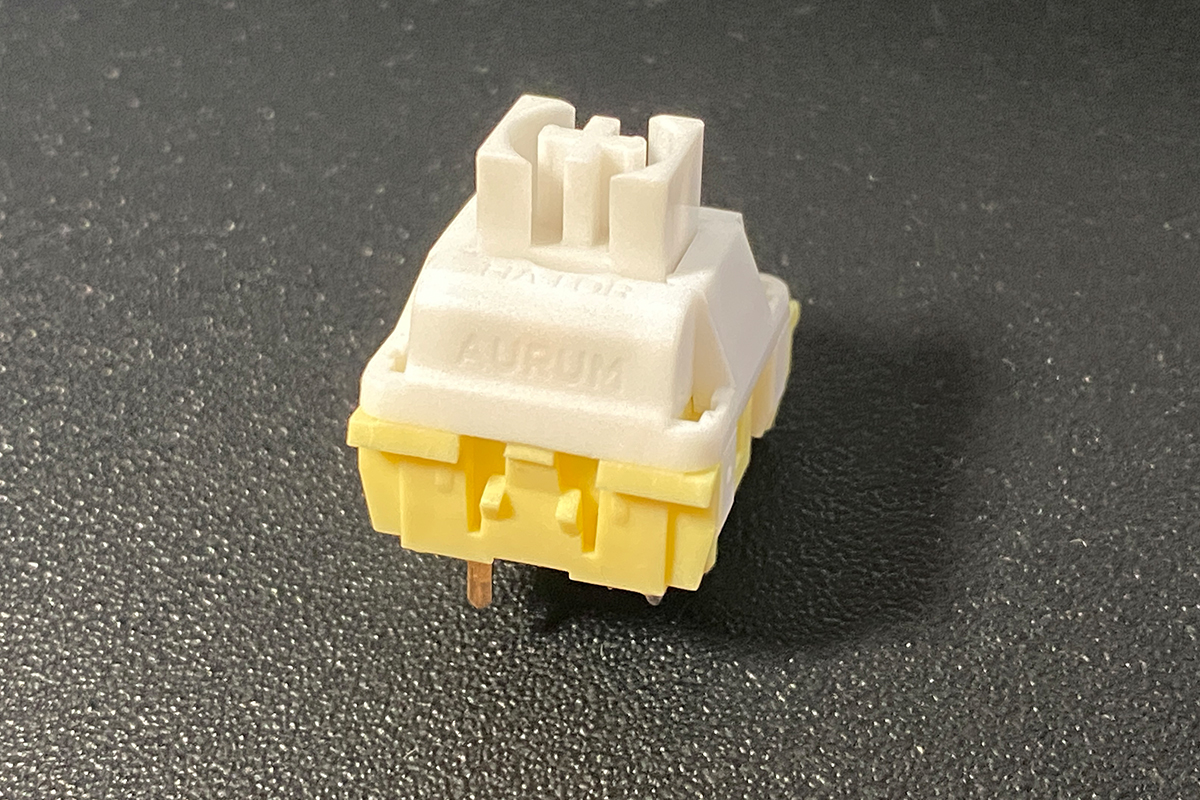
I have to say, the switches are extremely impressive. They’re soft, silent, and have a unique, almost rubbery feel – reminiscent of a membrane keyboard, but much more pleasant and refined. Typing or gaming on them is a truly satisfying experience for both fingers and ears.
As with the keycaps, I immediately looked for these switches for separate purchase, intending to stock a few sets for custom builds. Unfortunately, the Aurum Vanila Silent switches, like the keycaps, are not sold separately. While HATOR had plans to offer the keycaps individually, there’s currently no information about separate availability for the switches. For now, they are only obtainable bundled with the new Skyfall Pro Wireless keyboards.
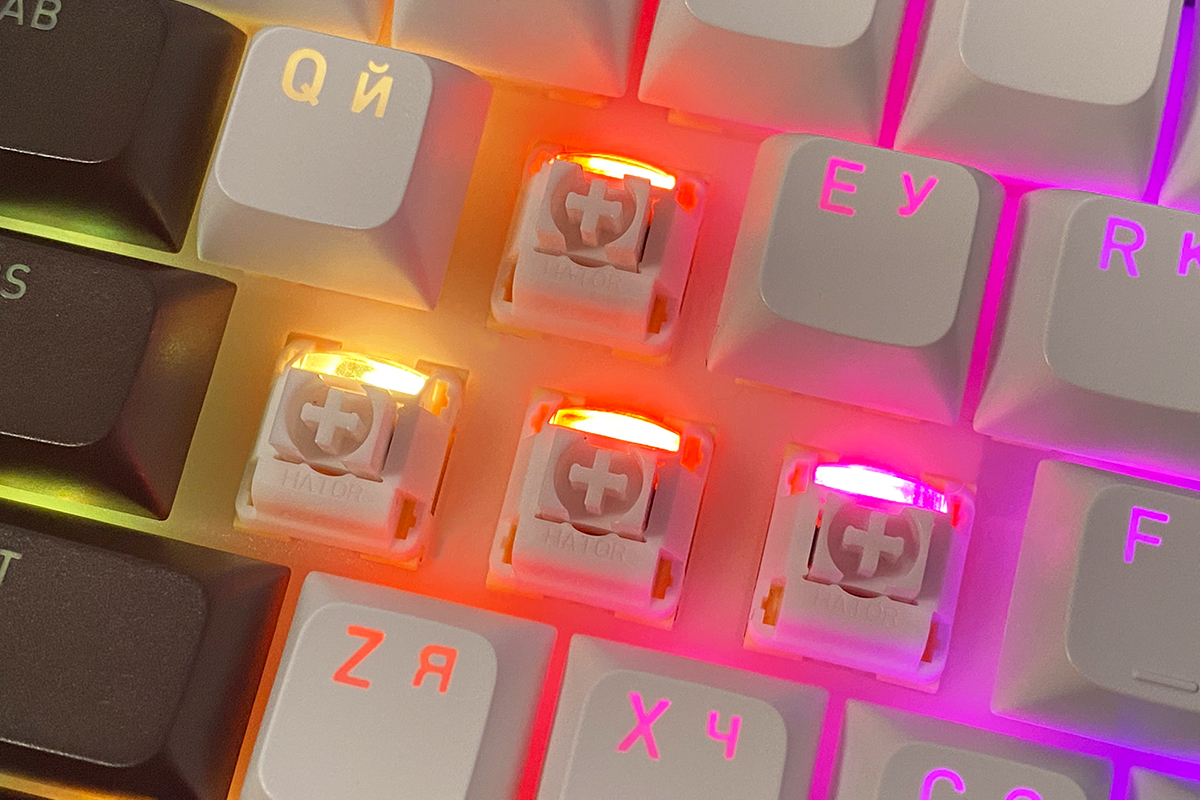
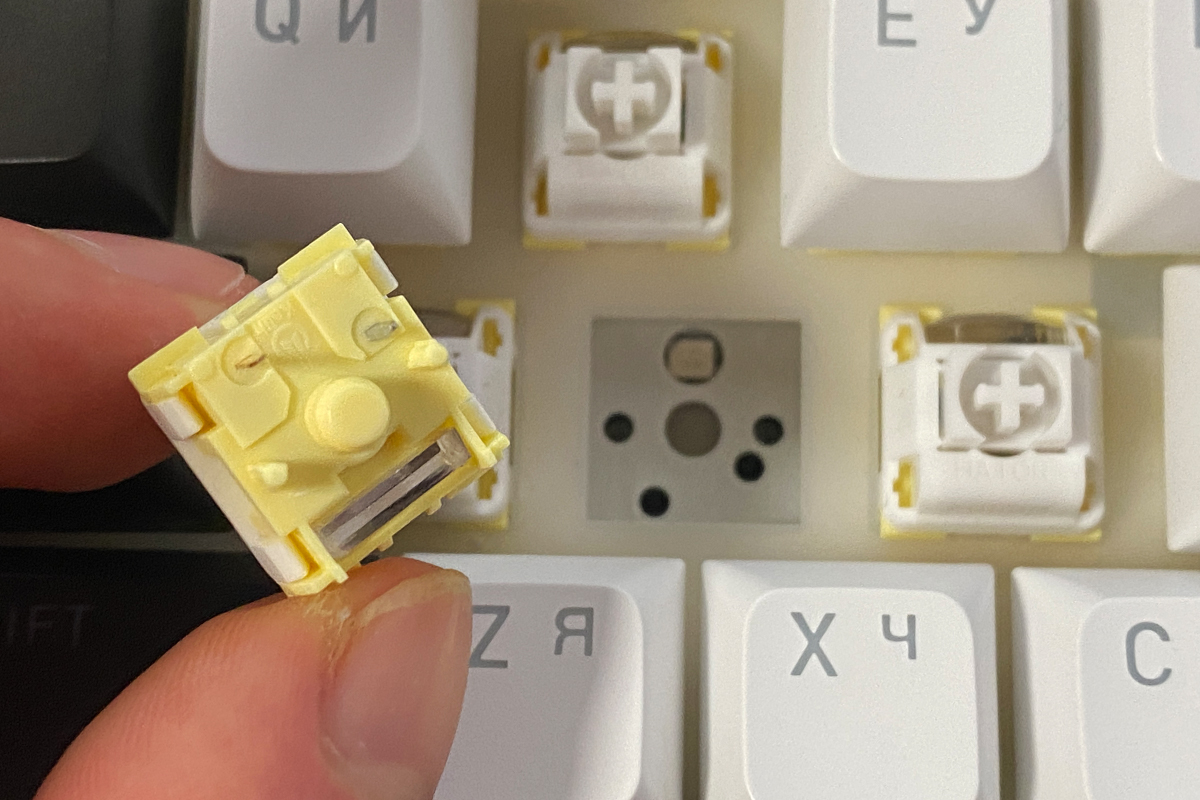
Like the previous model, the keyboard supports hot-swap, allowing switches to be replaced without soldering. The sockets are standard 5-pin, compatible with both 3-pin and 5-pin switches.
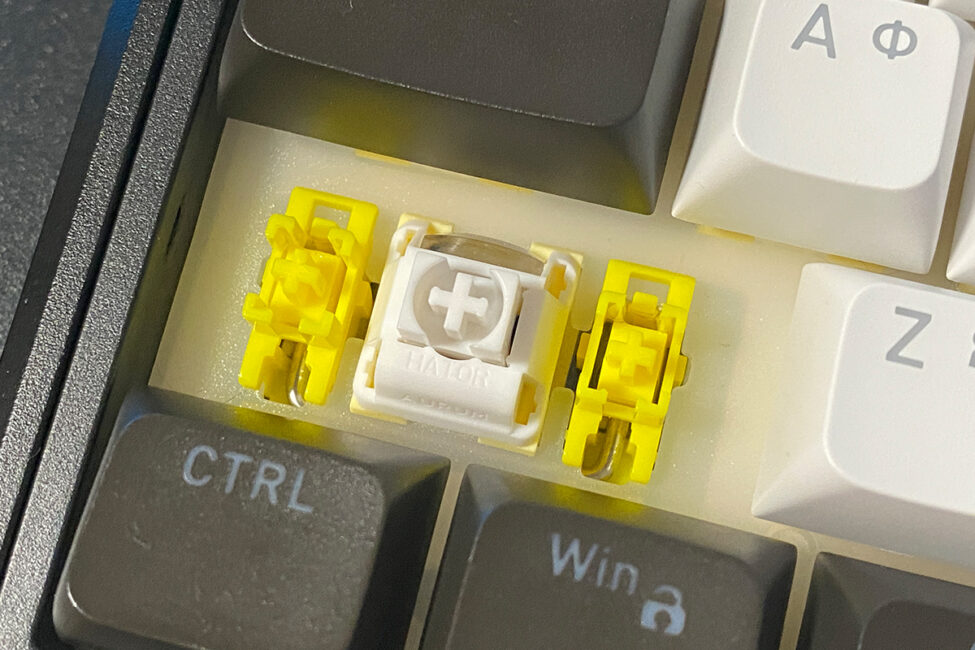
As in the previous model, the new Skyfall 80 Pro comes with pre-lubricated and tuned POM stabilizers. I found them excellent – long keys feel smooth, silent, and provide the same pleasant, slightly “rubbery” feedback as the main keys. There’s no noticeable rattle or scratchiness.
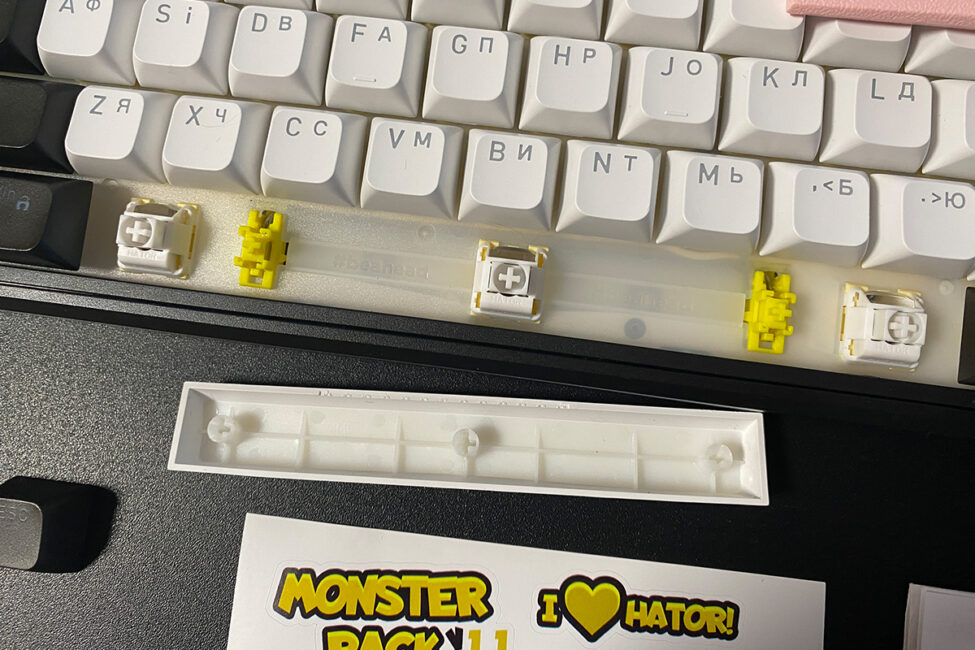
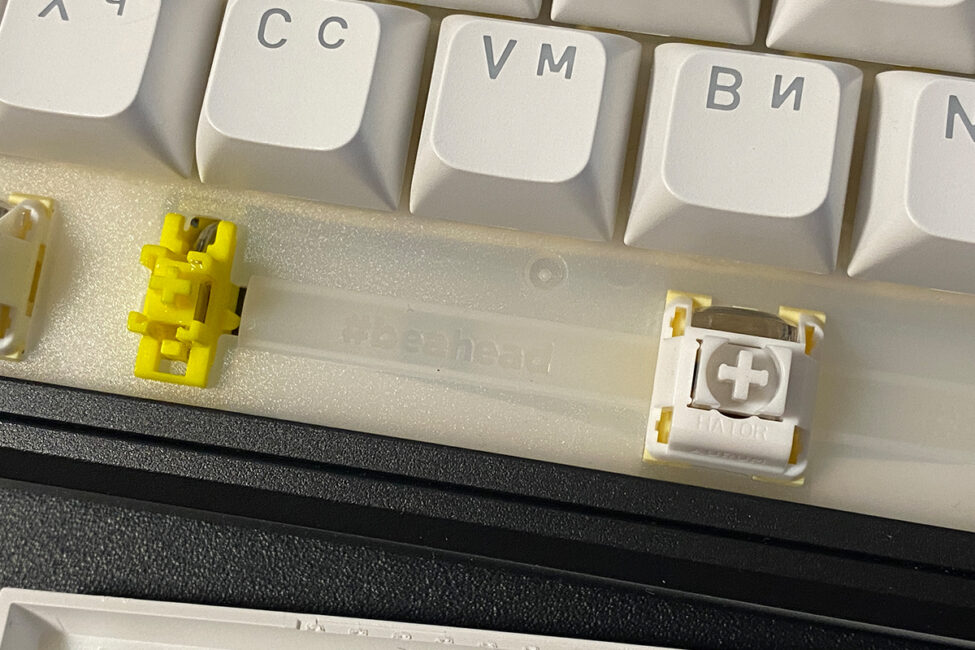
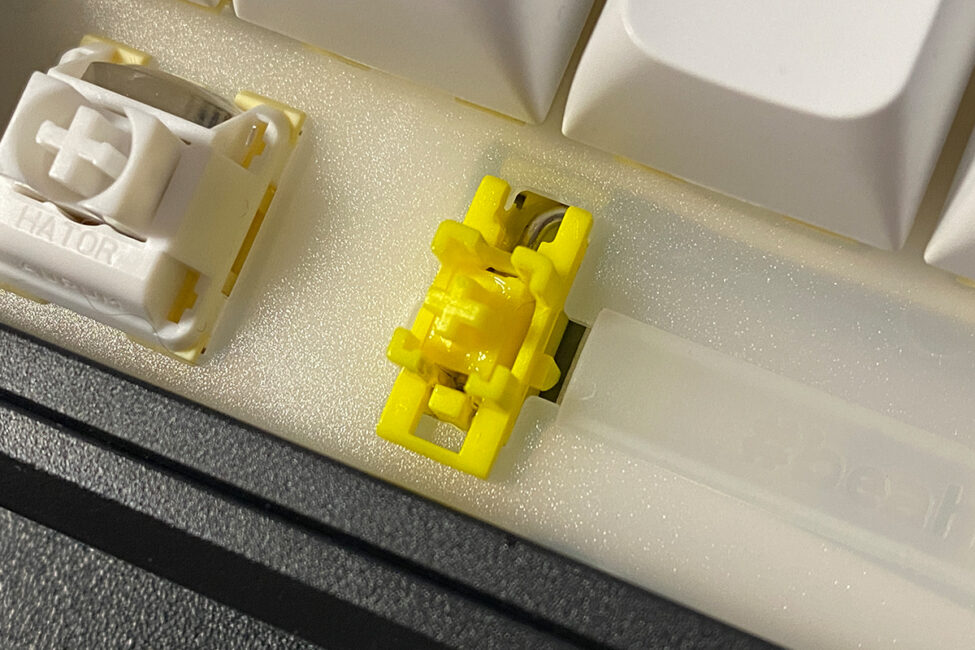
Typing on this keyboard is exceptionally satisfying. Thanks to the silent switches, it delivers a unique experience that immediately stands out and becomes a defining feature of the device.
Keystrokes are linear, soft, and almost completely silent. There’s a distinct “rubbery” feel in the travel, providing a very pleasant tactile sensation during typing or gaming. As mentioned earlier, the typing experience is somewhat reminiscent of a membrane keyboard, but it feels and sounds significantly better.
Thanks to its switches, the HATOR Skyfall 80 Pro Wireless (as well as the 65% and 100% models in the same lineup) is a solid recommendation for anyone who avoided mechanical keyboards due to perceived noise. This is a well-executed silent mechanical option. Personally, even though I’m not in that user category, I still really enjoyed the typing experience on the new Skyfall Pro.
P.S. The microphone on the video amplifies the sound, so in real life the keyboard is much quieter.
Read also:
- Review of HATOR Darkside 3 Pro Fabric Gaming Chair: Perfect Balance of Price and Quality… and Cat Approves
- HATOR Hypergang 3 Wireless Review: Gaming Hi-Res Headphone with ANC
HATOR Skyfall Software proprietary software
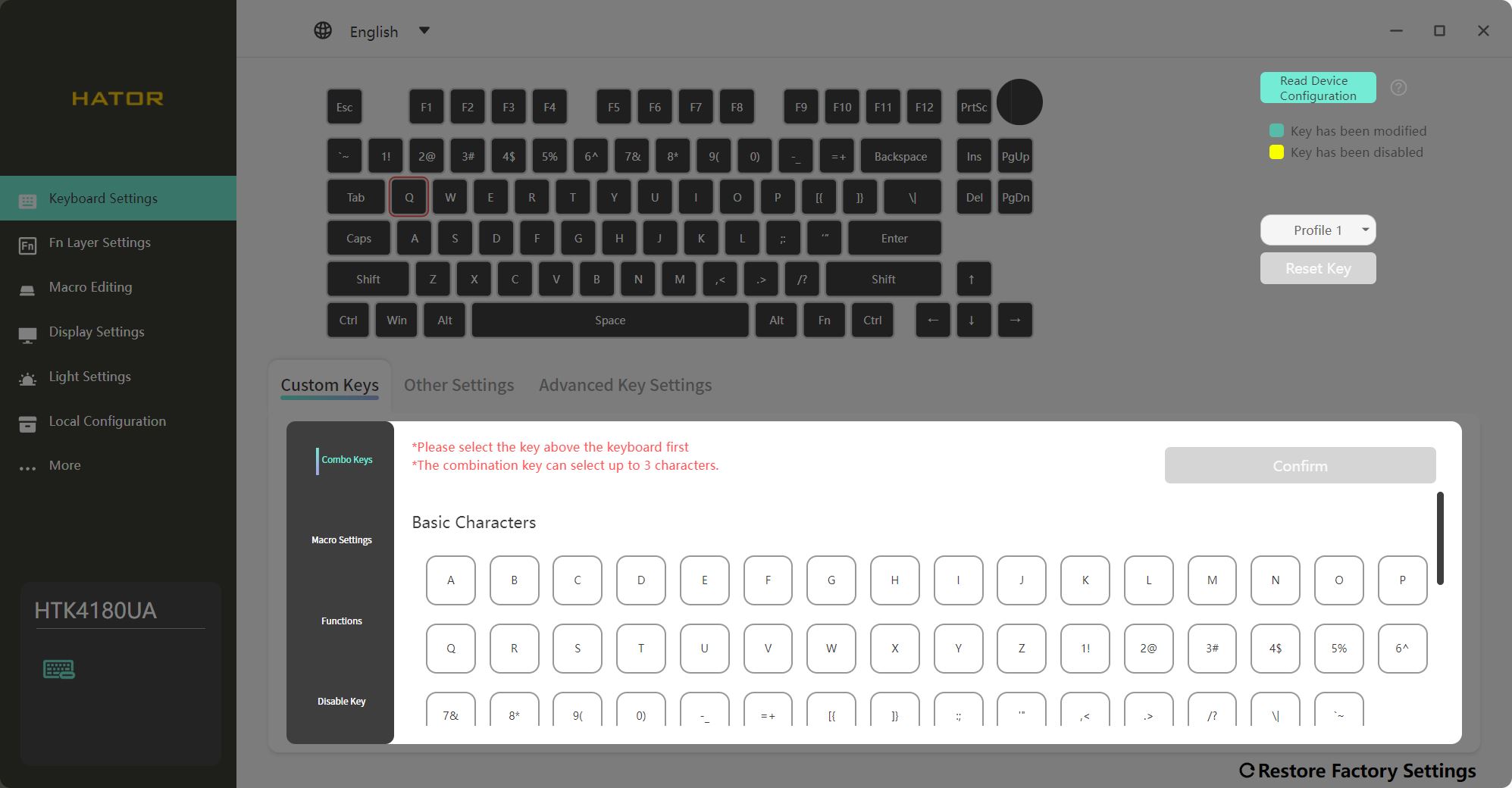
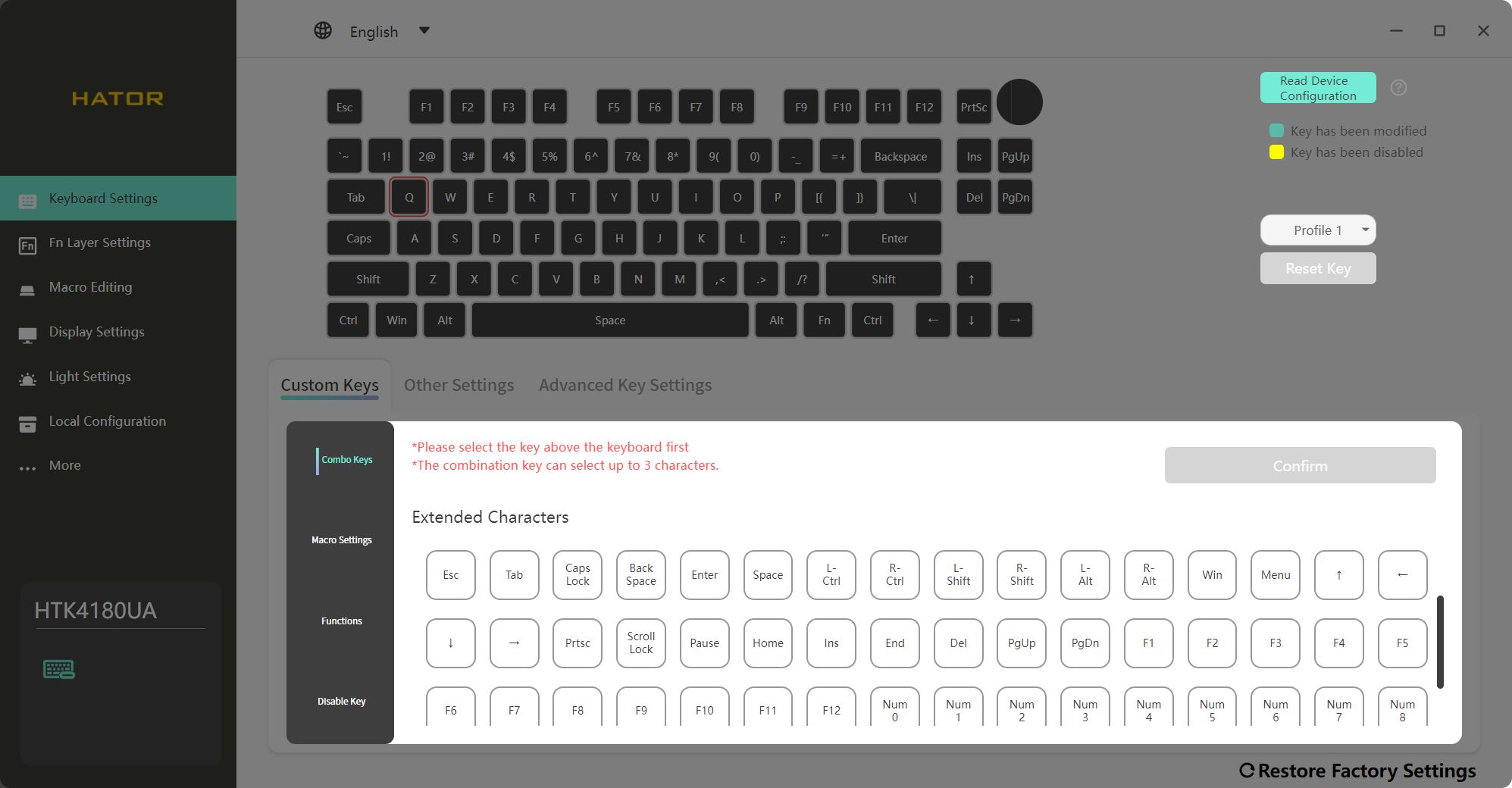
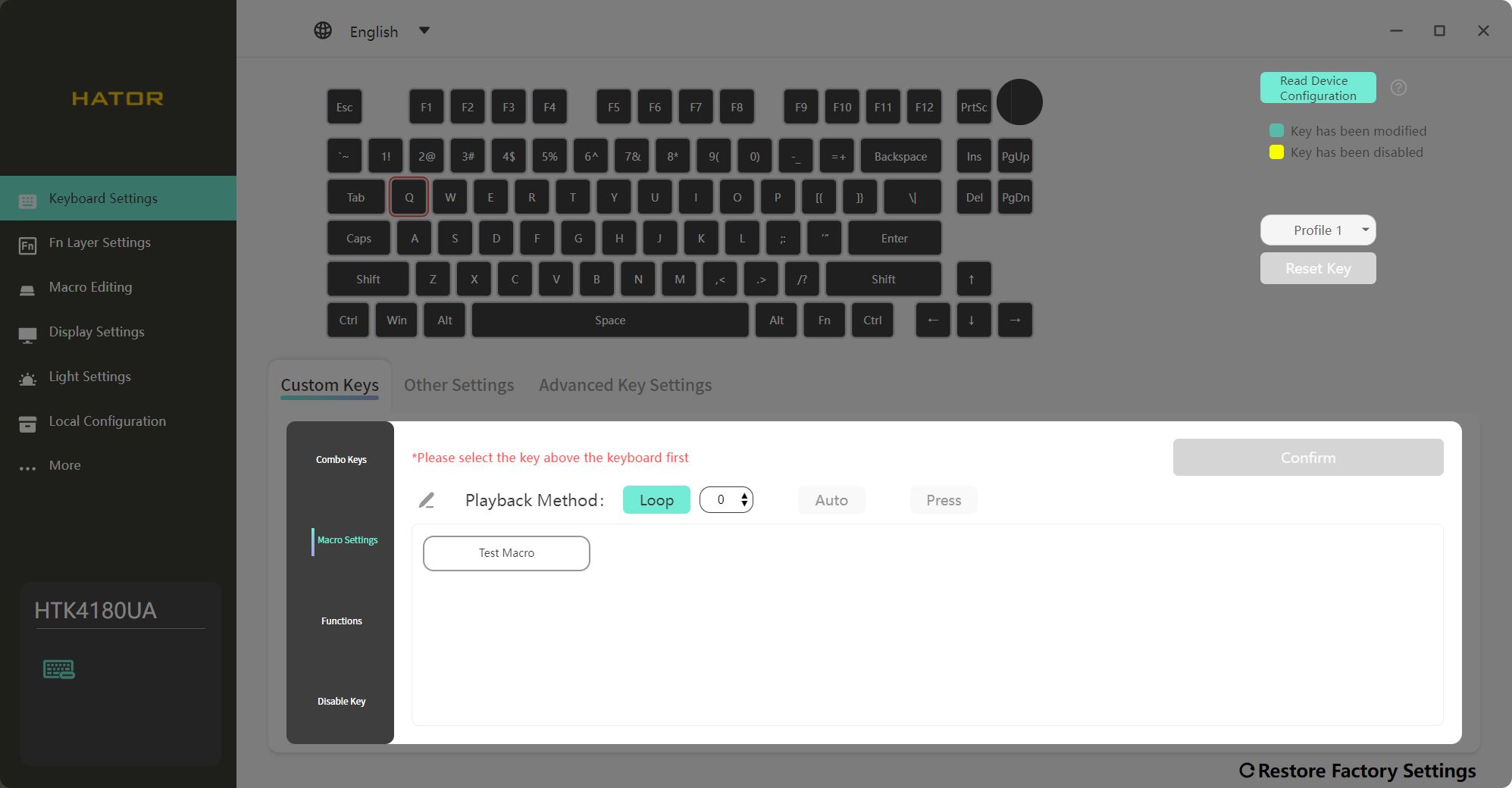
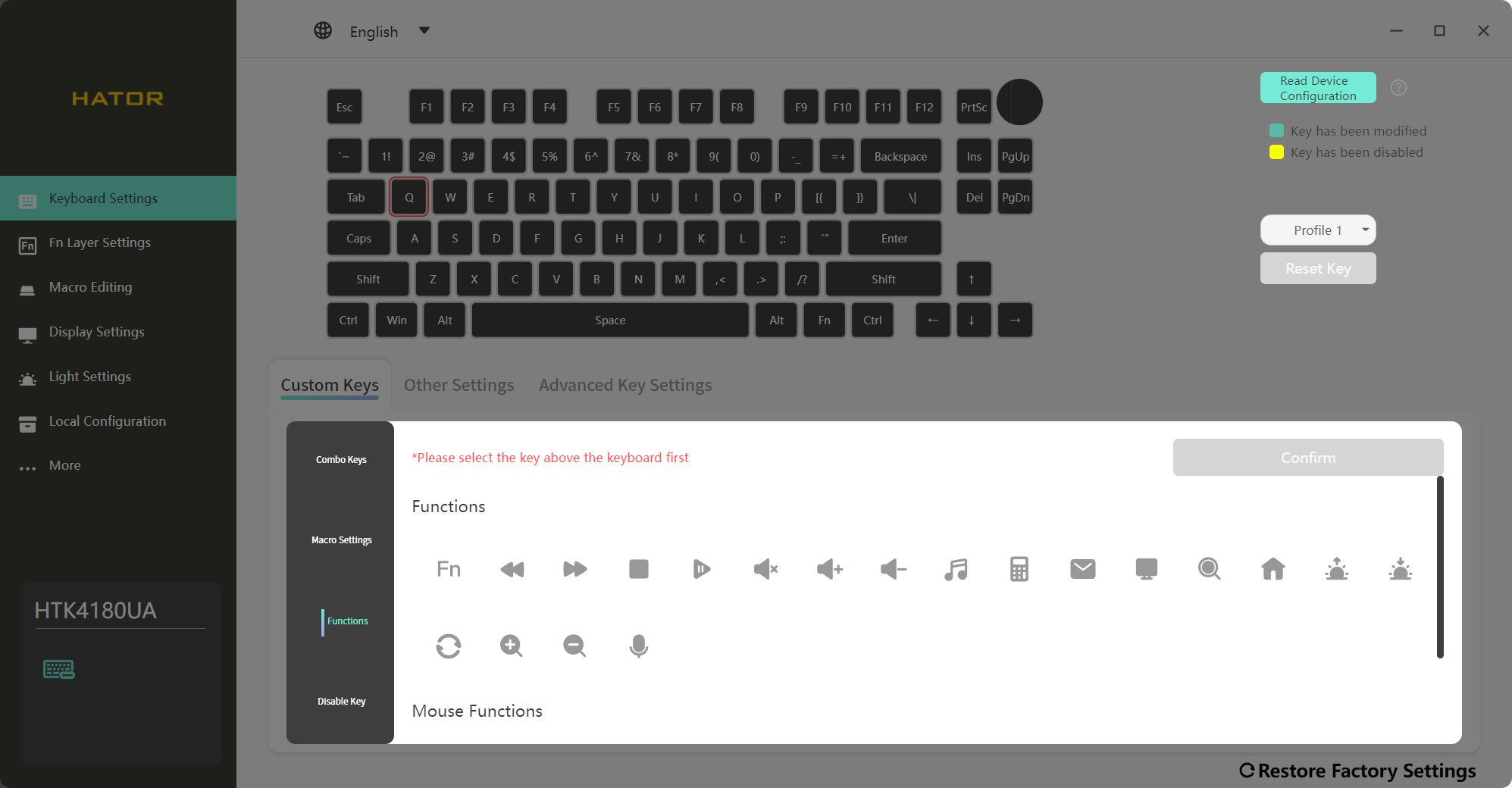
Advanced keyboard settings are managed through the HATOR Skyfall Software, which can be downloaded from the official website. While the keyboard supports macOS, the software is currently available only for Windows. The application is relatively straightforward and user-friendly. Settings can be configured in both wired and 2.4 GHz RF wireless modes, though in wireless mode changes take slightly longer to save, which is expected.
The software organizes all settings into seven main sections: Keyboard Settings, FN Layer Settings, Macro Editing, Display Settings, Light Settings, Local Configuration, and More.
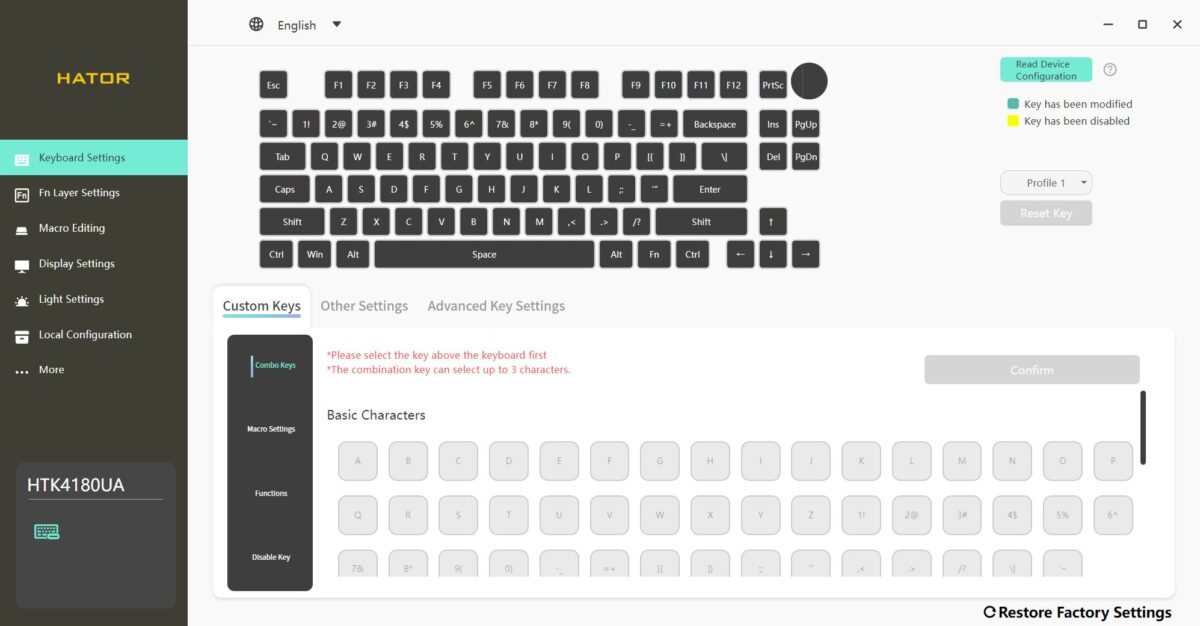
In the Keyboard Settings menu, you can manage profiles, remap keys and layers, set the keyboard’s sleep timer, and configure the “last key priority” function for simultaneous key presses. To reassign a key, select it on the top layout, then choose the desired function, macro, combination, or symbol from the list below.
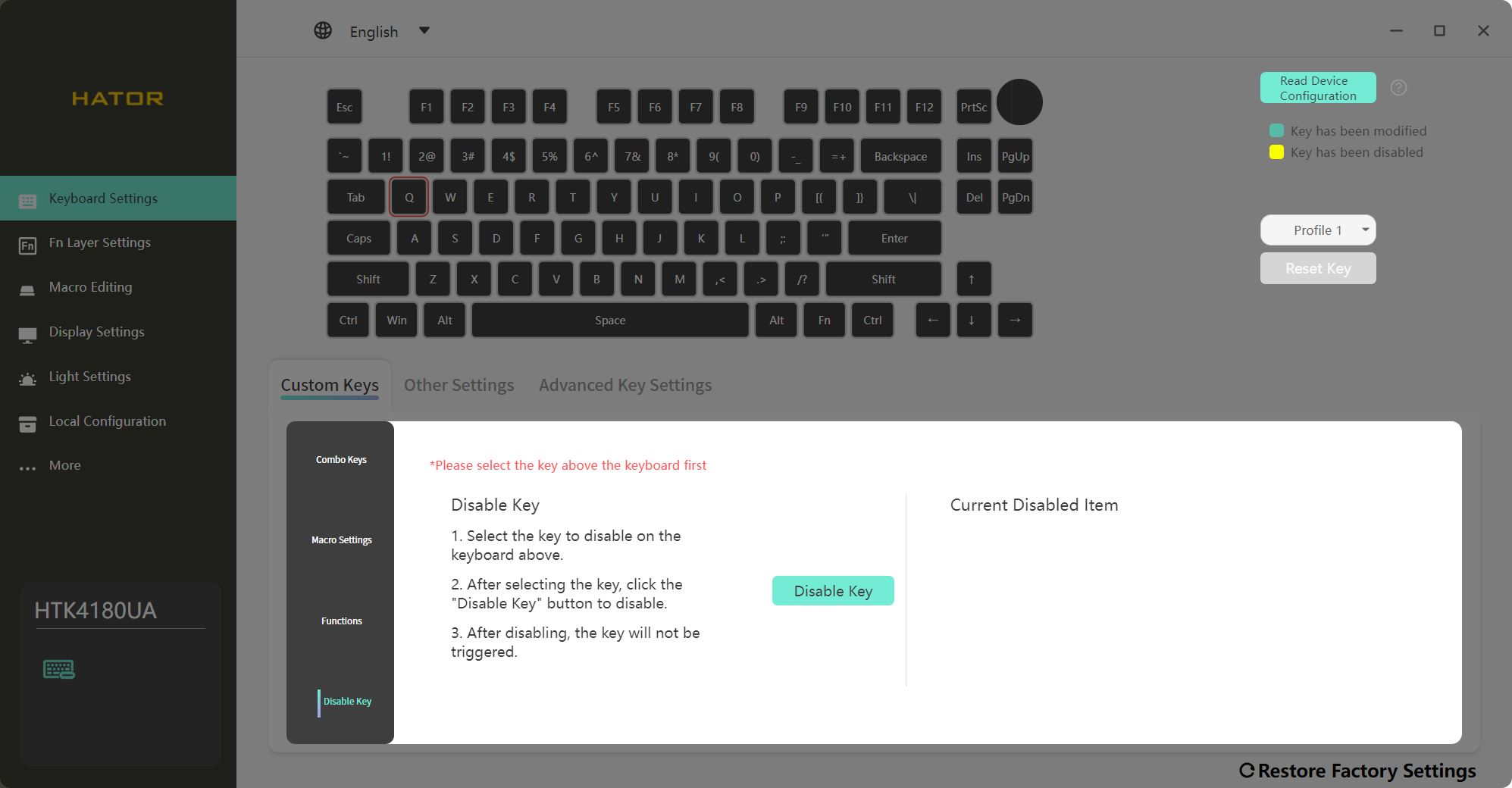
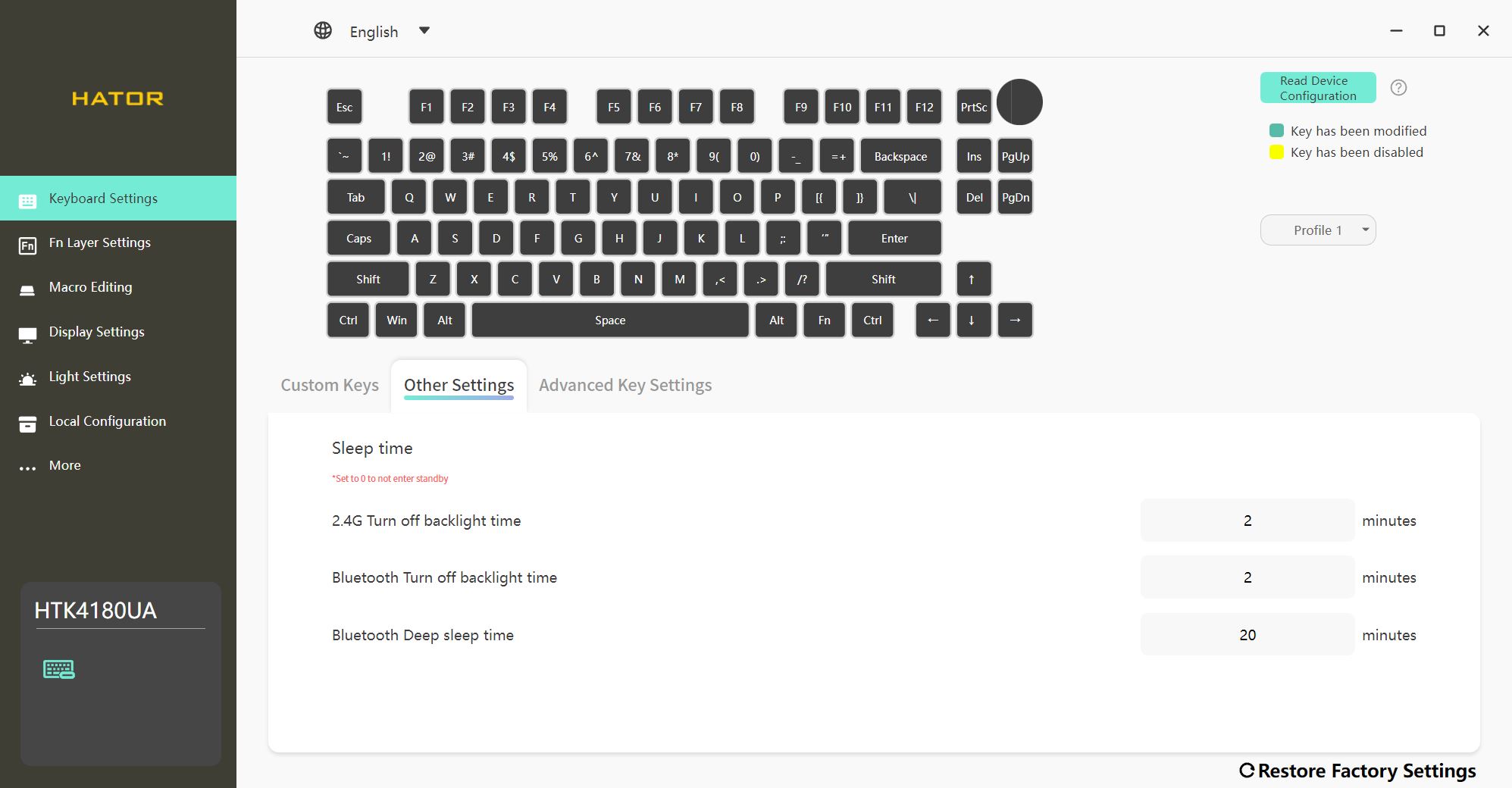
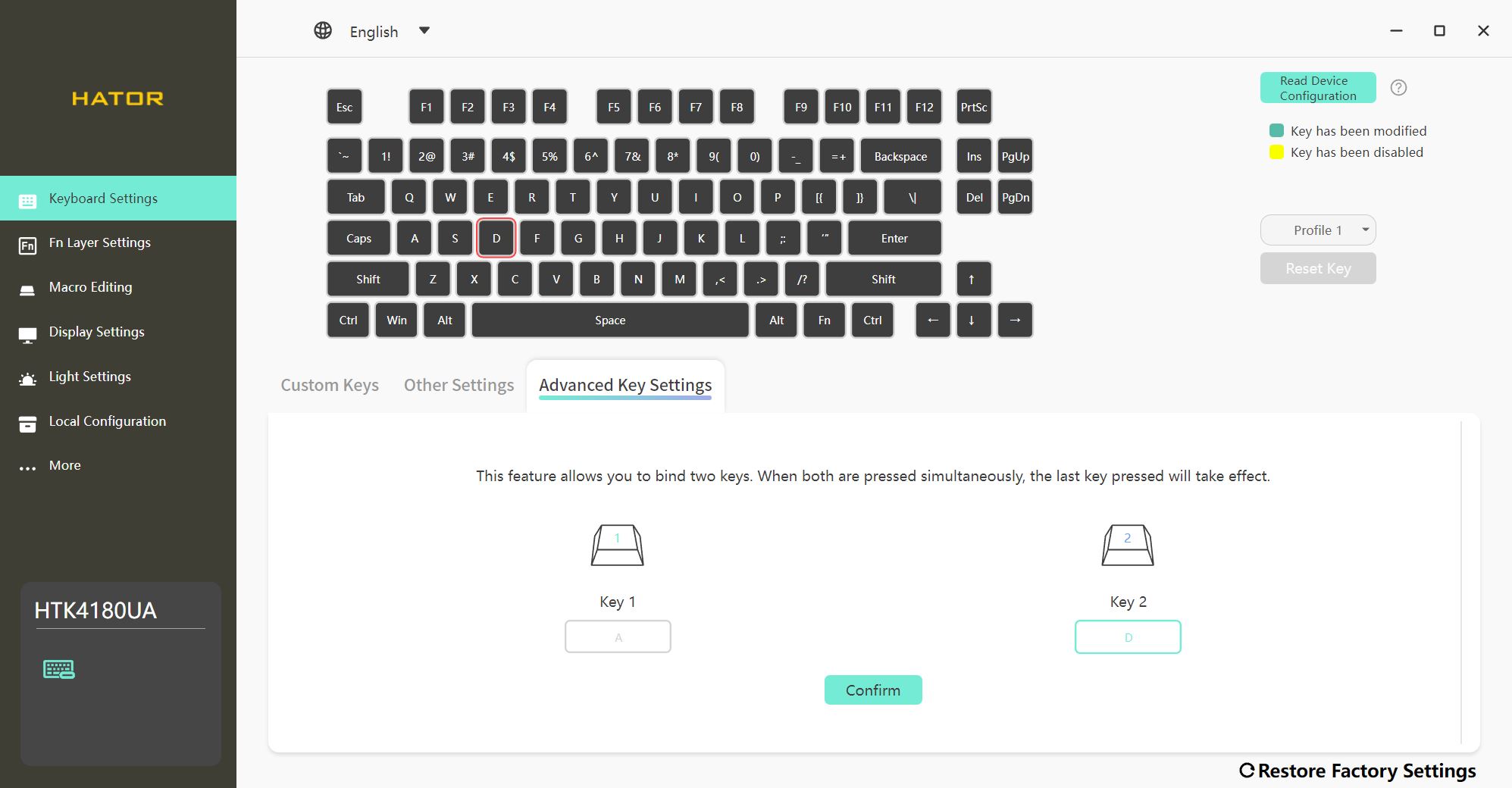
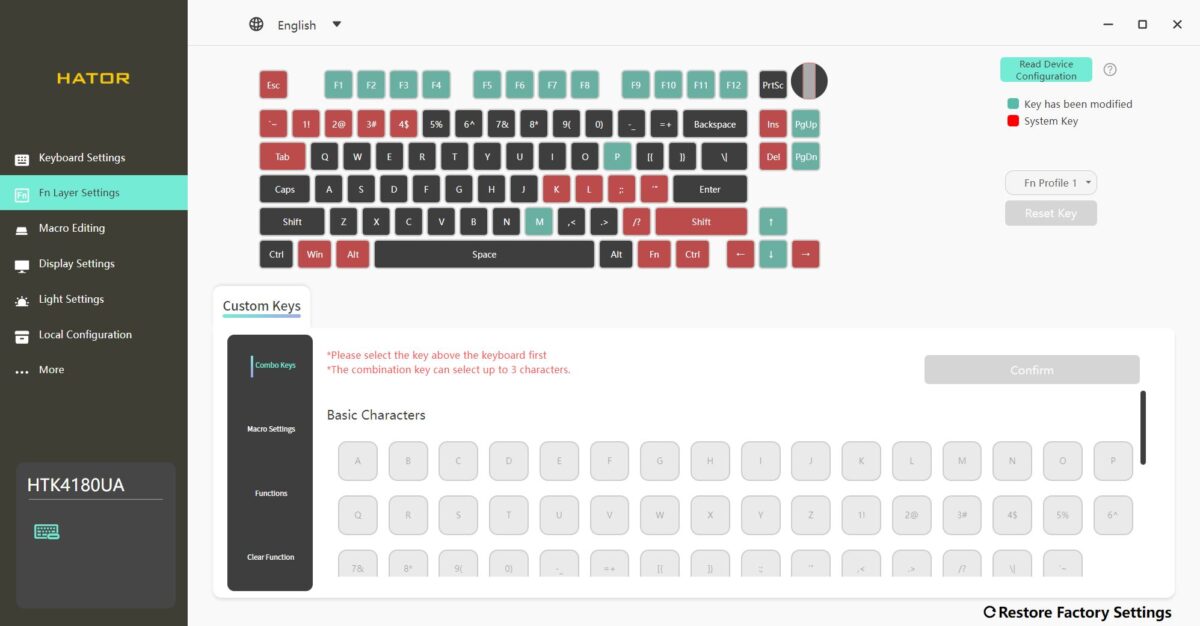
The FN Layer Settings menu is used to configure FN+ key combinations and functions. On the layout, keys are color-coded for clarity: red keys are system keys (cannot be remapped), green keys are assigned but can be modified, and black keys are fully available for customization.
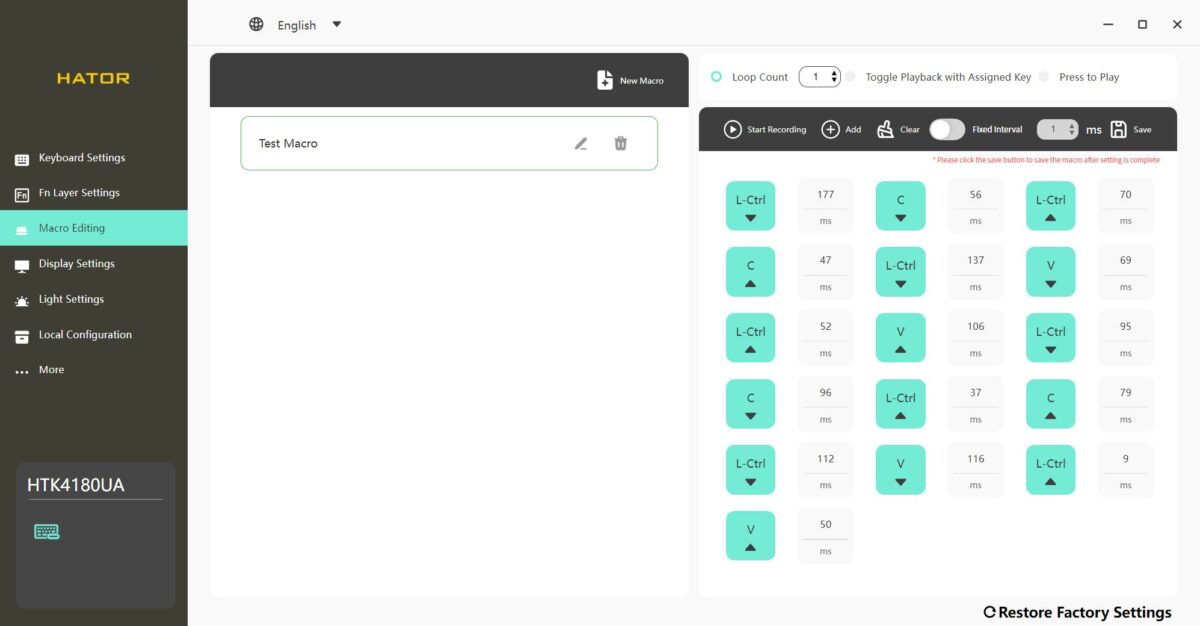
The Macro Editing menu allows you to record and edit macros. These macros can then be assigned to keys or key combinations through the Keyboard Settings and FN Layer Settings menus.
The Display Settings menu contains all options related to the built-in screen. Here you can upload, create, and edit your own media files (images and GIFs). You can also sync the date, time, and system information – such as CPU load percentage and temperature – with your PC.
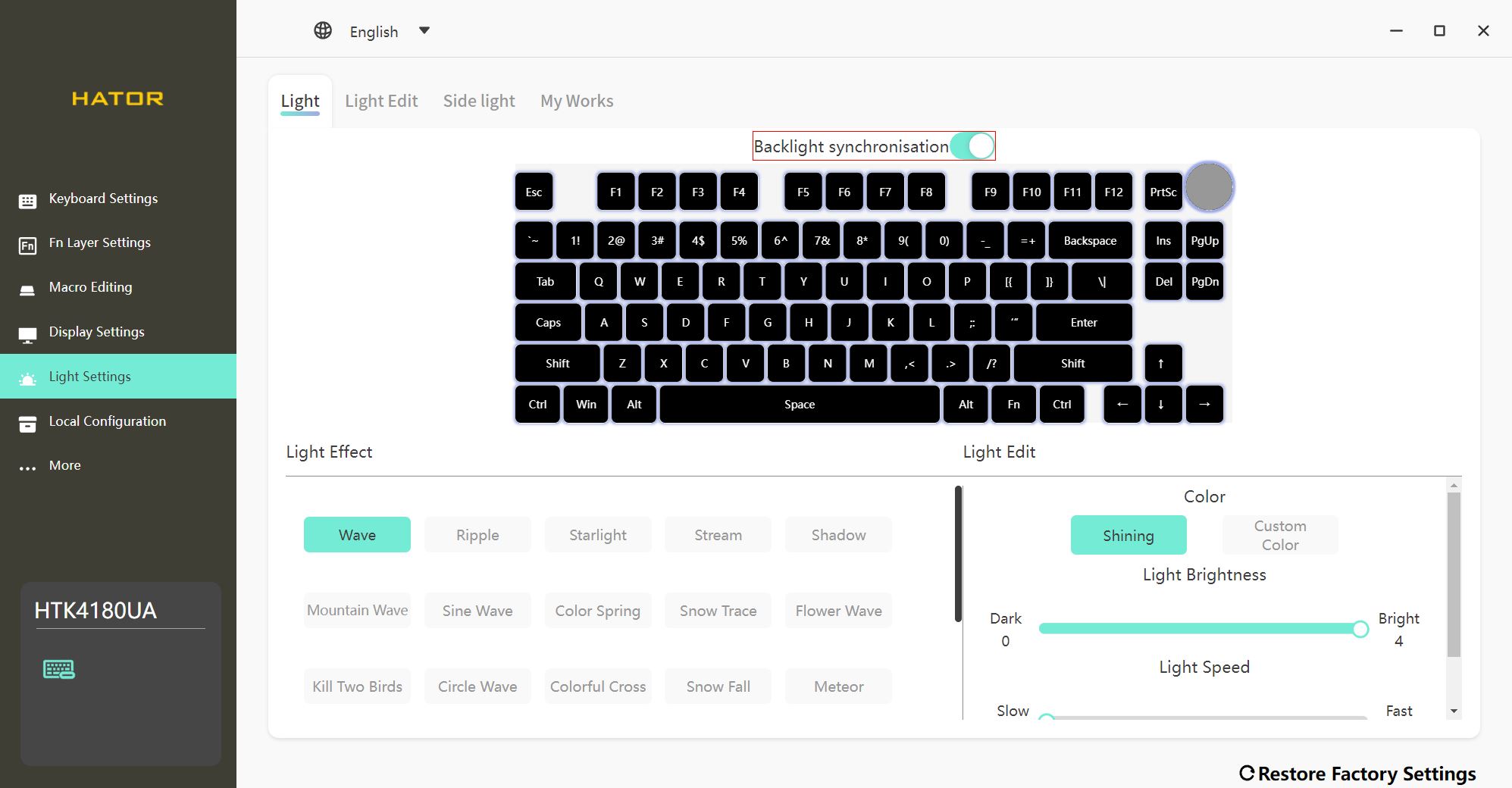
The Light Settings menu lets you configure both the side lighting and the key backlight. You can customize them together as a single synchronized zone or adjust each zone separately. There are plenty of customization options – you can choose one of the built-in effects or create your own unique lighting setup.
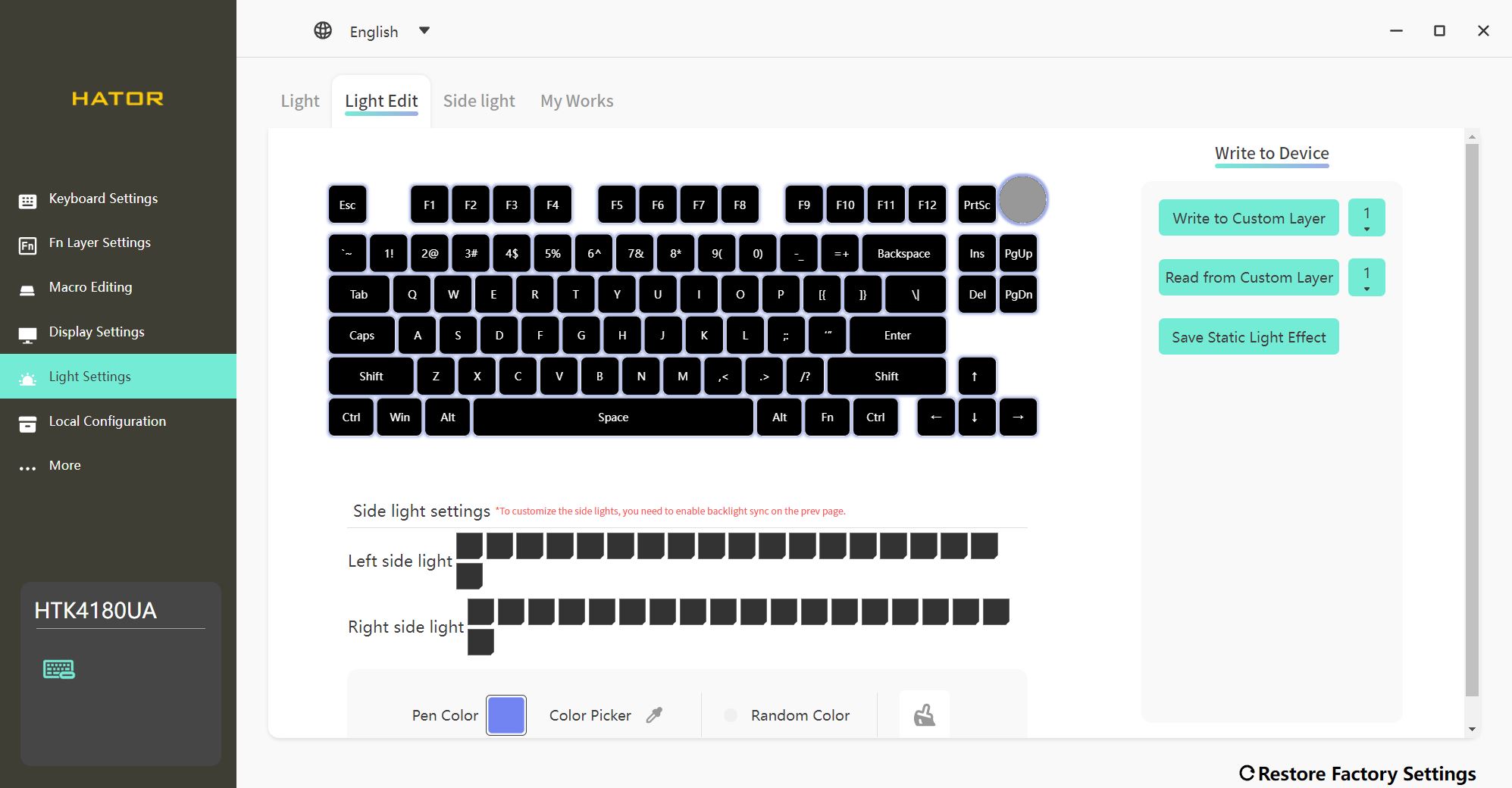
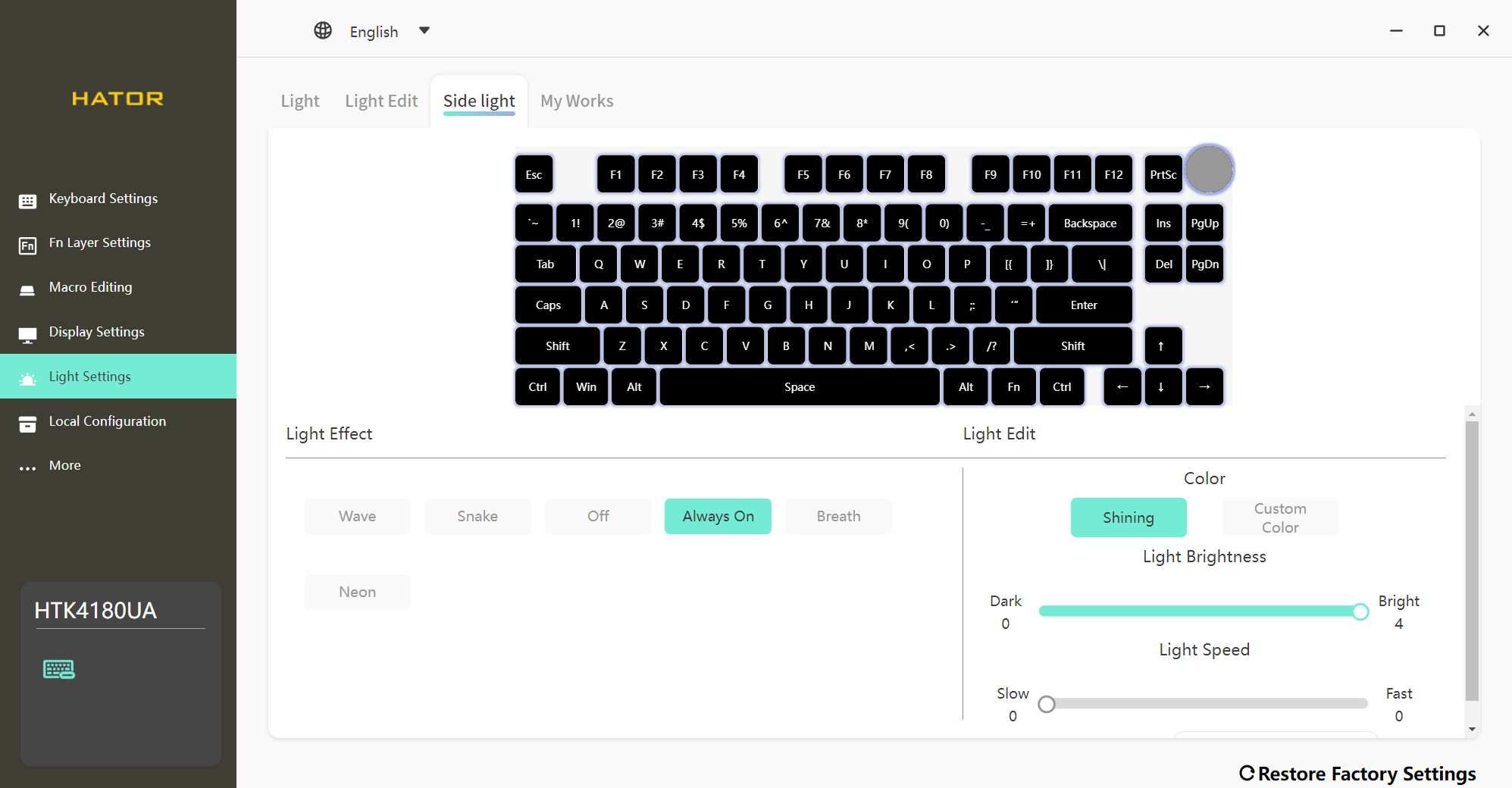
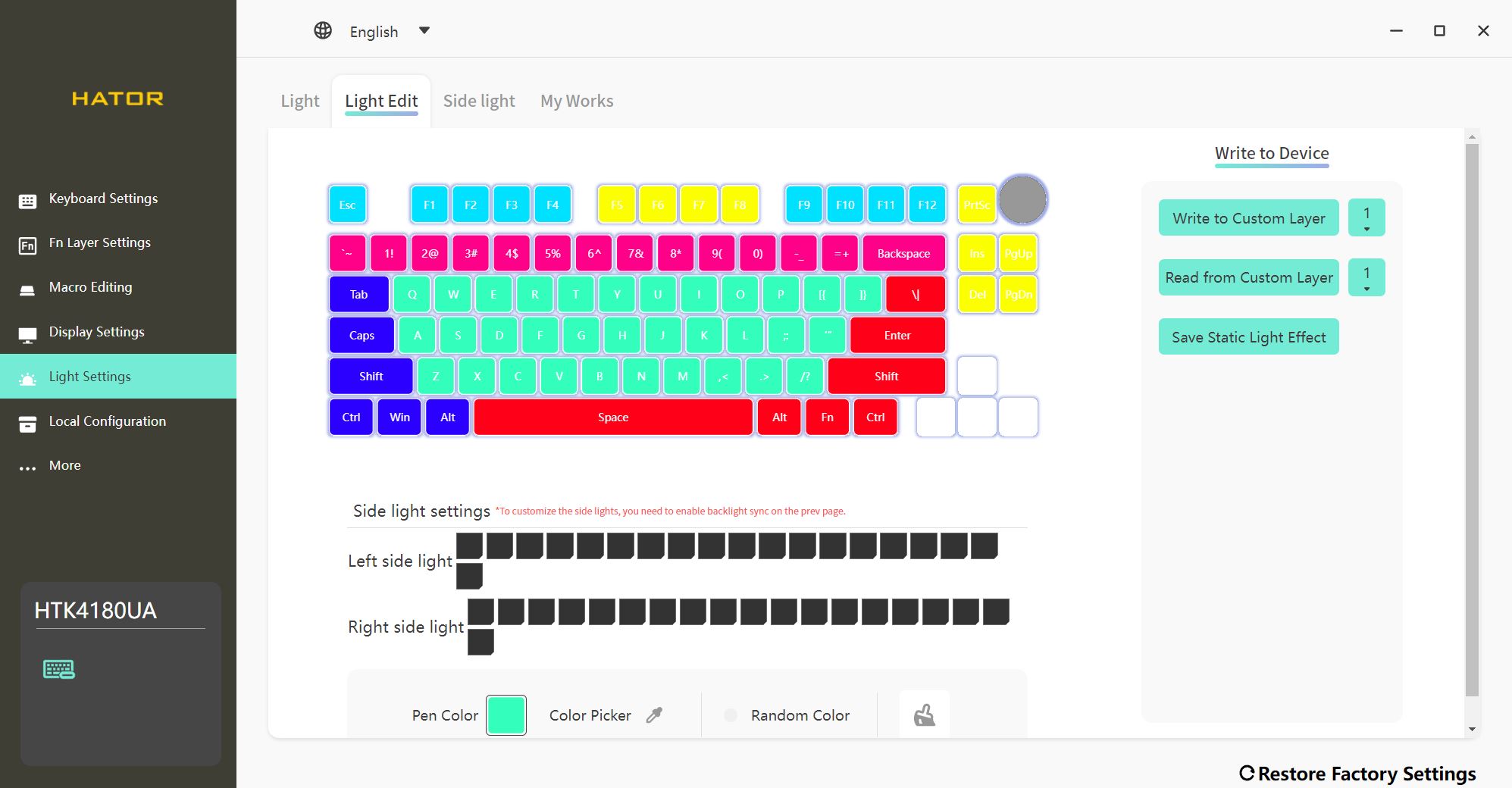
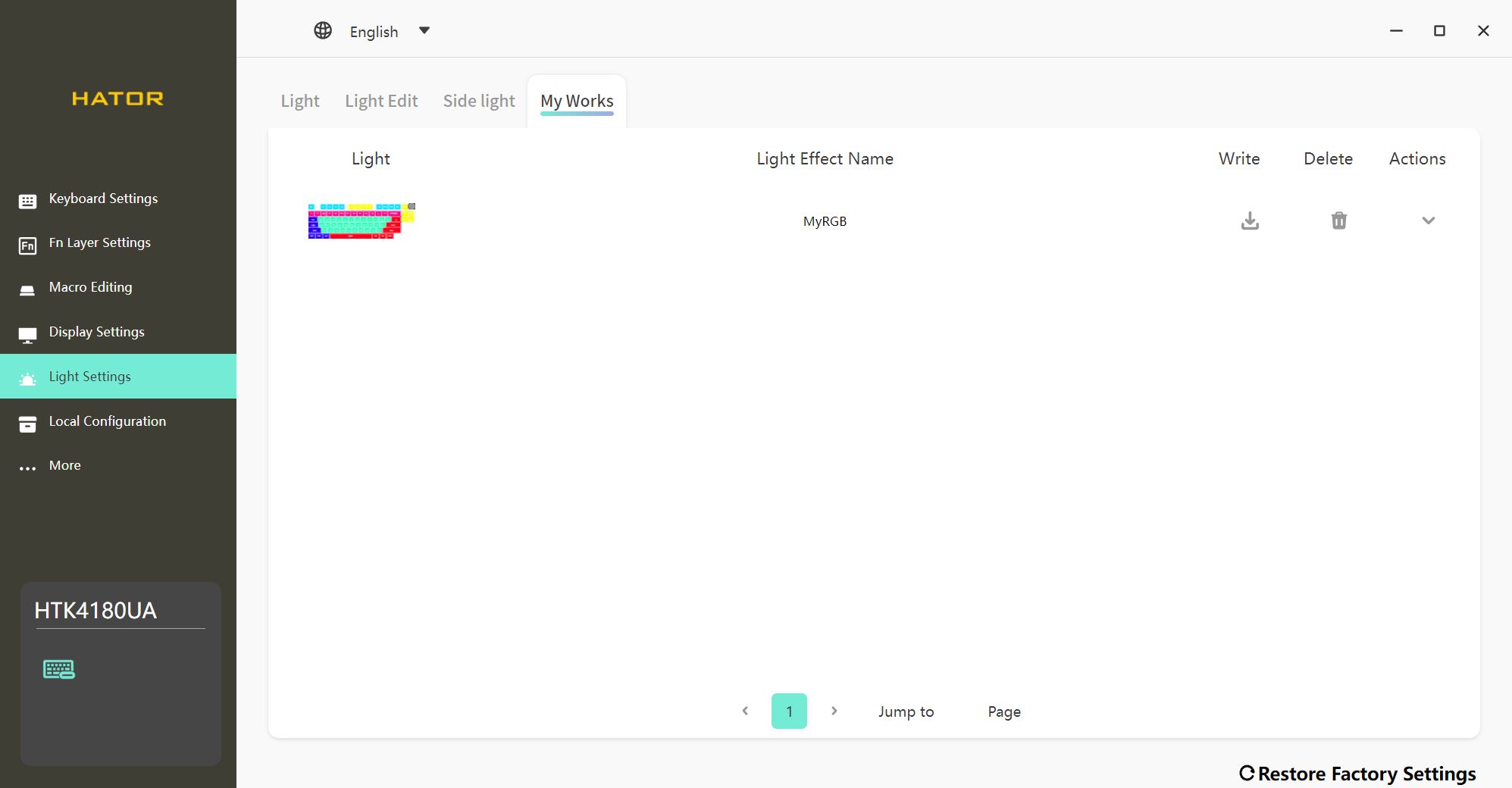
In the Local Configuration menu, there’s nothing displayed – at least in my case. Presumably, this section is meant to show local configuration profiles, meaning those you’ve manually saved and placed into the program’s folder. Another possibility is that this menu is intended for performing local firmware updates for the keyboard. To be honest, I didn’t test this section thoroughly since there wasn’t any need.
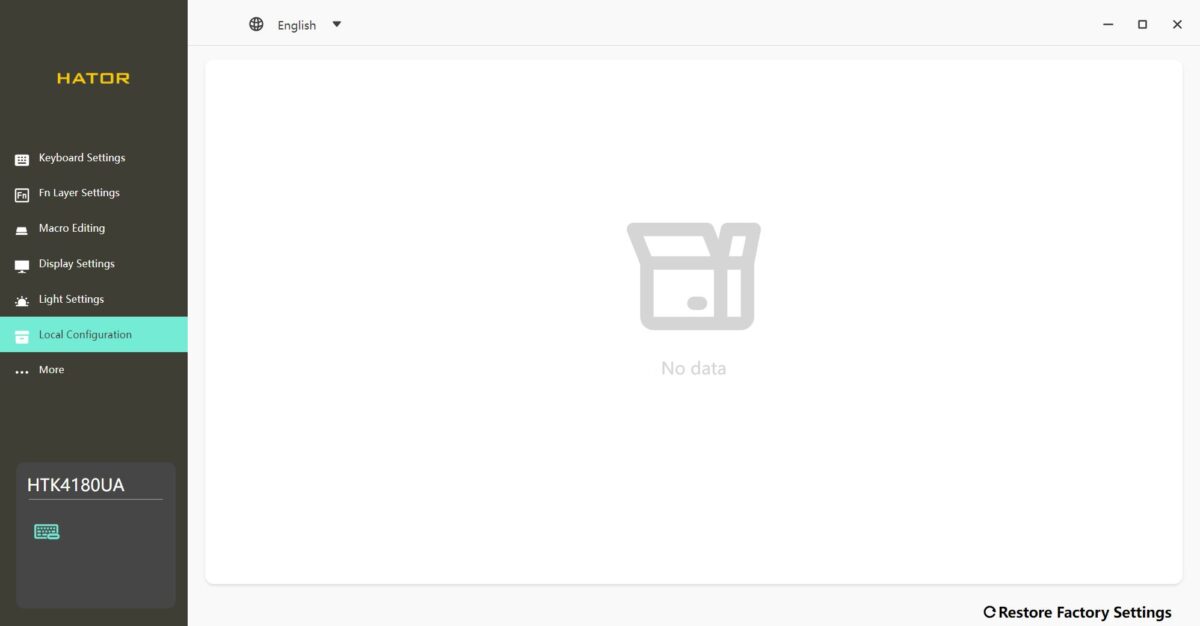
The final menu, More, lets you enable the app’s auto-launch function, update the app itself, and install firmware updates for the keyboard.
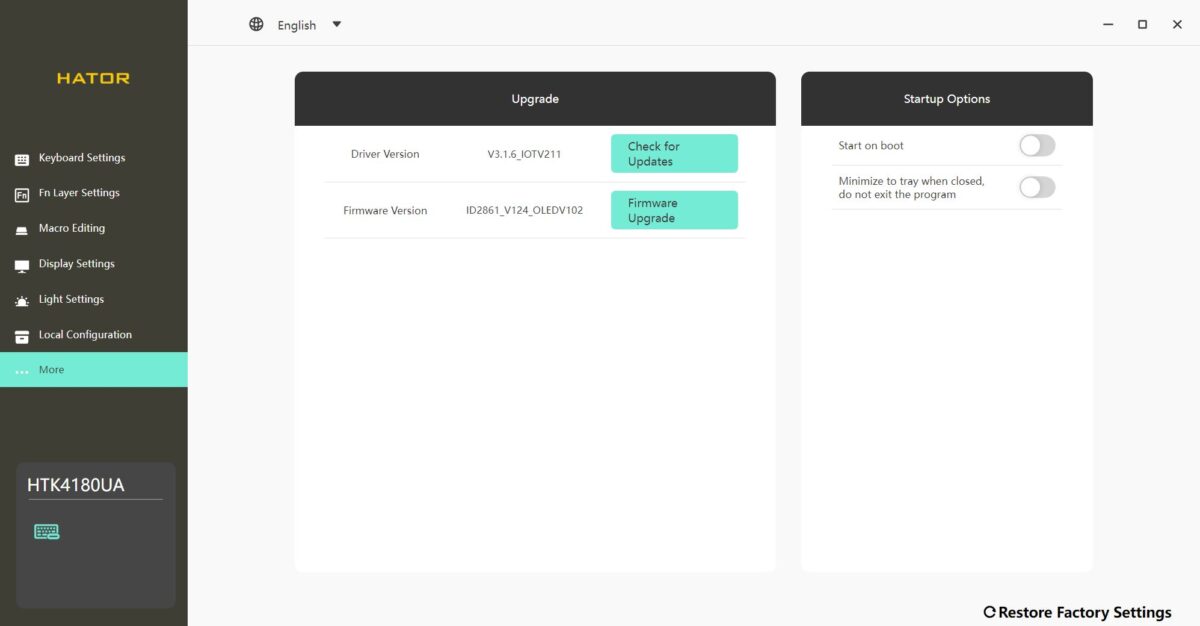
The app is generally quite good: simple, intuitive, and mostly convenient. It includes all the essential settings a modern gamer might need, and navigating them is straightforward.
The keyboard also has onboard memory – you can configure it once in the app, and afterward it will retain all your settings even when you use it on another PC without the software. Still, I think many would agree that it would be great to have an option to configure the keyboard online through a browser – something similar to VIA. That way, there would be no need to install anything on a computer, and Mac users would also have access to the full range of advanced settings.
Read also:
Battery life
As mentioned earlier, the new revision comes with a higher-capacity battery compared to the previous version: 4000 mAh in the Skyfall 65 Pro Wireless and 8000 mAh in the Skyfall 80/100 Pro Wireless.
Based on my observations, a full charge with the backlight set to maximum brightness and the sleep timer set to 2 minutes lasts an average of 3–4 days of fairly active use in 2.4 GHz RF mode. Without backlighting, battery life increases dramatically – the keyboard can easily run for a couple of weeks on a single charge.
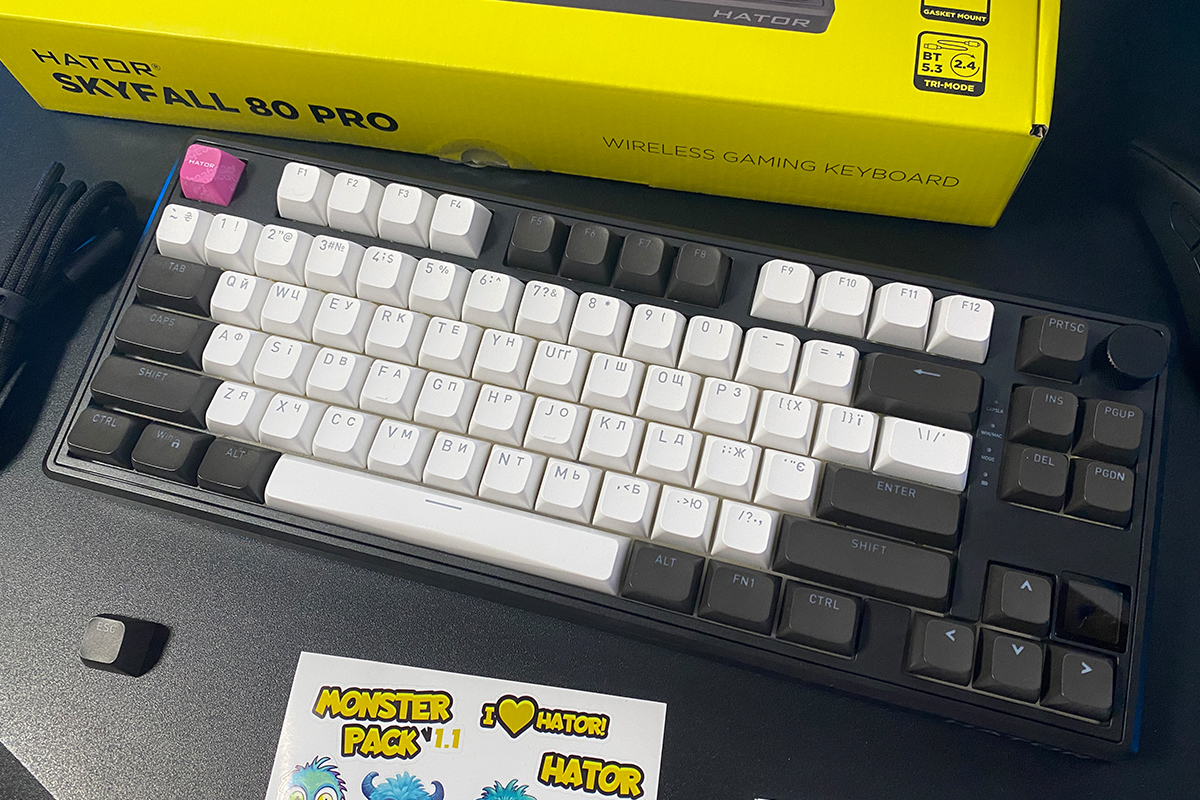
Regarding charging time – yes, it’s not fast, which is typical for a battery of this capacity. Based on my observations, the keyboard takes about 12+ hours to fully charge.
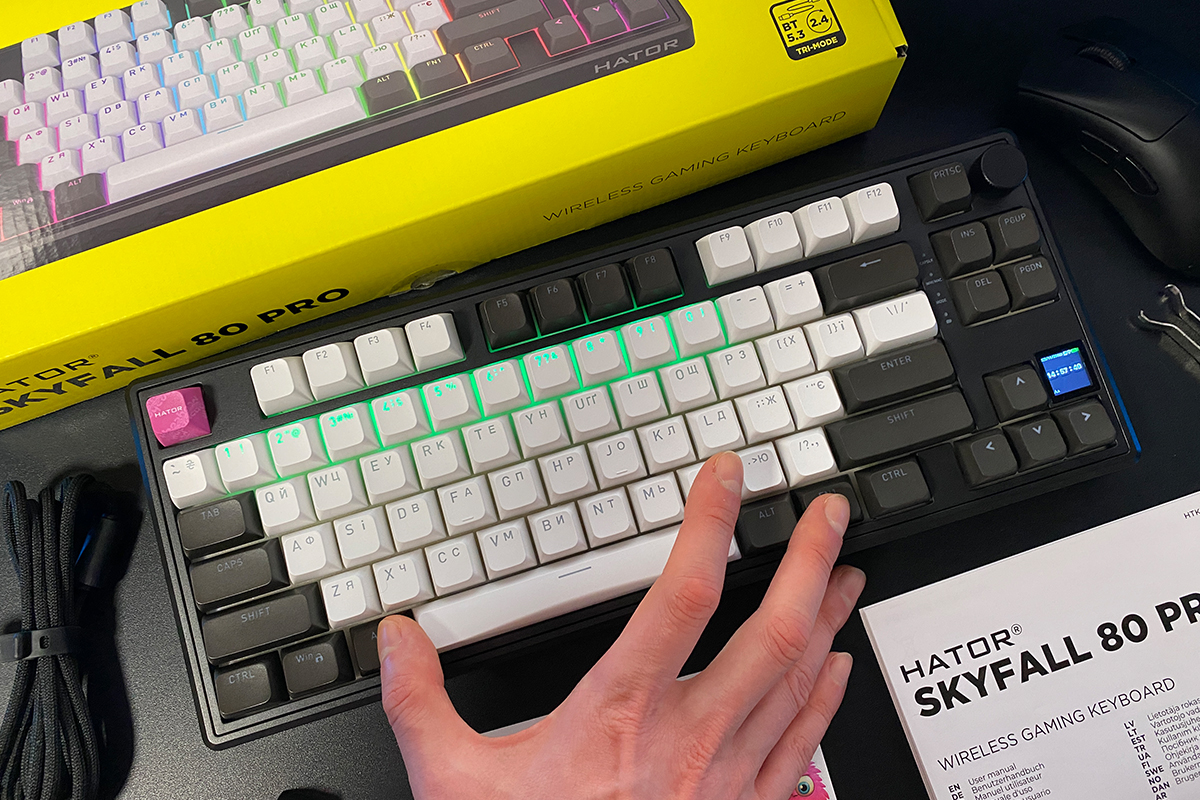
You can check the battery status either on the display or by pressing FN + Left ALT. The second method is more convenient. When you press this combination, the number row lights up to indicate the remaining battery percentage. For example, in my photo below, the digits 1–0 are lit, meaning 100% charge. If digits 1–5 were lit, that would indicate 50% remaining.
To save power in wireless mode, the keyboard enters sleep mode after a period of inactivity (2 minutes by default). Waking it from sleep can sometimes take a short delay of about 1–2 seconds. Based on my observations, this delay occurs if the keyboard has been in sleep mode for a long time (over 20 minutes). If it’s been asleep only briefly, there’s no delay.
This behavior is fairly typical for many budget keyboards and is probably the only debatable point for this model. Personally, it doesn’t interfere with using the keyboard or enjoying it.
Conclusions
In conclusion, I’d say that the Skyfall lineup update was more than successful, and the new Hator Skyfall 80 Pro Wireless turned out excellent. It keeps all the strong points of the previous model: a convenient format, solid build quality, Gasket Mount, hot-swap support, a multifunctional roller for adjustments, attractive design, and an extremely reasonable price.
The updated version builds on these strengths and adds a stylish, functional mini-display, unique PBT keycaps, and a higher-capacity battery. But the standout feature, in my view, is its new HATOR Aurum Vanila Silent switches. They make you fall in love with the keyboard instantly and deliver an entirely new typing experience. Honestly, just the switches and the typing feel alone would make me buy this keyboard without hesitation. Everything else is secondary.
But there are a few minor drawbacks worth mentioning. The first is a slight delay when the keyboard wakes from sleep mode. As I mentioned, this is typical for many budget hot-swap keyboards and doesn’t really affect usability. Still, there are models in the same segment where this delay is nonexistent, so there’s room for improvement.
The second point concerns the proprietary software. It would be ideal if HATOR added support for a web-based VIA-like driver, allowing keyboard customization directly in the browser without installing software. This feature would be especially useful for MAC users.
The third point is the absence of spare switches in the package. As I’ve mentioned, having spare switches should be standard for hot-swap keyboards. Aside from these minor issues, everything else is excellent, and I can confidently recommend the keyboard.
Read also:
- Why the Future Belongs to Computer Accessory Design: Using the Bloody Cypher Ghost AT75 + R73 Ultra Duo as an Example
- Raelian Movement: Religion of the Future, Scientific Cult, or Pure Fantasy?
- Vocaloids and AI: How Hatsune Miku Redefined the Music Industry
Where to buy Hator Skyfall 80 Pro Wireless



Hello and thanks for this review!
Is the knob clickable? What’s its default fuctionnality? Is it possible to remap it?
Thanks!
The answers are in the main text:
“Like the previous model, the keyboard features a multifunctional roller (or knob) for adjustments. It can be used to control PC volume and navigate the menu on the built-in display. Modes are switched with a short simultaneous press of the FN key and the knob. The official software also allows assigning custom functions to the roller, making it a versatile and useful tool.
In terms of quality, the roller is well-made. Rotations are nearly silent, with distinct detents for each position. Pressing it inward is slightly louder, but this isn’t a significant issue. I use these rollers frequently for volume control and can confidently say that the roller on the Skyfall 80 Pro Wireless is convenient and reliable.”