© ROOT-NATION.com - Use of content is permitted with a backlink.
Today I’m reviewing the MechLands M75 – arguably one of the most affordable mechanical keyboards with magnetic switches currently on the market. This is one of the brand’s first keyboards and a clear attempt to bring magnetic switch technology to a wider audience at a much lower price point than what competitors typically offer. So, did they succeed? Based on what’s on offer, the answer is a confident yes. For $71 / €60, the MechLands M75 delivers a compact 75% layout, decent build quality, a high polling rate of 8000Hz with just 0.128ms input latency, hot-swappable switches, and most importantly – magnetic switches with their full range of features and adjustability.
Before writing this review, I spent a good amount of time using the M75 – and to get straight to the point, it’s a solid keyboard for its price range. In fact, it’s an ideal option for budget-conscious gamers who want to step into the world of magnetic switches or are simply curious to try them out. That said, the keyboard isn’t without its downsides – although it’s more accurate to call them compromises. At this price point, it’s rare to get a product without trade-offs. So what does the M75 do well? Where does it fall short? And what exactly makes magnetic switches worth considering? I’ll cover all of that in this review, starting – as usual – with a quick look at the technical specs.
TABLE OF CONTENTS:
MechLands M75 specifications
- Format: 75%
- Number of keys: 80 keys
- Connection: wired (USB-A – USB-C)
- Switches: Outemu Magnetic Switch
- Polling rate: 8000 Hz
- Input delay: 0.128 ms
- Accuracy of determining the position of switches: 0.01 mm
- Scanning frequency: 32000 Hz
- Hotspot: yes
- Construction and materials: aluminium plate, ABS plastic case
- Captures: Double-Shot PBT Cherry Profile
- Backlight: RGB keys (southern diodes)
- Firmware: MechLands Driver application (Windows, MAC)
- Built-in memory: yes
- Supported platforms: Windows, MAC
- Multifunctional wheel: yes (volume control), detachable
- Cable: detachable USB-A to USB-C
- Dimensions: 333.9×149.5×42.0 mm
- Weight: 827 g
- Advanced features: DKS, MT, TGL, SOCD
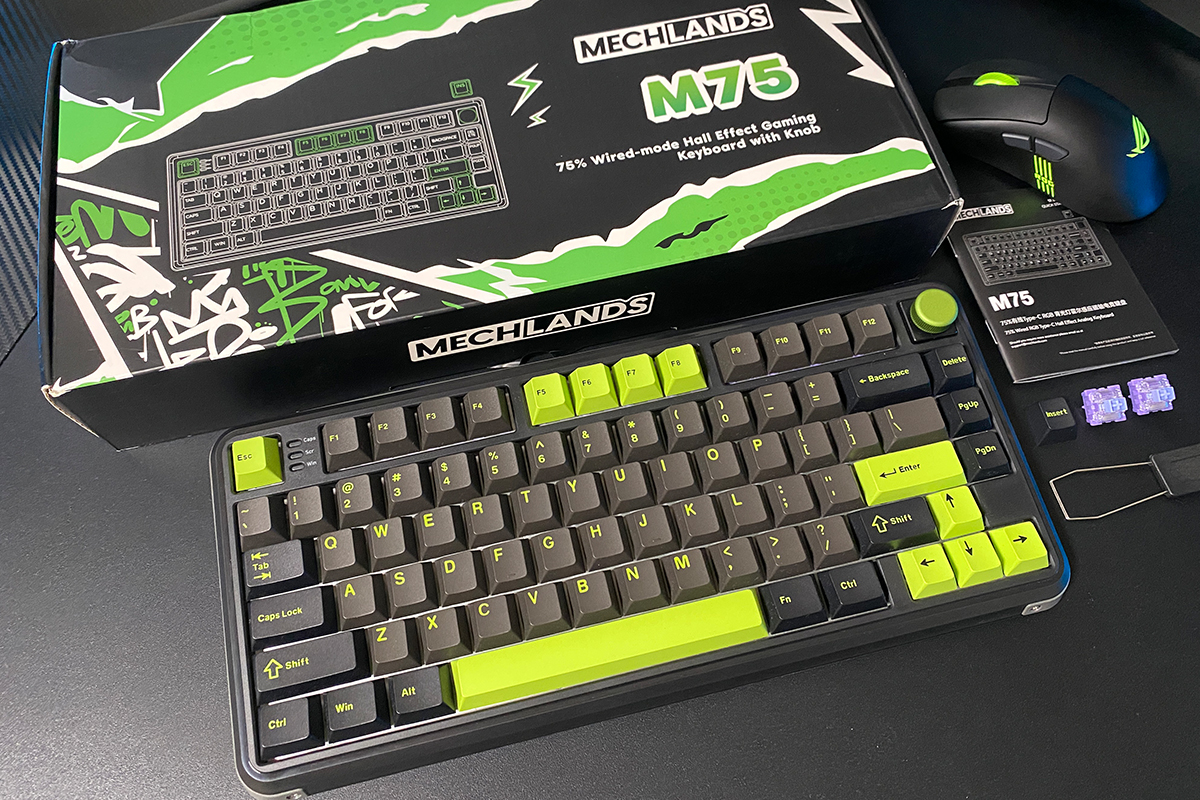
- Package contents: keyboard, user manual, keycap and switch puller, USB-A to USB-C cable, two spare switches (Outemu Magnetic Switch), blister dust cover
Positioning and price
To start, it’s worth saying a few words about the brand itself. Based on the information I found online, MechLand is a relatively new player in the mechanical keyboard space but one that’s quickly gaining traction among gamers and keyboard enthusiasts alike.
A quick visit to the official MechLands website shows that, in addition to their own products, the company also sells keyboards from other brands. This suggests that MechLands likely started out as a distributor before moving into developing their own hardware more recently. At the moment, their lineup of in-house keyboards is still fairly limited. However, what stands out is their strong price-to-performance ratio. And that’s really the brand’s biggest competitive edge – aggressive pricing without sacrificing too much on features. The M75 is a great example of this approach in action.
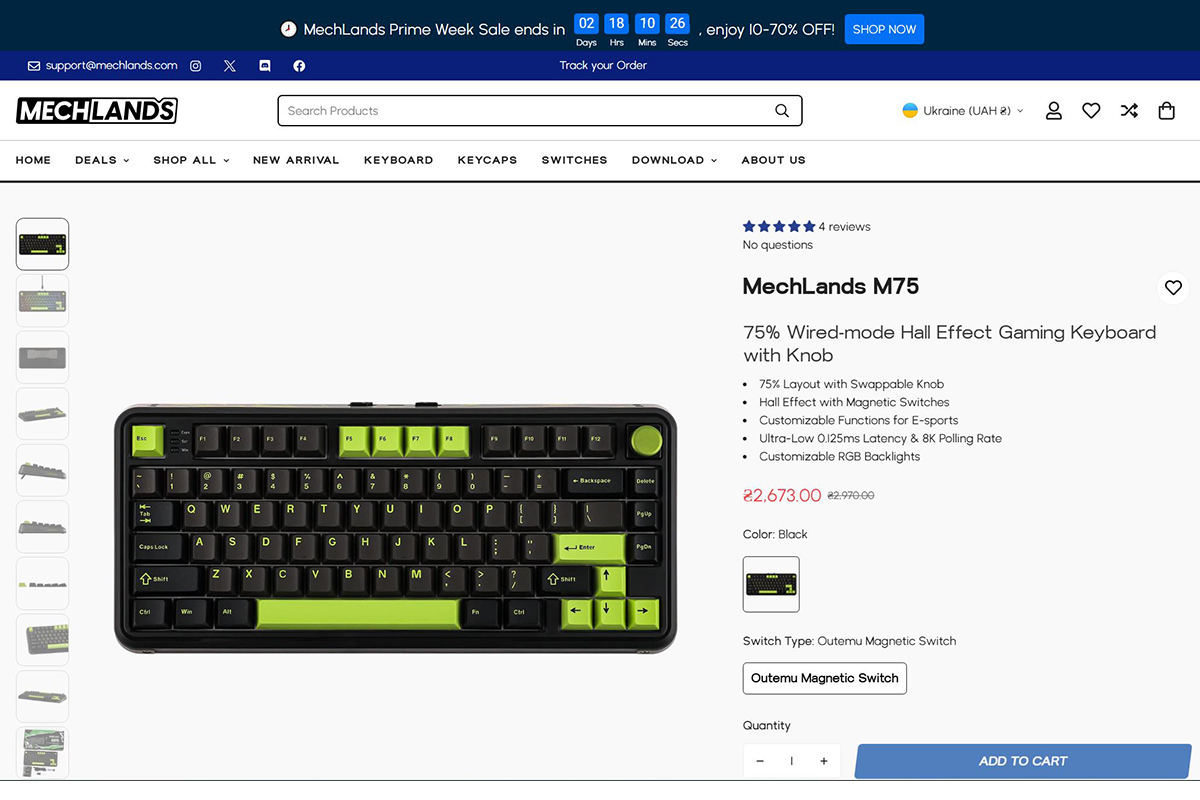
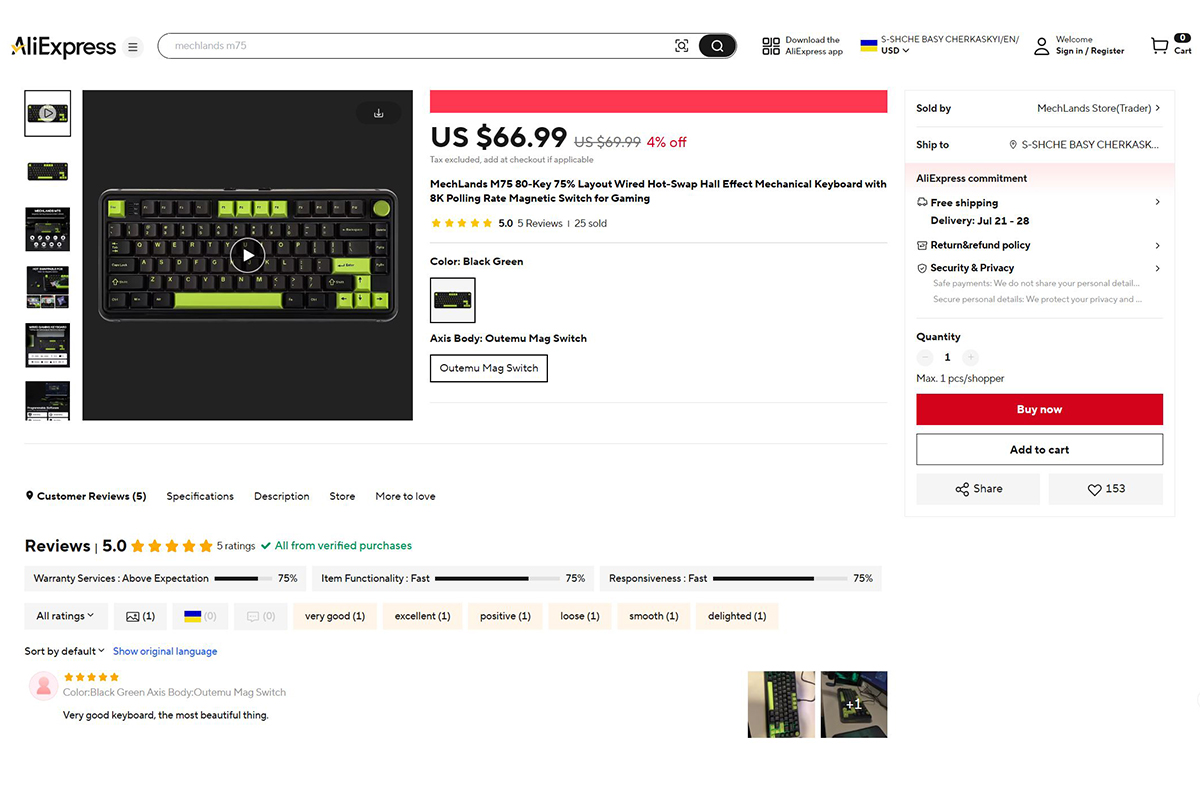
The MechLands M75 is currently the brand’s only keyboard featuring magnetic switches. As one of their first in-house models, it essentially serves as their calling card. It’s available for purchase both on the official MechLands website and via AliExpress. Pricing is set at $71 / €60 on the official site, and slightly lower on AliExpress at $70 / €60. These are standard prices – before any discounts. With a bit of searching or during a sale, it’s possible to find the keyboard even cheaper. Overall, it’s a very competitive and appealing price point for a device in this category.
Main features of the model
The standout feature of the MechLands M75 – apart from its price – is its use of magnetic switches, a high 8000Hz polling rate, and ultra-low input latency of 0.128 ms. It also boasts precise switch position tracking with 0.01mm resolution and a high scan rate of 32,000Hz. Let’s take a closer look at each of these points.
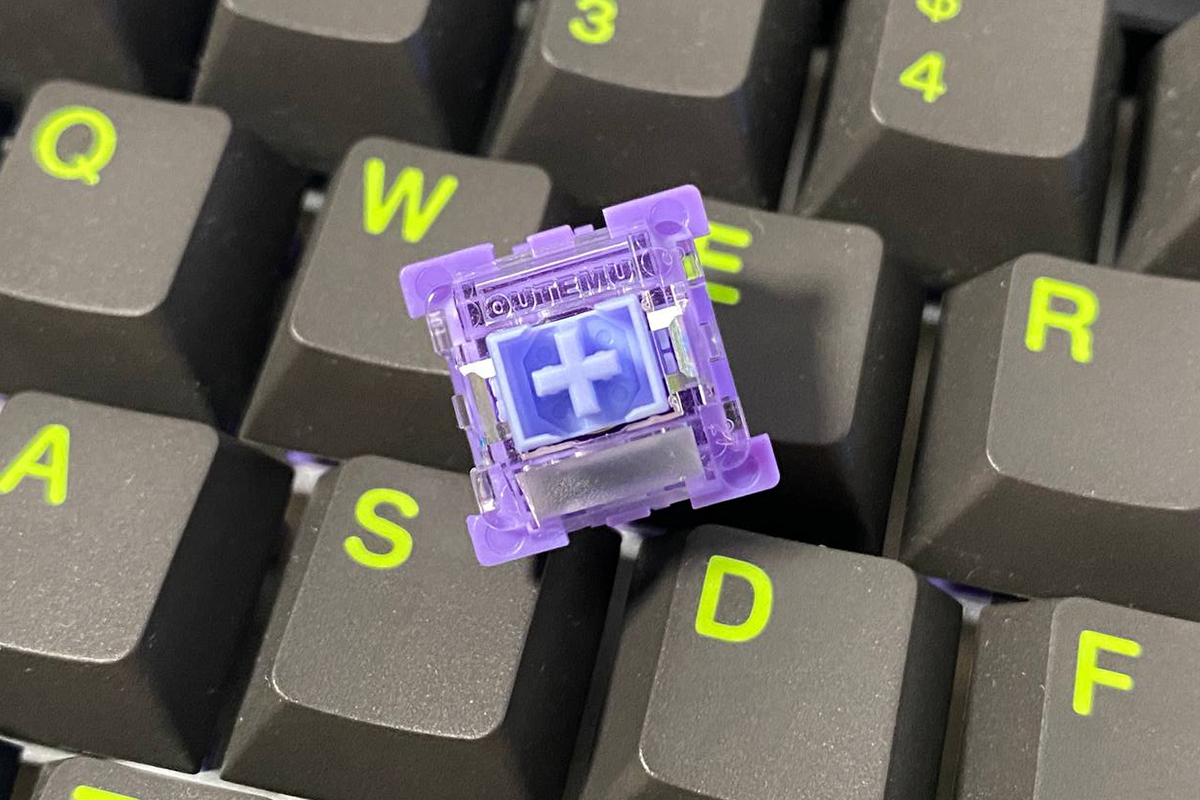
Magnetic switches – also known as Hall effect switches – offer several unique advantages over traditional mechanical ones. Chief among them is the ability to customize the actuation point. On the MechLands M75, this point can be adjusted anywhere between 0.10 mm and 3.20 mm, with fine control down to 0.01 mm. This allows users to tailor the keyboard’s responsiveness to their exact preferences, whether for gaming or typing.
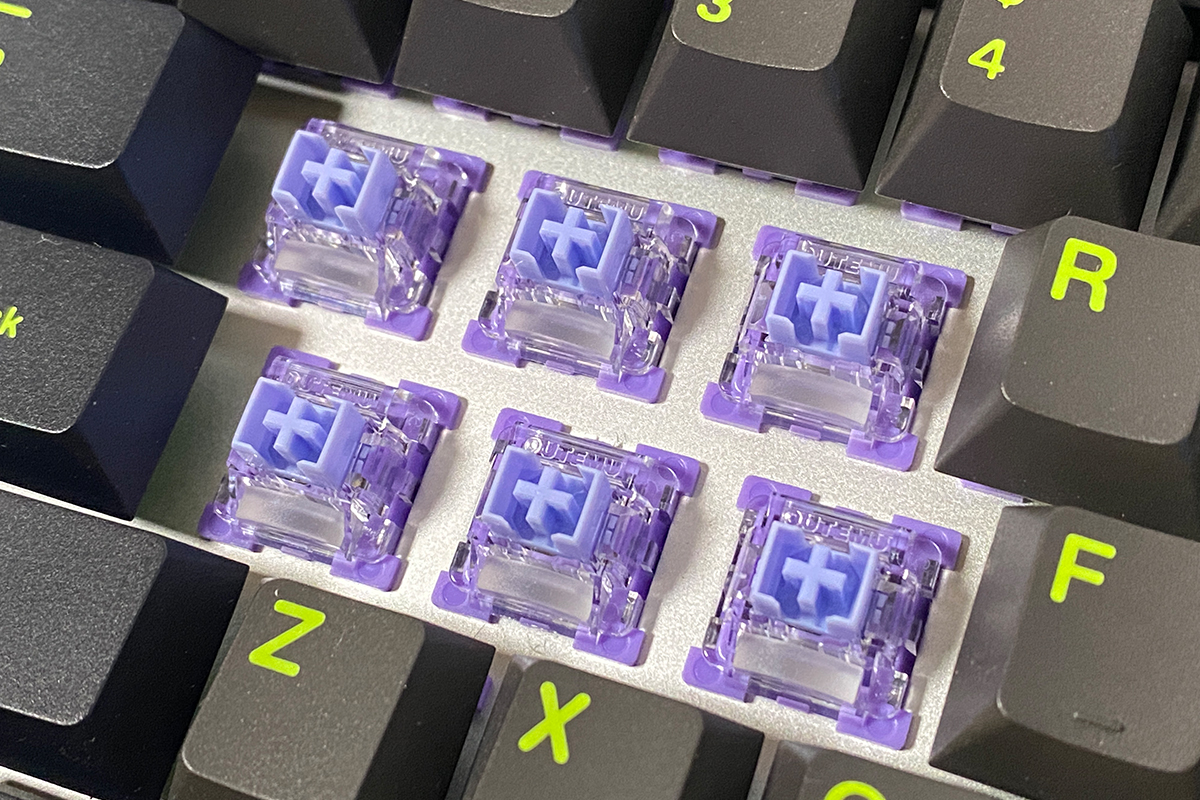
For example, in gaming scenarios, you might want keys to register with just a light press near the top of the keystroke. For typing or office work, you could do the opposite – set keys to actuate only near the bottom of the stroke, reducing accidental inputs. This level of control can be applied on a per-key basis. Take fast-paced games, for instance: you could set the W, A, S, and D keys to activate early for quick movement, while assigning a deeper actuation point to the Shift and Space keys – often used for sprinting and jumping – to avoid misfires. It all comes down to personal preference. The key takeaway is that magnetic switches allow this kind of fine-grained customization, which isn’t possible on traditional mechanical keyboards.
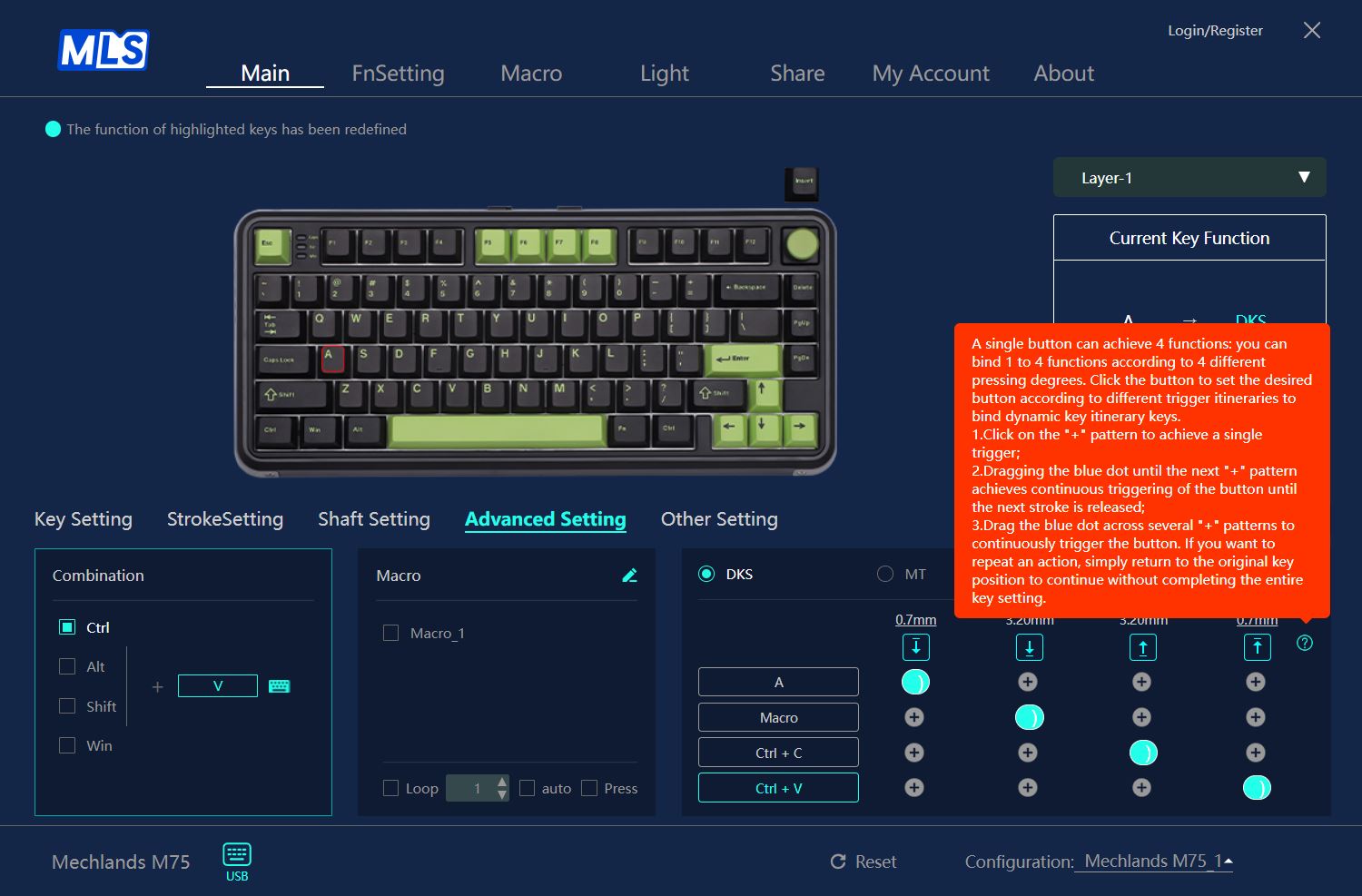
Dynamic Keystroke (DKS), also known as Rapid Trigger, is another key advantage of magnetic switches. This feature allows keys to deactivate the moment you start lifting your finger, and to re-activate instantly as soon as you press down again – without needing to hit a fixed reset or actuation point. In practical terms, this means the keys respond to even the slightest movement. There’s no delay caused by waiting for the switch to fully reset before it can register again. For fast-paced gaming, especially in competitive shooters or rhythm games, this can translate to faster response times and more precise control.
Where does this actually come in handy? Unsurprisingly, in fast-paced competitive games – especially first-person shooters. Dynamic Keystroke (DKS), also known as Rapid Trigger, allows for extremely fast input, such as changing a character’s movement direction almost instantly. This kind of responsiveness has a direct impact on player control and reaction speed, offering a clear advantage in scenarios where every millisecond counts.
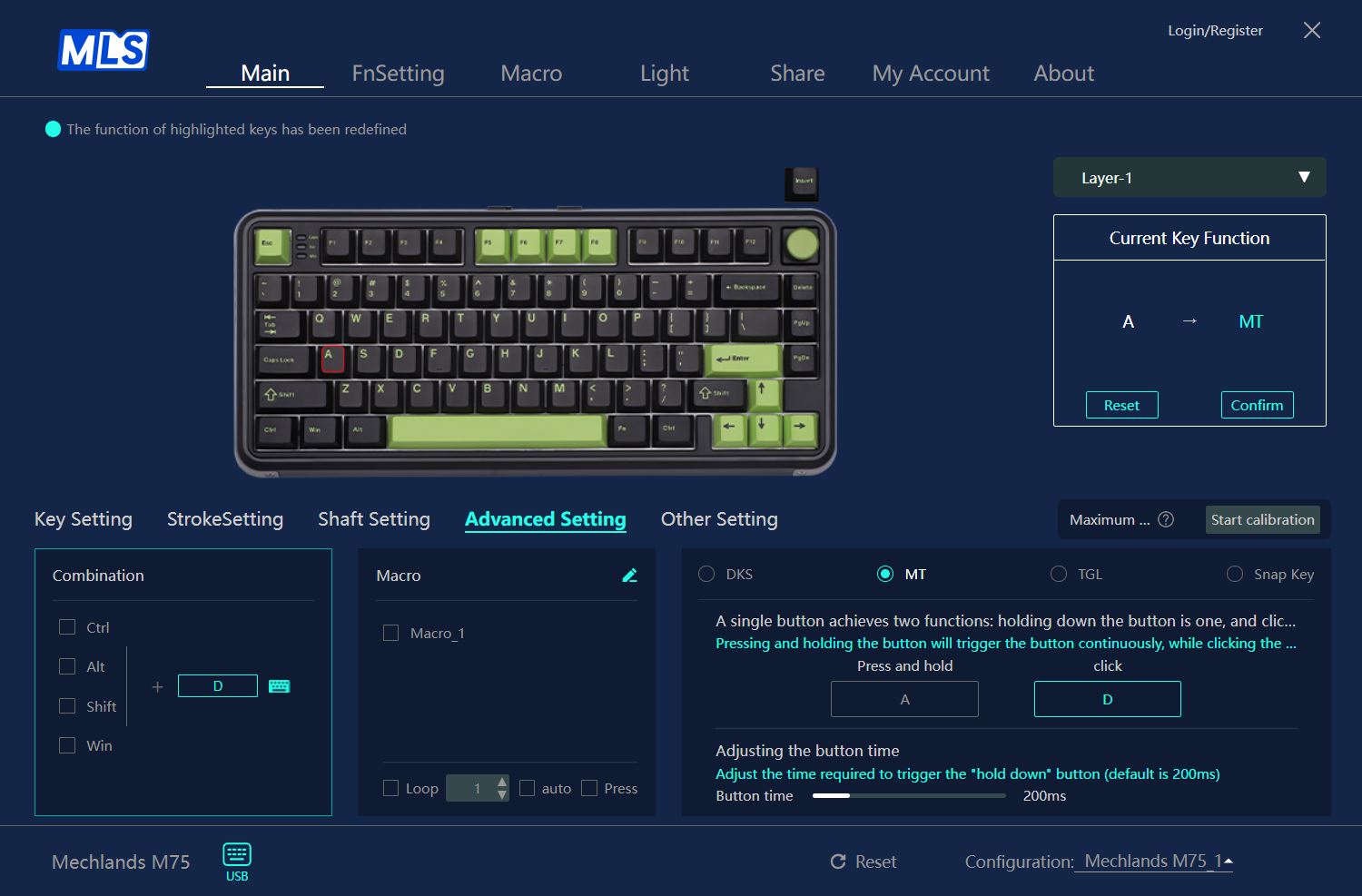
Multi-Tap (MT) allows a single key to perform different actions based on how deeply it’s pressed or how long it’s held. In practical terms, this means the keyboard can be configured to trigger multiple commands at different actuation points on the same key. A common example in gaming: lightly holding down the W key might correspond to walking, pressing it halfway could trigger a light sprint, and fully pressing it might activate a fast tactical run – similar to movement mechanics in recent Call of Duty or Battlefield titles. Alternatively, the key can be set up so that actions are triggered based on hold duration rather than pressure depth.
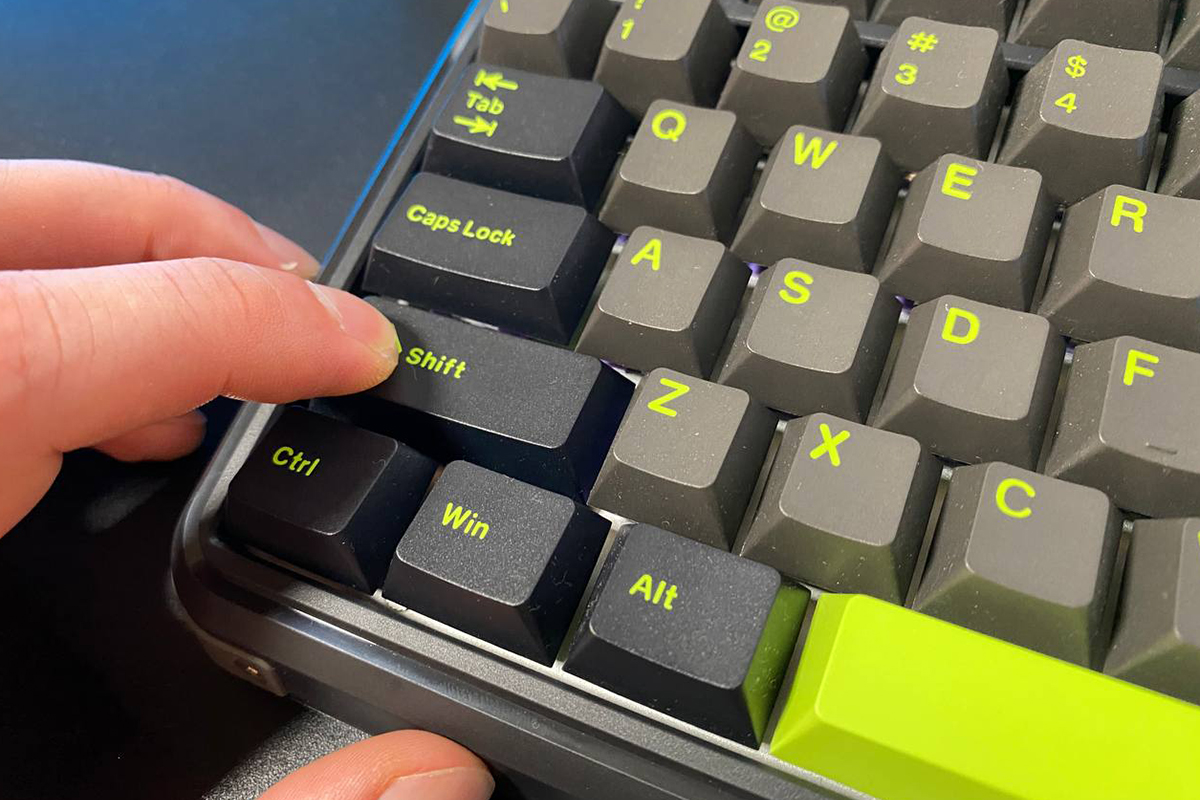
The Toggle Key (TGL) function allows a key to act as an on/off switch. For example, in many games, players need to hold down Shift to make their character run. With TGL enabled, you can configure the key so that a single press toggles running on or off, removing the need to keep the key held down. Yes, in most modern games, this behavior can usually be adjusted directly in the settings. Still, it serves as a simple and clear example. How this feature is used in practice is ultimately up to the individual user.
Simultaneous Opposite Cardinal Directions (SOCD) is a feature designed to handle conflicting key inputs, particularly for movement controls. It allows the keyboard to prioritize the most recent key press, even if a previously pressed key hasn’t been released. For example, if you’re moving forward in a game by holding down the W key and suddenly decide to move backward by pressing S – without releasing W – SOCD ensures that the system registers the S input as the active command. This is especially useful in fast-paced scenarios where quick directional changes are common and mistakes like overlapping inputs can happen. In essence, SOCD helps maintain more precise control and reduces the impact of accidental key presses during gameplay.
In addition to last-input priority, the SOCD feature also includes other modes: first-input priority, neutral reset, and top-input priority. As the names suggest, each mode determines how the keyboard handles conflicting directional inputs.
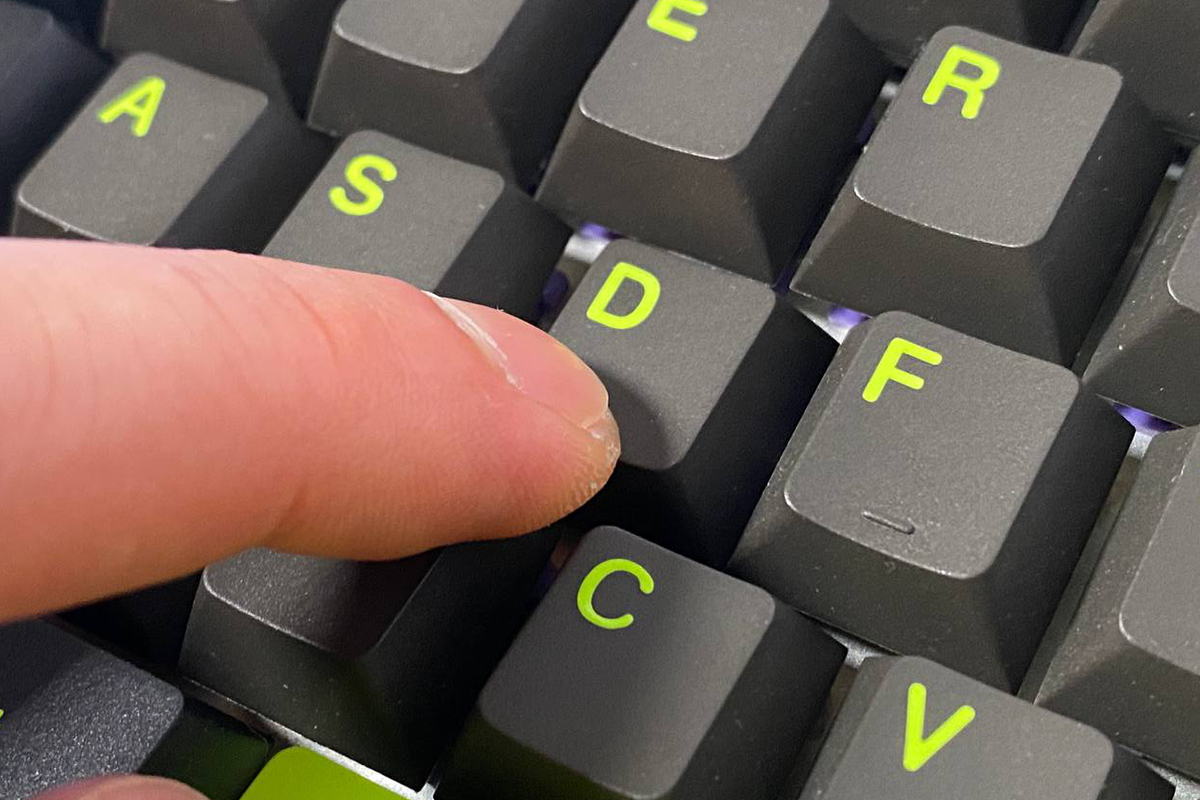
One of the advantages of magnetic switches is their reliability and longevity. The key point is that magnetic switches don’t use physical metal contacts to register key presses. Instead, they rely on a Hall effect sensor that detects changes in the magnetic field. Because of this design, there are no mechanical contacts that can wear out or fail over time. This makes magnetic switches generally more durable compared to traditional mechanical switches. Some users also note that magnetic switches offer smoother key travel, again due to the absence of metal contacts, which can result in a more consistent and fluid feel. However, this aspect is subjective and largely depends on the specific switches being compared.
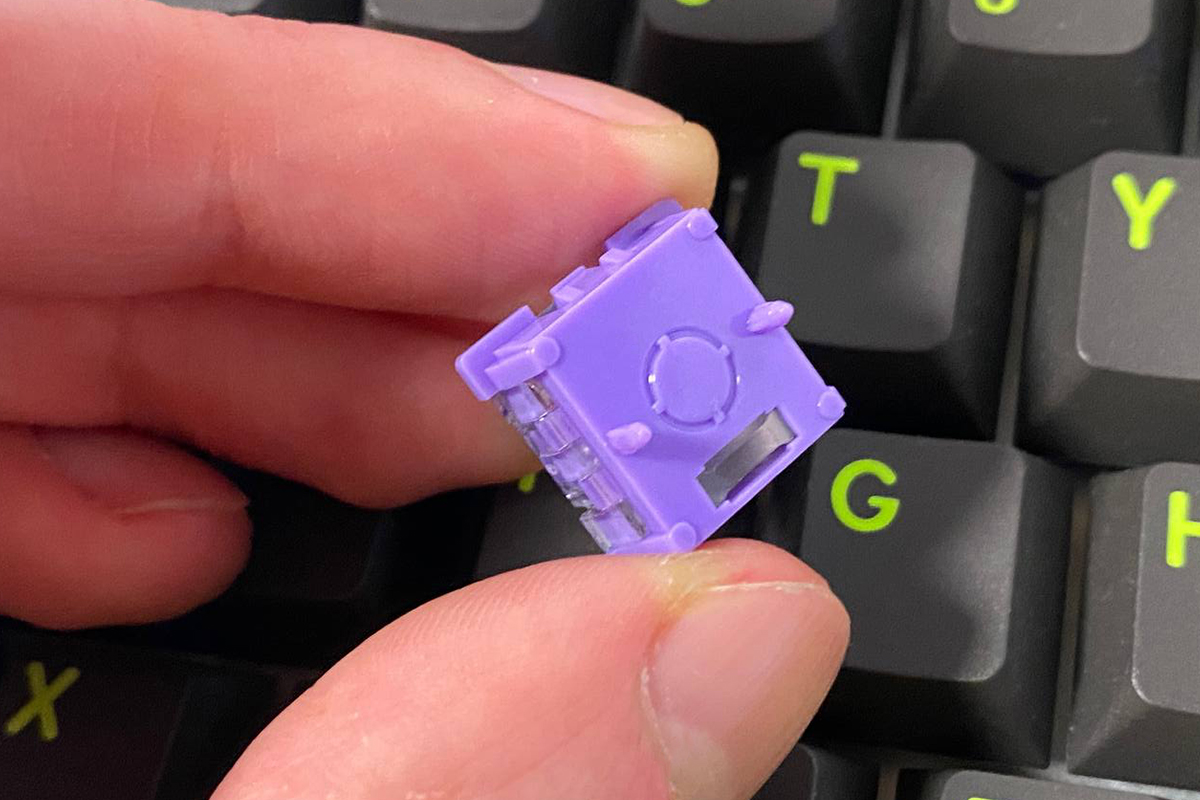
Having covered magnetic switches and their benefits, let’s look at some other key specifications of the MechLands M75.
The keyboard has a polling rate of 8000 Hz, which is the frequency at which it sends its status data to the PC. At 8000 Hz, data is transmitted every 0.125 milliseconds – eight times faster than the standard 1000 Hz polling rate found in most keyboards. Additionally, the high scan rate of 32,000 Hz ensures that the keyboard’s controller can detect changes in switch positions as quickly and accurately as possible.
Keyboards with magnetic switches are primarily suited for gamers who play fast-paced competitive games and esports professionals. Their main advantages lie in low input latency, quick response times, precise execution of commands, and various practical features that simplify control and overall gameplay. This combination defines the core appeal of keyboards like the MechLands M75.
Read also:
- YUNZII AL66 (V1) Keyboard Review: Metal Build, Creamy Typing Feel, and Affordable Price
- YUNZII AL68 Review: Solid, Affordable Keyboard with Aluminum Сase
Package contents
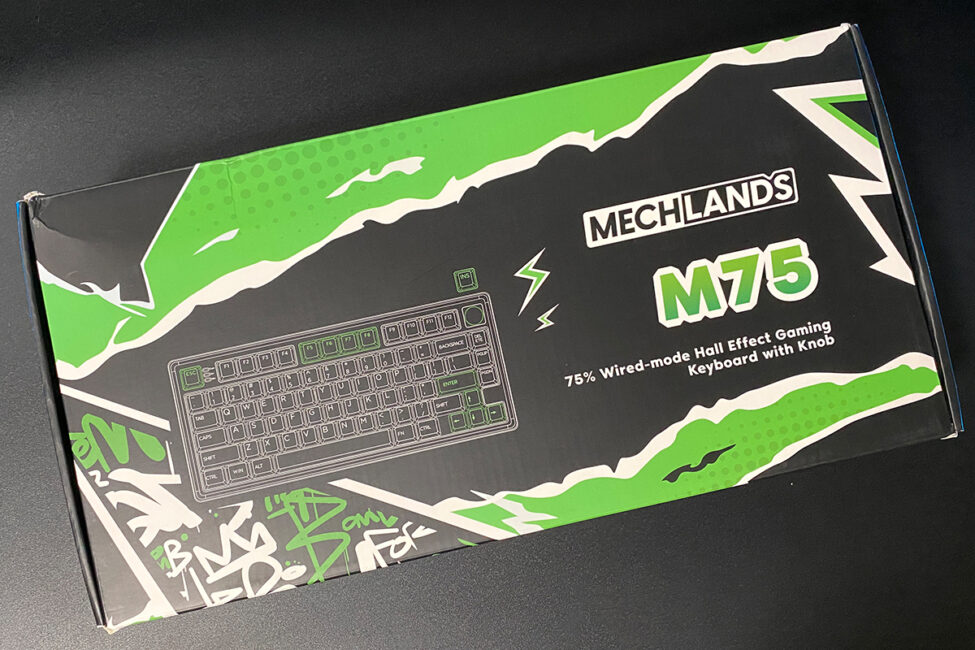
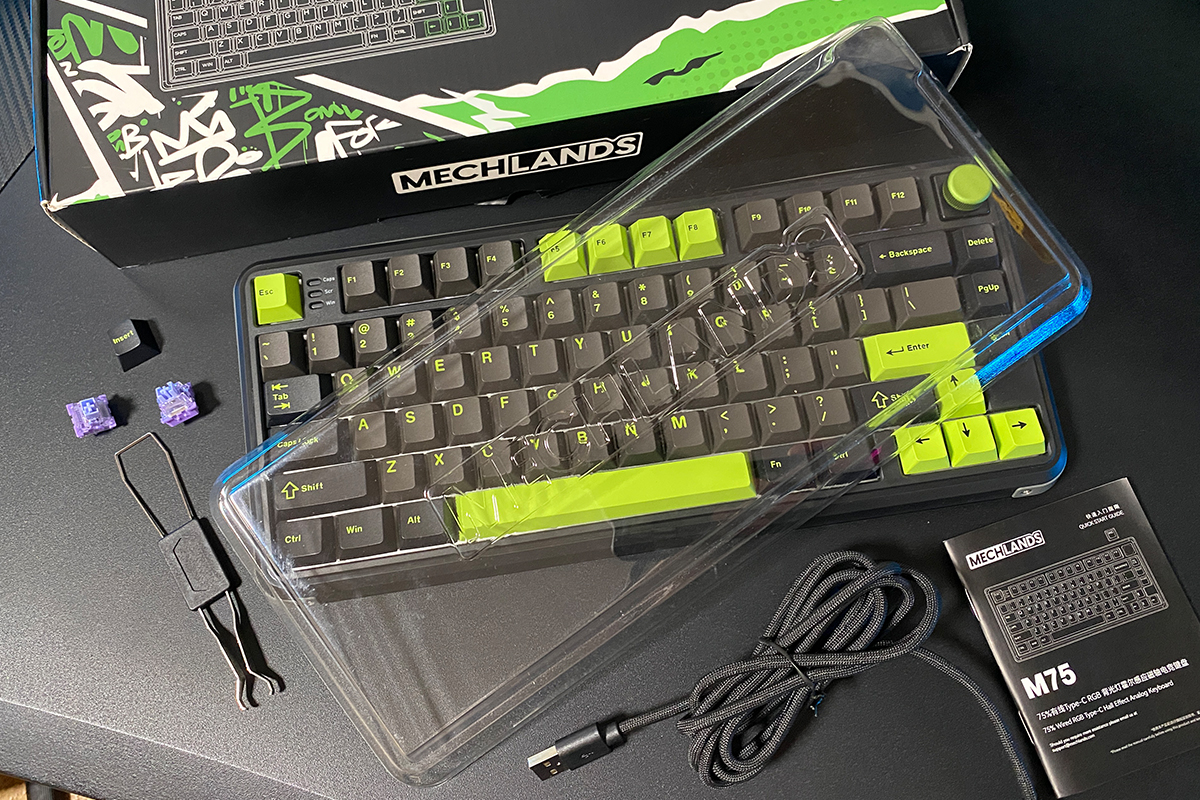
The keyboard comes in a branded cardboard box featuring a distinctive black and green design, which matches the color scheme of the keyboard itself. Inside, the packaging includes only the basic contents. Apart from the keyboard, the package contains:
- user manual
- capacitor and switch puller
- USB-A to USB-C cable
- two spare switches
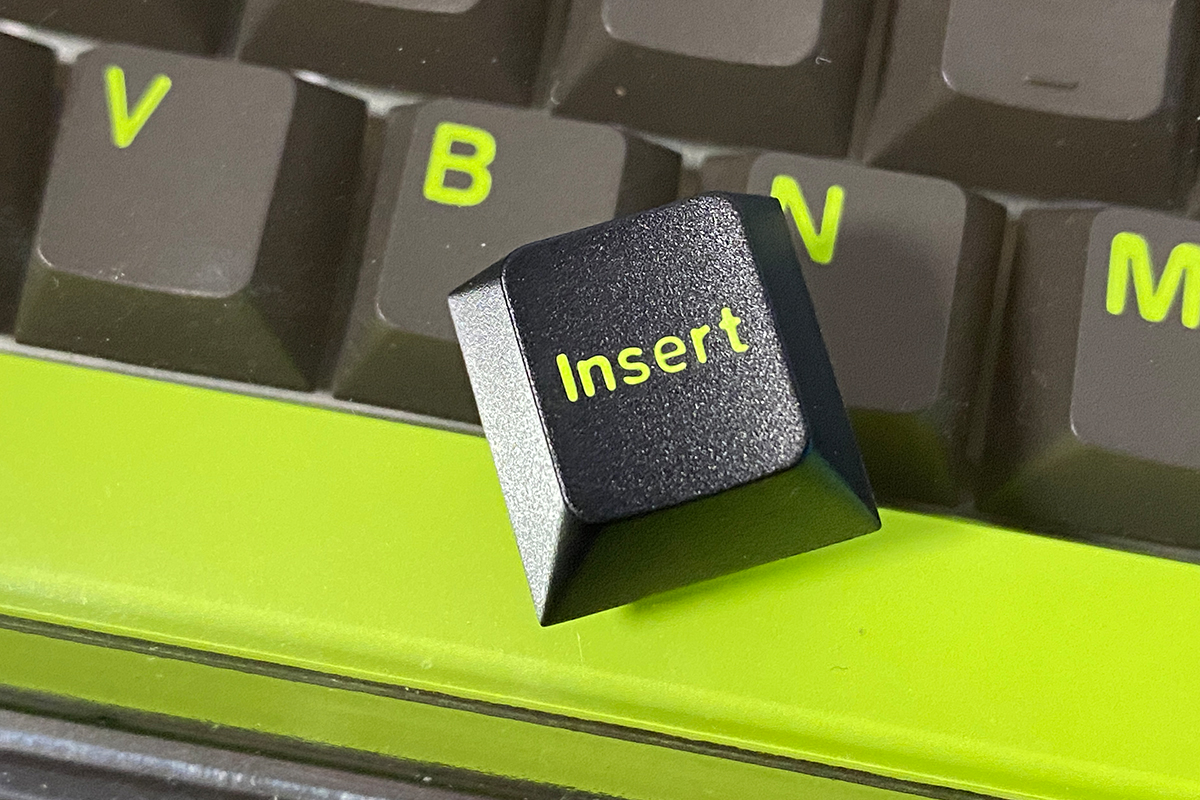
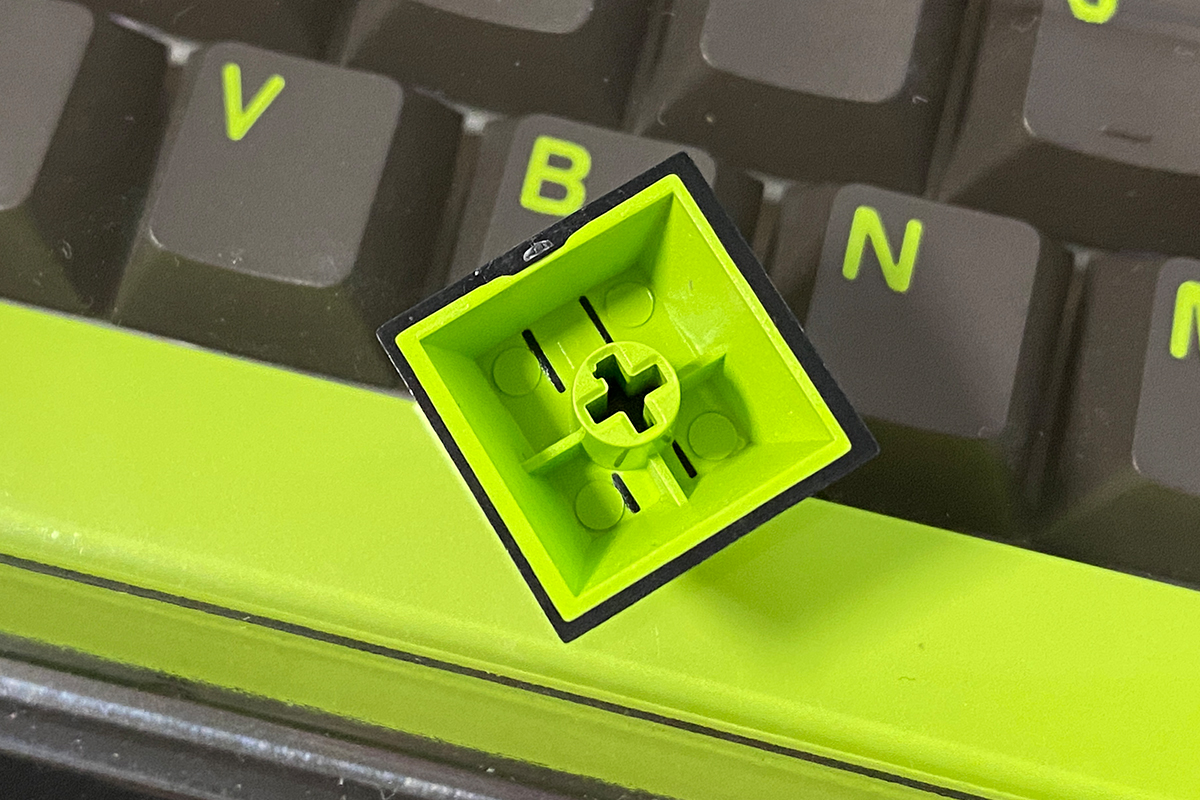
- Insert key
- blister dust cover
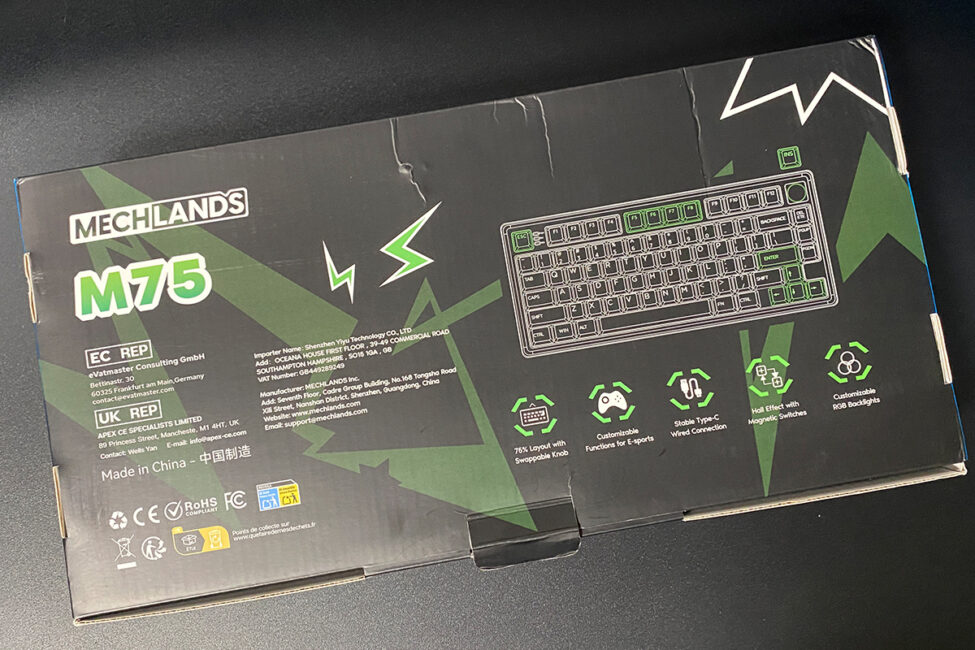
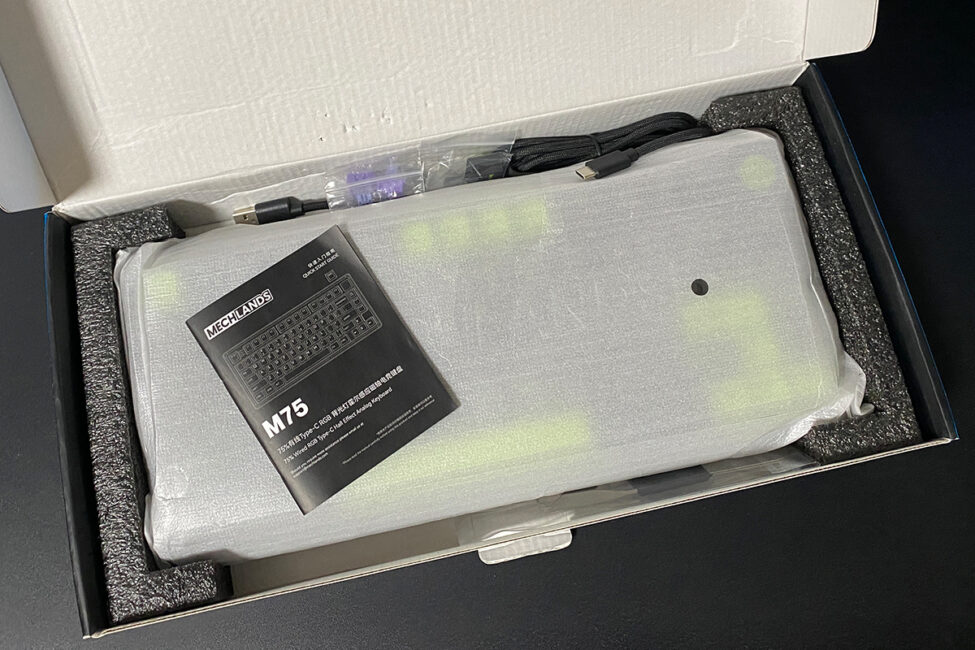
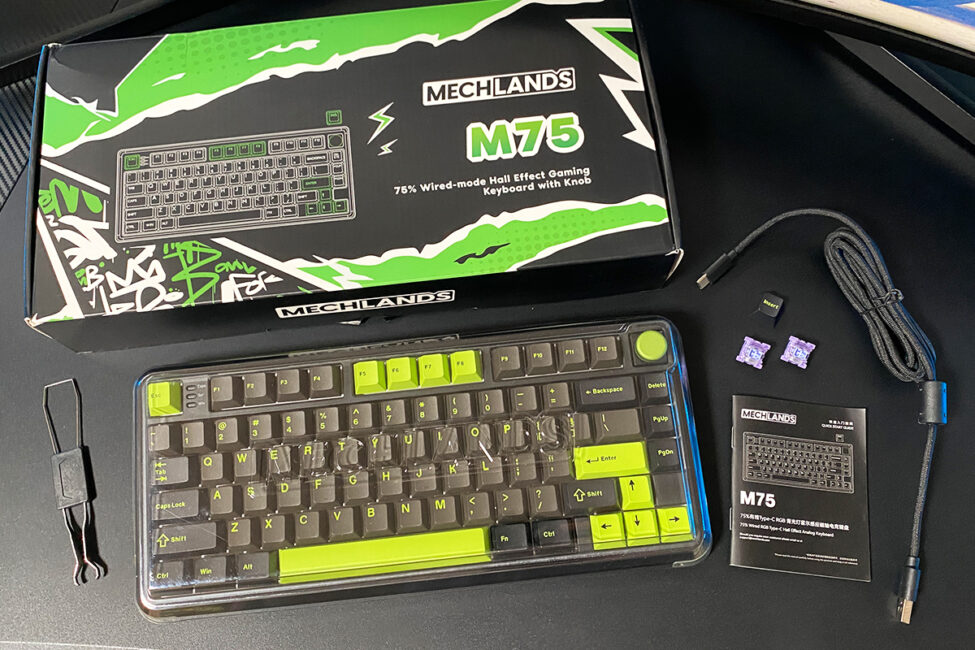
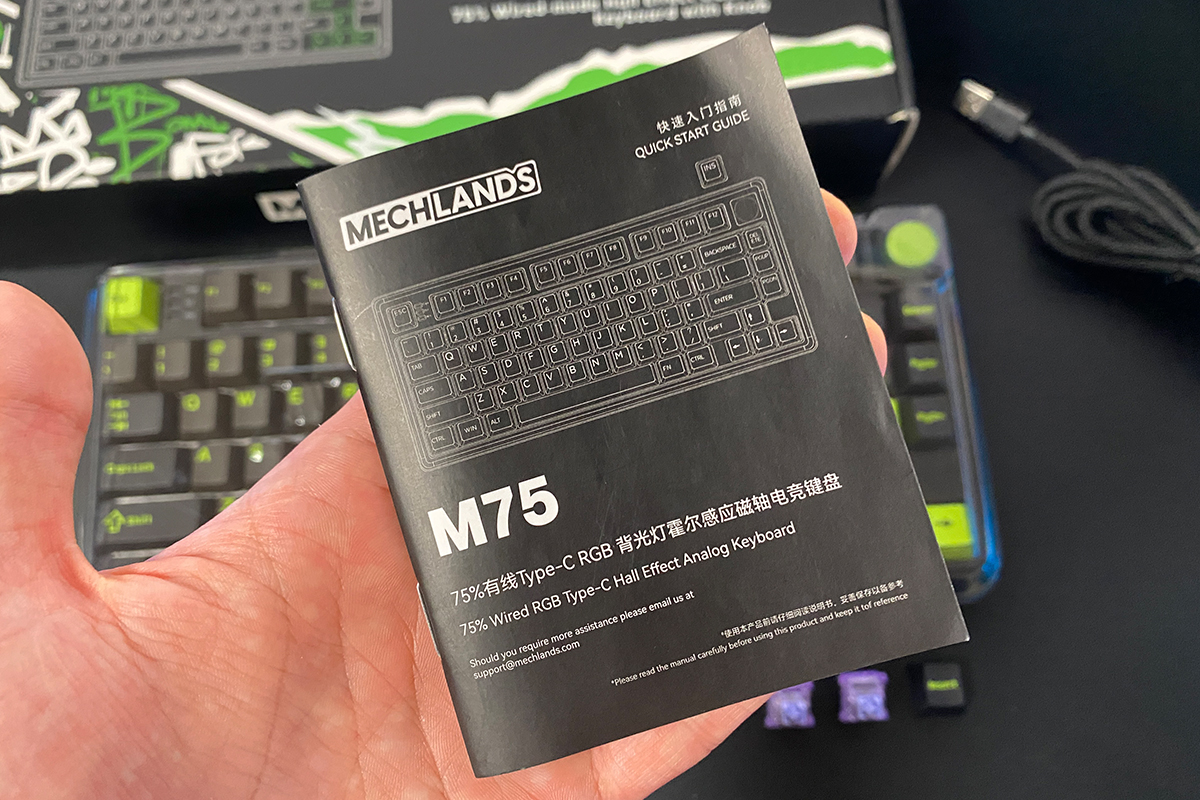
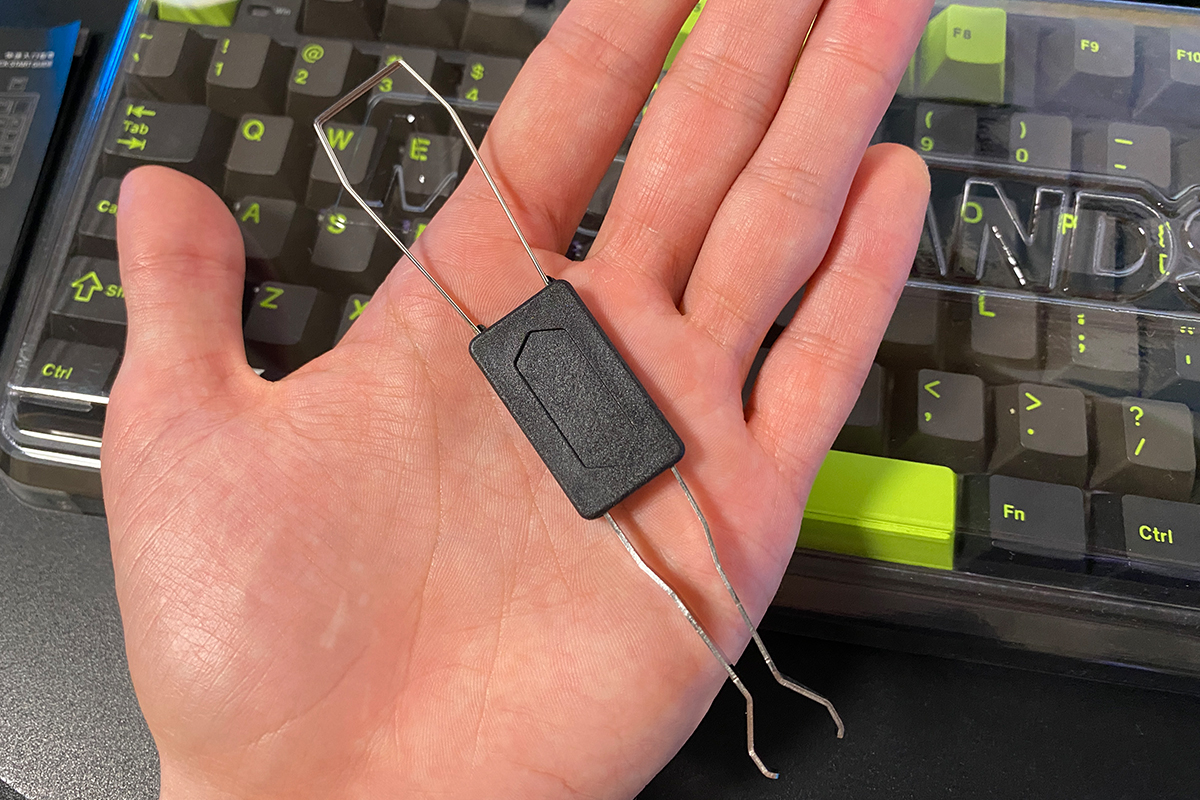
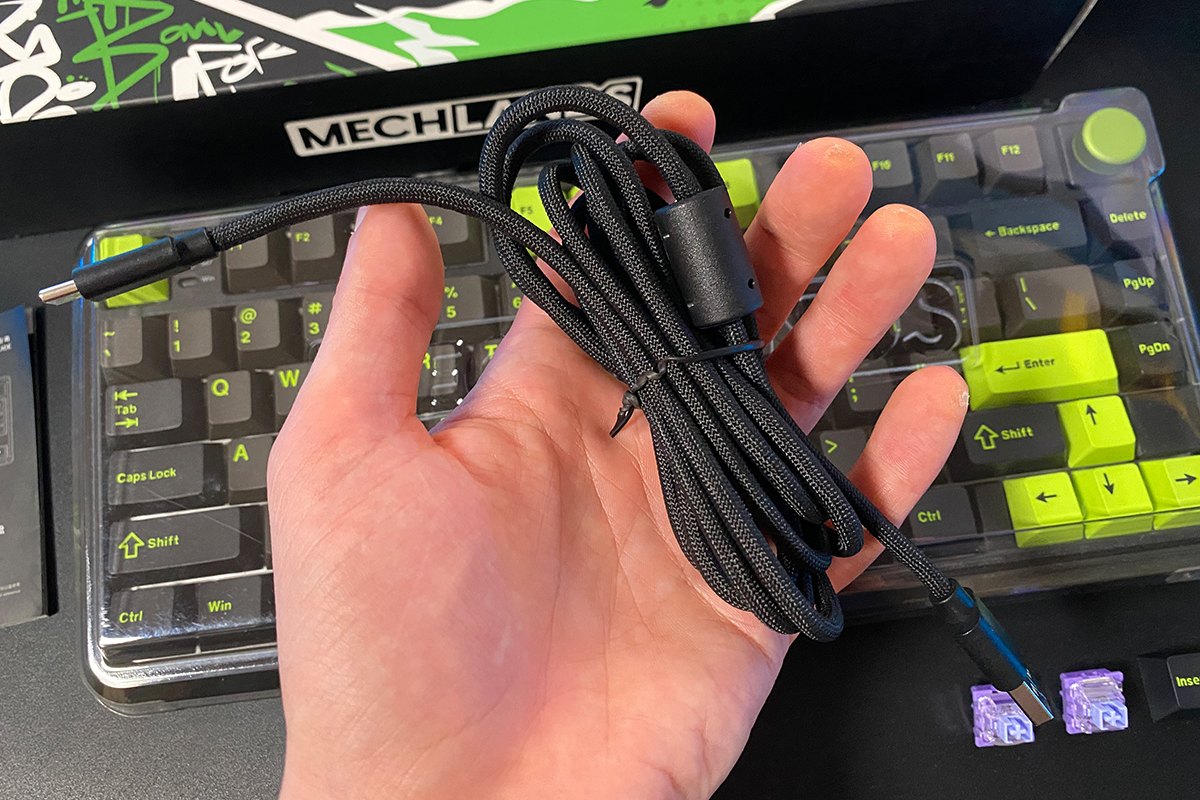
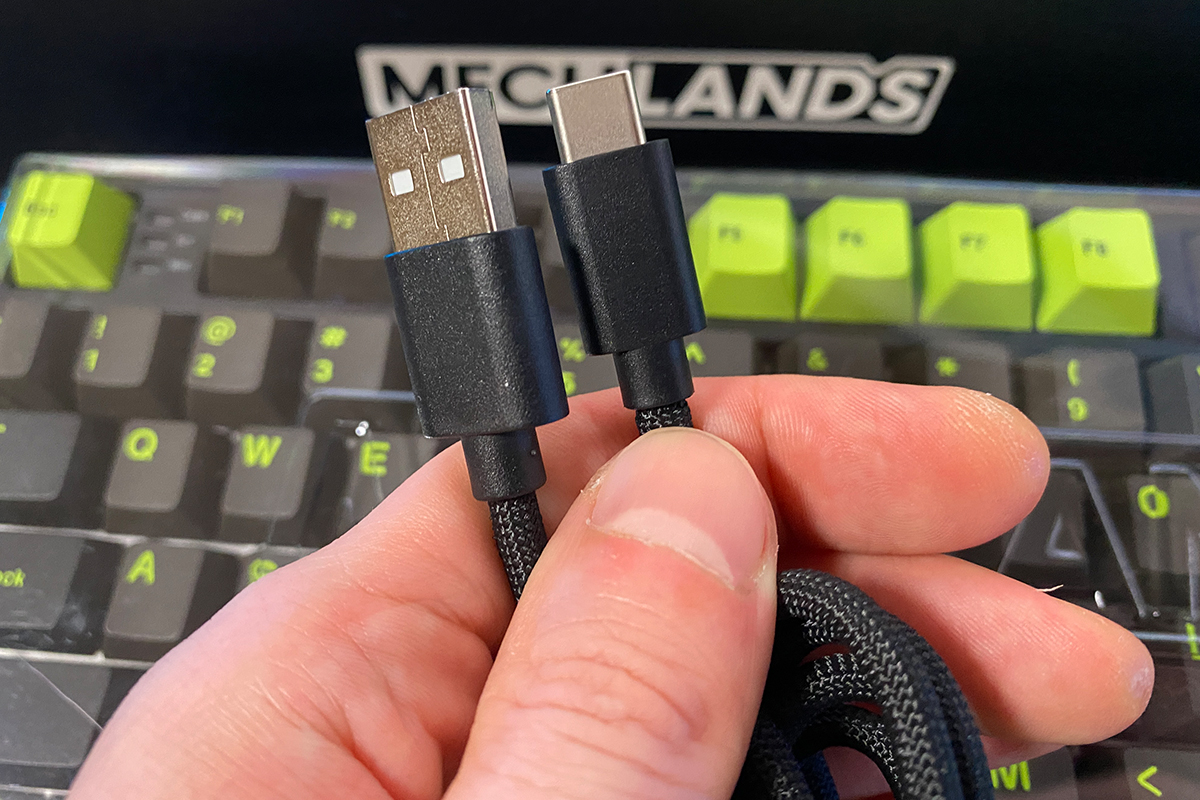
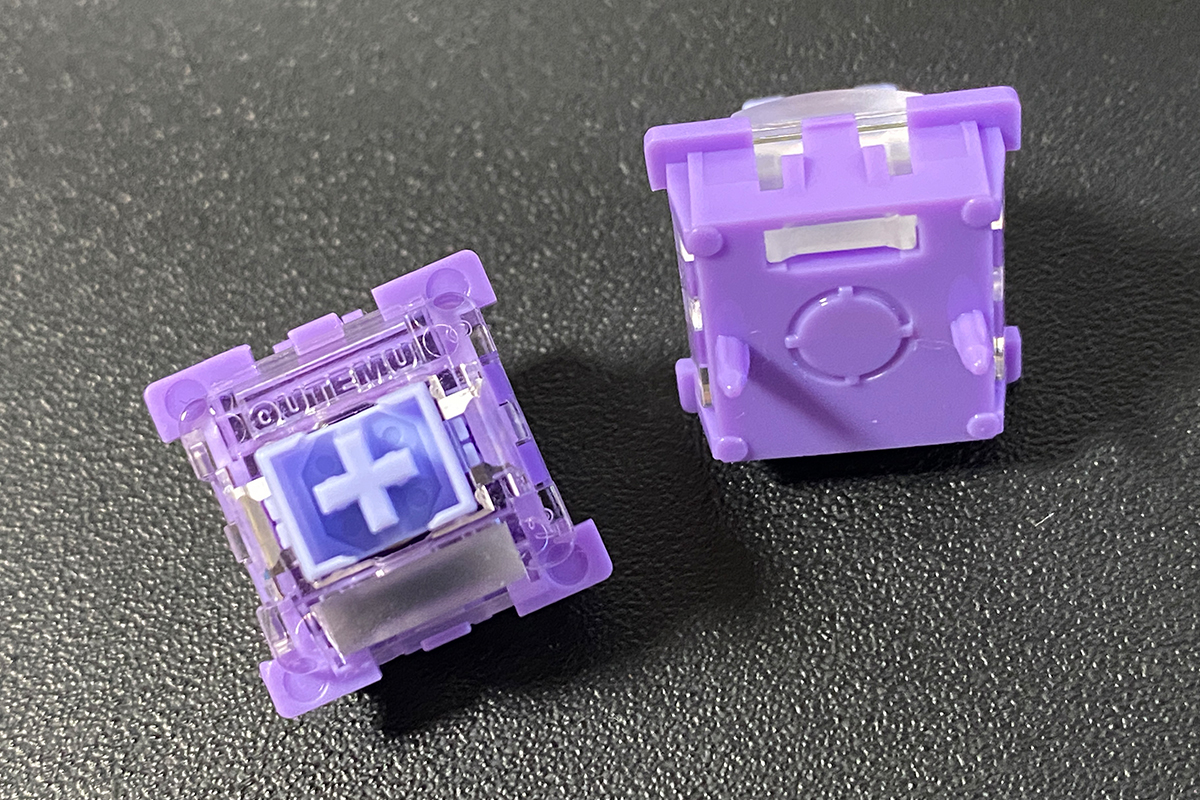
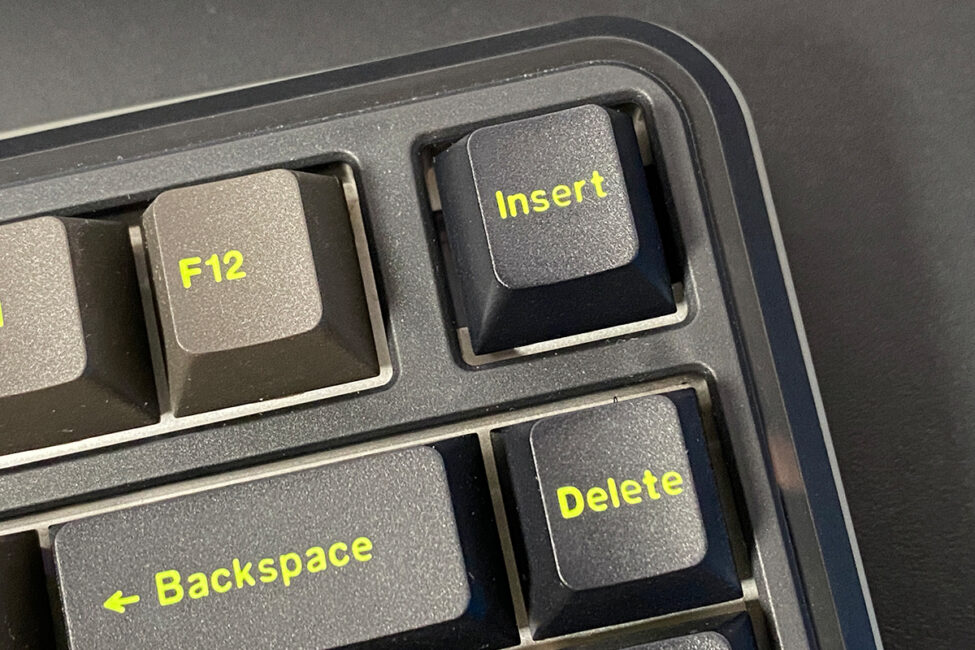
The user manual is a small booklet presented in seven languages. It includes all functional key combinations and basic technical information about the keyboard. The key puller is a standard double-ended tool, with one side designed for removing keycaps and the other for extracting switches. The detachable cable is USB-A to USB-C, covered in a 1.8-meter braided paracord for durability. At the cable’s end, there is a ferrite filter to reduce signal interference. Spare switches included are the same Outemu Magnetic Switches used in the keyboard. The Insert key can be used to replace the detachable volume control wheel. Finally, the package includes a standard blister-style dust cover, which can be placed over the keyboard when it’s not in use.

Design, ergonomics, build quality
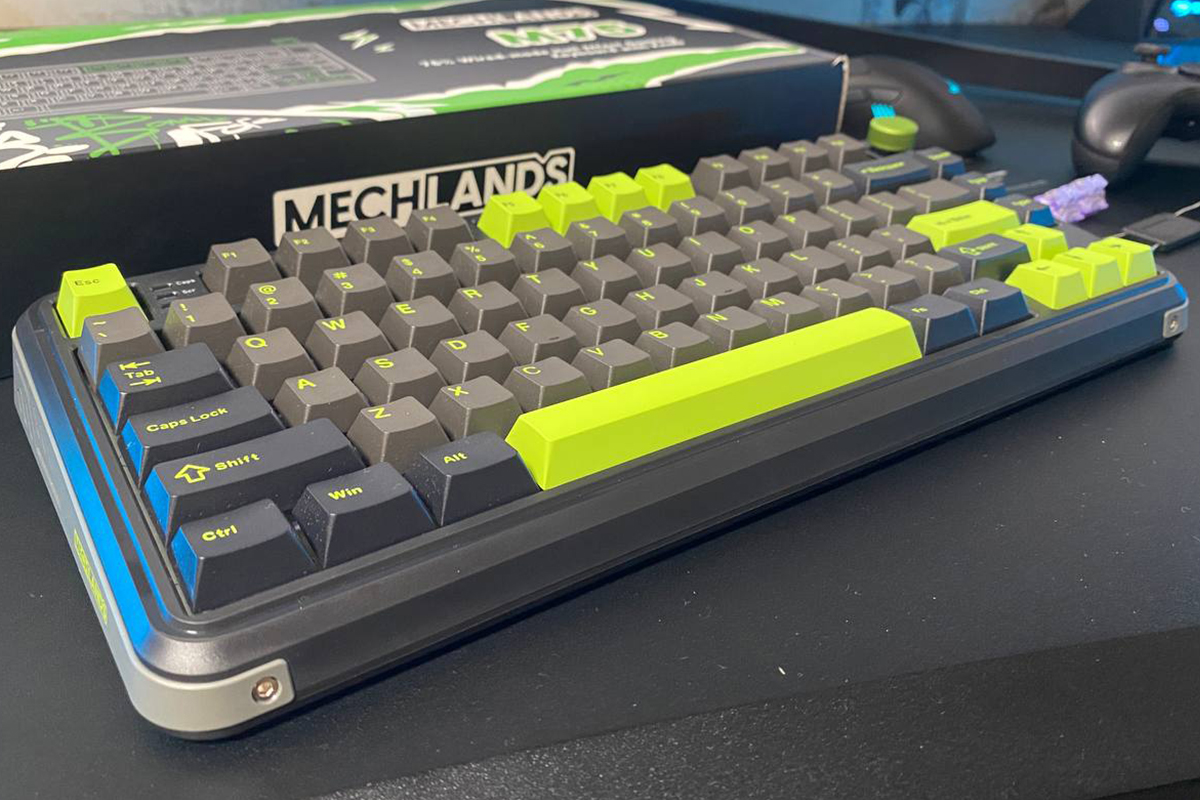
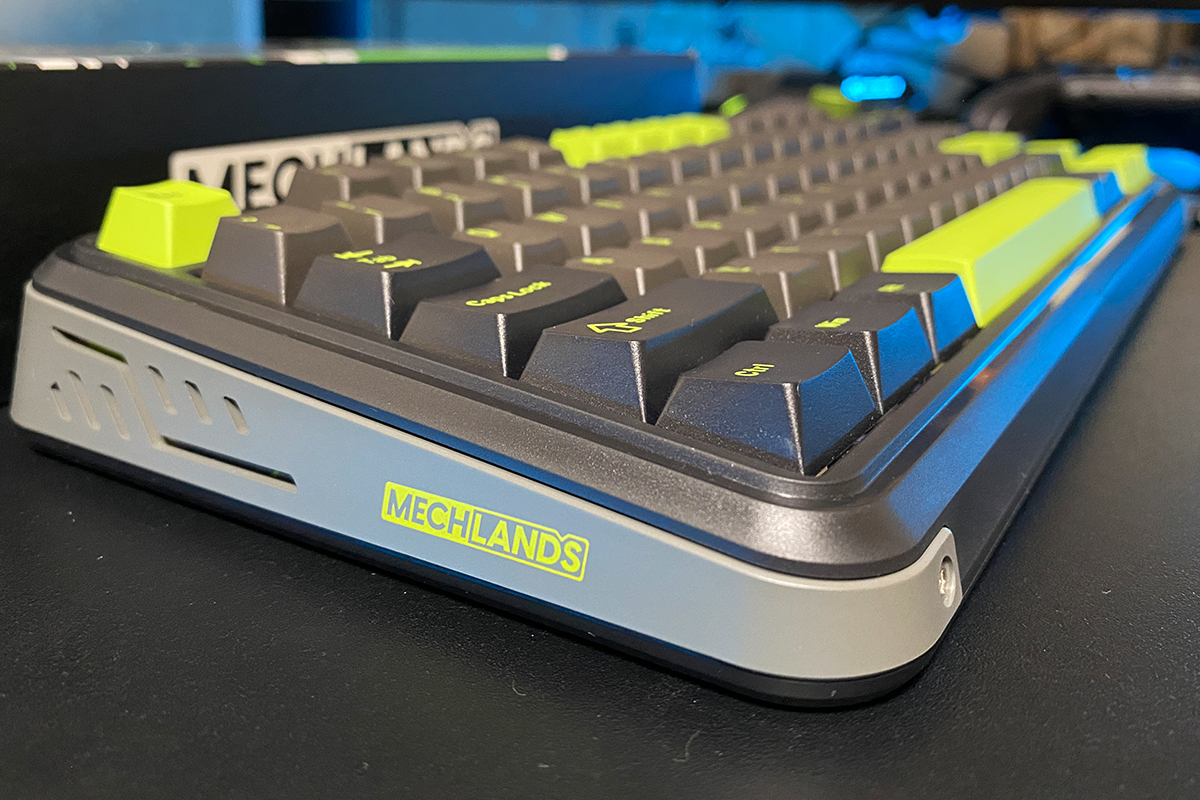
Keyboards in this segment often share similar design traits – place ten models from different brands side by side, and it’s usually hard to tell them apart at a glance. MechLands appears to have deliberately avoided this trend, giving their keyboard a somewhat unique design. On the plus side, it looks distinctive and recognizable. On the downside, the design feels a bit bulky. The wide, angled edges of the keyboard make this immediately apparent.
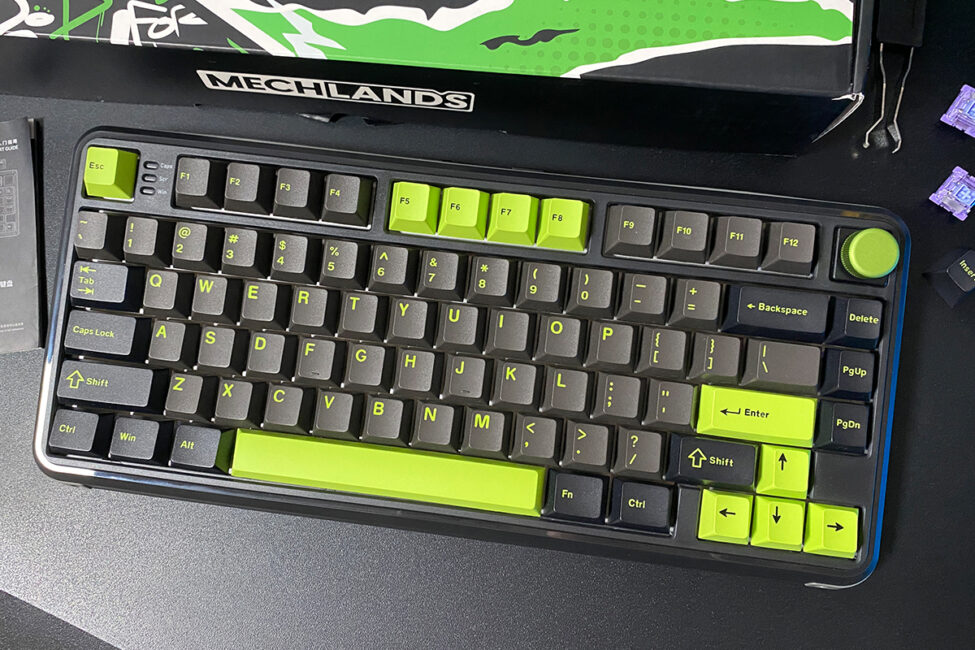
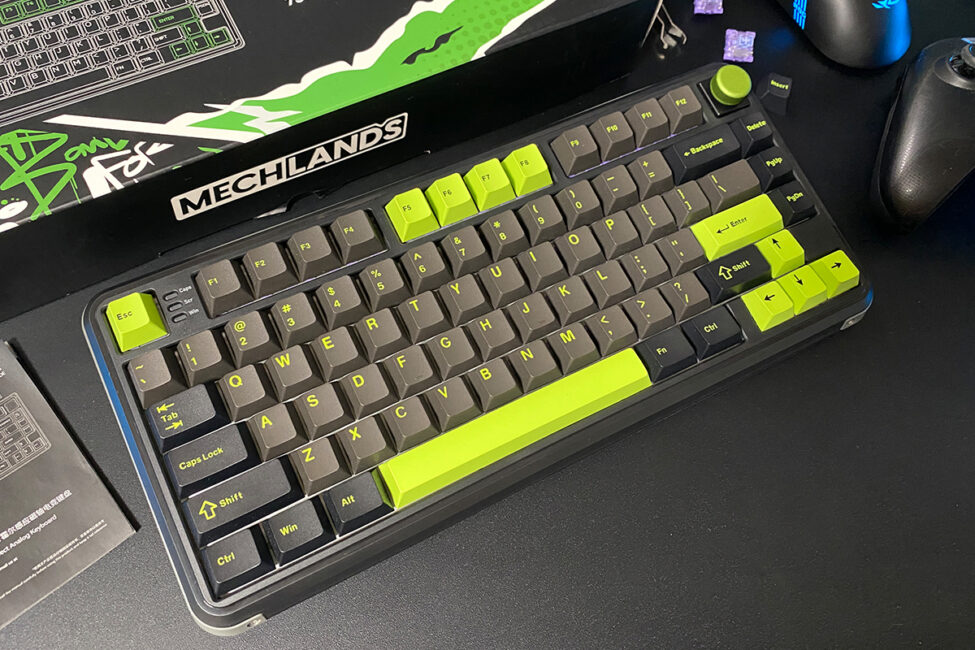
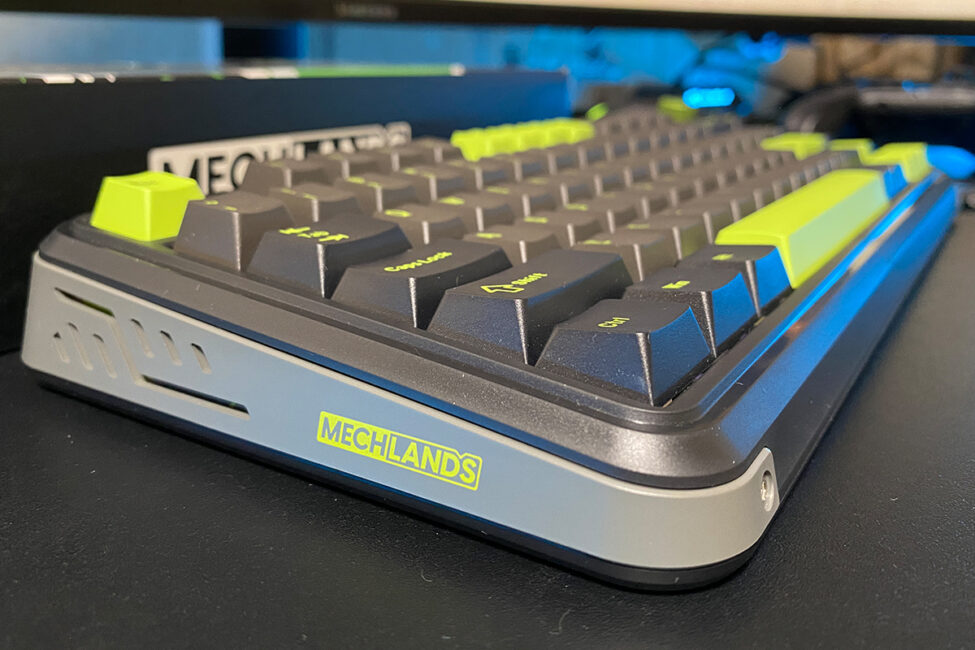
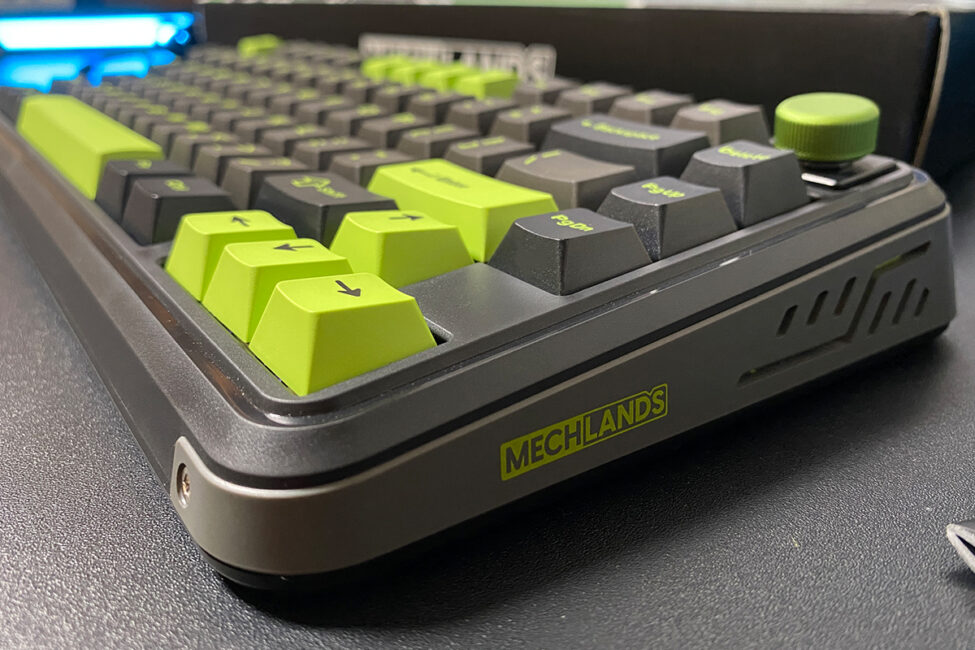
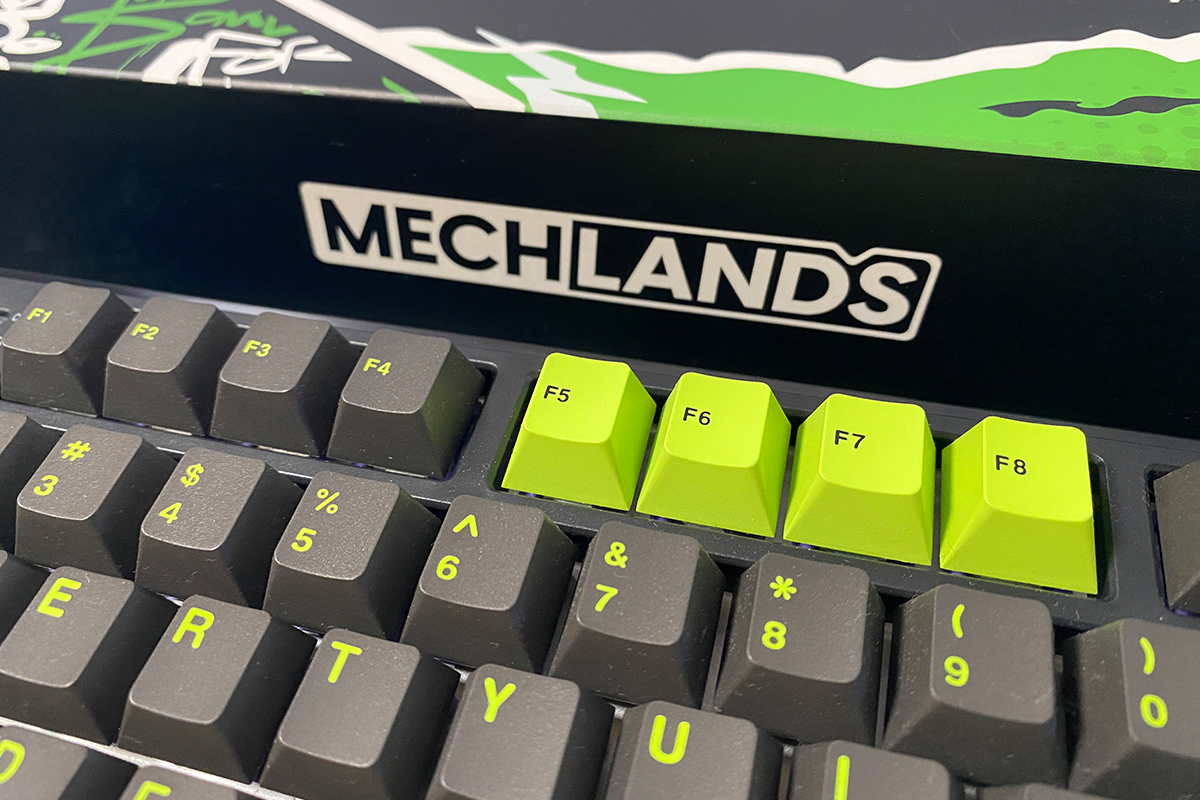
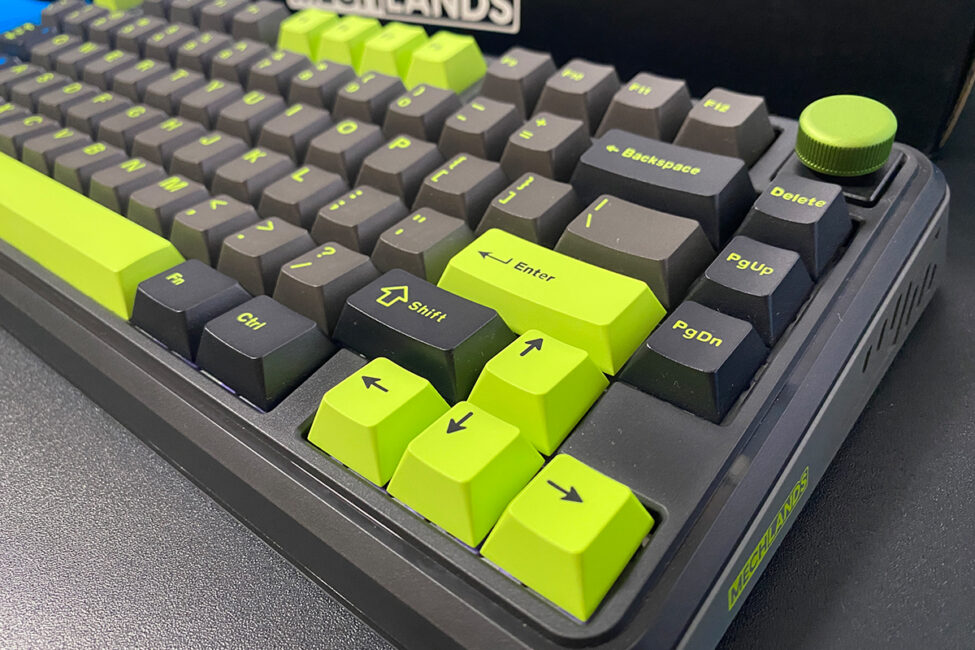
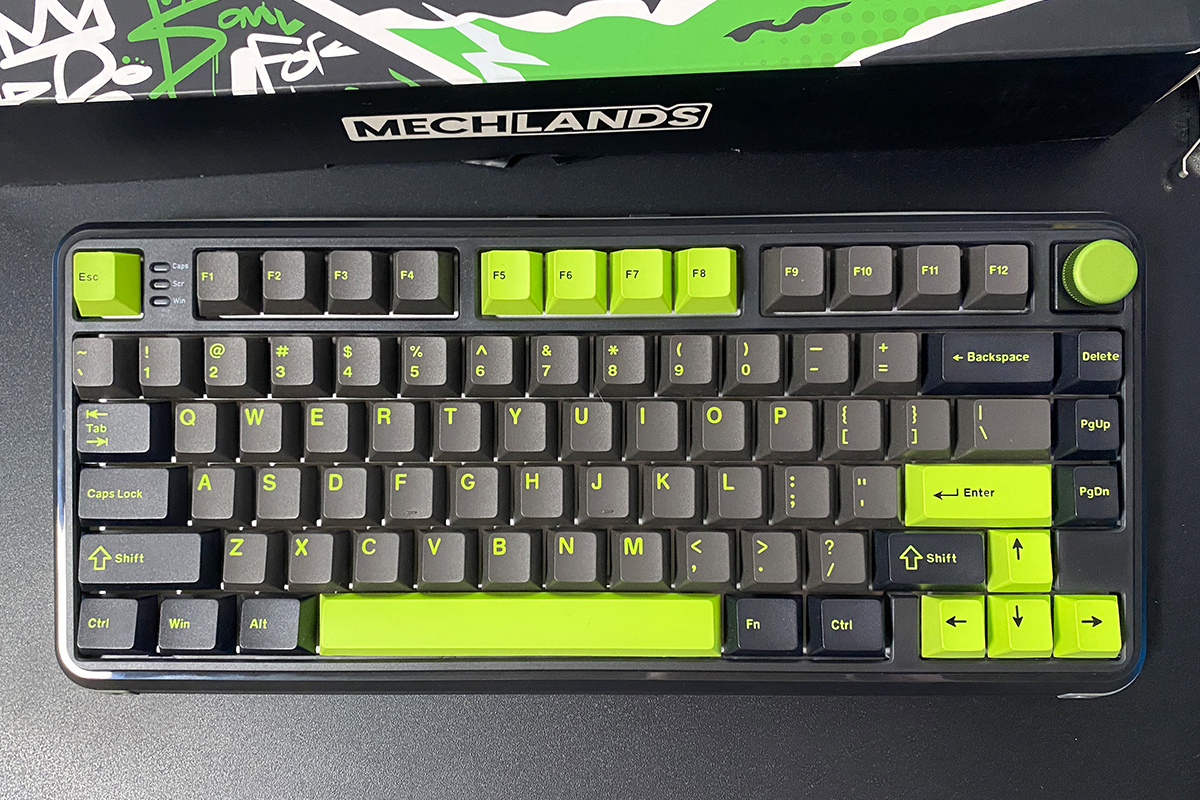
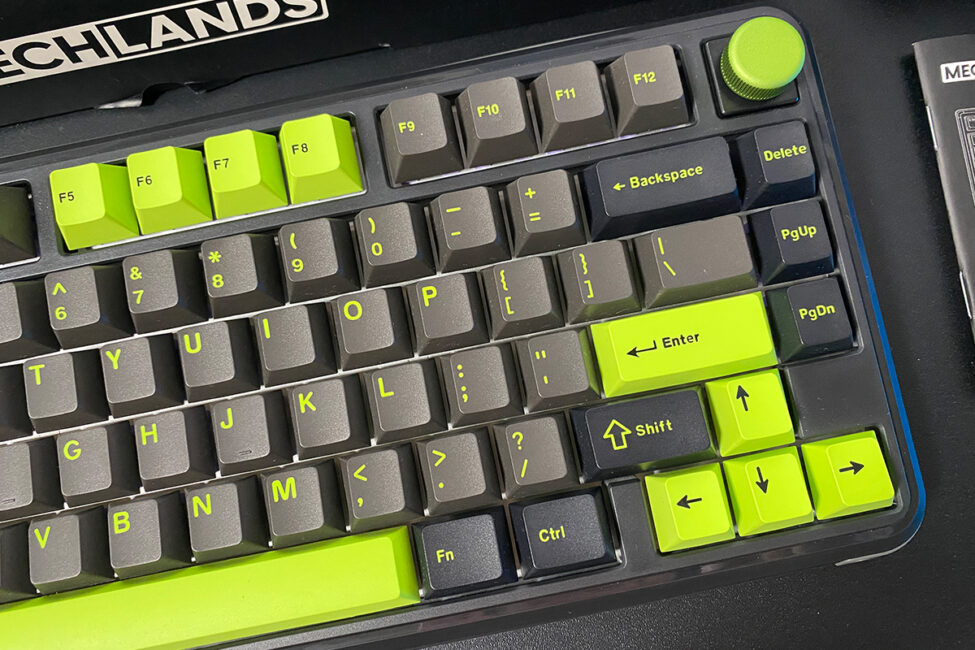
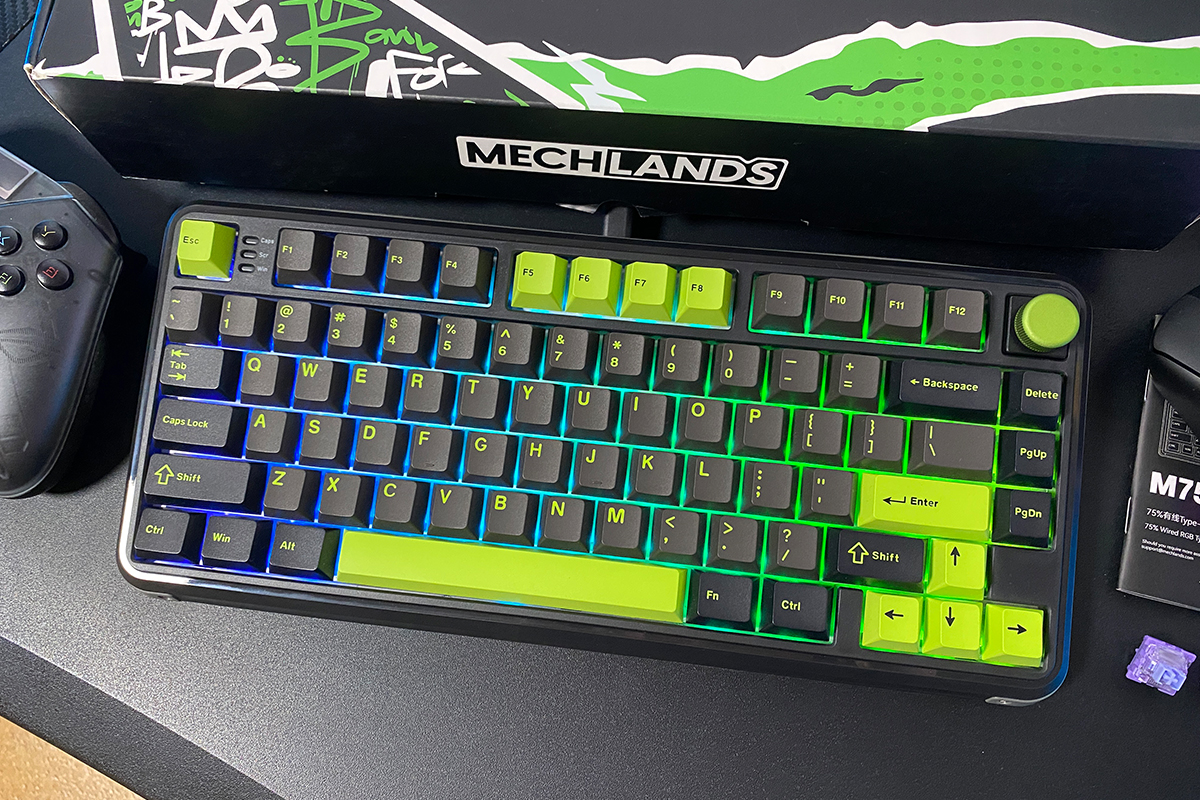
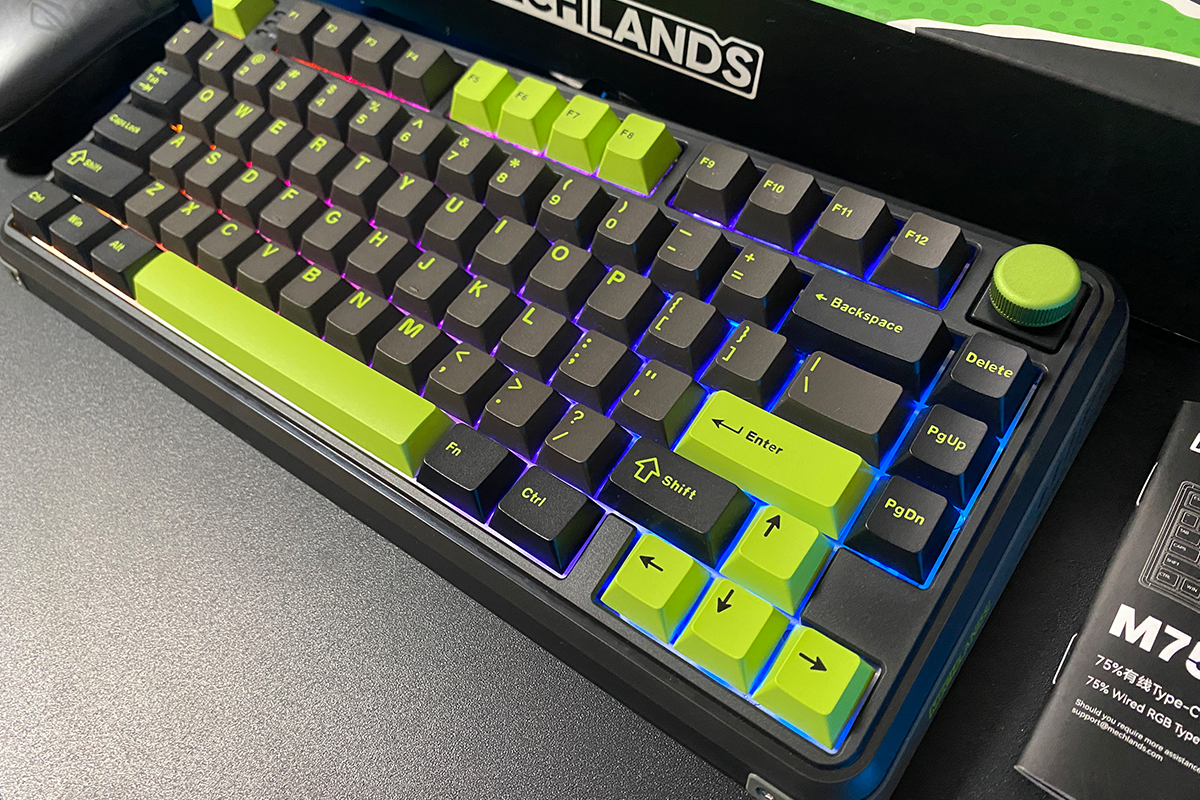
The MechLands M75 is available in a single color scheme: black and green. It features a black case with gray side and top panels that include brand logos, along with lime-colored keycaps. Overall, the keyboard has a strong visual appeal. The color combination effectively highlights the device’s gaming-oriented design.
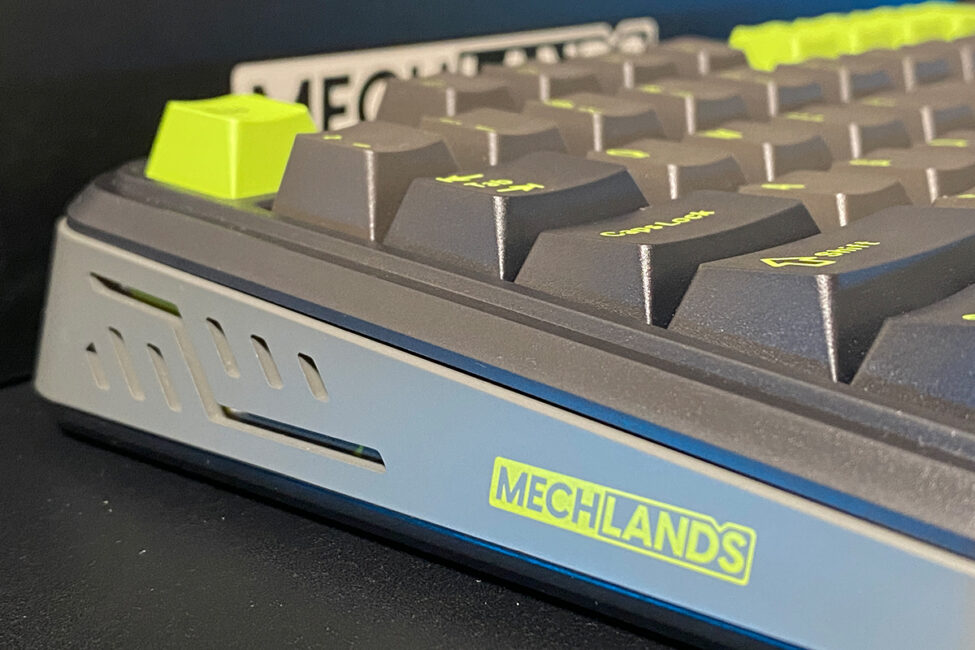
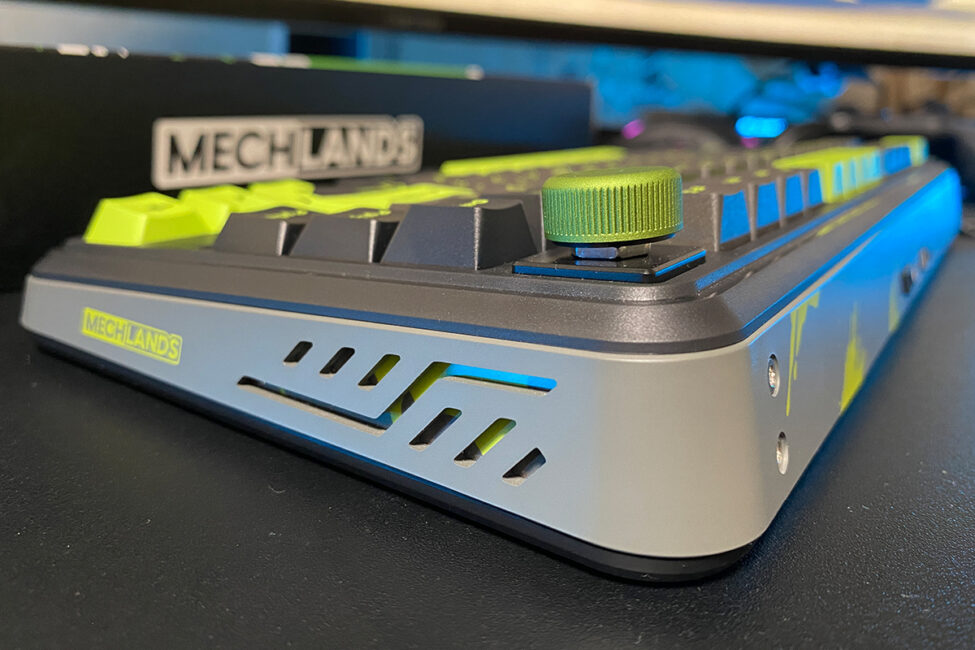
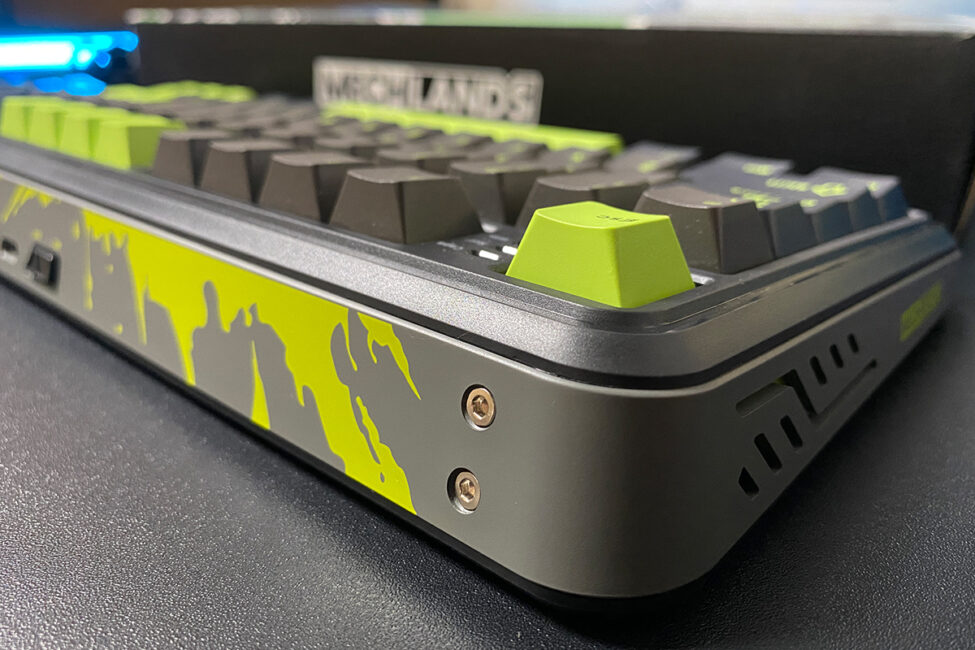
The keyboard’s case is made of ABS plastic. The plate – the component situated between the PCB and the switches – is constructed from aluminum.
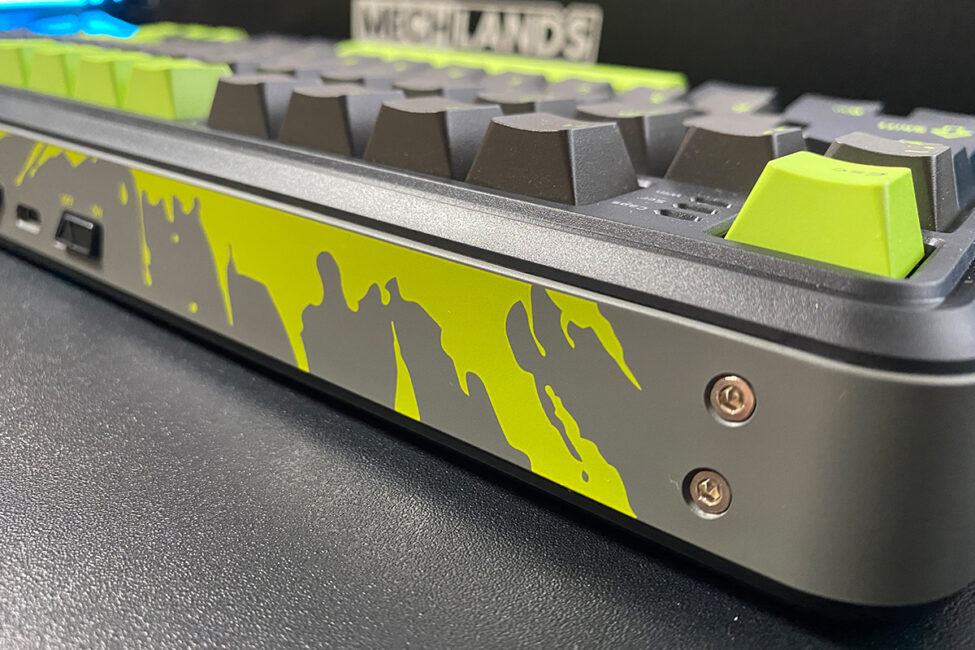
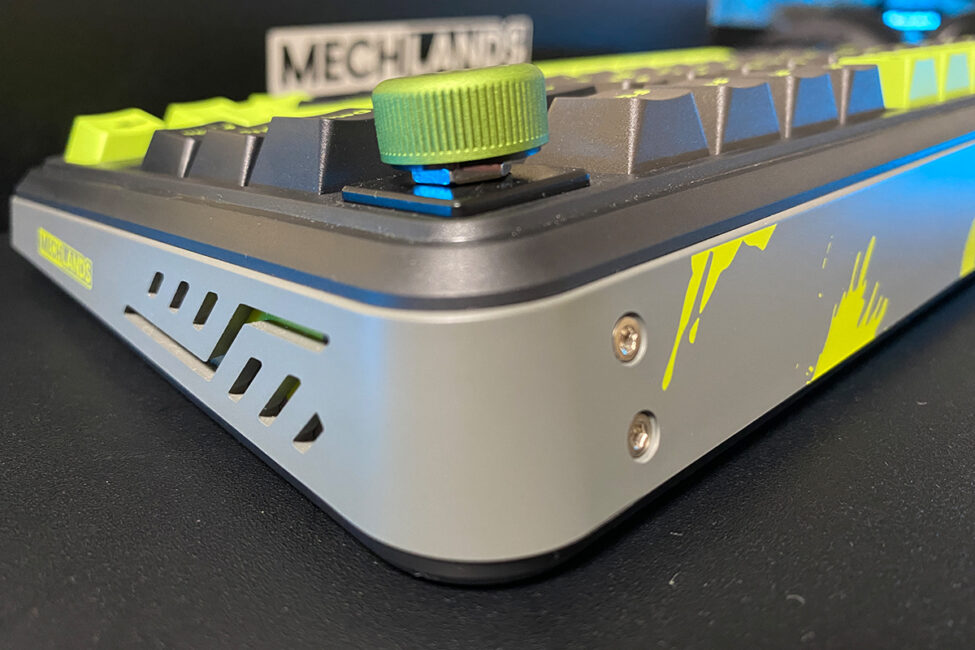
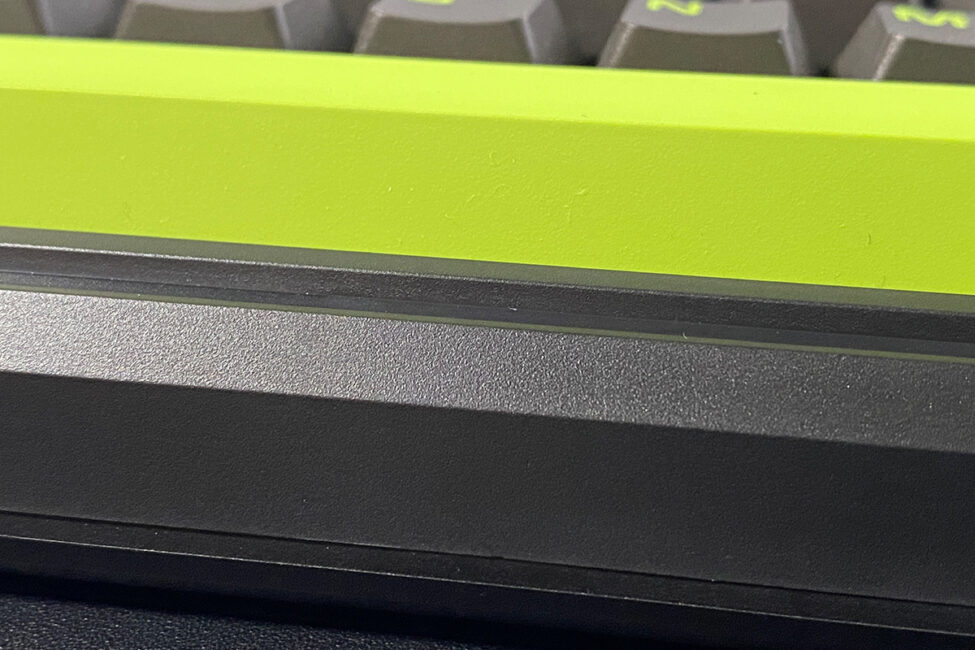
The M75 is a mid-sized keyboard, slightly larger than the typical 75% layout due to its angled edges. Its exact dimensions are 333.9 × 149.5 × 42.0 mm, and it weighs 827 grams.
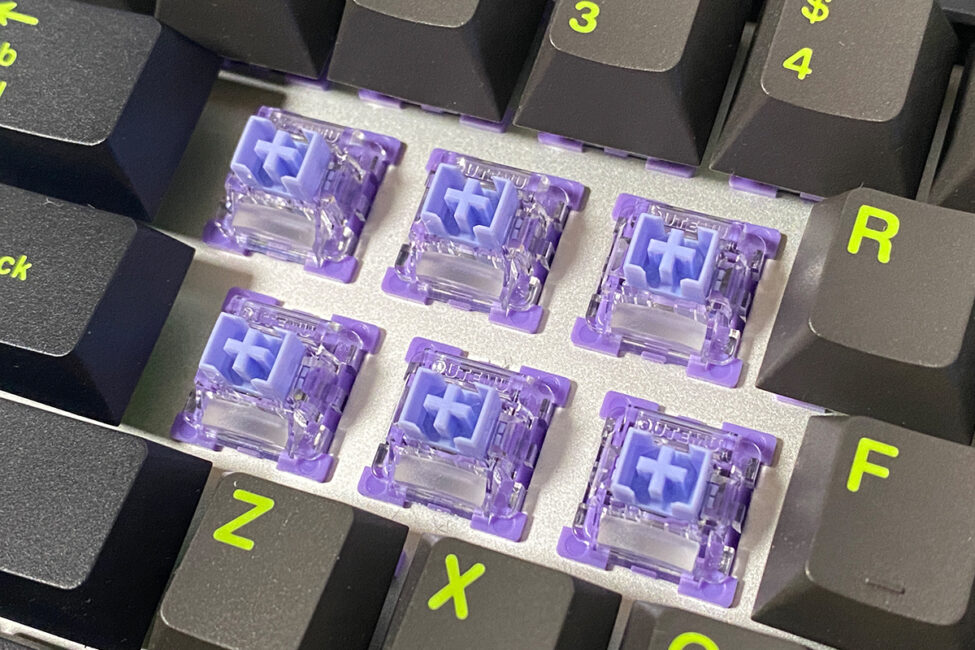
Regarding the internal construction, MechLands doesn’t provide detailed information. There’s no mention of a gasket mount, and based on my own observations, it’s safe to say the keyboard doesn’t have one. Tapping on the bottom reveals some hollowness inside. This doesn’t affect the overall build quality but does influence typing experience, particularly the sound and feel. Honestly, this was expected given the M75’s price point and the inclusion of magnetic switches – compromises are inevitable in certain areas.
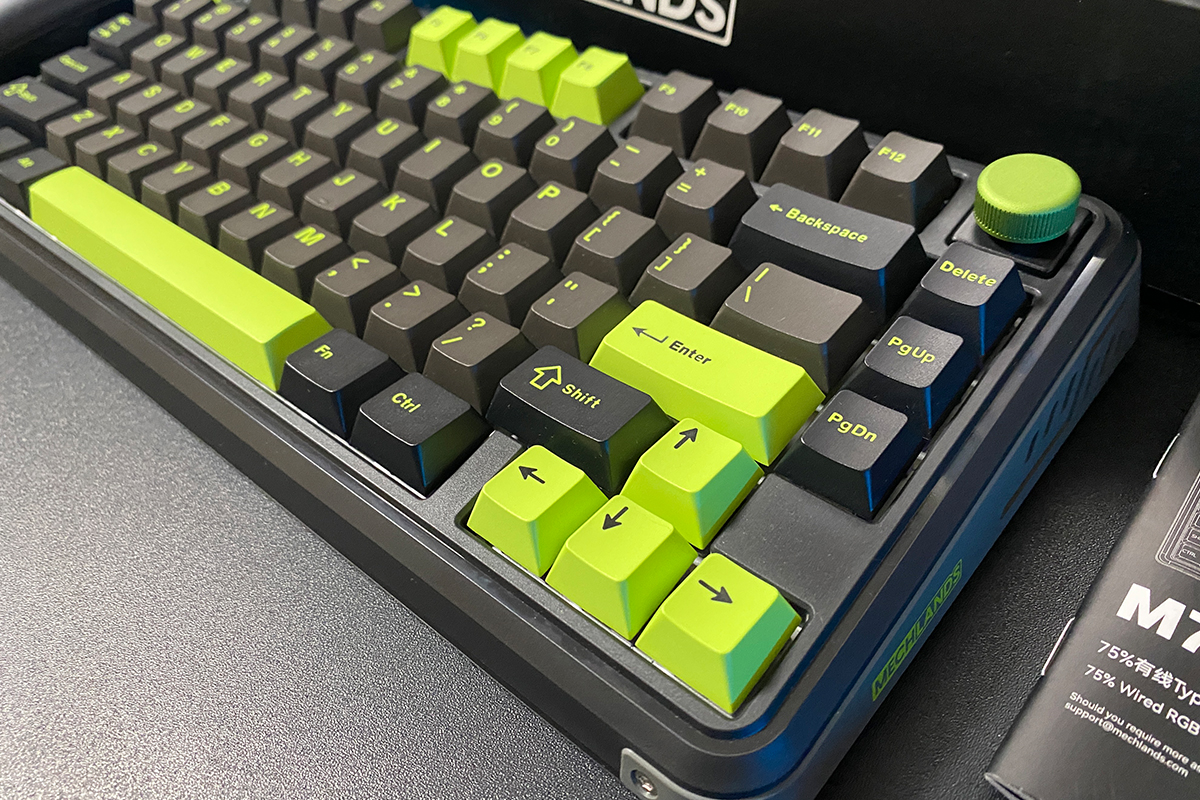
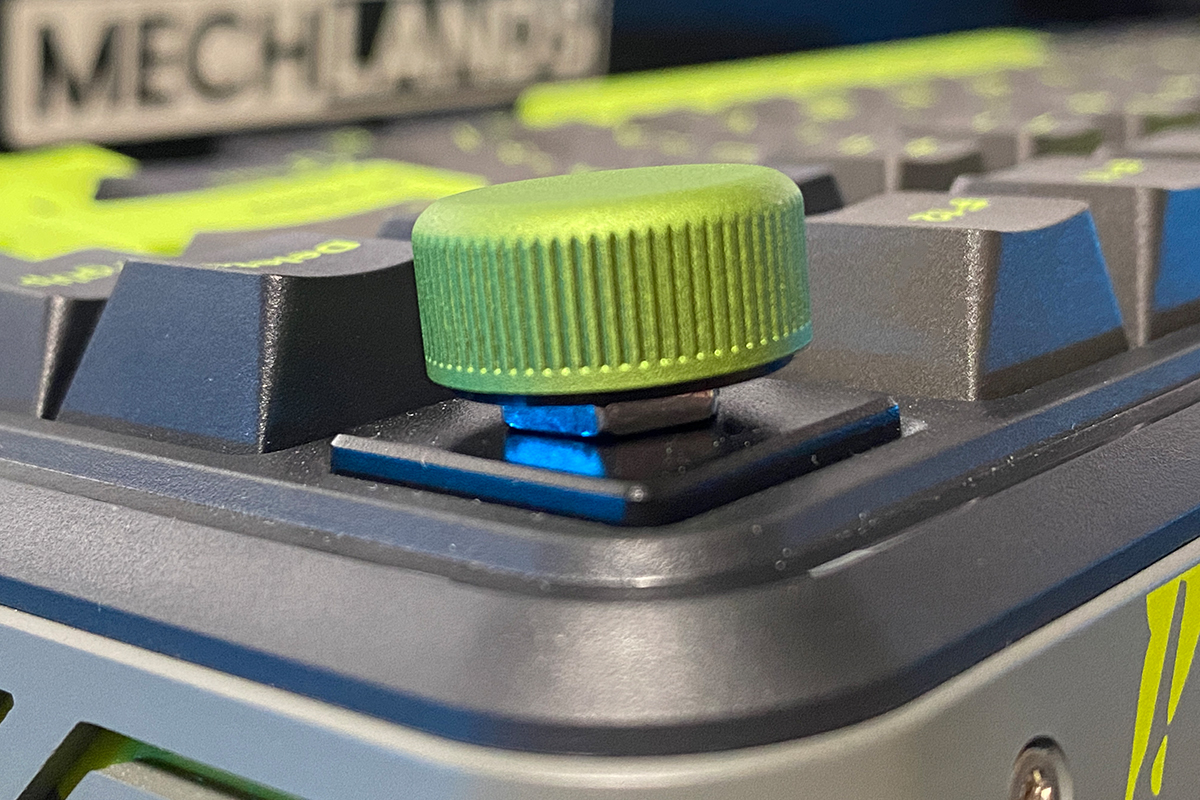
The MechLands M75 follows a 75% layout, featuring 80 keys and a volume control wheel. Notably, the wheel is removable – you can take it off and replace it with one of the included switches if you prefer.
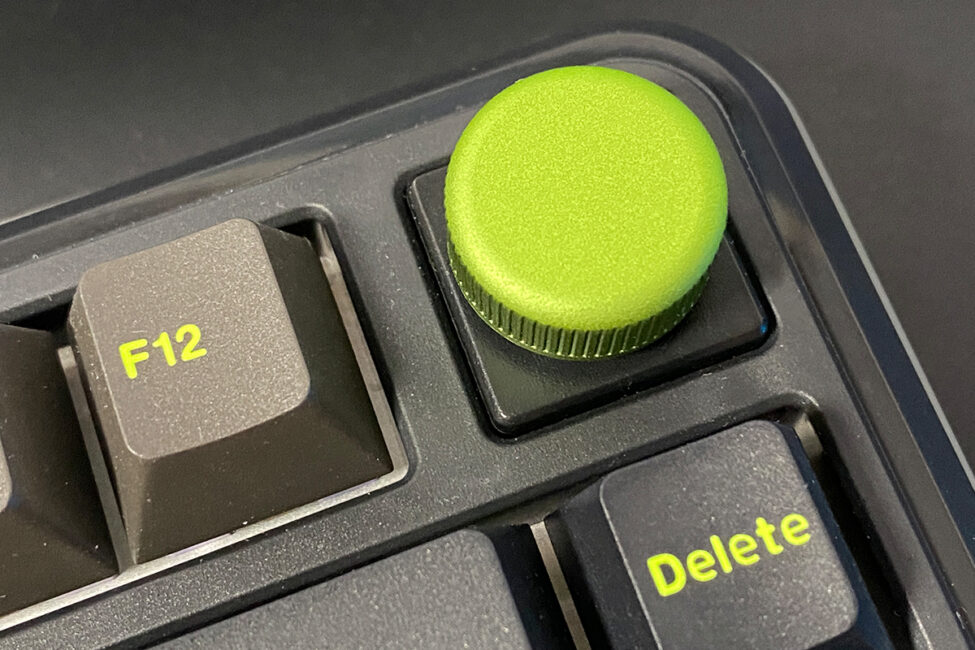
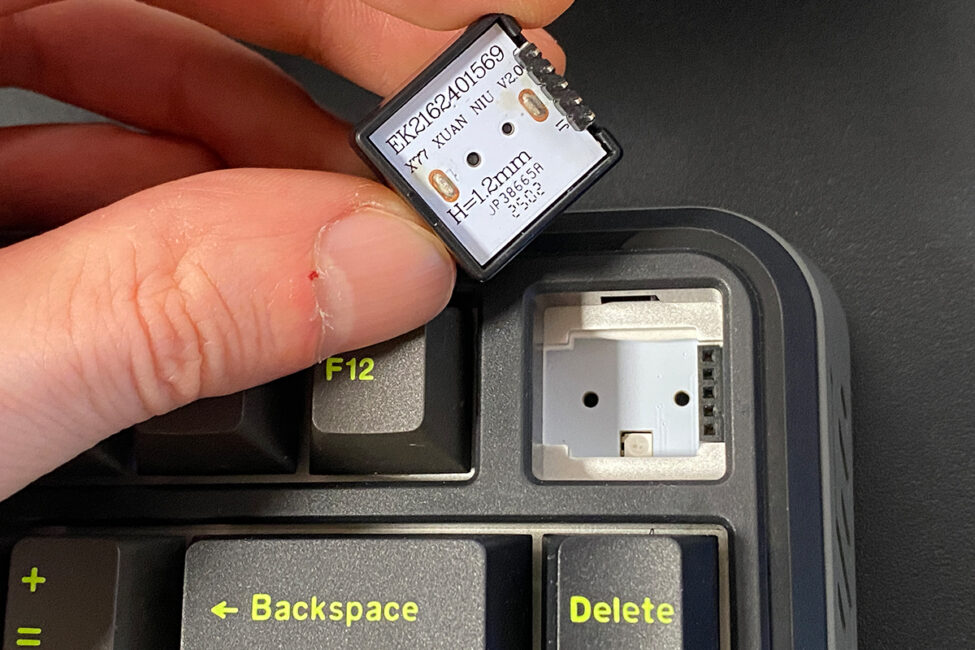
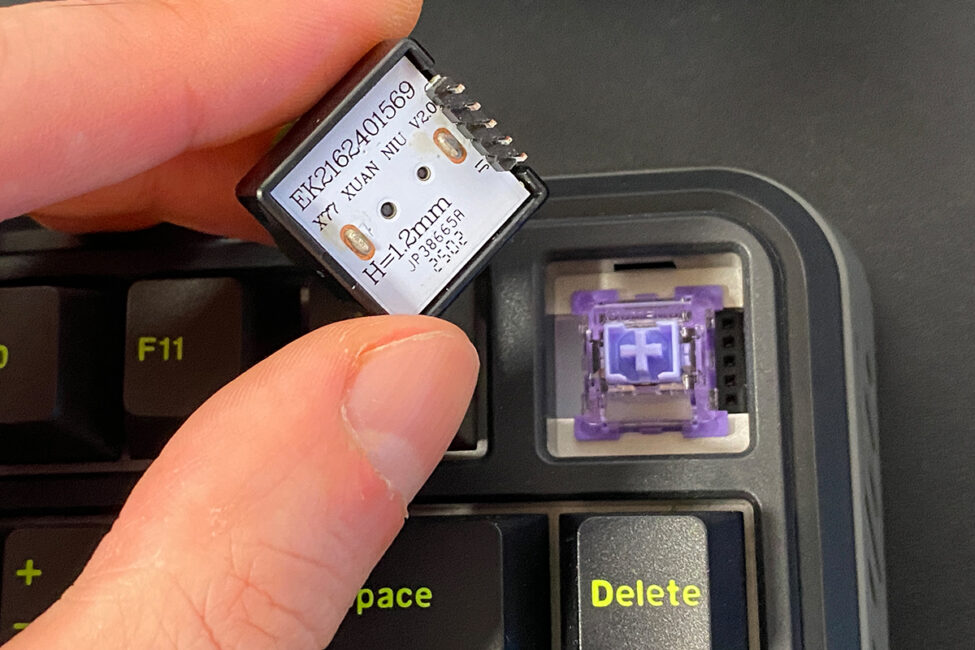
The volume wheel is of decent quality and made of plastic. Its top surface is smooth, with a subtle textured grip on the sides. It operates quietly, with distinct detents marking each position. Rotating the wheel adjusts the volume in two-step increments, while pressing it inward toggles mute on and off.
The keyboard uses a standard ANSI (QWERTY) layout with long Shift keys, a single-row Enter, and an extended backslash key. Like most 75% keyboards, it lacks a dedicated numeric keypad. To the right of the spacebar, there are two keys – FN and Ctrl – that are the same size as their counterparts on the left side. In my view, this is the most convenient arrangement for these keys, although the FN key tends to be used less frequently on 75% layouts compared to 65% keyboards.
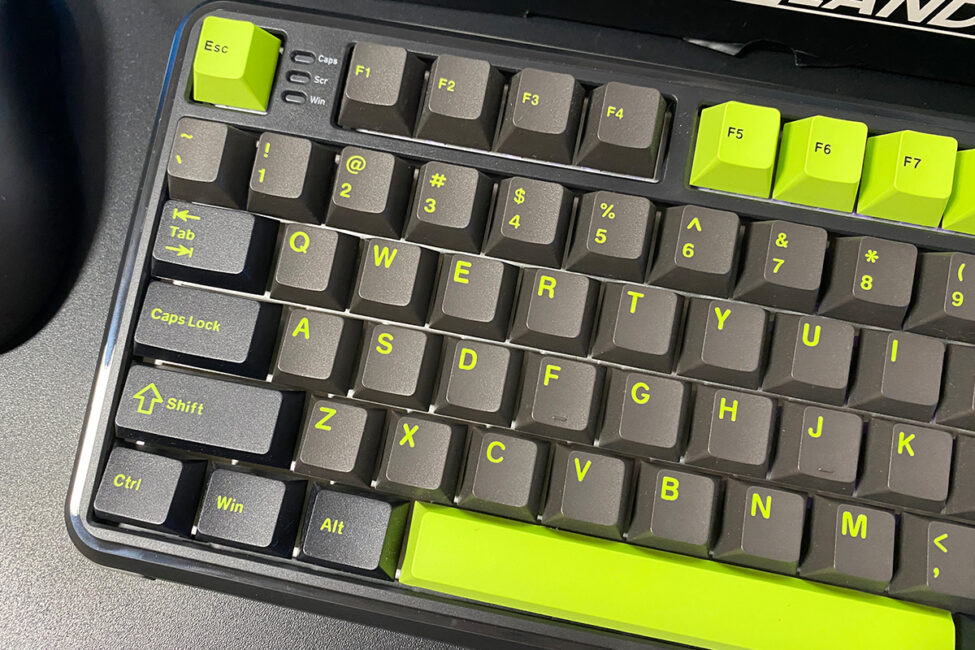
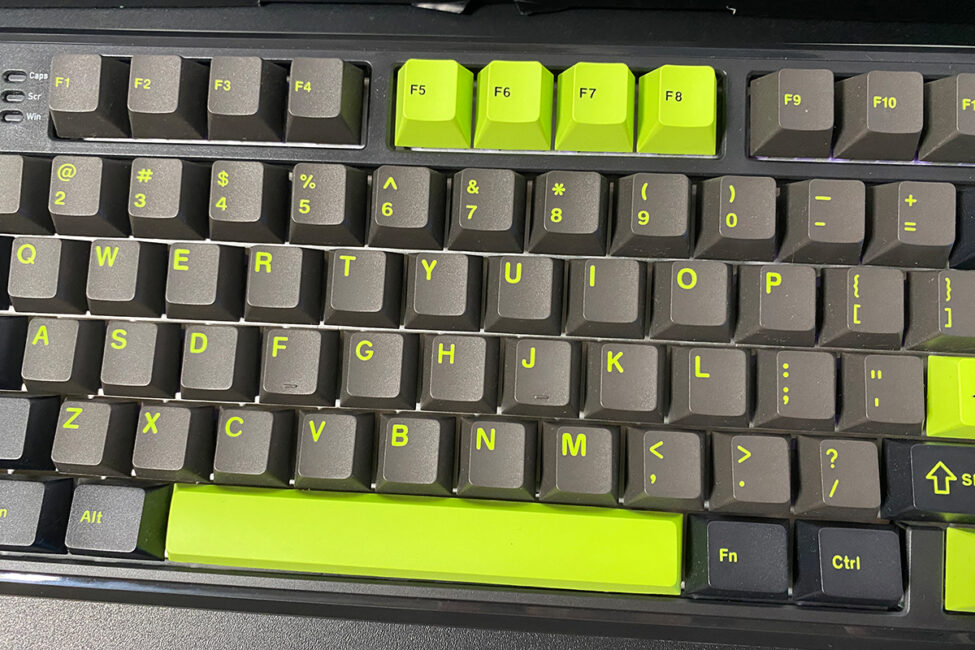
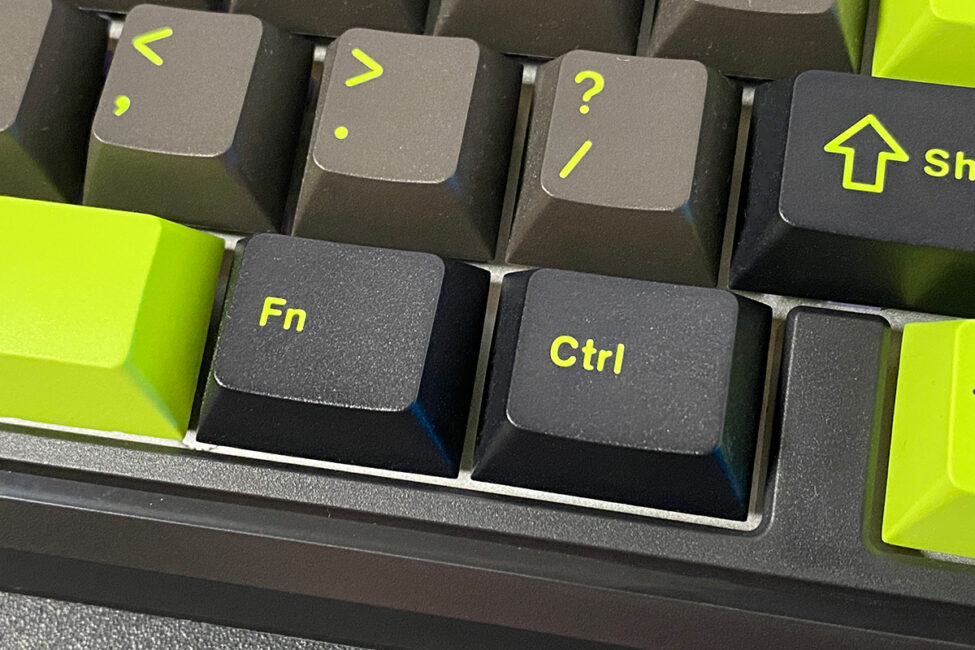
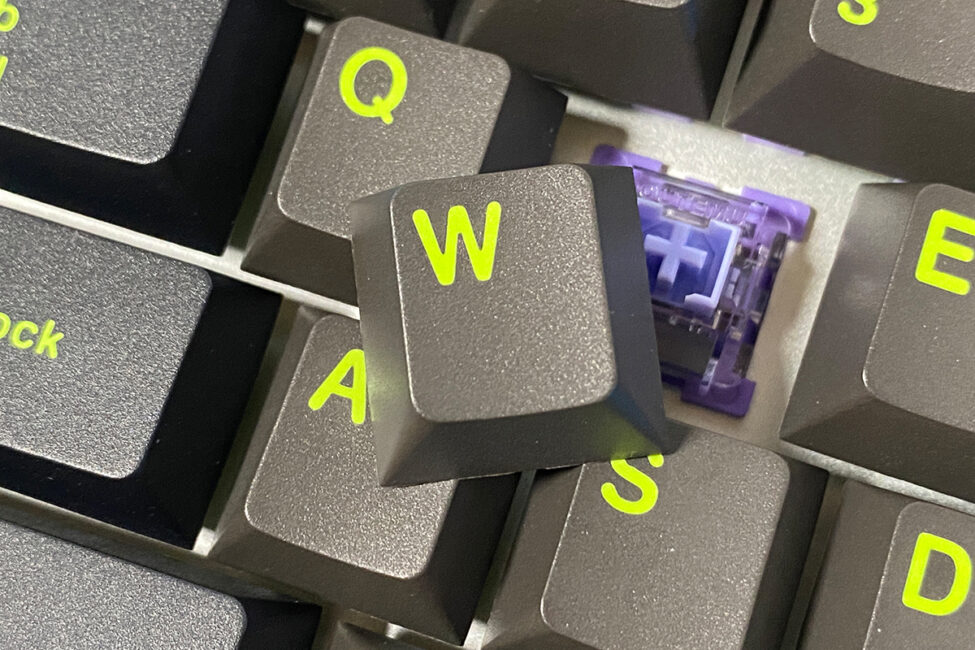
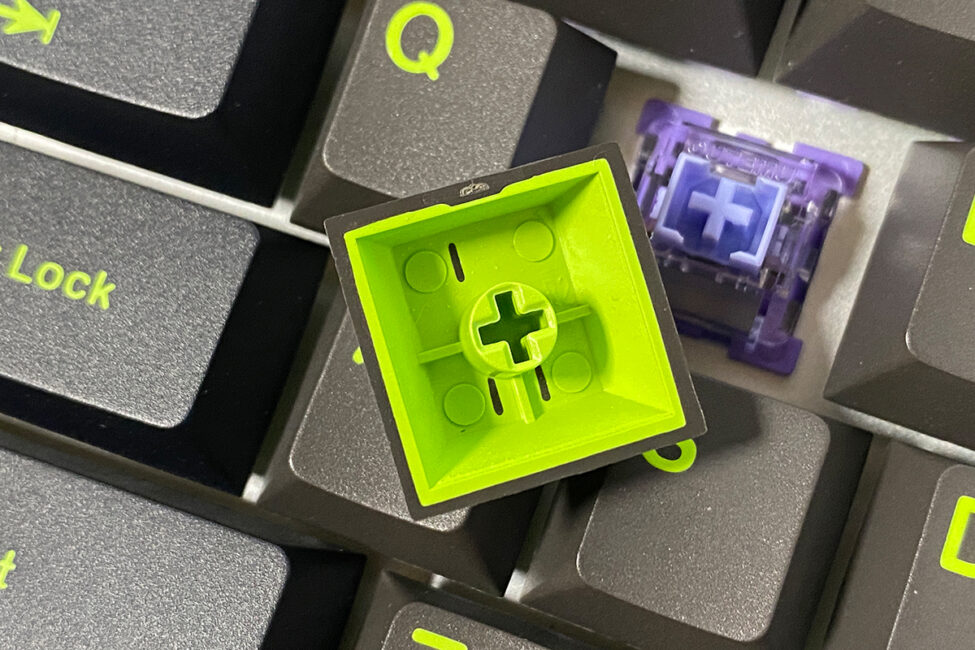
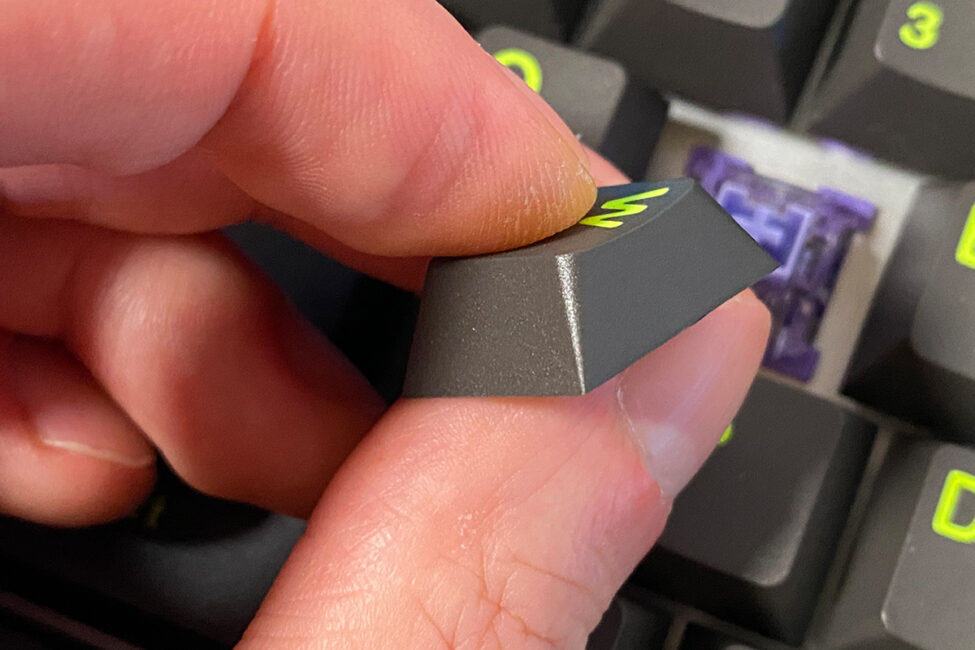
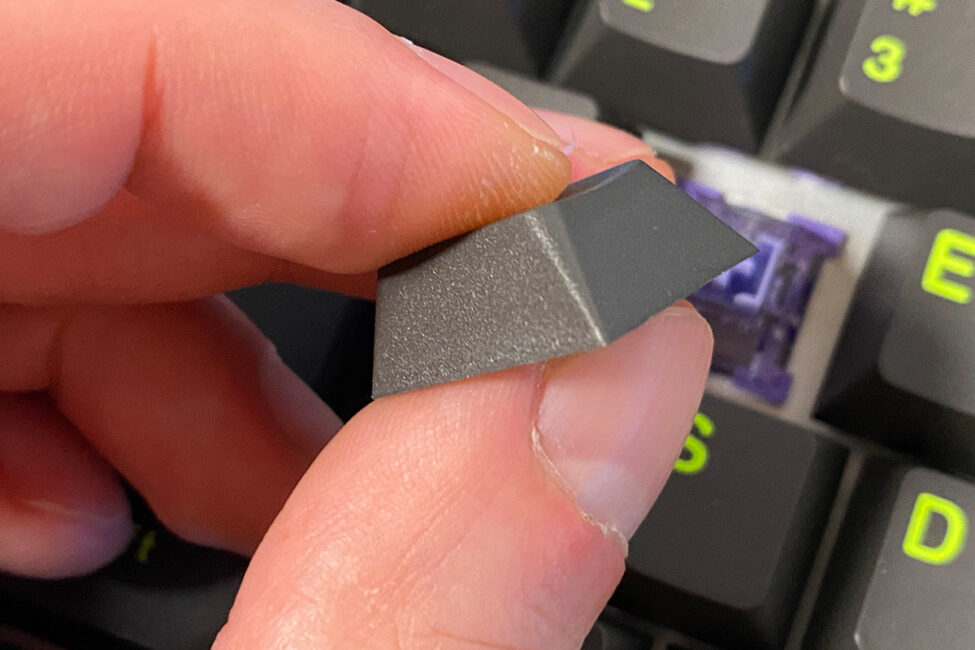
The MechLands M75 comes equipped with double-shot PBT keycaps in Cherry profile. The build quality is solid, featuring thick plastic that feels slightly textured and offers a comfortable tactile experience. The bottoms of the keycaps are even, without any gaps or molding defects. The font and character size are standard. Overall, these keycaps are high-quality and reliable on their own.
The keyboard’s bottom, like the rest of the case, is made of ABS plastic. At the center, there’s a metal plate featuring the brand logo, the exact model name, and other details. The keyboard has dual plastic feet, both equipped with rubberized pads on the feet and edges to improve stability. As a result, the keyboard sits firmly on the desk, both with the feet extended and retracted.


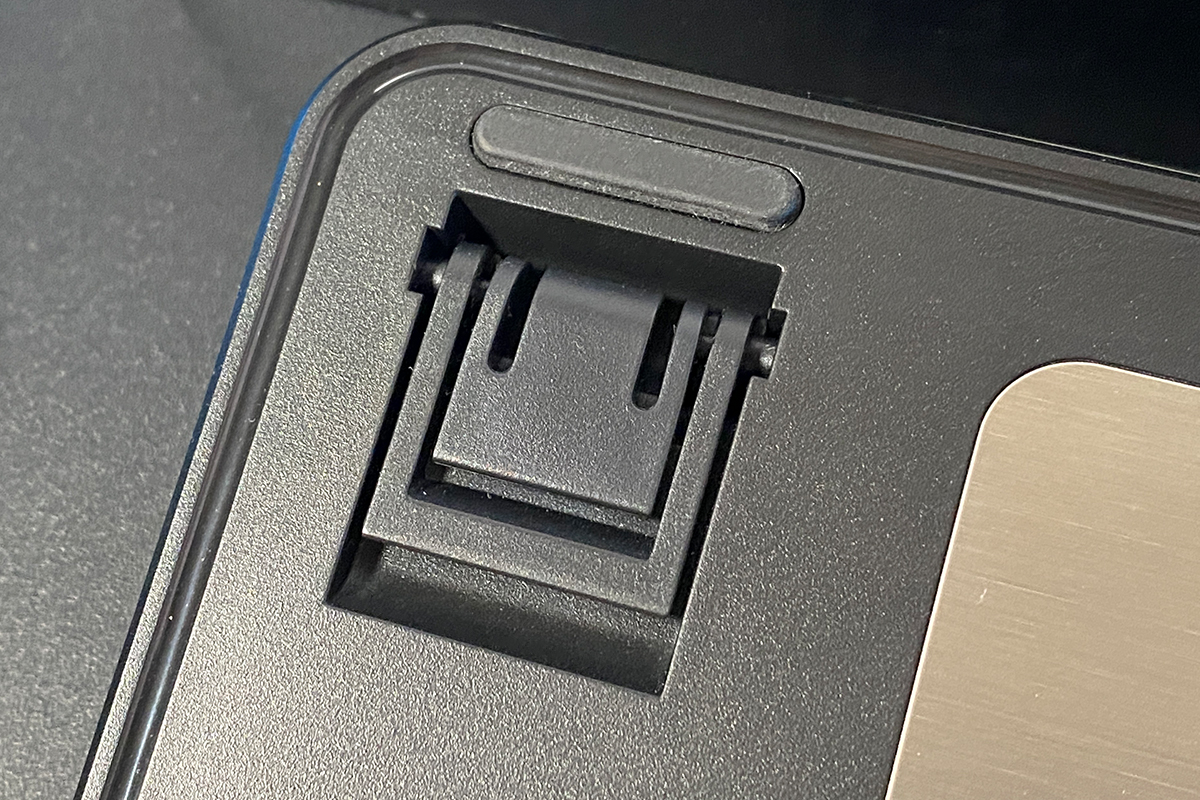
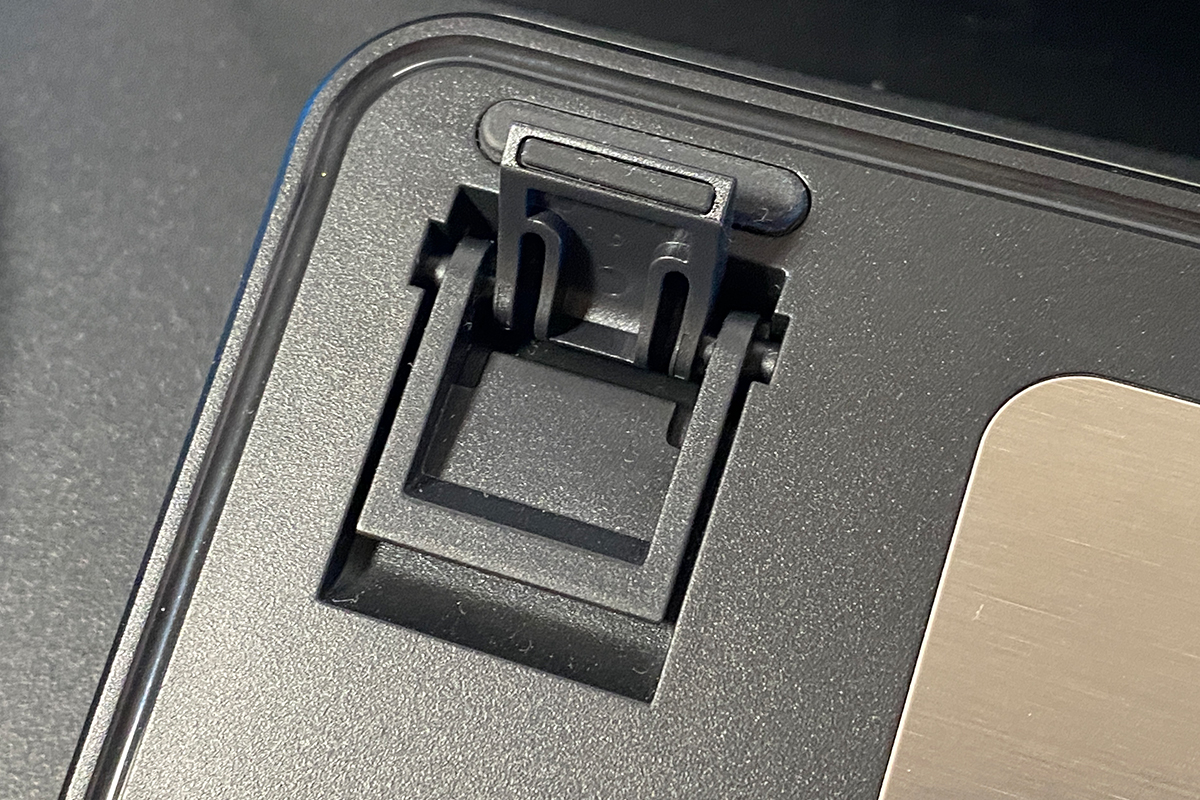
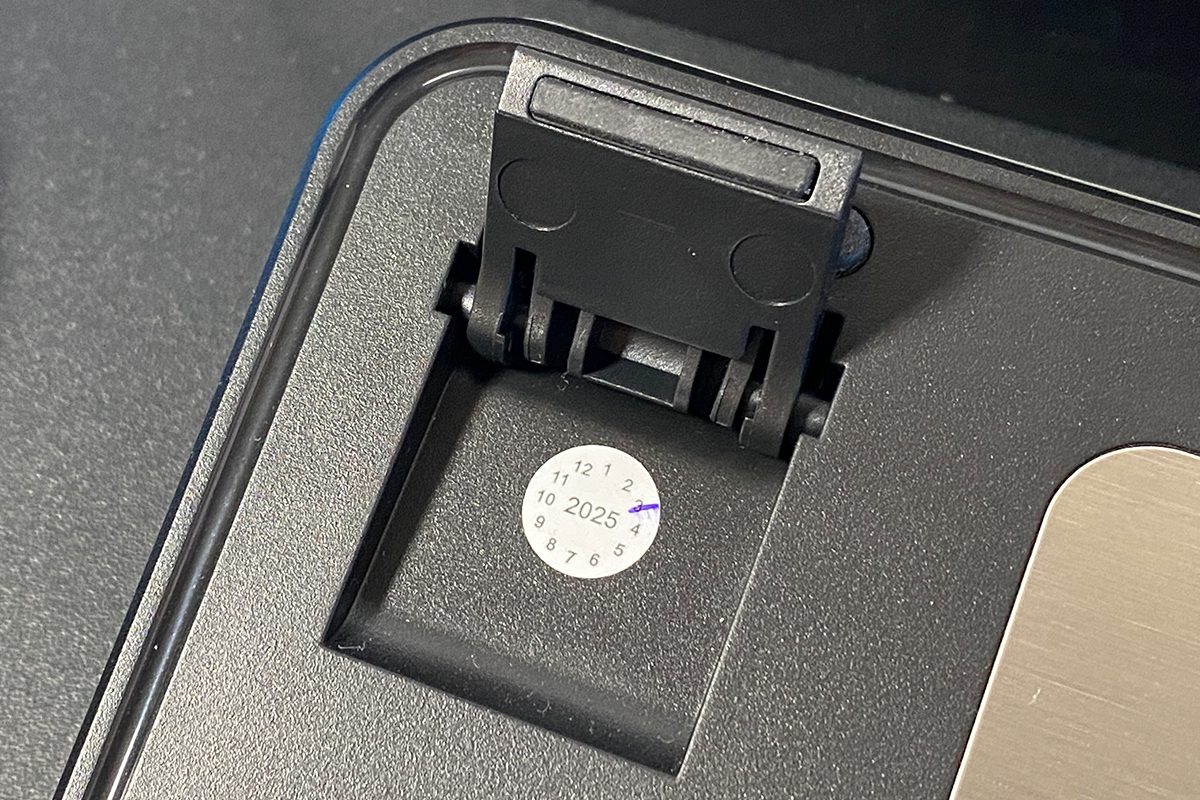
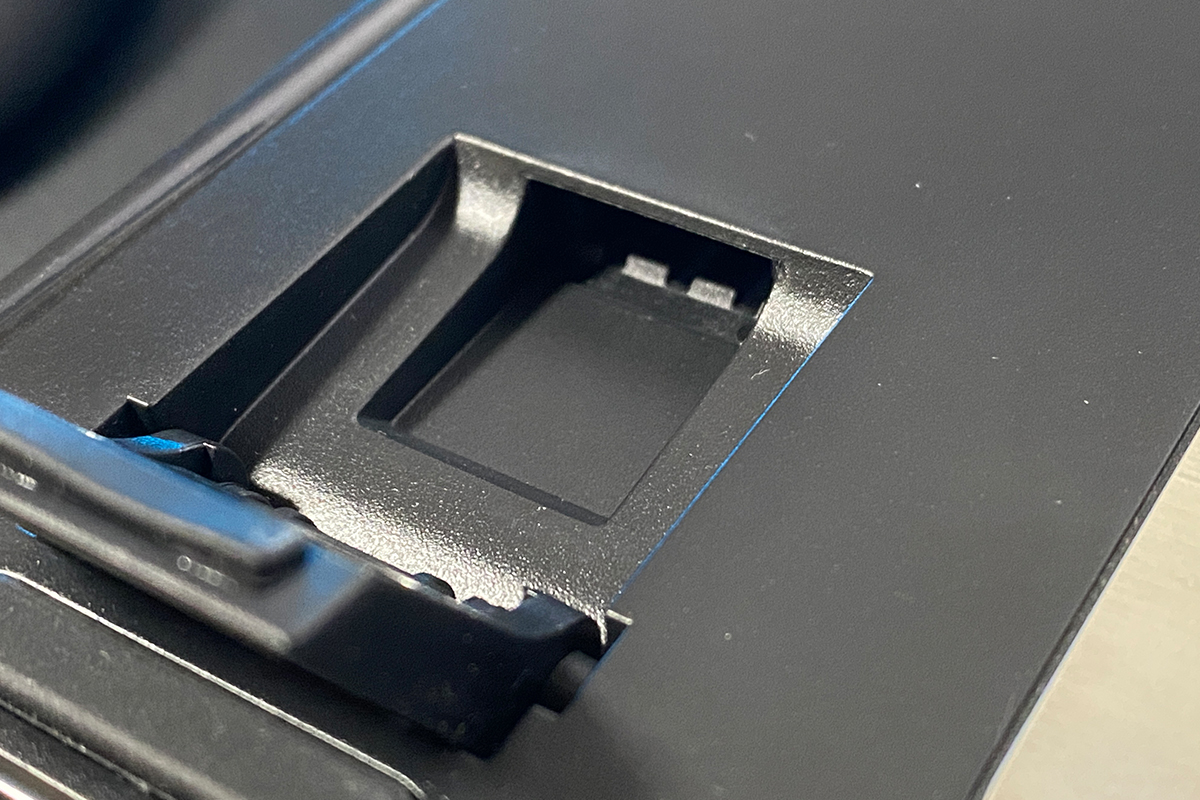
Under the left foot, there’s a small compartment intended to hold a 2.4 GHz wireless RF adapter. While the MechLands M75 doesn’t include this adapter – since it’s a wired keyboard – the case design follows a template used across the brand’s lineup, including their wireless models. I’ll cover those models in separate reviews soon.
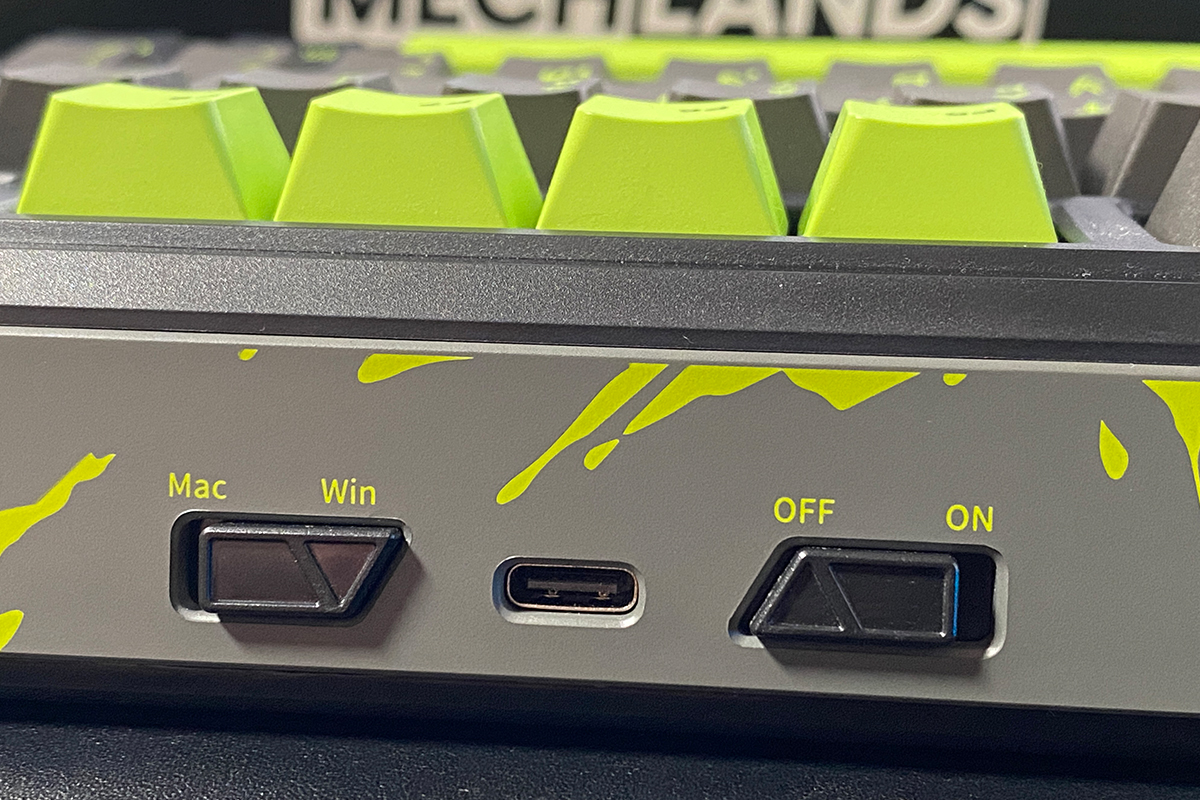
On the top edge of the keyboard (the front side), there’s a standard USB Type-C port for the cable connection, a system mode switch to toggle between Windows and Mac layouts, and an ON/OFF switch that controls the keyboard’s backlighting.
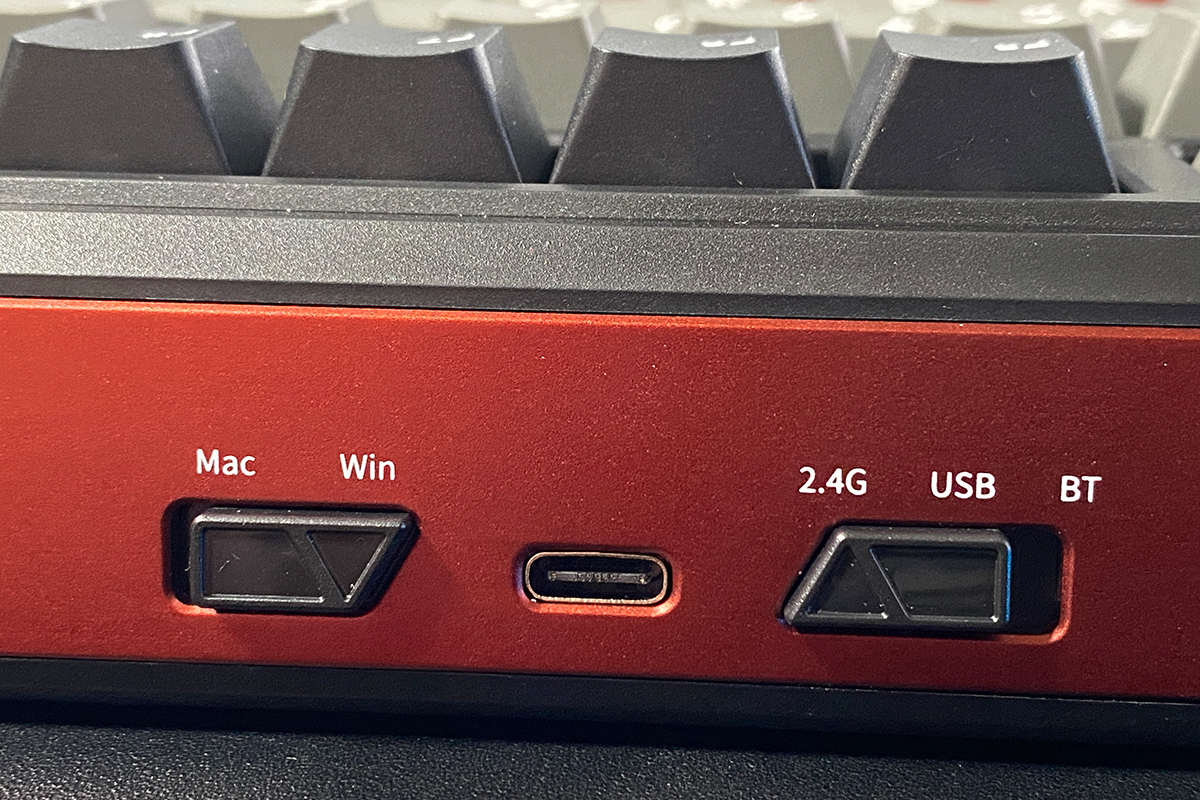
Some might wonder why the keyboard includes this particular switch. The explanation is that MechLands standardizes the case design across their 75% keyboards. In the wireless MechLands Vibe75 V2 model, this switch toggles connection modes between Bluetooth, USB, and 2.4 GHz RF. In the wired M75, however, it simply turns the key backlighting on or off.
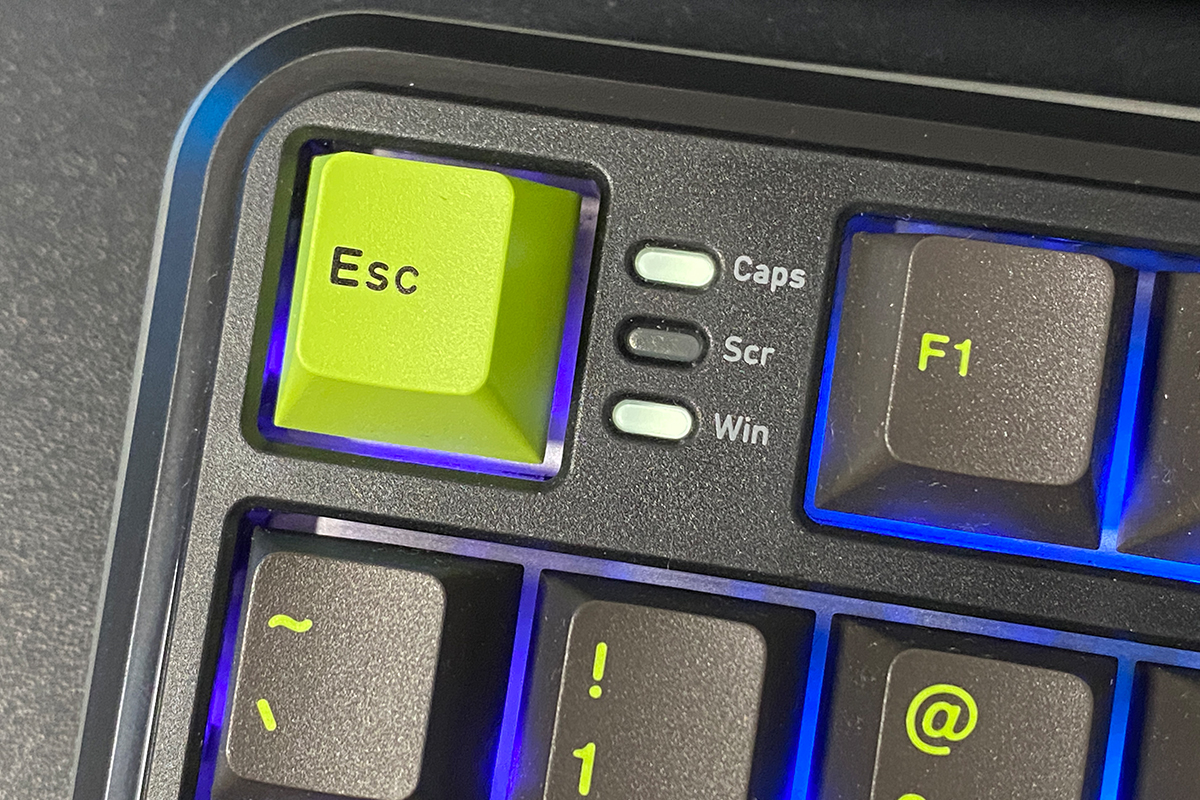
The indicators for Caps Lock, Scroll Lock, and Windows key lock are positioned to the right of the Esc key. This placement is somewhat unconventional, but given the keyboard’s layout, there aren’t many alternative locations for them. That said, the indicators are quite visible in this position.
The build quality is solid. Despite the plastic case, the keyboard doesn’t flex or bend and generally feels sturdy. Ergonomically, there are no major complaints – the height and angle without the feet feel optimal for me personally. Overall, the device is comfortable and pleasant to use.
Read also:
- SteelSeries Apex Pro Mini – So Good It’s Almost Cheating
- SteelSeries Apex Pro TKL Gen 3 White review: Gorgeous Update
MechLands M75 backlighting
The keyboard features full RGB key backlighting. The lighting is implemented using SMD LEDs paired with additional diffusers on the switches to ensure even light distribution.
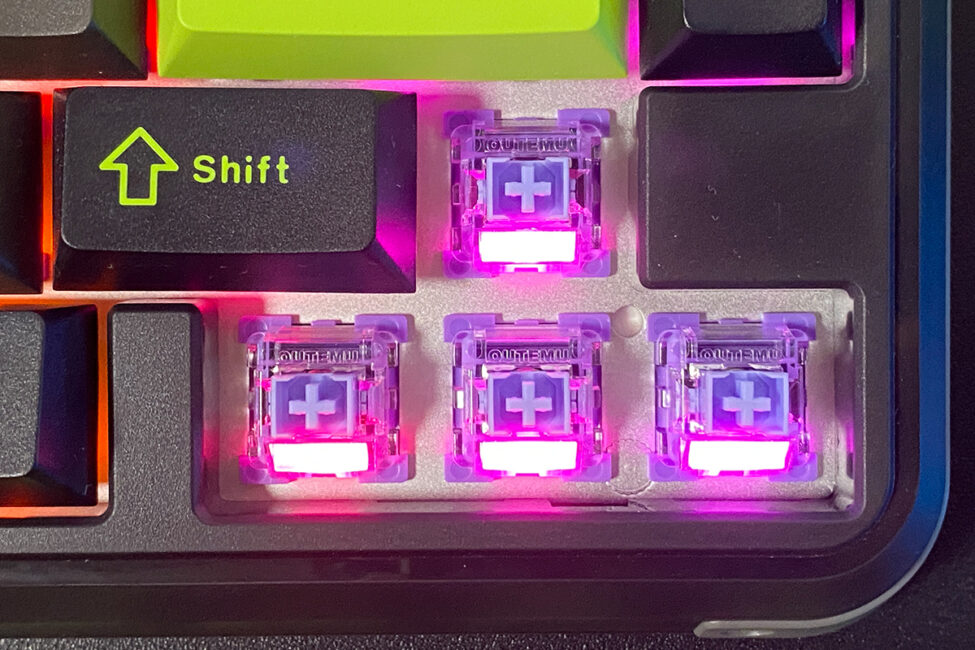
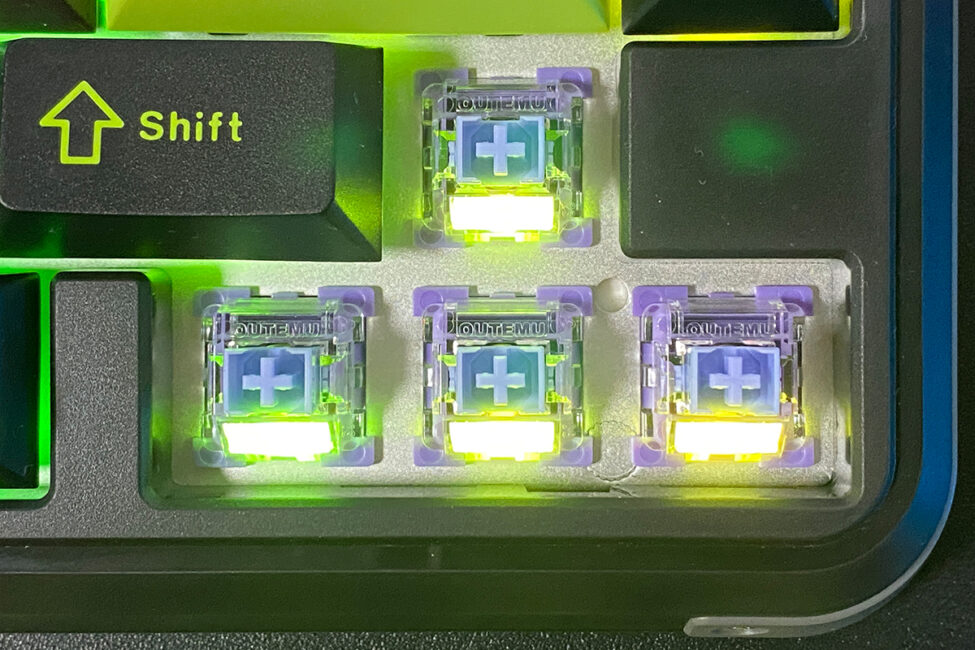
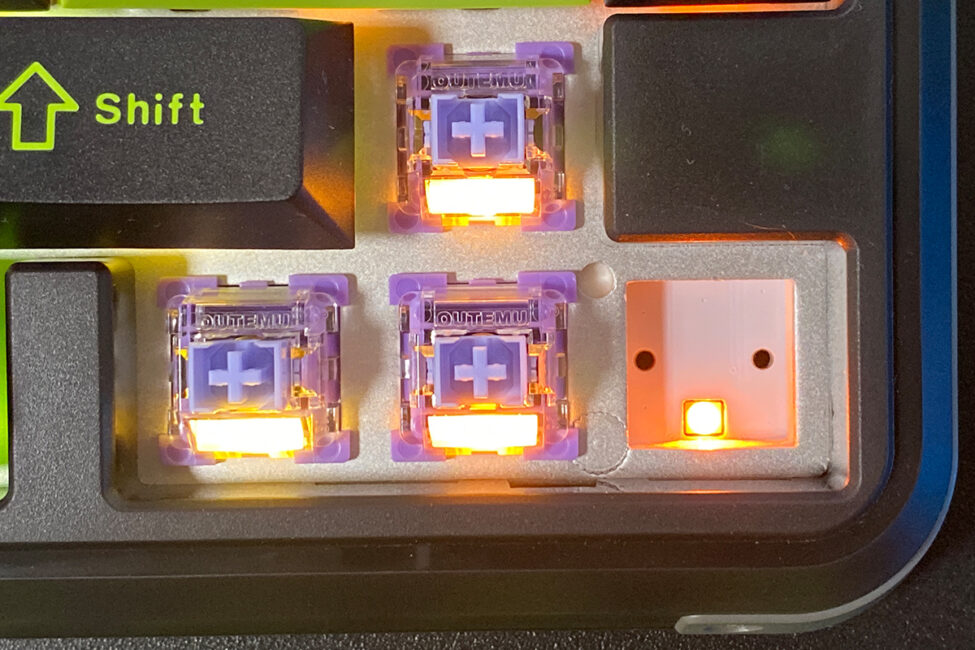
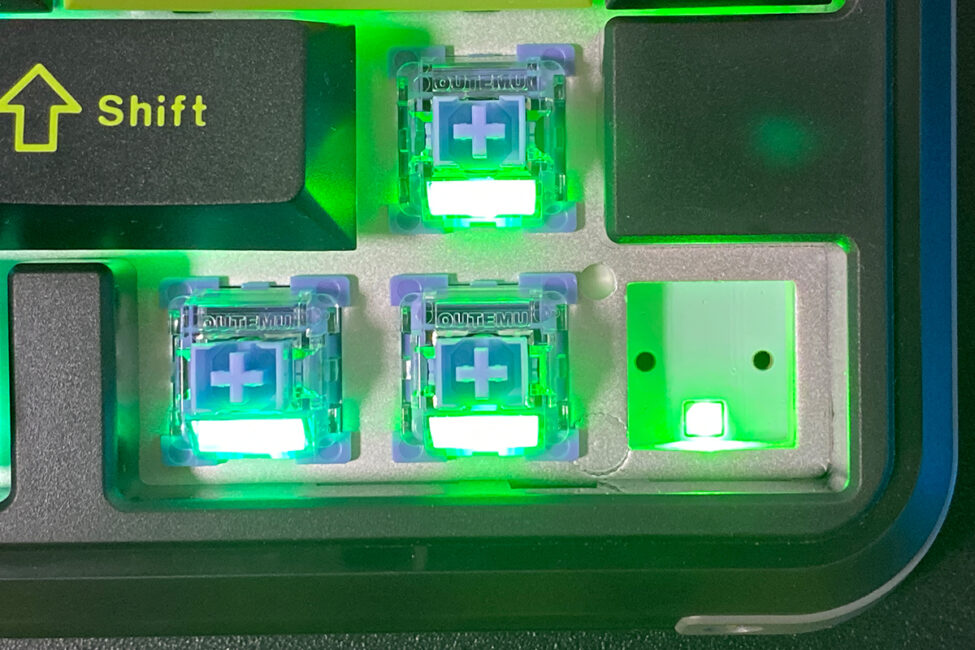
Overall, the M75’s backlighting performs well – smooth and bright, especially when set to maximum brightness.
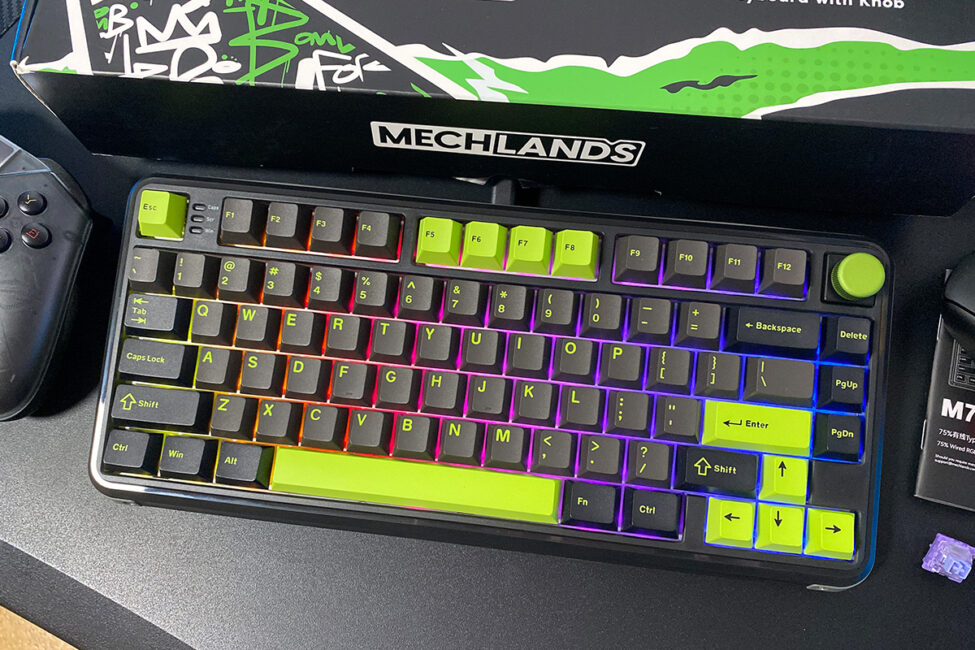
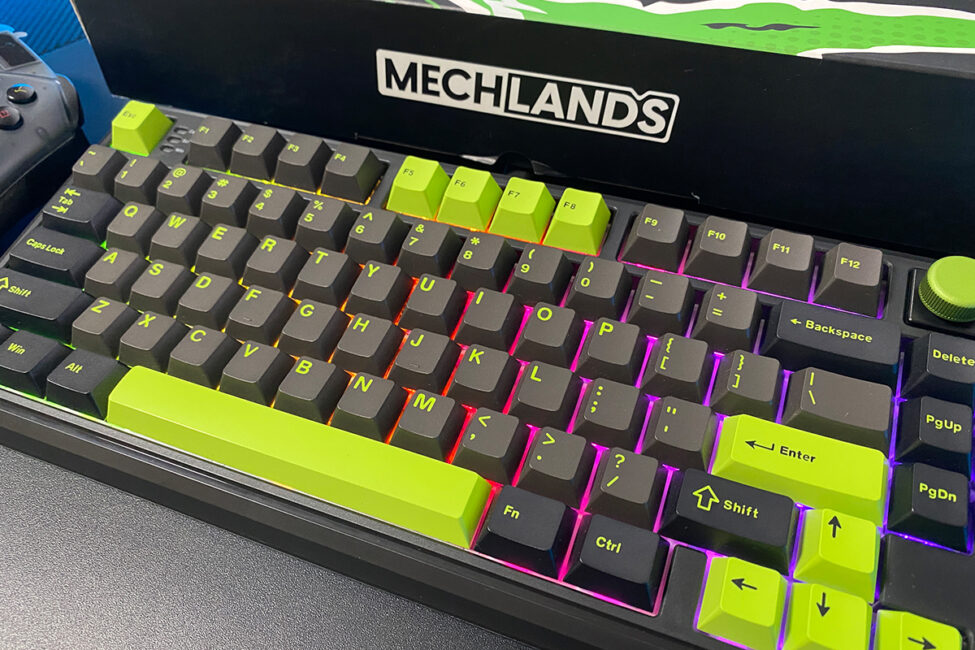
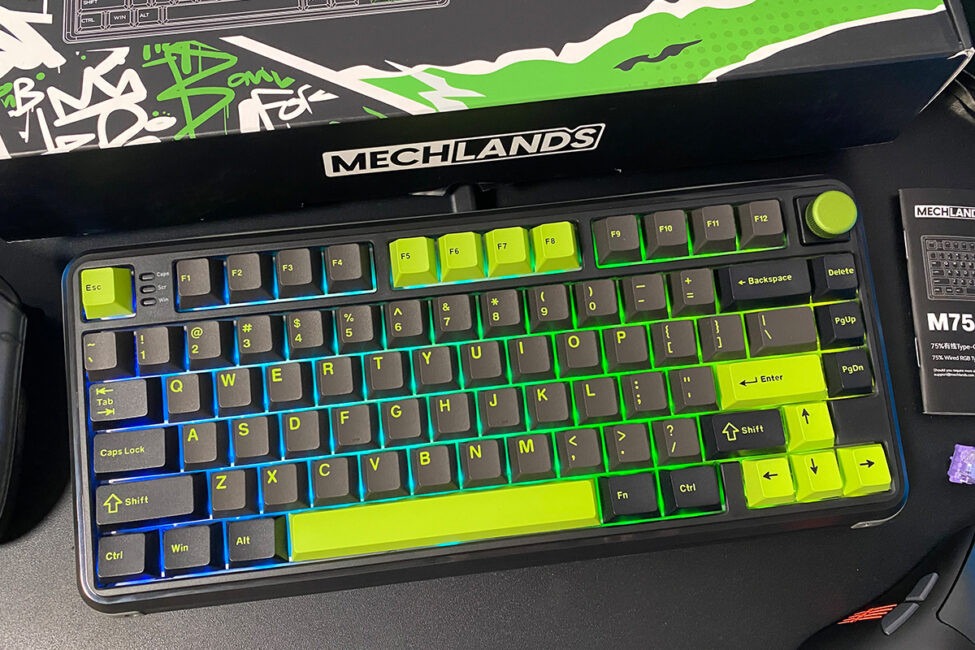
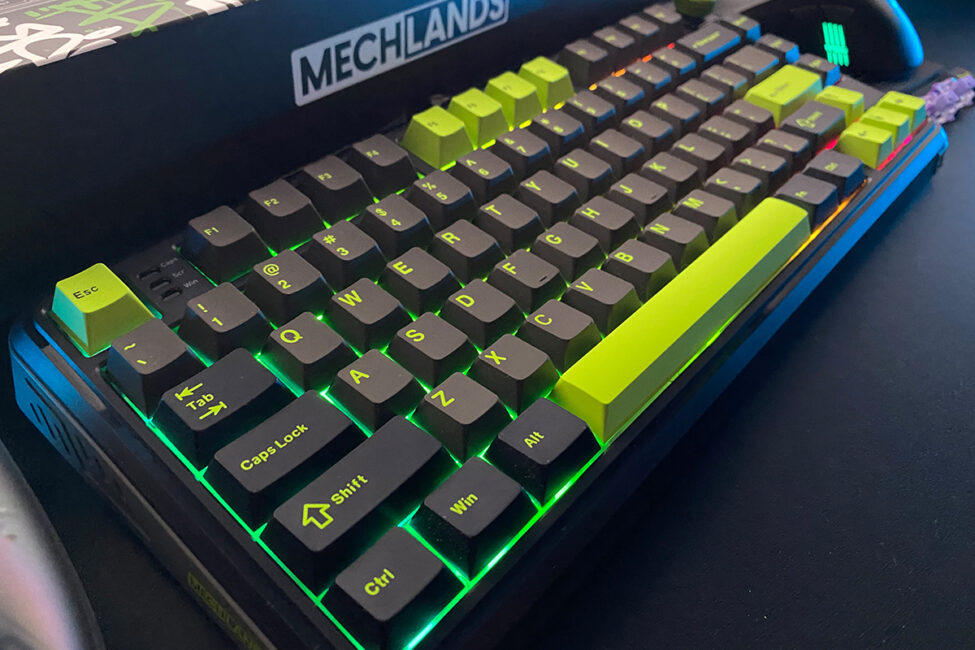
The keyboard offers around 18 preset lighting effects, which can be further customized by adjusting colors, animation speed, and direction. You can configure the backlighting either through the dedicated software or directly on the keyboard using FN key combinations. I’ll cover the software in detail in a separate section. For now, here’s a summary of the main lighting control hotkeys on the keyboard, which are fairly limited:
- FN + Backspace – toggles effects
- FN + Delete – changes colours in the selected effect
- FN + up/down arrows – changes the brightness of the backlight
- FN + left/right arrows – changes the speed of the animation
Below, I’ll also include a short video that clearly demonstrates the key backlighting and its various effects.
Switches, stabilisers, typing
The MechLands M75 is equipped with Outemu Magnetic Switches. I covered the benefits of magnetic switches for this keyboard earlier in the review, so I won’t repeat that here. Instead, I’ll focus on the specific characteristics of these switches.
- type: linear
- resource: 100 million clicks
- stroke to actuation (default): 2 mm
- full stroke: 3.5 ± 0.1 mm
- pressing force: 45 + 5 gs
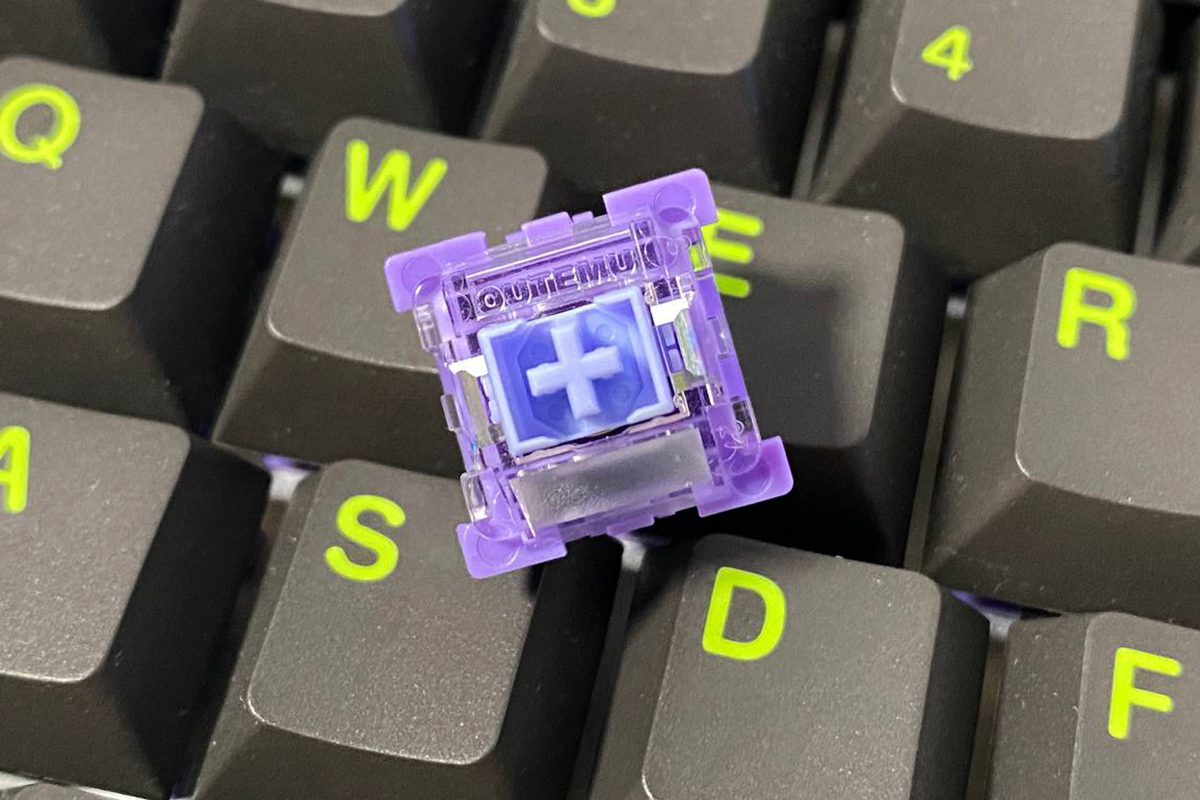
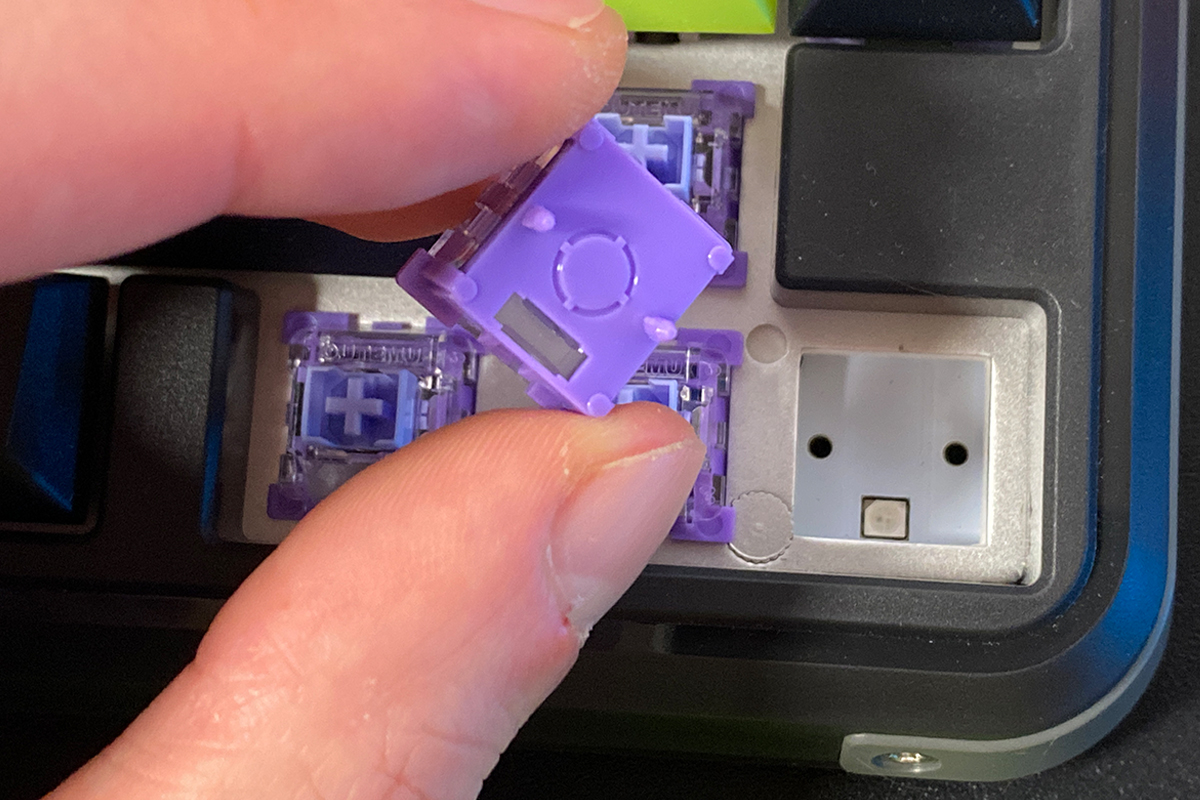
The keyboard supports hot-swapping, allowing you to replace switches without soldering. The sockets on the M75 are specifically designed for magnetic switches, so standard mechanical switches are not compatible. That said, the keyboard is compatible with other magnetic switch models, and the official software even offers special calibration options for some of these switches.
The stabilizers in the MechLands M75 are decent. A closer look reveals that they are lubricated. Overall, the longer keys on the keyboard feel and sound good when pressed.
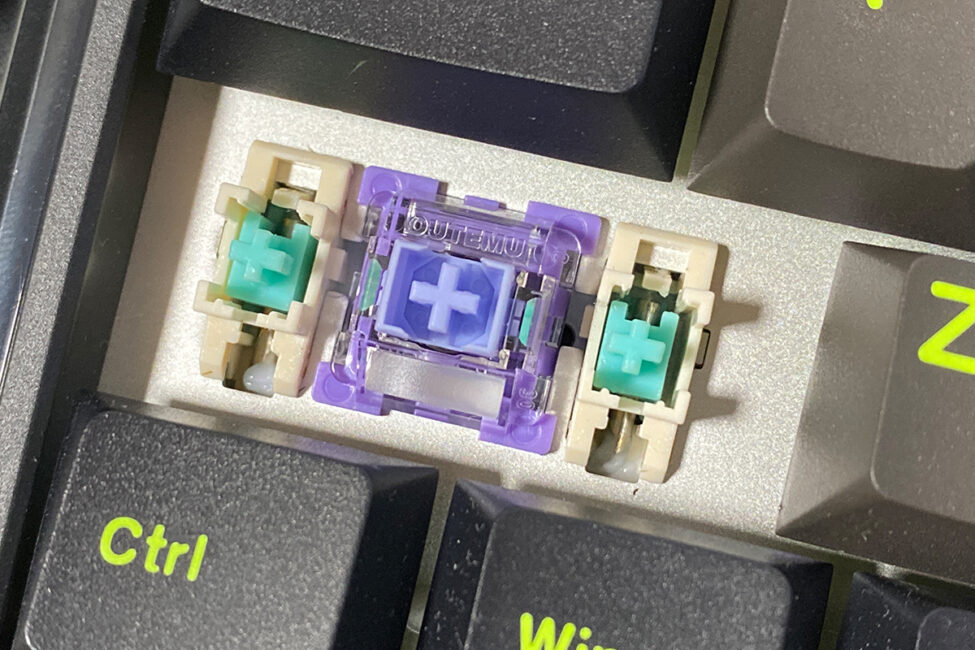
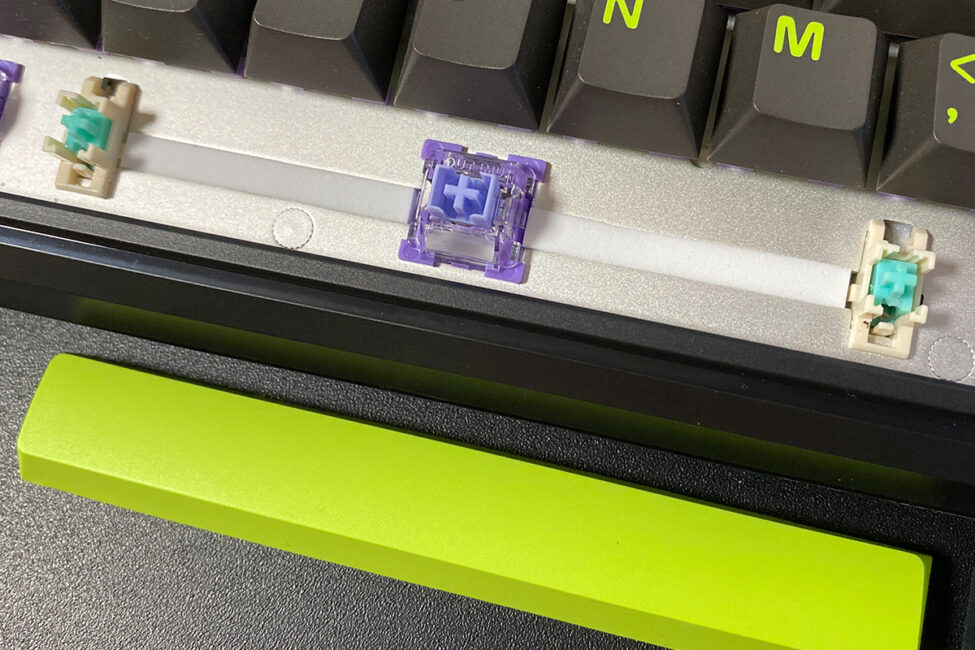
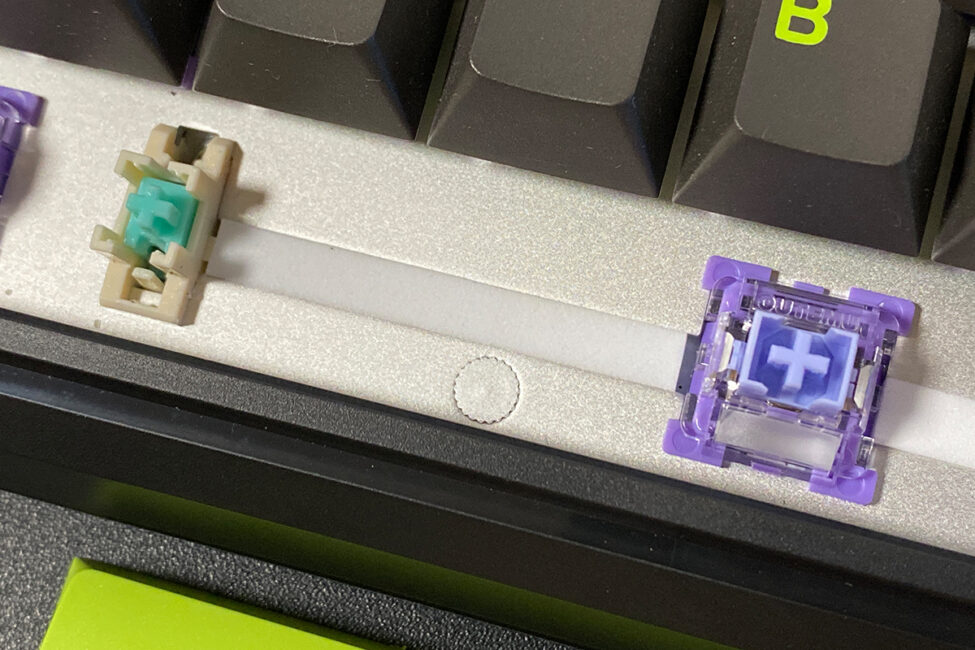
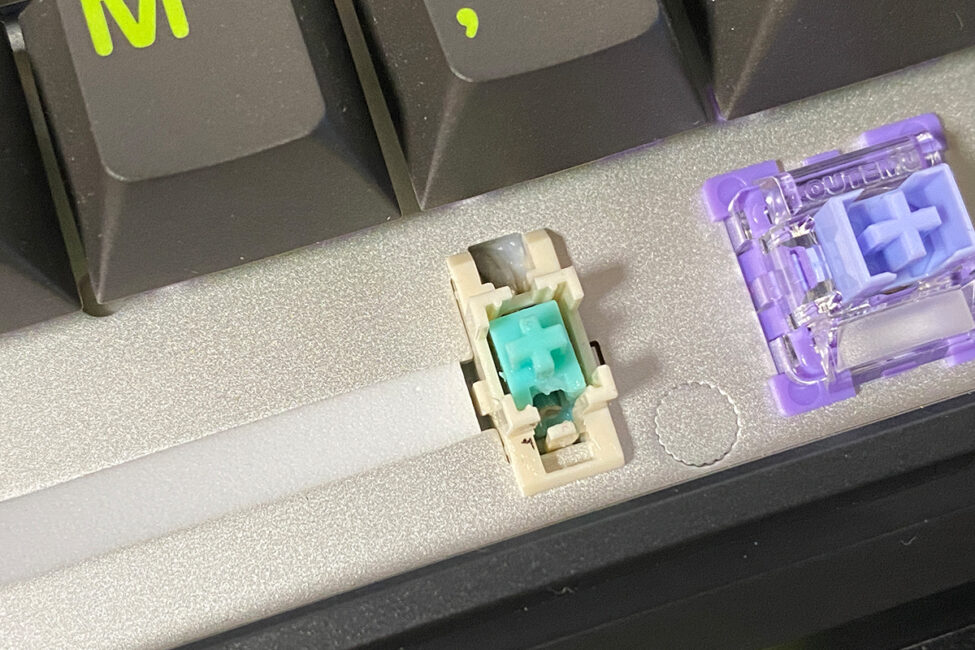
Typing on the M75 is, in my opinion, somewhat mixed. It’s not bad, but clearly budget-oriented. The plastic case and this level of typing experience are the main compromises I noticed with this keyboard. Considering its price and the inclusion of magnetic switches, though, these are understandable trade-offs.
Read also:
- YUNZII AL80 Review: Wireless Aluminum Keyboard with Display
- HATOR Icefall Pro Wireless Review: 75% Gaming Keyboard with Mini Screen
The proprietary app
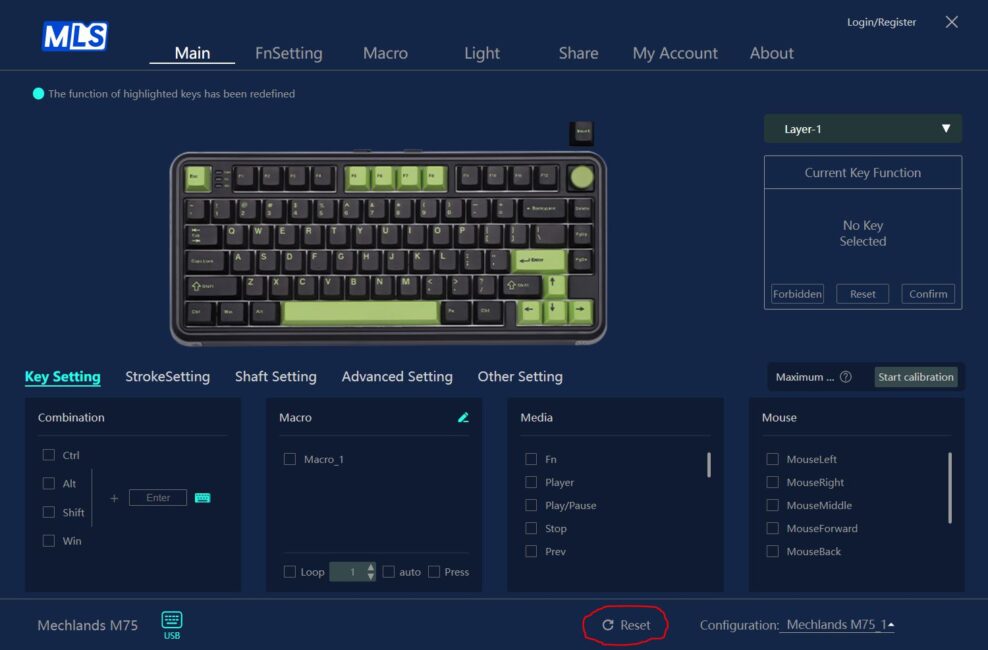
All advanced keyboard settings are managed through the official MechLands Driver, software, available for download from the manufacturer’s website. Upon launching the app, it automatically detects the keyboard’s configuration and opens to the main page. This main page provides access to key settings, stroke settings, switch settings, advanced options, and other configurations.
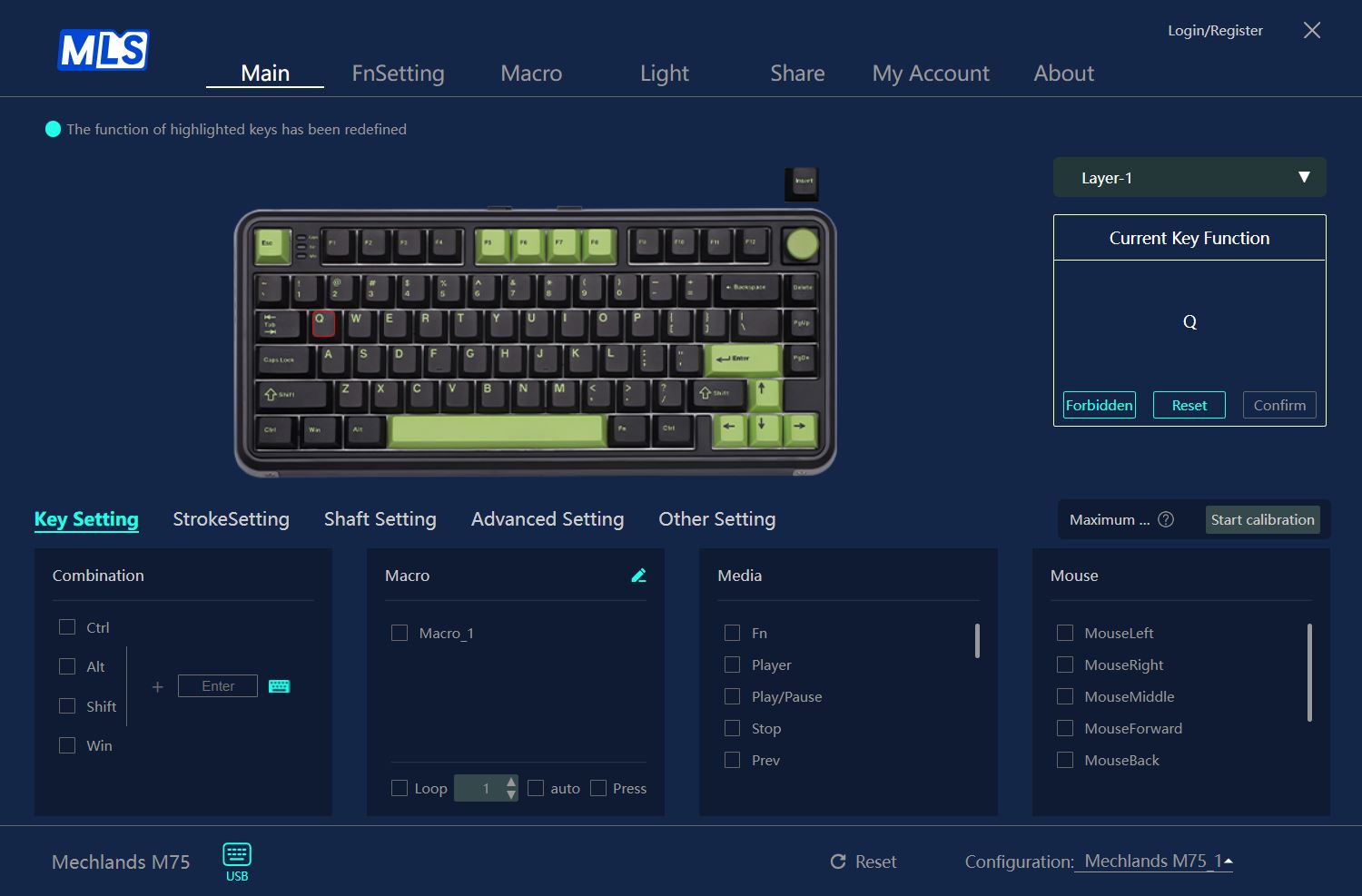
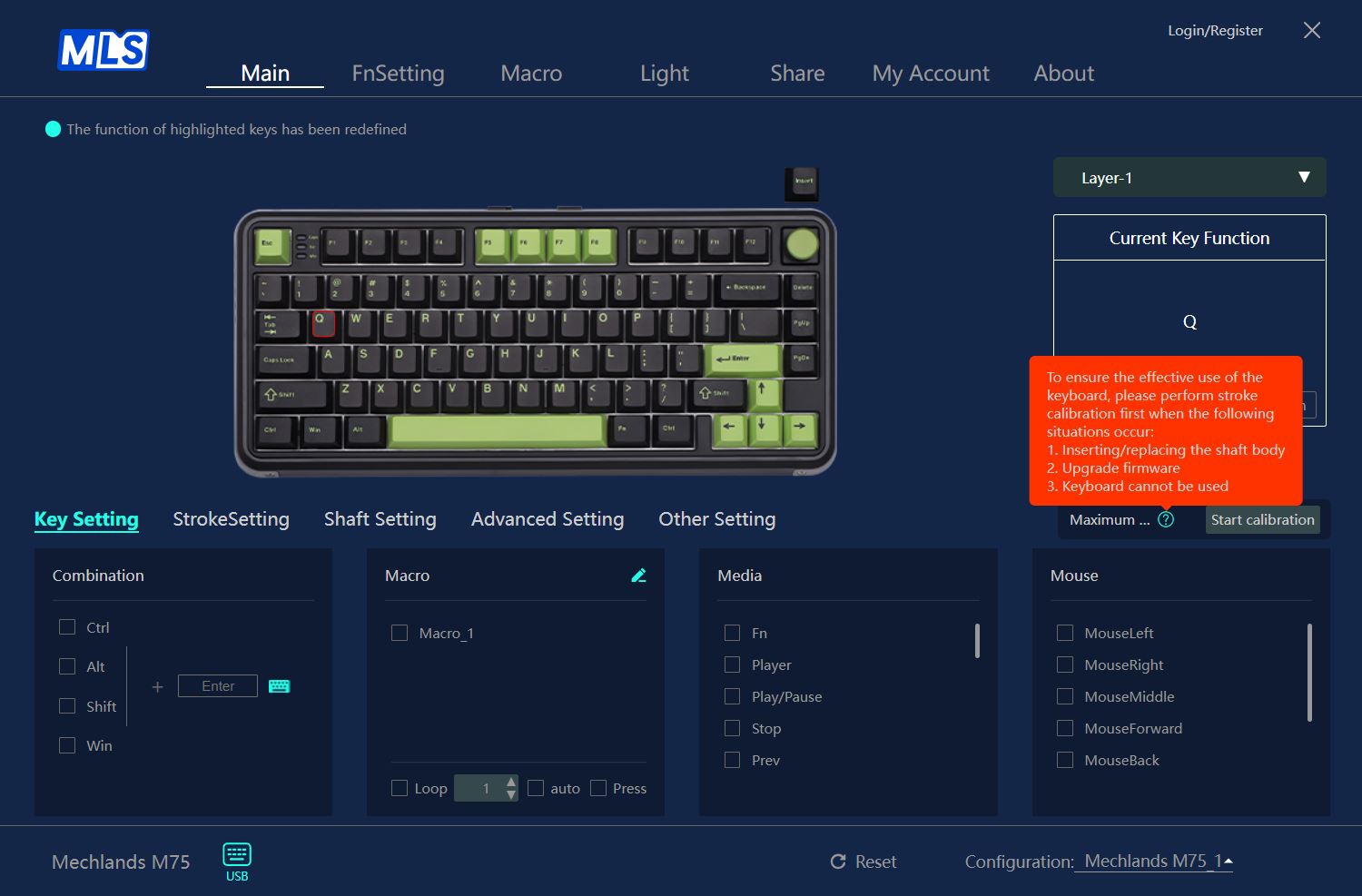
The Key Settings menu allows you to customize key combinations, assign macros, and configure multimedia functions – including mouse controls. At the top of the layout, you can disable individual keys and edit keyboard layers. This section also offers options for calibrating the keyboard after switch replacement, updating firmware, or troubleshooting any issues.

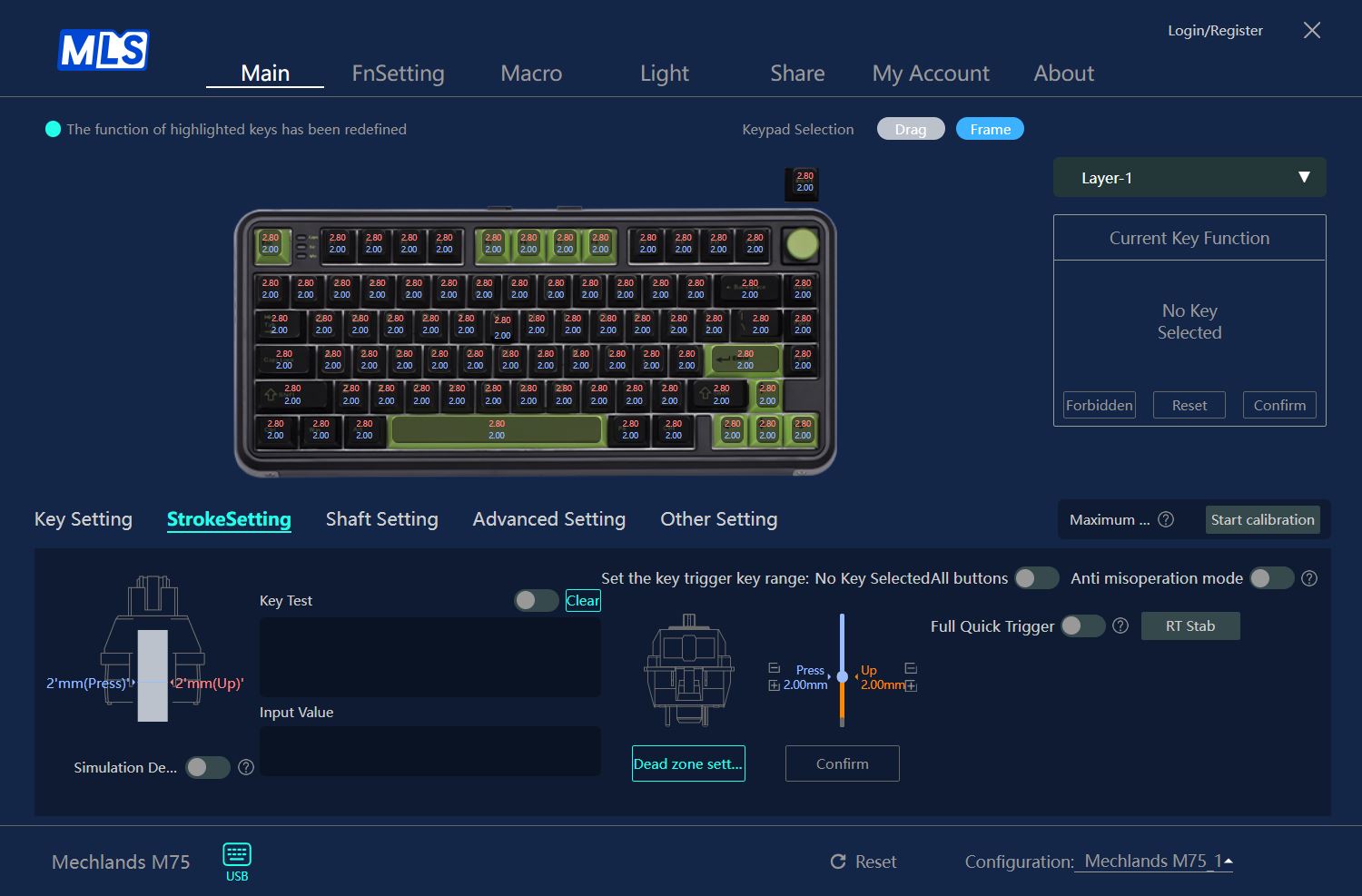
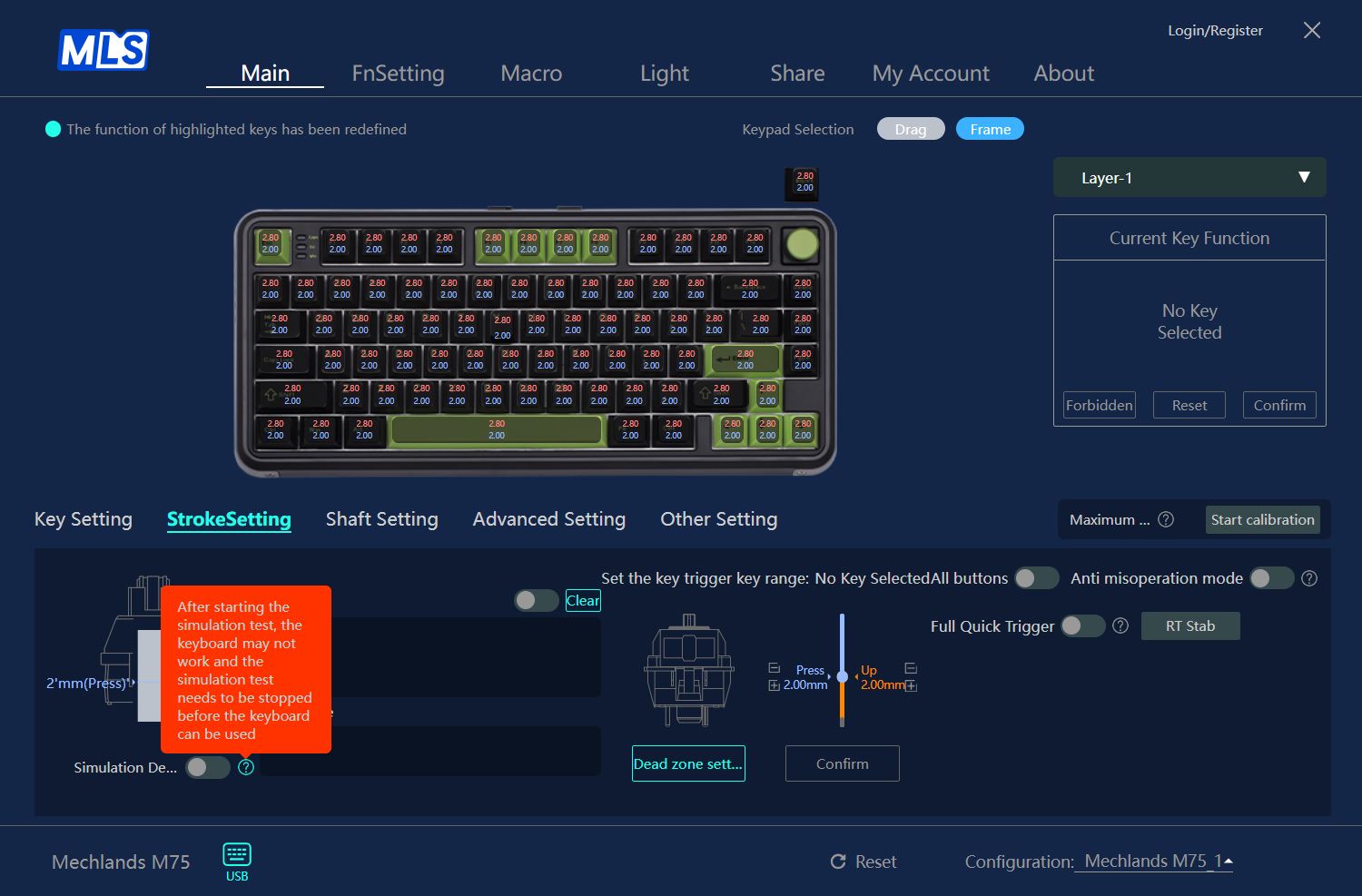
In the Stroke Settings menu, you can adjust the actuation point of the switches anywhere between 0.10 mm and 3.20 mm, with the ability to test their response immediately. It also lets you set switch dead zones, enable the Full Quick Trigger feature, and activate protection against accidental key presses. Both the keyboard and the software allow these settings to be applied globally to all keys or individually to each key.
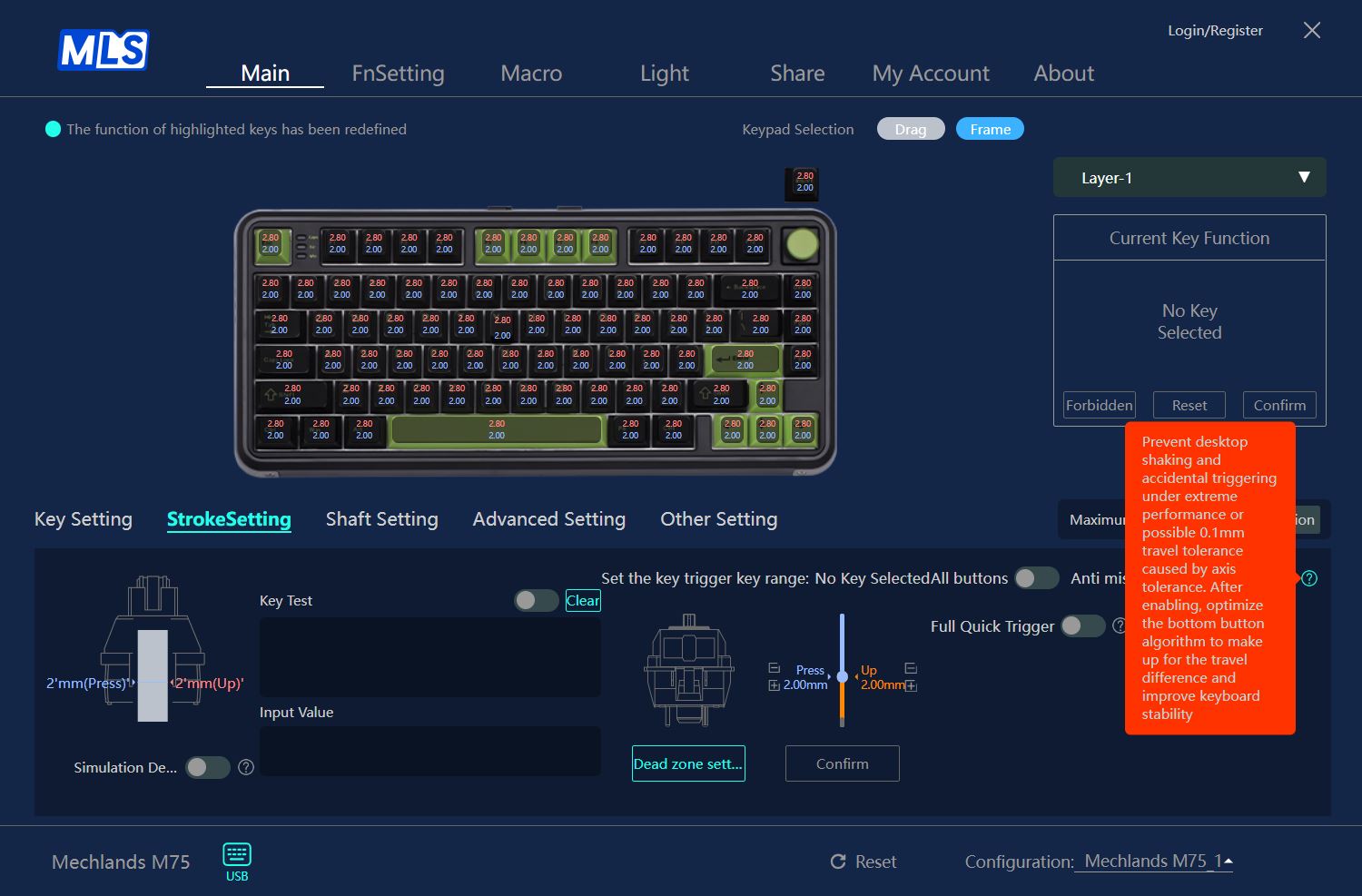
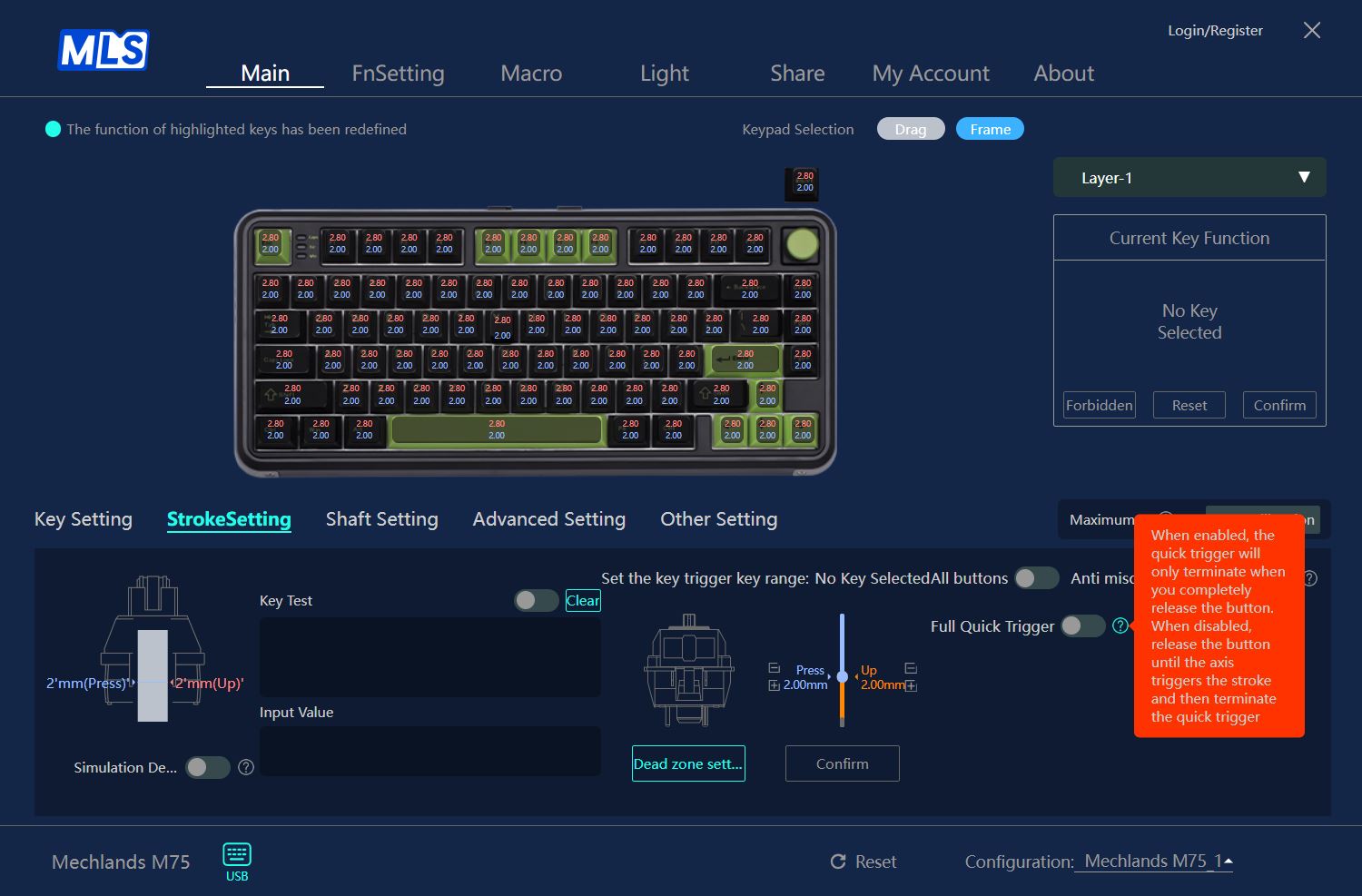
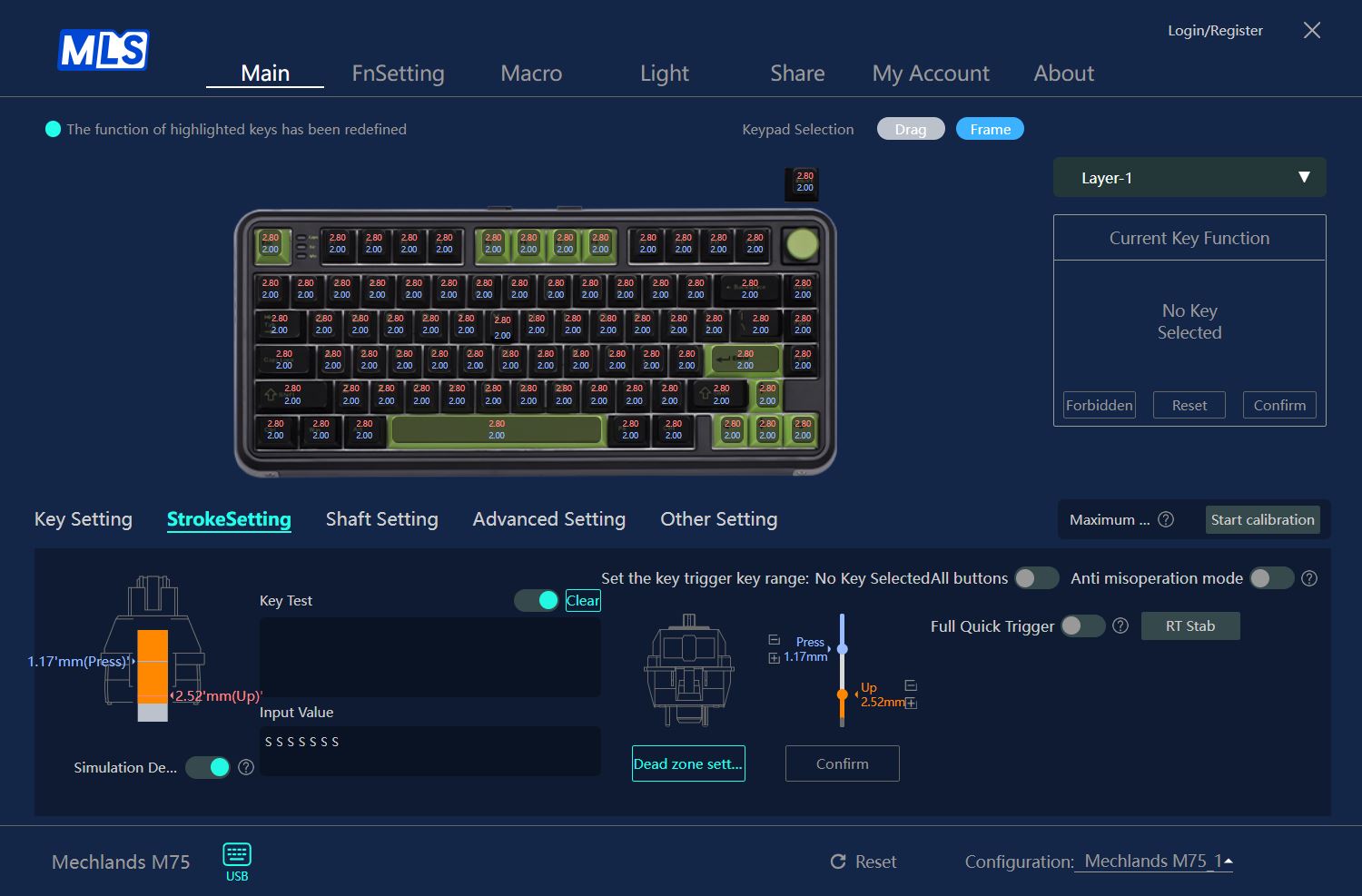
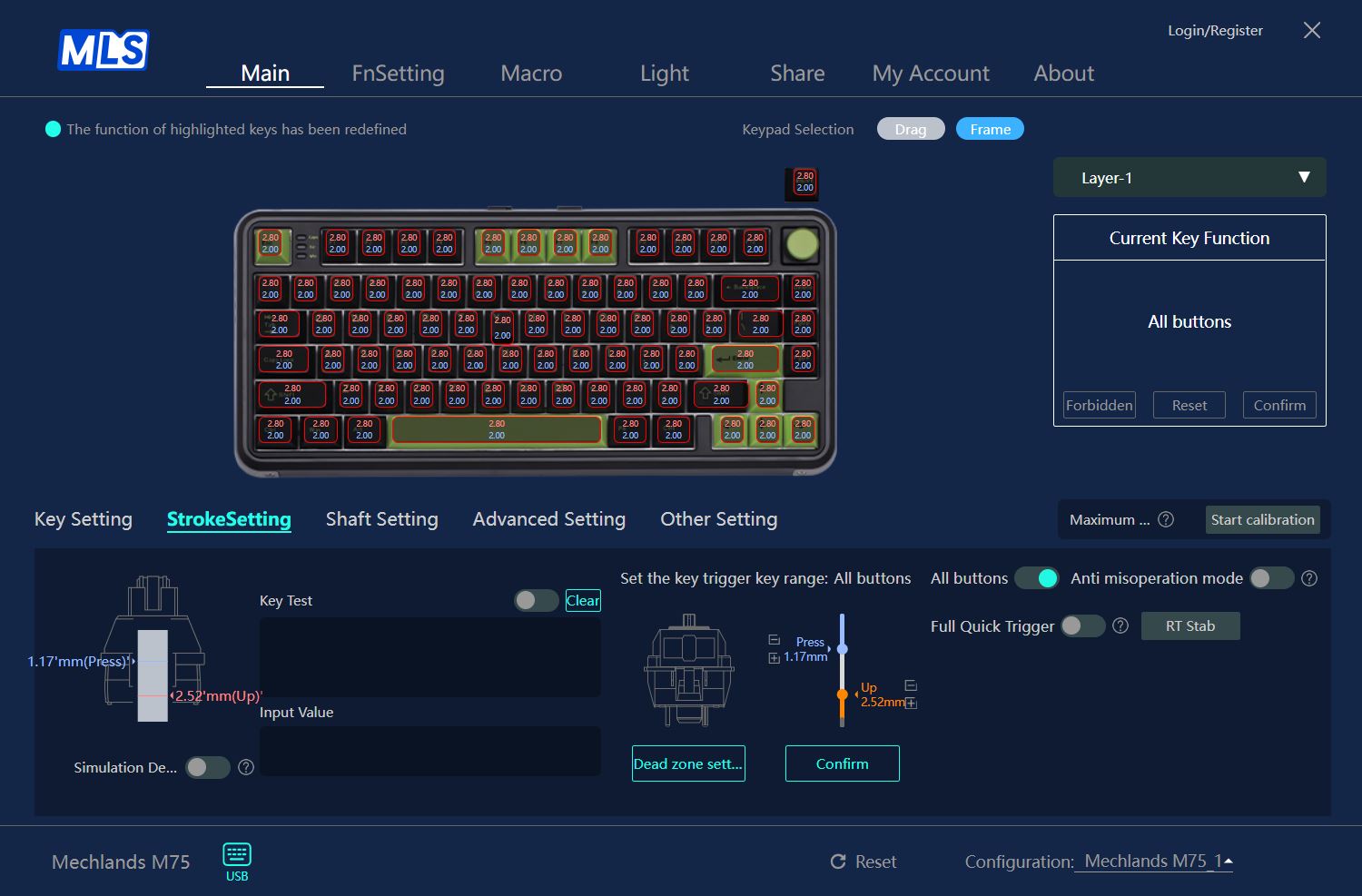
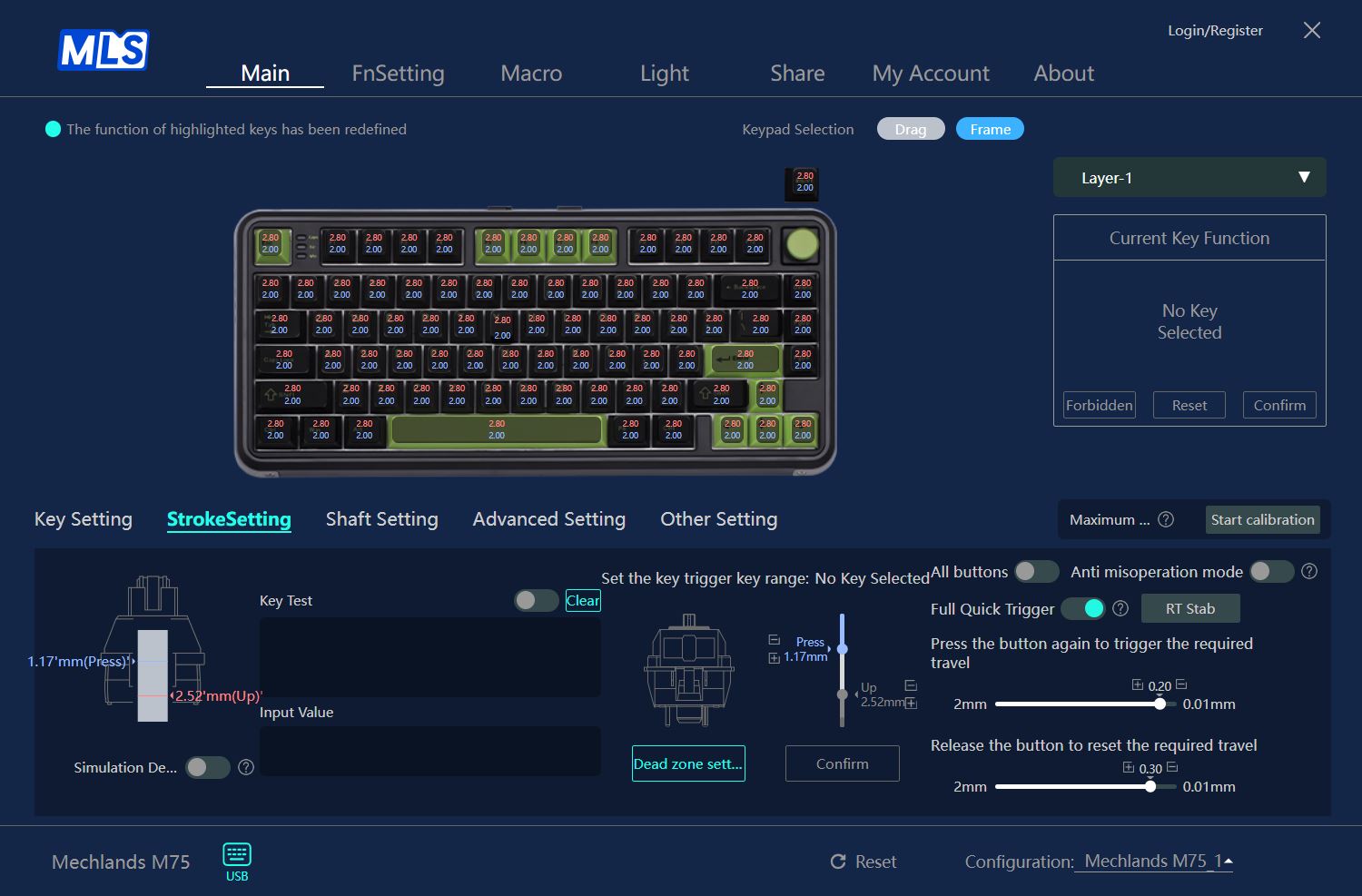
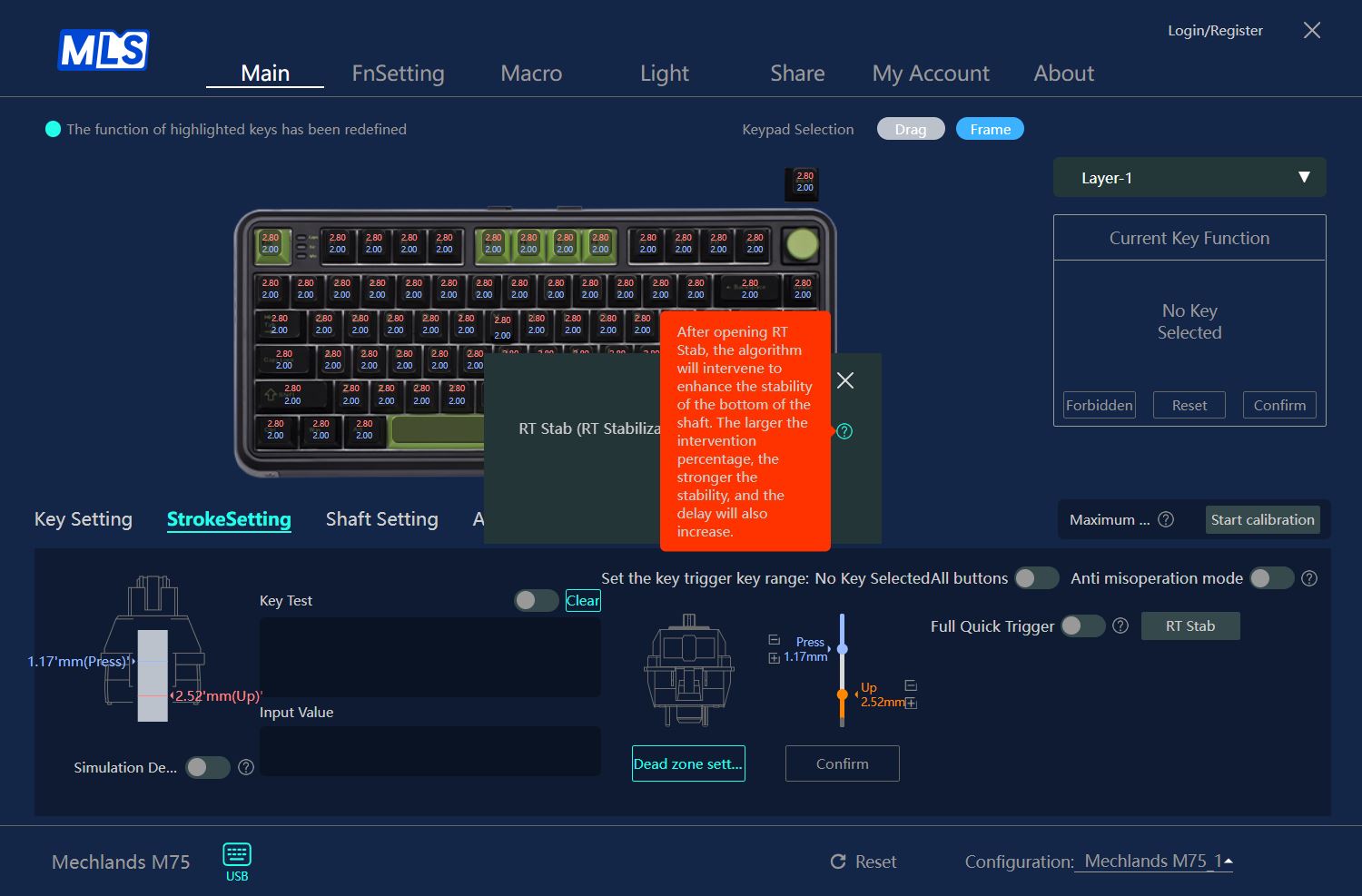
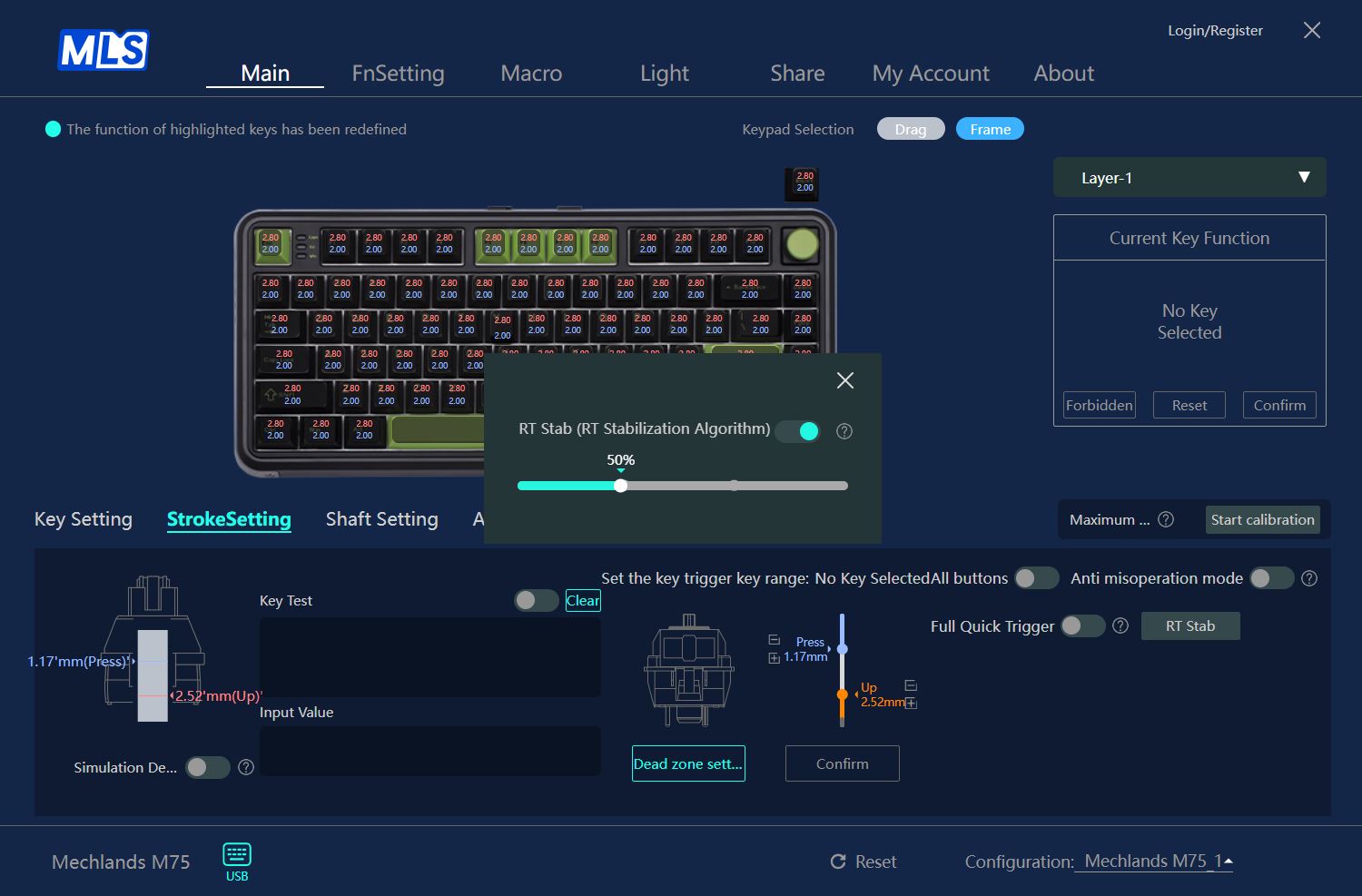
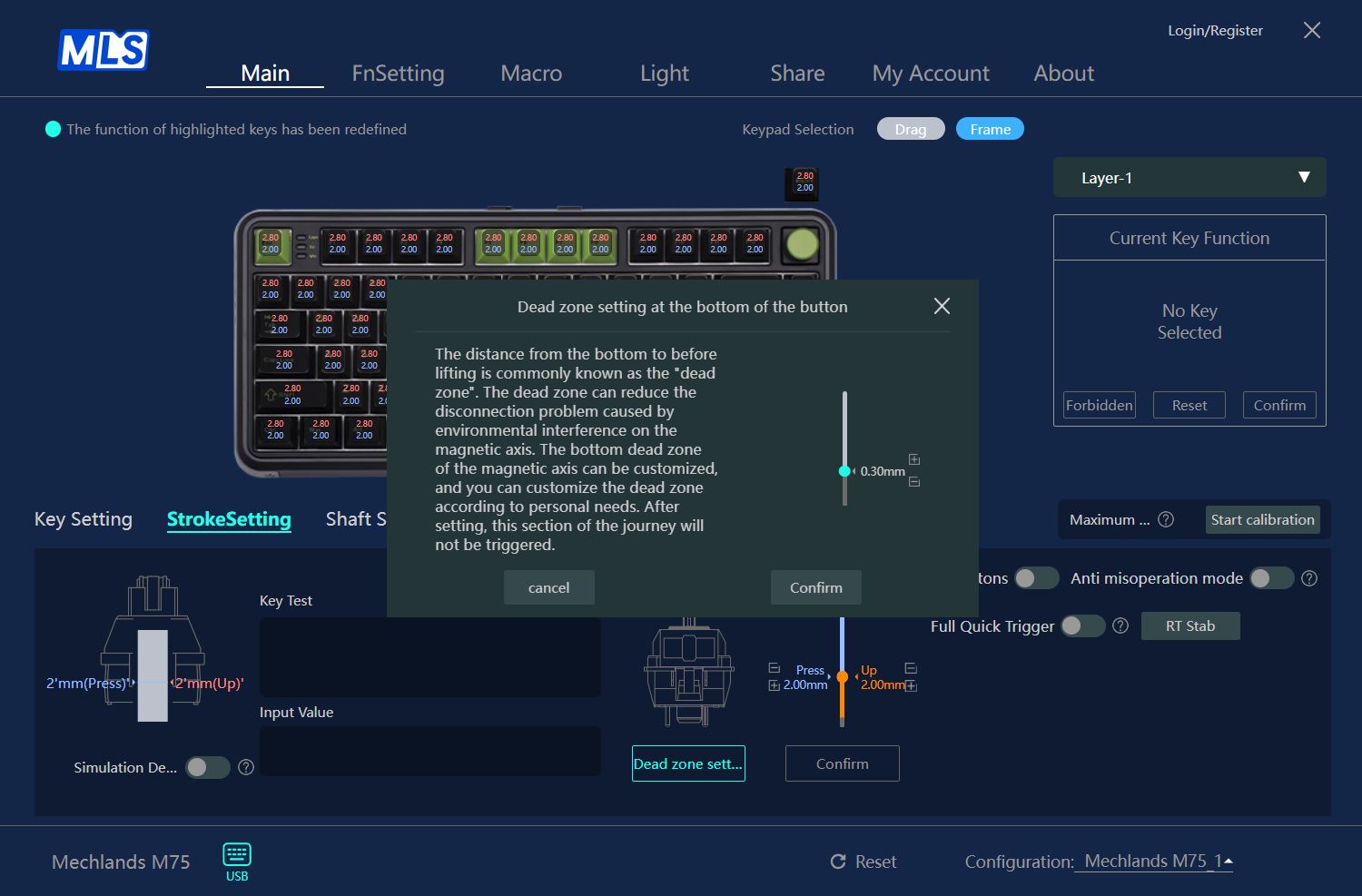
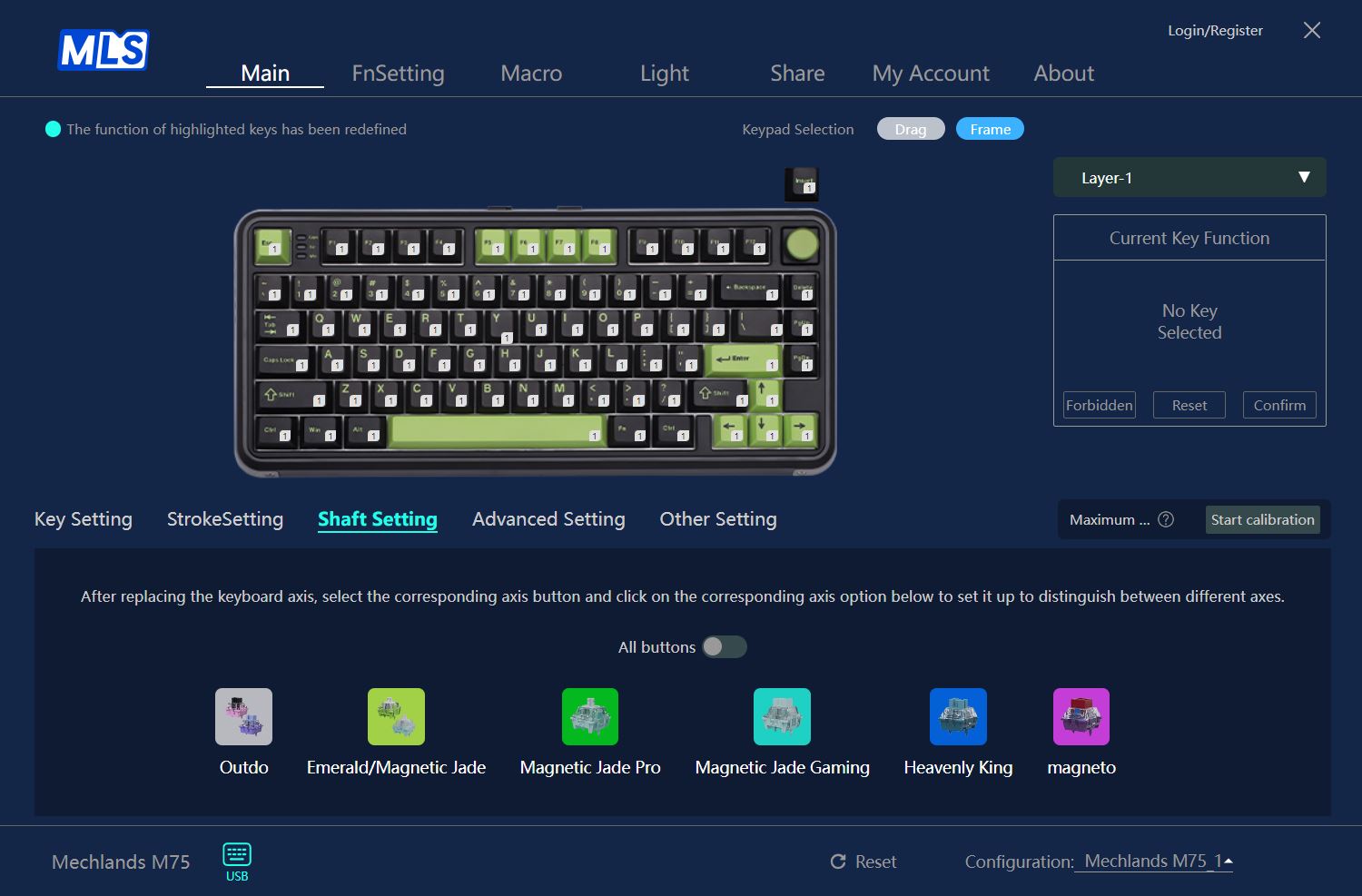
The Shaft Settings menu lets you calibrate the keyboard for specific switches after replacement. You can even recalibrate individual keys if only some switches have been changed, without needing to recalibrate the entire keyboard.

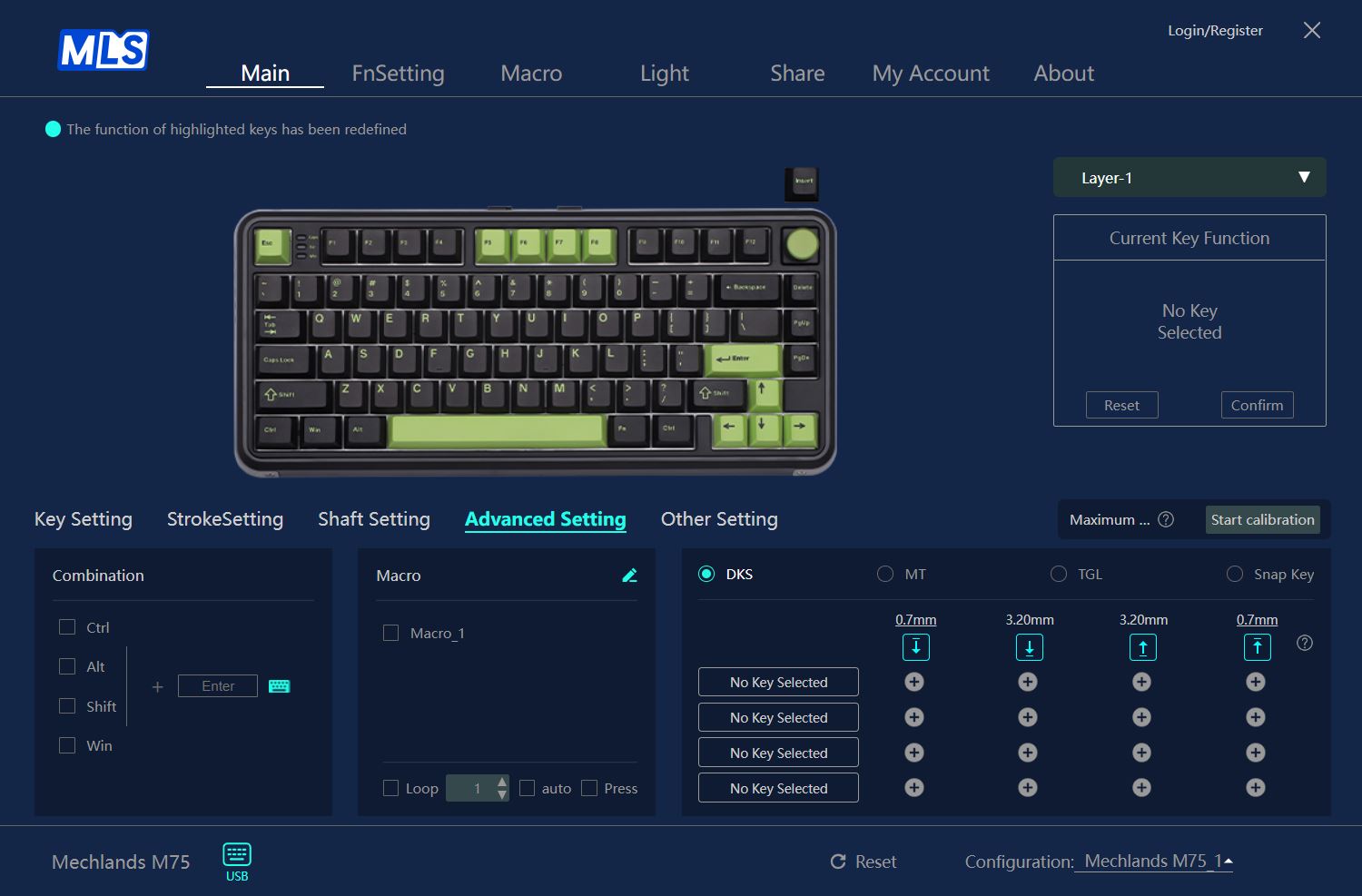
The Advanced Settings menu lets you configure features such as Dynamic Key Stroke (DKS or Rapid Trigger), Multi-Tap (MT), Toggle Key (TGL), and the Snap Key function, which provides instant actuation and reset.

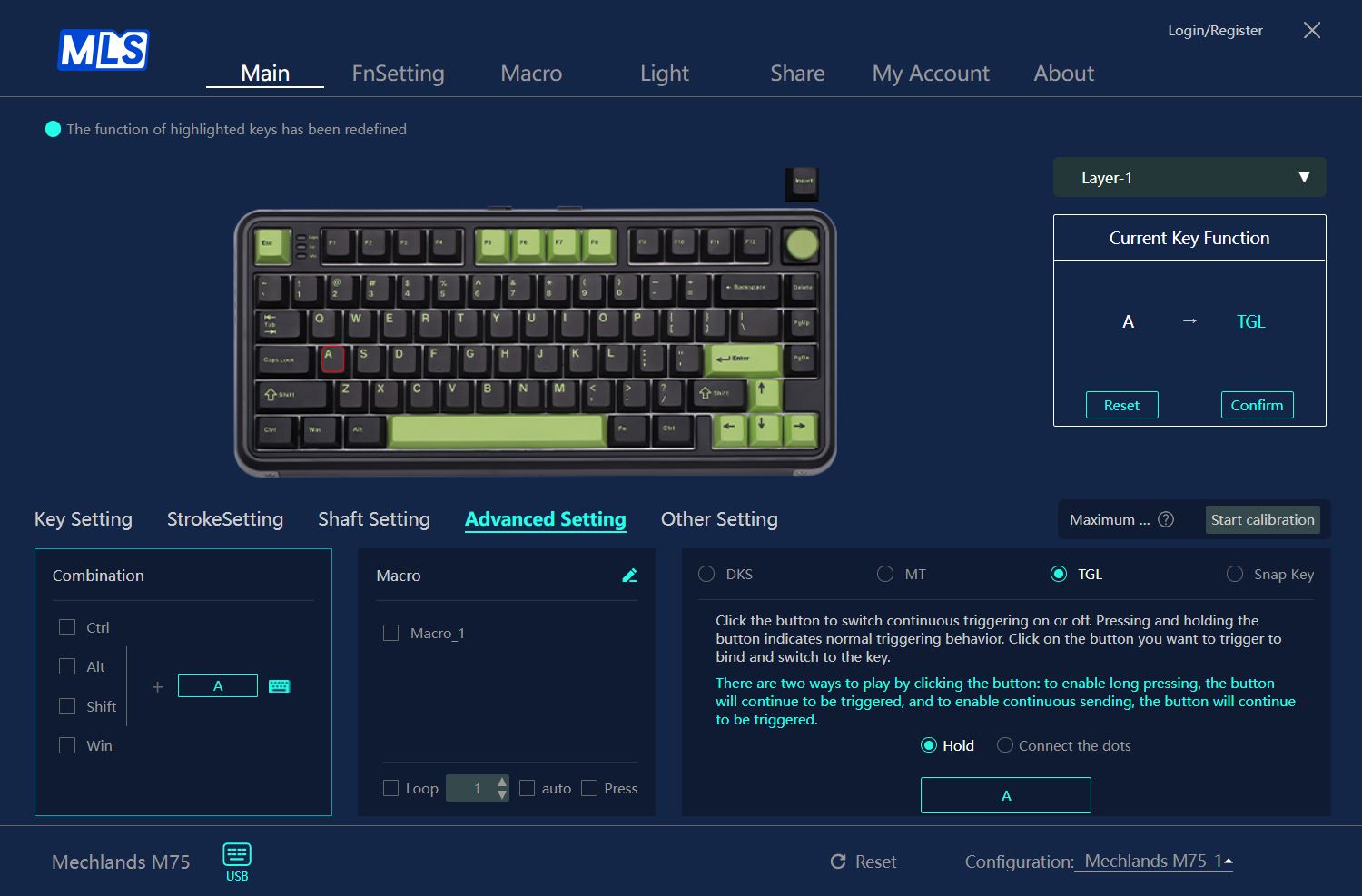
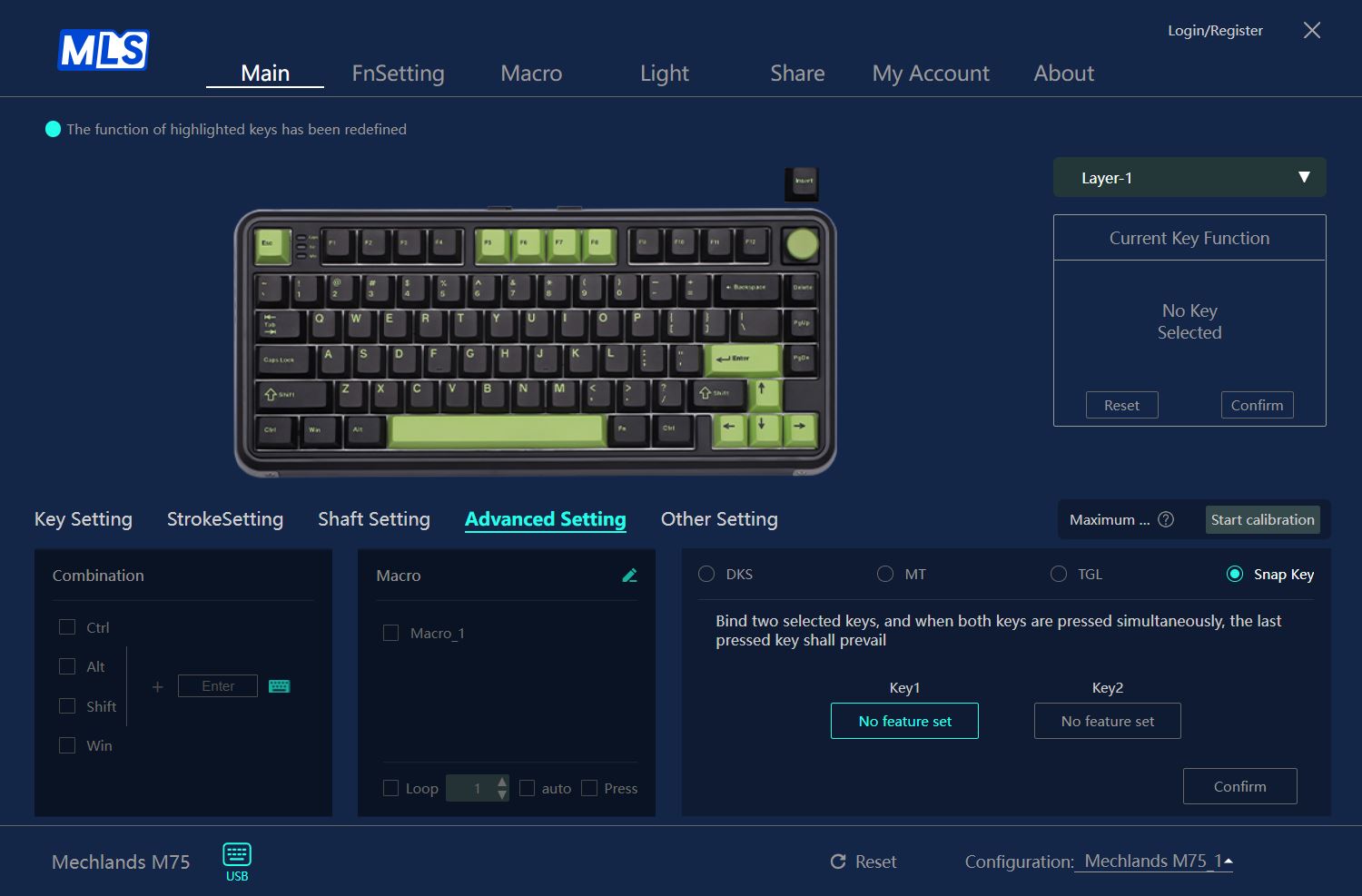
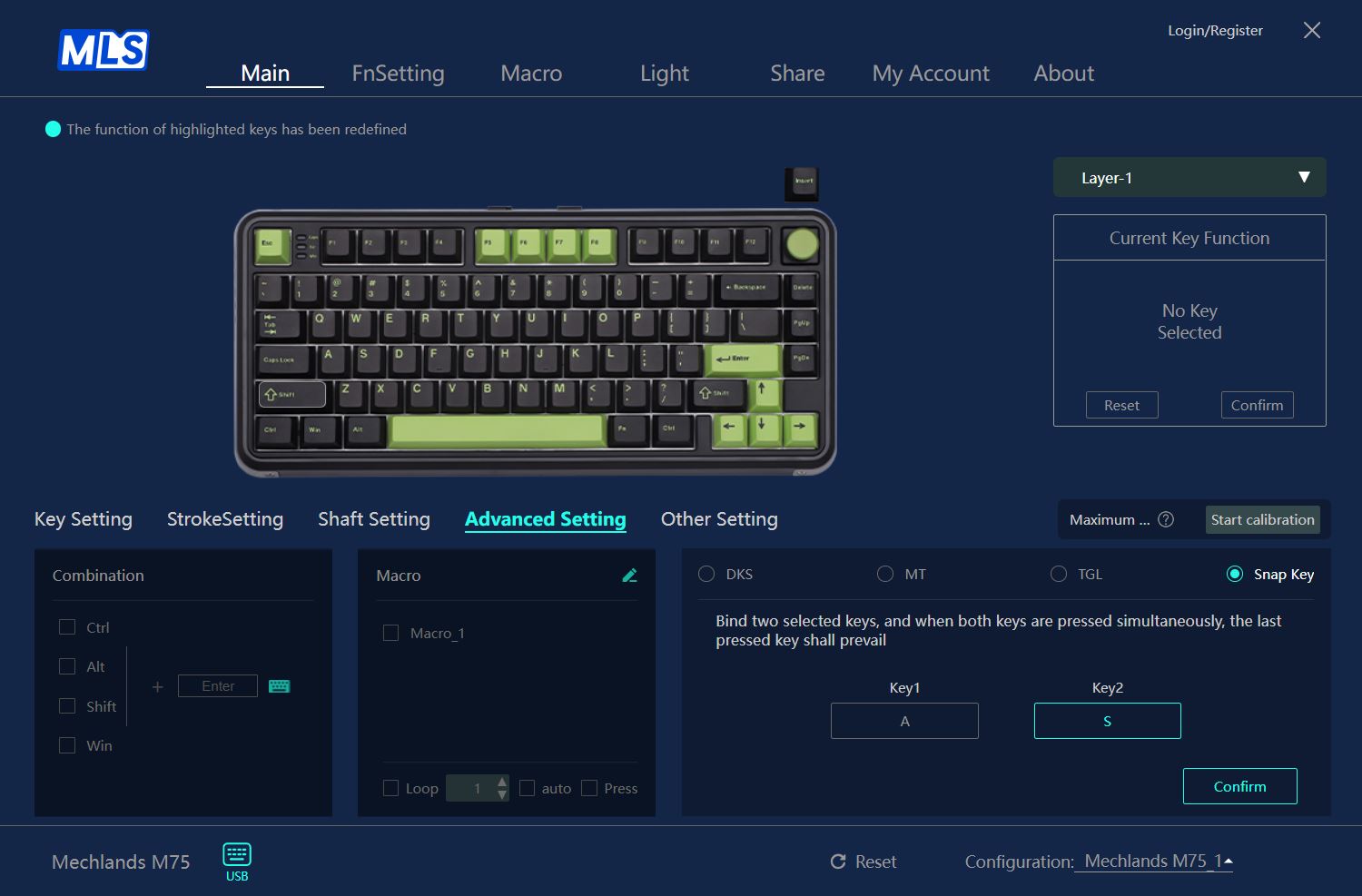
The Other Settings menu allows you to view the current keyboard configuration.
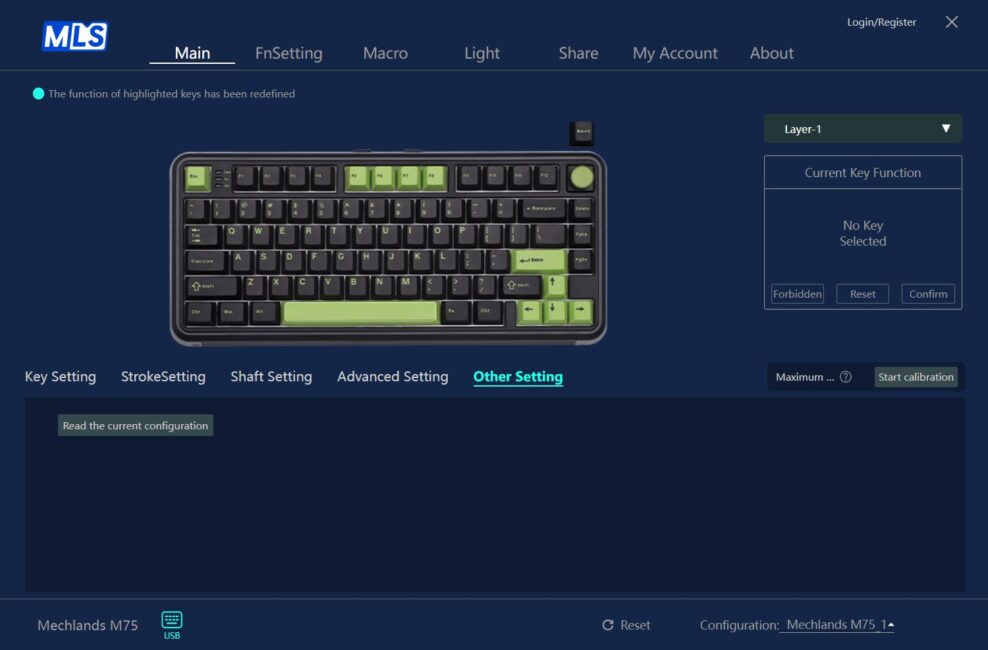
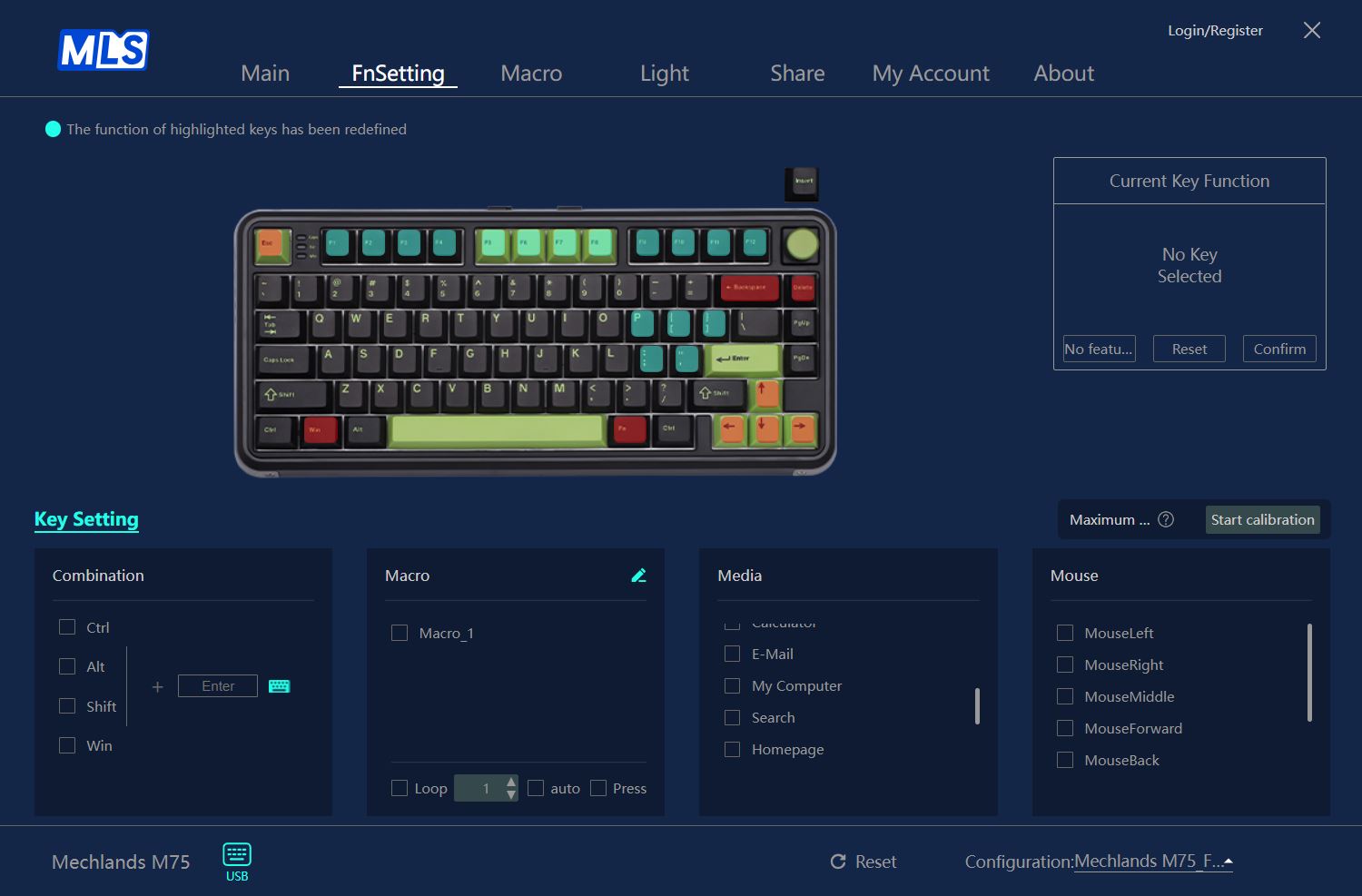
The FnSetting menu lets you customize the functions and key combinations involving the FN key. The layout conveniently highlights keys in different colors: red and orange indicate system keys that cannot be reassigned, light green shows keys with assigned functions that can still be changed, and green or uncolored keys are free to assign.
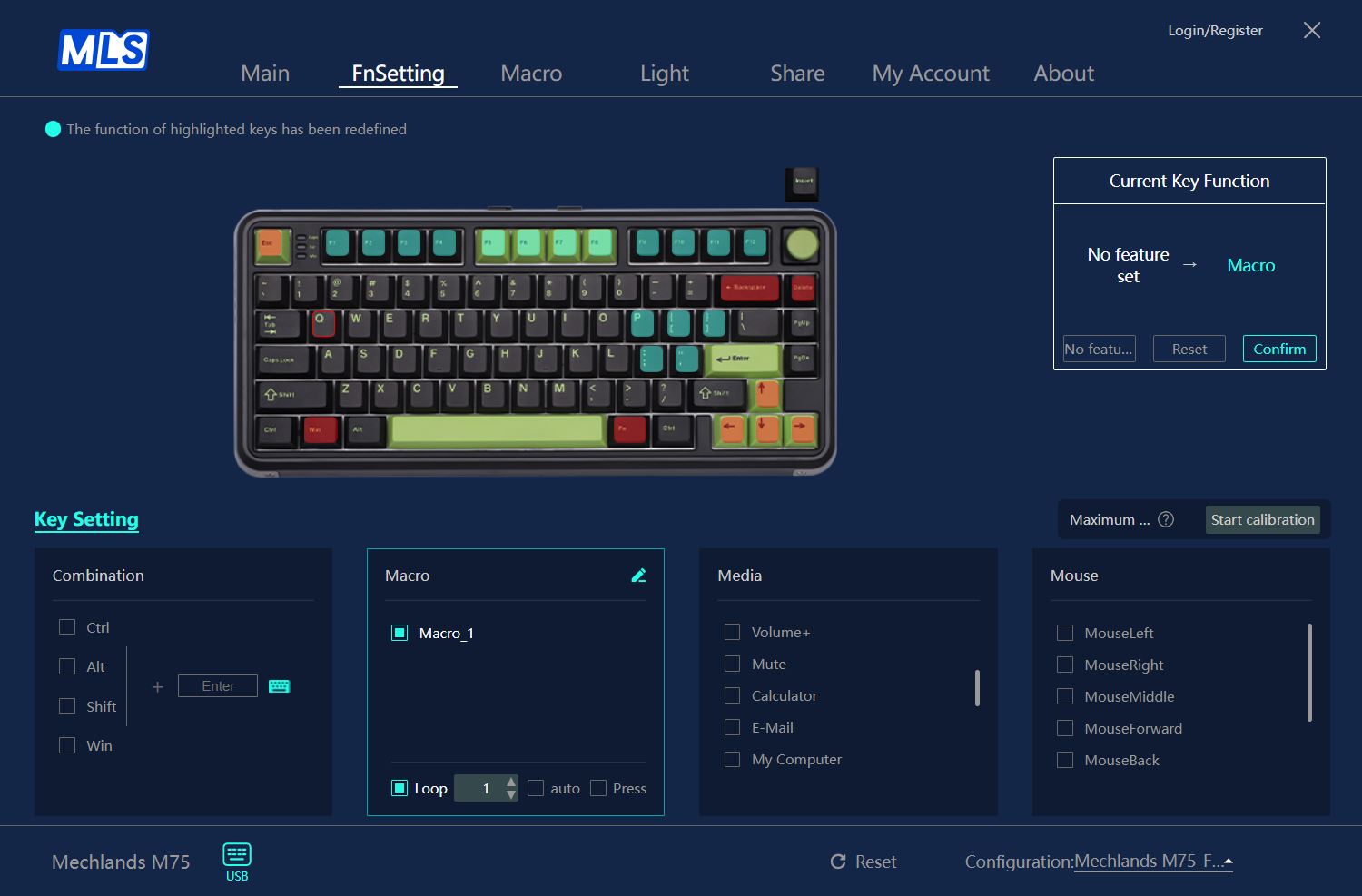
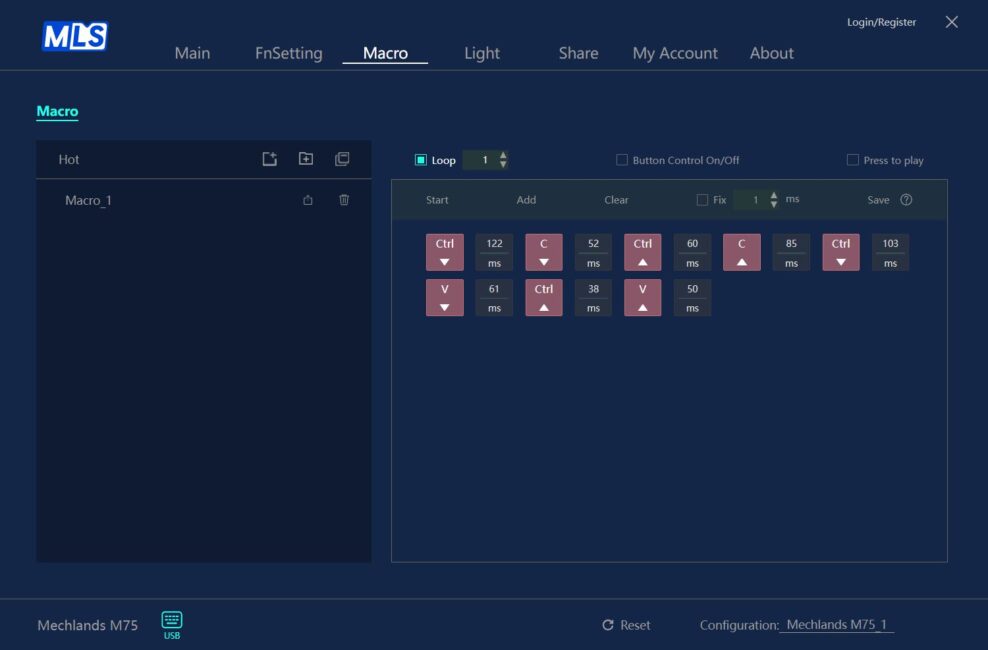
The Macro Edit Panel is used for recording and editing macros. You can assign your custom macros to keys or FN key combinations through the two previous menus – Main and FnSetting.
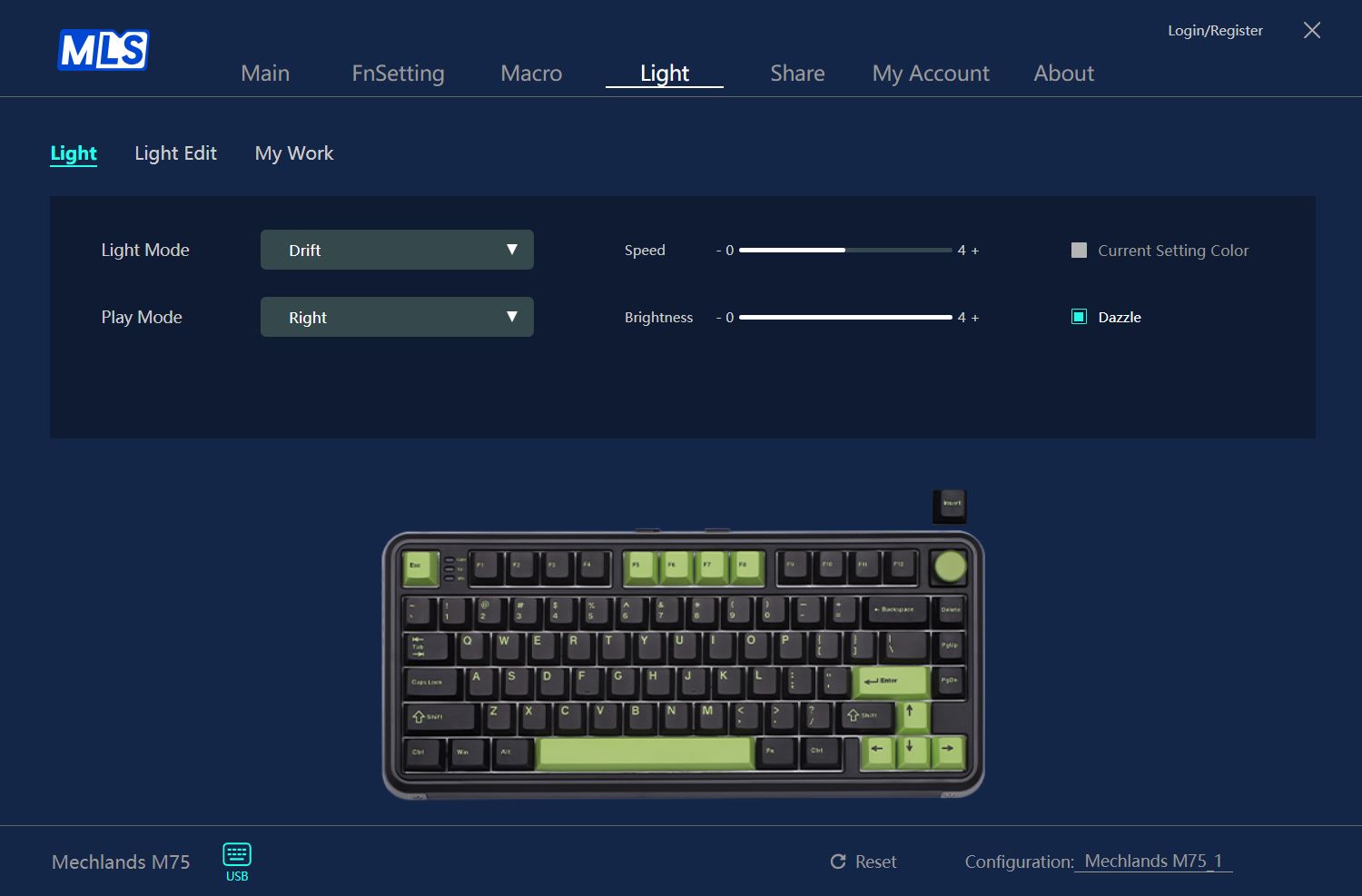
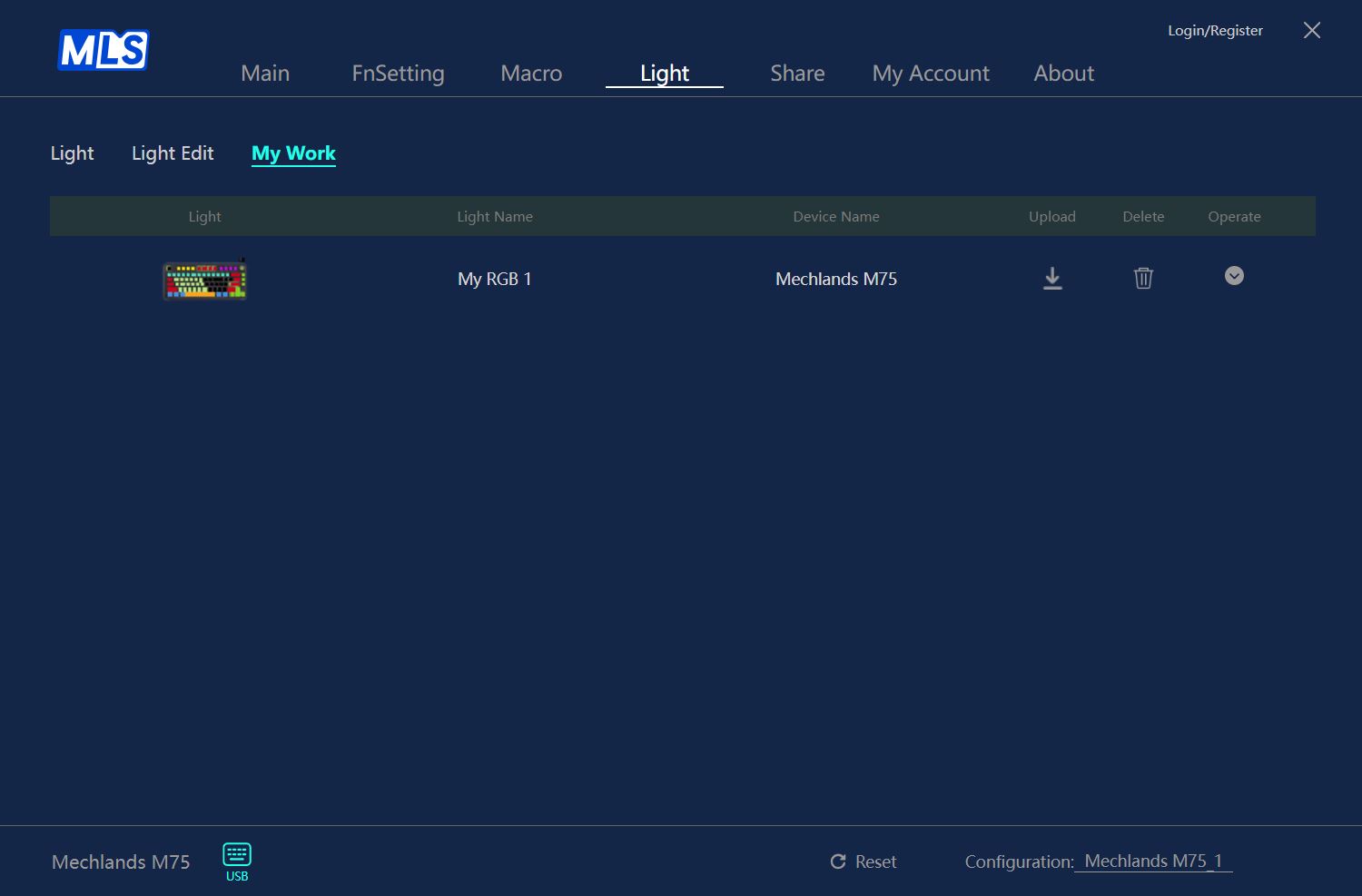
The Light menu allows you to customize the keyboard’s backlighting. You can choose from 18 preset effects or create your own in the Light Edit tab. Custom lighting profiles are saved in the adjacent My Work tab.

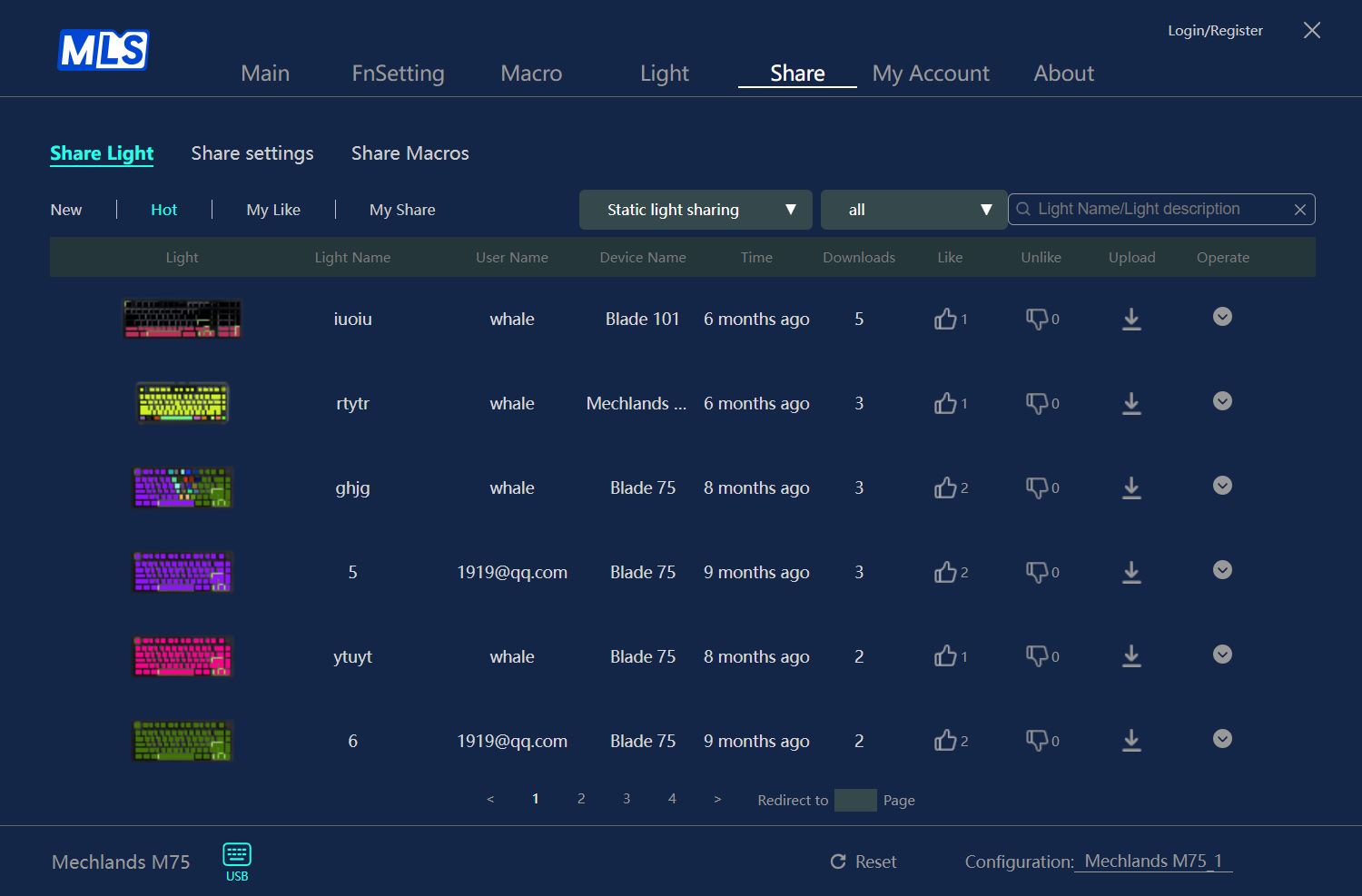
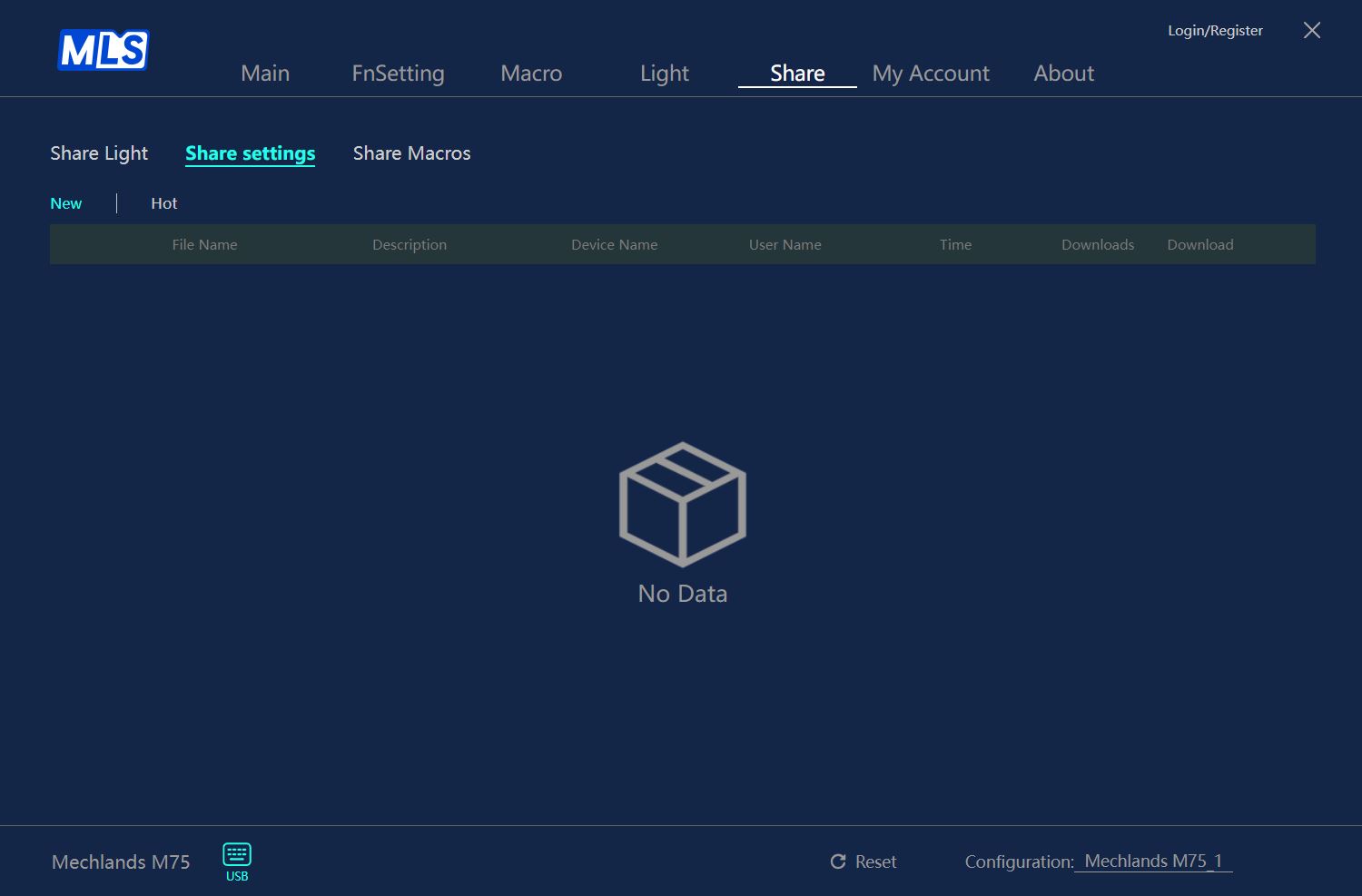
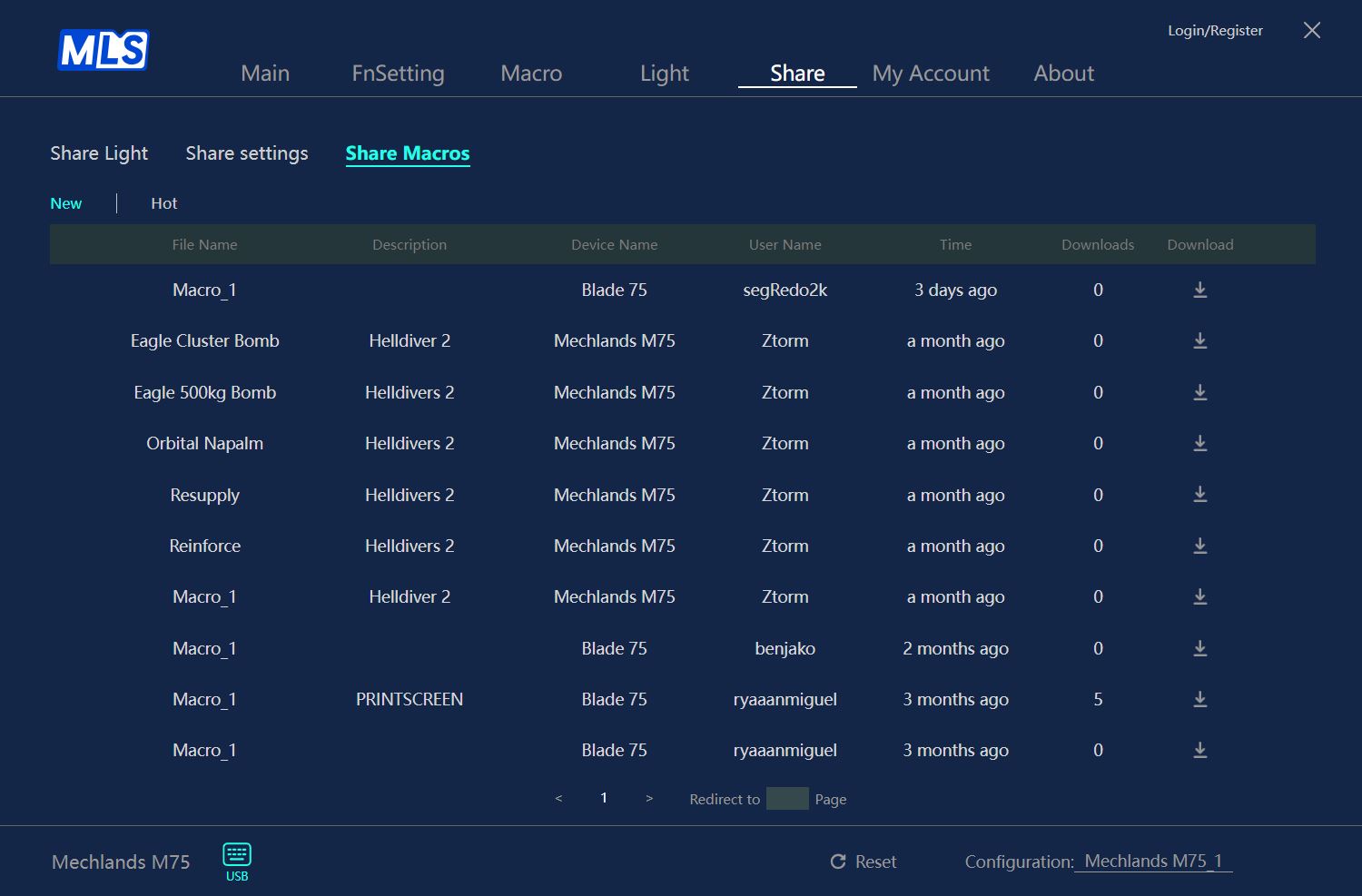
The Share menu lets you download ready-made lighting effects, custom macros, and keyboard configurations – including switch settings – shared by other users. You can also share your own lighting profiles, macros, and settings with others, but this requires creating an account.
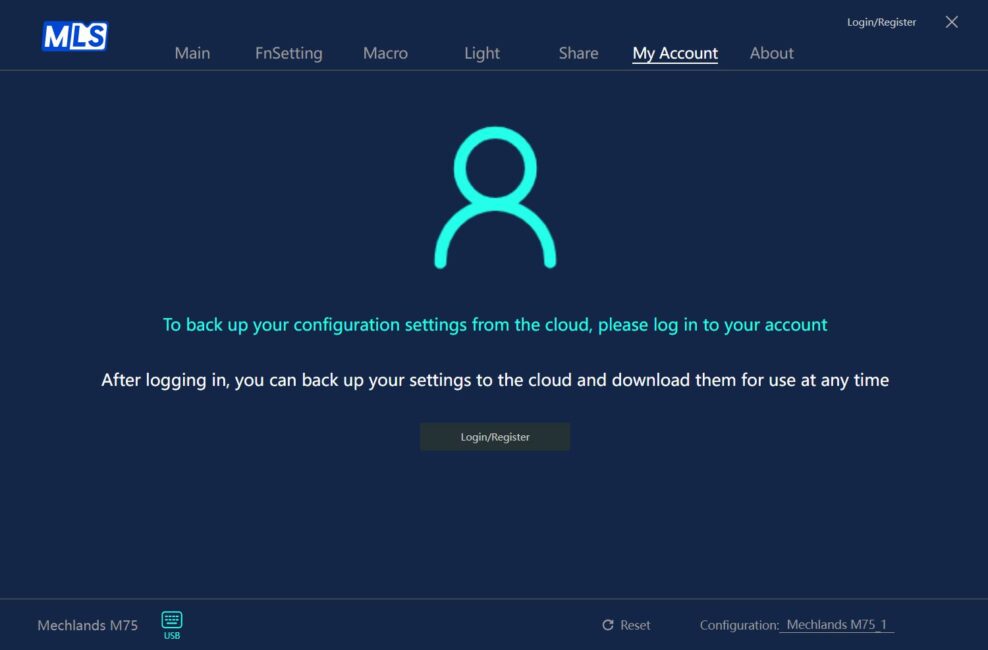
The My Account menu allows you to register a new account or log into an existing one.
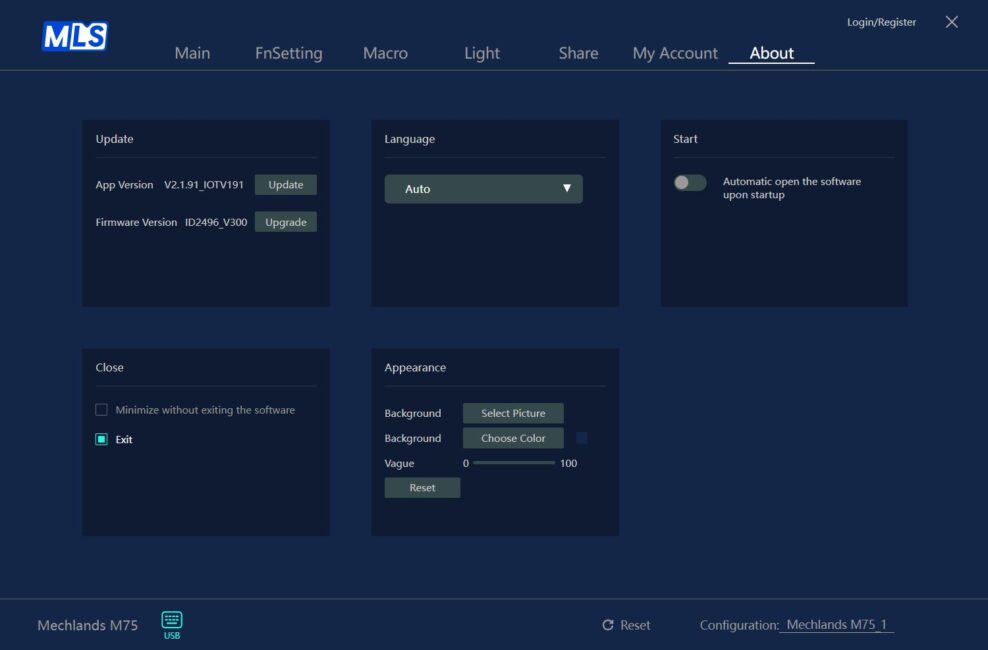
The final menu, About, lets you check for and update the keyboard’s firmware, update the software itself, change the interface language, enable automatic startup of the app, and customize its background.
You can reset the keyboard settings using the Reset button located on the app’s bottom panel.
Overall, the MechLands M75 software is quite solid. All the key settings and features, including those for magnetic switches, are present and functional. The app runs smoothly without bugs, and changes made within it are quickly saved to the keyboard’s memory. Some menus might feel a bit unintuitive at first, but spending a few minutes exploring them generally clears things up. Additionally, helpful tooltips are available by clicking the question mark icons next to certain settings.
One feature this app ideally lacks is the ability to customize settings online directly through a browser. I’ve previously reviewed another keyboard with magnetic switches that used a very similar app, but it offered a web-based version – no software installation required on the PC.
Conclusions
In summary, the MechLands M75 stands out as a top choice within its price range for budget keyboards featuring magnetic switches. It offers solid build quality, an appealing design, a practical 75% layout, hot-swap support for various magnetic switches, an 8000 Hz polling rate, and a competent configuration app. The M75 could be an ideal option for gamers looking to fully switch to or try out magnetic switches while keeping costs relatively low.
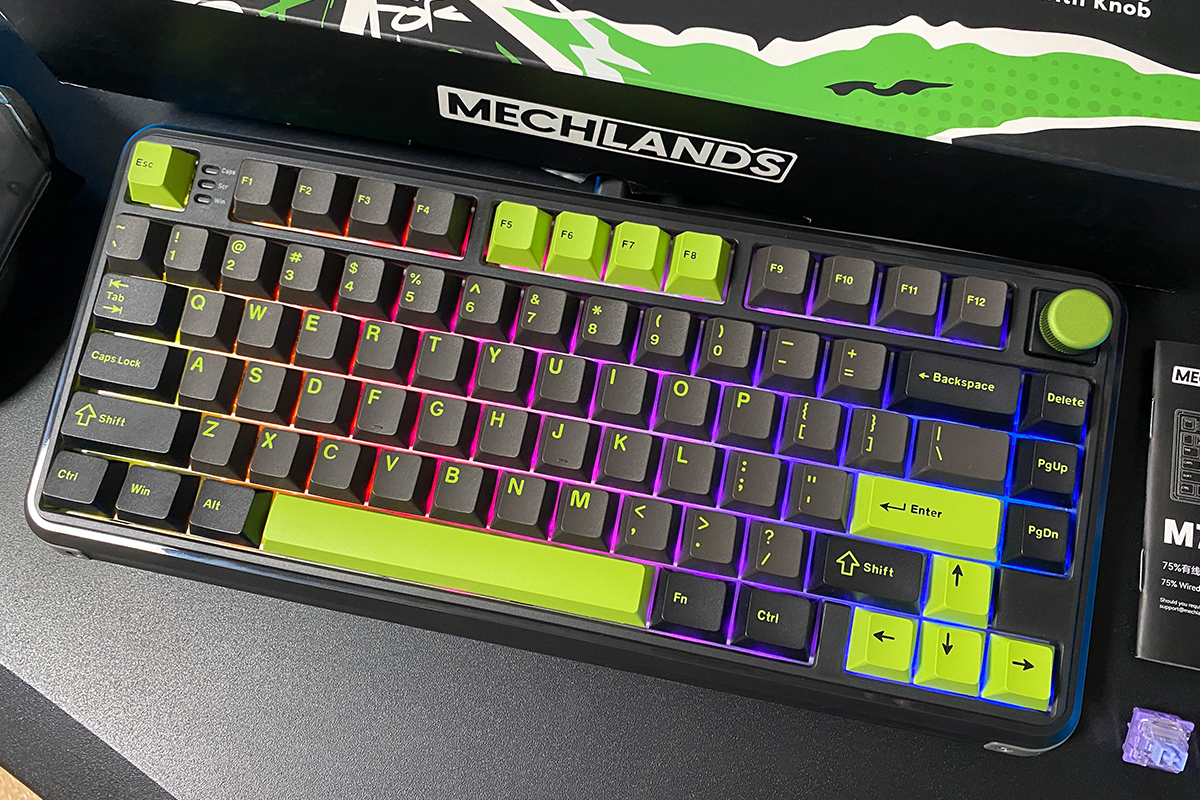
The main drawback I’d highlight is the typing experience – it’s not bad, but it does feel somewhat budget-oriented. As mentioned earlier, a device with these specs and price point inevitably involves some compromises. In the case of the MechLands M75, that means a plastic case and a relatively basic typing feel. Aside from that, it’s a solid and highly accessible keyboard that can be confidently recommended.
Read also:
- Sony ZV-E10 II Review: Compact Camera with Strong Personality
- Škoda Karoq Sportline Test Drive: Just a Visual Refresh?
- Bigme HiBreak Pro Review: An Almost Ideal E-Ink Smartphone for Digital Detox
Where to buy
- MechLands official website
- AliExpress
- Amazon