





© ROOT-NATION.com - Use of content is permitted with a backlink.
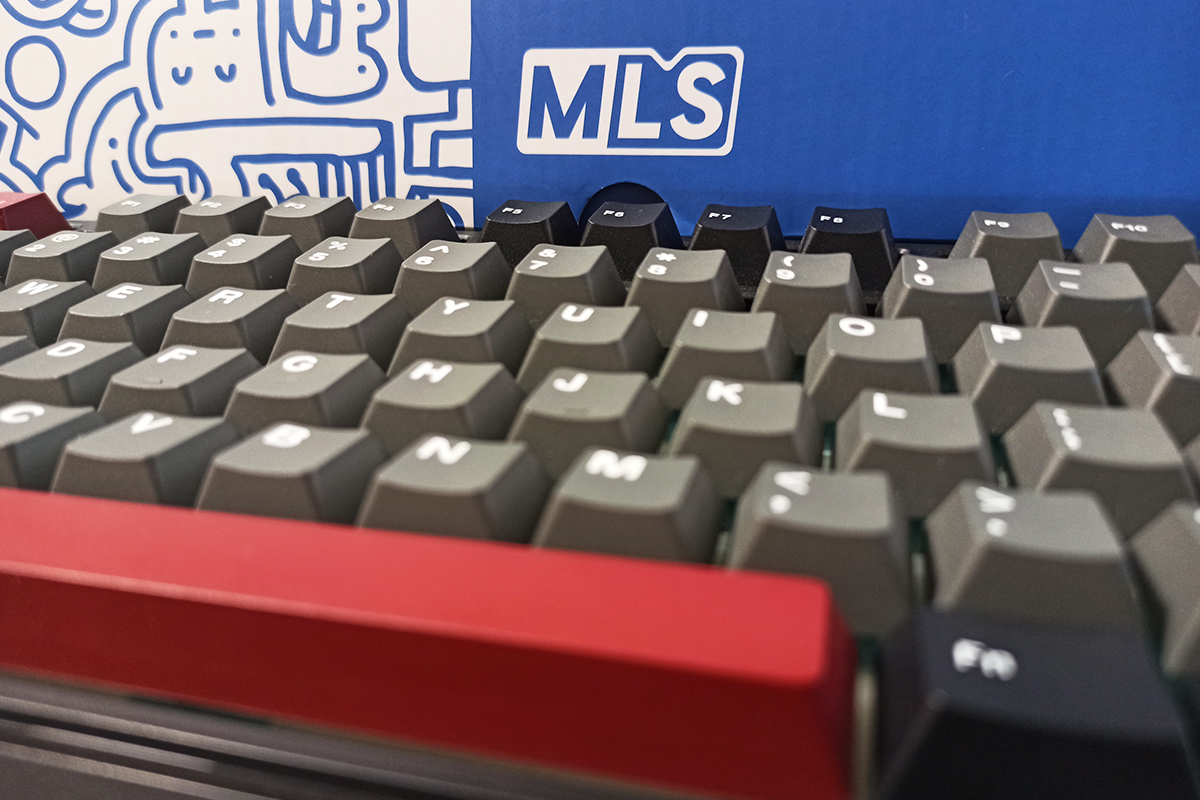
Last month, I got my first hands-on experience with the mechanical keyboard brand MechLands, trying out their new model with magnetic switches, the MechLands M75. I liked both the keyboard and the brand overall, which made me curious to explore other models from them. Today, I’m reviewing the MechLands Vibe75 V2 – an affordable mechanical keyboard that offers three connection modes, a solid gasket mount design, hot-swappable switches, factory-lubricated and tuned switches with stabilizers, and a small but functional display.
To get straight to the point, I really liked this model – mainly because of its proprietary MechLands Cream Mint switches and its distinctive typing feel. Overall, the keyboard is well-built. That’s what I’ll be focusing on in this review.
Read also: Gaming Keyboard Reviews
TABLE OF CONTENTS:
MechLands Vibe75 V2 Specifications
- Model: MechLands Vibe75 V2
- Format: 75%
- Number of keys: 79 keys
- Connection: wireless (RF 2.4 GHz / Bluetooth), wired (USB)
- Polling rate: 1000 Hz (USB/RF 2.4 GHz), 125 Hz (Bluetooth)
- Switches: MechLands Cream Mint Switch
- Hot-swappable: yes (5-pin connectors)
- Construction: Gasket Mount
- Anti-Ghosting: Yes
- #KRO: N-KRO
- Keycaps: Double-Shot PBT (Cherry Profile)
- Backlighting: RGB keys (south-facing LEDs)
- Multifunctional wheel: no
- Display: built-in TFT display (display of indicators, date and time; backlight and audio control; GIF animation output)
- Software: Mechlands Vibe 75 (Windows only)
- Supported platforms: Windows, MAC
- Battery: 4000 mAh
- Cable: detachable USB-C to USB-A, 1.8 m long
- Body material: ABS plastic body, metal side insert
- Dimensions: 334×150×42 mm
- Weight: 890 g
- Available colours: blue, black
- Model features: three connection modes, built-in memory, pre-lubricated switches/stabilisers, RGB keys, TFT display, hot swap
- Package contents: keyboard, 2.4 GHz RF wireless adapter, detachable USB-C to USB-A cable, double puller (for keycaps and switches), blister dust cover, user manual

Positioning and price
For those unfamiliar with MechLands, I covered them briefly in my previous review. In short, they’re a Chinese enthusiast brand that distributes keyboards from popular names like Epomaker, Ajazz, AULA, and KiiBOOM, while also producing their own models relatively recently.
As I mentioned before, the brand’s main appeal lies in its pricing strategy and the quality of its devices. MechLands offers modern, well-made keyboards with strong features at very affordable prices – sometimes even cheaper than comparable options from competitors.
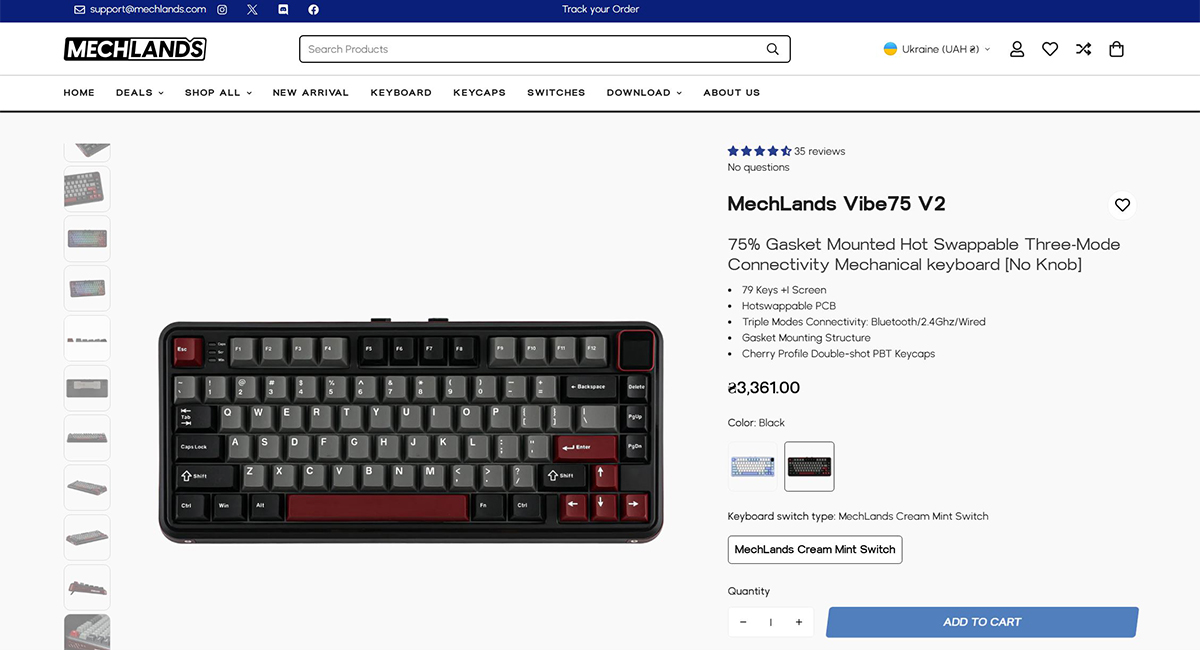
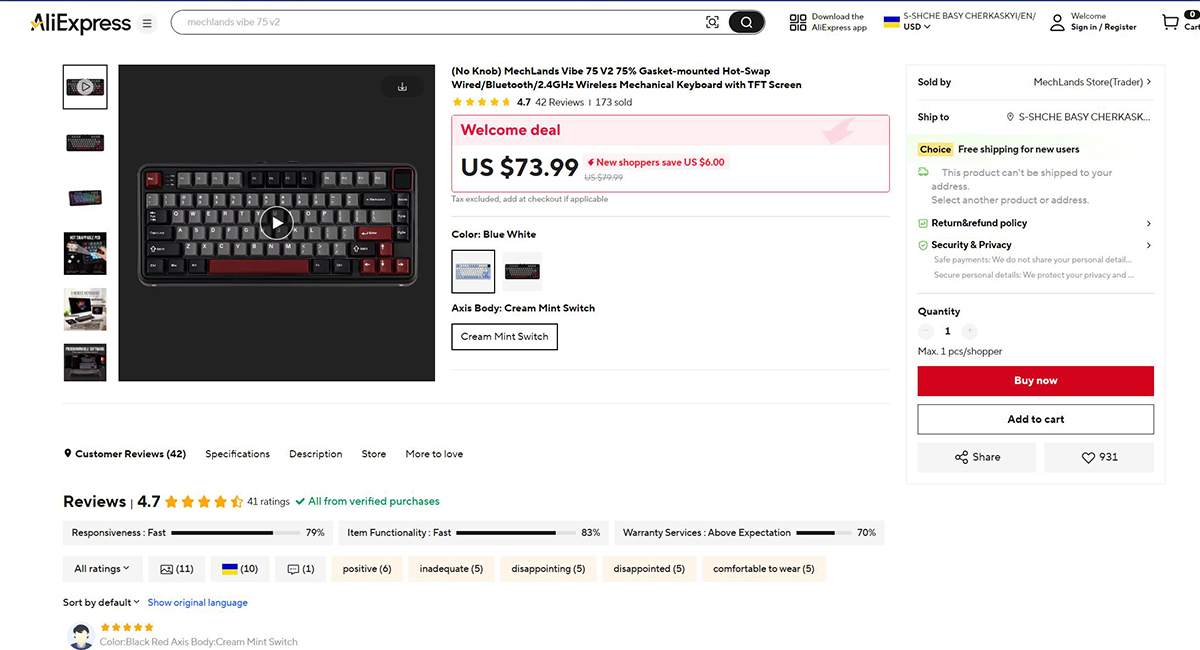
The MechLands Vibe75 V2 is a clear example of this approach. It’s a modern, well-built keyboard with a solid set of features, offered at a relatively low price. On MechLands’ official website, it’s listed at $81 / €70, while on AliExpress it’s slightly cheaper – around $74 / €64. In my view, that’s a reasonable price for a device of this quality. Catching a discount makes it an even more compelling value.
Package contents
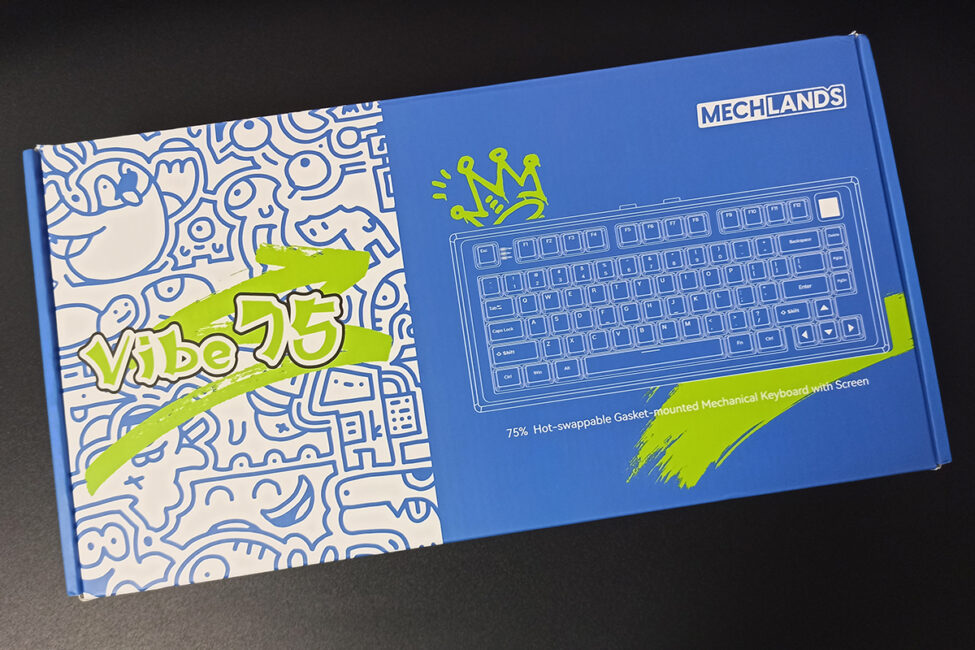
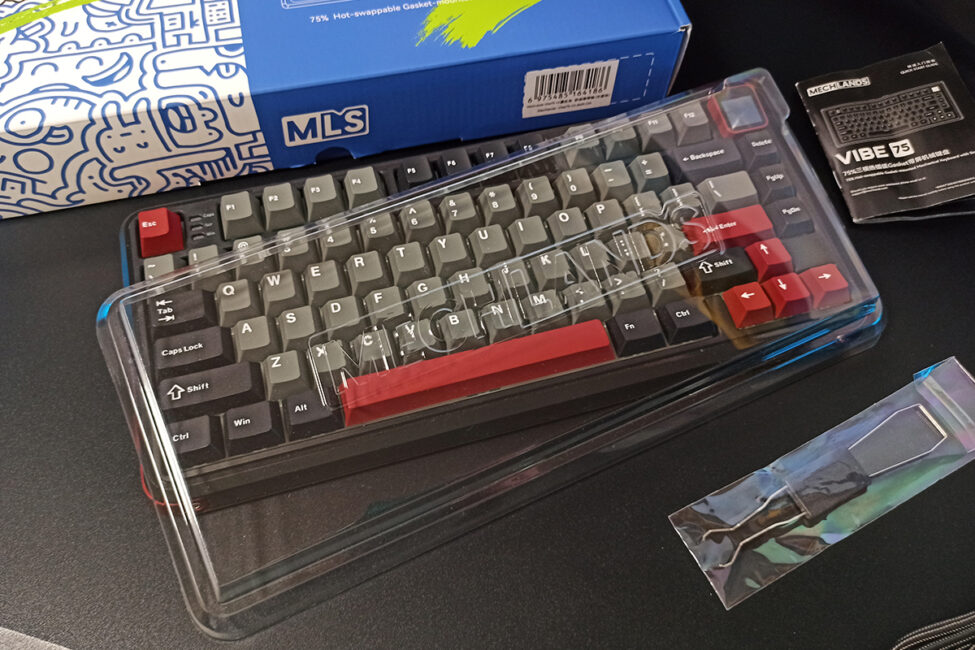
The keyboard comes in a standard cardboard box with an original and bright design. The set itself is as simple as possible:
- keyboard
- 2.4 GHz RF wireless adapter
- double puller
- detachable USB-C to USB-A cable
- blister dust cover
- quick start guide
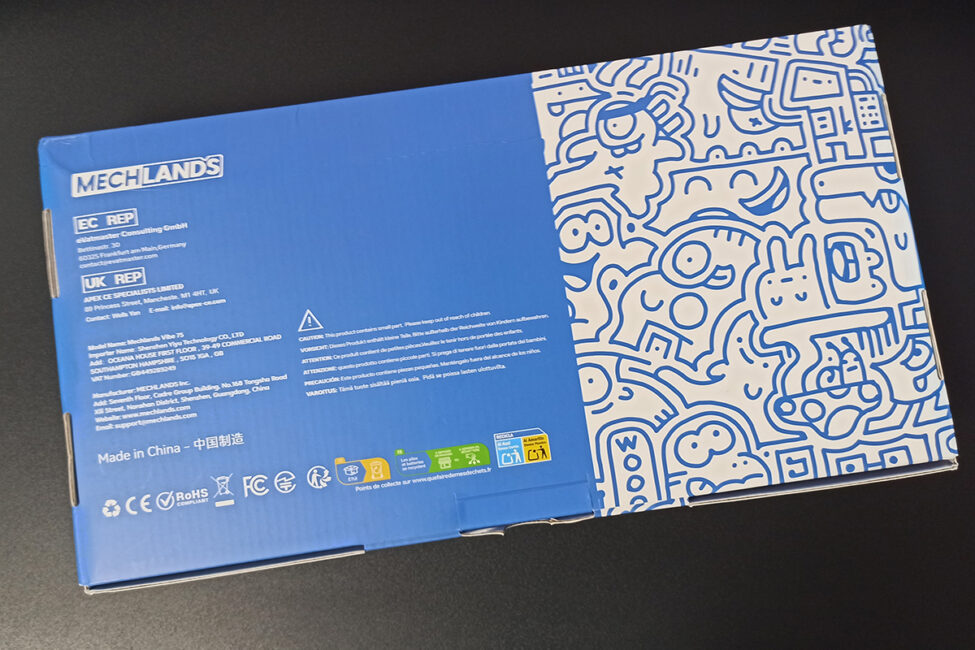
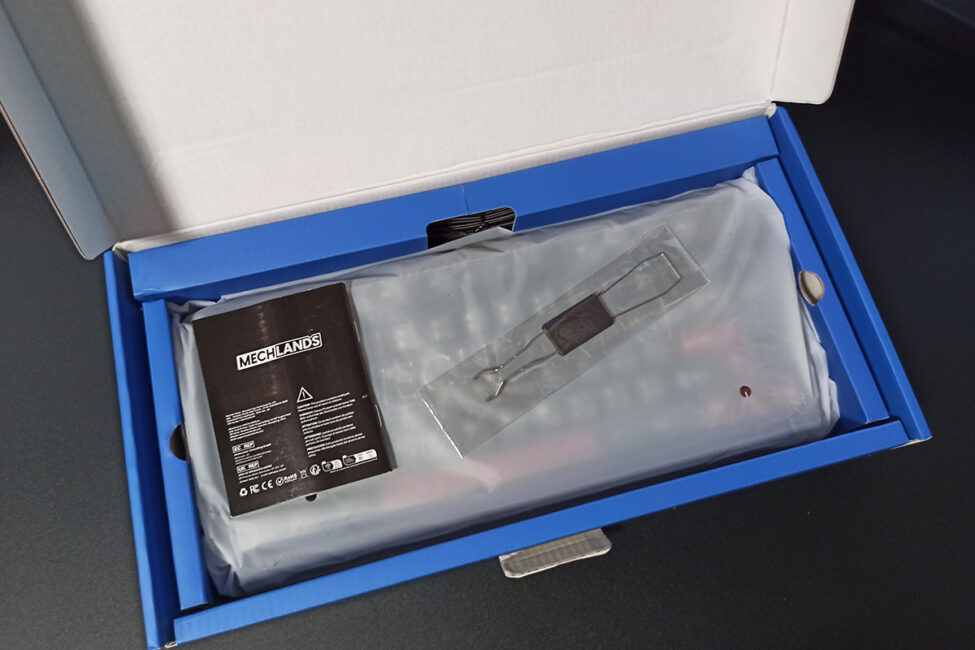
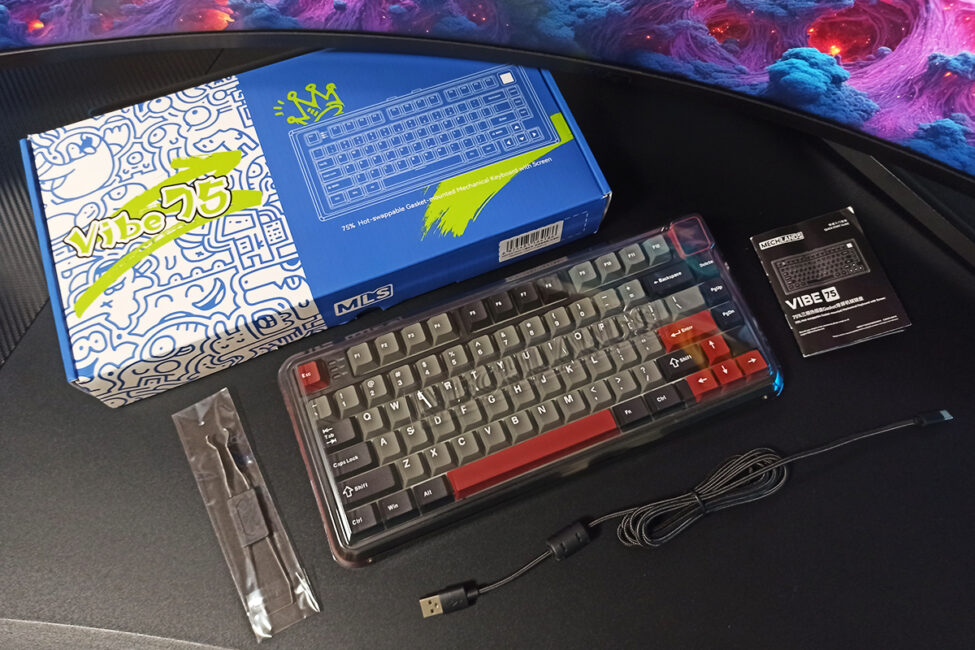
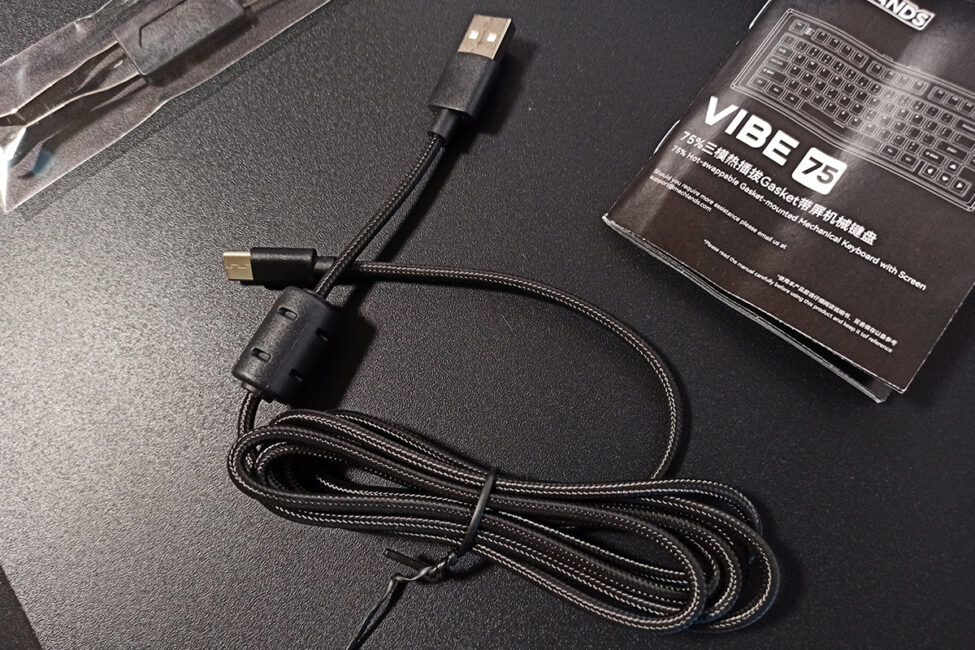
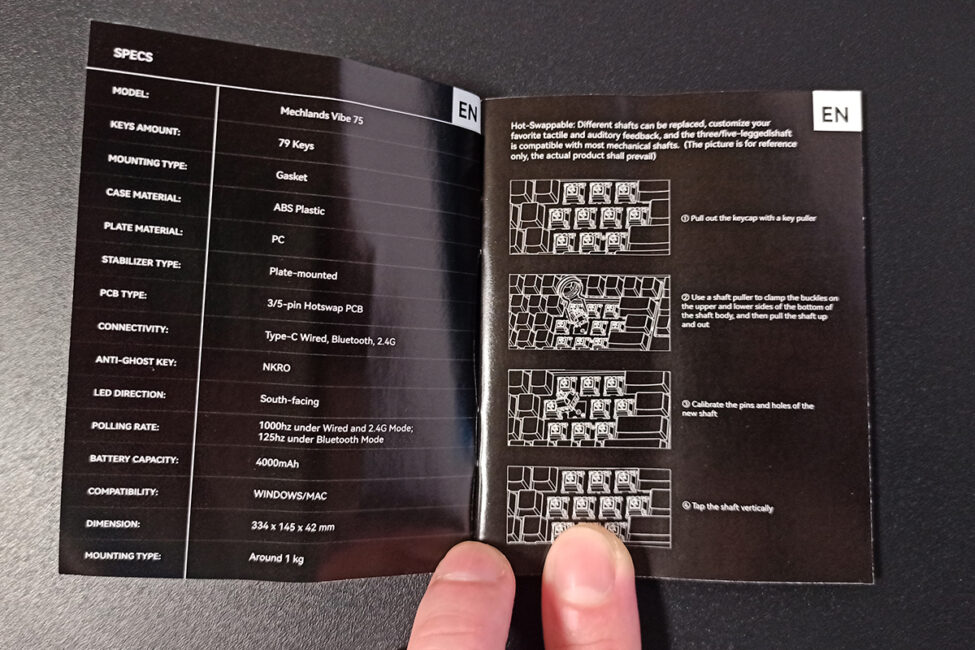
The keyboard uses a standard double puller for both keycaps and switches. It comes with a detachable cable approximately 1.8 meters long, featuring a ferrite filter at the end and a durable fabric braid. The dust cover is a standard design. The manual is a small booklet provided in seven languages, including English.
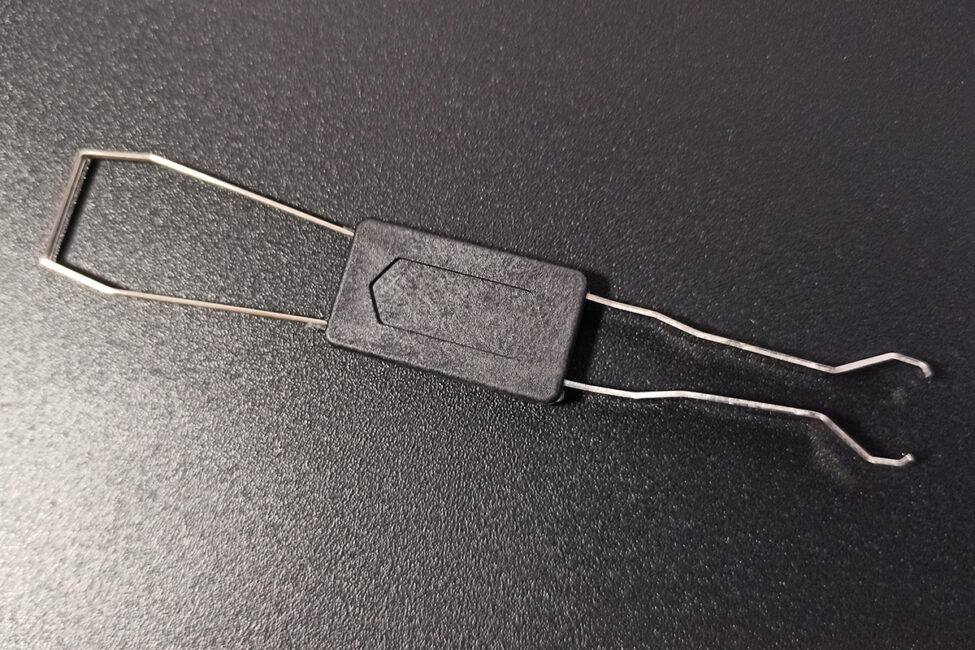
There are no additional or alternative keycaps included, nor are there any spare switches. While the lack of extra keycaps is somewhat understandable, the absence of backup switches is disappointing. What happens if one of the switches is defective or fails over time? Where would you find identical replacements? Ordering a full set from the official site or AliExpress and then waiting for delivery seems inconvenient. Most manufacturers include a couple of spare switches – MechLands did so with the M75 model – but not here, which feels like a missed opportunity.
Read also:
- ASUS ROG Azoth X Keyboard Review: Futuristic Design, Hot-Swap Support, and OLED Display
- Razer Joro Review: Ultra-Compact Gaming Keyboard
Design, ergonomics, build quality
The design of the keyboard is largely the same as the MechLands M75, with the main differences being the built-in TFT display and a metal side insert – which is genuinely metal here, unlike the M75. Other aspects of the case remain consistent. As I mentioned in my previous review, MechLands standardizes the chassis across their keyboards, so their designs are essentially uniform.
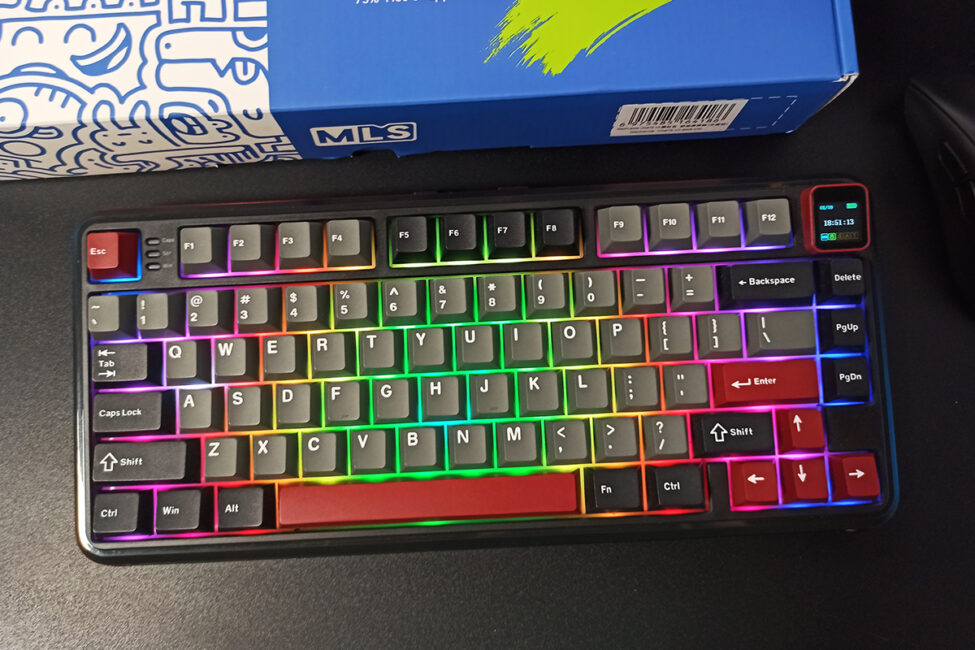
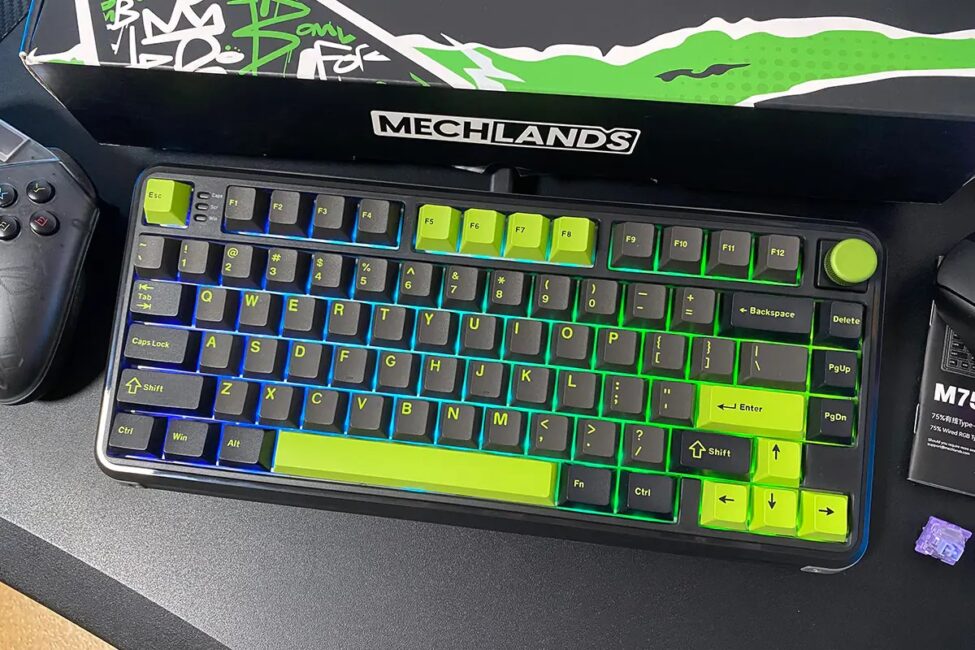
The Vibe75 V2 is available in two colors: blue and black. I received the black version for review and will focus on it throughout. The blue version will be shown in screenshots further below.
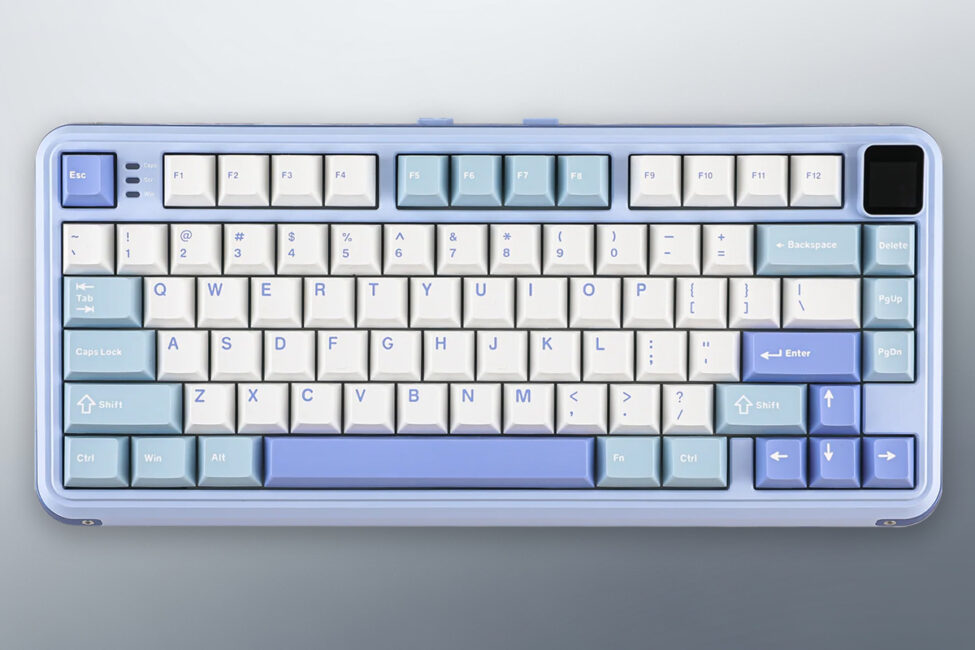
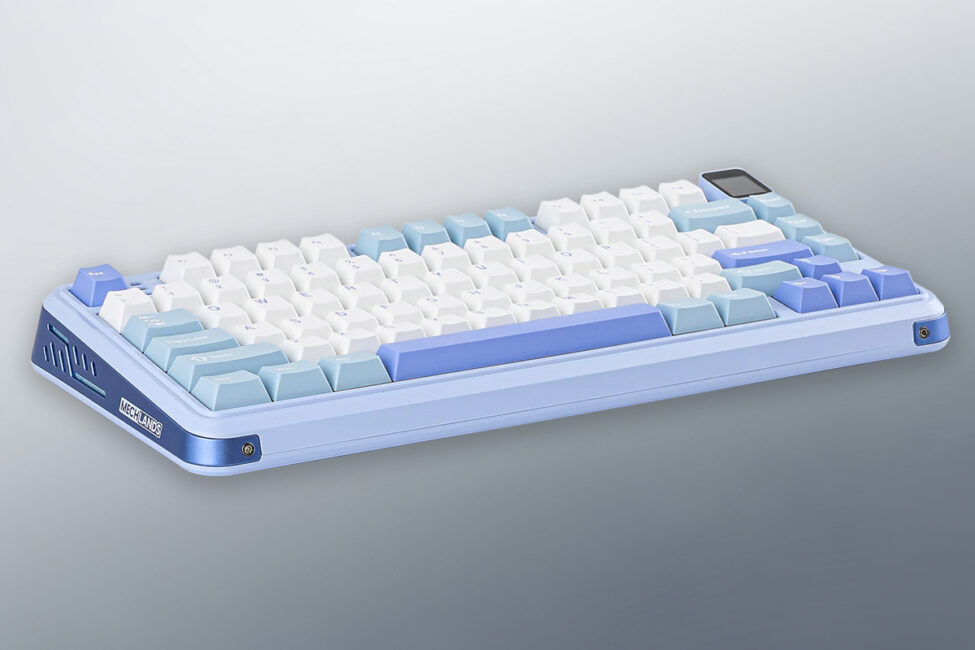
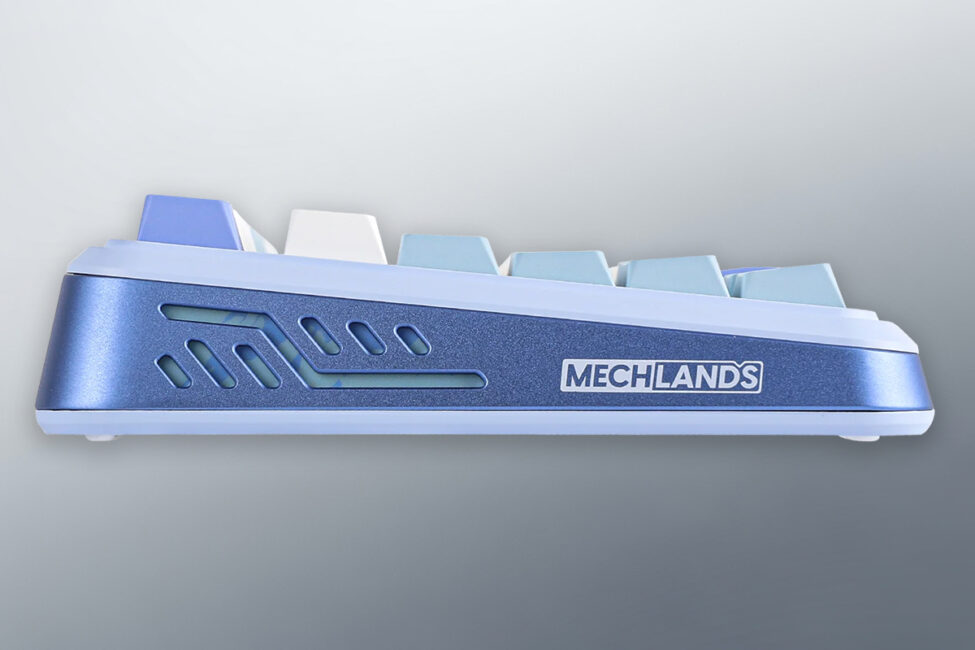
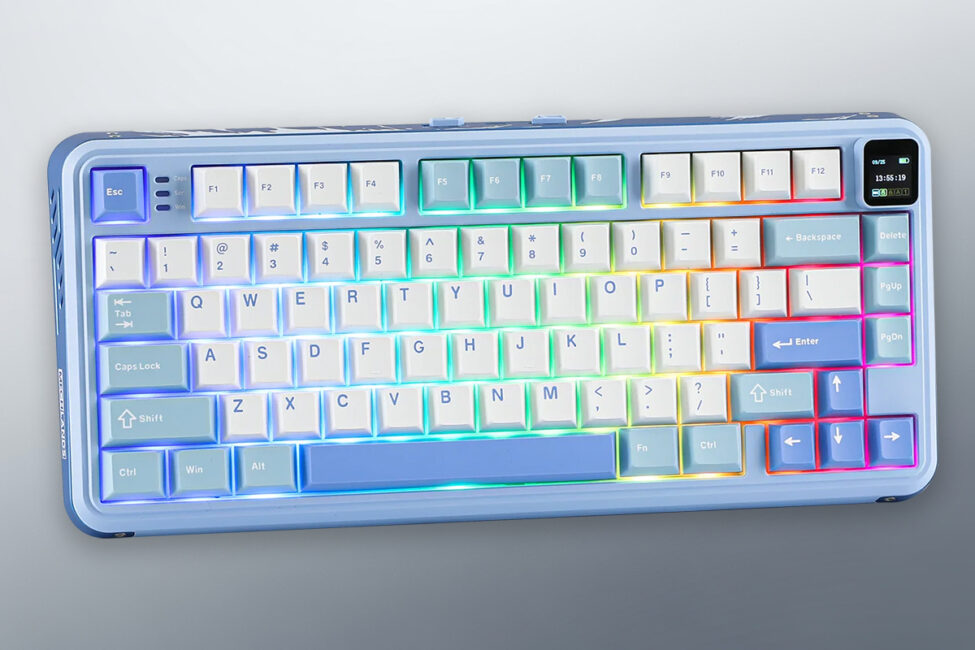
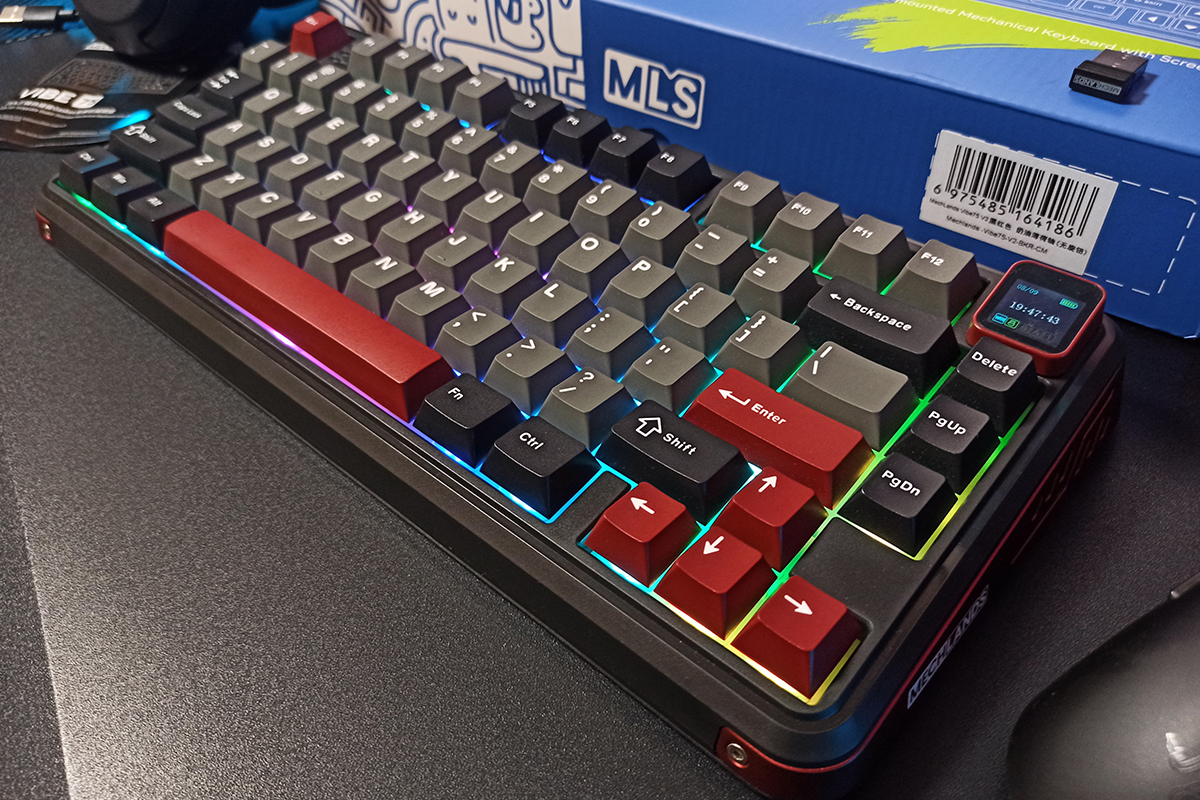
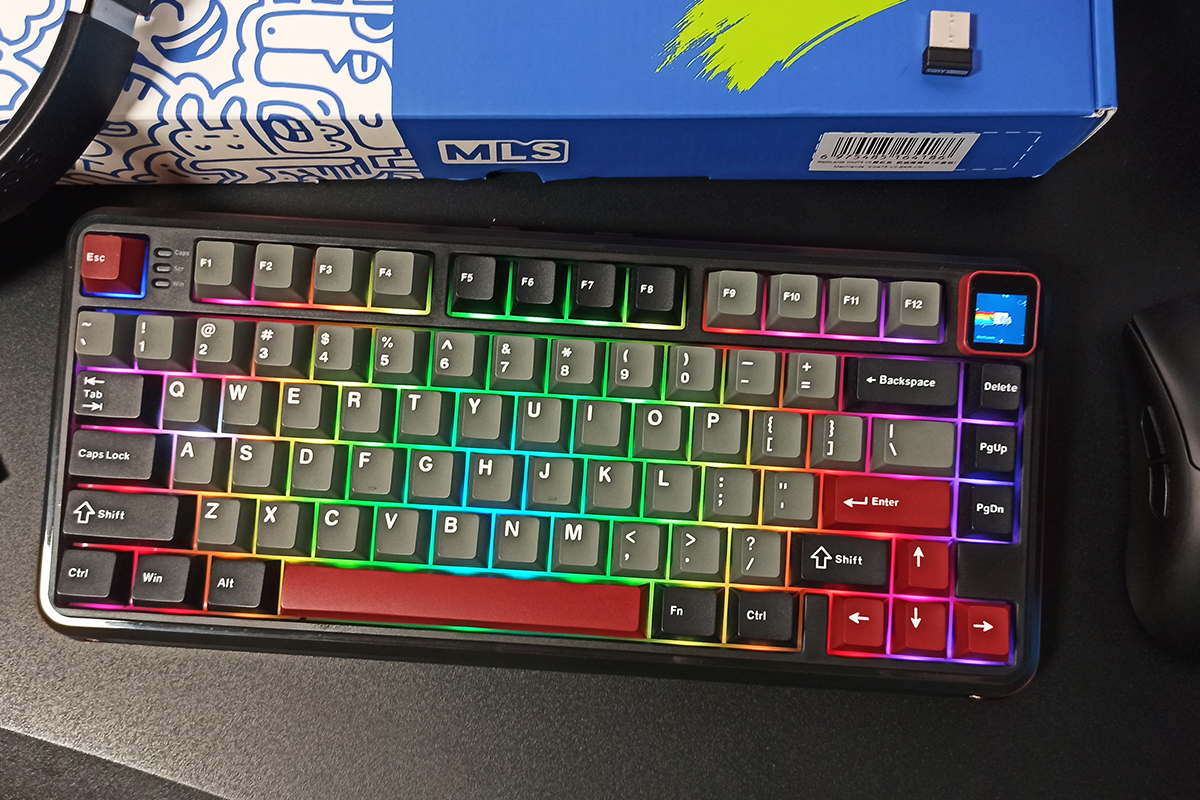
The keyboard features a 75% layout with a standard ANSI (QWERTY) key arrangement. Its dimensions and weight are nearly identical to the magnetic M75 model, measuring 334×150×42 mm and weighing 890 grams.
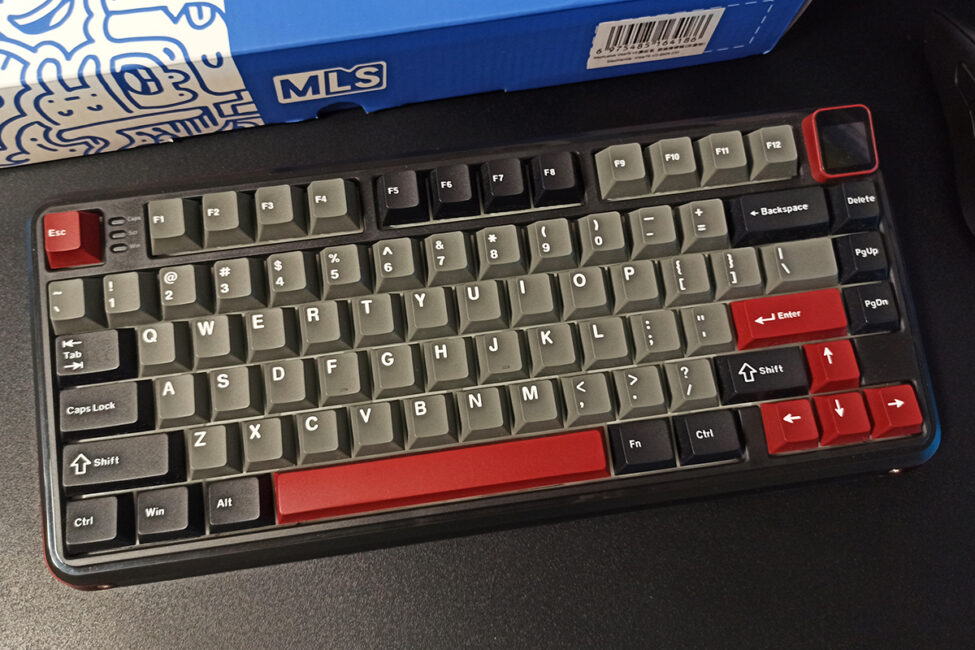
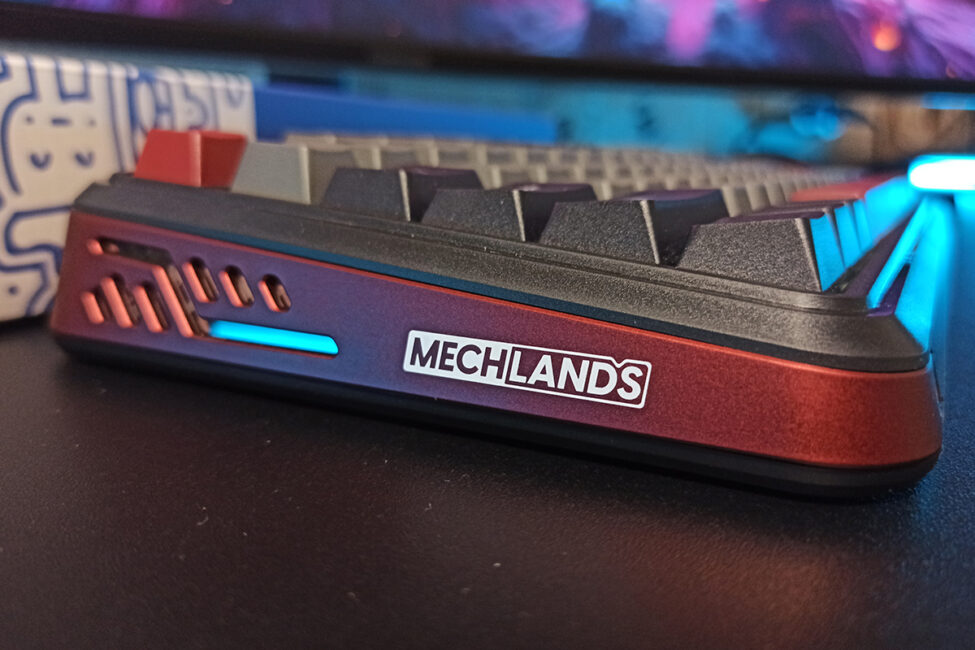
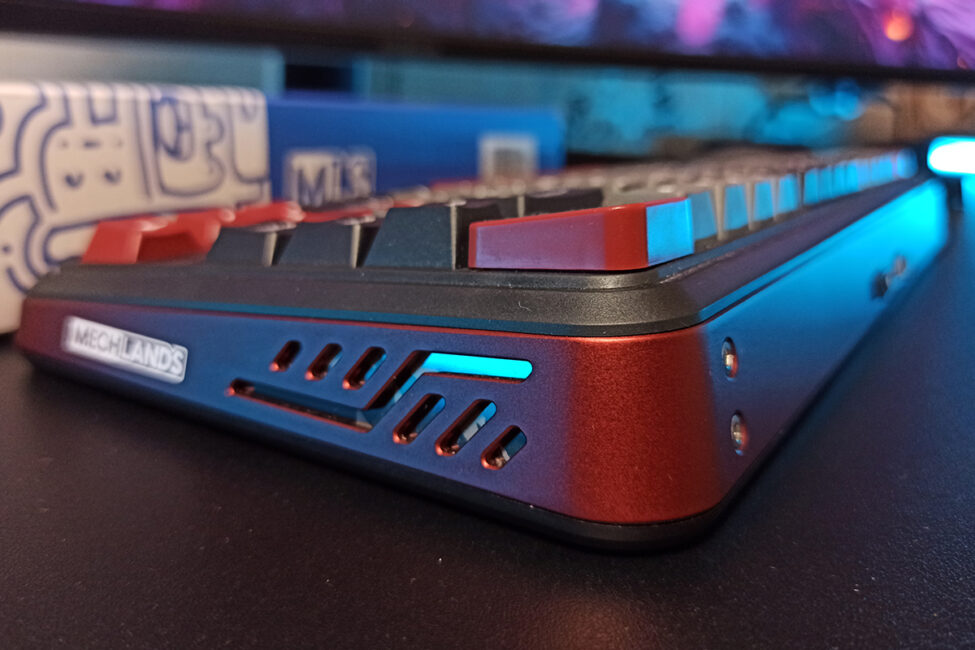
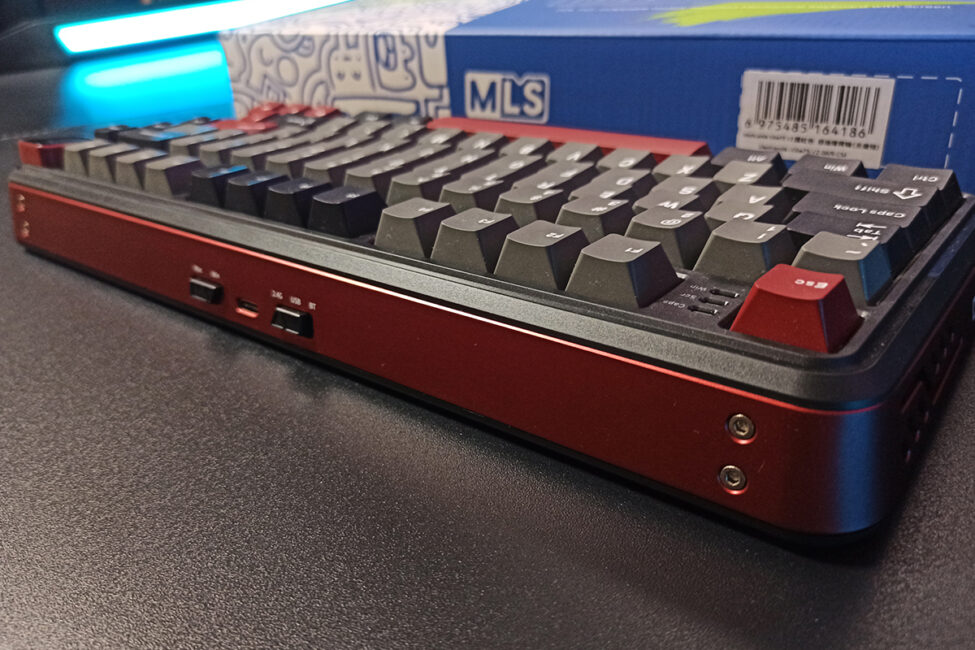
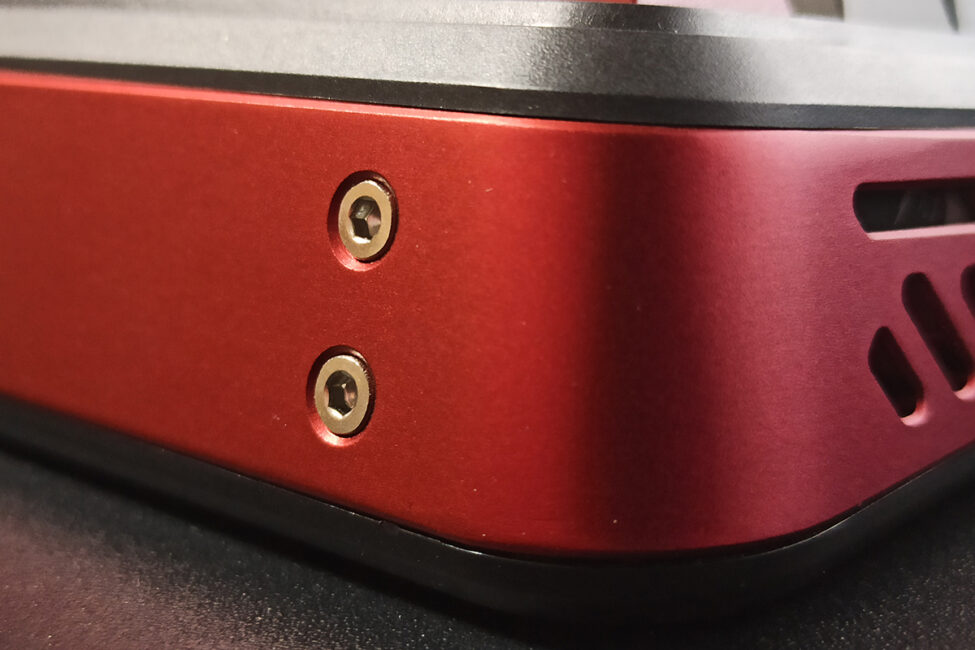
The keyboard case is made from high-quality, tactile ABS plastic. Decorative inserts on the sides and top are aluminum.
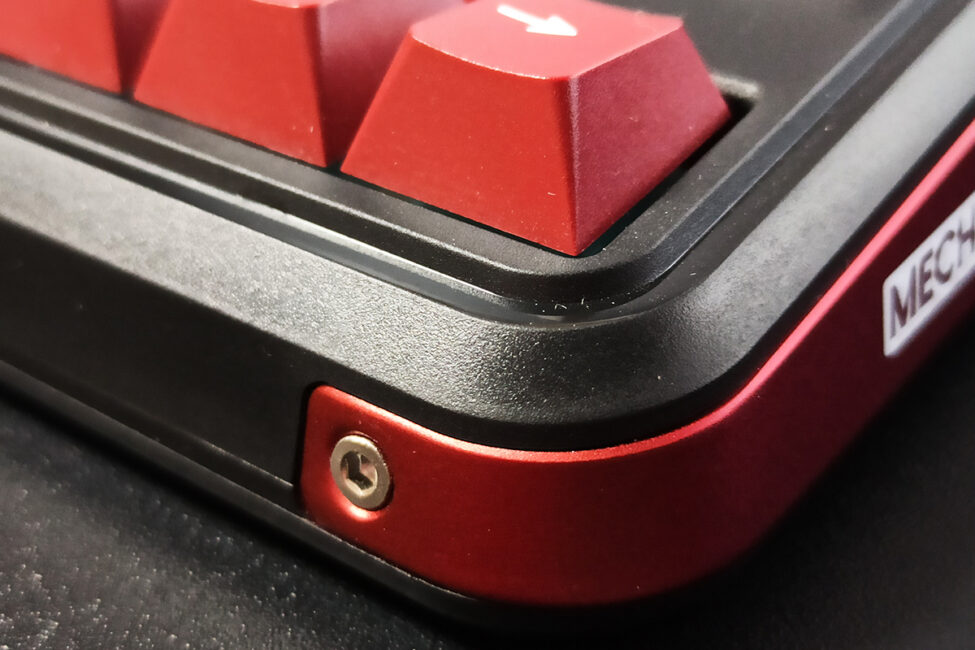
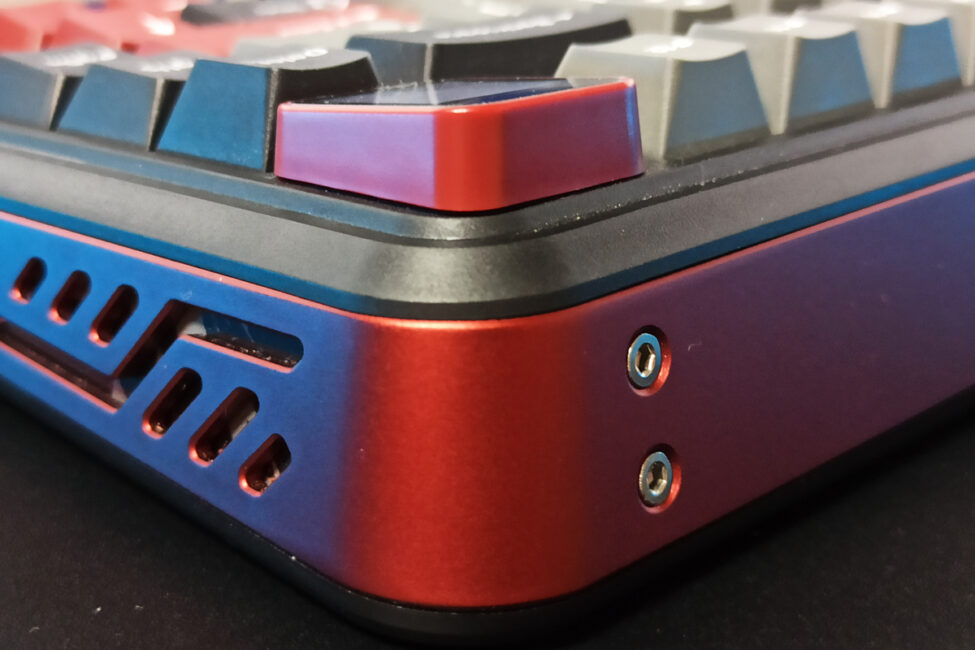
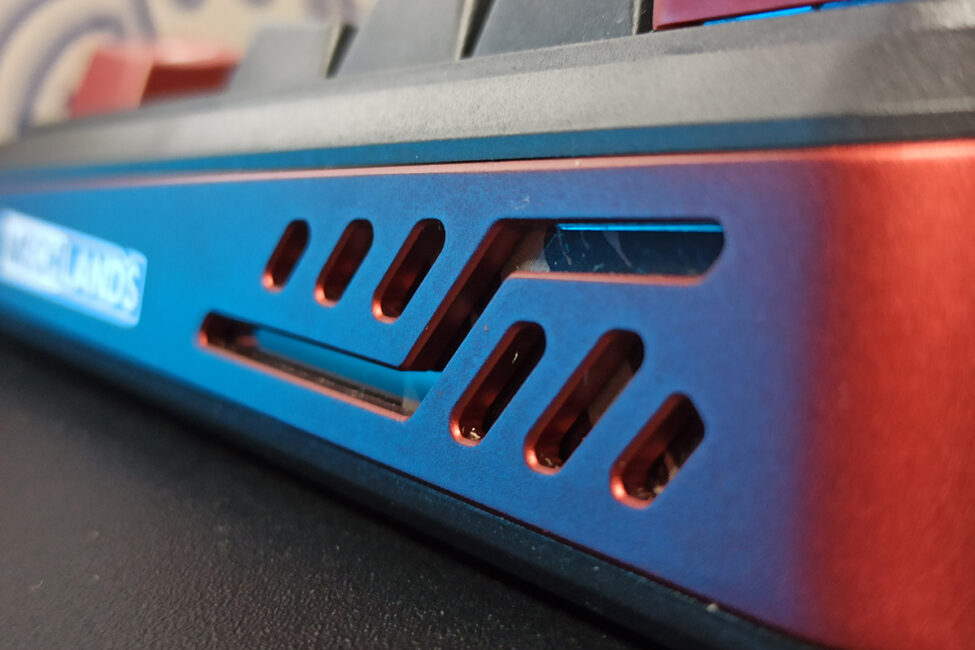
Inside, the keyboard uses a Gasket Mount design featuring multiple layers of padding, soundproofing, and dampening materials to create a softer, quieter typing experience. To be upfront, the typing feel on the MechLands Vibe75 V2 is genuinely good. The Gasket Mount system works by providing a soft “cushion” effect under your fingers. According to the official specifications, the keyboard includes five layers of sound and vibration insulation: several layers of proprietary PORON foam, IXPE and PET pads, plus an additional silicone layer at the bottom.
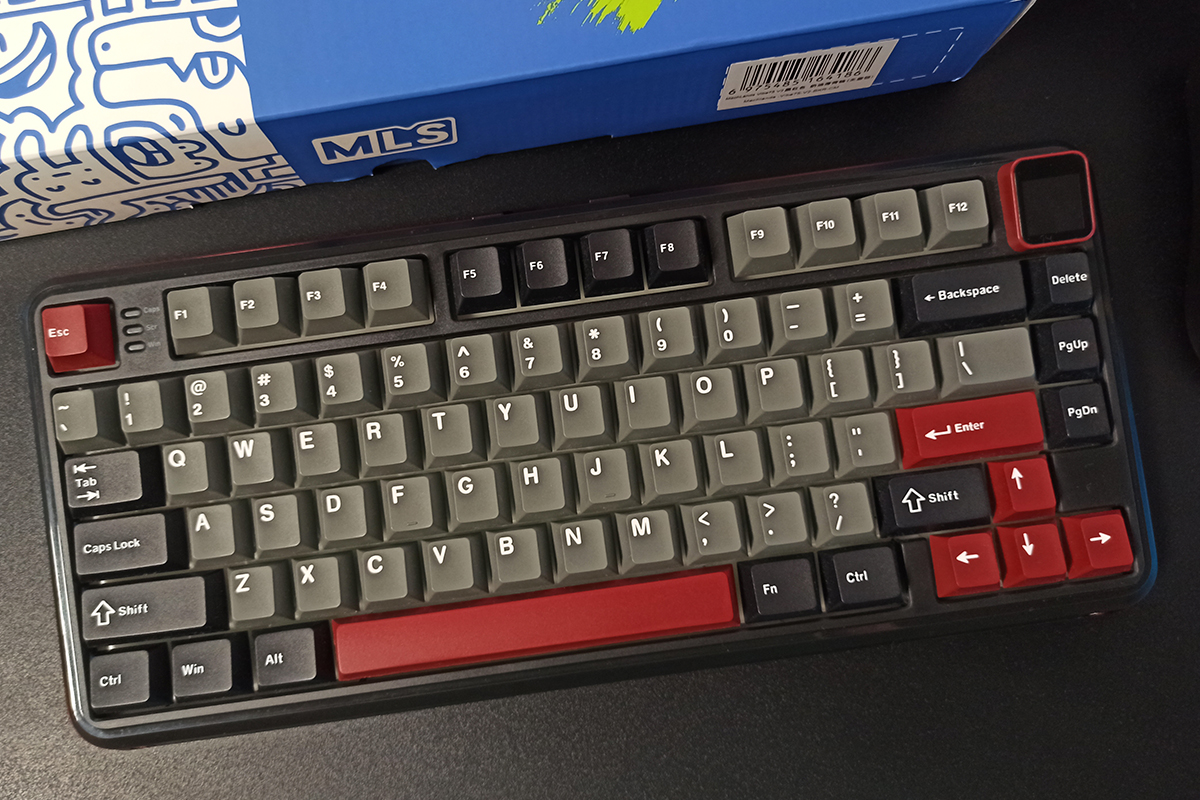
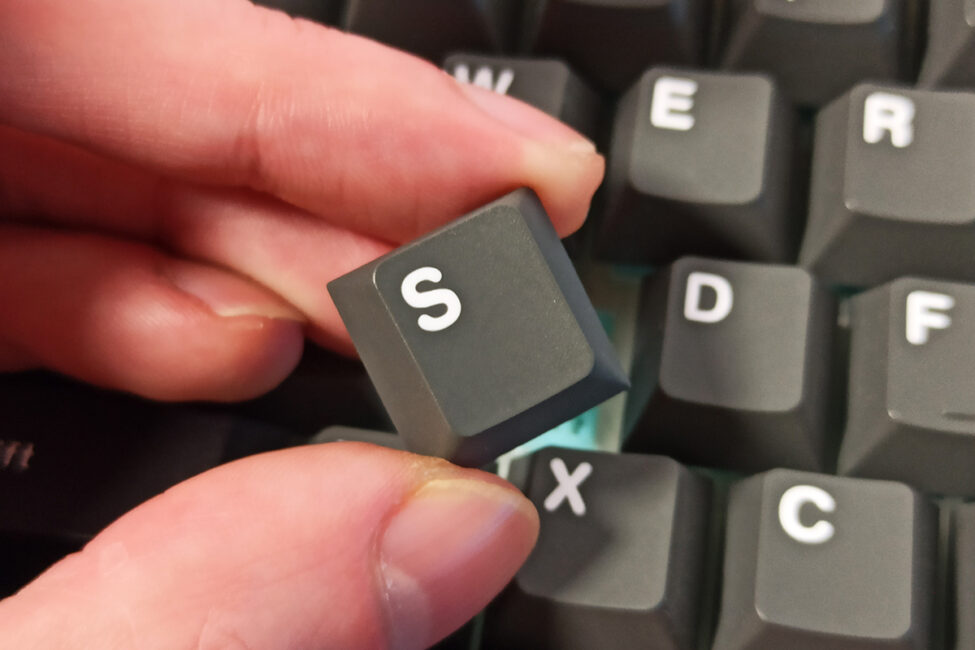
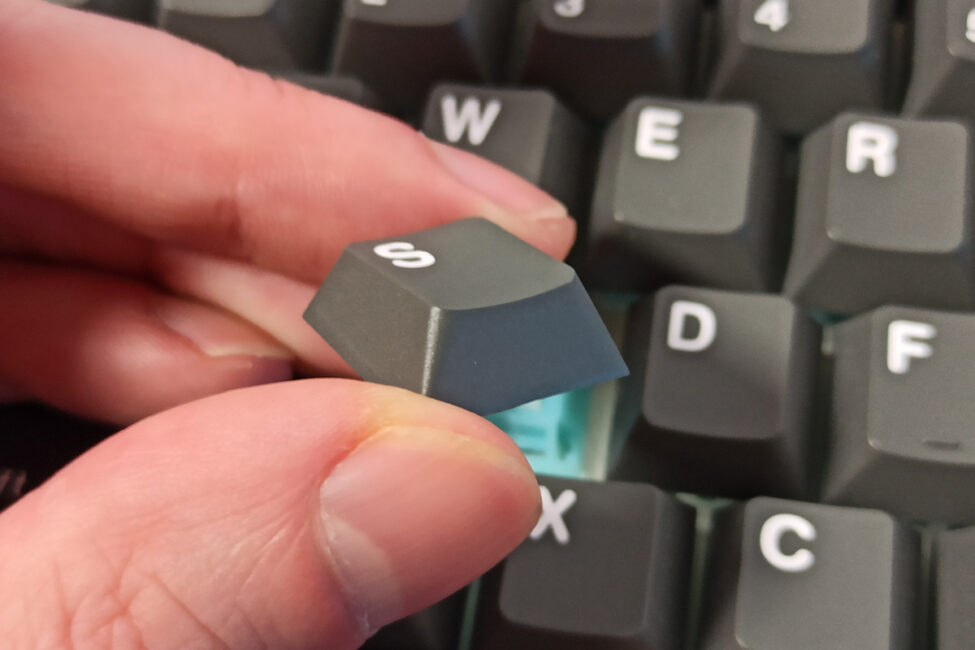
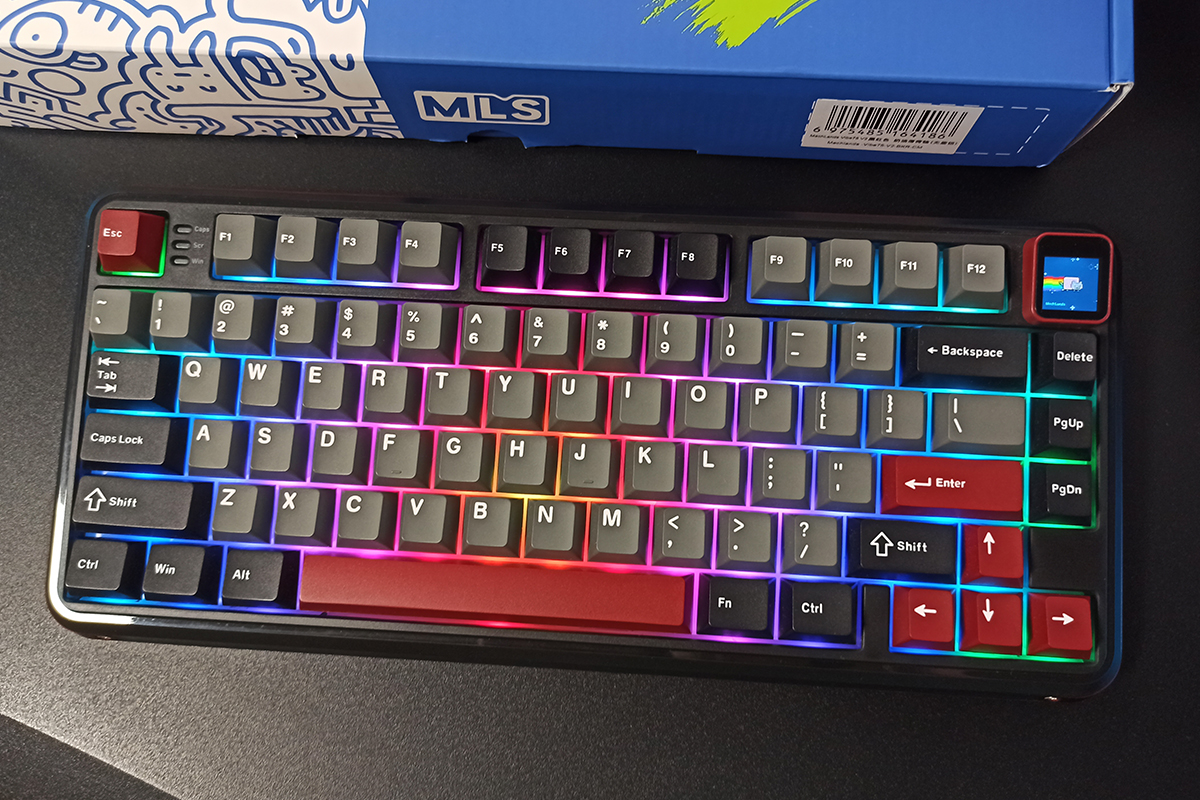
The keyboard uses quality double-shot PBT keycaps in a Cherry profile. The plastic is thick and pleasant to the touch, with a clean finish free of any burrs, chips, or molding defects. The legends are printed in a standard, well-sized font. Overall, the keycaps are excellent.
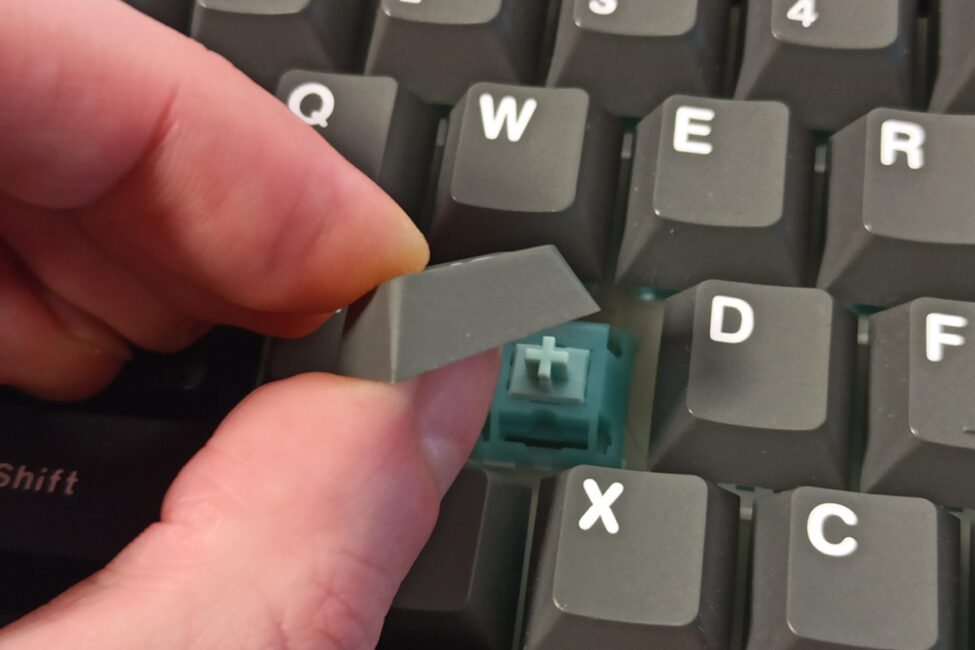
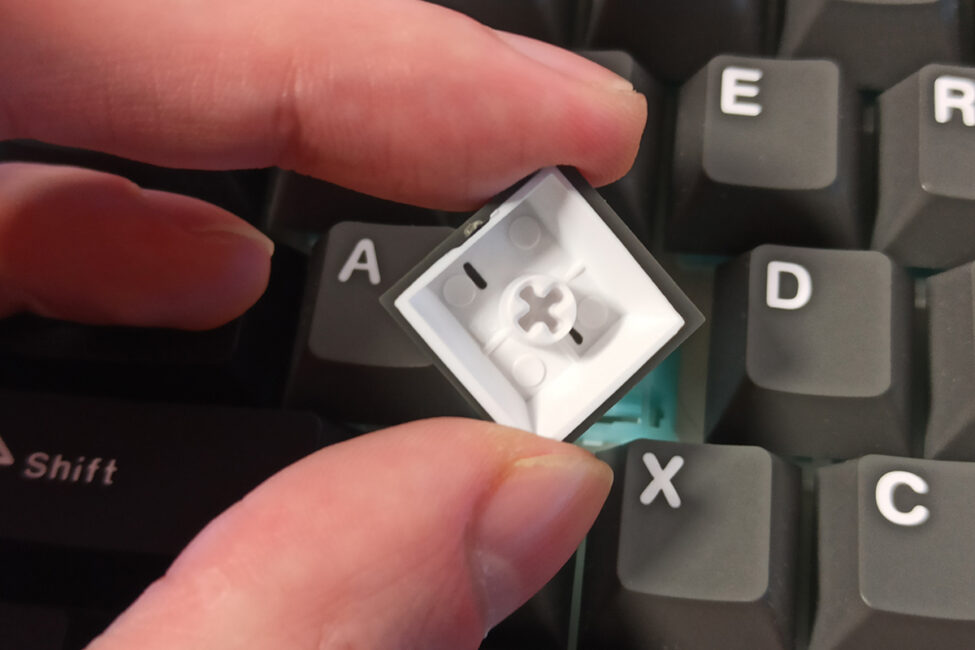
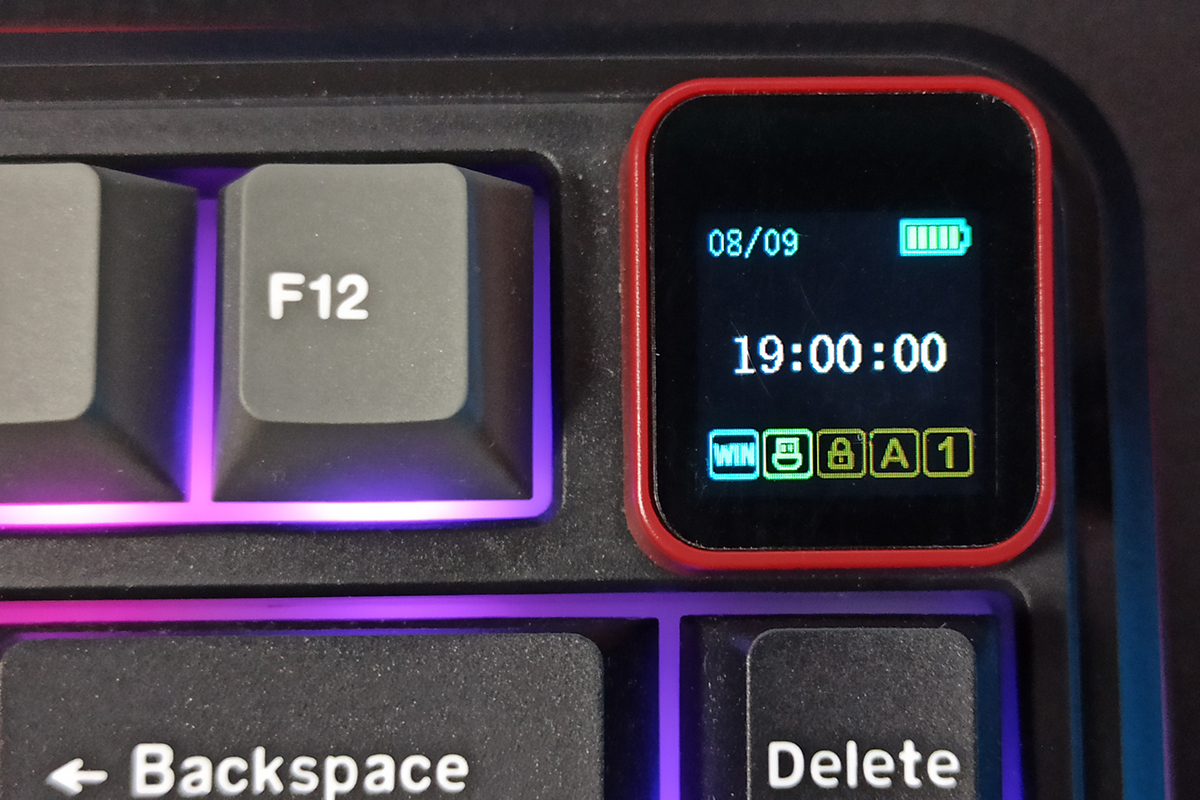
The keyboard doesn’t include a multifunctional roller or scroll wheel. Instead, it features a fixed TFT display that can show various useful information, GIF animations, and can be used to control certain keyboard functions. I’ll cover the display in detail in a separate section. For now, let’s continue looking at the overall design.
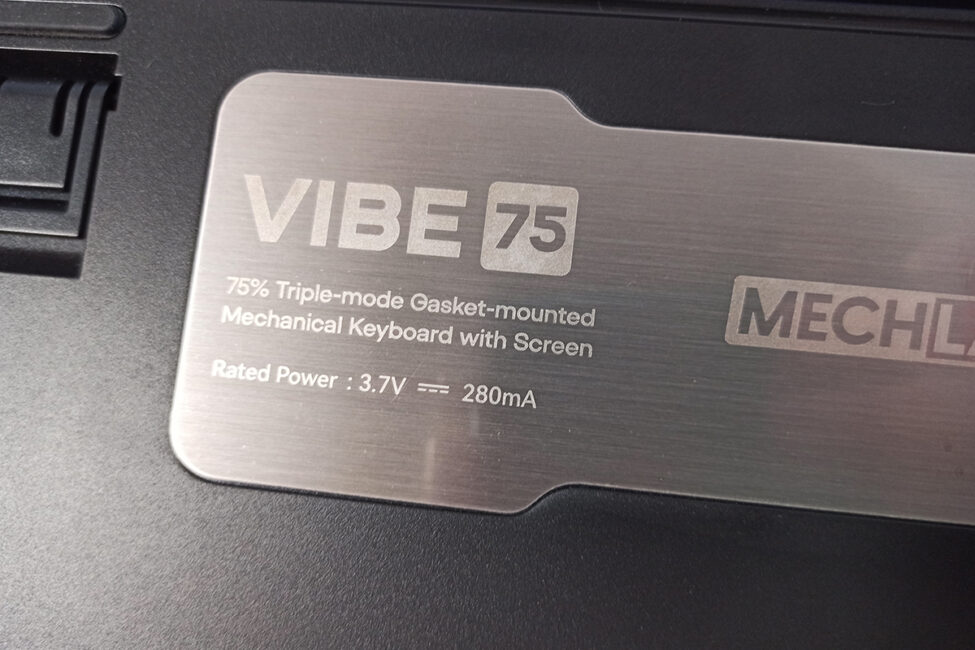
The keyboard’s bottom, like the rest of the case, is made of plastic. A large decorative metal plate sits in the center, displaying the model name, some information, and the brand logo. Rubber pads are placed along the edges to improve grip on surfaces. The feet are double-layered and also feature additional rubber pads at the ends.
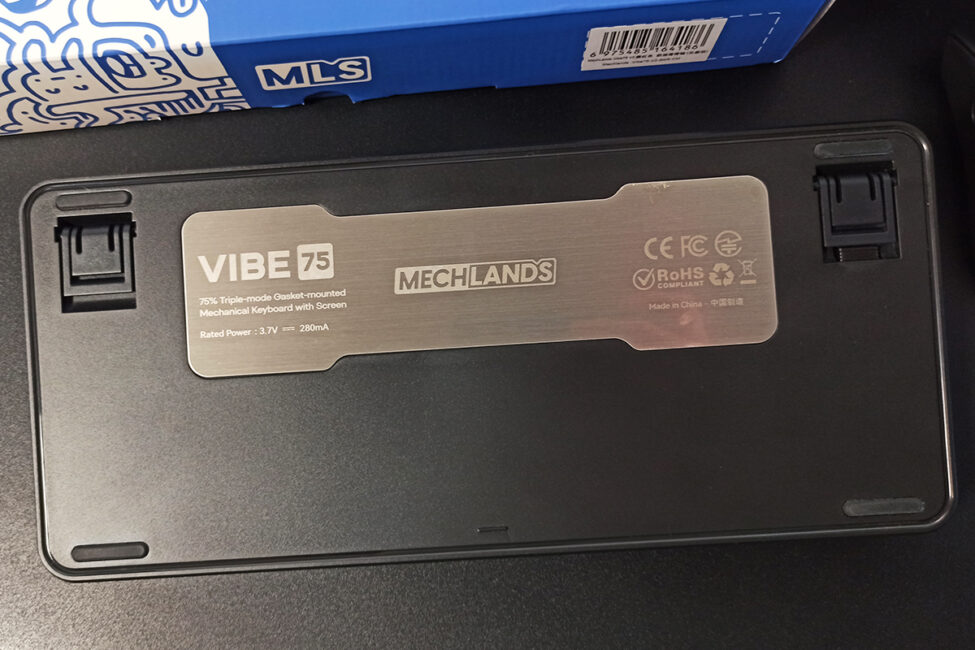
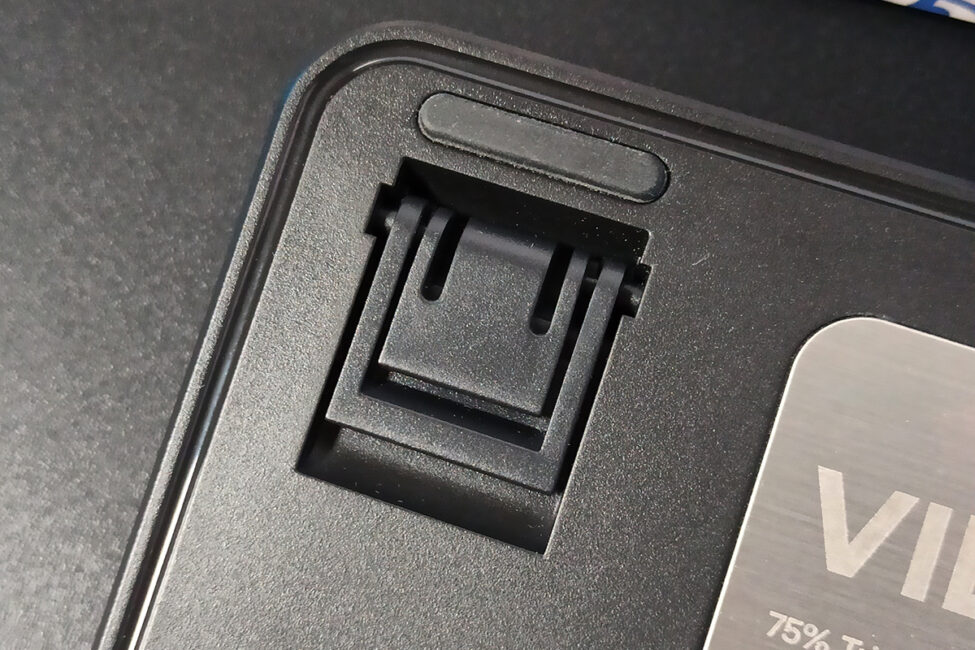
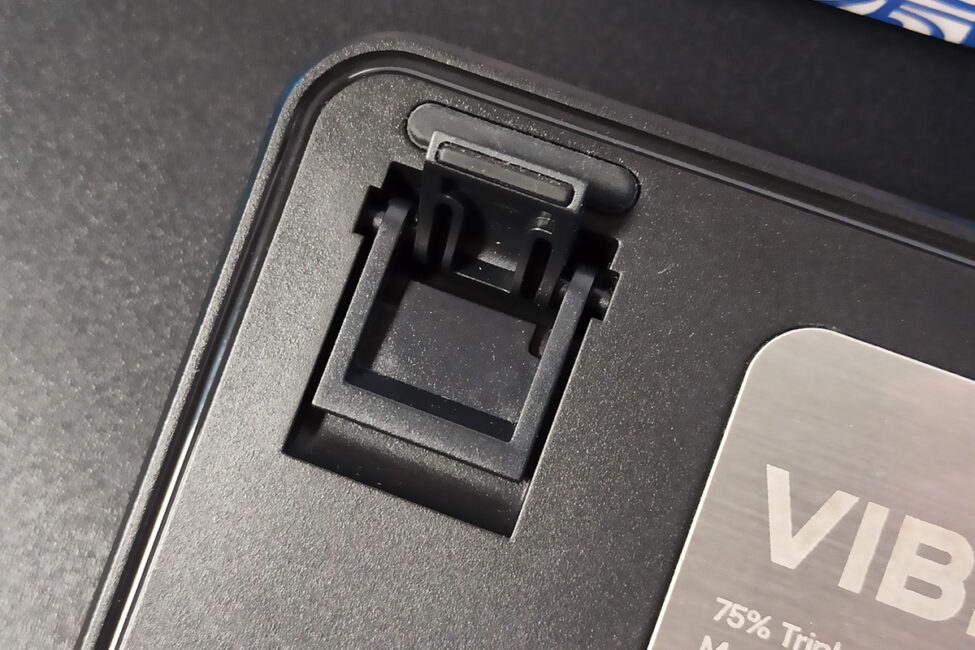
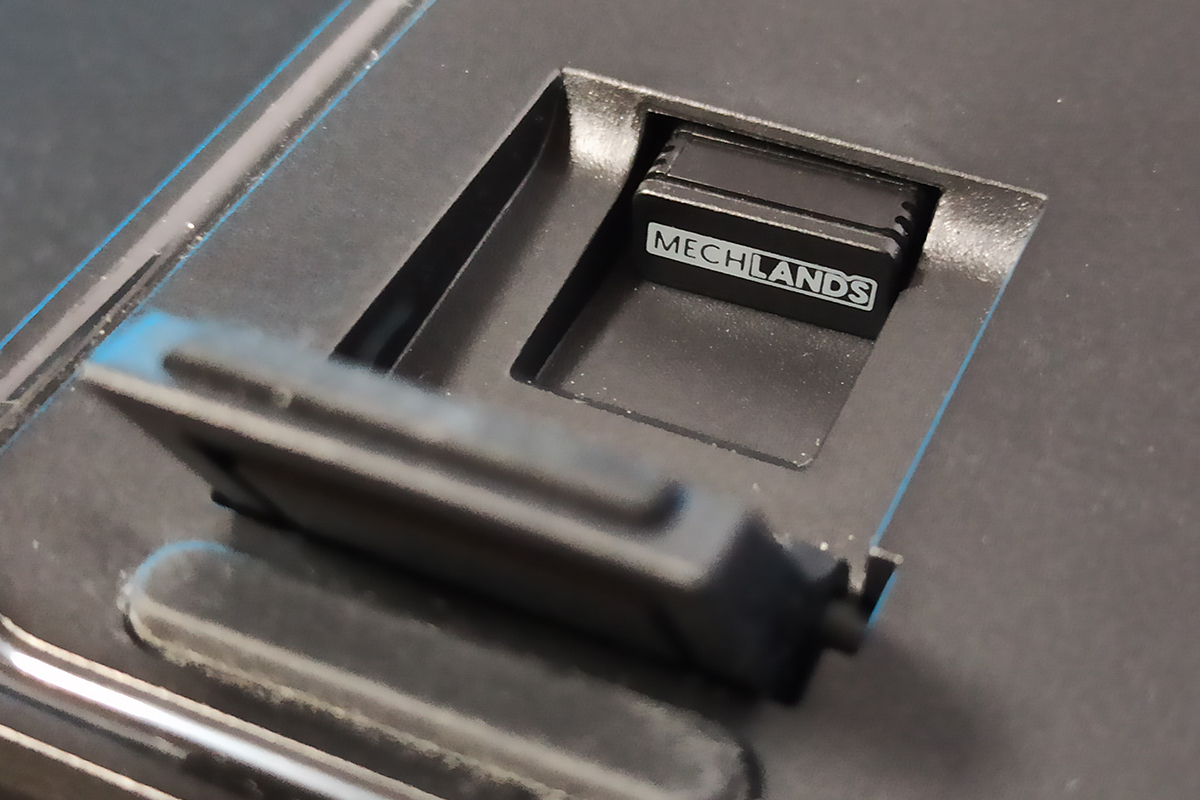
There’s a dedicated compartment for the wireless dongle under the right foot. So, if you unpack the keyboard and can’t find the dongle, it’s likely stored there.
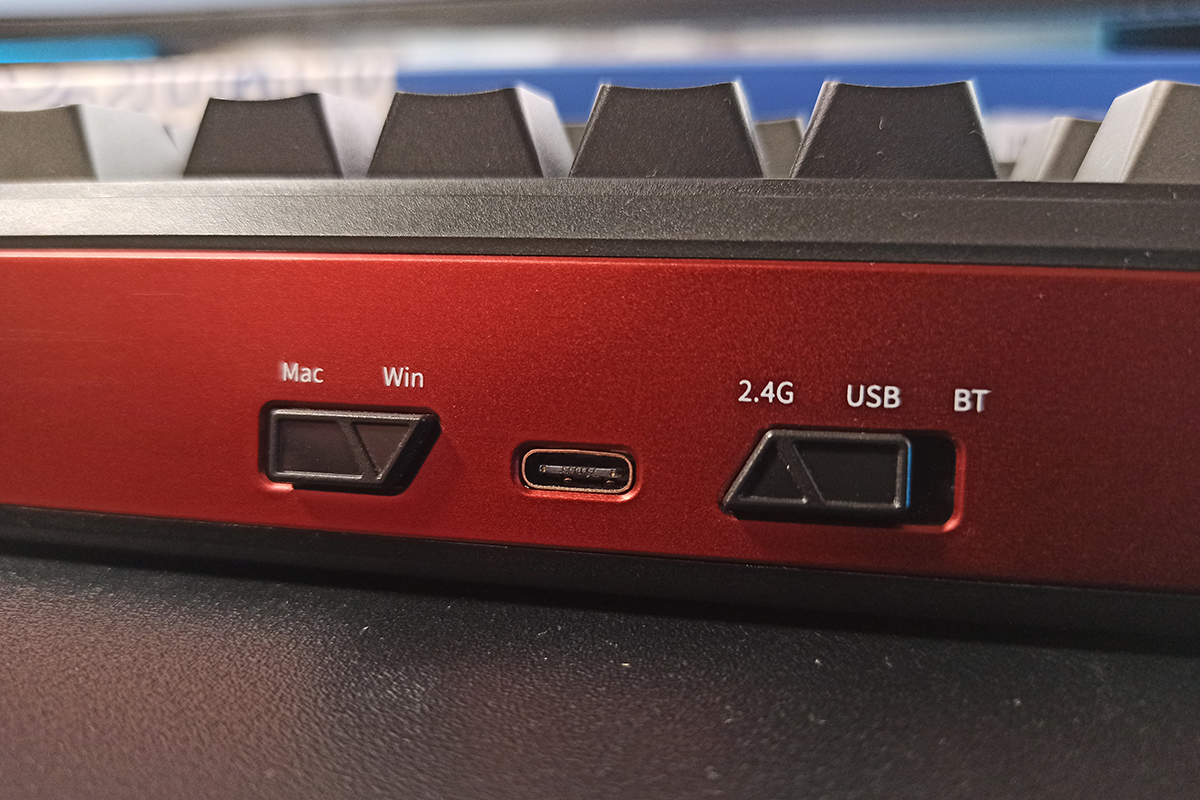
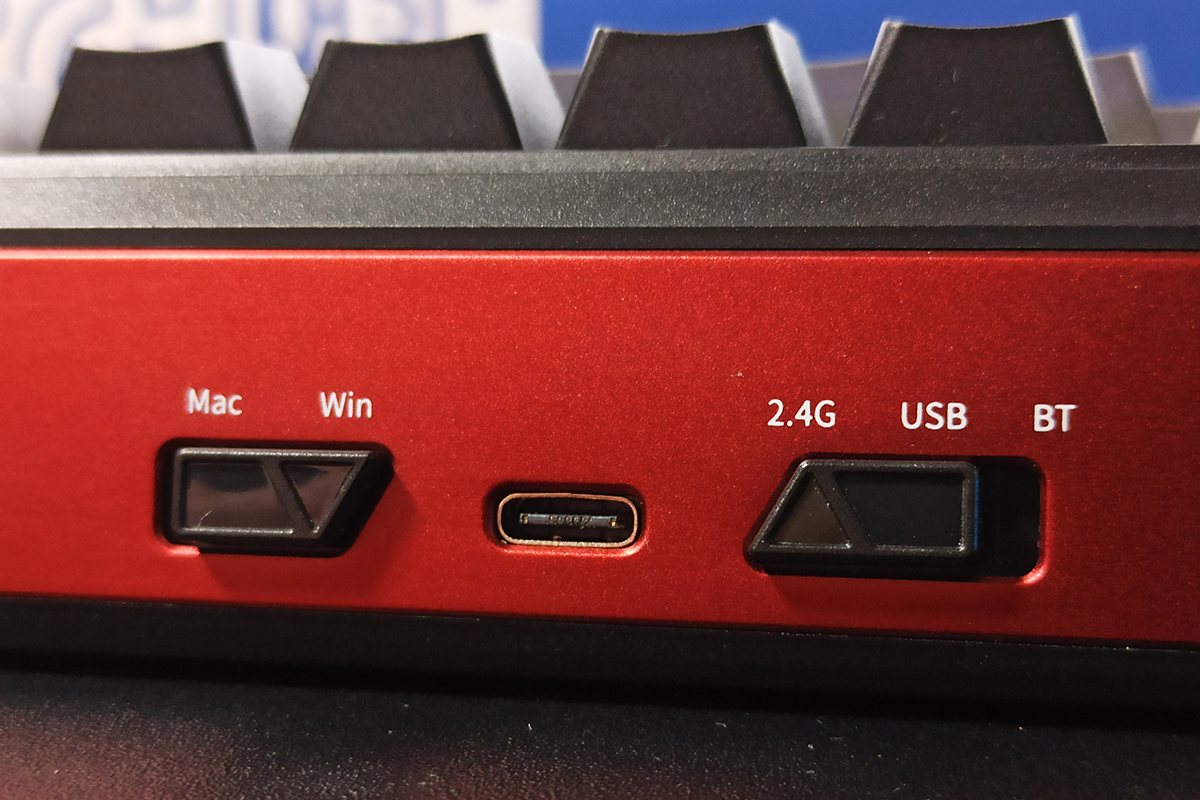
On the top edge of the keyboard, there’s a standard USB Type-C port for the cable and two toggle switches. The first switch changes the connection mode between RF, USB, and Bluetooth. The second switch switches the system mode between Windows and Mac.
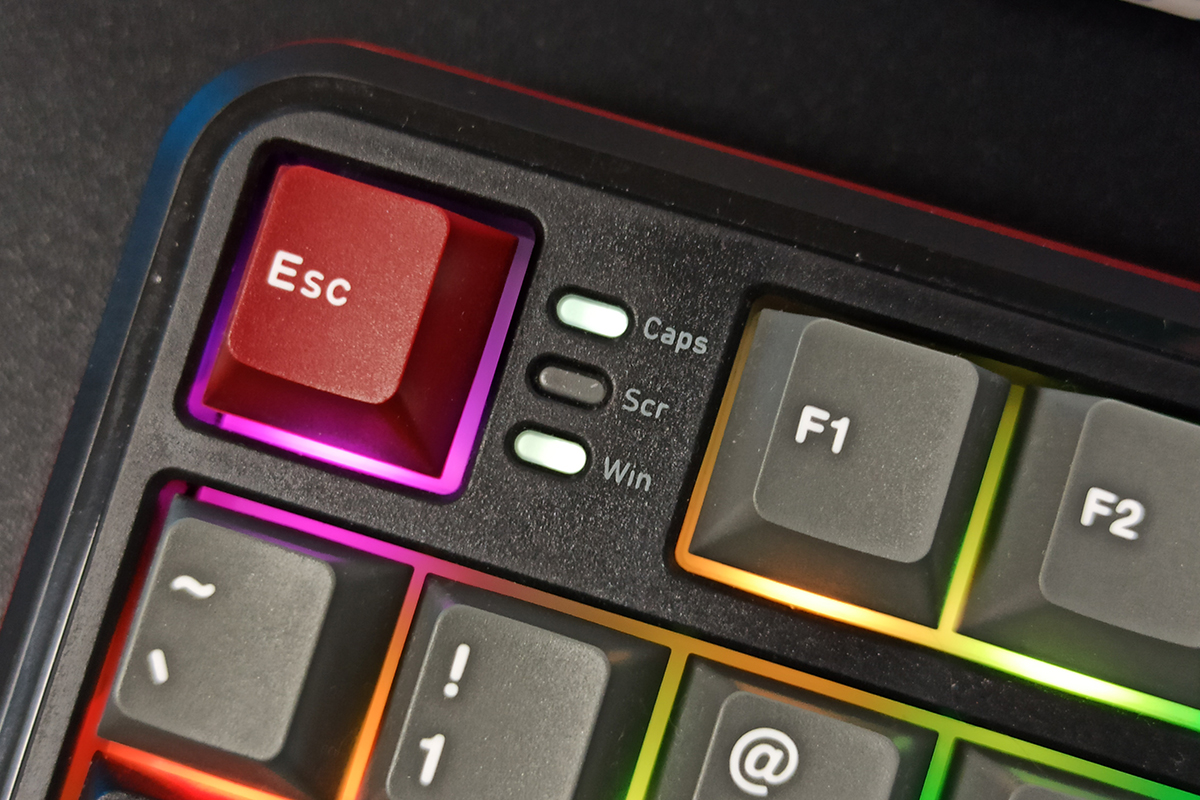
The indicators for Caps Lock, Scroll Lock, and the Windows key lock mode are located to the right of the Esc key – similar to the layout used in their magnetic MechLands M75 model.
The keyboard features full RGB backlighting for the keys. The lighting uses south-facing LEDs, which offer broad compatibility with various switch types and keycaps.
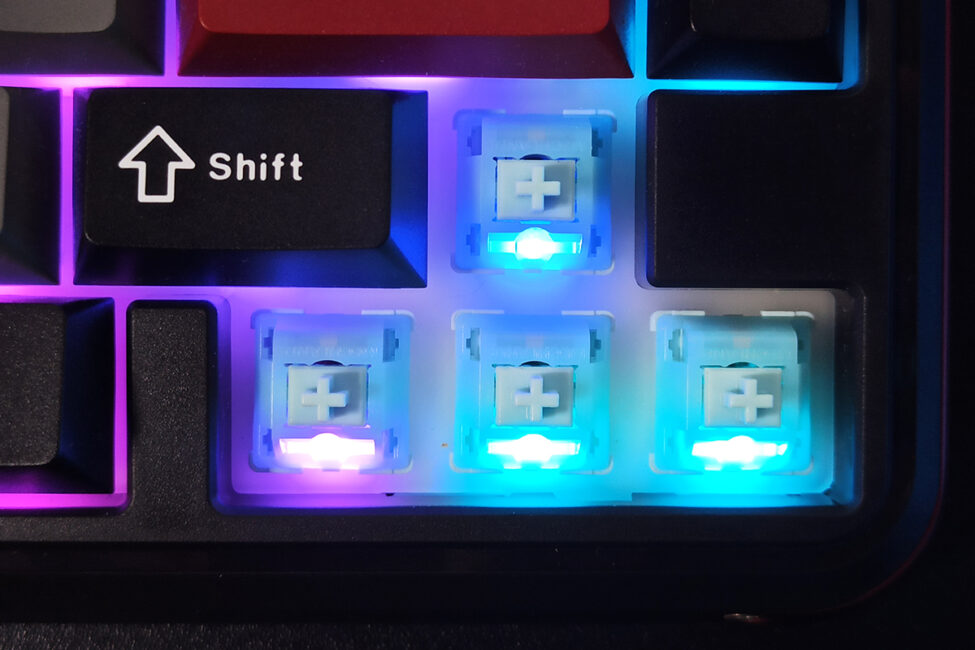
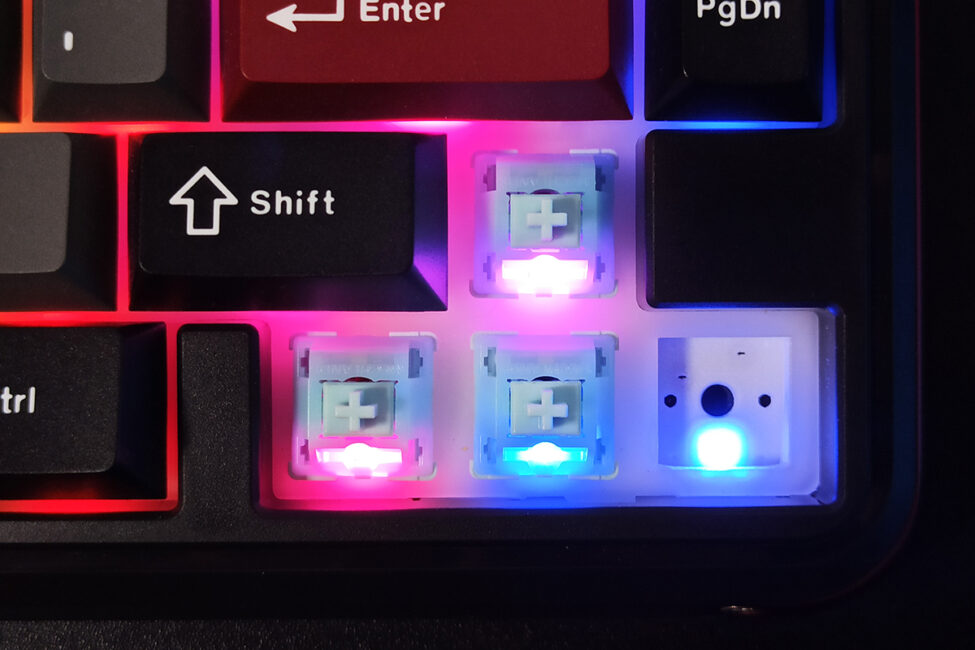
The backlighting quality is excellent – bright, vivid, and smooth. The keyboard’s official software offers 19 preset lighting effects that can be switched on the fly and further customized. There’s also an option to create a custom lighting setup by assigning unique colors to individual keys and syncing the lighting to music playing on the PC. Lighting controls are available both through the software and directly on the keyboard via the built-in display menu. I’ll explain the process in detail in later sections, but for now, here’s a video showcasing the available effects.
The keyboard is well-assembled and, despite its plastic case, feels solid and reliable. There’s no wobbling, creaking, flexing, or twisting anywhere. Ergonomically, the MechLands Vibe75 V2 performs well too. It’s relatively compact and doesn’t take up much desk space. The standard tilt and height are more than enough for comfortable use, at least for me.
Read also:
- YUNZII AL66 (V1) Keyboard Review: Metal Build, Creamy Typing Feel, and Affordable Price
- YUNZII AL68 Review: Solid, Affordable Keyboard with Aluminum Сase
MechLands Vibe75 V2 Display
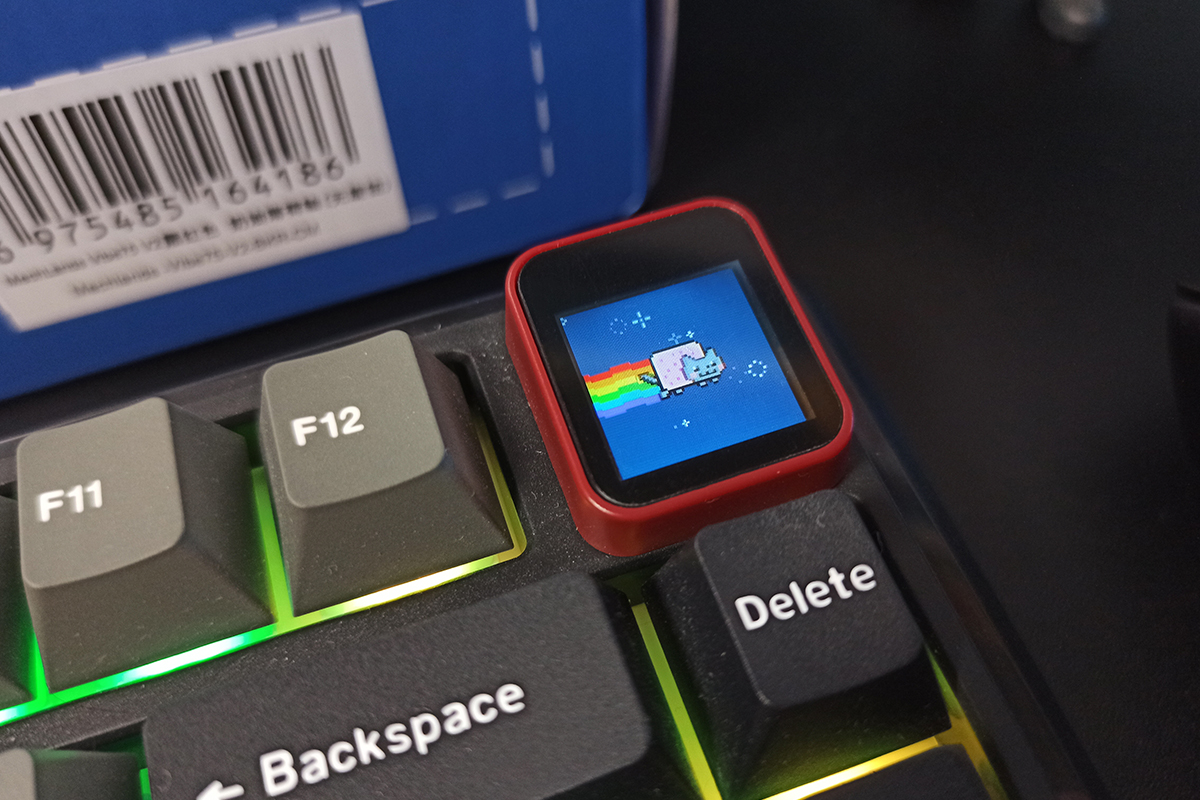
As mentioned earlier, instead of a volume roller, the keyboard features a built-in TFT display. This display essentially replaces the traditional scroll wheel and offers additional functionality. It can show the date, time, battery level, current connection mode, and standard indicators like Win Lock and Caps Lock. You can also upload custom GIF animations to the display through the dedicated menu in the MechLands software.
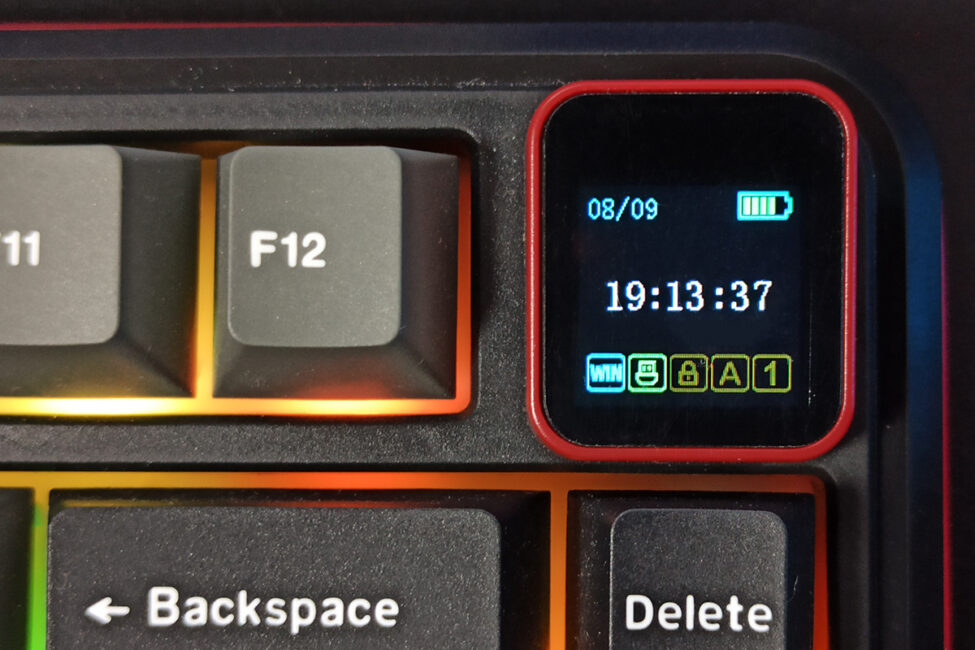
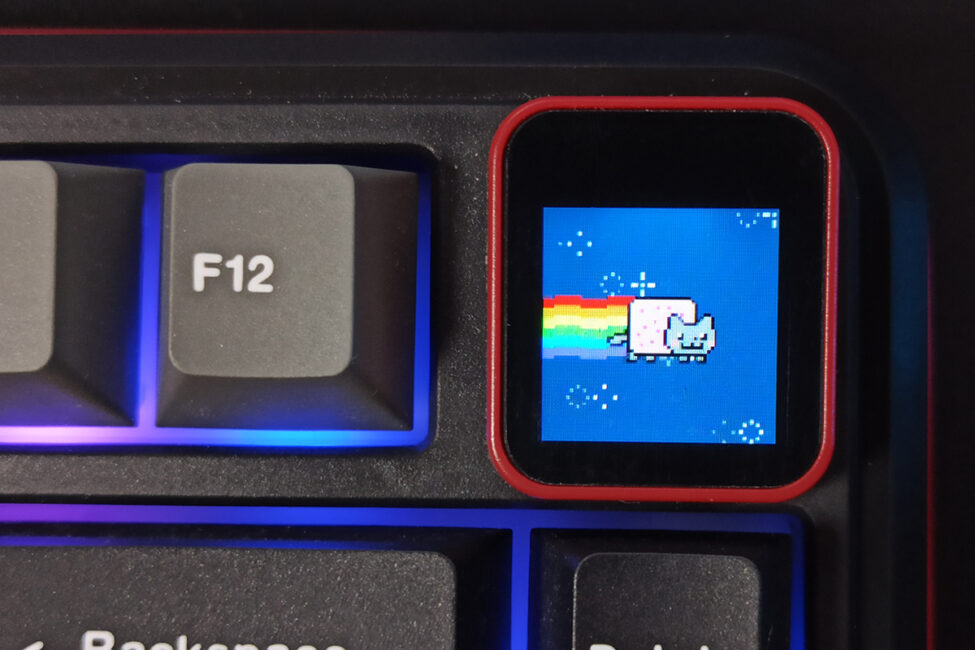
Beyond displaying information, the built-in screen also lets you control several keyboard settings: you can change lighting effects, colors, speed, and brightness; adjust PC volume in two-step increments; and select the display mode – showing date/time/indicators or animations.
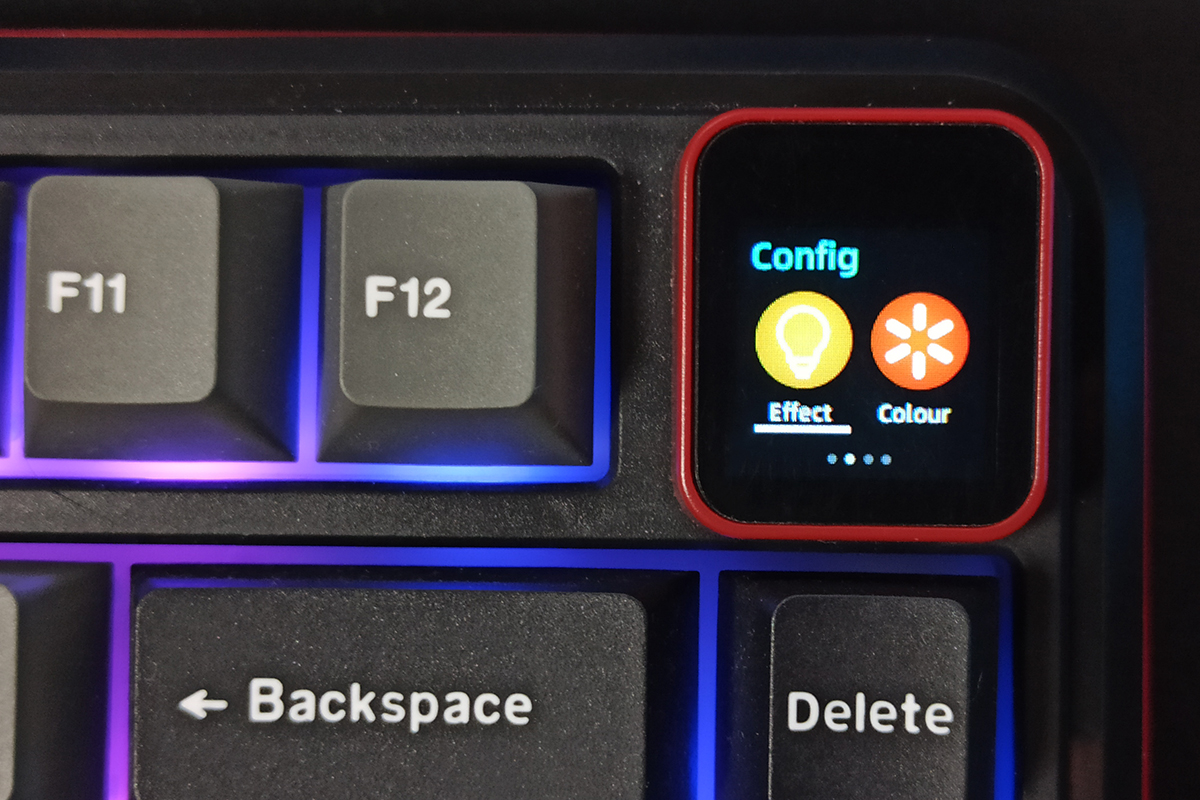


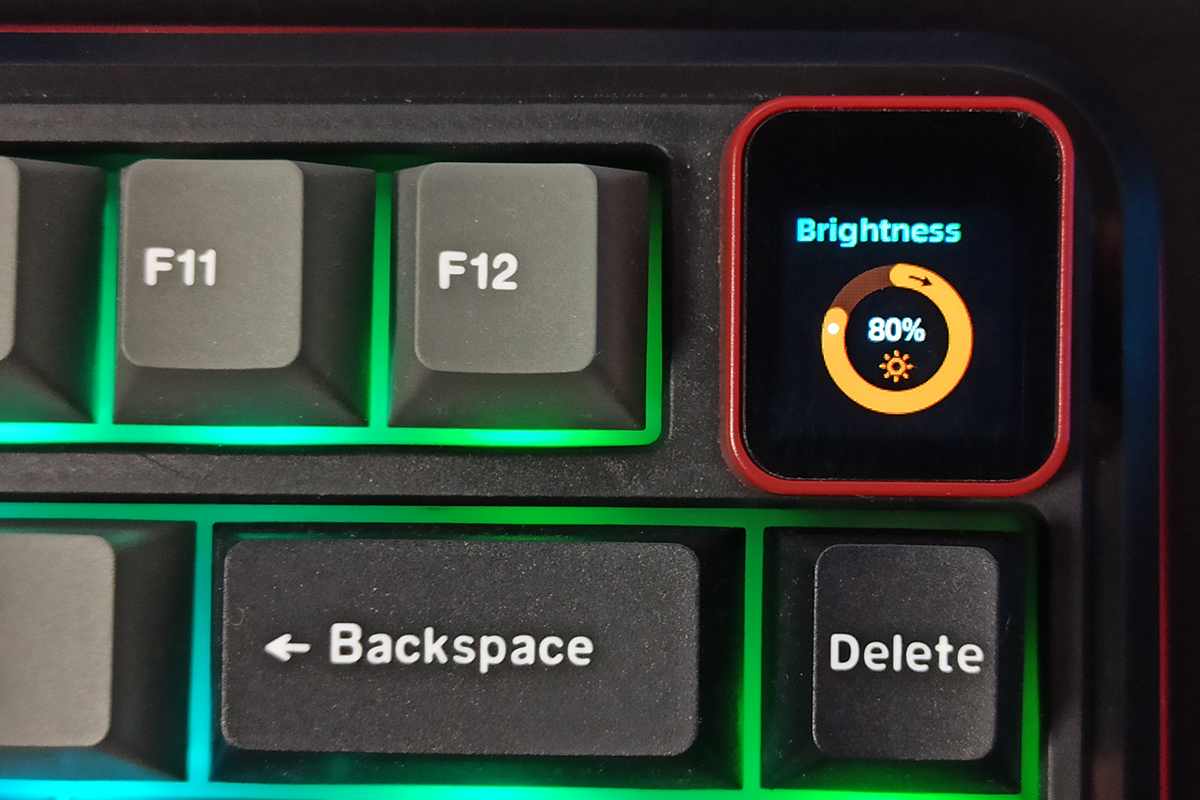
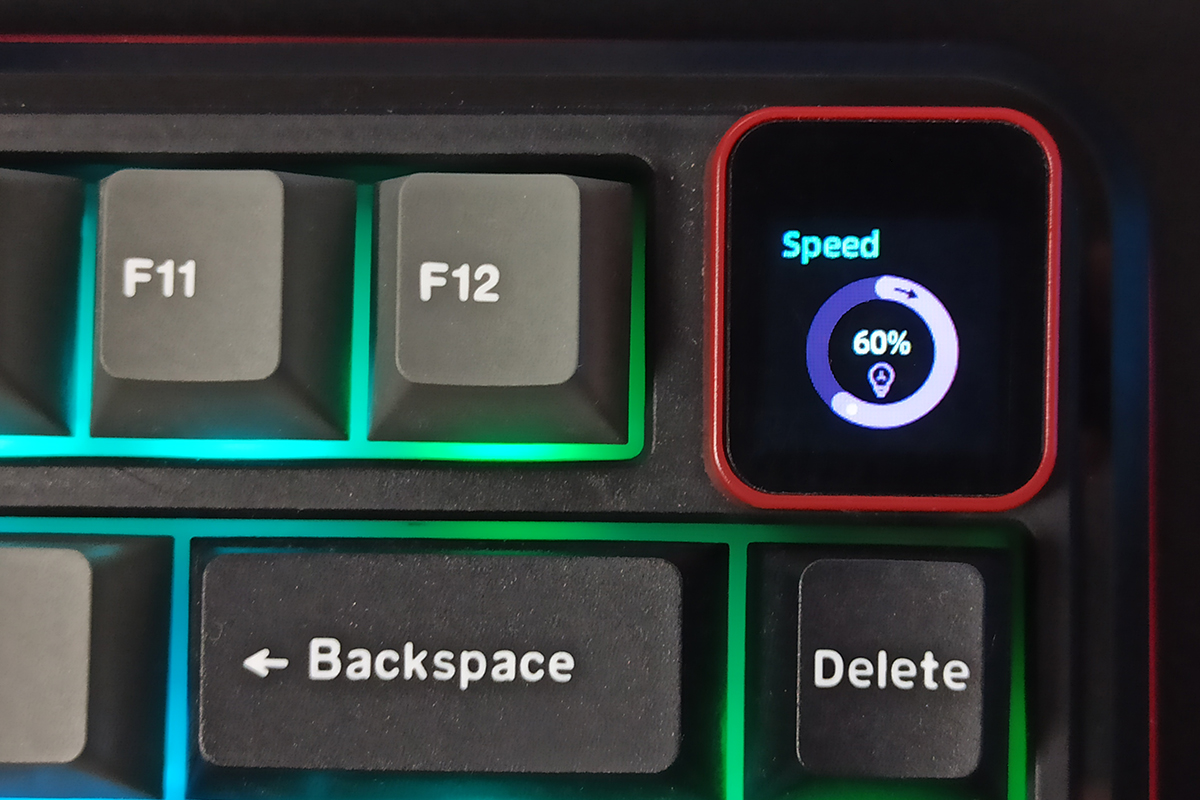
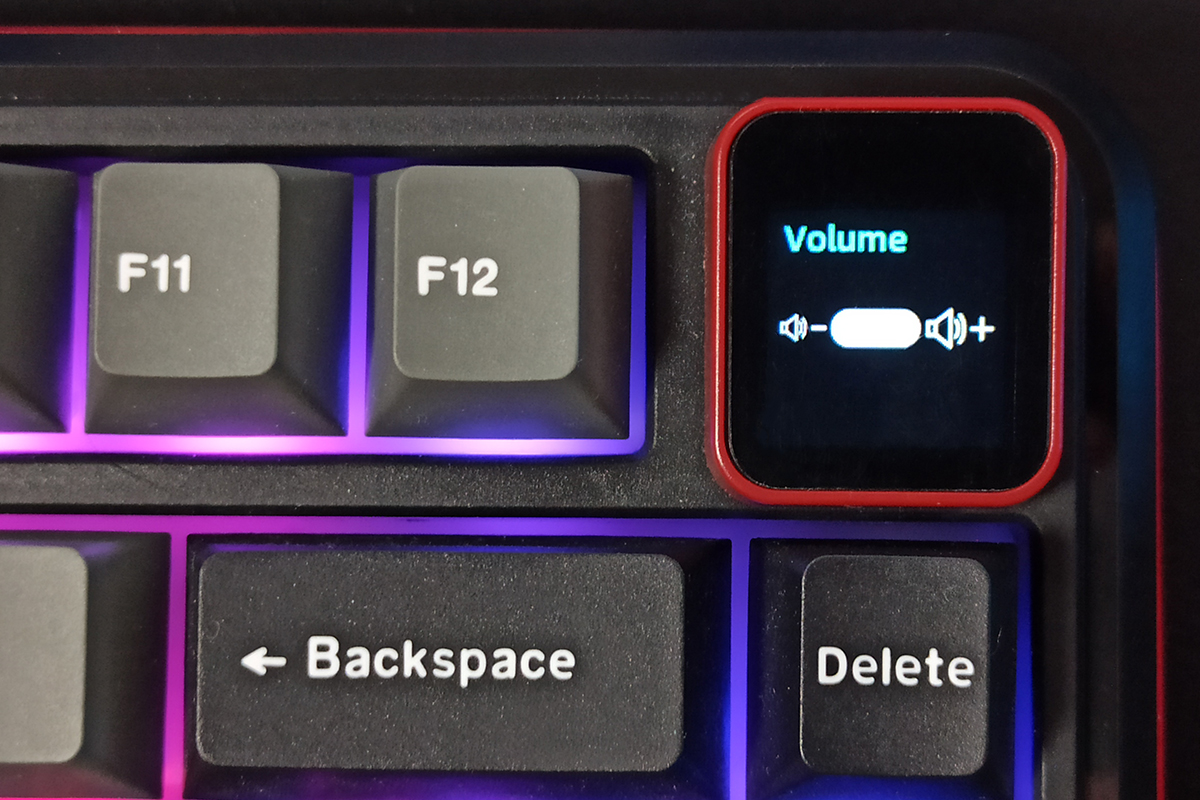
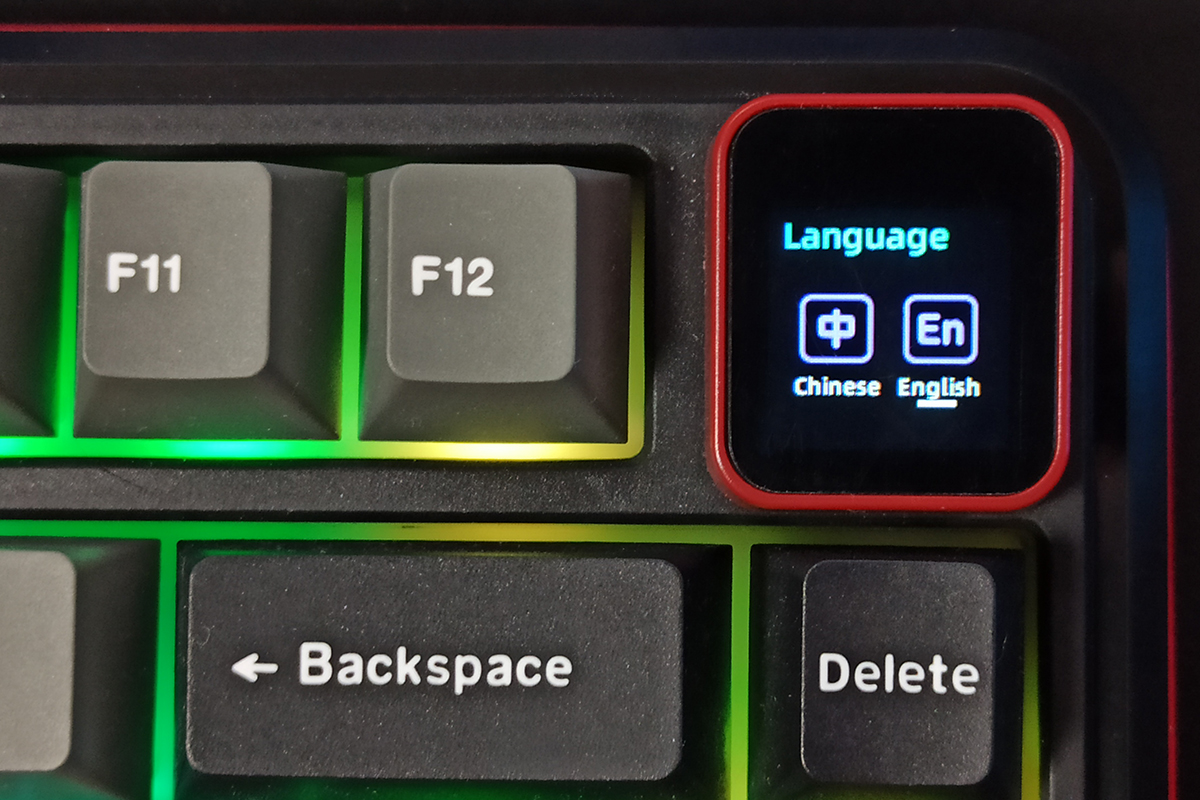
The display is controlled using key combinations: FN + arrow keys and FN + Enter. FN + arrow keys switch display modes and navigate the built-in menu on the screen, as well as adjust settings directly. FN + Enter is used to enter a selected menu and confirm changes.
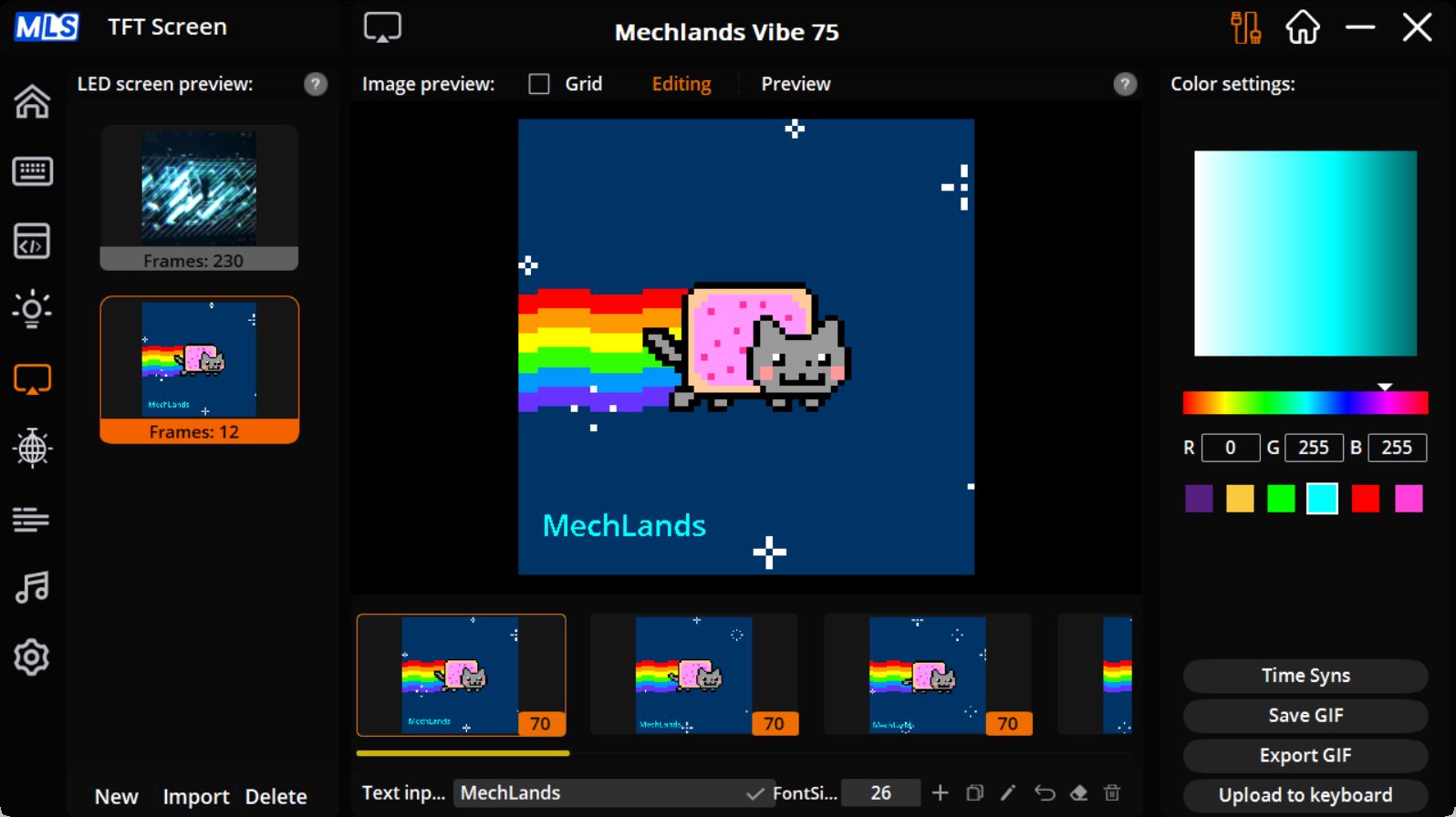
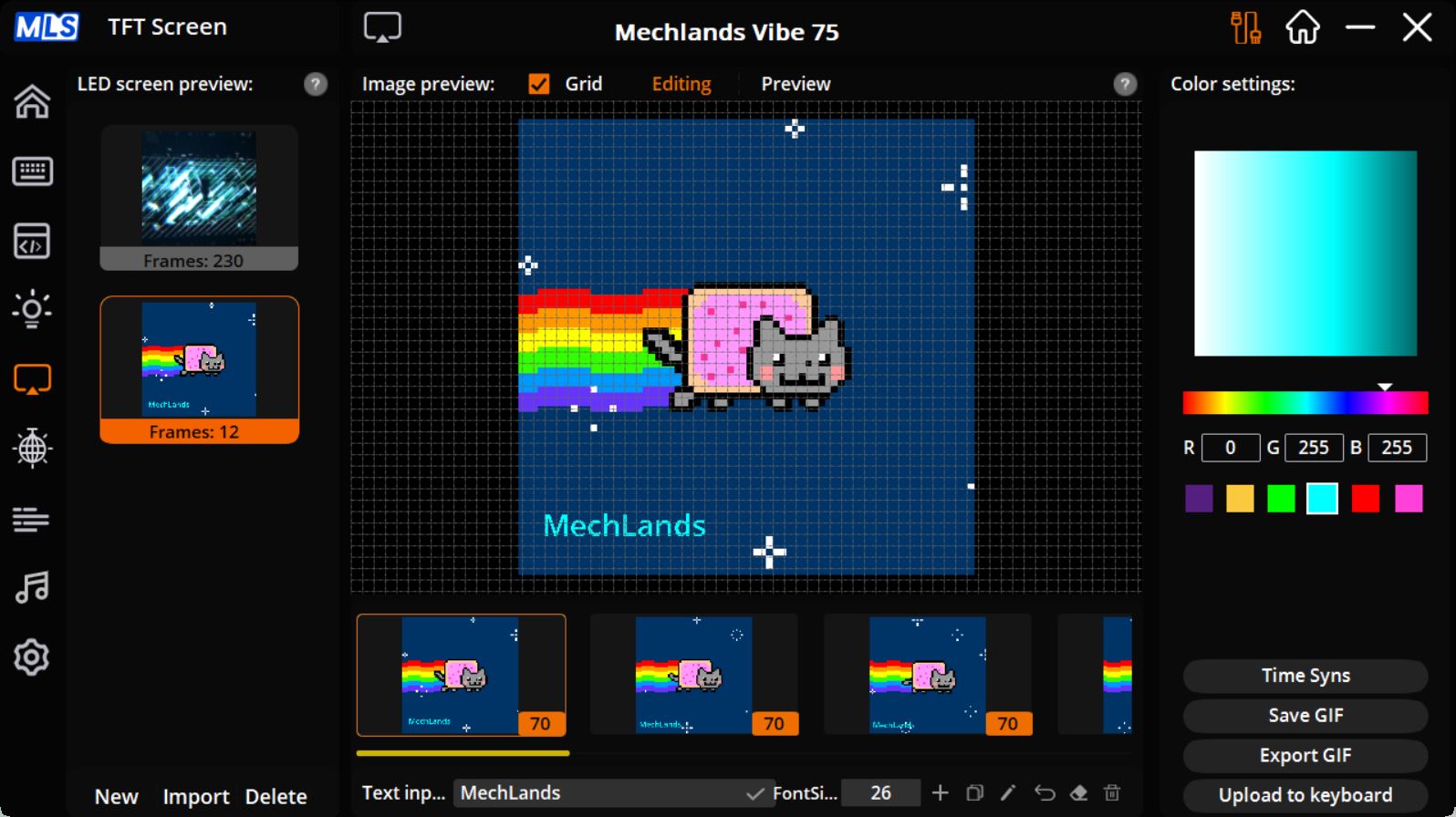
As mentioned, you can upload custom animations to the keyboard’s display. You can add GIF files or create animations from JPG and PNG images. The official software even includes a basic editor for this purpose. Additionally, you can add custom text to animations, with options to adjust the font color and size.
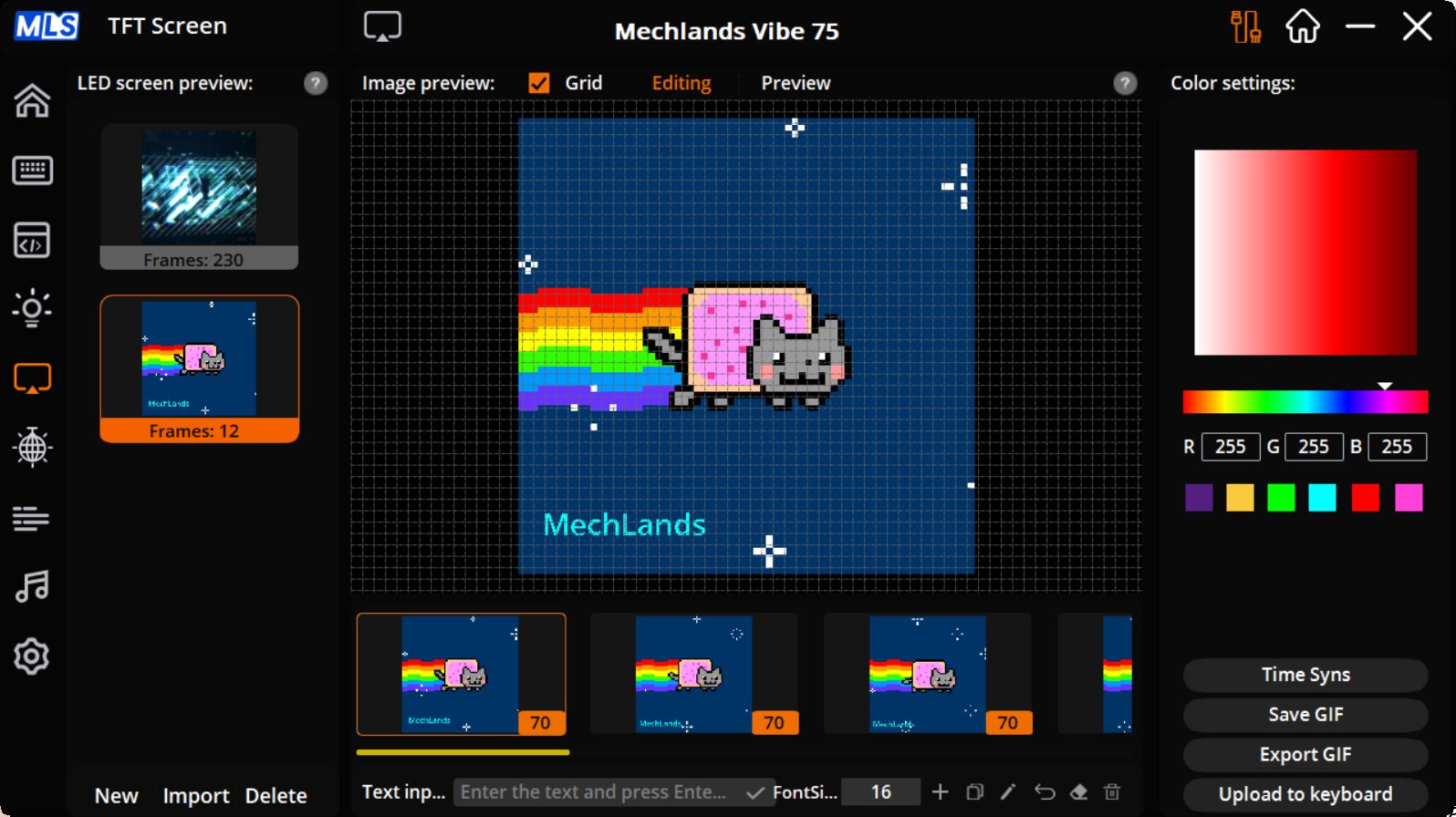
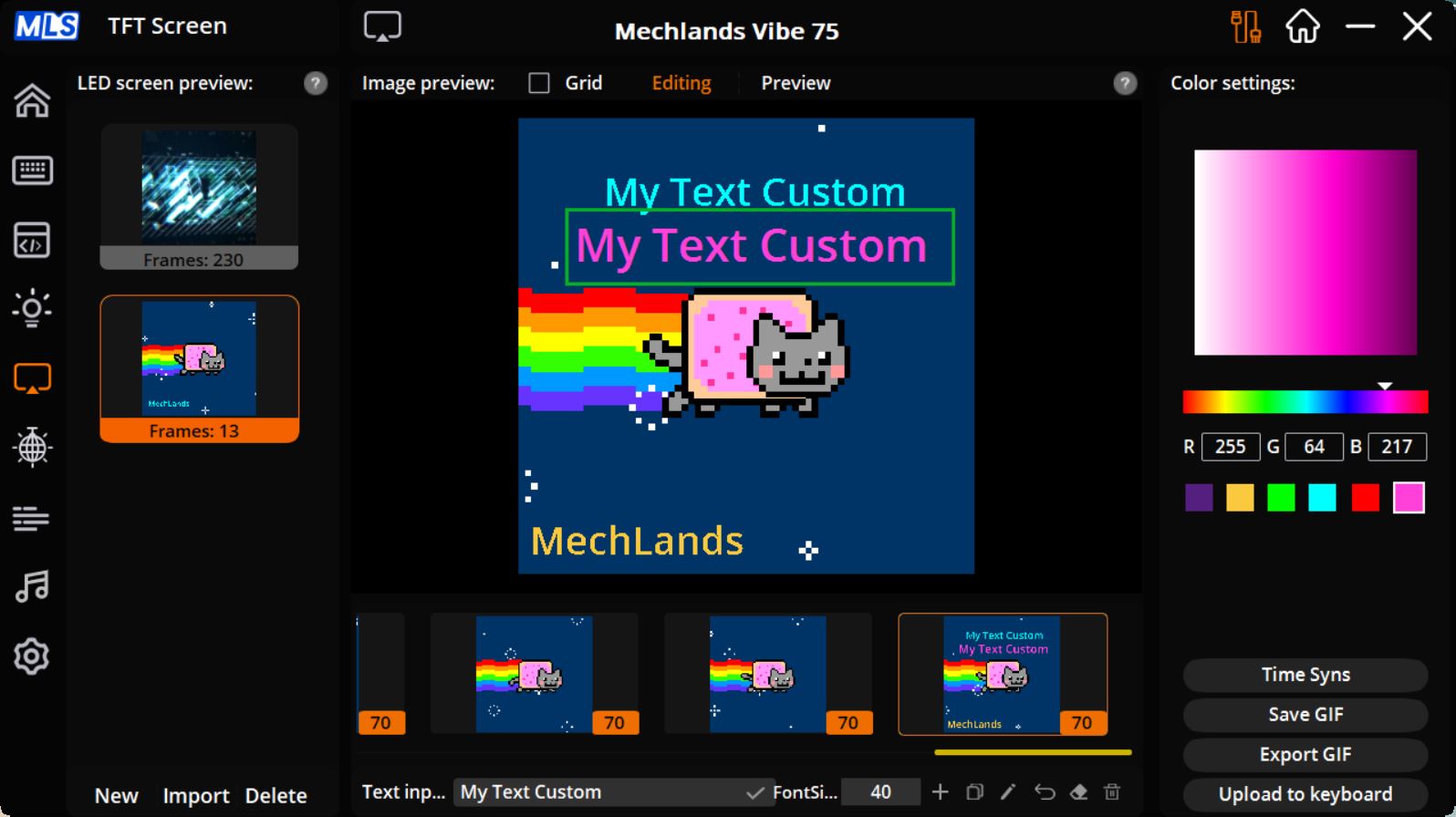
The display renders animations smoothly. GIFs appear with good brightness and color saturation, without noticeable distortion in the color palette. Overall, the Vibe75 V2 features a solid display.
Connectivity and supported platforms
The keyboard supports three connection modes: 2.4 GHz RF, Bluetooth, and wired USB. Through Bluetooth, you can pair up to three devices simultaneously and switch between them using the key combinations FN + W, FN + E, and FN + R.
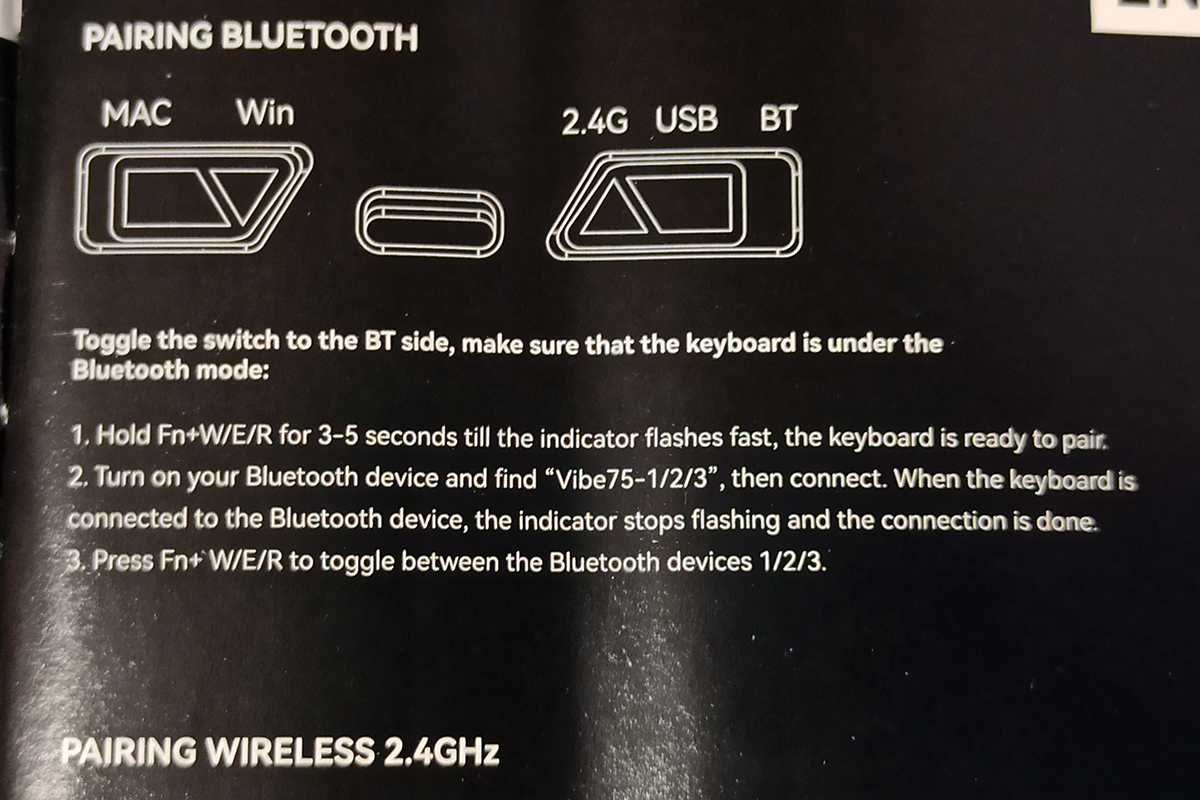
In total, the keyboard can connect to up to five devices simultaneously: three via Bluetooth, one via RF, and one wired connection. You can switch between them using key combinations and the toggle switch located on the top of the keyboard. One drawback is that the polling rate for Bluetooth connections is only 125 Hz, according to official specifications. For gaming, it’s better to use RF or wired mode, while Bluetooth is more suitable for basic work tasks.
Regarding supported platforms, the official specifications list only Windows and Mac. However, the keyboard can also be connected without issues to Android and iOS mobile devices via Bluetooth. Essentially, it should work with any device that supports USB keyboards – such as portable gaming consoles.
Read also:
- Epomaker Galaxy65 review: Say Goodbye to Screws
- Epomaker Galaxy 100 Review: The Full-Size Keyboard That Will Survive a Nuclear Blast
Proprietary application
All advanced keyboard settings are managed through the official MechLands Vibe 75 software, which is currently available only for Windows. The app can be downloaded from MechLands’ official website and installed on a PC. Configuration is possible only in wired mode – you need to connect the keyboard via cable and switch it to USB mode.
Сам же застосунок можна умовно поділити на 9 основних меню: Main, My Exclusive Config, Macro Manager, Lighting Mode, TFT Screen, User Lighting, Real Time Lighting, Music Rhythm, System Settings.
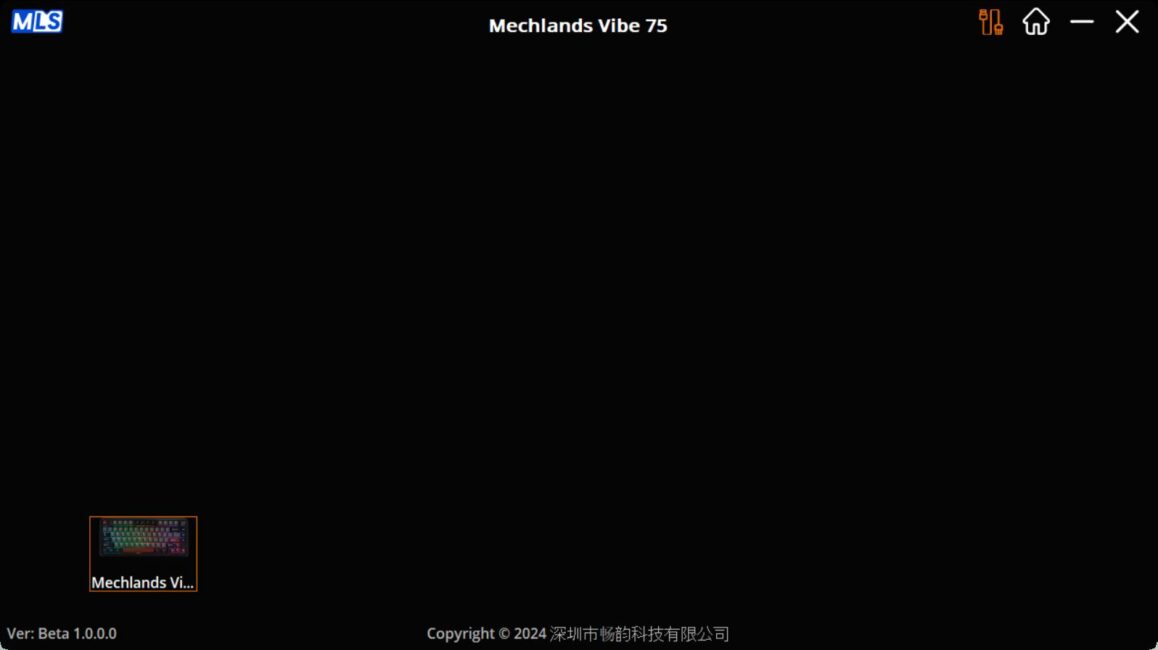
In the Main menu, you select the connected device – in this case, your MechLands Vibe75 V2 keyboard.
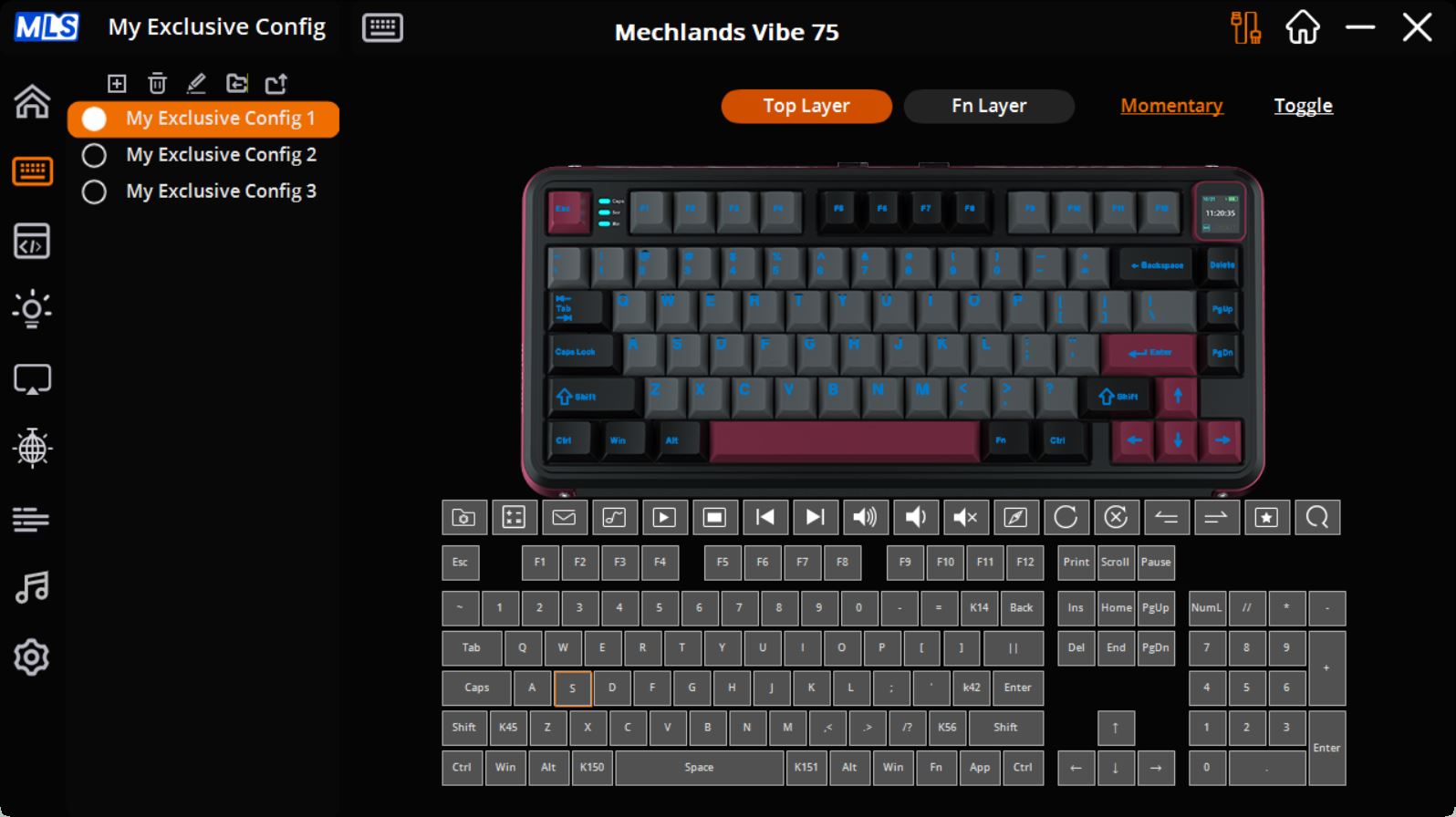
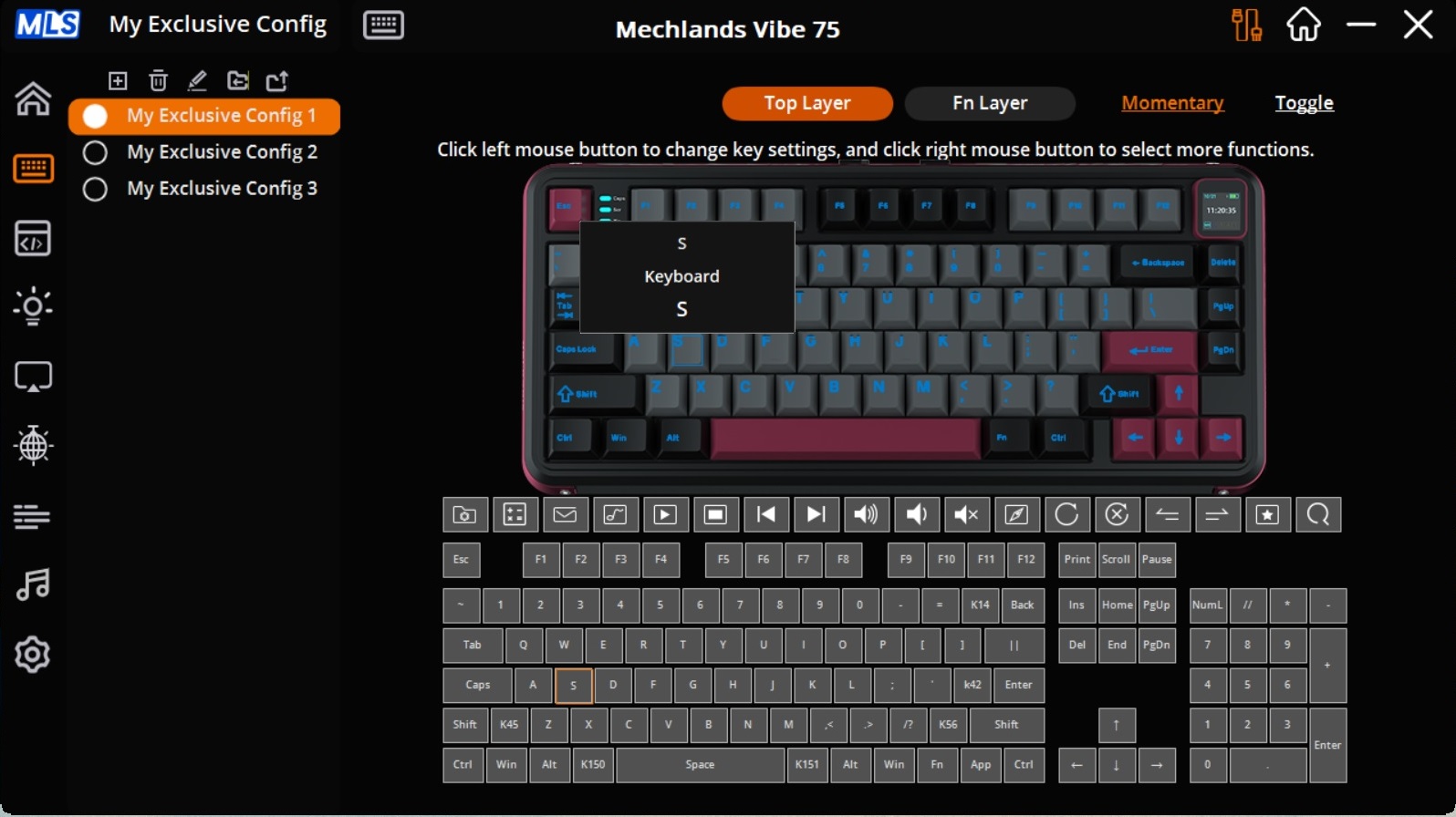
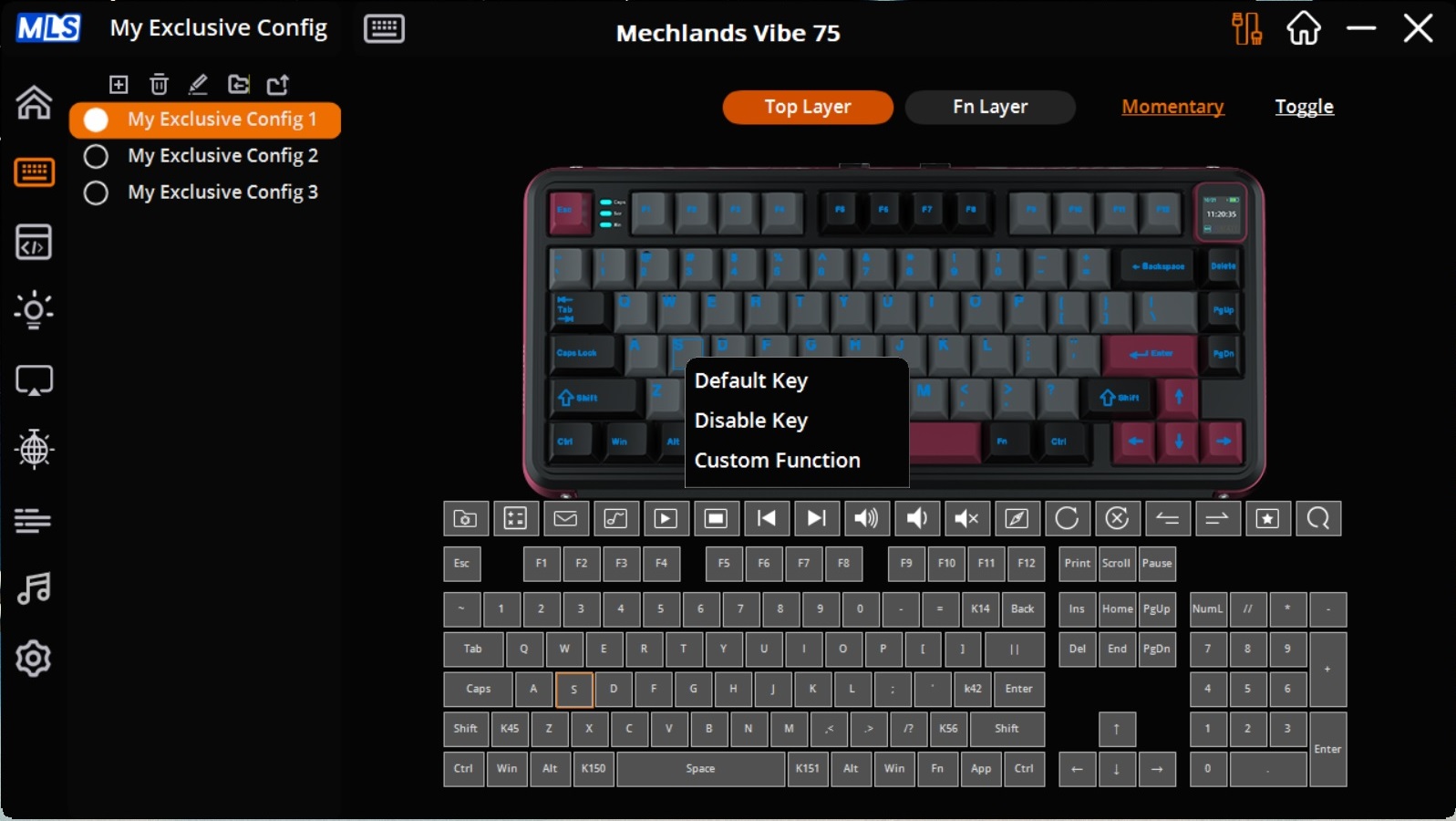
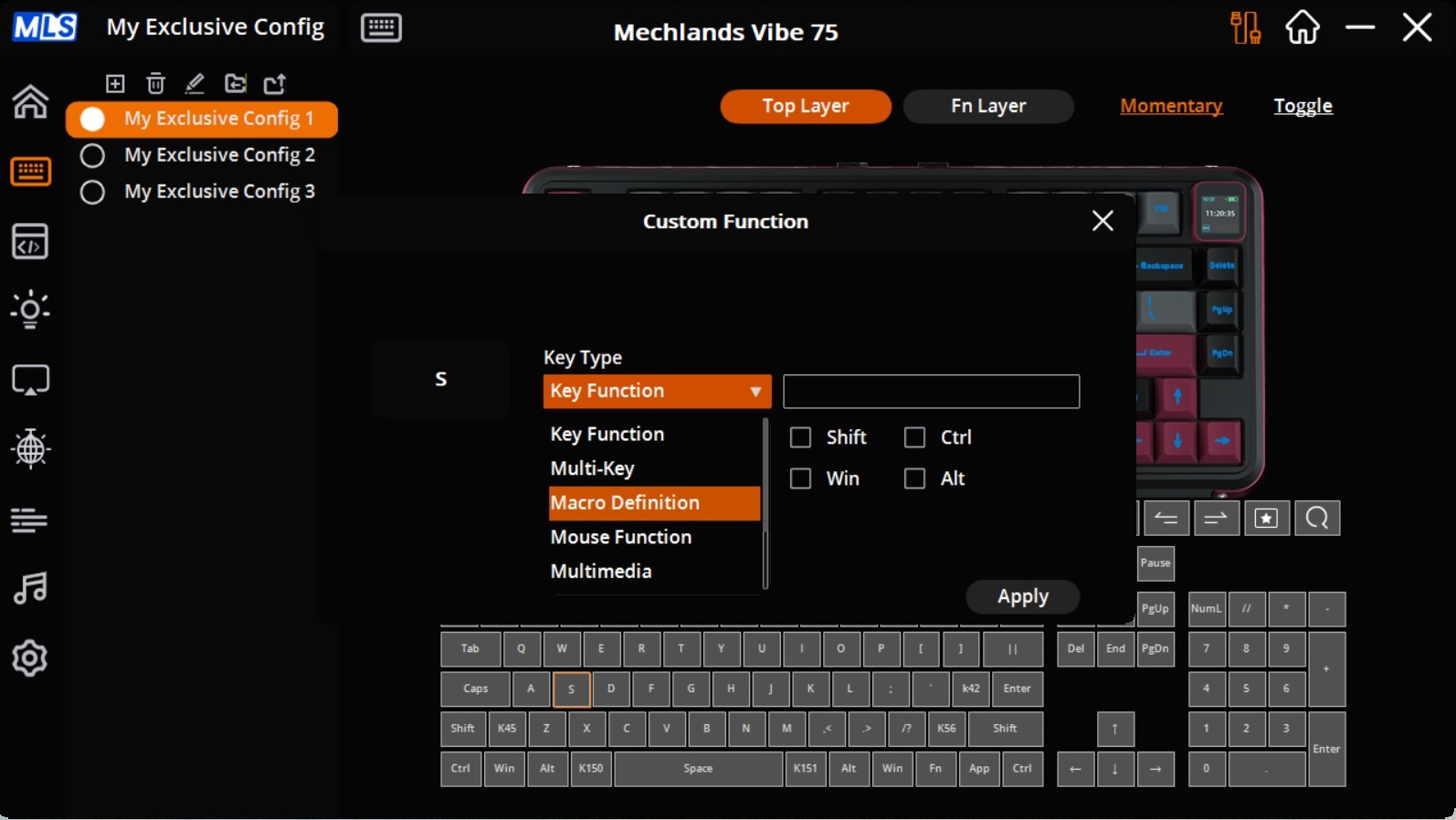
In the My Exclusive Config menu, you can create custom configurations with personalized key layouts, FN layers, and key combinations. The process is straightforward: select the desired key or function on the top layout, then choose the key or function you want to assign to it in the lower panel. All changes are applied instantly. In addition to standard functions, there are also extended and custom options. To access them, select a key on the layout and right-click it. This will open a list of advanced functions that can be assigned.

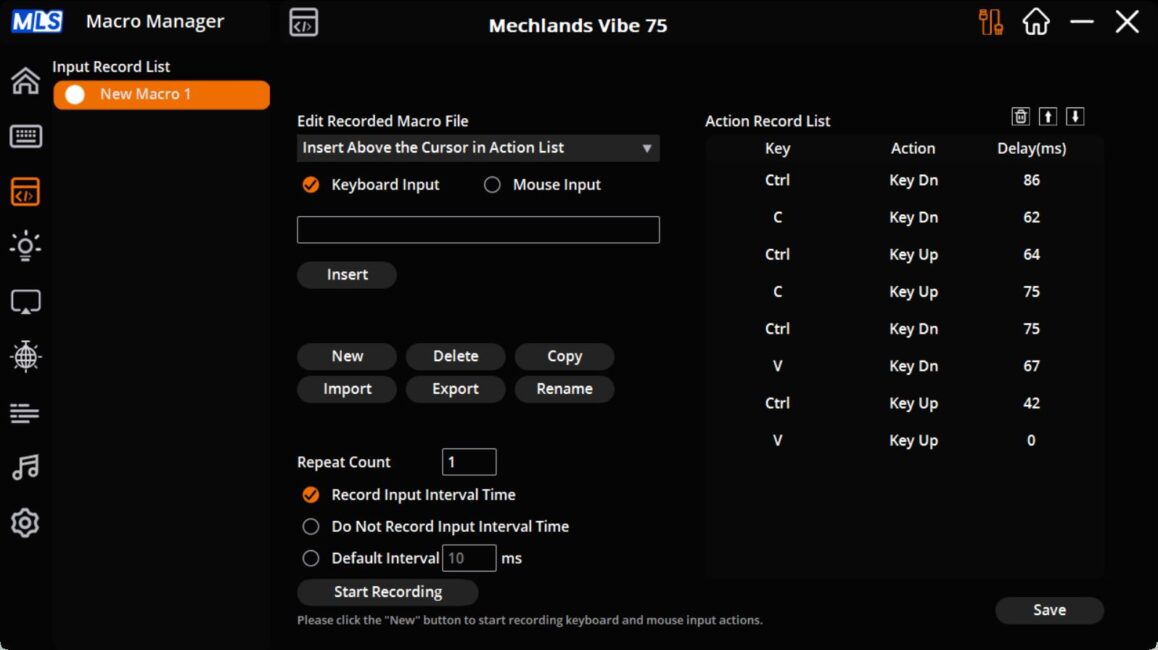
The Macro Manager menu allows you to create and edit macros. Any recorded macros can then be assigned to keys or key combinations through the configuration menu described earlier.
The Lighting Mode menu is used to adjust the keyboard’s backlighting. As mentioned earlier, there are 19 preset effects available, each of which can be further adjusted and customized.
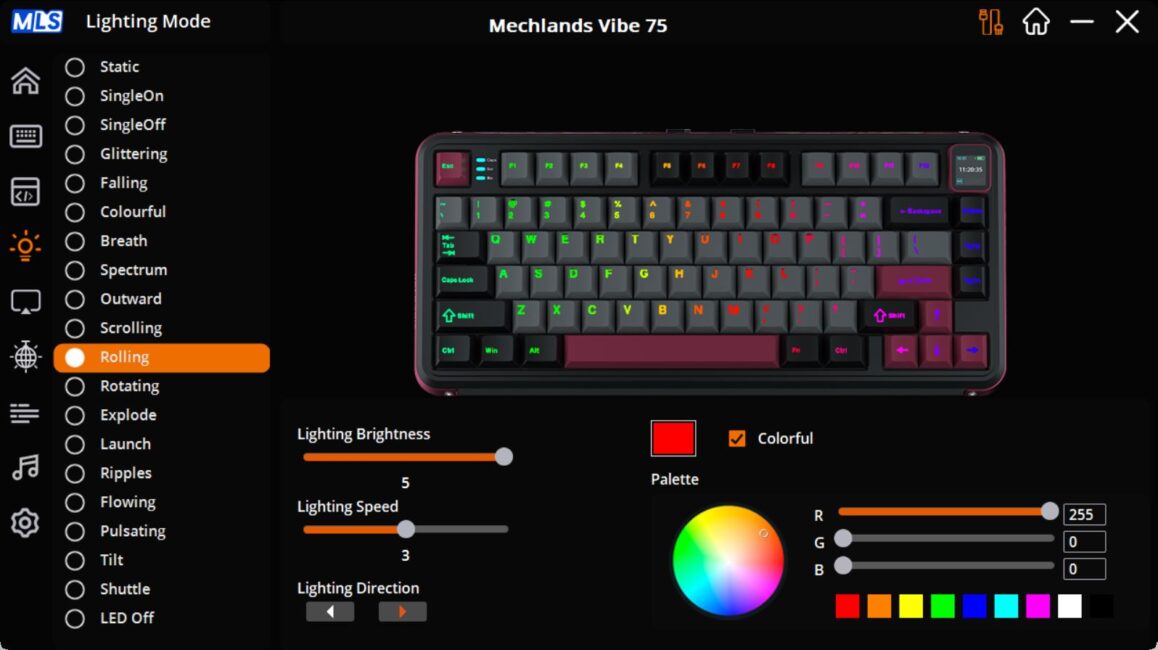
The TFT-Screen menu controls the keyboard’s built-in display. Here, you can sync the date and time with your PC settings, as well as add or edit custom animations for the screen.
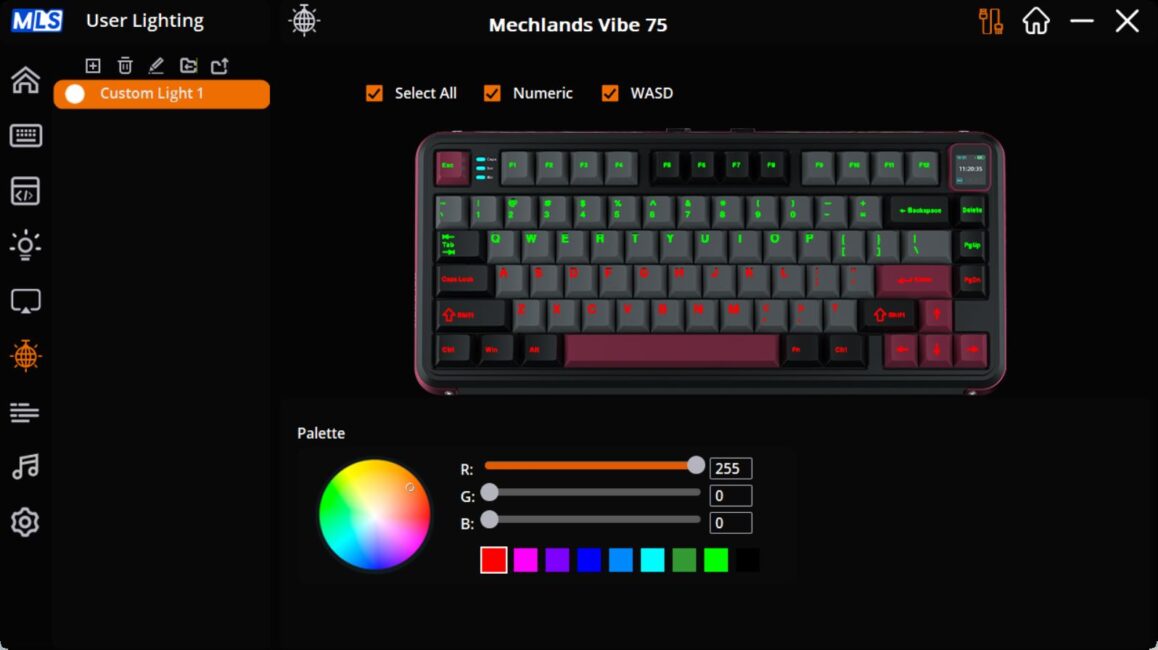
The User Lighting menu lets you create a custom lighting setup by assigning individual colors to each key.
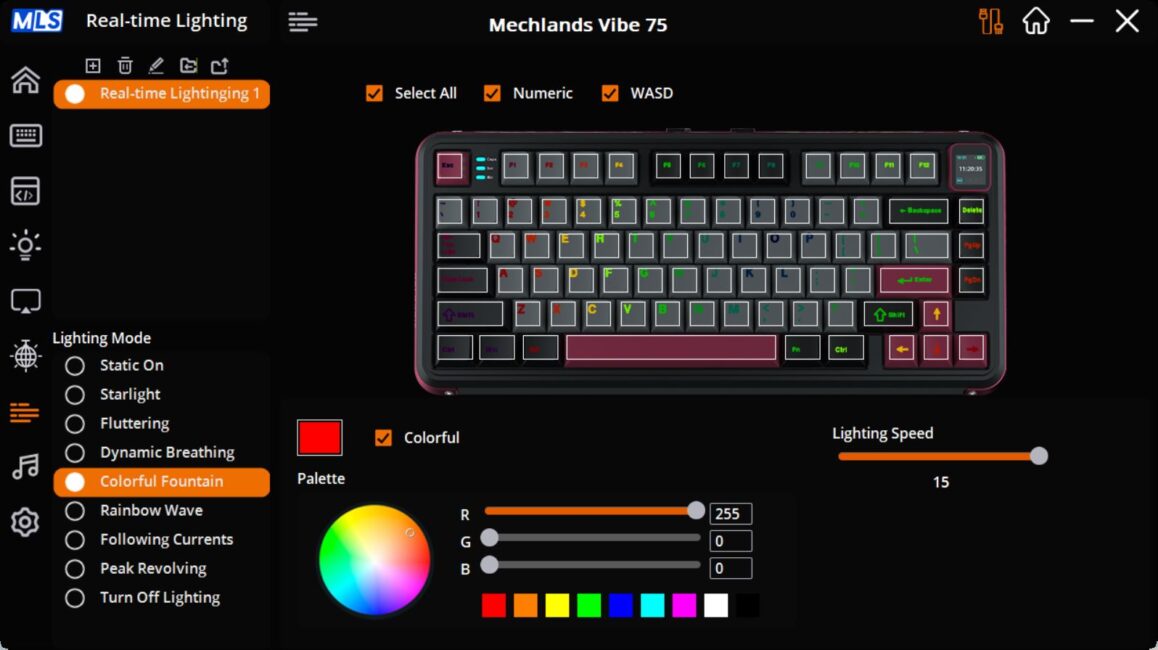
The Real Time Lighting menu contains a few additional lighting effects. To be honest, it’s not entirely clear how they differ from those in the Lighting Mode menu or why they were placed in a separate section. Visually, the effects are different, but in essence, it’s just another set of dynamic lighting patterns. This effectively brings the total number of available lighting effects from 19 to 27.
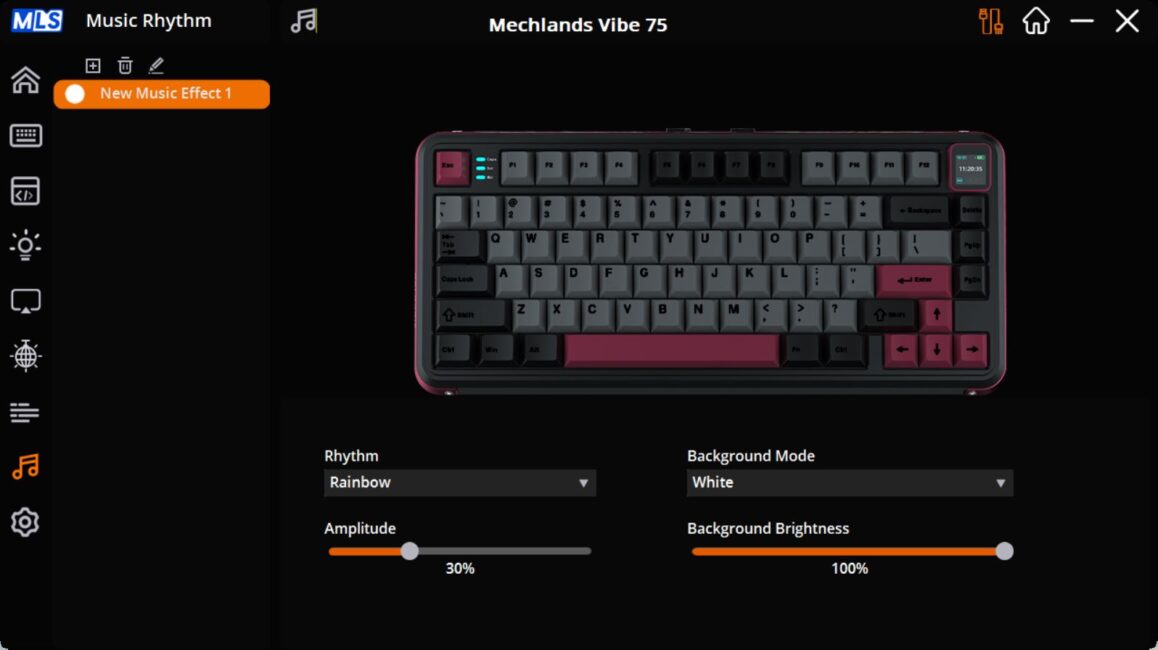
Music Rhythm is another lighting settings menu, but in this case, the backlighting syncs with music played on the PC, animating the effects in time with the audio. Various effects and animation styles are available here as well.
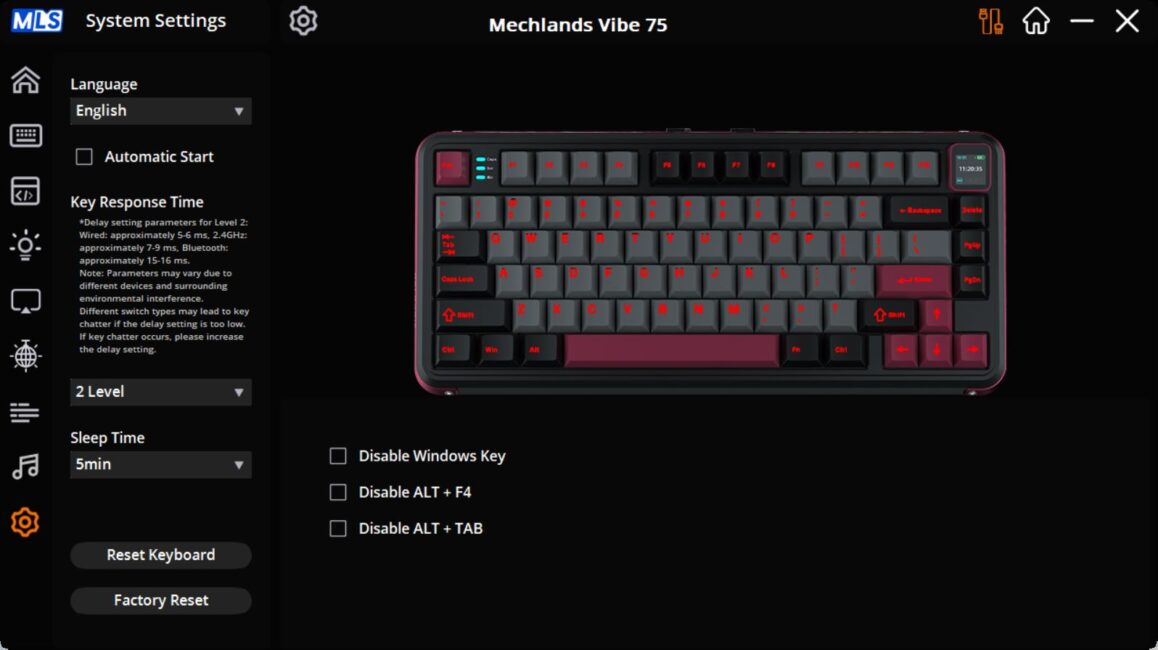
The final menu, System Settings, contains various global options for both the software and the keyboard itself. Here, you can set the time before the keyboard enters sleep mode. Notably, the keyboard wakes from sleep instantly, without any delay, even after extended periods – something I found personally important. This menu also allows you to perform a full factory reset of the keyboard if needed.
Read also:
- SteelSeries Apex Pro Mini – So Good It’s Almost Cheating
- YUNZII AL68 Review: Solid, Affordable Keyboard with Aluminum Сase
Switches, stabilizers, typing
The MechLands Vibe75 V2 comes equipped with a single type of switch – the company’s own MechLands Cream Mint Switch. These switches are pre-lubricated, which noticeably improves the typing experience.
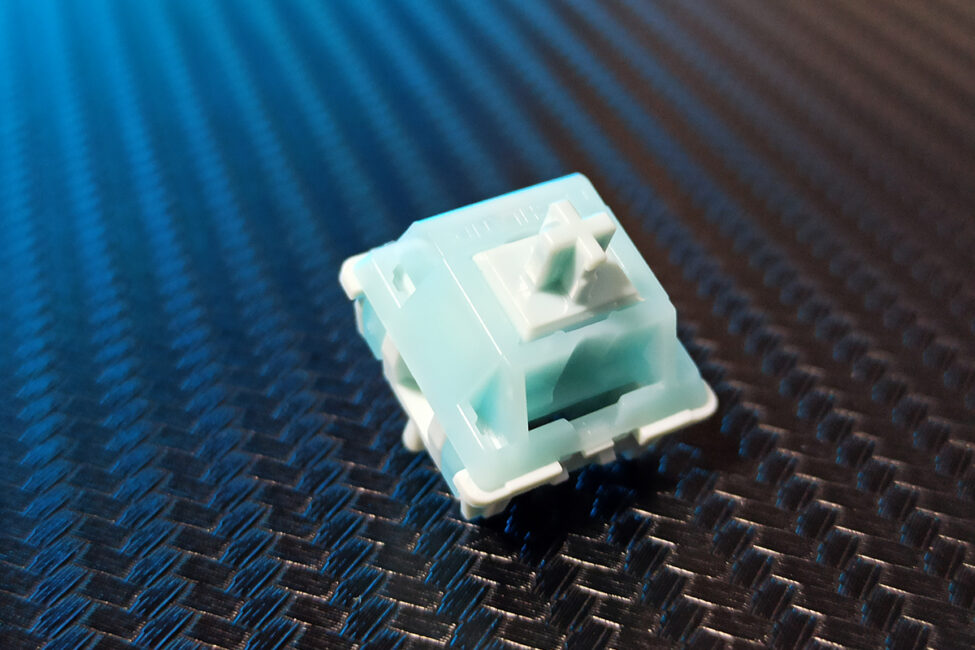
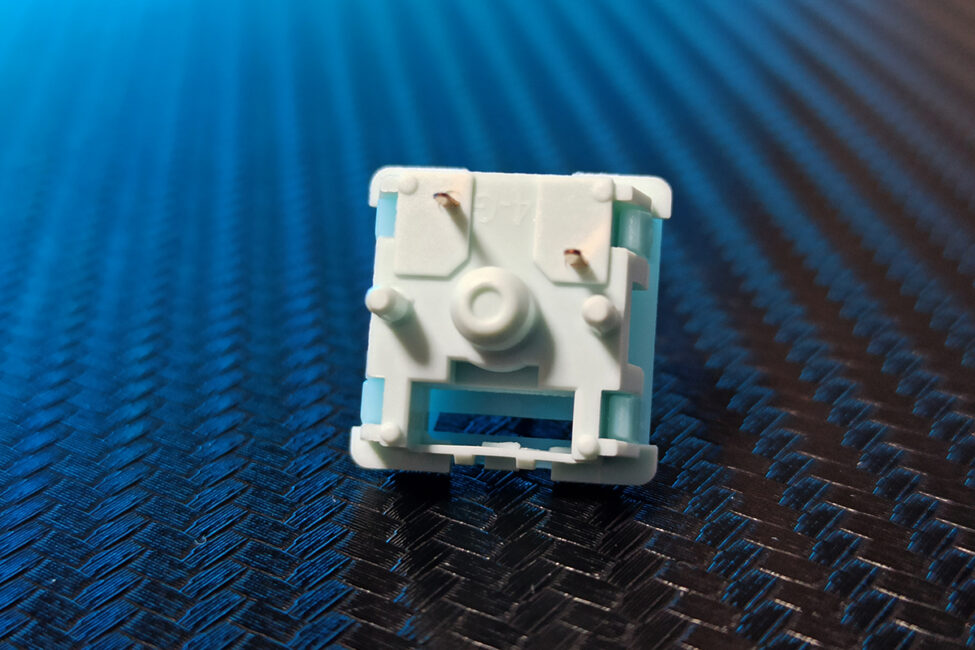
As for the detailed specifications of the switches, I’ve included them in the screenshot below.
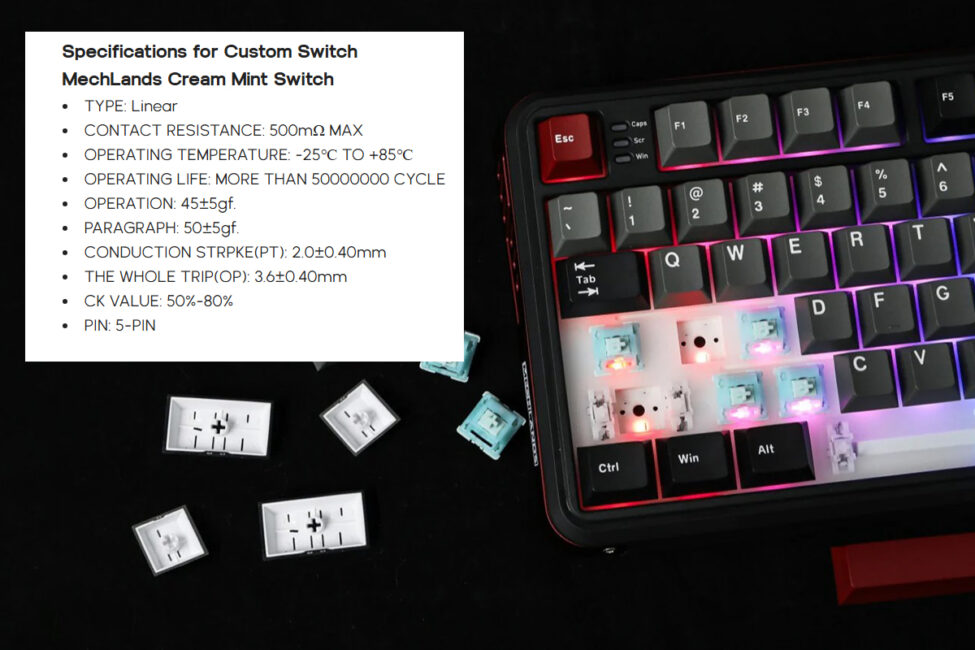
From my experience, the switches are quite impressive and offer a unique typing feel. They have a smooth, creamy linear travel but also provide a subtle tactile feedback. Overall, I really liked the MechLands Cream Mint Switches and would consider customizing one of my personal keyboards with them.
The keyboard supports hot-swapping, allowing you to replace switches without soldering. The sockets are standard 5-pin, compatible with both 5-pin and 3-pin switches.
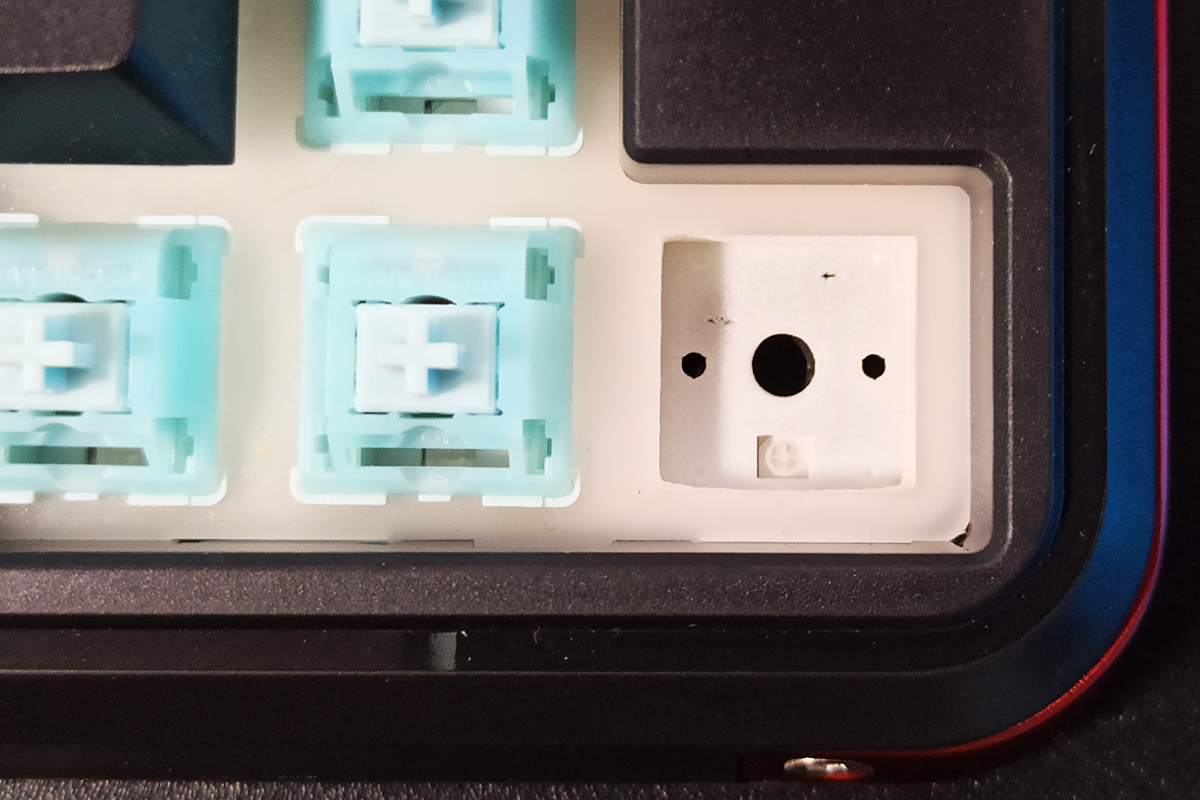
The stabilizers, like the switches, come pre-lubricated and factory-tuned. The feel of the larger keys’ travel is very smooth – soft, linear, and well-stabilized, without any of the unpleasant noises often found in lower-quality mechanical keyboards.
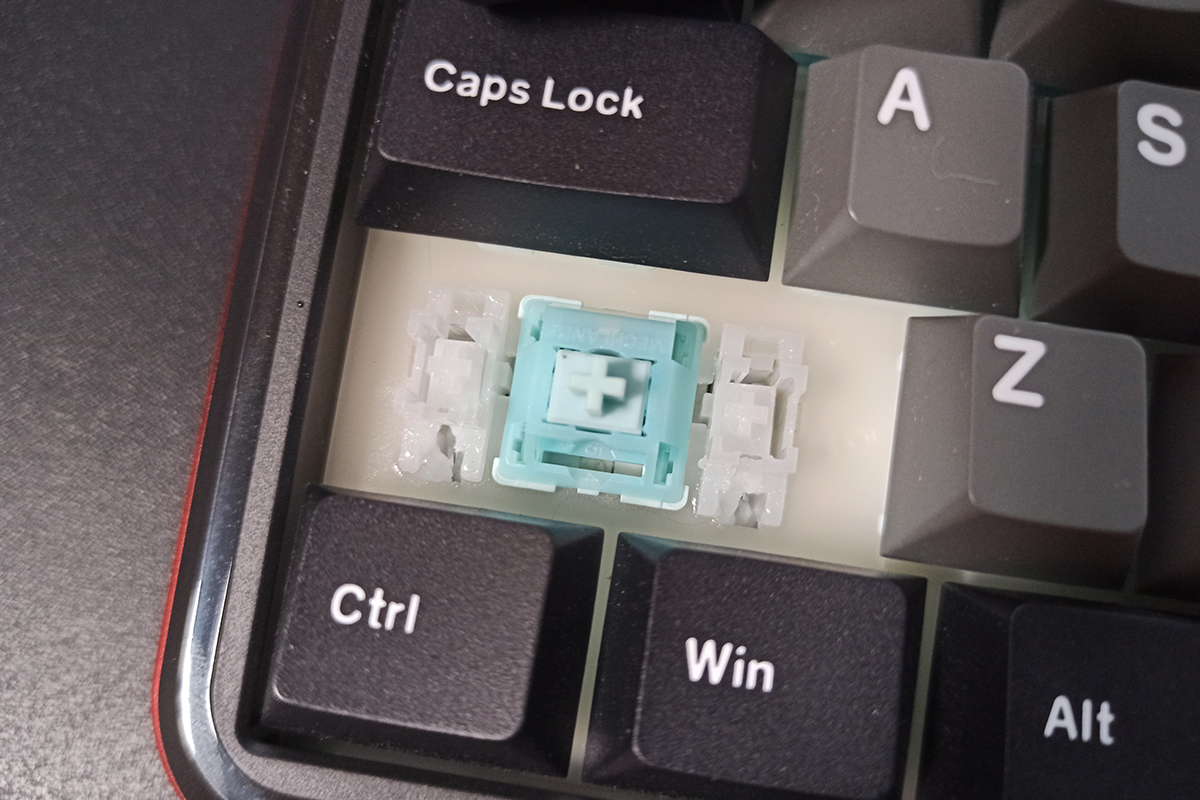
The typing experience on this keyboard, as mentioned at the start of the review, has an interesting character. It features a soft, relatively quiet, creamy linear travel with good stabilization on both small and larger keys. Despite this smoothness, there’s a subtle tactile sensation and slight feedback with each press. It feels almost like pressing soft, rubberized blocks resting on a cushioned surface rather than typical keys. Overall, the typing feel of the MechLands Vibe75 V2 is definitely one of the most pleasant and unique I’ve encountered.
MechLands Vibe75 V2 Battery life
The keyboard is equipped with a 4000 mAh battery. Based on my observations, a full charge lasts about two days when using the 2.4 GHz RF mode, with the backlighting set to maximum brightness and a sleep timeout of five minutes. While the battery life isn’t particularly long, this is typical for budget keyboards in this category. So, I wouldn’t consider the autonomy a major drawback.
Conclusions
To sum up, the MechLands Vibe75 V2 stands out as a strong option for its price range. It comfortably competes with other budget top-tier keyboards thanks to solid build quality, a pleasant design, an interesting small display, hot-swappable switches, and unique, well-crafted proprietary switches.
The main drawbacks are the battery life, which could be longer, and the absence of spare switches in the package – a detail that many manufacturers usually include. Aside from that, the Vibe75 V2 is a solid device that should appeal to fans of quality mechanical keyboards.
Read also:
- ASUS Vivobook 16 X1607Q Review: Portable, Versatile, and Affordable
- Motorola Moto Buds Loop Review: More Than Just a Stylish Accessory
- ChatGPT-5 from OpenAI: What the New AI Model Can Do
Where to buy MechLands Vibe75 V2


