





© ROOT-NATION.com - Use of content is permitted with a backlink.
When people say that the simplest ideas often turn out to be the most effective, I find myself agreeing more and more. The ASUS ZenScreen MB27ACF is one of the most unusual yet thoughtfully designed and versatile monitors I’ve come across. And its versatility shows up exactly where this category has long needed it.
Read also: All monitor reviews

TABLE OF CONTENTS:
ASUS ZenScreen MB27ACF Specifications
- Panel type: IPS
- Resolution: 2560×1440 pixels
- Response time: 5 ms
- Promised brightness: 300 nits
- Contrast: 1500:1
- Viewing angles: 178 / 178
- Frequency: 100 Hz
- Weight: less than 3 kg
- Dimensions: 61.1 × 75.6 × 30.1 cm
- Connectors: HDMI, USB-C, combined audio jack
- Power consumption: up to 19 W
Positioning and Price
All of this comes at a cost. The ASUS ZenScreen MB27ACF is priced around $600. At first glance, the price doesn’t seem excessive – until you realize that the display itself is a 27-inch IPS panel with a 100 Hz refresh rate and WQHD resolution (2560×1440), offering 178° viewing angles in all directions.
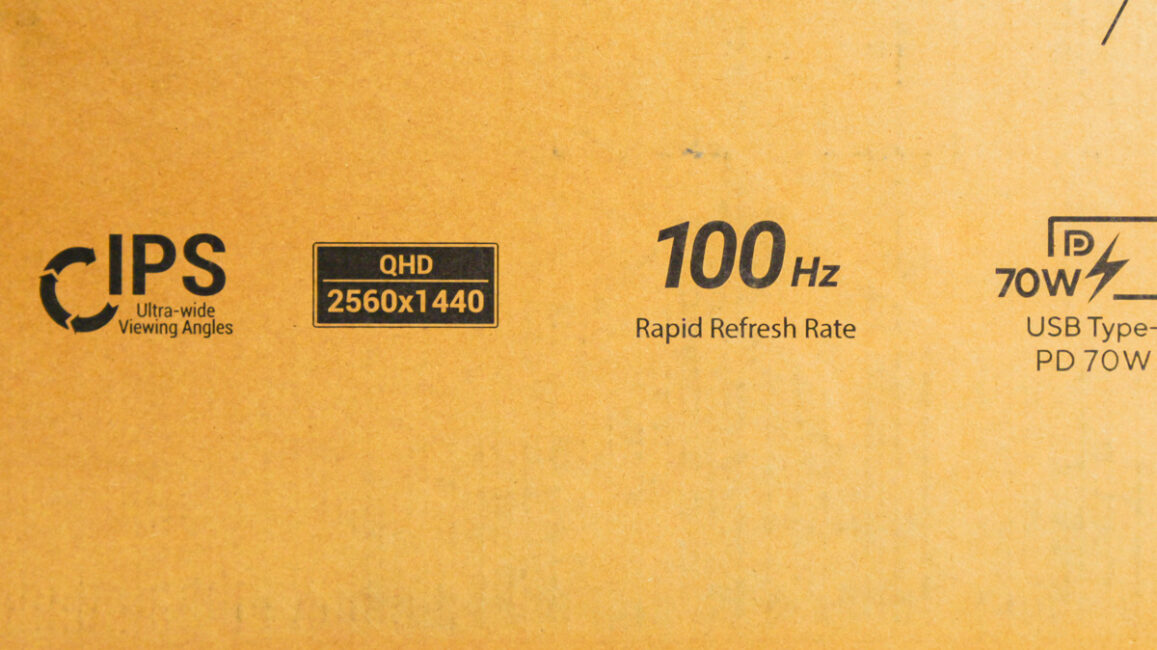
Color performance doesn’t exactly justify the price. The panel covers a claimed 99% of the sRGB gamut, which can be pushed to around 110% after calibration. The delta E helps the situation somewhat – out of the box it sits around 1.5, which is already very good. At the same time, brightness works against it: it stays below 250 nits despite the advertised 300.
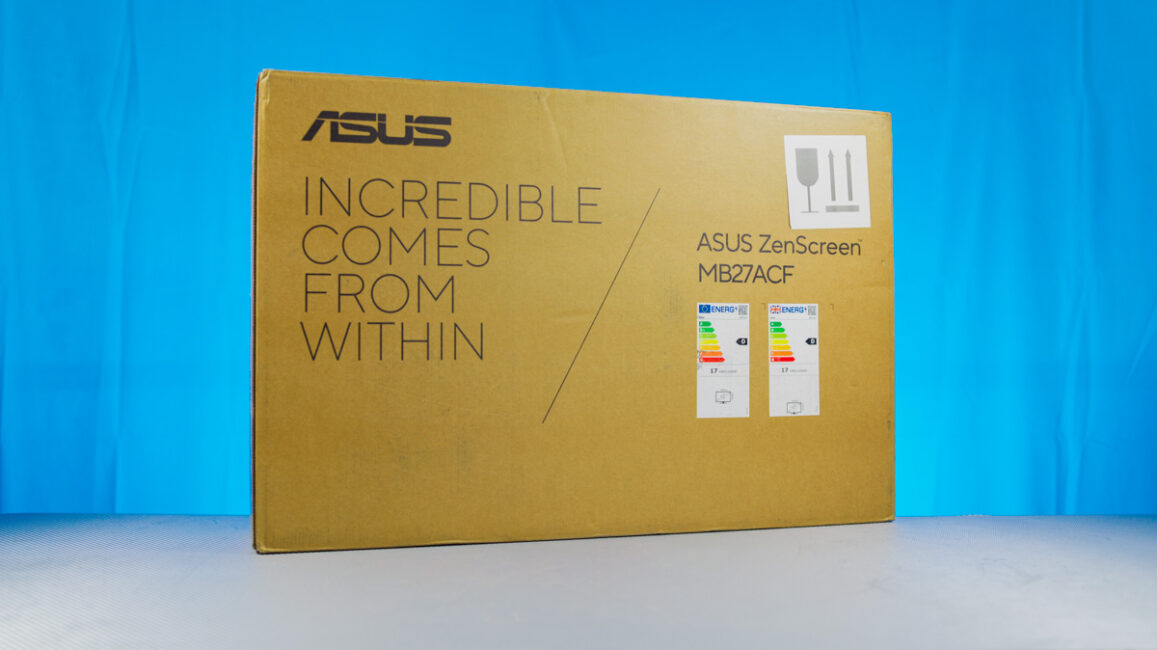
The monitor also carries Energy Star, TÜV Flicker-free, TÜV Low Blue Light, and FSC MIX certifications, but these are fairly standard for this class and don’t change the overall picture.
Main Advantage
So what exactly makes the ASUS ZenScreen MB27ACF not only unique but potentially worth its asking price? It’s a 27-inch portable monitor. In many ways, it’s similar to the UPERFECT Lapdock X Pro, which I’ve been using for years, but it introduces its own ideas – such as a transparent metal-plastic support stand integrated into the bottom.
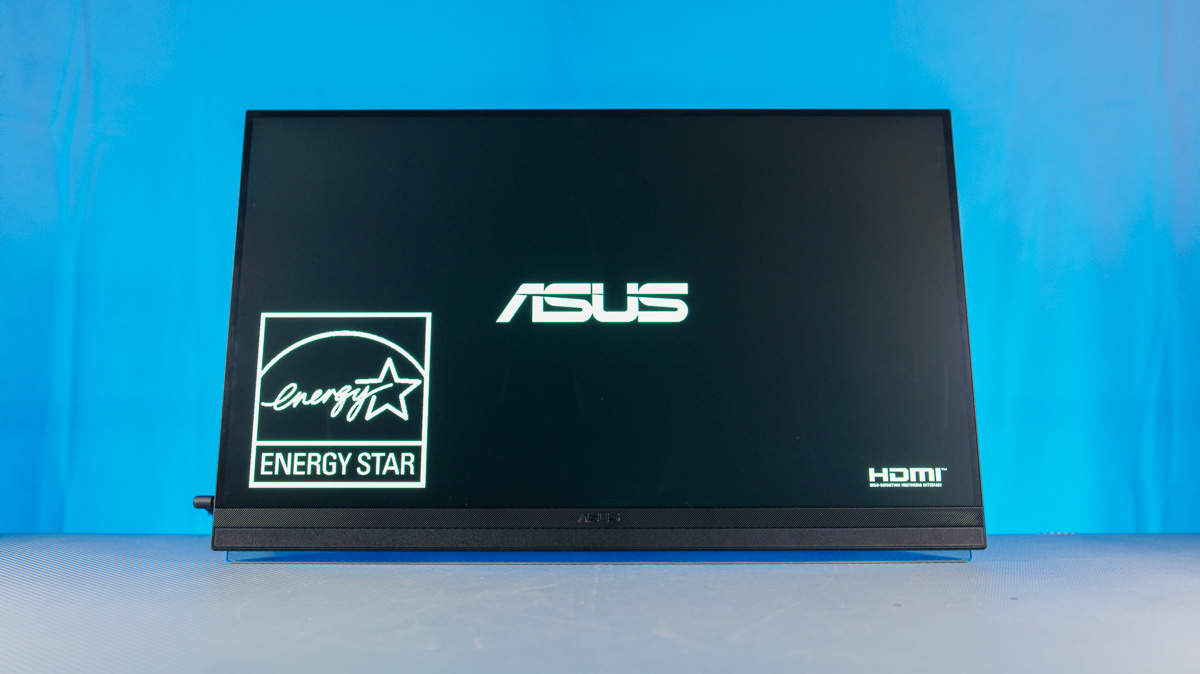
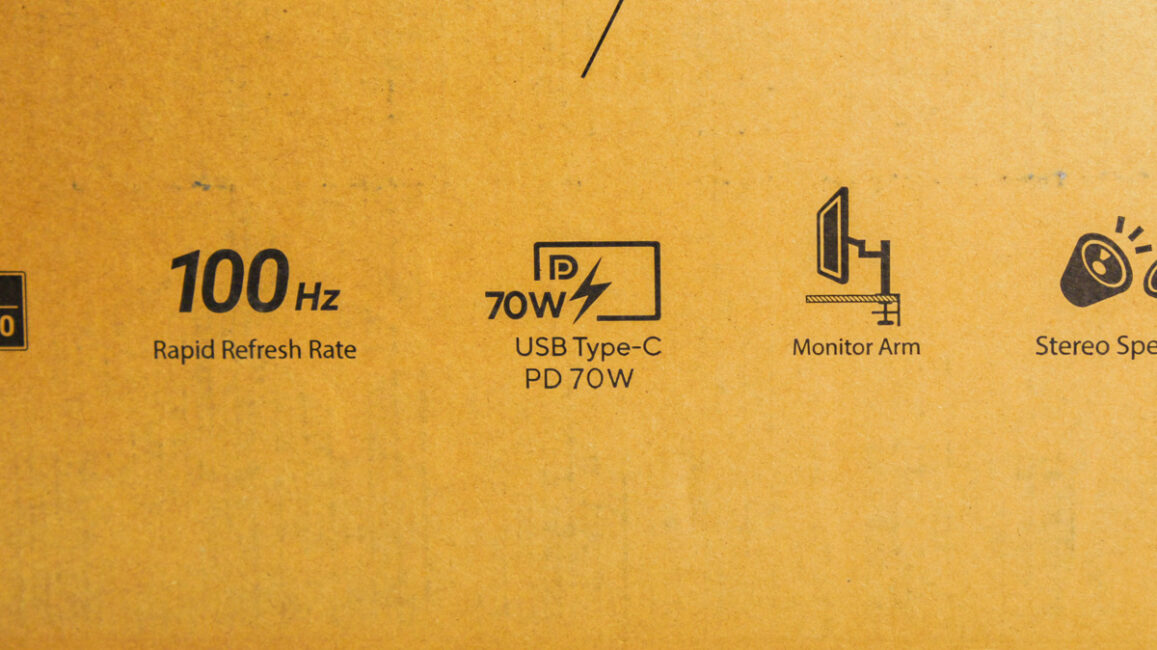
The MB27ACF doesn’t use a built-in bracket. The chassis is mostly metal, and the connectors are placed on the sides rather than along the bottom edge. On the left, you’ll find a USB-C port with support for up to 70 W Power Delivery and DP Alt Mode, along with HDMI 2.0, a combined audio jack, and a DC power input. The included power adapter delivers up to 120 W, which is enough to power both the monitor and a laptop connected via USB-C.
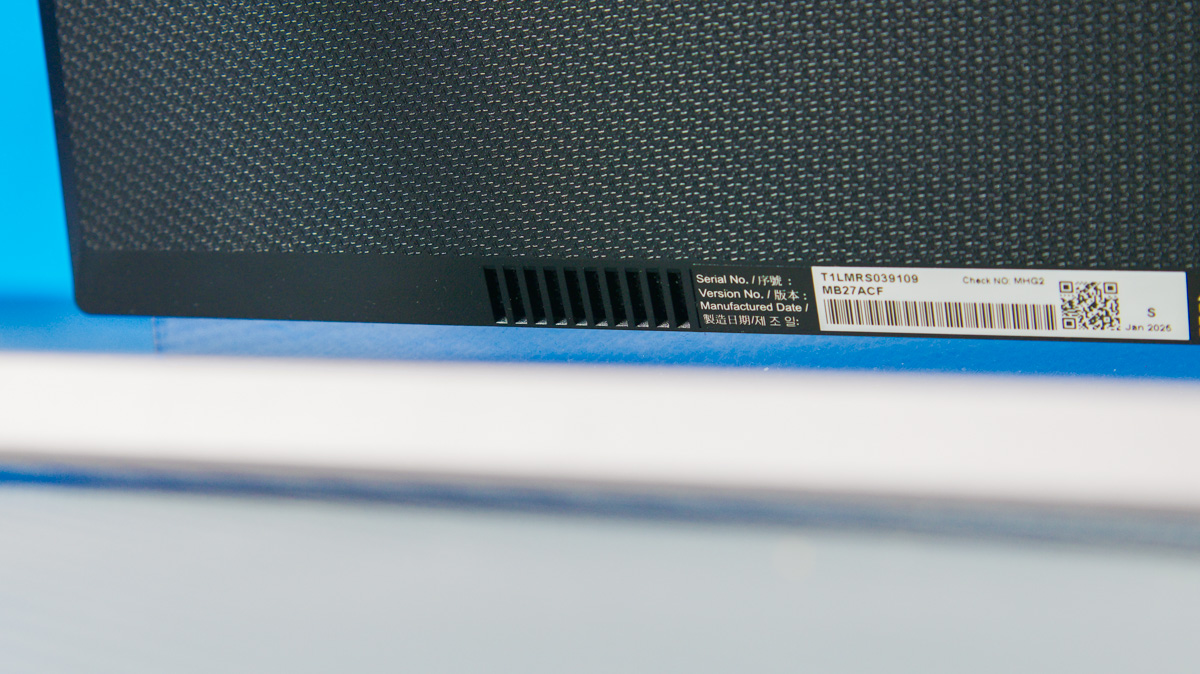
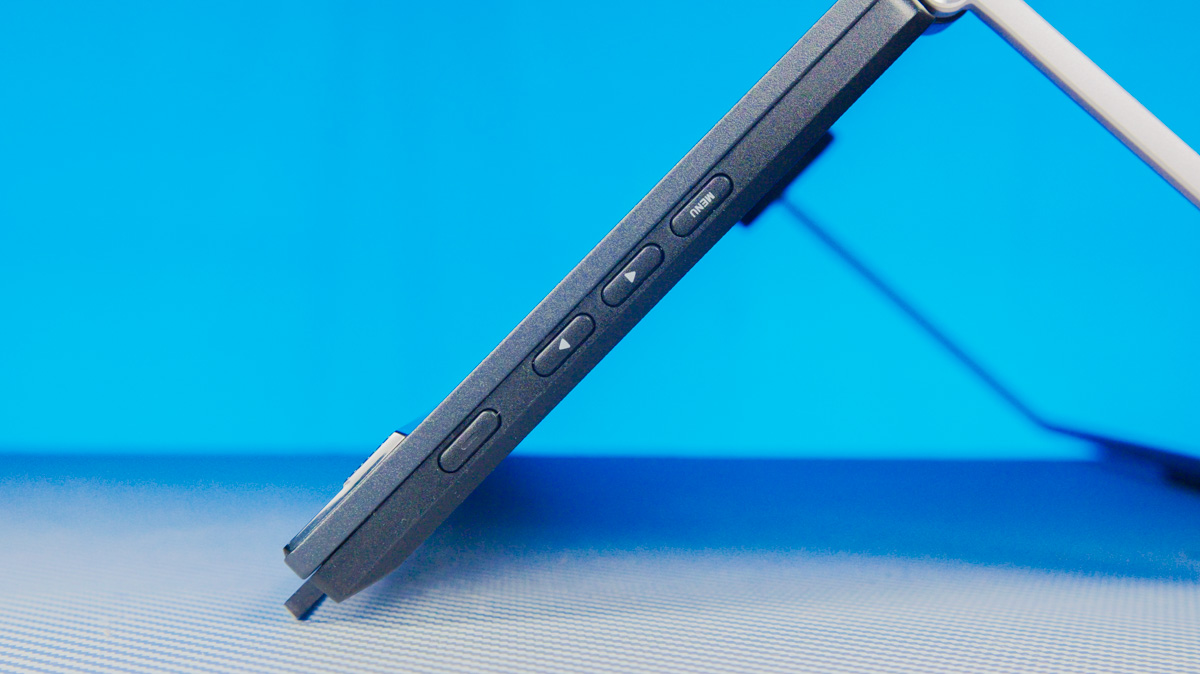
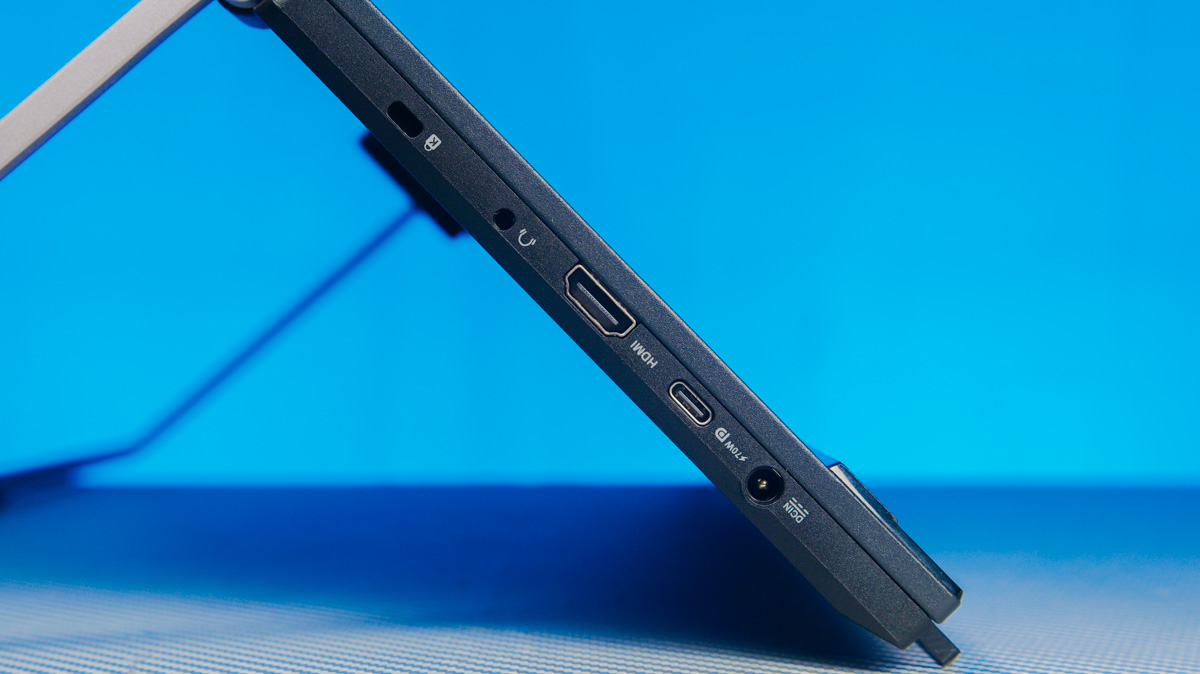
Instead of a traditional stand, the monitor uses a sliding metal kickstand with a rubberized base.
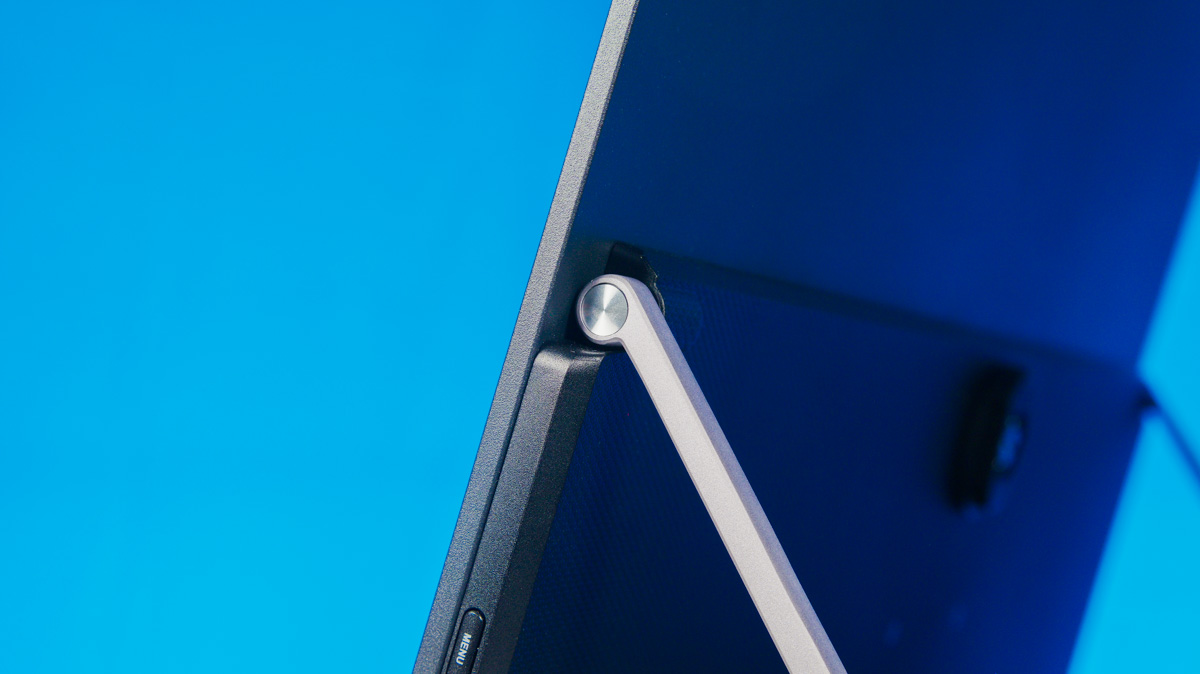
This design offers significantly greater flexibility when positioning the ASUS ZenScreen MB27ACF – at least in scenarios where the display doesn’t need to sit at exact eye level. The viewing angle is determined by the kickstand’s tilt, which works smoothly in practice. However, the stand doesn’t extend to a full 180°; its maximum opening angle is closer to 150°.
Additional Features of the ASUS ZenScreen MB27ACF
Ergonomically, the monitor still has a few surprises. Even the packaging includes dedicated cutouts that make it easier to remove the accessories. And among those accessories you’ll find a clamp-style mounting bracket for attaching the monitor to another display, as well as rails for securing it to flat surfaces.
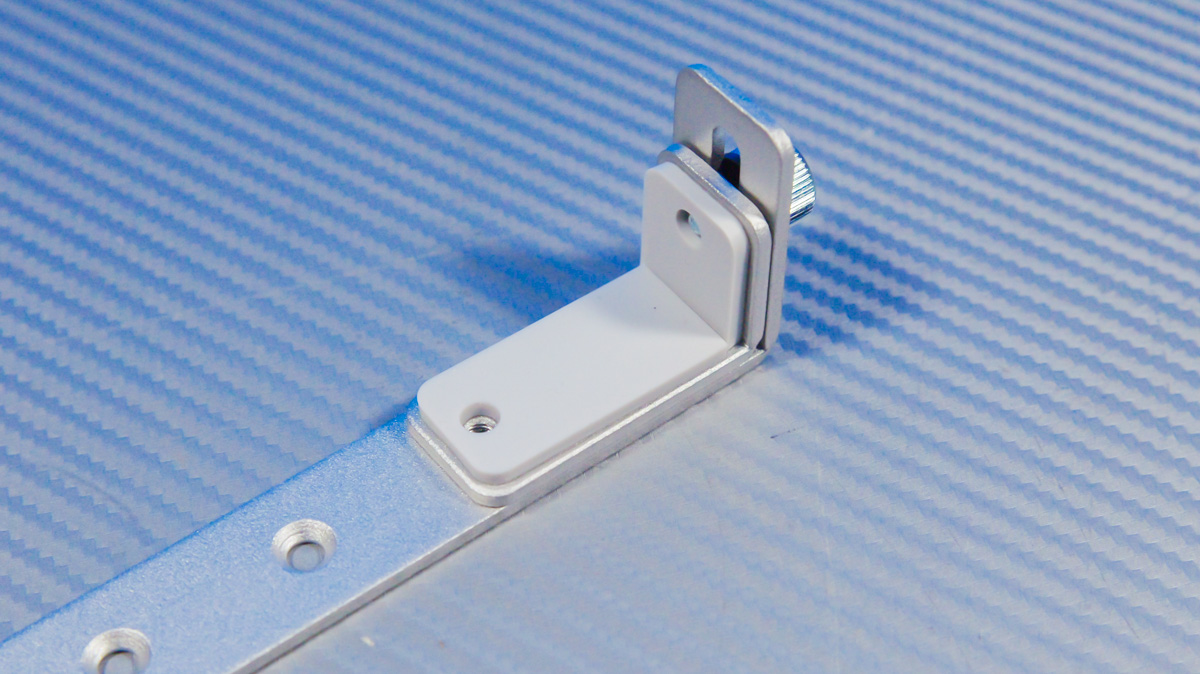
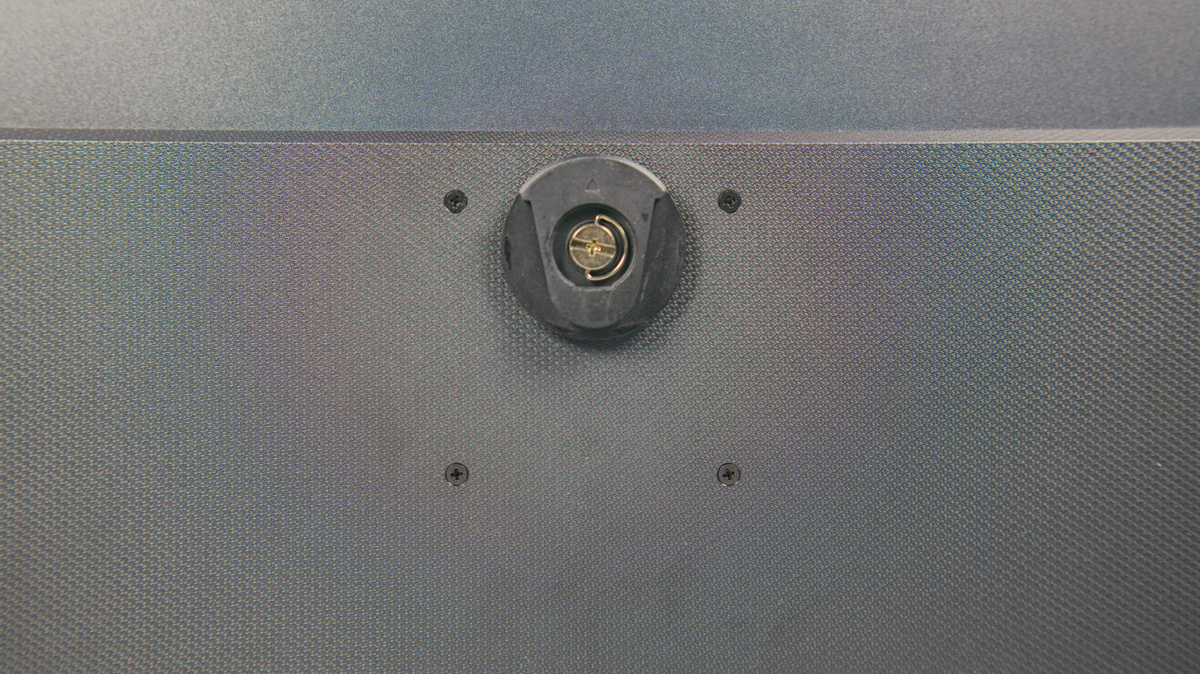
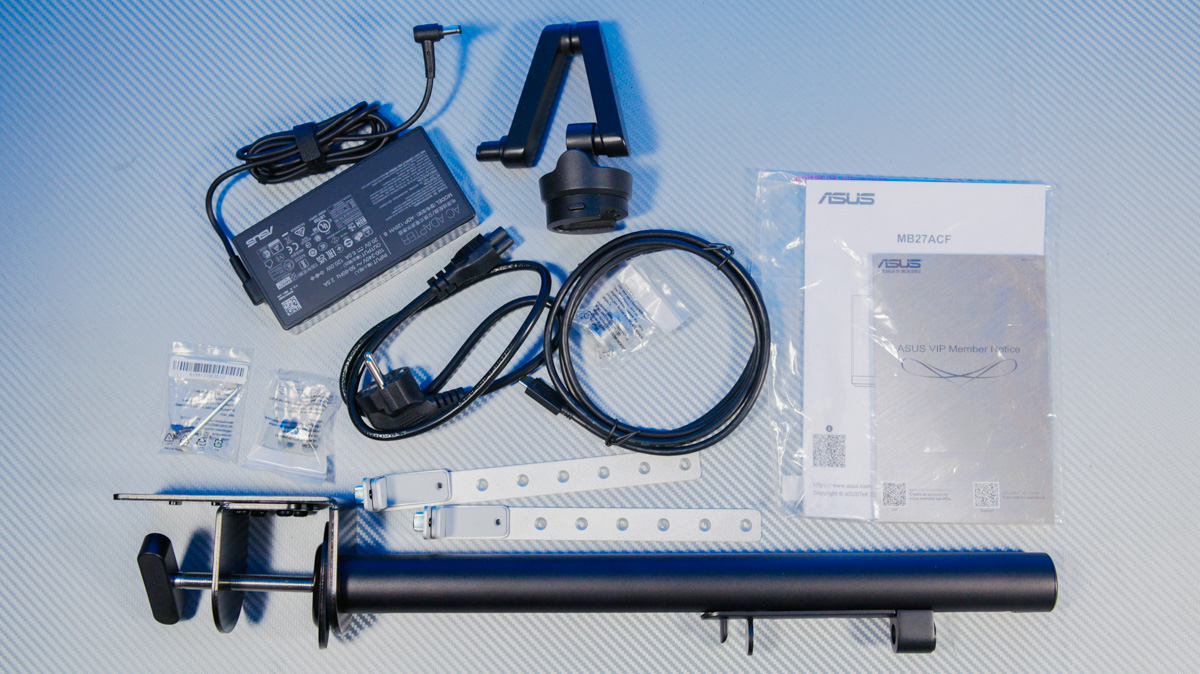
The clamp-style tube mount is very similar to what you’d find in commercial solutions, but it’s implemented in a slightly unconventional way. It consists of two parts. The first section, built with flexible joints, has a quick-release clamp that holds the monitor. This section slides into the corresponding opening in the tube without any additional locking mechanism.
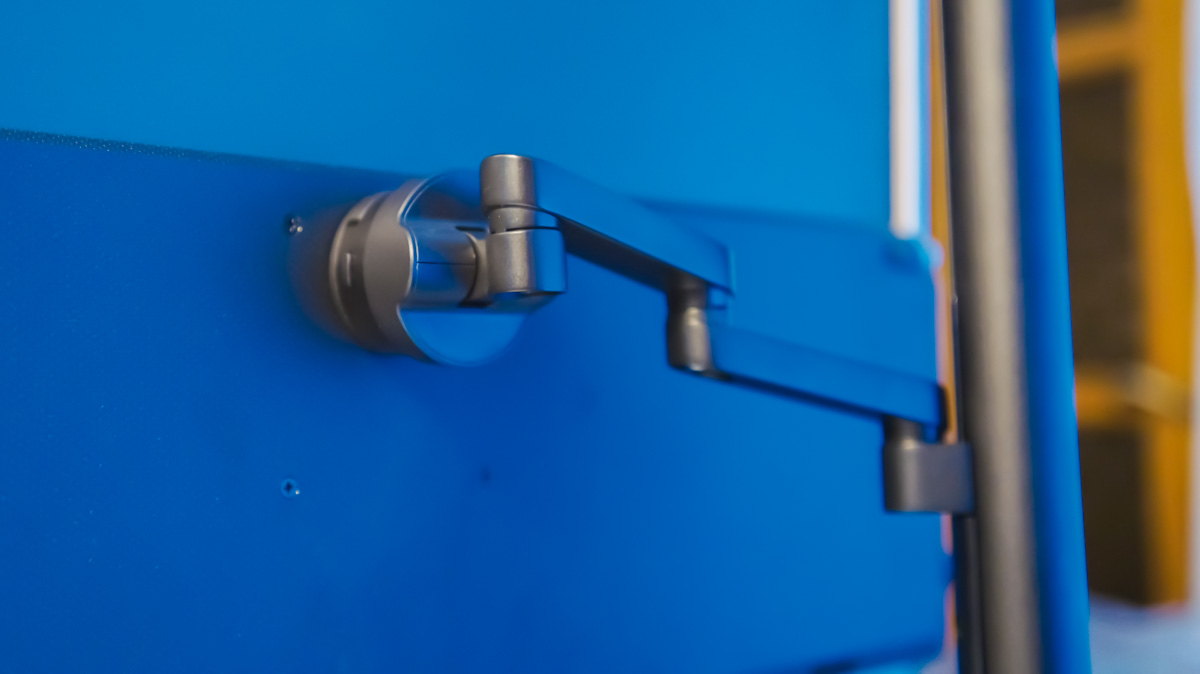
On one hand, this approach makes the mounting system noticeably less rigid. Even typing with a bit of force can cause the ASUS ZenScreen MB27ACF to wobble slightly. The clamp also has partial compatibility issues with certain gaming desks – especially those that have a central metal brace or an under-desk tray for power strips. My own desk, for example, falls into that category.
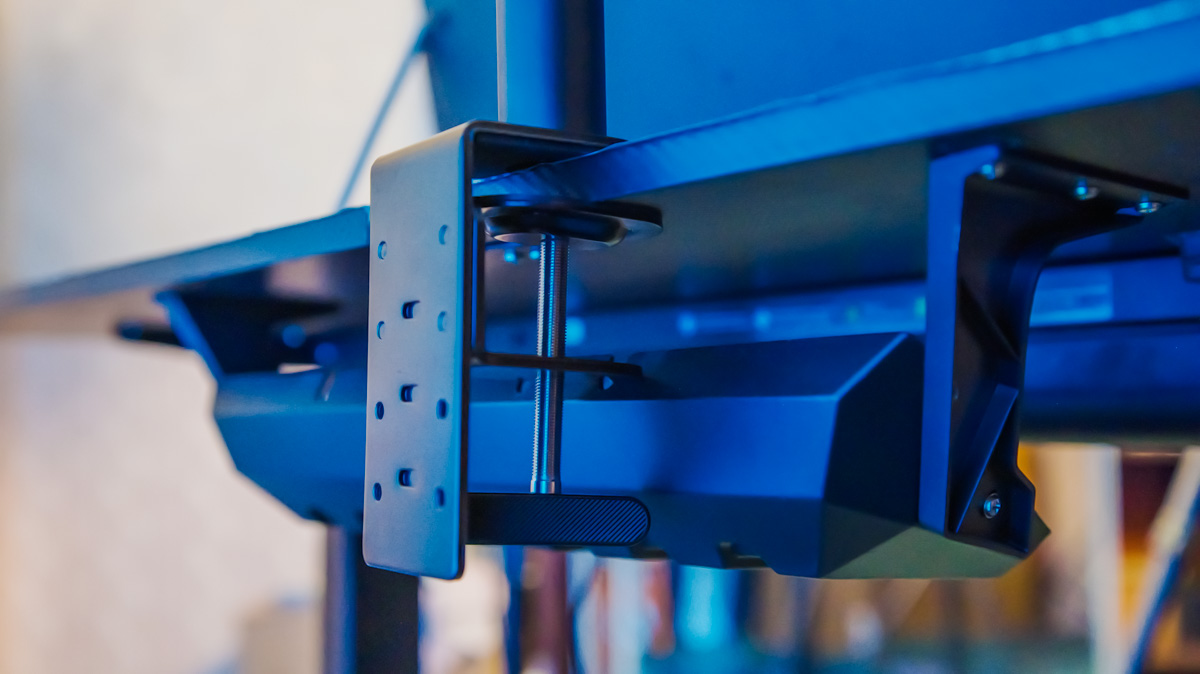
At the same time, because the mount is quick-release, moving both it and the monitor is extremely fast and convenient. The tension of the pivot mechanism is well-calibrated, so adjusting the MB27ACF – lifting it, tilting it toward you, or changing its rotation – is not only easy but also secure and reliable.
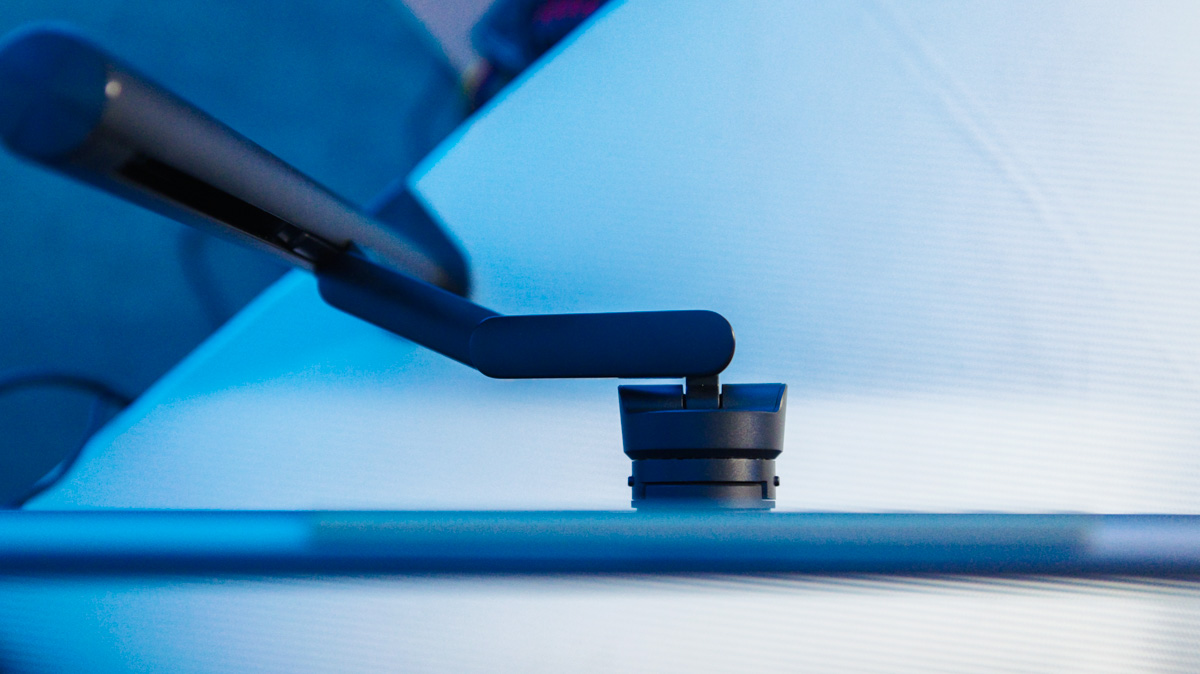
This matters because the monitor weighs just under 3 kg and measures 61.1 × 75.6 × 30.1 cm. It also includes VESA 75×75 mounting holes, which can only be used with the clamp removed. That said, the monitor pairs perfectly with a compact all-in-one like the ASUS NUC 15 Pro, making a highly portable and space-efficient workstation entirely feasible.
Controls and Media
In terms of controls, the ZenScreen MB27ACF has a set of buttons on the right side for navigating the OSD. It also supports the DisplayWidget Center software, which allows you to manage the monitor directly from your operating system.
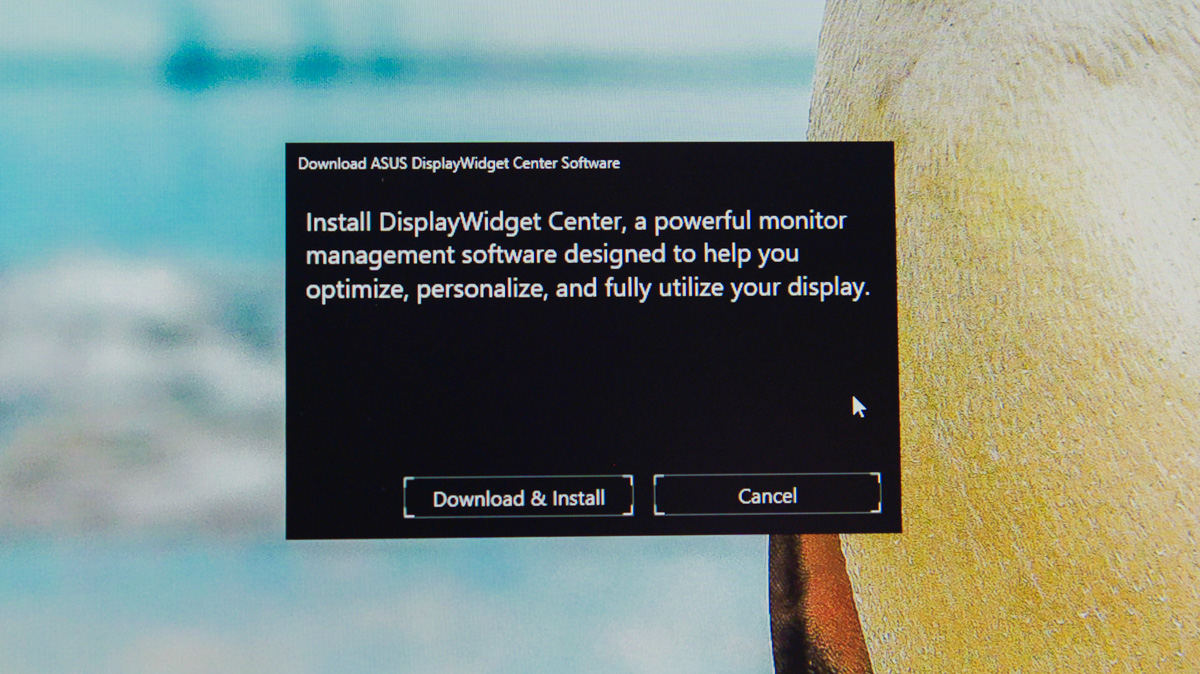
I’ve always been impressed by the fact that when the monitor is connected to a PC, Windows recognizes the MB27ACF and even prompts you to install the software – even over HDMI. With USB-C, that would make sense, but HDMI? It feels almost magical. As for the OSD, the feature set isn’t just geared toward productivity; there are also options tailored for gaming.
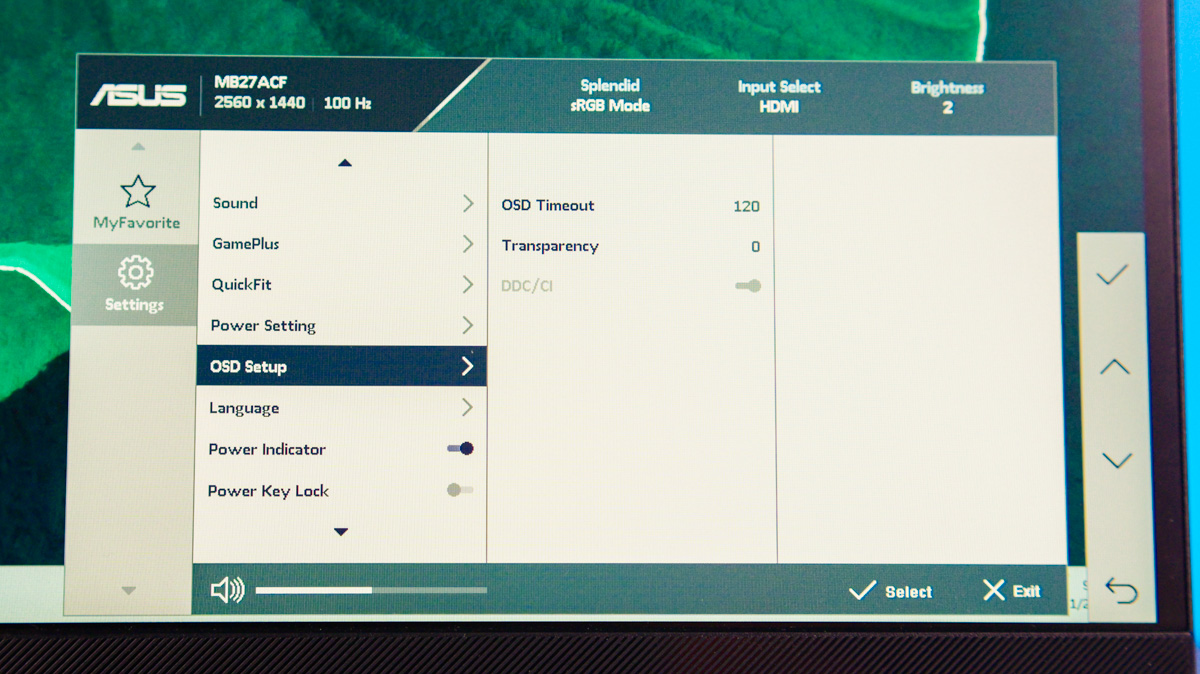
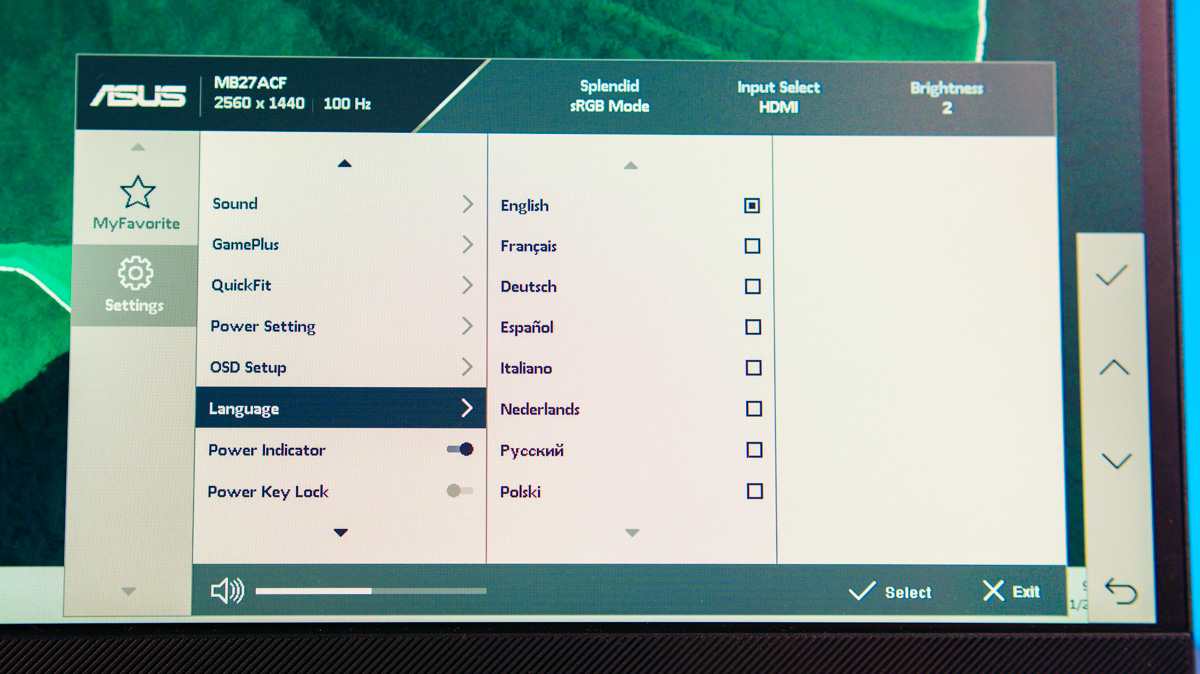
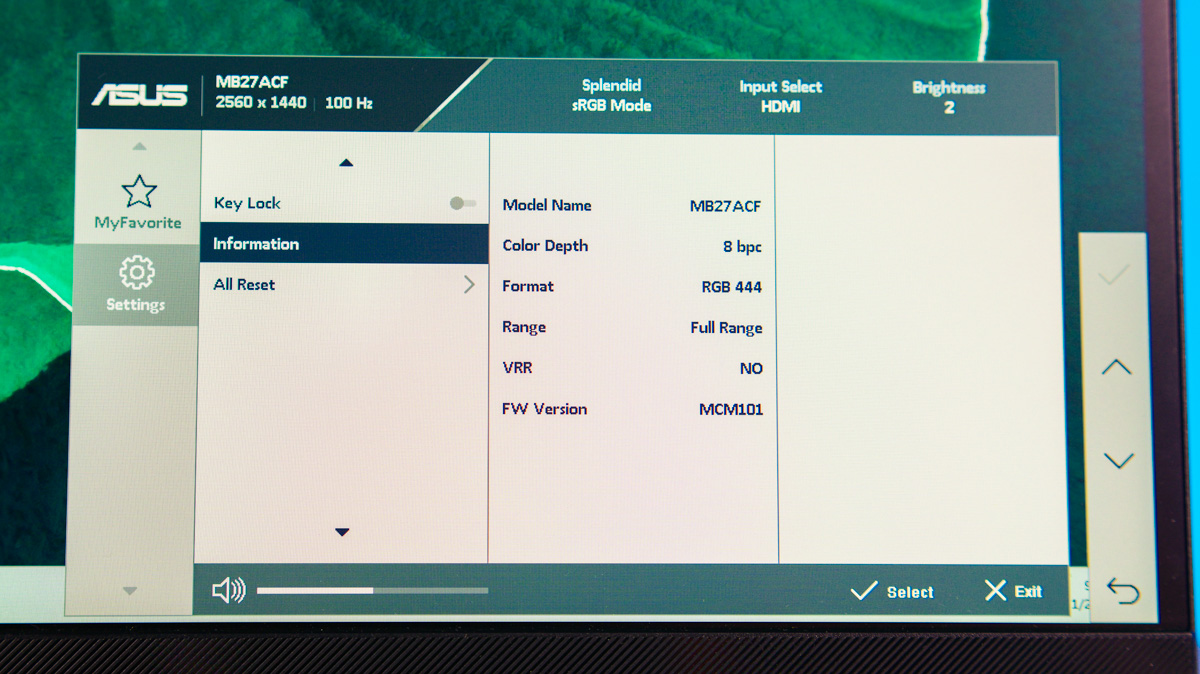
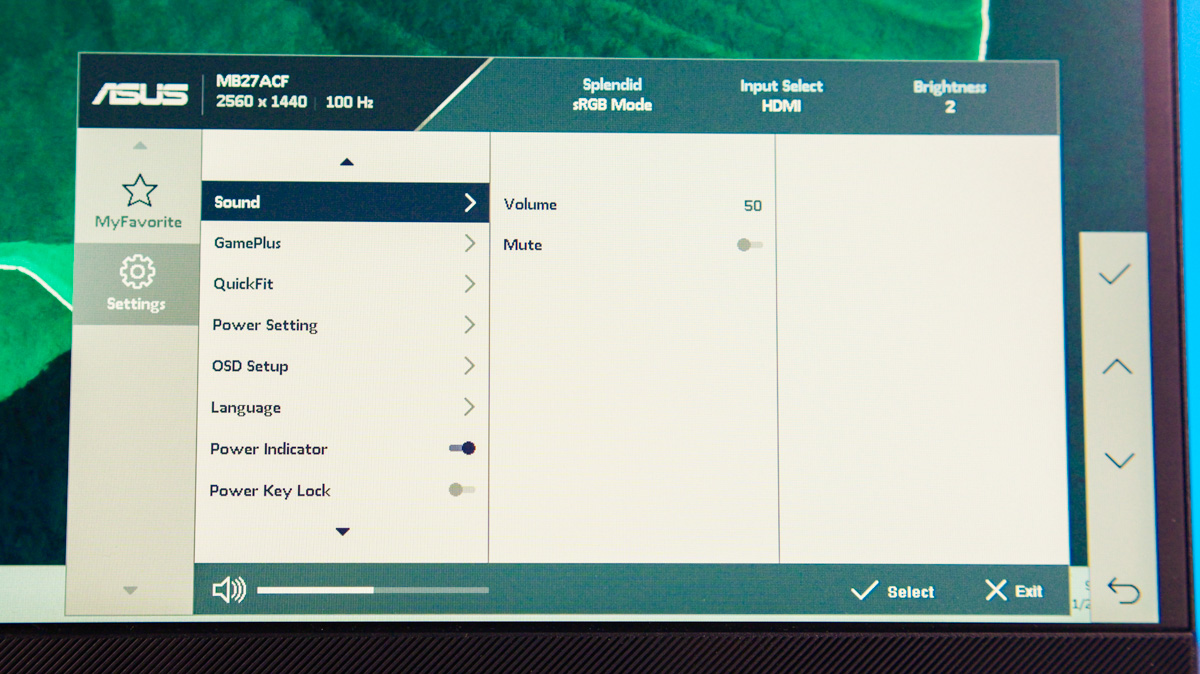
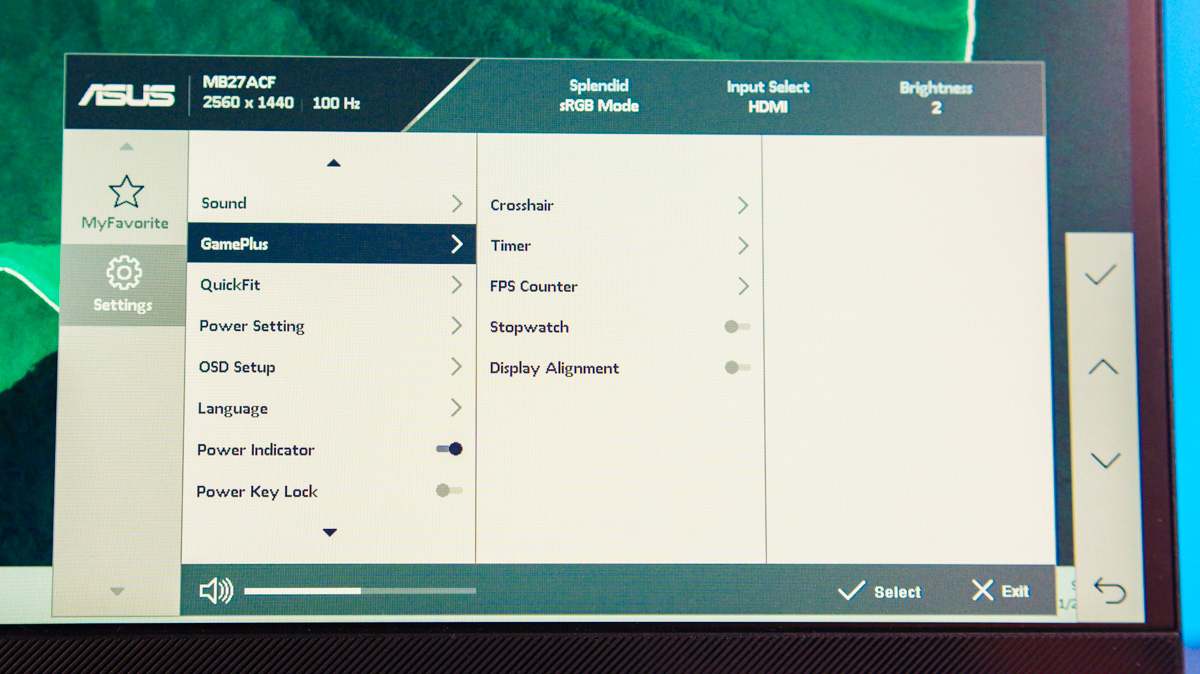
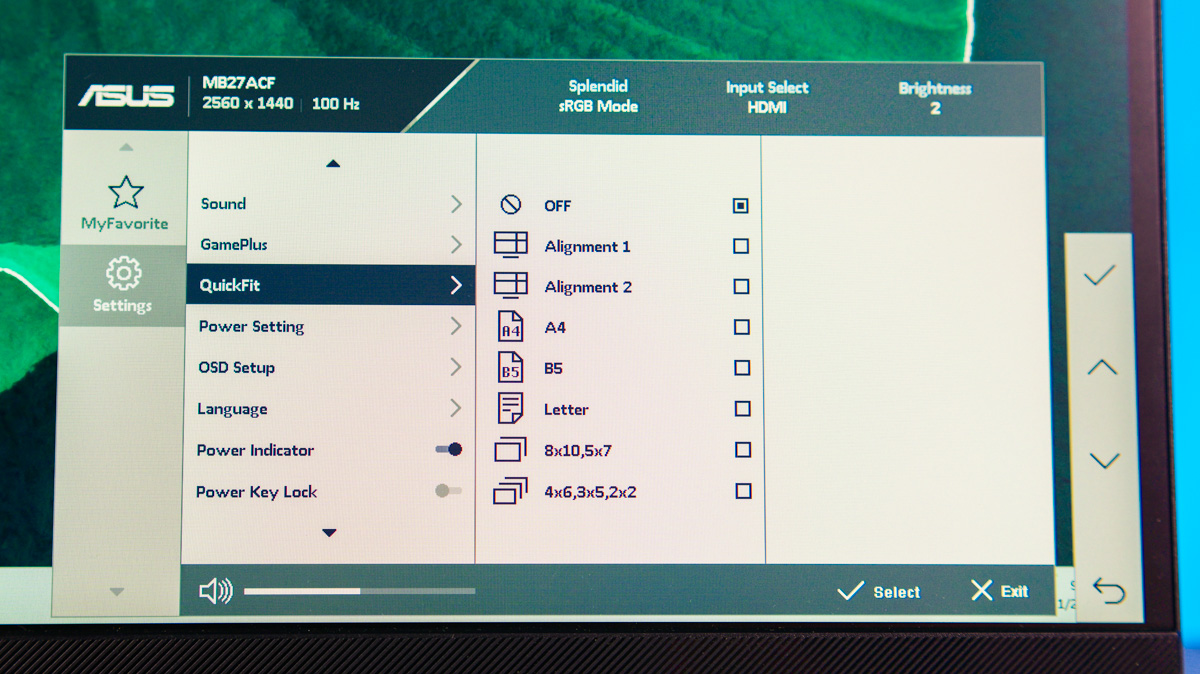
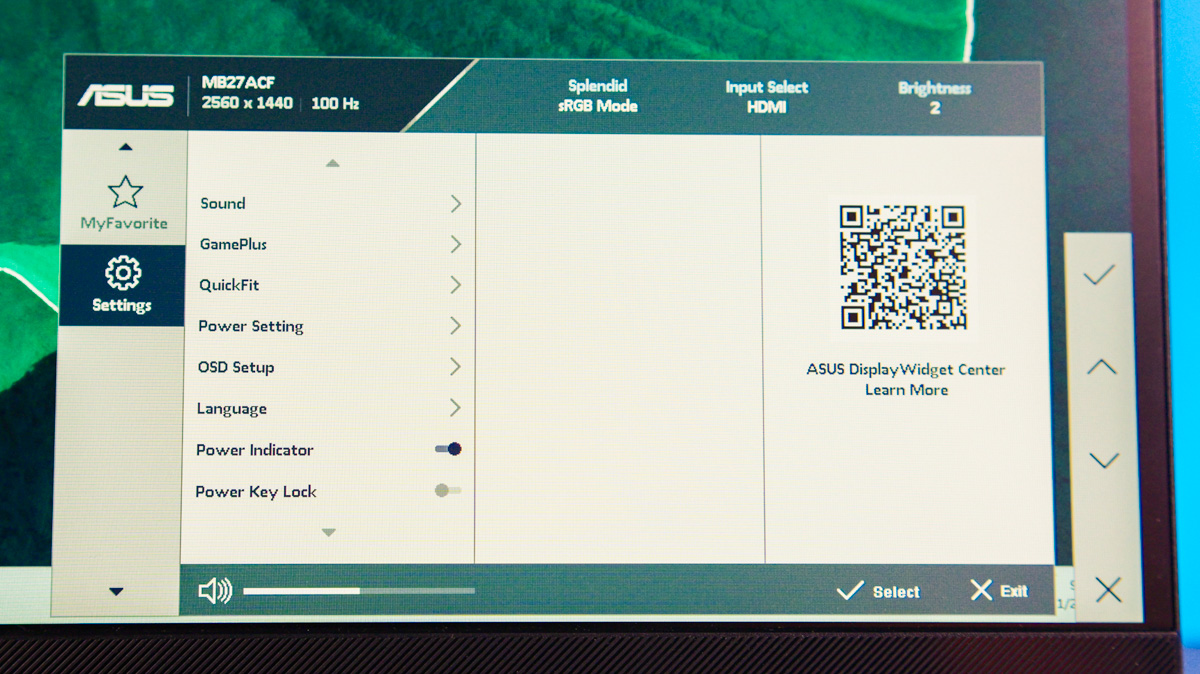
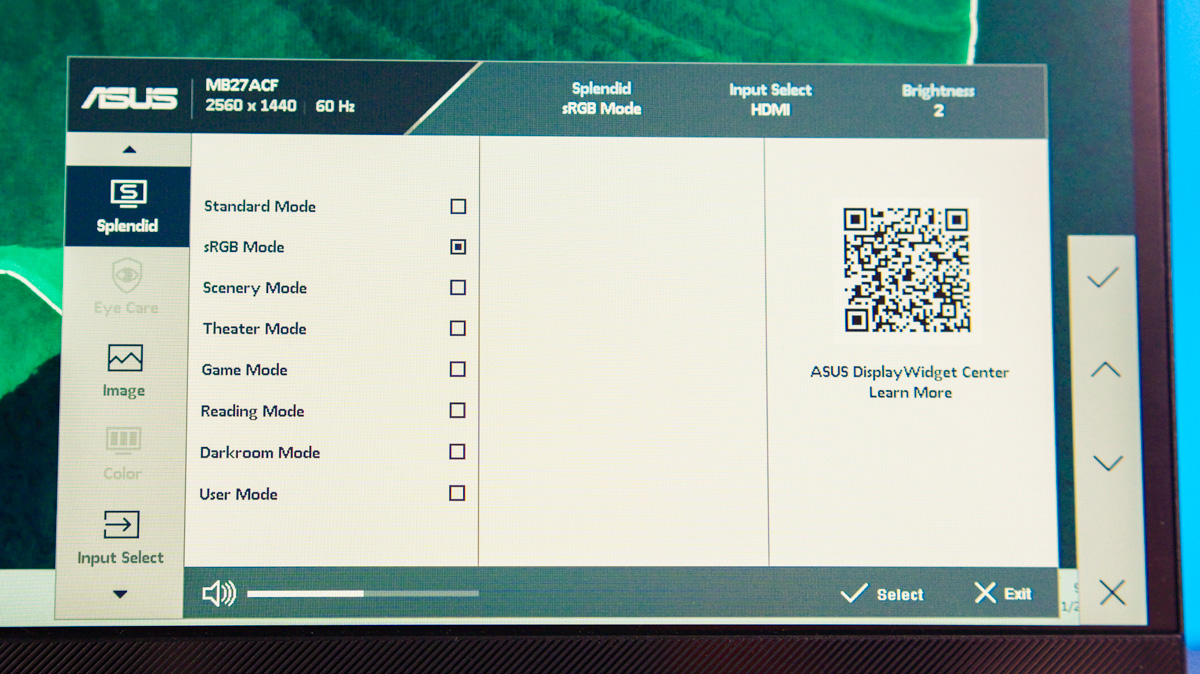
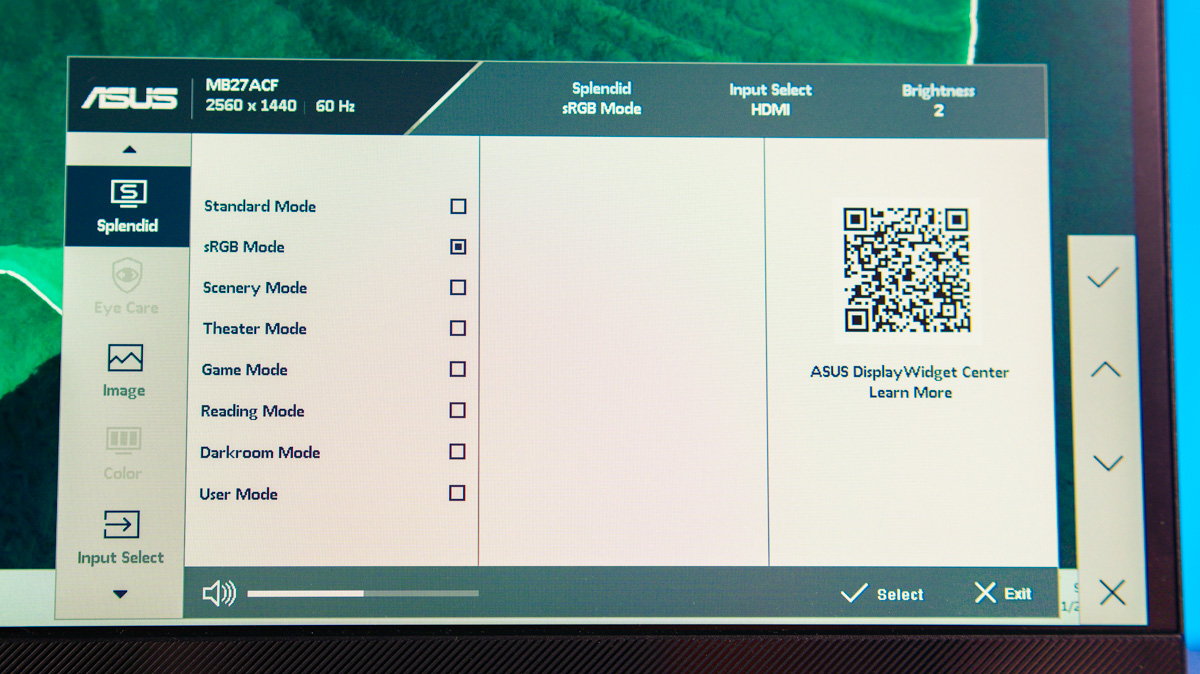
You can enable a hardware crosshair (which might feel like cheating, but that’s on your conscience), display an FPS counter, or activate Variable Refresh Rate since Adaptive-Sync is supported. In a separate window, you can also turn off the power and status LEDs or even adjust the volume.
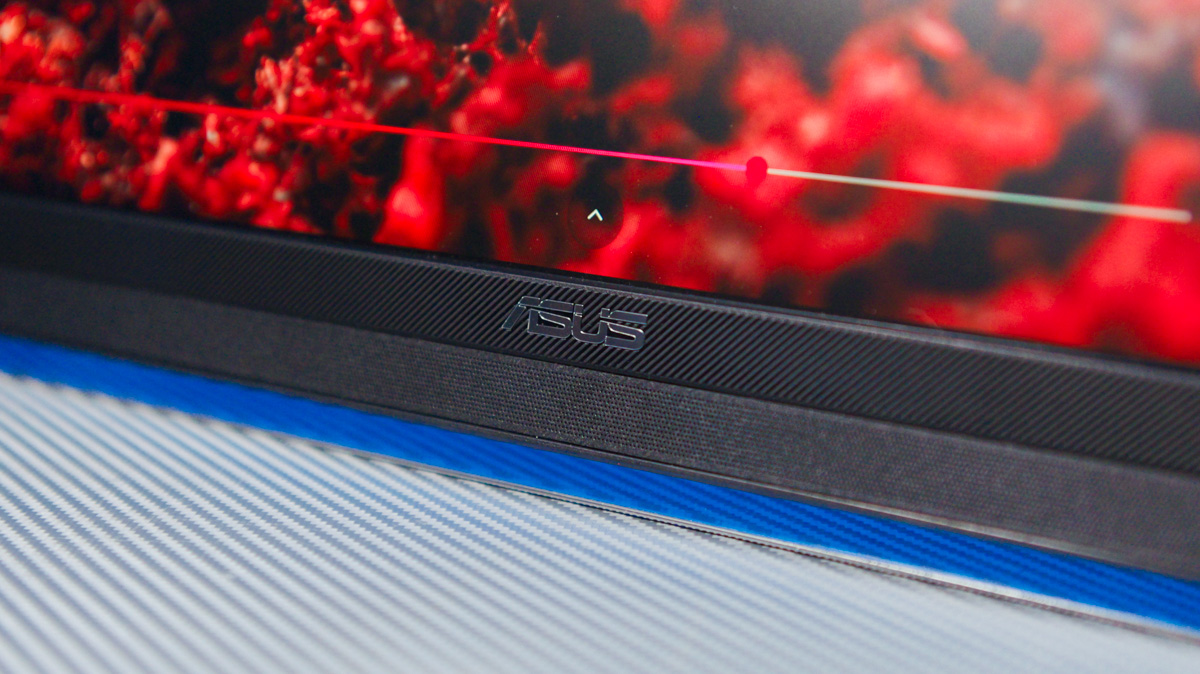
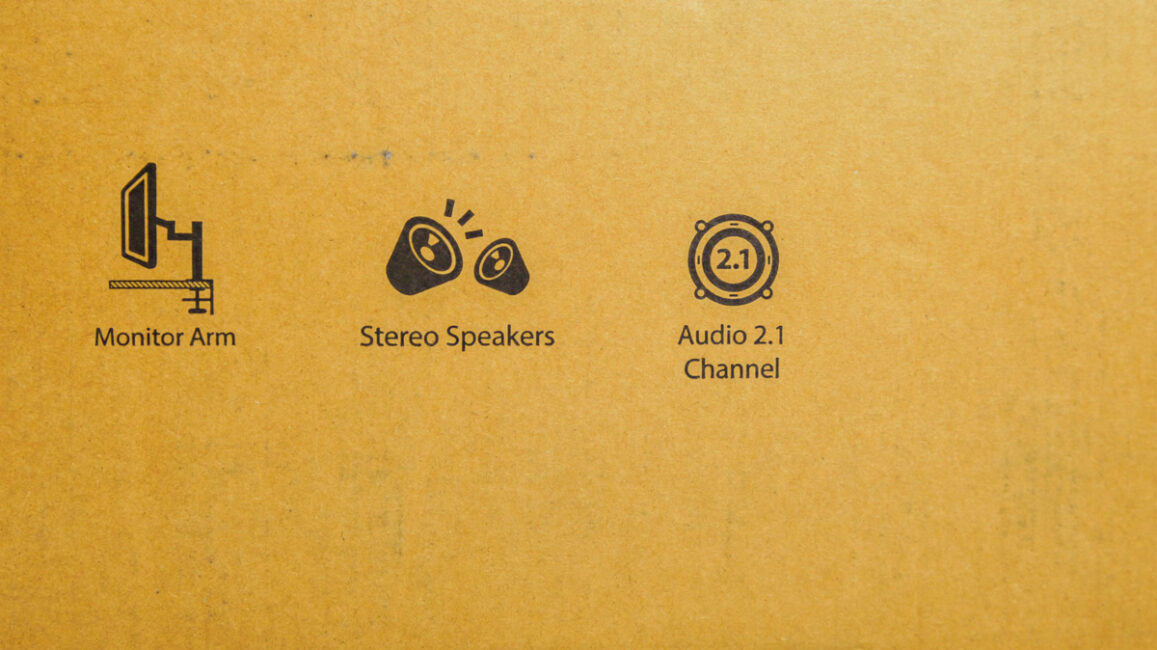
Of course, the ASUS ZenScreen MB27ACF has built-in speakers. But these aren’t just basic speakers – they form a 2.1 audio system: two 1 W drivers and a 1.5 W subwoofer. Sound quality is better than I expected, though naturally not perfect.
Power Consumption
As for energy efficiency, the monitor is rated at 17 W with a class D efficiency. In my measurements, it drew 8 W at minimum brightness and up to 19 W at maximum. This means, in theory, the MB27ACF can be powered via USB-C using a DC adapter and a sufficiently strong power bank. Lower-wattage models won’t suffice, but units rated 65 W or higher worked without issues.
Conclusions
I hope other manufacturers take note of some of the ASUS ZenScreen MB27ACF’s features – especially its accessories and packaging. For consumers, the focus should be on the monitor itself, which turned out to be more versatile than I expected. Its specifications aren’t flawless, but they are sufficient, and the portability it offers is the key advantage in this form factor.
Read also:
- ASUS TUF Gaming VG259Q5A Review: Affordable Full HD Gaming Monitor with Fast IPS and 200 Hz
- ASUS VA259HGA Review: An Affordable Full HD Gaming Monitor with 120Hz and Eye Care+
- ASUS TUF Gaming VG27WQ3B Monitor Review: Fast VA, 2K Resolution, 180 Hz, and an Affordable Price
Where to buy ASUS ZenScreen MB27ACF


