


© ROOT-NATION.com - Use of content is permitted with a backlink.

When I first came across the YUNZII QL75, I immediately knew I wanted to add it to my collection. What stood out to me was its unusual design – the keyboard is styled like a typewriter, but closer to a compact IBM Selectric rather than a classic vintage machine. The concept of combining modern keyboard technology with a retro-inspired form factor feels interesting and likely to attract those who appreciate both aesthetics and functionality.
In this review, I will cover the YUNZII QL75 in detail: its appearance, typing experience, technical specifications, and software. The goal is to give a clear picture of what this keyboard offers so you can decide whether it suits your needs.
TABLE OF CONTENTS:
Technical specifications and package contents
As usual, I will begin my review with the key parameters of the keyboard, as listed on the manufacturer’s official website:
- Format: 75%
- Number of keys: 84 keys + 1 lever handle
- Layout: ANSI (QWERTY)
- Connectivity: RF 2.4 GHz, Bluetooth, USB-C
- Switches: Onyx Tactile Switch, Cocoa Cream V2 Linear Switch
- Polling rate: 1000 Hz
- Anti-Ghosting: Yes
- #KRO: N-KRO
- Hot-swap: 5-pin connectors (compatible with 3-pin and 5-pin switches)
- Construction: Top Mounted
- Body material: plastic
- Keycaps: stylised ABS plastic keycaps with laser-engraved symbols and a matte chrome finish
- Backlighting: RGB keys (northern LEDs)
- Control roller: 2 rollers (volume control/switching between connected devices, scroll function)
- Proprietary application: QMK/VIA web driver
- Supported platforms: Windows, MAC, Linux, Android, iOS
- Battery: 4000 mAh
- Battery life: 23 hours with backlight on, 31 days with backlight off
- Cable: detachable USB-C to USB-A, 1.8 m long
- Dimensions: 328.1×214.5×64.1 mm
- Weight: 1461.5 g
- Model features: retro typewriter-style design, stylised keycaps, 75% format, three connection modes, adjustment rollers and lever handle, QMK/VIA support, tablet/smartphone connector, lubricated switches/stabilizers, hot swap, permanent memory
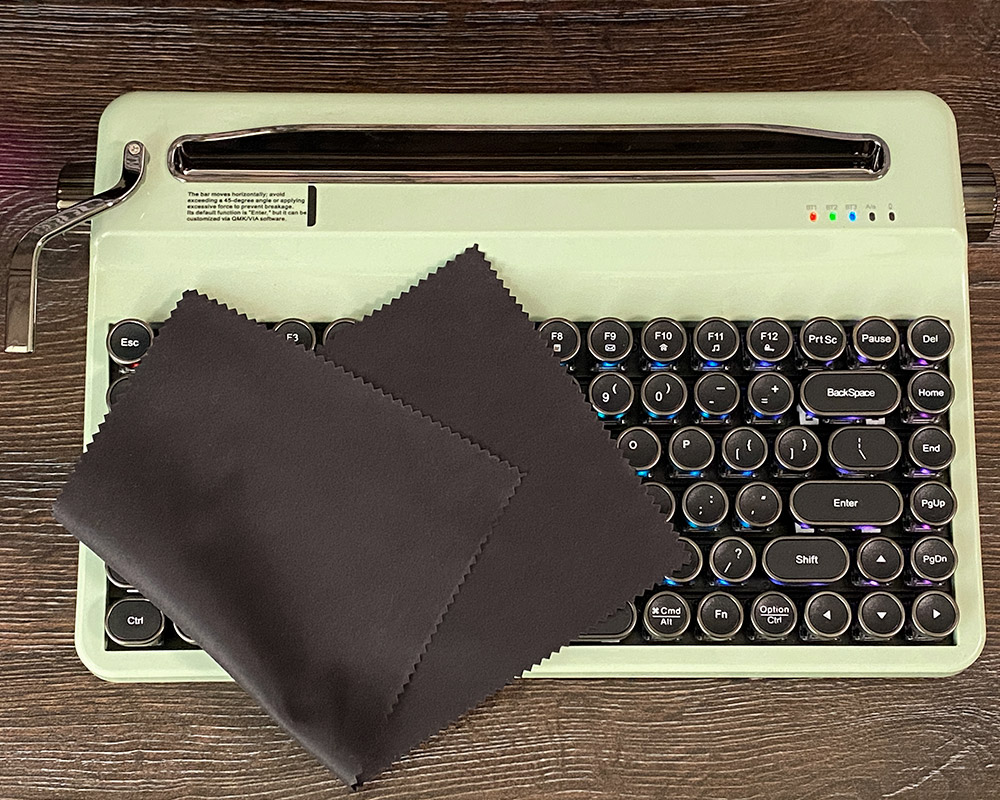
The keyboard comes in a box designed with an art deco theme. The YUNZII QL75 package is fairly standard but includes everything necessary. Along with the keyboard itself, the box contains a USB Type-C cable, a 2.4 GHz RF wireless dongle, a dual-purpose puller for removing keycaps and switches, and a set of spare switches, which is a practical addition. The manufacturer also includes a themed envelope with a quick start guide and a microfiber cloth. This makes the keyboard ready to use out of the box without requiring any additional accessories.


Read also:
- YUNZII X98 Keyboard Review: Transparent Design, 8000 mAh Battery, and Affordable Price
- YUNZII RT80 Review: Magnetic Switches, 8000 Hz Polling, Solid Typing Experience at an Accessible Price
Positioning and price
The YUNZII QL75 is positioned as a niche product rather than a mass-market keyboard. It is intended as a well-built and aesthetically distinctive device aimed at enthusiasts who value unique design and extensive customization options. The keyboard combines the retro appeal of a typewriter with the full functionality expected from a modern mechanical keyboard.
It is likely to appeal most to a creative audience – such as writers, designers, and tech enthusiasts – who want to create a distinctive workspace and add versatile, visually striking peripherals to their setup. The manufacturer also describes it as a “premium gift for enthusiasts.”
In terms of specifications (75% layout, hot-swap support, QMK/VIA compatibility), it competes with mid-range custom mechanical keyboards. Its main distinction, however, lies in the retro-inspired design, featuring stylized knobs and a lever that set it apart from more conventional models.
The keyboard is available through the official YUNZII website, Amazon, and AliExpress. On the official site, it is priced at $109.99 / €105. On Amazon, the price is $99 / €94, and on AliExpress it is listed at $106.60 / €102. Based on these figures, the QL75 falls into the category of affordable custom mechanical keyboards. Considering its distinctive design, customization options, and technical features, it offers a solid price-to-performance ratio within its niche.
Read also:
- YUNZII AL66 (V1) Keyboard Review: Metal Build, Creamy Typing Feel, and Affordable Price
- YUNZII Announces Major Keyboard Sale on Amazon
YUNZII QL75 design and ergonomics
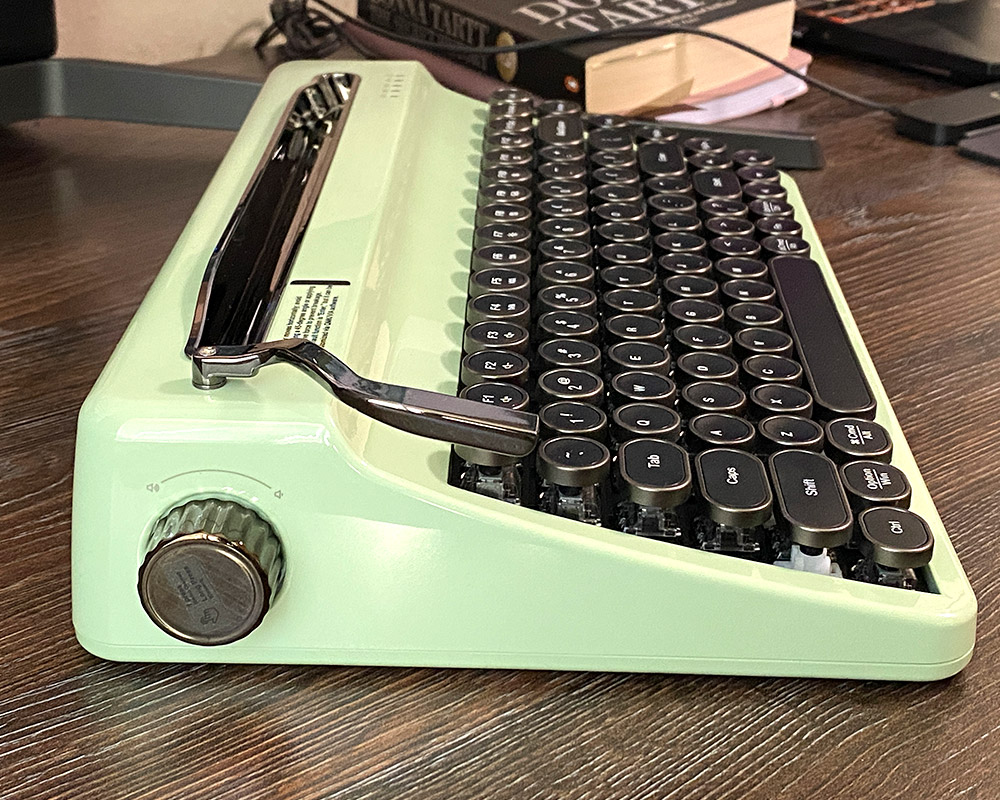
As noted earlier, the QL75’s main strength is its aesthetics. The unit reviewed here comes in the Green finish. The color evokes the look of vintage typewriters, while the metal-like rings around the keys and rounded keycaps reinforce this impression. Overall, the keyboard presents a solid and stylish appearance. In addition to Green, the manufacturer also offers Pink, White, and Wood Grain (a wood-like finish).
Regarding ergonomics, it should be noted that this keyboard requires some adjustment. Due to its full typewriter-inspired design, it is quite bulky, so you should be prepared to clear more space on your desk, especially if you are used to compact or low-profile models. The keyboard weighs 1,461.5 g and measures 328.1 × 214.5 × 64.1 mm, giving a clear sense of its substantial size. It is made of plastic, likely to help reduce weight. Rubber feet provide stability during use, making it difficult to move unintentionally. However, the cylindrical keycaps and high profile may take some getting used to, particularly if you are switching from standard keyboards.
The keycaps are made of ABS plastic. While PBT is generally considered more durable, using ABS allowed the manufacturer to achieve the desired shape and finish. They feature a spherical design that visually mimics classic typewriters, and the legends are laser-engraved with a matte chrome coating, providing clarity and resistance to wear.

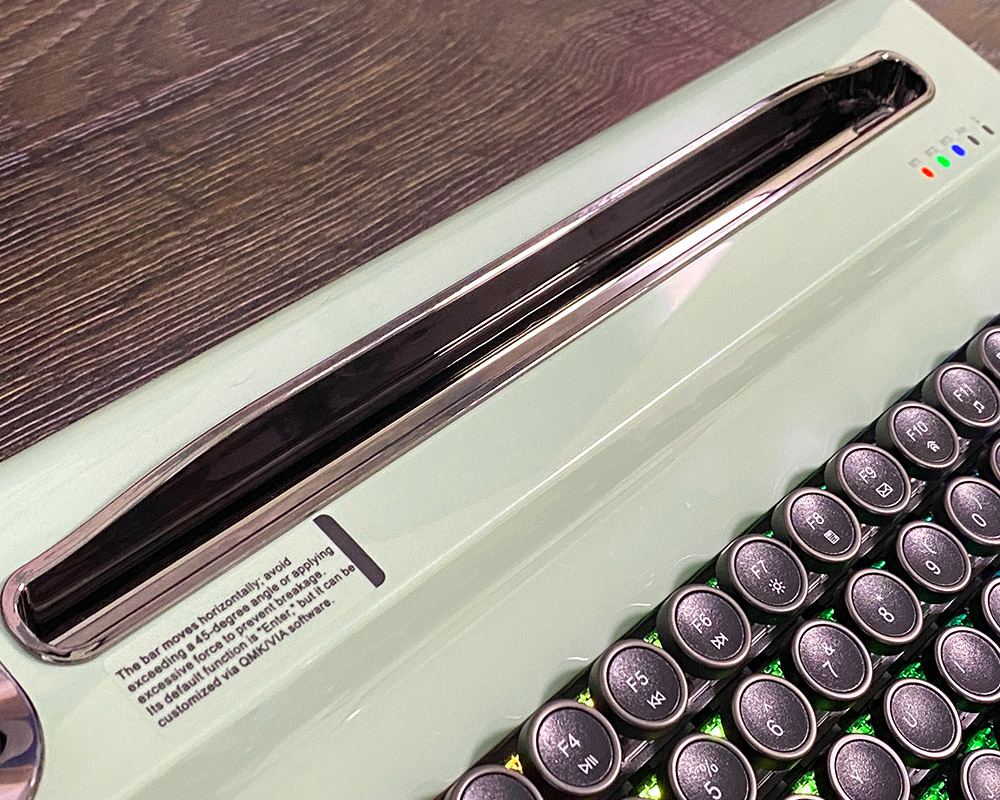
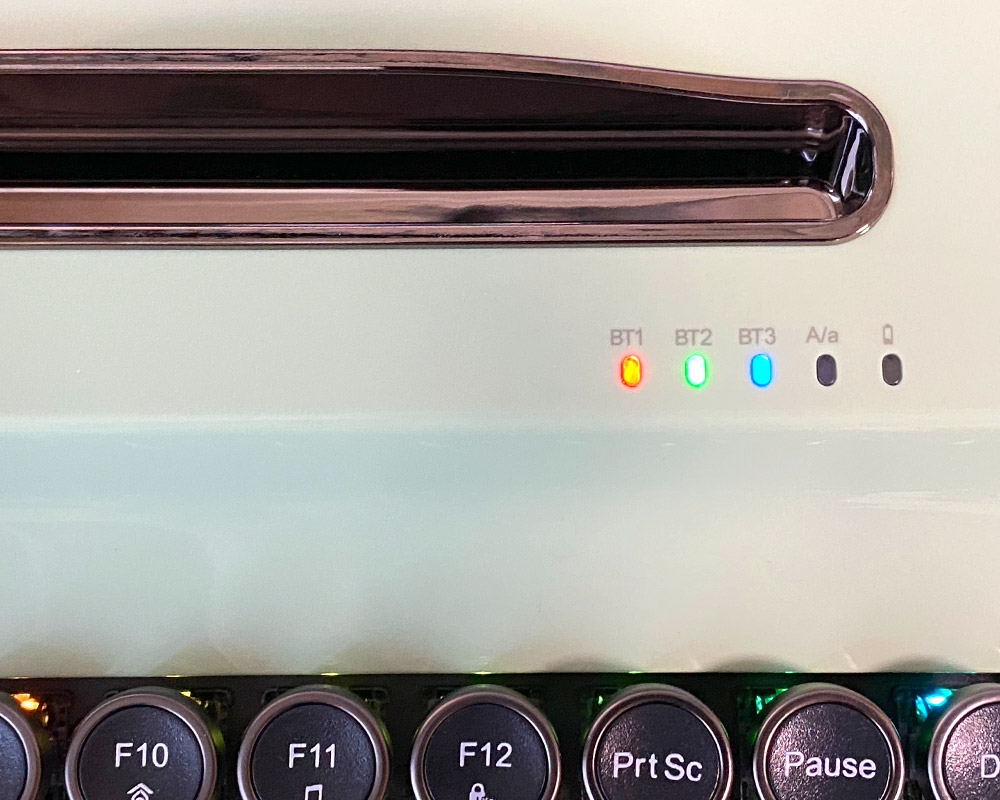
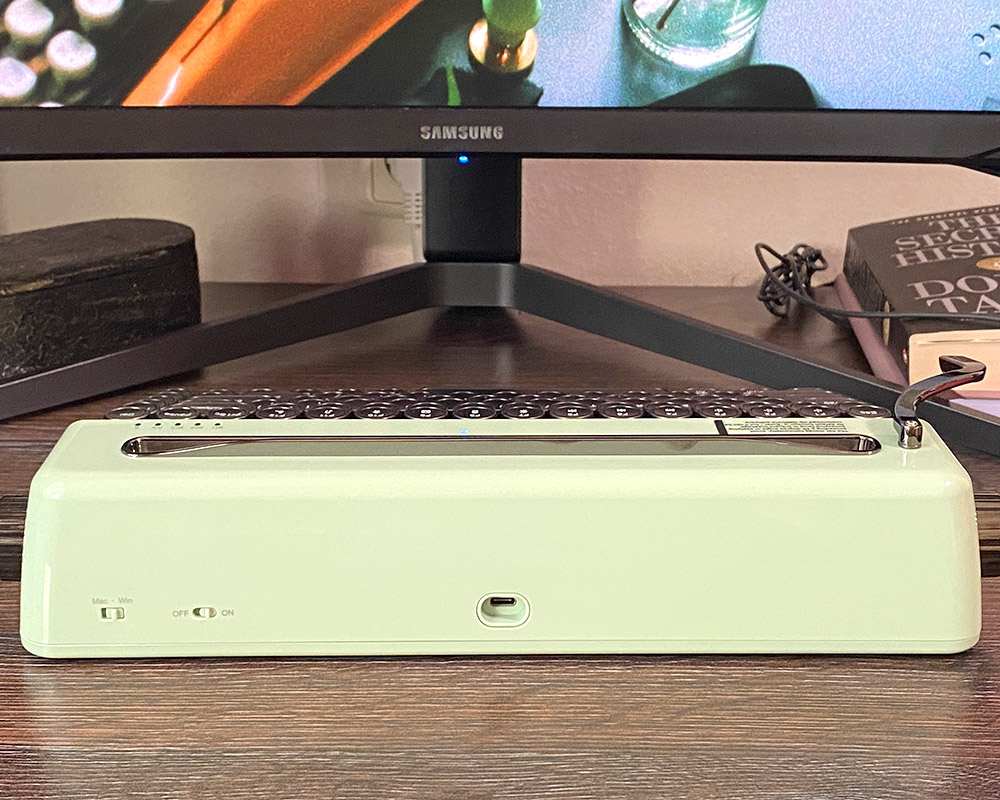
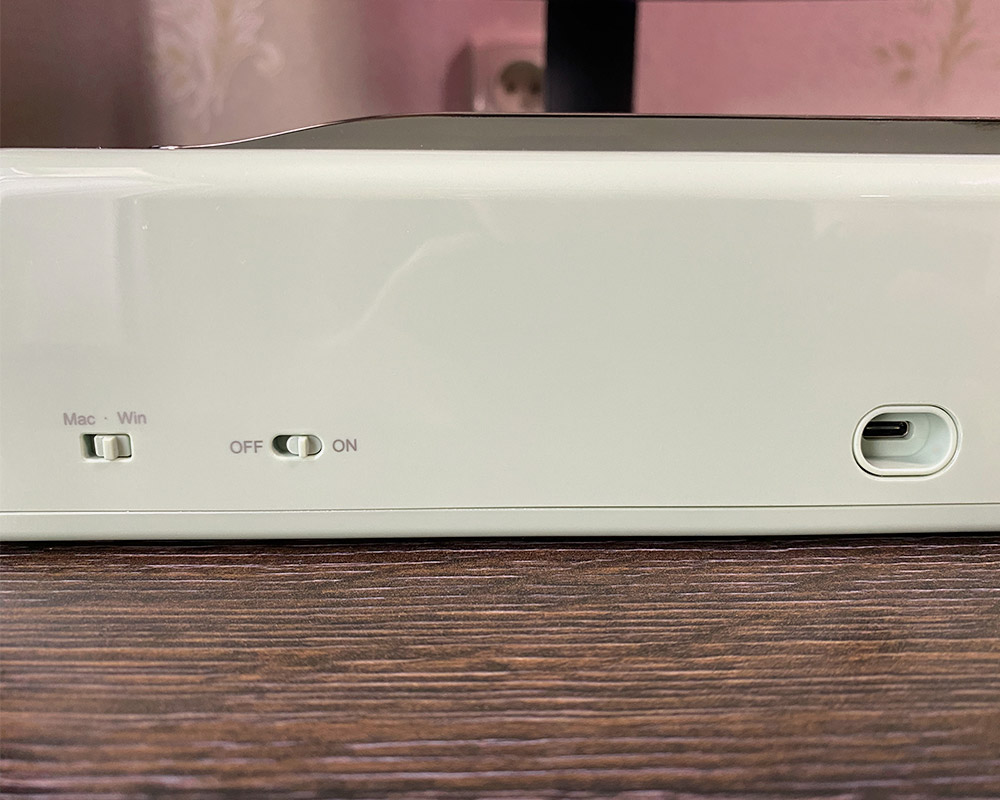
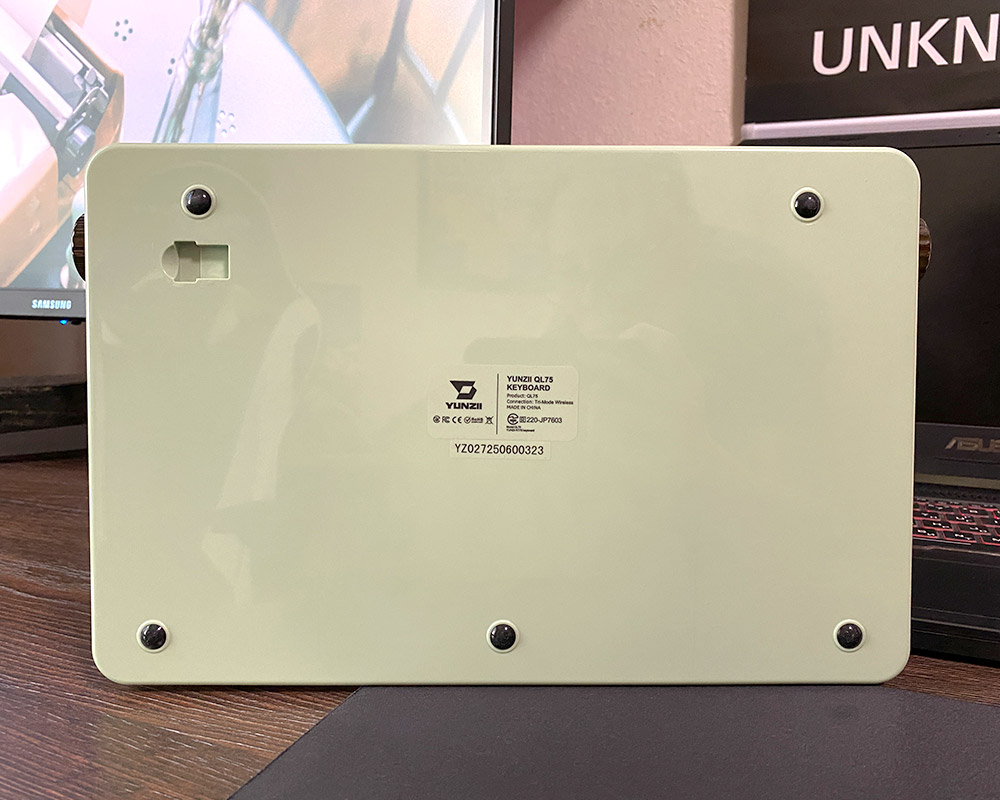
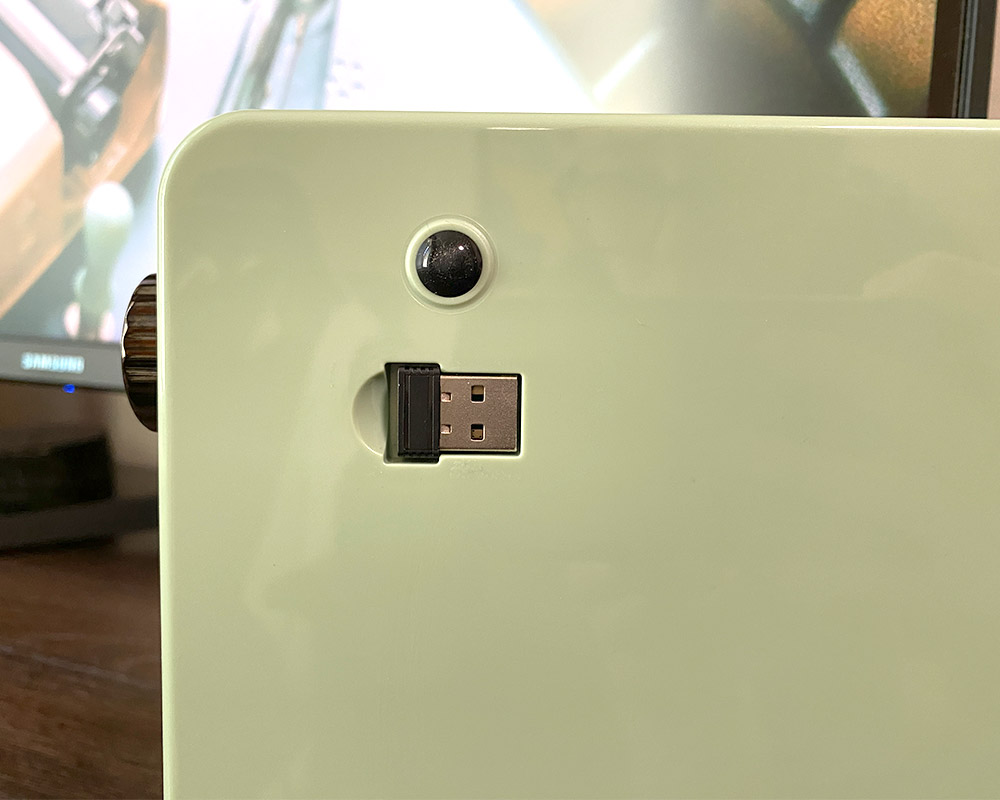
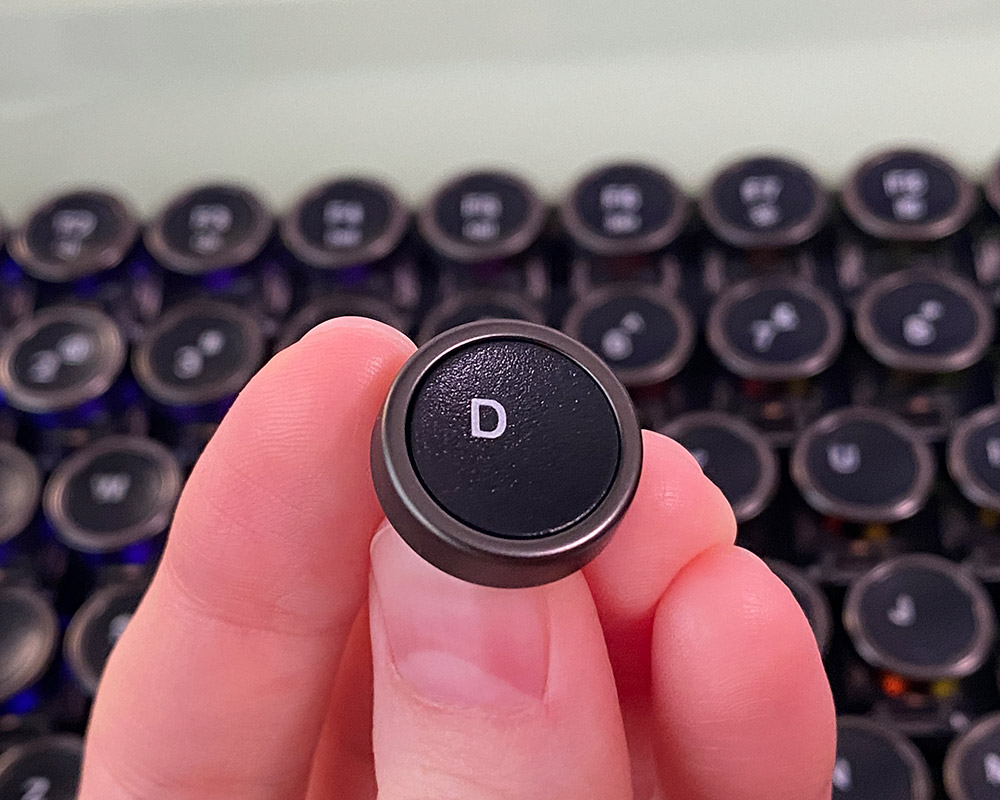
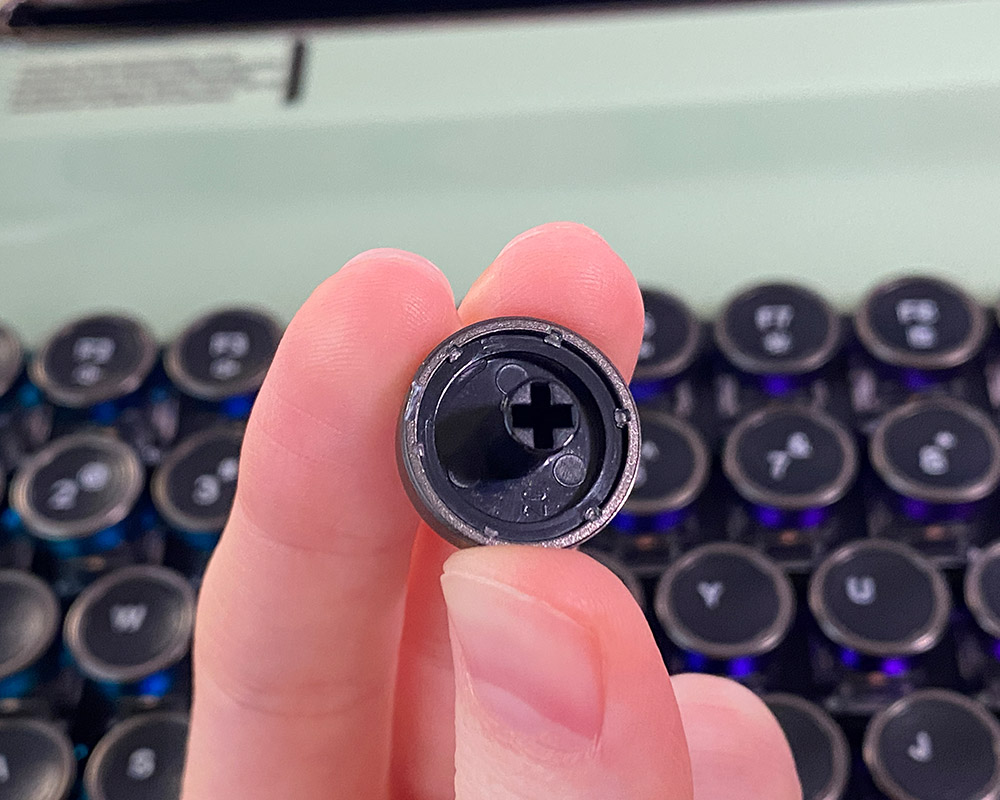
Another distinctive design feature of the YUNZII QL75 is the integrated holder panel at the top of the case. This element fits seamlessly with the overall retro style while serving a practical purpose: it allows a tablet or smartphone to be positioned directly above the keys. This design effectively integrates the keyboard and mobile device into a single workspace, enhancing overall ergonomics.
Read also:
- YUNZII AL68 Review: Solid, Affordable Keyboard with Aluminum Сase
- YUNZII AL80 Review: Wireless Aluminum Keyboard with Display
Internal structure of YUNZII QL75
The YUNZII QL75 uses a top-mounted design for the PCB. The internal space is optimized with multiple layers of sound and vibration dampening, which influence the keyboard’s acoustic and tactile characteristics. The top-mounted construction provides typing stability, and the inclusion of foam layers (IXPE and PCB Foam) indicates that the manufacturer aimed for a premium, muted sound without excessive rattling or resonance. The keyboard is fully disassemblable, allowing enthusiasts to easily service or replace any internal components for further customization. A detailed view of the QL75’s internal layout is shown in the screenshot below.
Control
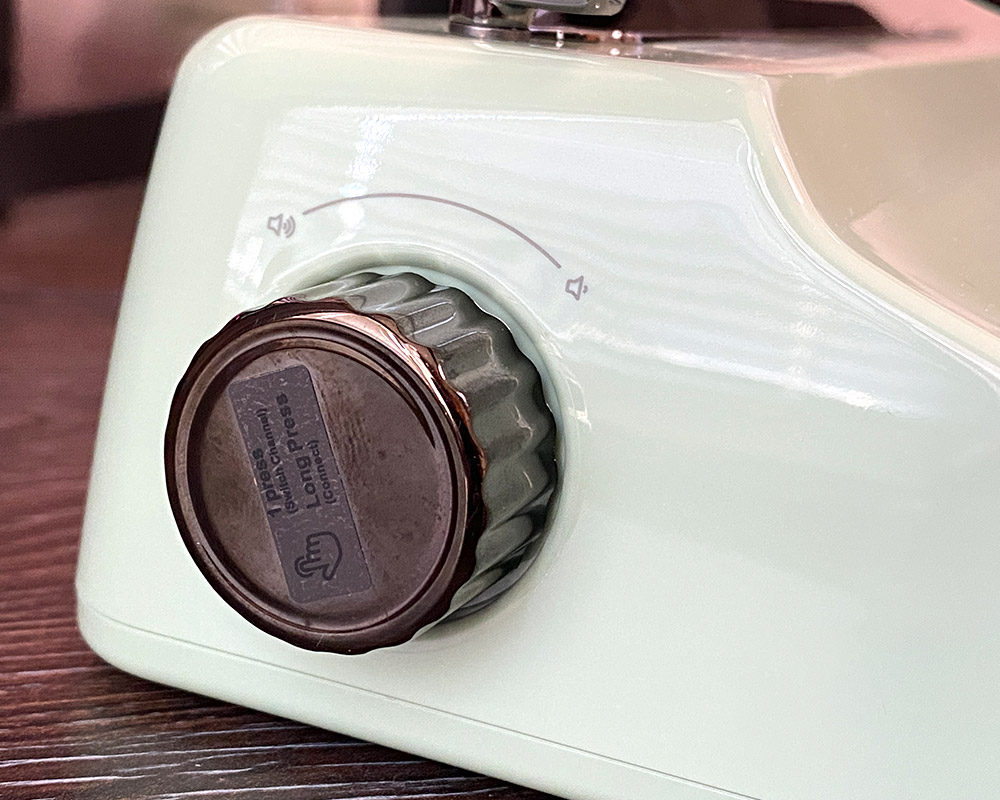
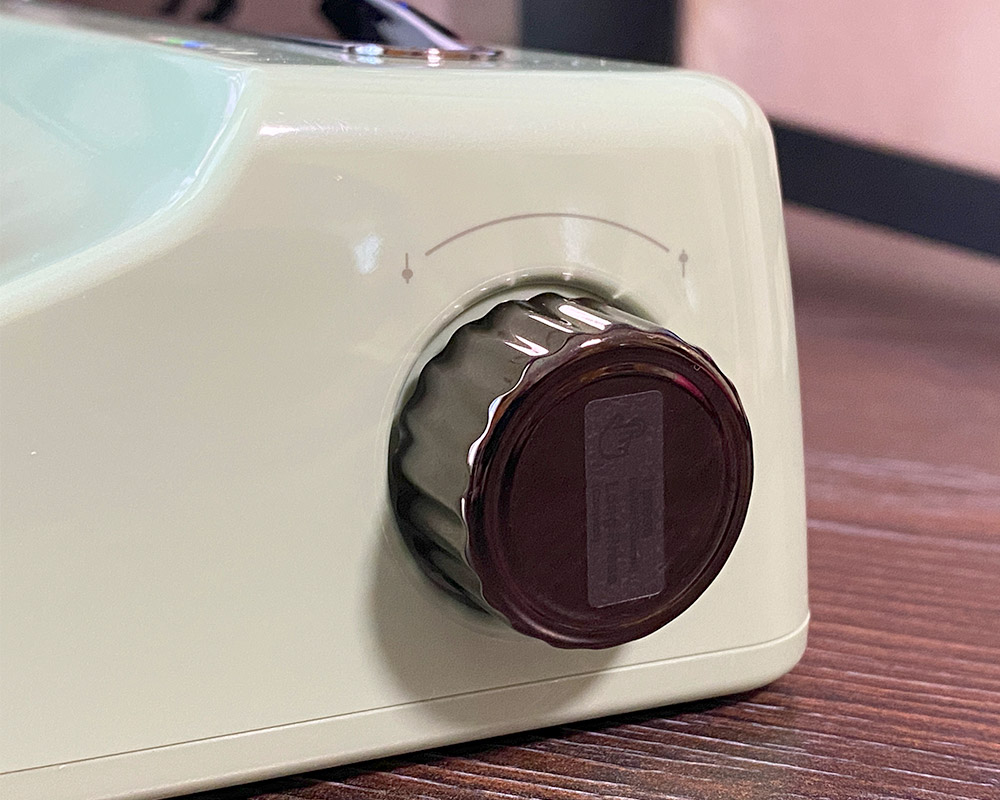
One of the key features of the YUNZII QL75 is its retro control elements – a metal lever and two roller knobs. These components not only add vintage charm but also serve practical functions:
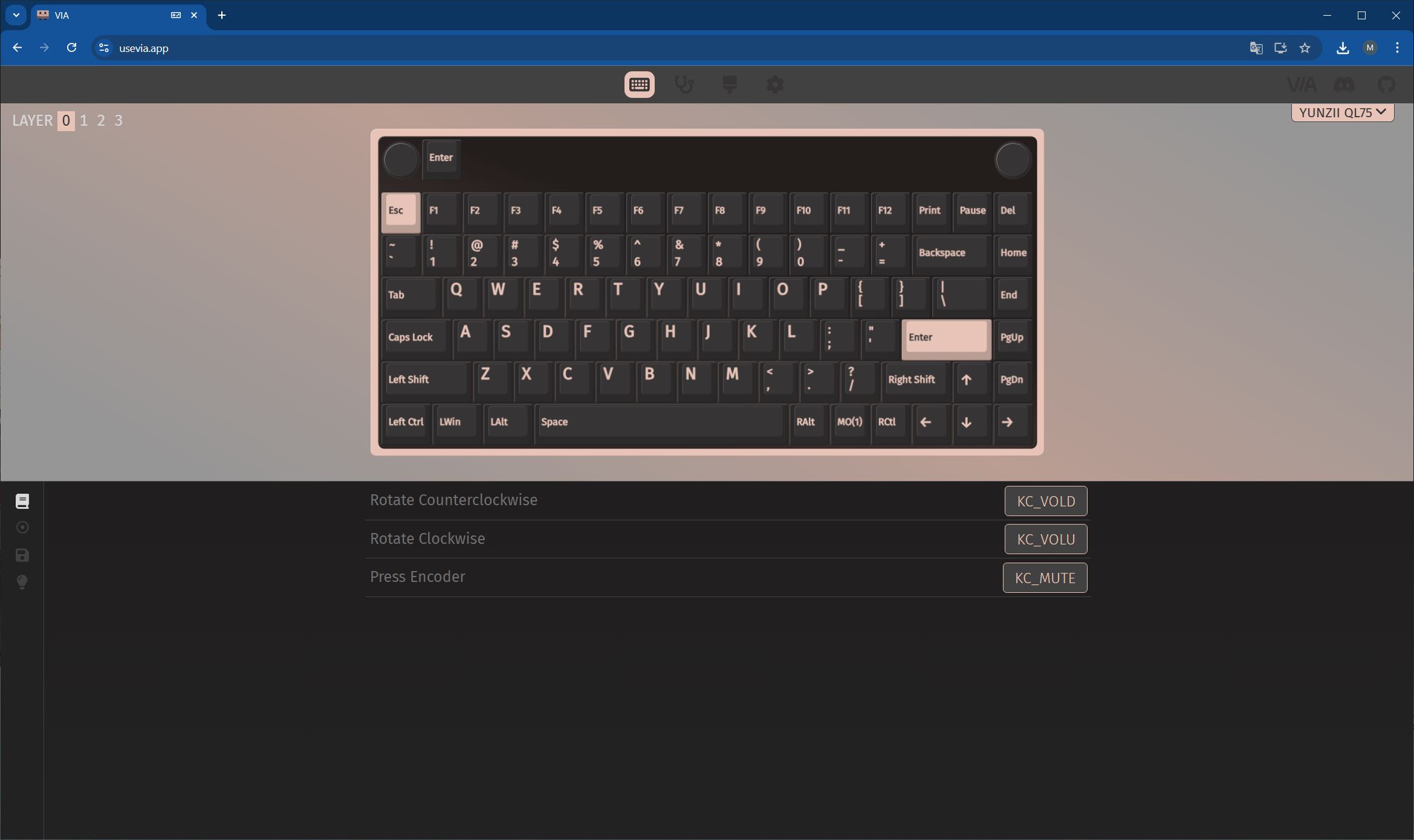
- The left knob is set by default to control volume. Turning it increases or decreases the sound, and pressing it mutes the audio.
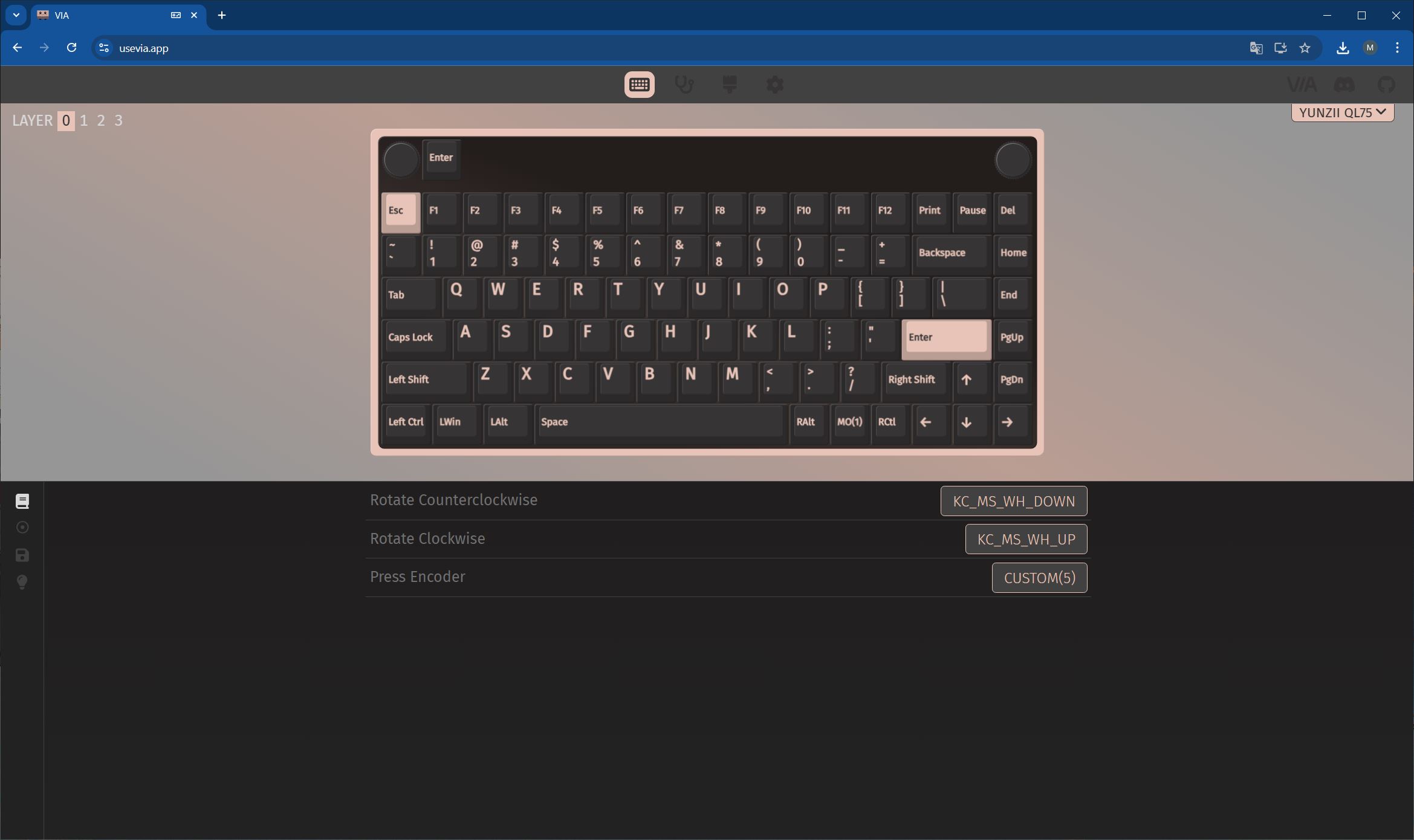
- The right knob has multiple functions: a short press switches between Bluetooth, 2.4G, and wired modes; a long press cycles through connected devices; and rotating it scrolls pages and performs other scrolling actions.
- The decorative lever, styled like a typewriter component, functions as the Enter key by default.
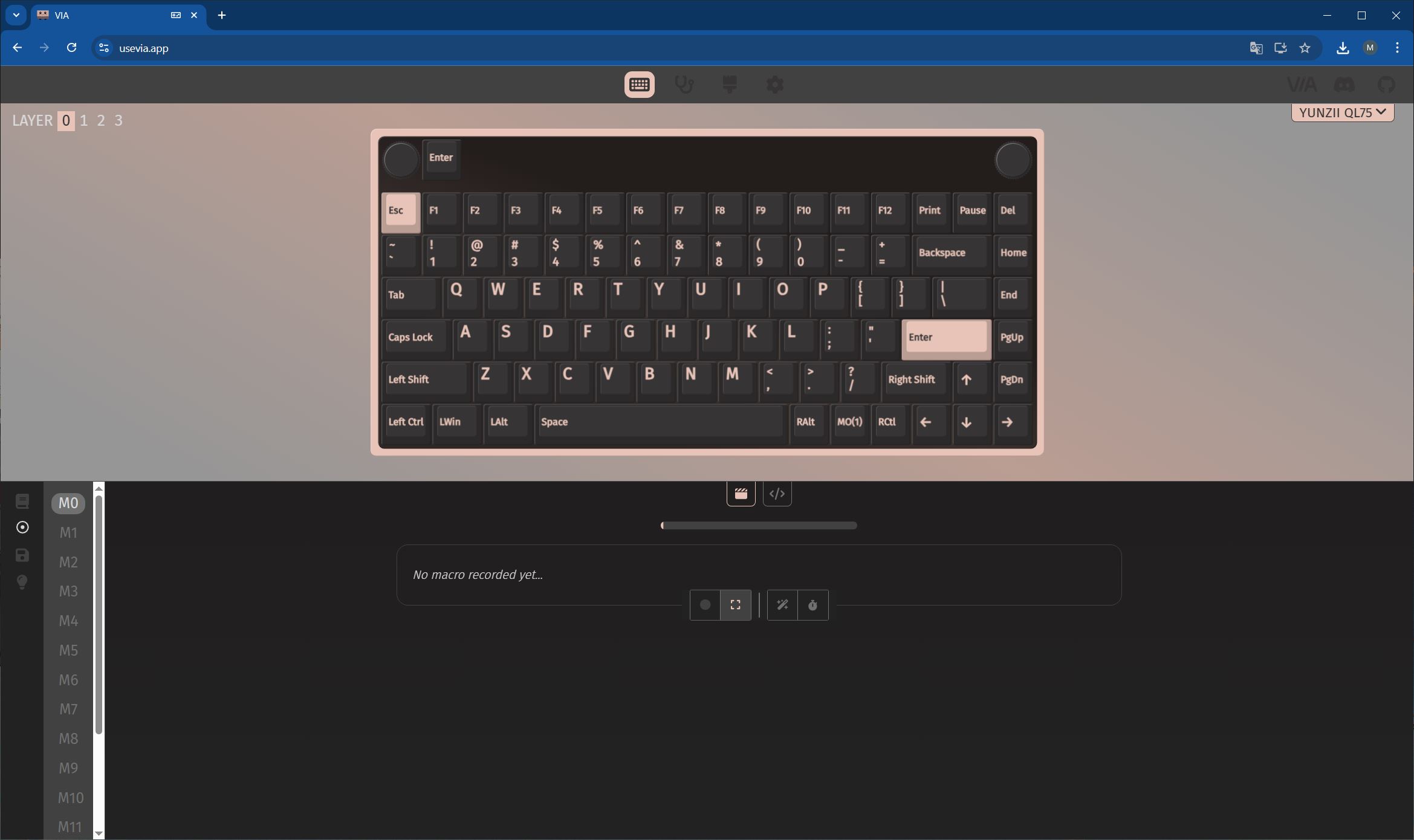
All of these elements are fully programmable thanks to QMK/VIA support. This allows you to easily customize their functions to suit your needs, such as assigning the lever to “copy/paste” or configuring the knobs to control lighting or macros.

Read also:
- YUNZII AL65 Review: Aluminum Wireless RGB Keyboard
- Review of YUNZII RT75 – Mechanical Keyboard with Magnetic Switches
ONYX Tactile Switches features
The review unit I received comes equipped with YUNZII’s Onyx Tactile Switches. These are pre-lubricated 5-pin tactile switches with a pronounced tactile bump mid-travel, providing a noticeable click sensation when pressed. This makes them particularly well-suited for typing, as each keystroke can be both heard and felt. In terms of gaming, however, these switches might feel somewhat specific and loud, so they may not be the best choice for that use case.
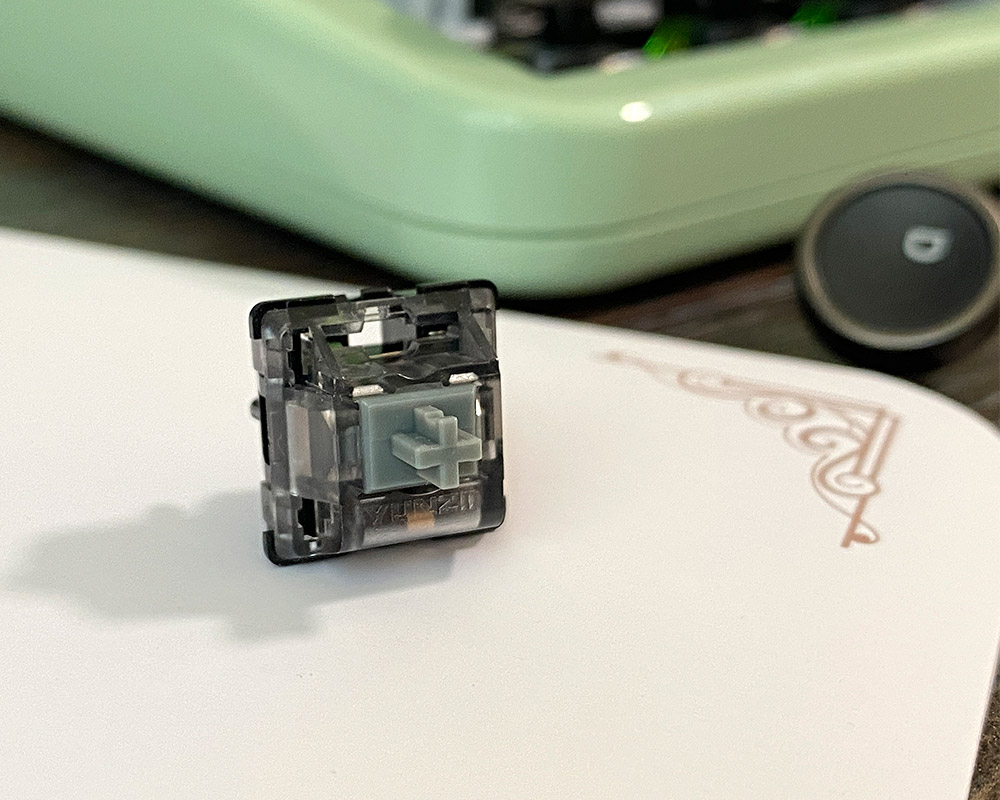
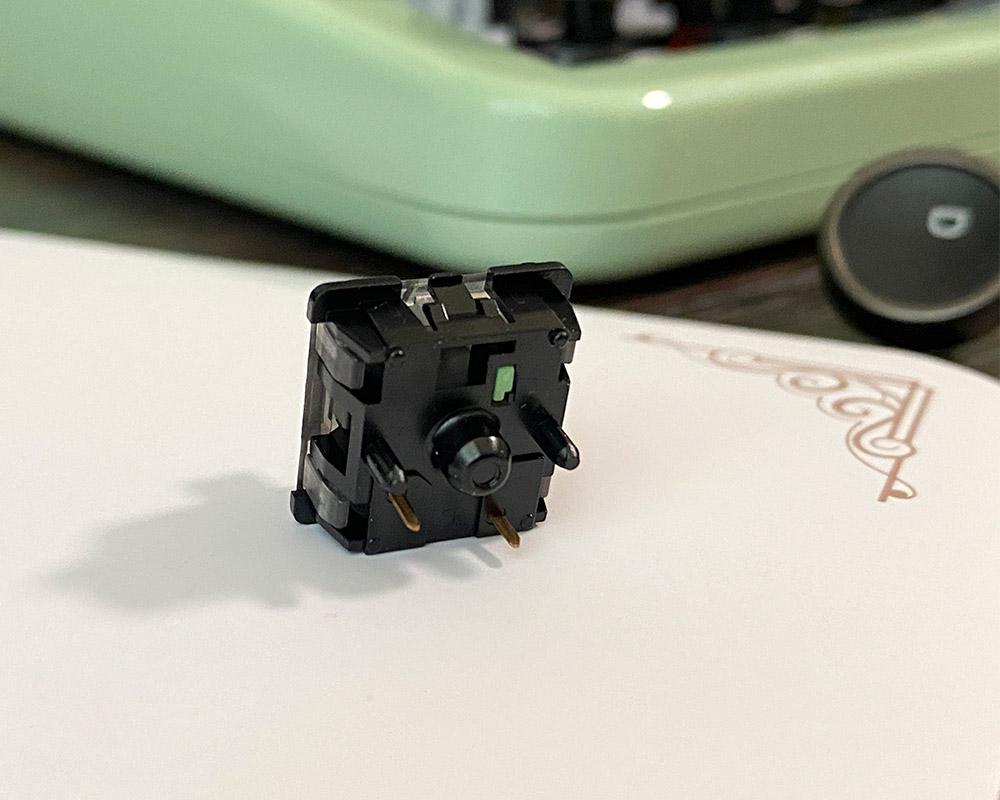
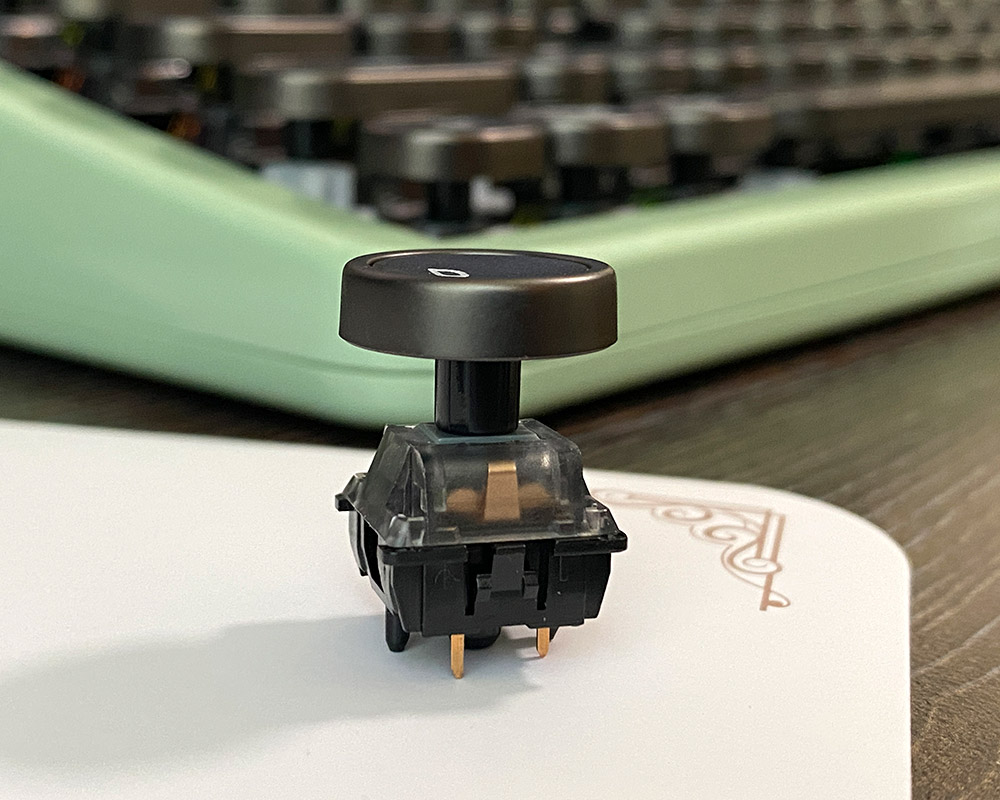
The actuation force of the Onyx switches is approximately 43 g, which is a moderate value that allows comfortable typing without feeling stiff. The actuation point is 2 mm, enabling the keyboard to respond quickly to input. The sound they produce is pleasant and deep rather than sharp, resulting from a combination of quality materials and construction. As a reminder, the keyboard supports hot-swappable switches, so you can install other switches if these do not suit your preference.
Overall, I liked the Onyx Tactile Switches, even though I haven’t previously used clicky switches and found them unusual at first. Considering the format of this keyboard, however, they seem perfectly suited, effectively simulating the feel of typing on a real typewriter.
Battery life and backlighting
The built-in 4,000 mAh battery provides extended use without recharging. According to the manufacturer, the keyboard can operate continuously for up to 23 hours with the backlight on and up to 31 days with it turned off.
In practice, battery life with active RGB lighting ranges from several days up to a week, depending on usage intensity. This allowed me to use the keyboard throughout a workweek without worrying about charging. To conserve power when idle, the keyboard enters a sleep mode, from which it wakes instantly without any noticeable delay.
The keyboard features full RGB key lighting, implemented with top-mounted LEDs. The lighting is one of the few visual cues that indicate it is a modern device. It offers numerous modes and customizable colors. Due to the keycaps’ design, particularly their high profile, the backlight is visible but not overly bright. I personally turned off the lighting to maintain the overall vintage aesthetic.
Read also:
- YUNZII YZ75 PRO Wireless Mechanical Keyboard Review
- YUNZII B75 PRO Review: Wireless Mechanical Keyboard
QMK/VIA software and customisation
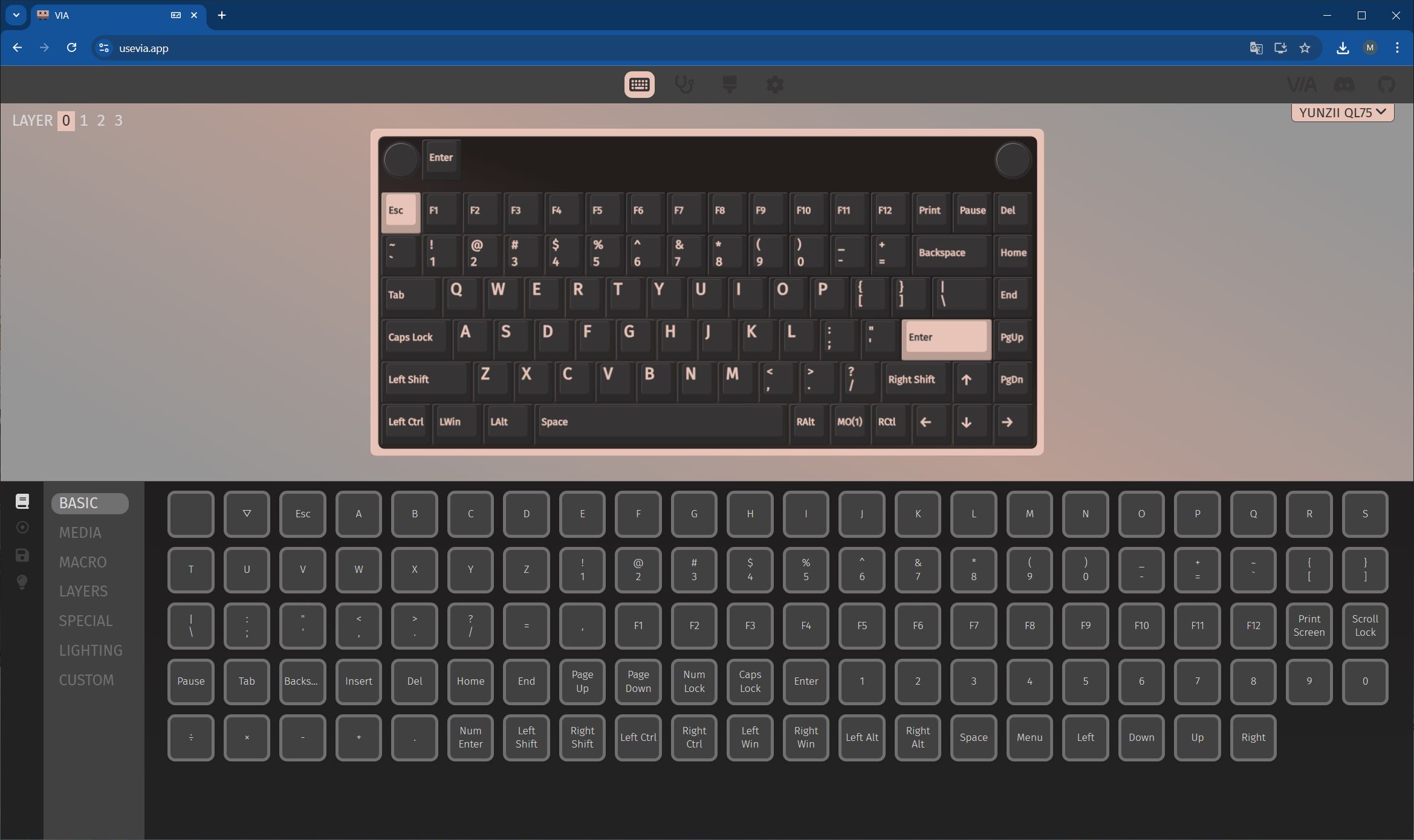
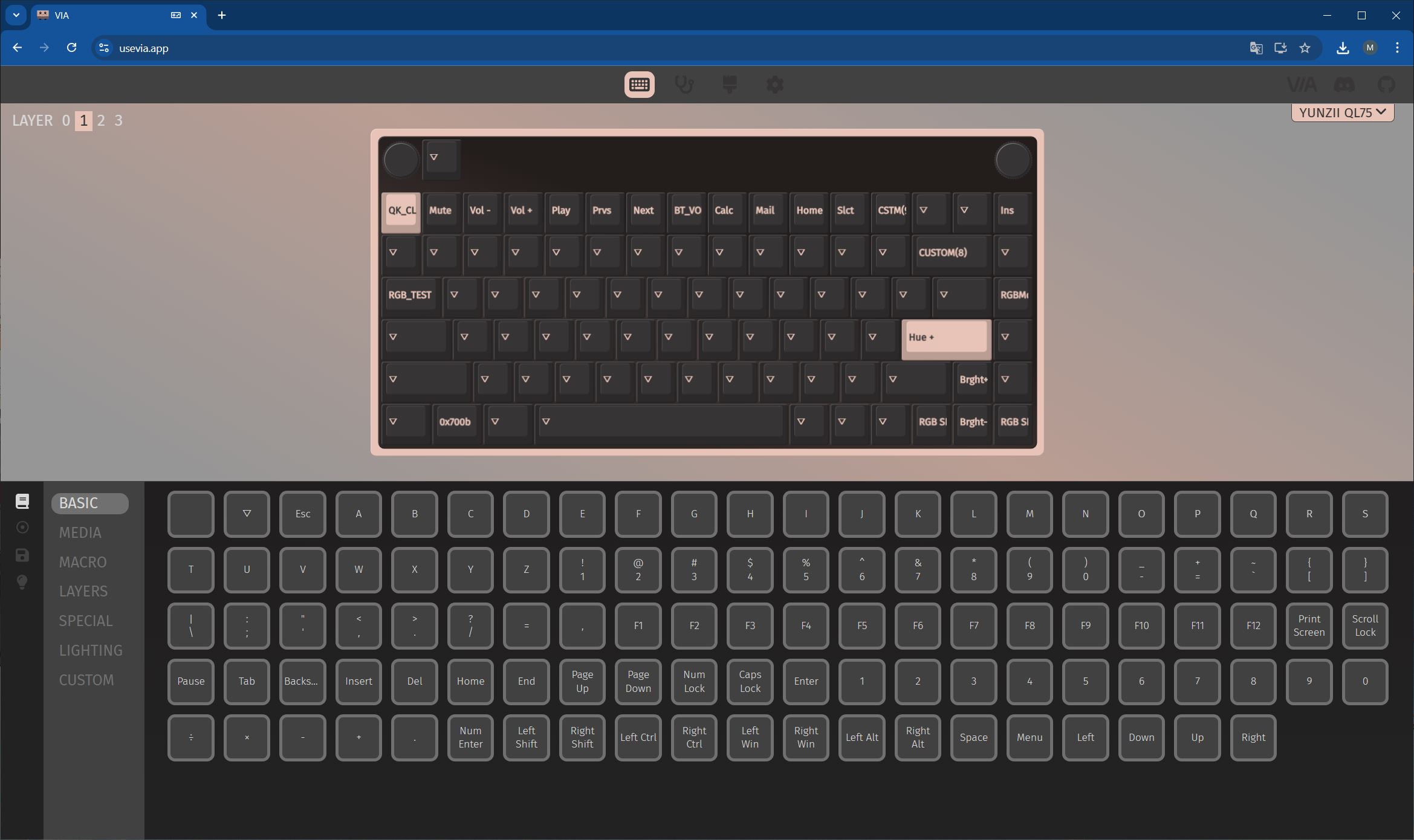
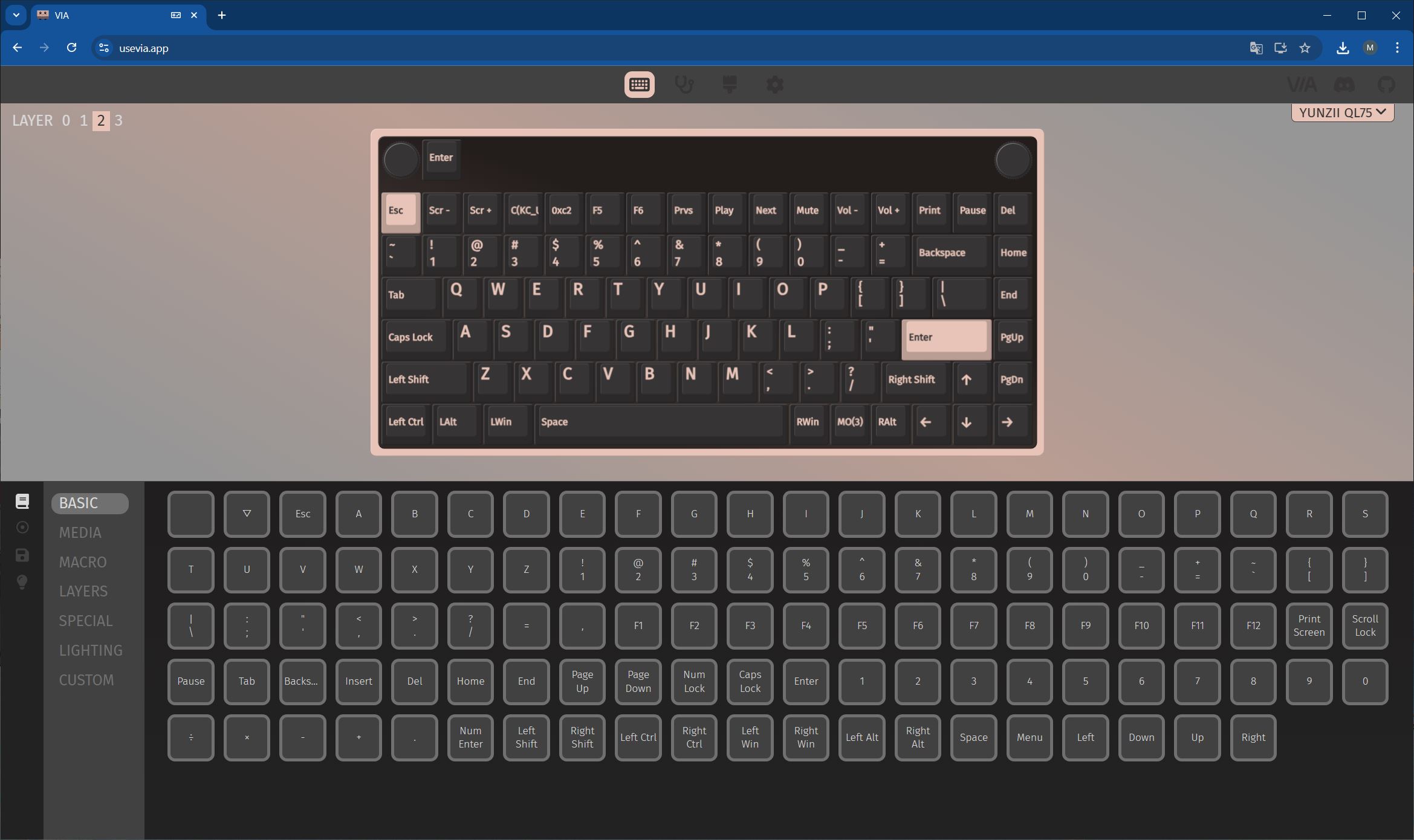
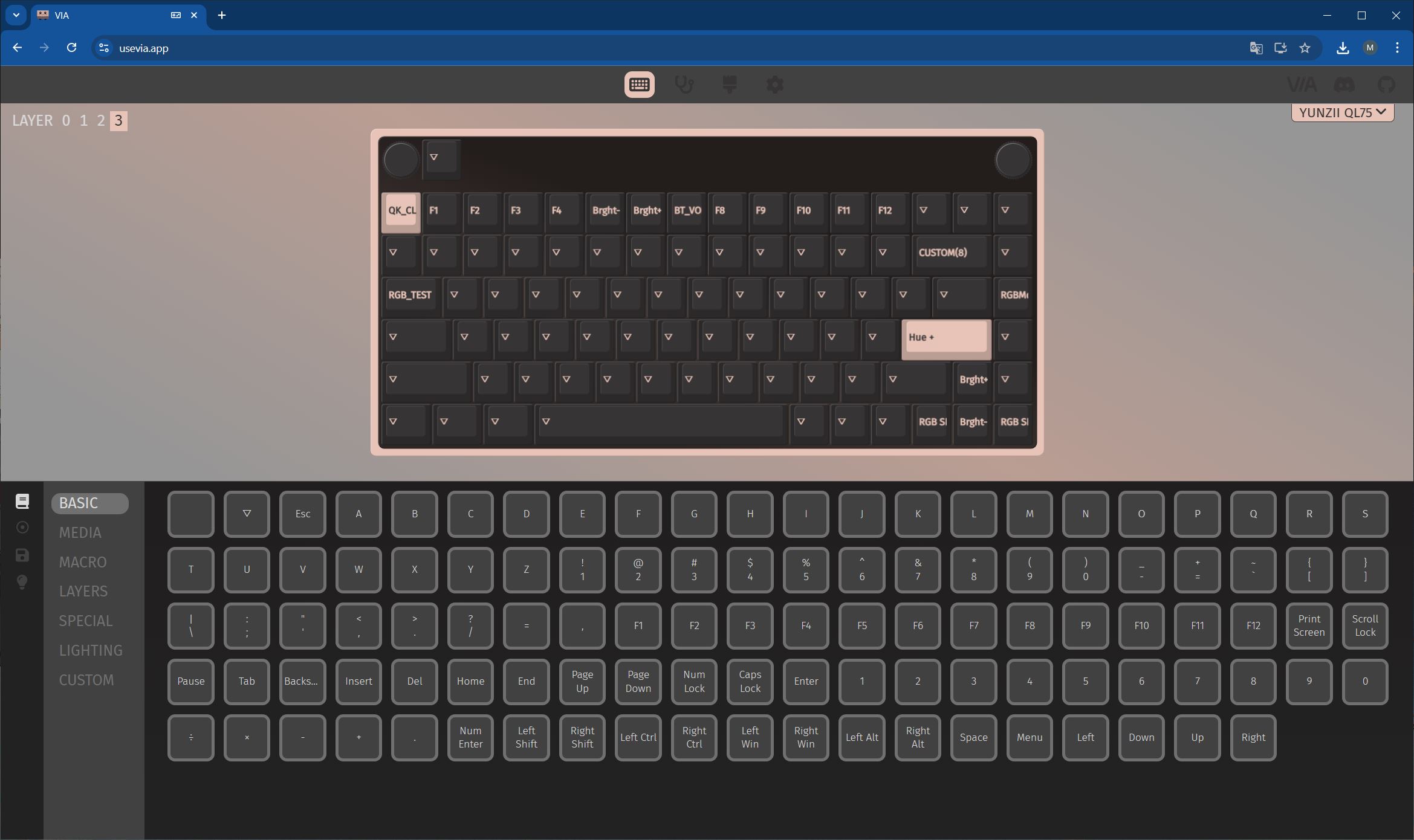
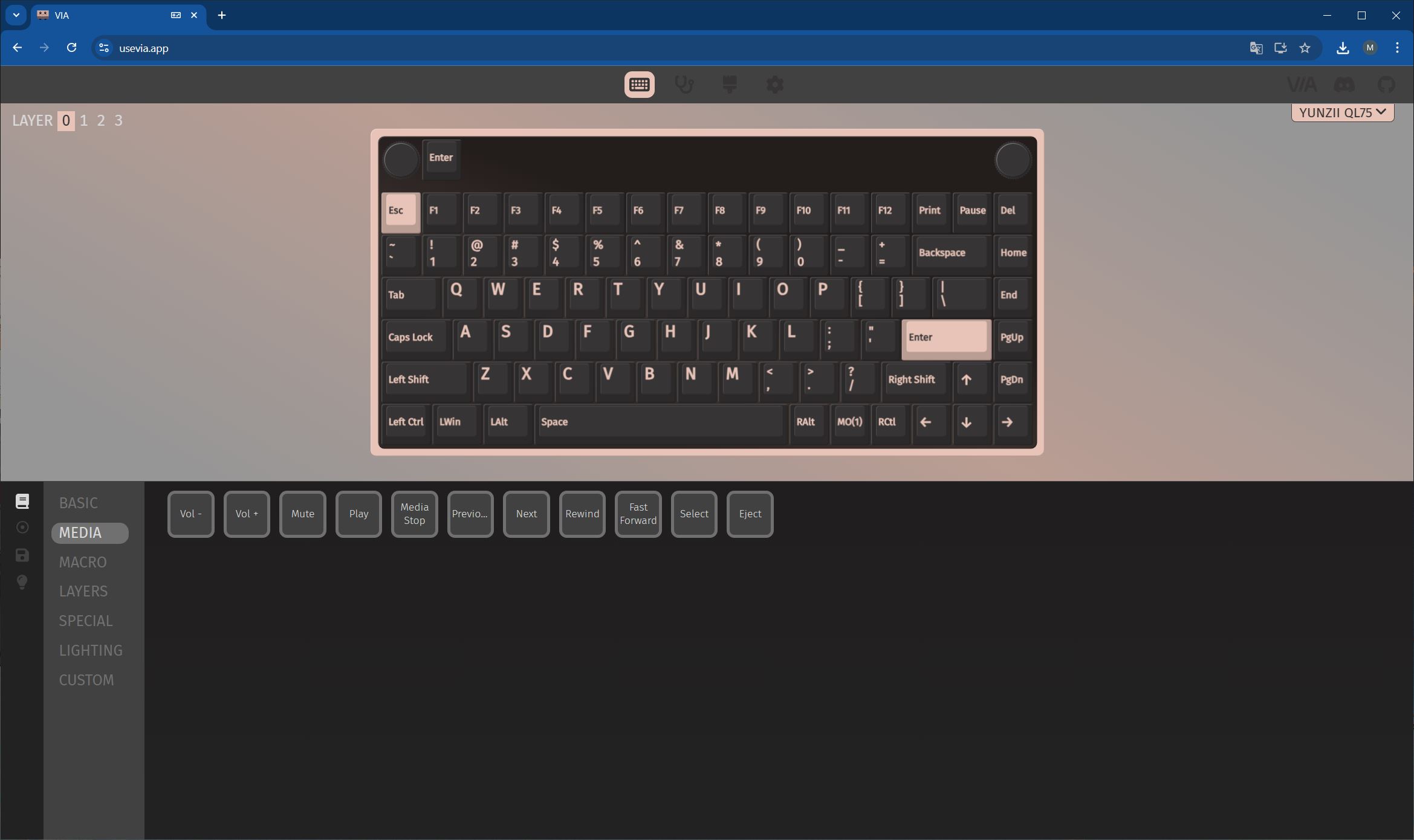
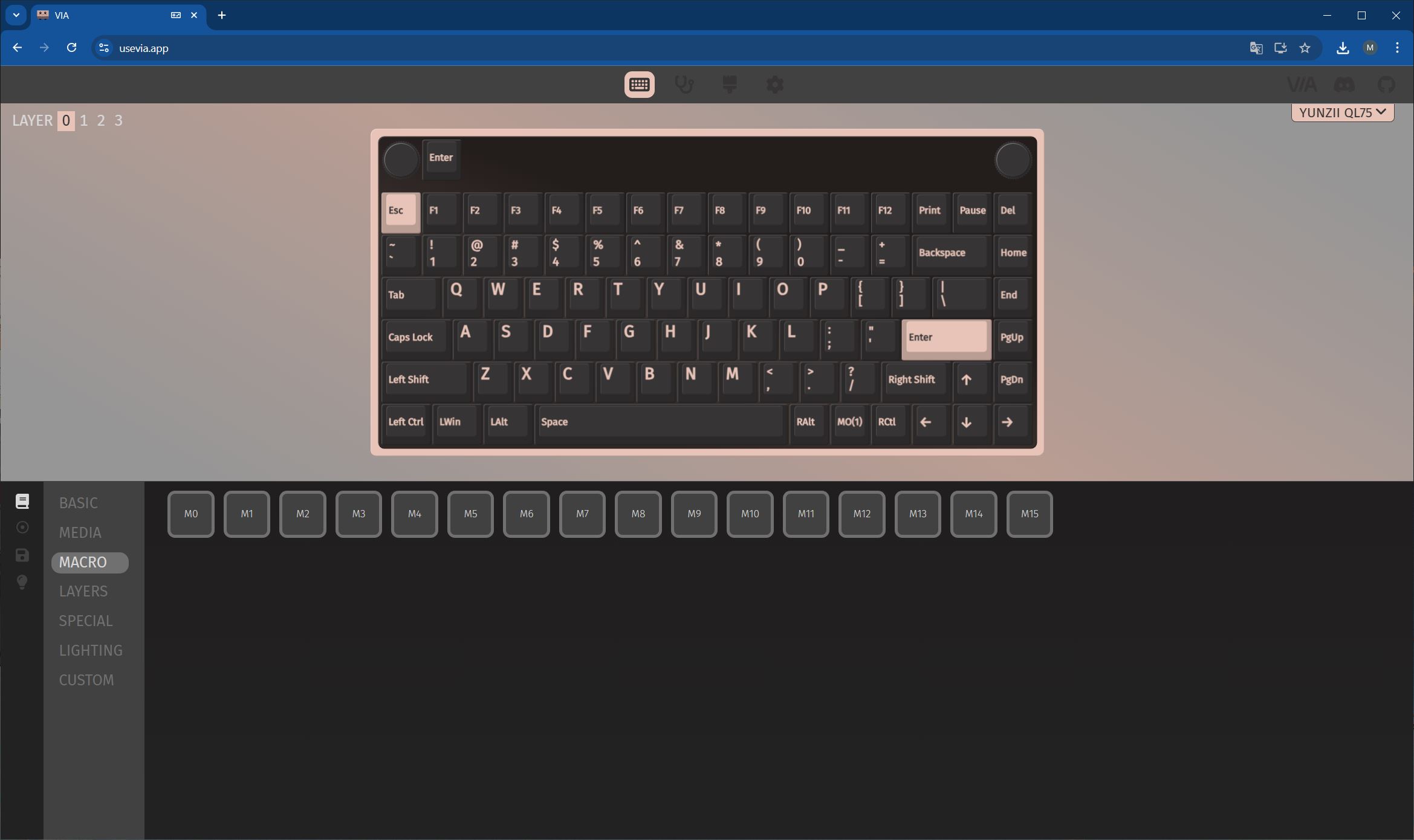
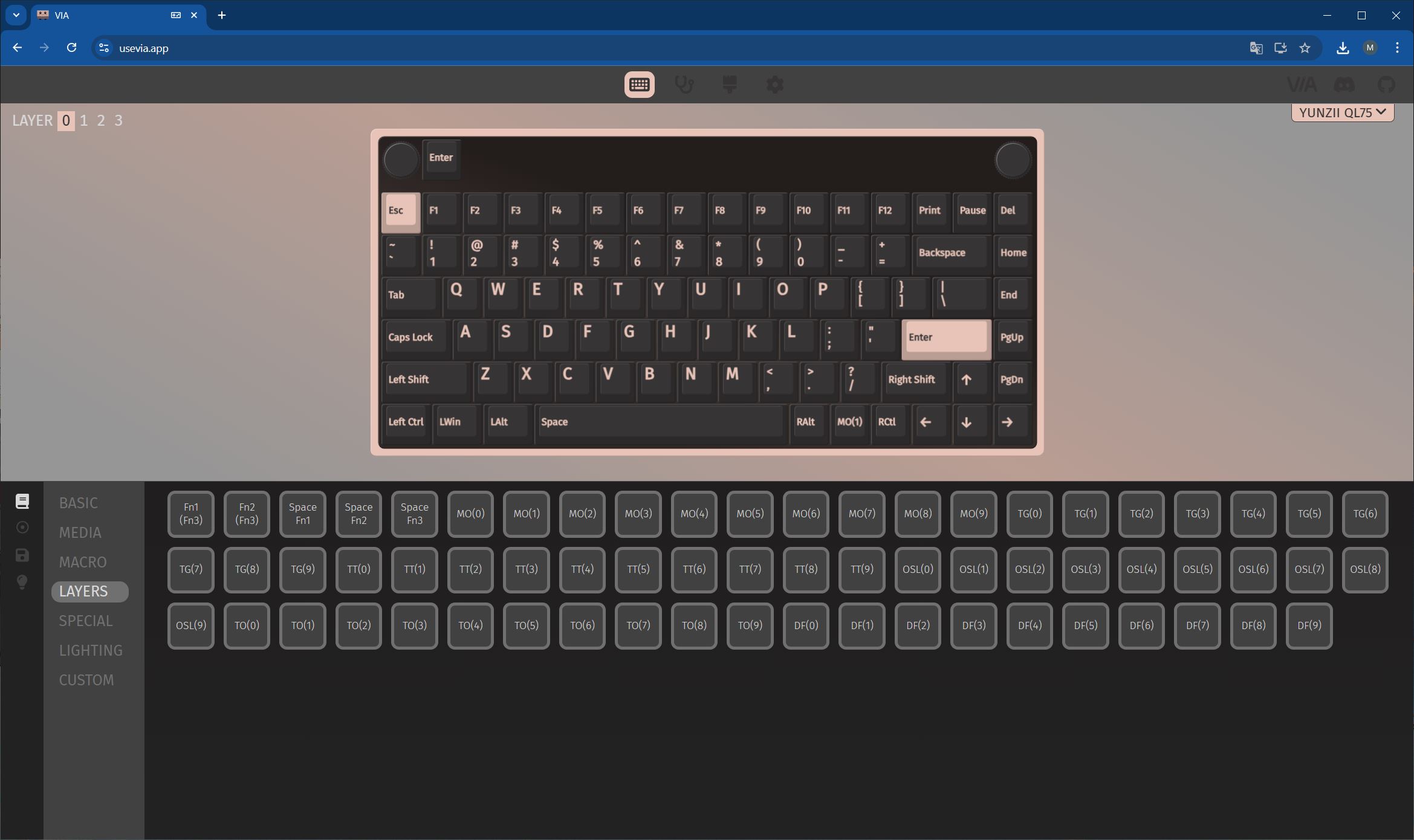
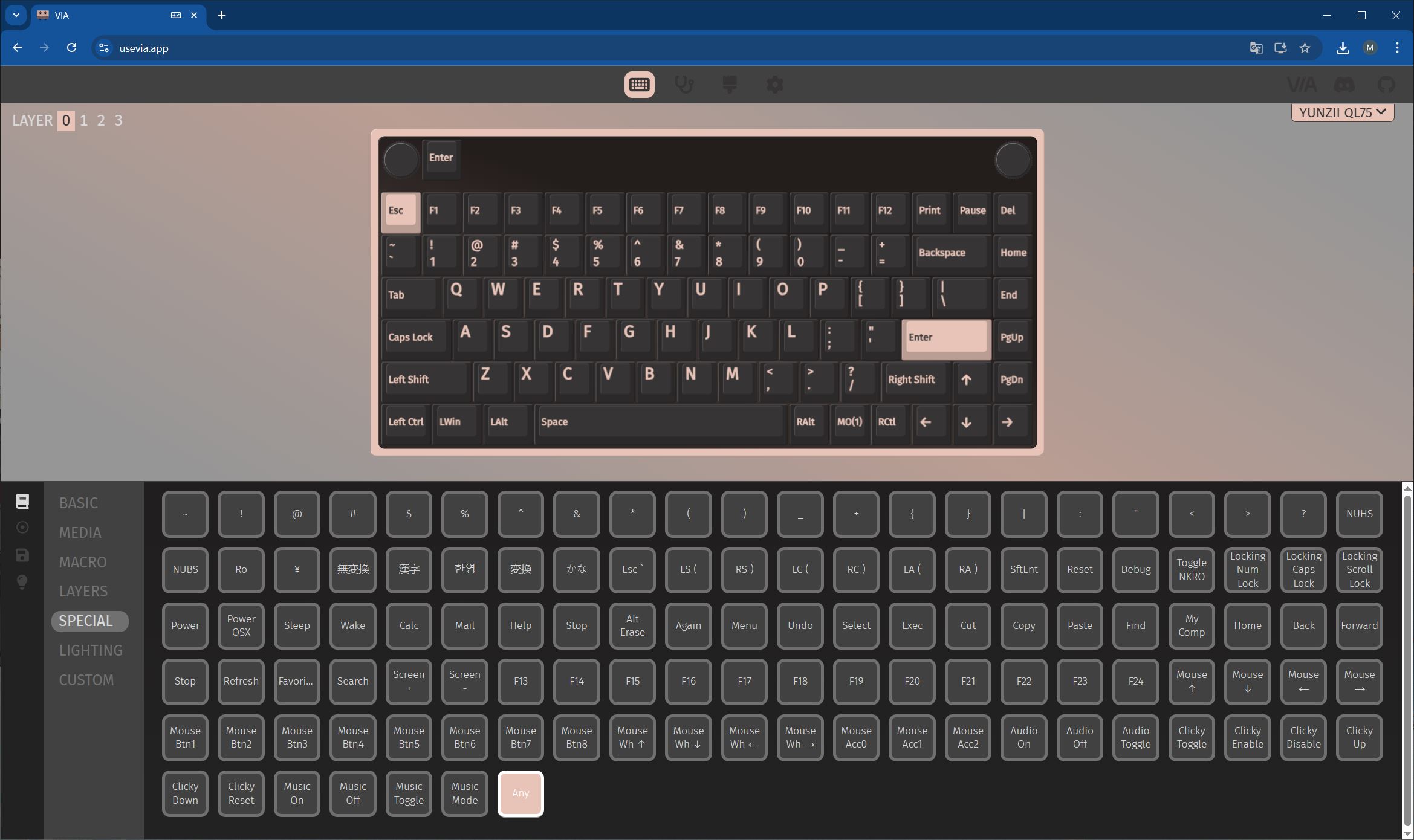
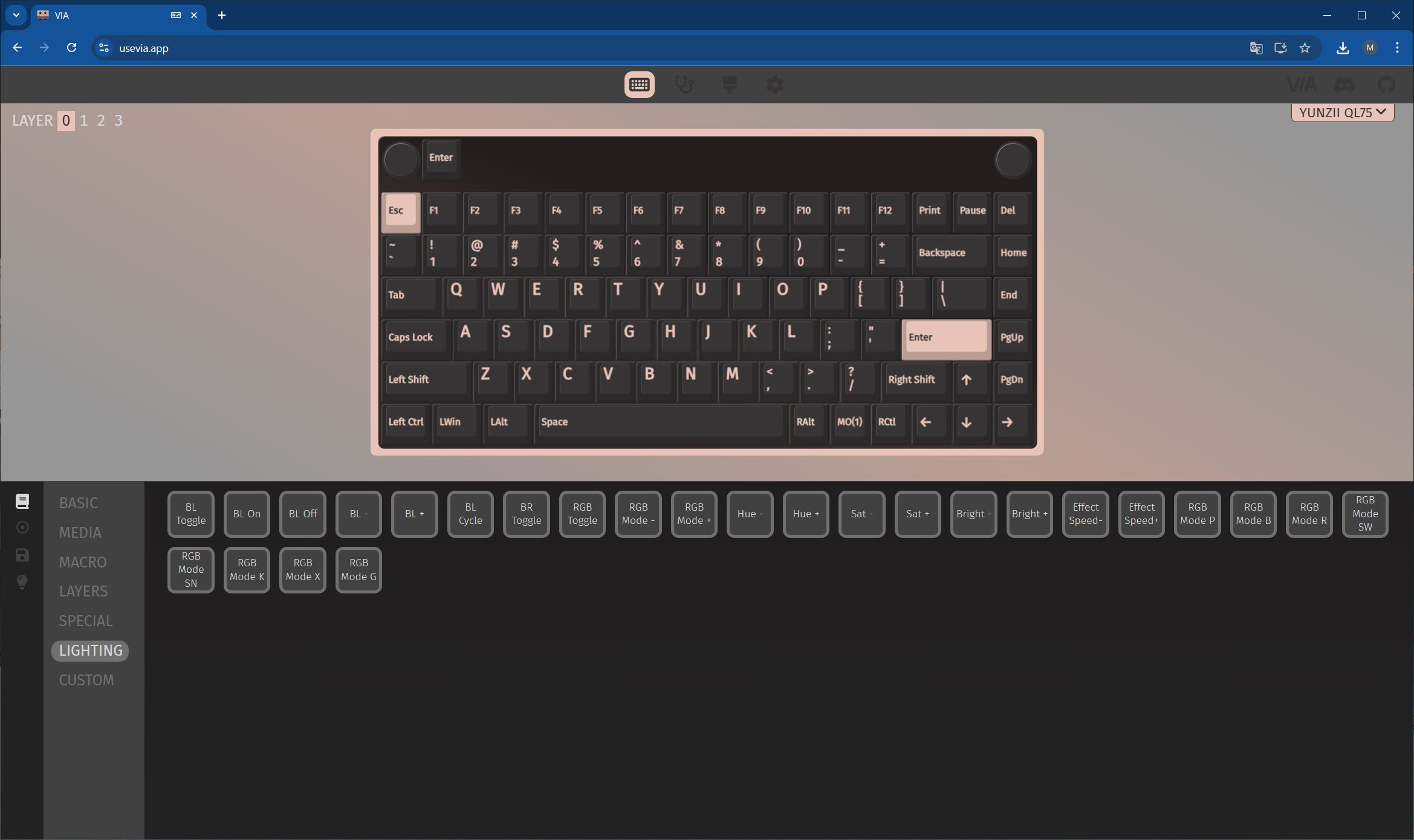
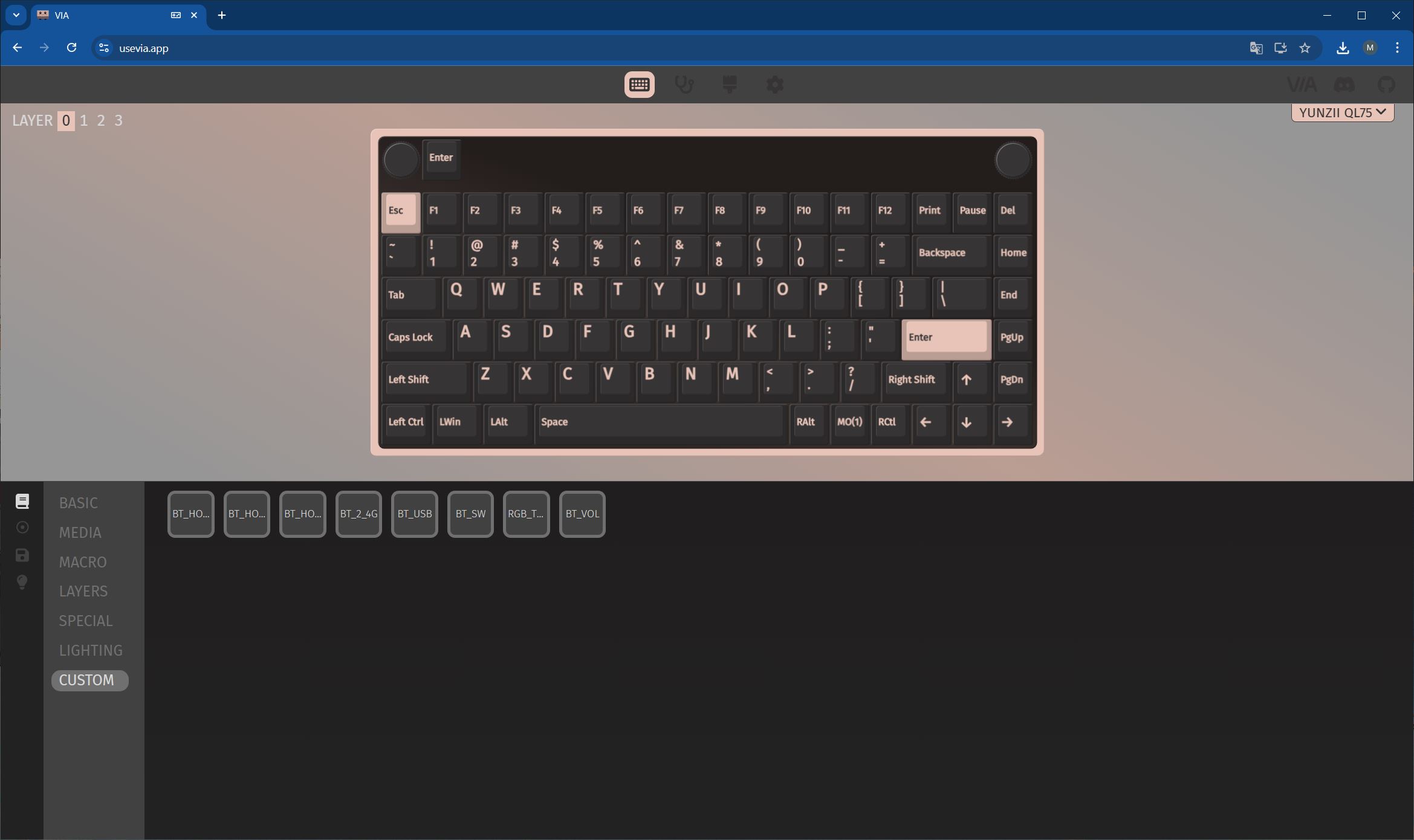
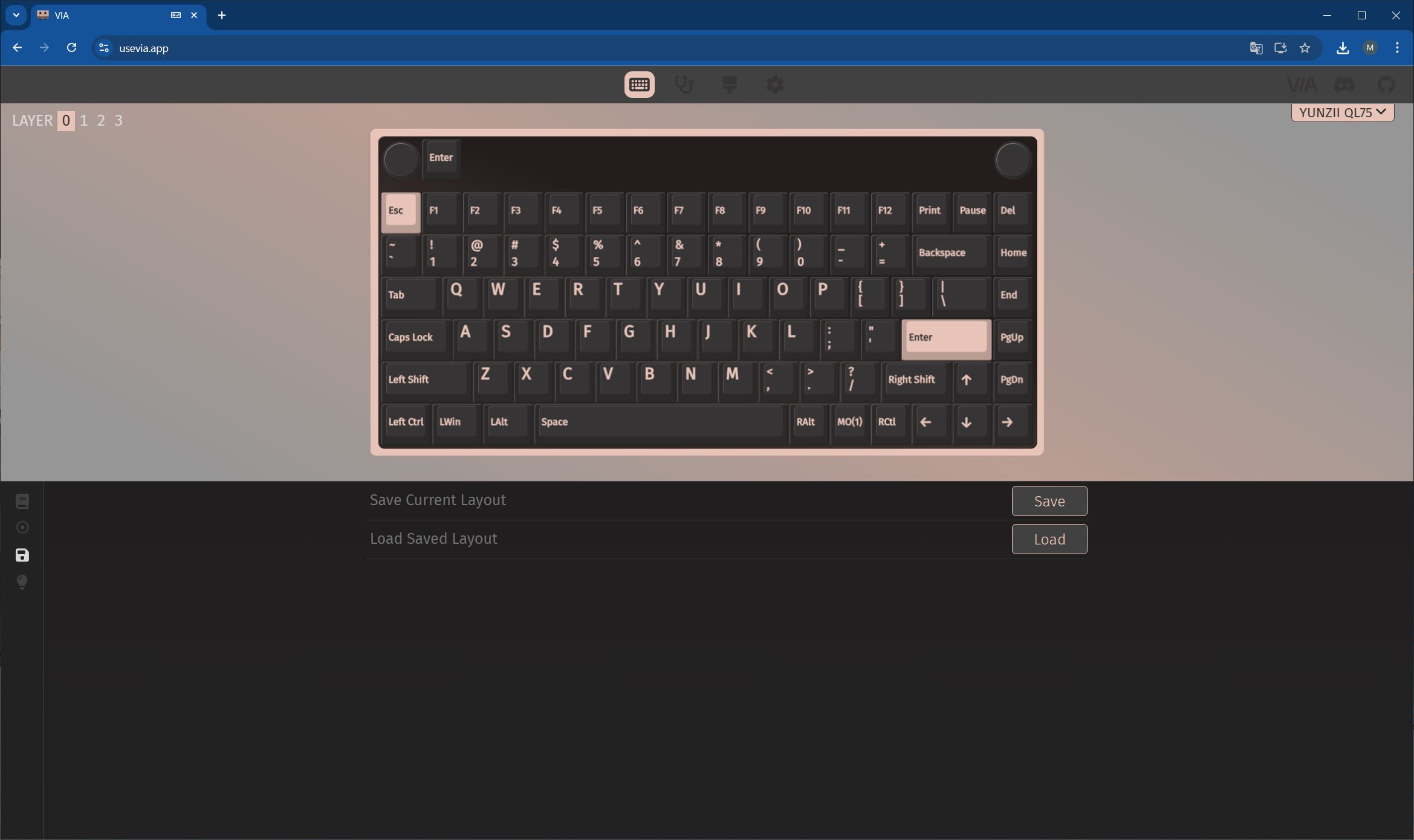
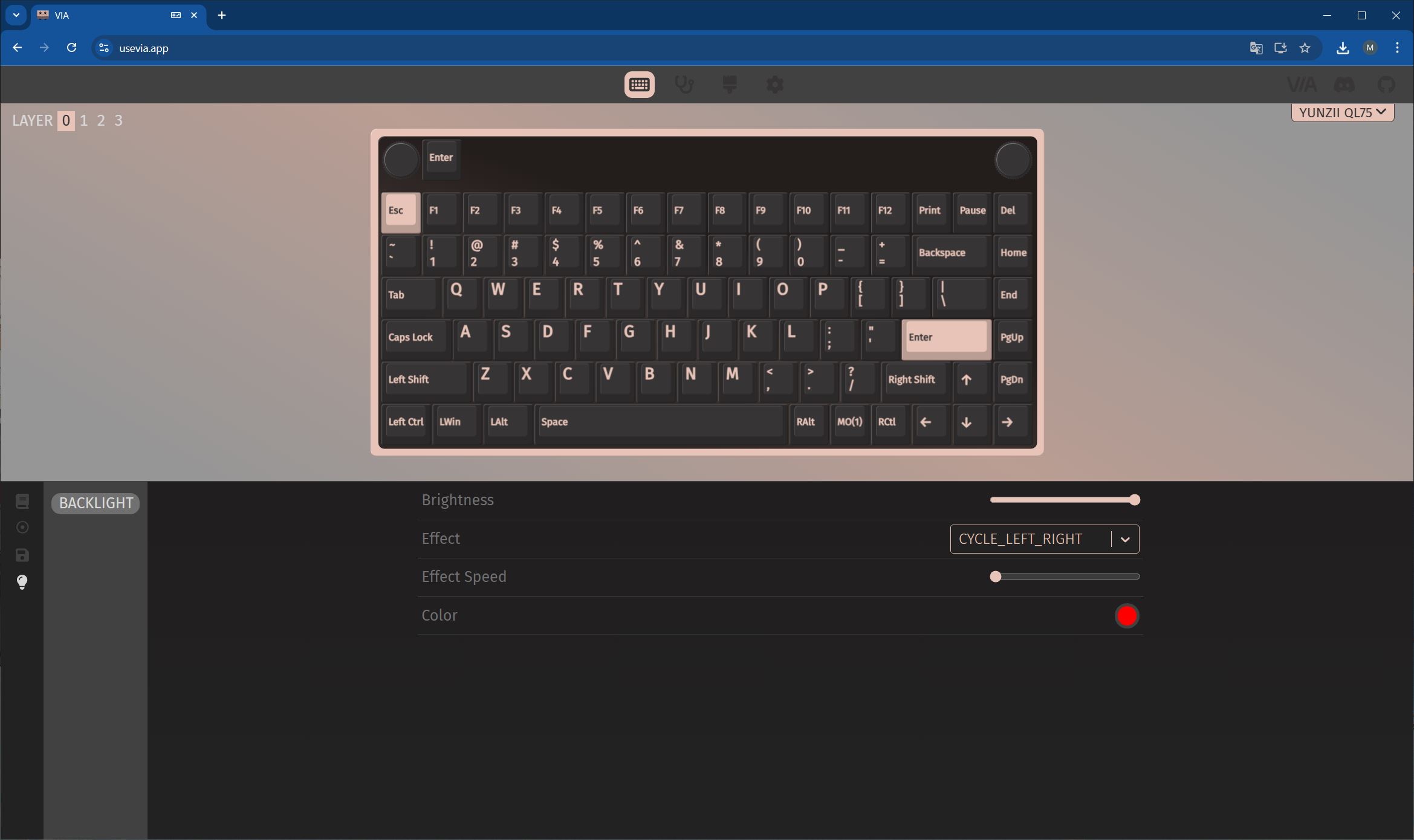
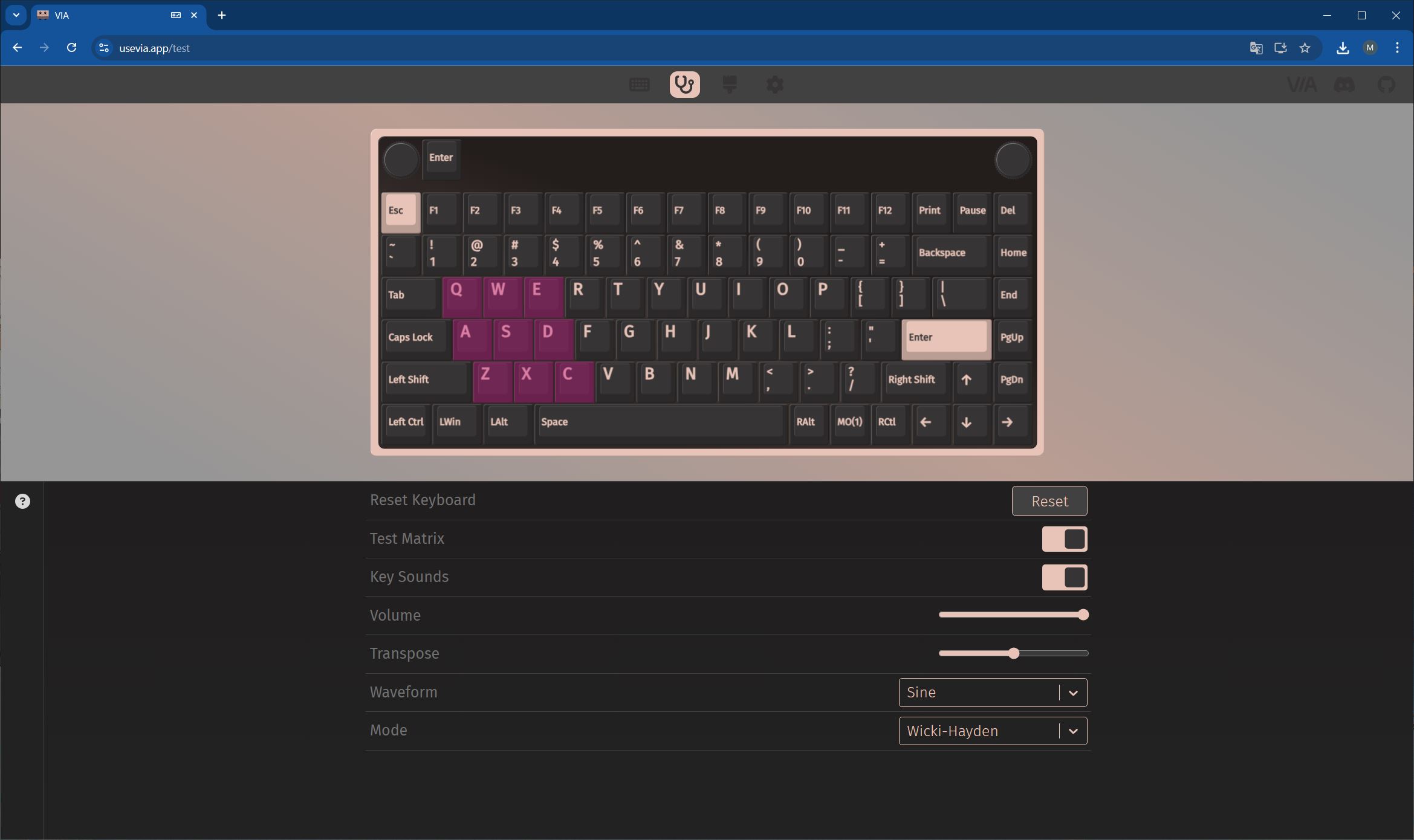
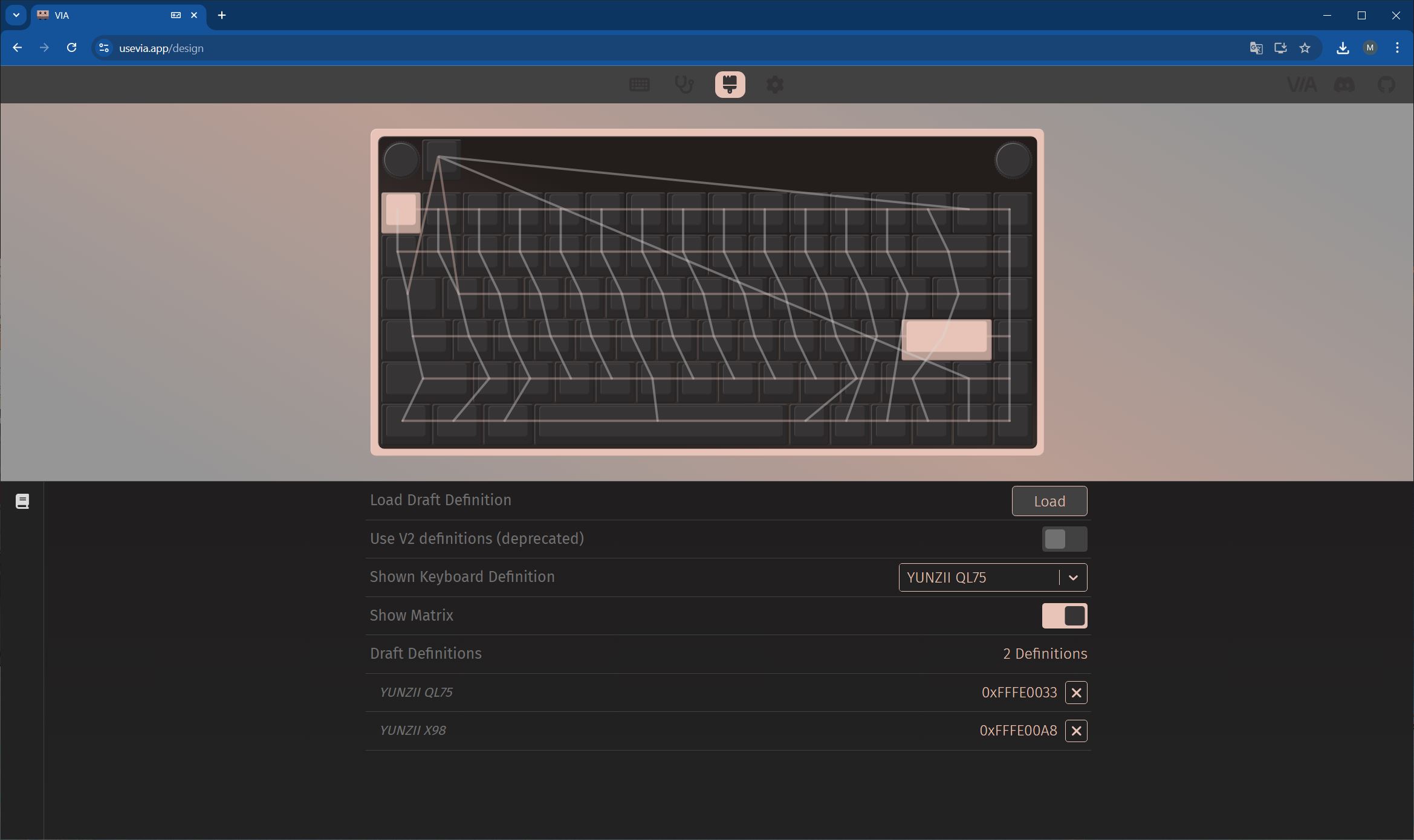
One of the major advantages of this model is its support for QMK/VIA software. This allows full key customization, macro creation, and layout changes, making the keyboard well-suited for users who require a personalized workspace. Configuration through VIA is intuitive and does not require advanced skills, making the keyboard accessible to a wide range of users.
The process of connecting the device to VIA, the settings and function menus, customization options, and layer management are the same as in other YUNZII keyboards with corresponding support. I have already covered these features and demonstrated them in previous examples. To avoid repetition and keep this review concise, I will simply provide the relevant links here.
- To learn how to connect the keyboard and access the VIA settings, please refer to this or this link.
- The JSON file specifically for the YUNZII QL75 model can be downloaded from the official website.
- A detailed description of all menus with settings can be found here and here.
- I showed how to customise the keyboard using my own example here and here.
- I showed how to update the keyboard firmware here and here.
- The firmware itself and the update programme can be downloaded from the official website.

Is it worth buying the YUNZII QL75?
This keyboard represents a strong combination of vintage aesthetics and modern functionality. It not only complements a stylish workspace but can also serve as a central source of inspiration in a setup (which is why it is going straight to my wife, who enjoys writing on it). After using it, I can highlight its main strengths: a unique typewriter-inspired design, quality materials, a reliable and stable build, three connection modes, QMK/VIA support for extensive customization, and the pleasant Onyx Tactile Switches, which provide an authentic typing experience.
The only notable drawback is arguably more of a characteristic than a flaw – the high-profile keycaps, which require some adjustment. Overall, if you are looking for a keyboard that stands out from the crowd while remaining reliable and functional, the YUNZII QL75 is one of the best options on the market. It represents an investment in quality, style, and comfort that pays off through a satisfying user experience.
Read also:
- ASUS ROG Strix Scope II X Keyboard Review: Hot-Swap Support, Clean Design, and an Accessible Price
- TV Show Enthusiast, a Mechanic Cinderella, and a Gosling Mother: A Selection of Notable Books Featuring Robots
- All About Windows ML: A Shift in Local AI Processing
Where to buy YUNZII QL75
Ciao! Volevo regalare questa tastiera alla mia mamma. Ovviamente lei è abituata a una tastiera italiana con le lettere accentate. Secondo te, per aiutarla, potrebbe essere sufficiente attaccare degli adesivi con lettere accentate nei tasti corretti? Oppure bisogna fare dei cambiamenti software? Grazie in anticipo!
Ciao!
La tastiera YUNZII QL75 è pensata con layout ANSI/US, quindi le lettere accentate tipiche italiane (à, è, ì, ò, ù) non sono stampate sui tasti.
Hai due possibilità:
Soluzione semplice:
Attacca degli adesivi con le lettere accentate nei punti giusti. Poi, nel sistema operativo (Windows, macOS o Linux), imposta la disposizione della tastiera italiana. In questo modo, tutto funzionerà correttamente: anche se i tasti non corrispondono visivamente, la tastiera scriverà come una italiana.
Soluzione più tecnica (tramite QMK/VIA):
Se vuoi che la tastiera funzioni fisicamente come una italiana anche senza cambiare layout nel sistema, puoi creare un profilo personalizzato in VIA/QMK con la mappatura italiana. Così puoi assegnare direttamente i tasti accentati dove preferisci e salvare la configurazione nella tastiera stessa.
Nel tuo caso, penso che la prima opzione sarà sufficiente.
Alla fine l’ho acquistata e ci ho attaccato degli adesivi con fondo trasparente. Tutto sommato è venuto un bel lavoro! Ti faccio un’ultima domanda. Per caso l’illuminazione è attivabile/disattivabile da un tasto della tastiera oppure devo per forza scaricare il suo programma per poterla illuminare? Grazie mille ancora!
Ciao, congratulazioni per l’acquisto!
È possibile controllare l’illuminazione direttamente dalla tastiera: non serve installare un’applicazione separata. Il controllo avviene tramite la combinazione di tasti FN. Ti scrivo tutte quelle che riguardano la retroilluminazione:
FN + F7 – attiva/disattiva la retroilluminazione
FN + Enter – cambia il colore nella modalità di illuminazione selezionata
FN + End – cambia gli effetti di illuminazione
FN + ↑ – aumenta la luminosità
FN + ↓ – diminuisce la luminosità
FN + ← – diminuisce la velocità dell’animazione dell’effetto
FN + → – aumenta la velocità dell’animazione dell’effetto
Come ho scritto nella recensione, a causa delle caratteristiche della struttura, la retroilluminazione su questa tastiera non è molto visibile. Per questo motivo è davvero meglio disattivarla. Inoltre, la retroilluminazione non si integra molto bene con il design rétro. Tra l’altro, senza retroilluminazione l’autonomia della tastiera aumenta notevolmente.