





© ROOT-NATION.com - Use of content is permitted with a backlink.
Today, I’m reviewing something quite unusual and original: the new YUNZII X98 keyboard. For those who follow our reviews, you might recall that I recently covered almost the entire YUNZII AL line – a series of mechanical keyboards in aluminum cases. Before that, I also reviewed other interesting models in plastic cases and with magnetic features. The X98 introduces a new line, the YUNZII X series, which consists of semi-transparent keyboards. As you’ve probably guessed, the main highlight of this series is the transparent design of both the case and the keycaps. However, that’s far from the only notable feature of the X98.
Read also: Gaming Keyboard Reviews
The YUNZII X98 is an almost full-size (96%) keyboard, featuring a complete numeric keypad, support for wireless connections (RF and Bluetooth), a programmable multifunctional roller for adjustments, hot-swappable switches, a Gasket Mount structure, and compatibility with QMK/VIA. Beyond these features, its standout elements are the transparent case and the unique CSA-profile keycaps. Looking ahead, I can say that this keyboard is genuinely unusual, interesting, and in some ways quite unconventional. I’ll cover all of these aspects in detail in today’s review.
TABLE OF CONTENTS:
YUNZII X98 models and specifications
To start, a few words about the series itself. The YUNZII X Series is a standalone line of mechanical keyboards featuring semi-transparent cases and keycaps. The transparent design is complemented by vibrant RGB lighting with a variety of effects and customization options. Currently, the series includes four models: X71, X75, X75 PRO, and X98. From their names, it’s clear that the primary difference between the models is their size, with the X98 – the focus of today’s review – offering the most keys. The X98 is a recent addition to the series. Its technical specifications are listed below.
- Model: YUNZII X98
- Format: 96%
- Number of keys: 96 keys
- Connectivity: RF 2.4 GHz, Bluetooth 5.3, USB
- Switches: Snow Linear Switch
- Polling rate: 1000 Hz
- Anti-Ghosting: yes
- #KRO: N-KRO
- Hot swap: 5-pin connectors
- Construction: Gasket Mount
- Body material: polycarbonate
- Keycaps: CSA profile polycarbonate keycaps with 3D-printed symbols
- Backlighting: RGB keys (south-facing LEDs)
- Adjustment roller: multifunctional wheel (configurable via QMK/VIA)
- Proprietary application: QMK/VIA web application
- Supported platforms: Windows, MAC, Android, iOS, Nintendo Switch, Xbox, PlayStation
- Battery: 8000 mAh
- Battery life: 45 hours with backlight on, 320 hours with backlight off
- Full charge time: 13 hours
- Cable: detachable USB-C to USB-A, 1.8 m long
- Available colours: white, pink
- Dimensions: 390.52 × 141.71 × 44.81 mm
- Weight: 1.27 kg
- Key features: Transparent design, polycarbonate case, CSA-profile polycarbonate keycaps with 3D printing, 96% layout, three connection modes, Gasket Mount, hot-swappable switches, lubed switches and stabilizers, programmable multifunctional roller, onboard memory, QMK/VIA support
- Package contents: Keyboard, detachable USB-C to USB-A cable, dual keycap puller, spare switches, 2.4 GHz RF wireless adapter, extra keycaps, blister dust cover, user manual

Positioning and price
In essence, the YUNZII X98 can be considered the flagship of its series. It offers an almost full-size layout, a refined construction, QMK/VIA support, a programmable adjustment roller, a high-capacity battery, and unique CSA-profile keycaps. These features set it apart from other models in the series and help explain its higher price point.
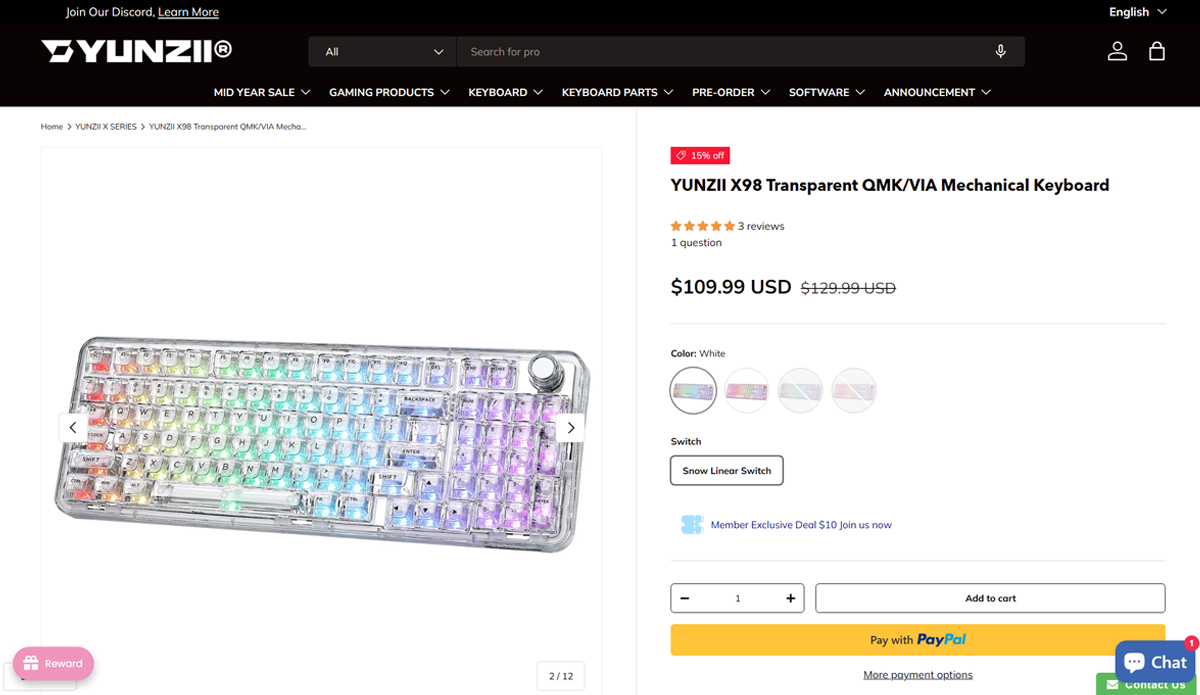
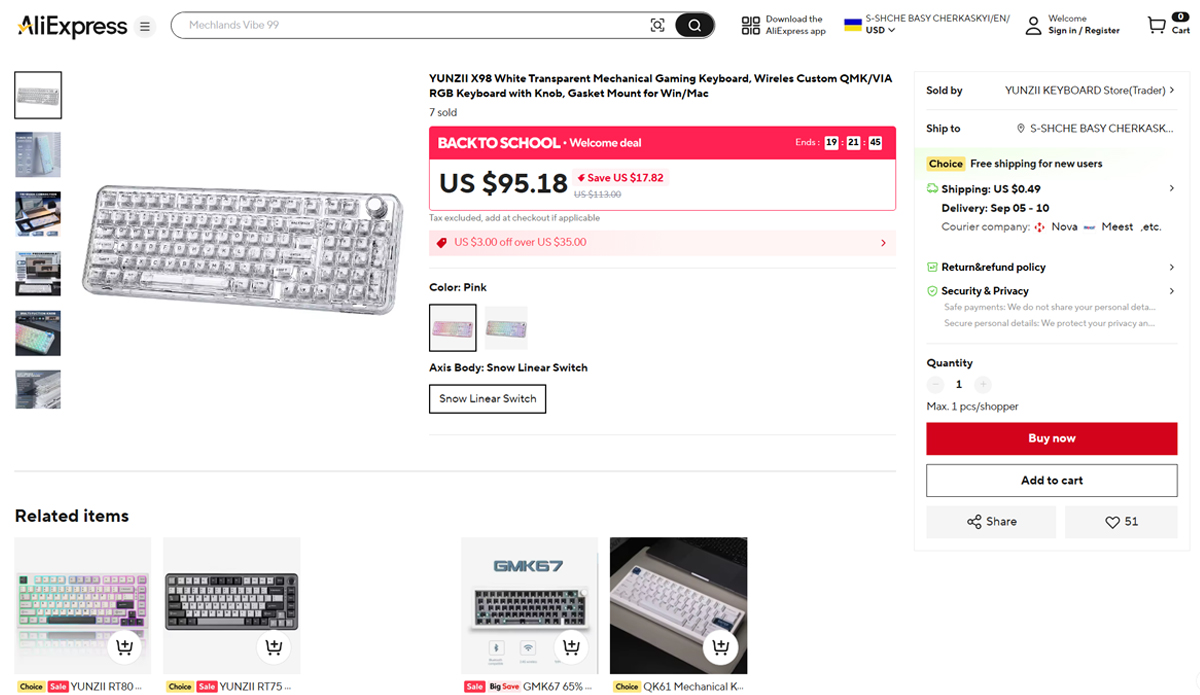
The keyboard is available on the official YUNZII website and on AliExpress. On YUNZII’s site, it is priced at $110 / €95, while AliExpress offers it slightly cheaper at $95 / €82. These prices reflect available discounts, which, based on my observations, are almost always active, making them a reliable reference. Overall, the price is quite reasonable and attractive for a keyboard of this level.
Read also:
- YUNZII RT80 Review: Magnetic Switches, 8000 Hz Polling, Solid Typing Experience at an Accessible Price
- YUNZII AL66 (V1) Keyboard Review: Metal Build, Creamy Typing Feel, and Affordable Price
YUNZII X98 Package contents
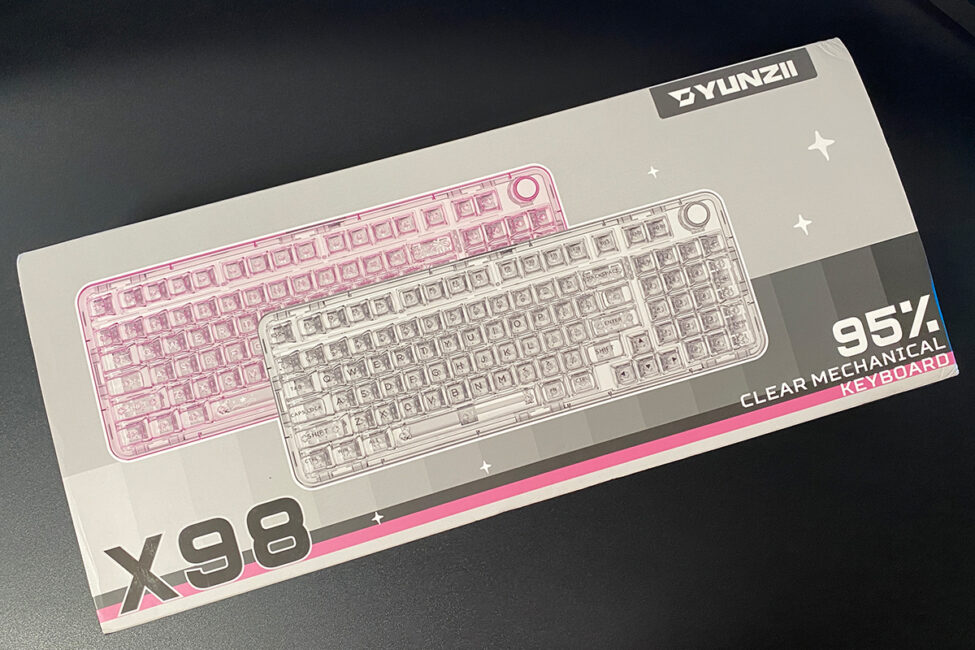
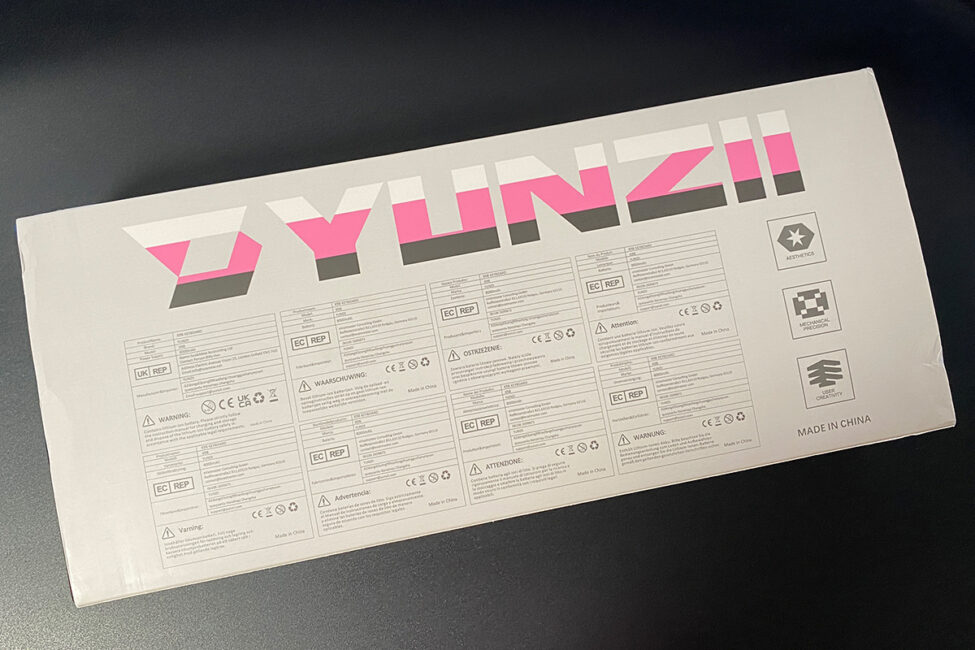
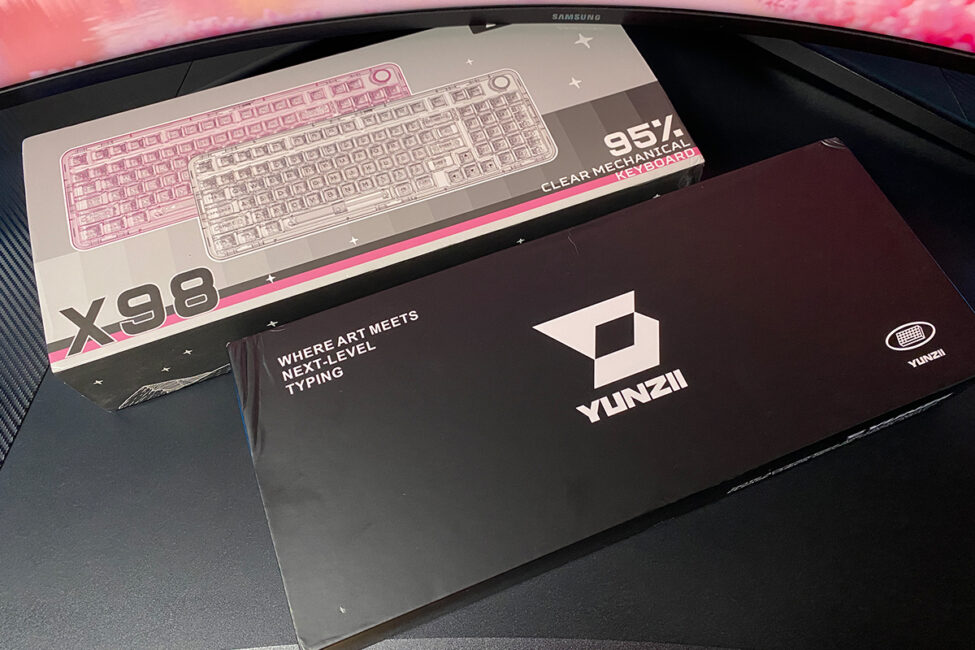
The packaging is noticeably different from other models from this brand. The X98’s box is significantly larger, and the main cardboard material is thicker and more robust.
As usual, the packaging consists of two parts: a stylized outer sleeve and a cardboard box with internal padding.
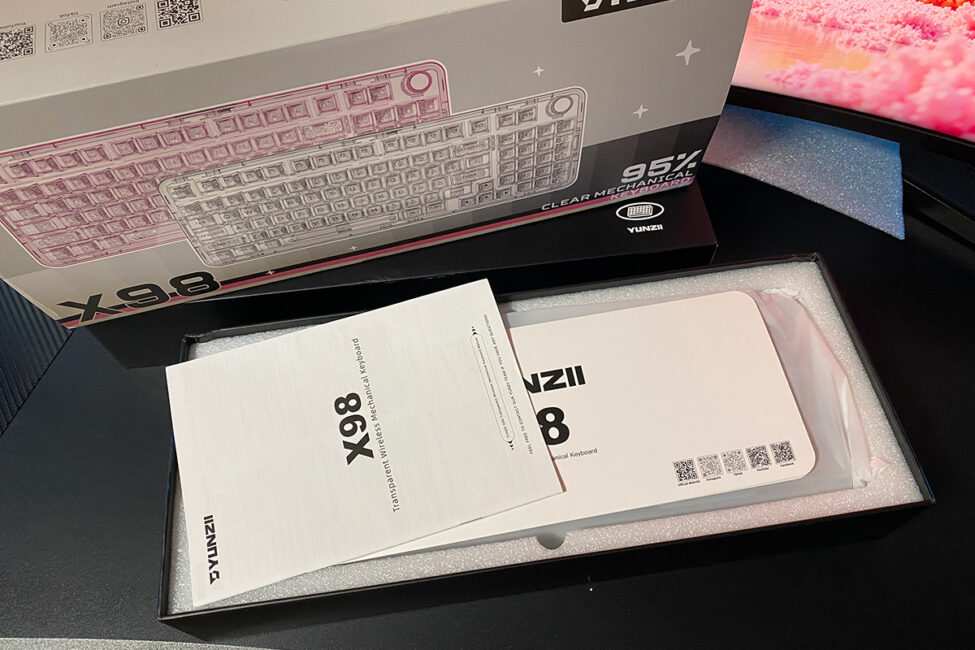
The contents of the set are standard for YUNZII. In addition to the keyboard itself, the package includes:
- removable cable
- double puller
- spare switches
- 2.4 GHz RF wireless adapter
- additional keycaps
- blister dust cover
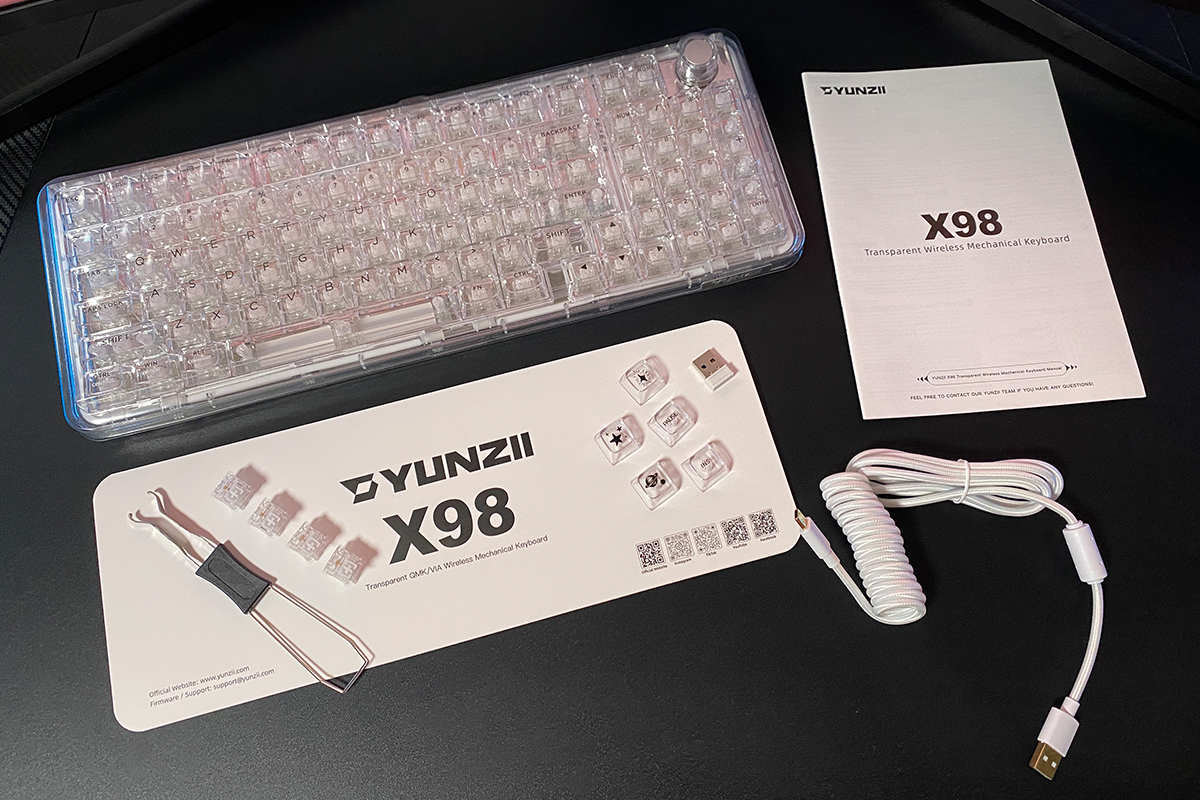
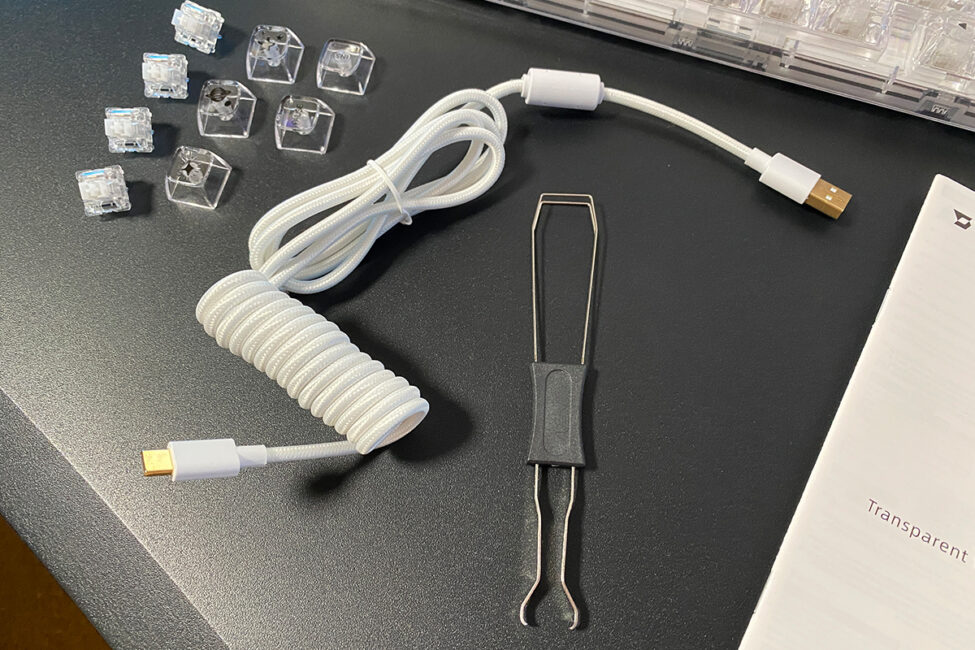
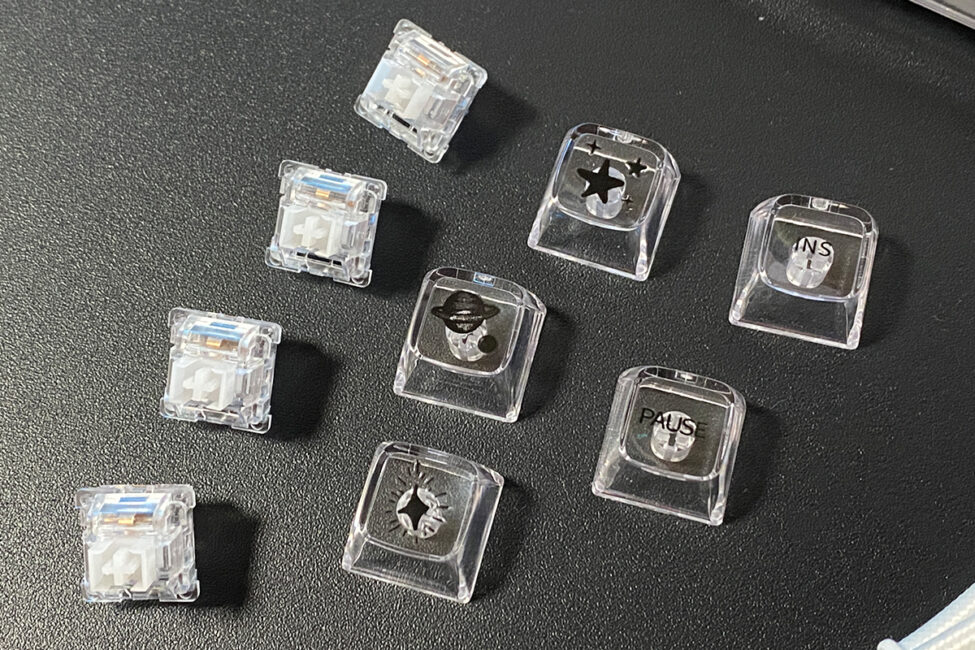
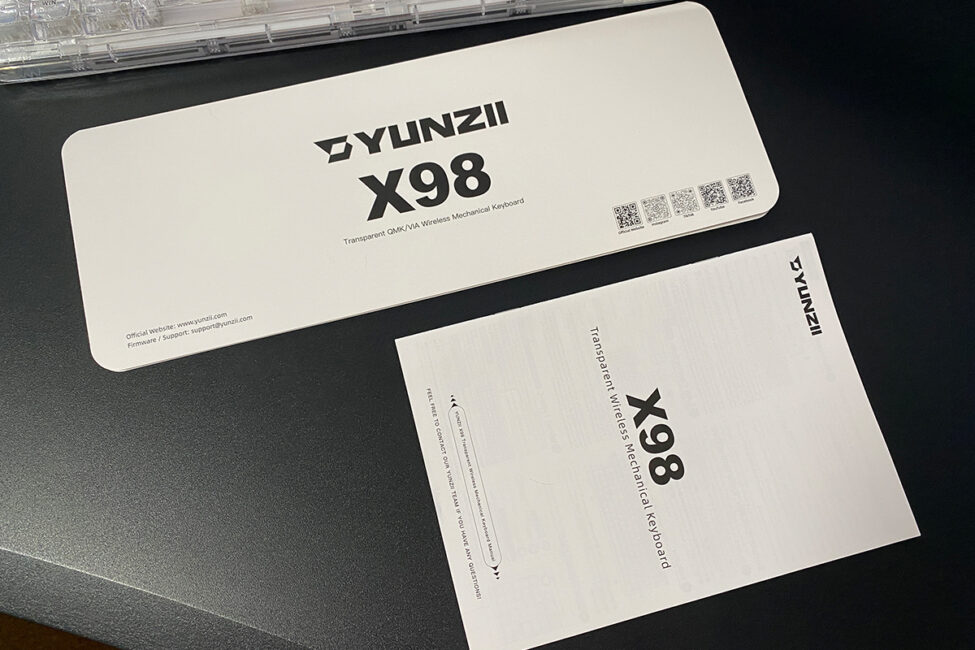
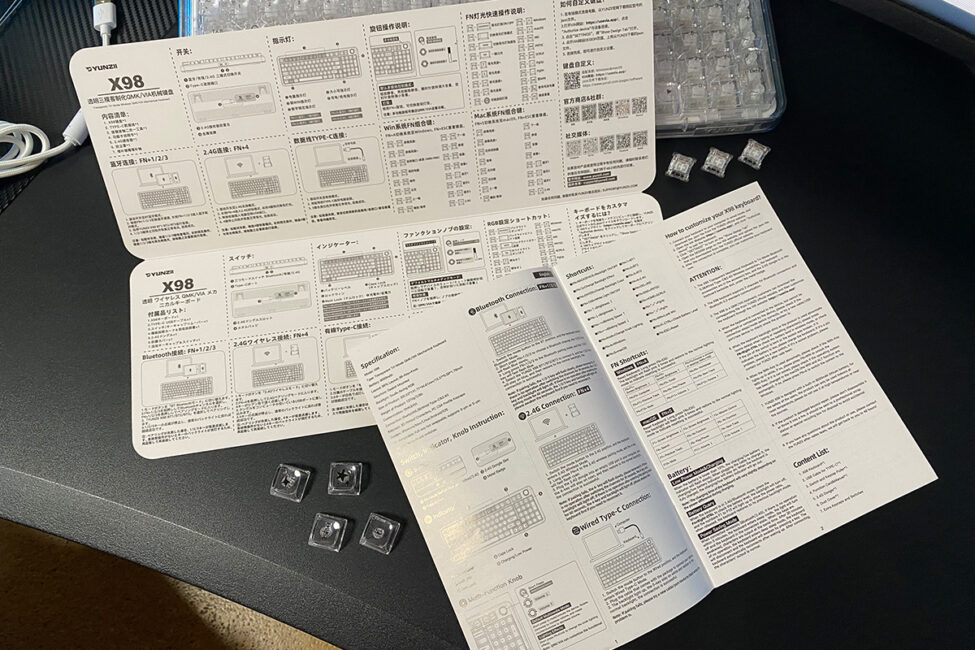
The detachable USB-C to USB-A cable is 1.8 meters long, braided, equipped with a ferrite filter, and wrapped in high-quality fabric. The keycap puller is a standard dual-purpose tool for both keycaps and switches. The package includes four spare switches – twice as many as YUNZII usually provides with other models. These are the same Snow Linear switches installed in the keyboard. Additional keycaps are included for the PAUSE and INSERT keys, as well as others featuring fun designs. There are two manuals: a large cardboard fold-out with specifications, functions, and hotkeys, and a booklet containing essentially the same information. Both manuals are available in English.
Design, ergonomics, assembly, connection methods
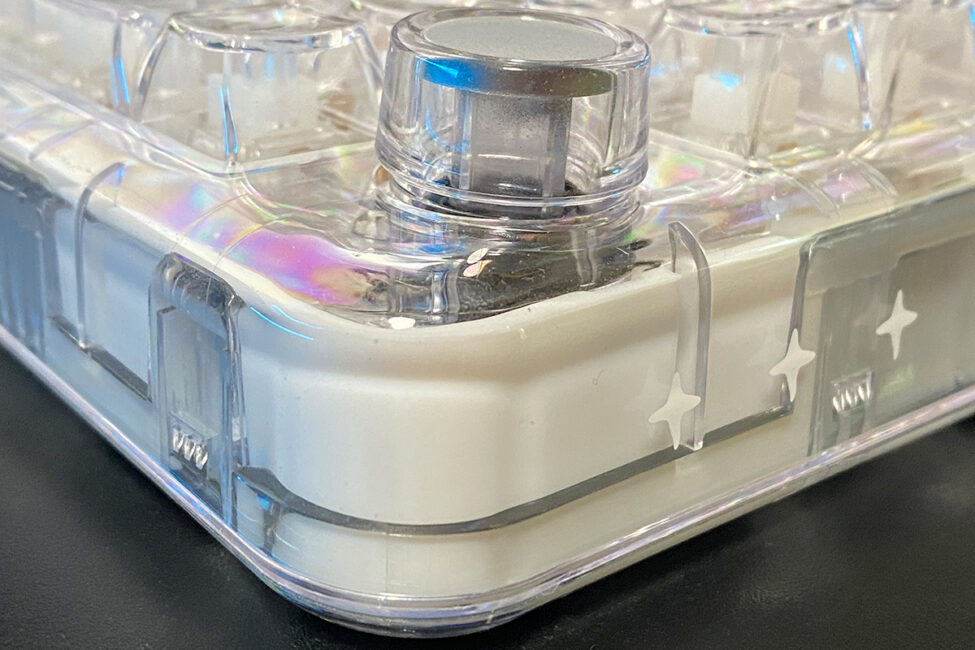
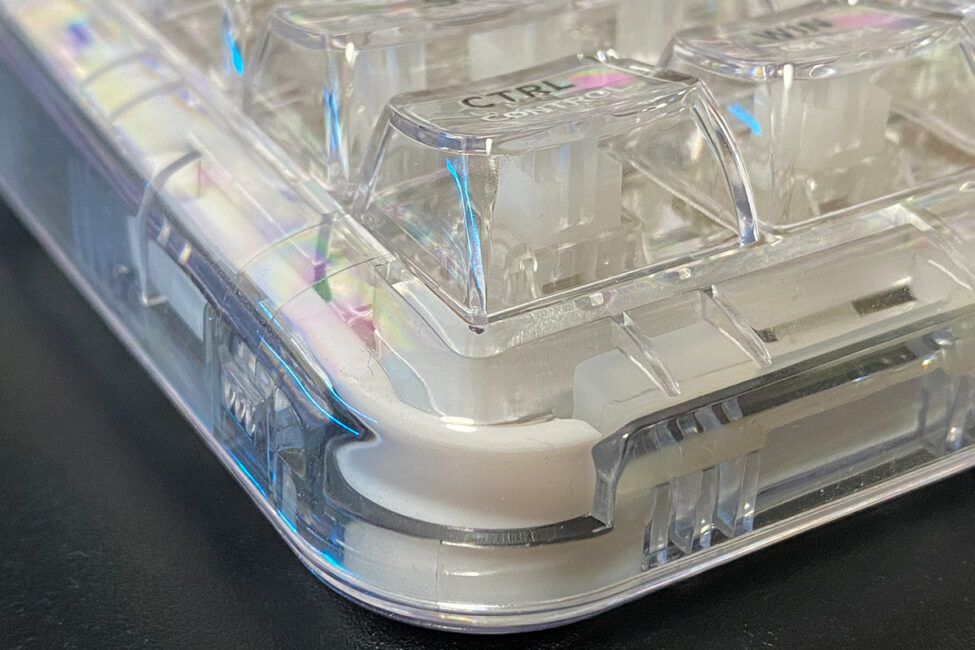
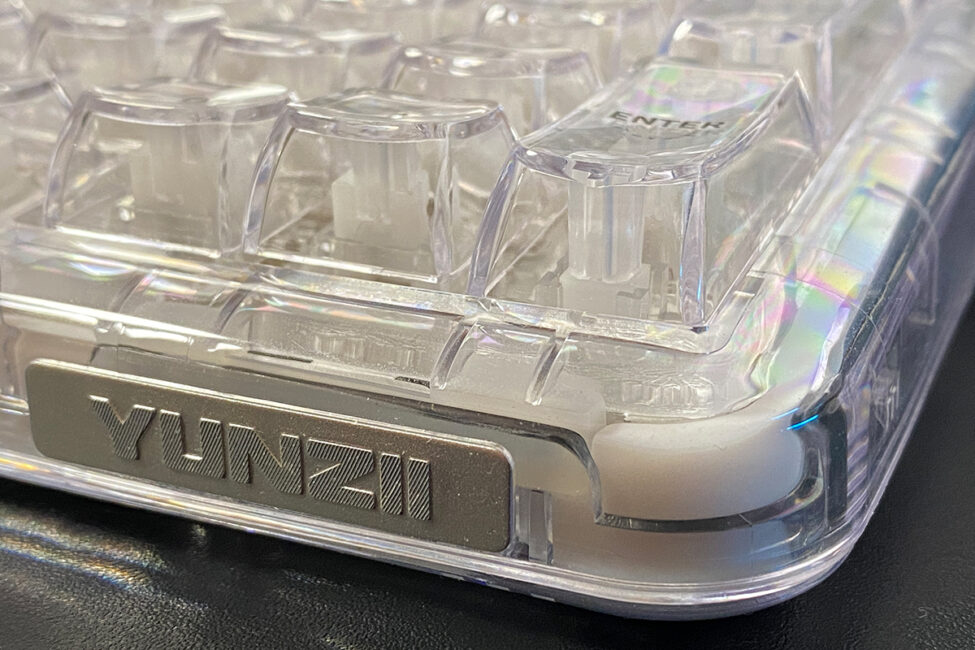
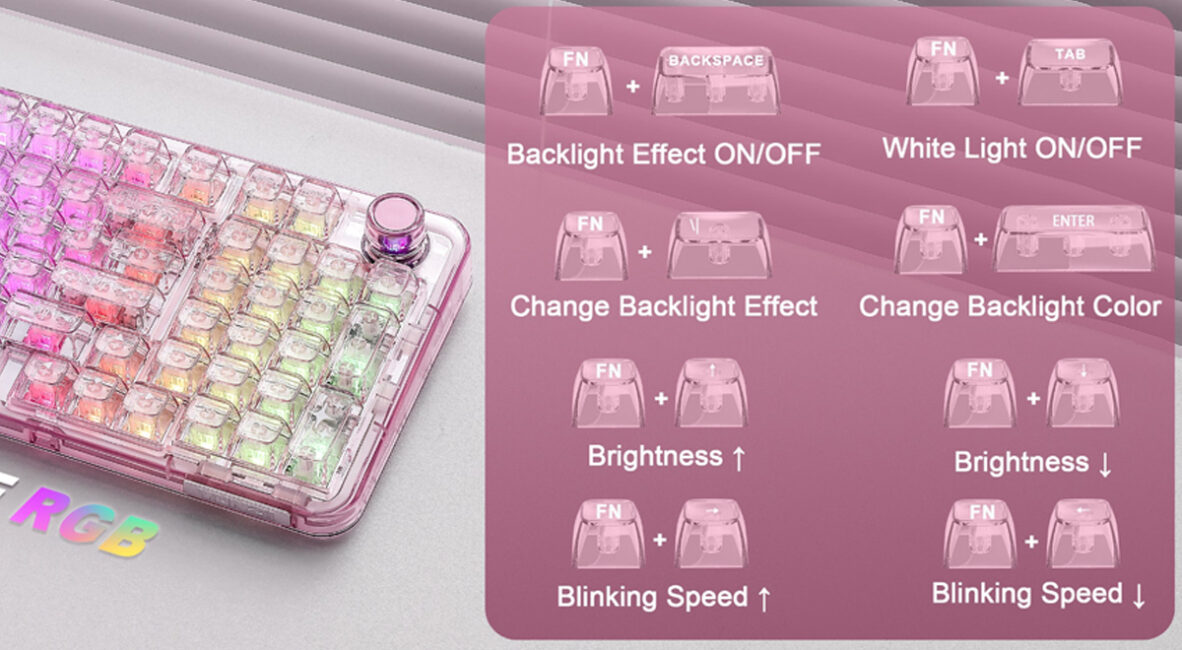
As mentioned earlier, the YUNZII X98 features a semi-transparent case with transparent keycaps, which is its main highlight. Currently, the keyboard is available in only two colors: white and pink. I received the white version for review, which I’ll show in more detail in the photos. The pink variant is included in the screenshot below purely for reference.
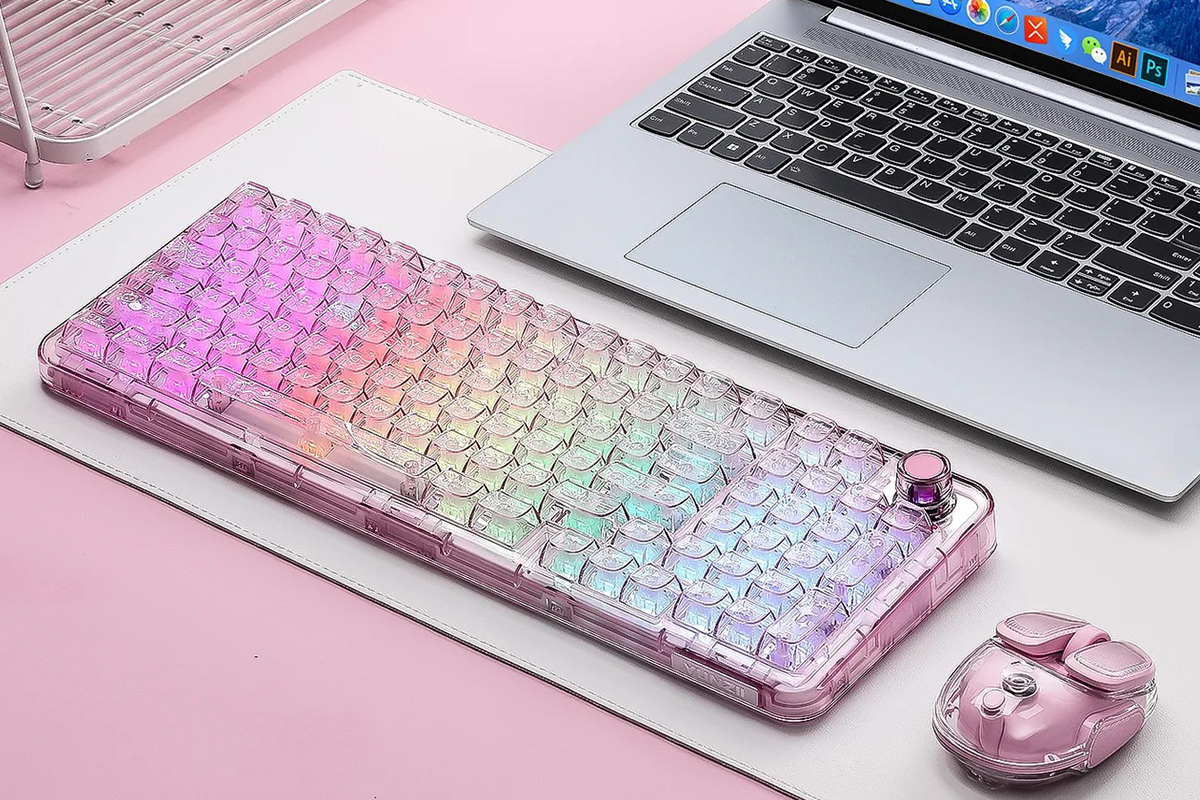
The keyboard uses a 96% layout with a standard ANSI (QWERTY) configuration. A 96% layout includes 96 keys, including a numeric keypad (NumPad). Its dimensions are 390.52 × 141.71 × 44.81 mm, making it slightly more compact than most comparable models. Despite the plastic case, the keyboard is relatively heavy, weighing 1.27 kg.
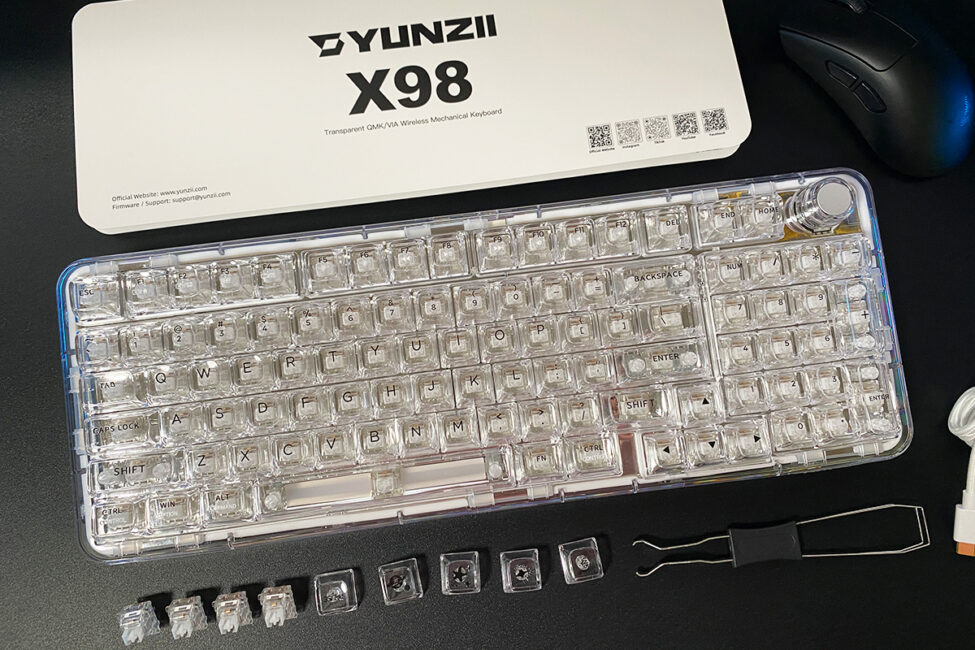
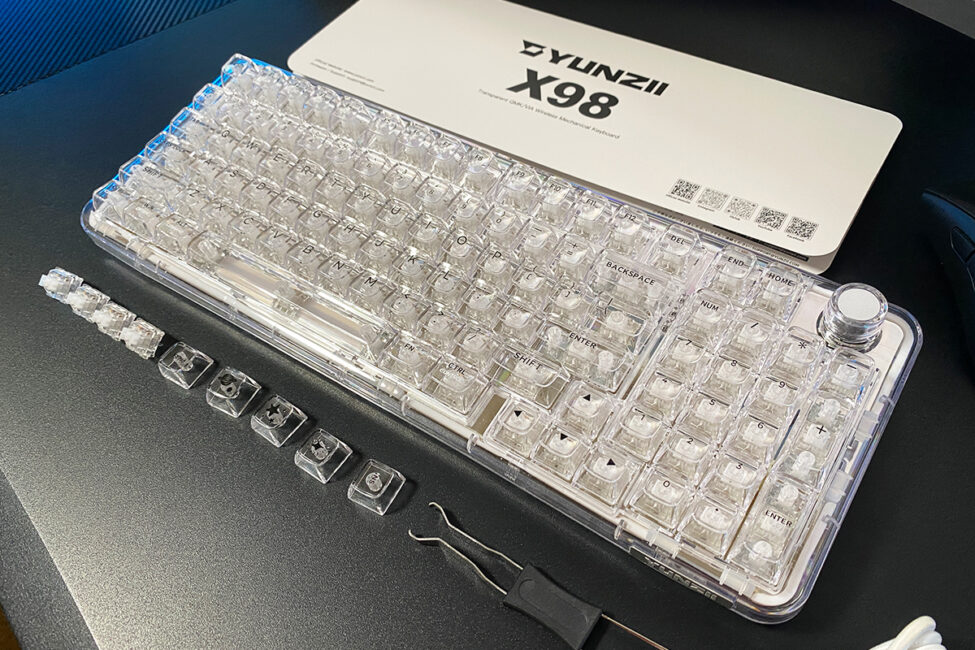
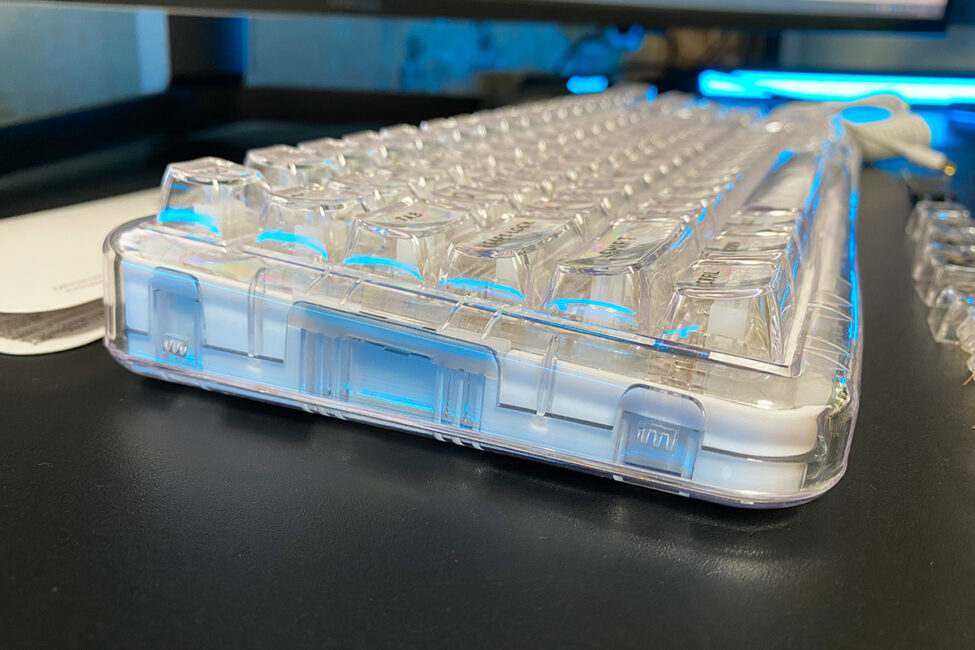
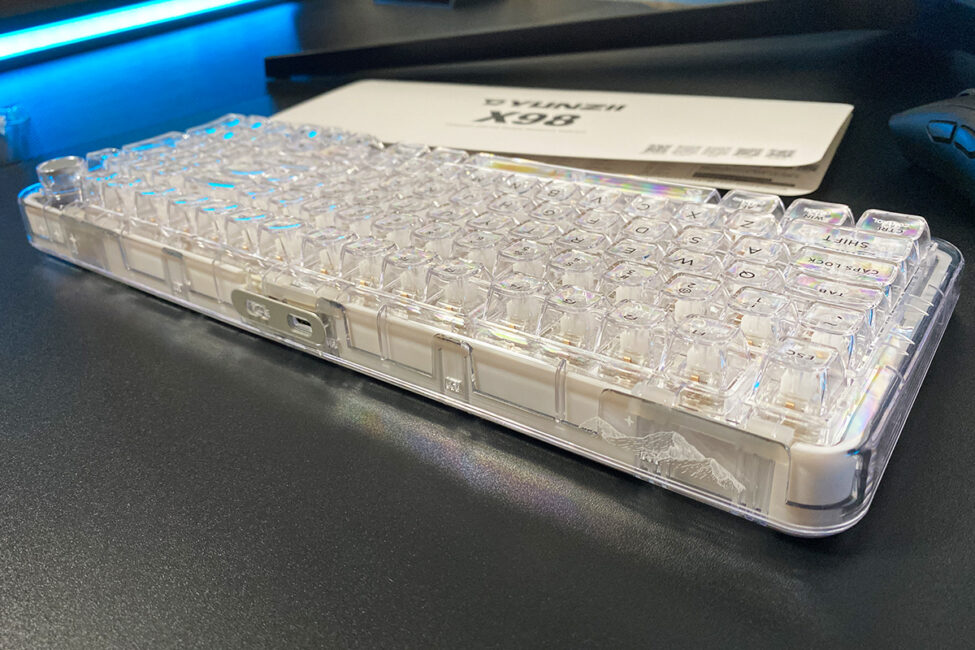
The keyboard’s case is made of polycarbonate, a type of plastic known for its higher density, impact resistance, and a more premium appearance compared to acrylic or ABS. However, polycarbonate also has its drawbacks, including susceptibility to scratches.
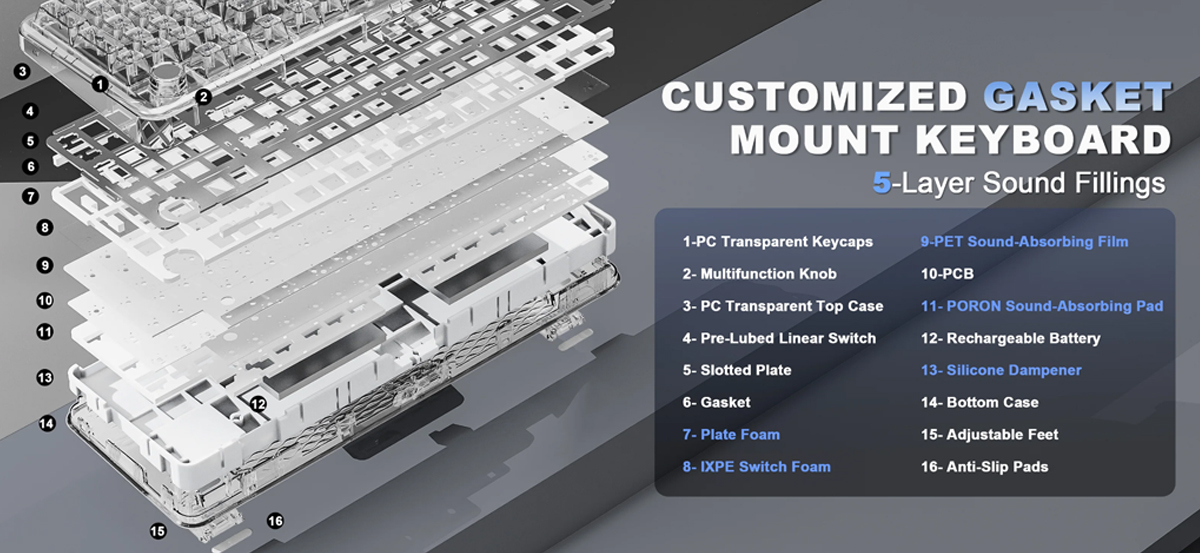
Inside, the keyboard uses a Gasket Mount design, featuring a full set of gaskets, sound dampening, and cushioning layers that absorb vibrations and minimize noise, making typing more comfortable and enjoyable. According to YUNZII’s official website, this is a custom Gasket Mount. The internal layout of the keyboard is illustrated in the screenshot below.
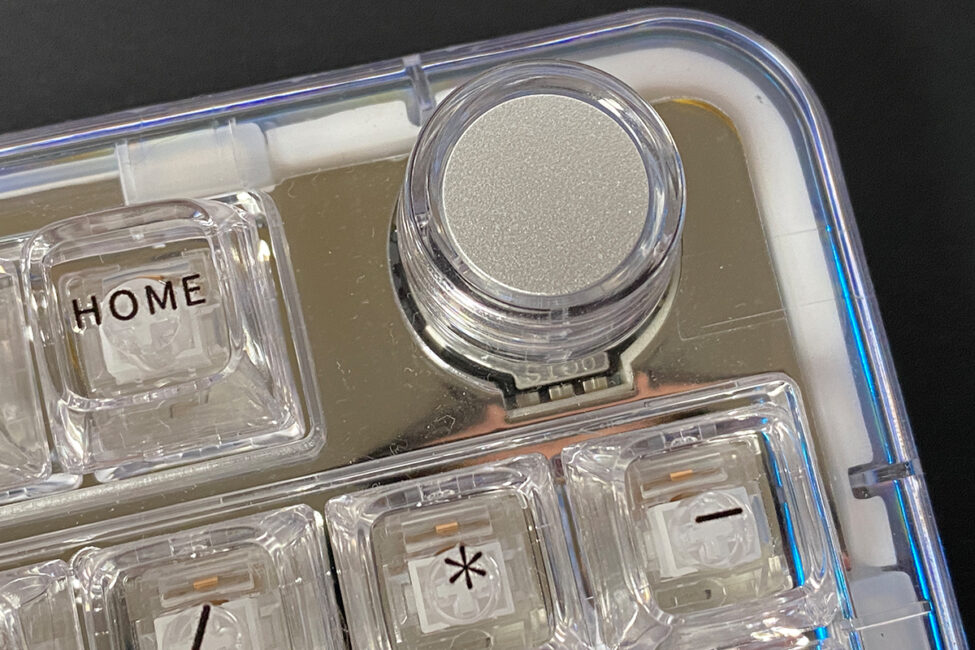
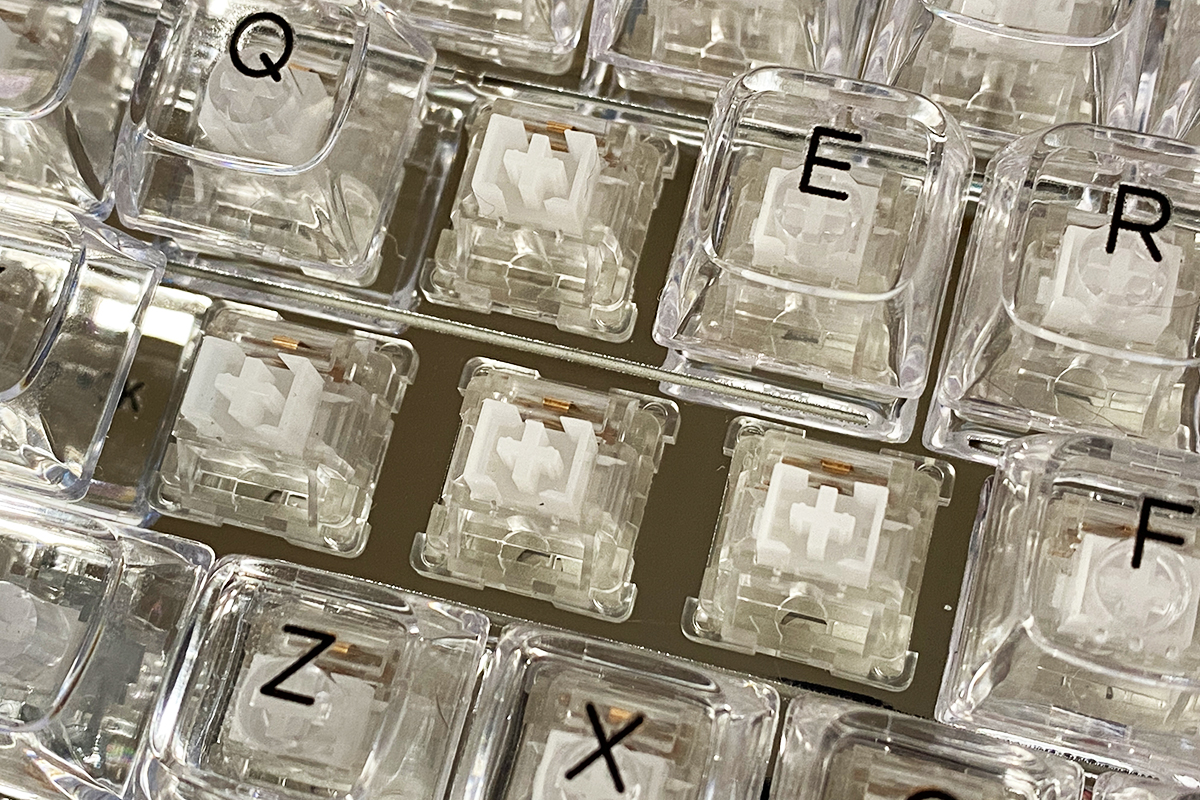
One particularly well-executed feature of the YUNZII X98’s construction is the “mirror” positioning plate, which also helps diffuse the backlighting. In my view, the combination looks very impressive.
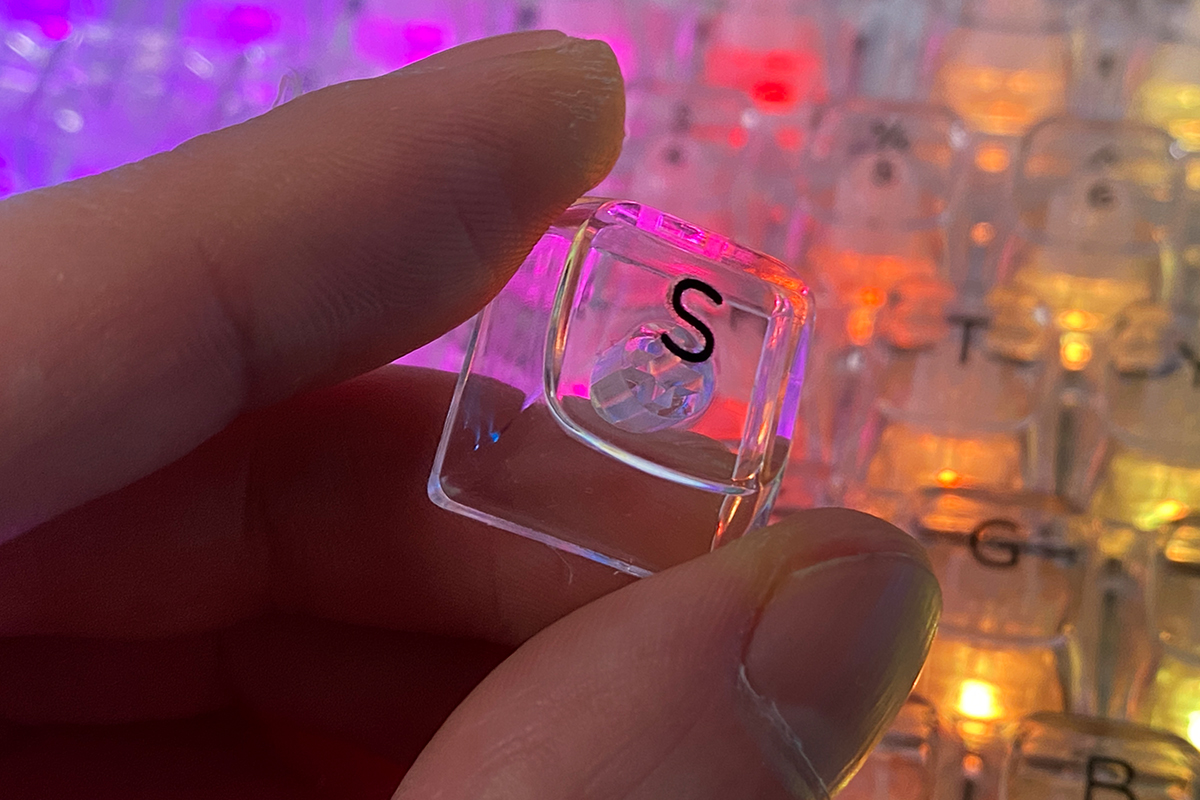
The transparent keycaps are one of the standout features of the keyboard. The X98 comes with polycarbonate CSA-profile keycaps with legends applied via 3D printing. Polycarbonate keycaps offer several advantages over PBT or ABS. First, they are more durable and resistant to damage. Second, they have a very smooth, pleasant tactile feel, especially when combined with the non-standard key profile. And third, they are transparent. The typing sound on polycarbonate keycaps is also distinctive – deeper and more solid, giving the sensation of typing on small glass cubes rather than traditional keys.

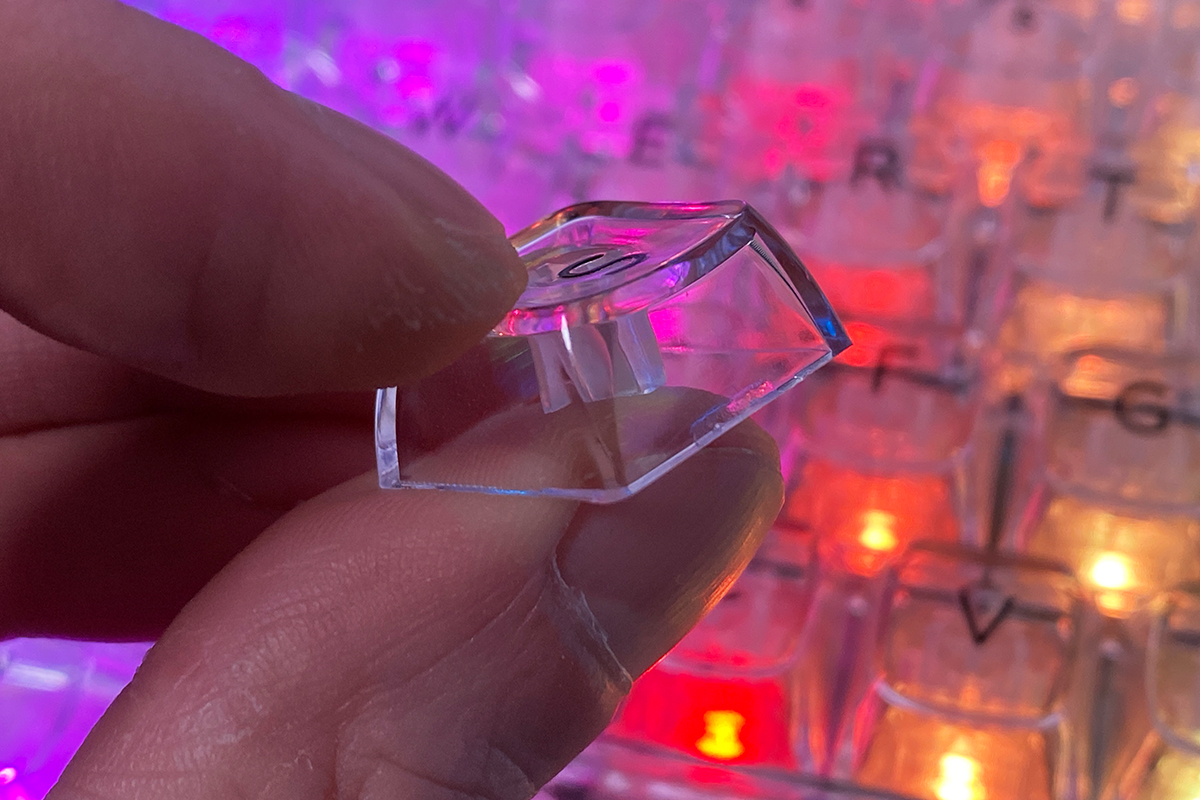

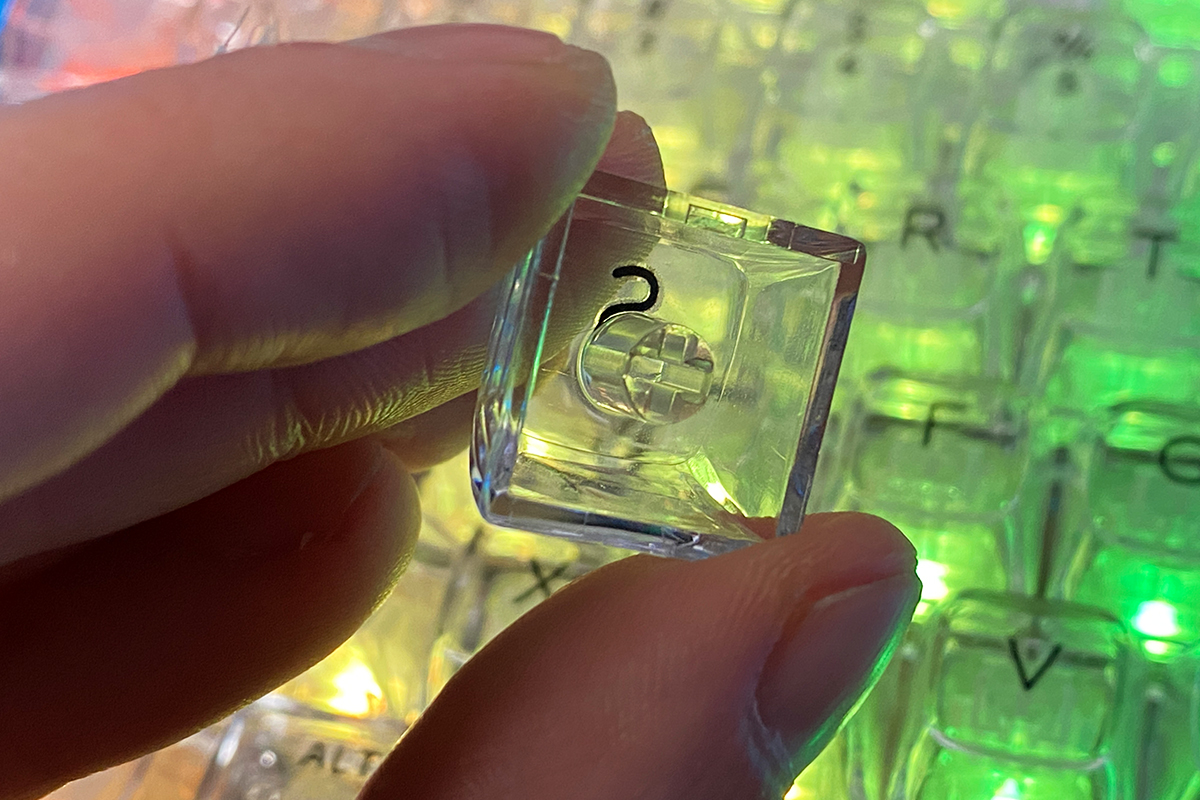
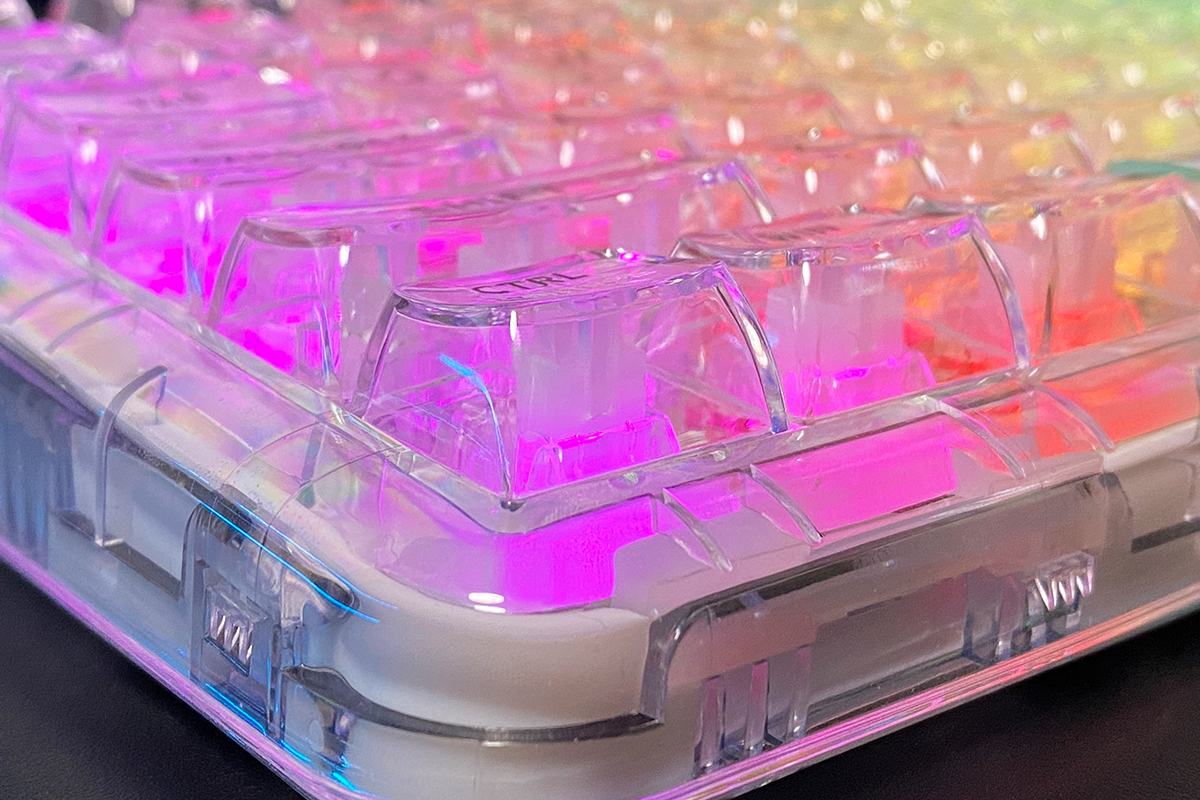
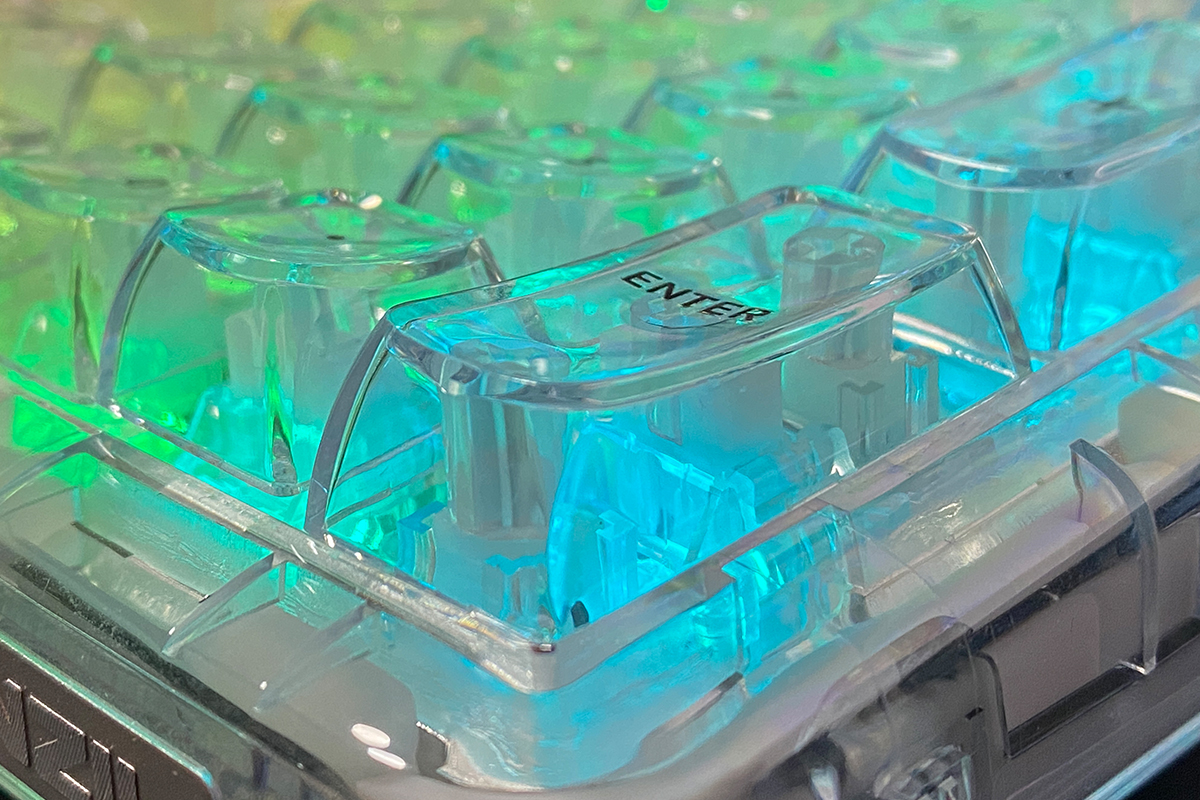

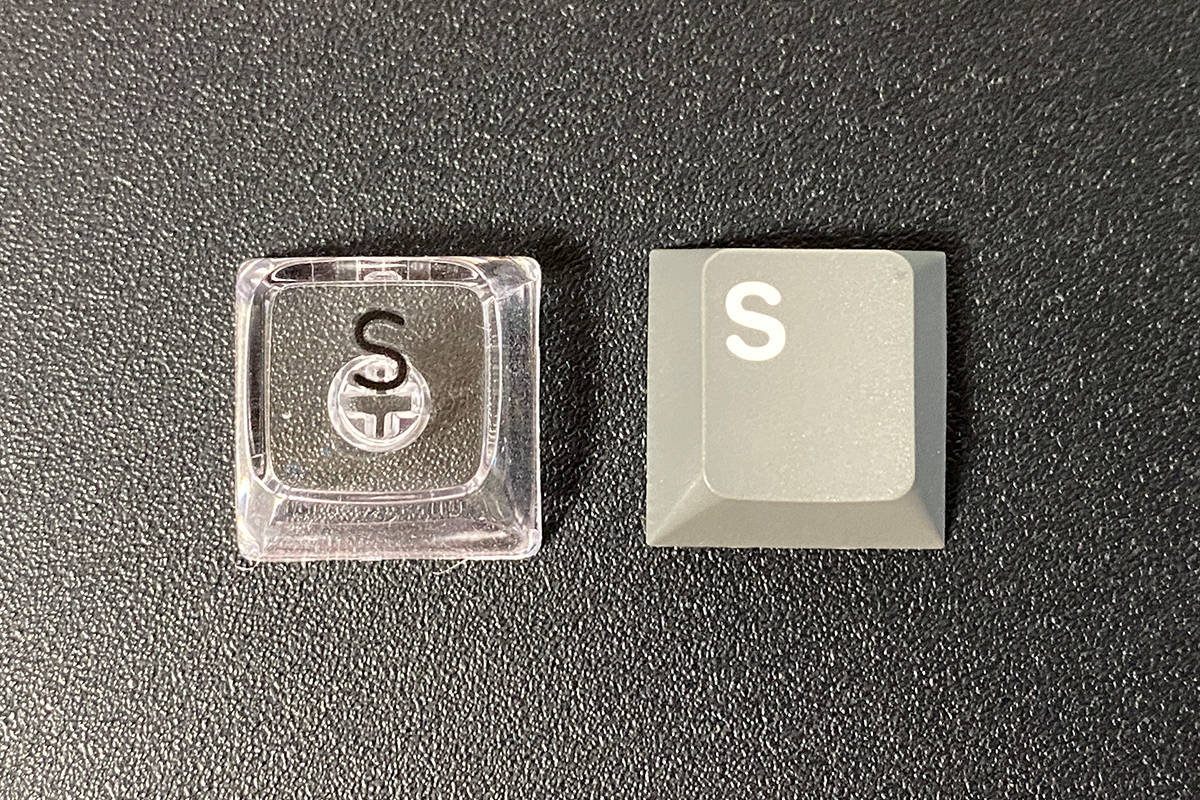
CSA-profile keycaps differ from standard Cherry-profile keys, primarily in height and shape. CSA keycaps are taller, and the contact area feels more recessed under the fingers. Here’s a photo comparing a CSA keycap with a Cherry keycap for reference.
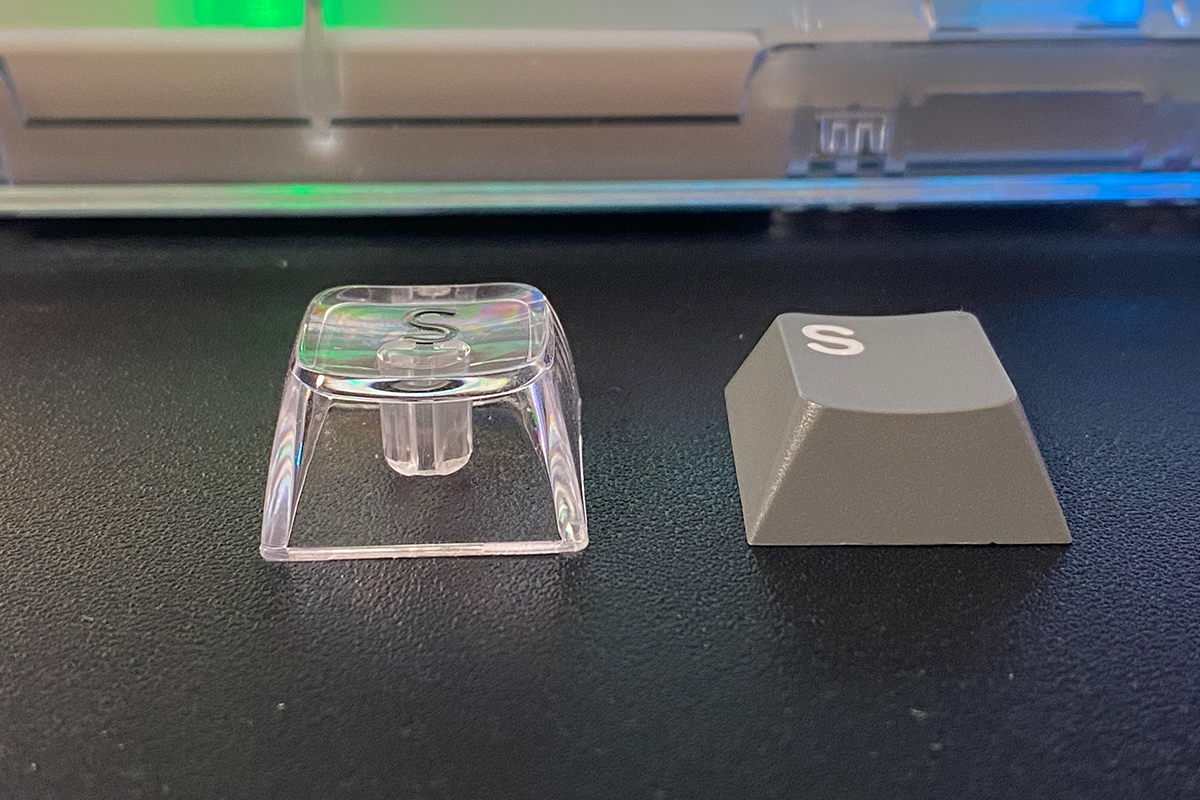
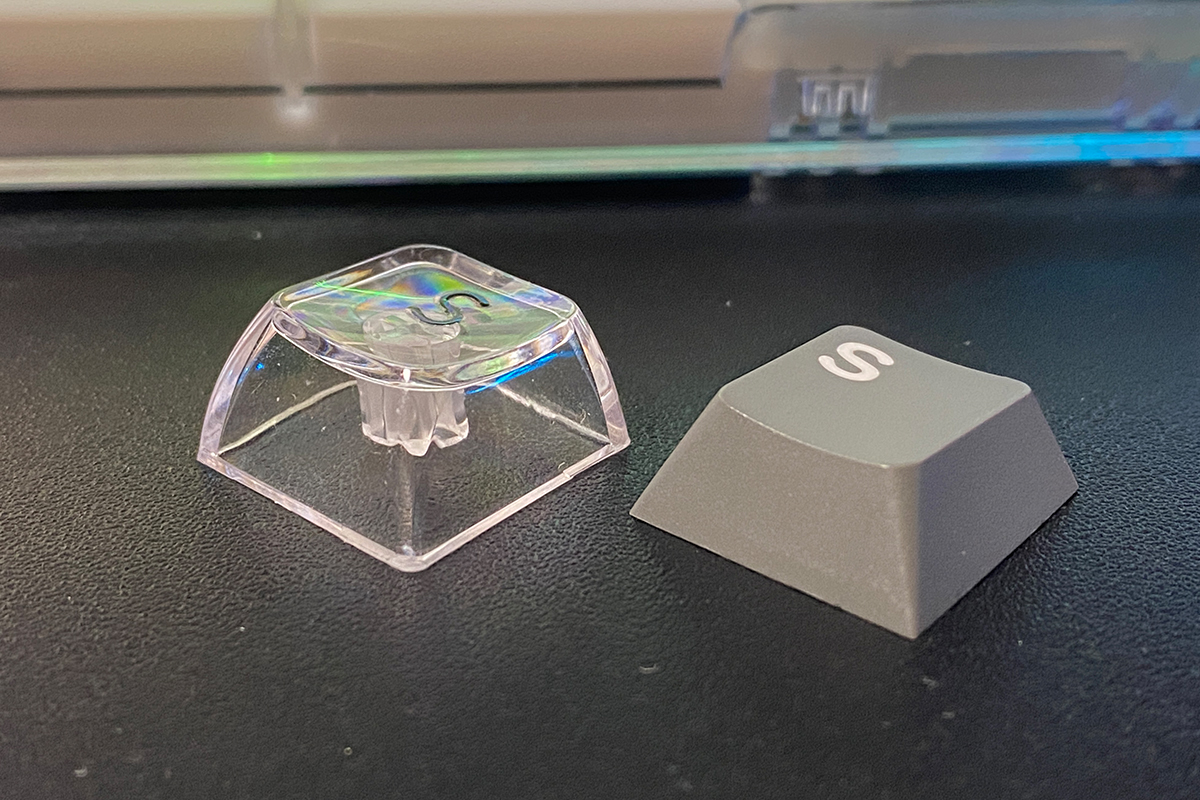
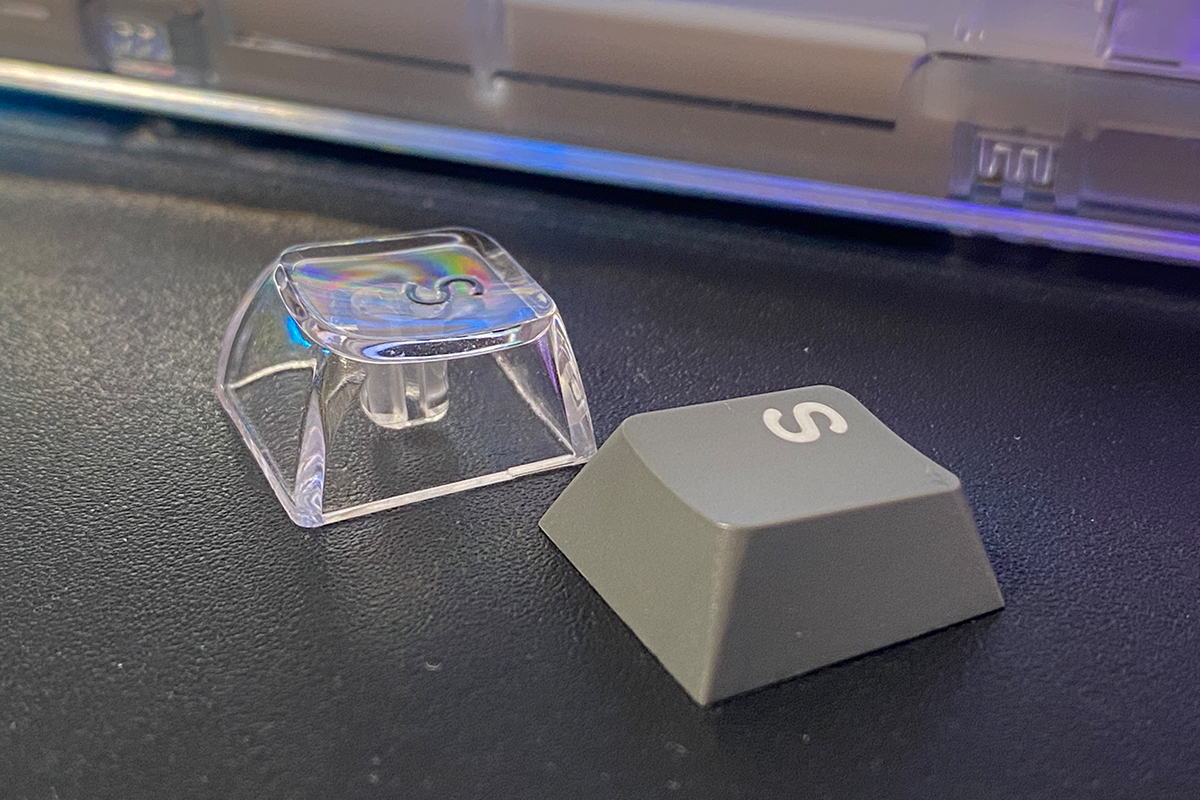
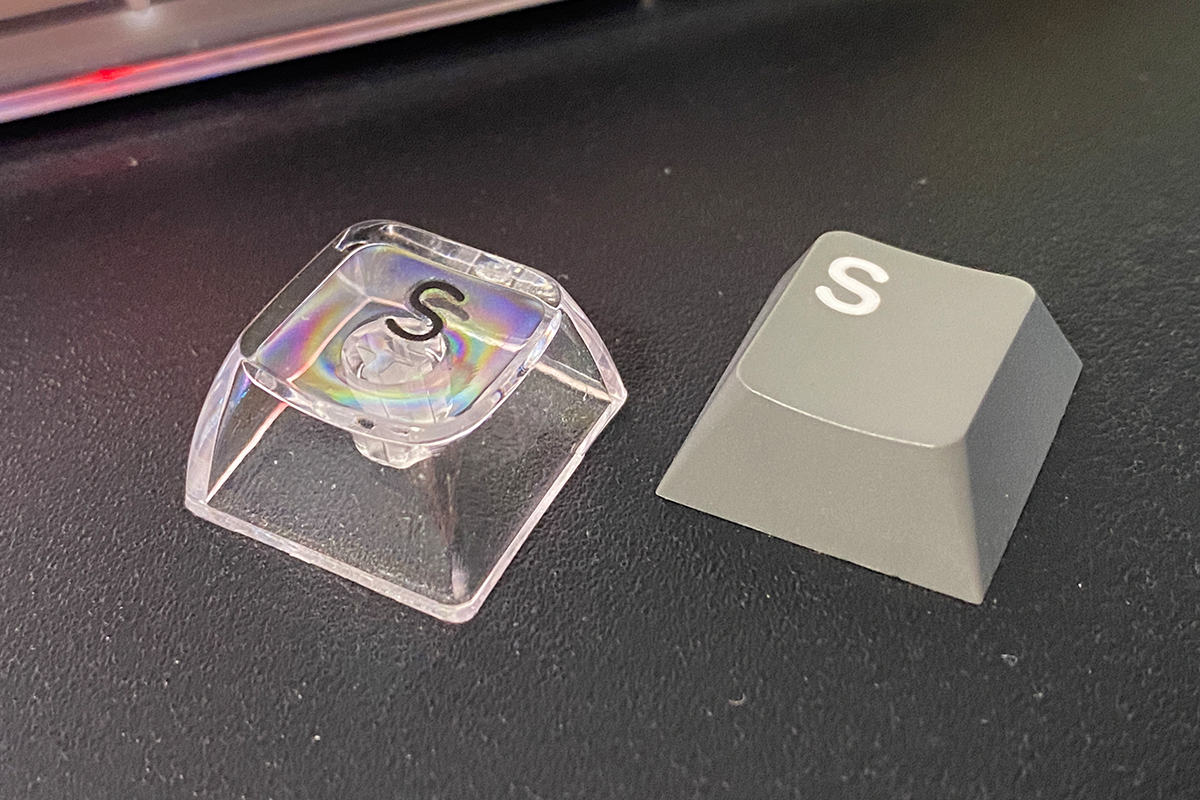
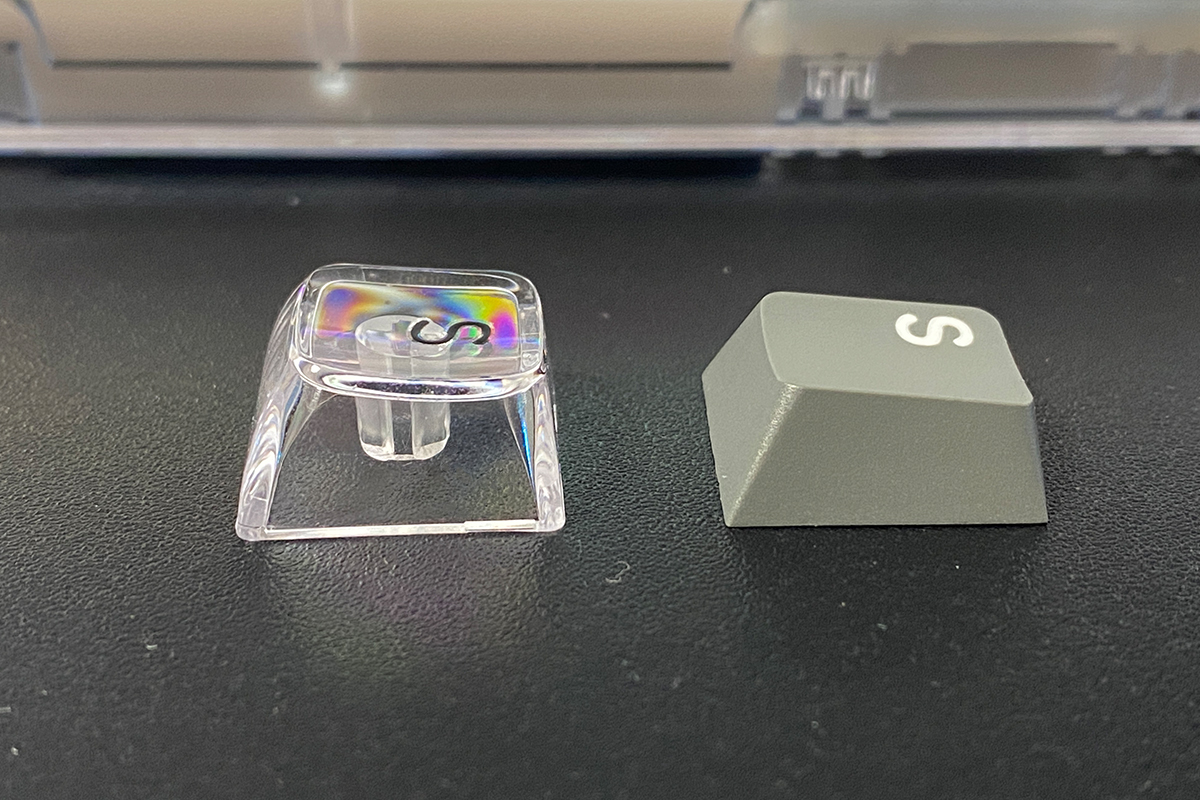
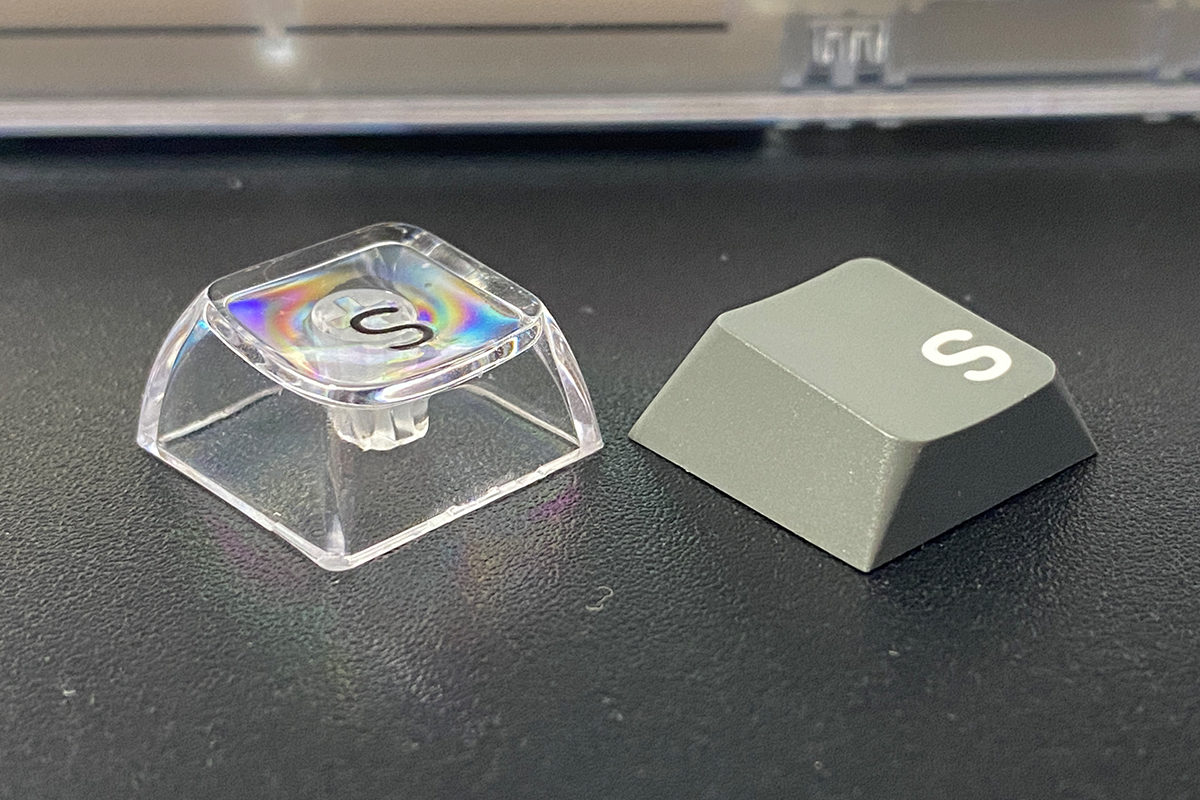
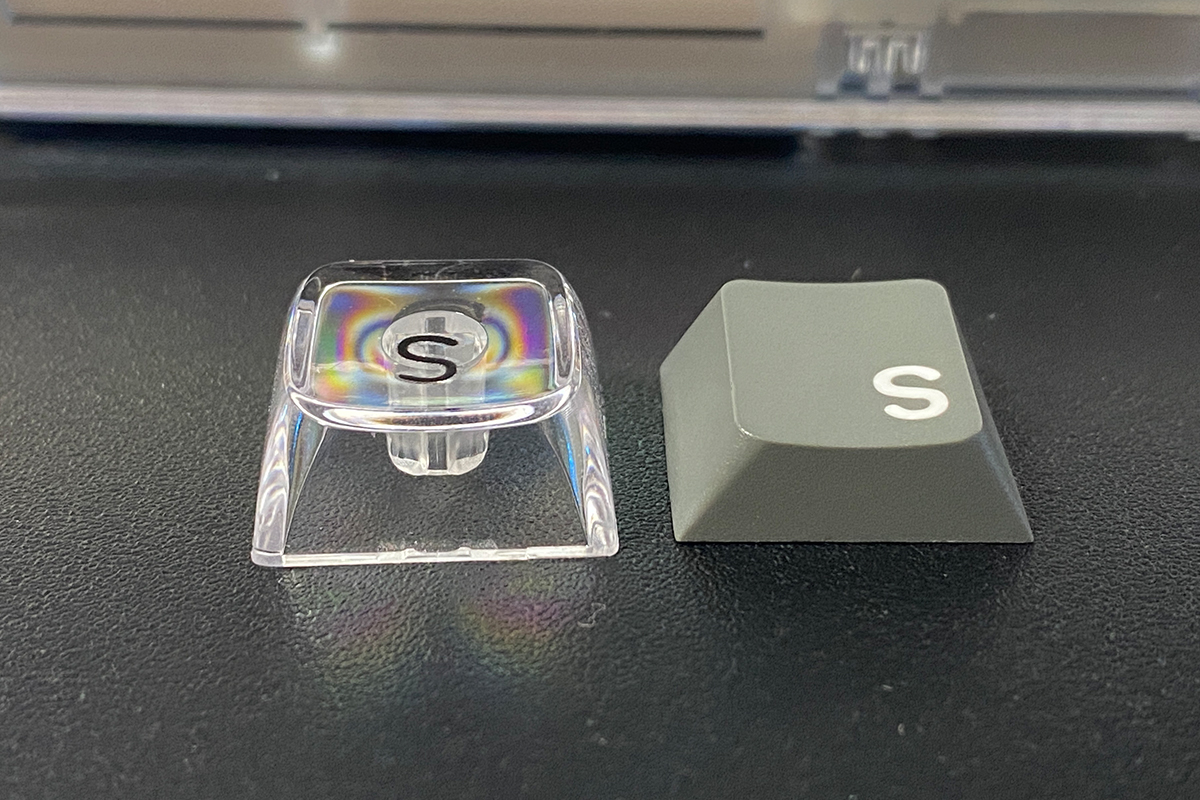
Regarding the legends, 3D printing was chosen as a compromise solution that ensures durability while maintaining the transparency of the keycaps. Overall, the transparent keys look attractive with backlighting, but some symbols can be harder to see. Users may need to adjust to the slightly subtle printing or rely on touch typing.

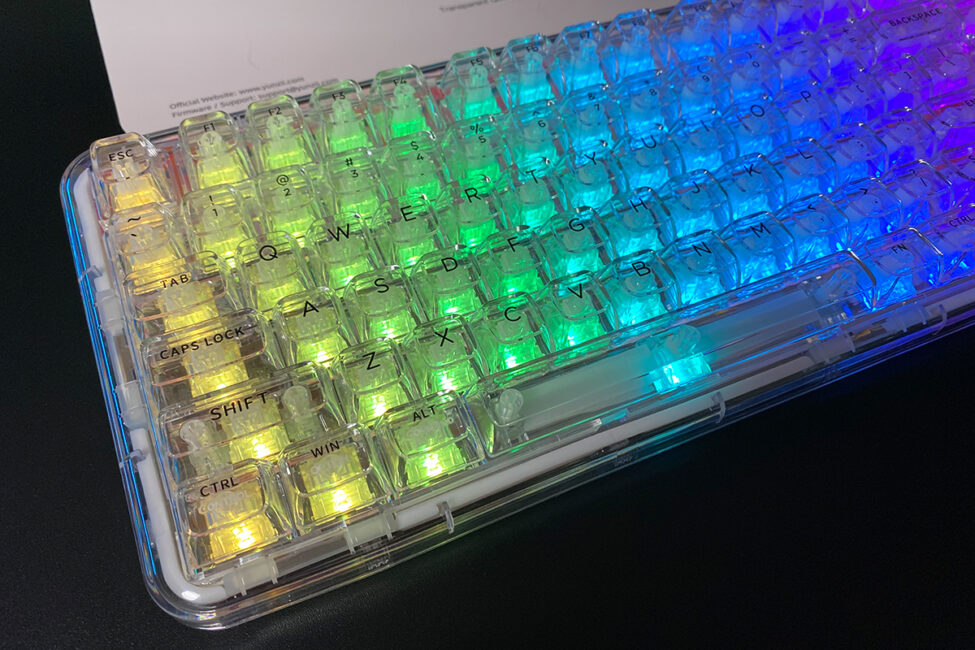

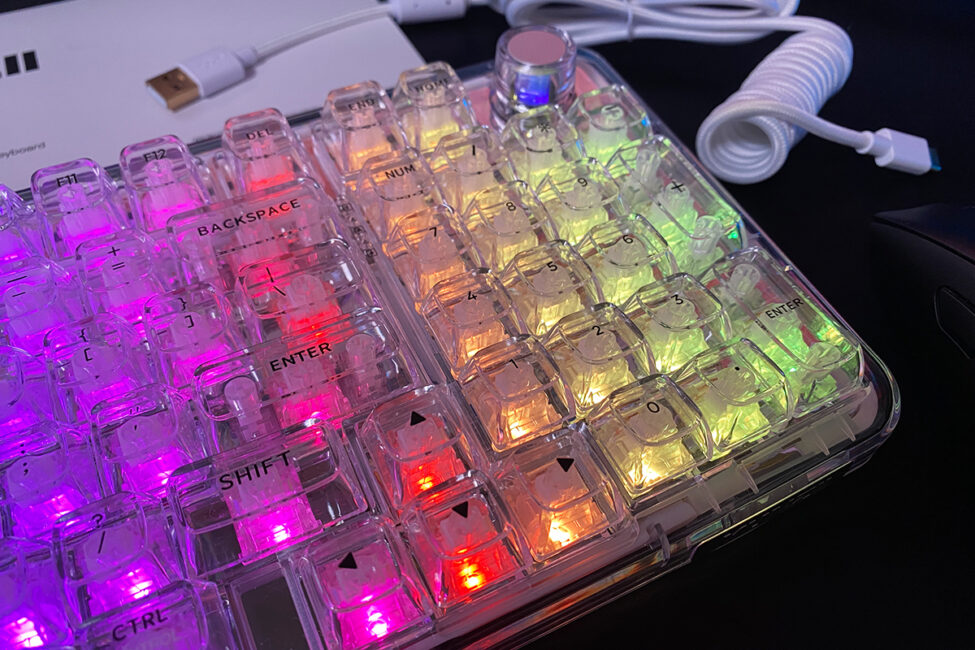
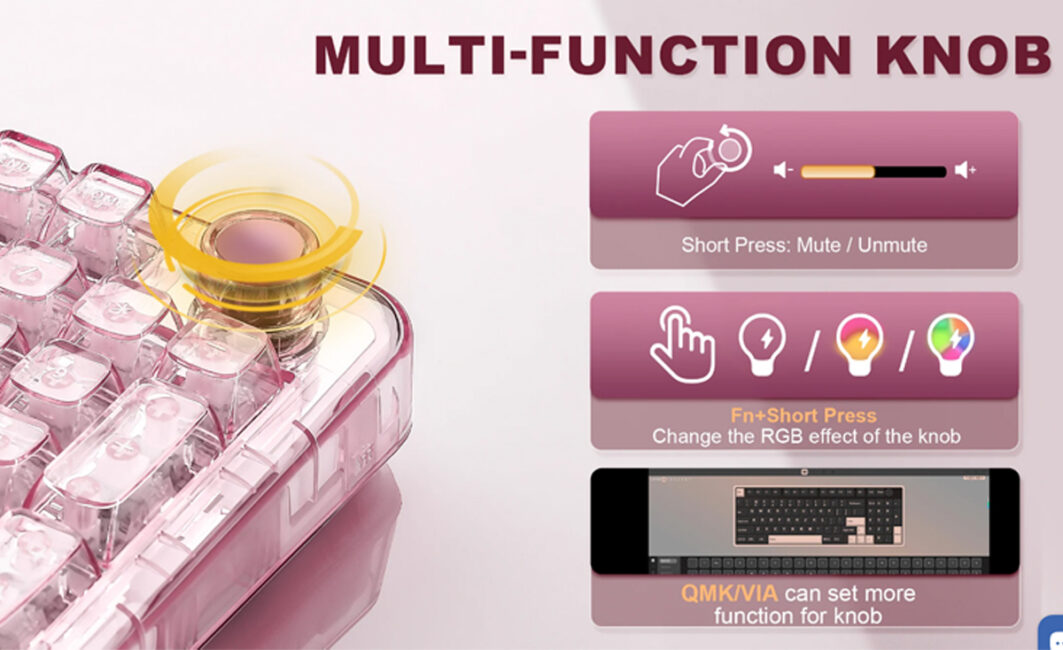
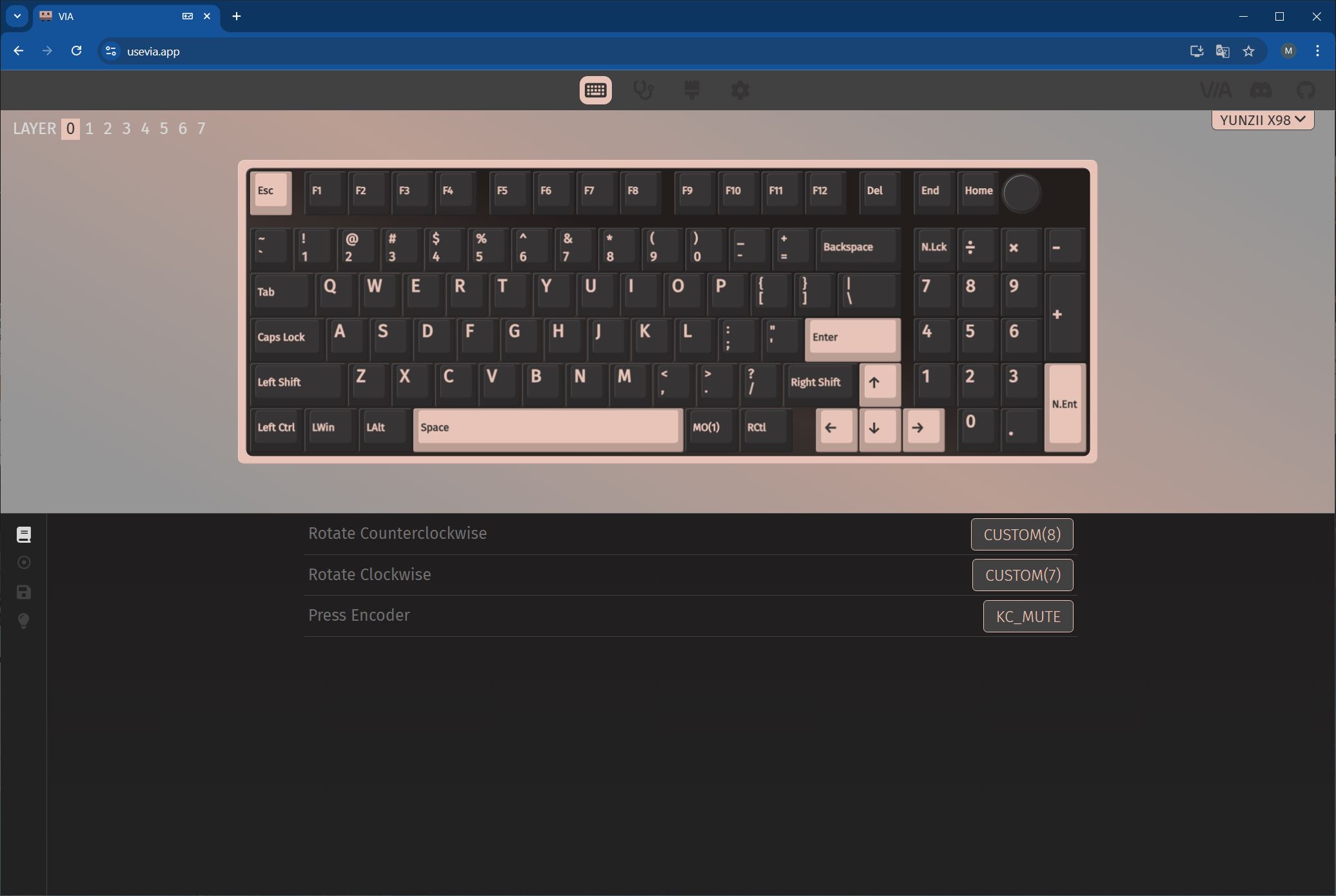
The keyboard has a multifunctional roller for adjustment, which can be customised via QMK/VIA.
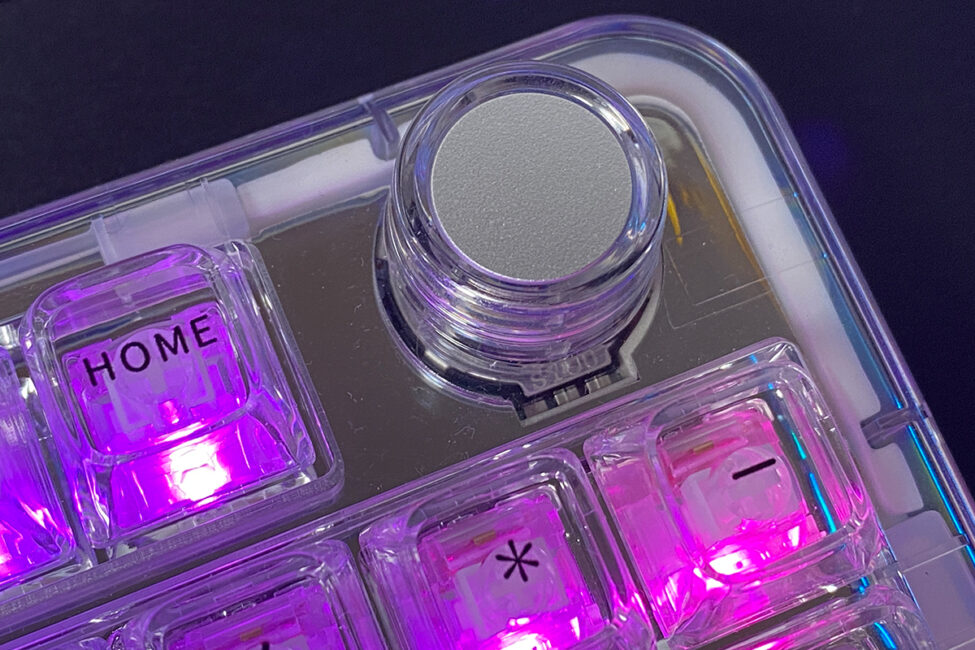
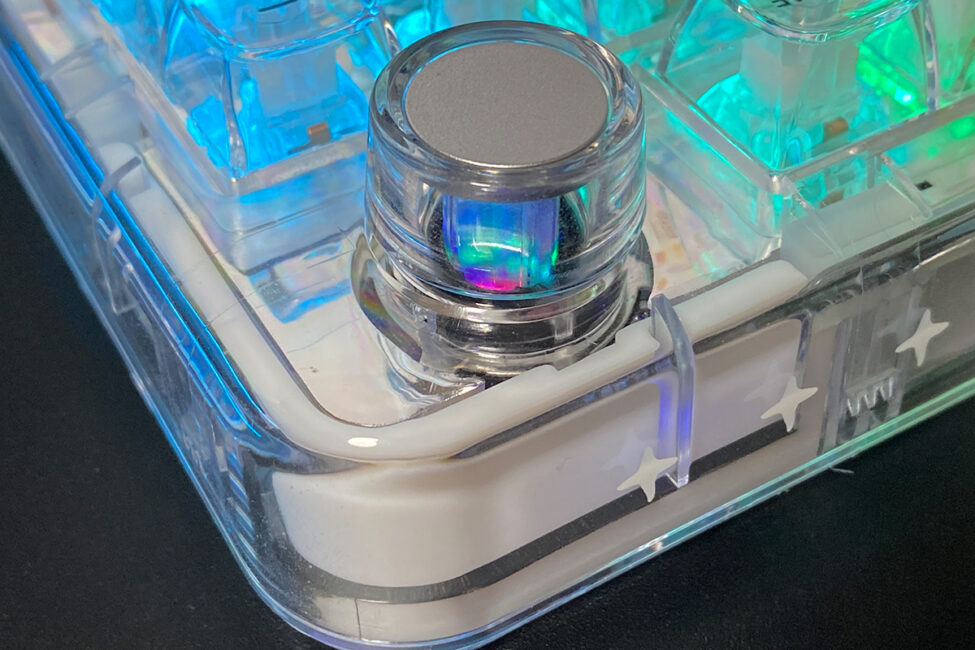
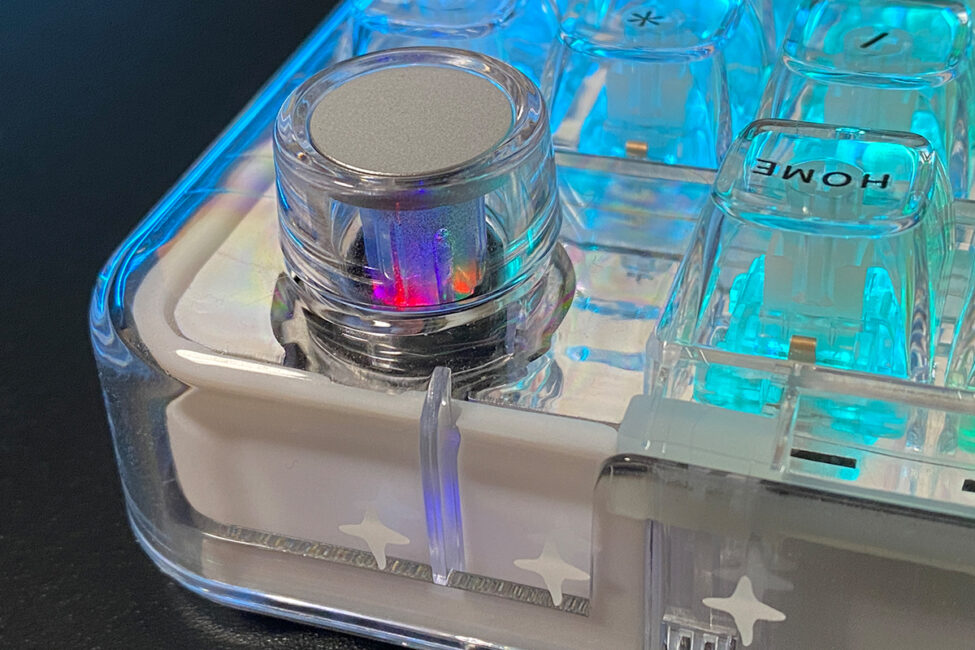
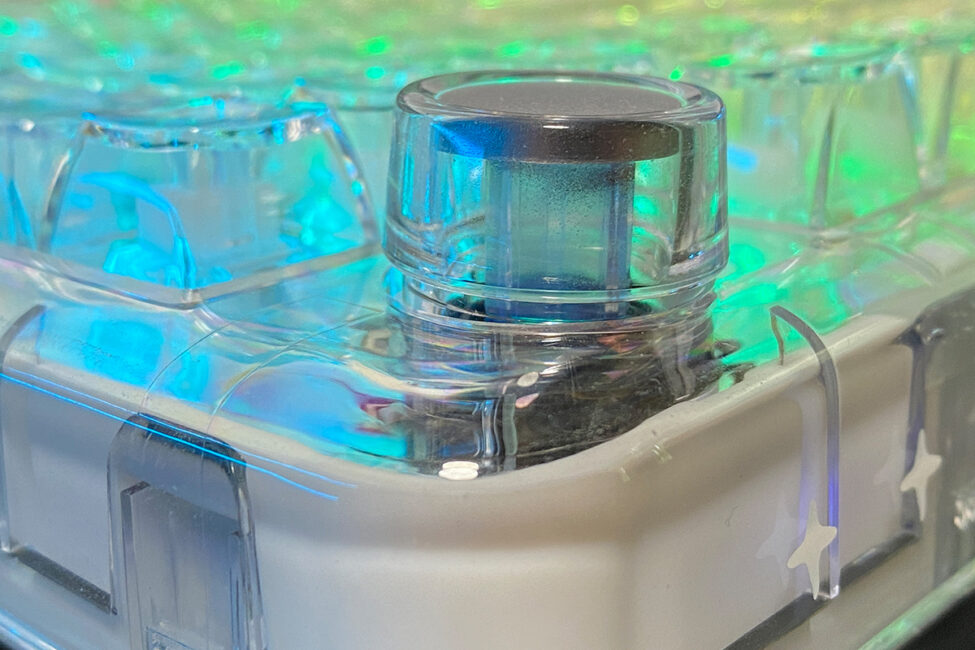
By default, the roller controls volume and manages the keyboard’s backlighting. Using QMK/VIA, it can be programmed for other functions as well.
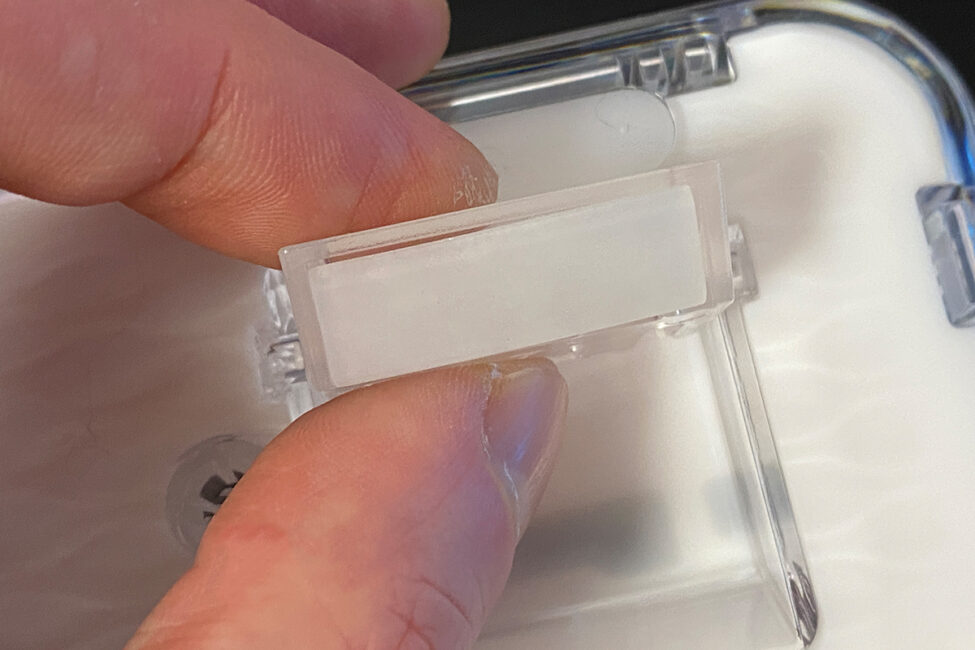
The keyboard’s bottom, like the top case, is also made of polycarbonate. A metal magnetic plate sits at the center and can be removed by pressing it with a finger. Beneath this plate is the 2.4 GHz RF wireless dongle.

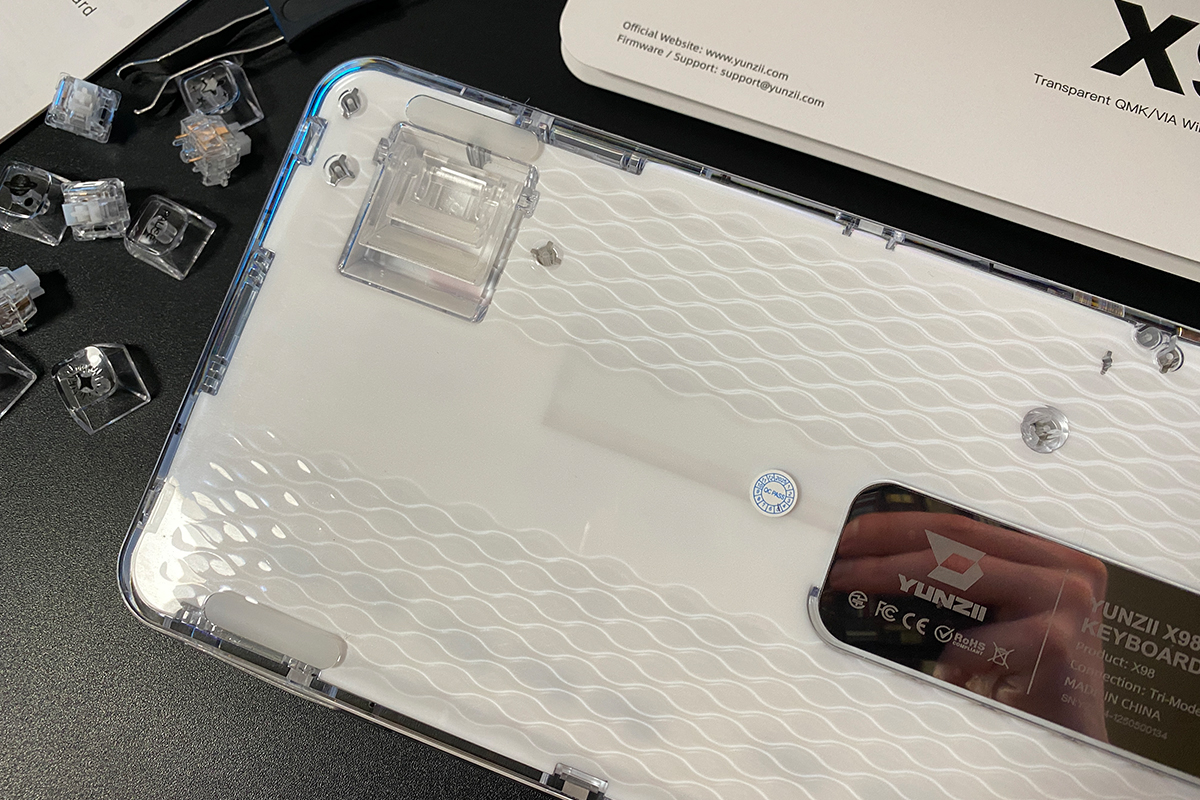
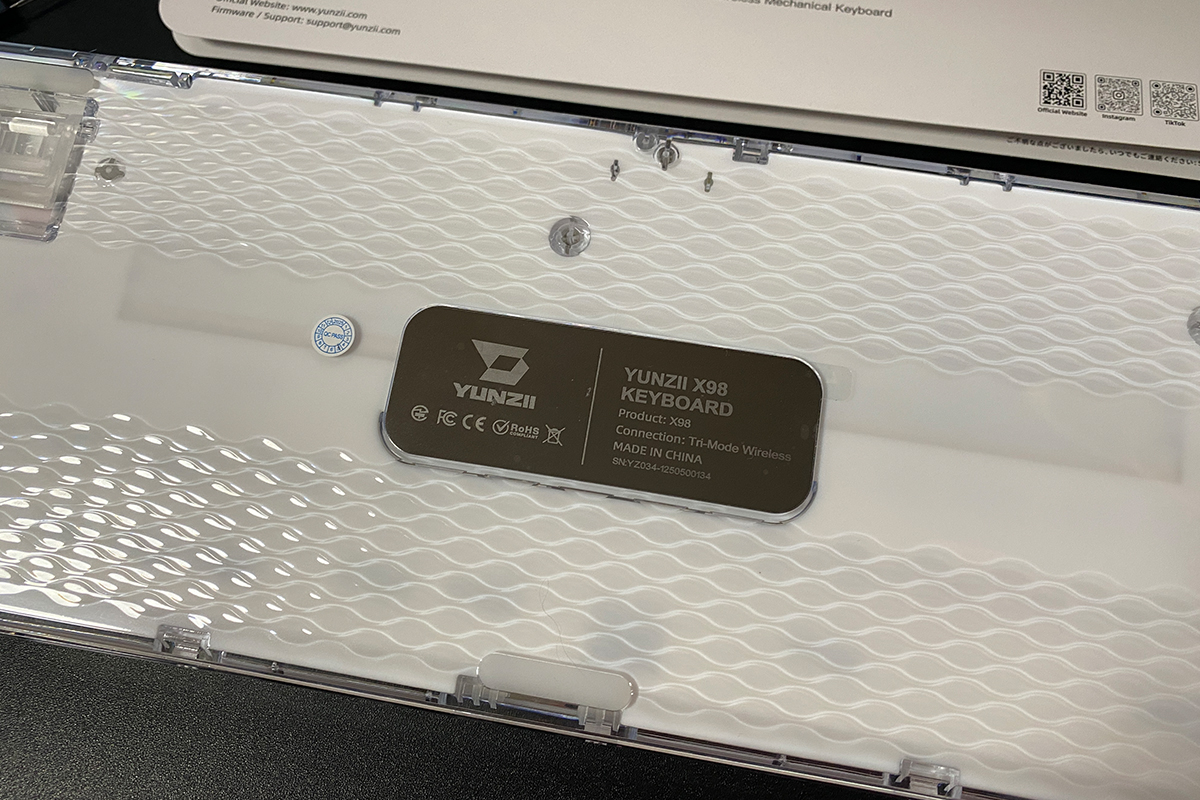
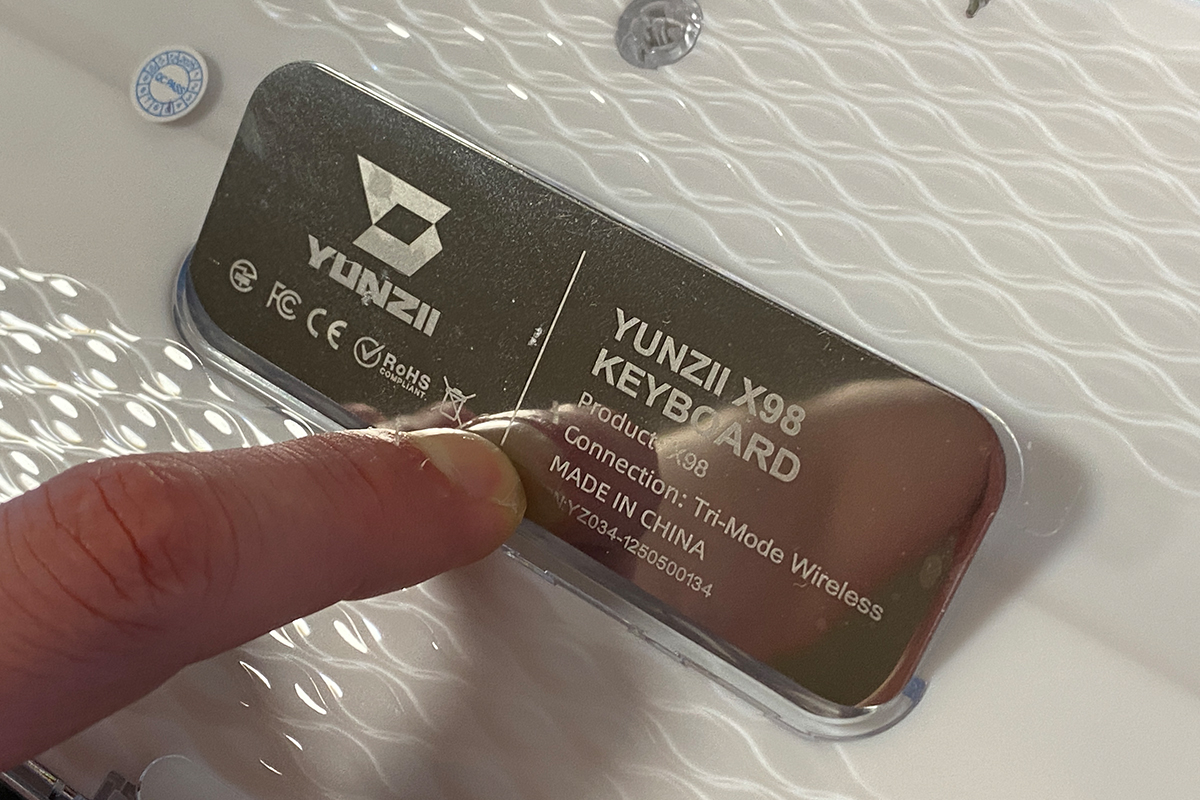

The keyboard features dual-height adjustable feet for tilt. These feet are worth noting – they are large, sturdy, and firm. Deploying them requires some effort, but their reliability is unquestionable.
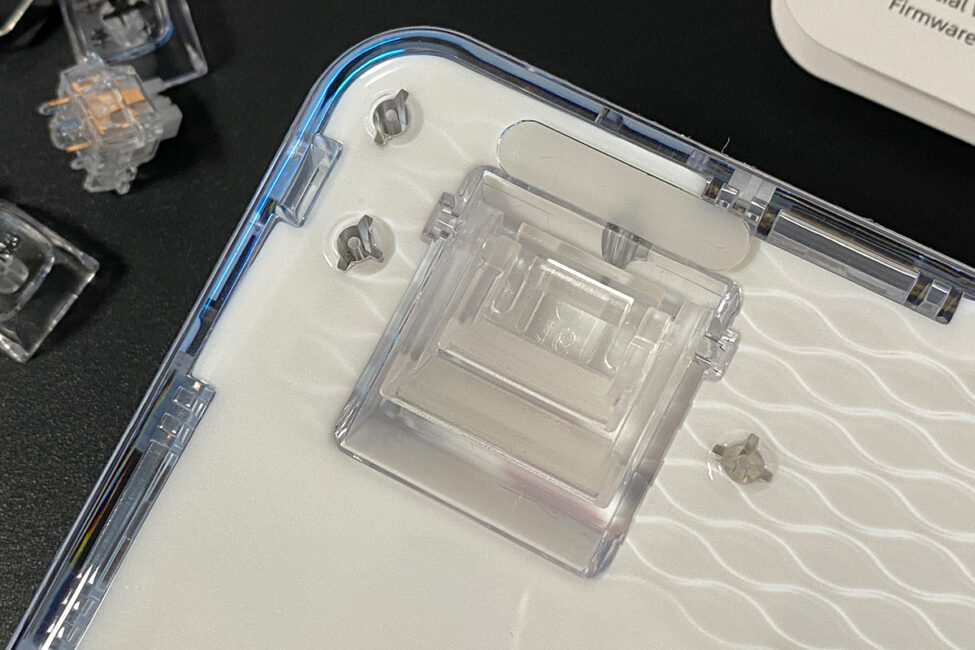
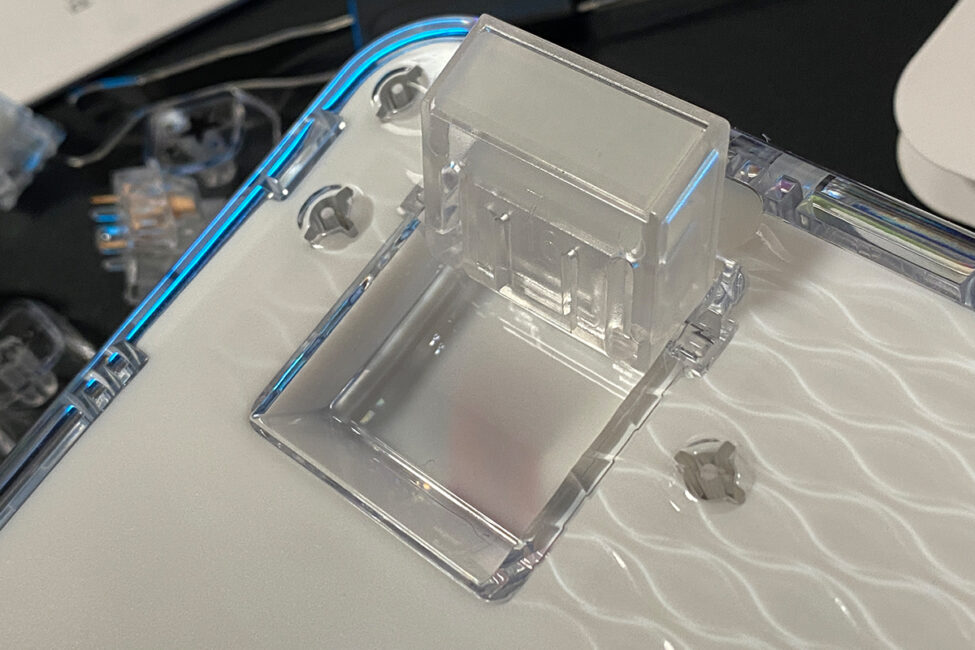
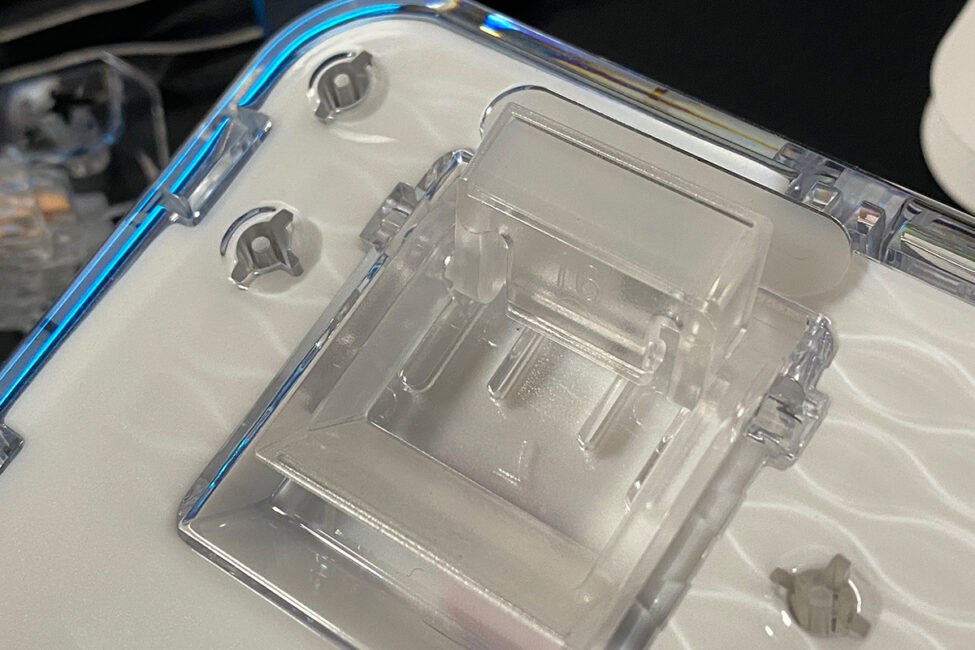
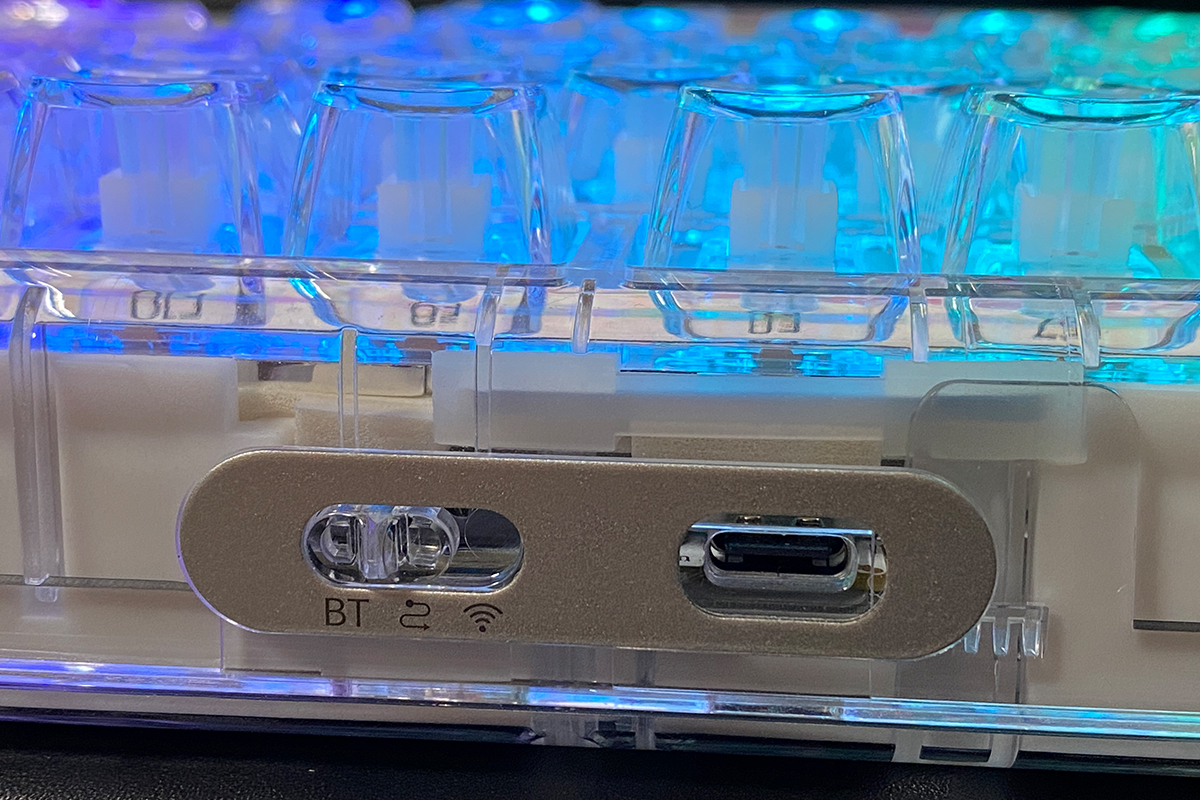
The Type-C port for the cable and the connection mode switch are located at the top of the keyboard. Like most YUNZII models, it supports three connection methods (RF, Bluetooth, USB) and is compatible with Mac platforms.
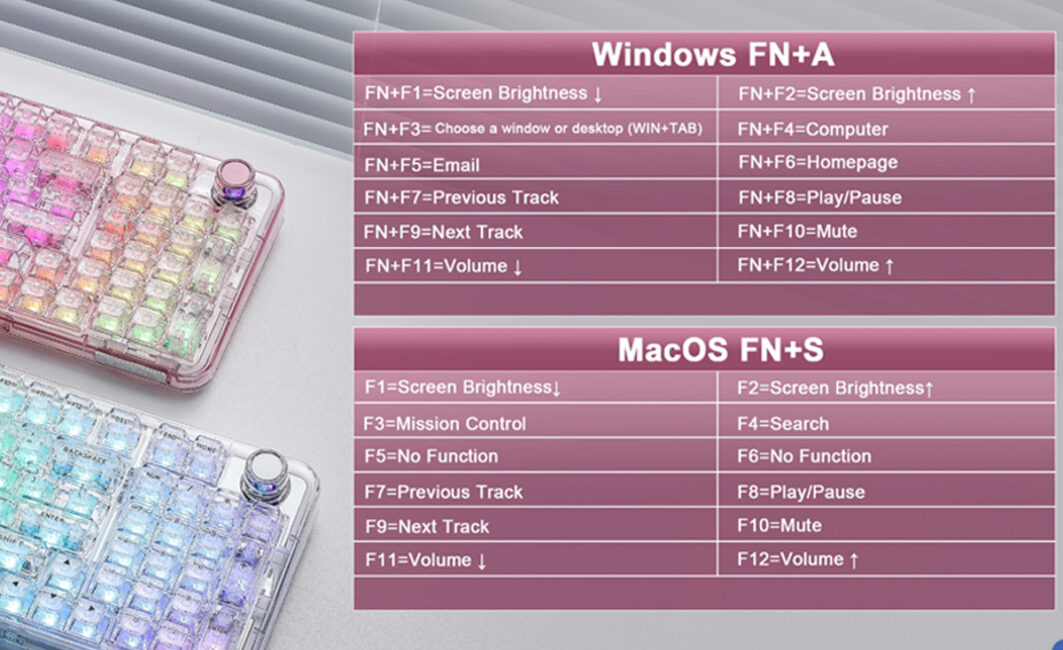
The platform mode is switched using key combinations: FN + A for Windows and FN + S for Mac. Each mode has its own functional hotkeys, which can be customized and reassigned through QMK/VIA if needed.
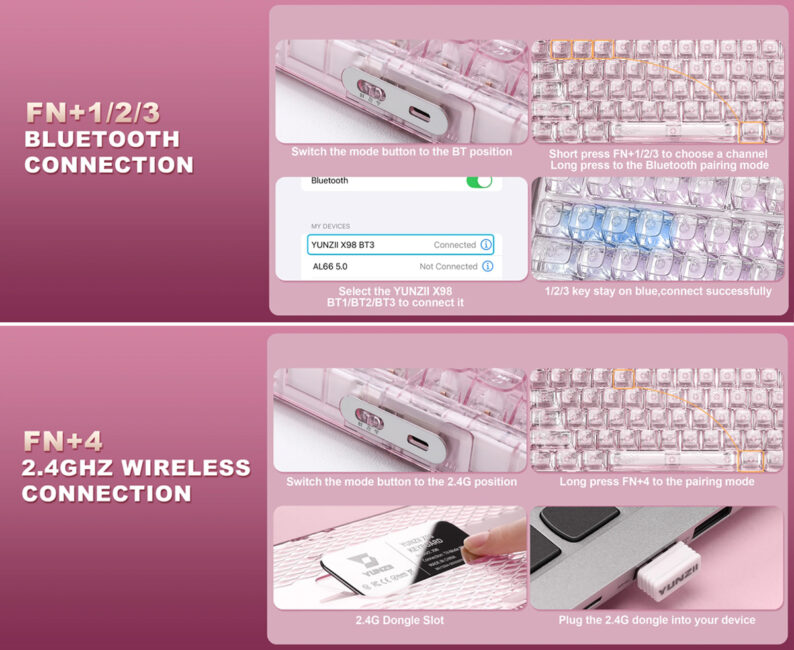
Via Bluetooth, the keyboard can connect to up to three devices simultaneously, with switching done using FN + 1/2/3. To switch to the RF channel, use FN + 4. In total, the keyboard can be connected to five devices at once: three via Bluetooth, one via RF, and one wired.
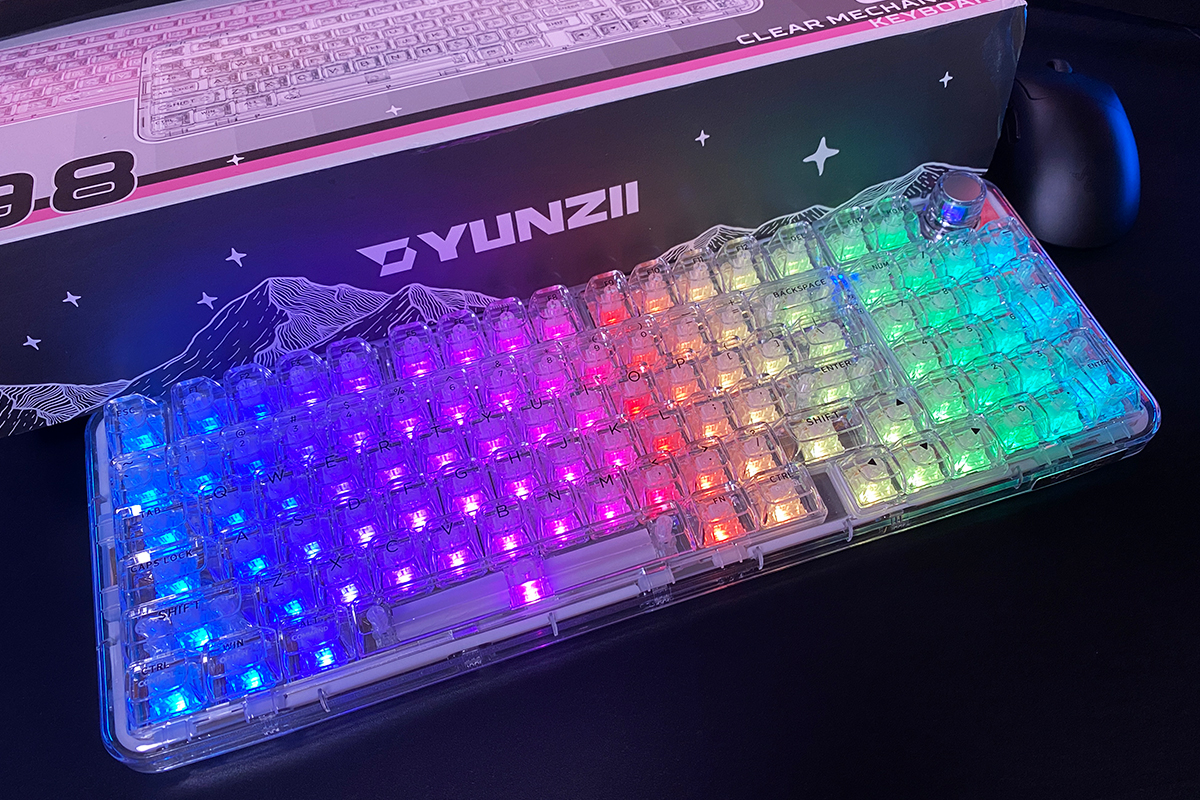
The YUNZII X98 features full RGB key backlighting, implemented using south-facing LEDs.
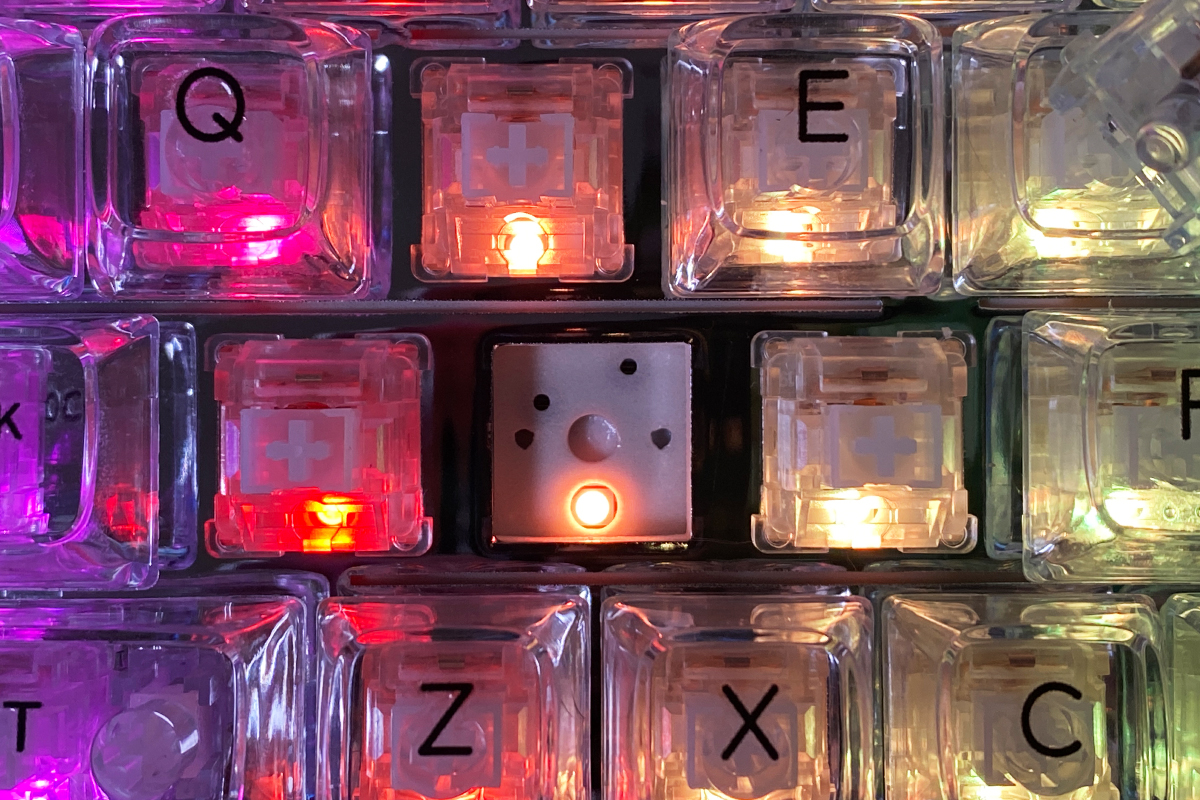
The backlighting quality is excellent: bright, vivid, smooth, with a variety of effects and customization options. Combined with the transparent case, keycaps, and the “mirror” positioning plate, the illuminated keyboard looks striking – making the lighting one of the model’s notable features.

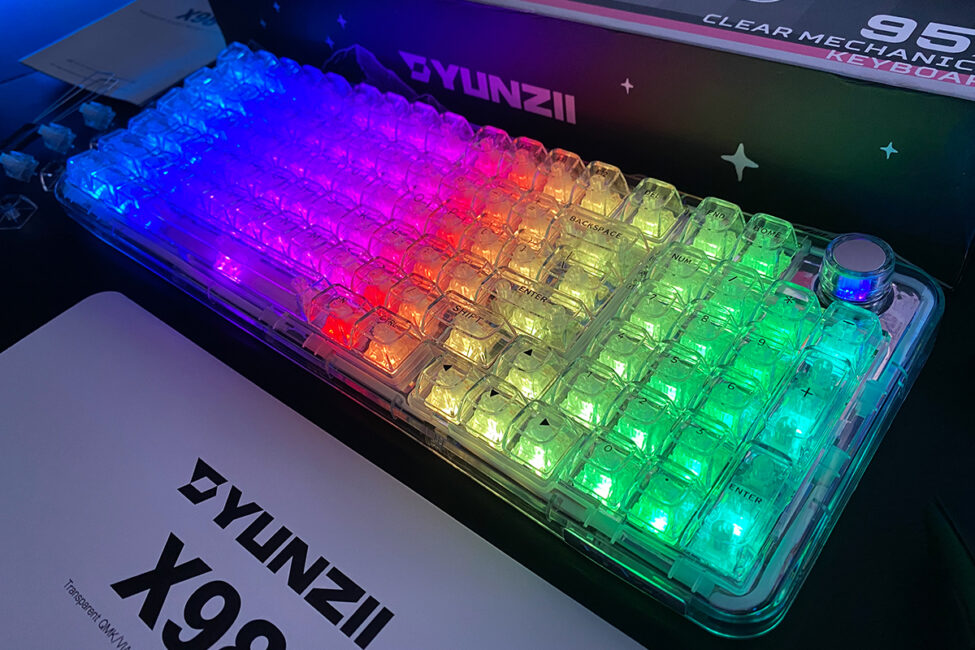
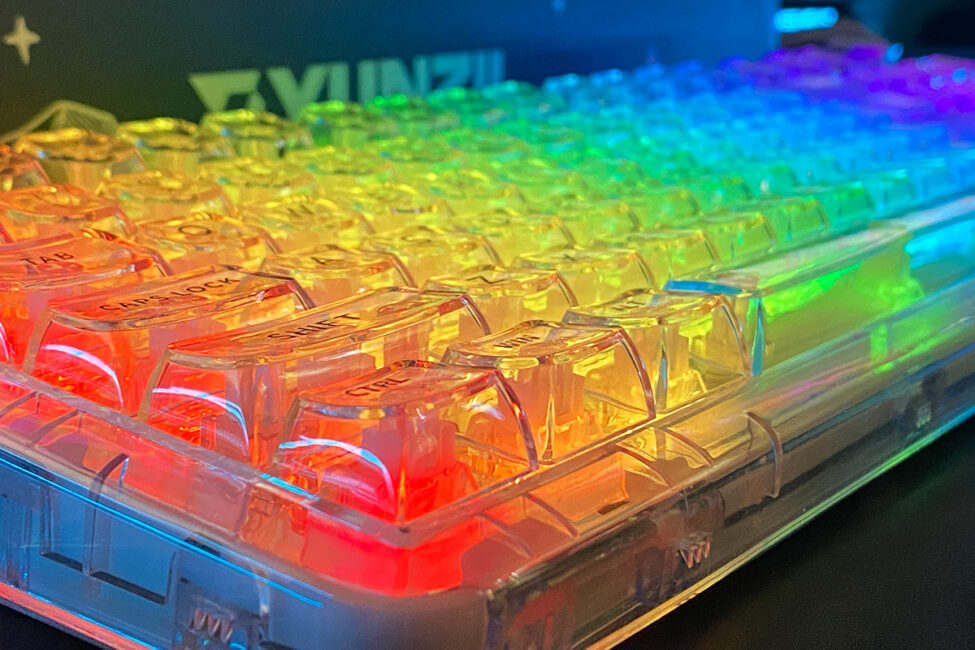
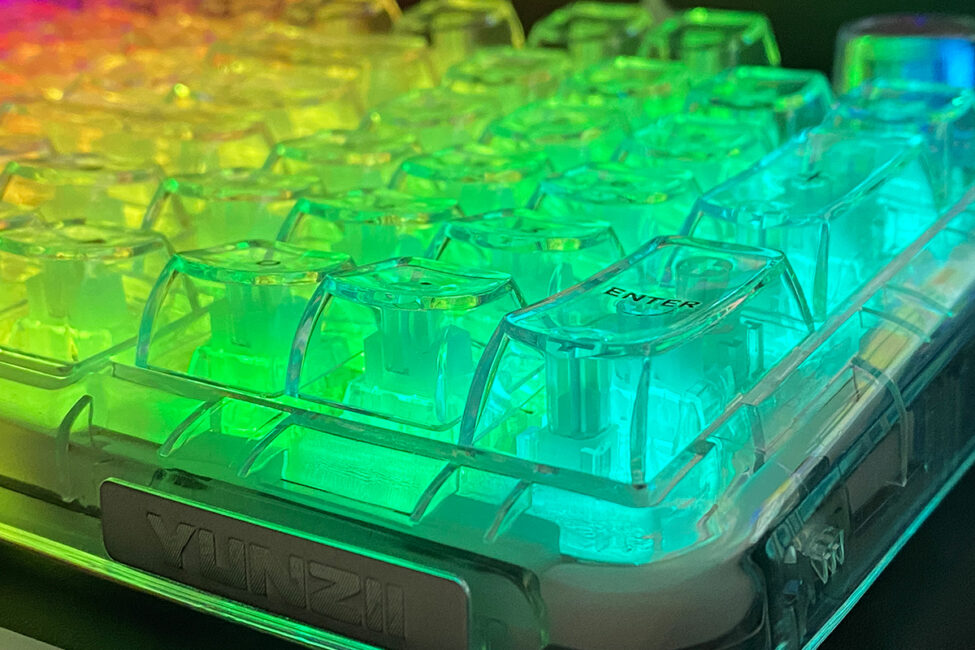
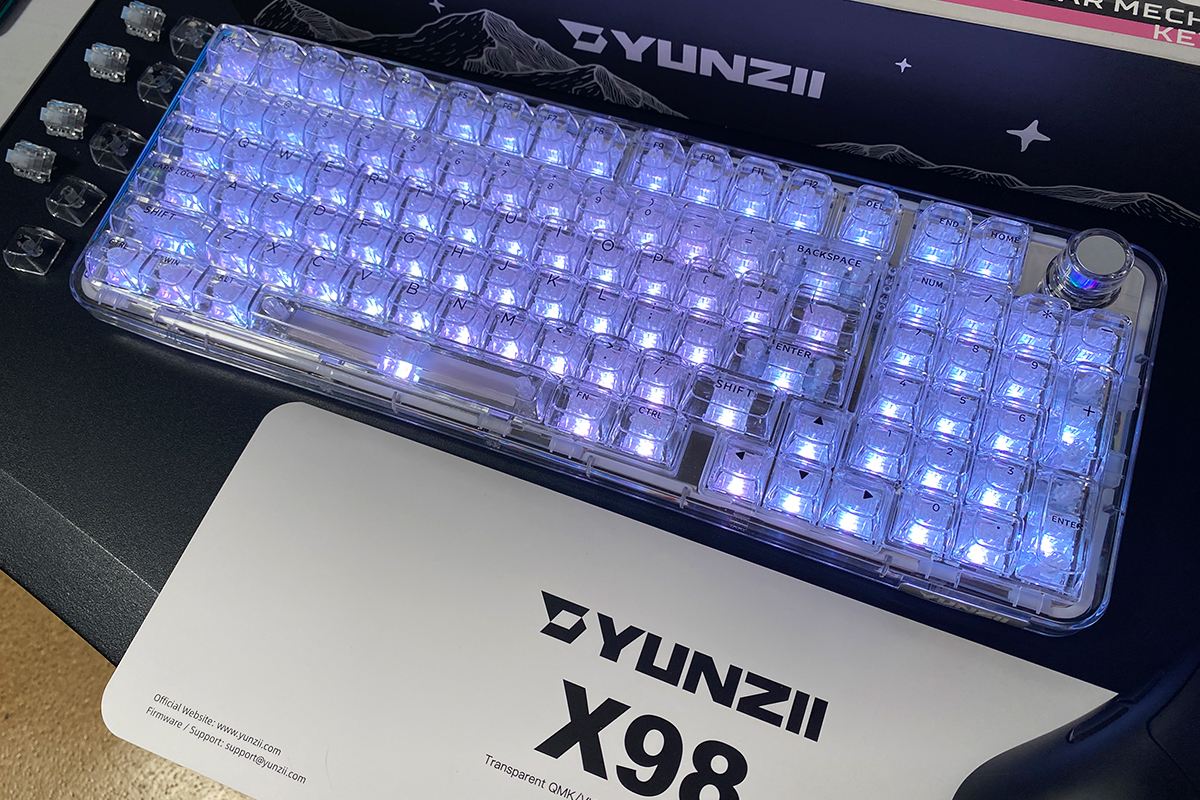
In addition to standard RGB colors, the keyboard has a dedicated White Light mode, illuminating the keys in pure white. While this might seem simple, it looks particularly striking when paired with the transparent design.
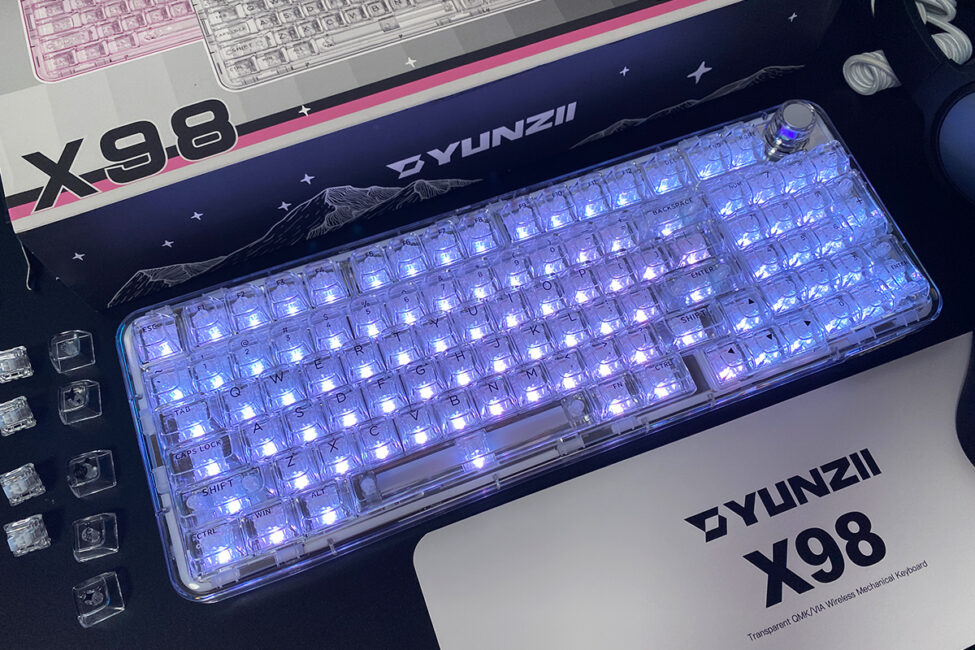
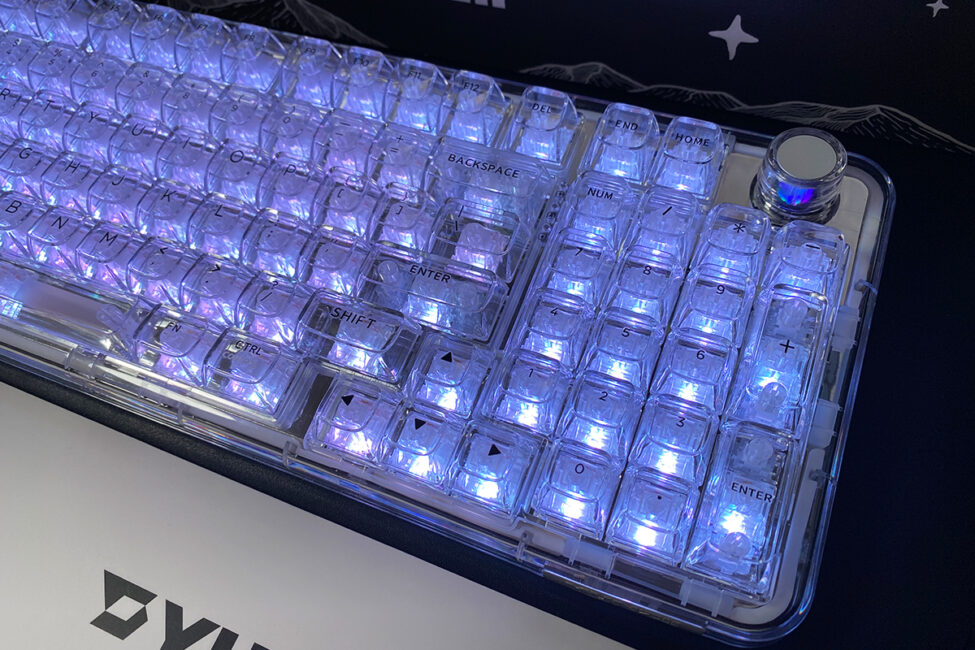
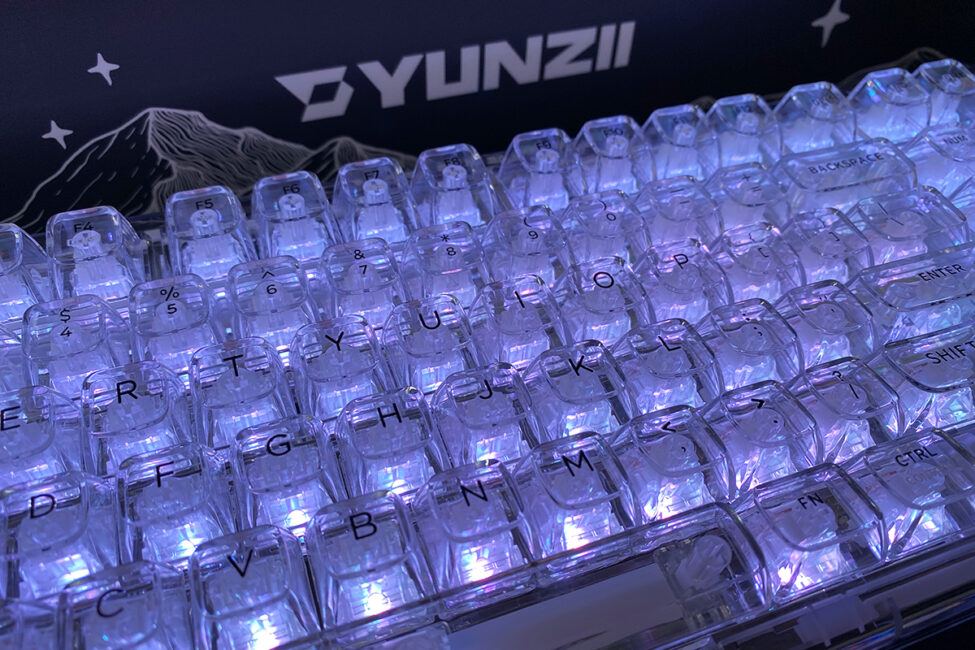

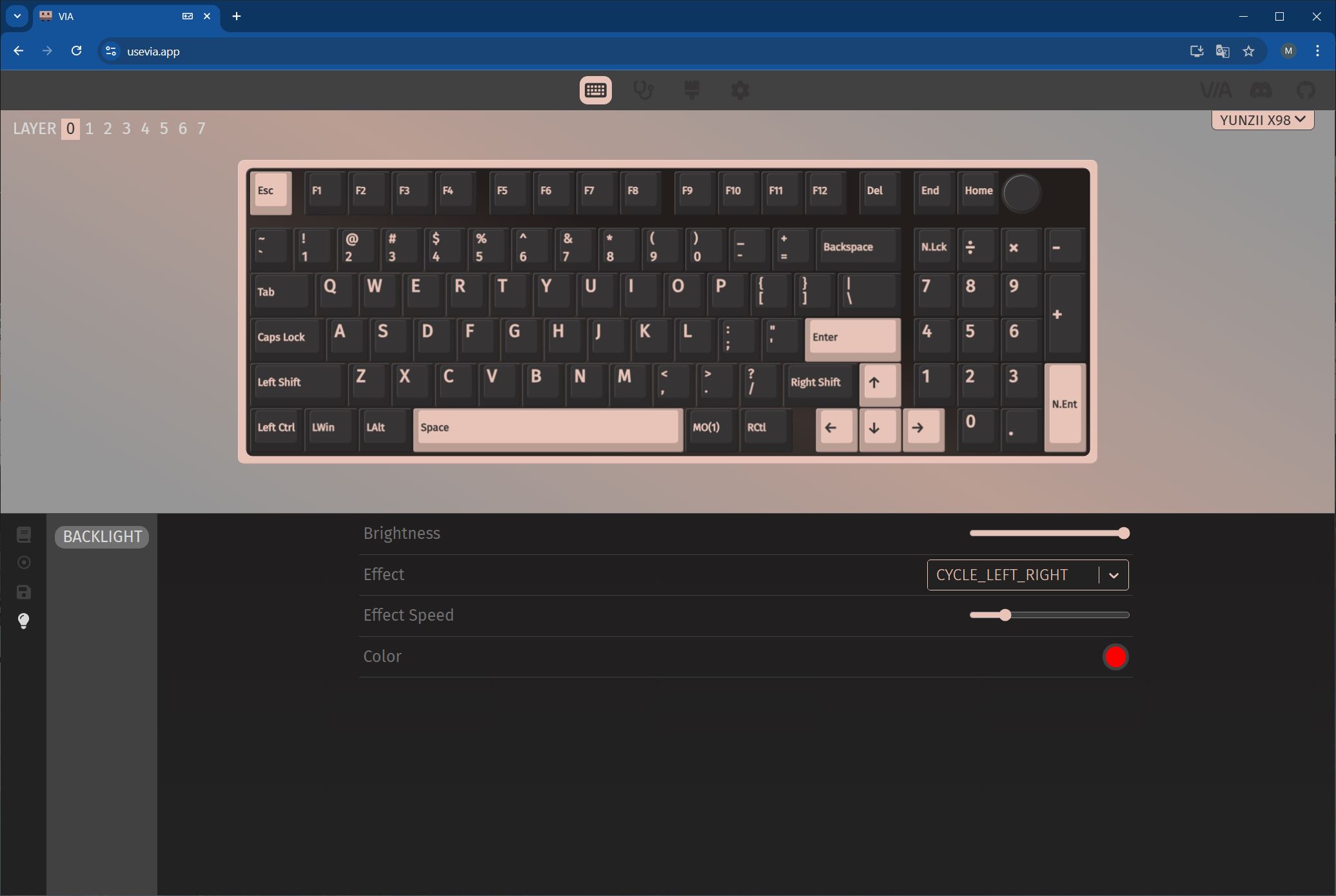
The backlighting can be controlled via QMK/VIA through a web browser or directly on the keyboard using the roller and key combinations.
For reference, here’s a short video demonstrating the backlighting and various effects.
The assembled keyboard feels solid, with all components fitting together well. Ergonomically, there are no major issues – it’s generally comfortable and pleasant to use. That said, the tall keycaps make the keyboard feel unusual, especially at first. The X98 itself is already a relatively tall device, and combined with the high-profile keycaps, it may feel even taller, which might not suit everyone.
If needed, the keycaps can be swapped for standard Cherry-profile caps, though doing so would remove one of the keyboard’s main features. Alternatively, similar transparent keycaps or pudding-style keycaps could be used, which I believe would also look great on this model.

Read also:
- YUNZII AL68 Review: Solid, Affordable Keyboard with Aluminum Сase
- YUNZII AL80 Review: Wireless Aluminum Keyboard with Display
Switches, stabilizers, typing
The YUNZII X98 comes equipped with a single type of switch: Snow Linear Switches. These are linear switches that come pre-lubed. Detailed specifications of the switches are provided below.
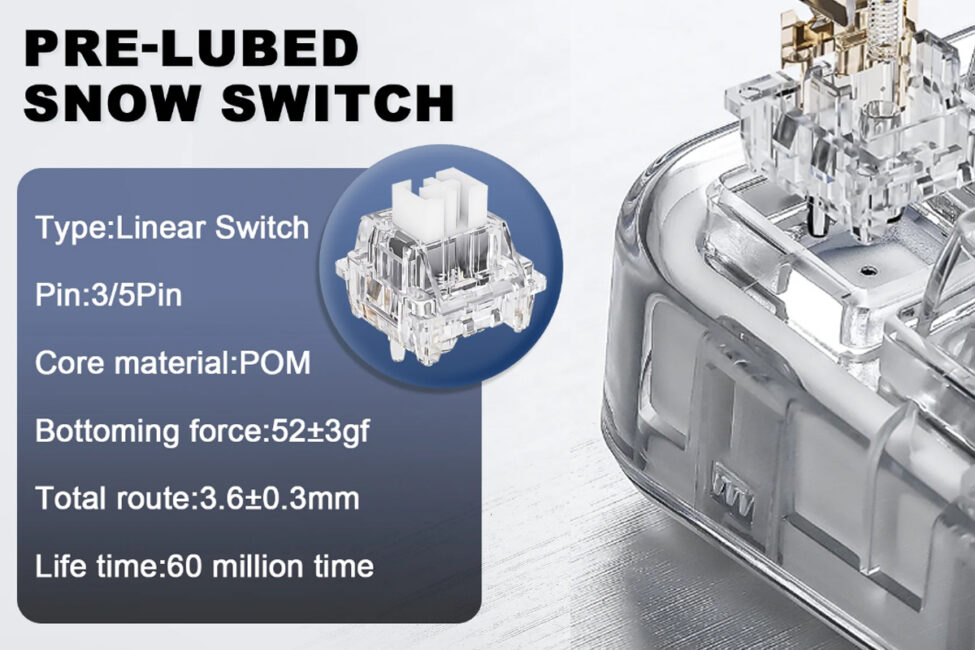
Like most YUNZII keyboards, the X98 supports hot-swapping, allowing switches to be replaced quickly without soldering. The switch sockets are standard 5-pin, compatible with both 3-pin and 5-pin switches.
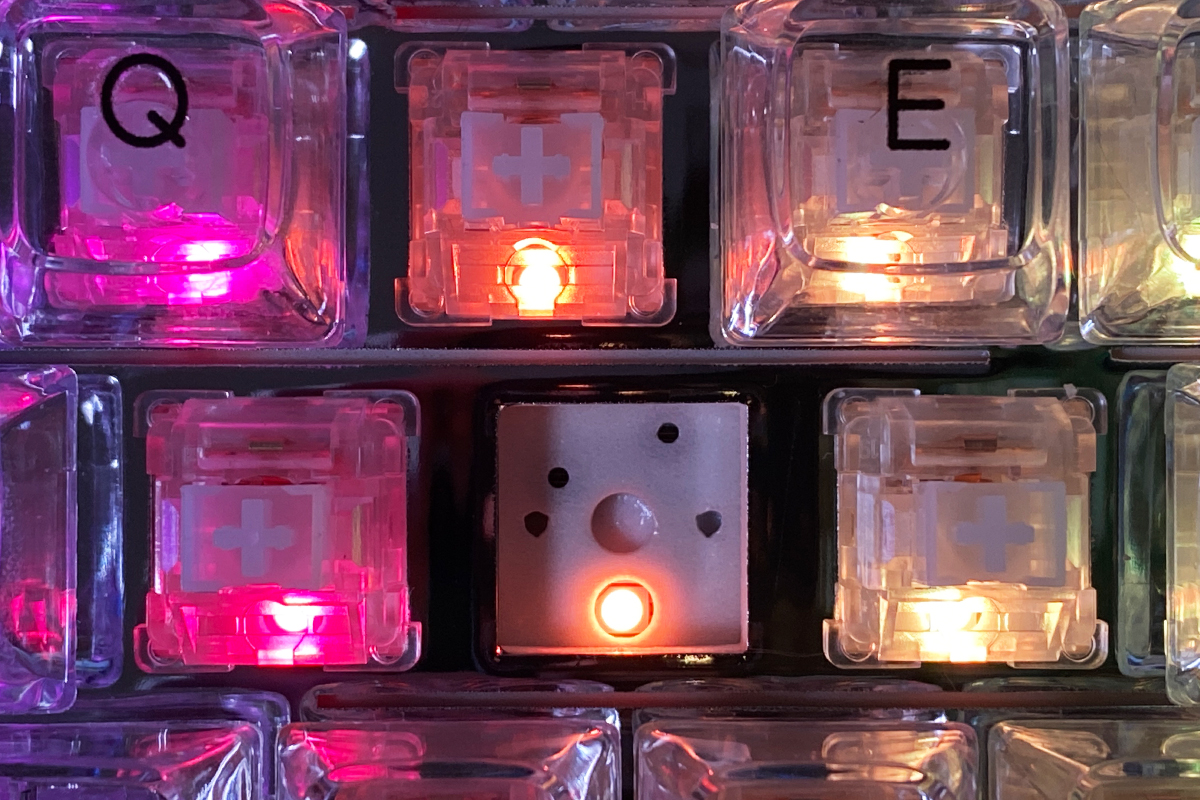
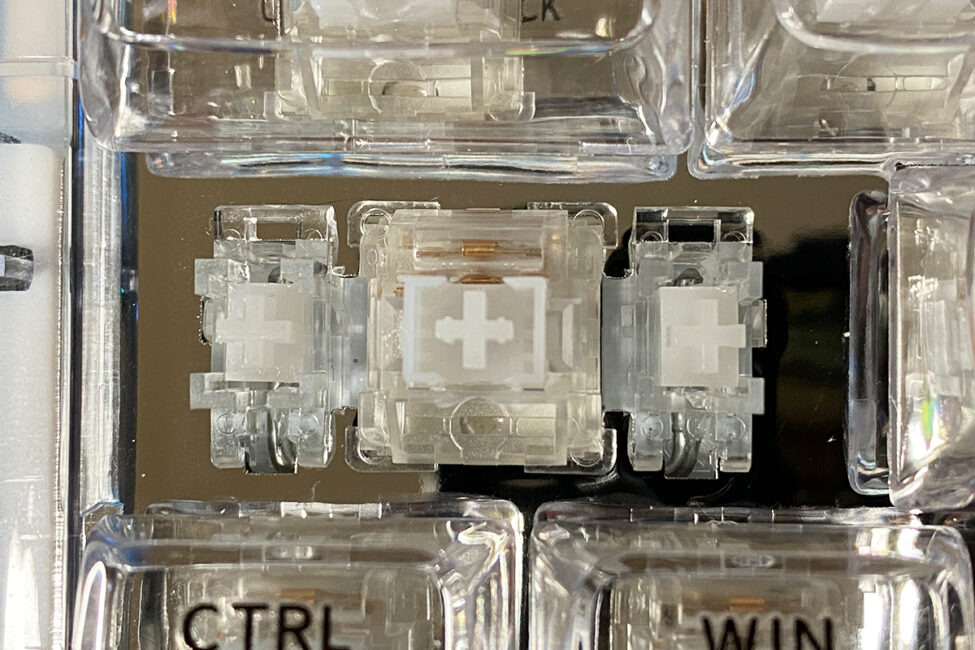
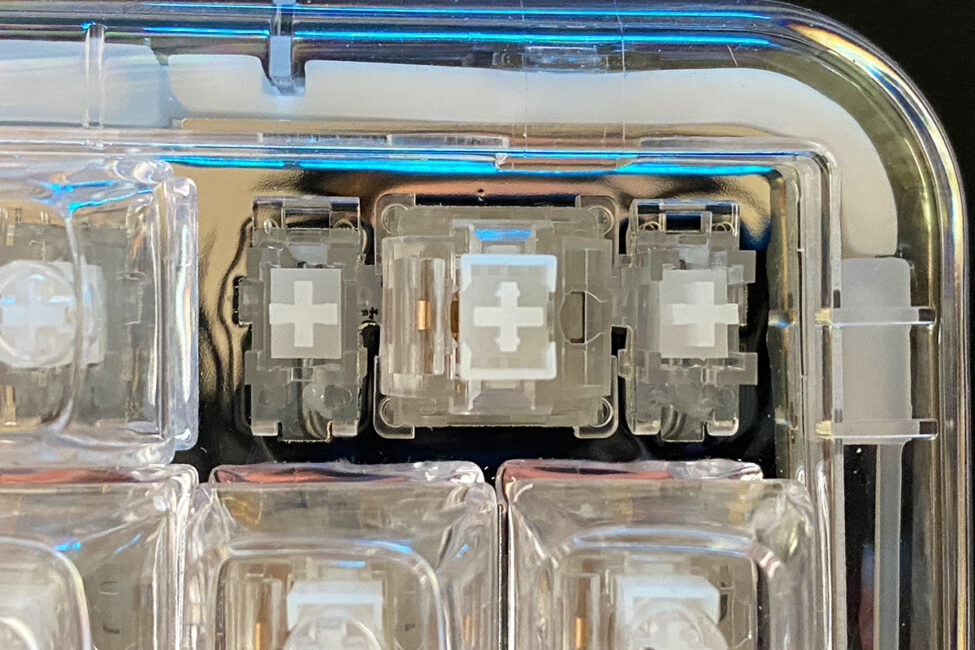
The stabilizers in the keyboard, like the switches, come pre-lubed. In general, they stabilize the longer keys fairly well, but there’s one issue I noticed: they sometimes produce a rattling sound when pressed. This noise is only noticeable on the longer keys, which leads me to conclude that the stabilizers are responsible.
After about a week of active use, the rattling on the longer keys decreased – possibly the lubrication settled in, or perhaps my particular unit had slightly under-lubed stabilizers. Unfortunately, I didn’t have any specialized grease on hand while writing this review, so I couldn’t test this theory. However, I suspect that properly re-lubing the stabilizers would eliminate the rattling entirely.
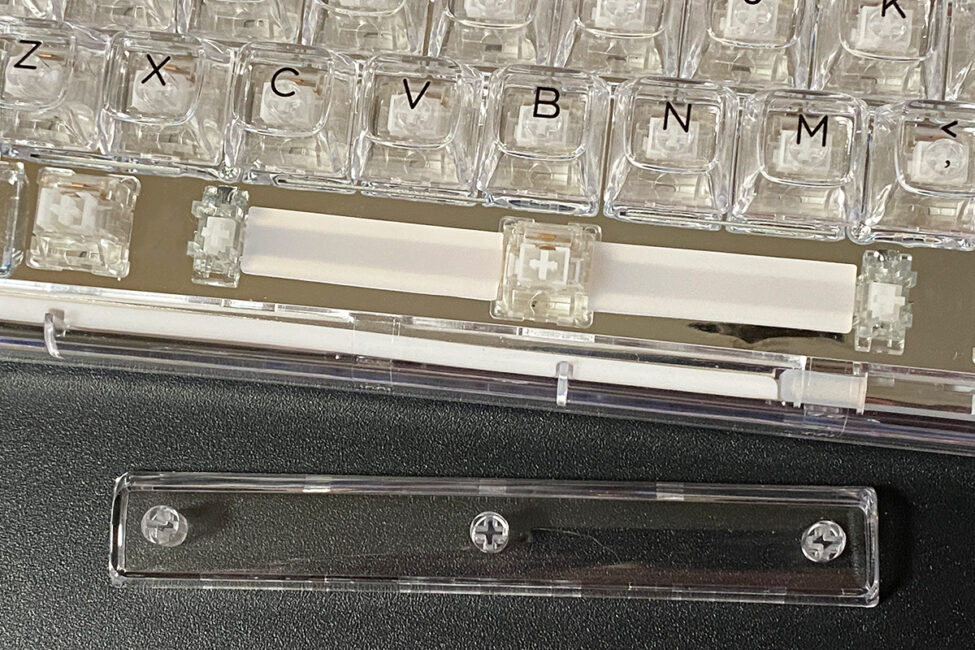
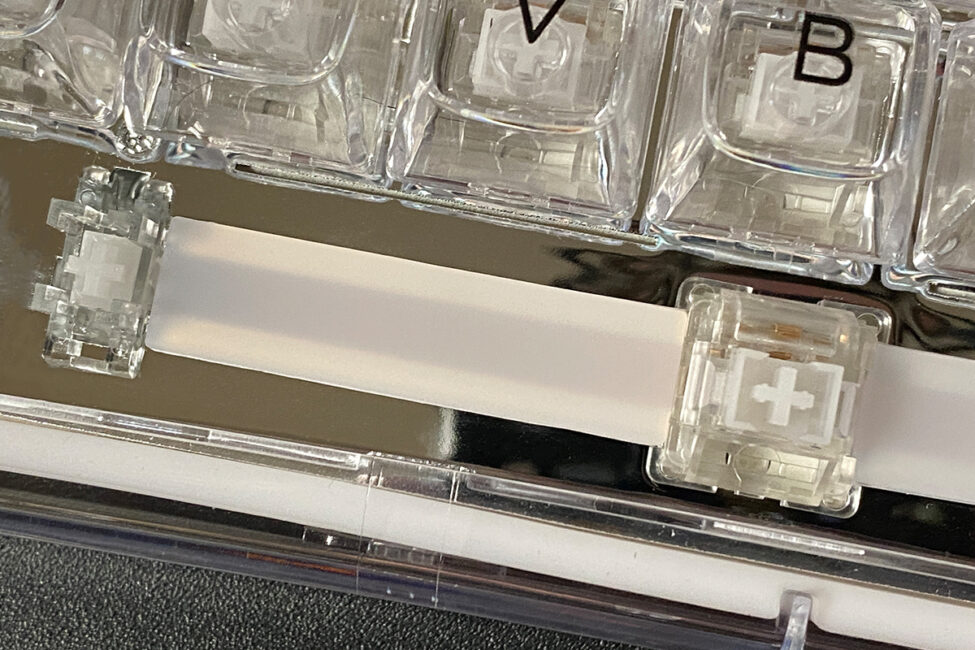
Typing on the YUNZII X98 feels truly distinctive – somewhat unique and unusual. As mentioned, the non-standard keycaps and their height make the keyboard feel different, especially at first. However, it’s precisely these keycaps that give the keyboard its unique typing experience. The sensation is almost as if you’re gliding over smooth glass cubes – or ice cubes, just not cold. Looking at the official product images, it’s clear this effect was intentional.
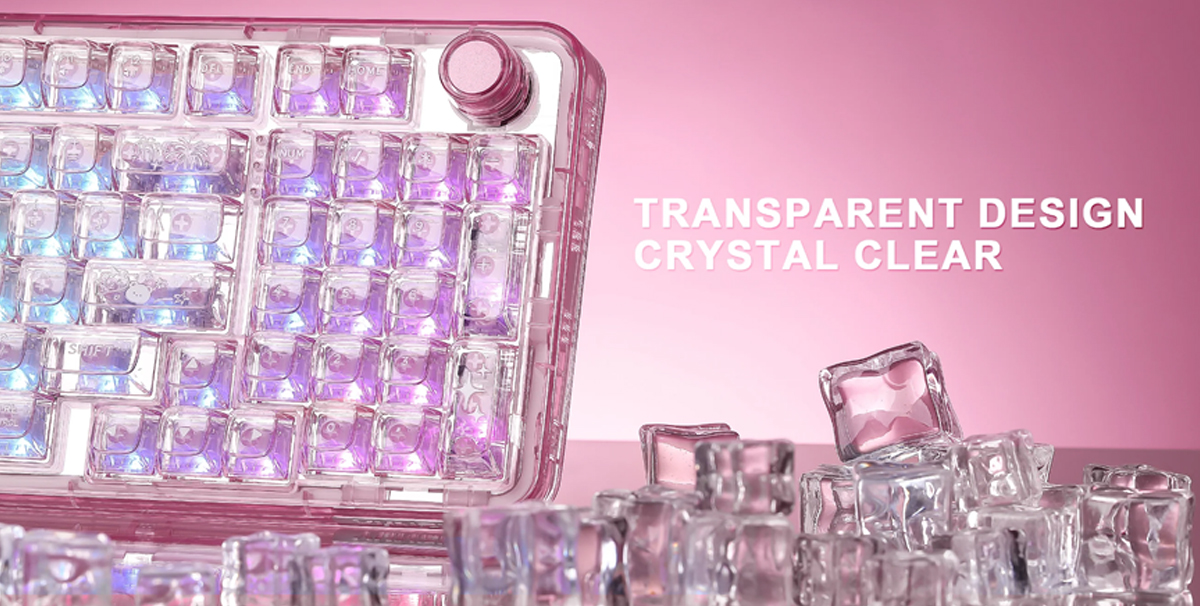
The typing sound is also distinctive, evoking the sensation of smooth glass cubes under your fingers. That’s the association I kept having while both gaming and working on the keyboard. Interestingly, it proved very comfortable for gaming; for example, I spent time in the open beta of Battlefield 6 and hardly noticed any difference compared to keyboards with Cherry-profile keycaps. When it comes to typing text, the keyboard does feel unusual, but in a unique way. Below is a short video of the typing sound so you can hear how it performs.
Proprietary application, layer layouts
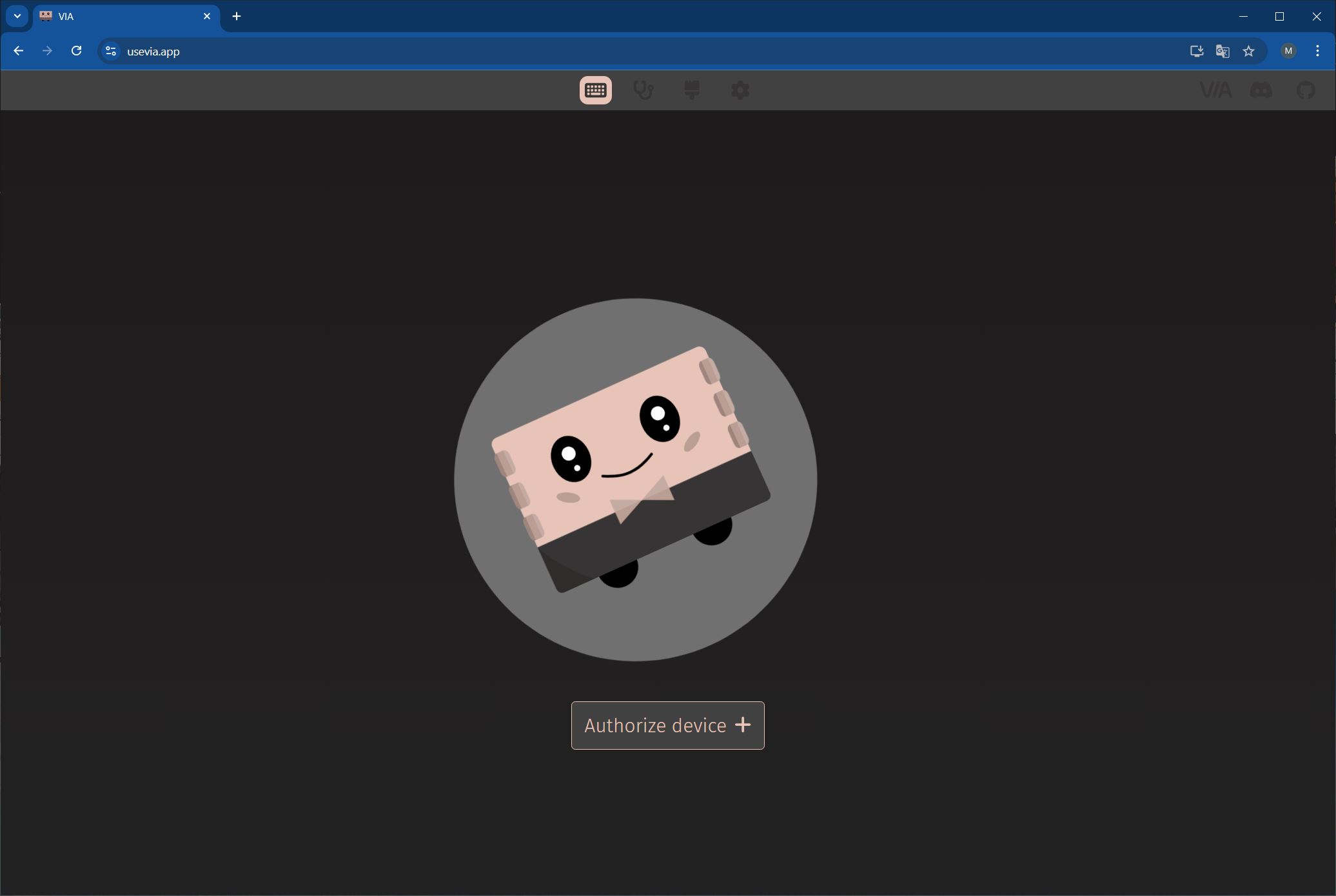
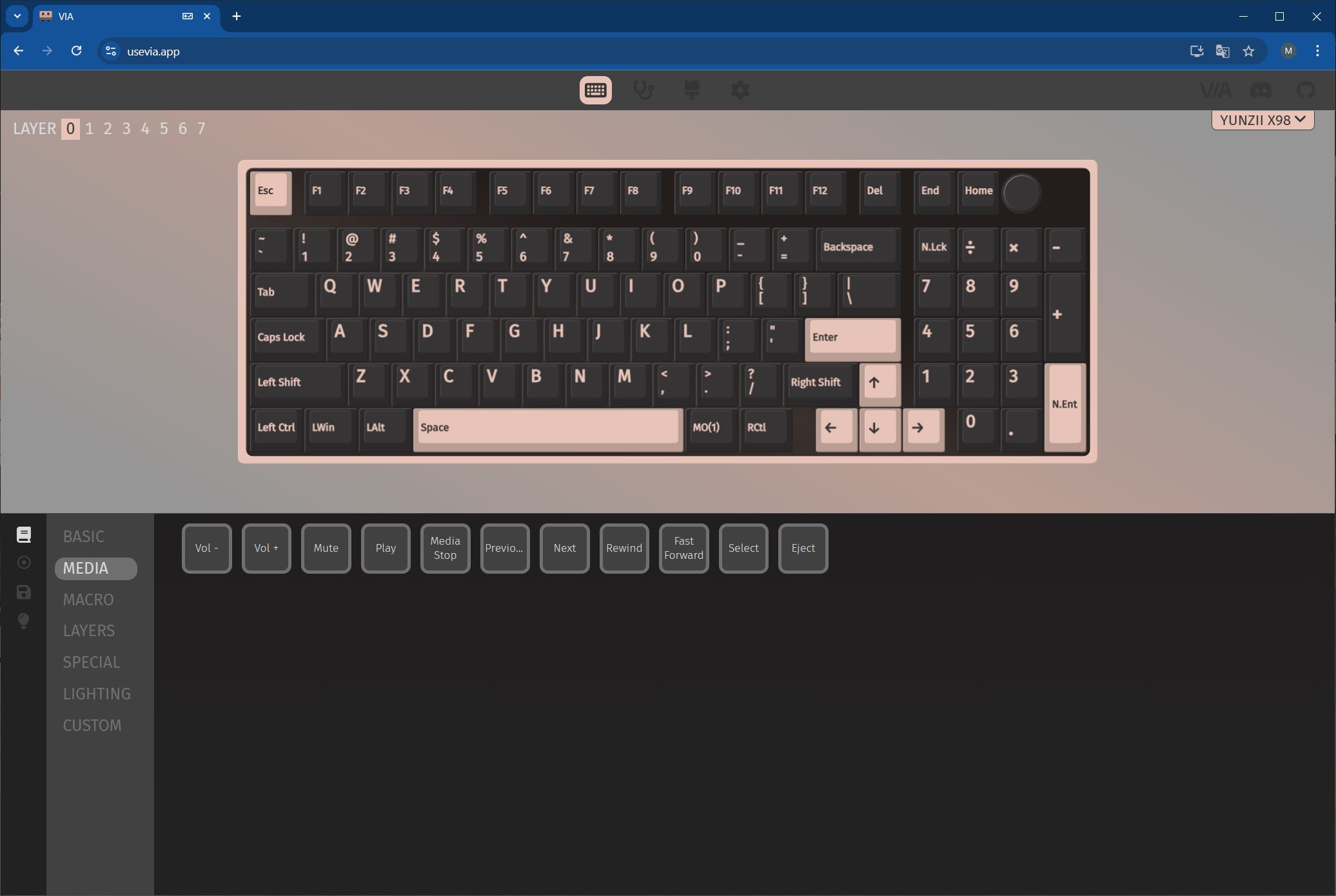
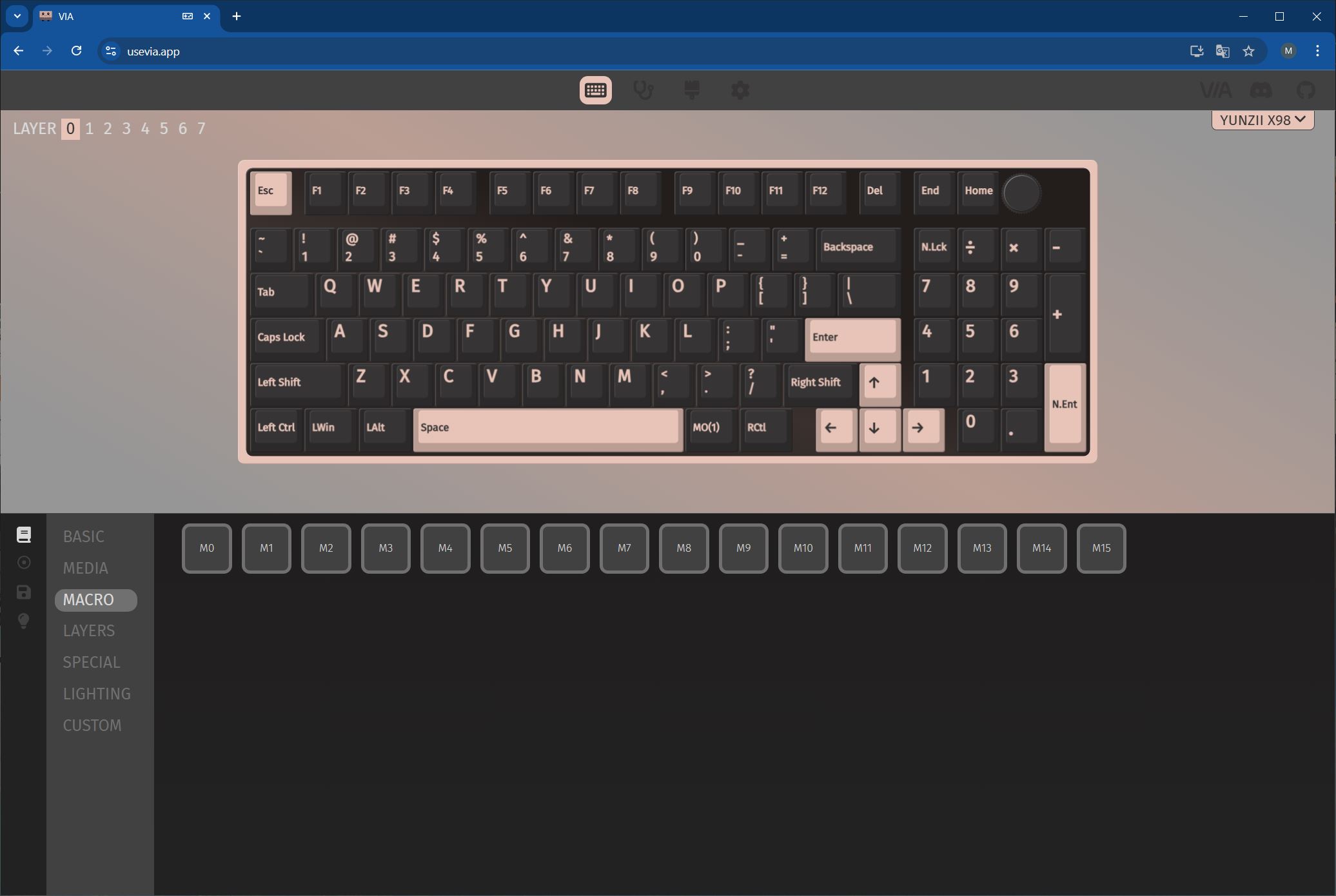
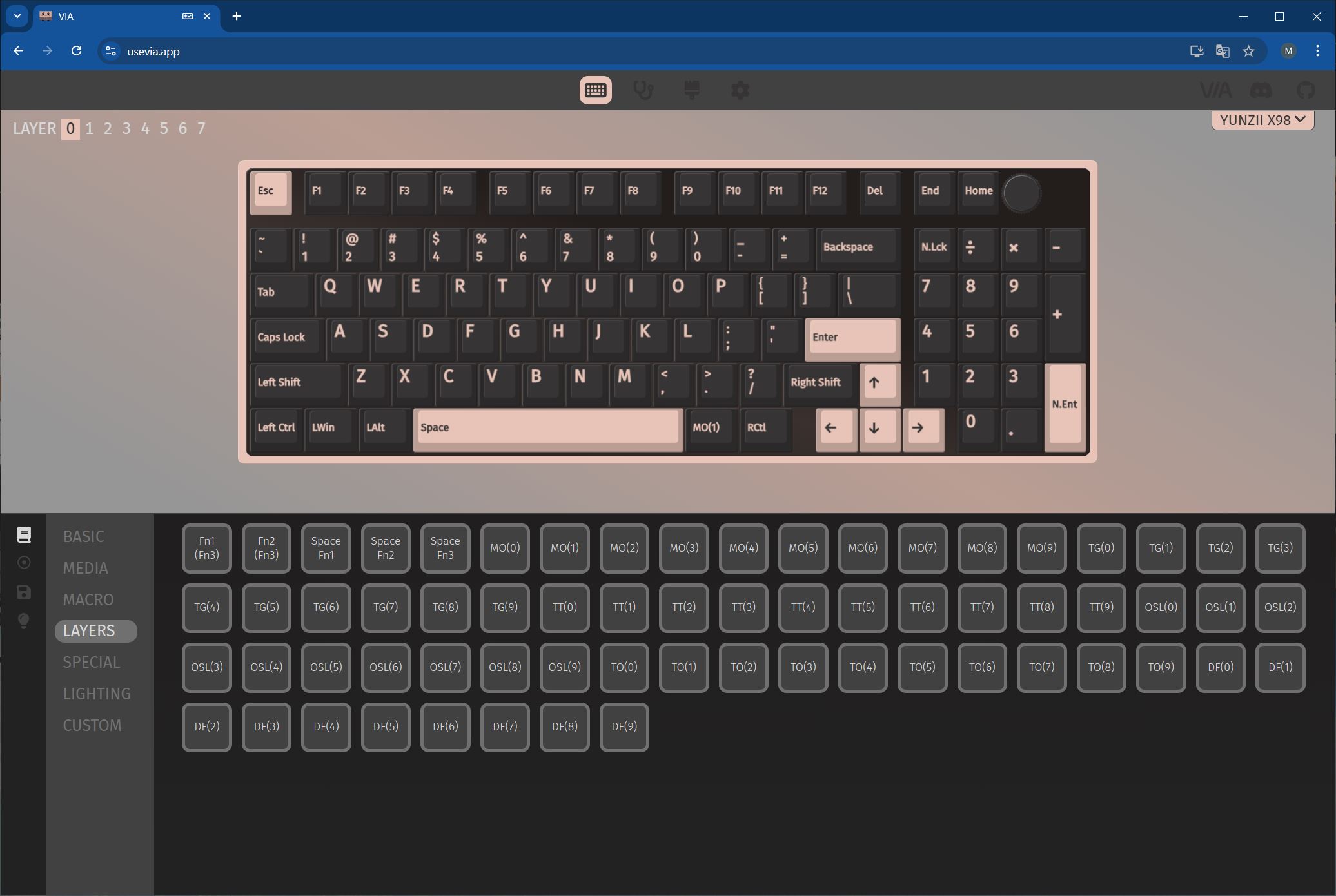
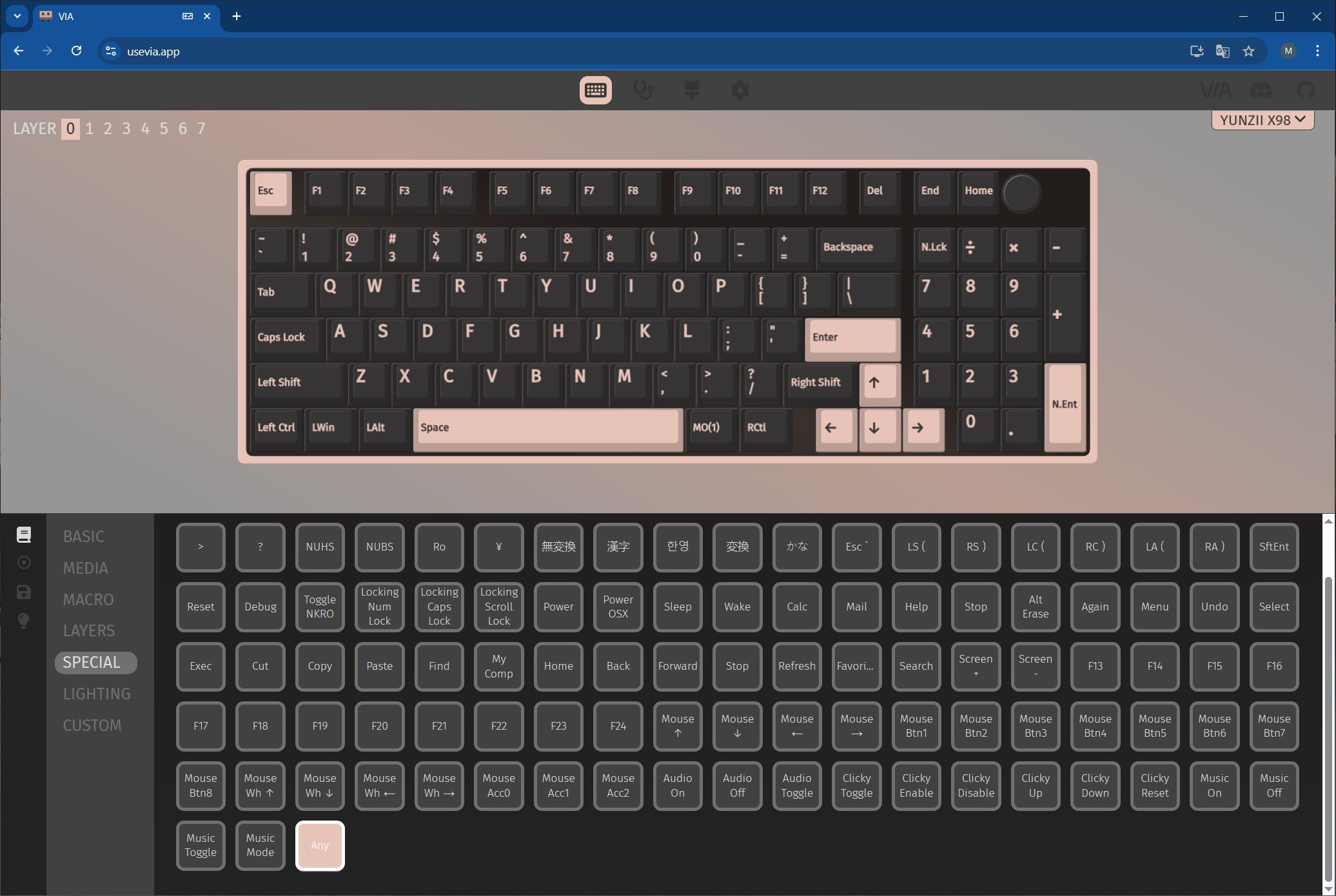
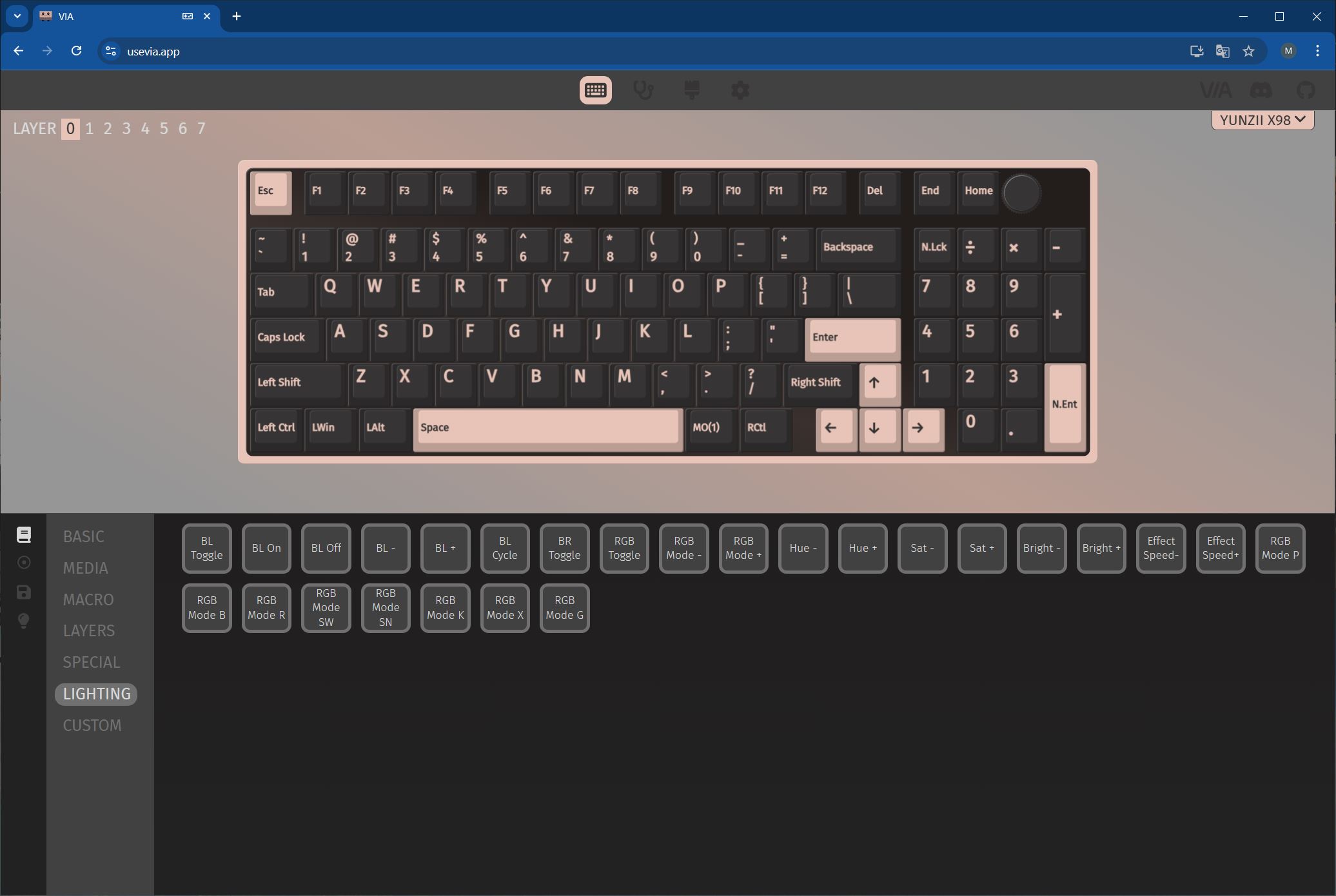
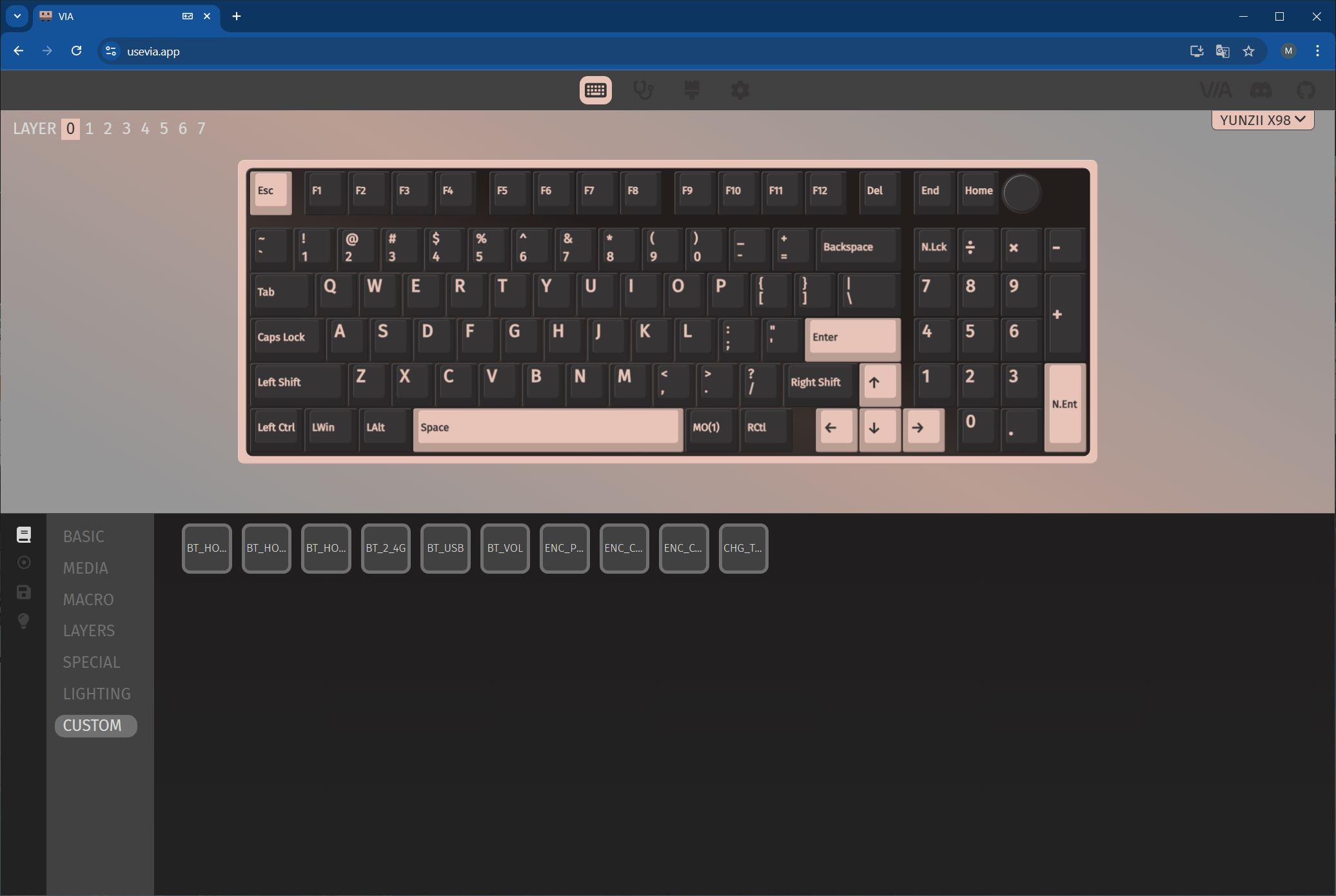
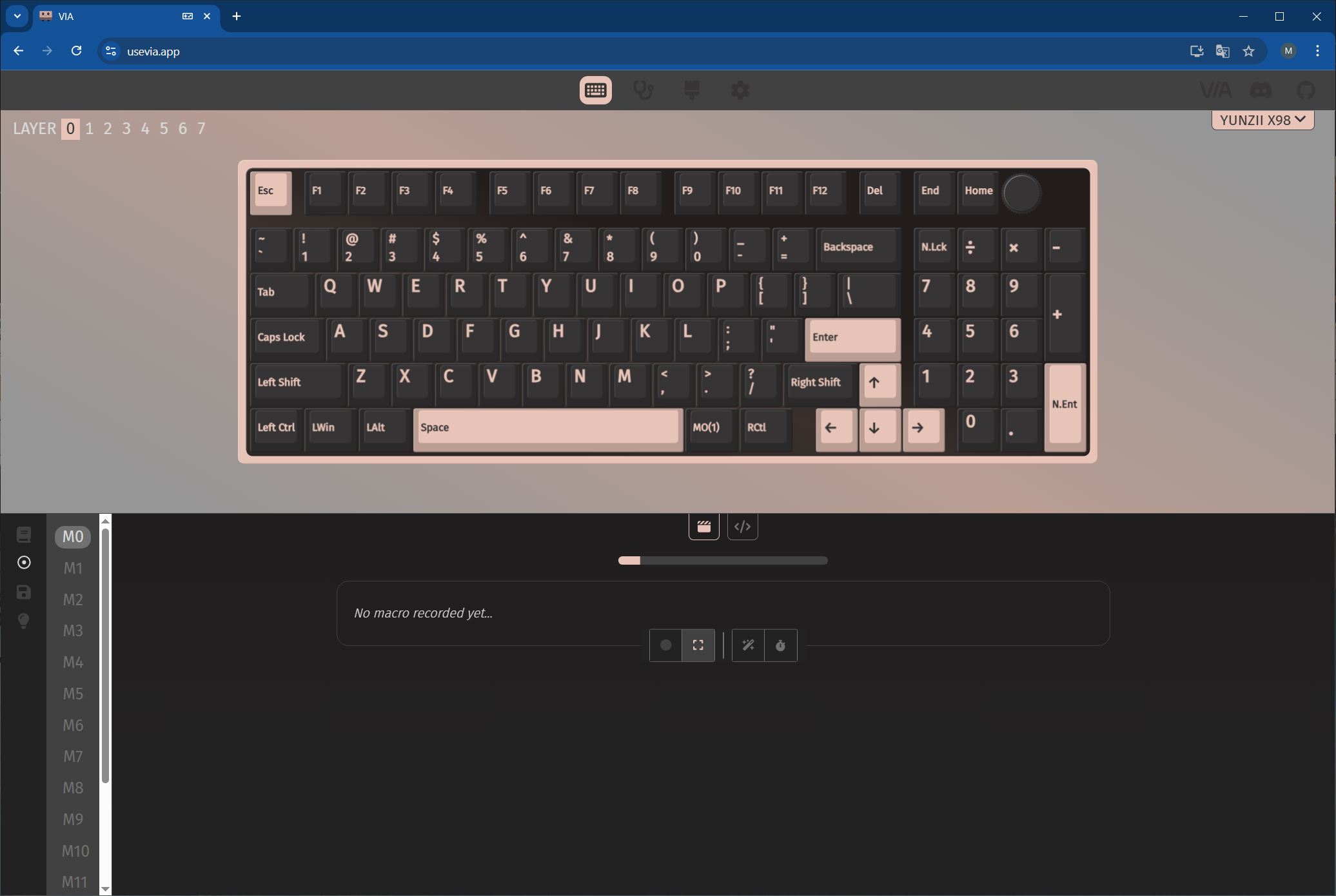
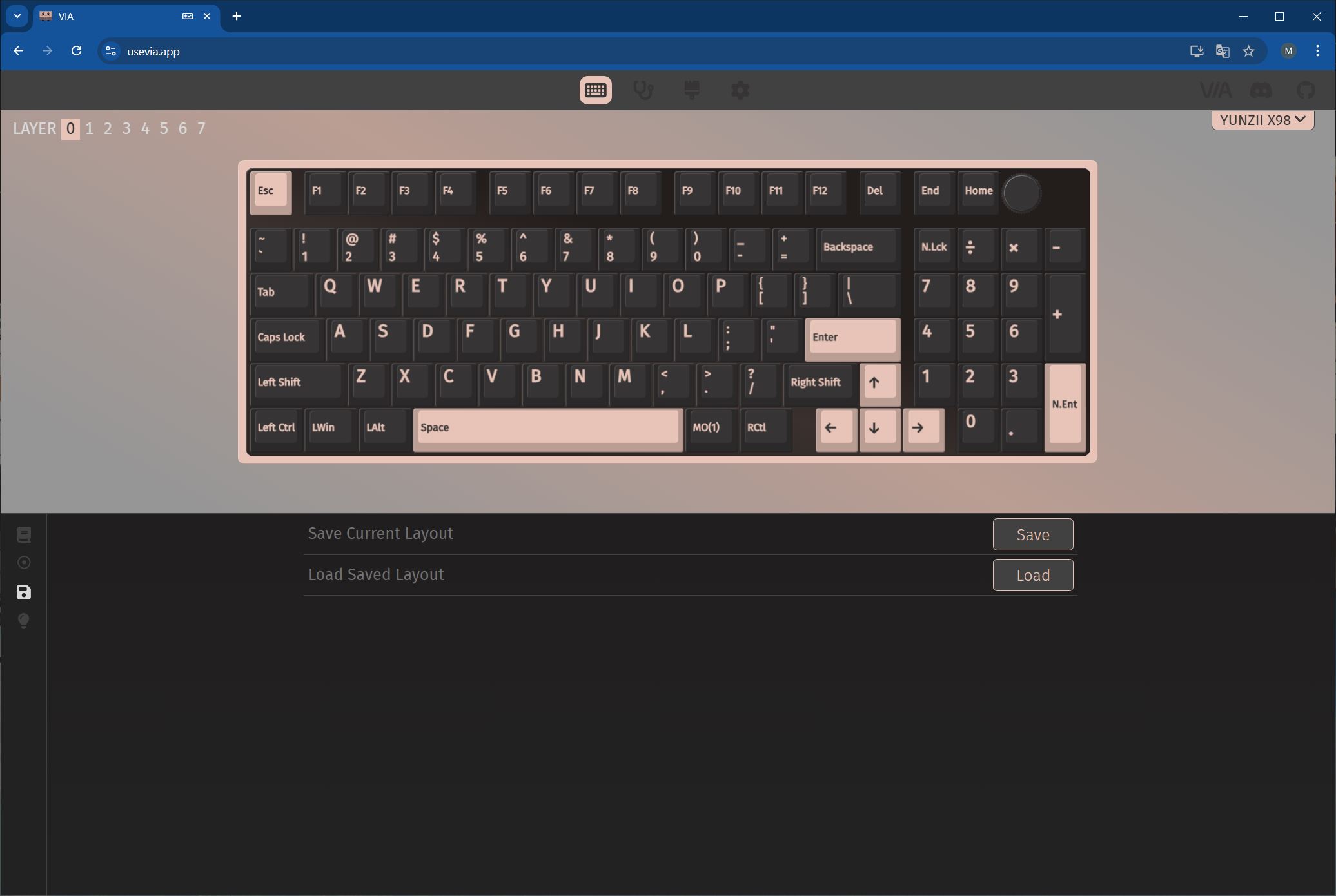
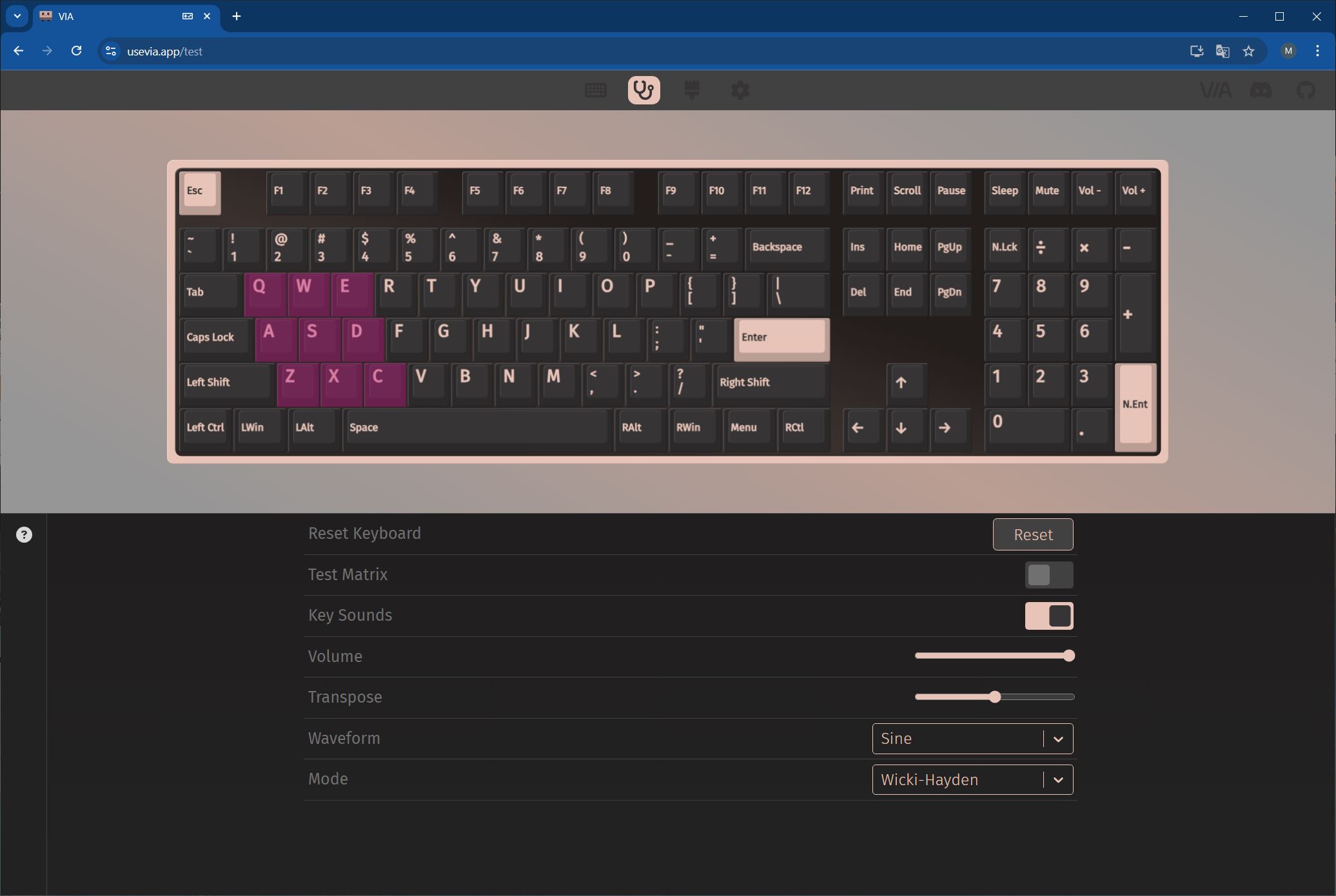
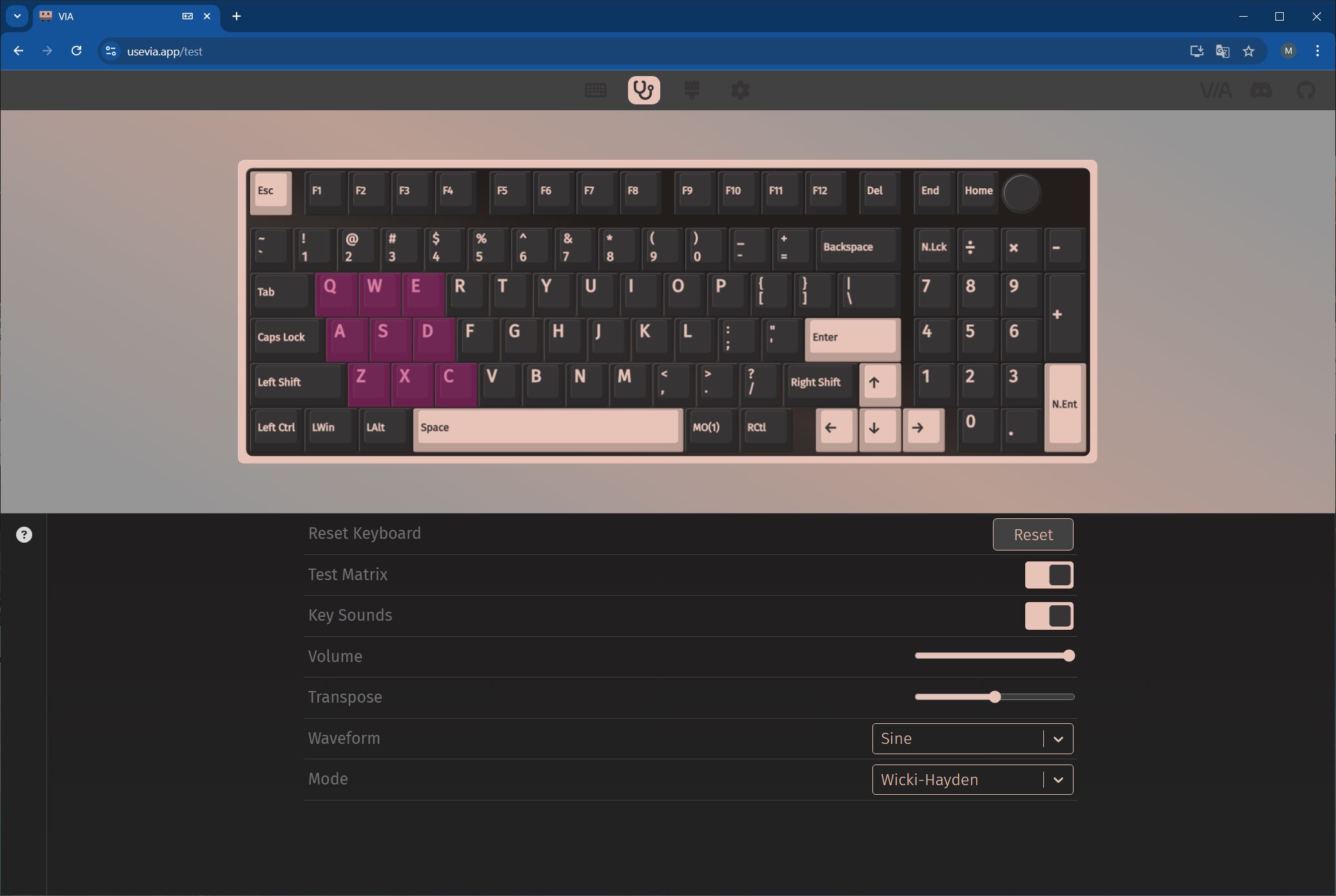
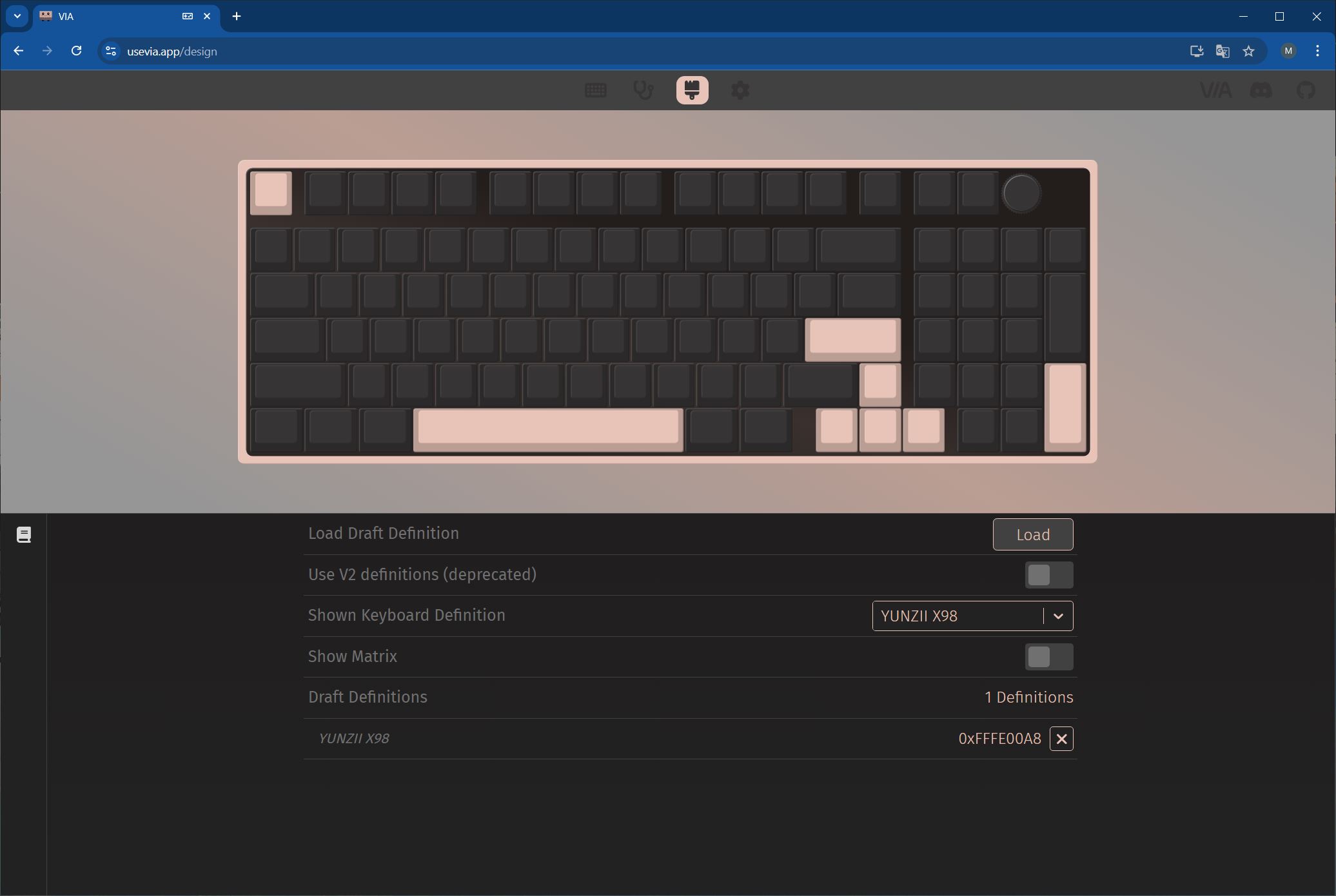
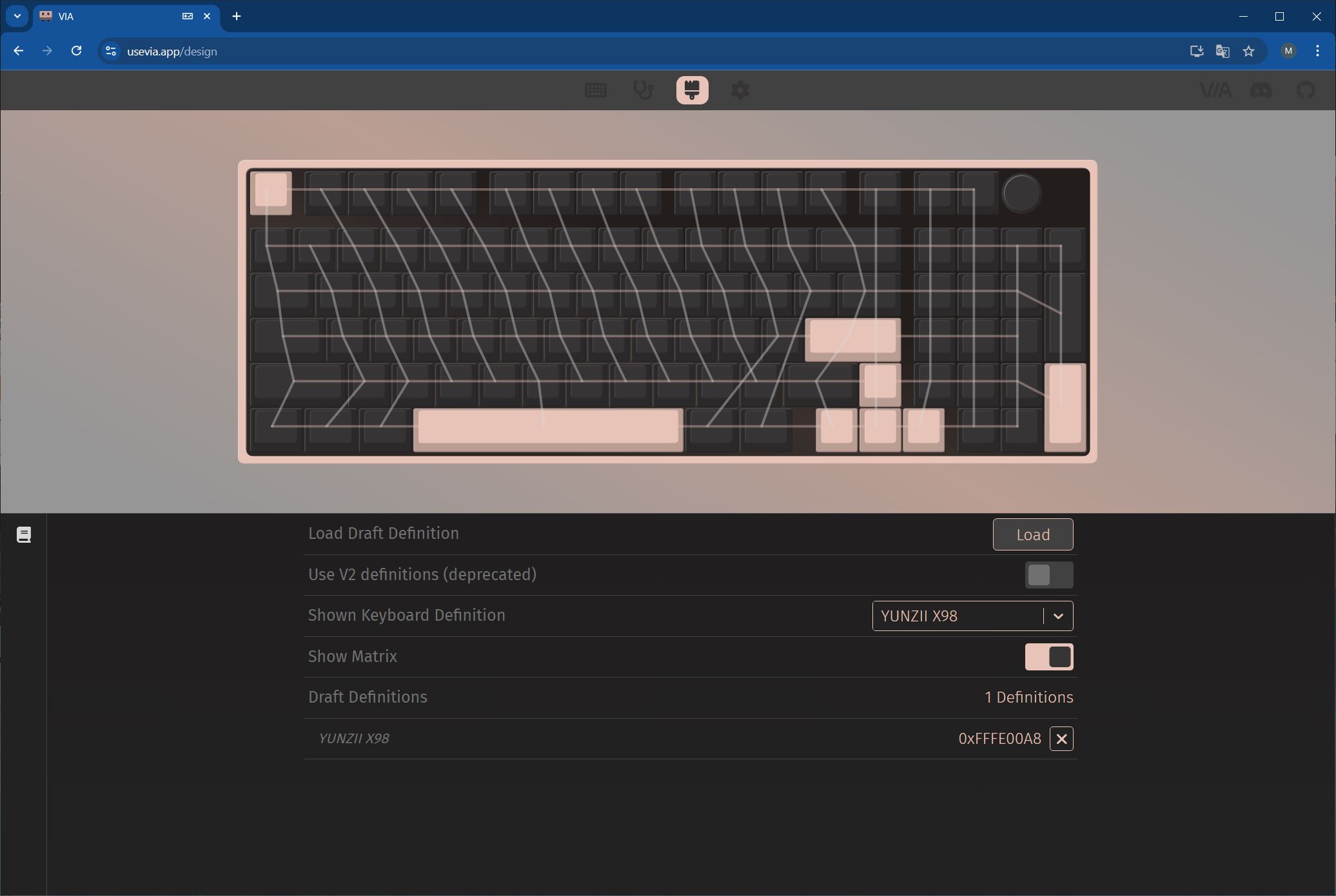
The keyboard supports QMK/VIA, meaning it can be fully customized at the firmware level directly in a browser. In terms of software and configuration, the X98 functions much like the latest YUNZII AL models: it offers eight layers (four for Windows, four for Mac), allows remapping of every key and FN+ key combination – including the default ones – and lets you assign custom functions to the roller, which adds convenient control options.
I’ve covered the process of connecting the keyboard to VIA, the settings menus, and how to customize layers in my previous reviews multiple times. There’s no need to go over it in detail again, so I’ll just provide a link to the relevant sections. I’ve also included a gallery of screenshots showing the settings, demonstrating that nothing has changed here.
- To learn how to connect the keyboard and access the VIA settings, please refer to this or this link.
- The JSON file specifically for the YUNZII X98 model can be downloaded from the official website.
- A detailed description of all menus with settings can be found here and here.
- I showed how to customise the keyboard using my own example here and here.
- I showed how to update the keyboard firmware here and here.
- The firmware itself and the update programme can be downloaded from the official website.


Read also:
- YUNZII AL65 Review: Aluminum Wireless RGB Keyboard
- Review of YUNZII RT75 – Mechanical Keyboard with Magnetic Switches
Battery life
The YUNZII X98 is equipped with an 8,000 mAh battery. The manufacturer claims up to 45 hours of use with backlighting on and 320 hours with it off. A full charge takes approximately 13 hours.
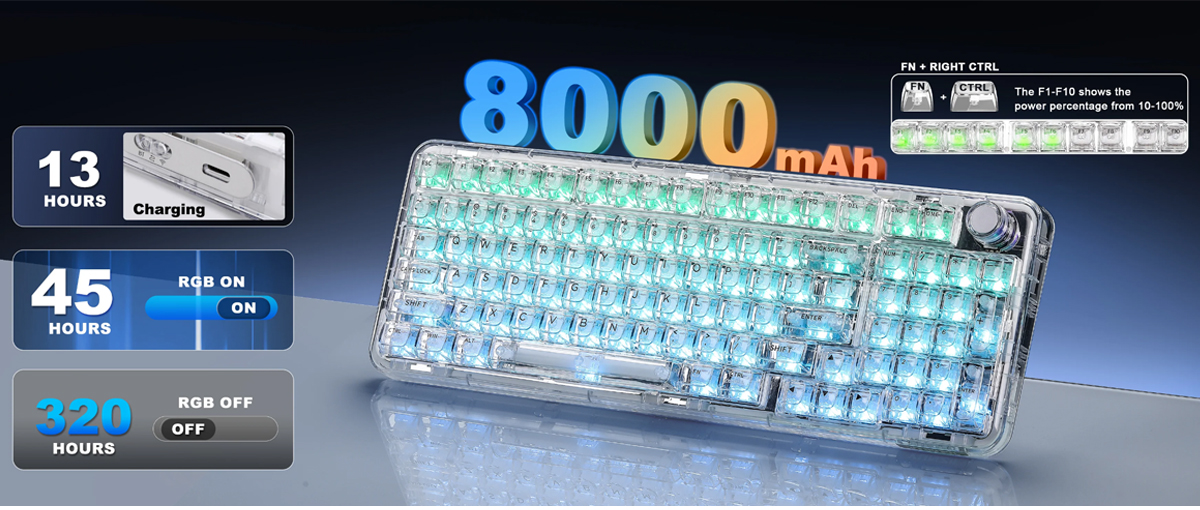
From my experience, the keyboard’s battery life is actually longer than the official specifications suggest. For example, I was able to use it for about a week – at least five full days – with the backlighting set to maximum brightness and connected via RF. Overall, the YUNZII X98 offers solid battery performance.
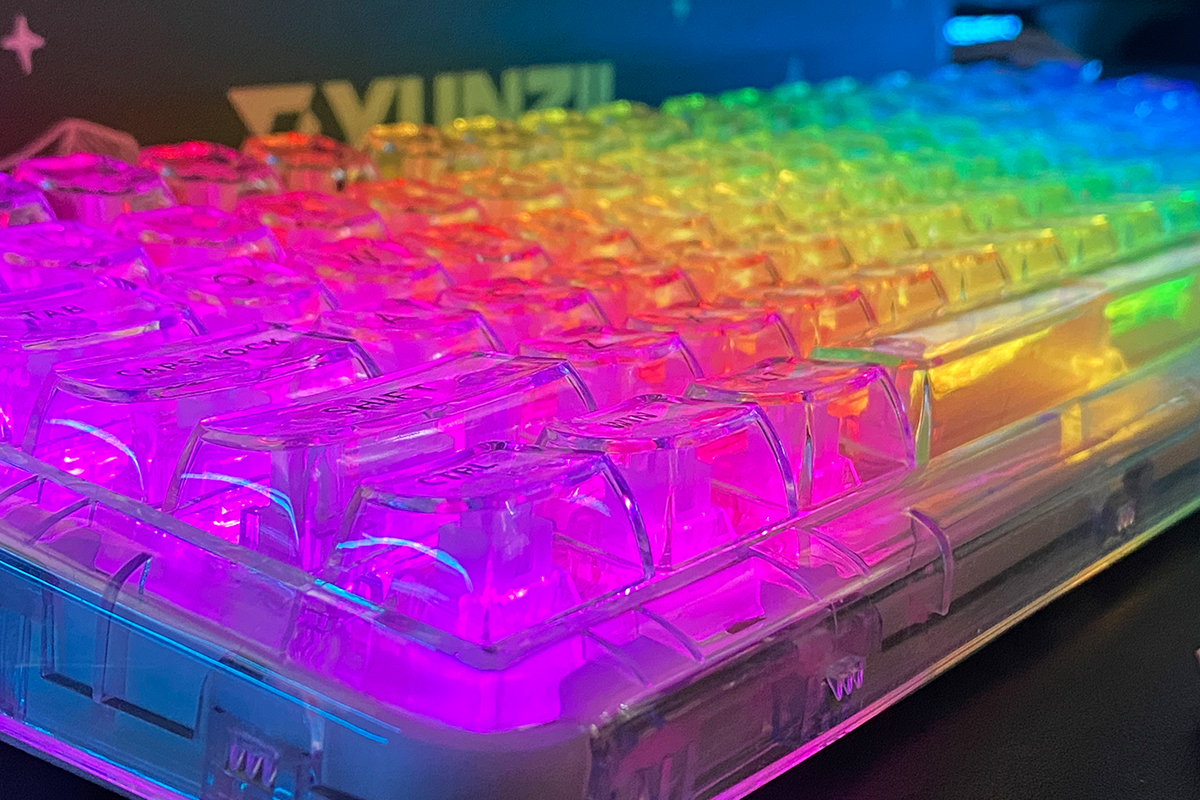
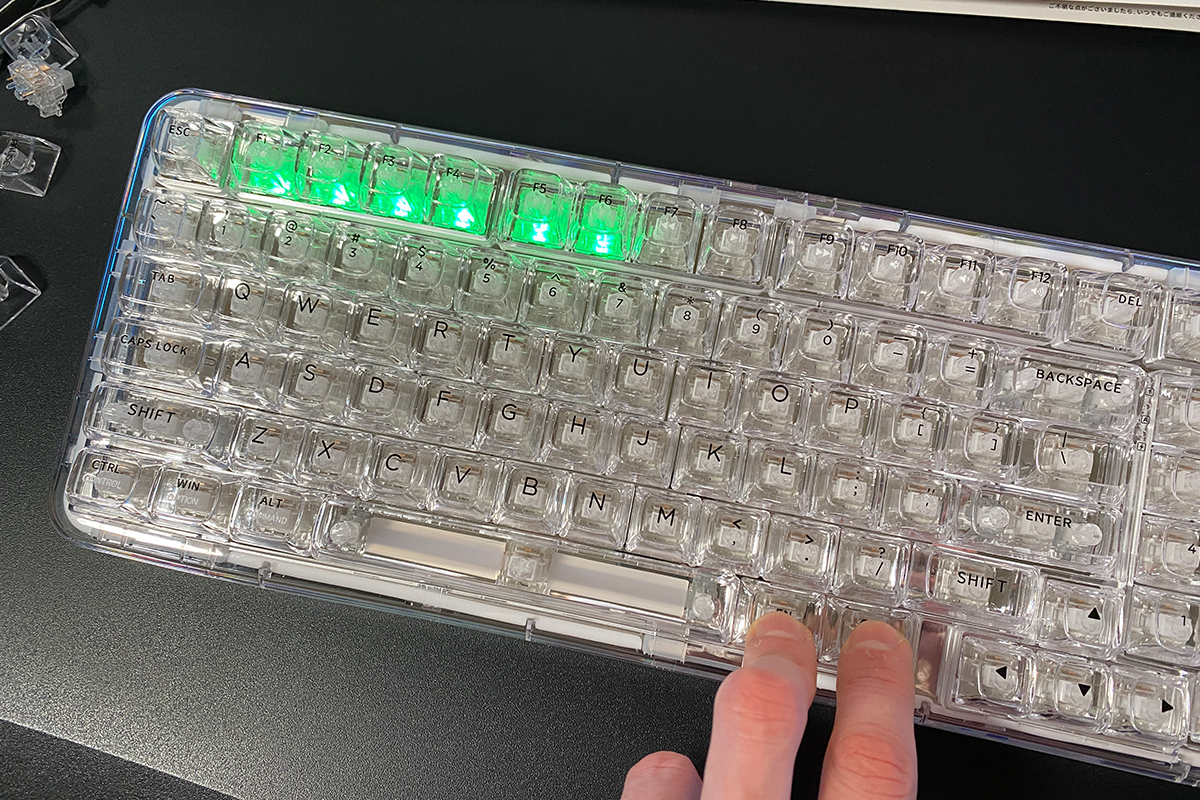
You can check the battery level using the key combination FN + Right Ctrl. Pressing this will light up the F1–F10 keys, indicating the remaining battery percentage. For example, in the photo below, F1–F6 are illuminated, which corresponds to approximately 60% battery remaining.
When the keyboard’s battery is completely drained, it signals this in a rather unusual way: the key backlighting starts flashing, and the keys themselves stop responding. The first time this happened to me, I wasn’t sure what was going on and thought the keyboard had glitched. After connecting the cable and giving it a short charge, it returned to normal operation. I observed a similar behavior on the newer magnetic YUNZII RT80 model, where the keys also became unresponsive when fully discharged, though the backlighting remained on. This suggests that the behavior is intentional – a designed feature rather than a bug.
To save battery, the keyboard turns off the backlighting and enters sleep mode after five minutes of inactivity. Waking it up is instant, no matter how long it has been in sleep mode, which is a definite plus. The only minor inconvenience is that turning the roller does not wake the keyboard, which can be a bit awkward when, for example, listening to music or watching a movie and you want to adjust the volume – you need to press a key first before using the roller. Otherwise, everything functions as expected.
Conclusions
In summary, the YUNZII X98 comes across as a genuinely original and distinctive keyboard, with some unusual aspects that set it apart. Key strengths include its unique design, standout CSA-profile keycaps, hot-swap capability, solid battery life, QMK/VIA support, and reasonable price. The 96% layout with a full NumPad is also a practical advantage for users who frequently rely on it. Typing on the X98 is a unique experience – slightly unconventional due to the tall keycaps, but interesting and distinctive. It may appeal to some users while others might find it less comfortable, depending on personal preference.
The only potentially negative point I noticed was the stabilizers, which seemed slightly under-lubricated and could rattle during typing. However, as mentioned earlier, this tends to improve over time with use, and any remaining noise on longer keys can generally be resolved with additional lubrication. It’s also possible that my unit was simply an outlier. Overall, the YUNZII X98 is an interesting keyboard, representative of the distinctive characteristics of the entire YUNZII X series.
Read also:
- Microsoft Ends Windows 10 Support: Is There Life After the End?
- Review of the Series “Alien: Earth” – But Why?!
- Nine of the Strangest and Most Mysterious Weapons
Where to buy YUNZII X98


