





© ROOT-NATION.com - Use of content is permitted with a backlink.
As someone who thoroughly explored the ins and outs of Motorola’s flagship, the Edge 50 Ultra, I was first in line to review the new Motorola Edge 60 Pro. And I must say – the smartphone left a very strong impression on me. That alone is a win, because a deep emotional response to a product is always important – even if it’s not 100% positive.
Також цікаво: Motorola smartphone reviews
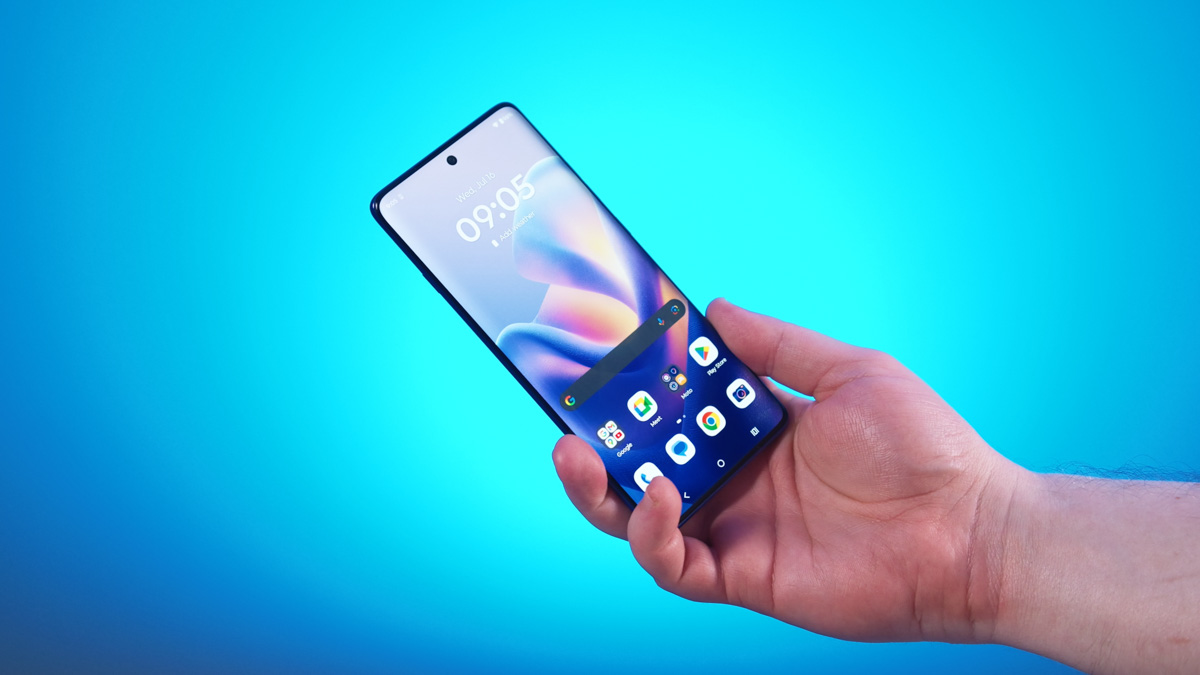
TABLE OF CONTENTS:
Specifications
- Permanent memory: 512 GB UFS 4.0
- RAM: 12 GB LPDDR5X + RAM expansion
- Operating system: Android 15
- Processor: MediaTek Dimensity 8350
- Battery capacity: 6000 mAh
- Charging speed: up to 90 W via cable, wireless up to 15 W, reverse wireless up to 5 W
- Display: pOLED LTPS, up to 4500 nits, HDR10+, 100% DCI-P3 coverage
- Refresh rate: up to 120 Hz
- Sampling rate: up to 300 Hz (in gaming mode)
- PWM dimming: 720 Hz
- Water resistance technology: Water Touch
- Dimensions: 160.69×73.06×8.24 mm
- Weight: 186 g
- NFC: Yes
- SIM support: pSIM + eSIM
- Wi-Fi: 6E
- UWB: No
- Case protection: IP69 + MIL-STD-810H
Motorola Edge 60 Pro video review
Price and package contents
The Motorola Edge 60 Pro is priced at around $500 or €450 – a very tempting price point. But it’s also a very crowded segment. Even considering that the Pro version in Ukraine is only available with a 12/512 GB memory configuration, some competitors offer devices with 8/256 GB at the same price.

The included accessories raise more questions. Once again, there’s no power brick in the box – a trend we’ve come to expect – but you do get a USB Type-C to Type-C cable and, notably, a very vibrant sky-blue case made from recycled plastic. So far, it’s my favorite in-box case I’ve seen in years. Possibly even ever.
Exterior
The device’s design is… distinctive. And for a while, I couldn’t quite figure out why I felt that way. But then it hit me – Motorola’s design strategy for its at least somewhat premium devices seems to aim for a look that’s aggressively solid. It’s not toothless like Samsung’s, not overly polished like Apple’s, and not shapeless like Oppo’s.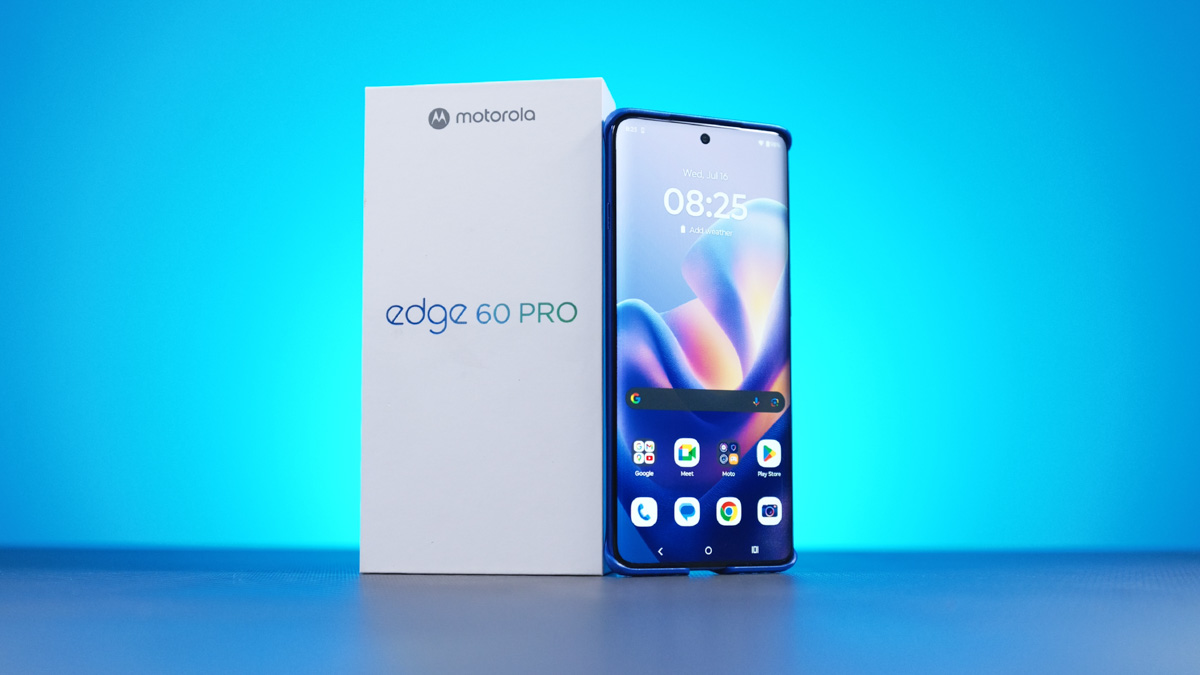
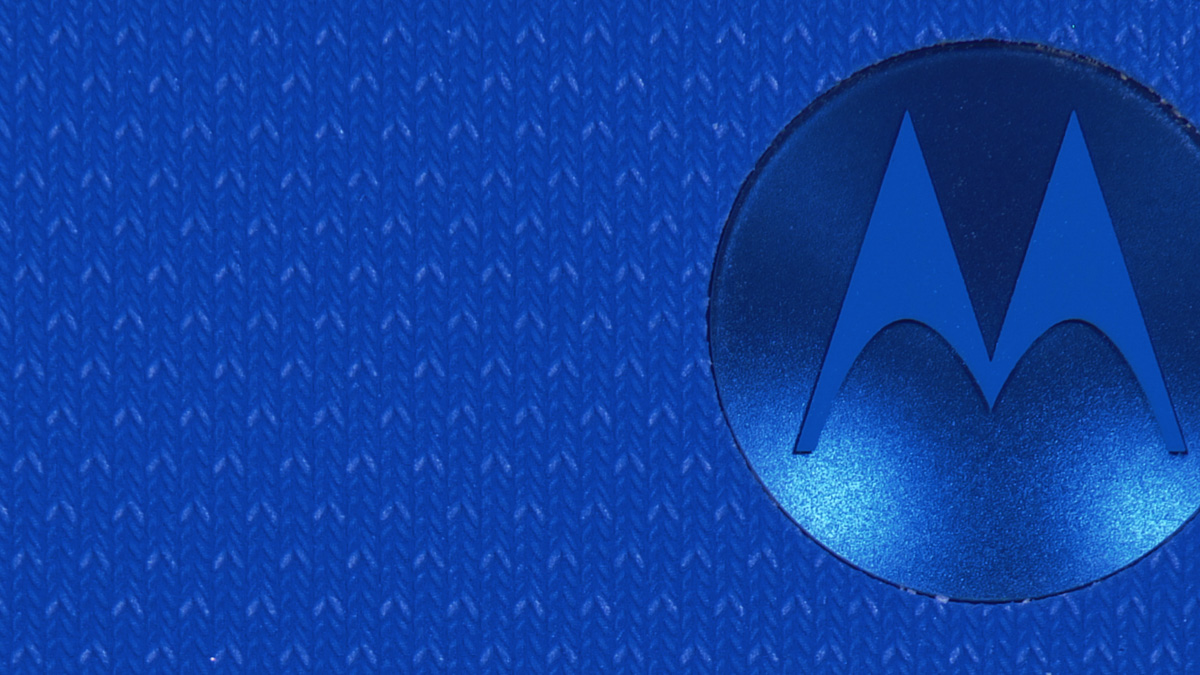
Motorola has never been shy about using natural materials – going back to the Moto Z series, which featured fabric and real wood backplates. The ThinkPhone used carbon fiber, and some Razr 60 Ultra models came wrapped in Alcantara. That philosophy carries over to the Moto Edge 60 Pro as well. In fact, Motorola’s best devices tend to be the ones you can feel – not just see. Where your fingers connect with more than just bare plastic, where there’s a tangible texture that gives the phone character.
This shouldn’t excuse the performance dips (which I’ll get to shortly) – although, in my opinion, it kind of does. Because it signals that this is a phone made for getting things done, not just showing off. And considering the brand’s current level of popularity, there is a clear audience for devices like this – one that consistently looks out for new models with a focus on practicality over flair.

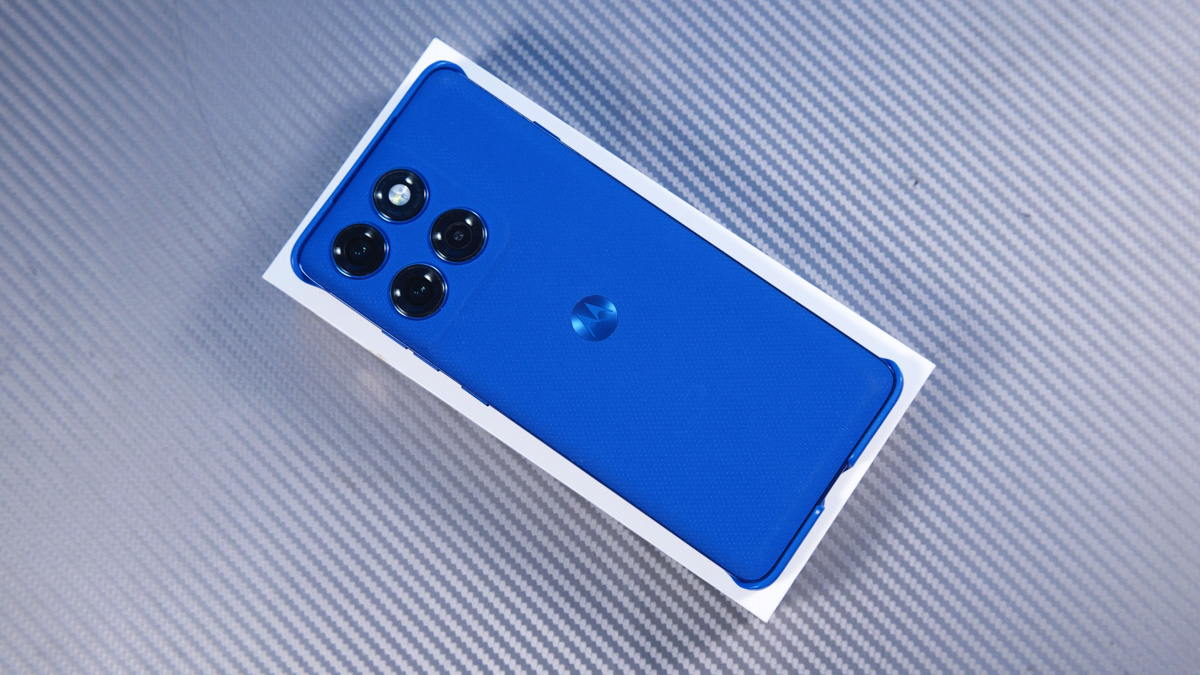
Mine came in the PANTONE Dazzling Blue finish – a deep blue shade with a nylon-like texture that, believe it or not, feels almost like fabric. It feels absolutely fantastic in the hand. There are also other versions: Pantone Shadow, a grey-green finish that mimics wood, and PANTONE Grape, a bold purple with a leather-like texture.
Ergonomics
The smartphone fits very comfortably in your hand, measures 160.69×73.06×8.24 mm, and weighs 186 g. The body is VERY smooth on all sides, and even the case does not change this. On the back of the body, there is a symmetrical camera block – 3 modules plus a flash. It is very surprising that the flash on the Edge 60 Pro is greenish, not white, as I am used to seeing.
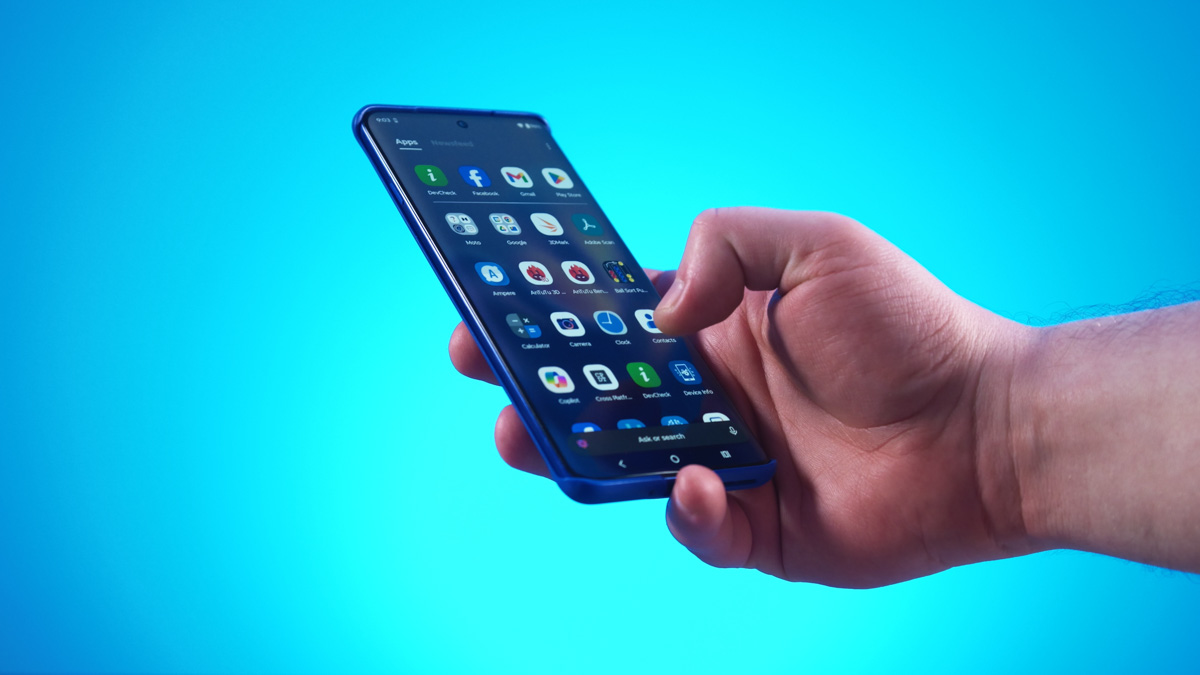
On the bottom edge, you’ll find the USB-C port, SIM tray, and speaker. Up top – just a microphone. On the right side are the volume buttons and power button, plus an additional microphone. All three buttons share the same matte texture and have a slight, barely noticeable wobble. And on the left edge? There’s a dedicated button… for summoning the Moto AI assistant. But we’ll get to that in due time.

Motorola Edge 60 Pro Display
The display is the standout feature here. Unlike the waterfall screens of its predecessors, this model is curved not just on the sides, but also on the top and bottom! Similar experiments were once carried out by Huawei, back in the pre-sanctions era. At the time, some users were genuinely impressed with this format – because it both looks and feels phenomenal. And considering the price of the device, this kind of screen is simply in a league of its own.
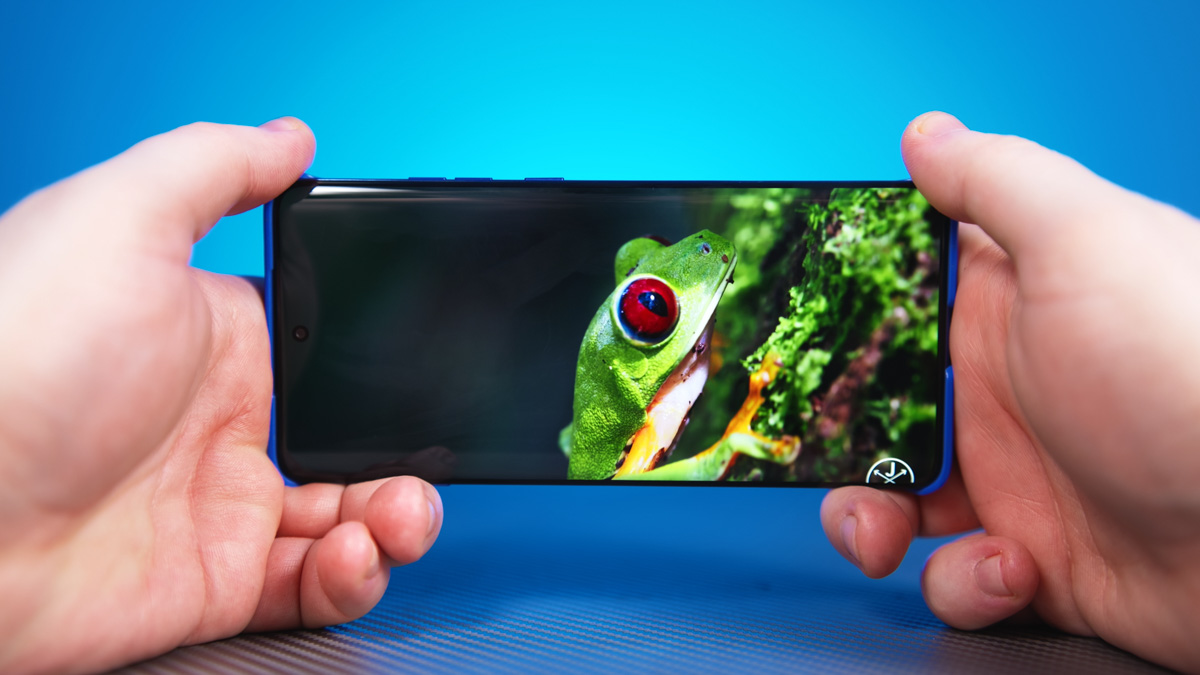
The display is a 6.7-inch Super HD pOLED panel with a resolution of 2712×1220 pixels. It covers 100% of the DCI-P3 color gamut and holds several Pantone certifications, including Pantone Validated and Pantone Skintone Validated. It also supports SGC Low Blue Light and Low Motion Blur technologies, plus Water Touch – a feature designed to improve touchscreen usability when the screen is wet.
The screen refreshes at 120 Hz, which is lower than the 144 Hz of its predecessor but matches the Motorola Edge 50 Ultra. It supports HDR10 and offers a peak brightness of up to 4000 nits – not sustained, but a peak level that’s excellent for HDR content.
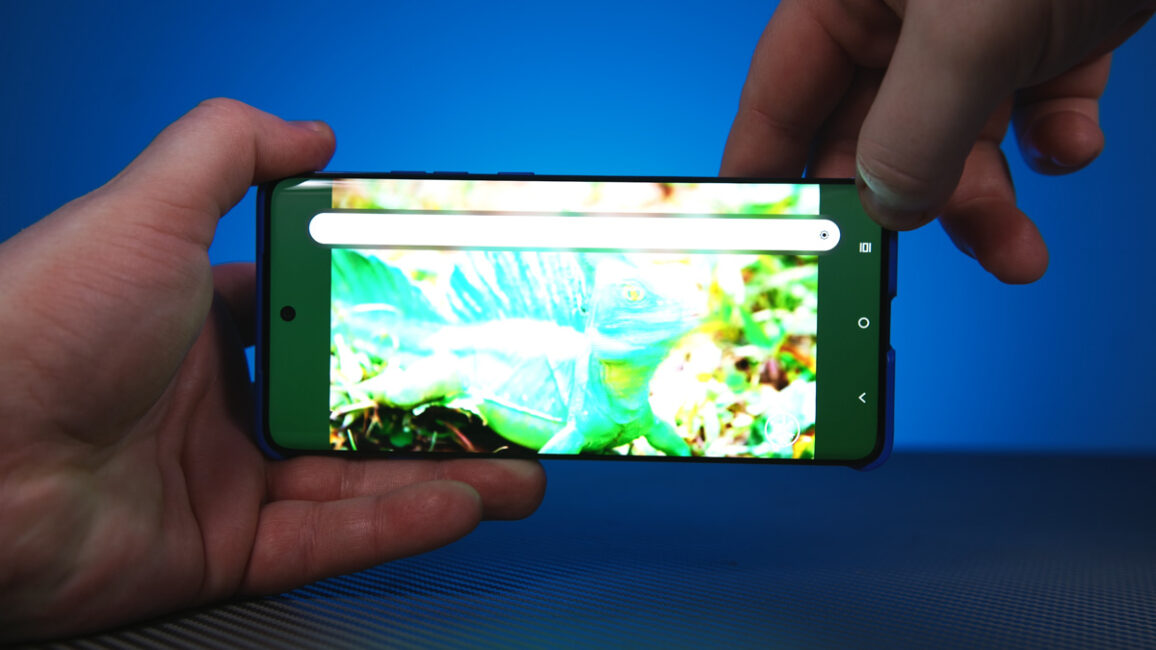
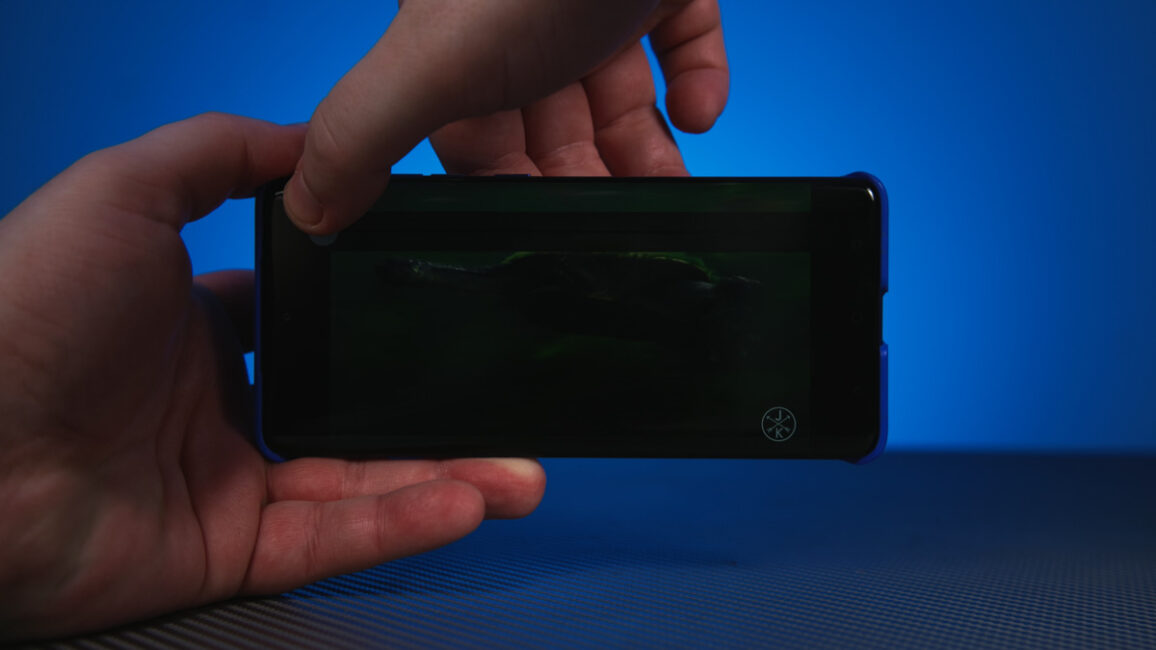
There are two things about the display that I don’t like. First is the fingerprint scanner placement. It’s under the screen, fast and reliable, but positioned so low that you’ll need some time to get used to it.
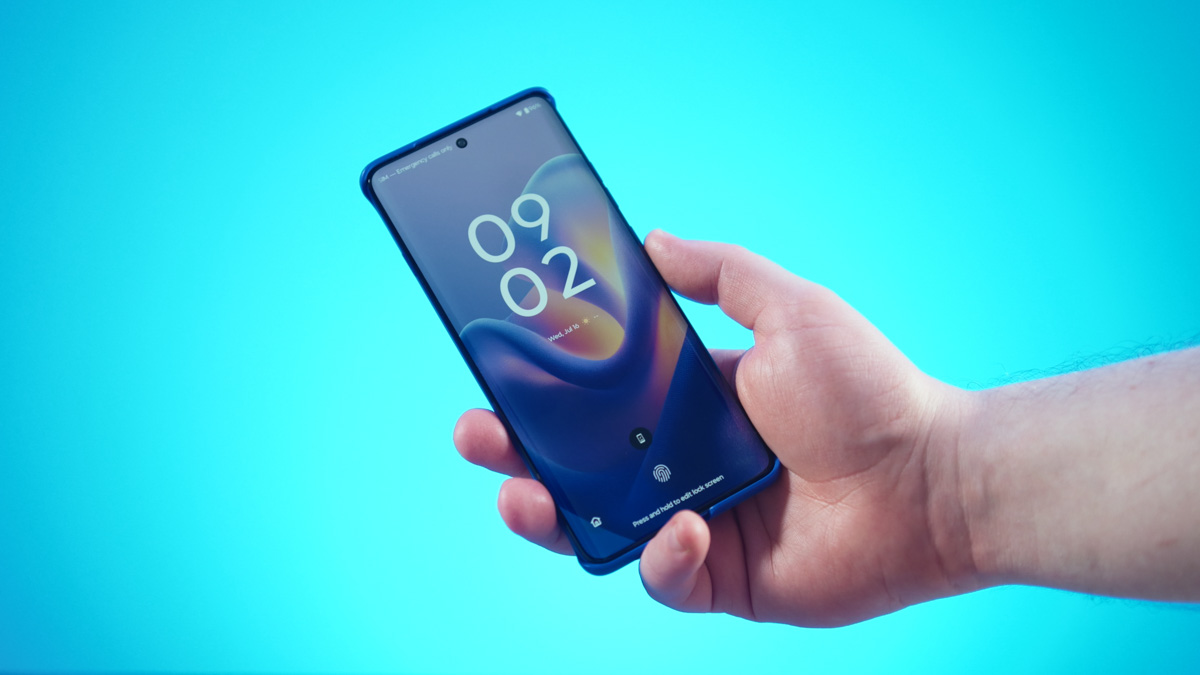
The second is Always on Display. As with almost all of the company’s smartphones, the new model supports AOD only when you touch the smartphone or wave your hand over the display. It is not possible to enable continuous display or scheduled display.
Read also: Inside Motorola Solutions: How Trust and Security Are Built
Case protection
The third downside is the lack of any protective layer on the display – no pre-applied film or glass. Over time, I’ve grown increasingly critical of this approach because finding good-quality screen protectors for curved displays is already difficult. The more unconventional the screen shape, the harder it is to find proper protection. Even a waterfall screen curved on just two sides, like on the Edge 50 Ultra, makes finding a suitable protector about 90% more challenging.
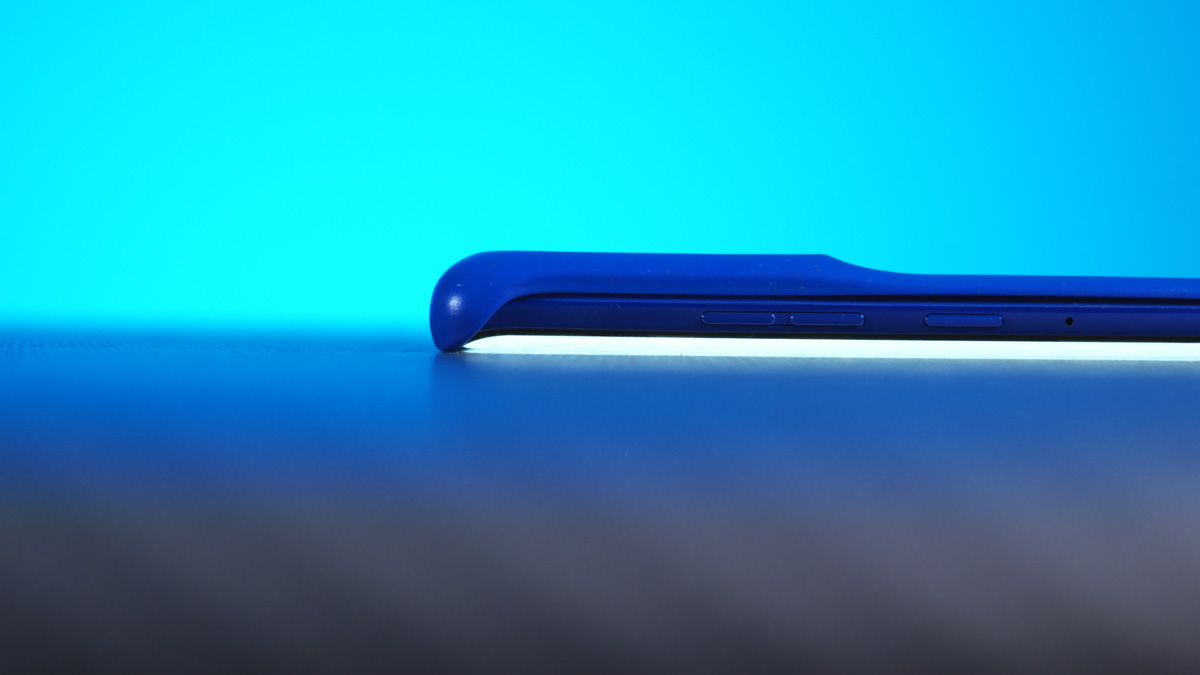
Here, the phone has one of the most complex screen shapes possible. So if the factory doesn’t include a pre-applied film or glass protector, chances are you’ll never have one on the screen.
That said, this isn’t a huge problem. The phone itself features Gorilla Glass Victus 2 for screen protection, the included case has raised edges to prevent scratches, and the overall build is among the most durable in its class. It carries both IP69 and MIL-STD-810H certifications. While these certifications are separate for different parts of the phone and there are reasons for that, you can find more details in the linked materials below.
Read also:
- Everything You Need to Know About MIL-STD-810H in Smartphones: A Look at the Motorola Edge 50 Neo
- Motorola Edge 60 Fusion Review: Moto AI, MIL-STD 810H and Elegant Design
Performance and heating
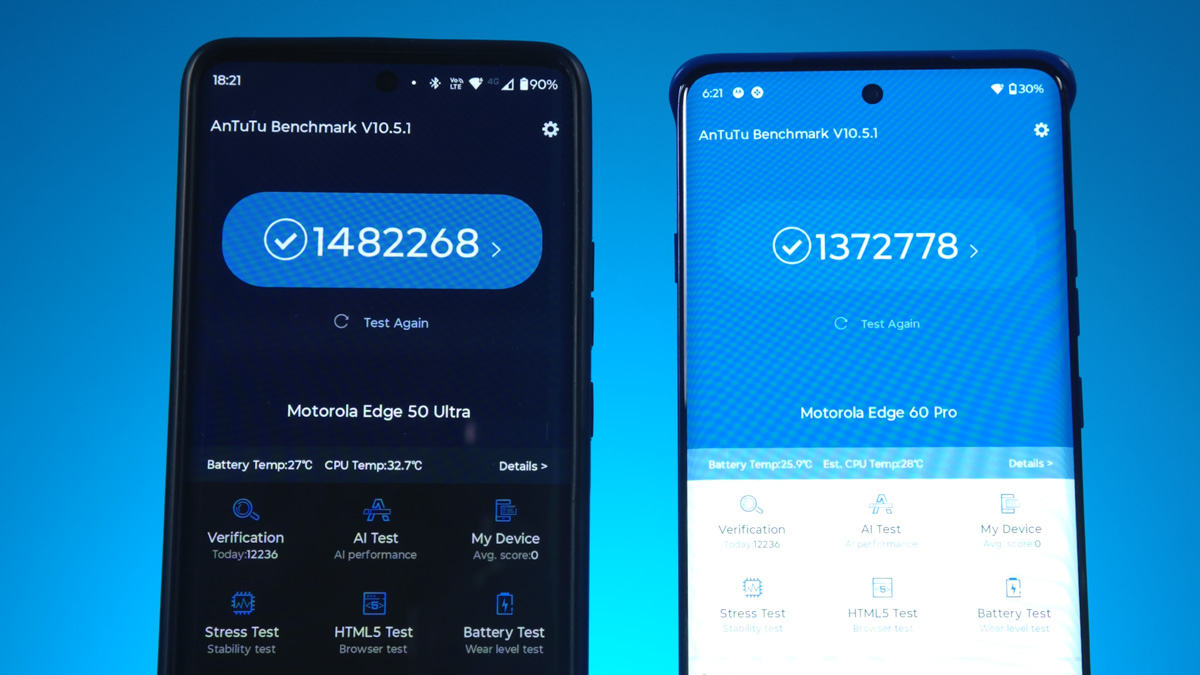
The performance of the Motorola Edge 60 Pro can be viewed from two perspectives. On one hand, its AnTuTu score of nearly 1,400,000 points should be more than enough for 99% of users, whether for gaming or productivity tasks. The device comes with 512 GB of UFS 4.0 storage, just like the Motorola Edge 50 Ultra, and this is still faster than many PCIe 3.0 SSDs found in PCs. This means your files will open quickly, which is especially noticeable compared to the predecessor that used UFS 2.2 with speeds around 1 GB/s – making the new model roughly four times faster in this regard.
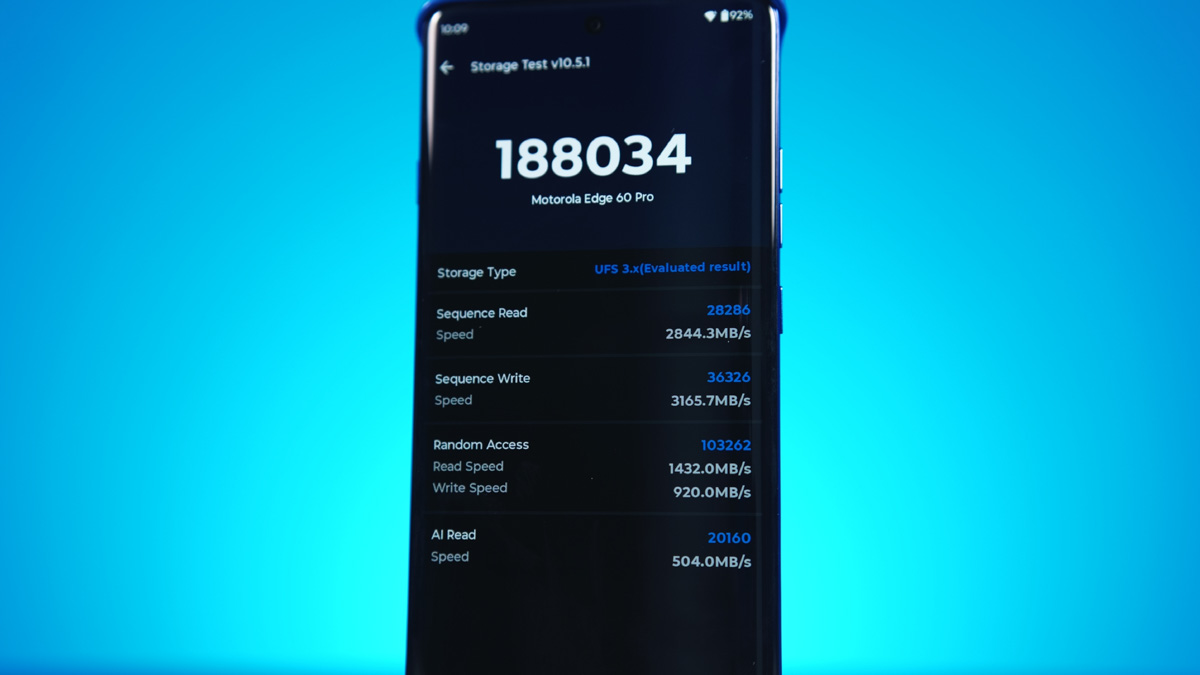
The device features LPDDR5X RAM, up to 12 GB, with the option to expand to a total of 24 GB. It uses a Mali-G615 MC6 GPU and includes a MediaTek NPU 780 neural processor. I will also provide separate benchmark results from tests like GeekBench and AI performance assessments.
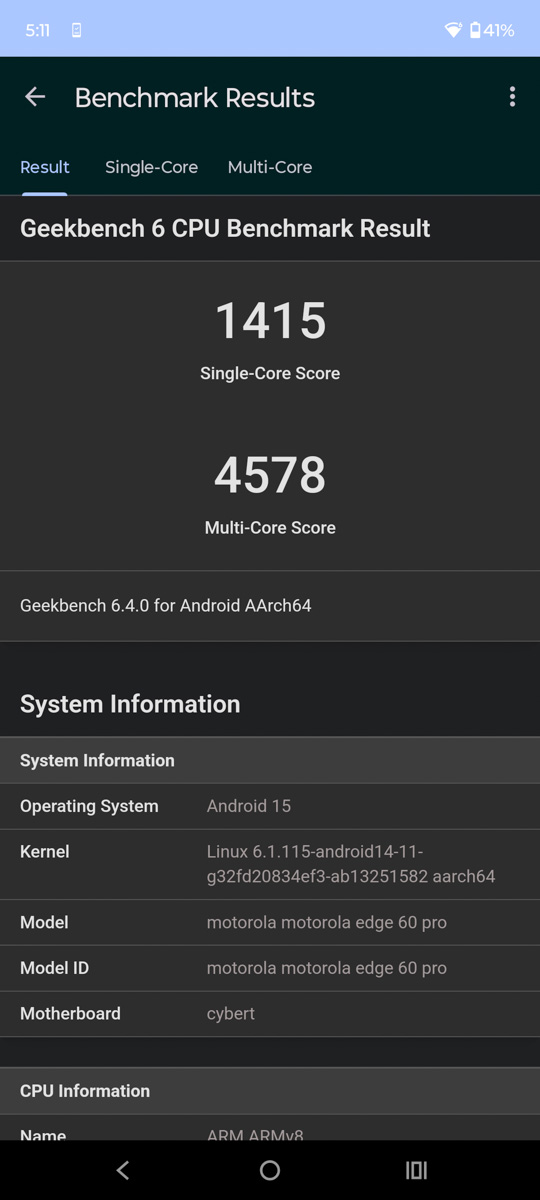


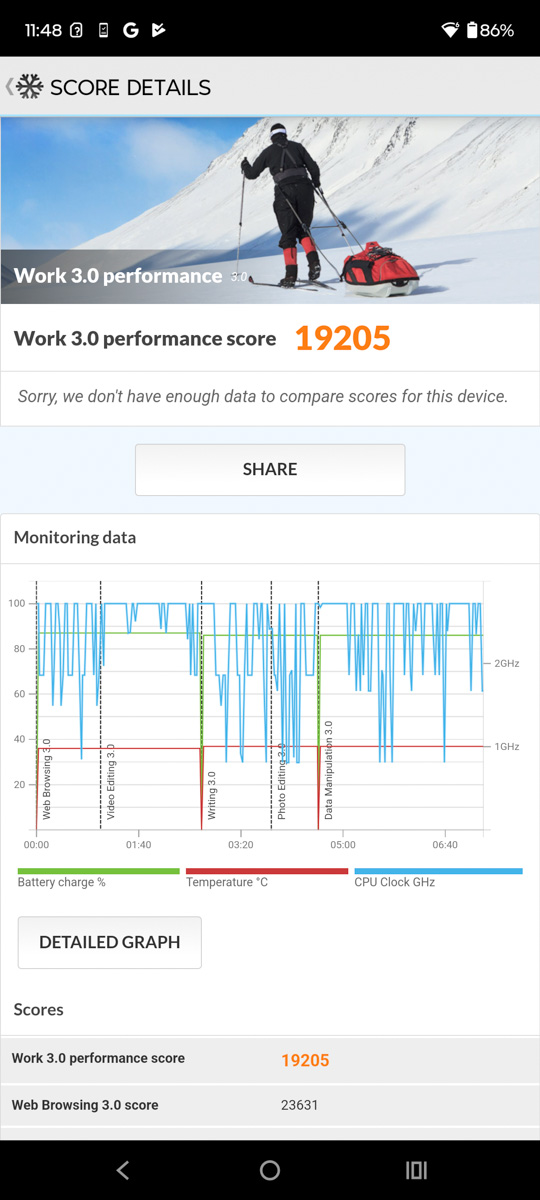
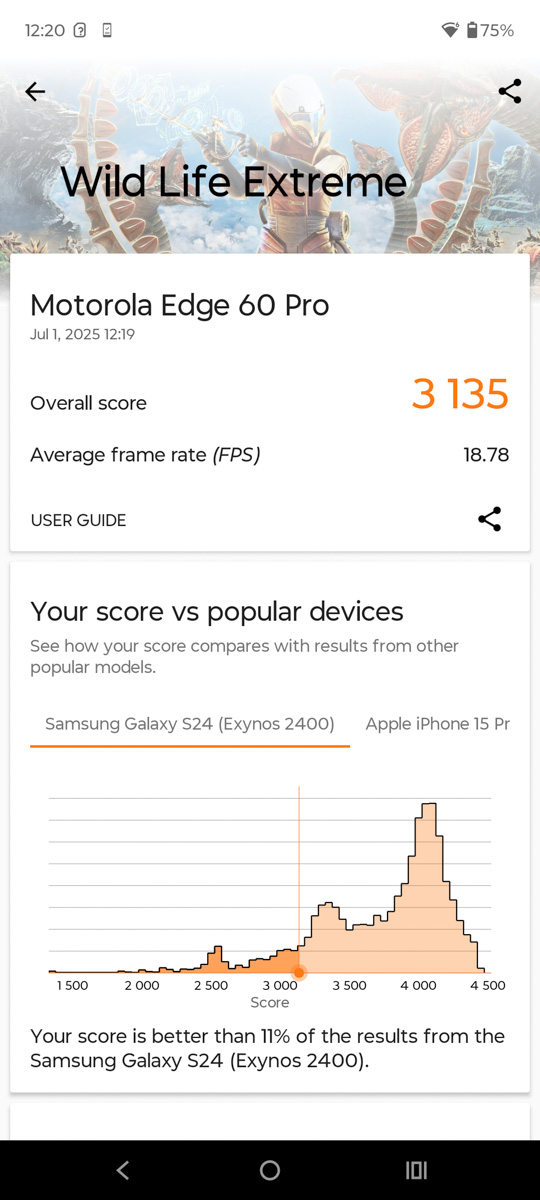
It’s also important to note that this level of performance is comparable to the Motorola Edge 50 Ultra. However, it’s unclear whether this is a positive for the new model or a downside for last year’s flagship. Another way to analyze performance is by considering how it stacks up against competitors and how it holds up over long-term use.
If you plan to play games on your smartphone for extended periods, I wouldn’t recommend the Motorola Edge 60 Pro. The reason lies in its SoC – the MediaTek Dimensity 8350. On paper, it’s an efficient 8-core processor, and according to the manufacturer, it’s a boosted version. Specifically, it features four ARM Cortex-A715 cores clocked at 3.35 GHz and four Cortex-A510 cores running at 2.2 GHz.
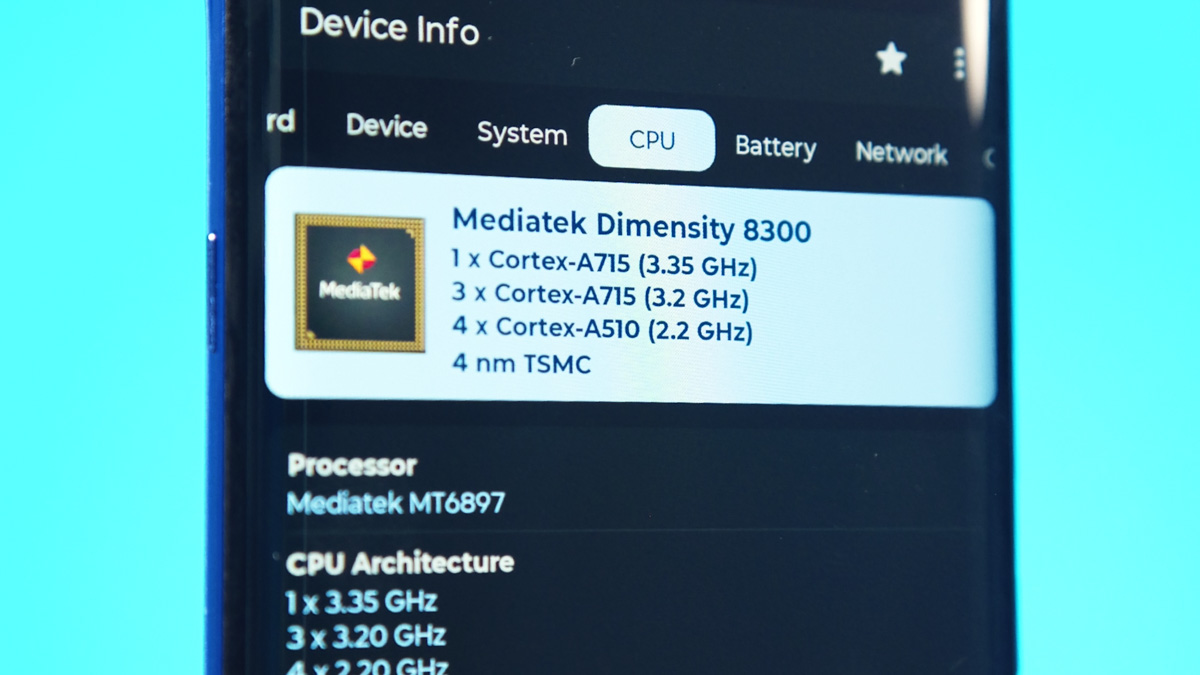
In other specifications and after checking directly on the phone, it turns out that only one of the four Cortex-A715 cores runs at up to 3.35 GHz, while the others max out at 3.2 GHz. This detail isn’t critical, though – the main issue is something else.
Throttling. It causes performance to drop by as much as 41% in benchmarks. In nearly every test I ran – specifically the Motorola Edge 60 Pro through various 3DMark stress tests – the performance stabilized around a 41% reduction, give or take. This isn’t a drop after 30 minutes of use; rather, it happens within the typical duration of the test itself. For example, in the Wild Life Extreme test, performance dropped by 60% as early as the sixth iteration out of twenty.
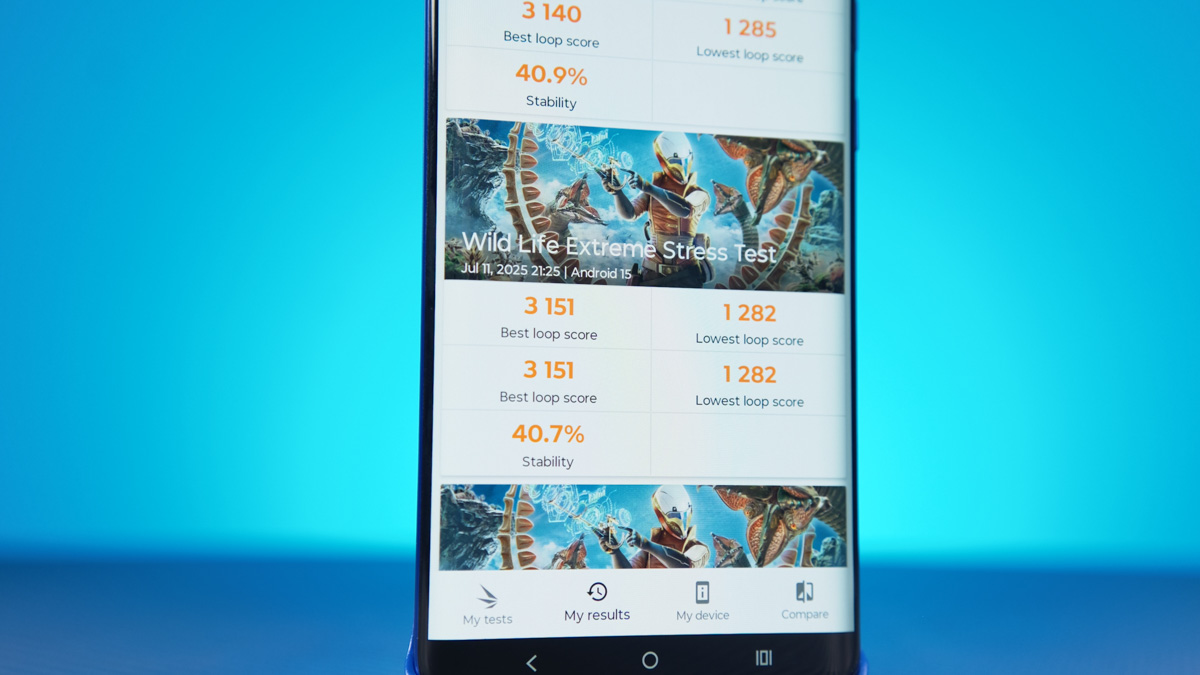
This isn’t a catastrophic overheating issue like in the Razr 60 Ultra, but it’s still a significant drop. Especially when compared to the Edge 50 Ultra, which scores similarly in AnTuTu but maintains around 70% stability in benchmarks versus about 40% in the new model. It’s worth noting that I tested the flagship with its case on, while the new device was tested without one.
Of course, the price difference between the flagship and the new model is nearly 50%, so I wouldn’t consider throttling a major flaw, particularly given the brand’s positioning. Still, this situation reminds me of gaming laptops with Intel’s 10th-generation processors like the i7-10875H, which promised boost clocks above 5 GHz but struggled to maintain even 2.5 GHz during gaming, causing even older games like Counter-Strike Condition Zero to stutter.
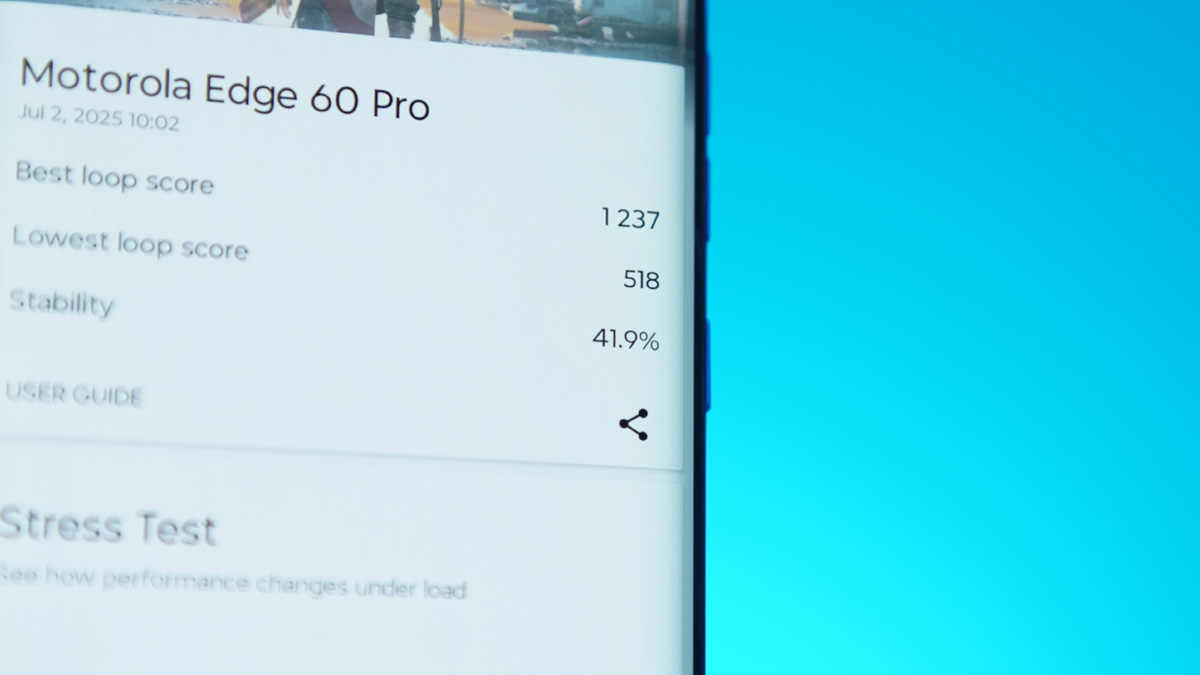
If you’ve purchased the Edge 60 Pro specifically for gaming, it won’t provide a comfortable experience for more than five minutes. This applies not to casual games like Angry Birds 2 or Asphalt 8, but to more demanding titles such as Fortnite, Call of Duty, and Genshin Impact. So, it’s worth keeping that in mind.
Data transfer and media capabilities
In terms of data connectivity, the Motorola Edge 60 Pro relies entirely on the MediaTek Dimensity 8350 platform. This includes support for Wi-Fi 6E, Bluetooth 5.4, 5G, GLONASS, GALILEO, GPS, and NFC. The antenna configuration follows a 2×2 setup – two for reception and two for transmission – essentially a 2T2R or 2×2 MIMO system.
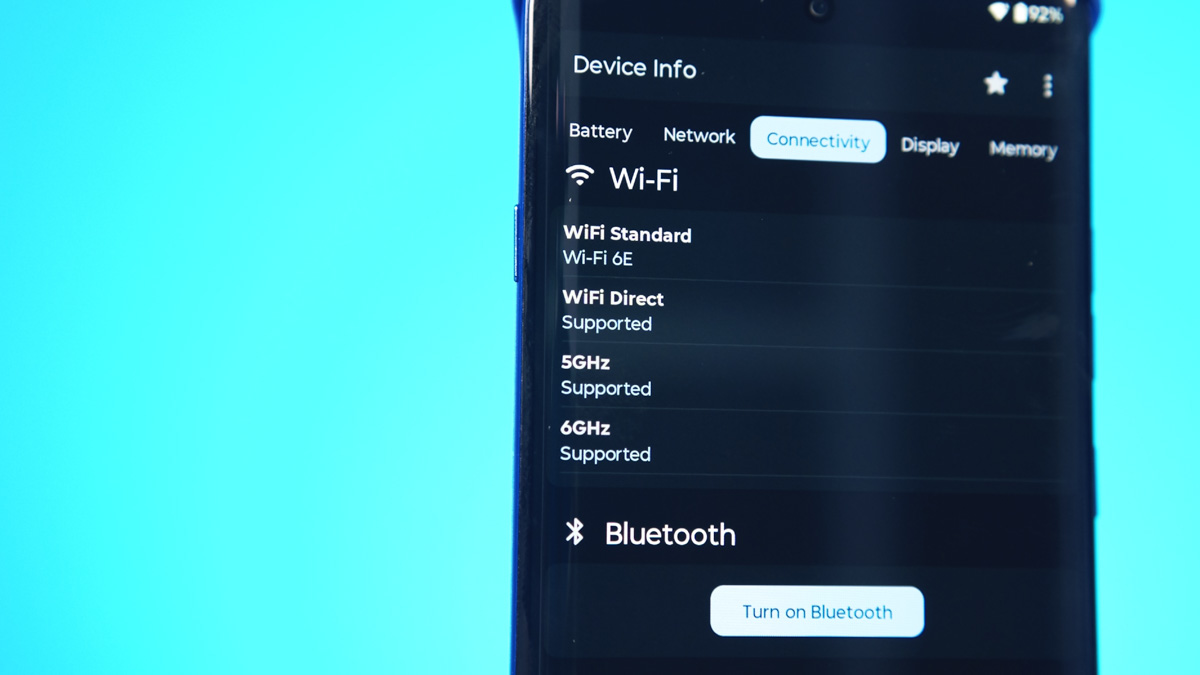
The USB-C port is USB 2.0, according to SPDT Check, and there’s no support for UWB. SIM card support is basic, with one physical SIM and one eSIM slot. There’s also no microSD card support, which has been explained earlier. Still, despite the USB version, the phone supports Moto Now and a desktop mode.
Read also:
The audio system consists of two speakers and benefits from Dolby Audio enhancements. The speaker quality will be demonstrated in the video review linked above.
Motorola Edge 60 Pro Cameras
The Edge 60 Pro features a triple rear camera setup. The main sensor is 50 MP, a LYTIA 700C with a 1/1.56-inch size and a pixel size of 1 micrometer. The aperture is f/1.8, compared to f/1.4 in the previous model, with a 24mm equivalent focal length. It supports phase detection autofocus and optical image stabilization.
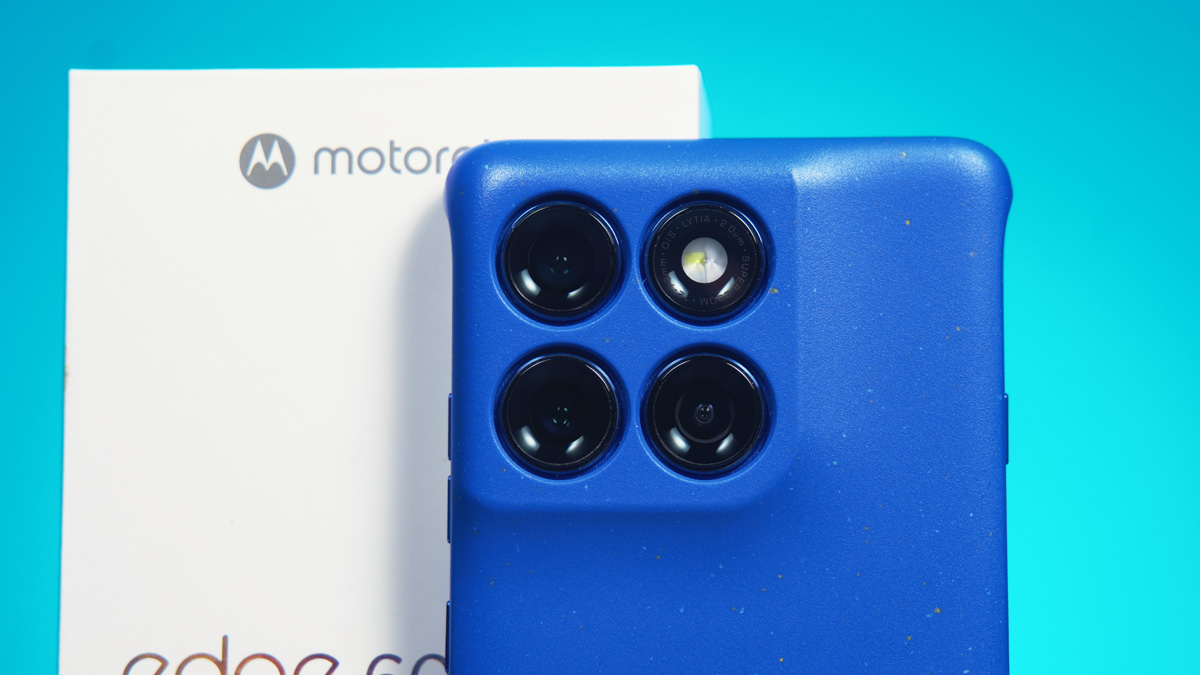
The ultra-wide module uses a Samsung JNS sensor with 50 MP resolution and a sensor size of 1/2.76 inches. Pixel size ranges from 0.64 to 1.28 micrometers, depending on pixel binning. It has an f/2.0 aperture and supports phase detection autofocus, which is a feature I always appreciate in ultra-wide cameras. The focal length is 12mm.
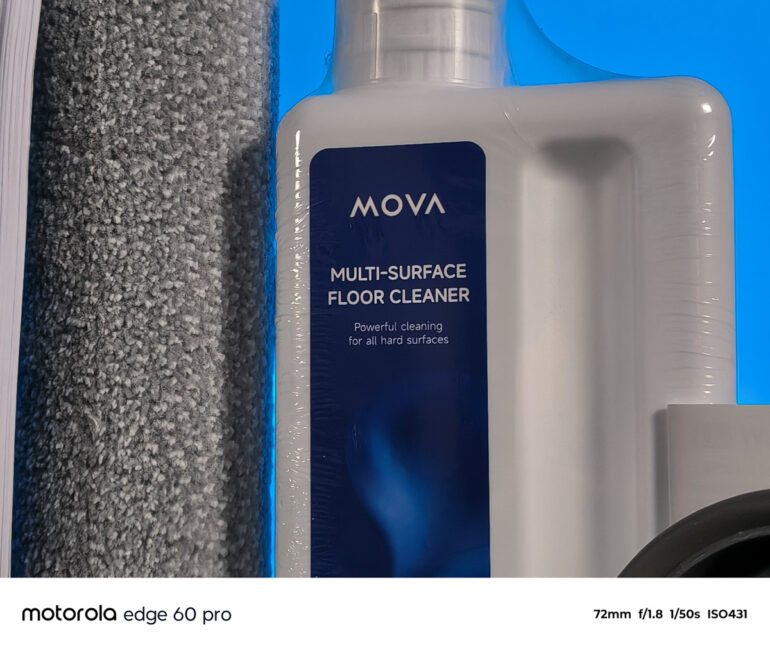
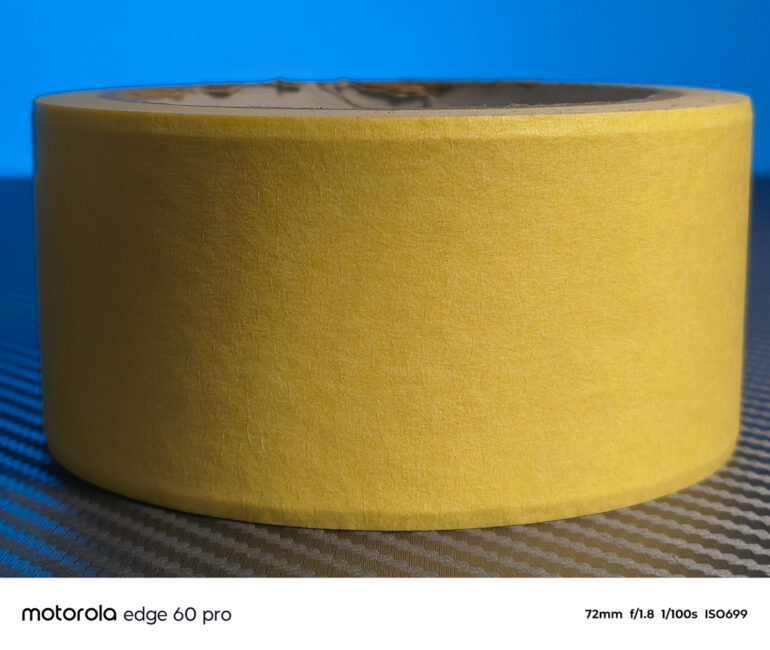
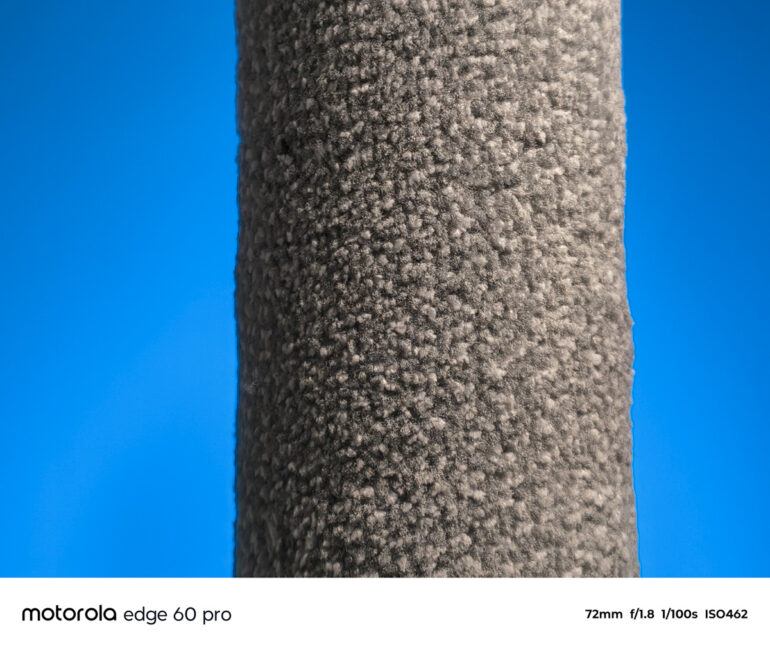
The telephoto module uses a Samsung S5K3K1 sensor with a 10 MP resolution. The pixel size is 1 micrometer, and the sensor measures 1/3.94 inches. It has an f/2.0 aperture, a focal length of 73mm, and includes phase detection autofocus as well as optical image stabilization.
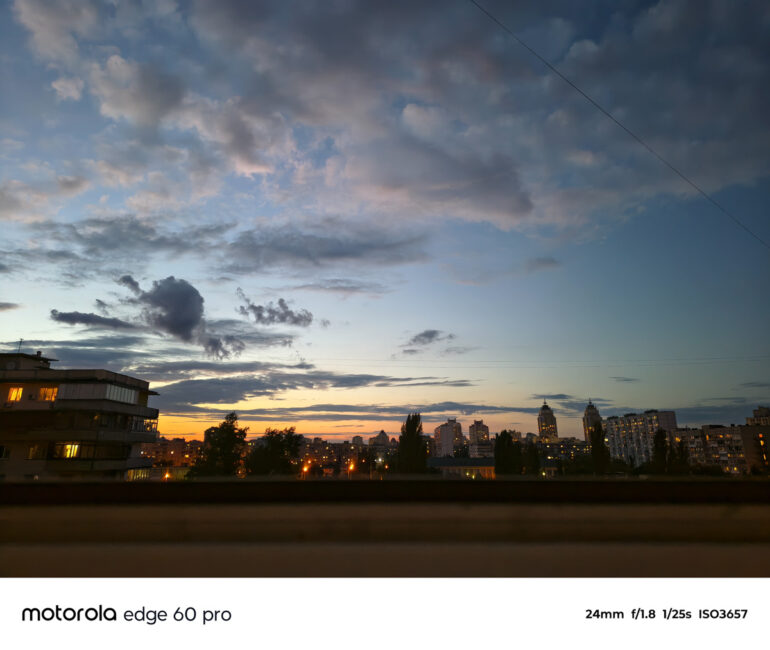
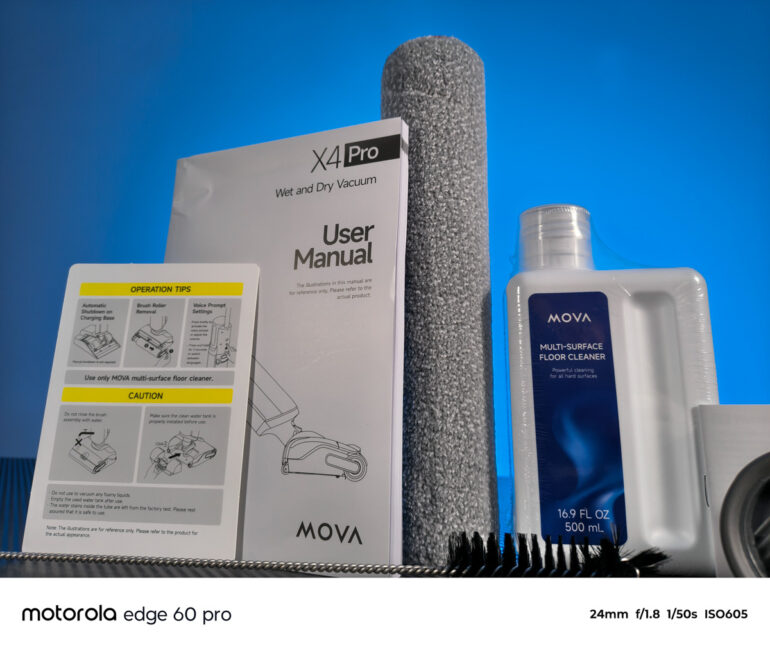
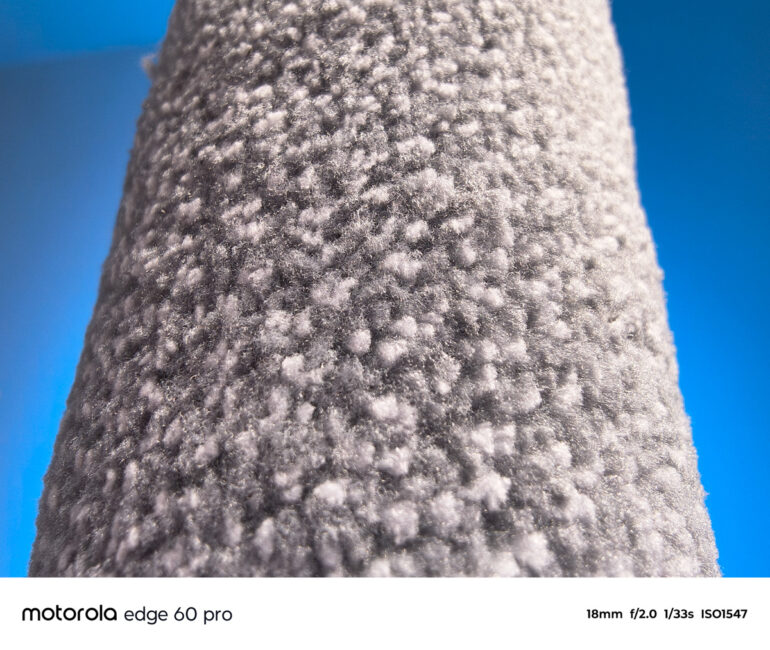
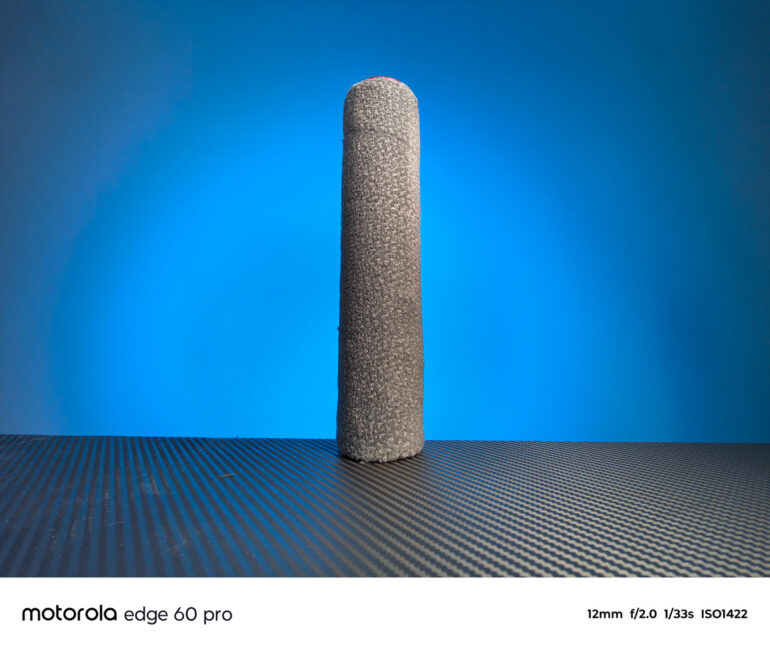
The front-facing camera module is 50 MP and appears to be very similar to the ultra-wide sensor – using the same Samsung JNS sensor sized at 1/2.76 inches, with the same pixel size and aperture. However, it lacks autofocus, which is a notable drawback.
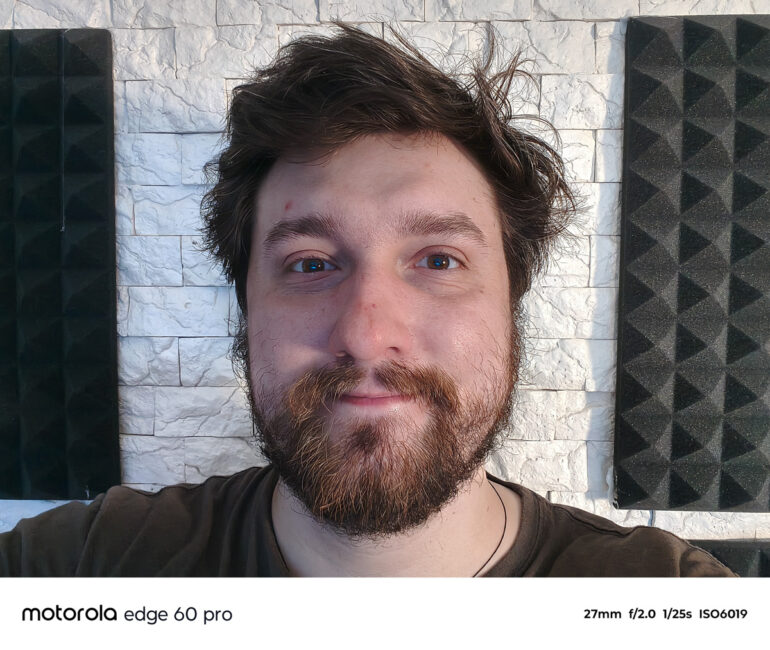
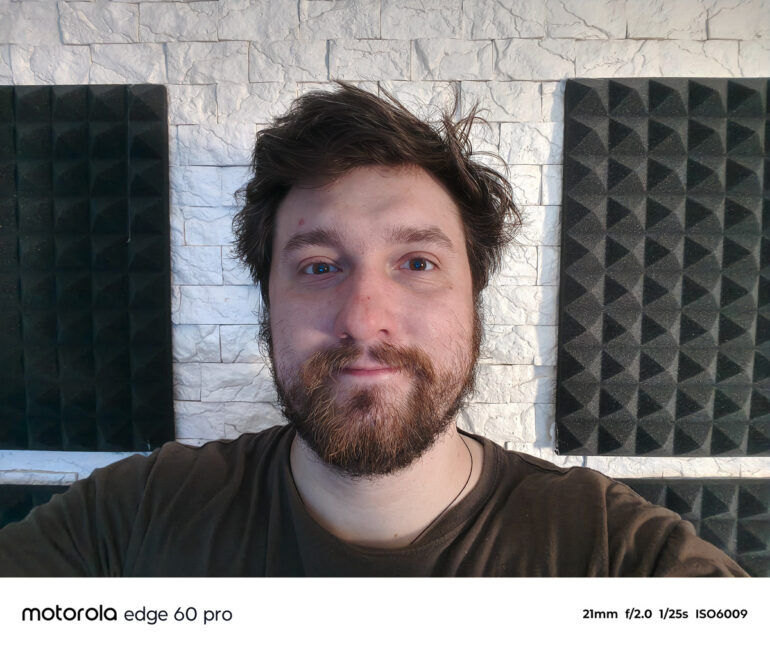
Overall, the cameras have slightly declined in quality, as Motorola removed the laser autofocus from the main module and eliminated autofocus entirely from the front camera. Still, photo quality is generally satisfactory. The manufacturer emphasizes natural color reproduction, citing collaboration with Pantone and various enhancement features, including HDR.
PHOTOS AND VIDEOS IN FULL RESOLUTION
In practice, the collaboration with Pantone does a good job balancing colors, though some users might find the results a bit muted. As a filmmaker, I appreciate this approach – since oversaturated colors run counter to naturalness. However, for social media, these photos still work fine but are less likely to create a strong “wow” factor.
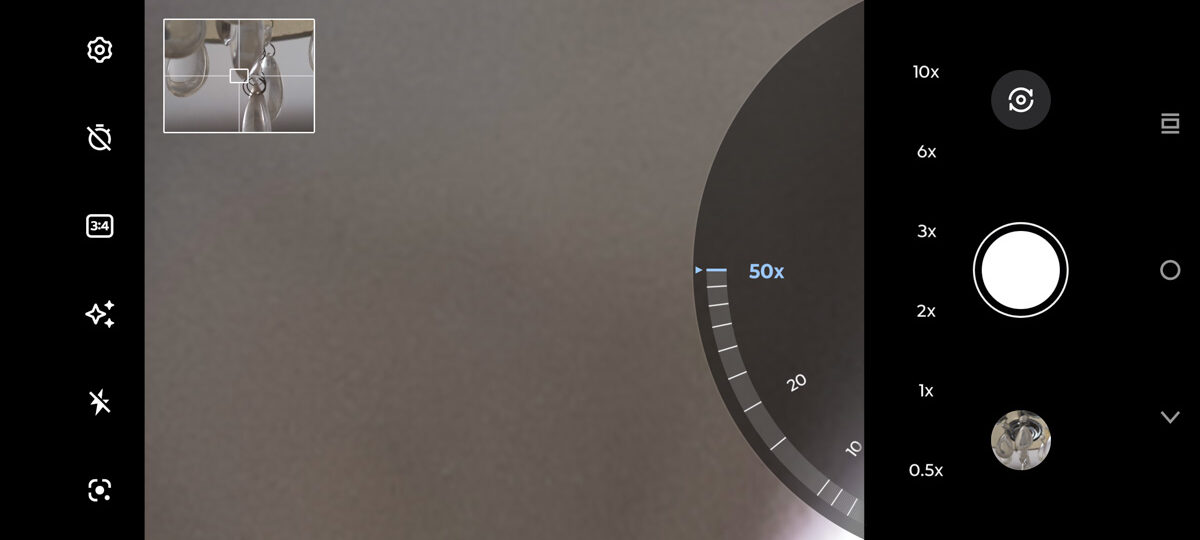
AI enhancements and the advanced HDR mode do improve image quality noticeably. Portraits taken with the 73mm telephoto module look very good. While the focal length is less convenient than the more common 50-55mm equivalents, the photo quality and natural bokeh don’t raise any concerns.
Video recording is limited to 4K at 30fps on all four cameras. There’s no professional video mode yet, and exposure locking can only be done together with focus locking. It’s also worth noting that MediaTek chips tend to be less optimized for custom camera apps compared to Qualcomm platforms.
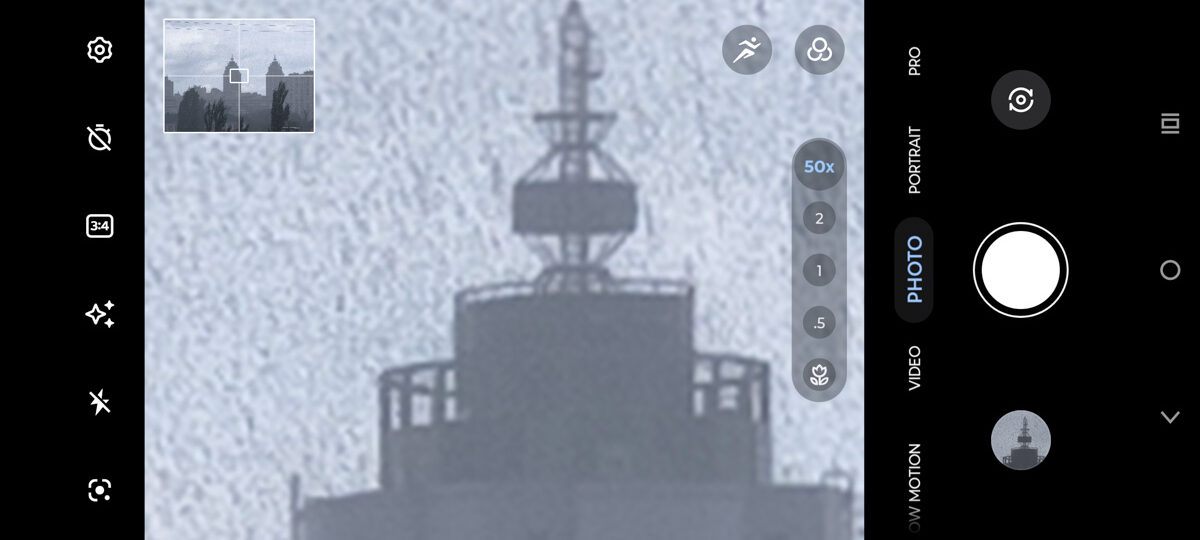
Overall, like the Edge 50 Ultra, the Motorola Edge 60 Pro is more of a smartphone for photography than video. Whether the trade-off of AI enhancements for the lack of autofocus meets your expectations is ultimately up to you.
Software
The Motorola Edge 60 Pro ships with Android 15 running Motorola’s custom Hello UI. I’ve already covered the interface in both text and video, so here I’ll focus on the main new feature: Moto AI. This feature is deeply integrated into the UI, to the point that it even has a dedicated button. Unlike Samsung’s less successful approach with the older Bixby assistant, this button doesn’t respond to single or double presses by default; the assistant is activated only by holding the button down.
Similar to the Bixby button, remapping or customizing this dedicated Moto AI button is essentially not possible. Technically, there are limited options, but they are strictly focused on Moto AI functions. Additionally, the button is positioned noticeably higher than the volume controls, meaning you have to adjust your grip on the phone to press it – so accidental presses are unlikely.
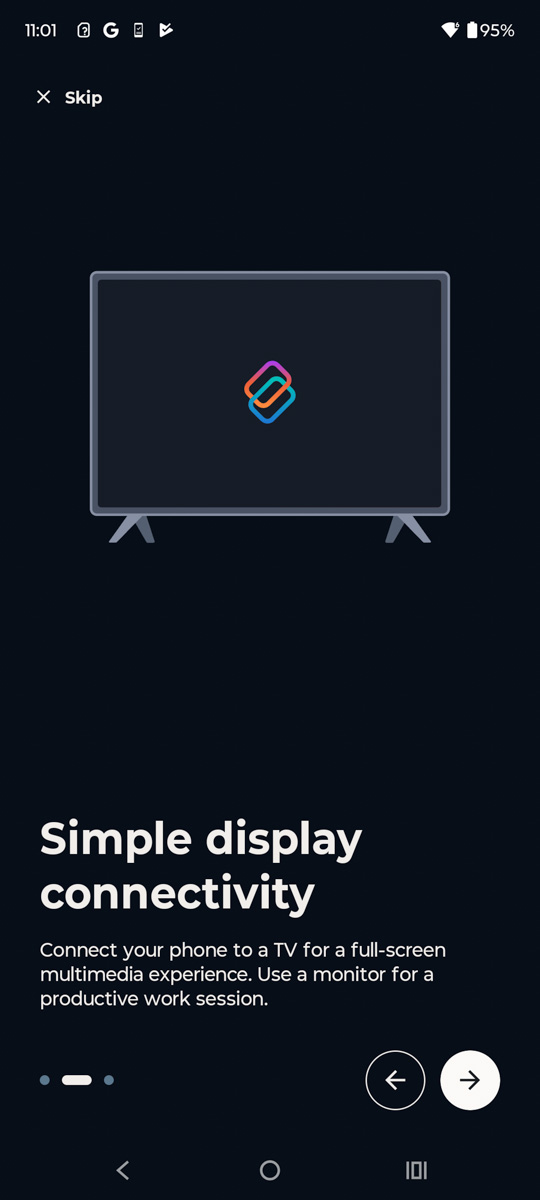
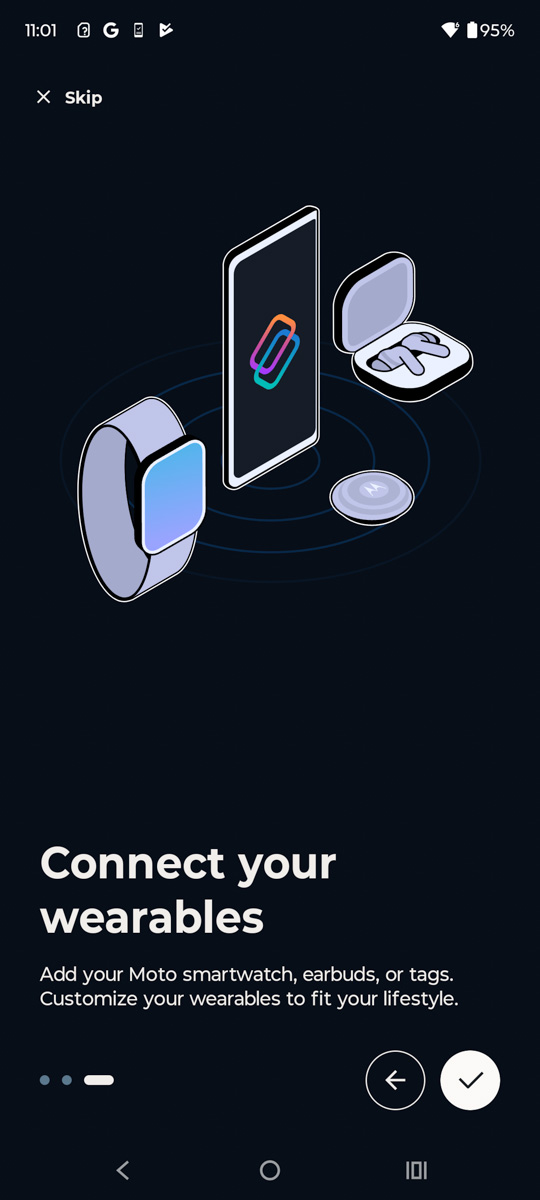
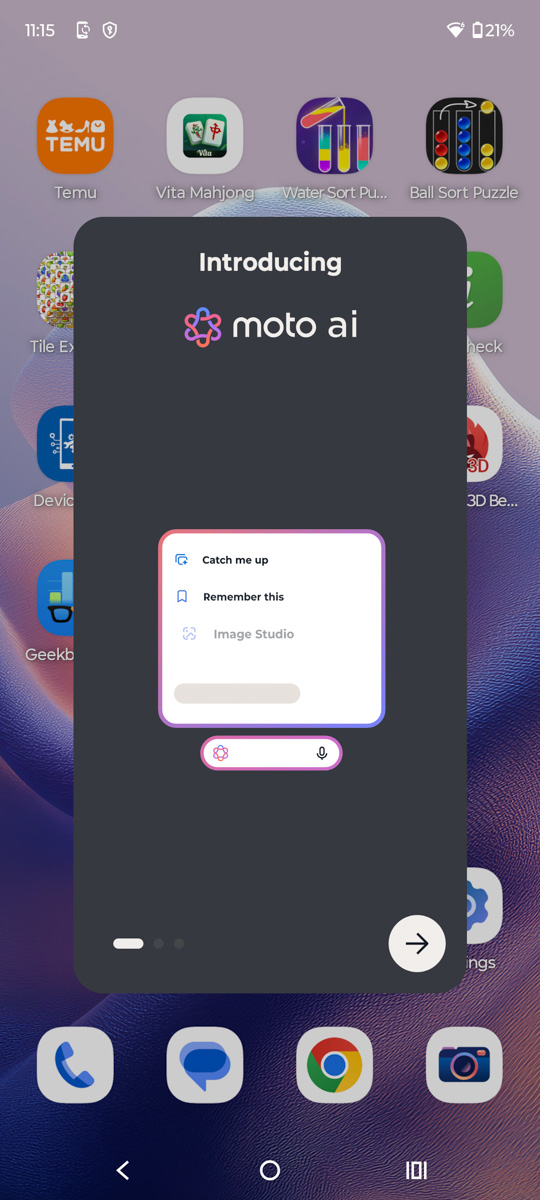
Moto AI isn’t as powerful as Google’s Gemini AI, but it offers most key features, including image generation, brief meeting summaries, and conversational context retention. It also integrates with Perplexity and Copilot. Overall, having a dedicated button for it feels more justified than with Bixby, which is an improvement.


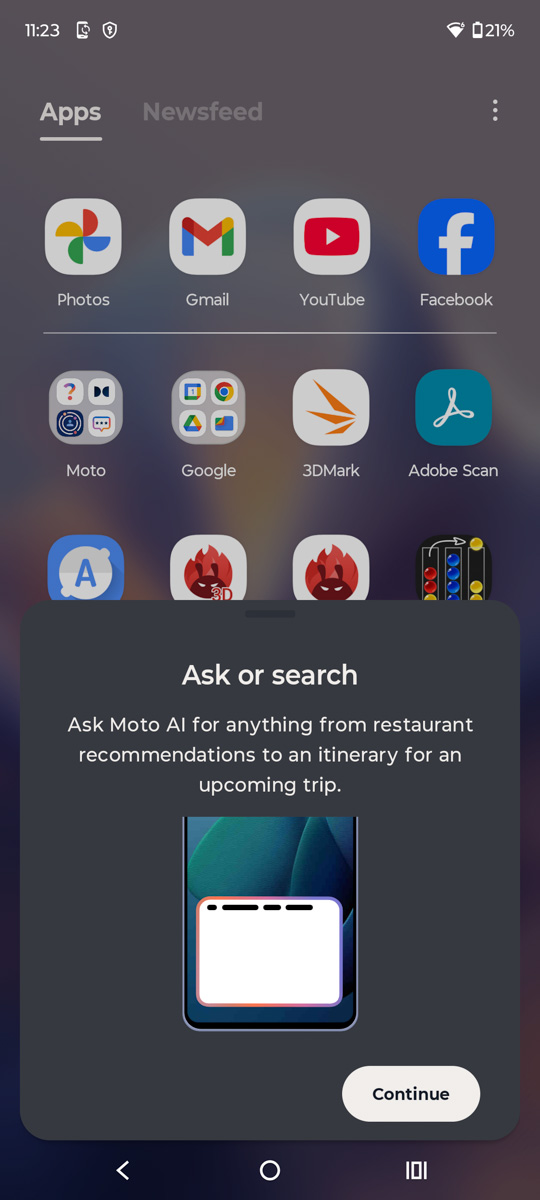
There’s one feature that stands out as genuinely practical and useful for almost everyone: the improved search function within the menu. Moto AI searches apps, settings, and also provides results from the internet, while retaining previous search results. The ability to save past searches isn’t always helpful, and there’s no option to disable it, but it’s what’s available.
Read also:
- How Chinese Companies Circumvent the US Ban on AI Chips
- How to Spot Fake Photos: New Challenges of the Digital Age
Motorola Edge 60 Pro Battery life
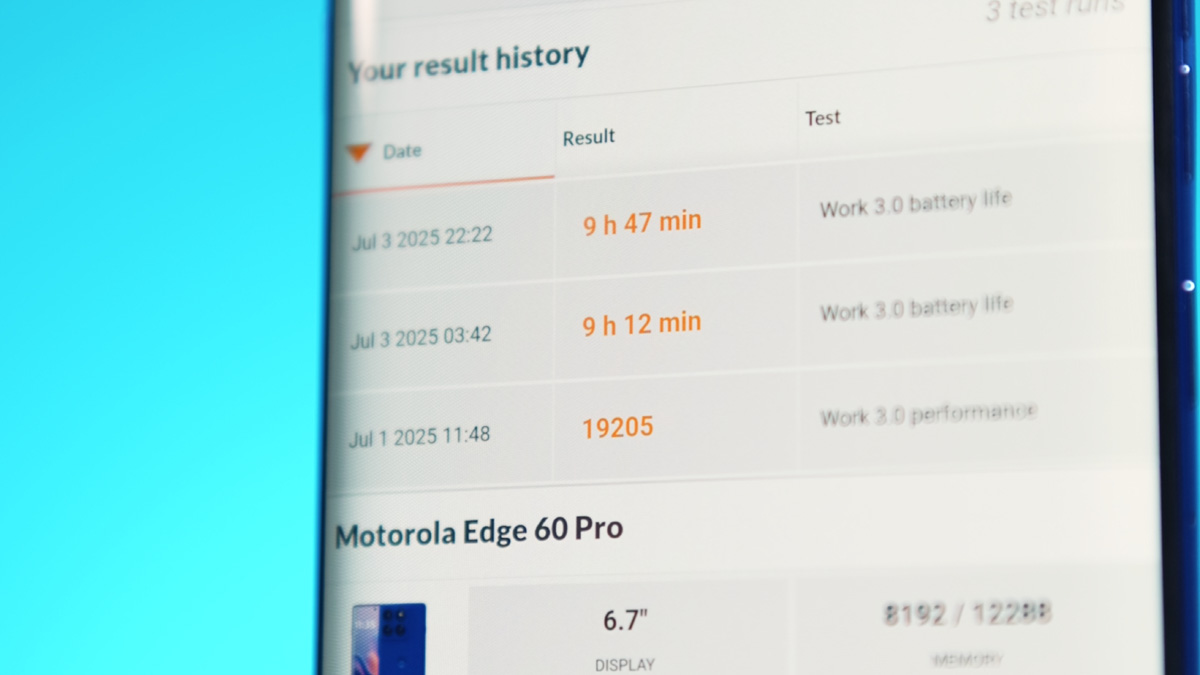
The phone comes with a notably large 6000 mAh battery, which is 25% bigger than the 4500 mAh cell in its predecessor, the Edge 50 Pro. However, there are some results that are difficult to explain. Many other reviewers and websites report battery life around 15-16 hours for the Edge 60 Pro, which is what I expected during the PCMark Battery Test 3.0. Instead, I got less than 10 hours at 50% screen brightness in two consecutive tests. It’s possible an update might improve this, but as it stands, these results are surprising and don’t seem right.
Charging performance on the new model is solid. Although no charger is included in the box, using a 125W power adapter delivers a consistent 90W charging speed. Notably, the first 50% of the battery charges faster than expected, even considering typical fast charging behavior. Overall, the charging speeds are as follows:
- Start: 10%
- 2 min: 20%
- 7 min: 30%
- 15 min: 50%
- 20 min: 60%
- 25 min: 70%
- 30 min: 80%
- 36 min: 90%
- 48 min: 99%
The wireless charging situation is a bit unusual. While 15W charging is advertised, it’s not based on the Qi2 standard. With Qi chargers like the EcoFlow Rapid Magnetic, the phone only draws up to 7W, even when the battery is as low as 22%. Reverse wireless charging remains supported, although its power has been reduced from 10W to 5W.
Conclusions
In many respects, the Motorola Edge 60 Pro outperforms the Edge 50 Pro – improvements can be seen in processing power, storage speed, and body protection. In some areas, the new model even challenges last year’s flagship. Notably, the display quality and design stand out; if you liked the 4D waterfall screen, there are few alternatives on the market. At this price point, the phone’s design feels especially impressive.
On the other hand, the new model comes with several compromises. It experiences significant throttling, camera improvements are only moderate, and long-standing issues remain unaddressed. Battery life under heavy use also raises more questions than answers. That said, overall it’s a very solid and interesting update – far from perfect, but still worthy of recommendation.
Read also:
- Cryptography: What It Is and How It Works
- How to Use Microsoft PowerToys
- Introducing the XGIMI Brand: How to Choose a Projector


Hola,gracias por el informe,me gusta pero deseo saber cuando llega el 60 Ultra?