




© ROOT-NATION.com - Use of content is permitted with a backlink.
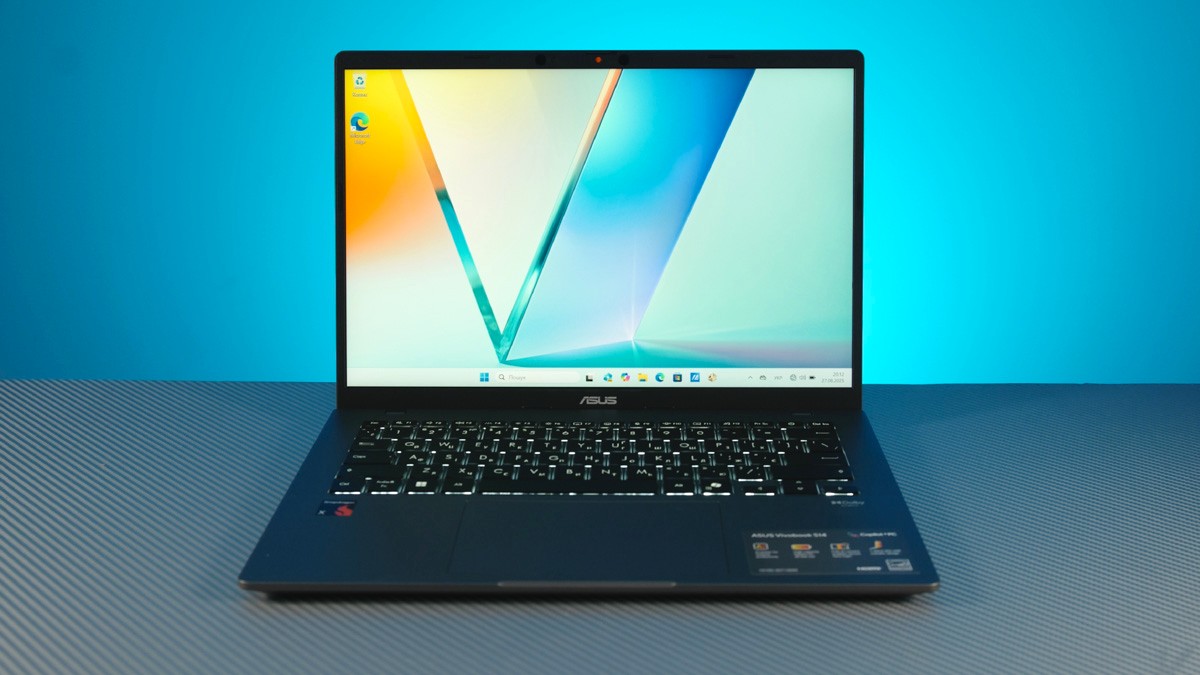
The ASUS Vivobook S14 S3407QA isn’t the first device I’ve tested with the Qualcomm Snapdragon X1 26100. My earlier experience with this class of laptops wasn’t very positive, since the first model I tried turned out to be quite a compromise. The Vivobook S14 S3407QA, on the other hand, turned out to be genuinely impressive and engaging – exactly the kind of device I had hoped to see running Windows on Qualcomm a year after the first models were released.
Read also: ASUS Laptop Reviews

TABLE OF CONTENTS:
Video review of the ASUS Vivobook S14 S3407QA
Specifications
- Case protection: MIL-STD 810H
- Display: 14″, 2.5K (2560×1600, WQXGA) 16:10, 60 Hz, 400 nits, 100% sRGB
- Processor: Snapdragon X X1 26 100
- RAM: 16 GB LPDDR5X
- Storage: 512 GB M.2 NVMe PCIe 4.0 SSD
- Front camera: FHD + Windows Hello
- Data transfer: Wi-Fi 6E + Bluetooth 5.3
- Ports: 2×USB-A 5 Gbit, 2×USB4 Type-C, HDMI 2.1 (TMDS), mini jack
- Battery: 70 Wh
- Dimensions: 31.52 × 22.34 × 1.59 cm
- Weight: 1.35 kg
Price and package contents
The version I tested, the S3407QA, costs €780 or $910. That’s for the Windows edition (which also affects the price) with 16 GB of soldered RAM and a 512 GB SSD – though the SSD can be replaced if needed.
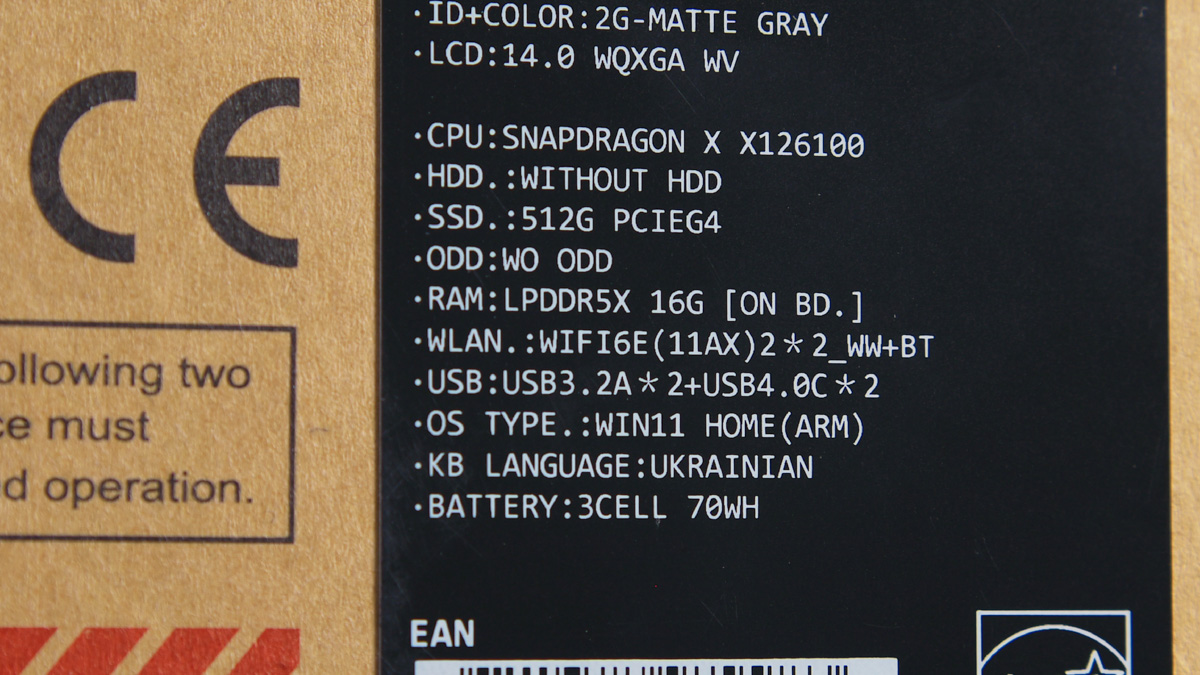
The package includes the laptop itself, a cardboard “stand” (with assembly instructions included), and a 65W power adapter. I’ll note right away – I didn’t use the included charger. For me, one of the key advantages of laptops in this class is versatility, so I charged it with different power banks ranging from 25W to 100W.
Design and connectors ASUS Vivobook S14
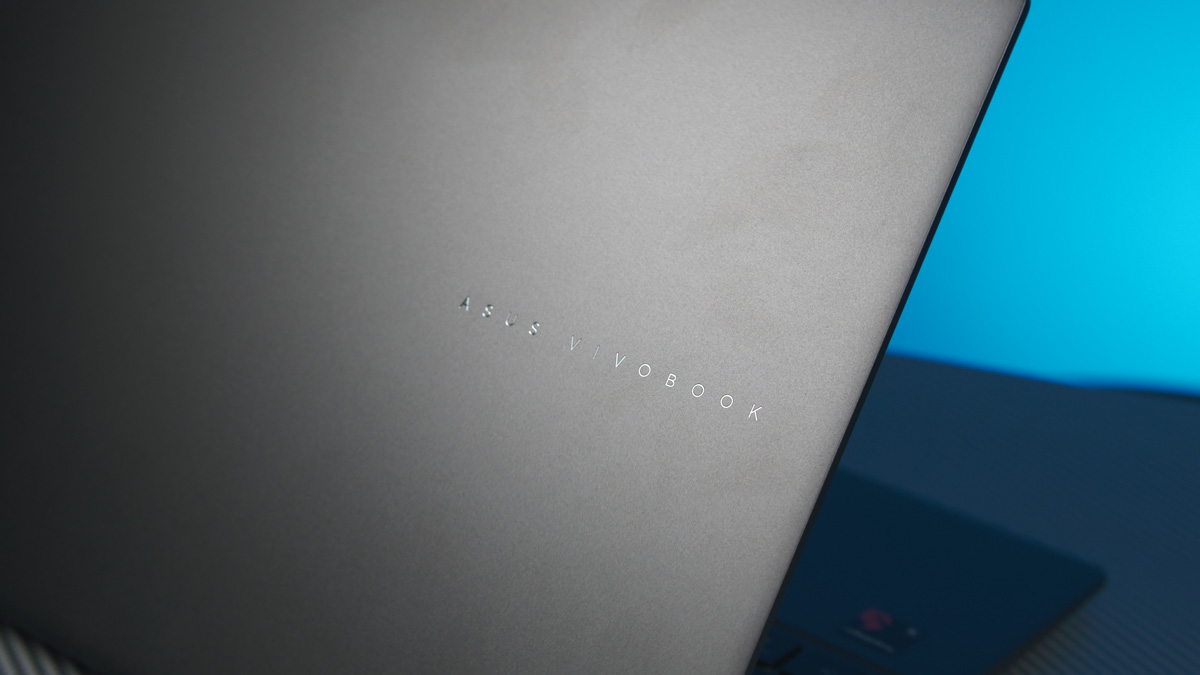
The laptop manages to look both simple and refined. Unlike its predecessor, it’s made entirely of metal, which feels much more premium. At the same time, it’s clearly more compact thanks to the 14-inch form factor, and the overall build quality is a step up. The only standout design detail worth mentioning is the brand’s logo, finely etched directly into the metal.
The hinges allow the laptop to open a full 180°, and it passes the “MacBook test” with no issues at all – especially thanks to the convenient cutout that makes it easy to lift the lid.
Read also:
- How to Improve Performance on AMD Ryzen Systems Using ASUS AI Cache Boost
- ASUS Gear Link Review: A New Way to Configure ROG Peripherals Online
The S14 weighs 1.35 kg, with overall dimensions of 31.52 × 22.34 × 1.59 cm. It also comes with MIL-STD-810H certification – covering everything except moisture resistance. (Why that’s the case, I explain in detail in separate piece on this certification.)
On the underside, the laptop has two elongated silicone feet – the rear one is taller, allowing the lid to extend slightly past the chassis when opened. This natural lift also helps improve airflow. You’ll also find a symmetrical set of speaker grilles on the bottom, positioned to the left and right.
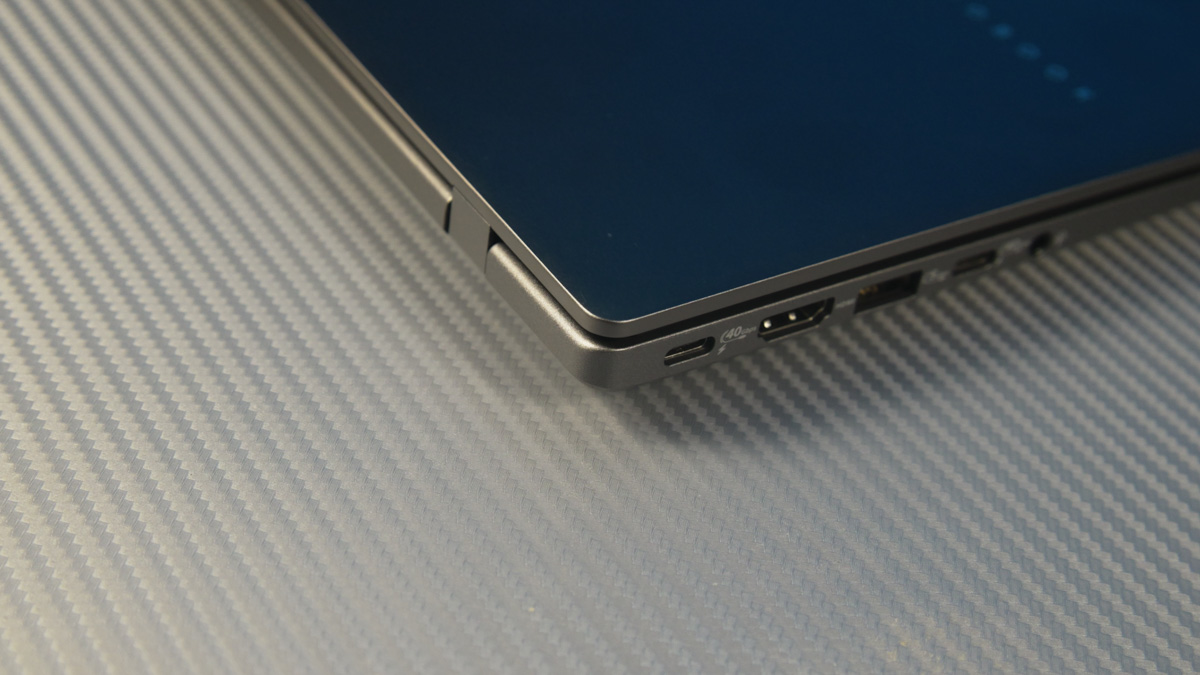
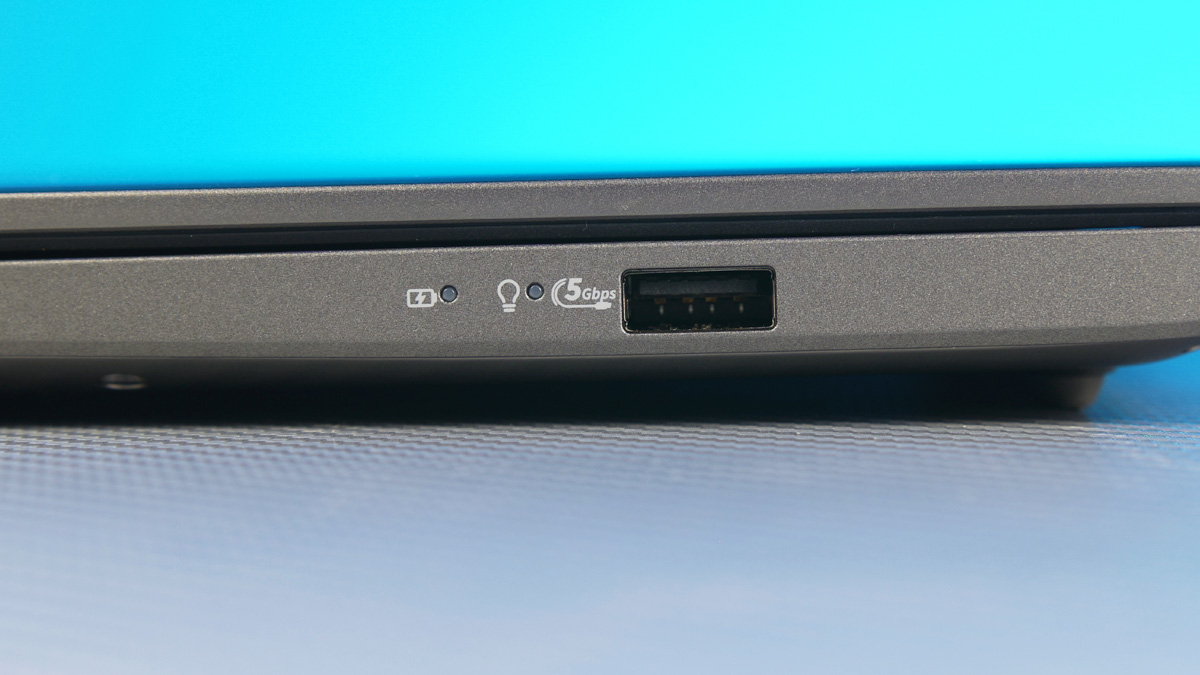
The laptop’s ports are just a step away from perfect – at least for a 14-inch model. The ASUS Vivobook S14 S3407QA comes with two USB4 ports that support both DisplayPort and power delivery, plus two 10 Gbps Type-A ports, an HDMI 2.1 output, and a combined audio jack.
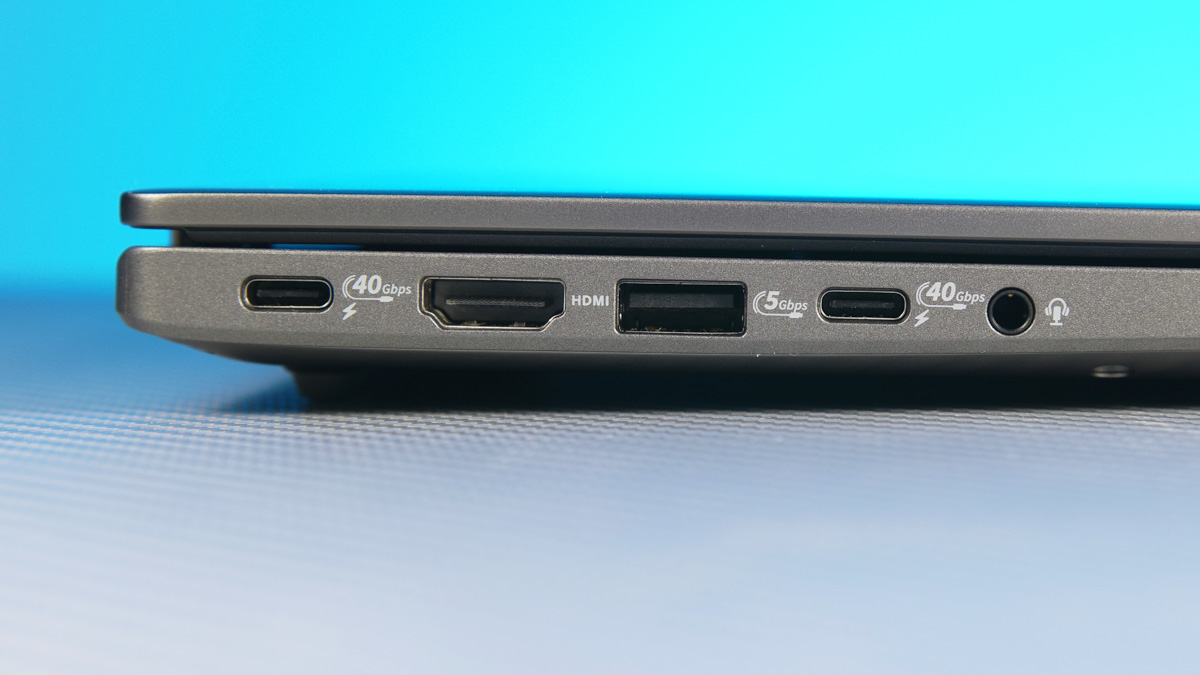
I would have liked to see a card reader included, but expecting that in a 14-inch ultrabook chassis isn’t all that realistic.
ASUS Vivobook S14 S3407QA Screen
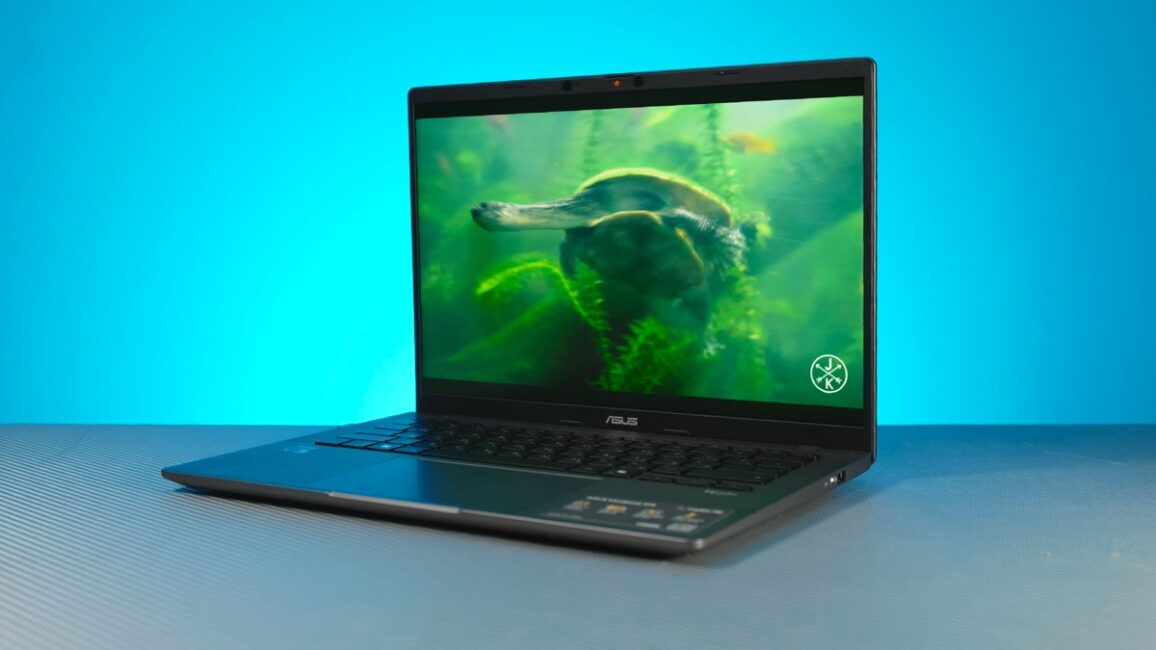
The display here finally meets my expectations. My previous review unit with a Qualcomm platform had an absolutely unacceptable screen in terms of quality and specs – it wasn’t even pleasant to use for casual gaming. Here, everything is different.
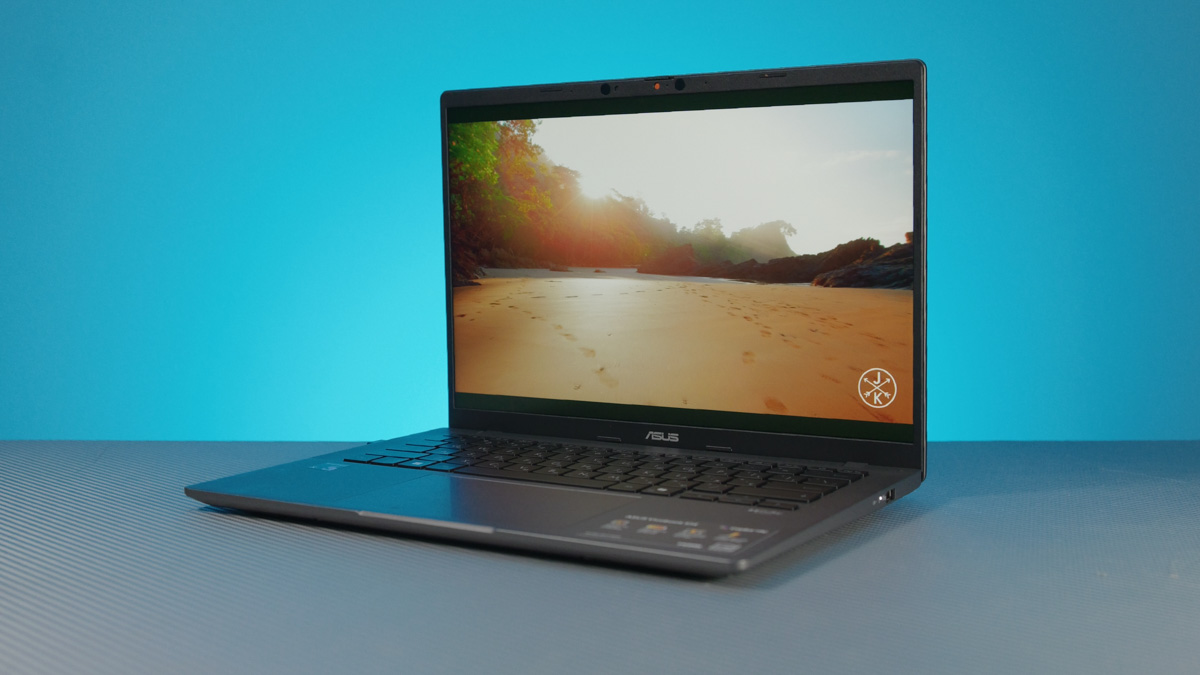
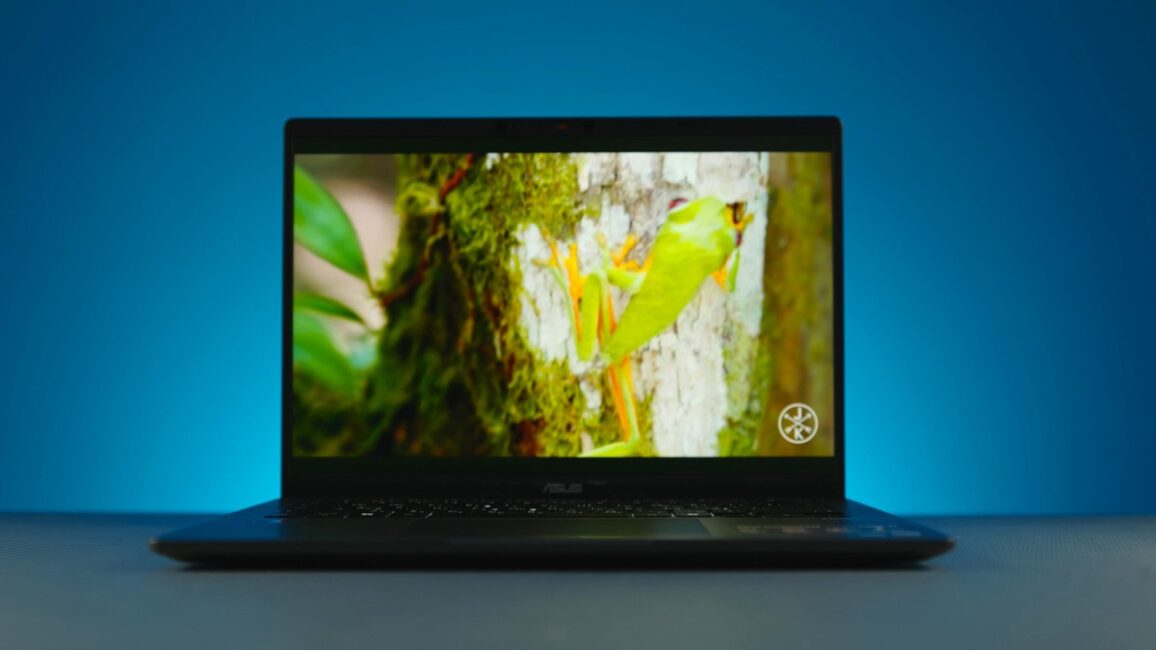
Yes, it’s 14 inches, but it comes with a 2.5K IPS panel (WQXGA 2560×1600) with a 16:10 aspect ratio. True, it’s still 60 Hz, but the brightness is a solid 400 nits, supporting HDR400, and it covers 100% of the sRGB spectrum. Using the laptop is genuinely very pleasant.
Read also:
- ASUS Vivobook 16 X1607Q Review: Portable, Versatile, and Affordable
- ASUS ROG Strix G16 (2025) G615 Review: Almost a Flagship on Blackwell
Performance, compatibility, and storage
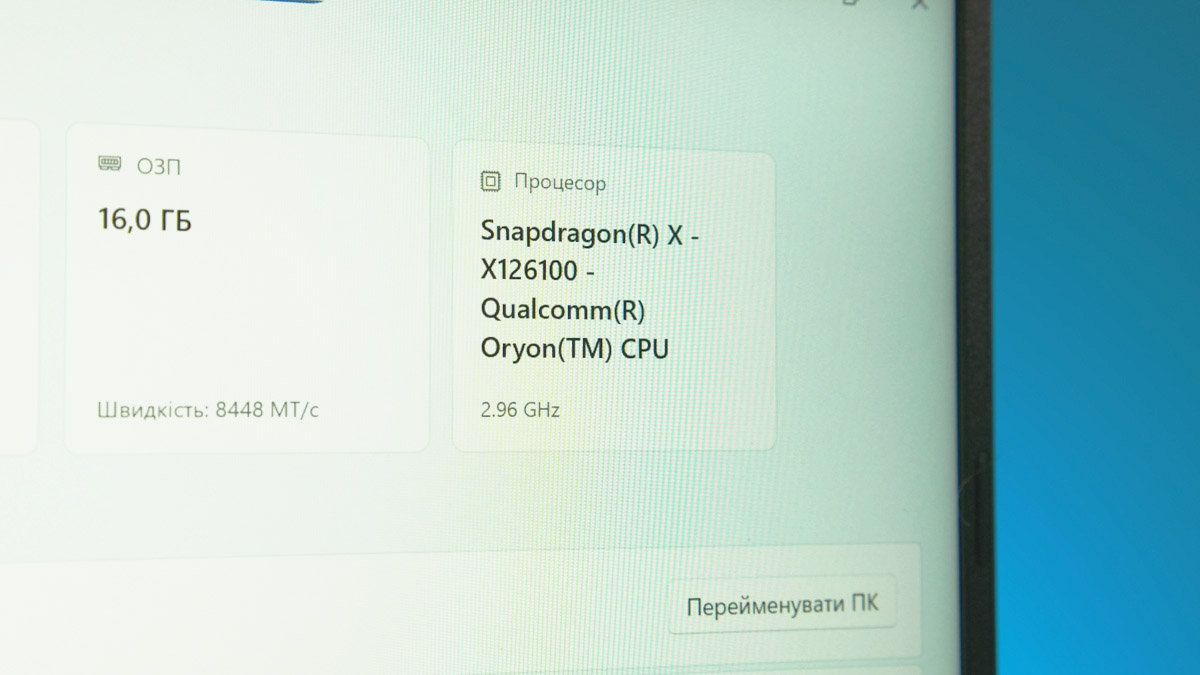
Regarding performance, this model packs the Qualcomm Snapdragon X1-26-100 – same intimidating name, same 8 cores at 2.97 GHz. The GPU is the Adreno X1-45, roughly equivalent in power to an NVIDIA MX220, which itself is about half as powerful as a mobile GTX 1050. On top of that, it has 16 GB of RAM, part of which is obviously allocated for graphics memory.
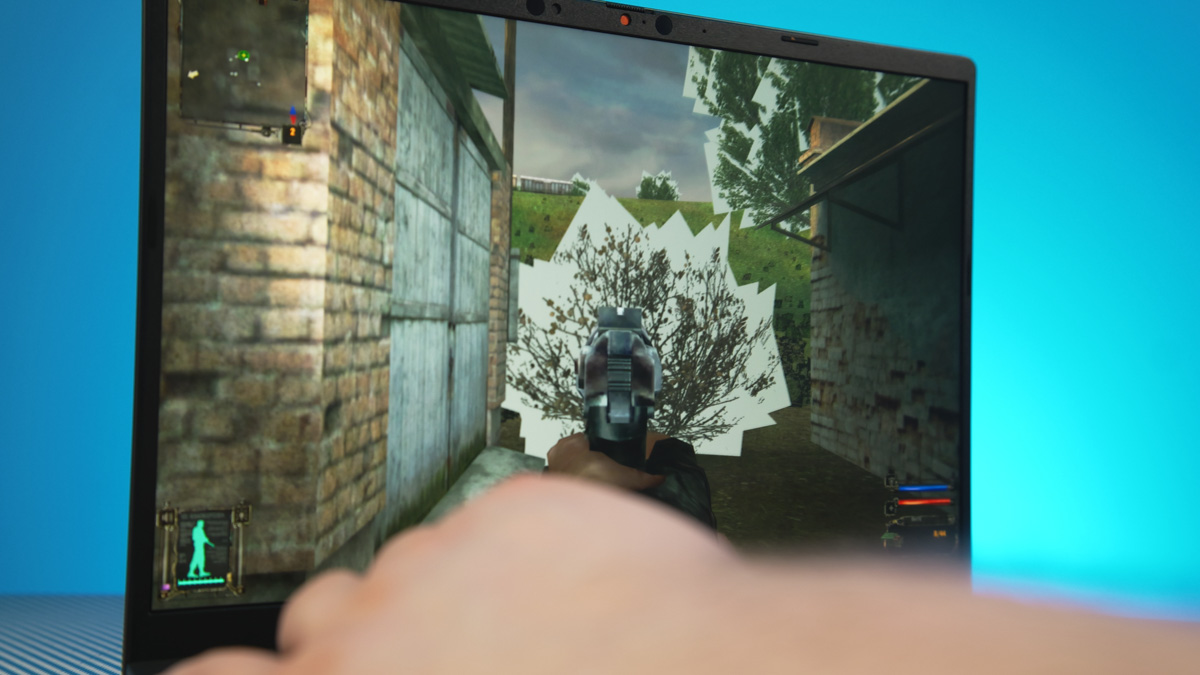
So, first, performance is limited, making it less suitable for demanding tasks. Second, stability in games is also an issue. For example, a game that’s not on the official compatibility list – S.T.A.L.K.E.R. Shadow of Chornobyl, the original version, not the remaster – runs without crashing, but suffers from severe graphical artifacts.
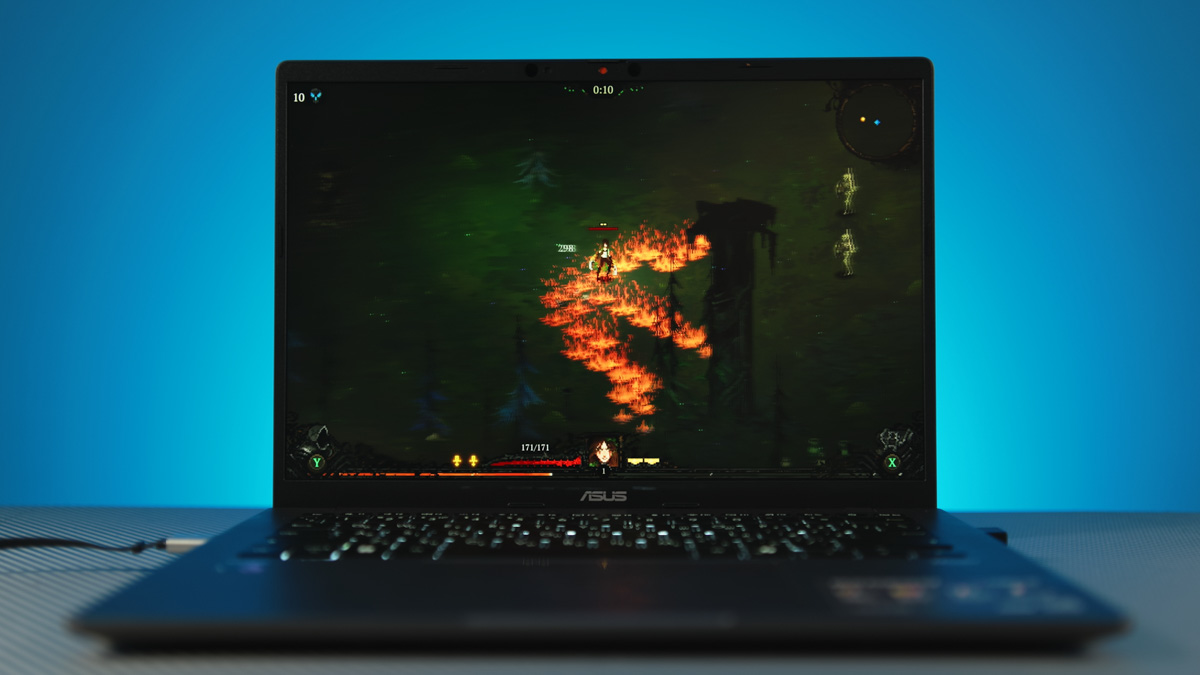
The system doesn’t have enough power for remastered titles, so games like Cyberpunk or even The Witcher 3 are out of reach. That said, casual games such as Terraria, Songs of Conquest, or Death Must Die run without issues. Basic video editing is also feasible, thanks to Qualcomm’s solid codec support.
However, there’s an important question: how close is Windows on ARM to the standard x64 version of Windows? I have both a personal and a more general perspective on this. Make a note of the “Windows on Arm Ready Software” website – it’s the best place to check whether a specific program is compatible, as it’s the most up-to-date resource I know.
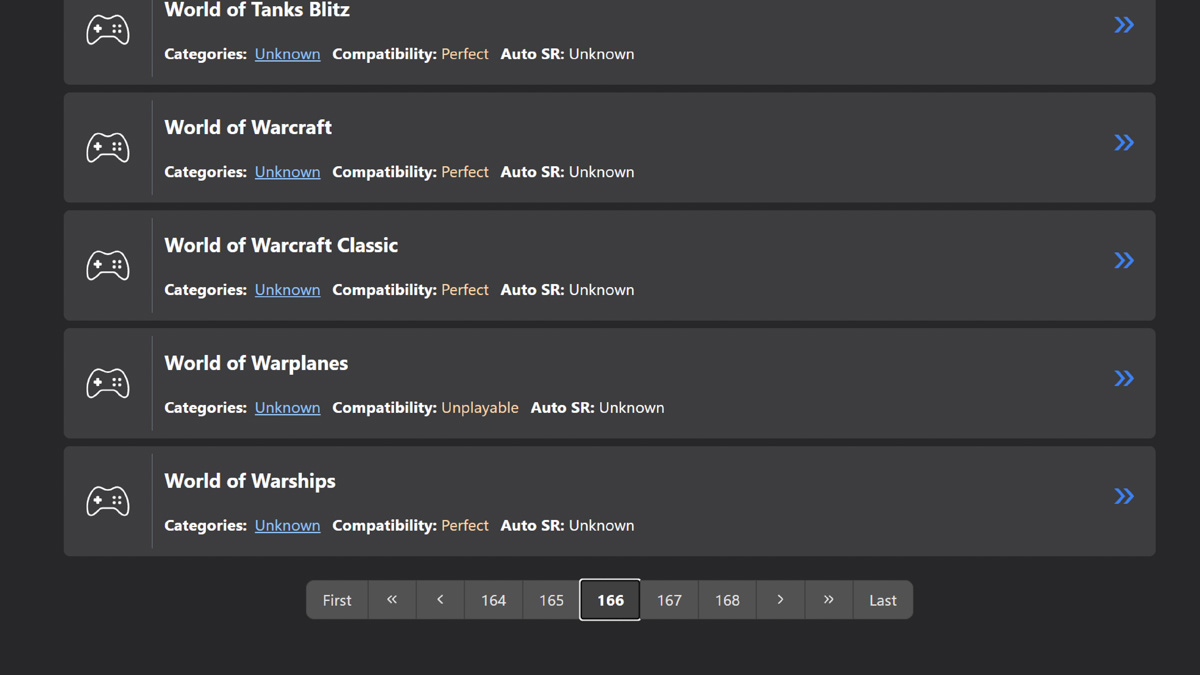
Blender is available, but Lightroom isn’t. DaVinci Resolve is listed, but TopazLabs isn’t. Netflix works, but Spotify doesn’t. Some of the missing programs can, of course, be accessed via a browser, and in some cases desktop apps – like YouTube Music – might run without issues.
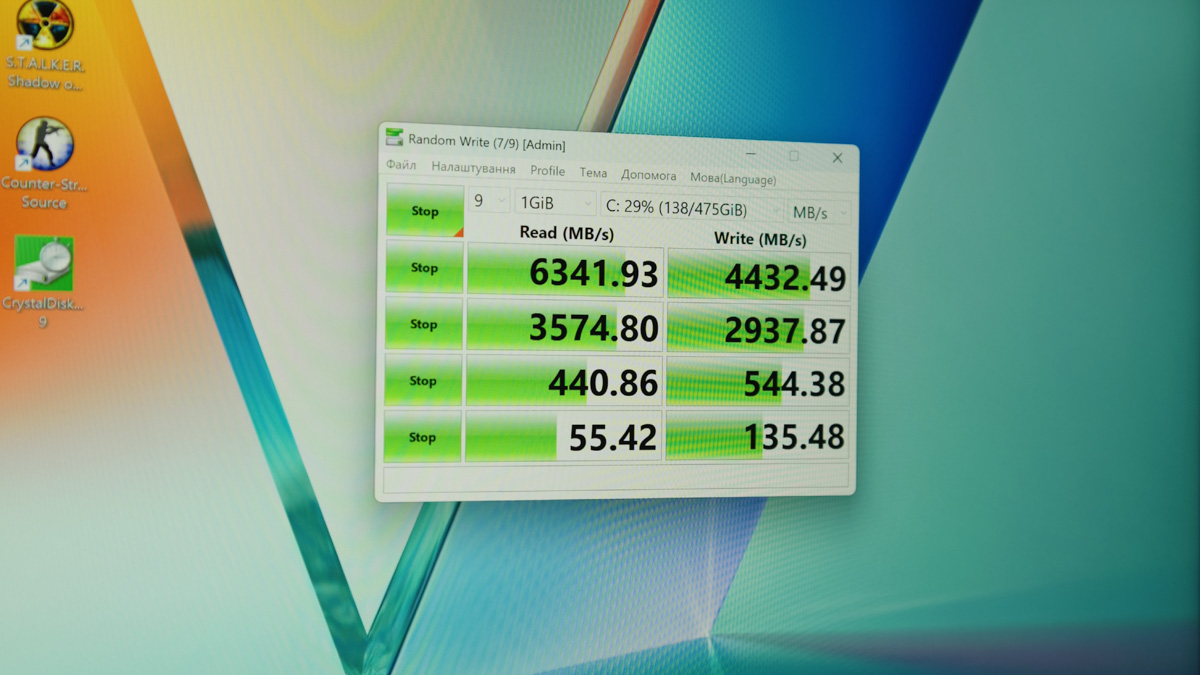
As for storage, it comes with a 512 GB PCIe 4.0 x4 drive. Fortunately, the slot isn’t soldered, so it can be upgraded.
Keyboard, touchpad, webcam
The ASUS Vivobook S14 S3407QA features a chiclet-style keyboard with three levels of backlight and a key travel of 1.7 mm. The touchpad is fairly large, precise, and supports gestures. In place of the right Control key, there’s a Copilot button, though – as is customary – it can be reassigned using Microsoft PowerToys.
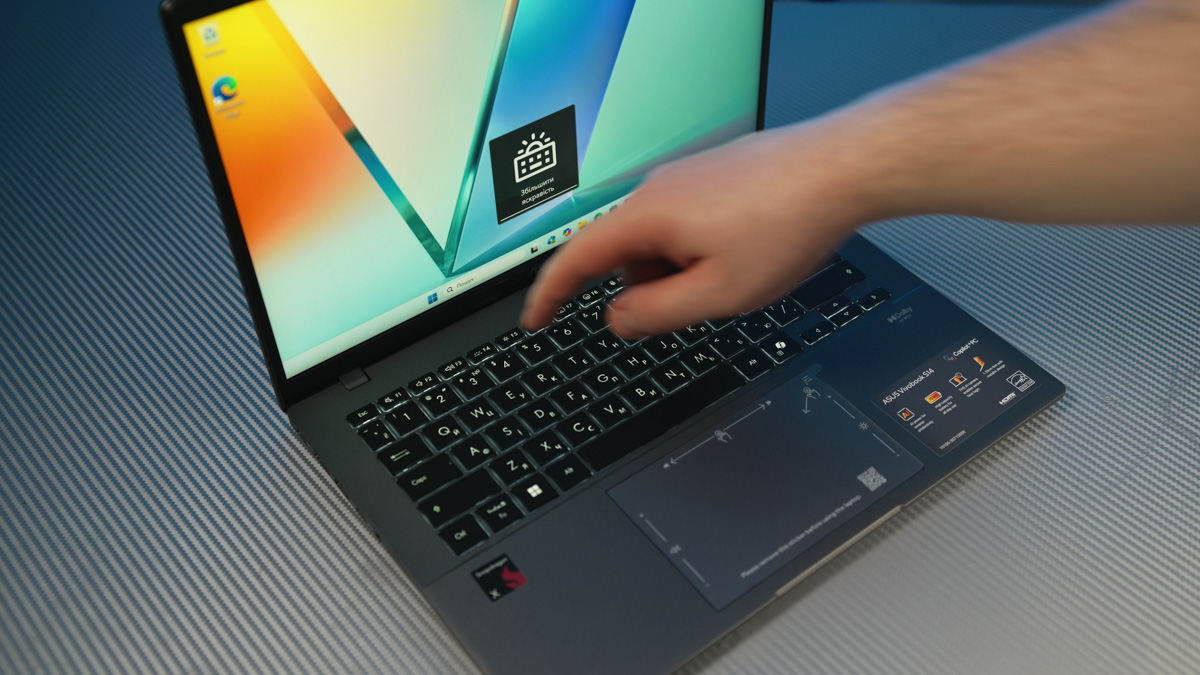
The laptop has a full HD webcam, equipped with a privacy shutter and an infrared module for Windows Hello.

Read also:
- ASUS VA259HGA Review: An Affordable Full HD Gaming Monitor with 120Hz and Eye Care+
- ASUS TUF Gaming VG27WQ3B Monitor Review: Fast VA, 2K Resolution, 180 Hz, and an Affordable Price
Software
The ASUS Vivobook S14 S3407QA supports a processor with an NPU exceeding 40 TOPS, which is required for Copilot+ to function. The laptop comes with preinstalled applications that leverage this capability, mainly for media generation. One example is MuseTree, an interactive board designed, according to the manufacturer, to inspire creativity.
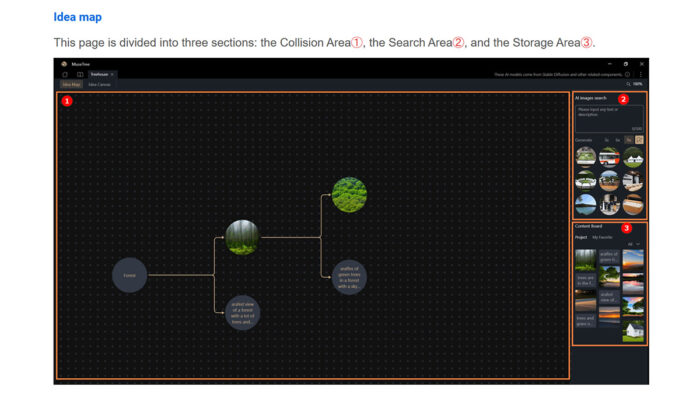
You create and combine “cards,” with illustrations generated by AI.
There’s also the MyASUS app for adjusting proprietary settings, such as maximum battery charge level, fan speed, or the operation of the wireless module.
Data transfer
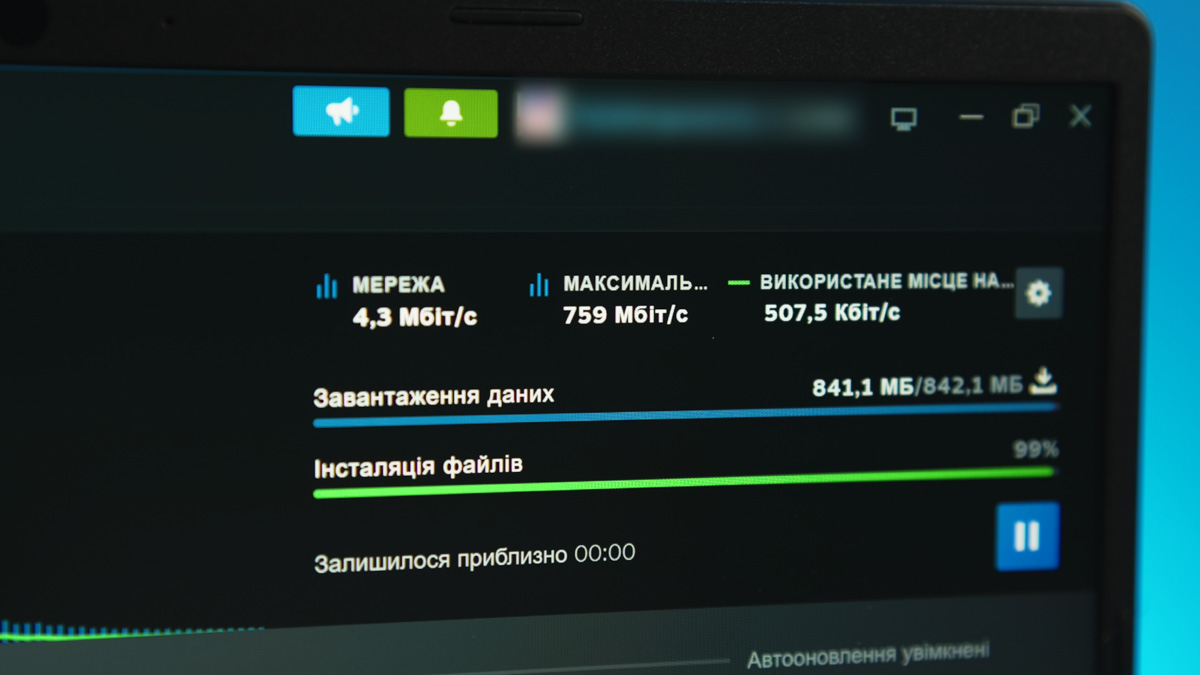
The laptop uses a Qualcomm FastConnect 6900 network card, supporting Wi‑Fi 6E, 2×2 MIMO, and Bluetooth 5.3. In testing, with an ASUS AXE‑7800 router nearby, download speeds for Steam game transfers reached around 700 Mb/s.
Temperatures
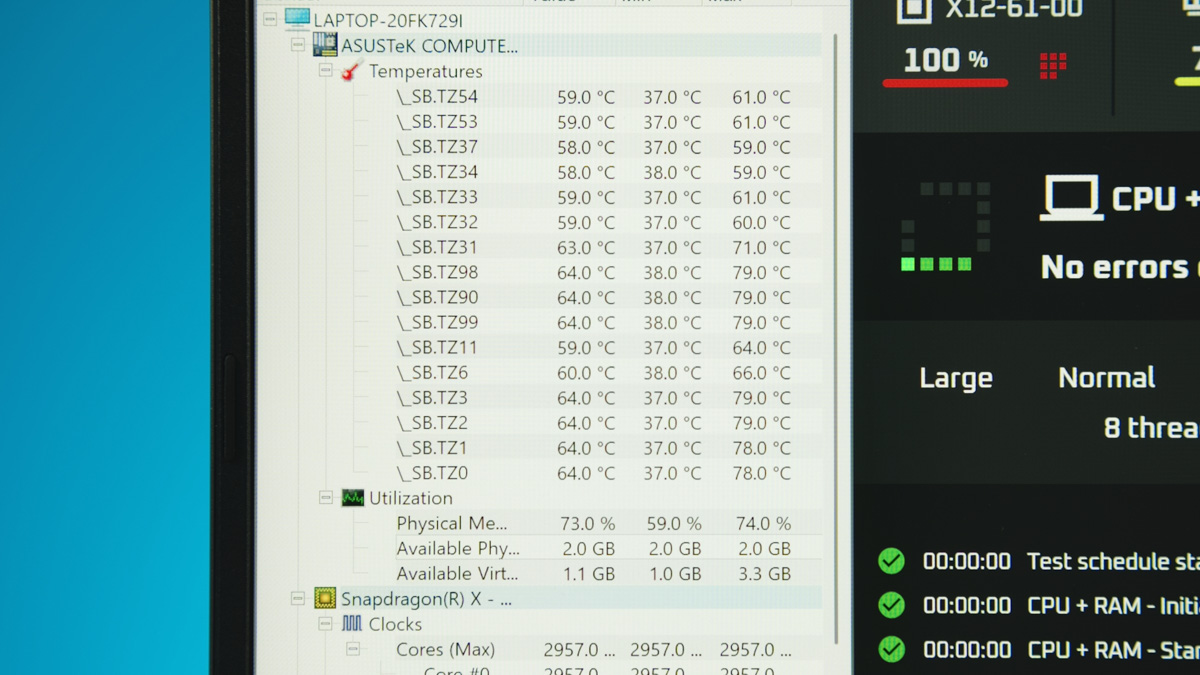
One of the advantages of Qualcomm processors in general, and the ASUS Vivobook S14 S3407QA in particular, is low heat output – or rather, the lack of it. In an OCCT stress test, the processor reached 80 °C while the fan ran very quietly. It’s the quietest laptop fan I’ve encountered in recent years.
Even then, the fan noise is easily drowned out by the speakers, which feature Snapdragon Sound, Dolby Atmos, ASUS Audio Booster, and AI-based amplification. Overall, the audio is clear, pleasant, and even offers some bass. A demonstration will be included in the video review.
ASUS Vivobook S14 S3407QA Battery life
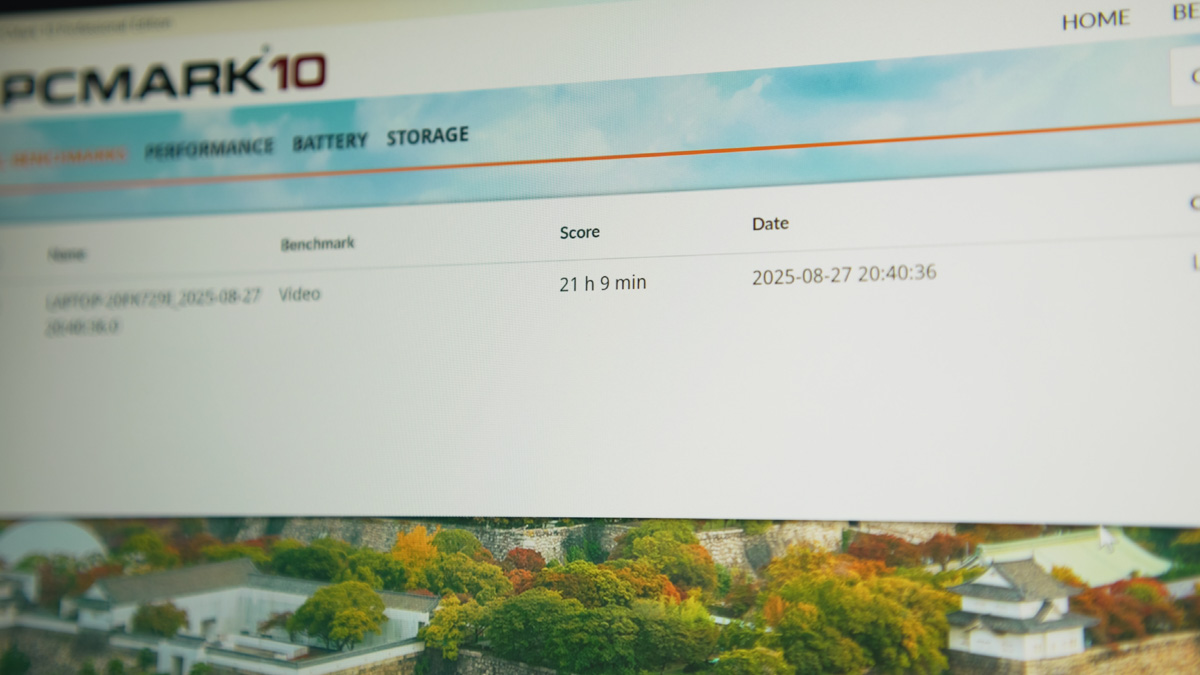
Like all Windows on ARM models, the S3407QA is very energy-efficient. Its 70 Wh battery easily lasts over 21 hours in the PCMark Battery Test for video playback, even at half brightness. A notable advantage is that it can charge from relatively low-power power banks.
This applies whenever the system draws less than roughly 20 W, such as during video playback or typing. It’s useful because you might have a high-capacity “emergency” power bank that delivers low output. We reviewed a similar model recently – they’re inexpensive now – and with one of these power banks, the laptop could run for at least a week under light use.
Conclusions
This isn’t just a durable typing machine – it’s a reliable portable media center. You can run games, do basic video editing, and enjoy impressive battery life. The limitations, both in software compatibility and performance, are clear, but given the large audience for devices like the MacBook Air, there’s certainly a market for the ASUS Vivobook S14 S3407QA as well. Overall, it’s a device I can recommend.
Read also:
- ASUS ROG Keris II Origin Wireless Gaming Mouse Review: Sleek and Affordable
- ASUS ROG Azoth X Keyboard Review: Futuristic Design, Hot-Swap Support, and OLED Display
- ASUS ROG Strix G16 (2025) G615 Review: Almost a Flagship on Blackwell

