© ROOT-NATION.com - Use of content is permitted with a backlink.
A few months ago, I first got acquainted with Womier – a Chinese brand known for producing high-quality and distinctive mechanical and magnetic keyboards. At that time, I reviewed their flagship model, the Womier SK75 TMR – a device featuring the new TMR sensors, a premium solid metal body, and a hybrid hot-swap design.
Just two months later, I have another intriguing release in hand: the Womier ERA75. This model essentially introduces a new line for the brand, combining top-tier specifications with an interesting concept directly reflected in its design. Naturally, the keyboard also brings its own standout features that set it apart from competitors. Today, we’ll take a detailed look at this new model, explore what makes it noteworthy, identify any potential drawbacks, and highlight its key selling points.
Read also: All gaming keyboard reviews
TABLE OF CONTENTS:
Main Concept of the ERA75 Series and Model
It makes sense to start the review with the core idea behind the ERA series, as this is where the keyboard’s main appeal lies. According to Womier’s website, the ERA75 draws inspiration from the evolution of time and technology. Its design reflects the rhythm of changes across different eras and technological trends, with each color representing a distinct period from the past, present, or future.
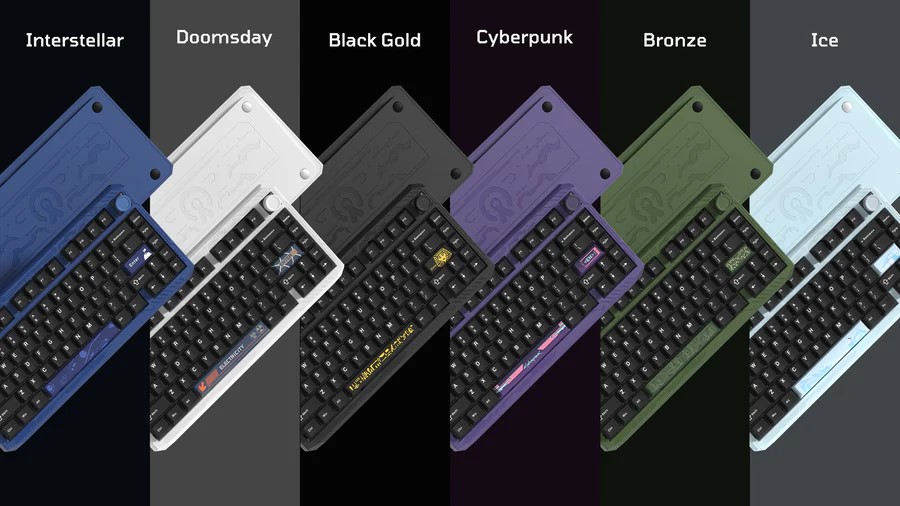
For example, the Ice model represents the prehistoric glacial era. The Bronze model reflects the height of the Mayan civilization. Black Gold evokes ancient Egypt, with its pharaohs and pyramids. The Cyberpunk model symbolizes the modern era, marked by total digitalization and rapid technological advancement. Doomsday suggests thoughts of an apocalypse – arguably a reflection of current global trends. Finally, Interstellar represents the distant (or not-so-distant) future of space exploration.
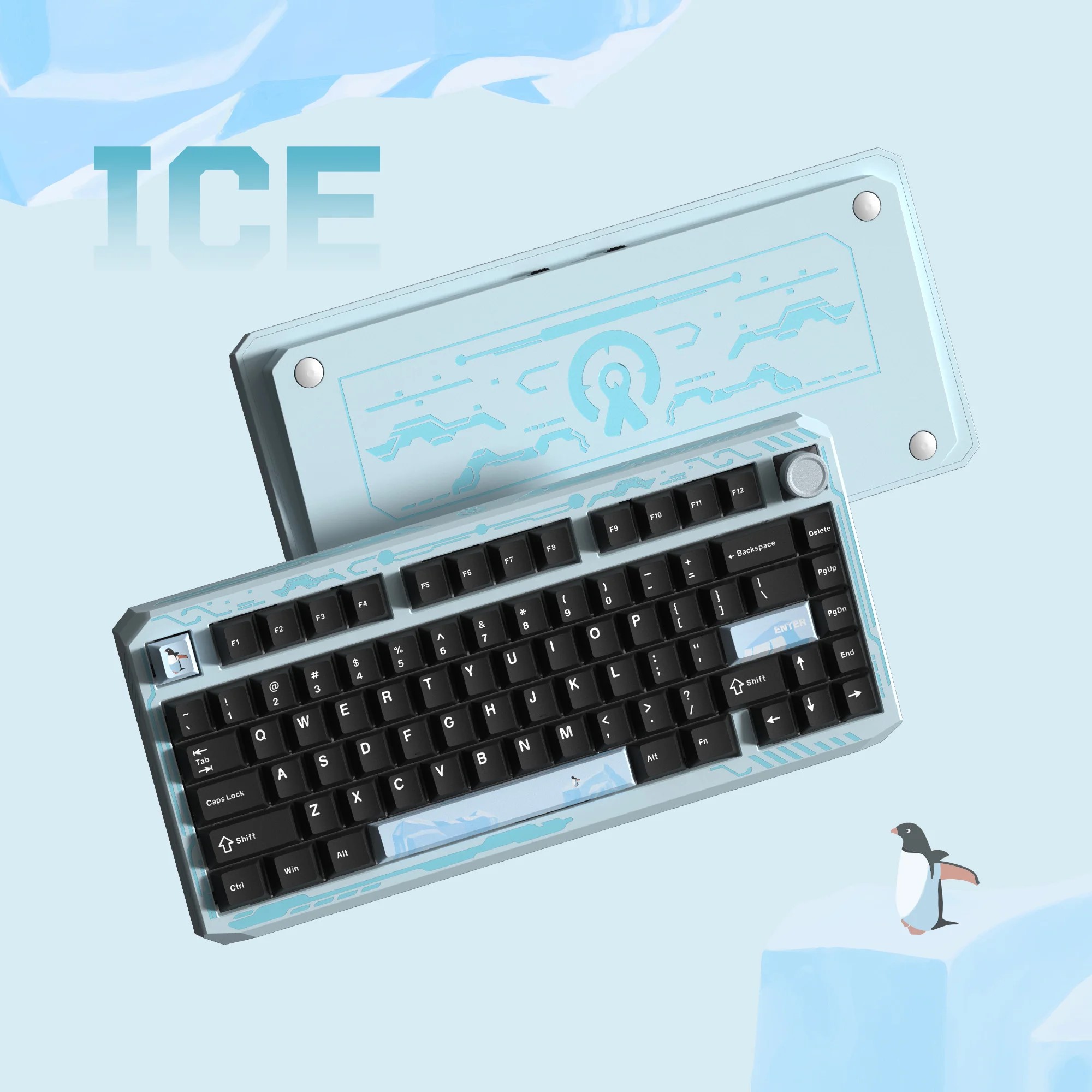
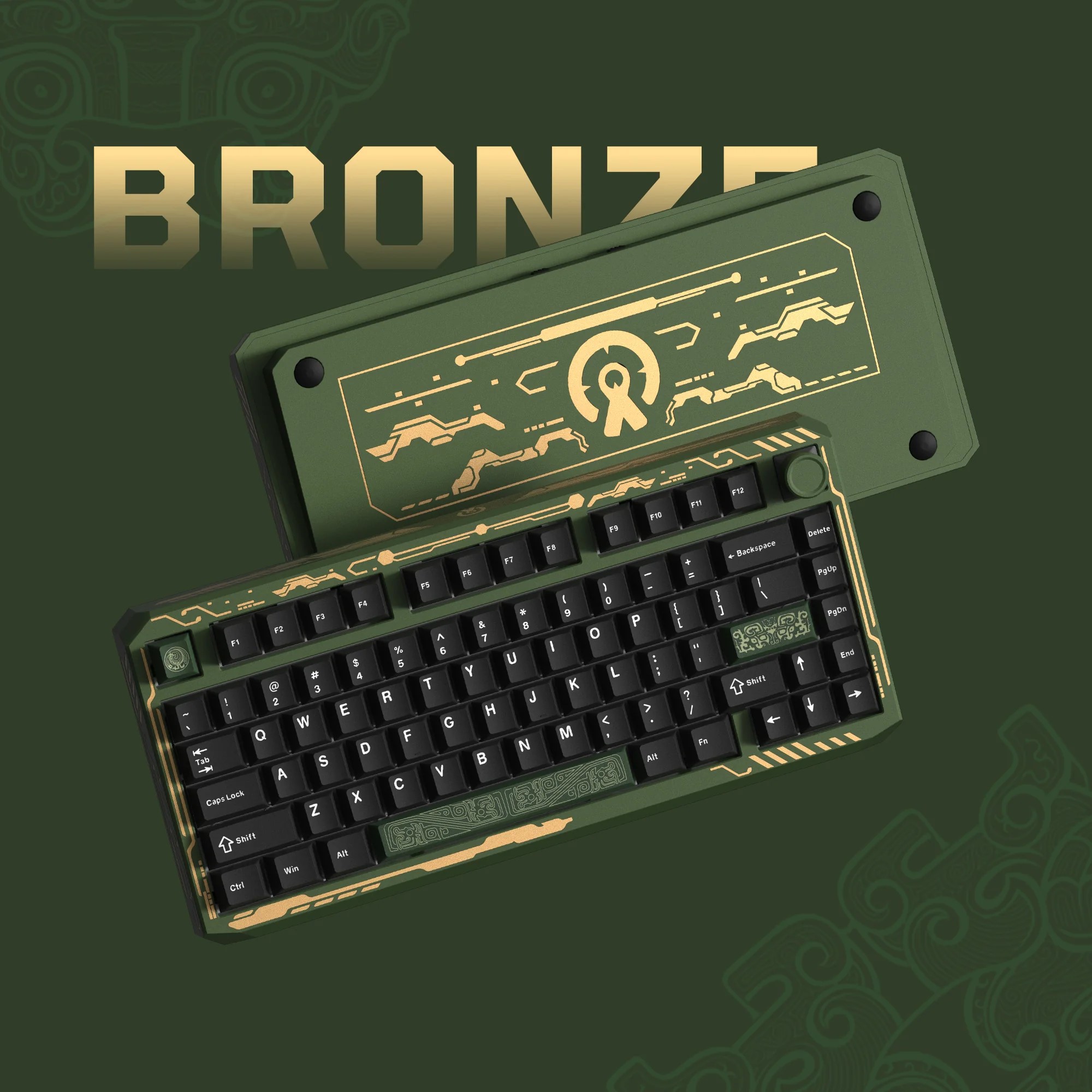
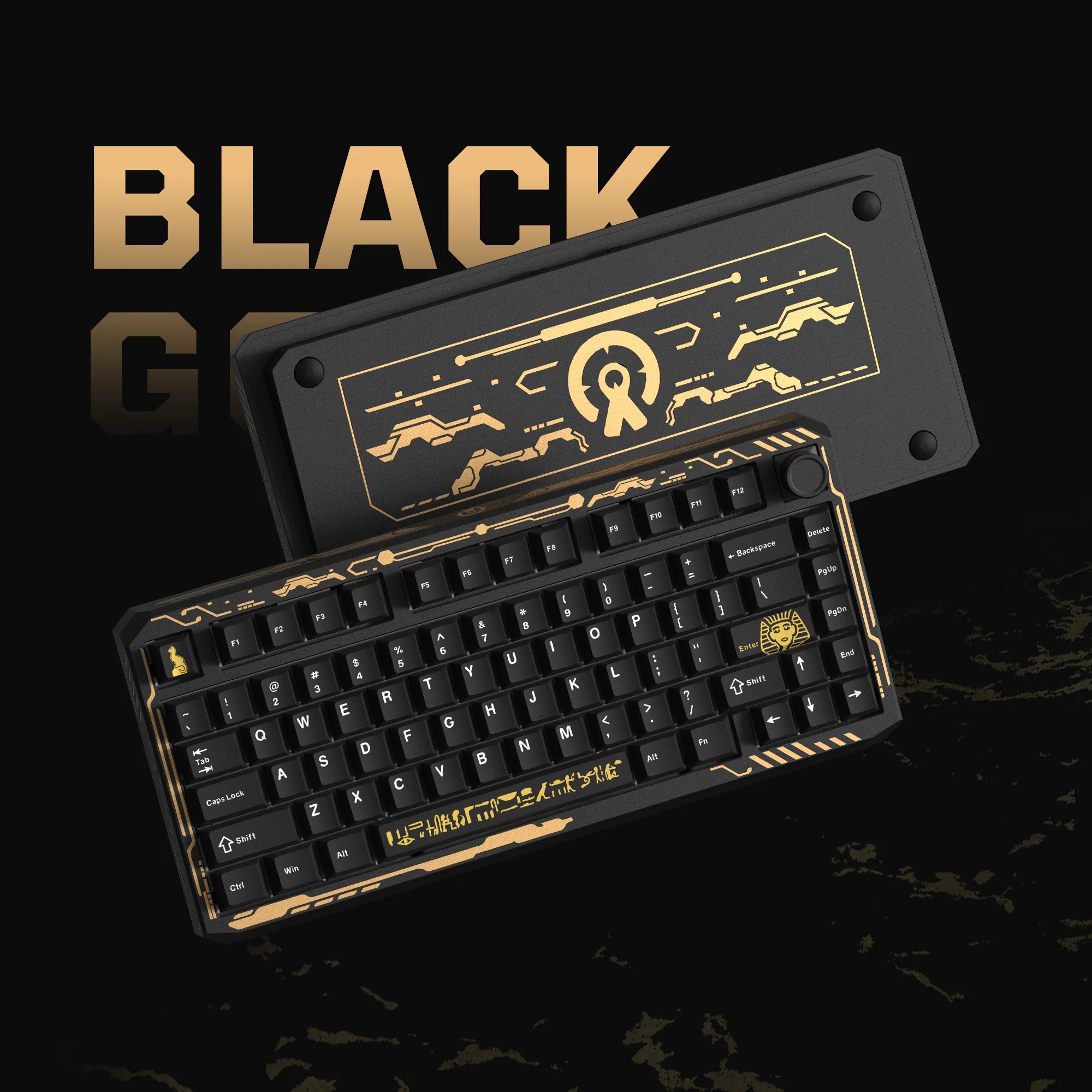
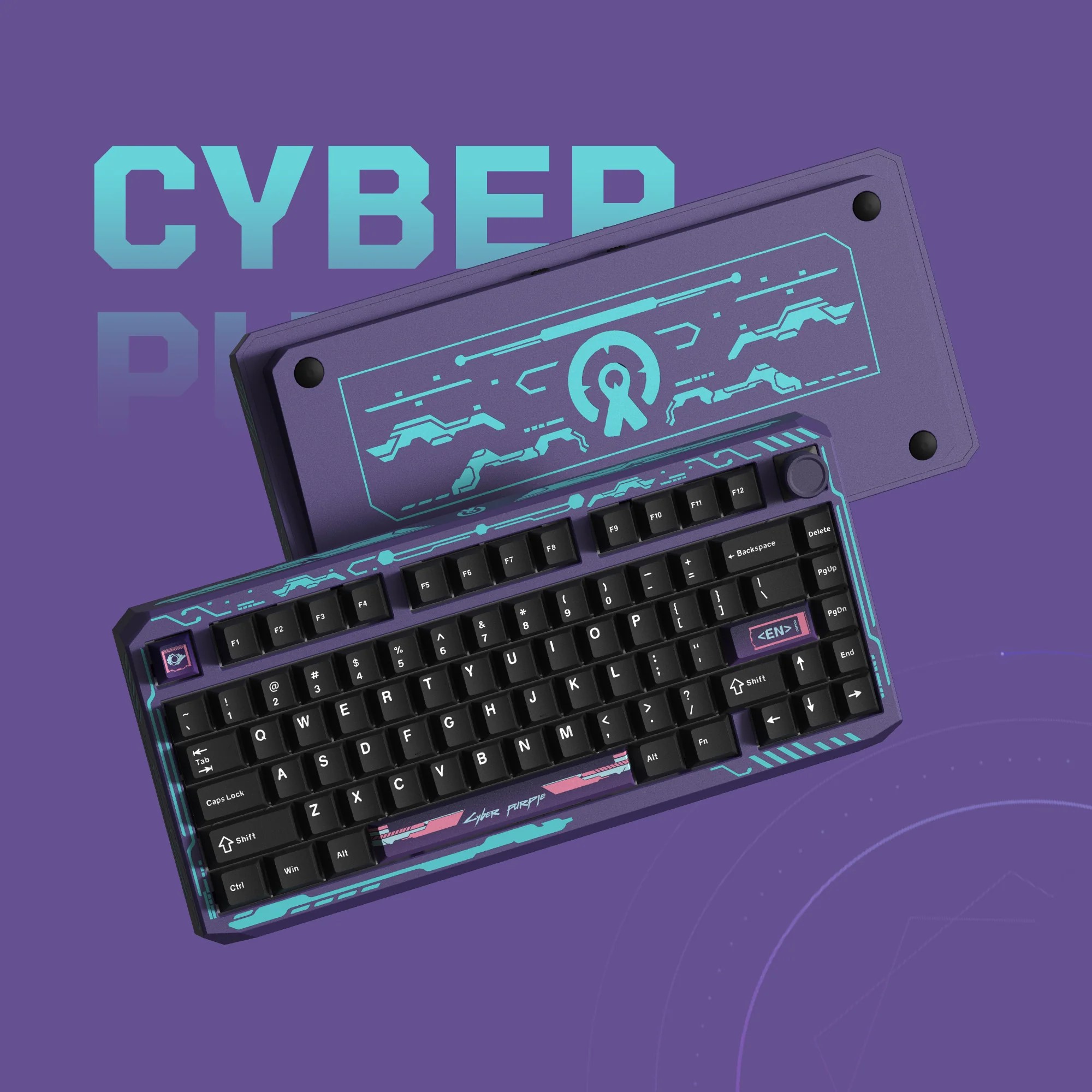
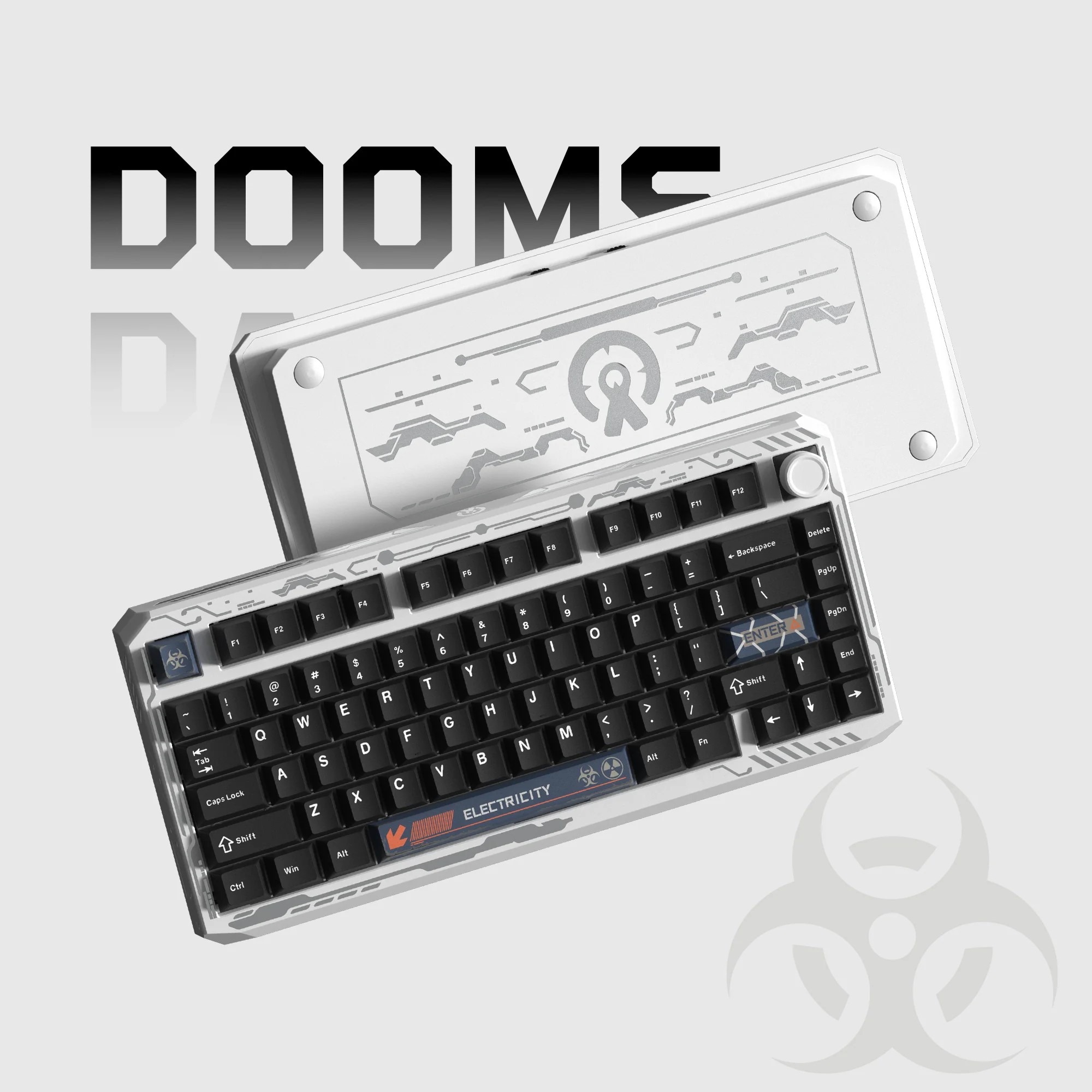
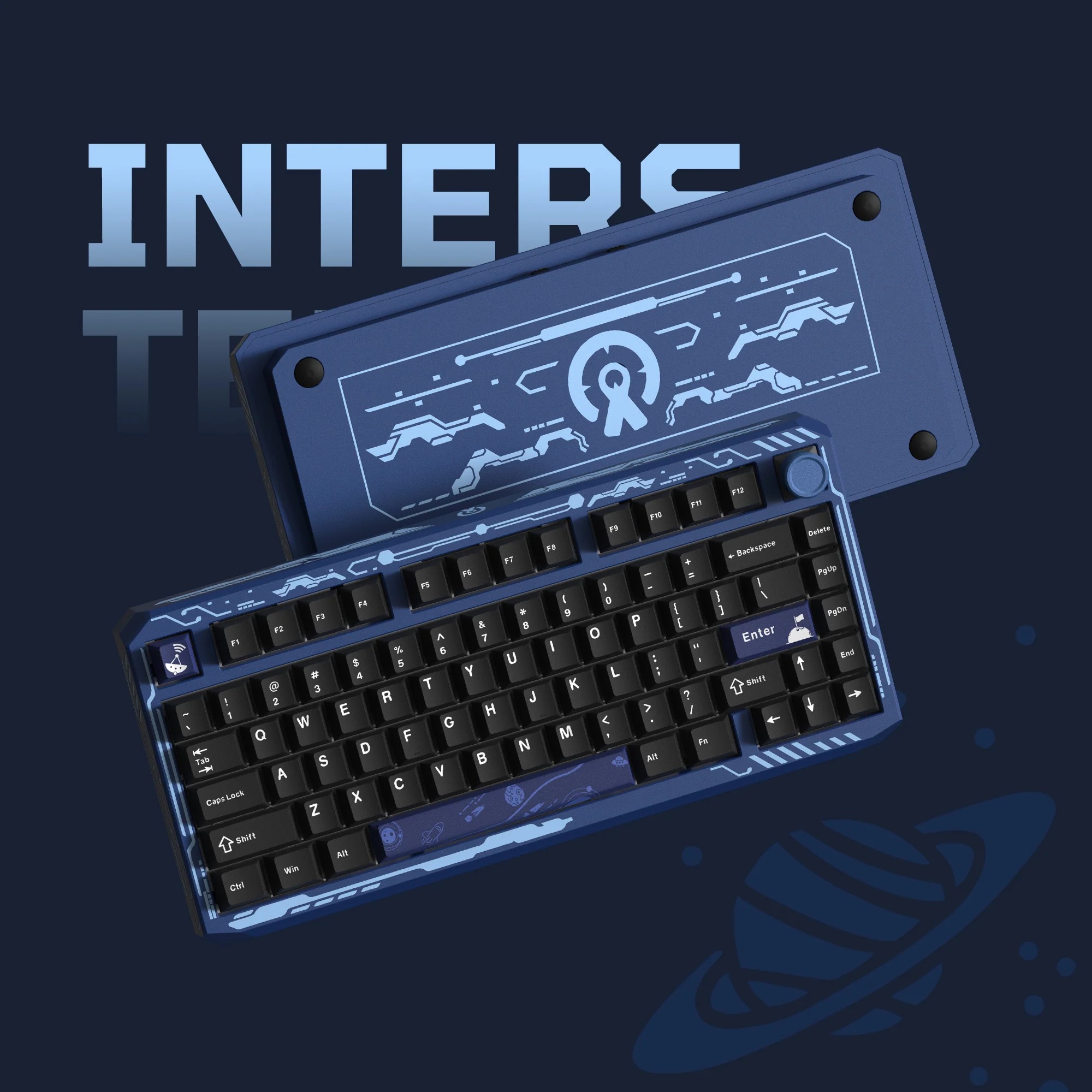
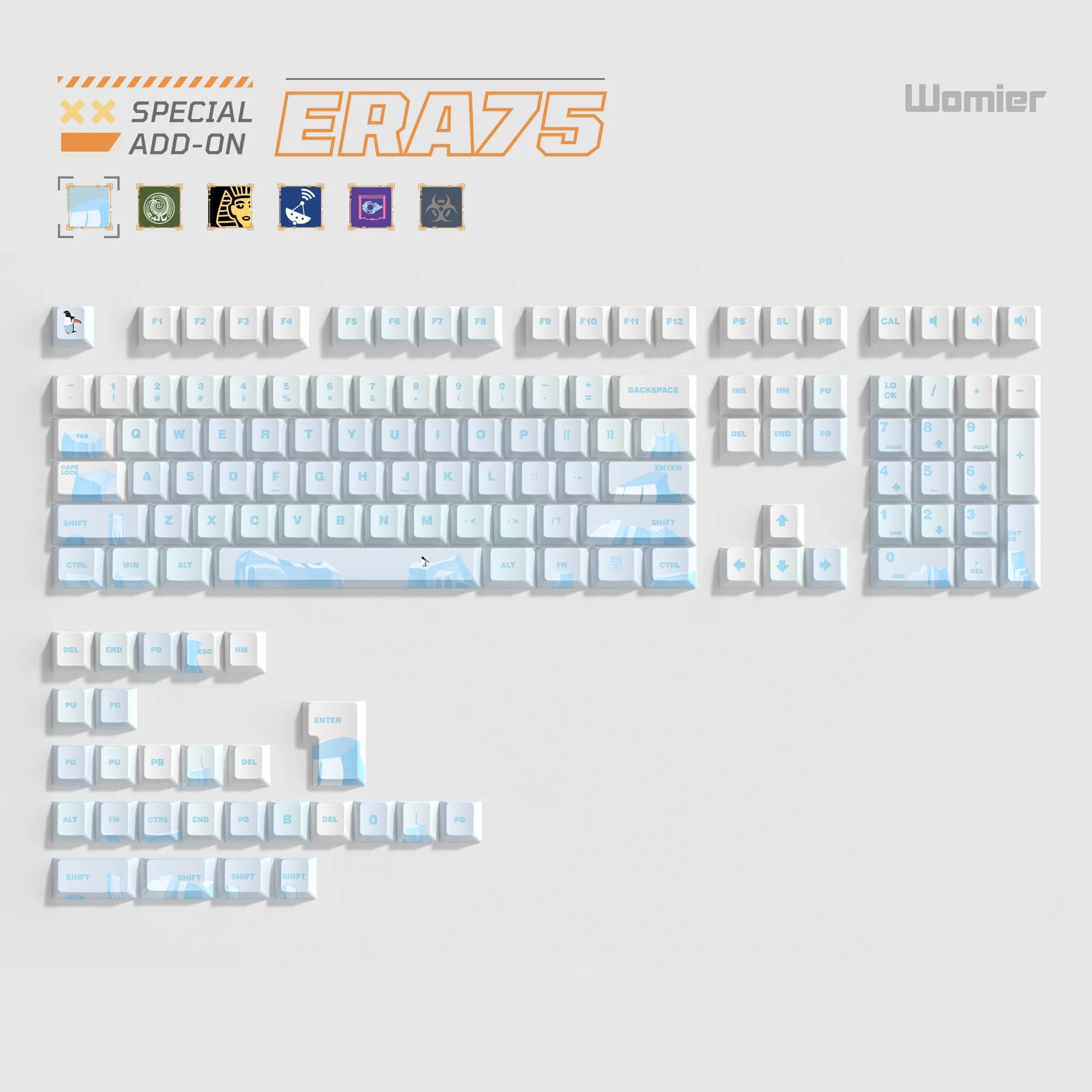
A quick note: these interpretations aren’t official – they’re just my associations. However, if you look closely at the full ERA75 lineup, you’ll see that I’m not far off. It’s also worth mentioning that to fully showcase the concept design of a specific model, you ideally need not just the keyboard itself, but also the accompanying specially styled keycaps, which are unique for each color. That’s when your ERA75 truly reflects Womier’s intended design vision.
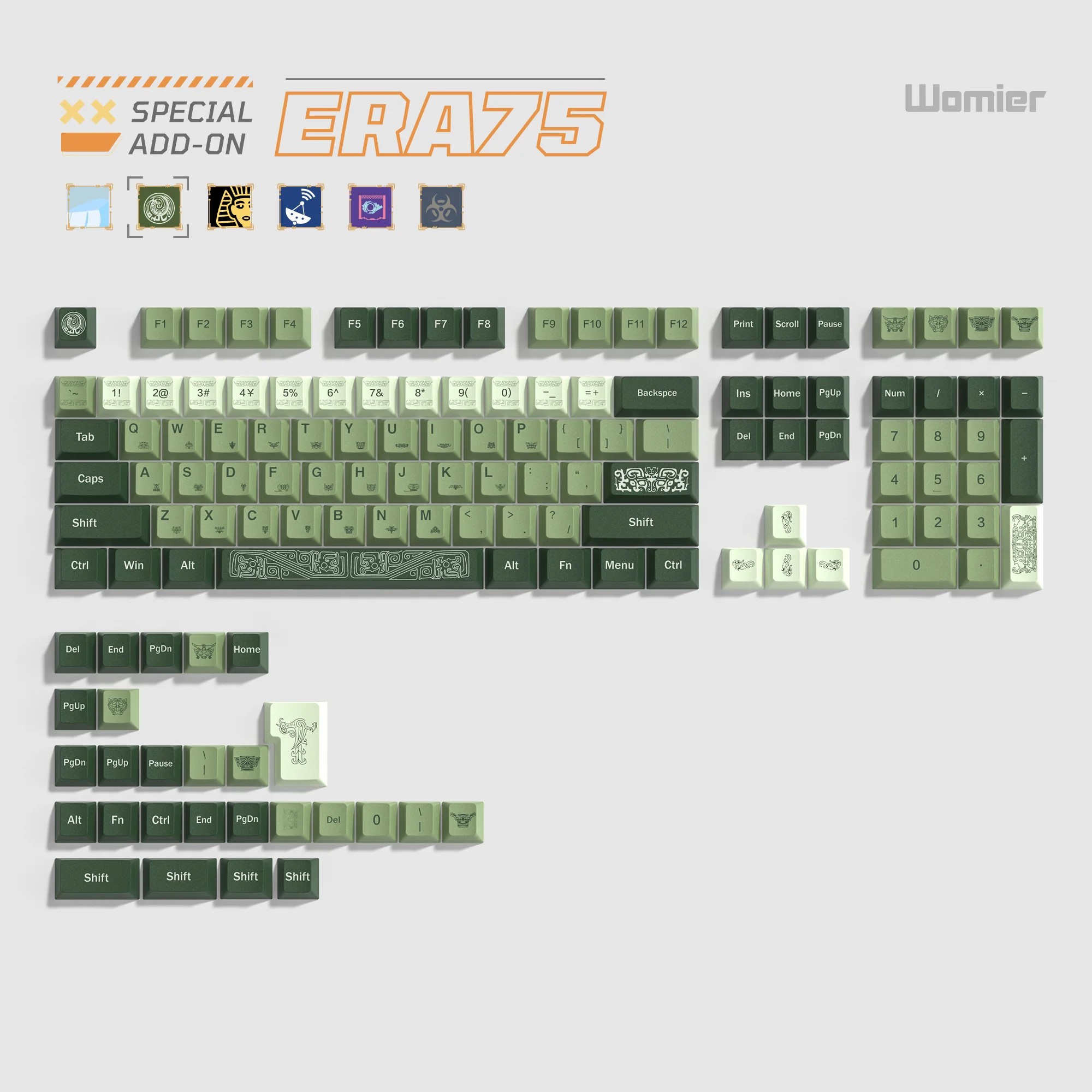
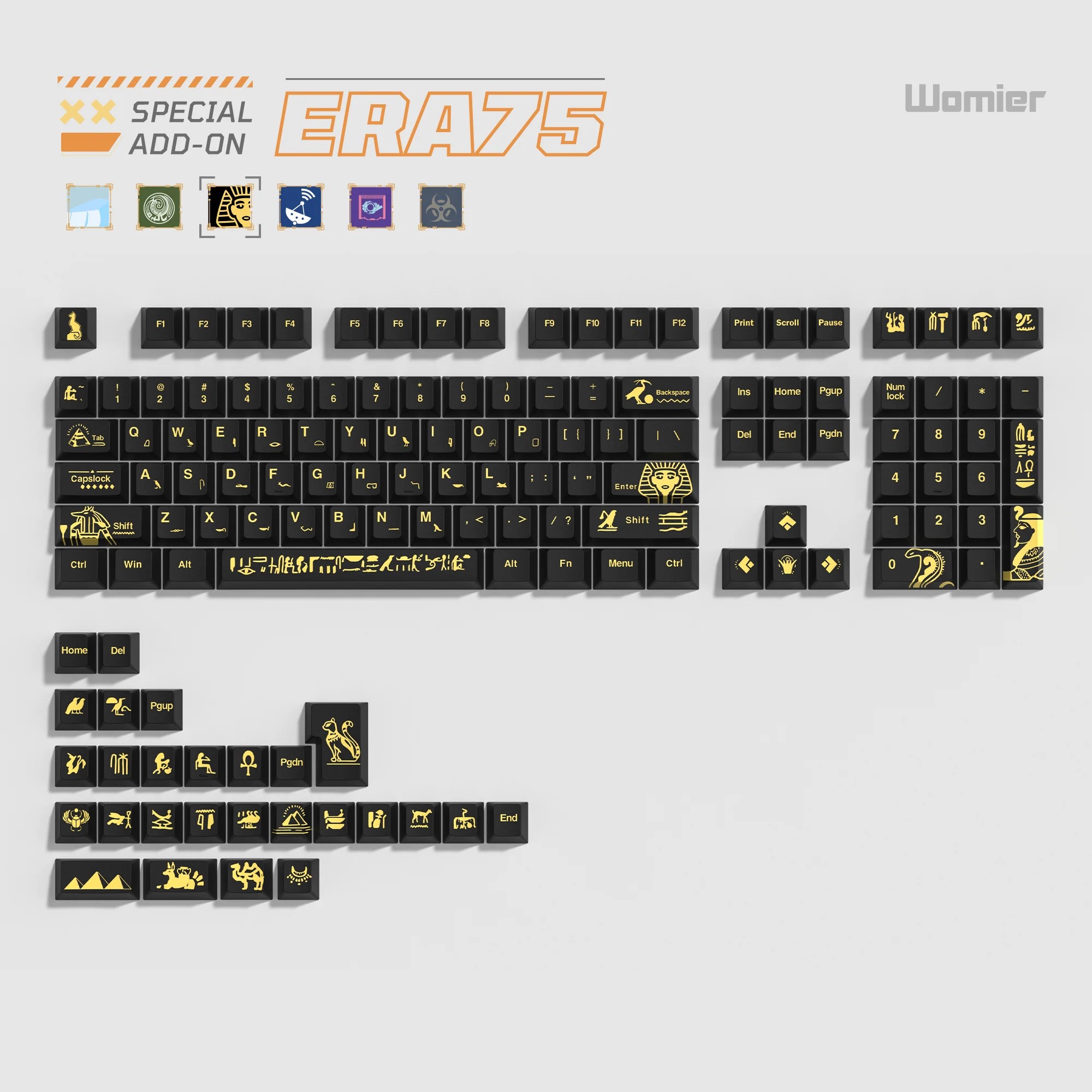
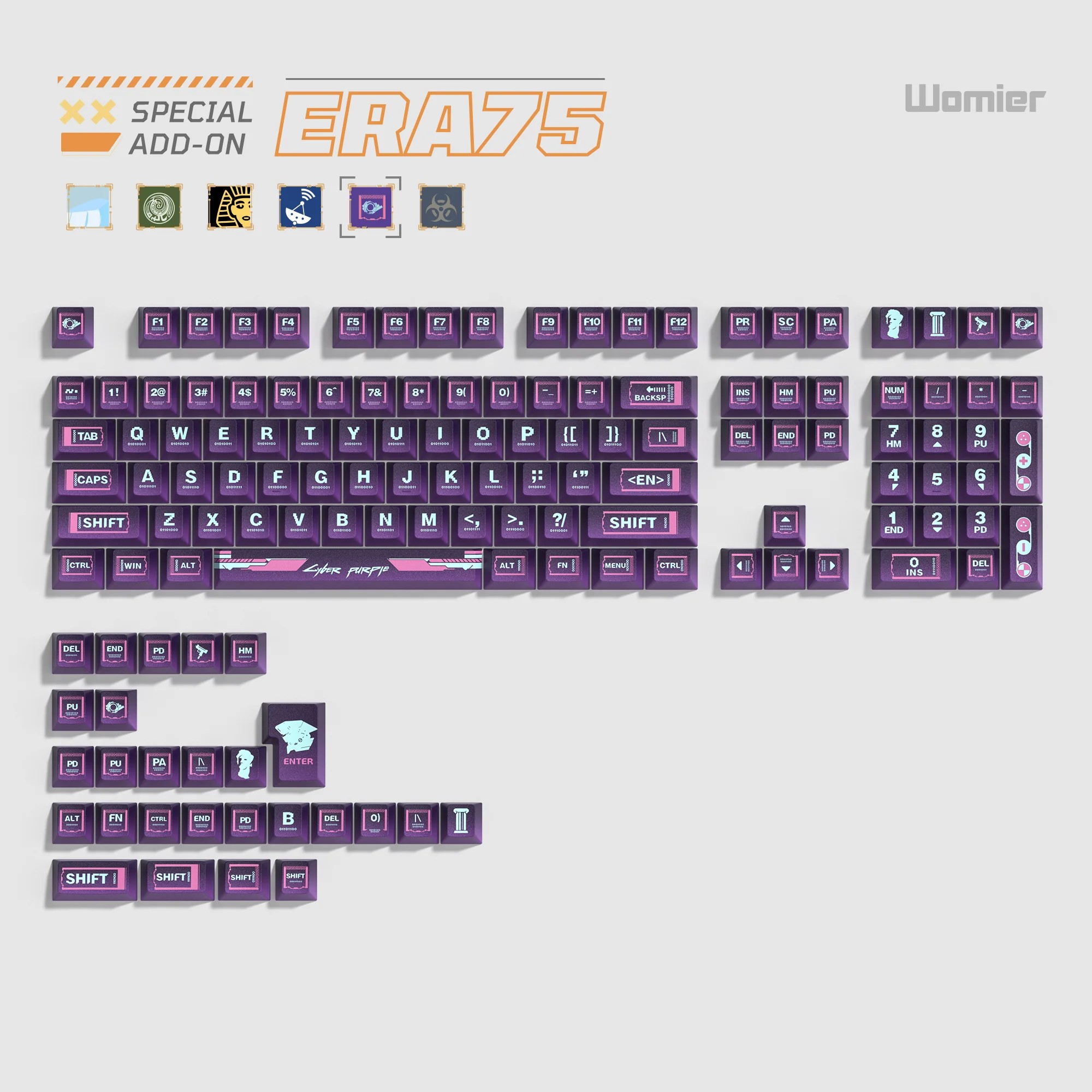
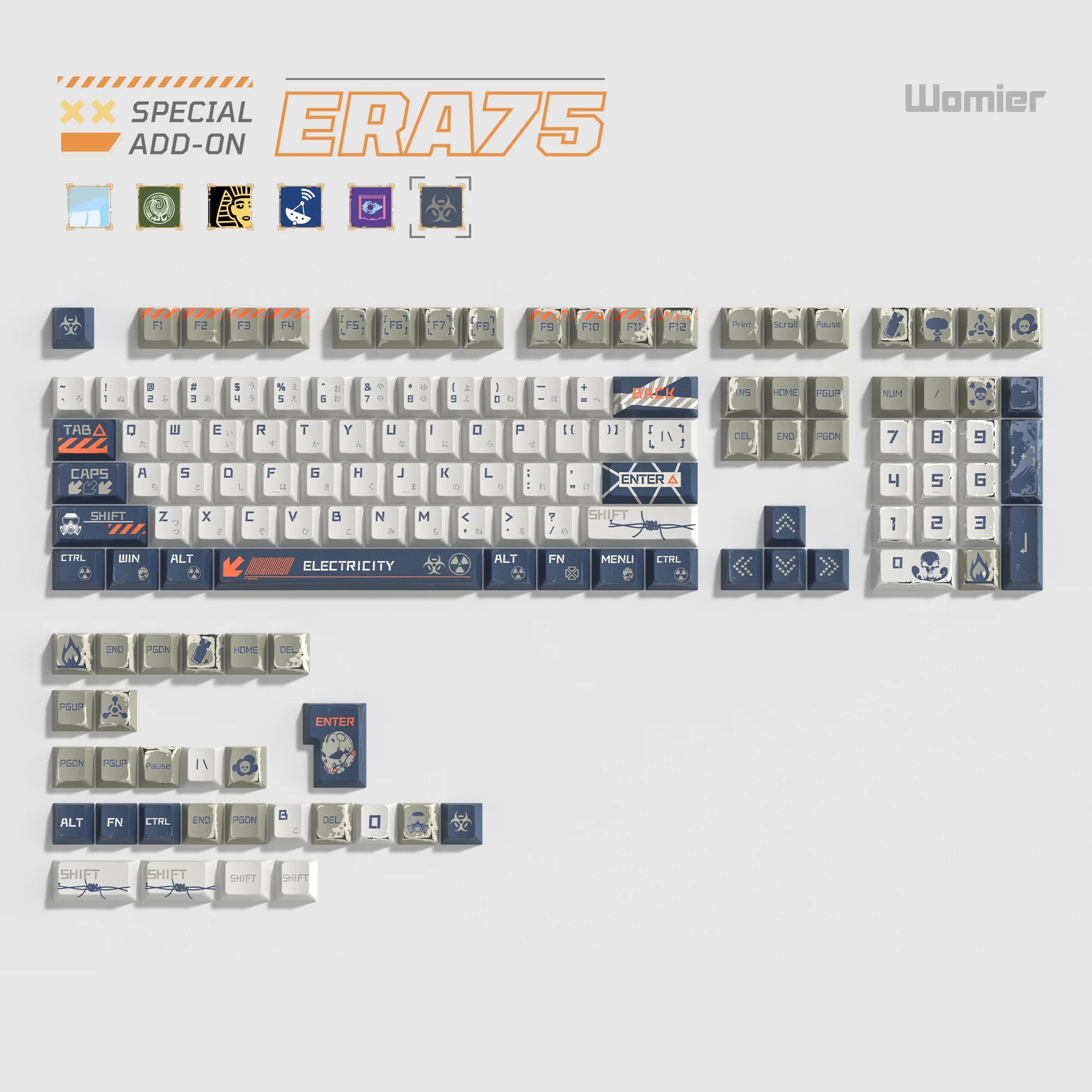
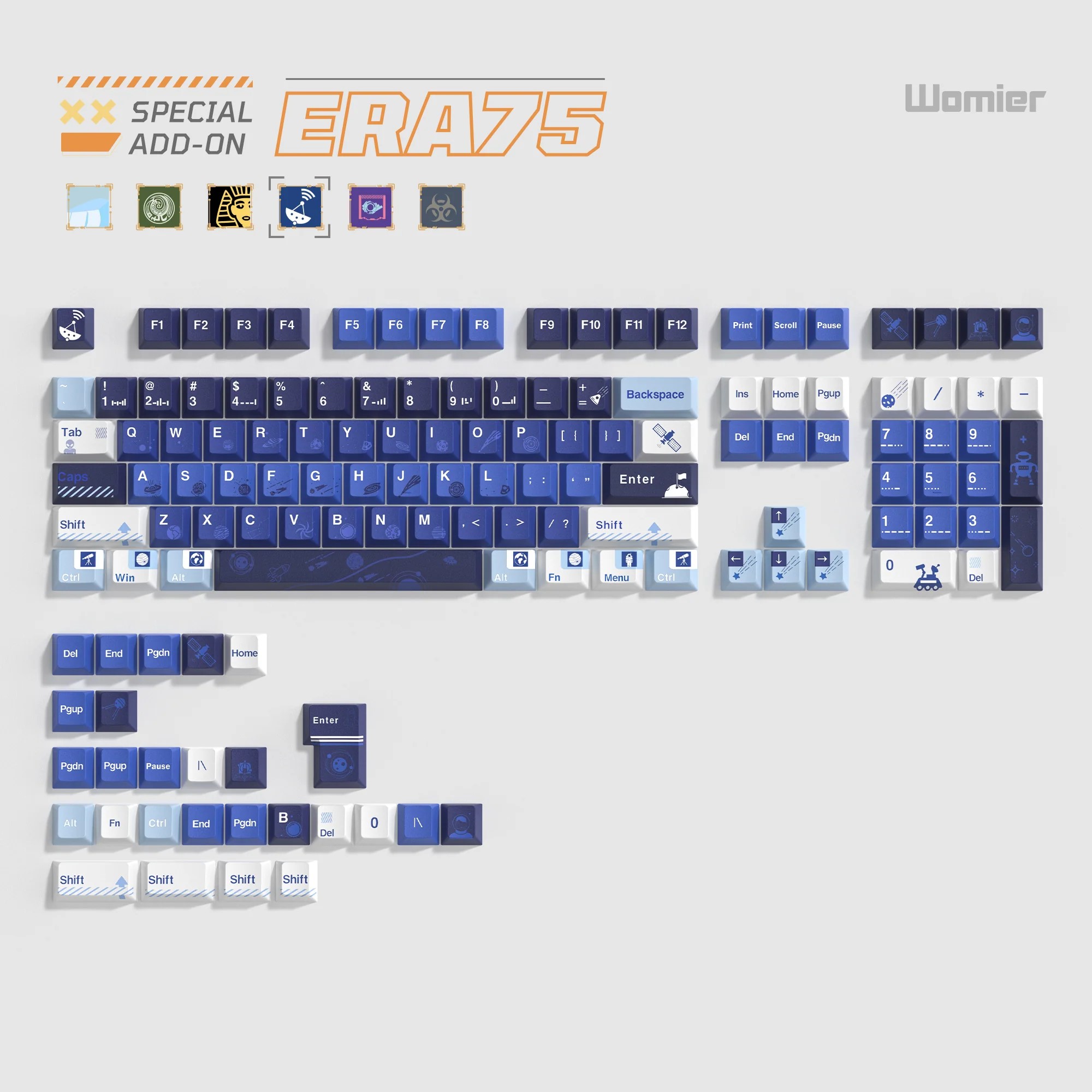
Finally, a clarification: the keyboard I received for review is the Bronze version, complete with the set of branded keycaps. Therefore, the following discussion will focus specifically on this variant. In general, the technical specifications are identical across all ERA75 models. The differences lie in the case color and the switches installed. We’ve already covered the colors, and I will go into the switches in detail in the relevant section. For now, here’s a brief overview of the technical specifications applicable to the entire lineup.
Specifications
- Format: 75%
- Layout: ANSI / ISO
- Number of keys: 80 keys + 1 removable roller
- Connection: wireless (RF 2.4 GHz / Bluetooth), wired (USB-A – USB-C)
- Polling rate: 1000 Hz
- Switches: Womier POM Series Switches (Space, Ice, Cyber, Bronze, Gold, Ash)
- Hot swap: 5-pin (compatible with 3-pin and 5-pin switches)
- Anti-Ghosting: full (N-Key Rollover / N-KRO)
- Construction: Gasket Mount (gasket architecture)
- Body material: aluminum (powder coated)
- Keycaps: Doubleshot PTB Cherry Profile
- Backlighting: RGB (south-facing LEDs)
- Multifunctional roller (knob): removable, for volume control
- Configuration software: VIA
- Supported platforms: Windows, Mac, Linux, iOS, Android
- Battery: 8000 mAh
- Cable: detachable USB-A to USB-C
- Dimensions: 323×150×20/34 mm
- Tilt angle: 6°
- Weight: 1900 (±20) g
- Colors: Ice, Bronze, Black Gold, Interstellar, Cyberpunk, Doomsday
- Package contents: keyboard, 2.4 GHz RF wireless adapter, detachable USB-A to USB-C cable, double puller, spare switches, set of stylized stickers for the case, tweezers for stickers, additional stylized keycaps, Home key, user manual

Positioning and Price
For those unfamiliar with the brand, I briefly covered it in my previous review. To summarize: Womier is a relatively young Chinese brand that designs and brings to market high-quality, technologically advanced, and affordable mechanical and magnetic keyboards. The company is known for actively integrating cutting-edge technologies into its devices, offering them to a broad user base combined with solid build quality and original design at an accessible price point. This approach has earned them recognition in certain circles. A prime example is their previous model, the SK75 TMR, which I recently reviewed – it was one of the first magnetic keyboards to use faster and more precise TMR sensors instead of standard Hall-effect sensors.
As for the positioning of the new ERA75, it can be summed up quite simply: it’s an extremely solid and affordable mechanical keyboard that offers virtually everything needed to be considered a fully fledged contender in its class. Judge for yourself: three connectivity modes, a massive aluminum корпус, hot-swap support, Gasket Mount architecture, factory-lubed switches and stabilizers, support for the VIA web configurator, a removable and customizable rotary knob, and a substantial 8000 mAh battery. And of course, there’s the wide range of colors and the unique design. As mentioned more than once, this design concept is precisely the main highlight of the entire series.

The keyboard can be purchased on Womier’s official website as well as on AliExpress. On the official website, the model is priced at $105 / €89 with a discount, or $130 / €110 without it. On AliExpress, the keyboard typically sells for an average price of around $120 / €102. As I mentioned earlier, this is an excellent price for a device of this level – both with discounts applied and at full price.
Package Contents
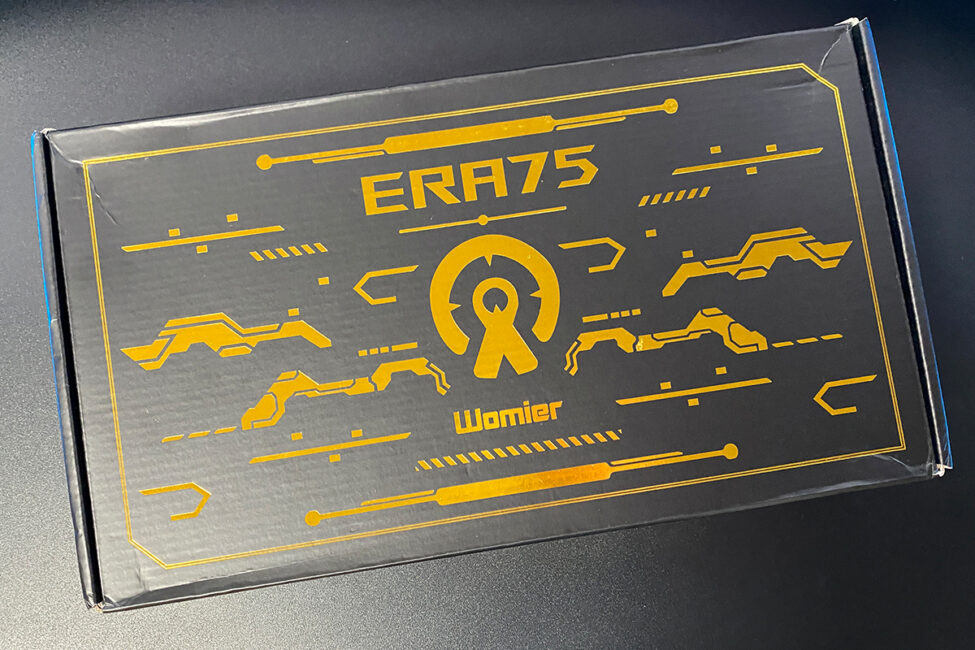
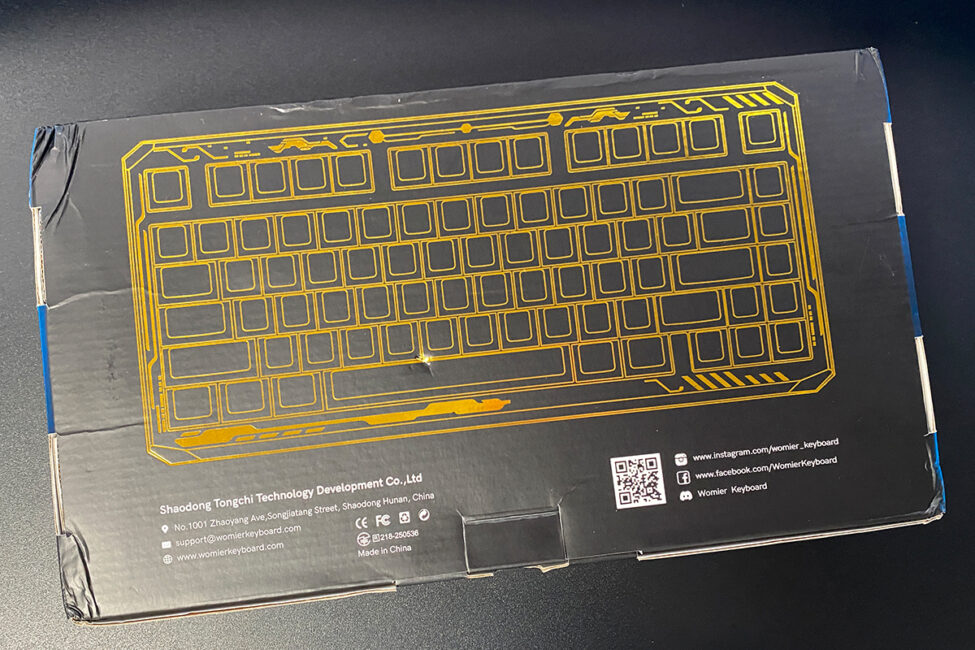
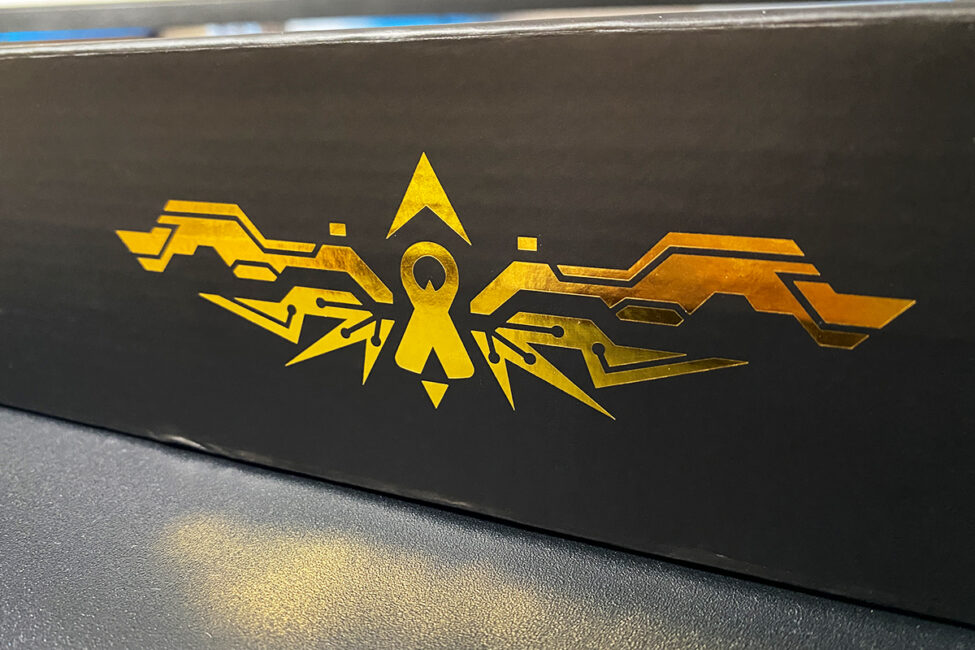
The keyboard comes in a branded cardboard box with a clean, fairly minimalist design. On the outside, you’ll find only the brand name, the model designation, and a distinctive signature pattern. A nice detail: this pattern exactly matches the one used on the keyboard itself, immediately hinting at one of its key design features.
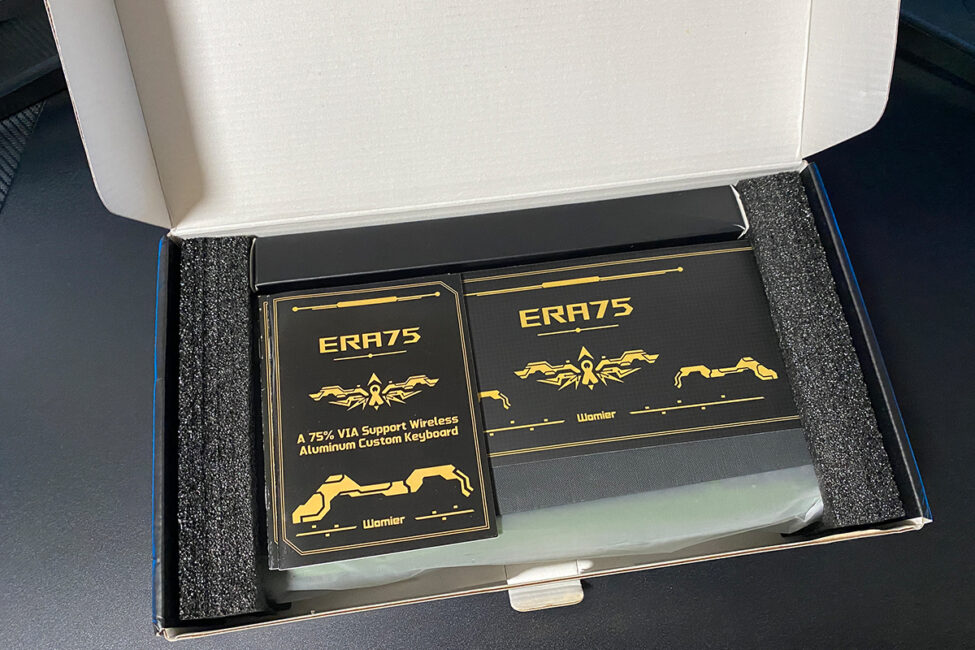
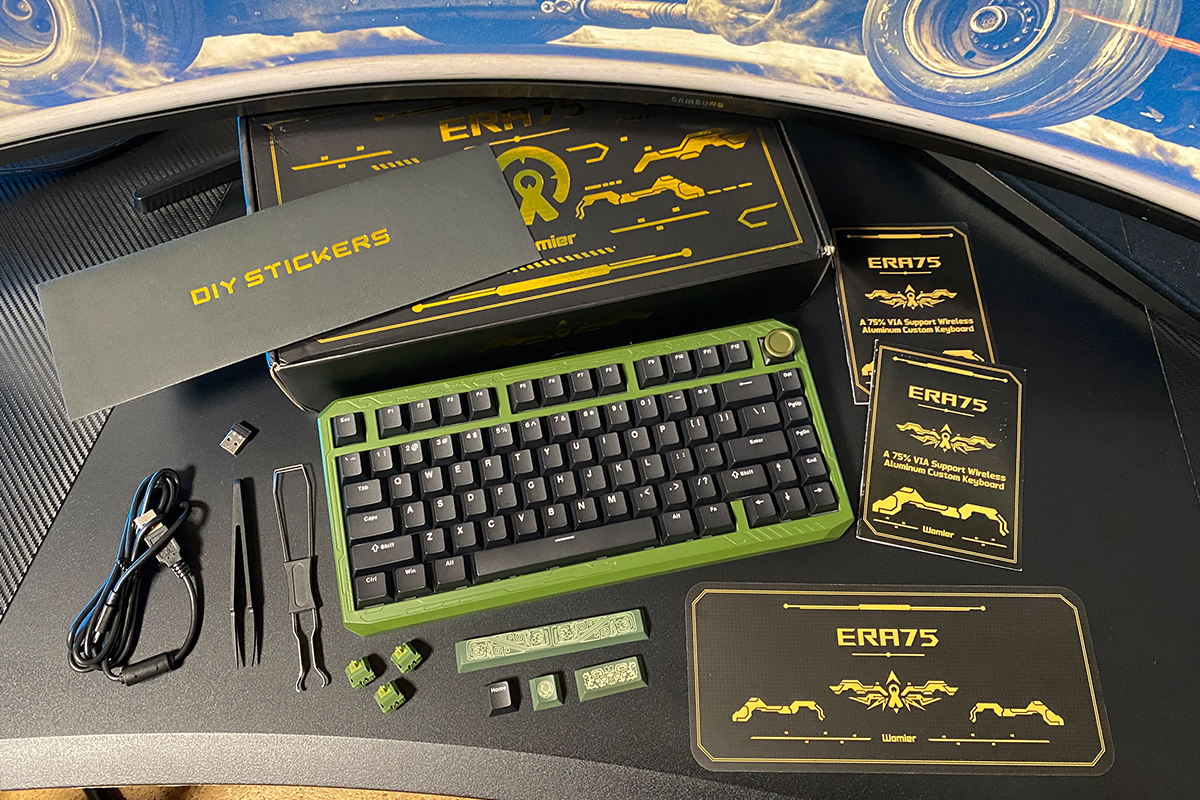
Inside, we find a fairly good and rich set of accessories. In addition to the keyboard itself, Womier has included the following in the box:
- 2.4 GHz RF wireless adapter
- detachable USB-A to USB-C cable
- double puller
- spare switches
- additional stylized keycaps
- set of stickers for the case
- tweezers for stickers on the case
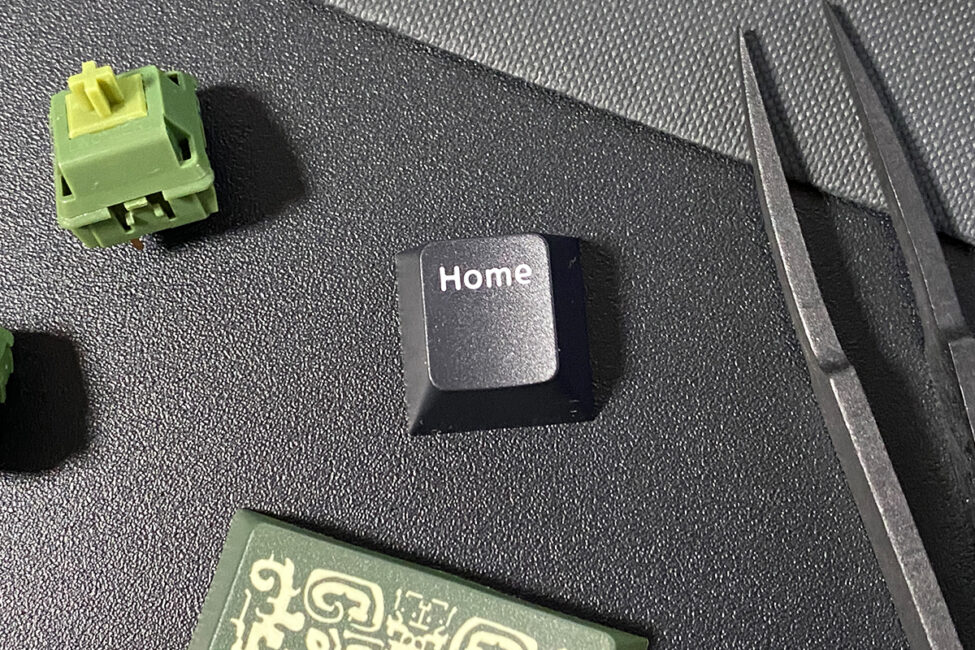
- standard Home key
- user instructions
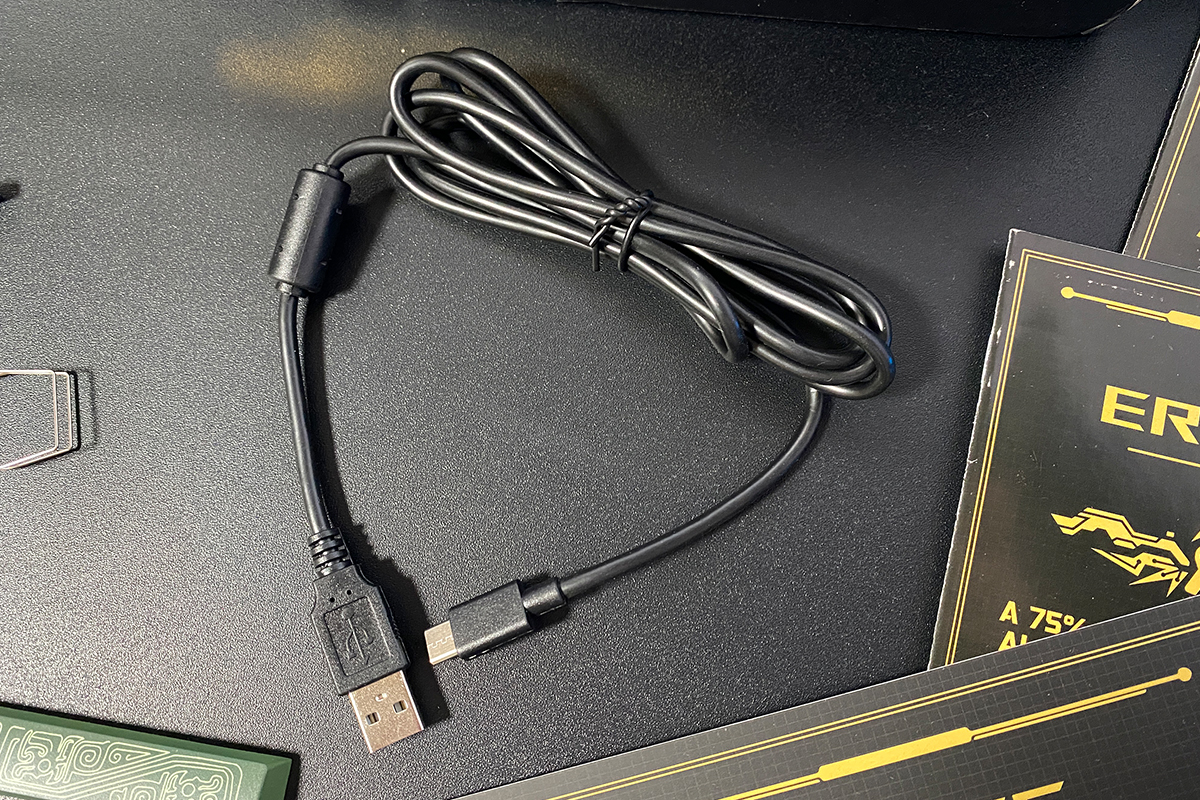
The detachable USB-A to USB-C cable is about 1.8 meters long. It’s a standard cable with regular rubberized insulation: it bends easily but doesn’t really hold its shape. A ferrite filter is installed at the end to reduce interference.
The dual-purpose puller is a classic one: keycap pullers on one side and a switch remover on the other. I’d like to highlight the length of the keycap puller prongs – they’re properly sized here, making it convenient to remove even long keys without any hassle.
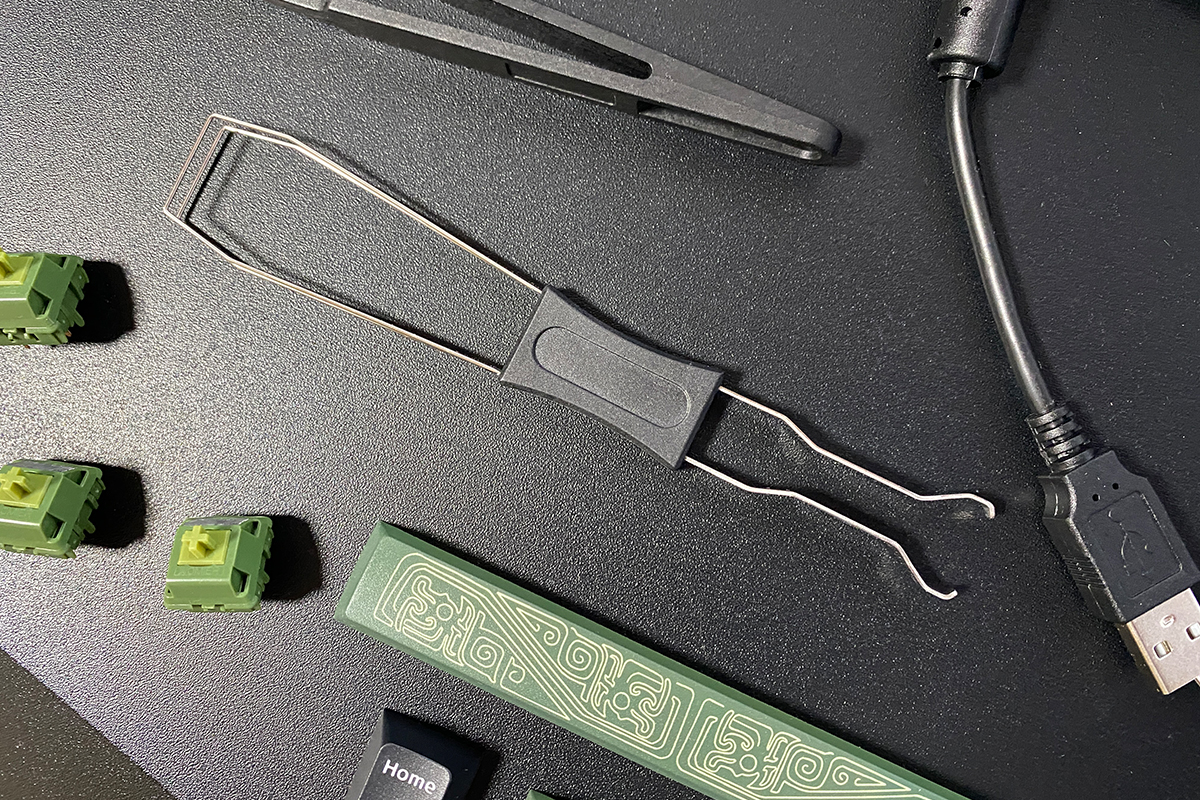
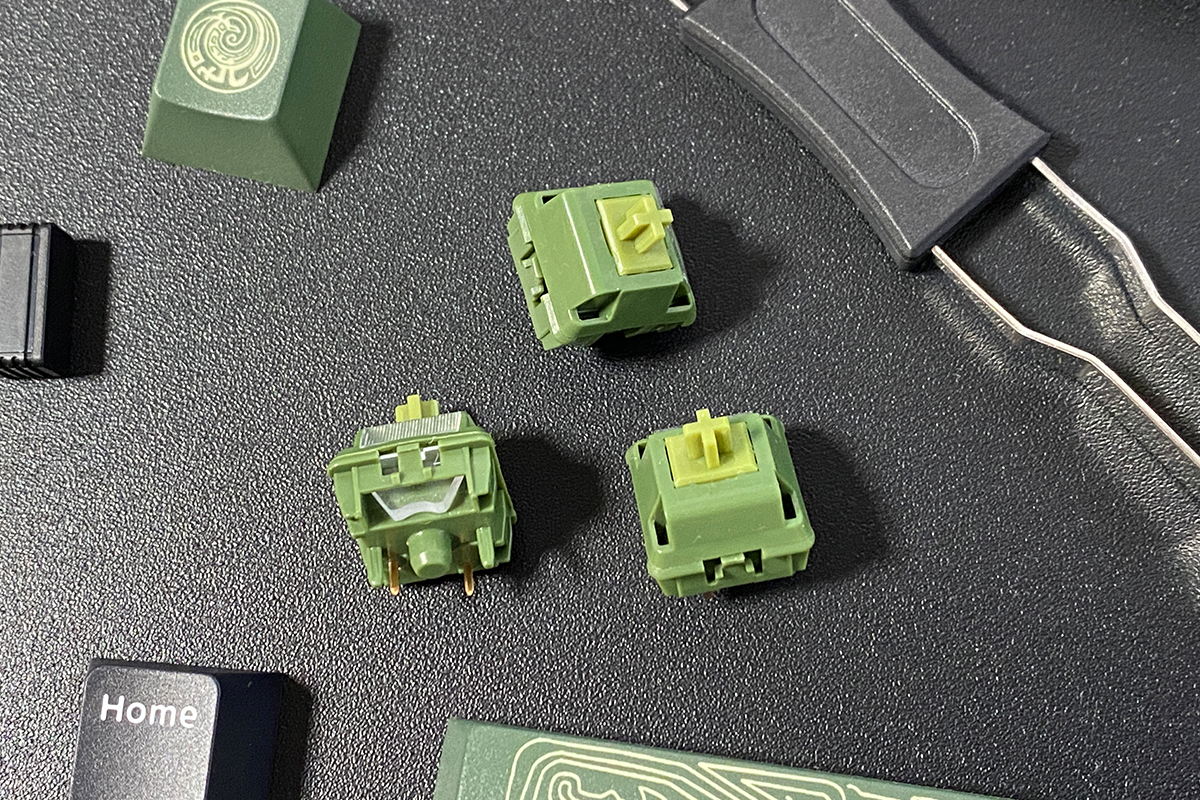
Spare switches are also included – the same ones that come preinstalled in the keyboard. In my case, these are the proprietary Womier POM Bronze switches.
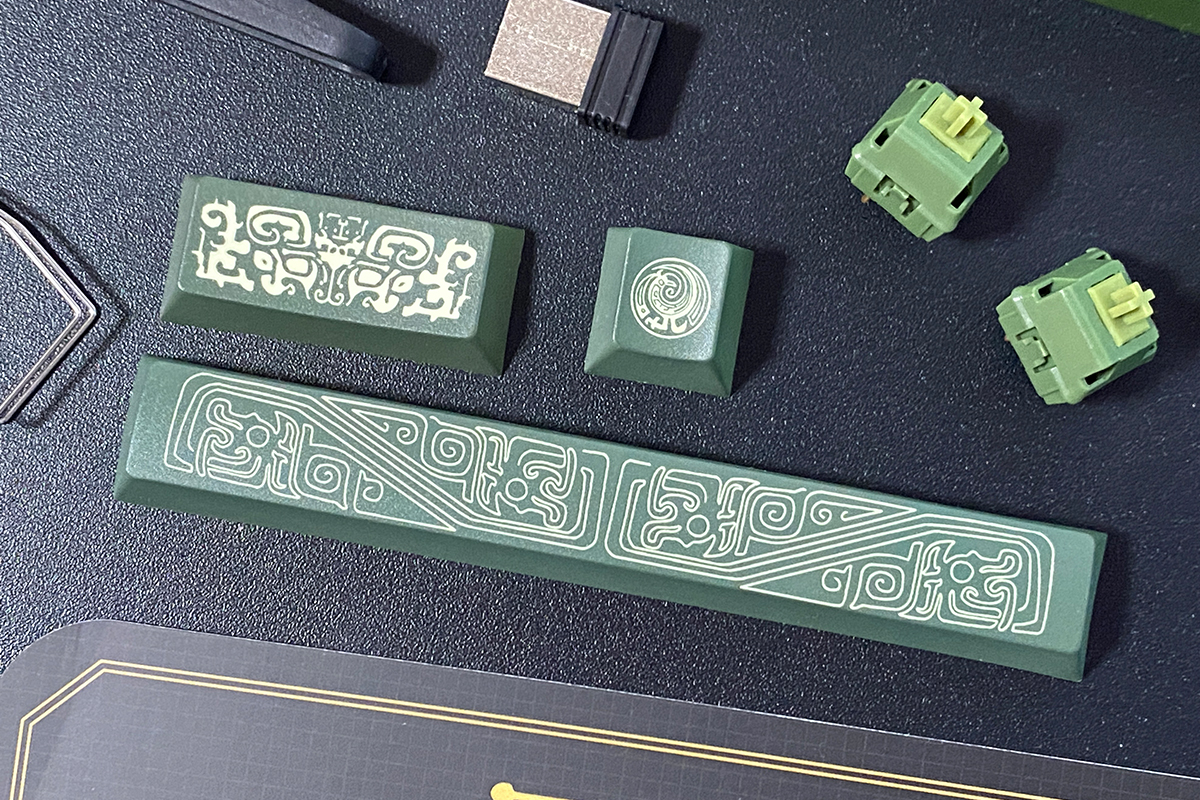
Additional stylized keycaps are included as well, featuring distinctive Maya-inspired patterns for the Spacebar, Enter, and Esc keys.
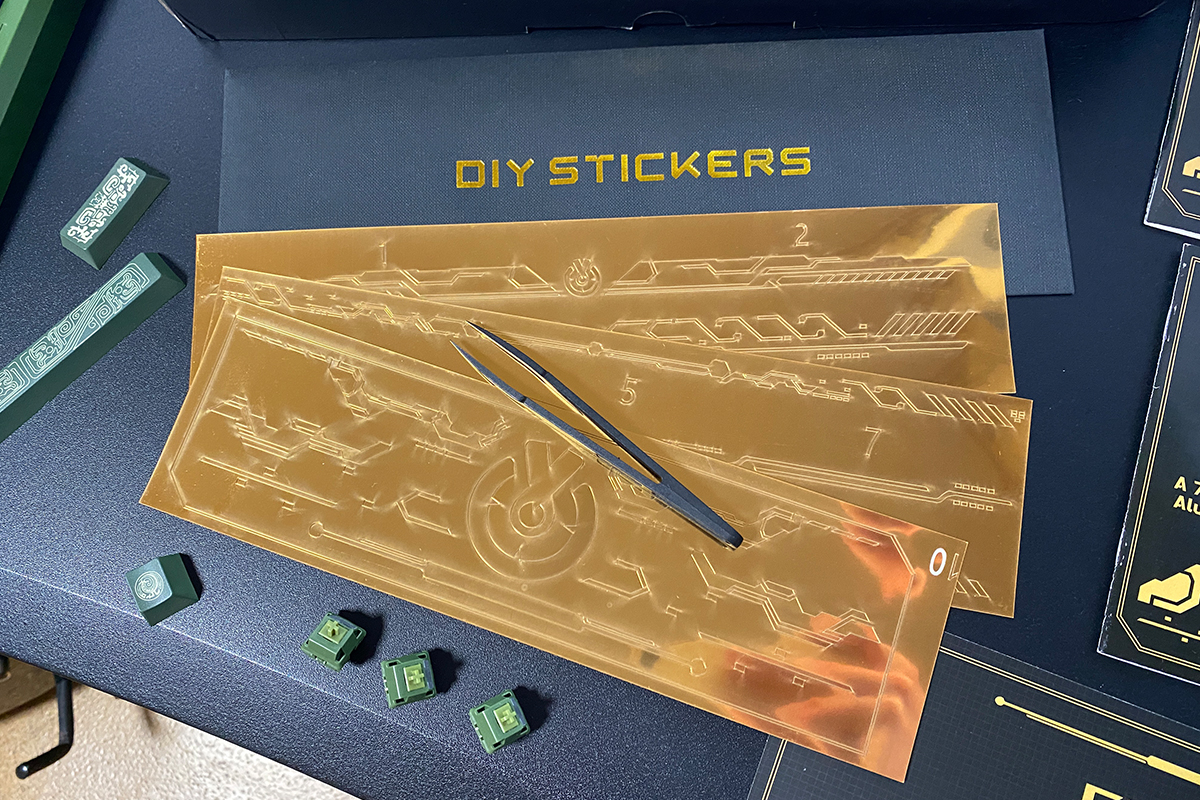
A set of gold-colored stickers is also included, allowing you to decorate the keyboard’s case. To make application easier, the package additionally includes a special pair of tweezers.
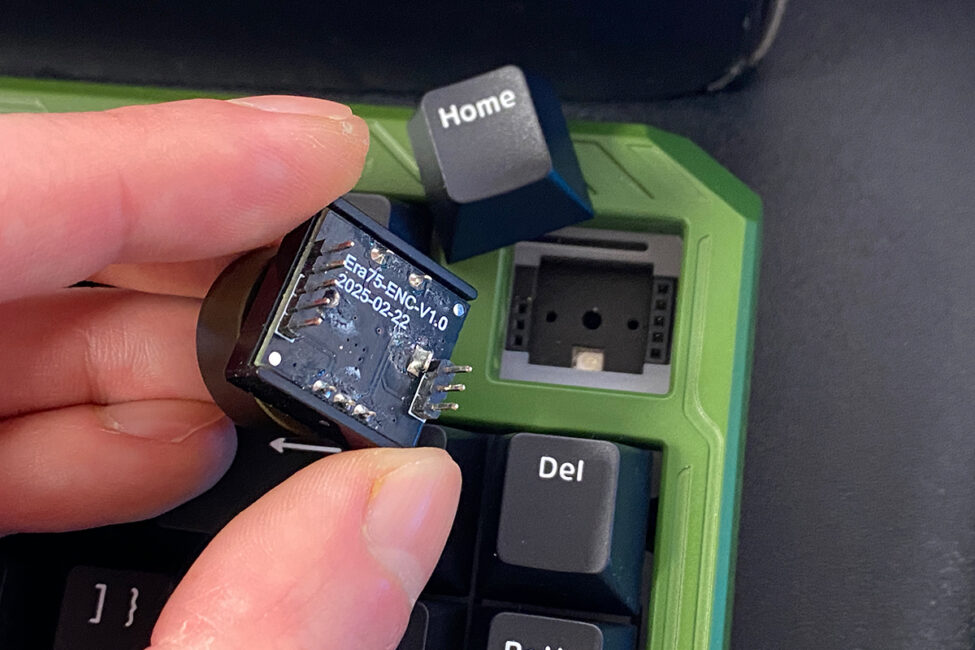
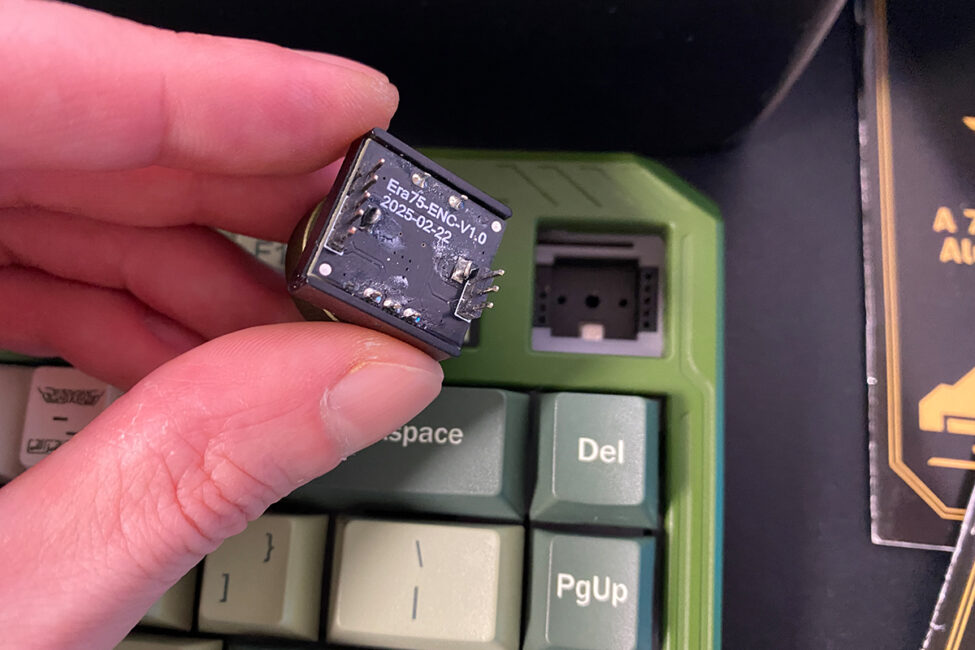
The removable rotary knob can be replaced with a standard Home key. It is easy to remove, and a regular switch with a keycap can be installed in its place. Reassigning the key instead of the knob can be done via the VIA web configurator.
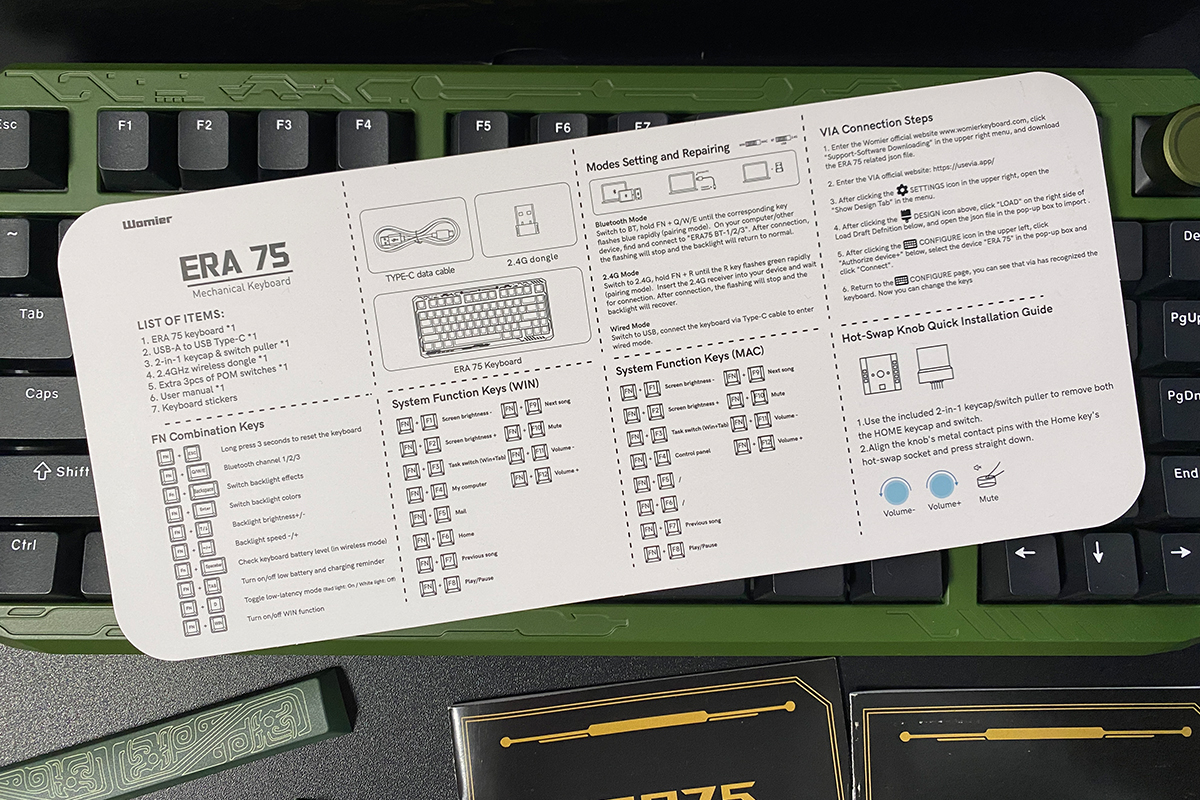
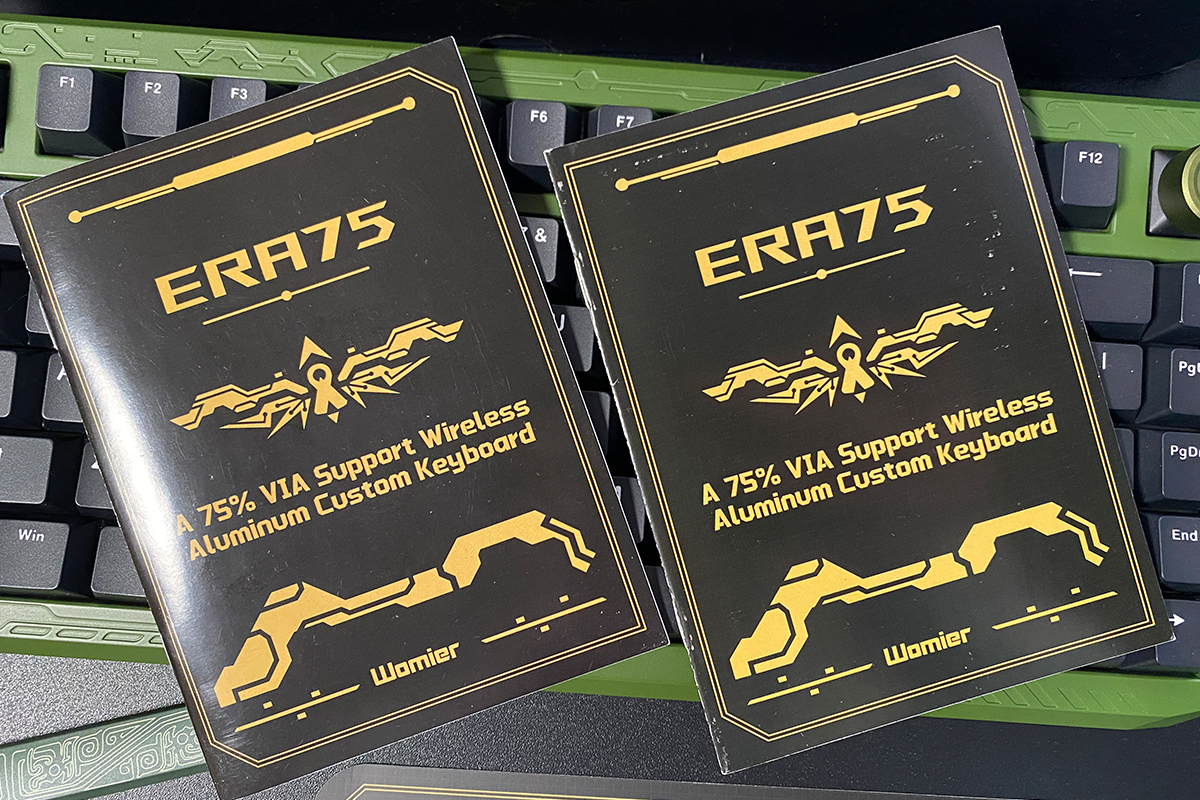
There are three user guides included: a small card with basic information and hotkeys, and two booklets in different languages. English is available, so understanding the material should not present any difficulties. It is advisable to review the guide and familiarize yourself with the main hotkeys and FN key combinations. As is often the case, the ERA75 model implements several combinations in a unique way.
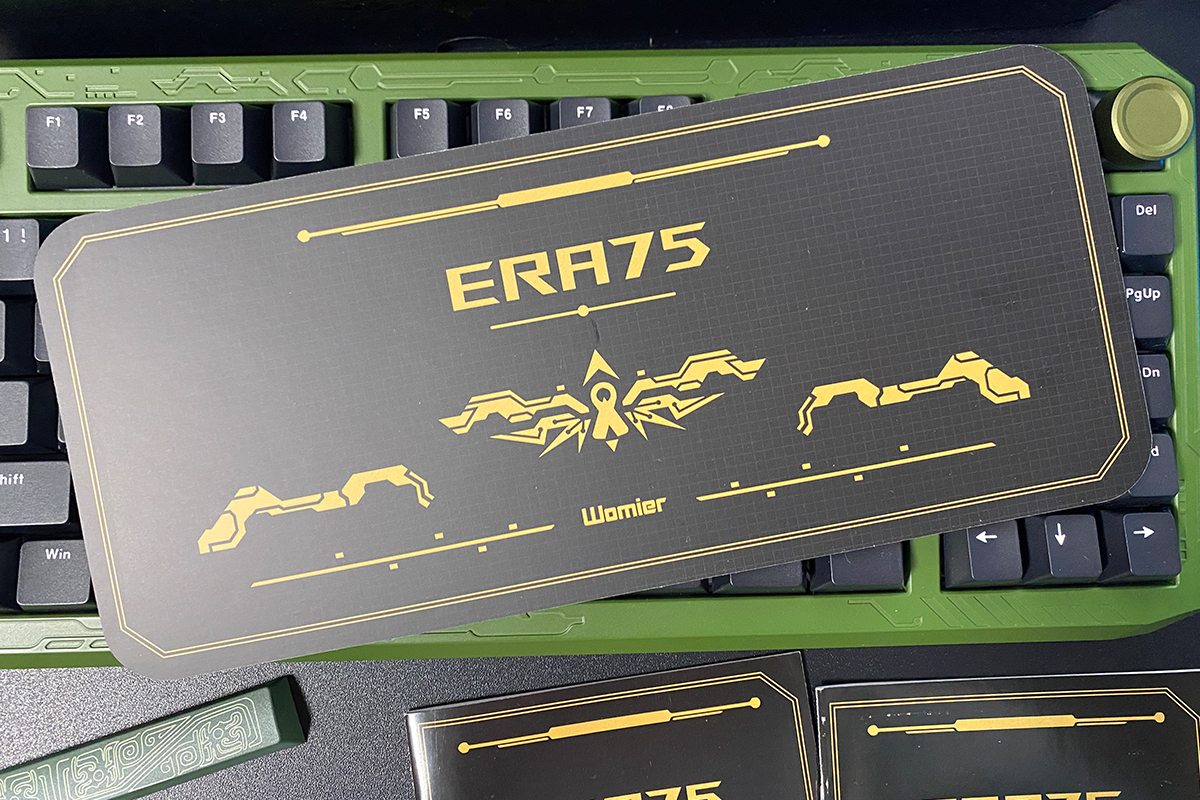
In terms of overall contents, the package appears to be well-equipped. The only minor issue I noticed relates to the stickers on the case. The stickers themselves are reasonably well-made, but they still require careful and methodical application. Additionally, their design includes many small details that need to be aligned precisely.
It might have been preferable if these were not stickers, but thin metal plates that could simply attach magnetically to the keyboard case, or something similar. For this reason, I chose not to apply them. A visual example of how the keyboard would look with the stickers is shown in the photo below.

As mentioned earlier, to fully convey the concept behind the design, the keyboard should be paired with the stylized keycaps, which are specific to each color (model). An additional set can be purchased from Womier’s official website for $33 / €28. While this is not a low-cost option, it may be considered worthwhile. If the goal is for the keyboard to have the most visually striking appearance and match its intended “era,” a one-time investment is reasonable.
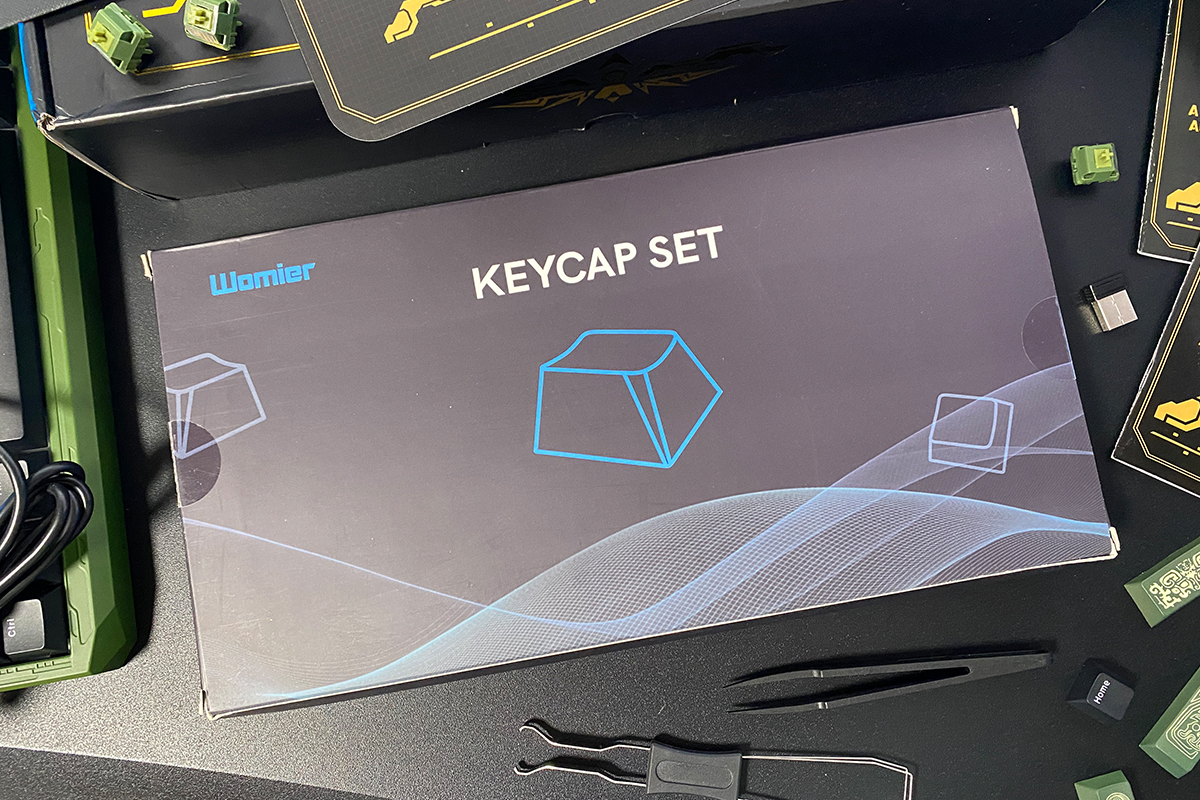
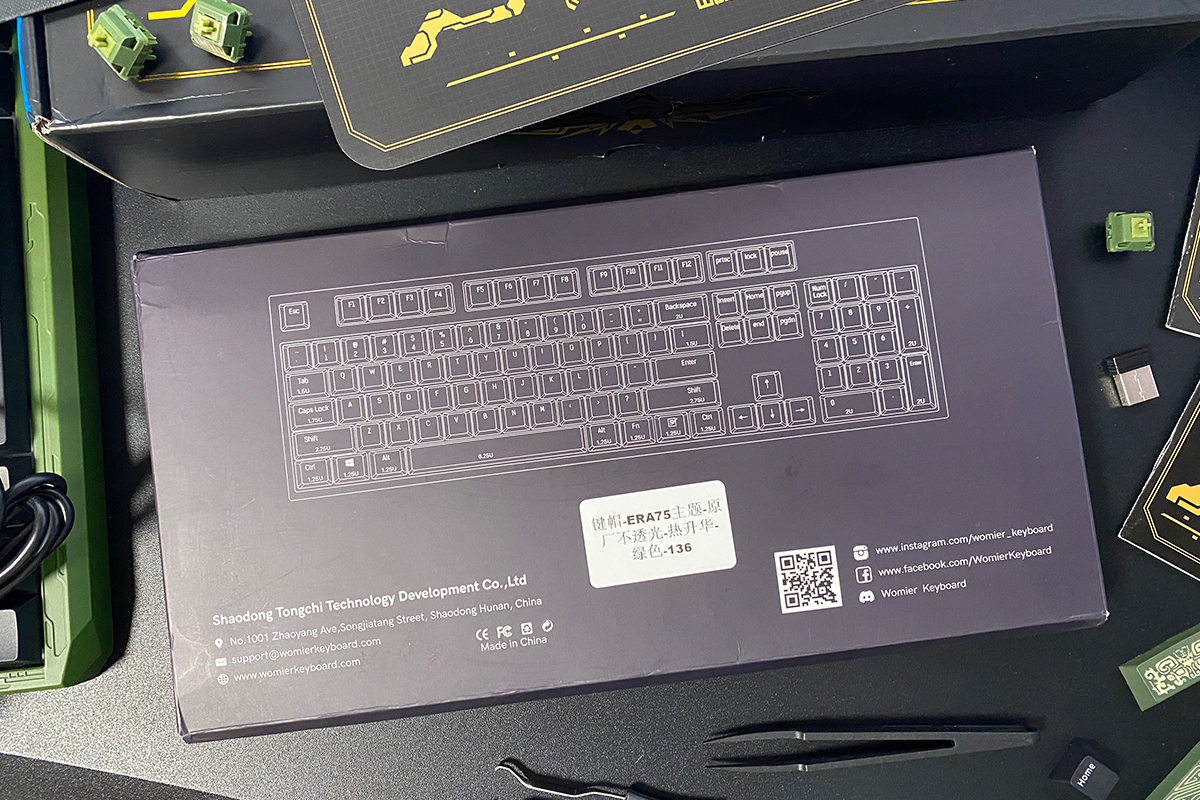
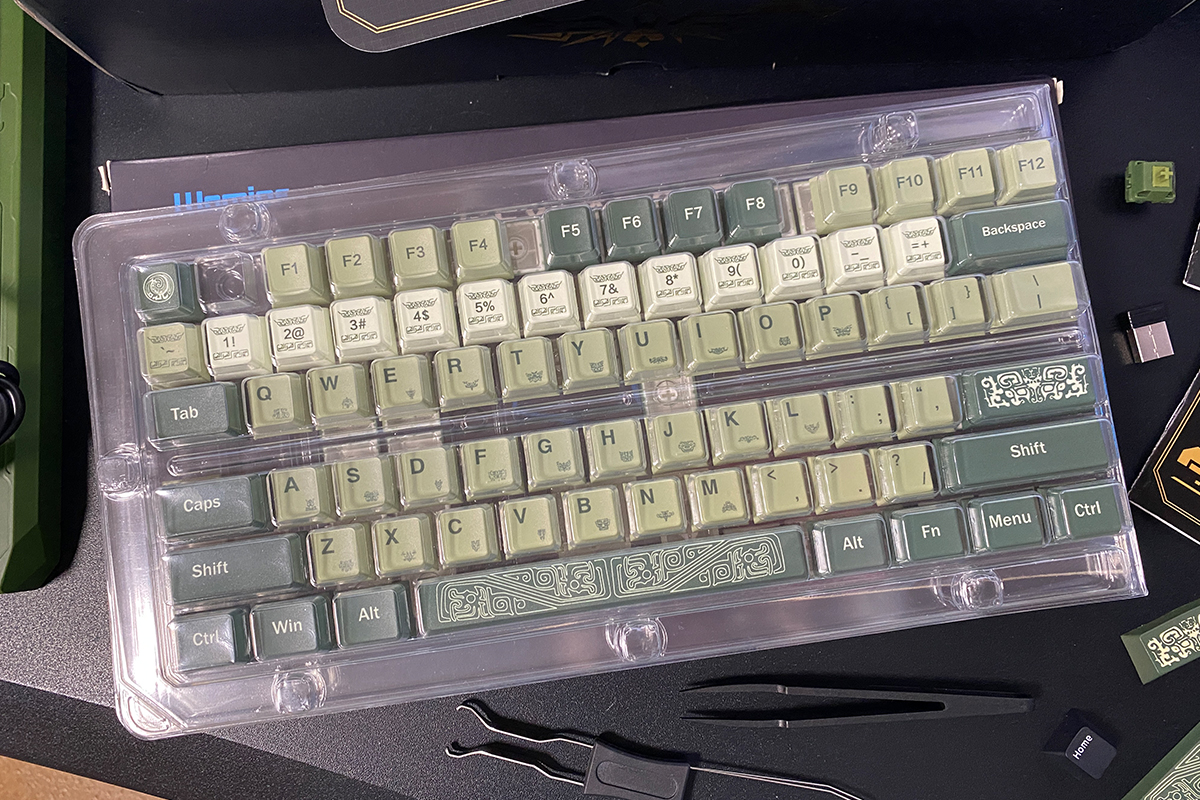
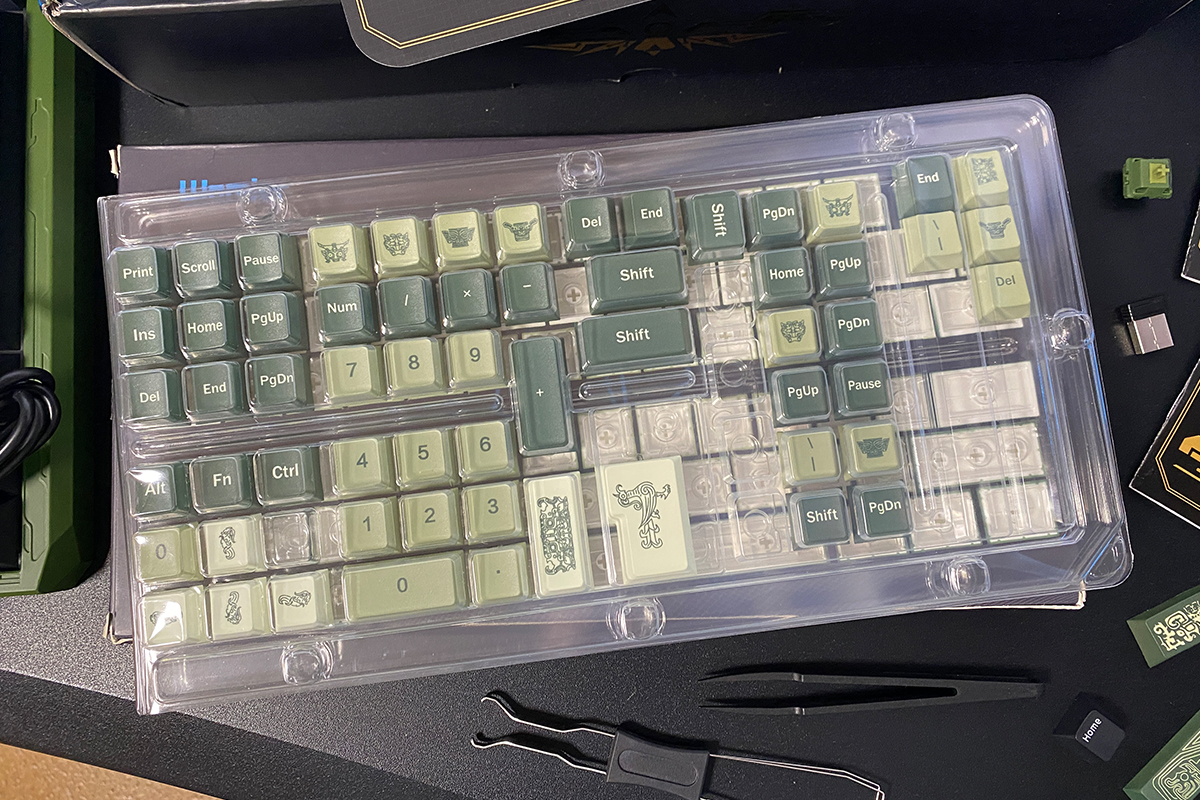
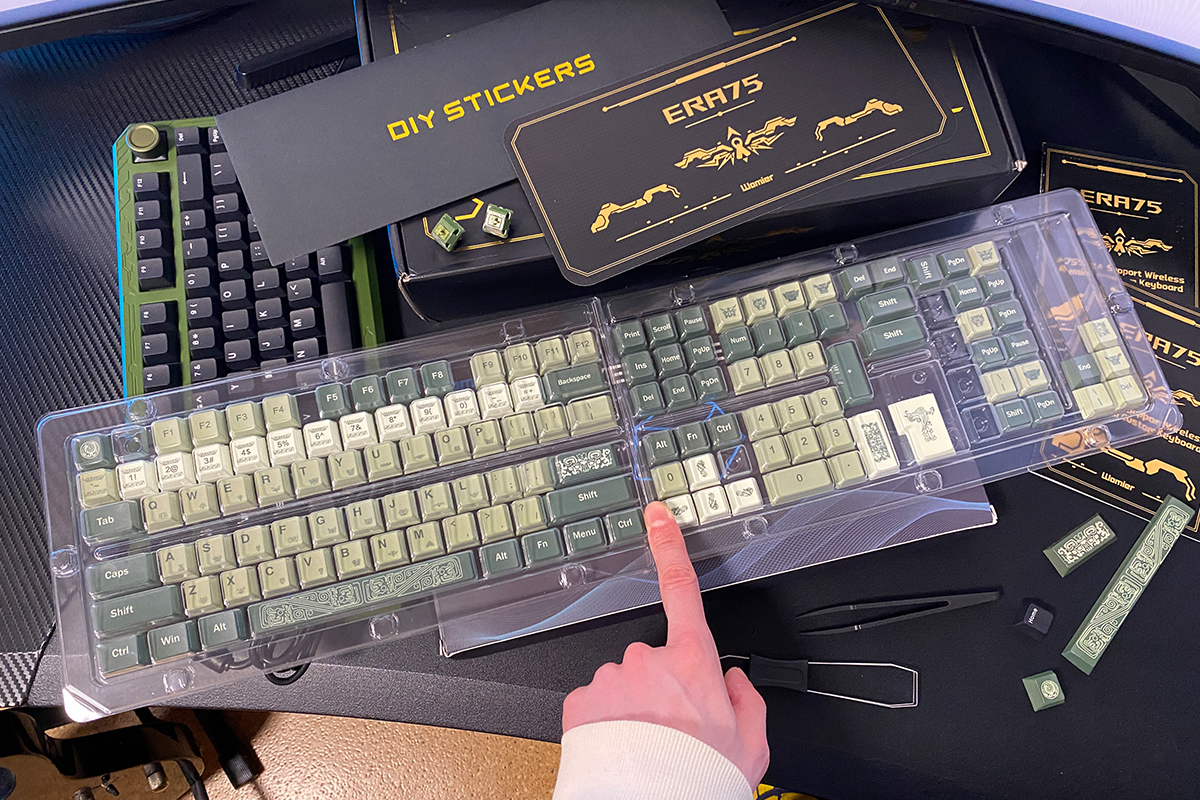
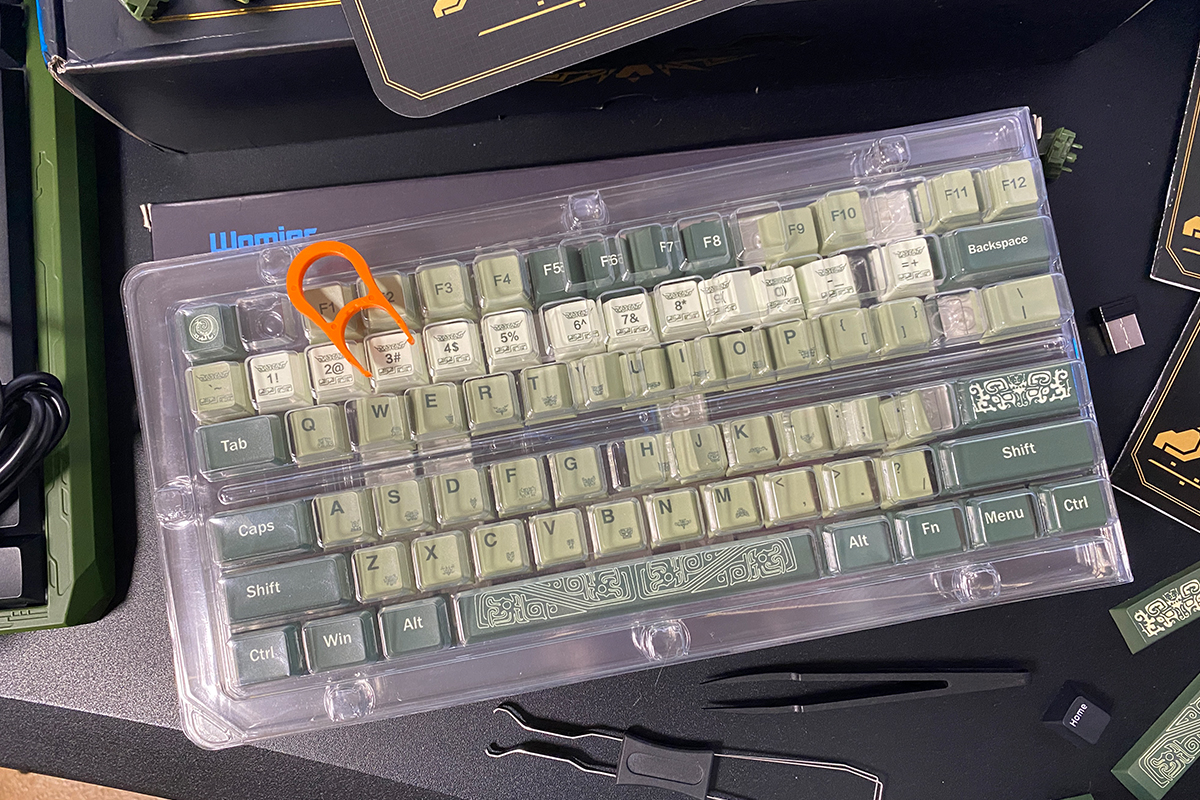
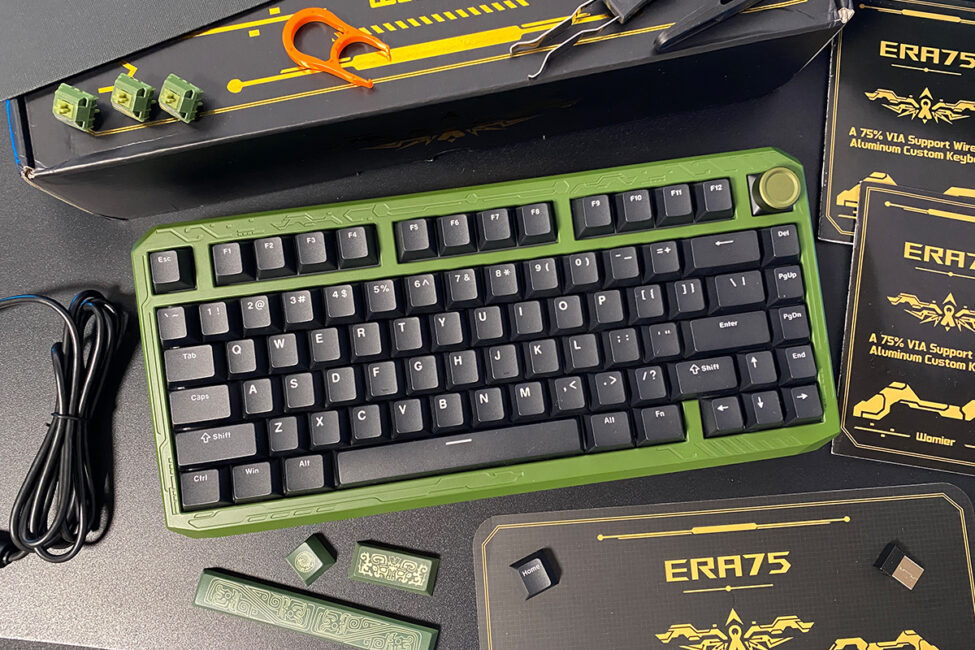
The keyboard I received for review came with the additional keycaps already included. Below, for visual comparison, I will show how the keyboard looks with the stock keycaps versus the stylized ones.
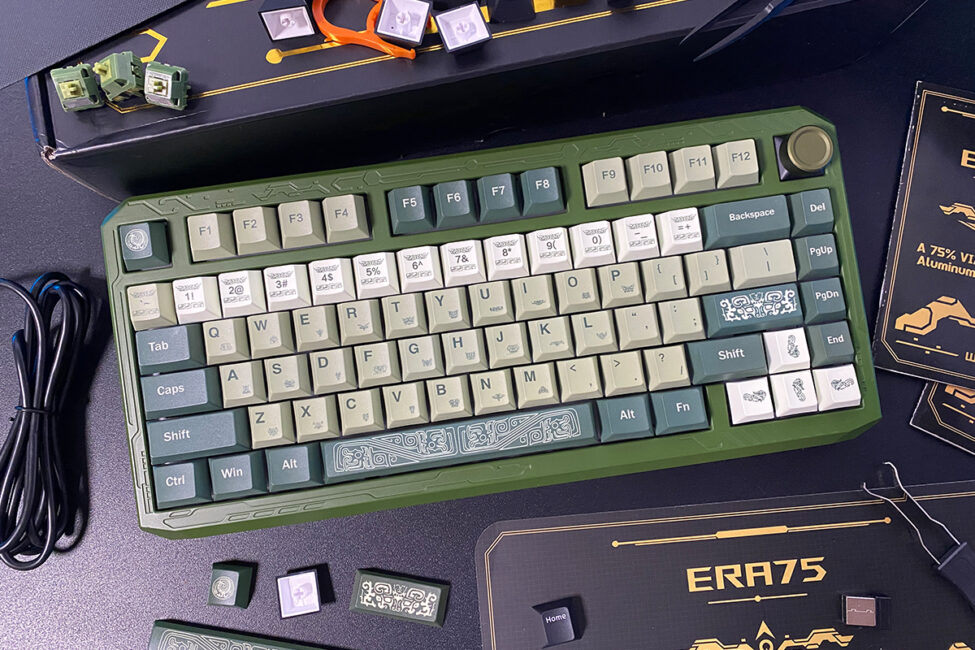

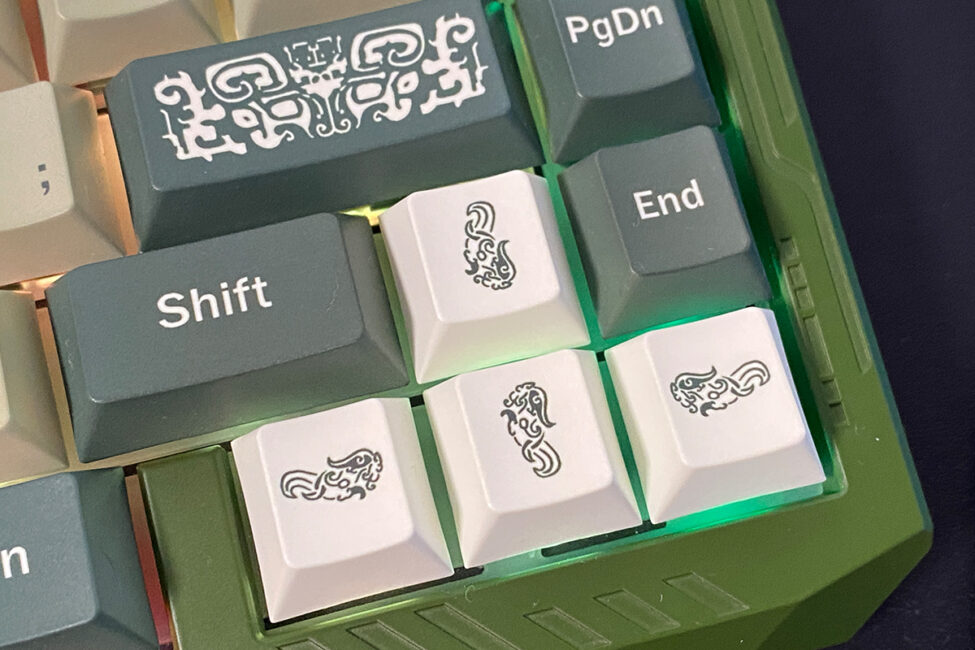
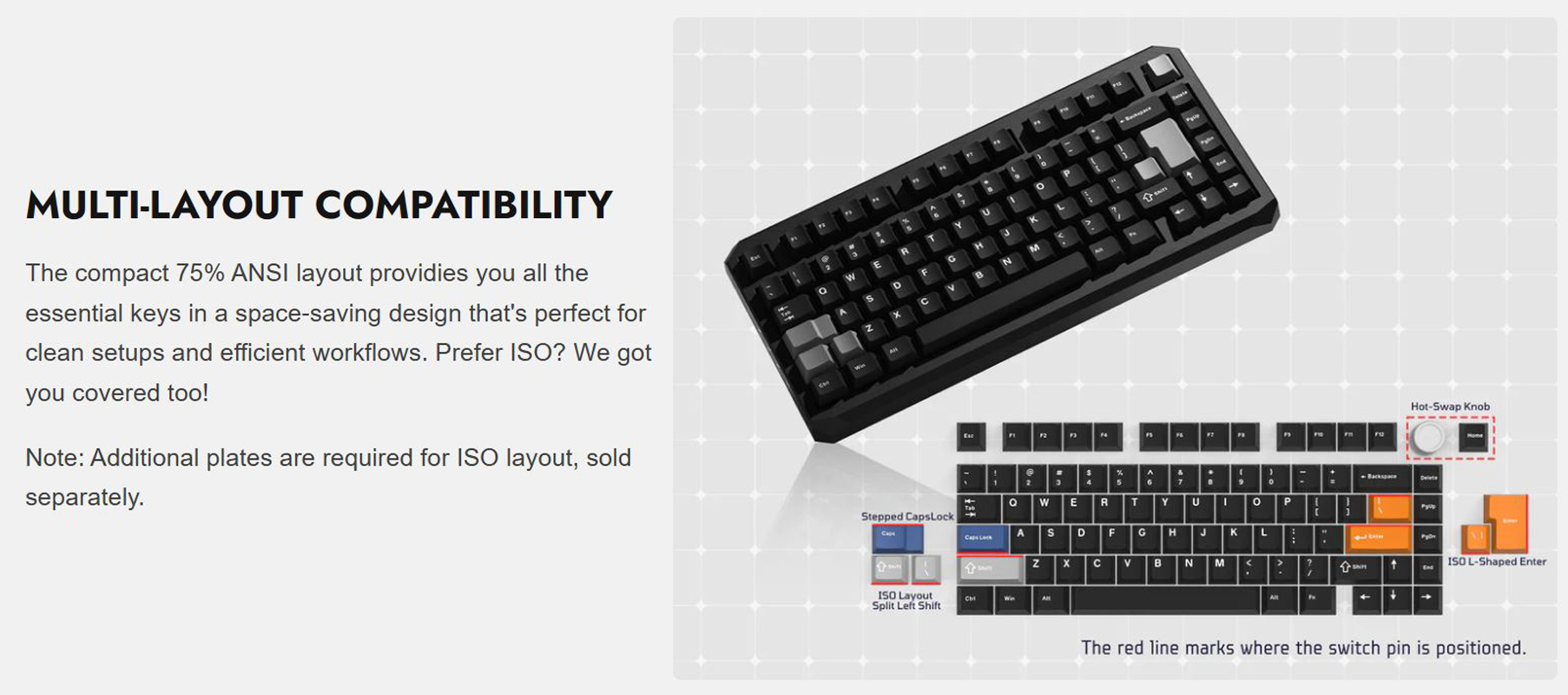
What was pleasantly surprising about the additional keycap set is that it also includes NumPad keys and keys for the ISO layout. The ERA75 model supports both the American ANSI (QWERTY) layout and the European ISO layout. However, for the European ISO layout, an extra plate is required, which can be purchased separately for $13 / €11 from Womier’s official website.
Finally, it is worth noting that while this keycap set is primarily designed for the ERA75 model, it includes all possible key variants – NumPad keys, ISO layout keys, Mac keys, shifts of different lengths, and so on. In this sense, the set is fairly versatile and could be used for custom builds on other keyboards, including those with a 100% form factor.
Read also:
- HATOR Skyfall 80 Pro Wireless Review: Silent Switches, Hot-Swap Support, and a Mini Display
- KiiBOOM Moonshadow V2: The Premium Thock You Don’t Have to Build
Design, Ergonomics, and Build Quality of the Womier ERA75
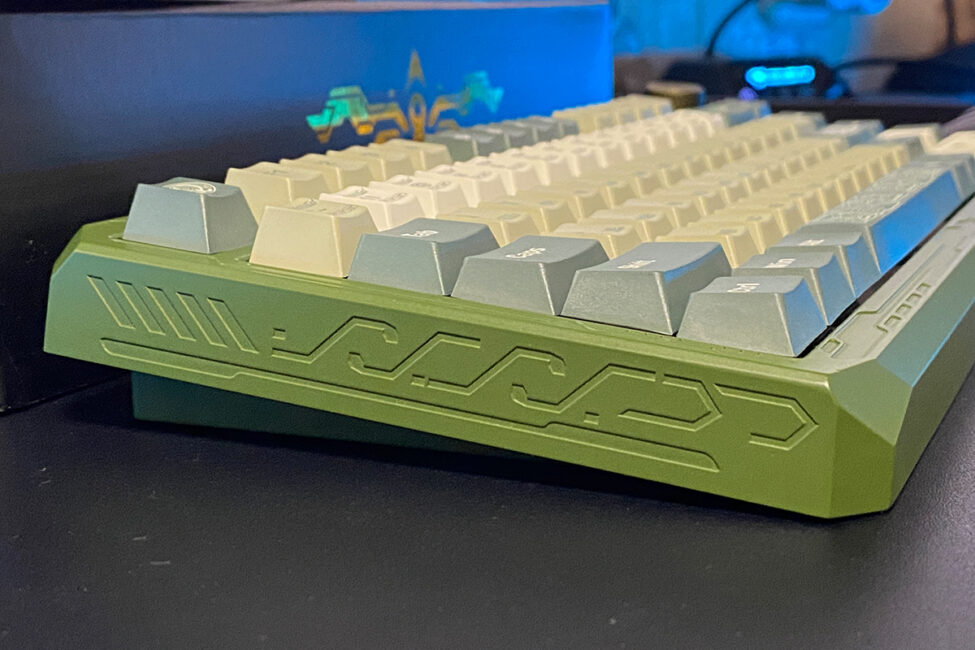
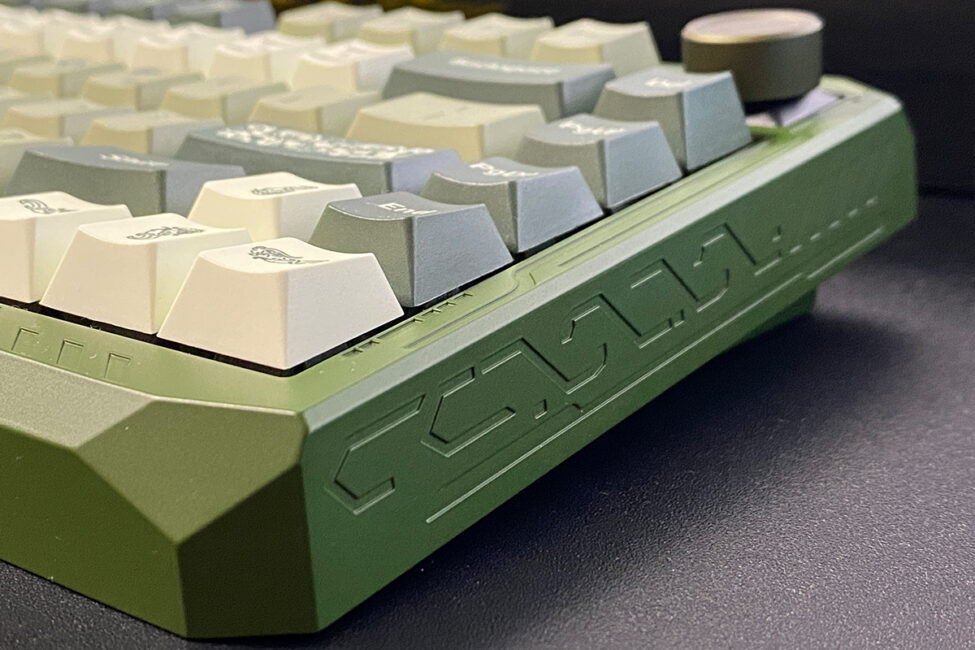
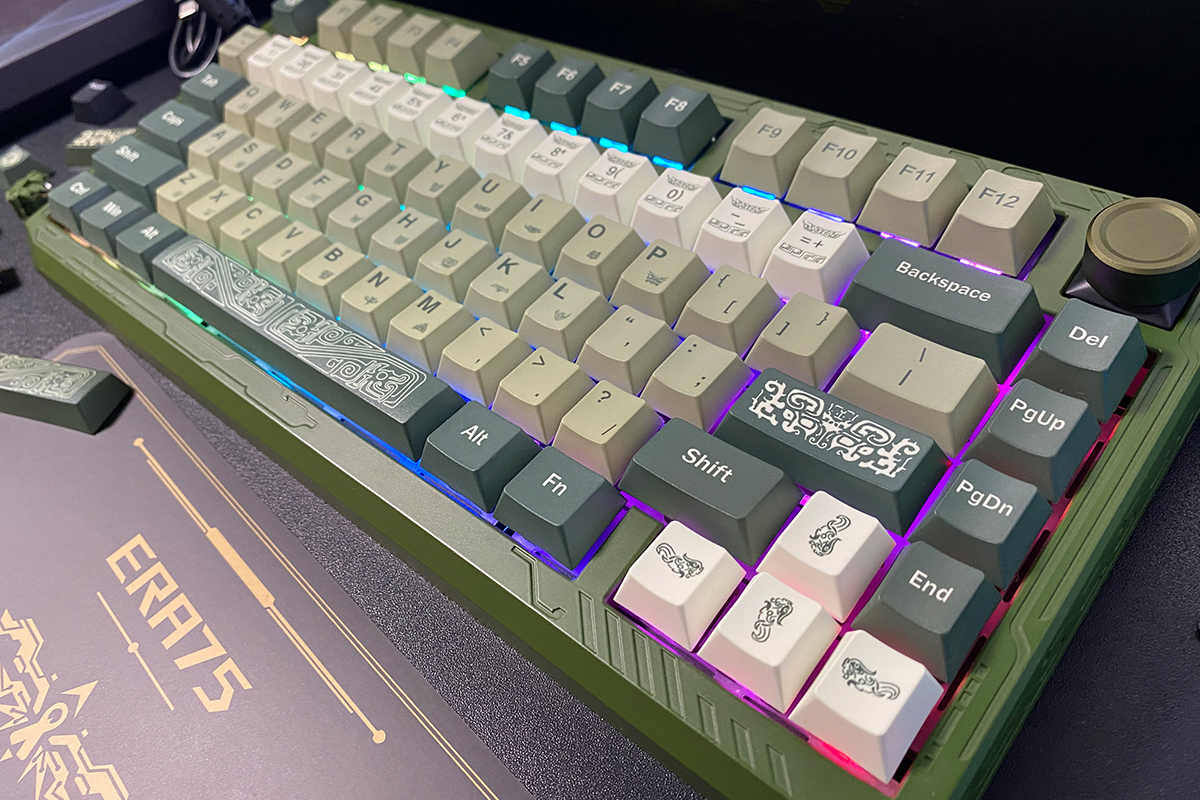
The first thing that stands out when picking up the keyboard is its solid metal case and, consequently, its considerable weight. The previous magnetic model was also notable for its heavy case, but the ERA75 feels even more substantial and robust. After using both keyboards, it seems that heavy metal cases are a distinctive feature of some Womier models, setting them apart from similar products on the market. This is one aspect that contributed to a positive impression of their keyboards.

The ERA75 model is built in the popular 75% layout. The keyboard features 80 keys (81 if the removable roller is replaced) and a standard American ANSI (QWERTY) layout. As mentioned earlier, one of the model’s features is compatibility with the European ISO layout, which includes a two-row Enter key and a shorter left Shift. However, converting the keyboard to the ISO layout requires purchasing an additional plate, as noted previously.
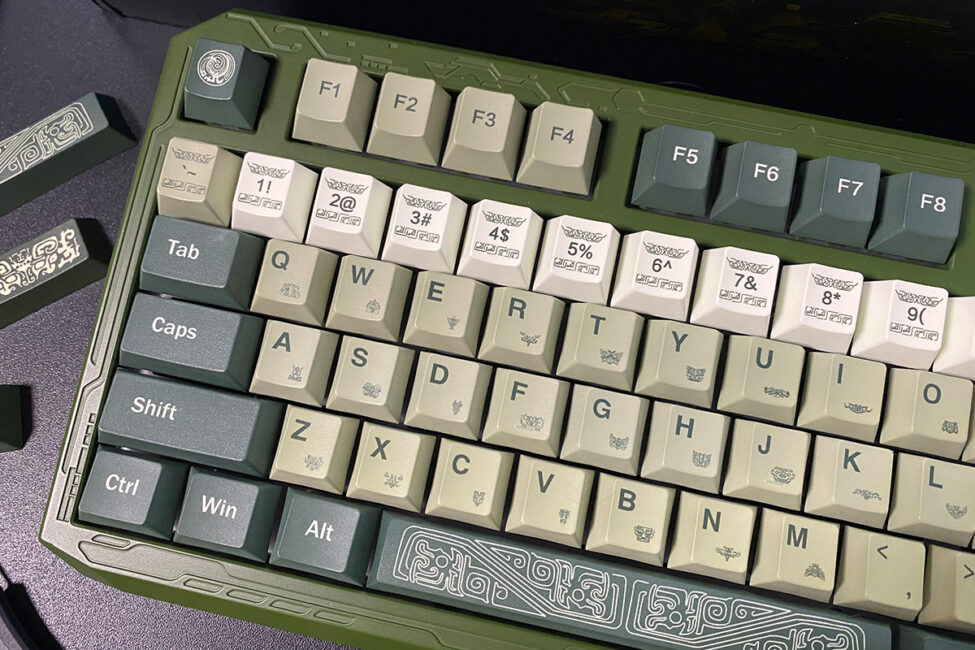
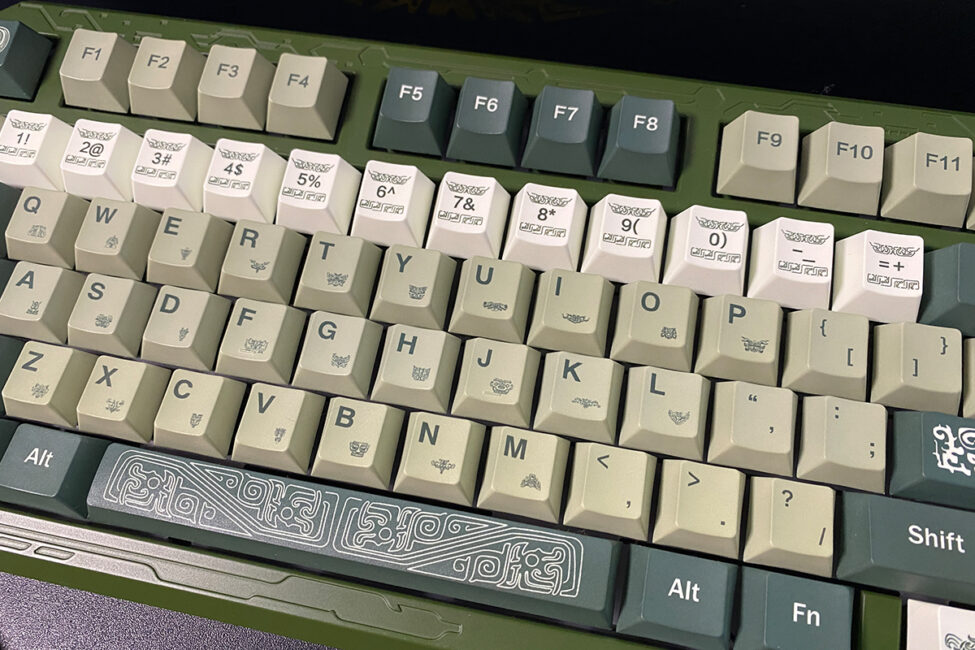
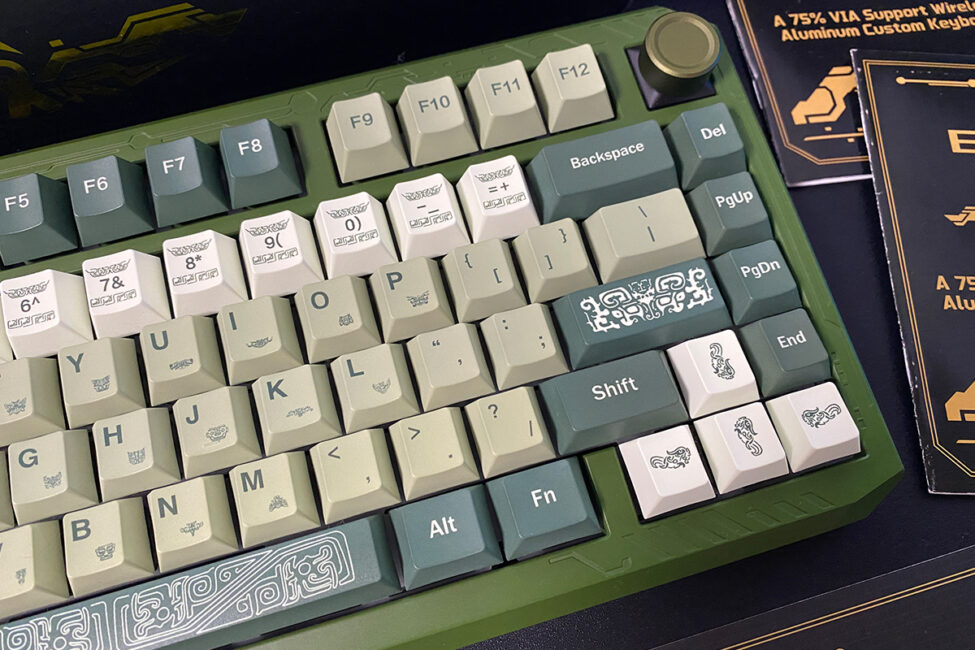
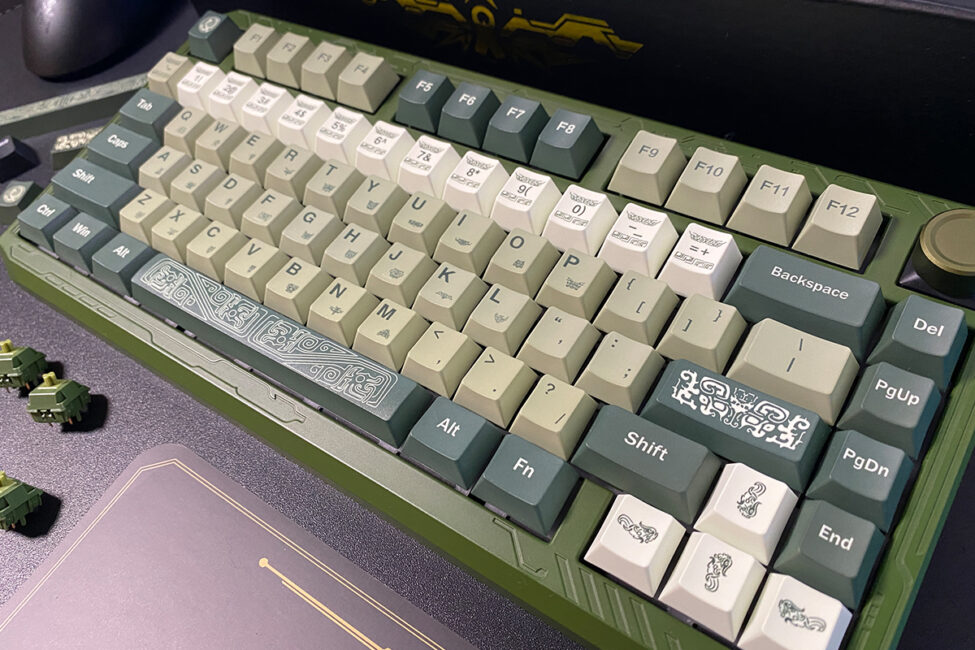
The keyboard is generally quite compact, though its dimensions are slightly larger than the typical 75% standard: 323 × 150 × 20/34 mm. The increased size is due to its unusual case design with wide edges. The model also features a non-standard tilt angle of approximately 6°. Based on feel and observation, the tilt of the ERA75 is similar to that of the previous magnetic SK75 TMR model. Initially, it feels unusual, but after some use, it becomes comfortable to type on.
The keyboard is also notable for its weight, which is 1.9 kg. According to the specifications, the ERA75 should be slightly lighter than the magnetic SK75 TMR, but in practice, it feels heavier. In short, the ERA75 is a heavy, solid, and robust device that is not easily moved. Personally, I find keyboards with such cases appealing.
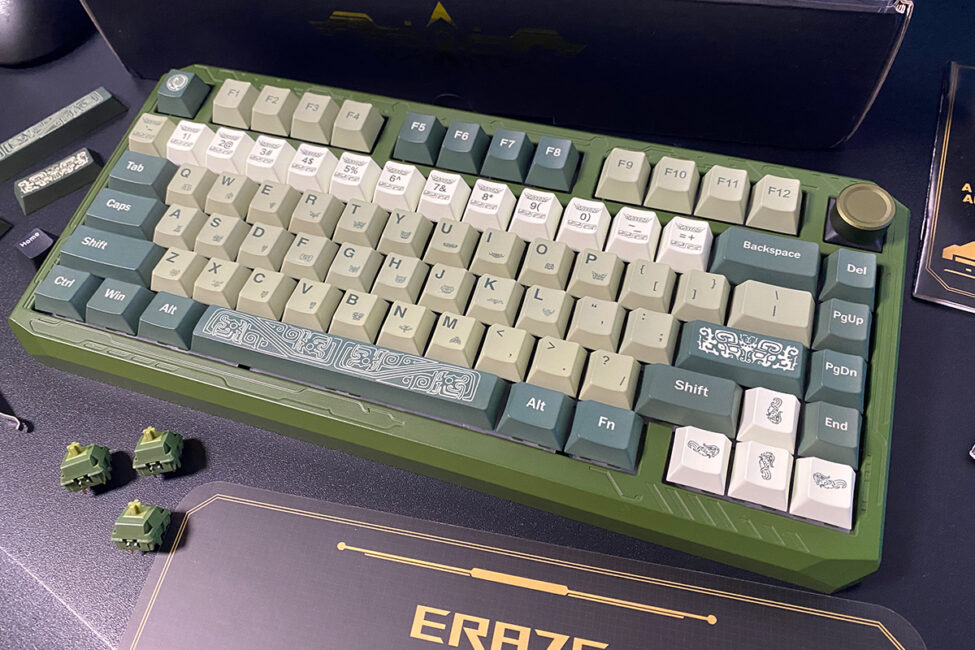
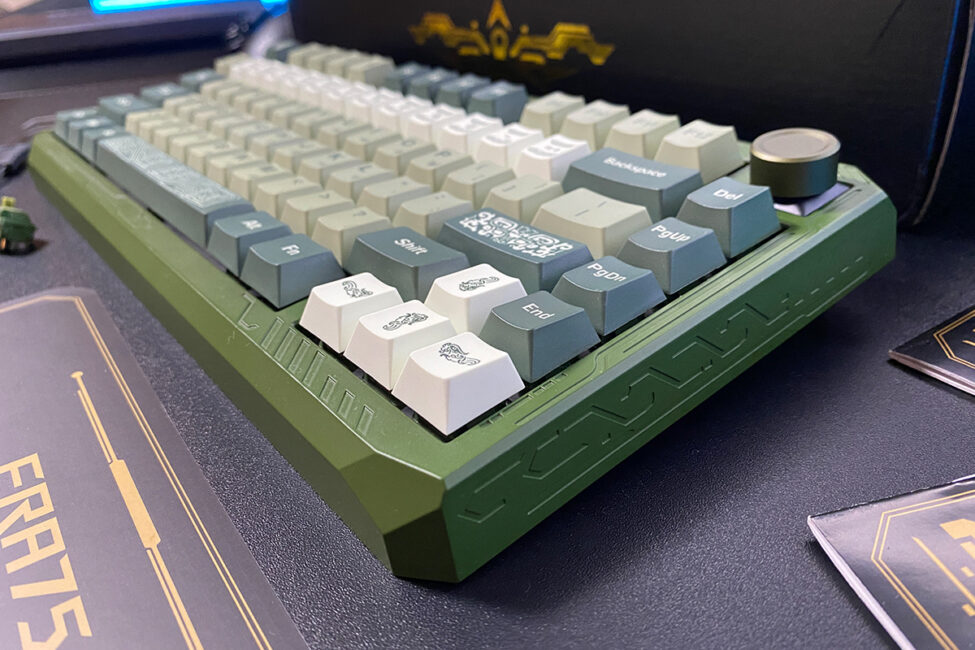
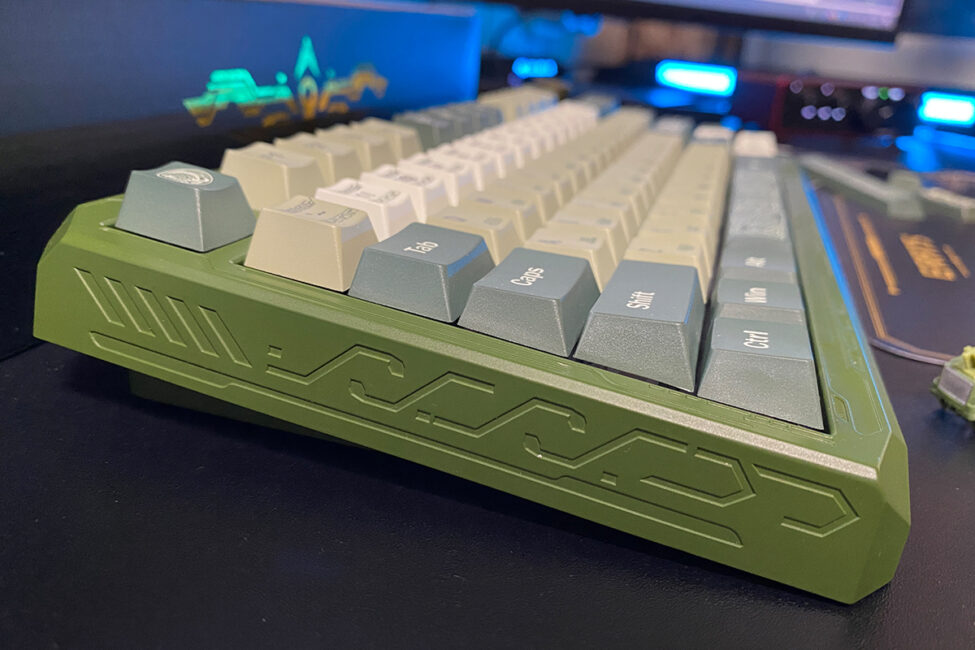
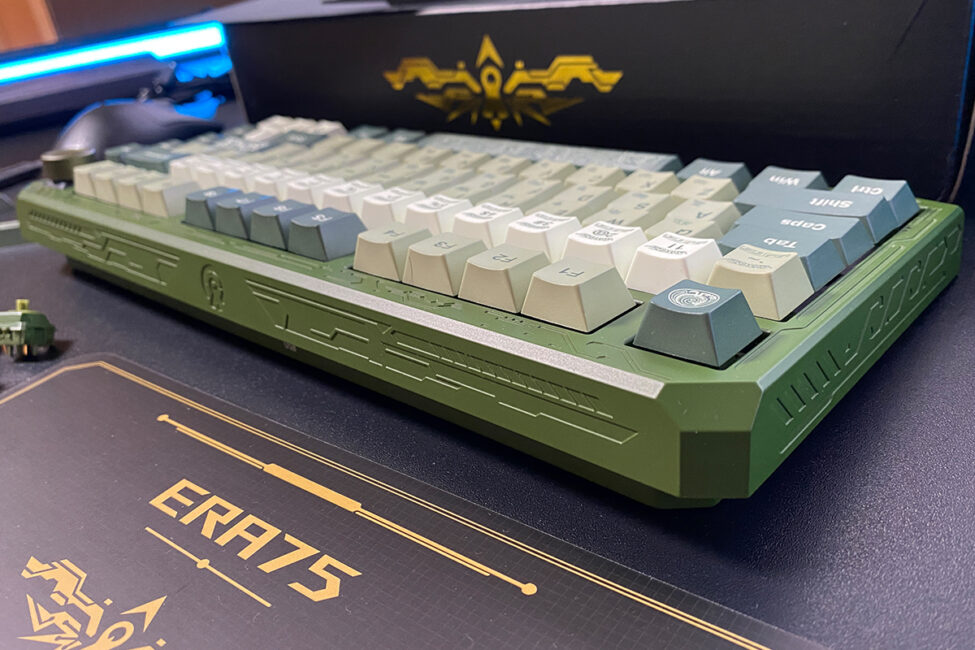
The ERA75 case is made of thick aluminum. Its exterior is coated with a powder finish. Unlike standard anodizing, this coating provides a pleasant, slightly textured surface that looks good and resists fingerprints.
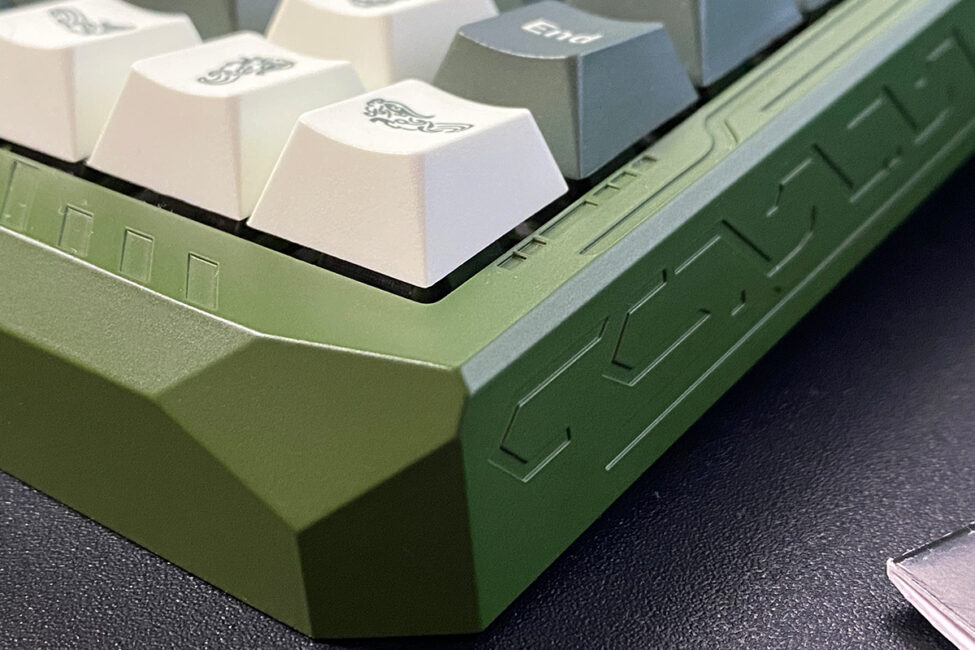
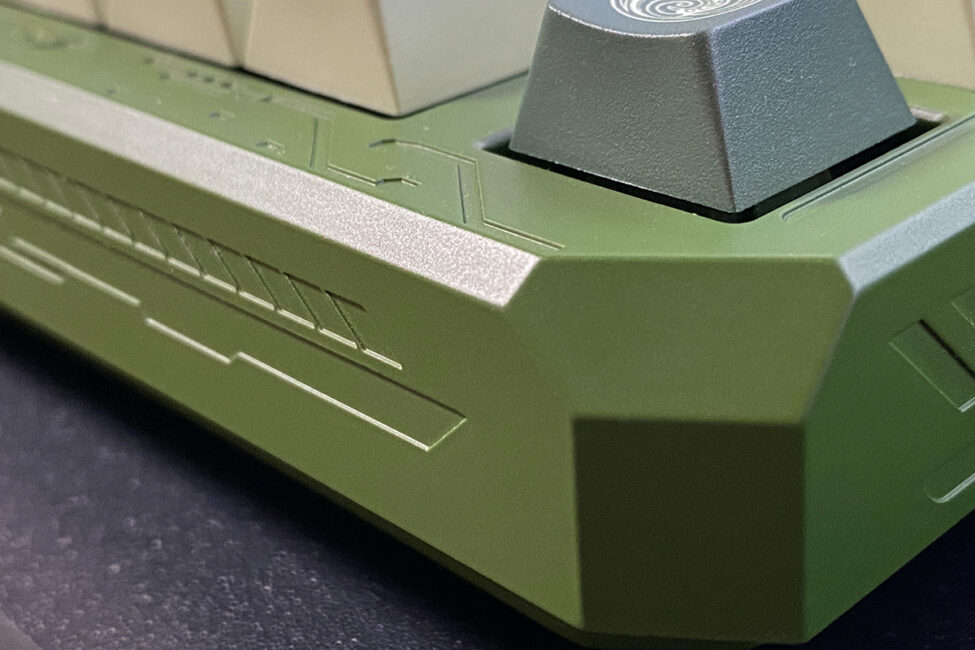
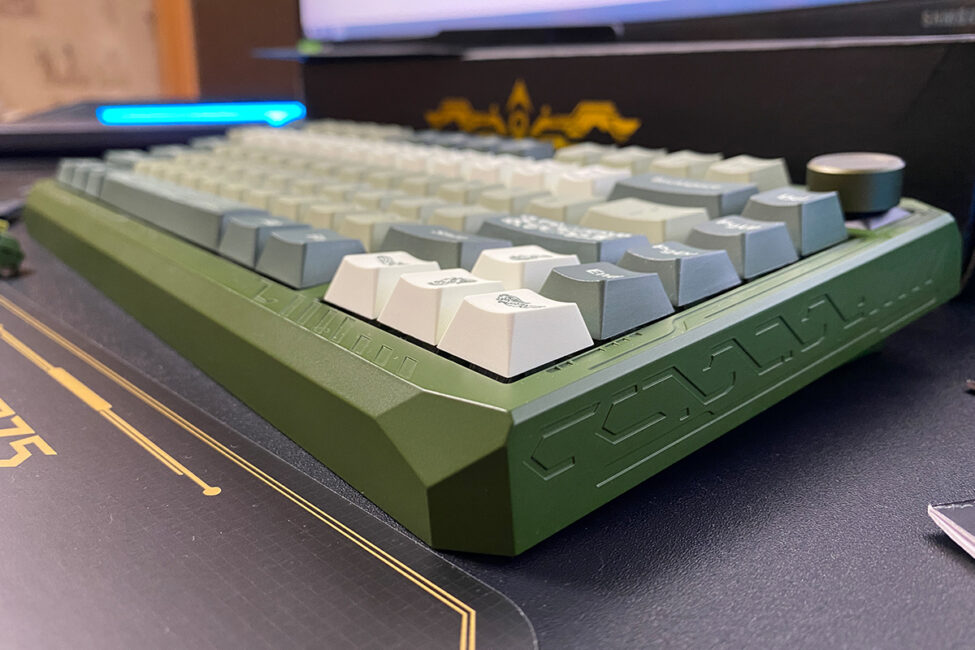
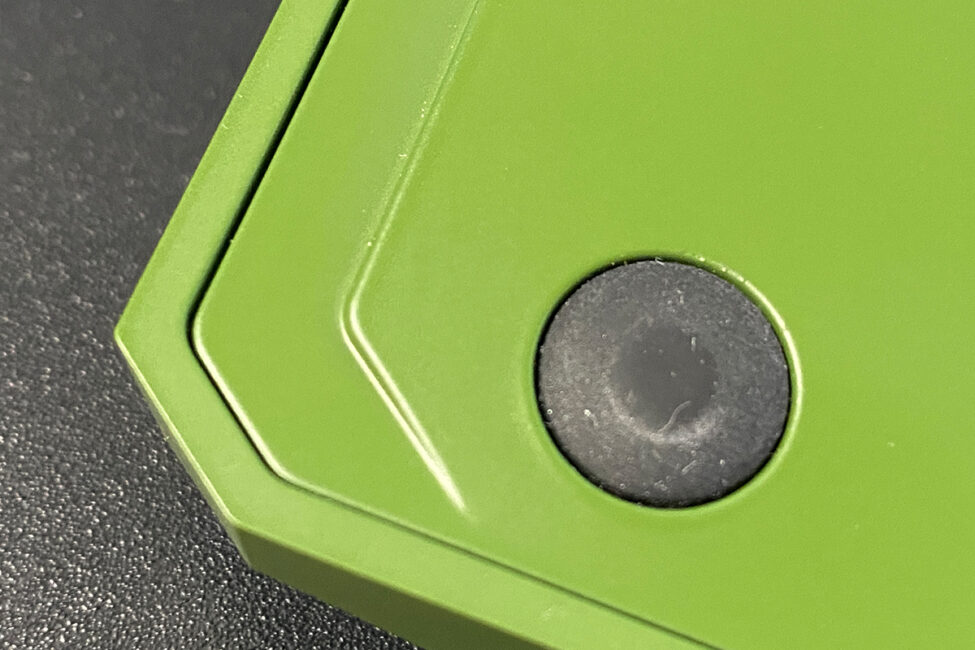
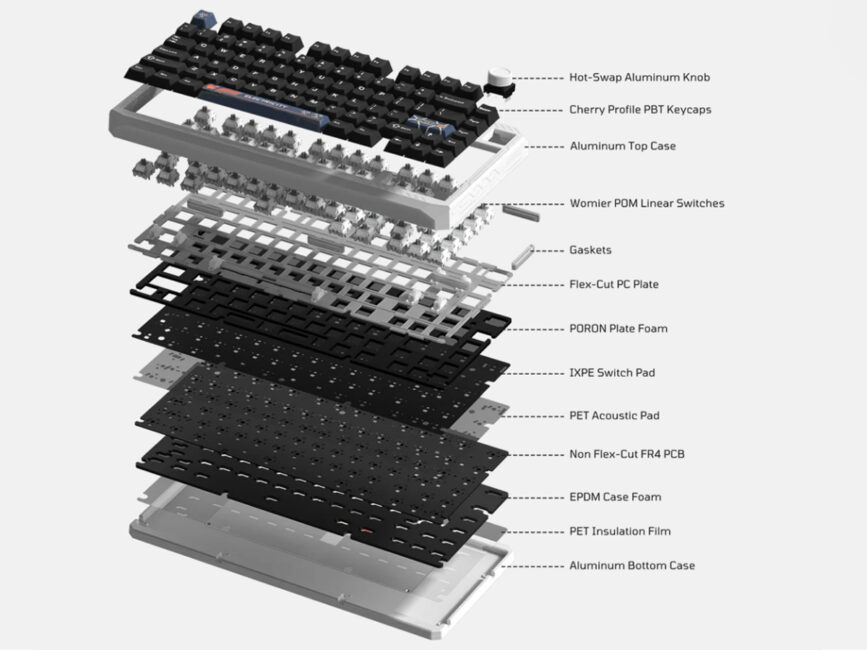
Internally, the keyboard uses a Gasket Mount architecture with a substantial set of various gaskets, sound-dampening, and cushioning layers, which provide a softer and more acoustically pleasant typing experience. A detailed view of the keyboard’s internal construction is shown in the screenshot below.
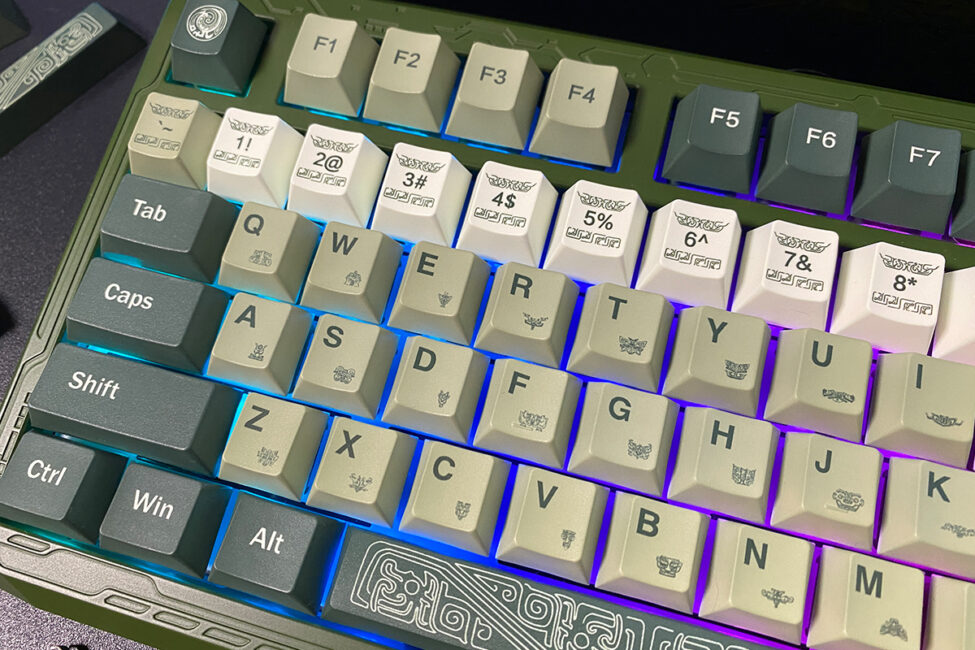
In its stock configuration, the keyboard comes with durable double-shot PBT keycaps in the standard Cherry profile. The keycaps themselves are of good quality: they have a pleasant textured surface, optimal plastic thickness, no burrs or molding defects on the underside, and properly sized legends that are applied cleanly and clearly visible.
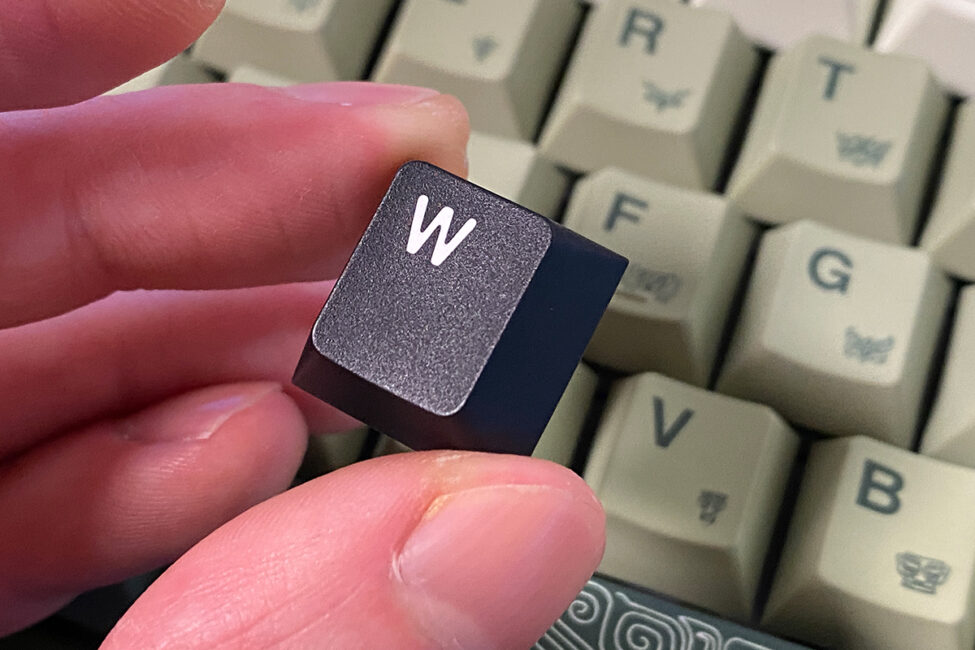
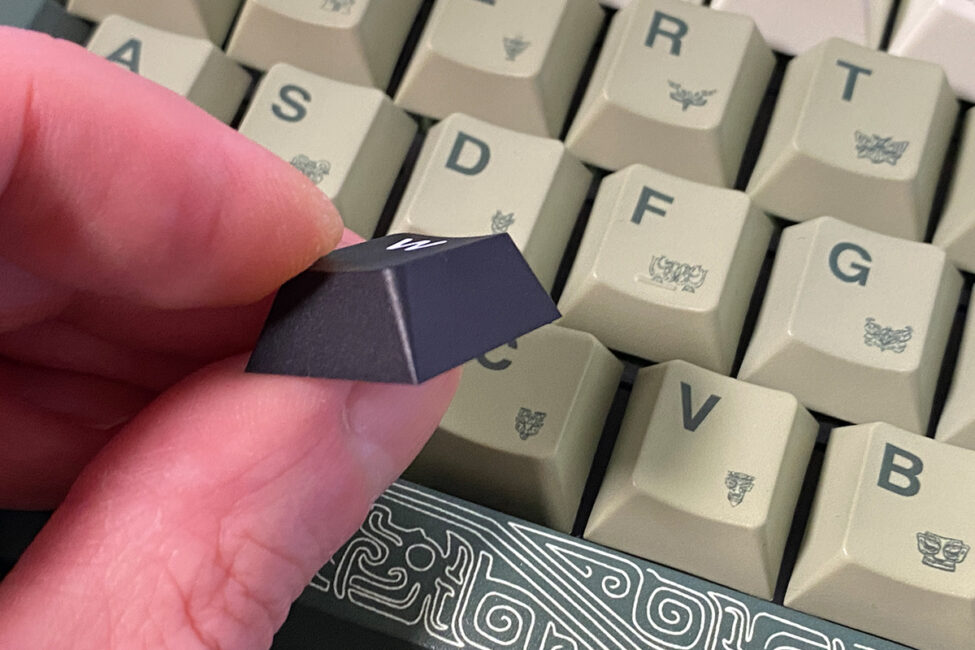
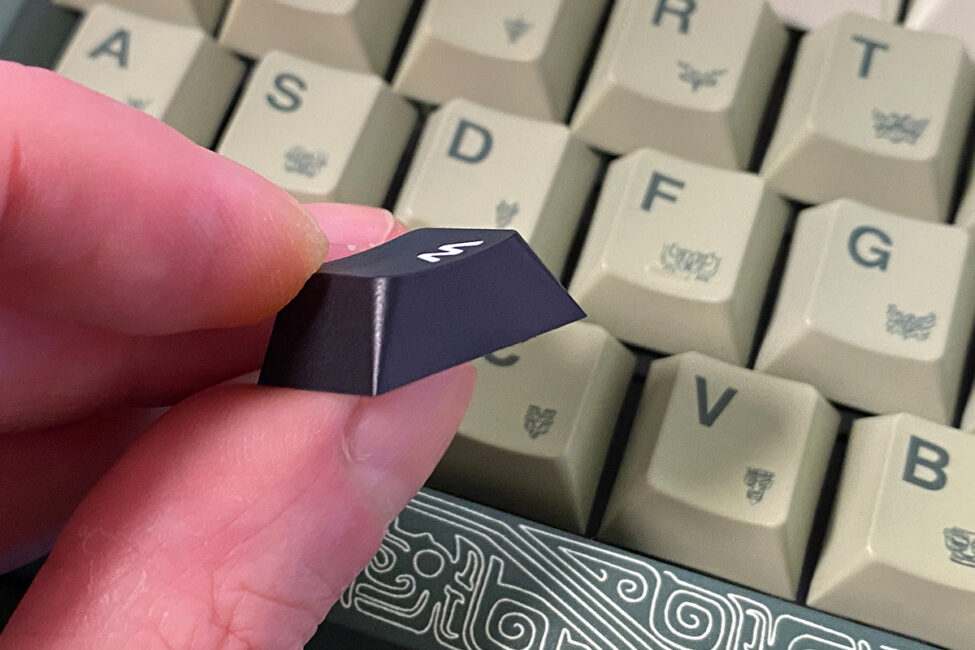
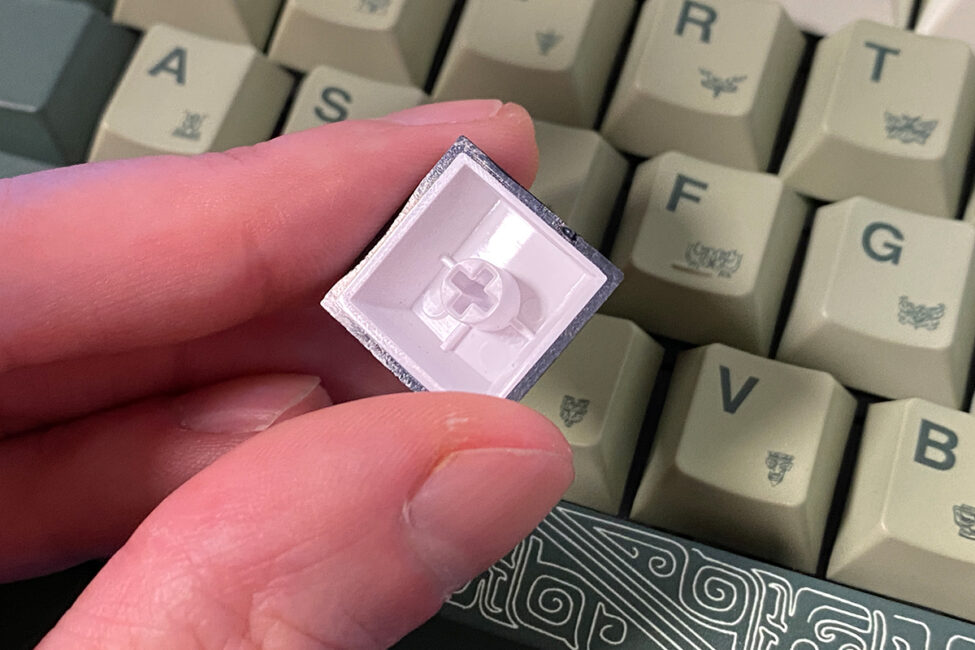
The additional stylized keycaps are comparable in quality to the stock ones, though they feel slightly rougher and the plastic appears somewhat thicker visually. They also feature different colors and thematic designs. Overall, both sets can be considered high-quality, whether stock or additional.
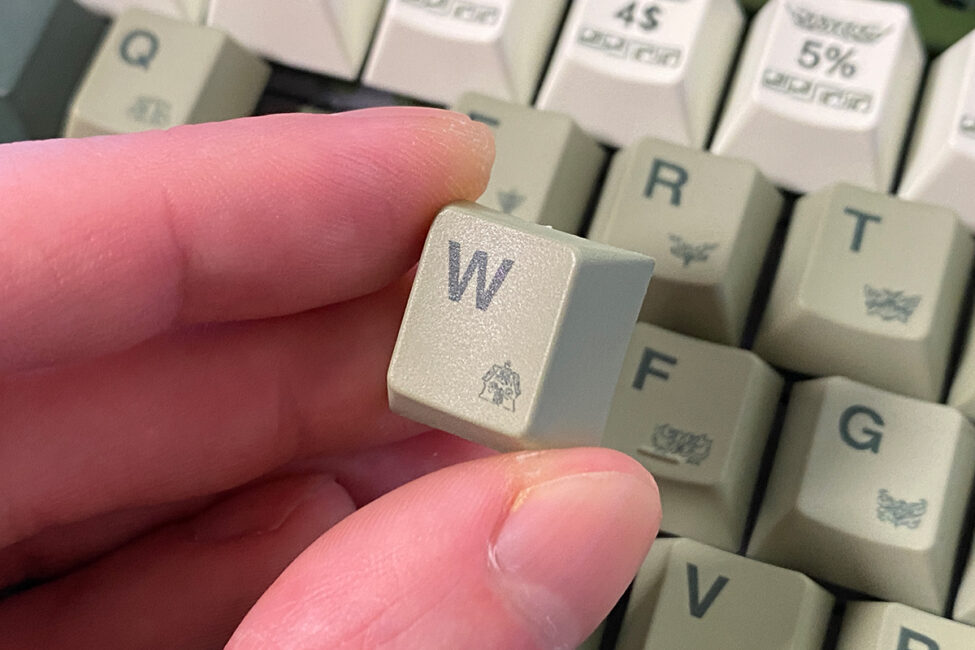
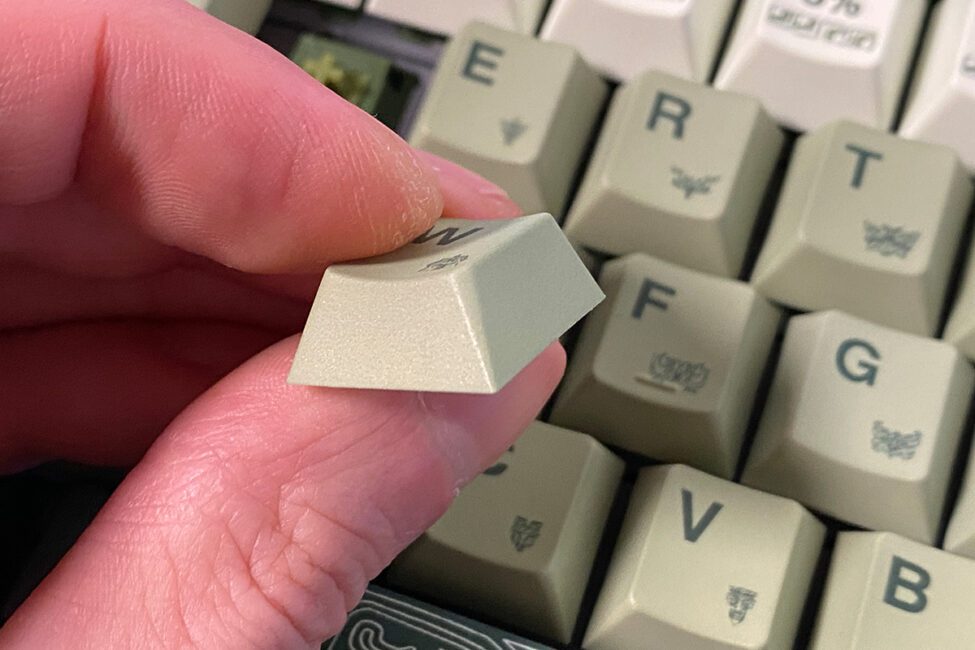
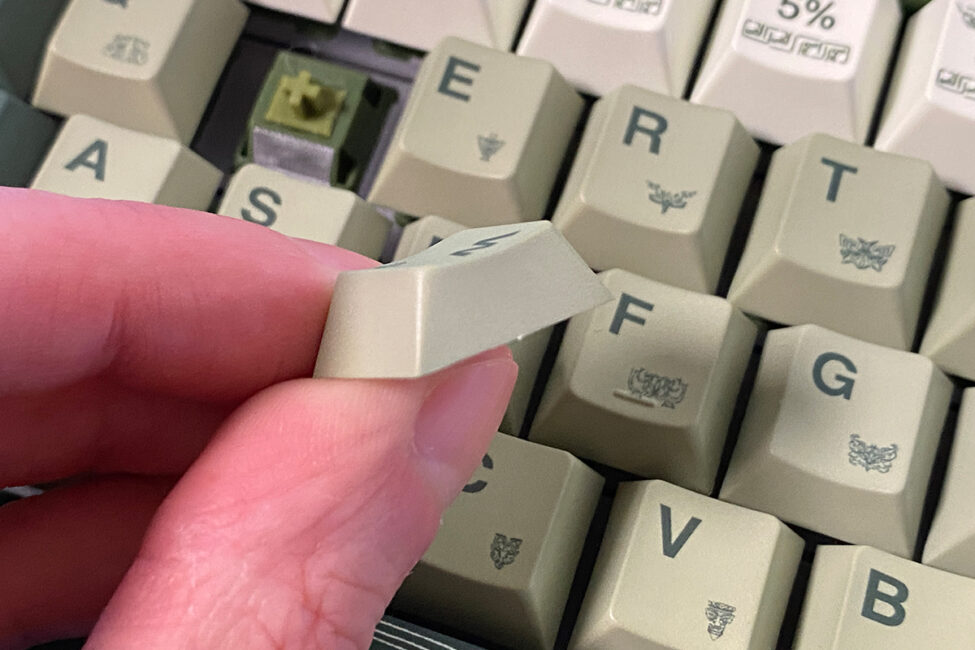
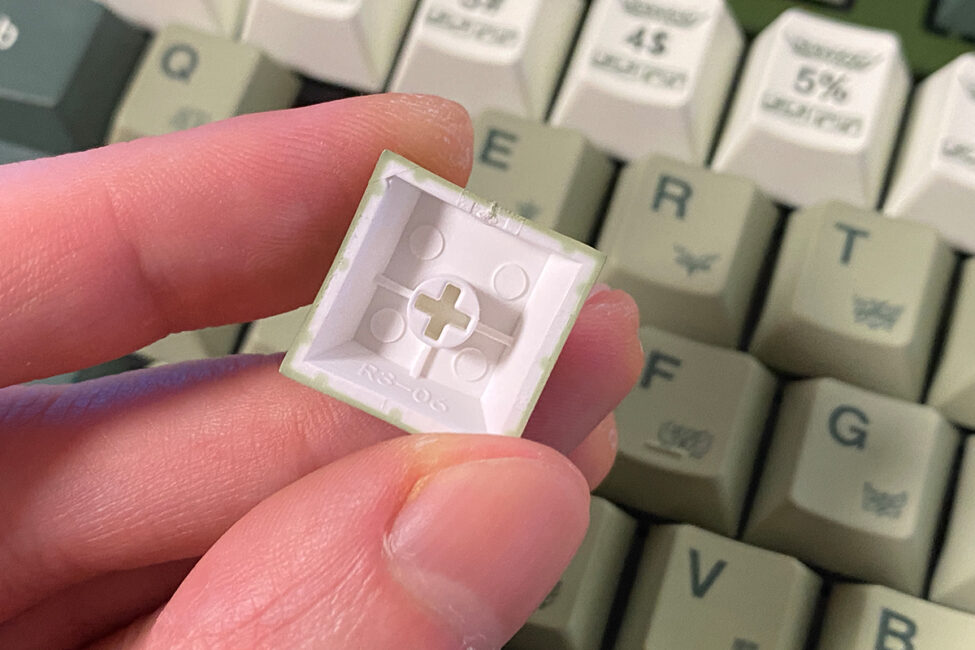
The keyboard features full RGB key lighting, implemented using south-facing LEDs. To ensure even and bright illumination, the switches are equipped with special diffusers that help disperse the light.
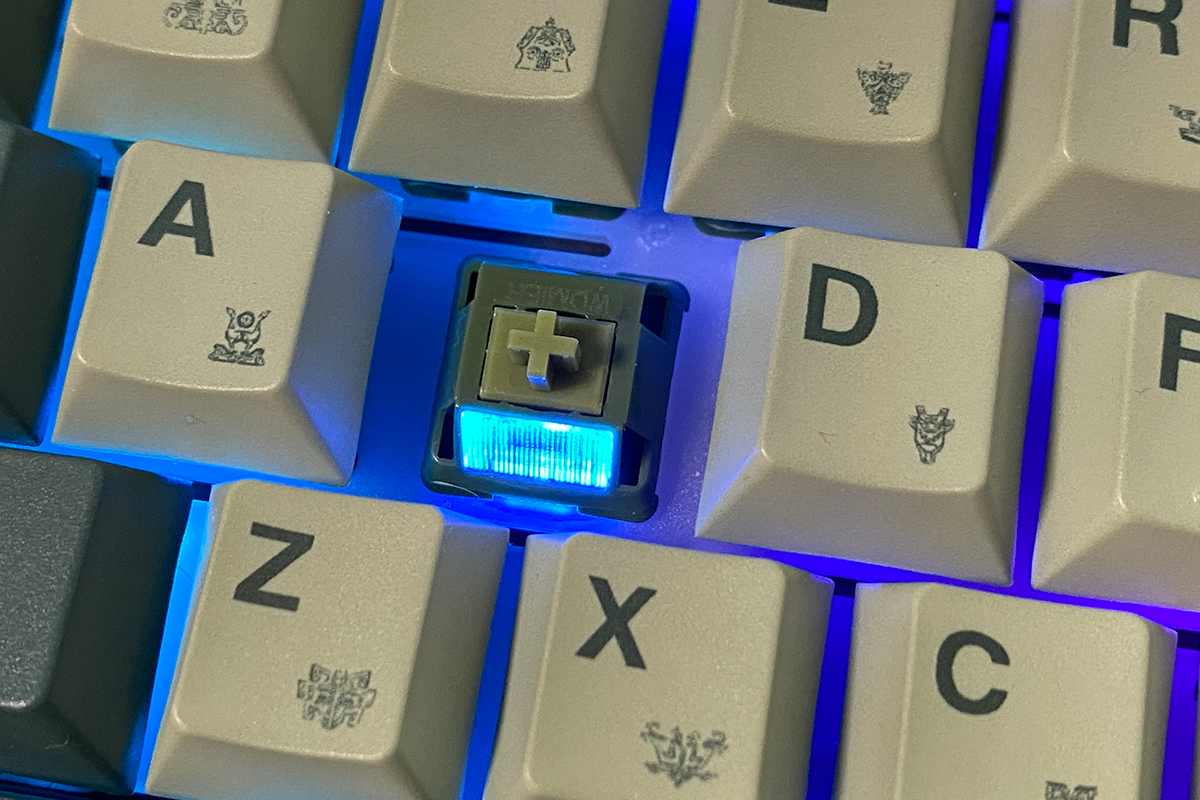
In terms of quality, the lighting is generally good: bright, even, smooth, and saturated. There are numerous effects that can be customized and switched on the fly. However, due to the keyboard’s tall case, the illumination is not very prominent. Overall, though, it works well as ambient lighting.



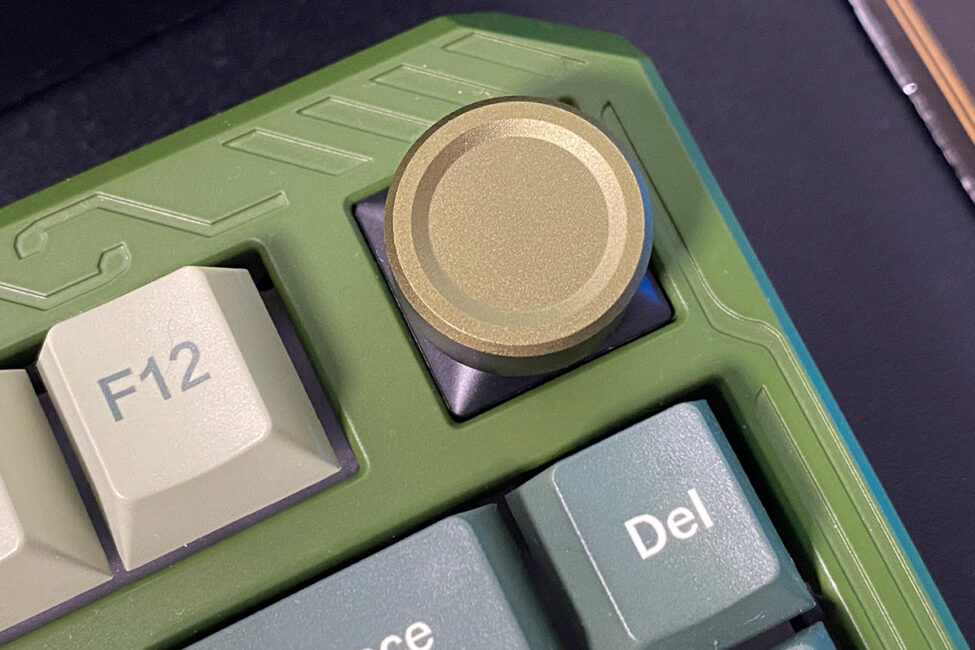
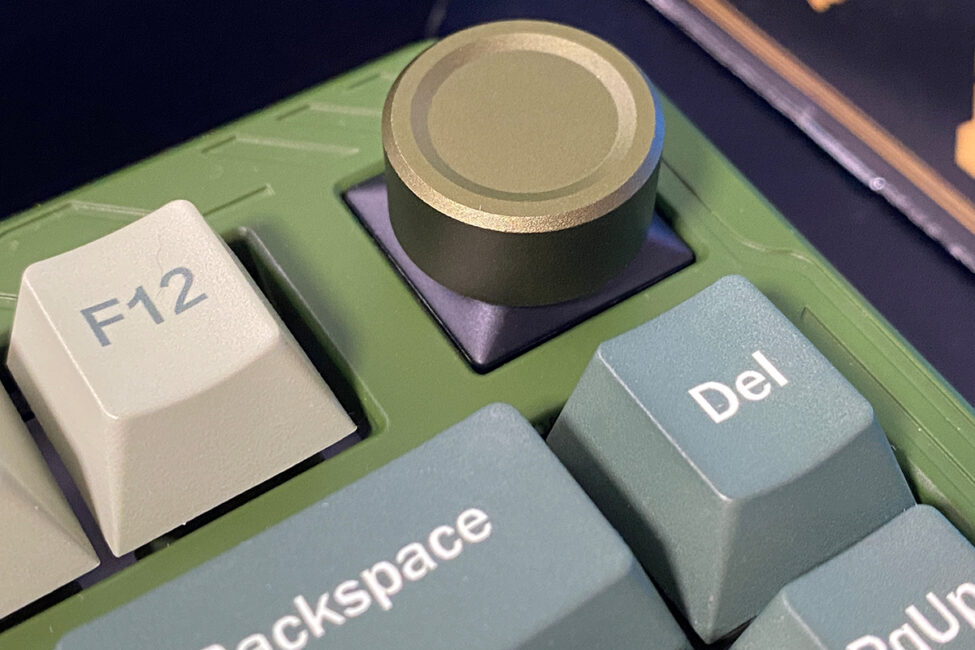
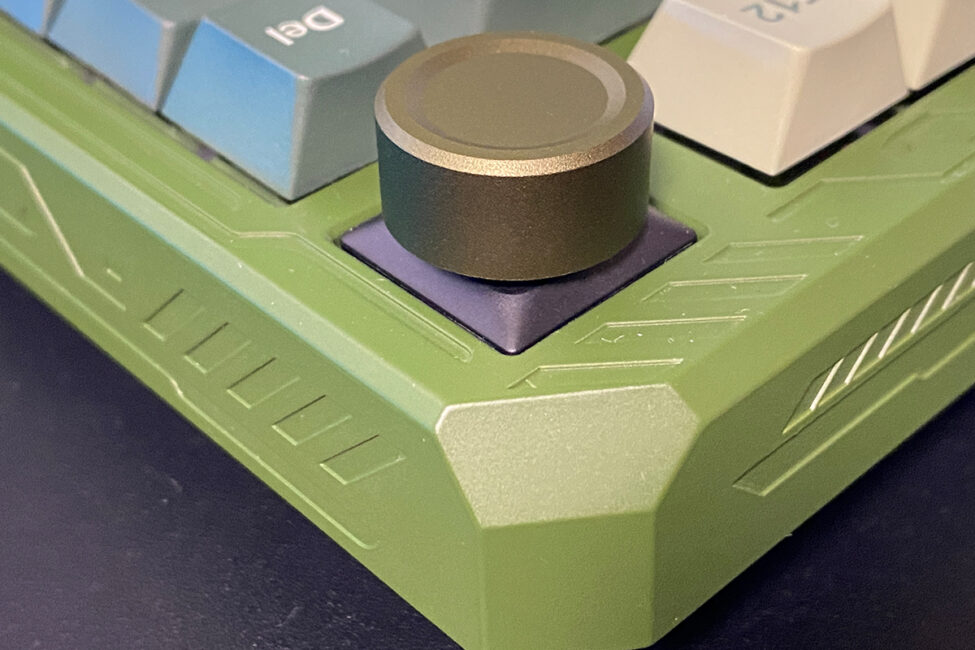
Unlike the flagship magnetic model, the ERA75 features a roller (knob or simply a wheel). By default, it can be used to adjust volume, but in the VIA web driver, it can be assigned other functions. As mentioned earlier, the roller is removable: it can be easily taken off and replaced with a standard switch and key. The roller itself is made of plastic to the touch, which slightly contrasts with the overall metal design, though this does not affect its functionality.
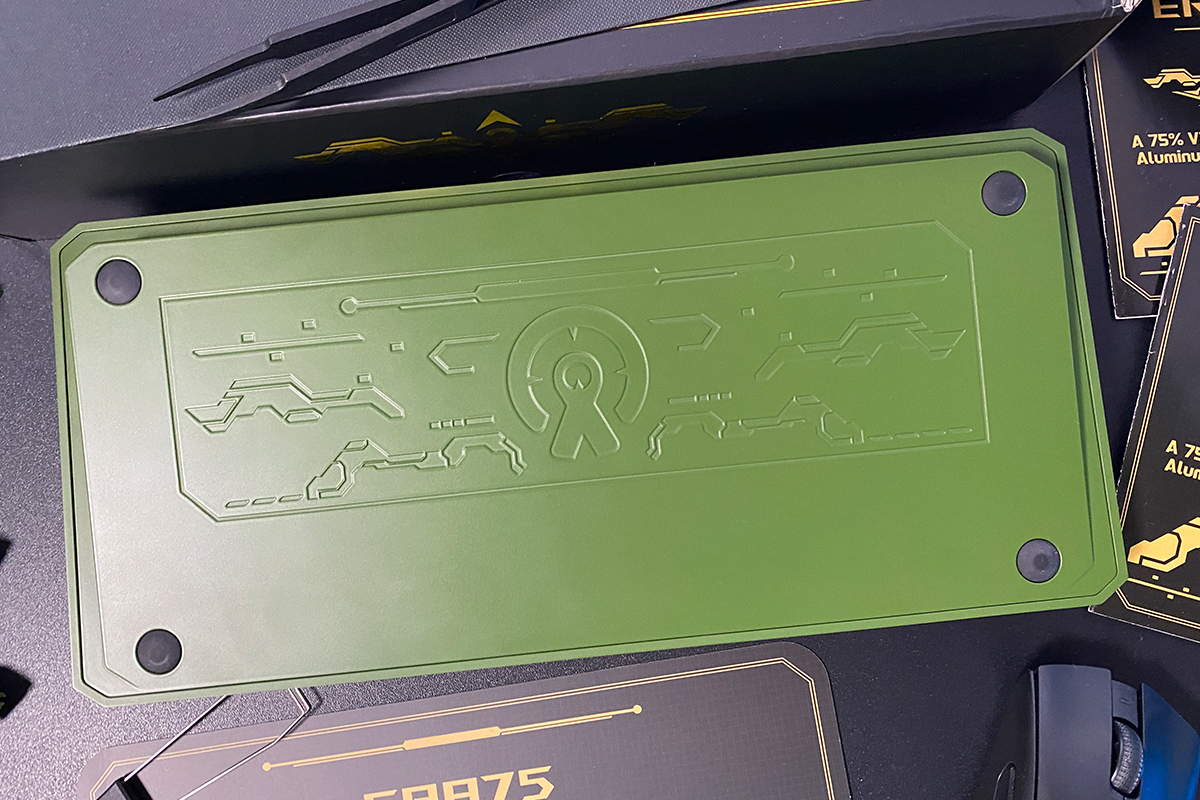
The bottom of the keyboard, like the top case, is also made of aluminum. The underside features a pattern of recesses where the included stickers can be applied.
Similar patterns can also be found on the sides of the case and on the top of the keyboard.
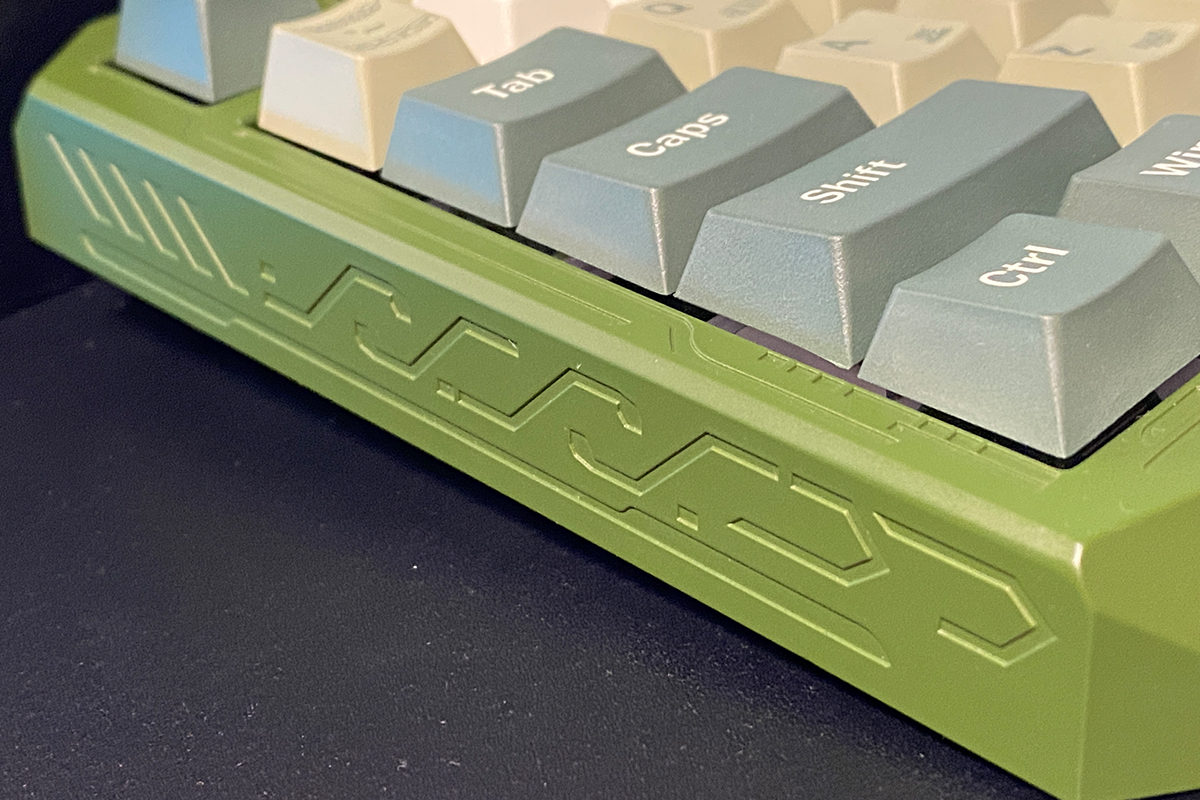
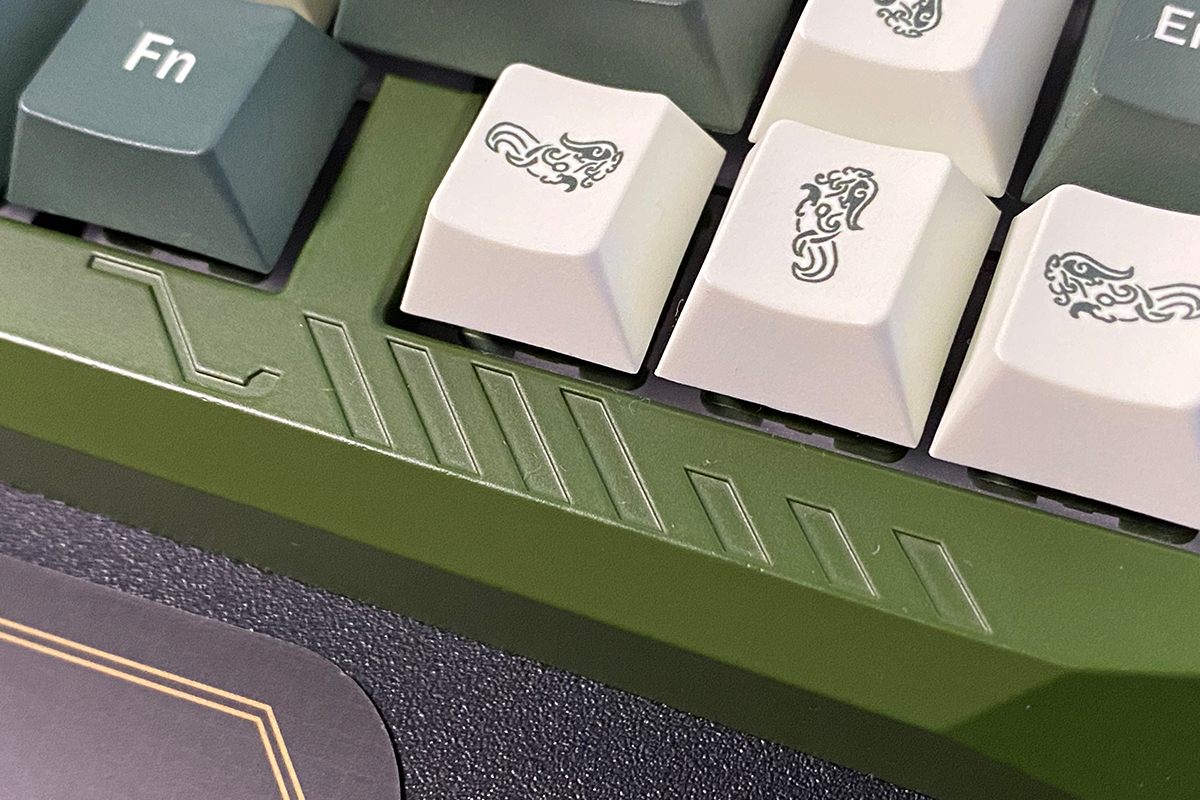
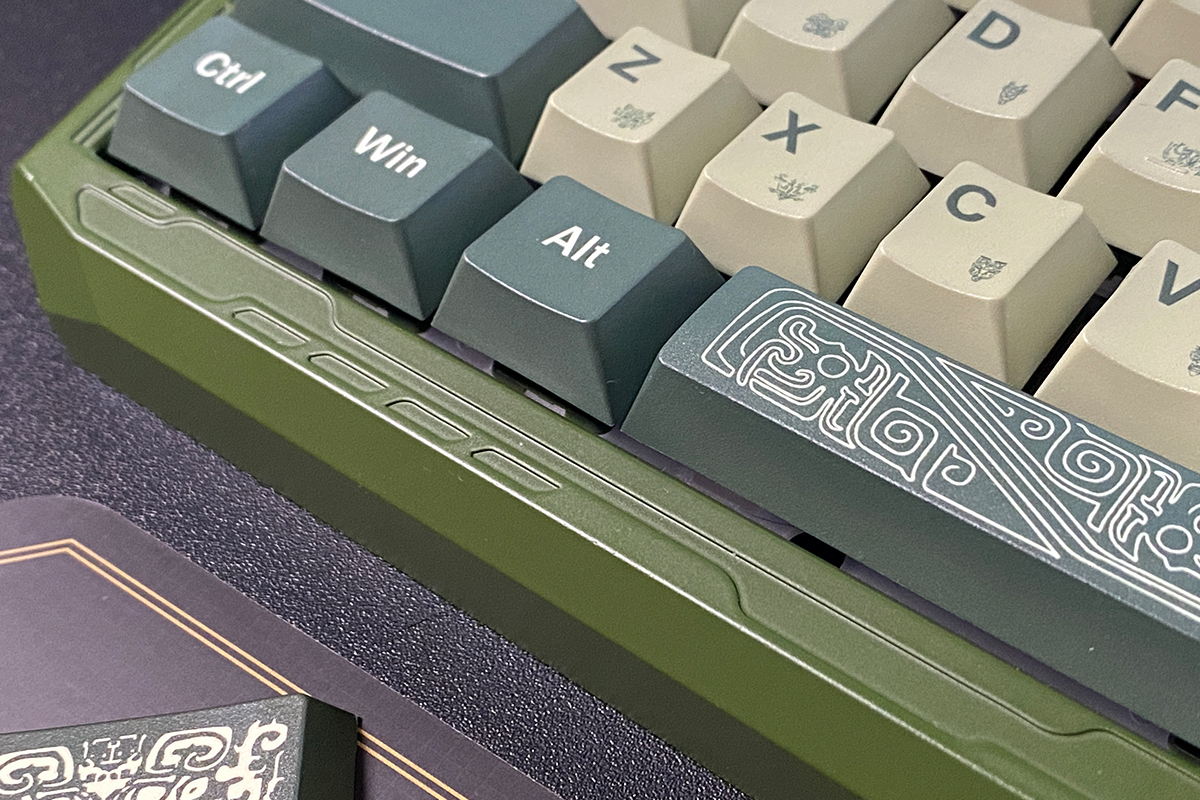
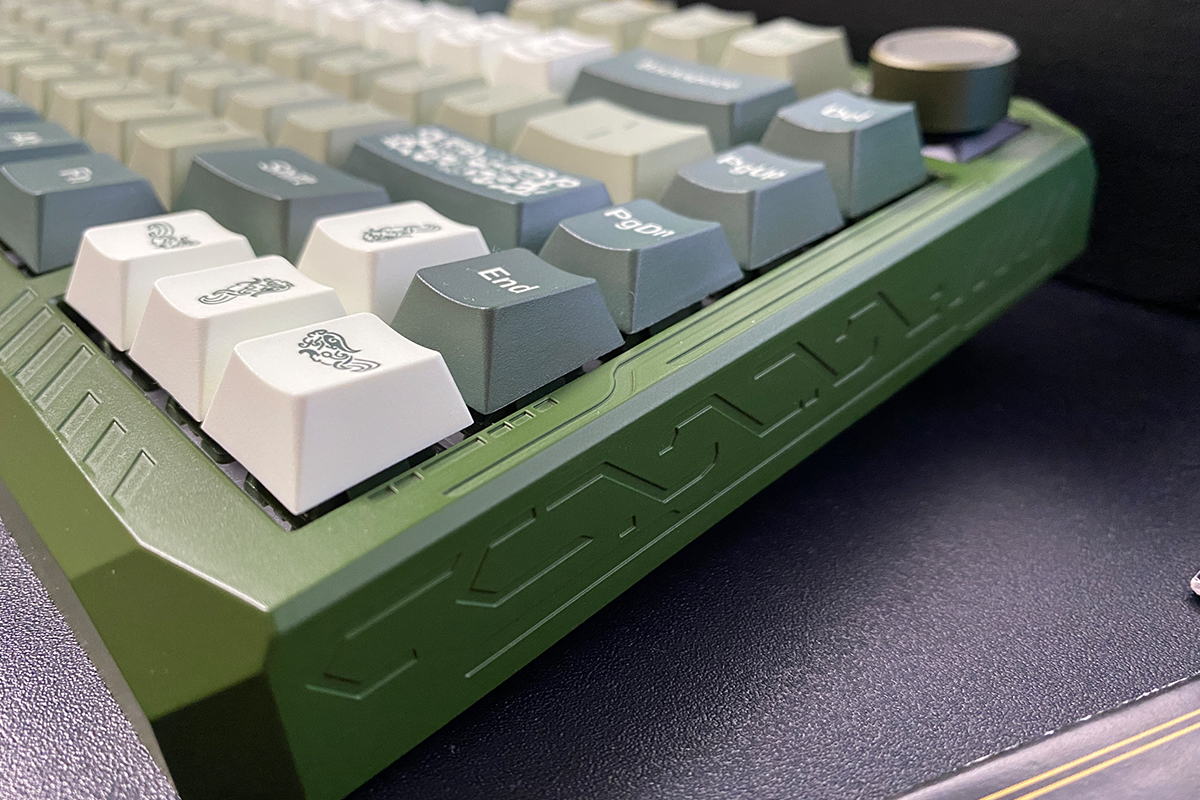
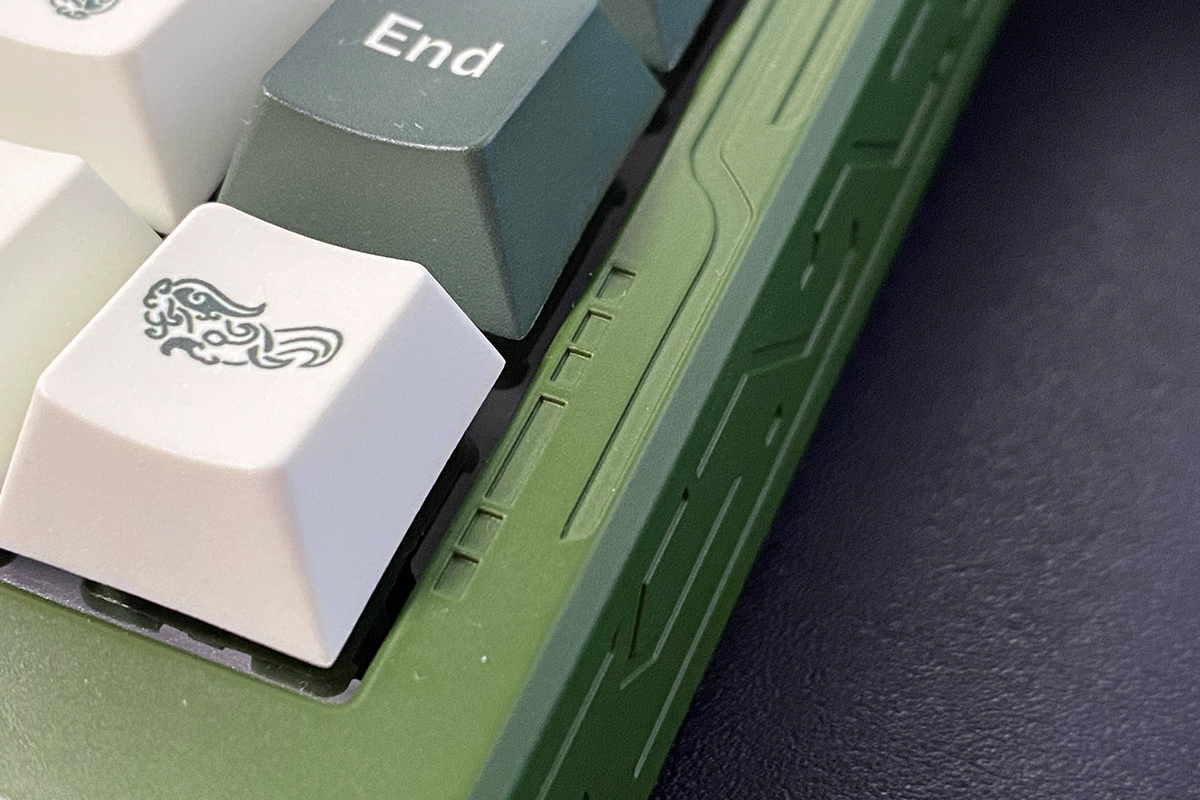
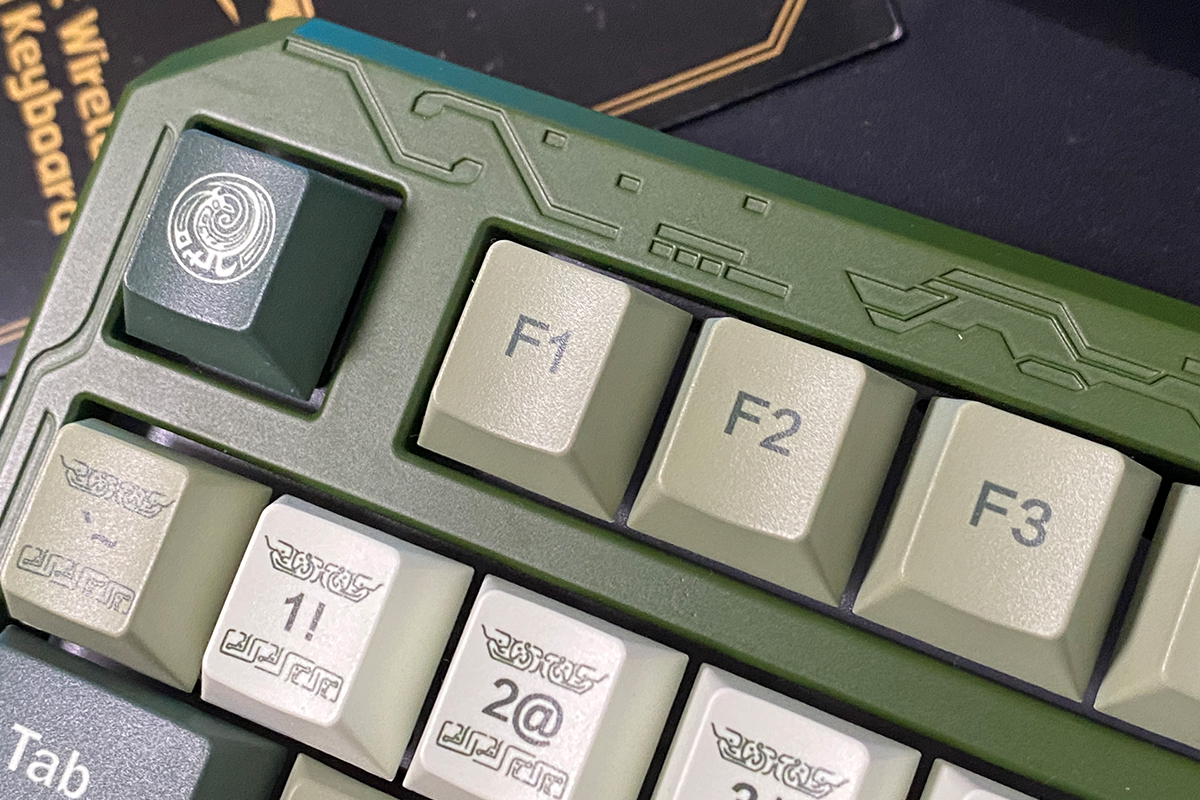
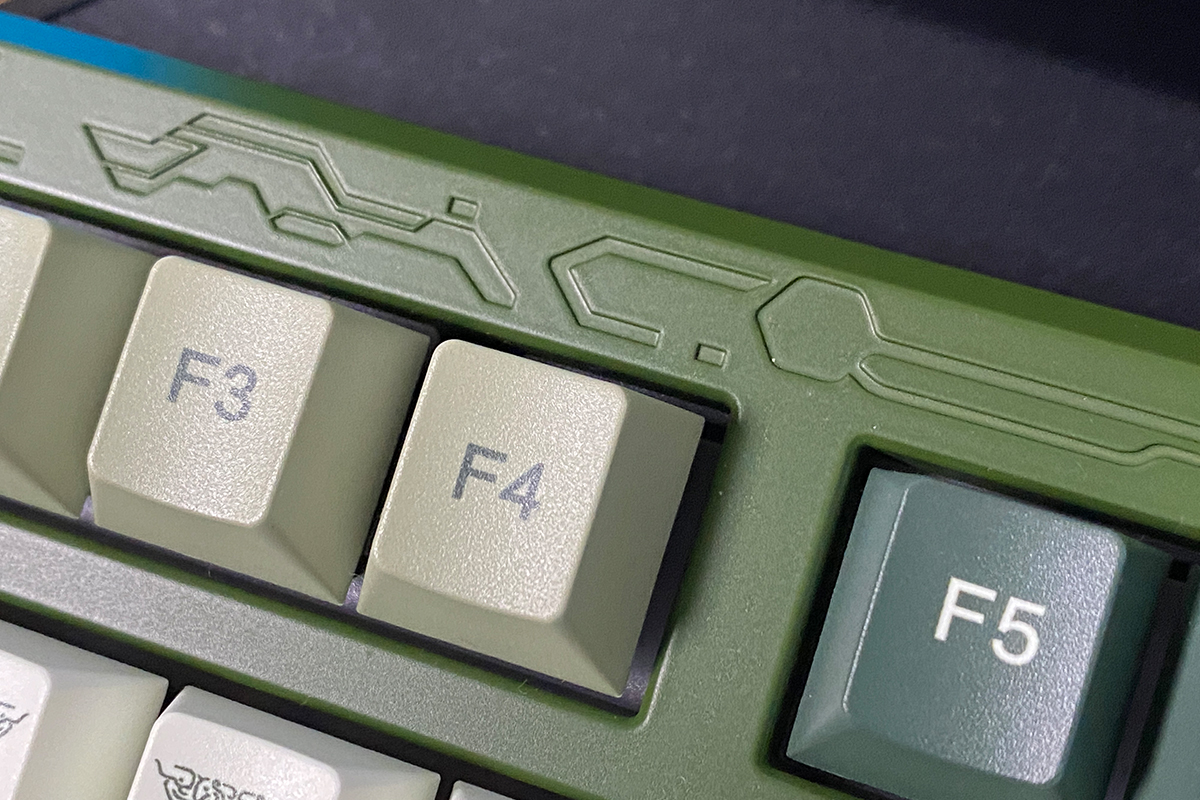
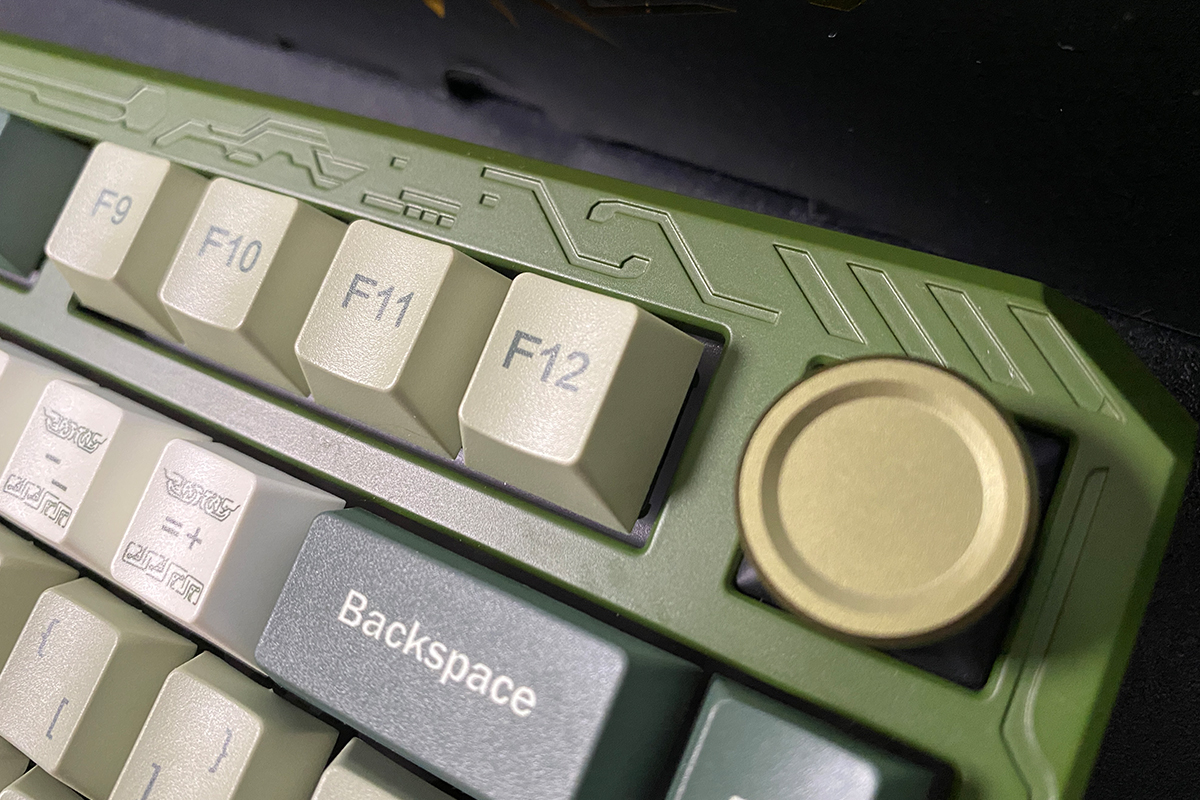
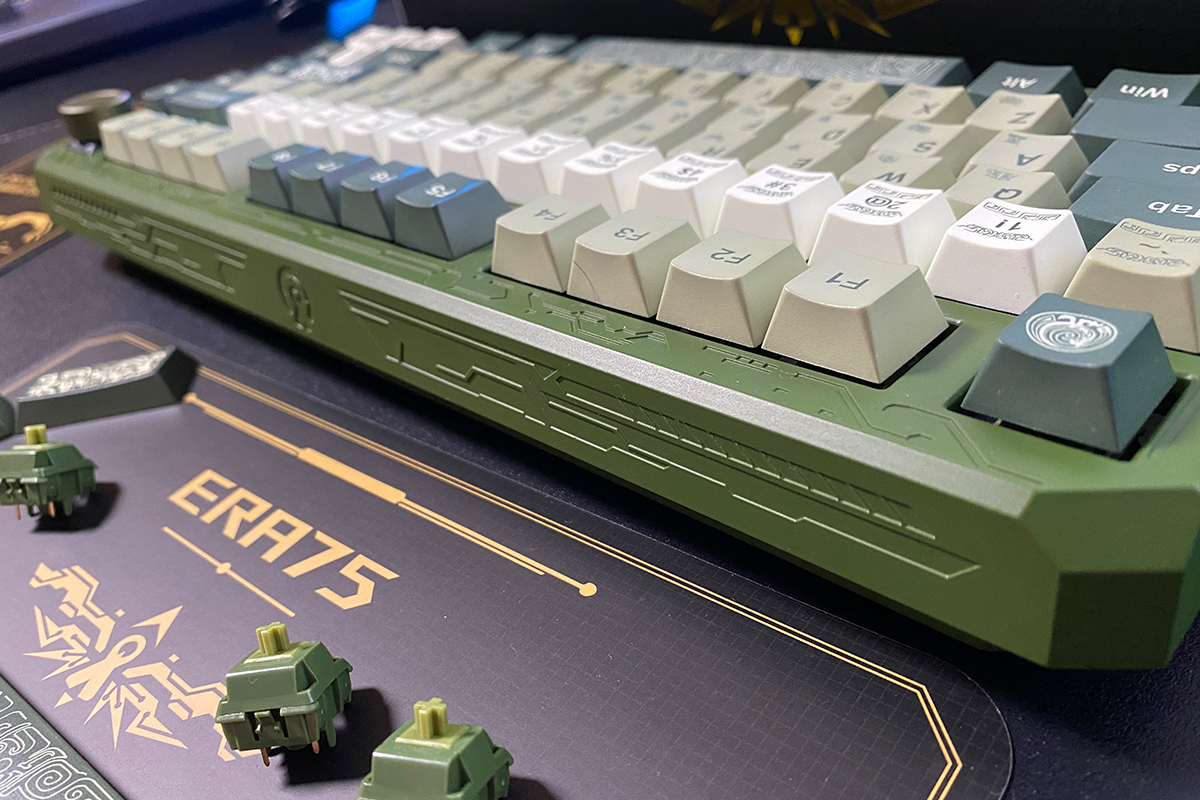
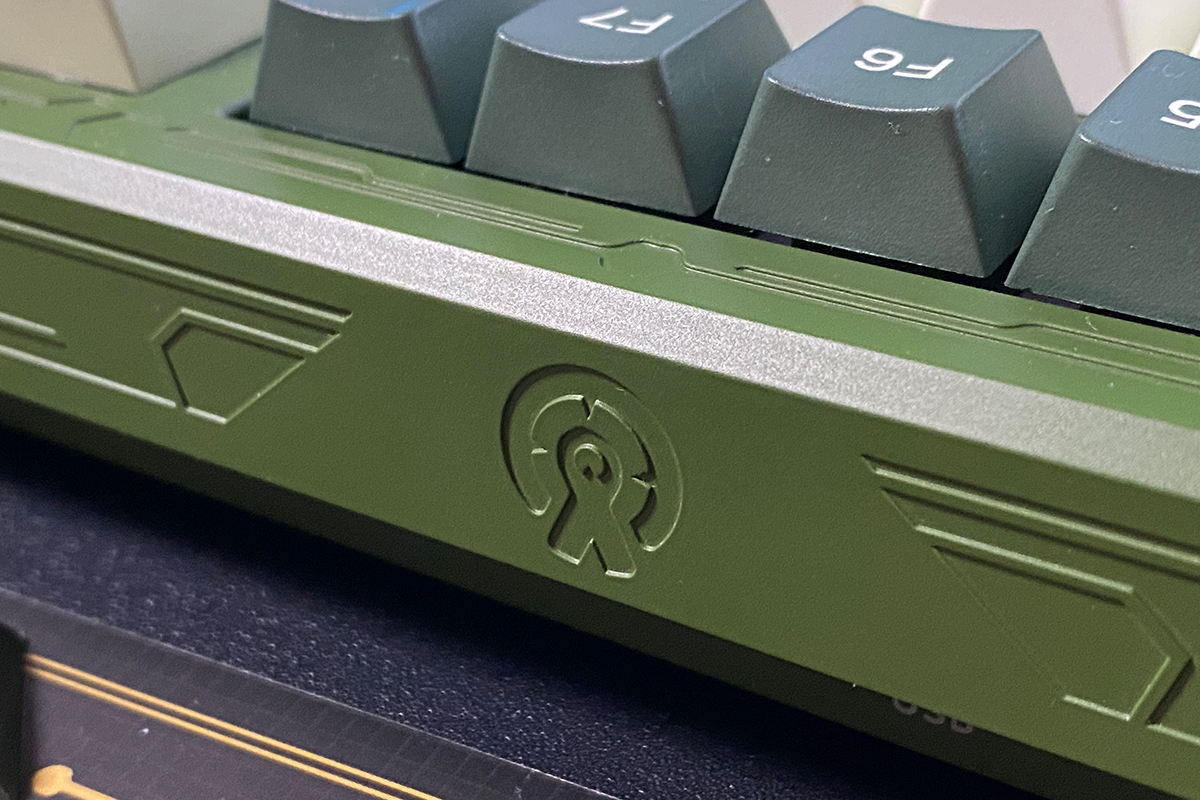
The concept is admittedly quite interesting, and the decorated keyboard looks fairly unique. However, the execution of the patterns as stickers is not particularly appealing, which is why I chose not to apply them.
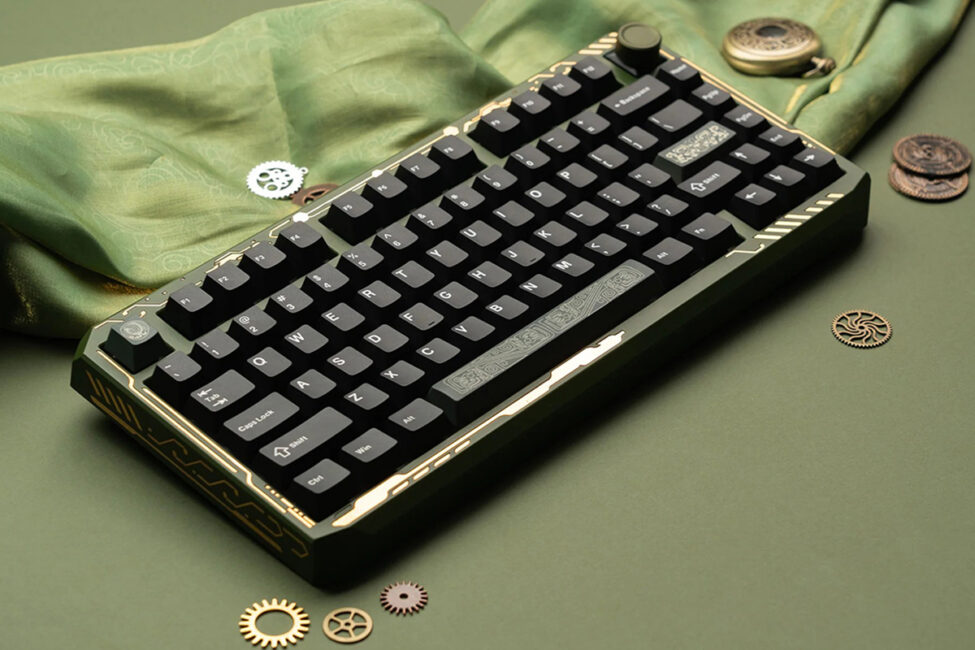
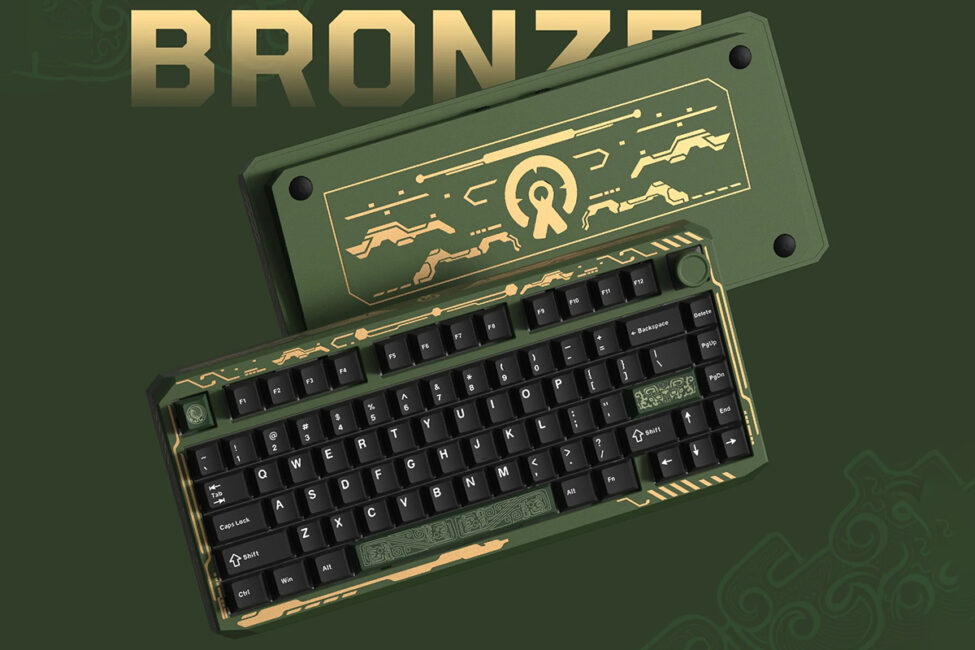
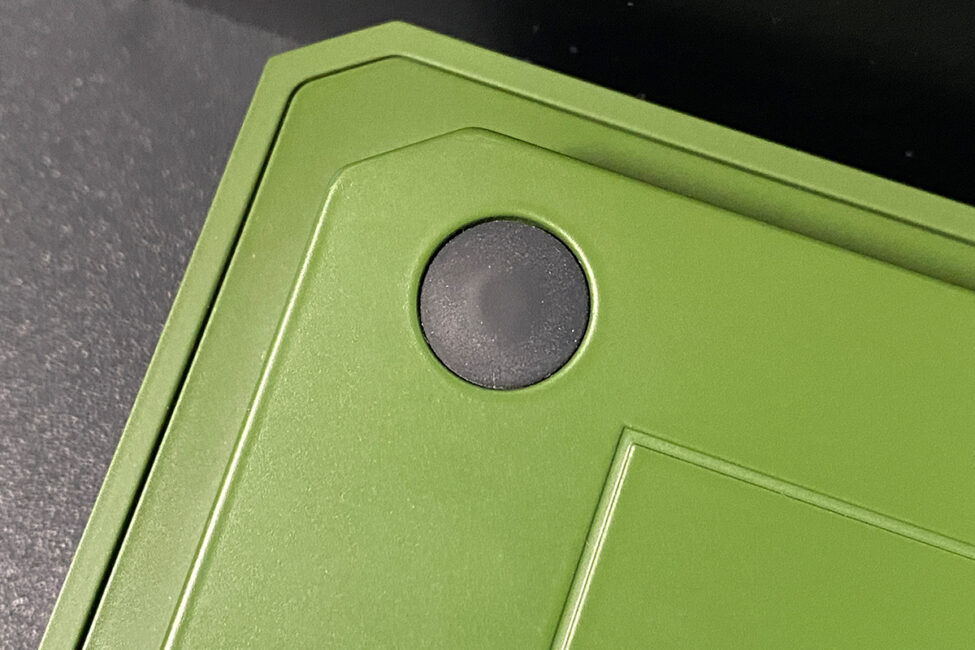
As you may have noticed, the keyboard does not have standard fold-out feet for adjusting the tilt. However, the case already has a fixed slight tilt of about 6°, making additional feet unnecessary. It is worth noting again that while the tilt may feel unusual at first, it is easy to get used to, and the keyboard ultimately feels comfortable to use.
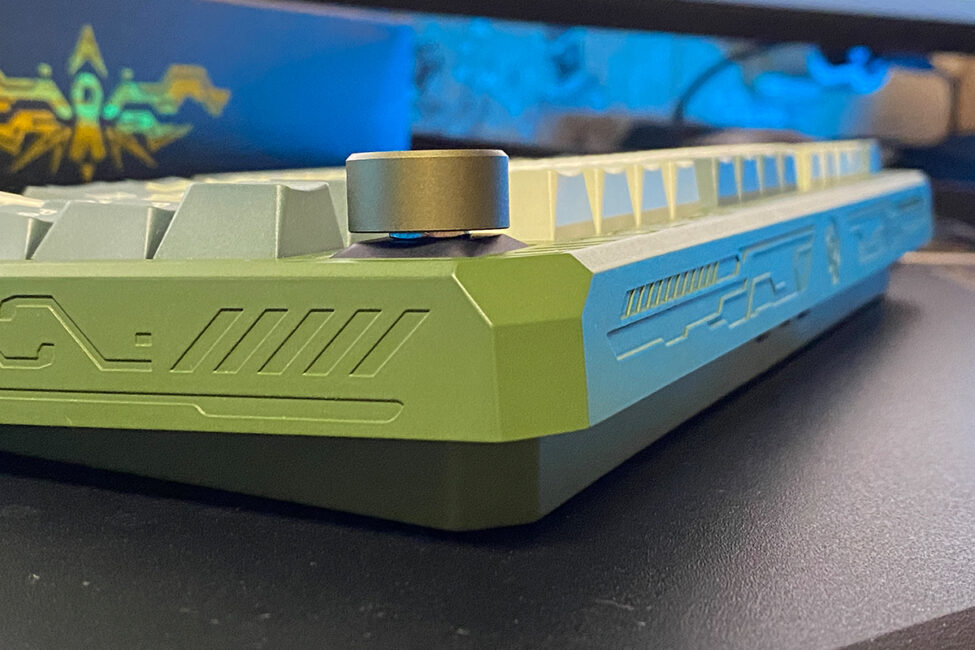
Like most modern keyboards, the ERA75 supports three connection modes (RF, Bluetooth, USB) and is compatible with macOS. The modes can be switched using physical switches on the front of the case or via an FN+ key combination.
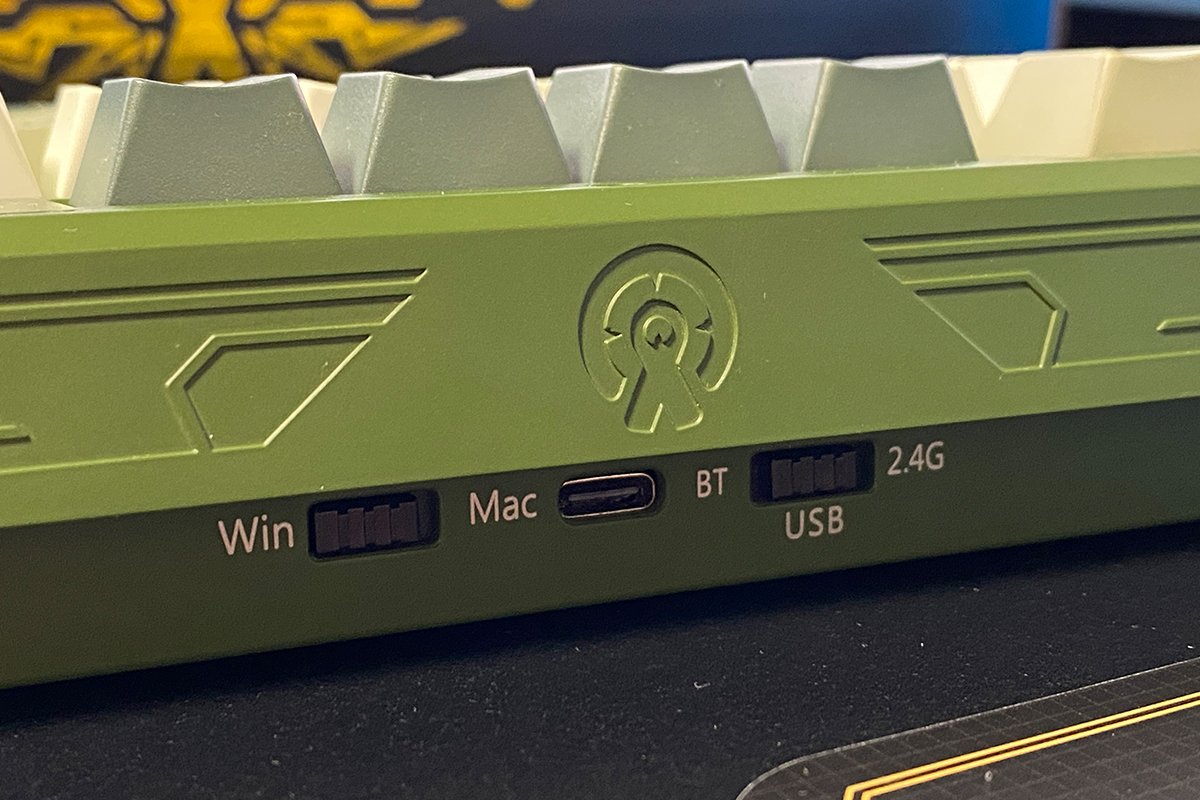
The key combination FN + Q / W / E switches between Bluetooth connection channels, while FN + R switches the keyboard to the 2.4 GHz RF channel. According to the included manual, the MAC/Windows operating modes can only be changed using the physical switch on the front of the case. This is somewhat unusual, as in other models these modes can also be switched via key combinations. However, this is not a critical issue.
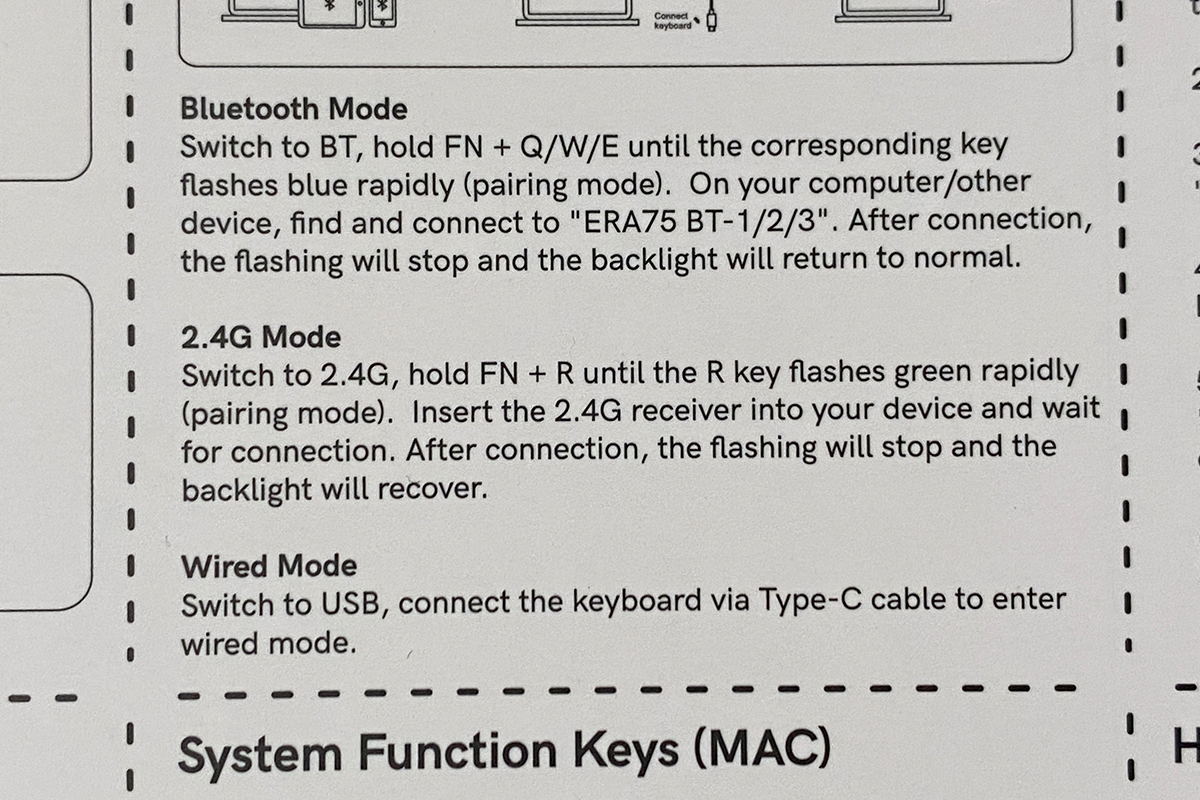
As you may have gathered, the keyboard can be connected to up to five devices simultaneously: three via Bluetooth, one via RF, and one wired. Switching between them can be done quickly using the physical switch or the key combinations mentioned above.
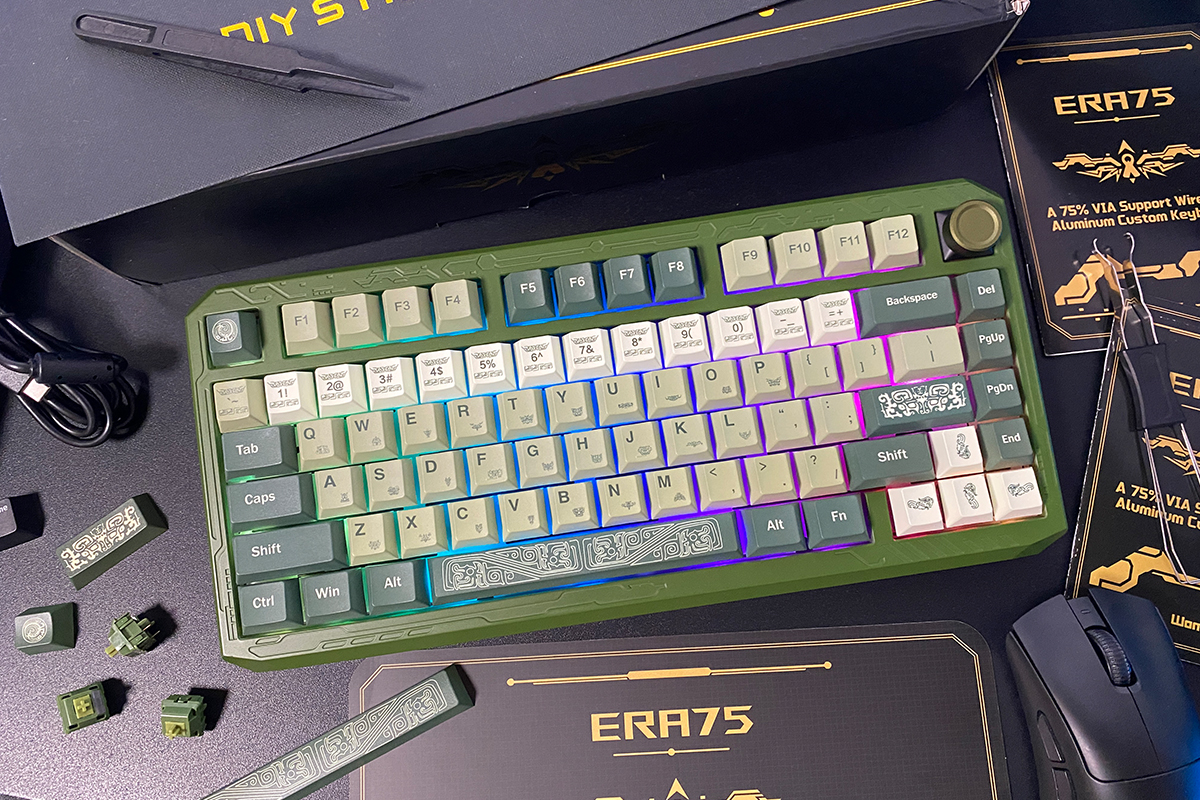
The keyboard is built with exceptional quality: a sturdy, monolithic, and heavy construction that looks good and feels premium. Ergonomically, the model performs well, with the only exception being the non-standard fixed tilt. While this may feel unusual at first, it is easy to get used to. Overall, the Womier ERA75 is a solid device, earning high marks for design, ergonomics, and build quality.
Read also:
- Epomaker Galaxy100 Lite Review: A Universe of Features on a Budget
- YUNZII X98 Keyboard Review: Transparent Design, 8000 mAh Battery, and Affordable Price
Switches, Hot-Swap, and Typing
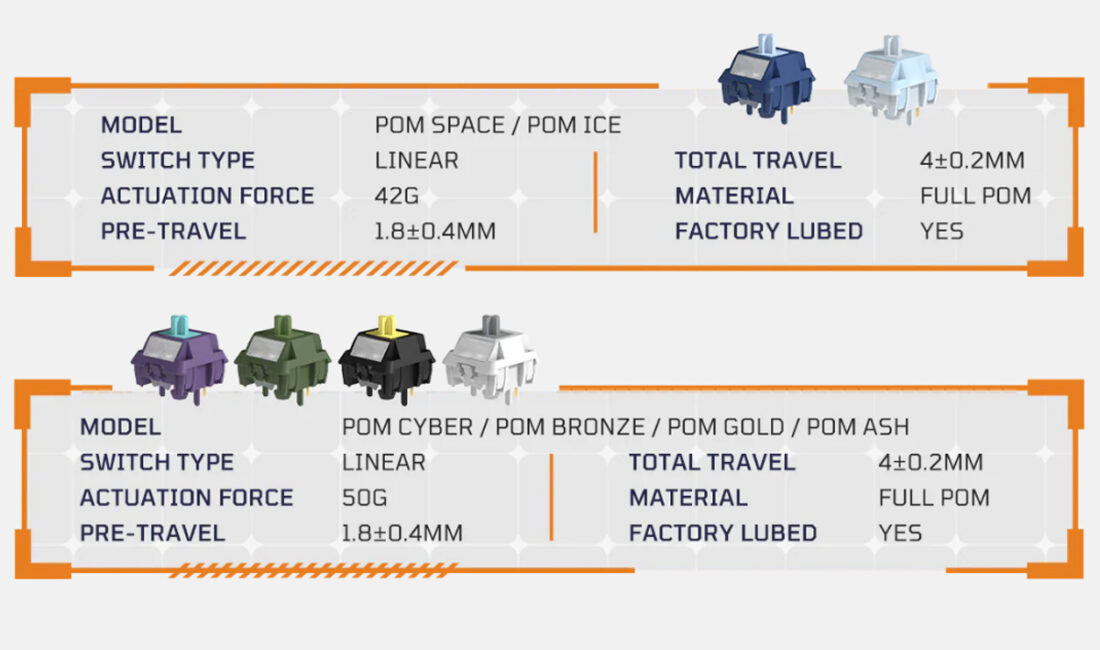
The Womier ERA75 keyboards use the company’s proprietary Womier POM Series switches. As noted earlier, each case color corresponds to a specific switch type, with names that closely match the model names: Ice, Bronze, Gold, Cyber, Ash, and Space.
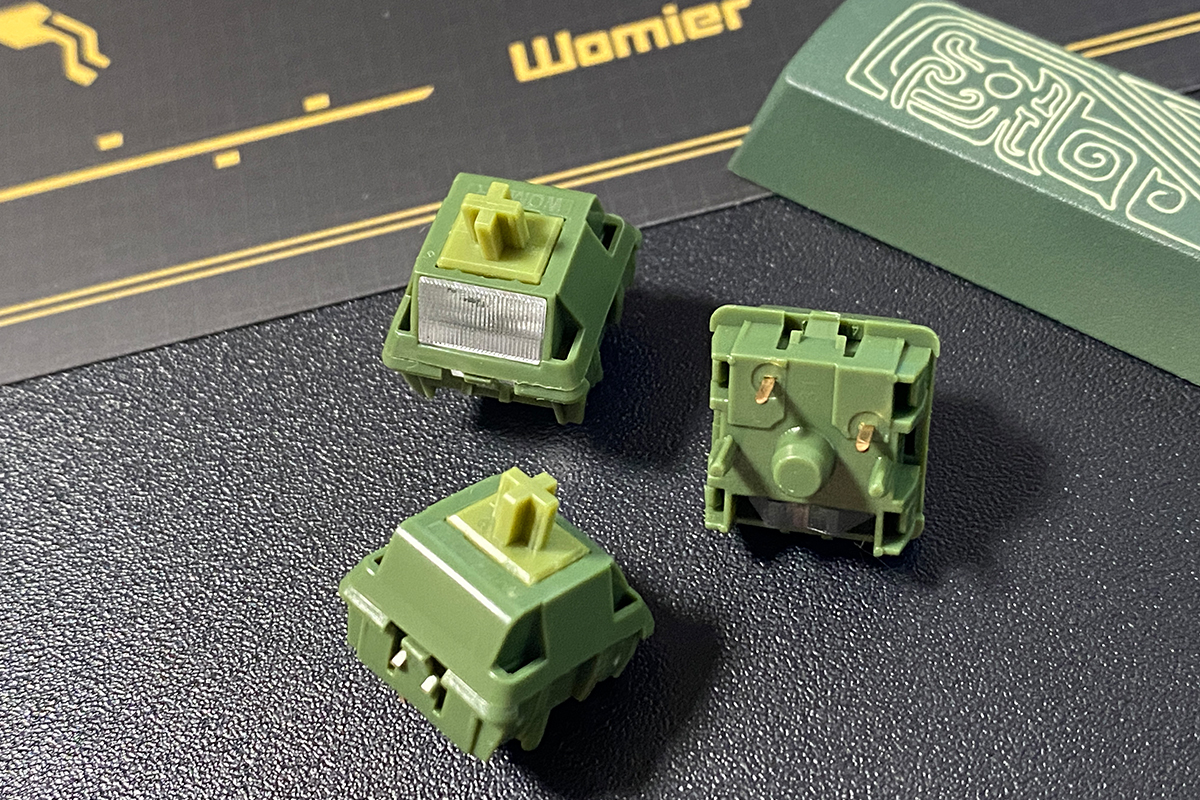
All Womier POM Series switches are linear and made entirely from POM material. This material offers higher durability and contributes to a deeper, richer sound during typing. Additionally, all switches come pre-lubricated from the factory, which ensures a smooth and comfortable keypress experience.
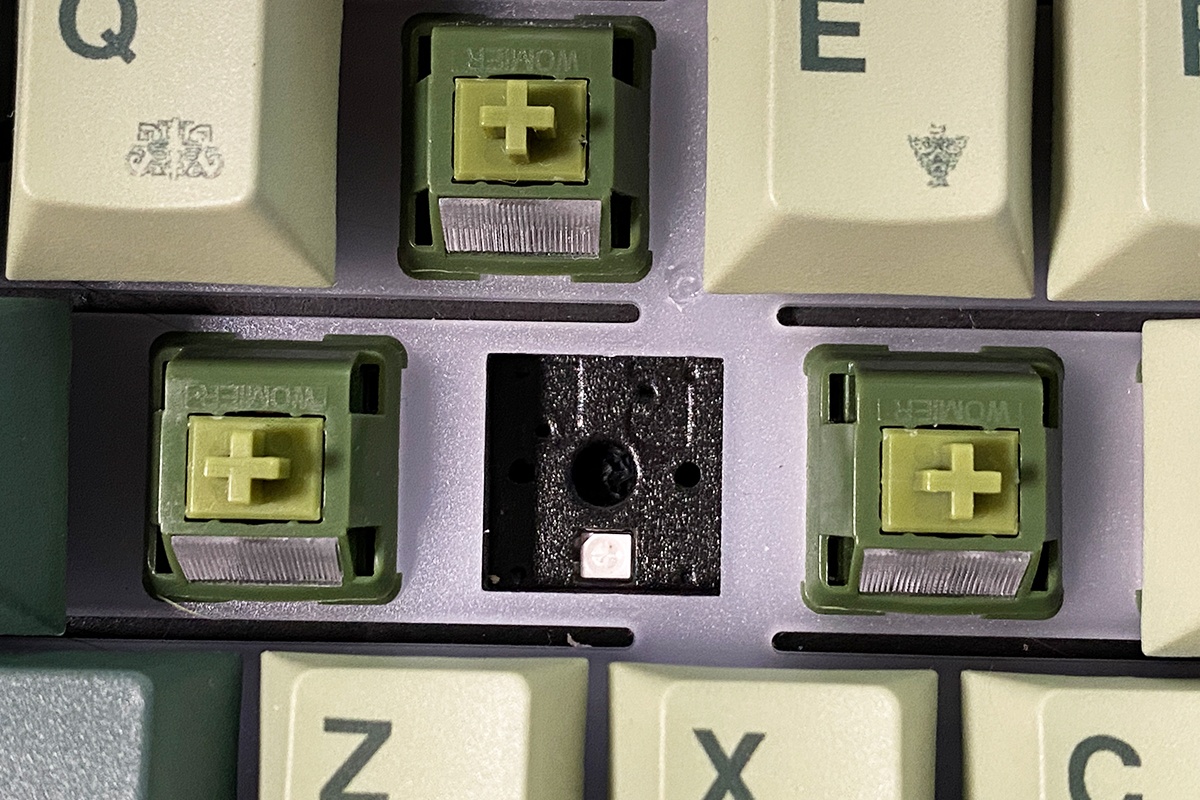
Additionally, the keyboard supports hot-swap functionality, allowing switches to be replaced without soldering. The switch sockets are standard 5-pin, compatible with both 3-pin and 5-pin switches.
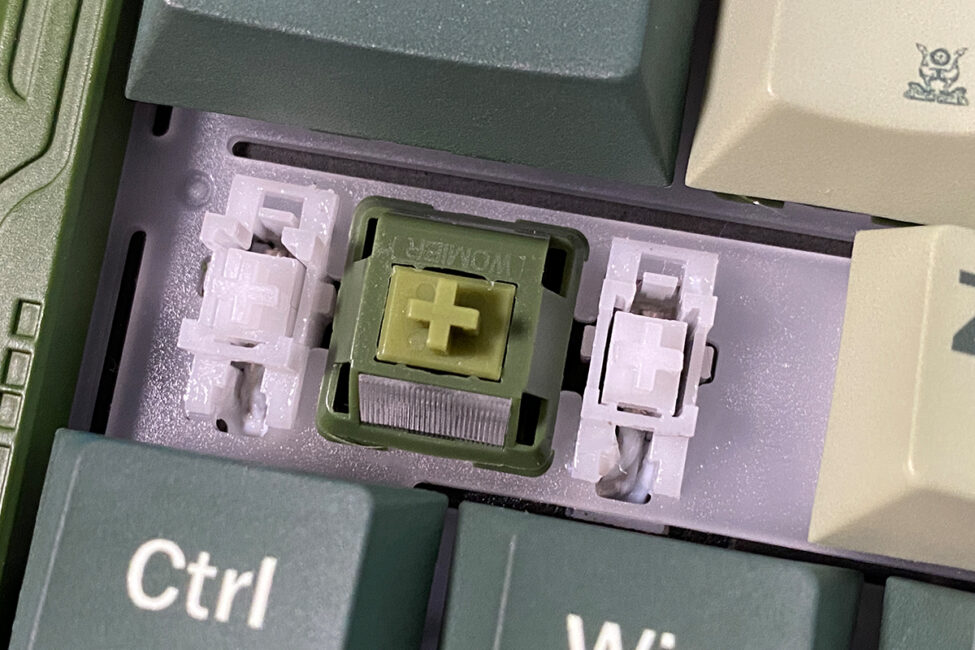
The stabilizers, like the switches, come pre-lubricated from the factory, which is noticeable during use. The long keys do not wobble or rattle, and they have the same smooth, soft travel as the regular keys – without any “gritty” feel, wire rattle, or other extraneous noises.
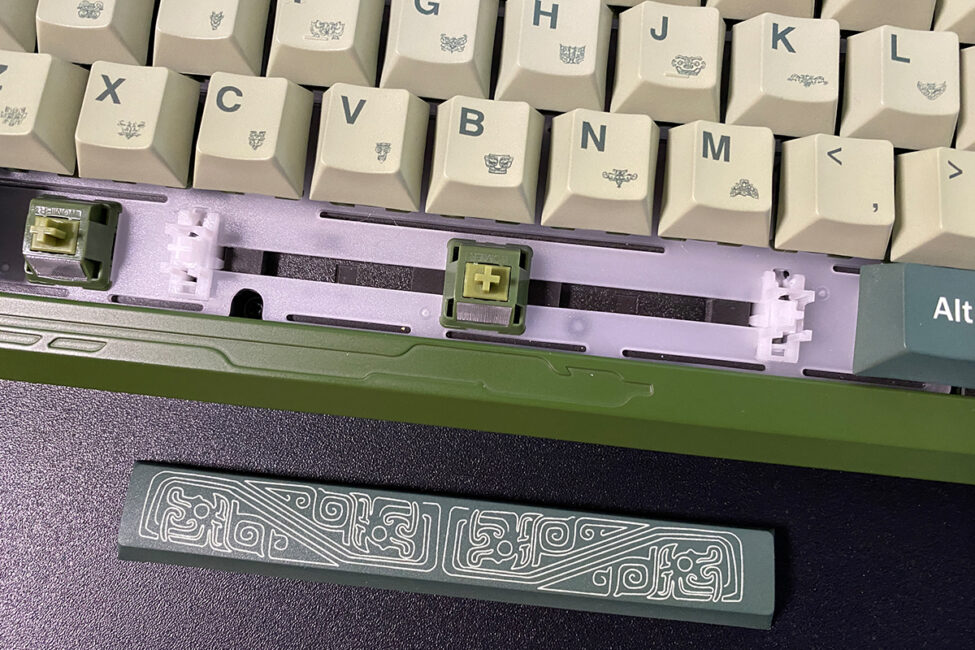
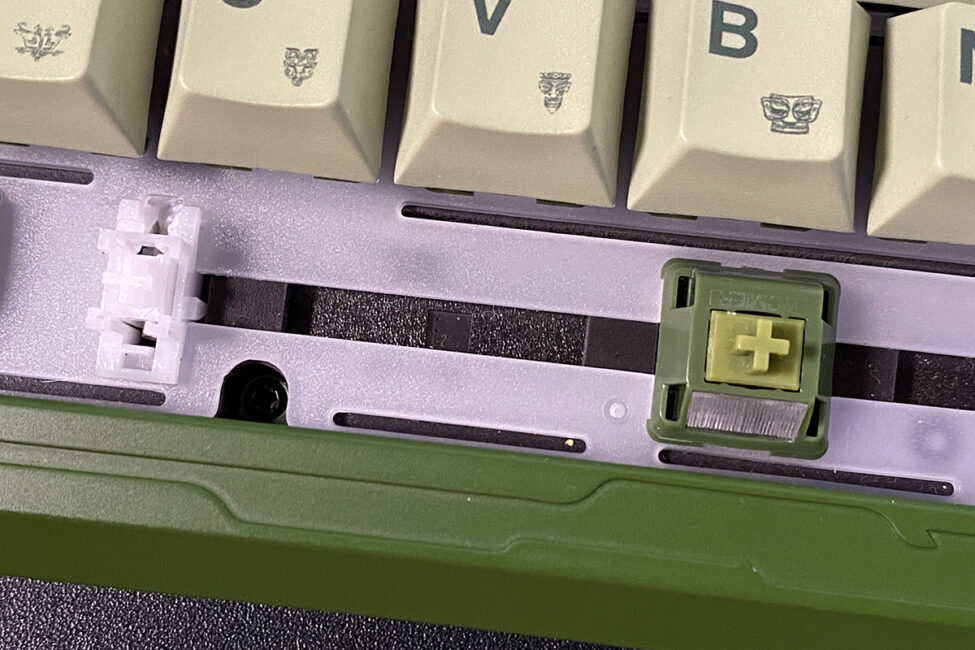
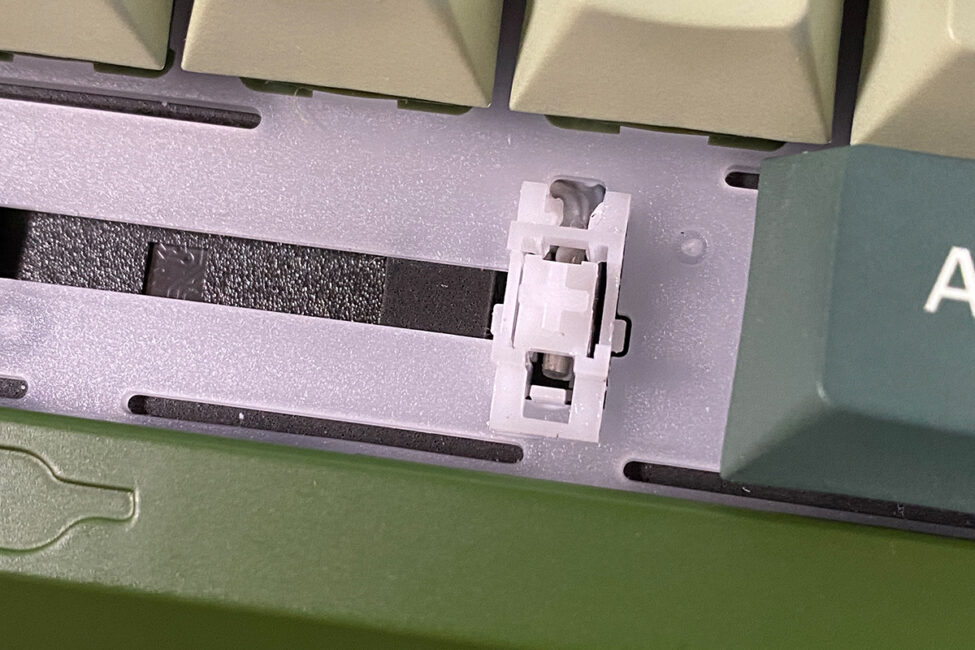
Regarding typing, it can be described as solid, though it does not produce a “wow” effect. All keys have a smooth, soft linear travel with a slight tactile response, allowing each keystroke to be clearly felt. The keys are stable and do not wobble, which is a positive aspect. Longer keys are well-stabilized and produce no extraneous noise when pressed. The overall sound of the keystrokes is pleasant, though the keyboard is not particularly quiet. Overall, the ERA75 offers a comfortable typing experience suitable for both gaming and regular text input. While slightly quieter operation would be ideal, the typing experience can be described as simply good and enjoyable.
Read also:
- YUNZII RT80 Review: Magnetic Switches, 8000 Hz Polling, Solid Typing Experience at an Accessible Price
- YUNZII AL68 Review: Solid, Affordable Keyboard with Aluminum Сase
VIA Web Driver
Like most modern custom keyboards, the ERA75 supports the VIA web driver, which allows configuration at the firmware level directly in a browser, without the need to install additional software on a PC.
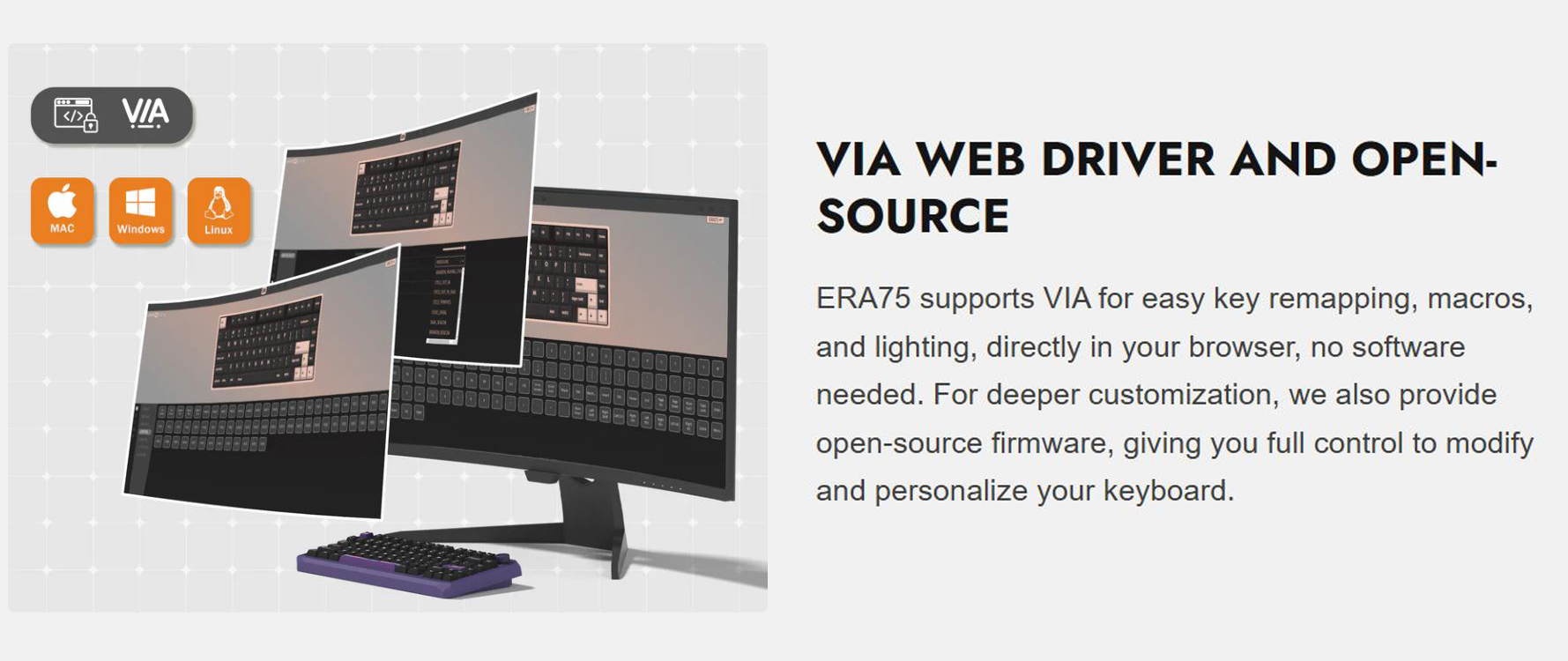
VIA allows nearly complete customization of the keyboard, from remapping keys to creating complex layers with different layouts. All changes are applied in real time and stored in the keyboard’s onboard memory. This means the device can be configured once and then used on any other PC without needing to access VIA again. Another notable advantage is full macOS support: the web driver enables Mac users to customize the keyboard as easily as Windows users.
To access the VIA settings, just follow a few simple steps:
- Download the JSON configuration file for ERA75 from the official Womier website
- Connect the device to your PC with a cable and switch it to wired mode using the toggle switch on the front panel
- Go to usevia.app (it is better to use Chromium-based browsers, such as Chrome or Edge)
- Activate the Design tab: on the VIA website, go to Settings and enable the Show Design Tab option
- Upload the configuration: go to the Design tab that appears and upload your JSON file (you can simply drag and drop it into the browser window)
- Authorize the device: return to the main page, click Authorize Device, and confirm the keyboard connection in the system window
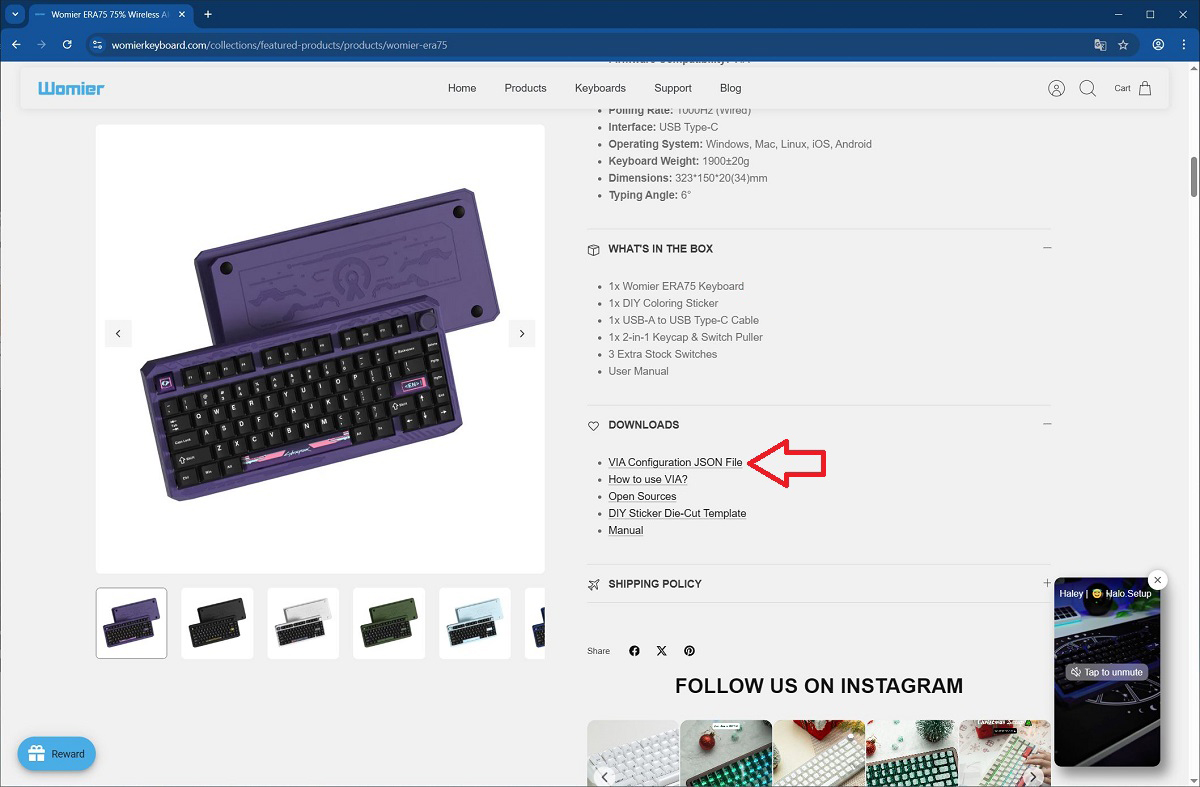
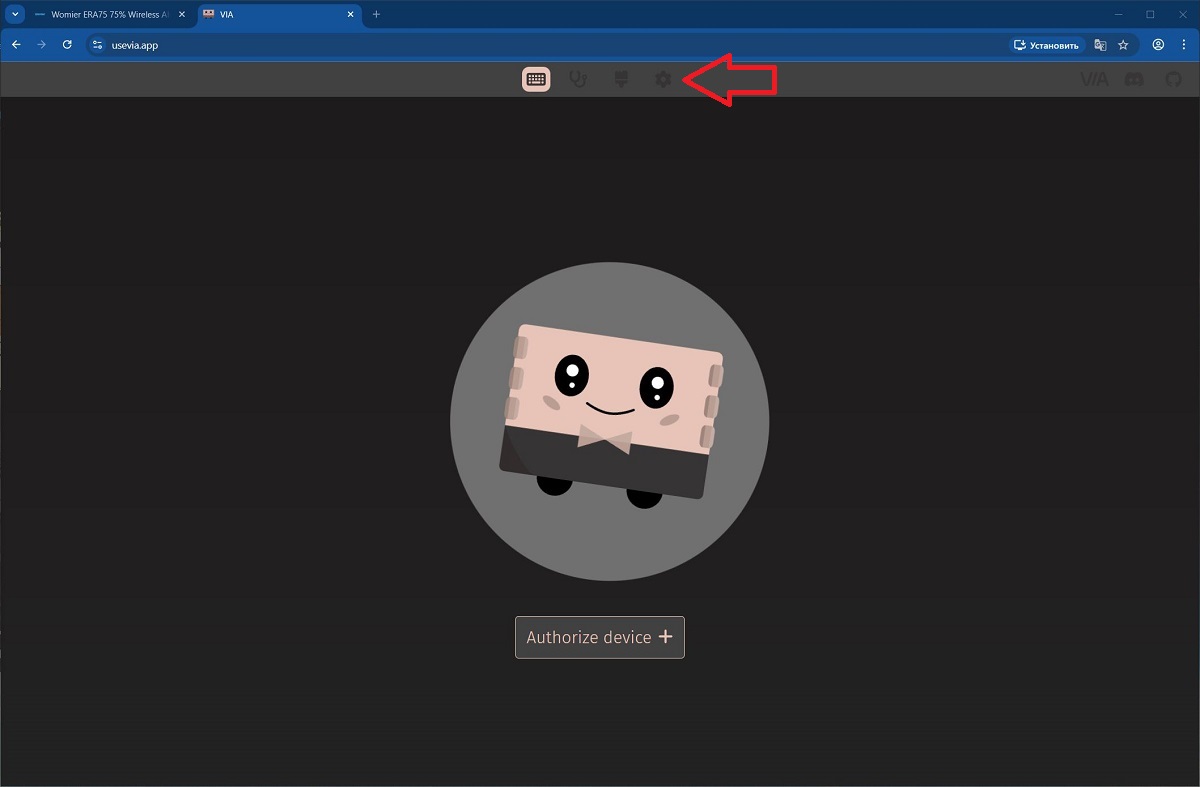
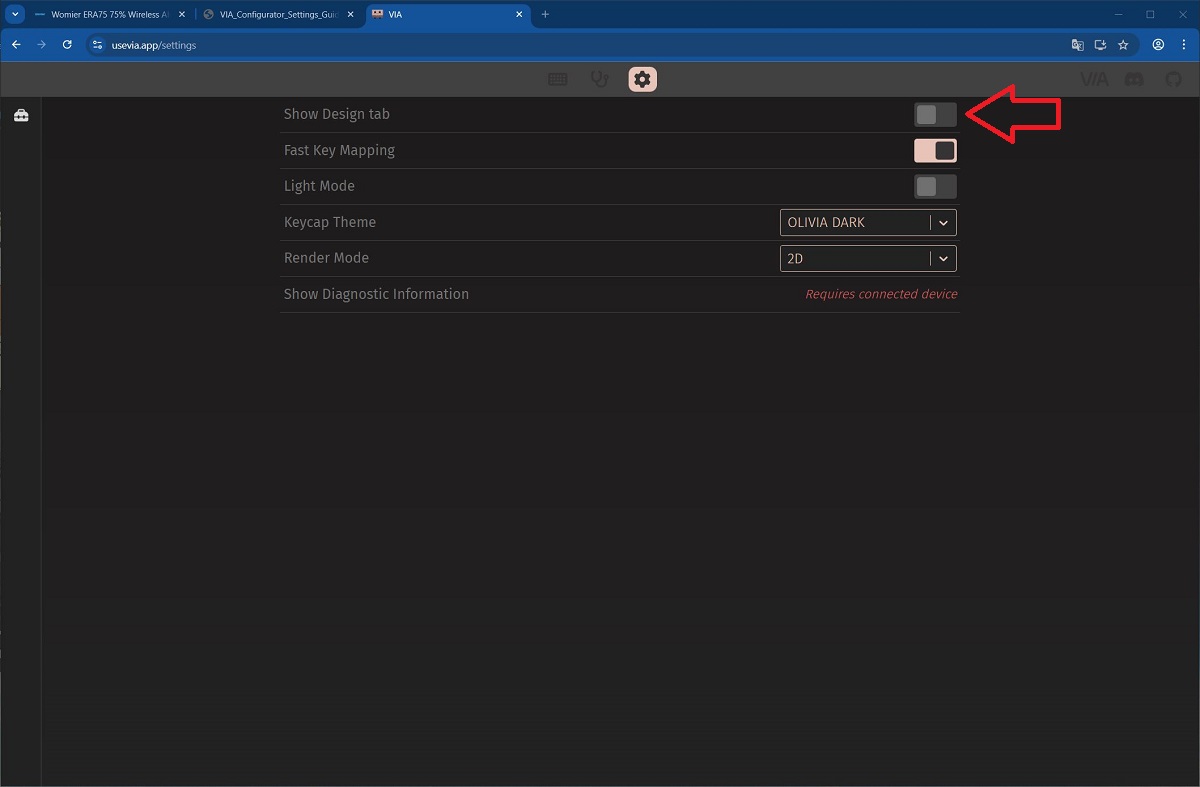
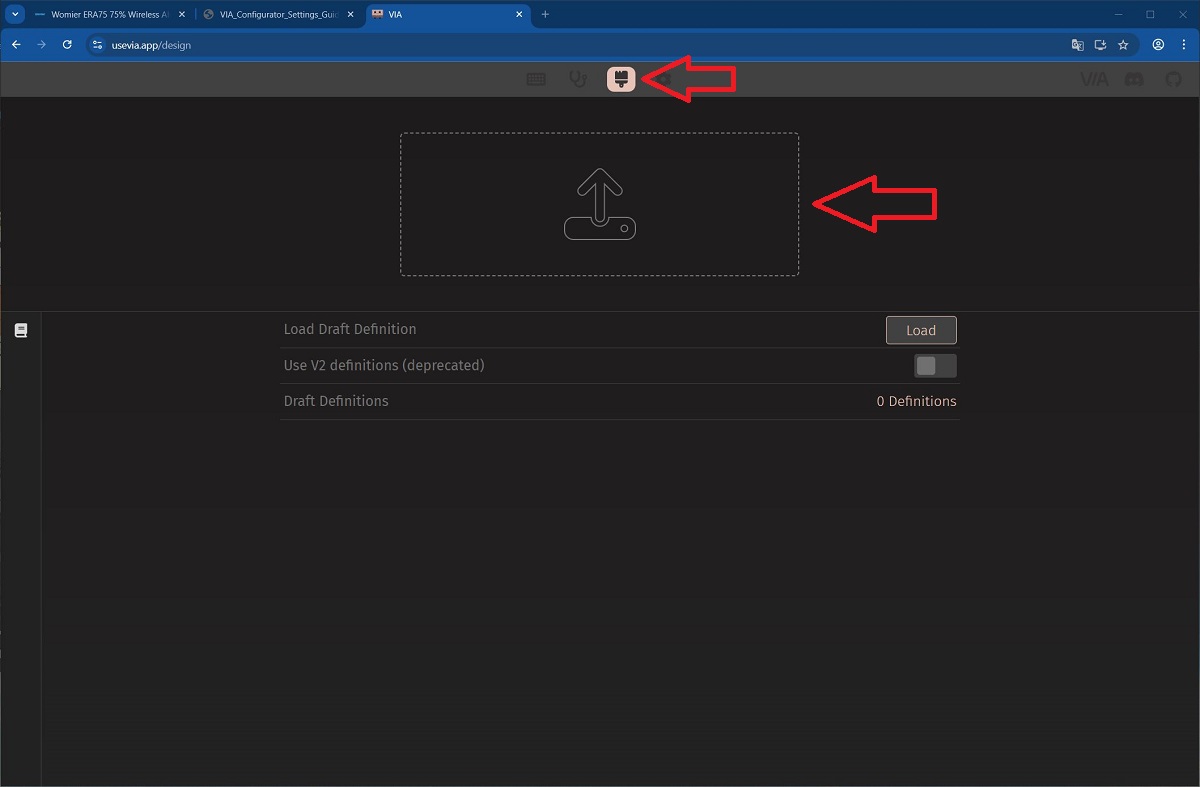
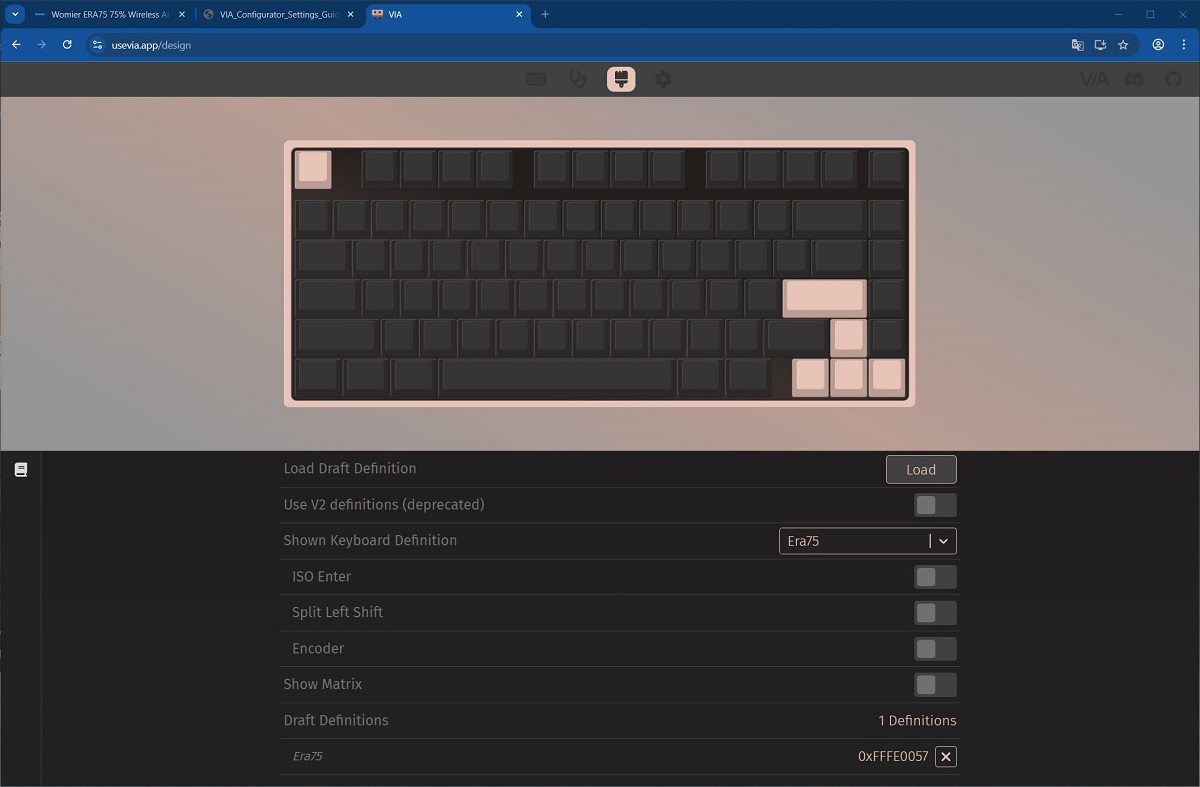
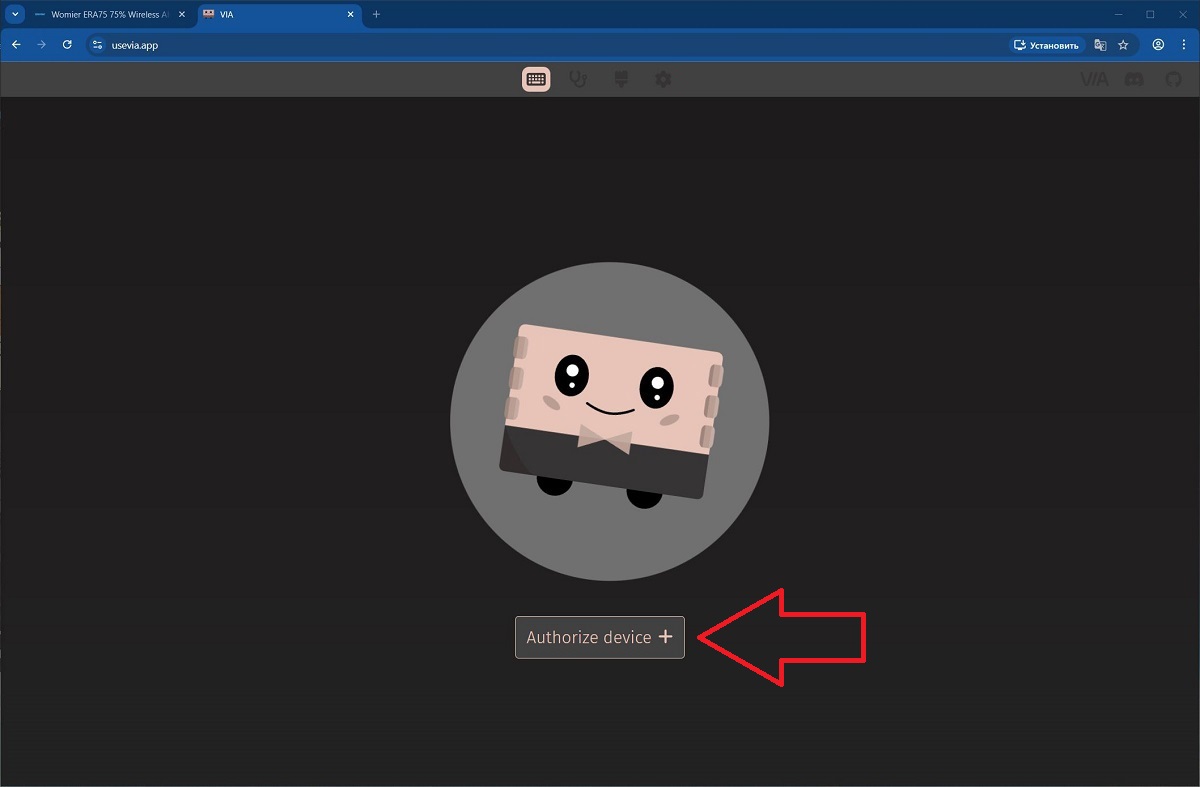
This setup procedure only needs to be done once. Afterward, using the same browser, all changes can be made instantly – without additional steps or reloading the configuration file.
Once the keyboard is successfully connected, you are taken directly to the main settings section – the CONFIGURE tab. This is where all primary device settings are located: LAYER, KEYMAP, LAYOUTS, MACROS, SAVE / LOAD, and LIGHTING.
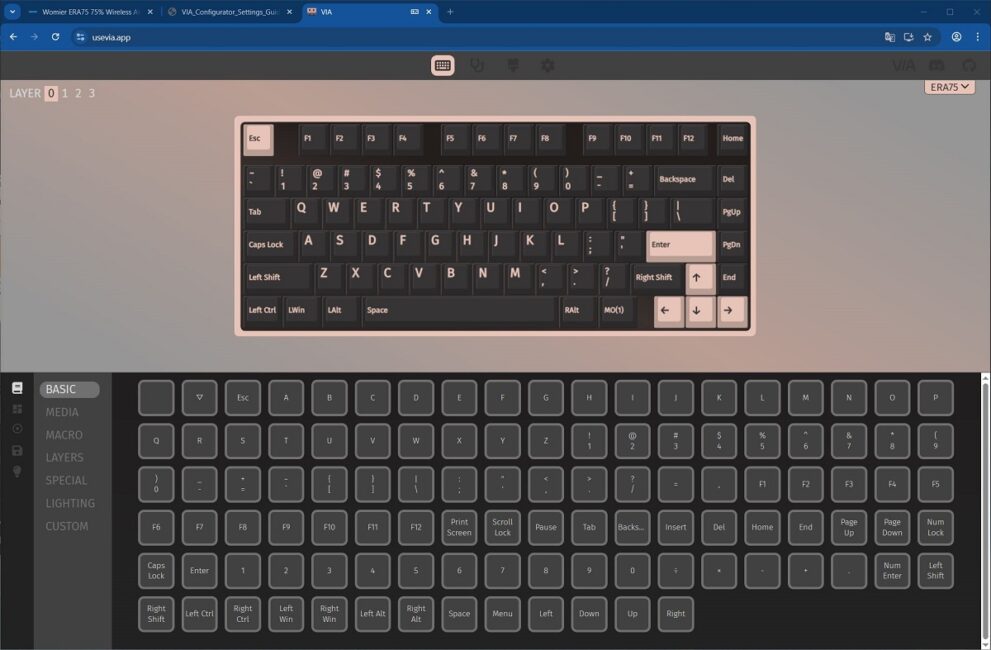
LAYER in the upper left corner refers to the keyboard layout layers:
- LAYER 0 – basic layout for Windows
- LAYER 1 – function layer for Windows (activated by holding down the FN key)
- LAYER 2 – basic layout for macOS
- LAYER 3 – functional layer for macOS (activated when the FN key is held down)
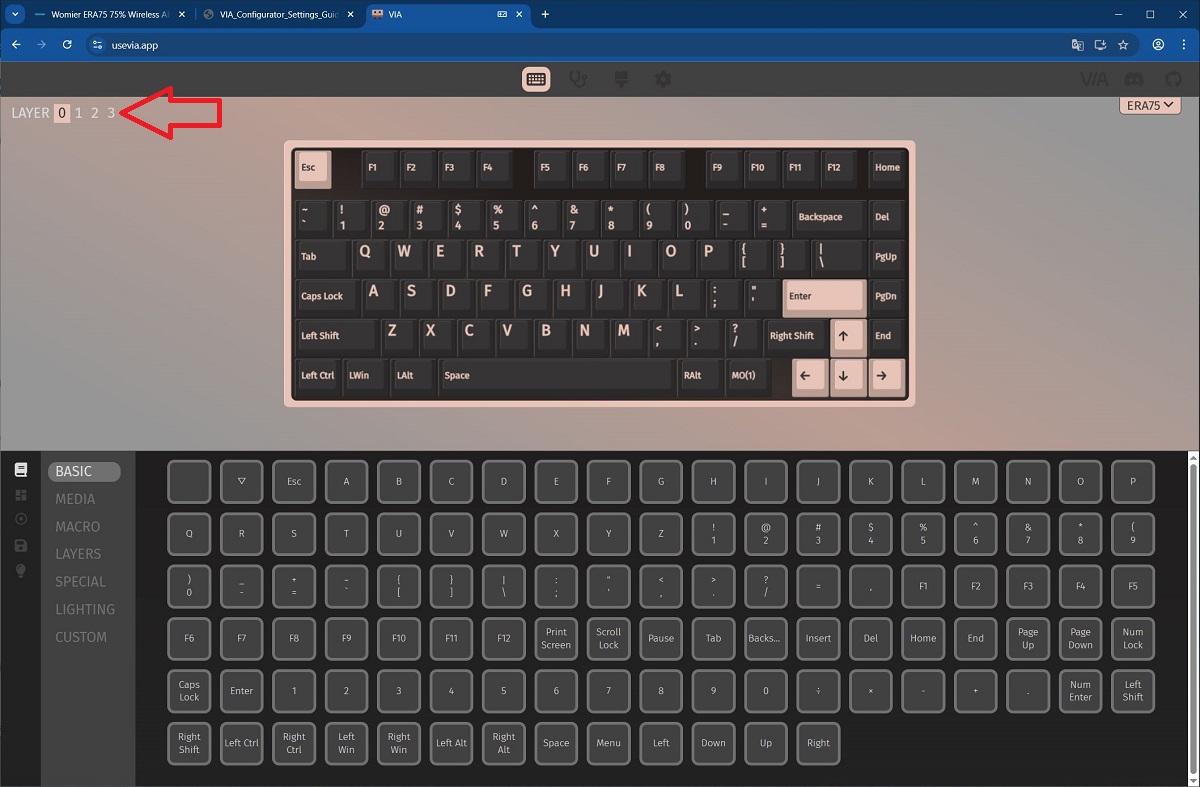
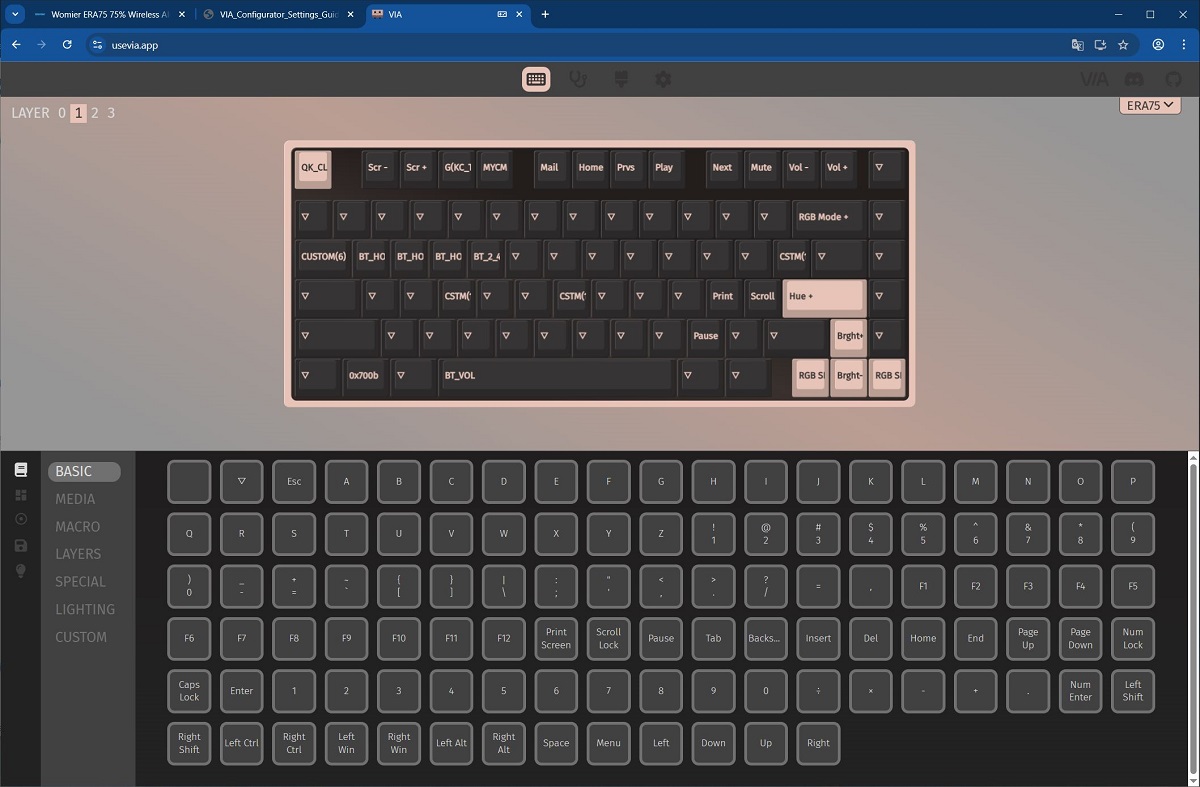
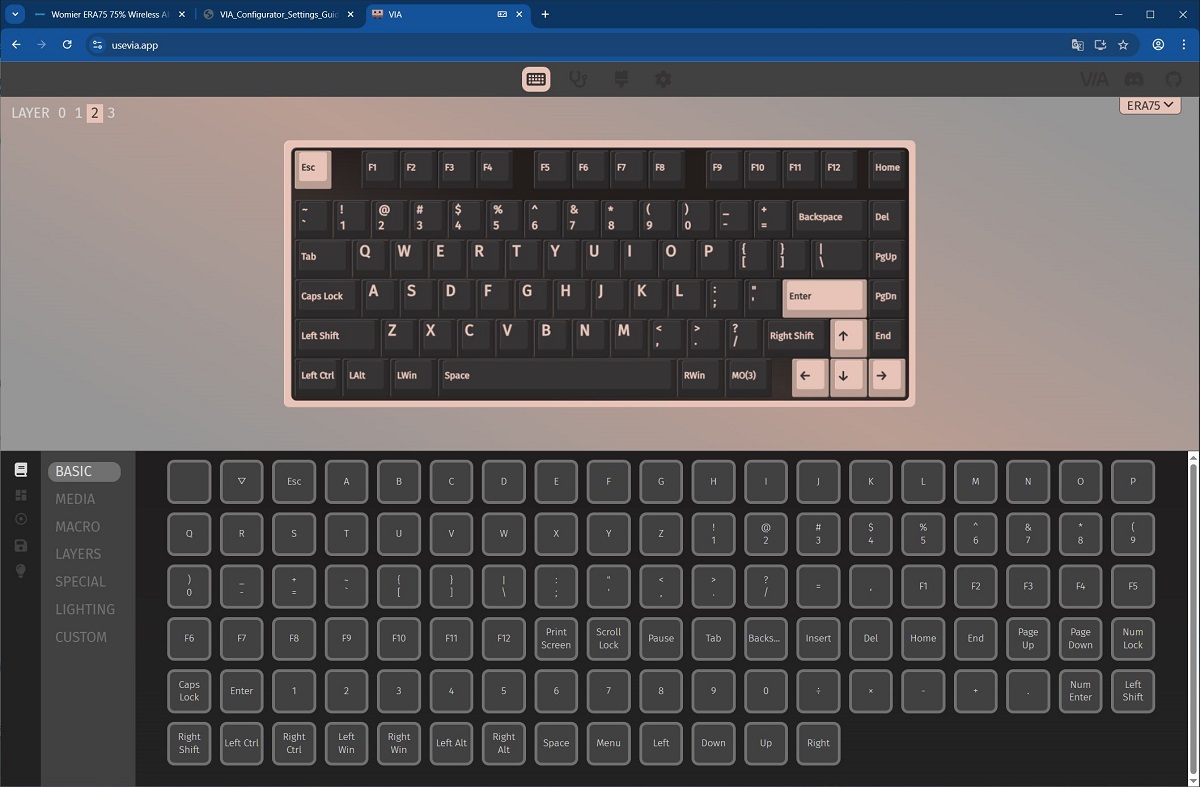
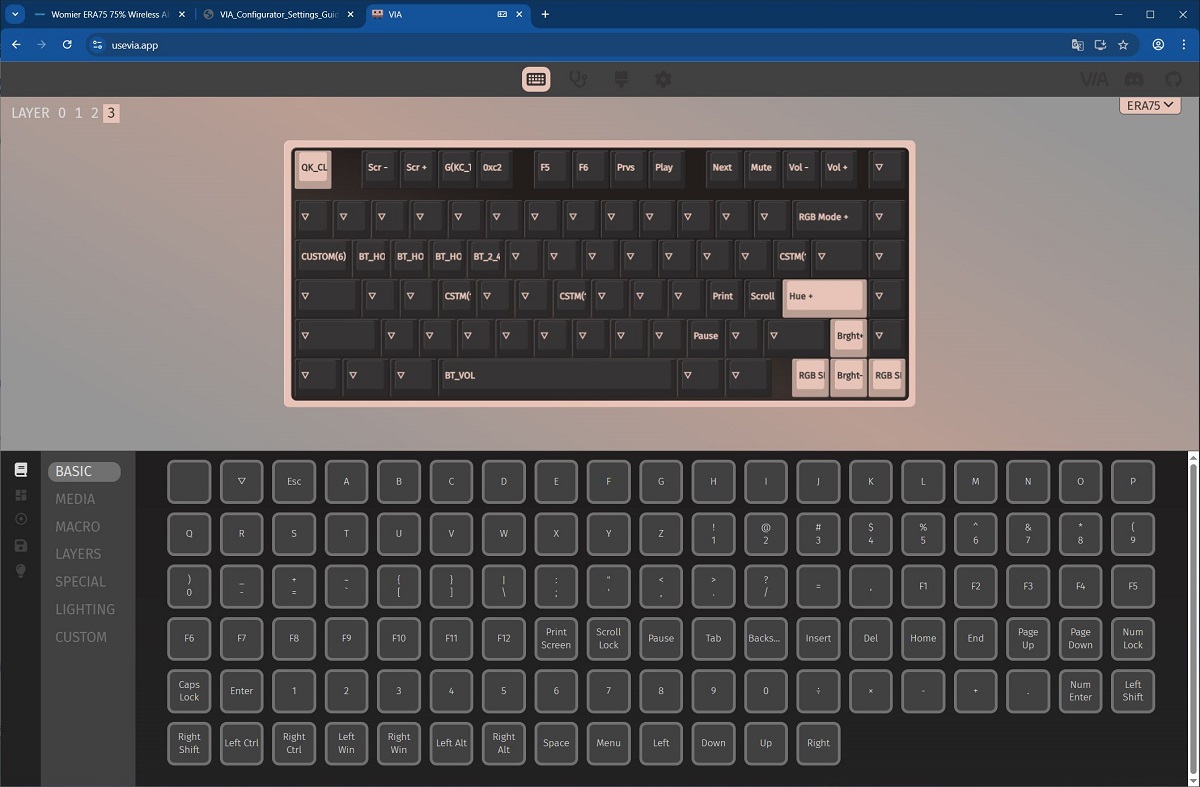
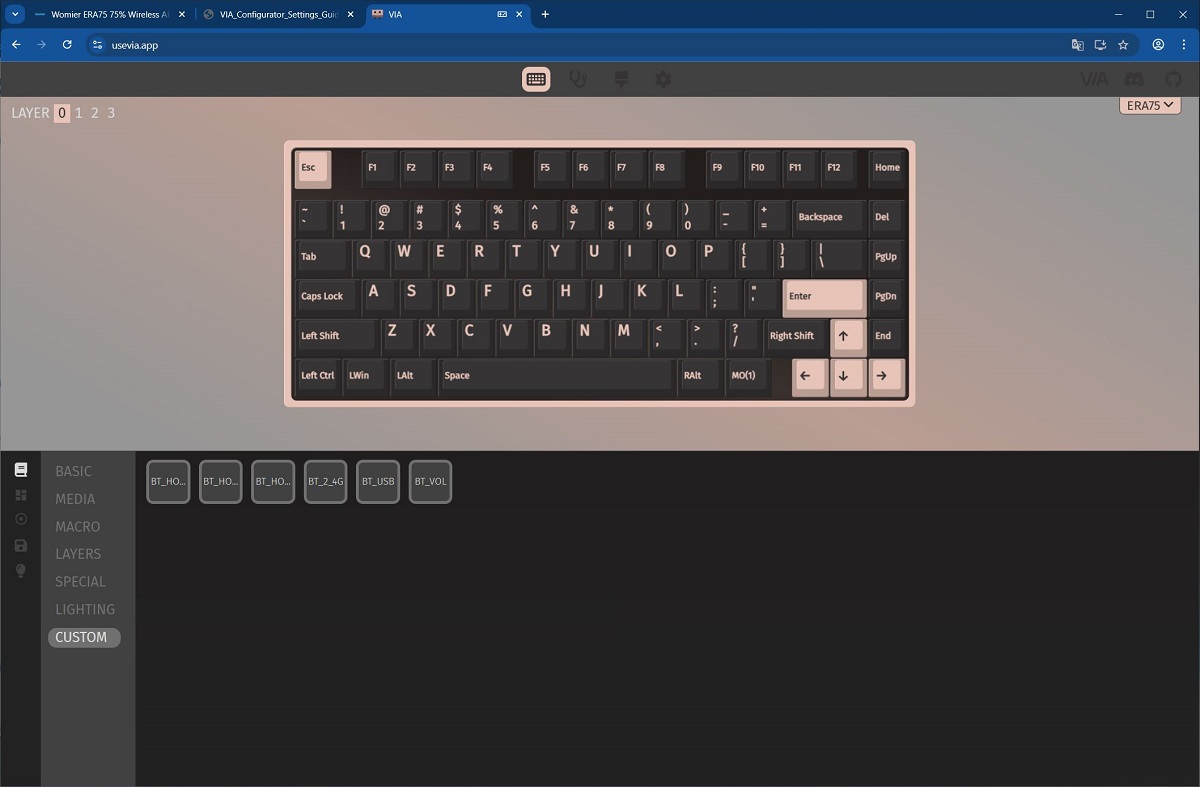
The KEYMAP menu is where layouts and keys are configured. In this menu, keys can be remapped, assigned different functions, and configured for FN+ key combinations. The setup process is straightforward: select the desired key or function on the top of the layout (depending on the layer), then choose the key or function you want to assign at the bottom.
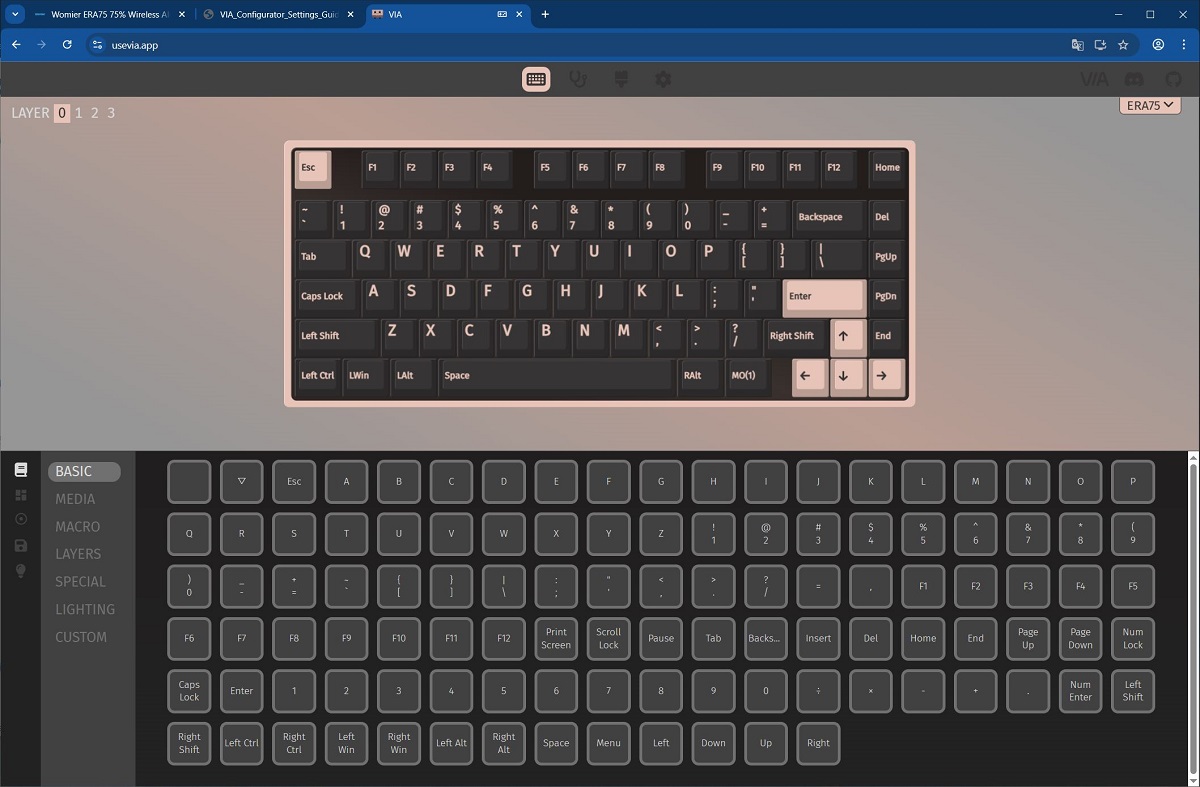
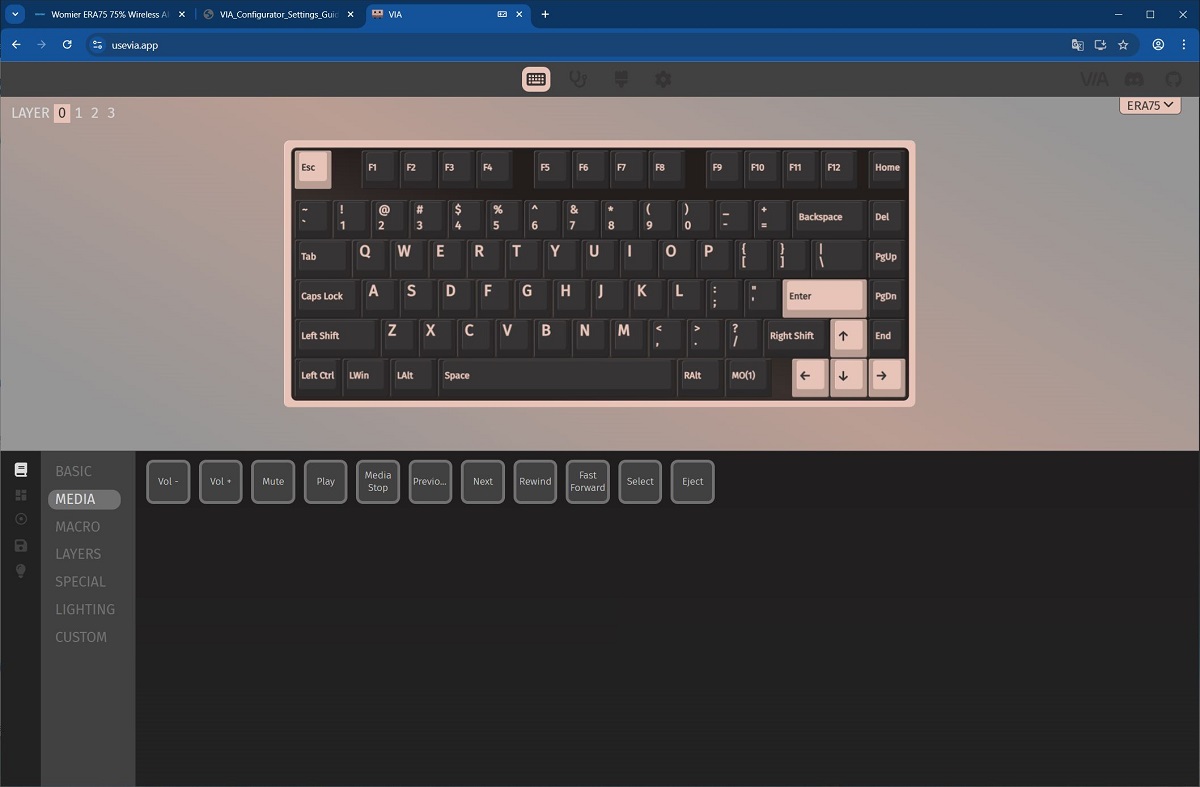
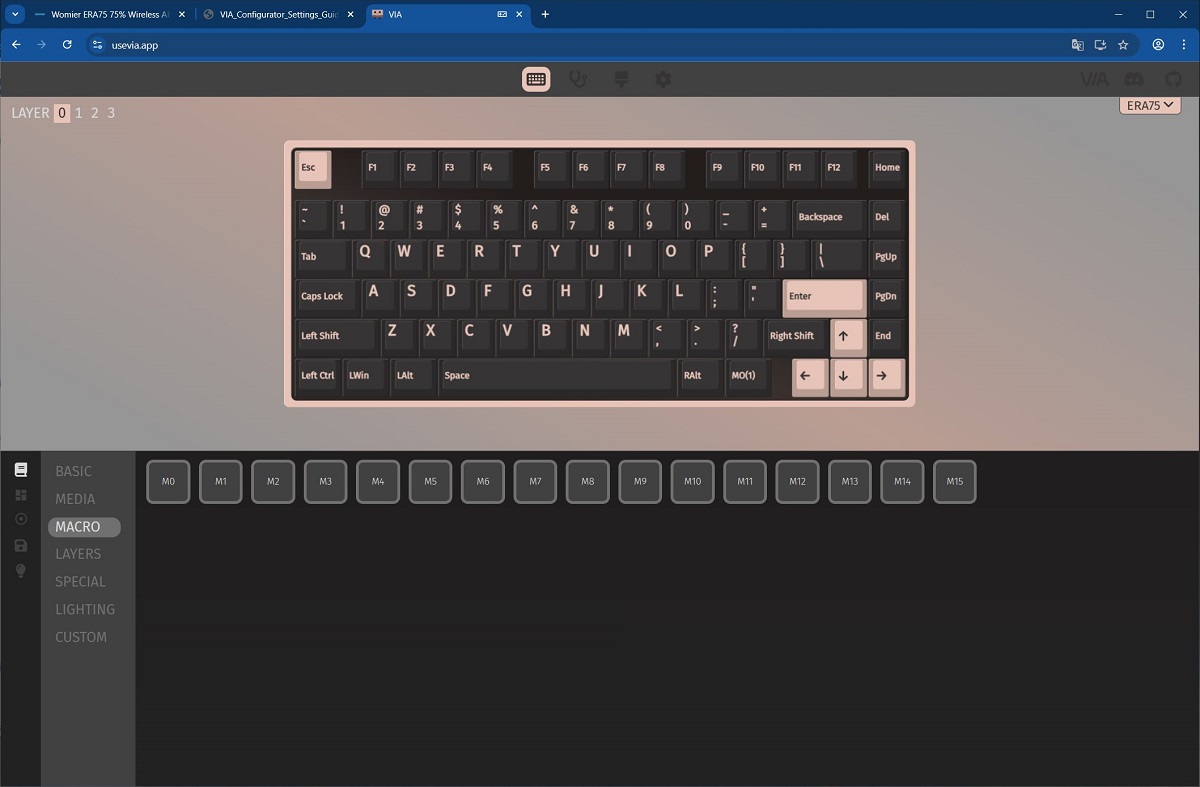
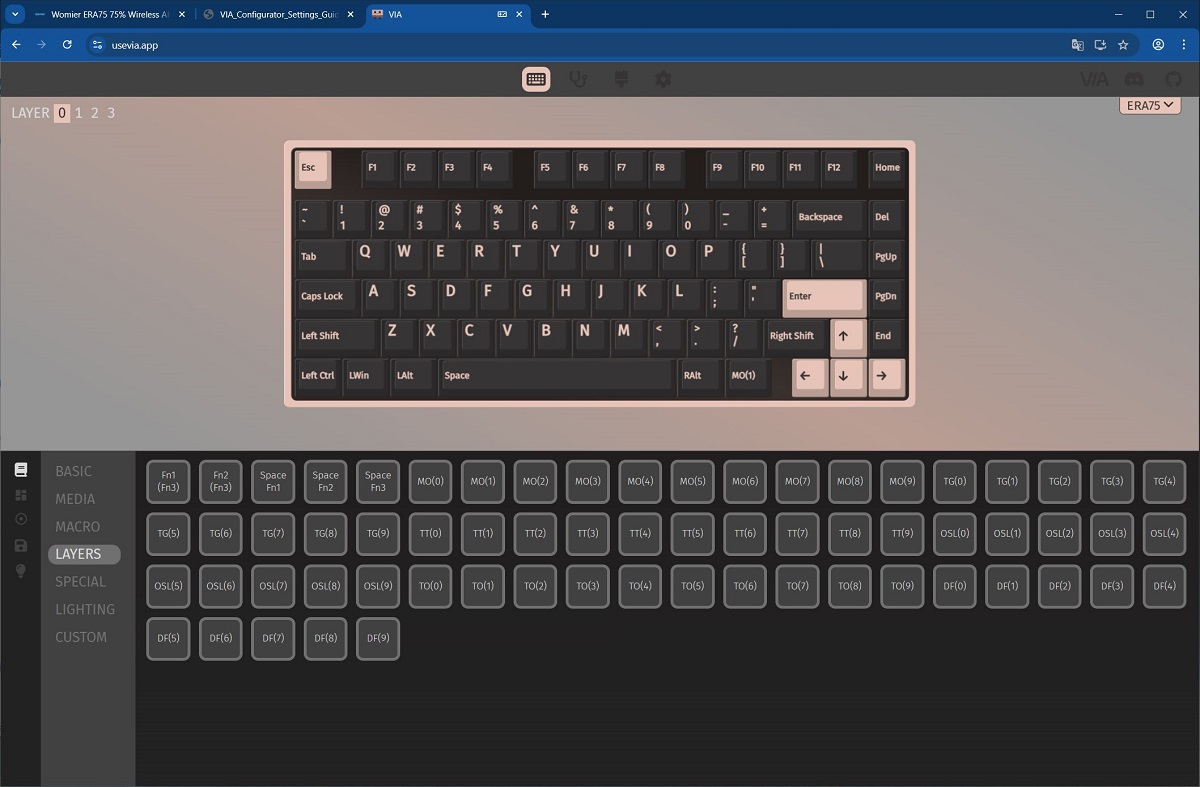
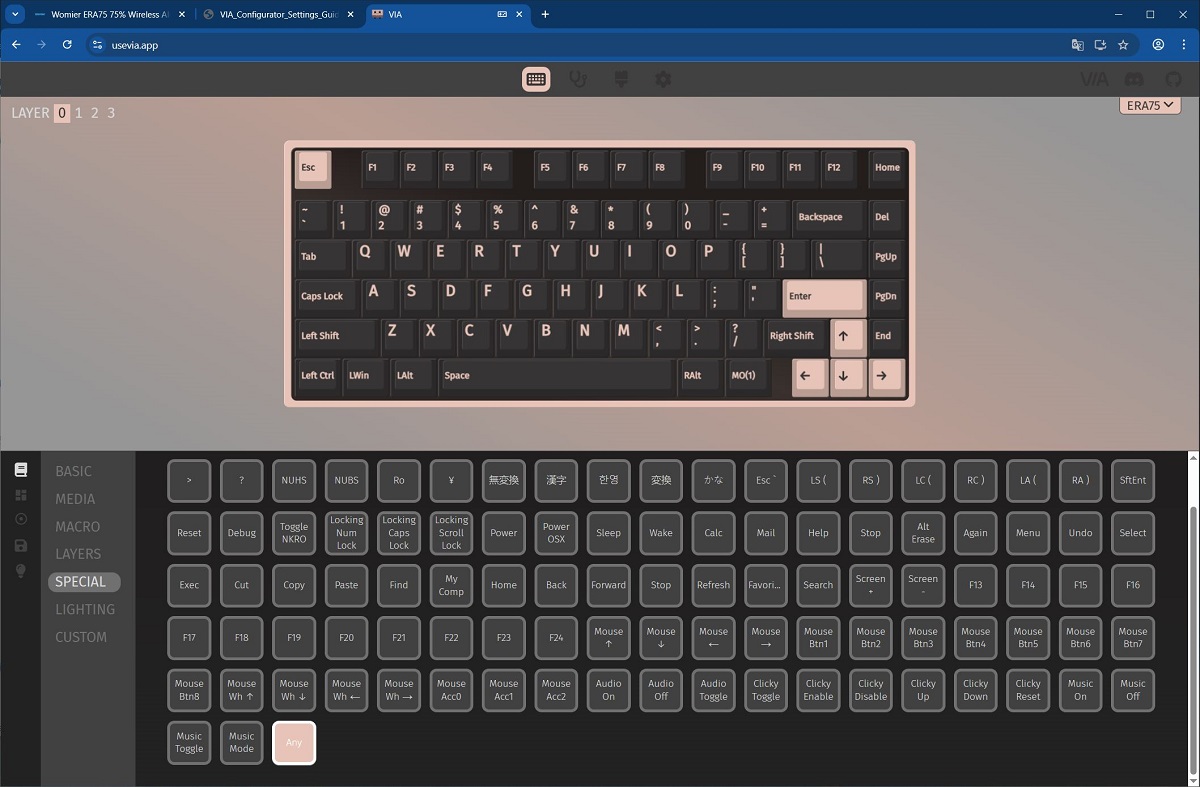
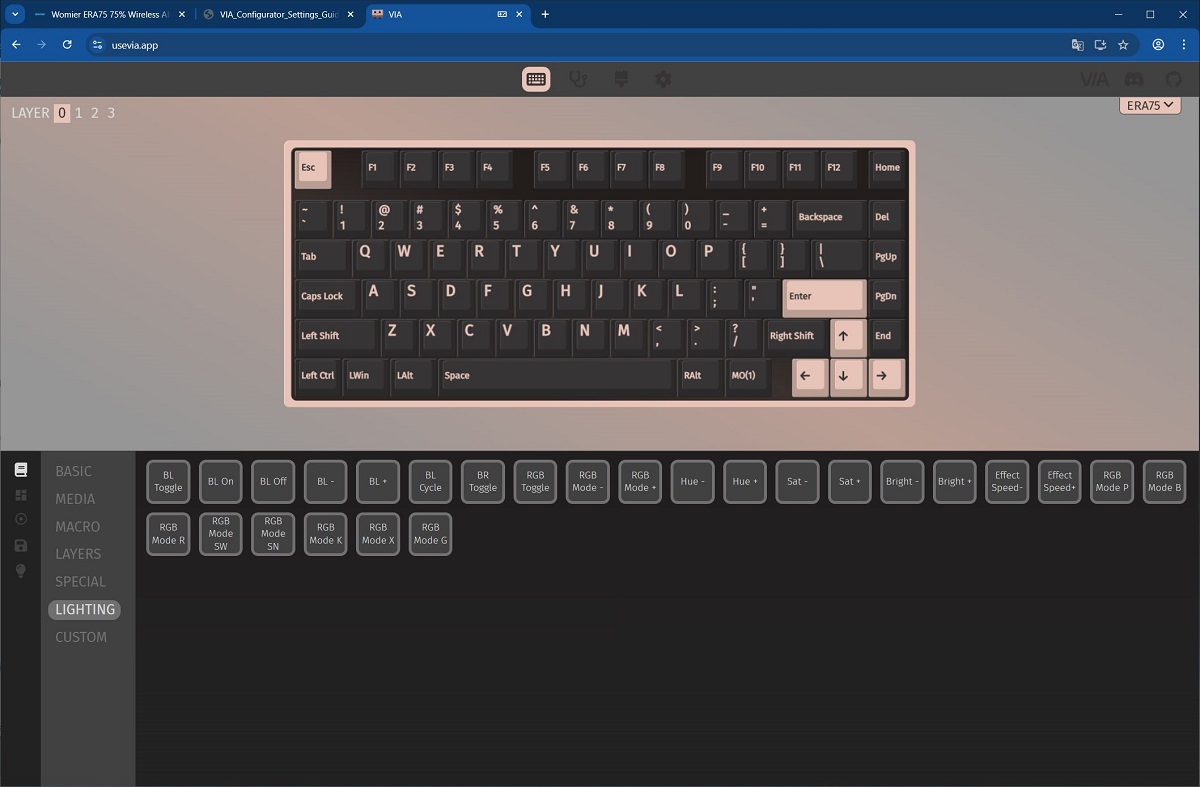
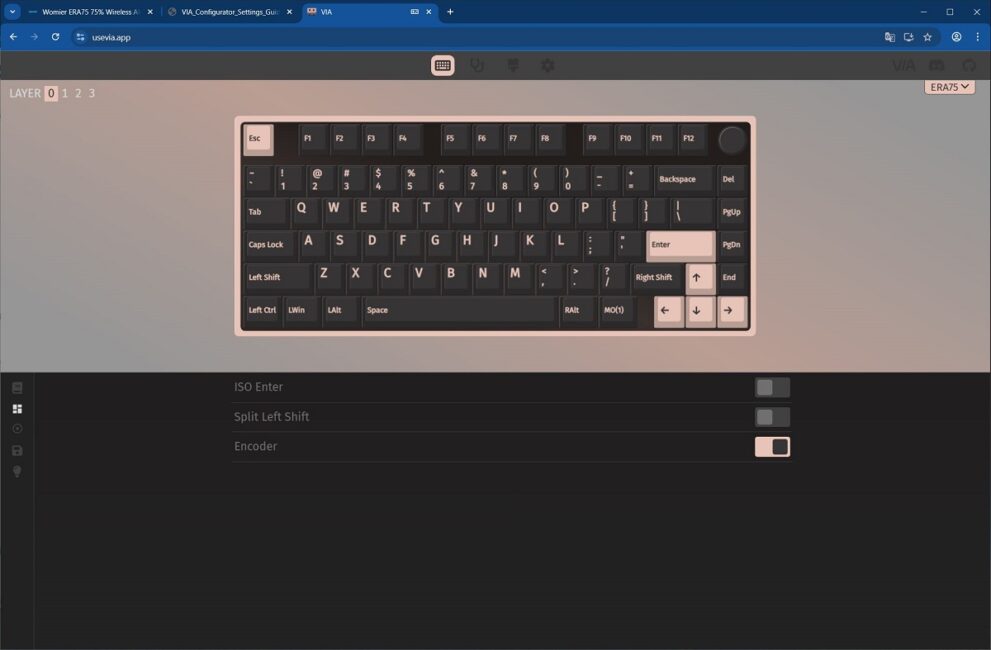
The LAYOUTS menu allows you to switch the keyboard layout from ANSI to ISO and to select the mode for the wheel (key or roller).
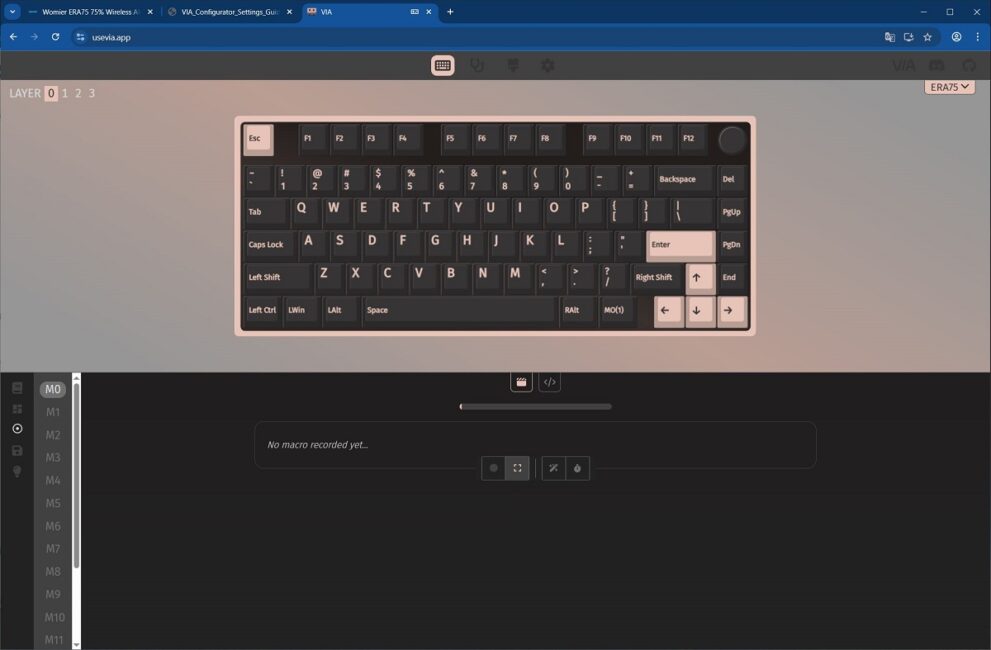
The MACROS menu allows you to record and edit custom macros. These macros can then be assigned to keys or key combinations in the KEYMAP menu (under the MACRO submenu).
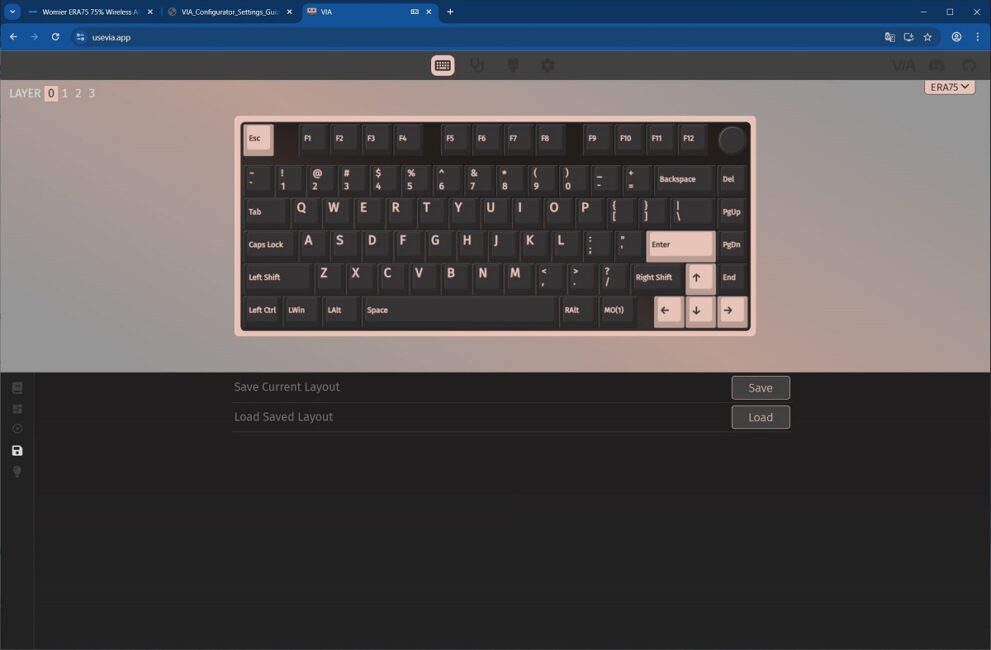
The SAVE / LOAD menu allows you to save and load your configuration settings as JSON files.
The LIGHTING menu is used to configure the keyboard’s backlighting. Here, you can select from preset effects, adjust brightness and animation speed, and set custom colors for certain effects.
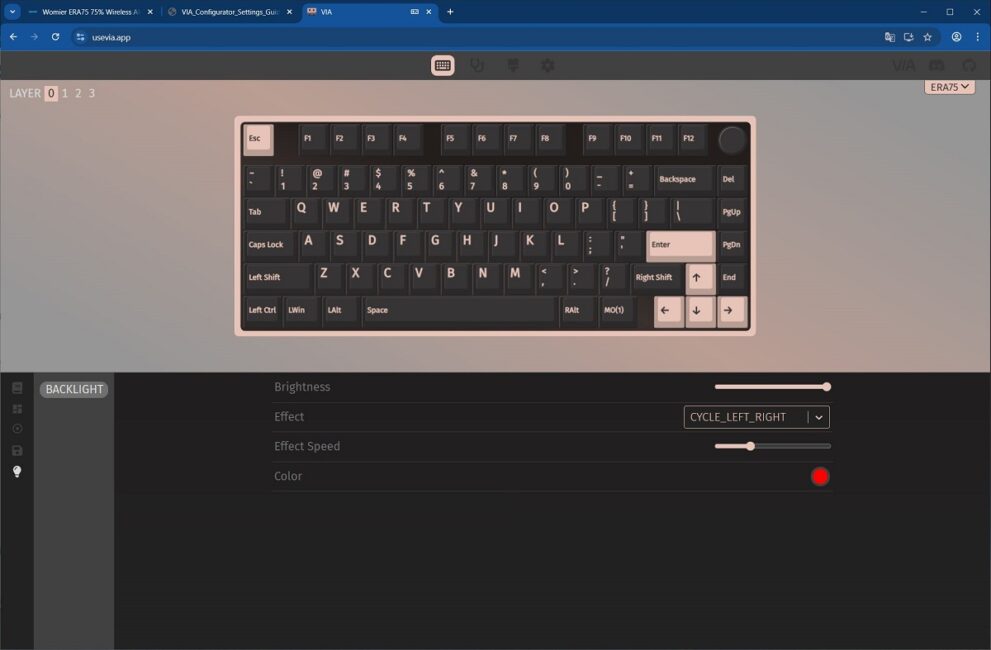
In addition to the main CONFIGURE tab, there are additional tabs for extra settings: KEY TESTER, DESIGN, and SETTINGS.
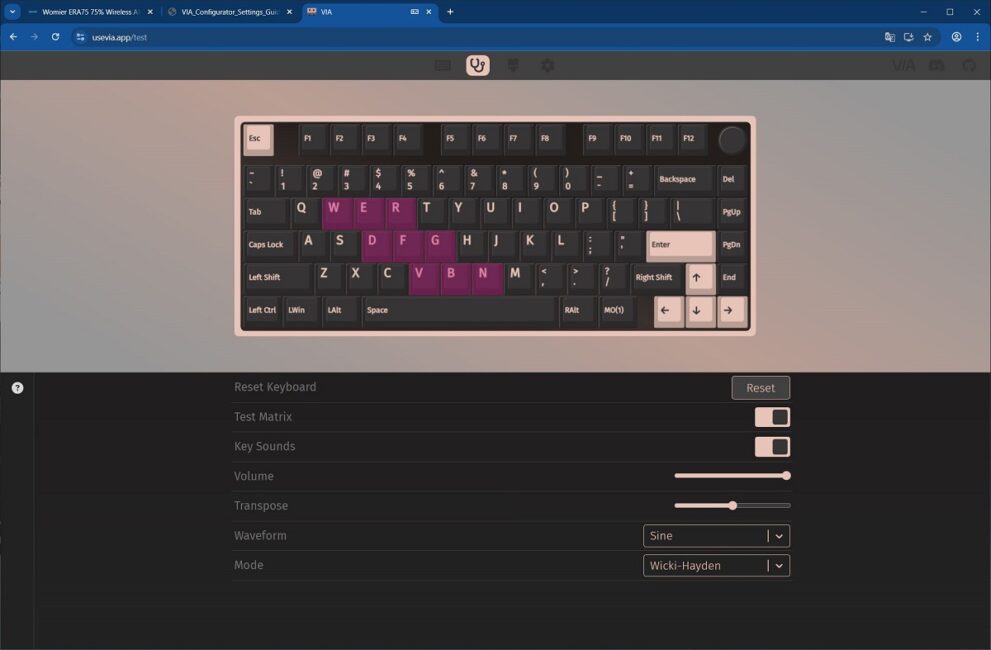
The KEY TESTER tab allows you to verify the keyboard’s functionality immediately after making changes. You can test both individual keys and their combinations with the FN key held down.
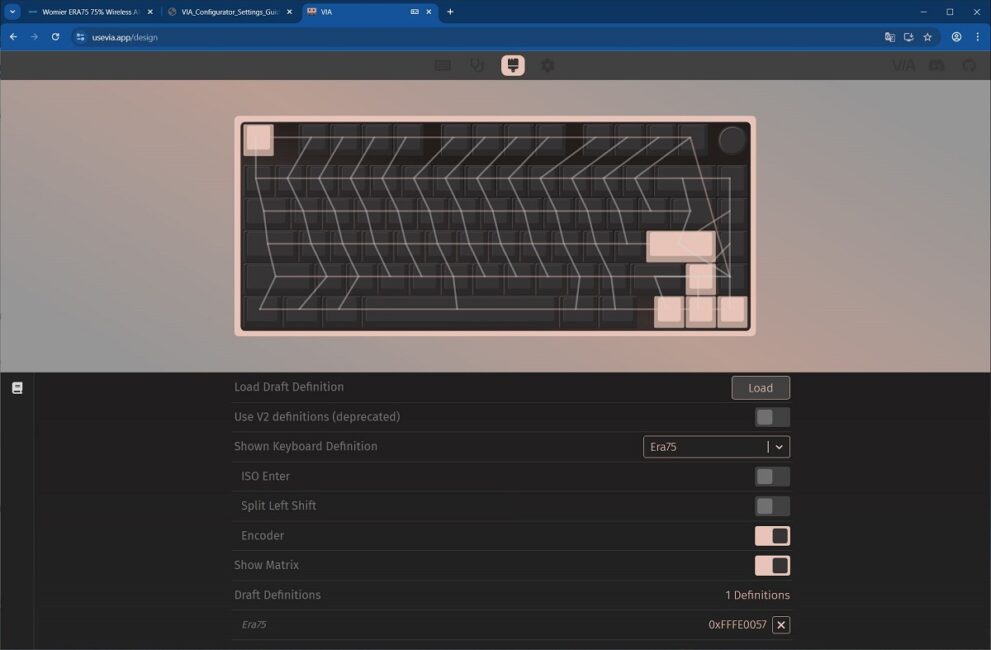
In the DESIGN tab, the JSON configuration file can be uploaded. This tab also allows you to view the keyboard matrix, showing the internal logic of key connections.
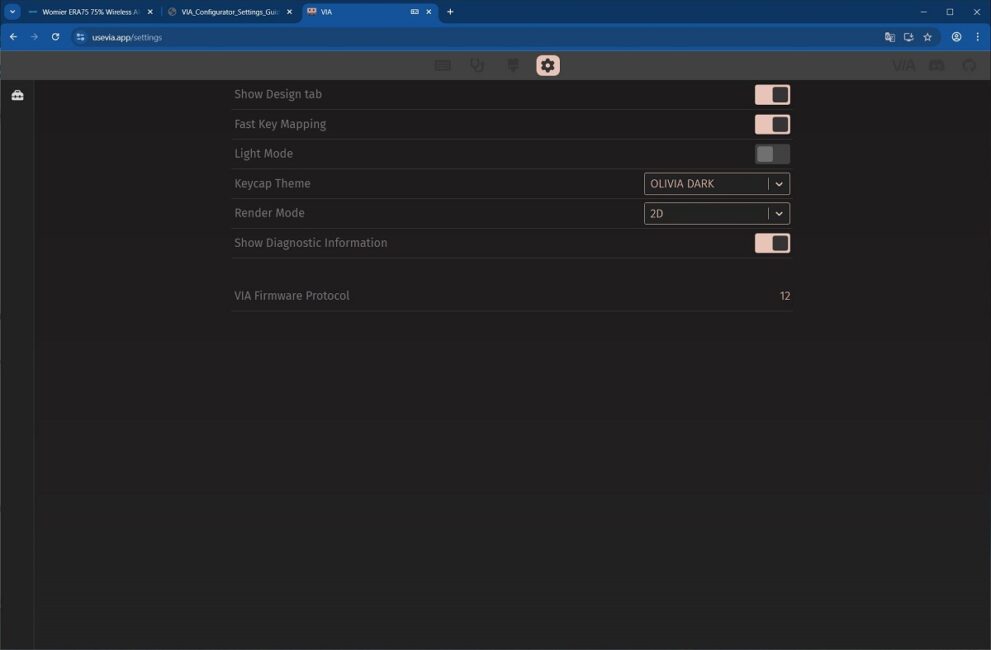
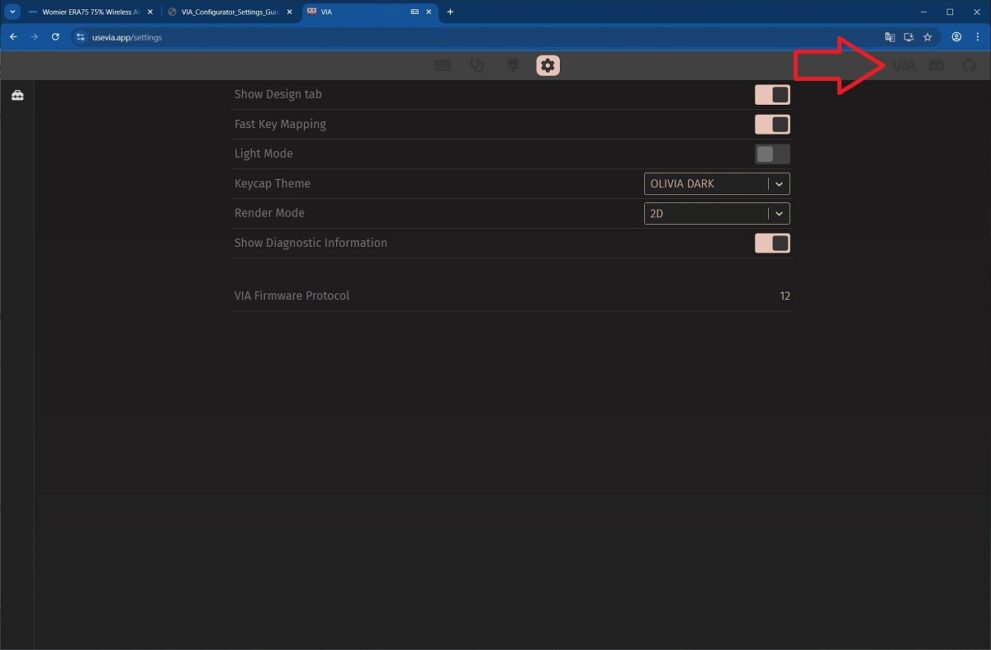
The SETTINGS tab contains options for customizing the visual appearance of the VIA interface. It also includes the option to enable the Show Design Tab, which is required to access the keyboard configuration in the DESIGN tab.
In the top-right corner of the site, you can find several useful links: the official VIA website with documentation on operation and firmware, the official VIA Discord channel, and the VIA source code on GitHub.
Read also:
- ASUS ROG Azoth X Keyboard Review: Futuristic Design, Hot-Swap Support, and OLED Display
- MechLands Vibe75 V2 Review: Solid Typing, Hot-Swap, and a Display at Affordable Price
Womier ERA75 Battery Life
Like the flagship magnetic model, the keyboard comes with a substantial 8000 mAh battery. According to Womier, a full charge provides approximately 350 hours of use without backlighting.
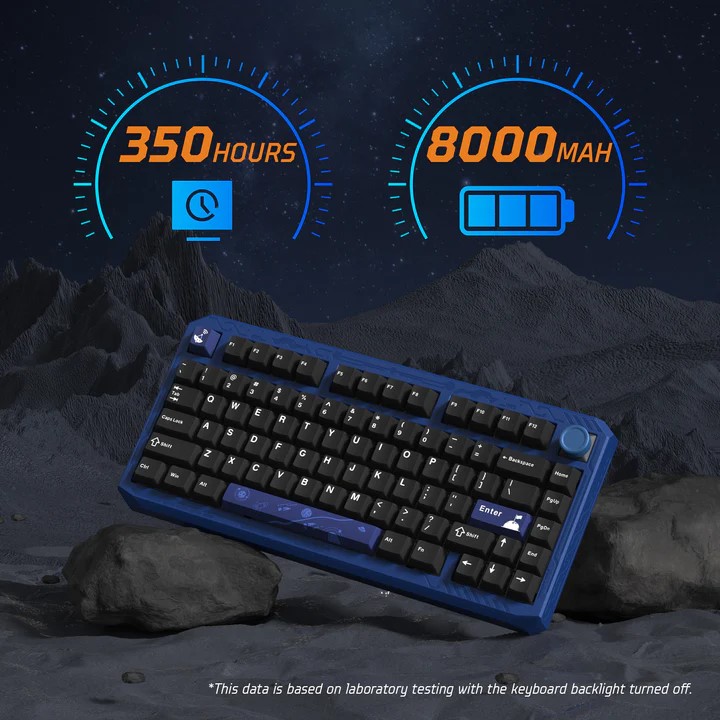
Based on personal observation, a full battery charge is sufficient for about a week of use in 2.4 GHz RF mode with the backlighting set to maximum brightness – roughly 5–7 days depending on usage intensity. Without backlighting, battery life increases significantly, allowing the keyboard to operate for over two weeks on a single charge.
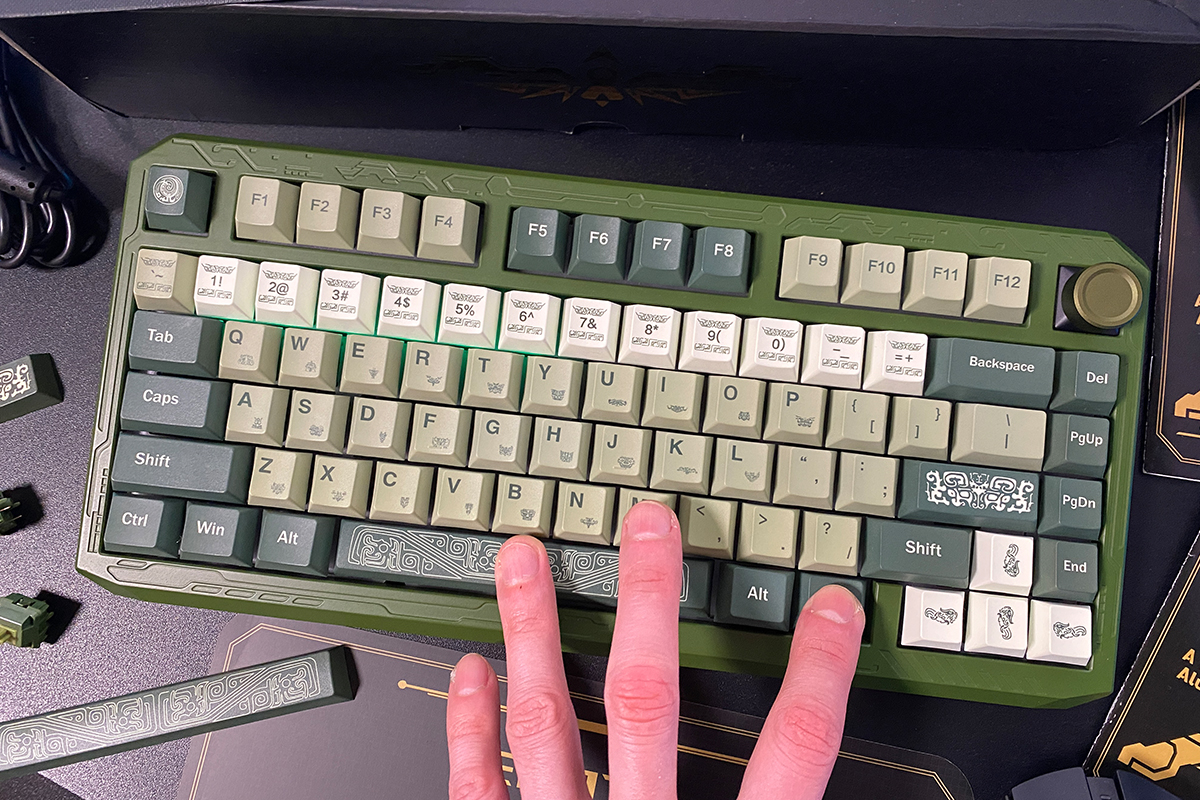
Battery status can be checked using the FN + Space key combination. When pressed, the number row lights up to indicate the approximate remaining charge. For example, in the photo below, keys 1–6 are lit, indicating roughly 60% battery remaining.
To conserve battery in wireless mode, the keyboard turns off the backlighting and enters sleep mode after approximately three minutes of inactivity. It wakes instantly from sleep, regardless of how long it has been inactive, which is a notable advantage.
One minor limitation is that the sleep timeout cannot be adjusted through the software. On keyboards like this, changing the sleep duration requires updating the firmware with a version that has the desired timeout. This is essentially the only drawback, albeit a minor one, of QMK/VIA-based keyboards.
Conclusions
In summary, the Womier ERA75 appears to be a well-considered addition to the lineup. It combines solid specifications, a reasonable price, and a distinctive design. These factors make the ERA75 an appealing choice for users looking for a reliable mechanical keyboard as well as those interested in unique and original designs.
Key advantages include an interesting concept and varied design options, a high-quality aluminum case, hot-swap capability, VIA support, impressive battery life, and a comfortable typing experience. The additional stylized keycaps are appealing, though, as mentioned earlier, they are somewhat expensive.
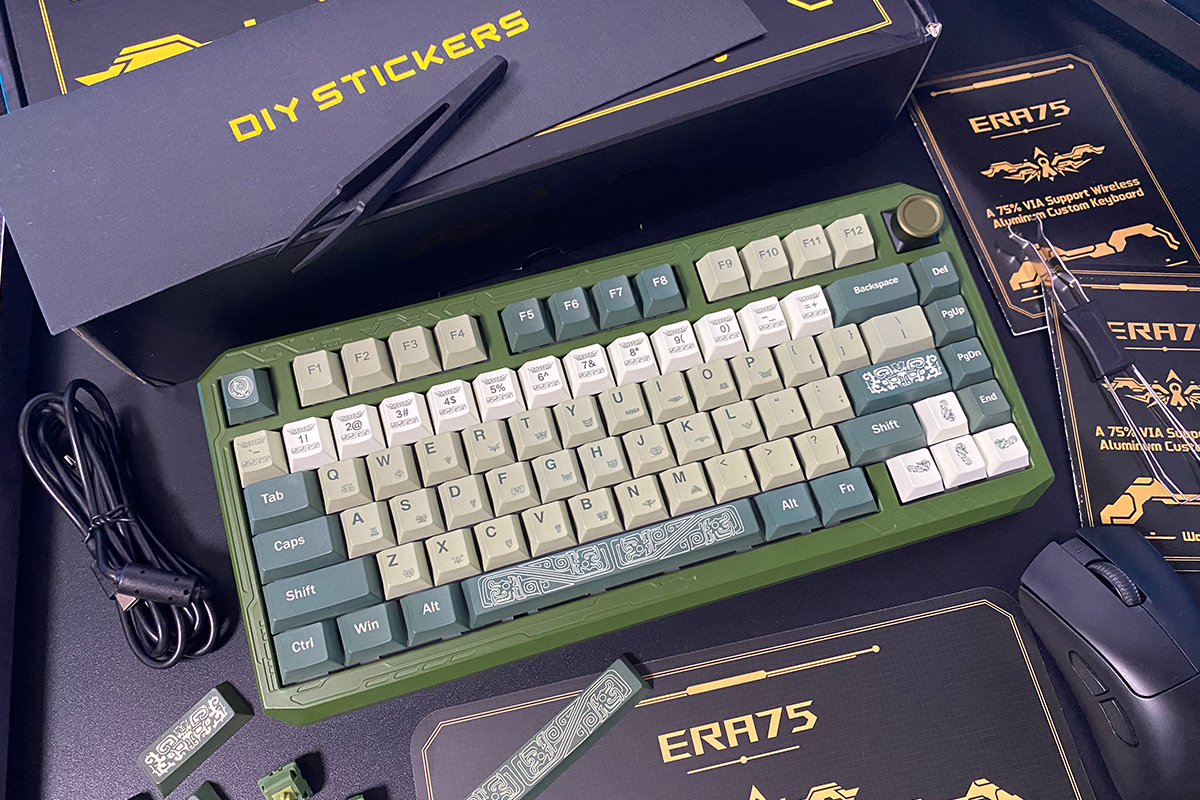
There are no significant drawbacks to note. Minor points of contention include the stickers on the case and the non-standard fixed tilt. The sticker patterns themselves are decent and look interesting, but it might have been preferable if they were metal plates that could magnetically attach to the case, or something similar. Regarding the tilt, as mentioned earlier, the keyboard may feel unusual at first, but it quickly becomes comfortable to use. Overall verdict: the Womier ERA75 is a solid device that can be confidently recommended.
Read also:
- Structural Crisis of the DRAM Market and Its Impact on Consumer Electronics
- What to Gift a Motorola Enthusiast for Christmas and New Year
- Gift Ideas for Gamers This Christmas
Where to buy Womier ERA75