





© ROOT-NATION.com - Use of content is permitted with a backlink.
Today, I am reviewing the Womier SK75 TMR, a new magnetic keyboard from the brand that just went on sale a few days ago.
Read also: Gaming Keyboard Reviews
TABLE OF CONTENTS:
Features and uniqueness of Womier SK75 TMR
The key highlight of this model is its use of advanced TMR (Tunnel Magnetoresistance) technology. This system relies on highly sensitive sensors placed on the printed circuit board that accurately detect the position of a magnet inside each switch, ensuring exceptional key actuation speed and precision. Essentially, TMR technology represents the next stage in the evolution of magnetic keyboards. It surpasses traditional Hall-effect designs in several areas critical for gaming – particularly in accuracy, stability, responsiveness, and energy efficiency.
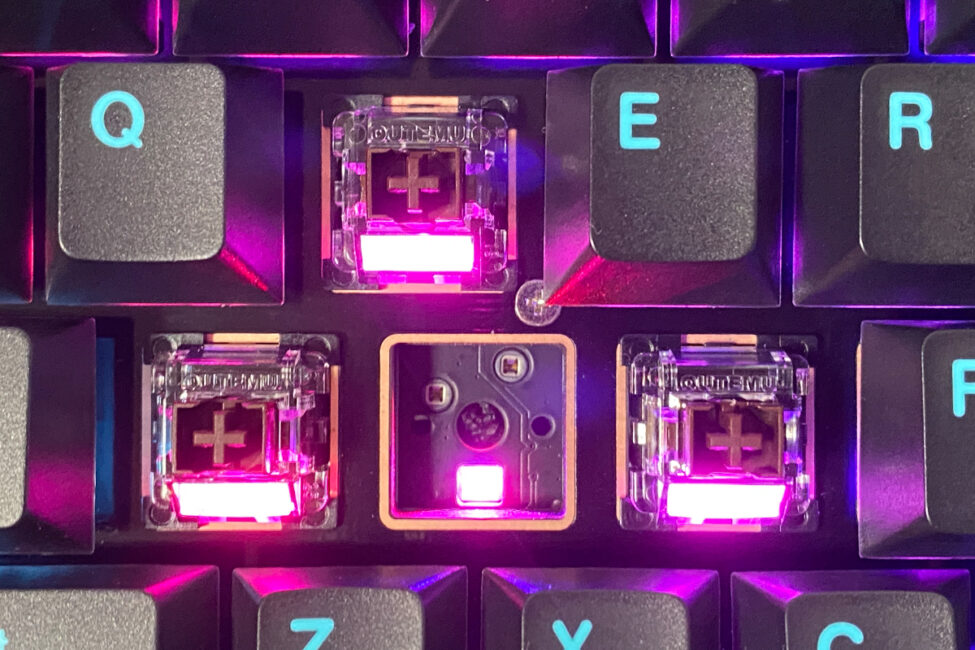
In addition to its advanced TMR technology, the new model introduces several distinctive features that set it apart from most alternatives and competitors. One of the most notable is the hybrid hot-swap system, which allows the keyboard to support both magnetic and conventional mechanical switches. Importantly, users are not forced to choose between the two – the keyboard can operate with both types simultaneously, enabling custom combinations within a single layout.
Looking ahead, the Womier SK75 TMR stands out as one of the most innovative and technically advanced magnetic keyboards currently available. It represents the forefront of the transition from traditional Hall-effect systems to the more precise TMR technology, positioning it as a technological benchmark in its category. In the following review, we’ll take a closer look at what makes this keyboard special, how it differs from its competitors, and what advanced capabilities it brings to the table.
Models and technical specifications
The new Womier SK75 TMR builds on the legacy of the brand’s previous bestsellers – the SK75 and SK75 HE. The original SK75 featured standard mechanical switches, while the SK75 HE introduced Hall-effect magnetic switches. The latest SK75 TMR, as mentioned earlier, represents the next evolutionary step in this lineup, advancing magnetic technology through the integration of TMR sensors. In essence, Womier is now phasing out the SK75 HE in favor of the more advanced SK75 TMR.
Other aspects – including the form factor, layout, chassis materials, design, and wireless connectivity – remain consistent across all three models. The main differences lie in the switches (mechanical vs. magnetic), internal mounting structure (Gasket Mount vs. Top Mount), battery capacity (4000 mAh vs. 8000 mAh), and the inclusion of VIA web driver support in the standard version.
You can view the full specifications of the standard version on Womier’s official website using the link above. Here, I’ll list only the technical specifications for the new magnetic model, to which this review is dedicated.
- Model: Womier SK75 TMR
- Format: 75%
- Layout: ANSI (QWERTY)
- Number of keys: 81 keys
- Connection: three modes (RF 2.4 GHz, Bluetooth, USB-C)
- Switches: Outemu Magnetic Switch
- Adjustable actuation range: 0.1-3.5 mm
- Adjustment accuracy: 0.01 mm
- Advanced switch functions: DKS (RT), MT, TGL, Snap Key
- Polling rate: 8000 Hz
- Polling period: 0.125 ms
- Anti-Ghosting: yes
- #KRO: N-KRO
- Hot-swap: combined (compatible with magnetic and mechanical switches), 5-pin connectors
- Design: Top Mounted
- Body material: aluminium
- Keycaps: Double-Shot PBT Cherry Profile
- Backlighting: RGB keys (south-facing LEDs)
- Proprietary application: Womier Driver (Windows)
- Supported platforms: Windows, macOS
- Battery: 8000 mAh
- Cable: detachable USB-C to USB-A
- Dimensions: 321×140×47 mm
- Weight: 2 kg
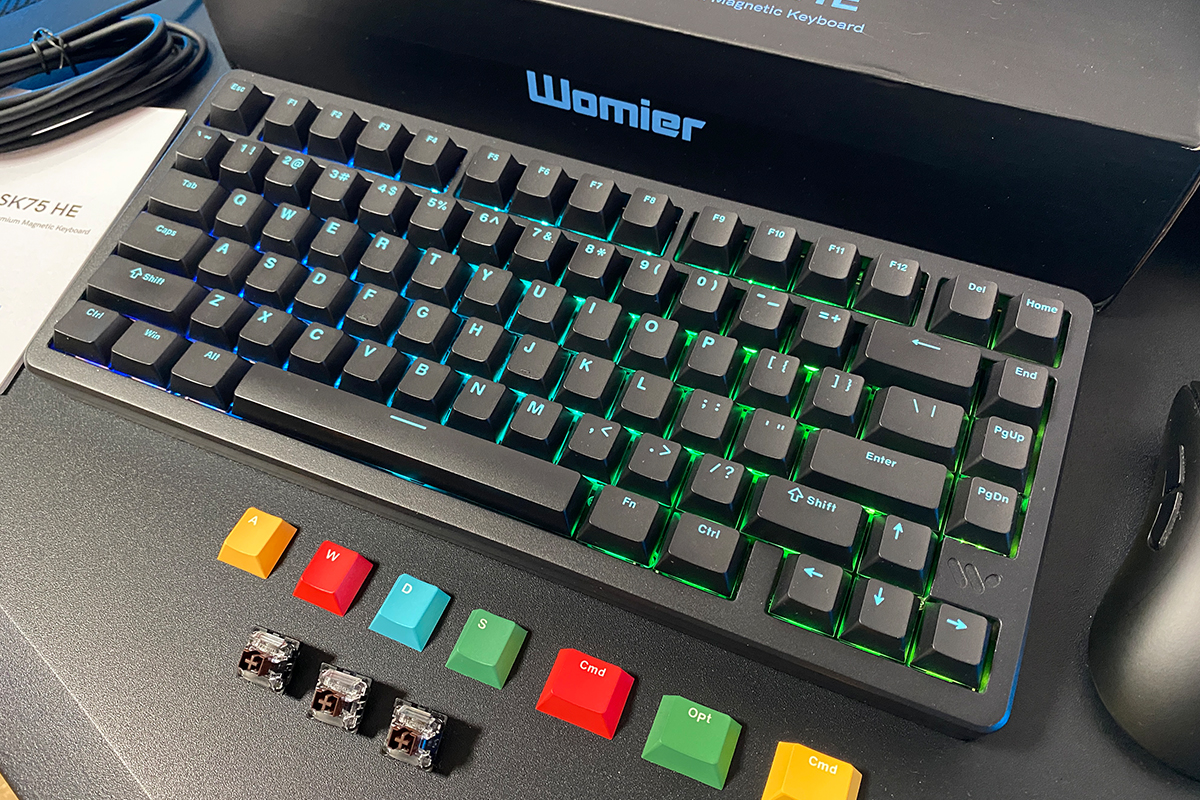
- Package contents: keyboard, 2.4 GHz RF wireless adapter, USB-C to USB-A cable, double puller, spare switches, set of alternative keycaps, blister dust cover, user manual
Positioning and price
To be honest, before encountering the SK75 TMR, I knew little about the Womier brand itself – this review marks my first real experience with their products. Whenever I receive a device from a brand that’s new to me, I like to learn a bit more about who they are, and I assume many readers feel the same way. Womier is a relatively young Chinese company that has quickly gained attention for its focus on high-tech mechanical keyboards. The brand is known for integrating advanced technologies into its products, combining them with solid build quality and distinctive, vibrant designs – all while maintaining an accessible price point.
The new SK75 TMR follows the same philosophy that defines the Womier brand – a focus on uniqueness, build quality, and advanced technology at an affordable price. In essence, the SK75 TMR can be described as one of the most distinctive, accessible, and technologically advanced magnetic keyboards currently available.
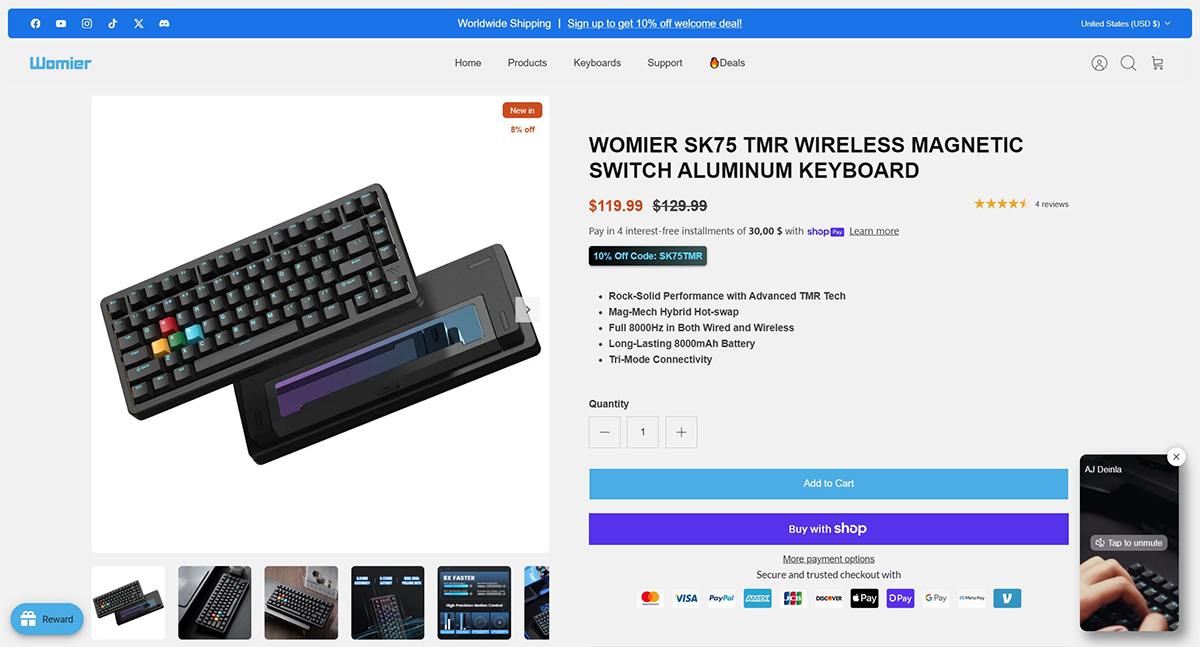
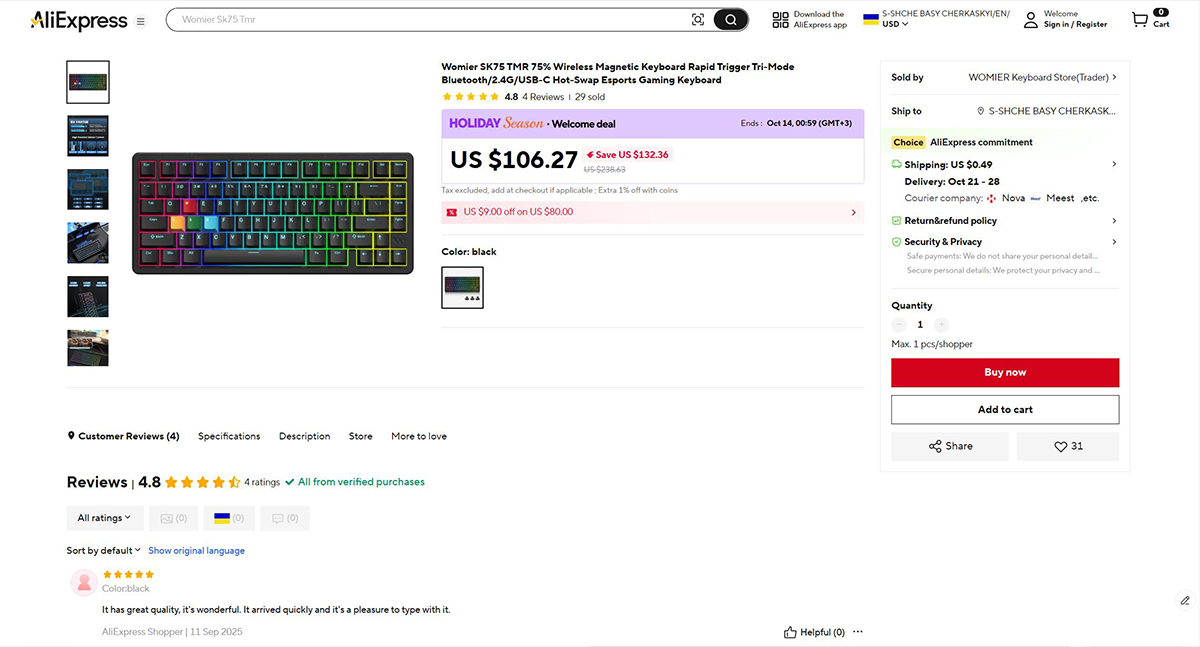
The model’s average retail price is around $129.99 / €111, which is remarkably competitive for a device of this caliber. With some searching, it’s possible to find it even cheaper – for instance, at the time of writing, Womier’s official website offered a discount that brought the price down to $119.99 / €103, while on AliExpress it was listed for $106 / €91. Discount or not, the SK75 TMR represents excellent value for money and a highly appealing entry point into the world of modern magnetic keyboards.
Package contents
The keyboard comes in a standard cardboard box that features only basic information – the brand name, model designation, and a few key technical specifications of the device.
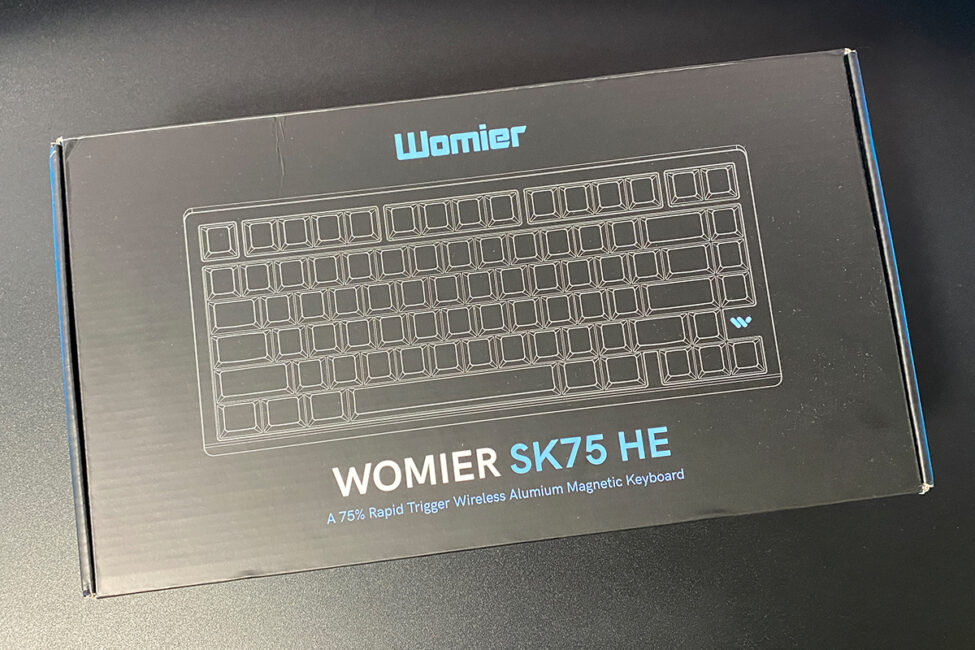
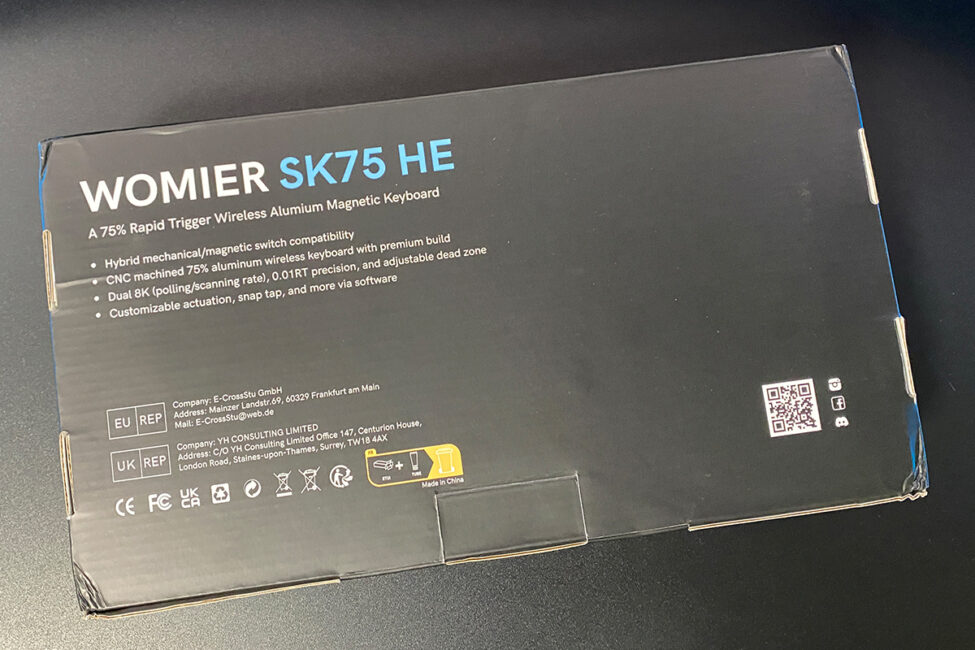
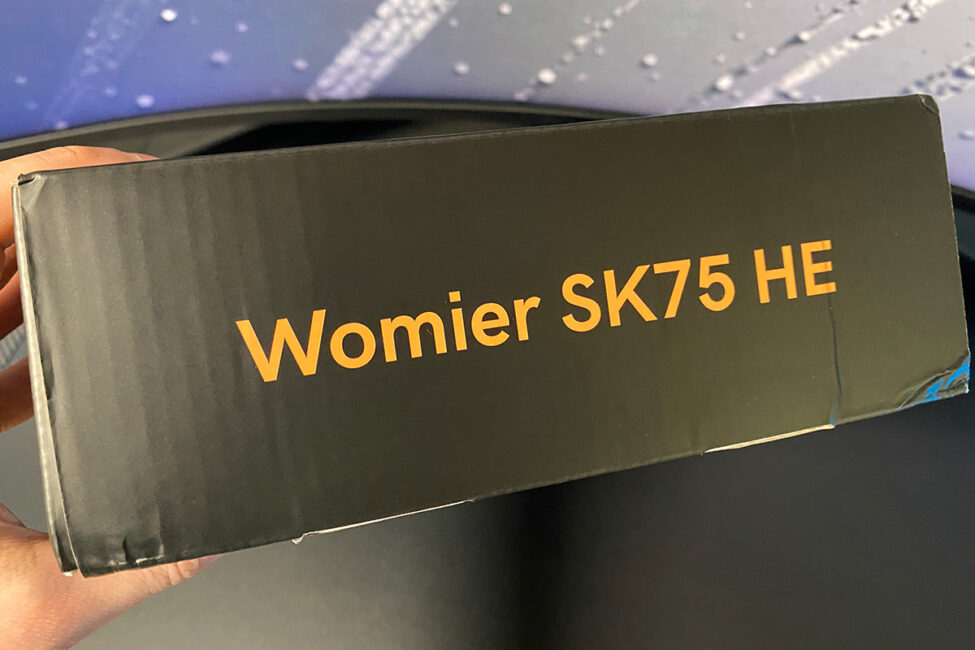
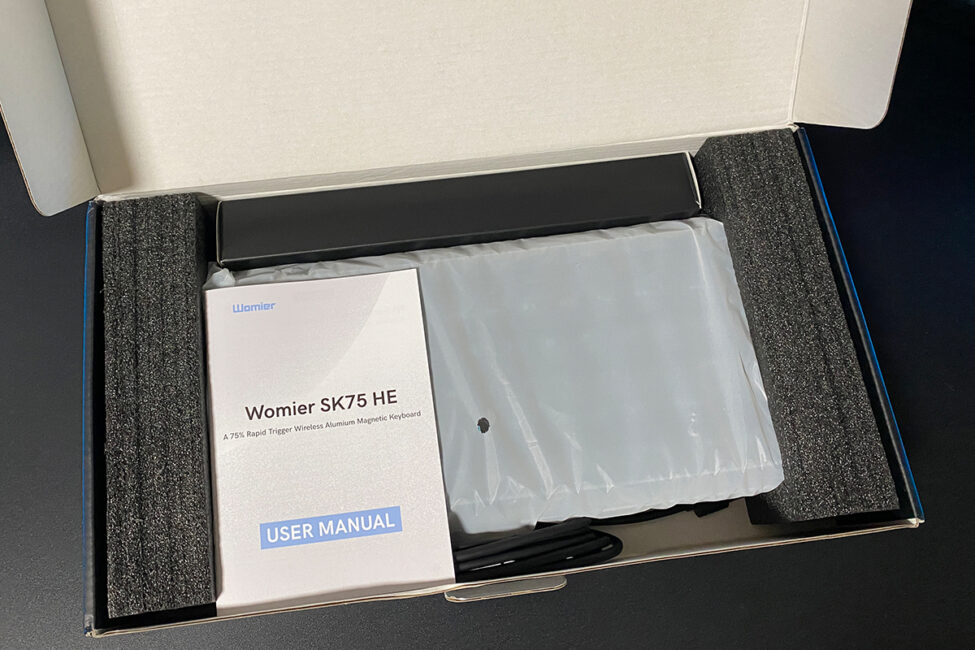
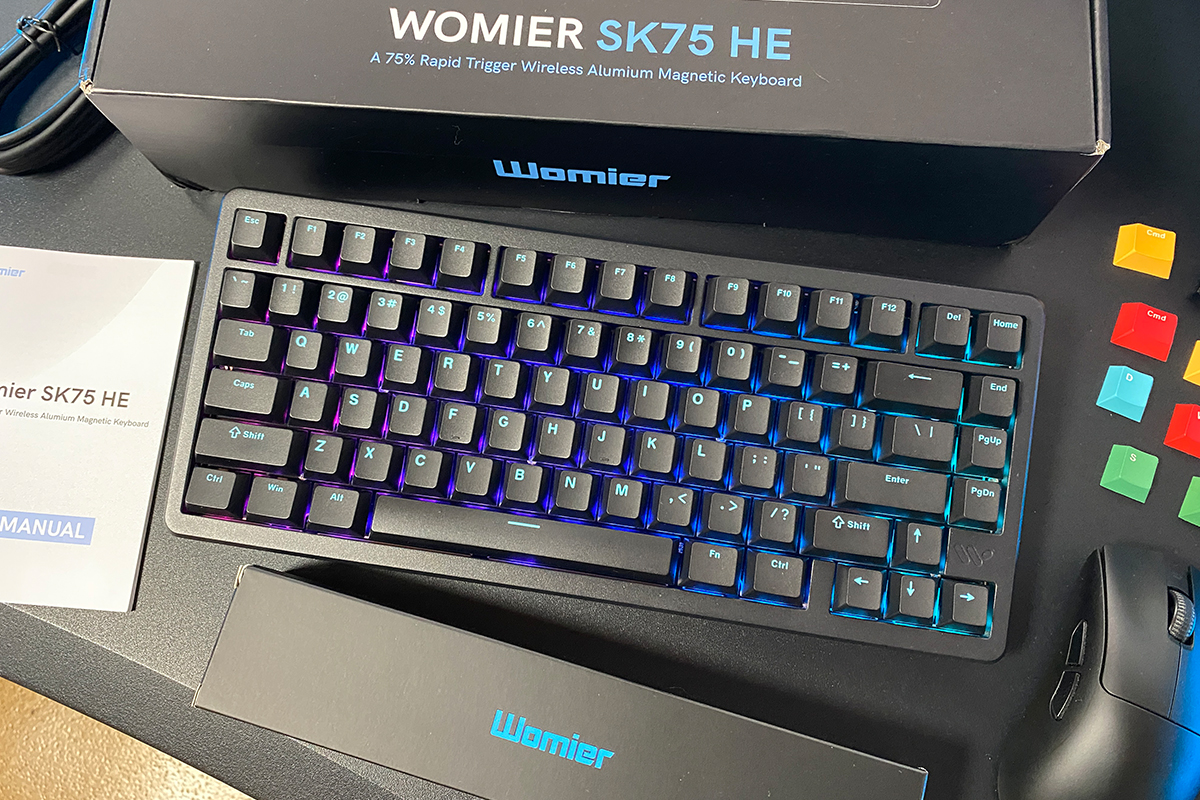
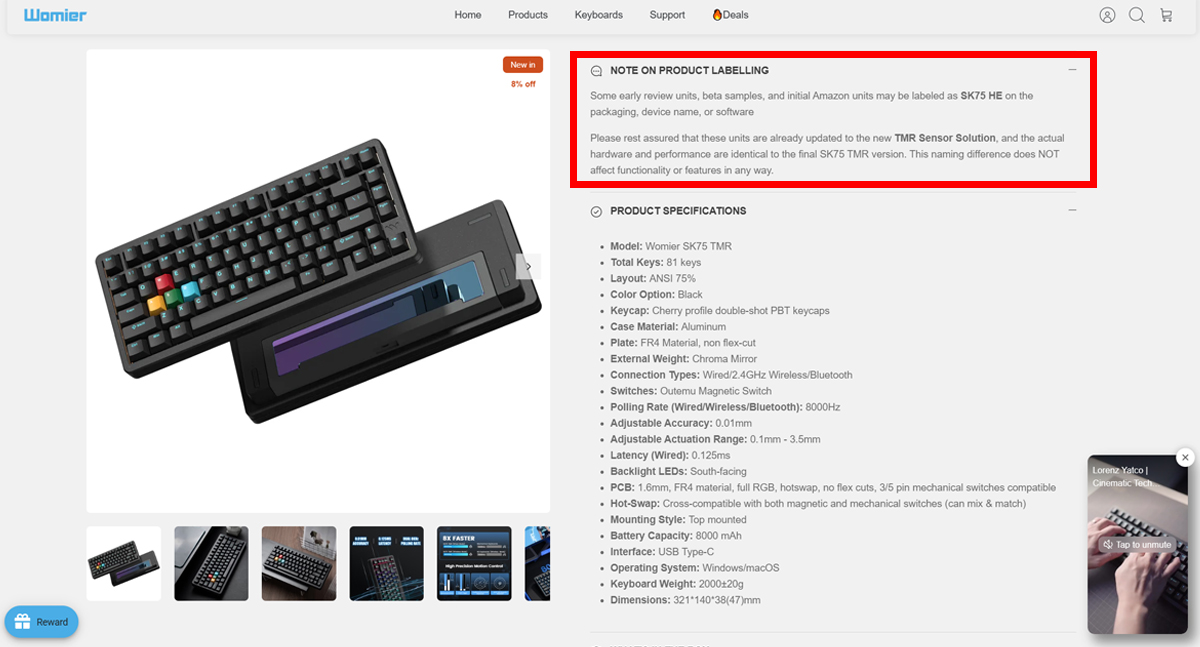
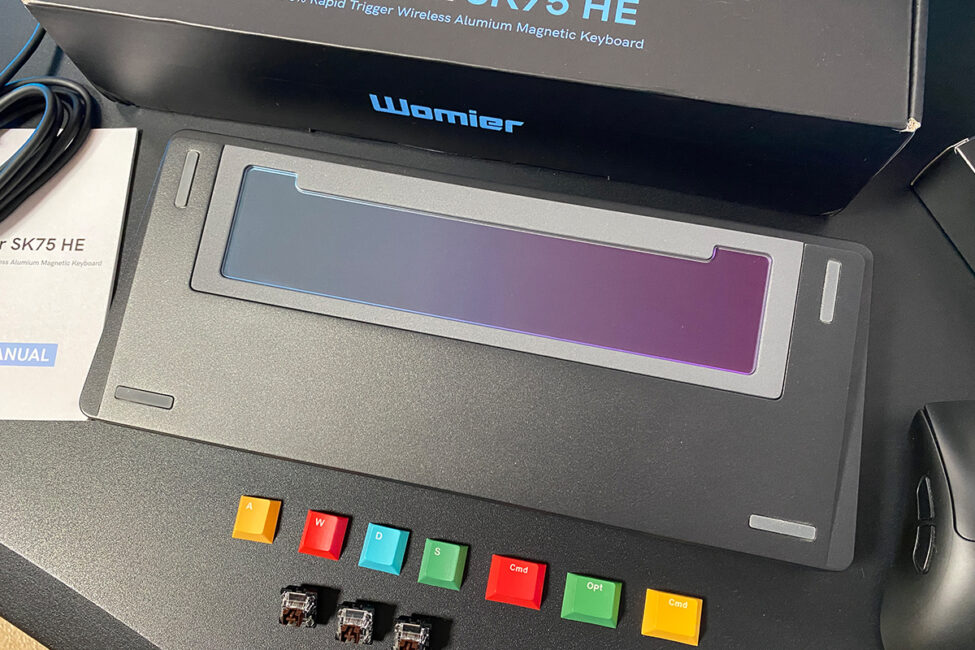
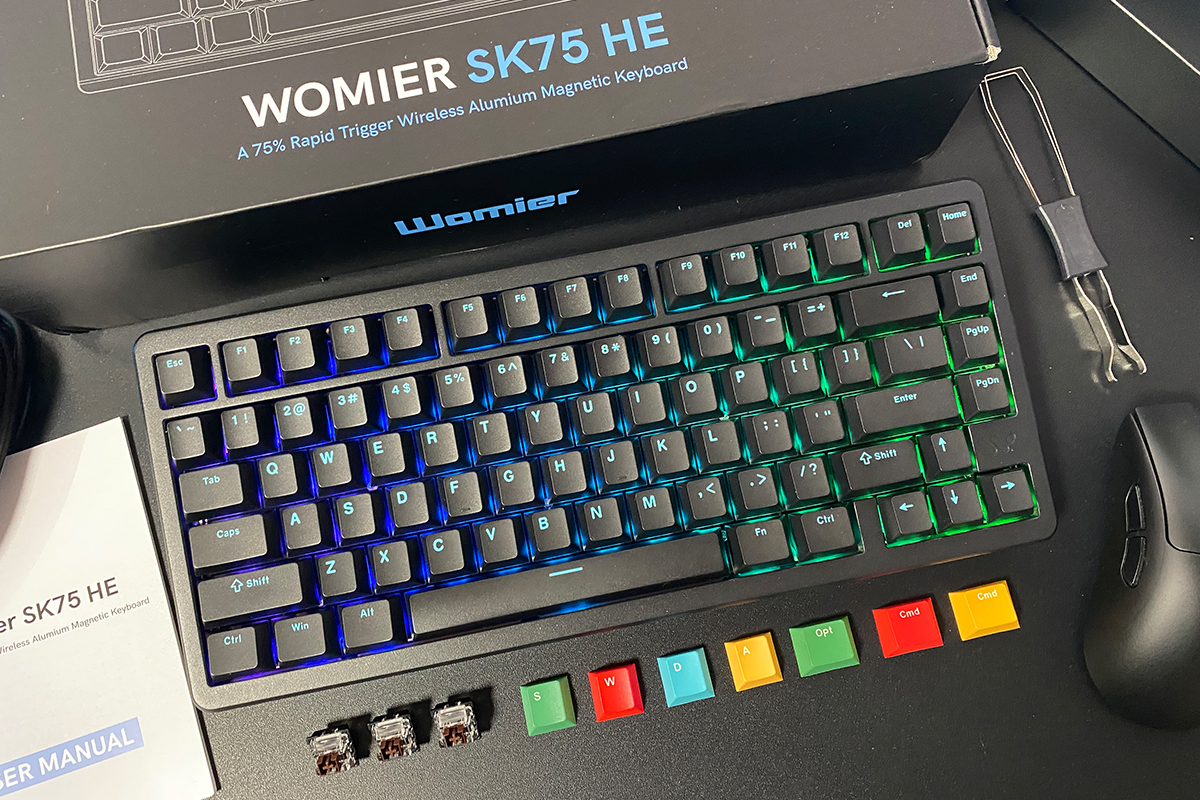
In my case, the packaging was labeled Womier SK75 HE, which might suggest that it contains the earlier Hall-effect version rather than the new TMR model. However, that’s not the case. According to Womier’s official website, some of the first production units – including test samples and early beta versions – may still carry SK75 HE branding on the box, in the device name within the companion app, or in the user manual.
In reality, all of these units have already been updated to the new TMR version, offering identical specifications and functionality to the finalized SK75 TMR model. Simply put, the packaging and included materials haven’t yet been fully standardized, so some units may still ship under the old designation despite being the upgraded version.
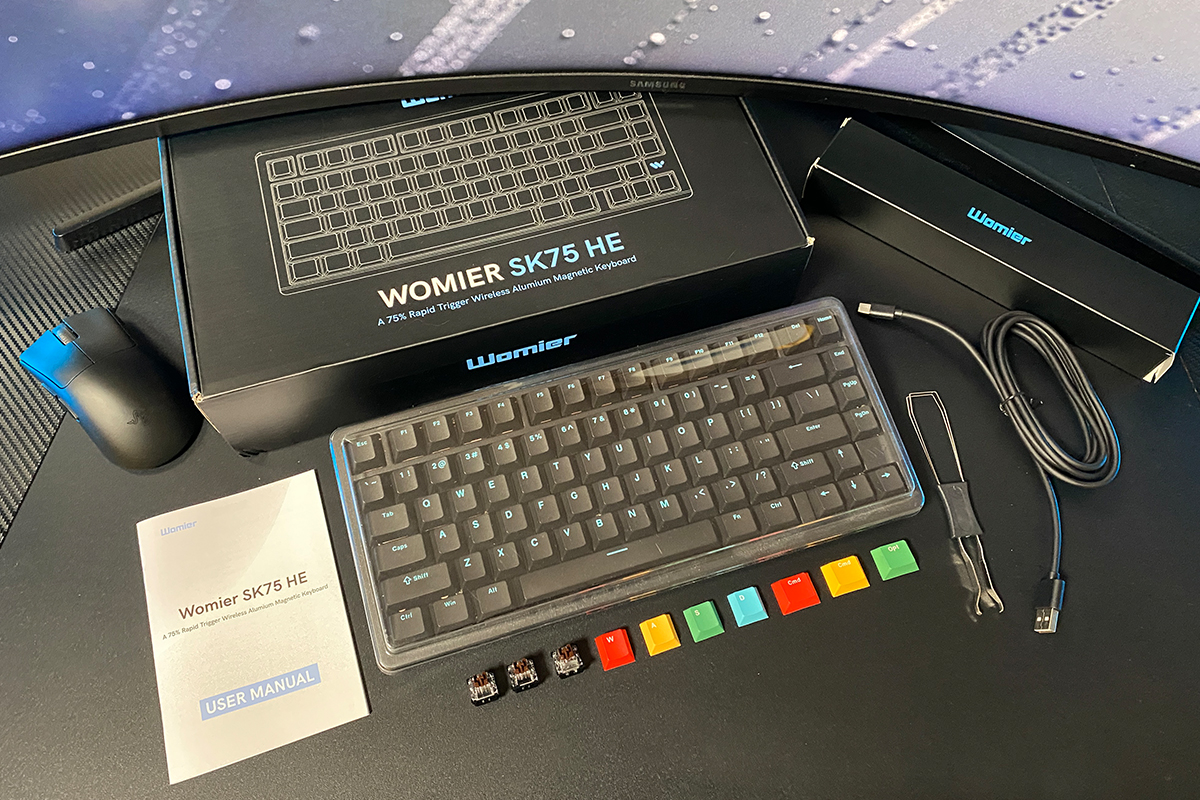
As for the package itself, it can be said that it is as basic and standard as possible. In addition to the keyboard itself, the set includes:
- 2.4 GHz RF wireless adapter
- detachable USB-C to USB-A cable
- double puller
- spare switches
- set of alternative keycaps
- blister dust cover
- user manual
The included USB-C to USB-A cable is approximately 2 meters long – a standard, no-frills accessory that stands out mainly for its thickness. It’s noticeably stiffer than typical cables and doesn’t bend or hold shape easily at first. However, this has no impact on functionality; it performs its primary task reliably and without issues. In short, it gets the job done.
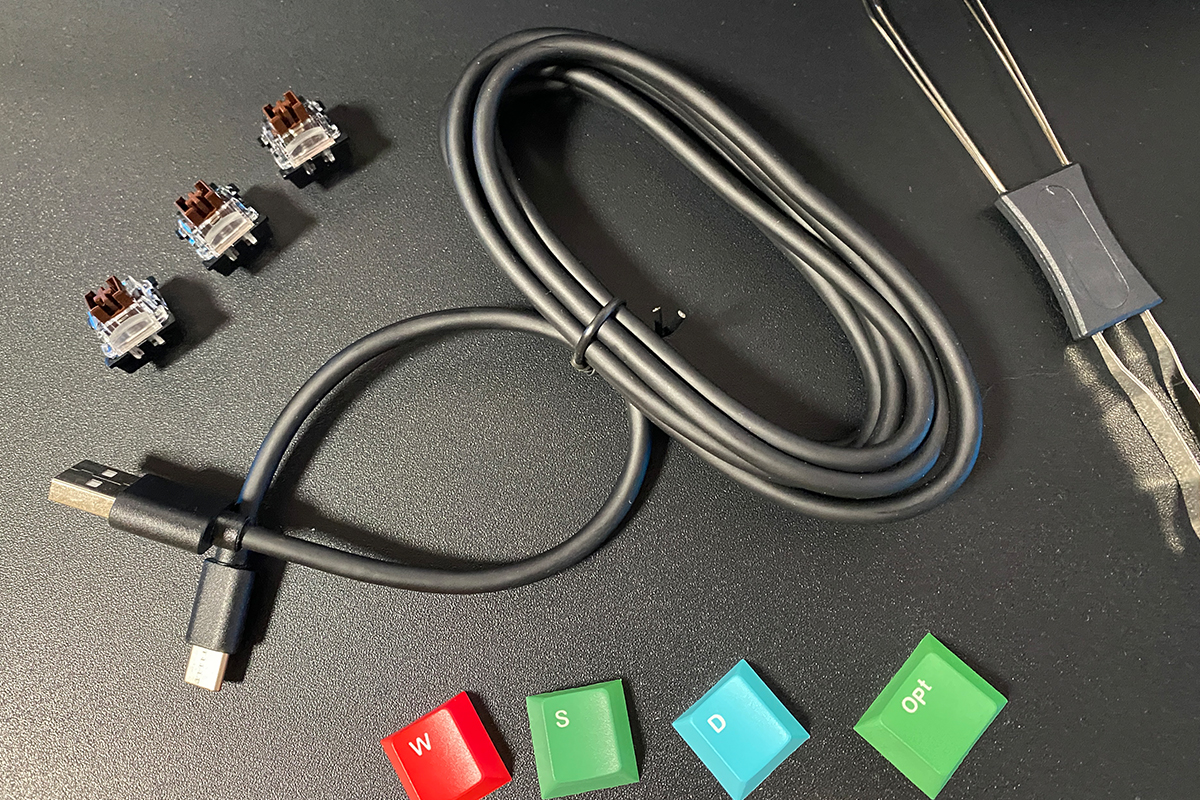
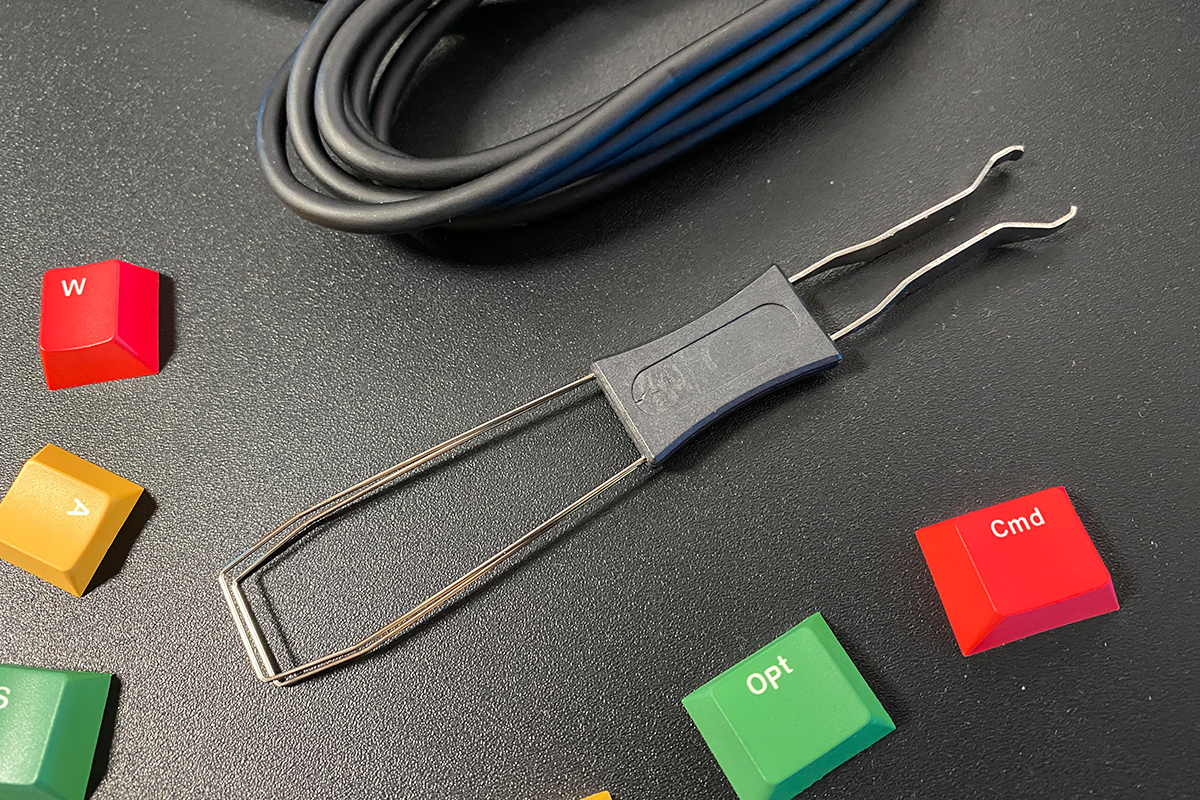
The included puller is a standard dual-purpose tool. One side features a keycap remover, while the other is designed for switch extraction.
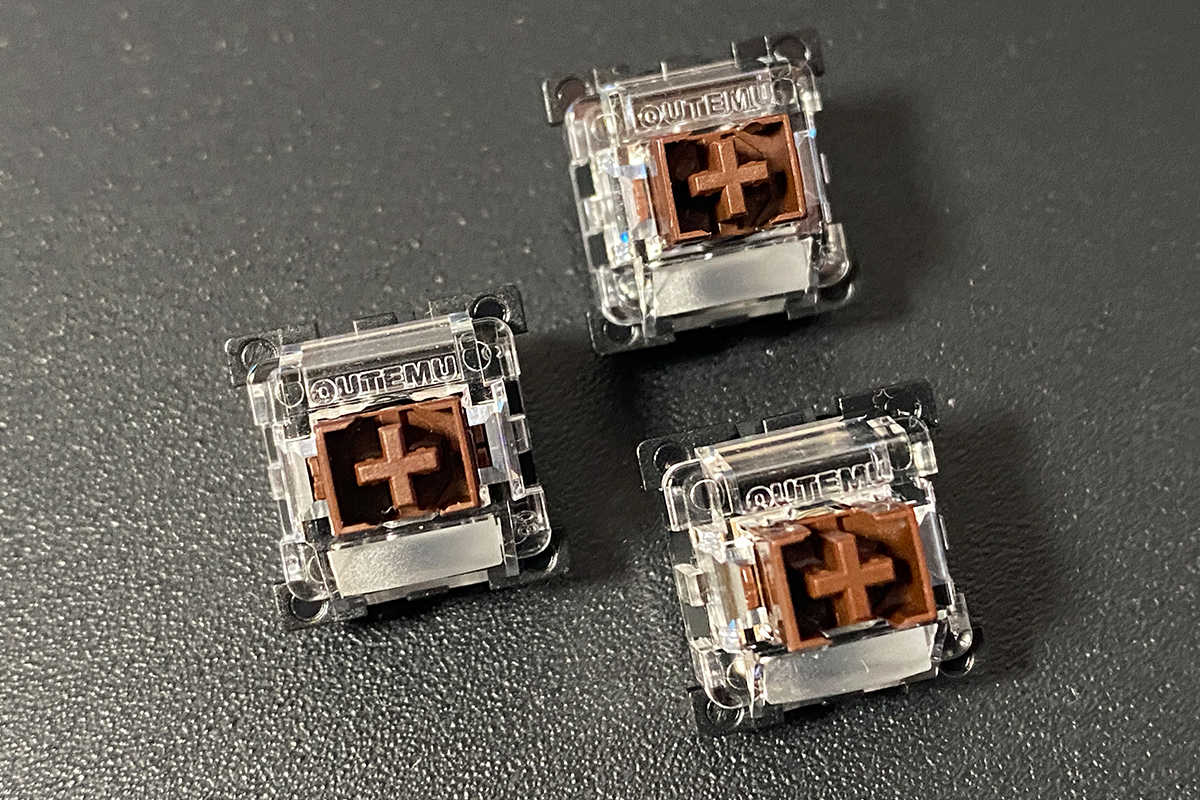
Three spare switches are included. They are the same type as those pre-installed in the keyboard: Outemu Magnetic Switches.
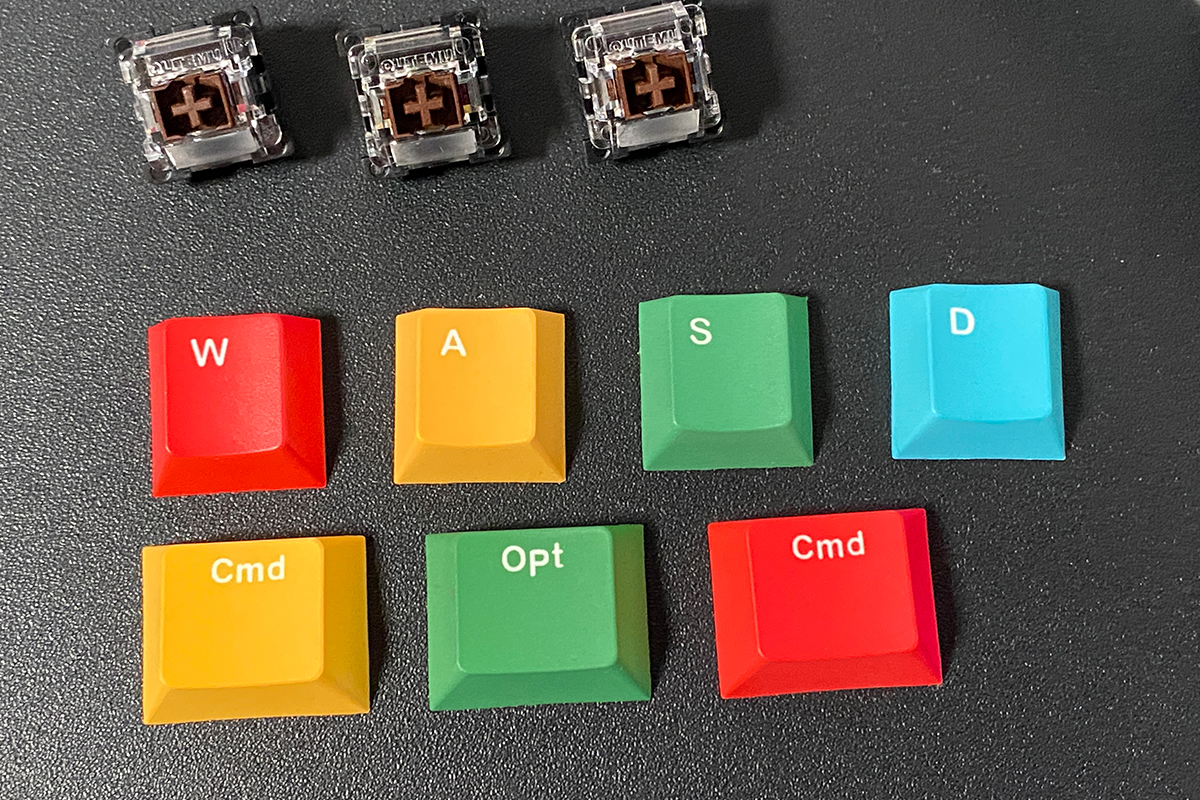
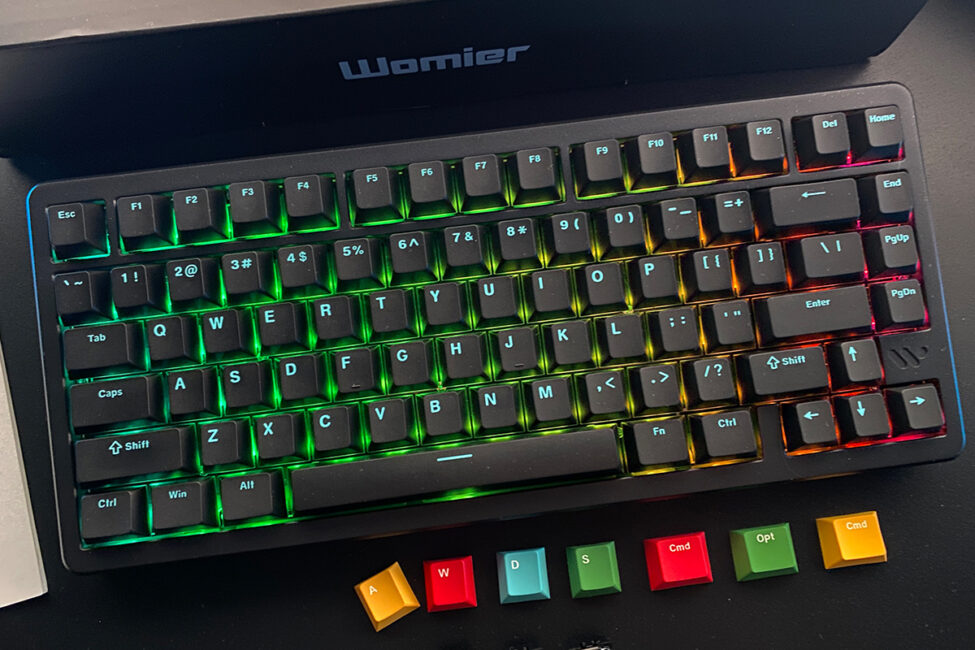
The alternative keycaps are multicolored and designed for the main gaming keys – WASD – and the MAC keys. Interestingly, the set includes colored keycaps only for the MAC keys, which is a bit surprising. Why not provide a similar set for keys like Ctrl or Alt? That said, the additional keycaps themselves are excellent – vibrant, visually distinct, and very well made. I would have gladly used them on the Ctrl and Alt keys if they had been included.
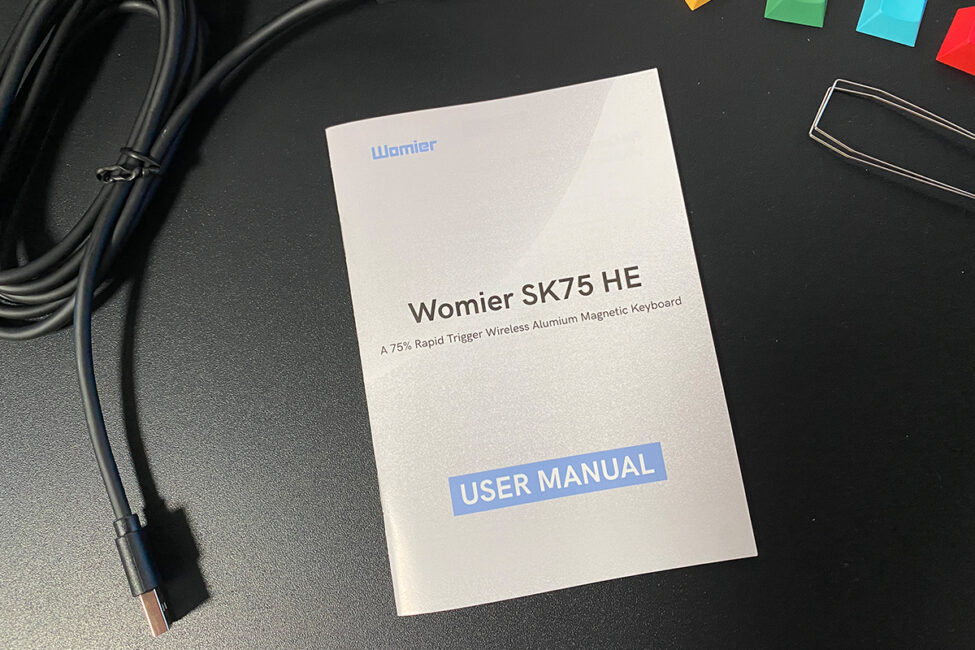
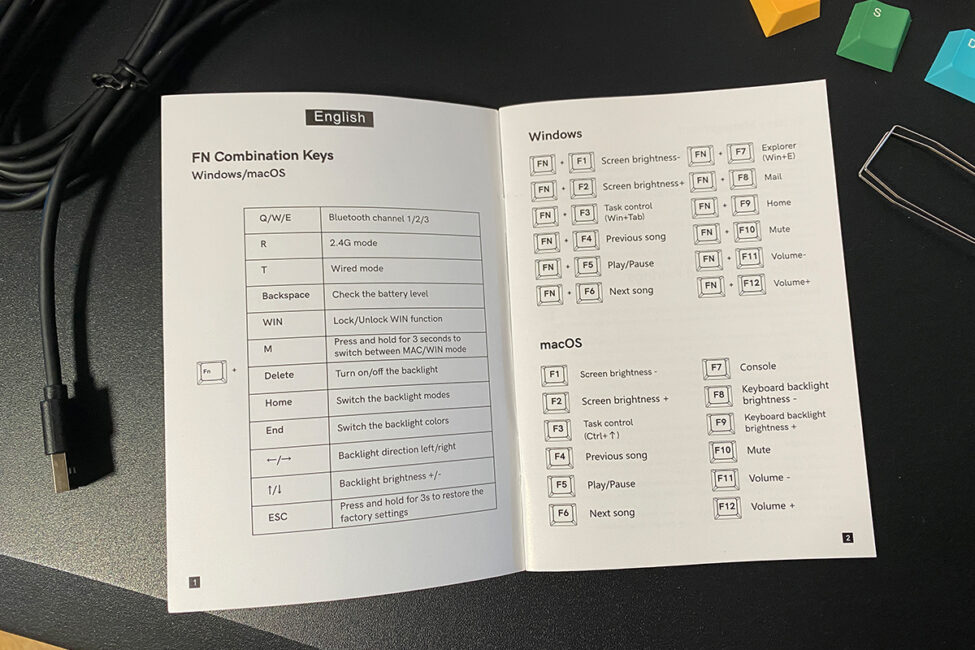
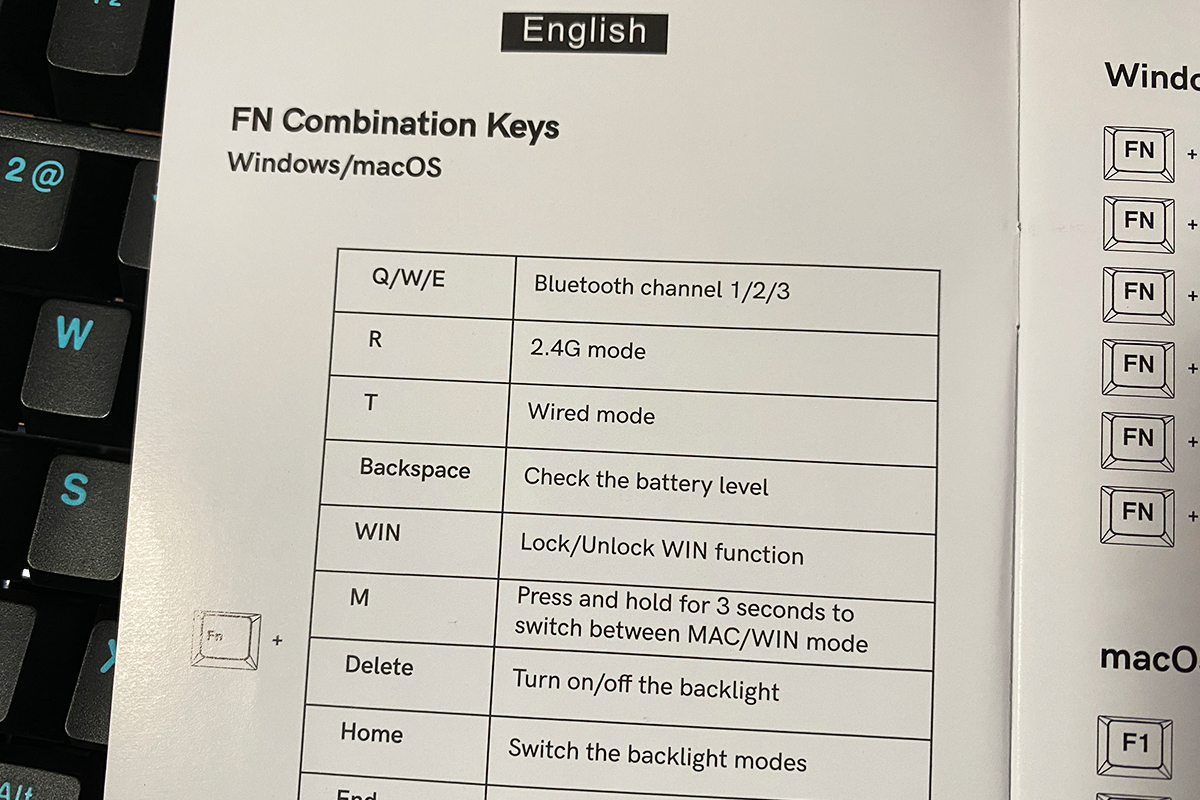
The user manual comes as a small booklet available in four languages, including English, so understanding it shouldn’t be difficult. As always, it’s worth skimming through, since it contains a full list of FN functions and key combinations. As is often the case with Womier, many of the functions and shortcuts on the SK75 TMR are implemented in their own unique way.
Read also:
- ASUS ROG Strix Scope II X Keyboard Review: Hot-Swap Support, Clean Design, and an Accessible Price
- YUNZII X98 Keyboard Review: Transparent Design, 8000 mAh Battery, and Affordable Price
Design, ergonomics, build quality
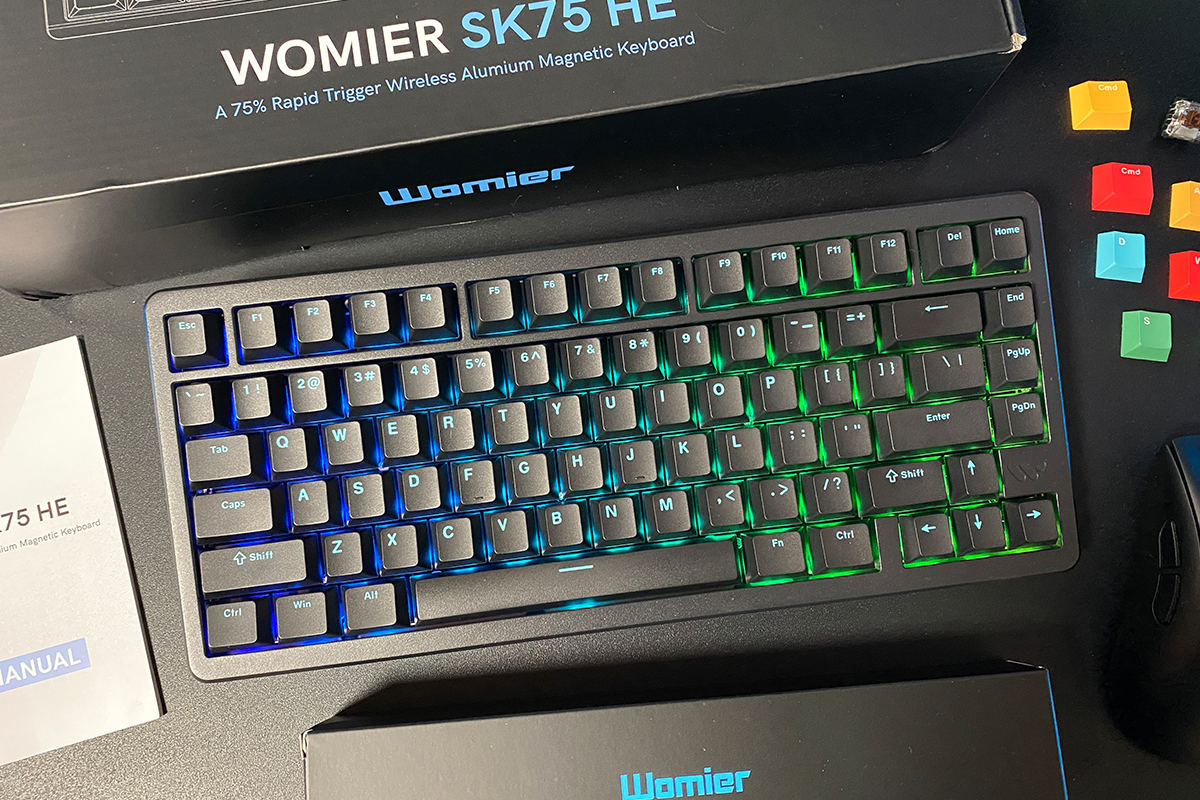
The SK75 TMR retains the design of its predecessor – the original Womier SK75. The new keyboard shares the same form factor, dimensions, layout, component placement, and aluminum chassis. The only notable difference is the color selection: while the first SK75 was available in five different colors, the SK75 TMR is currently offered only in classic black.
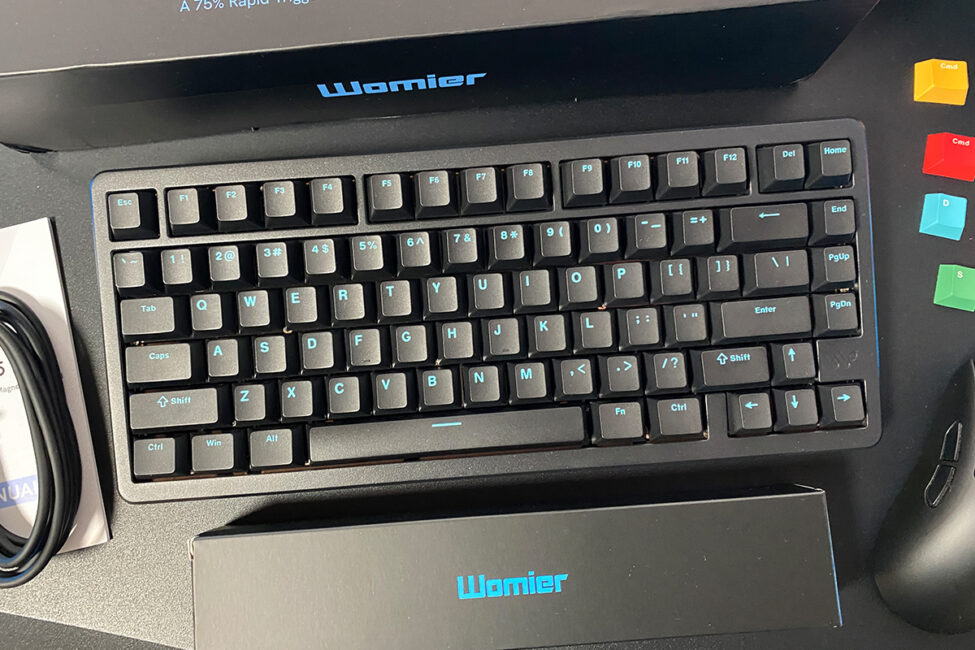
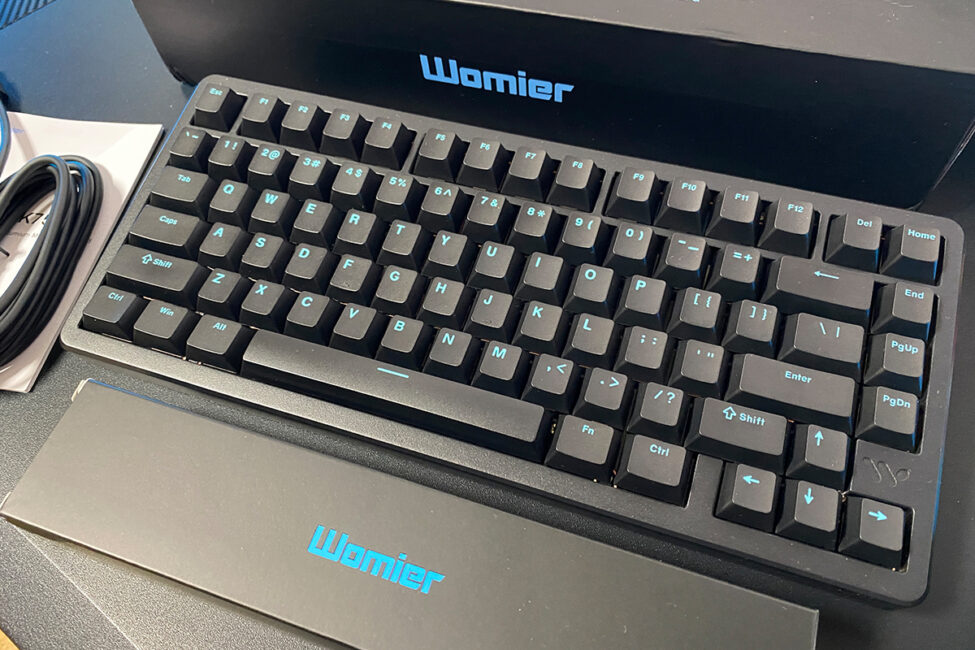
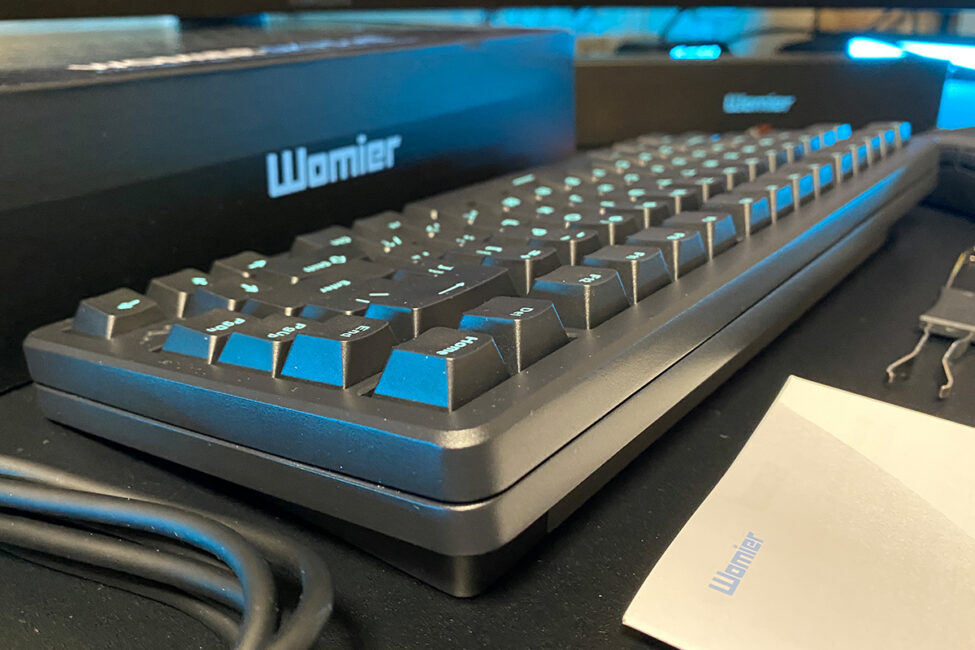
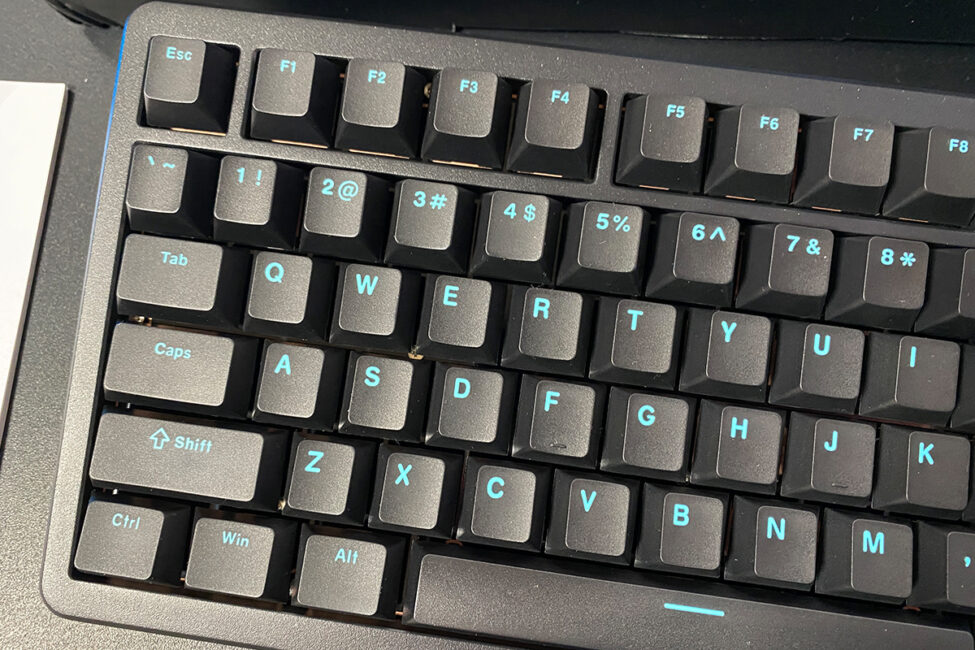
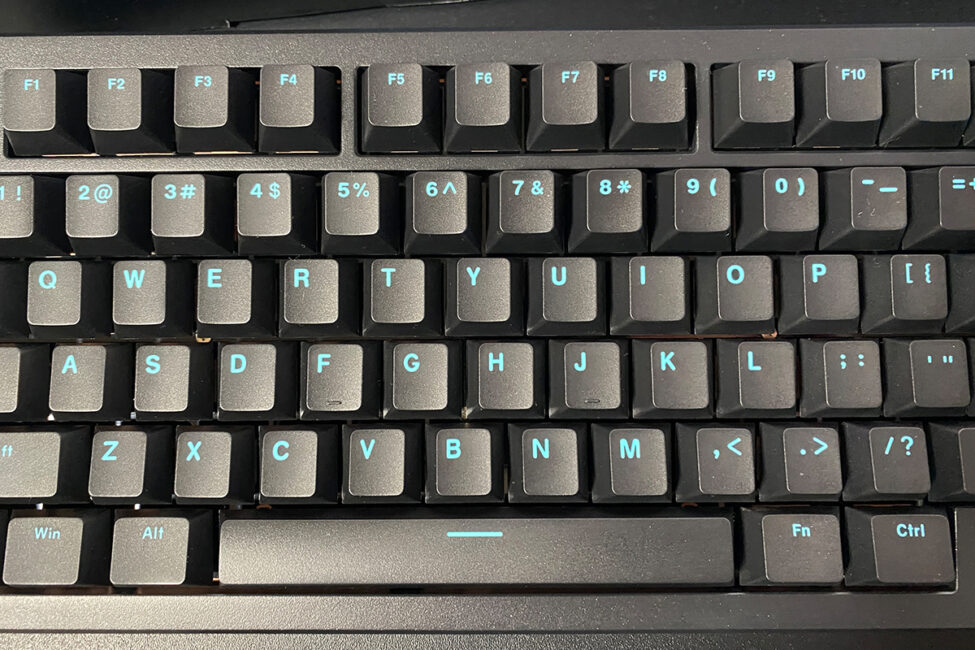
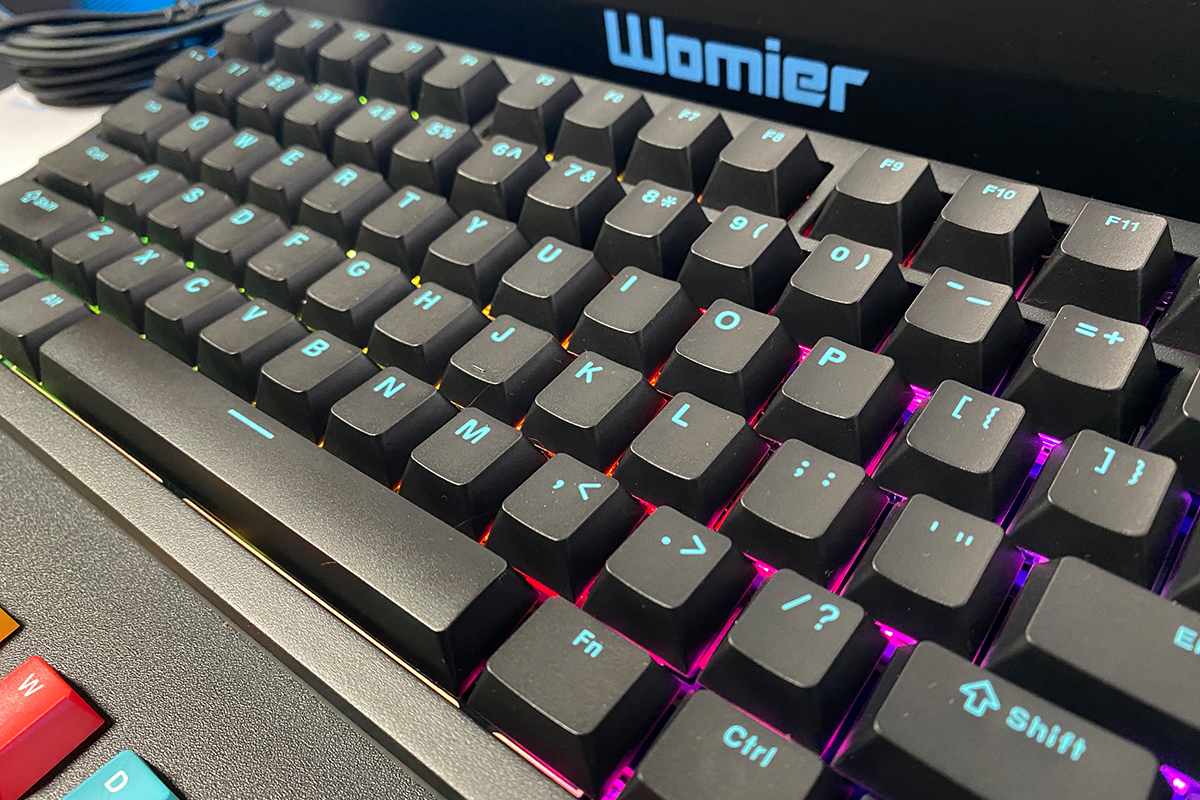
Like its predecessor, the SK75 TMR is a 75% keyboard with a standard ANSI (QWERTY) layout. It features 81 keys, a long right Shift, a single-row Enter, and an extended backslash key. For reference, the original SK75 was also available in an ISO layout, which included a shorter left Shift and a two-row Enter key. However, so far, the SK75 TMR does not appear to be offered in an ISO variant.
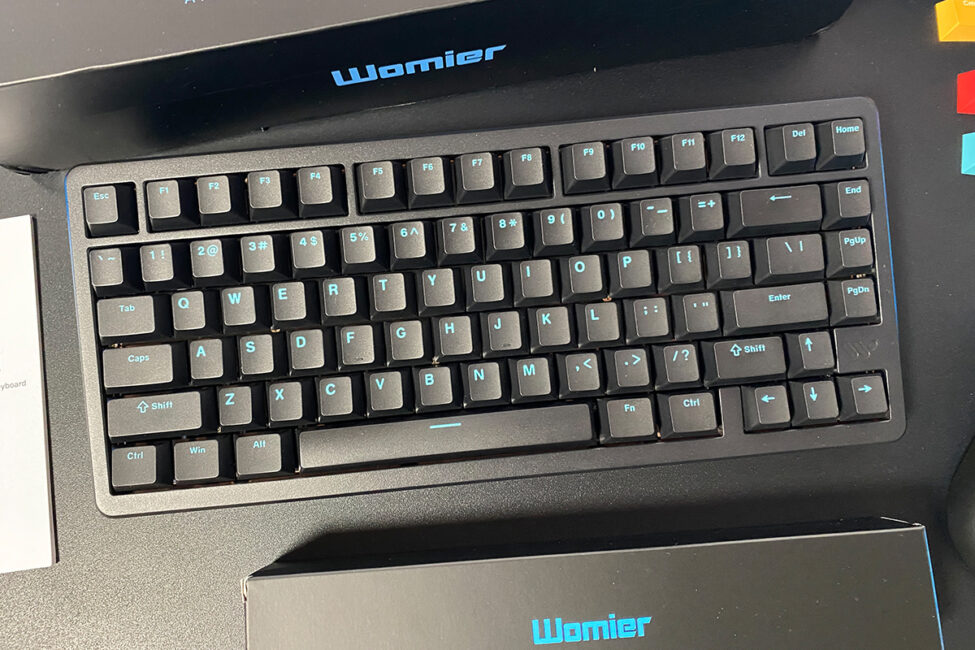
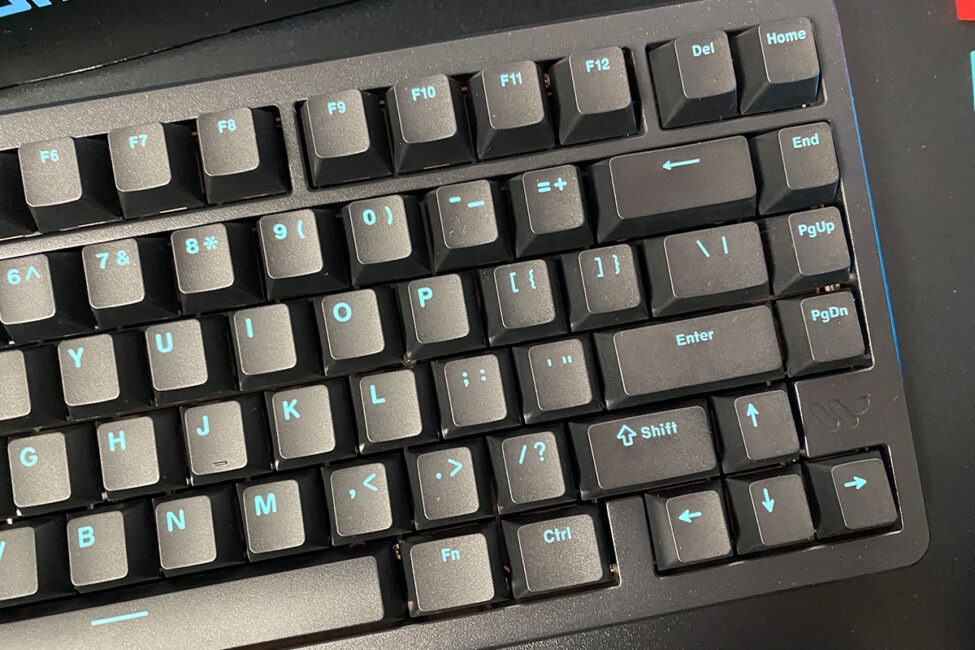
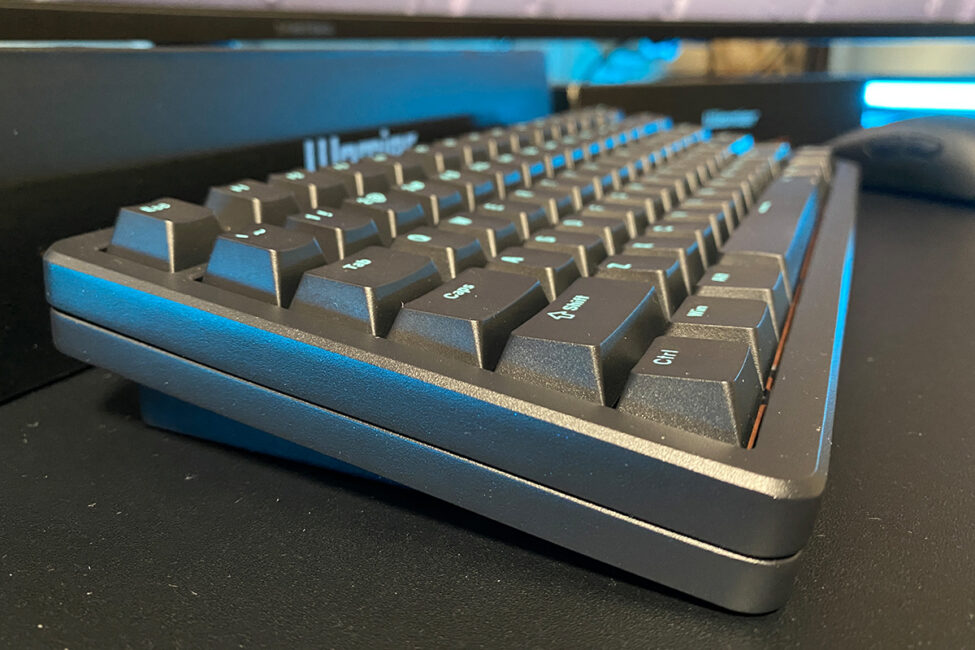
The keyboard’s dimensions are standard for a 75% layout – 321 × 140 × 47 mm. What stands out, however, is its height and typing angle. Initially, the keyboard may feel unusual, especially for users accustomed to lower-profile keyboards or those who typically type without the feet extended. After a couple of days of use, though, this difference becomes intuitive, and you may even find that the taller profile and angled design are more comfortable.
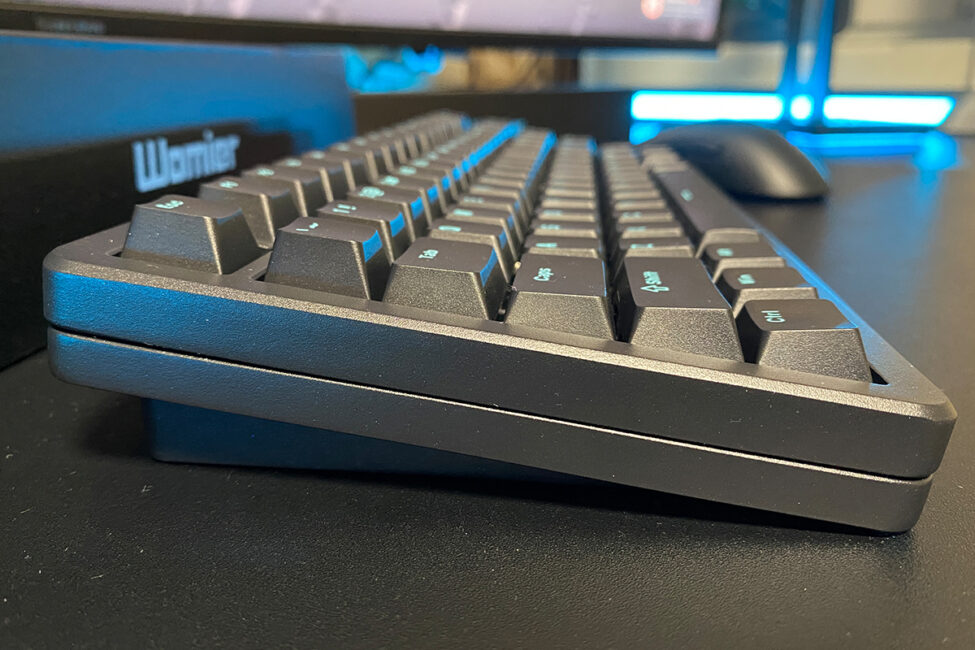
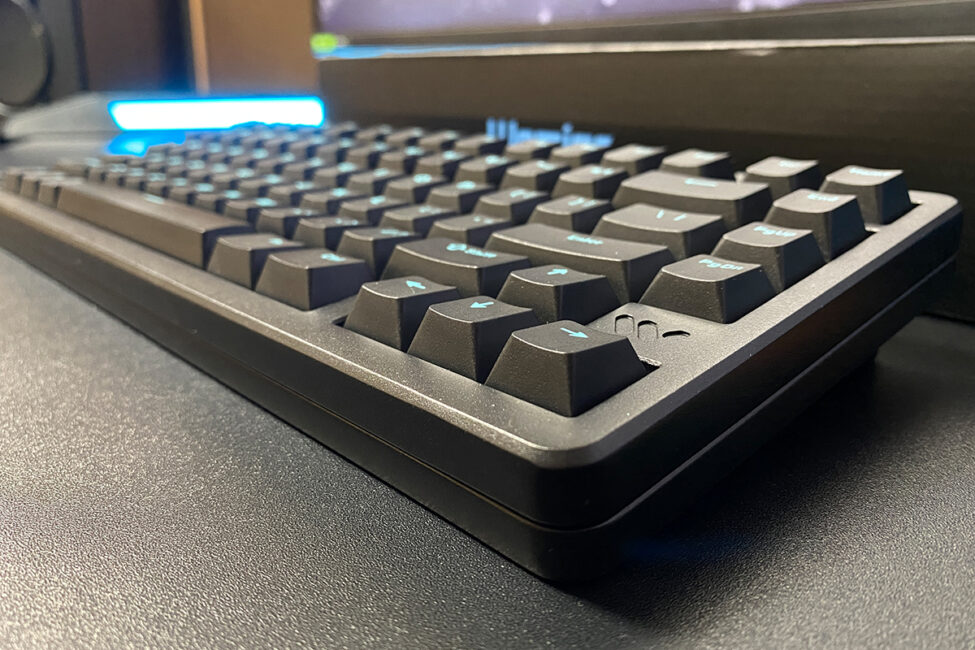
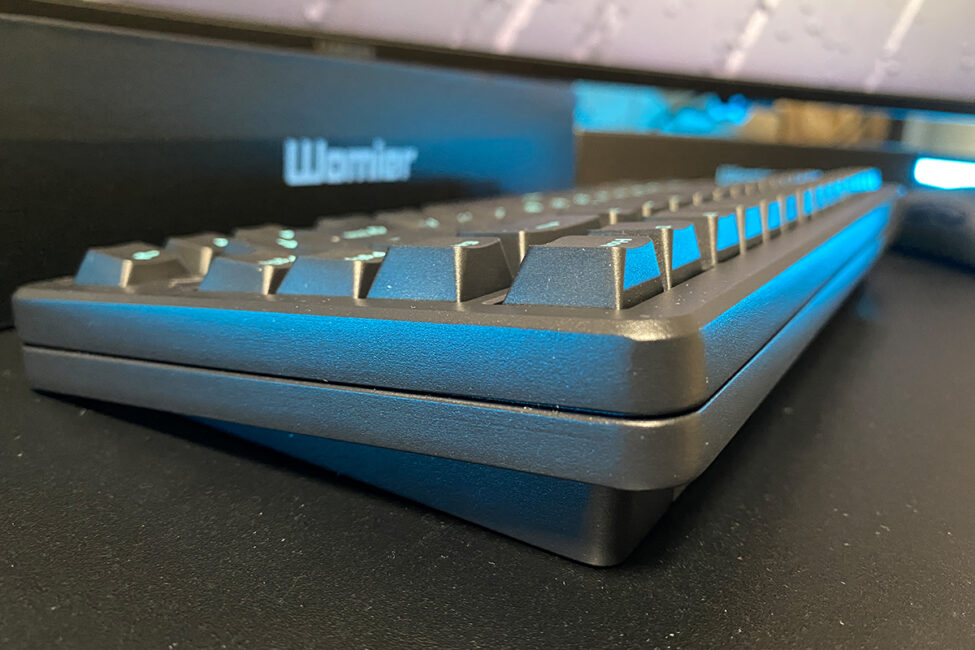
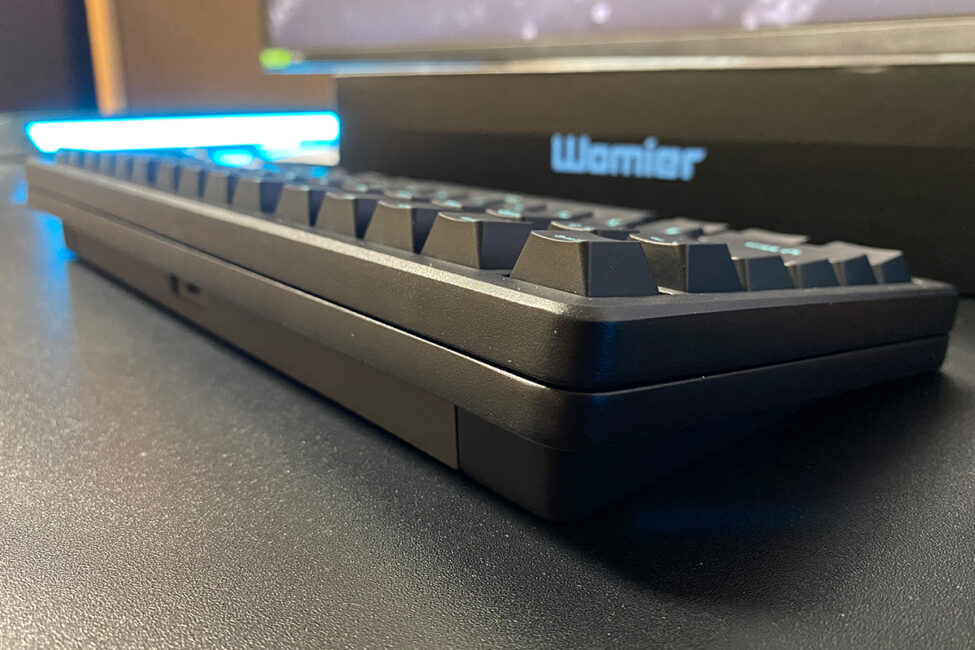
The first thing you notice when picking up the keyboard is its weight. Like its predecessor, it features a heavy aluminum chassis, bringing the total weight to a substantial 2 kg. In hand, it feels almost like holding a brick. I’ve reviewed many keyboards with aluminum cases, and while most are noticeably heavy, the Womier SK75 TMR is by far the heaviest. Honestly, this is part of its appeal and one of the aspects that truly sets it apart from other “metal” keyboards on the market.
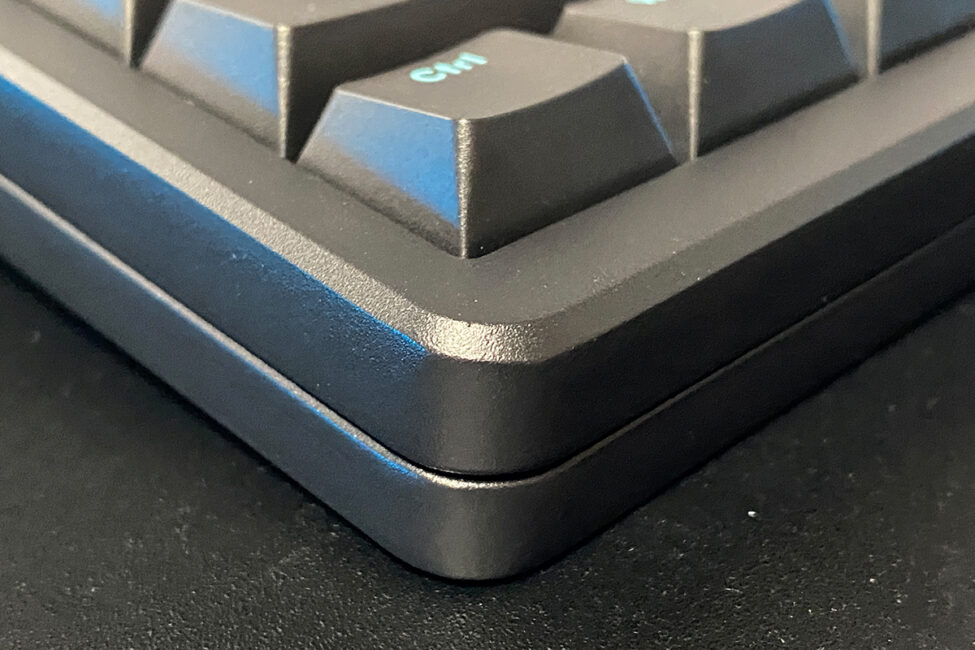
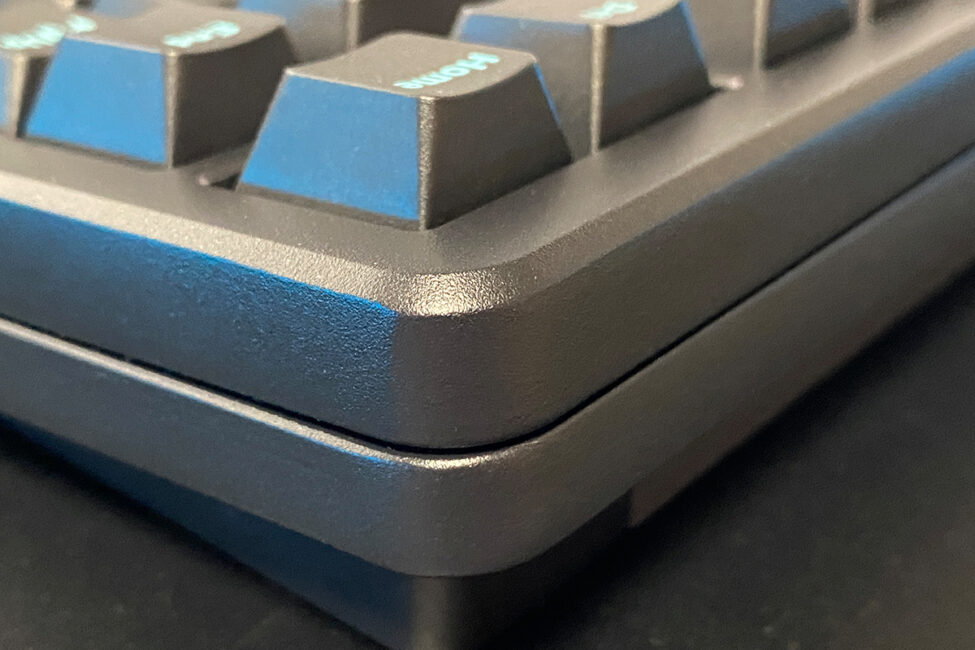
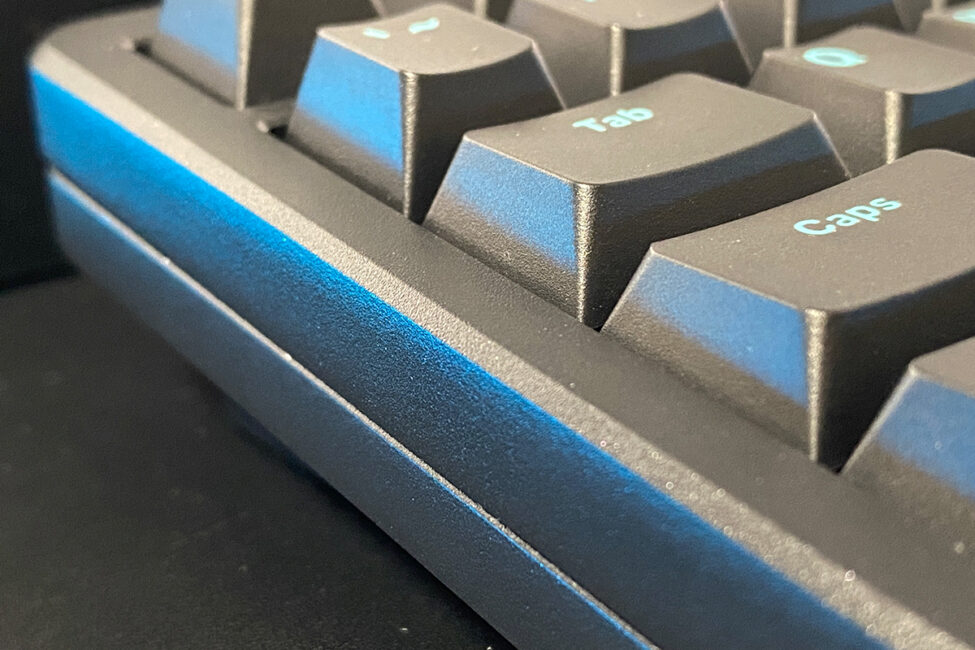
Internally, the keyboard employs a Top Mounted architecture, where the plate is mounted directly to the top case, resulting in a firmer and more precise typing experience. By contrast, the original SK75 used a Gasket Mount design, which provides a softer and quieter keystroke. The shift to Top Mounted construction in the new magnetic model indicates that Womier prioritized speed and keystroke stability, which is particularly important for a gaming-focused device.
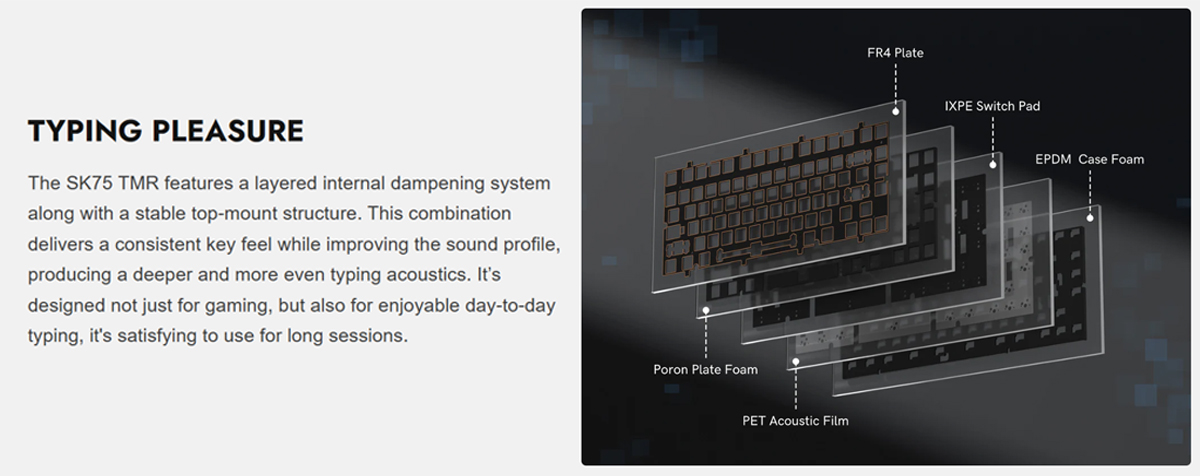
However, this doesn’t mean the SK75 TMR is unsuitable for regular typing. In addition to the stable Top Mounted construction, the keyboard features a multi-layer damping system internally. This combination not only ensures firm and precise keystrokes but also significantly improves the acoustic profile, producing a deeper and more even typing sound. According to Womier, the keyboard was designed not just for gaming but also for comfortable daily typing. After using the SK75 TMR for over a month, I can confidently say that the typing experience is excellent – it’s equally enjoyable for work and gaming.
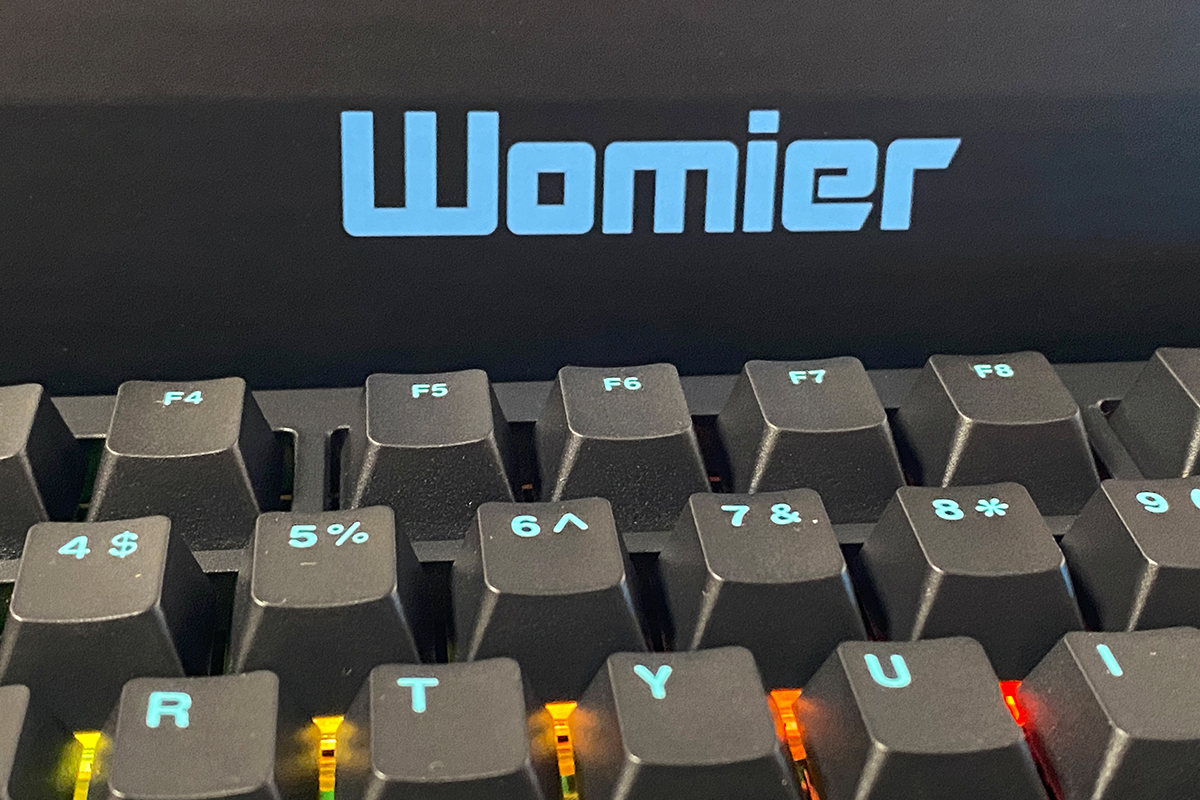
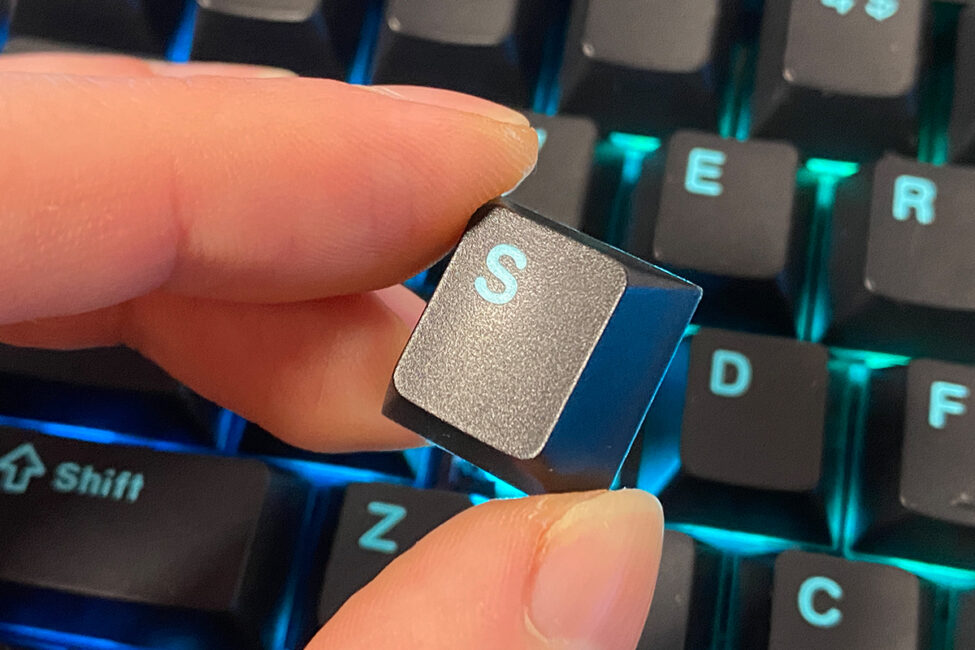
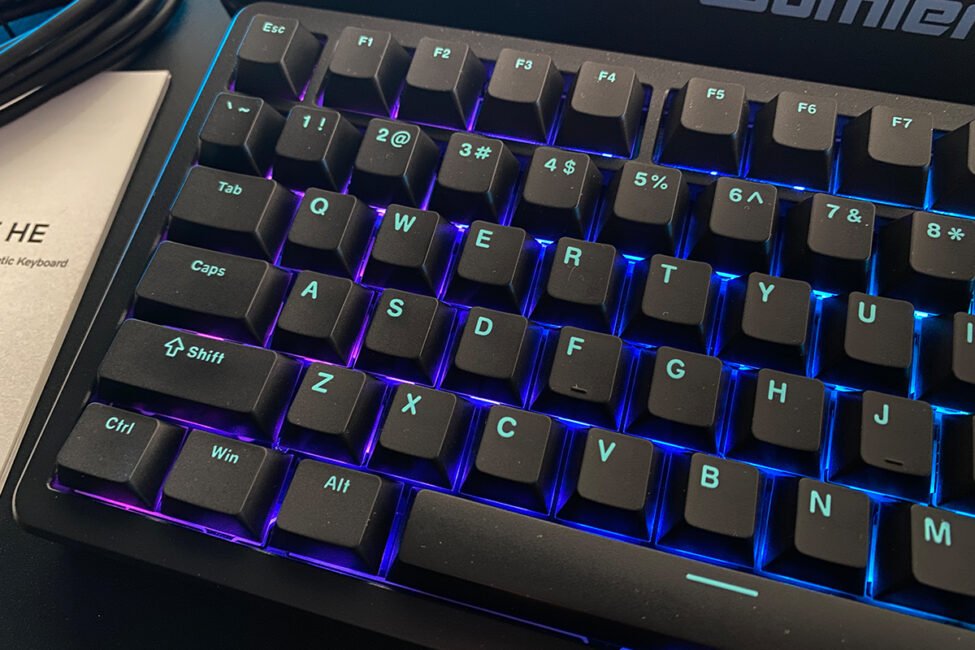
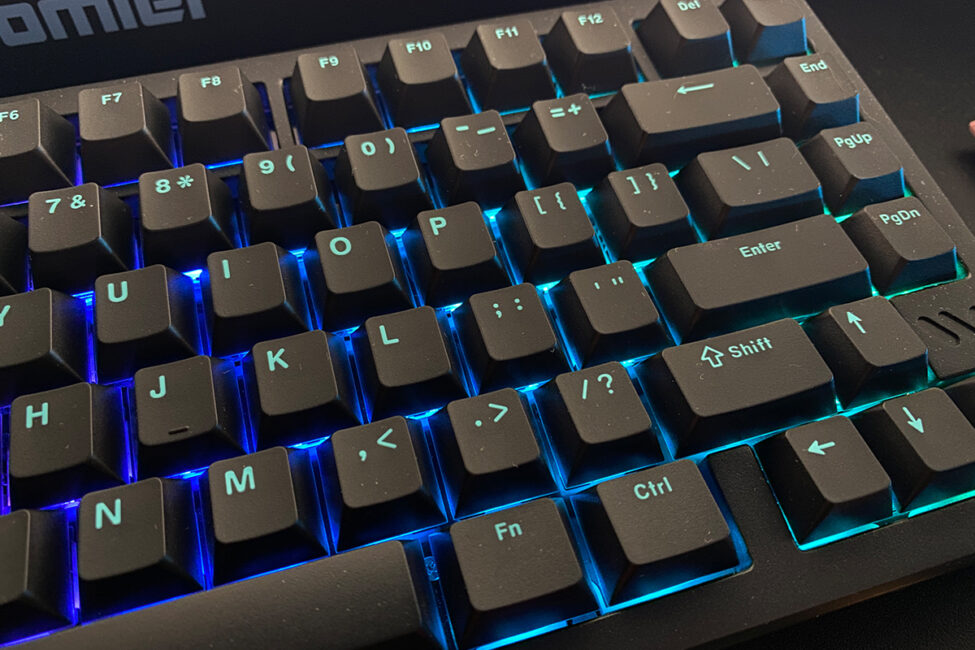
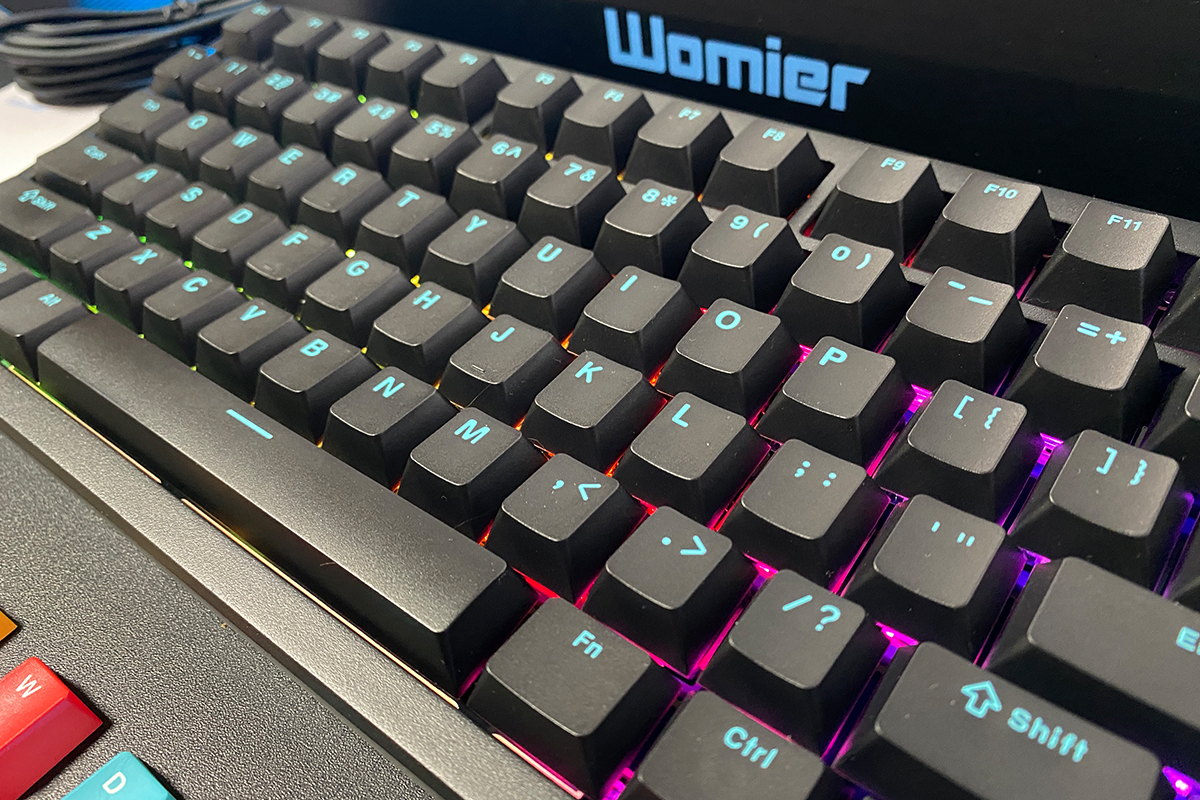
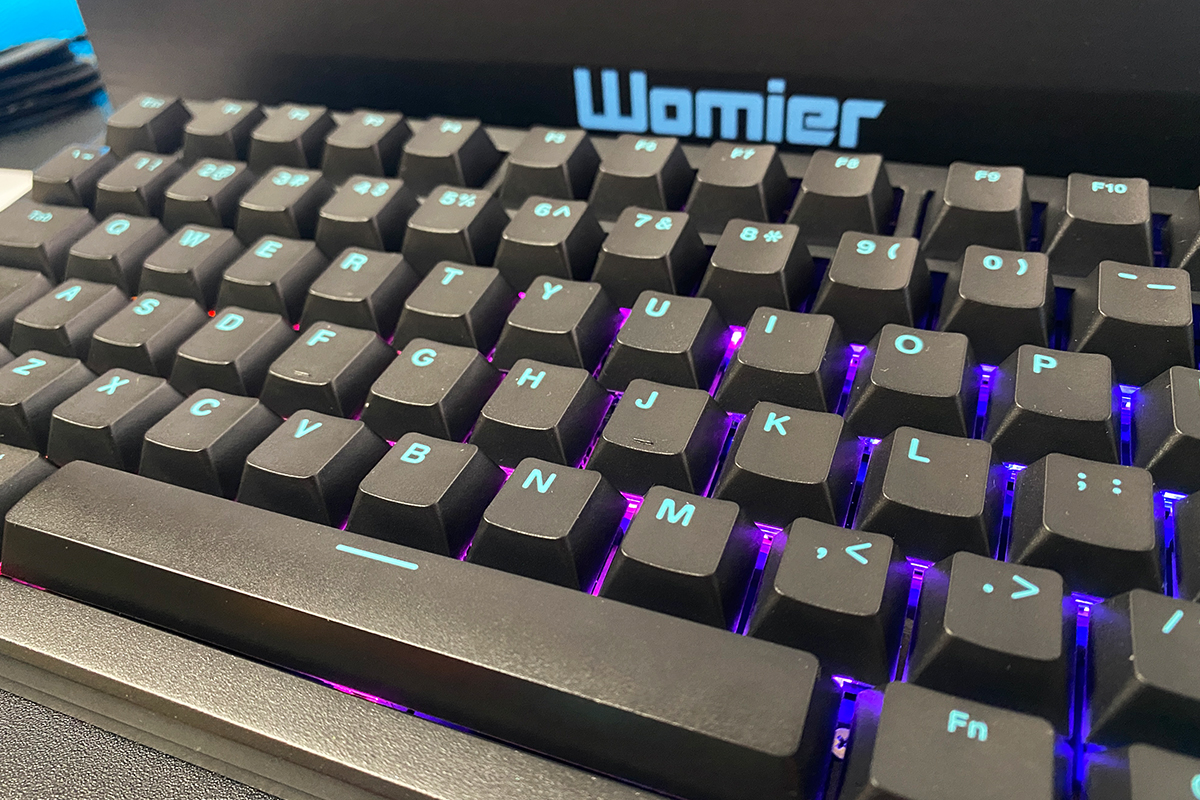
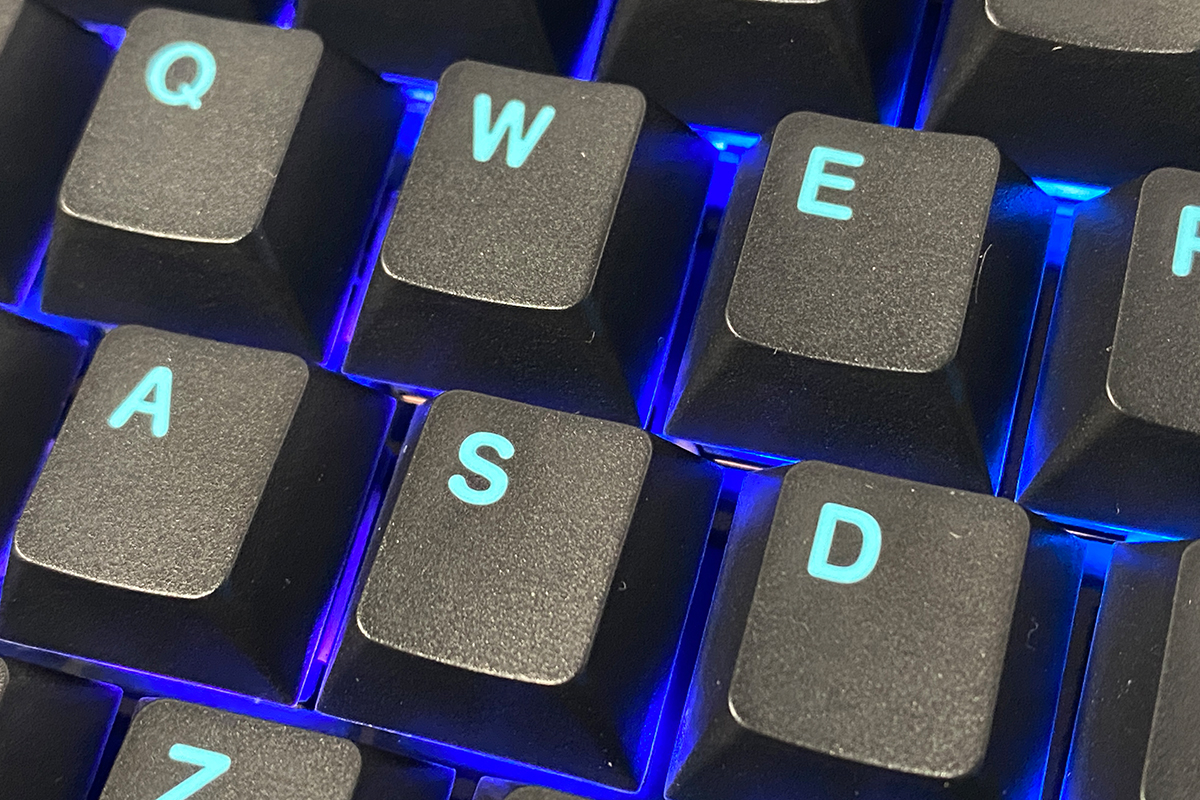
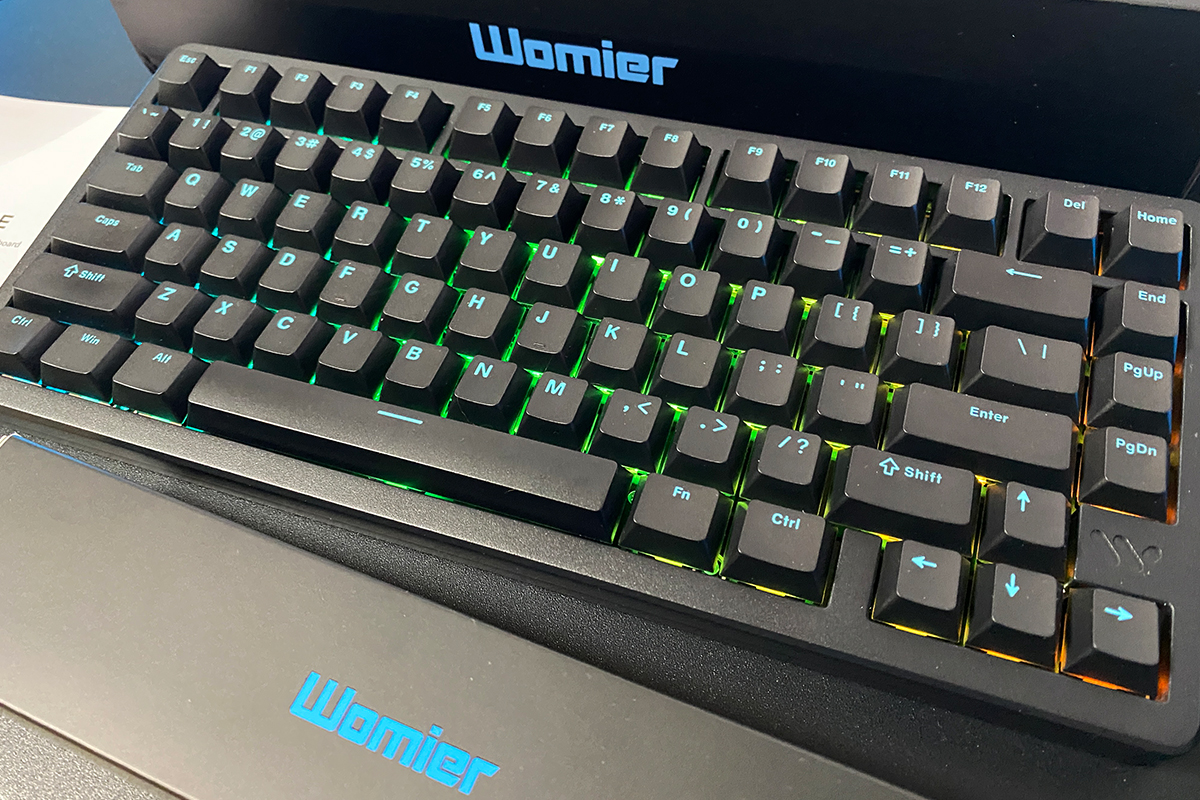
Like its predecessor, the keyboard comes with Double-Shot PBT keycaps in a Cherry profile. The keycaps feature a pleasant, slightly textured surface and clean legends in a standard font and size, which remain easily readable even in low light. The plastic is thick and free of burrs, rough edges, or other molding defects. In short, these are excellent keycaps. Combined with the keyboard’s satisfying typing feel, using them is an absolute pleasure.
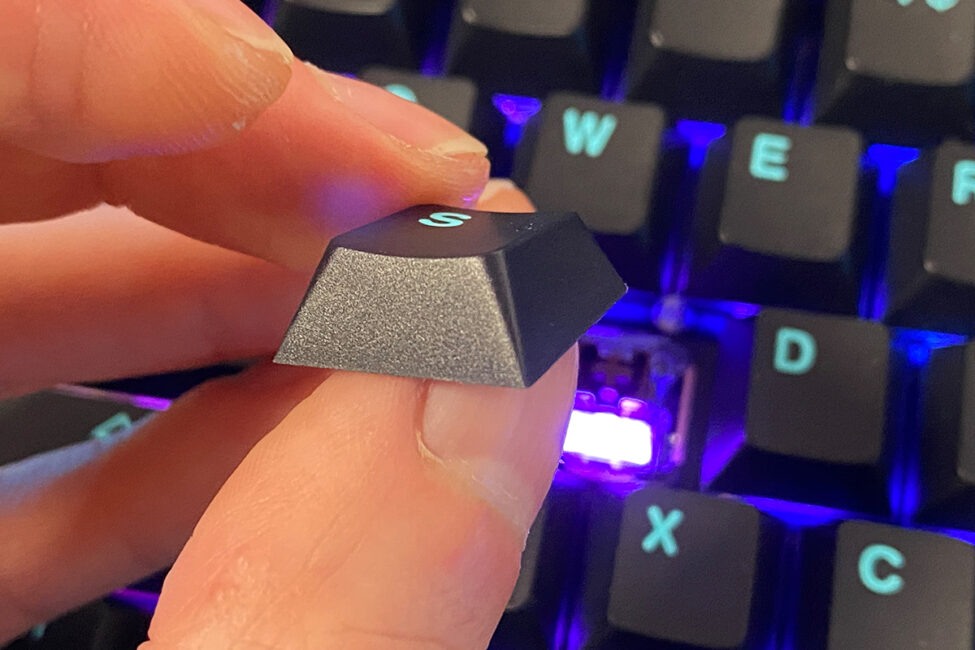
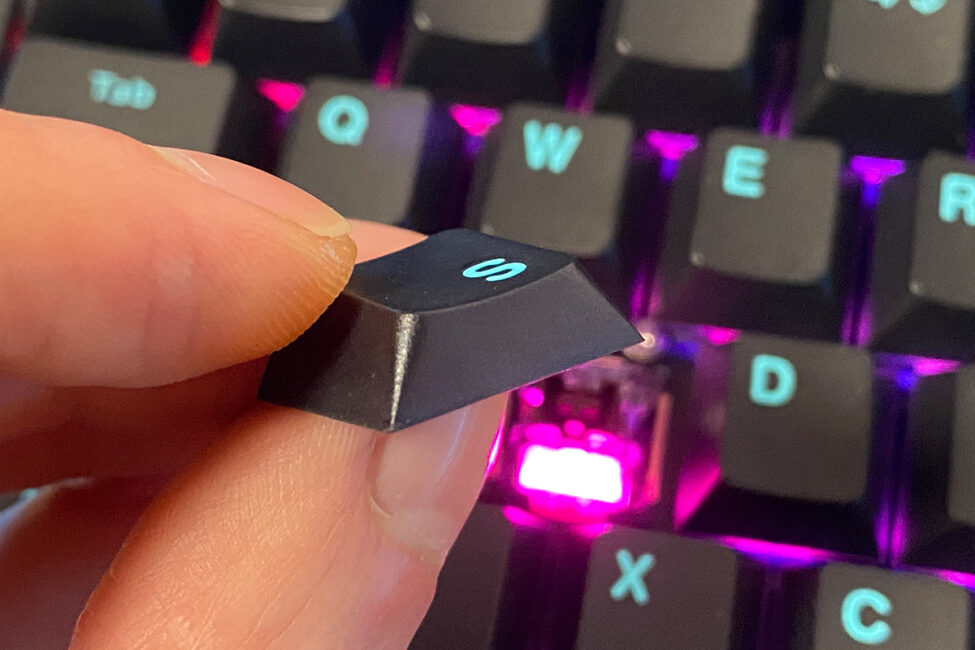
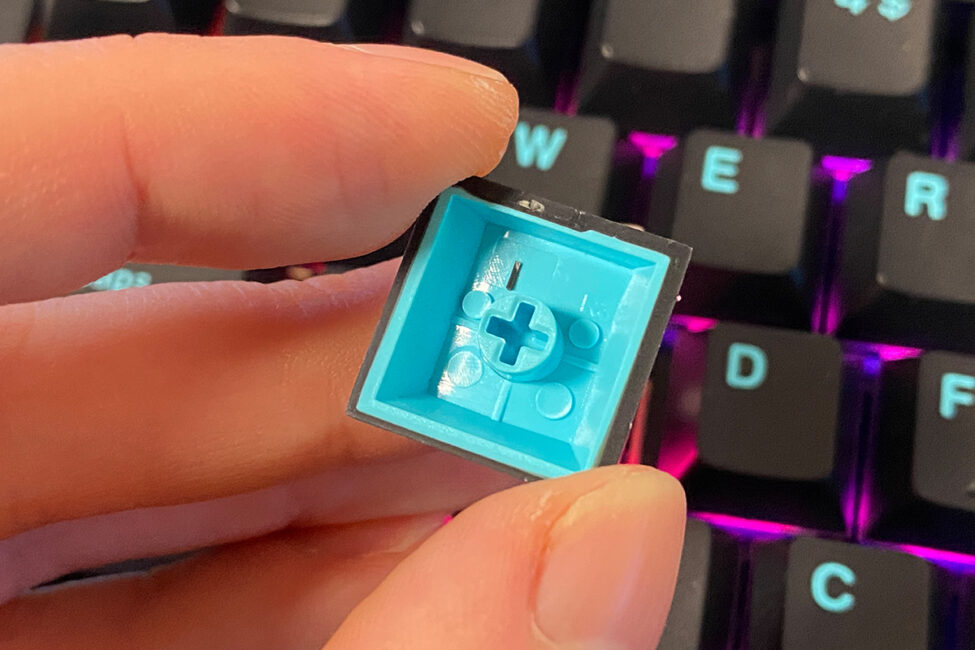
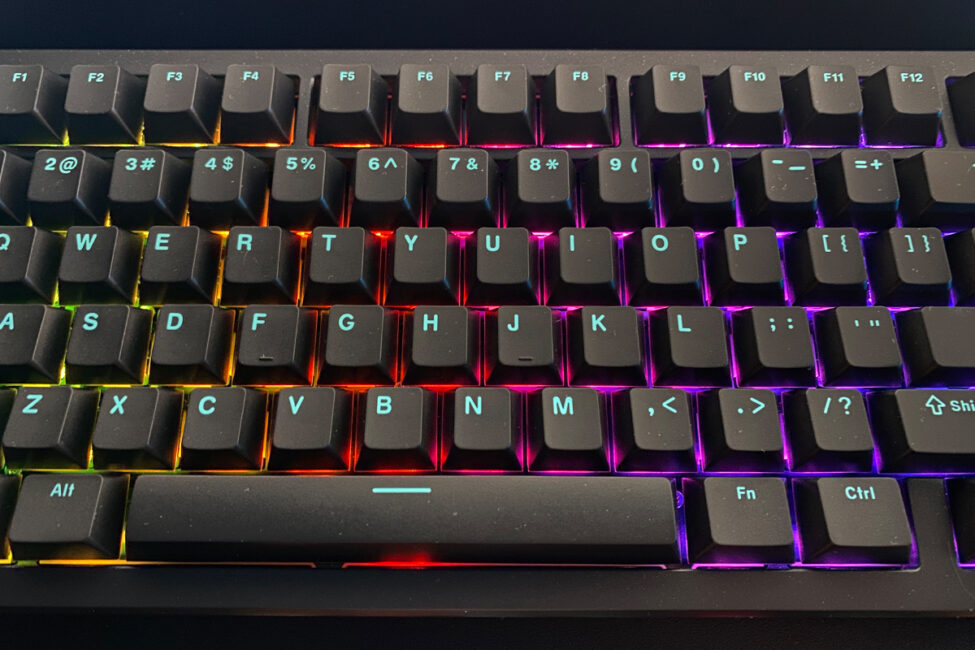
The keys feature full RGB lighting, implemented using south-facing LEDs. The lighting itself is impressive – bright, vivid, with a variety of effects and options for further customization. The switches even include diffusers to ensure even light distribution.
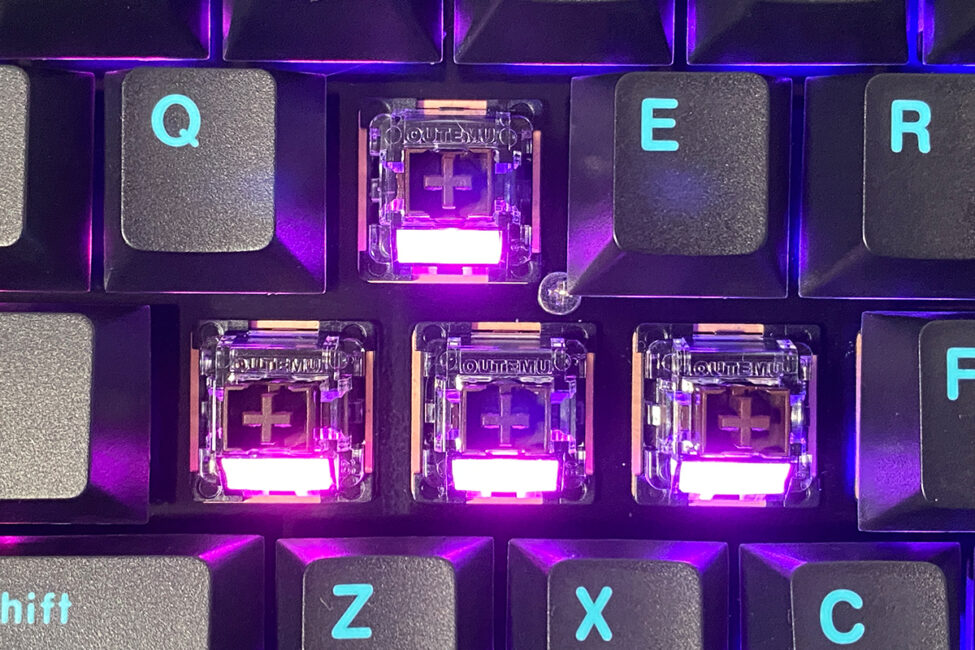
However, if you look closely at photos, you’ll notice that the lighting isn’t particularly prominent due to the keyboard’s tall profile. Personally, I find this preferable – the illumination is present, but it doesn’t dominate the overall design or distract from the keyboard’s aesthetic.
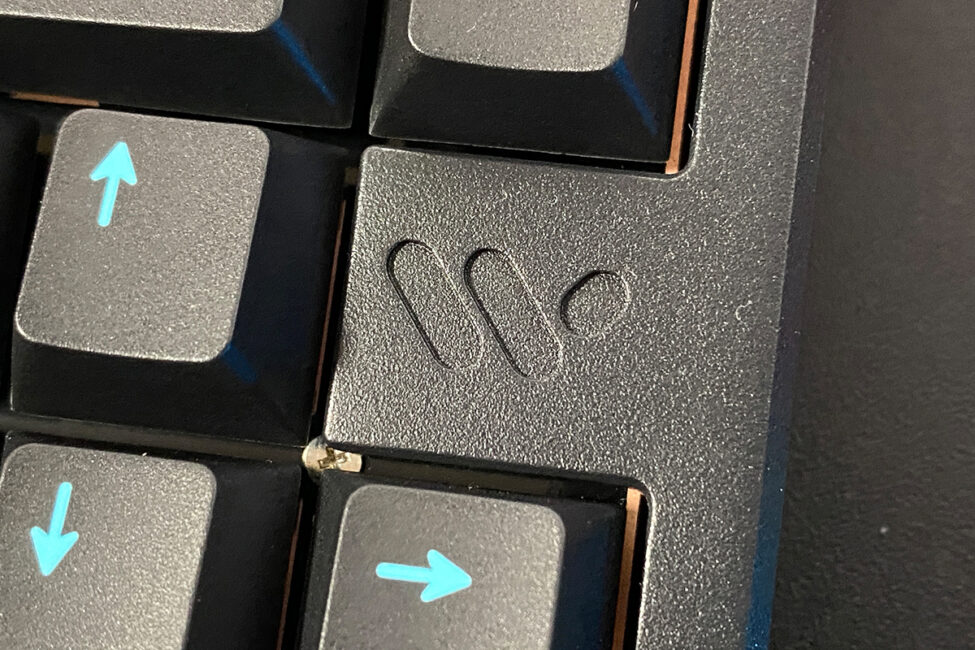
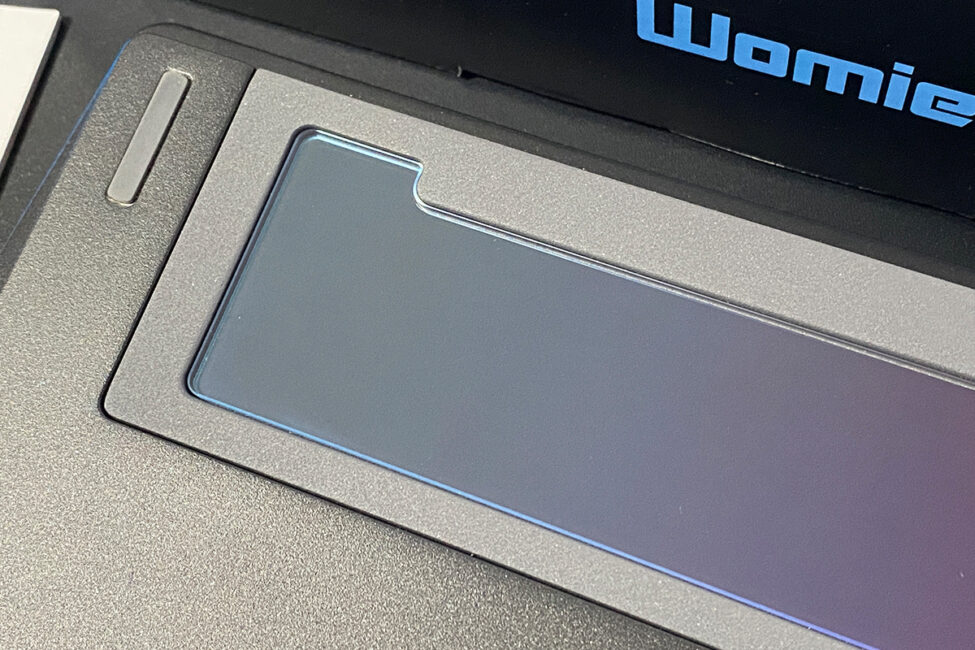
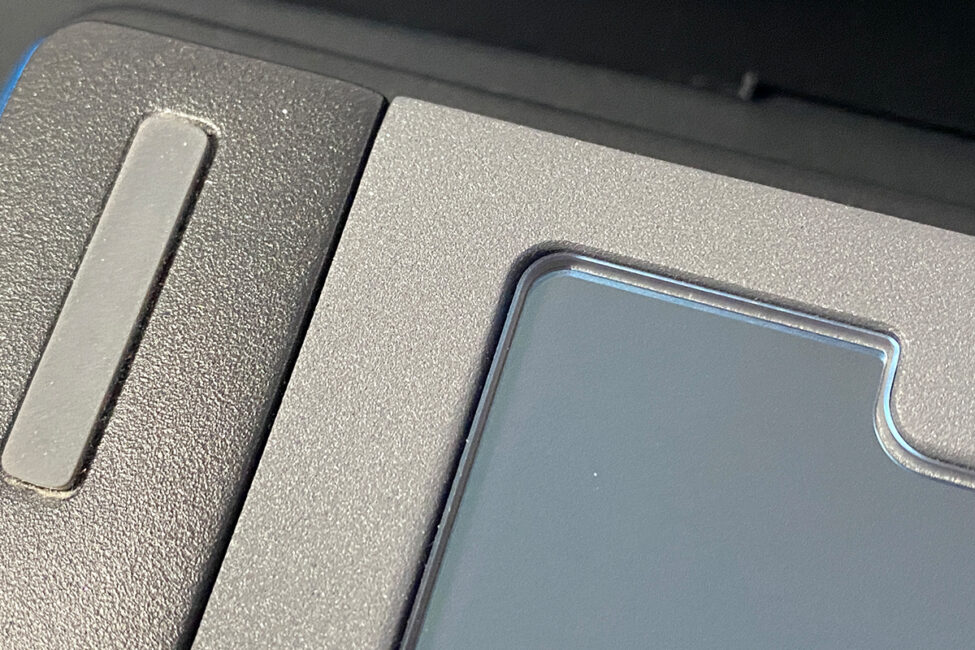
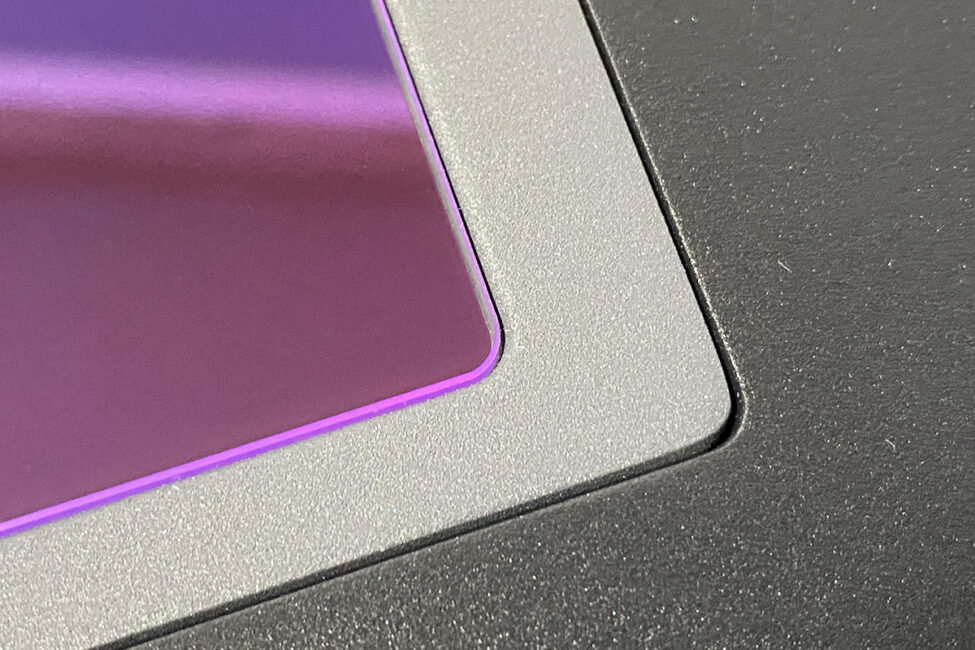
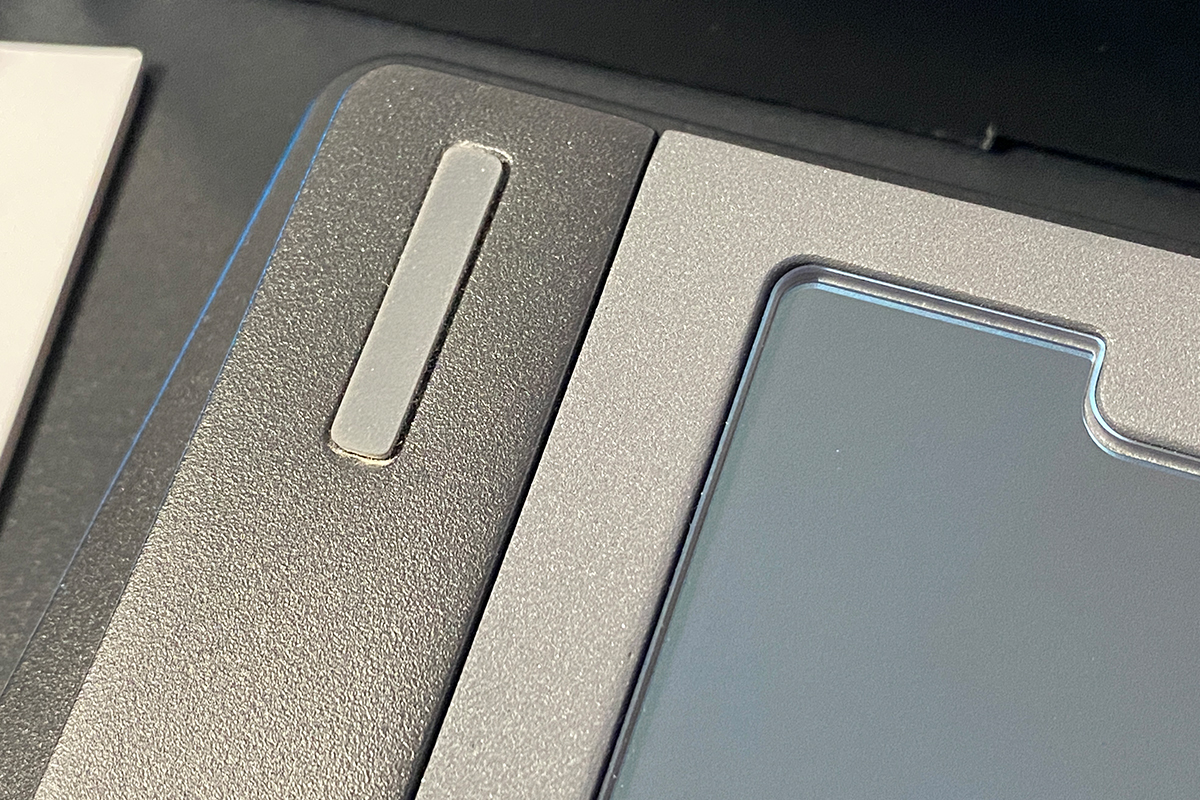
The keyboard’s bottom, like the top, is made of metal. At the center, there’s a decorative mirror-like insert. Take a closer look at the area surrounding it – visually and to the touch, it resembles polished stone. At first, I honestly wondered if they had actually embedded a piece of stone into the case, which might explain the keyboard’s weight. However, it’s not stone – it’s metal with a different texture and color. The effect is striking and original, giving the keyboard a unique appearance, though it doesn’t serve any practical purpose.
As you can see, the keyboard doesn’t have feet. In practice, they aren’t really necessary, since, as mentioned earlier, the height and typing angle are already non-standard – the keyboard sits slightly elevated by default. At first, this may feel unusual, but you quickly get used to it, and the device soon feels natural.
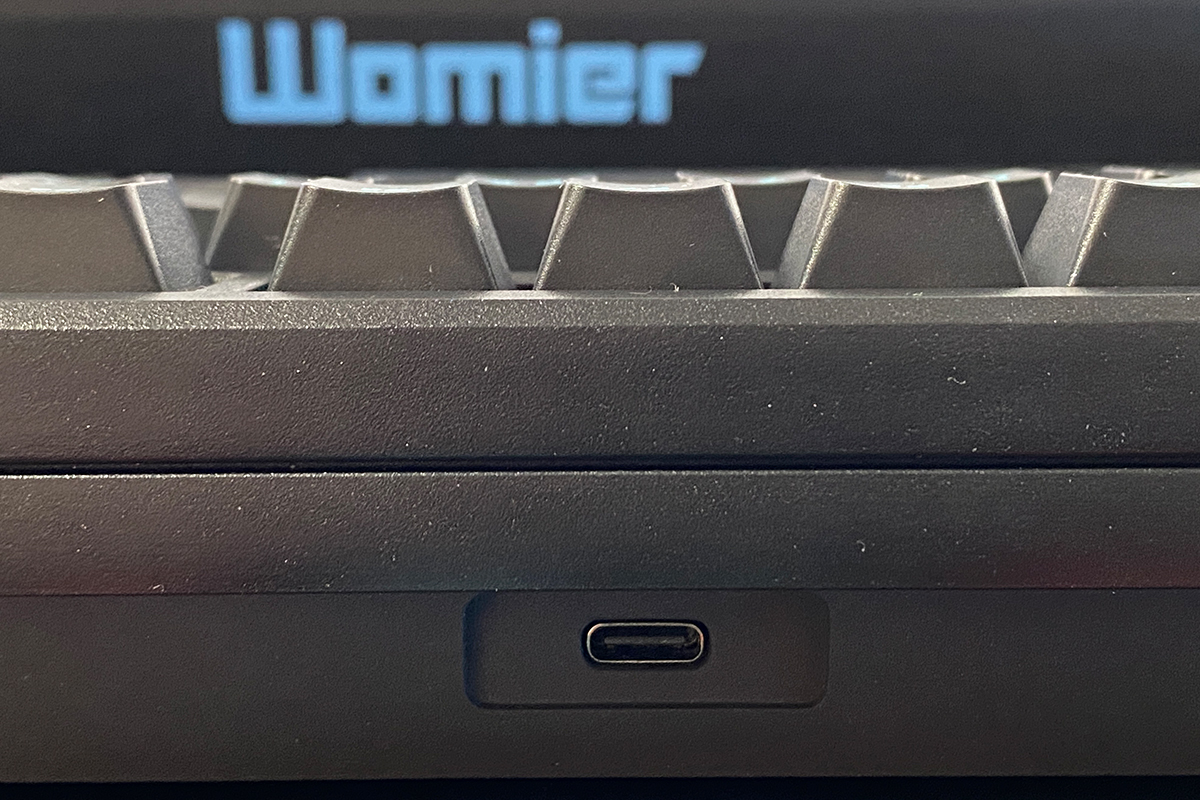
The Type-C port for cable connection is positioned at the front, as is typical. The port itself is slightly recessed, but it’s easy to locate by touch, and you can plug in the cable without needing to lift or rotate the keyboard. In short, its placement is convenient.
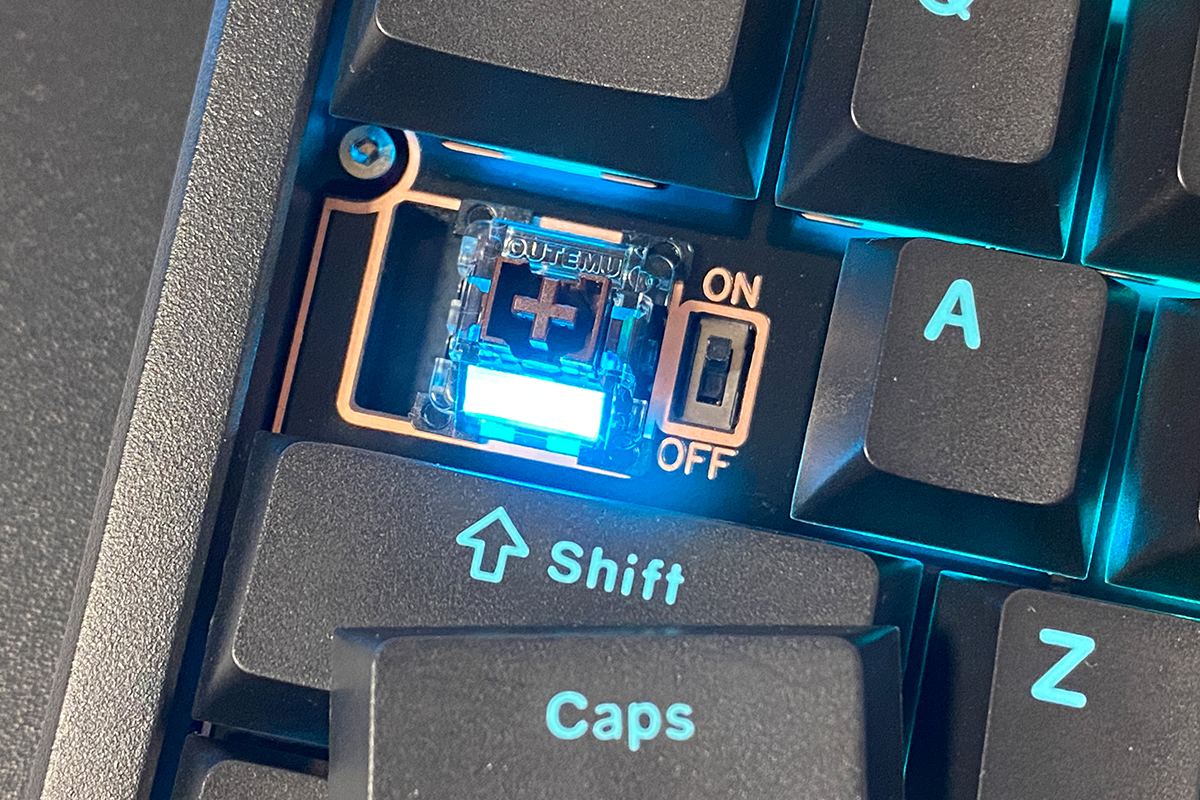
In the photos, you’ve probably noticed that there’s no visible switch for selecting RF, Bluetooth, or USB modes. That’s because it’s hidden under the CapsLock key. More precisely, it’s not a mode selector but a simple toggle that turns the keyboard’s wireless connections (RF and Bluetooth) on or off. If you turn off this toggle and connect the keyboard via cable, it will function normally in standard wired mode.
You might be wondering how to switch between RF and Bluetooth connections. It’s simple – using key combinations: FN + Q / W / E for Bluetooth connections, and FN + R for the 2.4 GHz RF channel. To switch to wired mode, use FN + T. All of these combinations are listed in the included manual.
Like most modern keyboards, the SK75 TMR supports up to five simultaneous connections: three via Bluetooth, one via 2.4 GHz RF, and one wired. This means you can connect the device to a PC via cable, a laptop via the RF channel, and a smartphone or tablet via Bluetooth, switching between them on the fly using the key combinations mentioned above.
The build quality of the keyboard is not just good – it’s impressive. The overall construction feels heavy, solid, and monolithic. Thanks to its unique chassis, the Womier SK75 TMR not only feels well-built but also has a premium appearance. It’s a keyboard that’s enjoyable to use and pleasant to look at.
Ergonomically, the SK75 TMR performs equally well. Its 75% layout provides all the keys I personally need while occupying minimal space on the desk. The non-standard height and typing angle may feel unusual at first, but you quickly adapt.
Read also:
- YUNZII RT80 Review: Magnetic Switches, 8000 Hz Polling, Solid Typing Experience at an Accessible Price
- MechLands Vibe99 Review: Full-Size Layout, Hot-Swap Support, and Mini Display
Switches, stabilizers, typing
By default, the SK75 TMR comes equipped with a single type of switch – the Outemu Magnetic Switch.
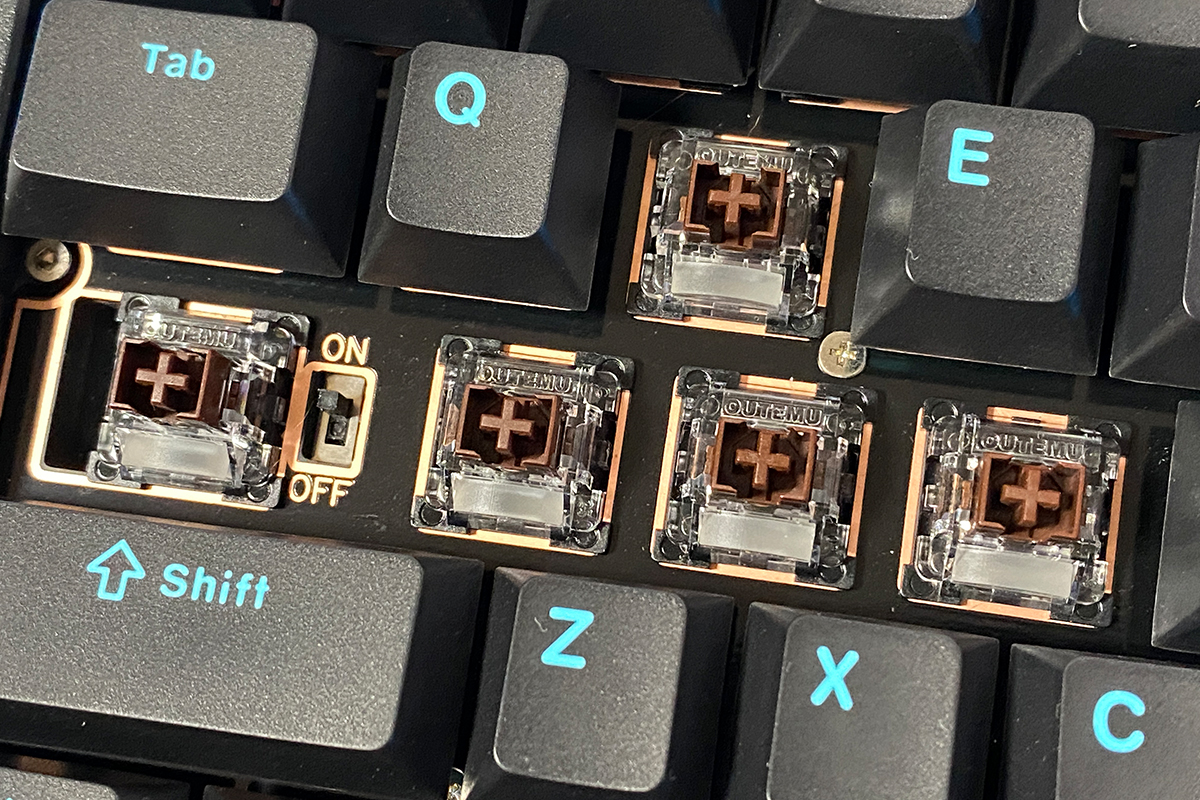
According to Womier’s official website, these are new magnetic switches, custom-made by Outemu and specifically tuned for the SK75 TMR’s PCB. In other words, they’re a true custom design, which is quite impressive.
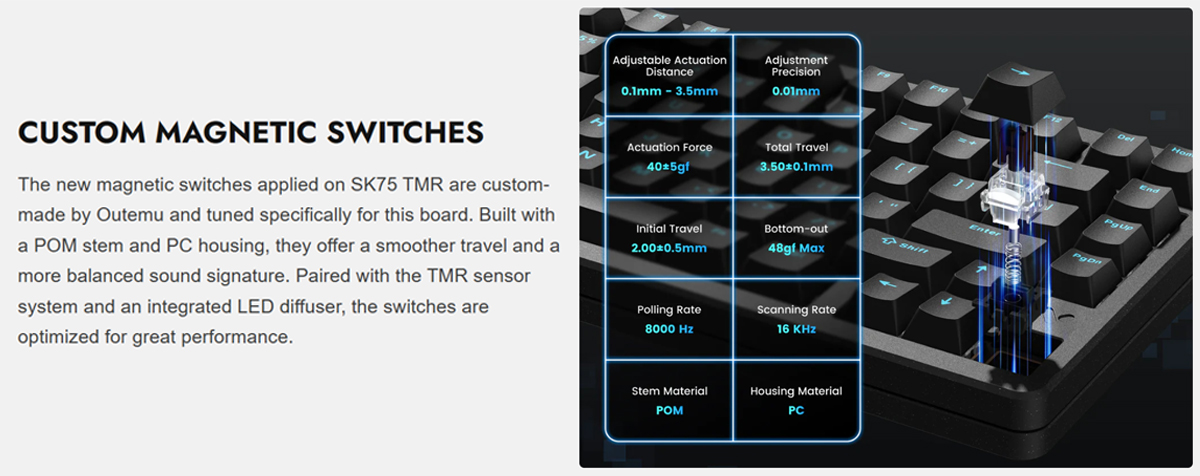
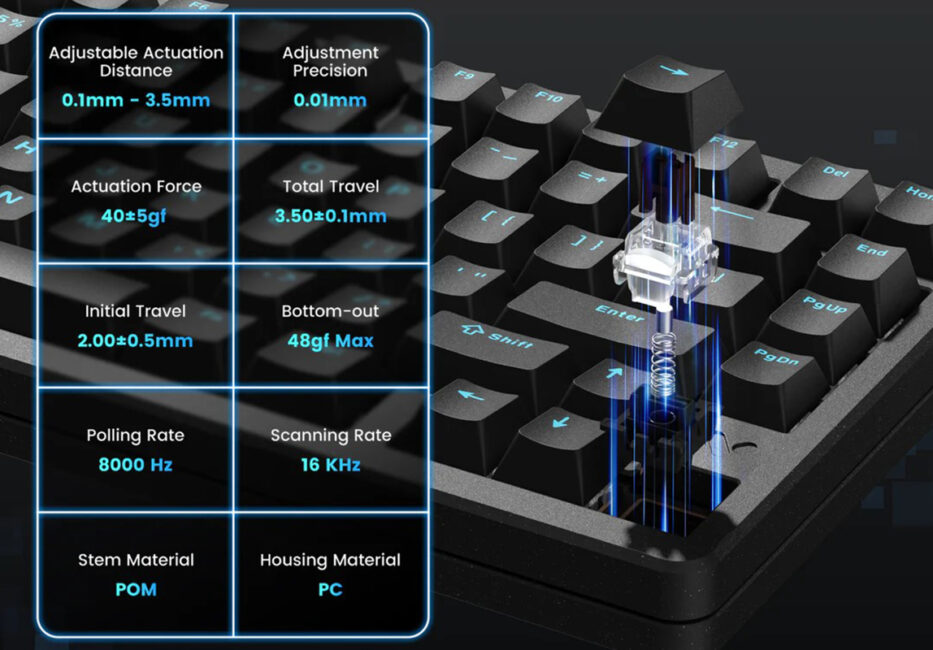
Detailed specifications of the switches are shown in the screenshot below. In short, we have the following:
- Type: linear
- Body material: polycarbonate (PC)
- Stem material: polyacetal (POM)
- Actuation force: 40±5 gf
- Full press force (Bottom-out): 48 gf max
- Actuation travel: 2.00±0.5 mm
- Total Travel: 3.50±0.1 mm
- Adjustable Travel Range: 0.1-3.5 mm
- Adjustment Accuracy: 0.01 mm
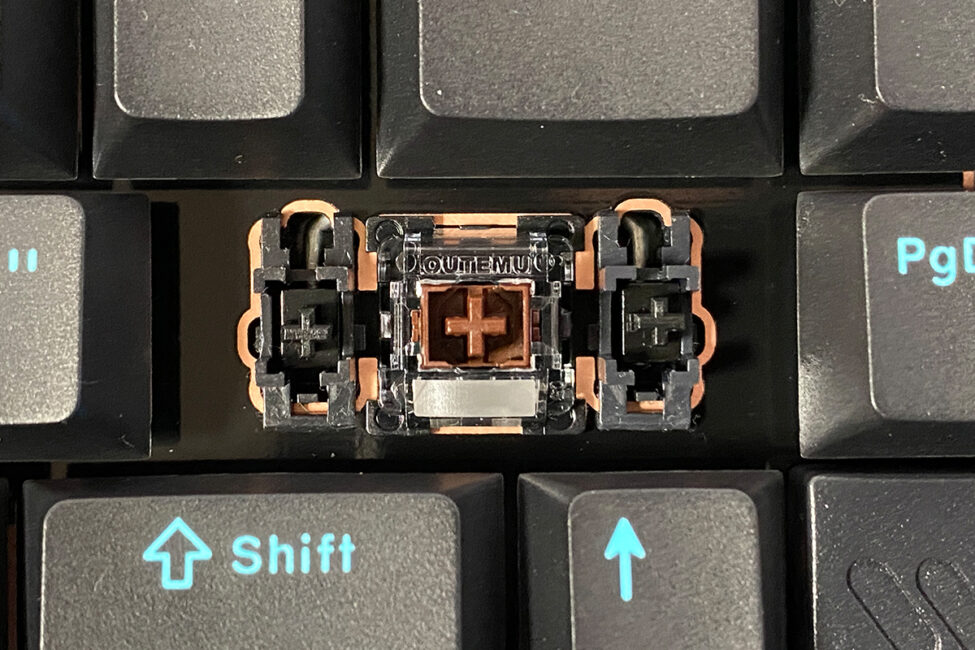
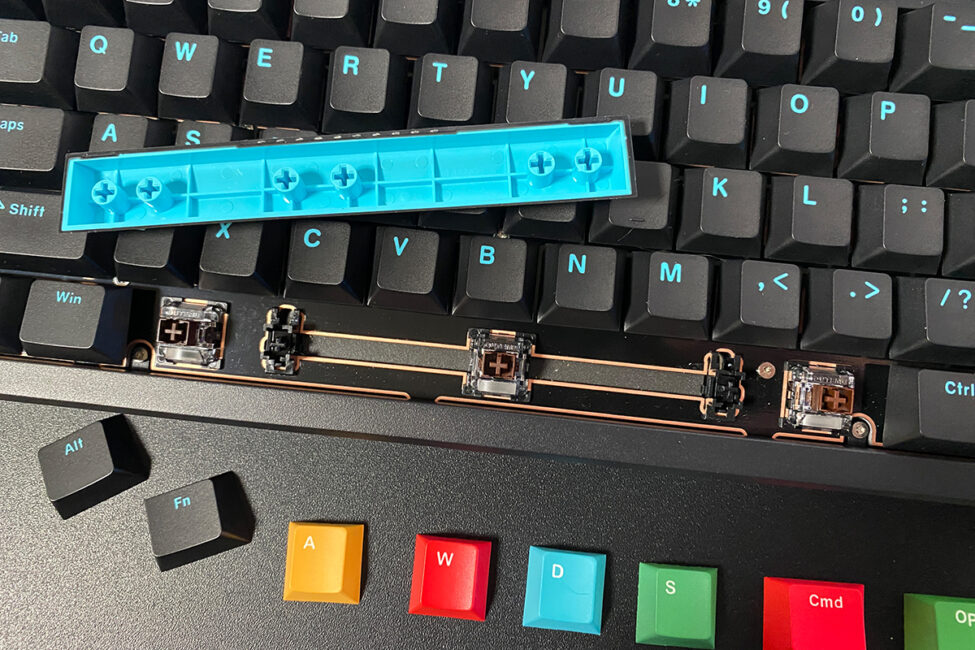
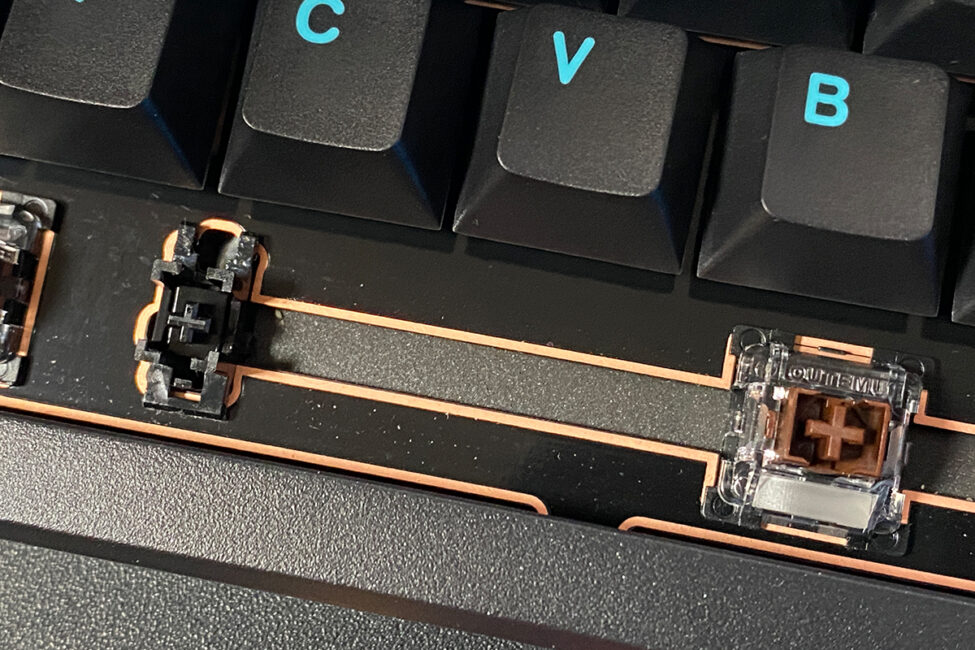
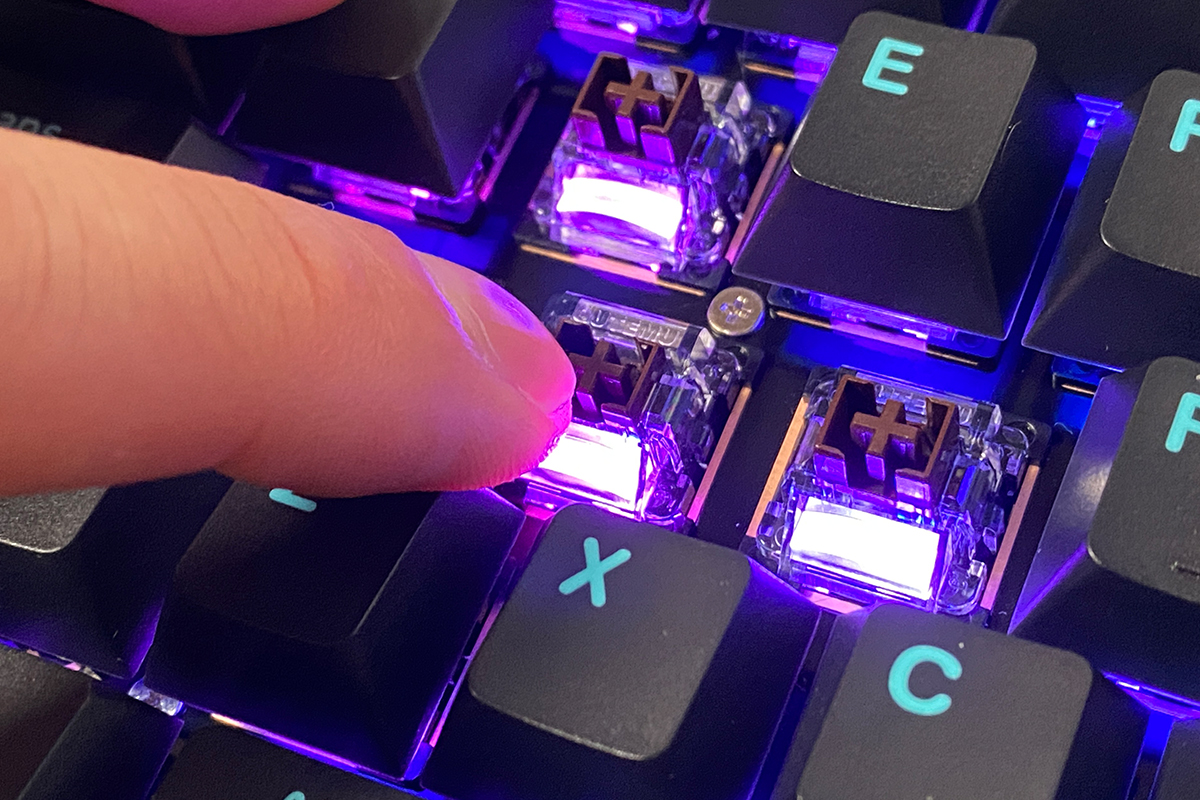
As mentioned earlier, one of the keyboard’s main features is its hybrid hot-swap system, which allows it to support both magnetic and standard mechanical switches. The best part is that you can mix them, using both types simultaneously within the same keyboard.
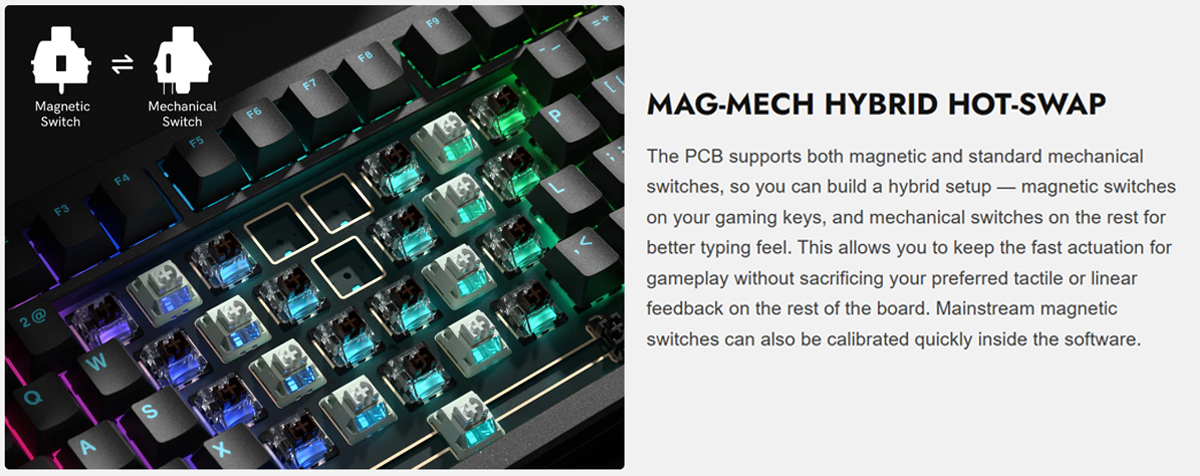
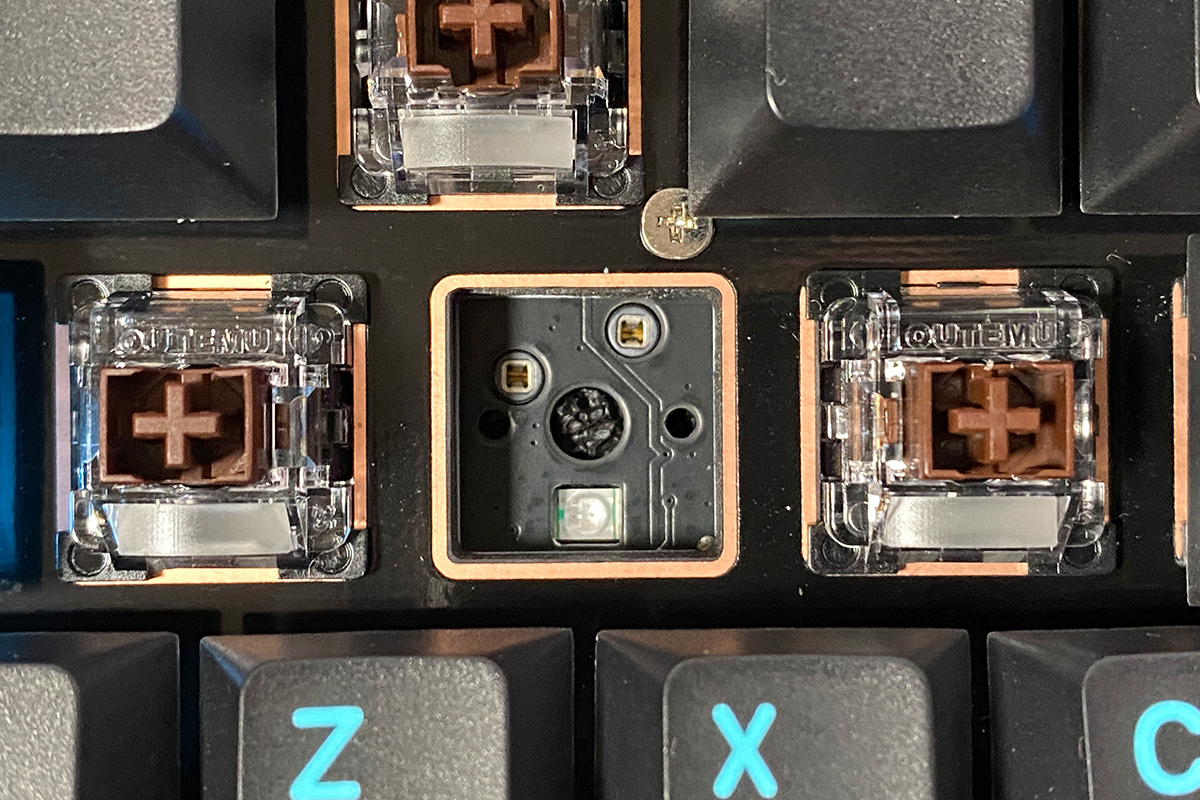
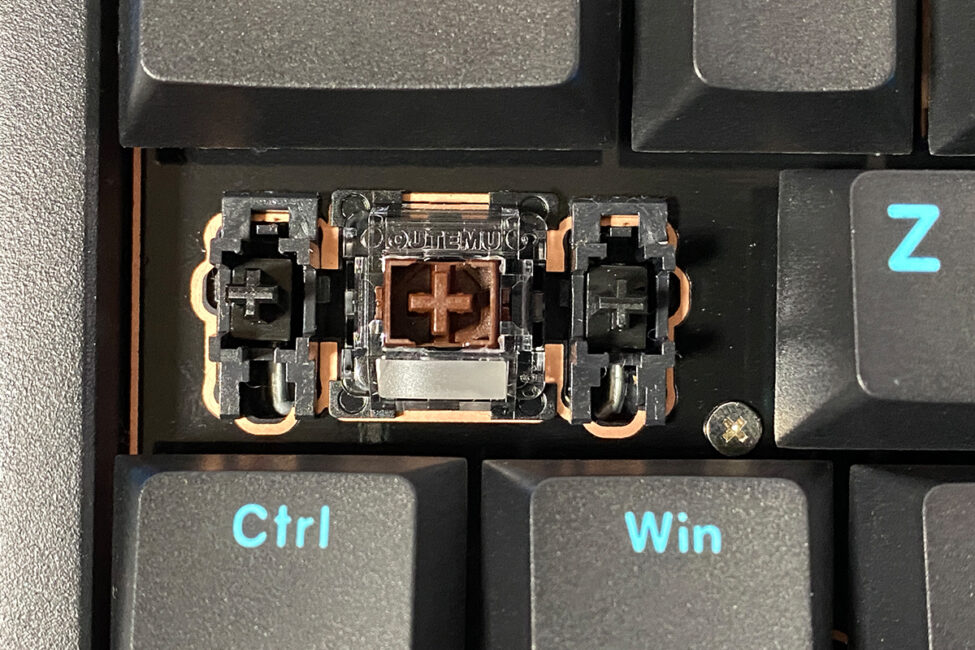
The switch sockets on the keyboard are standard 5-pin, allowing installation of magnetic (2-pin) and mechanical (3-pin or 5-pin) switches. I’ve reviewed many hot-swap keyboards, including magnetic ones, but I haven’t seen this level of compatibility anywhere else. This is another unique feature that truly sets the SK75 TMR apart from its competitors.
The keyboard’s stabilizers are excellent. They don’t appear to be heavily lubricated, yet they perform perfectly. Longer keys press smoothly with a very satisfying sound – no scratchiness or rattling at all. The keys don’t wobble excessively and feel consistent with the others. In short, the stabilizers are outstanding.
The typing experience on the keyboard is also excellent. As mentioned earlier, it combines a Top Mounted construction – providing stable and precise keystrokes – with a multi-layer damping system that enhances both tactile feedback and acoustic performance. Overall, typing on the Womier SK75 TMR can be described as crisp, stable, relatively quiet, and moderately soft. As previously noted, it’s a pleasure both for gaming and regular typing.
Read also:
- EPOMAKER P65 review: The Gateway Drug to High-End Keyboards
- MechLands Vibe75 V2 Review: Solid Typing, Hot-Swap, and a Display at Affordable Price
Key features of the magnetic keyboard
Before diving into the configuration app, it’s worth taking a closer look at the keyboard’s key features and the extended capabilities of its magnetic switches, since this is essentially the main advantage of the Womier SK75 TMR.
As mentioned earlier, the new Womier model uses TMR (Tunnel Magnetoresistance) technology, which consists of highly sensitive sensors on the PCB capable of detecting a magnet’s position within a switch with an accuracy of up to 0.01 mm. TMR sensors are more sensitive to magnetic fields compared to the previous generation – Hall-effect sensors. As a result, the new TMR sensors outperform their predecessors in three critical areas: stability, speed, and energy efficiency, making them an ideal foundation for advanced gaming features.
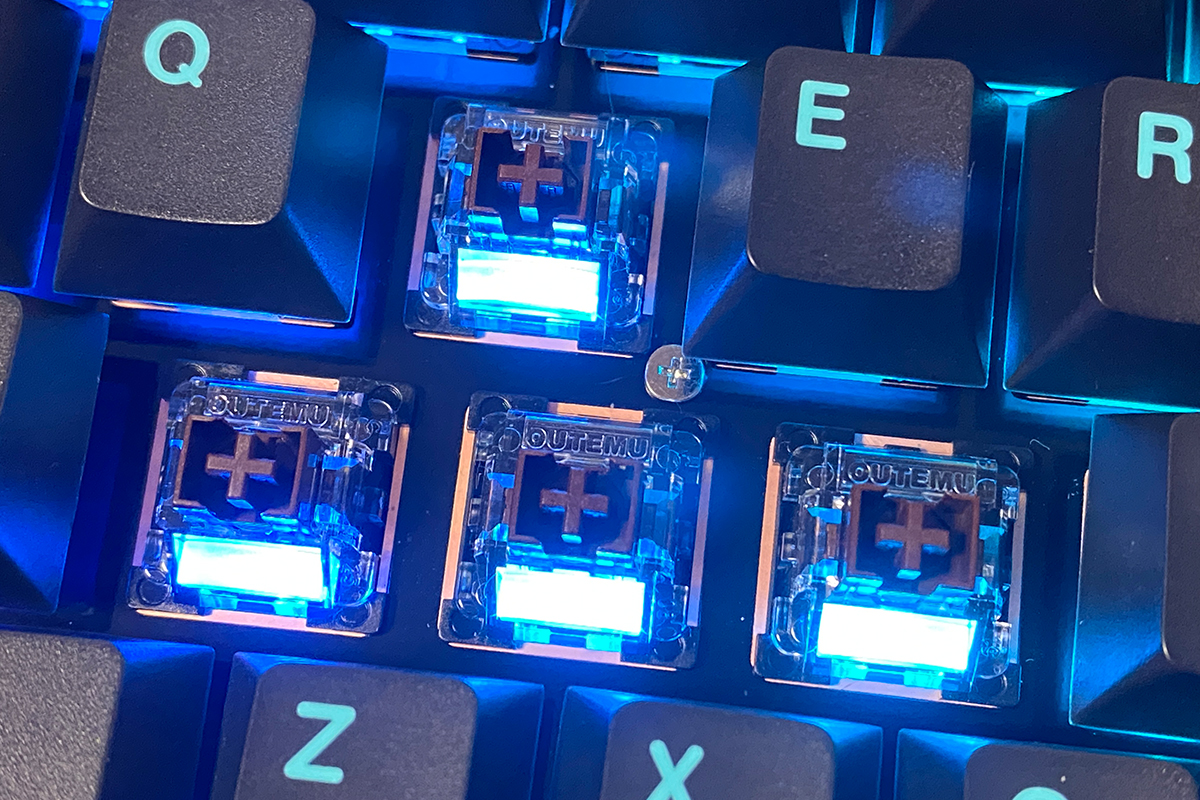
The advanced gaming features include Adjustable Actuation, Dynamic Key Stroke (DKS) – also known as Rapid Trigger (RT), Multi-Tap, Toggle Key, and Snap Key (two different actuation points on a single key).
Adjustable Actuation allows you to set the actuation point individually for each key. For example, you can configure the keyboard so that keys register at the very start of the keystroke with light presses, or alternatively, only in the middle or at the end of the travel. A combination setup is also possible – for instance, setting the W/A/S/D keys to actuate at the start of the stroke, while Shift and Space activate in the middle or at the end. Some gamers configure their magnetic keyboards this way for certain online shooters.
The actuation range on the Womier SK75 TMR is 0.1–3.5 mm. Adjustments are made through the Womier Driver app, which will be explored in detail in the next section.
Dynamic Key Stroke (DKS), more commonly known as Rapid Trigger (RT), is a feature that allows a key to register immediately when you start pressing or releasing it, without the need to reach a fixed actuation or reset point. In other words, with DKS/Rapid Trigger, keys can respond to the slightest movements, independent of specific actuation or reset points. This feature is especially useful in fast-paced competitive games, where reaction speed – including character movement – is crucial. Essentially, it enhances responsiveness, increases reaction speed, and improves control over your in-game actions.
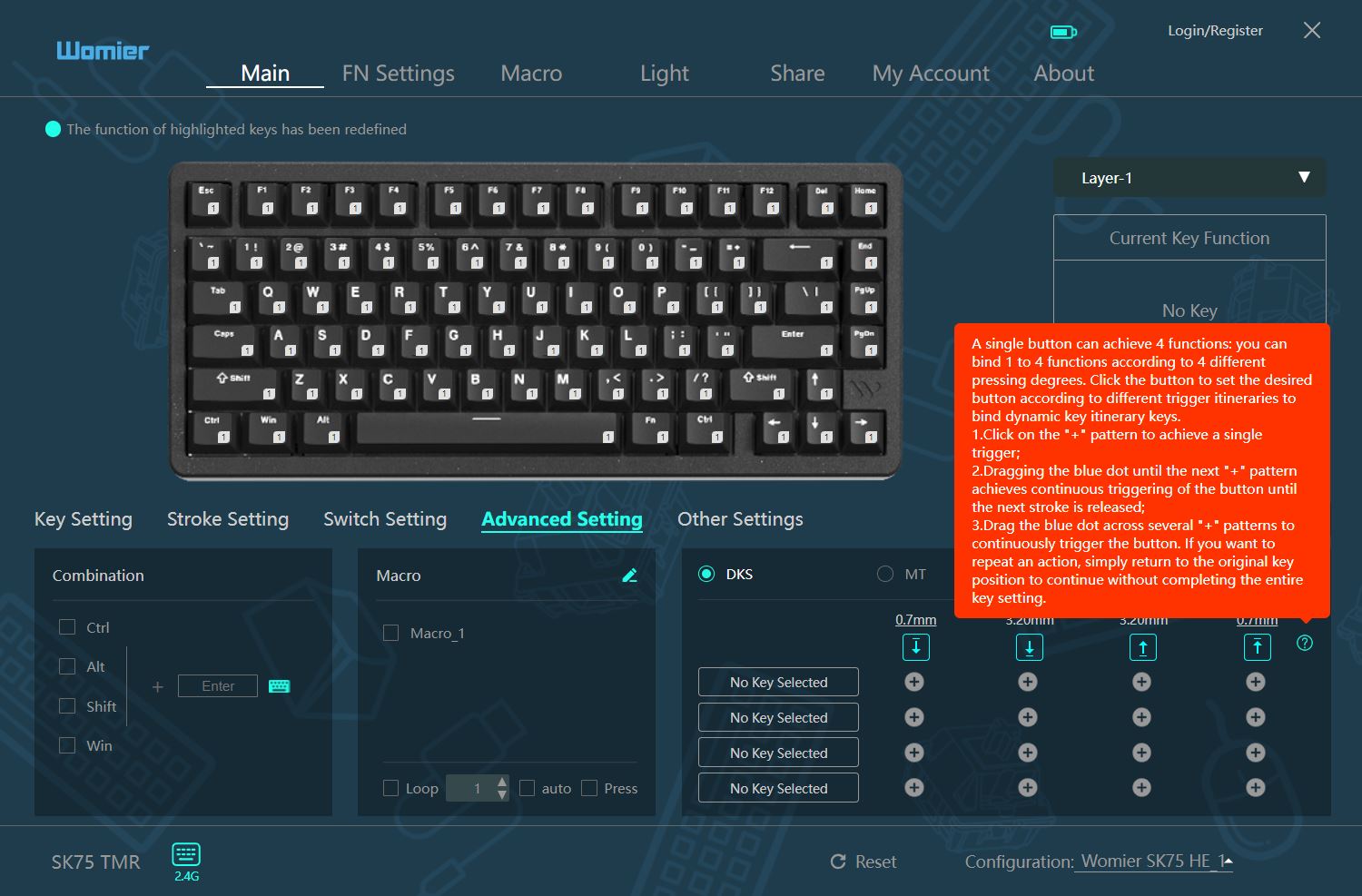
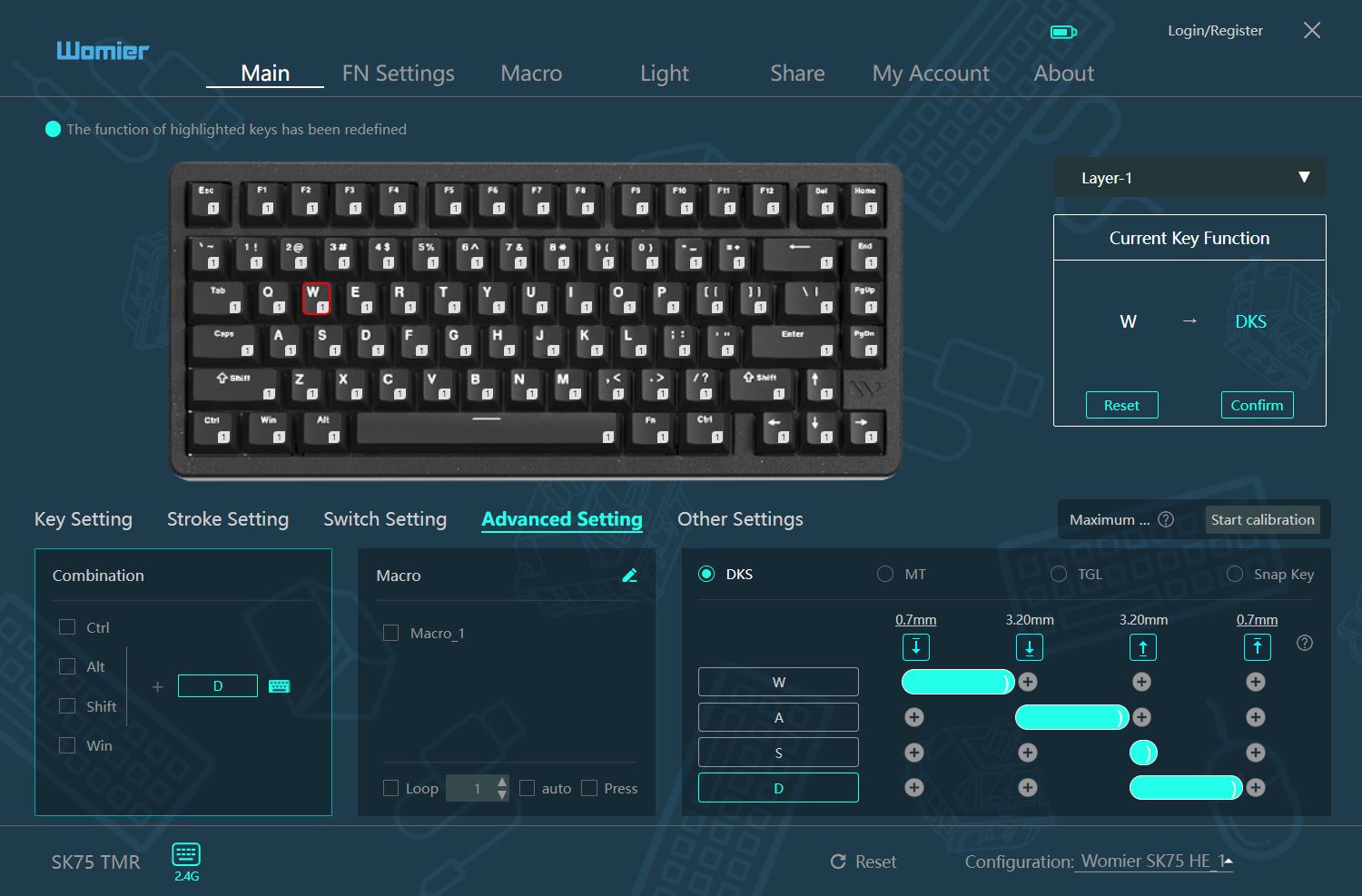
Multi-Tap is an advanced feature that allows a single key to perform up to four different actions depending on how far it is pressed. The keyboard can be programmed to trigger multiple commands at different points of the keystroke. A simple example in gaming would be:
- Light press of the W key – normal walking
- Medium press of the W key – light sprint
- Full press of the W key – accelerated tactical run
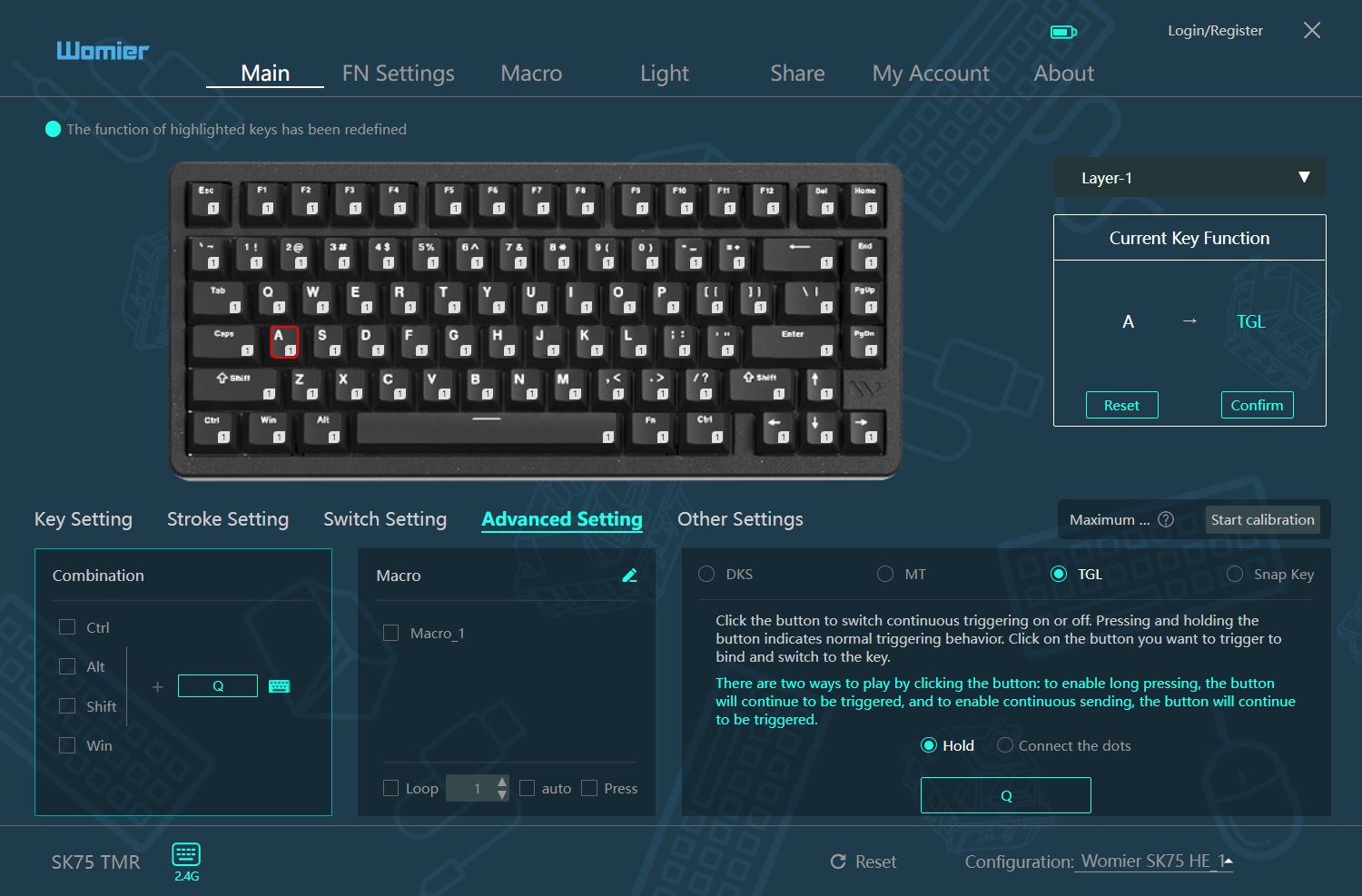
Toggle Key is a feature that allows a key to function as a switch. For example, in some games, you normally need to hold Shift or Ctrl for a character to continuously run or crouch. With Toggle Key, these keys can be configured so that a single press changes the character’s movement mode or position, without needing to hold the key. Additionally, you can assign two different actions to a key based on how long it is held, effectively turning a single key into a mini-macro that triggers after a set duration.
Snap Key allows you to assign two separate commands to a single switch, triggered at different points of its travel. While Multi-Tap relies on varying key press depths for multiple commands, Snap Key is usually tied to the moment of key release. For example:
- Primary command (press) – the key registers at a standard actuation point (e.g., 1.5 mm), and the character begins an action.
- Secondary command (instant release) – the second command is set at a minimal distance during key release (e.g., 0.1 mm) and is used for immediate deactivation of the primary command.
In this way, the Snap Key feature allows for an almost instantaneous key release. You can configure it so that the key deactivates immediately after you stop pressing, providing very fast, “snappy” control over character movement.
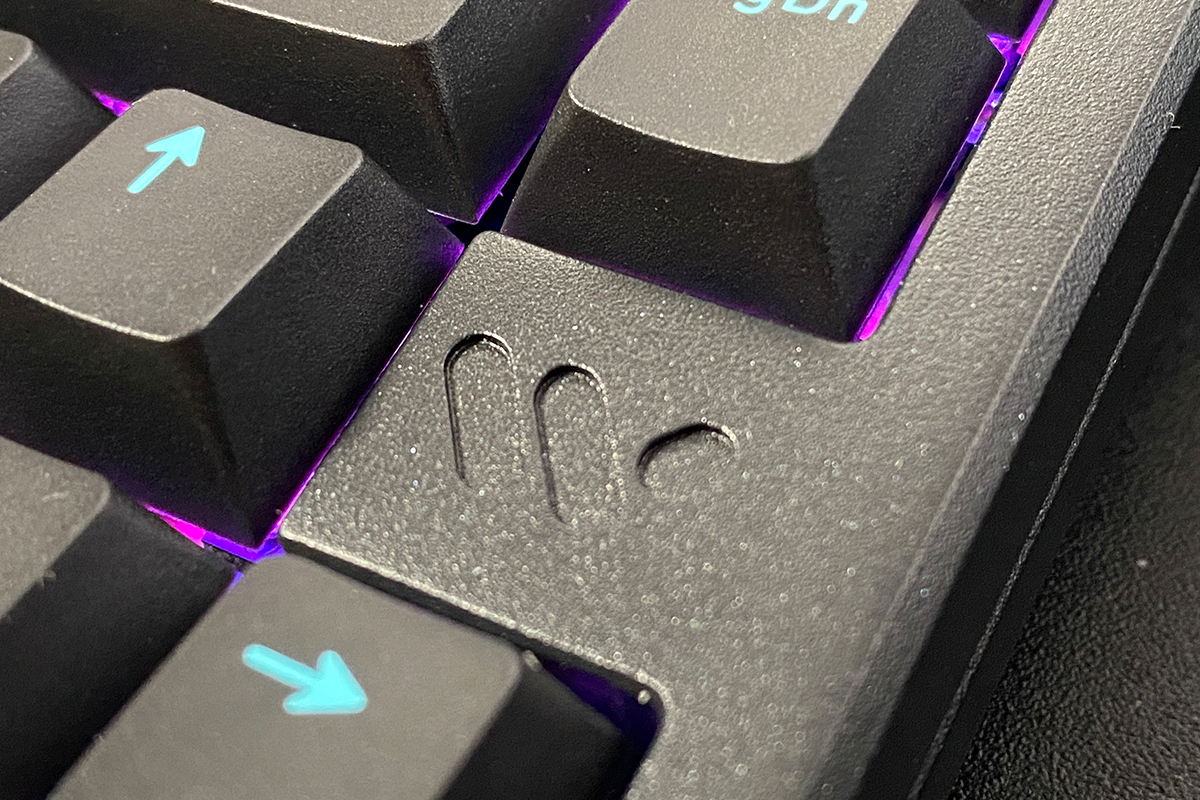
Another key advantage of magnetic switches is their reliability and smooth key travel.
Reliability – Magnetic switches do not have physical metal contacts that close to register a keypress. Instead, they use a magnetic sensor. With no mechanical contacts to wear out, these switches are inherently more durable and long-lasting compared to standard mechanical switches.
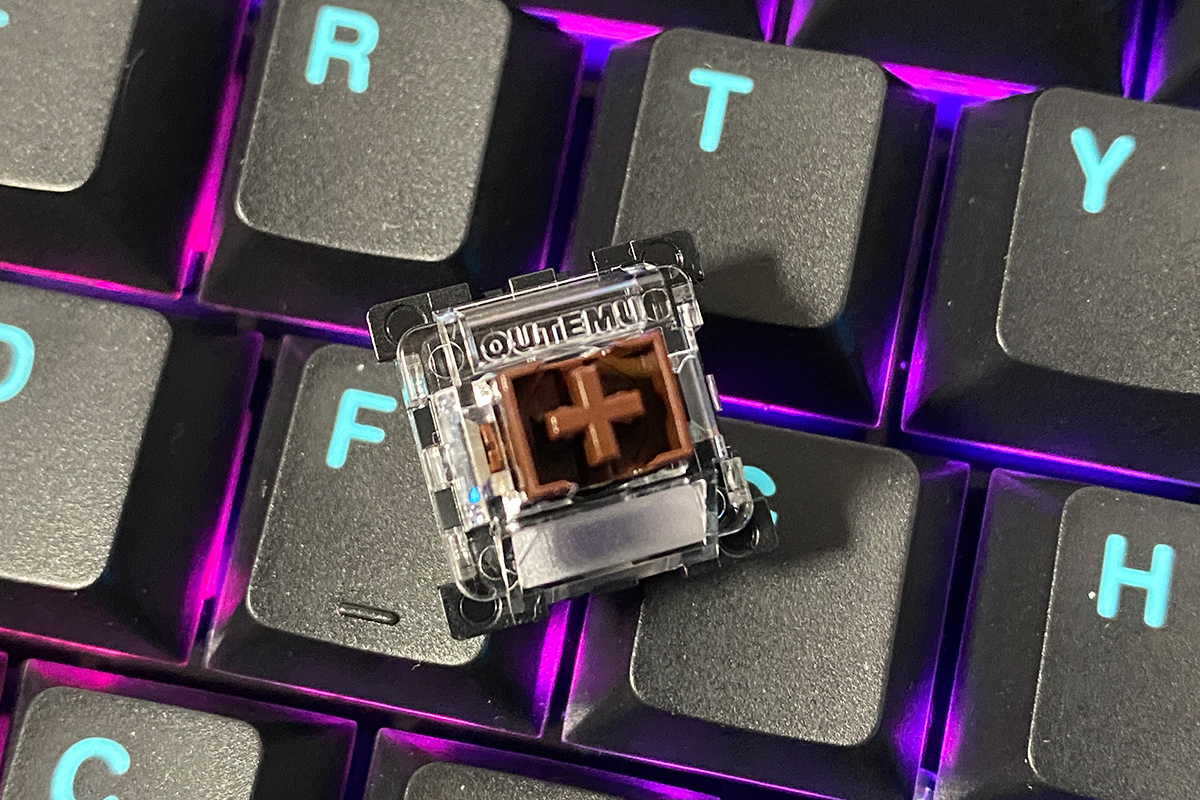
Smooth key travel – Without metal contacts, magnetic switches feel smoother and more consistent compared to mechanical ones. While this perception is somewhat subjective and depends on the specific models being compared, the absence of friction from metal components does contribute to a cleaner, more fluid keystroke experience.
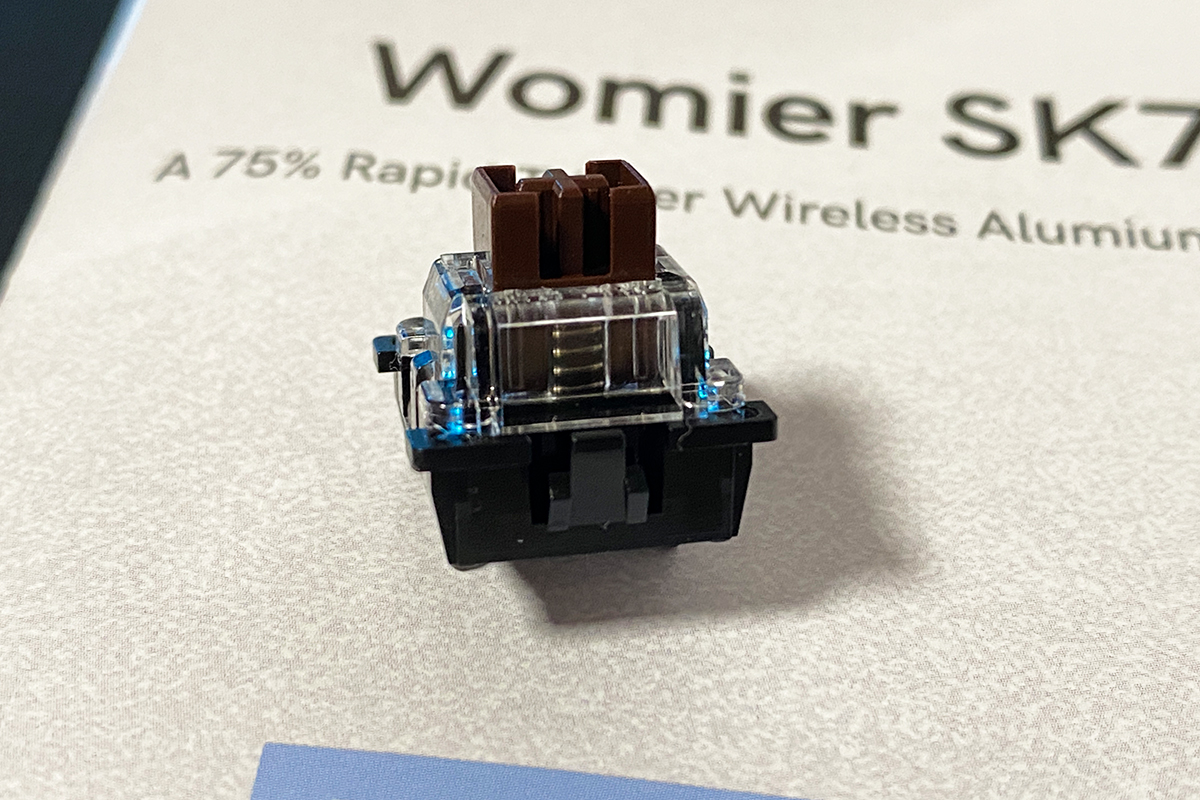
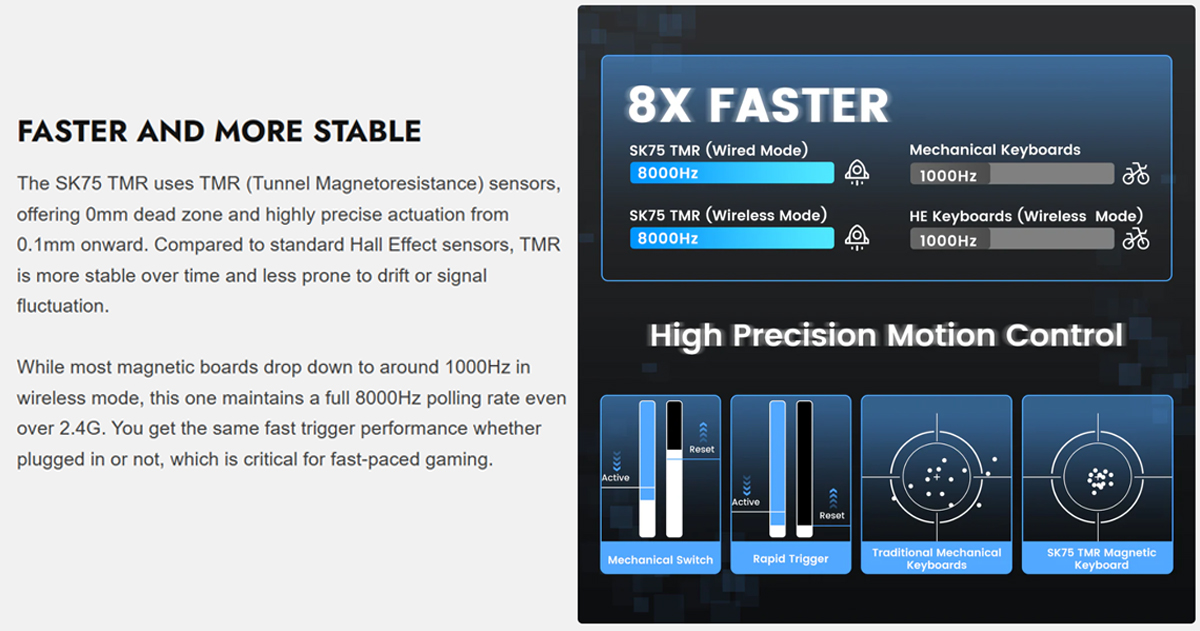
Another major advantage of magnetic keyboards is the 8,000 Hz polling rate. At this rate, the keyboard sends data to the PC every 0.125 ms, which is eight times faster than a standard 1,000 Hz polling rate. This ultra-low input lag ensures that keystrokes are transmitted to the computer almost instantaneously. Combined with the Rapid Trigger technology, it delivers maximum reaction speed, which is crucial in competitive gaming.
Another noteworthy feature that sets the Womier SK75 TMR apart from its competitors is that it can maintain the 8,000 Hz polling rate not only in wired mode but also in wireless RF 2.4 GHz mode.
Read also:
- ASUS ROG Azoth X Keyboard Review: Futuristic Design, Hot-Swap Support, and OLED Display
- Razer Joro Review: Ultra-Compact Gaming Keyboard
Womier Drive proprietary application
All of the advanced gaming features mentioned above can be configured through the Womier Driver application, which is available for download from the manufacturer’s official website. While the SK75 TMR supports macOS out of the box, the driver application is currently only available for Windows systems.
It is not necessary to connect the keyboard via cable or switch it to wired mode to access these settings – all configurations can be made while using the keyboard in wireless RF 2.4 GHz mode.
Upon the first launch, the application may appear in Chinese, which is common for such software. Instructions are provided within the interface to easily switch the language to English.
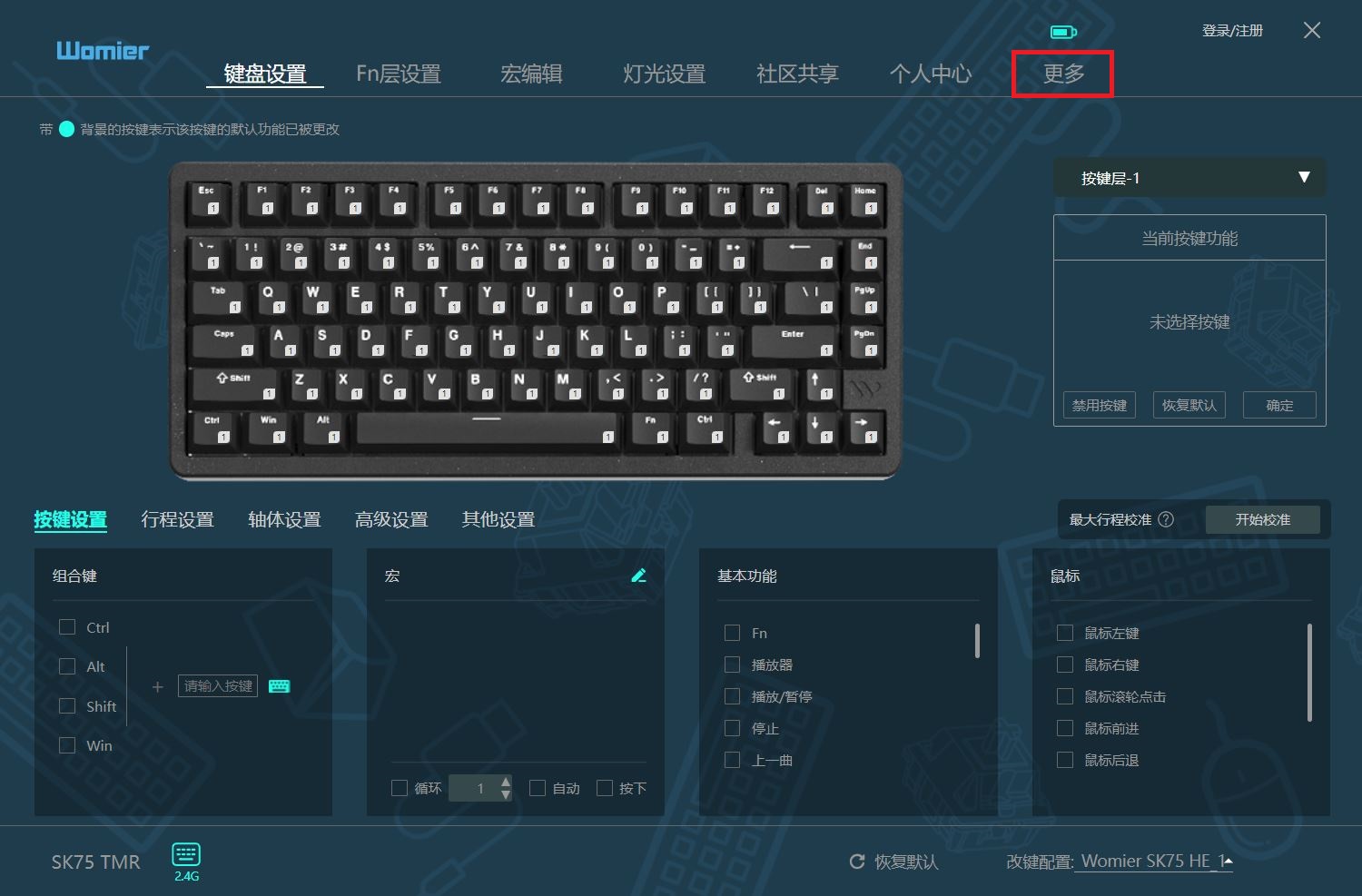
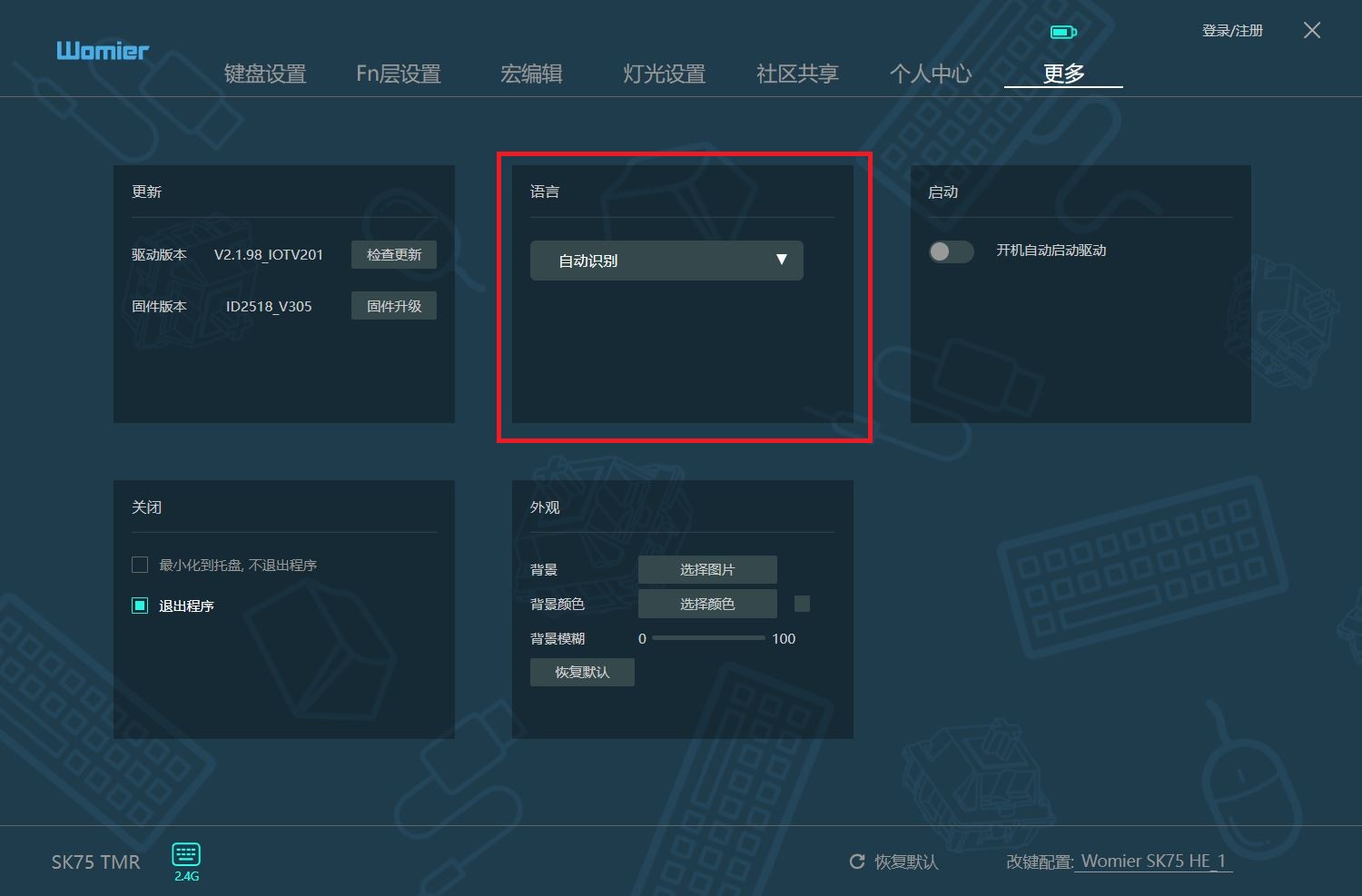
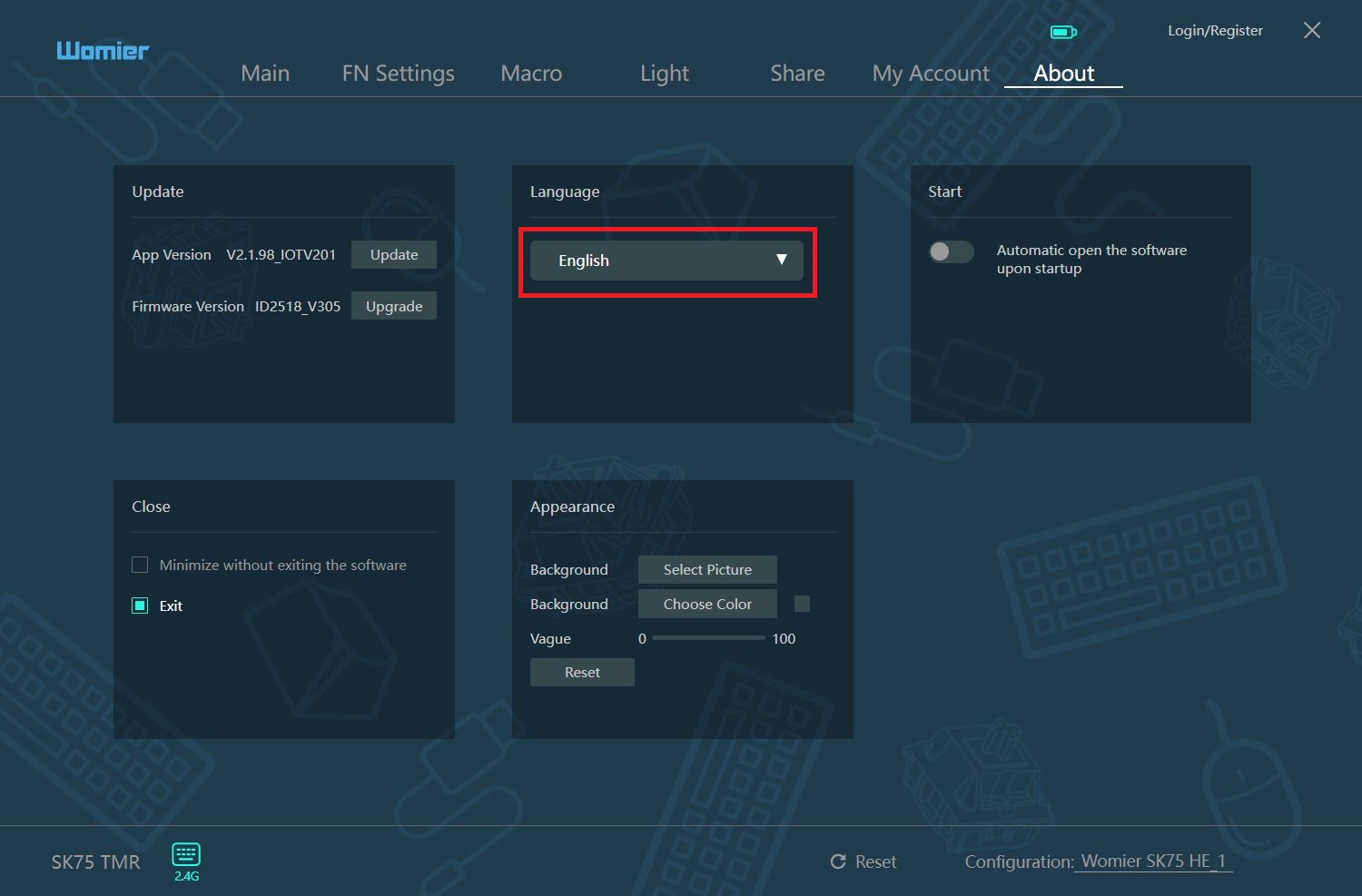
The application itself is fairly standard – similar software has been seen on other magnetic keyboards. All settings are organized into seven main menus: Main, FN Settings, Macro, Light, Share, My Account, and About.
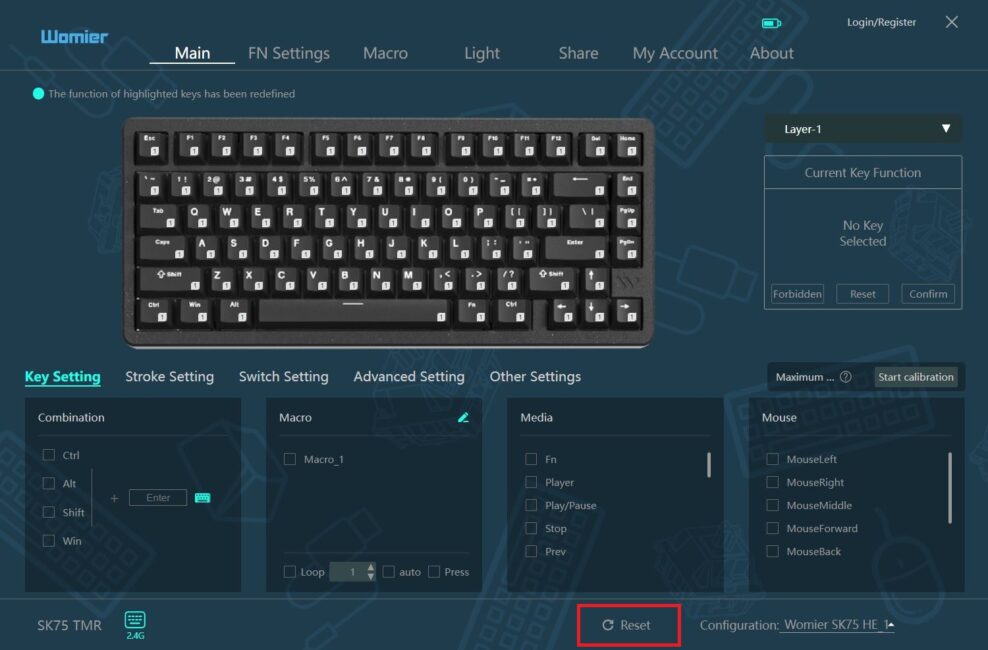
In the Main menu, you can access the standard key configuration (Key Setting) as well as the advanced magnetic switch features (Stroke Setting and Advanced Setting).
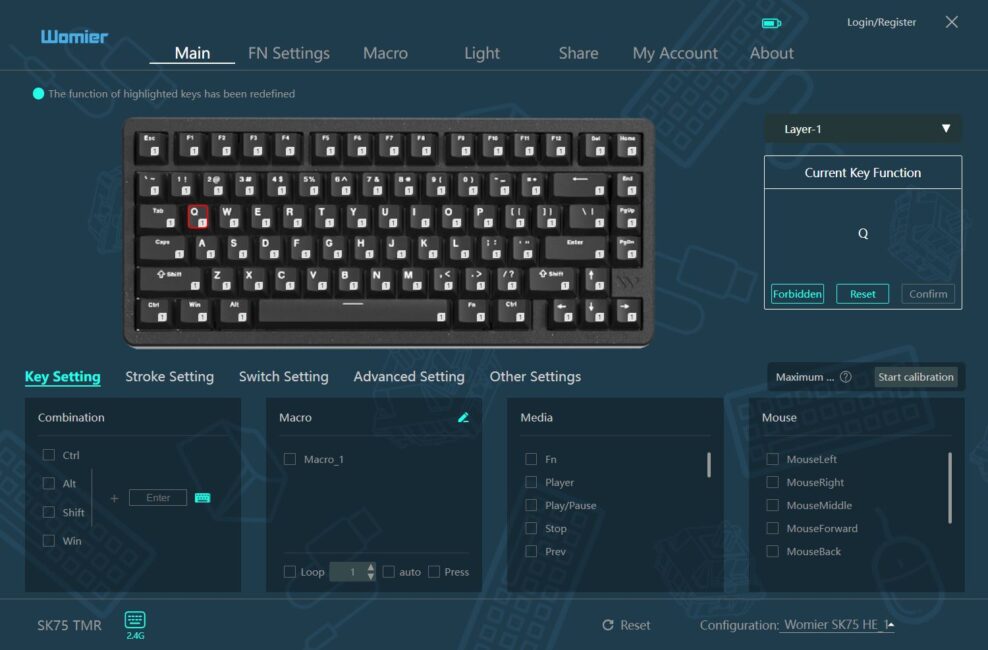
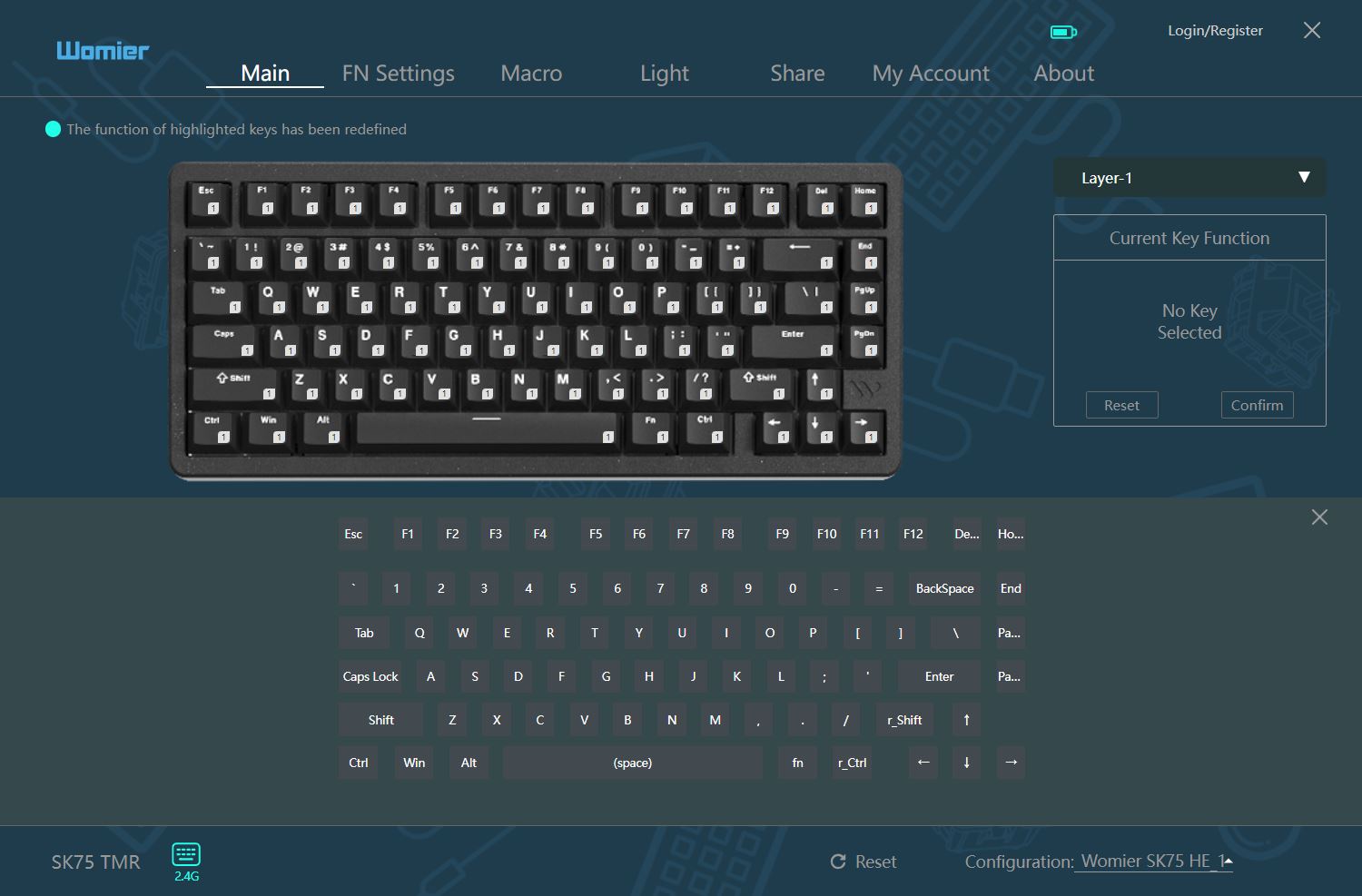
In the Key Setting menu, you can configure key combinations, assign macros, and set multimedia functions. The top of the layout allows you to disable or remap individual keys and manage keyboard layers. This menu also provides an option to calibrate the keyboard after a firmware update or if any issues arise.
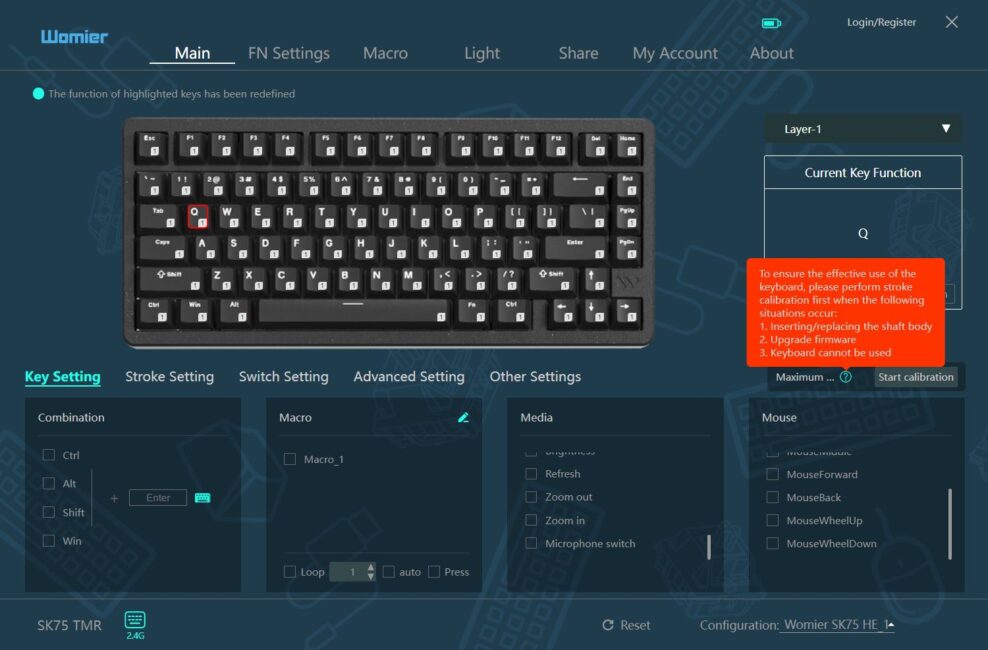
In the Stroke Setting menu, you can configure the actuation point of the switches and immediately test their response, set dead zones, and enable Full Rapid Trigger and the RT Stabilization Algorithm. Both the keyboard and the application allow you to adjust settings for all keys simultaneously or individually.
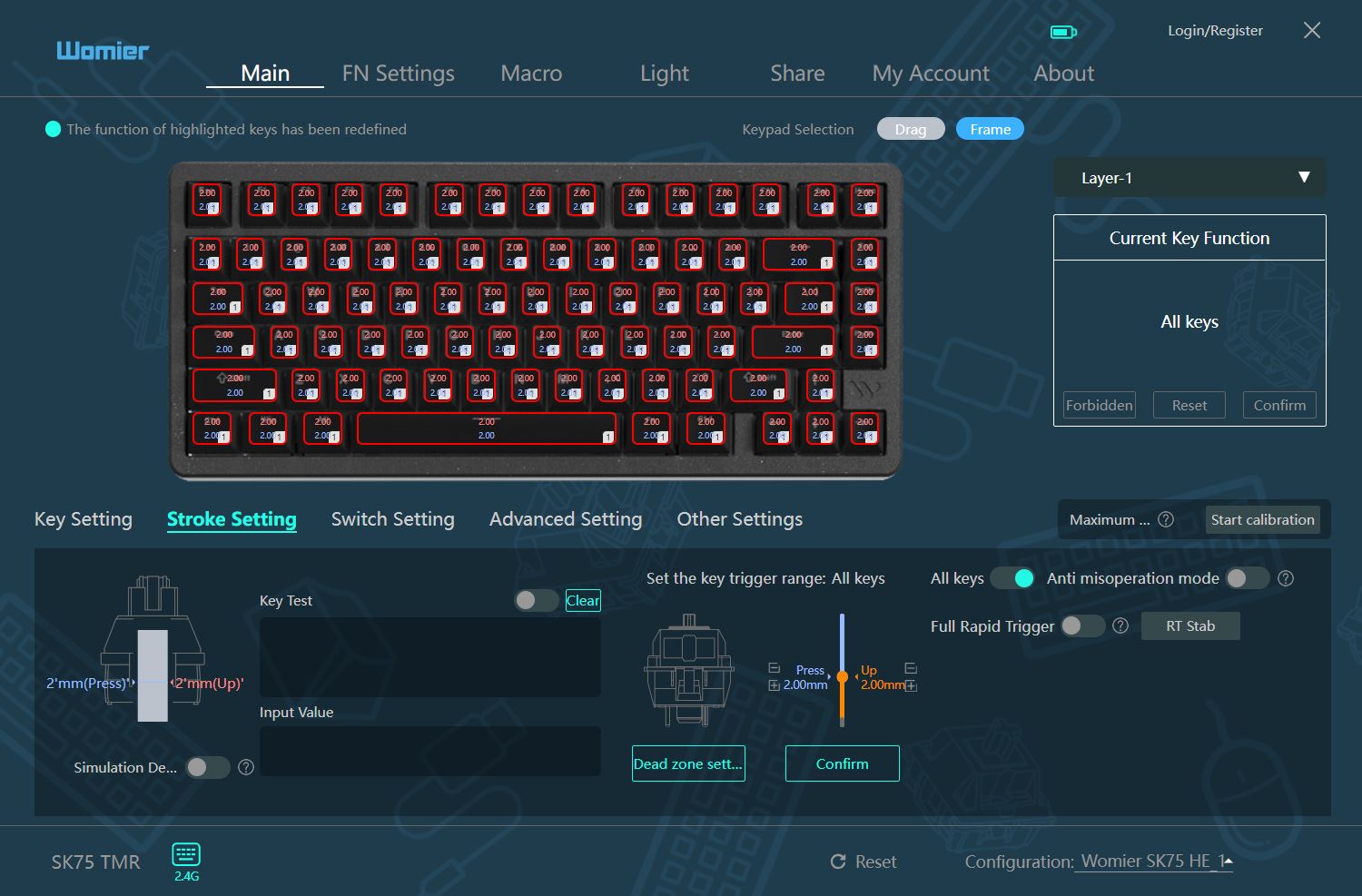
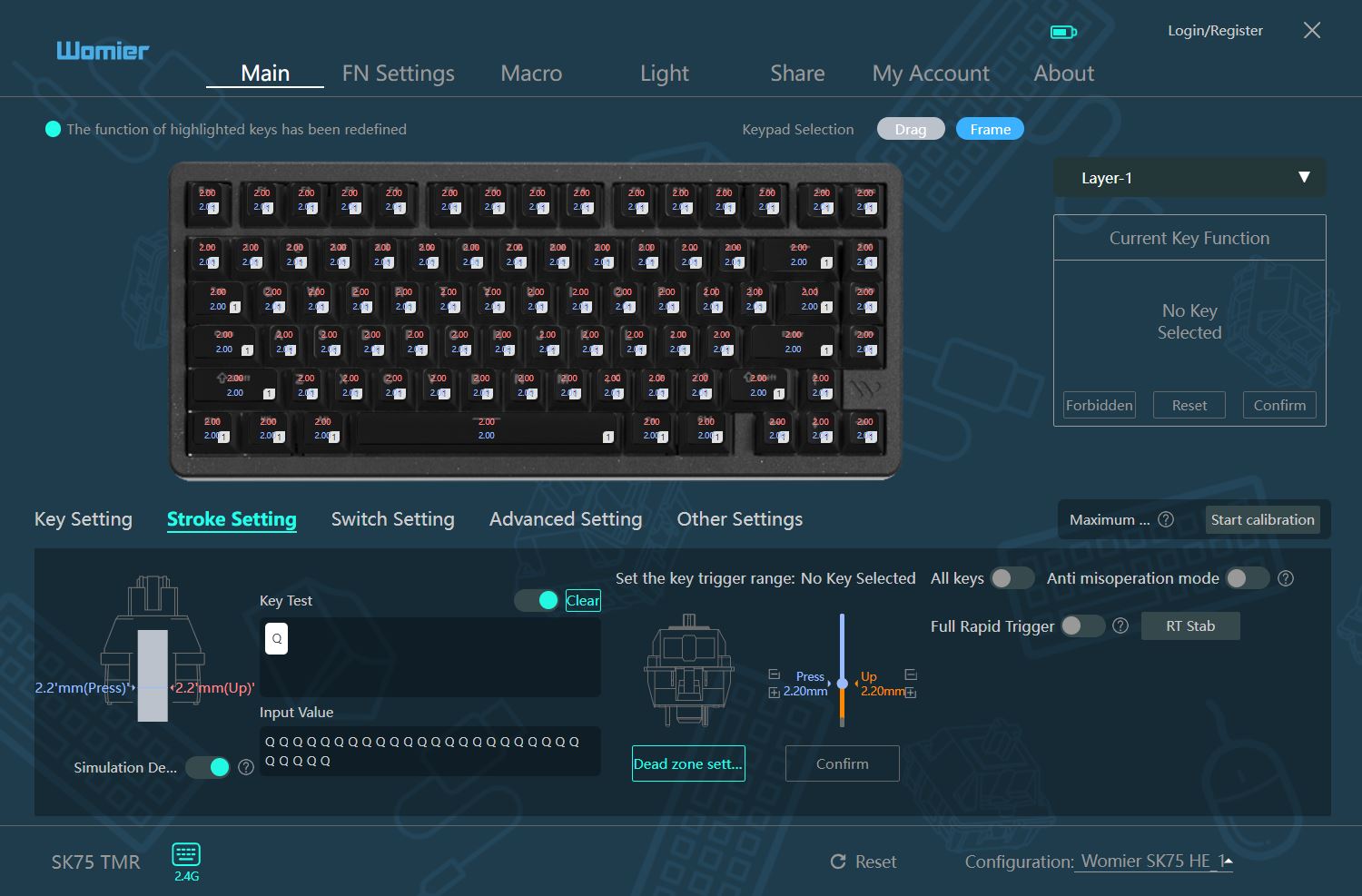
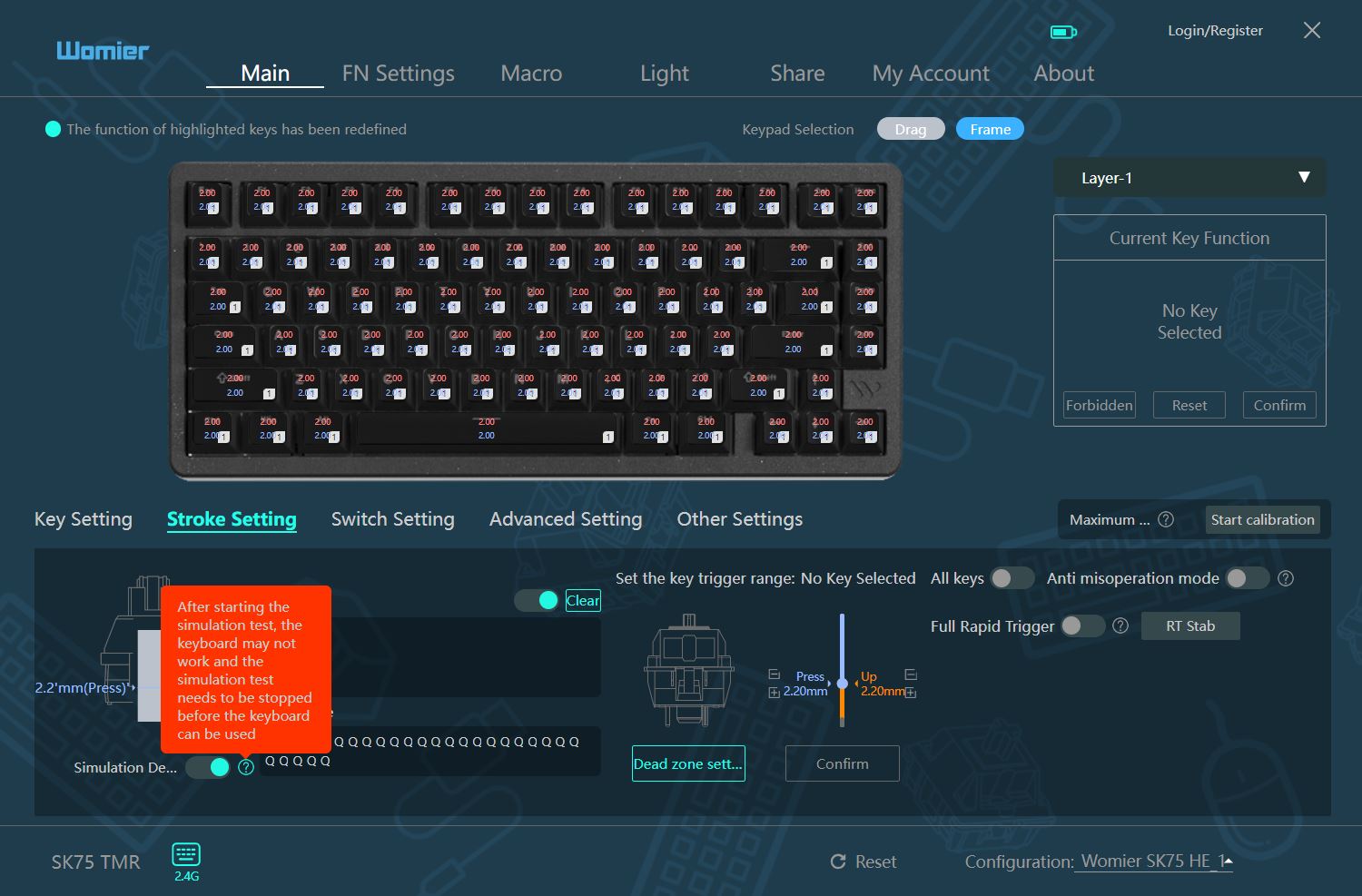
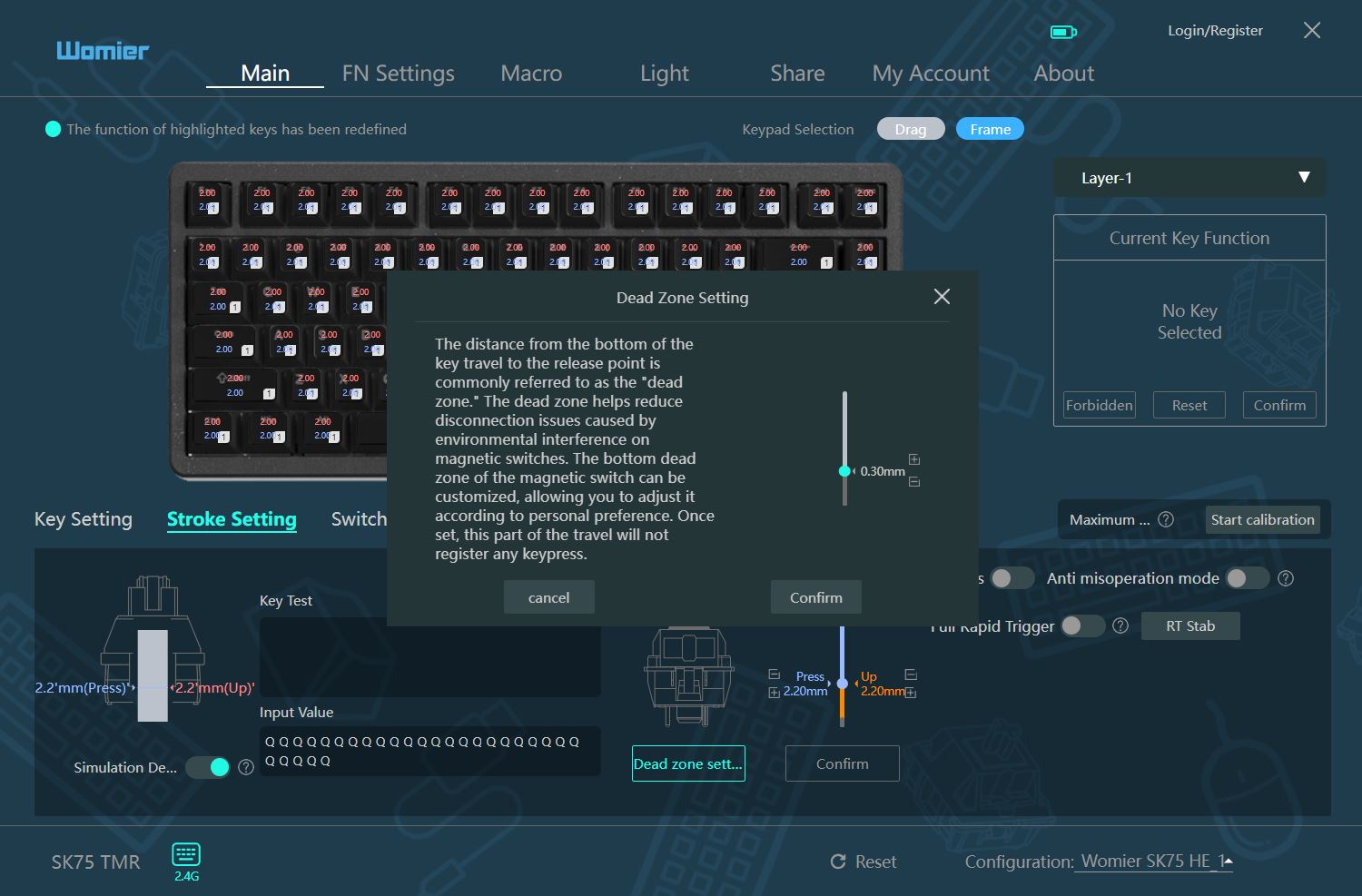
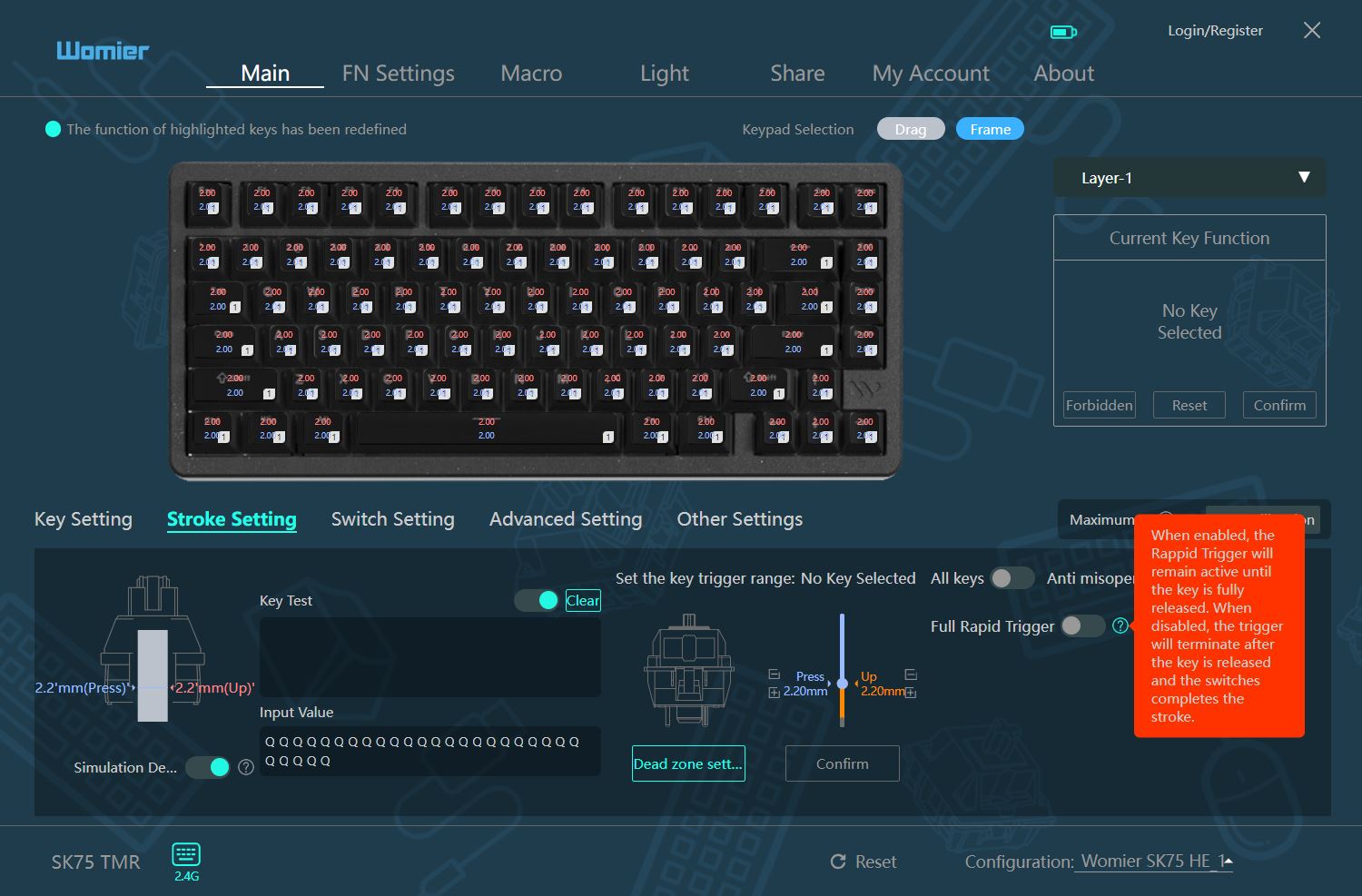

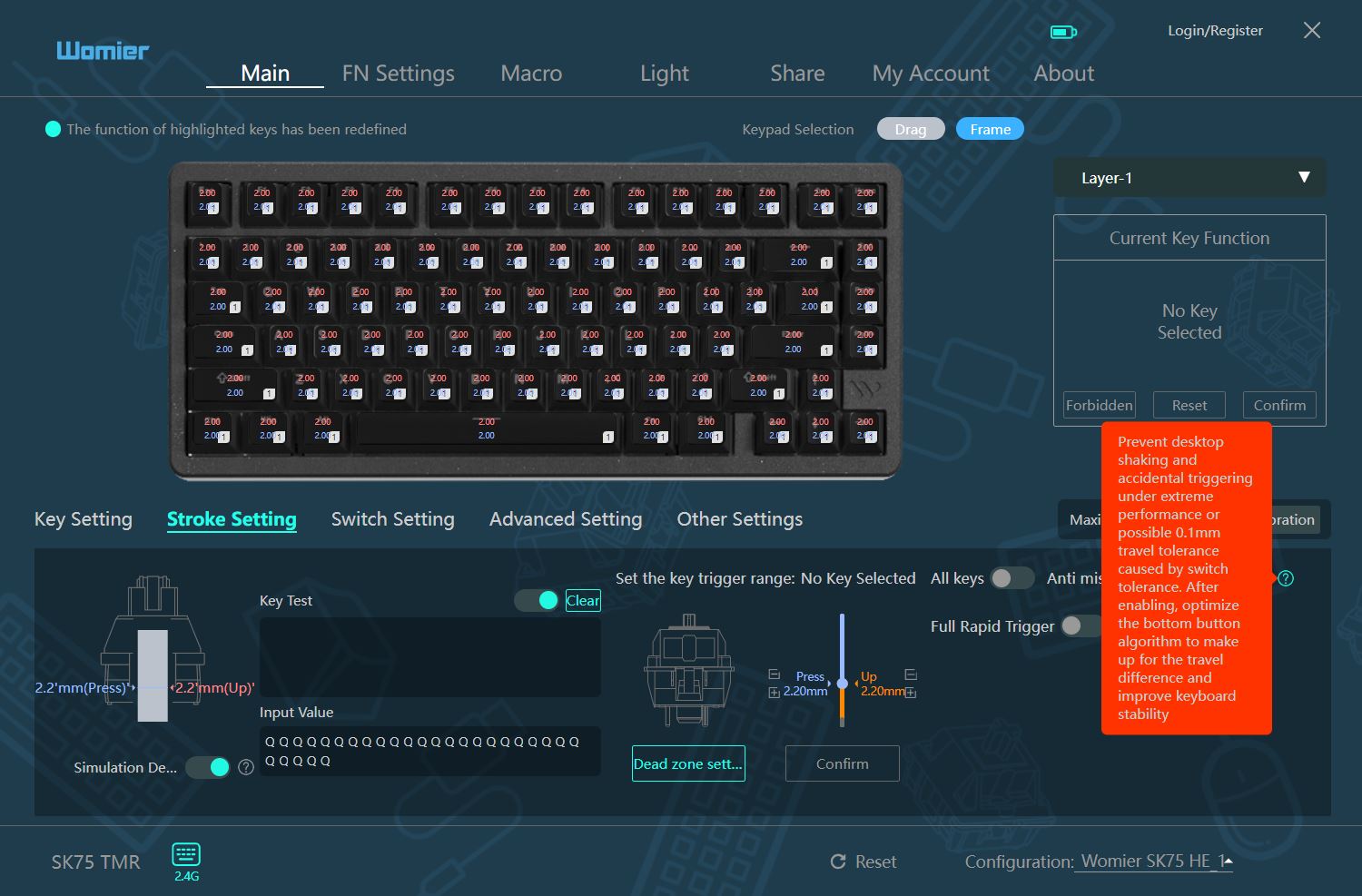
In the Switch Setting menu, you can calibrate switches after replacement. The application and keyboard allow you to calibrate all keys at once or select individual keys for calibration.
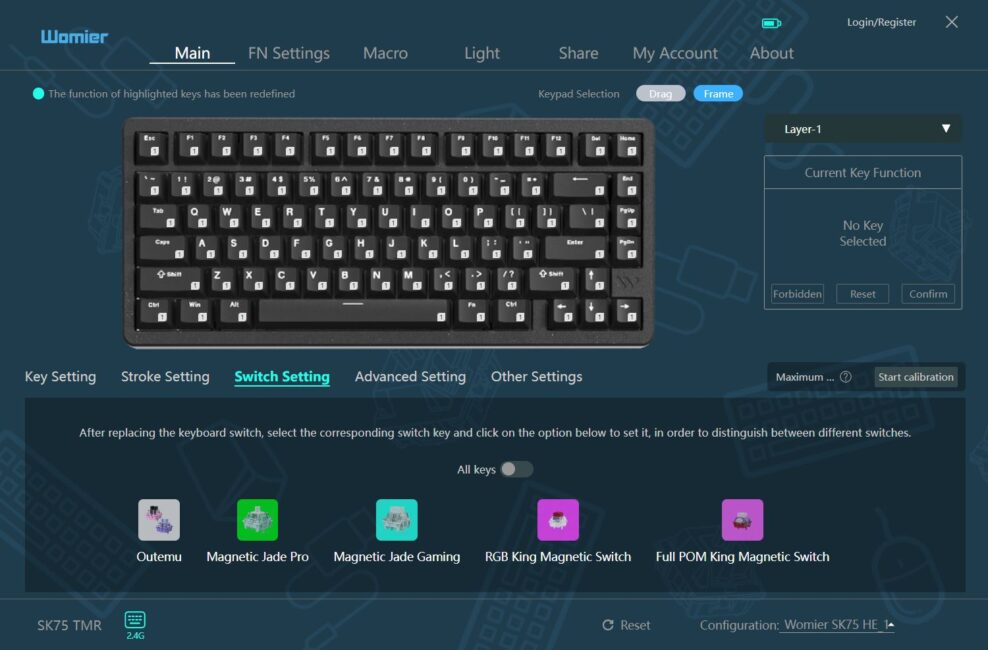
In the Advanced Setting menu, you can configure the following features: Dynamic Key Stroke (DKS, also known as Rapid Trigger), Multi-Tap (MT), Toggle Key (TGL), and the Snap Key function for instant actuation or reset.
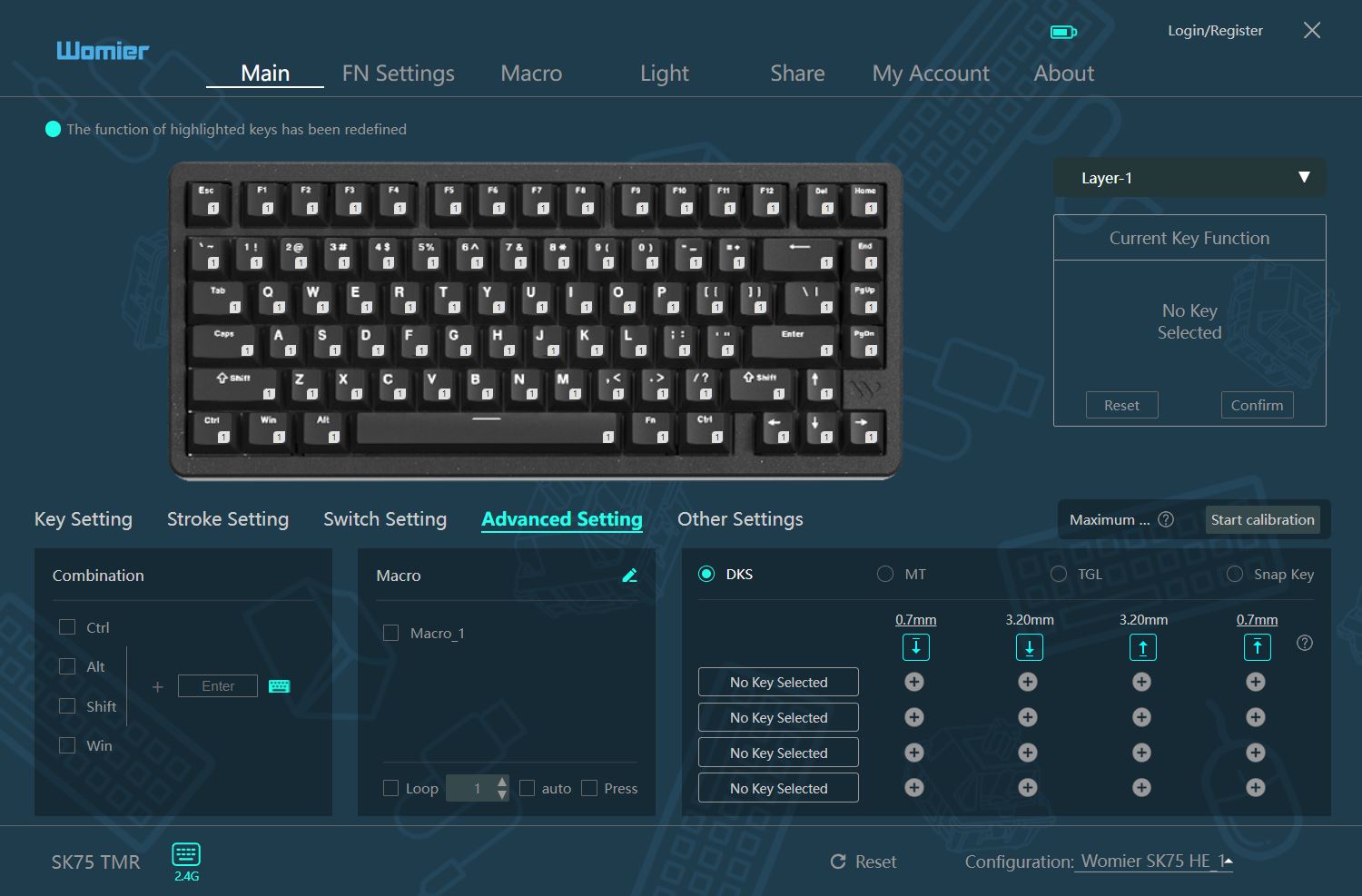

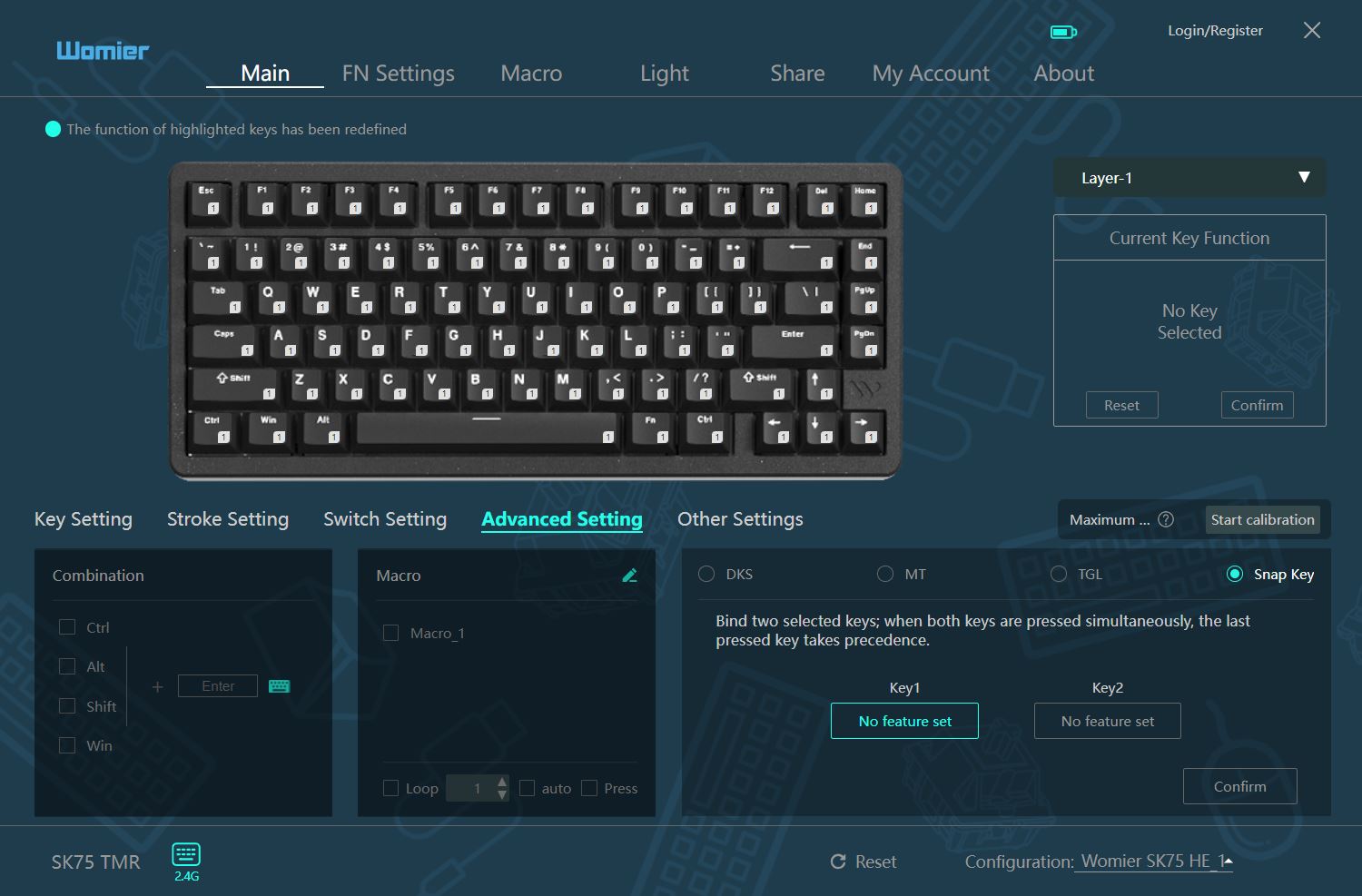
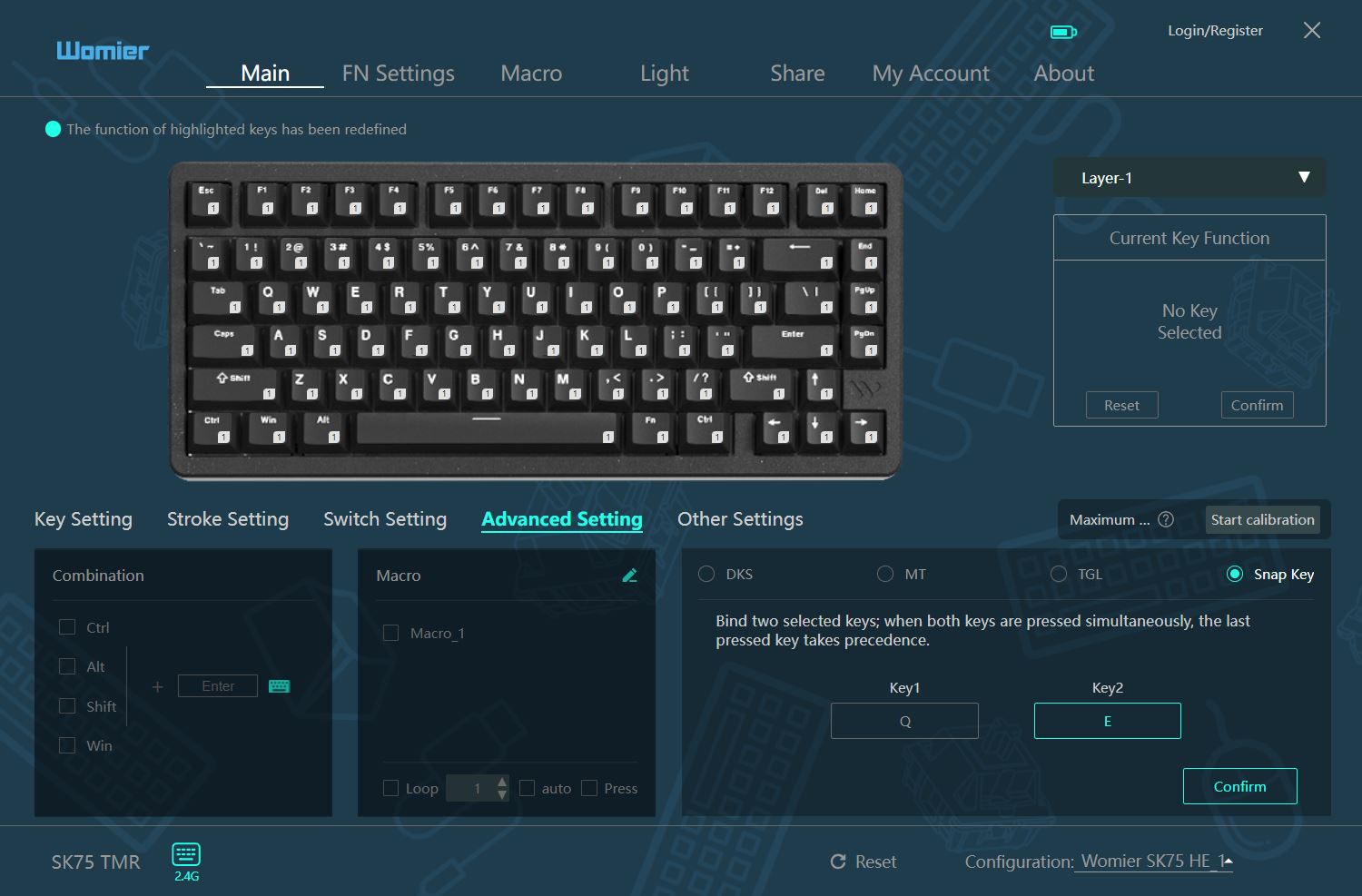
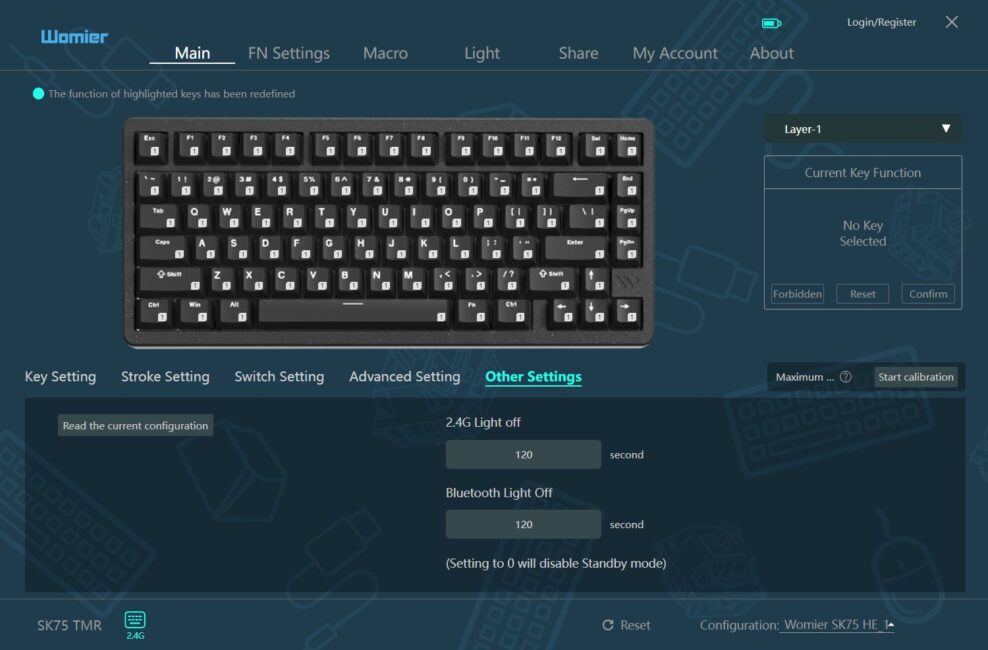
In the Other Setting menu, you can view the current keyboard configuration and set the backlight timeout separately for RF and Bluetooth connections.
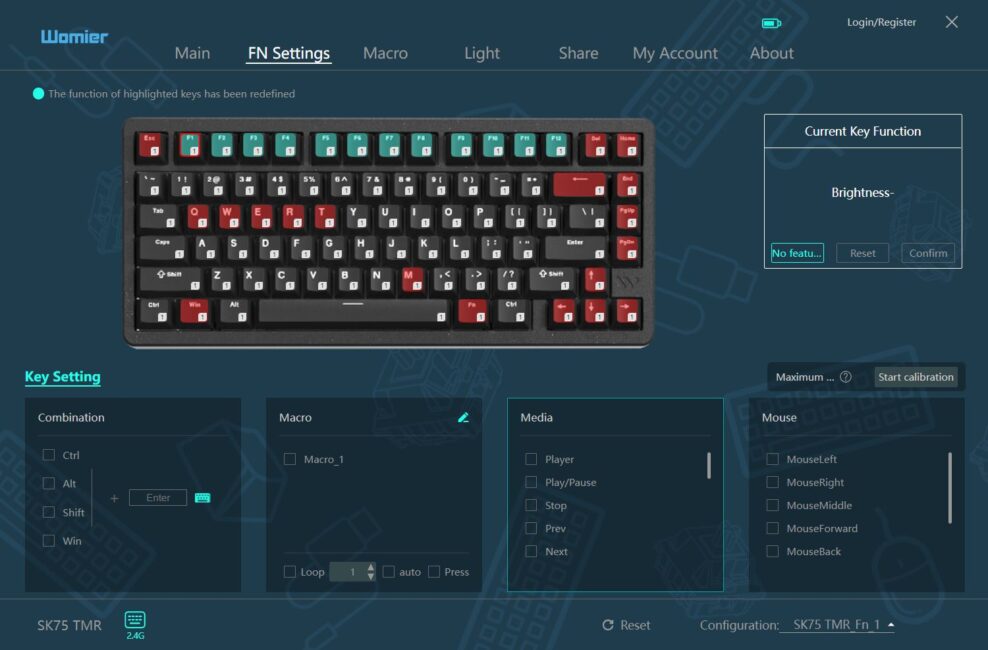
In the FN Settings menu, you can configure the functions and key combinations for FN+ keys. The top layout immediately shows which keys are in use and which are free: red keys are system keys and cannot be changed, green keys are assigned but can be reassigned, and uncolored keys are free, with no current functions, allowing you to assign your own.
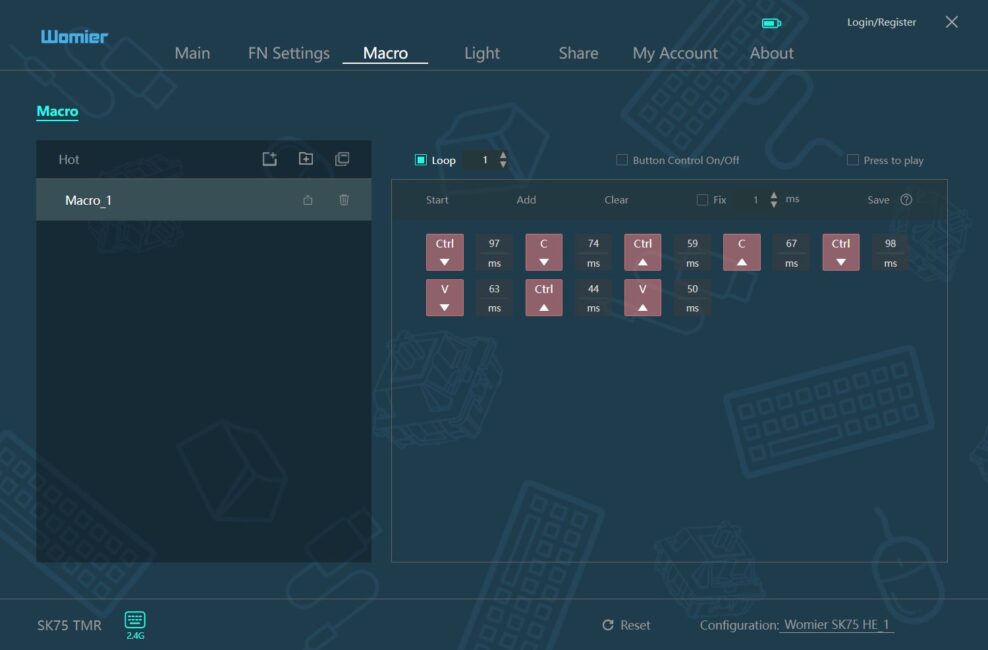
The Macro menu is used to record and edit macros. You can assign your custom macros to individual keys or FN key combinations through the two previous menus (Main and FN Settings).
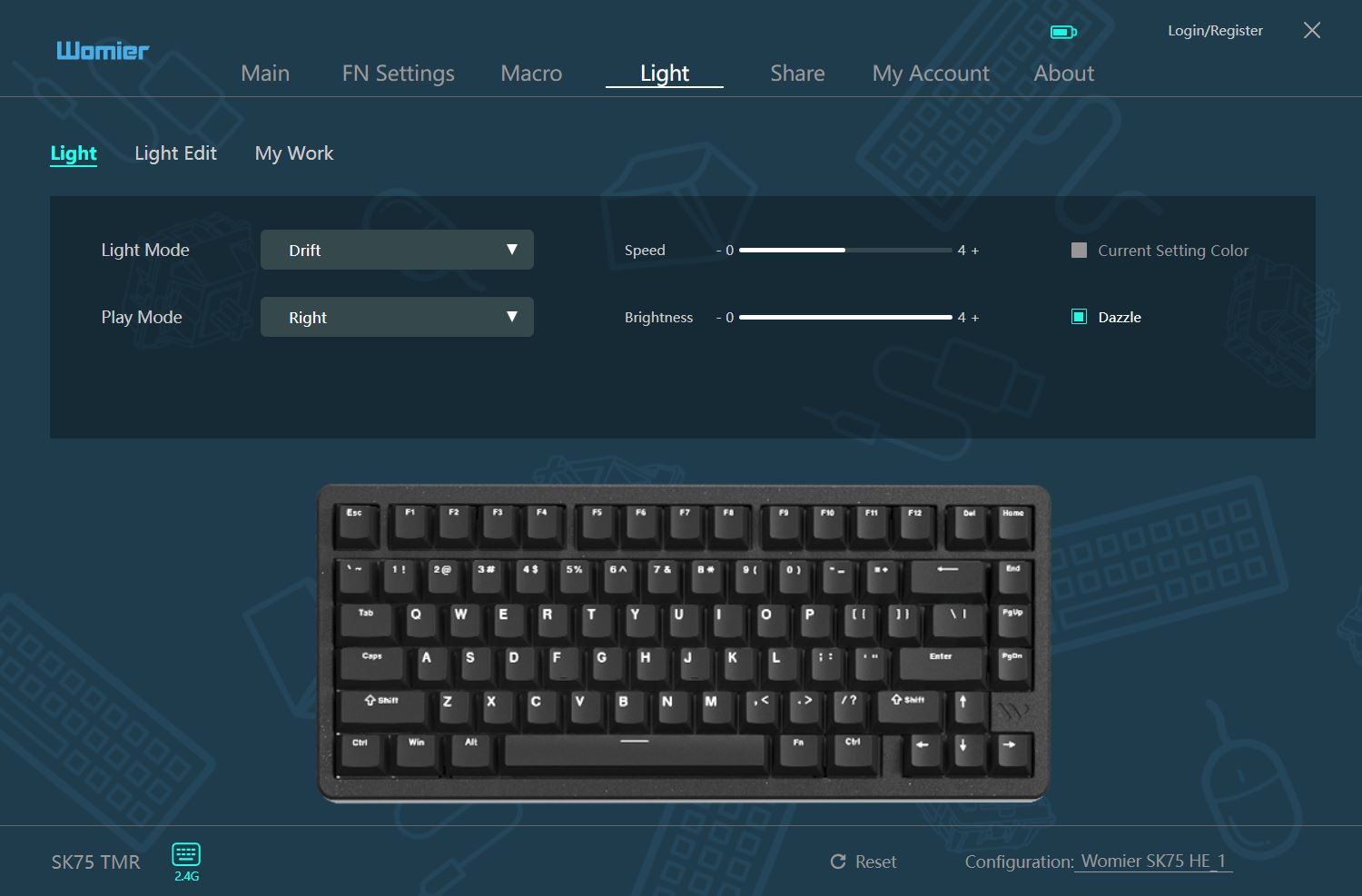
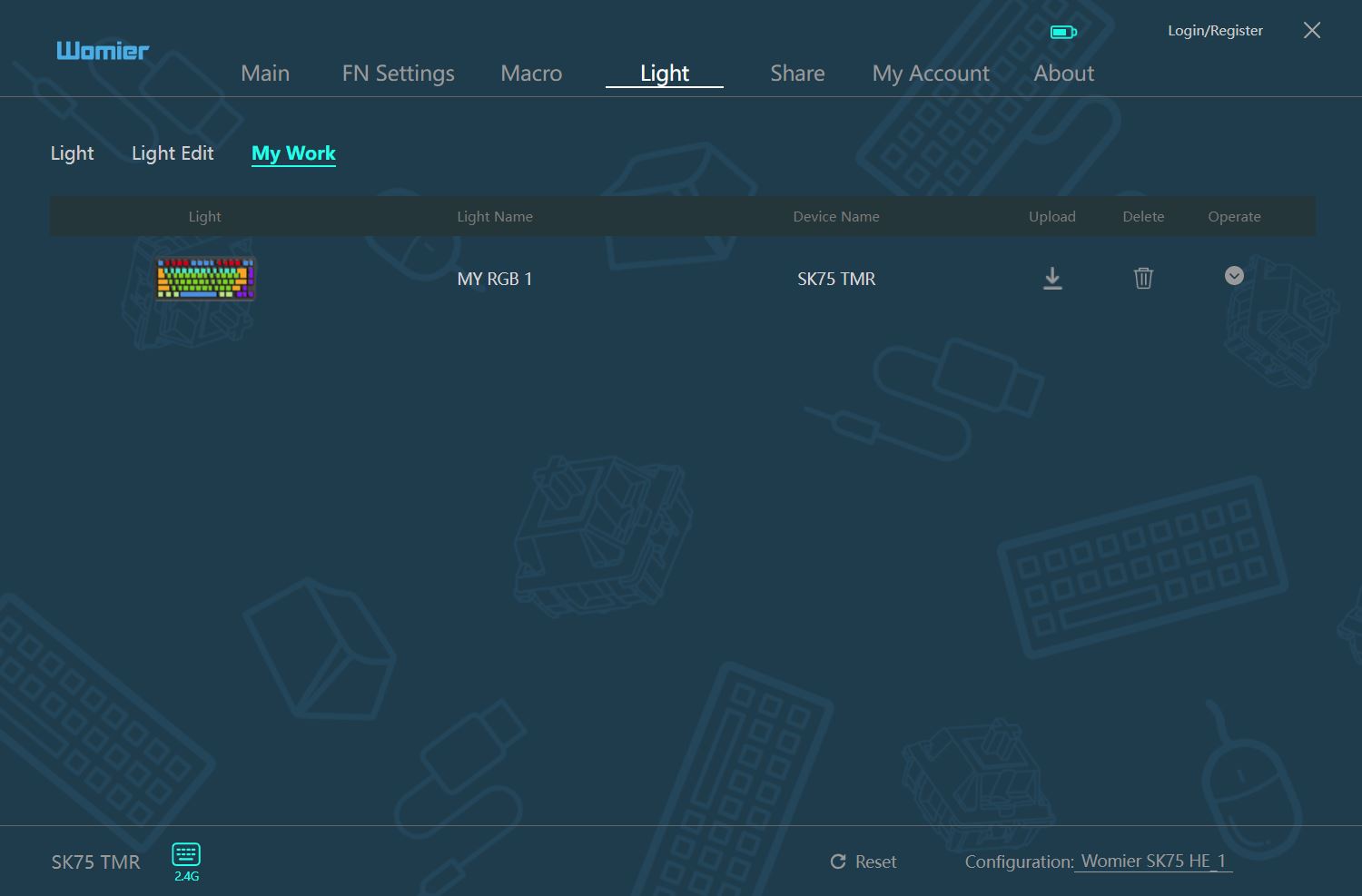
The Light menu allows you to configure the keyboard’s lighting. You can choose a preset effect or create your own static lighting in the Light Edit tab. Any custom lighting you create is saved in the My Work tab.

The Share menu lets you download ready-made lighting effects, custom macros, and keyboard settings (including switch configurations) from other users. You can also share your own lighting setups, macros, and settings with others – but to do this, you need to register an account.
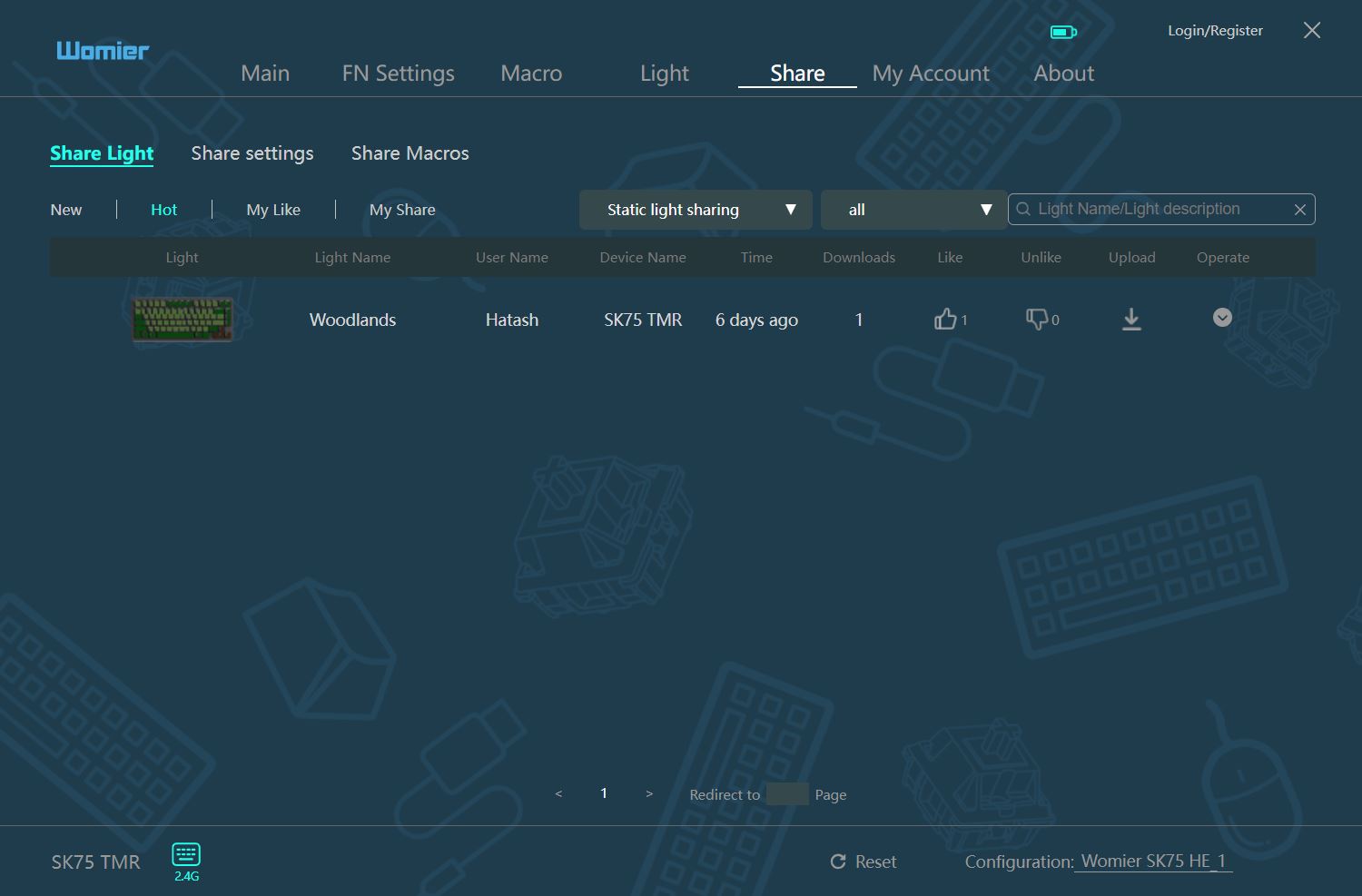
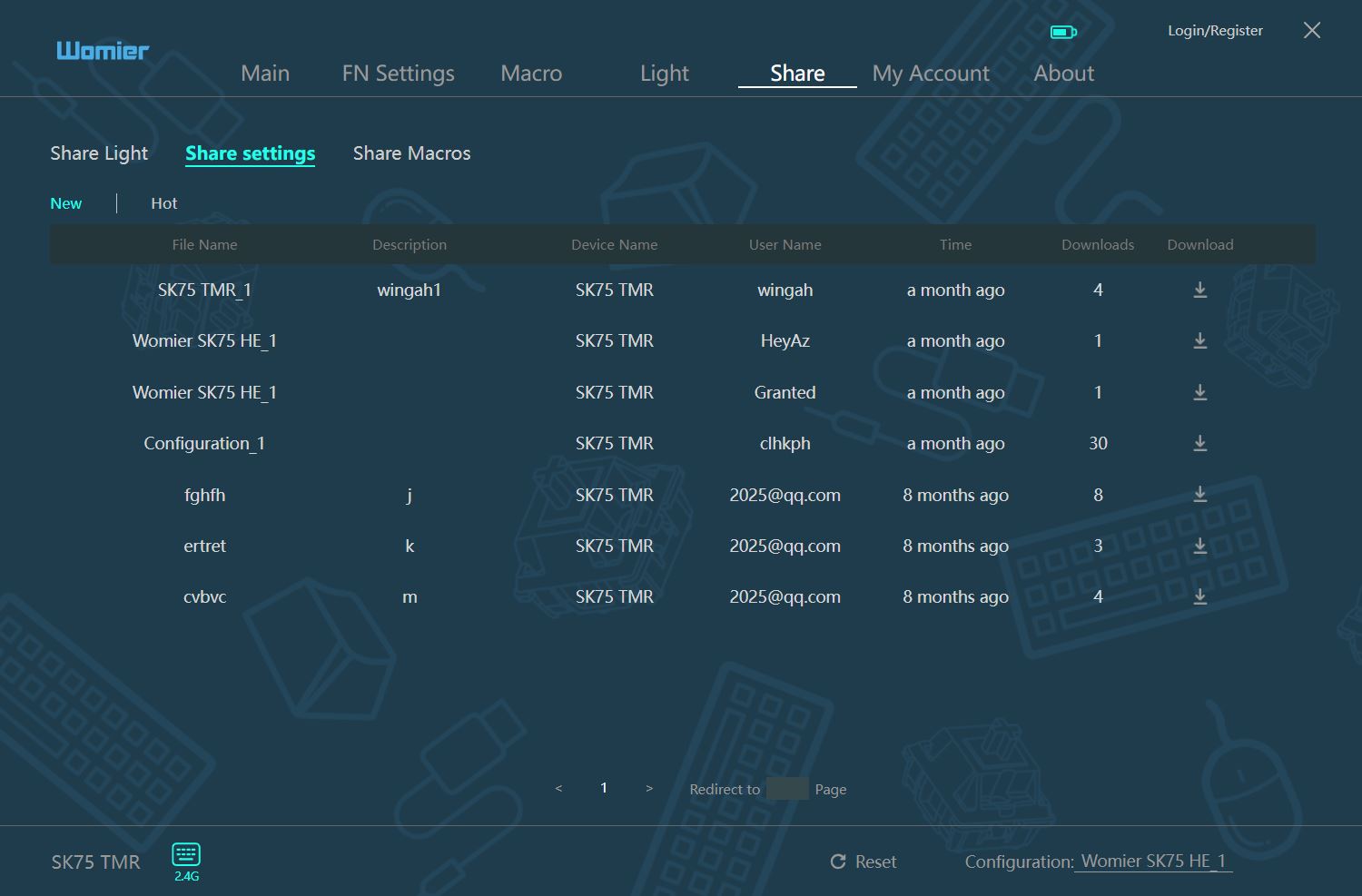
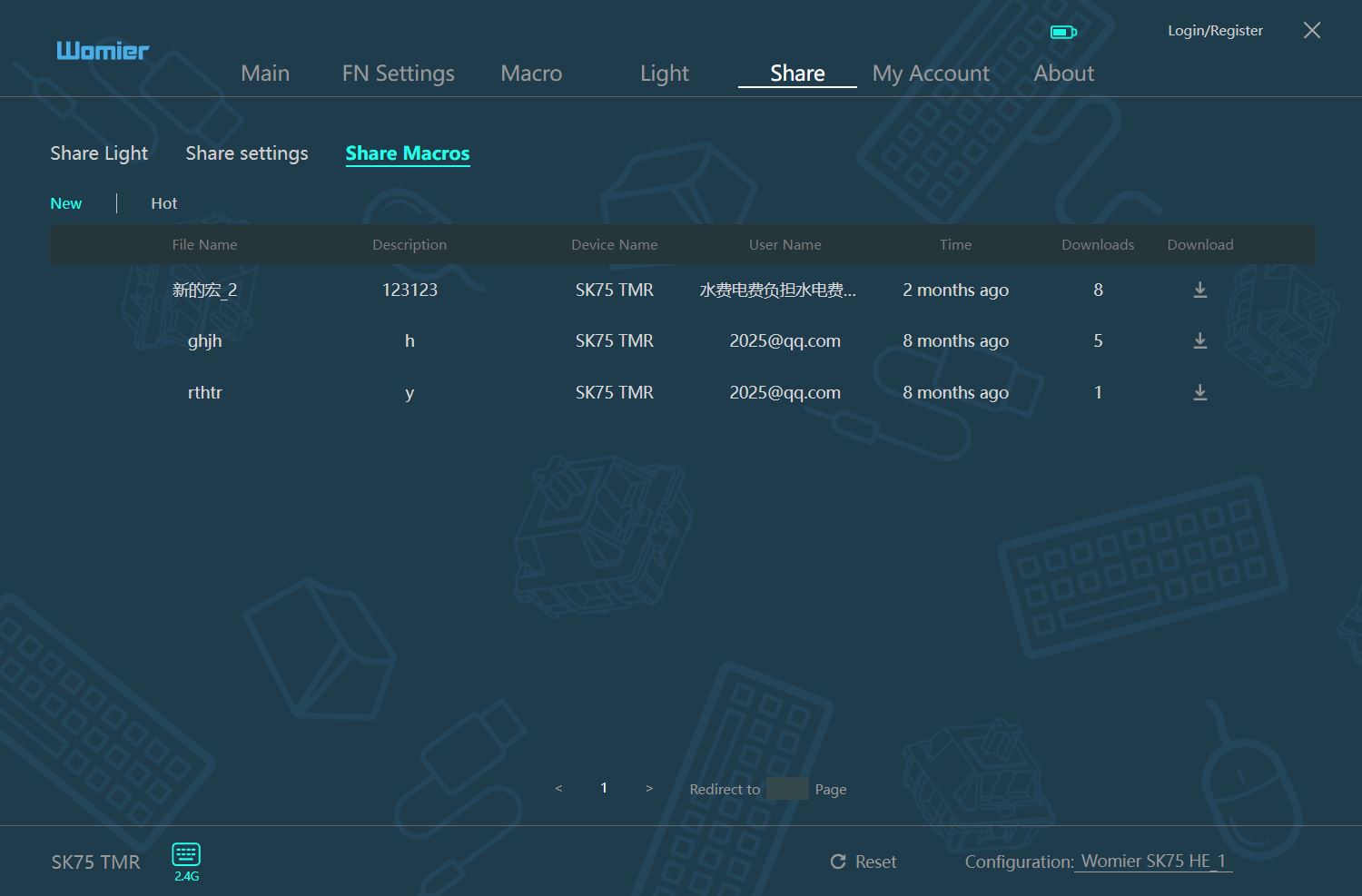
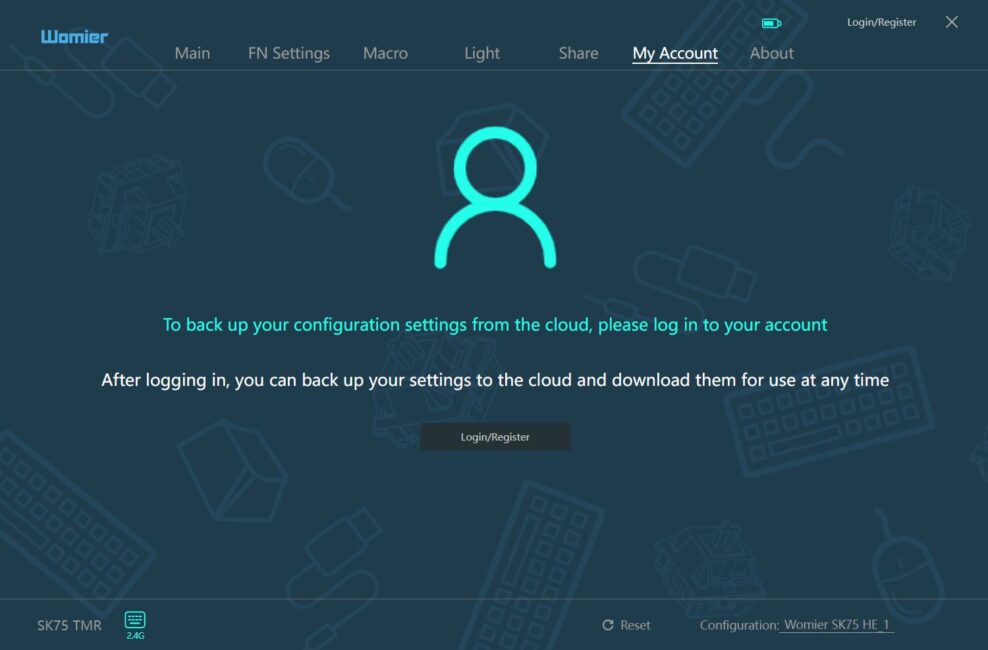
The My Account menu is where you can register a new account or log in to an existing one.
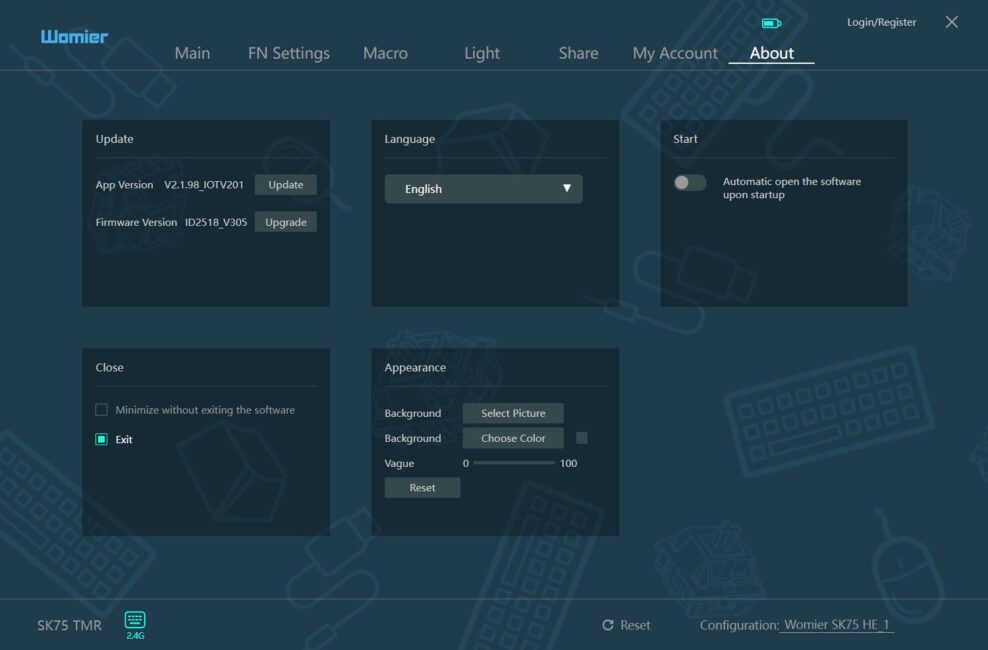
The last menu, About, allows you to view and update the keyboard’s firmware, update the application itself, change the interface language, enable the app to launch automatically, and modify its background.
You can reset the keyboard settings using the Reset button located on the bottom panel of the application.
Overall, the application performs adequately. It allows users to configure the keyboard without issues, and all advanced functions for magnetic switches are included.
The main limitation of the software is that it requires installation on a PC and is currently only available for Windows. It would be useful if the new Womier SK75 TMR supported the QMK web driver, which would allow configuration directly in a browser. This approach, as seen in models like the YUNZII RT80 or YUNZII RT75, would eliminate the need for any software installation on a PC and would also make the settings accessible for macOS users.
Read also:
- YUNZII AL68 Review: Solid, Affordable Keyboard with Aluminum Сase
- Epomaker Galaxy 100 Review: The Full-Size Keyboard That Will Survive a Nuclear Blast
Womier SK75 TMR Battery life
The keyboard comes with a relatively large 8000 mAh battery. This is twice the capacity of the standard SK75 version (4000 mAh) and exceeds that of most comparable models in this segment.
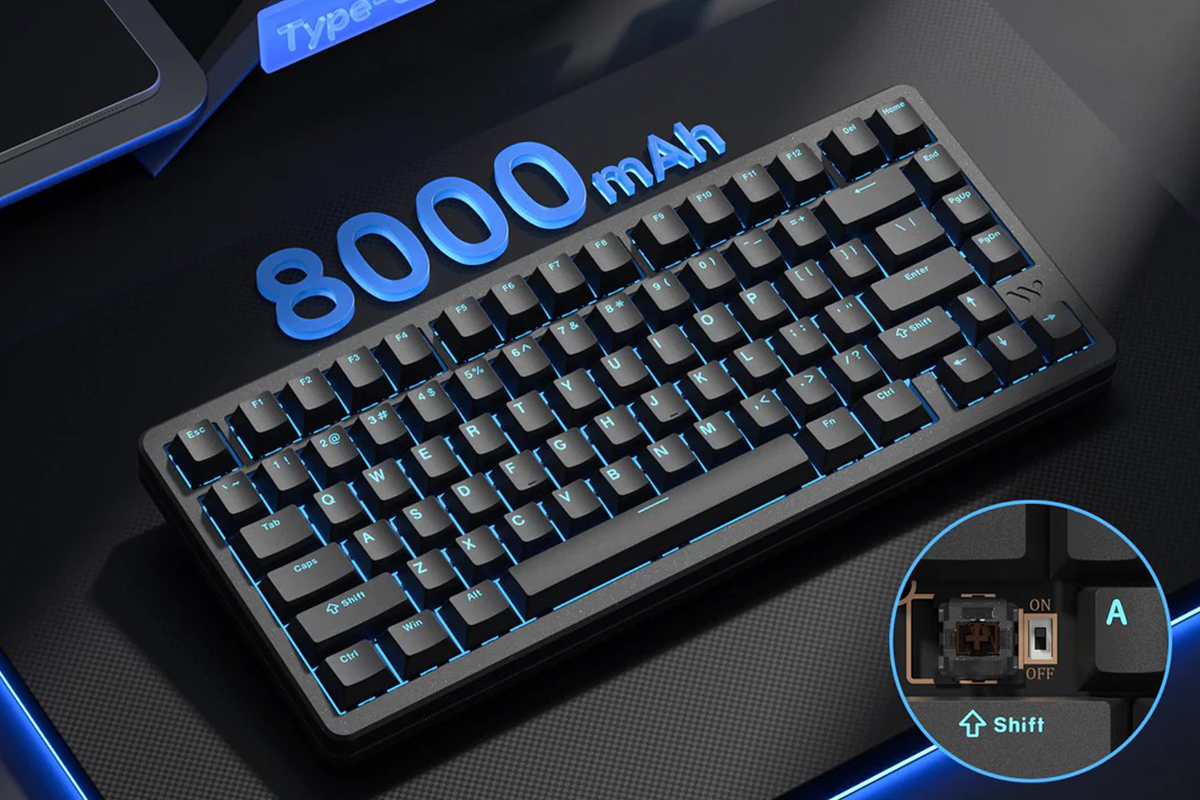
Based on my observations, a full charge of the keyboard lasts approximately six days under relatively active use with the backlight on in RF 2.4 GHz mode. With the backlight turned off, the battery life could likely extend up to around two weeks.
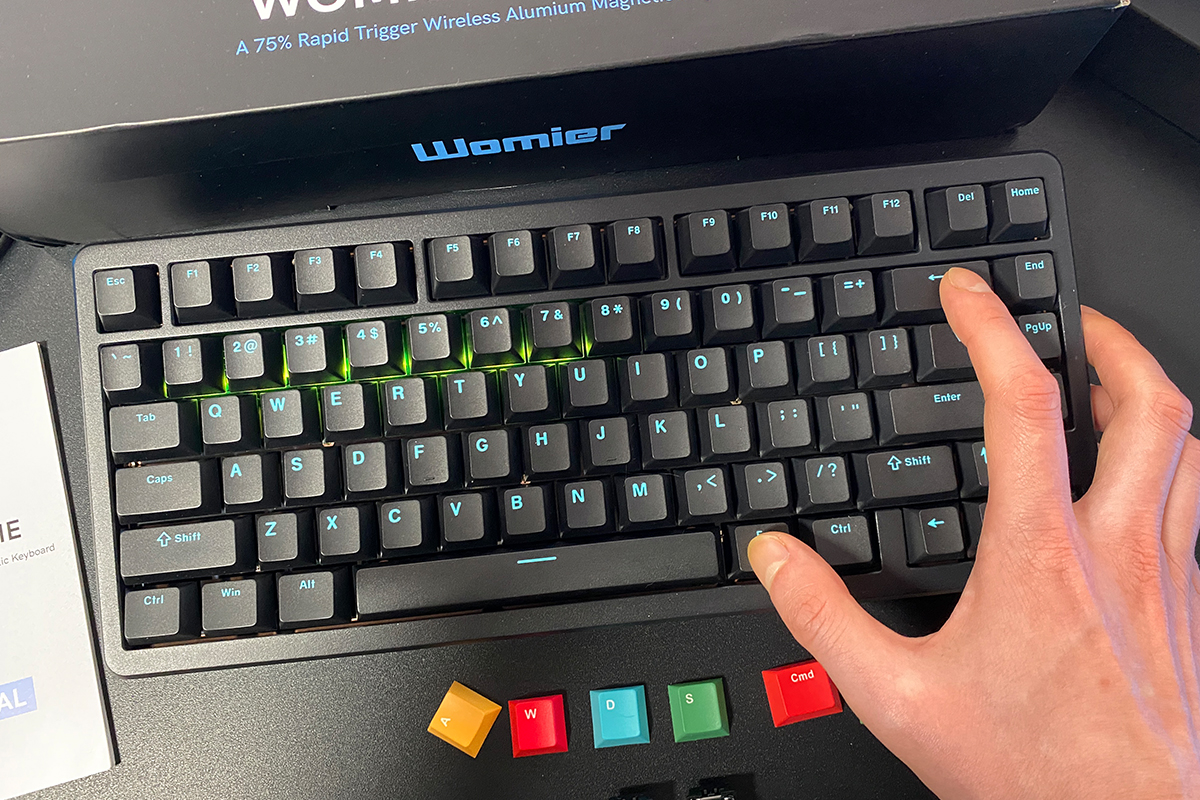
Battery status can be checked directly on the keyboard by pressing the key combination FN + Backspace. When this combination is pressed, the numeric row lights up to indicate the remaining charge. For example, in my setup, the numbers 1–7 are illuminated, which corresponds to a 70 % battery level.
To conserve battery, the keyboard automatically turns off the key backlighting and enters sleep mode after a period of inactivity (2 minutes by default) in wireless mode. It wakes from sleep instantly, without any noticeable delay, regardless of how long it has been idle. This immediate responsiveness is a notable advantage.
Conclusions
As noted earlier in the review, the Womier SK75 TMR is currently one of the more distinctive and technically advanced magnetic keyboards on the market, particularly within the relatively affordable segment. It features a 75 % layout, three connection modes, a metal case, solid build quality, custom magnetic switches, and an 8000 Hz polling rate in both wired and wireless modes with very low data transmission latency (0.125 ms). Typing feel and battery life are also strong points.
What sets this model apart, however, are its transition to the more modern TMR technology and the hybrid hot-swappable design, which allows the use of both magnetic and mechanical switches on the same keyboard.
I had been considering switching from a standard mechanical keyboard to a magnetic one for some time, searching for what I would consider a “magnetic ideal.” I have reviewed several solid models, but for various reasons, none fully met that standard. After using the SK75 TMR, it seems I have finally found it. The keyboard’s unique features provide even more than I initially expected, which is why I can confidently recommend this model.
The model does have a few drawbacks, although they are relatively minor. The first is the non-standard height and tilt of the keyboard, which may feel unusual at first. The second is that the Womier Driver software is only available for Windows. As mentioned earlier, it would be ideal if the manufacturer added support for a web driver, allowing the keyboard to be configured directly in a browser without installing software, including for macOS users.
Read also:
- Logitech Astro A20 X Review: Gaming Headset with Simultaneous PC and Console Connectivity
- Impressions of the Artline Gaming Desk PC 1200 Black: A Concentrated “Wow”
- Logitech MX Master 4 Review: An update to the best professional computer mouse!
Where to buy Womier SK75 TMR


